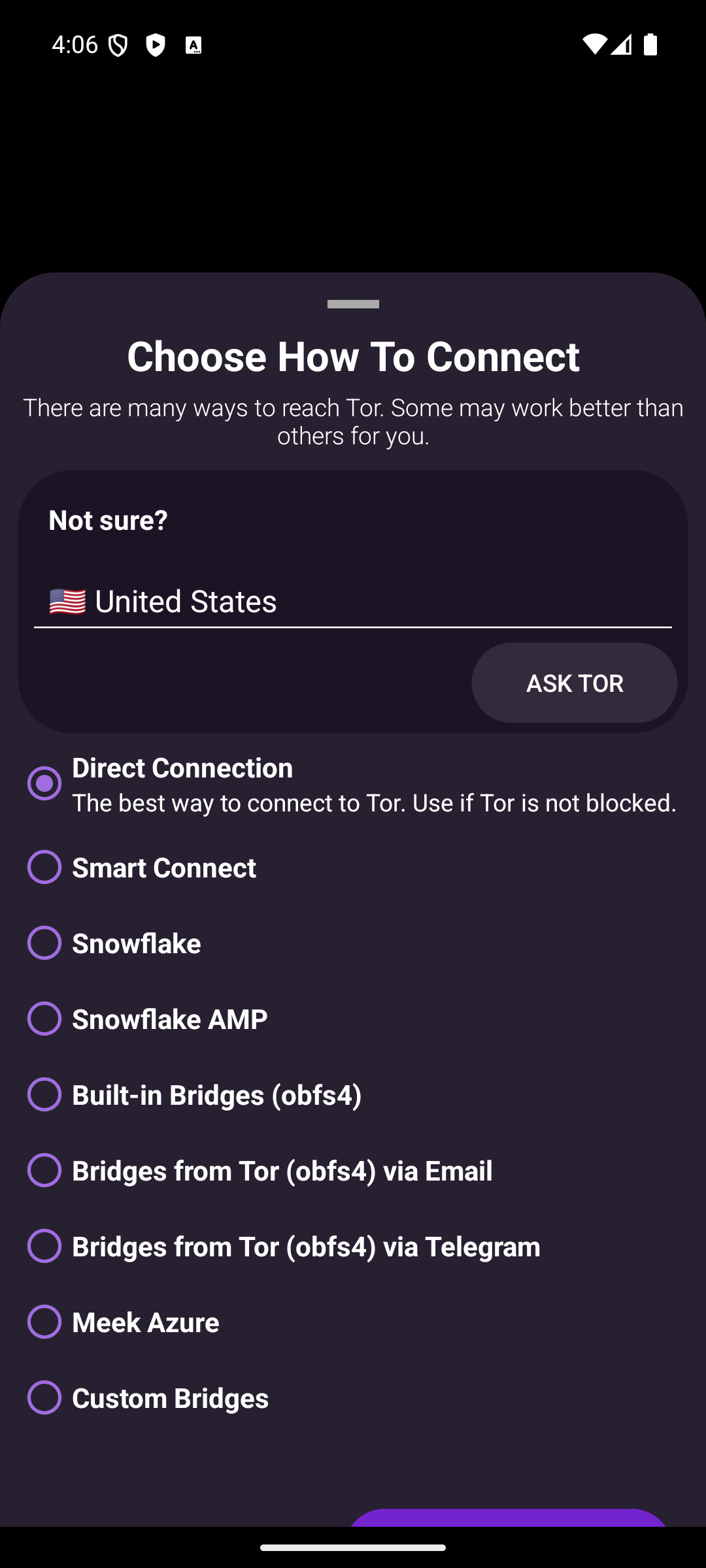
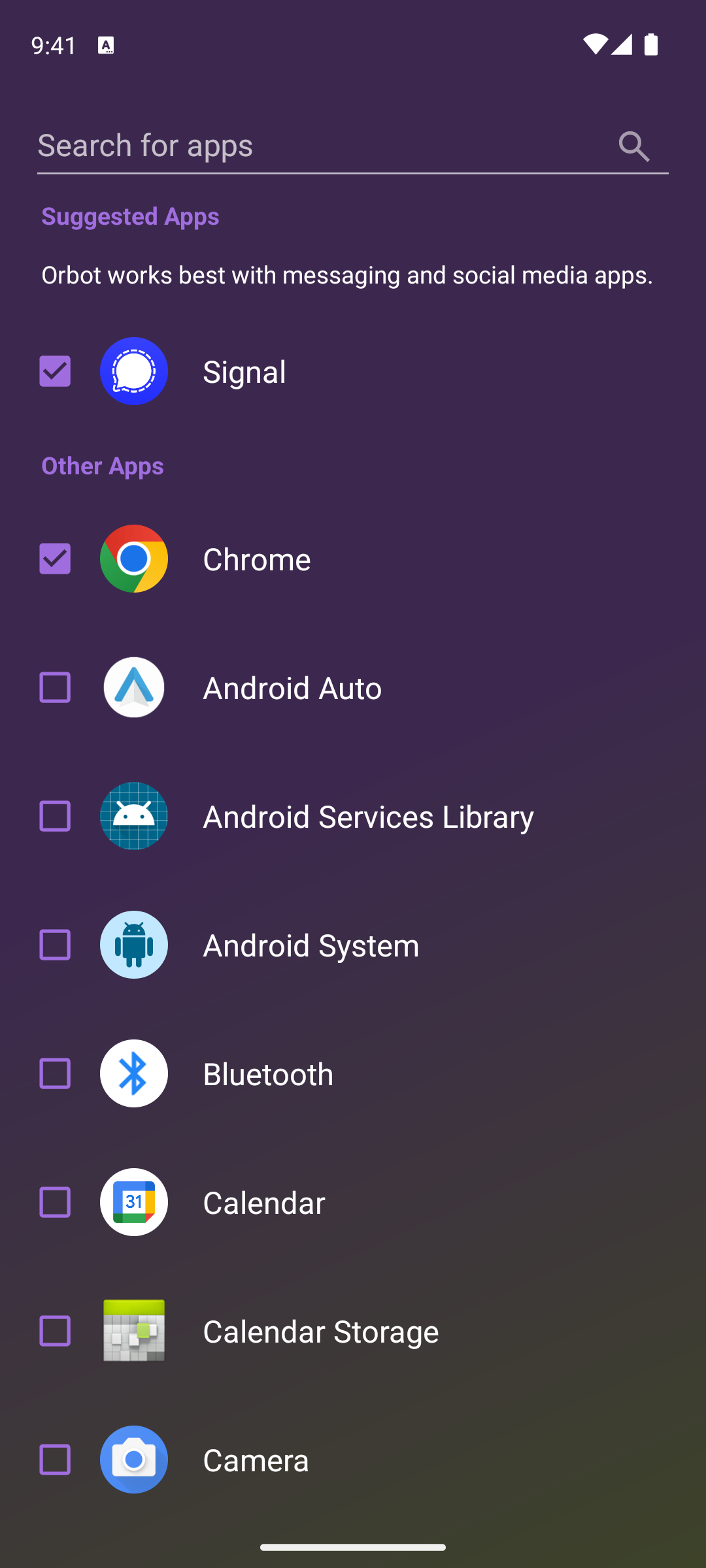
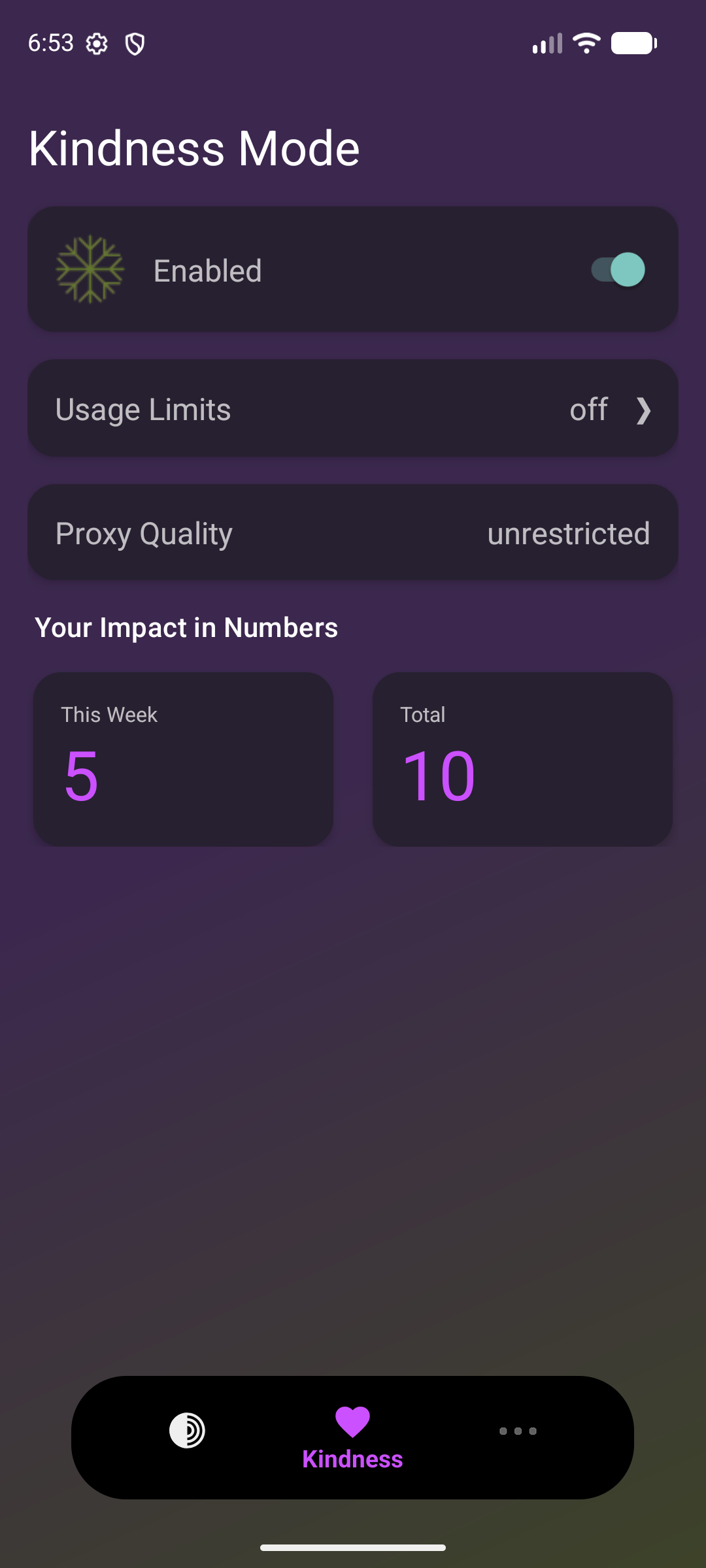
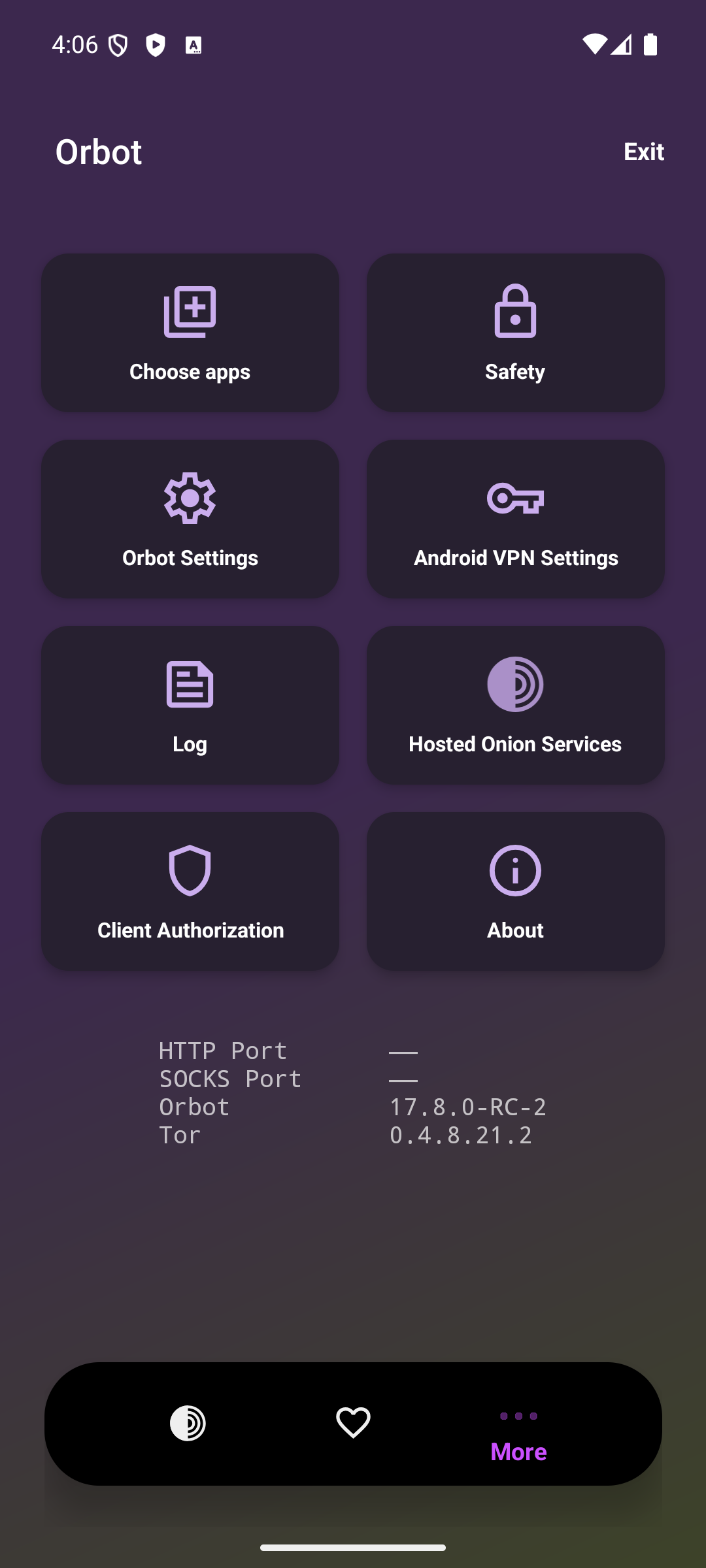
# [Orbot](https://orbot.app) ### *Android Onion Routing Robot* [![Weblate Status](https://hosted.weblate.org/widget/guardianproject/orbot/svg-badge.svg)](https://hosted.weblate.org/engage/guardianproject/) [![Play Downloads](https://img.shields.io/github/downloads/guardianproject/orbot/total)](https://play.google.com/store/apps/details?id=org.torproject.android) Orbot is a free VPN and proxy app that empowers other apps to use the internet more securely. Orbot uses Tor to encrypt your Internet traffic and then hides it by bouncing through a series of computers around the world. Tor is free software and an open network that helps you defend against a form of network surveillance that threatens personal freedom and privacy, confidential business activities and relationships, and state security known as traffic analysis.


Orbot is a crucial component of the Guardian Project, an initiative that leads an effort to develop a secure and anonymous smartphone. This platform is designed for use by human rights activists, journalists and others around the world. Learn more: Tor protects your privacy on the internet by hiding the connection between your Internet address and the services you use. We believe that Tor is reasonably secure, but please ensure you read the usage instructions and learn to configure it properly. Learn more:
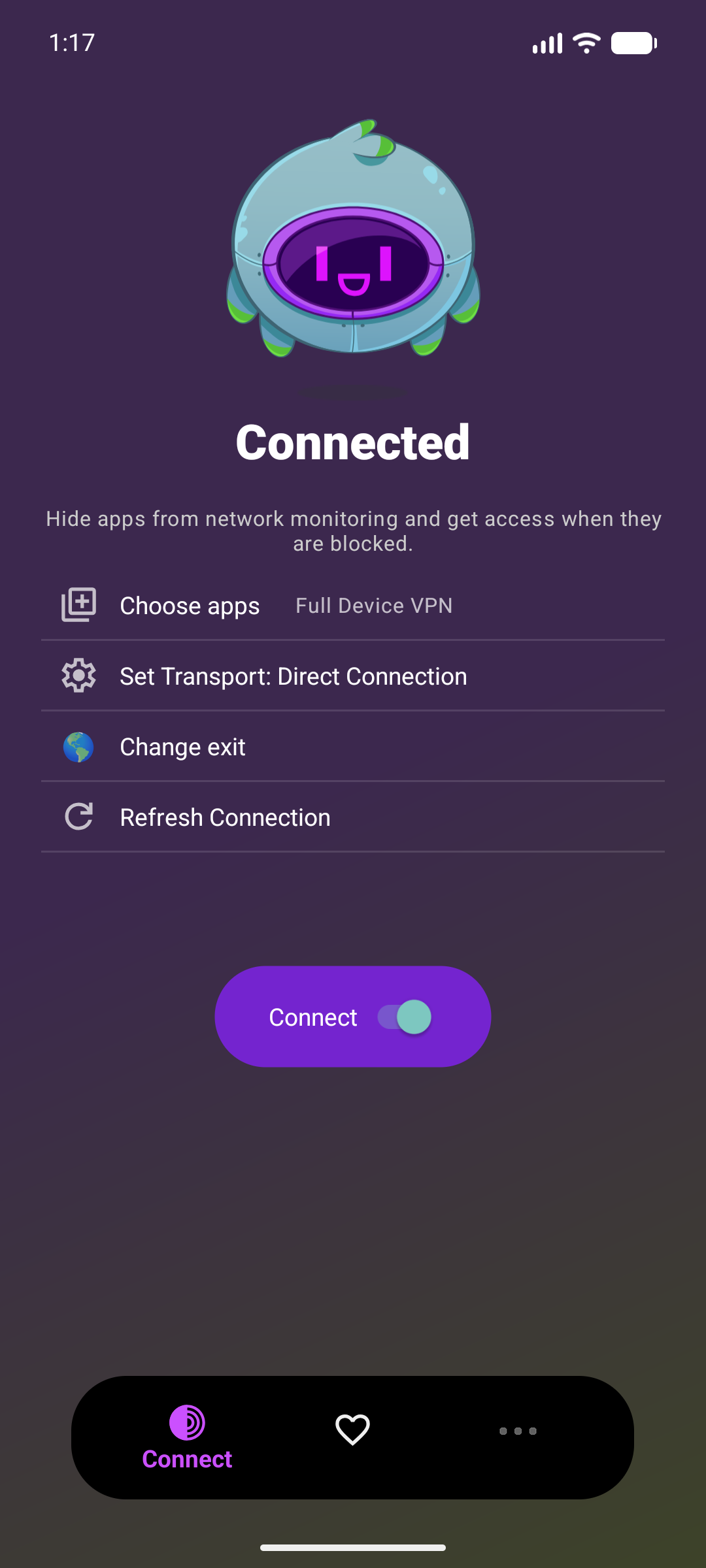
Download the Latest Orbot Release
Tor FAQ (Frequently Asked Questions)
Please Contribute Your Translations
### Build Instructions #### Obtaining `hev-socks5-tunnel` Native Code Dependency Orbot is built with [hev-socks5-tunnel](https://github.com/heiher/hev-socks5-tunnel). Before you can build Orbot, you'll need to clone the submodule for this dependency. Once cloned, Android Studio + Gradle will take care of building the C code. ```bash git clone --recursive https://github.com/guardianproject/orbot-android # you should be good to go building Orbot cd orbot-android # build a debug APK of orbot ./gradlew assembleFullpermDebug ``` Or, if you already cloned the repo: ```bash cd orbot-android git pull git submodule update --init --recursive # build a debug APK of orbot ./gradlew assembleFullpermDebug ``` If, sometime later, you pull new commits to Orbot an and see that there are changes to `app/src/main/jni/hev-socks5-tunnel` that means that the `hev-socks5-tunnel` version we use in Orbot has been updated. You will have to update to the new version of `hev-socks5-tunnel` by running: ```bash # update to the new version of hev-socks5-tunnel Orbot uses git submodule update --init --recursive # you should no longer see that there are changes to hev-socks5-tunnel in git... git status ``` ### Unit Tests Orbot has unit tests for bridge parsing, please add new tests when introducing new features and tests to ensure old features work correctly are kindly welcomed. To run the test suite: ```bash ./gradlew :app:testFullpermDebugUnitTest ``` ### Viewing Logs Recently `tor` was added to be its own Linux process on Android instead of having it run within the primary app process. That means that you will no longer see logs from `tor`, `OrbotService`, `OrbotVPNManager`, etc. within Android Studio. In order to see these logs you can use: `adb logcat --pid=$(adb shell pidof -s "org.torproject.android.debug") -v color` to see the app logs in your terminal `adb logcat --pid=$(adb shell pidof -s "org.torproject.android.debug:tor") -v color` and to see the `tor` process logs. **There is a helper script to get both of these logs printed side-by-side with `tmux`. From the root directory run: ```bash ./scripts/view_logs_tmux.sh ``` You may need to initially do some configuration to obtain `tmux` and add `adb` to your `PATH`: ```bash # on Mac OS brew install tmux # on debian + friends: sudo apt intstall tmux # then make sure adb is in your path in your .bashrc or similar file: export ANDROID_HOME=~/Android/Sdk export PATH=$PATH:$ANDROID_HOME/platform-tools # on mac you do the above or you can get a copy of adb via homebrew... brew install android-platform-tools ``` ### Checking for Android updates ```bash ./gradlew versionCatalogUpdate --check ``` **Copyright © 2009-2026, Nathan Freitas, The Guardian Project**