# JMCMarchingAnts
Library that lets you add marching ants (animated) selection to the edges of the images.
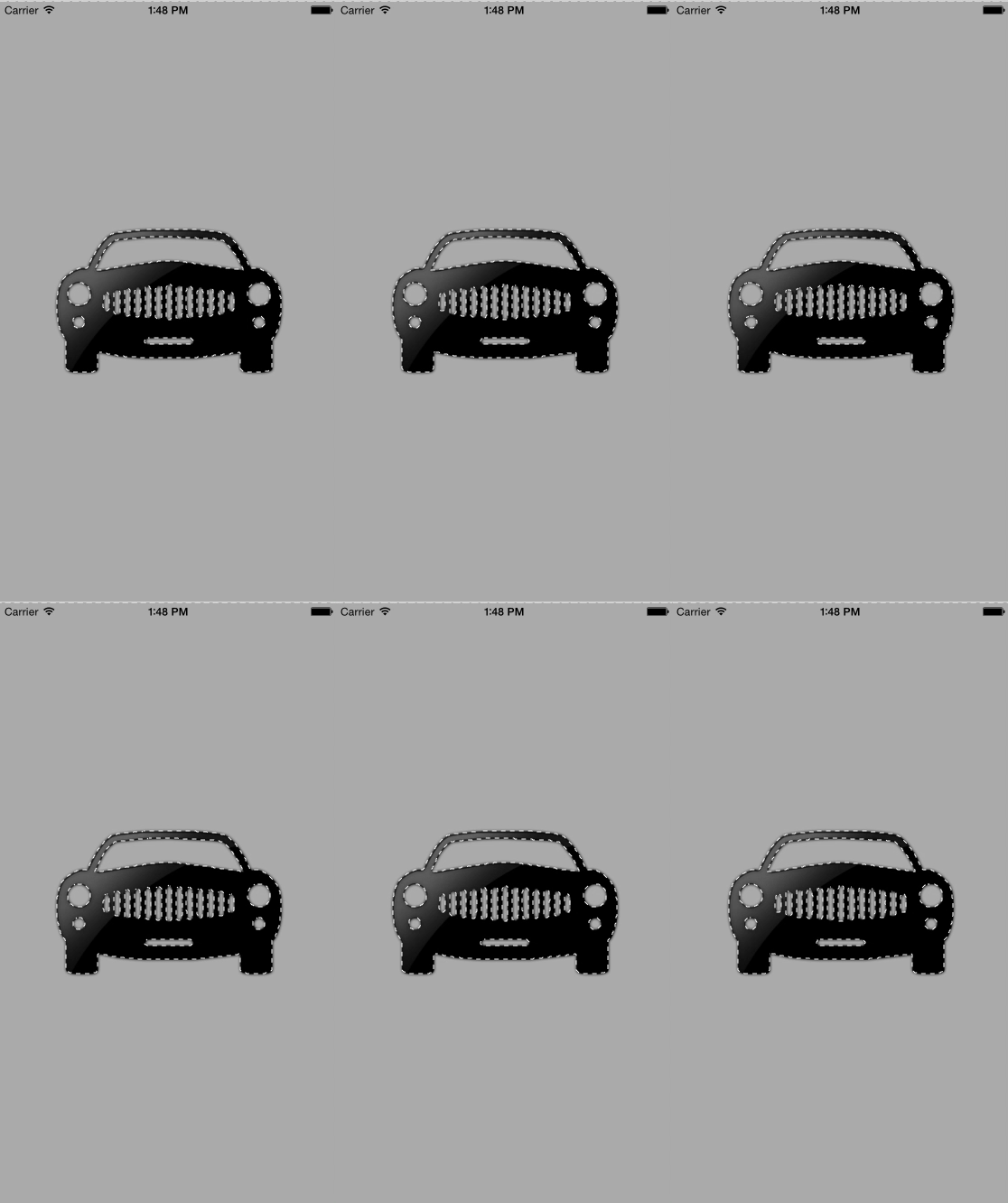
Usage:
* Copy the JMCMarchingAnts.swift file to your project
* Create an instance of the JMCMarchingAnts class:
```
let marcher:JMCMarchingAnts = JMCMarchingAnts()
```
* Add animated selection layer with a addAnts(image:UIIMage, imageView:UIImageView) method, where image is an image that will be processed, and the imageView is a view that selection layer will be displayed on.
```
marcher.addAnts(image, imageView: self.imageView)
```
Enjoy yur marching ants!
```Swift
class ViewController: UIViewController {
@IBOutlet weak var imageView: UIImageView!
//Initialize the marching ants object
let marcher:JMCMarchingAnts = JMCMarchingAnts()
override func viewDidAppear(animated: Bool) {
super.viewDidAppear(animated)
if let image = imageView.image{
//if image exists add the selection layer to the image view
marcher.addAnts(image, imageView: self.imageView)
}
}
}
```
License
GNU General Public License V3
Disclaimer
The image of the car was acquired from: http://icons.mysitemyway.com/legacy-icon/038420-glossy-black-icon-transport-travel-transportation-car9-sc44/