Website •
[中文]
## 🌟 Introduction
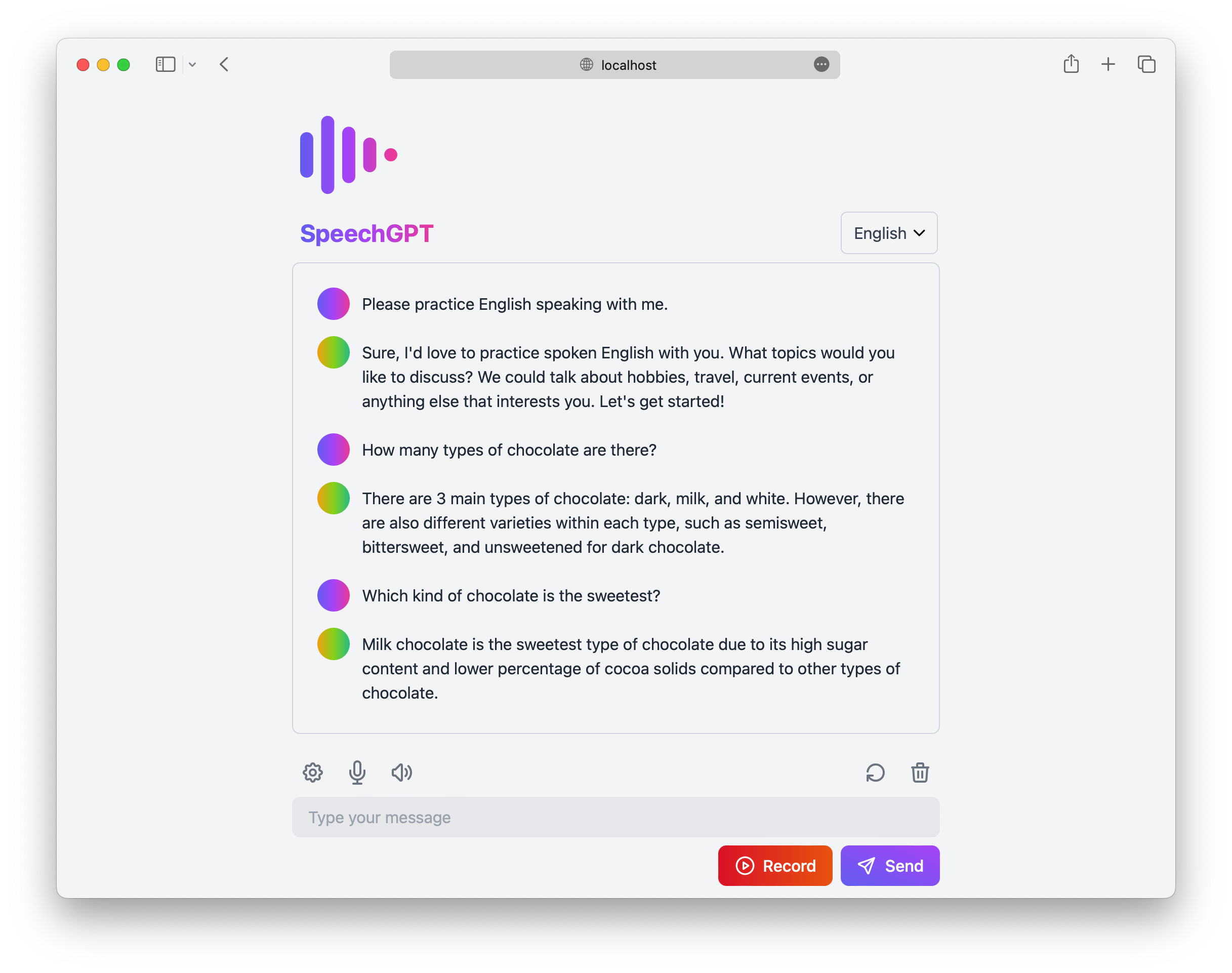
SpeechGPT is a web application that enables you to converse with ChatGPT.
You can utilize this app to improve your language speaking skills or simply have fun chatting with ChatGPT.
## 🚀 Features
- 📖 **Open source and free**: Anyone can use, modify it without cost.
- 🔒 **Privacy First**: All data is stored locally.
- 📱 **Mobile friendly**: Designed to be accessible and usable on mobile devices.
- 📚 **Support for multiple languages**: Supports over 100 languages.
- 🎙 **Speech Recognition**: Includes both built-in speech recognition and integration with Azure Speech Services.
- 🔊 **Speech Synthesis**: Includes built-in speech synthesis, as well as integration with Amazon Polly and Azure Speech Services.
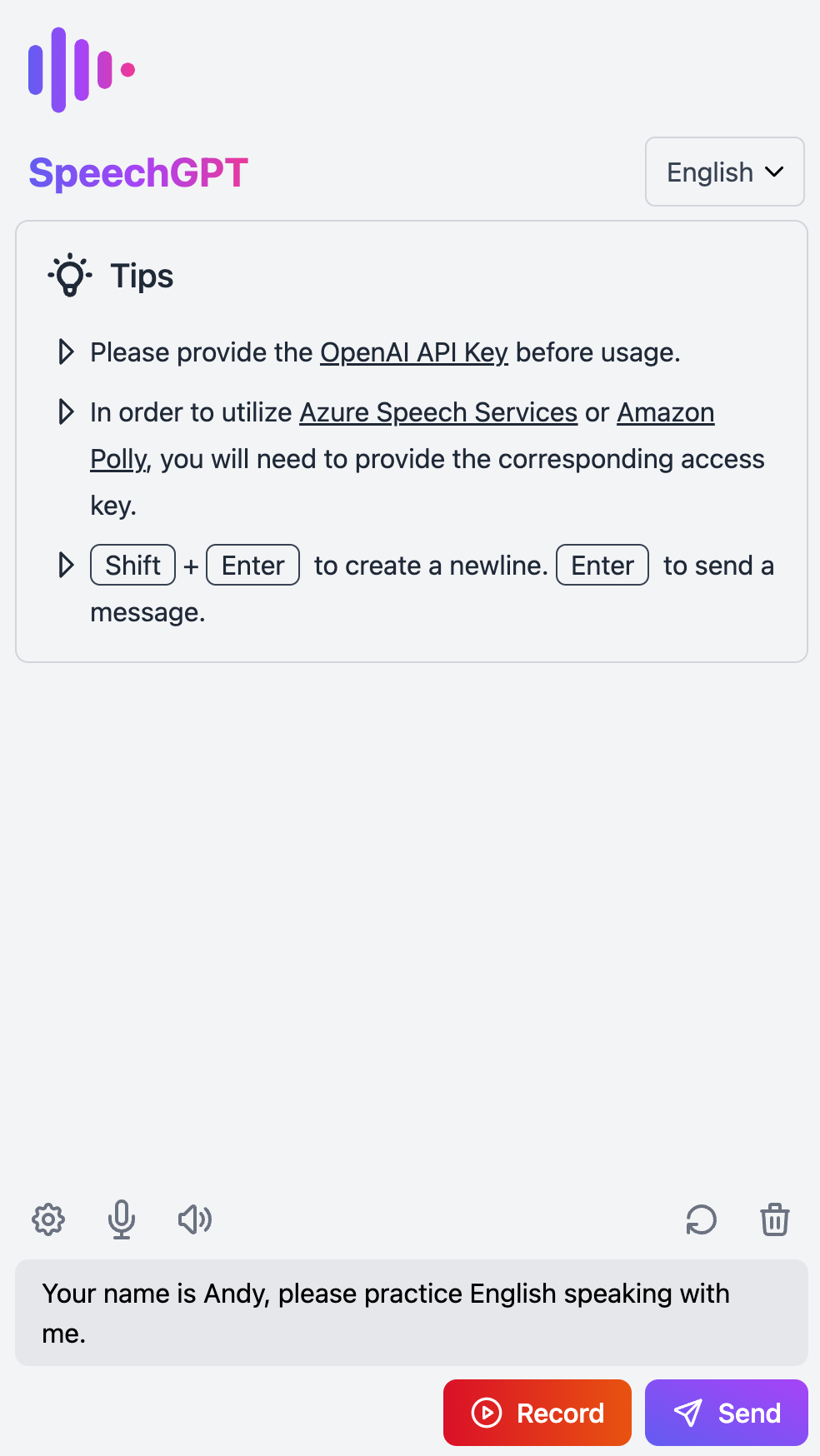
## 📸 Screenshots
## 📖 Tutorial
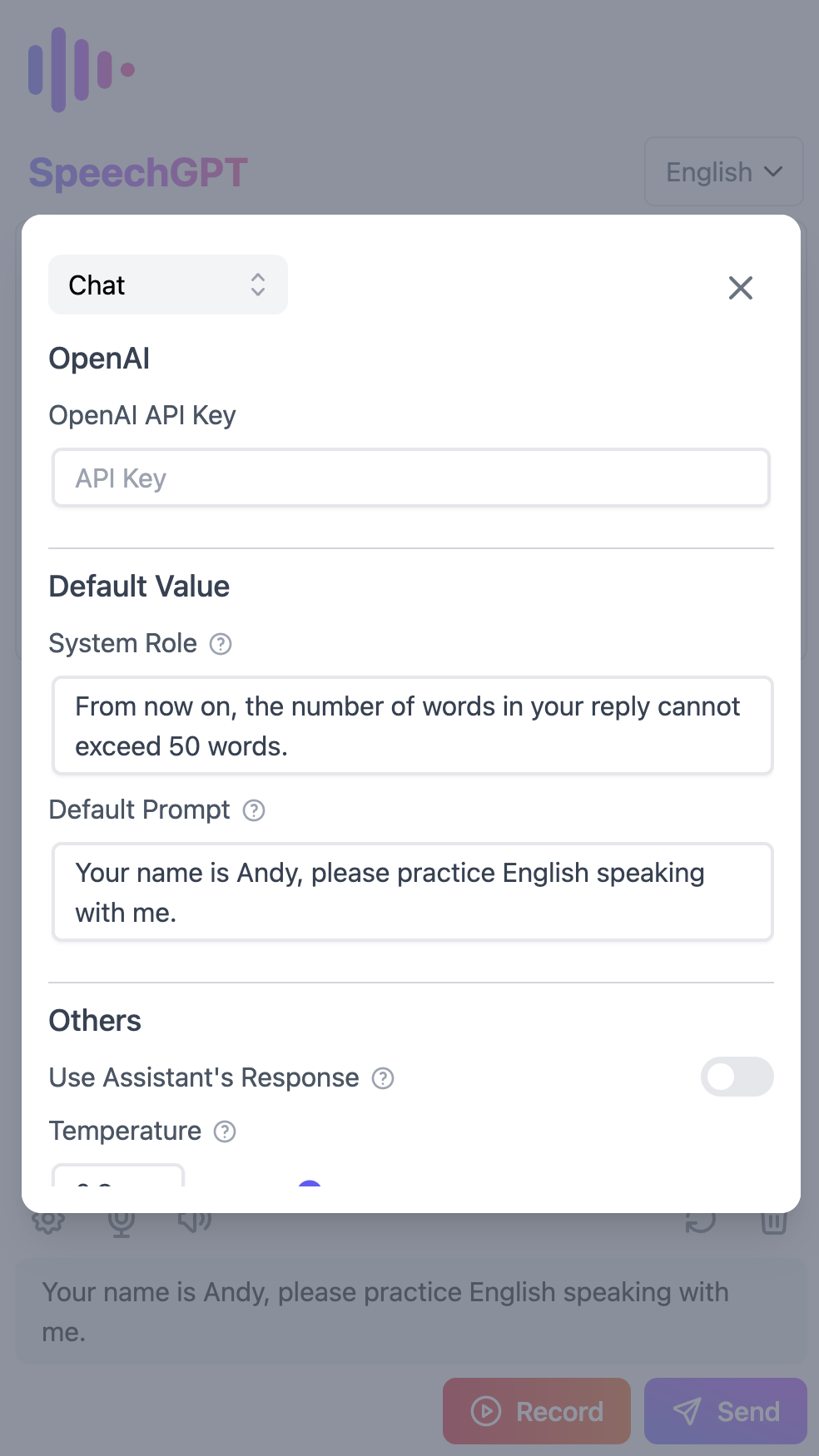
1. Set the OpenAI API Key
- Go to Settings and navigate to the Chat section.
- Set the OpenAI API Key.
- If you don't have an OpenAI API Key, follow this tutorial on [how to get an OpenAI API Key](https://www.windowscentral.com/software-apps/how-to-get-an-openai-api-key).
2. Set up Azure Speech Services (optional)
- Go to Settings and navigate to the Synthesis section.
- Change the Speech Synthesis Service to Azure TTS.
- Set the Azure Region and Azure Access Key.
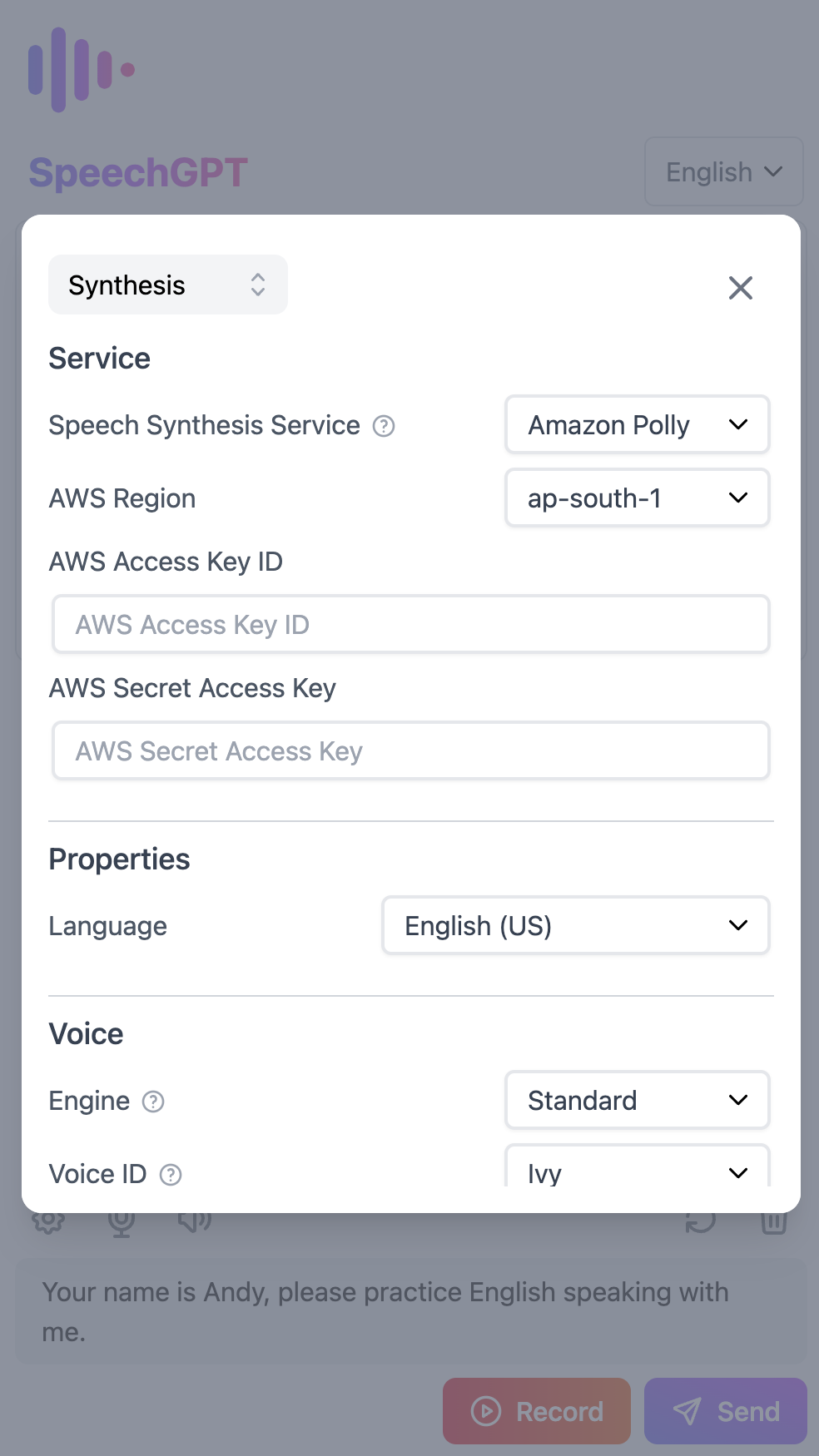
3. Set up Amazon Polly (optional)
- Go to Settings and navigate to the Synthesis section.
- Change the Speech Synthesis Service to Amazon Polly.
- Set the AWS Region, AWS Access Key ID, and Secret Access Key (the Access Key should have the AmazonPollyFullAccess policy).
- If you don't have an AWS Access Key, follow this tutorial on [how to create an IAM user in AWS](https://www.techtarget.com/searchcloudcomputing/tutorial/Step-by-step-guide-on-how-to-create-an-IAM-user-in-AWS).
## 💻 Development Guide and Changelog
- For more information on setting up your development environment, please see our [Development Guide](./docs/developer-guide.md).
- To view the project's history of notable changes, please check the [Changelog](./CHANGELOG.md).
## 🚢 Deployment
### Deploying with Vercel
[](https://vercel.com/new/clone?repository-url=https%3A%2F%2Fgithub.com%2Fhahahumble%2Fspeechgpt&env=VITE_OPENAI_API_KEY,VITE_OPENAI_HOST,VITE_AWS_REGION,VITE_AWS_ACCESS_KEY_ID,VITE_AWS_ACCESS_KEY,VITE_AZURE_REGION,VITE_AZURE_KEY&envDescription=If%20you%20do%20not%20want%20to%20provide%20a%20value%2C%20use%20REPLACE_WITH_YOUR_OWN.&project-name=speechgpt&repository-name=speechgpt)
### Deploying with Docker
1. Pull the Docker image:arm64.
```bash
docker pull hahahumble/speechgpt
```
2. Run the Docker container.
```bash
docker run -d -p 8080:8080 --name speechgpt hahahumble/speechgpt
```
3. Visit `http://localhost:8080/` to access the application.
### Building and running the Docker image
1. Build the Docker image.
```bash
docker build -t speechgpt:arm64 -f Dockerfile .
```
2. Run the Docker container.
```bash
docker run -d -p 8080:8080 --name=speechgpt speechgpt
```
3. Visit `http://localhost:8080/` to access the application.
## 📄 License
This project is licensed under the terms of the [MIT license](/LICENSE).