Noctis
**A music player that respects what's yours. Zero tracking, total control.**
[](https://discord.gg/BNCDZQUVx7) [](https://github.com/heartached/Noctis/releases) [](https://buymeacoffee.com/heartached)
[]()
---
## Screenshots
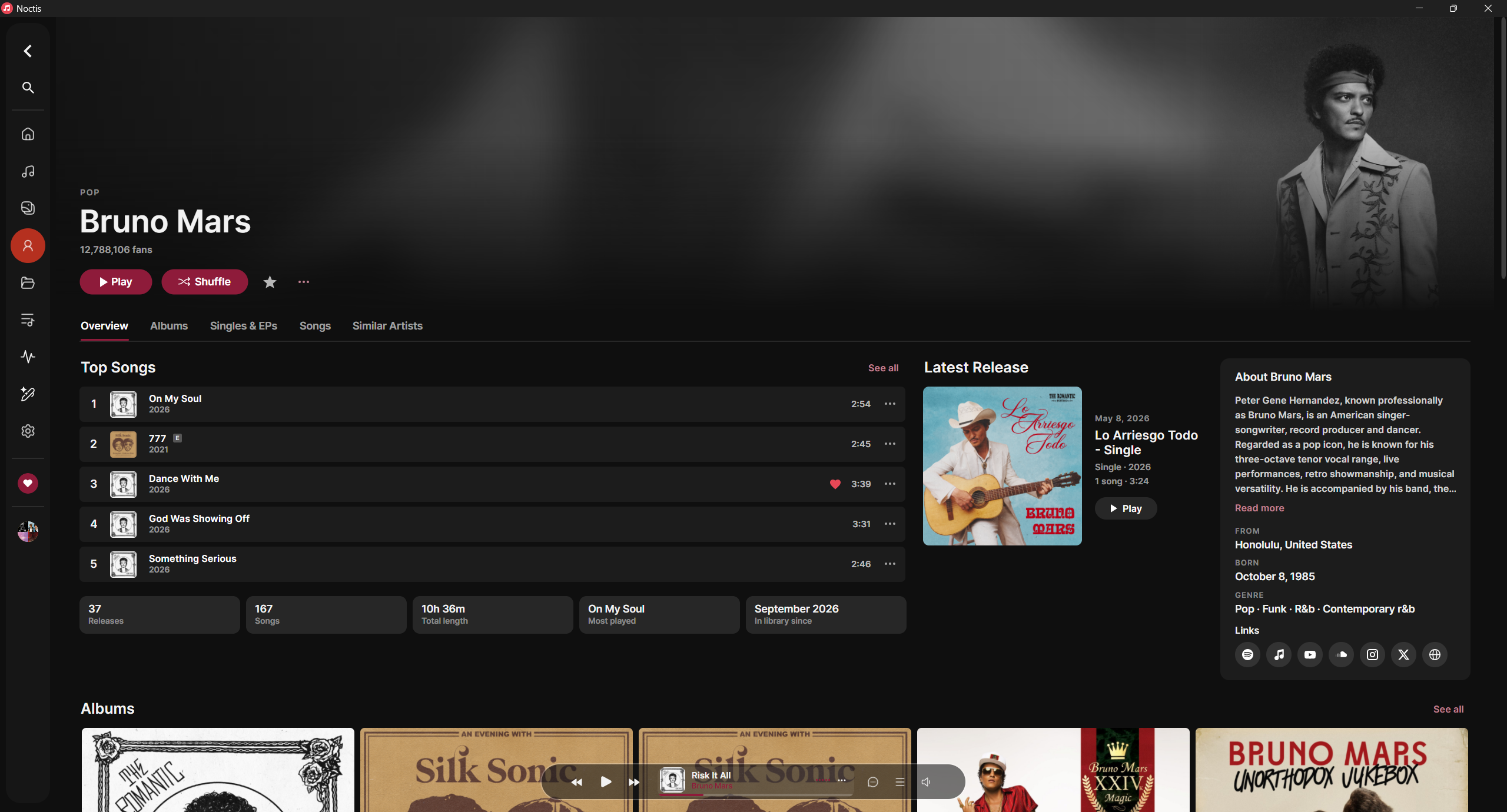
#### Artist pages
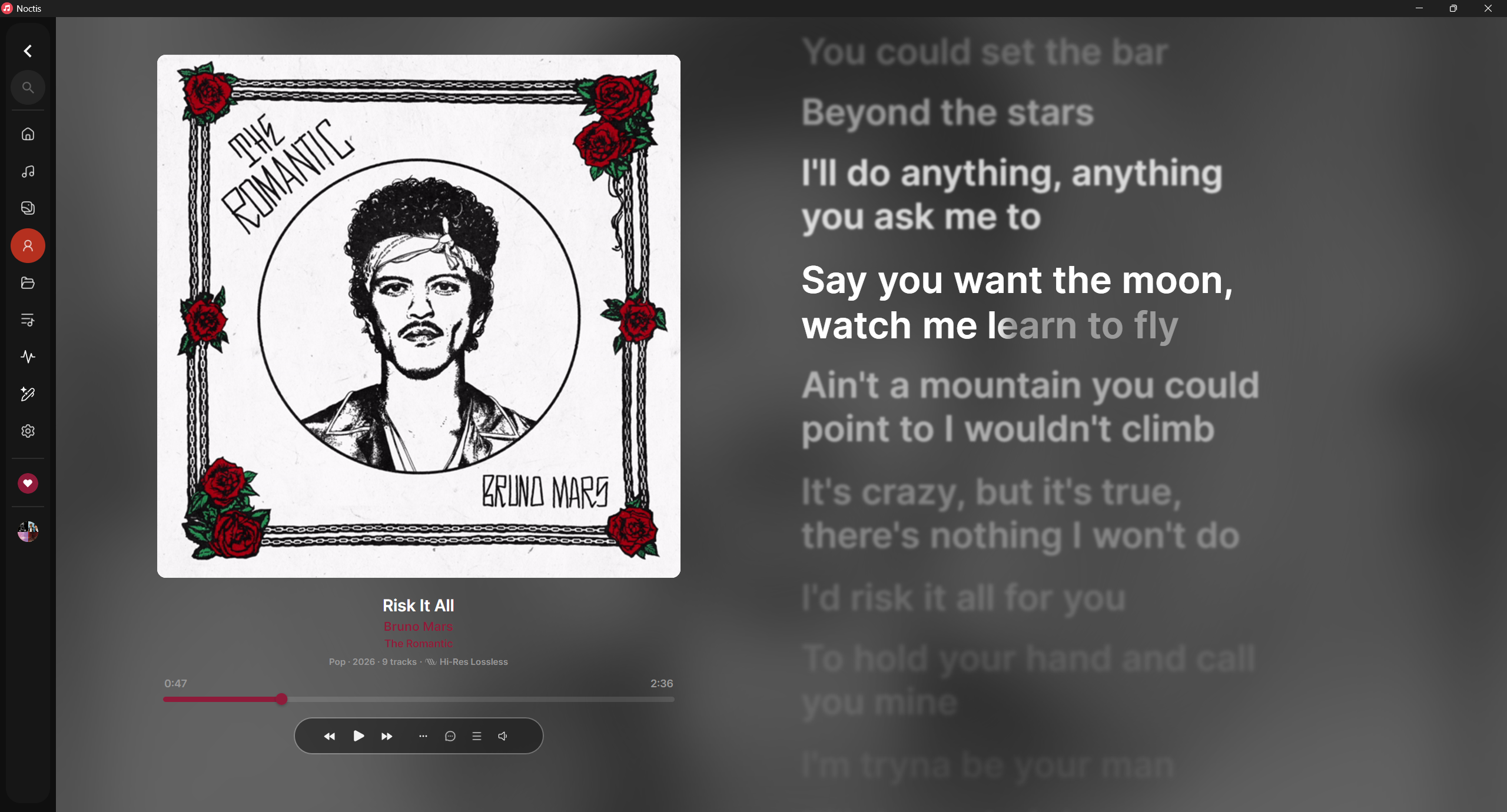
#### Word-by-word karaoke lyrics
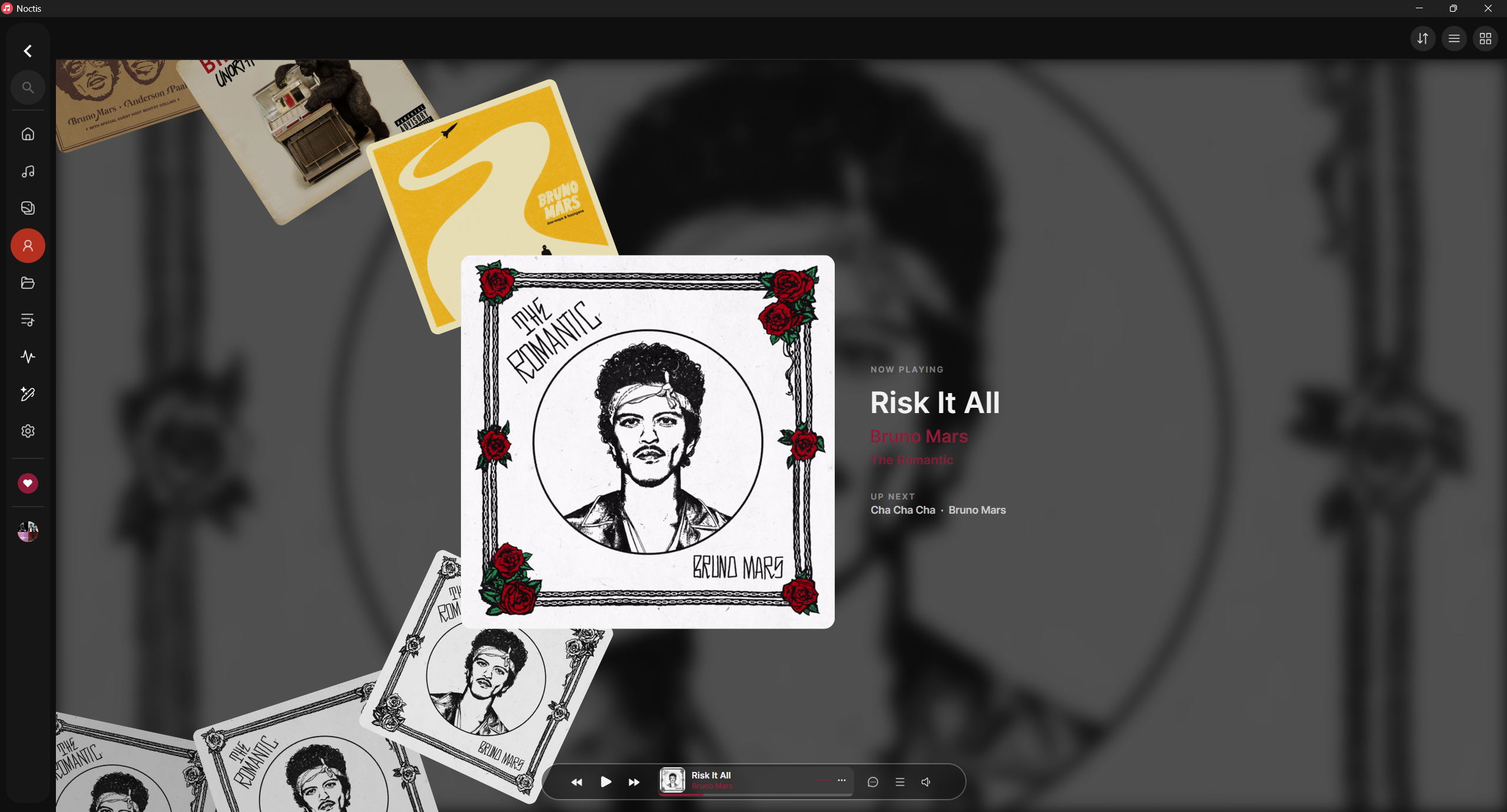
#### Cover Flow
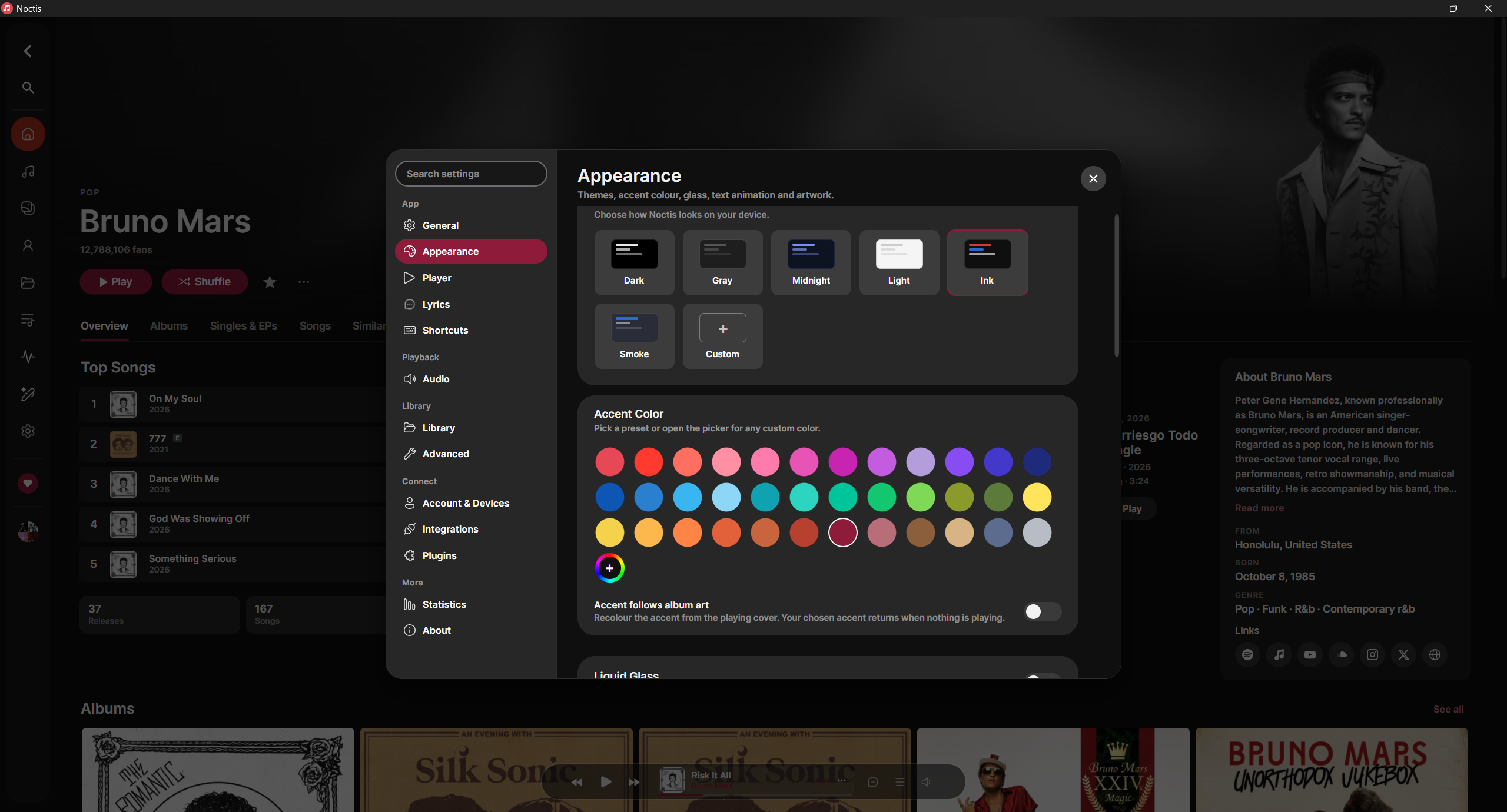
#### Themes & accent colors
---
## Install
**Windows**, via a package manager:
```powershell
# winget
winget install heartached.Noctis
# Scoop (add the bucket once, then install)
scoop bucket add noctis https://github.com/heartached/scoop-bucket
scoop install noctis
```
Or download the installer or portable zip from the
[latest release](https://github.com/heartached/Noctis/releases/latest).
**macOS and Linux**: download the `.dmg` or AppImage from the
[latest release](https://github.com/heartached/Noctis/releases/latest).
Both ship with everything they need, so there is nothing else to install.
**Self-hosting**: `noctis-server` is the same library scanner and OpenSubsonic API
without a window, for a NAS, a VPS or Docker. Grab `noctis-server-linux-x64.tar.gz`
or `noctis-server-linux-arm64.tar.gz` from the
[latest release](https://github.com/heartached/Noctis/releases/latest), or build the image:
```sh
docker build -t noctis-server .
docker run -d --name noctis -p 4747:4747 -v /path/to/music:/music:ro -v noctis-data:/data noctis-server
docker exec -it noctis /app/noctis-server user add alice
```
Options and client notes are in [docs/SELF-HOSTING.md](docs/SELF-HOSTING.md).
---
## Features
### Sound
- [x] Plays FLAC, ALAC, WAV, AIFF, APE, WavPack, MP3, AAC, OGG, Opus, WMA and M4A
- [x] Bit-perfect exclusive output on Windows
- [x] Parametric EQ with presets, and a saved preset per track if you want one
- [x] Gapless playback, crossfade and AutoMix transitions
- [x] ReplayGain and Sound Check volume leveling
- [x] Automatic BPM and musical key detection
- [x] Track Radio and Autoplay keep the music going when the queue runs out
- [x] Batch converter between formats (ffmpeg)
- [x] Audio CD playback
- [x] Multi-channel upmix, and pitch shift independent of playback speed
- [x] Spectrogram window and an audio visualizer (Bars, Mirror, Wave)
### Library
- [x] Songs, Albums, Artists, Folders and Playlists views
- [x] Albums split into Albums, Singles and EPs
- [x] Smart playlists, favorites, star ratings and play counts
- [x] Full metadata editor for artwork, lyrics and per-track options
- [x] Auto-tagging and cover art search using Deezer, MusicBrainz and Apple Music
- [x] Drag and drop import, watched folders, bulk edits
- [x] Playlist import from Exportify CSV, TuneMyMusic JSON and m3u files
- [x] Duplicate finder and file organizer
- [x] Command palette
- [x] Listening stats with a monthly and yearly Wrap
- [x] Artist pages with Top Songs, About, Similar Artists and fan counts from Deezer
- [x] Playlist and album import from TIDAL and Deezer links
- [x] Add from YouTube, Send to Folder, and Open with Noctis file associations
- [x] Explicit content toggle, with an Explicit badge on albums
- [x] Group Artists By with editable separators; drag and drop for playlists and the sidebar
- [x] Rebindable keyboard shortcuts
### Lyrics
- [x] Word-by-word karaoke lyrics, Apple Music style
- [x] Reads plain text, LRC, word-level LRC, TTML and Lyricsfile sidecars
- [x] Auto-fetched from LRCLIB and NetEase, cached offline
- [x] Lyrics panel you can keep open next to any page
- [x] Written By credits for the songwriters and producers
- [x] Built-in lyrics editor with `.lrc` export
- [x] Share lyrics as image cards or short clips
- [x] Lyrics Studio: speech-to-lyrics alignment on your own machine with Whisper
- [x] Video or GIF backgrounds on the lyrics page, per song or per album, and music videos in the artwork slot
- [x] Global lyrics offset and lyrics import from file
### Look and feel
- [x] Cover Flow browsing with Carousel, Cascade and Collage layouts
- [x] Now Playing artwork as a CD, a vinyl record or a cassette
- [x] Animated cover art
- [x] Ambient blurred backdrops on the lyrics page
- [x] Themes and accent colors, plus a custom theme editor
- [x] Liquid Glass translucent window mode
- [x] Resizable mini player with search, queue, volume and karaoke lyrics
- [x] Kawarp warped background, album pages tinted from the cover, accent color that can follow the album art
- [x] Settings organized into 13 searchable pages
### Connect
- [x] Stream from Jellyfin, Navidrome, Airsonic, Gonic or any Subsonic server
- [x] Built-in Noctis Server: stream your library to Symfonium, substreamer, Feishin or any Subsonic client
- [x] Self-hosted `noctis-server` for a NAS, a VPS or Docker, see [docs/SELF-HOSTING.md](docs/SELF-HOSTING.md)
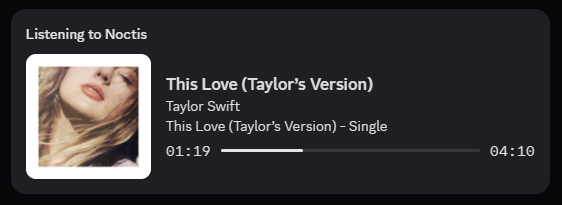
- [x] Discord Rich Presence
- [x] Scrobble to Last.fm and ListenBrainz
- [x] Web remote so you can control playback from your phone
- [x] Media keys on every platform, plus Windows taskbar controls
- [x] Artist images from Deezer
- [x] Sleep timer, tray icon and launch at login
- [x] Updates itself from GitHub releases
- [x] Song progress on the Windows taskbar
### Languages
- [x] English, Arabic, French, Japanese, Korean, Russian, Spanish, Turkish, Simplified Chinese and Traditional Chinese
- [x] Switch language from Settings without a restart