Intelligent media library cleanup for Plex, Sonarr, and Radarr


Wiki •
Install •
API •
Unraid Forum
---
If you run a media server, you know the pain. Your library keeps growing, nobody watches half of it, and you're constantly running out of disk space. Prunerr sits between your media server and your *arr apps and figures out what's worth keeping.
Works with **Plex**, **Jellyfin** and **Emby**.
You set up rules like "delete movies nobody's watched in 6 months that are over 20GB" and Prunerr handles the rest. Everything goes through a deletion queue first, so nothing gets removed without you knowing about it.
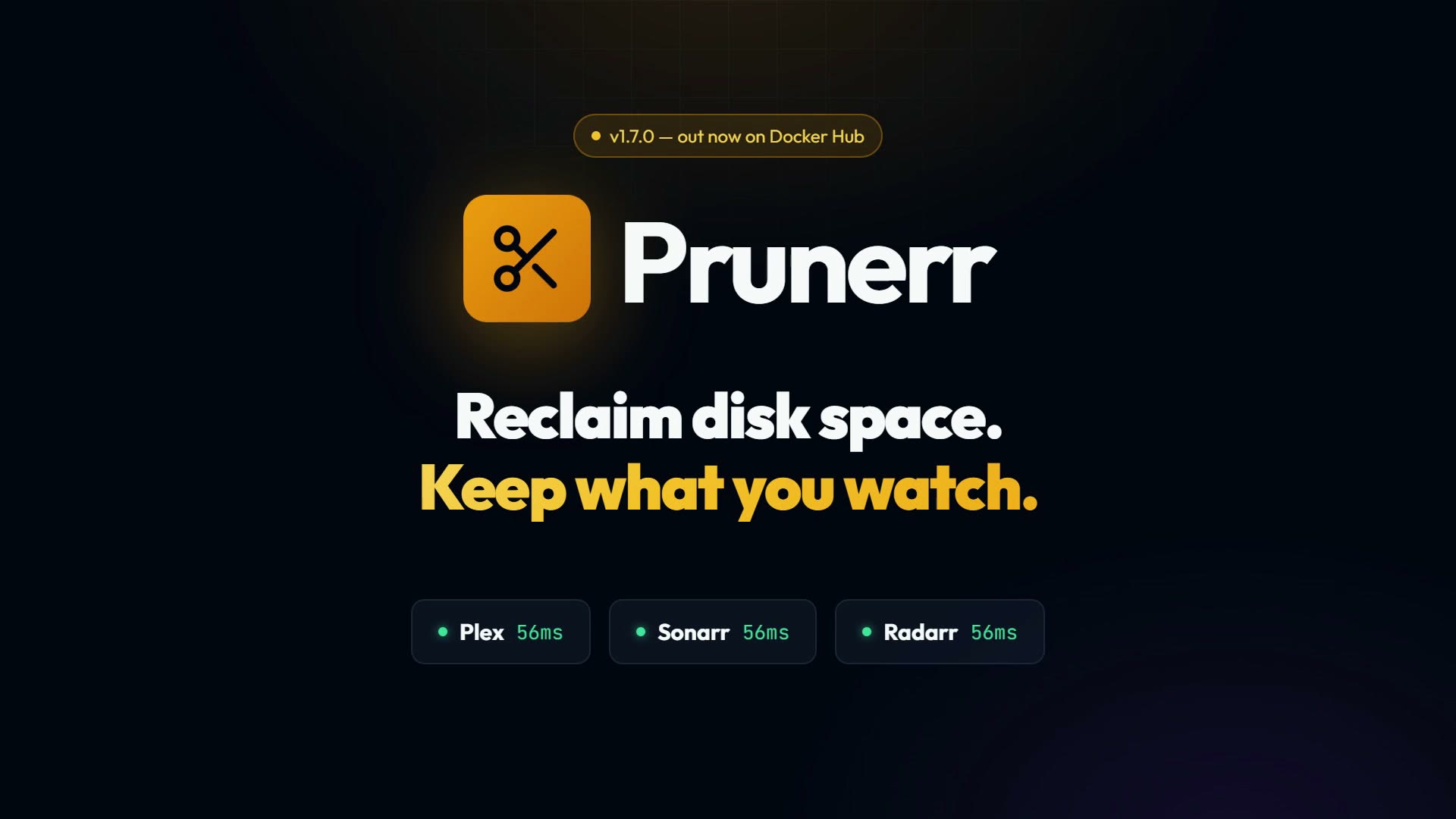
▶ 20-second overview: a full disk, a rule in plain English, a queue with a grace period, and the space coming back.
## Features
- **Rules Engine** — 28 condition fields across quality, ratings, watch history, collections, and metadata. Three ways to build rules: templates, natural language, or a full nested condition editor with live preview. [More →](https://github.com/helliott20/prunerr/wiki/Rules-Engine)
- **Collections** — Syncs movie collections from Radarr. Protect entire collections to prevent cleanup, or queue them for bulk deletion. [More →](https://github.com/helliott20/prunerr/wiki/Collections)
- **Smart Deletion** — Grace periods, four deletion actions (unmonitor, delete files, full removal, etc.), Seerr request resets, and a review queue. Nothing gets deleted without your say-so. [More →](https://github.com/helliott20/prunerr/wiki/Deletion-Management)
- **Dashboard** — Library stats, storage trends, service health monitoring, upcoming deletions, and recommendations at a glance.
- **Plex, Jellyfin or Emby** — Pick your media server in Settings, or set `MEDIA_SERVER_TYPE`. Rules, scanning and deletion work the same whichever you use. [More →](https://github.com/helliott20/prunerr/wiki/Installation)
- **Per-User Watch History** — Read directly from your media server, or integrate Tautulli or Tracearr (both Plex-only) to track who watched what. Build rules around specific users' watching habits.
- **API** — Full REST API with key authentication for scripts, automation, and mobile apps like nzb360. [More →](https://github.com/helliott20/prunerr/wiki/API-Reference)
## Quick Start
```bash
docker run -d \
--name prunerr \
-p 3000:3000 \
-v /path/to/data:/app/data \
-e PLEX_URL=http://your-plex-server:32400 \
-e PLEX_TOKEN=your-plex-token \
-e SONARR_URL=http://your-sonarr:8989 \
-e SONARR_API_KEY=your-sonarr-api-key \
-e RADARR_URL=http://your-radarr:7878 \
-e RADARR_API_KEY=your-radarr-api-key \
helliott20/prunerr:latest
```
For **Jellyfin** or **Emby**, swap the two Plex variables for:
```bash
-e MEDIA_SERVER_TYPE=jellyfin \
-e JELLYFIN_URL=http://your-server:8096 \
-e JELLYFIN_API_KEY=your-api-key \
```
Use `MEDIA_SERVER_TYPE=emby` for Emby; both share the `JELLYFIN_*` variables. On Jellyfin, install the
**Playback Reporting** plugin for full watch history — without it Jellyfin only keeps the most recent play
per item, so repeat views collapse into one.
These variables fill in **Settings** the first time Prunerr starts; after that you
manage connections in the UI. If you'd rather your compose file stayed the source
of truth, add `-e CONFIG_FROM_ENV=true`: every service variable you set is then
re-applied on each start and its fields in Settings are read-only.
Prunerr is also packaged for the places self-hosters actually install things:
| Platform | How |
|----------|-----|
| **Docker Compose** | [`docker-compose.yml`](docker-compose.yml) in this repo |
| **Unraid** | Community Applications store — search "Prunerr" |
| **CasaOS** | App Store, or import [`packaging/casaos`](packaging/casaos) via Custom Install |
| **TrueNAS** | Apps → Install via YAML, using [`packaging/truenas`](packaging/truenas) |
| **Portainer** | App template — see [`packaging/portainer`](packaging/portainer) |
See the [Installation guide](https://github.com/helliott20/prunerr/wiki/Installation) for full details.
### Beta channel
`helliott20/prunerr:beta` is rebuilt from the `beta` branch as changes land, if
you want to try features before they are released. On Unraid, pick **Beta** from
the template's branch list; elsewhere, point the image at `:beta` instead of
`:latest`. Back up your database first — beta builds can include schema
migrations, and downgrading is not supported.
## Integrations
| Service | Purpose | Required |
|---------|---------|----------|
| **Plex** / **Jellyfin** / **Emby** | Media server — library data, watch status | One required |
| **Sonarr** | TV show management | Recommended |
| **Radarr** | Movie management, collections | Recommended |
| **Tautulli** / **Tracearr** | Per-user watch history (Plex only) | Optional |
| **Seerr** | Request management | Optional |
| **Unraid** | Server monitoring | Optional |
| **Discord** | Notifications | Optional |
## Mobile
Prunerr works as a custom web app in [nzb360](https://nzb360.com/) on Android, or in any mobile browser. The UI is fully responsive. See the [Mobile Access guide](https://github.com/helliott20/prunerr/wiki/Mobile-Access).
## Documentation
Full docs are in the **[Wiki](https://github.com/helliott20/prunerr/wiki)**:
- [Installation](https://github.com/helliott20/prunerr/wiki/Installation) — Docker, Compose, Unraid
- [Configuration](https://github.com/helliott20/prunerr/wiki/Configuration) — Environment variables and service connections
- [Rules Engine](https://github.com/helliott20/prunerr/wiki/Rules-Engine) — Building and managing rules
- [Collections](https://github.com/helliott20/prunerr/wiki/Collections) — Protection and bulk actions
- [Deletion Management](https://github.com/helliott20/prunerr/wiki/Deletion-Management) — Queue, grace periods, actions
- [API Reference](https://github.com/helliott20/prunerr/wiki/API-Reference) — Endpoints and authentication
- [Troubleshooting](https://github.com/helliott20/prunerr/wiki/Troubleshooting) — Common issues
## Privacy
Prunerr sends one thing outside your network: once a day, a random ID and its
version number, so there's some idea of how many installs are out there.
That's it — no library data, no settings, no credentials, no hostname,
and no IP address is stored.
Turn it off in **Settings → System → Privacy**, or set
`TELEMETRY_ENABLED=false`. Turning it off deletes the random ID.
The exact payload is shown in the UI, and the server that receives it is open
source in [`packaging/telemetry`](packaging/telemetry). Details:
[docs/telemetry.md](docs/telemetry.md).
## Support
- **Unraid Forum:** [Support Thread](https://forums.unraid.net/topic/196929-support-prunerr-media-library-cleanup-tool/)
- **GitHub Issues:** [Report a Bug](https://github.com/helliott20/prunerr/issues)
- **Docker Hub:** [helliott20/prunerr](https://hub.docker.com/r/helliott20/prunerr)
## License
MIT License. See [LICENSE](LICENSE).