# Godot AI
[](https://github.com/hi-godot/godot-ai/actions/workflows/ci.yml)
[](https://codecov.io/gh/hi-godot/godot-ai)
[](https://discord.gg/FDZ5fr2QkP)
**Godot AI connects Claude Code, Claude Desktop, Codex, Hermes Agent, and other
[MCP](https://modelcontextprotocol.io/introduction) clients to a live Godot
editor.** Its [46 tools and 120+ operations](docs/TOOLS.md) let AI assistants
build scenes, edit nodes and scripts, wire signals, and configure UI, materials,
animation, particles, cameras, and environments.
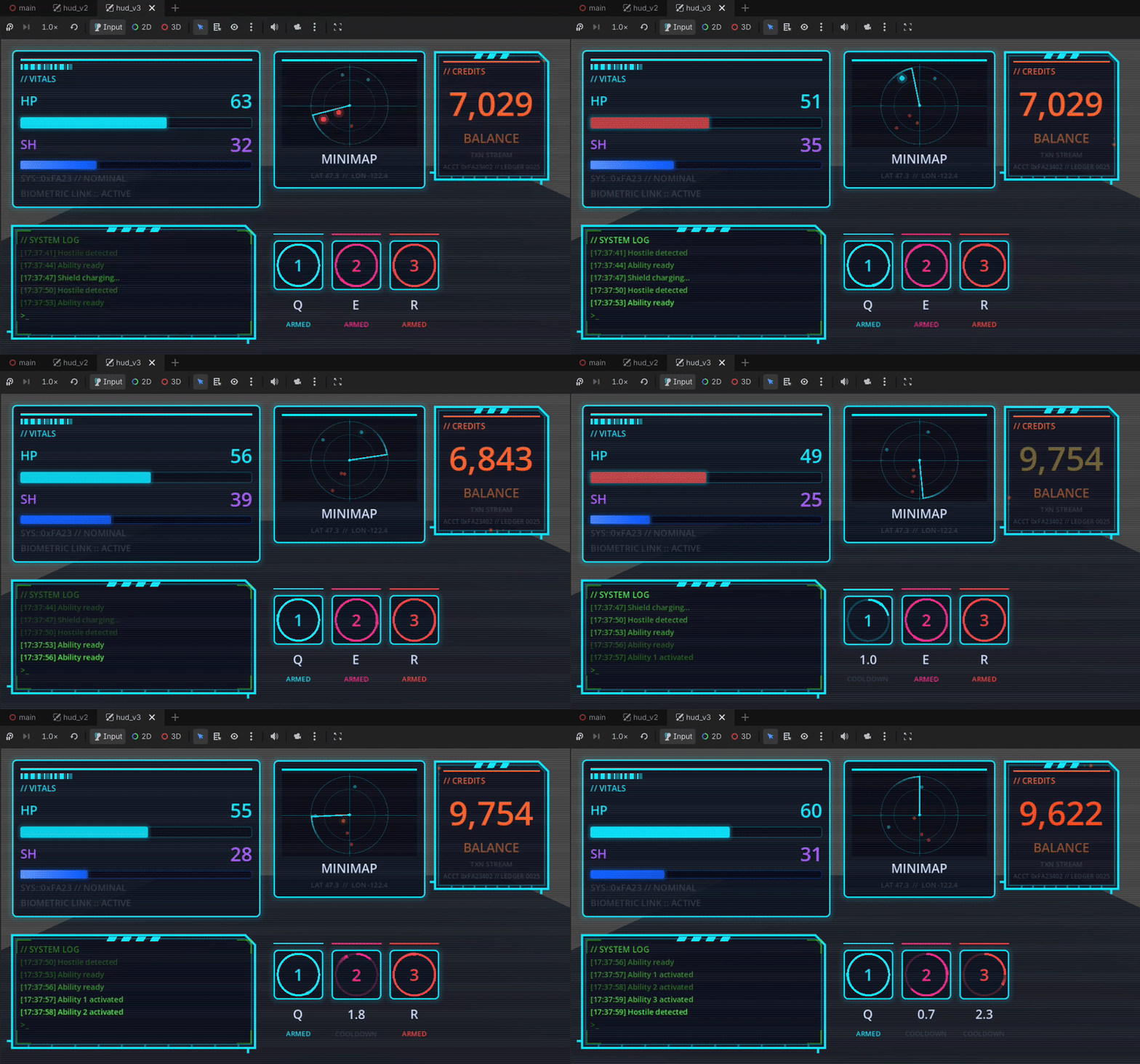
Built in ~2 hours with Godot AI, without hand-written code or image generation — source
## Quick Start
### Requirements
- Godot **4.7+** within the 4.x line for Godot AI v4
- [uv](https://docs.astral.sh/uv/getting-started/installation/), which provides
`uvx` for the Python server
- An MCP client
**Script languages.** GDScript is fully supported: scripts written through
the tools are parse-validated, hot-reloaded, attached, and outlined. C# is
**text-only**: `script_create` / `script_patch` write `.cs` files and
`script_manage(op="find_symbols")` outlines them, but Godot AI does not build
.NET or report C# compiler errors. Build in the editor and inspect its Build
panel, or run `dotnet build` and inspect the terminal output.
Attaching a `.cs` needs a .NET-enabled editor build.
Details: [C# support](docs/TOOLS.md#c-support).
### 1. Install or update
**New project:** choose a published version from
[GitHub Releases](https://github.com/hi-godot/godot-ai/releases) and follow its
verification and installation instructions. The add-on belongs at
`your-project/addons/godot_ai/`, with `plugin.cfg` inside that directory.
Use the release's requirements and package—not a source snapshot copied over
an existing installation.
**Existing installation:** click **Update** in the Godot AI dock when an update
is offered. The final signed v3 release supports a one-click migration to v4;
Godot restarts once and owned, supported client entries are migrated
automatically. Do not extract a new add-on over the old tree. See the
[v3 → v4 migration guide](docs/v4-migration.md) for compatibility and recovery.
For development from source, use the [contributor setup](docs/CONTRIBUTING.md).
### 2. Enable the plugin
In Godot: **Project → Project Settings → Plugins → Godot AI**.
The plugin starts the MCP server and shows connection status in the **Godot AI**
dock. If it is missing from the plugin list, check that the file is at
`addons/godot_ai/plugin.cfg`, not `addons/plugin.cfg`.
### 3. Connect your MCP client
In the dock, press **Configure** next to your client, or **Configure all** for
every detected client. If the client does not notice the new configuration,
restart that client.
Supported clients include **Claude Code**, **Claude Desktop**, **Codex**,
**Antigravity**, **Hermes Agent**, **DeepSeek Harness**, **Cursor**,
**VS Code**, and **Oh My Pi** (manual configuration).
The dock lists all supported clients and provides a **Run this manually**
fallback where needed.
Use the dock-generated command: it includes the matching version, ports,
resolver options, and excluded tool domains. V4 uses `godot-ai attach` over
stdio; a bare `http://127.0.0.1:8000/mcp` entry cannot authenticate or follow
capability rotation. Updates repin owned client entries automatically;
reconfigure after changing ports, telemetry preferences, or tool domains.
**Client exceptions:** Pi Coding Agent needs an MCP extension that reads
`~/.pi/agent/mcp.json`. Cherry Studio is not supported in v4; remove stale v3
entries in Cherry Studio itself.
Per-project configuration
CLI-configured clients default to global `user` scope. Set **Editor Settings →
Plugins → `godot_ai/mcp_client_scope`** to `project` (or `local`, where supported),
then press **Configure** again.
**Configure** removes existing `godot-ai` entries from every scope before
writing the selected one. This can modify a checked-in `.mcp.json`, but does not
touch other server entries. **Remove** affects only the selected scope.
Launch Godot from the project directory so the client CLI writes configuration
in the right place. Claude Code also requires one-time approval from `claude`
run inside that project.
### 4. Try it
- *"Show me the current scene hierarchy."*
- *"Create a Camera3D named MainCamera under /Main."*
- *"Search the project for PackedScene files in ui/."*
- *"Run the scene test suite."*
- *"Build a voxel block-world game with a player, blocks to place and destroy, and save slots."*
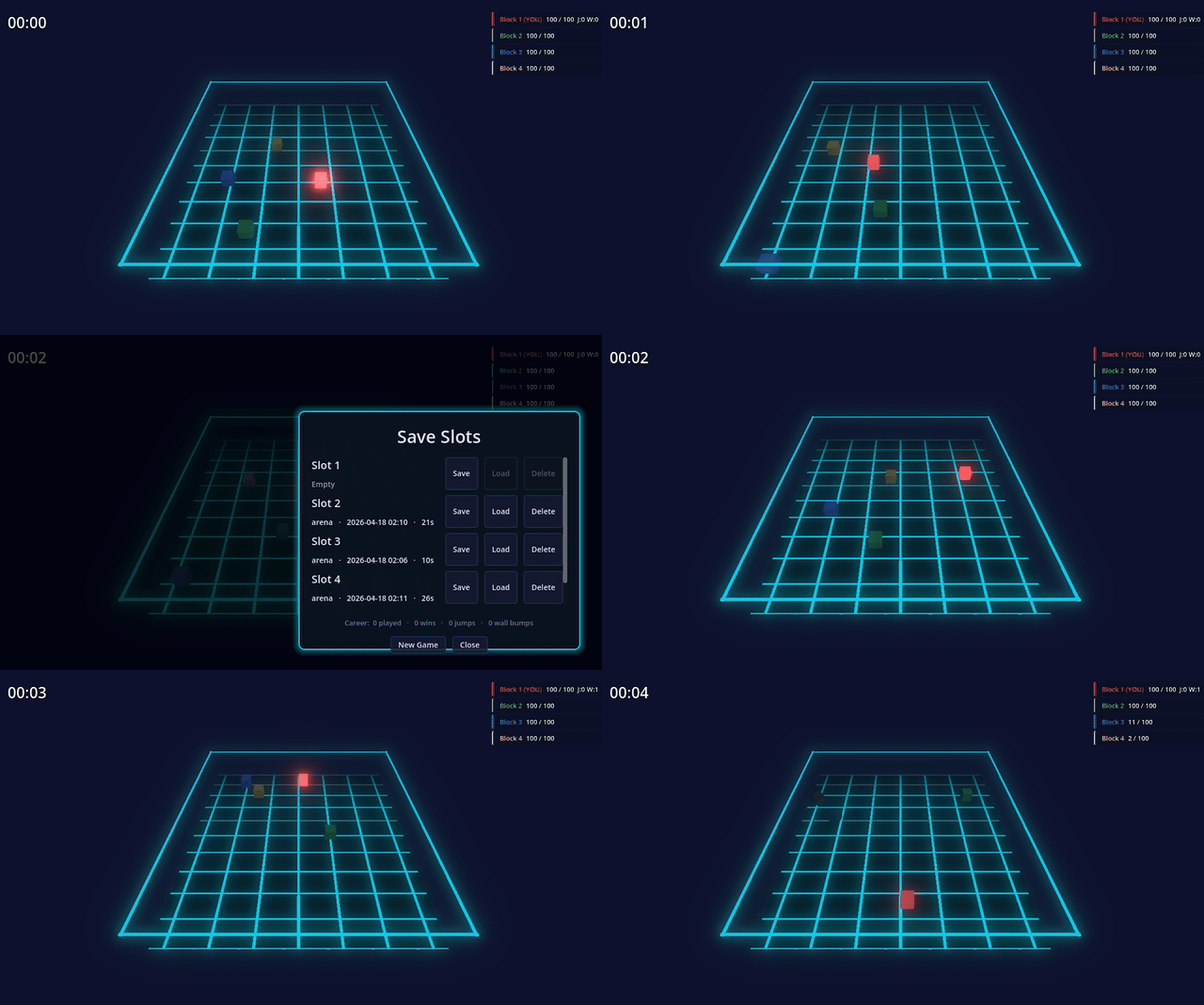
A block-world game with a save system, built from a handful of prompts — source
## How it works
```text
MCP client
→ godot-ai attach (stdio)
→ Python server (authenticated HTTP, port 8000)
→ Godot editor plugin (authenticated WebSocket, port 9500)
```
Both local hops use independent rotating capabilities; neither falls back to
unauthenticated access. The editor WebSocket stays loopback-only. An agent in
a container or on another machine runs the bridge on the editor machine over
SSH; see [Agents on another machine or in a container](docs/client-configuration.md#agents-on-another-machine-or-in-a-container).
These controls do not protect against a compromised same-user process. Windows
also does not claim isolation from other local accounts. See the
[security model](docs/plugin-architecture.md#security-model) and
[package trust boundaries](docs/packaging-distribution.md).
## Telemetry and privacy
Usage telemetry records an installation UUID, event, outcome, duration,
platform, and version—not code, scene contents, or project/file names.
Project-directory slugs are hashed before transmission.
Opt out with `GODOT_AI_DISABLE_TELEMETRY=true` or `DISABLE_TELEMETRY=true`.
Opt-out creates no telemetry UUID, worker, or files.
[Privacy details and editor settings](docs/TELEMETRY.md).
## Documentation and help
Bazzite / Fedora Atomic troubleshooting
On Bazzite and other Fedora Atomic desktops, `/home` is normally a symbolic
link to `/var/home` (the ostree layout). Godot AI 4.0.2 and earlier refuse
every capability-directory path that passes through a link, so on such a
system the server exits with `Last pending: capability_record`
([#993](https://github.com/hi-godot/godot-ai/issues/993)). In Godot AI 4.0.3 and later,
the server follows a link when it is root-owned and sits in a root-owned directory that
other accounts cannot write, which is exactly that layout; no configuration is
needed there.
On 4.0.2 or earlier, close Godot and your MCP client, then run this in a
terminal as your normal user:
```bash
export GODOT_AI_CAPABILITY_DIR="$(
realpath -m "${XDG_CONFIG_HOME:-$HOME/.config}/godot-ai/capabilities"
)"
install -d -m 700 "$GODOT_AI_CAPABILITY_DIR"
printf 'Using: %s\n' "$GODOT_AI_CAPABILITY_DIR"
```
Launch **both Godot and your MCP client from that terminal** so the backend and
`godot-ai attach` inherit the same directory. A desktop launcher does not
automatically inherit a terminal's `export`; for persistent use, set the same
canonical path in the launch environment of both applications. Keep the
directory private to your user; do not copy capability tokens into client
configuration. This workaround is for Linux; `GODOT_AI_CAPABILITY_DIR` is not
supported on Windows.
Linux startup: Steam, Flatpak, and directory permissions
Godot AI 4.2.2 and later read process identity and listening-socket ownership
from `/proc`, so Steam and Flatpak runtimes do not need to provide `ps`, `lsof`,
or `ss`. These checks stay inside the editor's sandbox; host PIDs are not used
to authorize stopping a sandbox process. The backend launcher still needs to
be installed and executable within that environment.
Steam pressure-vessel can expose `/home -> /var/home` as a user-owned link.
Godot AI 4.2.2 and later accept root- or current-user-owned links beneath
protected parents and validates every target ancestor. Other-user ownership,
writable parents, and symlink loops remain rejected.
Flatpak and Steam's runtime run in a user namespace that maps only your own
user. The host's root-owned `/home` (`/var/home` on Fedora Atomic, Bazzite, and
other ostree systems) then reads back as an owner the sandbox cannot name,
usually UID 65534, and Godot AI 4.2.3 and earlier refuse to start there. Later
versions do not test the owner of a directory above your home directory when
they run inside such a namespace, which is where OpenSSH's `StrictModes` stops
too. That directory must still be closed to group and other writes. Your home
directory and everything below it must still belong to you or root. Nothing is
relaxed outside a user namespace, or inside one where UID 65534 is a real
account, as in a rootless container that maps a subordinate ID range.
A Flatpak editor that shares your home directory, as the Flathub Godot build
does by default, publishes its credentials under the host's `~/.config/godot-ai`
(or the host's `XDG_CONFIG_HOME`) instead of Flatpak's per-app config
directory, so an AI client outside the sandbox finds them without configuration.
**Configure** from that editor writes client settings to the same host
directories. Install `uv` with its standalone installer, so that `uvx` is in
`~/.local/bin`: the sandbox cannot see a system package in `/usr/bin`. An IDE
that is itself a Flatpak (VS Code, Zed) keeps its settings under its own
`~/.var/app/`, which a Flatpak Godot cannot see. Configure then stops and
prints the `flatpak override` command that grants access; run it and restart
Godot. Details:
[client configuration](docs/client-configuration.md#linux-flatpak-editors-and-flatpak-clients).
If you took that home access away from Godot (Flatseal, or
`flatpak override --nofilesystem=host`), its sandbox cannot reach the files
your AI clients read. Configure and Remove then stop and name the
`flatpak override` that restores access, instead of writing a file only the
sandbox can see.
Use the [explicit shared-directory guide](docs/steam-capability-directory.md)
on 4.2.3 and earlier, for a Flatpak editor that does not share your home
directory, and whenever the startup error still names an untrusted ancestor
owner. Do not chmod or chown system directories to work around it.
If the selected credential path has group- or world-writable ancestors (for
example `775` or `777`), startup remains blocked. The plugin lists the existing
directories with problematic permissions before launching the server.
Review their ownership and intended sharing; if you own them and
shared write access is not intentional, `chmod go-w /exact/directory` removes
group/other write access from that directory. Do not use recursive chmod.
Godot AI does not change your home or config directory permissions itself.
### Reference and support
- [Tools, operations, and resources](docs/TOOLS.md)
- [Community addons and custom tools](docs/community-addons.md)
- [Write and run tests for your game](docs/testing.md)
- [Client configuration details](docs/client-configuration.md)
- [Upgrading from v3 and recovering interrupted migrations](docs/v4-migration.md)
- [Changelog](CHANGELOG.md)
- [Contributing and development setup](docs/CONTRIBUTING.md)
- [Discord](https://discord.gg/FDZ5fr2QkP) for questions and showcases;
[GitHub Issues](https://github.com/hi-godot/godot-ai/issues) for bug reports
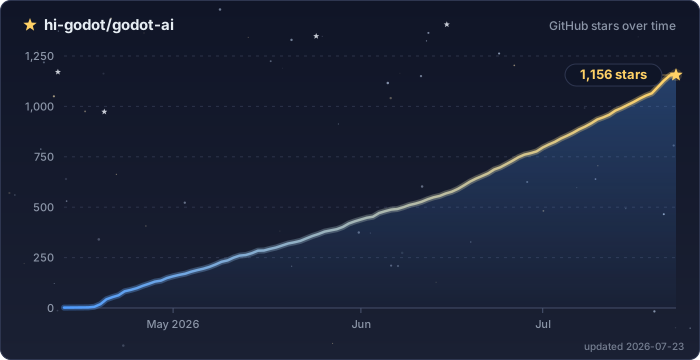
## Star History
 **License:** [MIT](LICENSE)