

About • Gallery • Packages • Development
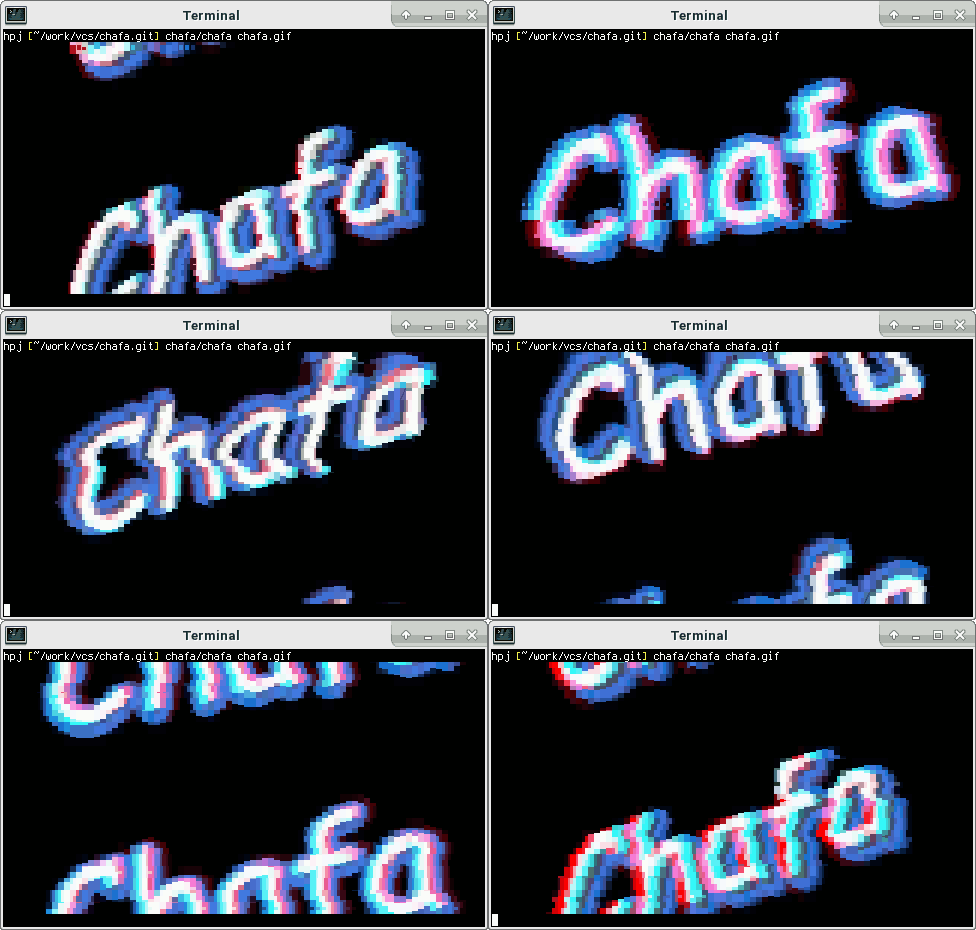
## About Chafa is a command-line utility that converts image data, including animated GIFs, into graphics formats or ANSI/Unicode character art suitable for display in a terminal. It has broad feature support, allowing it to be used on devices ranging from historical teleprinters to modern terminal emulators and everything in between. The core functionality is provided by a C library with a public, well-documented API. Both library and frontend tools are covered by the Lesser GPL license, version 3 or later (LGPLv3+). The [official web pages](https://hpjansson.org/chafa/) and [C API documentation](https://hpjansson.org/chafa/ref/) can be found online. Check out the [gallery](https://hpjansson.org/chafa/gallery/) for screenshots. ## Installing Chafa is most likely packaged for your distribution, so if you're not going to hack on it, you're better off using [official packages](https://hpjansson.org/chafa/download/). If you want to build the latest and greatest yourself, read on. You will need GCC, make, Autoconf, Automake, Libtool and the GLib development package installed to compile Chafa from its git repository. If you want to build the command-line tool `chafa` and not just the library, you will additionally need development packages for: * FreeType2. Often packaged as `libfreetype6-dev` or `freetype2-devel`. * libjpeg (optional). Look for `libjpeg-dev`, `libjpeg62-devel` or `libjpeg8-devel`. * librsvg (optional). Look for `librsvg2-dev` or `librsvg-devel`. * libtiff (optional). Look for `libtiff5-dev` or `libtiff-devel`. * libwebp (optional). Look for `libwebp-dev` or `libwebp-devel`. If you want to build documentation, you will also need gtk-doc. Start by cloning the repository: ```sh $ git clone https://github.com/hpjansson/chafa.git ``` Then cd to the toplevel directory and issue the following shell commands: ```sh $ ./autogen.sh $ make $ sudo make install ``` That should do it! ## Python bindings [Erica Ferrua Edwardsdóttir](https://mage.black/) maintains [excellent Python bindings](https://chafapy.mage.black/) for Chafa. If Python's your thing, check them out. They are easy to use and come with a [detailed tutorial](https://chafapy.mage.black/usage/tutorial.html). ## JavaScript bindings [Héctor Molinero Fernández](https://hector.molinero.dev/) maintains [wonderful JavaScript bindings](https://github.com/hectorm/chafa-wasm) built around his WebAssembly port. These are available from NPM and can be used in Node.js, web browsers, and more.