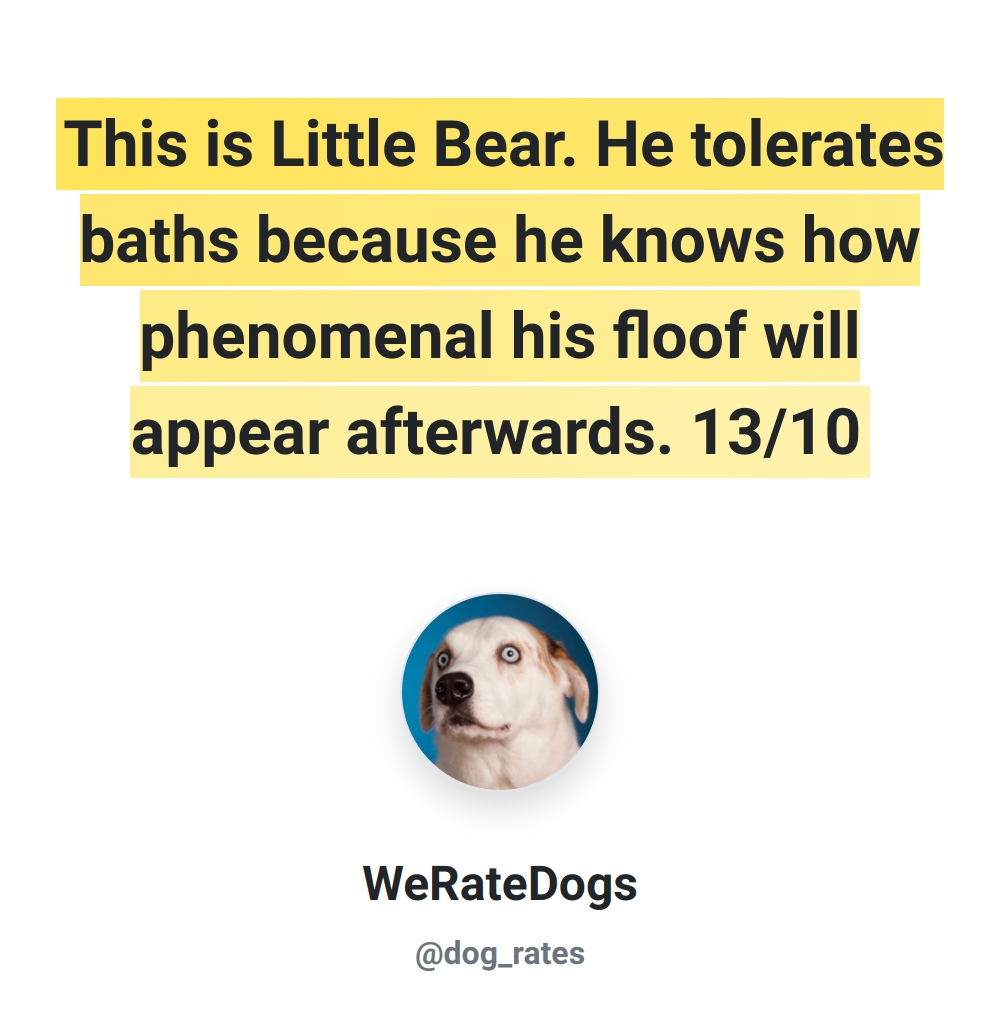
---
layout: page
title: dl
permalink: /parameters/dl/
parent: Parameters
nav_order: 190
description: >-
Use the dl query parameter to make images downloadable directly from the browser.
---
# Download Parameter (dl)
{: .no_toc }
{: .fs-9 }
Make your images downloadable with a simple URL parameter
{: .fs-6 .fw-300 }
## Overview
The `dl` parameter allows you to control whether an image is displayed in the browser or downloaded automatically. When enabled, the browser will prompt the user to download the image instead of displaying it.
## Usage
Add `?dl=1` to any HCTI.io image URL to make it downloadable:
```
https://hcti.io/v1/image/7cb776c5-8c12-4b1a-84aa-9941b815d873.jpg?dl=1
```
## Implementation Examples
### HTML Download Link
Create a download button or link:
```html
Download Image
```
### JavaScript Download Trigger
Programmatically trigger a download:
```javascript
function downloadImage(imageId) {
const downloadUrl = `https://hcti.io/v1/image/${imageId}?dl=1`;
window.location.href = downloadUrl;
}
```
## Common Use Cases
- Creating downloadable certificates or badges
- Offering high-resolution versions of images
- Generating downloadable reports or charts
- Providing image assets for users
{% include hint.md title="File Format Tip" text="The dl parameter works with all supported formats (jpg, png, webp). The downloaded file will maintain the extension specified in the URL." %}
{% include code_footer.md version=1 %}