RedisFish



## Info
`RedisFish` is a convenient, cross-platform, data-focused Redis GUI client🌈🌈🌈. Maybe you will like it.
Since `v 1.0.0`, I have received a lot of useful feedback from friends, thank you very much!
> Formerly RedFish, renamed due to the same name
language: [简体中文](https://github.com/Kuari/RedisFish/blob/main/README.zh-CN.md) English
download: [releases](https://github.com/Kuari/RedisFish/releases)
## Features
* Redis basic type data processing
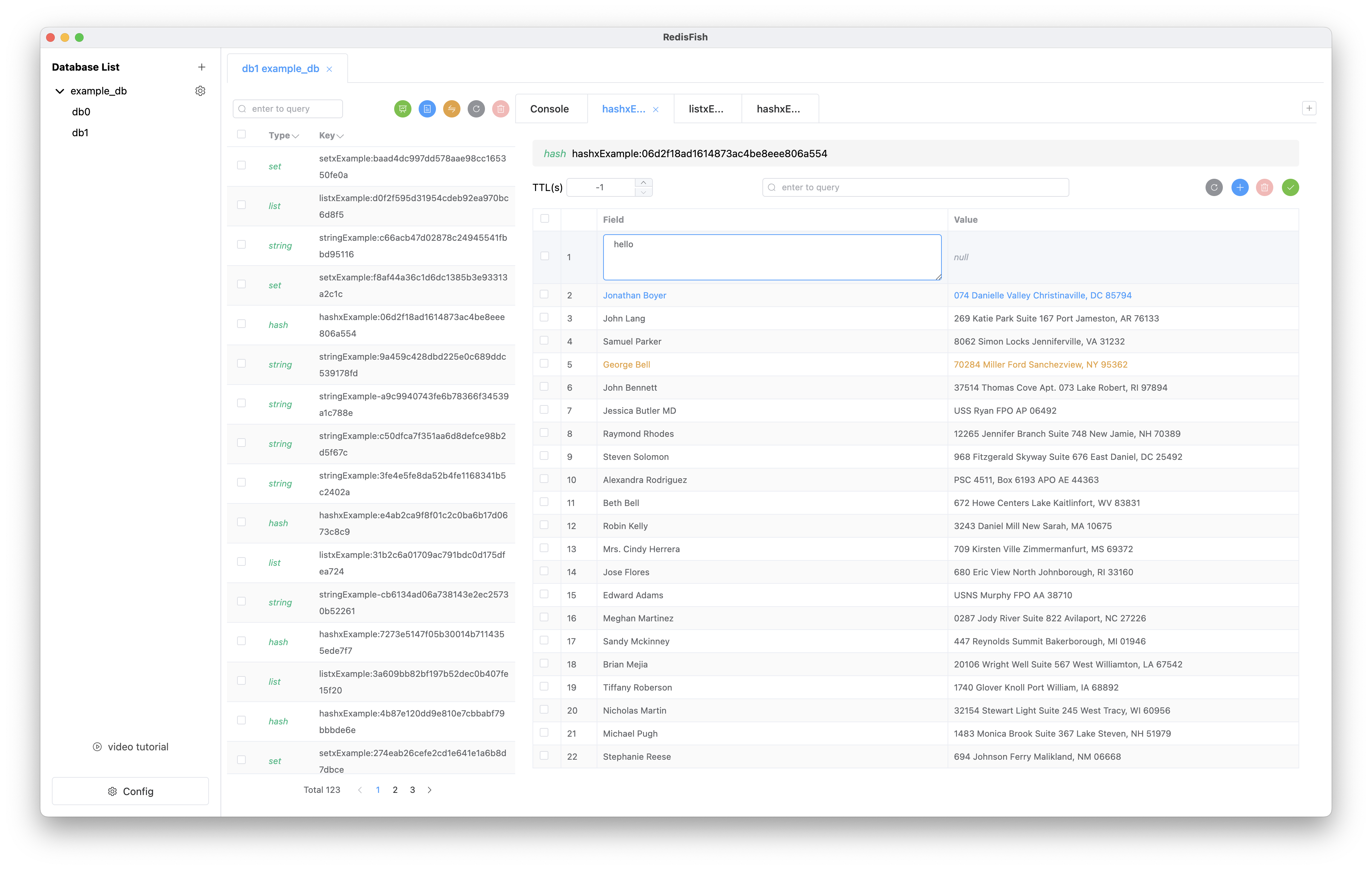
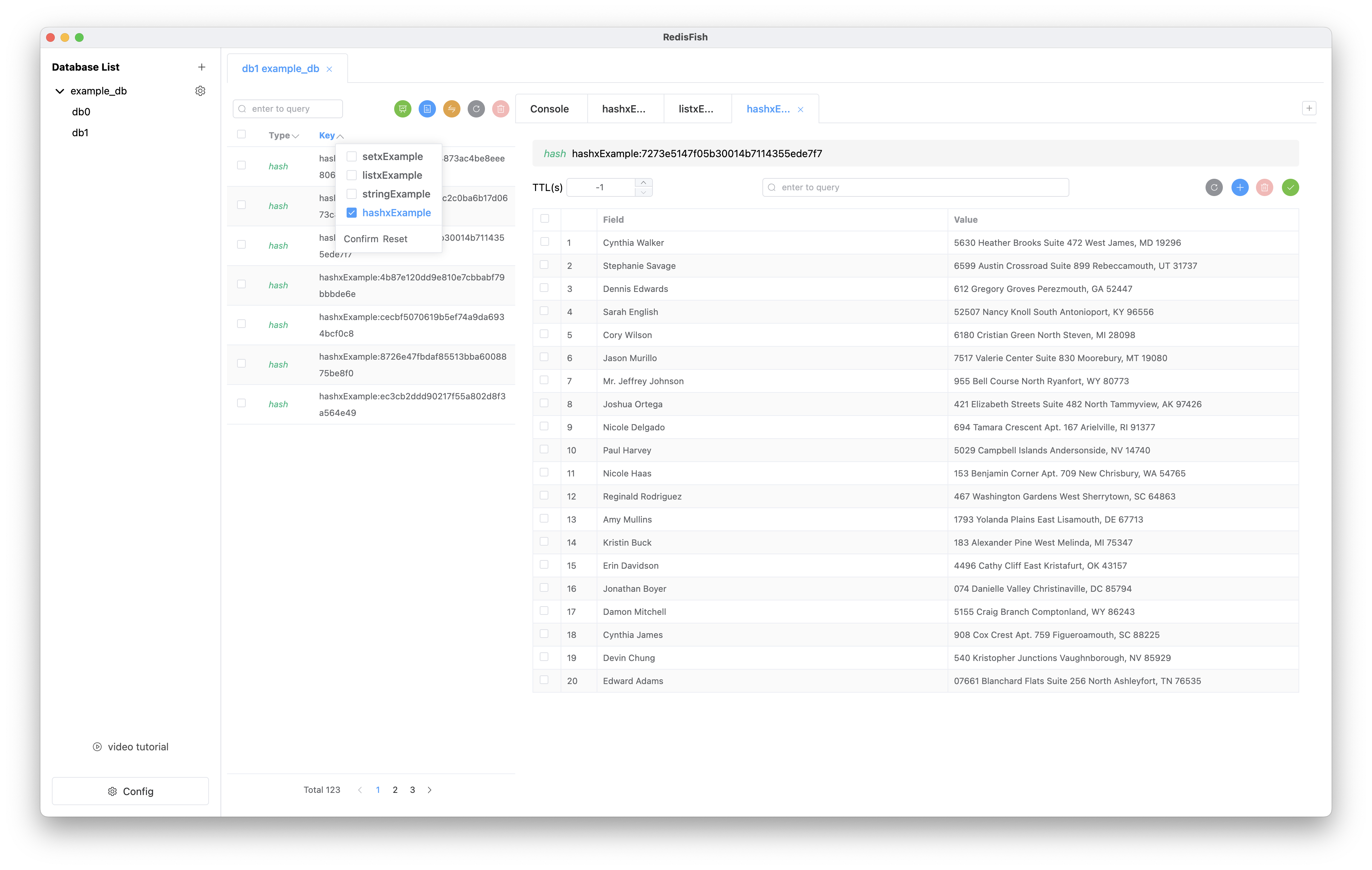
* The status of data processing is distinguished by color. For example, in hash type data, blue represents new data, yellow represents edited data, etc.
* Data multi-selection processing
* The data in the table can be edited directly by `double-clicking`, or it can be enlarged by the shortcut key of `right-click`
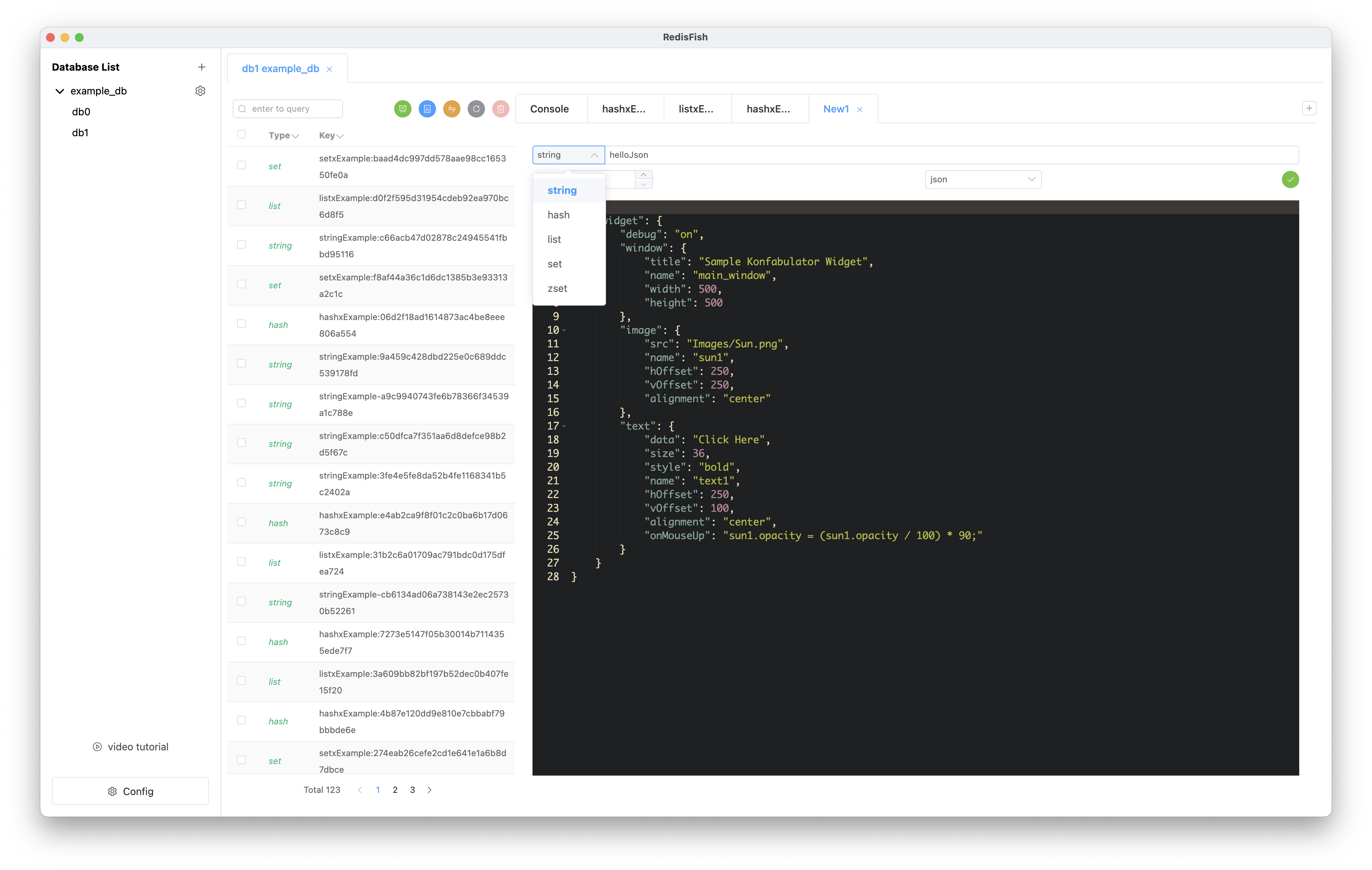
* JSON auto format
* JSON viewing and editing
* key list paging query
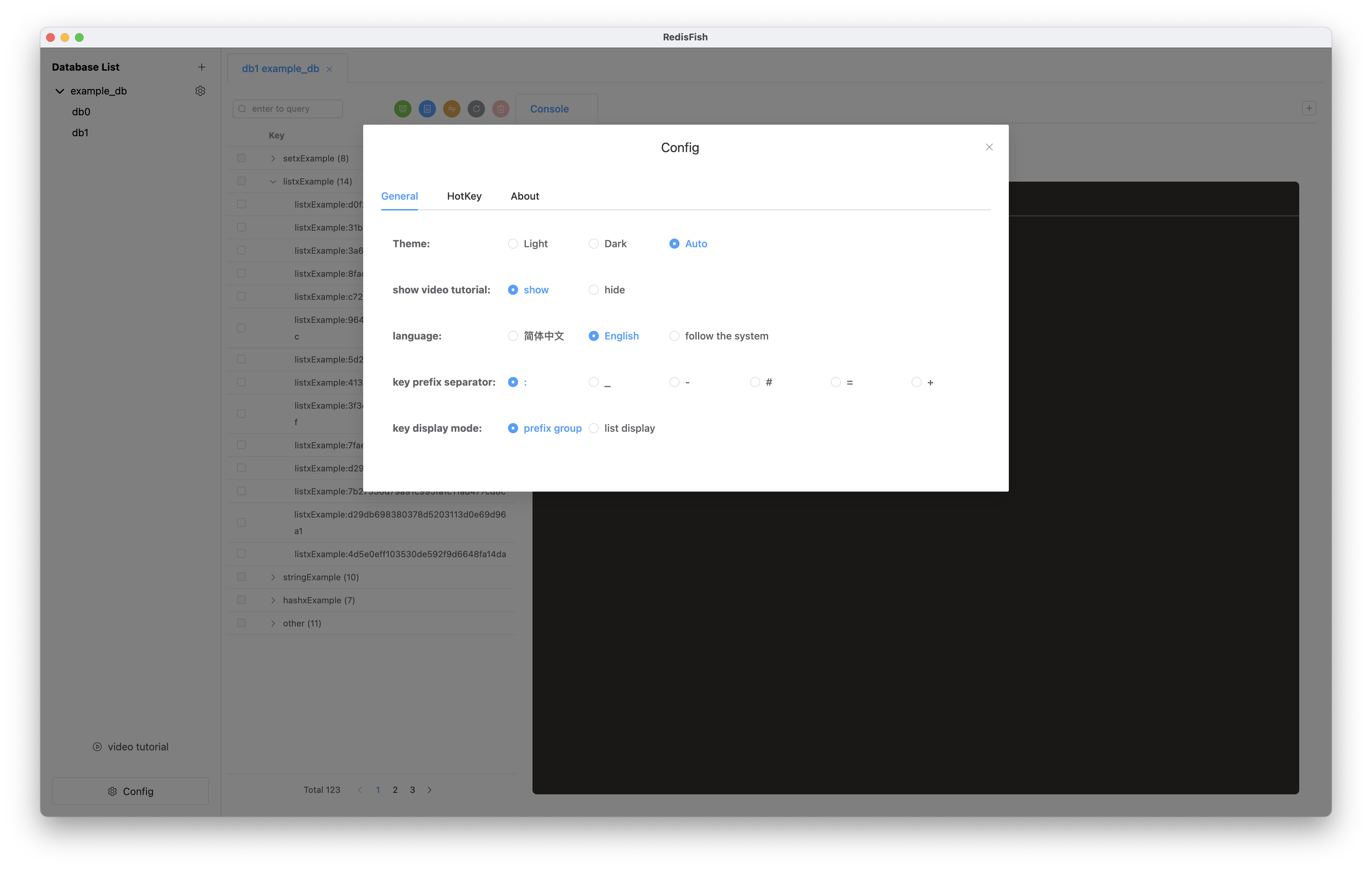
* The key list can be filtered by prefix grouping, support`:`, `-`, `_`, `#`, `=`, `+`, select in settings
* The key list supports two different modes: the list is displayed directly and classified into folders according to the prefix, which can be switched in the settings.
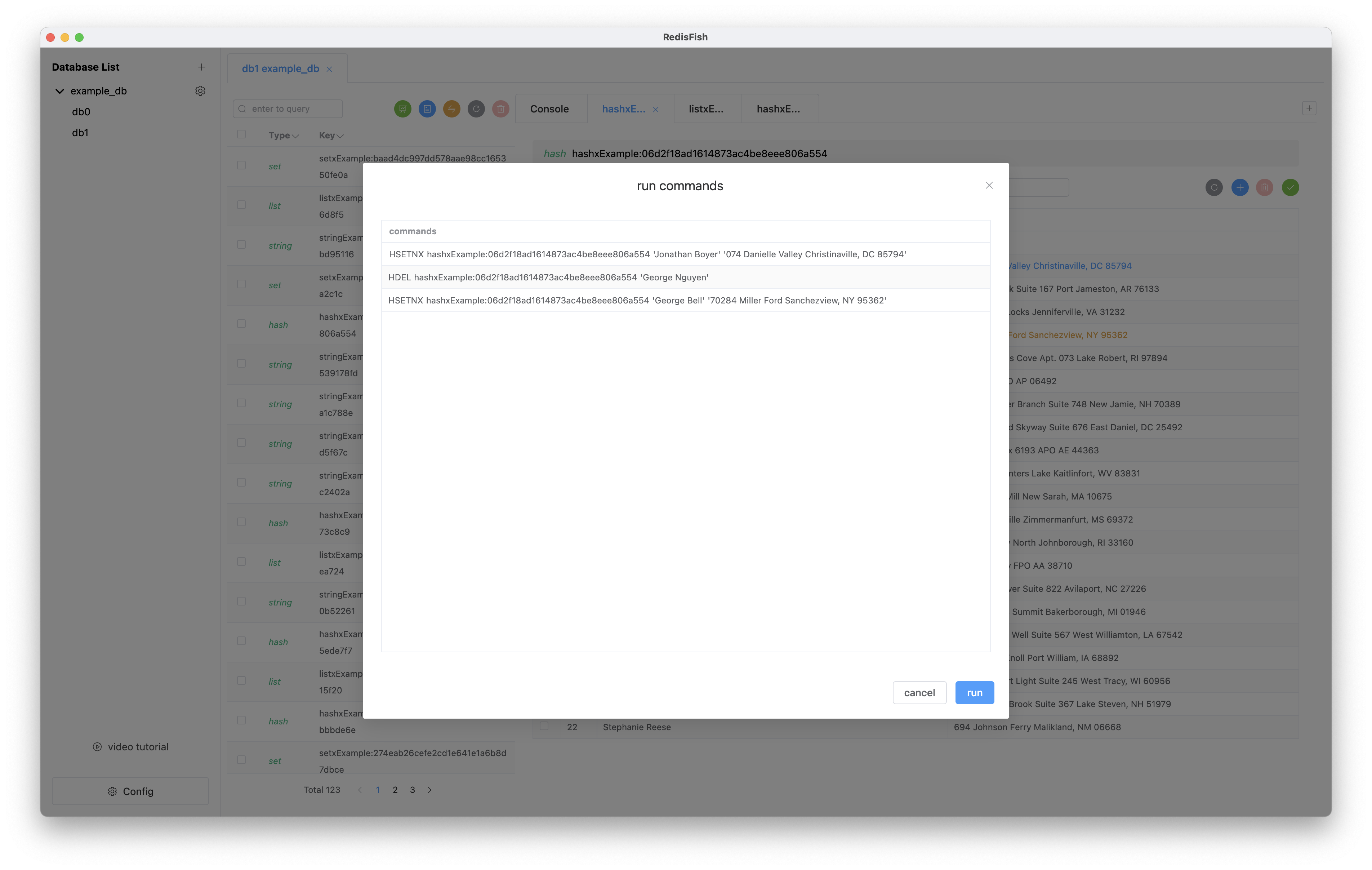
* The console supports two different modes: single command execution and multi-command execution at the same time
* Support log function, view execution command log
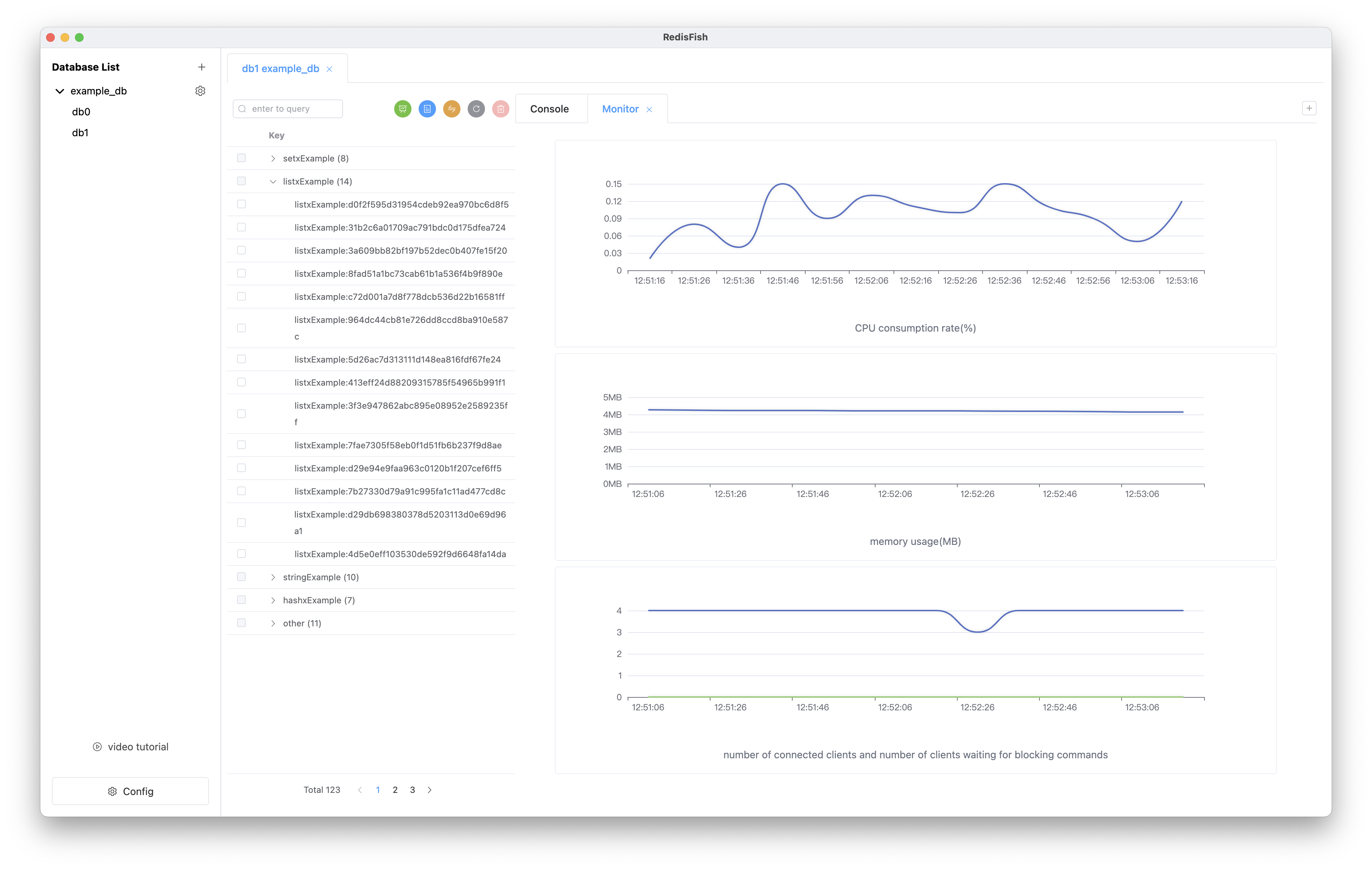
* Database monitoring, supports cpu usage, memory usage, number of connected clients, number of clients waiting for blocking commands
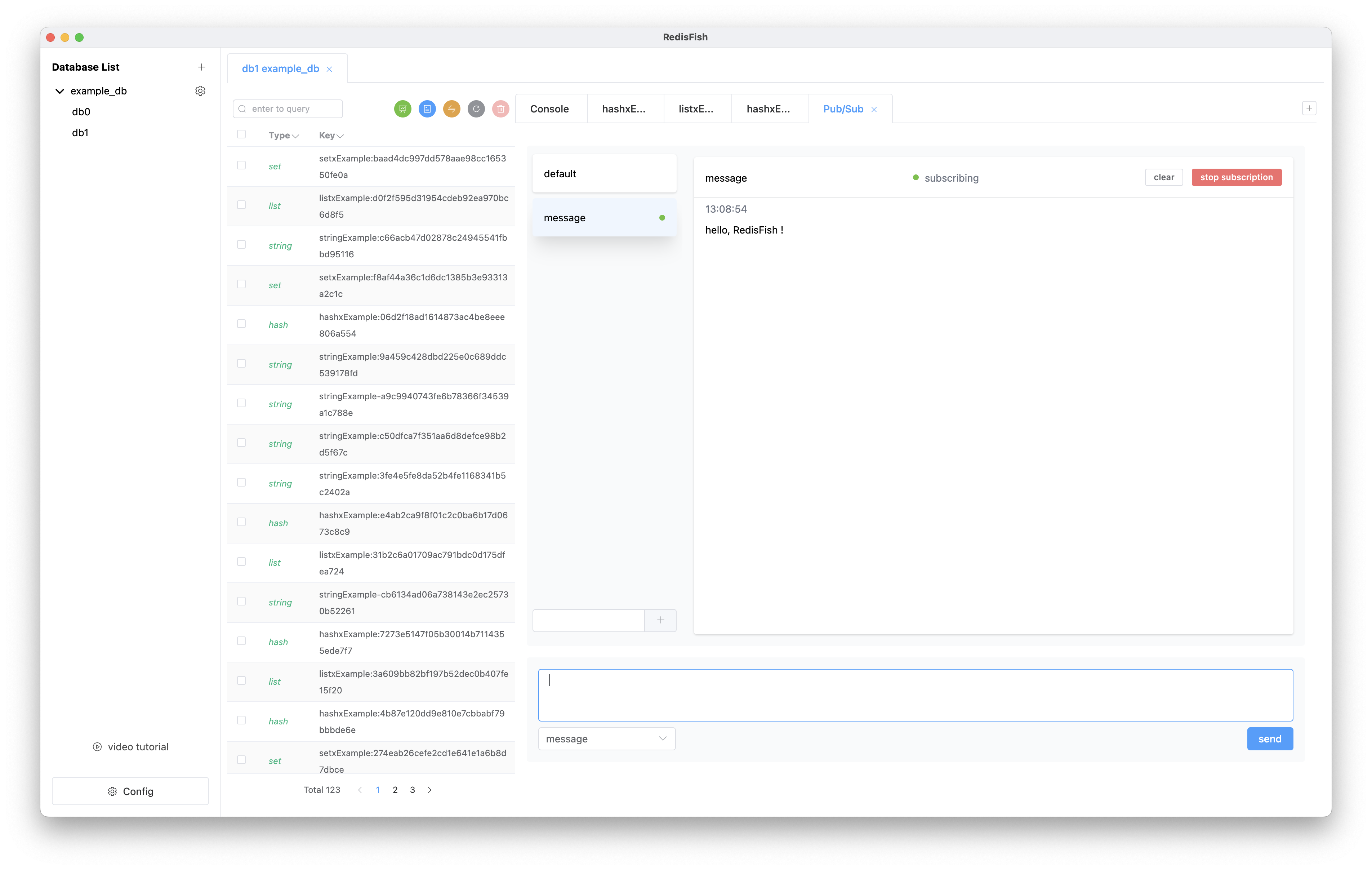
* Graphical operation of publish/subscribe function
* TLS
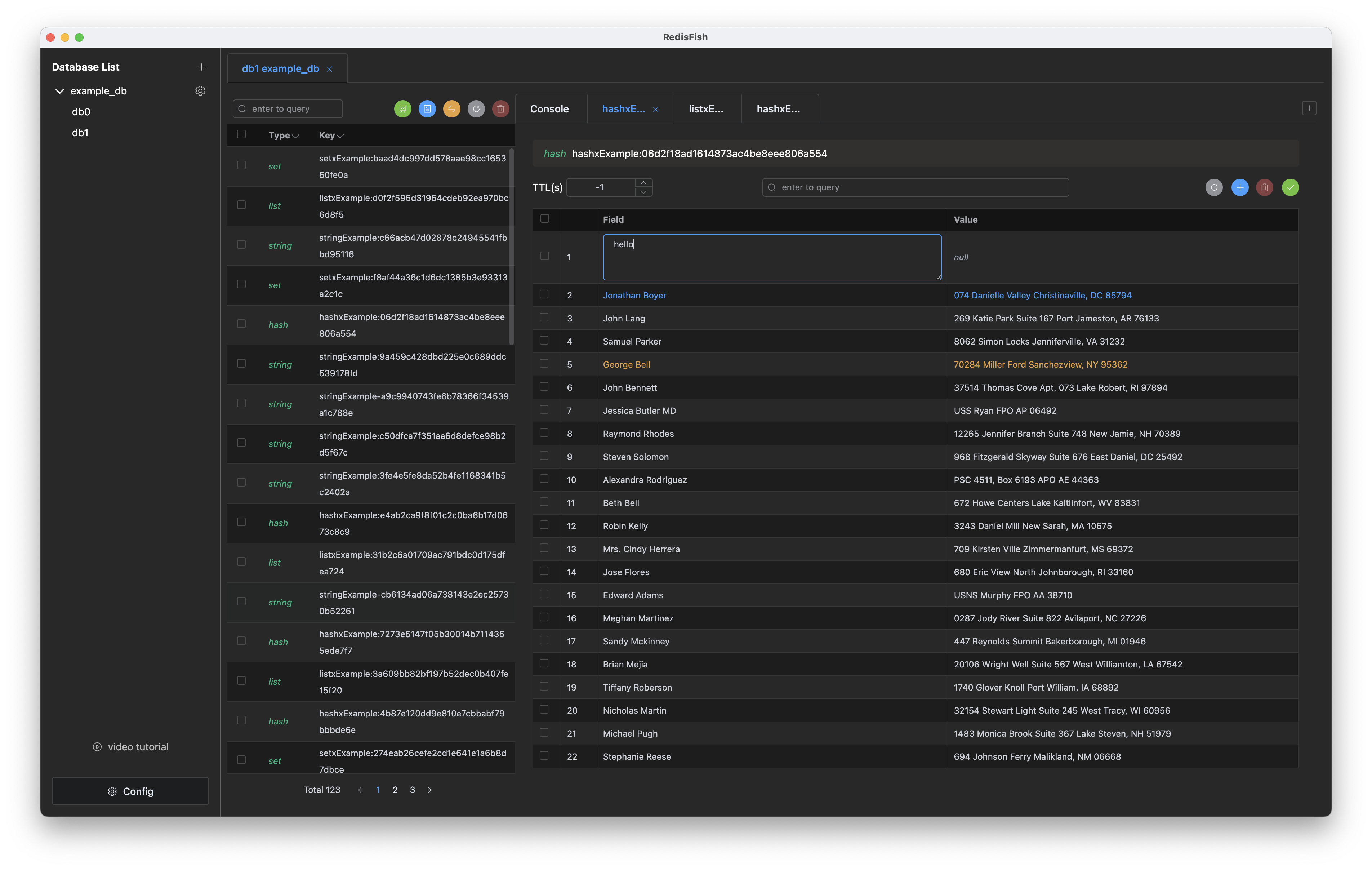
* Dark mode
* Multi-language support, support Chinese, English, automatically switch according to the system
* Automatic update (currently only on mac)
## HotKey
* **Copy**: `Command/Ctrl` + `left-click` shortcut copy
* **Data Zoom**: `Right-click` the data to open the data zoom editor, including text and json modes, can be automatically recognized
## Screenshot