English | [中文](./README.md)
Use vue 3.0 + css to draw high-performance UI on canvas
- [Example](#example)
- [Principle](#principle)
- [Get Started](#get-started)
- [Components](#components)
- [View](#view)
- [Text](#text)
- [Image](#image)
- [Touchable](#touchable)
- [ScrollView](#scrollview)
- [Thanks](#thanks)
## Example
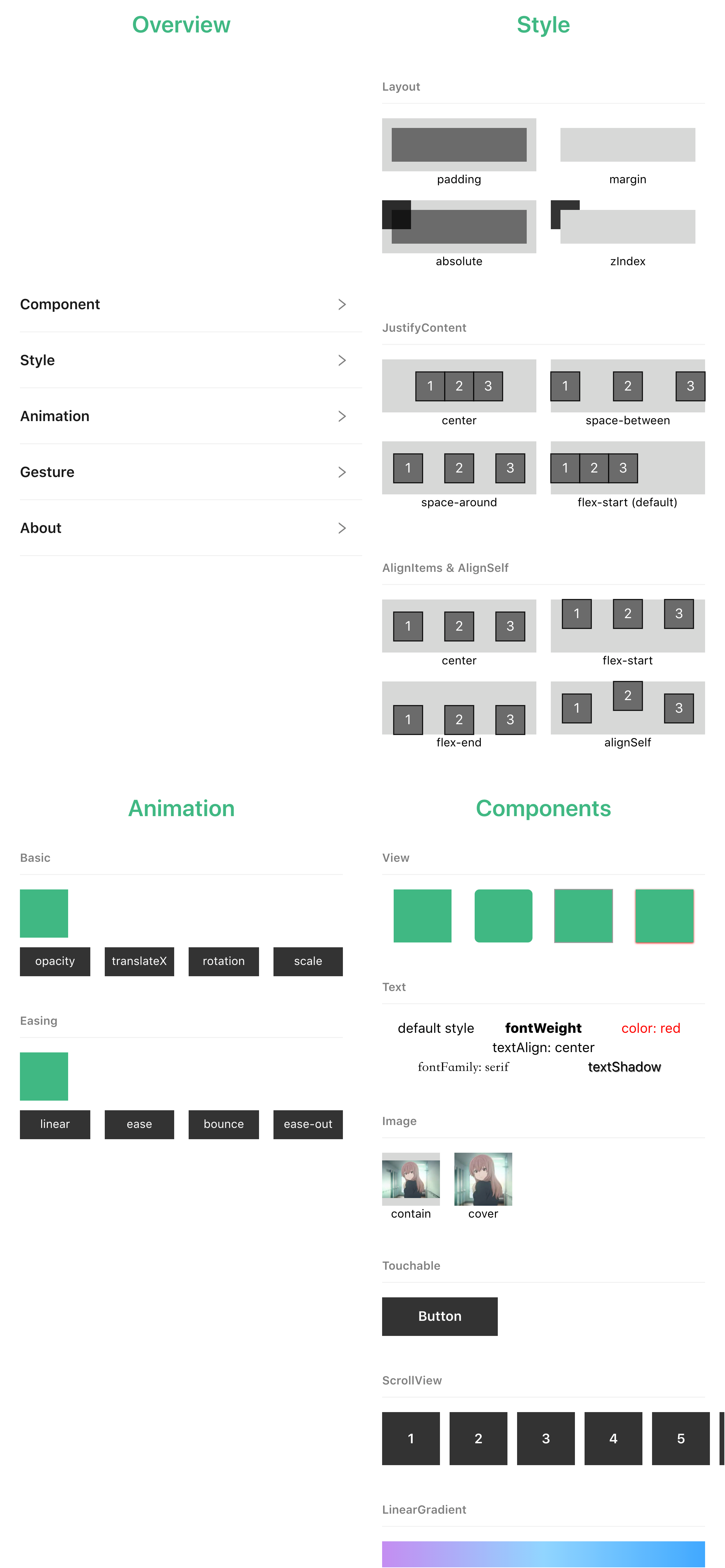
run the example:
```bash
npm run dev:demo
```
more examples:[https://codesandbox.io/u/huruji/sandboxes](https://codesandbox.io/u/huruji/sandboxes)
## Principle
In Vue 3.0, the renderer of dom was separated into [@vue/runtime-dom](https://github.com/vuejs/vue-next/tree/master/packages/runtime-dom), [@vue/ runtime-dom](https://github.com/vuejs/vue-next/tree/master/packages/runtime-dom) can be regarded as based on [@vue/runtime-core](https://github.com /vuejs/vue-next/tree/master/packages/runtime-core) web DOM renderer built by the API provided, [@vue/runtime-core](https://github.com/vuejs/vue-next/ tree/master/packages/runtime-core) can be regarded as a core implementation of Vue that has nothing to do with the environment. Vuvas is really a renderer based on this in the Canvas environment. The underlying layout of Vuvas is based on [yoga-layout](https://github.com/facebook/yoga), so we can easily use css flexbox to layout our pages.
## Get Started
installation
```bash
npm i vuvas -S
```
use
> index.ts
```js
import { createApp } from 'vuvas'
import App from './index.vue'
createApp(App).mount(document.querySelector('#app'))
```
> index.vue
```html
{{text}}
```
## Components
Vuvas has built-in basic components that help us build UI. These components can be regarded as standard components in the Vuvas environment (similar to tags such as div and p in the web environment).
### View
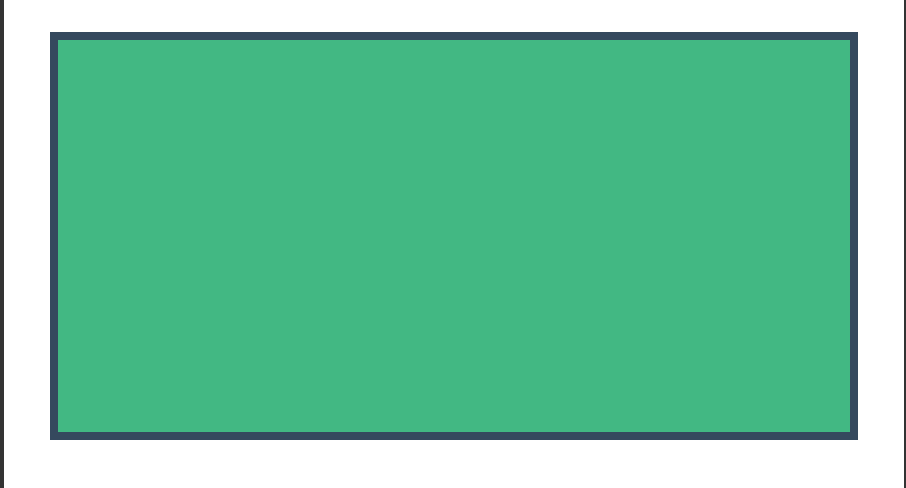
Basic layout components, similar to the div and section tags in dom, for example:
code:
> Open in [code sandbox](https://codesandbox.io/s/view-component-qfo7j)
```html
```
Result:
### Text
Text tag, you can add text inside the tag, similar to the p tag in dom, example:
code:
> Open in [code sandbox](https://codesandbox.io/s/text-component-wcs6d)
```html
Vuvas
```
Result:

### Image
The basic image tag, link the image address through the src attribute, use this to display the image, similar to the img tag of dom, for example:
code:
> Open in [code sandbox](https://codesandbox.io/s/image-component-dl41z)
```html
```
Result:

### Touchable
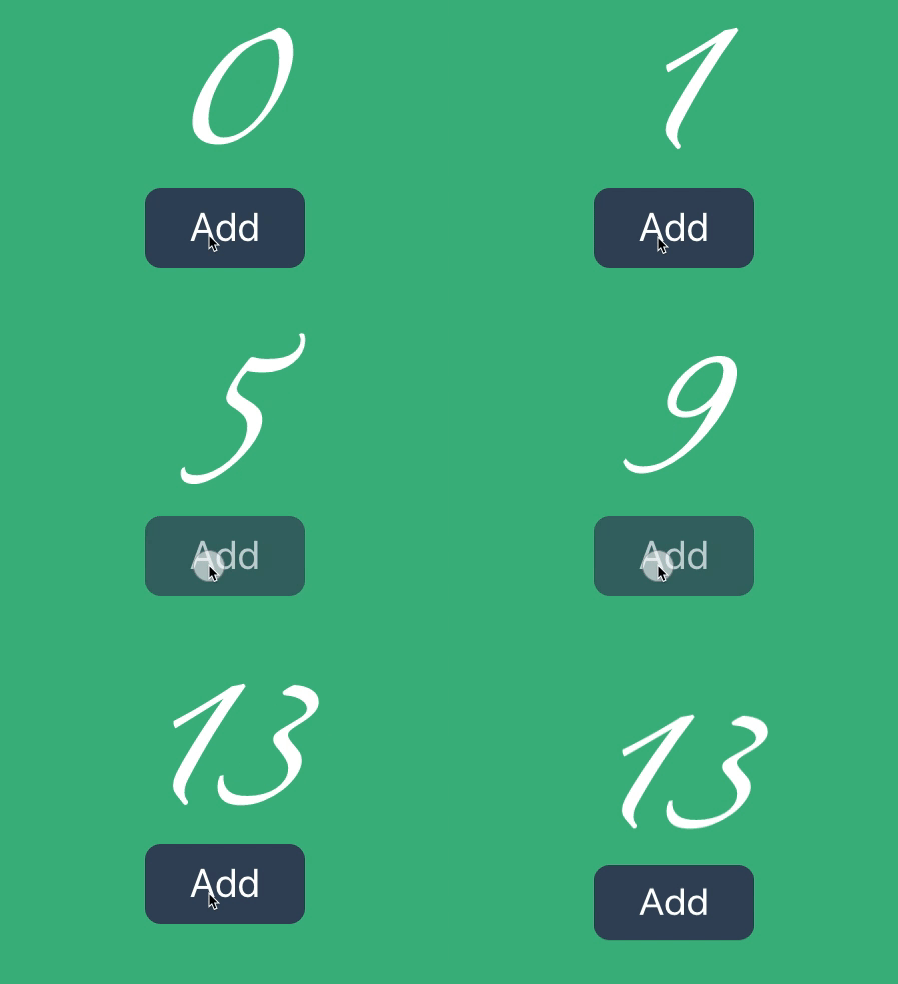
A component that can trigger touch events. Use this component to add touchStart, touchMove, touchEnd, and touchCancel events, such as implementing a Button:
Code:
> Open in [code sandbox](https://codesandbox.io/s/touchable-component-mz140)
```html
{{ count }}
Add
```
Result:
### ScrollView
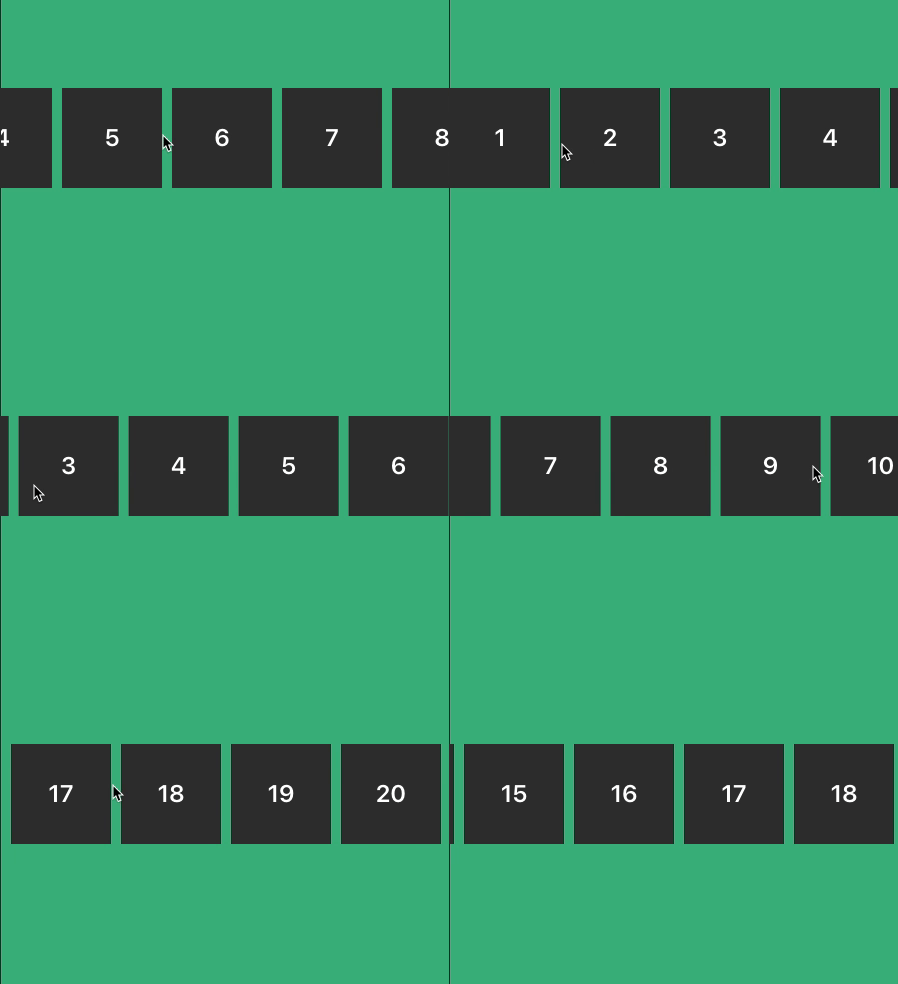
Scrollable components, through which other components can be wrapped to achieve the scrolling effect:
Code:
> Open in [code sandbox](https://codesandbox.io/s/scrollview-component-do7kp)
```html
{{index + 1}}
```
Result:
## Thanks
vuvas is the vue implementation version of [revas](https://github.com/pinqy520/revas), thanks [@pinqy520](https://github.com/pinqy520) 🙏🙏🙏