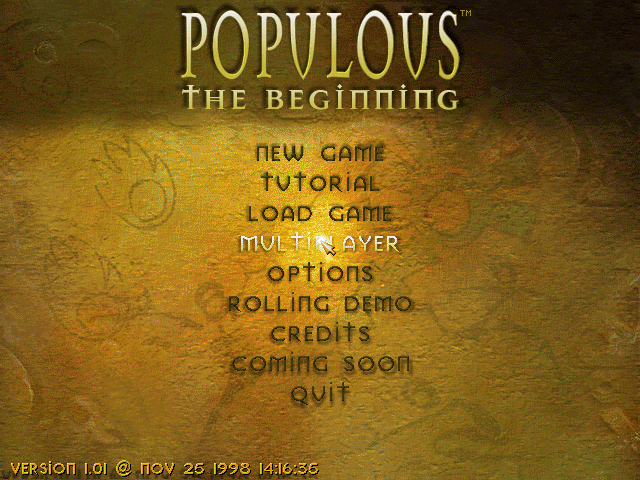
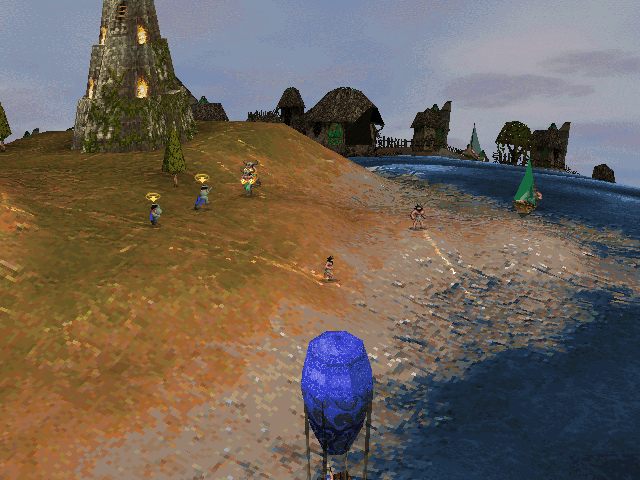
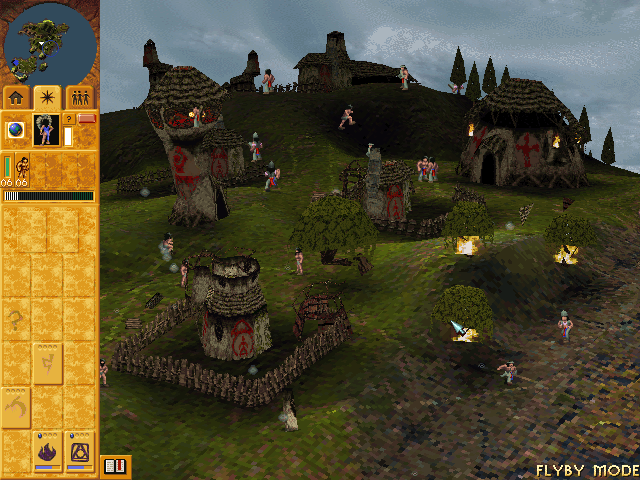
Captured from the native arm64 build (original 640x480 software renderer).
A native **Apple Silicon (arm64) macOS** port of **Populous: The Beginning** (1998) and its expansion **Undiscovered Worlds**, built by **statically recompiling** the original Windows executables into C and running them on a small reimplementation of the Win32/DirectX APIs on top of [SDL3](https://libsdl.org). No emulator, no Wine, no virtual machine: the game's own x86 code is translated ahead of time and compiled to a regular arm64 Mac app. > **You must own the game.** This repository contains **no game code and no game data**. The build > reads *your* copy of the game (the GOG release) and recompiles it locally on your Mac. > See [Legal](#legal). | | | |---|---| | Status | Single player fully playable (campaign, tutorial, Rolling Demo, Undiscovered Worlds) | | Video | Original software renderer, 640x480 and 800x600 | | Audio | Sound effects, music and FMV audio | | Multiplayer | Not yet (work in progress, see [docs/MULTIPLAYER.md](docs/MULTIPLAYER.md)) | | Platform | Apple Silicon; download needs macOS 14+, source build macOS 12+ | ## Quick start ### Download (no build needed) 1. Download `OpenPopTB-MacOS-x.y.z.zip` from the [releases page](https://github.com/iagodemacedo/OpenPopTB-MacOS/releases) and unzip it. It contains `Populous TB.app`, `Populous UW.app` (Undiscovered Worlds) and `Populous TB (Direct3D).app` (hardware rendering at the window's resolution). 2. Open `Populous TB.app`. The apps are signed and notarized by Apple, so macOS opens them normally (it only asks once to confirm an app downloaded from the internet). 3. Choose your copy of the game: the GOG offline installer (`setup_populous_the_beginning_*.exe`, keep any `.bin` files next to it) or a folder that already contains `popTB.exe` (GOG Galaxy, CrossOver, Windows copy). 4. The first launch prepares the game: it recompiles *your* copy for your Mac, about one minute. This needs Apple's free Command Line Tools; if they are missing the app offers to install them (then open the app again). Later launches start in seconds. The download contains no game code: it is the recompiler and the runtime, and the game code is generated on your Mac from your files. The cache lives in `~/Library/Application Support/OpenPopTB/cache/` (delete it to force a rebuild); a game unpacked from the installer goes to `~/Library/Application Support/OpenPopTB/Game/`. The download needs macOS 14 or later (building from source works on macOS 12+). ### Build from source 1. Get the game files from your GOG copy: the offline installer (`setup_populous_the_beginning_*.exe`) or a folder copied from a Windows, GOG Galaxy or CrossOver install. The folder must contain `popTB.exe`, `QMixer.dll`, `WEANETR.dll` and the `data/`, `levels/`, `sound/`, `fmv/` folders. 2. Install the build tools: ```sh xcode-select --install brew install cmake ninja sdl3 python innoextract ``` 3. Build: ```sh git clone https://github.com/iagodemacedo/OpenPopTB-MacOS.git cd OpenPopTB-MacOS ./build.sh "/path/to/Populous The Beginning" # or straight from the installer (extracted into game/): ./build.sh --installer "/path/to/setup_populous_the_beginning_1.02_d3dfix_(76526).exe" ``` This takes about a minute. It creates `dist/Populous TB.app` and, if `popTBUW.exe` is present, `dist/Populous UW.app`. 4. Run `open "dist/Populous TB.app"`. On first launch the app asks for the game folder and remembers it (`~/Library/Application Support/OpenPopTB/data_path.txt`). To build the downloadable apps yourself: `tools/package_release.sh` (needs no game files). ### Tested game version The GOG release, version 1.01. `build.sh` and the app check these SHA-256 hashes and warn if yours differ (other versions may work but are untested; the runtime has a few address-specific tweaks). | File | SHA-256 | |---|---| | `popTB.exe` | `a46e7c6fa04e13f6cd5accebe32bb5f543f1cd0808bb96b0040f59763251109e` | | `popTBUW.exe` | `d994142ce0ffb0e5a12ad432cd5def2020d3ca9fb6027a1469d9f7459071e760` | | `QMixer.dll` | `460292fe61a75996e8035f8a65a765733738293d0d391336be292aa74c128698` | | `WEANETR.dll` | `44f5ea804323b607c68739d90df3e9516390f4045c2779350372566c2a806418` | ## Playing - **Cmd+Enter** toggles full screen, **Cmd+Q** quits. - The mouse is captured while the window has focus (the game draws its own cursor, like the original fullscreen mode). Cmd+Tab releases it. - Game options (resolution, landscape detail, sound) are in the game's own *Options* menu. - Command-line flags: `--data