# FireNoti
FireNoti is a Flutter-based mobile application that leverages Firebase Cloud Messaging (FCM) for sending and managing push notifications. This project aims to provide a seamless notification experience by integrating Firebase FCM, enabling real-time alerts and updates for users.
## Features
- **Firebase FCM Integration**: Uses Firebase Cloud Messaging for sending push notifications.
- **Real-Time Notifications**: Receive instant alerts and updates directly on your mobile device.
- **Customizable Alerts**: Allows easy customization of notification content and appearance.
- **Efficient Message Delivery**: Ensures reliable and timely notification delivery.
- **User Engagement**: Boosts user engagement with interactive notifications.
# Fire-Noti Project Contribution Acknowledgement

We would like to acknowledge the valuable contributions made by **Imran** to the Fire-Noti project.
## Updates by Imran
- **iOS Project Configuration and Assets**
- Added CocoaPods support by creating a `Podfile` and including necessary configurations in `Debug.xcconfig` and `Release.xcconfig`.
- Updated `Runner.xcodeproj` to include Pods frameworks and configurations.
- Added new app icon images to `Assets.xcassets` and updated `Contents.json` for proper asset management.
- Modified `Info.plist` to include user tracking usage description and background modes for notifications.
- Refactored `NotificationCalendar` class to allow mutable properties: year, month, day, hour, minute, second, and millisecond.
Thank you, Imran, for your dedication and excellent work on improving the Fire-Noti project!
## Getting Started
### Prerequisites
Before you begin, ensure you have met the following requirements:
- [firebase_core](https://pub.dev/packages/firebase_core): For integrating Firebase with the Flutter app.
- [firebase_messaging](https://pub.dev/packages/firebase_messaging): For Firebase Cloud Messaging (FCM) support.
- [awesome_notifications](https://pub.dev/packages/awesome_notifications): For displaying customizable local and push notifications.
Add these dependencies to your `pubspec.yaml` file:
```yaml
dependencies:
flutter:
sdk: flutter
firebase_core: ^3.6.0
firebase_messaging: ^15.1.3
awesome_notifications: ^0.10.0
```
### Installation
1. **Clone the repository:**
```bash
git clone https://github.com/Puneetsharma5525/Fire-Noti.git
cd FireNoti
### Android Output
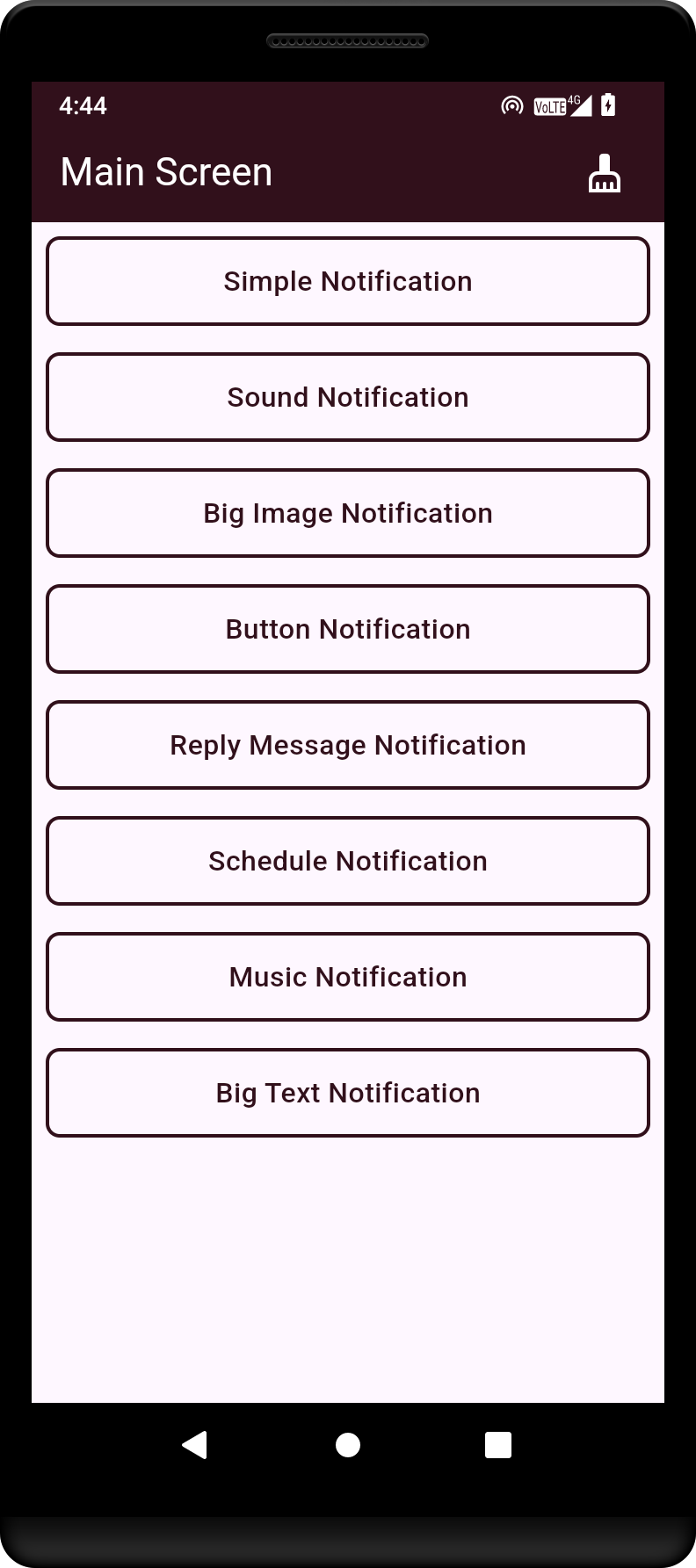
This is the main screen of the Flutter application, showcasing the primary user interface.
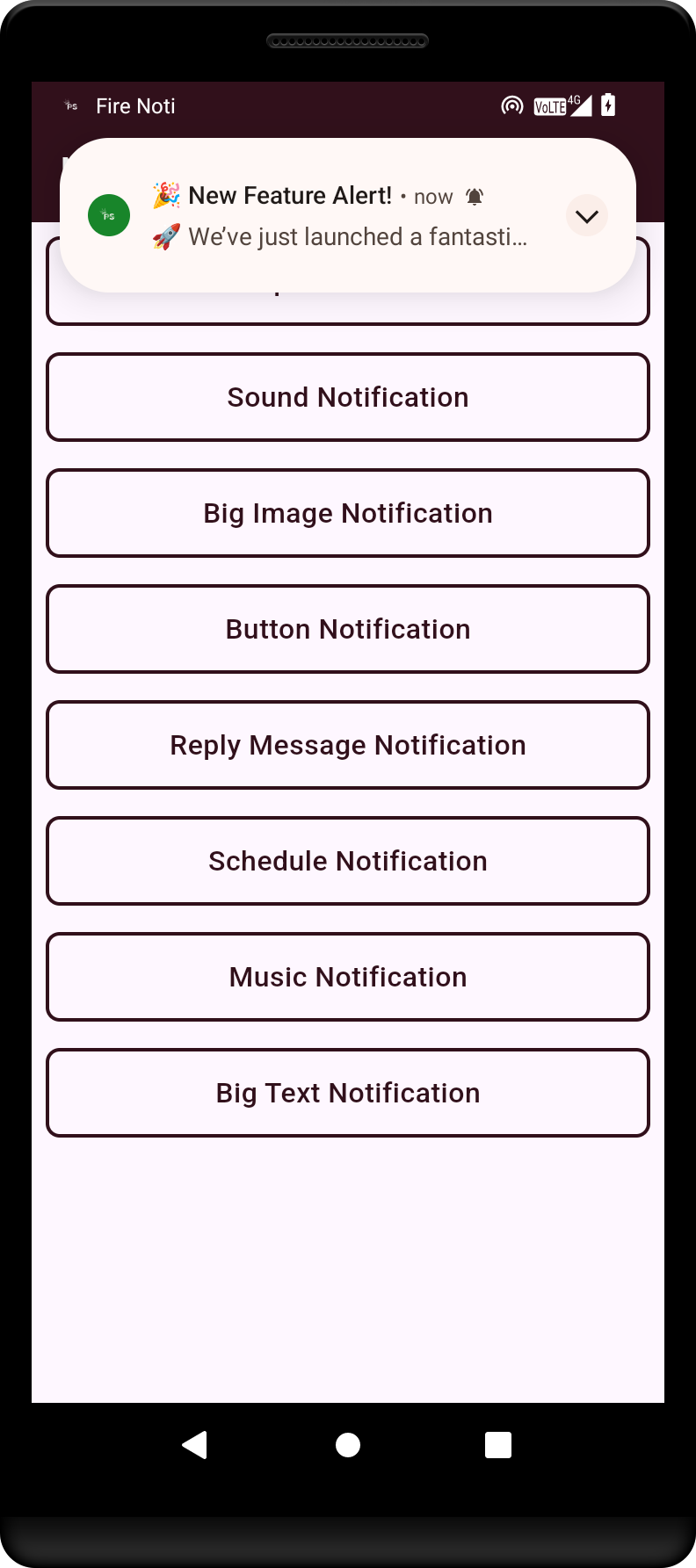
Example of a simple notification that alerts the user to a new message or event.
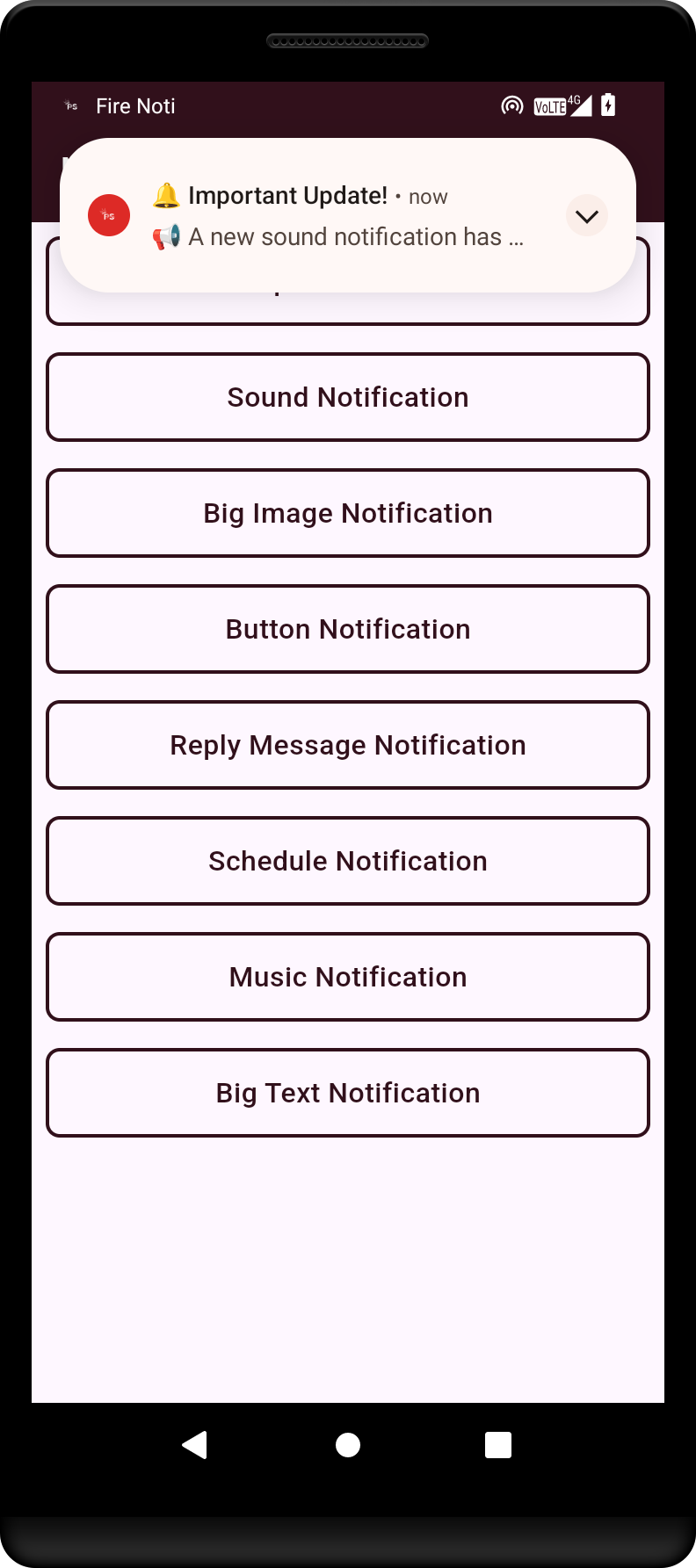
Demonstration of a notification with sound, enhancing user engagement through audio cues.
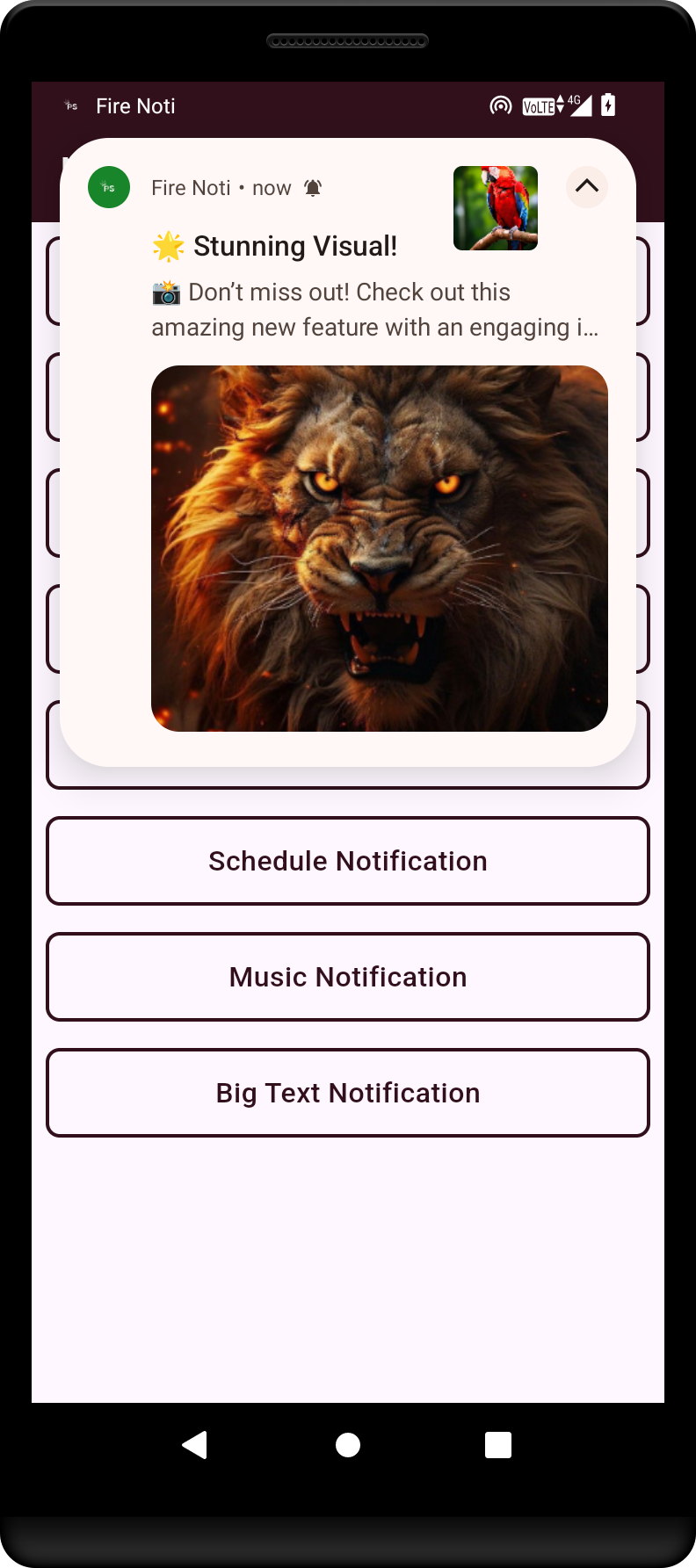
An example of a big image notification.
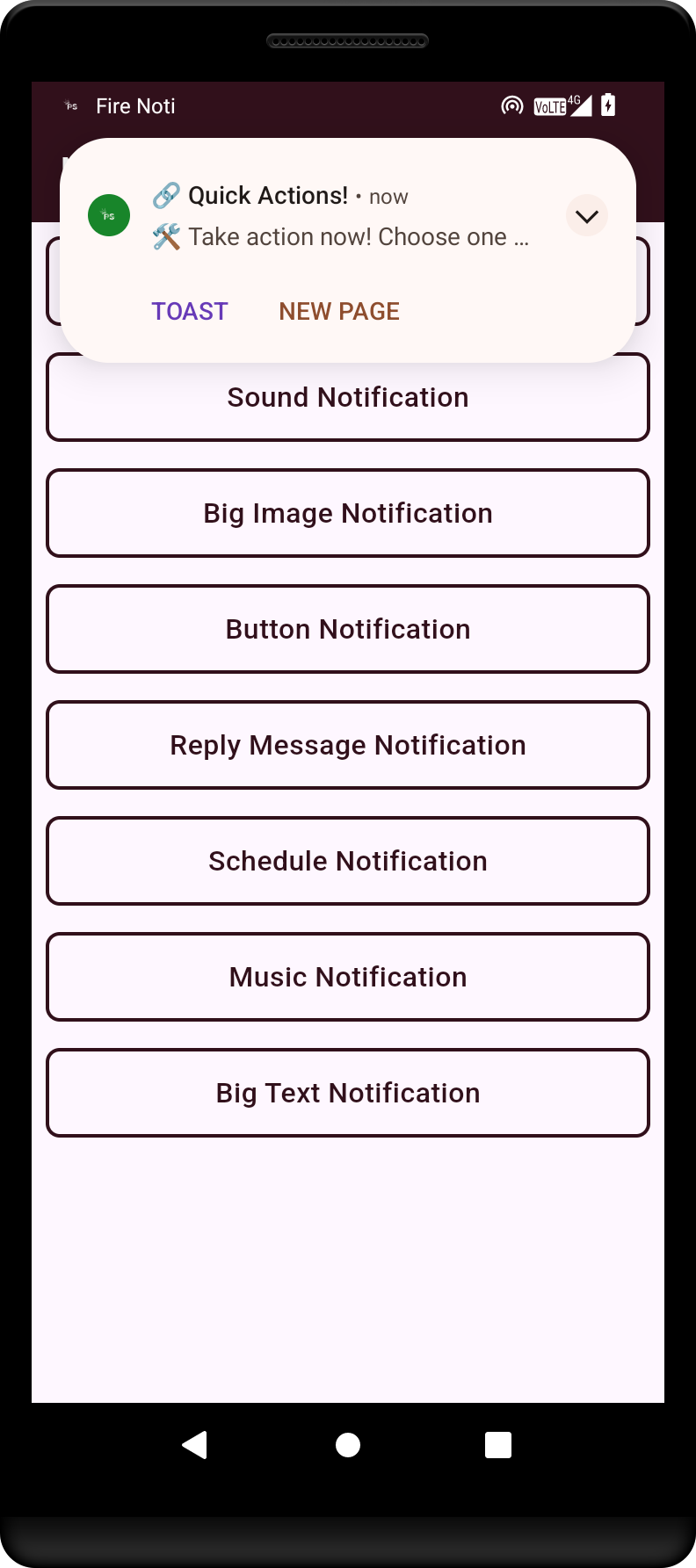
Illustration of a notification featuring action buttons, allowing users to respond directly from the notification.
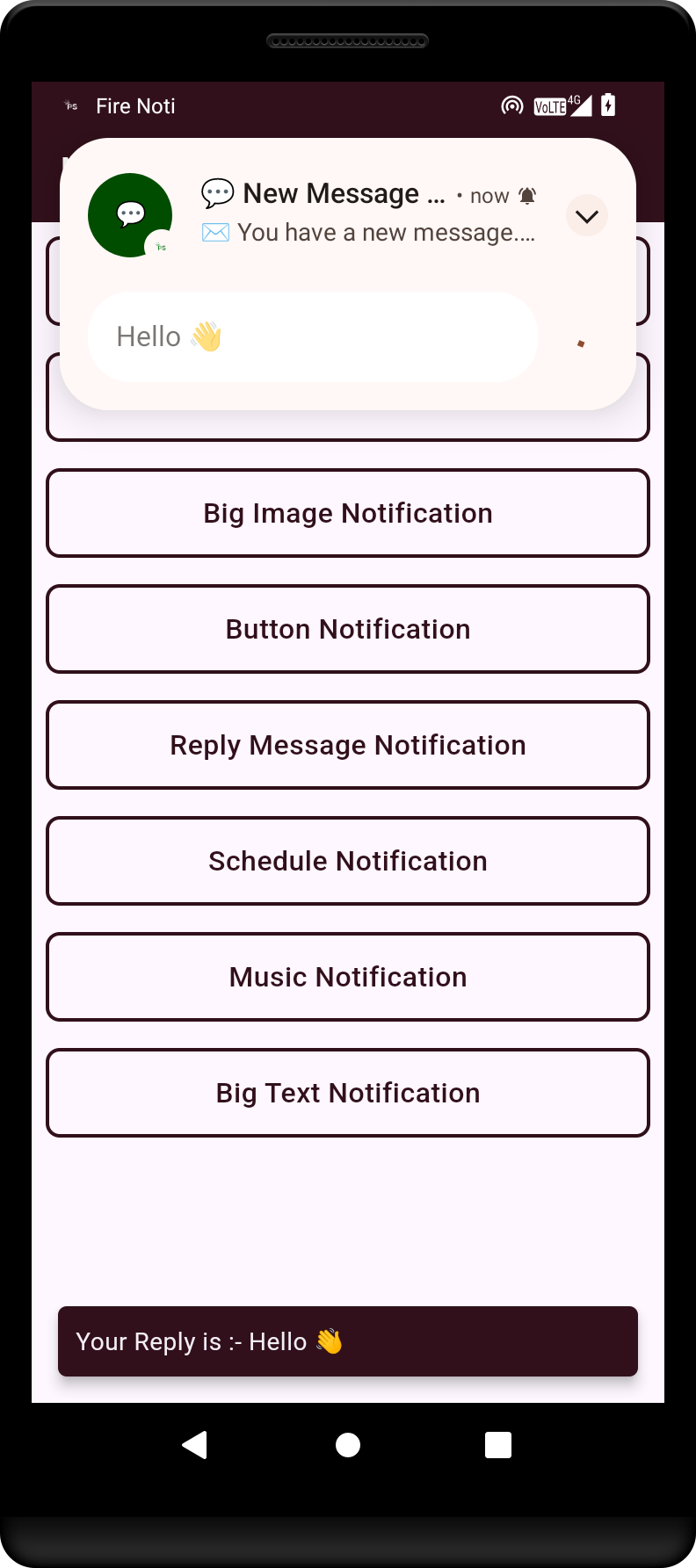
This shows a reply notification, enabling users to quickly respond to messages without opening the app.
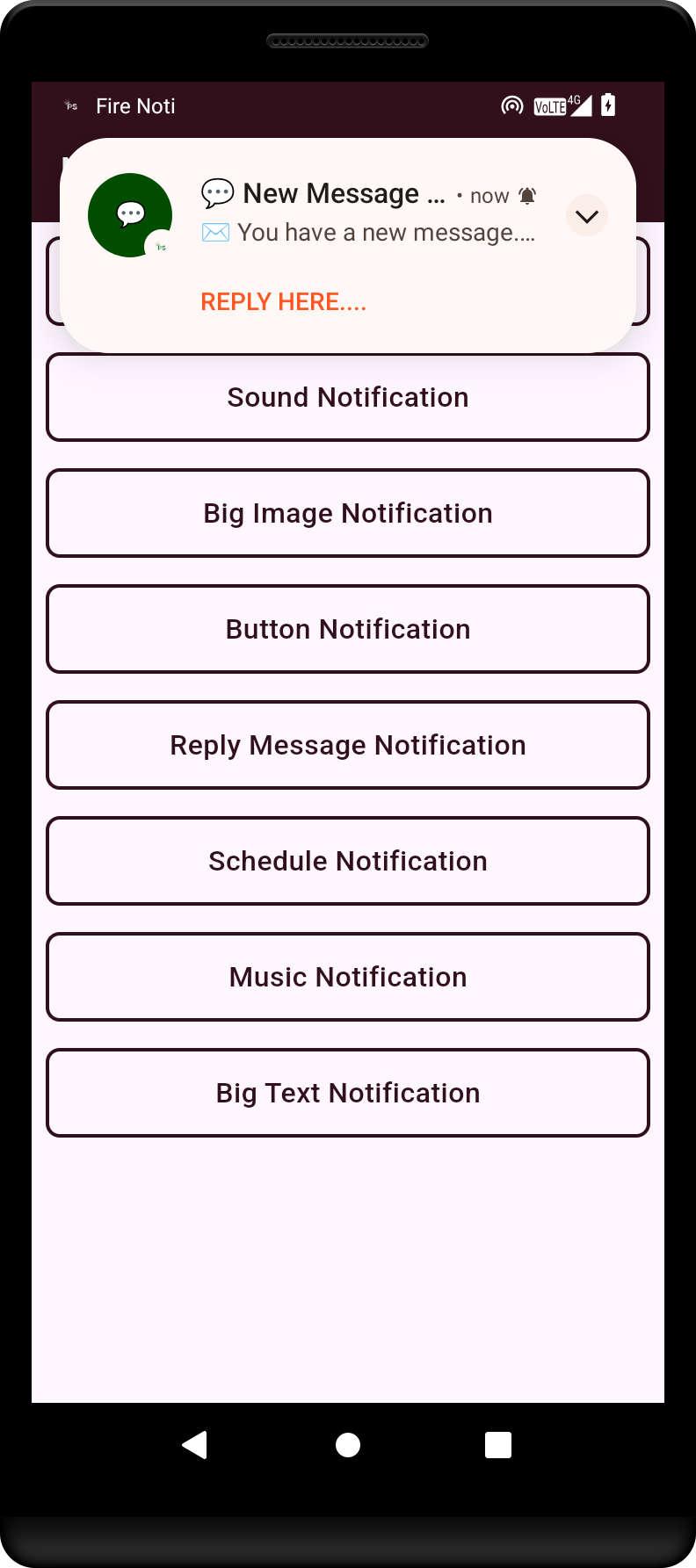
Example of a chat message notification, indicating new messages from contacts.
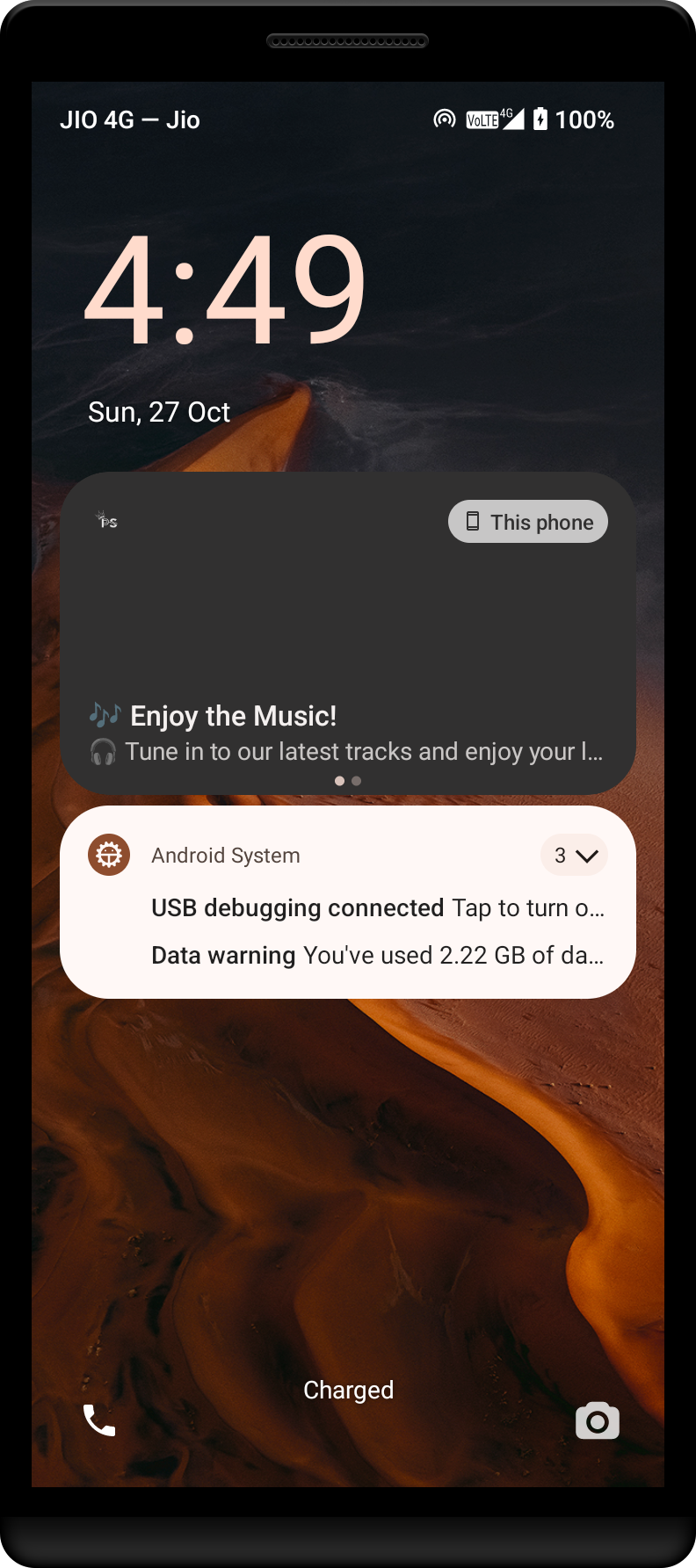
Music notification showing playback controls and information about the currently playing track.
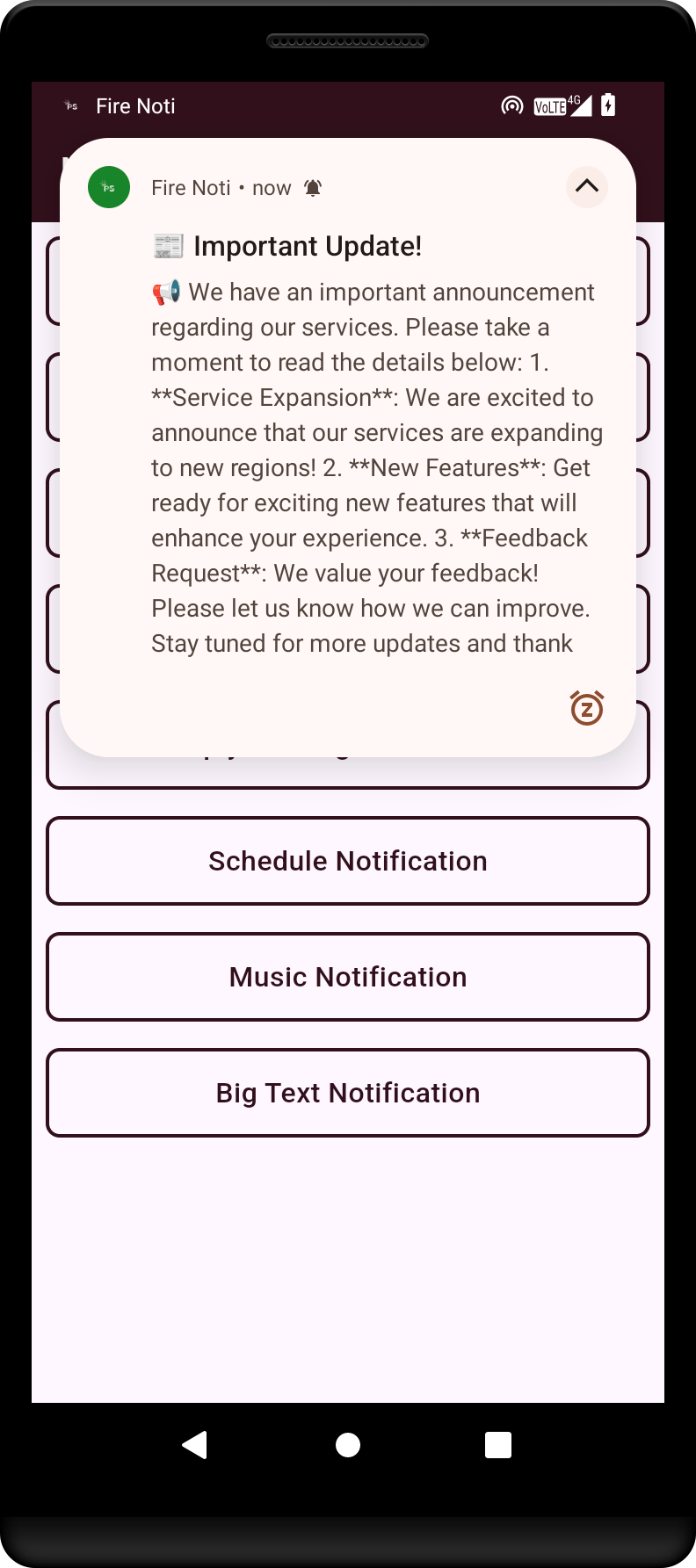
A big text notification that provides detailed information and context to the user.
### Simulator Output
### 1. Home Screen with App Icon and Badge
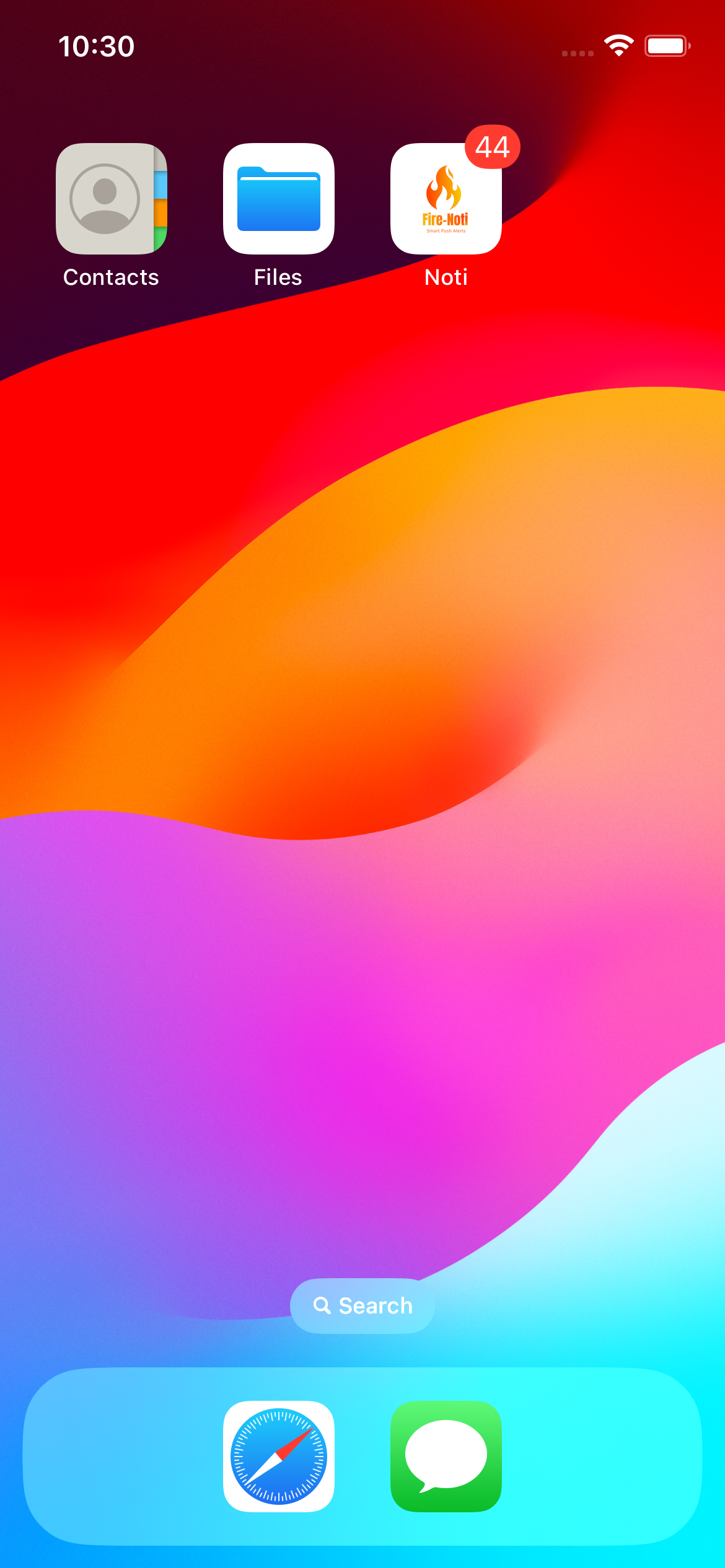 The main home screen of the app displays the **FireNoti** app icon, app name, and notification badge on iOS.
---
### 2. Notification with Image
The main home screen of the app displays the **FireNoti** app icon, app name, and notification badge on iOS.
---
### 2. Notification with Image
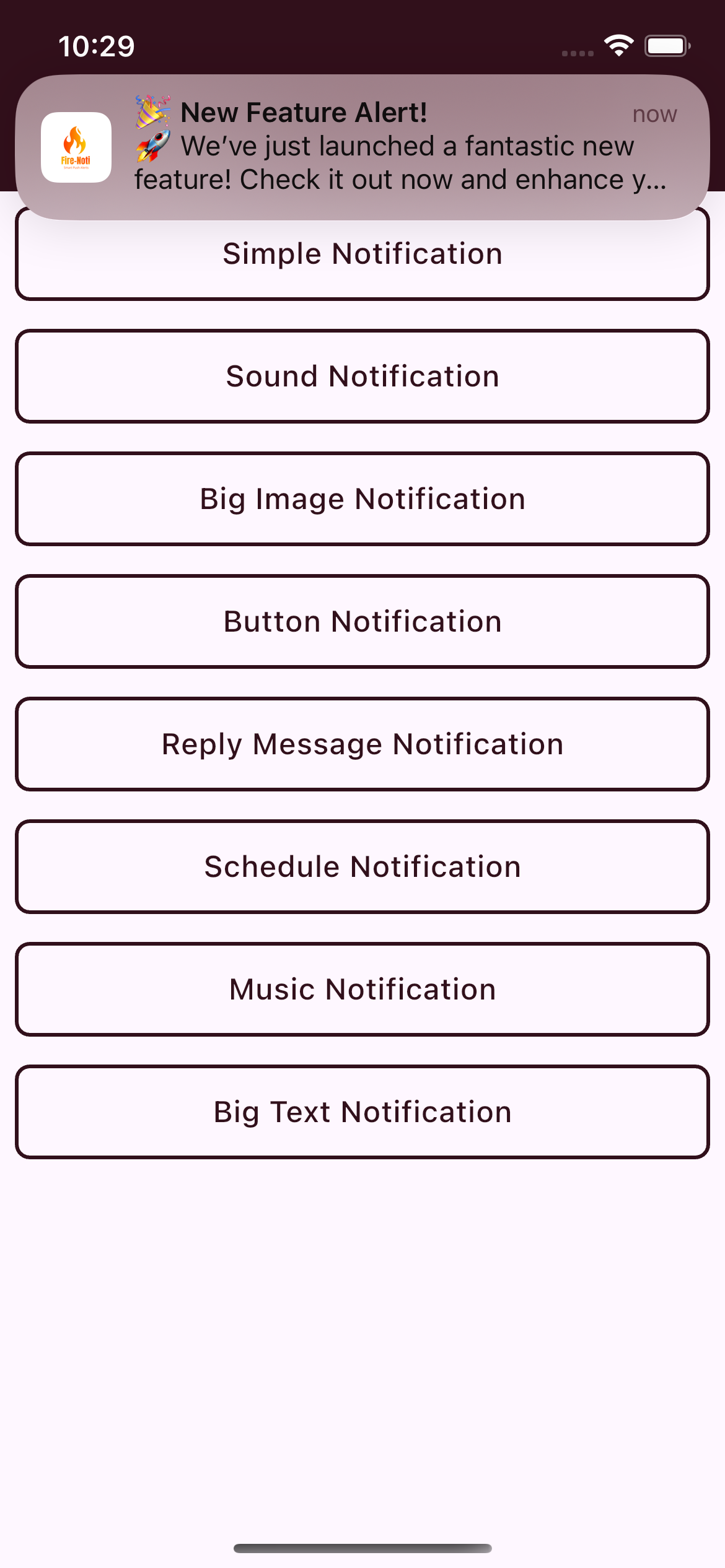 This shows a Flutter alert notification featuring an image alongside the notification message on iOS.
---
### 3. Notification with Logo and Image
This shows a Flutter alert notification featuring an image alongside the notification message on iOS.
---
### 3. Notification with Logo and Image
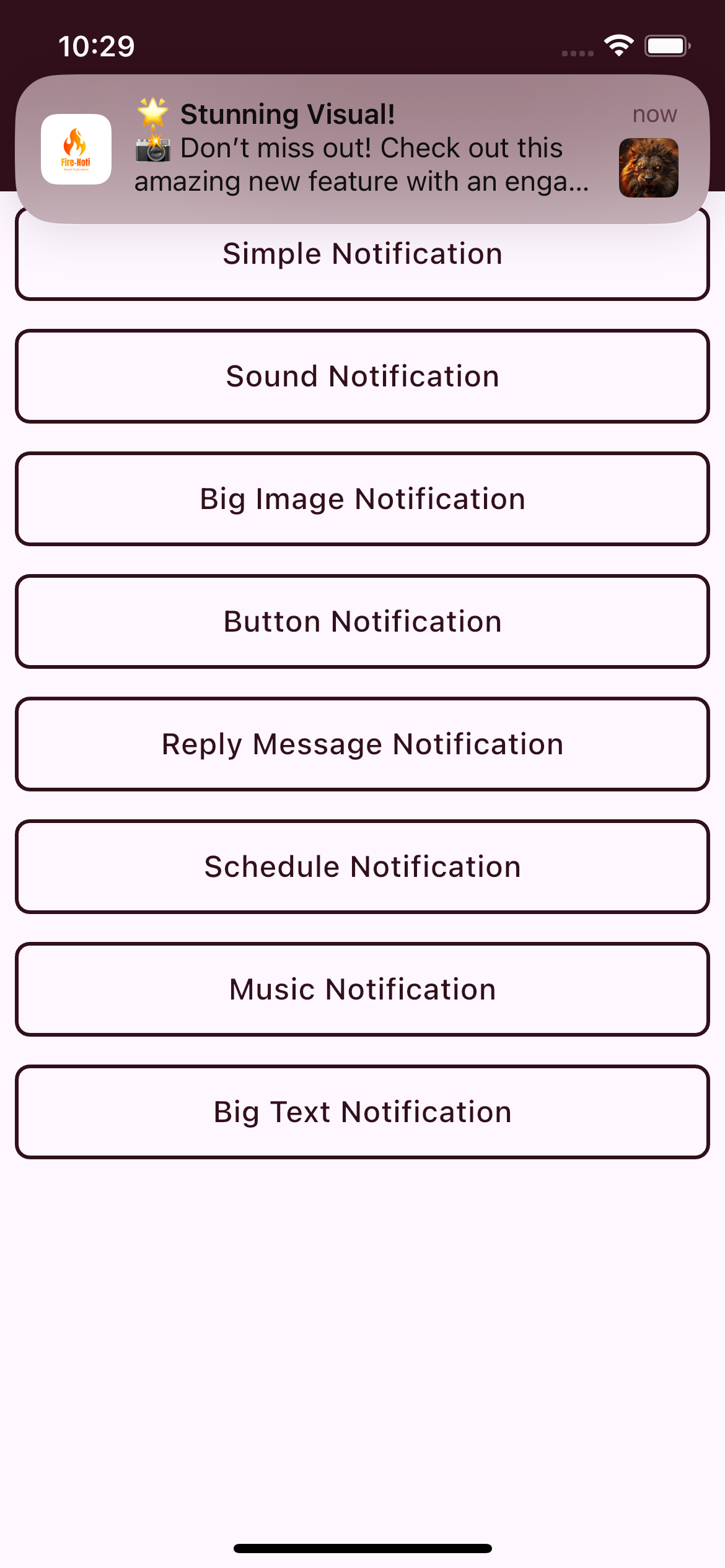 Here, the notification displays both a logo and a large image, providing a rich notification experience on iOS.
---
### 4. Home Screen with Various Notification Types
Here, the notification displays both a logo and a large image, providing a rich notification experience on iOS.
---
### 4. Home Screen with Various Notification Types
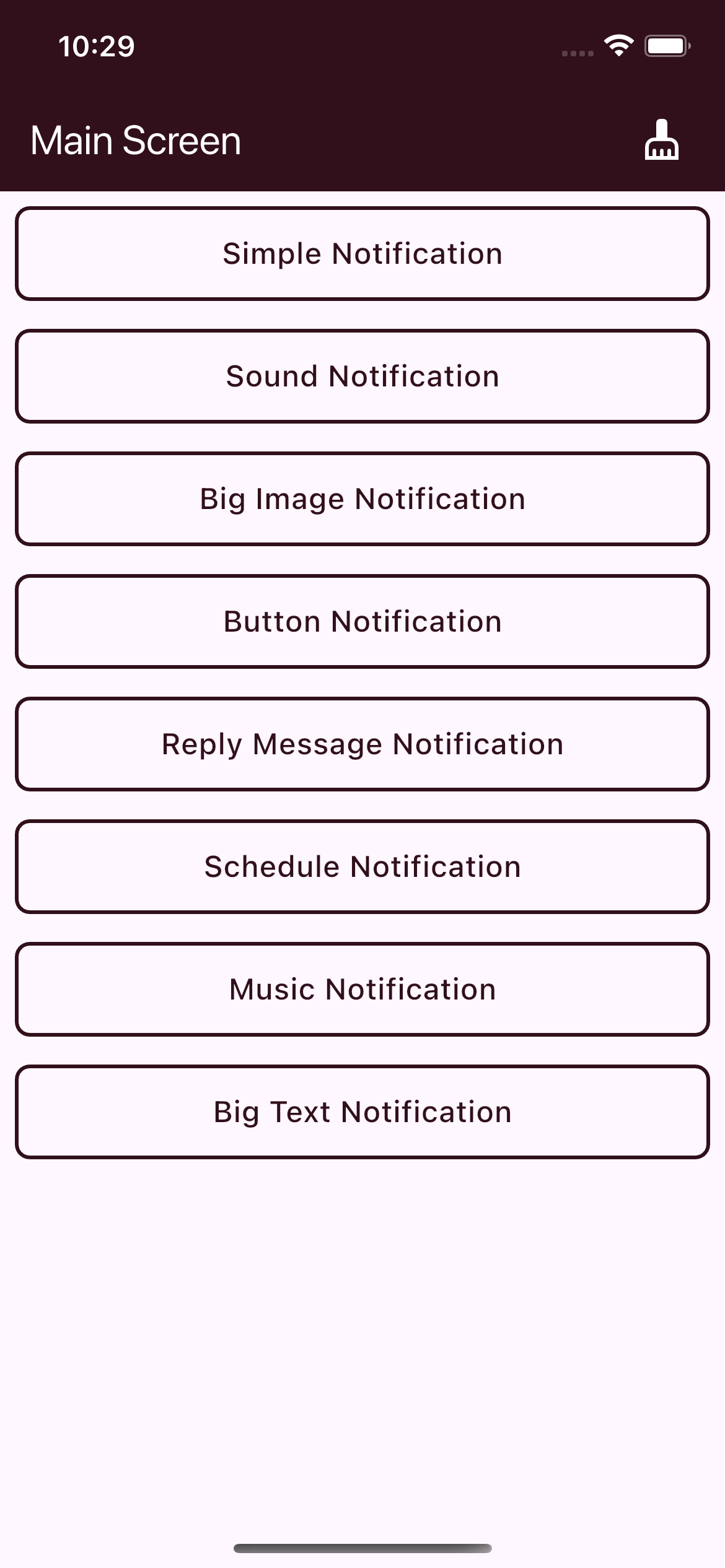 The app's home screen demonstrates different notification types available on iOS, including:
- Simple Notification
- Sound Notification
- Big Image Notification
- Button Notification
- Reply Message Notification
- Scheduled Notification
- Music Notification
- Big Text Notification
The app's home screen demonstrates different notification types available on iOS, including:
- Simple Notification
- Sound Notification
- Big Image Notification
- Button Notification
- Reply Message Notification
- Scheduled Notification
- Music Notification
- Big Text Notification