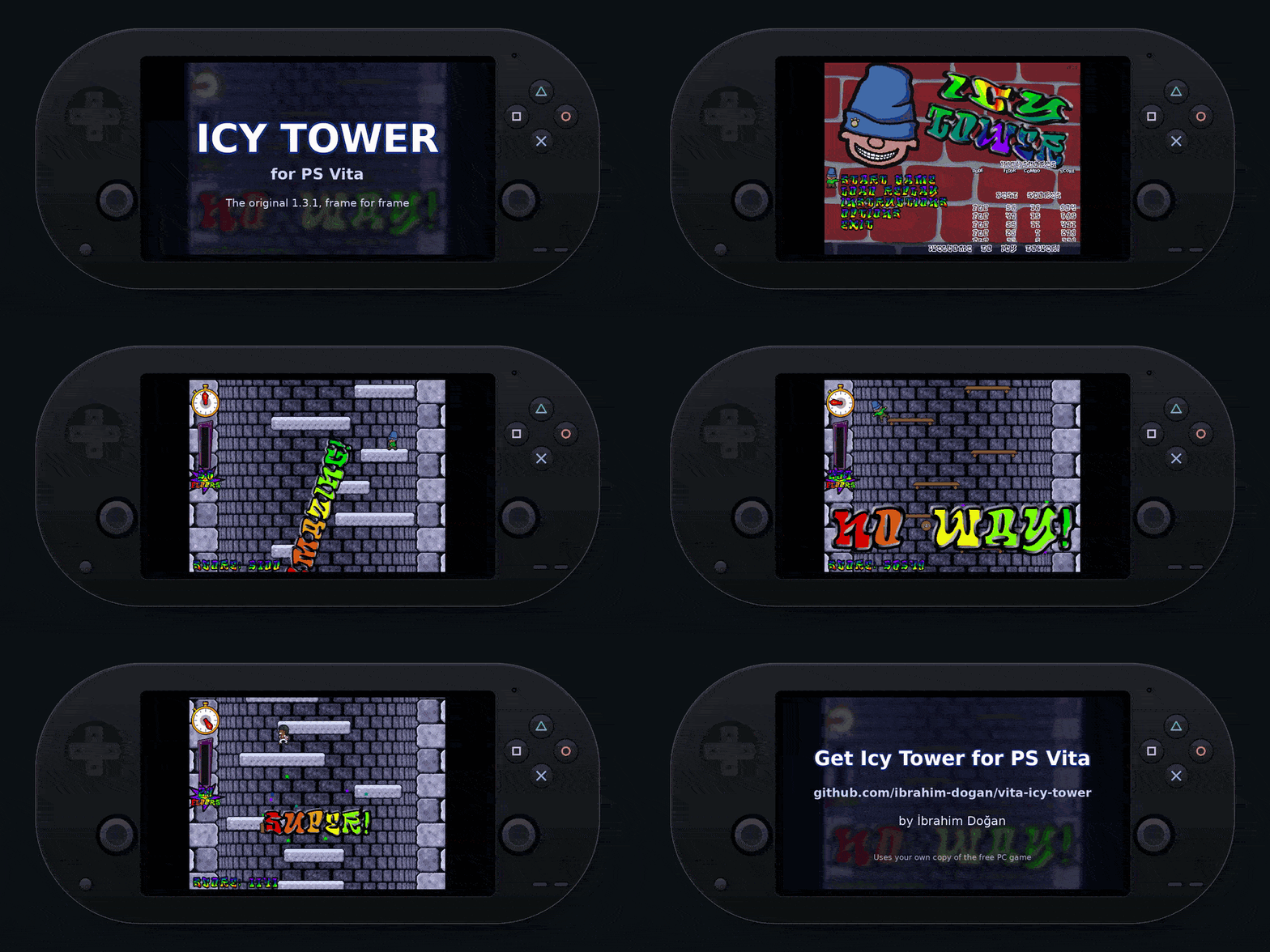
# Icy Tower for PS Vita **The original Icy Tower 1.3.1, frame for frame, on your PS Vita.** A from-scratch engine port that plays with the game's own graphics, sounds and music, read from your copy of the free PC game. Made by **İbrahim Doğan** [**⬇ Download the latest VPK**](https://github.com/ibrahim-dogan/vita-icy-tower/releases/latest) Icy Tower running on a PS Vita [Watch the trailer in full quality (MP4)](docs/media/trailer.mp4)
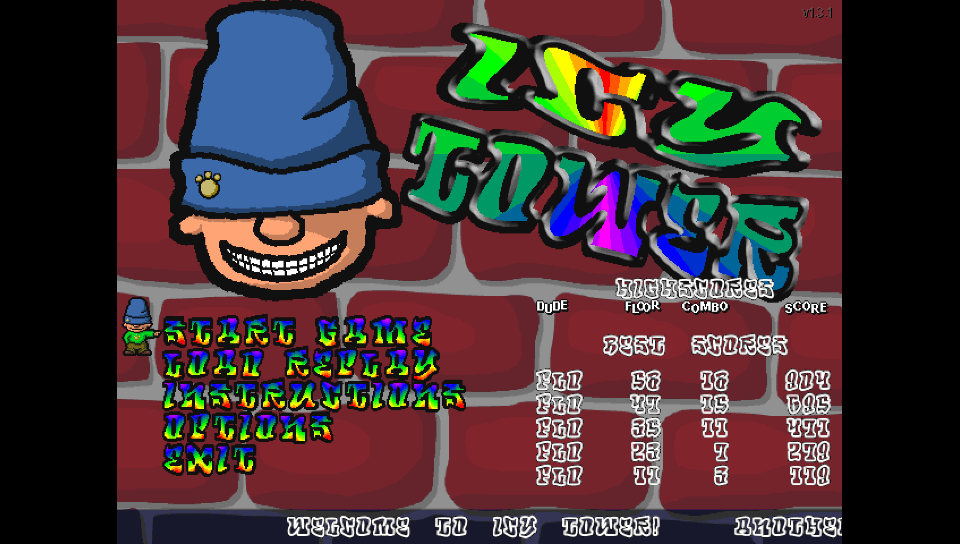
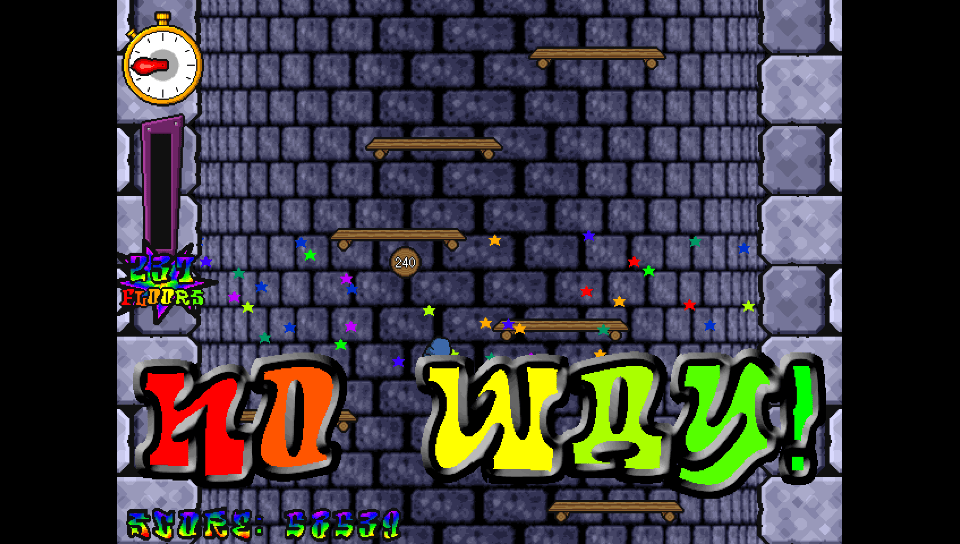
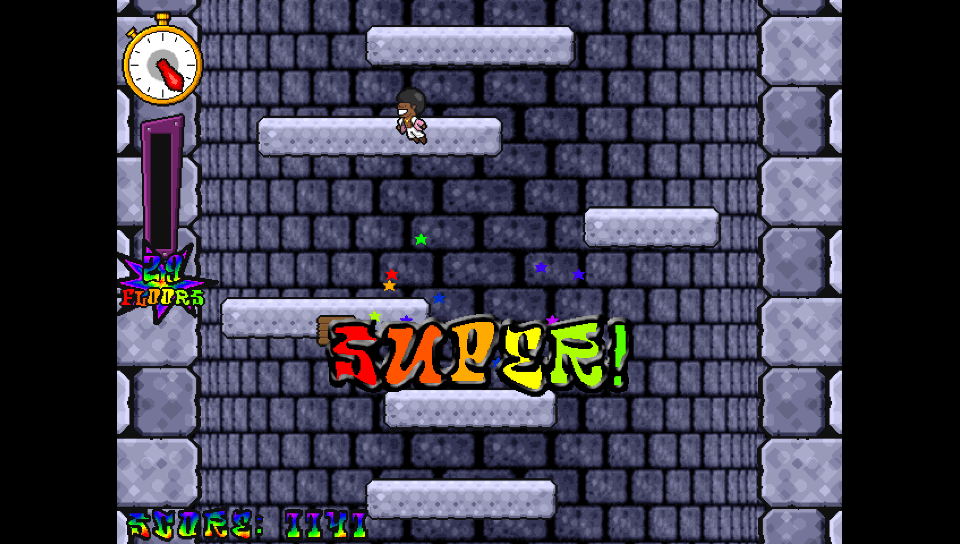
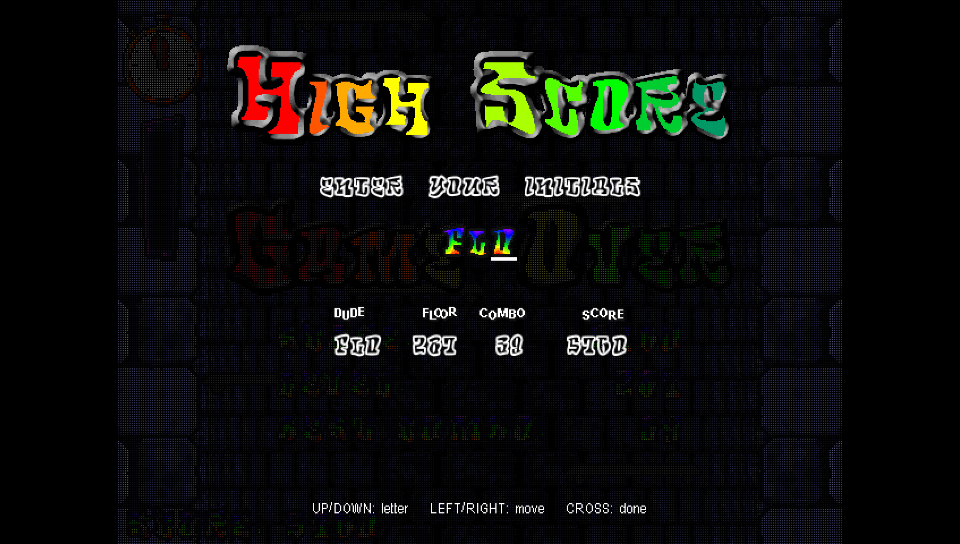
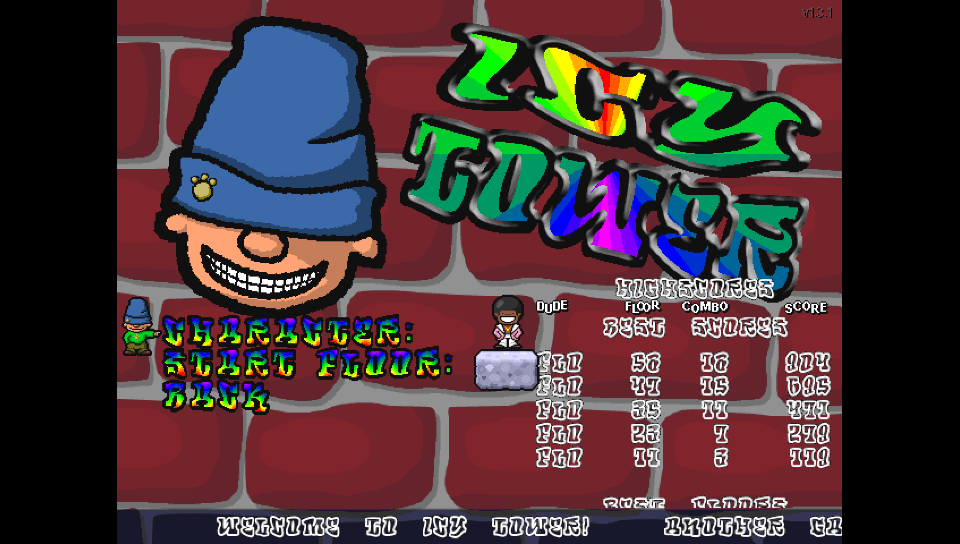
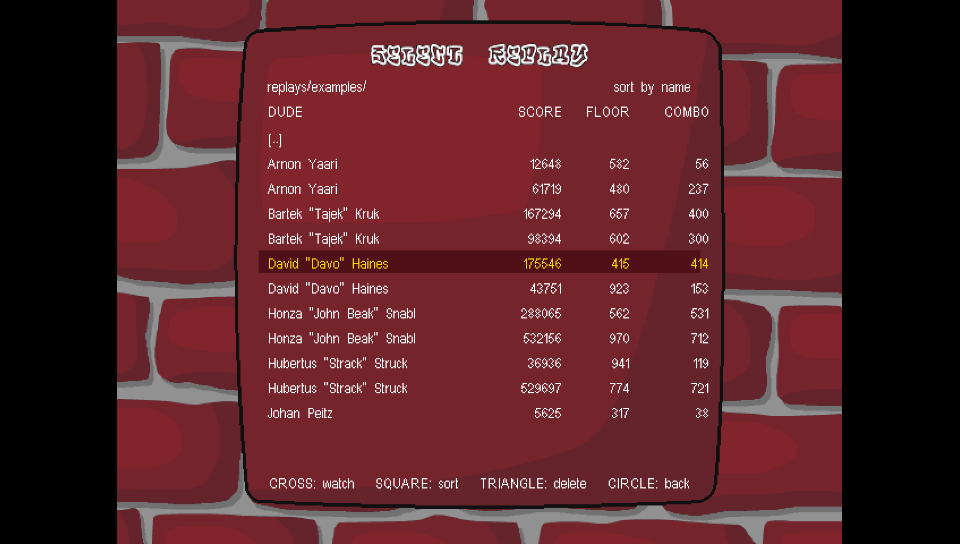
## Screenshots | Title screen | Combo reward | | :---: | :---: | | | | | **Custom characters (Disco Dave)** | **Highscore** | | | | | **Game options** | **Replay browser** | | | | Captured from the desktop build, which runs the same code and shows the Vita's 960×544 picture (Sharp screen mode). The gameplay shots are the example replays that come with the PC game. ## Installation You need a PS Vita (or PS TV) running HENkaku / Ensō and [VitaShell](https://github.com/TheOfficialFloW/VitaShell). The VPK contains **none of Icy Tower's graphics, sounds or music**. They belong to Free Lunch Design, so the port takes them from the original, unmodified installer of the free PC game, which you copy to the Vita once. 1. Download **`icytower.vpk`** from the [latest release](https://github.com/ibrahim-dogan/vita-icy-tower/releases/latest), copy it to the Vita and install it with VitaShell. 2. Download the free **Icy Tower 1.3.1** installer, **`icytower13_install.exe`**, from [archive.org](https://archive.org/details/Icy_Tower). It is inside `icytower13.rar` there, and the [direct link](https://archive.org/download/Icy_Tower/icytower13.rar/icytower13_install.exe) gets you the exe. 3. Copy the exe to **`ux0:data/icytower/`** on the Vita, e.g. with VitaShell's FTP or USB mode. Create the folder if needed. 4. Start **Icy Tower** from the LiveArea. On the first start it unpacks the game files from the installer (a progress bar is shown for a moment), then it goes to the title screen. After the first start the folder looks like this: ``` ux0:data/icytower/ ├── icytower13_install.exe the installer you copied (you can delete it now) ├── data/ │ ├── data.dat graphics and fonts │ └── sfx13.dat sounds and music ├── characters/ │ ├── harold_the_homeboy/ │ ├── disco_dave/ │ └── template/ ├── replays/ the example replays, and where yours are saved ├── readme.txt the original game's manual ├── icytower_vita.cfg options, unlocked floors, highscores └── log.txt ``` **Gotchas** - The installer must be the original **1.3.1** one: 2,647,172 bytes, SHA-1 `a00aa6ebc4c37fac7c44de91671477ef7e32389a`. The game checks this, and other versions (1.4, 1.5 …) are not supported. - The exe goes directly into `ux0:data/icytower/`, and not into a subfolder. - Unpacking never overwrites files that are already there. To unpack again, delete `data/`. - **No installer at hand?** You can also copy `data/`, `characters/` and (optionally) `replays/` from an installed PC copy (usually `C:\Program Files\Icy Tower 1.3`) into `ux0:data/icytower/`, or run `tools/prepare_data.sh icytower13_install.exe` from this repository on macOS / Linux. - If the files are not found, the game shows a screen that says what is missing. - Please don't upload the unpacked game files. Point people to the original installer instead. ## Controls | In game | | | --- | --- | | D-pad / left stick | Run left / right | | Cross, Square, Triangle | Jump. With ReJump on (the default), hold to keep jumping | | Start | Pause | | Circle | Quit to the menu (asks first) | | Menus | | | --- | --- | | D-pad | Move, change a value (left / right) | | Confirm / Cancel | Select / back. These follow the console's X/O setting | | Watching a replay | | | --- | --- | | Right or R (hold) | Fast forward ×2 | | Up (hold) | Fast forward ×4 | | Cross / Start | Pause | | Circle | Stop | When you enter initials or a replay name, Up and Down change the letter, Left and Right move the cursor, Square deletes a letter and Cross accepts. Hidden: hold **L + R** and press **Select** to show the frame rate. ## Features - **The 1.3.1 engine, frame for frame.** Physics, scrolling speed, the floor generator, combos and score follow the reverse engineered original. The game logic runs at the original 50 Hz, and movement is interpolated for the Vita's 60 Hz screen. - **Replays compatible with the PC game** (`.itr`, ITR130). Watch the last game, save it with your name, and browse `replays/`, subfolders included, sorted by name, score, floor or combo. You can also delete replays there. Replays saved on the Vita play in the PC game, and PC replays play on the Vita. - Everything from the original game: - combos with the ten reward shouts, from GOOD to NO WAY - the combo meter, the hurry-up clock and the stars - floor signs every 10 floors and the eleven floor types - start floors that unlock as you climb - Eye Candy None / Some / Lots - **The three highscore tables** (best scores, floors and combos) with initials entry, shown scrolling on the title screen like on the PC. - **Custom characters in the original 1.3 format.** Drop a character folder into `characters/` and pick it in *Options → Game Options*. Both kinds of character work: - `[datafile]` characters, like Harold and Disco Dave - `[frames]` sheets (8-bit BMP or PCX) with WAV/OGG sounds, like `template/` As on the PC, the character's palette becomes the game's palette. - **Custom game sounds:** put `sfx/.wav` files next to `data/`. The names are the ones the PC game uses, e.g. `good.wav`, `bg_beat.wav`, `bg_meny.wav`. - **Screen modes** (*Options → GFX Options → Screen*): - **Sharp:** crisp pixels, scaled to the full height. This is the default. - **Smooth:** filtered. - **Wide:** stretched to 16:9. - **1:1:** the original 640×480, unscaled. - Sound and music volume, and the ReJump setting. - **Unpacks the original installer by itself** on the first start. The installer is checked by SHA-1 first. ## Compatibility and troubleshooting - This is the first release. It was developed and tested mostly with the desktop build, and the Vita build has had only a little testing on real hardware so far. Please report anything that looks or plays differently from the PC version. - **Missing files screen:** check that `icytower13_install.exe` is directly in `ux0:data/icytower/`. If you copied the files by hand, `ux0:data/icytower/data/data.dat` must exist. The last line on the screen and the log say what went wrong, e.g. "The .exe found is not the 1.3.1 installer". - **A character is missing from the list:** its folder name and its `.txt` file must match (`jolly_joe/jolly_joe.txt`), and it needs all 15 frames. The log says why a character was skipped. - **The picture looks wrong:** try another screen mode under *Options → GFX Options → Screen*. - 4 of the 15 example replays of the PC game do not reach their recorded score. The reverse engineered reference checker gives the same result for those 4, so they were most likely recorded with a beta build. The other 11 match exactly. - Not implemented: key rebinding (the Vita uses the fixed layout above) and the "fun mode" easter egg. The PC's *Fullscreen* option became *Screen*. **Log file:** `ux0:data/icytower/log.txt`. It is rewritten on every start and lists the loaded data, characters and custom sounds, and any errors. Please attach it when you [open an issue](https://github.com/ibrahim-dogan/vita-icy-tower/issues). ## Building from source Everything builds in Docker: ```sh ./build.sh # dist/icytower.vpk (VitaSDK image) ./build.sh test # replay compatibility test + scripted headless screenshots ./build.sh media # the screenshots and trailer in docs/media ``` `test` and `media` need the original game files in `./gamedata`. Copy `icytower13_install.exe` there and run the desktop build once, or use `tools/prepare_data.sh icytower13_install.exe gamedata`. The desktop build is the same game with SDL2. Only the desktop build contains the scripting, recording and autoplay hooks for these tools. | Path | What it is | | --- | --- | | `src/core.c` | The deterministic 1.3.1 engine (physics, floors, combos, score) | | `src/replay.c` | ITR130 replay load, save, record and validate | | `src/game.c` | Gameplay scene: effects, sounds, drawing, replay playback | | `src/menu.c`, `src/screens.c` | Title screen, options, highscores, replay menus and browser | | `src/datafile.c` | Allegro 4 datafile reader (encryption, LZSS) | | `src/res.c` | Loading data, characters and custom sounds from `ux0:data/icytower` | | `src/installer.c` | Unpacking the files from the original 1.3.1 installer (Inno Setup, LZMA) | | `src/gfx.c`, `src/font.c` | 8-bit software renderer and Allegro fonts | | `src/video.c` | Vita: vita2d with a paletted texture. Desktop: SDL2 | | `src/audio.c` | Mixer with OGG/WAV decoding | | `tests/`, `tools/shots/` | Replay test and scripted screenshot runs | | `tools/` | Data preparation, media pipeline, LiveArea images, Vita frame | | `docs/NOTES.md` | Reverse engineering notes | ## Credits - **İbrahim Doğan**: the PS Vita port. - **Icy Tower** by Johan Peitz / [Free Lunch Design](https://www.freelunchdesign.com). Music and sound effects by Anders Svensson. - RaMMicHaeL (Ramen Software): the reverse engineered 1.3.1 engine in [replay_checker](https://ramensoftware.com/revealing-the-secrets-of-icy-tower-v1-3-1), which `src/core.c` follows. - [icytower-ng](https://github.com/royeldar/icytower-ng) by royeldar (MIT). The presentation logic follows its reconstruction of 1.3.1: animations, eye candy, the effects random generator and the tower wall generator. - [Allegro 4](https://liballeg.org). Its datafile, LZSS and light table algorithms are re-implemented here (giftware license). - [LZMA SDK](https://www.7-zip.org/sdk.html) by Igor Pavlov (public domain), used to unpack the installer. - [stb_vorbis](https://github.com/nothings/stb) and stb_image_write (public domain), [font8x8](https://github.com/dhepper/font8x8) (public domain), [SDL2](https://www.libsdl.org), [vita2d](https://github.com/xerpi/libvita2d), [VitaSDK](https://vitasdk.org). - [DejaVu fonts](https://dejavu-fonts.github.io), used in the LiveArea images and the trailer cards. See [THIRD_PARTY.md](THIRD_PARTY.md) for the licenses. This port's source code is MIT licensed ([LICENSE](LICENSE)). Icy Tower, its characters, graphics, sounds and music belong to Free Lunch Design, and the game content shown in the screenshots and trailer belongs to its authors. This project is not affiliated with Free Lunch Design. PlayStation and PS Vita are trademarks of Sony Interactive Entertainment. This project is not affiliated with Sony.