
Homeio
A self-hosted server manager with a desktop-style UI.
An alternative to CasaOS, Umbrel and Portainer, built around a modern interface, real-time system visibility and Docker app management.



Live demo
·
Website
·
Install
·
Roadmap
·
Changelog
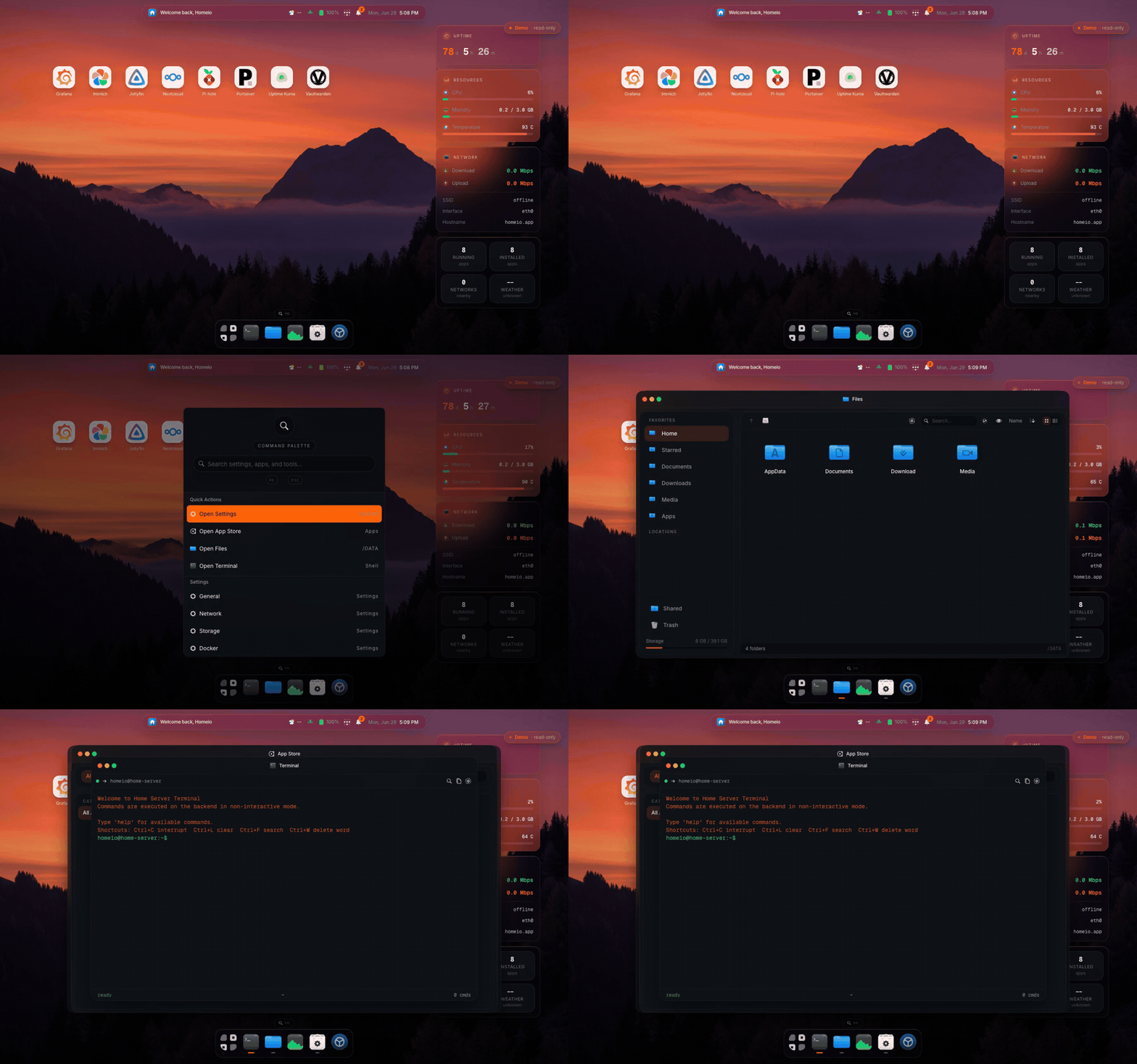
Try the demo with homeio / homeio26
---
## Quick start
```bash
git clone https://github.com/doctor-io/homeio.git
cd homeio
docker compose up -d
```
Open `http://localhost:12026`, create your account, and you're done. Other install options are [below](#install).
## Features
**Desktop**
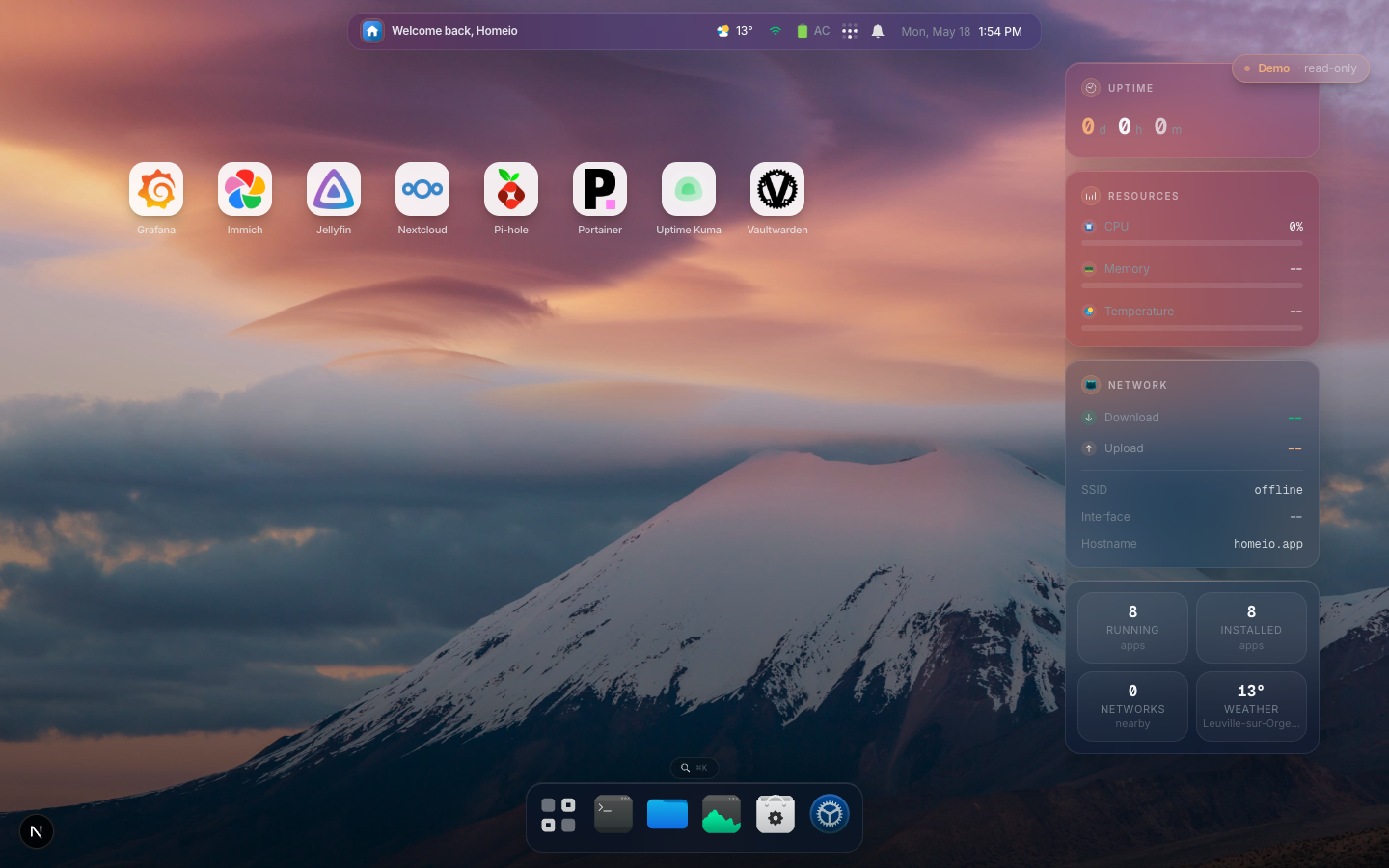
- Desktop shell with dock, windows, command palette (`⌘K`), widgets and lock screen
- Real-time system metrics (CPU, memory, disk, network) over SSE
- Notifications for app events, container crashes, disk warnings and task failures
- Weather widget with location-based conditions
**Apps and Docker**
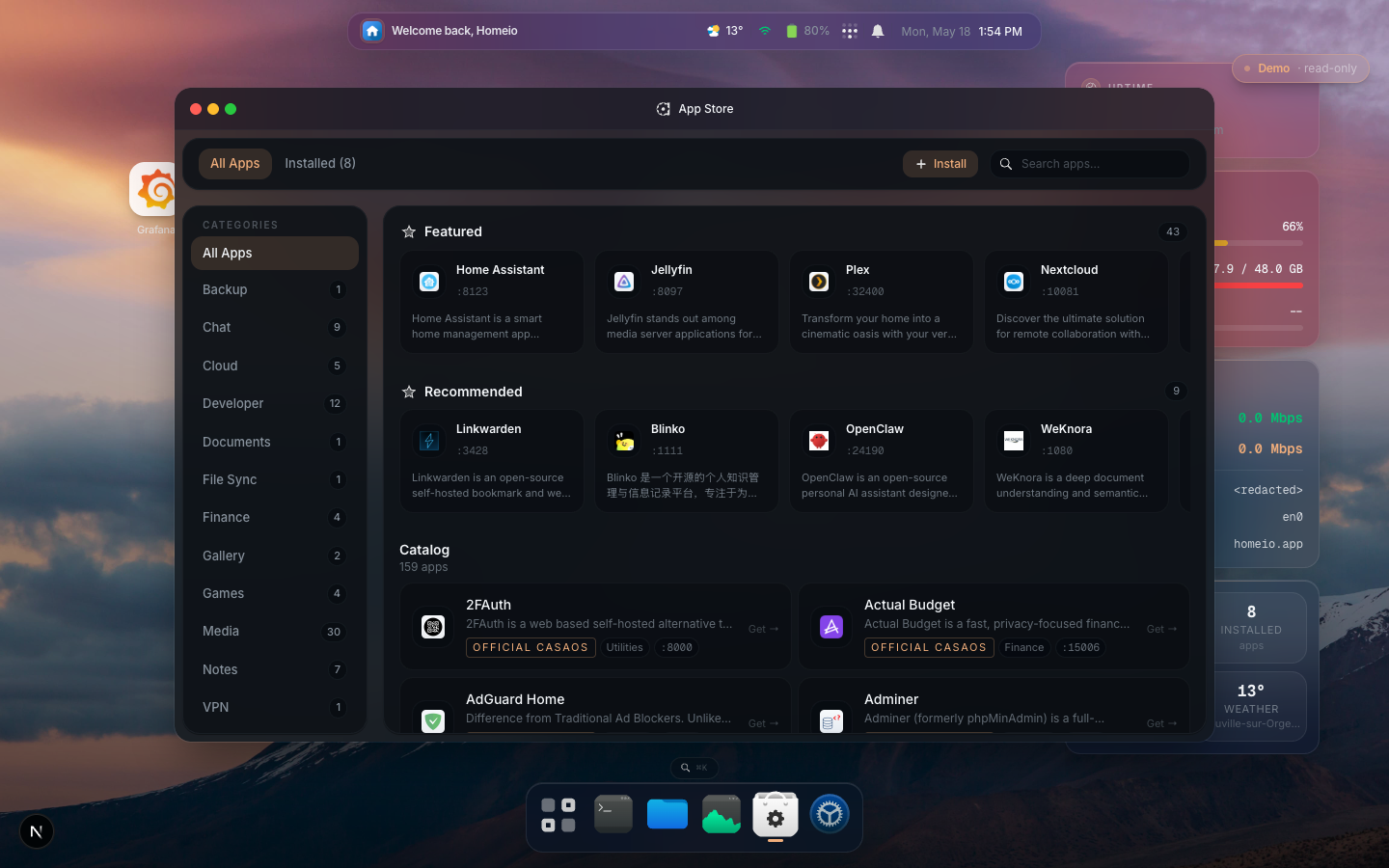
- App Store: install, update and uninstall Docker Compose apps; compatible with CasaOS store archives, and you can add your own catalog sources
- Live stats for every container, including the ones Homeio did not deploy
- Container log viewer with real-time streaming, log-level badges, keyword filter and download
- Cloudflare Tunnel: publish an app on a public hostname from the UI; Homeio creates the DNS record and the ingress rule for you
**Files and storage**
- File manager: upload with progress, download, multi-select copy/move, conflict resolution, audio/video/image/PDF preview and a Monaco code editor
- USB drives: auto-detect, mount, browse and eject from the file manager
- Local folder sharing over Samba, and SMB network mounts
- Backup and restore: scheduled archives of the database, your files and your compose stacks, restorable from the UI
**System**
- Full terminal: a real login shell on the server (root on a direct install), or inside any app's container
- Scheduled tasks: built-in cron for shell commands, app restarts, backups and image pulls, no SSH needed
- Network manager for WiFi and Ethernet via NetworkManager
- PostgreSQL-backed persistence
## Screenshots
| Desktop | App Store |
|---------|-----------|
|  |  |
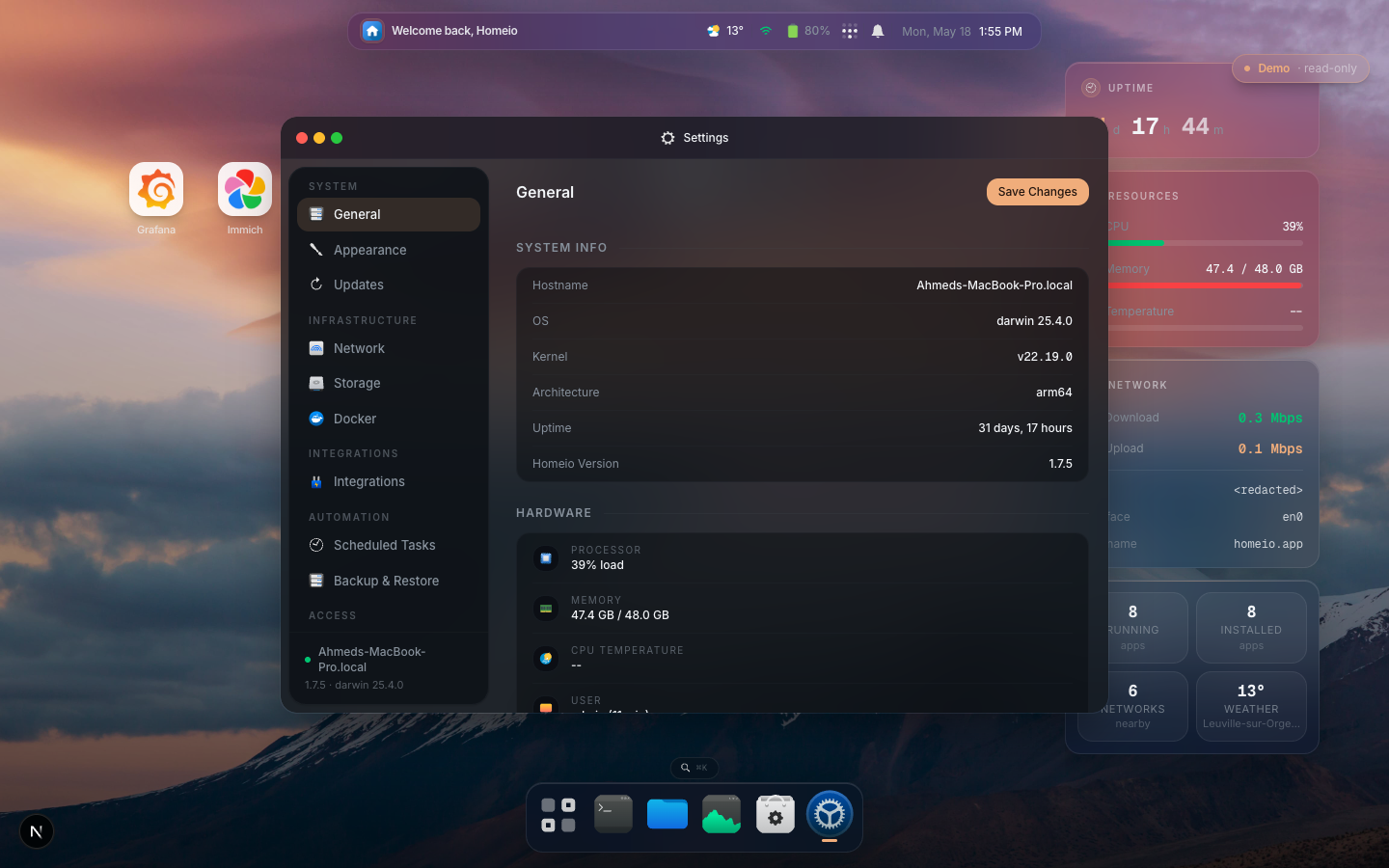
| Settings | Terminal |
|----------|----------|
|  | 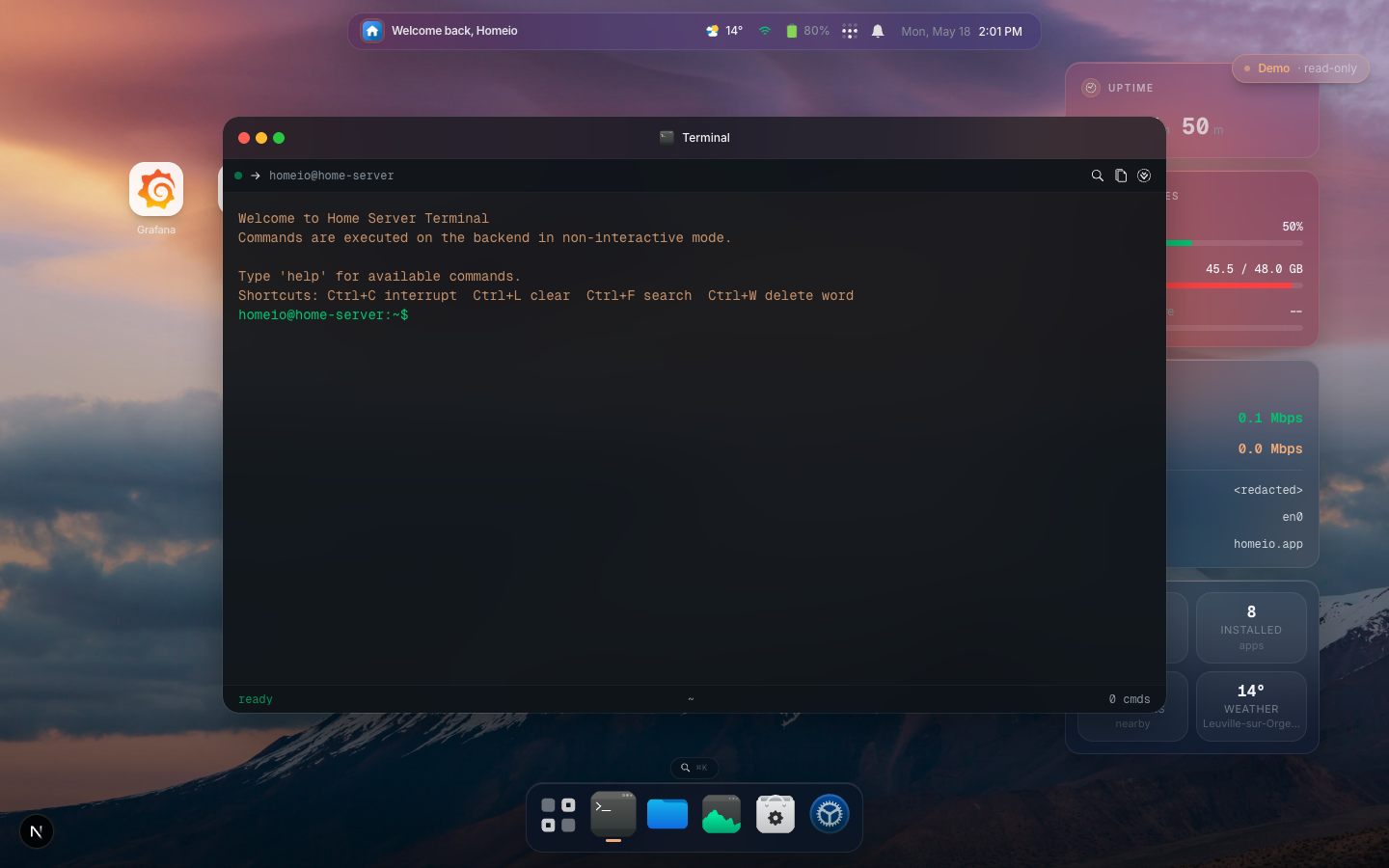 |
---
## Install
### Docker (recommended)
Requires Docker and Docker Compose.
```bash
git clone https://github.com/doctor-io/homeio.git
cd homeio
docker compose up -d
```
Open `http://localhost:12026`. The database is included, so there is nothing else to set up. On first run the app routes to `/register`; once you create your account, registration closes.
> [!IMPORTANT]
> Change `AUTH_SESSION_SECRET` in `docker-compose.yml` before exposing Homeio outside your LAN.
**Update:**
```bash
docker compose pull && docker compose up -d
```
### Linux install script
For bare-metal or VM installs on Debian, Ubuntu and Raspberry Pi OS:
```bash
curl -fsSL https://raw.githubusercontent.com/doctor-io/homeio/main/scripts/install.sh | sudo bash
```
The app listens on `127.0.0.1:12026` and is exposed on `:80` through Nginx.
**Update:**
```bash
curl -fsSL https://raw.githubusercontent.com/doctor-io/homeio/main/scripts/update.sh | sudo bash
```
Uninstall
Keeps your data:
```bash
curl -fsSL https://raw.githubusercontent.com/doctor-io/homeio/main/scripts/uninstall.sh | sudo bash
```
Full purge, removes everything:
```bash
curl -fsSL https://raw.githubusercontent.com/doctor-io/homeio/main/scripts/uninstall.sh | sudo bash -s -- --purge --yes
```
---
## Security notes
- Set `AUTH_SESSION_SECRET` to a random string of 32+ characters before exposing Homeio outside your LAN
- Put Homeio behind a TLS reverse proxy for HTTPS; the `Secure` cookie flag is set automatically when requests arrive over HTTPS. A built-in reverse proxy manager with automatic Let's Encrypt certificates is planned. In the meantime, Cloudflare Tunnel gives you HTTPS on a public hostname without opening a port.
- The built-in terminal is a full shell on the host (or inside a container) for whoever is logged in; only the one-off command API is limited to an allowlist
- Found a vulnerability? Report it privately, see [SECURITY.md](./SECURITY.md)
## Limitations
- **Single user**: one account per installation; registration closes after first setup
- **Linux only**: the install script targets Debian, Ubuntu and Raspberry Pi OS; Docker works on any platform
- **Network manager**: WiFi and Ethernet management needs NetworkManager with D-Bus
- **USB drives**: need `udisks2` and `udev` on the host; not available inside Docker without extra configuration
- **App hardware**: some templates need specific hardware (e.g. a Raspberry Pi GPU); edit the compose file to remove optional hardware requirements
Experimental features
- **Shutdown**: shuts down the OS from the UI; you need physical access to power it back on
- **Factory reset**: wipes all Homeio data; irreversible
- **Self-update rollback**: restores the previous version when an update fails; not tested under every failure scenario
---
## Development
**Requirements:** Node.js 22.x, npm, PostgreSQL
```bash
npm install
cp .env.example .env.local
createdb home_server
npm run db:init
npm run dev
```
Open `http://localhost:3000`. It routes to `/register` if no users exist.
```bash
npm run test # Run tests
npm run lint # ESLint
npm run build # Production build
npm run db:migrate # Run migrations
npm run db:reset # Reset database (destructive)
```
## Telemetry
In production, Homeio sends a small anonymous ping to `https://homeio.app/api/stats` a minute after startup and then every 12 hours. It tells us how many servers are running and which versions they are on, and the totals are public at [homeio.app/stats](https://homeio.app/stats).
What is sent, and how to opt out
What is sent: a random instance UUID (generated once, stored in your local database), the Homeio version, the CPU architecture, the OS platform, whether it runs in Docker, and, outside Docker, the Linux distribution and its version from `/etc/os-release` (for example `debian` `12`). Inside a container that file describes the image, not your machine, so it is not sent. That is the whole payload; see `lib/server/modules/telemetry/service.ts`. Your IP address is used only to rate-limit the endpoint and is never stored. No usernames, file paths, app names or hardware details are sent.
To opt out, turn off **Settings → Advanced → Usage Stats**, or set `HOMEIO_TELEMETRY=false` in your environment, which also locks the setting off. Demo mode and development builds never send anything.
## Roadmap
See [ROADMAP.md](./ROADMAP.md); the current release line is 1.10. Recent releases are in [CHANGELOG.md](./CHANGELOG.md).
**Planned next:**
- Metrics history: persist and graph system and container metrics over 1 h / 24 h / 7 d / 30 d
- SMART disk health: drive status, temperature and pre-failure alerts via `smartctl`
- Hardware sensors: CPU die temperature, NVMe temperature and fan RPM
- Docker image manager: browse, pull, inspect and remove images without compose files
- Webhooks: outbound HTTP notifications to Home Assistant, n8n and other services
- File manager: zip/unzip, bulk rename, batch delete
---
## Support Homeio
Homeio is open source and built for the homelab and self-hosting community. If you find it useful:


- Contribute code or ideas, see [CONTRIBUTING.md](./CONTRIBUTING.md)
- Star the repo and share Homeio with the homelab community
 ## License
Homeio is free and open source software, licensed under the [GNU Affero General Public License v3.0](./LICENSE) (AGPL-3.0).
- **Use it anywhere**: at home, at work, on as many servers as you like, and change it however you want.
- **Share what you change**: if you distribute a modified Homeio, or run a modified version as a service for other people, you must publish your changes under the AGPL-3.0 as well. Nobody can turn Homeio into a closed product.
License history: versions up to and including 1.9.5 are MIT, 1.9.6 and 1.9.7 are under the Business Source License 1.1, and 1.10.0 onward is AGPL-3.0. Each release stays under the license it shipped with.
## License
Homeio is free and open source software, licensed under the [GNU Affero General Public License v3.0](./LICENSE) (AGPL-3.0).
- **Use it anywhere**: at home, at work, on as many servers as you like, and change it however you want.
- **Share what you change**: if you distribute a modified Homeio, or run a modified version as a service for other people, you must publish your changes under the AGPL-3.0 as well. Nobody can turn Homeio into a closed product.
License history: versions up to and including 1.9.5 are MIT, 1.9.6 and 1.9.7 are under the Business Source License 1.1, and 1.10.0 onward is AGPL-3.0. Each release stays under the license it shipped with.