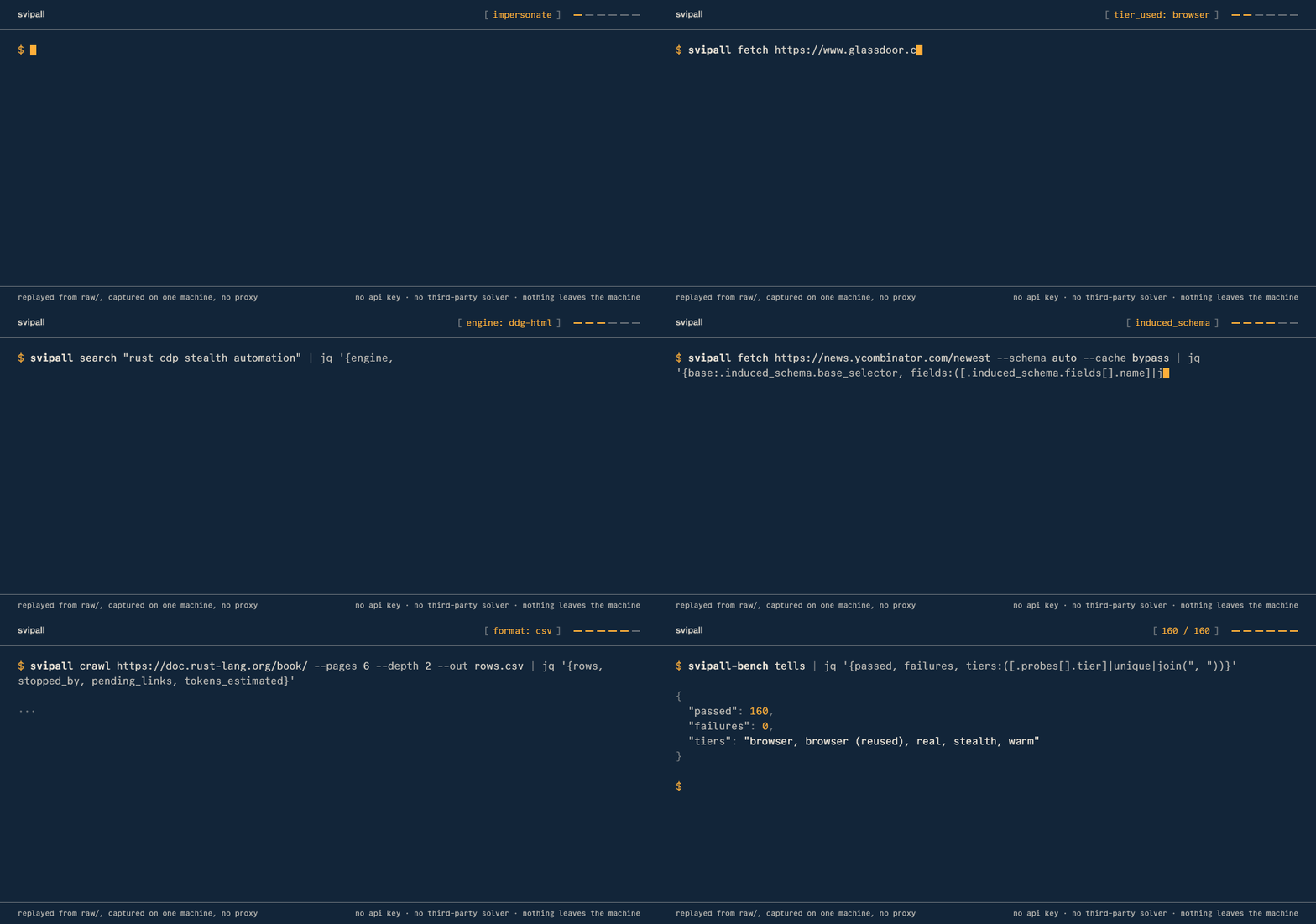
Web reading for your AI agent, running on your own machine.
An MCP server and CLI, in Rust, that extracts web pages into Markdown,
crawls sites within configured limits, searches without an API key,
and attempts supported challenges, then says plainly which ones it could not.
---
**Everything runs locally. There are no third-party API keys, no paid captcha services and no
telemetry.**
Web requests reach the sites you visit, and results reach the agent or client you connect.
Svipall fetches and renders pages locally, extracts their content, and reports detected challenges
and extraction-quality labels. Some sites still block it, and an apparently successful response
can contain incomplete records or a page shell. The published comparisons therefore audit useful
content separately from HTTP status and the tool's own verdict.
## Why Svipall
| What goes wrong | Svipall |
|---|---|
| Your agent reads a "checking your browser" screen and summarises it as the article. It was a `200`, so nothing flagged it | Twelve wall kinds, each naming the move it implies. Detected blocks carry an explicit verdict; classification is heuristic [details](docs/features.md#judging-what-came-back) |
| You crawl 5,000 pages and can't tell which are worth keeping | Assessed pages carry quality and duplicate observations, and quality labels never discard a page [details](docs/features.md#judging-what-came-back) |
| One page = 300,000 tokens of raw HTML. The fixes are four manual jobs you now own | Clean Markdown by default; opt into tables as rows, `out_file` to disk, or capture of the site's own JSON API [details](docs/features.md#reading) |
| You want to attempt a supported captcha without a paid solver | Fifteen widget families and eleven answer modalities, all local, optional vision models depending on the build, and a human dashboard for unresolved challenges [details](docs/captcha.md) |
It records successful visits, failures, incomplete extraction and rejected changes. Historical
benchmark logs and the current comparison use different scoring rules and configurations;
the [results section](docs/proof.md) distinguishes them.
Rust · MCP + CLI + REST · no Node, no Python, no API key · local storage and processing
**[Install it](#install)**
The [comparison table](#how-svipall-compares) describes other projects' documented scope.
---
## Install
Every channel below installs the latest [release](https://github.com/ilien-dev/svipall/releases),
built from the tree this README describes. `svipall doctor` reports what an installed build can do
on the machine it is on.
The [README factual audit](bench/experiments/native-auto-candidate2-20260907/readme-factual-audit.md)
records the source checks, documentation corrections and limits of this review.
Choose agent-assisted setup, the Claude Code plugin, or a manual installation.
### Ask the agent you already have
Paste this into Claude Code, Cursor, Codex, opencode, or anything else that can run a command:
```
Install and configure Svipall by following the instructions here:
https://raw.githubusercontent.com/ilien-dev/svipall/main/docs/install.md
```
That page guides an agent through platform detection and verification, then asks which integration
you want: **CLI + Skill** (recommended, lower context use) or **MCP + Skill** (the full MCP tool
surface). It also asks whether to configure every project or only the current one, and verifies the
chosen result instead of treating a skill as MCP registration. When Svipall already exists, it
shows the installed and latest versions and asks whether to update the shared user installation or
keep the current version before it writes the integration. Completion depends on the agent, client
configuration and available permissions.
### Claude Code: install the plugin
```
/plugin marketplace add ilien-dev/svipall
/plugin install svipall@svipall
/svipall:setup
```
`/svipall:setup` installs the binary if it is missing, checks the server answers, and offers to make
Svipall the way Claude reaches the web in every project. It asks before each of those.
`/svipall:doctor` reports the installation's capabilities. `/svipall:update` shows the installed
and latest releases, then updates the binaries only if you choose to. `/svipall:uninstall` offers
removal of setup's registration, memory and strict-mode changes. Removing the binary and the data
are separate choices.
### Install it yourself
One line, with no toolchain and nothing to compile:
```bash
curl -fsSL https://raw.githubusercontent.com/ilien-dev/svipall/main/install.sh | sh # macOS, Linux
irm https://raw.githubusercontent.com/ilien-dev/svipall/main/install.ps1 | iex # Windows
```
Or a package manager, or the container image:
```bash
brew install ilien-dev/svipall/svipall # macOS, Linux
scoop bucket add svipall https://github.com/ilien-dev/scoop-svipall && scoop install svipall
docker pull ghcr.io/ilien-dev/svipall:latest # or :slim, the http tier only; see container notes
npx --yes svipall doctor # if node is already there
cargo install svipall # from source; add `svipall models install` for the models
```
The installers verify checksums where they can, and a mismatch stops the install. A missing
checksum file, entry or hashing utility only warns, so a successful exit is not by itself proof
the archive was verified: read the output. If the destination already contains another version,
the installer states that the binaries are shared by every harness and asks before replacing them.
When a newer release exists, Svipall says so once per session. One command updates both
binaries with the channel that installed them and refreshes the skills you copied by hand:
```bash
svipall update # --check only compares versions
```
Then close every session that uses Svipall and open it again. An agent can do the same from
[docs/update.md](docs/update.md).
Platform builds, what ships where, building from source and wiring it into any MCP client are all
in [docs/install.md](docs/install.md). If you have never installed anything from a terminal,
[GET-STARTED.md](GET-STARTED.md) is this section with nothing assumed.
### Then ask for something
There is no key to paste and no account to create.
> *"Read this page and summarise the pricing."*
> *"Crawl these docs and write me an `llms.txt`."*
> *"Watch this listing and tell me when the price moves."*
> *"Get me every row of that table as CSV."*
The assistant can choose among the exposed tools. Supported challenges that need a pair of eyes
go to a human dashboard at `http://localhost:8787/human`.
### Or drive it from a shell
```bash
svipall fetch https://example.com/article
svipall fetch https://shop.example/item --query "shipping costs"
svipall fetch https://docs.example/api --schema auto # rows from a listing you've never seen
svipall crawl https://docs.example/ --pages 50 --out pages.csv
svipall search "rust async runtime" --engine all
svipall snapshot https://news.ycombinator.com # the page as roles and refs, not markup
svipall serve --port 8788 # the same server as a local REST API
```
Completed data commands print **one JSON object** to stdout and diagnostics to stderr, so the
output can be piped to `jq`. `serve` is a long-running server, and help is written to stderr.
### What comes back
A historical run of `svipall fetch https://example.com`, with the `content` string cut short.
Current automatic fetches also report `identity_used`, and the fallback fields described below when
they have something to report:
```json
{
"attempts": ["http: 200 (170ms) OK"],
"chars": 167,
"content": "# Example Domain\n\nThis domain is for use in documentation examples…",
"final_url": "https://example.com/",
"optimization": "ordinary",
"quality": "thin",
"quality_reasons": ["thin_text"],
"status": 200,
"tier_used": "http",
"title": "Example Domain",
"tokens_estimated": 42,
"url": "https://example.com"
}
```
`tier_used` says how hard it had to try and `quality` says what actually arrived. When a page does
not arrive, the same object carries `blocked_reason`, `wall_kind`, `wall_vendor`, `wall_evidence`
and a `note` telling your agent what to do next. Straight from a committed benchmark record:
```json
{ "wall_kind": "vendor", "wall_vendor": "kpsdk.io", "wall_evidence": "header x-kpsdk-ct" }
```
A detected block carries a verdict alongside the returned content. A clear verdict still needs a
content check, because the classifier cannot show that the requested records arrived intact.
## What you can actually do with it
| You want to… | It looks like this |
|---|---|
| Read one page cleanly | `web_fetch` → Markdown with heuristic boilerplate removal and sanitization; `query=` ranks text by lexical relevance |
| Turn a listing into rows | `schema: "auto"` reads the page's own repeated structure, names the columns and hands back typed rows, with no model and no API call, in one parse |
| Pull a data table | `tables=true` → typed rows; `out_file: rows.csv` writes them to disk so thousands of rows never touch your context |
| Read what a video says | `web_video` → captions and chapters as one `[m:ss]` timeline, from a watch page, a page that embeds a player, `