 icon to Control Strip:

Clicking on the icon opens a swipeable panel with emojis:

Touching a particular emoji inserts it into the currently open window.
[Demo](https://www.youtube.com/watch?v=YSZSjz9Lp3Q)
## Installation
* Download [latest release](https://github.com/lm-a/touch-emoji/releases/download/v0.2.1/Touch-Emoji-v0.2.1.zip) from GitHub
* Unpack archive
* Move `Touch Emoji` to *Applications* folder
## Troubleshooting
#### Emoji touch doesn't work:
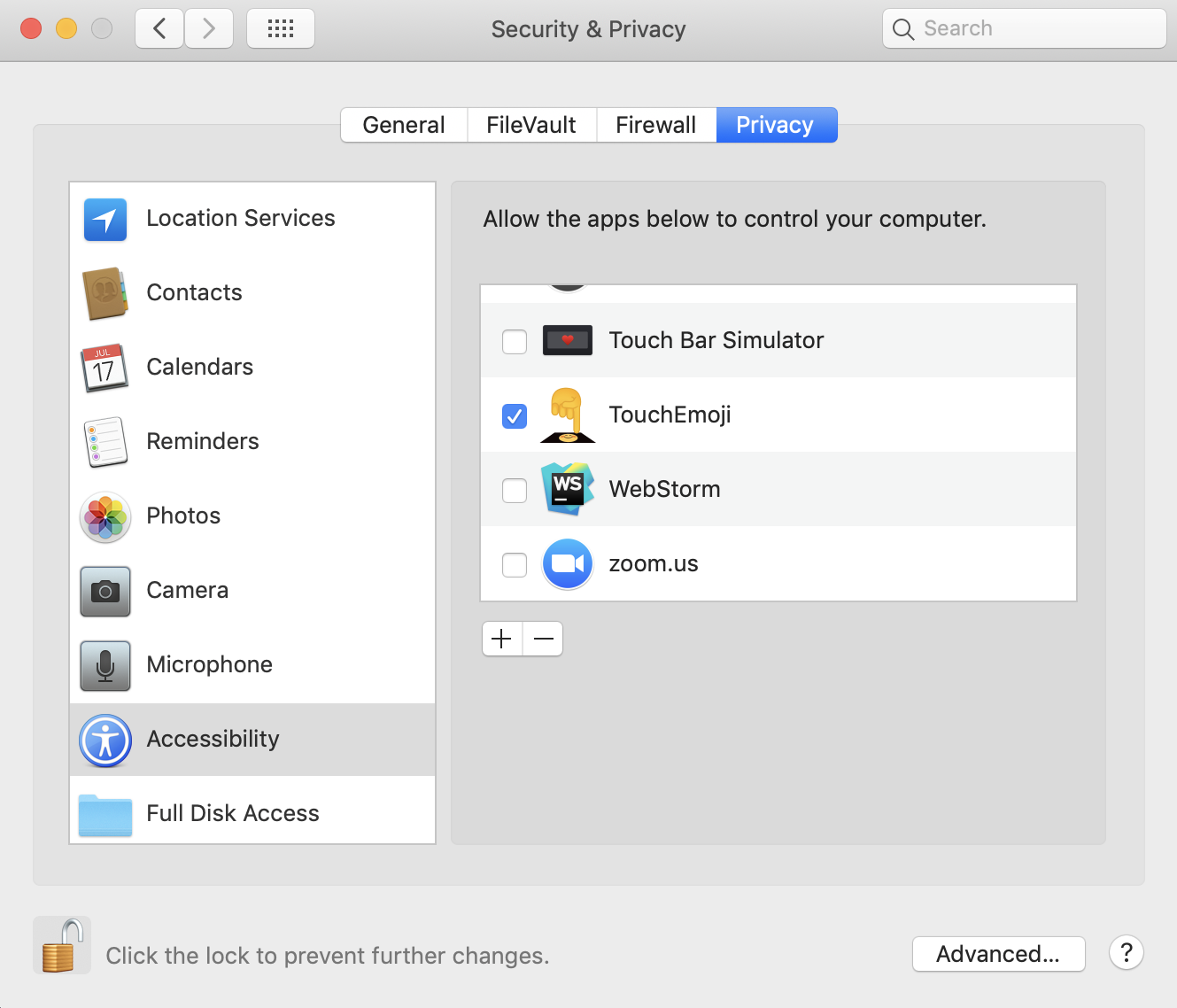
Re-tick or check a tick for access → System Preferences → Security and Privacy → tab Privacy → Accessibility → TouchEmoji
icon to Control Strip:

Clicking on the icon opens a swipeable panel with emojis:

Touching a particular emoji inserts it into the currently open window.
[Demo](https://www.youtube.com/watch?v=YSZSjz9Lp3Q)
## Installation
* Download [latest release](https://github.com/lm-a/touch-emoji/releases/download/v0.2.1/Touch-Emoji-v0.2.1.zip) from GitHub
* Unpack archive
* Move `Touch Emoji` to *Applications* folder
## Troubleshooting
#### Emoji touch doesn't work:
Re-tick or check a tick for access → System Preferences → Security and Privacy → tab Privacy → Accessibility → TouchEmoji