# react-animatable
  [](https://github.com/inokawa/react-animatable/actions/workflows/check.yml) [](https://github.com/inokawa/react-animatable/actions/workflows/demo.yml)
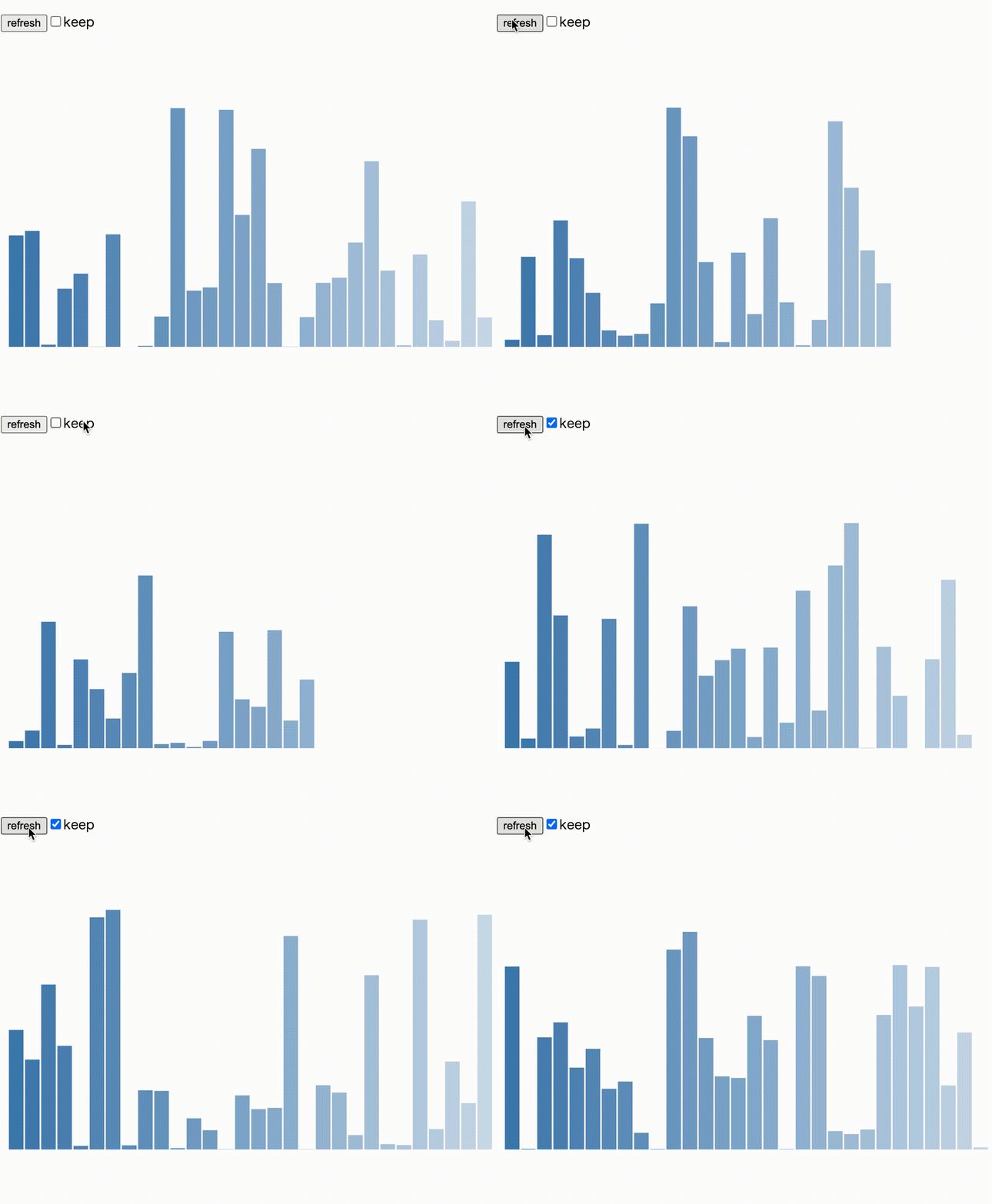
Tiny(~1kB) animation hooks for [React](https://github.com/facebook/react), built on [Web Animations API](https://developer.mozilla.org/en-US/docs/Web/API/Web_Animations_API).
## Features
- Easy integration with a few lines of code. Works with any UI component libraries or CSS-in-JS libraries.
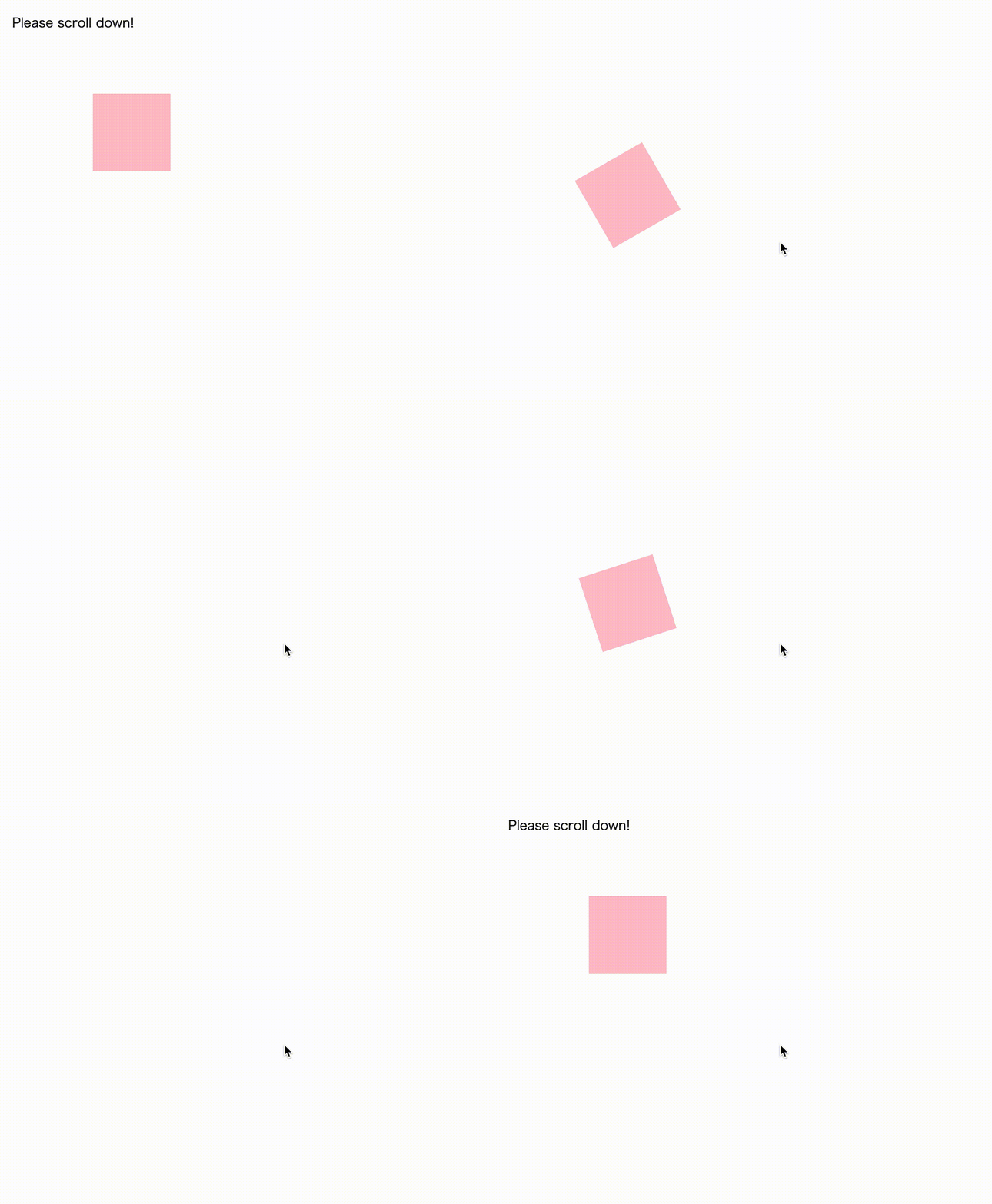
- Performant animation driven by native [Web Animations API (WAAPI)](https://developer.mozilla.org/en-US/docs/Web/API/Web_Animations_API). Also supporting [ScrollTimeline](https://developer.mozilla.org/en-US/docs/Web/API/ScrollTimeline) and [ViewTimeline](https://developer.mozilla.org/en-US/docs/Web/API/ViewTimeline).
- Fully typed with [TypeScript](https://www.typescriptlang.org/), which is stricter than TypeScript's [lib.dom.d.ts](https://github.com/microsoft/TypeScript/blob/main/lib/lib.dom.d.ts).
- Tiny. Each hooks are ~1kB gzipped and [the total is ~2kB gzipped](https://bundlephobia.com/package/react-animatable).
- HTML, SVG, Canvas and anything can be animated.
## Motivation
Animating something in React can be complicated than we expected, even with today's popular libraries. [Web Animations API (WAAPI)](https://developer.mozilla.org/en-US/docs/Web/API/Web_Animations_API) looks like a brand-new promising way, because it's performant, it doesn't need JS runtime, it doesn't mutate style of DOM so it will not conflict with React's state, and it will become more convenient in the future ([ScrollTimeline](https://developer.mozilla.org/en-US/docs/Web/API/ScrollTimeline) and [ViewTimeline](https://developer.mozilla.org/en-US/docs/Web/API/ViewTimeline) is an example). However using raw WAAPI with React is bit tricky and having risks of memory leak. This library is what to solve the problem.
## Demo
https://inokawa.github.io/react-animatable/
## Install
```sh
npm install react-animatable
```
### Requirements
- react >= 16.14
If you use ESM and webpack 5, use react >= 18 to avoid [Can't resolve `react/jsx-runtime` error](https://github.com/facebook/react/issues/20235).
And in some legacy browsers that does not support Web Animations API, [you may need to use polyfill](#use-polyfill).
If you use [ScrollTimeline](https://caniuse.com/?search=scrolltimeline) or [ViewTimeline](https://caniuse.com/?search=viewtimeline), check browser support.
## Usage
1. Define your animation with `useAnimation` hook.
> The hooks accepts [canonical keyframe format objects](https://developer.mozilla.org/en-US/docs/Web/API/Web_Animations_API/Keyframe_Formats#syntax) and [KeyframeEffect's options](https://developer.mozilla.org/en-US/docs/Web/API/KeyframeEffect/KeyframeEffect#parameters) as arguments, so check them before using this library.
2. Pass the return value of `useAnimation` to `ref` of element you want to control.
3. Call `play()`!
```tsx
import { useEffect } from "react";
import { useAnimation } from "react-animatable";
export const App = () => {
// 1. Define your animation in WAAPI way
const animate = useAnimation(
[{ transform: "rotate(0deg)" }, { transform: "rotate(720deg)" }],
{
duration: 1000,
easing: "ease-in-out",
}
);
return (
);
};
```
### Dynamic keyframe
Use `prev` and `args` for dynamic keyframe generation.
```tsx
import { useEffect } from "react";
import { useAnimation } from "react-animatable";
export const App = () => {
// Define argument type
const animate = useAnimation<{ x: number; y: number }>(
(prev, args) => [
// You can get current style from 1st argument
{ transform: prev.transform },
// Get passed position from 2nd argument
{ transform: `translate(${args.x}px, ${args.y}px)` },
],
{
duration: 400,
easing: "ease-in-out",
}
);
useEffect(() => {
// If you click somewhere, the circle follows you!
const onClick = (e: MouseEvent) => {
// Pass mouse position when animate
animate.play({ args: { x: e.clientX, y: e.clientY } });
};
window.addEventListener("click", onClick);
return () => {
window.removeEventListener("click", onClick);
};
}, []);
return (
);
};
```
### Animation without CSS
Use `useAnimationFunction` for JS only animation.
```tsx
import { useState } from "react";
import { useAnimationFunction } from "react-animatable";
export const App = () => {
const [value, setValue] = useState(0);
const animate = useAnimationFunction(
({ progress }, arg) => {
// Do anything here!
setValue(progress * arg);
},
{
duration: 600,
easing: "ease-in-out",
}
);
useEffect(() => {
animate.play({ args: 100 });
}, []);
return ;
};
```
And see [examples](./stories) for more usages.
## Documentation
- [API reference](./docs/API.md)
## Use polyfill
1. [browsers that have KeyframeEffect](https://caniuse.com/mdn-api_keyframeeffect)
1. [browsers that have Element.animate()](https://caniuse.com/mdn-api_element_animate)
1. browsers that have no Web Animations APIs
In 1, you can use all functions of this library without polyfill. Some of the newer features like [composite mode](https://caniuse.com/web-animation) and [CSS Motion Path](https://caniuse.com/css-motion-paths) may be ignored in some browsers though.
In 2, you can use this library but `useAnimationFuction` would not work.
In 3, you have to setup [Web Animations API polyfill](https://github.com/web-animations/web-animations-js) to use this library.
### Setup web-animations-js
```sh
npm install web-animations-js
```
```js
// You can polyfill always
import "web-animations-js";
ReactDOM.render();
// or polyfill only if browser does not support Web Animations API
(async () => {
if (!("animate" in document.body)) {
await import("web-animations-js");
}
ReactDOM.render();
})();
```
#### `Partial keyframes are not supported` error was thrown
web-animations-js does not support partial keyframes, so you have to write animation definitions like below.
https://github.com/PolymerElements/paper-ripple/issues/28#issuecomment-266945027
```jsx
// valid
const animate = useAnimation(
[
{ transform: "translate3d(0px, 0, 0)" },
{ transform: "translate3d(400px, 0, 0)" },
],
{ duration: 800, easing: "ease-in-out" }
);
// invalid
const animate = useAnimation(
{ transform: "translate3d(400px, 0, 0)" },
{ duration: 800, easing: "ease-in-out" }
);
// valid
const animate = useAnimation(
[
{ transform: "translateX(0px)", fill: "blue" },
{ transform: "translateX(100px)", fill: "red" },
{ transform: "translateX(0px)", fill: "blue" },
],
{ duration: 800, easing: "ease-in-out" }
);
// invalid
const animate = useAnimation(
[
{ transform: "translateX(0px)" },
{ transform: "translateX(100px)", fill: "red" },
{ fill: "blue" },
],
{ duration: 800, easing: "ease-in-out" }
);
```
## Contribute
All contributions are welcome.
If you find a problem, feel free to create an [issue](https://github.com/inokawa/react-animatable/issues) or a [PR](https://github.com/inokawa/react-animatable/pulls).
### Making a Pull Request
1. Fork this repo.
2. Run `npm install`.
3. Commit your fix.
4. Make a PR and confirm all the CI checks passed.
## My previous experiments (deprecated)
- [tweened](https://github.com/inokawa/tweened)
- [react-use-d3](https://github.com/inokawa/react-use-d3)
 ## Features
- Easy integration with a few lines of code. Works with any UI component libraries or CSS-in-JS libraries.
- Performant animation driven by native [Web Animations API (WAAPI)](https://developer.mozilla.org/en-US/docs/Web/API/Web_Animations_API). Also supporting [ScrollTimeline](https://developer.mozilla.org/en-US/docs/Web/API/ScrollTimeline) and [ViewTimeline](https://developer.mozilla.org/en-US/docs/Web/API/ViewTimeline).
- Fully typed with [TypeScript](https://www.typescriptlang.org/), which is stricter than TypeScript's [lib.dom.d.ts](https://github.com/microsoft/TypeScript/blob/main/lib/lib.dom.d.ts).
- Tiny. Each hooks are ~1kB gzipped and [the total is ~2kB gzipped](https://bundlephobia.com/package/react-animatable).
- HTML, SVG, Canvas and anything can be animated.
## Motivation
Animating something in React can be complicated than we expected, even with today's popular libraries. [Web Animations API (WAAPI)](https://developer.mozilla.org/en-US/docs/Web/API/Web_Animations_API) looks like a brand-new promising way, because it's performant, it doesn't need JS runtime, it doesn't mutate style of DOM so it will not conflict with React's state, and it will become more convenient in the future ([ScrollTimeline](https://developer.mozilla.org/en-US/docs/Web/API/ScrollTimeline) and [ViewTimeline](https://developer.mozilla.org/en-US/docs/Web/API/ViewTimeline) is an example). However using raw WAAPI with React is bit tricky and having risks of memory leak. This library is what to solve the problem.
## Demo
https://inokawa.github.io/react-animatable/
## Install
```sh
npm install react-animatable
```
### Requirements
- react >= 16.14
If you use ESM and webpack 5, use react >= 18 to avoid [Can't resolve `react/jsx-runtime` error](https://github.com/facebook/react/issues/20235).
And in some legacy browsers that does not support Web Animations API, [you may need to use polyfill](#use-polyfill).
If you use [ScrollTimeline](https://caniuse.com/?search=scrolltimeline) or [ViewTimeline](https://caniuse.com/?search=viewtimeline), check browser support.
## Usage
1. Define your animation with `useAnimation` hook.
> The hooks accepts [canonical keyframe format objects](https://developer.mozilla.org/en-US/docs/Web/API/Web_Animations_API/Keyframe_Formats#syntax) and [KeyframeEffect's options](https://developer.mozilla.org/en-US/docs/Web/API/KeyframeEffect/KeyframeEffect#parameters) as arguments, so check them before using this library.
2. Pass the return value of `useAnimation` to `ref` of element you want to control.
3. Call `play()`!
```tsx
import { useEffect } from "react";
import { useAnimation } from "react-animatable";
export const App = () => {
// 1. Define your animation in WAAPI way
const animate = useAnimation(
[{ transform: "rotate(0deg)" }, { transform: "rotate(720deg)" }],
{
duration: 1000,
easing: "ease-in-out",
}
);
return (
);
};
```
### Dynamic keyframe
Use `prev` and `args` for dynamic keyframe generation.
```tsx
import { useEffect } from "react";
import { useAnimation } from "react-animatable";
export const App = () => {
// Define argument type
const animate = useAnimation<{ x: number; y: number }>(
(prev, args) => [
// You can get current style from 1st argument
{ transform: prev.transform },
// Get passed position from 2nd argument
{ transform: `translate(${args.x}px, ${args.y}px)` },
],
{
duration: 400,
easing: "ease-in-out",
}
);
useEffect(() => {
// If you click somewhere, the circle follows you!
const onClick = (e: MouseEvent) => {
// Pass mouse position when animate
animate.play({ args: { x: e.clientX, y: e.clientY } });
};
window.addEventListener("click", onClick);
return () => {
window.removeEventListener("click", onClick);
};
}, []);
return (
);
};
```
### Animation without CSS
Use `useAnimationFunction` for JS only animation.
```tsx
import { useState } from "react";
import { useAnimationFunction } from "react-animatable";
export const App = () => {
const [value, setValue] = useState(0);
const animate = useAnimationFunction
## Features
- Easy integration with a few lines of code. Works with any UI component libraries or CSS-in-JS libraries.
- Performant animation driven by native [Web Animations API (WAAPI)](https://developer.mozilla.org/en-US/docs/Web/API/Web_Animations_API). Also supporting [ScrollTimeline](https://developer.mozilla.org/en-US/docs/Web/API/ScrollTimeline) and [ViewTimeline](https://developer.mozilla.org/en-US/docs/Web/API/ViewTimeline).
- Fully typed with [TypeScript](https://www.typescriptlang.org/), which is stricter than TypeScript's [lib.dom.d.ts](https://github.com/microsoft/TypeScript/blob/main/lib/lib.dom.d.ts).
- Tiny. Each hooks are ~1kB gzipped and [the total is ~2kB gzipped](https://bundlephobia.com/package/react-animatable).
- HTML, SVG, Canvas and anything can be animated.
## Motivation
Animating something in React can be complicated than we expected, even with today's popular libraries. [Web Animations API (WAAPI)](https://developer.mozilla.org/en-US/docs/Web/API/Web_Animations_API) looks like a brand-new promising way, because it's performant, it doesn't need JS runtime, it doesn't mutate style of DOM so it will not conflict with React's state, and it will become more convenient in the future ([ScrollTimeline](https://developer.mozilla.org/en-US/docs/Web/API/ScrollTimeline) and [ViewTimeline](https://developer.mozilla.org/en-US/docs/Web/API/ViewTimeline) is an example). However using raw WAAPI with React is bit tricky and having risks of memory leak. This library is what to solve the problem.
## Demo
https://inokawa.github.io/react-animatable/
## Install
```sh
npm install react-animatable
```
### Requirements
- react >= 16.14
If you use ESM and webpack 5, use react >= 18 to avoid [Can't resolve `react/jsx-runtime` error](https://github.com/facebook/react/issues/20235).
And in some legacy browsers that does not support Web Animations API, [you may need to use polyfill](#use-polyfill).
If you use [ScrollTimeline](https://caniuse.com/?search=scrolltimeline) or [ViewTimeline](https://caniuse.com/?search=viewtimeline), check browser support.
## Usage
1. Define your animation with `useAnimation` hook.
> The hooks accepts [canonical keyframe format objects](https://developer.mozilla.org/en-US/docs/Web/API/Web_Animations_API/Keyframe_Formats#syntax) and [KeyframeEffect's options](https://developer.mozilla.org/en-US/docs/Web/API/KeyframeEffect/KeyframeEffect#parameters) as arguments, so check them before using this library.
2. Pass the return value of `useAnimation` to `ref` of element you want to control.
3. Call `play()`!
```tsx
import { useEffect } from "react";
import { useAnimation } from "react-animatable";
export const App = () => {
// 1. Define your animation in WAAPI way
const animate = useAnimation(
[{ transform: "rotate(0deg)" }, { transform: "rotate(720deg)" }],
{
duration: 1000,
easing: "ease-in-out",
}
);
return (
);
};
```
### Dynamic keyframe
Use `prev` and `args` for dynamic keyframe generation.
```tsx
import { useEffect } from "react";
import { useAnimation } from "react-animatable";
export const App = () => {
// Define argument type
const animate = useAnimation<{ x: number; y: number }>(
(prev, args) => [
// You can get current style from 1st argument
{ transform: prev.transform },
// Get passed position from 2nd argument
{ transform: `translate(${args.x}px, ${args.y}px)` },
],
{
duration: 400,
easing: "ease-in-out",
}
);
useEffect(() => {
// If you click somewhere, the circle follows you!
const onClick = (e: MouseEvent) => {
// Pass mouse position when animate
animate.play({ args: { x: e.clientX, y: e.clientY } });
};
window.addEventListener("click", onClick);
return () => {
window.removeEventListener("click", onClick);
};
}, []);
return (
);
};
```
### Animation without CSS
Use `useAnimationFunction` for JS only animation.
```tsx
import { useState } from "react";
import { useAnimationFunction } from "react-animatable";
export const App = () => {
const [value, setValue] = useState(0);
const animate = useAnimationFunction