



This document is also available in [`Portuguese`](https://github.com/insidersec/insider/blob/master/README_pt-br.md).
Insider is the [OSS](https://opensource.org/) CLI project from the [Insider Application Security](https://insidersec.io) Team for the community.
Insider is focused on covering the [OWASP Top 10](https://owasp.org/www-project-top-ten/), to make source code analysis to find vulnerabilities right in the source code, focused on a agile and easy to implement software inside your DevOps pipeline.
We currently support the following technologies: Java (Maven and Android), Kotlin (Android), Swift (iOS), .NET Full Framework, C#, and Javascript (Node.js).
There is a Github Action that permits you protect your repository with Insider, free, easy to integrate and frictionless. It is the most easy way to protect your code directly on your repository. [Take a look - Insider-Action](https://github.com/insidersec/insider-action)
---
### Installation
You can install Insider using precompiled binaries or from source.
#### Precompiled binaries
We have precompiled binaries for Linux, Windows and macOS operational systems that you can find [here.](https://github.com/insidersec/insider/releases)
Have fun! :rocket:
---
### Usage
```
insider is the CLI project from the Insider Application Security Team for the community
Usage:
-exclude value
Patterns to exclude directory or files to analyze. Can be used multiple times
-jobs int
Number of analysis to execute in parallel (default 4)
-no-html
Skips the report generation in the HTML format
-no-json
Skips the report generation in the JSON format
-quiet
No output logs of execution
-security float
Set the Security level, values between 0 and 100 (default 0)
-target string
Specify where to look for files to run the specific ruleset
-tech string
Specify which technology ruleset to load
-v Enable verbose output
-version
Show version and quit with exit code 0
Supported technologies:
android
java
ios
javascript
csharp
Example of use:
# Run JavaScript analysis on specific directoty
insider -tech javascript -target
# Run Android analysis on specific directoty and ignore html and json report
insider -tech android -target -no-html -no-json
# Run Java analysis on specific directoty with a base security value to fail
insider -tech java -target -security 20
# Run JavaScript analysis on specific directoty and exclude node_modules and test files
insider -tech javascript -target -exclude tests/* -exclude node_modules/*
```
---
### Example
```bash
# Check the correct release for your environment
$ wget https://github.com/insidersec/insider/releases/download/2.1.0/insider_2.1.0_linux_x86_64.tar.gz
$ tar -xf insider_2.1.0_linux_x86_64.tar.gz
$ chmod +x insider
$ ./insider --tech javascript --target
```
---
### Docker
You can also run `insider` in a container. You only need to mount the target into a volume:
```bash
$ docker run --rm -v $(pwd):/target-project insidersec/insider -tech -target /target-project
```
---
### Demo
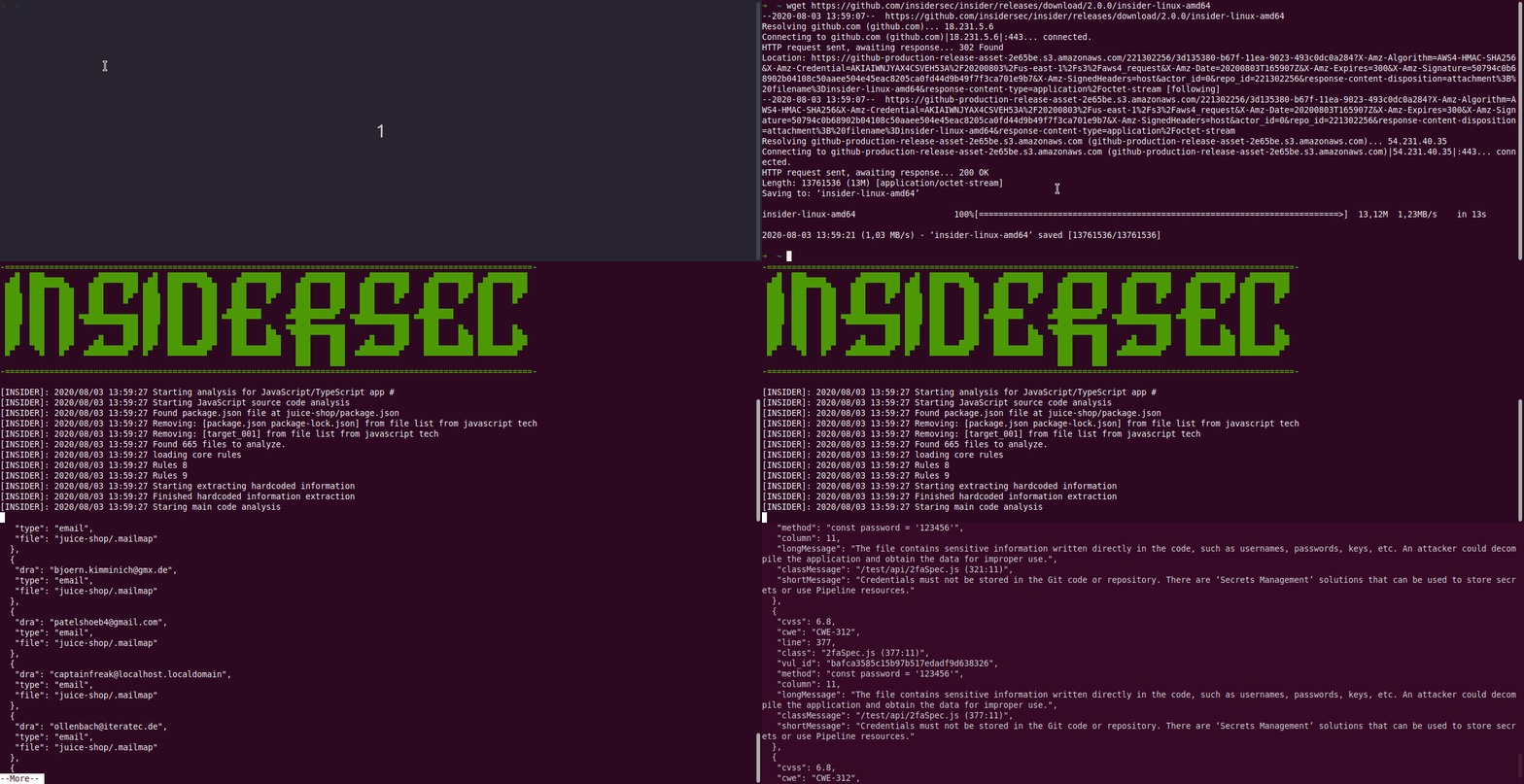
---
### Contribution
- Your contributions and suggestions are heartily ♥ welcome. [See here the contribution guidelines.](/.github/CONTRIBUTING.md) Please, report bugs via [issues page.](https://github.com/insidersec/insider/issues) See here the [security policy](/.github/SECURITY.md) for report security issues. (✿ ◕‿◕)
---
#### Building from source
To build Insider from source you'll need at least [Go version 1.13](https://golang.org/dl/) working.
```bash
$ go get github.com/insidersec/insider/cmd/insider
```
---
### License
- This work is licensed under [MIT](/LICENSE).