Codex Account Switch
Local-first, multi-account, visual manager for Codex accounts
Built with C++ / Win32 / WebView2 for stability and speed.
简体中文 README
## Core Features
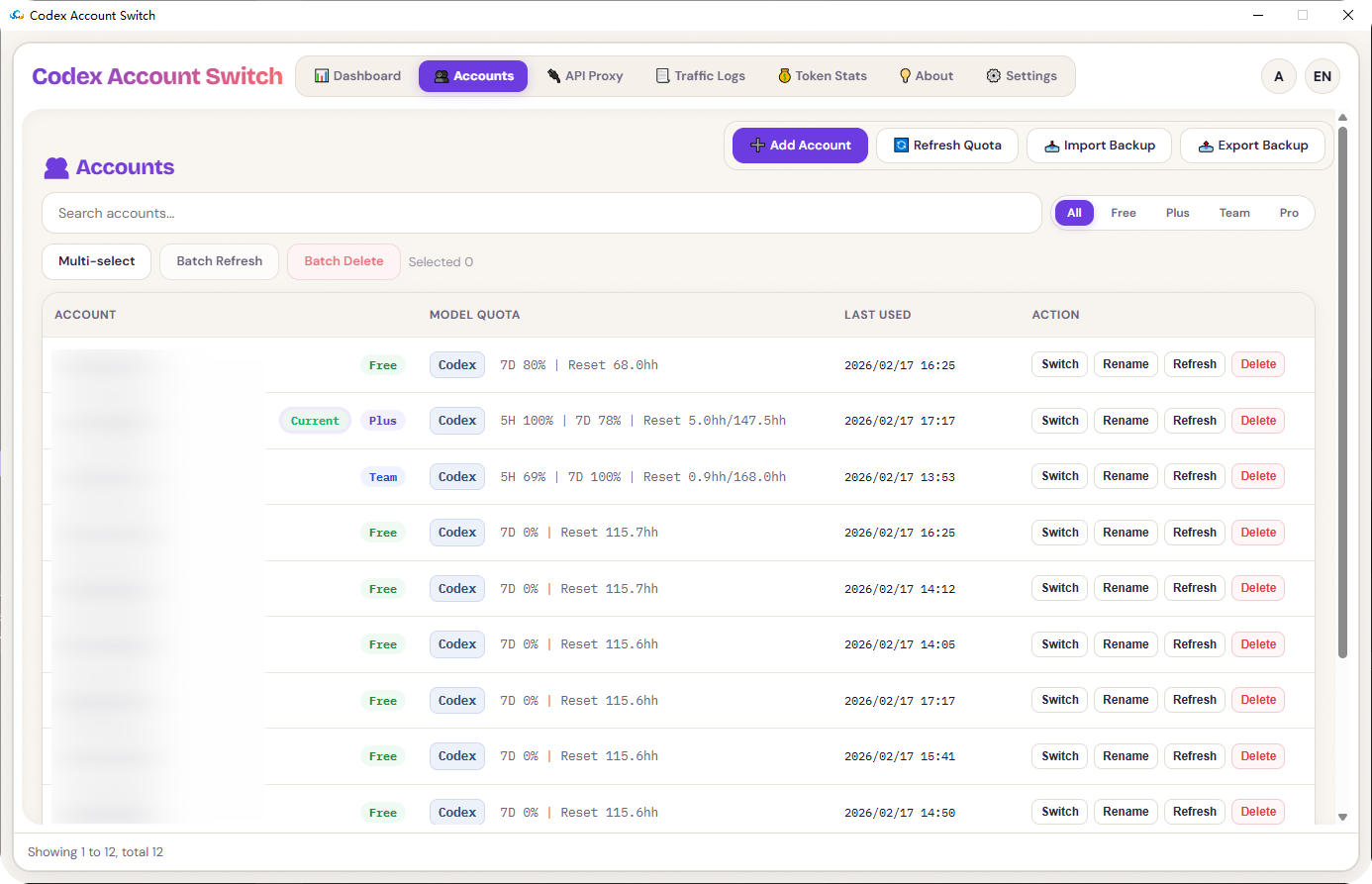
- Unified workflow for backup / switch / delete / rename accounts
- Batch actions (batch refresh, batch delete)
- Import/export backup bundles (ZIP)
- Import current login, manual token paste, and quick OAuth file import
- Built-in OAuth login flow (callback listener + manual callback URL submit)
- Quota dashboard, auto-refresh (5H / 7D), low-quota alerts and switch prompts
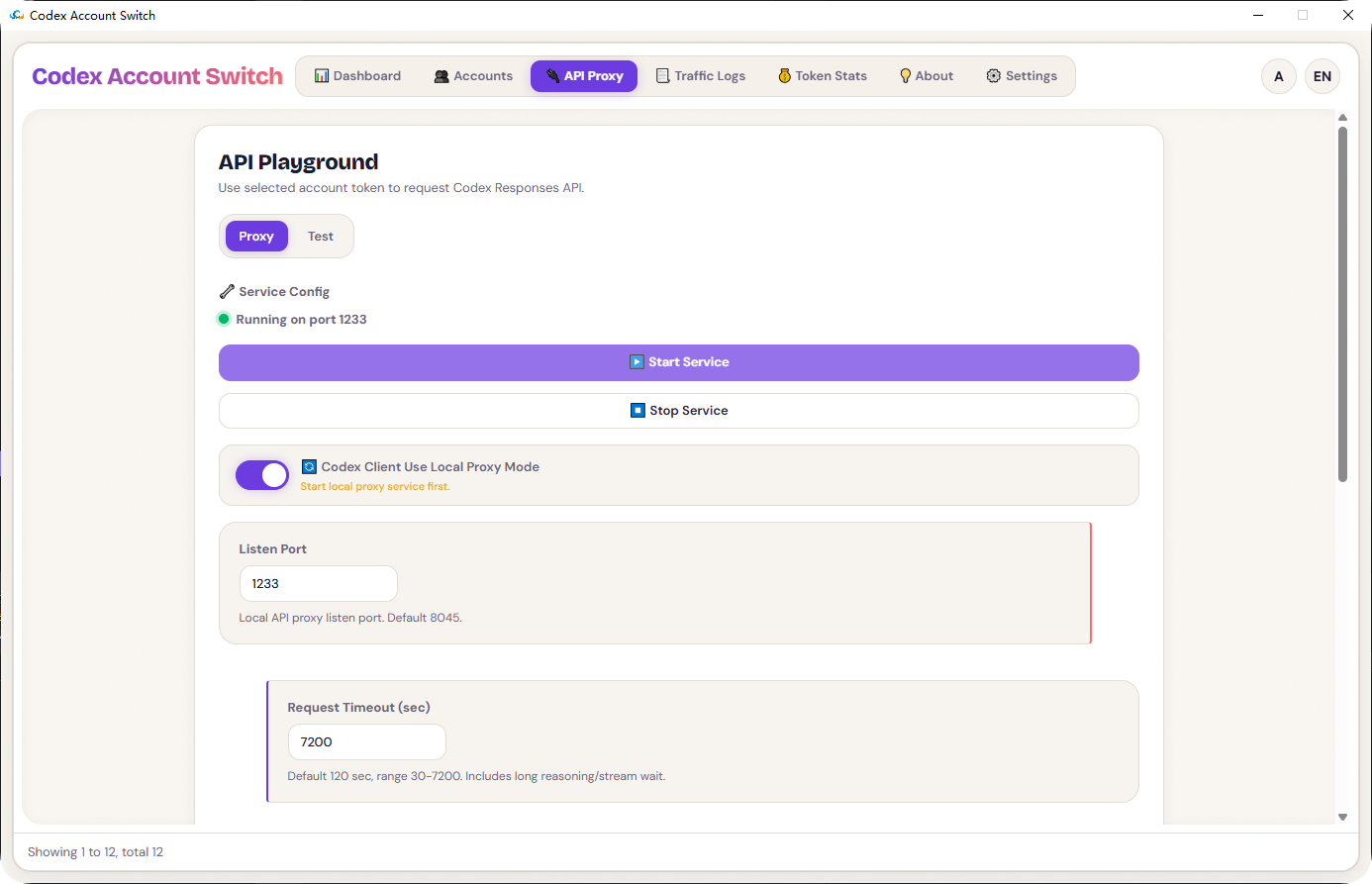
- API proxy service (port, timeout, LAN access, API key, dispatch strategy)
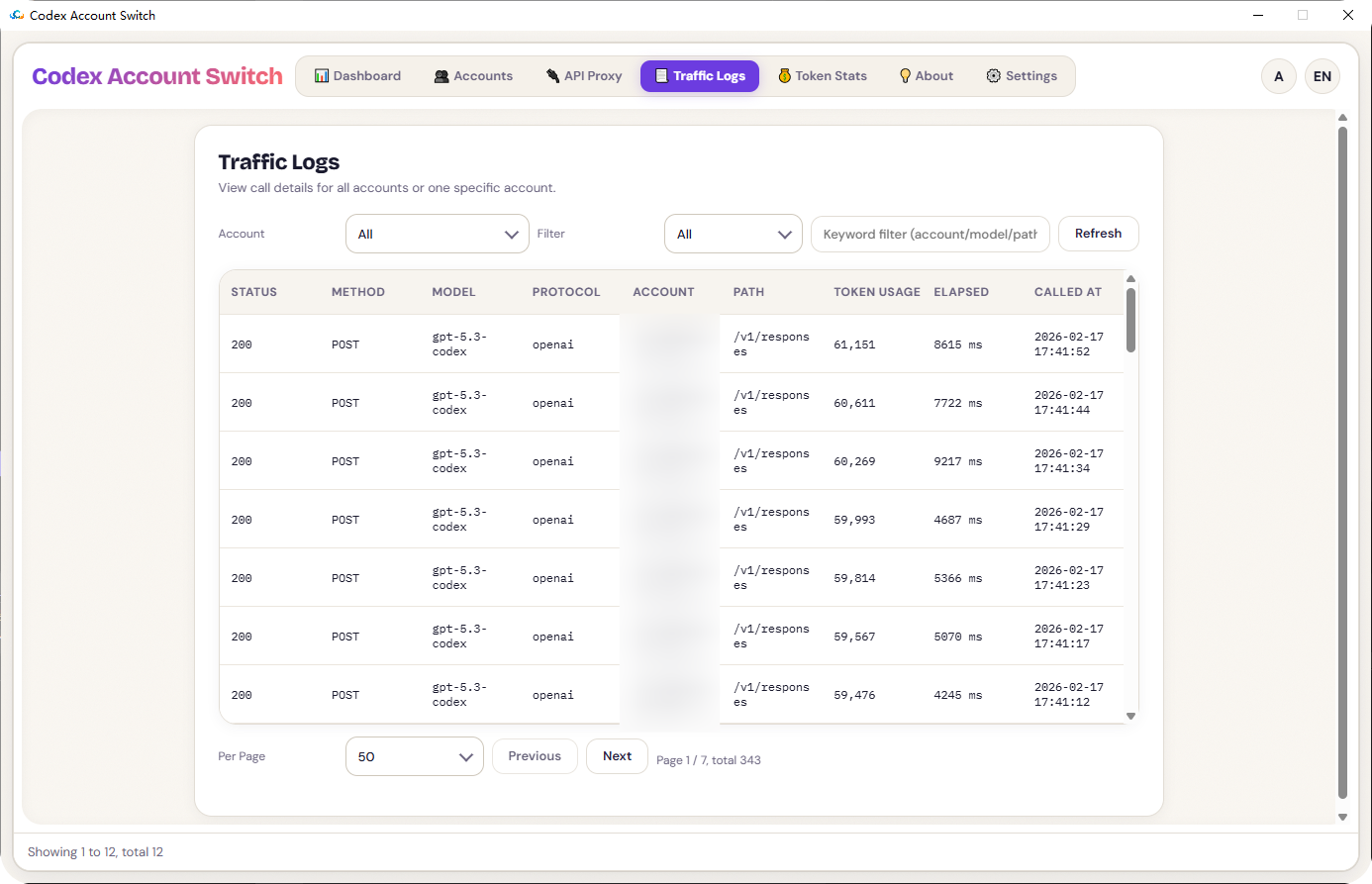
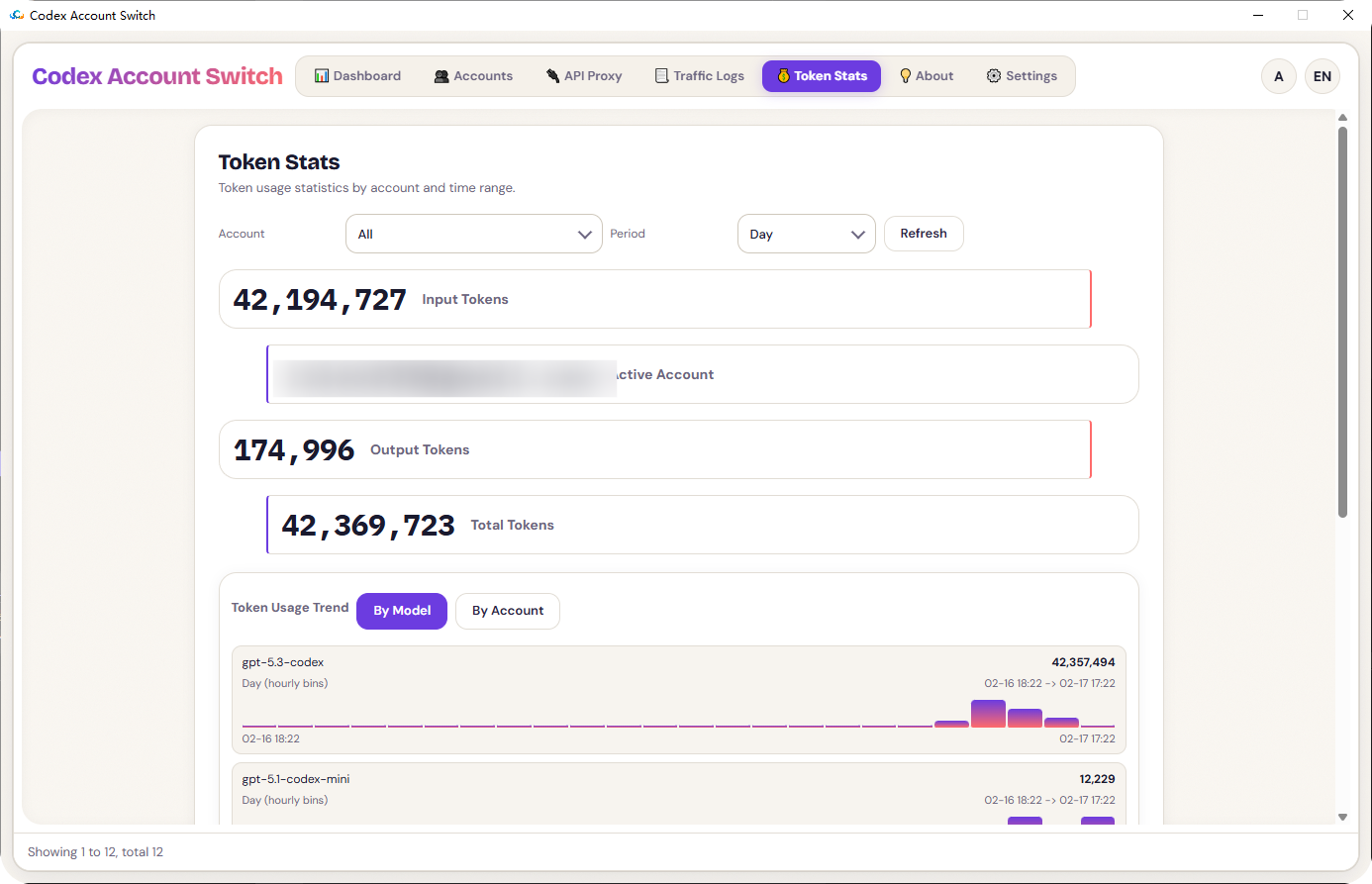
- Traffic logs and token statistics pages
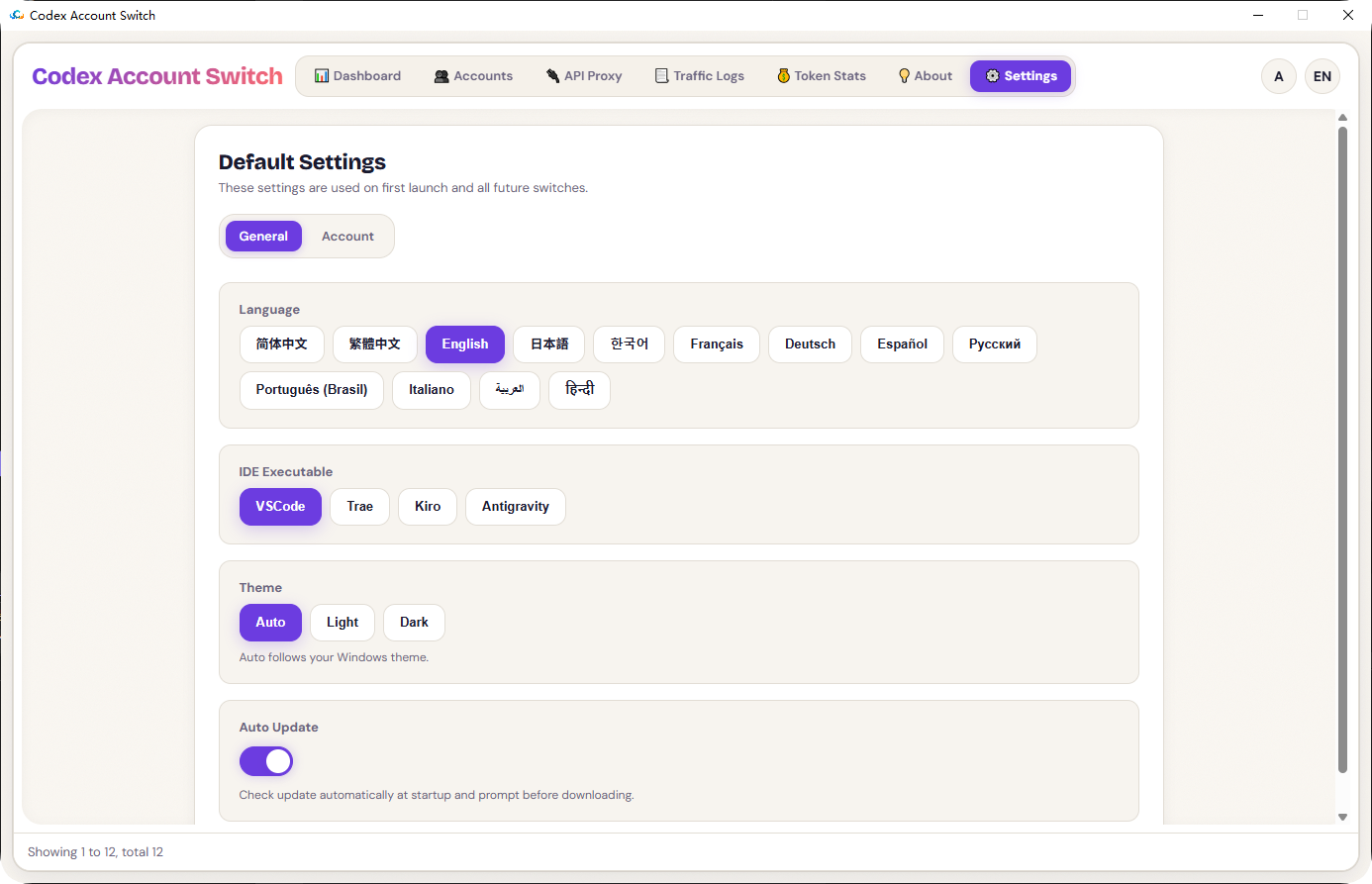
- Multi-language UI and themes (Auto / Light / Dark)
## Codex Client Local API Proxy for Seamless Number Switching
- API Reverse Proxy - Start Service
- API Reverse Proxy - Codex Client Uses Local Reverse Proxy Mode
- Enables seamless account switching without restarting
- Settings - Account - Automatic Account Switching Prompt for Low Credit Limit. Enabling this feature allows for automatic number switching to continue development work when credit limits are insufficient.
## UI Preview
### 1. Dashboard (Light)
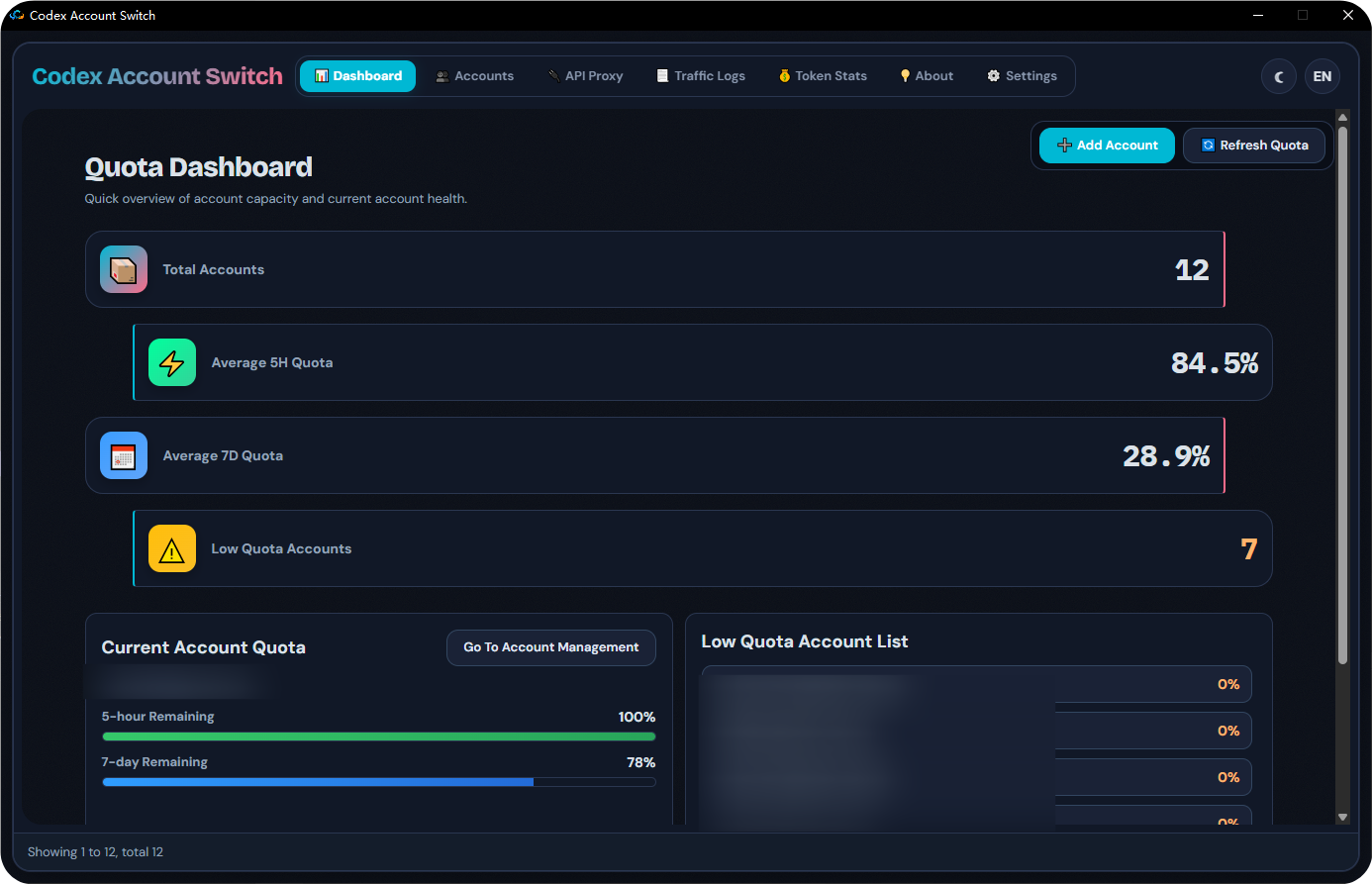
### 1B. Dashboard (Dark)
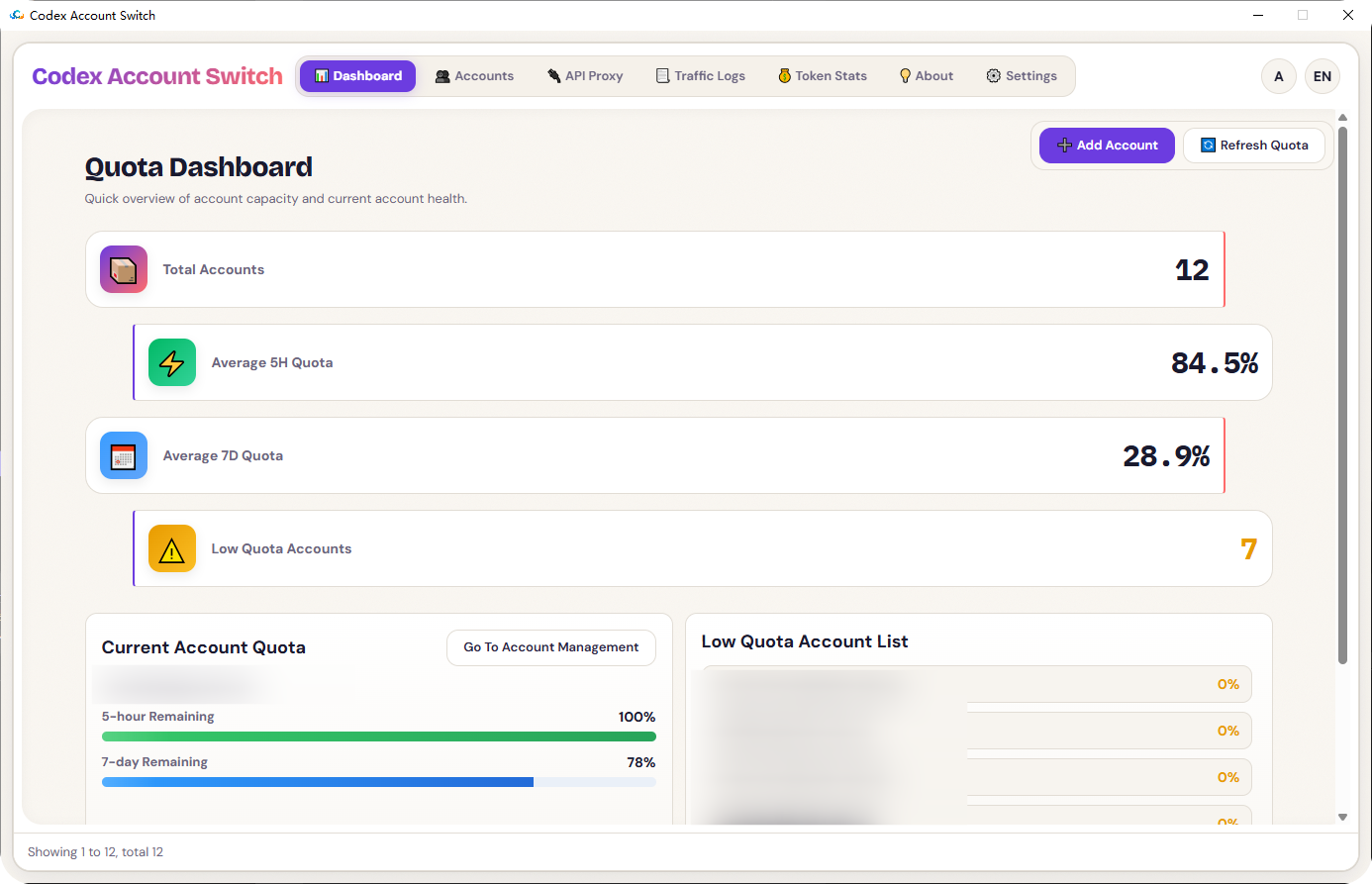
### 2. Accounts
### 3. API Proxy
### 4. Traffic Logs
### 5. Token Stats
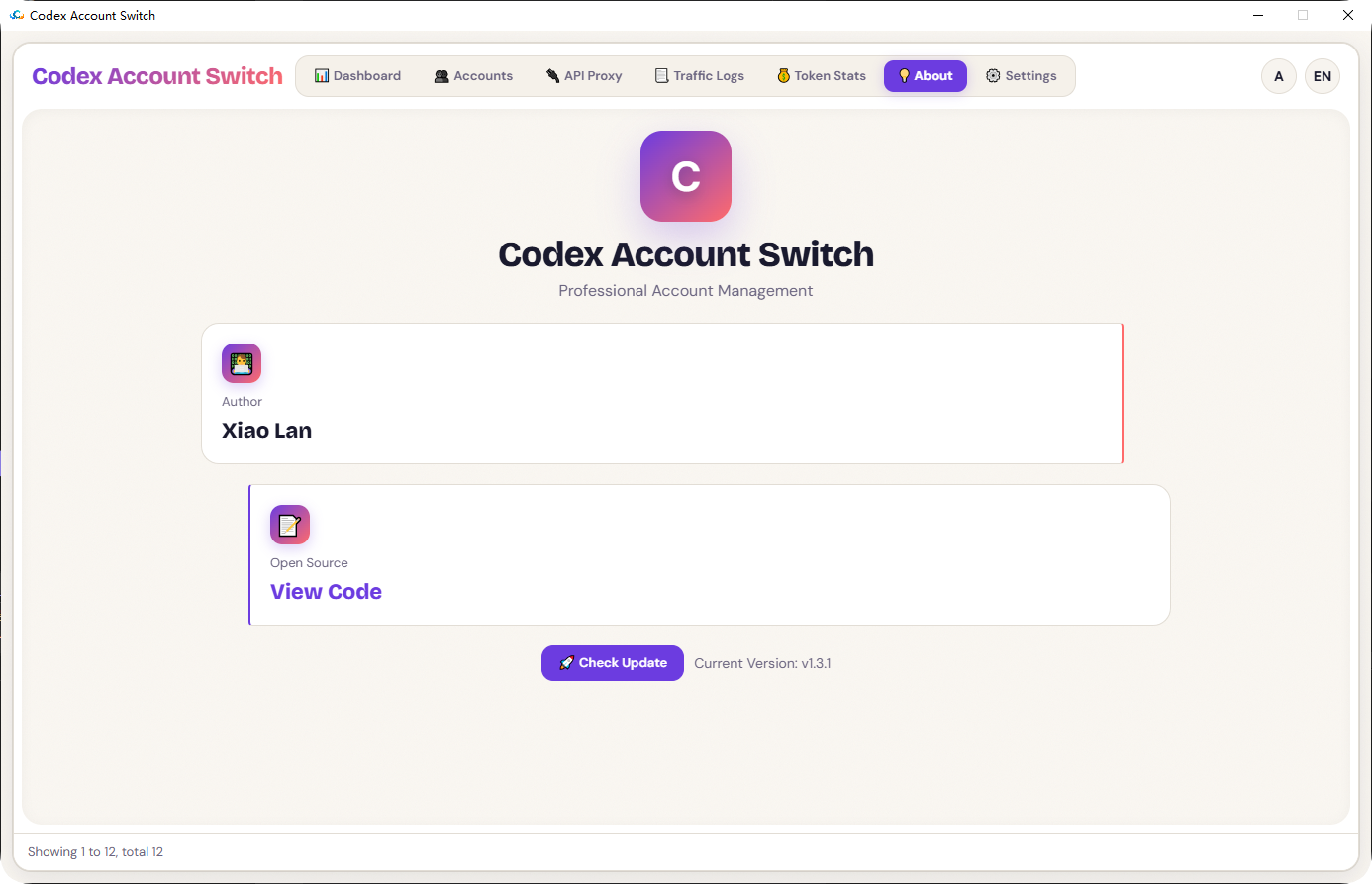
### 6. About
### 7. Settings
## Technical Architecture
- Native layer: `C++ / Win32 / WebView2`
- Frontend layer: `HTML + CSS + JavaScript`
- Bridge: WebView `postMessage` + host action routing
- Storage: local JSON files under user profile path
Main folders:
- `Codex_AccountSwitch/`: core C++ source
- `webui/`: frontend assets
- `installer/`: installer scripts
- `image/`: README screenshots
## Data Directory
Runtime data is stored in:
- `%LOCALAPPDATA%\Codex Account Switch\config.json`
- `%LOCALAPPDATA%\Codex Account Switch\backups\index.json`
- `%LOCALAPPDATA%\Codex Account Switch\backups\...`
## Installation Guide
### Requirements
- Windows 10/11 (x64/x86/ARM64 target build supported)
- WebView2 Runtime
### Build
1. Open solution: `Codex_AccountSwitch.slnx`
2. Select one of: `Release | x64`, `Release | x86`, `Release | ARM64`
3. Build outputs:
- `Release/x64/Codex_AccountSwitch.exe`
- `Release/x86/Codex_AccountSwitch.exe`
- `Release/ARM/Codex_AccountSwitch.exe`
### Build Installer
- `installer/build_installer.bat` (recommended)
- `installer/build_installer.ps1`
Output folder: `dist/`
## Acknowledgements
- Thanks to the `Microsoft Edge WebView2` team for a stable, high-performance embedded web runtime.
- Thanks to all users and contributors for testing, bug reports, and feedback.
- Thanks to [router-for-me/CLIProxyAPI](https://github.com/router-for-me/CLIProxyAPI) for shared implementation ideas around Codex requests and OAuth retrieval.
- Thanks to [lbjlaq/Antigravity-Manager](https://github.com/lbjlaq/Antigravity-Manager) for shared UI and interaction design ideas.
## Contributors
- [isxlan0](https://github.com/isxlan0)
## License
Licensed under the `MIT License`. See `LICENSE`.
## Security Notice
All account data is stored locally by default. Data never leaves your device unless you explicitly export or share it.