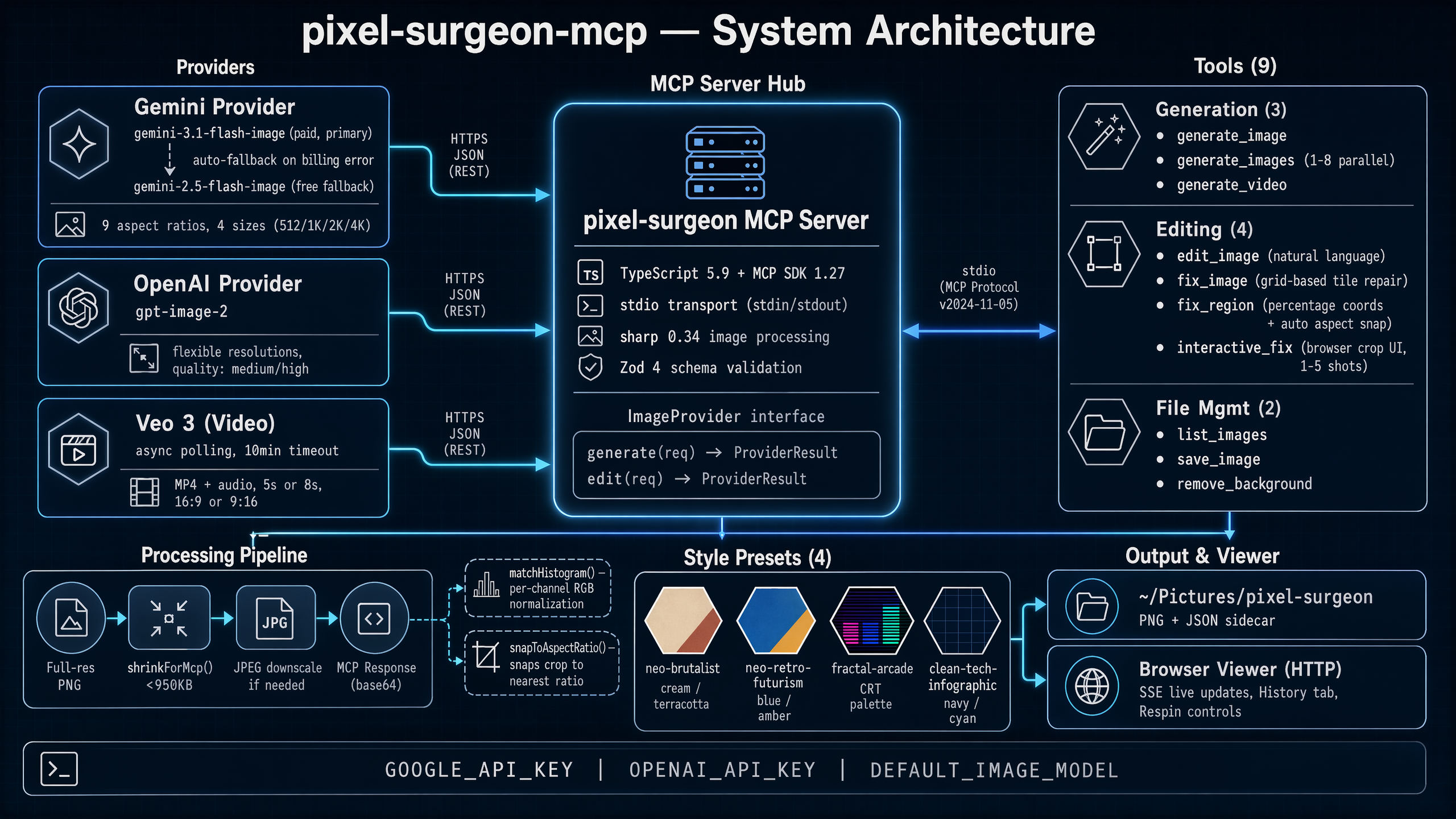
MCP server for AI image & video generation, editing, and transplant-grade region repair
Powered by Gemini 3.1 Flash Image, OpenAI GPT Image 2, Grok Imagine, and Veo 3






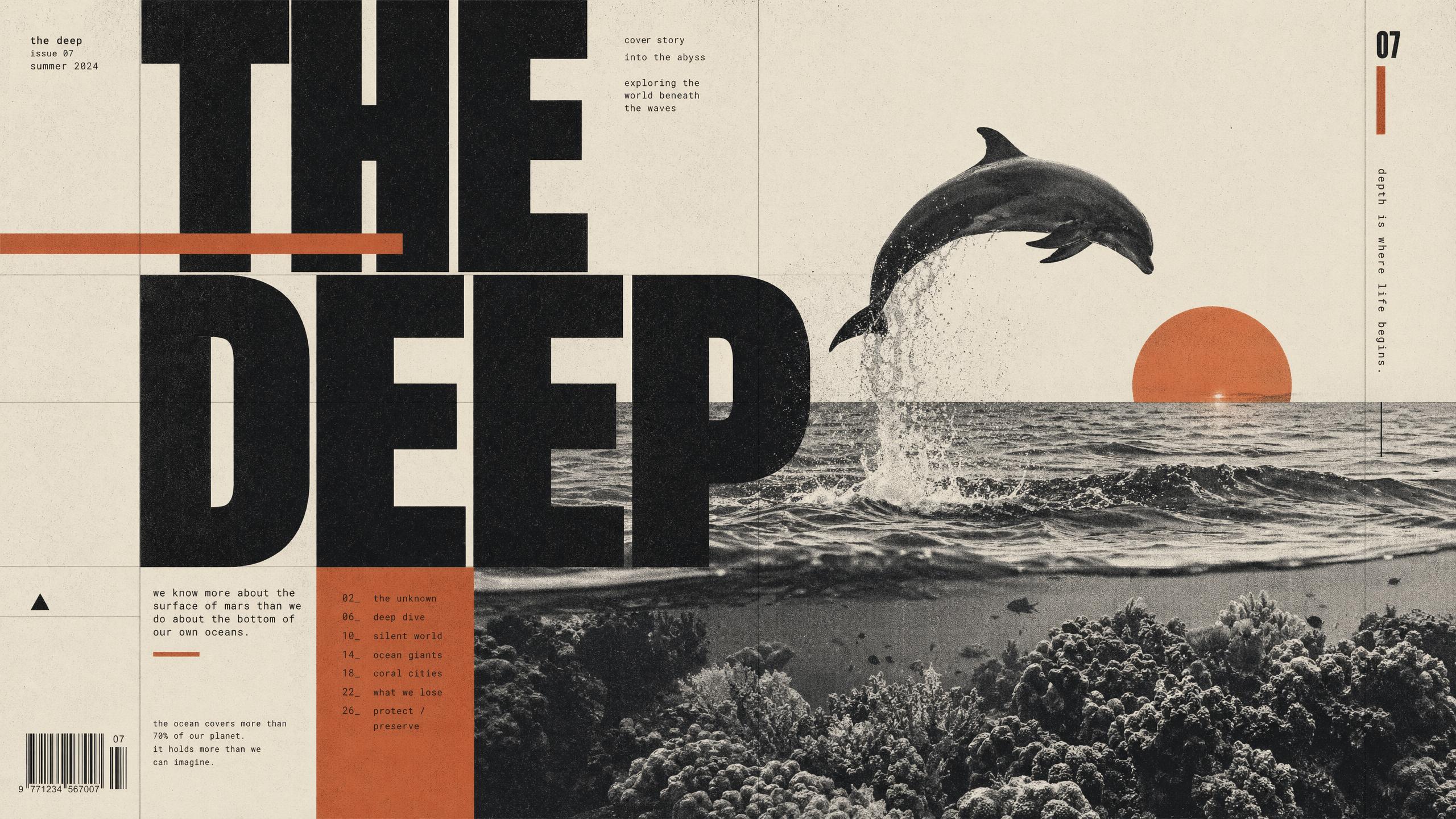 ### `duval-software-infographic`
Duval Software's signature retro-futurist infographic style. 1960s Space Age meets 1980s arcade. Cathode blue, amber, and salmon palette. Great for diagrams and system overviews.
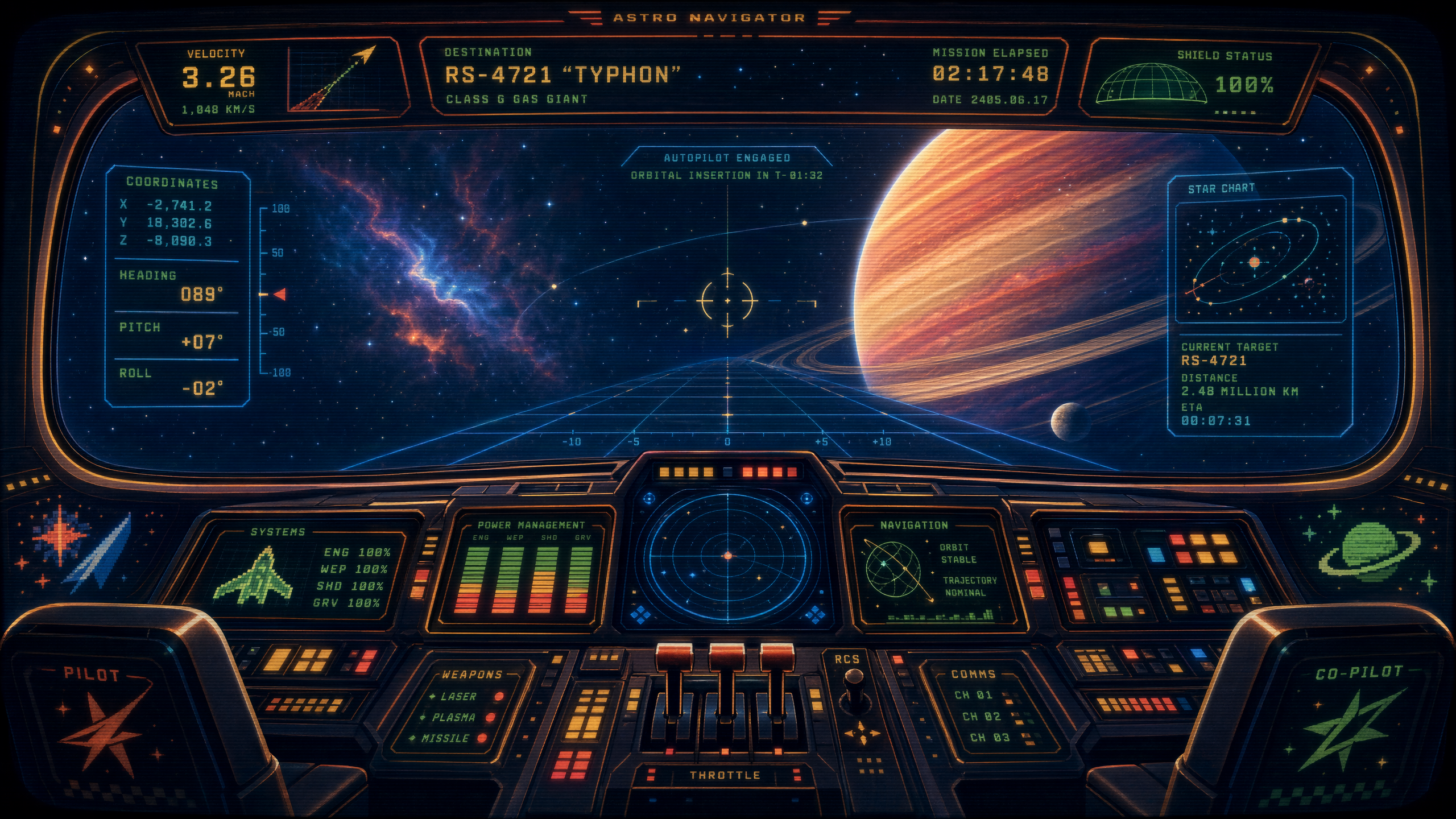 ### `fractal-arcade`
Dithered fractals, Sierpinski patterns, low-poly. CRT retro, Amiga/EGA palette.
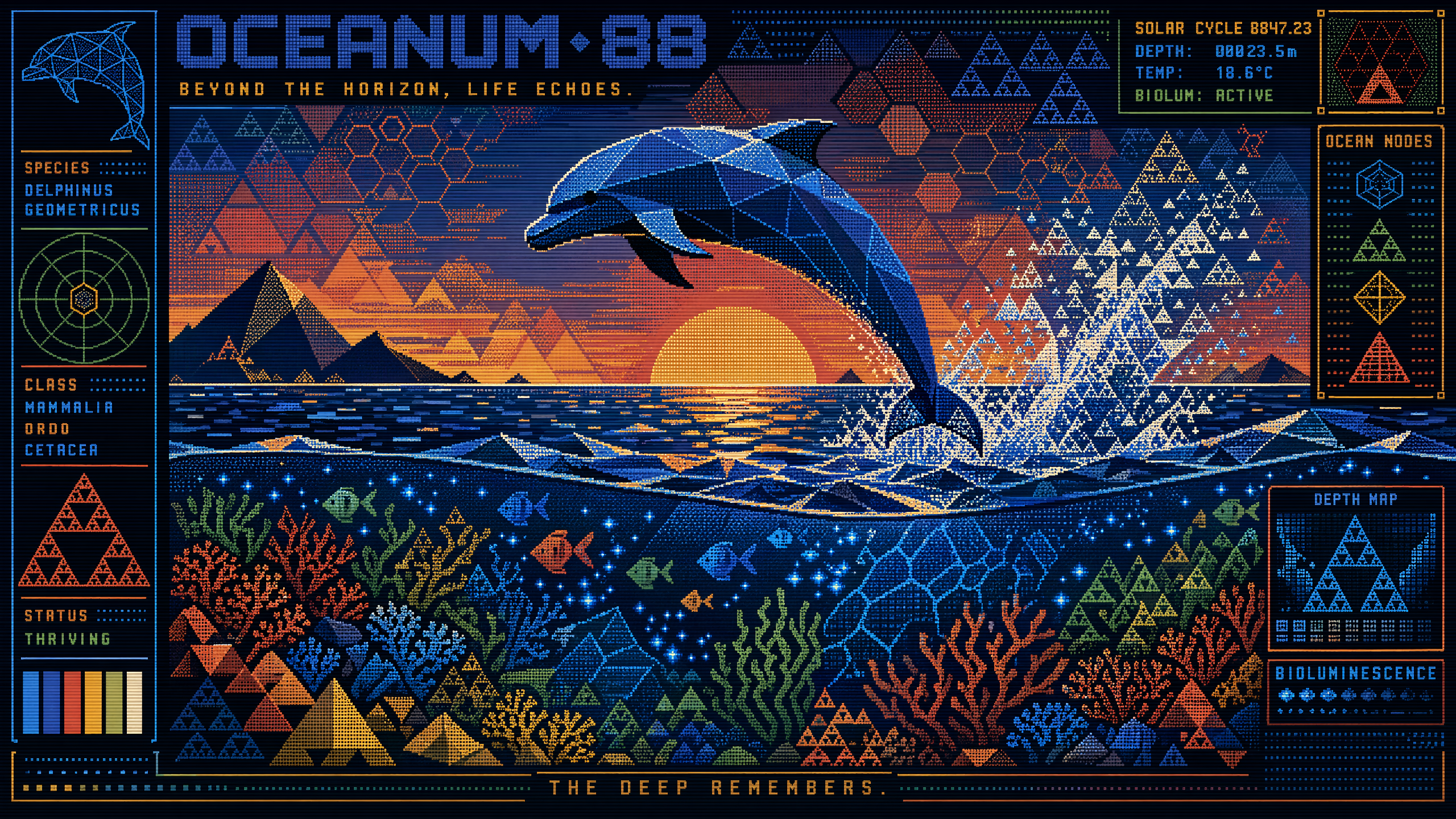 ### `clean-tech-infographic`
Technical diagrams, system flows, data pipelines. Dark navy, cyan, and electric blue.
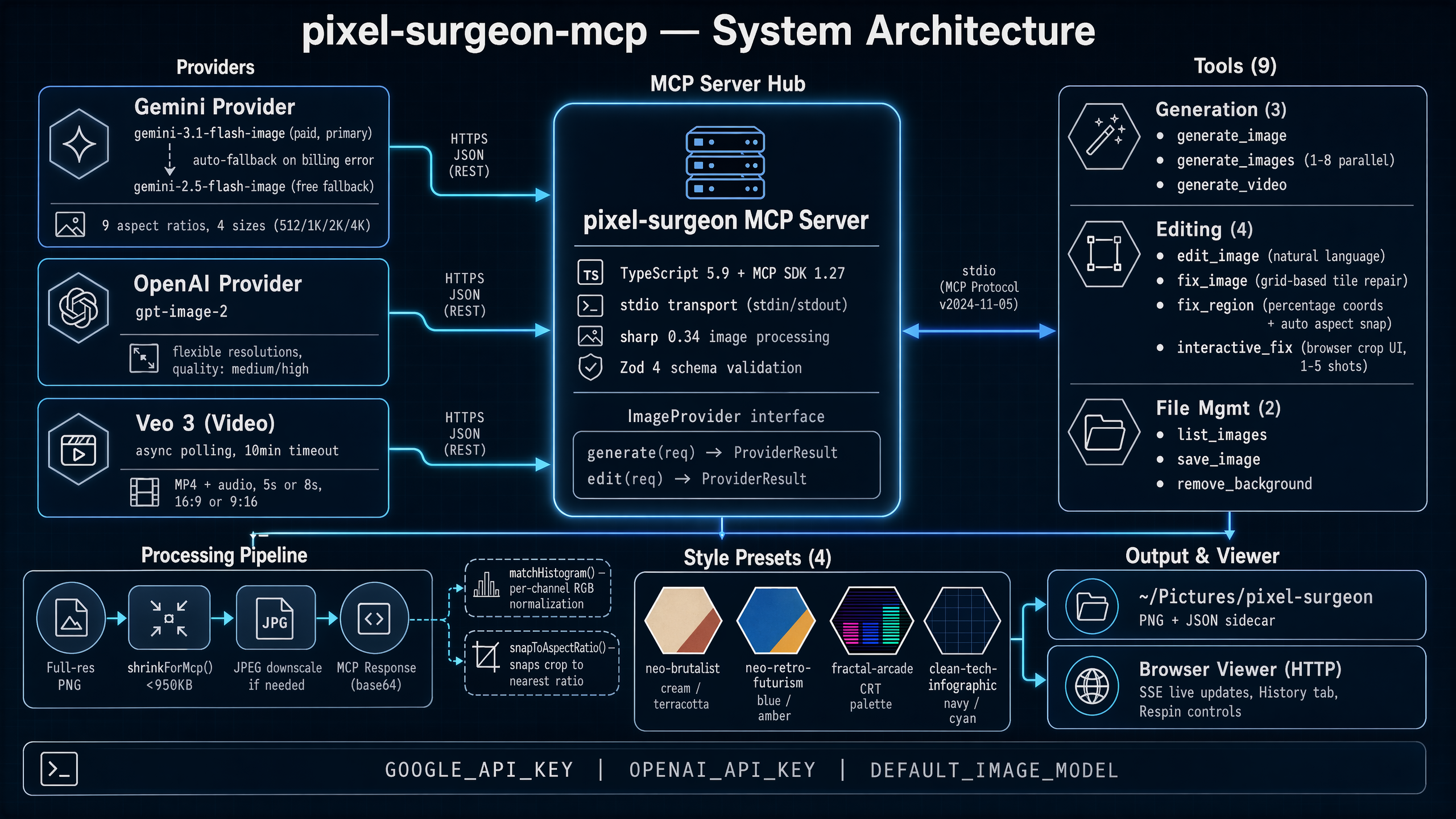 ## Setup
### Get your API key(s)
You need at least one provider API key. You can use any combination for maximum flexibility.
#### Google (Gemini + Veo 3)
1. Go to [Google AI Studio](https://aistudio.google.com/apikey)
2. Sign in with your Google account
3. Click **Create API Key** and copy it
> **Prepayment required.** Gemini 3.1 Flash Image and Veo 3 require billing and prepaid credits. The free-tier fallback (2.5 Flash) has limited resolution and rate limits. See [Google AI pricing](https://ai.google.dev/pricing).
#### OpenAI (GPT Image 2)
1. Go to [OpenAI API](https://platform.openai.com/api-keys)
2. Sign in or create an account
3. Click **Create new secret key** and copy it
4. Ensure you have API credits — image generation is billed per request
> GPT Image 2 excels at text rendering, infographics, and diagrams. If you primarily need text-heavy images, this is the provider to use.
#### xAI (Grok Imagine)
1. Go to [xAI Console](https://console.x.ai/)
2. Sign in or create an account
3. Create an API key and copy it
> Grok Imagine is the fastest and cheapest provider. Great for rapid iteration and prototyping. Fixed output resolutions (~1K) with no size control.
### Quick start (npx)
No install needed — run directly with npx. Pass whichever API keys you have:
```bash
npx pixel-surgeon-mcp
```
#### Claude Code CLI
```bash
claude mcp add pixel-surgeon \
-e GOOGLE_API_KEY=your-google-key \
-e OPENAI_API_KEY=your-openai-key \
-e XAI_API_KEY=your-xai-key \
-- npx pixel-surgeon-mcp
```
#### Claude Desktop / MCP client config
```json
{
"mcpServers": {
"pixel-surgeon": {
"command": "npx",
"args": ["pixel-surgeon-mcp"],
"env": {
"GOOGLE_API_KEY": "your-google-api-key",
"OPENAI_API_KEY": "your-openai-api-key",
"XAI_API_KEY": "your-xai-api-key"
}
}
}
}
```
### Install from source
If you prefer a local clone:
```bash
git clone https://github.com/j-east/pixel-surgeon-mcp.git
cd pixel-surgeon-mcp
npm install
npm run build
```
### Image output
Generated images are saved to `~/Pictures/pixel-surgeon/`. A local browser viewer auto-launches on first use for full-resolution previews with model selection, respin controls, and search.
## Development
```bash
npm run dev # tsx watch mode
npm run build # compile TypeScript
npm run start # run compiled server
```
## Key implementation details
- **Aspect ratio snapping** — crops are adjusted to the nearest Gemini-supported ratio while preserving center point
- **Histogram matching** — per-channel RGB normalization ensures composited regions blend seamlessly
- **Human-in-the-loop** — `interactive_fix` opens a browser crop UI, blocks via Promise until the user submits, fires parallel Gemini calls, and lets the user pick the best result
- **MCP size limits** — full-resolution images are saved to disk; downsampled versions (< 950KB) are returned in MCP responses
## Contributing
PRs are welcome! We're especially looking for:
### New style presets
Add entries to the `STYLE_PRESETS` object in `src/index.ts`. Your PR should include:
- The preset definition (name, prompt prefix, default aspect ratio)
- 2-3 example images generated with the preset (drop them in your PR description)
- A short description of the visual style for the README table
### Model adapters
The server currently supports Gemini, OpenAI, Grok Imagine, and Veo 3. We'd love adapters for other image/video generation APIs — Stable Diffusion, Flux, etc. If you're interested in adding one, open an issue first so we can align on the interface.
## Built by Duval Software
pixel-surgeon-mcp is maintained by [John Evans](https://github.com/j-east), part of the engineering team at [Duval Software](https://duvalsoftware.com) — a software engineering firm in Jacksonville Beach, FL building AI-powered tools and custom integrations. If you need MCP servers, AI pipelines, or production tooling built, [get in touch](https://duvalsoftware.com).
## License
MIT