
port0r.com · Discord · Download · itch.io · Ko-fi · Sponsor · Video · Port0r on Meta Quest (VR)
# Sega Rally on Nintendo Switch **The 1995 arcade Sega Rally Championship, as a free homebrew for a Switch running custom firmware.** > ### Download Sega Rally for Switch v0.5.3 (free) > **[Port0r-SegaRally-Switch-v0.5.3.zip](https://github.com/jacquesdupontd/port0r/releases/download/switch-v0.5.3/Port0r-SegaRally-Switch-v0.5.3.zip)** > (the game, the optional HOME tile and the install guide), from the > [release page](https://github.com/jacquesdupontd/port0r/releases/tag/switch-v0.5.3). The project is also on > [itch.io](https://port0r.itch.io/sega-rally-switch). Then follow the [install guide](#install) below: about ten > minutes the first time. The whole track in **full 16:9**, wider than the cabinet ever showed. Jean-seb's community **HD textures** if you want them. A **Workshop** with 10 mods, picture styles, a best-lap ghost, named replays and a photo mode. Steer with the left or the right stick. And your times on the **Port0r Discord leaderboard**. [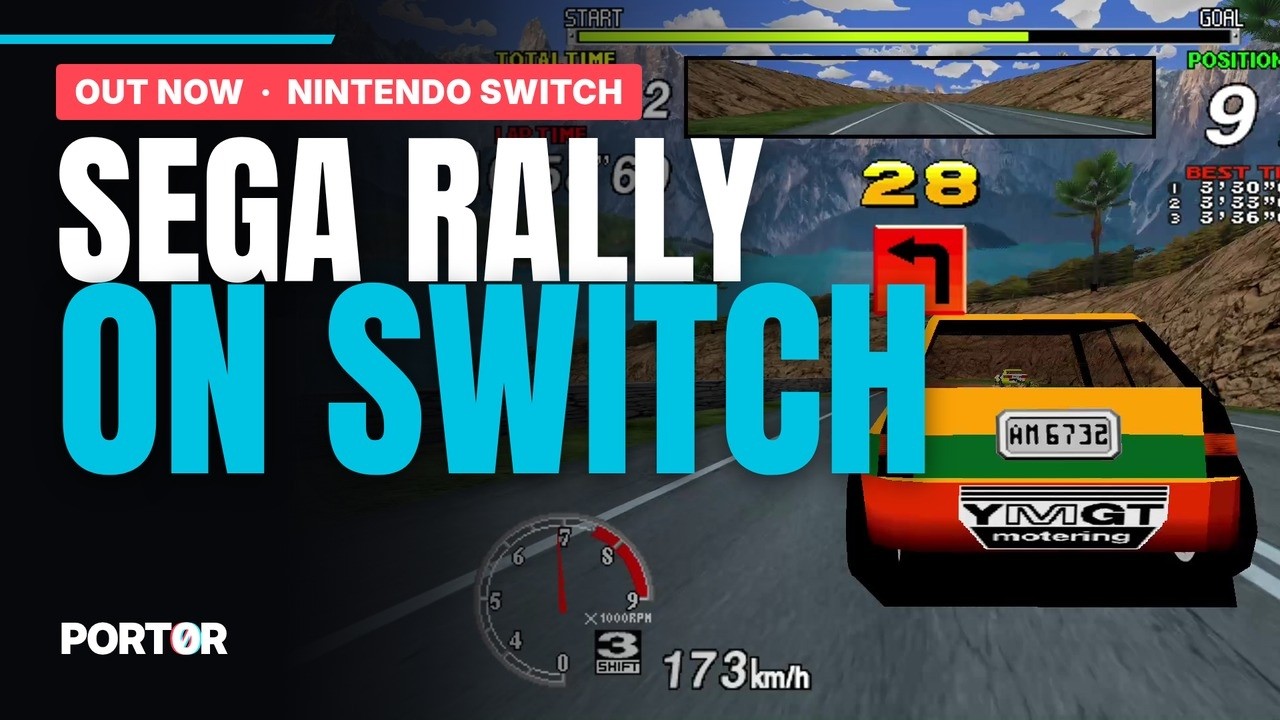](https://youtu.be/nC8Lj6FlHLE) | Desert | Forest | Tunnel | | --- | --- | --- | | 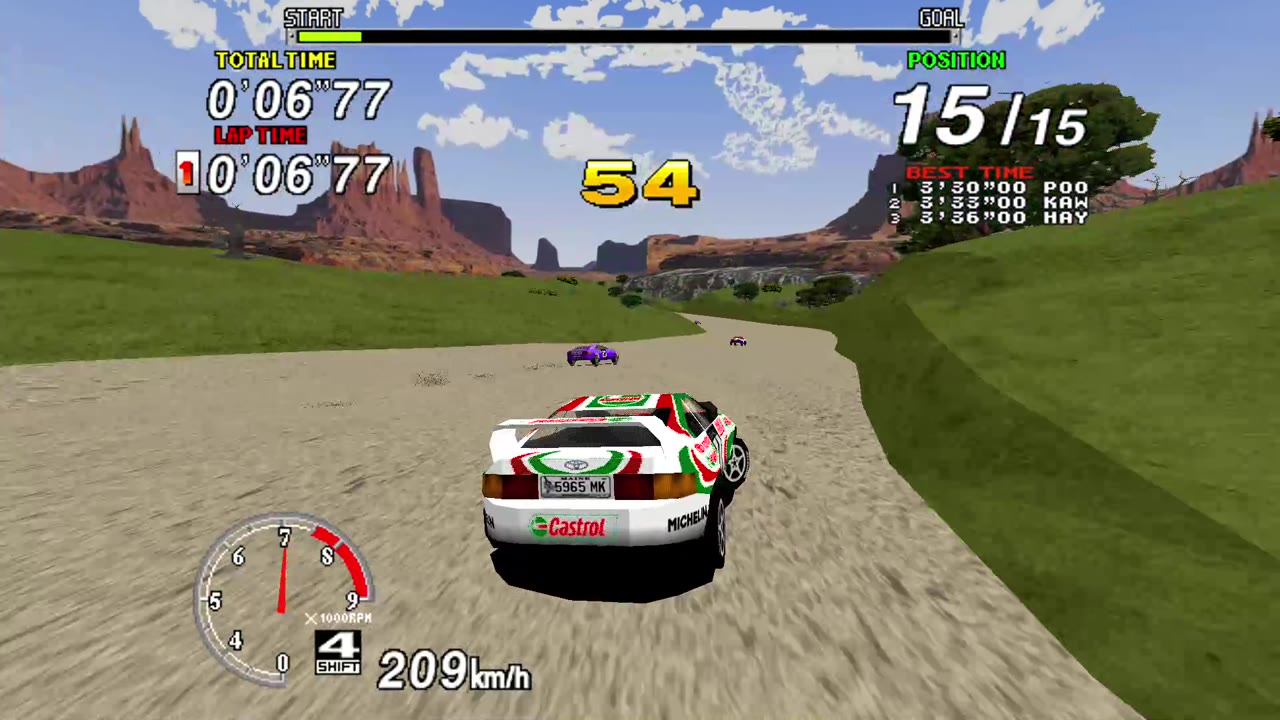 | 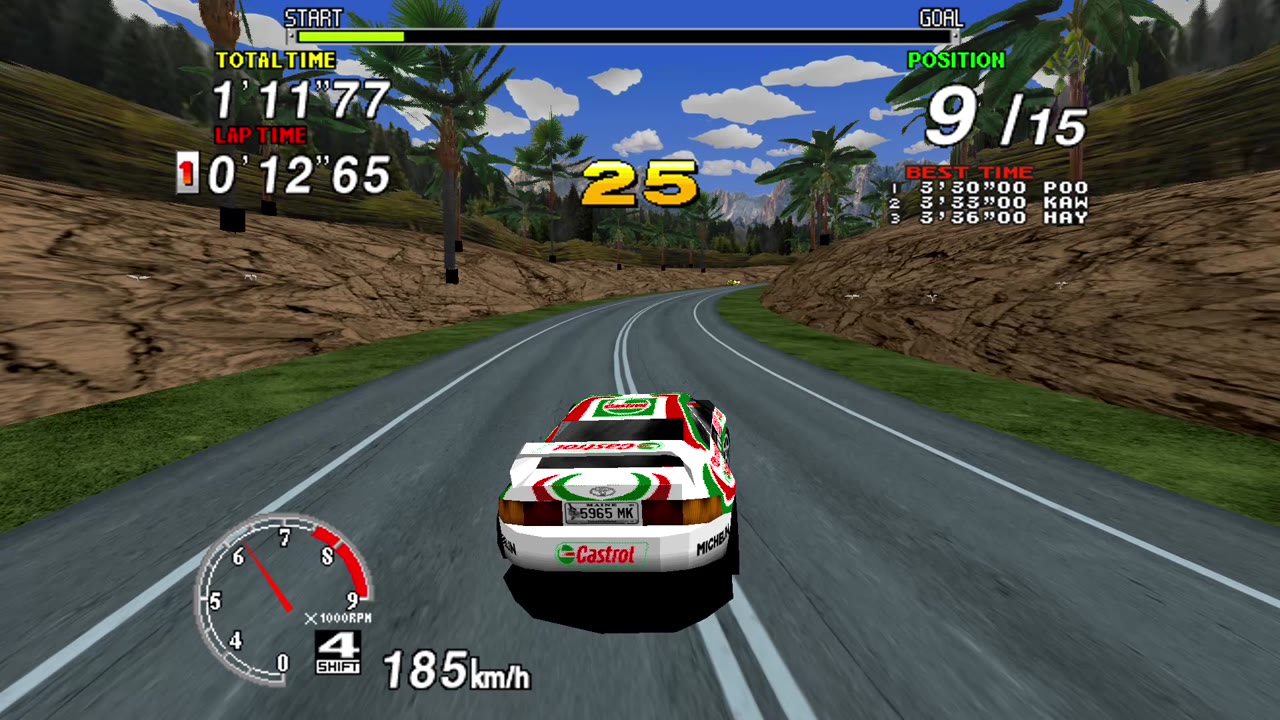 | 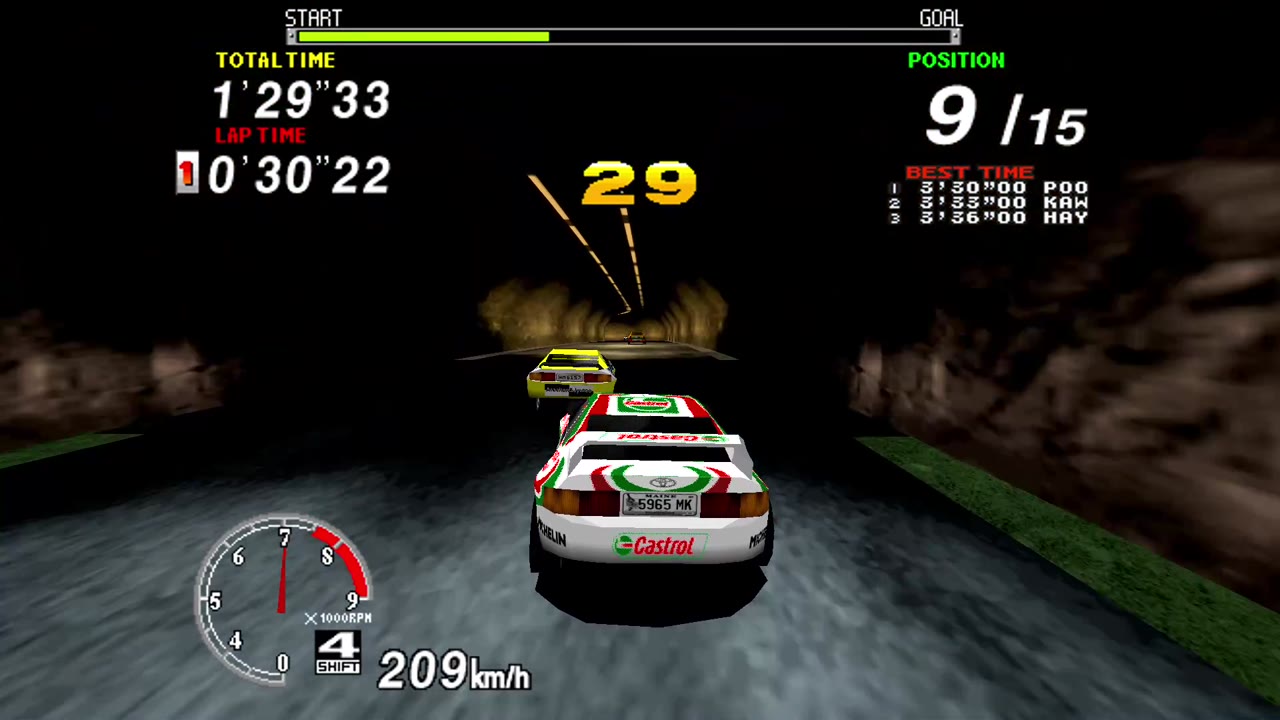 | | **Lake** | **Mountain** | **Village** | | 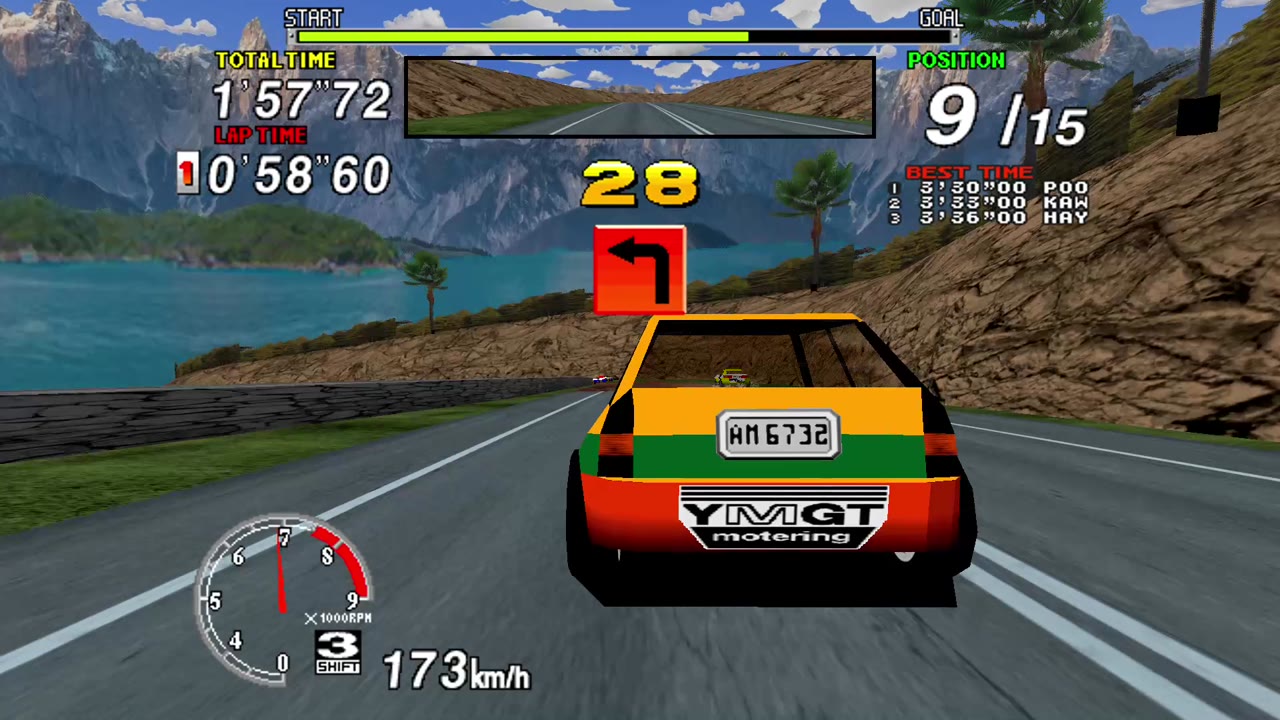 | 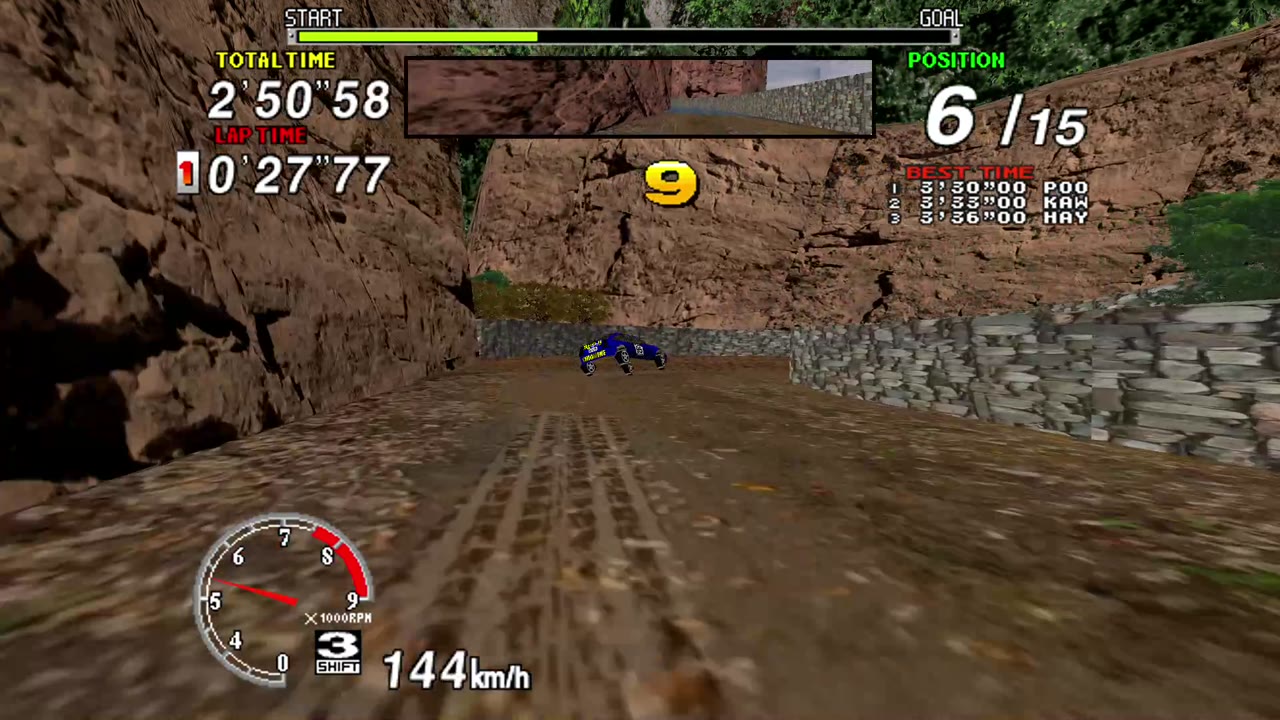 | 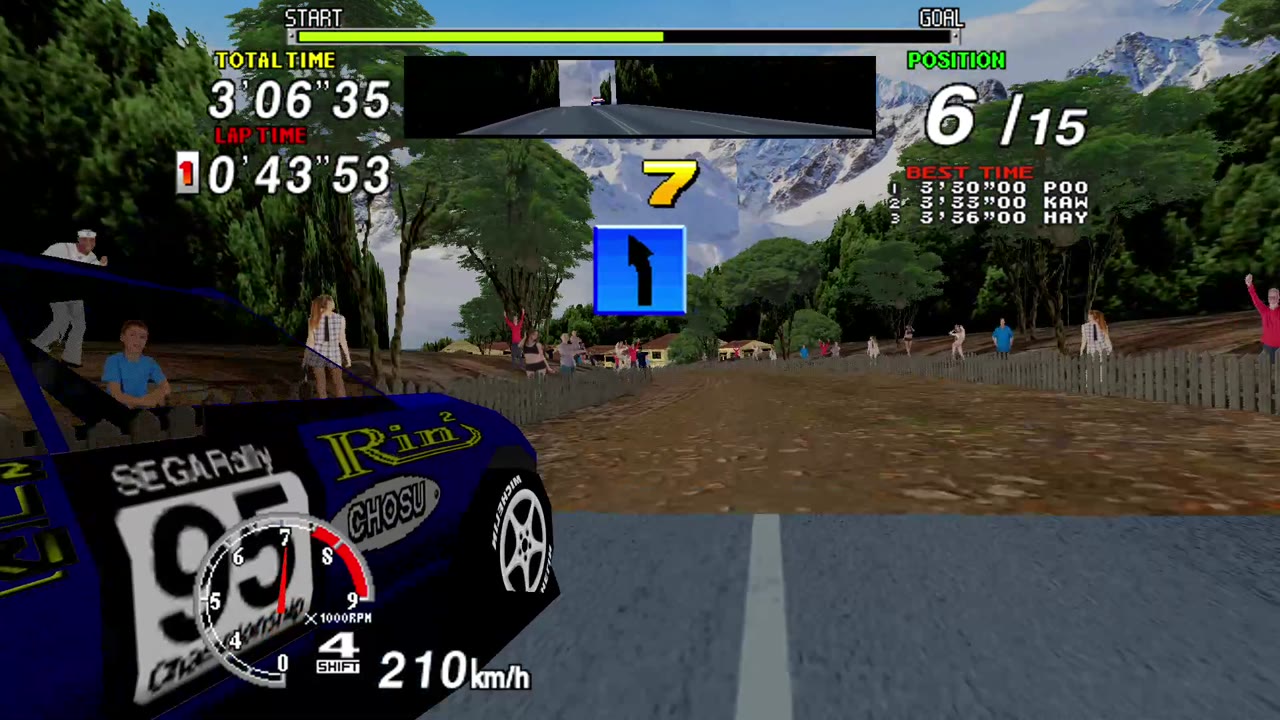 | *All screenshots: captured from a real Switch (docked, 1080p), HD textures on.* --- ## Contents - [What you need](#what-you-need) - [Install](#install) - [Controls](#controls) - [The Workshop (+ and − together)](#the-workshop) - [Replays](#replays) - [HD textures](#hd-textures) - [The leaderboard on Discord](#the-leaderboard-on-discord) - [Saves, settings and updates](#saves-settings-and-updates) - [Troubleshooting](#troubleshooting) - [Known limits](#known-limits) - [Help, bugs, support](#help-bugs-support) - [Credits and legal](#credits-and-legal) ## What you need - A Nintendo Switch running custom firmware (**Atmosphère**) with the Homebrew Menu. Port0r does not help with that part: see the community guides. - **Your own** Sega Rally Championship arcade files, made for **MAME 0.289**: `srallyc.zip` and `segabill.zip`. Port0r never includes them and never says where to get them. No ROM requests on the Discord, please. - Optional: Jean-seb's HD texture pack. ## Install ### 1. Copy the files Unzip `Port0r-SegaRally-Switch-v0.5.3.zip` on your computer and copy **its content** to the **root of the SD card**, keeping the folders. You get: ``` /switch/segarally/gpt61sol/segarally.nro the game /tile-home/SegaRally-0100534552000000.nsp optional HOME tile (step 5) /atmosphere/contents/0100534552000000/romfs/nextNroPath for the HOME tile /atmosphere/contents/0100534552000000/romfs/nextArgv for the HOME tile /INSTALL.md this guide ``` ### 2. Add your game files Put `srallyc.zip` and `segabill.zip` (**do not unzip them**) in: ``` /switch/segarally/gpt61sol/roms/ ``` A merged set that already contains `epr-18022.ic2` (Sega Billboard) does not need the separate `segabill.zip`. The older folder `/switch/segarally/roms/` is read too. ### 3. Optional: the HD textures Extract the pack to `/switch/segarally/gpt61sol/texpack/srallyc/` (see [HD textures](#hd-textures)). ### 4. Launch it in application mode **Hold R while opening any installed game**: the Homebrew Menu opens with the console's full memory. Choose Sega Rally. Opening the Homebrew Menu from the Album alone may run out of memory. If a file is missing or wrong, the start screen names the files and the folder to put them in; **A** searches again. ### 5. Optional: a Sega Rally tile on the HOME screen A small launcher, installed once, that opens the game straight from the HOME screen with full memory. It holds no game data. 1. Install `tile-home/SegaRally-0100534552000000.nsp` (title ID `0100534552000000`) with your usual NSP installer. 2. Keep the two files of step 1 in `/atmosphere/contents/0100534552000000/romfs/`. They point the tile at `sdmc:/switch/segarally/gpt61sol/segarally.nro`. Updates only replace the `.nro`: no need to reinstall the tile. ## Controls 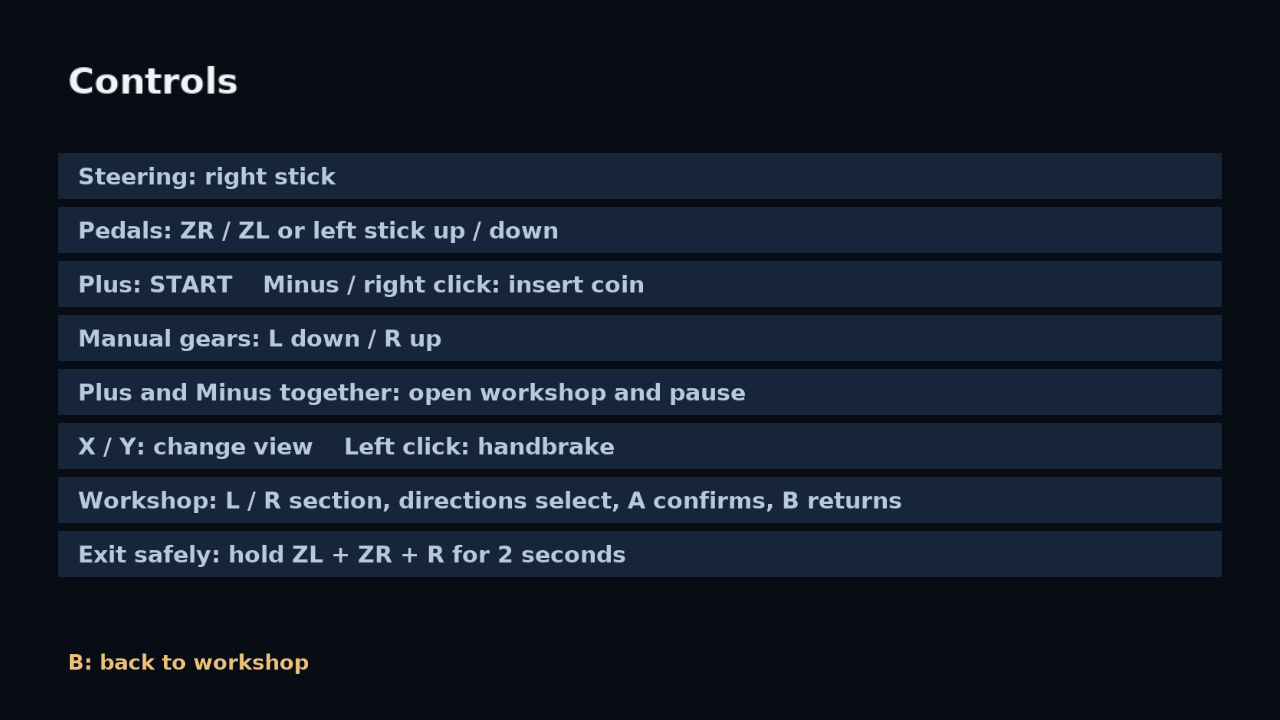 | Action | Button | |---|---| | Steer | Left stick (or the right stick: Workshop > Driving > Steering stick) | | Gas / brake | ZR / ZL, or the other stick up / down (analog) | | Gears (manual cars) | L down, R up | | Start | + | | Insert a coin | − (or click the right stick) | | Change view | X / Y | | Handbrake | Click the left stick | | **Workshop, and pause** | **+ and − together** | | In the Workshop | L / R section, up / down select, A change, B back to the race | | Quit cleanly | Hold ZL + ZR + R for 2 seconds | The table lists the defaults. In **Driving > Controls**, choose an action, press **A**, release all buttons, then press the button you want. **B** saves and returns; **X** restores the defaults. Ten actions can be changed. The selected steering stick and the fixed Workshop / clean-exit shortcuts remain available. ## The Workshop (+ and − together) The game pauses, the Workshop opens. Seven sections, L / R to move between them. **Active mods** (top right) tells how many mods are on. ### Driving  - **Steering stick**: left or right. The other stick then works the pedals (analog gas and brake); ZR / ZL still work. - **Steering range**: 22 % is the reference; 50 % reaches both ends of the arcade wheel. - **Adaptive steering**: a gentler wheel at high speed. The range you chose stays the limit. - **Vibrations**: short rumble impulses for shocks, jumps and gear changes. Joy-Con and compatible controllers. - **Controls**: the controls page above. ### Mods  - **Free timer**: the clock stops during the race. - **Free play**: Start gives the credits and starts the game, no coin needed. - **Sporty automatic**: for a manual car, the gears change by themselves with the speed; L and R keep priority. - **Telemetry**: speed, position, lap and pedals during the race, read from the game itself (no invented engine values). - **Best lap ghost**: race against your best lap. **Share ghosts** exports them. ### Image  - **Mirrored track**: the whole track mirrored; the steering follows and the HUD stays readable. - **Night**, **CRT screen**, **Style** (colour, comic book, black and white). - **Smoothness**: optional picture smoothing (softer text, costs a little fluidity). Off by default. - **Brightness**, and **Photo mode**: freeze, frame, save a PNG on the SD card. ### Replays  See [Replays](#replays). ### Settings  - **HD textures**: on or off (when the pack is installed). **Anisotropic filtering** for the HD textures (x8 is the tested default). - **Volume**, **Display** (Full 16:9 extends the world and keeps its full height; 4:3 offers mirrored scenery or black sides), **Speed** (60 fps, or the arcade's original speed), **Resolution** (automatic or fixed). - **HD pack and game files**: where the game looks, and what it found. ### Game  - **Disable mods** (keeps image and sound settings), **Defaults** (HD if installed, x8, volume x7, steering 22 %, full 16:9, mods off), **Resume**, **New normal game**. - **Scores and settings**: saves now; wait for the "up to date" mark. - **Language**: ten languages. ### Sharing  The Discord leaderboard: see [below](#the-leaderboard-on-discord). **GitHub updates** checks the stable Switch release channel. The update page opens with the changelog: up / down scrolls it. Press **+** on an update notification in the Workshop to open these notes directly. **A** downloads a newer release; **B** cancels. Once verified, a **second A confirmation** leaves the current race, saves scores and settings, installs and restarts. **X** shows the release notes again before installing. No update installs automatically. **Check for updates** can be switched off. Manual checks remain available. Checking happens once at startup without interrupting a race; downloading pauses play. A failed connection never prevents playing offline. ## Replays 1. Workshop > **Replays** > **Record a new race** > A, then confirm. The emulated cabinet restarts on its start screen (shaders and textures stay loaded). Choose your mode and car, and drive: everything is recorded. 2. Workshop > Replays > **Name and save**. The keyboard proposes a name: L deletes, the directions pick a letter, A adds it, R adds a space, − clears, + saves, B cancels. 40 characters max. Saving does not stop the race. 3. **Race library** / **Watch a replay**: up / down choose, A plays. The car is driven by the recorded inputs; your records are not touched. 4. **Export replay** copies it to `/switch/segarally/gpt61sol/replays/exports/`. To watch someone's replay, copy their `.srr` into `/switch/segarally/gpt61sol/replays/`. A replay is saved inputs, not a video: it needs the same version of the game and the same game files. To turn one into a video, record the Switch's HDMI output (dock) with a capture card while it plays. ## HD textures Jean-seb's community pack, optional. Extract it to: ``` /switch/segarally/gpt61sol/texpack/srallyc/ ``` `srallyc.pat` and the images must be **directly** in that folder, with no extra sub-folder. A pack zip dropped in `/Download/` is found and extracted there automatically. At launch, without a pack, **B** plays with the original textures and **Y** stops asking. An installed pack is never replaced automatically. The first launch with HD builds a cache: keep it when you update. ## The leaderboard on Discord 1. Workshop > **Sharing** > **Discord account** shows a code. 2. On your phone or computer, send `!link CODE` in any channel of the [Port0r Discord](https://discord.gg/XMk7GgapuN) or in a private message to the bot. Nothing to install on the Switch. 3. After a real race, the game asks before publishing your time (**Offer to publish my times**: Ask or Never). Replays and free-timer times are never published. Your times land in #leaderboard. 4. **Forget Discord account** removes the link from this Switch. The Switch needs an internet connection for this. It is the first public version of the Switch link: if anything goes wrong, tell us in #bugs. ## Saves, settings and updates - Scores and arcade settings are saved automatically during play; Workshop > Game > Scores and settings saves now. - **From v0.5.1 / v0.5.2**: close the game and replace `/switch/segarally/gpt61sol/segarally.nro` with v0.5.3 once. Keep your data folders and the HOME tile. - **From v0.5.3 onwards**: use Sharing > GitHub updates, read the changelog, download, then confirm installation. Settings, records, replays, ghosts and the HD cache stay. - Downloads use HTTPS and are checked against the release asset's SHA-256. A verified new NRO is stored in `.updates/`; `update.ini` selects it. The original `segarally.nro` and earlier versions are not overwritten. - **Rollback**: close the game, remove `update.ini` and `update.ini.bak` in `/switch/segarally/gpt61sol/`, then launch the original NRO. To choose another release manually, also replace `segarally.nro` with its NRO. Your data stays. - New replays use the replay format 7; replays of older versions still play. An older version cannot read new replays. ## Troubleshooting | What you see | What to do | | --- | --- | | The start screen lists missing files | Put `srallyc.zip` and `segabill.zip`, not unzipped, in `/switch/segarally/gpt61sol/roms/`, then press A. The files must be made for MAME 0.289. | | It says a file is wrong | Drop the right zip in `/Download/` (up to three sub-folders deep): a different size or a newer date replaces the old copy at the next launch. | | It closes or freezes at launch | Open it in application mode: hold R while opening a game, then the Homebrew Menu. Not from the Album. | | No HD textures | `srallyc.pat` must be directly in `/switch/segarally/gpt61sol/texpack/srallyc/`, not in a sub-folder. Then Workshop > Settings > HD textures. | | The HOME tile opens nothing | Check the two files in `/atmosphere/contents/0100534552000000/romfs/`. | | A replay will not play | Same game version and same game files needed. | | The Discord code is refused | Send exactly `!link CODE`, within a few minutes; the Switch must be online. Tell us in #bugs. | | Stuck anywhere | Ask on the [Discord](https://discord.gg/XMk7GgapuN): #install-help, or the bot in #ask-port0r. | ## Known limits - 60 images a second is the target and holds on the stages we measured, docked, without capture; it is not promised on every part of every track. - A few Switch-only texts still show in English whatever the language. - The Discord link is new on the Switch (tested on a local server, not yet by players): please report problems. ## Help, bugs, support - **Discord**: https://discord.gg/XMk7GgapuN (#install-help, #bugs, #wishes, #leaderboard, and #sega-rally-switch) - **Bugs**: #bugs, or a [GitHub issue](https://github.com/jacquesdupontd/port0r/issues) with your firmware version and what you see. - **Support the project**: Port0r takes all my time right now. If you'd like to keep it going, you can sponsor it on [GitHub Sponsors](https://github.com/sponsors/jacquesdupontd) or buy me a coffee on [Ko-fi](https://ko-fi.com/port0r). Sharing it helps a lot too. ## Credits and legal - HD textures: Jean-seb. - Built from MAME's BSD-3-Clause source files (every component's license: [THIRD-PARTY-NOTICES.txt](THIRD-PARTY-NOTICES.txt)). Port0r: a free fan project, by the same people as [Port0r on Meta Quest](README.md) (arcade games in true 3D VR). Sega Rally Championship is a trademark of SEGA. Port0r is not affiliated with SEGA or Nintendo. No game files are included, ever.