# MapCountdown
[](https://travis-ci.org/dawidjaniga/map-countdown)
[](https://codecov.io/gh/dawidjaniga/map-countdown)
[](https://standardjs.com)
[](https://greenkeeper.io/)
[](https://github.com/semantic-release/semantic-release)
[](https://www.npmjs.com/package/map-countdown)
## Overview
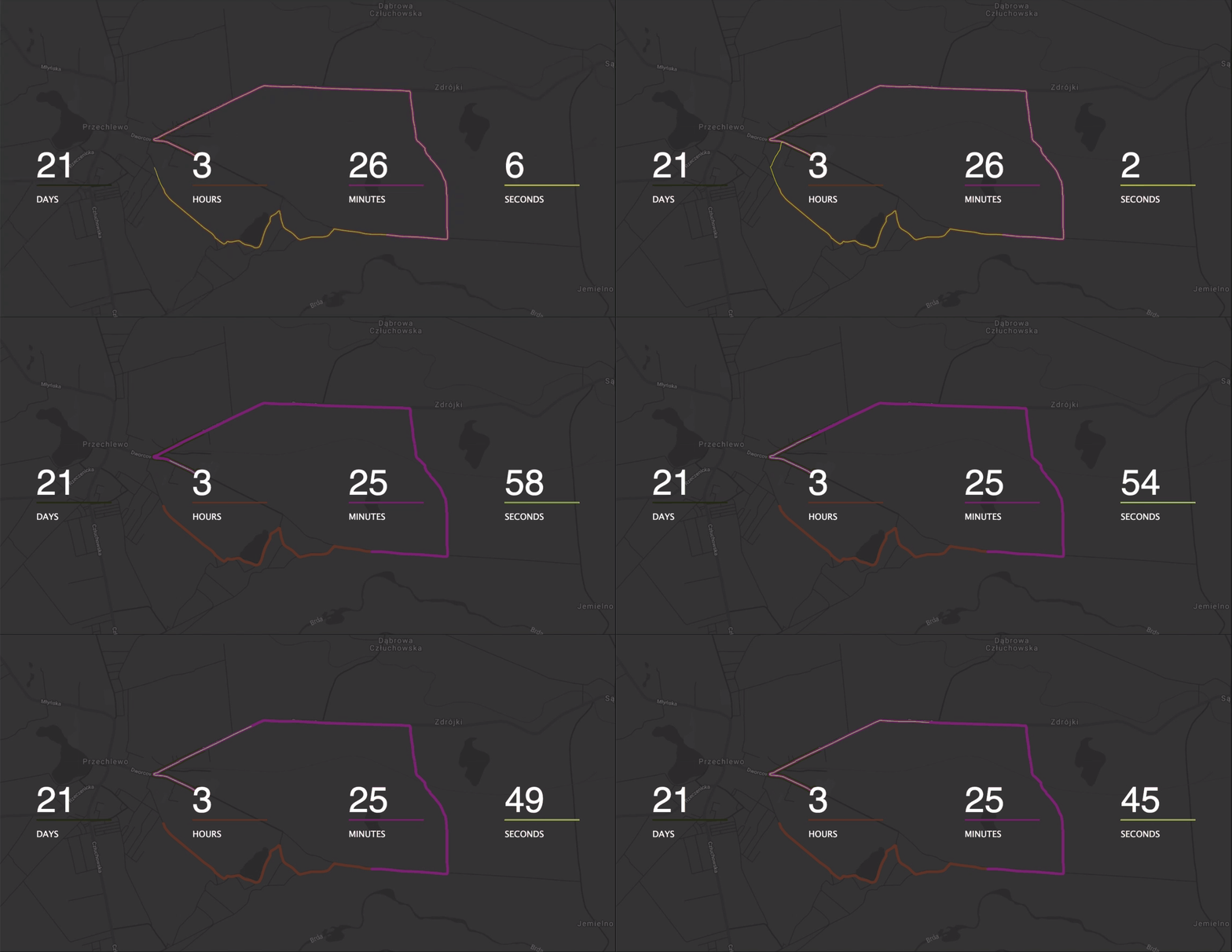
MapCountdown is a JavaScript browser library which shows countdown with additional route filling on a map. It uses Google Map to draw polygons from provided paths and animates them according to time left.
## Demo
## Usage
### Steps
1. Install
2. Prepare route points
3. Prepare Google Maps API Key
4. Add MapCountdown
1. With module bundler
2. In browser
### Install
``` bash
yarn install map-countdown
```
or
``` bash
npm install map-countdown
```
### Prepare route points
To draw polygons on Google Maps we need to pass an array of route points. To do that we can import **.tcx** file and use `route-parser` CLI to parse it.
1. First ensure `map-countdown` is installed. Next you have to download workout in **.tcx** format. The most popular sport tracking app are supported:
1. Endomondo - [Instructions](https://support.endomondo.com/hc/en-us/articles/213219528-File-Export)
2. Polar - [Instructions](https://support.polar.com/en/support/how_do_i_export_individual_training_sessions_from_polar_flow_web_service)
3. Garmin - [Instructions](https://support.garmin.com/pl-PL/?faq=W1TvTPW8JZ6LfJSfK512Q8)
2. After download open a terminal in your project's directory and run:
```bash
route-importer ~/Downloads/training-file.tcx routePoints.js
```
`route-importer` will parse _TCX_ file and save it with given name.
### Prepare Google Maps API Key
Google Maps need an api key for working. If you don't have a key already, don't worry. You can create new one below:
https://developers.google.com/maps/documentation/embed/get-api-key
Replace _'GOOGLE_API_KEY'_ from chosen snippet below with your api key.
### Add MapCountdown
#### With module bundler
``` javascript
import MapCountdown from 'map-countdown'
import './../path/to/routePoints'
new Countdown({
selector: '#countdown',
key: 'GOOGLE_API_KEY',
meta: '2019-07-13 11:30:00'
})
```
#### In browser
You have to include _routePoints.js_ along with MapCountdown, which load those points automatically.
Next, add container for countdown (ie. _#countdown_).
``` html
MapCountdown Example
```
#### jQuery
You can use jQuery, if you will.
``` html
MapCountdown Example
```