
# jmux
### From ticket to shipped feature, in the terminal you already use.
Define the workflow stages you actually think in, then run your whole backlog through a fleet of coding agents on them — Claude Code, Codex, or any agent, each in its own isolated session. jmux shows you who's working, who finished, and who's blocked on you. **You're still the pilot.**
[](https://www.npmjs.com/package/@jx0/jmux)
[](LICENSE)
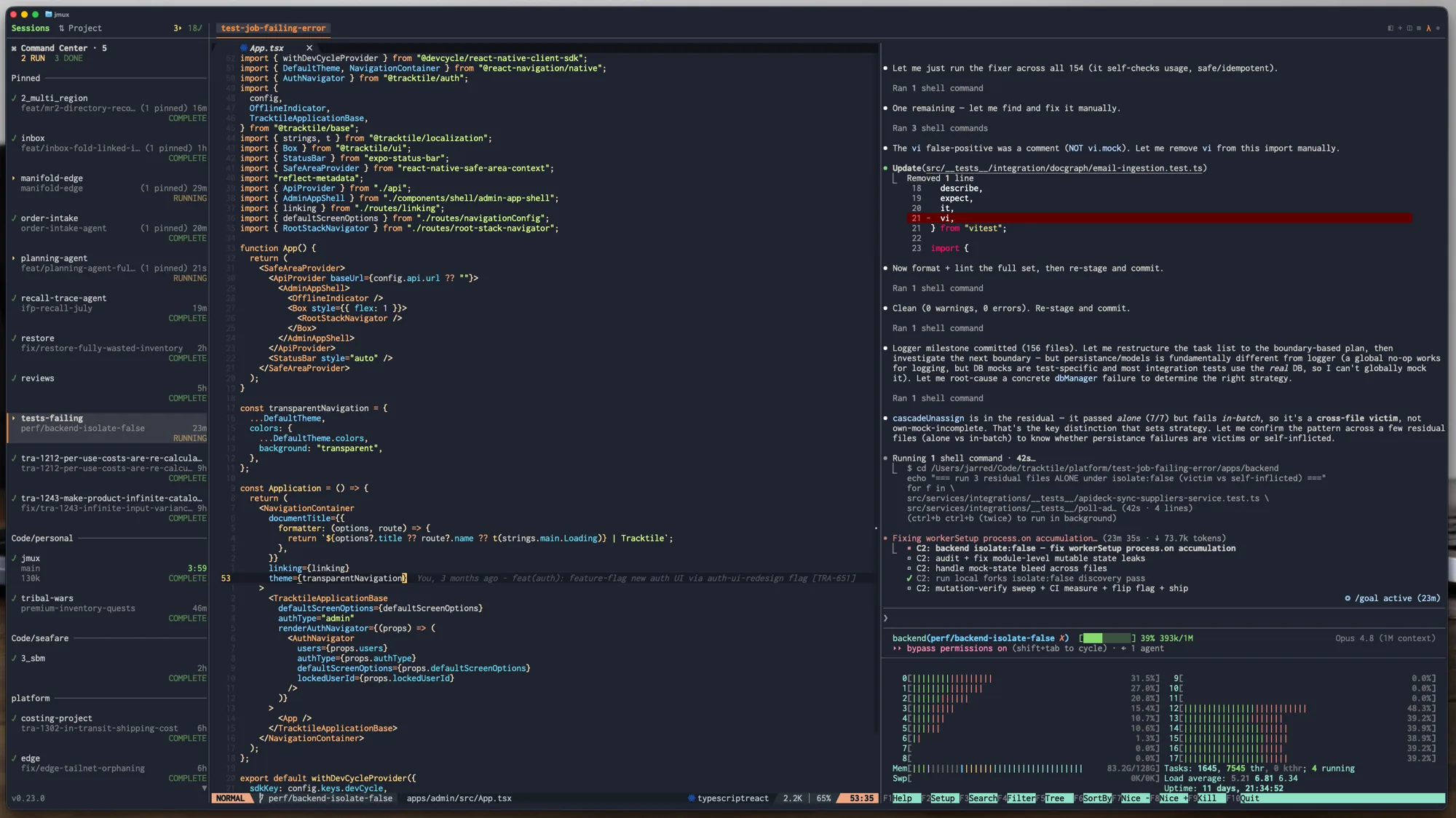
```bash
curl -fsSL https://jmux.build/install | sh && jmux
```
**[▶ Watch the walkthrough](https://jmux.build/#demo)** — real agents, nothing staged.
**Ticket in, MR out** — [Linear](https://linear.app) · [GitHub](https://github.com) · [GitLab](https://about.gitlab.com), self-hosted GitLab and GitHub Enterprise included.
## Get running
- **Install** — the command above needs no runtime; it installs a self-contained
binary. Also on Homebrew (`brew install jarredkenny/tap/jmux`) and npm
(`bun install -g @jx0/jmux`, which needs [Bun](https://bun.sh) 1.3.8+ and is
the only option on Alpine/musl).
- **Requirements** — [tmux](https://github.com/tmux/tmux) 3.2+. jmux offers to install it on first run.
- **Just want to look around?** `jmux --demo` runs with mock data — explore every feature, no credentials needed.
- **New to tmux?** Start with the **[Getting Started guide](docs/getting-started.md)**.
---
## Features
### Define your own workflow
Your tracker has a lot of statuses — `Ready for Development`, `Awaiting QA Sign-off`, `Pending Release Approval` — most of them named for someone else's process. You don't think in 25 states. You think in five.
So jmux has you define **your own workflow stages** and sit each one on top of one or many of your tracker's statuses:
```
Urgent ── Customer Escalation, Failed QA
To do ── Ready for Development, Triaged
In Progress ── In Progress, Reopened
Waiting ── In Code Review, Awaiting QA Sign-off, Pending Release Approval, …
Done ── Released
```
A stage shows up as a tab in the info panel, but that's how it *appears*, not what it *is* — it's one rung on the ladder you actually work by, and its place in the list is its priority. Every status then has exactly two settings: **which stage it belongs to**, and **whether it parks**.
That second one is what keeps a fleet manageable:
- **Park what you've handed off.** A teammate has it in review, QA has it, it's blocked on someone else — that session collapses into a single `Parked (n)` row at the bottom of the sidebar. Nothing is killed: the session, its worktree and its scrollback are untouched.
- **Parking reverses itself.** The issue moves, someone comments, the MR is touched, a pipeline goes red, or the agent wants you — it comes straight back out, flagged. That's what makes it safe to trust.
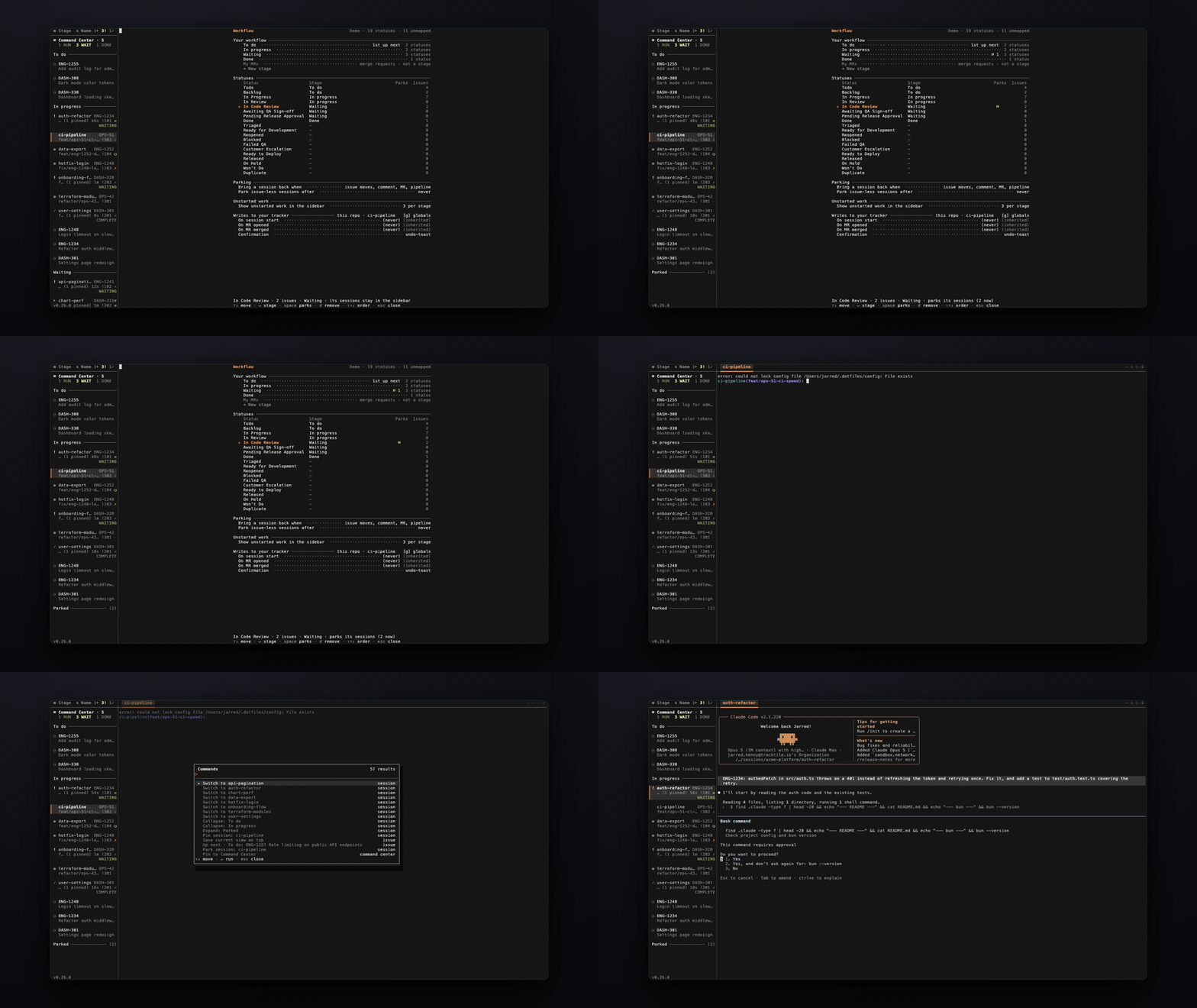
- **See what you haven't started.** Each stage can show the work sitting in it that nobody has picked up — issues with no session — as dimmed rows right under the sessions that do. Click one and it becomes real: worktree, session, agent, issue linked. The sidebar stops being a list of what's running and becomes the whole board.
- **Pull the next thing** with `Ctrl-a u`. It takes the top item from your first non-empty stage and does the whole ticket-to-worktree-to-agent dance. The daily ritual is one keystroke.
- **Capture without losing your place** — `Ctrl-a a` files a Linear issue from wherever you are. `Enter` files it and returns you; `Ctrl-S` files it *and* starts work on it.
- **Status updates as a byproduct.** Optionally move an issue along when you start a session on it, when an MR appears on its branch, and when that MR merges — with `TRA-123 → QA ^a Z undo` in the toolbar for twenty seconds. All of it defaults to off: **jmux never writes to your tracker until you say so.**