URL to PNG
[](https://github.com/jasonraimondi/url-to-png/blob/main/LICENSE)
[](https://github.com/jasonraimondi/url-to-png)
[](https://hub.docker.com/r/jasonraimondi/url-to-png/tags)
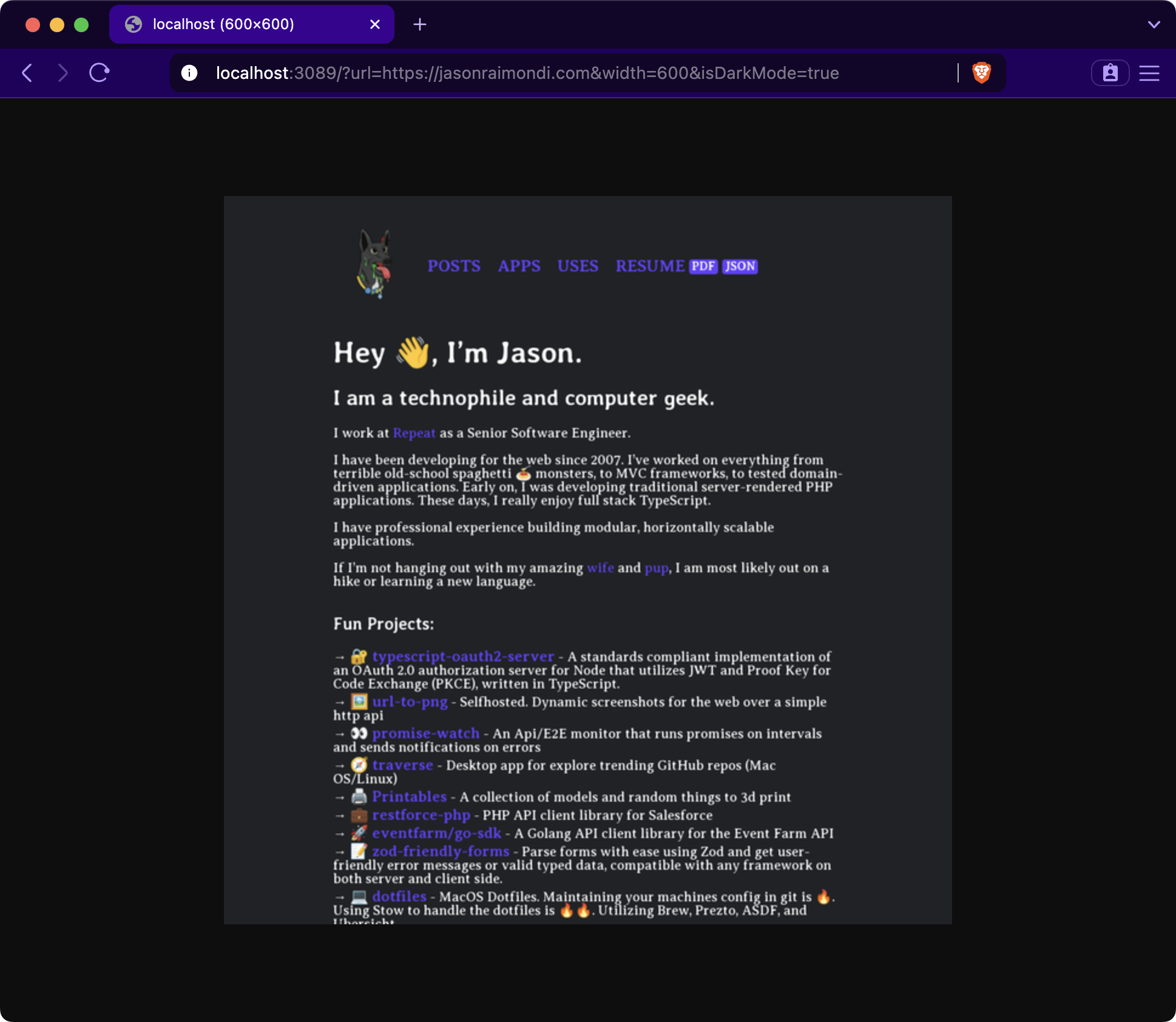
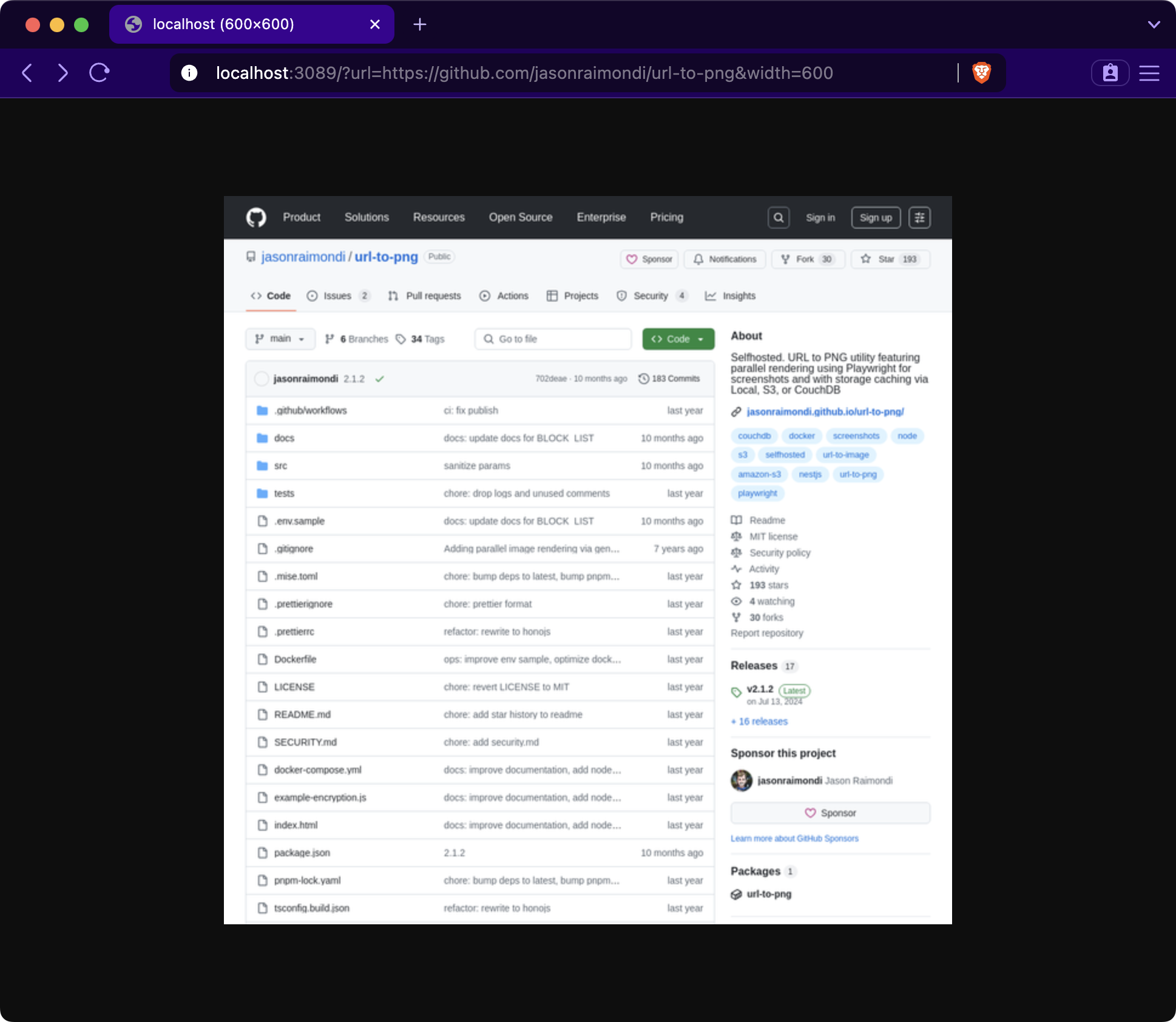
A URL to PNG generator over HTTP with a fairly simple API accessed via query params passed to the server.
- Generate PNG images from URLs
- Customizable image dimensions and viewport size
- Support for mobile user agent and dark mode rendering
- Caching of generated images
- Allow list for domain-specific requests
- Configurable Playwright options
- Integration with various storage providers (AWS S3, CouchDB, Filesystem)
- Prometheus metrics endpoint
## Examples
Use in your HTML
```html

 ```
## Getting Started
Checkout [the docs to getting_started](https://jasonraimondi.github.io/url-to-png/getting_started/)
### Docker
Run the following command:
```
docker run --rm -p 3089:3089 ghcr.io/jasonraimondi/url-to-png
```
On the hub: [Link to DockerHub](https://hub.docker.com/r/jasonraimondi/url-to-png/)
### Local Serve
Serve the project
```
git clone https://github.com/jasonraimondi/url-to-png
cd url-to-png
pnpm install
pnpm exec playwright install chromium
pnpm dev
```
## Configuration
Read the [full config options](https://jasonraimondi.github.io/url-to-png/config/)
## Encryption
Learn about [encryption](https://jasonraimondi.github.io/url-to-png/encryption/)
## Metrics
Learn about [metrics](https://jasonraimondi.github.io/url-to-png/metrics/)
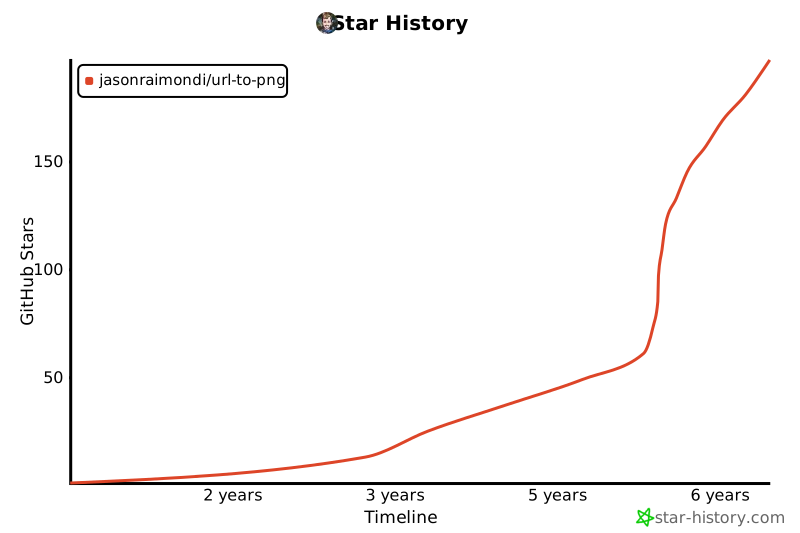
## Star History
[](https://star-history.com/#jasonraimondi/url-to-png&Timeline)
```
## Getting Started
Checkout [the docs to getting_started](https://jasonraimondi.github.io/url-to-png/getting_started/)
### Docker
Run the following command:
```
docker run --rm -p 3089:3089 ghcr.io/jasonraimondi/url-to-png
```
On the hub: [Link to DockerHub](https://hub.docker.com/r/jasonraimondi/url-to-png/)
### Local Serve
Serve the project
```
git clone https://github.com/jasonraimondi/url-to-png
cd url-to-png
pnpm install
pnpm exec playwright install chromium
pnpm dev
```
## Configuration
Read the [full config options](https://jasonraimondi.github.io/url-to-png/config/)
## Encryption
Learn about [encryption](https://jasonraimondi.github.io/url-to-png/encryption/)
## Metrics
Learn about [metrics](https://jasonraimondi.github.io/url-to-png/metrics/)
## Star History
[](https://star-history.com/#jasonraimondi/url-to-png&Timeline)