MeiGen AI Design MCP 

Open-source MCP server for AI image & video generation — native to every major AI coding tool
9 leading models (GPT Image 2 · Nanobanana 2 · Seedream 5.0 · Midjourney V8.1 · Flux 2 Klein · Seedance 2.0 · Happyhorse 1.0 · Veo 3.1 · local ComfyUI) · 1,446 curated prompts · parallel sub-agent orchestration · standalone CLI mode. Works in Claude Code, Cursor, Codex, Windsurf, Roo Code, OpenClaw, Hermes Agent, and any MCP-compatible host.





Quick Start •
Demo •
Features •
Providers •
Commands
English | 中文
---
## What Is This?
An MCP server that turns any AI coding tool into a professional design assistant. **8 tools** + a curated 1,446-prompt library let it design logos, render product shots, animate stills into video, and orchestrate parallel batch variations. Works in **Claude Code**, **Cursor**, **Codex**, **Windsurf**, **Roo Code**, **OpenClaw**, **Hermes Agent**, and any MCP-compatible host — with the **MeiGen platform**, any **OpenAI-compatible API**, or your **local ComfyUI** as the backend.
- Three backend modes: **MeiGen cloud** (9 image and video models), **OpenAI-compatible** (bring your own key and endpoint), or **local ComfyUI** (offline, your GPU)
- Built-in 1,446 curated prompt templates from [nanobanana-trending-prompts](https://github.com/jau123/nanobanana-trending-prompts) plus style-aware prompt enhancement
- Parallel batch generation via sub-agents to keep the main context clean — plus a standalone CLI for shell scripts and CI
---
## See It in Action
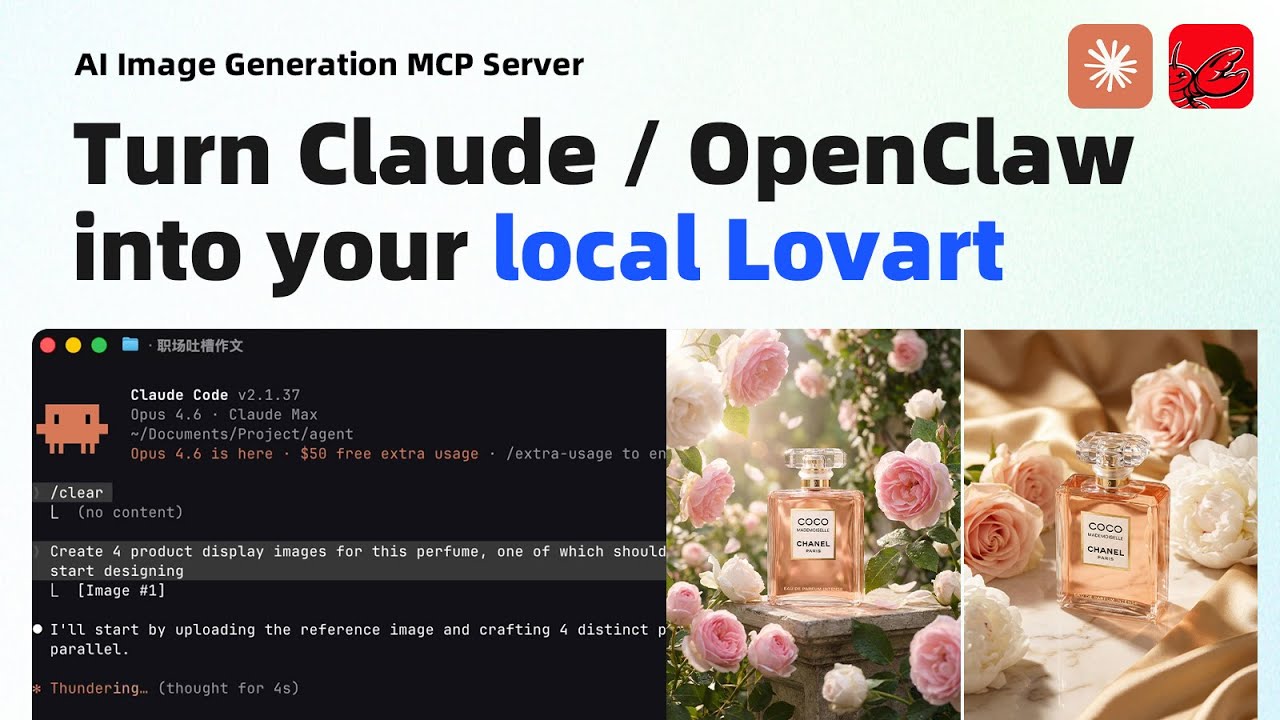
▶ Watch demo on YouTube
### Product Photo — 4 Directions in Parallel
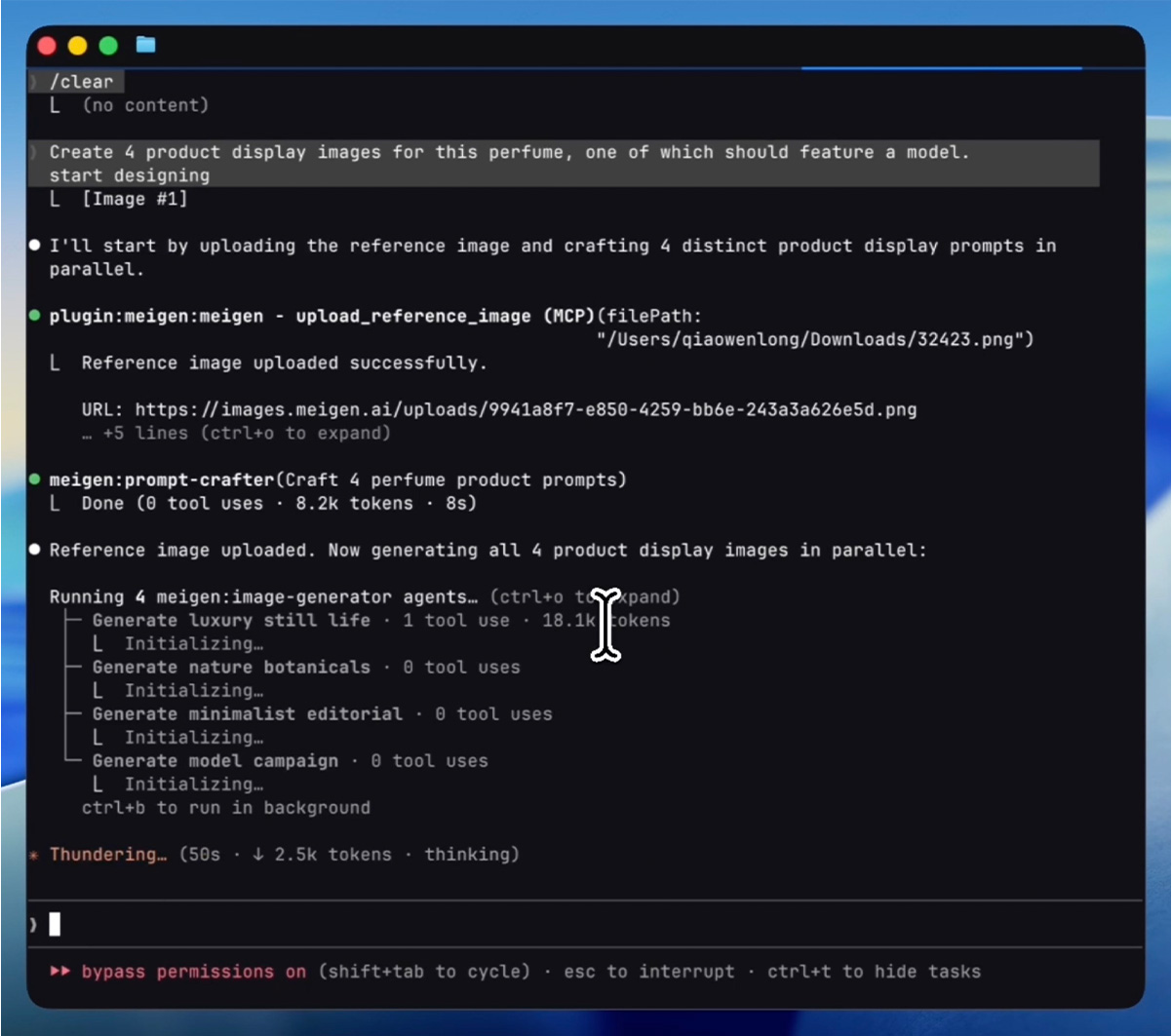
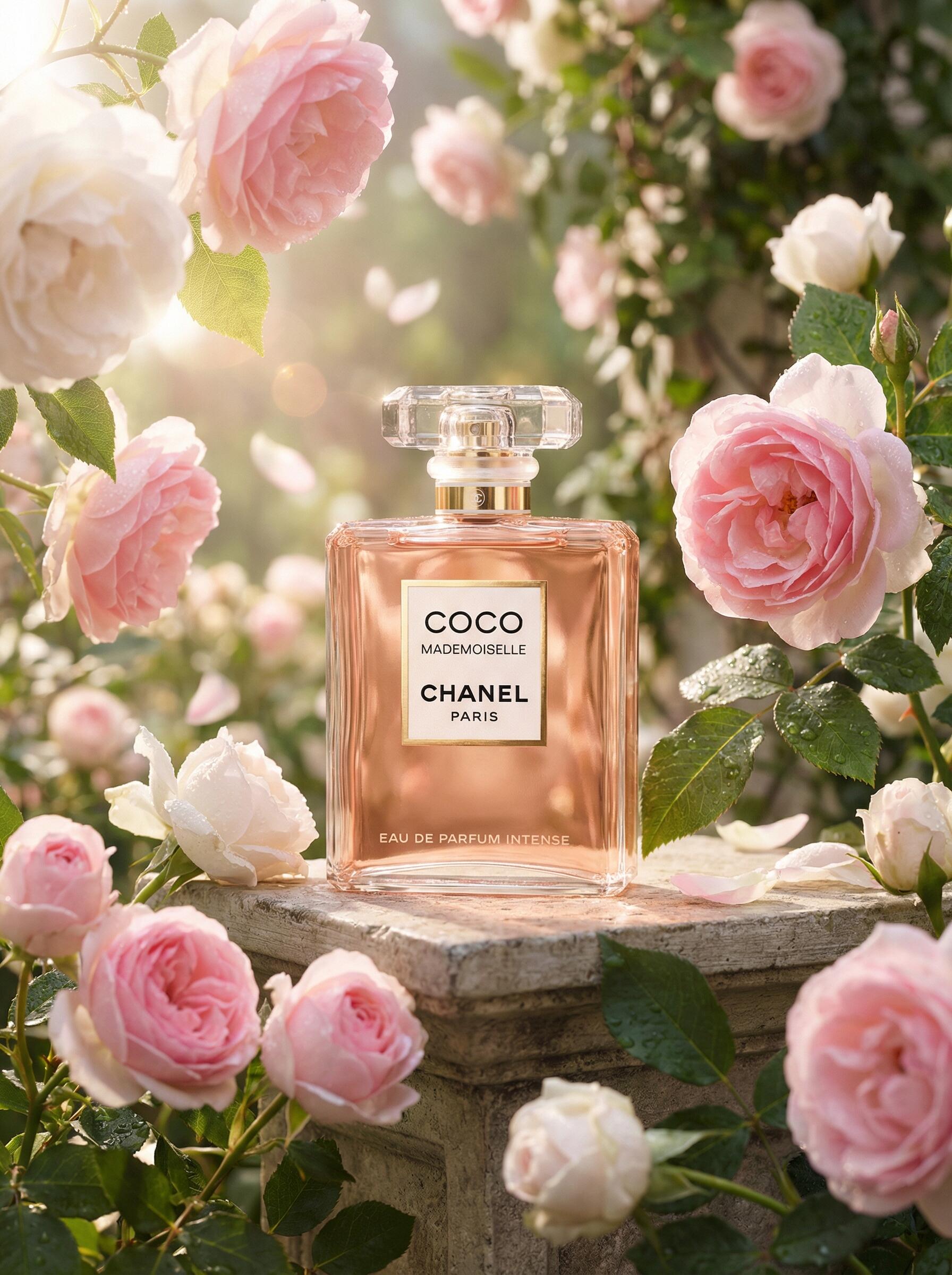
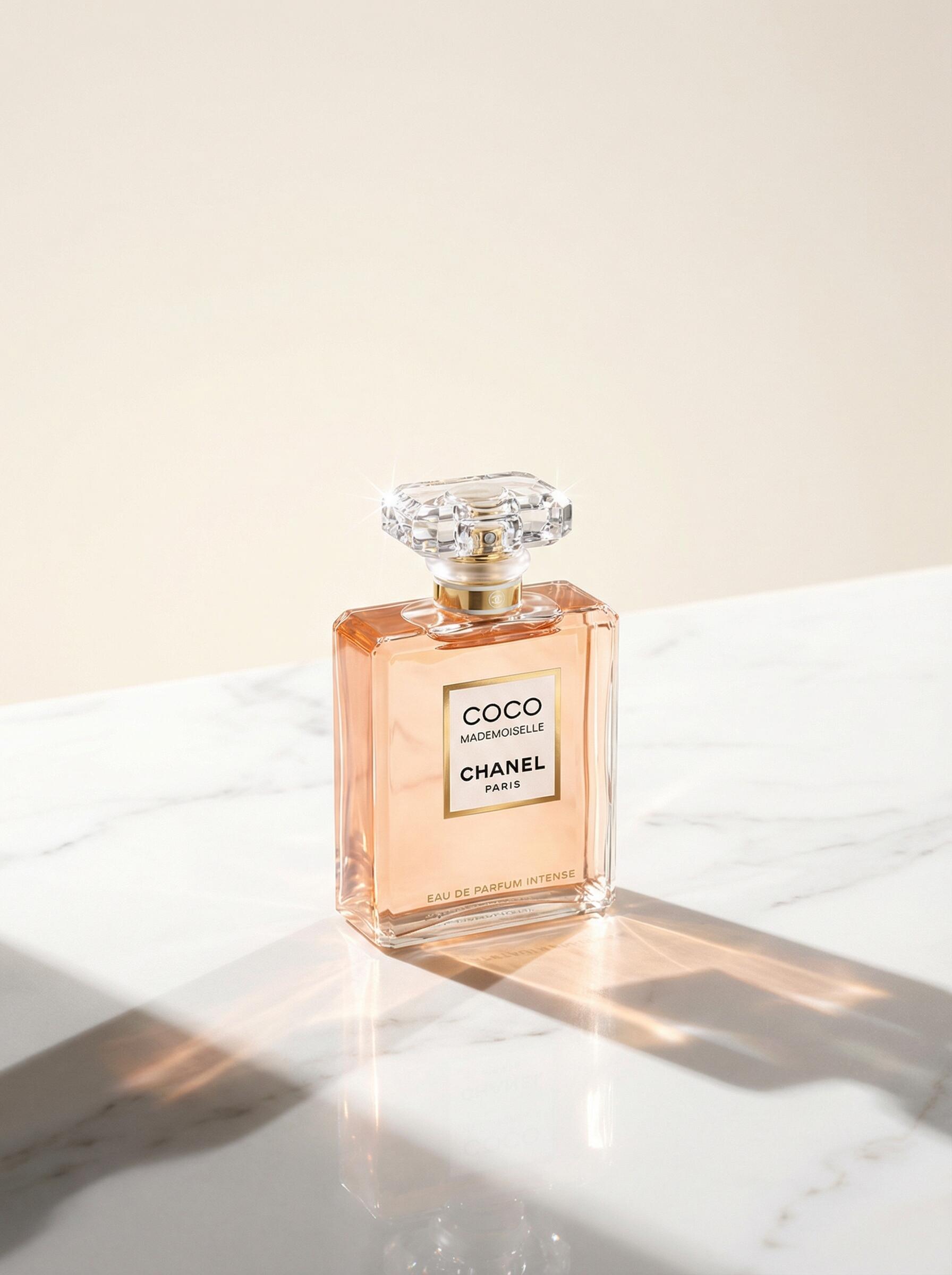
> *"Create 4 product display images for this perfume, one of which should feature a model."*
**Process** — AI uploads the reference image, crafts 4 distinct prompts, then generates all 4 in parallel:
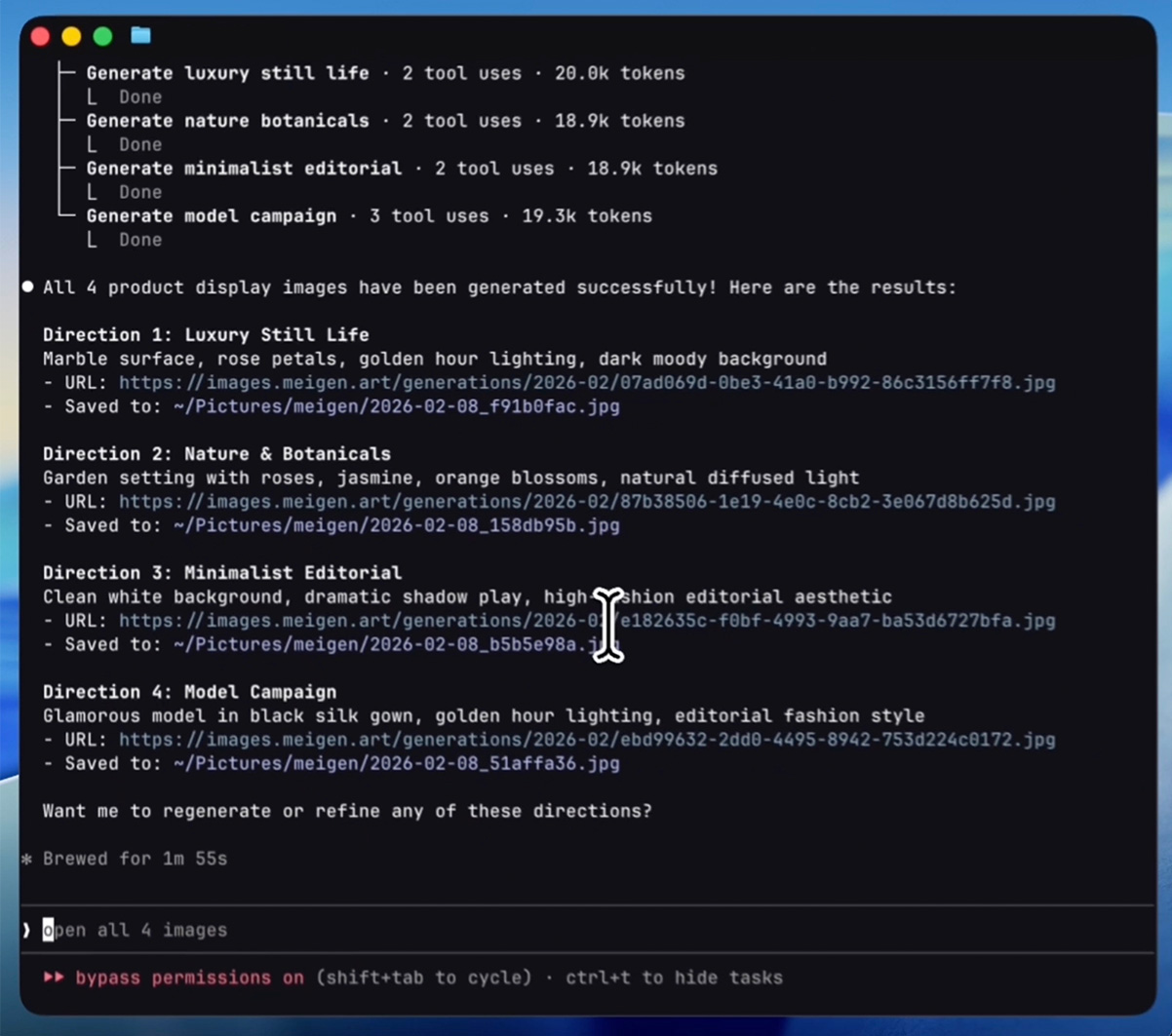
**Result** — 4 creative directions delivered in under 2 minutes:
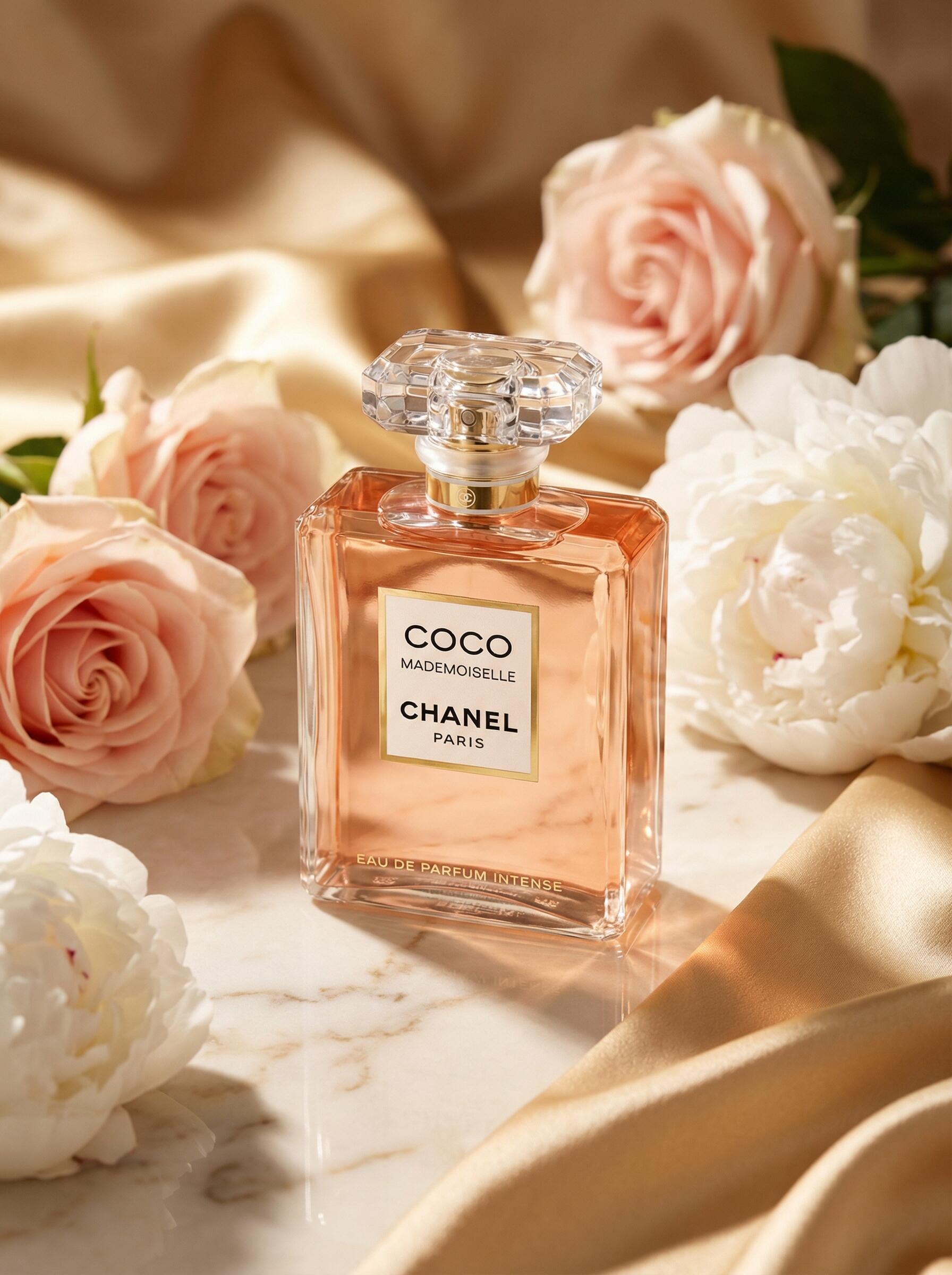
**Generated images:**

---
## Quick Start
### Claude Code Plugin (Recommended)
```bash
# Add the plugin marketplace
/plugin marketplace add jau123/MeiGen-AI-Design-MCP
# Install
/plugin install meigen@meigen-marketplace
```
**Restart Claude Code** after installation (close and reopen, or open a new terminal tab).
**Alternative marketplace** — also available via [wshobson/agents](https://github.com/wshobson/agents) (30k+ stars):
```bash
/plugin marketplace add wshobson/agents
/plugin install meigen-ai-design@claude-code-workflows
```
> This marketplace doesn't bundle MCP server config. After installing, add to your project's `.mcp.json`:
> ```json
> { "mcpServers": { "meigen": { "command": "npx", "args": ["-y", "meigen@1.3.2"] } } }
> ```
#### First-Time Setup
Free features work immediately after restart — try:
> "Search for some creative inspiration"
To unlock image generation, run the setup wizard:
```
/meigen:setup
```
The wizard walks you through:
1. **Choose a provider** — local ComfyUI, MeiGen Cloud, or any OpenAI-compatible API (bring your own key & endpoint)
2. **Enter credentials** — ComfyUI URL, API token, or key
3. **Done** — restart Claude Code once more, then start generating
### Cursor / VS Code / Windsurf / Roo Code
One command to set up MeiGen for any supported AI coding tool:
```bash
npx meigen init cursor # Cursor
npx meigen init vscode # VS Code / GitHub Copilot
npx meigen init windsurf # Windsurf
npx meigen init roo # Roo Code
npx meigen init claude # Claude Code (project-level)
```
This writes the correct MCP config file with the right format and path for your tool. If a config file already exists, MeiGen is merged in without overwriting your other servers.
### OpenClaw
Install the full plugin from [ClawHub](https://clawhub.ai/plugins/meigen-ai-design) (includes commands, skills, and MCP server):
```bash
openclaw bundles install clawhub:meigen-ai-design
```
Or install only the skill (no commands/agents):
```bash
npx clawhub@latest install creative-toolkit
```
### Use as CLI (no MCP host required)
For shell scripts, CI pipelines, or anyone who wants AI image generation without an MCP host, MeiGen ships a one-shot `gen` command in the same npm package.
```bash
# Set your token once (get it at https://www.meigen.ai → Settings → API Keys)
export MEIGEN_API_TOKEN=meigen_sk_...
# Generate
npx meigen gen --prompt "a calico cat in a sunlit kitchen"
# With a specific model + aspect ratio
npx meigen gen -p "tech logo" -m midjourney-v8.1 -r 1:1
# With a reference image (local file auto-uploaded)
npx meigen gen -p "product hero shot" --ref ~/Desktop/bottle.jpg
# Submit only — print generationId without polling (good for CI)
npx meigen gen -p "..." --no-wait
# Machine-readable output (good for jq pipes)
npx meigen gen -p "..." --json | jq -r '.imageUrls[0]'
```
The image is saved to `~/Pictures/meigen/` (override with `MEIGEN_OUTPUT_DIR`).
`meigen gen --help` lists all flags.
### Other MCP-Compatible Hosts
Add to your MCP config (e.g. `.mcp.json`, `claude_desktop_config.json`):
```json
{
"mcpServers": {
"meigen": {
"command": "npx",
"args": ["-y", "meigen@1.3.2"],
"env": {
"MEIGEN_API_TOKEN": "meigen_sk_..."
}
}
}
}
```
> Free features (inspiration search, prompt enhancement, model listing) work without any API key.
### Hermes Agent (NousResearch)
[Hermes Agent](https://github.com/NousResearch/hermes-agent) is a first-class MCP client — add MeiGen to `~/.hermes/config.yaml`:
```yaml
mcp_servers:
meigen:
command: "npx"
args: ["-y", "meigen@1.3.2"]
env:
MEIGEN_API_TOKEN: "meigen_sk_..."
timeout: 600 # generate_video can take 5–10 min — default 120s is not enough
connect_timeout: 120 # first npx download can take a minute
```
> The `timeout: 600` and `connect_timeout: 120` overrides are important — Hermes defaults (120s / 60s) are tuned for short-running tools and will time out on video generation or first-run npx downloads.
---
Features
### MCP Tools
| Tool | Free | Description |
|------|------|-------------|
| `search_gallery` | Yes | Search 1,446 curated trending prompts with visual previews (powered by [nanobanana-trending-prompts](https://github.com/jau123/nanobanana-trending-prompts)) |
| `get_inspiration` | Yes | Get full prompt, all images, and metadata for any gallery entry |
| `enhance_prompt` | Yes | Transform a brief idea into a professional image prompt |
| `list_models` | Yes | List available models across all configured providers |
| `comfyui_workflow` | Yes | Manage ComfyUI workflow templates: list, view, import, modify, delete |
| `manage_preferences` | Yes | Remember your preferred style, aspect ratio, model, and favorite prompts |
| `generate_image` | Key | Generate an image — routes to the best available provider automatically. Local reference images are auto-compressed and uploaded. |
| `generate_video` | Key | Generate a video via MeiGen platform — Seedance 2.0 (fast/pro), Happyhorse 1.0, or Veo 3.1. Supports text-to-video and first-frame image-to-video; local files are auto-uploaded. Saves MP4 to `~/Movies/meigen/`. |
### Slash Commands
| Command | Description |
|---------|-------------|
| `/meigen:gen ` | Quick generate — skip conversation, go straight to image |
| `/meigen:find ` | Search 1,446 curated prompts for inspiration |
| `/meigen:models` | Browse and switch AI models for this session |
| `/meigen:setup` | Interactive provider configuration wizard |
### Standalone CLI Mode
For shell scripts, CI pipelines, and terminal users who don't run an MCP host:
```bash
export MEIGEN_API_TOKEN=meigen_sk_...
npx meigen gen --prompt "a calico cat in a sunlit kitchen"
npx meigen gen -p "logo design" -m midjourney-v8.1 -r 1:1 --json
```
See [Use as CLI (no MCP host required)](#use-as-cli-no-mcp-host-required) for the full flag list.
### Smart Agents
MeiGen uses specialized sub-agents for efficient parallel execution:
| Agent | Purpose |
|-------|---------|
| `image-generator` | Executes `generate_image` in isolated context — enables true parallel generation |
| `prompt-crafter` | Writes multiple distinct prompts for batch generation (runs on Haiku for cost efficiency) |
| `gallery-researcher` | Deep gallery exploration without cluttering the main conversation (runs on Haiku) |
### Output Styles
Switch creative modes with `/output-style`:
- **Creative Director** — Art direction mode with visual storytelling, mood boards, and design thinking
- **Minimal** — Just images and file paths, no commentary. Ideal for batch workflows
### Automation Hooks
- **Config Check** — Validates provider configuration on session start, guides setup if missing
- **Auto-Open** — Generated images automatically open in Preview (macOS)
---
Providers
MeiGen MCP supports three image generation backends. Configure one or multiple — the system auto-selects the best available.
### ComfyUI — Local & Free
Run generation on your own GPU with full control over models, samplers, and workflow parameters. Import any ComfyUI API-format workflow — MeiGen auto-detects KSampler, CLIPTextEncode, EmptyLatentImage, and LoadImage nodes.
```json
{
"comfyuiUrl": "http://localhost:8188",
"comfyuiDefaultWorkflow": "txt2img"
}
```
> Perfect for Flux, SDXL, or any model you run locally. Your images never leave your machine.
### MeiGen Cloud
Cloud API with multiple models: GPT Image 2.0, Nanobanana 2, Seedream 5.0, and more. No GPU required.
**Get your API token:**
1. Sign in at [meigen.ai](https://www.meigen.ai)
2. Click your avatar → **Settings** → **API Keys**
3. Create a new key (starts with `meigen_sk_`)
```json
{ "meigenApiToken": "meigen_sk_..." }
```
**GPT Image 2.0 resolution & quality** — the default model accepts two optional `generate_image` parameters:
- `resolution`: e.g. `"1K"` / `"2K"` / `"4K"` — upgrade for posters, prints, wallpapers
- `quality`: e.g. `"low"` / `"medium"` / `"high"` — use `"low"` for quick drafts and thumbnails
Each model exposes its own supported resolutions and quality tiers — run `list_models` to see what's available. For up-to-date pricing across all models, see [meigen.ai/model-comparison](https://www.meigen.ai/model-comparison).
### Bring Your Own API (OpenAI-Compatible)
Connect **any** image generation API that follows the OpenAI format — Together AI, Fireworks AI, DeepInfra, SiliconFlow, or your own endpoint. Just provide your key, base URL, and model name:
```json
{
"openaiApiKey": "sk-...",
"openaiBaseUrl": "https://api.together.xyz/v1",
"openaiModel": "black-forest-labs/FLUX.1-schnell"
}
```
> All three providers support **reference images**. MeiGen and OpenAI-compatible APIs accept URLs directly; ComfyUI accepts both URLs and local file paths, injecting them into LoadImage nodes in your workflow.
---
## Configuration
### Interactive Setup (Recommended)
```
/meigen:setup
```
The wizard walks you through provider selection, API key entry, and ComfyUI workflow import. You can also paste a `curl` command from your API provider's docs — it auto-extracts the key, URL, and model.
### Config File
Configuration is stored at `~/.config/meigen/config.json`. ComfyUI workflows are stored at `~/.config/meigen/workflows/`.
### Environment Variables
Environment variables take priority over the config file.
| Variable | Description |
|----------|-------------|
| `MEIGEN_API_TOKEN` | MeiGen platform token |
| `OPENAI_API_KEY` | Your API key (any OpenAI-compatible provider) |
| `OPENAI_BASE_URL` | API base URL — change this to use Together AI, Fireworks AI, etc. |
| `OPENAI_MODEL` | Model ID supported by your endpoint |
| `COMFYUI_URL` | ComfyUI server URL (default: `http://localhost:8188`) |
| `MEIGEN_OUTPUT_DIR` | Override the local save directory for generated images (default: `~/Pictures/meigen`). Useful for sandboxed hosts (e.g. OpenClaw) where the default path is unreachable. |
| `MEIGEN_VIDEO_OUTPUT_DIR` | Override the local save directory for generated videos (default: `~/Movies/meigen`). |
| `XDG_PICTURES_DIR` | Linux only — when `MEIGEN_OUTPUT_DIR` is unset, images are saved to `$XDG_PICTURES_DIR/meigen` if this env var is set (e.g. by your desktop environment). Falls back to `~/Pictures/meigen`. |
| `XDG_VIDEOS_DIR` | Linux only — same logic as `XDG_PICTURES_DIR` but for videos. Falls back to `~/Movies/meigen`. |
---
## Privacy
MeiGen MCP respects your privacy. Here's what happens with your data:
- **ComfyUI (local)** — All processing stays on your machine. No data is sent externally.
- **MeiGen Cloud** — Prompts and reference images are sent to `api.meigen.ai` for generation. Generated images are stored temporarily on Cloudflare R2. See [meigen.ai/privacy](https://www.meigen.ai/privacy).
- **OpenAI-compatible** — Prompts and reference images are sent to the configured API endpoint. See your provider's privacy policy.
- **Reference image upload** — Images are compressed locally (max 2MB) and uploaded to Cloudflare R2 via `gen.meigen.ai`. Uploaded images expire automatically after **24 hours**. No authentication required. ComfyUI users can skip uploading entirely by passing local file paths directly.
- **Gallery search & prompt enhancement** — Run locally against bundled data. No external API calls.
No telemetry, analytics, or tracking of any kind.
### Custom Storage Backend
If you prefer to use your own S3/R2 bucket for reference image uploads, set the `UPLOAD_GATEWAY_URL` environment variable or `uploadGatewayUrl` in `~/.config/meigen/config.json` to point to your own presign endpoint. The endpoint must implement:
```
POST /upload/presign
Content-Type: application/json
Request: { "filename": "photo.jpg", "contentType": "image/jpeg", "size": 123456 }
Response: { "success": true, "presignedUrl": "https://...", "publicUrl": "https://..." }
```
The `presignedUrl` is used for a `PUT` upload, and `publicUrl` is the publicly accessible URL returned to the user.
---
## License
[MIT](LICENSE) — free for personal and commercial use.