
Live Wallpaper for GNOME
Hanabi 花火【はなび】(n) fireworks
( ・ω・)o─━・*:'・:・゜'・:※
# GNOME Shell Extension - Hanabi If you like my project, please consider buying me a coffee!! (⁎˃ ꇴ ˂⁎)ッ [](https://github.com/sponsors/jeffshee) [](https://ko-fi.com/jeffshee) [](https://buymeacoffee.com/jeffshee) Also please don't forget to hit that star button! 🌟 Feel free to open an issue for problems or suggestions 🤗 Your support is truly appreciated! ## Join our Discord! [](https://discord.gg/mP7yg4gX7g) ## Demo 📽️ Please click on the image to view _(redirect to YouTube)_ [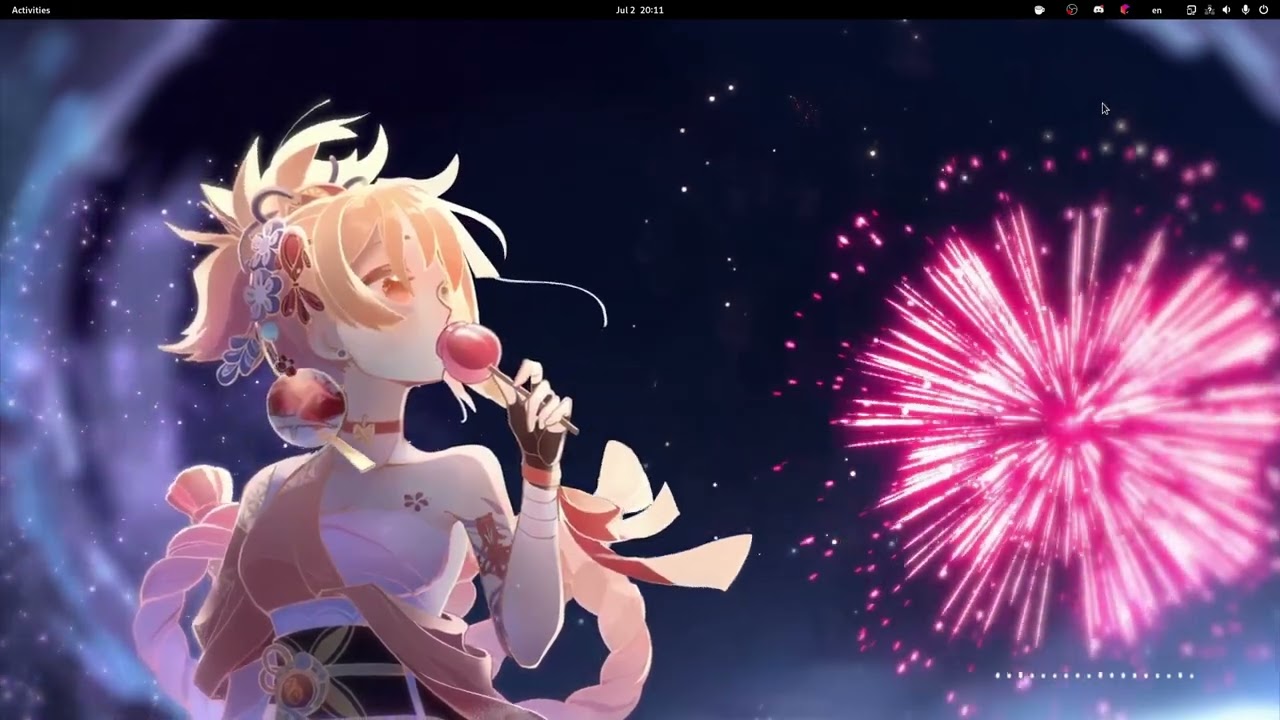](https://www.youtube.com/watch?v=BWjXl4h9_BA) [Wallpaper used in demo](https://www.youtube.com/watch?v=2pBj0RKN3Y8) ## Hanabi has migrated to TypeScript! > [!IMPORTANT] > The TypeScript rewrite has landed on the main branch~ ✨ > Better type safety and maintainability, targeting **GNOME 50+, Wayland only**. > > The `javascript` branch is in **maintenance mode** for GNOME 45–50 — bugs still > get fixed there, but no new fireworks. (・ω・)ノ ## GNOME Shell Support | Version | 42–44 | 45–50 | 50+ | | :-----: | :------: | :----------: | :----: | | Status | ⚠️ | ✅ | ✅ | | Branch | `legacy` | `javascript` | `main` | ## Installation 1. Clone the branch for your GNOME Shell version - **GNOME 50 and later** (TypeScript, Wayland only) 🔥 ```bash git clone https://github.com/jeffshee/gnome-ext-hanabi.git ``` - **GNOME 45–50** (JavaScript, X11 and Wayland) ```bash git clone https://github.com/jeffshee/gnome-ext-hanabi.git -b javascript ``` 2. Run the installation script ```bash cd gnome-ext-hanabi make install ``` **Build dependencies** - `main` branch: `meson`, `node`, and `npm` - `javascript` branch: `meson` 3. Restart GNOME Shell 4. Enable the Hanabi extension 5. Choose your video wallpaper in the extension preference window ### Distro-specific Guides See the [distro-specific guides](docs/distro/) for installation instructions. ### Troubleshooting 1. The video doesn't play / The extension is enabled but nothing happens The GTK4 media backend is not pre-installed on some distributions (such as PopOS). To install the backend: `sudo apt install libgtk-4-media-gstreamer` 2. High CPU usage during video playback (proprietary NVIDIA) Your hardware acceleration may not work properly, see this [issue](https://gitlab.freedesktop.org/gstreamer/gst-plugins-bad/-/issues/1478). To delete the GStreamer cache: `rm -rf ~/.cache/gstreamer-1.0/` After that, check if `gst-inspect-1.0 nvcodec` reports all its features. 3. Blur My Shell — wallpaper becomes semi-transparent If you use the [Blur My Shell](https://github.com/aunetx/blur-my-shell) extension with **Applications → Applications blur → Enable all by default** turned on, add an exception for the Hanabi renderer. In Blur My Shell settings, go to **Applications → Applications blur → Blacklist** and add: `io.github.jeffshee.HanabiRenderer` ## Advanced Usage