# Snaptium
**Language / 语言:** [English](README.md) | [简体中文](README_CN.md)

# Snaptium
**提示: NoteWizard 已全面升级为 Snaptium,如需使用 NoteWizard,请前往 [NoteWizard](https://github.com/jetyu/Snaptium/releases/tag/v1.2.1)
下载**
[官方网站](https://snaptium.com) [官方文档](https://snaptium.com/docs) [下载地址](https://snaptium.com/#download)
### 本地优先的 Markdown 智能写作与知识管理工作空间
一款基于 Electron + Vue 3 构建的现代化跨平台 Markdown 智能工作空间。
专注于深度写作、知识管理与本地优先体验,支持 AI 辅助写作、知识库、端到端加密同步与多端协作。
[](https://github.com/jetyu/Snaptium/actions/workflows/build.yml)
[](https://github.com/jetyu/Snaptium/releases/latest)

[](https://github.com/jetyu/Snaptium/releases)





[]()
[]()
[]()
# ✨ 项目定位
Snaptium 并不仅仅是一款 Markdown 笔记工具。
它更像是一个围绕「长期写作、知识沉淀与本地 AI 工作流」构建的智能写作空间。
项目强调:
- 本地优先(Local First)
- 数据自主可控
- 长期可持续存储
- AI 辅助而非 AI 绑定
- 可离线使用
- 多平台一致体验
---
# 🚀 核心特性
## 📝 Markdown 智能写作
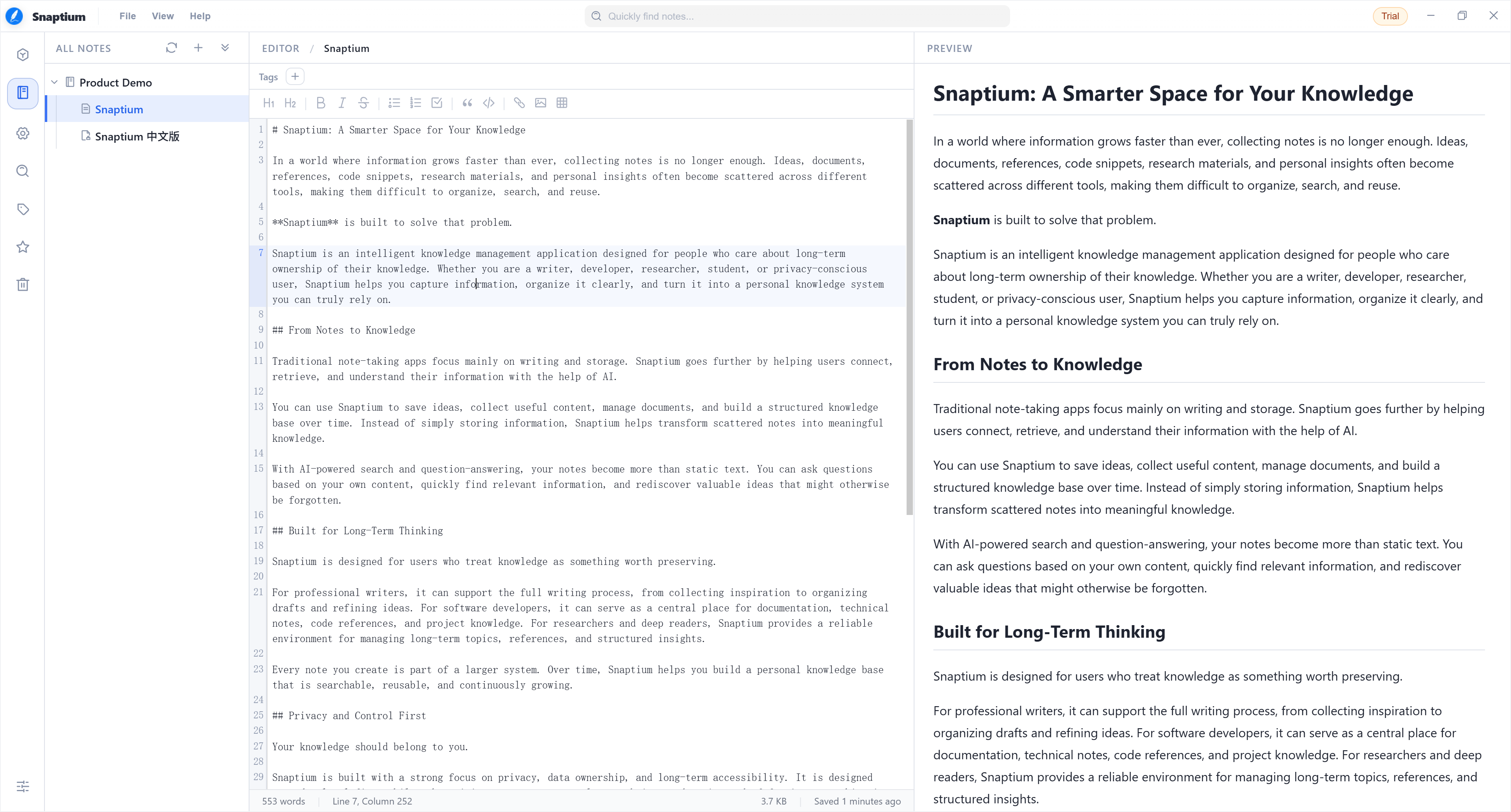
- 基于 CodeMirror 的现代化编辑器
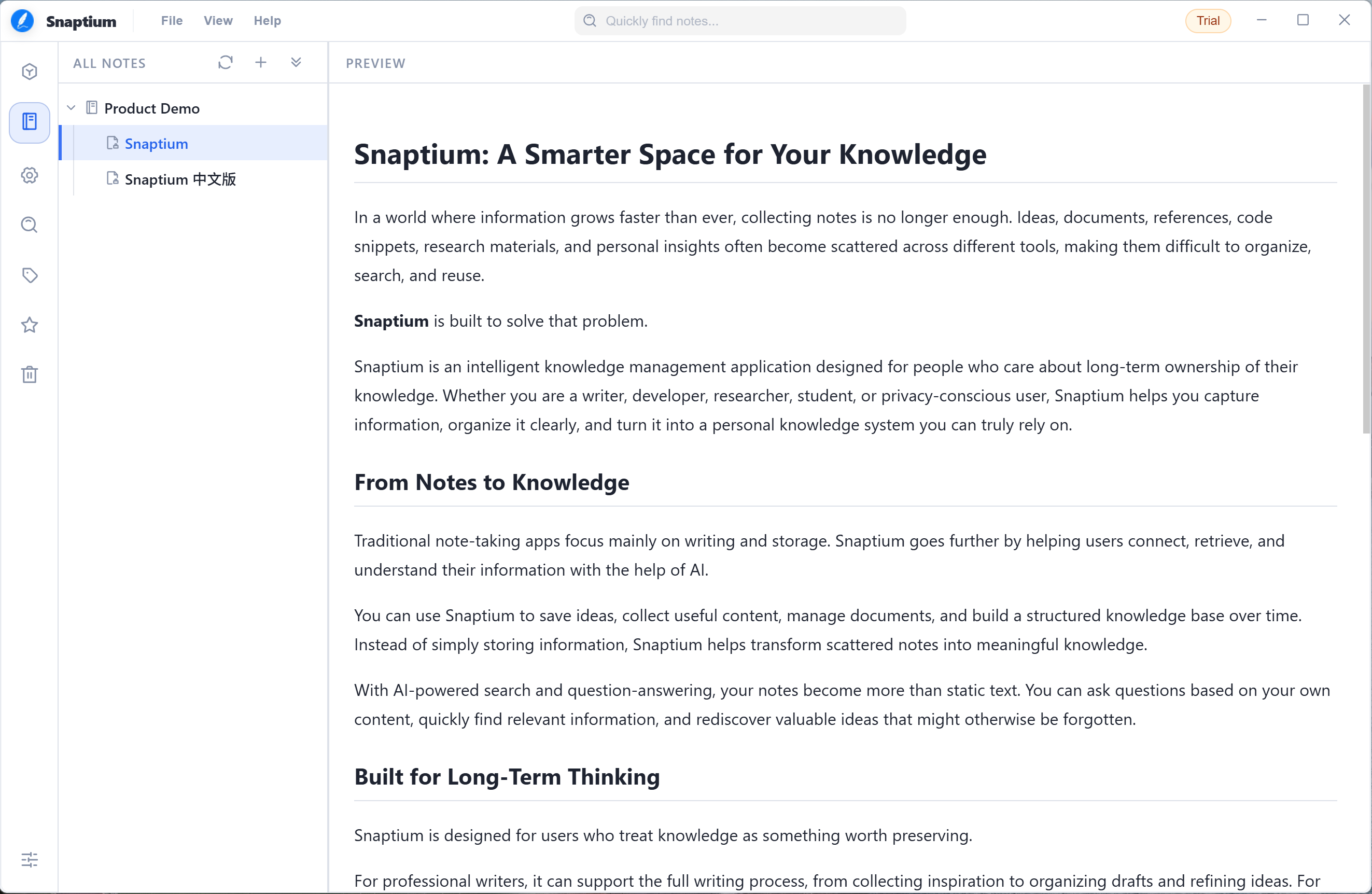
- 实时 Markdown 渲染预览
- 编辑器 / 预览同步滚动
- 数学公式(KaTeX)支持
- 代码高亮支持
- 任务列表 / 表格 / 脚注 / 标记语法支持
- 深色模式与沉浸式写作体验
---
## 🤖 AI 智能辅助
支持接入多种 AI 服务,用于:
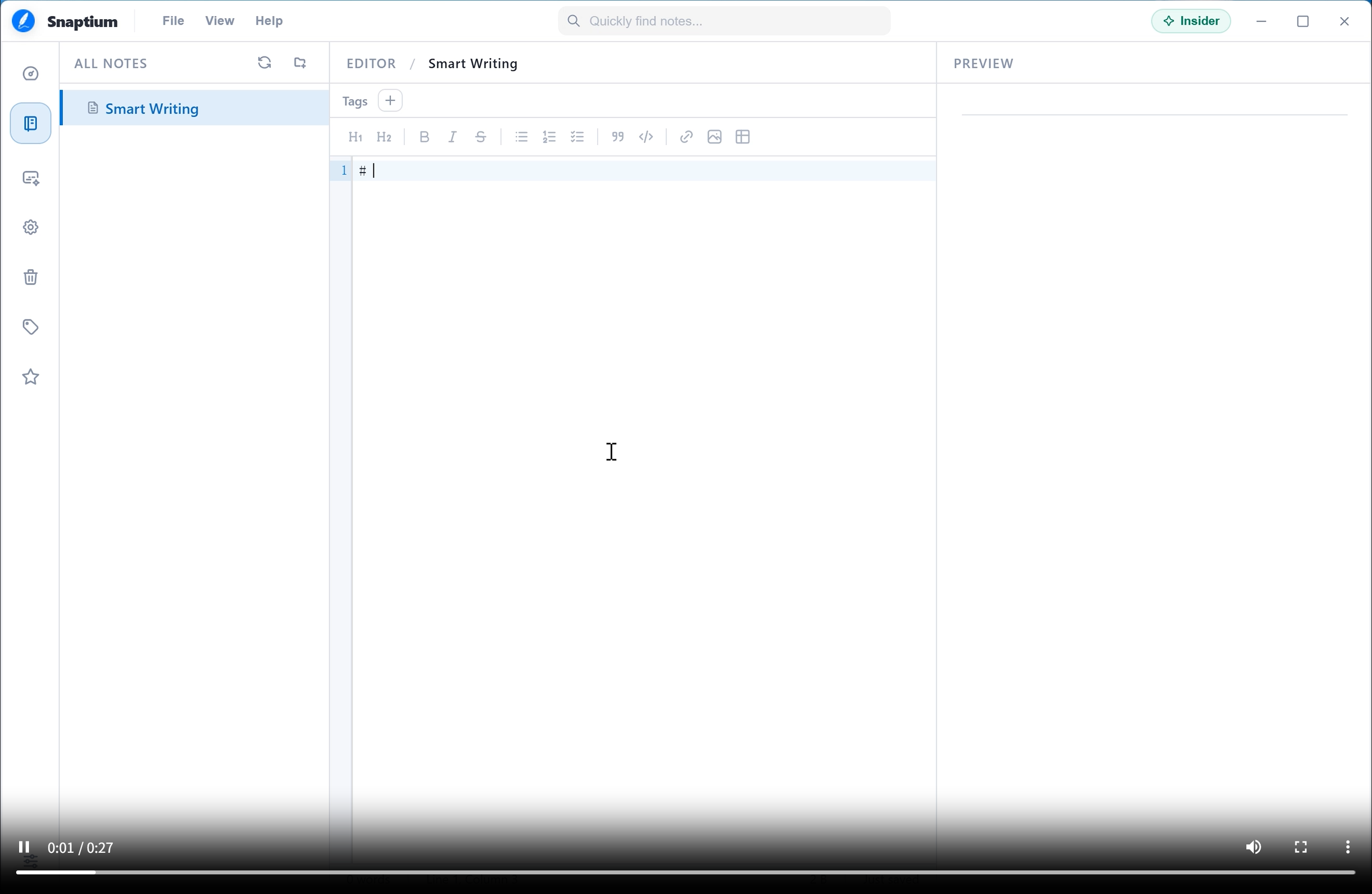
- AI 辅助写作
- 内容润色
- 智能问答
- 文档总结
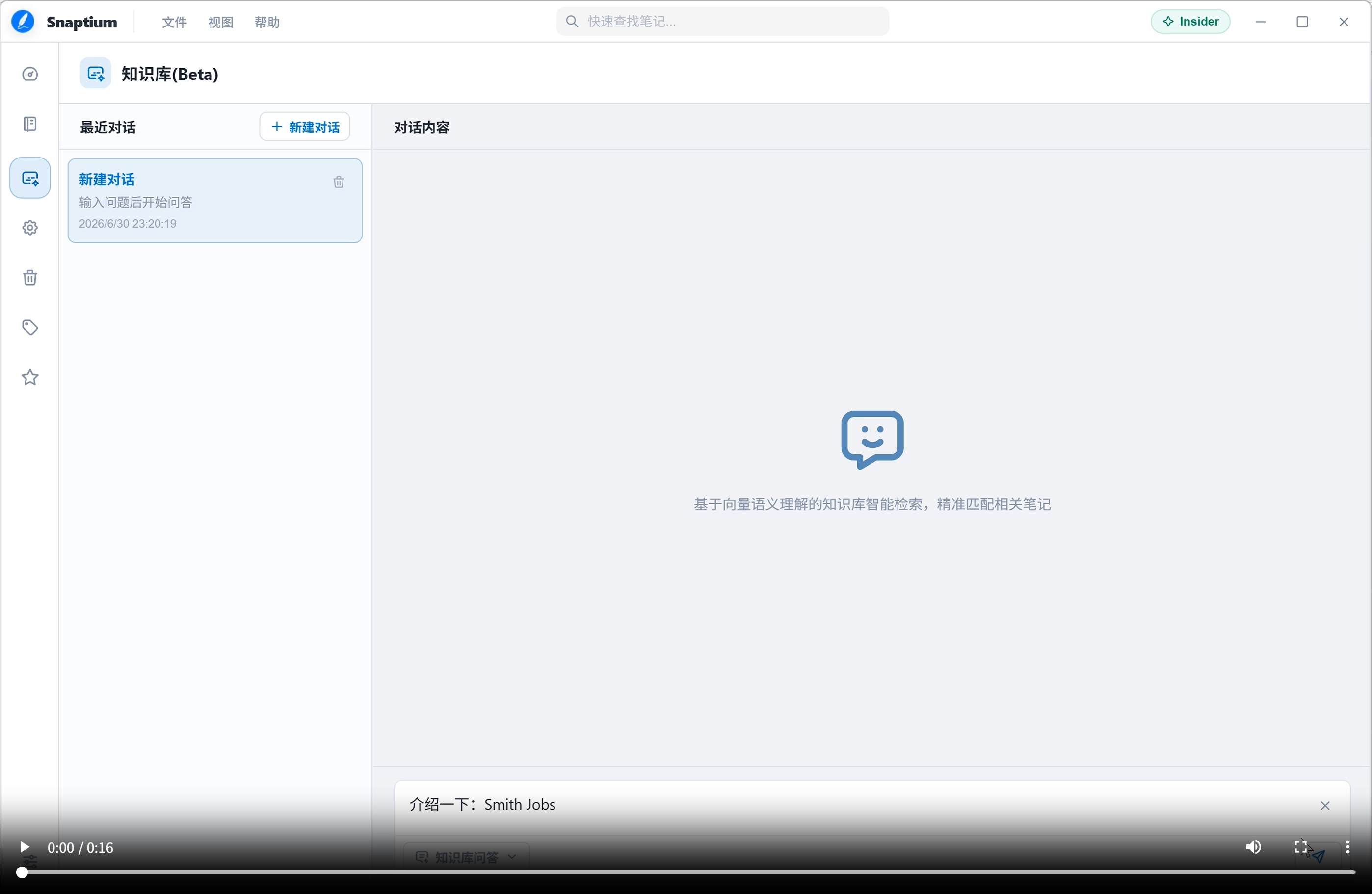
- 知识库问答(RAG)
- 语义检索
支持自定义模型与 API:
- OpenAI
- OpenRouter
- DeepSeek
- Gemini
- Claude
- Ollama(本地模型)
- 兼容 OpenAI API 的第三方服务
> 默认情况下 AI 功能为关闭状态,所有 AI 能力由用户主动配置。
---
## 🔒 本地优先与隐私安全
Snaptium 采用 Local First 架构设计:
- 默认本地存储
- 不强制登录
- 不依赖中心化服务器
- 用户完全掌控数据
支持:
- AES-256-GCM 本地加密
- Workspace Password 工作区密码
- Recovery Key 恢复密钥
- 端到端加密同步(E2EE)
即使使用对象存储同步,云端也仅保存加密后的数据。
---
## ☁️ 云同步支持
支持多种同步方式:
- S3 Compatible Object Storage
- Cloudflare R2
- WebDAV
- MinIO
- NAS 私有存储
支持完全自托管与私有化同步。
---
## 🧠 本地知识库(RAG)
内置向量知识库能力:
- 文档切片(Chunk)
- 向量嵌入
- 语义检索
- 本地知识索引
- AI 基于知识库问答
项目已集成:
- LanceDB
- Apache Arrow
支持未来扩展本地 Embedding 模型与离线 AI 工作流。
---
## 🌍 国际化
支持18种多语言与地区设置。
目前已支持:
- 简体中文
- English
- 日本語
- 한국어
- Deutsch
- Français
- Español
- Русский
- 更多语言持续增加中...
---
# 🖼️ 界面预览
## 编辑模式
## 阅读模式
## 智能写作 (点击播放)
[](./docs/Screenshots/v2/en-US/SmartWriting.mp4)
## 知识库 (点击播放)
[](./docs/Screenshots/v2/en-US/KnowledgeBase.mp4)
---
# 🧩 技术栈
## 前端
- Vue 3
- TypeScript
- Vite
- Pinia
- Vue I18n
- CodeMirror 6
## 桌面端
- Electron
- Electron Builder
- Electron Updater
## Markdown 生态
- markdown-it
- KaTeX
- highlight.js
## AI / 数据能力
- LanceDB
- Apache Arrow
- AWS SDK S3
- WebDAV
---
# 💻 支持平台
| 操作系统 | 支持版本 | 架构 | 安装包格式 |
|------|------|------|------|
| Windows | Windows 10 及以上 | x64 | `.exe` |
| macOS | macOS 11+ | arm64 | `.dmg` |
| Linux | Ubuntu / Debian / Fedora 等主流发行版 | x64 | `.deb` `.rpm` `.AppImage` |
> 请根据对应平台下载适合的安装包。
---
# 📦 下载
## Windows
[](https://github.com/jetyu/Snaptium/releases/latest/download/Snaptium-Windows-x64.exe)
---
## macOS
### Apple Silicon
[](https://github.com/jetyu/Snaptium/releases/latest/download/Snaptium-macOS-arm64.dmg)
---
## Linux
### Debian / Ubuntu
[](https://github.com/jetyu/Snaptium/releases/latest/download/Snaptium-Linux-x64.deb)
### Fedora / RHEL
[](https://github.com/jetyu/Snaptium/releases/latest/download/Snaptium-Linux-x64.rpm)
### AppImage
[](https://github.com/jetyu/Snaptium/releases/latest/download/Snaptium-Linux-x64.AppImage)
---
> [查看全部版本](https://github.com/jetyu/Snaptium/releases)
---
# 🛠️ 本地开发
## 安装依赖
```bash
npm install
```
## 启动开发环境
```bash
npm run dev
```
## 构建应用
```bash
npm run dist
```
---
# 📚 文档与 Wiki
- Wiki:https://github.com/jetyu/Snaptium/wiki
- Docs:https://github.com/jetyu/Snaptium/tree/feature/snaptive/docs
---
# 📌 项目路线
未来计划包括:
- 本地 AI 模型集成
- AI Agent 工作流
- 多工作区管理
- 协作编辑
- 插件系统
- 移动端支持
- 更完整的离线知识库能力
---
# 📄 开源协议
本项目采用 Apache License 2.0 开源协议。
详情请参阅:
```text
LICENSE
```
---
# ❤️ 致谢
感谢以下优秀开源项目:
- Electron
- Vue
- CodeMirror
- markdown-it
- KaTeX
- LanceDB
- Apache Arrow
以及所有为 Snaptium 提交 Issue、PR 与建议的开发者与用户。
 特别感谢 [硅基流动 SiliconFlow](https://siliconFlow.com) 对 Snaptium 的支持,为产品提供 AI 模型服务能力。
---
# ⭐ Star History
[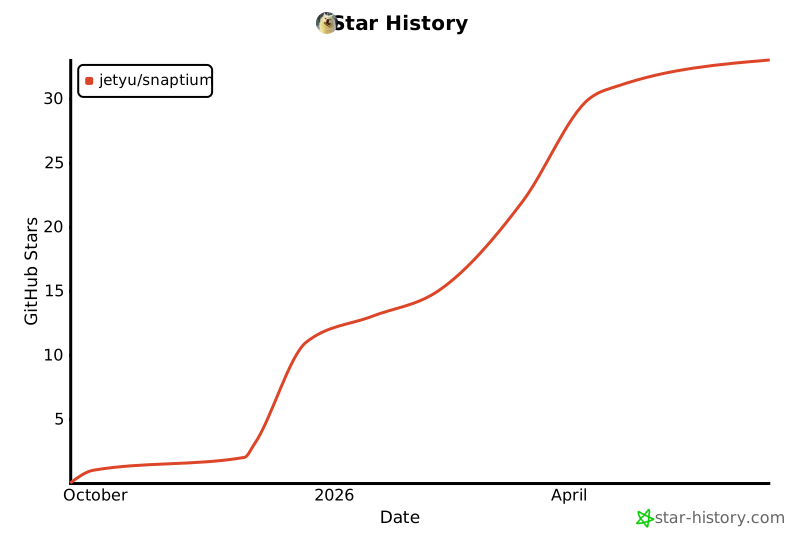](https://star-history.com/#jetyu/Snaptium&Date)
特别感谢 [硅基流动 SiliconFlow](https://siliconFlow.com) 对 Snaptium 的支持,为产品提供 AI 模型服务能力。
---
# ⭐ Star History
[](https://star-history.com/#jetyu/Snaptium&Date)