[![GitHub Release][releases-shield]][releases]
[![GitHub Activity][commits-shield]][commits]
[![License][license-shield]](LICENSE)
[![hacs][hacs_badge]][hacs]
[![BuyMeCoffee][buymecoffeebadge]][buymecoffee]
# Versatile Thermostat
This README file is available in
languages : [English](README.md) | [Français](README-fr.md) | [Deutsch](README-de.md) | [Čeština](README-cs.md) | [Polski](README-pl.md)

>  **Versatile Thermostat** is a highly configurable virtual thermostat that transforms any heating equipment (radiators, air conditioners, heat pumps, etc.) into an intelligent and adaptive system. It allows you to consolidate and centrally control multiple different heating systems, while automatically optimizing your energy consumption. Thanks to its advanced algorithms (TPI, auto-TPI) and learning capabilities, the thermostat adapts to your home 🏠 and your habits, providing you with optimal comfort and significant reduction in your heating bills 💰.
> This thermostat integration aims to greatly simplify your heating management automations. Since all typical heating events (nobody home?, activity detected in a room?, window open?, power load shedding?) are natively managed by the thermostat, you don't need to deal with complicated scripts and automations to manage your thermostats. 😉
This custom component for Home Assistant is an upgrade and a complete rewrite of the "Awesome thermostat" component (see [Github](https://github.com/dadge/awesome_thermostat)) with added features.
# Screenshots
Versatile Thermostat UI Card (Available on [Github](https://github.com/jmcollin78/versatile-thermostat-ui-card)) :
 
# What's New?

## Release 10.0
Introduction of the plugin mechanism. This allows the use of external integrations as plugins for _VTherm_. The list of available plugins is available on the [Versatile Thermostat Web site](https://www.versatile-thermostat.org/en/plugins).
## Release 9.3 - stable version
> 1. **Stuck valve detection**: Major improvement to heating failure detection. When an anomaly is detected on `over_climate_valve` type VTherms, the thermostat now diagnoses whether the problem is caused by a stuck TRV valve (stuck open or closed) by comparing the commanded state with the real state. This information - `root_cause` - is sent in the anomaly event, allowing you to take appropriate actions (notification, valve recovery, etc.). More information [here](documentation/en/feature-heating-failure-detection.md),
> 2. **Auto-relock after unlock**: Added `auto_relock_sec` parameter to the lock feature. When configured, the thermostat will automatically re-lock after the specified number of seconds following an unlock. You can completely disable this feature by setting it to 0. By default, auto-relock is set to 30 seconds for improved security. More information [here](documentation/en/feature-lock.md),
> 3. **Command resend**: New feature to automatically detect and correct discrepancies between the thermostat's desired state and the actual state of underlying devices. If a command is not properly applied to the device, it is resent. This improves system reliability in unstable environments or with unreliable equipment. More information [here](documentation/en/feature-advanced.md),
> 4. **Timed preset restoration after restart**: The configured timed preset is now correctly restored after a thermostat or Home Assistant restart. This preset continues to work normally after the restart. More information [here](documentation/en/feature-timed-preset.md),
> 5. **Increased power control precision**: The boiler activation threshold (`power_activation_threshold`) now accepts decimal values (0.1, 0.5, etc.) for finer control of activation power. This provides greater flexibility to optimize your energy consumption. More information [here](documentation/en/feature-power.md),
> 6. **Sensor availability improvements**: Better support for determining temperature sensor availability using Home Assistant's `last_updated` metadata, improving detection of sensor signal loss,
## Release 9.2
> 1. New way of managing heating/off cycles for `over_switch` VTherms. The current algorithm has a time drift and the first cycles are not optimal. This disrupts the TPI and especially the auto-TPI. The new `Cycle Scheduler` solves these issues. This change is completely transparent for you,
> 2. A log collector. Your support requests often fail due to your ability to provide logs, over the right period, targeted at the faulty thermostat and at the right log level. This is especially the case for hard-to-reproduce bugs. The log collector aims to solve this difficulty. It collects logs for you in the background at the finest level and an action (formerly service) allows you to extract them into a file. You can then download them to attach to your support request. The log analyzer associated with the website - launched in 9.1 see below - adapts to be able to digest these logs. More information about the log collector [here](documentation/en/feature-logs-collector.md),
> 3. stabilization of 9.x. The major version 9 brought many changes that generated some anomalies. This version provides the latest fixes related to this version 9.
## Release 9.1
> 1. New logo. Inspired by the work of @Krzysztonek (see [here](https://github.com/jmcollin78/versatile_thermostat/pull/1598)), VTherm benefits from a new feature introduced in [HA 206.03](https://developers.home-assistant.io/blog/2026/02/24/brands-proxy-api/) to change its logo. The whole team hopes you will like it. Enjoy!
> 2. A website created by @bontiv addresses one of VTherm’s major challenges: documentation. This site also allows you to analyze your logs! Provide your logs (in debug mode) and you will be able to analyze them, zoom in on a thermostat, focus on a time period, filter what interests you, and more. Discover this first version here: [Versatile Thermostat Web site](https://www.versatile-thermostat.org/). A huge thank you to @bontiv for this great work.
> 3. Official release of the auto-TPI feature. This function calculates the optimal coefficient values for the [TPI](documentation/fr/algorithms.md#lalgorithme-tpi). We would like to highlight the incredible work of @KipK and @gael1980 on this topic. Do not skip the documentation if you plan to use it.
> 4. VTherm now relies on the state reported by underlying devices in HA. As long as all underlying devices do not have a known state in HA, the VTherm remains disabled.
## Release 8.6
> 1. added `max_opening_degrees` parameter for `over_climate_valve` VTherms allowing to limit the maximum opening percentage of each valve to control hot water flow and optimize energy consumption or other use cases.
> 2. added a valve recalibration function for an _VTherm_ `over_climate_valve` allowing to force a maximum opening then a maximum closing to attempt recalibration of a TRV. More information [here](documentation/en/feature-recalibrate-valves.md).
## Release 8.5
> 1. added heating failure detection for VTherms using the TPI algorithm. This feature detects two types of anomalies:
> - **heating failure**: the radiator is heating strongly (high on_percent) but the temperature is not increasing,
> - **cooling failure**: the radiator is not heating (on_percent at 0) but the temperature keeps rising.
>
> These anomalies may indicate an open window, a faulty radiator, or an external heat source. The feature sends events that can be used to trigger automations (notifications, alerts, etc.). More information [here](documentation/en/feature-heating-failure-detection.md).
More informations [here](documentation/en/feature-central-boiler.md).
# 🍻 Thanks for the beers 🍻
[](https://www.buymeacoffee.com/jmcollin78)
A big thank you to all my beer sponsors for their donations and encouragements. It means a lot to me and motivates me to keep going! If this integration has saved you money, buy me a beer in return; I would greatly appreciate it!
# Glossary
`VTherm`: Versatile Thermostat as referred to in this document
`TRV`: Thermostatic Radiator Valve equipped with a valve. The valve opens or closes to allow hot water to pass.
`AC`: Air Conditioning. An AC device cools instead of heats. Temperatures are reversed: Eco is warmer than Comfort, which is warmer than Boost. The algorithms take this information into account.
`EMA`: Exponential Moving Average. Used to smooth sensor temperature measurements. It represents a moving average of the room's temperature and is used to calculate the slope of the temperature curve, which would be too unstable on the raw data.
`slope`: The slope of the temperature curve, measured in ° (C or K)/h. It is positive when the temperature increases and negative when it decreases. This slope is calculated based on the `EMA`.
`PAC`: Heat pump
`HA`: Home Assistant
`underlying`: the device controlled by `VTherm`
# Documentation
The documentation is now divided into several pages for easier reading and searching:
1. [Introduction](documentation/en/presentation.md)
2. [Installation](documentation/en/installation.md)
3. [Quick start](documentation/en/quick-start.md)
4. [Choosing a VTherm type](documentation/en/creation.md)
5. [Basic attributes](documentation/en/base-attributes.md)
6. [Configuring a VTherm on a `switch`](documentation/en/over-switch.md)
7. [Configuring a VTherm on a `climate`](documentation/en/over-climate.md)
8. [Configuring a VTherm on a valve](documentation/en/over-valve.md)
9. [Presets](documentation/en/feature-presets.md)
10. [Window management](documentation/en/feature-window.md)
11. [Presence management](documentation/en/feature-presence.md)
12. [Motion management](documentation/en/feature-motion.md)
13. [Power management](documentation/en/feature-power.md)
14. [Auto start and stop](documentation/en/feature-auto-start-stop.md)
15. [Centralized control of all VTherms](documentation/en/feature-central-mode.md)
16. [Central heating control](documentation/en/feature-central-boiler.md)
17. [Advanced aspects, security mode](documentation/en/feature-advanced.md)
18. [Heating Failure Detection](documentation/en/feature-heating-failure-detection.md)
19. [Self-regulation](documentation/en/self-regulation.md)
20. [Auto TPI learning](documentation/en/feature-autotpi.md)
21. [Algorithms](documentation/en/algorithms.md)
22. [Lock / Unlock](documentation/en/feature-lock.md)
23. [Temperature synchronisation](documentation/en/feature-sync_device_temp.md)
24. [Timed preset](documentation/en/feature-timed-preset.md)
25. [Reference documentation](documentation/en/reference.md)
26. [Tuning examples](documentation/en/tuning-examples.md)
27. [Troubleshooting](documentation/en/troubleshooting.md)
28. [Release notes](documentation/en/releases.md)
# Some results
**Temperature stability around the target configured by preset**:
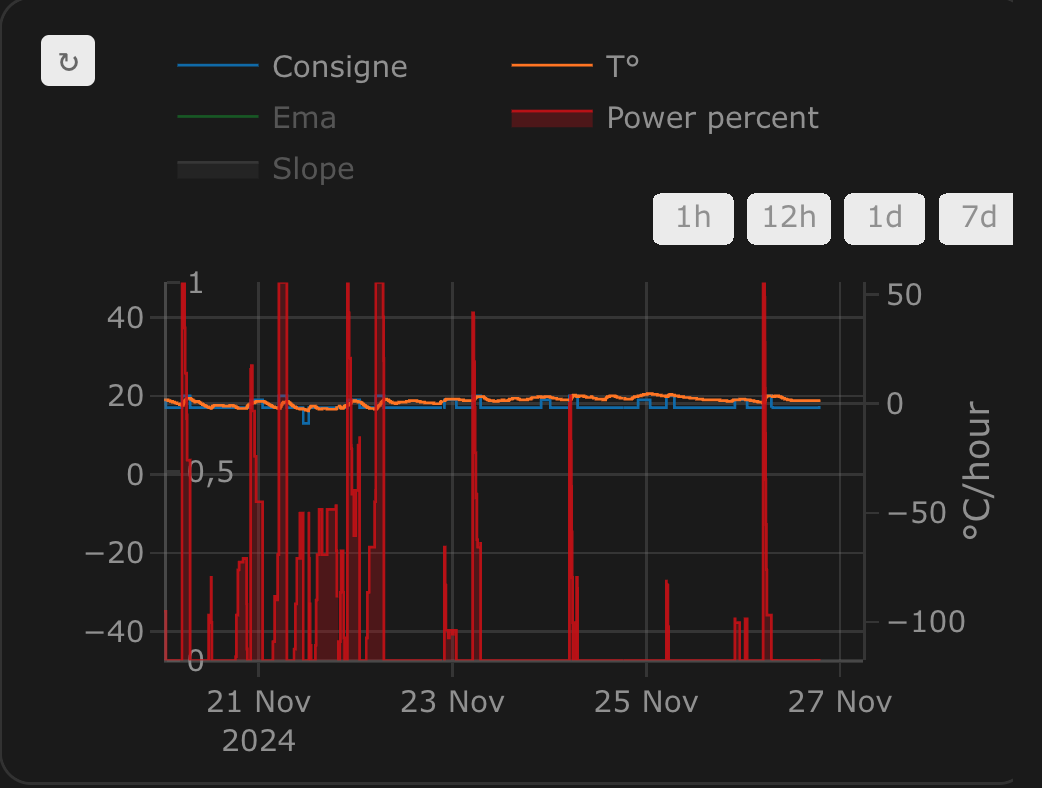
**On/off cycles calculated by the integration `over_climate`**:

**Regulation with an `over_switch`**:
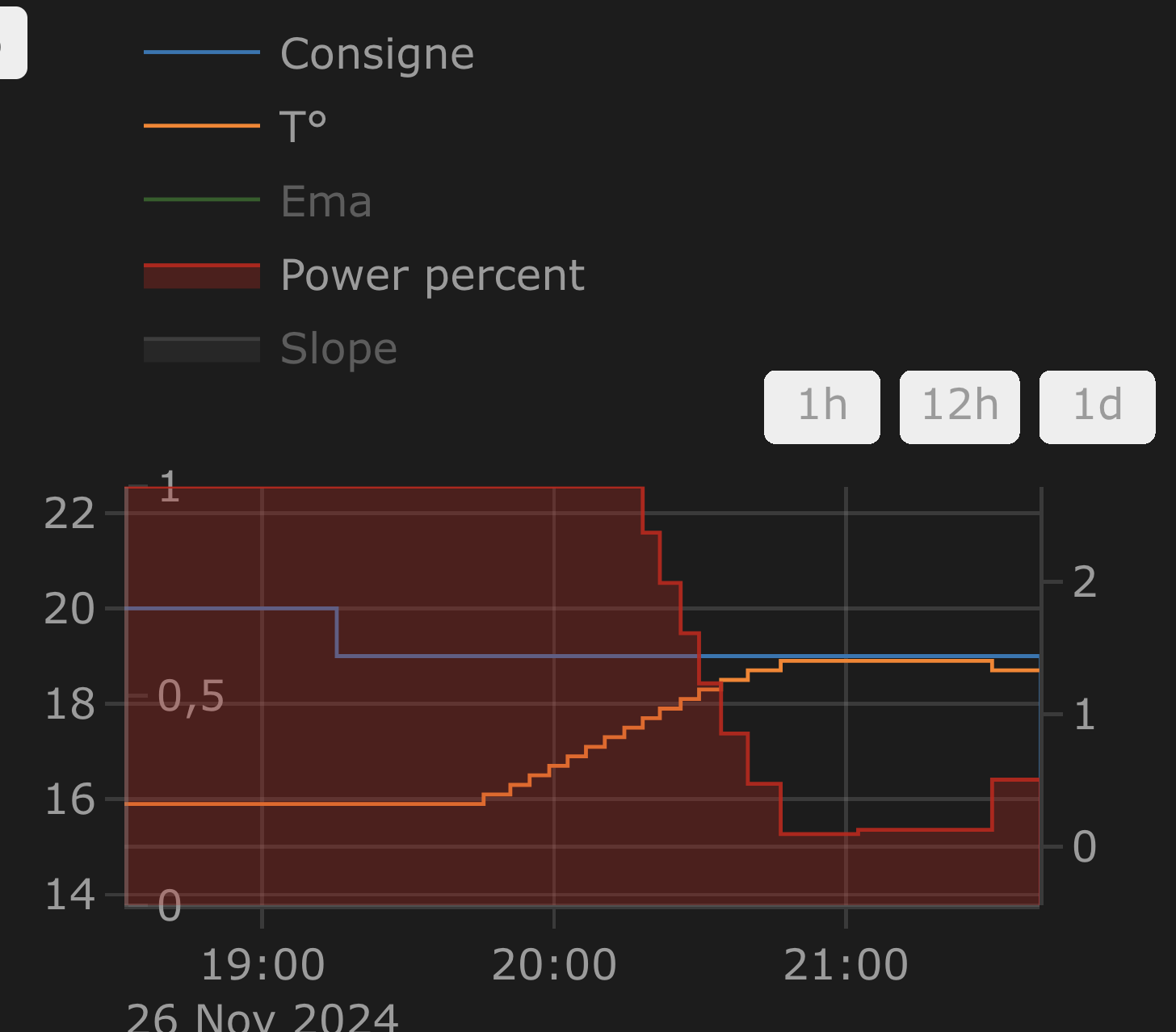
**Strong regulation in `over_climate`**:
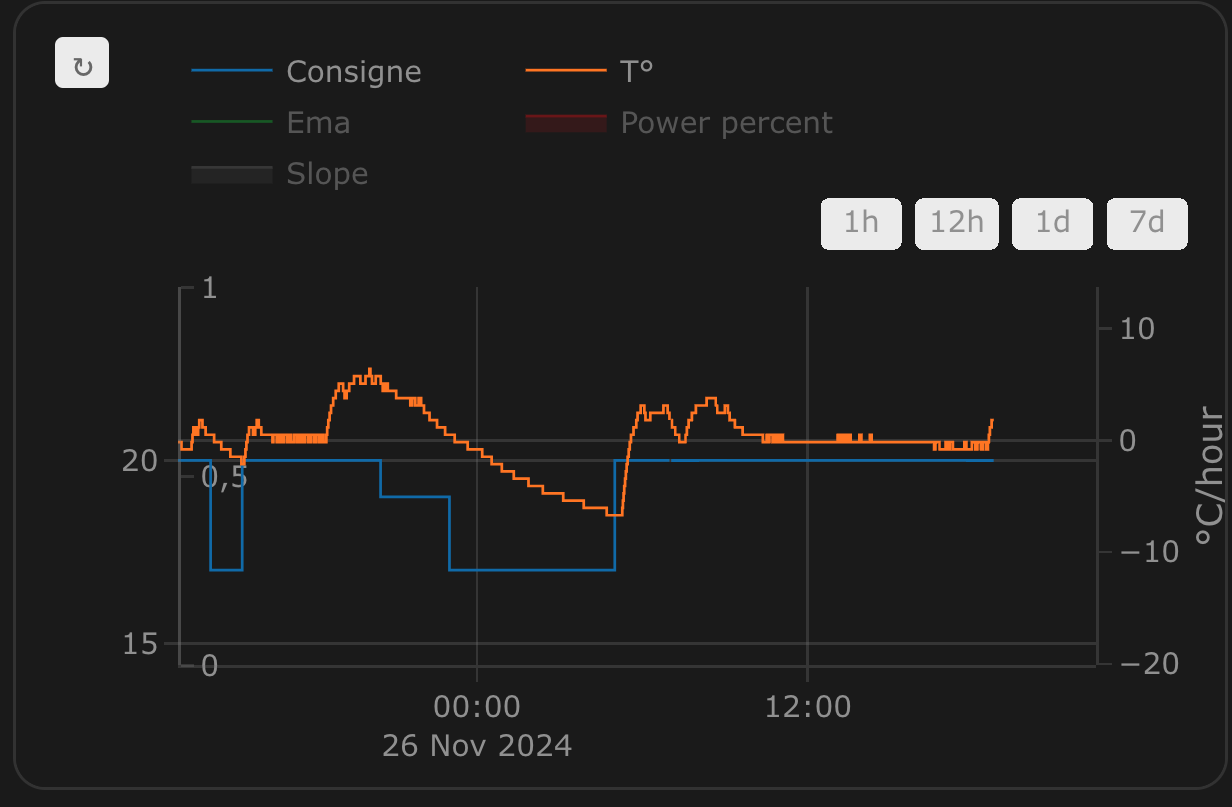
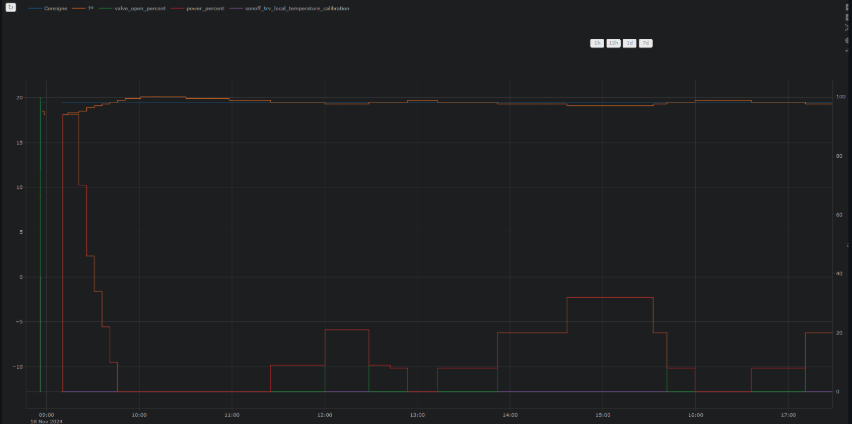
**Regulation with direct valve control in `over_climate`**:
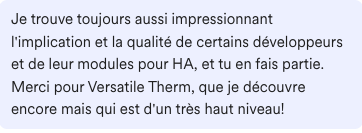
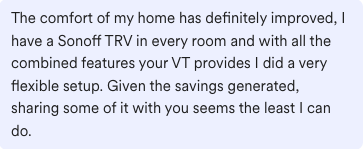
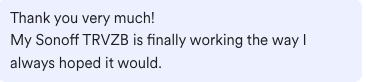
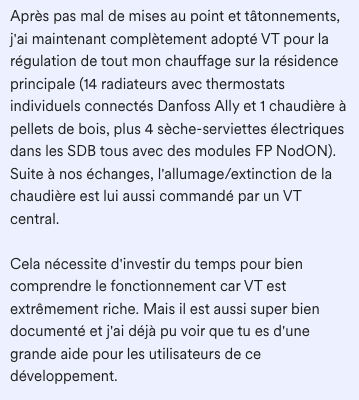
# Some comments about the integration
| | | |
| ------------------------------------------- | ------------------------------------------- | ------------------------------------------- |
|  |  |  |
|  |  |  |
# ⭐ Star history
[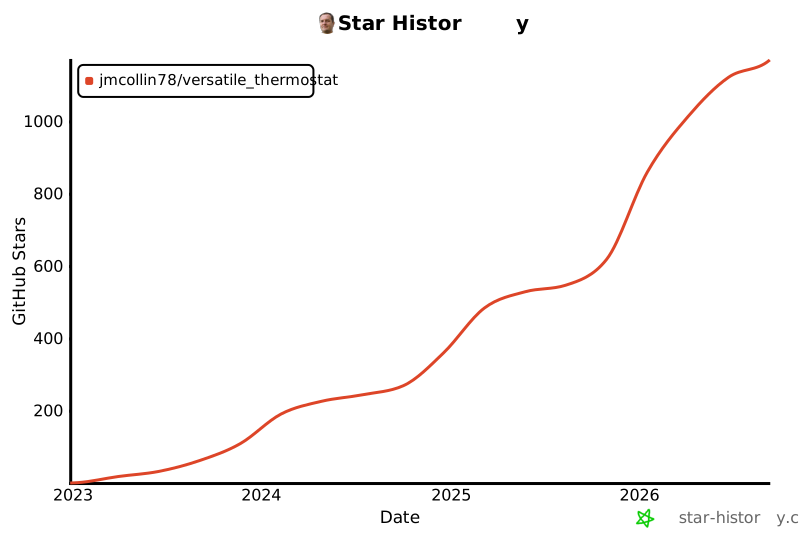](https://star-history.com/#jmcollin78/versatile_thermostat&Date)
Enjoy!
# Contributions are welcome!
If you wish to contribute, please read the [contribution guidelines](CONTRIBUTING.md).
***
[versatile_thermostat]: https://github.com/jmcollin78/versatile_thermostat
[buymecoffee]: https://www.buymeacoffee.com/jmcollin78
[buymecoffeebadge]: https://img.shields.io/badge/Buy%20me%20a%20beer-%245-orange?style=for-the-badge&logo=buy-me-a-beer
[commits-shield]: https://img.shields.io/github/commit-activity/y/jmcollin78/versatile_thermostat.svg?style=for-the-badge
[commits]: https://github.com/jmcollin78/versatile_thermostat/commits/master
[hacs]: https://github.com/custom-components/hacs
[hacs_badge]: https://img.shields.io/badge/HACS-Custom-41BDF5.svg?style=for-the-badge
[forum-shield]: https://img.shields.io/badge/community-forum-brightgreen.svg?style=for-the-badge
[forum]: https://community.home-assistant.io/
[license-shield]: https://img.shields.io/github/license/jmcollin78/versatile_thermostat.svg?style=for-the-badge
[maintenance-shield]: https://img.shields.io/badge/maintainer-Joakim%20Sørensen%20%40ludeeus-blue.svg?style=for-the-badge
[releases-shield]: https://img.shields.io/github/release/jmcollin78/versatile_thermostat.svg?style=for-the-badge
[releases]: https://github.com/jmcollin78/versatile_thermostat/releases