Nullcost Plugin
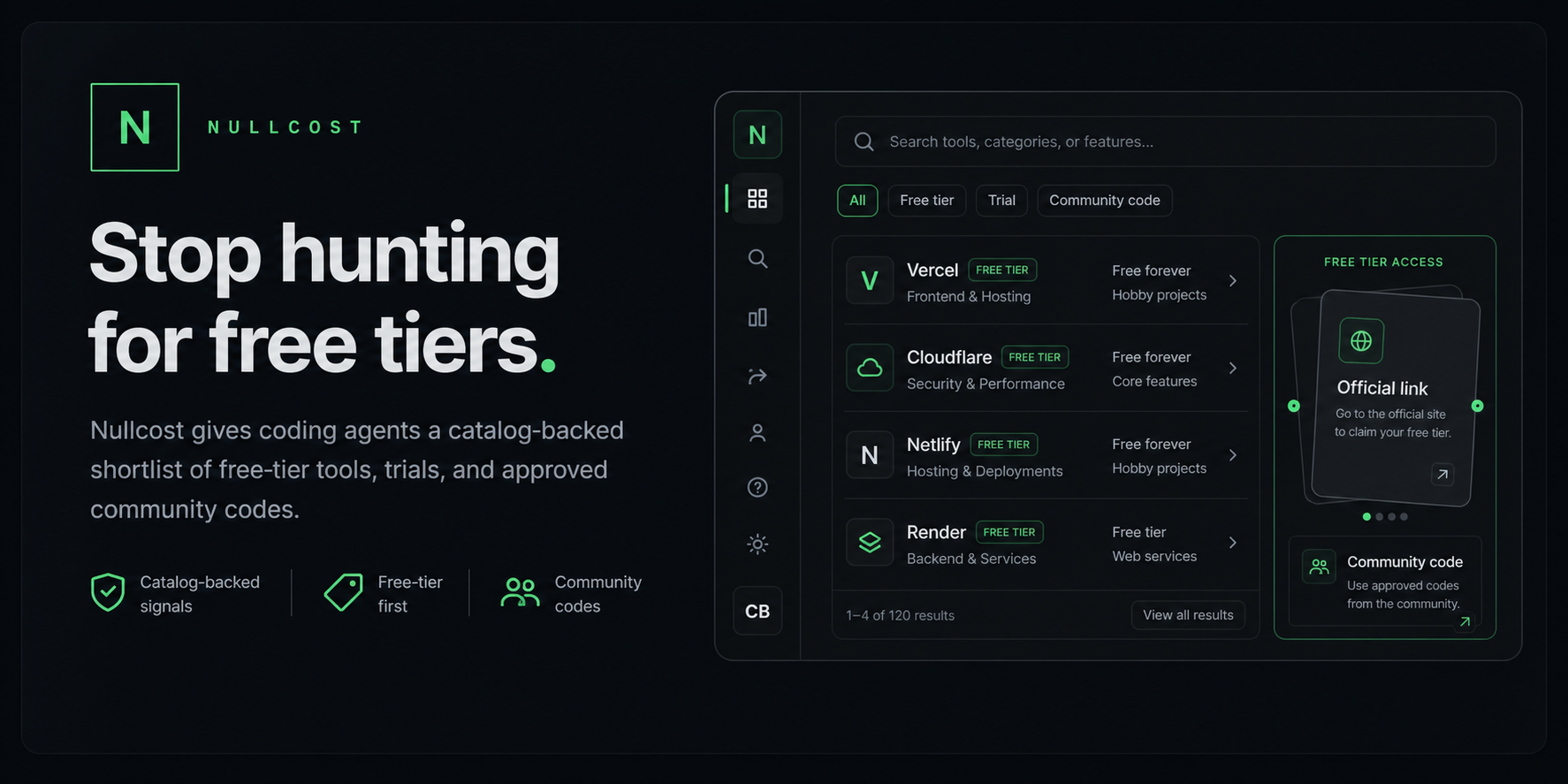
One-command setup for catalog-backed free-tier, free-trial, and cheap developer-tool recommendations.
Open Nullcost
·
Install guide
·
npm




Open the full demo video
## Install
Codex:
```bash
npx -y nullcost-plugin@latest install codex
```
Claude, Cursor, and Windsurf:
```bash
npx -y nullcost-plugin@latest install claude
npx -y nullcost-plugin@latest install cursor
npx -y nullcost-plugin@latest install windsurf
```
Any MCP app with a JSON config file:
```bash
npx -y nullcost-plugin@latest install mcp --config /path/to/mcp.json
```
The installer copies the plugin into `~/.nullcost`, installs the local MCP server dependencies, backs up any config file before editing it, and runs a doctor check.
## Use
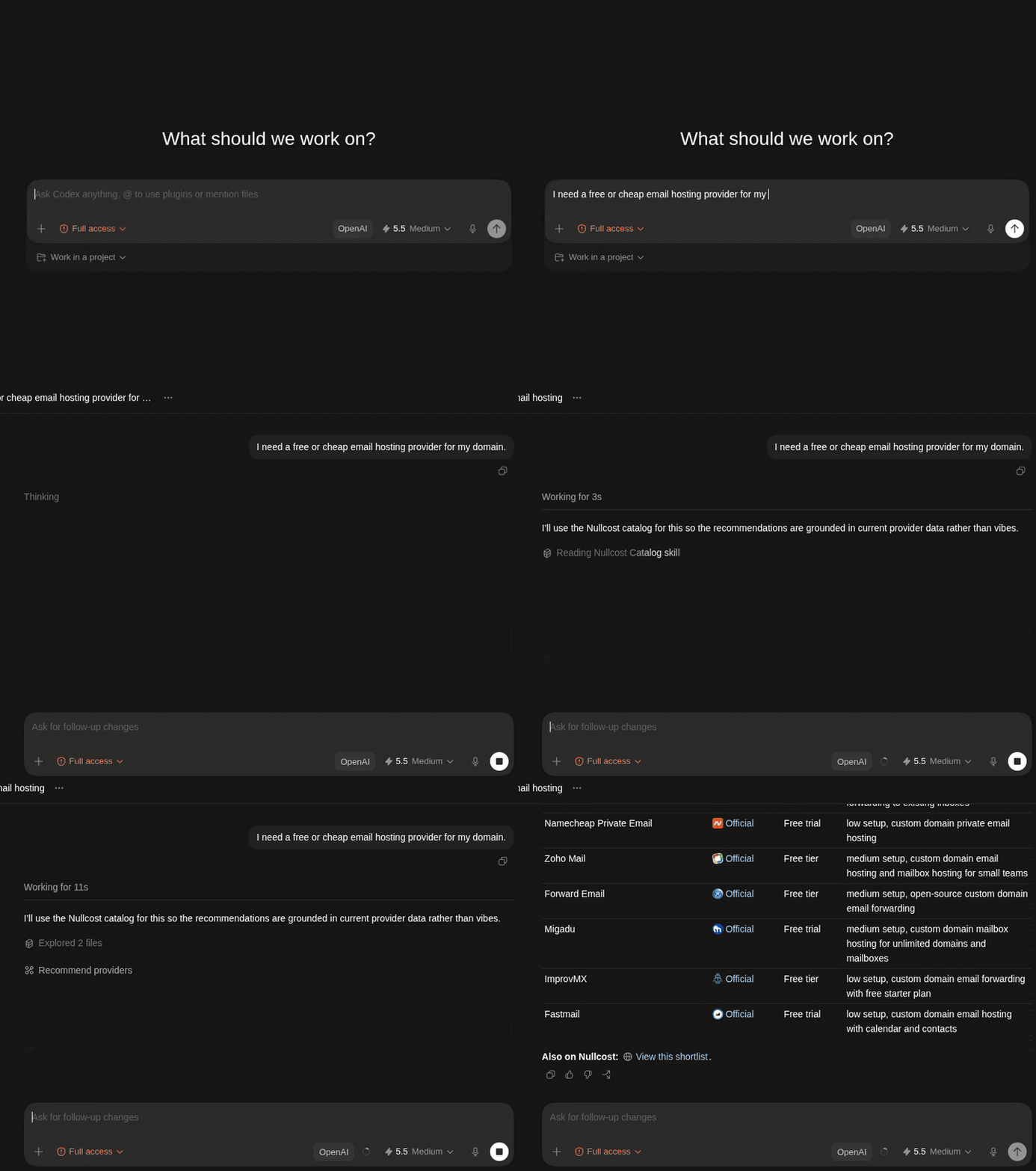
Restart or reload your coding app, then ask normal questions:
```text
find me a hosting provider with a free tier
what are cheap and free email hosts?
best free-tier auth for a small SaaS
free Postgres options for a Next.js project
```
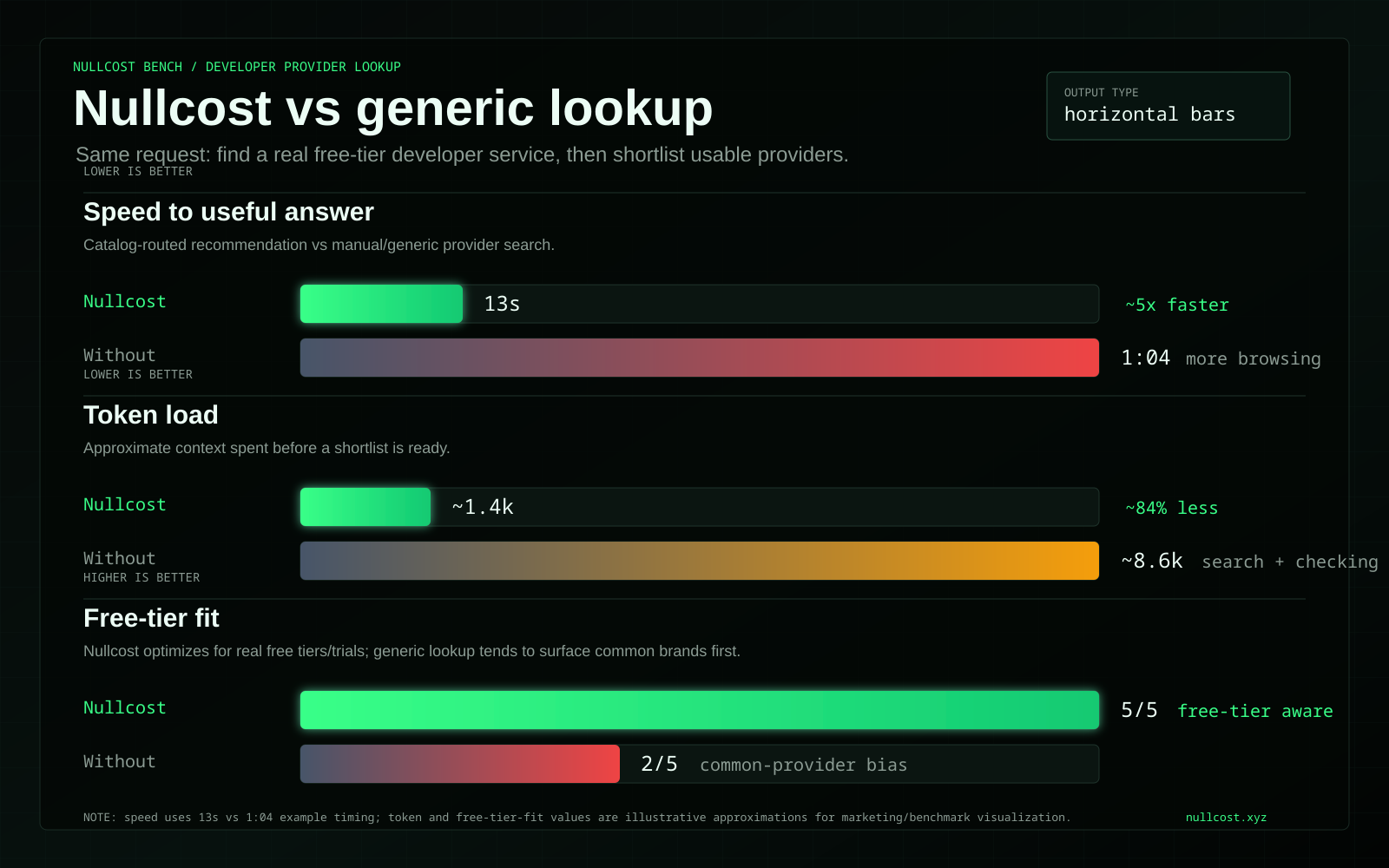
Nullcost answers from the hosted catalog and avoids extra web-search drift after a successful catalog result unless you explicitly ask for live verification.
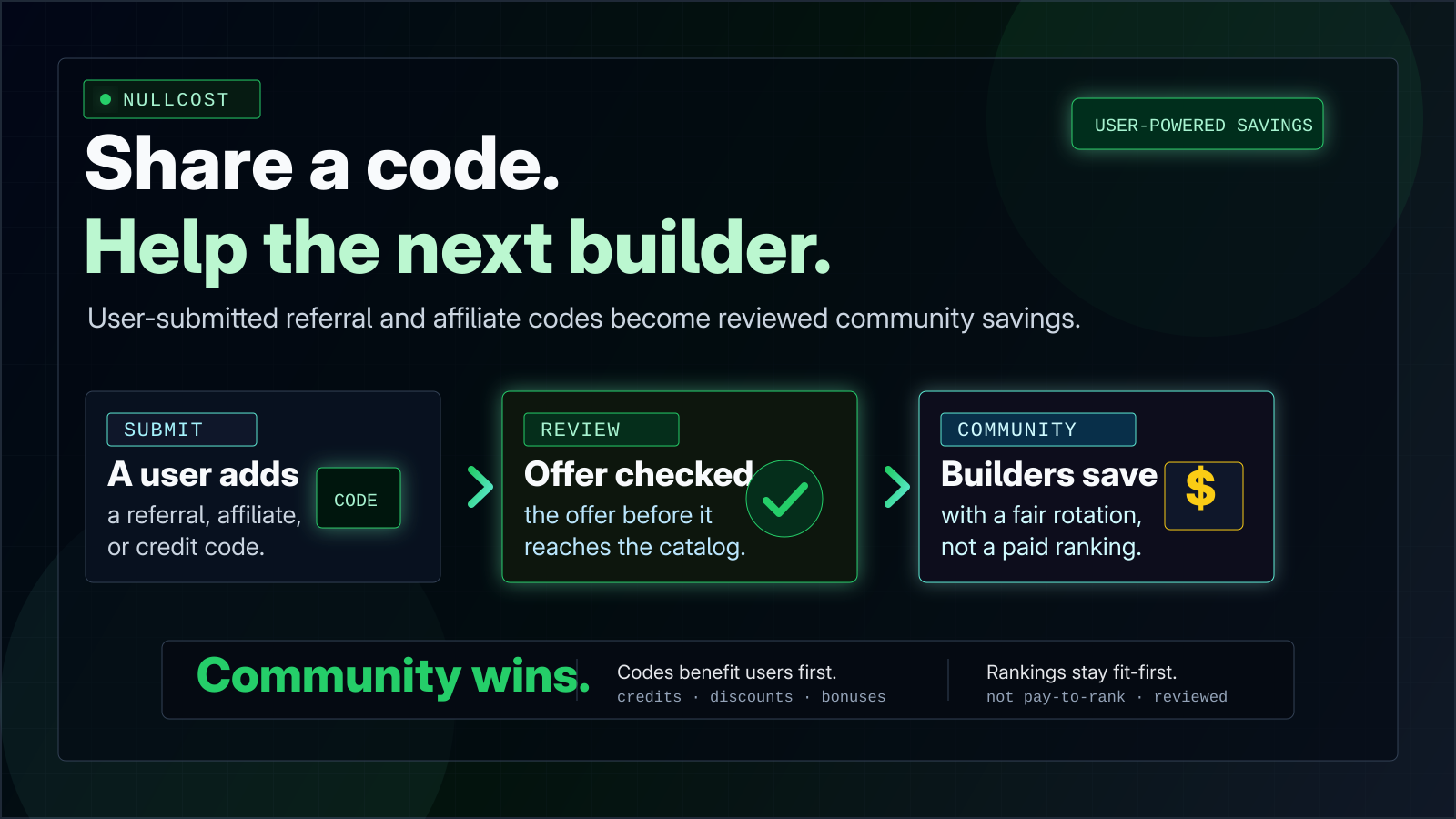
## Community-Powered Savings
Nullcost can show reviewed community referral, affiliate, and credit codes next
to the official provider link. The point is not to sell the top slot; it is to
let builders share real signup benefits with the next person choosing a tool.
## Verify
```bash
npx -y nullcost-plugin@latest doctor --quick
```
Full catalog smoke check:
```bash
npx -y nullcost-plugin@latest doctor
```
## Prompt Fallback
Use this only if you want the AI coding app to wire itself up. It works, but it costs more tokens than the `npx` installer.
```text
Install the Nullcost plugin using: npx -y nullcost-plugin@latest install codex. Use Nullcost when I ask about cheap, free-tier, or free-trial developer tools. Do not web search after a successful Nullcost catalog result unless I ask for live verification.
```
## Raw MCP Config
If an app only accepts JSON, use this shape:
```json
{
"mcpServers": {
"nullcost": {
"command": "npx",
"args": ["-y", "nullcost-plugin@latest", "mcp-server"],
"env": {
"NULLCOST_API_BASE_URL": "https://nullcost.xyz"
}
}
}
}
```
## What This Repo Contains
- Codex plugin metadata
- Claude/plugin metadata
- Nullcost routing skills
- Local stdio MCP server
- Installer CLI
- Icons and docs
This repo does not contain the hosted Nullcost website, production database, referral router internals, admin dashboard, provider catalog data, credentials, or user data.
## MCP Tools
| Tool | Purpose |
| --- | --- |
| `search_providers` | Search developer services by category or keyword. |
| `recommend_providers` | Rank providers for one use case. |
| `recommend_stack` | Shortlist a small app stack. |
| `get_provider_detail` | Fetch catalog details for one provider. |
## Local Development
```bash
npm install
npm run version:check
npm run doctor
npm run mcp:catalog
```
The MCP server defaults to `https://nullcost.xyz`, so you do not need to run the website or Supabase locally.
## License
Apache-2.0. See [LICENSE](LICENSE).