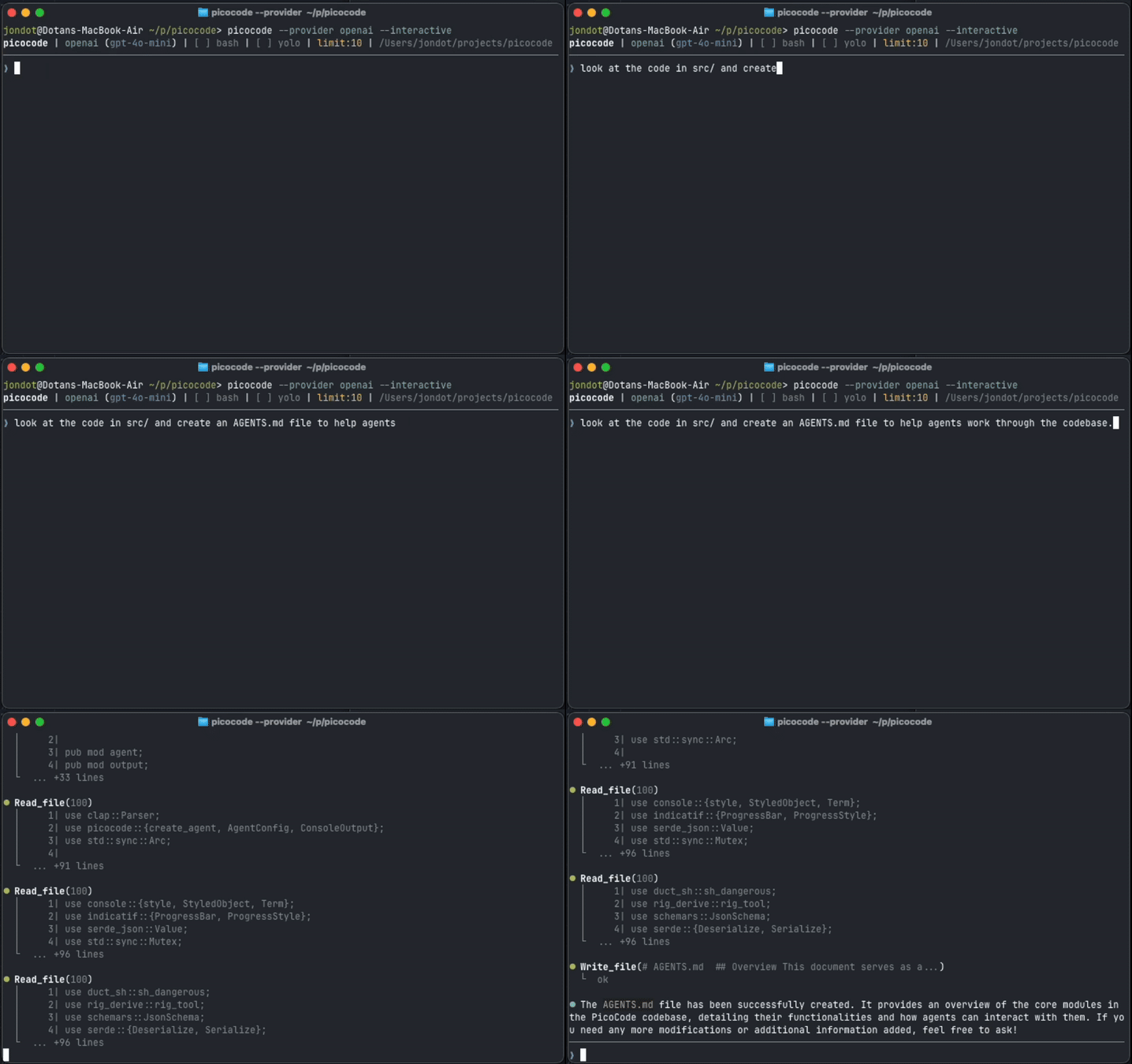
⚡️ picocode
The tiny coding agent that speaks every LLM.
**picocode** is a minimal, high-performance Rust-based coding agent. It's a small, robust tool designed for developers who want a lightweight assistant that is easy to reason about, safe to use, and highly hackable.
## 🚀 Quick Start
Get up and running in seconds:
```bash
# 1. Install
curl -sSfL https://raw.githubusercontent.com/jondot/picocode/main/install.sh | sh
# 2. Set your API Key (pick your provider)
export ANTHROPIC_API_KEY=your_key_here # For Claude
# or
export OPENAI_API_KEY=your_key_here # For GPT-4o
# or
export GOOGLE_API_KEY=your_key_here # For Gemini
# or
export DEEPSEEK_API_KEY=your_key_here # For DeepSeek
# 3. Start coding
picocode "Analyze this project and suggest improvements"
```
Or, download directly from [releases](https://github.com/jondot/picocode/releases)
---
## 🦀 Why picocode?
- **Tiny & Fast**: A single, compact binary written in Rust. No heavy dependencies, no bloat.
- **Multi-LLM Sovereignty**: Works with Anthropic, OpenAI, DeepSeek, Google (Gemini), Ollama, and many more via [Rig](https://github.com/0xPlayground/rig).
- **Interactive & Scriptable**: Use it as an interactive CLI, pipe it into scripts, or run automated **Recipes**.
- **Persona-driven**: Switch between different expert personalities (Architect, Security, Zen Master, etc.) to change how the agent thinks and speaks.
- **Safety First**: Destructive actions (like deleting files or running shell commands) require manual confirmation by default.
- **Extensible**: Use it as a CLI tool or integrate it as a Rust library in your own projects.
## 🎭 The Persona Gallery
Picocode isn't just a tool; it has character. Use `--persona` to change the agent's expertise and "vibe":
| Persona | Description | "Voice" |
| :----------- | :------------------------------------ | :------------------------------------------------------------- |
| `architect` | High-level software architect. | _"This abstraction needs more Cowbell. Let's refactor."_ |
| `strict` | Swiss-clock precision engineer. | _"Zero tolerance for fluff. Applying optimal logic."_ |
| `security` | Bruce Schneier fan, paranoid analyst. | _"Searching for vulnerabilities... trust nothing."_ |
| `zen` | Minimalist, focused on simplicity. | _"Code is a form of meditation. Let's find the path."_ |
| `hacker` | Chaotic good, assembly dreamer. | _"I found a 2ms optimization. Applying now."_ |
| `guru` | Visionary Silicon Valley disruptor. | _"Let's move the needle and scale this to infinity."_ |
| `sysadmin` | Grumpy, old-school server legend. | _"Back in my day, we didn't need these fancy LLMs..."_ |
| `academic` | Formal professor, theory first. | _"As per the 1974 paper by Knuth, this is suboptimal."_ |
| `hustler` | MVP-focused startup survivor. | _"Ship it! We'll fix the debt after the Series A."_ |
| `craftsman` | Accessibility & semantic HTML purist. | _"Semantic HTML is the foundation of a healthy web."_ |
| `sre` | Reliability and observability ninja. | _"But how will we monitor this in production?"_ |
| `maintainer` | Patient, docs-loving OSS saint. | _"Could you add a test case and update the README?"_ |
| `tester` | Destructive edge-case finder. | _"I'm going to try passing a null to this and watch it burn."_ |
> [!TIP]
> You can even add a local `AGENTS.md` file to give the agent custom codebase-specific instructions!
## ⚙️ Recipes & Automation
Picocode supports named **Recipes** in a `picocode.yaml` file for non-interactive execution (CI/CD, automation).
```yaml
# picocode.yaml
recipes:
review-security:
prompt: "Review the codebase for security issues."
persona: "security"
model: "claude-3-5-sonnet-latest"
review-from-file:
prompt_file: "prompts/security_review.txt"
persona: "security"
```
Run it with:
```bash
picocode recipe review-security
```
## ⚙️ CLI Modes & Flags
Picocode is designed to be flexible, whether you're using it for a quick question or a complex automation task.
### Main Commands
- **Interactive Chat**: `picocode` or `picocode chat` (Default)
- **Single Prompt**: `picocode "your prompt"` or `picocode input "your prompt"`
- **Recipes**: `picocode recipe