
Bliss Oh My Zsh
A delicate theme that injects color without overwhelming your workspace.
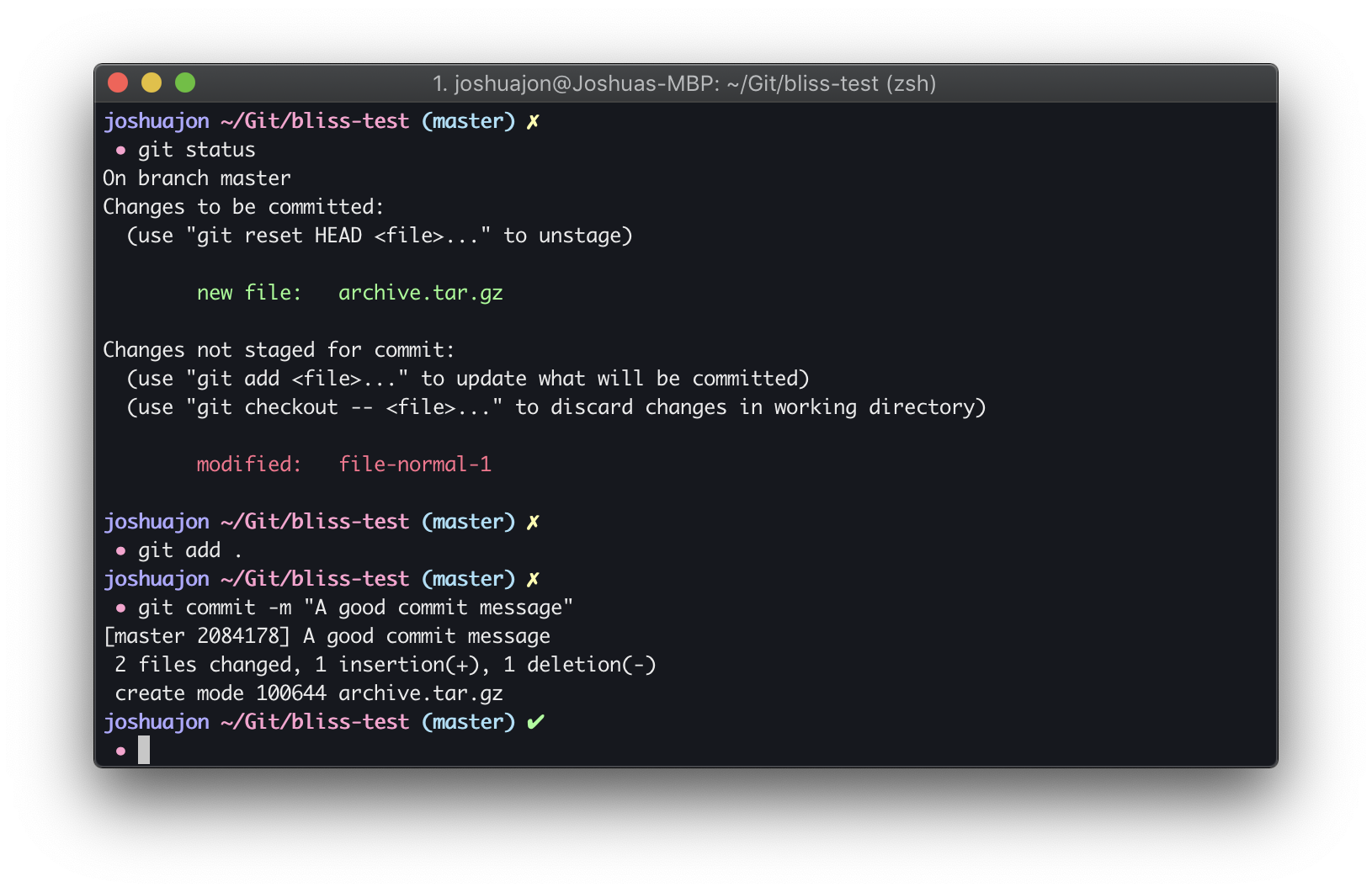
## About
This is a theme for [Oh My Zsh](https://github.com/robbyrussell/oh-my-zsh) and is designed to be used with the [Bliss iTerm](https://github.com/joshjon/bliss-iterm) theme which is applied in the screenshot above.
### Setting the Mood
Bliss looks even better with the following terminal setup:
* [iTerm2](https://www.iterm2.com/)
* [Bliss iTerm Theme](https://github.com/joshjon/bliss-iterm)
* [Bliss dircolors](https://github.com/joshjon/bliss-dircolors)
### Color Properties
* Home: blue
* Current path: magenta
* Git branch: cyan
* Git clean: green
* Git dirty: yellow
* Prompt symbol: magenta
## Installation
#### Install Using Git
You can keep up to date by using git.
1. Clone the Bliss Zsh repo.
2. Create a symbolic link to the Oh My Zsh theme folder:
ln -s bliss.zsh-theme /themes/bliss.zsh-theme
Changes pulled from Git will now automatically update in the Oh My Zsh theme folder.
3. Add `ZSH_THEME="bliss"` to your `~/.zshrc`.
#### Install Manually
1. Use the [download ZIP](https://github.com/joshjon/bliss-zsh/archive/master.zip) option and unzip the files.
2. Move `bliss.zsh-theme` into to the Oh My Zsh theme folder:
/themes/bliss.zsh-theme.
3. Add `ZSH_THEME="bliss"` to your `~/.zshrc`.
### Author
Joshua Jon
GitHub: https://github.com/joshjon