



A cycle-accurate NES emulator written in Dart and Flutter.
Runs on macOS, Windows, Linux, Android, and on the web.
**[▶ Play it in your browser](https://nesd.jpj.dev/play/)**, [Download a build](#installation) or visit [nesd.jpj.dev](https://nesd.jpj.dev).

## Installation
### Downloads
Grab the file for your platform from the [latest release](https://github.com/jpjonte/NESd/releases/latest):
| Platform | File |
|------------------------------|-------------------------------------------------|
| macOS (Intel + Apple Silicon)| `nesd..macos-universal.dmg` |
| Windows | `nesd..windows-x64.zip` |
| Linux (Debian, Ubuntu, …) | `nesd..linux-.deb` |
| Linux (Fedora, RHEL, …) | `nesd..linux-.rpm` |
| Linux (portable) | `nesd...AppImage` |
| Android | `nesd..android.apk` |
| Web (self-hosted) | `nesd..web.zip` |
`` is `x64` or `arm64`; `` is `x86_64` or `aarch64`.
Nightly builds of `main` live in the
[nightly release](https://github.com/jpjonte/NESd/releases/tag/nightly).
### Web
Play at [https://nesd.jpj.dev/play/](https://nesd.jpj.dev/play/). It can be installed to the
home screen and works offline after the first visit. A self-hostable Docker image is
also available (see [Self-hosting](#self-hosting) below).
### Android
Download and install the APK above, or get it in the Play Store:
### Linux (Flatpak)
Add my Flatpak repo (https://jpjonte.github.io/flatpak/jpj.flatpakrepo) and install NESd
(`dev.jpj.NESd`) from there.
Nightly builds (`dev.jpj.NESd.dev`) live in the same repo and can be installed next to the stable
release.
### First launch
NESd's desktop builds are not signed, so your OS will complain the first time you open the app. It only happens once.
- **macOS**: right-click the app and choose *Open*. If macOS insists the app is damaged, clear the quarantine flag in the Terminal: `xattr -dr com.apple.quarantine /Applications/NESd.app`
- **Windows**: SmartScreen shows a blue warning. Choose *More info* → *Run anyway*.
## Getting started
NESd does not come with any games. It plays `.nes` ROM files you supply yourself. Open one with **Open ROM** and it is added to your library.
### Default keyboard controls
| Action | Key |
|---------------------|----------------------------|
| D-pad | Arrow keys |
| A / B | Z / X|
| Start / Select | Enter / Shift |
| Pause | Space |
| Fast-forward | Tab |
| Rewind | Backspace |
| Open menu | Esc |
| Load save state 1–9 | 1 … 9|
| Save to state 1–9 | Shift + 1 … 9 |
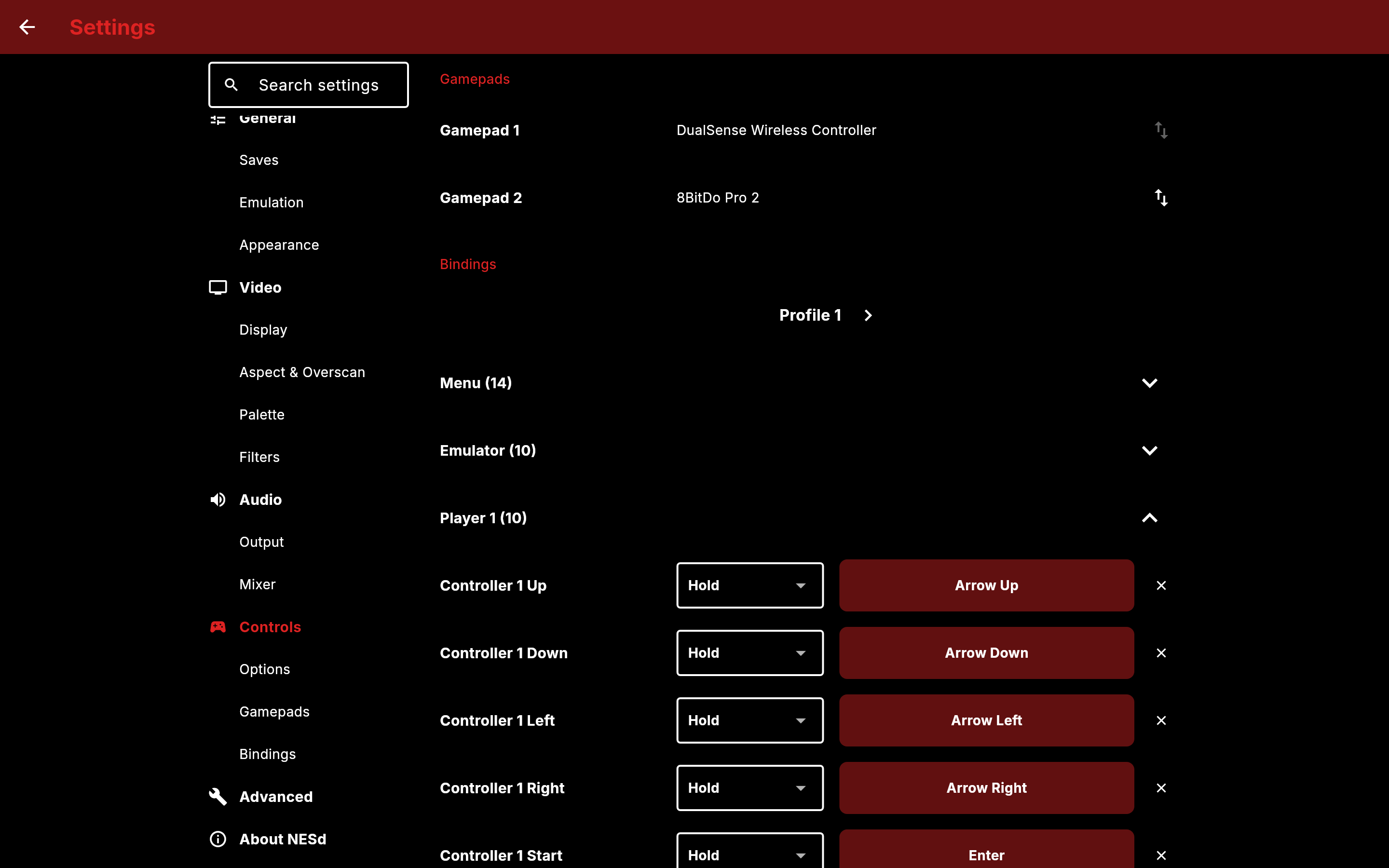
All controls can be changed under **Settings → Controls**, including gamepads and the on-screen touch controls.
## Features
- Cycle-accurate CPU, PPU and APU emulation
- Runs on macOS, Linux, Windows, Android and the web
- Support for NTSC and PAL games
- Battery backed (SRAM) saves
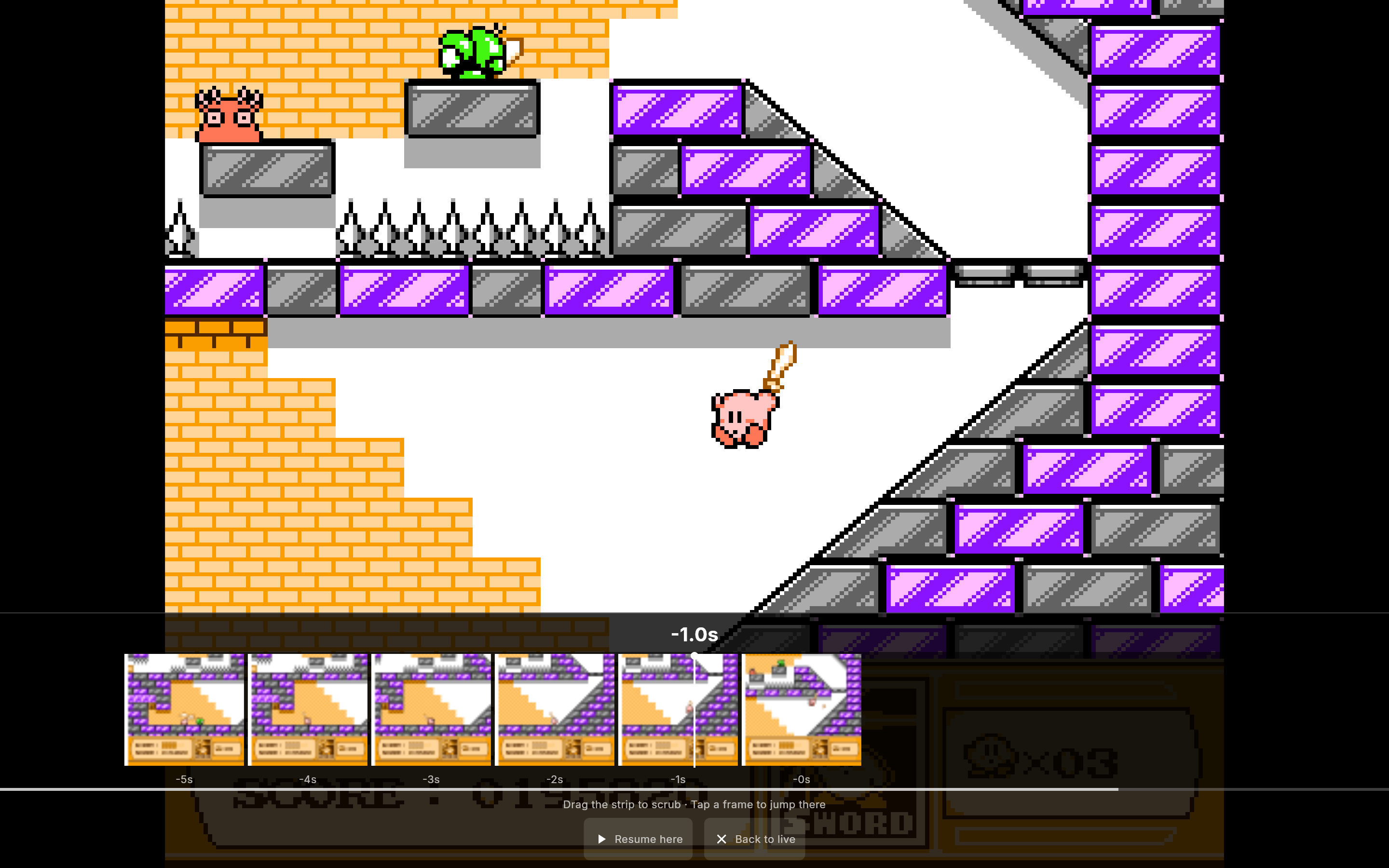
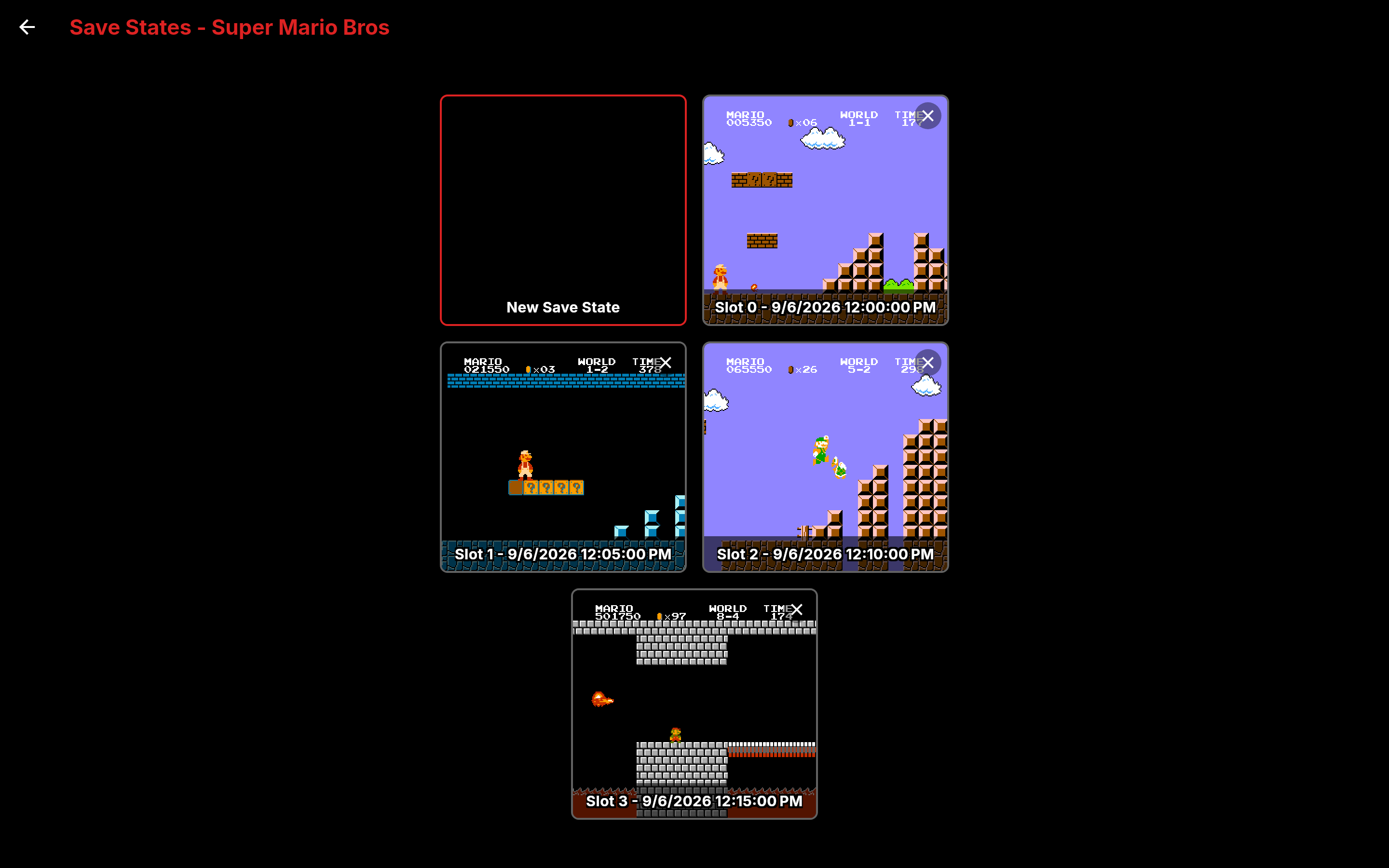
- Save states, with thumbnails
- Rewind
- Fast-forward at 2x, 3x, 4x or unlimited, with audio
- Game Genie cheats
- Video filters (CRT and Smoothing) that can be stacked
- Expansion audio for MMC5, Namco 163 and Sunsoft 5B games
- Customizable controls with multiple bindings per action
- Gamepad support
- Customizable touch screen controls
- Turbo A and B for both controllers, with an adjustable fire rate
- Load ROMs from file or ZIP archive, with a searchable file picker
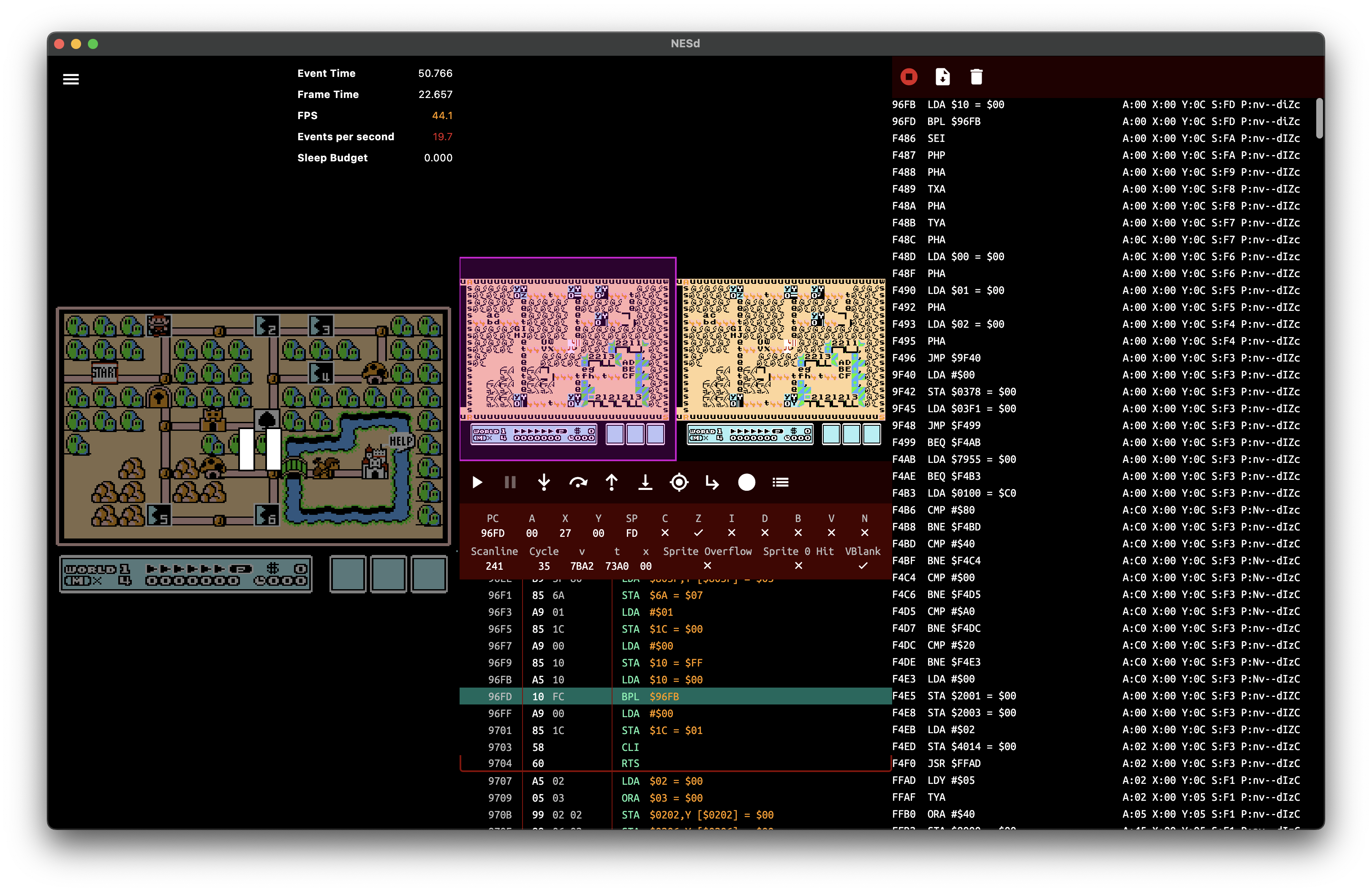
- Debug overlay and debug tools: Display, Tile Viewer, Cartridge Info, APU Debug, Debugger and Execution Log
- A log viewer with search, copy and file export
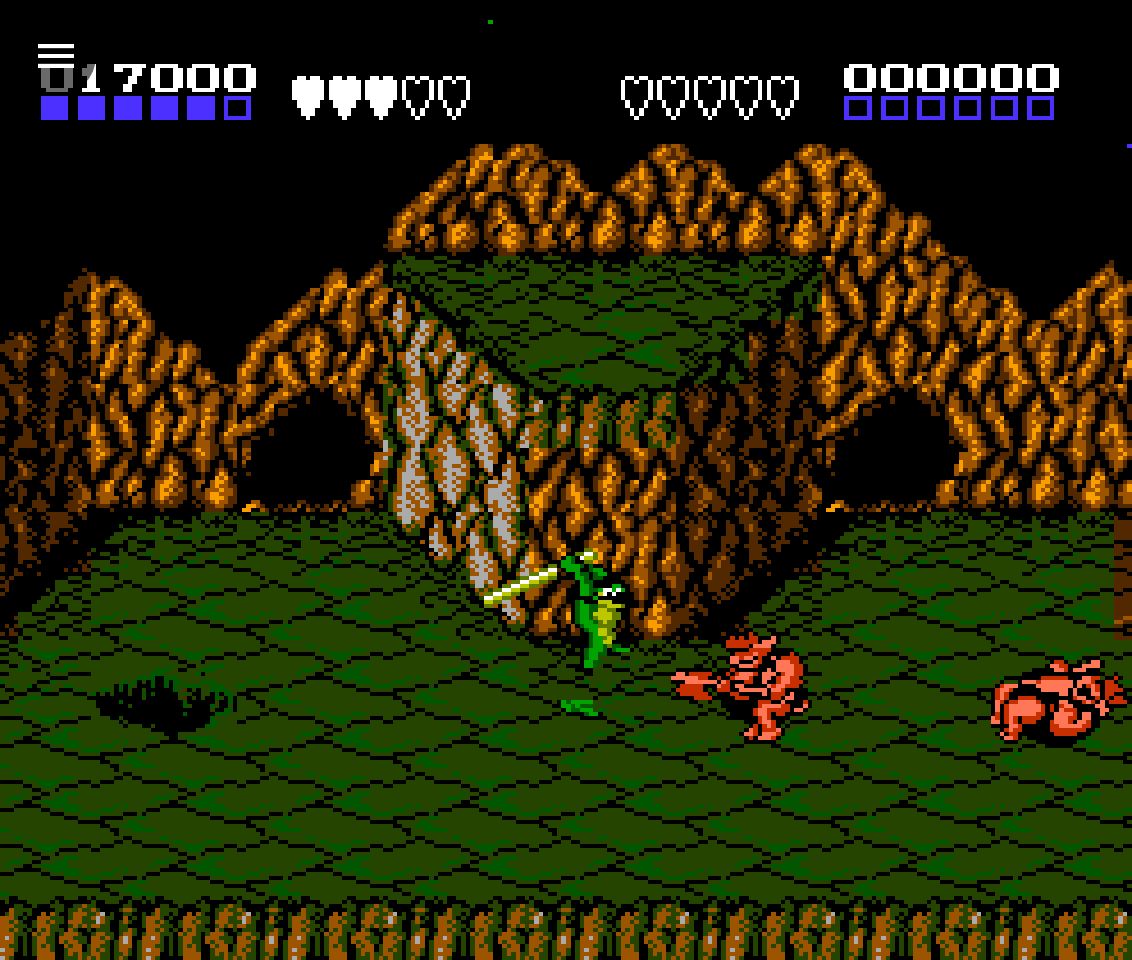
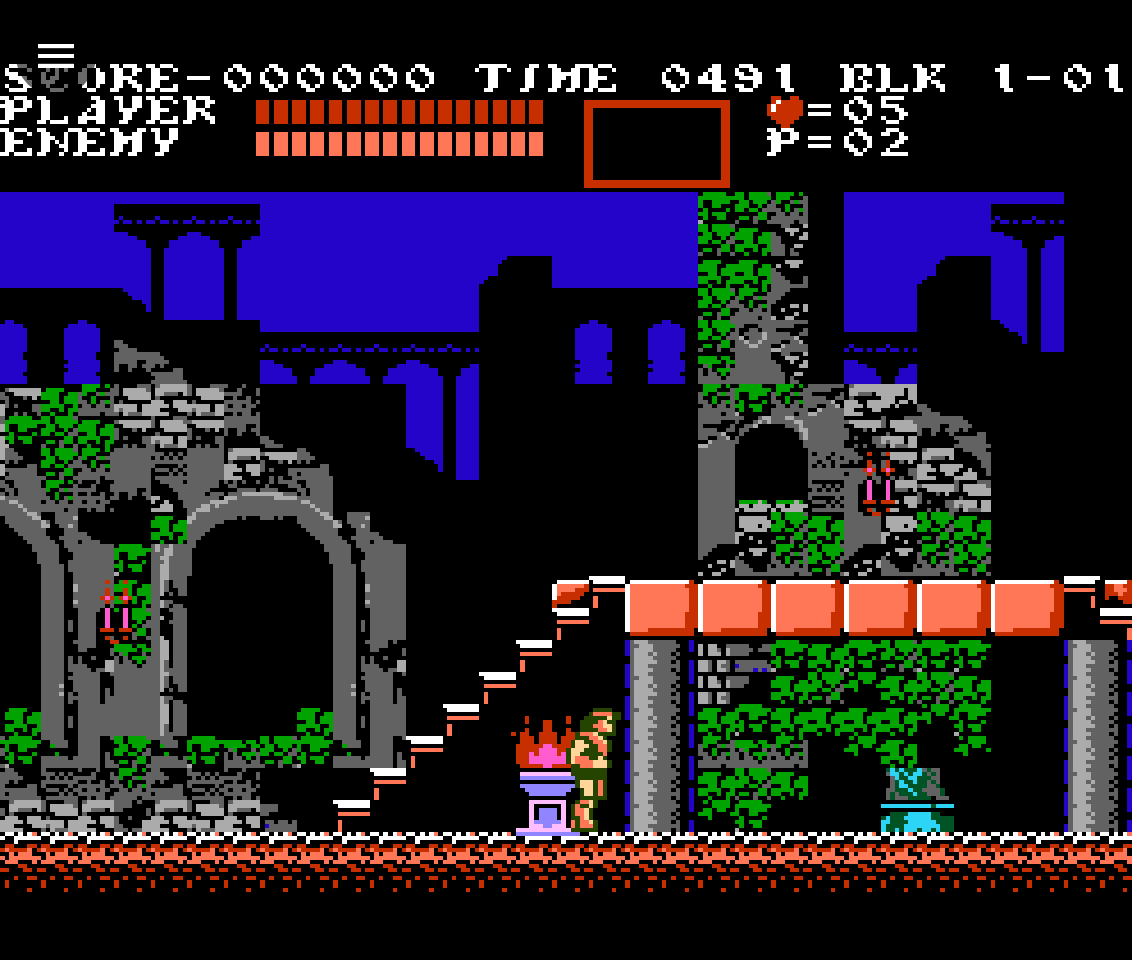
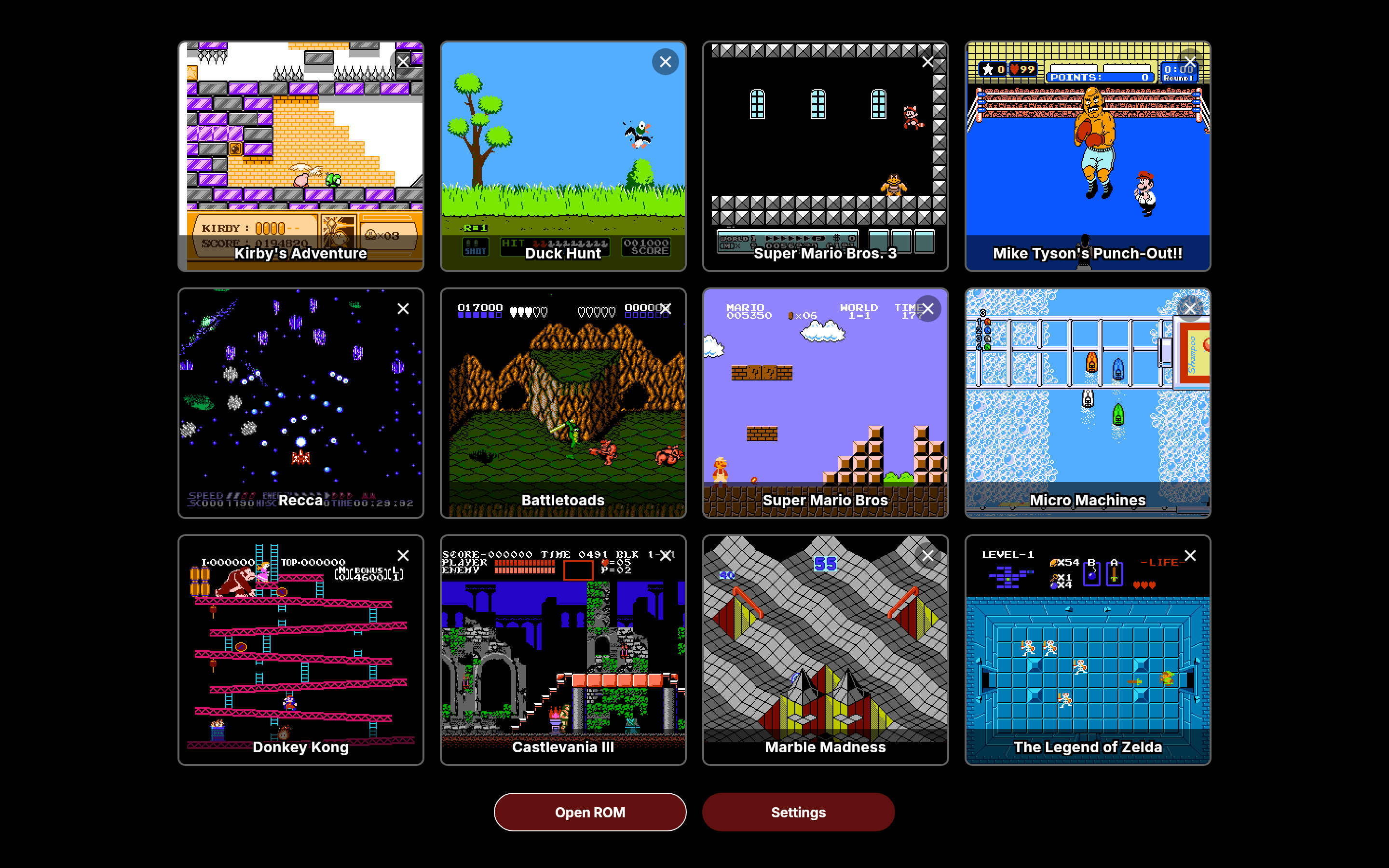
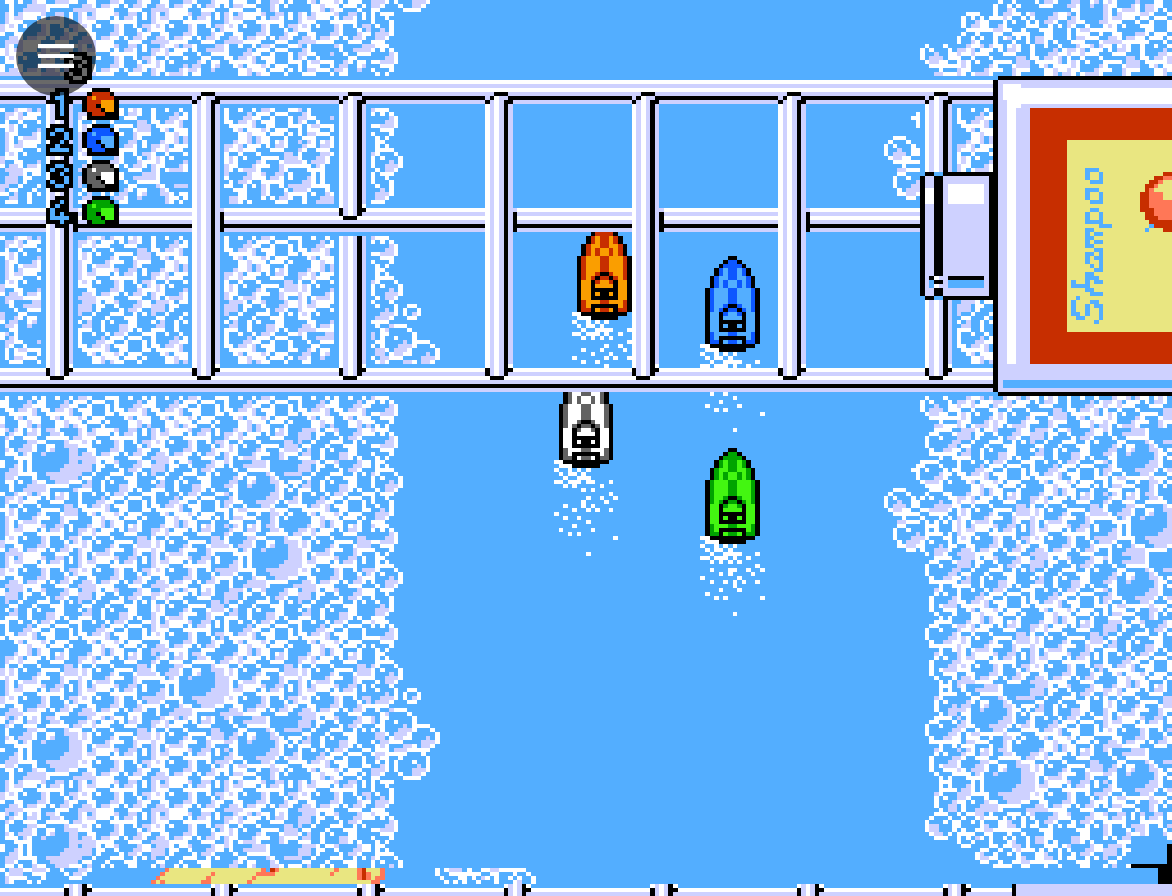
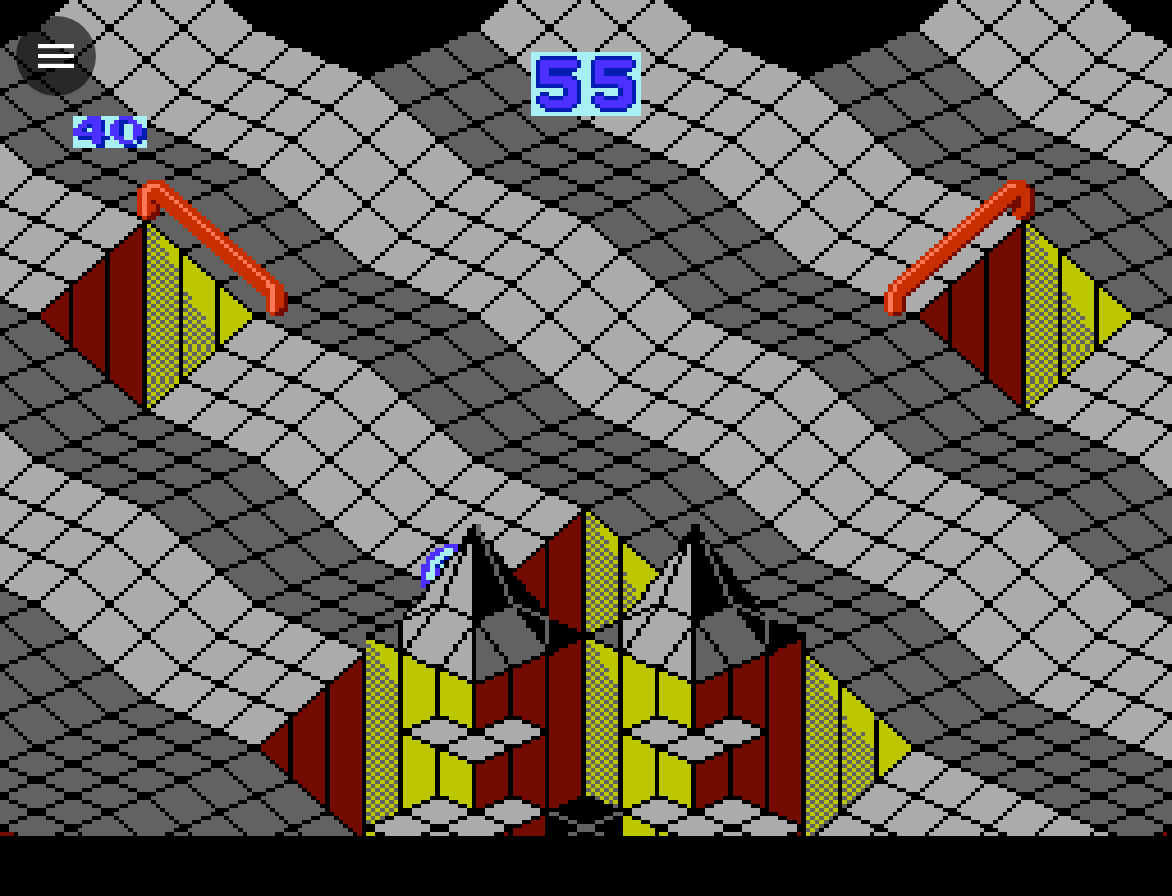
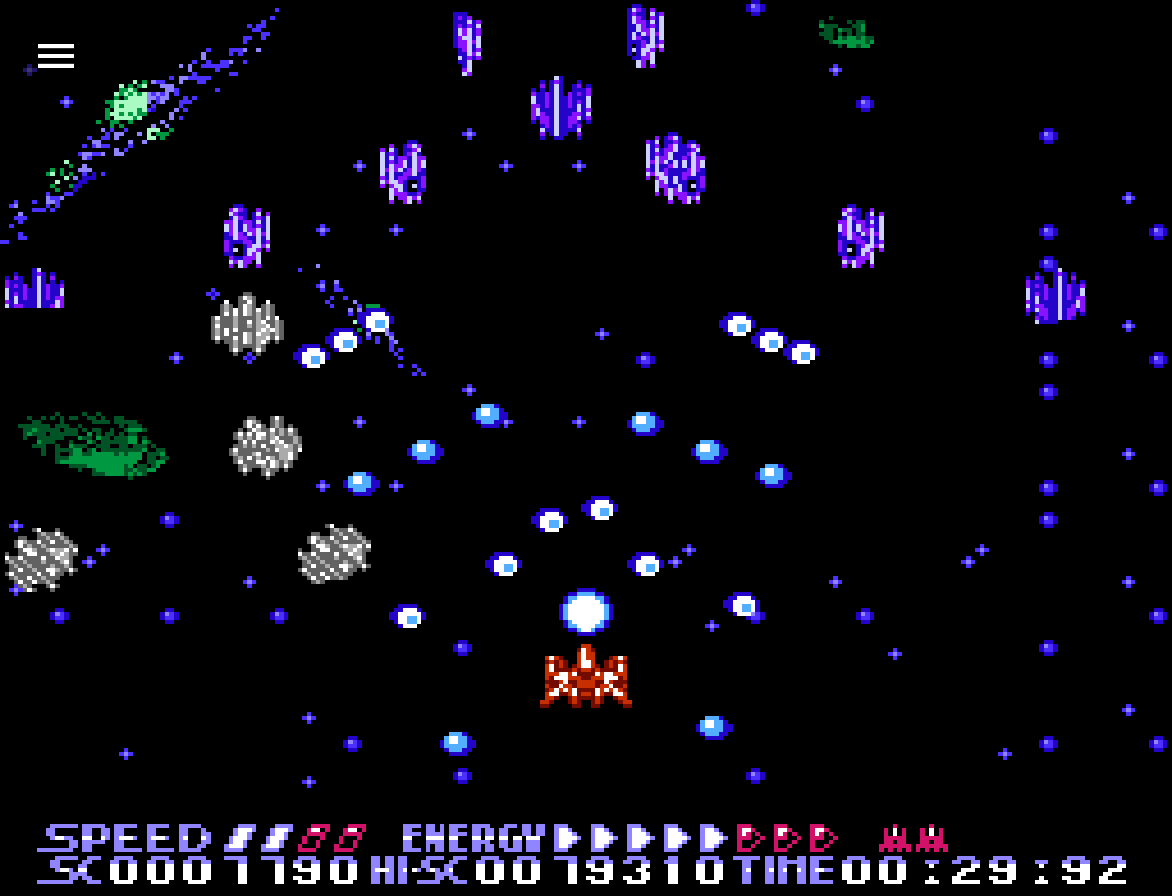
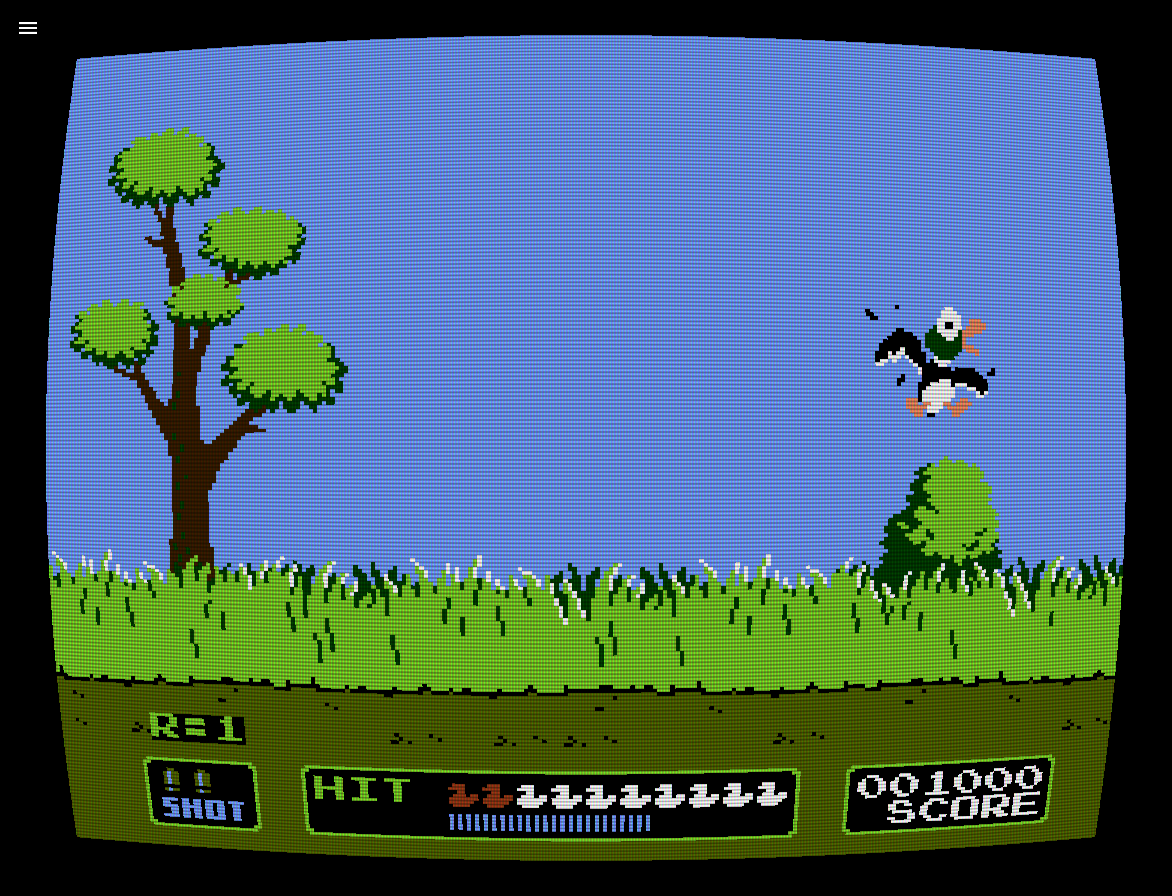
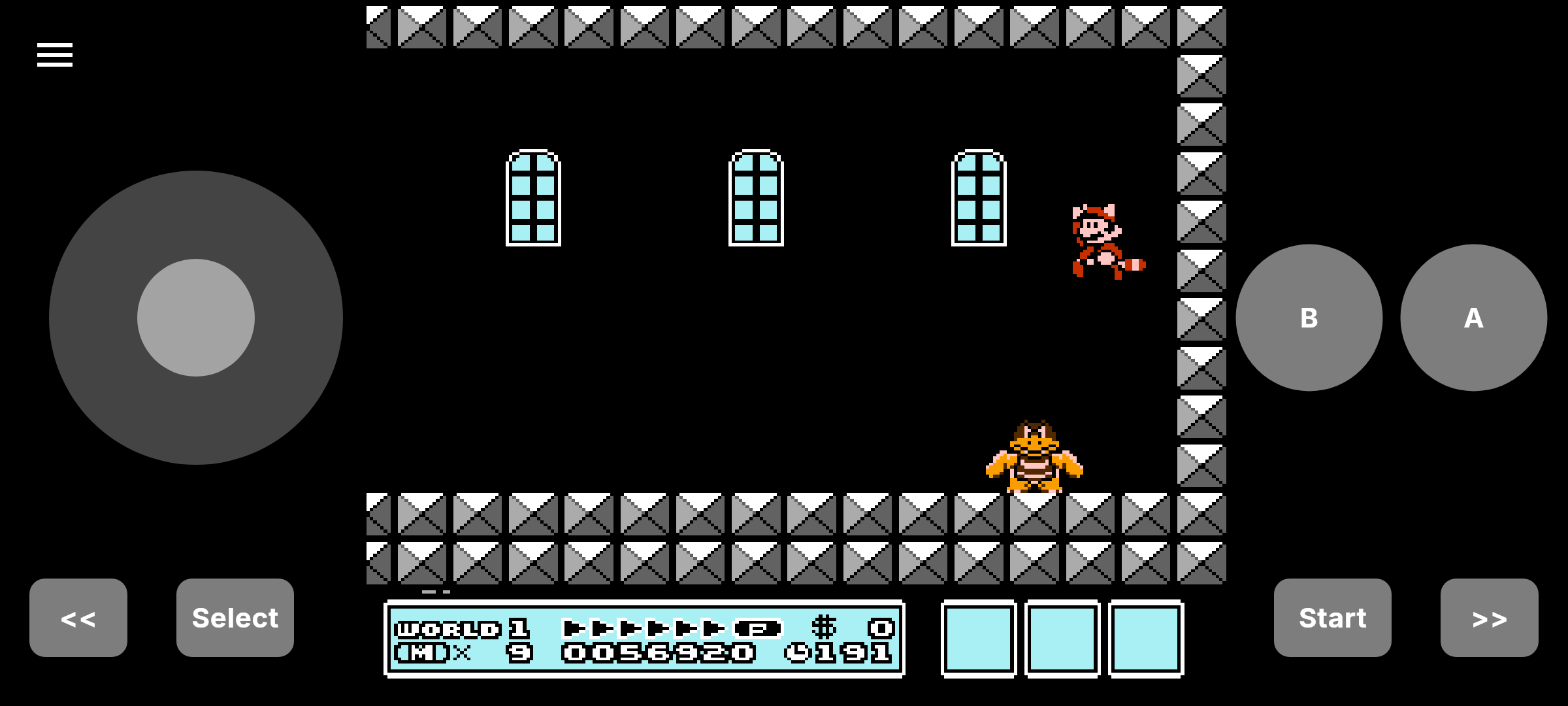
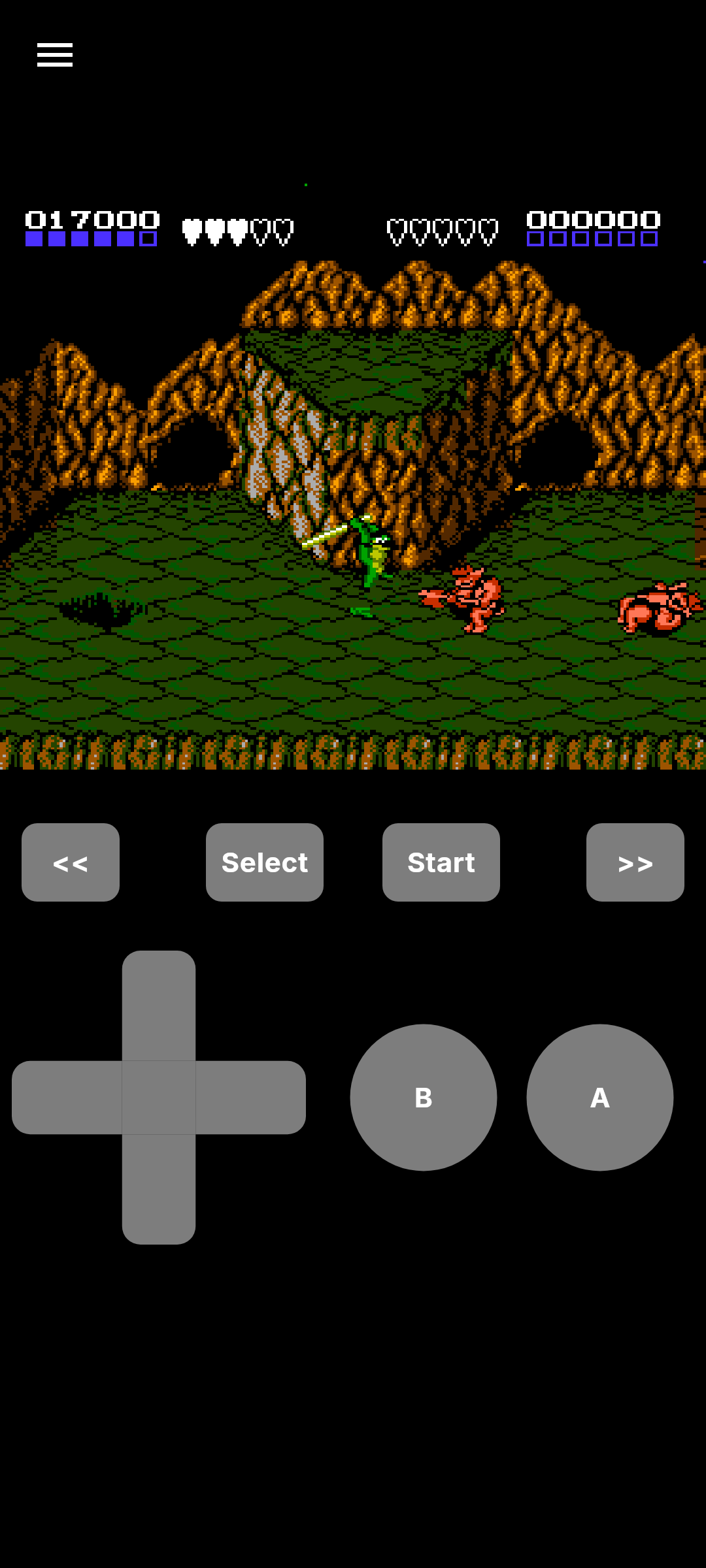
## Screenshots
### Desktop
 ### Android
## Supported games and mappers
NESd supports 3,681 games.
Supported mappers
- 0: NROM (346 games)
- 1: MMC1 (734 games)
- 2: UNROM (303 games)
- 3: CNROM (192 games)
- 4: MMC3 (796 games)
- 5: MMC5 (31 games)
- 7: AxROM (59 games)
- 9: MMC2 (9 games)
- 11: Color Dreams (51 games)
- 16: Bandai FCG (16 games)
- 19: Namco 163 (31 games)
- 21: Konami VRC4 (3 games)
- 22: Konami VRC2 (2 games)
- 23: Konami VRC2 / VRC4 (17 games)
- 25: Konami VRC2 / VRC4 (8 games)
- 30: UNROM 512 (39 games)
- 34: BNROM / NINA-001 (8 games)
- 45: GA23C (151 games)
- 66: GxROM (17 games)
- 69: Sunsoft FME-7 (13 games)
- 70: Bandai discrete (4 games)
- 71: BR909x (30 games)
- 74: Waixing MMC3 (4 games)
- 79: NINA-003-006 (48 games)
- 87: J87 (16 games)
- 118: TxSROM (8 games)
- 119: TQROM (4 games)
- 146: Sachen 3015 (0 games)
- 152: Bandai discrete (5 games)
- 163: Nanjing FC-001 (66 games)
- 176: 8025 (344 games)
- 185: CNROM with CHR-ROM protection (11 games)
- 192: Waixing MMC3 (4 games)
- 206: Namco 108 (63 games)
- 241: BxROM with WRAM (13 games)
- 256: VT03 OneBus (235 games)
## Accuracy
121 of 126 test ROMs run in CI and pass.
Test ROM results
The ROMs live in `roms/test/`, the tests that run them in `packages/nesd/test/test_roms/`.
*Passing* counts the ROMs of a suite that run in CI and pass, out of the ROMs the suite ships.
| Area | Suite | Author | Passing | Notes |
|------|-------|--------|---------|-------|
| CPU | `instr_test-v5` | blargg | 1 / 1 | `all_instrs`, all 16 sub-tests, official and unofficial opcodes |
| CPU | `instr_timing` | blargg | 1 / 1 | Combined ROM, both sub-tests |
| CPU | `branch_timing_tests` | blargg | 3 / 3 | |
| CPU | `instr_misc` | blargg | 4 / 4 | |
| CPU | `cpu_timing_test6` | blargg | 1 / 1 | Official and unofficial opcodes |
| CPU | `blargg_nes_cpu_test5` | blargg | 1 / 1 | `cpu`, official and unofficial opcodes |
| CPU | `nestest` | kevtris | 1 / 1 | Official and unofficial opcodes |
| CPU | `cpu_interrupts_v2` | blargg | 5 / 5 | |
| CPU | `cpu_reset` | blargg | 2 / 2 | |
| CPU | `cpu_dummy_reads` | blargg | 1 / 1 | |
| CPU | `cpu_dummy_writes` | bisqwit | 2 / 2 | |
| CPU | `cpu_exec_space` | bisqwit | 2 / 2 | |
| CPU | `sprdma_and_dmc_dma` | blargg | 2 / 2 | |
| CPU | `dmc_dma_during_read4` | blargg | 4 / 5 | `double_2007_read` needs the back-to-back `$2007` read quirk |
| PPU | `ppu_vbl_nmi` | blargg | 10 / 10 | |
| PPU | `vbl_nmi_timing` | blargg | 7 / 7 | Older release of `ppu_vbl_nmi` |
| PPU | `ppu_open_bus` | blargg | 1 / 1 | |
| PPU | `ppu_read_buffer` | bisqwit | 1 / 1 | 79 sub-tests |
| PPU | `oam_read` | blargg | 1 / 1 | |
| PPU | `oam_stress` | blargg | 1 / 1 | |
| PPU | `blargg_ppu_tests_2005.09.15b` | blargg | 4 / 5 | `power_up_palette` compares against one console's power-up palette |
| PPU | `sprite_hit_tests_2005.10.05` | blargg | 11 / 11 | |
| PPU | `sprite_overflow_tests` | blargg | 5 / 5 | |
| PPU | `scanline` | Quietust | 1 / 1 | Framebuffer golden |
| PPU | `full_palette` | blargg | 1 / 1 | Framebuffer golden |
| PPU | `spritecans-2011` | tepples | 1 / 1 | Framebuffer golden |
| APU | `apu_test` | blargg | 8 / 8 | |
| APU | `apu_reset` | blargg | 6 / 6 | |
| APU | `blargg_apu_2005.07.30` | blargg | 11 / 11 | Older release of `apu_test` |
| APU | `pal_apu_tests` | blargg | 10 / 10 | Run as a PAL console |
| Mapper | `mmc3_test` | blargg | 5 / 6 | `6-MMC6` targets the MMC6 IRQ revision |
| Mapper | `mmc3_test_2` | blargg | 5 / 6 | Newer build of the `mmc3_test` ROMs, `6-MMC3_alt` targets the alternate IRQ revision |
| Mapper | `mmc5test_v2` | AWJ | 1 / 1 | Framebuffer golden |
| Mapper | `m22chrbankingtest` | lidnariq | 1 / 1 | Framebuffer golden, VRC2a CHR bank shift |
| All | `AccuracyCoin` | 100thCoin | 0 / 1 | 144 / 144 tests pass |
## Self-hosting
NESd's web version is a static Flutter web app that can be self-hosted.
### Docker
docker run -d -p 8080:80 ghcr.io/jpjonte/nesd:latest
Then open http://localhost:8080.
`8080` is an example port, feel free to change it.
| Tags | |
|-----------|---------------------------------|
| `latest` | latest release |
| `x.y.z` | specific version, e.g. `0.17.0` |
| `nightly` | latest `main` build |
#### Docker Compose
services:
nesd:
image: ghcr.io/jpjonte/nesd:latest
ports:
- "8080:80"
restart: unless-stopped
### Static files
Any static file server works.
- Download the web build (`nesd..web.zip`) from the [latest release](https://github.com/jpjonte/NESd/releases/latest)
- or `nesd.nightly.web.zip` from the [nightly release](https://github.com/jpjonte/NESd/releases/tag/nightly)
- or build it from source (`flutter build web --wasm --no-web-resources-cdn` followed by `dart run tool/generate_service_worker.dart` in `packages/nesd`).
Serve the directory as-is.
`.mjs` files must be served as JavaScript (`Content-Type: application/javascript`), otherwise browsers reject the WebAssembly runtime's module, and you get a blank page.
Serve `index.html`, `flutter_bootstrap.js` and `sw.js` uncached.
### Link to a ROM
Add a `rom` parameter to start with a ROM: `https://nesd.jpj.dev/play/?rom=https://example.com/game.nes`.
You can load `.nes`, `.zip` and `.7z` files up to 16 MB.
Add `&slot=<0-9>` to load a save state slot.
Select *Save ROM to Browser* in the in-game menu to store the ROM.
## Contributing
Contributions are very welcome! See [CONTRIBUTING.md](CONTRIBUTING.md) for the development setup and how to report bugs (please include the log).
## Acknowledgements
Thank you to the following projects and people for their amazing work:
- The [Nesdev Wiki](https://wiki.nesdev.com/w/index.php/Nesdev_Wiki) for the invaluable documentation
- The [Nesdev Forums](https://forums.nesdev.com/) for the in-depth discussions on hardware behaviors
- SourMesen for the excellent [Mesen](https://github.com/SourMesen/Mesen2/) emulator
- [Modern Vintage Gamer](https://www.youtube.com/@ModernVintageGamer) for the inspiration to write my own emulator
- NewRisingSun for the [NES 2.0 XML Database](https://forums.nesdev.org/viewtopic.php?t=19940) of known ROMs
- blargg, bisqwit, kevtris, Quietust, tepples, AWJ and 100thCoin for the [test ROMs](#accuracy)
- [Andrea Bizzotto](https://codewithandrea.com/) for his excellent Flutter tips and tricks
## License
NESd is released under the [MIT License](LICENSE).
Nintendo Entertainment System and NES are trademarks of Nintendo. NESd is not affiliated with or endorsed by Nintendo, and ships no game ROMs or copyrighted Nintendo material.
Google Play and the Google Play logo are trademarks of Google LLC.