
English | 简体中文
DSH-Desktop
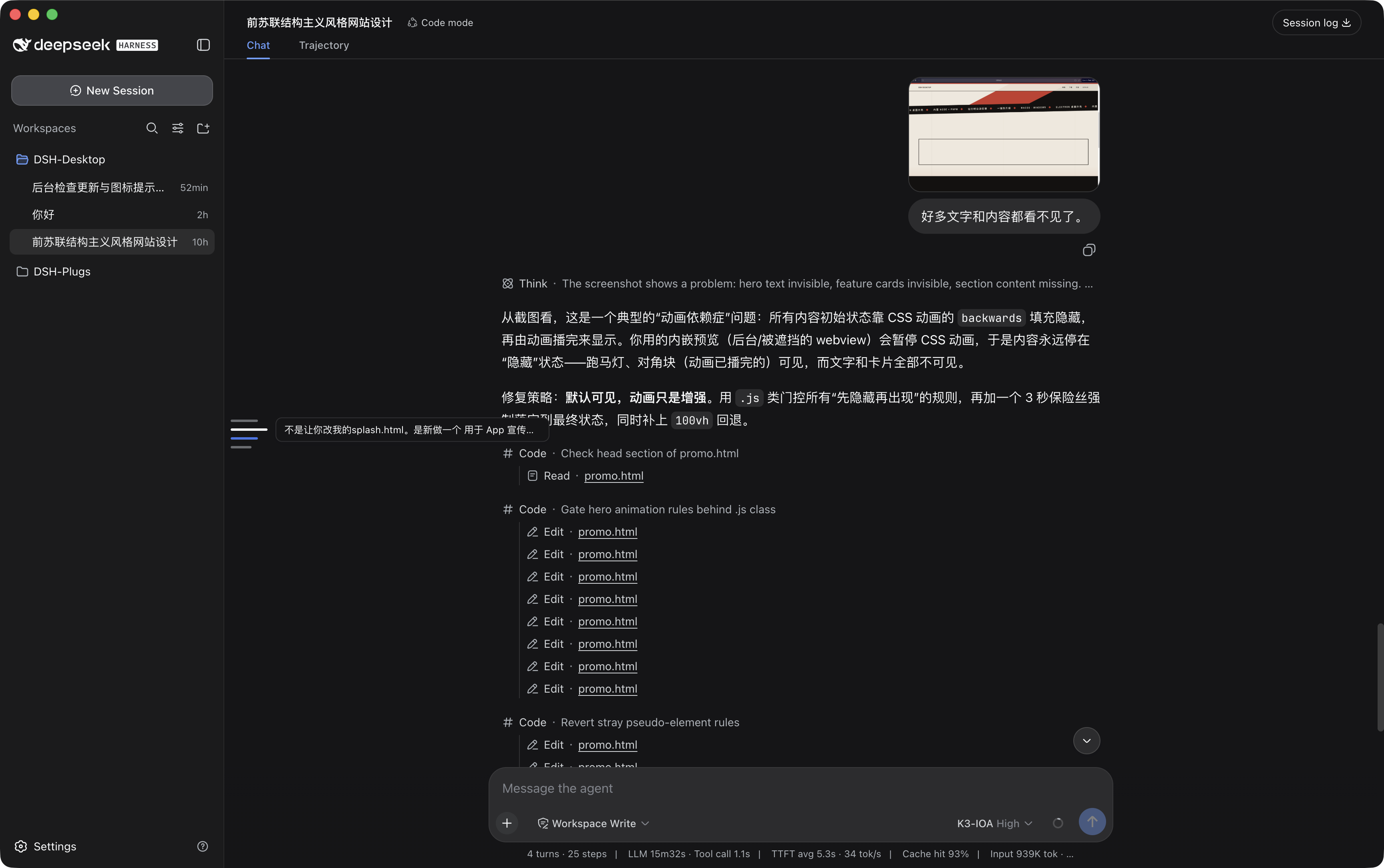
Electron desktop shell for [DeepSeek Harness](https://github.com/deepseek-ai/deepseek-harness) (DSH). Bundles node + pnpm, installs `@deepseek-ai/dsh` into `~/.dsh/runtime`, and serves the `dsh web` UI in a browser window.
## Download & Install
Prebuilt packages are published on [GitHub Releases](https://github.com/JustGenius-s/DSH-Desktop/releases). First launch installs the DSH runtime (~1-2 min).
### macOS
1. Download `DSH-Desktop-*.dmg` from the latest release.
2. Open the `.dmg` and drag `DSH-Desktop.app` into `/Applications`.
3. The app is unsigned, so Gatekeeper blocks the first launch. Right-click the app → **Open** and confirm, or run:
```sh
xattr -dr com.apple.quarantine /Applications/DSH-Desktop.app
```
### Windows
1. Download `DSH-Desktop Setup *.exe` (installer) or `DSH-Desktop-*-win.zip` (portable) from the latest release.
2. Run the installer, or unzip the archive and launch `DSH-Desktop.exe`.
3. The build is unsigned, so SmartScreen may warn. Click **More info** → **Run anyway**.
## How it works
```
Electron main process
├─ bundled node + pnpm (resources/runtime; repo-root runtime/ in dev)
├─ first launch: pnpm installs @deepseek-ai/dsh → ~/.dsh/runtime (upgradeable)
├─ spawn dsh web --host 127.0.0.1 --port
└─ BrowserWindow → http://127.0.0.1:
```
DSH is installed from npm at runtime, not shipped with the app. Upgrading DSH = detect a newer version on launch → click "Update" → restart. No rebuild or re-signing.
## Develop
```sh
pnpm install
pnpm collect # download node + pnpm into runtime/
pnpm start # first launch installs @deepseek-ai/dsh (~1-2 min)
```
Dev and packaged behave identically: both use the bundled node and the external `~/.dsh/runtime`.
## Package
```sh
pnpm dist:mac # macOS dmg + zip
pnpm dist:win # Windows nsis + zip (run on Windows)
```
macOS artifacts are unsigned; Gatekeeper blocks first launch. Allow with:
```sh
xattr -dr com.apple.quarantine /Applications/DSH-Desktop.app
```
## Runtime dependencies
- node (latest) + pnpm (latest), bundled via `scripts/collect-runtime.mjs`
- `@deepseek-ai/dsh` (npm latest), installed to `~/.dsh/runtime`
## Desktop plugin API
The shell injects `window.dshDesktop` into the DSH page (`updates` / `seats` / `notify` / `overlays`). Plugins should depend on that contract, not on Electron packaging code. See [docs/desktop-api.md](docs/desktop-api.md).
## Our plugins
Companion DSH plugins live in [DSH-Plugs](https://github.com/JustGenius-s/DSH-Plugs).
## Thanks to
- [Linux do](https://linux.do/)