[**🇺🇸 EN**](README.en.md) · [🇨🇳 简中](README.zh-CN.md) · [🇯🇵 日本語](README.ja.md) · [🇰🇷 한국어](README.ko.md) · [🇫🇷 FR](README.fr.md) · [🇧🇷 PT-BR](README.pt-BR.md) · [🇹🇷 TR](README.tr.md) · [🇮🇩 ID](README.id.md)
# 🎬 Stickman Video Director
**Turn any script into viral, multi-style animated stickman videos for Faceless YouTube Channels. Fully open-source.**
[](https://github.com/kaomei/stickman-video-director/stargazers)

Start with a topic, an article, or a script. Automatically orchestrate visuals, voiceovers, captions, and sound effects into a production-ready stickman video.
**⚡ 100% Free & Open-Source. No camera, no $50/mo subscriptions, and ready in minutes, not days.**
Continually updated visual styles for **science explainers, dark psychology, tech parables, viral lore, and storytelling channels.**
Classic Black & White

|
Modern Pop

|
Prehistoric Cave

|
Cozy Storytelling

|
Historical Cartoon

|
Minimal Hand-Drawn

|
Amber Noir

|
Colorful Hand-Drawn

|
**8 styles · 10 visual options · Tested examples · Free and open source**
⭐ **Star the project to catch the next style drop and feature unlocks.**
[Get started](#quick-start) · [Director Styles](#a-styles) · [Autopilot Styles](#b-styles) · [FAQ](#faq) · [Roadmap](#road-to-10000-stars--creator-ecosystem)
## 🎬 Two ways to make your video
**Want control over every shot? Choose A · Director Mode. Want a finished video without assembling scenes yourself? Choose B · Autopilot Mode.** One project, two workflows.
| | A · Director Mode
| B · Autopilot Mode
|
|:---:|:---|:---|
| **Approach** | **You control production; AI plans the shots.** Get storyboards and prompts, then generate clips and edit them yourself. | **Give it a topic or a brief; get a finished video.** Automate illustrations, voiceover, captions, subtle animation, and video assembly. |
| **Length** | **Short-first**, typically 30 seconds–3 minutes. Longer videos can be built scene by scene. | **Long-form-first**, especially narrated videos of **10 minutes or more**. Also works for shorts and episodic stories. |
| **Tools** | Plan with a Skill-compatible AI assistant, generate clips in your preferred video generator (Google Flow, Runway, Luma, Kling, etc.), then assemble in CapCut or Premiere. | Run in **Codex, Claude Code**, or another AI coding agent that can read and write files, call tools, and execute commands to connect generation with local rendering. |
| **Visuals** | **Generated animated clips**, with character movement, camera direction, and interactions. | **Illustrated scenes with subtle animation**, using cuts, pans, and zooms to support the narration rather than generating a full-motion clip for every scene. |
| **Output** | A director's treatment, storyboards, scene-by-scene video prompts, and sound design. | **A complete video file with voiceover, captions, and subtle animation.** |
| **Start** | | |
Both workflows can start with a raw topic, a web link, or a full script. Customize your aspect ratio (9:16, 16:9, 1:1), narration language, and voiceover freely. The lengths above are recommendations, not hard limits.
💡 **Quick Setup Note**:
- **Director Mode** works anywhere in standard conversational AI windows.
- **Autopilot Mode** runs inside AI coding agents with file/terminal access (like **Claude Code, OpenAI Codex, or Cursor**) to automatically handle end-to-end rendering and file delivery.
## 🧭 Get started
Compatible with Claude Code, Codex, Cursor, Antigravity, or any agent environment with file/terminal access.
Send the following to your AI assistant:
```text
Install this Skill for me:
https://github.com/kaomei/stickman-video-director
Once installed, read the installed SKILL.md right away.
Explain what each mode produces, the tools it needs, and the workflow
in plain language, with examples I can copy.
Based on what I want to make, tell me what is missing and exactly what to do next.
```
### A · Director Mode: scene-by-scene video prompts
After installation, send this to your AI assistant and replace the placeholder with your topic:
```text
Use Director Mode / mode A to turn the following topic, copy, or brief
into a stickman video:
[Enter a topic, paste your copy, or describe what you need]
Requirements: landscape 16:9, A3 "Prehistoric Cave" style, starting with 30 seconds.
Give me the director's treatment first. After I approve it, provide scene-by-scene video prompts.
```
**Workflow: share your topic and brief → develop the story script → optionally approve front, side, and back character views → generate detailed storyboard prompts → manually generate clips and edit the final video**
The treatment covers the story structure, scene-by-scene narration, actions, camera direction, and sound design. Copy each prompt into [Google Flow](https://flow.google.com/) or another video generator, then add captions and finish the edit in CapCut or your preferred editor.
For your first video, follow the [visual production walkthrough on X](https://x.com/CrazyKaomei/status/2102311241046008268) (Thread with step-by-step video demos).
### B · Autopilot Mode: from a brief to a long-form video
After installing in Codex, Claude Code, or another environment with file access and command execution, try:
```text
Use Autopilot Mode / mode B to turn the following topic, article, post, news item, or brief
into a compelling YouTube video:
[Paste content or a link, or describe what you want to promote]
Requirements: 5–10 minutes, landscape 16:9, B1 "Minimal Hand-Drawn" style, with voiceover, captions, and sound effects.
Check the image generation, voiceover, and video-rendering setup first. Then give me a script and a 20-second preview with sound.
After I approve it, build the full video with visuals timed to the narration. Deliver a complete video file; I do not want to assemble scenes myself.
```
**Workflow: share a topic, content, or brief → approve the script → approve a 20-second preview with sound → automatically produce the full video → receive the finished video file**
The AI assistant plans the scenes, generates the visuals and narration, adds captions and sound effects, and renders a complete video to the voiceover's timing. You approve the script and preview; you do not have to generate and assemble every scene yourself.
On first use, it checks the required setup and walks you through anything missing. If a visual or voiceover section needs work, revise just that section and keep what you have already approved.
**Optional finishing for either mode:** once you confirm the final video, continue with the [Thumbnail & Publishing Kit](#thumbnail-publishing-kit) for a matching cover and upload copy—or finish here. No new mode or installation is needed.
## 🎨 A · Director Mode style gallery
Styles are numbered A1, A2, A3… Each includes its own animated examples.
### A1: Classic Black & White
Explain an idea with just a few lines. On a pure white or black canvas, characters, props, and a little accent color do the heavy lifting—ideal for brisk, clear explainers.
- **Visual style**: simple round heads, line-drawn limbs, and consistent stroke widths, with occasional simple expressions. Up to three saturated accent colors signal emotion, risk, or action. Abstract ideas become visual metaphors: anxiety as a cage, attention as a progress bar.
- **Best for**: science explainers, psychology, motivation, self-management, business breakdowns, and abstract concepts.
- **Choose your look**: black characters on white feel clean and direct for teaching and everyday explainers. White characters on black create stronger contrast for suspense, conflict, and emotion.
| A1.1 · Black on white | A1.2 · White on black |
|:---:|:---:|
|  | |
| Pure white canvas · Black characters | Pure black canvas · White characters |
---
### A2: Modern Pop
A red beanie and yellow T-shirt give this character an instantly recognizable look. Explain a product in a clean tech setting, or follow the character into bedrooms, city streets, and the wilderness for a story with real ups and downs.
- **Visual style**: a minimalist character with a consistent red beanie and yellow shirt, in two types of setting. Minimal Tech pairs white space and a faint grid with floating glass-like interfaces and cyan light. Colorful Story uses richer scenery, lighting, and depth to set the mood.
- **Best for**: Minimal Tech suits AI tools, tech products, tutorials, and feature walkthroughs. Colorful Story works for personal growth, everyday life, adventure, and motivational stories.
- **Choose your look**: explaining a tool or method? Pick Minimal Tech. Taking viewers through a character's experience? Pick Colorful Story.
| A2.1 · Minimal Tech | A2.2 · Colorful Story |
|:---:|:---:|
| |
 |
| White space · Faint grid · Cyan glow | Colorful scenes · Cinematic lighting · Story atmosphere |
---
### A3: Prehistoric Cave
Take today's problems back to a world without phones or offices. Caves, animal skins, campfires, and exaggerated expressions turn the absurdities of work and human nature into short stories with a twist.
- **Visual style**: bold hand-drawn strokes, solid white heads, dark limbs, animal-skin clothing, and earthy surroundings. Character interactions, reaction shots, and comic pauses drive the story. Design the cast for each story—different ages and genders are welcome; not every story needs the same face.
- **Best for**: prehistoric what-ifs, workplace satire, observations on human nature, dark comedy, fables, and English-learning stories for children.
- **Choose this when**: a small story needs an “aha” moment or an unexpected turn. Modern relationships transplanted into a prehistoric tribe make for jokes that feel both familiar and surprising.
| Example 1: "How Did Humans Get Their First Job?" | Example 2: "The First Discovery of Fire" |
|:---:|:---:|
| |
 |
| Prehistoric story · Workplace twist | Discovery of fire · Community creation |
---
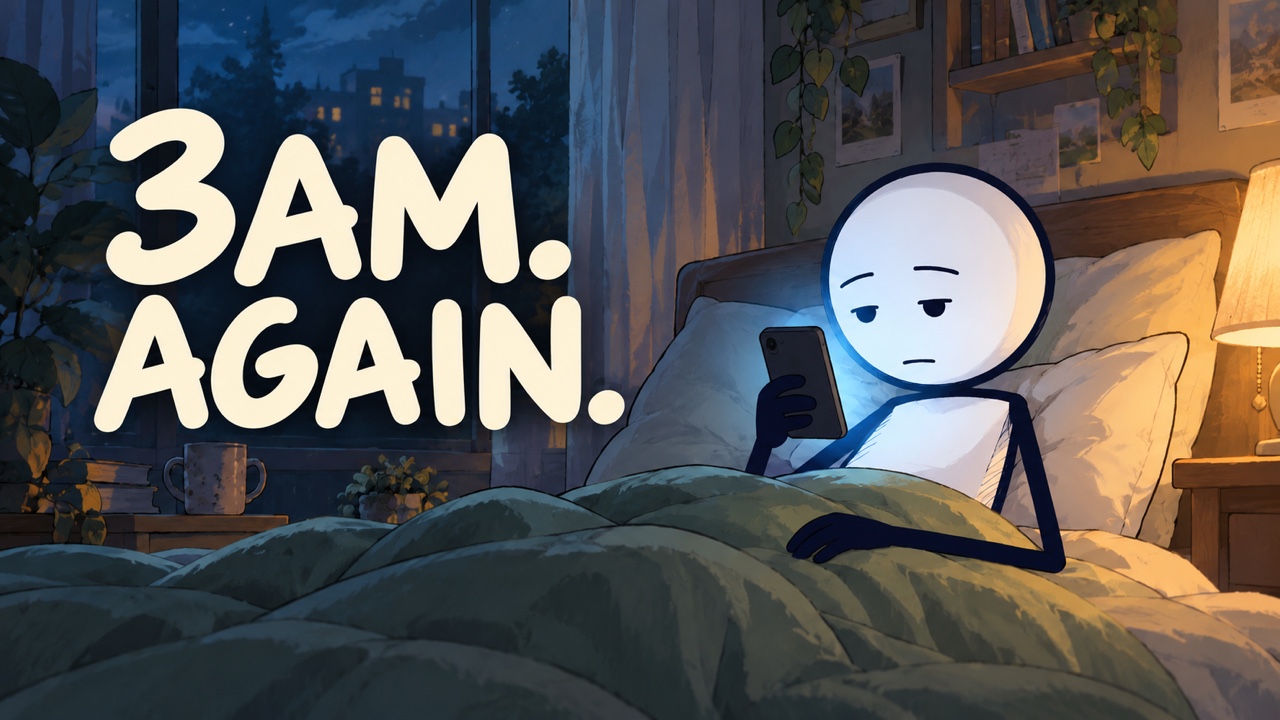
### A4: Cozy Storytelling
A mug too special to use. A message you feel you have to answer immediately. An afternoon finally kept for yourself. Simple characters inhabit colorful everyday settings, telling relatable stories through movement, expressions, and camera work.
- **Visual style**: solid white round heads, slim bodies, fine dark limbs, and natural expressions in fully illustrated 2D environments. Wide shots establish the setting, close-ups capture hesitation or relief, and tracking shots follow the character forward.
- **Best for**: relatable everyday stories, personal growth, relationships, heartwarming moments, habit-building, and English-learning content for children.
- **Choose this when**: you want viewers to recognize themselves in a small moment. Adapt the colors and lighting to the theme, from warmth and comfort to anxiety, exhaustion, and starting over.
| Example 1: Message anxiety on the commute | Example 2: Making time for yourself |
|:---:|:---:|
|
 | |
| Subway station · Walking shots · Emotional close-ups | Outdoor café · Warm light · Everyday gestures |
---
### A5: Historical Cartoon
Send stick figures into history: samurai on Edo streets, black cats in ancient Egyptian temples, soldiers in Roman camps. Period clothing, colorful settings, and playful contrasts make history easier to picture.
- **Visual style**: solid white round heads, black oval eyes, bold clear outlines, and thin line-drawn limbs, paired with period clothing, soft cel shading, and colorful backgrounds. Change the costumes, buildings, props, and music for each place and era while keeping the same character drawing style.
- **Best for**: world history, curious facts about civilizations, everyday life in the past, historical figures, and humorous history shorts.
- **Choose this when**: you want to turn a fact into something a character actually experiences. Reactions and story twists help a small historical detail hold the viewer's attention.
| Example 1: Edo Japan · A samurai's everyday life | Example 2: Ancient Egypt · Cats and mummies |
|:---:|:---:|
|
 |
 |
| Edo streets · Samurai clothing · Everyday contrasts | Colorful temples · Black cat characters · History with a twist |
Style and prompt contribution: [Lawal Ridwan / @leksautomate](https://github.com/leksautomate).
---
### A6: Amber Noir
Warm golden light, deep shadows, and a black round-headed character in an orange hoodie. Turn a curious “what if” into a small cinematic story, told through expressive actions rather than a talking presenter.
- **Visual style**: warm amber highlights against deep plum shadows, simple silhouettes, softly shaded city scenes, and restrained camera movement.
- **Best for**: “what if” scenarios, psychology, modern fables, unexpected discoveries, and short stories with a twist.
- **Choose this when**: you want cinematic animated scenes with an independent narrator. In a browser-enabled agent, approved clips can be assembled with voiceover, sound effects, bold uppercase captions, and a clean white title.
| Example 1: What if everything cost 10,000 times less? | Example 2: A bargain worth running for |
|:---:|:---:|
|
 | |
| Renoise MCP example · 20 seconds | Google Flow example · 8 seconds |
---
### A7: Coming soon…
New specialized director styles are currently in training. [Star the project](#road-to-10000-stars--creator-ecosystem) to unlock them at 5,000 Stars!
---
## 🤖 B · Autopilot Mode style gallery
Styles are numbered B1, B2, B3… Each has its own finished examples combining illustrated scenes with subtle animation, maintained separately from the A series.
### B1: Minimal Hand-Drawn
Let the narration lead. Expressive stick figures, colorful hand-drawn props, and bold on-screen text make ideas, stories, and product benefits clear and engaging.
- **Visual style**: near-white paper with a barely visible grid, black hand-drawn lines, and a few colorful props. Expressive faces, small animated details, flowing transitions, and sound effects keep the story moving. On-screen text highlights key ideas; captions follow the narration.
- **Best for**: YouTube explainers, psychology and personal growth, workplace stories, educational videos, and product promotion.
- **Choose this when**: you want a complete narrated, captioned video from a topic, copy, or story script. The visuals follow the voiceover's natural rhythm, making it a good fit for sustained explanations and long-form storytelling.
| Example 1: YouTube without showing your face |
Example 2: Why is nobody watching? |
|
 |
| Hand-drawn characters · Key text · Subtle animation |
Bodi voiceover · Expressive faces · Subtle animation |
---
### B2: Colorful Hand-Drawn
Everyday stories, drawn with personality. Warm paper, colorful scenes, simple stick figures, and handwritten headings turn familiar moments into engaging narrated explainers.
- **Visual style**: fine, irregular ink lines, muted colors, and story-specific environments. Closeups, changing viewpoints, illustrated diagrams, and small scene or prop movements carry the story without excessive character animation. Dark captions sit on compact ivory paper labels.
- **Best for**: everyday psychology, habits, attention, personal growth, and relatable YouTube explainers.
- **Choose this when**: you want a finished video with richer illustrated settings, Gemini narration, semantic captions, and action sound effects. Your coding agent builds and assembles it locally.
| Example 1: Let one thought drift past |
Example 2: Why did you unlock your phone? |
|
 |
| Bedtime thoughts · Scenic cutaways · Gentle motion |
Everyday distractions · Colorful scenes · Fola narration |
---
### B3: Coming soon…
New Autopilot styles and procedural animations are currently in training. [Star the project](#road-to-10000-stars--creator-ecosystem) to unlock them at 5,000 Stars!
## 🖼️ High-CTR Thumbnail & Publishing Kit
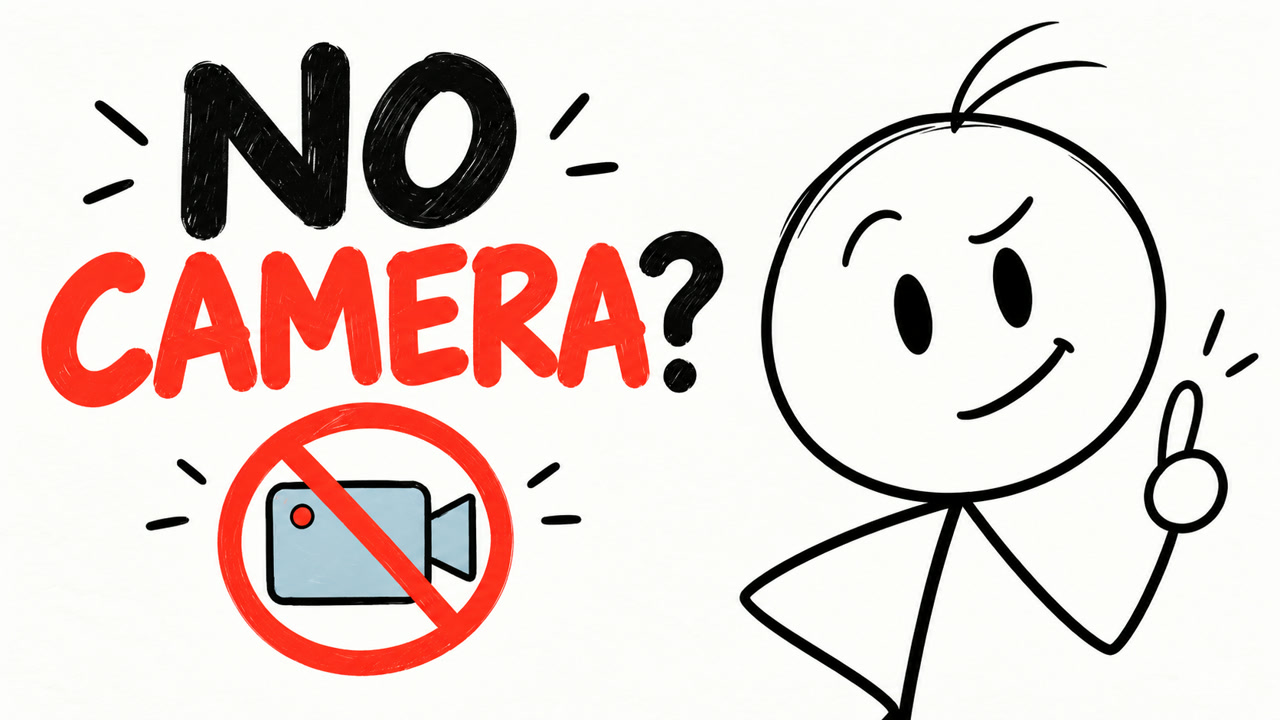
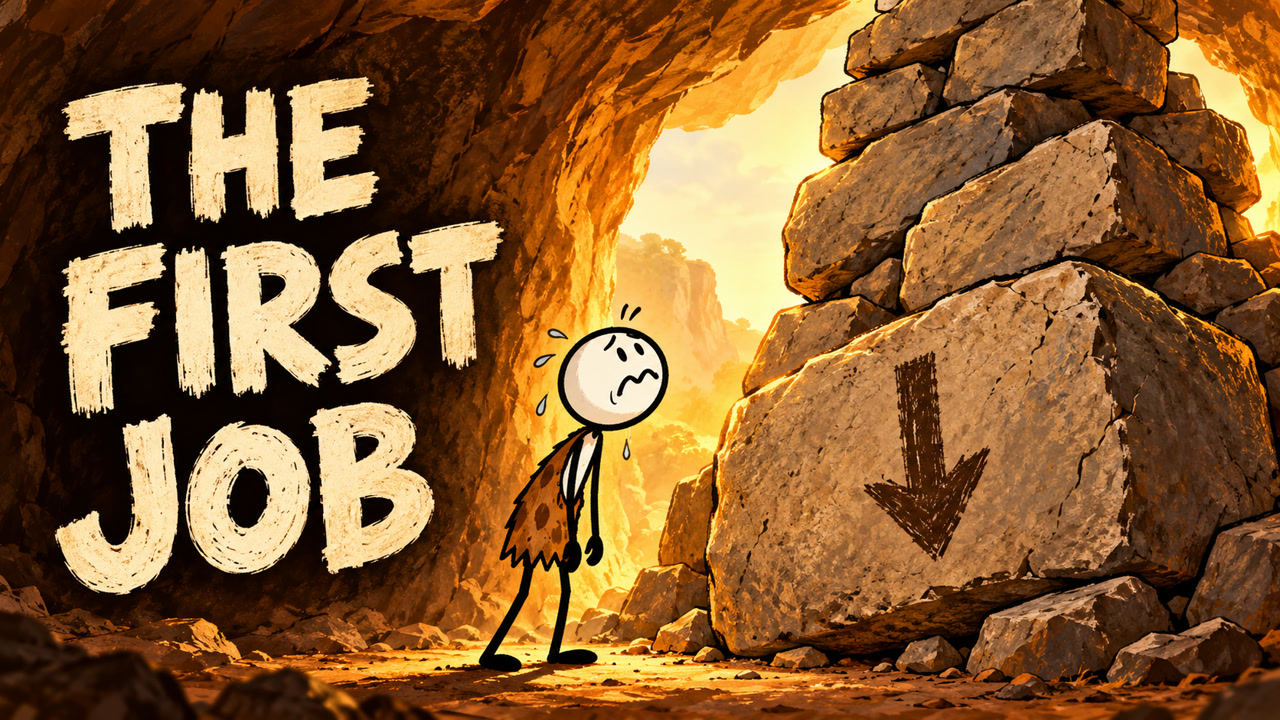
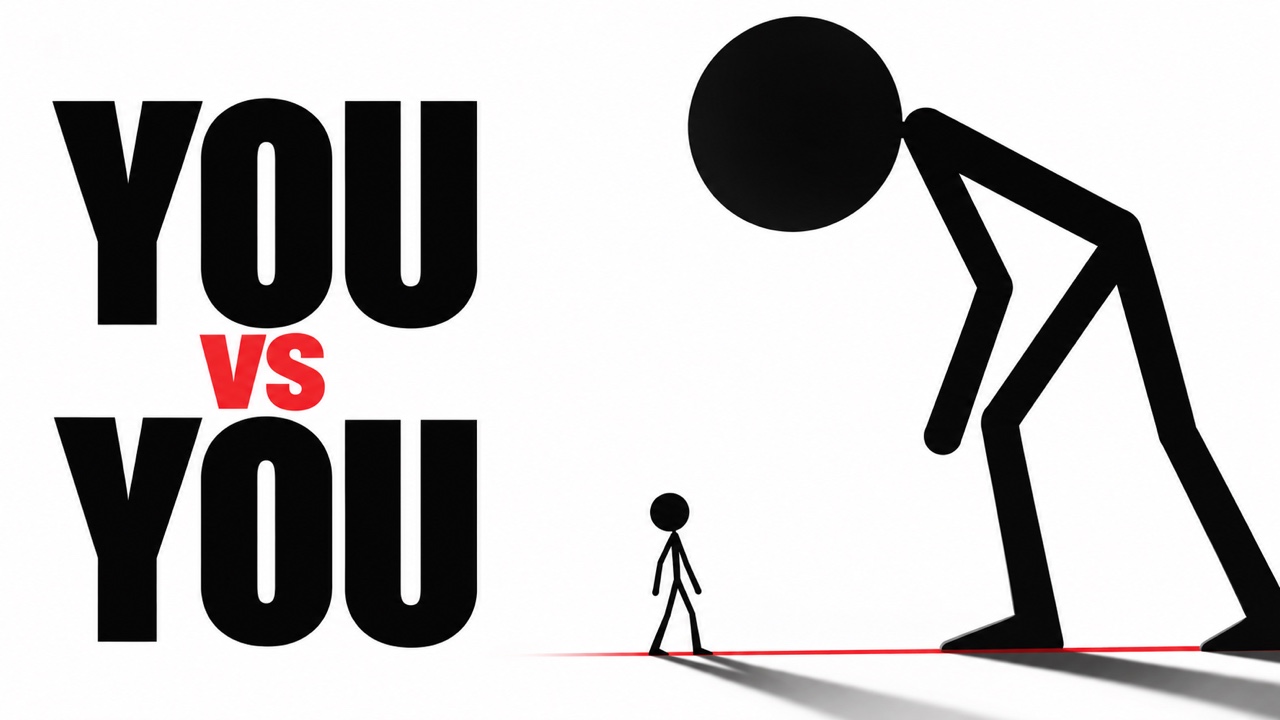
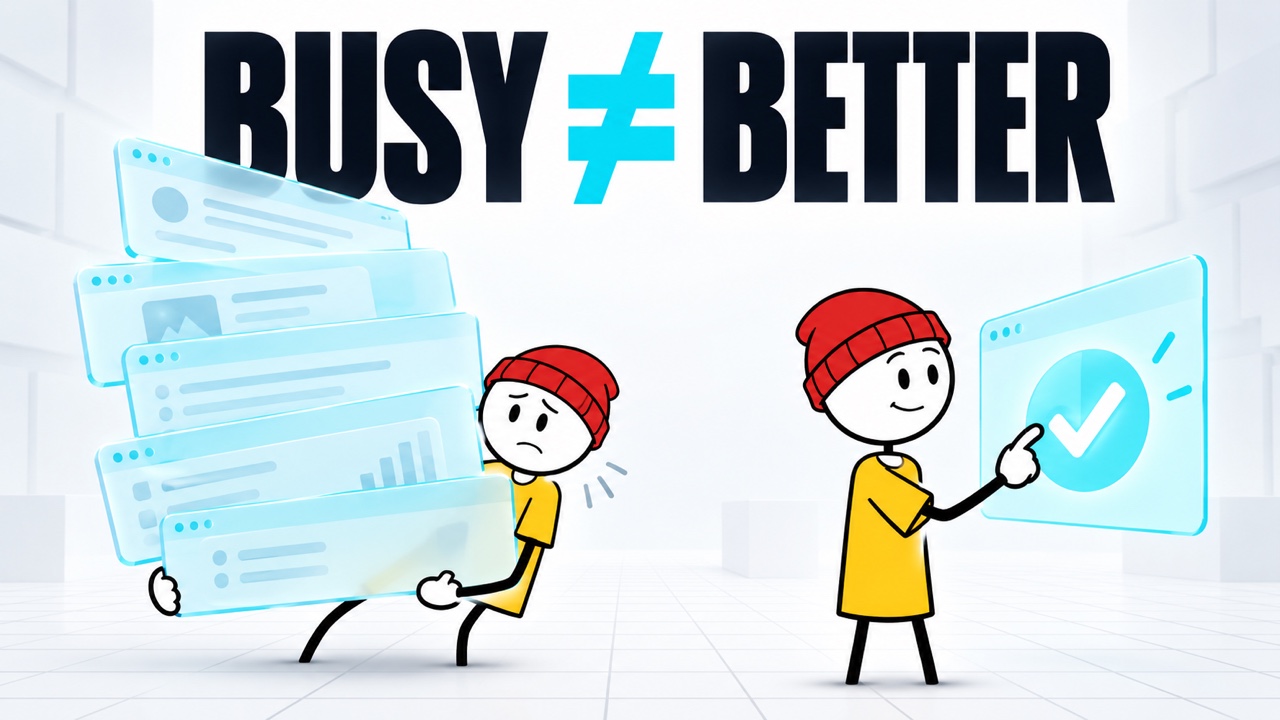
**Your video is only as good as the click.** Once your animation is complete, orchestrate matched thumbnail art, high-CTR titles, and viewer engagement hooks in the same workflow.
An integrated finishing pack for both **Director and Autopilot Mode**: generates visual hooks tailored to your video's approved character and art style, complete with ready-to-publish YouTube metadata.
 |
 |
 |
| A simple question and one clear symbol. |
A story setup with an oversized obstacle. |
Period costume, scenery and display lettering. |
 |
 |
 |
| One conflict, told through extreme scale. |
Busy versus effective, at a glance. |
A relatable scene, painted light and hand lettering. |
*All thumbnail concepts are designed around proven YouTube packaging psychology: bold visual contradictions, clean silhouettes, and mobile-readable typography.*
### What the kit delivers:
- **Thumbnail Image**: One landscape 16:9 cover matched to your video’s approved character style, color palette, and core conflict. Generated directly when a suitable image tool is available and any required cost is approved.
- **5 High-CTR Title Variants**: Formulated for search intent, curiosity gaps, and broad viewer appeal.
- **YouTube Studio Description & SEO**: Topic summary, relevant tags, and timestamps when supported by the final cut or a verified timeline.
- **Pinned Comment Hook**: One relevant question inviting genuine viewer discussion.
- **Pre-Publish Checklist**: Mobile safe zones, contrast, content accuracy, and media-rights review status. Content-ID clearance and monetization eligibility are not guaranteed.
### How to trigger it:
After you confirm the final video, your assistant will ask whether you want this optional finishing pack. Say yes to continue, or skip it without delaying video delivery. No need to copy a prompt. You can also ask directly:
```text
Generate the Thumbnail & Publishing Kit for this video:
- 1 landscape 16:9 thumbnail image matching the approved art style
- 5 YouTube title options
- A description, relevant tags, and verified timestamps if available
- 1 engagement question for the pinned comment
- A pre-publish checklist with any pending checks clearly marked
```
*Image generation requires an available tool and any necessary cost approval; if unavailable, the assistant explains the gap and still delivers the text pack. An early request based on an approved script produces drafts, with final-cut checks pending. Download the cover and copy the text into YouTube Studio or TikTok as appropriate; nothing is uploaded or published automatically.*
## ❓ Frequently Asked Questions
### Q1. Is this really 100% free? Are there any hidden fees?
Yes. Stickman Video Director is 100% free and open-source under the MIT license. You can use it freely for both personal and commercial projects. Unlike proprietary SaaS platforms that charge $30–$60/month, this project has zero subscription fees. You only pay for your own third-party API usage (e.g., Google Gemini, Claude, or ElevenLabs) based on the models you choose to connect.
### Q2. Can I monetize these videos on YouTube and TikTok?
Yes, absolutely. A major concern for faceless creators is YouTube's "Reused Content" or "Low-effort AI" demonetization policy. Because Stickman Video Director writes custom storytelling arcs, unique narrative pacing, and original visual staging, your output is completely original. Hundreds of channels successfully monetize stickman narrative videos under the YouTube Partner Program (YPP).
### Q3. Do I need programming skills or an expensive GPU?
No. You do not need a high-end RTX graphics card or coding knowledge.
- **Director Mode** runs conversationally inside any Skill-compatible AI assistant.
- **Autopilot Mode** runs inside AI coding agents (like Claude Code, Codex, or Cursor) using simple conversational English. All heavy visual generation is handled via lightweight cloud APIs or procedural rendering, not your local hardware.
### Q4. Can I make a video without an existing script?
Yes. You can paste a rough idea, a shower thought, a news link, or an entire blog post. The AI director will extract the core conflict, write a compelling 3-second hook, and structure your topic into a tight 6-scene narrative arc complete with comedic timing and voiceover cues.
### Q5. When should I choose Director Mode vs. Autopilot Mode?
- **Choose Director Mode** when you want absolute control over every single shot, camera angle, and visual metaphor. It acts as your cost safety net: you approve the script and storyboards for free before generating a single video frame.
- **Choose Autopilot Mode** when you want a hands-off, 1-click experience that automatically generates the script, voiceover, captions, and finished video file.
### Q6. How does the AI ensure the video has high viewer retention and isn't boring?
Traditional AI tools just spit out literal illustrations of text. Stickman Video Director applies real **visual storytelling psychology**:
- **The 3-Second Hook**: Transforms your opening sentence into an immediate visual contradiction or curiosity gap to stop viewers from scrolling away.
- **Visual Metaphors**: Converts abstract boring concepts into comedic visual jokes (e.g., anxiety depicted as a shrinking hamster wheel, burnout as a 1% battery bar).
- **Pacing & Comic Pauses**: Inserts structured pauses, reaction shots, and sound effect cues (SFX) to mirror the comedic timing of creators like Casually Explained.
### Q7. What AI assistants and video editors are supported?
- **AI Environments**: Compatible with Claude Code, OpenAI Codex, Cursor, Antigravity, or any agent environment with file and terminal access.
- **Video Generators**: Works seamlessly with Google Flow, Runway (Gen-3), Luma Dream Machine, Kling, Pika, or any image-to-video / text-to-video model.
- **Video Editors**: Prompts and audio exports are ready to drag-and-drop into CapCut, Premiere Pro, DaVinci Resolve, or Final Cut.
### Q8. What if I dislike one specific scene—do I have to re-render the whole video?
No! That is the core advantage of our modular 6-scene architecture. If Scene 3 needs adjustment, you only revise that single scene prompt. Scenes 1, 2, 4, 5, and 6 remain untouched. This saves you 80% of editing time and eliminates wasted generation credits.
## ⭐ Road to 10,000 Stars & Creator Ecosystem
**Every star fuels the next drop!** Together, we’re building a 100% free, open-source studio to help solo creators run faceless channels without $50/mo SaaS subscriptions.
- [x] **1,000 Stars**: Shipped Director Mode + 5 core visual styles
- [x] **3,000 Stars**: Shipped AutoPilot Mode for 1-click video generation
- [ ] **🔥 5,000 Stars**:
- 5–10 new visual styles drop
- 1-click batch editor for YouTube Shorts & TikTok
- [ ] **7,500 Stars**:
- 1,000+ viral YouTube script prompt vault
- 200+ royalty-free, Content-ID safe SFX and transitions
- [ ] **10,000 Stars**: Launch the official all-in-one Web Studio
## 🔮 Planned Visual Styles
We are actively training new specialized engines for the most requested faceless YouTube niches:
- **OverSimplified History & Lore** — Tiny historical figures, conquest arrows & satirical battle maps
- **Stickman Combat & Speedlines** — Alan-Becker-style dynamic combat, martial arts & impact frames
- **Dark Psychology & Stoic Noir** — Moody silhouettes, glowing eyes & 48-Laws-of-Power storytelling
- **Wall Street & Silicon Valley Parody** — Suit-and-tie stickmen, crashing charts & corporate roasts
- **Two-Mic Podcast & Stand-Up** — Snappy dialogue comedy, interview repurposing & character banter
- **Internet Mysteries & Urban Legends** — Eerie pencil sketches, analog glitch & Reddit mystery lore
## 💬 Community & Submissions
Want to suggest a style or get your channel featured? Message **[@CrazyKaomei](https://telegram.me/CrazyKaomei)** on Telegram:
- **Request a Style**: Send a visual reference link + the niche you want to cover.
- **Get Featured**: Made a video with this tool? Send your link to be showcased in this README and on our official YouTube channel!
🔔 *Follow **[@CrazyKaomei](https://x.com/CrazyKaomei)** on X for daily video workflows, automation tools, and channel growth SOPs.*
## 📄 License
Released under the [MIT License](https://github.com/kaomei/stickman-video-director/blob/main/LICENSE). Free to use, modify, distribute, and use commercially. Keep the original copyright and license notice when distributing the project or substantial portions of it.
Provided “as is,” without warranty. See [LICENSE](https://github.com/kaomei/stickman-video-director/blob/main/LICENSE) for the full terms.