# Resident Evil Code: Veronica X — PC Port
**An unofficial native Windows port of the PlayStation 3 version, made by static recompilation.**
**English** | [Português (Brasil)](README.pt-BR.md) | [Español](README.es.md)
Replay the PS3 version on PC. Practice routes with a native SRT, room selection and saves anywhere.
[Game setup](#preparing-your-game) · [Speedrun practice](#built-for-speedrun-practice) · [Features](#features) · [Gallery](docs/GALLERY.md)
> [!IMPORTANT]
> **No game files are included.** This repository and its releases contain only the port: no game data, no game executable and no code generated from it. You need your **own original copy** of the PS3 game (PSN release). *Resident Evil*, *Code: Veronica* and all related names, characters and images are trademarks and copyrights of **Capcom**. This is a fan project. It is **not affiliated with, authorized or endorsed by Capcom or Sony Interactive Entertainment**.
## Downloads — v1.5.0
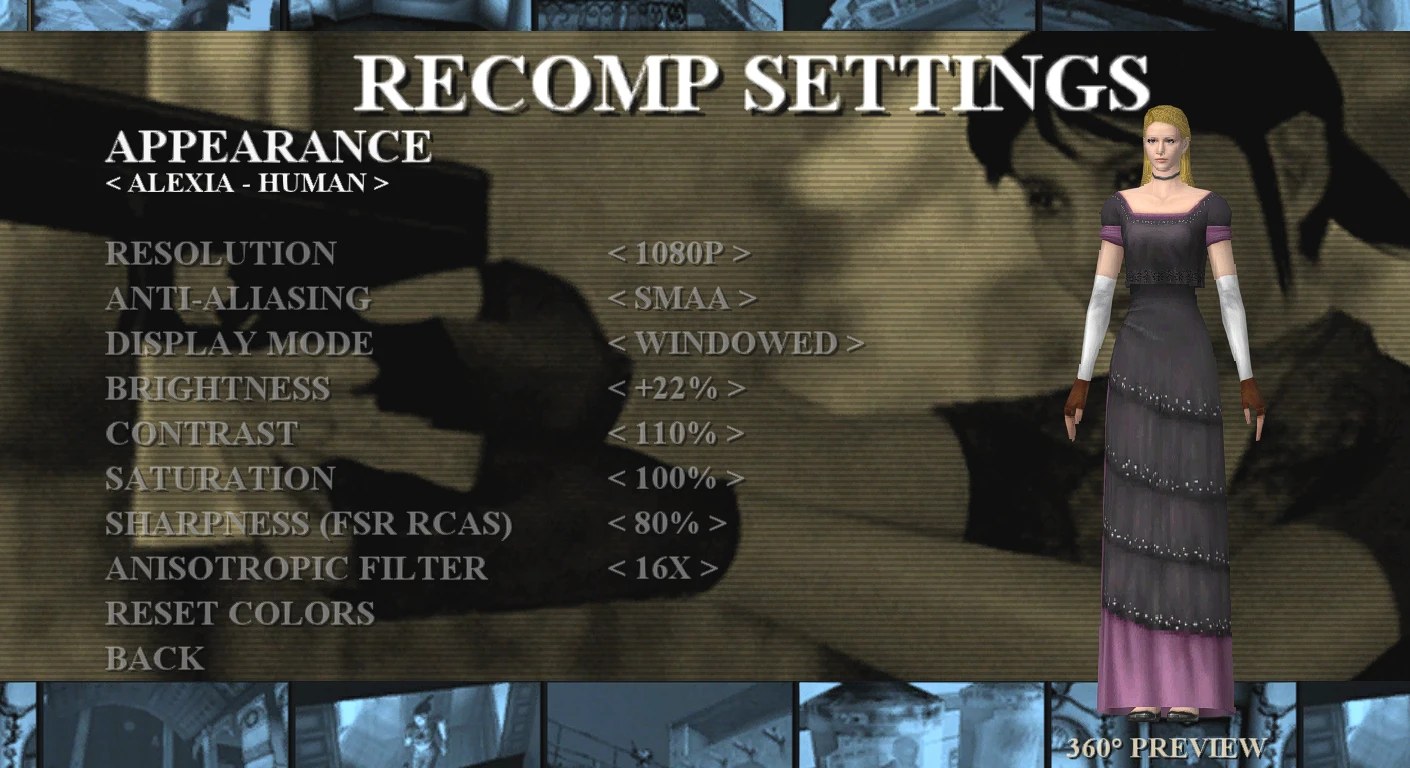
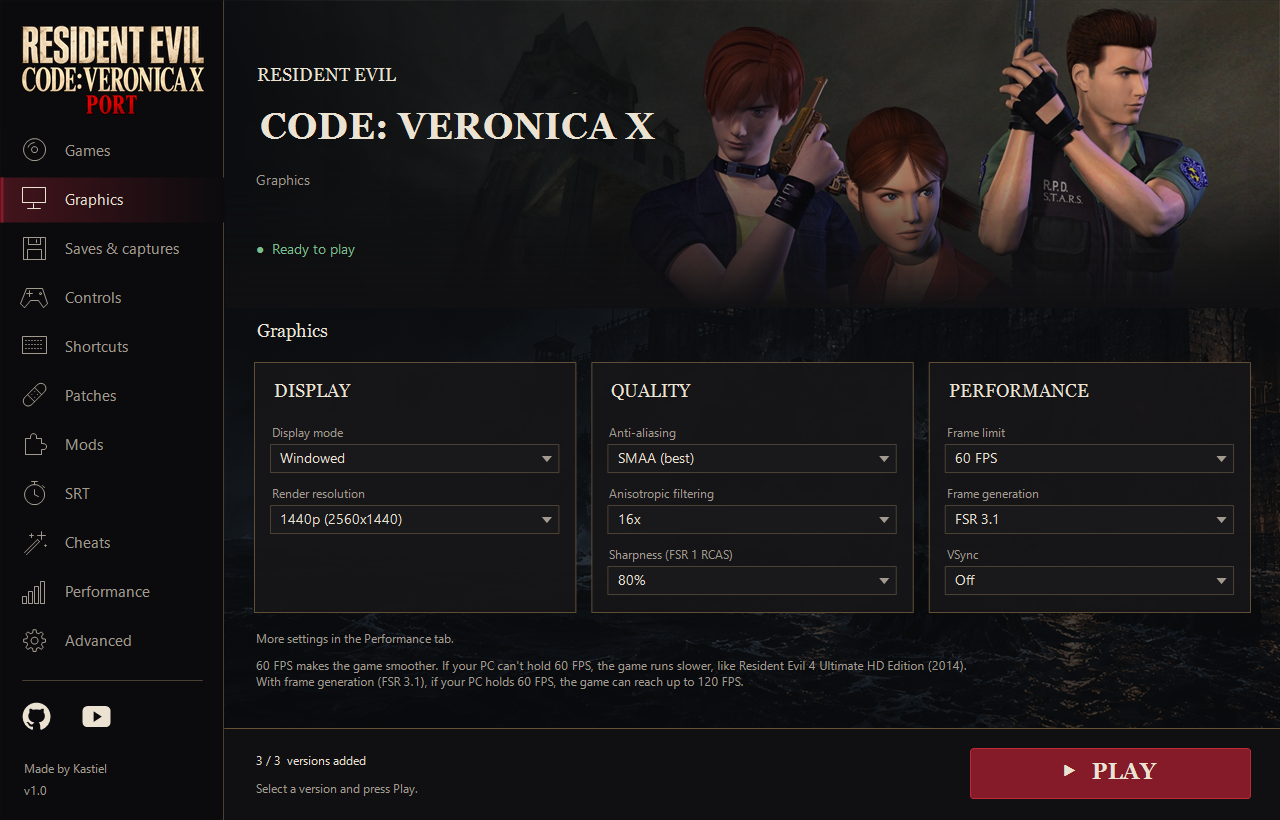
**v1.5.0:** native 60 FPS smoothing for **EU/US/JP**, smoother inventory transitions with equip/unequip fixes, FSR 3.1 Frame Generation alongside smoothing, fixed European door skipping, a lighter appearance preview and reorganized Recomp Settings. **30 FPS and Classic movement remain the initial defaults.** Game-text selection supports EU/US; the additional US languages use your registered EU installation, while JP remains Japanese only. AVX2 and automatic SSE4.1 compatibility builds are included.
Special thanks to **[Lyxodius](https://github.com/Lyxodius)** for **[PR #36](https://github.com/kastieloficial/RE-Code-Veronica-PS3-HD-Recomp-PC/pull/36)**, reviewed and extended by Kastiel for this release. Read the [complete English/Portuguese changelog](projects/code_veronica/distribution/NOTAS-RELEASE-v1.5.0.md).
[**RE Code Veronica Recomp Release v1.5.0**](https://github.com/kastieloficial/RE-Code-Veronica-PS3-HD-Recomp-PC/releases/tag/v1.5.0)
| Download | Contents |
|---|---|
| [CodeVeronica-PC-v1.5.0.zip](https://github.com/kastieloficial/RE-Code-Veronica-PS3-HD-Recomp-PC/releases/download/v1.5.0/CodeVeronica-PC-v1.5.0.zip) | Windows port with launcher and EU/JP/US support. Extract everything and open **Code Veronica.exe**. |
| [Veronica-PKG-Extractor-v1.0.1.zip](https://github.com/kastieloficial/RE-Code-Veronica-PS3-HD-Recomp-PC/releases/download/v1.5.0/Veronica-PKG-Extractor-v1.0.1.zip) | Separate, unchanged PKG preparation tool for your own game; RPCS3 extraction is also supported. |
| [HD texture pack (Google Drive)](https://drive.google.com/file/d/1t6yVG1yEC5dl3Td6jT4rhFj1EEwmbsAZ/view?usp=sharing) | Optional community HD textures for the US, EU and JP versions, adapted to this project. Credits, channels and install steps: [TEXTURAS-HD-COMUNIDADE.md](projects/code_veronica/TEXTURAS-HD-COMUNIDADE.md). |
| [CodeVeronica-LiveSplit-Speedrun-v1.0.zip](https://github.com/kastiellcontato-design/Code-Veronica-Recomp/releases/download/v1.0/CodeVeronica-LiveSplit-Speedrun-v1.0.zip) | Previous LiveSplit Any%/S-Rank split lists and setup instructions. |
English and Portuguese instructions are included. Original game files and licenses are not included. [Releases](https://github.com/kastieloficial/RE-Code-Veronica-PS3-HD-Recomp-PC/releases).
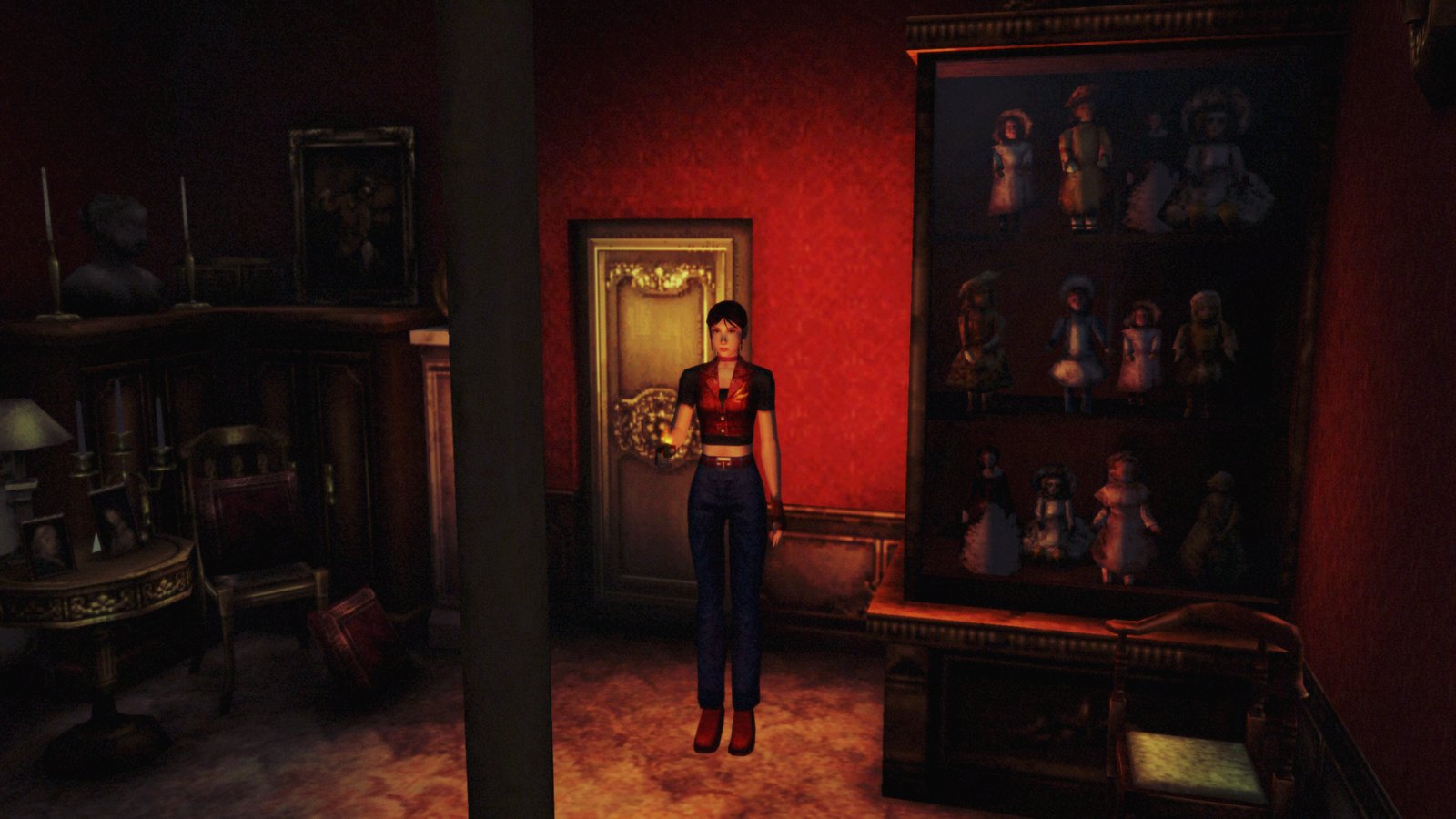
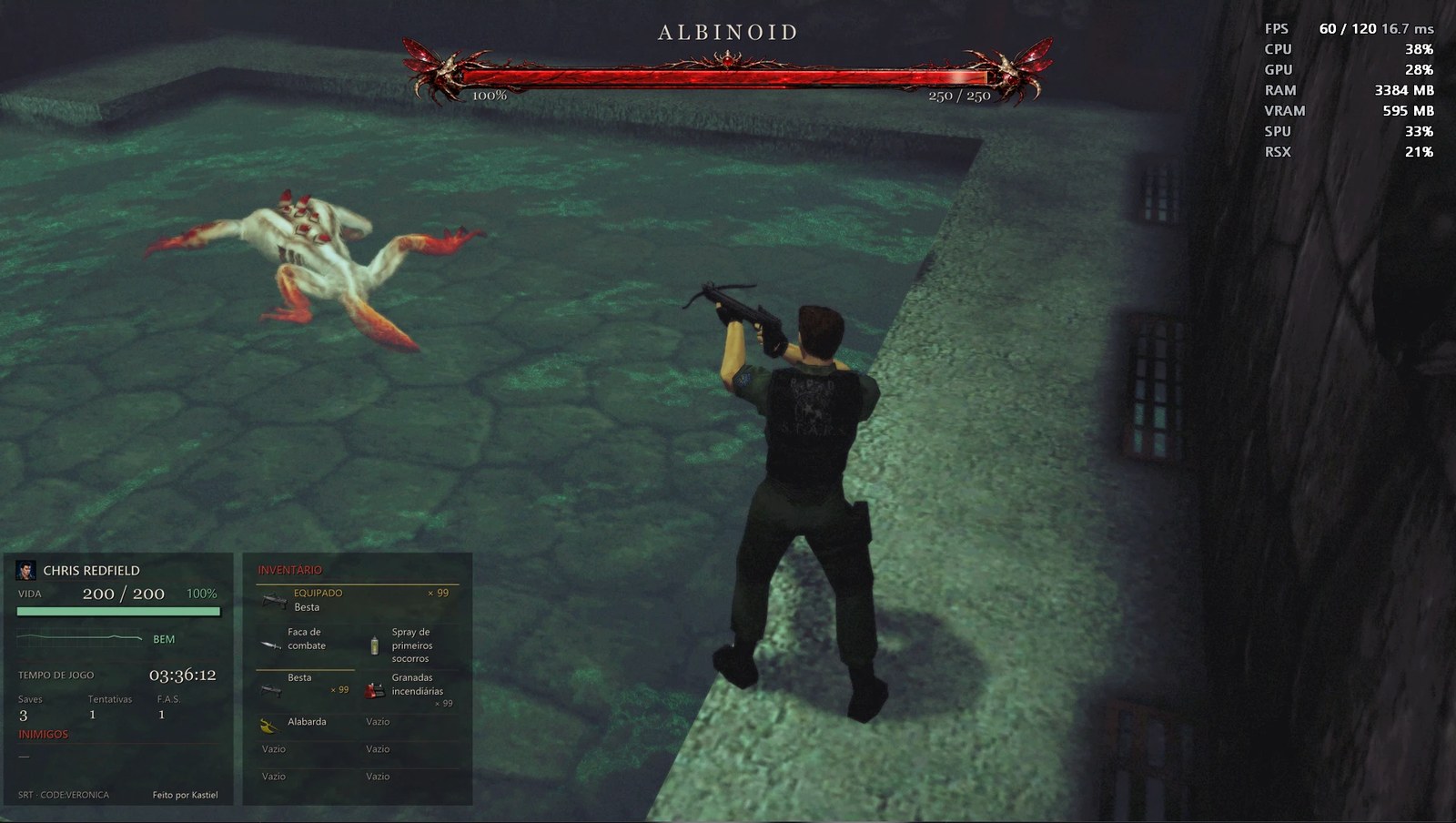
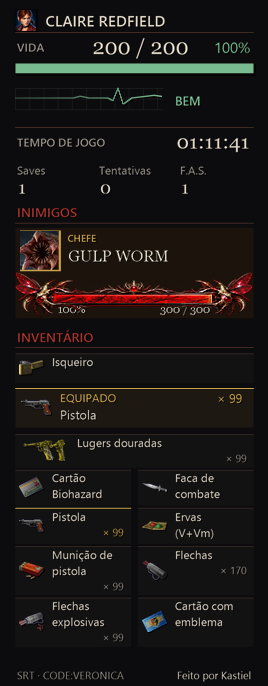
 |
 |
[View the complete screenshot gallery](docs/GALLERY.md)
## Known issues
The port remains a work in progress. Local gameplay tests cover EU, US and JP, but a full playthrough on every hardware configuration is not verified. Graphics or compatibility issues can still occur and 60 FPS is not guaranteed on every PC. Please report the region, PC specifications, `run-log.txt` and what happened.
## Building from source
Building is only needed if you want to work on the port. It requires your own decrypted game, because the recompiled game code is generated on your machine and is **never committed**.
**Tools:** Visual Studio 2022 or newer (or Build Tools) with the C++ workload, **LLVM/clang-cl**, CMake 3.20+, Ninja, Python 3.12. The FFmpeg 7.1 shared DLLs (`avcodec-61`, `avutil-59`, `swscale-8`, `swresample-5`, LGPL) are included in `third_party/ffmpeg/bin/`.
To install all the tools at once, open a terminal (PowerShell or Command Prompt) and run these lines. Windows downloads and installs each program; the first one installs Visual Studio Build Tools with the C++ package already selected:
```
winget install --id Microsoft.VisualStudio.2022.BuildTools --override "--passive --wait --add Microsoft.VisualStudio.Workload.VCTools --includeRecommended"
winget install --id LLVM.LLVM
winget install --id Kitware.CMake
winget install --id Ninja-build.Ninja
winget install --id Python.Python.3.12
```
Then close and reopen the terminal, go to the project folder and install the Python packages:
```
pip install -r requirements.txt
```
You only need these tools to build. To just play, download the Release zip instead.
Run the steps in this order:
1. **Lift the PPU code** with `ppu_loader` and `ppu_lifter` into `src/recomp/` (EU), `src/recomp_us/` (US) and `src/recomp_jp/` (JP). See [docs/GETTING_STARTED.md](docs/GETTING_STARTED.md). For example, for Japan:
```
python tools/ppu_loader.py