


Search for skins inside DeepSeek Harness and install them with one click.
Install it once, and changing skins never sends you back to the terminal.
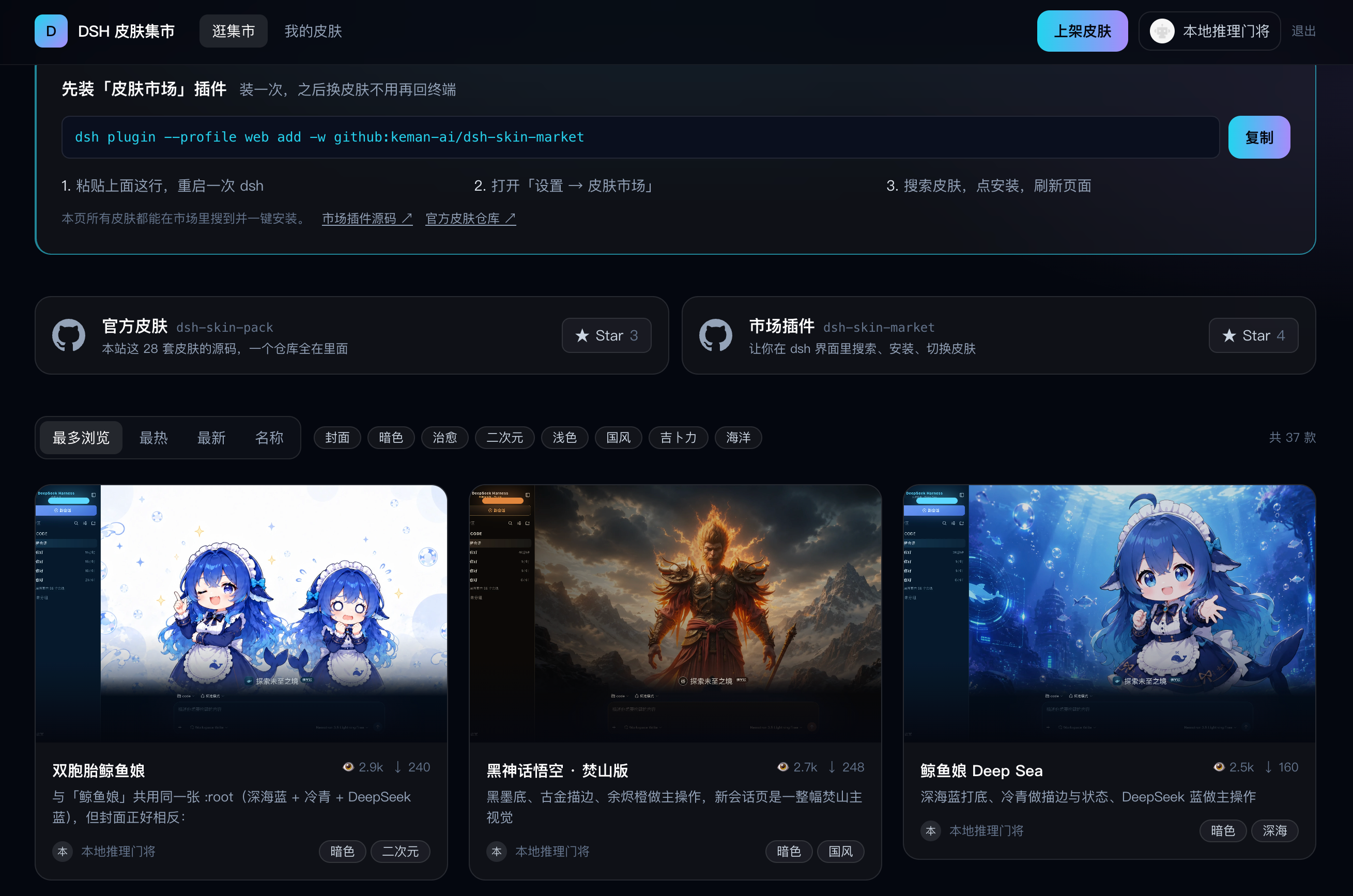
dsh.a2hmarket.ai — where the skin catalog comes from, no login required
English · 简体中文
If this is useful to you, a Star goes a long way
## Three tabs
|
|
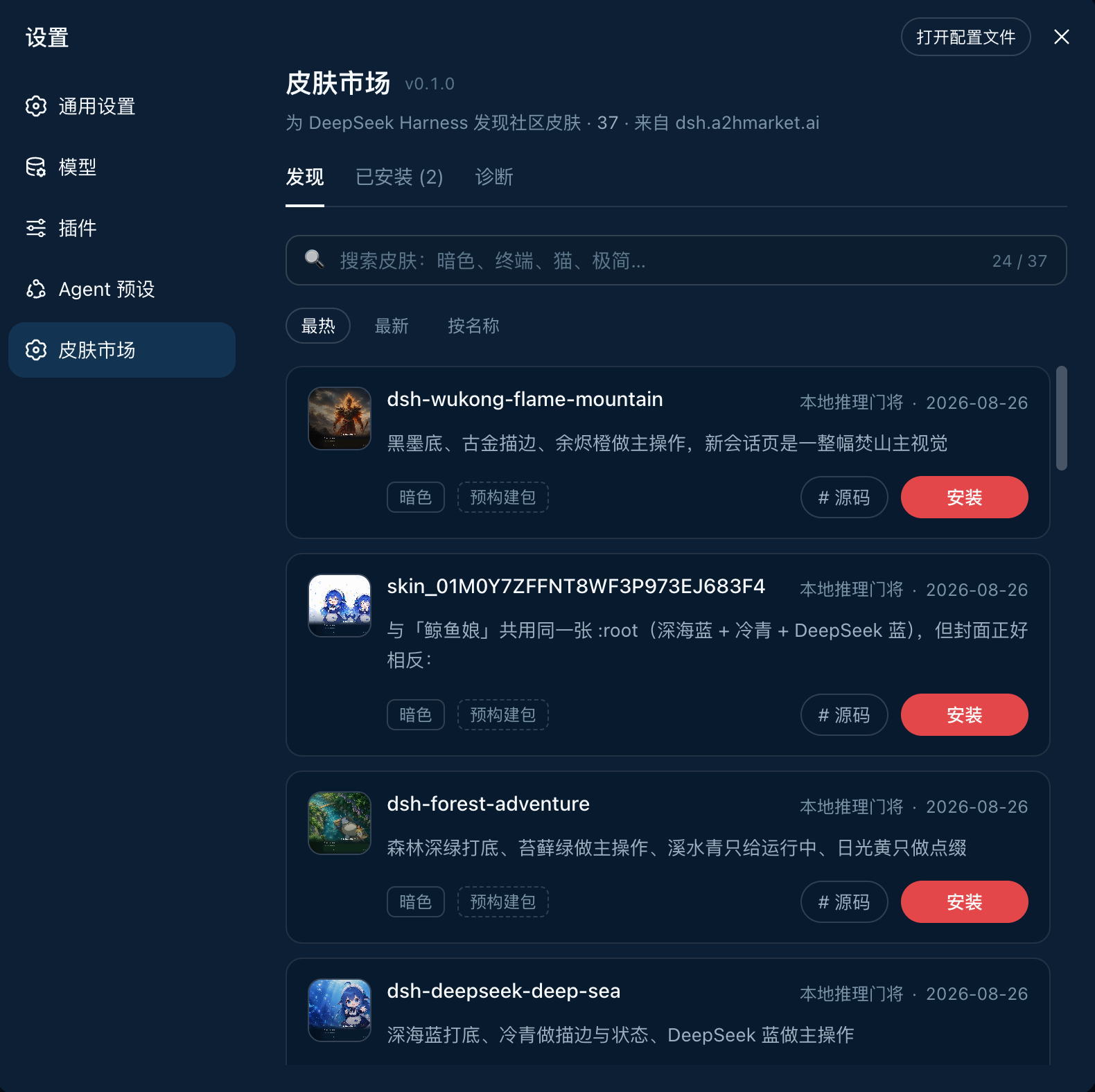
DiscoverSearch, sort, install in one click. Each card states whether the skin is a prebuilt package or built from source — so you know whether the click costs seconds or minutes before you make it. |
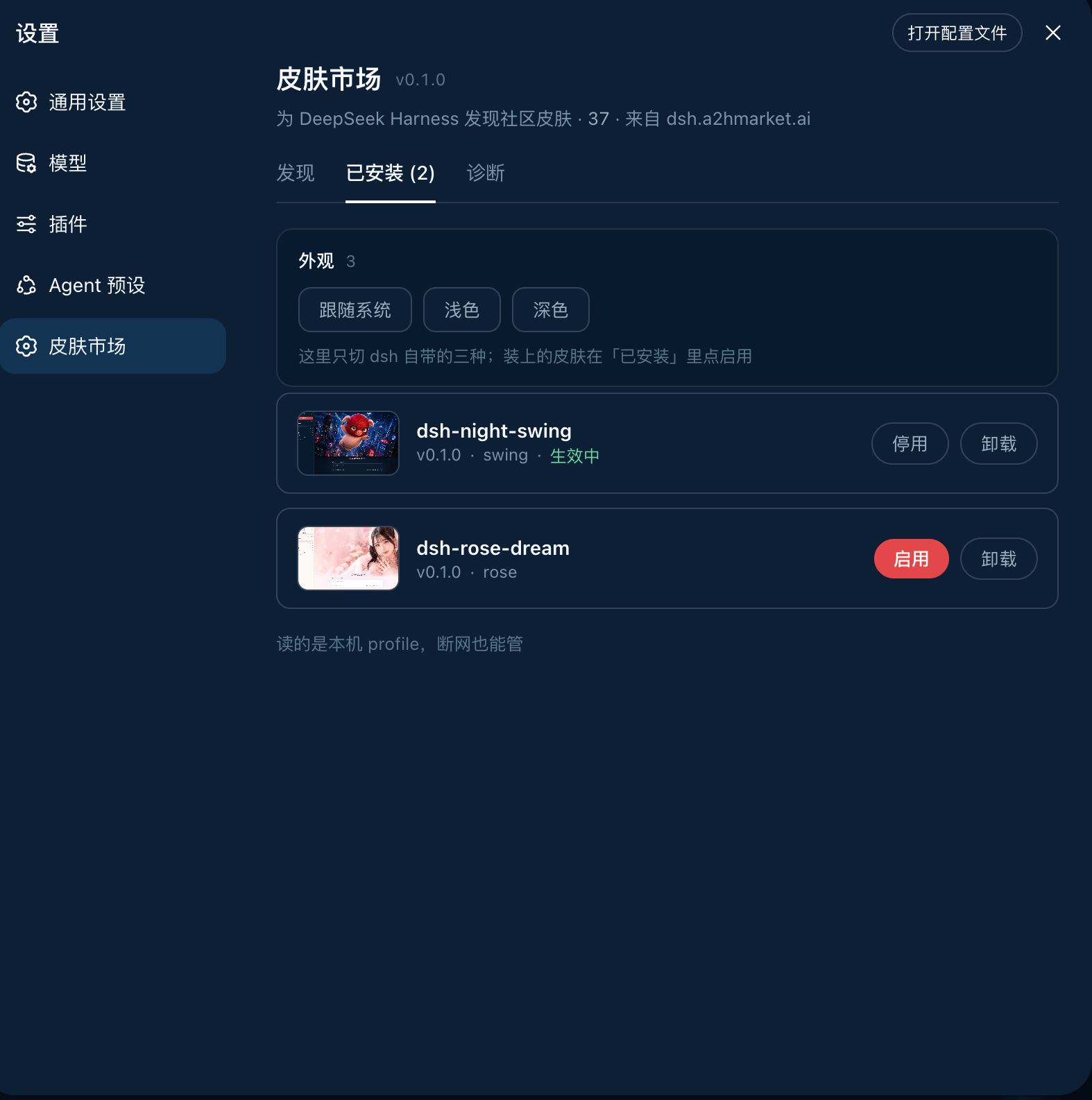
InstalledVersion, theme id, enable / disable, uninstall. It reads the local profile, so it works offline — even the previews are served locally, with no extra network use. |
Diagnostics · pnpm, the profile path, registry connectivity and the full output of the last install — the first screen to check when something will not install, and far more useful than a screenshot
> **The source of every official skin on the site lives in [dsh-skin-pack](https://github.com/keman-ai/dsh-skin-pack).** ## Install ```sh dsh plugin --profile web add -w github:keman-ai/dsh-skin-market ``` Restart dsh once, then open **Settings → Skin Market**. ```sh dsh --profile web ``` **From then on, installing a skin only takes a page refresh — no restart, no commands.** > **`-w` is not optional.** The profile directory ships a `pnpm-workspace.yaml`, so pnpm reads it as a workspace root and refuses to install (`ERR_PNPM_ADDING_TO_ROOT`). `-w` is the "yes, install into the root" declaration, and `dsh plugin` forwards it to pnpm verbatim. Both pnpm 8 and 10 need it. The repository ships its build output (`lib/`) and has no `prepare` script, so pnpm runs no build script when installing from a git source and you never have to grant `allowBuilds`. If you run harness from source, replace both `dsh` commands above with `pnpm dsh` inside the harness directory. ### Uninstall ```sh dsh plugin --profile web remove dsh-skin-market ``` Skins installed through the market do not disappear with it — they are independent dependencies in the profile, uninstalled individually from the market's Installed tab. ## Requirements **Browsing** needs only dsh and a network. **Installing** is what needs the command-line tools, because installing is fundamentally running `pnpm` on your behalf. | Dependency | Requirement | What happens without it | |---|---|---| | **DeepSeek Harness** | `0.1.0-rc.6+` (tested on rc.7) | Earlier versions lack `settings.section` and the browser module table, so the plugin cannot mount | | **profile** | Must be the **web** profile | headless / tui bundles have no `webServer`, so the plugin never activates | | **Node.js** | `>= 20` (tested on 24) | dsh's own requirement; the plugin does not raise it | | **pnpm** | On `PATH` (tested on 8.15 and 10) | Affects installing only. Diagnostics flags it red and the install button reports a clear error, while browsing and search continue | | **git** | Only for GitHub-source skins | Most catalog skins now use Release tarballs (no git needed); only a few remain `github:owner/repo` sources | | **Network** | `dsh.a2hmarket.ai`; also `github.com` for GitHub-source skins | An unreachable registry falls back to the cache or bundled snapshot, and the page says so | | **Browser** | Installing requires a **direct local connection** (loopback) | Remote access can browse and search; installing is refused | The plugin itself has a single runtime dependency: [`yaml`](https://www.npmjs.com/package/yaml), used to read and write the profile's patch file. ## Configuration No configuration is needed by default. To change something, append a section to the profile's `cordis.patch.yml` (`$DSH_HOME/profiles/web/cordis.patch.yml`) overriding this plugin's row by id: ```yaml - id: skin-market name: dsh-skin-market config: # Point at a different registry (for a self-hosted catalog). Include the context path. catalogOrigin: https://dsh.a2hmarket.ai/dsh-skin # Turn this off for a read-only market: browsing and search work, and the install # button no longer touches your machine. allowInstall: true ``` ## Development ```sh pnpm install pnpm build # → lib/index.js (host half) + lib/client.js (browser half) pnpm check # type check pnpm test # unit tests ``` After changing code, run `pnpm build` again and restart dsh. When the plugin is installed into a profile with `link:`, there is no need to `add` it again. **`lib/` is committed on purpose**: pnpm does not run build scripts for git sources by default, so a package without build output is missing its entry file and stops dsh from starting. Commit the `pnpm build` output along with your code changes. ### The two halves | | File | Responsibility | |---|---|---| | host | `src/index.ts` | Mounts `/skin-market/api/*` on `ctx.webServer`: catalog proxy and cache, installed list, install/uninstall (streaming pnpm output over SSE), diagnostics | | client | `src/client/index.ts` | Registers `settings.section`, renders the list, search and install interactions | The two halves talk over **same-origin HTTP** rather than `ctx.remote` — the remote capability set is fixed at `api-remotes` build time and third-party plugins cannot add to it. `lib/client.js` is CJS in closure-factory form (`window.__ModuleLoader__.load({ id, factory })`); external dependencies such as React come from the host-injected `require` via the module table and are not bundled. That shape is dictated by dsh's module table, and `tsdown.config.ts` reproduces it. ### Harness types `types/dsh.d.ts` vendors the parts of the harness API we use, transcribed from the 0.1.0-rc.7 source with the origin noted at each site — these modules are all external at runtime, and the `@deepseek-ai/dsh-client-*` dependency chain on npm is currently incomplete and cannot be installed. When host behaviour disagrees with the declarations, check that file first. ## Related | | | |---|---| | [dsh.a2hmarket.ai](https://dsh.a2hmarket.ai) | The skin catalog site where authors publish. This plugin's catalog is fetched from it | | [dsh-skin-pack](https://github.com/keman-ai/dsh-skin-pack) | The source of the official skins, all in one repository |
If this is useful to you, a Star goes a long way