
Interactive, realtime, self-hosted Alertmanager UI



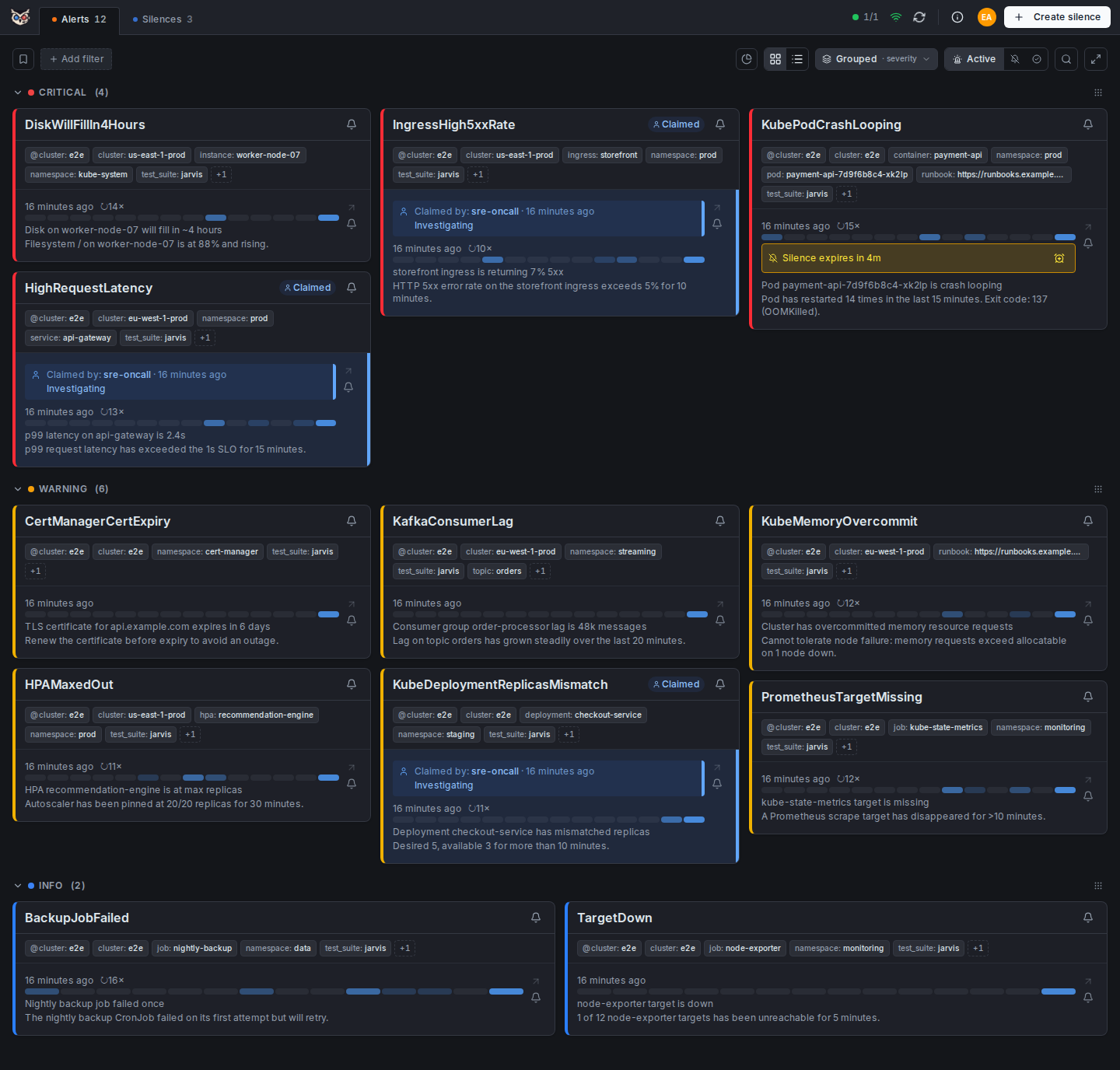
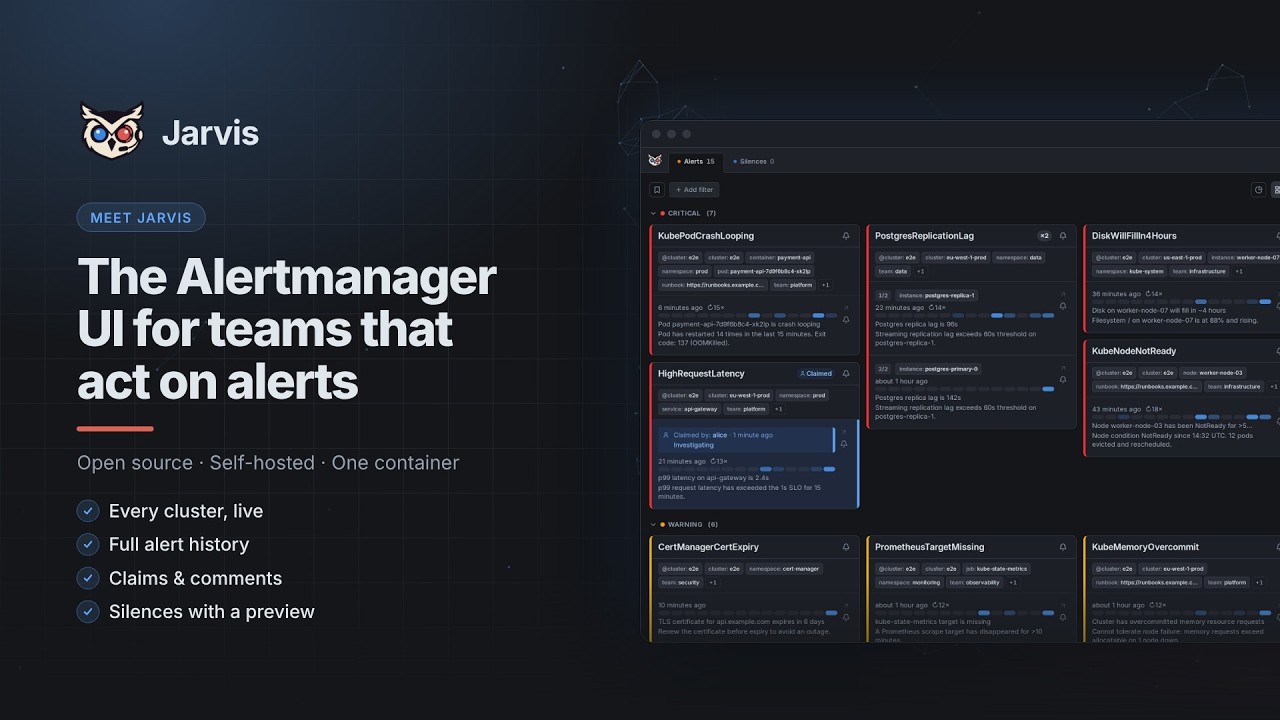
Two and a half minutes through Jarvis: every cluster live, the full alert history, claims and comments, and silences with a preview.
## Why Jarvis? Most Alertmanager UIs are read-only dashboards. Jarvis is built for teams that need to *act* on alerts, not just observe them: - **Realtime alerts** via WebSocket — no page reload required - **Persistent history** — full alert lifecycle stored in SQLite or PostgreSQL, with a grace period that prevents ghost-resolve noise on a missed poll - **Claiming & comments** — assign an alert to yourself, leave fingerprint-bound notes that survive restarts and re-fires - **Multi-cluster & Alertmanager HA** — every cluster live in one view; point one cluster at an HA gossip group and alerts are deduplicated by fingerprint - **Silences with confidence** — live preview of exactly what a silence will hit before you create it, one-click Fast-Silence, reusable templates - **Saved filters** — Alertmanager matcher chips, shareable via URL, one marked as your default - **Per-cluster upstream auth** — OAuth2 client credentials (auto-refresh), bearer token, basic auth or custom headers, for a protected Alertmanager - **Single binary** — one container; SQLite needs no external service, switch to PostgreSQL to run several replicas; a Helm chart is included - **User authentication** — optional UI login: built-in accounts with an admin panel, or any OIDC provider Worried about feature creep? Jarvis has a deliberately focused scope — what it is and what it will never become is written down in **[Scope](https://kj187.github.io/jarvis/concepts/scope)**. The full feature list, with screenshots, is in **[Features](https://kj187.github.io/jarvis/reference/features)**. The full documentation — getting started, deployment, configuration reference, concepts — is at **[kj187.github.io/jarvis](https://kj187.github.io/jarvis/)**. ### Built with AI AI writes the code; 20 years of software engineering experience — 9 of them in DevOps/platform engineering — directs it, so this isn't vibe-coded. Every commit and CI run enforces the same bar as hand-written code: gosec, govulncheck, golangci-lint, pnpm audit, plus defense-in-depth hardening (strict CSP, read-only container filesystem, no-new-privileges). See [AI and engineering](https://kj187.github.io/jarvis/project/ai-development) for how it works and what it does not guarantee, and the [Security Policy](https://kj187.github.io/jarvis/project/security-policy) for details. ## Getting Started **No clone needed — runs entirely from the published image.** All you need is Podman or Docker, and **a reachable Alertmanager** — the snippet below does not start one. Replace `http://alertmanager:9093` with your own instance; if it runs outside this compose network, use its real address. Just looking around? [the demo guide](https://kj187.github.io/jarvis/demo) brings up Jarvis *and* a throwaway Alertmanager filled with realistic alerts in five minutes. ```yaml services: jarvis: image: ghcr.io/kj187/jarvis:2.1.0 ports: - "8080:8080" volumes: - jarvis_data:/data read_only: true tmpfs: - /tmp security_opt: - no-new-privileges:true cap_drop: - ALL environment: JARVIS_CLUSTER_1_NAME: dev JARVIS_CLUSTER_1_ALERTMANAGER_URL: http://alertmanager:9093 restart: unless-stopped volumes: jarvis_data: ``` ```bash podman compose up -d ``` Now open