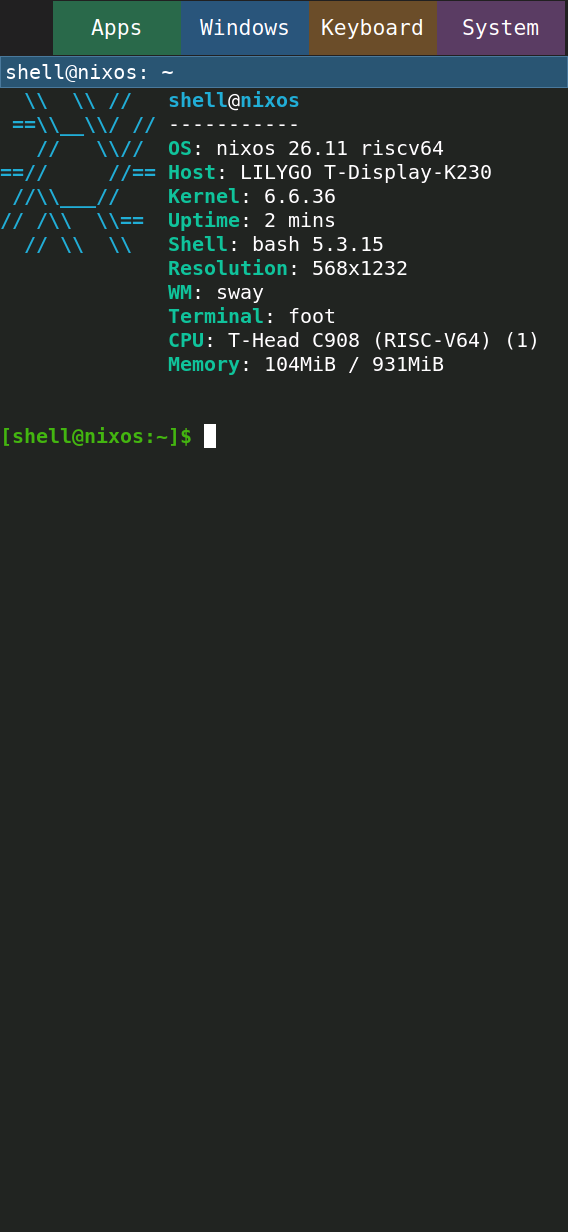
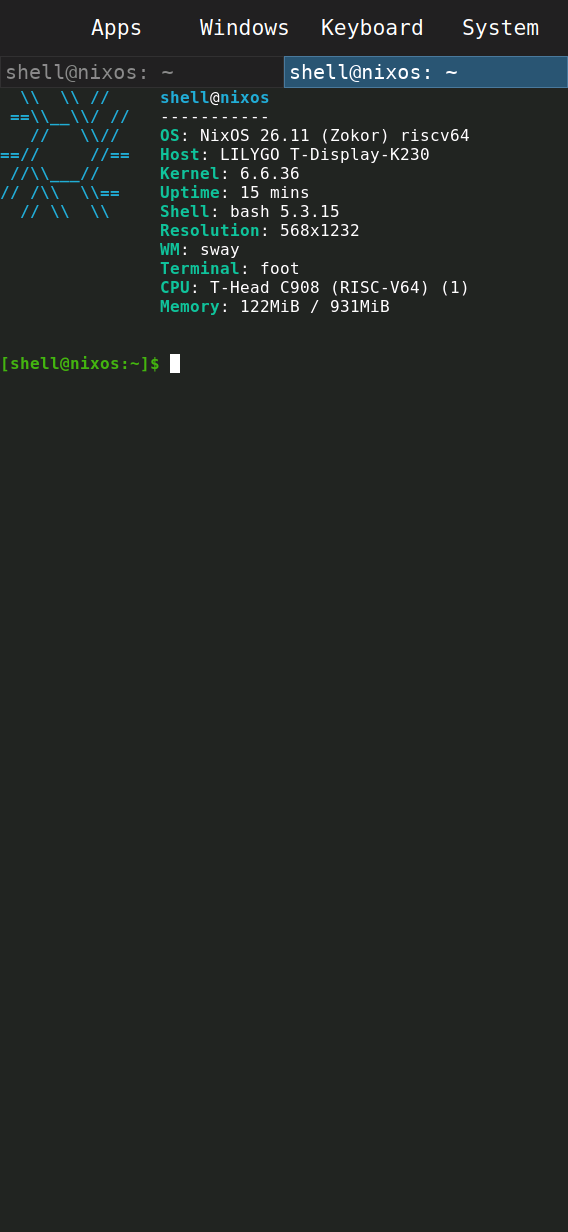
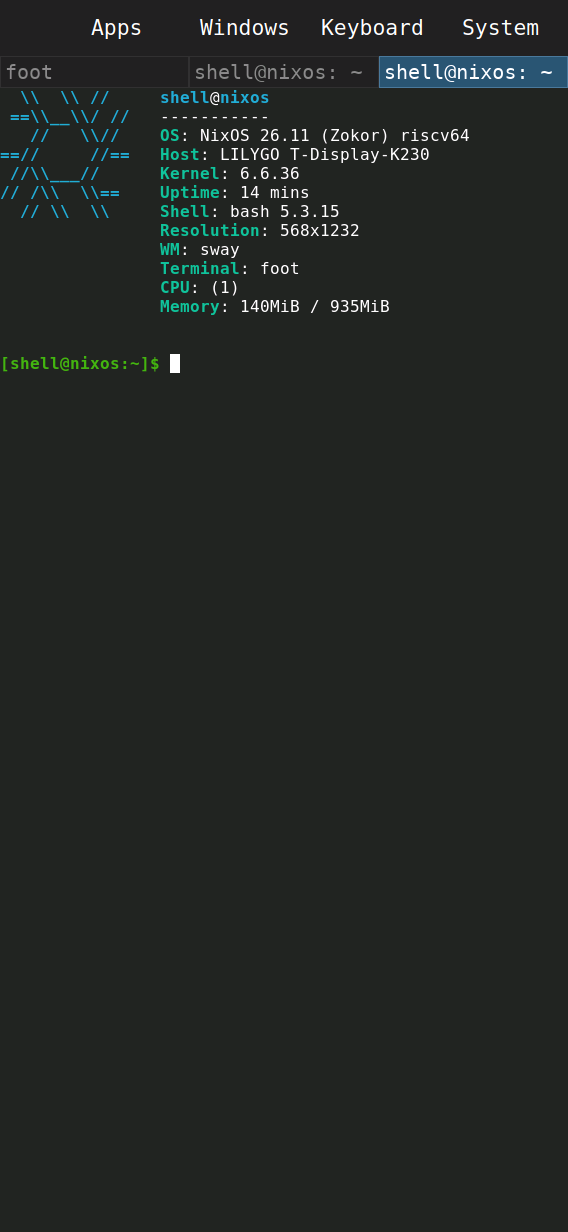
Neofetch on a fresh image
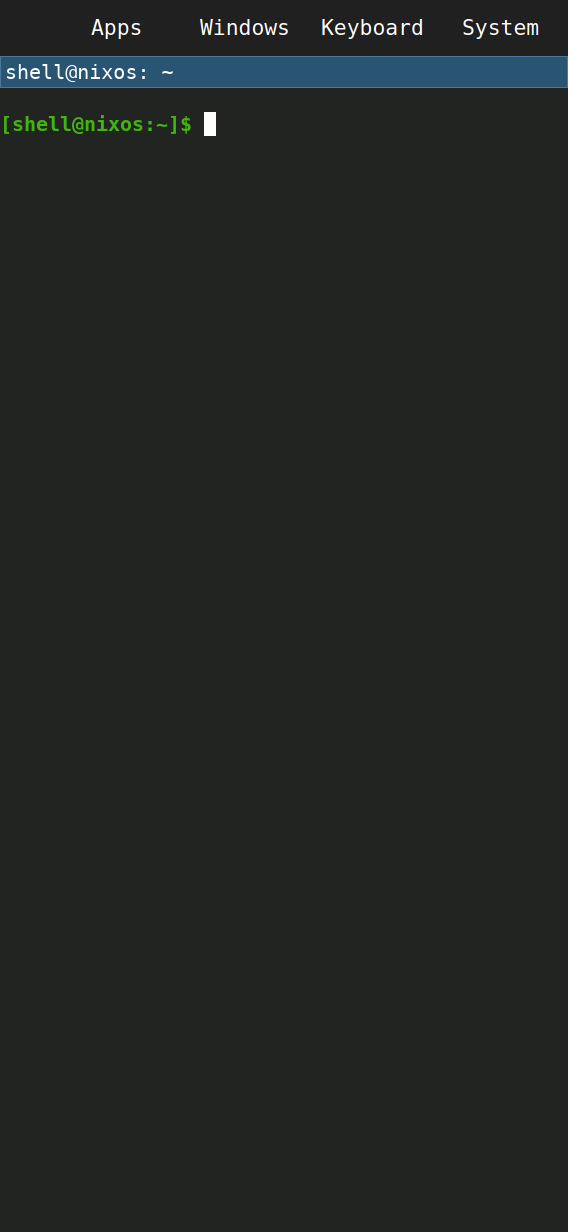
Plain Neofetch uses the shipped portrait config and shows the full C908 CPU description. The home started empty.
Serial/Sway IPC launch; no home restoration
Sixteen demonstrations from the physical LILYGO T-Display-K230, each with a screenshot and video or transition record.
The eight native clips sample Wayland screencopy at roughly two frames per second and retain measured capture-start intervals. They show workflow and readability, not smoothness or frame rate. Companion camera clips record the panel at 30 fps. Each card identifies injected taps or IPC launch; these automated clips do not verify finger accuracy.
Evidence index · Media checks and hashes · Original native samples
Plain Neofetch uses the shipped portrait config and shows the full C908 CPU description. The home started empty.
Serial/Sway IPC launch; no home restoration
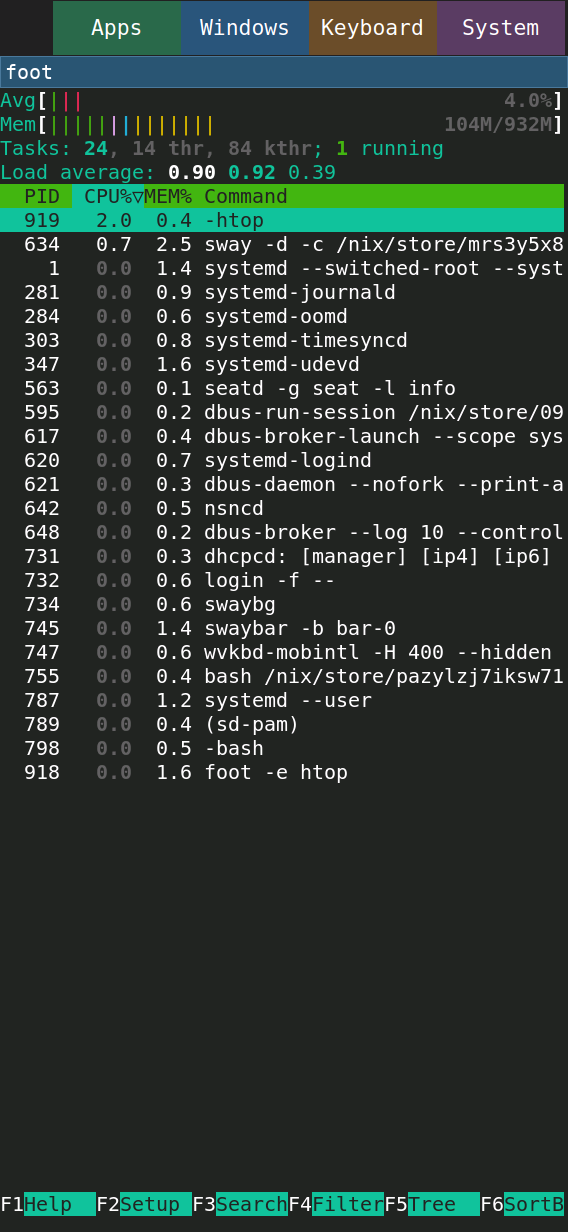
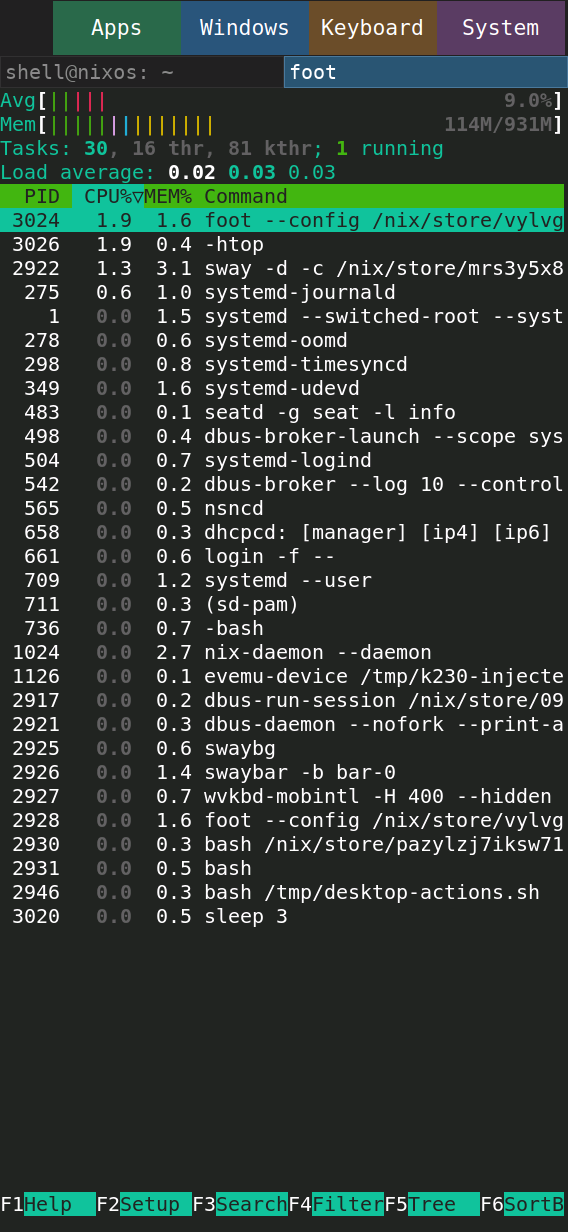
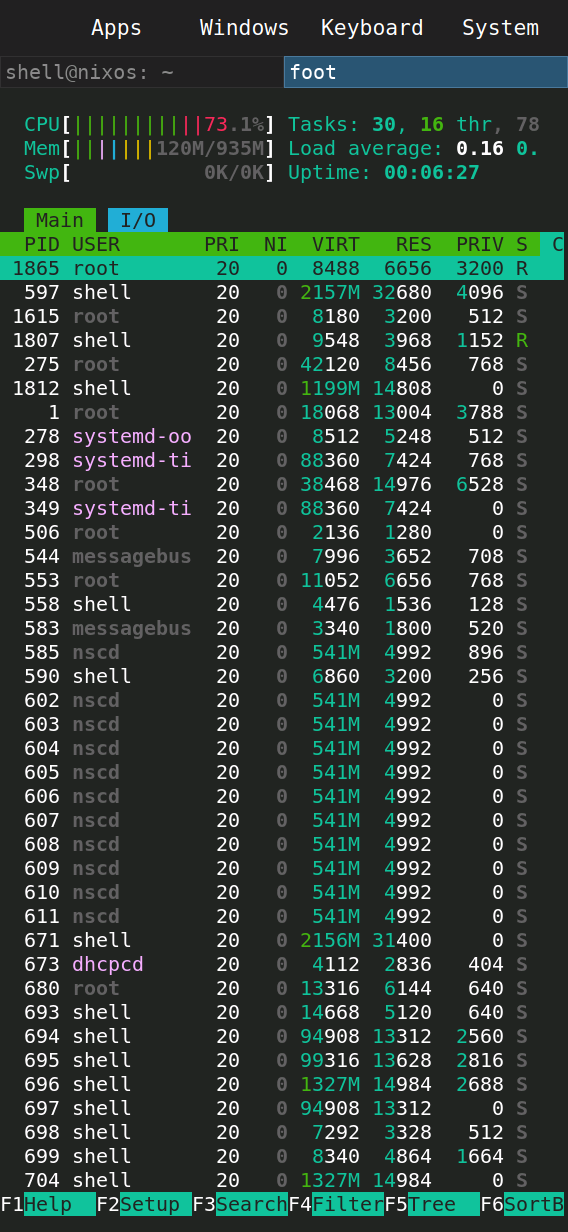
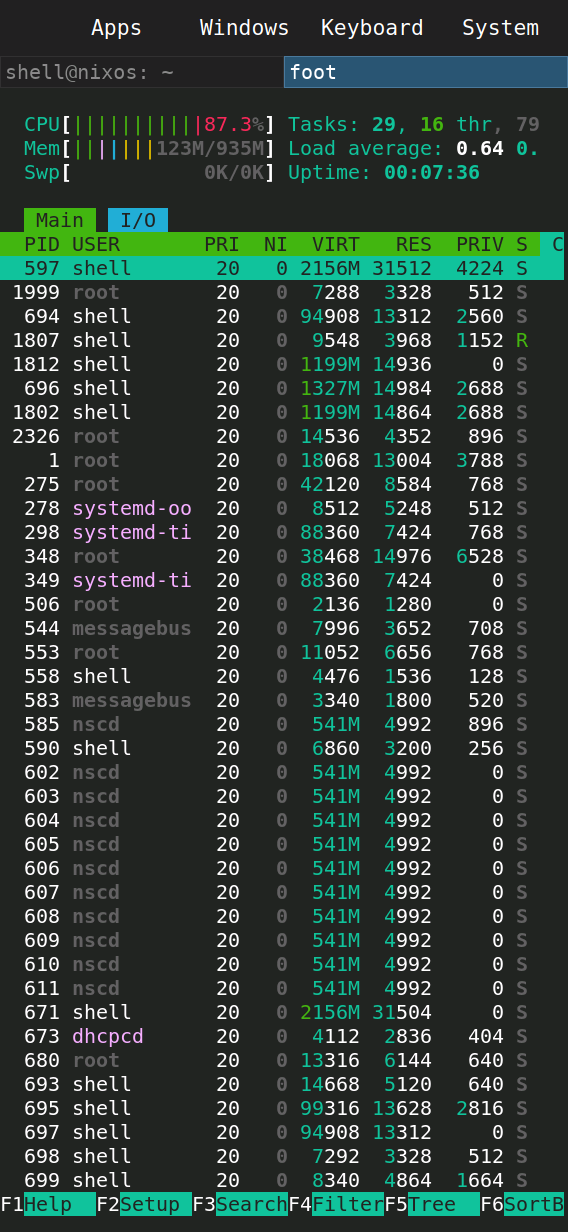
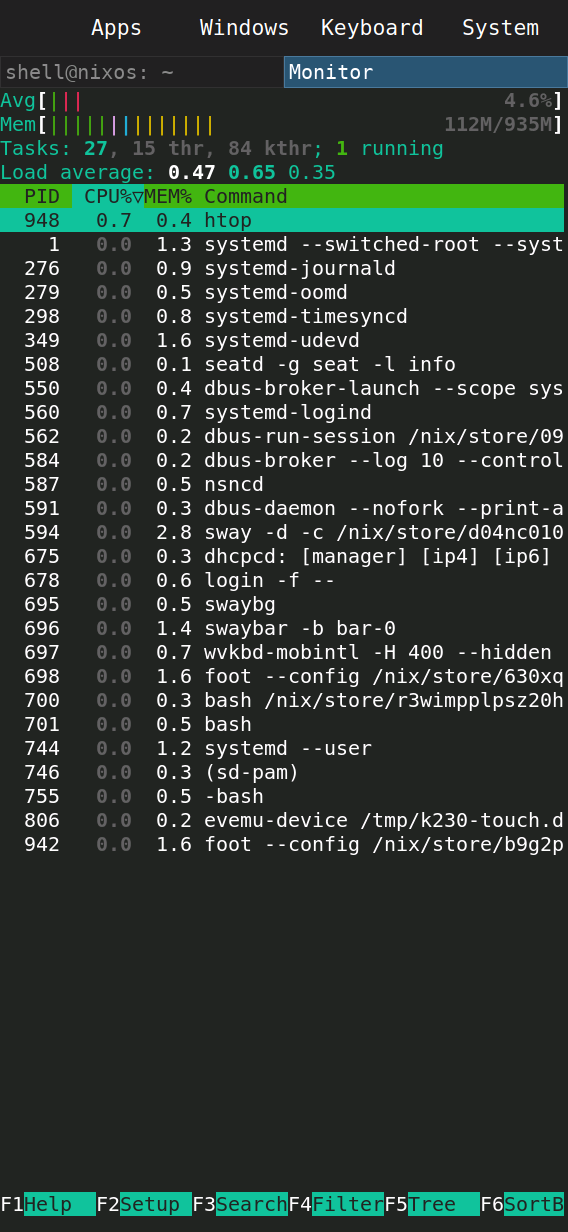
Plain Foot and htop load the repository's system-wide defaults, including the portrait CPU, memory and process layout.
Serial/Sway IPC launch; no home restoration
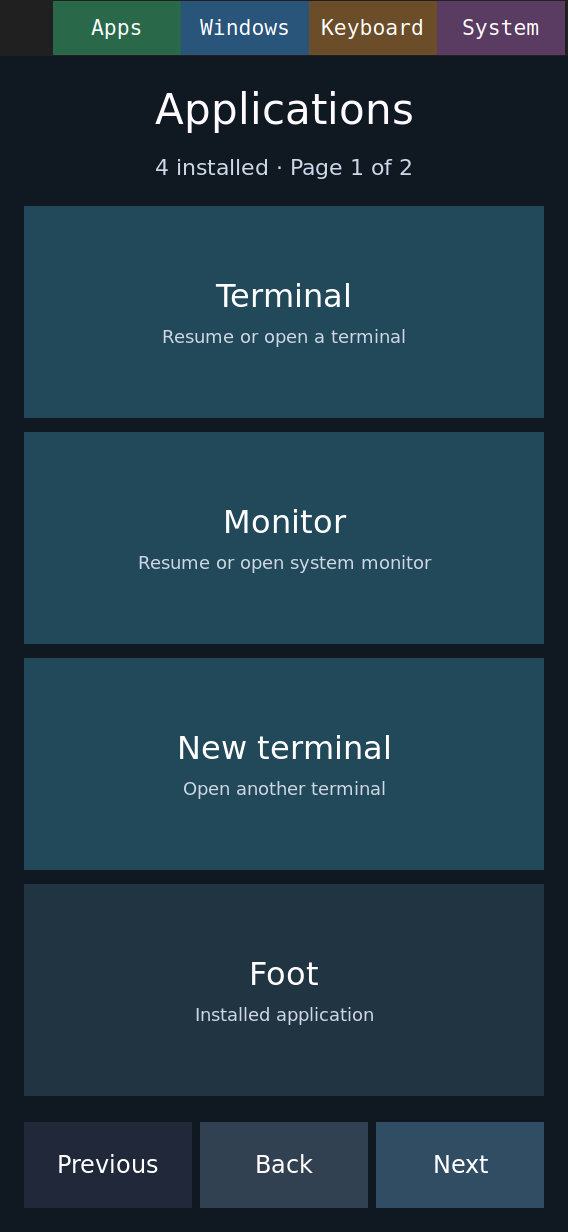
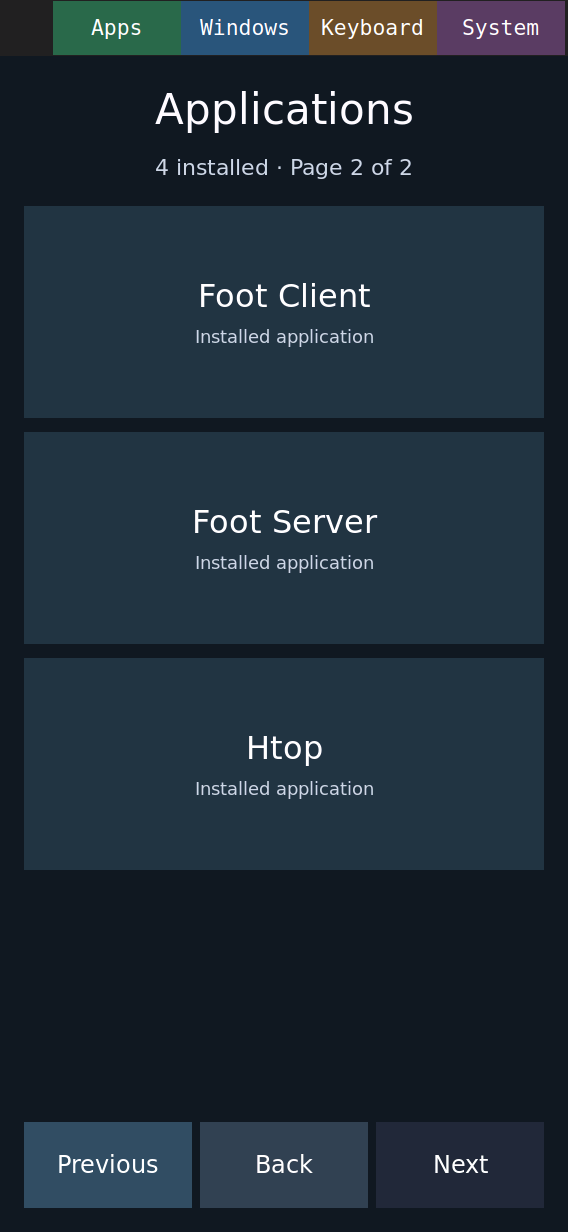
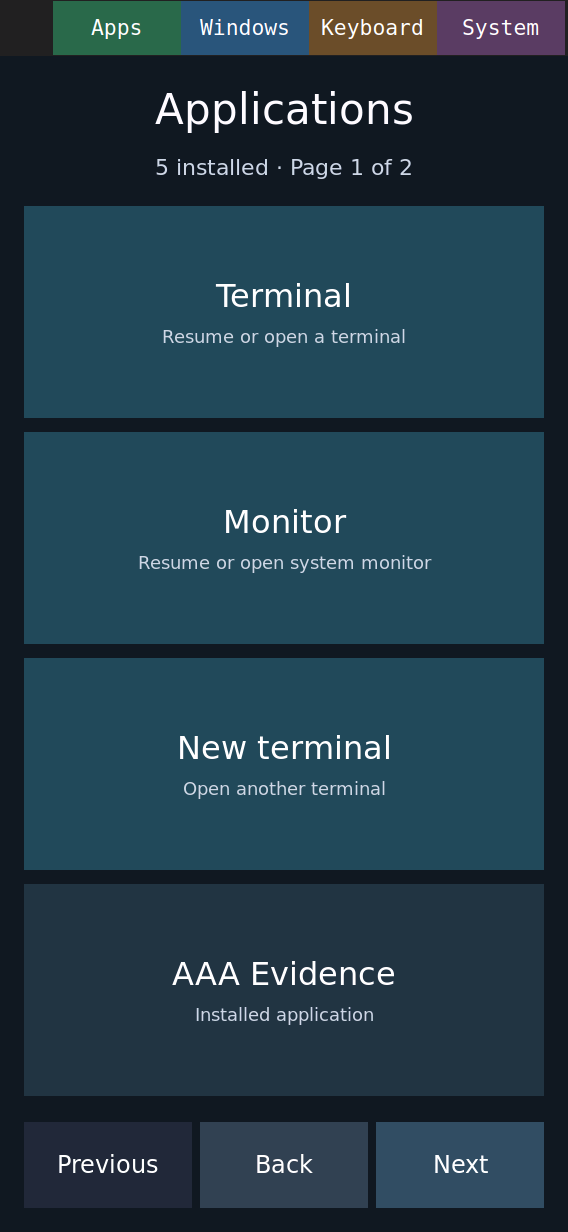
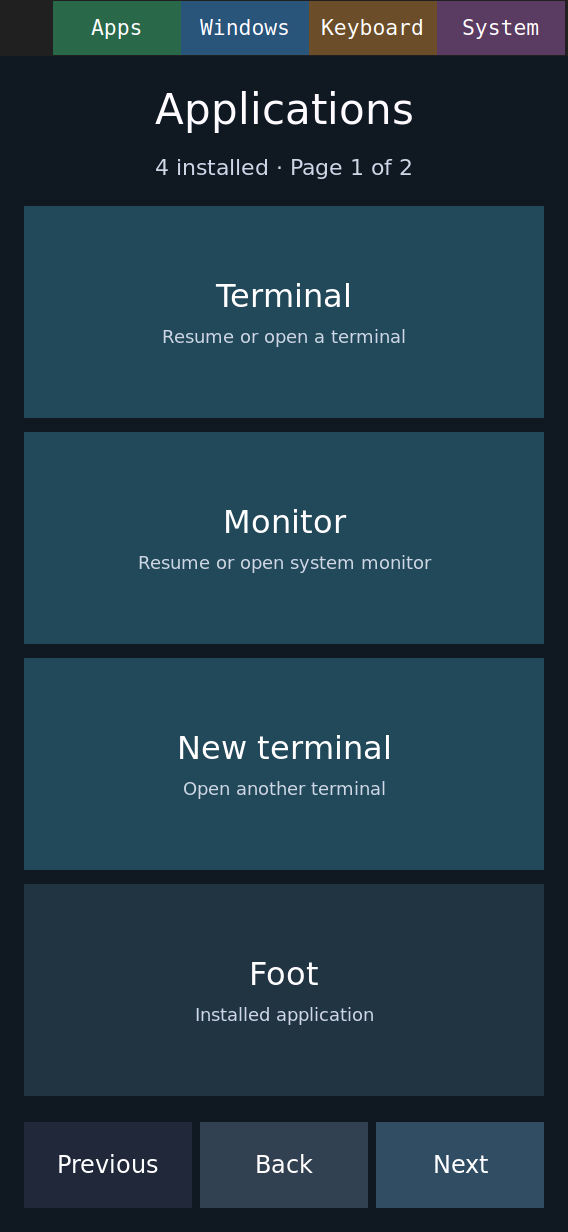
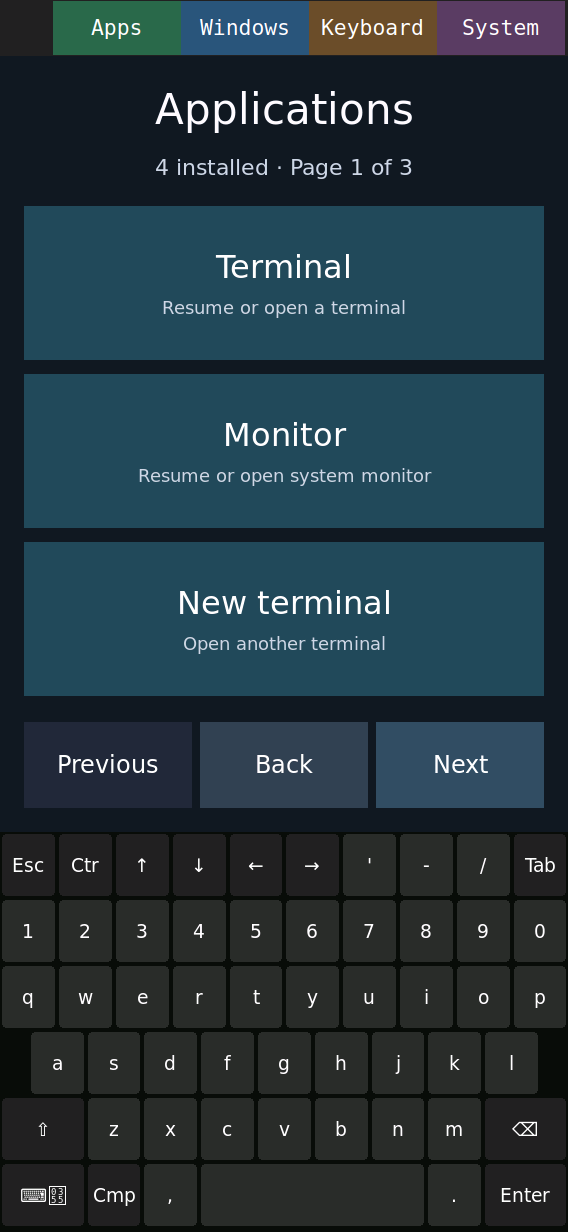
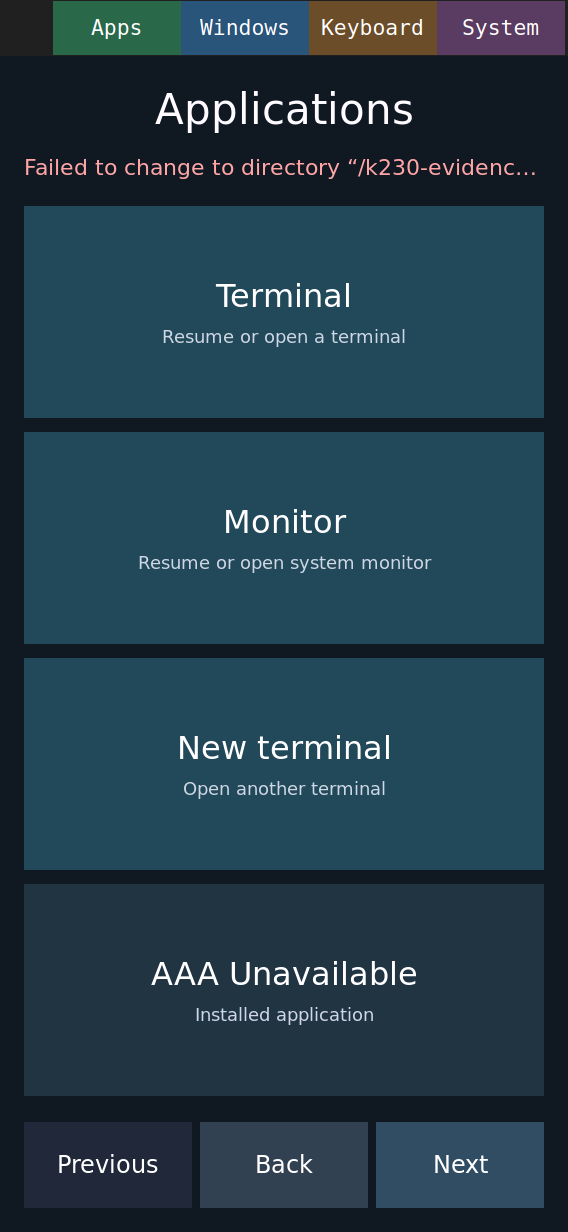
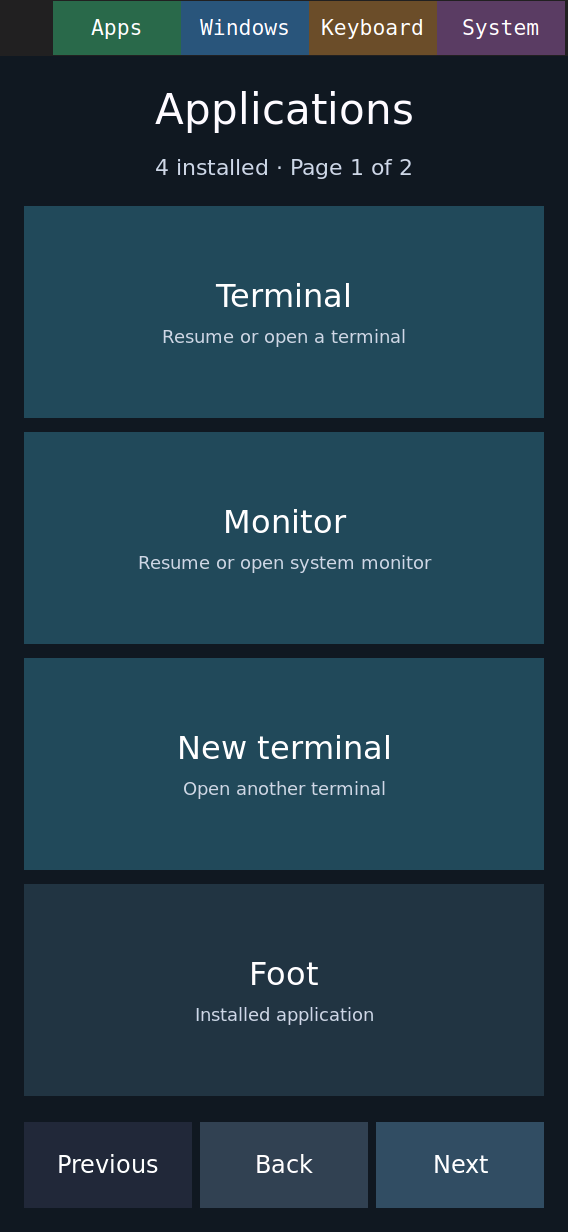
Apps discovers desktop entries, pages through the list, launches Htop, and refreshes after a temporary entry is added or removed. Keyboard paging and launch-error recovery are demonstrated.
Injected touches on physical board; original recording uses runtime deployment. Separate user report confirms finger usability; linked image evidence proves reboot persistence.
Apps · Installed entries · Htop · Added entry · After removal · Keyboard · Error recovery · After image reboot · Fresh image screenshot · Evidence and limits
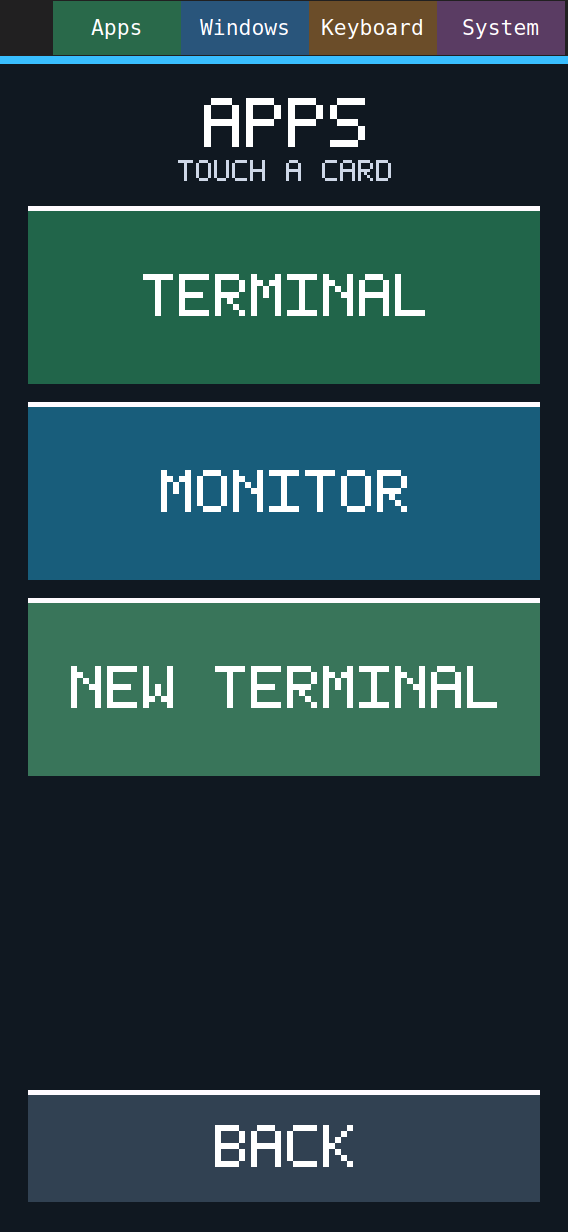
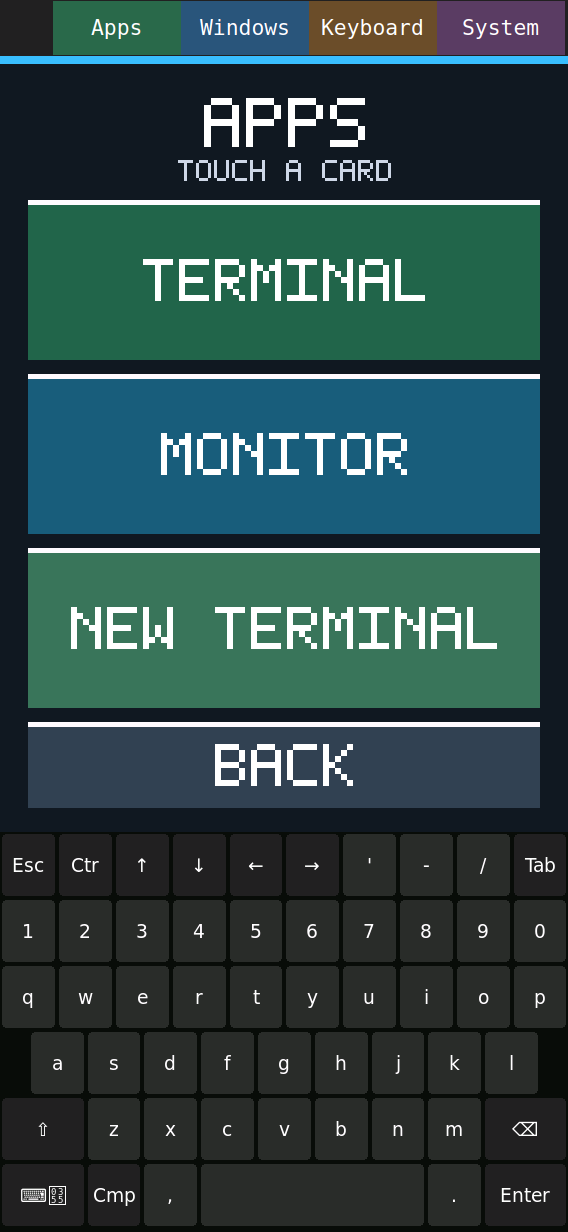
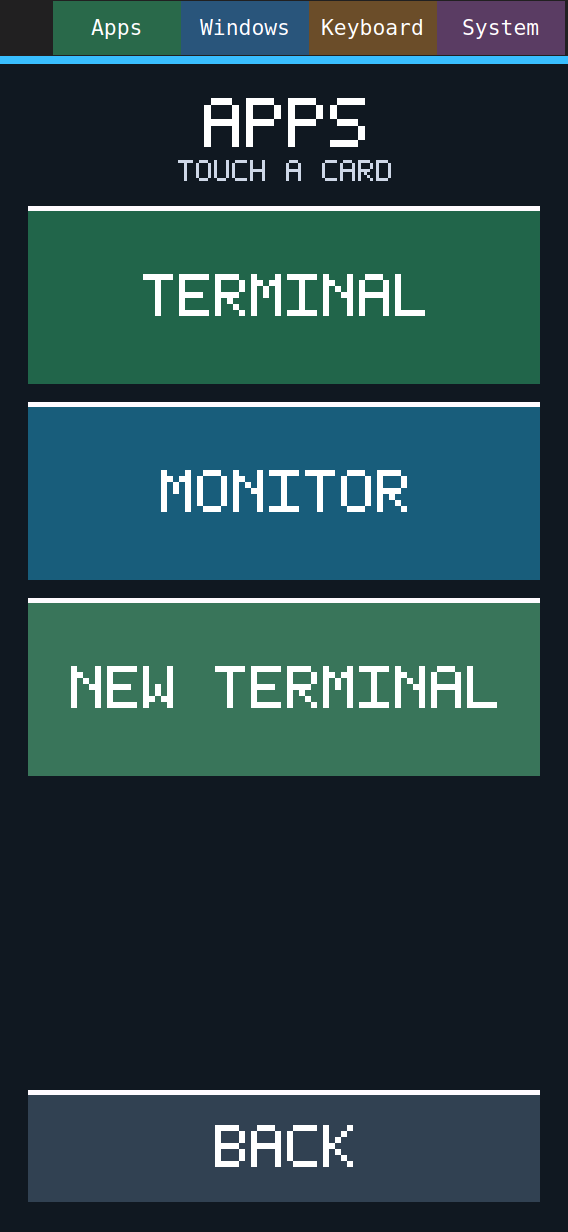
The native Apps surface opens Terminal, Monitor, and New Terminal, returns with Back, shows the keyboard path, and records a cancelled drag. Repeated Apps and action states are included in the transcript.
Injected touchscreen events on physical board; no finger-accuracy claim
Camera MP4 · Launcher screenshot · Monitor screenshot · Keyboard screenshot · Cancelled drag · Capture details · Action transcript
Offline Nix shell launches the corrected Neofetch parser, showing T-Head C908 (RISC-V), the K230 host, memory, Sway, and the 568x1232 display.
Serial-launched; no finger interaction claimed
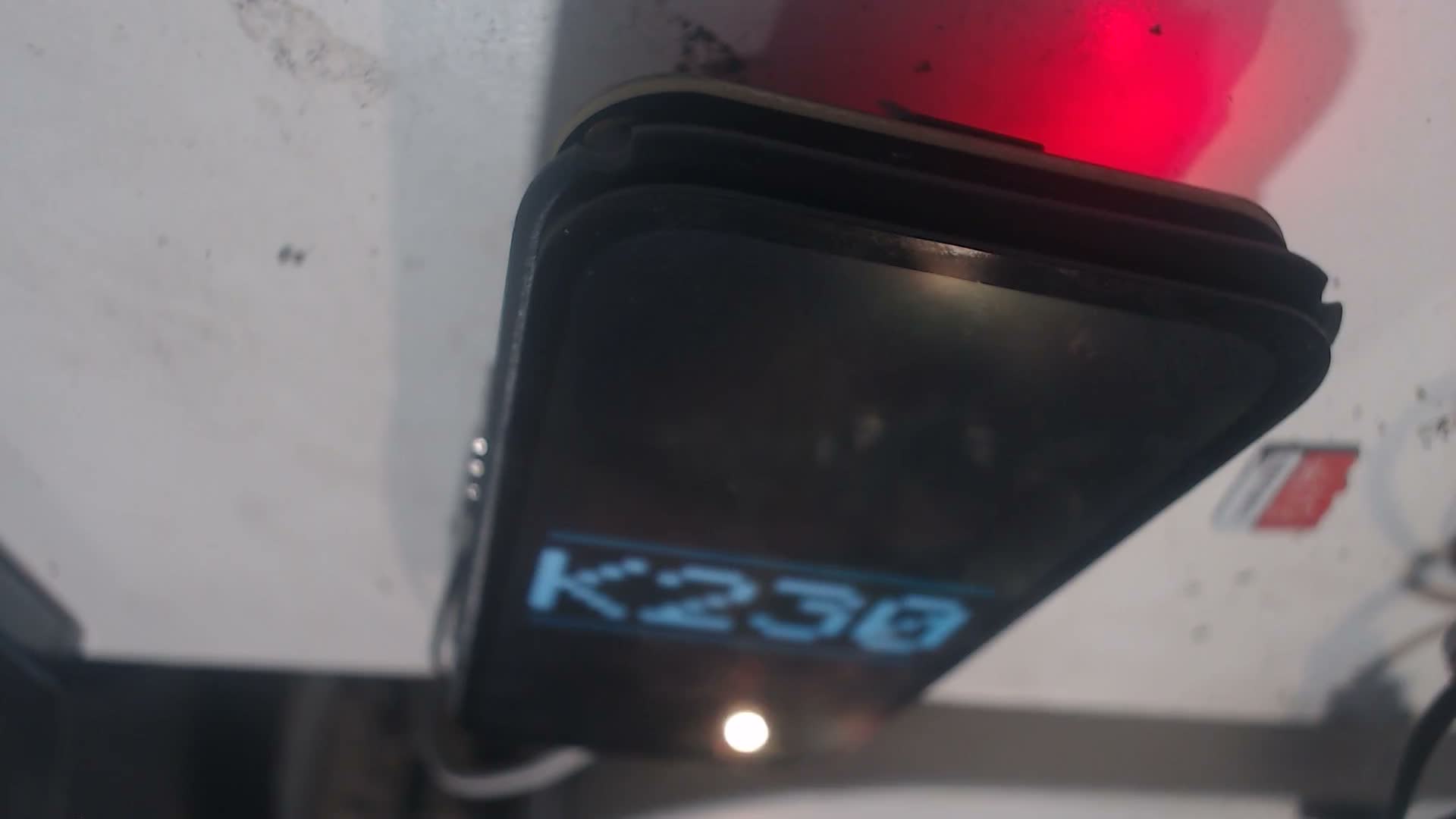
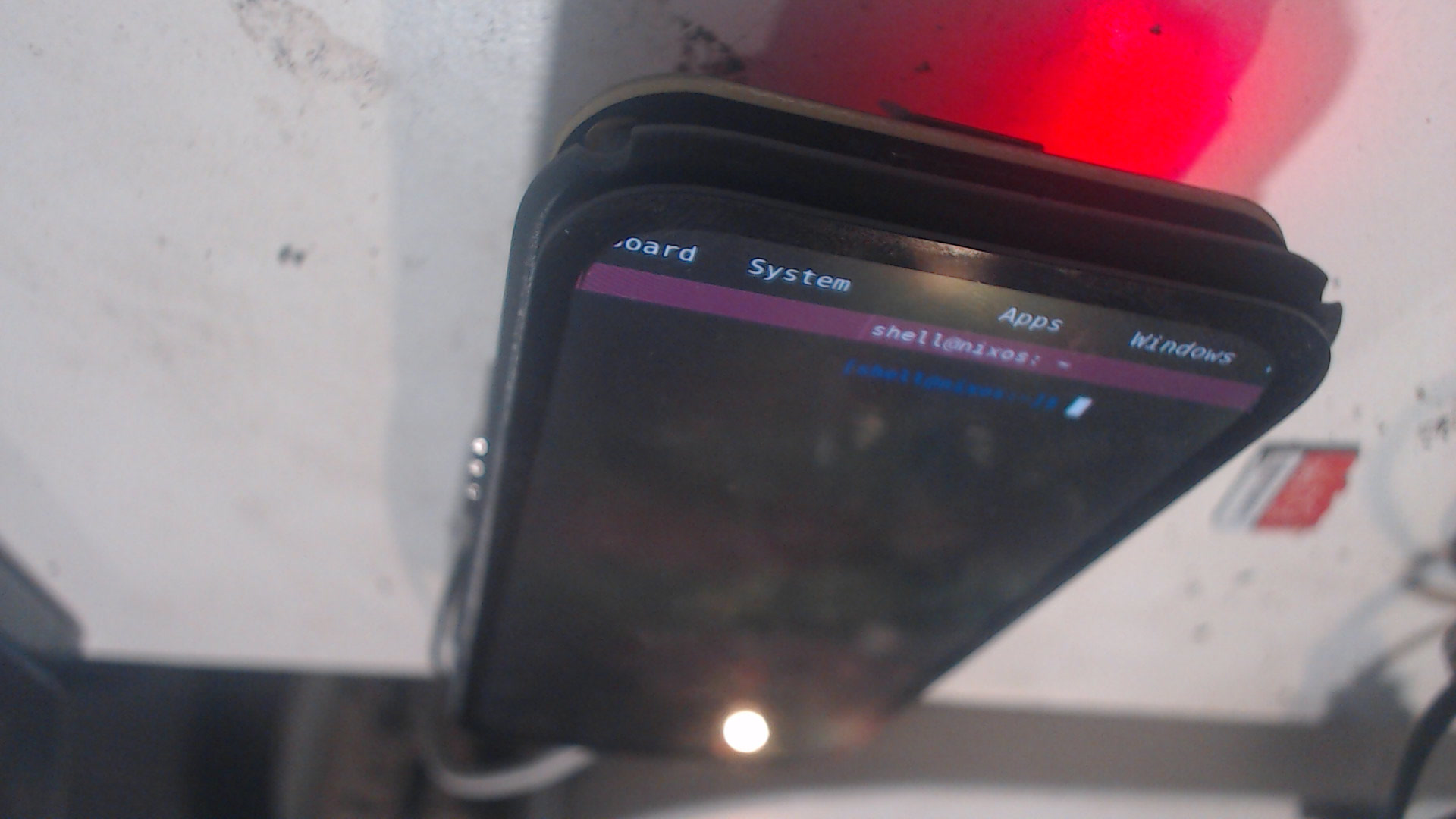
Source-built U-Boot displays the K230 logo while held at its prompt before Linux. The subsequent Linux transition exposes a physical-panel handoff defect: the status row wraps and colors change. Logo-enabled handoff is therefore evidence under investigation, not a completed continuous-splash feature.
Serial-initiated warm reboot; camera evidence; no battery-only or finger-touch claim
U-Boot splash video · Linux transition video · Held splash photo · Native Linux screenshot · Defective post-splash panel · Evidence note and limits
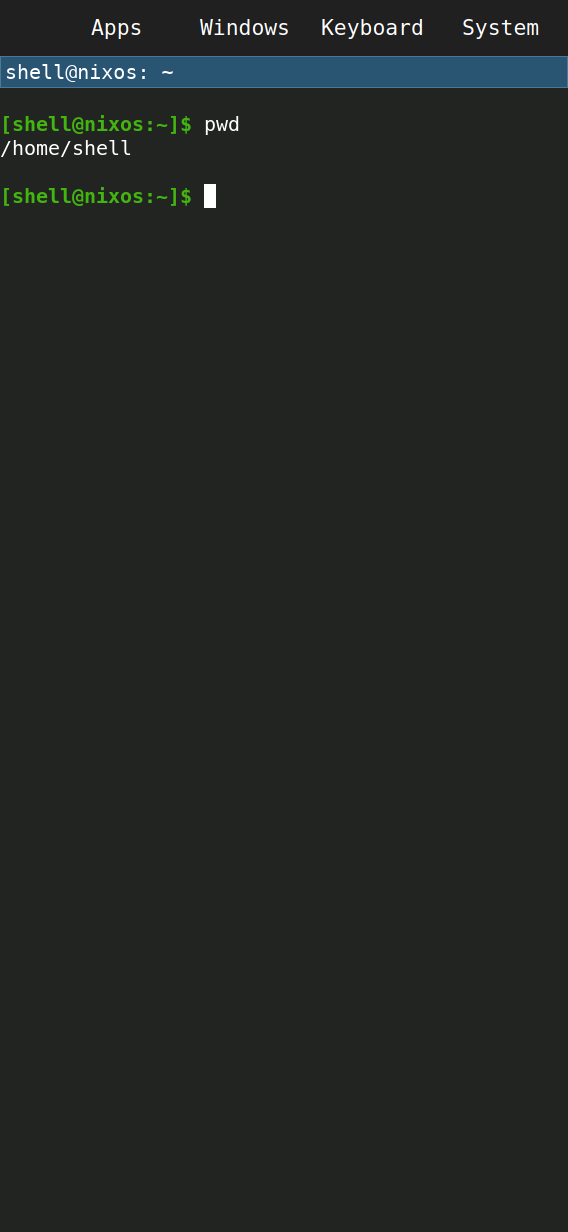
Injected keyboard taps enter pwd and the terminal prints /home/shell.
Injected uinput
Open video · Screenshot · Capture details
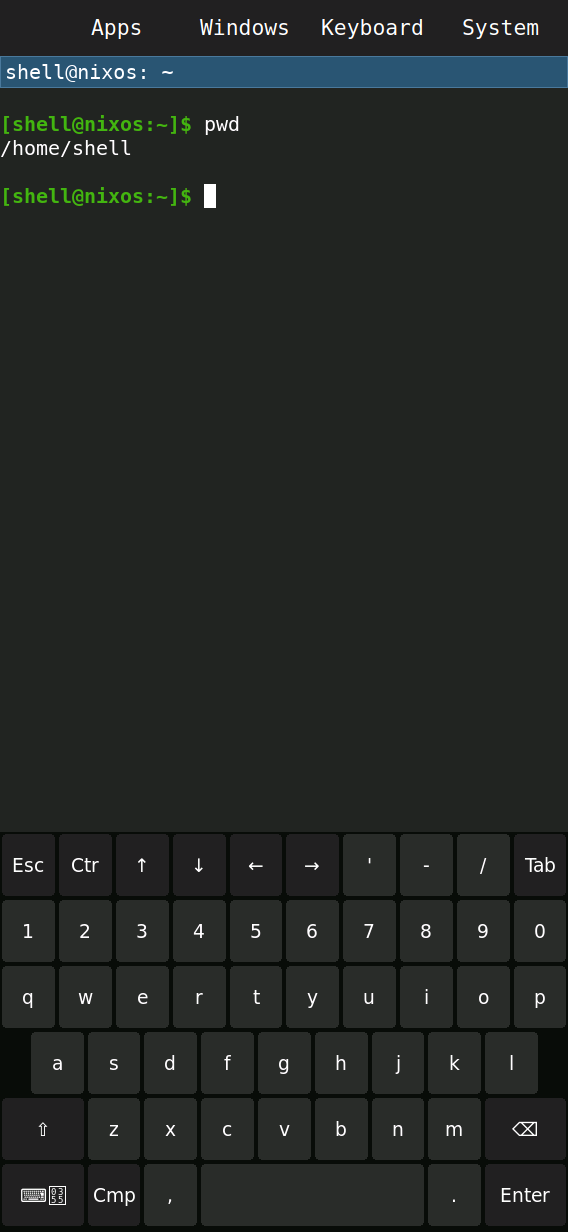
The Keyboard control opens, dismisses, and reopens the keyboard.
Injected uinput
Open video · Screenshot · Capture details
Apps launches Monitor. This first capture exposed clipped htop columns; the portrait profile below fixes them.
Injected uinput
Open video · Screenshot · Capture details
Windows and Next select Terminal and Monitor. This capture uses the older Monitor layout.
Injected uinput
Open video · Screenshot · Capture details
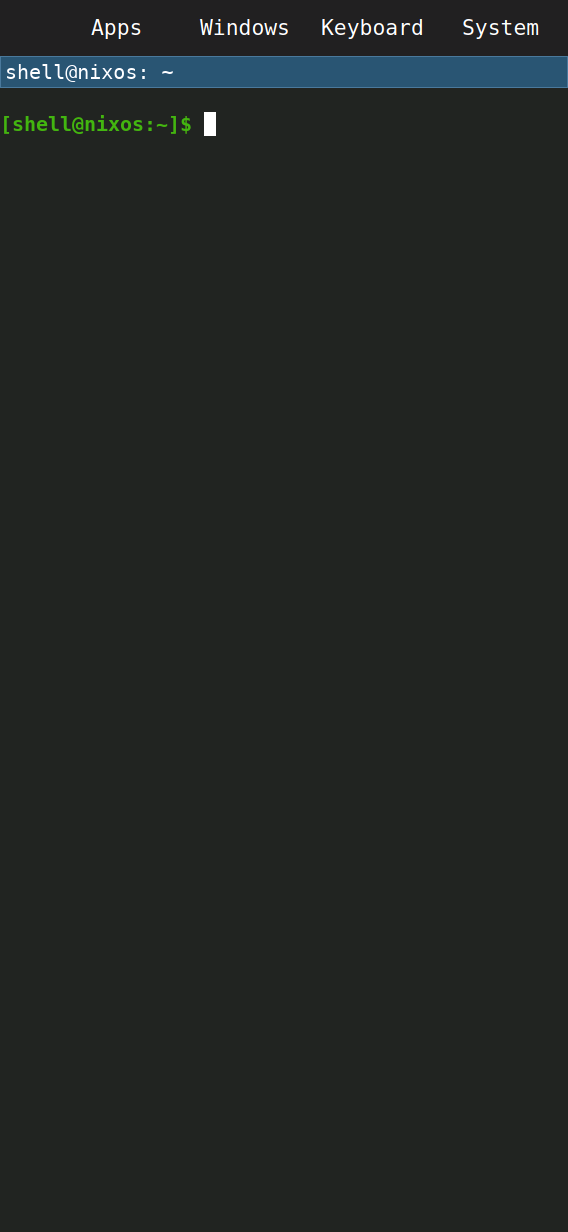
Type exit to close Terminal, then use Windows → Home to create it again.
Injected uinput
Open video · Screenshot · Capture details
Open and cancel Power off and Reboot. Neither action executes in this clip.
Injected uinput
Open video · Screenshot · Capture details
Original Neofetch runs through offline nix shell after automatic store registration on the corrected image.
Sway IPC and login shell
Open video · Screenshot · Capture details
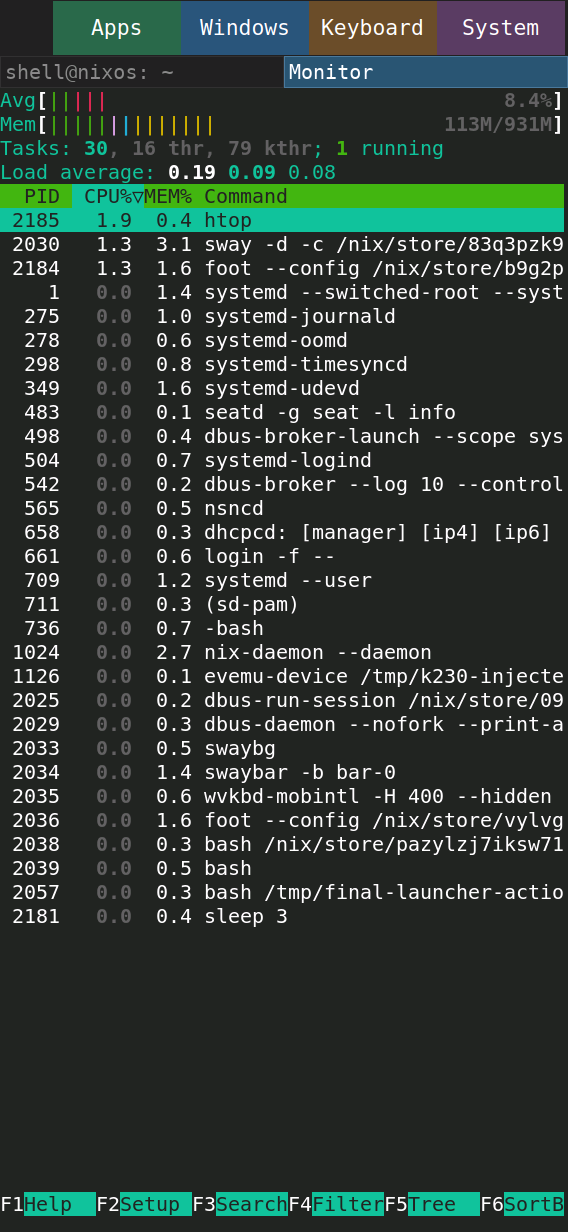
Apps launches the shipped portrait Monitor: CPU, memory, and process names fit at 15 pt. Verified after a full image flash, with no local profile.
Injected uinput, shipped profile
Open video · Screenshot · Capture details
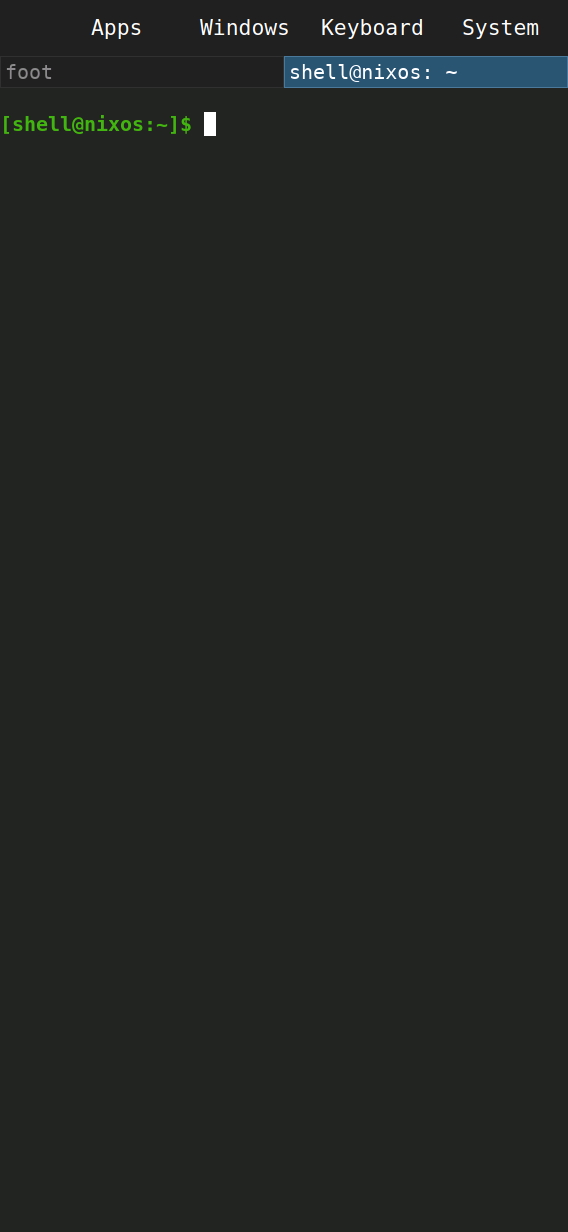
The verified portrait image boots to Sway and Terminal without session overrides. USB cables are attached.
Serial reset, no UI input
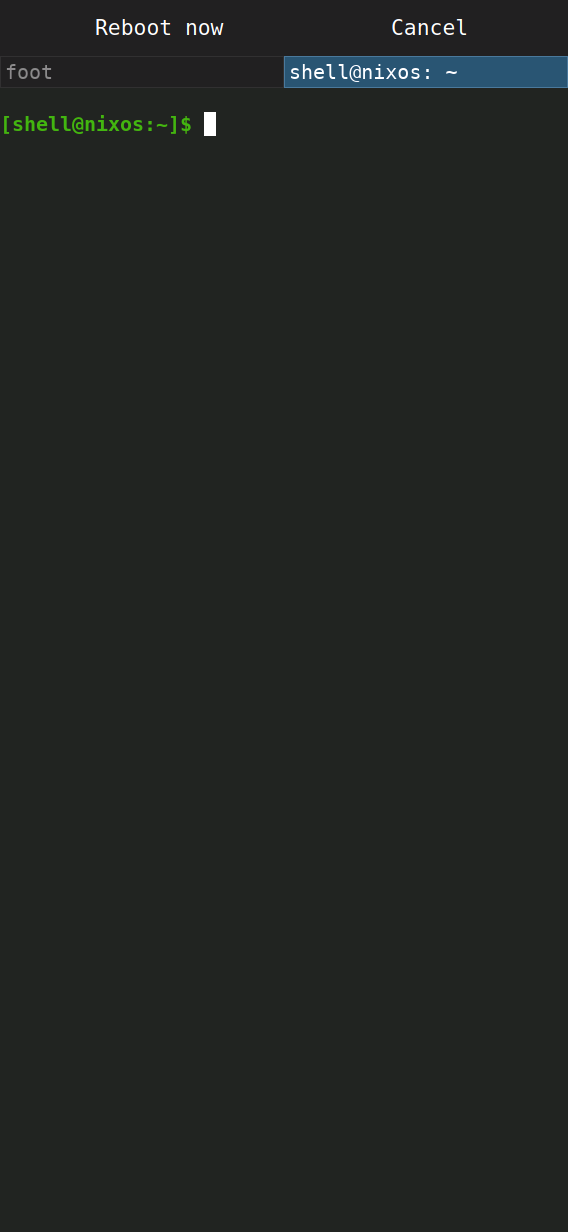
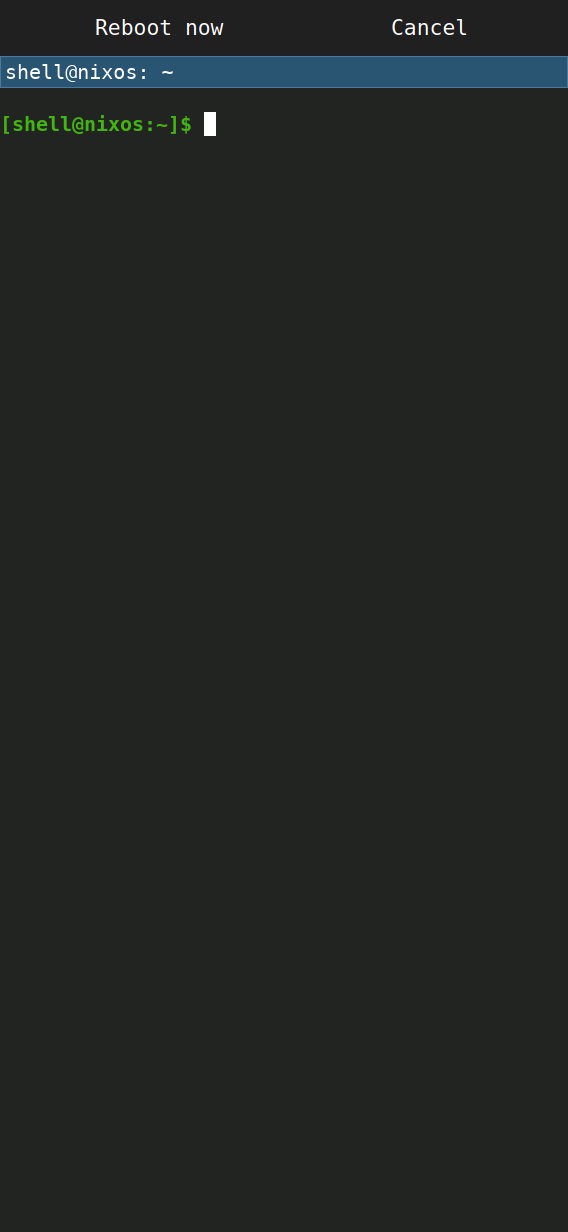
System → Reboot → Reboot now restarts the board and returns to its shell. Boot ID and service status are verified.
Injected uinput