# The ultimate context layer for your AI coding agent.
**Completely free. Runs entirely on your machine.**
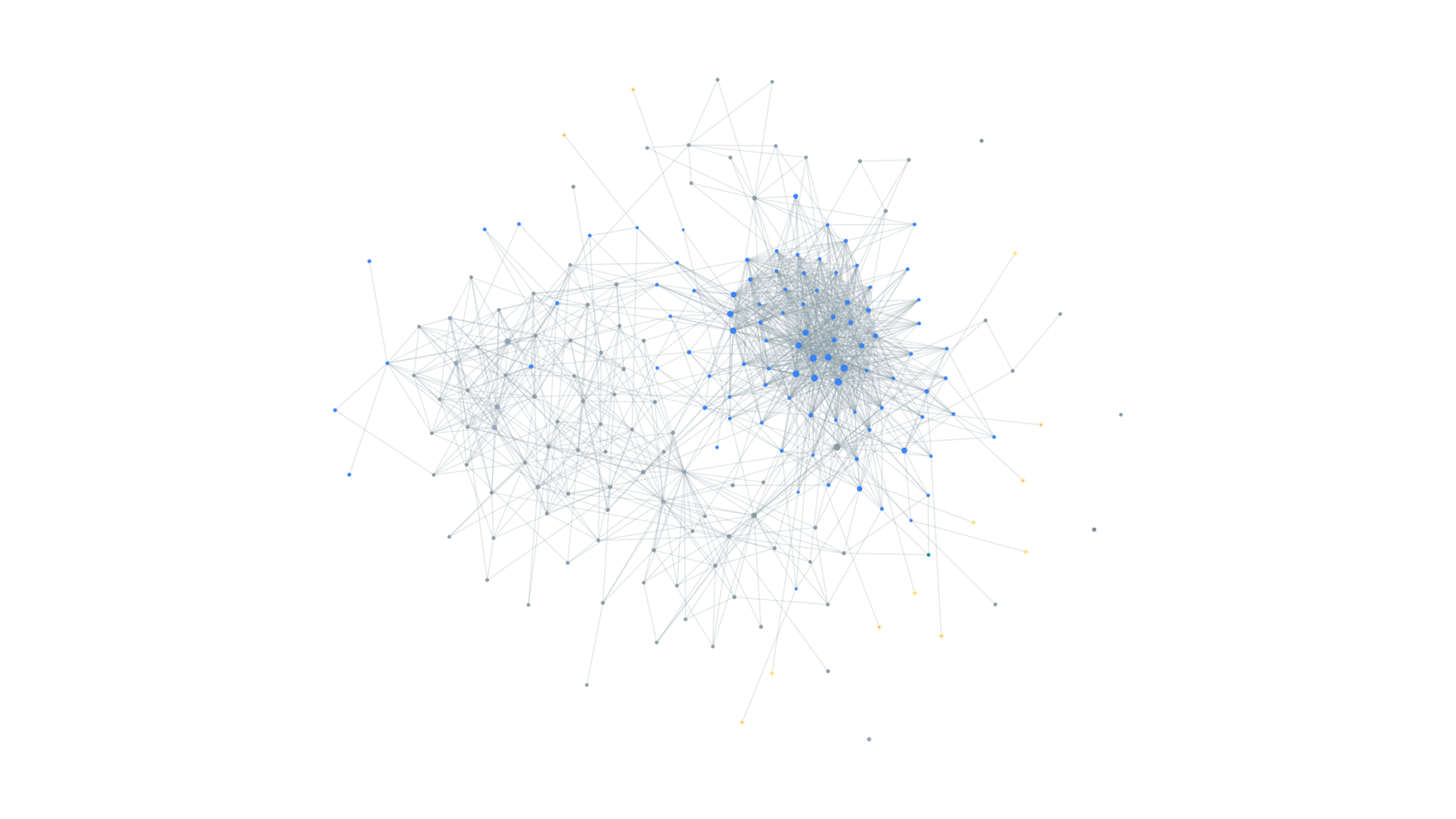
A local knowledge graph of every repo you point it at, plus a memory layer
that knows when the code it remembers has changed.
[](https://www.npmjs.com/package/koragraphmcp)
[](LICENSE)
[](package.json)
[](#the-tools)
[](https://www.koragraph.in/)
## Install
```bash
npm install -g koragraphmcp
koragraph ingest /path/to/repo # point it at as many repos as you like
claude mcp add koragraph -s user -- koragraph mcp
```
`koragraph doctor` checks the whole chain and prints the exact line for any editor.
Two ways to use it from here: your agent calls the tools over MCP, or you (or a script, or a Claude
Code hook) run them straight from the shell, for example `koragraph explore "how does checkout work"`
or `koragraph blast src/pay.js`. Same graph either way.
### Then run KORAINIT in your editor
This is the step that lights up the memory layer, so don't skip it. In your coding agent (Claude
Code, Cursor, Windsurf, whatever you use), tell it:
> ### "Read `KORAINIT.md` and follow it."
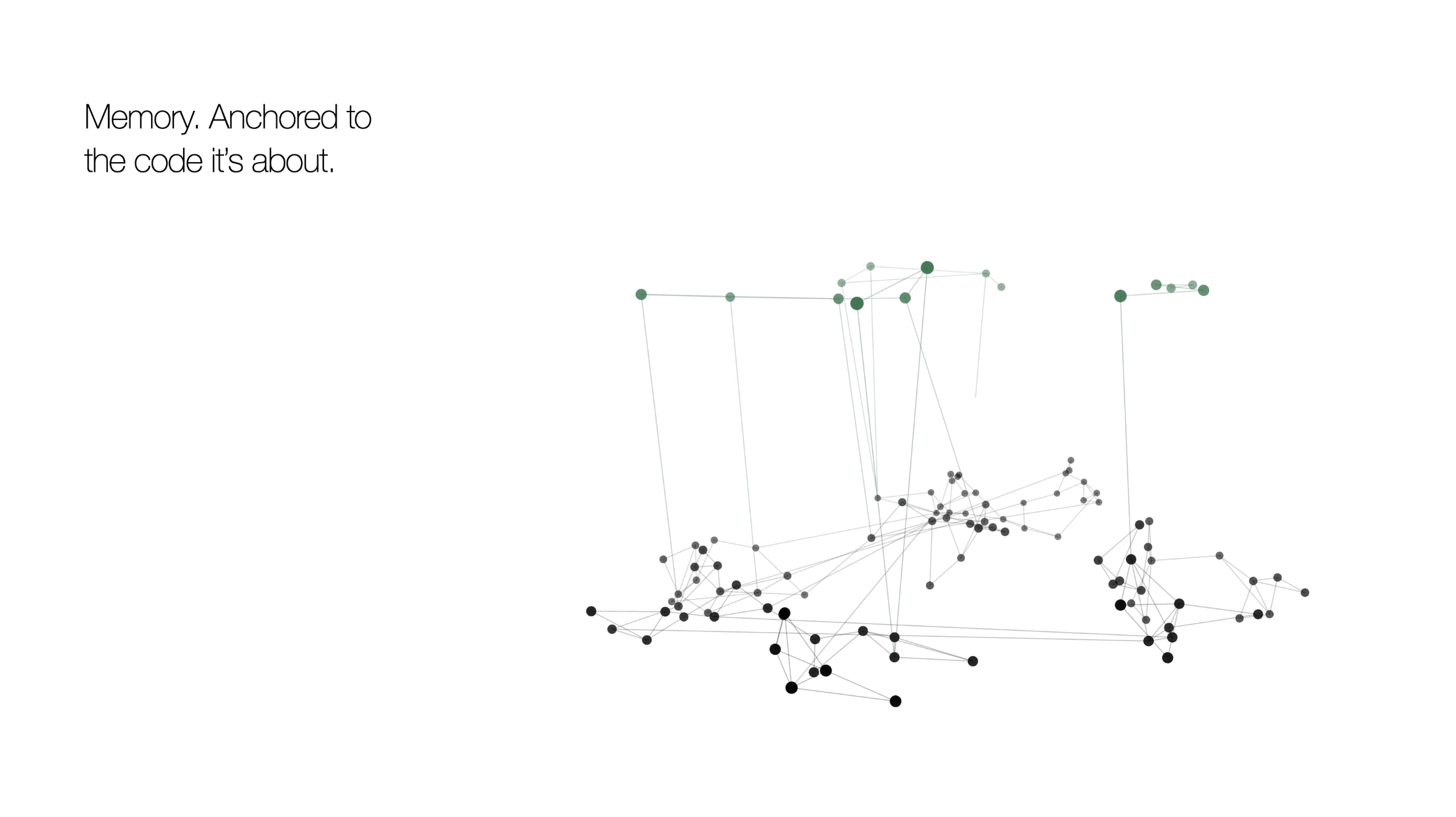
It imports your existing `CLAUDE.md` / `AGENTS.md` into koragraph's memory, anchored to the code
each rule is about, flags any rule that points at code that's already gone, and finishes wiring
koragraph into the session. Run it once per project.
**Prefer zero setup?** Hand the whole thing to your agent instead. Paste this from the repo you
want indexed, and it installs, indexes, wires itself in, and runs KORAINIT for you:
```text
Install koragraph and set it up for this repo, then report back:
1. npm install -g koragraphmcp
2. koragraph ingest .
3. koragraph doctor, then run the `claude mcp add …` line it prints (or wire `koragraph mcp` into
my editor's MCP config).
4. Find KORAINIT.md in the installed package (`npm root -g`, then koragraphmcp/KORAINIT.md) and
follow it: it imports my existing CLAUDE.md / AGENTS.md into memory, verified against the code.
Report: nodes/edges indexed, whether the MCP connected, and KORAINIT's summary.
```