id,user_id,published_at,cached_user_username,slug,main_image,title,description,body_markdown
3,12,"2021-07-26 13:16:51.31526",xq,zig-build-explained-part-1-59lf,https://zig.news/uploads/articles/cgt8g24u5za6eqovwyd9.png,"zig build explained - part 1","The Zig build system is still missing documentation and for a lot of people, this is a killer...","The Zig build system is still missing documentation and for a lot of people, this is a killer argument not to use it. Others often search for recipies to build their project, but also struggle with the build system.
This series is an attempt to give an in-depth introduction into the build system and how to use it.
We start at the very beginning with a freshly initialized Zig project and will work our way towards more complex projects. On the way, we will learn how to use libraries and packages, add C code, and even how to create our own build steps.
### Disclaimer
I will expect you to have at least some basic experience with Zig already, as i will not explain syntax or semantics of the Zig language. I will also link to several points in the standard library source, so you can see where all of this comes from. I recommend you to read the [source of the build system](https://github.com/ziglang/zig/blob/master/lib/std/build.zig), as most of it is self-explanatory if you start digging after functions you see in the build script. Everything is implemented in the standard library, there is no *hidden* build magic happening.
## Getting started
We create a new project by making a new folder, and invoke `zig init-exe` in that folder.
This will give us the following `build.zig` file (of which i stripped off the comments):
```zig
const std = @import(""std"");
pub fn build(b: *std.build.Builder) void {
const target = b.standardTargetOptions(.{});
const mode = b.standardReleaseOptions();
const exe = b.addExecutable(""fresh"", ""src/main.zig"");
exe.setTarget(target);
exe.setBuildMode(mode);
exe.install();
const run_cmd = exe.run();
run_cmd.step.dependOn(b.getInstallStep());
if (b.args) |args| {
run_cmd.addArgs(args);
}
const run_step = b.step(""run"", ""Run the app"");
run_step.dependOn(&run_cmd.step);
}
```
## Basics
The core idea of the build system is that the Zig toolchain will compile a Zig program (`build.zig`) which exports a special entry point (`pub fn build(b: *std.build.Builder) void`) that will be called when we invoke `zig build`.
This function will then create a [directed acyclic graph](https://en.wikipedia.org/wiki/Directed_acyclic_graph) of [`std.build.Step`](https://github.com/ziglang/zig/blob/14d8a1c10da7e98ccfdbfd50473582043e48ca10/lib/std/build.zig#L3088) nodes, where each `Step` will then execute a part of our build process.
Each `Step` has a set of dependencies that need to be made before the step itself is made. As a user, we can invoke certain *named* steps by calling `zig build step-name` or use one of the predefined steps (for example `install`).
To create such a step, we need to invoke `Builder.step`:
```zig
const std = @import(""std"");
pub fn build(b: *std.build.Builder) void {
const named_step = b.step(""step-name"", ""This is what is shown in help"");
}
```
This will create us a new step `step-name` which will be shown when we invoke `zig build --help`:
```
[felix@denkplatte-v2 c2978668]$ zig build --help
Usage: zig build [steps] [options]
Steps:
install (default) Copy build artifacts to prefix path
uninstall Remove build artifacts from prefix path
step-name This is what is shown in help
General Options:
...
```
Note that this `Step` still doesn't do anything except putting that nice little entry into `zig build --help` and allowing us to invoke `zig build step-name`.
`Step` follows the same interface pattern as [`std.mem.Allocator`](https://github.com/ziglang/zig/blob/master/lib/std/mem/Allocator.zig) and requires the implementation of a single `make` function. This will be invoked when the step is made. For our step created here, that function does nothing.
Now we need to build ourself a nice little Zig program:
## Compiling Zig source
To compile an executable with the build system, the `Builder` exposes [`Builder.addExecutable`](https://github.com/ziglang/zig/blob/14d8a1c10da7e98ccfdbfd50473582043e48ca10/lib/std/build.zig#L244) which will create us a new [`LibExeObjStep`](https://github.com/ziglang/zig/blob/14d8a1c10da7e98ccfdbfd50473582043e48ca10/lib/std/build.zig#L1385). This `Step` implementation is a convenient wrapper around `zig build-exe`, `zig build-lib`, `zig build-obj` or `zig test` depending on how it is initialized. More on this will come later in this article.
Now let's create a step that compiles us our `src/main.zig` file (which was previous created by `zig init-exe`):
```zig
const std = @import(""std"");
pub fn build(b: *std.build.Builder) void {
const exe = b.addExecutable(""fresh"", ""src/main.zig"");
const compile_step = b.step(""compile"", ""Compiles src/main.zig"");
compile_step.dependOn(&exe.step);
}
```
We added a few lines here. First of all, `const exe = b.addExecutable(""fresh"", ""src/main.zig"");` will create a new `LibExeObjStep` that will compile `src/main.zig` into a file called `fresh` (or `fresh.exe` on Windows).
The second thing added is `compile_step.dependOn(&exe.step);`. This is how we build our dependency graph and declare that when `compile_step` is made, `exe` also needs to be made.
You can check this out by invoking `zig build`, then `zig build compile`. The first invocation will do nothing, but the second one will output some compilation messages.
This will always compile in *Debug* mode for the current machine, so for a first starter, this is probably enough. But if you want to start publishing your project, you might want to enable cross compilation:
## Cross compilation
Cross compilation is enabled by setting the target and build mode of our program:
```zig
const std = @import(""std"");
pub fn build(b: *std.build.Builder) void {
const exe = b.addExecutable(""fresh"", ""src/main.zig"");
exe.setBuildMode(.ReleaseSafe);
exe.setTarget(...);
const compile_step = b.step(""compile"", ""Compiles src/main.zig"");
compile_step.dependOn(&exe.step);
}
```
Here, `exe.setBuildMode(.ReleaseSafe);` will pass `-O ReleaseSafe` to the build invocation. `exe.setTarget(...);` will set what `-target ...` will see. **But!** [`LibExeObjStep.setTarget`](https://github.com/ziglang/zig/blob/14d8a1c10da7e98ccfdbfd50473582043e48ca10/lib/std/build.zig#L1689) requires a [`std.zig.CrossTarget`](https://github.com/ziglang/zig/blob/master/lib/std/zig/cross_target.zig) as a parameter, which you want typically to be configurable.
Luckily, the build system provides us with two convenience functions for that:
- [`Builder.standardReleaseOptions`](https://github.com/ziglang/zig/blob/14d8a1c10da7e98ccfdbfd50473582043e48ca10/lib/std/build.zig#L631)
- [`Builder.standardTargetOptions`](https://github.com/ziglang/zig/blob/14d8a1c10da7e98ccfdbfd50473582043e48ca10/lib/std/build.zig#L663)
These functions can be used like this to make both the build mode and the target available as a command line option:
```zig
const std = @import(""std"");
pub fn build(b: *std.build.Builder) void {
const exe = b.addExecutable(""fresh"", ""src/main.zig"");
const target = b.standardTargetOptions(.{});
exe.setTarget(target);
const mode = b.standardReleaseOptions();
exe.setBuildMode(mode);
const compile_step = b.step(""compile"", ""Compiles src/main.zig"");
compile_step.dependOn(&exe.step);
}
```
If you now invoke `zig build --help`, you'll get the following section in the output which was previously empty:
```
Project-Specific Options:
-Dtarget=[string] The CPU architecture, OS, and ABI to buil for
-Dcpu=[string] Target CPU features to add or subtract
-Drelease-safe=[bool] Optimizations on and safety on
-Drelease-fast=[bool] Optimizations on and safety off
-Drelease-small=[bool] Size optimizations on and safety off
```
The first two are added by `standardTargetOptions`, the others are added by `standardReleaseOptions`. These options can now be used when invoking our build script:
```sh
zig build -Dtarget=x86_64-windows-gnu -Dcpu=athlon_fx
zig build -Drelease-safe=true
zig build -Drelease-small
```
As you can see, for a boolean option, we can omit the `=true` and just set the option itself.
But we still have to invoke `zig build compile`, as the default invocation is still not doing anything. Let's change this!
## Installing artifacts
To *install* anything, we have to make it depend on the `install` step of the `Builder`. This step is always created and can be accessed via [`Builder.getInstallStep()`](https://github.com/ziglang/zig/blob/14d8a1c10da7e98ccfdbfd50473582043e48ca10/lib/std/build.zig#L424). We also need to create a new [`InstallArtifactStep`](https://github.com/ziglang/zig/blob/14d8a1c10da7e98ccfdbfd50473582043e48ca10/lib/std/build.zig#L2848) that will copy our exe artifact to the install directory (which is usually `zig-out`):
```zig
const std = @import(""std"");
pub fn build(b: *std.build.Builder) void {
const exe = b.addExecutable(""fresh"", ""src/main.zig"");
const install_exe = b.addInstallArtifact(exe);
b.getInstallStep().dependOn(&install_exe.step);
}
```
This will now do several things:
- It will create a new `InstallArtifactStep` that copies the compilation result of `exe` to `$prefix/bin`
- As the `InstallArtifactStep` (implicitly) depends on `exe`, it will build `exe` as well
- It will make the `InstallArtifactStep` when we call `zig build install` (or just `zig build` for short)
- The `InstallArtifactStep` registeres the output file for `exe` in a list that allows uninstalling it again
When you now invoke `zig build`, you'll see that a new directory `zig-out` was created which kinda looks like this:
```
zig-out
└── bin
└── fresh
```
You can now run `./zig-out/bin/fresh` to see this nice message:
```
info: All your codebase are belong to us.
```
Or you can uninstall the artifact again by invoking `zig build uninstall`. This will delete all files created by `zig build install`, but **not** directories!
As the install process is a very common operation, it has two short hands to make the code shorter:
```zig
const std = @import(""std"");
pub fn build(b: *std.build.Builder) void {
const exe = b.addExecutable(""fresh"", ""src/main.zig"");
b.installArtifact(exe);
}
```
or even shorter:
```zig
const std = @import(""std"");
pub fn build(b: *std.build.Builder) void {
const exe = b.addExecutable(""fresh"", ""src/main.zig"");
exe.install();
}
```
All of the last three code snippets will do exactly the same, but with less and less granularity of control.
If you ship a project with several applications built, you might want to create several separate install steps and depend on them manually instead of just invoking `exe.install()`, but usually that's just the right thing to do.
Note that we can also install any other file with [`Builder.installFile`](https://github.com/ziglang/zig/blob/14d8a1c10da7e98ccfdbfd50473582043e48ca10/lib/std/build.zig#L958) (or others, there are a lot of variants) and [`Builder.installDirectory`](https://github.com/ziglang/zig/blob/14d8a1c10da7e98ccfdbfd50473582043e48ca10/lib/std/build.zig#L962)
Now a single part is missing from understanding the initial build script to full extend:
## Running built applications
For development user experience and general convenience, it's pratical to run programs directly from the build script. This is usually exposed via a `run` step that can be invoked via `zig build run`.
To do this, we need a [`std.build.RunStep`](https://github.com/ziglang/zig/blob/master/lib/std/build/RunStep.zig) which will execute any executable we can run on the system:
```zig
const std = @import(""std"");
pub fn build(b: *std.build.Builder) void {
const exe = b.addExecutable(""fresh"", ""src/main.zig"");
const run_step = std.build.RunStep.create(exe.builder, ""run fresh"");
run_step.addArtifactArg(exe);
const step = b.step(""run"", ""Runs the executable"");
step.dependOn(&run_step.step);
}
```
`RunStep` has several functions that will add values to the `argv` of the executed process:
- `addArg` will add a single string argument to argv.
- `addArgs` will add several strings at the same time
- `addArtifactArg` will add the result file of a `LibExeObjStep` to argv
- `addFileSourceArg` will add any file generated by other steps to the argv.
Note that the first argument must be the path to the executable we want to run. In this case, we want to run the compiled output of `exe`.
As running build artifacts is also a very common step, we can shortcut this code:
```zig
const std = @import(""std"");
pub fn build(b: *std.build.Builder) void {
const exe = b.addExecutable(""fresh"", ""src/main.zig"");
const run_step = exe.run();
const step = b.step(""run"", ""Runs the executable"");
step.dependOn(&run_step.step);
}
```
When we now invoke `zig build run`, we'll see the same output as running the installed exe ourselves:
```
info: All your codebase are belong to us.
```
Note that there's a important difference here: When using the `RunStep`, we run the executable from `./zig-cache/o/b0f56fa4ce81bb82c61d98fb6f77b809/fresh` instead of `zig-out/bin/fresh`! This might be relevant if you load files relative to the executable path.
`RunStep` is very flexibly configurable and allows passing data on `stdin` to the process as well as verifying the output on `stdout` and `stderr`. You can also change the working directory or environment variables.
Oh, and another thing:
If you want to pass arguments to your process from the `zig build` command line, you can do that by accessing [`Builder.args`](https://github.com/ziglang/zig/blob/14d8a1c10da7e98ccfdbfd50473582043e48ca10/lib/std/build.zig#L72):
```zig
const std = @import(""std"");
pub fn build(b: *std.build.Builder) void {
const exe = b.addExecutable(""fresh"", ""src/main.zig"");
const run_step = exe.run();
if (b.args) |args| {
run_step.addArgs(args);
}
const step = b.step(""run"", ""Runs the executable"");
step.dependOn(&run_step.step);
}
```
This allows you passing in argument that follow a `--` on the cli:
```
zig build run -- -o foo.bin foo.asm
```
## Conclusion
This first chapter of this series should already enable you to fully understand the build script at the start of this article and also to create your own build scripts.
Most projects don't even need more than building, installing and running some Zig executables, so you're good to go with this!
Also watch our for the [next part](https://zig.news/xq/zig-build-explained-part-2-1850), where I will cover building C and C++ projects"
156,12,"2022-07-22 12:38:23.740615",xq,re-makin-wavs-with-zig-1jjd,https://zig.news/uploads/articles/8s2y3otadrosnozfnsph.png,"Re: Makin' wavs with Zig","Intro Today i've read a small article by jfo that was called Makin' wavs with Zig which...","## Intro
Today i've read a small article by jfo that was called [Makin' wavs with Zig](https://blog.jfo.click/makin-wavs-with-zig/) which was about some first-hand experience in Zig, but also about how bugs are not always where you'd expect them.
Looking at the code, i've immediatly saw some things to improve the code to make it more idiomatic. Technically, it only had one flaw here that might also be just lazyness for the sake of learning, so **no shame on jfo here**.
I've asked jfo if they would be cool with me writing a response on how to improve the code to be more Zig style, and they said yes. So here it is!
## The original code
The code is rendering a small wave file that plays a 440 Hz sine wave for three seconds. Nothing special, but actually a quite good task to get a grasp of arithmetics and I/O in a new language:
```zig
const std = @import(""std"");
const File = std.fs.File;
const sin = std.math.sin;
const SAMPLE_RATE: u32 = 44100;
const CHANNELS: u32 = 1;
const HEADER_SIZE: u32 = 36;
const SUBCHUNK1_SIZE: u32 = 16;
const AUDIO_FORMAT: u16 = 1;
const BIT_DEPTH: u32 = 8;
const BYTE_SIZE: u32 = 8;
const PI: f64 = 3.14159265358979323846264338327950288;
fn write_u16(n: u16, file: File) !void {
const arr = [_]u8{ @truncate(u8, n), @truncate(u8, n >> 8) };
_ = try file.write(arr[0..]);
}
fn write_u32(n: u32, file: File) !void {
const arr = [_]u8{ @truncate(u8, n), @truncate(u8, n >> 8), @truncate(u8, n >> 16), @truncate(u8, n >> 24) };
_ = try file.write(arr[0..]);
}
fn write_header(seconds: u32, file: File) !void {
const numsamples: u32 = SAMPLE_RATE * seconds;
_ = try file.write(""RIFF"");
try write_u32(HEADER_SIZE + numsamples, file);
_ = try file.write(""WAVEfmt "");
try write_u32(SUBCHUNK1_SIZE, file);
try write_u16(AUDIO_FORMAT, file);
try write_u16(@truncate(u16, CHANNELS), file);
try write_u32(SAMPLE_RATE, file);
try write_u32(SAMPLE_RATE * CHANNELS * (BIT_DEPTH / BYTE_SIZE), file);
try write_u16(@truncate(u16, (CHANNELS * (BIT_DEPTH / BYTE_SIZE))), file);
try write_u16(@truncate(u16, BIT_DEPTH), file);
_ = try file.write(""data"");
try write_u32(numsamples * CHANNELS * (BIT_DEPTH / BYTE_SIZE), file);
}
fn sine_wave(seconds: u32, file: File, freq: f64) !void {
var idx: u32 = 0;
while (idx < seconds * SAMPLE_RATE) {
const sample = ((sin(((@intToFloat(f64, idx) * 2.0 * PI) / @intToFloat(f64, SAMPLE_RATE)) * freq) + 1.0) / 2.0) * 255.0;
const arr = [_]u8{@floatToInt(u8, sample)};
_ = try file.write(arr[0..]);
idx += 1;
}
}
pub fn main() !void {
const cwd = std.fs.cwd();
var file = try cwd.createFile(""sine.wav"", .{});
try write_header(3, file);
try sine_wave(3, file, 440.0);
_ = file.close();
}
```
Overall i'd say that's pretty solid code, but let's ziggify it!
## Improvements
### Literal conversion
The first thing that came to my mind when looking at the code was that the constants were typed:
```zig
const SAMPLE_RATE: u32 = 44100;
const CHANNELS: u32 = 1;
const HEADER_SIZE: u32 = 36;
const SUBCHUNK1_SIZE: u32 = 16;
const AUDIO_FORMAT: u16 = 1;
const BIT_DEPTH: u32 = 8;
const BYTE_SIZE: u32 = 8;
const PI: f64 = 3.14159265358979323846264338327950288;
```
This is untypical for Zig code, as we can just store [integer and float literals](https://ziglang.org/documentation/master/#Primitive-Types) in variables:
```diff
-const SAMPLE_RATE: u32 = 44100;
-const CHANNELS: u32 = 1;
-const HEADER_SIZE: u32 = 36;
-const SUBCHUNK1_SIZE: u32 = 16;
-const AUDIO_FORMAT: u16 = 1;
-const BIT_DEPTH: u32 = 8;
-const BYTE_SIZE: u32 = 8;
-const PI: f64 = 3.14159265358979323846264338327950288;
+const SAMPLE_RATE = 44100;
+const CHANNELS = 1;
+const HEADER_SIZE = 36;
+const SUBCHUNK1_SIZE = 16;
+const AUDIO_FORMAT = 1;
+const BIT_DEPTH = 8;
+const BYTE_SIZE = 8;
+const PI = 3.14159265358979323846264338327950288
```
This now allows us to remove one workaround in the code later:
```diff
- const sample = ((sin(((@intToFloat(f64, idx) * 2.0 * PI) / @intToFloat(f64, SAMPLE_RATE)) * freq) + 1.0) / 2.0) * 255.0;
+ const sample = ((sin(((@intToFloat(f64, idx) * 2.0 * PI) / SAMPLE_RATE) * freq) + 1.0) / 2.0) * 255.0;
```
As you can see, there's no need to use `@intToFloat` anymore for our `SAMPLE_RATE`, as a `comptime_int` type can simply coerce to any integer or floating point type, so we removed a potential panic and runtime lossy cast into a compile time cast.
### `defer`
The next thing was in the main function:
```diff
pub fn main() !void {
const cwd = std.fs.cwd();
var file = try cwd.createFile(""sine.wav"", .{});
+ defer file.close();
+
try write_header(3, file);
try sine_wave(3, file, 440.0);
- _ = file.close();
}
```
By using `defer`, we can make sure the `file` is closed in all cases, even if `write_header` or `sine_wave` fail and return earlier. Also `close()` can't return values in Zig, so we don't have to ignore the return value here. Little bit cleaner, definitly more correct!
### Introducing `File.Writer`
```diff
-fn write_u16(n: u16, file: File) !void {
+fn write_u16(n: u16, file: File.Writer) !void {
const arr = [_]u8{ @truncate(u8, n), @truncate(u8, n >> 8) };
try file.writeAll(arr[0..]);
}
-fn write_u32(n: u32, file: File) !void {
+fn write_u32(n: u32, file: File.Writer) !void {
const arr = [_]u8{ @truncate(u8, n), @truncate(u8, n >> 8), @truncate(u8, n >> 16), @truncate(u8, n >> 24) };
try file.writeAll(arr[0..]);
}
-fn write_header(seconds: u32, file: File) !void {
+fn write_header(seconds: u32, file: File.Writer) !void {
const numsamples: u32 = SAMPLE_RATE * seconds;
- _ = try file.write(""RIFF"");
+ try file.writeAll(""RIFF"");
try write_u32(HEADER_SIZE + numsamples, file);
- _ = try file.write(""WAVEfmt "");
+ try file.writeAll(""WAVEfmt "");
try write_u32(SUBCHUNK1_SIZE, file);
try write_u16(AUDIO_FORMAT, file);
try write_u16(@truncate(u16, CHANNELS), file);
@@ -33,16 +33,16 @@ fn write_header(seconds: u32, file: File) !void {
try write_u32(SAMPLE_RATE * CHANNELS * (BIT_DEPTH / BYTE_SIZE), file);
try write_u16(@truncate(u16, (CHANNELS * (BIT_DEPTH / BYTE_SIZE))), file);
try write_u16(@truncate(u16, BIT_DEPTH), file);
- _ = try file.write(""data"");
+ try file.writeAll(""data"");
try write_u32(numsamples * CHANNELS * (BIT_DEPTH / BYTE_SIZE), file);
}
-fn sine_wave(seconds: u32, file: File, freq: f64) !void {
+fn sine_wave(seconds: u32, file: File.Writer, freq: f64) !void {
var idx: u32 = 0;
while (idx < seconds * SAMPLE_RATE) {
const sample = ((sin(((@intToFloat(f64, idx) * 2.0 * PI) / SAMPLE_RATE) * freq) + 1.0) / 2.0) * 255.0;
const arr = [_]u8{@floatToInt(u8, sample)};
- _ = try file.write(arr[0..]);
+ try file.writeAll(arr[0..]);
idx += 1;
}
}
@@ -52,6 +52,6 @@ pub fn main() !void {
var file = try cwd.createFile(""sine.wav"", .{});
defer file.close();
- try write_header(3, file);
- try sine_wave(3, file, 440.0;
+ try write_header(3, file.writer());
+ try sine_wave(3, file.writer(), 440.0);
}
```
So here we replaced the instances of `File` in our data rendering code with `File.Writer`, a instance of the `std.io.Writer` generic. A `Writer` (or respectivly `Reader` for input) is a generic input/output abstraction that implements a lot of common i/o tasks like writing a full sequence of bytes, erroring when a EOF condition happens.
So we replace the calls to `file.write` with a call to `reader.writeAll()`. As you can see, `writeAll()` does not return a length value of the bytes we've written, as the value will call `write()` as often as necessary to write all bytes, and returning an `EndOfStream` error when nothing could be written. This makes sure our wave file is actually fully written.
This is the flaw i mentioned earlier, as this is a bug that might be hard to debug later on and is a mistake very often done in other programming languages.
### Utilizing `File.Writer`
A `std.io.Writer` provides several means to put integers into our data stream. The most commonly used functions in my code are `writeIntLittle()` and `writeByte` which can help the code here as well:
```diff
-fn write_u16(n: u16, file: File.Writer) !void {
- const arr = [_]u8{ @truncate(u8, n), @truncate(u8, n >> 8) };
- _ = try file.write(arr[0..]);
-}
-
-fn write_u32(n: u32, file: File.Writer) !void {
- const arr = [_]u8{ @truncate(u8, n), @truncate(u8, n >> 8), @truncate(u8, n >> 16), @truncate(u8, n >> 24) };
- _ = try file.write(arr[0..]);
-}
-
fn write_header(seconds: u32, file: File.Writer) !void {
const numsamples: u32 = SAMPLE_RATE * seconds;
try file.writeAll(""RIFF"");
- try write_u32(HEADER_SIZE + numsamples, file);
+ try file.writeIntLittle(u32, HEADER_SIZE + numsamples);
try file.writeAll(""WAVEfmt "");
- try write_u32(SUBCHUNK1_SIZE, file);
- try write_u16(AUDIO_FORMAT, file);
- try write_u16(@truncate(u16, CHANNELS), file);
- try write_u32(SAMPLE_RATE, file);
- try write_u32(SAMPLE_RATE * CHANNELS * (BIT_DEPTH / BYTE_SIZE), file);
- try write_u16(@truncate(u16, (CHANNELS * (BIT_DEPTH / BYTE_SIZE))), file);
- try write_u16(@truncate(u16, BIT_DEPTH), file);
+ try file.writeIntLittle(u32, SUBCHUNK1_SIZE);
+ try file.writeIntLittle(u16, AUDIO_FORMAT);
+ try file.writeIntLittle(u16, @truncate(u16, CHANNELS));
+ try file.writeIntLittle(u32, SAMPLE_RATE);
+ try file.writeIntLittle(u32, SAMPLE_RATE * CHANNELS * (BIT_DEPTH / BYTE_SIZE));
+ try file.writeIntLittle(u16, @truncate(u16, (CHANNELS * (BIT_DEPTH / BYTE_SIZE))));
+ try file.writeIntLittle(u16, @truncate(u16, BIT_DEPTH));
try file.writeAll(""data"");
- try write_u32(numsamples * CHANNELS * (BIT_DEPTH / BYTE_SIZE), file);
+ try file.writeIntLittle(u32, numsamples * CHANNELS * (BIT_DEPTH / BYTE_SIZE));
}
fn sine_wave(seconds: u32, file: File.Writer, freq: f64) !void {
var idx: u32 = 0;
while (idx < seconds * SAMPLE_RATE) {
const sample = ((sin(((@intToFloat(f64, idx) * 2.0 * PI) / SAMPLE_RATE) * freq) + 1.0) / 2.0) * 255.0;
- const arr = [_]u8{@floatToInt(u8, sample)};
- try file.writeAll(arr[0..]);
+ try file.writeByte(@floatToInt(u8, sample));
idx += 1;
}
}
```
The functions `write_u32` and `write_u16` were implementing the `writeIntLittle` function for the types `u16` and `u32` manually, so we can just delete them and replace all calls to them with `writeIntLittle`. Removes some code, which is good, and also makes the intent of writing a little-endian integer more clear.
There are also three other integer-writing functions:
- `writeIntBig`, which will write a big-endian integer
- `writeIntNative`, which will just write the integer as it is represented in memory
- and `writeIntForeign`, which will swap the bytes before writing them.
Usually, when writing formats and protocoles, `writeIntBig` and `writeIntLittle` should be preferred over just dumping the memory of structures into a file as you make sure that the data is actually loadable on a machine with different endianess.
### Killing a silent killer
The code uses a quite ""dangerous"" function: [`@truncate`](https://ziglang.org/documentation/master/#truncate). This will always cut excess bits off an integer without checking if those bits were 0. This means it's a lossy cast without safety checks. Sometimes, this is a wanted effect, but often, it's better to use [`@intCast`](https://ziglang.org/documentation/master/#intCast) to narrow integers, as this uses runtime safety.
In our case, we can do even better:
```diff
try file.writeAll(""WAVEfmt "");
try file.writeIntLittle(u32, SUBCHUNK1_SIZE);
try file.writeIntLittle(u16, AUDIO_FORMAT);
- try file.writeIntLittle(u16, @truncate(u16, CHANNELS));
+ try file.writeIntLittle(u16, CHANNELS);
try file.writeIntLittle(u32, SAMPLE_RATE);
try file.writeIntLittle(u32, SAMPLE_RATE * CHANNELS * (BIT_DEPTH / BYTE_SIZE));
- try file.writeIntLittle(u16, @truncate(u16, (CNNELS * (BIT_DEPTH / BYTE_SIZE))));
- try file.writeIntLittle(u16, @truncate(u16, BIT_DEPTH));
+ try file.writeIntLittle(u16, (CHANNELS * (BIT_DEPTH / BYTE_SIZE)));
+ try file.writeIntLittle(u16, BIT_DEPTH);
try file.writeAll(""data"");
try file.writeIntLittle(u32, numsamples * CHANNELS * (BIT_DEPTH / BYTE_SIZE));
```
Wait?! Why don't we cast these integers at all? Remember the section above where we removed the types from our constants? This made the constants of type `comptime_int`, which we can perform computations at compile time with.
So writing `8 / 2` in Zig is the same as writing 4, the compiler backend will never see a division at all. Thus, we can also use computations with our constants and the Zig compiler will handle them the same way as if we'd have the computed number as text. And assigning a number that fits in our integer doesn't need any coercion, casting or truncating at all.
This will also have another very nice benefit: If, for example, `(CHANNELS * (BIT_DEPTH / BYTE_SIZE))` will ever be out of range for a `u16`, we'll get a compile error.
Before this change, if we would've used 256 channels and a bit depth of 256, with a byte size of 1, we would've written a 0 there. Now we get a compile error \o/.
### Performance tuning
This is a very unintuitive optimization and there are discussions in the community about the behaviour and intent of these functions:
```diff
- const sample = ((sin(((@intToFloat(f64, idx) * 2.0 * PI) / SAMPLE_RATE) * freq) + 1.0) / 2.0) * 255.0;
+ const sample = ((@sin((freq * @intToFloat(f64, idx) * (2.0 * PI / @as(comptime_float, SAMPLE_RATE)))) + 1.0) / 2.0) * 255.0;
```
Huh, what's that? Why do we replace `std.math.sin` with the builtin [`@sin`](https://ziglang.org/documentation/master/#sin)?
The builtin is actually the cooler variant. It can be lowered to a hardware instruction, while `std.math.sin` is always a software implementation.
This might also answer this question from the original article:
> Once I fixed the issue, first with the bytes writing correctly (**which despite not being identical to the rust version was perfectly fine and sounded fine!**) and [...]
As the software implementation of the stdlib might yield slightly different results as the hardware impl. `sin` isn't exact science in floating point world anyways.
### Ziggify the loop!
This is a tiny nitpick about the loop iterator variable:
```diff
- while (idx < seconds * SAMPLE_RATE) {
+ while (idx < seconds * SAMPLE_RATE) : (idx += 1) {
const sample = ((@sin((freq * @intToFloat(f64, idx) * (2.0 * PI / @as(comptime_float, SAMPLE_RATE)))) + 1.0) / 2.0) * 255.0;
try file.writeByte(@floatToInt(u8, sample));
- idx += 1;
}
```
Zigs [`while loop`](https://ziglang.org/documentation/master/#while) has a continuation syntax which can be used to trigger effects before the evaluation of the loop condition without putting it to the end of the loop. This is a purely syntactical change, it's just more common to write a loop like this.
## Conclusion
This concludes all the functional changes i'd do to the code. Personally, i'd change the function names accrding to the [zig style guide](https://ziglang.org/documentation/master/#Style-Guide), so using `sine` and `writeHeader`, but that's purely personal taste. I've also moved `main` further to the top so it's easier to find when looking at the code.
But enough talking, let's look at the final code:
```zig
const std = @import(""std"");
const File = std.fs.File;
const SAMPLE_RATE = 44100;
const CHANNELS = 1;
const HEADER_SIZE = 36;
const SUBCHUNK1_SIZE = 16;
const AUDIO_FORMAT = 1;
const BIT_DEPTH = 8;
const BYTE_SIZE = 8;
const PI = 3.14159265358979323846264338327950288;
pub fn main() !void {
const cwd = std.fs.cwd();
var file = try cwd.createFile(""sine.wav"", .{});
defer file.close();
try writeHeaders(3, file.writer());
try renderSineWave(3, file.writer(), 440.0);
}
fn writeHeaders(seconds: u32, file: File.Writer) !void {
const numsamples: u32 = SAMPLE_RATE * seconds;
try file.writeAll(""RIFF"");
try file.writeIntLittle(u32, HEADER_SIZE + numsamples);
try file.writeAll(""WAVEfmt "");
try file.writeIntLittle(u32, SUBCHUNK1_SIZE);
try file.writeIntLittle(u16, AUDIO_FORMAT);
try file.writeIntLittle(u16, CHANNELS);
try file.writeIntLittle(u32, SAMPLE_RATE);
try file.writeIntLittle(u32, SAMPLE_RATE * CHANNELS * (BIT_DEPTH / BYTE_SIZE));
try file.writeIntLittle(u16, (CHANNELS * (BIT_DEPTH / BYTE_SIZE)));
try file.writeIntLittle(u16, BIT_DEPTH);
try file.writeAll(""data"");
try file.writeIntLittle(u32, numsamples * CHANNELS * (BIT_DEPTH / BYTE_SIZE));
}
fn renderSineWave(seconds: u32, file: File.Writer, freq: f64) !void {
var idx: u32 = 0;
while (idx < seconds * SAMPLE_RATE) : (idx += 1) {
const sample = ((@sin((freq * @intToFloat(f64, idx) * (2.0 * PI / @as(comptime_float, SAMPLE_RATE)))) + 1.0) / 2.0) * 255.0;
try file.writeByte(@floatToInt(u8, sample));
}
}
```
And that's it! I hope i could help some people to get started with Zig and might write some more idiomatic Zig code.
And now go, write Zig!
PS.:
As Andrew noted in the comments, using `std.math.pi` is also the better option than using a self-defined constant. It utilized the full 128 bit float precision from `comptime_float`, so you're definitly not loosing any precious precision here! "
642,690,"2024-05-15 03:24:56.342268",pyrolistical,generating-a-sdk-ui-at-comptime-4e26,"","Generating a SDK UI at comptime","OpenVR integration was just added to zig-gamedev and you can try the sample out for yourself But...","[OpenVR](https://github.com/ValveSoftware/openvr) integration was just added to [zig-gamedev](https://github.com/zig-gamedev/zig-gamedev) and you can [try the sample out for yourself](https://github.com/zig-gamedev/zig-gamedev/tree/main/samples/simple_openvr)
But while I was developing this integration, I was also learning the OpenVR SDK. I needed a way to make API calls without having a full blown VR game.
zig-gamedev already had [Dear ImGui](https://github.com/ocornut/imgui) integration, I decided to create a sample that exposed the OpenVR SDK API as an interactive UI.
Let's look at one of these API UIs.
For the OpenVR SDK API in the Chaperone module we have:
```zig
fn forceBoundsVisible(
self: OpenVR.Chaperone,
force: bool,
) void
```
Since this is a setter, I wanted the actual API call to be a button. The `force: bool` parameter can be a checkbox.
The UI I ended up with looks like:

At first I was manually creating UI elements for each API, but after awhile I noticed a lot of duplicate code.
I realized since I was already integrating OpenVR SDK as a zig library, I had comptime access to the entire type signature of the APIs. I could generate the UI at comptime!
I ended up implementing the `forceBoundsVisible` UI as:
```zig
force_bounds_visible: bool = false,
...
try ui.setter(
OpenVR.Chaperone,
""forceBoundsVisible"",
chaperone,
.{
.force = &self.force_bounds_visible
},
null,
);
```
If we peek inside the implementation of `setter`, we see it is comptime all the way down:
```zig
pub fn setter(
comptime T: type,
comptime f_name: [:0]const u8,
self: T,
arg_ptrs: anytype,
return_doc: ?[:0]const u8,
) !void {
zgui.pushStrId(f_name);
defer zgui.popId();
const ArgPtrs = @TypeOf(arg_ptrs);
const arg_ptrs_info = @typeInfo(ArgPtrs).Struct;
const f_type = fType(T, f_name);
if (zgui.button(f_name, .{})) {
const args = args: {
var args: f_type.Args = undefined;
args[0] = self;
fillArgs(arg_ptrs_info, arg_ptrs, 1, f_type.Args, &args);
break :args args;
};
@call(.auto, f_type.f, args);
}
zgui.sameLine(.{});
zgui.text(""("", .{});
try renderParams(null, f_type.arg_types[1..], arg_ptrs_info, arg_ptrs);
zgui.text("") {s}"", .{return_doc orelse f_type.return_name});
zgui.newLine();
}
```
This was super neat and saved a lot of time.
Checkout the full UI and other comptime variants in the full running sample https://github.com/zig-gamedev/zig-gamedev/tree/main/samples/openvr_test
"
35,26,"2021-08-30 01:07:36.138245",david_vanderson,interfaces-in-zig-o1c,https://zig.news/uploads/articles/umm00hyxytlon528swul.png,"Interfaces in Zig","Zig has a unique pattern for interfaces using composition and @fieldParentPtr. Let's make an...","Zig has a unique pattern for interfaces using composition and @fieldParentPtr.
Let's make an interface that picks a number, and implement it two different ways.
First the usage code:
```zig
const std = @import(""std"");
pub fn foo(iface: *Interface) void {
var i: usize = 1;
while (i < 4) : (i += 1) {
const p = iface.pick();
std.debug.print(""foo {d}: {d}\n"", .{i, p});
}
}
```
So we want an interface named `Interface` that has a `pick` method:
```zig
const Interface = struct {
// can call directly: iface.pickFn(iface)
pickFn: fn (*Interface) i32,
// allows calling: iface.pick()
pub fn pick(iface: *Interface) i32 {
return iface.pickFn(iface);
}
};
```
We could have gotten away with just the function pointer `pickFn`, but that would mean the usage code would have to call it `iface.pickFn(iface)`, repeating the interface pointer. Adding `pub fn pick` makes it a bit nicer to use `iface.pick()`
Let's make an implementation that picks randomly:
```zig
const PickRandom = struct {
// specific to PickRandom
r: std.rand.DefaultPrng,
// implement the interface
interface: Interface,
fn init() PickRandom {
return .{
.r = std.rand.DefaultPrng.init(0),
// point the interface function pointer to our function
.interface = Interface{ .pickFn = myPick },
};
}
fn myPick(iface: *Interface) i32 {
// compute pointer to PickRandom struct from interface member pointer
const self = @fieldParentPtr(PickRandom, ""interface"", iface);
return self.r.random.intRangeAtMost(i32, 10, 20);
}
};
```
For implementation we embed an `Interface` instance into our struct. In `init` we set the function pointer so that `iface.pick()` will call `myPick(iface)`. Since `myPick` is called with a pointer to `PickRandom.interface`, in order to access other members of `PickRandom` we use `@fieldParentPtr` to get a pointer to the containing struct. More about this later.
Here's an implementation that picks sequentially:
```zig
const PickSeq = struct {
x: i32,
interface: Interface,
fn init() PickSeq {
return .{
.x = 100
.interface = Interface{ .pickFn = myPick },
};
}
fn myPick(iface: *Interface) i32 {
const self = @fieldParentPtr(PickSeq, ""interface"", iface);
self.x += 1;
return self.x;
}
};
```
This implementation has different member data, but follows the same pattern of composing the interface inside the struct and setting the function pointer to its own `myPick`.
Now we'll use both implementations:
```zig
pub fn main() !void {
var pick_random = PickRandom.init();
foo(&pick_random.interface);
std.debug.print(""main: {d}\n"", .{pick_random.interface.pick()});
var pick_seq = PickSeq.init();
foo(&pick_seq.interface);
std.debug.print(""main: {d}\n"", .{pick_seq.interface.pick()});
// example of how copying an interface is wrong
var junk: [100]u8 = [_]u8{200} ** 100;
var iface_copy = pick_seq.interface;
// this will output junk numbers
foo(&iface_copy);
}
```
We can either call the interface from the enclosing struct `pick_random.interface.pick()` or get a pointer to the interface `foo(&pick_random.interface)` and use that. More about the junk stuff later.
Outputs:
```
$ zig run interface.zig
foo 1: 11
foo 2: 17
foo 3: 11
main: 16
foo 1: 101
foo 2: 102
foo 3: 103
main: 104
foo 1: 119169025
foo 2: 119169026
foo 3: 119169027
```
The first 4 lines are from `pick_random`, then next 4 lines are from `pick_seq`.
The last 3 lines are the junk. The junk is different each run for me. What's going on? See below.
## @fieldParentPtr
`@fieldParentPtr(PickRandom, ""interface"", iface)`
This zig builtin solves the problem ""Given a pointer to a member of a struct, give me a pointer to the struct."" We run into this problem inside `myPick` - it gets a pointer to `pick_random.interface` and we want a pointer to `pick_random`.
Here's a picture of what's going on in memory:
```
pick_random------------- <-- we want a pointer to this
| pick_random.r |
| | | |
| |-----------| |
| pick_random.interface| <-- we get a pointer to this
| | ||
| |-------------------||
|----------------------|
```
Zig knows the memory layout and can calculate how much it needs to subtract from a member pointer to get to the beginning of a struct. We tell `@fieldParentPtr` the struct type (`PickRandom`), the name of the member (`""interface""`), and the pointer we have (`iface`). It returns a pointer to the enclosing struct (`pick_random`).
## Copying an interface can lead to junk
Here's the problem line:
```zig
var iface_copy = pick_seq.interface;
```
This copies `pick_seq.interface`. The copy will have a valid function pointer, but the copy no longer lives inside a PickSeq struct. So now memory looks like this:
```
junk <-- @fieldParentPtr produces a pointer to this
junk
junk
iface_copy| <-- myPick gets a pointer to this
| |
|---------|
```
So inside `myPick`, `self` now points at junk (or other structs/vars), causing it to reference (and overwrite) other things in memory. This can cause almost anything to happen including garbage output and crashes, so be careful about copying interface members.
```zig
// bad
// var iface_copy = pick_seq.interface;
// good - only copying the pointer
var iface_ptr_copy = &pick_seq.interface;
// bad, function call may copy
// foo(pick_seq.interface);
// good
foo(&pick_seq.interface);
```"
18,1,"2021-08-04 23:46:00.669833",kristoff,where-is-print-in-zig-57e9,https://zig.news/uploads/articles/jw9bb25uayjv1p937chr.png,"Where is print() in Zig?","Zig has no built-in print function or statement. If you want to print something quickly, you can use...","Zig has no built-in print function or statement.
If you want to print something quickly, you can use `std.debug.print`:
```zig
const std = @import(""std"");
pub fn main() void {
std.debug.print(""Hello World!"", .{});
}
```
# Why is there no built-in function like C's `printf`?
One answer is that, unlike C, Zig doesn't need to special-case the printing function. In C, `printf` could not be implemented as a normal function without losing its special compile-time checks (i.e., the compiler can check that the number of arguments passed to `printf` matches the number of `%` placeholders in the format string).
In Zig all of that can be implemented in userland using comptime checks.
Another reason why Zig has no built-in print function is that printing is less obvious than what some other languages would lead you to believe.
# When printing becomes actually important
When you are just printing a debug line to the console, you don't care about handling error conditions, but **sometimes printing to the terminal is the core functionality of your application** and at that point, to write a robust tool, you will need to design for failure.
On top of that there might be performance implications related to buffering, or you might be sharing the output stream with other threads, at which point a lock might (or might not) be necessary to ensure that the printed information keeps making sense.
Earlier we saw `std.debug.print` and that function made some choices for us:
- it prints to stderr
- it has a lock in case you have multiple threads
- it does not buffer
- errors get discarded
This is its implementation ([from the stdlib](https://github.com/ziglang/zig/blob/master/lib/std/debug.zig#L69-L74)):
```zig
pub fn print(comptime fmt: []const u8, args: anytype) void {
const held = stderr_mutex.acquire();
defer held.release();
const stderr = io.getStdErr().writer();
nosuspend stderr.print(fmt, args) catch return;
}
```
# Printing more reliably
To print in a more reliable way, you can use `std.log`, which also works as a more complete logging system with support for different scopes and levels. You can read more about it [in the stdlib](https://github.com/ziglang/zig/blob/master/lib/std/log.zig#L7).
## Printing to stdout
If you want to have direct access to stdout, you can use `std.io.getStdOut()` and from there use the `writer` interface to print, just like the code above does with stderr. At that point it will be up to you if you want to have buffering (using a `std.io.BufferedWriter`) or a lock, and you will also have to decide what to do with errors.
# Watch the talk
If you want to listen to me give a full talk just on this topic, here you go :^)
{% youtube iZFXAN8kpPo %}
"
611,1305,"2024-02-21 07:23:38.30569",liyu1981,upcoming-zig-012-changes-of-writing-buildzig-1hb7,"","Upcoming zig 0.12 changes of writing `build.zig`","Note for myself :) Add module dependency In short, before version...","Note for myself :)
## Add `module` dependency
In short, before version `0.12.0-dev.1828+225fe6ddb`, in `build.zig`, add pkg modules to my exe as follows
```zig
const zcmd_dep = b.dependency(""zcmd"", .{});
const jstring_dep = b.dependency(""jstring"", .{});
...
var zlex_exe = b.addExecutable(.{
...
});
zlex_exe.addModule(""zcmd"", zcmd_dep.module(""zcmd""));
zlex_exe.addModule(""jstring"", jstring_dep.module(""jstring""));
```
will not work in newer versions (like `master_0.12.0-dev.2818+97290e0bf`), as breaking changes in `zig build`.
the new way is
```zig
const zcmd_dep = b.dependency(""zcmd"", .{});
const jstring_dep = b.dependency(""jstring"", .{});
...
var zlex_exe = b.addExecutable(.{
...
});
zlex_exe.root_module.addImport(""zcmd"", zcmd_dep.module(""zcmd""));
zlex_exe.root_module.addImport(""jstring"", zcmd_dep.module(""jstring""));
```
the new `ddImport` function doc is [here](https://ziglang.org/documentation/master/std/#A;std:Build.Module.addImport).
## `addModule`
this one is an easy change, just need to change from
```zig
_ = b.addModule(""bison_data"", .{ .source_file = .{ .path = b.pathFromRoot(""bison/data"") } });
```
to
```zig
_ = b.addModule(""bison_data"", .{ .root_source_file = .{ .path = b.pathFromRoot(""bison/data"") } });
```
as struct field `source_file` renamed to `root_source_file`. Naming and renaming the 2 fundamental tasks when coding so this is well understood XD. Hopefully we can see a much stable interfaces in future. "
33,161,"2021-08-15 17:35:22.438176",ityonemo,how-to-make-a-function-lookup-table-lut-4m86,"","How to make a function lookup table (LUT)","Suppose you want to write a series of functions that can chosen at runtime based on a some input. ...","Suppose you want to write a series of functions that can chosen at runtime based on a some input. Lookup tables are very important in general as a programming concept, but to keep it simple I'll use a very trivial example, which in reality doesn't require a LUT.
```zig
pub fn main() void {
var i:usize = 5; // or maybe have it be a user input.
hiFuns[i](); // prints out ""hi ""
}
```
How would you do that? Since zig doesn't support directly indexing functions, you must be able to create a namespace for each of these functions, and the most sensible way to have a variable namespace key is by creating a function that returns a struct that wraps the function! At the risk of summoning the Enterprise Java spirits we'll call this a function factory, hopefully that name will help you see what is going on here..
```zig
fn FunctionFactory(comptime i: usize) type {
return struct{
fn hiFun() void {
std.debug.print(""hi {}\n"", .{i});
}
};
}
```
Next we need to marshal these functions into an array, but this too needs to be wrapped in a function, since we can't initialize an array with a comprehension and we can't run a for loop at comptime in the outer context for initialization purpososes. That's ok, the solution is sensible:
```zig
const FnType = fn() void;
fn lookupTable(comptime count: usize) [count]FnType {
var funs: [count]FnType = undefined;
for (funs) | *f, index | {
f.* = FunctionFactory(index).hiFun;
}
return funs;
}
```
Finally, we have to instantiate the array. Don't forget to call `lookupTable` as `comptime`! This tripped me up until I was helped on the zig discord.
```zig
pub fn main() void {
const hiFuns = comptime lookupTable(10);
var i:usize = 5;
hiFuns[i]();
}
```
And there we have it, a small program that uses a function lookup table. This can be a big deal for program optimization! And the great thing is that Zig's way of achieving this, while it might be nonobvious at the start and slightly verbose, is consistent and follows from Zig's first principles and isn't terribly hard to read. Happy optimizing!"
508,1054,"2023-09-22 10:18:33.30557",gatesn,comptime-struct-tagging-1pl4,"","Comptime struct tagging","Ziggy Pydust is a library that lets you create Python extensions using Zig. In this series, we'll...","[Ziggy Pydust](https://pydust.fulcrum.so/0.7/) is a library that lets you create Python extensions using Zig. In this series, we'll walk you through some of the inner workings of Pydust.
Just a heads up, Pydust is a fast-moving library with frequent breaking changes. So, if any of the code examples below become outdated, please give us a shout!
---
Comptime struct tagging is a technique we developed in Pydust to enrich Zig type information at comptime. Let’s see how it works.
## Pydust Example
Pydust relies heavily on comptime to provide a syntax that feels as Pythonic as possible, while still being familiar to CPython and Zig developers. One of the ways we achieve this is by using a technique called ""struct tagging"".
Here's an example of a Pydust module:
```zig
const Person = py.class(struct {
name: py.attribute(py.PyString),
def __new__(args: struct { name: py.PyString }) @This() {
return .{ .name = .{ .value = args.name } };
}
});
comptime {
py.rootmodule(@This());
}
```
You can use it from Python like this:
```python
import example
p = example.Person(""Nick"")
assert p.name == ""Nick""
```
The example shows three different struct tags:
- `py.rootmodule` - tags the current file struct as the root module for the Python library.
- `py.class` - tags the given struct as a Python class definition (PyType for those familiar with CPython).
- `py.attribute` - This one is a bit different. It creates a `struct { value: T }` wrapper around the provided type. This ensures there's a unique struct that we can tag as a Python attribute (PyMemberDef for those familiar with CPython).
## What is struct tagging?
When we say ""tag"", we mean it literally. Pydust keeps comptime state in a bounded definitions array called `var definition: [640]Definition`. We use a labelled block to capture the arrays alongside their respective accessor functions.
```zig
const DefinitionTag = enum { module, class, attribute, property };
pub const State = blk: {
/// 640 ought to be enough for anyone? Right, Bill?
var definitions: [640]Definition = undefined;
var ndefinitions: usize = 0;
var identifiers: [640]Identifier = undefined;
var nidentifiers: usize = 0;
break :blk struct {
/// Tag a Zig type as a specific Python object type.
pub fn tag(comptime definition: type, comptime deftype: DefinitionTag) void {
definitions[ndefinitions] = .{ .definition = definition, .type = deftype };
ndefinitions += 1;
}
/// Identify a Zig type by name and parent type.
pub fn identify(comptime definition: type, comptime name: [:0]const u8, comptime parent: type) void {
identifiers[nidentifiers] = .{ .name = name, .definition = definition, parent = parent };
nidentifiers += 1;
}
/// ...
}
}
```
The registration function `py.class` simply tags the type as a class and returns the original struct:
```zig
/// Register a struct as a Python class definition.
pub fn class(comptime definition: type) @TypeOf(definition) {
State.tag(definition, .class);
return definition;
}
```
Later, while traversing the module struct, we can look up that the `Person` declaration should be treated as a Python class and also identify the type by recording its name and parent.
The definition and identification information allows us to fully traverse a named tree of Python definitions at comptime. It's used all over Pydust, but most heavily in the Pydust Trampoline - a set of functions for “bouncing” Python objects into Zig objects and back again. We'll cover the Trampoline in a future post.
## Conclusion
Comptime struct tagging is a powerful technique that allows us to add extra type information to structs. We can pass around Zig struct types as if they were Python classes, and even annotate struct fields to expose them as attributes to Python.
The lazy identification of types allows us to infer the Python-side name for classes, modules, and attributes using contextual information.
Stay tuned for more articles on Pydust internals!"
549,247,"2024-01-16 19:02:52.921901",anders,call-c-from-zig-on-the-pico-47p,"","Call C from Zig on Raspberry Pico W","In the first article I described how to call Zig from C. But all that functionality provided by...","In the first article I described how to call Zig from C. But all that functionality provided by pico-sdk is locked away on the C side of the project. Let's change that.
### Create a Zig main function
Start by cleaning up the code from the previous example, creating a main function in Zig.
```C
// link_with_pico_sdk.c
extern void zig_main();
int main()
{
zig_main();
return 0;
}
```
```Zig
// src/main.zig
export fn zig_main() void {
}
```
This should compile and run on your pico (but do nothing).
### Write a string to stdout
As a next step let's output a string to stdout (on the Pico UART).
First we must call the pico-sdk function `stdio_init_all` to setup the stdio interface (you can configure this to use either UART or USB on the pico). Then we can call `puts` to output a static string.
Zig needs to know the call signature of these functions; i.e. each functions name, return type and argument types. One way to do this is the provide an external function declaration directly in the Zig file.
Update the Zig file. Note the comment that shows the corresponding function declaration in C; those should match.
```Zig
// src/main.zig
// C declaration: `void stdio_init_all();`.
extern fn stdio_init_all() void;
// C declaration: `int puts(const char *s);`
extern fn puts(str: [*:0]const u8) c_int;
export fn zig_main() void {
stdio_init_all();
_ = puts(""Hello world\n"");
}
```
Again it should compile and run on the pico.
```
---- Opened the serial port /dev/tty.usbmodem84302 ----
Hello world
```
How does an external function declaration work? If we look at the Zig documentation the extern keyword is described as.
> extern can be used to declare a function or variable that will be resolved at link time, when linking statically or at runtime, when linking dynamically.
Ok, as long as the call signature match we can rely on the linker to resolve to the function that is actually called (if the linker fails to find a match we will get an undefined reference error).
But where are these functions defined? In the build directory we have a map file, `build/link_zig_with_pico_sdk.elf.map`. Among other things a map file will list all symbols in the executable. If you search for `stdio_init_all` you will find.
```
.text.stdio_init_all
0x0000000010003e8c pico-sdk/src/rp2_common/pico_stdio/stdio.c.obj
```
### Why not @cImport pico-sdk header files?
When interfacing C code with Zig the default way is to import header files using the @cImport function. Again turning to the Zig documentation.
> This function (@cImport) parses C code and imports the functions, types, variables, and compatible macro definitions into a new empty struct type, and then returns that type.
The main reason to not do that with the pico-sdk is complexity. The pico-sdk has a lot of include files in many include directories and it is a bit of a rabbit hole to get it to work. That said, there are projects on Github that does just that. But in this article we take the easy route.
How many directories are named include?
```
find . -type d -name ""include"" | wc -l
180
```
### Why not @cImport my own C header file?
As an alternative to writing the external function declarations directly in Zig, you could create a simplified C header that only contains the information that is required by the application.
As an example...
```C
// src/pico_sdk.h
#ifndef _PICO_SDK_H_
#define _PICO_SDK_H_
extern void stdio_init_all();
extern int puts(const char *s);
#endif // _PICO_SDK_H_
```
But I'll keep adding declarations to Zig in this article.
### How do I find these call signatures?
Well, that depends.
Functions defined in the pico-sdk can be found by roaming the [pico-sdk source code](https://github.com/raspberrypi/pico-sdk) or the [pico-sdk documentation](https://www.raspberrypi.com/documentation/pico-sdk/).
Standard C functions (such as `puts`) can be found in uncountable places on the internet, e.g. [The Open Group Library](https://pubs.opengroup.org/onlinepubs/9699919799/). The header files are also provided by the compiler (arm-none-eabi-gcc).
### A more complex example
Let's write a more complex application where we read a GPIO and print the result to stdio. It would look something like this in C.
```C
#include ""pico/stdlib.h""
#include ""hardware/gpio.h""
int main()
{
stdio_init_all();
const uint PIN = 15;
gpio_init(PIN);
gpio_set_dir(PIN, GPIO_IN);
while (true) {
if (gpio_get(PIN)) {
printf(""GPIO %d SET\n"", PIN);
} else {
printf(""GPIO %d NOT SET\n"", PIN);
}
sleep_ms(1000);
}
return 0;
}
```
Looking up the call signaures, this Zig variant looks like a reasonable appoach.
```Zig
extern fn stdio_init_all() void;
extern fn printf(format: [*:0]const u8, ...) c_int;
extern fn sleep_ms(ms: u32) void;
extern fn gpio_init(gpio: u32) void;
extern fn gpio_set_dir(gpio: u32, out: bool) void;
extern fn gpio_pull_up(gpio: u32) void;
extern fn gpio_get(gpio: u32) bool;
export fn zig_main() void {
stdio_init_all();
const pin: u32 = 15;
gpio_init(pin);
gpio_set_dir(pin, false);
gpio_pull_up(pin);
while (true) {
const value = gpio_get(pin);
if (value) {
_ = printf(""GPIO %d SET\n"", pin);
} else {
_ = printf(""GPIO %d NOT SET\n"", pin);
}
sleep_ms(1000);
}
return 0;
}
```
But trying to compile it it fails with undefined references to `gpio_set_dir`, `gpio_pull_up` and `gpio_get`. Why?
Diving into pico-sdk we find that the functions are declared in `src/rp2_common/hardware_gpio/include/hardware/gpio.h`
```C
// gpio.h excerpt...
void gpio_init(uint gpio);
static inline void gpio_set_dir(uint gpio, bool out) {
static inline void gpio_pull_up(uint gpio) {
static inline bool gpio_get(uint gpio) {
```
An inlined function declaration suggests to the C compiler that it should attempt to embed the functions code directly at the call site, rather than handling it as a regular function call. Examining the map file again, we find no trace of `gpio_set_dir`, `gpio_pull_up` and `gpio_get`. Looks like the C compiler took the hint.
The easiest way to fix this is to wrap the inlined functions in a C file, and update the Zig code to use these wrapped functions instead. Create a new file `src/pico_sdk.c`.
```C
// src/pico_sdk.c
#include
#include
void __wrap_gpio_set_dir(uint32_t gpio, bool out)
{
gpio_set_dir(gpio, out);
}
void __wrap_gpio_pull_up(uint32_t gpio)
{
gpio_pull_up(gpio);
}
bool __wrap_gpio_get(uint32_t gpio)
{
return gpio_get(gpio);
}
```
Update the `add_executable`line in `CMakelist.txt` to add the new C file to the build process.
```cmake
add_executable(link_zig_with_pico_sdk link_zig_with_pico_sdk.c src/pico_sdk.c)
```
Update the Zig file to call the wrapped functions and all should build and work as expected.
```Zig
extern fn stdio_init_all() void;
extern fn printf(format: [*:0]const u8, ...) c_int;
extern fn sleep_ms(ms: usize) void;
extern fn gpio_init(gpio: usize) void;
extern fn __wrap_gpio_set_dir(gpio: usize, out: bool) void;
extern fn __wrap_gpio_pull_up(gpio: usize) void;
extern fn __wrap_gpio_get(gpio: usize) bool;
export fn zig_main() void {
stdio_init_all();
const pin: usize = 15;
gpio_init(pin);
__wrap_gpio_set_dir(pin, false);
__wrap_gpio_pull_up(pin);
while (true) {
const value = __wrap_gpio_get(pin);
if (value) {
_ = printf(""GPIO %d SET\n"", pin);
} else {
_ = printf(""GPIO %d NOT SET\n"", pin);
}
sleep_ms(1000);
}
return 0;
}
```
Output from the application.
```
GPIO 15 SET
GPIO 15 SET
GPIO 15 NOT SET
GPIO 15 NOT SET
GPIO 15 SET
GPIO 15 SET
```
### One last note - symbol wrapping
If you really really don't like the `__wrap_` prefixes, they can be removed using a linker feature.
The `--wrap` option as described in the [GNU linker manual](https://sourceware.org/binutils/docs/ld/index.html).
> Use a wrapper function for symbol. Any undefined reference to symbol will be resolved to `__wrap_symbol`. Any undefined reference to `__real_symbol` will be resolved to symbol.
And it gives an example.
```C
void *
__wrap_malloc (size_t c)
{
printf (""malloc called with %zu\n"", c);
return __real_malloc (c);
}
```
We only need the first part, to resolve the undefined reference to e.g. `gpio_get` to `__wrap_gpio_get` without having to write the prefix at the call site (in the Zig code).
Remove the `__wrap_` prefixes from `src/main.zig` (i.e. revert it to how it looked before we added the prefixes) _but_ keep `src/pico_sdk.c` intact.
Update the `target_link_libraries` line in `CMakelists.txt`, adding linker options for wrapping the `gpio_set_dir`, `gpio_pull_up` and `gpio_get`functions.
```cmake
target_link_libraries(link_zig_with_pico_sdk
zig_library
pico_stdlib
-Wl,--wrap=gpio_set_dir
-Wl,--wrap=gpio_pull_up
-Wl,--wrap=gpio_get
)
```
This should now compile and work as expected.
As a side-note. If you search the map file for `puts` you will find that it is defined as `__wrap_puts`. This means that the pico-sdk has a wrapper function that intercepts each call to `puts` and this is executed instead of any libc implementation.
"
160,552,"2022-08-07 11:50:10.079128",r4gus,programming-sam-e51-curiosity-nano-with-zig-3hgd,https://zig.news/uploads/articles/dfz0ioqgrc48d1kimfb0.jpg,"Programming SAM E51 Curiosity Nano with Zig","EDIT: a more detailed description on how to add a new chip to MicroZig can be found here This post...","__EDIT:__ a more detailed description on how to add a new chip to MicroZig can be found [here](https://r4gus.github.io/posts/my-first-post/)
This post is about my process of writing a simple program for the SAM E51 Curiosity Nano board. The goal is to turn the User LED (pin PA14) on.
I used [MicroZig](https://github.com/ZigEmbeddedGroup/microzig) and [Regz](https://github.com/ZigEmbeddedGroup/regz) to get started.
## Code generation using Regz
The board uses the ATSAME51J20A (Arm M4f) processor and because MicroZig doesn't support it yet, the first step was to grap the corresponding [SVD File](https://github.com/posborne/cmsis-svd/blob/master/data/Atmel/ATSAME51J20A.svd) and generate Zig code from it using Regz.
```
$ regz ATSAME51J20A.svd > registers.zig
```
> __Note__: I found that the generated code won't
> compile because the addresses (e.g. `base_address`)
> used are of type `comptime_int`. I could fix it by
> casting the addresses to pointers using `@intToPtr`,
> e.g. `pub const base_address = @intToPtr([*]u8, 0x41008000);`.
> ```
> .\libs\microzig\src\modules\chips\atsame51j20a\registers.zig:10953:12: error: expected pointer, found 'comptime_int'
> }, base_address);
> ^
> ```
## Chip specific code
Next, I had to define a `parsePin` function as well as some additional GPIO functions, which MicroZig is going to use to e.g. set the direction of a pin.
```zig
// atsame51j20a.zig
pub const cpu = @import(""cpu"");
pub const micro = @import(""microzig"");
pub const chip = @import(""registers.zig"");
const regs = chip.registers;
pub usingnamespace chip;
pub const clock_frequencies = . {
.cpu = 120_000_000, // Arm Cortex-M4 runs at 120 MHz
};
/// Get access to the pin specified by `spec`.
///
/// - `spec`: P{port}{pin}
/// - `port`: A, B
/// - `pin`: 0..31
pub fn parsePin(comptime spec: []const u8) type {
const invalid_format_msg = ""The given pin '"" ++ spec ++ ""' has an invalid format. Pins must follow the format \""P{Port}{Pin}\"" scheme."";
if (spec[0] != 'P')
@compileError(invalid_format_msg);
if (spec[1] < 'A' or spec[1] > 'B') // J = 64 Pins; 2 Ports
@compileError(""Unknown port '"" ++ spec[1..2] ++ ""'. Supported ports: A, B."");
return struct {
// Try to parse the given pin number as u5, i.e. a value in '0'..'31'.
const pin_number: u5 = @import(""std"").fmt.parseInt(u5, spec[2..], 10) catch @compileError(invalid_format_msg);
const pin_mask: u32 = (1 << pin_number);
// Port is either 'A' or 'B'.
const port_number: usize = if (spec[1] == 'A') 0 else 1;
const gpio_port = @field(regs.PORT, ""GROUP"");
};
}
```
The `parsePin` function takes a string like `PA14` and extracts the port and pin number from it. The ports are defined in `registers.zig` (created using Regz) as an array of two packed structs, where A corresponds to index 0 and B to 1.
```zig
/// Port Module
pub const PORT = struct {
pub const base_address = @intToPtr([*]u8, 0x41008000);
pub const version = ""U22102.2.0"";
pub const GROUP = @ptrCast(*volatile [2]packed struct {
/// Data Direction
DIR: u32,
/// Data Direction Clear
DIRCLR: u32,
/// Data Direction Set
DIRSET: u32,
// ...
}, base_address);
};
```
The functions `setOutput` and `setInput` can be used to control the direction of a pin and the functions `read` and `write` are for reading from and writing to the specified pin.
```zig
// atsame51j20a.zig
pub const gpio = struct {
pub fn setOutput(comptime pin: type) void {
pin.gpio_port[pin.port_number].DIRSET |= pin.pin_mask;
}
pub fn setInput(comptime pin: type) void {
pin.gpio_port[pin.port_number].DIRCLR |= pin.pin_mask;
}
pub fn read(comptime pin: type) micro.gpio.State {
_ = pin;
return micro.gpio.State.low;
}
pub fn write(comptime pin: type, state: micro.gpio.State) void {
switch (state) {
.high => pin.gpio_port[pin.port_number].OUTSET |= pin.pin_mask,
.low => pin.gpio_port[pin.port_number].OUTCLR |= pin.pin_mask,
}
}
};
```
Then I placed `registers.zig` and `atsame51j20a.zig` in a new Folder `atsame51j20a` under `microzig/src/modules/chips`, which I added as a submodule to my project.
## Define the chip
Last but not least I had to define the chip in `microzig/src/chips.zig`. The memory regions are from
the [SAM D5x/E5x Family Data Sheet](https://ww1.microchip.com/downloads/aemDocuments/documents/MCU32/ProductDocuments/DataSheets/SAM_D5x_E5x_Family_Data_Sheet_DS60001507G.pdf) page 53.
```zig
// chips.zig
pub const atsame51j20a = Chip{
.name = ""ATSAME51J20A"",
.path = root_path ++ ""chips/atsame51j20a/atsame51j20a.zig"",
.cpu = cpus.cortex_m4,
.memory_regions = &.{
// SAM D5x/E5x Family Data Sheet page 53
MemoryRegion{ .offset = 0x00000000, .length = 1024 * 1024, .kind = .flash },
MemoryRegion{ .offset = 0x20000000, .length = 256 * 1024, .kind = .ram },
},
};
```
## Setup the build script
I followed the instructions of the MicroZig readme to setup the build script.
```zig
const std = @import(""std"");
const microzig = @import(""libs/microzig/src/main.zig"");
pub fn build(b: *std.build.Builder) void {
const backing = .{
.chip = microzig.chips.atsame51j20a,
};
const exe = microzig.addEmbeddedExecutable(
b,
""zig-ctap"",
""src/main.zi"",
backing,
.{
// optional slice of packages that can be imported into your app:b
// .packages = &my_packages,
}
);
exe.inner.setBuildMode(.ReleaseSmall);
exe.inner.install();
}
```
## A simple main
As already mentioned the goal is to compile a program successfully and use it to turn the User LED (PA14) on.
```zig
const micro = @import(""microzig"");
// Get the pin of the user led; Port A, Pin 14.
// This will call `parsePin` under the hood.
const status_led_pin = micro.Pin(""PA14"");
pub fn main() !void {
// setup the status_led_pin as GPIO pin
const status_led = micro.Gpio(status_led_pin, .{
.mode = .output,
.initial_state = .low,
});
// this will call `setOutput` and `write(.low)`
// under the hood.
status_led.init();
while (true) {}
}
```
## Flash program
After building the project using `zig build` I used the Device Programming `Ctrl + Shift + P` feature of Microchip Studio (Windows) to flash the device.

If you know a program on linux which I can use to flash the device please let me know :)
You can find the code on [Github](https://github.com/r4gus/zig-ctap).
"
122,1,"2022-02-27 16:12:01.668893",kristoff,zig-milan-party-2022-final-info-schedule-1jc1,https://zig.news/uploads/articles/vpmrm2im21almhdoc51i.png,"Zig MiLAN PARTY 2022: Final Info & Schedule","The location for the 2-day meetup of April 9-10 has been decided: we're being hosted by the DEIB of...","The location for the 2-day meetup of April 9-10 has been decided: we're being hosted by the [DEIB](https://www.deib.polimi.it/eng/home-page) of the Engineering University of Milan (Polimi) which has offered us a very big conference room (**258 seats**, 120 with distanced seating) named ""**SALA CONFERENZE EMILIO GATTI**"".
**Given the size of the room and the fact that the original interest check form received 60 replies, we have virtually no limitations on the number of people that can attend, so feel free to spread the word aboutthe first ever European Zig meetup :^)**
_(FYI the first ever documented Zig meetup happened last year in Australia)_
I've also created a dedicated Discord server to coordinate before and during the event. You are **strongly encouraged** to join it! Additionally, feel free to use it if you need help planning your trip to Italy.
# >>> [**DISCORD INVITE**](https://discord.gg/kgnBDKM6CR) <<<
The conference room is located in **Via Ponzio 34/5, Milano**. Note that Google Maps puts the civic number a bit to the left of where the actual entrance is, [here's a link to the correct coordinates](https://www.google.com/maps/place/Polimi+DEIB+-+Conference+Room+Emilio+Gatti/@45.4785374,9.2328979,19.74z/data=!4m5!3m4!1s0x4786c7aa463f8ded:0x4dac92cfca599b3f!8m2!3d45.4786322!4d9.2328875).

This is how the entrance looks like:

# Who is this event for?
This event is aimed mainly at people who are already at least vaguely familiar with Zig and have a bit of programming experience, as we won't have sessions dedicated to on-boarding total newcomers. We are working on future events more open to all kinds of people.
The event will have frontal sessions in the morning, leaving afternoons mostly unstructured. The aim is to bring up interesting questions in the morning in order to have things to talk about in the afternoon. In the afternoon attendants will be encouraged to create small groups to discuss or collaborate on a project. Some of us might even bring a copy of that one tabletop game.
**After the lunch break on the first day, all participants will be invited to introduce themselves and, optionally, give a 5min lightning presentation on a topic of their choice to break the ice.**
Recommended watching / reading in preparation for the event:
* [The Road to Zig 1.0](https://www.youtube.com/watch?v=Gv2I7qTux7g)
* [Interfacing with Zig, a BDFL-run Project](https://kristoff.it/blog/interfacing-with-zig/)
* [Maintain it With Zig](https://kristoff.it/blog/maintain-it-with-zig/)
* [Playing the Open Source Game](https://kristoff.it/blog/the-open-source-game/)
* [Listen to some Calibro 35](https://www.youtube.com/watch?v=GMs11kw4kv8) (the band is [from Milan](https://en.wikipedia.org/wiki/Calibro_35))
# Getting to the location
The conference room is within walking distance from the **Piola** metro station. You can easily reach Piola from any other metro station in Milan. Google maps should be able to give you directions, otherwise know that Citymapper is also available in Milan.
# Finding a place where to stay
As mentioned already, what matters is that you have easy access to the metro system more than staying in the vicinity of the event. As an example, staying anywhere along the green metro line (the green line is also called line #2) will allow you to reach Piola in a matter of minutes while also allowing you to get a place in an area of your preference. The same is almost equally true for all other metro lines, with the only caveat that you will have to connect with the green line through a hub station.

# Lunch breaks
Given that this is a free event, and also considering that many are coming from abroad, we will not have any catering and instead will break up into small groups and go out for lunch. We will create a list of recommended places to try out, but you're welcome to do independent research and bring your group to a different place. Lunch breaks will be 2h long to give us enough flexibility.
# Schedule
## Day 1
* 9:00
* Doors open
* 9:30
* Loris: Welcome & basic information
* 10:00
* Andrew: Envisioning Zig's Future
* 11:15
* Community projects showcase
* 12:00
* Lunch break
* 14:00
* Lightning presentations (aka introduce yourself)
* 15:30
* `undefined`
* 18:00
* Leave
## Day 2
* 9:00
* Doors open
* 9:30
* Loris: Envisioning Zig's Future Ecosystem
* 11:00
* Motiejus Jakštys: How Zig is Used at Uber
* 12:00
* Lunch break
* 14:00
* `undefined`
* 18:00
* Leave"
157,552,"2022-07-26 21:17:52.673209",r4gus,zbor-a-cbor-en-decoder-2di0,"","zbor - a CBOR en-/ decoder","I've been toying around with WebAuthn for a couple of months. For those who have never heard of it,...","I've been toying around with [WebAuthn](https://www.w3.org/TR/webauthn-2/) for a couple of months. For those who have never heard of it, it's part of the [FIDO2](https://fidoalliance.org/fido2/) standard and used for registering and authenticating users to a Relying Party (Server) using public key cryptography. Some say it's the next big thing and will eradicate passwords once and for all. I'd say you trade one problem for another, but maybe the new one is better from an IT-Security perspective. But that's not what I want to talk about.
Some data like the _attestationObject_, which is part of the credential object returned from the `create()` function call, is encoded using the Concise Binary Object Representation ([CBOR](https://www.rfc-editor.org/rfc/rfc8949.html#abstract)). If you want to read more about WebAuthn, I recommend the [WebAuthn guide](https://webauthn.guide/) by Suby Raman. During my tests, I found that the C++ JSON library with CBOR support I used has issues decoding captured credential objects, so I had three options.
1. read through the source code and find the problem.
2. try out another library.
3. use this new programming language, I wanted to try for a while now and implement a CBOR en-/decoder that fits my needs.
As you might have guessed, I chose the third option. You can find the project on [Github](https://github.com/r4gus/zbor).
## zbor
In general CBOR encodes data in so called data items. A data item can contain zero, one or more nested data items, and each belongs to one of seven major types (unsigned integer, signed integer, byte string, text string, data item array, (key, value) map, tagged data item or simple value). The library reflects this structure using a tagged union (`DataItem`) where each field is associated with one of the seven major types.
```zig
/// A single piece of CBOR data.
///
/// The structure of a DataItem may contain zero, one, or more nested DataItems.
pub const DataItem = union(DataItemTag) {
/// Major type 0 and 1: An integer in the range -2^64..2^64-1
int: i128,
/// Major type 2: A byte string.
bytes: []u8,
/// Major type 3: A text string encoded as utf-8.
text: []u8,
/// Major type 4: An array of data items.
array: []DataItem,
/// Major type 5: A map of pairs of data items.
map: []Pair,
/// Major type 6: A tagged data item.
tag: Tag,
/// Major type 7: IEEE 754 Half-, Single-, or Double-Precision float.
float: Float,
/// Major type 7: Simple value [false, true, null]
simple: SimpleValue,
// more code...
}
```
The three most significant bits of the first byte of a data item encode the major type and the remaining 5 bits give additional information, usually how to load an unsigned integer that represents a value (major type 0, 1 and 7) or a size (major type 2, 3, 4 and 5).
The unsigned integer 65536 is for example encoded as `1a 00 01 00 00`. `1a = 0001 1010` can be split into major type `000 = 0` and additional information `11010 = 26`, i.e. the next four bytes encode an unsigned integer (see [CBOR encoding](https://fidoalliance.org/specs/fido-v2.0-ps-20190130/fido-client-to-authenticator-protocol-v2.0-ps-20190130.html#ctap2-canonical-cbor-encoding-form)). Note that [CTAP2 canonical CBOR encoding](https://fidoalliance.org/specs/fido-v2.0-ps-20190130/fido-client-to-authenticator-protocol-v2.0-ps-20190130.html#ctap2-canonical-cbor-encoding-form) requires that integers are encoded as small as possible.
If you want to encode 65536 using the library you can define a `DataItem` and pass it to the `encode()` function. This function will return a `std.ArrayList(u8)` containing the CBOR byte string on success, or an `CborError` otherwise.
```zig
var gpa = std.heap.GeneralPurposeAllocator(.{}){};
const allocator = gpa.allocator();
const data_item = DataItem.int(65536);
const cbor = try encode(allocator, &data_item);
defer cbor.deinit();
try std.testing.expectEqualSlices(u8, &.{ 0x1a, 0x00, 0x01, 0x00, 0x00 }, cbor.items);
```
To decode a CBOR byte string just use the `decode()` function, which will return a (nested) `DataItem` on success.
```zig
const di = try decode(allocator, cbor);
// Always use deinit() to free the allocated memory of all
// (nested) data items.
defer di.deinit(allocator);
```
This is just a trivial example but you can also decode more complex CBOR data like a _attestationObject_. If you're interested, please take a look at the [zbor](https://github.com/r4gus/zbor) repo.
## current state
Encoder and decoder support most of the types defined by RFC 8949. The next thing I want to add is serialization from and to JSON. If you have any suggestions feel free to open a issue or just leave a comment :).
## Edit - 29.07.2022
Loris Cro suggested slices instead of `std.Arraylis`. He told me about the approach to ask the user to provide an `Allocator` to any function call that might need it. Because the same `Allocator` is usually used for every (nested) `DataItem`, the approach seemed to fit quite well with my use case and I adopted it.
"
620,1508,"2024-04-04 03:06:38.468424",inspectorboat,to-simd-and-beyond-optimizing-a-simple-comparison-routine-1jkf,"","To SIMD and beyond: Optimizing a simple comparison routine","I won't bore you with the backstory (and I didn't want to draw a bunch of 3d diagrams), so I'll jump...","I won't bore you with the backstory (and I didn't want to draw a bunch of 3d diagrams), so I'll jump straight into the optimizing without explaining anything about the program that motivated said optimizations.
Anywho, we have this packed struct:
```zig
const Foo = packed struct(u32) {
a: u4,
_0: u4,
b: u4,
_1: u4,
c: u4,
_2: u4,
d: u4,
_3: u4,
};
```
The routine we want to optimize is comparing two instances of `Foo` - we'll call them `left` and `right` - to see if the fields `a`, `b`, `c`, and `d` of `left` were *all* greater than the corresponding fields of `right`.
Also, some facts that will come in handy later:
- The fields prefixed with `_` aren't used for anything - they're purely padding. We can set them to whatever values we desire.
- We know whether an instance of `Foo` will be `left` or `right` at initialiation, which occurs at compile time.
Here's the simplest way to write a function that does such an operation:
```zig
pub fn cmpScalar(left: Foo, right: Foo) bool {
return left.a >= right.a and
left.b >= right.b and
left.c >= right.c and
left.d >= right.d;
}
```
Let's take a look at the assembly in [godbolt](https://godbolt.org/z/Kx9TjMMGM). There's a lot of `and cl/dl, 15` going on, which just serves to mask off the bits of `left._0`, `left._1`, `right._0`, etc. If we were to ditch the underscored fields and use `u8`s, the [result gets better](https://godbolt.org/z/6bzhjYrxc).
Since we can put whatever we want in the fields with underscores, let's just initialize them to 0 at comptime (not shown), and use asserts to make LLVM assume those fields are 0. We'll add a method to `Foo` that does so - and mark it inline, just to be sure:
```zig
pub inline fn assertZeroes(self: @This()) void {
std.debug.assert(self._0 == 0);
std.debug.assert(self._1 == 0);
std.debug.assert(self._2 == 0);
std.debug.assert(self._3 == 0);
}
```
and call this method in `cmpScalar` on both `left` and `right`.
Looking in [godbolt](https://godbolt.org/z/5sMfx8eae) - nothing changed! Bummer. Perhaps LLVM isn't too adept at reasoning about exotically sized integers - maybe Zig's own backends will do better in the future?
Rather than try to optimize this scalar version further, let's just SIMDify our code to make it compare all fields at once:
```zig
pub fn cmpSimd(left: Foo, right: Foo) bool {
const left_vec: @Vector(4, u4) = .{ left.a, left.b, left.c, left.d };
const right_vec: @Vector(4, u4) = .{ right.a, right.b, right.c, right.d };
return @reduce(.And, left_vec >= right_vec);
}
```
And here's the [godbolt](https://godbolt.org/z/n4af8o1bK) link.
The codegen this time is even worse, and performs even worse than the scalar version. The reason is that in Zig, vectors are *packed* - e.g. a `@Vector(4, u4)` actually fits in 16 bits, not 32. In our case, LLVM seems to able to partially mitigate this with optimizations, but when [compiling without -OReleaseFast](https://godbolt.org/z/d4x99M5TM), I suspect LLVM first has to pack `Foo.a`, `Foo.b`, `Foo.c`, and `Foo.d` into 16 bits, then unpack them into a 4 byte vector so it actually operate on them with SIMD instructions.
There is a simple fix. Just avoid using `@Vector`s of exotically sized ints:
```zig
pub fn cmpSimd(left: Foo, right: Foo) bool {
// Changed from @Vector(4, u4) to @Vector(4, u8)
const left_vec: @Vector(4, u8) = .{ @intCast(left.a), @intCast(left.b), @intCast(left.c), @intCast(left.d) };
const right_vec: @Vector(4, u8) = .{ @intCast(right.a), @intCast(right.b), @intCast(right.c), @intCast(right.d) };
return @reduce(.And, left_vec >= right_vec);
}
```
Again, here's the [godbolt](https://godbolt.org/z/6fdsh3fhE) link.
There's still some bitmasking going on, so let's also [add back our `assertZeros()` method calls](https://godbolt.org/z/EvGM1seqo).
This is a fair improvement over our scalar code, but we can do better - the title is ""To SIMD and *beyond*"", after all! Instead of using SIMD, let's try to write our routine using scalar operations, but in such a way that we test all fields simultaneously. This is known as SIMD-within-a-register, or SWAR.
How do we test if one number is greater or equal to the other? One way: Calculate `a - b`, and see if overflow occurs. If it didn't, then indeed, `a >= b`. So we just need a way to
1. Perform 4 subtractions of 4 bit integers independently, and
2. Test if overflow occured in all 4 subtractions.
We'll start by observing the memory layout of `Foo` in bits:
`0000dddd0000cccc0000bbbb0000aaaa`
We can prevent the result of the subtraction of each field from stealing carry bits from the next by inserting overflow guard bits before each field in `left`, so the bitwise representation of `left | overflow_guard` becomes
`0001dddd0001cccc0001bbbb0001aaaa`
After performing the subtraction, we can simply mask off everything but the overflow guard, and check if all of the bits are still set. If so, then none of the subtractions overflowed, which means that every field of `left` >= the same field in `right`.
```zig
pub fn cmpSwar(left: Foo, right: Foo) bool {
const left_bits: u32 = @bitCast(left);
const right_bits: u32 = @bitCast(right);
// add overflow guard bits to left, and subtract
const overflow_guard = 0b00010000_00010000_00010000_00010000;
const diff = (left_bits | overflow_guard) - right_bits;
// mask off everything except the overflow guard bits
const masked_diff = diff & overflow_guard;
// check if all the overflow guard bits are still set
return masked_diff == overflow_guard;
}
```
There's one more optimization to make: Since we know which `Foo`s will be `left` and which will be `right` at comptime, let's just preemptively add the mask bits to the former group. Now we can simply
```zig
const diff = (left_bits | overflow_guard) - right_bits;
```
to
```zig
const diff = left_bits - right_bits;
```
This saves a whole one instruction! [Here's what our comparison routine looks like now](https://godbolt.org/z/sYMzbvx96).
Let's see if our optimizing has paid off.
The benchmark code is at [zigbin.io](https://zigbin.io/c8b071). Here are the results on my laptop cpu (your mileage may vary, especially if you have AVX-512):
>Inlining: true
>Scalar runtime: 40.5288 ms
>Simd runtime: 51.8806 ms
>Swar runtime: 20.8467 ms
>Optimized swar runtime: 14.0681 ms
>Inlining: false
>Scalar runtime: 273.1669 ms
>Simd runtime: 73.0247 ms
>Swar runtime: 74.3847 ms
>Optimized swar runtime: 69.0435 ms
With inlining disabled, the optimized SWAR version is barely faster, but with inlining, the speedup is over 200%. Even more curiously, the scalar code is dramatically slower than the SIMD code in the run without inlining, but much faster with inlining!
The reason for both results, somewhat ironically, is auto-vectorization: LLVM isn't able to vectorize the loop using `cmpSimd`, because it *already* uses vectors registers; There's no such thing as a vector of vectors. Since the SWAR and scalar routines don't use vector registers, they can benefit immensely from auto-vectorization."
88,12,"2021-10-15 10:55:20.279547",xq,cool-zig-patterns-305o,https://zig.news/uploads/articles/85301vzre9yfqwe32zkc.png,"Cool Zig Patterns - Generic over array length","This might come handy when you need to work with arrays, not slices: fn myFunc(array: anytype)...","This might come handy when you need to work with arrays, not slices:
```zig
fn myFunc(array: anytype) void {
const real_array: [array.len]u32 = array;
return myFuncSlice(&real_array);
}
fn myFuncSlice(slice: []const u32) void {
...
}
test ""from array"" {
var arr: [3]u32 = .{ 1, 2, 3};
myFunc(arr);
}
test ""from anonymous literal"" {
myFunc(.{ 1,2,3,4 });
}
```"
554,1305,"2024-01-25 01:37:09.920464",liyu1981,tips-for-interacting-with-c-1oo8,"","tips for interacting with c","(Following is a summary for myself as I progressed day by day in getting better on this. Hopefully...","_(Following is a summary for myself as I progressed day by day in getting better on this. Hopefully will be useful to others :))_
One thing attracted me to `zig` is because it is a much better `c` and really seriously in working with `c` or even legacy `c` code. There is a whole [section](https://ziglang.org/documentation/master/#C) dedicated in `zig` language book. But as I am following with it, more and more questions just surfaces themselves. Some of them have answers, while others may not yet. But anyway, let below list to be the Catch-them-all section.
All codes showed below are uploaded to https://github.com/liyu1981/zig_c_tips
## General usage points
### 1. convert `c` headers to `zig`
TLDR; with: `zig translate-c hello.h`, or use `@cImport` in zig source.
But it will output a lot, so sometimes I use prefix names and `grep` to help to reduce them.
for example
```hello.h
#include
int my_create_a_hello_string(char** buf);
```
If directly `zig translate-c` will have too many lines (not very necessary), I will use `zig translate-c hello.h | grep ""my_""` to get following result
```zig
pub extern fn my_create_a_hello_string(buf: [*c][*c]u8) c_int;
```
For complex `.h` file, I have wrote a small tool called [translate_c_extract](https://github.com/liyu1981/translate_c_extract), which can accept something like follows
```c
#include
#include
// translate-c provide-begin: /#define\s(?\S+)\s.+/
#define CONST_A 'a'
#define CONST_ONE 1
// translate-c provide-end: /#define\s(?\S+)\s.+/
// translate-c provide: RegexMatchResult
typedef struct {
size_t start;
size_t len;
} Loc;
// translate-c provide: get_last_error_message
void get_last_error_message(Loc* loc);
// translate-c provide: my_create_a_hello_string
int my_create_a_hello_string(char** buf);
#endif
```
to follows
```zig
pub extern fn get_last_error_message(loc: [*c]Loc) void;
pub extern fn my_create_a_hello_string(buf:[*c][*c]u8) c_int;
pub const CONST_A = 'a';
pub const CONST_ONE = @as(c_int, 1);
```
### 2. convert `.zig` to `.h`
TLDR; `zig` provides this feature, but currently not as smooth as I hoped.
```zig
// hello.zig
pub export fn hello(buf: [*c]u8, buf_len: usize) u8 {
const h = ""hello"";
const to_copy_len = @min(buf_len, h.len);
for (0..to_copy_len) |i| buf[i] = h[i];
return to_copy_len;
}
```
To get a `hello.h`, we will need do `zig build-lib -femit-h hello.zig`. An file `hello.h` will be emitted in the same dir of `hello.zig`. But it is also a bit of messy. In particular, it will be
```zig
#include ""zig.h""
zig_extern uint8_t hello(uint8_t *const a0, uintptr_t const a1);
...lots of other fns...
```
only the `hello` line is what we need. And if taking the 2 lines to c/cpp compiler (`zig cc`/`clang`/`gcc`), there will be errors around `zig.h`. And as discussed in [here](https://ziggit.dev/t/is-there-a-way-of-deal-with-zig-h-from-zig-cc/2924), now there is so far not a good way of getting this done. So my solutions is to take out `hello` line and get following `.h`
```c
// hello.h
#include
#define zig_extern
zig_extern uint8_t hello(uint8_t *const a0, uintptr_t const a1);
```
This file will then work with no problem in other c/cpp compiler.
With the headers and zig files generated, we may find that not everything can be mapped from `zig` to `c` or vice versa. And pay attention, what I am talking about is whether `zig` can operate on `c` ABI or vice versa (they are guaranteed working by `zig`'s design), but those syntax sugar/good parts of `zig`.
In the rest of this note, I will try to list them one by one
## Use case and example
### pointers
Most scalar data types have their `c` counterparts, so just look up in [language spec](https://ziglang.org/documentation/master/#Primitive-Types). They are simple to deal with. In reverse direction, `zig` also provides common `c` types like `c_int` etc, as their size (or alignment) is platform dependent. Again, check [language spec](https://ziglang.org/documentation/master/#C-Type-Primitives) here.
One tricky thing worth talking more is `pointers`. `zig` has special `[*c]T` for `c` pointer. So
1. `c` `int*` will be `zig` `[*c]c_int`, or `c` `uint8_t*` will be `zig` `[*c]u8`
2. `c` `char**` will be `zig` `[*c][*c]c_char`, and `c` `char***` will be `zig` `[*c][*c][*c]c_char`
3. `const` applies, like
```zig
// c zig
// pointer to u8, pointer & value mutable
uint8_t * p1; => var p1: *u8 = undefined;
// pointer to const u8, only pointer mutable
const uint8_t * p2; => var p2: *const u8 = undefined;
// const pointer to u8, only value mutable
uint8_t * const p3; => const p3: *u8 = undefined;
// const pointer to const u8, pointer & value immutable
const uint8_t * const p4; => const p4: *const u8 = undefined;
```
(wonder example from [Pointers and constness in Zig (and why it is confusing to a C programmer)](https://zig.news/filharmonista/pointers-and-constness-in-zig-and-why-it-is-confusing-to-a-c-programmer-27ja))
### from `zig`, call `c`
#### simple char pointers
```c
// ptr.c
#include
void hello_c(const char* str) {
printf(""%s\n"", str);
}
```
in `zig` can use the `ptr` inside slice
```zig
// ptr.zig
pub extern fn hello_c(str: [*c]const u8) void;
pub fn main() void {
const msg = ""world"";
hello_c(msg.ptr);
}
```
```bash
zig cc -c ptr.c
zig run ptr.zig ptr.o
```
#### then how about `char**` or `char* msgs[]`
```c
// ptr.h
#include
void hello_all_c(const char* msgs[], int howmany) {
for (int i = 0; i < howmany; i++) {
printf(""%s\n"", msgs[i]);
}
}
```
This time a bit of more steps, as the normal slice of `zig` we usually have no `[*c]T` ready. So need to convert them, and again use `ptr` from slice.
```zig
pub extern fn hello_all_c(msgs: [*c][*c]const u8, howmany: c_int) void;
pub fn main() void {
var msgs = [_][]const u8{ ""hello"", ""world"" };
_ = &msgs;
var msgs_for_c: [2][*c]const u8 = undefined;
msgs_for_c[0] = msgs[0].ptr;
msgs_for_c[1] = msgs[1].ptr;
hello_all_c(msgs_for_c[0..].ptr, 2);
}
```
```bash
zig cc -c ptr.c
zig run ptr.zig ptr.o
```
### from `c`, call `zig`
```zig
// ptr.zig
const std = @import(""std"");
pub export fn hello(str: [*c]const u8, len: usize) void {
std.debug.print(""{s}\n"", .{str[0..len]});
}
```
generate `ptr.h` and clean it up as described above.
```c
// ptr.h
#include
#define zig_extern
zig_extern void hello(uint8_t const *const a0, uintptr_t const a1);
```
(notice that `zig` str is with `uint8_t const *const` type, not `char*`)
then in `ptr.c`
```c
#include ""ptr.h""
int main() {
char* str = ""world"";
hello((uint8_t*)str, 5);
return 0;
}
```
and run as `zig cc ptr.c libptr.a && ./a.out`
Notice that we casted `char*` to `(uint8_t*)` in `c`, otherwise there will be a warning but it will work too.
#### Now let us try `char* msgs[]`
```zig
// ptr.zig
const std = @import(""std"");
pub export fn hello_all(msgs: [*c][*c]const u8, len: usize) void {
for (0..len) |i| {
var msg_ptr = msgs[i];
var j: usize = 0;
while (true) : (j += 1) {
if (msg_ptr[j] == 0) {
break;
}
}
std.debug.print(""{s}\n"", .{msg_ptr[0..j]});
}
}
```
noice this time `zig` implementation is more complex, as c pointer is not carrying the `len` information (and we can not use zig slice in export fn), so we will need to manually find each `msg`'s len by finding the '0' sentinel. After that create a slice from c pointer then feed to print.
The generated and cleaned `ptr.h` is as follows
```c
// ptr.h
#include
#define zig_extern
zig_extern void hello(uint8_t const *const a0, uintptr_t const a1);
zig_extern void hello_all(uint8_t const **const a0, uintptr_t const a1);
```
and finally `ptr.c`
```c
// ptr.c
#include ""ptr.h""
int main() {
char* msgs[] = {""hello"", ""world""};
hello_all((const uint8_t**)msgs, 2);
return 0;
}
```
we will still need casting in `c` as `char` is not `uint8_t`.
### `allocator`
They can not be used in exported `zig` fn, as
```bash
hello.zig:10:21: error: parameter of type 'mem.Allocator' not allowed in function with calling convention 'C'
pub export fn test1(allocator: std.mem.Allocator) void {
^~~~~~~~~~~~~~~~~~~~~~~~~~~~
hello.zig:10:21: note: only extern structs and ABI sized packed structs are extern compatible
```
because `allocator` is more than just a function, but a lot more. I personally find that reading [std.heap.ArenaAllocator](https://ziglang.org/documentation/master/std/src/std/heap/arena_allocator.zig.html) source is an extra good way of understanding what is `allocator`. Its source is concise and short so easy to digest `allocator` from high level on what it is doning.
### `opaque`, `void*` and `*opaque`
`opaque` structs, and `void*` are very common in any important and mature libs of `c`. It is a widely used technique in `c` to hide its internal implementation. For examle, if you every look into use SQLite with its `c` API, you will find like follows
```c
// from https://sqlite.org/c3ref/prepare.html
int sqlite3_prepare(
sqlite3 *db, /* Database handle */
const char *zSql, /* SQL statement, UTF-8 encoded */
int nByte, /* Maximum length of zSql in bytes. */
sqlite3_stmt **ppStmt, /* OUT: Statement handle */
const char **pzTail /* OUT: Pointer to unused portion of zSql */
);
```
but try to locate `sqlite3` type in `sqlite3.h`, this is what we will find
```c
// https://github.com/GaloisInc/sqlite/blob/master/sqlite3.5/sqlite3.h#L169
typedef struct sqlite3 sqlite3;
```
and in nowhere we will find how `struct sqlite3` is defined in `sqlite3.h` as `c` allows this definition, and it is called `opaque`. (the real `struct sqlite3` is defined [here](https://github.com/sqlite/sqlite/blob/master/src/sqliteInt.h#L1662), which is only avaliable in full source code).
`void*` is usually used in `c` lib for `handle` -- some resource could later be generated into more than one types. So, user can povide a simple pointer, which is a `void*` and let lib to deal with it. Example like in PCRE2 lib's `PCRE2.h`, we can find something like below
```c
// https://github.com/PCRE2Project/pcre2/blob/master/src/pcre2.h.in#L576
PCRE2_EXP_DECL int PCRE2_CALL_CONVENTION pcre2_config(uint32_t, void *);
```
and if read its [doc](https://www.pcre.org/current/doc/html/pcre2_config.html), the 2nd param is `where` to change this `config`, which could then be many different data structs.
#### call `opaque` and `*opaque` from `zig`
With the knowledge gained above, this part should not be hard
```c
// opaque.h
typedef struct Op* Op_t;
Op_t new_op(const char* name);
Op_t new_op_all(const char** names, int len);
void free_op(Op_t op);
void hello(Op_t op);
void hello_all(Op_t op);
```
```c
// opaque.c
#include ""opaque.h""
#include
#include
typedef struct Op {
char *name;
char **names;
int howmany;
} *Op_t;
Op_t new_op(const char *name) {
Op_t op = malloc(sizeof(struct Op));
if (op != NULL) {
op->name = name;
}
return op;
}
Op_t new_op_all(const char **names, int howmany) {
Op_t op = malloc(sizeof(struct Op));
if (op != NULL) {
op->names = names;
op->howmany = howmany;
}
return op;
}
void free_op(Op_t op) {
free(op);
}
void hello(Op_t op) {
printf(""%s\n"", op->name);
}
void hello_all(Op_t op) {
for (int i = 0; i < op->howmany; i++) {
printf(""%s\n"", op->names[i]);
}
}
```
Notice that our `c` code provides `new_op*` functions, which is usually our `c` lib will provide to create `opaque` structs.
Translate with `zig translate-c` and clean up, we will have
```zig
pub const struct_Op = opaque {};
pub const Op_t = ?*struct_Op;
pub extern fn new_op(name: [*c]const u8) Op_t;
pub extern fn new_op_all(names: [*c][*c]const u8, howmany: c_int) Op_t;
pub extern fn free_op(op: Op_t) void;
pub extern fn hello(op: Op_t) void;
pub extern fn hello_all(op: Op_t) void;
```
and then can easily write some code to call our `c` functions
```zig
const std = @import(""std"");
pub const struct_Op = opaque {};
pub const Op_t = ?*struct_Op;
pub extern fn new_op(name: [*c]const u8) Op_t;
pub extern fn new_op_all(names: [*c][*c]const u8, howmany: c_int) Op_t;
pub extern fn free_op(op: Op_t) void;
pub extern fn hello(op: Op_t) void;
pub extern fn hello_all(op: Op_t) void;
pub fn main() !void {
{
const maybe_op: Op_t = new_op(""world"");
if (maybe_op) |op| {
hello(op);
free_op(op);
}
}
{
const names = [_][]const u8{ ""hello"", ""world"" };
var names_for_c: [2][*c]const u8 = undefined;
names_for_c[0] = names[0].ptr;
names_for_c[1] = names[1].ptr;
const maybe_op: Op_t = new_op_all(names_for_c[0..].ptr, 2);
if (maybe_op) |op| {
hello_all(op);
free_op(op);
}
}
}
```
`zig cc -c opaque.c` then `zig run opaque.zig opaque.o`, should work.
But may be we want to do some hacky thing, like modify or create `opaque` from outside zig? can we just manually redefine a struct in zig so that we can access the child fields? Sounds possible, but on the other side, `zig` and `c` compiler has different opinions on how to arrage the memory layout for child fields of struct. This may fail. There is a `extern` keyword in `zig` [doc](https://ziglang.org/documentation/master/#extern-struct), but as I tried so far, not yet working.
```zig
const std = @import(""std"");
//pub const struct_Op = opaque {};
pub const struct_Op = extern struct {
name: [*c]u8,
names: [*c][*c]u8,
howmany: c_int,
};
pub const Op_t = ?*struct_Op;
pub extern fn new_op(name: [*c]const u8) Op_t;
pub extern fn new_op_all(names: [*c][*c]const u8, howmany: c_int) Op_t;
pub extern fn free_op(op: Op_t) void;
pub extern fn hello(op: Op_t) void;
pub extern fn hello_all(op: Op_t) void;
pub fn main() !void {
{
const names = [_][]const u8{ ""hello"", ""world"" };
var zig: [3:0]u8 = undefined;
zig[0] = 'z';
zig[1] = 'i';
zig[2] = 'g';
zig[3] = 0;
var names_for_c: [2][*c]const u8 = undefined;
names_for_c[0] = names[0].ptr;
names_for_c[1] = names[1].ptr;
var maybe_op = new_op_all(names_for_c[0..].ptr, 2);
_ = &maybe_op;
if (maybe_op != null) {
std.debug.print(""{any}\n"", .{maybe_op.?.names[2]});
var zig_s = zig[0..3];
_ = &zig_s;
std.debug.print(""{any}\n"", .{zig_s});
maybe_op.?.names[2] = zig_s.ptr;
hello_all(maybe_op.?);
//free_op(maybe_op.?);
}
}
}
```
above code is what I have tried, but every time will cause `SIG_TRAP`, which as further investigated, because of the modification of `names[2` has ruined the overall `struct Op`.
#### call `opaque` and `*opaque` from `c`
This does not make much sense as `opaque` is specifically designed in `zig` for `c` lib using this technique. For `zig`, seems there is no need to use this technique as `zig` has `pub` keyword to control visible and invisible code to outside.
#### call `void*` from `zig`
quite similar to `opaque`. Just watch the output of `zig translate-c`, to use `*anyopaque` for `void*`. Example is as follows
```c
// voidstart.h
void* set(const char* name);
void* set_all(const char** names, int howmany);
void hello(void* h);
void hello_all(void* h);
```
```c
// voidstar.c
#include
#include
char* name_info;
void* set(const char* name) {
name_info = name;
return (void*)name_info;
}
struct names_info_t {
const char** names;
int howmany;
} names_info;
void* set_all(const char** names, int howmany) {
names_info.names = names;
names_info.howmany = howmany;
return (void*)&names_info;
}
void hello(void* h) {
printf(""%s\n"", (char*)h);
}
void hello_all(void* h) {
struct names_info_t* ni = (struct names_info_t*)h;
for (int i = 0; i < ni->howmany; i++) {
printf(""%s\n"", ni->names[i]);
}
}
```
```zig
// voidstar_z.zig
const std = @import(""std"");
pub extern fn set(name: [*c]const u8) ?*anyopaque;
pub extern fn set_all(names: [*c][*c]const u8, howmany: c_int) ?*anyopaque;
pub extern fn hello(h: ?*anyopaque) void;
pub extern fn hello_all(h: ?*anyopaque) void;
pub fn main() !void {
{
var h = set(""hello"");
_ = &h;
hello(h);
}
{
const names = [_][]const u8{ ""hello"", ""world"" };
var names_for_c: [2][*c]const u8 = undefined;
names_for_c[0] = names[0].ptr;
names_for_c[1] = names[1].ptr;
var h = set_all(names_for_c[0..].ptr, 2);
_ = &h;
hello_all(h);
}
}
```"
415,637,"2022-10-31 13:42:46.463788",maldus512,zig-bare-metal-programming-on-stm32f103-booting-up-5424,https://zig.news/uploads/articles/s5lsqcr6r00ucnnwg1lh.png,"Zig Bare Metal Programming on STM32F103 — Booting up","Zig Bare Metal Programming on STM32F103 — Booting up Yesterday I digged up the draft for a...","---
title: Zig Bare Metal Programming on STM32F103 — Booting up
published: true
description:
tags: embedded, tutorial, baremetal
cover_image: https://zig.news/uploads/articles/s5lsqcr6r00ucnnwg1lh.png
---
# Zig Bare Metal Programming on STM32F103 — Booting up
Yesterday I digged up the draft for a tutorial I wrote a few years ago, when I first learned about Zig.
I work in the field of embedded software development and look with burning interest to Zig. It has many features that I believe would make it an exceptional tool for programming microcontrollers.
Here is a simple project to get started on an STM32 devkit with Zig alone - no other libraries or tool. It doesn't have much code, but it's a starting point.
{% medium https://maldus512.medium.com/zig-bare-metal-programming-on-stm32f103-booting-up-b0ecdcf0de35 %}"
84,61,"2021-02-27 21:15:11",klltkr,webassembly-interpreter-optimisation-part-1-3559,https://zig.news/uploads/articles/15v4ytylx2nfp5a8b7m3.png,"WebAssembly interpreter optimisation: part 1","Just shy of a month ago I started work on a WebAssembly interpreter written in Zig. With this commitI...","---
title: WebAssembly interpreter optimisation: part 1
published: true
series: WebAssembly interpreter optimisation
date: 2021-02-27 21:15:11 UTC
tags:
canonical_url: https://blog.mstill.dev/posts/12/
cover_image: https://zig.news/uploads/articles/15v4ytylx2nfp5a8b7m3.png
---
Just shy of a month ago I started work on a WebAssembly interpreter written in [Zig](https://ziglang.org). With [this commit](https://github.com/malcolmstill/foxwren/commit/6199466522066bfd7ae1a7cb707cd2f15363ad99)I have all but a few baseline spec testsuite tests passing.
Part of the reason was purely to learn how WebAssembly works, and in that respect the peformance of the interpreter was a secondary concern. However, I would like to see if I can at least take care of some low-hanging optimisations.
The most obvious of these is the fact that the interpreter operates directly on slices of read in`.wasm` file. There is no processing at all. This means there are several bits of work that occur during execution that we could calculate once when decoding / instantiating a module.
Of these there are at least two:
. Reading immediate [LEB128](https://en.wikipedia.org/wiki/LEB128) values
2. Finding the end of blocks
## The test
For this initial optimisation I will use a naive Fibonacci program for measuring before and after performance. I will also compare the runtime to other programming languages.
The WebAssembly code for our Fibonacci program is:
```wasm
(module
(type $t (func (param i32) (result i32)))
(func $fib (type $t) (param $n i32) (result i32)
local.get $n
i32.const 0
i32.eq
if $I0
i32.const 0
return
end
local.get $n
i32.const 1
i32.eq
if $I1
i32.const 1
return
end
local.get $n
i32.const 2
i32.sub
call $fib
local.get $n
i32.const 1
i32.sub
call $fib
i32.add
return)
(export ""fib"" (func $fib)))
```
## Current performance
My baseline performance will be using the code from [this commit](https://github.com/malcolmstill/foxwren/commit/aa2880f567a83df1f3b1e5afbaf454a039bfd1f9).
Let’s try Fibonacci of 39:
```
➜ foxwren git:(master) time ./fib
out = 63245986
./fib 82.54s user 0.00s system 99% cpu 1:22.74 total
```
And python:
```
➜ foxwren git:(master) time python3 ~/fib.py
63245986
python3 ~/fib.py 35.06s user 0.02s system 99% cpu 35.152 total
```
Okay, so we’re very slow compared to what python is doing, let alone anything faster.
I should also note that I’ve compiled the `Zig` `fib` with release safe.
```
zig build-exe src/fib.zig -O ReleaseSafe
```
With, `ReleaseFast` we get quite a bit faster. We probably don’t want to execute arbitrary `.wasm` with `ReleaseFast`, but that said, if you trust the `foxwren` code and you perform validation of `.wasm` binary then in theory there should be nothing wrong running with `ReleaseFast`. A malicious WebAssembly program would not be able to hurt us.
Let’s try `ReleaseFast` just as a comparison:
```
➜ foxwren git:(master) zig build-exe src/fib.zig -O ReleaseFast
➜ foxwren git:(master) time ./fib
out = 63245986
./fib 58.94s user 0.00s system 99% cpu 59.041 total
```
Okay, a really nice speed up.
Note also, and I haven’t checked, the python code might be doing some level of optimisation such as replacing the two conditionals `n == 0`and `n == 1` with a single initial conditional of `n < 2` and then the two conditionals, such that for most iterations only a single conditional is checked. But in our case, making such an optimisation may actually make our code slower because we’re not doing any preprocessing. Therefore I will ignore that possibility and come back to it after we’ve made some improvements.
## Measure
Now, I’ve no doubt that constantly redecoding LEB128s is not going to help our performance, but how bad is it? The WebAssembly binary format encodes all integers as LEB128 to minimise the size of the result WebAssembly binaries.
For this I used valgrind’s cachegrind option along with kcachegrind. I also reduced the Fibonacci number just to get cachegrind to run faster:
```
➜ foxwren git:(master) valgrind --tool=callgrind ./fib
==831457== Callgrind, a call-graph generating cache profiler
==831457== Copyright (C) 2002-2017, and GNU GPL'd, by Josef Weidendorfer et al.
==831457== Using Valgrind-3.16.0 and LibVEX; rerun with -h for copyright info
==831457== Command: ./fib
==831457==
==831457== For interactive control, run 'callgrind_control -h'.
out = 1346269
==831457==
==831457== Events : Ir
==831457== Collected : 5737821327
==831457==
==831457== I refs: 5,737,821,327
```

Right, we’re spending a bunch of time in `interpret` as you might expect. Let’s ignore that for the moment because we need to be doing that to an extent. But not that we’re also spending a lot of time doing `InstructionIterator.next()`,`findEnd`, `readULEB128Mem` and `std.leb.readULEB128`.
These four functions are repeating the same work over and over again of finding the `end` opcode that matches a particular block and reading immediate values (LEB128 encoded) of instructions. Immediate values are things like function indices that are baked into the binary (to be distinguished from instruction arguments that are runtime values and on the stack).
A lot of these LEB128 numbers are actually `u32` at runtime, so we can just decode these once on loading the module. Similarly we can find block ends once at runtime. Hopefully these two changes will give us a nice boost in performance.
## Optimisation
In [this pull request](https://github.com/malcolmstill/foxwren/pull/84) you can see the changes that were made, namely:
- Rather than our WebAssembly functions being simply slices into the loaded in bytes, I introduced an `ArrayList` that contains `Instruction`s.
- `Instruction` is a tagged union over `OpCode`s.
- Previously the `OpCode`s were continuously re-evaluated
- Now they are processed once up front into the `ArrayList` of `Instruction`s.
- Different `Instruction`s have access to different bits of data, dependent on what immediate values they take
- Execution now interprets slices of `Instruction` instead of the raw bytes, meaning we no longer are constantly parsing LEB128s or attempting to find the `end` pseudo-opcodes that delimit blocks.
With all the LEB128 parsing and end finding moved to the preprocessing stage we get a nice speed boost to put us on par with python:
```
➜ foxwren git:(malcolm/optimisation-1-preprocess) time ./fib
out = 63245986
./fib 33.69s user 0.02s system 99% cpu 33.833 total
```
Great!"
417,231,"2022-11-03 10:00:04.667473",marioariasc,zig-support-plugin-for-intellij-and-clion-version-020-released-3g06,https://zig.news/uploads/articles/ephq0dem807u2e9xh60s.png,"Zig Support plugin for IntelliJ and CLion version 0.2.0 released","Plugin Home Page Support for Zig 0.10.0 packed structs with backing field, e.g.: packed...","[Plugin Home Page](https://plugins.jetbrains.com/plugin/18062-zig-support)
- Support for Zig 0.10.0
- `packed` structs with backing field, e.g.: `packed struct(i32)`
- `inline` switch cases
- Remove `anytype` fields"
25,1,"2021-08-10 14:22:35.051792",kristoff,what-s-undefined-in-zig-9h,https://zig.news/uploads/articles/gwpkvegs4n2trzyxrjxp.png,"What's undefined in Zig?","Newcomers sometimes get confused by undefined, wonder how one is supposed to use the keyword, and...","Newcomers sometimes get confused by `undefined`, wonder how one is supposed to use the keyword, and might even have misconceptions based on the fact that JavaScript has it too (but with different semantics).
# Undefined initialization
When creating a variable in Zig, you are forced to decide how to initialize it. Sometimes you will have a good initial value to offer, but occasionally you won't have one.
One particularly relevant case is when you are creating an array that you plan to fill over time. In this case you will only care about a small subset of the array in the beginning, so what should be done about the rest of the bytes?
```zig
const std = @import(""std"");
const TEAM_SIZE = 6;
const Pokemon = struct {
name: []const u8,
pk_type: enum { fire, water, electricity },
hp: u32,
};
const Player = struct {
name: []const u8,
slots: [TEAM_SIZE]Pokemon,
active_slots: usize,
fn give_pokemon(self: *Player, pk: Pokemon) []Pokemon {
if (self.active_slots == self.slots.len)
@panic(""Too many Pokemon!"");
self.slots[self.active_slots] = pk;
self.active_slots += 1;
return self.slots[0..self.active_slots];
}
};
pub fn main() void {
var player: Player = .{
.name = ""Red"",
.slots = undefined,
.active_slots = 0,
};
// Give a starter Pokemon to the player
var player_team = player.give_pokemon(.{
.name = ""Pikachu"",
.pk_type = .electricity,
.hp = 12,
});
}
```
In the code example above you can see how initially we only want to give a single Pokemon to the player. In this case we don't really care about the initial state of the array and so we can set it to `undefined`:
```zig
var player: Player = .{
.name = ""Red"",
.slots = undefined, // <---
.active_slots = 0,
};
```
# What does `undefined` do?
If we distill the code above to its essence, this is what we did:
```zig
var slots: [6]Pokemon = undefined;
```
Setting something to `undefined`, from a semantic perspective, means that we're telling the compiler ""I don't care about the state of that memory"".
**In Release modes, assigning `undefined` results in a noop**: the computer will not write anything to that memory and will leave it in its (potentially dirty) initial state. As an example, you can expect memory that an allocator recycles to be in a dirty state.
**In Debug mode, assigning `undefined` will write to memory `0xAA` (i.e., a 101010... pattern)**. This value will have no correct semantic meaning for the variable, but it will allow you to spot programming errors more easily when using a debugger: if you see an important variable like a pointer set to 0xAAAA, then you can suspect that the variable was never properly initialized. Having a pattern to look for is much easier than spotting generic corrupted data. **Additionally, if running the program in Valgrind, Zig will make a [client request](https://github.com/ziglang/zig/blob/6435750c99e705eb40bbdf75e51a3493d683e951/lib/std/valgrind/memcheck.zig#L43-L44) to mark the memory as undefined**, helping Valgrind properly analyze the program. The Valgrind integration code is available in the standard library under `std.valgrind`.
## Can you check if something is undefined?
This is a question that I imagine comes most often from people with JavaScript experience, since in JS you can check for equality with undefined (which is the value assigned to parameters that were not set when calling a function).
```js
// JavaScript
function couple(a, b) {
return [a, b];
}
>>> couple(1, 2)
[1, 2]
>>> couple(""uh-oh"")
[""uh-oh"", undefined]
>>> couple()
[undefined, undefined]
```
> *In JavaScript we don't say ""wrong number of arguments"", we say `undefined` and I think its beautiful.*
As we saw above, `undefined` in Zig has to be different because there is no runtime. In JS everything is a dynamically typed object that can be inspected by the runtime. In Zig if you create a `u32`, then those become 32 bits worth of memory where every single bit combination represents a number, including the `101010...` pattern. So not only Zig has no runtime to begin with, but also you can see how `u32` has no space to even represent an undefined state.
This might be annoying on one hand but, on the other, maximizing resource utility is part of the reason why systems programming languages like Zig can implement things that would be impossible in pure JS even with the latest and greatest hardware available today.
On the upside, Zig will try in Debug mode to sneak in extra bytes and checks that can perform limited introspection (e.g., in debug mode unions have a hidden tag to spot misuse), but the core point is that you need to recalibrate your expectations when it comes to languages without a runtime, and accept that you will sometimes need to rely on tooling (e.g., debuggers, Valgrind, {ub, a, t}san) to help you diagnose problems.
# Why use `undefined`?
I just spent a lot of words about describing the problems related to `undefined`, why use it at all then?
## First reason: performance
This should be easy to understand: not doing anything is faster than doing something, generally speaking, and especially when it comes to big quantities of memory -- *either because of a big allocation or because of many reuses of a smaller one* -- skipping a useless step, where you set to zero memory that you're soon going to overwrite anyway, can make a big difference in terms of performance.
## Second reason: modeling
In the starting code example we decided to allocate upfront all 6 Pokemon slots that the player has, but this is far from the only possibility and we could have used an ArrayList that grows as needed, for example. In this second case we would not have had any need for `undefined`, as the list would start empty, allowing us to add slots on-demand. From a modeling perspective this seems great: we have made bad states much harder to represent than in the first design!
Unfortunately this is not a strict improvement. Yes, we have made bad states harder to represent, but now we have also introduced the possibility of allocation failure. In the original code we were able to exploit the knowledge that the player will only need 6 slots to place the entire array on stack memory.
In a small-scale example like this one, it really doesn't matter much in practice, but the more general point is that pre-allocating memory -- and thus having to be careful about it -- is an inherent part of the design of some programs. In that regard Zig does you a favor by having first-class support for the concept.
# A note on zero initialization
In some circles, like Go and Odin, there's this very popular idea of making the zero value of an element be useful. This brings some very good properties, starting from lowering the amount of invalid states, to improving the API of a struct, by making it ready to use without any `.init` step required.
It's a neat idea that I recommend keeping in mind, but in my opinion is not always possible to make the zero value useful (on top of the fact that in Zig it's not the idiomatic choice) and, more importantly, Andrew pointed out a few times how, when it comes to mistakes, it's much easier to recognize an operation that depends on an undefined value, than it is when the value was forcefully set to zero, or any other semantically wrong value that instrumentation cannot catch.
# Watch the talk
If you want to watch... oh, turns out nobody has ever given a talk on the use of `undefined`. Maybe you could be the one?
[Apply to speak on Zig SHOWTIME](https://zig.show)
# Bonus credit
You can also use `undefined` to explicitly mark memory as dirty, not just as a form of initialization. The benefit is that there is no overhead in Release, while in Debug you will be able to rely on tooling in case of programming errors.
In practice this is how it normally looks: a struct has a deinit function that frees any other resource (which is usually the main reason why a struct would have a deinit function in the first place) and right at the end sets the entire struct to `undefined`.
```zig
const Foo = struct {
bar: Bar,
baz: Baz,
fn deinit(self: *Foo) void {
// ...
self.* = undefined;
}
};
```
Now it will be easier to spot if some of the logic in your program depends erroneously on the state of an instance of Foo that you've deinited.
To be clear, this is not something unique to structs, in fact any variable involved in a complex life cycle might benefit from being set to undefined."
471,908,"2023-06-16 07:50:50.317464",edyu,zig-unionenum-wtf-is-switchunionenum-2e02,https://zig.news/uploads/articles/qatswo1qq1r3tcov2a5n.png,"Zig Union(Enum) -- WTF is switch(union(enum))
","The power and complexity of Union(Enum) in Zig Ed Yu (@edyu on Github and @edyu on...","The power and complexity of **Union(Enum)** in Zig
---
Ed Yu ([@edyu](https://github.com/edyu) on Github and
[@edyu](https://twitter.com/edyu) on Twitter)
Jun.13.2023
---

## Introduction
[**Zig**](https://ziglang.org) is a modern system programming language and although it claims to a be a **better C**, many people who initially didn't
need system programming were attracted to it due to the simplicity of its syntax compared to alternatives such as **C++** or **Rust**.
However, due to the power of the language, some of the syntax are not obvious for those first coming into the language. I was actually one such person.
One of my favorite languages is [**Haskell**](https://www.haskell.org) and if you ever thought that you prefer a typed language you owe it to yourself to learn **Haskell** at least once so you can appreciate how many other languages ""borrowed"" their type systems from it. I can promise you that you'll come out a better programmer.
## ADT
One of the most widely used features and the underlying foundation of the **Haskell** type system is the _ADT_ or [_Algebraic Data Types_](https://wiki.haskell.org/Algebraic_data_type) (not to be confused with [_Abstract Data Types_](https://wiki.haskell.org/Abstract_data_type)).
You can look up the difference on [StackOverflow](https://stackoverflow.com/questions/42833270/what-is-the-difference-between-abstract-data-types-and-algebraic-data-types).
However, for us programmers, you can just think of _Abstract Data Types_ as either a _struct_ or a simple _class_ (simple as in not nested).
For _ADT_ or _Algebraic Data Types_, we need to have access to _union_ for those that has experienced it before in languages that provide such construct such as **C** or in our case **Zig**.
**Note**: In order for _ADT_ to be called _Algebraic_, it needs to support both _sum_ and _product_.
_Sum_ means that the type needs to support A or B but not both together, whereas _product_ means the type needs to support A and B together.
## Why do we care?
The main reason for _ADT_ to exist is so that you can express the concept of a type that can be in multiple states or forms. In other words, you can say that an object of that type can be either this or that, or something else.
For example, for a typical tree structure, you can say a tree node is either a leaf or a node that contains either other nodes or a leaf.
Another example would be that for a linked list, you can say that the list is formed recursively by a node that _points_ to either another node or by the end of the list.
However, to show how we can use _ADT_ in **Zig**, we have to explain some other concepts first.
## Zig Struct
The foundation of data types in **Zig** is the _struct_.
In fact, it's pretty much everywhere in **Zig**.
The _struct_ in **Zig** is probably the closest thing to a _class_ in most object-oriented programming languages.
Here is the basic idea:
```zig
// if you want to try yourself, you must import `std`
const std = @import(""std"");
// let's construct a binary tree node
const BinaryTree = struct {
// a binary tree has a left subtree and a right subtree
left: ?*BinaryTree,
// for simplicity, let's just say we have an unsigned 32-bit integer value
value: u32,
right: ?*BinaryTree,
};
const tree = BinaryTree{ .left = null, .value = 42, .right = null };
```
There are several things of note here in the code above:
1. If you are not familiar with `?`, you are welcome to look over [Zig If - WTF](https://zig.news/edyu/zig-if-wtf-is-bool-48hh).
It basically means that the variable can either have a value of the type after `?` or if it doesn't then it will take on a value of `null`.
2. We are referring to the _BinaryTree_ type inside the _BinaryTree_ type definition as a tree is a recursive structure.
3. However, you must use the `*` to denote that _left_ and _right_ are pointers to another _BinaryTree_ struct. If you leave out the pointer then the compiler will complain because then the size of _BinaryTree_ is dynamic as it can grow to be arbitrarily big as we add more sub-trees.
The following code will show a slightly more complex tree structure.
Note that we have to use `&` in order to get the pointer of the _BinaryTree_ struct.
```zig
var left = BinaryTree{ .left = null, .value = 21, .right = null };
var far_right = BinaryTree{ .left = null, .value = 168, .right = null };
var right = BinaryTree{ .left = null, .value = 84, .right = &far_right };
const tree2 = BinaryTree{ .left = &left, .value = 42, .right = &right };
```
## Zig Enum
Sometimes, a _struct_ is an overkill if you just want to have a set of possible values for a variable to take and restrict the variable to take only a value from the set. Usually, we would use _enum_ for such a use case.
```zig
// sorry if I left our your favorite pet
const Pet = enum { Dog, Cat, Fish, Iguana, Platypus };
const fav: Pet = .Cat;
// Each of the value of an enum is called a tag
std.debug.print(""Ed's favorite pet is {s}.\n"", .{@tagName(Pet.Cat)});
// you can specify what type and what value the enum takes
const Binary = enum(u1) { Zero = 0, One = 1 };
std.debug.pint(""There are {d}{d} types of people in this world, those understand binary and those who don't.\n"", .{
@intFromEnum(Binary.One),
@intFromEnum(Binary.Zero)
});
```
## Switch on Enum
One of the most convenient constructs for an _enum_ is the _switch_ expression.
In **Haskell**, the reason _ADT_ is so useful is the ability to pattern match on the _switch_ expression. In fact, **Haskell**, function definition is basically a super-charged switch statement.
So how do we use _switch_ statement in **Zig**?
```zig
const fav: Pet = .Cat;
std.debug.print(""{s} is "", .{@tagName(fav)});
switch (fav) {
.Dog => std.debug.print(""needy!\n"", .{}),
.Cat => std.debug.print(""perfect!\n"", .{}),
.Fish => std.debug.print(""so much work!\n"", .{}),
.Iguana => std.debug.print(""not tasty!\n"", .{}),
else => std.debug.print(""legal?\n"", .{}),
}
const score = switch (fav) {
.Dog => 50,
.Cat => 100,
.Fish => 25,
.Iguana => 15,
else => 75,
};
```
## Union
In _C_ and in _Zig_, _union_ is similar to _struct_, except that instead of the structure having all the fields, only one of the fields of the _union_ is
active. For those familiar with _C_ union, please be aware that _Zig_ union cannot be used to reinterpret memory. So in other words, you cannot use one field of the _union_ to **cast** the value defined by another field type.
```zig
const Value = union {
int: i32,
float: f64,
string: []const u8,
};
var value = Value{ .int = 42 };
// you can't do this
var fval = value.float;
std.debug.print(""{d}\n"", .{fval});
// you can't do this, either
var bval = value.string;
std.debug.print(""{c}\n"", .{bval[0]});
```
## Switch on Union
Well, you cannot use _switch_ on _union_; at least not on simple _union_.
```zig
// won't compile
switch (value) {
.int => std.debug.print(""value is int={d}\n"", .{value.int}),
.float => std.debug.print(""value is float={d}\n"", .{value.float}),
.string => std.debug.print(""value is string={s}!\n"", .{value.string}),
}
```
## Union(Enum) is Tagged Union
The error message on the previous example will actual say:
`note: consider 'union(enum)' here`.
The **Zig** nomenclature for `union(enum)` is actually called tagged _union_.
As we mentioned earlier, the individual fields of an _enum_ are called tags.
Tagged _union_ was created so that they can be used in _switch_ expressions.
```zig
// first define the tags
const ValueType = enum {
int,
float,
string,
unknown,
};
// not too different from simple union
const Value = union(ValueType) {
int: i32,
float: f64,
string: []const u8,
unknown: void,
};
// just like the simple union
var value = Value{ .float = 42.21 };
switch (value) {
.int => std.debug.print(""value is int={d}\n"", .{value.int}),
.float => std.debug.print(""value is float={d}\n"", .{value.float}),
.string => std.debug.print(""value is string={s}\n"", .{value.string}),
else => std.debug.print(""value is unknown!\n"", .{}),
}
```
## Capture Tagged Union Value
You can use the capture in the _switch_ expression if you need to access the value.
```zig
switch (value) {
.int => |v| std.debug.print(""value is int={d}\n"", .{v}),
.float => |v| std.debug.print(""value is float={d}\n"", .{v}),
.string => |v| std.debug.print(""value is string={s}\n"", .{v}),
else => std.debug.print(""value is unknown!\n"", .{}),
}
```
## Modify Tagged Union
If you need to modify the value, you have to use convert the value to a pointer in the capture using `*`.
```zig
switch (value) {
.int => |*v| v.* += 1,
.float => |*v| v.* ^= 2,
.string => |*v| v.* = ""I'm not Ed"",
else => std.debug.print(""value is unknown!\n"", .{}),
}
```
## Tagged Union as ADT
We now have everything we need to implement **Zig** version of _ADT_.
What makes _ADT_ useful is that not only it will tell you the state but also the context of the state.
Using **Zig** for instance, the active tag in a `union` will tell you the state, and if the _tag_ is a type that has a value, then the value is the context.
```zig
// this example is fairly involved, please see the full code on github
// You can find the code at https://github.com/edyu/wtf-zig-adt/blob/master/testadt.zig
const NodeType = enum {
tip,
node,
};
const Tip = struct {};
const Node = struct {
left: *const Tree,
value: u32,
right: *const Tree,
};
const Tree = union(NodeType) {
tip: Tip,
node: *const Node,
}
const leaf = Tip{};
// this is meant to reimplement the binary tree example on https://wiki.haskell.org/Algebraic_data_type
// if you call tree.toString(), it will print out:
// Node (Node (Node (Tip 1 Tip) 3 Node (Tip 4 Tip)) 5 Node (Tip 7 Tip))
const tree = Tree{ .node = &Node{
.left = &Tree{ .node = &Node{
.left = &Tree{ .node = &Node{
.left = &Tree{ .tip = leaf },
.value = 1,
.right = &Tree{ .tip = leaf } } },
.value = 3,
.right = &Tree{ .node = &Node{
.left = &Tree{ .tip = leaf },
.value = 4,
.right = &Tree{ .tip = leaf } } } } },
.value = 5,
.right = &Tree{ .node = &Node{
.left = &Tree{ .tip = leaf },
.value = 7,
.right = &Tree{ .tip = leaf } } } } };
// see the full example on github
```
## Bonus
In **Zig**, there is also something called _non-exhaustive enum_.
_Non-exhaustive enum_ must be defined with an integer tag type in the `()`.
You then put `_` as the last tag in the _enum_ definition.
Instead of `else`, you can use `_` to ensure you handled all the cases in the _switch_ expression.
```zig
const Eds = enum(u8) {
Ed,
Edward,
Edmond,
Eduardo,
Edwin,
Eddy,
Eddie,
_,
};
const ed = Eds.Ed;
std.debug.print(""All your code are belong to "", .{});
switch (ed) {
// Zig switch uses , not | for multiple options
.Ed, .Edward => std.debug.print(""{s}!\n"", .{@tagName(ed)}),
// can use capture
.Edmond, .Eduardo, .Edwin, .Eddy, .Eddie => |name| std.debug.print(""this {s}!\n"", .{@tagName(name)}),
// else works but look at the code below for _ vs else
else => std.debug.print(""us\n"", .{}),
}
// obviously no such enum predefined
const not_ed = @as(Eds, @enumFromInt(Eds, 241));
std.debug.print(""All your base are belong to "", .{});
switch (not_ed) {
.Ed, .Edward => std.debug.print(""{s}!\n"", .{@tagName(ed)}),
.Edmond, .Eduardo, .Edwin, .Eddy, .Eddie => |name| std.debug.print(""this {s}!\n"", .{@tagName(name)}),
// _ will force you to handle all defined cases
// if any of the previous .Ed, .Edward ... .Eddie is missing, this won't compile
// for example, if you forgot .Edurdo
// and wrote: .Edmond, .Eduardo, .Edwin, .Eddy, .Eddie => ...
// the code won't compile
_ => std.debug.print(""us\n"", .{}),
}
```
Btw, you can add function to _enum_, _union_, _union(enum)_ just like you can in _struct_.
You can see examples of that in the code below.
## The End
You can find the code [here](https://github.com/edyu/wtf-zig-adt/blob/master/testadt.zig).
## "
166,562,"2022-08-18 15:48:22.378334",leroycep,thoughts-on-parsing-part-3-write-cursors-l1o,"","Thoughts on Parsing Part 3 - Write Cursors","In djot.zig, the parsed document is, at it's core, a list of events. While I'm parsing the document,...","In `djot.zig`, the parsed document is, at it's core, a list of events. While I'm parsing the document, I want to reduce the amount of redundant/temporary allocations that are done, so I put all of the events directly into the `ArrayList` that will make up the finished `Document`. To handle resetting the state, I use a pattern similar to the Read Cursors I discussed in the last post.
Posts in my Thoughts on Parsing series:
1. [Part 1 - Parsed Representation](https://zig.news/leroycep/thoughts-on-parsing-part-1-parsed-representation-527b)
2. [Part 2 - Read Cursors](https://zig.news/leroycep/thoughts-on-parsing-part-2-read-cursors-30ii)
3. Part 3 - Write Cursors
## What is a Write Cursor
Like a read cursor, it's really just a pointer to an index. However this will be an index into a growable array, not a slice. Let's modify the `parseIntList` function from last time to use this pattern:
```zig
fn parseIntList(list: *std.ArrayList(u64), parent_event_index: *usize, text: []const u8, parent: *usize) !?void {
const start = parent.*;
var index = start;
var event_index = parent_event_index.*;
// A list starts with `[`
_ = parseExpectCharacter(text, &index, '[') orelse return null;
while (true) {
// Here we ignore the `.len` field on the ArrayList.
// We use `event_index` as our source of truth of where
// to write to.
const int = parseInt(text, &index) orelse break;
try list.resize(event_index + 1);
list.items[event_index] = int;
event_index += 1;
_ = parseExpectCharacter(text, &index, ',') orelse break;
}
// Ends with a `]`
_ = parseExpectCharacter(text, &index, ']') orelse return null;
parent.* = index;
parent_event_index.* = event_index;
return;
}
```
Using an `ArrayList` like this let's us fulfill the properties I set out for Read Cursor's in the last post:
1. **easy to copy**: It's a pointer to an ArrayList and an index into it
2. **easy to update**: The `ArrayList` handles copying over data when it needs to grow the list
Now we have a Transactional way to write data.
## Importance
`djot.zig` gets a couple of benefits from using this pattern:
- **Reduced allocations**: Since I can reuse a single `ArrayList`, `djot.zig` not only avoids allocating lists that would've just been copied over anyway, it also benefits from the amortization of allocation that `ArrayList`s provide.
- **Simpler lifetime management**: As nested objects grow, it becomes more difficult to track what can be freed and what needs to stick around. The single `ArrayList` of events gives us a single space to check, and a single region of memory to free.
In the next post I'll talk about how I'm wrapping these patterns into a concrete types."
453,818,"2023-04-05 23:35:26.073563",rutenkolk,data-driven-polymorphism-45bk,"","Data driven polymorphism","The last few days I have been writing some small posts on my cohost, trying to come up with my own...","The last few days I have been writing some small posts on my [cohost](https://cohost.org/wiredaemon), trying to come up with my own solution to the question of interfaces in Zig.
So I thought this might be of interest here as well.
One of the most interesting solutions to ""interfaces"" or ""function dispatch"" I have come across is the way clojure deals with the problem.
The main ""intuition"" or goal in mind is to *decouple interface definition from implementation*. After all, that is what an interface is for, right? We want to specify in some way what we are talking about, and then we want to be able to use all the things that satisfy our specification. It's the dream we surely all had at some point: Being able to combine program parts just as easily as it is snapping together matching lego pieces.
But the reality is often messier and not so dreamy. So I was somewhat amazed when I saw a dynamic language pull it off.
We only really need two things for clojure style multimethods / records. Let's start with multimethods:
1. The definition of a multimethod (indicated with defmulti)
2. An implementation of a multimethod (indicated with defmethod)
For the definition of the multimethod we need to decide how we want our multimethod to change behaviour. For that we implement a dispatch function that gives us some result. Let's keep it simple for now:
```zig
fn my_dispatch(some_thing: anytype) i32 {
return some_thing.some_value;
}
const mymulti = defmulti(""mymulti"", my_dispatch, usize);
```
Now we have a multimethod, that we can call with anything that has a member `some_value` of type `i32`.
Then we need to offer different implementations for individual values returned by our dispatch function.
```zig
//some dummy functions
fn impl1(x: anytype) usize {
_ = x;
return 5;
}
fn impl2(x: anytype) usize {
_ = x;
return 6;
}
const method1 = defmethod(mymulti, 0, impl1);
const method2 = defmethod(mymulti, 1, impl2);
```
This now set up two implementations, or methods for `mymulti`.
- `method1` will be used, if our dispatch function returns 0. The argument to our `mymulti` will be passed to `impl1`
- `method2` will be used, if our dispatch function returns 1. The argument to our `mymulti` will be passed to `impl2`
Looks innocent enough, right?
But the virtue is on how flexible this whole approach is. We can use any type as long as it works with ou dispatch function and we can not only dispatch on something like a type tag, but any information we like. It's data driven polymorphism!
```zig
test ""test defmulti defmethod"" {
const TypeA = struct { some_value: i32 };
const valA1 = TypeA{ .some_value = 0 };
const valA2 = TypeA{ .some_value = 1 };
const TypeB = struct { some_value: i32 };
const valB1 = TypeB{ .some_value = 0 };
const valB2 = TypeB{ .some_value = 1 };
try std.testing.expectEqual(@as(usize, 5), mymulti.call(valA1));
try std.testing.expectEqual(@as(usize, 6), mymulti.call(valA2));
try std.testing.expectEqual(@as(usize, 5), mymulti.call(valB1));
try std.testing.expectEqual(@as(usize, 6), mymulti.call(valB2));
}
```
We also decouple interface definition from implementation. In addition we do so with no dependency on new types. `mymulti` could be used in some library and your specific usecase is not supported in the algorithm you really did not want to write yourself. But now you have the option to just extend the functionality. We also never break the behaviour of existing code, we can only extend it. Either there already is an implementation, or you can build your own.
The generated assembly also doesn't look too terrible:
```
""example.MultiMethod_T(\""mymulti\"",fn(anytype) i32,usize).call__anon_318"":
push rbp
mov rbp, rsp
sub rsp, 32
mov qword ptr [rbp - 32], rdi
call example.noice_dispatch__anon_346 // call dispatch fn
mov ecx, eax
mov dword ptr [rbp - 24], ecx
mov dword ptr [rbp - 20], ecx
xor eax, eax
cmp eax, ecx
jne .LBB1_2 // skip impl1 if the dispatch value is different
mov rdi, qword ptr [rbp - 32]
call example.impl1__anon_634 // call impl1 of correct dispatch value
mov qword ptr [rbp - 16], rax
mov rax, qword ptr [rbp - 16]
add rsp, 32
pop rbp
ret
.LBB1_2: // just past the return of impl1 version
jmp .LBB1_3 // why, compiler?
.LBB1_3:
mov ecx, dword ptr [rbp - 24]
mov eax, 1
cmp eax, ecx
jne .LBB1_5 // skip impl2 if the dispatch value is different (error handling case)
mov rdi, qword ptr [rbp - 32]
call example.impl2__anon_636 // call impl2
mov qword ptr [rbp - 8], rax
mov rax, qword ptr [rbp - 8]
add rsp, 32
pop rbp
ret
```
Let's build a bigger example to get another taste:
```zig
const Tuple = std.meta.Tuple;
fn dispatchfn(number_in_any_language: anytype) Tuple(&.{ []const u8, u32 }) {
if (std.mem.eql(u8, number_in_any_language, ""eins"")) return .{ ""german"", 1 };
if (std.mem.eql(u8, number_in_any_language, ""zwei"")) return .{ ""german"", 2 };
if (std.mem.eql(u8, number_in_any_language, ""drei"")) return .{ ""german"", 3 };
if (std.mem.eql(u8, number_in_any_language, ""one"")) return .{ ""english"", 1 };
if (std.mem.eql(u8, number_in_any_language, ""two"")) return .{ ""english"", 2 };
if (std.mem.eql(u8, number_in_any_language, ""three"")) return .{ ""english"", 3 };
if (std.mem.eql(u8, number_in_any_language, ""一"")) return .{ ""chinese"", 1 };
if (std.mem.eql(u8, number_in_any_language, ""二"")) return .{ ""chinese"", 2 };
if (std.mem.eql(u8, number_in_any_language, ""三"")) return .{ ""chinese"", 3 };
return .{ ""idk, lol"", 42 };
}
const multi = defmulti(""multi "", dispatchfn, usize);
const noah2_method1 = defmethod(multi , .{ ""german"", 1 }, impl1);
const noah2_method2 = defmethod(multi , .{ ""english"", 2 }, impl2);
test ""test defmulti dispatch on tuples"" {
try std.testing.expectEqual(@as(usize, 5), multi .call(""eins""));
try std.testing.expectEqual(@as(usize, 6), multi .call(""two""));
}
```
This looks shockingly dynamic for a low level language!
I hope this demonstrates the flexibility and power multimethods hold. Unfortunately the implementation is a bit hacky right now, but it is nothing unfixable.
So, we are already deep into the whole dispatch game, what are these protocols about? Well, multimethods have a significant drawback: They are somewhat slow (keeping in mind the above assembly). Being able to dispatch on *data* is great, but if the *possible data* is not known, we will inevitably trade a bit of performance.
As a solution, there are protocols. Again, you define a protocol with a name at one place and then you can add different implementations for this protocol wherever you like.
The difference is, we now choose the implementation based on the type.
A lot of the time, this is what already solves our problem, and it can be much faster. Protocols are incredibly useful for any sort of library code. You expose something like a ""count"" or ""length"" protocol once, and then you can implement what that means for any type you like, whenever you like.
Oftentimes library code struggles with the notion of generics, because you need to account for all the weird types your users can use your code with.
You often wish you could extend the functionality of a function after the fact, but that's impossible. But why?
There really isn't anything stopping us other than finding out if the implementations exist for the type, where they are located, and then calling them.
With this we can have type based polymorphism and we didn't need a single function overload, we should have no name mangling in the resulting binary, we don't need to create ""child"" types just because ""polymorphism is inheritance, right?"" (no).
```zig
const myproto = protocol(""myproto"", usize);
fn impl1(x: f32) usize {
return @floatToInt(usize, x * 5);
}
const record1 = record(myproto, f32, impl1);
fn impl2(x: u32) usize {
return @intCast(usize, x + 100);
}
const record2 = record(myproto, u32, impl2);
fn impl3(x: f64) usize {
return @floatToInt(usize, x * 8);
}
const record3 = record(myproto, f64, impl3);
fn impl4(x: u16) usize {
return @intCast(usize, x + 27);
}
const record4 = record(myproto, u16, impl4);
fn impl5(x: u8) usize {
return @intCast(usize, x * 9);
}
const record5 = record(myproto, u8, impl5);
fn impl6(x: bool) usize {
return @intCast(usize, @boolToInt(x));
}
const record6 = record(myproto, bool, impl6);
```
At this point, I hope you can guess what the above lines do. `record(some_protocol,dispatch_type,impl_function)` defines an implementation of `some_protocol`. `impl_function` should be called if `some_protocol` is being called with `dispatch_type`. Again, we can clearly seperate interface definition from implementation. So this must also come with perf penalties, right?
Lets look at a usage example of ""myproto"":
```zig
export fn lul() usize{
var v1:u8 = 5;
var v2:u16 = 5;
var v3:u32 = 5;
var v4:f32 = 5;
var v5:f64 = 5;
var v6:bool = false;
return myproto.call(v1)+myproto.call(v2)+myproto.call(v3)+myproto.call(v4)+myproto.call(v5)+myproto.call(v6);
}
```
We can see, the same ""myproto"" is being called with a variety of types. What is the resulting assembly?
```
lul:
push rbp
mov rbp, rsp
sub rsp, 240
mov byte ptr [rbp - 195], 5
mov word ptr [rbp - 194], 5
mov dword ptr [rbp - 192], 5
mov dword ptr [rbp - 188], 1084227584
movabs rax, 4617315517961601024
mov qword ptr [rbp - 184], rax
mov byte ptr [rbp - 170], 0
movzx edi, byte ptr [rbp - 195]
mov al, dil
mov byte ptr [rbp - 169], al
call example.impl5
mov qword ptr [rbp - 168], rax
mov rax, qword ptr [rbp - 168]
mov qword ptr [rbp - 208], rax
movzx edi, word ptr [rbp - 194]
mov ax, di
mov word ptr [rbp - 154], ax
call example.impl4
mov rcx, rax
mov rax, qword ptr [rbp - 208]
mov qword ptr [rbp - 152], rcx
mov rcx, qword ptr [rbp - 152]
add rax, rcx
mov qword ptr [rbp - 144], rax
etb byte ptr [rbp - 136]
mov al, byte ptr [rbp - 136]
```
The calls to the actual implementation functions get inlined! Because the type is statically resolvable, we can select the correct function at compile time and don't even need to do any checks at runtime.
This is probably as fast as it gets. We could have just called the implementation functions ourselves, but we didn't need to.
The flipside to the ""write a generic algorithm in a library"" is also interesting. Write something using only protocols and you can just use types it wasn't designed for.
You might be disappointed, that the protocols aren't dispatched at runtime. Don't. For a next version I will try my hands on that. Ideally we can make the compiler generate a jump table for us when we make good use of ""prongs"" (inline switches). However I think static protocols themselves could already be something quite useful.
As a bonus: Since we are at compile time, We can make the compiler tell us, when an implementation does not exist, before calling the protocol:
```
$ zig build test -freference-trace
src\protocols.zig:46:21: error: protocol protocols.Protocol_T(""myproto"",usize) has no implementation for type comptime_float
@compileError(msg);
^~~~~~~~~~~~~~~~~~
referenced by:
test.test protocol record: src\protocols.zig:282:55
```
I did not show implementation details, but I made heavy use of a lot of zigs type system features, compile time reflection and standard library, sometimes maybe not in the intended way 😉
I hope you liked this article about dynamic and static dispatch, how a data driven way is possible and what that could look like in zig. Maybe you share my enthusiasm, maybe you feel unwell that I made Zig do that. Please tell me!
edit: reworded a paragraph because I duplicated some things, whoops-"
628,1305,"2024-04-26 03:37:49.073879",liyu1981,play-with-new-comptime-var-rule-of-zig-0120-333k,"","play with new comptime var rule of zig 0.12.0","zig 0.12.0 is released, WoW! But as it is still on road to 1.0, there are plenty of breaking changes....","`zig 0.12.0` is released, WoW! But as it is still on road to 1.0, there are plenty of breaking changes. One of them I want to explore more here is [`Comptime Memory Changes`](https://ziglang.org/download/0.12.0/release-notes.html?ref=upstract.com#toc-Comptime-Memory-Changes). Or simply I call it **new comptime var rule** :) It is a change will help `zig` going to better next phase of incremental compiling while eliminating some tricky bugs according to the release note.
##First what has changed in simple words?
I encourage you to read the official release note, but if you are hurry, simply below code will not compile in `0.12.0` (but it will compile in `0.11.0`)
```zig
pub fn main() !u8 {
comptime var x: u32 = 123; // mark 1
var ptr: *const u32 = undefined;
ptr = &x;
if (ptr.* != 123) return error.TestFailed;
return 0;
}
```
The reason for this will not compile because `ptr` is a runtime known item, while `x` is a comptime know variable, and make `ptr` point to `x` now is not allowed. Further reason is, **if allowing this happening, because `x` is variable, so `zig` will not know when to stop comptime execution, so that `zig` will not know when can start generating runtime code for `ptr` becuase it depends on `x`'s comptime**.
**The solution is let us break the tie, tell `zig` exactly when `x` is finalized**, like something below (see mark 1 changes). A small note is that when write a comptime const, we have to move the `comptime` keyword to right hand value side and manually specify the type.
```zig
pub fn main() !u8 {
const x = comptime @as(u32, 123); // mark 1 var ptr: *const u32 = undefined;
ptr = &x; // mark 1
if (ptr.* != 123) return error.TestFailed;
return 0;
}
```
## A more practical example and the pattern
Dealing with integer can illustrate the problem but will never the case in real life problem solving. So let us look at below example
```zig
const std = @import(""std"");
fn formatName(writer: anytype, name: anytype) !void {
const fmt = comptime brk: {
var fmt_buf: [32 * 4]u8 = undefined;
var fmt_len: usize = 0;
for (0..name.len) |i| {
if (i != 0) {
fmt_buf[fmt_len] = ' ';
fmt_len += 1;
}
@memcpy(fmt_buf[fmt_len .. fmt_len + 3], ""{s}"");
fmt_len += 3;
}
break :brk fmt_buf[0..fmt_len];
};
try writer.print(fmt, name);
}
pub fn main() !u8 {
var buf = std.ArrayList(u8).init(std.heap.page_allocator);
defer buf.deinit();
try formatName(buf.writer(), .{ ""Samus"", ""Aran"" });
std.debug.print(""{s}\n"", .{buf.items});
return 0;
}
```
The code should be simple enough to understand. It formats a name tuple by constructing a format string based on comptime known name tuple. But if we compie this, we will see
```
/home/yli/.asdf/installs/zig/0.12.0/lib/std/io.zig:324:48: error: runtime value contains reference to comptime var
return @errorCast(self.any().print(format, args));
^~~~~~
/home/yli/.asdf/installs/zig/0.12.0/lib/std/io.zig:324:48: note: comptime var pointers are not available at runtime
example3.zig:19:21: note: called from here
try writer.print(fmt, name);
~~~~~~~~~~~~^~~~~~~~~~~
referenced by:
main: example3.zig:45:19
callMain: /home/yli/.asdf/installs/zig/0.12.0/lib/std/start.zig:511:32
remaining reference traces hidden; use '-freference-trace' to see all reference traces
```
The last trace `zig` gives us is that `fmt` is referencing comptime var, but which `var`, it does not say. So we have to look back into the comptime block generating `fmt`, to figure out that it should be problem of `fmt_buf`.
The how to fix this, seems not that obvious, because `fmt_buf` is an array with capacity larger than its content, so though looks like stupid, copy again `fmt_buf` will work. So fix above code like below
```zig
const std = @import(""std"");
fn formatName(writer: anytype, name: anytype) !void {
const fmt = comptime brk: {
var fmt_buf: [32 * 4]u8 = undefined;
var fmt_len: usize = 0;
for (0..name.len) |i| {
if (i != 0) {
fmt_buf[fmt_len] = ' ';
fmt_len += 1;
}
@memcpy(fmt_buf[fmt_len .. fmt_len + 3], ""{s}"");
fmt_len += 3;
}
var fmt_final: [fmt_len]u8 = undefined; // mark 1
for (0..fmt_len) |i| fmt_final[i] = fmt_buf[i];
break :brk fmt_final;
};
try writer.print(&fmt, name);
}
pub fn main() !u8 {
var buf = std.ArrayList(u8).init(std.heap.page_allocator);
defer buf.deinit();
try formatName(buf.writer(), .{ ""Samus"", ""Aran"" });
std.debug.print(""{s}\n"", .{buf.items});
return 0;
}
```
The extra copy to `fmt_final` code start from mark 1, will help `zig` to realize that it can throw `fmt_buf` and finalized with `fmt_final` as it is the only thing returned outside that block. after that everything is const known in comptime so it will be happy to continue.
With this example, we may have observed a pattern: if we need to compute something dynamically in comptime (so that we will use `var`), there will need a finalizing phase like what we did above: copy the dynamic var to const. Release notes also gave good explanation of this pattern, but hopefully with above example, it helps us all to understand in practical scenario.
Next let us look at an even tricky example
## example when `zig` will not point us to the obvious spot of problem
```zig
const std = @import(""std"");
fn getFirstName() []const u8 {
comptime var buf: [5]u8 = undefined;
@memcpy(&buf, ""hello"");
return &buf;
}
fn getLastName() []const u8 {
comptime var buf: [5]u8 = undefined;
@memcpy(&buf, ""world"");
const final_name = buf;
return &final_name;
}
const Name = struct {
first: []const u8,
last: []const u8,
};
fn getName() []const []const u8 {
comptime {
var names: [2][]const u8 = undefined;
names[0] = getFirstName();
names[1] = getLastName();
const names_const = names;
return &names_const;
}
}
pub fn main() !u8 {
std.debug.print(""{s} {s}\n"", .{ getName()[0], getName()[1] });
return 0;
}
```
The final example is another simple program try to generate a `Name` struct in compile time and then print it. You may ask why it makes sense? It is a simplified version of program generating complex structs in comptime, like genearting database table definition info from struct which will later be used for helping generating SQL. But with that scenario there is unnecessary noises so I created this example.
Compile above example we will get:
```
example2.zig:27:9: error: function called at runtime cannot return value at comptime
return &names_const;
^~~~~~~~~~~~~~~~~~~
referenced by:
main: example2.zig:32:51
callMain: /home/yli/.asdf/installs/zig/0.12.0/lib/std/start.zig:511:32
remaining reference traces hidden; use '-freference-trace' to see all reference traces
```
This time, `zig` has pointed `names_const` referencing comptime variables, but what we did is following the above pattern: we create an array, copy the values then assign to a const and return. **So we have to follow the trace to find out var `names` is the problem, and then follow to `names[0]` which points to `getFirstName` and then inside `getFirstName` find actually must be the `buf` we returned violated the comptime var rule.** And then we can fix the problem like below
```zig
// only show getFirstName here
fn getFirstName() []const u8 {
comptime var buf: [5]u8 = undefined;
@memcpy(&buf, ""hello"");
const final_name = buf;
return &final_name;
}
```
`zig` is not pointing us to the real location of where is wrong probably because when we use the array to store the values in comptime, it has lost the stack (because of array). I do not know whether this should be fixed (seems not very necessary), but it is confusing when we see above compile errors as it has not gave us the correct location. Hopefully with this example, this kind of error can be more easily addressed as we now know how to trace.
----
That's all for now in playing with `zig`'s new comptime var rule. Hopefully this will help you!"
129,351,"2022-03-16 01:42:35.049421",guidorice,zigs-var-and-const-for-javascript-devs-3899,"","Zig's var and const for JavaScript devs","Coming from javascript and typescript, you might see Zig's var and const and have a concept of what...","Coming from javascript and typescript, you might see Zig's `var` and `const` and have a concept of what that means. `var` is short for variable, `const` is short for constant. Variable vs Constant: easy-peasy. Wait not so fast! This post will help you test out those concepts, and get comfy with Zig's `var` and `const`.
## Allows changing values
| zig `var` | zig `const` | js `var` | js `let` | js `const` |
| --- | --- | --- | --- | --- |
| :heavy_check_mark: | :x: | :heavy_check_mark: | :heavy_check_mark: | :grimacing: |
Let's step through that table with some examples:
### zig `var`
```zig
var x: u8 = 0;
x += 255;
std.log.info(""{}"", .{ x });
// info: 255
```
Yep, we can change `var`'s value.
### zig `const`
```zig
const x: u8 = 0;
x += 255;
// error: cannot assign to constant
```
No surprises here.
### js `var` and `let`
```javascript
var x = 0;
x += 255;
console.log(x);
// 255
let y = 0;
y += 255;
console.log(y);
// 255
```
Both allow changing of value. Hence ""variable"". All is right with the world.
### js `const`
```javascript
const x = 0;
x += 255;
// TypeError: Assignment to constant variable.
```
Javascript prevents *assignment* to const. What about changing a value of a const (like, of an object?)
```javascript
const foo = { id: 42, color: 'blue', health: 8 };
foo.health += 100;
console.log(foo);
// { id: 42, color: 'blue', health: 108 }
```
Javascript does not prevent you changing the value of a const ! Unless you use [Object.freeze()](https://developer.mozilla.org/en-US/docs/Web/JavaScript/Reference/Global_Objects/Object/freeze) which is let's face it: pretty obscure, in practice.
> Javascript's const isn't really weak, it's just that every non-primitive variable is essentially a pointer (DoctorQuantum)
Here we could go down the rabbit hole of javascript memory model vs zig memory model, but this is just a #learning post (and I'm not up to speed on all that). Let's just keep it ""in practice"".
Try the same `foo` example in zig:
```zig
const std = @import(""std"");
const FooMonster = struct {
id: usize,
color: []const u8,
health: u8,
};
pub fn main() void {
const foo = FooMonster{ .id = 42, .color = ""blue"", .health = 8 };
foo.health += 100;
// error: cannot assign to constant
std.log.info(""{}"", .{ foo });
}
```
Change `foo` to be `var`, and then you can assign a new health value.
## Scope
Zig variables may be container level, static local, thread local, or just local. Blocks are used to scope variable declarations.
| zig `var` | zig `const` | js `var` | js `let` | js `const` |
| --- | --- | --- | --- | --- |
| block | block | function :weary: | block | block |
There is no equivalent of Js `var` scoping in Zig. Js `let` was invented because function scoping was, well, not the best in practice.
## Redeclaring
Js `let` does not allow redeclaring. Shadowing and hence, re-declaration, are not a thing in Zig.
## Further Study
* Zig has some different rules than JavaScript about initialization of variables.
* Pointers have their own ""const-ness"".
* Zig adds a new concept `comptime`! The value of variable must be known or computable at compile time.
Learn more in the [Language Reference](https://ziglang.org/).
## Parting thoughts
> It is generally preferable to use const rather than ar when declaring a variable. This causes less work for both humans and computers to do when reading code, and creates more optimization opportunities. (Zig language reference)
"
185,552,"2022-09-08 14:21:45.610467",r4gus,microzig-curiosity-nano-serial-communication-2a31,https://zig.news/uploads/articles/glto7ouz7nbpapn4lqo6.jpg,"MicroZig: Curiosity Nano serial communication","Last time we made the user LED of the Curiosity Nano board blink. In this post we're going to add...","Last time we made the user LED of the Curiosity Nano board blink. In this post we're going to add (blocking) UART support to MicroZig, so we can interact with the board over a serial terminal.
MicroZig defines a UART interface in [`src/core/uart.zig`](https://github.com/ZigEmbeddedGroup/microzig/blob/main/src/core/uart.zig). To use it for our chip we must define a `uart` struct that specifies the supported `DataBits` (bits send between the start and stop bit), the number of `StopBits` and the `Parity` mode, as well as a `Uart` function.
```zig
// src/modules/chips/atsame51j20a/atsame51j20a.zig
/// Unique definitions for the chip, used by the microzig.uart.Config struct.
pub const uart = struct {
/// USART character size (p. 859).
pub const DataBits = enum(u3) {
eight = 0,
nine = 1,
five = 5,
six = 6,
seven = 7,
};
/// USART stop bits (p. 859).
pub const StopBits = enum(u1) {
one = 0,
tow = 1,
};
/// USART parity mode (p. 858).
pub const Parity = enum(u1) {
even = 0,
odd = 1,
};
};
```
The `Uart` function returns an anonymous struct containing an initialization function `init` and four other functions for sending and receiving data via UART.
* `canWrite` - Checks if the DATA register is empty and ready to be written.
* `tx` - Transmit one chunk of data by writing it into the DATA register.
* `canRead` - Returns true if there is unread data in the DATA register.
* `rx` - Read one chunk of received data.
```zig
// src/modules/chips/atsame51j20a/atsame51j20a.zig
pub fn Uart(comptime index: usize, comptime pins: micro.uart.Pins) type {
if (pins.tx != null or pins.rx != null)
@compileError(""TODO: custom pins are not currently supported"");
return struct {
const UARTn = switch (index) {
5 => regs.SERCOM5.USART_INT,
else => @compileError(""Currently only SERCOM5:USART_INT supported.""),
};
const Self = @This();
pub fn init(config: micro.uart.Config) !Self {
// ...
return Self{};
}
pub fn canWrite(self: Self) bool {
_ = self;
// The DRE flag ist set when DATA is empty and ready to be written.
// The DATA register should only be written to when INTFLAG.DRE is set.
return UARTn.INTFLAG.read().DRE == 1;
}
pub fn tx(self: Self, ch: u8) void {
while (!self.canWrite()) {} // Wait for Previous transmission
UARTn.DATA.* = ch; // Load the data to be transmitted
}
pub fn canRead(self: Self) bool {
_ = self;
// The RXC flag ist set when there are unread data in DATA.
return UARTn.INTFLAG.read().RXC == 1;
}
pub fn rx(self: Self) u8 {
_ = self;
while (!self.canRead()) {} // Wait till the data is received
return @intCast(u8, UARTn.DATA.*); // Read received data
}
};
}
```
The onboard debugger of the Curiosity Nano includes a virtual COM port interface over UART, using `PB16` (TX) and `PB17` (RX). By looking at the datasheet on page 34 (I/O Multiplexing and Considerations) we see that both pins are connected to `SERCOM5` (peripheral function C). For now, let's only support UART on SERCOM5.

The functions `canWrite`, `tx`, `canRead` and `rx` should be pretty self-explanatory
but `init` is a little bit more complex.
## Clock distribution
For SERCOM5 to work we need a clock source to drive it. The chip we use gives us a variety of options, including the external crystal oscillator XOSC0 and XOSC1. We're going to use the Digital Frequency Locked Loop (DFLL48M), which is also the default clock for generating GCLK\_MAIN after startup.
To clock SERCOM5 we use the Generic Clock Generator 2 (GCLK2) and select DFLL48M as its source.
> A Generic Clock Generator is a programmable prescaler that can use any of the
> system clock sources as a time base (data sheet p. 136).
```zig
pub fn gclk2Init() void {
regs.GCLK.GENCTRL[2].modify(.{
.DIV = 1,
.SRC = 6, // DFLL48M generator clock source
.GENEN = 1, // Enable generator
});
while (regs.GCLK.SYNCBUSY.read().GENCTRL & 2 != 0) {
// wait for sync
}
}
```
After setting up GCLK2, we feed its Generic Clock into Peripheral Channel 35 (SERCOM5 Core) which is connected to SERCOM5. The SERCOM5 interface is clocked by CLK\_SERCOM5\_APB, so we need to set `SERCOM5_` in the `APBDMASK` register to `1`, otherwise, the interface registers can't be read or written.

```zig
pub fn init(config: micro.uart.Config) !Self {
switch (index) {
5 => {
gclk2Init();
regs.GCLK.PCHCTRL[35].modify(.{
.GEN = 2, // Generic clock generator 2 (see p. 156)
.CHEN = 1, // Enable peripheral channel
});
// When the APB clock is not provided to a module, its
// registers cannot be read or written.
regs.MCLK.APBDMASK.modify(.{ .SERCOM5_ = 1 });
// Enable the peripheral multiplexer selection.
regs.PORT.GROUP[1].PINCFG[16].modify(.{ .PMUXEN = 1 });
regs.PORT.GROUP[1].PINCFG[17].modify(.{ .PMUXEN = 1 });
// Multiplex PB16 and PB17 to peripheral function C, i.e.
// SERCOM5 (see page 32 and 823).
regs.PORT.GROUP[1].PMUX[8].modify(.{ .PMUXE = 2, .PMUXO = 2 });
},
else => unreachable,
}
// ...
return Self{};
}
```
As you can see we also enable peripheral multiplexing for `PB16` and `PB17`. This means in general that the pins are now controlled by SERCOM5.
## Configure USART
After configuring the clock and pins, the last thing that remains is initializing USART on SERCOM5 correctly (data sheet p. 837 - 34.6.2.1).
```zig
pub fn init(config: micro.uart.Config) !Self {
switch (index) {
// ...
// Some of the registers are enable-protected, meaning they can only
// be written when the USART is disabled.
UARTn.CTRLA.modify(.{ .ENABLE = 0 });
// Wait until synchronized.
while (UARTn.SYNCBUSY.read().ENABLE != 0) {}
// Select USART with internal clock (0x1).
UARTn.CTRLA.modify(.{
.MODE = 1, // Select USART with internal clock (0x01)
.CMODE = 0, // Select asynchronous communication mode (0x00)
// Pin selection (data sheet p. 854)
.RXPO = 1, // SERCOM PAD[1] is used for data reception
.TXPO = 0, // SERCOM PAD[0] is used for data transmition
.DORD = 1, // Configure data order (MSB = 0, LSB = 1)
.IBON = 1, // Immediate buffer overflow notification
.SAMPR = 0, // 16x over-sampling using arithmetic baud rate generation
});
// Configure parity mode.
if (config.parity != null) {
// Enable parity mode.
UARTn.CTRLA.modify(.{ .FORM = 1 }); // USART frame with parity
UARTn.CTRLB.modify(.{ .PMODE = @enumToInt(config.parity.?) });
} else {
// Disable parity mode.
UARTn.CTRLA.modify(.{ .FORM = 0 }); // USART frame
}
// Write the Baud register (internal clock mode) to generate the
// desired baud rate.
UARTn.BAUD.* = asyncArithmeticBaudToRegister(config.baud_rate, 48_000_000);
UARTn.CTRLB.modify(.{
.CHSIZE = @enumToInt(config.data_bits), // Configure the character size filed.
.SBMODE = @enumToInt(config.stop_bits), // Configure the number of stop bits.
.RXEN = 1, // Enable the receiver
.TXEN = 1, // Enable the transmitter
});
while (UARTn.SYNCBUSY.raw != 0) {}
// Enable the peripheral.
UARTn.CTRLA.modify(.{ .ENABLE = 1 });
while (UARTn.SYNCBUSY.raw != 0) {}
return Self{};
}
```
The baud-rate generator generates internal clocks for asynchronous and synchronous communication. The output frequency (fBAUD) is determined by the Baud register (BAUD) setting and the baud reference frequency (fref). The baud reference clock is the serial engine clock, and it can be internal or external (data sheet p. 830).
* `fBAUD` - The expected baud rate (e.g. 115200)
* `fref` - The reference frequency (48MHz in our case)
To calculate the required `BAUD` value based on `fBAUD` and `fref` we can use the formula $BAUD = 65536 * (1 - 16 * (fBAUD / fref))$.
```zig
/// Calculate the BAUD register value based on the the expected output frequency
/// `fbaud` and the baud reference frequency `fref` (see data sheet p. 830).
pub fn asyncArithmeticBaudToRegister(fbaud: u32, fref: u32) u16 {
const fb = @intToFloat(f64, fbaud);
const fr = @intToFloat(f64, fref);
const res = 65536.0 * (1.0 - 16.0 * (fb / fr));
return @floatToInt(u16, res);
}
```
and that's it.
## Serial Communication
To set up UART over SERCOM5 within our `main` function we call `Uart` passing it `5` as the index and then call the `init` function on it. As options, we select a baud rate of 115200, one stop bit, no parity bit, and eight data bits.
By calling the `writer` function on `uart` we get a `std.io.Writer` we can use as usual.
```zig
const micro = @import(""microzig"");
const status_led_pin = micro.Pin(""PA14"");
pub fn main() !void {
const status_led = micro.Gpio(status_led_pin, .{
.mode = .output,
.initial_state = .low,
});
status_led.init();
var uart = micro.Uart(5, .{ .tx = null, .rx = null }).init(.{
.baud_rate = 115200,
.stop_bits = .one,
.parity = null,
.data_bits = .eight,
}) catch |err| {
blinkError(status_led, err);
micro.hang();
};
var out = uart.writer();
while (true) {
busyloop();
status_led.toggle();
try out.writeAll(""Hello, MicroZig!\n\r"");
}
}
fn blinkError(led: anytype, err: micro.uart.InitError) void {
var blinks: u3 =
switch (err) {
error.UnsupportedBaudRate => 1,
error.UnsupportedParity => 2,
error.UnsupportedStopBitCount => 3,
error.UnsupportedWordSize => 4,
};
while (blinks > 0) : (blinks -= 1) {
led.toggle();
micro.debug.busySleep(1_000_000);
led.toggle();
micro.debug.busySleep(1_000_000);
}
}
fn busyloop() void {
const limit = 6_000_000;
var i: u32 = 0;
while (i < limit) : (i += 1) {
@import(""std"").mem.doNotOptimizeAway(i);
}
}
```
If you connect to the board using a serial communication tool (e.g. GTKterm) you should see the string _Hello, MicroZig!_ displayed on the screen.

## Known issues
* Regz might add too much padding after PORT 0, so make sure that the padding is exactly 0x20. Otherwise you won't be able to configure `PB16` and `PB17` correctly (that gave me some headaches).
* When a terminal connects on the host, it must assert the DTR signal.
## Build
If you've installed [edbg](https://github.com/ataradov/edbg) you can use the following build file to program the Curiosity Nano using the `zig build edbg` command.
```zig
const std = @import(""std"");
const microzig = @import(""libs/microzig/src/main.zig"");
pub fn build(b: *std.build.Builder) void {
const backing = .{
.chip = microzig.chips.atsame51j20a,
};
var exe = microzig.addEmbeddedExecutable(b, ""zig-ctap"", ""src/main.zig"", backing, .{
// optional slice of packages that can be imported into your app:b
// .packages = &my_packages,
});
exe.setBuildMode(.ReleaseSmall);
exe.inner.strip = true;
exe.install();
// ########################################################################
// Use `zig build edbg` to:
// 1. build the raw binary
// 2. program the device using edbg (Microchip SAM)
// ########################################################################
const bin = exe.installRaw(""firmware.bin"", .{});
const edbg = b.addSystemCommand(&[_][]const u8{
""sudo"", ""edbg"", ""-b"", ""-t"", ""same51"", ""-pv"", ""-f"", ""zig-out/bin/firmware.bin"",
});
edbg.step.dependOn(&bin.step);
const program_step = b.step(""edbg"", ""Program the chip using edbg"");
program_step.dependOn(&edbg.step);
}
```
> __Note:__ The `build` function uses some wrapper functions from the MicroZig
> pull request [#77](https://github.com/ZigEmbeddedGroup/microzig/pull/77)."
661,1799,"2024-09-27 15:44:23.012597",orgold,type-safe-tagged-pointers-with-comptime-ghi,https://zig.news/uploads/articles/359elur9s3m6wfyvci3m.jpg,"Type-safe Tagged Pointers with comptime","DISCLAIMER: I talk a bit about red-black trees but only to provide motivation for the concepts in...","*DISCLAIMER: I talk a bit about red-black trees but only to provide motivation for the concepts in this post. No extensive knowledge is required. You should however be very familiar with some more advanced syntax like labeled breaks and align(size) to understand some of the code.*
Hi there ziggers! (well, new to the community, is ziggits the term?)
This is my first post and it is sort of an idea dump which I thought could be useful. It came to be after looking at the arcane zig std red-black tree code in [std.rb](https://github.com/ziglang/std-lib-orphanage/blob/c9899e0546f0529f030cd7db0c0488d1d775c2b3/std/rb.zig#L32), which contains this *familiar* struct:
```zig
const Color = enum(u1) {
red,
black,
}
pub const Node = struct {
left: ?*Node,
right: ?*Node,
/// parent | color
parent_and_color: usize,
// ...
};
```
This definition closely resembles the [Linux kernel red black tree implementation](https://github.com/torvalds/linux/blob/075dbe9f6e3c21596c5245826a4ee1f1c1676eb8/include/linux/rbtree_types.h#L6) and is right up zig's data oriented design philosophy: we join an `enum(u1)` with a pointer and create a [tagged pointer](https://en.wikipedia.org/wiki/Tagged_pointer). This saves up to **7 bytes** of padding, per node.
## Why tagged pointers?
Consider the following naive red-black tree node definition:
```zig
const Color = enum(u1) {
red,
black,
}
pub const Node = struct {
left: ?*Node,
right: ?*Node,
parent: ?*Node,
color: Color,
// Oh oh - we're only using 1 bit for color, but the
// compiler can add up to 7 bytes of padding, massively
// increasing the struct size.
// DISCALIMER: this is not valid syntax
compiler_padding: UP TO 7 BYTES
// ...
};
```
Notice `compiler_padding` - There's a huge price for just 1 bit of information. This is a classic data oriented design anti-pattern of storing booleans or short enums in structures, which has a multitude of solutions (for example [SOA](https://en.wikipedia.org/wiki/AoS_and_SoA)).
### A solution
Come fourth *tagged pointers* - take an aligned pointer. such a pointer must have it's `log_2(alignment)` bits unset via the definition of an aligned pointer:
```zig
const a: align(4) u8 = 1;
const p: *align(4) u8 = &some_ptr;
const int_value = @intFromPtr(some_ptr); // Assume 32-bits
// int_value == xxxxxxxx xxxxxxxx xxxxxxxx xxxxxx00
```
We can abuse that fact to store values in the unused bits, which is perfect for our situation - just store color in the lowest bit of the pointer and then mask appropriately. This can be done by converting the pointer to an integer address and doing some bit-fiddling with it. We obviously benefit from smaller memory usage, and it has other [advantages](https://en.wikipedia.org/wiki/Tagged_pointer#Advantages).
The problem is that it's hard to create and manage these pointers manually as in `std.rb`. Each time you use such an optimization you can accidentally mess up the sizes or arithmetic and end up with UB. It's too much work reasoning about this for many, differently sized types. Luckily, zig comptime offers us an easy way to build an API that just works while removing a lot of the unsafety-ness.
## Type-safe tagged pointers in zig
Using a bit of comptime magic, we can create a generic **tagged pointer** with some comptime checked safety guarantees and ease-of-use ergonomics. I managed to come up with two ways for this, but there might be more.
> Thanks to @xouncle in discord, it seems to be that both versions emit the same assembly if you make sure that the order of the fields in the packed struct conform to the same layout as the non-packed struct, which is great news for zig and for packed struct usage in general. see it [here](https://godbolt.org/z/j5K6Yo3fT). This means that we can use the much less error-prone and more readable implementation using a packed struct.
Before we continue to the implementations, here's the aforementioned safety check:
```zig
if (@ctz(@as(usize, @alignOf(PtrType))) < @bitSizeOf(TagType)) {
@compileError(""Not enough unused bits in "" ++ @typeName(PtrType) ++ "" to store a tag"");
}
```
This simply checks that there are enough trailing zeroes[1] to accommodate for all possible values of `TagType`. If there's not enough space, the compiler will stop you.
### First attempt: packed struct
```zig
pub fn TaggedPackedPtr(
comptime PtrType: type,
comptime TagType: type,
) type {
return packed struct(usize) {
const BackingIntegerType = backing_integer: {
var info = @typeInfo(usize);
info.int.bits -= bitSizeOf(TagType);
break :backing_integer @Type(info);
};
tag: TagType,
ptr: BackingIntegerType,
pub fn from(ptr: ?*PtrType, tag: TagType) @This() {
return @This(){ .tag = tag, .ptr = @intCast(@intFromPtr(ptr) >> @bitSizeOf(TagType)) };
}
pub fn getPtr(self: @This()) ?*PtrType {
return @ptrFromInt(@as(usize, self.ptr) << @bitSizeOf(TagType));
}
pub fn setPtr(self: *@This(), ptr: ?*PtrType) void {
self.ptr = @intCast(@intFromPtr(ptr) >> @bitSizeOf(TagType));
}
};
}
```
Let's digest this code:
1. First, we dynamically create the appropriate integer-bit-width type `BackingIntegerType` that would store the address of the pointer minus it's unused bits. Since the struct must the same size as a `usize` to accomodate for any aligned pointer, `@bitSizeOf(BackingIntegerType) + @bitSizeOf(TagType) = @bitSizeOf(usize)`. In the red-black tree example, this type would be a `u63` because we need 1 bit to store `Color`.
2. Secondly, we create some getters and setters that transform the original `ptr` back and fourth between `?*PtrType` and `BackingIntegerType` by bit-shifting it the same amount of bits as `@bitSizeOf(TagType)`, eliminating the unused bits and storing only the necessary information.
And that's it. If we want to change our red-black tree implementation now, we would use it like so:
```zig
const Color = enum(u1) {
red,
black,
}
pub const Node = struct {
left: ?*Node,
right: ?*Node,
parent_and_color: TaggedPackedPtr(Node, Color), // NO PADDING!
fn getParent(self: *Self) ?*Self {
return self.parent_and_color.getPtr();
}
fn setParent(self: *Self, parent: ?*Self) void {
self.parent_and_color.setPtr(parent);
}
fn getColor(self: *Self) Color {
return self.parent_and_color.tag;
}
fn setColor(self: *Self, color: Color) void {
self.parent_and_color.tag = color;
}
};
```
This works, but I was worried of some performance pitfalls - I wasn't exactly sure how zig handles packed struct field access. Therefore we can use a second solution - one that simply generalizes the implementation in `std.rb` to support any bit-width tag, with the same safety checks.
### Second attempt: oh no, where did the types go!
```zig
pub fn TaggedPtr(comptime PtrType: type, comptime TagType: type) type {
return struct {
data: usize = 0,
// Returns a number with @bitSizeOf(TagType) LSB set.
const TAG_MASK: usize = (1 << @bitSizeOf(TagType)) - 1;
pub inline fn from(ptr: ?*PtrType, meta: TagType) @This() {
return @This(){ .data = @intFromPtr(ptr) | @intFromEnum(meta) };
}
pub inline fn getPtr(self: @This()) ?*PtrType {
return @ptrFromInt(self.data & ~TAG_MASK);
}
pub inline fn setPtr(self: *@This(), ptr: ?*PtrType) void {
self.data = @intFromPtr(ptr) | (self.data & TAG_MASK);
}
pub inline fn getTag(self: @This()) TagType {
return @enumFromInt(self.data & TAG_MASK);
}
pub inline fn setTag(self: *@This(), meta: TagType) void {
self.data = (self.data & ~TAG_MASK) | @intFromEnum(meta);
}
};
}
```
This is the manual, C-like way of doing stuff - cast the pointer and manually mask out the correct bits. Pray you don't make a mistake. Thankfully, this is simple enough and self-contained, which means we only have to do this once then have zig calcualte all the correct offsets for any type at compile time.
This approach assumes that zig will ensure that the size of the struct is indeed the same as `usize`, it's only field (in the actual code it's checked at comptime), it does not rely on field accesses to packed structs and we don't need to bit-shift the pointer each time we set or get it.
Since the API is the same, the ""client"" code is hardly different (in fact, the APIs of both approaches, packed and non-packed can be made identical and switched between transparently simply via adding the `setTag` and `getTag` functions).
To give some other motivating examples which might be more relevant than packing struct fields, it can be used as a tagged union to either the same type of pointer or some opaque pointer with known minimum alignment:
```zig
const UnionTag = enum(u3) {
tag1,
tag2,
tag3,
tag4,
};
const LargeTaggedUnion = union(UnionTag) {
tag1: SomeOpaquePtr,
tag2: SomeOpaquePtr,
tag3: SomeOpaquePtr,
tag4: SomeOpaquePtr,
};
const SmallTaggedUnion = TaggedPtr(SomeOpaquePtr, UnionTag);
// @sizeOf(LargeTaggedUnion) == 16;
// @sizeOf(SmallTaggedUnion) = 8;
// Using SmallTaggedUnion is hardly any different
const small_union = SmallTaggedUnion{ .tag1 = some_ptr };
const payload = small_union.getPtr();
switch (small_union.getTag()) {
tag1 => { payload.doSomethingFirstVariant() },
tag2 => { payload.doSomethingSecondVariant() },
tag3 => { payload.doSomethingThirdVariant() },
else => {},
}
```
Zig will enforce that the number of variants in `UnionTag` can fit inside the unused bits of `SomeOpaquePtr`. There is of course some remaining unsafety when using it as a tagged union, since it allows you to access ""dead"" fields, bypassing zig's union field access safety checks. If it's chosen to be used as such, use it with care.
## Caveats
There are a couple of important caveats:
1. The code isn't benchmarked, so I cannot give a good performance guarantee. This might really suck, or the cache benefits are great. Only profiling will let us know.
2. This can be somewhat of a niche pattern and might not be worth the added complexity, although very minimal, in the general case.
3. Portability. Tagged Pointers might not be portable for all platforms, since there's no guarantee that your OS or even hardware will not temper with these unused low bits.
## Possible improvements
1. We might be able to abuse the high bits of pointers and not only the aligned low bits in places where it's guaranteed by the architecture and the OS that such bits are unused.
2. The size of `TaggedPtr` doesn't necessarily need to be usize, and an extra generic `comptime_int` parameter can be added to the type enforce the size of the `TaggedPtr` struct.
3. The second implementation assumes `TagType` is an enum but it shouldn't be mandatory, and with a bit of compile time complexity it should be a very easy fix.
---
That is all! If I've made any mistakes or incorrect statements please share them with me and I will improve this article as needed. Also, in case anyone has any concrete information on the memory access patterns of packed structs I would love to read on them. Hope you had a good reading!
---
Footnotes:
1. Trailing zeroes are the number of unset bits after the lowest set least-significant-bit, or in simple terms, the number of consecutive zeroes starting from the right hand side of a binary number.
"
499,1014,"2023-08-18 15:56:44.299242",filharmonista,pointers-and-constness-in-zig-and-why-it-is-confusing-to-a-c-programmer-27ja,"","Pointers and constness in Zig (and why it is confusing to a C programmer)","C pointers If you, like me, are a C programmer you might have been asked on one of your...","## C pointers
If you, like me, are a C programmer you might have been asked on one of your job interviews a question like:
> _What is the difference between those four pointers?_
```c
uint8_t * p1;
const uint8_t * p2;
uint8_t * const p3;
const uint8_t * const p4;
```
And then you would respond with something like:
> _The first one is a pointer to uint8_t. One can modify the pointer value itself as well as the uint8_t value it points to.
The second one is a pointer to const uint8_t. One can modify only the pointer value itself. One cannot modify the value of the uint8_t it points to (as it is const uint8_t).
The third one is a const pointer to uint8_t. One cannot modify the pointer value itself (as it is a const pointer). Only the value of the uint8_t the pointer points to can be modified.
The fourth one is a const pointer to a const uint8_t. One cannot modify neither the pointer value itself nor the value of the const uint8_t it points to._
That is a lot of words. Let us look at the code for better understanding (using the pointers defined previously):
```c
// we assume pointers are 32-bits long
p1 = (uint8_t *)0x11115555; // OK
*p1 = 3; // OK
p2 = (uint8_t *)0x11115555; // OK
*p2 = 3; // not OK, pointer points to a const value
p3 = (uint8_t *)0x11115555; // not OK, pointer is const
*p3 = 3; // OK
p4 = (uint8_t *)0x11115555; // not OK, pointer is const
*p4 = 3; // not OK, pointer points to a const value
```
At this point it should be clear to everyone what we call different type of pointer in the C world. What is a **const pointer**, what is a **pointer to const** and what is the difference between them.
## Zig pointers
When I was starting exploring Zig, I was reading some articles (like [When a var really isn't a var](https://zig.news/gowind/when-a-var-really-isnt-a-var-ft-string-literals-1hn7) by @gowind), watching some videos (like [Solving Common Pointer Conundrums](https://www.youtube.com/watch?v=VgjRyaRTH6E) by @kristoff) and looking at the documentation.
And I could not understand how pointers and const work together in Zig. But one day I finally got it. Moreover, I got also why it was so confusing. Maybe, it was a source of @gowind's confusion when he was writing his article. Maybe, it was/is/will be a source of confusion for other C developers.
It turned out that Zig have exactly the same four variations of pointer as C:
```zig
var p1: *u8 = undefined; // C pointer to u8 , uint8_t * p1
var p2: *const u8 = undefined; // C pointer to const u8 , const uint8_t * p2
const p3: *u8 = undefined; // C const pointer to u8 , uint8_t * const p3
const p4: *const u8 = undefined; // C const pointer to const u8, const uint8_t * const p4
```
There is one caveat, though. What a C developer calls **pointer to const** in Zig is called **const pointer**. One example of such terminology can be found in official documentation (see test_single_item_pointer.zig in [Pointers](https://ziglang.org/documentation/0.11.0/#Pointers) section, where pointer to a const is described as _const single-item pointer_). ""Const pointer"" was also used several times by @kristoff in his youtube talk.
In my humble opinion using such a convention is a significant mistake for two main reasons:
1. It is utterly confusing to people who have some C background.
2. It makes is it more difficult to explain properly the whole concept (even @kristoff struggled a lot in his talk and I am not convinced how many people got it).
Additionally, it could make other concepts unclear (e.g. one could ask why it is possible to modify the value that a pointer points to, when this pointer is a function argument, therefore it should be a const pointer and Zig const pointers do not allow to modify the value they point to).
Zig provides lovely compatibility with C on many different levels. Maybe it is not a bad idea to use C-compatible terminology too?"
503,908,"2023-08-24 01:21:40.261399",edy,wtf-is-zig-comptime-and-inline-257b,https://zig.news/uploads/articles/8qi6zckhob9xdl53ab2i.png,"Zig Comptime - WTF is Comptime (and Inline)","The power and complexity of Comptime and Inline in Zig Ed Yu (@edyu on Github and @edyu on...","The power and complexity of **Comptime** and **Inline** in Zig
---
Ed Yu ([@edyu](https://github.com/edyu) on Github and
[@edyu](https://twitter.com/edyu) on Twitter)
August.23.2023
---

## Introduction
[**Zig**](https://ziglang.org) is a modern systems programming language and although it claims to a be a **better C**, many people who initially didn't need systems programming were attracted to it due to the simplicity of its syntax compared to alternatives such as **C++** or **Rust**.
However, due to the power of the language, some of the syntaxes are not obvious for those first coming into the language. I was actually one such person.
Today we will explore a unique aspect of metaprogramming in **Zig** in its `comptime` and `inline` keywords. I've always known `comptime` is special in **Zig** but I never used it extensively until recently when I was implementing [erasure coding](https://github.com/beachglasslabs/eraser). Although the new implementation removed much of the `comptime` used in the project, I believe it's illuminating to explain my learning journey in `comptime` (and `inline`) while implementing the initial mostly `comptime` [version](https://github.com/beachglasslabs/eraser/tree/405a6809c387eb83de279b2f9f9fb15e5e37ee18) of that project because it allowed me certainly to gain a better grasp both in the power and the restriction of `comptime`.
## WTF is Comptime
If you start learning about **Zig**, you'll certainly encounter the `comptime` keywords, and you'll notice it's sprinkled in many places.
For example, in the signature for `ArrayList`, you'll notice it's written as `pub fn ArrayList(comptime T: type) type`. You know that when you create an `ArrayList`, you do need to pass in a type such as `var list = std.ArrayList(u8).init(allocator);`.
You'd most likely take a mental note that when you declare a type as a function parameter, you need to declare that type as *comptime*. And for many use cases, that's all you need to know about `comptime` and go your merry way.
[Loris Cro](https://kristoff.it) wrote [""What is Zig's Comptime?""](https://kristoff.it/blog/what-is-zig-comptime/) in 2019 and you are welcome to read through that first.
So, what exactly is `comptim`? If we look at it literally, the *comp* part of `comptime` stands for **compile** so `comptime` really means **compile time**. The keyword `comptime` is a label that you can apply to a variable to say that the variable can only be changed during `comptime` so that after the program is compiled and during *runtime* (when running the program), that variable is essentially `const`.
That was a mouthful so why would you make a variable `comptime`? It would allow you to create [macros](https://en.wikipedia.org/wiki/Macro_(computer_science)) because macros are **compile time**. And note that one of the reasons that [Andrew](https://github.com/andrewrk) created **Zig** initially is to remove macros from the **C** so `comptime` is the answer to the **C** macro use case. I know the previous sentences are somewhat contradictory so what I mean really is that `comptime` was invented to allow the use cases of macros by using `comptime` instead.
Now the question is what is a macro? One way to think about it is that macros are substitutions that happen during **compile time** as part of a *preprocessor*. A *preprocessor* is a step before the regular compilation (although it happens normally as part of compilation).
In **C**, for example, you often use macros to define a constant such as this:
```c
// a constant
#define MY_CONST 5
```
And after you define the constant, you can then use such constant anywhere in your code. The preprocessor would *substitute* everywhere the macro is used with the value that was defined (in this case 5).
```c
printf(""The constant is %d"", MY_CONST);
```
In **Zig**, you can just say:
```zig
const MY_CONST = 5;
std.debug.print(""The constant is {d}"", .{MY_CONST});
```
This is not very useful but often people define more complex macros such as the following:
```C
// square a number
// you need the () around x because you might call square(4 + 2)
#define square(x) ((x) * (x))
// find the minimum of 2 numbers
#define min(a, b) (((a) < (b)) ? (a) : (b))
```
## WTF is Inline
So why would those **C** macros be useful? Why can't we just define these as regular functions?
Often people use macros instead of functions because they want to optimize the code by not incurring the overhead of calling a function.
In this case, **Zig** introduced an `inline` keyword so that you can do the following:
```zig
// note that this will overflow
// but I left it in this form intentionally
// to mimic the simplicity of the C macro
pub inline fn square(x: i32) i32 {
return x * x;
}
pub inline fn min(a: i32, b: i32) i32 {
return if (a < b) a else b;
}
test ""square"" {
try std.testing.expectEqual(9, square(3));
try std.testing.expectEqual(25, square(3 + 2));
}
test ""min"" {
try std.testing.expectEqual(min(2, 3), 2);
try std.testing.expectEqual(min(3, 3), 3);
try std.testing.expectEqual(min(-1, -3), -3);
}
```
As you can see, by using `inline`, **Zig** would effectively *inline* (substitute) the function calls in code without incurring the overhead of a function call.
## WTF is Comptime_Int
As you can see from our test code, that we are using constants or just numbers, so we can actually rewrite the functions by introducing a new type as `comptime_int`. By denoting the type as `comptime_int`, the compiler would automatically figure out what's the best type to use because the inputs to the functions are known at **compile time** or `comptime`. Note that you have to add the `comptime` keyword in front of the variable names in the argument. You do not need to denote the return type as `comptime` however.
```zig
pub fn squareComptime(comptime x: comptime_int) comptime_int {
return x * x;
}
pub inline fn minComptime(comptime a: comptime_int, comptime b: comptime_int) comptime_int {
return if (a < b) a else b;
}
test ""squareComptime"" {
try std.testing.expectEqual(9, squareComptime(3));
try std.testing.expectEqual(25, squareComptime(3 + 2));
}
test ""minComptime"" {
try std.testing.expectEqual(minComptime(0, 0), 0);
try std.testing.expectEqual(minComptime(30000000, 30000000000), 30000000);
try std.testing.expectEqual(minComptime(-10, -3), -10);
}
```
Note that I marked `squareComptime` as a regular function but denoted `minComptime` as an `inline` function. In other words, `inline` and `comptime` are not exclusive to each other. You don't have to have both even if both are used at **compile time**.
## Why Not Comptime Everything
When I first started using `comptime`, I realized two problems:
1. `comptime` in some way *pollutes* the code it touches. What I mean is that once you `comptime` something, everything it uses would also need to be `comptime`. I'll show a more complex example later.
2. The other problem is that as soon as you need to start using a *runtime* value such as passing in a commmand-line argument, you'll encounter errors while compiling your code.
Let me illustrate the problem 2 here.
Say I want to pass in numbers during *runtime* by passing in the number on the command-line (same problem from a file, or from user input), you will have a hard time calling the `squareComptime` and `minComptime` versions.
My friend [InKryption] put it succinctly in a quote: ""comptime exists in a sort of pure realm where I/O doesn't exist.""
If you try to pass in a command-line argument to the function:
```zig
pub fn main() !void {
var gpa = std.heap.GeneralPurposeAllocator(.{}){};
defer _ = gpa.deinit();
const allocator = gpa.allocator();
const args = try std.process.argsAlloc(allocator);
defer std.process.argsFree(allocator, args);
var x = try std.fmt.parseInt(i32, args[1], 10);
var y = squareComptime(x);
std.debug.print(""square = {d}\n"", .{y});
}
```
And then run the program:
```bash
> zig run main.zig -- 1337
```
You'll encounter the following error:
```bash
error: unable to resolve comptime value
var y = squareComptime(x);
```
In other words, once you make your function `comptime` by making a parameter `comptime`, you cannot pass non-`comptime` parameters such as a command-line argument.
On the other hand, if all your parameters of a function are `comptime`, you can make a variable that takes in the return value of the function `comptime`.
```zig
test ""comptime"" {
comptime var y = squareComptime(1337);
// you can now pass y to anything that requires comptime
comptime var z = minComptime(y, 7331);
try std.testing.expectEqual(z, 1337);
}
```
The only way to *fix* problem 2 is to make your functions non-`comptime`.
```zig
// while we are at it, might as well fix the overflow problem
pub inline fn squareNoOverflow(x: i32) u64 {
return @intCast(std.math.mulWide(i32, x, x));
}
pub fn main() !void {
var gpa = std.heap.GeneralPurposeAllocator(.{}){};
defer _ = gpa.deinit();
const allocator = gpa.allocator();
const args = try std.process.argsAlloc(allocator);
defer std.process.argsFree(allocator, args);
var x = try std.fmt.parseInt(i32, args[1], 10);
var y = squareNoOverflow(x);
std.debug.print(""square = {d}\n"", .{y});
}
```
Now run it with a command-line argument:
```bash
> zig run main.zig -- 1337
square = 1787569
```
## Unrolling Loops with Inline
I've already mentioned one common use of `inline` by prefixing the function declaration with the keyword `inline` to *inline* the function for efficiency reasons. The even more common use than *inlining* a function with `inline` is to *unroll* a loop by prefixing a `for` loop with `inline`.
For example, say I need to calculate the factorial of a number. We know that that factorial of a number `n` is written as `n!` and it means `n * (n - 1) * (n - 2)...1`. In other words, `2!` is `2 * 1 = 2`, `3!` is `3 * 2 * 1 = 6`, `4!` is `4 * 3 * 2 * 1 = 24`, and so on.
For the special cases of `1!` and `0!`, they are both `1`.
Although factorial are often written as a recursive function, it's also fairly easy and efficient to just use a for loop.
Let's write a `comptime` version:
```zig
pub fn factorial(comptime n: u8) comptime_int {
var r = 1; // no need to write it as comptime var r = 1
for (1..(n + 1)) |i| {
r *= i;
}
return r;
}
```
When you prefix a `for` loop with the `inline`, you are effectively [*unrolling*](https://en.wikipedia.org/wiki/Loop_unrolling) the loop so that each iteration of the loop is executed sequentially without branching. This is usually done also for efficiency reasons.
When you `inline` the loop, the loop can still do *runtime* stuff but the loop branching and the iteration variables are now `comptime`.
```zig
pub fn factorial(comptime n: u8) comptime_int {
var r = 1; // no need to write it as comptime var r = 1
inline for (1..(n + 1)) |i| {
r *= i;
}
return r;
}
```
## WTF is Type Function
The real power of `comptime` lies in something called a *type function*. Earlier when I showed the signature of `ArrayList`, it's actually a *type function*. A *type function* is simply a function that returns a type.
Let's see the `ArrayList` *type function* again:
```zig
pub fn ArrayList(comptime T: type) type {
return ArrayListAligned(T, null);
}
```
As you can see because the *type function* returns a type, the function name is usually capitalized by convention as if it's a type.
Effectively you can use *type function* anywhere a type is usually required such as type annotation, function arguments, and even return types. However, take note that *type function* name by itself is not a type, because it's a function, you need to actually supply it with the parameters it needs. For example, `ArrayList` is not a type, but `ArrayList(u8)` is a type because the `ArrayList` *type function* requires a type as its parameter specified as `comptime T: type`.
For example, say I need to implement a function that allows me to calculate the combinatorics of `m choose n`. From your high-school maths, you know that `(m choose n)` is equal to `m! / (n! * (m-n)!)`. In other words, if you have 3 items and you want to get all the combinations of 2 items from those 3 times, you can use such function to calculate how many unique combinations you'd get. So for `(3 choose 2)`, you have `3! / (2! * 1!) = (6 / 2) = 3`.
You can use the following function to do the maths:
```zig
pub fn numChosen(comptime m: u8, comptime n: u8) comptime_int {
return factorial(m) / (factorial(n) * factorial(m - n));
}
```
If you want to get all the actual permutations of such combinatorics, you need to have some way of grouping the permutations together, and for `(3 choose 2)` or the 6 permutations, you need to have a group of 6 items where each item is a combination of 2 indices. For example, say you have `(0, 1, 2)` as in the input, you want to get back an array of `[6][2]u8`, which is an array of 6 items where each of the item is an array of 2 `u8`s.
The reason why we use array instead of an `ArrayList` is to not only be able to find the permutations in `comptime` but also we don't have to deal with allocators.
In order to make this work, we need to have a *type function* that would simplify the return type of our function.
```zig
pub fn ChosenType(comptime m: u8, comptime n: u8) type {
comptime var t = numChosen(m, n);
return [t][n]u8;
}
```
As you can see, this function calls the previously defined `numChosen` to calculate the number of items in the return array type.
The return type of the *type function* is a type.
Now for the final implementation of the `choose` function that returns all the permutations.
```zig
pub fn choose(comptime l: []const u8, comptime k: u8) ChosenType(l.len, k) {
std.debug.assert(l.len >= k);
std.debug.assert(k > 0);
var ret: ChosenType(l.len, k) = std.mem.zeroes(ChosenType(l.len, k));
if (k == 1) {
inline for (0..l.len) |i| {
ret[i] = [k]u8{l[i]};
}
return ret;
}
comptime var c = choose(l[1..], k - 1);
comptime var i = 0;
inline for (0..(l.len - 1)) |m| {
inline for (0..c.len) |n| {
if (l[m] < c[n][0]) {
ret[i][0] = l[m];
inline for (0..c[n].len) |j| {
ret[i][j + 1] = c[n][j];
}
i += 1;
}
}
}
return ret;
}
```
## Dependency Order of Comptime Arguments and Return Type
You function doesn't have to make all the arguments `comptime` unless you need to use the function in `comptime` such as a *type function*.
There is however an order of `comptime` variable dependency. What I mean is that if you have 2 `comptime` parameters, then the latter parameter can depend on the earlier `comptime` parameter. This is true regardless of the number of parameters in the function, and the return type of the function can depend on the values of the `comptime` variables defined in the parameters of the function.
In the `choose` function, the return type `ChosenType(m, n)` depends on both of the 2 parameters in function arguments. In this particular function, it actually depends on the length of the first `comptime` slice and the number passed in as the 2nd argument.
A more complex example is in used my code where although I didn't need to pass in the `comptime z` parameter, I had to because I need that parameter to determine both what matrix to allow multiplying to and the result matrix. In other words, when you multiple an `m x n` (self) matrix with an `n x z` (other) matrix, you know the type must be an `m x z` (return type) matrix. However, because I cannot specify the parameter of the (other) matrix without knowing both values of `n` and `z` from some other parameter except when it's already passed in in the argument, I have to take in an extra `z` parameter.
```zig
kpub fn multiply(self: *Self, comptime z: comptime_int, other: BinaryFieldMatrix(n, z, b)) !BinaryFieldMatrix(m, z, b)
```
In this particular function declaration, `BinaryFieldMatrix` is a *type function* as well.
This is actually one of the manifestation of the problem 1 I mentioned earlier in the section **WTF is Comptime_Int**.
I originally made `Matrix` a *type function* that takes in `comptime` values, and that made both `BinaryFiniteField` and `BinaryFieldMatrix` *type functions*, which in turn made my `ErasureCoder` also a *type function*, and everything depended on `comptime` values to initialize which worked great when I was testing the code.
However, when I started running the code by specifying command-line arguments I realized that I cannot pass in any command-line arguments to construct the `ErasureCoder` because command-line arguments cannot be forced into `comptime` even if I prepend the variable name with `comptime`.
Now I'm going to end with the platitude of ""great power comes with great responsibility"". Use your `comptime` wisely, my friend!
## Bonus
The keyword `comptime` in fact can be put in front of any expression such as a loop, or a block, or even a function.
When you do so, you are effectively making that expression `comptime`.
For example, when you call the factorial function, you can prepend `comptime` to the function call and then the function would be run at comptime and it would not take any run-time resource to calculate the factorial. So it doesn't matter whether it's `5!` or `10!`, at *run time*, it's really just a constant that was calculated at **compile time**.
```zig
pub fn main() !void {
const z = comptime factorial(50);
std.debug.print(""10! = {d}\n"", .{z});
}
```
```bash
> zig run main.zig
10! = 3628800
```
## The End
You can read [Loris Cro](https://kristoff.it)'s blog [""What is Zig's Comptime?""](https://kristoff.it/blog/what-is-zig-comptime/).
You can find the code [here](https://github.com/edyu/wtf-zig-comptime).
Special thanks to [InKryption](https://github.com/inkryption) for helping out on **comptime** questions!
The erasure coding project I mentioned earlier is [here](https://github.com/beachglasslabs/eraser) and the older code that mostly uses `comptime` is [here](https://github.com/beachglasslabs/eraser/tree/405a6809c387eb83de279b2f9f9fb15e5e37ee18).
## "
546,1330,"2024-01-08 23:00:22.141594",andrewgossage,implementing-closures-and-monads-in-zig-23kf,"","Implementing Closures and Monads in Zig","The 'Why?' This article was inspired by some conversations on the Zig discord server about...","
## The 'Why?'
This article was inspired by some conversations on the Zig discord server about various ways to emulate closures. So I thought I would take some of
those ideas and expand upon them in case any other newcomers to zig have the same questions that came up. Furthermore, functional programming is a programming paradigm with a lot of interesting features.
It can help guarantee bug free code.
It has a tendency to be incredibly stable.
## The 'What?'
We are going to implement the following two functional programming features in Zig 0.12 dev
1. Closures
2. Monads (monoids in the category of endofunctors)
## The Hurdles
Zig at first does not seem like the ideal candidate for a functional programming style. There are initially many issues
that someone would need to overcome. Zig does not have language level support for closures. Zig does not allow for
currying, zig has no hidden allocations and requires all dynamic allocations to be managed manually. However, Zig does have
two things that are going to make our lives much easier, generics and function pointers.
## The Implementation
### Closures
In the context of programming when people say a closure they generally mean a function
that captures variable from an outside context and uses them to process other data later on.
First lets take a look at what a naive approach might be:
```zig
fn bar(x: 2) fn(i32) i32 {
return fn(y: i32) i32 {
var counter = 0;
for (x..y) |i|{
if ((i % 2) == 0 ){
counter += i * i;
}
}
};
}
```
Here we are trying to capture the value x and use it as the start of a range but this won't work. We cannot generate
anonymous functions in Zig. So lets change it a little. We can generate anonymous structs and then return a function from them.
```zig
fn bar(comptime x: i32) fn (i32) i32 {
return struct {
pub fn foo(y: i32) i32 {
var counter = 0;
for (x..y) |i| {
if ((i % 2) == 0) {
counter += i * i;
}
}
return counter;
}
}.foo;
}
```
Here we are creating a struct with a function named foo and returning a pointer to that function. You will notice that we have marked x as comptime. That is because in Zig functions must be comptime so any value they wrap
must also be comptime. This greatly limits what we are able to do because we have forcefully removed the chance
for any variable state. This means we have largely lost the purpose of a closure. So let's instead define a named struct that contains the information we need which has a member function that can operate on that information.
```zig
const Foo = struct {
x: i32,
pub fn foo(y: i32) i32 {
var counter = 0;
for (x..y) |i| {
if ((i % 2) == 0) {
counter += i * i;
}
}
return counter;
}
};
pub fn Bar(y: i32) Foo {
return Foo{ .x = y };
}
```
Now we are returning a struct instead of a function, The struct contains any data we need to capture which means
we do not need that information at comptime allowing us to for instance capture user input and use that to generate our data. This example is simplified to the point of being pretty useless but it can be scaled up fairly easily.
### Monads
When someone uses the term monad in programming they generally mean a wrapper that allows you to safely chain operations. One good example of that is the maybe-monad. The maybe-monad allows you to apply a function to a stored value if that value is not null. If that procedure is successful we will return a new struct with the result, otherwise we will return one containing a null value. Here we define a very simplified version of the maybe-monad that allows us to apply, chain and unwrap the value with a default in case the stored value is null.
```zig
fn Maybe(comptime T: type) type {
return struct {
val: ?T,
pub fn apply(self: Maybe(T), fun: *const fn (T) ?T) Maybe(T) {
if (self.vl != null) {
return Maybe(T){ .val = fun(self.val.?) };
}
return Maybe(T){ .val = null };
}
pub fn unwrapOr(self: anytype, default: T) T {
if (self.val != null) {
return self.val.?;
}
return default;
}
pub fn init(val: T) @This() {
return Maybe(T){ .val = val };
}
};
}
```
Looking at the type signature of Maybe (```zig fn Maybe(comptime T: type) type ```) We see that we need to know at comptime what type our monad will contain. This is a limitation of Zig but also a feature since it helps guarantee type safety (among other benefits). However, we can use this same declaration for any number of types so long as we know ahead of time which types they are. Now let's take a look at the signature of the apply function ```pub fn apply(self: Maybe(T), fun: *const fn (T) ?T) Maybe(T)``` in both cases ``` Maybe(T) ``` is how we say we are working with the type returned when the function ```Maybe``` is given the type ```T```. ```fun: *const fn (T) ?T)``` is how we ask for a pointer to a function that takes an argument that is of the same type our monad is wrapping and returns a nullable variable of that same type. The benefit of this function is that we can for instance chain operations instead of writing a series of if statements manually checking if our variable contains a null. For instance:
```zig
pub fn increment(x: i32) ?i32 {
return x + 1;
}
pub fn main() void {
const a = Maybe(i32).init(0);
//this will succeed and print 2
const b = a.apply(increment).apply(increment);
std.debug.print(""Successful Operation: {d}\n"", .{b.val.?});
}
```
The problem is that if any of the functions returned null we would have a potential runtime error. So instead of accessing our value directly we can use the ```unwrapOr``` function to ensure that we never try to use a null value and instead provide a default value to use instead of null.
```zig
pub fn increment(x: i32) ?i32 {
return x + 1;
}
pub fn squareOver100(x: i32) ?i32 {
if (x < 100) {
return null;
}
return x * x;
}
pub fn main() void {
//squareOver100 will fail returning a null so our default value will be printed
const a = Maybe(i32).init(0).apply(increment).apply(squareOver100);
std.debug.print(""Failed Operation: {d}\n"", .{b.unwrapOr(0)});
}
```
In the real world we could also have a function return a null if some error occurs.
### Combining the Two
If we alter our maybe-monad to take an anonymous struct using the keyword 'anytype' (which must be comptime known) instead of a pointer to a function we can use our closures together with our monads.
```zig
fn Maybe(comptime T: type) type {
return struct {
val: ?T,
pub fn apply(self: Maybe(T), x: anytype) Maybe(T) {
if (self.val != null) {
return Maybe(T){ .val = x.fun(self.val.?) };
}
return Maybe(T){ .val = null };
}
pub fn unwrapOr(self: anytype, default: T) T {
if (self.val != null) {
return self.val.?;
}
return default;
}
pub fn init(val: T) @This() {
return Maybe(T){ .val = val };
}
};
}
const Foo = struct {
x: i32,
pub fn fun(self: Foo, y: i32) i32 {
return self.x + y;
}
};
pub fn Bar(y: i32) Foo {
return Foo{ .x = y };
}
pub fn main() !void {
const a = Maybe(i32).init(0);
//this will succeed and print 10
const b = a.apply(Bar(10));
std.debug.print(""Successful Operation: {d}\n"", .{b.val.?});
}
```
## The Conclusion
Monads and closures are a mostly foreign concept to Zig; however, they are possible to implement with very little effort. Zig offers the flexibility to do basically whatever you want to do as long as you work within its relatively simple syntax. Perhaps in a future article we can also discuss emulating OOP features in Zig.
"
43,225,"2021-09-03 03:43:20.436987",lewisdaly,try-some-beetle-pi-up-and-running-with-tigerbeetle-on-a-raspberry-pi-4-1552,https://zig.news/uploads/articles/5nswi7jq981y0a0trqw9.jpg,"Try some Beetle Pi: Up and running with TigerBeetle on a Raspberry PI 4","or is it raspberry-beetle... or tiger-pie? Background In the TigerTeam's recent...","> or is it aspberry-beetle... or tiger-pie?
## Background
In the TigerTeam's recent presentation on [Zig Showtime](https://www.youtube.com/watch?v=BH2jvJ74npM), someone (maybe Don?) mentioned that it would be interesting to see how TigerBeetle performed on cheap commodity hardware such as the Raspberry PI.
This certainly piqued my interest, as in my work with Mojaloop, one of our goals is to make the cost of low-value transfers really cheap, which can only happen when the technology costs of the platform (among other things) are also incredibly cheap. By extension, this will then make it cheaper for Banks and Mobile Money Providers to serve their customers, and include an entire new population of unbanked people into the digital economy.
So I ordered myself 2 (now tax deductible) Raspberry PIs, memory cards and cases and got to work.
> _""This can't be too hard, can it?""_ I thought to myself, and well, no it really wasn't.
So here's my first writeup of my first experience getting TigerBeetle up and running on a Raspberry PI, with a look at the different benchmark numbers to start to answer the following questions:
- What's the performance profile of TigerBeetle on a single Raspberry PI? How about a cluster of PIs?
- Where do we start hitting bottlenecks?
- Could we run Mojaloop on a cluster of Raspberry PIs using TigerBeetle as the clearing database?
What kind of performance might we be able to squeeze out of such a set up?
- Does this make sense in anything other than a toy example? Could someone use this hardware for a dev
environment at least? How about in production? Am I crazy to imagine using RPIs and TigerBeetle in Production?
## Prerequisites
- **Raspberry Pis** - I ran through these steps and benchmarks with a Raspberry PI v4, with 8GB of RAM
- **MicroSD** - It turns out that PIs don't have any onboard storage, everything is MicroSD based. I ended up with a 32gb Samsung Pro Endurance
- **Power Supply** - Apparently you need a proper power supply for the PI if you want to get proper performance out of it, especially once you start connecting peripherals. I got the official Raspberry PI 3 Amp power supply, and it seems to work fine.
## Part 1: Install Ubuntu Server and TigerBeetle
I decided to use Ubuntu Server `21.04` on my PI, since I'm more familiar with Ubuntu, and I didn't need anything fancy such as a desktop environment. I also figured Zig and TigerBeetle would work easier out of the box with Ubuntu.
I simply followed [this guide](https://ubuntu.com/tutorials/how-to-install-ubuntu-on-your-raspberry-pi#1-overview) to install Ubuntu Server, and after messing up a few config options and fixing them, I could sign in to my PI over my local wifi!
```bash
$ ssh ubuntu@192.168.0 125
...
Welcome to Ubuntu 21.04 (GNU/Linux 5.11.0-1015-raspi aarch64)
```
We're in! I spent more time mistyping the wifi password than anything else here.
Then it's time to check that we're using the right linux kernel so we can support `io_uring`:
```bash
$ uname -r
5.11.0-1015-raspi
```
5.11 > 5.7, so it looks good to me!
Once I managed to ssh into the PI, I simply cloned the TigerBeetle repo, and checked out the `beta2` branch:
```bash
git clone https://github.com/coilhq/tigerbeetle.git
cd tigerbeetle
checkout beta2
```
From there, I just ran this install script, and everything just ... worked.
```bash
./scripts/install.sh
$ ./scripts/install.sh
Installing Zig 0.8.0 release build...
Downloading https://ziglang.org/download/0.8.0/zig-linux-aarch64-0.8.0.tar.xz...
...
...
Building TigerBeetle...
```
## Part 2: Waking the Tiger...Beetle
Before running the benchmarks, I thought I'd just try and run TigerBeetle manually to get a feel for the commands:
```bash
# Initialize a new cluster and run with one replica
$ mkdir -p /tmp/tigerbeetle
$ ./tigerbeetle init --directory=/tmp/tigerbeetle --cluster=0 --replica=0
info(storage): creating ""cluster_0000000000_replica_000.tigerbeetle""...
info(storage): allocating 256MiB...
info: initialized data file
$ ./tigerbeetle start --directory=/tmp/tigerbeetle --cluster=0 --addresses=0.0.0.0:3001 --replica=0 > /tmp/tigerbeetle.log 2>&1 &
# check it didn't exit straight away:
$ ps aux | grep tiger
ubuntu 15066 28.5 6.6 1249424 532988 pts/0 SL 02:06 0:01 ./tigerbeetle start --directory=/tmp/tigerbeetle --cluster=1 --addresses=0.0.0.0:3001 --replica=0
# Send some commands using the demo scripts
$ zig/zig run -OReleaseSafe src/demo_01_create_accounts.zig
OK
$ zig/zig run -OReleaseSafe src/demo_02_lookup_accounts.zig
Account{ .id = 1, .user_data = 0, .reserved = { 0, 0, 0, 0, 0, 0, 0, 0, 0, 0, 0, 0, 0, 0, 0, 0, 0, 0, 0, 0, 0, 0, 0, 0, 0, 0, 0, 0, 0, 0, 0, 0, 0, 0, 0, 0, 0, 0, 0, 0, 0, 0, 0, 0, 0, 0, 0, 0 }, .unit = 710, .code = 1000, .flags = AccountFlags{ .linked = false, .debits_must_not_exceed_credits = true, .credits_must_not_exceed_debits = false, .padding = 0 }, .debits_reserved = 0, .debits_accepted = 0, .credits_reserved = 0, .credits_accepted = 10000, .timestamp = 1630635597134784316 }
Account{ .id = 2, .user_data = 0, .reserved = { 0, 0, 0, 0, 0, 0, 0, 0, 0, 0, 0, 0, 0, 0, 0, 0, 0, 0, 0, 0, 0, 0, 0, 0, 0, 0, 0, 0, 0, 0, 0, 0, 0, 0, 0, 0, 0, 0, 0, 0, 0, 0, 0, 0, 0, 0, 0, 0 }, .unit = 710, .code = 2000, .flags = AccountFlags{ .linked = false, .debits_must_not_exceed_credits = false, .credits_must_not_exceed_debits = false, .padding = 0 }, .debits_reserved = 0, .debits_accepted = 0, .credits_reserved = 0, .credits_accepted = 0, .timestamp = 1630635597134784317 }
```
It looks like it worked! At the very least, I managed to run a single replica of TigerBeetle, create a couple demo accounts and then look them up. I know there's more to the demo, but I'd rather get on to the benchmarks.
```bash
# Stop the server and clear the data
killall tigerbeetle
rm -rf /tmp/tigerbeetle
```
## Part 3: Running the Benchmarks
The main benchmark does the following:
1. inits and starts a single tigerbeetle replica
2. creates 2 accounts
3. sends through 1 million transfers in batches of 10,000, and times how long those transfers take
```bash
scripts/benchmark.sh
```
And the results:
```
Initializing replica 0...
Starting replica 0...
Benchmarking...
creating accounts...
batching transfers...
starting benchmark...
============================================
96918 transfers per second
create_transfers max p100 latency per 10,000 transfers = 198ms
commit_transfers max p100 latency per 10,000 transfers = 0ms
Stopping replica 0...
```
96,918 transfers per second! That's not bad at all for about $100 of hardware.
I ran the benchmark a few more times to average out the results:
| Run | TPS |
|---|---|
| 1 | 96918 |
| 2 | 94759 |
| 3 | 92764 |
| **AVG:** | **94814** |
After the main benchmark, I ran a few others:
### io_uring vs blocking filesystem calls:
This benchmark demonstrates the difference between using blocking IO to read and write to the filesystem vs io_uring.
```
$ zig/zig run demos/io_uring/fs_io_uring.zig
fs io_uring: write(4096)/fsync/read(4096) * 65536 pages = 386 syscalls: 50337ms
fs io_uring: write(4096)/fsync/read(4096) * 65536 pages = 386 syscalls: 47867ms
fs io_uring: write(4096)/fsync/read(4096) * 65536 pages = 386 syscalls: 48228ms
fs io_uring: write(4096)/fsync/read(4096) * 65536 pages = 386 syscalls: 47014ms
fs io_uring: write(4096)/fsync/read(4096) * 65536 pages = 386 syscalls: 46912ms
$ zig/zig run demos/io_uring/fs_blocking.zig
fs blocking: write(4096)/fsync/read(4096) * 65536 pages = 196608 syscalls: 332683ms
fs blocking: write(4096)/fsync/read(4096) * 65536 pages = 196608 syscalls: 233802ms
fs blocking: write(4096)/fsync/read(4096) * 65536 pages = 196608 syscalls: 209034ms
fs blocking: write(4096)/fsync/read(4096) * 65536 pages = 196608 syscalls: 206245ms
fs blocking: write(4096)/fsync/read(4096) * 65536 pages = 196608 syscalls: 207356ms
```
I think it's pretty clear that `io_uring` is the winner here.
### Node Hash Table implementation vs zig
This benchmark shows the speed difference of `@ronomon/hash-table` and Zig's std HashMap
```
$ node benchmark.js
1000000 hash table insertions in 4695ms
1000000 hash table insertions in 1388ms
1000000 hash tabl insertions in 1249ms
1000000 hash table insertions in 1235ms
1000000 hash table insertions in 1274ms
$ zig/zig run demos/hash_table/benchmark.zig
1000000 hash table insertions in 1501ms
1000000 hash table insertions in 1521ms
1000000 hash table insertions in 1537ms
1000000 hash table insertions in 1577ms
1000000 hash table insertions in 1638ms
```
Zig's performance here doesn't look as impressive as what we've seen elsewhere, such as in the [docs](https://github.com/coilhq/tigerbeetle/tree/main/demos/hash_table):
>Node.js
>
>On a 2020 MacBook Air 1,1 GHz Quad-Core Intel Core i5, Node.js can insert 2.4 million transfers per second:
>
>$ npm install --no-save @ronomon/hash-table
>$ node benchmark.js
>1000000 hash table insertions in 1004ms // V8 optimizing...
>1000000 hash table insertions in 468ms
>1000000 hash table insertions in 432ms
>1000000 hash table insertions in 427ms
>1000000 hash table insertions in 445ms
>
>Zig
>
>On the same development machine, not a production server, Zig's std lib HashMap can insert 12.6 million transfers per second:
>
>$ zig run benchmark.zig -O ReleaseSafe
>1000000 hash table insertions in 90ms
>1000000 hash table insertions in 79ms
>1000000 hash table insertions in 82ms
>1000000 hash table insertions in 89ms
>1000000 hash table insertions in 100ms
~~From my understanding of how the HashMap works, we could be hitting a performance bottleneck with the PI's SD Card storage, which is rather slow.~~
> Correction! This benchmark is memory-only, so the SD Card can't be the problem!
> I re-ran the benchmark with the `-O ReleaseFast` compiler flag, and it performed much better!
> ```
>$ zig/zig run demos/hash_table/benchmark.zig -O ReleaseFast
>1000000 hash table insertions in 2775ms
>1000000 hash table insertions in 393ms
>1000000 hash table insertions in 356ms
>1000000 hash table insertions in 385ms
>1000000 hash table insertions in 424ms
> ```
> Thanks @jorandirkgreef and @kristoff for pointing out my mistake!
### Networking
To test the networking of the PI, we also install rust_echo_bench
```bash
$ zig/zig run demos/io_uring/net_io_uring.zig
# in another session - install rust_echo_bench
$ cd ~/
$ git clone https://github.com/haraldh/rust_echo_bench.git
$ cd rust_echo_bench
# 1 connection
$ cargo run --release -- --address ""localhost:3001"" --number 1 --duration 20 --length 64
Benchmarking: localhost:3001
1 clients, running 64 bytes, 20 sec.
Speed: 9905 request/sec, 9905 response/sec
Requests: 198112
Responses: 198111
# 2 connections
$ cargo run --release -- --address ""localhost:3001"" --number 2 --duration 20 --length 64
Benchmarking: localhost:3001
2 clients, running 64 bytes, 20 sec.
Speed: 19695 request/sec, 19695 response/sec
Requests: 393900
Responses: 393900
# 50 connections
$ cargo run --release -- --address ""localhost:3001"" --number 50 --duration 20 --length 64
Benchmarking: localhost:3001
50 clients, running 64 bytes, 20 sec.
Speed: 26735 request/sec, 26735 response/sec
Requests: 534715
Responses: 534714
```
## Next Steps
Thanks for reading! I'm hoping this will be a good starting point for discussion on running TigerBeetle on cheap hardware, and I welcome any comments or analysis on the benchmark results!
Next up for me with this little investigation is to run multiple TB replicas across 2 or more Raspberry PIs, and see how the performance profile changes as we add more resiliency.
Until Next Time,
Lewis
Discord: lewisdaly#6089
Email: lewisd_at_crosslaketech_dot_com
> Thanks to Joran and the TigerTeam for inspiring me to learn about this!
> Banner Image Source: https://twitter.com/americanbeetles/status/1218168423282139136/photo/2
"
102,382,"2022-01-01 21:19:45.360061",aransentin,analysis-of-the-overhead-of-a-minimal-zig-program-4lg0,"","Analysis of the overhead of a minimal Zig program ","If you wanted to make a minimal x86-64 Linux program that did nothing, how would you write it? You'd...","If you wanted to make a minimal x86-64 Linux program that did nothing, how would you write it? You'd probably whip out an assembler and type something like this:
```assembly
mov eax, 60 ; sys_exit
xor edi, edi
syscall
```
Letting [LLD](https://lld.llvm.org/) link it for us nets us a binary that's 600 bytes large. Aggressively stripping out all the unnecessary trash that the linker puts into it makes it 297 bytes — but we're not interested in linker overhead right now, so let's use 600 as a baseline.
If we write a minimal Zig program that does the same thing, will it be just as small? Probably not. Let's go through every assembly instruction of the Zig binary and see what's up!
First, let's write that program:
```zig
pub fn main() void {}
```
Building it with `-O ReleaseSmall --strip -fsingle-threaded` results in a 5.4KiB binary. The very first thing we realize is that all the debug symbols aren't stripped, because the Zig strip flag [isn't completely functional yet](https://github.com/ziglang/zig/issues/351) and is waiting for the stage 2 compiler. No matter, we just do it manually (with `strip -s`), shrinking it to 1.7KiB.
What does all that code do? When we `objdump` it and take a look, we find 208 lines of assembly consuming 715 bytes. In addition, it uses 128 bytes for read-only data and 12624 bytes of `.bss` zero-initialized static data, only taking up space in a running program and not in the binary itself.
Let's go through each line of assembly to see what's going on. First, we have this:
```assembly
xor rbp,rbp
```
I.e. `rbp` is cleared. If we take a look in `std/start.zig` we can see that this is from inline assembly that zig runs immediately on `_start()`. Why? Presumably because the [x86-64 ABI](https://raw.githubusercontent.com/wiki/hjl-tools/x86-psABI/x86-64-psABI-1.0.pdf) mandates it:
> The content of this register is unspecified at process initialization time, but the user code should mark the deepest stack frame by setting the frame pointer to zero
I'll allow it. ABI compliance is a very good reason for ""wasting"" 3 bytes of code, and should arguably be added to our original assembly program. Now, let's check the next line:
```assembly
mov QWORD PTR [rip+0x1e1e],rsp
```
What's this for? Turns out Zig always saves the initial value of `rsp`, since it starts out pointing to the [auxiliary vector](http://articles.manugarg.com/aboutelfauxiliaryvectors.html), which you need to parse the program arguments. We're not looking at that though, so this is at first glance a completely unnecessary waste of 7 bytes.
Next up:
```assembly
2011e2: call 0x2011e7
2011e7: push rbp
2011e8: [...]
2011f4: and rsp,0xfffffffffffffff0
```
So, we're instantly calling a function located directly on the next byte. Looking around the code, we find that this is the only place it's called from. Why? From reading `start.zig` we find the answer:
> If LLVM inlines stack variables into _start, they will overwrite the command line argument data.
So, the reason it's not inlined is because it's called with `never_inline`, because otherwise LLVM can put things that messes up `rsp` before the inline assembly that stashed `rsp` away. Makes sense, except it'd be nicer if there was a non-hacky way of solving it. In any case we don't need `rsp` so ideally we shouldn't have to pay for this anyway.
What's up with the `and rsp,0xfffffffffffffff0`? That's because the function manually aligns the stack to the next 16-byte boundary. I'm not sure why the stdlib does this. The SystemV ABI (§2.3.1) guarantees an initial alignment of 16 already, both for [x86-64](https://refspecs.linuxbase.org/elf/x86_64-abi-0.99.pdf) and [i386](https://www.uclibc.org/docs/psABI-i386.pdf), so it should be superfluous. From looking around a little, [musl does the same alignment](https://git.musl-libc.org/cgit/musl/tree/arch/x86_64/crt_arch.h), [as does glibc](https://github.com/bminor/glibc/blob/595c22ecd8e87a27fd19270ed30fdbae9ad25426/sysdeps/x86_64/start.S#L89-L90), but not [dietlibc](https://github.com/ensc/dietlibc/blob/master/x86_64/start.S).
Next up, the code is parsing the auxiliary vector. Not only is this needed for *argv*, but it also contains the program header which the program uses for [PIE relocations](https://en.wikipedia.org/wiki/Position-independent_code) (if applicable, which it isn't for us). It also contains the stack size, which if not set to the default of 8MiB Zig asks the kernel to resize (it's not done automatically). This seems superfluous; if we compiled the program ourselves and used our own linker we should be able to hardcode the stack size resize at compile-time if necessary, not store it in some roundabout program header. Since Zig is working on [automatically calculating the maximum stack size required](https://github.com/ziglang/zig/issues/157) as well, this information could be directly available to the compiler in the future and used here.
Lastly, the data is also needed to initialize the static [TLS](https://en.wikipedia.org/wiki/Thread-local_storage) memory. This is for static threadlocal variables that should have an unique copy for each thread, like `errno`. ""But we are using `-fsingle-threaded`,"" you may ask, ""Why shouldn't the compiler turn all the thread-local variables to normal static ones and strip out the TLS section?"". The reason is that you could export a threadlocal symbol to another program that's *actually* threaded, so we can't just remove them willy-nilly.
Moreover, since the TLS initialization calls `mmap` if the size is lare enough, it can fail, which calls `abort()`. `abort()` in turn calls `raise(SIG.ABRT)`, and `raise` in turn masks out all the signals with `sigprocmask`. It's this call that uses the 128 bytes of readonly data we saw previously. It's fairly large as it needs to contains the entire set of possible signals.
The TLS initialization is also the explanation for much of the wasted `.bss` data as well; it uses an 8448 byte static buffer when the TLS data is small enough to fit it.
Tangentially we can see that avoiding TLS when it's not needed is an open issue: [#2432](https://github.com/ziglang/zig/issues/2432), so it's something that's in the pipeline to be handled.
In any case, since we don't use TLS, PIE, argv, nor env variables, all of this is just a waste of space. Let's try commenting all of that out; in `start.zig` we remove everything that depends on `argc`, then everything that depends on those lines and so on. After that's done we're more or less back at our initial ideal program size, just with the minor cruft I mentioned at the start:
```assembly
xor rbp,rbp
mov QWORD PTR [rip+0x1016],rsp
call 0x201167
push rbp ; @ 0x201167
mov rbp,rsp
and rsp,0xfffffffffffffff0
push 0x3c
pop rax
xor edi,edi
syscall
```
Now, what was the point of all this? I think there are several benefits to minimizing overhead for simple programs:
* Having minimal overhead for tiny programs is actually relevant for system performance. Many scripts, for example, work by chaining together common Unix programs, so you're potentially having the same startup code running tens of thousands of times in a short duration. [This can get fairly significant!](http://ryanhileman.info/posts/lib43) Right now Linux ameliorates the performance hit from this by either writing built-in copies of the most common tools directly into the shell (like Bash does), or having a single fat binary that you stuff a ton of programs into (like BusyBox) so you don't have to store the same initialization code across hundreds of programs.
* The very first thing anybody interested in Zig will attempt to do is compile a ""Hello World!"" program and look at it. Having it being an order of magnitude smaller than the equivalent C program would be really impressive, and first impressions count for a lot. I've watched friends try Go and immediately uninstall the compiler when they see that the resulting no-op demo program is larger than 2 MiB.
* Overhead breeds complacency — if your program is already several megabytes in size, what's a few extra bytes wasted? Such thinking leads to atrocities like writing desktop text editors bundled on top of an entire web browser, and I think it would be nice to have a language that pushes people to be a bit more mindful of the amount of resources they're using."
567,1,"2024-02-03 13:07:01.750406",kristoff,on-allocator-names-3o4g,https://zig.news/uploads/articles/lpdw2j3epwy7ema6ssts.png,"On Allocator Names","Recently I decided to stop awaiting for async to return (blocked on async, the irony) and resumed...","Recently I decided to stop awaiting for async to return _(blocked on async, the irony)_ and resumed development of Bork, my Twitch chat client for livecoding.
https://github.com/kristoff-it/bork
That made me look at 2 years old code and the biggest thing that I experienced was annoyance at how I kept calling my allocators.
To make a long story short, here's my advice: in code that is not meant to be a fully reusable library (eg in application code) don't call your allocators `allocator` (or other contractions like `alloc` or `ally`) and instead name them `gpa`, `arena`, `fba`, so that you can better convey their intended usage pattern.
Additionally, don't shy away from passing around two allocators at a time, if it makes sense:
```zig
pub fn doSomething(gpa: std.mem.Allocator, arena: std.mem.Allocator) Result {}
```
I don't have yet a concrete example to show in Bork because I haven't yet fully designed how it should free memory. For now Bork keeps the full list of messages in memory until the application exits, but I want to move eventually to a model where the user configures a max amount of memory that can be used to store message history and we automatically evict old messages once we fill that memory.
In that scenario I will have some kind of ring buffer allocator for storing data relative to one specific message, and another one for data that should never be evicted, like emote images, for example.
## In conclusion
Application code doesn't normally need to be allocator agnostic and so by giving cocrete names to your allocator interfaces you can gain more clarity and unlock the concept of having multiple allocators at hand at once.
Go from this:
```zig
var gpa: std.heap.GeneralPurposeAllocator(.{}) = .{};
const alloc = gpa.allocator();
var arena = std.heap.ArenaAllocator.init(alloc);
const alloc1 = arena.allocator();
```
To this:
```zig
var gpa_impl: std.heap.GeneralPurposeAllocator(.{}) = .{};
const gpa = gpa_impl.allocator();
var arena_impl = std.heap.ArenaAllocator.init(gpa);
const arena = arena_impl.allocator();
```
And same with functions that accept allocators:
```zig
fn foo(gpa: std.mem.Allocator) !Result {}
fn bar(arena: std.mem.Allocator) !Result {}
fn baz(gpa: std.mem.Allocator, arena: std.mem.Allocator) !Result {}
```
"
120,186,"2022-02-24 18:00:18.544171",gowind,so-where-is-my-stuff-stored-part-1-38b7,"","So where is my stuff stored ? - Part 1","This article has been originally published in my personal site. This is a small investigation into...","This article has been originally published [in](https://publish.obsidian.md/govind/So+where+is+my+stuff+stored+%3F) my personal site.
This is a small investigation into how Zig creates `structs` on the stack.
Programs normally store data in 3 different places
1. In the executable as `.data` or `.rodata`. These sections are loaded in the memory space of the process when it is created.
2. The heap. These are new memory spaces created as the process requests it from the operating system.
3. The Stack. The stack is a part of the memory space of a process. As processes execute functions, the stack is manipulated to create space for data.
As a language with no implicit heap allocation, allocating memory on the `heap` involves creating and configuring an `Allocator` and using it to get pointers to allocated objects in the heap (Note: An allocator can be configured to use the stack as well, but lets ignore it for now)
When you don't use an allocator and still return structs or primitives (ints, floats etc) from functions, where is it stored ? Most platforms/OSes have a [Calling Convention](https://en.wikipedia.org/wiki/X86_calling_conventions) for returning primitives suchs as ints or floats in a register (eg. on x86-64, a function returning an int puts the return value in the `rax` register).
What about more complicated data types, such as `struct`s ?
```
const std = @import(""std"");
const X = struct { x: u32, y: u64, r: [8]u32 };
fn Xmaker() X {
return X{
.x = 455,
.y = 497,
.r = [_]u32{0} ** 8,
};
}
pub fn main() void {
var q = Xmaker();
std.debug.print(""{}"", .{q});
}
```
To investigate this, I compiled this code into an executable and disassembled the binary.
Lets take a look at it to see what happens (Note, this might change slightly depending on OS/Platform, but I suspect the mechanism is more or less the same.)
```
000000000022cea0 :
22cea0: 55 push rbp
22cea1: 48 89 e5 mov rbp,rsp
22cea4: 48 83 ec 60 sub rsp,0x60
22cea8: 48 8d 7d d0 lea rdi,[rbp-0x30]
22ceac: e8 bf 72 00 00 call 234170
... more follows
```
Trying to grok this, it looks like the following happens:
1. main first creates 96 bytes of space in the stack (`sub rsp, 0x60`). This corresponds to 2x sizeof(X) (9 x u32 = 36 + 1 x u64 + 4 bytes padding = 48 bytes).
2. It then sets register `rdi` to the address rbp - 48. Each address addresses 1 byte and a function can store its local variables starting at address `rbp` and lower (stack direction is from high -> low in x86 )
3. `lea rdi, [rbp-0x30]` loads the value `rbp-48` into `rdi`. In x86 the first integer argument to a function is stored in `rdi` (more info about calling conventions in [[From Source Code to Hello World/X86 calling convention]])
4. main calls our `Xmaker` function.
How does `Xmaker` return a struct ?
```
234170: 55 push rbp
234171: 48 89 e5 mov rbp,rsp
234174: 48 89 f8 mov rax,rdi
234177: c7 07 c7 01 00 00 mov DWORD PTR [rdi],0x1c7
23417d: 48 c7 47 08 f1 01 00 mov QWORD PTR [rdi+0x8],0x1f1
234184: 00
234185: 48 8b 0c 25 00 32 20 mov rcx,QWORD PTR ds:0x203200
23418c: 00
23418d: 48 89 4f 10 mov QWORD PTR [rdi+0x10],rcx
234191: 48 8b 0c 25 08 32 20 mov rcx,QWORD PTR ds:0x203208
234198: 00
234199: 48 89 4f 18 mov QWORD PTR [rdi+0x18],rcx
23419d: 48 8b 0c 25 10 32 20 mov rcx,QWORD PTR ds:0x203210
2341a4: 00
2341a5: 48 89 4f 20 mov QWORD PTR [rdi+0x20],rcx
2341a9: 48 8b 0c 25 18 32 20 mov rcx,QWORD PTR ds:0x203218
2341b0: 00
2341b1: 48 89 4f 28 mov QWORD PTR [rdi+0x28],rcx
2341b5: 5d pop rbp
2341b6: c3 ret
```
`Xmaker` first copies the value in `rdx` (the address when our struct will be stored) into `rax`
The first `DWORD PTR [rdi], 0x1c7`, copies the decimal value 455 into the first byte of the struct. This corresponds with the Zig code in our Xmaker fn `return { .x = 455, ...}`.
Next we store `0x1f1` (decimal 497) at `[rdi + 0x8]` . This is because `y` is of type `u64` and therefore needs 8 bytes of alignment.
The next instruction : `mov rcx QWORD PTR ds:0x203200`, is interesting. The registers `ds` , `fs` (segment registers) etc are not used in 32-bit or 64-bit modes in x86-64 (except `fs` , I think which is used when you have multiple threads and each accessing a threadlocal variable).
I do not know why the compiler generated this code, but when debugging using `gdb` , the value of `ds` was `0` and the values at address `0x203200-203219` , which lie in the `.rodata` (read-only) section of the process were also `0`.
There is a bit of optimization going on. Since our array is a nice size of 8, we can use 4 operations o copy 2 4-byte values in each instruction ( X86-64 instructions can move 64-bit (8 bytes) at a time). We set `.r[n]`, `.r[n+1]` in each instruction. `QWORD PTR [rdi+0x20],rcx` sets `rdi+32...rdi+36` to `0`
Xmaker ""returns"" a value in the Zig code. In the generated assembly however, we passed a pointer, via `rdi` to a location inside `main`'s stack to store our return value.
**This is how a `struct` return is translated into assembly**
Looking to the code of `main` after the call to `Xmaker` :
```
22ceb1: 48 8d 7d a0 lea rdi,[rbp-0x60]
22ceb5: 48 8d 75 d0 lea rsi,[rbp-0x30]
22ceb9: ba 30 00 00 00 mov edx,0x30
22cebe: e8 dd 9d 00 00 call 236ca0
22cec3: 48 8d 7d a0 lea rdi,[rbp-0x60]
22cec7: e8 f4 72 00 00 call 2341c0
22cecc: 48 83 c4 60 add rsp,0x60
22ced0: 5d pop rbp
22ced1: c3 ret
```
The return value of `Xmaker` is stored starting at `rbp-0x30`. Here we call `memcpy` to copy this entire struct into a location starting at `rbp-0x60` (a little confusing, but the struct is stored from `rbp-0x60`.. `rbp-0x31` due to the downward growing size of the stack.)
Again, I do not know why a `memcpy` is needed here. We can continue using the initial struct at `rbp-0x30` as we are not modifying it and passing it as a read only value to `std.debug.print`.
Again, when we want to print this struct with `std.debug.print`, we pass it as an the first argument for the fn, via the `rdi` index (usually, the format string `""{}""`s address is sent to functions like `printf` in C. In Zig, it seems to have been optimized away. Interesting.)
Once `print` returns, we restore our stack pointer to the state it was at the beginning of our function, pop the base pointer and then return.
Now our struct is small enough that we can store it on the stack. What happens when we have a very big struct, with a big member , for example , like :
```
const X = struct { x: u32, y: u64, r: [20000]u32 };
```
Would this still be allocatable on the stack ? wouldn't our program crash, as the struct is too big ? Zig seems to have an interesting technique to address this (or atleast crash cleanly). Let us explore this in Part 2.
"
121,12,"2022-02-26 11:36:34.171252",xq,cool-zig-patterns-stable-main-loop-en1,https://zig.news/uploads/articles/99doea0akvhyi5h7bxx2.png,"Cool Zig Patterns - Stable Main Loop","This pattern was designed while working on a init system which has as the critical requirement to...","This pattern was designed while working on a init system which has as the critical requirement to never crash or exit, no matter what happens.
But usually you need to set up some stuff before going into the main loop. The simple, but (to me) not so obvious solution was this:
```zig
pub fn main() !u8 {
// setup phase, load all data here
var data = try loadData();
defer data.deinit();
log.info(""ready."", .{});
coreLoop(&data);
log.info(""clean application exit."", .{});
// teardown phase, clean up your resources here!
return 0;
}
fn coreLoop(data: *Data) void {
while(true) {
// Do your application logic here!
}
}
```
By splitting main() into a setup phase, `coreLoop()` and teardown phase, we can put the guarantee to not error at runtime into the function contract of `coreLoop()`.
`coreLoop()` can't return an error, so we're never able to leave the function unexpectedly and it will be a compile error to do so.
This makes reviewing the code much easier as well."
434,6,"2023-01-10 17:25:38.080101",auguste,indexing-every-zig-for-great-justice-4l1h,"","Indexing every Zig for great justice","A few months ago, I was on the lookout for a new Zig tooling project for zigtools. I wanted a change...","A few months ago, I was on the lookout for a new Zig tooling project for [zigtools](https://github.com/zigtools). I wanted a change of scenery from [zls](https://github.com/zigtools/zls), a tool that provides advanced editor features like completions and goto definition for the Zig language, but also a sense of familiarity so I could make use of what I've picked up over the years on static analysis and developer tooling.
Clearly I didn't look too far because I ran into [LSIF, the Language Server Index Format](https://microsoft.github.io/language-server-protocol/overviews/lsif/overview/), the Language Server Protocol's ""static"" indexer twin. I asked around and eventually reached out to [Stephen Gutekanst](https://twitter.com/slimsag), a tooling developer by day and game engine developer by night as well as a familiar face in the Zig space, to ask his opinion on LSIF and he informed me about SCIP, Sourcegraph's response to LSIF, which they boldly (but to be honest, quite accurately) claim is [""a better code indexing format than LSIF.""](https://about.sourcegraph.com/blog/announcing-scip)
So, I implemented a SCIP indexer for Zig: [scip-zig](https://github.com/zigtools/scip-zig)!
# So... what *is* an indexer?
Let's start with an example: you're at a coworker's desk and you want to show them pieces of `scip-zig`'s source code. Installing Zig and zls on their machine would take a little too long, so you open Sourcegraph's Code Search and land in [`src/analysis/Analyzer.zig`](https://sourcegraph.com/github.com/zigtools/scip-zig/-/blob/src/analysis/Analyzer.zig?L167).
You see a variable named `dwa` is referenced and wonder where it's defined, so you click on it and then on ""Go to definition,"" and Sourcegraph takes you to the definition site. Then you use ""Find references"" to find each time the variable is used. These features and more are all provided by an indexer which generated an index from the source code the last time it changed.
The index contains every symbol in the document, what kind of symbol each symbol is, and how every symbol is connected to every other relevant symbol, as well as documentation, modification sites, and other information that may be useful to you.
```zig
const Analyzer = @This();
// ^^^^^^^^ definition file . root unversioned src/analysis/Analyzer.zig/Analyzer#
```
*Sample symbol (`src/analysis/Analyzer.zig/Analyzer#`) from a snapshot, which is a debugging-friendly format that allows you to test your index generation by projecting indices back onto their source code*
The two main ""standard"" formats in this space are Microsoft's LSIF, derived from its Language Server Protocol, and Sourcegraph's SCIP, originating from Sourcegraph's need for a simpler and faster to implement, more powerful, and more flexible indexing format than LSIF.
# Why use SCIP over LSIF?
Though [Sourcegraph's article on the matter](https://about.sourcegraph.com/blog/announcing-scip) already summarizes SCIP vs LSIF quite well, here are a few quick reasons I prefer SCIP to LSIF:
- SCIP has no graph structures we're forced to handle! This makes implementing a SCIP indexer a million times easier than an LSIF one.
- SCIP uses Protobuf and not JSON lke LSIF. Protobuf is simpler, more space efficient, and much more fun to use with a systems language; [I implemented the Protobuf encoding spec](https://github.com/zigtools/protobruh) and the [SCIP protobuf schema](https://github.com/zigtools/protobruh/blob/main/test/scip/scip.zig) in very few lines of code.
- SCIP actually works - LSIF is so experimental that finding actual uses of it other than (ironically enough) Sourcegraph's code search is quite difficult.
# Progress so far
So far, my SCIP Zig indexer is quite rudimentary; a lot of the work over this last month has been on getting fundamental features down, mostly derived from zls' architecture:
1. Generating valid code indices (this took a good few hours of tinkering)
2. Various scope kinds
* Structs, enums, and unions
* Functions
* Anonymous blocks
3. Local and global declarations (though type inference is still a WIP)
4. Imports across files and libraries
5. Successfully indexing `std`(!)
# Future goals
1. Improve usability and performance to the point where it can reliably be deployed as an official indexer by Sourcegraph
2. Computing variables' inferred types
3. Properly tracking external libraries
4. `build.zig` integration
5. `comptime` evaluation
More broadly, I'll have to investigate hacking around stage2 (Zig's self-hosted compiler) / a Zig interpreter to get extremely accurate type information. This is a zls goal as well but scip-zig has many more constraints that make it an optimal testing ground for these kinds of experiments.
If you haven't already, [you can check out scip-zig here!](https://github.com/zigtools/scip-zig)
"
165,513,"2022-08-18 04:19:42.02694",lupyuen,visual-programming-with-zig-and-nuttx-sensors-2cne,https://zig.news/uploads/articles/v3paygt1zdo2kwnzuu8x.jpg,"Visual Programming with Zig and NuttX Sensors","What if we could drag-and-drop NuttX Sensors... To create quick prototypes for IoT Sensor...","_What if we could drag-and-drop NuttX Sensors... To create quick prototypes for IoT Sensor Apps?_
Let's do it! The pic above shows the __IoT Sensor App__ that we'll build with __Visual Programming__, the drag-and-drag way.
This produces a [__Zig Program__](https://ziglang.org/) that will...
- Read the Sensor Data from a __NuttX Sensor__ (like Bosch BME280)
- Encode the Sensor Data (with CBOR)
- Transmit the encoded data to a __Wireless IoT Network__ (like LoRaWAN)
And it has been tested with [__Apache NuttX RTOS__](https://nuttx.apache.org/docs/latest/) on Pine64's [__PineCone BL602 RISC-V Board__](https://lupyuen.github.io/articles/pinecone). (Pic below)
_Why are we doing this?_
Programming NuttX Sensors today feels rather cumbersome, with lots of __Boilerplate Code__ and Error Handling. Which might overwhelm those among us who are new to NuttX Sensors.
Perhaps we can wrap the code into a __Visual Component__ that we'll simply pick and drop into our program?
This might also be perfect for __quick experiments__ with various NuttX Sensors.
(More about this below)
_Why Zig?_
Zig has neat features (like __Type Inference__ and __Compile-Time Expressions__) that will greatly simplify the code that's auto-generated for our Visual Program.
We could have done this in C... But it would've taken a lot more time and effort.
(We'll come back to this)
_Let's get started!_
We'll head down into the Source Code for our project...
- [__lupyuen/visual-zig-nuttx__](https://github.com/lupyuen/visual-zig-nuttx)
- [__lupyuen3/blockly-zig-nuttx__](https://github.com/lupyuen3/blockly-zig-nuttx)
And learn how how we ended up here...
- [__Blockly with Zig and NuttX (Work in Progress)__](https://lupyuen3.github.io/blockly-zig-nuttx/demos/code/)
- [__Watch the Demo on YouTube__](https://youtu.be/GL2VWO4wNcA)
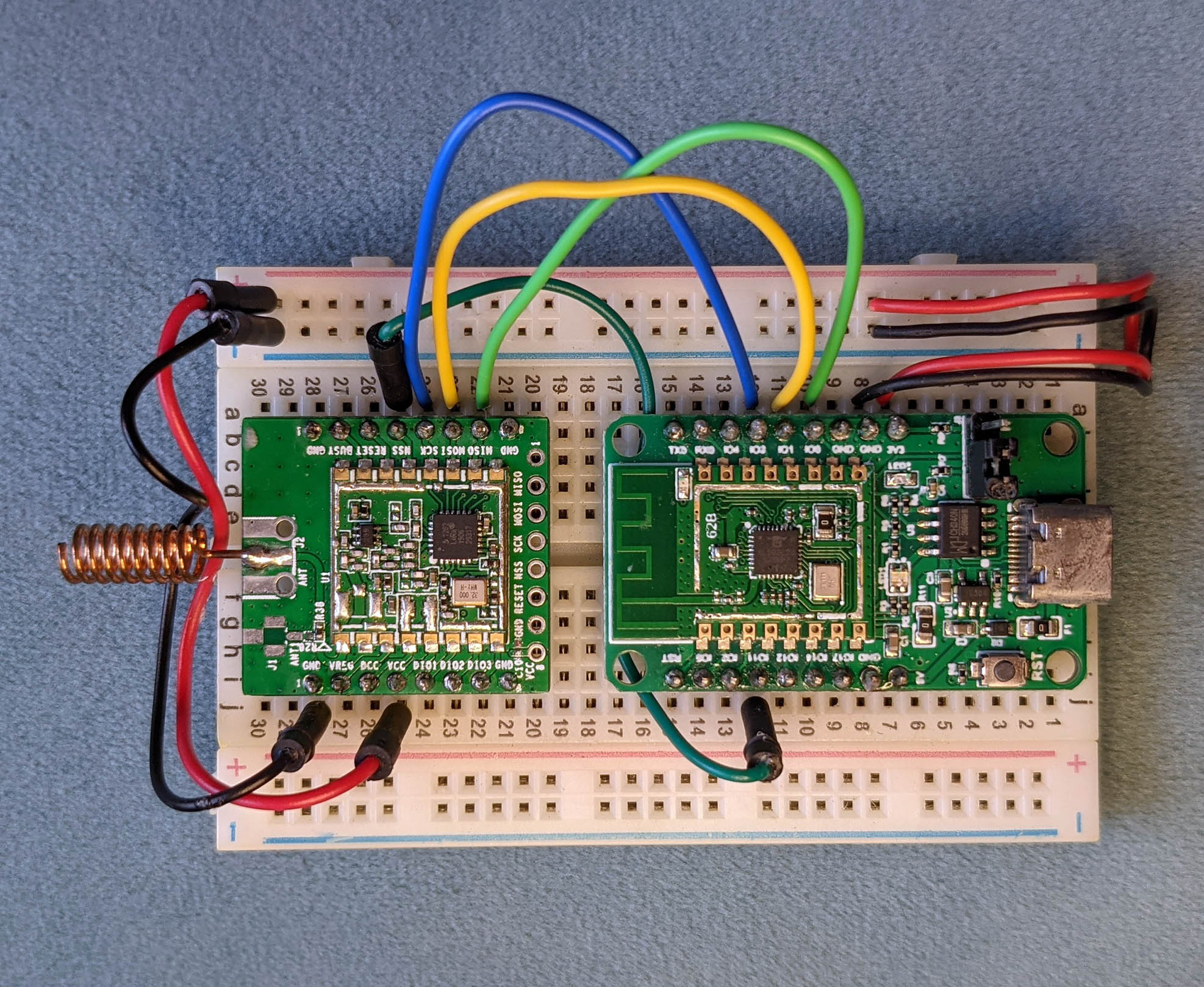
[_PineCone BL602 Board (right) connected to Semtech SX1262 LoRa Transceiver (left)_](https://lupyuen.github.io/articles/spi2)
## Blockly for IoT Sensor Apps
_What's an IoT Sensor App anyway?_
Suppose we're building an __IoT Sensor Device__ that will monitor Temperature, Humidity and Air Pressure.
The firmware in our device will periodically __read and transmit the Sensor Data__ like this...
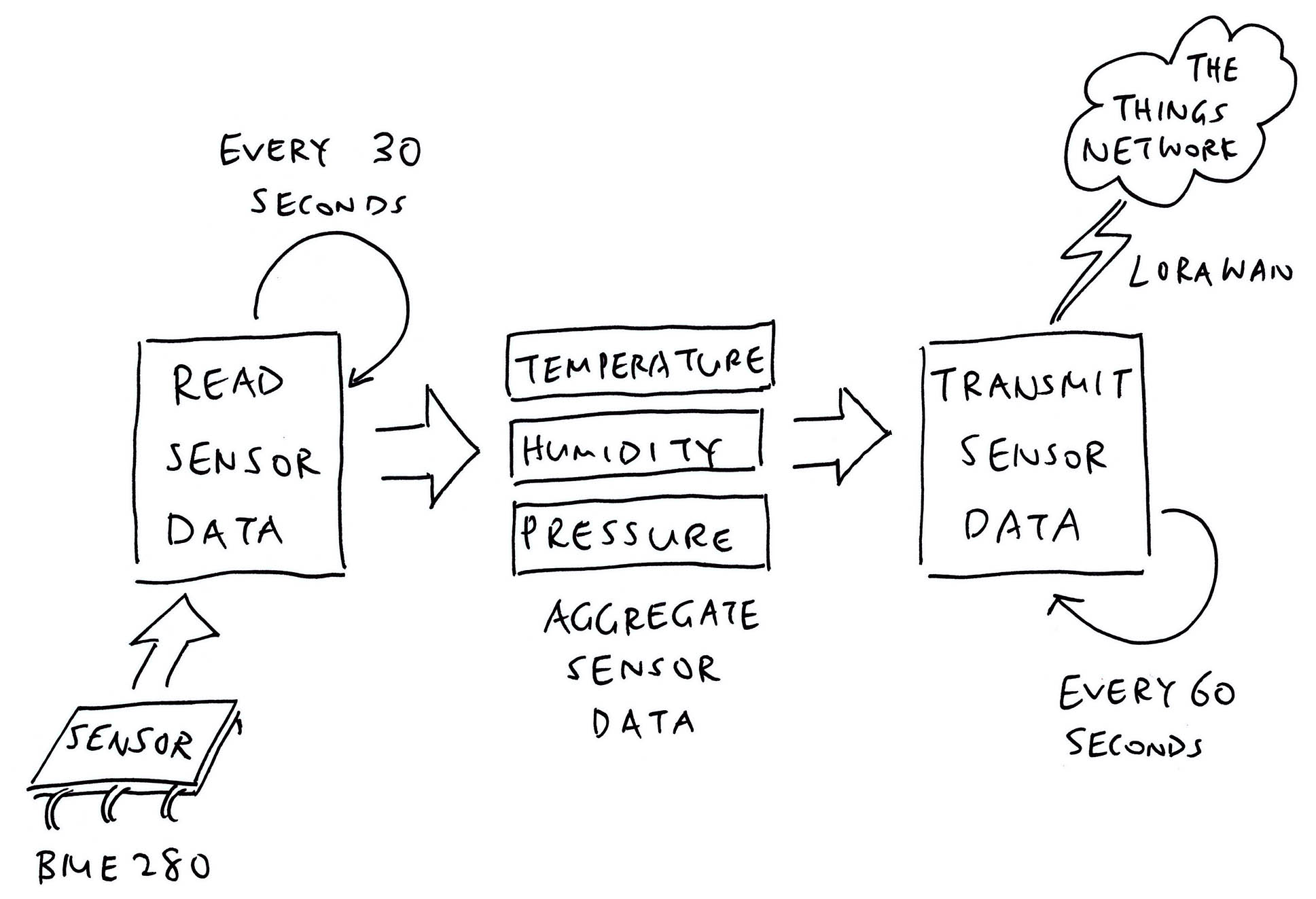
Which we might build as an __IoT Sensor App__ like so...
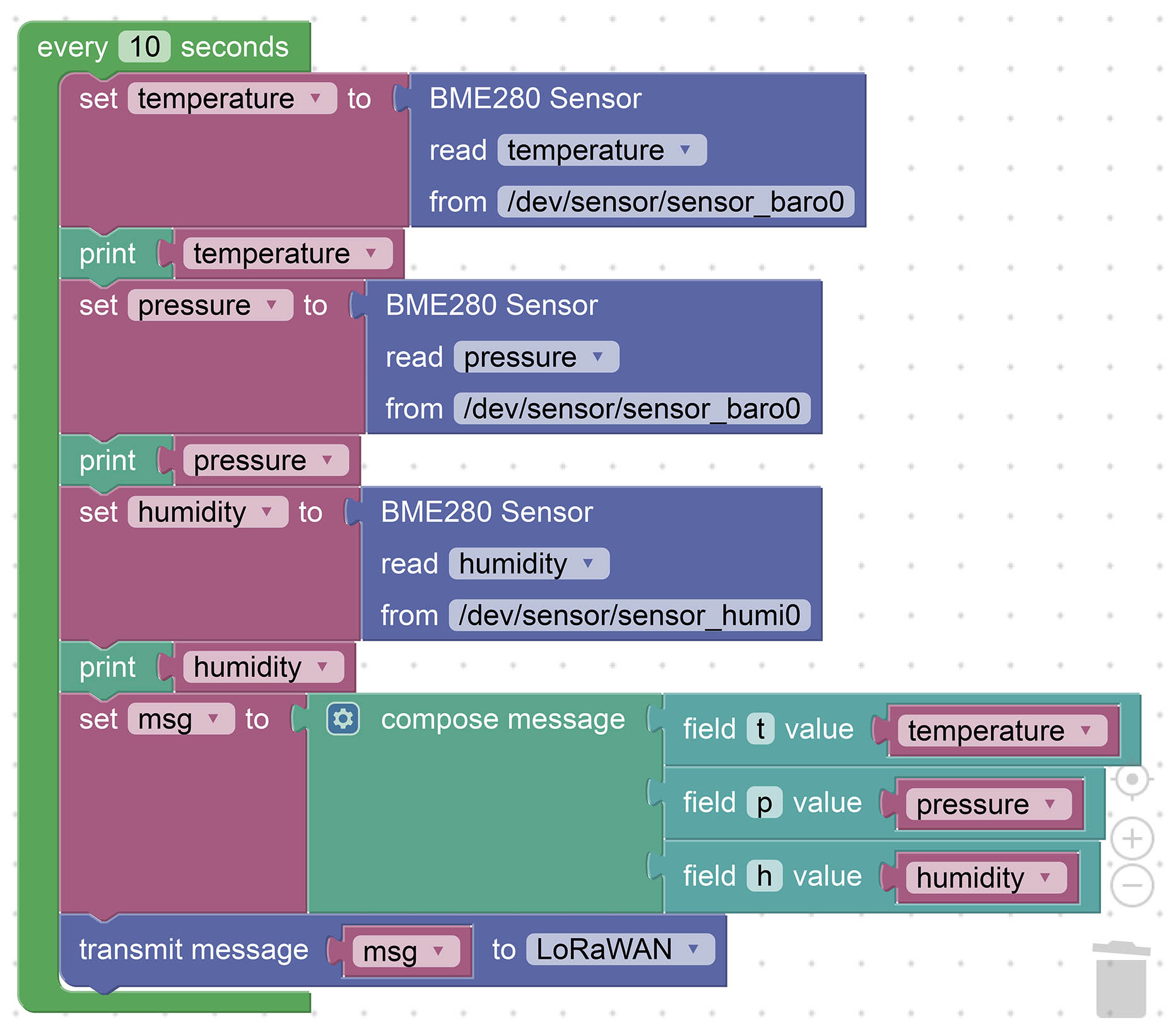
That's our focus for today: Create NuttX Firmware that will...
- __Read__ a NuttX Sensor (like Bosch BME280)
- __Encode__ the Sensor Data with [__CBOR__](https://lupyuen.github.io/articles/cbor2)
- __Transmit__ the Sensor Data over [__LoRaWAN__](https://makezine.com/2021/05/24/go-long-with-lora-radio/)
_How will we do the drag-n-drop?_
We'll implement the visual coding with [__Blockly__](https://developers.google.com/blockly), the Scratch-like browser-based coding toolkit.
Previously we have __customised Blockly__ to generate Zig Programs...
- [__""Zig Visual Programming with Blockly""__](https://lupyuen.github.io/articles/blockly)
Now we'll extend Blockly to produce IoT Sensor Apps.
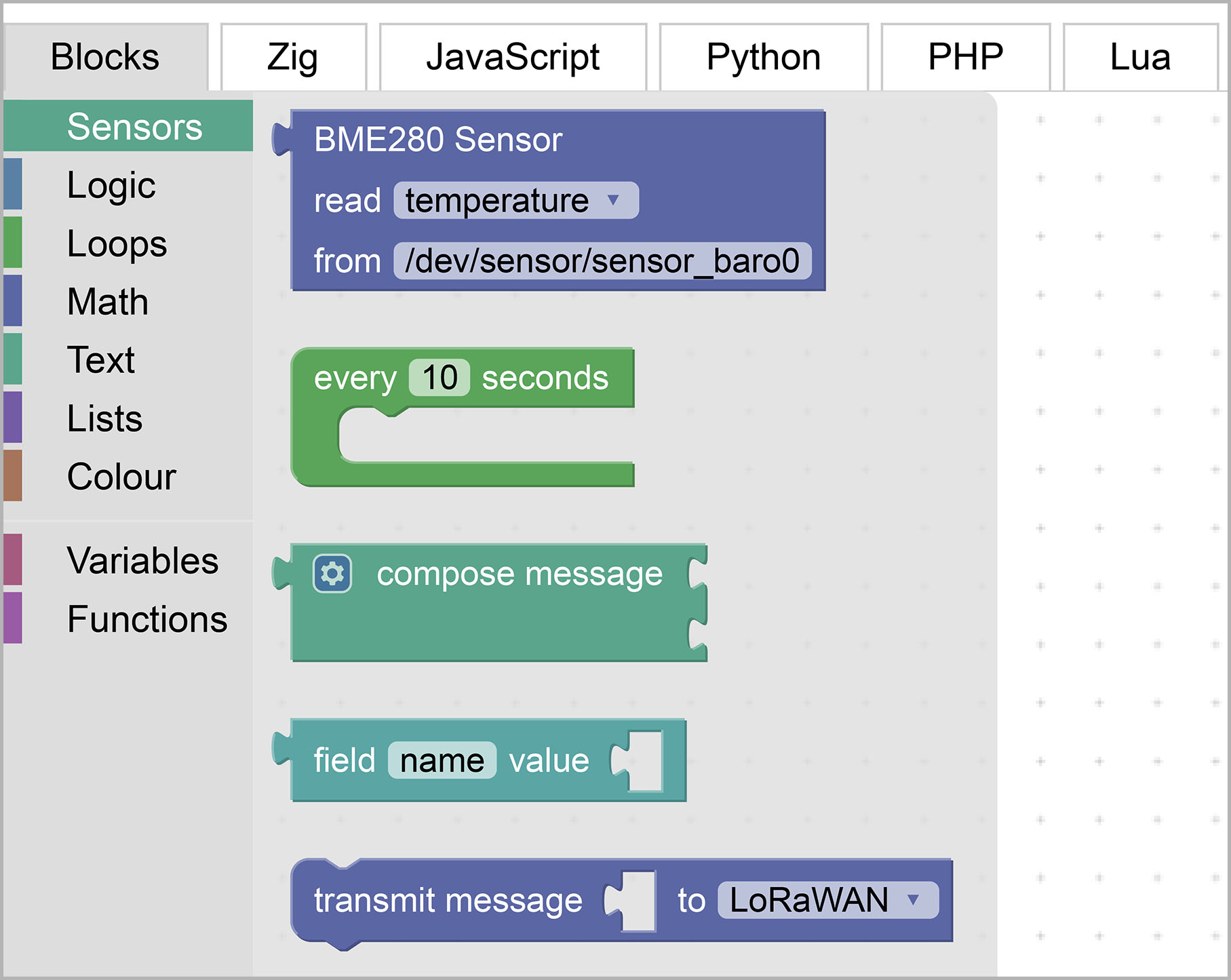
[_NuttX Blocks that we have added to Blockly_](https://lupyuen3.github.io/blockly-zig-nuttx/demos/code/)
## NuttX Blocks
In Blockly, we create programs by picking and dropping __Interlocking Blocks__.
Each Block will emit __Zig Code__ that we'll compile and run with NuttX.
To support IoT Sensor Apps, we extend Blockly and add the following __NuttX Blocks__ (pic above)...
- __BME280 Sensor Block__: Read Temperature / Humidity / Pressure from [__Bosch BME280 Sensor__](https://www.bosch-sensortec.com/products/environmental-sensors/humidity-sensors-bme280/)
- __Compose Message Block__: Compose a [__CBOR Message__](https://lupyuen.github.io/articles/cbor2) with our Sensor Data
- __Transmit Message Block__: Transmit a CBOR Message to [__LoRaWAN__](https://makezine.com/2021/05/24/go-long-with-lora-radio/)
- __Every Block__: Do something every X seconds
Let's inspect our NuttX Blocks and the Zig Code that they produce.
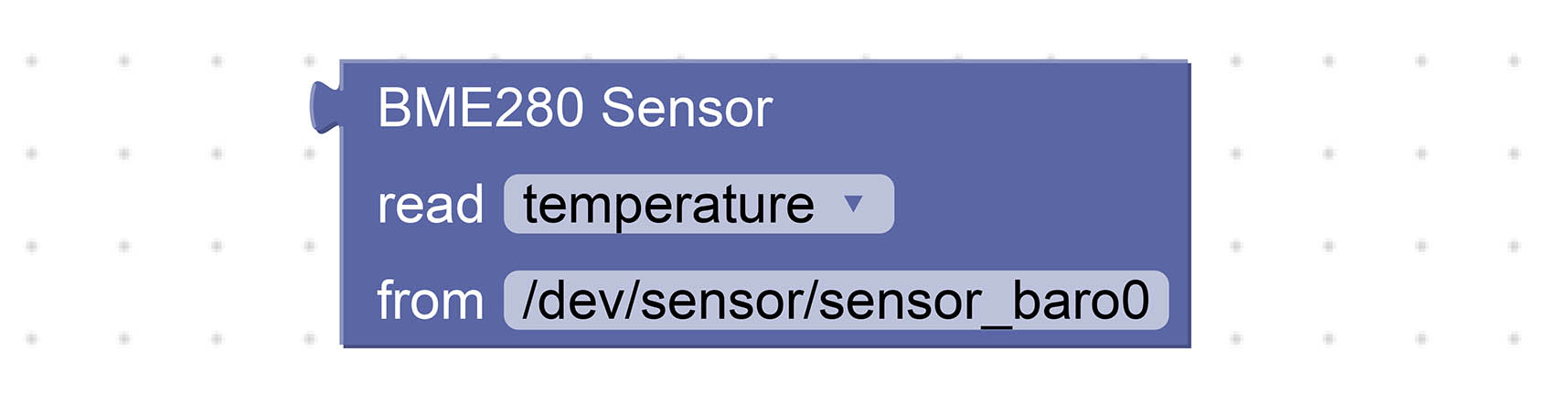
### BME280 Sensor Block
As pictured above, our __BME280 Sensor Block__ reads Temperature, Humidity and Pressure from the [__Bosch BME280 Sensor__](https://www.bosch-sensortec.com/products/environmental-sensors/humidity-sensors-bme280/).
Our Sensor Block will generate this __Zig Code__...
```zig
try sen.readSensor( // Read BME280 Sensor
c.struct_sensor_baro, // Sensor Data Struct
""temperature"", // Sensor Data Field
""/dev/sensor/sensor_baro0"" // Path of Sensor Device
);
```
[(Source)](https://github.com/lupyuen/visual-zig-nuttx/blob/main/visual.zig)
This calls our Zig Function [__readSensor__](https://lupyuen.github.io/articles/visual#appendix-read-sensor-data) to read a NuttX Sensor at the specified path.
[(__readSensor__ is defined in the Sensor Module __sen__)](https://lupyuen.github.io/articles/visual#appendix-read-sensor-data)
_What's `try`?_
That's how we __handle errors__ in Zig. If __readSensor__ fails with an error, we stop the current function and return the error to the caller.
_But struct_sensor_baro is not a value, it's a Struct Type!_
Yep [__struct_sensor_baro__](https://github.com/lupyuen/incubator-nuttx/blob/master/include/nuttx/sensors/sensor.h#L348-L355) is actually a Struct Type that Zig has auto-imported from NuttX. [(As defined here)](https://github.com/lupyuen/incubator-nuttx/blob/master/include/nuttx/sensors/sensor.h#L348-L355)
_So Zig will let us pass Struct Types to a Function?_
That's the neat thing about Zig... It will let us pass __Compile-Time Expressions__ (like Struct Types) to Zig Functions (like __readSensor__).
The Zig Compiler will __substitute the Struct Type__ inside the code for __readSensor__. (Which works like a C Macro)
Another neat thing: __""temperature""__ above is also a Compile-Time Expression, because it's a Field Name in the [__sensor_baro__](https://github.com/lupyuen/incubator-nuttx/blob/master/include/nuttx/sensors/sensor.h#L348-L355) Struct. Metaprogramming gets so cool!
[(More about __readSensor__ in the Appendix)](https://lupyuen.github.io/articles/visual#appendix-read-sensor-data)
_Why the full path ""/dev/sensor/sensor_baro0""? Why not just ""baro0""?_
Call me stupendously stubborn, but I think it might be better for learners to see the full path of NuttX Sensors?
So we have a better understanding of NuttX Sensors and how to troubleshoot them.
[(Te NuttX Sensor Path has just been renamed to ""/dev/uorb/sensor_baro0"")](https://github.com/apache/incubator-nuttx/blob/master/drivers/sensors/sensor.c#L50)
_What about other sensors? BMP280, ADXL345, LSM330, ..._
We plan to create a __Sensor Block for every sensor__ that's supported by NuttX.
Thus we can build all kinds of IoT Sensor Apps by dragging-n-dropping the Sensor Blocks for BMP280, ADXL345, LSM330, ...
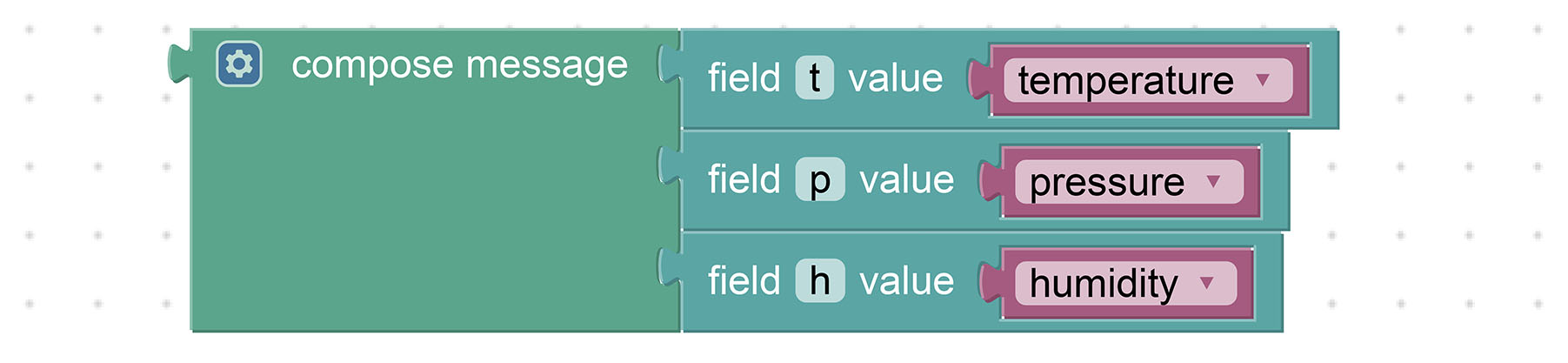
### Compose Message Block
The __Compose Message Block__ composes a [__CBOR Message__](https://lupyuen.github.io/articles/cbor2) with the specified Keys (Field Names) and Values (Sensor Data).
(Think of CBOR as a compact, binary form of JSON)
CBOR Messages usually require __fewer bytes than JSON__ to represent the same data. They work better with Low-Bandwidth Networks. (Like LoRaWAN)
The Block above will generate this __Zig Code__...
```zig
const msg = try composeCbor(.{ // Compose CBOR Message
""t"", temperature,
""p"", pressure,
""h"", humidity,
});
```
[(Source)](https://github.com/lupyuen/visual-zig-nuttx/blob/main/visual.zig)
Which calls our Zig Function [__composeCbor__](https://lupyuen.github.io/articles/visual#appendix-encode-sensor-data) to create the CBOR Message.
_What's `.{ ... }`?_
That's how we pass a __Variable Number of Arguments__ to a Zig Function.
_Is it safe? What if we make a mistake and omit a Key or a Value?_
__composeCbor__ uses __Compile-Time Validation__ to verify that the parameters are OK.
If we omit a Key or a Value (or if they have the wrong Types), the Zig Compiler will stop us during compilation.
[(__composeCbor__ is explained here)](https://lupyuen.github.io/articles/visual#appendix-encode-sensor-data)

### Transmit Message Block
The __Transmit Message Block__ (above) transmits a CBOR Message to [__LoRaWAN__](https://makezine.com/2021/05/24/go-long-with-lora-radio/) (the low-power, long-range, low-bandwidth IoT Network)...
```zig
// Transmit message to LoRaWAN
try transmitLorawan(msg);
```
[(Source)](https://github.com/lupyuen/visual-zig-nuttx/blob/main/visual.zig)
And probably other __IoT Networks__ in future: NB-IoT, LTE-M, Matter, Bluetooth, WiFi, MQTT, ...
[(__transmitLorawan__ is explained here)](https://lupyuen.github.io/articles/visual#appendix-transmit-sensor-data)

### Every Block
Lastly we have the __Every Block__ (above) that executes the Enclosed Blocks every X seconds...
```zig
// Every 10 seconds...
while (true) {
// TODO: Enclosed Blocks
...
// Wait 10 seconds
_ = c.sleep(10);
}
```
[(Source)](https://github.com/lupyuen/visual-zig-nuttx/blob/main/visual.zig)
_What's ""`_ = `something""?_
Zig Compiler helpfully stops us if we forget to use the __Return Value__ of a function.
We write ""`_ = ...`"" to tell Zig Compiler that we won't use the Return Value of the __sleep__ function. (Imported from NuttX)
_Sleepy fish? This sleeping looks fishy..._
Yep this __sleep__ won't work for some types of IoT Sensor Apps.
We'll revisit this in a while.
_How did we add these NuttX Blocks to Blockly?_
Blockly provides __Blockly Developer Tools__ for creating our Custom Blocks.
We'll explain the steps in the Appendix...
- [__""Create Custom Blocks""__](https://lupyuen.github.io/articles/visual#appendix-create-custom-blocks)
## Test NuttX Blocks
To test the NuttX Blocks, let's drag-n-drop an IoT Sensor App that will...
- __Read Sensor Data:__ Read the Temperature, Pressure and Humidity from BME280 Sensor
- __Print Sensor Data:__ Print the above values
- __Compose Message:__ Create a CBOR Message with the Temperature, Pressure and Humidity values
- __Transmit Message:__ Send the CBOR Message to LoRaWAN
First we download our __Zig Sensor App__ (that imports the NuttX Sensor API into Zig)...
```bash
## Download our Zig Sensor App for NuttX
git clone --recursive https://github.com/lupyuen/visual-zig-nuttx
```
(We'll paste our generated Zig Program inside here)
Now head over to our __Custom Blockly Website__...
- [__Blockly with Zig and NuttX (Work in Progress)__](https://lupyuen3.github.io/blockly-zig-nuttx/demos/code/)
Drag-n-drop the Blocks to assemble this Visual Program...

To find the above Blocks, click the __Blocks Toolbox__ (at left) and look under __""Sensors""__, __""Variables""__ and __""Text""__...
- [__Watch the Demo on YouTube__](https://youtu.be/GL2VWO4wNcA)
Note that we read __Humidity__ from __""sensor_humi0""__ instead of ""sensor_baro0"".
Click the __Zig Tab__. We'll see this Zig Program...
```zig
/// Main Function
pub fn main() !void {
// Every 10 seconds...
while (true) {
const temperature = try sen.readSensor( // Read BME280 Sensor
c.struct_sensor_baro, // Sensor Data Struct
""temperature"", // Sensor Data Field
""/dev/sensor/sensor_baro0"" // Path of Sensor Device
);
debug(""temperature={}"", .{ temperature });
const pressure = try sen.readSensor( // Read BME280 Sensor
c.struct_sensor_baro, // Sensor Data Struct
""pressure"", // Sensor Data Field
""/dev/sensor/sensor_baro0"" // Path of Sensor Device
);
debug(""pressure={}"", .{ pressure });
const humidity = try sen.readSensor( // Read BME280 Sensor
c.struct_sensor_humi, // Sensor Data Struct
""humidity"", // Sensor Data Field
""/dev/sensor/sensor_humi0"" // Path of Sensor Device
);
debug(""humidity={}"", .{ humidity });
const msg = try composeCbor(.{ // Compose CBOR Message
""t"", temperature,
""p"", pressure,
""h"", humidity,
});
// Transmit message to LoRaWAN
try transmitLorawan(msg);
// Wait 10 seconds
_ = c.sleep(10);
}
}
```
[(Source)](https://github.com/lupyuen/visual-zig-nuttx/blob/main/visual.zig)
Copy the code inside the __Main Function__. (Yep copy the __while__ loop)
Paste the code inside the __Zig Sensor App__ that we have downloaded earlier...
- [__visual-zig-nuttx/visual.zig__](https://github.com/lupyuen/visual-zig-nuttx/blob/main/visual.zig)
(Look for ""Paste Visual Program Here"")
_Can we save the Blocks? So we don't need to drag them again when retesting?_
Click the __JSON Tab__ and copy the Blockly JSON that appears.
Whenever we reload Blockly, just paste the Blockly JSON back into the JSON Tab. The Blocks will be automagically restored.
[(See the Blockly JSON)](https://gist.github.com/lupyuen/f7466a2e208eb68fd01a788c829b57e9)
We're ready to build and test our IoT Sensor App! But first we prep our hardware...
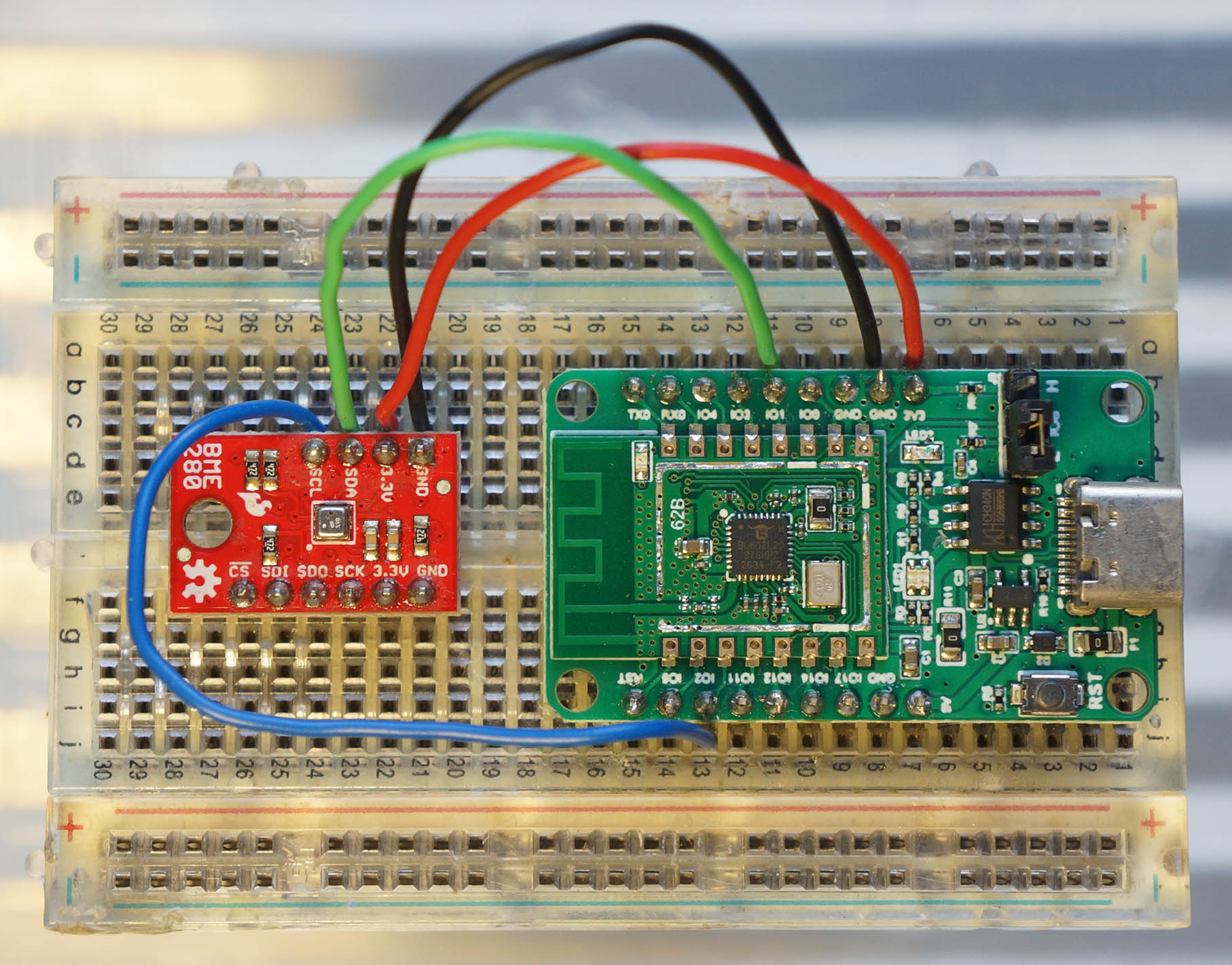
[_Pine64 PineCone BL602 RISC-V Board connected to Bosch BME280 Sensor_](https://lupyuen.github.io/articles/sensor)
## Connect BME280 Sensor
For testing our IoT Sensor App, we connect the BME280 Sensor (I2C) to Pine64's [__PineCone BL602 Board__](https://lupyuen.github.io/articles/pinecone) (pic above)...
| BL602 Pin | BME280 Pin | Wire Colour
|:---:|:---:|:---|
| __`GPIO 1`__ | `SDA` | Green
| __`GPIO 2`__ | `SCL` | Blue
| __`3V3`__ | `3.3V` | Red
| __`GND`__ | `GND` | Black
The __I2C Pins__ on BL602 are defined here: [board.h](https://github.com/lupyuen/incubator-nuttx/blob/master/boards/risc-v/bl602/bl602evb/include/board.h#L91-L98)
```c
/* I2C Configuration */
#define BOARD_I2C_SCL \
(GPIO_INPUT | GPIO_PULLUP | GPIO_FUNC_I2C | \
GPIO_PIN2)
#define BOARD_I2C_SDA \
(GPIO_INPUT | GPIO_PULLUP | GPIO_FUNC_I2C | \
GPIO_PIN1)
```
[(Which pins can be used? See this)](https://lupyuen.github.io/articles/expander#pin-functions)
## Compile Zig App
Below are the steps to __compile our IoT Sensor App__ for NuttX.
We download the latest version of __Zig Compiler__ (0.10.0 or later), extract it and add to PATH...
- [__Zig Compiler Downloads__](https://ziglang.org/download/)
Then w download and compile __NuttX for BL602__...
- [__""Install Prerequisites""__](https://lupyuen.github.io/articles/nuttx#install-prerequisites)
- [__""Build NuttX""__](https://lupyuen.github.io/articles/nuttx#build-nuttx)
The downloaded version of NuttX already includes our __BME280 Driver__...
- [__""Apache NuttX Driver for BME280 Sensor""__](https://lupyuen.github.io/articles/bme280)
Check that the following have been enabled in the NuttX Build...
- [__I2C0 Port__](https://lupyuen.github.io/articles/bme280#configure-nuttx)
- [__I2C Character Driver__](https://lupyuen.github.io/articles/bme280#configure-nuttx)
- [__BME280 Driver__](https://lupyuen.github.io/articles/bme280#configure-nuttx)
- [__Sensor Driver Test App__](https://lupyuen.github.io/articles/bme280#configure-nuttx)
Remember to set [__""Sensor Driver Test Stack Size""__](https://lupyuen.github.io/articles/bme280#configure-nuttx) to __4096__.
(Because our Zig App needs additional Stack Space)
After building NuttX, compile our __IoT Sensor App__...
```bash
## Zig Sensor App that we have downloaded earlier.
## TODO: Paste our visual program into visual-zig-nuttx/visual.zig
cd visual-zig-nuttx
## Compile the Zig App for BL602
## (RV32IMACF with Hardware Floating-Point)
## TODO: Change ""$HOME/nuttx"" to your NuttX Project Directory
zig build-obj \
--verbose-cimport \
-target riscv32-freestanding-none \
-mcpu=baseline_rv32-d \
-isystem ""$HOME/nuttx/nuttx/include"" \
-I ""$HOME/nuttx/apps/include"" \
sensortest.zig
```
[(See the Compile Log)](https://gist.github.com/lupyuen/eddfb4a11ed306d478f47adece9d6e1a)
Note that __target__ and __mcpu__ are specific to BL602...
- [__""Zig Target""__](https://lupyuen.github.io/articles/zig#zig-target)
Also specific to BL602 is the __ARCH_RISCV__ Macro in [visual-zig-nuttx/sensor.zig](https://github.com/lupyuen/visual-zig-nuttx/blob/main/sensor.zig#L11)
_How did we get the Compiler Options `-isystem` and `-I`?_
Remember that we'll link our Compiled Zig App into the NuttX Firmware.
Hence the __Zig Compiler Options must be the same__ as the GCC Options used to compile NuttX.
[(See the GCC Options for NuttX)](https://github.com/lupyuen/visual-zig-nuttx#sensor-test-app-in-c)
Next comes a quirk specific to BL602: We must __patch the ELF Header__ from Software Floating-Point ABI to Hardware Floating-Point ABI...
```bash
## Patch the ELF Header of `sensortest.o` from
## Soft-Float ABI to Hard-Float ABI
xxd -c 1 sensortest.o \
| sed 's/00000024: 01/00000024: 03/' \
| xxd -r -c 1 - sensortest2.o
cp sensortest2.o sensortest.o
```
[(More about this)](https://lupyuen.github.io/articles/zig#patch-elf-header)
Finally we inject our __Compiled Zig App__ into the NuttX Project Directory and link it into the __NuttX Firmware__...
```bash
## Copy the compiled app to NuttX and overwrite `sensortest.o`
## TODO: Change ""$HOME/nuttx"" to your NuttX Project Directory
cp sensortest.o $HOME/nuttx/apps/testing/sensortest/sensortest*.o
## Build NuttX to link the Zig Object from `sensortest.o`
## TODO: Change ""$HOME/nuttx"" to your NuttX Project Directory
cd $HOME/nuttx/nuttx
make
## For WSL: Copy the NuttX Firmware to c:\blflash for flashing
mkdir /mnt/c/blflash
cp nuttx.bin /mnt/c/blflash
```
We're ready to run our IoT Sensor App!
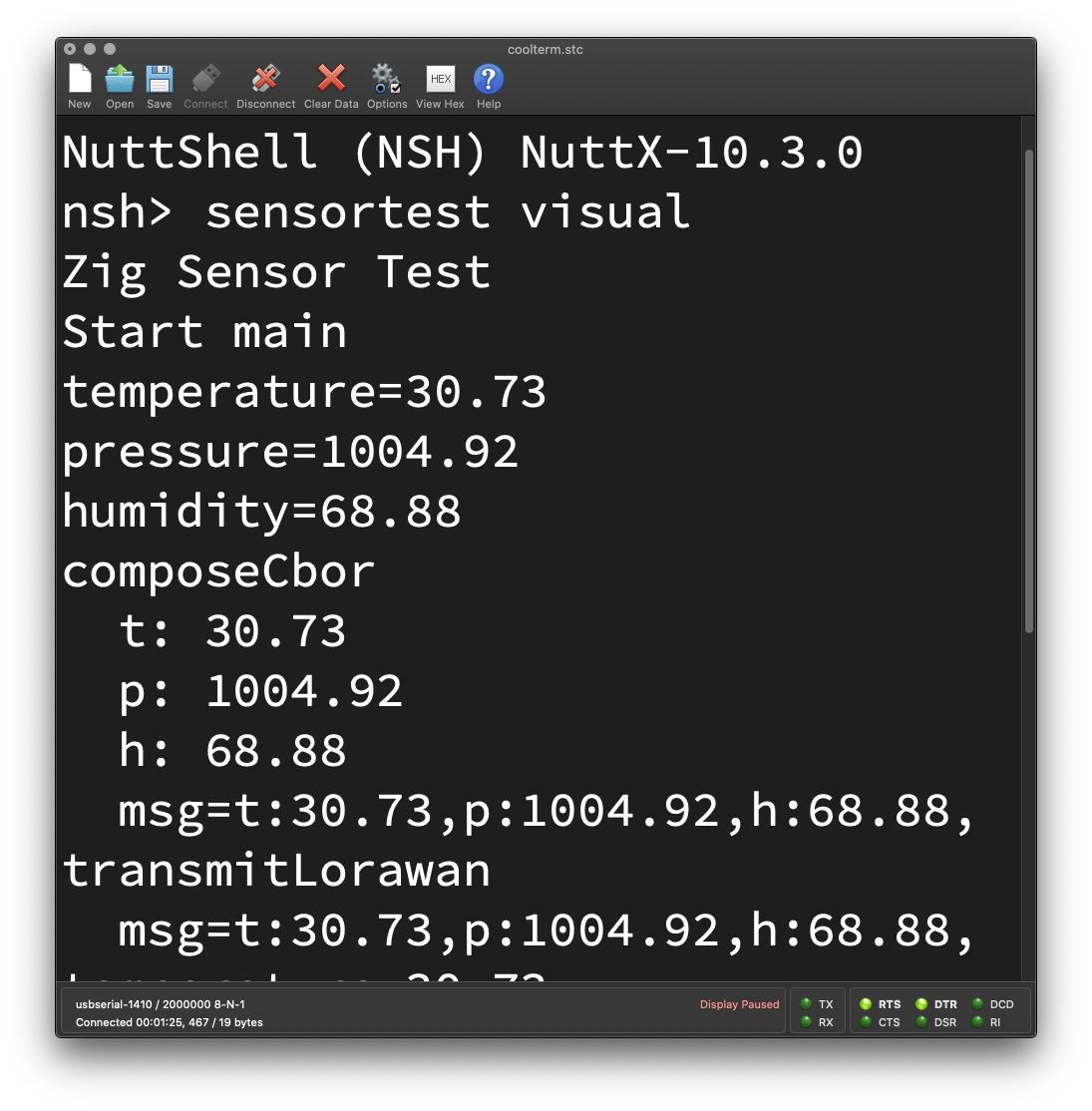
_IoT Sensor App running on PineCone BL602_
## Run Zig App
Follow these steps to __flash and boot NuttX__ (with our Zig App inside) on BL602...
- [__""Flash NuttX""__](https://lupyuen.github.io/articles/nuttx#flash-nuttx)
- [__""Run NuttX""__](https://lupyuen.github.io/articles/nuttx#run-nuttx)
In the NuttX Shell, enter this command to start our __IoT Sensor App__...
```bash
sensortest visual
```
[(__sensortest__ is explained here)](https://lupyuen.github.io/articles/sensor#main-function)
Our IoT Sensor App should correctly read the __Temperature, Pressure and Humidity__ from BME280 Sensor, and transmit the values to LoRaWAN (simulated)...
```text
NuttShell (NSH) NuttX-10.3.0
nsh> sensortest visual
Zig Sensor Test
Start main
temperature=31.05
pressure=1007.44
humidity=71.49
composeCbor
t: 31.05
p: 1007.44
h: 71.49
msg=t:31.05,p:1007.44,h:71.49,
transmitLorawan
msg=t:31.05,p:1007.44,h:71.49,
temperature=31.15
pressure=1007.40
humidity=70.86
composeCbor
t: 31.15
p: 1007.40
h: 70.86
msg=t:31.15,p:1007.40,h:70.86,
transmitLorawan
msg=t:31.15,p:1007.40,h:70.86,
```
[(See the Complete Log)](https://github.com/lupyuen/visual-zig-nuttx#test-visual-zig-sensor-app)
Yep we have successfully created an IoT Sensor App with Blockly, Zig and NuttX! 🎉
_Can we test without NuttX?_
To test our IoT Sensor App on __Linux / macOS / Windows__ (instead of NuttX), add the stubs below to simulate a NuttX Sensor...
- [__""Test Stubs""__](https://github.com/lupyuen/visual-zig-nuttx#test-stubs)
## Why Zig
_Once again... Why are we doing this in Zig?_
It's __easier to generate__ Zig Code for our IoT Sensor App. That's because Zig supports...
- __Type Inference__: Zig Compiler will fill in the missing Types
- __Compile-Time Expressions__: Zig Compiler will let us manipulate Struct Types and Fields at Compile-Time
- __Compile-Time Variable Arguments__: Zig Compiler will validate the Variable Arguments for our Function
We could have programmed Blockly to generate C Code. But it would be messy, here's why...
### Type Inference
In many Compiled Languages (including C), we need to __specify the Types__ for our Constants (and Variables)...
```zig
// This is a Float (f32)
const temperature: f32 = try sen.readSensor(...);
// This is a Struct (CborMessage)
const msg: CborMessage = try composeCbor(...);
```
But thanks to __Type Inference__, we may omit the Types in Zig...
```zig
// Zig Compiler infers that this is a Float
const temperature = try sen.readSensor(...);
// Zig Compiler infers that this is a Struct
const msg = try composeCbor(...);
```
[(Source)](https://github.com/lupyuen/visual-zig-nuttx/blob/main/visual.zig)
This simplifies the __Code Generation__ in Blockly, since we don't track the Types.
### Compile-Time Expressions
Earlier we saw this for reading the BME280 Sensor...
```zig
// Read Temperature from BME280 Sensor
temperature = try sen.readSensor(
c.struct_sensor_baro, // Sensor Data Struct
""temperature"", // Sensor Data Field
""/dev/sensor/sensor_baro0"" // Path of Sensor Device
);
```
[(Source)](https://github.com/lupyuen/visual-zig-nuttx/blob/main/visual.zig)
Looks concise and tidy, but __readSensor__ has 2 surprises...
- [__struct_sensor_baro__](https://github.com/lupyuen/incubator-nuttx/blob/master/include/nuttx/sensors/sensor.h#L348-L355) is actually a __Struct Type__
(Auto-imported by Zig from NuttX)
- __""temperature""__ is actually a __Struct Field Name__
(From the [__sensor_baro__](https://github.com/lupyuen/incubator-nuttx/blob/master/include/nuttx/sensors/sensor.h#L348-L355) Struct)
The Zig Compiler will __substitute the Struct Type__ and Field Name inside the code for __readSensor__. (Which works like a C Macro)
[(More about __readSensor__ in the Appendix)](https://lupyuen.github.io/articles/visual#appendix-read-sensor-data)
_Is this doable in C?_
Possibly, if we define a C Macro that embeds the entire __readSensor__ function.
(Which might be a headache for maintenance)
### Variable Arguments
Zig has a neat way of handling __Variable Arguments__ at Compile-Time.
Remember __composeCbor__ from earlier?
```zig
// Compose CBOR Message with a
// Variable Number of Keys and Values
const msg = try composeCbor(.{
""t"", temperature,
""p"", pressure,
""h"", humidity,
});
```
__composeCbor__ accepts a __Variable Number of Arguments__ and it uses __Compile-Time Validation__ to verify that the parameters are OK.
If we omit a Key or a Value (or if they have the wrong Types), the Zig Compiler will stop us during compilation.
[(__composeCbor__ is explained here)](https://lupyuen.github.io/articles/visual#appendix-encode-sensor-data)
_Could we have done this in C?_
I C, we would call some [__messy macros__](https://github.com/lupyuen/stm32bluepill-mynewt-sensor/blob/master/libs/sensor_coap/include/sensor_coap/sensor_coap.h#L219-L323) to validate and manipulate the parameters at Compile-Time.
Or implement as [__Variadic Functions in C__](https://en.cppreference.com/w/c/variadic), without the Compile-Time Type Checking.
That's why Zig is a better target for Automated Code Generation in Blockly.

[_Expected firmware for our IoT Sensor Device_](https://lupyuen.github.io/articles/visual#blockly-for-iot-sensor-apps)
## Real World Complications
Remember earlier we drew the pic above for our __IoT Sensor Firmware__?
Then we kinda glossed over the details and made this __IoT Sensor App__...
> 
To run this in the __Real World__, we need some tweaks...
_Is it really OK to transmit messages to LoRaWAN every 10 seconds?_
Nope it's NOT OK to send messages every 10 seconds! LoRaWAN imposes limits on the __Message Rate__.
We can send one LoRaWAN Message roughly __every 20 to 60 seconds__, depending on the Message Size.
[(More about this)](https://lupyuen.github.io/articles/lorawan3#message-interval)
_So we tweak the Loop to run every 60 seconds?_
Well then our Sensor Data (Temperature / Pressure / Humidity) would become __stale and inaccurate__.
We need to __collect and aggregate__ the Sensor Data more often.
This means splitting into two loops: __Read Sensor Loop__ and __Transmit Loop__...
(We'll explain ""x100"" in the next section)
Missing from the pic: We need to compute the __Average Temperature / Pressure / Humidity__ over the past 60 seconds.
And we __transmit the Average Sensor Data__. (Instead of the Raw Sensor Data)
This gives us better Sensor Data through __frequent sampling__, even though we're sending one message every minute.
(Some sensors like BME280 can actually do frequent sampling on their own. Check for [__Standby Interval__](https://lupyuen.github.io/articles/bme280#standby-interval))
_Will Blockly and Zig support two Loops?_
Not yet. With two Loops, we have the problem of __Sleepy Fishes__...
```zig
// Read Sensor Loop...
while (true) {
...
// Wait 30 seconds
_ = c.sleep(30);
}
// Transmit Loop...
while (true) {
...
// Wait 60 seconds
_ = c.sleep(60);
}
// Oops! Transmit Loop will never run!
```
We loop forever (calling __sleep__) in the First Loop, thus we'll never reach the Second Loop.
_So we should do this with Timers instead?_
Yep our Loops shall be implemented with proper __Multithreaded Timers__.
Like from [__NimBLE Porting Layer__](https://lupyuen.github.io/articles/sx1262#multithreading-with-nimble-porting-layer). (Or just plain NuttX Timers)
Let's sum up the tweaks that we need...
_Grand Plan for our IoT Sensor App_
## Upcoming Fixes
In the previous section we talked about the __quirks in our IoT Sensor App__ and why it won't work in the Real World.
This is how we'll fix it...
### Multithreading and Synchronisation
- __sleep__ won't work for Multiple Loops. We'll switch to __Multithreaded Timers__ instead
(From [__NimBLE Porting Layer__](https://lupyuen.github.io/articles/sx1262#multithreading-with-nimble-porting-layer) or just plain NuttX Timers)
- Our Read Sensor Loop needs to pass the __Aggregated Sensor Data__ to Transmit Loop
- Since both Loops run concurrently, we need to __Lock the Sensor Data__ during access
(Hence the Locking and Averaging in the sketch above)
### Message Constraints
- Our app shall transmit LoRaWAN Messages __every 60 seconds__, due to the Message Rate limits. [(Here's why)](https://lupyuen.github.io/articles/lorawan3#message-interval)
- CBOR Messages are smaller if we encode our __Sensor Data as Integers__ (instead of Floating-Point Numbers)
We propose to scale up our Sensor Data by 100 (pic below) and encode them as Integers. (Which preserves 2 decimal places)
[(More about CBOR Encoding)](https://lupyuen.github.io/articles/cbor2#floating-point-numbers)
- We'll probably test LoRaWAN with Waveshare's [__LoRa SX1262 Breakout Board__](https://www.waveshare.com/wiki/Pico-LoRa-SX1262) (non-sponsored)
(Because our current LoRa SX1262 Board is reserved for [__NuttX Automated Testing__](https://lupyuen.github.io/articles/auto))
- Waveshare's [__I2C Multi-Sensor Board__](https://www.waveshare.com/wiki/Pico-Environment-Sensor) (non-sponsored) looks super interesting for mixing-n-matching Multiple Sensors
_Sensor Data scaled by 100 and encoded as integers_
### Blockly Limitations
- Some Blocks won't emit __valid Zig Code__
[(Our Zig Code Generator for Blockly is incomplete)](https://lupyuen.github.io/articles/blockly#code-generator)
- __Double Asssignment__ fails with Zig and Blockly...
[(More about this)](https://lupyuen.github.io/articles/blockly#constants-vs-variables)
- __Shadowed Identifiers__ won't work either...
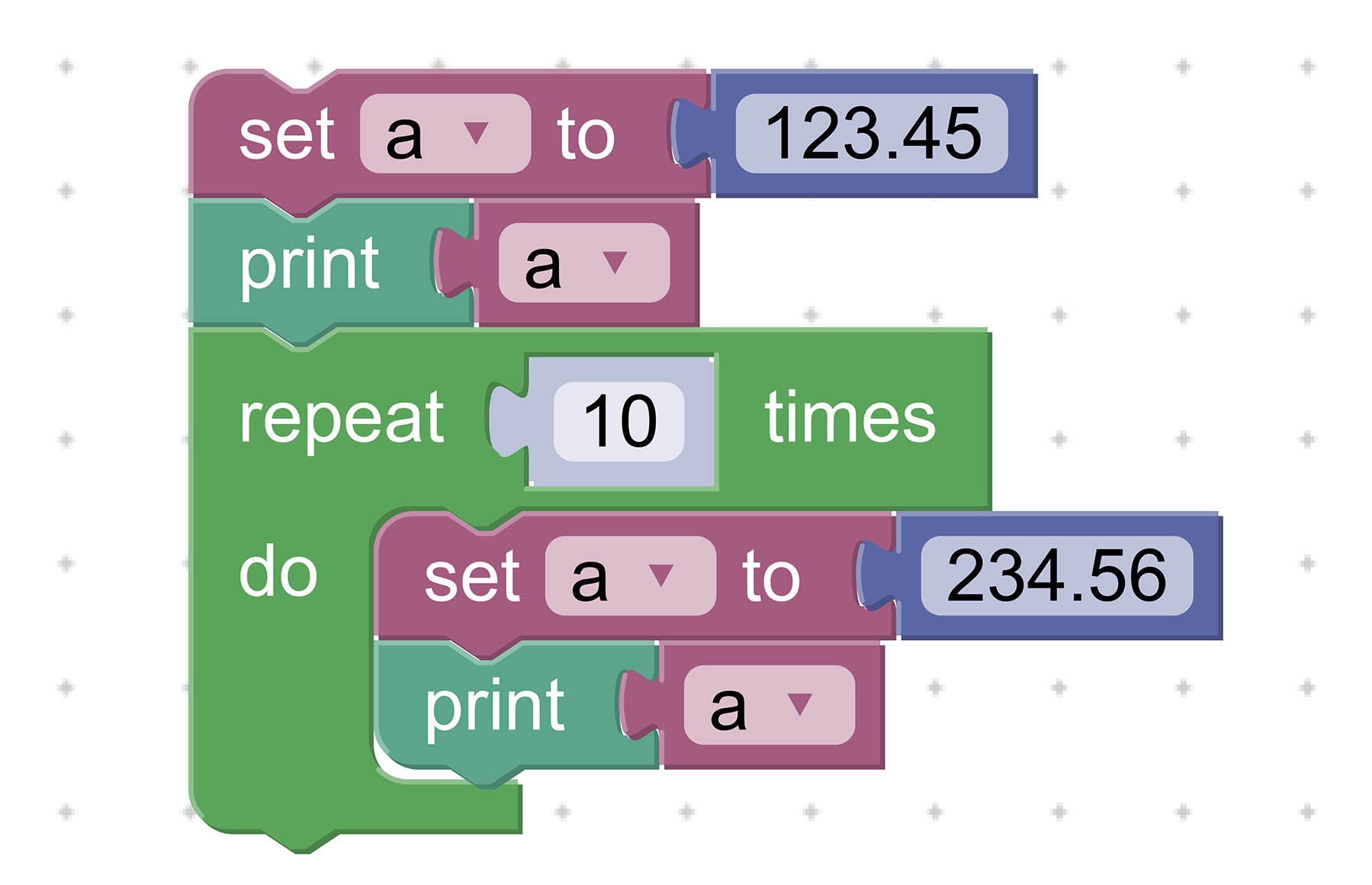
[(More about this)](https://lupyuen.github.io/articles/blockly#constants-vs-variables)
- Copying the Zig Code from Blockly into NuttX feels cumbersome. We might streamline this by wrapping Blockly as a __Desktop App.__
[(More about this)](https://lupyuen.github.io/articles/blockly#desktop-and-mobile)
There's plenty to be fixed, please lemme know if you're keen to help! 🙏
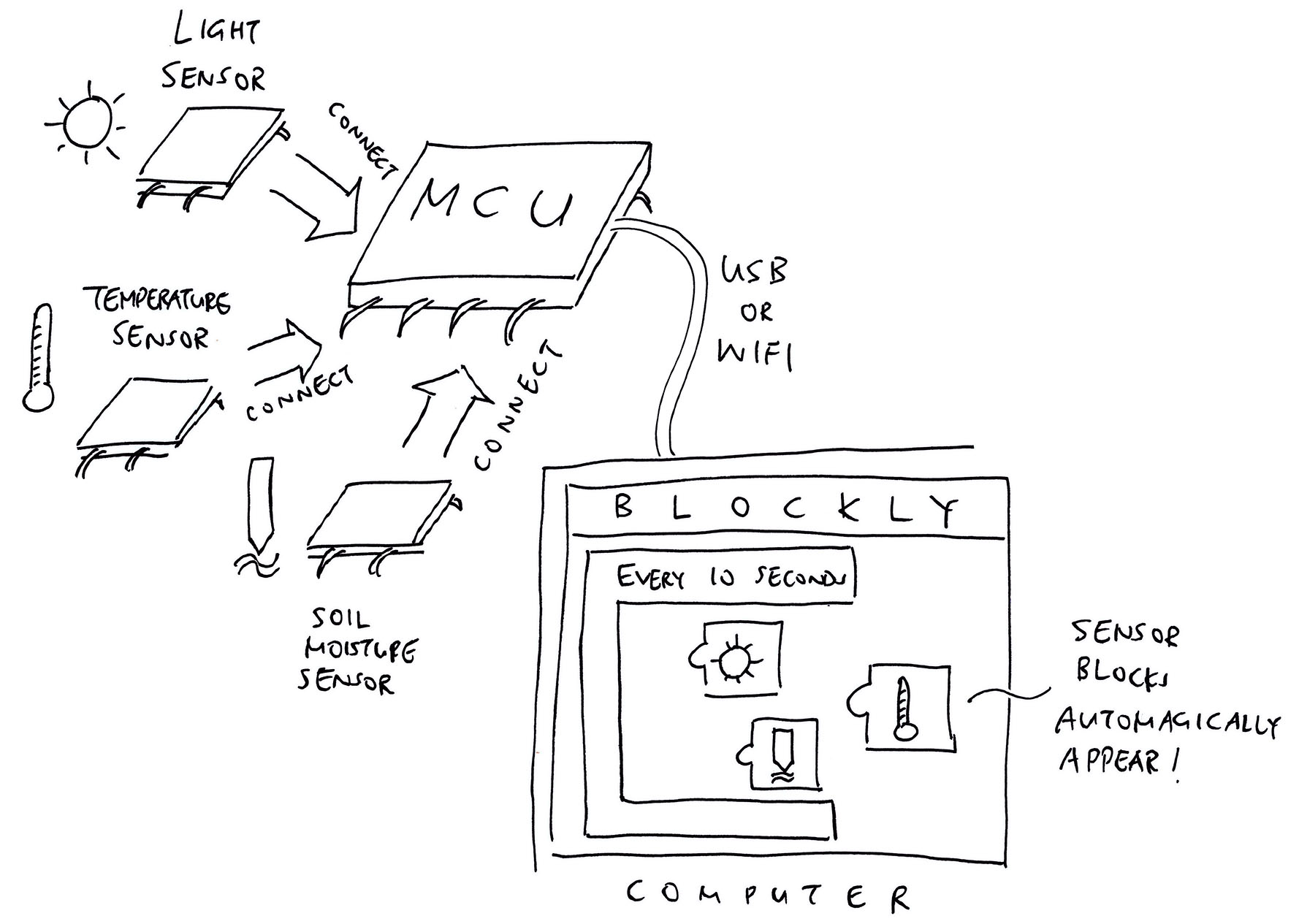
_Connect a Sensor to our Microcontroller and it pops up in Blockly!_
## Visual Arduino?
[__Alan Carvalho de Assis__](https://www.linkedin.com/in/acassis/) has a brilliant idea for an Embedded Dev Tool that's __modular, visual, plug-and-play__...
> ""I think creating some modular solution to compete with Arduino could be nice! Imagine that instead of wiring modules in the breadboard people just plug the device in the board and it recognize the device and add it to some graphical interface""
> ""For example, you just plug a temperature sensor module in your board and it will identify the module type and you can pass this Temperature variable to use in your logic application""
Just __connect a Sensor__ to our Microcontroller... And it pops up in __Blockly__, all ready for us to read the Sensor Data! (Pic above)
To detect the Sensor, we could use [__SPD (Serial Presence Detection)__](https://en.m.wikipedia.org/wiki/Serial_presence_detect), like for DDR Memory Modules.
(Or maybe we scan the I2C Bus and read the Chip ID?)
What do you think? Please let us know! 🙏
(Would be great if we could create a Proof-of-Concept using Universal Perforated Board)
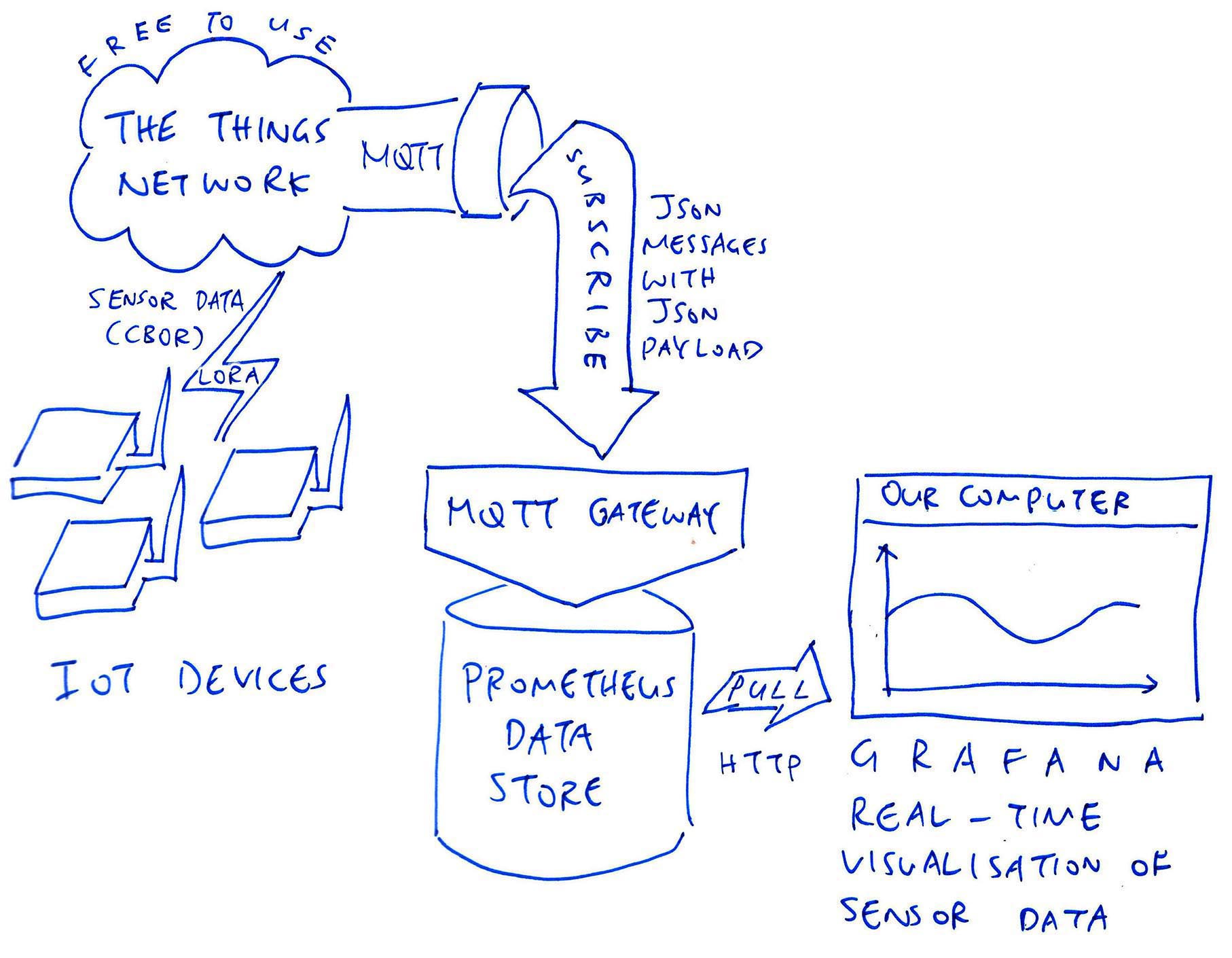
[_Up Next: Prometheus, Grafana and The Things Network_](https://lupyuen.github.io/articles/prometheus)
## What's Next
This has been an exhilarating journey into __IoT, Zig and Visual Programming__ that spans four articles (including this one)...
- [__""Build an IoT App with Zig and LoRaWAN""__](https://lupyuen.github.io/articles/iot)
- [__""Read NuttX Sensor Data with Zig""__](https://lupyuen.github.io/articles/sensor)
- [__""Zig Visual Programming with Blockly""__](https://lupyuen.github.io/articles/blockly)
I hope you'll join me for more!
Check out my earlier work on Zig and NuttX...
- [__""Zig on RISC-V BL602: Quick Peek with Apache NuttX RTOS""__](https://lupyuen.github.io/articles/zig)
- [__""Build an LVGL Touchscreen App with Zig""__](https://lupyuen.github.io/articles/lvgl)
Many Thanks to my [__GitHub Sponsors__](https://github.com/sponsors/lupyuen) for supprting my work! This article wouldn't have been possible without your support.
- [__Sponsor me a coffee__](https://github.com/sponsors/lupyuen)
- [__Discuss this article on Reddit__](https://www.reddit.com/r/Zig/comments/wr9axi/visual_programming_with_zig_and_nuttx_sensors/)
- [__Read ""The RISC-V BL602 / BL604 Book""__](https://lupyuen.github.io/articles/book)
- [__Check out my articles__](https://lupyuen.github.io)
- [__RSS Feed__](https://lupyuen.github.io/rss.xml)
_Got a question, comment or suggestion? Create an Issue or submit a Pull Request here..._
[__lupyuen.github.io/src/visual.md__](https://github.com/lupyuen/lupyuen.github.io/blob/master/src/visual.md)
## Notes
1. This article is the expanded version of [__this Twitter Thread__](https://twitter.com/MisterTechBlog/status/1557857587667775489)
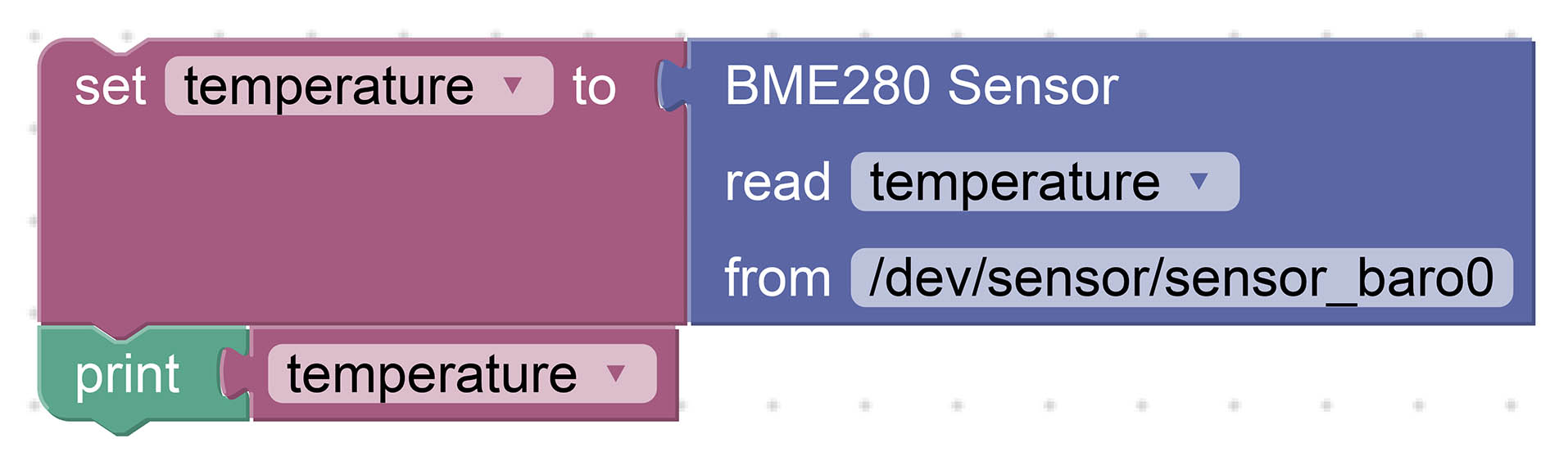
_BME280 Sensor Block_
## Appendix: Read Sensor Data
As pictured above, our __BME280 Sensor Block__ reads Temperature, Humidity and Pressure from the [__Bosch BME280 Sensor__](https://www.bosch-sensortec.com/products/environmental-sensors/humidity-sensors-bme280/).
The Blocks above will generate this __Zig Code__...
```zig
// Read the Temperature
const temperature = try sen.readSensor(
c.struct_sensor_baro, // Sensor Data Struct to be read
""temperature"", // Sensor Data Field to be returned
""/dev/sensor/sensor_baro0"" // Path of Sensor Device
);
// Print the Temperature
debug(""temperature={}"", .{ temperature });
```
[(Source)](https://github.com/lupyuen/visual-zig-nuttx/blob/main/visual.zig)
Looks concise and tidy, but __readSensor__ has 2 surprises...
- [__struct_sensor_baro__](https://github.com/lupyuen/incubator-nuttx/blob/master/include/nuttx/sensors/sensor.h#L348-L355) is actually a __Struct Type__
(Auto-imported by Zig from NuttX)
- __""temperature""__ is actually a __Struct Field Name__
(From the [__sensor_baro__](https://github.com/lupyuen/incubator-nuttx/blob/master/include/nuttx/sensors/sensor.h#L348-L355) Struct)
The Zig Compiler will __substitute the Struct Type__ and Field Name inside the code for __readSensor__. (Which works like a C Macro)
_How does it work?_
__readSensor__ declares the Sensor Data Struct Type and Sensor Data Field as __`comptime`__...
```zig
/// Read a Sensor and return the Sensor Data
pub fn readSensor(
comptime SensorType: type, // Sensor Data Struct to be read, like c.struct_sensor_baro
comptime field_name: []const u8, // Sensor Data Field to be returned, like ""temperature""
device_path: []const u8 // Path of Sensor Device, like ""/dev/sensor/sensor_baro0""
) !f32 { ...
```
[(Source)](https://github.com/lupyuen/visual-zig-nuttx/blob/main/sensor.zig#L34-L108)
Which means that Zig Compiler will __substitute the values__ at Compile-Time (like a C Macro)...
- __SensorType__ changes to __c.struct_sensor_baro__
- __field_name__ changes to __""temperature""__
__readSensor__ will then use __SensorType__ to refer to the [__sensor_baro__](https://github.com/lupyuen/incubator-nuttx/blob/master/include/nuttx/sensors/sensor.h#L348-L355) Struct...
```zig
// Define the Sensor Data Type.
// Zig Compiler replaces `SensorType` by `c.struct_sensor_baro`
var sensor_data = std.mem.zeroes(
SensorType
);
```
[(Source)](https://github.com/lupyuen/visual-zig-nuttx/blob/main/sensor.zig#L89-L92)
And __readSensor__ will use __field_name__ to refer to the __""temperature""__ field...
```zig
// Return the Sensor Data Field.
// Zig Compiler replaces `field_name` by ""temperature""
return @field(
sensor_data, // Sensor Data Type from above
field_name // Field Name is ""temperature""
);
```
[(Source)](https://github.com/lupyuen/visual-zig-nuttx/blob/main/sensor.zig#L106-L107)
Check out this doc for details on __`comptime`__ and Zig Metaprogramming...
- [__""Zig Metaprogramming""__](https://ikrima.dev/dev-notes/zig/zig-metaprogramming/)
_What's inside readSensor?_
Let's look at the implementation of __readSensor__ in [sensor.zig](https://github.com/lupyuen/visual-zig-nuttx/blob/main/sensor.zig#L34-L108) and walk through the steps for reading a NuttX Sensor...
### Open Sensor Device
We begin by __opening the NuttX Sensor Device__: [sensor.zig](https://github.com/lupyuen/visual-zig-nuttx/blob/main/sensor.zig#L34-L108)
```zig
/// Read a Sensor and return the Sensor Data
pub fn readSensor(
comptime SensorType: type, // Sensor Data Struct to be read, like c.struct_sensor_baro
comptime field_name: []const u8, // Sensor Data Field to be returned, like ""temperature""
device_path: []const u8 // Path of Sensor Device, like ""/dev/sensor/sensor_baro0""
) !f32 {
// Open the Sensor Device
const fd = c.open(
&device_path[0], // Path of Sensor Device
c.O_RDONLY | c.O_NONBLOCK // Open for read-only
);
```
__`open()`__ should look familiar... On Linux we open Devices the same way.
_What's ""`[]const u8`""?_
That's a __Slice of Bytes__, roughly equivalent to a String in C.
[(More about Slices)](https://lupyuen.github.io/articles/sensor#slice-vs-string)
_What's ""`!f32`""?_
That's the __Return Type__ of our function...
- Our function returns the Sensor Data as a 32-bit __Floating-Point Number__
(Hence ""`f32`"")
- But it might return an __Error__
(Hence the ""`!`"")
_Why the ""`c.`"" prefix?_
We write ""`c.`_something_"" for Functions, Types and Macros __imported from C__.
[(As explained here)](https://lupyuen.github.io/articles/sensor#import-nuttx-functions)
Next we check if the Sensor Device has been __successfully opened__...
```zig
// Check for error
if (fd < 0) {
std.log.err(
""Failed to open device:{s}"",
.{ c.strerror(errno()) }
);
return error.OpenError;
}
```
If the Sensor Device doesn't exist, we print a Formatted Message to the __Error Log__ and return an Error.
[(__OpenError__ is defined here)](https://github.com/lupyuen/visual-zig-nuttx/blob/main/sensor.zig#L152-L163)
_What's ""`{s}`""?_
That's for printing a __Formatted String__ in Zig.
It's equivalent to ""`%s`"" in C...
```c
printf(""Failed to open device:%s"", strerror(errno()));
```
_What's ""`.{ ... }`""?_
That's how we pass a __list of Arguments__ when printing a Formatted Message.
If we have no Arguments, we write ""`.{}`""
[(""`.{ ... }`"" creates an Anonymous Struct)](https://ziglang.org/documentation/master/#Anonymous-Struct-Literals)
### Close Sensor Device (Deferred)
We've just opened the Sensor Device and we must __close it later__...
But the Control Flow gets complicated because we might need to __handle Errors__ and quit early. In C we'd code this with ""`goto`"".
For Zig we do this nifty trick...
```zig
// Close the Sensor Device when this function returns
defer {
_ = c.close(fd);
}
```
When we write __""`defer`""__, this chunk of code will be executed __when our function returns__.
This brilliantly solves our headache of __closing the Sensor Device__ when we hit Errors later.
_Why the ""`_ =` something""?_
Zig Compiler stops us if we forget to use the __Return Value__ of a Function.
We write ""`_ =` _something_"" to tell Zig Compiler that we're not using the Return Value.
### Set Standby Interval
Some sensors (like BME280) will automatically measure Sensor Data at __Periodic Intervals__. [(Like this)](https://lupyuen.github.io/articles/bme280#standby-interval)
Let's assume that our sensor will measure Sensor Data __every 1 second__...
```zig
// Set Standby Interval
const interval: c_uint = 1_000_000; // 1,000,000 microseconds (1 second)
var ret = c.ioctl(
fd, // Sensor Device
SNIOC_SET_INTERVAL, // ioctl Command
interval // Standby Interval
);
```
(__c_uint__ is equivalent to ""unsigned int"" in C)
In case of error, we quit...
```zig
// Check for error
if (ret < 0 and errno() != c.ENOTSUP) {
std.log.err(""Failed to set interval:{s}"", .{ c.strerror(errno()) });
return error.IntervalError;
}
```
[(__IntervalError__ is defined here)](https:/github.com/lupyuen/visual-zig-nuttx/blob/main/sensor.zig#L152-L163)
Which also closes the Sensor Device. (Due to our earlier ""`defer`"")
### Set Batch Latency
We set the __Batch Latency__, if it's needed by our sensor...
```zig
// Set Batch Latency
const latency: c_uint = 0; // No latency
ret = c.ioctl(
fd, // Sensor Device
c.SNIOC_BATCH, // ioctl Command
latency // Batch Latency
);
```
And we check for error...
```zig
// Check for error
if (ret < 0 and errno() != c.ENOTSUP) {
std.log.err(""Failed to batch:{s}"", .{ c.strerror(errno()) });
return error.BatchError;
}
```
[(__BatchError__ is defined here)](https://github.com/lupyuen/visual-zig-nuttx/blob/main/sensor.zig#L152-L163)
### Poll Sensor
After the enabling the sensor, we __poll the sensor__ to check if Sensor Data is available...
```zig
// Poll for Sensor Data
var fds = std.mem.zeroes(c.struct_pollfd);
fds.fd = fd;
fds.events = c.POLLIN;
ret = c.poll(&fds, 1, -1);
// Check if Sensor Data is available
if (ret <= 0) {
std.log.err(""Sensor data not available"", .{});
return error.DataError;
}
```
__std.mem.zeroes__ creates a __pollfd__ Struct that's initialised with nulls.
(The struct lives on the stack)
### Read Sensor Data
We __allocate a buffer__ (on the stack) to receive the Sensor Data...
```zig
// Define the Sensor Data Type
var sensor_data = std.mem.zeroes(
SensorType
);
const len = @sizeOf(
@TypeOf(sensor_data)
);
```
Remember that __SensorType__ is a __`comptime`__ Compile-Time Type.
Zig Compiler will change __SensorType__ to a Struct Type like __c.struct_sensor_baro__
__std.mem.zeroes__ returns a Sensor Data Struct, initialised with nulls.
We __read the Sensor Data__ into the struct...
```zig
// Read the Sensor Data
const read_len = c.read(fd, &sensor_data, len);
// Check size of Sensor Data
if (read_len < len) {
std.log.err(""Sensor data incorrect size"", .{});
return error.SizeError;
}
```
### Return Sensor Data
Finally we return the __Sensor Data Field__...
```zig
// Return the Sensor Data Field
return @field(
sensor_data, // Sensor Data Type from above
field_name // Field Name like ""temperature""
);
}
```
Remember that __field_name__ is a __`comptime`__ Compile-Time String.
Zig Compiler will change __field_name__ to a Field Name like __""temperature""__
And that's how __readSensor__ reads the Sensor Data from a NuttX Sensor!

_Compose Message Block_
## Appendix: Encode Sensor Data
The __Compose Message Block__ composes a [__CBOR Message__](https://lupyuen.github.io/articles/cbor2) with the specified Keys (Field Names) and Values (Sensor Data).
(Think of CBOR as a compact, binary form of JSON)
CBOR Messages usually require __fewer bytes than JSON__ to represent the same data. They work better with Low-Bandwidth Networks. (Like LoRaWAN)
The Block above will generate this __Zig Code__...
```zig
const msg = try composeCbor(.{ // Compose CBOR Message
""t"", temperature,
""p"", pressure,
""h"", humidity,
});
```
[(Source)](https://github.com/lupyuen/visual-zig-nuttx/blob/main/visual.zig)
Which will show this output...
```text
composeCbor
t: 31.05
p: 1007.44
h: 71.49
msg=t:31.05,p:1007.44,h:71.49,
```
[(Source)](https://github.com/lupyuen/visual-zig-nuttx#test-visual-zig-sensor-app)
_composeCbor accepts a variable number of arguments? Strings as well as numbers?_
Yep, here's the implementation of __composeCbor__: [visual.zig](https://github.com/lupyuen/visual-zig-nuttx/blob/main/visual.zig#L59-L102)
```zig
/// TODO: Compose CBOR Message with Key-Value Pairs
/// https://lupyuen.github.io/articles/cbor2
fn composeCbor(args: anytype) !CborMessage {
debug(""composeCbor"", .{});
comptime {
assert(args.len % 2 == 0); // Missing Key or Value
}
// Process each field...
comptime var i: usize = 0;
var msg = CborMessage{};
inline while (i < args.len) : (i += 2) {
// Get the key and value
const key = args[i];
const value = args[i + 1];
// Print the key and value
debug("" {s}: {}"", .{
@as([]const u8, key),
floatToFixed(value)
});
// Format the message for testing
var slice = std.fmt.bufPrint(
msg.buf[msg.len..],
""{s}:{},"",
.{
@as([]const u8, key),
floatToFixed(value)
}
) catch { _ = std.log.err(""Error: buf too small"", .{}); return error.Overflow; };
msg.len += slice.len;
}
debug("" msg={s}"", .{ msg.buf[0..msg.len] });
return msg;
}
```
[(__floatToFixed__ is explained here)](https://lupyuen.github.io/articles/sensor#appendix-fixed-point-sensor-data)
__CborMessage__ is a Struct that contains the CBOR Buffer...
```zig
/// TODO: CBOR Message
/// https://lupyuen.github.io/articles/cbor2
const CborMessage = struct {
buf: [256]u8 = undefined, // Limit to 256 bytes
len: usize = 0, // Length of buffer
};
```
Note that __composeCbor__'s parameter is declared as __`anytype`__...
```zig
fn composeCbor(args: anytype) { ...
```
That's why __composeCbor__ accepts a variable number of arguments with different types.
To handle each argument, the Zig Compiler will unroll (expand) this __`inline`__ __`comptime`__ loop during compilation...
```zig
// Zig Compiler will unroll (expand) this Loop.
// Process each field...
comptime var i: usize = 0;
inline while (i < args.len) : (i += 2) {
// Get the key and value
const key = args[i];
const value = args[i + 1];
// Print the key and value
debug("" {s}: {}"", .{
@as([]const u8, key),
floatToFixed(value)
});
...
}
```
(Think of it as a C Macro, expanding our code during compilation)
Thus if we have 3 pairs of Key-Values, Zig Compiler will emit the above code 3 times.
[(__floatToFixed__ is explained here)](https://lupyuen.github.io/articles/sensor#appendix-fixed-point-sensor-data)
_What happens if we omit a Key or a Value when calling composeCbor?_
This __`comptime`__ Assertion Check will __fail during compilation__...
```zig
// This assertion fails at Compile-Time
// if we're missing a Key or a Value
comptime {
assert(args.len % 2 == 0);
}
```
_What happens if we pass incorrect Types for the Key or Value?_
__composeCbor__ expects the following Types...
- Key should be a (string-like) __Byte Slice__ (`[]const u8`)
- Value should be a __Floating-Point Number__ (`f32`)
If the Types are incorrect, Zig Compiler will stop us here __during compilation__...
```zig
// Print the key and value
debug("" {s}: {}"", .{
@as([]const u8, key),
floatToFixed(value)
});
```
[(__floatToFixed__ is explained here)](https://lupyuen.github.io/articles/sensor#appendix-fixed-point-sensor-data)
Hence __composeCbor__ might look fragile with its Variable Arguments and Types...
```zig
const msg = try composeCbor(.{ // Compose CBOR Message
""t"", temperature,
""p"", pressure,
""h"", humidity,
});
```
But Zig Compiler will actually stop us during compilation if we pass invalid arguments.
_The implementation of CBOR Encoding is missing?_
Yep we shall import the __TinyCBOR Library__ from C to implement the CBOR Encoding in __composeCbor__...
- [__""Encode Sensor Data with CBOR""__](https://lupyuen.github.io/articles/cbor2)

_Transmit Message Block_
## Appendix: Transmit Sensor Data
The __Transmit Message Block__ (above) transmits a CBOR Message to [__LoRaWAN__](https://makezine.com/2021/05/24/go-long-with-lora-radio/) (the low-power, long-range, low-bandwidth IoT Network)...
```zig
// Transmit message to LoRaWAN
try transmitLorawan(msg);
```
[(Source)](https://github.com/lupyuen/visual-zig-nuttx/blob/main/visual.zig)
Which will show this output...
```text
transmitLorawan
msg=t:31.05,p:1007.44,h:71.49,
```
[(Source)](https://github.com/lupyuen/visual-zig-nuttx#test-visual-zig-sensor-app)
The implementation of __transmitLorawan__ is currently a stub...
```zig
/// TODO: Transmit mesage to LoRaWAN
fn transmitLorawan(msg: CborMessage) !void {
debug(""transmitLorawan"", .{});
debug("" msg={s}"", .{ msg.buf[0..msg.len] });
}
```
[(Source)](https://github.com/lupyuen/visual-zig-nuttx/blob/main/visual.zig#L107-L111)
We shall implement LoRaWAN Messaging by calling the __LoRaWAN Library__ that's imported from C...
- [__""Build an IoT App with Zig and LoRaWAN""__](https://lupyuen.github.io/articles/iot)
_Blockly Developer Tools_
## Appendix: Create Custom Blocks
In the previous article we have __customised Blockly__ to generate Zig Programs...
- [__""Zig Visual Programming with Blockly""__](https://lupyuen.github.io/articles/blockly)
For this article we __added Custom Blocks__ to Blockly to produce IoT Sensor Apps...
- [__""Custom Block""__](https://github.com/lupyuen3/blockly-zig-nuttx#custom-block)
- [__""Create Custom Block""__](https://github.com/lupyuen3/blockly-zig-nuttx#create-custom-block)
- [__""Export Custom Block""__](https://github.com/lupyuen3/blockly-zig-nuttx#export-custom-block)
This is how we __loaded our Custom Blocks__ into Blockly...
- [__""Load Custom Block""__](https://github.com/lupyuen3/blockly-zig-nuttx#load-custom-block)
- [__""Show Custom Block""__](https://github.com/lupyuen3/blockly-zig-nuttx#show-custom-block)
Each Custom Block has a __Code Generator__ that will emit Zig Code...
- [__""Code Generator for Custom Block""__](https://github.com/lupyuen3/blockly-zig-nuttx#code-generator-for-custom-block)
- [__""Build Custom Block""__](https://github.com/lupyuen3/blockly-zig-nuttx#build-custom-block)
- [__""Test Custom Block""__](https://github.com/lupyuen3/blockly-zig-nuttx#test-custom-block)
The __Compose Message Block__ is more sophisticated, we implemented it as a Custom Extension in Blockly...
- [__""Custom Extension""__](https://github.com/lupyuen3/blockly-zig-nuttx#custom-extension)
- [__""Code Generator for Custom Extension""__](https://github.com/lupyuen3/blockly-zig-nuttx#code-generator-for-custom-extension)
- [__""Test Custom Extension""__](https://github.com/lupyuen3/blockly-zig-nuttx#test-custom-extension)
Official docs for __Blockly Custom Blocks__...
- [__""Customise Blockly""__](https://developers.google.com/blockly/guides/create-custom-blocks/overview)
_Block Exporter in Blockly Developer Tools_
"
631,1564,"2024-04-30 06:12:47.496659",akarpovskii,introducing-tuile-a-text-user-interface-library-for-zig-51ig,"","Introducing Tuile - a Text User Interface library for Zig","Tuile is a Text User Interface library for Zig. It aims to be simple yet powerful enough to allow you...","[Tuile](https://github.com/akarpovskii/tuile) is a Text User Interface library for Zig. It aims to be simple yet powerful enough to allow you to build rich user interfaces for your programs!
Features:
- Declarative API
- Common widgets included
- Customizable themes
- Colors, text styles, and more
Let’s see an example:
```zig
const tuile = @import(""tuile"");
pub fn stop(tui: ?*tuile.Tuile) void {
tui.?.stop();
}
pub fn main() !void {
var tui = try tuile.Tuile.init(.{});
defer tui.deinit();
try tui.add(
tuile.block(
.{
.border = tuile.Border.all(),
.border_type = .rounded,
.layout = .{ .flex = 1 },
},
tuile.vertical(.{}, .{
tuile.label(.{ .text = ""Hello World!"" }),
tuile.button(.{
.text = ""Quit"",
.on_press = .{
.cb = @ptrCast(&stop),
.payload = &tui,
},
}),
}),
),
);
try tui.run();
}
```

### Add it to your project
1. Add dependency to your `build.zig.zon`:
```sh
zig fetch --save https://github.com/akarpovskii/tuile/archive/refs/tags/v0.1.0.tar.gz
```
2. Import Tuile in `build.zig` and link ncurses:
```zig
const tuile = b.dependency(""tuile"", .{});
exe.root_module.addImport(""tuile"", tuile.module(""tuile""));
exe.linkLibC();
exe.linkSystemLibrary(""ncurses"");
```
Visit [Tuile's GitHub repository](https://github.com/akarpovskii/tuile) to explore examples and contribute to the library."
454,722,"2023-04-07 23:22:15.577563",renerocksai,bringing-chatgpt-like-ai-models-to-your-local-machine-with-zig-4jk7,https://raw.githubusercontent.com/renerocksai/gpt4all.zig/master/img/2023-04-08_00-39.png,"Bringing ChatGPT-like AI Models to Your Local Machine with ZIG","Build GPT chatbot with zig","---
title: Bringing ChatGPT-like AI Models to Your Local Machine with ZIG
published: true
description: Build GPT chatbot with zig
tags:
cover_image: https://raw.githubusercontent.com/renerocksai/gpt4all.zig/master/img/2023-04-08_00-39.png
---
This is yet another showcase of how easy it is to build a C/C++ codebase with Zig, opening up the opportunity to even extend or build on it with Zig in the future.
_Please note, this article was almost entirely written by ChatGPT, based on the README of my new little project. It started with me wanting to build the C++ chat client with Zig, as a starting point for later wrapping some of it and making it accessible via Zig._
## Introduction:
As an AI enthusiast and developer, I've always been intrigued by the idea of running ChatGPT-like AI models on personal computers without requiring an internet connection or expensive GPU. This led me to create GPT4All.zig, an open-source project that aims to make this concept a reality. In this post, I'll introduce you to GPT4All.zig and guide you through the setup process.
## Setting Up GPT4All.zig:
To get started with GPT4All.zig, follow these steps:
1. Install Zig master from [here](https://ziglang.org/download/).
2. Download the `gpt4all-lora-quantized.bin` file from [Direct Link](https://the-eye.eu/public/AI/models/nomic-ai/gpt4all/gpt4all-lora-quantized.bin) or [[Torrent-Magnet]](https://tinyurl.com/gpt4all-lora-quantized).
3. Clone the [GPT4All.zig](https://github.com/renerocksai/gpt4all.zig) repository.
4. Compile with `zig build -Doptimize=ReleaseFast`
5. Run with `./zig-out/bin/chat`
If your downloaded model file is located elsewhere, you can start the chat client with a custom path:
```shell
$ ./zig-out/bin/chat -m /path/to/model.bin
```

## The Foundation of GPT4All.zig:
GPT4All.zig is built upon the excellent work done by Nomic.ai, specifically their GPT4All and gpt4all.cpp repositories. My contribution to the project was the addition of a build.zig file to the existing C and C++ chat code, simplifying the process for developers who wish to adapt and extend the software.
In addittion, it's worth mentioning that the `build.zig` file is only 15 lines of code - and much simpler to understand than the `Makefile` provided by the original.
## Potential Development Directions:
While the current GPT4All.zig code serves as a foundation for Zig applications with built-in language model capabilities, there's potential for further development. For instance, developers could create lightweight Zig bindings for loading models, providing prompts and contexts, and running inference with callbacks.
## Platform Compatibility:
**Update**: I've tested it on Linux, macOS (M1 air), and Windows now. For Windows, there's a release providing `chat.exe`.
## Conclusion:
GPT4All.zig is a project I created to help developers and AI enthusiasts harness the power of ChatGPT-like AI models on their personal computers. With its simple setup process and potential for further development, I hope GPT4All.zig becomes a valuable resource for those looking to explore AI-powered applications. Give GPT4All.zig a try and experience the capabilities of ChatGPT on your local machine!
"
664,1688,"2024-11-08 22:52:23.10627",ndrean,embedded-zig-with-elixir-mandelbrot-set-4e31,https://zig.news/uploads/articles/zp2rephv6cdg2rxg9bdg.png,"Embedded Zig with Elixir, Mandelbrot set","We run embedded Zig code with Elixir. This is made possible with the library Zigler. The main point...","We run embedded Zig code with Elixir. This is made possible with the library [Zigler](https://github.com/E-xyza/zigler).
The main point is that we let Zig produce binary data that Elixir can consume easily and display when you use a [Livebook](https://livebook.dev/) (the Jupyter equivalent in Elixir).
As a showcase, we compute the [Mandelbrot set](https://en.wikipedia.org/wiki/Mandelbrot_set).

### The algorithm
[Source](https://en.wikipedia.org/wiki/Plotting_algorithms_for_the_Mandelbrot_set)
Input data:
- image dimensions (eg W x H of 1500 x 1000),
- max iteration (eg 300)
We allocate a slice of W x H x 3 `u8` and loop over it:
- Iterate over each pixel (i,j):
- map it into the 2D plane: compute its ""complex coordinates""
- compute the iteration number
- compute a colour
- append the current slice
- Sum-up and draw from the final tensor with `Kino`(Elixir library .
To speed-up, we use OS threads.
### Elixir code
If you happen to have Livebook installed, pass this code.
We start by installing the three packages, define a module that compiles the Zig code once for all and provide a link between Zig and the BEAM (the VM that runs the Elixir code) for memory allocation and passing and receiving data.
```elixir
Mix.install(
[{:kino, ""~> 0.14.2""},{:zigler, ""~> 0.13.3""}, {:nx, ""~> 0.9.1""}],
)
defmodule Zigit do
use Zig, otp_app: :zigler,
nifs: [..., generate_mandelbrot: [:threaded]],
release_mode: :fast,
zig_code_path: ""mandel.zig""
end
h = w = 1_000
max_iter = 300;
Zigit.generate_mandelbrot(h, w, max_iter)
|> Nx.from_binary(:u8)
|> Nx.reshape({h, w, 3})
|> Kino.Image.new
```
The Zig code returns a binary that we are able to consume with the Elixir library `Nx` and display the image with the library `Kino`.
To draw an image of 1.5M pixels, it takes a few milliseconds. Feels like magic.
### The Zig code
The Elixir code runs on a VM, called the BEAM that provides an allocator for Zig
```zig
// mandel.zig
const beam = @import(""beam"");
const std = @import(""std"");
const Cx = std.math.Complex(f64);
const print = std.debug.print;
const topLeft = Cx{ .re = -2.1, .im = 1.2 };
const bottomRight = Cx{ .re = 0.6, .im = -1.2 };
const w = bottomRight.re - topLeft.re;
const h = bottomRight.im - topLeft.im;
const Context = struct { res_x: usize, res_y: usize, imax: usize };
/// nif: generate_mandelbrot/3 Threaded
pub fn generate_mandelbrot(res_x: usize, res_y: usize, imax: usize) !beam.term {
const pixels = try beam.allocator.alloc(u8, res_x * res_y * 3);
defer beam.allocator.free(pixels);
// threaded version
const resolution = Context{ .res_x = res_x, .res_y = res_y, .imax = imax };
const res = try createBands(pixels, resolution);
return beam.make(res, .{ .as = .binary });
}
// <--- threaded version
fn createBands(pixels: []u8, ctx: Context) ![]u8 {
const cpus = try std.Thread.getCpuCount();
var threads = try beam.allocator.alloc(std.Thread, cpus);
defer beam.allocator.free(threads);
// half of the total rows
const rows_to_process = ctx.res_y / 2 + ctx.res_y % 2;
// one band is one count of cpus
// const nb_rows_per_band = rows_to_process / cpus + rows_to_process % cpus;
const rows_per_band= (rows_to_process + cpus - 1) / cpus;
for (0..cpus) |cpu_count| {
const start_row = cpu_count * rows_per_band;
// Stop if there are no rows to process
if (start_row >= rows_to_process) break;
const end_row = @min(start_row + rows_per_band, rows_to_process);
const args = .{ ctx, pixels, start_row, end_row };
threads[cpu_count] = try std.Thread.spawn(.{}, processRows, args);
}
for (threads[0..cpus]) |thread| {
thread.join();
}
return pixels;
}
fn processRows(ctx: Context, pixels: []u8, start_row: usize, end_row: usize) void {
for (start_row..end_row) |current_row| {
processRow(ctx, pixels, current_row);
}
}
fn processRow(ctx: Context, pixels: []u8, row_id: usize) void {
// Calculate the symmetric row
const sym_row_id = ctx.res_y - 1 - row_id;
if (row_id <= sym_row_id) {
// loop over columns
for (0..ctx.res_x) |col_id| {
const c = mapPixel(.{ @as(usize, @intCast(row_id)), @as(usize, @intCast(col_id)) }, ctx);
const iter = iterationNumber(c, ctx.imax);
const colour = createRgb(iter, ctx.imax);
const p_idx = (row_id * ctx.res_x + col_id) * 3;
pixels[p_idx + 0] = colour[0];
pixels[p_idx + 1] = colour[1];
pixels[p_idx + 2] = colour[2];
// Process the symmetric row (if it's different from current row)
if (row_id != sym_row_id) {
const sym_p_idx = (sym_row_id * ctx.res_x + col_id) * 3;
pixels[sym_p_idx + 0] = colour[0];
pixels[sym_p_idx + 1] = colour[1];
pixels[sym_p_idx + 2] = colour[2];
}
}
}
}
fn mapPixel(pixel: [2]usize, ctx: Context) Cx {
const px_width = ctx.res_x - 1;
const px_height = ctx.res_y - 1;
const scale_x = w / @as(f64, @floatFromInt(px_width));
const scale_y = h / @as(f64, @floatFromInt(px_height));
const re = topLeft.re + scale_x * @as(f64, @floatFromInt(pixel[1]));
const im = topLeft.im + scale_y * @as(f64, @floatFromInt(pixel[0]));
return Cx{ .re = re, .im = im };
}
fn iterationNumber(c: Cx, imax: usize) ?usize {
if (c.re > 0.6 or c.re < -2.1) return null;
if (c.im > 1.2 or c.im < -1.2) return null;
// first cardiod
if ((c.re + 1) * (c.re + 1) + c.im * c.im < 0.0625) return null;
var z = Cx{ .re = 0.0, .im = 0.0 };
for (0..imax) |j| {
if (sqnorm(z) > 4) return j;
z = Cx.mul(z, z).add(c);
}
return null;
}
fn sqnorm(z: Cx) f64 {
return z.re * z.re + z.im * z.im;
}
fn createRgb(iter: ?usize, imax: usize) [3]u8 {
// If it didn't escape, return black
if (iter == null) return [_]u8{ 0, 0, 0 };
// Normalize time to [0,1] now that we know it escaped
const normalized = @as(f64, @floatFromInt(iter.?)) / @as(f64, @floatFromInt(imax));
if (normalized < 0.5) {
const scaled = normalized * 2;
return [_]u8{ @as(u8, @intFromFloat(255.0 * (1.0 - scaled))), @as(u8, @intFromFloat(255.0 * (1.0 - scaled / 2))), @as(u8, @intFromFloat(127 + 128 * scaled)) };
} else {
const scaled = (normalized - 0.5) * 2.0;
return [_]u8{ 0, @as(u8, @intFromFloat(127 * (1 - scaled))), @as(u8, @intFromFloat(255.0 * (1.0 - scaled))) };
}
}
```
"
456,7,"2023-04-19 03:13:46.530077",nameless,coming-soon-to-a-zig-near-you-http-client-5b81,"","Coming Soon to a Zig Near You: HTTP Client","Fore-forwarning: This post describes std.http efforts pre-0.11 zig. After the 0.11 release new...","---
series: HTTP in Zig
---
> Fore-forwarning: This post describes `std.http` efforts pre-0.11 zig. After the 0.11 release new features have been introduced, and some names have been changed, this post does not describe those changes. To attempt to keep this post as a useful guide: if you're using zig 0.12 (or a development version thereof, as 0.12 has not been released as of this edit), apply the following changes:
- `Client.request` is now `Client.open`
- `Request.start` is now `Request.send`
- `Client.fetch` has been added as a way to bypass most of the complexity introduced in this post
---
> Forewarning: This post is intended to be a overview of the new features included under `std.http`. As a result, this post is rather technical, and not a comprehensive guide for everything possible with the new additions.
Zig's standard library has gained increasing support for HTTP/1.1 (starting with Andrew's work on a basic client for use in the official package manager). In a [series][http-pooling] of [pull][http-server] [requests][http-headers] and [an][fix-empty-path] [assortment][fix-transfer-encoding] of [bug][fix-tls-read] [fixes][fix-chunked-finish] std.http has gone from a bare-bones client to a functional client (and a server, but that will be described later) supporting some of the following:
* Connection pooling: It will attemp to reuse an existing keep-alive connection and skip the DNS resolution, TCP handshake and TLS initialization
* Compressed content: It will automatically decompress any content that was enthusiastically compressed by a server.
* This only handles *compression encoding*, which is when the server decides to compress a payload before sending it. It does not handle compression that was part of the original payload.
* HTTP proxies: We can tell a client to proxy all of its requests through a HTTP proxy and it will just work.
* This doesn't support more complicated protocols such as SOCKS or HTTP CONNECT proxies.
* TLS: If you make a request to a HTTPS server, it will automatically form a TLS connection and send the request over that.
* This is implemented using `std.crypto.tls`, which is still a work in progress. It only supports a small subset of ciphersuites that are common on the internet, so you may run into issues with some servers. If you get an `error.TlsAlert`, it's very likely that the server doesn't support any of the ciphersuites Zig implements.
Everything described in this post is available in Zig `0.11.0-dev.2675-0eebc2588` and above.
## What this means for Zig (and You!)
If you're not using the master branch of Zig, not much yet. However, these changes will be available in Zig 0.11.0.
While std.http doesn't support the fancy newest protocols (those who have read the HTTP2 specification might understand why), HTTP/1.1 is still by far the most common version of the HTTP suite.
With a fresh install of Zig, we can fetch the contents of a website or send a POST request with no extra hassle of finding an extra library to provide those features for us.
## How do I use it?
> For the remainder of this post, I will assume you have decided which allocator you want to use and defined it as `allocator`.
### Creating a Client
The first thing we need to do is create a `std.http.Client`. This can't fail, so all we need to do is initialize it with our allocator.
```zig
var client = std.http.Client{
.allocator = allocator,
};
```
### Making a Request
Now that we have a Client, it will sit there and do nothing unless we tell it to make a request, for that we'll need a few things:
* a `std.http.Method`
* a `std.Uri` (which we should parse from a url)
* a `std.http.Headers` (yes, even if we don't plan on adding anything to it) to hold the headers we'll be sending to the server.
* if we're avoiding allocations, don't worry: it will only allocate if we append anything to it.
And optionally:
* a buffer for response headers if we want to avoid the Client from dynamically allocating them.
We should obtain a `std.Uri` by parsing one from a string. This might fail if you give it an invalid URL.
```zig
const uri = try std.Uri.parse(""https://example.com"");
```
We can initialize a `std.http.Headers` like so, and add any headers we need to it.
```zig
var headers = std.http.Headers{ .allocator = allocator };
defer headers.deinit();
try headers.append(""accept"", ""*/*"");
```
Now that we have all of those, we can finally start a request and make a connection. If we just want to make a GET request and keep all of the default options, then the following is all we need.
```zig
var req = try client.request(.GET, uri, headers, .{});
defer req.deinit();
```
However, if we take a look at std.http.Client.Options (the third parameter to request), we do get some configuration options:
```zig
pub const Options = struct {
version: http.Version = .@""HTTP/1.1"",
handle_redirects: bool = true,
max_redirects: u32 = 3,
header_strategy: HeaderStrategy = .{ .dynamic = 16 * 1024 },
pub const HeaderStrategy = union(enum) {
/// In this case, the client's Allocator will be used to store the
/// entire HTTP header. This value is the maximum total size of
/// HTTP headers allowed, otherwise
/// error.HttpHeadersExceededSizeLimit is returned from read().
dynamic: usize,
/// This is used to store the entire HTTP header. If the HTTP
/// header is too big to fit, `error.HttpHeadersExceededSizeLimit`
/// is returned from read(). When this is used, `error.OutOfMemory`
/// cannot be returned from `read()`.
static: []u8,
};
};
```
These options let us change what kind of request we're making, downgrade to HTTP/1.0 if necessary, and change how redirects are handled. But the most helpful option is likely to be `header_strategy` which lets us decide how the response headers are stored (either in our buffer or dynamically allocated with the client's allocator).
### Getting ready to send our Request
`Client.request(...)` only forms a connection, it doesn't send anything. That is our job, and to do that we use `Request.start()`, which will send the request to the server.
If we're sending a payload (like a POST request), then we should adjust `req.transfer_encoding` according to our knowledge. If we know the exact length of our payload, we can use `.{ .content_length = len }`, otherwise use `.chunked`, which tells the client to send the payload in chunks.
```zig
// I'm making a GET request, so do I don't need this, but I'm sure someone will.
// req.transfer_encoding = .{ .content_length = len };
try req.start();
```
Now our request is in flight on its way to the server.
#### Pitstop: How do I send a payload?
If we're sending a POST request, it is likely we'll want to post some data to the server (surely that's why it is named that). To do that we'll need to use `req.writer()`.
We should make sure that if we're sending data, we always finish off a request by calling `req.finish()`. This will send the final chunk for chunked messages (which is required) or verify that we upheld our agreement to send a certain number of bytes.
### Waiting for a Response
Now that we've sent our request, we should expect the server to give us a response (assuming we've connected to a HTTP server). To do that, we use `req.wait()` which has quite a bit of work cut out for itself:
* So long as there is no payload attached to the request: it will handle any redirects it comes across (if we asked it to, and error if it hits the max_redirects limit)
* Read and store any headers according to our header strategy.
* Set up decompression if the server signified that it would be compressing the payload.
However, once `wait()` returns, the request is ready to be read.
Any response headers can be found in `req.response.headers`. It's a `std.http.Headers` so we can use `getFirstValue()` to read the first value of a header.
```zig
// getFirstValue returns an optional so we should can make sure that we actually got the header.
const content_type = req.response.headers.getFirstValue(""content-type"") orelse @panic(""no content-type"");
```
> Note: any strings returned from `req.response.headers` *may* be invalidated by the last read. You should assume that they are invalidated and re-fetch them or copy them if you intend to use them after the last read.
### Reading the Response
Now that we've sent our request and gotten a response, we can finally read the response. To do that we can use `req.reader()` to get a `std.io.Reader` that we can use to read the response.
For brevity's sake, I'm going to use `readAllAlloc`:
```zig
const body = req.reader().readAllAlloc(allocator);
defer allocator.free(body);
```
### Finishing up
We've now completed a http request and read the response. We should make sure to call `req.deinit()` to clean up any resources that were allocated for the request. We can continue to make requests with the same client, or we should make sure to call `client.deinit()` to clean up any resources that were allocated for the client.
### Complete Example
```zig
// our http client, this can make multiple requests (and is even threadsafe, although individual requests are not).
var client = std.http.Client{
.allocator = allocator,
};
// we can `catch unreachable` here because we can guarantee that this is a valid url.
const uri = std.Uri.parse(""https://example.com"") catch unreachable;
// these are the headers we'll be sending to the server
var headers = st.http.Headers{ .allocator = allocator };
defer headers.deinit();
try headers.append(""accept"", ""*/*""); // tell the server we'll accept anything
// make the connection and set up the request
var req = try client.request(.GET, uri, headers, .{});
defer req.deinit();
// I'm making a GET request, so do I don't need this, but I'm sure someone will.
// req.transfer_encoding = .chunked;
// send the request and headers to the server.
try req.start();
// try req.writer().writeAll(""Hello, World!\n"");
// try req.finish();
// wait for the server to send use a response
try req.wait();
// read the content-type header from the server, or default to text/plain
const content_type = req.response.headers.getFirstValue(""content-type"") orelse ""text/plain"";
// read the entire response body, but only allow it to allocate 8kb of memory
const body = req.reader().readAllAlloc(allocator, 8192) catch unreachable;
defer allocator.free(body);
```
## How do I use a HTTP proxy?
Proxies are applied at the client level, so all you need to do is initialize the client with the proxy information.
The following will use a HTTP proxy hosted at `127.0.0.1:8080` and pass `Basic dXNlcm5hbWU6cGFzc3dvcmQ=` in the `Proxy-Authentication` header (for those who need to use an authenticated proxy).
Both `port` and `auth` are optional and will default to the default port (80 or 443) or none respectively.
```zig
var client = std.http.Client{
.allocator = allocator,
.proxy = .{
.protocol = .plain,
.host = ""127.0.0.1"",
.port = 8080,
.auth = ""Basic dXNlcm5hbWU6cGFzc3dvcmQ="",
},
};
```
## What Next?
If it wasn't obvious, the HTTP client is still very much a work in progress. There are a lot of features that are missing, and a lot of bugs that need to be fixed. If you're interested in helping out, trying to adopt std.http into your projects is a great way to help out.
[http-pooling]: https://github.com/ziglang/zig/pull/14762
[http-server]: https://github.com/ziglang/zig/pull/15123
[http-headers]: https://github.com/ziglang/zig/pull/15299
[fix-empty-path]: https://github.com/ziglang/zig/pull/14884
[fix-transfer-encoding]: https://github.com/ziglang/zig/pull/15040
[fix-tls-read]: https://github.com/ziglang/zig/pull/15179
[fix-chunked-finish]: https://github.com/ziglang/zig/pull/15298
"
54,252,"2021-09-14 13:32:15.012309",dude_the_builder,ziglyph-unicode-wrangling-llj,https://zig.news/uploads/articles/51bophyui0019x1vk09q.png,"Ziglyph Unicode Wrangling","Enter the Ziglyph In the previous post, we covered some basic concepts in Unicode text...","## Enter the Ziglyph
In the previous post, we covered some basic concepts in Unicode text processing, and some of the builtin tools tha Zig offers to process ASCII and UTF-8 encoded text. In this post, we'll explore [Ziglyph](https://github.com/jecolon/ziglyph), a library for processing Unicode text in your Zig projects. The library has a lot of components, so let's get started right away!
>**Note**: To learn how to integrate Ziglyph into your projects, refer to the [README file](https://github.com/jecolon/ziglyph/blob/main/README.md) at the GitHub repo.
## Code Point Category and Property Detection
Unicode defines categories into which code points can be grouped. Letters, Numbers, Symbols are examples of such categories. It also defines properties that code points can have, like for example if a code point is an alphabetic character. All of these characteristics can be detected with Ziglyph.
```zig
const zg = @import(""ziglyph"");
_ = zg.isLower('a');
_ = zg.isTitle('A');
_ = zg.isUpper('A');
_ = zg.isDigit('9');
_ = zg.isMark('\u{301}');
// ...and many more.
```
These functions all work on code points, so you can pass in a `u21` or character literal (`comptime_int`) as in the example above. All these functions can be found in the [src/ziglyph.zig](https://github.com/jecolon/ziglyph/blob/main/src/ziglyph.zig) file's source code.
## Letter Case Conversion
Not all languages of the world have the notion of *letter case*, but for those that do, Ziglyph has got you covered. The case conversion functions have variants for either individual code points or entire strings.
```zig
_ = zg.toLower('A');
// The string versions require an allocator since they
// allocate memory for the new converted string. Don't
// forget to free that memory later!
var allocator = std.testing.allocator;
const got = try zg.toLowerStr(allocator, ""XANADÚ"");
defer allocator.free(got);
const want = ""xanadú"";
try std.testing.expectEqualStrings(want, got);
```
There are also `toUpper`, `toTitle` for code points, and `toUpperStr` and `toTitleStr` for strings too. All these functions can also be found in the `src/ziglyph.zig` source code linked above.
## Case Folding
Unicode provides a mechanism for performing quick and reliable case-insensitive string matching using a method called *Case Folding*. Some writing systems have irregular case conversion rules, sometimes producing a round-trip conversion that results in a different code point than the original. To avoid complex algorithms to deal with such edge cases, case folding provides a stable conversion from any other letter case, allowing for easy comparison of the case folded strings.
```zig
var allocator = std.testing.allocator;
const input_a = ""Exit, Stage Left; 1981"";
const fold_a = try zg.toCaseFoldStr(allocator, input_a);
defer allocator.free(fold_a);
const input_b = ""exIt, stAgE LeFt; 1981"";
const fold_b = try zg.toCaseFoldStr(allocator, input_b);
defer allocator.free(fold_b);
try std.testing.expectEqualStrings(fold_a, fold_b);
```
## Beyond Code Points: Grapheme Clusters
Remember the example we saw in the first post regarding the character ""é"" and its two-code point composite version? At that point, we observed tha iterating a string one code point at a time wasn't the best method when it comes to extracting these types of complex characters. Unicode provides a text segmentation algorithm that allows us to iterate a string by the elements that humans recognize as discrete characters, such as ""é"". These discrete elements are called *Grapheme Clusters* and when you want to iterate over them in a string, Ziglyph provides a `GraphemeIterator` to do just that.
```zig
const Grapheme = @import(""ziglyph"").Grapheme;
const GraphemeIterator = Grapheme.GraphemeIterator;
const input = ""Jos\u{65}\u{301}""; // José
var iter = try GraphemeIterator.init(input);
const want = &[_][]const u8{
""J"",
""o"",
""s"",
""\u{65}\u{301}"",
};
var i: usize = 0;
while (iter.next()) |grapheme| : (i += 1) {
std.testing.expect(grapheme.eql(want[i]));
}
```
Note that the `GraphemeIterator` returns a `Grapheme` struct, which holds the slice of bytes that compose the grapheme cluster and a convenient `eql` method to compare it with a normal Zig string. Each grapheme cluster in fact is a string, not a byte nor a code point, given that grapheme clusters can contain many of such components. The last element of the `want` array of strings is thus the combined `""\u{65}\u{301}""` (two code points) that produce the single displayable character ""é"".
The character ""é"" is multi-code point, but is still rather simple when compared to the grapheme clusters that can be created abiding by the rules of Unicode. Recent additions to these rules include modifiers to existing emoji characters (i.e. skin tone) which are compositions of many code points joined with special *joiner* code points. Ziglyph's `GraphemeIterator` will properly handle any such complex grapheme clusters for you.
## Words are Easy, Right?
Actually, no. There's another Unicode algorithm for text segmentation at what most humans would perceive as *word* boundaries. It may seem a trivial task, but when you consider that there are language writing systems that **don't use whitespace at all!**; you begin to grasp the complexity at hand. But don't worry, Ziglyph has an iterator for that too.
```zig
const Word = @import(""ziglyph"").Word;
const WordIterator = Word.WordIterator;
const input = ""The (quick) fox. Fast! "";
var iter = try WordIterator.init(input);
const want = &[_][]const u8{
""The"",
"" "",
""("",
""quick"",
"")"",
"" "",
""fox"",
""."",
"" "",
""Fast"",
""!"",
"" "",
};
var i: usize = 0;
while (iter.next()) |word| : (i += 1) {
try std.testing.expect(word.eql(want[i]));
}
```
Note how spaces and punctuation are split up and included in the iteration, which can be surprising when one is accustomed to splitting text into ""words"" using whitespace as a delimiter. But then again, in that approach you would get `(quick)`, `fox.`, and `Fast!` as words, which include punctuation and thus are technically wrong. As always in software development, tradeoffs and more tradeoffs! Analyze your requirements well and you'll know which approach fits best.
As a result of having this type of text segmentation by word boundaries, converting a string to title case, where the first letter of each word is uppercase and the rest are lowercase, is made possible.
```zig
var allocator = std.testing.allocator;
const input = ""tHe (anALog) 'kiD'"";
const got = try zg.toTitleStr(allocator, input);
defer allocator.free(got);
const want = ""The (Analog) 'Kid'"";
try std.testing.expectEqualStrings(want, got);
```
## Sentences Can't Be that Hard, Right?
Just split at punctuation, right? How hard can it be? Well, what do we do with `""The U.S.A. has 50 states.""`? And what about `""'Dr. Smith, how are you?' Alex said candidly.""` ? These are just a couple of examples in English, imagine the rest of the languages and writing systems of the world! Once again, there's an iterator for that, but wait, this is Zig, let's turn it up a notch and get our sentences **at compile time**.
```zig
const Sentence = @import(""ziglyph"").Sentence;
const ComptimeSentenceIterator = Sentence.ComptimeSentenceIterator;
// You may need to adjust this depending on your input.
@setEvalBranchQuota(2_000);
const input =
\\(""Zig."") (""He said."")
;
// Note the space after the closing right parenthesis
// is included as part of the first sentence.
const s1 =
\\(""Zig."")
;
const s2 =
\\(""He said."")
;
const want = &[_][]const u8{ s1, s2 };
comptime var iter = ComptimeSentenceIterator(input){};
var sentences: [iter.count()]Sentence = undefined;
comptime {
var i: usize = 0;
while (iter.next()) |sentence| : (i += 1) {
sentences[i] = sentence;
}
}
for (sentences) |sentence, i| {
try std.testing.expect(sentence.eql(want[i]));
}
```
Of course, `SentenceIterator` is also available, I just wanted to show-off some of Zig's `comptime` muscle. In the cases of `GraphemeIterator` and `WordIterator`, there's no separate `Comptime...` versions, given that they don't require allocation and you can just wrap them in a `comptime` block to have the same effect. All of these text segmentation tools can be found in the [src/segmenter](https://github.com/jecolon/ziglyph/tree/main/src/segmenter) subdirectory of the GitHub repo.
## Enough Iterations for Now
OK, if your head is spinning with so much iteration, you're not alone! Let's call it a day for this post, but in the next one we'll delve into the world of Unicode Normalization (for string comparisons), Collation (for sorting strings), and Display Width calculations. It's going to be interesting, I promise. See you then!"
420,231,"2022-11-07 22:30:30.05808",marioariasc,zig-support-plugin-for-intellij-and-clion-version-021-released-40d1,https://zig.news/uploads/articles/drtqlmwv27s7vjvna8mg.png,"Zig Support plugin for IntelliJ and CLion version 0.2.1 released","Plugin Home Page Two new features Autocomplete builtin functions Autocomplete primitive types","[Plugin Home Page](https://plugins.jetbrains.com/plugin/18062-zig-support)
Two new features
- Autocomplete builtin functions
- Autocomplete primitive types"
459,844,"2023-04-27 11:56:14.865713",aryaelfren,testing-and-files-as-structs-n94,"","Testing and Files as Structs","Let's build a binary tree in Zig. Setup Get Zig master Create a folder for this...","Let's build a binary tree in Zig.
## Setup
- Get [Zig master](https://ziglang.org/download/)
- Create a folder for this project
- In that folder run `zig init-lib`
Now our folder has a `build.zig` file and a `src` directory with `main.zig` in it. This is a good default structure for your code.
`build.zig` is written in Zig, but it constructs a declarative build graph for your project. It can be invoked with `zig build`. By default it also sets up tests for you which we will use later.
## Struct
We want to create a data structure, that's what a `struct` is for! So let's create one:
```zig
const Node = struct {};
```
We capitalize `Node` [because](https://ziglang.org/documentation/0.10.1/#Names) it is a type. It is `const` because we have no reason to modify a type after we create it.
This will represent one node in our binary tree, so it needs to contain a piece of data and two children. We're not going to use generics yet so let us choose to store a `u8`.
If we made the children `Node`s then this definition would be recursive and we couldn't determine its size. So instead we store pointers to other nodes. This is still not perfect as it doesn't let any `Node` be a leaf node. It forces every `Node` to have two children which would require an infinite tree, so let us make those pointers optional, resulting in `?*Node`.
```zig
const Node = struct {
data: u8,
left: ?*Node,
right: ?*Node,
};
```
## Testing
To make a unit-test we use a `test` block structured like so:
```zig
test ""name"" {
// if any code placed here returns an error then
// the test fails, if not it succeeds
}
```
So let's make a small test that creates a `Node` or two.
```zig
// We use the expect function from the standard library.
// It takes a boolean and returns an error if it is false.
// Documented here: https://ziglang.org/documentation/master/std/#A;std:testing.expect
const expect = @import(""std"").testing.expect;
test ""basic init"" {
var a = Node{
.data = 1,
.left = null,
.right = null,
};
try expect(a.data == 1);
try expect(a.left == null);
try expect(a.right == null);
// can also be created using an anonymous struct
// if the result type is known
const b: Node = .{
.data = 2,
.left = &a,
.right = null,
};
try expect(b.data == 2);
// have to unwrap the optional pointer with `.?`
// which is equivalent to `(b.left orelse unreachable)`
try expect(b.left.? == &a);
try expect(a.right == null);
}
```
We can run the test with `zig build test`, it passes.
## Simplifying with defaults
Writing null every time we want to initialise our `Node` is unnecessary, so we default the children to initialise as `null`.
```zig
const Node = struct {
data: u8,
left: ?*Node = null,
right: ?*Node = null,
};
```
This makes our initialisation of `Node` `a` from the test above just:
```zig
var a = Node{ .data = 1 };
```
## Files are structs
The above code currently looks like this:
`main.zig`
```zig
const expect = @import(""std"").testing.expect;
const Node = struct {
data: u8
left: ?*Node = null,
right: ?*Node = null,
};
test ""basic init"" {
// snip
}
```
If we wanted to separate our `Node` into a different file we could just copy it, but then our import would be `const Node = @import(""Node.zig"").Node` which is repetitive. Here we can use the fact that files are structs to remove a level of indentation from our definition. The above code is equivalent to this:
`main.zig`
```zig
const expect = @import(""std"").testing.expect;
const Node = @import(""Node.zig"");
test ""basic init"" {
// snip
}
```
`Node.zig`
```zig
const Node = @import(""Node.zig"");
data: u8,
left: ?*Node = null,
right: ?*Node = null,
```
Here we do need to import the file from within the file, so that we can give our struct a name, `Node`, to use in the recursive pointers.
There is another more general way to do this which we will cover later.
## Conclusion
We've created the structure of a binary tree in Zig, next we'll give it some methods and do some other things to make it more useful."
655,1724,"2024-08-10 05:47:24.269616",josefalbers,terrainzigger-a-beginners-3d-terrain-generator-in-zig-5daj,https://zig.news/uploads/articles/1ge8iz4k4yw33lgjo93y.png,"TerrainZigger: A Beginner's 3D Terrain Generator in Zig","Hello Zig community! 👋 I'm excited to share my first Zig project with you all. As a newcomer to the...","Hello Zig community! 👋 I'm excited to share my first Zig project with you all. As a newcomer to the language, I've been working on a learning project called TerrainZigger, and I'd love to get your feedback and suggestions.
## What is TerrainZigger?
TerrainZigger is a simple 3D terrain generator built with Zig and rendered using Raylib. Here's what it can do:
- Generate procedural 3D terrain
- Render the terrain in real-time using Raylib
- Provide basic camera controls for exploration
- Simulate a water level for added visual interest
- Regenerate new terrain on keypress or mouse click
## Key Features
1. **Procedural Terrain Generation**: The heart of TerrainZigger is its ability to create unique landscapes on the fly.
2. **Raylib Integration**: Leveraging Raylib for rendering, providing a smooth visual experience.
3. **Interactive Exploration**: Basic camera controls allow you to navigate and explore the generated terrain.
4. **Dynamic Regeneration**: Easily create new terrains with a simple input, perfect for testing and tweaking generation parameters.
5. **Water Simulation**: A basic water level adds depth and variety to the generated landscapes.
## Learning Goals
As a Zig beginner, I aimed to:
- Understand Zig's syntax and unique features
- Explore memory management in a practical context
- Learn how to integrate external libraries (Raylib) with Zig
- Implement basic 3D graphics and user interaction
## Try It Out!
If you're interested in taking a look or even contributing, you can find TerrainZigger here:
- GitHub: [TerrainZigger](https://github.com/JosefAlbers/TerrainZigger)
- Itch.io: [TerrainZigger](https://albersj66.itch.io/terrainzigger)
Thank you for your time and any insights you can provide. I'm excited to learn and grow within the Zig community!"
681,1330,"2025-01-14 19:00:36.019745",andrewgossage,easy-web-requests-in-zig-with-clientfetch-k43,"","Easy web requests in Zig with Client.fetch","I wanted to do a really short to write-up after struggling to find examples of people using zig for...","I wanted to do a really short to write-up after struggling to find examples of people using zig for making calls to web based services. So here is a quick example running that runs both in zig 0.13 and 0.14-dev:
## The Easy Way
```zig
const std = @import(""std"");
const writer = std.io.getStdOut().writer();
pub fn main() !void {
// Where we are going we need dynamic allocation
const alloc = std.heap.page_allocator;
var arena = std.heap.ArenaAllocator.init(alloc);
const allocator = arena.allocator();
//I like simple lifetimes so I am just clearing all allocations together
defer arena.deinit();
//The client is what handles making and receiving the request for us
var client = std.http.Client{
.allocator = allocator,
};
//We can set up any headers we want
const headers = &[_]std.http.Header{
.{ .name = ""X-Custom-Header"", .value = ""application"" },
// if we wanted to do a post request with JSON payload we would add
// .{ .name = ""Content-Type"", .value = ""application/json"" },
};
// I moved this part into a seperate function just to keep it clean
const response = try get(""https://jsonplaceholder.typicode.com/posts/1"", headers, &client, alloc);
// .ignore_unknown_fields will just omit any fields the server returns that are not in our type
// otherwise an unknown field causes an error
const result = try std.json.parseFromSlice(Result, allocator, response.items, .{ .ignore_unknown_fields = true });
try writer.print(""title: {s}\n"", .{result.value.title});
}
//This is what we are going to parse the response into
const Result = struct {
userId: i32,
id: i32,
title: []u8,
body: []u8,
};
fn get(
url: []const u8,
headers: []const std.http.Header,
client: *std.http.Client,
allocator: std.mem.Allocator,
) !std.ArrayList(u8) {
try writer.print(""\nURL: {s} GET\n"", .{url});
var response_body = std.ArrayList(u8).init(allocator);
try writer.print(""Sending request...\n"", .{});
const response = try client.fetch(.{
.method = .GET,
.location = .{ .url = url },
.extra_headers = headers, //put these here instead of .headers
.response_storage = .{ .dynamic = &response_body }, // this allows us to get a response of unknown size
// if we were doing a post request we would include the payload here
//.payload = """"
});
try writer.print(""Response Status: {d}\n Response Body:{s}\n"", .{ response.status, response_body.items });
// Return the response body to the caller
return response_body;
}
```
It turns out to be incredibly simple and easy to work with web requests in Zig.
## The Slightly Harder Way
There are other lower level ways of doing it if there are implementation level things you care about. For instance here is a function I wrote that times just one part of the process
```zig
fn getLowLevel(
url: []const u8,
headers: []const std.http.Header,
client: *std.http.Client,
allocator: std.mem.Allocator,
) ![]u8 {
var buf: [4096]u8 = undefined;
var readBuff: [4096]u8 = undefined;
const uri = try std.Uri.parse(url);
var req = try client.open(.GET, uri, .{
.server_header_buffer = &buf,
.extra_headers = headers,
});
defer req.deinit();
try req.send();
try req.finish();
// timing just the response from the server
const start = std.time.milliTimestamp();
try req.wait();
const stop = std.time.milliTimestamp();
const size = try req.read(&readBuff);
try writer.print(""\n{s} {d} status={d}\n{s}\n"", .{ url, stop - start, req.response.status, readBuff[0..size] });
const out = try allocator.alloc(u8, size);
std.mem.copyForwards(u8, out, readBuff[0..size]);
return out;
}
```
In most cases though something like this is overkill and I would just use fetch.
## The Hacker Way
If you really really wanted to you could also write your own client implementation but I will leave that as an exercise for you if you are interested."
36,1,"2021-08-31 08:54:22.68224",kristoff,one-weird-trick-to-improve-your-article-and-more-stuff-4n4d,"","One weird trick to improve your article and more stuff","First of all, thanks to all of you who took the time to write an article for Zig NEWS. Let me very...","First of all, thanks to all of you who took the time to write an article for Zig NEWS. Let me very quickly point out a couple of things that can help you:
## 1. Upload a title image
If you look at all my posts (excluding this one), I always put a header image that repeats the title or that mentions some key words.

I do it because of how the article looks like on social media. Without that image, all you get is a lousy default picture that won't be great even once I personalize it.

DEV.to has a system that generates title images automatically but apparently they didn't open source it and I haven't yet gotten around to forking Forem to customize it.
For this reason **I'd like to invite people interested in adding a final layer of polish to their posts to add a header image manually.**
To make it easier for you, this is how I do it: I have a Google Slide presentation where I put all my titles and then do `File > Download > PNG Image (current slide)` when I want to get a rendered image to add to my articles (Using the ""Add cover image"" button at the top of the editing section). It's as simple as that.
**Here's a link to a template that you can copy in your own Google account. Feel free to use it verbatim, or to personalize it to any degree (or do something completely different, of course).**
https://docs.google.com/presentation/d/1beRhu4d4J3bpU--TFdtanYFKVZj3fkyQ-JzVaLmRKeo/edit?usp=sharing
This setup gives you an easy way to create simple images for your posts and it also conveniently exports 16:9 images at 1080p resolution which seem to be the sweetspot between quality and data usage.
**Finally, note that this seems to be a necessary step to have your post get featured at the top of the main feed.**
## 2. Tags
Don't worry too much about tags, as an admin I can add them later for you so if you're unsure whether a tag fits your post or not, just leave it out and I'll add it later if necessary. Here's a quick explanation of the ones I've created:
- #tutorial: a guide on how to do one specific thing
- #learn: explanation of a topic that goes deeper than a #tutorial would into the reasons why things are the way they are.
- #beginners: aimed at beginners, usually makes sense to combine it with other tags
Note that #learn and #tutorial are also featured on the right sidebar on the front page.
Finally, feel free to create new tags as you see fit. The only tag to avoid is #zig because we reserve it for official Zig updates, as it would be meaningless otherwise, everything in here is about Zig.
## 3. Topics
I've started by writing educational content but Zig NEWS shouldn't be only dedicated to that. If you're working on a cool project, consider writing a nice post that showcases your work!"
483,955,"2023-07-03 10:55:06.751689",minosian,deciphering-many-item-types-the-skeleton-19i,"","Deciphering Many-Item Types. The skeleton. ","Abstract In the Zig language, when working with a sequence of objects in memory of the...","#Abstract
In the Zig language, when working with a sequence of objects in memory of the same type, one may encounter various built-in types. It is quite difficult to understand how these types are related when you read the language documentation. This article discusses the results of the author's exploration of types in Zig.
# Types
In the context of the `u8` single item type, there is a variety of structures:
* [Array](https://ziglang.org/documentation/master/#Arrays)`[n]u8`. This type corresponds to arrays seen in other languages.
* [Sentinel-terminated array](https://ziglang.org/documentation/master/#Sentinel-Terminated-Arrays) `[n:0]u8`. Array which has a sentinel element of value `0` at the index corresponding to `len` (`0` can be replaced by other values of `u8`).
* [Many-item pointer](https://ziglang.org/documentation/master/#Pointers) `[*]u8`. This type is simply a pointer.
* [Sentinel-terminated pointer](https://ziglang.org/documentation/master/#Sentinel-Terminated-Pointers) `[*:0]u8`. Such a pointer points to a sequence that ends with a specific value (`0` can be replaced with other `u8` values).
* [Slice](https://ziglang.org/documentation/master/#Slices) `[]u8`. A slice acts like a fat pointer, also containing the sequence length it refers to.
* [Sentinel-terminated slice](https://ziglang.org/documentation/master/#Sentinel-Terminated-Slices) `[:0]u8`. This type of slice points to a sequence that ends with a specific value (`0` can be replaced with other `u8` values).
* Pointer to array `*[n]u8`. It acts alike a single item pointer, but the compiler knows that it refers to an array of a known size.
* Pointer to sentinel-terminated array `*[n:0]u8`. Similar to a pointer-to-array, but this type of array is sentinel-terminated.
#Representing Types Through Multiple Inheritance
Based on the documentation and various discussions on [Zig Telegram channel](https://t.me/ziglang_en), a concept arose to organize these types using a ""skeleton"" chart.

In the chart, green squares represent types. The labels for these green squares are depicted as `variable_name:type`. Meanwhile, yellow squares denote the `operations` required to transform a variable from one type to another. The labels for these yellow squares are illustrated through Zig language expressions.
The chart demonstrates four operations:
``` zig
var array: [3]u8 = pointer_to_array.*;
var sentinel_array: [3:0]u8 = pointer_to_sentinel_array.*;
var pointer = slice.ptr;
var sentinel_pointer: [*:0] = sentinel_slice.ptr;
```
If a yellow square does not exist between green squares, this signifies that a variable of one type can be directly assigned to a variable of another type, without executing any additional operations. We can assert that the type of the variable on the right side is [coerced](https://ziglang.org/documentation/master/#Type-Coercion) to match the type of the variable on the left side of the equal sign.
``` zig
var pointer_to_array: *[3]u8 = pointer_to_sentinel_array;
var sentinel_slice: [:0]u8 = pointer_to_sentinel_array;
var slice: []u8 = sentinel_slice;
slice = pointer_to_array;
var sentinel_pointer: [*:0] = pointer_to_sentinel_array;
var pointer: [*]u8 = sentinel_pointer;
var array: [3]u8 = sentinel_array;
```
Remember the inheritance rule from other languages: if `Type2` extends `Type1`, then `var_type1 = var_type2` is valid. Using this rule, green squares seem to resemble multiple inheritance. If `Type3` extends `Type2`, and `Type2` extends `Type1`, then `Type3` should also extend `Type1`. For our type system, this rule is applicable: since `*[3:0]` extends `*[3]u8` and `*[3]u8` extends `[]u8`, it follows that `*[3:0]` also extends `[]u8`. This allows us to write:
``` zig
var slice: []u8 = pointer_to_sentinel_array;
```
By reasoning in a similar way we can write:
``` zig
var pointer: [*]u8 = pointer_to_sentinel_array;
```
In order to transform a variable of source type to a variable of destination type, we can nest operations and inheritance rules. Consider that we have a pointer to a sentinel array, `*[3:0]u8`, as our source type and array, `[3]u8`, as our destination type. As per the chart provided, this transformation is feasible.
``` zig
var array: [3]u8 = pointer_to_sentinel_array.*;
```
# In Depth
Actually sentinel slice `[:0]u8` can be coerced to sentinel pointer `[*:0]u8`. At the same time slice `[]u8` can not be coerced to pointer `[*]`u8.
``` zig
var sentinel_array: [3:0]u8 = .{ 1, 2, 3 };
var array: [3]u8 = .{ 1, 2, 3 };
var sentinel_slice: [:0]u8 = &sentinel_array;
var slice: []u8 = &array;
// Ok
var sentinel_pointer: [*:0]u8 = sentinel_slice;
// Error: expected type '[*]u8', found '[]u8'
var pointer: [*]u8 = slice;
```
It appears inconsistent, and I recommend using the `.ptr` syntax, which reveals hidden control flow as declared on [Zig's homepage](https://ziglang.org/).
``` zig
// Ok
var sentinel_pointer: [*:0]u8 = sentinel_slice.ptr;
// Ok
var pointer: [*]u8 = slice.ptr;
```
However, [Andrew disagrees](https://github.com/ziglang/zig/issues/16182). Therefore, let's leave this decision up to each individual programmer. For simplicity, only the explicit `.ptr` syntax is depicted in the chart.
While it's possible to assign a sentinel array `[3:0]u8` to an array `[3]u8`, unfortunately, the reverse is incorrect.
``` zig
var array: [3]u8 = .{ 1, 2, 3};
var sentinel_array: [3:0] = .{ 1, 2, 3};
// Ok
var array1: [3]u8 = sentinel_array;
// Error
var sentinel_array1: [3:0] = array;
```
This is generally [regarded as a good proposal](https://github.com/ziglang/zig/issues/16181).
#To be continued...
Note that all of the above reasoning is true for runtime, but the language has the famous comptime capabilities. The differences will be covered in the next article.
In the upcoming article, we will delve into a key function pertinent to multi-item type conversions: the slicing operation `variable[a..b]`. Additionally, we will elaborate on the [@ptrCast](https://ziglang.org/documentation/master/#ptrCast) built-in function. The ""skeleton"" and this detailed analysis will equip us with the knowledge to convert any multi-item type into another, effectively widening our understanding of Zig type system.
"
126,27,"2022-08-13 20:27:55.353491",batiati,growing-a-mustache-with-zig-di4,https://zig.news/uploads/articles/ha7v3w18kbic1oetzpfm.png,"Growing a {{mustache}} with Zig","Mustache is a well-known templating system used to render dynamic documents, a popular tool across...","**Mustache** is a well-known templating system used to render dynamic documents, a popular tool across many programming languages, such as Ruby, JavaScript, Go, Rust, C#, Java, Lua, and now Zig!
For more details about Mustache, please visit https://mustache.github.io/
## Introducing mustache-zig
As a Zig enthusiast, I'm looking forward to building something with Zig that I could put into production one day, and this project started out as a yak-shaving of my own needs but also aims to be a general-purpose and fully compliant mustache implementation.
For more details about this project, please visit
https://github.com/batiati/mustache-zig
## Mustache templates
With more spin-offs than the Star Trek™ franchise, Mustache has numerous implementations. While some of them follow the specification, others (like [Handlebars](https://handlebarsjs.com/) for example) introduce and remove features, often being considered as a new ""mustache-like"" templating system.
The best thing I can say about Mustache templates is their ""logic-less"" aspect. It allows you to control everything from the data source, leaving the template unaware of conditions and control flows. It's easy to write templates, and it's easier to maintain the business logic behind them. No hidden control flow, sounds familiar to Zig, isn't it?
Example of a template:
```mustache
Invoice: {{invoice_number}}
Date: {{date}}
{{#items}}
{{name}}......{{value}}
{{/items}}
{{#paid}}
PAID
{{/paid}}
{{^paid}}
NON PAID
{{/paid}}
```
You can interpolate values, iterate over loops and conditionally render something.
```Zig
pub fn main() anyerror!void {
const my_template_text =
\\Invoice: {{invoice_number}}
\\Date: {{date}}
\\{{#items}}
\\{{name}}......{{value}}
\\{{/items}}
\\{{#paid}}
\\PAID
\\{{/paid}}
\\{{^paid}}
\\NON PAID
\\{{/paid}}
;
const my_struct = .{
.invoice_number = 2022100,
.date = ""08-13-2022"",
.items = .{
.{ .name = ""Movement #1"", .value = 120.0 },
.{ .name = ""Movement #2"", .value = 45.20 },
.{ .name = ""Movement #3"", .value = 99.99 },
},
.paid = false,
};
var allocator = std.heap.page_allocator;
const rendered = try mustache.allocRenderText(allocator, my_template_text, my_struct);
defer allocator.free(rendered);
var out = std.io.getStdOut();
try out.writeAll(rendered);
}
```
Output:

Despite being ""logic-less"", Mustache templates are quite powerful, allowing you to combine multiple templates and even implement custom logic with your own functions through `lambda` expansion.
For more details about all features, please refer to the [Mustache manual](https://mustache.github.io/mustache.5.html).
## Creating robust, optimal, and reusable software with Zig
Well, I don't know if I can say those things about mustache-zig, but at least those were my goals, and I can assure you that Zig did a good job motivating me to do so.
**Robust** isn't something you can say about software until it has been
battle-tested in the real world, but from a theoretical standpoint, there is over 96% of test coverage in the codebase.
All tests were implemented easily during development ([TDD](https://en.wikipedia.org/wiki/Test-driven_development) is a big deal for me) thanks to a neat built-in `test` block, allowing me to test everything (private, public, unit, and integrated) more naturally from where it makes the most sense, no testing frameworks, no special files other than the code, just plain Zig. Everything gets tested, including memory leaks and segfaults.
**Optimal** was my concern, but it wasn't an obession: I'd say that between ""good enough"" and ""blazing fast"", mustache-zig performs decently compared to other implementations. Out of curiosity, the excellent [ramhorns](https://github.com/maciejhirsz/ramhorns) project has some nice benchmarks comparing popular Rust templating systems, which I took as a baseline to [mustache-zig benchmarks results](https://github.com/batiati/mustache-zig#benchmarks) (please, I don't want to start a drag racing here!).
The fact is, I have no previous experience writing high-performance software. Even though there are still plenty of opportunities to optimize the code, Zig itself guided me to think about efficiency, avoiding unnecessary heap allocations and using intrusive data structures, no premature optimizations, just the way the code gets better.
**Reusable** was my major concern, I wanted to create a piece of software that could be fine-tuned to perform well in a wide range of use cases. The user can trade between better performance by caching templates in memory (or even declaring them as `comptime`) or minimal memory footprint by rendering templates from streams without loading or storing the full content. Some features such as lambdas and custom delimiters can be turned off with comptime options, reducing the amount of code compiled.
A great feature of the Zig language is that it allows the public API to be designed in a way that looks very simple (no complicated templates <T>, traits, or constraints), but actually does a great deal of generic specialization and comptime validations when used with different types. I must confess, I wasn't a big fan of using `anytype` parameters, but I started to appreciate them because of all the complexity they can hide from the end-user. Combined with good documentation, it's a big win for both library authors and consumers.
## My use-case ... Incrementally improve with Zig
In my use-case, I have an endpoint that generates dynamic documents from templates (stuff like tickets, contracts, service agreements, etc).
Those templates are all user-defined and usually are just few KB in size, but occasionally can reach larger sizes (as in a case where the customer embedded several images encoded as Base64 for an e-mail body).
Loading and rendering such large templates severely impacts memory consumption, especially due to a lot of strings being duplicated during the process (you know, it's quite common for GCed languages to copy when a substring is obtained).
I don't have much choice other than:
a) Buy more memory for my servers 💸.
b) Spend a large amount of time building some questionable cache based on the most used templates 🥱.
c) Spend an even larger amount of time building a new template engine optimized for my specific use 🤯.
Of course, I did choose the option **""a""**, it is what everyone does, isn't it? But why not spend an insane amount of spare-time building some cool stuff in Zig? 🥰
So, here we are, we have a shippable library, a valid use case, and an opportunity to cut costs down, but we can't afford to take unnecessary risks. As much as I want to get my code into production, the Zig ecosystem is still immature to develop and run a production-grade service.
### Foreign Function Interface
This wasn't the plan, but as soon as I realized this option, I started an FFI PoC with very promising results.
Mustache-zig exposes simple FFI functions that expect some function pointers as argument. Those function pointers are called during the rendering process, allowing the caller to directly write its variables to the output buffer when it is needed, without unnecessary copies.
This approach allowed me to render any template from my existing Dotnet project using just plain `C#` classes, getting advantage of everything else that was already implemented in mustache-zig. Pretty exciting!
For more information about the mustache-zig FFI, please see the [C example](https://github.com/batiati/mustache-zig/blob/master/samples/c/sample.c) and the [C# example](https://github.com/batiati/mustache-zig/blob/master/samples/dotnet/mustache.samples/Program.cs)
## Conclusion
This post is not a technical article, it's mostly about my own journey as a software developer investing my time learning and discovering the benefits of Zig to the point that I even wanted to use it in production on a professional project.
There are a lot of good libraries out there, and I'm sure if I took the time, I would find many good options within the Dotnet ecosystem to suit my requirements.
I also don't want to imply that the X or Y language or library is inefficient/slow, for example, the excellent [Stubble.net](https://github.com/StubbleOrg/Stubble) project manages to emit compiled code, rendering templates with performance even superior to many native implementations.
Mustache-zig is still not finished yet, I still have a lot of work to do. I solely hope this post can inspire others to take a closer look at Zig as a real alternative for the future.
"
89,186,"2021-10-29 00:07:28.276285",gowind,how-to-use-the-random-number-generator-in-zig-ef6,"","How to use the random number generator in Zig","A short post about using the random number generator in Zig. For people coming from other languages,...","A short post about using the random number generator in Zig.
For people coming from other languages, `Random` is an interface, that is implemented by other concrete structs to provide the functionality. For more information on how interfaces in Zig can be used , refer to [this](https://zig.news/david_vanderson/interfaces-in-zig-o1c) other excellent post on interfaces in Zig.
The `Random` interface is sort of `embedded` inside a concrete implementation.
The usage is as follows
```
const std = @import(""std"");
const RndGen = std.rand.DefaultPrng;
pub fn main() !void {
var rnd = RndGen.init(0);
var some_random_num = rnd.random().int(i32);
std.debug.print(""random number is {}"", .{some_random_num});
}
```
Previously, `random` was used by directly accessing a pointer to the embedded interface (`rnd.random.init()`). This has been updated in the current master, by an embedded function `random()` instead of a pointer to `random`.
DefaultPrng implements the Random interface and instead of calling `rnd.init(i32)` (which won't work), we invoke `rnd.random().int`.
The full list functions provided by the `Random` interface is listed in the [std documentation](https://ziglang.org/documentation/master/std/#std;rand.Random)
"
695,1966,"2025-03-13 06:07:17.826403",vladimir_popov,yet-another-parser-combinators-library-ic2,"","Yet another parser combinators library","Hi! I'm excited to introduce Parcom, a parser combinators library for Zig. The main feature of Parcom...","Hi! I'm excited to introduce [Parcom](https://github.com/dokwork/parcom), a parser combinators library for Zig. The main feature of Parcom is streamed input parsing: there's no need to have the entire input as a string— use `std.io.AnyReader` to parse the input byte-by-byte!
Here's a simple example from the documentation.
Three different types of parser implementations exist:
- The base parser implementations contain the logic for parsing input and serve as the fundamental building blocks;
- The `ParserCombinator` provides methods to combine parsers and create new ones;
- The `TaggedParser` erases the type of the underlying parser and simplifies the parser's type declaration.
Every parser provides the type of the parsing result as a constant `ResultType: type`.
Let's create a parser, which will parse and execute a simple math expression with follow grammar:
```
# The `number` is a sequence of unsigned integer numbers
Number := [0-9]+
# The `value` is a `number` or an `expression` in brackets
Value := Number / '(' Expr ')'
# The `sum` is an operation of adding or substraction of two or more values
Sum := Value (('+' / '-') Value)*
# The `expression` is result of evaluation the combination of values and operations
Expr := evaluate(Sum)
```
Our parser will be capable of parsing and evaluating mathematical expressions that include addition and subtraction operations, unsigned integers, and nested expressions within brackets.
### Base parser
The `number` from the grammar above is a sequence of symbols from the range ['0', '9']. Parcom has a constructor of the parser of bytes in a range, but we will create our own parser starting from the base parser `AnyChar`. `AnyChar` is a simplest parser consumed the input. It returns the next byte from the input, or `null` if the input is empty.
```zig
const AnyChar = struct {
// Every parser has such constant with type of parsing result
pub const ResultType = u8;
// The main function to parse an input.
// It takes the instance of the parser and the pointer
// to the input:
fn parse(_: @This(), input: *Input) anyerror!?u8 {
return try input.read();
}
};
```
To parse only numeric symbols we should provide a classifier - function that receives the result of a parser and returns true only if it is an expected value:
```zig
const parcom = @import(""parcom"");
// ResultType: u8
const num_char = parcom.anyChar().suchThat({}, struct {
fn condition(_: void, ch: u8) bool {
return switch (ch) {
'0' ... '9' => true,
else => false,
};
}
}.condition);
```
Every function required in combinators in `Parcom` library has a `context` parameter. That gives more flexibility for possible implementations of that functions.
### Repeat parsers
Next, we should continue applying our parser until we encounter the first non-numeric symbol or reach the end of the input. To achieve this, we need to store the parsed results. The simplest solution is to use a sentinel array:
```zig
// ResultType: [10:0]u8
const number = num_char.repeatToSentinelArray(.{ .max_count = 10 });
```
But that option is available only for parsers with scalar result types. For more general cases a regular array can be used. If you know exact count of elements in the parsed sequence, you can specified it to have an array with exact length as esult:
```zig
// ResultType: [3]u8
const number = num_char.repeatToArray(3);
```
However, this is a rare case. More often, the exact number of elements is unknown, but the maximum number can be estimated:
```zig
// ResultType: struct { [10]u8, usize }
const number = num_char.repeatToArray(.{ .max_count = 10 });
```
In such cases, the result is a tuple consisting of the array and a count of the parsed items within it.
For cases, when impossible to predict the maximum count we can allocate a slice to store the parsed results:
```zig
// ResultType: []u8
const number = num_char.repeat(allocator, .{});
// Don't forget to free the memory, allocated for the slice!
```
or use an arbitrary storage and a function to add an item to it:
```zig
var list = std.ArrayList(u8).init(allocator);
defer list.deinit();
// ResultType: *std.ArrayList(u8)
const p = anyChar().repeatTo(&list, .{}, std.ArrayList(u8).append);
```
Notice, that no matter which combinator you use to collected repeated numbers for our example, you have to set the `.min_count` to 1, because of empty collection of chars is not a number!
```zig
// ResultType: []u8
const number = num_char.repeat(allocator, .{ .min_count = 1 });
```
### Try one or try another
We'll postpone the `value` parser for now, and instead of that will focus on creating a parsers for the '+' and '-' symbols.
```zig
// ResultType: i32
const value: ParserCombinator(???) = ???;
```
First of all, we should be able to parse every symbol separately. The `char` parser is the best candidate for it:
```zig
const plus = parcom.char('+');
const minus = parcom.char('-');
```
Next, we have to choose one of them. To accomplish this, let's combine parsers to a new one, that first attempt one, and if it fails, it will try the other:
```zig
// ResultType: parcom.Either(u8, u8)
const plus_or_minus = plus.orElse(minus);
```
The result type of the new parser is `parcom.Either(L, R)`, an alias for `union(enum) { left: L, right: R }` type.
### Combine results
We have a parser for operations and we assume that we have a parser for values as well. This is sufficient to build the `Sum` parser, which, as you may recall, follows this structure:
```
Sum := Value (('+' / '-') Value)*
```
Let's start from the part in brackets. We have to combine the `plus_or_minus` parser with `value` parser and repeat result:
```zig
// ResultType: []struct{ parcom.Either(u8, u8), i32 }
plus_or_minus.andThen(value).repeat(allocator, .{});
```
The `andThen` combinator runs the left parser and then the right. If both parsers were successful, it returns a tuple of results. Finally, we can combine the value with the new parser to have the version of the `expression` parser that follows the grammar:
```zig
// ResultType: struct{ i32, []struct{ parcom.Either(u8, u8), i32 } }
const sum = value.andThen(plus_or_minus.andThen(value).repeat(allocator, .{}));
```
### Transform the result
So far so good. We are ready to create a parser that will not only parse the input, but also sum of parsed values:
```zig
const expr = sum.transform(i32, {}, struct {
fn evaluate(_: void, value: struct{ i32, []struct{ Either(u8, u8), i32 } }) !i32 {
var result: i32 = value[0];
for (value[1]) |op_and_arg| {
switch(op_and_arg[0]) {
.left => result += op_and_arg[1],
.right => result -= op_and_arg[1],
)
}
return result;
}
}.evaluate);
```
The combinator `transform` requires a context and a function for transformation. It runs the left parser and applies the function to the parsed result.
### Tagged parser
Now the time to build the `value` parser:
```
Value := Number / '(' Expr ')'
```
This is a recursive parser that not only forms part of the `expression` parser, but also depends on it. How we can implement this? First of all, let's wrap the `expression` parser to the function:
```zig
const std = @import(""std"");
const parcom = @import(""parcom"");
fn expression(allocator: std.mem.Allocator) ??? {
// ResultType: u8
const num_char = parcom.anyChar().suchThat({}, struct {
fn condition(_: void, ch: u8) bool {
return switch (ch) {
'0' ... '9' => true,
else => false,
};
}
}.condition);
// ResultType: i32
const number = num_char.repeat(allocator, .{ .min_count = 1 })
.transform(i32, {}, struct {
fn parseInt(_: void, value: []u8) !i32 {
return try std.fmt.parseInt(i32, value, 10);
}
}.parseInt);
// ResultType: i32
const value = ???;
// ResultType: parcom.Either(u8, u8)
const plus_or_minus = parcom.char('+').orElse(parcom.char('-'));
// ResultType: struct{ i32, []struct{ parcom.Either(u8, u8), i32 } }
const sum = value.andThen(plus_or_minus.andThen(value).repeat(allocator, .{}));
const expr = sum.transform(i32, {}, struct {
fn evaluate(_: void, v: struct{ i32, []struct{ parcom.Either(u8, u8), i32 } }) !i32 {
var result: i32 = v[0];
for (v[1]) |op_and_arg| {
switch(op_and_arg[0]) {
.left => result += op_and_arg[1],
.right => result -= op_and_arg[1],
}
}
return result;
}
}.evaluate);
return expr;
}
```
The type of `ParserCombinator` in `Parcom` can be very cumbersome, and it is often impractical to manually declare it as a function's type. However, Zig requires this type to allocate enough memory for the parser instance. While most parsers in `Parcom` are simply namespaces, this is not true for all of them. What can we do is moving our parser to heap and replace particular type by the pointer to it. This is exactly how the `TaggedParser` works. It has a pointer to the original parser, and a pointer to a function responsible for
parsing the input. More over, the `TaggedParser` has explicit `ResultType`:
```zig
const std = @import(""std"");
const parcom = @import(""parcom"");
fn expression(allocator: std.mem.Allocator) parcom.TaggedParser(i32) {
...
return expr.taggedAllocated(allocator);
}
```
### Deferred parser
Let's go ahead and finally build the `value` parser:
```zig
const value = number.orElse(
parcom.char('(').rightThen(expression(allocator)).leftThen(parcom.char(')')
);
```
Pay attention on `rightThen` and `leftThen` combinators. Unlike the `andThen`combinator, these two do not produce a tuple. Instead, they ignore one value and return another. The `rightThen` uses only result of the right parser, and `leftThen` of the left parser respectively. It means, that both brackets will be parsed, but ignored in the example above.
But this is not all. Unfortunately, such implementation of the `value` parser will lead to infinite loop of invocations the `expression` function. We can solve this by invoking the function only when we need to parse an expression within brackets. The `Parcom` has the `deferred` parser for such purposes. It receives the `ResultType` of `TaggedParser` which should be returned by the function, a context that should be passed to the function and pointer to the function:
```zig
const value = number.orElse(
parcom.char('(').rightThen(parcom.deferred(i32, allocator, expression)).leftThen(parcom.char(')'))
);
```
When the tagged parsed completes its deferred work, the `deinit` method will be invoked, and memory will be freed. But, do not forget to invoke `deinit` manually, when you create the `TaggedParser` outside the `deferred` parser!
Now, we can bring everything together and test it:
```zig
test ""9-(5+2) == 2"" {
var arena = std.heap.ArenaAllocator.init(std.testing.allocator);
defer arena.deinit();
const parser = try expression(arena.allocator());
try std.testing.expectEqual(2, try parser.parseString(""9-(5+2)""));
}
```
The whole final solution and more details you can find on the github page of the Parcom project: https://github.com/dokwork/parcom"
688,759,"2025-02-16 12:40:25.024673",yingyi,neovim-pluginimproving-the-experience-of-writing-zig-in-neovim-by-combining-zig-and-neovim-5c6n,"","[neovim plugin]Improving the Experience of Writing Zig in Neovim by Combining Zig and Neovim","When developing zig using neovim, I often get annoyed when the zls version and zig(dev) don't...","When developing zig using neovim, I often get annoyed when the zls version and zig(dev) don't match
I recently combined zig and neovim through luajit and zig build system(This allows me to compile the zig code into a c library), then wrote a plugin to improve the experience of developing zig in neovim so that allows neovim to call zig to take advantage of some unique features of zig, such as prsing zon files! !
The repo: https://github.com/jinzhongjia/zig-lamp
Currently, this plugin supports managing zls. I think many people have encountered the trouble of manually downloading zls when using zig nightly. Referring to the official release-worker of zls, I made it possible for us to download the zls nightly we need with just a simple command
Of course, this plugin can also parse `builg.zig.zon` files, modify the package name, version number, required zig version, add or delete dependencies, etc. .
**luajit and zig's build system is simply a great invention**"
34,164,"2021-08-15 20:59:00.786218",andrewrk,how-to-use-hash-map-contexts-to-save-memory-when-doing-a-string-table-3l33,"","How to use hash map contexts to save memory when doing a string table ","Standard library hash maps have a flexible API that can be used for some really nice patterns. For...","Standard library hash maps have a flexible API that can be used for some really nice patterns. For this example, consider the use case of building a string table. A string table is a way to efficiently store many references to the same set of strings via an index into a linear array of bytes. In our example, each string will be null-terminated.
What data structure to use for this?
```zig
const Foo = struct {
string_bytes: std.ArrayList(u8),
string_table: std.StringHashMap(u32),
};
```
The first idea we might try is this: the string bytes are in one array, and a hash table maps strings to the index at which they can be found.
This works just fine, but, we can do better! Each key of `string_table` requires 16 bytes (on 64-bit platforms) for each key. This can really add up with a large number of strings. Here we will use the **adapted context** APIs in order to store only indexes in the table, and yet still be able to look up strings by slice in the table.
Here is a complete example that you copy-paste and play with:
```zig
const std = @import(""std"");
const mem = std.mem;
const Foo = struct {
string_bytes: std.ArrayListUnmanaged(u8),
/// Key is string_bytes index.
string_table: std.HashMapUnmanaged(u32, void, IndexContext, std.hash_map.default_max_load_percentage),
};
const IndexContext = struct {
string_bytes: *std.ArrayListUnmanaged(u8),
pub fn eql(self: IndexContext, a: u32, b: u32) bool {
_ = self;
return a == b;
}
pub fn hash(self: IndexContext, x: u32) u64 {
const x_slice = mem.spanZ(@ptrCast([*:0]const u8, self.string_bytes.items.ptr) + x);
return std.hash_map.hashString(x_slice);
}
};
const SliceAdapter = struct {
string_bytes: *std.ArrayListUnmanaged(u8),
pub fn eql(self: SliceAdapter, a_slice: []const u8, b: u32) bool {
const b_slice = mem.spanZ(@ptrCast([*:0]const u8, self.string_bytes.items.ptr) + b);
return mem.eql(u8, a_slice, b_slice);
}
pub fn hash(self: SliceAdapter, adapted_key: []const u8) u64 {
_ = self;
return std.hash_map.hashString(adapted_key);
}
};
test ""hash contexts"" {
const gpa = std.testing.allocator;
var foo: Foo = .{
.string_bytes = .{},
.string_table = .{},
};
defer foo.string_bytes.deinit(gpa);
defer foo.string_table.deinit(gpa);
const index_context: IndexContext = .{ .string_bytes = &foo.string_bytes };
const hello_index = @intCast(u32, foo.string_bytes.items.len);
try foo.string_bytes.appendSlice(gpa, ""hello\x00"");
try foo.string_table.putContext(gpa, hello_index, {}, index_context);
const world_index = @intCast(u32, foo.string_bytes.items.len);
try foo.string_bytes.appendSlice(gpa, ""world\x00"");
try foo.string_table.putContext(gpa, world_index, {}, index_context);
// now we want to check if a string exists based on a string literal
const slice_context: SliceAdapter = .{ .string_bytes = &foo.string_bytes };
const found_entry = foo.string_table.getEntryAdapted(@as([]const u8, ""world""), slice_context).?;
try std.testing.expectEqual(found_entry.key_ptr.*, world_index);
}
```
Here we provide an **adapter** which provides an alternate way to perform hash and equality checking. As long as the `hash` and `eql` functions are consistent across all the adapters used for a given hash map, everything works!
For a string table with 10 thousand entries, this would save 117 KB of memory, significantly reducing the CPU cache pressure, resulting in performance improvements."
171,560,"2022-08-31 15:13:33.699404",toxi,typepointer-cheatsheet-3ne2,"","Type/pointer cheatsheet","Hello (Zig) World! since I'm still not automatically remembering all the various combinatorial...","Hello (Zig) World!
since I'm still not automatically remembering all the various combinatorial possibilities of different types of pointers, slices, `const`ness and optionals, I've finally taken the plunge and created a little cheatsheet for quick reference. It's not exhaustive, but should cover most real world cases... nobody said it'd be easy! :)
```zig
const Cheatsheet = struct {
/// single u8 value
a: u8,
/// single optional u8 value
b: ?u8,
/// array of 2 u8 values
c: [2]u8,
/// zero-terminated array of 2 u8 values
d: [2:0]u8,
/// slice of u8 values
e: []u8,
/// slice of optional u8 values
f: []?u8,
/// optional slice of u8 values
g: ?[]u8,
/// pointer to u8 value
h: *u8,
/// pointer to optional u8 value
i: *?u8,
/// optional pointer to u8 value
j: ?*u8,
/// pointer to immutable u8 value
k: *const u8,
/// pointer to immutable optional u8 value
l: *const ?u8,
/// optional pointer to immutable u8 value
m: ?*const u8,
/// pointer to multiple u8 values
n: [*]u8,
/// pointer to multiple zero-terminated u8 values
o: [*:0]u8,
/// array of 2 u8 pointers
p: [2]*u8,
/// pointer to array of 2 u8 values
q: *[2]u8,
/// pointer to zero-terminated array of 2 u8 values
r: *[2:0]u8,
/// pointer to immutable array of 2 u8 values
s: *const [2]u8,
/// pointer to slice of immutable u8 values
t: *[]const u8,
/// slice of pointers to u8 values
u: []*u8,
/// slice of pointers to immutable u8 values
v: []*const u8,
/// pointer to slice of pointers to immutable optional u8 values
w: *[]*const ?u8,
};
```
### Extern struct limitations
In `extern struct`s optionals can only be used if in pointer-like form (but **not** directly for optional values), i.e. the following cases are all fine:
- `?*u8`
- `*?u8`
- `*const ?u8`
- `?*const u8`
- `[]?u8`
- `[]const ?u8`
On the other hand, a plain `?u8` field isn't allowed in extern structs..."
117,1,"2022-02-13 00:19:39.983185",kristoff,zig-milan-party-apr-9-10-897,https://zig.news/uploads/articles/6gryu3xkf40kcekysi1p.png,"Zig MiLAN PARTY 2022: Travel Info","We're organizing a 2-day Zig meetup in Milan (Italy) on April 9-10. Andrew has already booked his...","We're organizing a **2-day** Zig meetup in Milan (Italy) on April 9-10. Andrew has already booked his plane ticket so you should expect him to be present alongside other core devs and active members of the community.
## Why call it a meetup and not a conference?
- We don't have a lot of time to organize it and so you should expect it to look more like a meetup than a proper conference.
- The schedule for a conference is normally entirely comprised of talks. Meetups tend to have more time dedicated to socialization and the same will hold true for this event. There will be some presentations, but there will also be plenty of time for other -- more interactive -- activities.
## What's the schedule?
I will post the schedule as we get closer to the date in April. Both days will begin at around 9am and end at around 6pm. Social dinners will of course be a possibility.
## What is the location?
The meetup will be held in Milan, Italy. You can expect it to be somewhere in the city center, not too far from a metro station. I will need some time to scout for available places (also based on how many people will sign up). I'm aiming for a place that can host us with also space for tables, not just chairs. **_If by any chance you're reading this and know or, even better, own a similar place in Milan, please do reach out!_**
When choosing an hotel, you should not worry too much about staying super close to the meetup location, as long as you have a metro station close by. I expect the meetup location to be somewhere in the proximity of the blue area:

## What covid restrictions are in place in Italy?
### Flight
As of the moment of writing travelers coming from outside of the European Union will need to present a negative PCR test done less than 72h (48h for UK) from arrival and will need to wear an FFP2 certified mask on both flights. If you're coming from outside of the EU make sure to double check requirements specific to your country.
### Accessing services
Everybody needs to be fully vaccinated. Travelers outside the EU who own an equivalent certification (eg USA) can come but will need a negative PCR test if their last shot was done earlier than 6 months before the event. In such case the same test from the flight could suffice if done right before departure. [Refer to this page for more information.](https://www.salute.gov.it/portale/nuovocoronavirus/dettaglioContenutiNuovoCoronavirus.jsp?lingua=english&id=5412&area=nuovoCoronavirus&menu=vuoto)
### Masks
As of the moment of writing, Italy requires the usage of masks when staying indoor in places accessible to the public. This includes shops, the meetup location and also public transport. In the case of public transport there's one extra restriction: the mask has to be FFP2 certified.
### Updates
As April grows closer, make sure to keep yourself up to date with new developments in terms of restrictions. There's also a reasonable chance that some restrictions might be relaxed a bit by April.
## How do I get to Milan?
Milan has two main airports: Malpensa (MXP) and Linate (LIN). Malpensa has fast trains that connect it to Milan, while Linate is even connected to the metro system. There's also a third airport that could be reasonably selected as destination for your inbound flight: Bergamo Orio al Serio (BGY), but it is more further way than the others and you will need to take a bus to reach Milan. The order by which I introduced these airports can be considered a list from best to worst choice. The train ticket from Malpensa to Milan costs approx 12eur.
## How do I get around in Milan?
Walking, electric bikes/scooters and, most importantly, public transport, especially the metro system. You can use contact-less payment (including Apple Pay et simila) with the metro system, or you can opt for the more traditional paper ticket, in which case you will need to decide which type of ticket to get (the contact-less payment system does that automatically based on usage). The same ticket works for metro, bus and tram systems. The baseline ticket lasts 90mins and costs 1.50eur. Beware that most public transport shuts down around midnight.
Uber is not a thing in Italy so, if you plan to use a taxi service, be ready to spend more than what an Uber would cost you.
## Who's going to pay for this event?
In the last ZSF board meeting we agreed to reserve 10k USD for travel and community events in 2022. The money spent for this event will come from that bugdet.
## Any suggestion for tourists?
There's plenty of stuff do to in Milan and it's also a good ""advanced base"" for more travel through Italy. You can get a train for Venice and be there in 2h30m. Firenze takes 2h, while Rome takes 3h30. If you want a shorter trip that you can do in half a day, it's one train stop (15m) from the central station to reach Monza.
## Ok, I'm convinced, what's next?
If you're interested and think you can make it, please [fill out this form](https://forms.gle/KtmSvmz8qsTvkgxH9) **before Sunday 13th of March** to allow me to gauge the level of interest.
After that date I will finalize logistic decisions and then I will contact via email all who have expressed interest to ask for final confirmation.
## ...wait is this a lan party?
Yes, no, maybe. Bring your own computer anyway though.
"
48,254,"2021-09-13 20:51:34.394288",squeek502,code-coverage-for-zig-1dk1,https://zig.news/uploads/articles/s48knrvdnz2d6wac85pe.png,"Code Coverage for Zig","Despite the Zig compiler not having built-in support for generating code coverage information, it is...","Despite the Zig compiler not having built-in support for generating code coverage information, it is still possible to generate it (on Linux at least). There might be other possibilities, but this post will focus on two possible tools:
- [kcov](https://github.com/SimonKagstrom/kcov), which adds breakpoints on each line of code to generate coverage information
- [grindcov](https://github.com/squeek502/grindcov), which uses [Valgrind](https://www.valgrind.org/)'s [Callgrind](https://valgrind.org/docs/manual/cl-manual.html) tool to instrument code at runtime to generate coverage information
(note: other tools that similarily don't rely on compile-time instrumentation can likely be used/integrated in the same way as detailed in this post)
---
## Coverage for compiled executables
This is the simplest case. As long as the executable is compiled with debug information, then it's as simple as running the executable with the chosen coverage tool. For example, if you had a `main.zig` consisting of:
```zig
const std = @import(""std"");
pub fn main() !void {
var args_it = std.process.args();
std.debug.assert(args_it.skip());
const arg = args_it.nextPosix() orelse ""goodbye"";
if (std.mem.eql(u8, arg, ""hello"")) {
std.debug.print(""hello!\n"", .{});
} else {
std.debug.print(""goodbye!\n"", .{});
}
}
```
Then generating coverage information would be done by:
```bash
$ zig build-exe main.zig
# with kcov
$ kcov kcov-output ./main hello
hello!
# or with grindcov
$ grindcov -- ./main hello
Results for 1 source files generated in directory 'coverage'
File Covered LOC Executable LOC Coverage
-------------- ----------- -------------- --------
main.zig 6 7 85.71%
--------- ----------- -------------- --------
Total 6 7 85.71%
```
---
## Coverage for tests using `zig test`
Tests in Zig are handled a bit differently, since the actual test binary is considered temporary and only lives in `zig-cache`. There are two options here:
The first (and more manual) option is to use the `--enable-cache` flag to get the path to the directory that the test binary is created in, and then use that to construct the arguments to pass to the coverage tool.
> - The test executable itself is named `test`
> - To run the test executable you need to pass the path to the `zig` binary to it
Using this option would therefore look something like this:
```bash
$ zig test test.zig --enable-cache
zig-cache/o/ac1029e39986cc8cf3d732585f5a8060
All 1 tests passed.
# with kcov
$ kcov kcov-output ./zig-cache/o/ac1029e39986cc8cf3d732585f5a8060/test zig
# or with grindcov
$ grindcov -- ./zig-cache/o/ac1029e39986cc8cf3d732585f5a8060/test zig
```
The second (and more preferred) option is to use the `--test-cmd` and `--test-cmd-bin` options to set a coverage generator as the 'test executor'. With this, Zig handles the passing of the necessary arguments to the coverage tool for you.
> `--test-cmd-bin` is necessary to tell zig to append the test binary path to the executor's arguments
Using this option would instead look like this:
```bash
# with kcov
$ zig test test.zig --test-cmd kcov --test-cmd kcov-output --test-cmd-bin
# or with grindcov
$ zig test test.zig --test-cmd grindcov --test-cmd -- --test-cmd-bin
```
---
## Integrating test coverage with `build.zig`
To generate coverage for a test step in `build.zig`, the idea is the same as with `zig test` but instead of passing `--test-cmd` yourself, you can use `LibExeObjStep.setExecCmd` to make the Zig build system pass those arguments to `zig test` for you.
For example, if you had a test step in your `build.zig` like:
```zig
var tests = b.addTest(""test.zig"");
const test_step = b.step(""test"", ""Run all tests"");
test_step.dependOn(&tests.step);
```
then you could add an option to run the tests with a coverage tool by updating the code to:
```zig
const coverage = b.option(bool, ""test-coverage"", ""Generate test coverage"") orelse false;
var tests = b.addTest(""test.zig"");
if (coverage) {
// with kcov
tests.setExecCmd(&[_]?[]const u8{
""kcov"",
//""--path-strip-level=3"", // any kcov flags can be specified here
""kcov-output"", // output dir for kcov null, // to get zig to use the --test-cmd-bin flag
});
// or with grindcov
//tests.setExecCmd(&[_]?[]const u8{
// ""grindcov"",
// //""--keep-out-file"", // any grindcov flags can be specified here
// ""--"",
// null, // to get zig to use the --test-cmd-bin flag
//});
}
const test_step = b.step(""test"", ""Run all tests"");
test_step.dependOn(&tests.step);
```
And test coverage information could then be generated by doing:
```
zig build test -Dtest-coverage
```
---
## A caveat worth noting
Since the Zig compiler only compiles functions that are actually called/referenced, completely unused functions don’t contribute to the ‘executable lines’ total in either tools' coverage results. Because of this, a file with one used function and many unused functions could potentially show up as 100% covered.
In other words, the results are only indicative of the coverage of *used* functions.
---
## `kcov` vs `grindcov`, which should you use?
[grindcov](https://github.com/squeek502/grindcov) has a lot of shortcomings that [kcov](https://github.com/SimonKagstrom/kcov) doesn't, so `kcov` is almost certainly the better option for most use cases (unfortunately, I wasn't aware of `kcov` [when I was writing `grindcov`](https://www.ryanliptak.com/blog/code-coverage-zig-callgrind/)).
`kcov` is more mature, has support for more use cases (like dynamic libraries), and is *way* faster to execute.
To give an idea of the speed difference, when generating coverage for the Zig standard library tests for a single target:
- Running normally took ~5 seconds
- Running with `kcov` took ~9 seconds
- Running with `grindcov` took ~2 minutes (and roughly the same amount of time was taken when running with `valgrind --tool=callgrind` directly, so this may not be improvable without patches to callgrind)
However, if you have a straightforward use case, execution speed isn't too important, and you prefer the output format of `grindcov`'s results, then `grindcov` would be a fine choice as well.
"
616,1152,"2024-03-05 20:39:03.714222",msw,a-distinct-index-types-journey-12fp,"","A ""distinct index types"" journey","A little journey report: How to use different-but-same types for different handle-spaces / (internal)...","_A little journey report: How to use different-but-same types for different handle-spaces / (internal) indices_
I was faced with a programming error, and I was wondering how I'd overcome it. See, I've assigned a value from datatype `A` to a variable of datatype `B` and the compiler didn't tell me. Well, naturally - after all under the hood `A==B`.
```zig
const CatCounter = usize;
const DogLegIndex = usize;
const some_cats: CatCounter = 127;
var paw_index : DogLegIndex = undefined;
pub fn ain() !void {
paw_index = some_cats;
}
```
I was using these as indices, and thought it wise to mark in my context struct which is which ""`Index`"" or ""`ID`"", here: the `CatCounter` and `DogLegIndex` types. I was quite surprised when I managed to assign one to the other without warning or error. (Ok, it's quite obvious when you boil it down like this, imagine various indirections, loops, collecting bits and pieces from structures, arrays, what have you).
So what I was looking for was a way to generate different unique types with the same underlying representation. I was thinking of using a `struct`, accessing the real index member.
```zig
const CatCounter = struct { idx: usize };
const DogLegIndex = struct { idx: usize };
const some_cats = CatCounter{ .idx = 127 };
var paw_index: DogLegIndex = undefined;
pub fn main() !void {
paw_index = some_cats;
}
```
Here we've gained type safety, at the cost of a few chars more to type on each use. The above will fail to compile:
```
src/stage3.zig:6:17: error: expected type 'stage3.DogLegIndex', found 'stage3.CatCounter'
paw_index = some_cats;
^~~~~~~~~
src/stage3.zig:1:20: note: struct declared here
const CatCounter = struct { idx: usize };
^~~~~~~~~~~~~~~~~~~~~
src/stage3.zig:2:21: note: struct declared here
const DogLegIndex = struct { idx: usize };
^~~~~~~~~~~~~~~~~~~~~
```
Nice. I was wondering if that's a good way, or if there's another, a better, a more common pattern. So [I asked over on #zig-help](https://discord.com/channels/605571803288698900/1214481335348109324), and learned: ""(..) a common way to have distinct int types is non exhaustive enums"", so:
```zig
const CatCounter = enum(usize) { _ };
const DogLegIndex = enum(usize) { _ };
```
Getting to/from the backing int with `@enumFromInt` and `@intFromEnum`.
Fine then, let's see that compiler error:
```
src/stage4.zig:6:17: error: expected type 'stage4.DogLegIndex', found 'stage4.CatCounter'
paw_index = some_cats;
^~~~~~~~~
src/stage4.zig:1:20: note: enum declared here
const CatCounter = enum(usize) { _ };
^~~~~~~~~~~~~~~~~
src/stage4.zig:2:21: note: enum declared here
const DogLegIndex = enum(usize) { _ };
^~~~~~~~~~~~~~~~~
```
Idempotent - nice. I preferred the `.idx` though over having to type so many camelCasedThings, so of course, let's add some warts:
```zig
const CatCounter = enum(usize) {
_,
pub fn make(val: usize) CatCounter {
return @enumFromInt(val);
}
fn idx(self: CatCounter) usize {
return @intFromEnum(self);
}
};
const DogLegIndex = enum(usize) {
_,
pub fn make(val: usize) DogLegIndex {
return @enumFromInt(val);
}
fn idx(self: DogLegIndex) usize {
return @intFromEnum(self);
}
};
const some_cats = CatCounter.make(17);
var paw_index: DogLegIndex = undefined;
pub fn main() !void {
paw_index = some_cats;
}
```
compiler error is still the same, of course, but now when I want to use the `paw_index`, I write `paw_index.idx()` instead of `@intFromEnum(paw_index)` - my preference is the former.
Fine, but that's a lot of copy-pasting. I'm not even sure I didnt' make a pasto above, so let's use a function to create those types for me. Also, let's use a smaller underlying type. I only want to address a few thousand things, not a ridiculous amount as in `usize`. Given we're writing this as a function now anyways, let's parametrize it:
```zig
fn MakeID(comptime t: type) type {
return enum(t) {
_,
pub fn make(val: t) @This() {
return @enumFromInt(val);
}
fn id(self: @This()) t {
return @intFromEnum(self);
}
};
}
const CatCounter = MakeID(u12);
const DogLegIndex = MakeID(u16);
const some_cats = CatCounter.make(17);
var paw_index: DogLegIndex = undefined;
pub fn main() !void {
paw_index = some_cats;
}
```
Compiler error's still here, of course, isn't it?
```
src/stage6.zig:19:17: error: expected type 'stage6.MakeID(u16)', found 'stage6.MakeID(u12)'
paw_index = some_cats;
^~~~~~~~~
src/stage6.zig:2:12: note: enum declared here (2 times)
return enum(t) {
^~~~
```
Nice... wait. `MakeID(u16) != MakeID(u12)` ?
This sounds like ... `MakeID(u16) == MakeID(u16)` ?
let's exchange the u12 for a u16 above, and try:
```diff
@@ -10,7 +10,7 @@
};
}
-const CatCounter = MakeID(u12);
+const CatCounter = MakeID(u16);
const DogLegIndex = MakeID(u16);
const some_cats = CatCounter.make(17);
```
Compiler error:
```
```
Yeah. There's no compiler error. Ooops, we're back at square one.
So, it seems the compiler postulates the comptime fn is referentially transparent and thus caches the result of these calls. So while `enum(u16) { _ } != enum(u16) { _ }`, `MakeID(u16) == MakeID(u16)` because we're looking at `m = MakeID(u16); m == m`.
So how to get my nice little compile error back?
Enter @squirl :
> The compiler memoizes comptime calls, so type functions with the same arguments return the same type
> You can fix it by just adding another argument that's a string or something (just pass the name of the type) and putting `comptime { _ = type_name }` inside the enum
This results in this solution:
```zig
fn MakeID(comptime t: type, comptime n: []const u8) type {
return enum(t) {
_,
pub fn make(val: t) @This() {
return @enumFromInt(val);
}
fn id(self: @This()) t {
return @intFromEnum(self);
}
comptime {
_ = n;
}
};
}
const CatCounter = MakeID(u16, ""Cats"");
const DogLegIndex = MakeID(u16, ""Dogs"");
const some_cats = CatCounter.make(17);
var paw_index: DogLegIndex = undefined;
pub fn main() !void {
paw_index = some_cats;
}
```
and now we have our beautiful compiler error back!
```
src/stage8.zig:22:17: error: expected type 'stage8.MakeID(u16,""Dogs"")', found 'stage8.MakeID(u16,""Cats"")'
paw_index = some_cats;
^~~~~~~~~
src/stage8.zig:2:12: note: enum declared here (2 times)
return enum(t) {
^~~~
```
Frankly, I'd prefer it would use the names I've assigned to the type, but this'll do.
For what it's worth, I haven't decided which I like better: `const IdxType = struct { idx: type };` or `const IdyTxpe = MakeID(type, ""IDY"");` - they both use the same memory, the amount of typing is similar, they ought to be as efficient in any respect as far as I can tell (but correct me if I'm wrong - thanks in advance).
There's this little tidbit squirl also shared:
> Oh, also, a neat trick if you need ""nullable"" handles: `enum(u32) { invalid = std.math.maxInt(u32), _ }`
So now you can initialize that handle with / compare to `.invalid`. This also works with different underlying types (and multiply associating .invalid with different values across different enum types, of course).
Thanks to squirl & Not no ones uncle for giving me directions. And this is probably not the end of the voyage as I bet one of you will show me an even better way in the comments, won't you?
"
689,1794,"2025-02-24 21:09:51.856919",lukeharwood11,openai-proxz-a-simple-openai-library-for-zig-1lag,"","openai-proxz - An intuitive OpenAI library for zig!","https://github.com/lukeharwood11/openai-proxz I wanted a simple interface for interacting with...","https://github.com/lukeharwood11/openai-proxz
I wanted a simple interface for interacting with OpenAI & compatible APIs and couldn't find one that was MIT licensed and carried the features I needed, so I built one!
As someone who is coming from python, I loved how simple the `openai-python` package was, so this was modeled after that interface.
📙 ProxZ Docs:
### Features
- Built-in retry logic
- Environment variable config support for API keys, org. IDs, project IDs, and base urls
- Integration with the most popular OpenAI endpoints with a generic `request` method for missing endpoints
- Streamed responses
- Logging configurability
### Installation
To install `proxz`, run
```bash
zig fetch --save ""git+https://github.com/lukeharwood11/openai-proxz""
```
And add the following to your `build.zig`
```zig
const proxz = b.dependency(""proxz"", .{
.target = target,
.optimize = optimize,
});
exe.root_module.addImport(""proxz"", proxz.module(""proxz""));
```
## Usage
### Client Configuration
```zig
const proxz = @import(""proxz"");
const OpenAI = proxz.OpenAI;
```
```zig
// make sure you have an OPENAI_API_KEY environment variable set,
// or pass in a .api_key field to explicitly set!
var openai = try OpenAI.init(allocator, .{});
defer openai.deinit();
```
### Chat Completions
#### Regular
```zig
const ChatMessage = proxz.ChatMessage;
var response = try openai.chat.completions.create(.{
.model = ""gpt-4o"",
.messages = &[_]ChatMessage{
.{
.role = ""user"",
.content = ""Hello, world!"",
},
},
});
// This will free all the memory allocated for the response
defer response.deinit();
std.log.debug(""{s}"", .{response.choices[0].message.content});
```
#### Streamed Response
```zig
var stream = try openai.chat.completions.createStream(.{
.model = ""gpt-4o-mini"",
.messages = &[_]ChatMessage{
.{
.role = ""user"",
.content = ""Write me a poem about lizards. Make it a paragraph or two."",
},
},
});
defer stream.deinit();
std.debug.print(""\n"", .{});
while (try stream.next()) |val| {
std.debug.print(""{s}"", .{val.choices[0].delta.content});
}
std.debug.print(""\n"", .{});
```
### Embeddings
```zig
const inputs = [_][]const u8{ ""Hello"", ""Foo"", ""Bar"" };
const response = try openai.embeddings.create(.{
.model = ""text-embedding-3-small"",
.input = &inputs,
});
// Don't forget to free resources!
defer response.deinit();
std.log.debug(""Model: {s}\nNumber of Embeddings: {d}\nDimensions of Embeddings: {d}"", .{
response.model,
response.data.len,
response.data[0].embedding.len,
});
```
### Models
#### Get model details
```zig
var response = try openai.models.retrieve(""gpt-4o"");
defer response.deinit();
std.log.debug(""Model is owned by '{s}'"", .{response.owned_by});
```
#### List all models
```zig
var response = try openai.models.list();
defer response.deinit();
std.log.debug(""The first model you have available is '{s}'"", .{response.data[0].id})
```
## Configuring Logging
By default all logs are enabled for your entire application.
To configure your application, and set the log level for `proxz`, include the following in your `main.zig`.
```zig
pub const std_options = std.Options{
.log_level = .debug, // this sets your app level log config
.log_scope_levels = &[_]std.log.ScopeLevel{
.{
.scope = .proxz,
.level = .info, // set to .debug, .warn, .info, or .err
},
},
};
```
All logs in `proxz` use the scope `.proxz`, so if you don't want to see debug/info logs of the requests being sent, set `.level = .err`. This will only display when an error occurs that `proxz` can't recover from.
### Contributions
Contributions are welcome and encouraged! Submit an issue for any bugs/feature requests and open a PR if you tackled one of them!"
481,908,"2023-06-27 18:19:17.223307",edyu,zig-package-manager-wtf-is-zon-558e,https://zig.news/uploads/articles/sx87lq0a4n0hukuazkp6.png,"Zig Package Manager - WTF is Zon","The power hack and complexity of Package Manager in Zig Ed Yu (@edyu on Github and @edyu on...","The ~~power~~ hack and complexity of **Package Manager** in Zig
---
Ed Yu ([@edyu](https://github.com/edyu) on Github and
[@edyu](https://twitter.com/edyu) on Twitter)
Jun.27.2023
---

## Introduction
[**Zig**](https://ziglang.org) is a modern system programming language and although it claims to a be a **better C**, many people who initially didn't need system programming were attracted to it due to the simplicity of its syntax compared to alternatives such as **C++** or **Rust**.
However, due to the power of the language, some of the syntaxes are not obvious for those first coming into the language. I was actually one such person.
Today we will take a break from the language itself to talk about one of the most important new features that was introduced recently in **Zig** -- the package manager. I've read somewhere that all modern languages need to have package manager built in. Although I don't share the same opinion, it's indicative of how important a good package manager is for the underlying language. For example, **JavaScript** has [`npm`](https://npmjs.com), [**Haskell**](https://www.haskell.org) has [`cabal`](https://haskell.org/cabal/), and **Rust** has [`cargo`](https://doc.rust-lang.com/cargo/).
## Disclaimer
I've added a follow-up article [WTF is Zig Package Manager 2](https://zig.news/edyu/zig-package-manager-wtf-is-zon-2-0110-update-1jo3). It goes over a better hack to make the package manager to work for my need.
There is a reason why I changed my typical subtitle of *power and complexity* to *hack and complexity* for this particular article because unfortunately the **Zig** package manager is currently only on the *master* branch (or edge) and its a work-in-progress until `0.11` is released. As for the **hack** part, it will make sense after you read through the part of [Provide a Package](#provie-a-package).
The state of the release `0.11` as of June 2023 is in flux so you will encounter many bugs and problems along the way. I'm not writing this to discourage you from using it but to set the right expectation, so you don't throw away the *baby* (**Zig**) with the *bath water* (package manager).
**Zig** along with its package manager is being constantly improved, and honestly, it's already very useful and usable even in the current state (despite the frustrations along with one of the **hackiest** things I've done, which I will describe later in the article).
When you run `zig build`, you may see several failures (such as `segmentation fault`) when it's pulling down packages before it will succeed after several more tries. Although there is indication it's because of *TLS* but I don't want to give out wrong information that I haven't investigated myself.
```fish
~/w/z/my-wtf-project main• ❱ zig build
fish: Job 1, 'zig build' terminated by signal SIGSEGV (Address boundary error)
~/w/z/my-wtf-project main• 3.8s | 139 ❱ zig build
fish: Job 1, 'zig build' terminated by signal SIGSEGV (Address boundary error)
~/w/z/my-wtf-project main• 1.2s | 139 ❱ zig build
fish: Job 1, 'zig build' terminated by signal SIGSEGV (Address boundary error)
~/w/z/my-wtf-project main• 1.2s | 139 ❱ zig build
fish: Job 1, 'zig build' terminated by signal SIGSEGV (Address boundary error)
~/w/z/my-wtf-project main• 3s | 139 ❱ zig build
~/w/z/my-wtf-project main• 38s ❱ ls
```
## Package Manager
So, what's the purpose of the package manager? For a developer, the package manager is used to use other people's code easily. For example, say you need to use a new library, it's much easier to use the underlying package manager to add (either download and/or link to the library) the library and then somehow configure something in your project to *magically* link to the library for you to use it in your code.
## Zig Package Manager(s)
**Zig** had some other package managers in the past but now we have a built-in *official* package manager as part of `version 0.11` (not released yet as of July, 2023).
Interestingly, there are no additional commands to remember as the package manager is built into the language. **Zig** also does not have a global repository or a website that hosts the global repository such as [npmjs](https://npmjs.com) does for *Javascript* or [crates.io](https://crates.io) for **Rust**.
So really, the **Zig** package manager is just same old `zig build` that you need to build your project anyways. There is nothing new you really need to use the package manager.
There is however a new file-type with the extension `.zon` and a new file called `build.zig.zon`. `zon` stands for **Zig** Object Notation similar to how `json` stands for **JavaScript** Object Notation. It's mainly a way to describe hierarchical relationship such as dependencies needed in the project.
In order to use a **Zig** package using the package manager, you'll need to do 3 things:
1. Add your dependencies in `build.zig.zon`
2. Incorporate your dependencies to your build process in `build.zig`
3. Import your dependencies in your code using `@import`
## build.zig.zon
If you open up a `zon` file such as the following, you'll notice, it looks like a `json` file such as the typical `package.json` somewhat.
```zig
// because zon file is really just a zig struct
// comments are really done in the same way using 2 forward slashes
.{
// the name of your project
.name = ""my-wtf-project"",
// the version of your project
.version = ""0.0.1"",
// the actual packages you need as dependencies of your project
.dependencies = .{
// the name of the package
.zap = .{
// the url to the release of the module
.url = ""https://github.com/zigzap/zap/archive/refs/tags/v0.1.7-pre.tar.gz"",
// the hash of the module, this is not the checksum of the tarball
.hash = ""1220002d24d73672fe8b1e39717c0671598acc8ec27b8af2e1caf623a4fd0ce0d1bd"",
},
}
}
```
There are several things of note here in the code above:
1. The *object* looking curly braces are actually *anonymous* `struct`s, if you don't know what `struct`s are, you can think them as like an object. I briefly talked about `struct`s in my previous article: [Zig Union(Enum)](https://zig.news/edyu/zig-unionenum-wtf-is-switchunionenum-2e02).
2. The `.` in front of the curly braces are important as it denotes the `struct` as an *anonymous* `struct`.
> ""For the purpose of `zon`, you can think of *anonymous* `struct` as a similar data format to `json`, but instead using **Zig**'s `struct` literal syntax.""
> -- [@Inkryption](https://github.com/inkryption).
3. The `.` in front of field names are also important because it conforms to the expected structure. In this particular `struct`, there is an expectation of three top level fields of `name`, `version`, and `dependencies` respectively.
## dependencies
To use a package that's been prepared for the new **Zig** package manager, you just need to list it in the `dependencies` section.
In the previous example, I showed how to add [*Zap*](https://github.com/zigzap/zap), a webserver, to your project by listing both the `url` of the release and the `hash`.
The `url` is fairly easy to find as you can normally find it on [github](https://github.com/zigzap/zap/releases) directly.
However, the `hash` is difficult to find out because it's not just the `md5sum`, `sha1sum`, or even `sha256sum` of the tarball listed in `url`. The `hash` does use *sha256* but it's not a direct hash of the tarball so it's not easily calculated by the user of the package.
Luckily the easiest way I found is just to put any `hash` there initially and then `zig build` will complain and give you the correct hash. I know it's not ideal until all package author follows what [*Zap*](https://github.com/zigzap/zap) does by listing the `hash` in the [release notes](https://github.com/zigzap/zap/releases) or the README.
The `dependencies` section showing 2 packages:
```zig
.dependencies = .{
.zap = .{
.url = ""https://github.com/zigzap/zap/archive/refs/tags/v0.1.7-pre.tar.gz"",
.hash = ""1220002d24d73672fe8b1e39717c0671598acc8ec27b8af2e1caf623a4fd0ce0d1bd"",
},
.duck = .{
.url = ""https://github.com/beachglasslabs/duckdb.zig/archive/refs/tags/v0.0.1.tar.gz"",
.hash = ""12207c44a5bc996bb969915a5091ca9b70e5bb0f9806827f2e3dd210c946e346a05e"",
}
}
```
Once you add your `dependencies`, `zig buid` would pull down your dependent packages as part of your project.
But you may need to add the package in your build step as well. **Zig** is different in many languages that it minimizes a runtime so often you'll need to build and link your `dependencies` in your project.
# Module
In order to use the library exposed as a dependency, you have to expose the module of the dependency and add the module to the compile step.
You can think of a module as the code that are exported by the library so that the caller of the package can import the library into the source code.
In the next section, the code adds a module using a call to `addModule()`. The first argument is the name you want to use in your code so you can `import` the module. The second argument is where the code is located within the module in the dependency. In other words, you are aliasing a namespace (the 2nd argument) to a new name (1st argument).
# build.zig
Here is an example of the `build.zig` illustrating how to add the module `duck` in your project so that you can subsequently use the library by importing `const duck = @import(""duck"");`:
```zig
const std = @import(""std"");
pub fn build(b: *std.Build) !void {
// these are boiler plate code until you know what you are doing
// and you need to add additional options
const target = b.standardTargetOptions(.{});
const optimize = b.standardOptimizeOption(.{});
// this is your own program
const exe = b.addExecutable(.{
// the name of your project
.name = ""my-wtf-project"",
// your main function
.root_source_file = .{ .path = ""testzon.zig"" },
// references the ones you declared above
.target = target,
.optimize = optimize,
});
// using duck as a dependency
const duck = b.dependency(""duck"", .{
.target = target,
.optimize = optimize,
});
// duck has exported itself as duck
// now you are re-exporting duck
// as a module in your project with the name duck
exe.addModule(""duck"", duck.module(""duck""));
// you need to link to the output of the build process
// that was done by the duck package
// in this case, duck is outputting a library
// to which your project need to link as well
exe.linkLibrary(duck.artifact(""duck""));
// now install your own executable after it's built correctly
b.installArtifact(exe);
}
```
What the code snippet above does is that it first declares your project as an executable and then pulls in `duck` as a dependency.
The `build.zig` in the `duck` project already *exported* itself as the module `duck` but you are adding it again as a module with the same name `duck`.
The `linkLibrary` call is the actual call to link to the output (**Zig** calls it `artifact`) of the `duck` module.
# @import
Now you have everything setup in your build, you need to use the new package in your code.
All you need to do is to use the `@import` builtin to import your new library just like how you normally import the standard library `@import(std)`.
```zig
const std = @import(""std"");
const DuckDb = @import(""duck"");
pub fn main() !void {
// setup database
var duck = try DuckDb.init(null);
defer duck.deinit();
}
```
---
## Provide a Package
Ok, this is for those who would like to understand how the **Zig** package manager works as a library/package provider.
To better illustrate things, I'll use a new package [`duckdb.zig`](https://github.com/beachglasslabs/duckdb.zig) that I wrote.
[DuckDb](https://duckdb.org/) is a column-based SQL database so think it as basically a column-based [SQLite](https://www.sqlite.org/index.html).
I will split the project into 3 packages A, B, and C. Basically the idea is that our project will be C that is the actual project that uses *DuckDb*. The project C will then use the **Zig** layer provided by package B, which in turn will need the actual *DuckDb* libraries in package A.
So in our case, we have the project *my-wtf-project*, which will call the **Zig** library provided by [duckdb.zig](https://github.com/beachglasslabs/duckdb.zig). The [duckdb.zig](https://github.com/beachglasslabs/duckdb.zig) is really a wrapper of [libduckdb](https://github.com/beachglasslabs/libduckdb) that provides the dynamic library of [release 0.8.1](https://github.com/duckdb/duckdb/releases/tag/v0.8.1) of [DuckDb](https://duckdb.org). To use the A, B, C in the previous paragraph, C is our project *my-wtf-project*, B is [duckdb.zig](https://github.com/beachglasslabs/duckdb.zig), and A is [libduckdb](https://github.com/beachglasslabs/libduckdb).
Note: I will talk about the actual process of making a wrapper library in a future article.
## A: [libduckdb](https://github.com/beachglasslabs/libduckdb)
The *duckdb* is written in c++ and the `libduckdb-linux-amd64` release from *duckdb* only provided 3 files: `duckdb.h`, `duckdb.hpp`, and `libduckdb.so`.
I unzipped the package and placed `duckdb.h` under `include` directory and `libduckdb.so` under `lib` directory.
Here are the first 3 hacks needed:
1. You don't need to build anything, but the package manager expects to see a `build.zig` file in the package so you must provide one.
2. Because you provided a `build.zig`, you need to provide some build artifact even if it's not needed.
3. The most important part and the **hackiest** part is that you need to use the constructs used for header files to install the library.
## build.zig.zon of A: [libduckdb](https://github.com/beachglasslabs/libduckdb).
This is probably the simplest `build.zig.zon` as you don't need any dependencies.
This should remind people of a very simple `.cabal`, `cargo.toml`, or `package.json` file.
```zig
// build.zig.zon
// there are no dependencies
// eventually, may want to list duckdb itself as a dependency
.{
.name = ""duckdb"",
.version = ""0.8.1"",
}
```
## Artifact
You'll see the word `artifact` used often in the build process. One way to grasp `artifact` is to think it as the output of the build. If you are building a shared library, the `.so` file is the `artifact`; a static library, the `.a` file is the `artifact`; and for an executable, the actual execuable is the `artifact`.
When you have the `artifact` in the code (`build.zig`), you can then use the `artifact` *object* to pass in to other function calls that can *extract* parts of the artifact based on their individual need. For example, `installLibraryHeaders()` would take in the `artifact` *object* and install any header files installed as part of the `artifact`.
In fact, this is something we will and we have to take advantage of in order to make our ~~hack~~ build work.
In the code below, the executable `.name = ""my-wtf-project` tells the build that *my-wtf-project* is the name of the `artifact` and the executable is the actual `artifact`.
```zig
pub fn build(b: *std.Build) !void {
const target = b.standardTargetOptions(.{});
const optimize = b.standardOptimizeOption(.{});
const exe = b.addExecutable(.{
.name = ""my-wtf-project"",
.root_source_file = .{ .path = ""testzon.zig"" },
.target = target,
.optimize = optimize,
});
// see how exe is now referred as artifact
b.installArtifact(exe);
}
```
## build.zig of A: [libduckdb](https://github.com/beachglasslabs/libduckdb).
We are essentially building something we don't really need but we definitely need the `installHeader` calls because this is how we *install* the 2 files we need in our `artifact`: `include/duckdb.h` and `lib/libduckdb.so`.
Note that we are building a library without specifying a source code anywhere. We however do need to at least link to something. In this case, we need to link to the `libduckdb.so` even though we don't need any symbols from it because the build process needs either a source file or a library to link to.
Yes, we are using the `installHeader` to install a dynamic library because there is no alternative.
We can use `installLibFile` to install the `lib/libduckdb.so` but as you'll see in package B, it won't work without using `installHeader`.
The call to `installHeader` requires a source and destination arguments but the destination argument assumes relative path of the target header directory. Therefore, we need to use `../lib/libduckdb.so` in order to install `libduckdb.so` under `lib` directory instead of the default `include`.
The final call to `installArtifact` is the one that will be utilized by B to grab the 2 files needed as described next. It will in this case, create an `artifact` `libduckdb.a` that we don't really need. For us, the `artifact` contains 3 things, the `duckdb.h`, `libduckdb.so`, and `libduckdb.a`. We only need the first two and `libduckdb.a` really is a side-effect of the artifact that we can toss away later in B.
You can say we only need the bath water, not the baby. (Sorry for the bad jokes but I can't help myself. :blush: )
```zig
const std = @import(""std"");
pub fn build(b: *std.Build) !void {
const target = b.standardTargetOptions(.{});
const optimize = b.standardOptimizeOption(.{});
var libduckdb_module = b.createModule(.{
.source_file = .{
.path = ""lib/libduckdb.so""
}
});
try b.modules.put(b.dupe(""libduckdb""), libduckdb_module);
// We don't need this static library
// but a build process is required
// in order to use the artifact
// the artifact is named by the .name field
// in this case it's called 'duckdb'
// notice there is no reference to a source file
const lib = b.addStaticLibrary(.{
.name = ""duckdb"",
.target = target,
.optimize = optimize,
});
/ point to the library path
lib.addIncludePath(""include"");
// point to the library path so we can find the system library
// we need this to find the libduckdb.so
lib.addLibraryPath(.{ path = ""lib"" });
// this means to link to libduckdb.so in the lib directory
// the call will prepend 'lib' and append '.so'
lib.linkSystemLibraryName(""duckdb"");
// HACK XXX hope zig fixes it
// installHeader assumes include target directory
// so we need to use '..' to go to the parent directory
lib.installHeader(""lib/libduckdb.so"", ""../lib/libduckdb.so"");
lib.installHeader(""include/duckdb.h"", ""duckdb.h"");
b.installArtifact(lib);
}
```
## B: [duckdb.zig](https://github.com/beachglasslabs/duckdb.zig)
The [duckdb.zig](https://github.com/beachglasslabs/duckdb.zig) is a minimal (for now) **Zig** wrapper to *duckdb*. The idea is so that any **Zig** project depending on it doesn't have to deal with the **C/C++** API just the **Zig** equivalent.
We still need to perpetuate the **hack** by making sure `libduckdb.so` is part of the output `artifact` of [duckdb.zig](https://github.com/beachglasslabs/duckdb.zig) as well.
## build.zig.zon of B: [duckdb.zig](https://github.com/beachglasslabs/duckdb.zig)
We do have a dependency now as we need to refer to a release of A: [libduckdb](https://github.com/beachglasslabs/libduckdb).
```zig
// build.zig.zon
// Now we depend on a release of A: libduckdb
.{
// name of the package
.name = ""duck"",
// now we can version it to anything
// as it's just the version of the zig wrapper
.version = ""0.0.1"",
.dependencies = .{
// point to the name defined in libduckdb's build.zig.zon
.duckdb = .{
// the github release
.url = ""https://github.com/beachglasslabs/libduckdb/archive/refs/tags/v0.8.1.tar.gz"",
.hash = ""1220f2fd60e07231291a44683a9297c1b42ed9adc9c681594ee21e0db06231bf4e07"",
}
}
}
```
## build.zig of B: [duckdb.zig](https://github.com/beachglasslabs/duckdb.zig)
We now need to refer to the `libduckdb` (A) package using the name `duckdb` by making a call to `Build.dependency(""duckdb)`.
We then name our module `duck` and add the module to `Build` with such name so that the build process can get the module by name if needed.
Our own artifact is now named `duck` by calling `Build.addStaticLibrary()` with `.name = ""duck""` in the *anonymous* `struct`.
Although we call `linkLibrary(duck_dep.artifact(""duckdb""))`, the empty library created in `libduckdb` A doesn't actually resolve anything symbols because all the symbols are really in the dynamic library `libduckdb.so`.
The most important part of the ~~hack~~ build is to call to `installLibraryHeaders()` because we want to once again include the output of the `libduckdb` `artifact` in our own `artifact` so that anything that depends on `duckdb.zig` would have access to both the `duckdb.h` and `libduckdb.so` from A.
```zig
const std = @import(""std"");
pub fn build(b: *std.Build) !void {
const target = b.standardTargetOptions(.{});
const optimize = b.standardOptimizeOption(.{});
// we need to refer to the dependency in build.zig.zon
const duck_dep = b.dependency(""duckdb"", .{
.target = target,
.optimize = optimize,
});
// we are creating our own module here
var duck_module = b.createModule(.{
.source_file = .{ .path = ""src/main.zig"" },
});
// we name the module duck which will be used later
try b.modules.put(b.dupe(""duck""), duck_module);
// we are building a static library
const lib = b.addStaticLibrary(.{
// the output will be libduck.a
.name = ""duck"",
// the code to our wrapper library
.root_source_file = .{ .path = ""src/main.zig"" },
.target = target,
.optimize = optimize,
});
// we link to the empty library in libduckdb
// package that doesn't resolve any symbols
// as these symbols are defined in libduckdb.so
lib.linkLibrary(duck_dep.artifact(""duckdb""));
// we must use this hack again
// to make sure include/duckdb.h and lib/libduckdb.so
// are installed
lib.installLibraryHeaders(duck_dep.artifact(""duckdb""));
// run the install to install the output artifact
b.installArtifact(lib);
}
```
## C: my-wtf-project
Now to create the executable for our project, we need to link to the packages A [libduckdb](https://github.com/beachglasslabs/libduckdb) and B [duckdb.zig](https://github.com/beachglasslabs/duckdb.zig).
## build.zig.zon of C: my-wtf-project
Our only dependency is the release of B: [duckdb.zig](https://github.com/beachglasslabs/duckdb.zig).
Notice that we do not need to refer to A ([libduckdb](https://github.com/beachglasslabs/libduckdb)) at all because B hides that from us.
```zig
// build.zig.zon
// Now we depend on a release of B: duckdb.zig
.{
// this is the name of our own project
.name = ""my-wtf-project"",
// this is the version of our own project
.version = ""0.0.1"",
.dependencies = .{
// we depend on the duck package described in B
.duck = .{
.url = ""https://github.com/beachglasslabs/duckdb.zig/archive/refs/tags/v0.0.1.tar.gz"",
.hash = ""12207c44a5bc996bb969915a5091ca9b70e5bb0f9806827f2e3dd210c946e346a05e"",
},
},
}
```
## build.zig of C: my-wtf-project
This is somewhat similar to the `build.zig` of B ([duckdb.zig](https://github.com/beachglasslabs/duckdb.zig)).
Although we never referred to A ([libduckdb](https://github.com/beachglasslabs/libduckdb)) at all in `build.zig.zon`, we do need to refer to the artifact of ""duck"" and install `libduckdb.so` from A ([libduckdb](https://github.com/beachglasslabs/libduckdb)) using the same ~~hack~~ call `installLibraryHeaders(duck.artifact(""duck""))`. However, We now refer to the library header as part of the `artifact` of B ([duckdb.zig](https://github.com/beachglasslabs/duckdb.zig)), not that of A ([libduckdb](https://github.com/beachglasslabs/libduckdb)).
We also have to link to the library provided by B ([duckdb.zig](https://github.com/beachglasslabs/duckdb.zig)) because it actually includes the **Zig** wrapper functions we need in our code by calling `linkLibrary(duck.artifact(""duck""))`.
If you look at the code below, you'll notice a curious use of `std.fmt.allocPrint()` that refers to something called `Build.install_prefix`. It's just a fancy way to refer to the output directory what typically defaults to `zig-out`. The reason is that our executable do need to find the symbols exposed by the dynamic library from A ([libduckdb](https://github.com/beachglasslabs/libduckdb)) for the linking process.
We basically tell the build that to add `zig-out/lib` to find the libraries needed for linking and then link to `libduckdb.so` by calling `linkSystemLibraryName(""duckdb"")`.
Due to the latest change in **Zig**, we also now need to tell the build that `libduckdb.so` requires the `libC` by calling `linkLibC`.
Afterwards, we just install the executable by calling 'Build.installArtifact()', which would install the executable to `zig-out/bin` just like how **Zig** normally does. Note that our artifact for our project is called ""my-wtf-project"" because we put that name in `.name` during our call to `Build.addExecutable`.
```zig
const std = @import(""std"");
pub fn build(b: *std.Build) !void {
const target = b.standardTargetOptions(.{});
const optimize = b.standardOptimizeOption(.{});
const exe = b.addExecutable(.{
// the name of our project artifact (executable)
.name = ""my-wtf-project"",
// we point to our project code
.root_source_file = .{ .path = ""testzon.zig"" },
.target = target,
.optimize = optimize,
});
// we depends on duckdb.zig artifact
// this is the name in build.zig.zon
const duck = b.dependency(""duck"", .{
.target = target,
.optimize = optimize,
});
exe.installLibraryHeaders(duck.artifact(""duck""));
exe.addModule(""duck"", duck.module(""duck""));
exe.linkLibray(duck.artifact(""duck""));
// install_prefix by default is ""zig-out""
const path = try std.fmt.allocPrint(b.allocator, ""{s}/lib"", .{b.install_prefix});
defer b.allocator.free(path);
// we need to somehow refer to the location of the libduckdb.so
exe.addLibraryPath(.{ .path = path });
exe.linkSystemLibraryName(""duckdb"");
// libduckdb requires libC
exe.linkLibC();
// This declares intent for the executable to be installed into the
// standard location when the user invokes the ""install"" step (the default
// step when running `zig build`).
b.installArtifact(exe);
}
```
## Running the executable
Note that in order to run our executable, we need to tell it where to find `libduckdb.so`.
The easiest way I found is to invoke our exectable like `LID_LIBRARY_PATH=zig-out/lib my-wtf-project`.
```fish
~/w/z/wtf-zig-zon master• ❱ LD_LIBRARY_PATH=zig-out/lib zig-out/bin/my-wtf-project
duckdb: opened in-memory db
duckdb: db connected
duckdb: query sql select * from pragma_version();
Database version is v0.8.1
STOPPED!
Leaks detected: false
```
## Bonus: Cache
When the **Zig** package manager pulls down the packages, it saves them under `.cache/zig`. What it means is that once you have pulled down a package, you don't need network to pull down the same package again. However, there are times where the **Zig** package manager doesn't update/work properly, you'll need to delete the cache specific to your package and tell **Zig** to re-download the package.
The following command will remove all the packages from your cache:
```fish
rm -rf ~/.cache/zig/*
```
## The End
There is a follow-up article [WTF is Zig Package Manager 2](https://zig.news/edyu/zig-package-manager-wtf-is-zon-2-0110-update-1jo3).
You can find the code [here](https://github.com/edyu/wtf-zig-zon).
Here are the code for [duckdb.zig](https://github.com/beachglasslabs/duckdb.zig) and [libduckdb](https://github.com/beachglasslabs/libduckdb).
Special thanks to [@InKryption](https://github.com/inkryption) for helping out on package manager questions!
## 
"
684,26,"2025-01-27 02:24:08.866993",david_vanderson,zig-cross-compiling-37en,https://zig.news/uploads/articles/p04mtzd5z35tk7cvigat.png,"Zig Cross Compiling","My first cross-compiling attempt with zig was great. I wanted to compile my podcast player on the...","My first cross-compiling attempt with zig was great.
I wanted to compile my [podcast player](https://github.com/david-vanderson/podcast) on the big x86_64 machine to run on the smaller aarch64 [FuriPhone FLX1 phone](https://furilabs.com/).
Both run Linux, and I had already successfully compiled on the phone itself, but the edit/debug cycle was too long.
So first up, find out what the phone target is, by running `zig targets` which produces tons of output, but at the bottom:
```
""native"": {
""triple"": ""aarch64-linux.4.19.325...4.19.325-gnu.2.39"",
""cpu"": {
""arch"": ""aarch64"",
""name"": ""cortex_a78"",
```
So let's try that:
```
$zig build -Dtarget=aarch64-linux.4.19.325...4.19.325-gnu.2.39
```
But I got this error:
```
/home/dvanderson/.cache/zig/p/122004e82d4a0c61a9c414539c1f87bb125cb2b293573af77b153ea3903cb209b65b/library/aesce.c:182:18:
error: always_inline function 'vaesimcq_u8' requires target feature 'aes',
but would be inlined into function 'mbedtls_aesce_inverse_key'
that is compiled without support for 'aes'
```
It looks like I need to also pass some `-Dcpu=`, so again using the output of `zig targets` from above:
```
$zig build -Dtarget=aarch64-linux.4.19.325...4.19.325-gnu.2.39 -Dcpu=cortex_a78
```
And that worked!
Note that this is all with zig 0.13, and there are a few issues that might change how to pass the target/cpu/libc/abi information in the future."
104,394,"2022-01-06 00:13:11.574052",lhp,want-to-create-a-tui-application-the-basics-of-uncooked-terminal-io-17gm,"","Want to create a TUI application? - The Basics of ""Uncooked"" Terminal IO","(this has only been tested on Linux, but should work on other operating systems with a POSIX-esque...","(this has only been tested on Linux, but should work on other operating systems with a POSIX-esque terminal in theory as well)
Do you want to create one of those fancy pseudo-graphical terminal based user interfaces, but don't know where to start? I recently found myself in that position and here is what I had to learn to achieve my goal.
Of course you could probably just use ncurses, the common and well known library meant exactly for this. But its pretty massive, requires linking against libc, includes some questionable design decisions such as intentional memory leaks and its multi-threading support is pretty sad.
There are newer and objectively better libraries. But I find if you just want to create a simple interface driven by simple logic, using one of those needlessly makes your application more complex than it has to be.
So in this post I will demonstrate the basics of raw - ""uncooked"" - terminal IO, so if you want to implement your UI manually, you'll have a starting point.
## ""Uncooked""?
Terminals on POSIX compliant systems do a lot of preprocessing for both things they send to programs as well as things they receive from programs. This is called ""canonical"" or ""cooked"" mode. To have more control over the output and receive usable input, a TUI program tells the terminal to disable all this preprocessing and enter raw mode.
The program does this using two methods: Some settings are adjusted with the termios interface, others by dumping various ~~magic spells~~ _escape sequences_ to the terminal.
However before we can do anything like that, we need to open the terminal interface.
Don't worry about copying any code to your project yet, this post includes the complete code for two test/example applications.
```zig
var tty: fs.File = try fs.cwd().openFile(""/dev/tty"", .{ .read = true, .write = true });
defer tty.close();
```
Now we can ""uncook"" the terminal. Let's start with the termios thing.
```zig
const original_termios = try os.tcgetattr(tty.handle);
var raw = original_termios;
```
A well-behaved program returns the terminal to its initial state when exiting (yes, that does indeed not happen automatically), so keep the original termios around. It may contains settings that we do not want to overwrite, so it will also serve a starting point for building our own.
The termios struct contains multiple entries you need modify. Most of this is legacy cruft and if you do not want to lose faith in UNIX, it's best to just accept the following code without doing any further thinking. For the interested I have however added an explanation of all flags in the comments.
```zig
// ECHO: Stop the terminal from displaying pressed keys.
// ICANON: Disable canonical (""cooked"") input mode. Allows us to read inputs
// byte-wise instead of line-wise.
// ISIG: Disable signals for Ctrl-C (SIGINT) and Ctrl-Z (SIGTSTP), so we
// can handle them as ""normal"" escape sequences.
// IEXTEN: Disable input preprocessing. This allows us to handle Ctrl-V,
// which would otherwise be intercepted by some terminals.
raw.lflag &= ~@as(
os.system.tcflag_t,
os.system.ECHO | os.system.ICANON | os.system.ISIG | os.system.IEXTEN,
);
// IXON: Disable software control flow. This allows us to handle Ctrl-S
// and Ctrl-Q.
// ICRNL: Disable converting carriage returns to newlines. Allows us to
// handle Ctrl-J and Ctrl-M.
// BRKINT: Disable converting sending SIGINT on break conditions. Likely has
// no effect on anything remotely modern.
// INPCK: Disable parity checking. Likely has no effect on anything
// remotely modern.
// ISTRIP: Disable stripping the 8th bit of characters. Likely has no effect
// on anything remotely modern.
raw.iflag &= ~@as(
os.system.tcflag_t,
os.system.IXON | os.system.ICRNL | os.system.BRKINT | os.system.INPCK | os.system.ISTRIP,
);
// Disable output processing. Common output processing includes prefixing
// newline with a carriage return.
raw.oflag &= ~@as(os.system.tcflag_t, os.system.OPOST);
// Set the character size to 8 bits per byte. Likely has no efffect on
// anything remotely modern.
raw.cflag |= os.system.CS8;
```
Two fields of the termios structs `cc` member deserve special attention, `vtime` and `vmin`. These are used to control the read syscall when getting input from the terminal interface. The first sets the timeout, after which the syscall will return, the second the minimum amount of bytes it reads before returning. Note that timeout takes precedence over the minimum byte count.
```zig
raw.cc[os.system.V.TIME] = 0;
raw.cc[os.system.V.MIN] = 1;
```
How you need to configure this depends on your application. If you want to drive your application using `poll()` (or one of its many friends), you should probably set both to 0 (try to read, but return immediately, even if no bytes where read). If you want things to be driven by read, either in simple applications like this example code or for event generator threads, disable the timeout and let it wait until at least one byte can be read.
Don't forget to commit your changes.
```zig
try os.tcsetattr(tty.handle, .FLUSH, raw);
```
Wait, `.FLUSH`? Yeah, fun fact: `tcsetattr()` can operate in different modes. The two you need to know about are `.FLUSH`, which will cause the output to be flushed and any unread input to be discarded before applying the new termios struct, and `.NOW`, which will cause it to be applied immediately. Remember this for later.
We are almost done uncooking the terminal, we just need to send it some escape squences. There are a lot of possible escape sequences to configure a ton of different terminal behaviour, but here are just the ones you actually need.
Basically you want to hide the cursor (careful: people using screenreaders or braille displays need the cursor, so this should be configurable in your application) and save it's position. Also save all screen contents and then enter the alternative buffer.
Thanks to the alternative buffer, you can draw all kinds of crazy and fancy things but always return to the content before. It is the reason you can read `man ls` in your terminal and when you quit the pager, it disappears without leaving a trace and the previous text in your terminal returns.
```zig
try writer.writeAll(""\x1B[?25l""); // Hide the cursor.
try writer.writeAll(""\x1B[s""); // Save cursor position.
try writer.writeAll(""\x1B[?47h""); // Save screen.
try writer.writeAll(""\x1B[?1049h""); // Enable alternative buffer.
```
If you are buffering your writes, don't forget to flush!
`\x1B` is the escape character. Together with `[` it forms the CSI (""Control Sequence Introducer"") sequence, which prefixes a lot - but not all - escape sequences.
Not all terminals support all escape sequences. You could use termcap or termio to look up your terminals capabilities based on the `$TERM` variable. But if you stick to ANSI codes, you can safely assume that any sane and modern terminal will support the important ones.
## Un-""uncooking"" the Terminal
As I already mentioned, at exit your application must clean up its mess.
Unlike the OS cleaning up un-freed memory at exit, the terminal will not reset to the state prior to your application launching. The user can restore the terminal with the `reset` command, but cleaning up yourself is probably a better idea.
```zig
try os.tcsetattr(tty.handle, .FLUSH, original_termios);
try writer.writeAll(""\x1B[?1049l""); // Disable alternative buffer.
try writer.writeAll(""\x1B[?47l""); // Restore screen.
try writer.writeAll(""\x1B[u""); // Restore cursor position.
```
## Input
Now that you know how to uncook and cook your terminal, we can get to the interesting bits.
Let's start with getting and interpretting input.
```zig
var buffer: [1]u8 = undefined;
_ = try tty.read(&buffer);
```
In this example, our code is driven by read. We want to respond to each key press immediately, so we only read a single byte. As such, we are not interested in read returning the amount of bytes read (careful: if you drive your application differently, you might need to care about this).
Using everything you've learned so far, you can write a simple example program that just prints what input it receives. Note that for the sake of brevity I only configured the input related settings. You can exit this program by pressing `q`.
```zig
const std = @import(""std"");
const debug = std.debug;
const fs = std.fs;
const io = std.io;
const mem = std.mem;
const os = std.os;
pub fn main() !void {
var tty = try fs.cwd().openFile(""/dev/tty"", .{ .read = true, .write = true });
defer tty.close();
const original = try os.tcgetattr(tty.handle);
var raw = original;
raw.lflag &= ~@as(
os.linux.tcflag_t,
os.linux.ECHO | os.linux.ICANON | os.linux.ISIG | os.linux.IEXTEN,
);
raw.iflag &= ~@as(
os.linux.tcflag_t,
os.linux.IXON | os.linux.ICRNL | os.linux.BRKINT | os.linux.INPCK | os.linux.ISTRIP,
);
raw.cc[os.system.V.TIME] = 0;
raw.cc[os.system.V.MIN] = 1;
try os.tcsetattr(tty.handle, .FLUSH, raw);
while (true) {
var buffer: [1]u8 = undefined;
_ = try tty.read(&buffer);
if (buffer[0] == 'q') {
try os.tcsetattr(tty.handle, .FLUSH, original);
return;
} else if (buffer[0] == '\x1B') {
debug.print(""input: escape\r\n"", .{});
} else if (buffer[0] == '\n' or buffer[0] == '\r') {
debug.print(""input: return\r\n"", .{});
} else {
debug.print(""input: {} {s}\r\n"", .{ buffer[0], buffer });
}
}
}
```
Play around with this a bit. Press some alpha numerical keys. Try pressing escape. Try pressing the arrow keys or insert or delete. Try pressing a letter while holding either Alt or Control or both. Now the horror should dawn on you.
Yep, that's right. Pressing the escape key will cause your program to receive a single `\x1B`. Pressing one of the special keys will cause your program to receive `\x1B` followed by an arbitrary sequence.
Our little input loop is currently incapable of handling this situation. First we need to expand it in a way that if `\x1B` is read, it tries to read again to get the rest of the sequence. But how to recognize the escape key, since it sends no such sequence? Well, remember when I told you to remember something about termios? This is where we need it in all its grotesque glory. And this time we'll obviously need to use `.NOW`.
After reading `\x1B` and before trying to read the rest of the sequence, let's re-configure the termios, so that read will timeout and return even if no sequence has been read.
```zig
// ...
while (true) {
var buffer: [1]u8 = undefined;
_ = try tty.read(&buffer);
if (buffer[0] == 'q') {
try os.tcsetattr(tty.handle, .FLUSH, original);
return;
} else if (buffer[0] == '\x1B') {
raw.cc[os.system.V.TIME] = 1;
raw.cc[os.system.V.MIN] = 0;
try os.tcsetattr(tty.handle, .NOW, raw);
var esc_buffer: [8]u8 = undefined;
const esc_read = try tty.read(&esc_buffer);
raw.cc[os.system.V.TIME] = 0;
raw.cc[os.system.V.MIN] = 1;
try os.tcsetattr(tty.handle, .NOW, raw);
if (esc_read == 0) {
debug.print(""input: escape\r\n"", .{});
} else if (mem.eql(u8, esc_buffer[0..esc_read], ""[A"")) {
debug.print(""input: arrow up\r\n"", .{});
} else if (mem.eql(u8, esc_buffer[0..esc_read], ""[B"")) {
debug.print(""input: arrow down\r\n"", .{});
} else if (mem.eql(u8, esc_buffer[0..esc_read], ""a"")) {
debug.print(""input: Alt-a\r\n"", .{});
} else {
debug.print(""input: unknown escape sequence\r\n"", .{});
}
} else if (buffer[0] == '\n' or buffer[0] == '\r') {
debug.print(""input: return\r\n"", .{});
} else {
debug.print(""input: {} {s}\r\n"", .{ buffer[0], buffer });
}
}
/// ...
```
(Implementing all other escape codes is left as an exercise to the reader. You can copy [my match map](https://git.sr.ht/~leon_plickat/nfm/tree/771b65cb4e2a49d1ea6a896130df80a2e4636473/item/src/UserInterface.zig#L59) if you like.)
If you think that this is super hacky, than you are right, it is. And to further increase the hackyness, the minimum timeout you can configure is 100ms, which is still long enough that a fast typist will easiely run into the problem of ""swallowed"" key presses when presing any key after escape. Even if no keypresses are swallowed, it still takes some time before pressing the escape key will register.
A much better way would be to only read once, into a large buffer, and then parse that. However, that would require a dedicated parser that can handle a buffer containing multiple separate input events and - trust me - you don't want to write that (luckily I did that for you already, stay tuned!). Also this would still have the swallowed key-press problem.
There are basically two things you can do against swallowed key pressed, both of which are pretty simple.
If you can not recognize an escape sequence and based on some simple heuristic (like for example it not containing `[`) you suspect it being not an escape sequence but rather swallowed individual key presses, then just try to handle all of the bytes of the sequence individually. Do not forget that you have an implicit `\x1B` in your sequence!
(For matching escape sequences, I recommend using `std.ComptimeStringMap`.)
The other method is using the [Kitty Keyboard Protocol](https://sw.kovidgoyal.net/kitty/keyboard-protocol/), which improves a lot on how you receive input. For example pressing the escape key will reult in an escape sequence being written, so there will be no issues with the timeout. It is not widely supported, so I will not cover it here, but it is not hard to implement if you already understand everything covered so far. It can integrate into the existing input loop I have shown, you just need to write one additional escape sequence when uncooking and add a few additional escape sequences to your match map.
Now that escape sequences are covered, all that's left regarding input is the Control modifier. `Ctrl+[a-z]` does not result in an escape sequence, instead it sends an ASCII control character. They all have various different historical meanings, which unfortunately results in us being unable to use `Ctrl-m` and `Ctrl-j`, since they generate `\n` and `\r`. The other keys are easiely matched however.
```zig
// ...
outer: while (true) {
// ...
} else {
const chars = [_]u8{ 'a', 'b', 'c', 'd', 'e', 'f', 'g', 'h', 'j', 'k', 'l', 'n', 'o', 'p', 'q', 'r', 's', 't', 'u', 'v', 'w' };
for (chars) |char| {
if (buffer[0] == char & '\x1F') {
debug.print(""input: Ctrl-{c}\r\n"", .{char});
continue :outer;
}
}
debug.print(""input: {} {s}\r\n"", .{ buffer[0], buffer });
}
}
// ...
```
This pretty much covers how to do input.
If you are interested in getting more (meta-)data, like for example key up and key down events, want to support more modifiers than just Alt and Control, or just want to reduce the hackyness of your input code, I again strongly recommend checking out the kitty keyboard protocol and switching to a terminal which implements it.
## Output
As with input, output involves a lot of ~~spells~~ *escape sequences*. Just this time you are the ~~caster~~ *sender*. While I do recommend looking them all up, only few are actually needed to create your UI.
The single most important escape sequence you should know is the one for moving the cursor around. Because unlike programming graphical user interfaces, you can not just put any character at any arbitrary position. If you want to draw text, you need to move the cursor first. And careful: The cursor automatically moves one character to the right for every character you write.
The coordinate system of the cursor position has its origin in the upper left corner, just like with ""normal"" graphics programming. However unlike ""normal"" graphics programming, it is 1-based. I recommend working with 0-based cursor positions and doing a conversion right before writing the escape sequence.
```zig
fn moveCursor(writer: anytype, row: usize, col: usize) !void {
_ = try writer.print(""\x1B[{};{}H"", .{ row + 1, col + 1 });
}
```
Now you are able to write text anywhere onto the terminal. That is only practical if you know the size of the terminal.
```zig
const Size = struct{ width: usize, height: usize };
pub fn resize(self: *Self) !Size {
var size = mem.zeroes(os.system.winsize);
const err = os.system.ioctl(self.tty.handle, os.system.T.IOCGWINSZ, @ptrToInt(&size));
if (os.errno(err) != .SUCCESS) {
return os.unexpectedErrno(@intToEnum(os.system.E, err));
}
return Size{
.height = size.ws_row,
.width = size.ws_col,
};
}
```
Now only one piece is missing before you can start writing your application: Recognizing when the terminal has been resized. Someone once unironically thought that a signal is the best way to communicate this: `SIGWINCH`. (This brings us up to **5** communication channels your program needs to implement: Writing escape sequences, reading escape sequences, termios, `ioctl`, signals. No sane person can look at this and still honestly believe backwards compatability and long-term API stability are actually good and smart things. Send help)
But wait, there is more! While you now have everything to write a functional application, it will look plain and boring. You need colours! Unsurprisingly, colouring your text is also done using escape sequences: You write some magic string to the terminal, and henceforth all text you write will be stylised accordingly. Make sure to always clear the style before drawing your interface, there might be a ""leftover"" style that will mess up your text.
This leads us, (actually just you, because I won't cover it here) to another rabbit hole. First you need to decide between using your terminals ""native"" 16 colours, use 256-colours mode or use RGB colours. I recommend sticking with native colours, as it's the most simple and is pretty much guaranteed to integrate well with your terminals colour scheme. [A pretty good list of these sequences can be found on Wikipedia](https://en.wikipedia.org/wiki/ANSI_escape_code#Colors) (or you can just copy [my text attribute code](https://git.sr.ht/~leon_plickat/nfm/tree/771b65cb4e2a49d1ea6a896130df80a2e4636473/item/src/UserInterface.zig#L202)). One quirk of using colours is that some foreground-background-combinations do not work as expected. In those cases, I recommend trying to swap the colours and using the inverse style.
Ok, now let's use everything covered so far to create a simple TUI menu, that hopefully will server as a good starting point for your terminal applications.
```zig
const std = @import(""std"");
const debug = std.debug;
const fs = std.fs;
const io = std.io;
const mem = std.mem;
const os = std.os;
const math = std.math;
var i: usize = 0;
var size: Size = undefined;
var cooked_termios: os.termios = undefined;
var raw: os.termios = undefined;
var tty: fs.File = undefined;
pub fn main() !void {
tty = try fs.cwd().openFile(""/dev/tty"", .{ .read = true, .write = true });
defer tty.close();
try uncook();
defer cook() catch {};
size = try getSize();
os.sigaction(os.SIG.WINCH, &os.Sigaction{
.handler = .{ .handler = handleSigWinch },
.mask = os.empty_sigset,
.flags = 0,
}, null);
while (true) {
try render();
var buffer: [1]u8 = undefined;
_ = try tty.read(&buffer);
if (buffer[0] == 'q') {
return;
} else if (buffer[0] == '\x1B') {
raw.cc[os.system.V.TIME] = 1;
raw.cc[os.system.V.MIN] = 0;
try os.tcsetattr(tty.handle, .NOW, raw);
var esc_buffer: [8]u8 = undefined;
const esc_read = try tty.read(&esc_buffer);
raw.cc[os.system.V.TIME] = 0;
raw.cc[os.system.V.MIN] = 1;
try os.tcsetattr(tty.handle, .NOW, raw);
if (mem.eql(u8, esc_buffer[0..esc_read], ""[A"")) {
i -|= 1;
} else if (mem.eql(u8, esc_buffer[0..esc_read], ""[B"")) {
i = math.min(i + 1, 3);
}
}
}
}
fn handleSigWinch(_: c_int) callconv(.C) void {
size = getSize() catch return;
render() catch return;
}
fn render() !void {
const writer = tty.writer();
try writeLine(writer, ""foo"", 0, size.width, i == 0);
try writeLine(writer, ""bar"", 1, size.width, i == 1);
try writeLine(writer, ""baz"", 2, size.width, i == 2);
try writeLine(writer, ""xyzzy"", 3, size.width, i == 3);
}
fn writeLine(writer: anytype, txt: []const u8, y: usize, width: usize, selected: bool) !void {
if (selected) {
try blueBackground(writer);
} else {
try attributeReset(writer);
}
try moveCursor(writer, y, 0);
try writer.writeAll(txt);
try writer.writeByteNTimes(' ', width - txt.len);
}
fn uncook() !void {
const writer = tty.writer();
cooked_termios = try os.tcgetattr(tty.handle);
errdefer cook() catch {};
raw = cooked_termios;
raw.lflag &= ~@as(
os.system.tcflag_t,
os.system.ECHO | os.system.ICANON | os.system.ISIG | os.system.IEXTEN,
);
raw.iflag &= ~@as(
os.system.tcflag_t,
os.system.IXON | os.system.ICRNL | os.system.BRKINT | os.system.INPCK | os.system.ISTRIP,
);
raw.oflag &= ~@as(os.system.tcflag_t, os.system.OPOST);
raw.cflag |= os.system.CS8;
raw.cc[os.system.V.TIME] = 0;
raw.cc[os.system.V.MIN] = 1;
try os.tcsetattr(tty.handle, .FLUSH, raw);
try hideCursor(write);
try enterAlt(writer);
try clear(writer);
}
fn cook() !void {
const writer = tty.writer();
try clear(writer);
try leaveAlt(writer);
try showCursor(writer);
try attributeReset(writer);
try os.tcsetattr(tty.handle, .FLUSH, cooked_termios);
}
fn moveCursor(writer: anytype, row: usize, col: usize) !void {
_ = try writer.print(""\x1B[{};{}H"", .{ row + 1, col + 1 });
}
fn enterAlt(writer: anytype) !void {
try writer.writeAll(""\x1B[s""); // Save cursor position.
try writer.writeAll(""\x1B[?47h""); // Save screen.
try writer.writeAll(""\x1B[?1049h""); // Enable alternative buffer.
}
fn leaveAlt(writer: anytype) !void {
try writer.writeAll(""\x1B[?1049l""); // Disable alternative buffer.
try writer.writeAll(""\x1B[?47l""); // Restore screen.
try writer.writeAll(""\x1B[u""); // Restore cursor position.
}
fn hideCursor(writer: anytype) !void {
try writer.writeAll(""\x1B[?25l"");
}
fn showCursor(writer: anytype) !void {
try writer.writeAll(""\x1B[?25h"");
}
fn attributeReset(writer: anytype) !void {
try writer.writeAll(""\x1B[0m"");
}
fn blueBackground(writer: anytype) !void {
try writer.writeAll(""\x1B[44m"");
}
fn clear(writer: anytype) !void {
try writer.writeAll(""\x1B[2J"");
}
const Size = struct { width: usize, height: usize };
fn getSize() !Size {
var win_size = mem.zeroes(os.system.winsize);
const err = os.system.ioctl(tty.handle, os.system.T.IOCGWINSZ, @ptrToInt(&win_size));
if (os.errno(err) != .SUCCESS) {
return os.unexpectedErrno(@intToEnum(os.system.E, err));
}
return Size{
.height = win_size.ws_row,
.width = win_size.ws_col,
};
}
```
If you run this code, you'll be faced with a little menu where you can selected ""foo"", ""bar"", ""baz"", and ""xyzzy"", with the arrow keys and exit with `q`.
This program is super naive. For example it always renders everything. That is probably fine for this little content, but you might want to make sure you only update what has actually changed. Some libraries use a front-buffer and back-buffer, comparing them and only writing the differences, but I find that if you do the rendering manually, you already know what has changed since last render and do not need to waste cycles calculating that again. Also take care to not write more escape sequences than absolutely necessary, because some terminal emulators use a lot of resources parsing them.
Also it probably makes sense to reduce the amount of write syscalls by buffering your writes, for example using `io.BufferedWriter`.
Anyway, I hope this little info-dump was helpful, or at least entertaining. There is nothing quite like the eldritch horrors you find when digging into legacy POSIX / UNIX stuff; And this is all still pretty tame compared to other areas..."
164,562,"2022-08-17 14:40:29.074407",leroycep,thoughts-on-parsing-part-2-read-cursors-30ii,"","Thoughts on Parsing Part 2 - Read Cursors","While working on djot.zig, I've gravitated towards a pattern I'm taking to calling the Cursor pattern...","While working on `djot.zig`, I've gravitated towards a pattern I'm taking to calling the `Cursor` pattern (if this pattern has a name already, let me know! **Edit:** Recursive Descent Parsing. I'm using `Cursor`s to implement Recursive Descent Parsing).
Posts in my Thoughts on Parsing series:
1. [Part 1 - Parsed Representation](https://zig.news/leroycep/thoughts-on-parsing-part-1-parsed-representation-527b)
2. Part 2 - Read Cursors
3. [Part 3 - Write Cursors](https://zig.news/leroycep/thoughts-on-parsing-part-3-write-cursors-l1o)
## What is a Cursor
The simplest `Cursor` is just a pointer to an index. Let's make a function that parses an integer using this pattern.
```zig
fn parseInt(text: []const u8, parent: *usize) ?u64 {
const start = parent.*;
var index = start;
// Keep going until we find the first non-digit character
while (index < text.len and '0' <= text[index] and text[index] <= '9') : (index += 1) { }
// There weren't any digits; return null
if (index - start < 1) return null;
// Parse an integer, or return null.
const integer = std.fmt.parseInt(u64, text[start..index], 10) catch return null;
// ""Move"" the parent cursor to the end of the integer we just parsed
parent.* = index;
return integer;
}
```
The key difference between this and a `Reader` comes right at the end of the function where we update the `parent` index. This `parseInt` function only ""moves"" the cursor _if_ it succeeds. If `parseInt` fails we can parse the text using a different method. And if it succeeds, we can chain it with another call.
Here's an exampe of parsing a list of integers with this pattern:
```zig
fn parseIntList(allocator: std.mem.Allocator, text: []const u8, parent: *usize) !?[]u64 {
const start = parent.*;
var index = start;
// A list starts with `[`
_ = parseExpectCharacter(text, &index, '[') orelse return null;
var list = std.ArrayList(u64).init(allocator);
defer list.deinit();
while (true) {
try list.append(parseInt(text, &index) orelse break);
_ = parseExpectCharacter(text, &index, ',') orelse break;
}
_ = parseExpectCharacter(text, &index, ']') orelse return null;
parent.* = index;
return list.toOwnedSlice();
}
```
## What does a `Cursor` need?
A `Cursor` must fulfill a couple properties:
1. **easy to copy**: so we can try reading something without committing to it
2. **easy to update**: to make chaining calls together easy
The word **Transactional** neatly sums up those properties. A `Cursor` *should be* **Transactional**.
## Where did this come from? Why?
While I'm parsing a `djot` file, I don't always know ahead of time if I'm parsing the correct thing.
Take, for example, two overlapping formatting spans:
```djot
*This is [strong*, not a link.](https://djot.net)
```
Here the bold span is closed out before the link inside it is, so the text is not a link. The produced html should look like this:
```html
This is [strong, not a link.](https://djot.net)
```
When we get to the `[` character, we don't know if we need to produce a link, or if it should be interepted it as text. Using the `Cursor` pattern means I can try parsing the link, and if it doesn't work out because an earlier span closes it out, or because a it's missing the parenthesis, we can instead parse it as text.
## Conclusion
While the `Cursor` makes it easy to roll back text that was just read in, it can also be applied to _writing_ a list of events. I'll discuss this in Part 3 of the series."
679,1873,"2024-12-02 16:14:38.869659",eahl,zig-ai-openai-sdk-with-streaming-support-1cl8,"","zig-ai: OpenAI sdk with streaming support","https://github.com/follgad/zig-ai I was missing an OpenAI SDK for my Zig projects, and the ones that...","https://github.com/follgad/zig-ai
I was missing an OpenAI SDK for my Zig projects, and the ones that existed didn’t have support for streaming. You can use this to call models like gpt-4o for terminal clients or whatever.
Tool use support is in the works :)
This is my first published package so would love to hear your thoughts!
"
140,8,"2022-05-24 06:08:12.132374",mattnite,vancouver-zig-call-for-speakers-1nah,"","Vancouver Zig: Call for Speakers","The first Zig meetup in Vancouver was a blast! We're going to continue meeting on a monthly basis and...","The first Zig meetup in Vancouver was a blast! We're going to continue meeting on a monthly basis and I'd like to start up a queue of people who would like to speak.
If you're interested in presenting fill out [this form](https://forms.gle/ugi5GNW8Um762J3bA)
And you can find event info [here](https://www.meetup.com/zig-vancouver/events/285973516)."
609,915,"2024-02-16 10:46:57.536719",timfayz,pretty-a-pretty-printer-for-deeply-nested-data-in-zig-ekj,https://zig.news/uploads/articles/yisuop73b8nw5a2qdmas.png,"pretty, a pretty printer for deeply nested structures in Zig","link to repository I'm excited* to publish my first Zig project – pretty, a simple pretty printer...","- [link to repository](https://github.com/timfayz/pretty)
I'm excited* to publish my first Zig project – pretty, a simple pretty printer for inspecting complex and deeply-nested data structures.
I developed it as part of my language project to inspect complex trees (AST). Later on, I realized how useful it is on its own. So, I spent a couple of months honing it. With various printing options, you can almost ""query"" the things you want to see in your data. While it doesn't yet support every type for laying out things nicely, I believe I covered the most important ones. Feel free to [check it out](https://github.com/timfayz/pretty)!
Here is the **demo** (excerpt from the repo):
---
simplified version of [`src/demo.zig`](https://github.com/timfayz/pretty/blob/main/src/demo.zig):
```zig
// main.zig
const std = @import(""std"");
const pretty = @import(""pretty.zig"");
const alloc = std.heap.page_allocator;
pub fn main() !void {
const array = [3]u8{ 4, 5, 6 };
// method 1: print with default options
try pretty.print(alloc, array, .{});
// method 2: customize your print
try pretty.print(alloc, array, .{
.arr_show_item_idx = false,
.arr_max_len = 2,
});
// method 3: don't print, get a string!
var out = try pretty.dump(alloc, array, .{});
defer alloc.free(out);
std.debug.print(""{s}..\n"", .{out[0..5]});
}
```
output:
```
$ zig run main.zig
[3]u8
0: 4
1: 5
2: 6
[3]u8
4
5
[3]u8..
```
---
\*Zig's [Discord server](https://discord.gg/zig) and [ziggit.dev](https://ziggit.dev/) forum helped me immensely to get through the hard times of learning Zig. The effort I put into making the utility I use myself reusable for others is my humble way of saying thank you to the community. Plus, I made my first donation today. So, thank you guys a lot!"
626,1302,"2024-04-10 20:15:32.944478",kojikabuto,andrew-kellys-talk-at-goto-zig-build-system-how-to-build-software-from-source-4ajp,https://zig.news/uploads/articles/0895tn0kiwgir5bzhr3j.jpg,"Andrew Kelly's talk at goto: Zig Build System & How to Build Software From Source","The unappreciated benefits of installing from source. Pros and cons and much more from Andrew...","The unappreciated benefits of installing from source. Pros and cons and much more from Andrew [himself](https://www.youtube.com/watch?v=wFlyUzUVFhw&t=3s). The talk is from goto 2023, but still very relevant.
"
148,513,"2022-06-25 01:03:31.597051",lupyuen,build-a-pinephone-app-with-zig-and-zgt-59g8,https://zig.news/uploads/articles/hdayu3zzaictvuizafod.jpg,"Build a PinePhone App with Zig and zgt","Zig is a new-ish Programming Language that works well with C. And it comes with built-in Safety...","[__Zig__](https://ziglang.org) is a new-ish Programming Language that works well with C. And it comes with built-in [__Safety Checks__](https://ziglang.org/documentation/master/#Undefined-Behavior) at runtime.
[__PinePhone__](https://wiki.pine64.org/index.php/PinePhone) is an Arm64 Linux Phone. PinePhone Apps are typically coded in C with GUI Toolkits like [__GTK__](https://www.gtk.org).
_Can we use Zig to code PinePhone Apps? Maybe make them a little simpler and safer?_
Let's find out! Our Zig App shall call the __zgt GUI Library__, which works with Linux (GTK), Windows and WebAssembly...
- [__zenith391/zgt__](https://github.com/zenith391/zgt)
[(See the docs)](https://github.com/zenith391/zgt/wiki)
zgt is in Active Development, some features may change.
[(Please support the zgt project! 🙏)](https://github.com/zenith391/zgt)
Join me as we dive into our __Zig App for PinePhone__...
- [__lupyuen/zig-pinephone-gui__](https://github.com/lupyuen/zig-pinephone-gui)
> 
## Inside The App
Let's create a __PinePhone App__ (pic above) that has 3 Widgets (UI Controls)...
- __Save Button__
- __Run Button__
- __Editable Text Box__
In a while we'll learn to do this in Zig: [src/main.zig](https://github.com/lupyuen/zig-pinephone-gui/blob/main/src/main.zig)
_What if we're not familiar with Zig?_
The following sections assume that we're familiar with C.
The parts that look Zig-ish shall be explained with examples in C.
[(If we're keen to learn Zig, see this)](https://lupyuen.github.io/articles/pinephone#appendix-learning-zig)
[(Source)](https://github.com/lupyuen/zig-pinephone-gui/blob/main/src/main.zig)
### Import Libraries
We begin by importing the [__zgt GUI Library__](https://github.com/zenith391/zgt) and [__Zig Standard Library__](https://ziglang.org/documentation/master/#Zig-Standard-Library) into our app: [main.zig](https://github.com/lupyuen/zig-pinephone-gui/blob/main/src/main.zig#L1-L4)
```zig
// Import the zgt library and Zig Standard Library
const zgt = @import(""zgt"");
const std = @import(""std"");
```
The Zig Standard Library has all kinds of __Algos, Data Structures and Definitions__.
[(More about the Zig Standard Library)](https://ziglang.org/documentation/master/std/)
### Main Function
Next we define the __Main Function__ for our app: [main.zig](https://github.com/lupyuen/zig-pinephone-gui/blob/main/src/main.zig#L4-L13)
```zig
/// Main Function for our app
pub fn main() !void {
```
""__`!void`__"" is the Return Type for our Main Function...
- Our Main Function doesn't return any value
(Hence ""`void`"")
- But our function might return an [__Error__](https://ziglang.org/documentation/master/#Errors)
(Hence the ""`!`"")
Then we initialise the zgt Library and __fetch the Window__ for our app...
```zig
// Init the zgt library
try zgt.backend.init();
// Fetch the Window
var window = try zgt.Window.init();
```
_Why the ""`try`""?_
Remember that our Main Function can __return an Error__.
When [""__`try`__""](https://ziglang.org/documentation/master/#try) detects an Error in the Called Function (like ""zgt.backend.init""), it stops the Main Function and returns the Error to the caller.
Let's fill in the Window for our app...
> 
### Set the Widgets
Now we __populate the Widgets__ (UI Controls) into our Window: [main.zig](https://github.com/lupyuen/zig-pinephone-gui/blob/main/src/main.zig#L13-L36)
```zig
// Set the Window Contents
try window.set(
// One Column of Widgets
zgt.Column(.{}, .{
// Top Row of Widgets
zgt.Row(.{}, .{
// Save Button
zgt.Button(.{
.label = ""Save"",
.onclick = buttonClicked
}),
// Run Button
zgt.Button(.{
.label = ""Run"",
.onclick = buttonClicked
}),
}), // End of Row
```
This code creates a Row of Widgets: __Save Button__ and __Run Button__.
(We'll talk about __buttonClicked__ in a while)
Next we add an __Editable Text Area__ that will fill up the rest of the Column...
```zig
// Expanded means the widget will take all
// the space it can in the parent container (Column)
zgt.Expanded(
// Editable Text Area
zgt.TextArea(.{
.text = ""Hello World!\n\nThis is a Zig GUI App...\n\nBuilt for PinePhone...\n\nWith zgt Library!""
})
) // End of Expanded
}) // End of Column
); // End of Window
```
_What's `.{ ... }`?_
`.{ ... }` creates a Struct that matches the Struct Type expected by the Called Function (like ""zgt.Button"").
Thus this code...
```zig
// Button with Anonymous Struct
zgt.Button(.{
.label = ""Save"",
.onclick = buttonClicked
}),
```
Is actually the short form of...
```zig
// Button with ""zgt.Button_Impl.Config""
zgt.Button(zgt.Button_Impl.Config {
.label = ""Save"",
.onclick = buttonClicked
}),
```
Because the function __zgt.Button__ expects a Struct of type __zgt.Button_Impl.Config__.
[(__Anonymous Struct__ is the proper name for `.{ ... }`)](https://ziglearn.org/chapter-1/#anonymous-structs)
### Show the Window
We set the Window Size and __show the Window__: [main.zig](https://github.com/lupyuen/zig-pinephone-gui/blob/main/src/main.zig#L36-L46)
```zig
// Resize the Window (might not be correct for PinePhone)
window.resize(800, 600);
// Show the Window
window.show();
```
Finally we start the __Event Loop__ that will handle Touch Events...
```zig
// Run the Event Loop to handle Touch Events
zgt.runEventLoop();
} // End of Main Function
```
We're done with our Main Function!
Let's talk about the Event Handling for our Buttons...
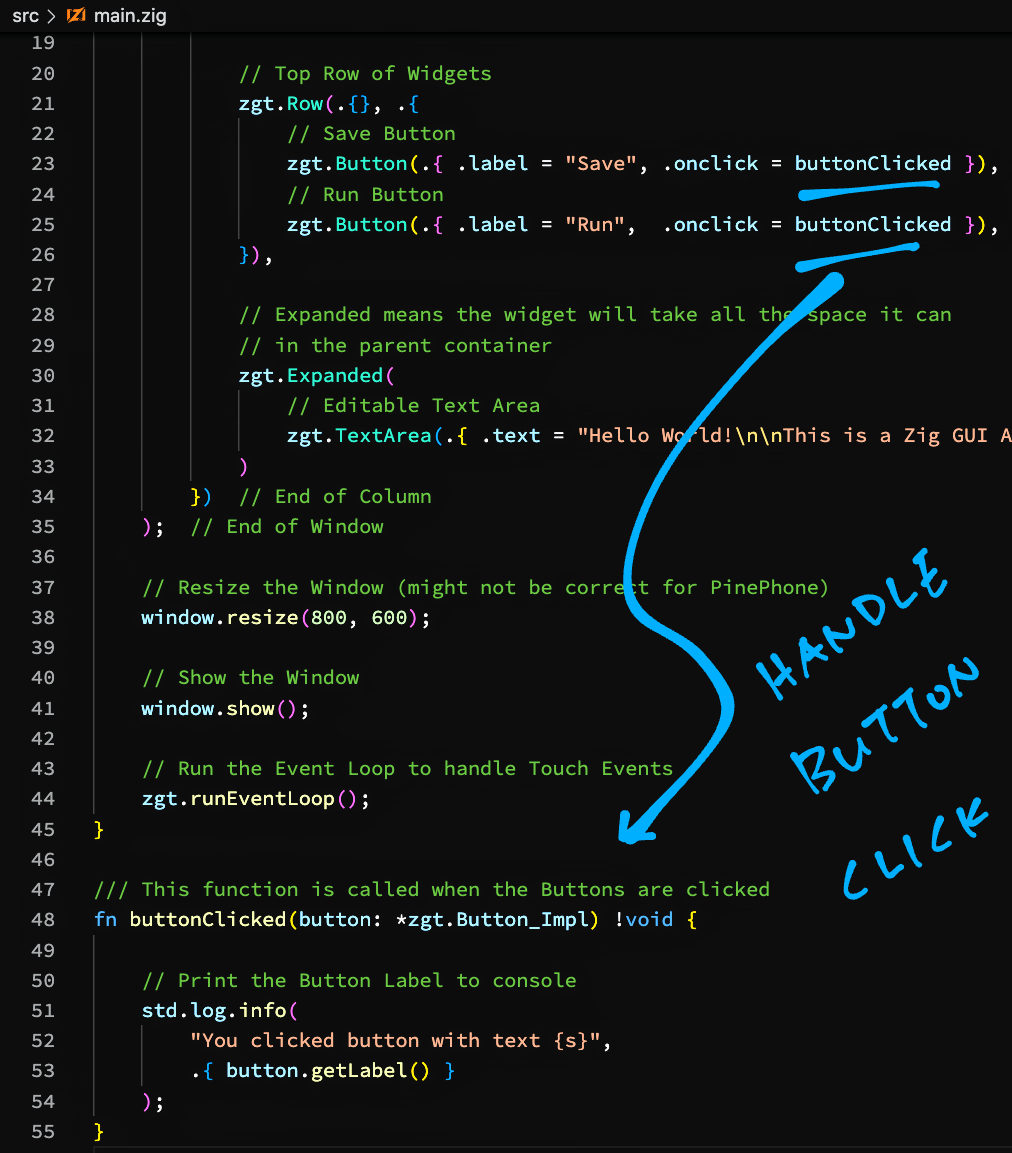
[(Source)](https://github.com/lupyuen/zig-pinephone-gui/blob/main/src/main.zig)
### Handle the Buttons
Let's __print a message__ when the Buttons are clicked: [main.zig](https://github.com/lupyuen/zig-pinephone-gui/blob/main/src/main.zig#L46-L55)
```zig
/// This function is called when the Buttons are clicked
fn buttonClicked(button: *zgt.Button_Impl) !void {
// Print the Button Label to console
std.log.info(
""You clicked button with text {s}"",
.{ button.getLabel() }
);
}
```
(__`*zgt.Button_Impl`__ means ""pointer to a Button_Impl Struct"")
_What' std.log.info?_
That's the Zig equivalent of __printf__ for Formatted Printing.
In the Format String, ""__`{s}`__"" is similar to ""__`%s`__"" in C.
(Though we write ""__`{}`__"" for printing numbers)
[(More about Format Specifiers)](https://github.com/ziglang/zig/blob/master/lib/std/fmt.zig#L27-L72)
_How is buttonClicked called?_
Earlier we did this: [main.zig](https://github.com/lupyuen/zig-pinephone-gui/blob/main/src/main.zig#L13-L36)
```zig
// Save Button
zgt.Button(.{
.label = ""Save"",
.onclick = buttonClicked
}),
// Run Button
zgt.Button(.{
.label = ""Run"",
.onclick = buttonClicked
}),
```
This tells the zgt Library to call __buttonClicked__ when the Save and Run Buttons are clicked.
And that's the complete code for our PinePhone App!
[(For comparison, here's a GTK app coded in C)](https://www.gtk.org/docs/getting-started/hello-world)
[(Our PinePhone App is based on this zgt demo)](https://github.com/zenith391/zgt#usage)
## Install Zig Compiler
Let's get ready to build our PinePhone App.
On PinePhone, download the latest Zig Compiler __zig-linux-aarch64__ from the [__Zig Compiler Downloads__](https://ziglang.org/download), like so...
```bash
## Download the Zig Compiler
curl -O -L https://ziglang.org/builds/zig-linux-aarch64-0.10.0-dev.2674+d980c6a38.tar.xz
## Extract the Zig Compiler
tar xf zig-linux-aarch64-0.10.0-dev.2674+d980c6a38.tar.xz
## Add to PATH. TODO: Also add this line to ~/.bashrc
export PATH=""$HOME/zig-linux-aarch64-0.10.0-dev.2674+d980c6a38:$PATH""
## Test the Zig Compiler, should show ""0.10.0-dev.2674+d980c6a38""
zig version
```
It's OK to use SSH to run the above commands remotely on PinePhone.
Or we may use __VSCode Remote__ to run commands and edit source files on PinePhone. [(See this)](https://lupyuen.github.io/articles/pinephone#appendix-vscode-remote)
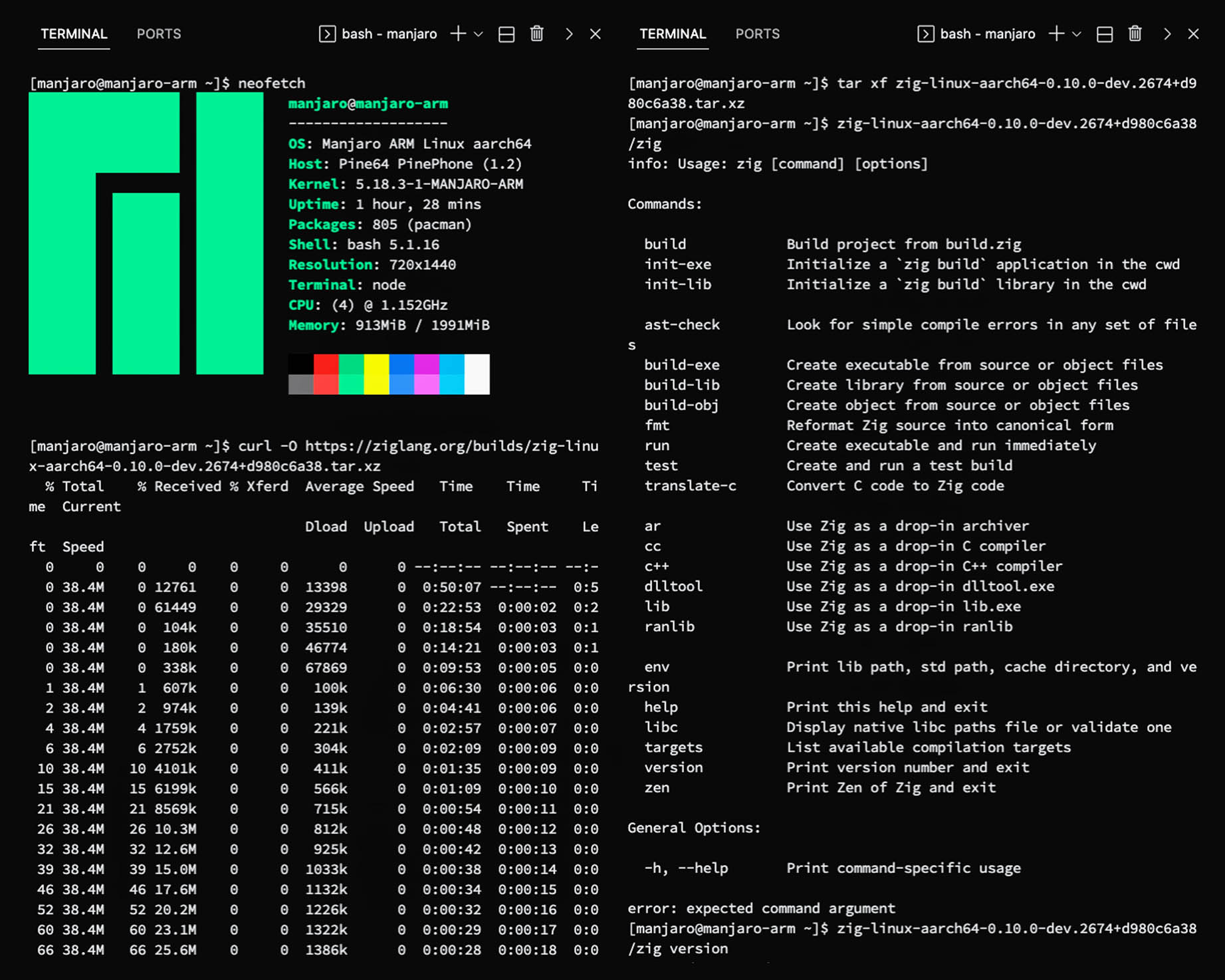
_Will Zig Compiler run on any PinePhone?_
I tested the Zig Compiler with __Manjaro Phosh__ on PinePhone (pic above).
But it will probably work on __any PinePhone distro__ since the Zig Compiler is a self-contained Arm64 Linux Binary.
[(Zig Compiler works with Mobian on PinePhone too)](https://twitter.com/techneo/status/1539510460726509568)
## Install Zigmod
Download the latest Zigmod Package Manager __zigmod-aarch64-linux__ from the [__Zigmod Releases__](https://github.com/nektro/zigmod/releases), like so...
```bash
## Download Zigmod Package Manager
curl -O -L https://github.com/nektro/zigmod/releases/download/r80/zigmod-aarch64-linux
## Make it executable
chmod +x zigmod-aarch64-linux
## Move it to the Zig Compiler directory, rename as zigmod
mv zigmod-aarch64-linux zig-linux-aarch64-0.10.0-dev.2674+d980c6a38/zigmod
## Test Zigmod, should show ""zigmod r80 linux aarch64 musl""
zigmod
```
We'll run Zigmod in the next step to install the dependencies for zgt Library.
## Build The App
To build our Zig App on PinePhone...
```bash
## Download the Source Code
git clone --recursive https://github.com/lupyuen/zig-pinephone-gui
cd zig-pinephone-gui
## Install the dependencies for zgt library
pushd libs/zgt
zigmod fetch
popd
## Build the app
zig build
```
[(See the Build Log)](https://gist.github.com/lupyuen/a44bc3faaf6d674d2b227aeb992ccfb8)
If the build fails, check that the ""__gtk+-3.0__"" library is installed on PinePhone. [(Here's why)](https://github.com/zenith391/zgt/blob/master/build.zig#L9-L13)
[(Our app builds OK on Mobian after installing ""gtk+-3.0"")](https://twitter.com/techneo/status/1539828828213616640)
## Run The App
To run our Zig App on PinePhone, enter this...
```bash
zig-out/bin/zig-pinephone-gui
```
We should see the screen below.
When we tap the __Run__ and __Save__ Buttons, we should see...
```text
info: You clicked button with text Run
info: You clicked button with text Save
```
[(Because of this)](https://lupyuen.github.io/articles/pinephone#handle-the-buttons)
Yep we have successfully built a Zig App for PinePhone with zgt! 🎉

_Is the app fast and responsive on PinePhone?_
Yes our Zig App feels as fast and responsive as a GTK app coded in C.
That's because Zig is a compiled language, and our compiled app calls the GTK Library directly.
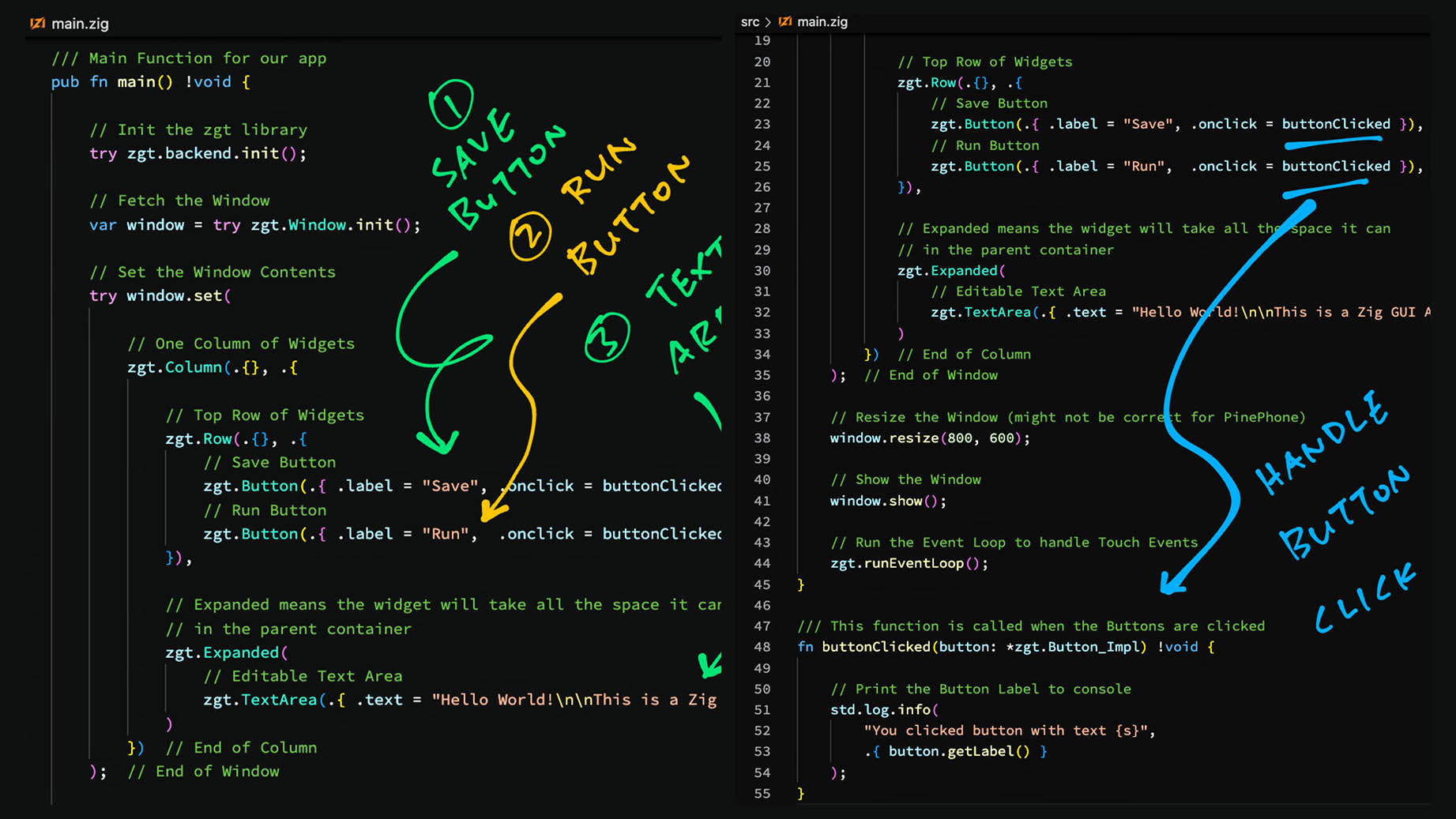
[(Source)](https://github.com/lupyuen/zig-pinephone-gui/blob/main/src/main.zig)
## Zig Outcomes
_Have we gained anything by coding our app in Zig?_
If we compare our Zig App (pic above) with a typical GTK App in C...
> 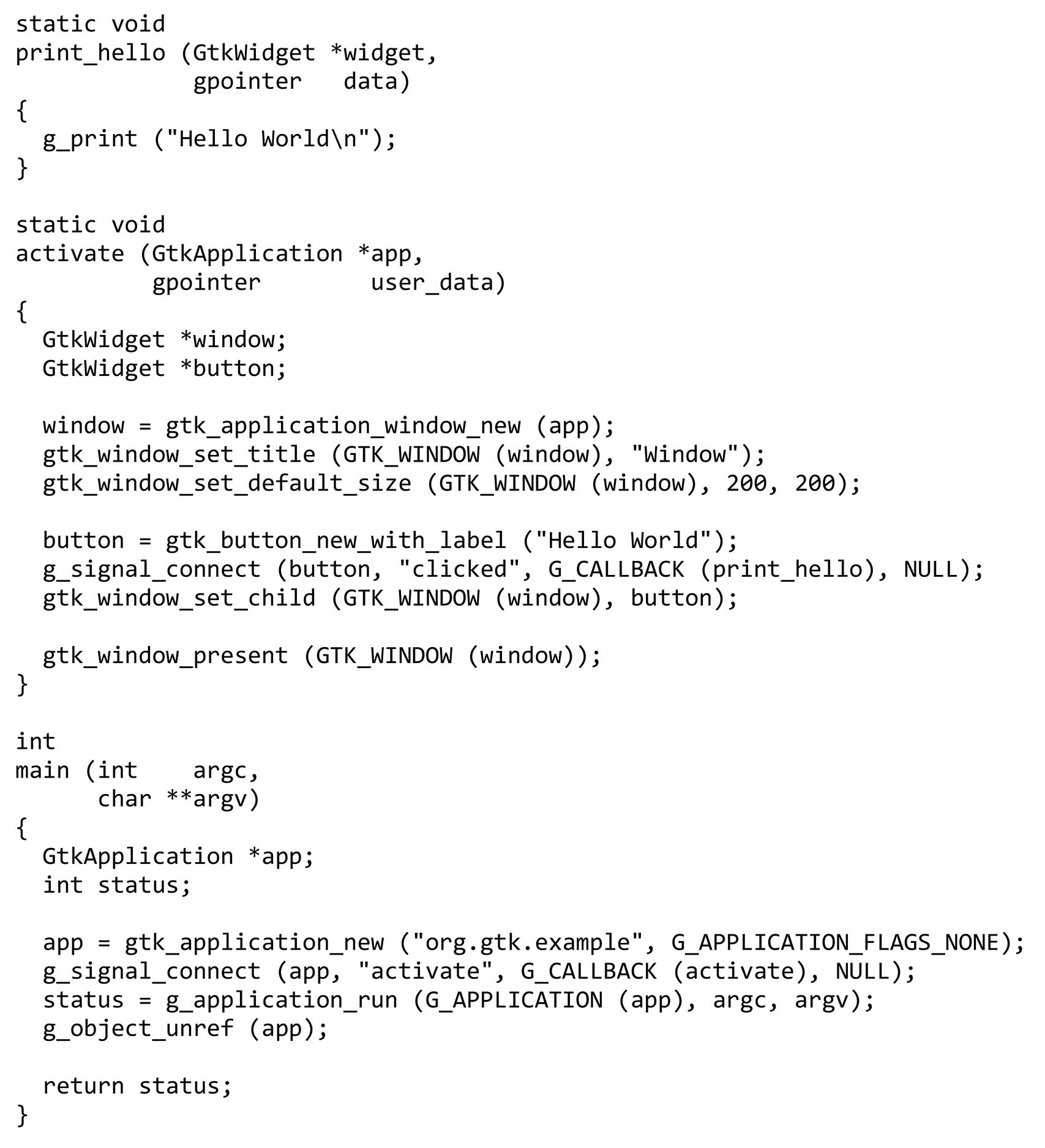
> [(Source)](https://www.gtk.org/docs/getting-started/hello-world)
Our Zig App looks cleaner and less cluttered, with minimal repetition.
(Hopefully our Zig App is also easier to extend and maintain)
_What about Runtime Safety?_
Unlike C, Zig automatically does __Safety Checks__ on our app at runtime: Underflow, Overflow, Array Out-of-Bounds, ...
- [__""Zig Undefined Behavior""__](https://ziglang.org/documentation/master/#Undefined-Behavior)
Here's another: Remember that we used ""__`try`__"" to handle Runtime Errors?
```zig
// Init the zgt library
try zgt.backend.init();
// Fetch the Window
var window = try zgt.Window.init();
```
[(Source)](https://github.com/lupyuen/zig-pinephone-gui/blob/main/src/main.zig#L7-L13)
Zig Compiler stops us if we forget to handle the errors with ""`try`"".
_What happens when our Zig App hits a Runtime Error?_
Zig shows a helpful __Stack Trace__...
```text
$ zig-out/bin/zig-pinephone-gui
Unable to init server: Could not connect: Connection refused
error: InitializationError
zig-pinephone-gui/libs/zgt/src/backends/gtk/backend.zig:25:13: 0x21726e in .zgt.backends.gtk.backend.init (zig-pinephone-gui)
return BackendError.InitializationError;
^
zig-pinephone-gui/src/main.zig:9:5: 0x216b37 in main (zig-pinephone-gui)
try zgt.backend.init();
^
```
Compare that with a __GTK App coded in C__...
```text
$ ./a.out
Unable to init server: Could not connect: Connection refused
(a.out:19579): Gtk-WARNING **: 19:17:31.039: cannot open display:
```
_What about bad pointers?_
Zig doesn't validate pointers (like with a Borrow Checker), but it tries to be helpful when it encounters bad pointers...
- [__""Zig Handles Bad Pointers""__](https://lupyuen.github.io/articles/pinephone#appendix-zig-handles-bad-pointers)
_Anything else we should know about Zig?_
Zig Compiler will happily __import C Header Files__ and make them callable from Zig. (Without creating any wrappers)
That's why the zgt GUI Library works so well across multiple GUI platforms: __GTK, Win32 AND WebAssembly__...
- [__""GTK Backend for zgt""__](https://lupyuen.github.io/articles/pinephone#appendix-gtk-backend-for-zgt)
Instead of Makefiles, Zig has a __Build System__ (essentially a tiny custom Zig program) that automates the build steps...
- [__""Zig Build System""__](https://lupyuen.github.io/articles/pinephone#appendix-zig-build-system)
## Pinebook Pro
_Will the Zig GUI App run on Arm64 laptops like Pinebook Pro?_
Yep! The same steps above will work on Pinebook Pro.
Here's our Zig GUI App running with Manjaro Xfce on Pinebook Pro...
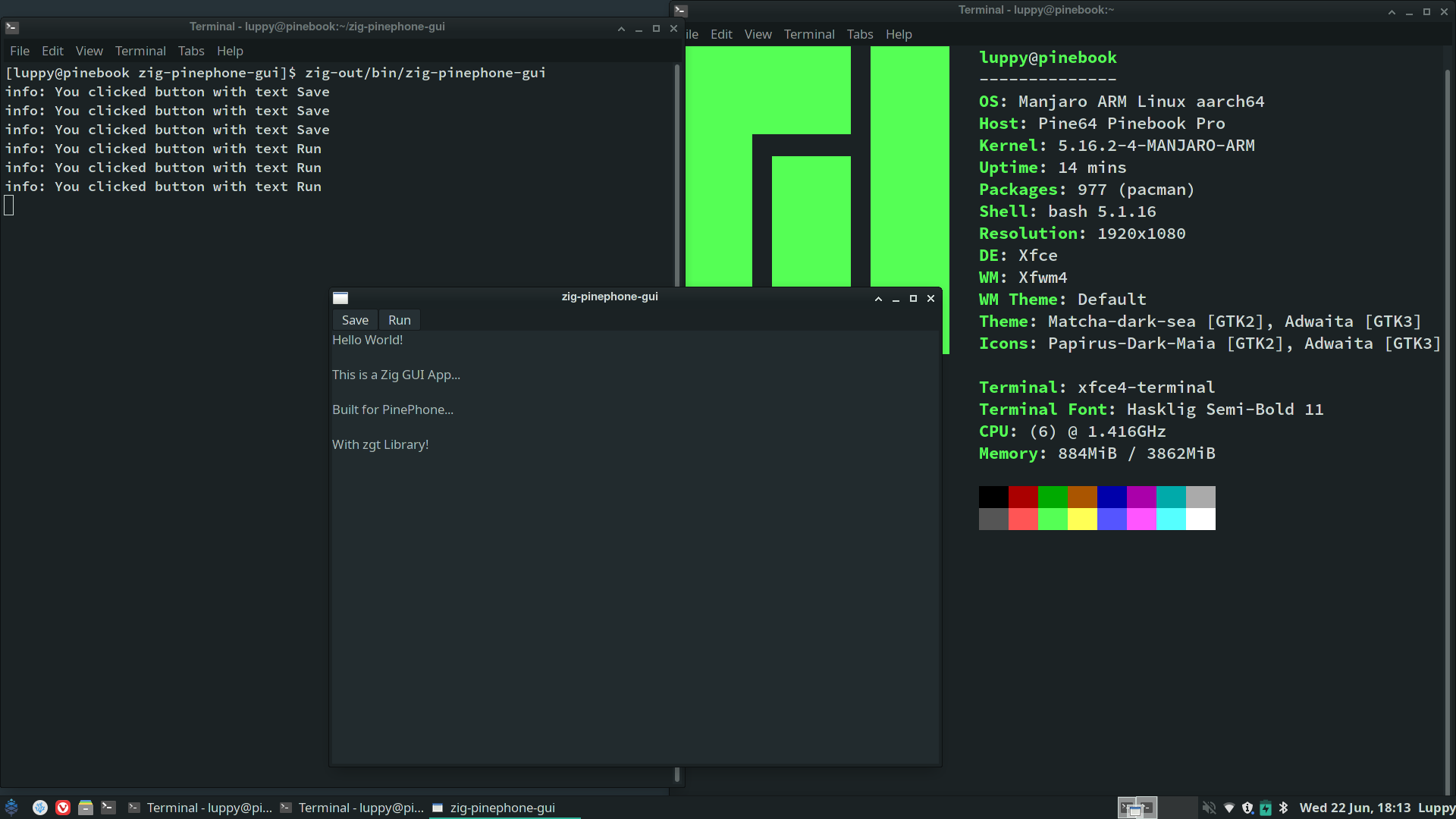
## What's Next
I hope this article has inspired you to create PinePhone apps in Zig!
Check out the __Sample Apps__ for zgt...
- [__zgt Sample Apps__](https://github.com/zenith391/zgt/tree/master/examples)
__zgt Widgets__ are explained in the zgt Wiki...
- [__zgt Wiki__](https://github.com/zenith391/zgt/wiki)
Tips for learning Zig...
- [__Learning Zig__](https://lupyuen.github.io/articles/pinephone#appendix-learning-zig)
Zig works great on __Microcontrollers__ too! Here's what I did...
- [__""Zig on RISC-V BL602: Quick Peek with Apache NuttX RTOS""__](https://lupyuen.github.io/articles/zig)
- [__""Build an IoT App with Zig and LoRaWAN""__](https://lupyuen.github.io/articles/iot)
Mny Thanks to my [__GitHub Sponsors__](https://github.com/sponsors/lupyuen) for supporting my work! This article wouldn't have been possible without your support.
- [__Sponsor me a coffee__](https://github.com/sponsors/lupyuen)
- [__Discuss this article on Reddit__](https://www.reddit.com/r/Zig/comments/vjqg88/build_a_pinephone_app_with_zig_and_zgt/)
- [__Discuss this article on Hacker News__](https://news.ycombinator.com/item?id=31863269)
- [__My Current Project: ""The RISC-V BL602 Book""__](https://lupyuen.github.io/articles/book)
- [__Check out my articles__](https://lupyuen.github.io)
- [__RSS Feed__](https://lupyuen.github.io/rss.xml)
_Got a question, comment or suggestion? Create an Issue or submit a Pull Request here..._
[__lupyuen.github.io/src/pinephone.md__](https://github.com/lupyuen/lupyuen.github.io/blob/master/src/pinephone.md)
## Notes
1. This article is the expanded version of [__this Twitter Thread__](https://twitter.com/MisterTechBlog/status/1539782929114484736)
1. Zig works for complex PinePhone Apps too...
[__""Mepo: Fast, simple, and hackable OSM map viewer for Linux""__](https://sr.ht/~mil/Mepo/)
## Appendix: Learning Zig
_How do we learn Zig?_
As of June 2022, Zig hasn't reached version 1.0 so the docs are a little spotty. This is probably the best tutorial for Zig...
- [__Zig Learn__](https://ziglearn.org)
After that the Zig Language Reference will be easier to understand...
- [__Zig Language Reference__](https://ziglang.org/documentation/master)
We need to refer to the Zig Standard Library as well...
- [__Zig Standard Library__](https://ziglang.org/documentation/master/std)
Check out the insightful articles at Zig News...
- [__Zig News__](https://zig.news)
And join the Zig Community on Reddit...
- [__Zig on Reddit__](https://www.reddit.com/r/Zig/)
The Gamedev Guide has some helpful articles on Zig...
- [__Zig Build__](https://ikrima.dev/dev-notes/zig/zig-build/)
- [__Zig Crash Course__](https://ikrima.dev/dev-notes/zig/zig-crash-course/)
- [__Zig Metaprogramming__](https://ikrima.dev/dev-notes/zig/zig-metaprogramming/)
## Appendix: VSCode Remote
For convenience, we may use __VSCode Remote__ to edit source files and run commands remotely on PinePhone (pic above)...
- [__VSCode Remote__](https://code.visualstudio.com/docs/remote/remote-overview)
Just connect VSCode to PinePhone via SSH, as described here...
- [__VSCode Remote with SSH__](https://code.visualstudio.com/docs/remote/ssh)
In the Remote Session, remember to install the Zig Extension for VSCode...
- [__Zig Extension for VSCode__](https://github.com/ziglang/vscode-zig)
## Appendix: Zig Handles Bad Pointers
_How does Zig handle bad pointers?_
Zig doesn't validate pointers (like with a Borrow Checker) so it isn't Memory Safe (yet)...
- [__""How safe is zig?""__](https://www.scattered-thoughts.net/writing/how-safe-is-zig)
But it tries to be helpful when it encounters bad pointers. Let's do an experiment...
Remember this function from earlier?
```zig
/// This function is called when the Buttons are clicked
fn buttonClicked(button: *zgt.Button_Impl) !void {
// Print the Button Label to console
std.log.info(
""You clicked button with text {s}"",
.{ button.getLabel() }
);
}
```
[(Source)](https://lupyuen.github.io/articles/pinephone#handle-the-buttons)
The above code is potentially unsafe because it __dereferences a pointer__ to a Button...
```zig
// `button` is a pointer to a Button Struct
button.getLabel()
```
Let's hack it by passing a __Null Pointer__...
```zig
// Create a Null Pointer
const bad_ptr = @intToPtr(
*zgt.Button_Impl, // Pointer Type
0 // Address
);
// Pass the Null Pointer to the function
try buttonClicked(bad_ptr);
```
[(__@intToPtr__ is explained here)](https://ziglang.org/documentation/master/#intToPtr)
Note that __@intToPtr__ is an Unsafe Builtin Function, we shouldn't call it in normal programs.
When we compile the code above, Zig Compiler helpfully __stops us from creating a Null Pointer__...
```text
$ zig build
./src/main.zig:8:21: error: pointer type '*.zgt.button.Button_Impl' does not allow address zero
const bad_ptr = @intToPtr(*zgt.Button_Impl, 0);
```
Nice! Let's circumvent the best intentions of Zig Compiler and create another Bad Pointer...
```zig
// Create a Bad Pointer
const bad_ptr = @intToPtr(
*zgt.Button_Impl, // Pointer Type
0xdeadbee0 // Address
);
// Pass the Bad Pointer to the function
try buttonClicked(bad_ptr);
```
Zig Compiler no longer stops us. (Remember: __@intToPtr__ is supposed to be unsafe anyway)
When we run it, we get a helpful __Stack Trace__...
```text
$ zig-out/bin/zig-pinephone-gui
Segmentation fault at address 0xdeadbee8
zig-pinephone-gui/libs/zgt/src/button.zig:62:9: 0x2184dc in .zgt.button.Button_Impl.getLabel (zig-pinephone-gui)
if (self.peer) |*peer| {
^
zig-pinephone-gui/src/main.zig:56:27: 0x217269 in buttonClicked (zig-pinephone-gui)
.{ button.getLabel() }
^
zig-pinephone-gui/src/main.zig:9:22: 0x216b0e in main (zig-pinephone-gui)
try buttonClicked(bad_ptr);
^
zig/lib/std/start.zig:581:37: 0x21e657 in std.start.callMain (zig-pinephone-gui)
const result = root.main() catch |err| {
^
zig/lib/std/start.zig:515:12: 0x217a87 in std.start.callMainWithArgs (zig-pinephone-gui)
return @call(.{ .modifier = .always_inline }, callMain, .{});
^
zig/lib/std/start.zig:480:12: 0x217832 in std.start.main (zig-pinephone-gui)
return @call(.{ .modifier = .always_inline }, callMainWithArgs, .{ @intCast(usize, c_argc), c_argv, envp });
^
???:?:?: 0x7f6c902640b2 in ??? (???)
Aborted
```
Which will be super handy for troubleshooting our Zig App.
## Appendix: Zig Build System
_How does ""`zig build`"" build our Zig App?_
Instead of Makefiles, Zig has a __Build System__ (essentially a tiny custom Zig program) that automates the build steps...
- [__Zig Build System__](https://ziglang.org/documentation/master/#Zig-Build-System)
When we created our Zig App with...
```bash
zig init-exe
```
It generates this __Zig Build Program__ that will build our Zig App: [build.zig](https://github.com/lupyuen/zig-pinephone-gui/blob/main/build.zig)
```zig
// Zig Build Script. Originally generated by `zig init-exe`
const std = @import(""std"");
pub fn build(b: *std.build.Builder) void {
// Standard target options allows the person running `zig build` to choose
// what target to build for. Here we do not override the defaults, which
// means any target is allowed, and the default is native. Other options
// for restricting supported target set are available.
const target = b.standardTargetOptions(.{});
// Standard release options allow the person running `zig build` to select
// between Debug, ReleaseSafe, ReleaseFast, and ReleaseSmall.
const mode = b.standardReleaseOptions();
const exe = b.addExecutable(""zig-pinephone-gui"", ""src/main.zig"");
exe.setTarget(target);
exe.setBuildMode(mode);
exe.install();
const run_cmd = exe.run();
run_cmd.step.dependOn(b.getInstallStep());
if (b.args) |args| {
run_cmd.addArgs(args);
}
const run_step = b.step(""run"", ""Run the app"");
run_step.dependOn(&run_cmd.step);
const exe_tests = b.addTest(""src/main.zig"");
exe_tests.setTarget(target);
exe_tests.setBuildMode(mode);
const test_step = b.step(""test"", ""Run unit tests"");
test_step.dependOn(&exe_tests.step);
// Add zgt library to build
@import(""libs/zgt/build.zig"")
.install(exe, ""./libs/zgt"")
catch {};
}
```
We inserted the last part into the auto-generated code...
```zig
// Add zgt library to build
@import(""libs/zgt/build.zig"")
.install(exe, ""./libs/zgt"")
catch {};
```
To add the zgt GUI Library to our build.
## Appendix: GTK Backend for zgt
_zgt GUI Library works with GTK, Windows AND WebAssemly. How on earth does it achieve this incredible feat?_
Very cleverly! zgt includes __multiple GUI Backends__, one for each GUI Platform...
- [__zgt GUI Backends__](https://github.com/zenith391/zgt/blob/master/src/backends)
Here's the zgt Backend for GTK (as used in our PinePhone App)...
- [__zgt Backend for GTK__](https://github.com/zenith391/zgt/blob/master/src/backends/gtk/backend.zig)
_But how does zgt talk to GTK, which is coded in C?_
Zig Compiler will happily __import C Header Files__ and make them callable from Zig. (Without creating any wrappers)
This auto-importing of C Header Files works really well, as I have experienced here...
- [__""Import LoRaWAN Library""__](https://lupyuen.github.io/articles/iot#import-lorawan-library)
zgt imports the __C Header Files for GTK__ like so: [libs/zgt/src/backends/gtk/backend.zig](https://github.com/zenith391/zgt/blob/master/src/backends/gtk/backend.zig)
```zig
pub const c = @cImport({
@cInclude(""gtk/gtk.h"");
});
```
[(__@cImport__ is explained here)](https://ziglang.org/documentation/master/#Import-from-C-Header-File)
Then zgt calls the __imported GTK Functions__ like this: [backend.zig](https://github.com/zenith391/zgt/blob/master/src/backends/gtk/backend.zig#L322-L352)
```zig
pub const Button = struct {
peer: *c.GtkWidget,
pub usingnamespace Events(Button);
fn gtkClicked(peer: *c.GtkWidget, userdata: usize) callconv(.C) void {
_ = userdata;
const data = getEventUserData(peer);
if (data.user.clickHandler) |handler| {
handler(data.userdata);
}
}
pub fn create() BackendError!Button {
// Call gtk_button_new_with_label() from GTK Library
const button = c.gtk_button_new_with_label("""") orelse return error.UnknownError;
// Call gtk_widget_show() from GTK Library
c.gtk_widget_show(button);
try Button.setupEvents(button);
// Call g_signal_connect_data() from GTK Library
_ = c.g_signal_connect_data(button, ""clicked"", @ptrCast(c.GCallback, gtkClicked), null, @as(c.GClosureNotify, null), 0);
return Button{ .peer = button };
}
pub fn setLabel(self: *const Button, label: [:0]const u8) void {
// Call gtk_button_set_label() from GTK Library
c.gtk_button_set_label(@ptrCast(*c.GtkButton, self.peer), label);
}
pub fn getLabel(self: *const Button) [:0]const u8 {
// Call gtk_button_get_label() from GTK Library
const label = c.gtk_button_get_label(@ptrCast(*c.GtkButton, self.peer));
return std.mem.span(label);
}
};
```
Super Brilliant! 👏
_How does zgt link our Zig App with the GTK Library?_
zgt uses a __Zig Build Program__ to link the required GUI Libraries with the executable: GTK, Win32, WebAssembly...
- [__libs/zgt/build.zig__](https://github.com/zenith391/zgt/blob/master/build.zig)
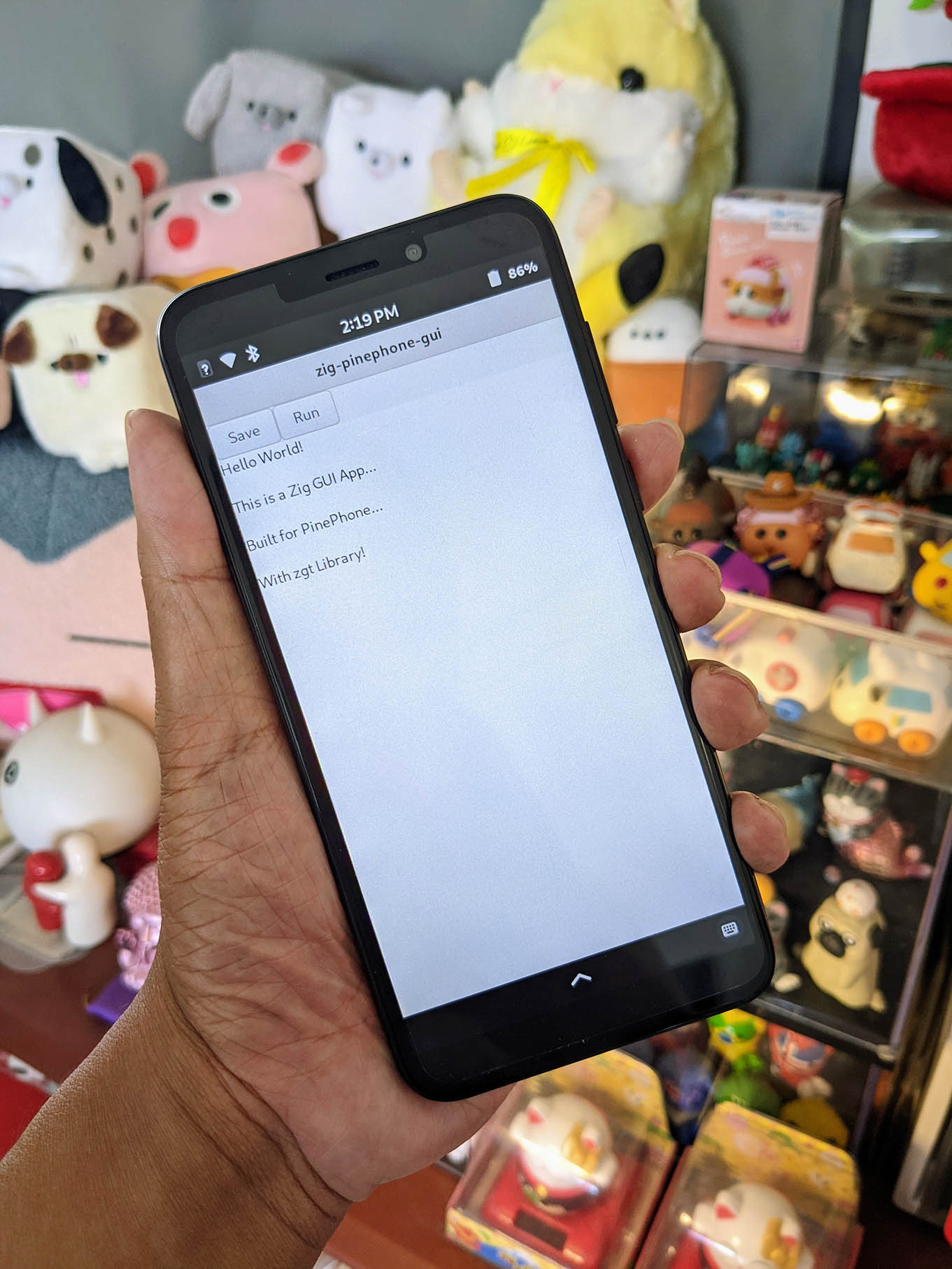
"
458,161,"2023-04-19 17:21:00.591533",ityonemo,sneaky-error-payloads-1aka,https://zig.news/uploads/articles/ybxkozfyqpgtg577e9ds.jpg,"Sneaky Error Payloads","PC: maritime new zealand A common gripe by newcomers to Zig is that error returns can't contain...","PC: maritime new zealand
A common gripe by newcomers to Zig is that error returns can't contain payloads.
Zig takes from the simplicity of C, where usually errors are returned. However, C often runs into tricky situations where errors are special-cased values in the full range of the raw type (e.g. negative numbers, or 0), and obtaining further error information might require checking a side-channel.
Other modern languages, such as C++, Java, and Rust, allow you to error return with a structured datatype (a process usually called ""raising"") that has to be ""caught"" via specialized control flow.
A common use case where you would want a raising operation is to early-quit a text tokenization or parsing operation, where your early-quit contains line/column and content information.
In this article I can show you how you can sneak an error payload into your errorable zig function, without language-level support for such a thing.
First, the code:
```zig
const std = @import(""std"");
const CustomError = error{NumberError};
pub fn raise(message: []const u8, value: u64, opts: anytype) CustomError {
comptime if (has_error(@TypeOf(opts))) {
opts.error_payload.message = message;
opts.error_payload.value = value;
};
return CustomError.NumberError;
}
fn has_error(comptime T: type) bool {
return @hasField(T, ""error_payload"");
// consider checking for error allocator, too, if necessary.
}
fn add_one(number: u64, opts: anytype) CustomError!u64 {
if (number == 42) {
return raise(""bad number encountered"", number, opts);
} else {
return number + 1;
}
}
pub fn main() !void {
std.debug.print(""no error: {}\n"", .{try add_one(1, .{})});
_ = add_one(42, .{}) catch trap1: {
std.debug.print(""errored without payload! \n"", .{});
// we need this to have a matching return type
break :trap1 0;
};
// here we define the payload we'd like to retrieve
const Payload = struct {
message: []const u8 = undefined,
value: u64 = undefined,
};
var payload = Payload{};
var opts = .{ .error_payload = &payload };
std.debug.print(""no error: .{}\n"", .{try add_one(1, opts)});
_ = add_one(42, opts) catch trap2: {
std.debug.print(""errored with payload: {s}, value {}! \n"", .{ payload.message, payload.value });
break :trap2 0;
};
}
```
Let's take a look at the core function first:
```zig
fn add_one(number: u64, opts: anytype) CustomError!u64 {
if (number == 42) {
return raise(""bad number encountered"", number, opts);
} else {
return number + 1;
}
}
```
Here, we're going to check on some condition (in this case, a silly number is sent to the function) and if the failure condition is identified, we are going to return a payload.
But where is the payload? It's going to be in the `opts` parameter. The cool thing is that in a lot of functions that you would *want* to return a payload, you're likely to have some level of customization.
The key strategy for payload management is in the cheekily named `raise` function:
```zig
pub fn raise(message: []const u8, value: u64, opts: anytype) CustomError {
comptime if (has_error(@TypeOf(opts))) {
opts.error_payload.message = message;
opts.error_payload.value = value;
};
return CustomError.NumberError;
}
```
Here we perform a comptime check to see if we have an error_payload field in our opts. Note that if *do include* error_payload but it's missing `message` or `value` (or they have the wrong type), calling `add_one` will yield a compiler error.
In order to trigger error payloads, we have to load up our opts with the error payload, which happens here:
```zig
var opts = .{ .error_payload = &payload };
```
Don't forget to load up a pointer into `error_payload` field! The compiler treats anonymous struct parameters as const, and will stop you from calling the function.
While there is considerably more boilerplate to achieve a error payload, the biggest advantage to doing things this way is that if a caller *doesn't* need the payload content, the work that the payload *would* have to do gets completely elided away and never compiled, but the erroring process still works as expected.
### What if I need an allocator?
If your payload needs an allocator to construct its final form, you could pass it into the opts as a required `error_allocator`. This could also be checked at compile time. And what should happen if the error allocator fails? That's up to you!
### What changes might make this easier?
One thing that Zig could do to make this pattern more accessible is to allow error namespaces to have function declarations, like so:
```zig
const CustomError = error{
NumberError,
pub fn raise(...) @This() {...}
};
```
this would highly increase the legibility by immediately associating the process of ""raising"" with the associted error type.
### Conclusion
Hopefully this article gives you a suggestion of how to handle error payloads in zig. It's quite possible to do, without further language support. The pattern that I show in this article is flexible, and uses the compile-time duck-typing properties of zig. The compiler is very helpful in checking that all the things you need in the error payload struct are there and ready to be set. Happy Zigging!
### Final Notes
- Note that this is not necessarily the best way of achieving this result, there may be ways of being more typesafe with payloads across multiple error types.
- For the use case that I suggested earlier in the article, tokenization and parsing, you probably *don't* want to implement early returns in this fashion. The Zig compiler tokenization and parsing instead operates (roughly) by returning an explicit tagged union of a failure struct and result struct, because of three reasons:
1. failures are highly expected
2. there are no cases where you want to optimize out the payload
3. You don't really need the cost of stacktrace management for these failure modes.
- You can share your payload struct between multiple different error types/`raise` functions as long as they have intercompatible payload types.
- For an extra level of safety, you may want to consider making some of your payload fields optional, setting the initial value to null, instead of `undefined`. For most cases, so long as you handle your payload only in the catch block, they should be set."
56,27,"2021-09-19 18:16:19.281107",batiati,iup-for-zig-4ah,https://zig.news/uploads/articles/tcaf5nru32w628xh4vme.png,"IUP for Zig","First of all, what is an IUP? IUP (pronounced like ""yup"") in Portuguese stands for...","## First of all, what is an _IUP_?
IUP (pronounced like ""yup"") in Portuguese stands for ""interface do usuário portátil"" or ""portable user interface"" in English.
It's a cross-platform GUI toolkit developed by PUC-RIO, the same university behind the excellent [Lua language](https://www.lua.org).
For more detailed information about IUP, please visit https://www.tecgraf.puc-rio.br/iup/.
## My story using IUP
My first contact with IUP was between 2002 and 2003 when I was a junior developer hired to work on a desktop application written in C, using IUP as GUI Toolkit.
I quickly got used to it and could manage to do a decent job writing user interfaces. But, to my surprise, just a few months later, the project manager decided to switch from IUP to [Swing](https://en.wikipedia.org/wiki/Swing_(Java)) and rewrite the GUI in Java while keeping performance-sensitive parts in C.
Then, I started to write a ton of JNI interfaces to be consumed by the Java side and port code from C to Java (oh, it was so 2000 🙄).
After a while, I left the company, and my life moved on, I worked on many other projects, but I never played with IUP again ...
## Why bring it up now?
I first discovered Zig in 2020, and I was strongly motivated by the ""better C"" slogan, so I needed to try Zig on something I could measure how much better Zig is.
I started playing with Zig, and I realized that we hadn't any cross-platform desktop GUI toolkit for Zig yet. I checked on IUP after all this time and started putting things together.
As someone who has written the same user interfaces in IUP and Swing, I think IUP can be much more productive, but the C language doesn't have the desired productivity tools. Time to give IUP another chance in Zig! 🦎
## The IUPforZig project
IUP is a solid and well-proven toolkit that exposes a simple raw C FFI, allowing me to focus on the library-binding design rather than on implementation details.
You can visit https://github.com/batiati/IUPforZig for more demos and details about the project.
IUP has dozens of GUI `elements` such as texts, buttons, calendars, panels, layouts, and so on, each accepting various `attributes` (value, size, color, alignment, etc.), resulting in thousands of bindings to glue between C and Zig. Such an extensive API would be very hard to write and maintain by hand, so inspired by [Marler's zigwin32](https://github.com/marlersoft/zigwin32gen), I came up with [IUPMetadata](https://github.com/batiati/IUPMetadata), an attempt to collect rich information about each element and attribute in order to autogenerate the bindings code in idiomatic and type-checked Zig.
One challenge of generating code is that IUP primarily uses name/value pairs as uppercase strings, but there is limited information about the expected data types for these values (e.g., `string`, `int`, `float`, `enum`, `struct`). Therefore, a significant portion of the work involved in the IUPMetadata consisted of collecting the data-type information and correctly converting cases, such as ""SCROLLTOPOS"" to ""ScrollToPos"" instead of ""ScrollTopOS"".
Sections of the original HTML documentation for IUP are included as doc comments in the generated Zig code, providing easy access to API documentation and improving productivity. This makes working with IUPforZig more enjoyable. Using Zls in your preferred code editor can make the experience even easier 😍

Here is a simple demo especially made for this post 🤓


And here is the source code:
```zig
// Compiles with Zig 0.11.0-dev
const std = @import(""std"");
const iup = @import(""iup.zig"");
pub fn main() !void {
try iup.MainLoop.open();
defer iup.MainLoop.close();
var dlg = try iup.Dialog.init()
.setTitle(""Hi there!"")
.setSize(.Third, .Quarter)
.setChildren(
.{
iup.VBox.init()
.setMargin(10, 10)
.setGap(10)
.setAlignment(.ACenter)
.setChildren(
.{
iup.Label.init()
.setTitle(""IUP FOR ZIG"")
.setFontSize(32)
.setFontFace(""Zig"")
.setFgColor(.{ .r = 247, .g = 164, .b = 29 }),
iup.Link.init()
.setTitle(""We're on zig.news"")
.setUrl(""https://zig.news""),
},
),
},
).unwrap();
defer dlg.deinit();
try dlg.showXY(.Center, .Center);
try iup.MainLoop.beginLoop();
}
```
**EDITED:**
Although IUPforZig was my first Zig project back in the 0.8.0 days, it was fundamental to get my hands dirty in Zig and learn some of this fantastic programming language!
Updating it to Zig 0.11.0-dev was such a pleasure, and a great opportunity to learn how the language evolved.
"
507,971,"2023-09-20 06:14:00.411209",tyoc213,the-nice-path-to-learn-zig-now-to-eoy-3cc8,"","The nice path to learn Zig now to EOY?","Im wondering what you guys think would be the best way to to become proficient by EOY? right now...","Im wondering what you guys think would be the best way to to become proficient by EOY?
right now looking at start with https://ziglings.org/"
149,231,"2022-06-27 07:57:21.491827",marioariasc,zig-support-plugin-for-intellij-and-clion-version-006-released-o68,https://zig.news/uploads/articles/glf1ujujxm9jcit74kcv.png,"Zig Support plugin for IntelliJ and CLion version 0.0.6 released","Plugin Home Page Improved parser: 100% of the language is parsed correctly. Insert closing pair...","[Plugin Home Page](https://plugins.jetbrains.com/plugin/18062-zig-support)
- Improved parser: 100% of the language is parsed correctly.
- Insert closing pair match for `(`, `{`, `[` and `""`
- Highlight `()`, `{}` and `[]` pairs
- Introduce Live Templates for Zig:
- `import` -> Create an import using the `@import` function
- `sdp` -> Debug Print statement
- `sli` -> Log Info statement "
452,814,"2023-04-02 03:14:22.534877",th3r00t,zig-can-do-that-to-139,https://zig.news/uploads/articles/u81k4okmi1rhdy7wpnr5.jpg,"Zig can do that to...?","So I'm the kind of guy that gets bored doing the same old thing over and over, and recently that has...","So I'm the kind of guy that gets bored doing the same old thing over and over, and recently that has led me to get pretty bored with python. Recently I've been playing around with Rust. I've spun up a discord bot or two. Played around with the Leptos framework, and generally had a good time with Rust.
That said It feels a bit... Heavy?
I've had my eye on zig for a few months now, and have found time to mess about with it here and there, and this weekend along with acquiring the domain th3r00t.dev decided id have a go at some wasm with zig.
I got all set up to decide what Javascript framework I would use to import the wasm into the browser when i found this site [fermyon.com](https://www.fermyon.com/) about serverless Web Assembly hosting, and tooling with spin.
This post about zig in particular is what caught my eye.
[Zig in Web Assembly](https://www.fermyon.com/wasm-languages/zig)
It was pretty siple to get that all setup. Once I had that figured out I set about putting together my build.zig to setup everything I might need _(yah right...)_ for setting up my personal site.
Including a currently useless include of the curl library, I put this in as I was trolling over a bunch of code, and guides id managed to search up. Many of which required searching the zig std library for what must have been some sweeping changes to the build system since most of the zig build related guides have been written.
For those who might be interested here is the build.zig I came up with.
```
const std = @import(""std"");
const Builder = std.build.Builder;
const RunStep = @import(""std"").build.RunStep;
const CrossTarget = std.zig.CrossTarget;
const pkgs = struct {
const args = std.build.Pkg{
.name = ""args"",
.source = .{ .path = ""libs/args/args.zig"" },
.dependencies = &[_]std.build.Pkg{},
};
};
pub fn build(b: *Builder) void {
const optimize = b.standardOptimizeOption(.{});
const exe = b.addExecutable(.{
.name = ""th3r00t.dev"",
.root_source_file = .{ .path = ""src/main.zig"" },
.target = CrossTarget{
.cpu_arch = .wasm32,
.os_tag = .wasi,
.abi = .musl,
},
.optimize = optimize,
});
// exe.addPackagePath(""jsbind"", ""libs/jsbind/zig-out/lib/libjsbind.a"");
exe.linkLibC();
exe.addIncludePath(""vendor/libcurl/include"");
exe.addLibraryPath(""vendor/libcurl/lib"");
exe.linkSystemLibraryName(""curl"");
exe.install();
const run_cmd_str = &[_][]const u8{ ""spin"", ""up"" };
const size_cmd_str = &[_][]const u8{ ""du"", ""-sh"", ""zig-out/bin/th3r00t.dev.wasm"" };
const size_cmd = b.addSystemCommand(size_cmd_str);
exe.step.dependOn(&size_cmd.step);
const run_cmd = b.addSystemCommand(run_cmd_str);
run_cmd.step.dependOn(b.getInstallStep());
const run_step = b.step(""run"", ""Run the kernel"");
run_step.dependOn(&run_cmd.step);
}
```
I'm not gonna say anything about this journey looks like it's going to be easy.
I don't require easy.
I **neovim**,
I **arch** & **gentoo**,
and now I **_Zig_**!"
563,846,"2024-02-02 00:51:44.149498",perky,hot-reloading-with-raylib-4bf9,https://zig.news/uploads/articles/74wvfqpzbompkik6uvrc.jpg,"Hot-reloading with Raylib","Let me show you how to set up an example of hot-reloading, using one of my favourite game...","Let me show you how to set up an example of hot-reloading, using one of my favourite game engine/libraries: Raylib.
What is hot-reloading? It is when you can change your code and configuration data _while your software/game is running_ and then see and interact with those changes during runtime.
## Basic Project Structure
Before we begin, take a look at this basic project I have already set up, this project currently does not support hot-reloading and I will take you through the steps to add this feature. The basic project has just a little game loop with a moving ball and also reads a number from a configuration file, as it's pretty common to store game configuration data in easily editable text files.
If you're following along you will need the zig compiler (version 0.11.0) and Raylib (version 5.0). I will also be working from a windows machine.
```zig
// main.zig (no hot-reloading)
const std = @import(""std"");
const c = @cImport({
@cInclude(""raylib.h"");
});
// The game state is allocated when the program starts
// and persists for the entire lifetime of the program.
const GameState = struct {
allocator: std.mem.Allocator,
time: f32 = 0,
radius: f32 = 0,
};
const screen_w = 400;
const screen_h = 200;
const config_filepath = ""config/radius.txt"";
pub fn main() !void {
var game_state = gameInit();
c.InitWindow(screen_w, screen_h, ""Zig Hot-Reload"");
c.SetTargetFPS(60);
// WindowShouldClose will return true if the user presses ESC.
while (!c.WindowShouldClose()) {
gameTick(game_state);
c.BeginDrawing();
gameDraw(game_state);
c.EndDrawing();
}
c.CloseWindow();
// I don't bother to free game_state here.
// The program is quitting and that memory will be freed by the OS anyway.
}
fn gameInit() *GameState {
// The c allocator is available to use because we linked lib-c in build.zig.
var allocator = std.heap.c_allocator;
var game_state = allocator.create(GameState) catch @panic(""Out of memory."");
game_state.* = GameState{
.allocator = allocator,
.radius = readRadiusConfig(allocator),
};
return game_state;
}
fn readRadiusConfig(allocator: std.mem.Allocator) f32 {
const default_value: f32 = 10.0;
// Read the text data from a file, if that fails, early-out with a default value.
const config_data = std.fs.cwd().readFileAlloc(allocator, config_filepath, 1024*1024) catch {
std.debug.print(""Failed to read {s}\n"", .{ config_filepath });
return default_value;
};
// Attempt to parse that text data into a float and return it, if that fails,
// return a default value.
return std.fmt.parseFloat(f32, config_data) catch {
std.debug.print(""Failed to parse {s}\n"", .{ config_filepath });
return default_value;
};
}
fn gameTick(game_state: *GameState) void {
game_state.time += c.GetFrameTime();
}
fn gameDraw(game_state: *GameState) void {
c.ClearBackground(c.RAYWHITE);
// Create zero terminated string with the time and radius.
var buf: [256]u8 = undefined;
const slice = std.fmt.bufPrintZ(
&buf,
""time: {d:.02}, radius: {d:.02}"",
.{ game_state.time, game_state.radius },
) catch ""error"";
c.DrawText(slice, 10, 10, 20, c.BLACK);
// Draw a circle moving across the screen with the config radius.
const circle_x: f32 = @mod(game_state.time * 50.0, screen_w);
c.DrawCircleV(
.{ .x = circle_x, .y = screen_h/2 },
game_state.radius,
c.BLUE
);
}
```
Then we'll need a build.zig file to build our game.
```zig
// build.zig (no hot-reloading)
const std = @import(""std"");
// Although this function looks imperative, note that its job is to
// declaratively construct a build graph that will be executed by an external
// runner.
pub fn build(b: *std.Build) void {
// Standard target options allows the person running `zig build` to choose
// what target to build for. Here we do not override the defaults, which
// means any target is allowed, and the default is native. Other options
// for restricting supported target set are available.
const target = b.standardTargetOptions(.{});
// Standard optimization options allow the person running `zig build` to select
// between Debug, ReleaseSafe, ReleaseFast, and ReleaseSmall. Here we do not
// set a preferred release mode, allowing the user to decide how to optimize.
const optimize = b.standardOptimizeOption(.{});
// This example only supports the windows, but you can configure raylib
// to build for other platforms, I'll just leave that as an exercise for the reader ;)
if (target.getOsTag() != .windows) {
@panic(""Unsupported OS"");
}
const exe = b.addExecutable(.{
.name = ""no_hotreload"",
// In this case the main source file is merely a path, however, in more
// complicated build scripts, this could be a generated file.
.root_source_file = .{ .path = ""src_basic/main.zig"" },
.target = target,
.optimize = optimize,
});
// Link to the Raylib and it's required dependencies for windows.
exe.linkSystemLibrary(""raylib"");
exe.linkSystemLibrary(""winmm"");
exe.linkSystemLibrary(""gdi32"");
// Raylib is library written in C, so also link lib-c.
exe.linkLibC();
// This declares intent for the executable to be installed into the
// standard location when the user invokes the ""install"" step (the default
// step when running `zig build`).
b.installArtifact(exe);
// This *creates* a Run step in the build graph, to be executed when another
// step is evaluated that depends on it. The next line below will establish
// such a dependency.
const run_cmd = b.addRunArtifact(exe);
// By making the run step depend on the install step, it will be run from the
// installation directory rather than directly from within the cache directory.
// This is not necessary, however, if the application depends on other installed
// files, this ensures they will be present and in the expected location.
run_cmd.step.dependOn(b.getInstallStep());
// This allows the user to pass arguments to the application in the build
// command itself, like this: `zig build run -- arg1 arg2 etc`
if (b.args) |args| {
run_cmd.addArgs(args);
}
// This creates a build step. It will be visible in the `zig build --help` menu,
// and can be selected like this: `zig build run`
// This will evaluate the `run` step rather than the default, which is ""install"".
const run_step = b.step(""run"", ""Run the app"");
run_step.dependOn(&run_cmd.step);
}
```
## The First Build
Before I can build my project, I need to build Raylib. Raylib handily comes with it's own build.zig, so just navigate to it's directory in the console and run:
```
zig build -Dshared=false
```
That `-Dshared` argument is something we'll return back to for when we add hot-reloading. Right now Raylib is configured to build a static library, which means the raylib code will be _embedded_ inside our game executable.
Then for my own project I run:
```
zig build run --search-prefix C:/raylib/zig-out
```
I add the `--search-prefix` argument so the build program knows where to find Raylib on my machine.

**Tada**
## Main and the Game
To make the project suitable for hot-reloading I'll need to split apart the game logic from the main loop and I'll do this by putting the game logic into a dynamic library (AKA a DLL).

The Game DLL will have the `gameInit`, `gameTick`, and `gameDraw` functions and so will be responsible for mutating the game state and drawing it. The main executable will be responsible for creating the window, handling the main loop, and most importantly, loading the Game DLL and the function pointers to `gameInit` etc. The main loop will also listen out for a keyboard button press, say F5, and if pressed will recompile and reload the DLL. If all goes accordingly I'll be able to edit the game code, hit F5, and have the game update on the fly.
So game logic is stripped out of main.zig and the dll reloading function is added:
```zig
// main.zig (hot-reloading)
const std = @import(""std"");
const c = @cImport({
@cInclude(""raylib.h"");
});
const screen_w = 400;
const screen_h = 200;
// The main exe doesn't know anything about the GameState structure
// because that information exists inside the DLL, but it doesn't
// need to care. All main cares about is where it exists in memory
// so *anyopaque is just a pointer to a place in memory.
const GameStatePtr = *anyopaque;
// TODO: point these the relevant functions inside the game DLL.
var gameInit: *const fn() GameStatePtr = undefined;
var gameReload: *const fn(GameStatePtr) void = undefined;
var gameTick: *const fn(GameStatePtr) void = undefined;
var gameDraw: *const fn(GameStatePtr) void = undefined;
pub fn main() !void {
loadGameDll();
var game_state = gameInit();
c.InitWindow(screen_w, screen_h, ""Zig Hot-Reload"");
c.SetTargetFPS(60);
while (!c.WindowShouldClose()) {
if (c.IsKeyPressed(c.F5)) {
unloadGameDll();
recompileGameDll();
loadGameDll();
gameReload();
}
gameTick(game_state);
c.BeginDrawing();
gameDraw(game_state);
c.EndDrawing();
}
c.CloseWindow();
}
fn loadGameDll() !void {
// TODO: implement
}
fn unloadGameDll() !void {
// TODO: implement
}
fn recompileGameDll() !void {
// TODO: implement
}
```
This currently won't work because those game function point nowhere. So I'll flesh out the dll functions. For that I'll make use of `std.DynLib`.
```zig
// main.zig (hot-reload)
var game_dyn_lib: ?std.DynLib = null;
fn loadGameDll() !void {
if (game_dyn_lib != null) return error.AlreadyLoaded;
var dyn_lib = std.DynLib.open(""zig-out/lib/game.dll"") catch {
return error.OpenFail;
};
game_dyn_lib = dyn_lib;
gameInit = dyn_lib.lookup(@TypeOf(gameInit), ""gameInit"") orelse return error.LookpFail;
gameReload = dyn_lib.lookup(@TypeOf(gameReload), ""gameReload"") orelse return error.LookupFail;
gameTick = dyn_lib.lookup(@TypeOf(gameTick), ""gameTick"") orelse return error.LookupFail;
gameDraw = dyn_lib.lookup(@TypeOf(gameDraw), ""gameDraw"") orelse return error.LookupFail;
std.debug.print(""Loaded game.dll\n"", .{});
}
```
That function can error, so I'll need to handle that at the call site. Seeing as there's no game without loading the game DLL, a panic is suitable.
```zig
// main.zig (hot-reloading)
pub fn main() !void {
loadGameDll() catch @panic(""Failed to load game.dll"");
//...
}
```
The game code will at least need to export those functions for this to compile so I'll quickly stub those.
```zig
// game.zig
const std = @import(""std"");
const GameState = struct {};
export fn gameInit() *anyopaque {
// TODO: implement
var allocator = std.heap.c_allocator;
return allocator.create(GameState) catch @panic(""out of memory."");
}
export fn gameReload(game_state_ptr: *anyopaque) void {
// TODO: implement
_ = game_state_ptr;
}
export fn gameTick(game_state_ptr: *anyopaque) void {
// TODO: implement
_ = game_state_ptr;
}
export fn gameDraw(game_state_ptr: *anyopaque) void {
// TODO: implement
_ = game_state_ptr;
}
```
## Update build.zig
The next hurdle is to update `build.zig` to build both the exe and the dll.
```zig
const std = @import(""std"");
pub fn build(b: *std.Build) void {
// Adds an command line option to only build the game shared library
// This will be set to true when hot-reloading.
const game_only = b.option(bool, ""game_only"", ""only build the game shared library"") orelse false;
const target = b.standardTargetOptions(.{});
const optimize = b.standardOptimizeOption(.{});
// Create the DLL for the game library.
const game_lib = b.addSharedLibrary(.{
.name =""game"",
.root_source_file = .{ .path = ""src_hotreload_v1/game.zig"" },
.target = target,
.optimize = optimize,
.version = .{ .major = 1, .minor = 0, .patch = 0 },
});
// The game also needs access to raylib functions.
game_lib.linkSystemLibrary(""raylib"");
game_lib.linkSystemLibrary(""winmm"");
game_lib.linkSystemLibrary(""gdi32"");
game_lib.linkSystemLibrary(""opengl32"");
game_lib.linkLibC();
// Create the dll file and copy it to zig-out
b.installArtifact(game_lib);
if (!game_only) {
const exe = b.addExecutable(.{
.name = ""hotreload"",
.root_source_file = .{ .path = ""src_hotreload_v1/main.zig"" },
.target = target,
.optimize = optimize,
});
exe.linkSystemLibrary(""raylib"");
exe.linkSystemLibrary(""winmm"");
exe.linkSystemLibrary(""gdi32"");
exe.linkLibC();
b.installArtifact(exe);
const run_cmd = b.addRunArtifact(exe);
run_cmd.step.dependOn(b.getInstallStep());
if (b.args) |args| {
run_cmd.addArgs(args);
}
const run_step = b.step(""run"", ""Run the app"");
run_step.dependOn(&run_cmd.step);
}
}
```
I'll build and run again with this command:
```
zig build run --search-prefix C:/raylib/zig-out -Dgame_only=false
```

So far, so good. But if I hit F5 an error is thrown `error: AlreadyLoaded`. I need to now write the implementation for `unloadGameDll` and `recompileGameDll`.
```zig
// main.zig (hot-reloading)
fn unloadGameDll() !void {
if (game_dyn_lib) |*dyn_lib| {
dyn_lib.close();
game_dyn_lib = null;
} else {
return error.AlreadyUnloaded;
}
}
fn recompileGameDll(allocator: std.mem.Allocator) !void {
const process_args = [_][]const u8{
""zig"",
""build"",
""-Dgame_only=true"", // This '=true' is important!
""--search-prefix"",
""C:/raylib/zig-out"",
};
var build_process = std.ChildProcess.init(&process_args, allocator);
try build_process.spawn();
// wait() returns a tagged union. If the compilations fails that union
// will be in the state .{ .Exited = 2 }
const term = try build_process.wait();
switch (term) {
.Exited => |exited| {
if (exited == 2) return error.RecompileFail;
},
else => return
}
}
```
I'll need to update the call-sites of these to handle the errors.
```zig
// main.zig (inside the main loop)
if (c.IsKeyPressed(c.KEY_F5)) {
unloadGameDll() catch unreachable;
recompileGameDll(allocator) catch {
std.debug.print(""Failed to recompile game.dll\n"", .{});
};
loadGameDll() catch @panic(""Failed to load game.dll"");
gameReload(game_state);
}
```
I'm handling the errors in three different ways there. For `unloadGameDll` I can see by the logic of the code it should never attempt to unload a dll when it is already loaded, so `unreachable` is stating that intent there. For `recompileGameDll`, if that fails I want the game to continue running, it will simply go on to load the original dll.
Now when I re-build and run I can hit F5 and see in console that it is loading game.dll again.
## Putting the game back together
```zig
// game.zig
const std = @import(""std"");
const c = @cImport({
@cInclude(""raylib.h"");
});
const GameState = struct {
allocator: std.mem.Allocator,
time: f32 = 0,
radius: f32 = 0,
};
const screen_w = 400;
const screen_h = 200;
const config_filepath = ""config/radius.txt"";
export fn gameInit() *anyopaque {
var allocator = std.heap.c_allocator;
var game_state = allocator.create(GameState) catch @panic(""Out of memory."");
game_state.* = GameState{
.allocator = allocator,
.radius = readRadiusConfig(allocator),
};
return game_state;
}
export fn gameReload(game_state_ptr: *anyopaque) void {
var game_state: *GameState = @ptrCast(@alignCast(game_state_ptr));
game_state.radius = readRadiusConfig(game_state.allocator);
}
export fn gameTick(game_state_ptr: *anyopaque) void {
var game_state: *GameState = @ptrCast(@alignCast(game_state_ptr));
game_state.time += c.GetFrameTime();
}
export fn gameDraw(game_state_ptr: *anyopaque) void {
var game_state: *GameState = @ptrCast(@alignCast(game_state_ptr));
c.ClearBackground(c.RAYWHITE);
// Create zero terminated string with the time and radius.
var buf: [256]u8 = undefined;
const slice = std.fmt.bufPrintZ(
&buf,
""time: {d:.02}, radius: {d:.02}"",
.{ game_state.time, game_state.radius },
) catch ""error"";
c.DrawText(slice, 10, 10, 20, c.BLACK);
// Draw a circle moving across the screen with the config radius.
const circle_x: f32 = @mod(game_state.time * 50.0, screen_w);
c.DrawCircleV(
.{ .x = circle_x, .y = screen_h/2 },
game_state.radius,
c.BLUE
);
}
fn readRadiusConfig(allocator: std.mem.Allocator) f32 {
const default_value: f32 = 10.0;
// Read the text data from a file, if that fails, early-out with a default value.
const config_data = std.fs.cwd().readFileAlloc(allocator, config_filepath, 1024*1024) catch {
std.debug.print(""Failed to read {s}\n"", .{ config_filepath });
return default_value;
};
// Attempt to parse that text data into a float and return it, if that fails,
// return a default value.
return std.fmt.parseFloat(f32, config_data) catch {
std.debug.print(""Failed to parse {s}\n"", .{ config_filepath });
return default_value;
};
}
```
So a few things to note. As the main exe is passing the game state back to us through an `*anyopaque`, our game logic needs to cast that back to the actual `GameState` type, which is why you see:
```zig
var game_state: *GameState = @ptrCast(@alignCast(game_state_ptr));
```
Also inside `gameReload` I also read the config file again in-case that got updated.
So let's re-build and run and... **oh no**. The dreaded...
```
Segmentation fault at address 0x0
```
Cast your memory back to the first build. I entioned about building Raylib as a shared library or not. The problem here is that the main exe _embeds_ Raylib and then the DLL also _embeds_ it's own copy of Raylib inside, so now we have Raylib residing in two different memory locations. But Raylib works on shared state, so this isn't going to work.

The solution is to build Raylib as a shared library (making it a DLL on Windows). That way the Raylib states lives in one place in memory, and both the EXE and game.dll can use that.

Going back to the Raylib directory, I re-build the project but this time with `-Dshared=true`. Then I need to copy the dll file to the game's project directory. Now my project will run.
I can run the game, go to the code, change something, say the colour of the ball, then go back to the game and hit F5. The game will freeze for a moment as it recompiles and loads in the new DLL.
{% cta https://media.giphy.com/media/v1.Y2lkPTc5MGI3NjExZW5xN2IyeW9qdGhmMXNwNHI1czV2Ym1yY3UxdjRudGF4bWNheDZlMCZlcD12MV9pbnRlcm5hbF9naWZfYnlfaWQmY3Q9Zw/Gti1cPitOAxImGGNQV/source.gif %} Hot-reloading example gif 1 {% endcta %}
I can also tweak the ball's radius in the configuration file, hitting F5 then is much faster, as zig's build system knows nothing needs to be recompiled, so all that is happening is the dll is re-opened and the config file re-read.
{% cta https://media.giphy.com/media/v1.Y2lkPTc5MGI3NjExZGdxZzVjbTBsN3ZwdDI4bmNjdnY0eXo4d3B6d2w4NDNnbm85amg5diZlcD12MV9pbnRlcm5hbF9naWZfYnlfaWQmY3Q9Zw/0GHk5aFVdbRBg9y3LT/giphy.gif %} Hot-reloading example gif 2 {% endcta %}
## Exercise for the reader
There's more stuff I _could_ do to make this ergonomic, but I'll leave these for you to figure out ;)
1. Is to watch the modified time on the configuration files inside main, if they've been modified, trigger a reload.
2. Is to recompile the DLL on a seperate thread to avoid the game freeze. This isn't as trivial as it looks as you'll need to unload the DLL before you can overwrite it with the new one. So the build system would need to be tweaked to write the game DLL to a temporary file, then you can unload, overwrite the DLL from the temporary one, and re-load.
3. Is to draw the output of the compilation on-screen, maybe in a custom debug window or in-game console."
547,1305,"2024-01-09 09:08:34.232682",liyu1981,tiny-change-to-kcov-for-better-covering-zig-hjm,"","Tiny change to Kcov for better covering zig","Recently just engaged with Zig, and I really like it. Strongly believe in that ""Favor reading code...","Recently just engaged with Zig, and I really like it. Strongly believe in that ""Favor reading code over writing code."" So I start to do something with it, and then I start to wonder how to use coverage tools.
Then I have read this wonderful article here
https://zig.news/squeek502/code-coverage-for-zig-1dk1, and learned `kcov` as such as amazing tool: fast and easy to use, and it works without any headache.
There is only one thing letting me down, which is that I do not find any instructions in kcov on how to ignore some lines in source code for not covering.
And as Zig has `unreachable` and `@panic` which should never be covered, so I spend some time wondering in the cpp code base of kcov.
Turns out, it is easier than I image, so I forked kcov and create my own version.
* It can recognise zig's `unreachable` and `@panic`, auto ignore it.
* I also added the ability to add `/* no-cover */` in c/cpp source code so that can make kcov ignore some lines too.
The result is quite satisfying to myself, like
this one auto ignoring `unreachable`

or this one auto ignoing `@panic`

or this one manual ignoring line with `/* no-cover */`

The repo is here:
https://github.com/liyu1981/kcov/tree/kcov-zig
Hope it is useful for not just me :)"
504,26,"2023-08-31 18:49:23.238494",david_vanderson,switching-strings-with-a-var-4hl6,https://zig.news/uploads/articles/py6iut5mwguuz7d9ekd5.png,"Switching Strings with a Var","I recently wanted to change which static string a var pointed to. const std = @import(""std""); pub...","I recently wanted to change which static string a var pointed to.
```zig
const std = @import(""std"");
pub fn main() !void {
var str = ""first"";
if (true) str = ""second"";
std.debug.print(""str: {s}\n"", .{str});
}
```
I got this error:
```
est.zig:5:21: error: expected type '*const [5:0]u8', found '*const [6:0]u8'
if (true) str = ""second""
^~~~~~~~
test.zig:5:21: note: pointer type child 'u8' cannot cast into pointer type child '[5:0]u8'
referenced by:
callMain: /home/dvanderson/apps/zig-linux-x86_64-0.11.0/lib/std/start.zig:574:32
initEventLoopAndCallMain: /home/dvanderson/apps/zig-linux-x86_64-0.11.0/lib/std/start.zig:508:34
remaining reference traces hidden; use '-freference-trace' to see all reference traces
```
Zig inferred the type of `str` to be a pointer to a const array (length 5, zero terminated) of u8. That is the type of string literals in zig.
When trying to assign ""second"", the types don't match because the length of the arrays is different.
The solution is to specify the type of `str` to be a slice:
```zig
const std = @import(""std"");
pub fn main() !void {
// type can also be [:0]const u8
var str: []const u8 = ""first"";
if (true) str = ""second"";
std.debug.print(""str: {s}\n"", .{str});
}
```
This works because pointers to arrays coerce to slices. Each assignment coerces to the same `str` slice type.
I've run into this a few times, so hope that writing it up can help people that find themselves in this situation.
"
621,690,"2024-04-08 23:35:16.862197",pyrolistical,puzzler-impossible-slice-5cg8,"","Puzzler: Impossible slice?","I loved Java Puzzlers and whenever I encounter some unexpected behaviour, I turn it into a puzzler...","I loved [Java Puzzlers](http://www.javapuzzlers.com/) and whenever I encounter some unexpected behaviour, I turn it into a puzzler for others to enjoy.
Here is a ""fill in the blank"" Zig puzzler:
```zig
const std = @import(""std"");
test {
// YOUR CODE HERE
try std.testing.expectEqual(0, slice.len);
try std.testing.expectEqual(42, slice[0]);
}
```
All you need to do is make the test pass. But Zig is zero indexed. How can the slice both have zero length AND the first element is 42???
Pause here if you want to take a stab at this puzzler.
Hints will be after the cat picture.

Hint 1. There is no undefined behaviour memory trickery here. It is plain normal valid Zig.
Hint 2. There is nothing tricky going on with `std`.
Hint 3. `slic` is indeed a slice.
The solution will be after the cat picture.

Solution: The slice is sentinel terminated.
```zig
const slice: [:42]const u8 = &[_:42]u8{};
```
Sentinel terminated slices don't include the sentinel as part of `.len`. In memory, `slice` is 1 byte long, with the value `42`.
An alternative solution is to use an array.
```zig
const slice: [0:42]u8 = undefined;
```"
463,513,"2023-05-30 06:31:36.618869",lupyuen,possibly-lvgl-in-webassembly-with-zig-compiler-49mn,https://zig.news/uploads/articles/75hjqq2h7lvhngrrek9y.png,"(Possibly) LVGL in WebAssembly with Zig Compiler","LVGL is a popular Graphics Library for Microcontrollers. (In C) Zig Compiler works great for...","[__LVGL__](https://docs.lvgl.io/master/index.html) is a popular __Graphics Library__ for Microcontrollers. (In C)
[__Zig Compier__](https://ziglang.org/) works great for compiling __C Libraries into WebAssembly__. (Based on Clang Compiler)
Can we preview an __LVGL App in the Web Browser__... With WebAssembly and Zig Compiler? Let's find out!
_Why are we doing this?_
Right now we're creating a [__Feature Phone UI__](https://lupyuen.github.io/articles/usb2#pinephone--nuttx--feature-phone) (in Zig) for [__Apache NuttX RTOS__](https://lupyuen.github.io/articles/what) (Real-Time Operating System) on [__Pine64 PinePhone__](https://wiki.pine64.org/index.php/PinePhone).
Would be awesome if we could prototype the Feature Phone UI in our Web Browser... To make the __UI Coding a little easier__!
_Doesn't LVGL support WebAssembly already?_
Today LVGL runs in a Web Browser by compiling with [__Emscripten and SDL__](https://github.com/lvgl/lv_web_emscripten).
Maybe we can do better with newer tools like __Zig Compiler__? In this article we'll...
- Run a __Zig LVGL App__ on PinePhone (with NuttX RTOS)
- Explain how __Zig works with WebAssembly__ (and C Libraries)
- Compile __LVGL Library from C to WebAssembly__ (with Zig Compiler)
- Test it with our __LVGL App__ (in Zig)
- Render __Simple LVGL UIs__ (in Web Browser)
- Later we might render __LVGL UI Controls__ (with Touch Input)
Maybe someday we'll code and test our LVGL Apps in a Web Browser, thanks to Zig Compiler and WebAssembly!
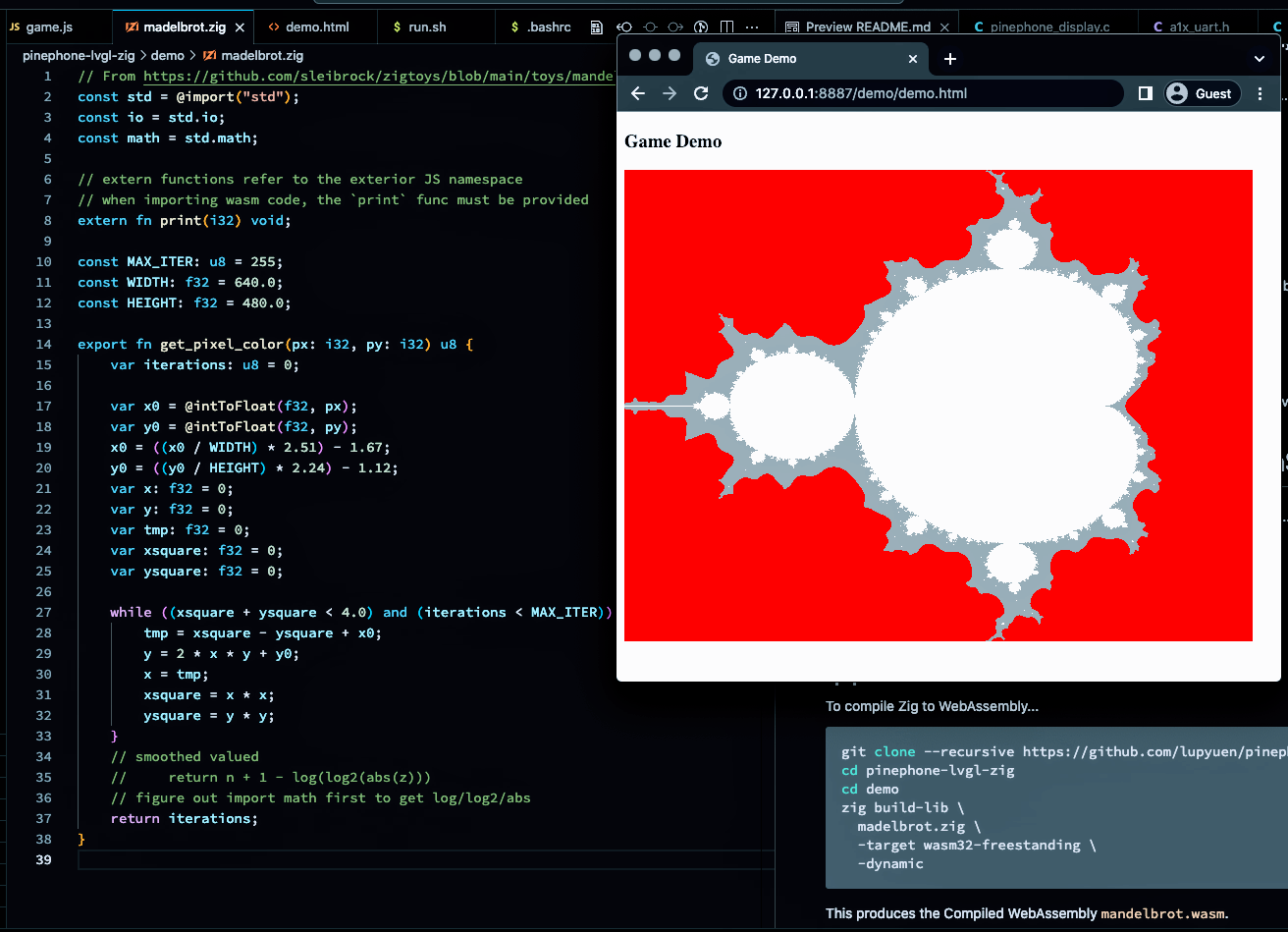
[_Mandelbrot Set rendered with Zig and WebAssembly_](https://github.com/lupyuen/pinephone-lvgl-zig/blob/main/demo)
## WebAssembly with Zig
_Why Zig? How does it work with WebAssembly?_
[__Zig Programming Language__](https://ziglang.org/) is a Low-Level Systems Language (like C and Rust) that works surprisingly well with WebAssembly.
(And Embedded Devices like PinePhone)
The pic above shows a __WebAssembly App__ that we created with Zig, JavaScript and HTML...
1. Our [__Zig Program__](https://github.com/lupyuen/pinephone-lvgl-zig/blob/main/demo/mandelbrot.zig) exports a function that computes the [__Mandelbrot Set__](https://en.wikipedia.org/wiki/Mandelbrot_set) pixels: [mandelbrot.zig](https://github.com/lupyuen/pinephone-lvgl-zig/blob/main/demo/mandelbrot.zig)
```zig
/// Compute the Pixel Color at (px,py) for Mandelbrot Set
export fn get_pixel_color(px: i32, py: i32) u8 {
var iterations: u8 = 0;
var x0 = @intToFloat(f32, px);
var y0 = @intToFloat(f32, py);
...
while ((xsquare + ysquare < 4.0) and (iterations < MAX_ITER)) : (iterations += 1) {
tmp = xsquare - ysquare + x0;
y = 2 * x * y + y0;
x = tmp;
xsquare = x * x;
ysquare = y * y;
}
return iterations;
}
```
1. Our [__JavaScript__](https://github.com/lupyuen/pinephone-lvgl-zig/blob/main/demo/game.js) calls the Zig Function above to compute the Mandelbrot Set: [game.js](https://github.com/lupyuen/pinephone-lvgl-zig/blob/main/demo/game.js)
```javascript
// Load our WebAssembly Module `mandelbrot.wasm`
// https://developer.mozilla.org/en-US/docs/WebAssembly/JavaScript_interface/instantiateStreaming
let Game = await WebAssembly.instantiateStreaming(
fetch(""mandelbrot.wasm""),
importObject
);
...
// For every Pixel in our HTML Canvas...
for (let x = 0; x < canvas.width; x++) {
for (let y = 0; y < canvas.height; y++) {
// Get the Pixel Color from Zig
const color = Game.instance.exports
.get_pixel_color(x, y);
// Render the Pixel in our HTML Canvas
if (color < 10) { context.fillStyle = ""red""; }
else if (color < 128) { context.fillStyle = ""grey""; }
else { context.fillStyle = ""white""; }
context.fillRect(x, y, x + 1, y + 1);
}
}
```
And it renders the pixels in a HTML Canvas.
1. Our [__HTML Page__](https://github.com/lupyuen/pinephone-lvgl-zig/blob/main/demo/demo.html) defines the HTML Canvas and loads the above JavaScript: [demo.html](https://github.com/lupyuen/pinephone-lvgl-zig/blob/main/demo/demo.html)
```html
```
That's all we need to create a WebAssembly App with Zig!
[(Thanks to __sleibrock/zigtoys__)](https://github.com/sleibrock/zigtoys/blob/main/toys/mandelbrot/mandelbrot.zig)
_What's mandelbrot.wasm?_
[__mandelbrot.wasm__](https://github.com/lupyuen/pinephone-lvgl-zig/blob/main/demo/mandelbrot.wasm) is the __WebAssembly Module__ for our Zig Program, compiled by the __Zig Compiler__...
```bash
## Download and compile the Zig Program for our Mandelbrot Demo
git clone --recursive https://github.com/lupyuen/pinephone-lvgl-zig
cd pinephone-lvgl-zig/demo
zig build-lib \
mandelbrot.zig \
-target wasm32-freestanding \
-dynamic \
-rdynamic
```
__wasm32-freestanding__ tells the Zig Compiler to compile our [__Zig Program__](https://github.com/lupyuen/pinephone-lvgl-zig/blob/main/demo/mandelbrot.zig) into a __WebAssembly Module__.
[(More about this)](https://ziglang.org/documentation/master/#Freestanding)
_How do we run this?_
Start a __Local Web Server__. [(Like Web Server for Chrome)](https://chrome.google.com/webstore/detail/web-server-for-chrome/ofhbbkphhbklhfoeikjpcbhemlocgigb)
Browse to __demo/demo.html__. And we'll see the Mandelbrot Set in our Web Browser! (Pic above)
[(Try the __Mandelbrot Demo__)](https://lupyuen.github.io/pinephone-lvgl-zig/demo/demo.html)
## Zig Calls JavaScript
_Can Zig call out to JavaScript?_
Yep Zig and JavaScript will happily __interoperate both ways__!
In our Zig Program, this is how we __import a JavaScript Function__ and call it: [mandelbrot.zig](https://github.com/lupyuen/pinephone-lvgl-zig/blob/main/demo/mandelbrot.zig)
```zig
// Import Print Function from JavaScript into Zig
extern fn print(i32) void;
// Print a number to JavaScript Console. Warning: This is slow!
if (iterations == 1) { print(iterations); }
```
In our JavaScript, we export the __print__ function as we load the WebAssembly Module: [game.js](https://github.com/lupyuen/pinephone-lvgl-zig/blob/main/demo/game.js)
```javascript
// Export JavaScript Functions to Zig
let importObject = {
// JavaScript Environment exported to Zig
env: {
// JavaScript Print Function exported to Zig
print: function(x) { console.log(x); }
}
};
// Load our WebAssembly Module
// and export our Print Function to Zig
let Game = await WebAssembly.instantiateStreaming(
fetch(""mandelbrot.wasm""), // Load our WebAssembly Module
importObject // Export our Print Function to Zig
);
```
This works OK for printing numbers to the JavaScript Console.
[(As explained here)](https://ziglang.org/documentation/master/#WebAssembly)
_Will this work for passing Strings and Buffers?_
It gets complicated... We need to snoop the __WebAssembly Memory__.
We'll come back to this when we talk about WebAssembly Logging.

[_Zig LVGL App on PinePhone with Apache NuttX RTOS_](https://github.com/lupyuen/pinephone-lvgl-zig/blob/main/lvgltest.zig)
## LVGL App in Zig
_Will Zig work with LVGL?_
Yep we tested an __LVGL App in Zig__ with PinePhone and Apache NuttX RTOS (pic above): [lvgltest.zig](https://github.com/lupyuen/pinephone-lvgl-zig/blob/main/lvgltest.zig#L28-L90)
```zig
/// LVGL App in Zig that renders a Text Label
fn createWidgetsWrapped() !void {
// Get the Active Screen
var screen = try lvgl.getActiveScreen();
// Create a Label Widget
var label = try screen.createLabel();
// Wrap long lines in the label text
label.setLongMode(c.LV_LABEL_LONG_WRAP);
// Interpret color codes in the label text
label.setRecolor(true);
// Center align the label text
label.setAlign(c.LV_TEXT_ALIGN_CENTER);
// Set the label text and colors
label.setText(
""#ff0000 HELLO# "" ++ // Red Text
""#00aa00 LVGL ON# "" ++ // Green Text
""#0000ff PINEPHONE!# "" // Blue Text
);
// Set the label width
label.setWidth(200);
// Align the label to the center of the screen, shift 30 pixels up
label.alignObject(c.LV_ALIGN_CENTER, 0, -30);
}
```
[(__lvgl__ is our LVGL Wrapper for Zig)](https://github.com/lupyuen/pinephone-lvgl-zig/blob/main/lvgl.zig)
[(More about this)](https://github.com/lupyuen/pinephone-lvgl-zig#lvgl-zig-app)
To __compile our Zig LVGL App__ for PinePhone and NuttX RTOS...
```bash
## Compile the Zig App `lvgltest.zig`
## for PinePhone (Armv8-A with Cortex-A53)
zig build-obj \
-target aarch64-freestanding-none \
-mcpu cortex_a53 \
-isystem ""../nuttx/include"" \
-I ""../apps/include"" \
-I ""../apps/graphics/lvgl"" \
... \
lvgltest.zig
## Copy the Compiled Zig App to NuttX RTOS
## and overwrite `lv_demo_widgets.*.o`
cp lvgltest.o \
../apps/graphics/lvgl/lvgl/demos/widgets/lv_demo_widgets.*.o
## Omitted: Link the Compiled Zig App with NuttX RTOS
```
[(See the Complete Command)](https://github.com/lupyuen/pinephone-lvgl-zig#build-lvgl-zig-app)
[(NuttX Build Files)](https://github.com/lupyuen/pinephone-lvgl-zig/releases/tag/nuttx-build-files)
Zig Compiler produces an Object File __lvgltest.o__ that looks exactly like an ordinary C Object File...
Which links perfectly fine into __Apache NuttX RTOS__.
And our LVGL Zig App runs OK on PinePhone! (Pic above)
[(More about this)](https://github.com/lupyuen/pinephone-lvgl-zig#build-lvgl-zig-app)
## LVGL App in WebAssembly
_But will our Zig LVGL App run in a Web Browser with WebAssembly?_
Let's find out! We shall...
1. Compile our __Zig LVGL App__ to WebAssembly
1. Compile __LVGL Library__ from C to WebAssembly
(With Zig Compiler)
1. Render the __LVGL Display__ in JavaScript
_Will our Zig LVGL App compile to WebAssembly?_
Let's take the earlier steps to compile our Zig LVGL App. To __compile for WebAssembly__, we change...
- ""__zig build-obj__"" to ""__zig build-lib__""
- Target becomes ""__wasm32-freestanding__""
- Add ""__-dynamic__"" and ""__-rdynamic__""
- Remove ""__-mcpu__""
Like this...
```bash
## Compile the Zig App `lvglwasm.zig`
## for WebAssembly
zig build-lib \
-target wasm32-freestanding \
-dynamic \
-rdynamic \
-isystem ""../nuttx/include"" \
-I ""../apps/include"" \
-I ""../apps/graphics/lvgl"" \
...\
lvglwasm.zig
```
[(See the Complete Command)](https://github.com/lupyuen/pinephone-lvgl-zig#compile-zig-lvgl-app-to-webassembly)
[(NuttX Build Files)](https://github.com/lupyuen/pinephone-lvgl-zig/releases/tag/nuttx-build-files)
And we cloned [__lvgltest.zig__](https://github.com/lupyuen/pinephone-lvgl-zig/blob/main/lvgltest.zig) to [__lvglwasm.zig__](https://github.com/lupyuen/pinephone-lvgl-zig/blob/main/lvglwasm.zig), because we'll tweak it for WebAssembly.
We removed our [__Custom Panic Handler__](https://github.com/lupyuen/pinephone-lvgl-zig/blob/main/lvgltest.zig#L128-L149), the default one works fine for WebAssembly.
[(More about this)](https://github.com/lupyuen/pinephone-lvgl-zig#compile-zig-lvgl-app-to-webassembly)
_What happens when we run this?_
The command above produces the Compiled WebAssembly [__lvglwasm.wasm__](https://github.com/lupyuen/pinephone-lvgl-zig/blob/main/lvglwasm.wasm).
We start a Local Web Server. [(Like Web Server for Chrome)](https://chrome.google.com/webstore/detail/web-server-for-chrome/ofhbbkphhbklhfoeikjpcbhemlocgigb)
And browse to our HTML [__lvglwasm.html__](https://github.com/lupyuen/pinephone-lvgl-zig/blob/main/lvglwasm.html)
- Which calls our JavaScript [__lvglwasm.js__](https://github.com/lupyuen/pinephone-lvgl-zig/blob/main/lvglwasm.js#L96-L114)
(To load the Compiled WebAssembly)
- Which calls our Zig Function [__lv_demo_widgets__](https://github.com/lupyuen/pinephone-lvgl-zig/blob/main/lvglwasm.zig#L35-L85)
(To render the LVGL Widgets)
- That's exported to WebAssembly by our Zig App [__lvglwasm.zig__](https://github.com/lupyuen/pinephone-lvgl-zig/blob/main/lvglwasm.zig#L35-L85)
[(Try the __LVGL Demo__)](https://lupyuen.github.io/pinephone-lvgl-zig/lvglwasm.html)
But the WebAssembly won't load in our Web Browser!
```text
Uncaught (in promise) LinkError:
WebAssembly.instantiate():
Import #1 module=""env"" function=""lv_label_create"" error:
function import requires a callable
```
That's because we haven't linked __lv_label_create__ from the LVGL Library.
Let's compile the LVGL Library to WebAssembly...
## Compile LVGL to WebAssembly with Zig Compiler
_Will Zig Compiler compile C Libraries? Like LVGL?_
Yep! This is how we call Zig Compiler to compile __lv_label_create__ and __lv_label.c__ from the LVGL Library...
```bash
## Compile LVGL from C to WebAssembly
zig cc \
-target wasm32-freestanding \
-dynamic \
-rdynamic \
-lc \
-DFAR= \
-DLV_MEM_CUSTOM=1 \
-DLV_FONT_MONTSERRAT_20=1 \
-DLV_FONT_DEFAULT_MONTSERRAT_20=1 \
-DLV_USE_LOG=1 \
-DLV_LOG_LEVEL=LV_LOG_LEVEL_TRACE \
""-DLV_ASSERT_HANDLER={void lv_assert_handler(void); lv_assert_handler();}"" \
... \
lvgl/src/widgets/lv_label.c \
-o ../../../pinephone-lvgl-zig/lv_label.o
```
[(See the Complete Command)](https://github.com/lupyuen/pinephone-lvgl-zig#compile-lvgl-to-webassembly-with-zig-compiler)
[(NuttX Build Files)](https://github.com/lupyuen/pinephone-lvgl-zig/releases/tag/nuttx-build-files)
This compiles __lv_label.c__ from C to WebAssembly and generates __lv_label.o__.
We changed these options...
- ""__zig build-lib__"" becomes ""__zig cc__""
(Because we're compiling C, not Zig)
- Add ""__-lc__""
(Because we're calling C Standard Library)
- Add ""__-DFAR=__""
(Because we won't need Far Pointers)
- Add ""__-DLV_MEM_CUSTOM=1__""
[(Because we're calling __malloc__ instead of LVGL's TLSF Allocator)](https://lupyuen.github.io/articles/lvgl3#appendix-lvgl-memory-allocation)
- Set the __Default Font__ to Montserrat 20...
```text
-DLV_FONT_MONTSERRAT_20=1 \
-DLV_FONT_DEFAULT_MONTSERRAT_20=1 \
```
[(Remember to compile __LVGL Fonts__!)](https://lupyuen.github.io/articles/lvgl3#appendix-lvgl-fonts)
- Enable __Detailed Logging__...
```text
-DLV_USE_LOG=1 \
-DLV_LOG_LEVEL=LV_LOG_LEVEL_TRACE \
```
[(We'll come back to this)](https://lupyuen.github.io/articles/lvgl3#webassembly-logger-for-lvgl)
- Handle __Assertion Failure__...
```text
""-DLV_ASSERT_HANDLER={void lv_assert_handler(void); lv_assert_handler();} \""
```
[(Like this)](https://github.com/lupyuen/pinephone-lvgl-zig/blob/main/lvglwasm.zig#L190-L195)
- Emit the __WebAssembly Object File__...
```text
-o ../../../pinephone-lvgl-zig/lv_label.o
```
This works because Zig Compiler calls [__Clang Compiler__](https://andrewkelley.me/post/zig-cc-powerful-drop-in-replacement-gcc-clang.html) to compile LVGL Library from C to WebAssembly.
_So we link lv_label.o with our Zig LVGL App?_
Yep we ask Zig Compiler to link the Compiled WebAssembly __lv_label.o__ with our Zig LVGL App [__lvglwasm.zig__](https://github.com/lupyuen/pinephone-lvgl-zig/blob/main/lvglwasm.zig)...
```bash
## Compile the Zig App `lvglwasm.zig` for WebAssembly
## and link with `lv_label.o` from LVGL Library
zig build-lib \
-target wasm32-freestanding \
-dynamic \
-rdynamic \
-lc \
-DFAR= \
-DLV_MEM_CUSTOM=1 \
-DLV_FONT_MONTSERRAT_20=1 \
-DLV_FONT_DEFAULT_MONTSERRAT_20=1 \
-DLV_USE_LOG=1 \
-DLV_LOG_LEVEL=LV_LOG_LEVEL_TRACE \
""-DLV_ASSERT_HANDLER={void lv_assert_handler(void); lv_assert_handler();}"" \
... \
lvglwasm.zig \
lv_label.o
```
[(See the Complete Command)](https://github.com/lupyuen/pinephone-lvgl-zig#compile-lvgl-to-webassembly-with-zig-compiler)
[(NuttX Build Files)](https://github.com/lupyuen/pinephone-lvgl-zig/releases/tag/nuttx-build-files)
When we browse to our HTML [__lvglwasm.html__](https://github.com/lupyuen/pinephone-lvgl-zig/blob/main/lvglwasm.html), we see this in the JavaScript Console...
```text
Uncaught (in promise) LinkError:
WebAssembly.instantiate():
Import #0 module=""env"" function=""lv_obj_clear_flag"" error:
function import requires a callable
```
__lv_label_create__ is no longer mising, because Zig Compiler has linked __lv_label.o__ into our Zig LVGL App.
(Yep Zig Compiler works great for linking WebAssembly Object Files with our Zig App!)
Now we need to compile __lv_obj_clear_flag__ (and the other LVGL Files) from C to WebAssembly...
## Compile Entire LVGL Library to WebAssembly
_Compile the entire LVGL Library to WebAssembly? Sounds so tedious!_
Yeah through sheer tenacity we tracked down __lv_obj_clear_flag__ and all the __Missing LVGL Functions__ called by our Zig LVGL App...
```text
widgets/lv_label.c
core/lv_obj.c
misc/lv_mem.c
core/lv_event.c
core/lv_obj_style.c
core/lv_obj_pos.c
misc/lv_txt.c
draw/lv_draw_label.c
core/lv_obj_draw.c
misc/lv_area.c
core/lv_obj_scroll.c
font/lv_font.c
core/lv_obj_class.c
(Many many more)
```
[(Based on LVGL 8.3.3)](https://github.com/lvgl/lvgl/tree/v8.3.3)
So we wrote a script to __compile the above LVGL Source Files__ from C to WebAssembly: [build.sh](https://github.com/lupyuen/pinephone-lvgl-zig/blob/main/build.sh#L7-L86)
```bash
## Compile our LVGL Display Driver from C to WebAssembly with Zig Compiler
compile_lvgl ../../../../../pinephone-lvgl-zig/display.c display.o
## Compile LVGL Library from C to WebAssembly with Zig Compiler
compile_lvgl font/lv_font_montserrat_14.c lv_font_montserrat_14.o
compile_lvgl font/lv_font_montserrat_20.c lv_font_montserrat_20.o
compile_lvgl widgets/lv_label.c lv_label.o
compile_lvgl core/lv_obj.c lv_obj.o
compile_lvgl misc/lv_mem.c lv_mem.o
## Many many more
```
[(__compile_lvgl__ is defined here)](https://github.com/lupyuen/pinephone-lvgl-zig/blob/main/build.sh#L226-L289)
(More about __display.c__ later)
And __link the Compiled LVGL WebAssemblies__ with our Zig LVGL App: [build.sh](https://github.com/lupyuen/pinephone-lvgl-zig/blob/main/build.sh#L86-L192)
```bash
## Compile the Zig App `lvglwasm.zig` for WebAssembly
## and link with LVGL Library compiled for WebAssembly
zig build-lib \
-target wasm32-freestanding \
... \
lvglwasm.zig \
display.o \
lv_font_montserrat_14.o \
lv_font_montserrat_20.o \
lv_label.o \
lv_mem.o \
...
```
We're done with LVGL Library in WebAssembly! (Almost)
_Now what happens when we run it?_
JavaScript Console says that __strlen__ is missing...
```text
Uncaught (in promise) LinkError:
WebAssembly.instantiate():
Import #0 module=""env"" function=""strlen"" error:
function import requires a callable
```
Which comes from the __C Standard Library__. Here's the workaround...
- [__""C Standard Library is Missing""__](https://lupyuen.github.io/articles/lvgl3#appendix-c-standard-library-is-missing)
_Is it really OK to compile only the necessary LVGL Source Files?_
_Instead of compiling ALL the LVGL Source Files?_
Be careful! We might miss out some __Undefined Variables__... Zig Compiler blissfully assumes they're at __WebAssembly Address 0__. And remember to compile the __LVGL Fonts__!
- [__""LVGL Screen Not Found""__](https://lupyuen.github.io/articles/lvgl3#appendix-lvgl-screen-not-found)
- [__""LVGL Fonts""__](https://lupyuen.github.io/articles/lvgl3#appendix-lvgl-fonts)
Thus we really ought to compile ALL the LVGL Source Files.
(Maybe we should disassemble the Compiled WebAssembly and look for other Undefined Variables at WebAssembly Address 0)
## LVGL Porting Layer for WebAssembly
_Anything else we need for LVGL in WebAssembly?_
LVGL expects a __millis__ function that returns the number of __Elapsed Milliseconds__...
```text
Uncaught (in promise) LinkError:
WebAssembly.instantiate():
Import #0 module=""env"" function=""millis"" error:
function import requires a callable
```
[(Because of this)](https://github.com/lvgl/lvgl/blob/v8.3.3/src/lv_conf_internal.h#L252-L254)
We implement __millis__ in Zig: [lvglwasm.zig](https://github.com/lupyuen/pinephone-lvgl-zig/blob/main/lvglwasm.zig#L179-L200)
```zig
/// TODO: Return the number of elapsed milliseconds
export fn millis() u32 {
elapsed_ms += 1;
return elapsed_ms;
}
/// Number of elapsed milliseconds
var elapsed_ms: u32 = 0;
/// On Assertion Failure, ask Zig to print a Stack Trace and halt
export fn lv_assert_handler() void {
@panic(""*** lv_assert_handler: ASSERTION FAILED"");
}
/// Custom Logger for LVGL that writes to JavaScript Console
export fn custom_logger(buf: [*c]const u8) void {
wasmlog.Console.log(""{s}"", .{buf});
}
```
(We should reimplement __millis__ in JavaScript, though it might be slow)
In the code above, we defined __lv_assert_handler__ and __custom_logger__ to handle __Assertions and Logging__ in LVGL.
Let's talk about LVGL Logging...
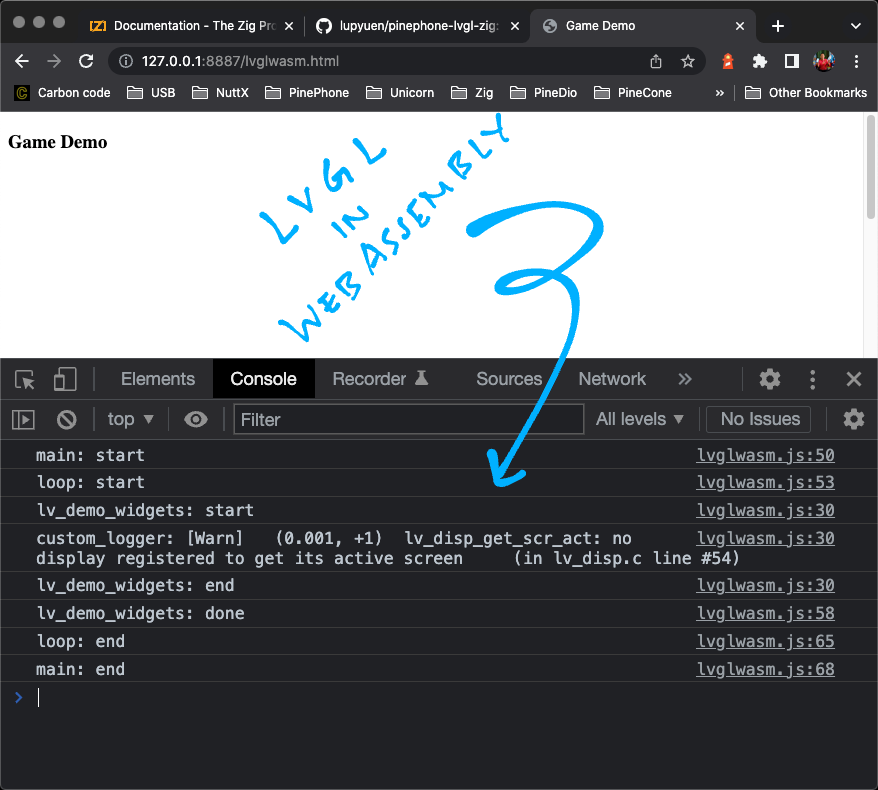
## WebAssembly Logger for LVGL
_printf won't work in WebAssembly..._
_How will we trace the LVGL Execution?_
We set the __Custom Logger__ for LVGL, so that we can print Log Messages to the JavaScript Console: [lvglwasm.zig](https://github.com/lupyuen/pinephone-lvgl-zig/blob/main/lvglwasm.zig#L35-L51)
```zig
/// Main Function for our Zig LVGL App
pub export fn lv_demo_widgets() void {
// Set the Custom Logger for LVGL
c.lv_log_register_print_cb(custom_logger);
// Init LVGL
c.lv_init();
```
[(""__`c.`__"" refers to functions __imported from C to Zig__)](https://lupyuen.github.io/articles/lvgl#import-c-functions)
__custom_logger__ is defined in our Zig Program: [lvglwasm.zig](https://github.com/lupyuen/pinephone-lvgl-zig/blob/main/lvglwasm.zig#L195-L200)
```zig
/// Custom Logger for LVGL that writes to JavaScript Console
export fn custom_logger(buf: [*c]const u8) void {
wasmlog.Console.log(""{s}"", .{buf});
}
```
[(""__`[*c]`__"" means __C Pointer__)](https://ziglang.org/documentation/master/#C-Pointers)
__wasmlog__ is our __Zig Logger for WebAssembly__: [wasmlog.zig](https://github.com/lupyuen/pinephone-lvgl-zig/blob/main/wasmlog.zig)
Which calls JavaScript Functions __jsConsoleLogWrite__ and __jsConsoleLogFlush__ to write logs to the JavaScript Console: [lvglwasm.js](https://github.com/lupyuen/pinephone-lvgl-zig/blob/main/lvglwasm.js#L54C1-L69)
```javascript
// Export JavaScript Functions to Zig
const importObject = {
// JavaScript Functions exported to Zig
env: {
// Write to JavaScript Console from Zig
// https://github.com/daneelsan/zig-wasm-logger/blob/master/script.js
jsConsoleLogWrite: function(ptr, len) {
console_log_buffer += wasm.getString(ptr, len);
},
// Flush JavaScript Console from Zig
// https://github.com/daneelsan/zig-wasm-logger/blob/master/script.js
jsConsoleLogFlush: function() {
console.log(console_log_buffer);
console_log_buffer = """";
},
```
(Thanks to [__daneelsan/zig-wasm-logger__](https://github.com/daneelsan/zig-wasm-logger))
_What's wasm.getString?_
__wasm.getString__ is our JavaScript Function that __reads the WebAssembly Memory__ into a JavaScript Array: [lvglwasm.js](https://github.com/lupyuen/pinephone-lvgl-zig/blob/main/lvglwasm.js#L10-L27)
```javascript
// WebAssembly Helper Functions in JavaScript
const wasm = {
// WebAssembly Instance
instance: undefined,
// Init the WebAssembly Instance
init: function (obj) {
this.instance = obj.instance;
},
// Fetch the Zig String from a WebAssembly Pointer
getString: function (ptr, len) {
const memory = this.instance.exports.memory;
const text_decoder = new TextDecoder();
return text_decoder.decode(
new Uint8Array(memory.buffer, ptr, len)
);
},
};
```
[(__TextDecoder__ converts bytes to text)](https://developer.mozilla.org/en-US/docs/Web/API/TextDecoder)
(Remember earlier we spoke about __snooping WebAssembly Memory__ with a WebAssembly Pointer? This is how we do it)
Now we can see the __LVGL Log Messages__ in the JavaScript Console yay! (Pic above)
```text
[Warn] lv_disp_get_scr_act:
no display registered to get its active screen
(in lv_disp.c line #54)
```
Let's initialise the LVGL Display...
## Initialise LVGL Display
_What happens when LVGL runs?_
According to the [__LVGL Docs__](https://docs.lvgl.io/8.3/porting/project.html#initialization), this is how we __initialise and operate LVGL__...
1. Call __lv_init__
1. Register the __LVGL Display__ (and Input Devics)
1. Call __lv_tick_inc(x)__ every __x__ milliseconds (in an Interrupt) to report the __Elapsed Time__ to LVGL
[(Not required, because LVGL calls __millis__ to fetch the Elapsed Time)](https://lupyuen.github.io/articles/lvgl3#lvgl-porting-layer-for-webassembly)
1. Call __lv_timer_handler__ every few milliseconds to handle __LVGL Tasks__
To __register the LVGL Display__, we follow these steps...
- [__Create the LVGL Draw Buffer__](https://docs.lvgl.io/8.3/porting/display.html#draw-buffer)
- [__Register the LVGL Display Driver__](https://docs.lvgl.io/8.3/porting/display.html#examples)
_Easy peasy for Zig right?_
Sadly we can't do it in Zig...
```zig
// Nope, can't allocate LVGL Display Driver in Zig!
// `lv_disp_drv_t` is an Opaque Type
var disp_drv = c.lv_disp_drv_t{};
c.lv_disp_drv_init(&disp_drv);
```
Because LVGL Display Driver __lv_disp_drv_t__ is an __Opaque Type__.
(Same for the LVGL Draw Buffer __lv_disp_draw_buf_t__)
_What's an Opaque Type in Zig?_
When we __import a C Struct__ into Zig and it contains __Bit Fields__...
Zig Compiler won't let us __access the fields__ of the C Struct. And we can't allocate the C Struct either.
__lv_disp_drv_t__ contains Bit Fields, hence it's an __Opaque Type__ and inaccessible in Zig. [(See this)](https://lupyuen.github.io/articles/lvgl#appendix-zig-opaque-types)
_Bummer. How to fix Opaque Types in Zig?_
Our workaround is to write __C Functions to allocate__ and initialise the Opaque Types...
- [__""Fix Opaque Types""__](https://lupyuen.github.io/articles/lvgl#fix-opaque-types)
Which gives us this __LVGL Display Interface__ for Zig: [display.c](https://github.com/lupyuen/pinephone-lvgl-zig/blob/main/display.c)
Finally with the workaround, here's how we __initialise the LVGL Display__ in Zig: [lvglwasm.zig](https://github.com/lupyuen/pinephone-lvgl-zig/blob/main/lvglwasm.zig#L38-L84)
```zig
/// Main Function for our Zig LVGL App
pub export fn lv_demo_widgets() void {
// Create the Memory Allocator for malloc
memory_allocator = std.heap.FixedBufferAllocator
.init(&memory_buffer);
// Set the Custom Logger for LVGL
c.lv_log_register_print_cb(custom_logger);
// Init LVGL
c.lv_init();
// Fetch pointers to Display Driver and Display Buffer,
// exported by our C Functions
const disp_drv = c.get_disp_drv();
const disp_buf = c.get_disp_buf();
// Init Display Buffer and Display Driver as pointers,
// by calling our C Functions
c.init_disp_buf(disp_buf);
c.init_disp_drv(
disp_drv, // Display Driver
disp_buf, // Display Buffer
flushDisplay, // Callback Function to Flush Display
720, // Horizontal Resolution
1280 // Vertical Resolution
);
// Register the Display Driver as a pointer
const disp = c.lv_disp_drv_register(disp_drv);
// Create the widgets for display
createWidgetsWrapped() catch |e| {
// In case of error, quit
std.log.err(""createWidgetsWrapped failed: {}"", .{e});
return;
};
// Up Next: Handle LVGL Tasks
```
[(__memory_allocator__ is explained here)](https://lupyuen.github.io/articles/lvgl3#appendix-lvgl-memory-allocation)
Now we handle LVGL Tasks...
## Handle LVGL Tasks
Earlier we talked about __handling LVGL Tasks__...
1. Call __lv_tick_inc(x)__ every __x__ milliseconds (in an Interrupt) to report the __Elapsed Time__ to LVGL
[(Not required, because LVGL calls __millis__ to fetch the Elapsed Time)](https://lupyuen.github.io/articles/lvgl3#lvgl-porting-layer-for-webassembly)
1. Call __lv_timer_handler__ every few milliseconds to handle __LVGL Tasks__
[(From the __LVGL Docs__)](https://docs.lvgl.io/8.3/porting/project.html#initialization)
This is how we call __lv_timer_handler__ in Zig: [lvglwasm.zig](https://github.com/lupyuen/pinephone-lvgl-zig/blob/main/lvglwasm.zig#L69-L85)
```zig
/// Main Function for our Zig LVGL App
pub export fn lv_demo_widgets() void {
// Omitted: Init LVGL Display
// Create the widgets for display
createWidgetsWrapped() catch |e| {
// In case of error, quit
std.log.err(""createWidgetsWrapped failed: {}"", .{e});
return;
};
// Handle LVGL Tasks
// TODO: Call this from Web Browser JavaScript,
// so that our Web Browser won't block
var i: usize = 0;
while (i < 5) : (i += 1) {
_ = c.lv_timer_handler();
}
```
We're ready to render the LVGL Display in our HTML Page!
_Something doesn't look right..._
Yeah we should have called __lv_timer_handler__ from our JavaScript.
(Triggered by a JavaScript Timer or [__requestAnimationFrame__](https://developer.mozilla.org/en-US/docs/Web/API/window/requestAnimationFrame))
But for our quick demo, this will do. For now!
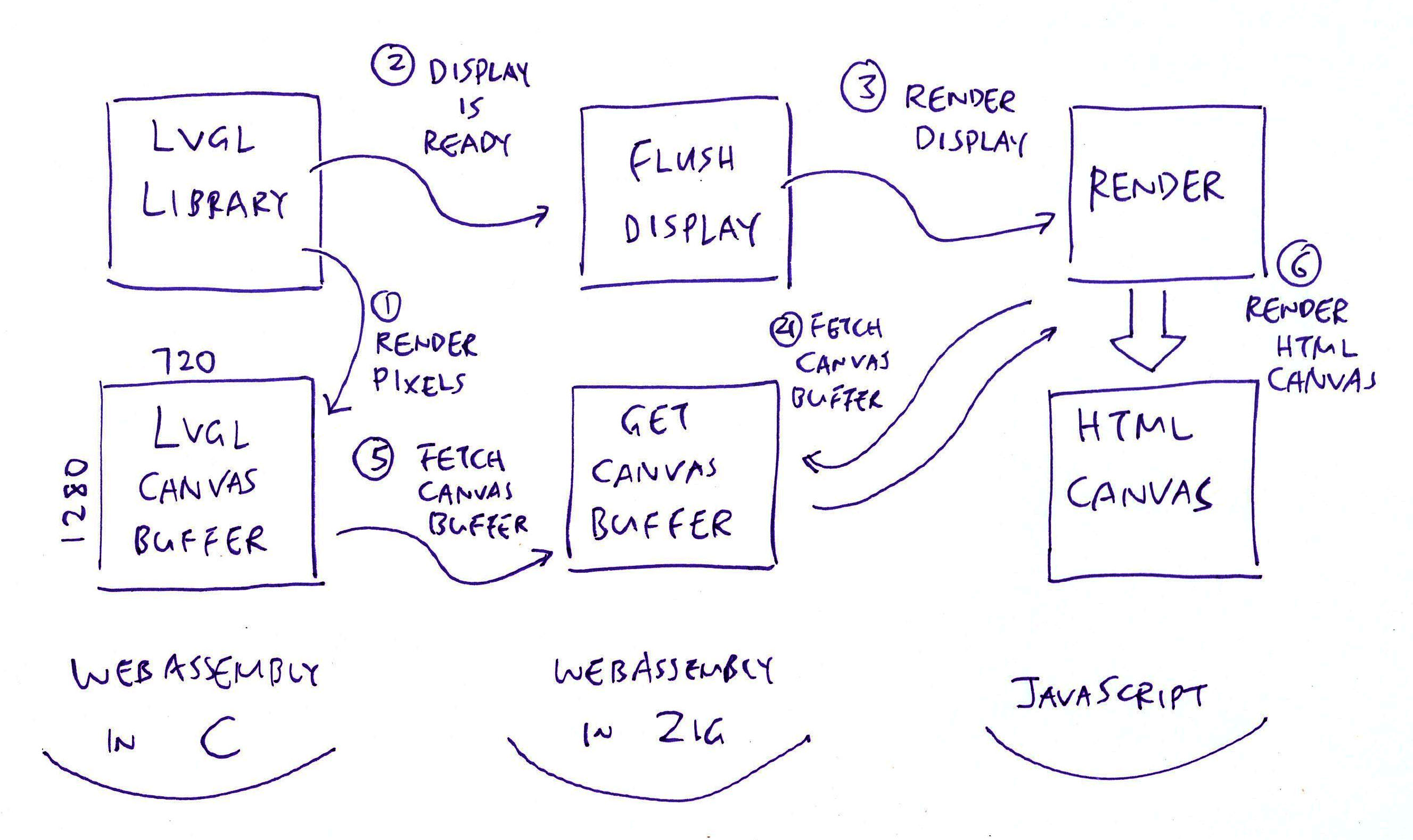
## Render LVGL Display in Zig
Finally we __render our LVGL Display__ in the Web Browser... Spanning C, Zig and JavaScript! (Pic above)
Earlier we saw this __LVGL Initialisation__ in our Zig App: [lvglwasm.zig](https://github.com/lupyuen/pinephone-lvgl-zig/blob/main/lvglwasm.zig#L49-L63)
```zig
// Init LVGL
c.lv_init();
// Fetch pointers to Display Driver and Display Buffer,
// exported by our C Functions
const disp_drv = c.get_disp_drv();
const disp_buf = c.get_disp_buf();
// Init Display Buffer and Display Driver as pointers,
// by calling our C Functions
c.init_disp_buf(disp_buf);
c.init_disp_drv(
disp_drv, // Display Driver
disp_buf, // Display Buffer
flushDisplay, // Callback Function to Flush Display
720, // Horizontal Resolution
1280 // Vertical Resolution
);
```
_What's inside init_disp_buf?_
__init_disp_buf__ tells LVGL to render the display pixels to our __LVGL Canvas Buffer__: [display.c](https://github.com/lupyuen/pinephone-lvgl-zig/blob/main/display.c#L95-L107)
```c
// Init the LVGL Display Buffer in C, because Zig
// can't access the fields of the Opaque Type
void init_disp_buf(lv_disp_draw_buf_t *disp_buf) {
lv_disp_draw_buf_init(
disp_buf, // LVGL Display Buffer
canvas_buffer, // Render the pixels to our LVGL Canvas Buffer
NULL, // No Secondary Buffer
BUFFER_SIZE // Buffer the entire display (720 x 1280 pixels)
);
}
```
[(__canvas_buffer__ is defined here)](https://github.com/lupyuen/pinephone-lvgl-zig/blob/main/display.c#L9-L29)
Then our Zig App initialises the __LVGL Display Driver__: [lvglwasm.zig](https://github.com/lupyuen/pinephone-lvgl-zig/blob/main/lvglwasm.zig#L49-L63)
```zig
// Init Display Driver as pointer,
// by calling our C Function
c.init_disp_drv(
disp_drv, // Display Driver
disp_buf, // Display Buffer
flushDisplay, // Callback Function to Flush Display
720, // Horizontal Resolution
1280 // Vertical Resolution
);
```
[(__init_disp_drv__ is defined here)](https://github.com/lupyuen/pinephone-lvgl-zig/blob/main/display.c#L60-L93)
This tells LVGL to call __flushDisplay__ (in Zig) when the LVGL Display Canvas is ready to be rendered: [lvglwasm.zig](https://github.com/lupyuen/pinephone-lvgl-zig/blob/main/lvglwasm.zig#L86-L98)
```zig
/// LVGL calls this Callback Function to flush our display
export fn flushDisplay(
disp_drv: ?*c.lv_disp_drv_t, // LVGL Display Driver
area: [*c]const c.lv_area_t, // LVGL Display Area
color_p: [*c]c.lv_color_t // LVGL Display Buffer
) void {
// Call the Web Browser JavaScript
// to render the LVGL Canvas Buffer
render();
// Notify LVGL that the display has been flushed.
// Remember to call `lv_disp_flush_ready`
// or Web Browser will hang on reload!
c.lv_disp_flush_ready(disp_drv);
}
```
__flushDisplay__ (in Zig) calls __render__ (in JavaScript) to render the LVGL Display Canvas.
We bubble up from Zig to JavaScript...
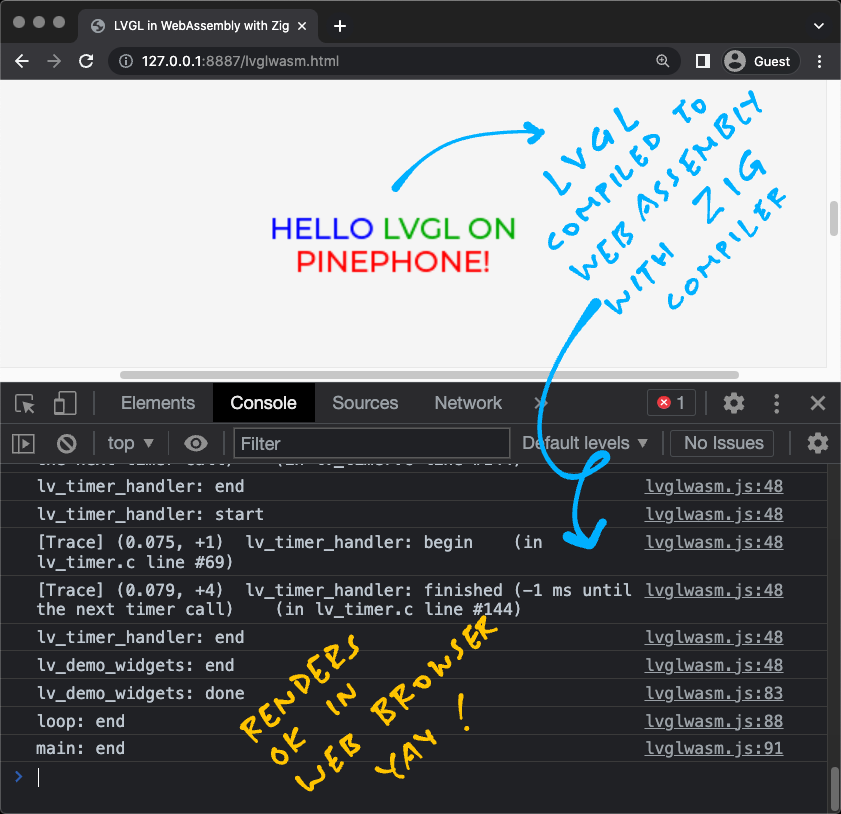
[_Zig LVGL App rendered in Web Browser with WebAssembly_](https://lupyuen.github.io/pinephone-lvgl-zig/lvglwasm.html)
## Render LVGL Display in JavaScript
_Phew OK. What happens in our JavaScript?_
Earlier we saw that [__flushDisplay__](https://github.com/lupyuen/pinephone-lvgl-zig/blob/main/lvglwasm.zig#L86-L98) (in Zig) calls __render__ (in JavaScript) torender the LVGL Display Canvas.
__render__ (in JavaScript) draws the LVGL Canvas Buffer to our HTML Canvas: [lvglwasm.js](https://github.com/lupyuen/pinephone-lvgl-zig/blob/main/lvglwasm.js#L29-L53)
```javascript
// Render the LVGL Canvas from Zig to HTML
// https://github.com/daneelsan/minimal-zig-wasm-canvas/blob/master/script.js
render: function() { // TODO: Add width and height
// Get the WebAssembly Pointer to the LVGL Canvas Buffer
const bufferOffset = wasm.instance.exports.getCanvasBuffer();
// Load the WebAssembly Pointer into a JavaScript Image Data
const memory = wasm.instance.exports.memory;
const ptr = bufferOffset;
const len = (canvas.width * canvas.height) * 4;
const imageDataArray = new Uint8Array(memory.buffer, ptr, len)
imageData.data.set(imageDataArray);
// Render the Image Data to the HTML Canvas
context.clearRect(0, 0, canvas.width, canvas.height);
context.putImageData(imageData, 0, 0);
}
```
[(__imageData__ and __context__ are defined here)](https://github.com/lupyuen/pinephone-lvgl-zig/blob/main/lvglwasm.js#L69-L75)
_How does it fetch the LVGL Canvas Buffer?_
The JavaScript above calls [__getCanvasBuffer__](https://github.com/lupyuen/pinephone-lvgl-zig/blob/main/lvglwasm.zig#L100-L104) (in Zig) and __get_canvas_buffer__ (in C) to fetch the LVGL Canvas Buffer: [display.c](https://github.com/lupyuen/pinephone-lvgl-zig/blob/main/display.c#L9-L29)
```c
// Canvas Buffer for rendering LVGL Display
// TODO: Swap the RGB Bytes in LVGL, the colours are inverted for HTML Canvas
#define HOR_RES 720 // Horizontal Resolution
#define VER_RES 1280 // Vertical Resolution
#define BUFFER_ROWS VER_RES // Number of rows to buffer
#define BUFFER_SIZE (HOR_RES * BUFFER_ROWS)
static lv_color_t canvas_buffer[BUFFER_SIZE];
// Return a pointer to the LVGL Canvas Buffer
lv_color_t *get_canvas_buffer(void) {
return canvas_buffer;
}
```
And the LVGL Display renders OK in our HTML Canvas yay! (Pic above)
[(Try the __LVGL Demo__)](https://lupyuen.github.io/pinephone-lvgl-zig/lvglwasm.html)
[(See the __JavaScript Log__)](https://github.com/lupyuen/pinephone-lvgl-zig/blob/8c9f45401eb15ff68961bd53e237baa798cc8fb5/README.md#todo)
(Thanks to [__daneelsan/minimal-zig-wasm-canvas__](https://github.com/daneelsan/minimal-zig-wasm-canvas))
## What's Next
Up Next: [__Feature Phone UI__](https://lupyuen.github.io/articles/usb2#pinephone--nuttx--feature-phone) for PinePhone! To make our Feature Phone clickable, we'll pass __Mouse Events__ from JavaScript to LVGL.
(Through an LVGL Input Device Driver)
We'll experiment with __Live Reloading__: Whenever we save our Zig LVGL App, it __auto-recompiles__ and __auto-reloads__ the WebAssembly HTML.
Which makes UI Prototyping a lot quicker in LVGL. Stay Tuned for updates!
Meanwhile please check out the other articles on NuttX for PinePhone...
- [__""Apache NuttX RTOS for PinePhone""__](https://github.com/lupyuen/pinephone-nuttx)
Many Thanks to my [__GitHub Sponsors__](https://github.com/sponsors/lupyuen) for supporting my work! This article wouldn't have been possible without your support.
- [__Sponsor me a coffee__](https://github.com/sponsors/lupyuen)
- [__Discuss this article on Reddit__](https://www.reddit.com/r/Zig/comments/13vgbfp/possibly_lvgl_in_webassembly_with_zig_compiler/)
- [__Discuss this article on Hacker News__](https://news.ycombinator.com/item?id=36121090)
- [__My Current Project: ""Apache NuttX RTOS for PinePhone""__](https://github.com/lupyuen/pinephone-nuttx)
- [__My Other Project: ""The RISC-V BL602 Book""__](https://lupyuen.github.io/articles/book)
- [__Check out my articles__](https://lupyuen.github.io)
- [__RSS Feed__](https://lupyuen.github.io/rss.xml)
_Got a question, comment or suggestion? Create an Issue or submit a Pull Request here..._
[__lupyuen.github.io/src/lvgl3.md__](https://github.com/lupyuen/lupyuen.github.io/blob/master/src/lvgl3.md)
## Appendix: C Standard Library is Missing
_strlen is missing from our Zig WebAssembly..._
_But strlen should come from the C Standard Library! (musl)_
Not sure why __strlen__ is missing, but we fixed it (temporarily) by copying from the [__Zig Library Source Code__](https://github.com/ziglang/zig/blob/master/lib/c.zig): [lvglwasm.zig](https://github.com/lupyuen/pinephone-lvgl-zig/blob/main/lvglwasm.zig#L280-L336)
```zig
// C Standard Library from zig-macos-x86_64-0.10.0-dev.2351+b64a1d5ab/lib/zig/c.zig
export fn strlen(s: [*:0]const u8) callconv(.C) usize {
return std.mem.len(s);
}
// Also memset, memcpy, strcpy...
```
(Maybe because we didn't export __strlen__ in our Zig Main Program __lvglwasm.zig__?)
_What if we change the target to wasm32-freestanding-musl?_
Nope doesn't help, same problem.
_What if we use ""zig build-exe"" instead of ""zig build-lib""?_
Sorry ""__zig build-exe__"" is meant for building __WASI Executables__. [(See this)](https://www.fermyon.com/wasm-languages/c-lang)
""__zig build-exe__"" is not supposed to work for WebAssembly in the Web Browser. [(See this)](https://github.com/ziglang/zig/issues/1570#issuecomment-426370371)
## Appendix: LVGL Memory Allocation
_What happens if we omit ""-DLV_MEM_CUSTOM=1""?_
By default, LVGL uses the [__Two-Level Segregate Fit (TLSF) Allocator__](http://www.gii.upv.es/tlsf/) for Heap Memory.
But TLSF Allocator fails inside [__block_next__](https://github.com/lvgl/lvgl/blob/v8.3.3/src/misc/lv_tlsf.c#L453-L460)...
```text
main: start
loop: start
lv_demo_widgets: start
before lv_init
[Info] lv_init: begin (in lv_obj.c line #102)
[Trace] lv_mem_alloc: allocating 76 bytes (in lv_mem.c line #127)
[Trace] lv_mem_alloc: allocated at 0x1a700 (in lv_mem.c line #160)
[Trace] lv_mem_alloc: allocating 28 bytes (in lv_mem.c line #127)
[Trace] lv_mem_alloc: allocated at 0x1a750 (in lv_mem.c line #160)
[Warn] lv_init: Log level is set to 'Trace' which makes LVGL much slower (in lv_obj.c line #176)
[Trace] lv_mem_realloc: reallocating 0x14 with 8 size (in lv_mem.c line #196)
[Error] block_next: Asserted at expression: !block_is_last(block) (in lv_tlsf.c line #459)
004a5b4a:0x29ab2 Uncaught (in promise) RuntimeError: unreachable
at std.builtin.default_panic (004a5b4a:0x29ab2)
at lv_assert_handler (004a5b4a:0x2ac6c)
at block_next (004a5b4a:0xd5b3)
at lv_tlsf_realloc (004a5b4a:0xe226)
at lv_mem_realloc (004a5b4a:0x20f1)
at lv_layout_register (004a5b4a:0x75d8)
at lv_flex_init (004a5b4a:0x16afe)
at lv_extra_init (004a5b4a:0x16ae5)
at lv_init (004a5b4a:0x3f28)
at lv_demo_widgets (004a5b4a:0x29bb9)
```
Thus we set ""__-DLV_MEM_CUSTOM=1__"" to call __malloc__ instead of LVGL's TLSF Allocator.
([__block_next__](https://github.com/lvgl/lvgl/blob/v8.3.3/src/misc/lv_tlsf.c#L453-L460) calls [__offset_to_block__](https://github.com/lvgl/lvgl/blob/v8.3.3/src/misc/lv_tlsf.c#L440-L444), which calls [__tlsf_cast__](https://github.com/lvgl/lvgl/blob/v8.3.3/src/misc/lv_tlsf.c#L274). Maybe the Pointer Cast doesn't work for [__Clang WebAssembly__](https://github.com/lvgl/lvgl/blob/v8.3.3/src/misc/lv_tlsf.c#L25-L215)?)
_But Zig doesn't support malloc for WebAssembly!_
We call Zig's [__FixedBufferAllocator__](https://ziglang.org/documentation/master/#Memory) to implement __malloc__: [lvglwasm.zig](https://github.com/lupyuen/pinephone-lvgl-zig/blob/main/lvglwasm.zig#L38-L44)
```zig
/// Main Function for our Zig LVGL App
pub export fn lv_demo_widgets() void {
// Create the Memory Allocator for malloc
memory_allocator = std.heap.FixedBufferAllocator
.init(&memory_buffer);
```
Here's our (incomplete) implementation of __malloc__: [lvglwasm.zig](https://github.com/lupyuen/pinephone-lvgl-zig/blob/main/lvglwasm.zig#L201-L244)
```zig
/// Zig replacement for malloc
export fn malloc(size: usize) ?*anyopaque {
// TODO: Save the slice length
const mem = memory_allocator.allocator().alloc(u8, size) catch {
@panic(""*** malloc error: out of memory"");
};
return mem.ptr;
}
/// Zig replacement for realloc
export fn realloc(old_mem: [*c]u8, size: usize) ?*anyopaque {
// TODO: Call realloc instead
const mem = memory_allocator.allocator().alloc(u8, size) catch {
@panic(""*** realoc error: out of memory"");
};
_ = memcpy(mem.ptr, old_mem, size);
if (old_mem != null) {
// TODO: How to free without the slice length?
// memory_allocator.allocator().free(old_mem[0..???]);
}
return mem.ptr;
}
/// Zig replacement for free
export fn free(mem: [*c]u8) void {
if (mem == null) {
@panic(""*** free error: pointer is null"");
}
// TODO: How to free without the slice length?
// memory_allocator.allocator().free(mem[0..???]);
}
/// Memory Allocator for malloc
var memory_allocator: std.heap.FixedBufferAllocator = undefined;
/// Memory Buffer for malloc
var memory_buffer = std.mem.zeroes([1024 * 1024]u8);
```
[(Remember to copy the old memory in __realloc__!)](https://github.com/lupyuen/pinephone-lvgl-zig/blob/aade32dd70286866676b2d9728970c6b3cca9489/README.md#todo)
[(If we ever remove ""__-DLV_MEM_CUSTOM=1__"", remember to set ""__-DLV_MEM_SIZE=1000000__"")](https://github.com/lupyuen/pinephone-lvgl-zig/blob/aa080fb2ce55f9959cce2b6fff7e5fd5c9907cd6/README.md#lvgl-memory-allocation)
## Appendix: LVGL Fonts
Remember to __compile the LVGL Fonts__! Or our LVGL Text Label won't be rendered...
```bash
## Compile LVGL Fonts from C to WebAssembly with Zig Compiler
compile_lvgl font/lv_font_montserrat_14.c lv_font_montserrat_14
compile_lvgl font/lv_font_montserrat_20.c lv_font_montserrat_20
## Compile the Zig LVGL App for WebAssembly
## and link with LVGL Fonts
zig build-lib \
-DLV_FONT_MONTSERRAT_14=1 \
-DLV_FONT_MONTSERRAT_20=1 \
-DLV_FONT_DEFAULT_MONTSERRAT_20=1 \
-DLV_USE_FONT_PLACEHOLDER=1 \
...
lv_font_montserrat_14.o \
lv_font_montserrat_20.o \
```
[(Source)](https://github.com/lupyuen/pinephone-lvgl-zig/blob/main/build.sh#L21-L191)
## Appendix: LVGL Screen Not Found
_Why does LVGL say ""No Screen Found"" in [lv_obj_get_disp](https://github.com/lvgl/lvgl/blob/v8.3.3/src/core/lv_obj_tree.c#L270-L289)?_
```text
[Info] lv_init: begin (in lv_obj.c line #102)
[Trace] lv_init: finished (in lv_obj.c line #183)
before lv_disp_drv_register
[Warn] lv_obj_get_disp: No screen found (in lv_obj_tree.c line #290)
[Info] lv_obj_create: begin (in lv_obj.c line #206)
[Trace] lv_obj_class_create_obj: Creating object with 0x12014 class on 0 parent (in lv_obj_class.c line #45)
[Warn] lv_obj_get_disp: No screen found (in lv_obj_tree.c line #290)
```
[(See the Complete Log)](https://github.com/lupyuen/pinephone-lvgl-zig/blob/9610bb5209a072fc5950cf0559b1274d53dd8b8b/README.md#lvgl-screen-not-found)
That's because the Display Linked List ___lv_disp_ll__ is allocated by __LV_ITERATE_ROOTS__ in [___lv_gc_clear_roots__](https://github.com/lvgl/lvgl/blob/v8.3.3/src/misc/lv_gc.c#L42)...
And we forgot to compile [___lv_gc_clear_roots__](https://github.com/lvgl/lvgl/blob/v8.3.3/src/misc/lv_gc.c#L42) in [__lv_gc.c__](https://github.com/lvgl/lvgl/blob/v8.3.3/src/misc/lv_gc.c#L42). Duh!
(Zig Compiler assumes that Undefined Variables like ___lv_disp_ll__ are at __WebAssembly Address 0__)
After compiling [___lv_gc_clear_roots__](https://github.com/lvgl/lvgl/blob/v8.3.3/src/misc/lv_gc.c#L42) and [__lv_gc.c__](https://github.com/lvgl/lvgl/blob/v8.3.3/src/misc/lv_gc.c#L42), the ""No Screen Found"" error no longer appears.
(Maybe we should disassemble the Compiled WebAssembly and look for other Undefined Variables at WebAssembly Address 0)
TODO: For easier debugging, how to disassemble Compiled WebAssembly with cross-reference to Source Code? Similar to ""__objdump --source__""? Maybe with [__wabt__](https://github.com/WebAssembly/wabt) or [__binaryen__](https://github.com/WebAssembly/binaryen)?
"
540,247,"2023-12-28 11:37:33.976185",anders,run-zig-code-on-raspberry-pico-w-1oag,"","Run Zig code on Raspberry Pico W","Did Santa bring you a Raspberry Pi Pico W(pico-w) and you really want it to run Zig code? This...","Did Santa bring you a [Raspberry Pi Pico W](https://www.raspberrypi.com/products/raspberry-pi-pico/)(pico-w) and you really want it to run Zig code? This article describes how you can link Zig code with the official [Raspberry Pi Pico SDK](https://github.com/raspberrypi/pico-sdk)(pico-sdk) using a few simple step.
The strategy is to build the Zig part as a static library and link this with pico-sdk.
> An alternative to pico-sdk is [MicroZig](https://github.com/ZigEmbeddedGroup/microzig). With MicroZig it will be Zig all the way down. The main reason for using pico-sdk is that it provides more features at the moment.
Before you start you need to set up the pico-w development environment. The official [pico documentation](https://datasheets.raspberrypi.com/pico/getting-started-with-pico.pdf) describes this in detail. You also need Zig installed and I'm using version 0.11.0.
> The steps in this article can be used for the Raspberry Pico (without the W) as well.
### Create the pico-sdk project
We start by creating a pico-sdk project. One way to do this is to use a tool provided by the Raspberry Pi people, [pico-project-generator](https://github.com/raspberrypi/pico-project-generator). The pico-w documentation describes the necessary steps as an alternative.
But let's use the tool on the command line (it has a GUI if you prefer that).
```bash
$ pico-project.py --uart --debugger 0 --boardtype pico_w link_zig_with_pico_sdk
$ cd link_zig_with_pico_sdk && tree -I build
.
├── CMakeLists.txt
├── link_zig_with_pico_sdk.c
└── pico_sdk_import.cmake
```
The created project provides a serial console over UART and support for an SWD debugger.
> The pico has an SWD (Serial Wire Debug interface for debugging purposes. To flash code, set breakpoints etc additional hardware is required; the Raspberry Pico Probe, another pico programmed with the Probe firmware or a Raspberry Pi are examples of such hardware.
We use cmake to build the project. This creates an ELF-file that can be loaded on the pico-w.
```bash
$ cmake --build build
$ file build/link_zig_with_pico_sdk.elf
build/link_zig_with_pico_sdk.elf: ELF 32-bit LSB executable, ARM, EABI5 version 1 (SYSV), statically linked, not stripped
```
### Create the Zig project
The next step is to create a Zig project in the same directory.
```bash
$ zig init-lib
$ tree -I build
.
├── CMakeLists.txt
├── build.zig
├── link_zig_with_pico_sdk.c
├── pico_sdk_import.cmake
└── src
└── main.zig
```
The default build target is the host machine and we need to change that to support the pico-w.
Edit the build.zig file and replace the target initialisation.
```zig
const target = std.zig.CrossTarget{
.abi = .eabi,
.cpu_arch = .thumb,
.cpu_model = .{ .explicit = &std.Target.arm.cpu.cortex_m0plus },
.os_tag = .freestanding,
};
```
If we build this a library will be created that targets the pico-w CPU.
```bash
$ zig build --summary all
Build Summary: 3/3 steps succeeded
install success
└─ install link_zig_with_pico_sdk success
└─ zig build-lib link_zig_with_pico_sdk Debug thumb-freestanding-eabi success 61ms MaxRSS:74M
$ ls zig-out/lib
liblink_zig_with_pico_sdk.a
```
### Combine the two projects
What have we got so far? Two separate projects (one cmake and one Zig) that resides in one directory. Let's combine them.
Since this is mainly a Zig post, Zig will be the top build system (i.e. we will call cmake from build.zig).
#### Run cmake from `zig build`
What are the necessary build steps and in which order should they be executed? We want to build the Zig library first (and install it). Then we run cmake to build the ELF-file (and link the Zig library in the process).
1. Build the Zig library.
2. Generate the cmake project.
3. Build the cmake project.
We add external command in build.zig by using the addSystemCommand function. Add the following lines (after `b.installArtifact(lib)`).
```zig
const cmake_generate = b.addSystemCommand(&.{ ""cmake"", ""-B"", ""./build"" });
cmake_generate.setName(""cmake : generate project"");
const cmake_build = b.addSystemCommand(&.{ ""cmake"", ""--build"", ""./build"" });
cmake_build.setName(""cmake : build project"");
```
The calls to setName is not necessary but will provide a nicer `zig build` output.
The system commands will not be run unless they are added as dependencies. When you run `zig build` the default behaviour is to run the top level build step named ""install"". We have already added our library to the dependency list of the ""install"" step by calling `b.installArtifact(lib)`). We append the cmake build step to the same dependency list using this function call (after the lines above).
```
b.getInstallStep().dependOn(&cmake_build.step);
```
But the cmake build step requires the cmake generate step being executed first. This can be accomplished by adding another dependency.
```
cmake_build.step.dependOn(&cmake_generate.step);
```
If we run `zig build` we see that the build steps are executed in the correct order.
```bash
$ zig build --sumary all
PICO_SDK_PATH is ~/.local/share/pico/pico-sdk
PICO platform is rp2040.
Build type is Release
PICO target board is pico_w.
...
Build Summary: 5/5 steps succeeded
install success
├─ install link_zig_with_pico_sdk cached
│ └─ zig build-lib link_zig_with_pico_sdk Debug thumb-freestanding-eabi cached 12ms MaxRSS:28M
└─ cmake : build project success 266ms MaxRSS:8M
└─ cmake : generate project success 390ms MaxRSS:21Mo
```
#### Link Zig library from cmake
What do we got so far? Running `zig build` builds both the Zig library and the final binary, but now it is time to link the Zig library.
To link the library we need to edit CMakeLists.txt; adding the following lines just above the call to target_link_libraries.
> Note that these lines include the hard-coded path to the Zig output directory (zig-out/lib); preventing the user from providing a user defined prefix.
```cmake
add_library(zig_library STATIC IMPORTED)
set_property(TARGET zig_library PROPERTY IMPORTED_LOCATION ../zig-out/lib/liblink_zig_with_pico_sdk.a)
```
Add the library as a dependency by editing the target_link_library call.
```
# Add the standard library to the build
target_link_libraries(link_zig_with_pico_sdk
zig_library
pico_stdlib)
```
### Call Zig from C
Now only one step remains; to use the Zig code.
The Zig code exports a single function (see `src/main.zig`).
```zig
export fn add(a: i32, b: i32) i32 {
return a + b;
}
```
The entry point to the application is the `main` function in `link_zig_with_pico_sdk.c`. Updating this to call the Zig code looks something like this.
```C
#include
#include
#include ""pico/stdlib.h""
// Extern declaration of the function exported by Zig.
extern int32_t add(int32_t a, int32_t b);
int main()
{
stdio_init_all();
printf(""result from zig : %d\n"", add(10, 20));
return 0;
}
```
### Build, flash and run
All parts are now in place. A final `zig build` will produce a binary we can load onto the pico-w.
```bash
$ zig build --summary all
...
Build Summary: 5/5 steps succeeded
install success
├─ install link_zig_with_pico_sdk cached
│ └─ zig build-lib link_zig_with_pico_sdk Debug thumb-freestanding-eabi cached 9ms MaxRSS:29M
└─ cmake : build project success 279ms MaxRSS:9M
└─ cmake : generate project success 395ms MaxRSS:21M
```
If you are using an SWD debugger you should flash the file `build/link_zig_with_pico_sdk.elf` to the pico-w. Otherwise the UF2 file `build/link_zig_with_pico_sdk.uf2` can be flashed to the pico-w using the default bootloader.
I use Visual Studio Code together with the Raspberry Pico Probe.
### And finally the output!
```
---- Opened the serial port /dev/tty.usbmodem84202 ----
result from zig : 30
```"
408,513,"2022-09-28 01:48:33.269837",lupyuen,visual-programming-with-zig-and-apache-nuttx-sensors-5cj7,https://zig.news/uploads/articles/ol6ns87mr7belohclcoh.jpg,"Visual Programming with Zig and Apache NuttX Sensors","What if we could drag-and-drop Apache NuttX Sensors to create IoT Apps? In this presentation we’ll...","What if we could drag-and-drop Apache NuttX Sensors to create IoT Apps? In this presentation we’ll explore Blockly, the web-based toolkit for Visual Programming, and how we might customise Blockly to create Apache NuttX Sensor Apps.
We’ll also discuss the Zig Programming Language, and why Blockly will generate NuttX Sensor Apps as Zig programs.
[Download the presentation slides here](https://lupyuen.github.io/nuttx#visual-programming-with-zig-and-nuttx-sensors)
{% youtube 1O5Eb8bKxXA %}
"
83,77,"2021-10-09 13:08:22.673097",sobeston,using-zig-and-translate-c-to-understand-weird-c-code-4f8,https://zig.news/uploads/articles/9shyr4tcdotz4e28lhf2.png,"Using Zig and Translate-C to understand weird C code","@rep_stosq_void on Twitter posted this strange sample of C code, and I wanted to show my process of...","![void f(int *a) {
void *p = &a;
***(int *(*)[])p = 1;
}](https://zig.news/uploads/articles/1hbkahthlwhf5ih8u5s4.png)
@rep_stosq_void on Twitter posted this strange sample of C code, and I wanted to show my process of understanding this contrived C code.
https://twitter.com/rep_stosq_void/status/1446504706319294475
After running `zig translate-c x.c > x.zig`, I got the following output:
```zig
pub export fn f(arg_a: [*c]c_int) void {
var a = arg_a;
var p: ?*c_void = @ptrCast(?*c_void, &a);
@ptrCast(
[*c][*c]c_int,
@alignCast(@import(""std"").meta.alignment([*c]c_int), &@ptrCast(
[*c][*c][*c]c_int,
@alignCast(@import(""std"").meta.alignment([*c][*c]c_int), p),
).*),
).*.* = 1;
}
```
From here I removed the unnecessary calls to `std.meta.alignment` by adding alignment data to `p`. I also converted `[*c]T` pointers to `[*]T` and `*T`, depending on my assumptions of how the code works. I also removed the optional from `p`, and stripped away `arg_a`.
Now we've got something a bit more faithful to the original.
```zig
fn f(a *c_int) void {
const p = @ptrCast(*align(@alignOf(usize)) const c_void, &a);
@ptrCast(
*const [*]c_int,
&@ptrCast(*const *[*]c_int, p).*,
).*.* = 1;
}
```
We can now transform `&@ptrCast(*const *[*]c_int, p).*` into `@ptrCast(*const *[*]c_int, p)`, as `&x.*` is equivalent to `x`.
```zig
fn g(a: *c_int) void {
const p = @ptrCast(*align(@alignOf(usize)) const c_void, &a);
@ptrCast(
*const [*]c_int,
@ptrCast(*const *[*]c_int, p),
).*.* = 1;
}
```
As we can see `p` is a pointer to the argument `a`, we can change its ptrCast to the more appropriate type `*const *i32`. The const is needed as arguments are immutable.
```zig
fn h(a: *c_int) void {
const p = @ptrCast(*const *i32, &a);
@ptrCast(
*const [*]c_int,
@ptrCast(*const *[*]c_int, p),
).*.* = 1;
}
```
After substituting in `p`.
```zig
fn i(a: *c_int) void {
@ptrCast(
*const [*]c_int,
@ptrCast(
*const *[*]c_int,
@ptrCast(*const *i32, &a),
),
).*.* = 1;
}
```
There's some many-pointers (`[*]T`) here, which we should replace with single pointers (`*T`). This is because I can tell that there aren't really any arrays at play here.
```zig
fn j(a: *c_int) void {
@ptrCast(
*const *c_int,
@ptrCast(
*const **c_int,
@ptrCast(*const *i32, &a),
),
).*.* = 1;
}
```
Here we can remove the unnecessary ptrCast around `&a`, as `&a` is already of type `*const *i32`.
```zig
fn k(a: *c_int) void {
@ptrCast(
*const *c_int,
@ptrCast(
*const **c_int,
&a,
),
).*.* = 1;
}
```
Here we can see a ptrCast from `*const *i32` to `*const **c_int`, back to `*const *c_int`. Let's remove that.
```zig
fn l(a: *c_int) void {
(&a).*.* = 1;
}
```
Finally, we can transform `(&x).*` into `x`.
```zig
fn m(a: *c_int) void {
a.* = 1;
}
```
Perhaps the answer is disappointing.
"
607,1,"2024-02-14 10:24:03",kristoff,about-spam-on-zig-news-3fmj,"","About Spam on Zig NEWS","As many of you have noticed (and pinged me about) recently there has been an uptick of spam on Zig...","As many of you have noticed (and pinged me about) recently there has been an uptick of spam on Zig NEWS.
Spammer accounts have been a constant problem since the creation of the website and I've been manually deleting accounts & posts over time.
Since the end of 2023 there has been a serious uptick in posting though and no matter how unrelenting the moderation is, those posts will always have some window of time where they exist on the frontpage, ruining people's experience.
Some people have suggested to enable some form of post approval system but unfortunately this is not possible as the CMS Zig NEWS is built upon (Forem) doesn't offer the feature.
I've originally chosen Forem out of convenience because I wanted to a blogging platform up and running quickly for people who also want the convenience of not having to setup their own blogs and not having to share manually links to their writing.
So while starting with a pre-made solution (ie convenient but not perfectly tailored) was part of the plan, it seems we're approaching a time where we need to move towards something better.
For those who have not heard about it yet, I'm working on my own static site generator called Zine (https://zine-ssg.io) and my plan is to take some of the components developed for Zine and use them to build a new Zig NEWS.
This is a long term plan as Zine itself is still very much alpha software, but now you know the direction I'm headed towards.
In the meantime I've disabled new email signups on Zig NEWS, which means that only existing accounts will be able to login using an email address. New users will have to use GitHub to signup for a new account.
That said, if you're reading this and you don't have (nor want) a GitHub account, ping me at loris@zig.news and I'll send you and invite that will allow you to sign up with an email address.
"
635,33,"2024-05-08 15:43:21.985666",jackji,a-algorithm-5g2h,"","A* algorithm","Hello people, long time no blog. I've being trying to write a roguelike game recently, in zig of...","Hello people, long time no blog. I've being trying to write a roguelike game recently, in zig of course. Naturally, I needed a decent path-finding utility, and A* algorithm immediately came to my mind. Thanks to [Amit Patel’ awesome writing](https://www.redblobgames.com/pathfinding/a-star/introduction.html), I've had a blast implementing the algorithm. Now, I want to share the interesting experience with you.
> I won't explain details of algorithm here, as Amit has done an excellent job already. In case anybody isn't familliar with the subject, I recommend you to read through the above linked paragraph. OK, let's begin.
In order to implement the algorithm, we need to define following stuff first:
1. Type of position
2. Type of node
3. Type of graph
What is position? A 2d or 3d vector is obviously suitable. However, if you really think about it, we don't care about geometry meaning of position at all, what we really need is some sort of identifier to differentiate positions. Like file descriptor in unix world, a number is enough to represent anything. In my case, I choose `usize` to stand for position.
Although node is only used internally in algorithm, it's structure is vital enough to be discussed here. To simply put, a node also represent a position in the searching graph. More than that, node also contains information about it's established path to starting point, and it's guessed distance to our final destination (the formal name is heuristic cost). Here's final definitions:
```zig
const Node = struct {
from: usize, // Where do we came from
gcost: usize, // Cost between starting point to this node
hcost: usize, // Cost between this node to destination
};
```
You might ask: ""What is position id of the node?"". Well, we don't need to include it in the struct at all. Because all nodes will be added into a hash table, whose key is position id.
The last but not least, graph type. Let's think, do we need to know all the positions within graph? The answer depends on how complicated the map is. In a simple map, A* algorithm only need to access very few positions to calculate the path. In a daunting maze, the algorithm might have to access much more positions in order to work properly. So, the more suitable way is to pass only needed positions to algorithm. How do we accomplish that? The answer is virtual interface. Here's my definition of graph:
```zig
// A searchable graph struct must have following methods:
//
// // Used to get id of nodes
// pub const Iterator = {
// pub fn next(*@This()) ?usize
// };
//
// // Used to get iterator for traversing neighbours of a node
// pub fn iterateNeigh(self: @This(), id: usize) Iterator
//
// // Used to calculate graph cost betwen 2 nodes
// pub fn gcost(self: @This(), from: usize, to: usize) usize
//
// // Used to calculate heuristic cost betwen 2 nodes
// pub fn hcost(self: @This(), from: usize, to: usize) usize
```
Dude, they're just comments! Yeah, that's right, It's actually a contract between the algorithm and it's user. If your map wants to be searched in the algorithm, it needs to fulfill these requirements. We only need 3 api: one for iterating a position's walkable neighbours, two for calculating costs between positions.
Can we do better? Of course, zig has great reflection system to make compile-time type checking possible. We can easily write a function to verify the graph struct:
```zig
inline fn verifyGraphStruct(graph: anytype) void {
const gtype = @TypeOf(graph);
if (!@hasDecl(gtype, ""iterateNeigh"") or
!@hasDecl(gtype, ""gcost"") or
!@hasDecl(gtype, ""hcost""))
{
@compileError(""Please verify the graph struct according to above demands."");
}
switch (@typeInfo(@typeInfo(@TypeOf(gtype.iterateNeigh)).Fn.return_type.?)) {
.Struct => if (!std.meta.hasMethod(@typeInfo(@TypeOf(gtype.iterateNeigh)).Fn.return_type.?, ""next"")) {
@compileError(""`iterateNeigh` must return a valid iterator"");
},
else => @compileError(""`iterateNeigh` must return Iterator""),
}
if (@typeInfo(@TypeOf(gtype.gcost)).Fn.return_type.? != usize) {
@compileError(""`gcost` must return usize"");
}
if (@typeInfo(@TypeOf(gtype.hcost)).Fn.return_type.? != usize) {
@compileError(""`hcost` must return usize"");
}
}
```
All set now, we can go ahead write the algorithm, it's very easy code really, as long as you've done good homework:
```zig
pub fn calculatePath(allocator: std.mem.Allocator, graph: anytype, from: usize, to: usize) !?std.ArrayList(usize) {
verifyGraphStruct(graph);
var arena = std.heap.ArenaAllocator.init(allocator);
defer arena.deinit();
var nodes = NodeMap.init(arena.allocator());
var frontier = NodeQuue.init(arena.allocator(), &nodes);
try nodes.put(from, .{});
try frontier.add(from);
while (frontier.count() != 0) {
const current = frontier.remove();
if (current == to) break;
var it = graph.iterateNeigh(current);
while (it.next()) |next| {
const new_gcost = nodes.get(current).?.gcost + graph.gcost(current, next);
const neighbour = nodes.get(next);
if (neighbour == null or new_gcost < neighbour.?.gcost) {
try nodes.put(next, .{
.from = current,
.gcost = new_gcost,
.hcost = graph.hcost(to, next),
});
try frontier.add(next);
}
}
} else {
return null;
}
var pos = to;
var path = try std.ArrayList(usize).initCapacity(allocator, 10);
try path.append(pos);
if (from != to) {
while (true) {
const node = nodes.get(pos).?;
pos = node.from;
try path.append(pos);
if (pos == from) break;
}
std.mem.reverse(usize, path.items);
}
return path;
}
const NodeMap = std.AutoHashMap(usize, Node);
const NodeQueue = std.PriorityQueue(usize, *const NodeMap, compareNode);
fn compareNode(map: *const NodeMap, n1: usize, n2: usize) math.Order {
const node1 = map.get(n1).?;
const node2 = map.get(n2).?;
return math.order(node1.gcost + node1.hcost, node2.gcost + node2.hcost);
}
```
The function returns `!?std.ArrayList(usize)`. The error is returned in the situation of memory allocating failure. `null` is returned if there's no valid path between two positions. `NodeMap` is used to accumulate the accessed positions so far, which will be searched to form the final path later. `NodeQueue` is used to expand searching area, whose frontier positions are ordered by sum of graph cost and heuristic cost. As soon as we meet destination, the algorithm stops and search backwards for the path to starting point.
Whew, that's all. I've also wrote a simple program to test the algorithm. You know what, it's quite fun :-).

In case you want to see full source code, here's the link: https://github.com/Jack-Ji/jok/blob/main/src/utils/pathfind.zig"
520,1,"2023-10-24 23:38:07.062957",kristoff,dont-self-simple-structs-fj8,https://zig.news/uploads/articles/fah0hqn3y60oc6ls3hij.png,"Don't `Self` Simple Structs!","EDIT: as some people pointed out in the comments, ""concrete"" (as in non-generic) instead of ""simple""...","> EDIT: as some people pointed out in the comments, ""concrete"" (as in non-generic) instead of ""simple"" would have conveyed the intended meaning more effectively.
I've seen a few examples of people writing this kind of code:
```zig
const Person = struct {
name: []const u8,
const Self = @This();
pub fn talk(self: Self) void {
std.debug.print(""Hi, I'm {s}\n"", .{self.name});
}
}
```
## Don't!
There's no need to declare a `Self` type alias when you're adding methods to a simple struct!
Just use the struct name:
```zig
const Person = struct {
name: []const u8,
pub fn talk(self: Person) void {
std.debug.print(""Hi, I'm {s}\n"", .{self.name});
}
}
```
## When is `Self` needed?
`Self` is just a convenience alias that people like to create. It's almost never necessary, so let's talk fist about when `@This()` is necessary.
`@This()` is needed when you are implementing a generic structure. In this case you are inside a function and are defining a struct type that you plan to return. That struct will usually not have a name, so `@This()` lets you refer to it even in the absence of a name:
```zig
pub fn Box(comptime T: type) type {
return struct {
data: T,
mutex: std.Thread.Mutex,
const Self = @This();
pub fn unlock(self: Self) T {
// ...
}
};
}
```
Just to reiterate how `Self` is just a convenience alias, this code is the exact same as above:
```zig
pub fn Box(comptime T: type) type {
return struct {
data: T,
mutex: std.Thread.Mutex,
pub fn unlock(self: @This()) T {
// ...
}
};
}
```
## So `Self` is never necessary?
Sometimes it is necessary to create an alias to `@This()`, however it's a fairly rare need that stems from having multiple nested anonymous container type definitions:
```zig
pub fn Box(comptime T: type) type {
return struct {
data: T,
mutex: std.Thread.Mutex,
hidden_compartment: InnerBox(@sizeOf(T)),
const OuterBox = @This(); // doesn't have to be called Self
fn InnerBox (comptime Size: usize) type {
return struct {
secret_bytes: [Size]u8,
magic_link: *OuterBox; // using @This() wouldn't work
};
}
};
}
```
In this example you can see how the `InnerBox` declaration needs to refer to the outer box when defining `magic_link`. In this case `@This()` would not have worked since, when used in that context, it would refer to the innermost struct type, not the outer.
As you can see by the convoluted nature of this last example, it's not something you normally need to do, and you also have plenty of escape hatches to avoid nesting type definitions this way even when your types get somewhat complicated.
Last thing but not least, it's also not mandatory to name the ""self"" parameter `self`:
```zig
pub fn talk(p: Person) void {
std.debug.print(""Hi, I'm {s}\n"", .{p.name});
}
```
That said, `self` (parameter name) is useful for easily recognizing who's the ""subject"" of a given method, and `Self` is useful for quickly recognizing that we're looking at a generic type implementation...
*...as long as we make sure to not use it for simple structs.*"
564,1305,"2024-02-02 11:23:44.406899",liyu1981,jstringzig-my-javascript-inspired-string-lib-with-excellent-regex-support-3a3p,"","`jstring.zig`, my javascript inspired string lib with excellent Regex support","Share with you this handy string lib I created. jstring.zig ...","Share with you this handy string lib I created. `jstring.zig`
{% embed https://github.com/liyu1981/jstring.zig %}
As the name assumed, it is a string lib inspired by Javascript (ECMA Script, precisely). The target is to get all methods specified at https://developer.mozilla.org/en-US/docs/Web/JavaScript/Reference/Global_Objects/String implemented, except those marked as deprecated (such as anchor, big, blink etc).
## Highlight: excellen Regex support with help from `PCRE2`
see some examples on how it is supported
```zig
var str1 = try JStringUnmanaged.newFromSlice(arena.allocator(), ""hello,hello,world"");
var results = try str1.splitByRegex(arena.allocator(), ""l+"", 0, 0);
try testing.expectEqual(results.len, 1);
try testing.expect(results[0].eqlSlice(""hello,hello,world""));
results = try str1.splitByRegex(arena.allocator(), ""l+"", 0, -1);
try testing.expectEqual(results.len, 4);
try testing.expect(results[0].eqlSlice(""he""));
try testing.expect(results[1].eqlSlice(""o,he""));
try testing.expect(results[2].eqlSlice(""o,wor""));
try testing.expect(results[3].eqlSlice(""d""));
```
or
```zig
var re = try RegexUnmanaged.init(arena.allocator(), ""(hi,)(?hel+o?)"", 0);
try re.match(arena.allocator(), ""hi,hello"", 0, true, 0);
try re.reset(arena.allocator());
try re.match(arena.allocator(), ""hi,hello"", 0, true, 0);
const match_results = re.getResults();
const group_results = re.getGroupResults();
_ = group_results;
if (match_results) |mrs| {
try testing.expectEqual(mrs[0].start, 0);
try testing.expectEqual(mrs[0].len, 8);
}
var it = re.getGroupResultsIterator(""hi,hello"");
var maybe_r = it.nextResult();
try testing.expect(maybe_r != null);
if (maybe_r) |r| {
try testing.expect(std.mem.eql(u8, r.name, """"));
try testing.expectEqual(r.start, 0);
}
maybe_r = it.nextResult();
try testing.expect(maybe_r != null);
if (maybe_r) |r| {
try testing.expect(std.mem.eql(u8, r.name, ""h""));
try testing.expectEqual(r.start, 3);
}
```
## Use it in your project
`jstring.zig` can be used with `zig pkg manager` like below
```bash
zig fetch --save https://github.com/liyu1981/jstring.zig/archive/refs/tags/0.1.0.tar.gz
```
and because it has integrated `PCRE2`, when build with it, you will need enable `PCRE2` linkage. `jstring.zig` also provided build time module for getting this part really easily done, like below
```zig
// in your build.zig
const jstring_build = @import(""jstring"");
...
const jstring_dep = b.dependency(""jstring"", .{});
exe.addModule(""jstring"", jstring_dep.module(""jstring""));
jstring_build.linkPCRE(exe, jstring_dep);
```
## How about the performance?
`jstring.zig` is designed with performance in mind, and it should approach bare `[]const u8` as much as it can. Though the benchmark part is still work-in-progress. But my early test shows that, `jstring.zig` outperforms C++'s `std:string`, ~70% faster.
```bash
benchmark % ./zig-out/bin/benchmark
|zig create/release: | [ooooo] | avg= 16464000ns | min= 14400000ns | max= 20975000ns |
|cpp create/release: | [ooooo] | avg= 56735400ns | min= 56137000ns | max= 57090000ns |
```
(test is done by randomly allocating/releasing 1M short/long strings).
but I want to attribute the credits to `zig`, not `jstring.zig`, because `zig` is really a cache friendly language, and very easy to get your program fast!
## coverage
One of my goal when build this lib (as a practice) is to push the coverage to max. And in `jstring.zig`, the coverage is *100%* on both the `zig` and `c` code. Take a look at the report [here](https://liyu1981.github.io/jstring.zig/cov/index.html).
## it can be used as a single file lib too
just copy `jstring.zig` to your project will do the job too. For `Regex` support it can be turned off by modifying the comptime var `enable_pcre` in the beginning of file. Though without `pcre` support, it still has excellent performance, and even has built in `KMP` fast search algorithm implemented. `KMP` will be very useful if you need use `jstring` to search high repeating strings (like scientific data), it will turn `O(n^2)` time to `O(n)` time.
## `zig` doc
browsing `zig` doc of `jstring` [here](https://liyu1981.github.io/jstring.zig/).
"
565,1393,"2024-02-02 19:36:43.483066",maaarcocr,learnings-from-building-a-db-in-zig-5b9,"","Learnings From Building a DB in Zig","For the last 3 days at Shopify we had a hackathon and in the spirit of learning something new I’ve...","For the last 3 days at Shopify we had a hackathon and in the spirit of learning something new I’ve decided to build a database in zig. Why? I’ve been wanting to learn zig for a while. How but like why the **** a db? It felt like a complex enough project that I wouldn’t get bored and I would need to learn enough of the language to do it.
## how did I start?
I can’t thank Pil Eaton and his blog post here: https://notes.eatonphil.com/zigrocks-sql.html enough. It was both a source of inspiration and also a good source material to base my db on. I’ve ended up copying his build setup and rocksdb interface, but everything else is pretty much original.
I’ve also taken quite a bit of inspiration from the first CockroachDB mapping schema (from sql to key value store semantics), which you can read about at: https://www.cockroachlabs.com/blog/sql-in-cockroachdb-mapping-table-data-to-key-value-storage/
Having read these 2 pieces of introductory information I decided that I just wanted to build something and that’s what I did. I started writing a parser for a simple CREATE query. Which is where I started getting myself introduced to zig. I’ve gone through https://zig.guide which taught me the basics and then I actually started writing code.
## first surprising moment
As I writing my parser I started having to handle or create errors, as either some allocation was failing or because the query my parser had to parse was bad and I wanted to return an error.
Zig built-in errors are different from what I expected. I’m used to the Result type from Rust, but zig errors are somehow similar but also different, in a surprising way. Zig errors are just a raw enum, they cannot have any associated data (like an error message or a cause or anything really). They can have descriptive names, but that’s it.
I also searched on the net and found that a possibility is to pass in an optional error reporter which can be populated with additional data when an error occur. Or instead of using the built-in errors you could recreate the rust result type and just use that.
It did seem a bit weird that there was no single way of doing errors (with data). I decided to just go with the built-in errors and not pass more information (such as where your query is wrong) because this was a hackathon and I also wanted to have the possibility to still use the try and catch syntax that zig has, which I think can only work with built-in errors.
## small tangent about parsers
As you may know by this point I had to write a parser for some simple subset of sql. The Phil Eaton blog post had some pretty thorough explanation about how he did it. He went for a pretty classic tokenizer + parser approach.
I didn’t want to do that, so I just rolled my own. I took inspiration from nom and parser combinators and built my own replica in zig (it’s not good I think, but it works, but it could potentially be made into something better and extracted out).
Anyway, this was cool and I much prefer this way of writing parsers. It feels simpler and you have more control over what’s happening and errors are somehow simpler to think about. Anyway, this is just a tangent!
## some pain points I didn’t expect
When I was about to write the “storage engine”, where to somehow store the data I decided to go the same way that Phil did and used rocksdb as my backend.
Now, rocksdb is a c++ project and if also offers a c api. I had heard that interfacing with c/cpp code from zig was somehow easy and I was expecting a way easier time with bundling some other native code and zig. That was not the case.
To be clear, one thing that the zig blog posts and documentation says about doing this is that you should build your c/cpp files using zig build and then it should be easy. I didn’t want to do that, because I didn’t want to read few thousand lines of Makefile code and understand how to build rocksdb to then replicate that in a build.zig file.
Anyway, I though I could just shell out to make from build.zig and just build it that way. Now you can do that, but there is no easy way to avoid shelling out to make if the static library is already compiled, which is annoying.
But the real pain point is that the makefile decides when it runs which compression library to use from your system libraries. These same libraries have to be added as a dynamic dependency to the final executable, but till make runs I have no way to know which ones it decides to use.
Where is the problem? build.zig tried to be a declarative dsl to declare how to build your project. So you first say I want to run this step (like shelling out) and then that step (like build my zig code) and then it actually happens. The trouble is that this means that it shells out to make after it has finalised describing how to build my zig code (which is where I would need to say that I need to link with some system library).
Unclear to fix this, so I just decided to run make in the rocksdb folder manually and just set which system libraries it uses on my machine. This is not portable to other machines, but it was a hackathon, I couldn’t spend 2 days just figuring out how to build my dependency.
This was the worst part of my zig journey, the build system has very little documentation and it also doesn’t allow a use case I would have thought it would cater for (using a separate build system easily to build some dependency).
I can see the point of it though, it’s a pretty cool way to build software, but it probably needs more polish and maybe what I was doing was just wrong.
## about memory management
It took a while to get used to manual memory management again, but it’s a considerable upgrade compared to C. defer and errdefer help a lot. It’s also really cool that allocators can just be swapped around and the language is really built around that. You want all your code to use an arena allocator? Easy peasy.
It’s also pretty cool that the testing allocator errors out when you do things that are bad, like for example leaking memory.
I did have one segfault on my third day, which caught me a bit by surprise. I still don’t fully understand why, changing a pointer to an ArrayList to just be an owned ArrayList fixed it. It would be neater if the testing allocator could save you from segfaults and print a nicer error.
It was also a bit weird that the standard library didn’t have support for utf8 strings, but maybe I’m just too rust-pilled on this topic.
## some good things about zig
I think, by this point, you may think I’ve kind of disliked my experience with zig, but actually I’ve enjoyed it. It’s a new-ish language and it isn’t stable yet, so I was warned about some parts needing polish. I did try to learn rust before 1.0 and I just gave up instead of writing something with it.
I really like the comptime stuff. I’m a huge meta programming nerd and comptime is just lovely. What is comptime you ask? It allows you to run zig code at compile time. This zig code can generate new types and do all sort of cool stuff. It can even allocate while it does its thing. The beauty of it is that it’s a small feature but it allows so many things, which I think is a great way to make a language powerful.
I mentioned that using c packages was a bit of a pain, but it also have to say that actually using the headers and coding with the c apis was a breeze (compared to figuring out how to link the 2 pieces together). zig can just import a header file and it generates zig code for everything inside of it. It’s incredible!
In general the language is pretty reasonable and it feels homogeneous, it uses the same patterns in most places. If you can read some zig code I think you can read most zig code, which is not always the case for languages that have a way larger set of features available.
## wait weren’t we talking about writing a db?
I guess I went into a pretty substantial tangent about zig, but I haven’t talked much about building a db on top of rocksdb. Now you could go read the 2 blog posts I linked and I think you would be good. But I’ll also try to condense what I’ve learnt/tried.
Note for the reader: what I have done may be (and probably is) bad. It was learning experience. I didn’t know much about zig nor database internals. But it was fun! You should try it!
Let’s start from where I started, the CREATE query. We have a parser for it. What do we do after that? I’ve decided that I would write to a rocksdb key called `/tables/` some metadata abot the table. This includes:
- its name (yes this is redundant)
- its columns, where each column has a name and a type (int or text for now)
- number of rows
The last one may not be necessary, but I wanted each row to have a unique id that is always increasing so having this in the table metadata helped with it. Could have I done something better? Maybe, but I didn’t have much time to be think about it so I went with this. But we're still missing a piece. We now to which key to write but what value do we write? rocksdb accepts plain bytes, so we need to serialize our table metadata. To do this, I decided, for no reason whatsover, to write my own simple binary format. strings are length prefixed, integers are just written as big endians, arrays are length prefixed and then followed by their elements, enums are just single byte integer values. With this it was pretty trivial to serialize my metadata and deserialize it.
Now we’re ready to support INSERT queries. We write a parser for them, using our nice parser combinators (a really cool thing is that once I wrote enough utilities for the CREATE query parsing function I had to do very little for all the others). Having parsed the query, we first fetch the table metadata. We also update how many rows the table has and write that to the db. Then we do some checks that we have the right number of columns, columns have the right names and the types are correct. If all of this is good, for each column we write its value to `/tables///`. The `column_id` is just a number that is increasing for each column in the table. To this key we write the serialized value, which can be either a string or an integer. We serialize these by first writing a byte that indicates the type and then the value itself.
Now the db is really taking shape and we're ready to support SELECT queries, yuppy! As usual, we write a parser, no biggie. Having done that, we first fetch the table metadata, then we figure out which columns we want to select. Having done that, we iterate over all possible ids, as they are always increasing and we know from the metadata how many rows we have this is somehow trivial. For each row id we try to evaluate the where clause if there is one. I had to make where clause simple, so they can only be 1 binary comparison, like `age > 25`. You can't `AND` or `OR` them or use more complex syntax. I did not have the time to do this essentialy. Also no indexing is done, so this is pretty slow.
Anyway, how do we evaluate the where clause? Well, we evaluate the left hand side and the right hand side, which be either literals or column names. If they are column names we fetch the value from the db and deserialize it. Having done that we compare the 2 values and if the comparison is true we add the row id to the list of rows we want to return. Having done that we just fetch the values for the columns we want to return and we return them. Having evaluated the 2 operands we just use the right comparison function and we’re done. If the result is true then we fetch the wanted columns for the row and add them to a result set. If no where clause was given we just add all the rows to the result set. And that's it? We have a simple db!
## where's the code? plus some last word of wisdom (not really)
the code lives at: https://github.com/Maaarcocr/badb because as I said before, this is bad. But it was still fun and very educative to write it. I hope this inspires more people to try to do projects that may sound slightly out of their reach. I think it's important that as developers we try to make new cool things and sometimes this means doing hard things. I do not think I'm great at doing hard things, but at least I'm not afraid and I kind of enjoy the journey! I hope you do too!"
618,1305,"2024-03-13 22:43:23.172829",liyu1981,tmpfilezig-an-reusable-utility-for-using-tmp-files-in-sys-tmp-1l63,"","`tmpfile.zig`, a reusable utility for using tmp files in sys tmp","As titled, a simple but convenient lib for creating tmp dir/tmp file in system tmp folder. So far I...","As titled, a simple but convenient lib for creating tmp dir/tmp file in system tmp folder.
So far I can not found in `std` about how to do this. There is one `std.testing.TmpDir`, and after reading the src code, it actually creates the tmp files in `zig-cache` (which makes sense). Then how about the usual task of creating tmp files in system tmp folder like `/tmp`?
So here is tmpfile.zig
{% embed https://github.com/liyu1981/tmpfile.zig %}
Simple usage is like
```zig
var tmp_dir = try ThisModule.tmpDirOwned(.{});
defer {
tmp_dir.deinit();
tmp_dir.allocator.destroy(tmp_dir);
}
var tmp_file = try tmpfile.tmpFile(.{ .tmp_dir = tmp_dir });
defer tmp_file.deinit();
try tmp_file.f.writeAll(""hello, world!"");
try tmp_file.f.seekTo(0);
var buf: [4096]u8 = undefined;
var read_count = try tmp_file.f.readAll(&buf);
try testing.expectEqual(read_count, ""hello, world!"".len);
try testing.expectEqualSlices(u8, buf[0..read_count], ""hello, world!"");
var tmp_file2 = try tmpfile.tmpFile(.{ .tmp_dir = tmp_dir });
defer tmp_file2.deinit();
try tmp_file2.f.writeAll(""hello, world!2"");
try tmp_file2.f.seekTo(0);
read_count = try tmp_file2.f.readAll(&buf);
try testing.expectEqual(read_count, ""hello, world!2"".len);
try testing.expectEqualSlices(u8, buf[0..read_count], ""hello, world!2"");
```
It can be used as normal `zig` packages, or used in `build.zig` file as it has exposed itself. Or simply you can just copy the `tmpfile.zig` file over for using it. It is a simple util, so make it simle with your project :)."
146,518,"2022-06-19 18:40:47.624864",noodlez,why-isnt-my-file-being-compiled-4jhj,"","Why isn't my file being compiled","Hello, all! Has this ever happened to you? You're writing your program, and you try to compile it to...","Hello, all!
Has this ever happened to you? You're writing your program, and you try to compile it to even make sure the file you're working on compiles and it compiles perfectly fine. Then you try to actually use that file and suddenly it doesn't compile. What the heck! I wanted to check for this earlier. Well you've fallen victim to one of the best parts about Zig's compiler, lazy compilation.
## What is lazy compilation?
Lazy compilation is the answer to a simple question, ""Why am I compiling files I'm not even using?"". The answer is simple. Don't. If a file is not included in any other file and used, why should I have it be included in the final binary? In fact, why should we look at it at all? This benefit comes from Zig's build system being integrated into the compiler. The compiler will know what files are actually being used and which aren't, giving the build system the information needed to know which files do and don't need to be compiled.
## Well what if I don't want it to skip over its file?
You might be wondering why this is a relevant question. Why would you want a file if you aren't using the actual code. The answer to this is pretty simple, and it's that the file provides some sort of code that is called, but not by you explicitly. For example, if I need an entry point for a hobby kernel, this entry-point isn't explicitly called by the program, but it is still used!
This is pretty simple. There's a pattern in zig that takes care of exactly this:
```zig
comptime {
_ = @include(""file.zig"");
}
```
This is not the same as just simply
```zig
_ = @include(""file.zig"");
```
because this file is still not being used, making it not needed to be compiled, but if you can prove that this file needs to be checked at compile-time (hence the tag for comptime), then the file will at least be looked through, and things will be parsed and compiled as needed.
## Conclusion
This was just a simple look through a part of how Zig compiles your source tree. I hope this helps some people."
468,908,"2023-06-08 15:24:24.309594",edyu,zig-if-wtf-is-bool-48hh,https://zig.news/uploads/articles/wx8ip3z167k9u6awey5y.png,"Zig If -- WTF is !?bool","The power and complexity of if in Zig Ed Yu (@edyu on Github and @edyu on...","The power and complexity of **if** in Zig
---
Ed Yu ([@edyu](https://github.com/edyu) on Github and [@edyu](https://twitter.com/edyu) on Twitter)
Jun.06.2023
---

## Introduction
[**Zig**](https://ziglang.org) is a modern systems programming language and although it claims to a be a **better C**, many people who initially didn't need systems programming were attracted to it due to the simplicity of its syntax compared to alternatives such as **C++** or **Rust**.
However, due to the power of the language, some of the syntaxes are not obvious for those first coming into the language. I was actually one such person.
When I was thrown into **Zig** (by choice) for my current project, I didn’t think twice but as my code becomes more complex, I started to be confused in the simplest programming construct--_if_ statement.
The reason is that **Zig** happens to overload the simple _if_ statement for many of the new concepts that underlie **Zig**’s power. Today we’ll explore the _if_ statement in **Zig** and by the end hopefully you’ll have a better grasp of the language.
## Basic _if_ statement
The main reason for _if_ statements to exist in any programming language is to allow conditional processing of a typically boolean expression so that if some condition is true, do this or else do something else.
Here is the basic idea:
```zig
// if you want to try yourself, you must import `std`
const std = @import(""std"");
if (true) {
std.debug.prin(""hello Ed\n"", .{});
} else {
std.debug.print(""hello world\n"", .{});
}
```
So the above code will always print **""hello Ed""** because the condition is true.
The following code will always print **""hello world""** because the condition is false.
```zig
if (false) {
std.debug.print(""hello Ed\n"", .{});
} else {
std.debug.print(""hello world\n"", .{});
}
```
Of course that’s not very useful so let’s do a string comparison in our function
```zig
// note that strings in Zig is []const u8 which means an array o
fn dudeIsEd(name: []const u8) bool {
// remember zig is like C, so you can’t just do name == “Ed”
if (std.mem.eql(u8, name, ""Ed"")) {
return true;
} else {
return false;
}
}
// we can now call the function as a boolean expression
fn sayHello(name: []const u8) void {
if (dudeIsEd(name)) {
std.debug.print(""hello {s}\n"", .{name});
} else {
std.debug.print(""hello world!\n"", .{});
}
}
```
Because `dudeIsEd` will return a boolean, then you can use the function in any `if` statement as the condition.
## Error-handling _if_ statement
Ok, let's now introduce an error in the function. One of the coolest parts of **Zig** is how it handles errors. Errors are just regular return types mostly.
The _if_ statement is overloaded for error handling. The main difference is that now you can **capture** the error using _|err|_ in the _else_ expression.
```zig
const Error = error { WrongPerson };
// you have to declare your function will return an error by using ! in front of
// the return type which actually signals that your function will return an
// error union (union of error with your actual return type)
fn dudeIsEdOrError(name: []const u8) !void {
if (std.mem.eql(u8, name, ""Ed"")) {
std.debug.print(""hello {s}\n"", .{name});
} else {
return Error.WrongPerson;
}
}
// handle the error just like regular boolean
fn sayHelloError(name: []const u8) void {
// notice that dudeIsEdOrError doesn't return boolean
if (dudeIsEdOrError(name)) {
std.debug.print(""good seeing you {s} again\n"", .{name});
} else |err| {
std.debug.print(""got error: {}!\n"", .{err});
std.debug.print(""hello world!\n"", .{});
}
}
// if you want to ignore the error, use _ in the capture
fn sayHelloIgnoreError(name: []const u8) void {
if (dudeIsEdOrError(name)) {
std.debug.print(""good seeing you {s} again\n"", .{name});
} else |_| {
std.debug.print(""hello world!\n"", .{});
}
}
```
## Mixing boolean with error-handling _if_ statement
So, how do you mix boolean and error together in an _if_ statement?
You can capture the boolean in the _if_ expression just as you were capturing the error in the _else_ expression.
```zig
fn dudeIsEdishOrError(name: []const u8) !bool {
if (std.mem.eql(u8, name, ""Ed"")) {
std.debug.print(""hello {s}\n"", .{name});
return true;
} else if (std.mem.eql(u8, name, ""Edward"")) {
std.debug.print(""hello again {s}\n"", .{name});
return false;
} else {
return Error.WrongPerson;
}
}
fn sayHelloEdish(name: []const u8) void {
// notice that dudeIsEdOrError doesn't return boolean
if (dudeIsEdishOrError(name)) |ed| {
std.debug.print(""ed? {}\n"", .{ed});
if (ed) {
std.debug.print(""good seeing you {s}\n"", .{name});
} else {
std.debug.print(""good seeing you again {s}\n"", .{name});
}
} else |err| {
std.debug.print(""got error: {}!\n"", .{err});
std.debug.print(""hello world!\n"", .{});
}
}
```
## Optional _if_ statement
Another cool thing that **Zig** introduced is optional. Optional is similar to how many other languages handle the idea of maybe. If optional is used in the return type it designates that a function may or may not return a value.
For many languages optional is similar to how a variable can either have a value or be _null_. **Zig** made it so that you have to explicitly declare a variable optional before you can assign _null_ to a variable. The way to designate something optional is to use the question mark _?_.
Interestingly, **Zig** decided to overload _if_ statement once again to handle the optional.
To determine whether you have a value or or in the _if_ statement, you have to use capture again but this time you use it in the _if_ expression instead of the _else_ expression to unwrap the optional value.
```zig
fn dudeIsMaybeEd(name: []const u8) ?bool {
if (std.mem.eql(u8, name, ""Ed"")) {
return true;
} else if (std.mem.eql(u8, name, ""Edward"")) {
return false;
} else {
return null;
}
}
fn sayHelloMaybeEd(name: []const u8) void {
// this if expression is to check whether you have a value or null
if (dudeIsMaybeEd(name)) |ed| {
if (ed) {
std.debug.print(""hello {s}\n"", .{name});
} else {
std.debug.print(""hello again {s}\n"", .{name});
}
} else { // when you get null
std.debug.print(""hello world!\n"", .{});
}
}
```
## Optional _if_ statement with error-handling
So now you have boolean, optional, and error that can all be handled by _if_ statements, what if you have all three? How would you parse that?
Assuming you have the following function:
```zig
// Ed or Edward are ok but definitely not Eddie, anyone else don't care
fn dudeIsMaybeEdOrError(name: []const u8) !?bool {
if (std.mem.eql(u8, name, ""Ed"")) {
return true;
} else if (std.mem.eql(u8, name, ""Edward"")) {
return false;
} else if (std.mem.eql(u8, name, ""Eddie"")) {
return Error.WrongPerson;
} else {
return null;
}
}
```
You'll have to unwrap `!?bool` from left to right in that you first use _if_ statement to unwrap the _!_ error conditional by handling the error condition in the _else_ expression.
Then, you also use the _if_ expression to unwrap the the optional _?_ conditional.
Finally, you then use another _if_ statement to unwrap the _bool_ conditional.
```zig
fn sayHelloMaybeEdOrError(name: []const u8) void {
if (dudeIsMaybeEdOrError(name)) |maybe_ed| {
if (maybe_ed) |ed| {
std.debug.print(""ed? {}\n"", .{ed});
if (ed) {
std.debug.print(""hello {s}\n"", .{name});
} else {
std.debug.print(""hello again {s}\n"", .{name});
}
} else {
std.debug.print(""goodbye {s}\n"", .{name});
}
} else |err| {
std.debug.print(""got error: {}!\n"", .{err});
std.debug.print(""hello world!\n"", .{});
}
}
```
## Bonus
I lied; well, what I meant is that _if_ can also be used as an **expression** not just a **statement** so that you can assign the return value of _if_ expression to a variable.
It's functionally similar to the ternary _?:_ expression in many languages such as **C**.
However, _if_ expression has many restrictions compared to the _if_ statement so use it only as a shorthand equivalent to ternary _?:_.
```zig
// greeting will be ""hello""
const greeting = if (dudeIsEd(""Ed"")) ""hello"" else ""goodbye"";
```
Also, there is also `catch` and `orelse` to deal with error and optional respectively for simple cases where you don't have to unwrap the value using _if_ statements.
```zig
const is_ed = dudeIsMaybeEd(""Ed"") orelse false;
const not_ed = dudeIsEdishOrError(""Not Ed"") catch false;
```
## The End
You can find the code [here](https://github.com/edyu/wtf-zig-if/blob/master/testif.zig).
## 
Special thanks to Rene [@renerocksai](https://github.com/renerocksai) for helping out on my **Zig** questions."
186,10,"2022-09-19 20:36:47.578",kprotty,building-a-tiny-mutex-537k,https://zig.news/uploads/articles/sih77r9i5w3dhtjk0q5n.png,"Building a Tiny Mutex","Lets say you're writing your own synchronization primitives for whatever reason and you need a small,...","Lets say you're writing your own synchronization primitives for whatever reason and you need a small, fast Mutex.
Could be that you made your own OS and pthread's API ain't looking too good. Could be that you want something faster than what your platform's libc provides through pthread. Could be that you're doing it for fun (the best reason), it doesn't matter.
In a perfect world, you just write a simple spin-lock and be done with it. But scheduling isn't that easy and such naïve solutions can have pretty bad or awkward consequences. In this post I'll walk through designing and understanding what makes a good mutex. I'll assume you know some about atomic memory operations and their memory orderings (pretty thicc assumption, I know).
## Spin Locks
You love to see 'em. First, let's start off with that spin-lock idea from before:
```rs
// Excuse the pseudo-code looking zig hybrid.
// CAS() = `compareAndSwap() ?T` which returns null on success and the current value on failure
locked: bool = false
lock():
while CAS(&locked, false, true, Acquire, Relaxed) != null:
YIELD() // assume this is _mm_pause() instead of sched_yield(). Almost never do the latter.
unlock():
STORE(&locked, false, Release)
```
I'm not going to go into atomics and their orderings, but this is a basic spin-lock. For those who write something like this unironically, I'm glad you're reading. For those who noticed that I should be spinning with `LOAD` instead of CAS, *the bottom of this post ~~is~~ was for you (see [conclusion](#closing-notes))*. For those who didn't understand or realize why, there's an opportunity to learn some stuff here.
So we know that a spin-lock tries to switch the `locked` flag from `false` to `true` and spins until it can, but what do the threads look like to the machine when this happens? Each thread is continuously doing a `CAS` hoping that it will acquire the Mutex. On x86, this is a `lock cmpxchg` instruction which unfortunately acts a lot like `lock inc` or `lock xadd` as seen in reference counting. Why is this unfortunate? Well, we need to dig into how caching works.
### Cache Coherency
Each CPU core on modern systems abstractly has its own cache / fast-access view of memory. When you do an operation that reads or writes to memory, it happens on the cache and that needs a way to communicate these local changes to other CPU core caches and to main memory. This process is generally referred to as ""cache coherency""; the dance of maintaining a coherent view of memory across caches.
A nice protocol which explains this is [M.E.S.I.](https://en.wikipedia.org/wiki/MESI_protocol). You can read more about it if you want, but I just want to touch on some of it for this to make sense. Basically, caches work with (generally, 64 byte) chunks of memory called ""lines"". CPU cores send messages to each other to communicate the state of lines in caches. Here's an ***extremely simplified*** example:
* CPU-1 (C1) reads the line from main memory into their cache and tells everyone else. No one else has it in their cache so it stores the line as `Exclusive` (E).
* C2 does the same and gets told that C1 also has the line. Now both C1 and C2 store the line as `Shared` (S).
* C1 writes to the line and updates its local line state to `Modified` (M). It then (atomically) tells others about this (C2) which update their view of the line to `Invalid` (I)
* C2 tries to read the line but it's now Invalid instead of Shared. C2 must now wait for C1 to stop modifying then re-fetch the line from main memory again as Shared (ignore that snooping exists plz).
* C1 writes the new line value to main memory and moves its view of the line from Modified to Shared again. Others (C2) can now read the new value from main memory as Shared.
When one CPU core is the only one interacting with a line, reads and writes to it are basically free. It can just update its local cache and keep the line as `Modified` for as long as it wants. The problem comes when other CPU cores wanna take a peek while its writing. If the original core is not writing, then everyone can read from their local cache seeing `Shared` with no overhead. When even one core writes, other caches need to be `Invalid`ated while waiting for the writer to flush to main memory. This expensive ""write-back"" process is known as ""contention"".
### Contention
Let's go back to the spin-lock's `lock cmpxchg` from earlier. This x86 instruction, along with the others previously listed, are knows as *read-modify-write* (RMW) atomics; The last bit being the most important. CPUs that are waiting for the mutex holder to unlock are continuously doing CAS and writing to the same line. This generates a lot of needless contention by invaliding the lines from other cores, making them wait for this unnecessary write to re-fetch from main memory only to see the mutex still locked and repeat.
Instead, [AMD recommends](https://gpuopen.com/gdc-presentations/2019/gdc-2019-s2-amd-ryzen-processor-software-optimization.pdf) (slide 46) that you should spin by `LOAD`ing the line instead of `CAS`'ing it. That way, waiting cores only invalidate other's caches when the mutex is unlocked and can be acquired. Each waiting core still pays the cost of re-fetching from main memory once it changes, but at least they only re-fetch when the mutex is unlocked or if a new core is just starting to lock.
```rs
try_lock():
return CAS_STRONG(&locked, false, true, Acquire, Relaxed) == null
lock():
// Assume the mutex is unlocked. Proper mutex usage means this should be the average case
if try_lock(): return
do:
while not LOAD(&locked, Relaxed):
YIELD()
while not try_lock()
```
### Unbounded Spinning
But remember that we're designing a userspace Mutex here. And in userspace, we deal in threads not CPU cores. Many threads are queued up to run on a smaller amount of cores so just spinning like that can be pretty bad. There's a few reasons why you shouldn't use this sort of spin-lock, whether you're in userspace or even the kernel.
Kernel spin-locks at the CPU core level generally do more than just spin. They may also disable hardware interrupts to avoid the spinning code being switched to an interrupt handler. If you're at the kernel level, you can also put the core to a deeper sleep tate or choose to do other stuff while you're spinning. AFAIK, kernel spin-locks also prefer explicit queueing over single bools to avoid multiple cores re-fetching the line.
Userspace spin-locks suffer from accidental blocking. If the mutex lock owner is de-scheduled, the waiting threads will spin for their entire quota, never knowing that they themselves are preventing the lock owner from running on their core to actually unlock the mutex. You could say *""have `YIELD()` just reschedule the waiting thread""* but this assumes that 1) the lock owner is scheduled to the same core for rescheduling to give it a chance 2) that `YIELD()` will reach across cores to steal runnable threads if the lock owner isn't locally queued to run and 3) that `YIELD()` will actually yield to your desired thread.
The first isn't always true due to, uh oh, 2022 high core counts and sophisticated/non-deterministic OS scheduling heuristics. The second isn't currently true for Linux [`sched_yield`](https://elixir.bootlin.com/linux/latest/source/kernel/sched/core.c#L8257) or Windows' [`SwitchToThread`](https://docs.microsoft.com/en-us/windows/win32/api/processthreadsapi/nf-processthreadsapi-switchtothread). The third doesn't really fly as your program is likely sharing the entire machine with other programs or virtual machines in these times. Linus Torvalds goes into more passionate detail [here](https://www.realworldtech.com/forum/?threadid=189711&curpostid=189752).
Don't get me wrong, spinning *can* be a good thing for a Mutex when it comes to latency. If the lock owner releases it ""soon"" while there's someone spinning, they can acquire the mutex without having to go to sleep and get woken up (which are relatively expensive operations). The problem is ""spinning for too long"" or, in our worst case, spinning theoretically indefinitely / without bound.
What we want instead is a best of both worlds; Spin for a little bit assuming we can minimize acquire latency. Then, if that doesn't work, queue the thread onto the Mutex so the OS can schedule other threads (possibly the lock owner) on our CPU core. This is called [""adaptive spinning""](https://lwn.net/Articles/314512/) in the literature. Sketching that out, it would look something like this:
```rs
lock():
if try_lock(): return
for i in 0..SPIN_BOUND:
YIELD()
if try_lock(): return
do:
queue_thread_and_block_if_locked()
while not try_lock()
unlock():
STORE(&locked, false, Release)
dequeue_thread_and_unblock_if_any()
```
## Queued Locks
Enter queued locks, or ""making the implicit thread queueing explicit"". These type of locks represent each waiting task (whether it's a thread in userspace or a core in the kernel) as a linked list node waiting for the mutex to be unlocked. Why a linked lists? Well, having to dynamically heap allocate arrays for a Mutex is kind of cringe. Also, managing such array buffers would require concurrency reclamation (read: GC) and synchronized access (read: [Yo dawg](https://knowyourmeme.com/memes/xzibit-yo-dawg), I heard you like locks. So I put a lock in your lock). Besides heap allocation, linked lists are also a good choice for representing unbounded, lock-free data structures. We'll use a [Treiber stack](https://en.wikipedia.org/wiki/Treiber_stack) for the thread queue.
We also need a way to put the thread to sleep and wake it up. This part relies fully on the platform (OS/runtime) we're running on. The abstraction we can use is an [`Event`](https://en.wikipedia.org/wiki/Event_(synchronization_primitive).) where the waiting thread calls `wait()` and the notifying thread calls `set()`. The waiter blocks until the event is set, returning early if it was already set. It only needs have a single-producer-single-consumer (SPSC) relationship as we'll see in a moment. There's various ways to implement the `Event`:
- On Linux, we can use a local 32-bit integer + [`futex`](https://man7.org/linux/man-pages/man2/futex.2.html).
- On OpenBSD, FreeBSD, DragonflyBSD we can used the ~~scuffed~~ futex apis [`futex`](https://man.openbsd.org/futex.2), [`_umtx_op`](https://www.freebsd.org/cgi/man.cgi?query=_umtx_op&sektion=2&n=1), and [`umtx_sleep`](https://man.dragonflybsd.org/?command=umtx§ion=2) respectively.
- On NetBSD, we can use [`lwp_park`](https://man.netbsd.org/_lwp_park.2)/[`lwp_unpark`](https://man.netbsd.org/_lwp_unpark.2) which are really nice for single-thread wait/wake mechanisms.
- On Windows, we *could* use [`WaitOnAddress`](https://docs.microsoft.com/en-us/windows/win32/api/synchapi/nf-synchapi-waitonaddress) but we're cool, fast, and instead use the undocumented (but documented by the entire internet) [`NtWaitForAlertByThreadId`](https://docs.rs/ntapi/latest/ntapi/ntpsapi/fn.NtWaitForAlertByThreadId.html)/[`NtAlertThreadByThreadId`](https://docs.rs/ntapi/latest/ntapi/ntpsapi/fn.NtAlertThreadByThreadId.html) that WaitOnAddress calls internally anyway.
- On pretty much everywhere else, the sync primitives kind of suck and were stuck making a binary semaphore using [`pthread_mutex_t`](https://pubs.opengroup.org/onlinepubs/007908799/xsh/pthread_mutex_lock.html)/[`pthread_cond_t`](https://pubs.opengroup.org/onlinepubs/007908799/xsh/pthread_cond_wait.html).
- On Darwin (macOS, iOS, giveUsFutexOS) we could be safe and stick with pthread or be cheeky/fast and use [`__ulock_wait2`](https://github.com/apple/darwin-xnu/blob/main/bsd/sys/ulock.h#L66-L67)/[`__ulock_wake`](https://github.com/apple/darwin-xnu/blob/main/bsd/sys/ulock.h#L68) while risking our program getting rejected from the AppStore for linking to undocumented APIs.
Let's combine this Event primitive with our Treiber Stack to create our first, lock-free, queued Mutex.
```rs
type Node:
next: ?*Node = null
event: Event = .{}
type Stack:
top: ?*Node = null
push(node: *Node):
node.next = LOAD(&top, Relaxed)
loop:
node.next = CAS(&top, node.next, node, Release, Relaxed) orelse return
pop() ?*Node:
node = LOAD(&top, Acquire)
while node |n|:
node = CAS(&top, node, n.next, Acquire, Acquire) orelse break
return node
waiters: Stack = .{}
lock():
...
do:
node = Node{}
waiters.push(&node)
node.event.wait()
while not try_lock()
unlock():
node = waiters.pop() // stack is single-consumer so pop before unlocking
STORE(&locked, false, Release)
if node |n| n.event.set()
```
Great, looks good! But there's an issue here. Remember that I named the queueing/blocking function `queue_thread_and_block_if_locked()`? We're missing that last part (`_if_locked`). A thread could fail the first try_lock(), go queue itself to block, the lock owner unlocks the Mutex while its queueing, then the thread blocks even when the Mutex is unlocked and now we have a [deadlock](https://en.wikipedia.org/wiki/Deadlock). We need to make sure that the queueing of the thread is atomic with respect to the Mutex being locked/unlocked and we can't do that with separate atomic variables in this case so we gotta get clever.
### Word-sized Atomics
If both states need to be atomic, let's just put them in the same atomic variable! The largest and most cross-platform atomic operations work on the machine's pointer/word size (`usize`). So to get this to work, we need to encode both the `waiting` Treiber Stack and the `locked` state in the same `usize`.
One thing to note about memory is that all pointers have what's called an [""alignment""](https://en.wikipedia.org/wiki/Data_structure_alignment). Pointers themselves are canonically numbers which index into memory at the end of the day (I don't care what [strict provenance](https://github.com/rust-lang/rust/issues/95228) has you believe). These ""numbers"" tend to be a multiples of some power of two that's dictated by their `type` in source code or the accesses they need to perform. This power of two multiple is known as alignment. `0b1001` is aligned to 1 byte while `0b0010` is aligned to 2 bytes (read: there's N-1 `0` bits to the right of the farthest/lowest bit).
We can take advantage of this to squish together our states.If we designate the first/0th bit of the `usize` to represent the `locked` boolean, and have everything else represent the stack top Node pointer, this could work. We must just ensure that the Node's address is aligned to at least 2 bytes (so that the last bit in a Node's address is always 0 for the locked bit).
Queueing and locking have now been combined into the same atomic step. When we unlock, we can choose to dequeue any amount of waiters we want before unlocking. This gives the guarantee to `Event` that only one thread (the lock holder trying to unlock) can call `Event.set` to allow SPSC-usage optimizations. Our Mutex now looks like this:
```rs
type Node aligned_to_at_least(2):
...
state: usize = 0
const locked_bit = 0b1
const node_mask = ~locked_bit
try_lock():
s = LOAD(&state, Relaxed)
while s & locked_bit == 0:
s = CAS(&state, s, s | locked_bit, Acquire, Relaxed) orelse return true
return false
lock():
// fast path: assume mutex is unlocked
s = CAS(&state, 0, locked_bit, Acquire, Relaxed) orelse return
// bounded spinning trying to acquire
for i in 0..SPIN_BOUND:
YIELD()
s = LOAD(&state, Relaxed)
while s & locked_bit == 0:
s = CAS(&state, s, s | locked_bit, Acquire, Relaxed) orelse return
loop:
// try to acquire if unlocked
while s & locked_bit == 0:
s = CAS(&state, s, s | locked_bit, Acquire, Relaxed) orelse return
// try to queue & block if locked (fails if unlocked)
node = Node{}
node.next = ?*Node(s & node_mask)
new_s = usize(&node) | (s & ~node_mask)
s = CAS(&state, s, new_s, Release, Relaxed) orelse blk:
node.event.wait()
break :blk LOAD(&state, Relaxed)
unlock():
// fast path: assume no waiters
s = CAS(&state, locked_bit, 0, Release, Acquire) orelse return
loop:
top = *Node(s & node_mask)
new_s = usize(top.next) | (s & ~locked_bit)
s = CAS(&state, s, new_s, Release, Acquire) orelse:
return top.event.set()
```
## Locking It Up
At this point, we're basically done. You can now take this Mutex and ship it. After all, this is [what Golang did](https://github.com/golang/go/blob/master/src/runtime/lock_sema.go#L26-L129). But to be real with you, don't use this thing in practice... While it's pretty simple and cross-platform, the OS/runtime developers generally do it better. The big 3 all do special optimizations that I can't hope to ever account for in such an abstract Mutex implementation:
A basic [3-state lock](https://github.com/kprotty/zig-adaptive-lock/blob/blog/locks/futex_lock.zig) on Linux (and the other BSDs that have `futex`) can be faster than what we have here. Not only does it require less updates to the userspace atomic (which means less line contention), but queueing, thread blocking, and the synchronization of that all is handled by the kernel which can do it better than userspace can since it knows which CPU cores / threads are running and all.
Darwin's `os_unfair_lock` uses thread-IDs instead of queues. Storing the thread-ID means they always know which thread currently holds the mutex lock. By deferring blocking and contention handling to the kernel via `__ulock_wait(UL_UNFAIR_LOCK)`, this allows it to handle [priority inversion](https://en.wikipedia.org/wiki/Priority_inversion), optimized thread queueing, and yielding to the lock owner directly if it was de-scheduled.
Windows' `SRWLOCK` is similar to our implementation but does so much more. It uses a FIFO queue instead of a LIFO stack by intelligently linking the nodes together so it suffers less from unfair waking policies. The kernel also maps a read-only chunk of memory to all user processes called [`KUSER_SHARED_DATA`](https://docs.microsoft.com/en-us/windows-hardware/drivers/ddi/ntddk/ns-ntddk-kuser_shared_data) which exposes useful, kernel-updated stuff like `UnparkedProcessorCount` to know if there's other CPUs running to avoid spinning, `CyclesPerYield` to know the optimal amount of `YIELD()`s, `ProcessorFeatures` to know if the CPU supports spinning with optimized instructions like [`mwait`](https://www.felixcloutier.com/x86/mwait), and much more.
### Closing Notes
So I actually had [a lot more planned](https://github.com/kprotty/zig-adaptive-lock/blob/blog/blog.md#optimizing-spinning-shared-bound) for this post which went deeper into optimizing the Mutex. Before finishing, I [benchmarked](https://github.com/kprotty/zig-adaptive-lock/tree/blog/locks) the fast version and realized it wasn't as good as I led on. This post ended up being under half of what it could've been... If you're still curious, I also published a Rust crate called [usync](https://lib.rs/crates/usync) which implements a bunch of word-sized synchronization primitives including the fast version of this Mutex. Feel free to port the code to whatever language you prefer and/or plug in your own `Event` type to support your platform.
P.S. I tried out a new writing style this time! My previous posts were focused more about packing as much information as possible. This time, it was similar but I added some personality (may or may not be a good thing). Let me know if you preferred this style or not."
561,472,"2024-02-01 07:49:26.837018",motiejus,next-software-you-can-love-may-14-17-2024-in-milan-26d8,https://zig.news/uploads/articles/dakq1gqlmnv5uryxr93f.png,"Next Software You Can Love: May 14-17, 2024 in Milan","For those following Zig only on via RSS and IRC, here is a breadcrumb for the next event: the next...","For those following Zig only on via RSS and IRC, here is a breadcrumb for the next event: the next Software You Can Love will be happening in Milan on May 14-17, 2024. Head to http://sycl.it/ to find out more.
See you there!"
555,1072,"2024-01-24 18:13:14.547483",akhildevelops,learning-interfaces-by-implementing-iterator-in-zig-3do1,"","Learning interfaces by implementing iterator in zig","Zig currently doesn't have specific semantics to declare interfaces. There were many proposals for...","Zig currently doesn't have specific semantics to declare interfaces. There were many [proposals](https://github.com/ziglang/zig/issues/1268) for the same but were rejected.
I believe interfaces are one of the important language constructs and helps to define implementation for a custom type to have a particular behavior. Surprisingly, there are few implementations in zig std library that allow a custom type to behave in a certain way. Any custom type can get the behavior of a [Reader](https://github.com/ziglang/zig/blob/92211135f1424aaca0de131cfe3646248730b1ca/lib/std/io.zig#L109) by implementing it's blueprint. (*a new type will be created that has Reader's behavior and custom type as the context*). I might use blueprint and interface interchangeably please bear with me.
```zig
// Reader's blueprint
pub fn GenericReader(
comptime Context: type,
comptime ReadError: type,
comptime readFn: fn (context: Context, buffer: []u8) ReadError!usize,
) type {
return struct {
context: Context,
...
```
Context, ReadError, readFn are the elements of the blueprint that need to be implemented for any custom type to behave like a Reader. [File](https://github.com/ziglang/zig/blob/master/lib/std/fs/File.zig) is one of the type that implements Reader's blueprint to become [FileReader](https://github.com/ziglang/zig/blob/92211135f1424aaca0de131cfe3646248730b1ca/lib/std/fs/File.zig#L1451) type.
```zig
pub const Reader = io.Reader(File, ReadError, read);
```
FileReader object can simply be created by instantiating through file object. For convenience file object has a method to create [FileReader object](https://github.com/ziglang/zig/blob/92211135f1424aaca0de131cfe3646248730b1ca/lib/std/fs/File.zig#L1453):
```zig
ub fn reader(file: File) Reader {
return .{ .context = file };
}
```
It can be observed that with existing syntax we can have interfaces and their implementation in zig.
With this observation let's build an Iterator interface that can do map, filter and reduce operations on any custom type that implements it's blueprint.
```zig
pub fn Iterator(
comptime T: type,
comptime Context: type,
comptime next: fn (context: *Context) ?T)
type {
return struct {
context: *Context,
```
The iterator needs to know the element type that it will iterate over (T), the custom type that it operates on (Context), the way to move to next value(next).
Now Iterator can have map, filter, reduce composite methods that are implemented based on next function.
```zig
// map method
pub fn map(self: Self, comptime B: type, comptime MapContext: type, comptime f: Map(MapContext, T, B)) _map(B, MapContext, f) {
return .{ .context = self.context };
}
fn _map(comptime B: type, comptime MapContext: type, comptime f: Map(MapContext, T, B)) type {
return Iterator(B, Context, struct {
fn inext(context: *Context) ?B {
if (next(context)) |value| {
return f.map(value);
}
return null;
}
}.inext);
}
pub fn Map(comptime Context: type, comptime i: type, comptime o: type) type {
return struct {
c: Context,
m: *const fn (context: Context, in: i) o,
fn map(self: @This(), in: i) o {
return self.m(self.c, in);
}
};
}
```
For reduce, filter scroll down to the bottom that has complete code. For now, let's continue digging more on the map method.
`map` method expects an object (of type created by calling Map comptime function) instead of function. Generally map in other languages receives a closure that gets called on each element but zig doesn't support closures. A closure is the combination of a function bundled together (enclosed) with references to its surrounding state (the lexical environment) according [Mozilla documentation](https://developer.mozilla.org/en-US/docs/Web/JavaScript/Closures). As we can't tie the surrounding state by referring the variables, we need to send the function (nothing but the closure) along with the MapContext(nothing but the surrounding state), food for thought simply think how can we use an allocator inside the function. Note that return type of map function is also an Iterator.
Let's create an ArrayList iterator using the Iterator interface we created earlier and perform filter operation
```zig
// Iterates arraylist from backwards
fn next(context: *std.ArrayList(usize)) ?usize {
return context.popOrNull();
}
// Filters even values
fn filter(_: void, i: usize) bool {
return i % 2 == 0;
}
pub fn main() !void {
...
// Create ArrayListIterator
var si = Iterator(usize, std.ArrayList(usize), next){ .context = &arr };
...
// Create Filter
const filters = Filter(void, usize){ .c = {}, .f = &filter };
...
// Apply the filter
const arra = si.filter(void, filters)
...
```
Vola! we were able to achieve Iterator behavior for Arraylist and applied filter for it.
Below is the complete code with comments on Iterator in zig and implementing for ArrayList:
```zig
// src/main.zig
const std = @import(""std"");
const iterator = @import(""iterator.zig"");
const Iterator = iterator.Iterator;
const Map = iterator.Map;
const Filter = iterator.Filter;
const Reduce = iterator.Reduce;
fn next(context: *std.ArrayList(usize)) ?usize {
return context.popOrNull();
}
fn map(context: std.mem.Allocator, in: u64) []const u8 {
return std.fmt.allocPrint(context, ""{d}"", .{in}) catch @panic(""cannot convert"");
}
fn filter(_: void, i: usize) bool {
return i % 2 == 0;
}
fn reduce(context: std.mem.Allocator, lhs: []const u8, rhs: []const u8) []const u8 {
return std.mem.join(context, ""--"", &.{ lhs, rhs }) catch @panic(""reduce error"");
}
pub fn main() !void {
// Initialize a type.
// Example:ArrayList is initialized with a sequence of 10 numbers
var arr = try std.ArrayList(usize).initCapacity(std.heap.page_allocator, 5);
for (0..10) |v| {
try arr.append(v);
}
// Create an Iterator from the type and the way to iterate to next value followed by initialization of Iterator.
// Example: next function iterates through array in reverse order and iterator is initialized by ArrayList value
var si = Iterator(usize, std.ArrayList(usize), next){ .context = &arr };
// Create mapper, filter and reducer with context for the type
// Example: Refer to map + filter + reduce functions that operate on ArrayList type and context will be Allocator for map and reduce.
const mapper = Map(std.mem.Allocator, usize, []const u8){ .c = std.heap.page_allocator, .m = &map };
const filters = Filter(void, usize){ .c = {}, .f = &filter };
const reducer = Reduce(std.mem.Allocator, []const u8){ .c = std.heap.page_allocator, .r = &reduce };
// Chain the functions and pass the mapper, filter and reducer to operate on the intialized value
// Example: filter: filters even numbers, map: converts to string i.e, []const u8 and concatenates rest of the array by -- with a starting token.
const arra = si.filter(void, filters).map([]const u8, std.mem.Allocator, mapper).reduce(std.mem.Allocator, reducer, """");
// Print the value post all operations.
std.debug.print(""{s}"", .{arra});
}
// src/iterator.zig
const std = @import(""std"");
pub fn Iterator(comptime T: type, comptime Context: type, comptime next: fn (context: *Context) ?T) type {
return struct {
context: *Context,
const Self = @This();
pub fn len(self: Self) usize {
var counter: usize = 0;
while (next(self.context)) |_| : (counter += 1) {}
return counter;
}
fn _map(comptime B: type, comptime MapContext: type, comptime f: Map(MapContext, T, B)) type {
return Iterator(B, Context, struct {
fn inext(context: *Context) ?B {
if (next(context)) |value| {
return f.map(value);
}
return null;
}
}.inext);
}
pub fn map(self: Self, comptime B: type, comptime MapContext: type, comptime f: Map(MapContext, T, B)) _map(B, MapContext, f) {
return .{ .context = self.context };
}
fn _filter(comptime FilterContext: type, comptime f: Filter(FilterContext, T)) type {
return Iterator(T, Context, struct {
fn inext(context: *Context) ?T {
if (next(context)) |value| {
if (f.filter(value)) {
return inext(context);
}
return value;
}
return null;
}
}.inext);
}
pub fn filter(self: Self, comptime FilterContext: type, comptime f: Filter(FilterContext, T)) _filter(FilterContext, f) {
return .{ .context = self.context };
}
pub fn reduce(self: Self, comptime ReduceContext: type, comptime r: Reduce(ReduceContext, T), initial: T) T {
var temp: T = initial;
while (next(self.context)) |val| {
temp = r.reduce(temp, val);
}
return temp;
}
pub fn toArray(self: Self, allocator: std.mem.Allocator) !std.ArrayList(T) {
var arr = std.ArrayList(T).init(allocator);
while (next(self.context)) |value| {
try arr.append(value);
}
return arr;
}
};
}
pub fn Map(comptime Context: type, comptime i: type, comptime o: type) type {
return struct {
c: Context,
m: *const fn (context: Context, in: i) o,
fn map(self: @This(), in: i) o {
return self.m(self.c, in);
}
};
}
pub fn Filter(comptime Context: type, comptime i: type) type {
return struct {
c: Context,
f: *const fn (cotext: Context, in: i) bool,
fn filter(self: @This(), in: i) bool {
return self.f(self.c, in);
}
};
}
pub fn Reduce(comptime Context: type, comptime i: type) type {
return struct {
c: Context,
r: *const fn (context: Context, lhs: i, rhs: i) i,
fn reduce(self: @This(), lhs: i, rhs: i) i {
return self.r(self.c, lhs, rhs);
}
};
}
```
By the way, I hate anytype in zig.
## Backstory on how I fallen love with Zig.
I'm a fan of zig because of it's simplicity, fastness and best user experience to take control of the cpu and memory. Earlier I used to code in Rust for my side projects and one of the major one is [podcast summarizer](https://github.com/akhildevelops/summarizer). I don't know if I was biased but I started liking Rust because the whole developer community was embracing it, like following the herd. But one thing that got my attention were traits. This is one of the nicest feature's in Rust to build interfaces. Liked the tooling for the language: cargo, rustup and rust-analyzer making dev's job easy to manage projects. Slowly, rust became complicated because of heavy abstractions, low visibility in internal implementations and biggest realization after coding in zig is that I was trying to fit my ideas within framework of rust giving me headaches to mold them to keep compiler happy. Zig powered me to implement my ideas as I think. This is where I had fallen love with zig. Currently I'm working on a cuda library for zig applications. Show some love by starring the repo: [https://github.com/akhildevelops/cudaz](https://github.com/akhildevelops/cudaz)
"
612,1305,"2024-02-21 08:51:54.249799",liyu1981,tip-use-any-git-branch-in-buildzigzon-5c3o,"","tip: use any git branch in `build.zig.zon`","Note to myself :) Normally zig pkg can be used like below zig fetch --save...","Note to myself :)
Normally `zig` pkg can be used like below
```zig
zig fetch --save https://github.com/liyu1981/zcmd.zig/archive/refs/tags/v0.2.2.tar.gz
```
But what if we need to use the other branch (like the main branch)? There may be no release yet as it is still in developing.
One way is to clone the wanted pkg from github to local and `zig fetch --save `, that's one solution. The cloned pkg can be managed as git submodule.
The other way I found is, for any github branch, there is a URL provided by github.com in `tar.gz` (which zig requires) format. So we can use that.
For example, use my `zcmd.zig` repo at [here](https://github.com/liyu1981/zcmd.zig) as example.

From the `Download ZIP` menu we can copy the link. It will be something like `https://github.com/liyu1981/zcmd.zig/archive/refs/heads/main.zip`, then simply replace the final `zip` to `tar.gz`, we can use it as follows
```zig
zig fetch --save https://github.com/liyu1981/jstring.zig/archive/refs/heads/main.tar.gz
```
`zig` will then use the `main` branch in `build.zig.zon`, and whenever we `zig fetch` again, we can update this dep to most recent commit.
Replacing `main` to other branch name then will enable us to use any other branch.
This method can be further extended to use branch snapshot from github to lock dep in any revision.
E.g.
```zig
zig fetch https://github.com/liyu1981/zcmd.zig/archive/9c83abcd6bb116ddc13694f773d97f9ba41c92dd.tar.gz
```
will lock `zcmd.zig` in revision of commit `9c83abcd6bb116ddc13694f773d97f9ba41c92dd`.
"
486,908,"2023-07-20 21:56:36.245668",edyu,zig-cc-compiler-wtf-is-zig-c-2lfk,https://zig.news/uploads/articles/nc93xcq8kxvgnu83bykv.png,"Zig C/C++ Compiler -- WTF is Zig C++","The power and complexity of Zig CC and Zig C++ in Zig Ed Yu (@edyu on Github and @edyu on...","The power and complexity of **Zig CC** and **Zig C++** in Zig
---
Ed Yu ([@edyu](https://github.com/edyu) on Github and
[@edyu](https://twitter.com/edyu) on Twitter)
Jul.20.2023
---

## Introduction
[**Zig**](https://ziglang.org) is a modern systems programming language and although it claims to a be a **better C**, many people who initially didn't need systems programming were attracted to it due to the simplicity of its syntax compared to alternatives such as **C++** or **Rust**.
However, due to the power of the language, some of the syntaxes are not obvious for those first coming into the language. I was actually one such person.
Today we will explore Zig as a **C/C++** programmer and see how the **Zig** compiler can be used as a **C/C++** compiler. The idea of the post came from a [talk](https://www.youtube.com/watch?v=-XLSyaJ6m3o) I gave to the [*Bay Area C++ Group*](https://www.meetup.com/cpp-bay-area/).
Because the [talk](https://www.youtube.com/watch?v=-XLSyaJ6m3o) was presented to a mostly **C++** group that may have never heard of **Zig**, the deck was ridiculously long. In response, the purpose of this blog is to only focus on using **Zig** as a **C/C++** toolchain rather than as a language.
## Zig Toolchain
If you go to the [**Zig** website](https://ziglang.org/), you'll see the following quote:
> Zig is a general-purpose programming language and toolchain for maintaining robust, optimal and reusable software.
What I found interesting when I first read it was that it added the words *and toolchain*.
And if you go further down as on the page, you'll see a particular section focused on **C/C**:
> Incrementally improve your C/C++/Zig codebase.
* Use Zig as a zero-dependency, drop-in C/C++ compiler that supports cross-compilation out-of-the-box.
* Leverage zig build to create a consistent development environment across all platforms.
* Add a Zig compilation unit to C/C++ projects; cross-language LTO is enabled by default.
For those who don't know (and I had to look it up myself), *LTO* stands for *Link-Time Optimization*.
To summarize, **Zig** can be used as a **C/C++** compiler that has great cross-compilation support and is optimized by default.
## Zig as a C Compiler
Let's start with a simple **C** program -- [*Hello World*](https://www.programiz.com/c-programming/examples/print-sentence):
```c
#include
int main() {
// printf() displays the string inside quotation
prinf(""Hello, World!\n"");
return 0;
}
```
Let's compile it using the **Zig** toolchain by calling `zig cc`:
```bash
zig cc hello.c -o ""hello-c""
./hello-c
```
It works!
## Zig as a C++ Compiler
Now Let's do the same with a **C++** program -- [*Hello World*](https://www.programiz.com/cpp-programming/examples/print-sentence)
```cpp
// Your First C++ Program
#include
int main() {
std::cout << ""Hello World!"";
return 0;
}
```
Similar to `zig cc`, **Zig** can compile **C++** programs by calling `zig c++`:
```bash
zig c++ hello.cpp -o ""hello-cpp""
./hello-cpp
```
It works too!
## Zig as a C Cross-Compiler
If you specify a `-target`, you can cross compile to any target that **Zig** supports.
For example, because I develop on *Ubuntu* on a *Windows* laptop using *WSL*, it's easy for me to test the *Windows* cross compilation.
In my *WSL*, I can do the following:
```bash
zig cc hello.c -o ""hello-c.exe"" -target x86_64-windows
```
I then copy over the file to *Windows* from my *WSL*:
```bash
cp hello-c.exe /mnt/c/Users/edlyu/Downloads/
```
Finally, I can run the program on my *Windows Terminal*:
```bash
cd Downloads
.\hello-c.exe
```
## Zig as a C++ Cross-Compiler
For **C++**, the only difference is replacing `zig cc` with `zig c++`
```bash
zig c++ hello.cpp -o ""hello-cpp.exe"" -target x86_64-windows
```
Copy over the file to *Windows*:
```bash
cp hello-cpp.exe /mnt/c/Users/edlyu/Downloads/
```
Run the program:
```bash
cd Downloads
.\hello-cpp.exe
```
## Zig Cross-Compilation
The **Zig Toolchain** is used at Uber for compiling and cross-compiling the **Go** monorepo. The initial motivation was to support the *arm64* hardware.
Motiejus Jakštys wrote a great article on how the **Zig** toolchain is used in Uber at this [blog post](https://www.uber.com/blog/bootstrapping-ubers-infrastructure-on-arm64-with-zig/) and his [talk](https://www.youtube.com/watch?v=SCj2J3HcEfc). He had another update earlier this year, but it hasn't been updated yet.
One of the reasons why **Zig** is so suitable for cross-compilation is because it bundles *libC* in source form so not only can one **Zig** toolchain used for cross-compilation for many targets but also the toolchain size is very small.
As of writing, **Zig** supports about 40+ *OS* and *ABI* targets, and 60+ *arch* targets. In addition, if you need *libC* support, there are also about 60 target architectures that bundles *libC*.
You can see all the targets yourself by running `zig targets`.
## Zig Toolchain Example
As an example, I wanted to compile something slightly more complicated than *Hello World*, so I decided to compile [*gRPC*](https://github.com/grpc/grpc) which is mostly written in **C++** using the **Zig** toolchain.
The *gRPC* example is moderately complicated because it has 20+ dependencies that are built together.
One of the complications I encountered was that *gRPC* uses [*Bazel*](https://bazel.build/) or [*CMake*](https://cmake.org/). I decided to use *CMake* for this example.
What I found is that if you decide to use **Zig** toolchain to build a **C++** library you'll need to build both the library and the code that uses the library with the **Zig** toolchain. In other words, you cannot build the **C++** library first and then only use the **Zig** toolchain for the code that uses the library.
On my *WSL*, I was able to build the main *gRPC* library using the following commands:
```bash
CC=""zig cc -mcrc32"" CXX=""zig c++ -mcrc32"" cmake \
-DgRPC_INSTALL=ON \
-DgRPC_BUILD_TESTS=OFF \
-DOPENSSL_NO_ASM=ON \
-DCMAKE_INSTALL_PREFIX=/home/edyu/.env \
../..
make -j 4
make
```
Make sure you replace `CMAKE_INSTALL_PREFIX` with where you'd prefer to install the *gRPC* library locally.
I had to include `-mcrc32` and set `-DOPENSSL_NO_ASM=ON` to make it work on my *WSL* whereas if I didn't use the *Zig* toolchain, I didn't need to.
After the *gRPC* library itself was built and installed, I then run the following commands to build the examples:
```bash
CC=""zig cc"" CXX=""zig c++"" cmake -DCMAKE_PREFIX_PATH=/home/edyu/.env ../..
make -j 4
```
Make sure you replace `CMAKE_PREFIX_PATH` with the same location you set in `CMAKE_INSTALL_PREFIX` earlier.
For me, on my *WSL* I was able to build the *gRPC* library, compile against the library, and the compiled programs worked.
## Importing C++ Library using Build.Zig
For those of you who are not familiar with *build.zig*, you can read my previous [blog post](https://zig.news/edyu/zig-package-manager-wtf-is-zon-558e).
Basically, *build.zig* allows you to describe the build process using *Zig* code itself instead of resorting to something like a *Makefile*. The benefit is so that a **Zig** programmer doesn't need to context-switch to another file format or build language such as *Makefile*.
Here is a more complex example of [build.zig](https://github.com/kimmolinna/duckdb-zig-build/blob/master/build.zig) file used to build [DuckDB](https://duckdb.org/), another **C++** library.
We now talk about exporting your **C++** library to **Zig** code.
Let's write a simple *Hello World* library in C++ and call it using *Zig*. The following example is based upon a [*StackOverflow* answer](https://stackoverflow.com/questions/73467232/how-to-incorporate-the-c-standard-library-into-a-zig-program).
Because there is no default binding in **C++** in **Zig**, we'll have to write our own binding.
In the following example, our function is directly defined inside the binding function but in a more realistic example, you'll write binding functions that call your library functions after importing them just like how `std::cout` is imported via ``.
```cpp
#include
extern ""C"" void helloWorld(void) {
std::cout << ""Hello world!"";
}
```
Note that we are converting our **C++** function to **C** convention.
We also need the header file and because **Zig** has much better support for **C**, we need the **C** header file:
```c
void helloWorld(void);
```
And finally, we need to call our **C/C++** function:
```zig
const std = @import(""std"");
const cpp = @cImport({
@cInclude(""hello.h"");
});
pub fn main() !void {
cpp.helloWorld();
}
```
Now, let's first define the build process in our `build.zig`:
```zig
const std = @import(""std"");
pub fn build(b: *std.Build) void {
const target = b.standardTargetOptions(.{});
const optimize = b.standardOptimizeOption(.{});
const exe = b.addExecutable(.{
.name = ""helloworld"",
.root_source_file = .{ .path = ""src/main.zig"" },
.target = target,
.optimize = optimize,
});
// link with the standard library libcpp
exe.linkLibCpp();
exe.addIncludePath(""src"");
exe.addCSourceFile(""src/hello.cpp"", &.{});
b.installArtifact(exe);
}
```
Build and run the program:
```bash
zig build
./zig-out/bin/helloworld
```
Viola, it worked!
## Package Manager
The previous **C++** library `build.zig` example is extremely simple in that everything is defined in one file.
In general, in best practice, you'll likely separate your **C++** library and binding from the code that calls the library. In fact, you may even write a wrapper in **Zig** and separate that from the main code.
For that to work, you'll need to utilize the new *Package Manager*. You can read about how to do so in my [previous blog post](https://zig.news/edyu/zig-package-manager-wtf-is-zon-558e).
## Bonus
Instead of `zig cc`, you can also build a **C** program and link to *libC* with the following command:
```bash
zig build-exe hello.c --library c
./hello
```
You can do the same for **C++**; instead of calling `zig c++`:
```bash
zig build-exe hello.cpp --library c++
./hello
```
Run the command `zig libc` to see where the native *libC* files.
There is also a `zig translate-c` that can be useful if you are converting your **C** code to **Zig** but it's fairly complex due to the number of options it gives you.
## The End
You can also read the [blog post](https://andrewkelley.me/post/zig-cc-powerful-drop-in-replacement-gcc-clang.html) about using `zig cc` by Andrew Kelley himself.
You can find the code here](https://github.com/edyu/wtf-zig-cpp).
Special thanks to [Matheus França](https://github.com/kassane) for helping out on **C++** build question!
## "
430,552,"2022-12-08 23:52:38.373443","2022-12-08 23:52:38.373443",fido2-authenticator-1fi2,https://zig.news/uploads/articles/38dh9v5l5ap015x7c1o7.png,"FIDO2 authenticator","I'm developing a FIDO2 authenticator library in Zig and want to share some of my work with you. The...","I'm developing a [FIDO2](https://fidoalliance.org/fido2/) authenticator [library](https://github.com/r4gus/fido2) in Zig and want to share some of my work with you.
The goal is to write a library that is not bound to a specific platform, i.e. it should enable you to write roaming and platform authenticators alike. When you create a new authenticator instance you must provide some functions, so the library knows how to get random numbers, read and write data and ask for user presence.
```zig
const Impl = struct {
pub fn rand() u32 {
regs.TRNG.CTRLA.modify(.{ .ENABLE = 1 });
while (regs.TRNG.INTFLAG.read().DATARDY == 0) {
// a new random number is generated every
// 84 CLK_TRNG_APB clock cycles (p. 1421).
}
regs.TRNG.CTRLA.modify(.{ .ENABLE = 0 });
return regs.TRNG.DATA.*;
}
pub fn requestPermission(user: ?*const User, rp: ?*const RelyingParty) bool {
_ = user;
_ = rp;
return true;
}
// ... some more
};
// Create a new authenticator
const Authenticator = fido.Auth(Impl);
// Initialize it
var versions = [_]fido.Versions{fido.Versions.FIDO_2_0};
pub const auth = Authenticator.initDefault(&versions, [_]u8{ 0xFA, 0x2B, 0x99, 0xDC, 0x9E, 0x39, 0x42, 0x57, 0x8F, 0x92, 0x4A, 0x30, 0xD2, 0x3C, 0x41, 0x18 });
```
You can find a [reference implementation](https://github.com/r4gus/candy-stick) on Github.
## Current state
The library supports the creation of credentials (with self attestation), assertions and I'm currently working on the pin protocol API.
## Crypto
The library uses ES256 (Ecdsa with Sha-256) for signatures. Unfortunately I wasn't able to use the std-library implementation directly, due to the call to `crypto.random.bytes` in `Ecdsa.keypair.create`.
```zig
pub fn create(seed: ?[seed_length]u8) IdentityElementError!KeyPair {
var seed_ = seed;
if (seed_ == null) {
var random_seed: [seed_length]u8 = undefined;
crypto.random.bytes(&random_seed);
seed_ = random_seed;
}
const h = [_]u8{0x00} ** Hash.digest_length;
const k0 = [_]u8{0x01} ** SecretKey.encoded_length;
const secret_key = deterministicScalar(h, k0, seed_).toBytes(.Big);
return fromSecretKey(SecretKey{ .bytes = secret_key });
}
```
The easy fix was to just copy the code into my project and remove the unnecessary if block.
Apart from that, Zig provides a lot of useful cipher suits in its std-lib.
## Reference impl
I'm using a SAM E51 Curiosity Nano dev-board to test my library with browsers and command line tools like libfido2. For USB communication I use tinyusb and a minimal implementation of the CTAPHID protocol in Zig. The stack looks something like this:
```
|----------------------------| --
| CTAP API (r4gus/fido2) | |
|----------------------------| |
| CBOR (r4gus/zbor) | |-- Zig
|----------------------------| |
| CTAPHID | |
|----------------------------| --
| tinyusb | |
|----------------------------| |-- C
| device drivers | |
|----------------------------| --
```
It was quite easy to compile the Zig code and then build the whole (tinyusb) project using make.
```
# Compile the Zig part of the app
zig build-obj \
-target thumb-freestanding-eabihf \
-mcpu=cortex_m4 \
-lc \
--pkg-begin fido libs/fido2/src/main.zig \
--pkg-begin zbor libs/fido2/libs/zbor/src/main.zig \
--pkg-end \
--pkg-end \
-freference-trace \
-OReleaseSmall \
src/main.zig
# Build the project
make BOARD=same51curiositynano all
```
```
include libs/tinyusb/tools/top.mk
include libs/tinyusb/examples/make.mk
INC += \
src \
$(TOP)/hw \
# Example source
PROJECT_SOURCE += $(wildcard src/*.c)
SRC_C += $(addprefix $(CURRENT_PATH)/, $(PROJECT_SOURCE))
ZIG_OBJ += main.o
include libs/tinyusb/examples/rules.mk
```
The first idea was to add tinyusb to [microzig](https://github.com/ZigEmbeddedGroup/microzig) but that didn't work.
The code isn't well documented at the moment and the library is far from complete but I'm able to create new credentials and assertions (tested with [webauthn.io](https://webauthn.io/), [webauthn.me](https://webauthn.me/) and libfido2).
It should be easy to adapt the implementation to another micro controller as long as it's supported by tinyusb."
14,12,"2021-08-15 15:23:55.92262",xq,zig-build-explained-part-2-1850,https://zig.news/uploads/articles/59izul9i32qv5twtcug7.png,"zig build explained - part 2","The Zig build system is still missing documentation and for a lot of people, this is a reason not to...","The Zig build system is still missing documentation and for a lot of people, this is a reason not to use it. Others often search for recipies to build their project, but also struggle with the build system.
This series is an attempt to give an in-depth introduction into the build system and how to use it.
To get started, you should check out the [first article](https://zig.news/xq/zig-build-explained-part-1-59lf) which gives an overview and introduction into the build system. In this chapter, we're going to tackle C and C++ projects and how to solve common tasks.
### Disclaimer
I will expect you to have at least some basic experience with Zig already, as i will not explain syntax or semantics of the Zig language. I will also link to several points in the standard library source, so you can see where all of this comes from. I recommend you to read the [source of the build system](https://github.com/ziglang/zig/blob/master/lib/std/build.zig), as most of it is self-explanatory if you start digging for functions you see in the build script. Everything is implemented in the standard library, there is no *hidden* build magic happening.
### Note
From here on, i will always just provide a *minimal* `build.zig` that will explain what is necessary to solve a single problem. If you want to learn how to glue all these files together into a nice and comfy build file, read the [first article](https://zig.news/xq/zig-build-explained-part-1-59lf).
### Note
You will find all source files referenced in the build scripts in [this Git repository](https://github.com/MasterQ32/zig-build-chapter-2). So if you want to try building those examples, just go ahead!
## Building C code on the command line
Zig features two ways to build C source which can be easily confused when to use which.
### Using `zig cc`
Zig ships clang, the [LLVM c compiler](https://clang.llvm.org/). The first one here is `zig cc` or `zig c++` which is a near-1:1 frontend to clang. I will only cover this topic shortly, as we cannot directly access those features from `build.zig` (and we don't need to!).
`zig cc`, as said, is the clang frontend exposed. You can directly set your `CC` variable to `zig cc` and use Makefiles, CMake or other build systems with `zig cc` instead of `gcc` or `clang`, allowing you to utilize the full cross compilation experience of Zig for already existing projects. Note that this is the theory, as a lot of build systems cannot handle spaces in the compiler name. A workaround for that problem is a simple wrapper script or tool that will just forward all arguments to `zig cc`.
Assuming we have a project build from [`main.c`](https://github.com/MasterQ32/zig-build-chapter-2/blob/master/main.c) and [`buffer.c`](https://github.com/MasterQ32/zig-build-chapter-2/blob/master/buffer.c), we can build it with the following command line:
```sh
zig cc -o example buffer.c main.c
```
This will build us a nice executable called `example` (on Windows, you should use `example.exe` instead of `example`). Contrary to normal clang, Zig will insert a `-fsanitize=undefined` by default, which will catch your use of undefined behaviour.
If you do not want to use this, you have to pass `-fno-sanitize=undefined` or use an optimized release mode like `-O2`.
Cross-compilation with `zig cc` is as easy as with Zig itself:
```sh
zig cc -o example.exe -target x86_64-windows-gnu buffer.c main.c
```
As you see, just passing a target triple to `-target` will invoke the cross compilation. Just make sure you have all your external libraries prepared for cross-compilation as well!
### Using `zig build-exe` and others
The other way to build a C project with the Zig toolchain is the same way as building a Zig project:
```sh
zig build-exe -lc main.c buffer.c
```
The main difference here is that you have to pass `-lc` explicitly to link to libc, and the executable name will be derived from the first file passed. If you want to use a different executable name, pass `--name example` to get the example file again.
Cross-compilation is also the same, just pass `-target x86_64-windows-gnu` or any other target triple:
```sh
zig build-exe -lc -target x86_64-windows-gnu main.c buffer.c
```
You will notice that with this build command, Zig will automatically attach the `.exe` extension to your output file and will also generate a `.pdb` debug database. If you pass `--name example` here, the output file will also have the correct `.exe` extension, so you don't have to think about this here.
## Building C code from `build.zig`
So how can we build our small two-file example with `build.zig`?
First, we need to create a new compilation target:
```zig
const std = @import(""std"");
pub fn build(b: *std.build.Builder) void {
const exe = b.addExecutable(""example"", null);
exe.install();
}
```
Then, we a add our two C files via `addCSourceFile`:
```zig
const std = @import(""std"");
pub fn build(b: *std.build.Builder) void {
const exe = b.addExecutable(""example"", null);
exe.addCSourceFile(""main.c"", &[_][]const u8 {});
exe.addCSourceFile(""buffer.c"", &[_][]const u8 {});
exe.install();
}
```
The first argument `addCSourceFile` is the name of the C or C++ file to add, the second argument is a list of command line options to use for this file.
Note that we pass `null` to `addExecutable`, as we don't have a Zig source file we want to build.
If we now invoke `zig build`, we'll get a nasty error message:
```
error(compilation): clang failed with stderr: /tmp/ba0d5c93/main.c:1:10: fatal error: 'stdio.h' file not found
error(compilation): clang failed with stderr: /tmp/ba0d5c93/buffer.c:1:10: fatal error: 'stdlib.h' file not found
/tmp/ba0d5c93/main.c:1:1: error: unable to build C object: clang exited with code 1
/tmp/ba0d5c93/buffer.c:1:1: error: unable to build C object: clang exited with code 1
```
This is because we didn't link libc. Let's add this quickly:
```zig
const std = @import(""std"");
pub fn build(b: *std.build.Builder) void {
const exe = b.addExecutable(""example"", null);
exe.addCSourceFile(""main.c"", &[_][]const u8 {});
exe.addCSourceFile(""buffer.c"", &[_][]const u8 {});
exe.linkLibC();
exe.install();
}
```
Now, invoking `zig build` will just run fine and produce a nice little executable in `zig-out/bin`. Sweet, we've build our first little C project with Zig!
If you want to skip checking for undefined behaviour in your C code, you have to add the option to your invocation:
```zig
// main.c is fine, we just want a normal build
exe.addCSourceFile(""main.c"", &[_][]const u8{});
// buffer.c has a bug somewhere we don't care about right now.
/ just ignore the UBsan here:
exe.addCSourceFile(""buffer.c"", &[_][]const u8{""-fno-sanitize=undefined""});
```
## Using external libraries
Usually, C projects depend on other libraries, often pre-installed on Unix systems or available via package managers.
To demonstrate that, we create a small tool that will download a file via the [curl](https://curl.se/libcurl/) library that will print the contents of that file to the standard output:
```c
#include
#include
static size_t writeData(void *ptr, size_t size, size_t nmemb, FILE *stream) {
size_t written;
written = fwrite(ptr, size, nmemb, stream);
return written;
}
int main(int argc, char ** argv)
{
if(argc != 2)
return 1;
char const * url = argv[1];
CURL * curl = curl_easy_init();
if (curl == NULL)
return 1;
curl_easy_setopt(curl, CURLOPT_URL, url);
curl_easy_setopt(curl, CURLOPT_WRITEFUNCTION, writeData);
curl_easy_setopt(curl, CURLOPT_WRITEDATA, stdout);
CURLcode res = curl_easy_perform(curl);
curl_easy_cleanup(curl);
if(res != CURLE_OK)
return 1;
return 0;
}
```
To build this, we need to provide the right arguments to the compiler for include paths, libraries and whatsoever. Luckily, Zig has builtin integration for [`pkg-config`](https://www.freedesktop.org/wiki/Software/pkg-config/) we can use:
```zig
const std = @import(""std"");
pub fn build(b: *std.build.Builder) void {
const exe = b.addExecutable(""downloader"", null);
exe.addCSourceFile(""download.c"", &[_][]const u8{});
exe.linkLibC();
exe.linkSystemLibrary(""libcurl""); // add libcurl to the project
exe.install();
}
```
Let's build the program and invoke it with an URL:
```
zig build
./zig-out/bin/downloader https://mq32.de/public/ziggy.txt
```
If you don't want to invoke `pkg-config`, but just pass an argument to link a library, you can use `linkSystemLibraryName`, which will just append the argument to `-l` on the command line interface. This might be needed when you perform a cross-compile.
## Configuring the paths
As we cannot use `pkg-config` for cross-compilation projects or we want to use prebuilt propietary libraries like the [BASS audio library](https://www.un4seen.com/), we need to configure include paths and library paths.
This is done via the functions `addIncludeDir` and `addLibPath`:
```zig
const std = @import(""std"");
pub fn build(b: *std.build.Builder) void {
const exe = b.addExecutable(""player"", null);
exe.addCSourceFile(""bass-player.c"", &[_][]const u8{});
exe.linkLibC();
exe.addIncludeDir(""bass/linux"");
exe.addLibPath(""bass/linux/x64"");
exe.linkSystemLibraryName(""bass"");
exe.install();
}
```
Both `addIncludeDir` and `addLibPath` can be called many times to add several paths to the compiler. Those functions will not only affect C code, but Zig code as well, so `@cImport` will have access to all headers available in the include path.
## Include paths per file
So if we need to have different include paths per C file, we need to solve that a bit differently:
```zig
const std = @import(""std"");
pub fn build(b: *std.build.Builder) void {
const exe = b.addExecutable(""example"", null);
exe.addCSourceFile(""multi-main.c"", &[_][]const u8{});
exe.addCSourceFile(""multi.c"", &[_][]const u8{ ""-I"", ""inc1"" });
exe.addCSourceFile(""multi.c"", &[_][]const u8{ ""-I"", ""inc2"" });
exe.linkLibC();
exe.install();
}
```
As we can still pass any C compiler flags via `addCSourceFile`, we can also set include dirs here manually.
The example above is very constructed, so you might be wondering why you might need something like this. The answer is that some libraries have very generic header names like `api.h` or `buffer.h` and you want to use two different libs which share header names.
## Building a C++ project
We only covered C files until now, but building a C++ project isn't much harder. You still use `addCSourceFile`, but just pass a file that has a typical C++ file extension like `cpp`, `cxx`, `c++` or `cc`:
```zig
const std = @import(""std"");
pub fn build(b: *std.build.Builder) void {
const exe = b.addExecutable(""example"", null);
exe.addCSourceFile(""main.c"", &[_][]const u8{});
exe.addCSourceFile(""buffer.cc"", &[_][]const u8{});
exe.linkLibC();
exe.linkLibCpp();
exe.install();
}
```
As you can see, we also need to call `linkLibCpp` which will link the c++ standard library shipped with Zig.
And that's pretty much all you need to know about building C++ files, there is not much more magic to it.
## Specifying the language versions
Imagine you create a huge project and you have very old and newer C or C++ files and they might be written in different language standards. For this, we can use the compiler flags to pass `-std=c90` or `-std=c++98`:
```zig
const std = @import(""std"");
pub fn build(b: *std.build.Builder) void {
const exe = b.addExecutable(""example"", null);
exe.addCSourceFile(""main.c"", &[_][]const u8{ ""-std=c90""}); // use ANSI C
exe.addCSourceFile(""buffer.cc"", &[_][]const u8{ ""-std=c++17"" }); // use modern C++
exe.linkLibC();
exe.linkLibCpp();
exe.install();
}
```
## Conditional compilation
Compared to Zig, C and C++ have very tedious ways of doing conditional compilation. Due to the lack of lazy evaluation, sometimes files have to be included/excluded based on the target. You also have to provide macro defines to enable/disable certain project features.
Both variants are easy to handle with the Zig build system:
```zig
const std = @import(""std"");
pub fn build(b: *std.build.Builder) void {
const target = b.standardTargetOptions(.{});
const use_platform_io = b.option(bool, ""platform-io"", ""Uses the native api instead of the C wrapper"") orelse true;
const exe = b.addExecutable(""example"", null);
exe.setTarget(target);
exe.addCSourceFile(""print-main.c"", &[_][]const u8{});
if (use_platform_io) {
exe.defineCMacro(""USE_PLATFORM_IO"", null);
if (exe.target.isWindows()) {
exe.addCSourceFile(""print-windows.c"", &[_][]const u8{});
} else {
exe.addCSourceFile(""print-unix.c"", &[_][]const u8{});
}
}
exe.linkLibC();
exe.install();
}
```
With `defineCMacro` we can define our own macros like we pass them with the `-D` compiler flag. The first argument is the macro name, the second value is an optional that, if not `null`, will set the value of the macro.
Conditional inclusion of files is as easy as using an `if`, as you do exactly this. Just don't call `addCSourceFile` based on *any* constraint you want to define in your build script. Only include for a certain platform? Check out the above script how to do that. Include a file based on the system time? Maybe a **bad idea**, but it's possible!
## Compiling huge projects
As most C (and even worse, C++) projects have a huge amount of files (SDL2 has 411 C files and 40 C++ files), we have to find a easier way to build them. Calling `addCSourceFile` 400 times just doesn't scale well.
So the first optimization we can do here, is putting our c and c++ flags into their own variable:
```zig
const std = @import(""std"");
pub fn build(b: *std.build.Builder) void {
const flags = [_][]const u8{
""-Wall"",
""-Wextra"",
""-Werror=return-type"",
};
const cflags = flags ++ [_][]const u8{
""-std=c99"",
};
const cxxflags = cflags ++ [_][]const u8{
""-std=c++17"", ""-fno-exceptions"",
};
const exe = b.addExecutable(""example"", null);
exe.addCSourceFile(""main.c"", &cflags);
exe.addCSourceFile(""buffer.cc"", &cxxflags);
// ... and here: thousand of lines more!
exe.linkLibC();
exe.install();
}
```
This allows easy sharing of the flags between different components of a project and between different languages.
There is another variant of `addCSourceFile` which is called `addCSourceFiles`. Instead of a file name, it takes a slice of file names to all source files buildable. This allows us to collect all files in a certain folder:
```zig
cons std = @import(""std"");
pub fn build(b: *std.build.Builder) !void {
var sources = std.ArrayList([]const u8).init(b.allocator);
// Search for all C/C++ files in `src` and add them
{
var dir = try std.fs.cwd().openDir(""src"", .{ .iterate = true });
var walker = try dir.walk(b.allocator);
defer walker.deinit();
const allowed_exts = [_][]const u8{ "".c"", "".cpp"", "".cxx"", "".c++"", "".cc"" };
while (try walker.next()) |entry| {
const ext = std.fs.path.extension(entry.basename);
const include_file = for (allowed_exts) |e| {
if (std.mem.eql(u8, ext, e))
break true;
} else false;
if (include_file) {
// we have to clone the path as walker.next() or walker.deinit() will override/kill it
try sources.append(b.dupe(entry.path));
}
}
}
const exe = b.addExecutable(""example"", null);
exe.addCSourceFiles(sources.items, &[_][]const u8{});
exe.linkLibC();
exe.install();
}
```
As you can see, we can easily search for all files in a certain folder, match on the file name and add them to our source collection. We then just have to call `addCSourceFiles` once per file collection and are ready to rock.
You can make nice rules to match the `exe.target` and folder name to include only generic files and the right ones for your platform based on that. But this exercise is left to the reader.
**Note:** Other build systems care for file names, the Zig one doesn't! For example, you cannot have two files called `data.c` in a `qmake` project! Zig doesn't care, add as many files with the same name as you want, just make sure they are in different folders 😏.
## Compiling Objective C
I totally forgot! Zig does not only support building C and C++, but also supports building Objective C via clang!
The support is not on the level of a C or C++, but at least **on macOS** you can already compile Objective C programs and add frameworks:
```zig
const std = @import(""std"");
pub fn build(b: *std.build.Builder) !void {
const exe = b.addExecutable(""example"", null);
exe.addCSourceFile(""main.m"", &[_][]const u8{});
exe.linkFramework(""Foundation"");
exe.install();
}
```
Here, linking libc is implicit, as adding a Framework will automatically force libc to be linked. Isn't this cool?
## Mixing C and Zig source code
Now, a final chapter: Mixing C code and Zig code!
To do this, we simply set the second parameter in `addExecutable` to a file name and we hit compile!
```zig
const std = @import(""std"");
pub fn build(b: *std.build.Builder) !void {
const exe = b.addExecutable(""example"", ""main.zig"");
exe.addCSourceFile(""buffer.c"", &[_][]const u8{});
exe.linkLibC();
exe.install();
}
```
And that's all that needs to be done! *Or is it?*
Well, there is actually one case that isn't supported well right now:
The entry point of your application **must** be in Zig code right now, as the root file has to export a `pub fn main(…) …`.
So if you port over code from a C project to Zig and you want to go for that way, you have to forward `argc` and `argv` to your C code and rename the `main` in C to some other function (for example `oldMain`) and call it from Zig. If you need `argc` and `argv`, you can get them via `std.process.argsAlloc`. Or even better: Rewrite your entry point in Zig and remove some C from your project!
## Conclusion
You should be ready now to port over pretty much any C/C++ project you have to `build.zig` assuming you only build a single output file.
If you need more than one build artifact, for example a shared library and a executable, you should read the next article which is about composing several projects in one `build.zig` to create a convenient build experience.
Stay tuned!"
128,186,"2022-03-14 18:23:28.241549",gowind,understanding-comptime-var-o41,"","Understanding comptime var","This is what Zig documentation says: In Zig, the programmer can label variables as comptime. This...","This is what Zig documentation says:
> In Zig, the programmer can label variables as comptime. This guarantees to the compiler that every load and store of the variable is performed at compile-time. Any violation of this results in a compile error.
And this is in the section about local variables:
> A local variable may be qualified with the comptime keyword. This causes the variable's value to be comptime-known, and all loads and stores of the variable to happen during semantic analysis of the program, rather than at runtime. All variables declared in a comptime expression are implicitly comptime variables.
What does this mean ? The documentation is confusing, so let's break it down:
1. `comptime` vars are local (can be defined only within functions, comptime or @cimport blocks)
2. Every load (read) of this variable and every store (write) to this variable happens at compile time.
Now it isn't clear to me what the restriction on `read` is (someone please explain in comments if you do), given that reads do not change the value of the variable and it should be safe to to read this value during compile time AND runtime.
What is interesting is the statement about `write`s.
`comptime` vars can be written to (as it is a `var`), but unlike regular vars, the compiler should be able to know **ALL** the values that this variable can take during the course of the program, otherwise it will refuse to compile.
Here is an unrealistic example, that will nevertheless illustrate how it works.
```zig
const std = @import(""std"");
const RndGen = std.rand.DefaultPrng;
fn set_a_comptime(a: u32) u32 {
comptime var p: u32 = undefined;
if (a < 33) {
p = 44;
} else {
p = 97;
}
return p;
}
pub fn main() void {
var rnd = RndGen.init(0);
var some_random_num = rnd.random().int(u32);
_ = set_a_comptime(some_random_num);
}
```
When this program runs, the local variable `p` can have only 2 values: 44 or 97. This is known at compile time and therefore this program is compiled
Instead of setting `p` to 44 or 97, can we set `p` to `a` ?
```zig
comptime var p: u32 = undefined;
if (a < 33) {
p = a;
} else {
p = 97;
}
```
We get the following error message
```
./learn_comptime.zig:8:13: error: cannot store runtime value in compile time variable
p = a;
```
We do not know what value can possibly be in `a` as it is random, so the compiler refuses to store p to the value of `a`.
Where can this be used ? Ideally something like this (not possible now), would be a great usecase:
```zig
const all_commands = .{ ""doom"", ""duke nukem 3d"", ""quake"", ""elder scrolls"" };
fn set_a_comptime(a: u32) u32 {
comptime var p: u32 = undefined;
p = a;
return all_commands[p].len;
}
pub fn main() void {
var rnd = RndGen.init(0);
var some_random_num = rnd.random().intRangeAtMost(u32, 0, all_commands.len);
_ = set_a_comptime(some_random_num);
}
```
To us, it is clear that our random value is between 0 and the length of our `all_commands` array and therefore can be used to access an index within it, but the Zig compiler cannot know this (at the current state of the compiler).
We can nevertheless use comptime vars to acccess indexes within arrays/slices if there is a guarantee that it is < length(array), as shown in the Zig [documentation](https://ziglang.org/documentation/0.9.1/#Compile-Time-Variables)
```zig
fn performFn(comptime prefix_char: u8, start_value: i32) i32 {
var result: i32 = start_value;
comptime var i = 0;
inline while (i < cmd_fns.len) : (i += 1) {
if (cmd_fns[i].name[0] == prefix_char) {
result = cmd_fns[i].func(result);
}
}
return result;
}
```"
172,560,"2022-09-03 20:21:22.271649",toxi,zig-projects-im-working-on-2704,https://zig.news/uploads/articles/q0dkg82vrb52nds7yb1c.jpg,"Zig projects I'm working on...","I've been following Zig's unhaltable rise since early 2019 (incl. minor sponsoring for 2 years),...","I've been following Zig's unhaltable rise since early 2019 (incl. minor sponsoring for 2 years), though due to lack of personal bandwidth, managed to start using the language in earnest only end of last year. For the past 9 months I've been looking for (and actively working on) ways to integrate the language into my existing workflows, figuring out potential new architectures for my projects and trying to learn new things with each project...
Some brief disclaimers:
1. My primary interests in Zig (for now) are browser-based use cases via WebAssembly, combining Zig with my plethora of ongoing TypeScript projects...
2. This post gives only a brief overview of one completed and some other currently still early work-in-progress (and planned) projects. Some of these are not open source yet, but likely will be in due course... In any way, I'm planning to do more detailed write-up's for some of them, but feedback (esp. about some maybe obvious mistakes/shortcomings) is much appreciated!
### Quasiflock

An animated, interactive generative art piece/sculpture, hybrid TypeScript ([thi.ng/umbrella](https://thi.ng/umbrella)) & Zig (compiled to WASM). This project is a browser-based remake of a hair/strand flocking simulation which I originally wrote in early 2006 as a sketch for what eventually became [Nokia's global re-brand master texture](https://vimeo.com/17559579) (in the video from ~1:08, developed at Movingbrands), applied to all brand assets incl. product packaging, print/TV ads etc.
The original sketch was written in [Processing](https://processing.org) (i.e. Java/OpenGL). The 2021/22 rewrite uses Zig for all physics & animation parts to compile the strands into a single mesh and to update it. The Zig module exposes a simple API to connect with the main JS app and [thi.ng/webgl](https://thi.ng/webgl) for zero-copy transfers to WebGL. Avoiding any memory allocations (both in Zig and TypeScript), helps the piece run at a stable, smooth-as-butter 60fps (max. framerate in current browsers), even on mobile!
From a technical POV, my hope for this project was to get hands-on experience with Zig's (truly amazing and easy to use!) cross-compilation features and to see how easy or hard it'd be to integrate with my other TS tooling. Test successful!
You can view 320 variations of the piece in this [fxhash gallery](https://www.fxhash.xyz/generative/6671). Best experienced on desktop, though!
### thi.ng/wasm-api
[thi.ng/wasm-api](https://thi.ng/wasm-api) is a generic, modular, extensible API bridge, glue code and bindings code generator for hybrid JS/TypeScript & WebAssembly projects.
This package provides the following:
1. A small, generic and modular `WasmBridge` class as interop basis and much reduced boilerplate for hybrid JS/WebAssembly applications
2. A minimal core API for memory allocation (can be disabled), debug output, string/pointer/typedarray accessors for 8/16/32/64 bit (u)ints and 32/64 bit floats. In the future we aim to also supply support modules for DOM manipulation, WebGL, WebGPU, WebAudio etc.
3. Include files for C11/C++ and Zig, defining WASM imports of the JS core API defined by this package
4. Extensible shared datatype code generators for (currently) Zig & TypeScript. The latter also generates fully type checked memory-mapped (zero-copy) accessors of WASM-side data. In general, all languages with a WebAssembly target are supported, however currently only bindings for these few langs are included.
5. CLI frontend/utility to invoke the code generator(s)
The package readme has a lot more info & examples (even though I'm still writing docs for the latest codegen aspects & updates). There will be a new release in the next few days, followed by a dedicated blog post in the next couple of weeks...
### S-TRACE


Currently also still an active work-in-progress, S-TRACE is one of my upcoming generative art projects: a constantly shape-shifting negative space is being explored & visualized in different ways by 2D sphere tracing agents. The architecture is very similar to the above Quasiflock, however all Zig (WASM) ⇄ TypeScript introp is now handled via the [thi.ng/wasm-api](https://thi.ng/wasm-api) bridge & code generators (which I'm developing in parallel and in a feedback loop with this piece...)
This piece uses up to a million vertices for its animated visualizations and again thanks to Zig & WebGL2 instancing this runs @ 60fps without jittering the same on an iPhone 11 as on a MacBook Air M1...
(If you're interested, you can follow updates to the project on Twitter via this [dedicated timeline](https://twitter.com/toxi/timelines/1519315312524550145).)
### zig.thi.ng
[zig.thi.ng](http://zig.thi.ng) is a **very** early-stage repo where I'm starting to collect various Zig libraries & exercises I've been working on, e.g.
- SIMD-based generic vector type & operations (incl. type & size specific extras)
- Generic nD-Array base implementation
At the time of writing there's not much else to see just yet (plus I'm having to apply newer updates from some of those other projects mentioned here), but I'm hoping to develop it as a similar kind of monorepo as my predominantly TypeScript-based [thi.ng/umbrella](https://thi.ng/umbrella)...
### Voxel renderer

This is a low priority slow burning Zig porting effort of an OpenCL & [Clojure](https://clojure.org)-based [voxel renderer from 2013](https://thi.ng/raymarchcl). Again, my main interest here is learning more language features, in this case incl. writing the above mentioned `@Vector`-backed generic vector algebra lib and trying out various `comptime` patterns. Whilst working on this project I also came across [some weird SIMD issues in Google Chrome](https://twitter.com/toxi/status/1510693121604173830). Seemingly, these have automagically resolved themselves in the meantime...

### Zig on STM32

I'm also very keen exploring more of the [microzig](https://github.com/ZigEmbeddedGroup/microzig) tooling to get back into the world of STM32 & similar, revamping some of my C projects...
- [thi.ng/synstack](https://thi.ng/synstack) - Forth VM and DSL for DSP & softsynth construction
- [thi.ng/ct-gui](https://thi.ng/ct-gui) - Small GUI library for embedded devices
- [ARM / STM32F7 DIY synth workshop](https://thi.ng/ws-ldn-12)
{% youtube 3lL-ZxyrHiE %}
Ps. FWIW I will also be sharing more about at least some of these projects in my talk at Software You Can Love..."
690,1576,"2025-02-26 10:34:52.783613",masonremaley_70,a-zig-easingtweening-library-for-game-dev-d87,"","A Zig Easing/Tweening Library for Game Dev","Lerp, or linear interpolation, is a convenient way to animate stuff in games without having to store...","Lerp, or [linear interpolation](http://en.wikipedia.org/wiki/Linear_interpolation), is a convenient way to animate stuff in games without having to store much state:
```zig
const position = lerp(start, end, time);
```
This will move `position` linearly from `start` to `end` as time moves from `0` to `1`.
Unfortunately, linear motion often appears robotic and unnatural. In fact--even a cartoony robot should overshoot and rattle a bit, right?
Thankfully there's an easy fix. You don't have to give up lerp, you can just play with the `t` value that you pass in:
[](https://gamesbymason.com/blog/2025/tweening-in-zig/recording.mp4)
The pictured asteroid *is* being linearly interpolated, but the `t` value is being modified by an [elastic easing function](https://easings.net/#easeOutElastic) causing it to act like a spring:
```
const position = lerp(start, end, elasticOut(t, .{}));
```
Probably not the right way to move an asteroid, but pretty nifty for a one liner right?
Functions that play with a lerp’s `t` value are called “easing functions”, you can find visualizations for many commonly used easing functions on [easings.net](https://easings.net).

It’s nice to have a bunch of these on hand to pick from, so I just published a Zig library of all the popular ones. The stylized ones are all by [Robert Penner](http://robertpenner.com/easing/) and have been widely used since the days of flash.
You can check out the library [on GitHub](https://github.com/Games-by-Mason/tween/), and the full write up on [my blog](https://gamesbymason.com/blog/2025/tweening-in-zig/).
If you find this useful, consider signing up for [my newsletter](https://gamesbymason.com/newsletter/)!"
407,513,"2022-09-27 01:28:43.463914",lupyuen,simpler-safer-lvgl-touchscreen-apps-with-zig-and-apache-nuttx-rtos-254n,https://zig.news/uploads/articles/o8mph7rndo0815wq36jv.jpg,"Simpler, safer LVGL Touchscreen Apps with Zig and Apache NuttX RTOS","Is there a simpler and safer way to code Touchscreen Apps with the LVGL Graphics Library? In this...","Is there a simpler and safer way to code Touchscreen Apps with the LVGL Graphics Library? In this presentation we’ll talk about migrating an Apache NuttX LVGL App from C to Zig, and the benefits that it brings.
[Download the presentation slides here](https://lupyuen.github.io/nuttx#simpler-safer-lvgl-touchscreen-apps-with-zig-and-nuttx)
{% youtube -2OIHur8X1E %}"
162,231,"2022-08-16 08:51:06.469539",marioariasc,zig-support-plugin-for-intellij-and-clion-version-010-released-pd0,https://zig.news/uploads/articles/rfyng202jxox1oif137g.png,"Zig Support plugin for IntelliJ and CLion version 0.1.0 released ","Plugin Home Page Just one new feature, but a very requested one. Support for zig fmt to format...","[Plugin Home Page](https://plugins.jetbrains.com/plugin/18062-zig-support)
Just one new feature, but a very requested one.
- Support for `zig fmt` to format `*.zig` files. You can use the Reformat code action (By default `Cmd/Ctrl` + `Alt` + `l`). "
644,690,"2024-05-20 21:42:10.260169",pyrolistical,puzzler-pre-defer-b6,"","Puzzler: pre-defer?","Given, test { defer _ = foo; const foo = 6; } Enter fullscreen mode Exit...","Given,
```zig
test {
defer _ = foo;
const foo = 6;
}
```
## What happens we run `zig test` upon it?
Test passes.
Test fails with panic.
Compile error: use of undeclared identifier 'foo'.
Compile error: unused local constant.
None of the above.
The answer is after the giraffe.

The answer is C. Compile error: use of undeclared identifier 'foo'.
This makes sense if you consider a block can return before an identifier is declared. This would cause the defer to refer to an non-existent identifier.
```zig
test {
defer std.debug.print(""{}"", .{ foo });
if (maybe) {
// if original test did pass, the defer would be required to print foo here
return;
}
const foo = 6;
}
```"
437,678,"2022-12-22 13:16:39.508157",huntrss,less-but-also-more-supported-functions-for-tracezig-020-3fbh,"","Less but also more supported functions for trace.zig 0.2.0","trace.zig is a small and simple tracing client library for Zig. It aims to fill the gap until std...","[trace.zig](https://gitlab.com/zig_tracing/trace.zig) is a small and simple tracing client library for Zig. It aims to fill the gap until `std` provides a better and more sophisticated implementation. It is also a learning Zig project for myself. You can find the basic usage and concepts of trace.zig in the 0.1.0 announcement article [here](https://zig.news/huntrss/tracezig-a-small-and-simple-tracing-client-library-2ffj).
Due to very helpful comments for [Daurnimator](https://gitlab.com/daurnimator) I changed the implementation of the `instrument` function. `instrument` takes a given function and wraps it in a `span` (which is a time span that can be used to identify how long a specific source code part took to execute). The basic idea behind the implementation is as follows:
```Zig
pub fn instrument(comptime Function: fn(a:u8,b:u8) u8, id: [] const u8) (fn(a:u8,b:u8) u8) {
const Wrapper = struct {
fn wrapped(a:u8,b:u8) u8 {
const span = Span.open(id);
defer span.close();
return f(a,b);
}
};
return Wrapper.wrapped;
}
```
You may already see the limitation of this approach. It can only support functions of type `fn(a:u8,b:u8) u8`. In trace.zig 0.1.0 I overcame some of this limitation by defining so called function argument patterns. This means patterns of function arguments that the instrument code identified and specifically supported (or aborted with `@compileError`). This was done by using `@typeInfo(@TypeOf(Function))` and analyzing the returned `std.builtin.Type.Fn`. However the number of arguments was limited (only up to 4) but the first argument was allowed to be of type `type` while the last could be `anytype`. Another advantage was, that it did not change the function interface of the instrumented function.
It still felt awkward, limiting and I didn't like the implementation too much.
That's where [Daurnimator](https://gitlab.com/daurnimator)'s comments helped a lot: Using `@call` together with `std.meta.ArgsTuple` did lift the limitation of the supported number of arguments. The solution used in 0.1.0 could not somehow ""iterate"" the argument types of the given function to re-define its API in the form of the `wrapped` function. This is solved with the usage of `@call` and `std.meta.ArgsTuple`. The implementation of `instrument` in 0.2.0 is shown below:
```zig
pub inline fn instrument(comptime Function: anytype, id: []const u8) fn (args: functionArgumentsTuple(Function)) callconv(functionCallingConvention(Function)) functionReturnType(Function) {
const Wrapper = struct {
fn wrapped(args: functionArgumentsTuple(Function)) callconv(@typeInfo(@TypeOf(Function)).Fn.calling_convention) @typeInfo(@TypeOf(Function)).Fn.return_type.? {
const span = Span.open(id);
defer span.close();
return @call(.{}, Function, args);
}
};
return Wrapper.wrapped;
}
```
I omitted the implementations of the functions `functionArgumentsTuple`, `functionCallingConvention`, `functionReturnType` which basically are created to make the interface of `instrument` (hopefully) more readable. Additionally `@compileError`s are raised before calling functions in `std`, for example `std.meta.ArgsTuple`. The idea is, that the `@compileError`s are raised in `instrument.zig` with an error message indicating a problem with instrumenting a given function.
This means that `instrument` now does support an arbitrary number of arguments which basically means more functions as before. However the new implementation comes with a few limitations as well and it ends up supporting also less functions as before.
The limitations are:
1. Only non-generic functions are supported. Before it was possible to have at least the first argument of type `type`.
2. Functions with variadic arguments are not supported. Before the last argument could be of type `anytype`.
3. `std.builtin.Type.Fn.return_type` cnnot be `null`.
4. Functions with C calling convention is not supported anymore.
Limitations 1 and 2 are due to `@compileError`s raised by `std.meta.ArgsTuple`. From my understanding there is no possibility to define a `std.meta.ArgsTuple` if some arguments are either generic of the function has variadic arguments. Limitation of 3 is due to the fact, that I don't know how to define a function with no return type. As far as I understand the following comment in `std.builtin` this issue may solve itself with future versions of Zig:
```zig
// Find this in Zig 0.10.0 standard library, builtin.zig line 371
//
pub const Fn = struct {
// ... omitted for brevity reasons
/// TODO change the language spec to make this not optional.
return_type: ?type,
// ... omitted for brevity reasons
```
You can find this comment in github [here](https://github.com/ziglang/zig/blob/0.10.0/lib/std/builtin.zig#L371).
The last limitation comes from the fact that instrument changes the interface of the given function by using `std.meta.ArgsTuple`. Assume you have an `add` function defined as below:
```zig
fn add(a:u8,b:u8) callconv(.C) u8 {
return a+b;
}
const instrumentedAdd = instrument(add,""add C function"");
```
The above code does not compile with the following error (Zig 0.10):
```shell
# ...
error: parameter of type 'tuple{u8, u8}' not allowed in function with calling convention 'C'
# ...
note: only extern structs and ABI sized packed structs are extern compatible
```
The interface of the `add` function is changed, its arguments are now the tuple `{u8, u8}`. This is not supported with functions with C calling convention (issue already created [Add instrument function for functions with C calling convention](https://gitlab.com/zig_tracing/trace.zig/-/issues/17)). The change of the interface of the given functions is also the biggest drawback of the new `instrument` implementation. For example, in 0.1.0 the instrumented `add` function could be called identical, e.g. `instrumentedAdd(5,6)`. Now it must be called by creating a tuple, e.g. `instrumentedAdd(.{5,6})`. I don't like that this is the case but I think it is better in the long run. Especially since it is only a convenience function. Using `span`s directly is still possible regardless of the function arguments and calling convention.
You can find the tagged version in the [gitlab repository](https://gitlab.com/zig_tracing/trace.zig). Special thanks to [Daurnimator](https://gitlab.com/daurnimator) for providing the input. Checkout [CONTRIBUTING.md](https://gitlab.com/zig_tracing/trace.zig/-/blob/main/CONTRIBUTING.md) if you want to contribute to this project. Let me know if I have made some mistakes in my article. I would also like to know what you think about `instrument`. If it is something you find useful, or not.
Thank you for reading."
85,61,"2021-03-07 23:24:52",klltkr,webassembly-interpreter-optimisation-part-2-hmp,https://zig.news/uploads/articles/15v4ytylx2nfp5a8b7m3.png,"WebAssembly interpreter optimisation: part 2","In the previous post I got a great, if obvious and easy performance improvement by moving from a...","---
title: WebAssembly interpreter optimisation: part 2
published: true
series: WebAssembly interpreter optimisation
date: 2021-03-07 23:24:52 UTC
tags:
canonical_url: https://blog.mstill.dev/posts/13/
cover_image: https://zig.news/uploads/articles/15v4ytylx2nfp5a8b7m3.png
---
In [the previous post](https://zig.news/klltkr/webassembly-interpreter-optimisation-part-1-3559) I got a great, if obvious and easy performance improvement by moving from a naive implementation (but one that helped me make initial headway in understanding the WebAssembly spec) to something much more sensible.
The very simple measuring I think puts me somewhere around python performance, but can I do better?
At the moment, I’m not quite ready to think about JITing code, but is there something that I can do whilst keeping the interpretation model?
## Measure
Using valgrind in [the previous post](https://zig.news/klltkr/foxwren-optimisation-part-1-2ldf-temp-slug-1926328) I examined, at a function level, the relative time spent in different functions and optimised out functions that were unnecessarily called during execution.
However, this function-level view isn’t ideal where the bulk of our work happens in a single `interpret` function; the granularity is too course.
Let’s remedy this by having valgrind give us instruction-level data. Additionally, we will ask valgrind to simulate branch prediction (and you will see why as this post unfolds).
To invoke valgrind, then, we’ll use the following:
```
valgrind --tool=callgrind --cache-sim=yes --branch-sim=yes --dump-instr=yes ./fib
```
- `dump-instr` gives us the instruction-level information
- `cache-sim` will give us information about cache misses
- `branch-sim` will give us branch prediction simulation
So what does this new valgrind output tell us? Let’s see:
```
➜ foxwren git:(master) ✗ valgrind --tool=callgrind --cache-sim=yes --branch-sim=yes --dump-instr=yes ./fib
==78045== Callgrind, a call-graph generating cache profiler
==78045== Copyright (C) 2002-2017, and GNU GPL'd, by Josef Weidendorfer et al.
==78045== Using Valgrind-3.16.0 and LibVEX; reru with -h for copyright info
==78045== Command: ./fib
==78045==
--78045-- warning: L3 cache found, using its data for the LL simulation.
==78045== For interactive control, run 'callgrind_control -h'.
out = 317811
==78045==
==78045== Events : Ir Dr Dw I1mr D1mr D1mw ILmr DLmr DLmw Bc Bcm Bi Bim
==78045== Collected : 1125625904 341650415 256821381 477 125 1905 477 76 1683 140077345 1029056 13612869 13612800
==78045==
==78045== I refs: 1,125,625,904
==78045== I1 misses: 477
==78045== LLi misses: 477
==78045== I1 miss rate: 0.00%
==78045== LLi miss rate: 0.00%
==78045==
==78045== D refs: 598,471,796 (341,650,415 rd + 256,821,381 wr)
==78045== D1 misses: 2,030 ( 125 rd + 1,905 wr)
==78045== LLd misses: 1,759 ( 76 rd + 1,683 wr)
==78045== D1 miss rate: 0.0% ( 0.0% + 0.0% )
==78045== LLd miss rate: 0.0% ( 0.0% + 0.0% )
==78045==
==78045== LL refs: 2,507 ( 602 rd + 1,905 wr)
==78045== LL misses: 2,236 ( 553 rd + 1,683 wr)
==78045== LL miss rate: 0.0% ( 0.0% + 0.0% )
==78045==
==78045== Branches: 153,690,214 (140,077,345 cond + 13,612,869 ind)
==78045== Mispredicts: 14,641,856 ( 1,029,056 cond + 13,612,800 ind)
==78045== Mispred rate: 9.5% ( 0.7% + 100.0% )
```
The key line:
```
==78045== Mispred rate: 9.5% ( 0.7% + 100.0% )
```
This output is giving us conditional mispredictions and indirect mispredictions. The conditional mispredictions are 0.7% (fine) but the indirect mispredictions are 100%! The branch predictor failed every time!
Branch predictor:

But, we have to treat this with a little caution because the sim in `branch-sim` means exactly that…valgrind is simulation the branch predictor. Indeed, it’s quite particular in what it is simulating. [From the documentation](https://valgrind.org/docs/manual/cg-manual.html#branch-sim):
> Cachegrind simulates branch predictors intended to be typical of mainstream desktop/server processors of around 2004.
and later
> For indirect branches (that is, jumps to unknown destinations) Cachegrind uses a simple branch target address predictor. Targets are predicted using an array of 512 entries indexed by the low order 9 bits of the branch instruction’s address. Each branch is predicted to jump to the same address it did last time. Any other behaviour causes a mispredict.
> More recent processors have better branch predictors, in particular better indirect branch predictors. Cachegrind’s predictor design is deliberately conservative so as to be representative of the large installed base of processors which pre-date widespread deployment of more sophisticated indirect branch predictors.
So an actual machine’s branch predictor may do a better job. Thus, having used valgrind to optimise any of the branch mispredictions, we’ll have to test actual runtimes to see if we improve. Where we see a large improvement from valgrind we me see less of an improvement when actually running the code.
With that in mind, let’s continue on. Digging in with kcachegrind, we see the following:

We have 13,612,722 indirect branches and of those, 13,612,722 predictions were wrong. All on the same `jmpq` instruction (at address `218a7b`). This `jmpq` instruction is right at the start of our `interpret` function:
```
0000000000218a50 :
218a50: 55 push %rbp
218a51: 41 57 push %r15
218a53: 41 56 push %r14
218a55: 41 55 push %r13
218a57: 41 54 push %r12
218a59: 53 push %rbx
218a5a: 48 81 ec a8 01 00 00 sub $0x1a8,%rsp
218a61: 31 c0 xor %eax,%eax
218a63: 84 c0 test %al,%al
218a65: 0f 85 73 69 00 00 jne 21f3de
218a6b: 48 89 fb mov %rdi,%rbx
218a6e: 8a 4e 38 mov 0x38(%rsi),%cl
218a71: 66 b8 54 00 mov $0x54,%ax
218a75: 80 c1 80 add $0x80,%cl
218a78: 0f b6 c9 movzbl %cl,%ecx
218a7b: ff 24 cd a0 24 20 00 jmpq *0x2024a0(,%rcx,8)
218a82: 48 8b 4b 08 mov 0x8(%rbx),%rcx
```
This instruction _is_ our `switch` statement.
Now it should be clear why we have 100% indirect misprediction. The (simulated) branch predictor always assumes that we’re going to end up in the same branch of the `switch` statement as the previous run. Because no two consecutive WebAssembly instructions are the same opcode—in this particular fibonacci program—the branch predictor always guesses incorrectly.
## Branch Predictor Model
I just want to stop here and dwell on the branch predictor. Particularly having a model inside your head of how the branch predictor is working. This is something I didn’t have a good hold on previously. Without a good working model some of the avaiable literature on speeding up interpreters is difficult to model.
So here we state a model: the branch predictor has bit of memory associated with different instructions, and we can look up a particular slot based upon the memory address of the instruction. The value stored in this memory location is where the branch predictor thinks we’ll end up, based upon previous information. In the case of valgrind it is simple the address it jumped to the last time it executed the instruction at that address.
## Possible improvements
So what does the 100% misprediction boil down to?
Ultimately we have a simple branch predictor and we only have a single slot with which to store a predicted value (because all mispredictions occur at the same instruction).
What about a combination of the following:
- if we can increase the number of instructions doing the indirect jumps, we’ll have more memory slots for predicted values
- with the single instruction we have a single slot to predict all instructions, and so we can’t exploit any structure in WebAssembly code, even though we know there is structure. We have the instructions available, can we somehow get this information to the branch predictor?
There are a couple of suggestions in the literature; let’s take a look at an easy if ugly approach.
## Copy the switch statement
In this approach we simply copy (as in copy and paste) the `switch` statement and paste a copy under each branch of the existing `switch` statement (with a little bit of code to first increment the instruction pointer) after the code that performs the particular operation of that particular branch.
In the case of zig, we can’t quite just copy and paste because it won’t let us shadow variables, and so a bit of renaming is required.
If we do this for every instruction we will 178 + 1 instructions we are indirectly branching from (178 because that’s how many WebAssembly instructions are implemented). So firstly we have a bunch more slots avaiable in our branch predictor that we can use to record guesses as where to go next.
But notice the other benefit of this, that is perhaps less obvious: having the duplicate of the switch statement within a paritcular opcode handle gives us something better than the toplevel switch statement…we know that the next instruction occurs after an example of the current instruction.
To clarify with an example: if we look at the `switch` copy within the `local.get` instruction handler, for the particular fibonacci program, we always perform an `i32.const`. This is great, after `local.get` then, we’ll always get 100% correct prediction, so our mispredition rate will fall and we should see an increase in execution speed.
Taking a look at `call`, if we do the same, we have two possibilities either we end up callng `local.get` or we end up calling `i32.add` and it is less clear how well we will predict. They alternate and so at a glance you may think they will always mispredict, but remember with `call` we will (effectively) jump back to the top of the execution and so we will end up not alternating. Of course we can’t know ahead of time the structure in the particular WebAssembly program that we load in and therefore we really need to do this copy n' paste job for all instructions.
Having added a copy of the `switch` statement to the `local.get` and `call` handlers we get the following result:
```
➜ foxwren git:(malcolm/opt-test-replicate) ✗ valgrind --tool=callgrind --cache-sim=yes --branch-sim=yes --dump-instr=yes ./fib
==81049== Callgrind, a call-graph generating cache profiler
==81049== Copyright (C) 2002-2017, and GNU GPL'd, by Josef Weidendorfer et al.
==81049== Using Valgrind-3.16.0 and LibVEX; rerun with -h for copyright info
==81049== Command: ./fib
==81049==
--81049-- warning: L3 cache found, using its data for the LL simulation.
==81049== For interactive control, run 'callgrind_control -h'.
out = 317811
==81049==
==81049== Events : Ir Dr Dw I1mr D1mr D1mw ILmr DLmr DLmw Bc Bcm Bi Bim
==81049== Collected : 1077542178 332151519 228960317 487 125 1907 487 77 1683 137188393 1029048 13612869 10723849
==81049==
==81049== I refs: 1,077,542,178
==81049== I1 misses: 487
==81049== LLi misses: 487
==81049== I1 miss rate: 0.00%
==81049== LLi miss rate: 0.00%
==81049==
==81049== D refs: 561,111,836 (332,151,519 rd + 228,960,317 wr)
==81049== D1 misses: 2,032 ( 125 rd + 1,907 wr)
==81049== LLd misses: 1,760 ( 77 rd + 1,683 wr)
==81049== D1 miss rate: 0.0% ( 0.0% + 0.0% )
==81049== LLd miss rate: 0.0% ( 0.0% + 0.0% )
==81049==
==81049== LL refs: 2,519 ( 612 rd + 1,907 wr)
==81049== LL misses: 2,247 ( 564 rd + 1,683 wr)
==81049== LL miss rate: 0.0% ( 0.0% + 0.0% )
==81049==
==81049== Branches: 150,801,262 (137,188,393 cond + 13,612,869 ind)
==81049== Mispredicts: 11,752,897 ( 1,029,048 cond + 10,723,849 ind)
==81049== Mispred rate: 7.8% ( 0.8% + 78.8% )
```
Excellent, we’ve dropped from 100% misprediction to 78.8% misprediction. How does kcachegrind look now:


We now have three `jmpq` instructions:
- the toplevel switch
- a repeated switch under `call`
- a repeated switch under `local.get`
Note that we still mispredict all instructions at the toplevel, but now note what happens for the `jmpq`s for `call` and `local.get`. They both have 1 to 2 million indirect branches but the corresponding mispredictions is only 1 a piece! Awesome!
Now, in language with code generation, this might not be a totally daft thing to do. Indeed, you could actually continue this copy/paste approach for an arbitrary number of levels deep. In doing so you would exploit more and more of structure existing in a particular program, e.g. you’d have a slot in the branch predictor for guessing where you end up after an `i32.add` that occured after a `call`. You start to get quite specific and I imagine you would get quite a nice speed increase. You are paying for it of course in the size of your executable and that size increase could have a negative impact on execution speed for other reason. In Lisp you could write a macro that generates a copy of the `switch` statement in each branch, to an arbitrary depth and it wouldn’t be so bad. But in zig we can’t really do that, so I’m not going to follow through with this approach into the `foxwren` codebase.
## Back to reality
Okay, we’ve managed to improve our misprediction rate, but is `branch-sim` reflective of reality. Reality being this Macbook Air circa 2012? Alas it appears not (and, dear reader, this pains me because I initially thought I was seeing an actual increase but I think I’d compiled `ReleaseFast` the first time I tried this out).
With the duplicated code I don’t really see any difference in execution time of `fib` (I intially thought I’d gained around 5 seconds out of 30 seconds). For this Ivy Bridge machine, [this document](https://www.agner.org/optimize/microarchitecture.pdf) suggests:
> Indirect jumps and indirect calls (but not returns) are predicted using the same two-level predictor as branch instructions.
The “same two-level predictor” is:
> There appears to be a two-level predictor witha 32-bit global history buffer and a history pattern table of unknown size.
I’m still trying to grok [two-level predictors](https://en.wikipedia.org/wiki/Branch_predictor#Two-level_predictor) but intuitively it seems like it has enough memory to exploit the patterns that appear in our `fib` program.
## perf
Given that `branch-sim` is conservative, it is misleading us into thinking we can improve execution speed by fixing branch misprediction. It seems we aren’t, in practive, seeing branch misprediction. Can we measure the real world case?
This [LWN article](https://lwn.net/Articles/680996/) shows an example of using `perf` to calculate branch misprediction. Let’s run:
```
perf record -b perf stat ./fib
```
This will dump out a `perf.data` that we can then process and display the results of with:
```
perf report --sort symbol_from,symbol_to,mispredict
```
This gives the following output:
```
Samples: 3K of event 'cycles', Event count (approx.): 3440
Overhead Source Symbol Target Symbol Branch Mispredicted IPC [IPC Coverage]
21.31% [.] interpreter.Interpreter.interpret [.] interpreter.Interpreter.interpret N 0.00 [ 0.0%]
6.66% [.] main [.] interpreter.Interpreter.interpret N 0.00 [ 0.0%]
6.42% [.] main [.] main N 0.00 [ 0.0%]
5.99% [.] interpreter.Interpreter.interpret [.] main N 0.00 [ 0.0%]
5.49% [.] do_lookup_x [.] do_lookup_x N 0.00 [ 0.0%]
2.50% [k] interpreter.Interpreter.interpret [k] interpreter.Interpreter.interpret Y 0.00 [ 0.0%]
2.12% [k] __UNIQUE_ID_ddebug102.44074+0x... [k] __UNIQUE_ID_ddebug102.44074+0x... N 0.00 [ 0.0%]
1.57% [.] _dl_relocate_object [.] _dl_relocate_object N 0.00 [ 0.0%]
1.40% [k] 0xffffffff8700cfa2 [k] 0xffffffff8706e550 N -
1.40% [k] 0xffffffff87012435 [k] 0xffffffff8700cf86 N -
1.37% [k] 0xffffffff8706e55b [k] 0xffffffff87012431 N -
1.10% [.] _dl_lookup_symbol_x [.] _dl_lookup_symbol_x N 0.00 [ 0.0%]
1.02% [k] 0000000000000000 [k] 0000000000000000 N -
0.76% [.] build_trtable [.] build_trtable N 0.00 [ 0.0%]
0.67% [k] interpreter.Interpreter.pushFrame [k] interpreter.Interpreter.pushFrame N 0.00 [ 0.0%]
0.61% [k] interpreter.Interpreter.interpret [k] interpreter.Interpreter.pushFrame N 0.00 [ 0.0%]
0.55% [k] interpreter.Interpreter.pushFrame [k] interpreter.Interpreter.interpret N 0.00 [ 0.0%]
```
From the LWN article, we are interested in rows where `Branch Mispredicted == Y`. We can see the lagest overhead is 21.31% within Interpreter.interpret but this is _not_ overhead from branch mispredication but something else. The following line shows the branch misprediction in `Interpreter.interpret`:
```
2.50% [k] interpreter.Interpreter.interpret [k] interpreter.Interpreter.interpret Y 0.00 [0.0%]
```
So `perf` is telling us that we are only experiencing 2.5% overhead from branch misprediction. This seems to tie up with the fact that we're not seeing any increase in performance after having attempted to help out the branch predictor. The branch predictor is already doing a reasonable job and hints that we need to find our performance elsewhere."
19,1,"2021-08-05 16:15:50.581254",kristoff,how-to-add-buffering-to-a-writer-reader-in-zig-7jd,https://zig.news/uploads/articles/dzs1he8qwvzqh83wb25j.png,"How to Add Buffering to a Reader / Writer in Zig","Once you get access to an open file descriptor, you can start reading or writing to it. In this...","Once you get access to an open file descriptor, you can start reading or writing to it. In this example we're going to use stdin and stdout, but the same applies to sockets, files, and any stream that offers a reader/writer interface.
# Why buffer reads and writes?
Long story short: for performance.
Everytime you issue an unbuffered write/read, the program will execute syscall to make the OS perform the relative operation. Unfortunately, syscalls are slow because they have to navigate through lots of abstraction layers in the system.
On top of that, many situations will require issuing many small reads/writes. For example many parsers will try to read one token at a time. Buffering allows to batch those small read/writes, resulting in a much lower number of syscalls.
While buffering is just a pattern like many others, it's a very useful one to know as it allows to keep things clean at a high level (e.g., parser code), while drastically improving performance at a lower level with very little complexity added between the two layers.
# Buffering stdout
First we need to get a handle to stdout.
```zig
const std = @import(""std"");
pub fn main() !void {
const out = std.io.getStdOut();
}
```
`out` is one specific type of thing that can be written to. You can obtain a unified writer interface by calling its `writer()` method. This is what gives you access to (unbuffered) `print` and other similar methods (as exposed by [the generic writer inferface](https://github.com/ziglang/zig/blob/master/lib/std/io/writer.zig#L11-L97)).
```zig
var w = out.writer();
try w.print(""Hello {s}!"", .{""World""});
```
###
{% details More on writer interfaces %}
If you clicked the link above you should have noticed that `Writer` is a generic struct. Why is that?
There are multiple ways of implementing interfaces in Zig with different degrees of runtime dynamicism.
This specific implementation is concerned with two main things: knowing the set of possible errors that the stream can produce (so that then they can be included in the error set of `print` etc), and with the ability to pass a (correctly typed) reference to the original stream to the `write` function, which is the only primitive that a stream has to expose for `print` and all the other goodies already implemented in `Writer` to work.
{% enddetails %}
## Obtain a BufferedWriter
Buffering is implemented as a sort of wrapper around `Writer` and, similarly to `Writer` itself, its a generic type because it needs, among other things, to know the error set of the underlying `Writer` so that those can be added to the error set exposed by its implemenation of `print` etc.
`BufferedWriter` is implemented [here](https://github.com/ziglang/zig/blob/master/lib/std/io/buffered_writer.zig#L9) and its (type) constructor has the following signature:
```zig
pub fn BufferedWriter(comptime buffer_size: usize, comptime WriterType: type) type
```
Here you can see that it needs `WriterType`, as mentioned above, but it also needs a `buffer_size`. This has to be a comptime parameter because it decides the amount of stack memory that will be used to buffer the writes. This is an important detail to know:
1. the buffer is an array on the stack
2. the `BufferedReader` doesn't do dynamic allocations
At this point you could use that function directly to obtain a buffered reader, but if you look at the same same file where it's implemented, near the bottom you will see a very nice helper function that does all this work for us. I'll report here the full implementation:
```zig
pub fn bufferedWriter(underlying_stream: anytype) BufferedWriter(4096, @TypeOf(underlying_stream)) {
return .{ .unbuffered_writer = underlying_stream };
}
```
As you can see it automatically wires in the generic parameter and defaults to a 4kb buffer. Pretty handy!
## Flushing
The `BufferedWriter` will automatically flush (i.e., issue a write syscall with the content of its buffer and empty it) when full, but it has no way of knowing when you intend to issue the last write. For this reason you need to conclude your writing session with a call to is `flush` method.
## Writer Writer
`BufferedWriter`, despite its name, its not a proper `Writer`, but instead it just implements `write()` and exposes a `Writer` interface to gain access to the usual functionality (e.g., `print`). This way it can reuse the same implementation that all other writers share.
From an architectural perspective, the full ""abstraction cake"" looks like this:
```
[Writer]
▽
[BufferedWriter]
▽
[Writer]
▽
[Stdout]
```
The final code should look like this:
```zig
const std = @import(""std"");
pub fn main() !void {
const out = std.io.getStdOut();
var buf = std.io.bufferedWriter(out.writer());
// Get the Writer interface from BufferedWriter
var w = buf.writer();
try w.print(""Hello {s}!"", .{""World""});
// Don't forget to flush!
try buf.flush();
}
```
# About Readers
The same thing that we've seen for `BufferedWriter` also applies to readers: there's a `Reader` interface and a `BufferedReader` generic type implemented in `std.io`. The only difference is that you don't have to `flush()` readers.
Here's some sample code just for the sake of clarity:
```zig
const std = @import(""std"");
pub fn main() !void {
const in = std.io.getStdIn();
var buf = std.io.bufferedReader(in.reader());
// Get the Reader interface from BufferedReader
var r = buf.reader();
std.debug.print(""Write something: "", .{});
// Ideally we would want to issue more than one read
// otherwise there is no point in buffering.
var msg_buf: [4096]u8 = undefined;
var msg = try r.readUntilDelimiterOrEof(&msg_buf, '\n');
if (msg) | m | {
std.debug.print(""msg: {s}\n"", .{m});
}
}
```"
426,678,"2022-11-27 19:22:04.89225",huntrss,tracezig-a-small-and-simple-tracing-client-library-2ffj,"","trace.zig: A small and simple tracing client library","trace.zig aims to fill the gap until the std library will have its own tracing. It hopefully can...","trace.zig aims to fill the gap until the std library will have its own tracing. It hopefully can inspire this future implementation or help avoiding the mistakes trace.zig may have done ;)
## Where to find it?
trace.zig is hosted in the [trace.zig](https://gitlab.com/zig_tracing/trace.zig) repository on GitLab. As usual the [README.md](https://gitlab.com/zig_tracing/trace.zig/-/blob/main/README.md) is good starting point to learn more. The documentation is inside the source code files as doc comments. Especially [main.zig](https://gitlab.com/zig_tracing/trace.zig/-/blob/main/src/main.zig) contains useful information. The plan is to host the document as GitLab pages. Example usages can be found in the [examples](https://gitlab.com/zig_tracing/trace.zig/-/tree/main/examples) folder.
## How to use it?
trace.zig requires the Zig compiler in version 0.10.0. If you clone/copy the repository locally you can import `main.zig` into your source code files as usual:
```Zig
const trace = @import(""/src/main.zig"");
```
Or you define it as a package in your `build.zig`:
```Zig
// build.zig
// ...
const exe = b.addExecutable(""name_of_executable"", ""src/main.zig"");
exe.addPackagePath(""trace"", ""../../src/main.zig"");
// ...
```
And then import it as package like this:
```Zig
const trace = @import(""trace"");
```
trace.zig currently supports creating spans or instrumenting functions. trace.zig needs to be enabled by defining a public boolean constant in your `root` file otherwise it will fallback to no-ops. Here is what you need to define:
```Zig
pub const enable_trace = true;
```
The examples assumes that you have cloned this repository into the path `../third_party/` relative to a `src` folder.
### Spans
A time span can be open and closed inside a function:
```Zig
const trace = @import(""./third_party/trace.zig/src/main.zig"");
const Span = trace.Span;
pub const enable_trace = true; // must be enabled otherwise traces will be no-ops
fn myFunc() void {
const span = Span.open(""A unique identifier"");
defer span.close(); // Span is closed automatically when the function returns
// execute the logic of myFunc
// ...
// as mentioned above, span is closed here.
}
```
When:
1. trace is enabled (i.e. `pub const enable_trace=true`), and
2. the the default writer is used, and
3. `myFunc` is called,
then something like the below output will be logged with `std.log`:
```shell
info: ;tp;2215696614260;0;A unique identifier
info: ;tp;2215696653476;1;A unique identifier
```
### instrument
Some functions can be instrumented and used as shown below:
```Zig
const trace = @import(""./third_party/trace.zig/src/main.zig"");
const instrument = trace.Instrument;
fn myAdd(a: u64, b:u64) u64 {
return a+b;
}
const instrumentedAdd = instrumentAdd(myAdd, ""myAdd"");
// ^^^^^
// A unique identifier is required again. The function name can be used,
// but should be unique regarding the overall usage of identifiers.
fn anotherFunction() void {
// The instrumented function can be called as the original function.
const value = instrumentedAdd(5,6);
_ = value;
}
```
When:
1. trace is enabled (i.e. `pub const enable_trace=true`), and
2. the the default writer is used, and
3. `anotherFunction` is called,
then something like the below output will be logged with `std.log`:
```shell
info: ;tp;2215696614260;0;myAdd
info: ;tp;2215696653476;1;myAdd
```
Unfortunately one cannot instrument every possible functions. The main reason is my lack of knowledge of Zig: I couldn't find a way to create a function by ""looping"" through the argument types of given function. You can instrument ""simple"" function with zero up to three arguments. With ""simple"" I mean using primitive types or structs as arguments. Some usages of generic arguments (more specific `anytype`) or `comptime` arguments are supported. For more information see the documentation of the `instrument` function in [instrument.zig](https://gitlab.com/zig_tracing/trace.zig/-/blob/main/src/instrument.zig#L153).
Instrumenting a non-suppoted function will result in a compile error with a hopefully useful compile error message. If you cannot instrument your function you can always use a span directly as described above.
## Contributions
Are very welcome and more detailed in [CONTRIBUTING.md](https://gitlab.com/zig_tracing/trace.zig/-/blob/main/CONTRIBUTING.md) but it boils down to the following contribution ideas:
* Use it, provide feedback, create issues (bugs and improvements)
* Fix issues (I already created more than a dozen)
* Create custom writers or clocks: You can override the behavior how tracing information is ""written"" (e.g. logged with `std.log`) or how a timestamp is provided (which is very relevant for freestanding and/or embedded systems)
* Create utilities to analyze log output, e.g. visualizations of spans etc..
## Limitations
### Thread safety
I believe that currently using an individual span inside a source code section which is called from more than on threads will lead to inconclusive spans. This means that one cannot identify from within which thread a span was opened and closed. There is already the [GitLab issue #5](https://gitlab.com/zig_tracing/trace.zig/-/issues/5) to address this limitation in the future.
### Overhead
I believe that logging every span open and span close may result in a non-negligible overhead. This must be further analyzed (see [GitHub issue #1](https://gitlab.com/zig_tracing/trace.zig/-/issues/1)) and then the default writer is improved. In the meantime the writer can be overridden (i.e. implementing `writeTracePoint` in the `root` file).
"
151,1,"2022-07-08 12:32:48.892625",kristoff,how-to-release-your-zig-applications-2h90,https://zig.news/uploads/articles/elc0is2e9nztghqj0ma3.png,"How to Release your Zig Applications","So you just wrote an app using Zig and you would like for others to use it. One way to make the life...","So you just wrote an app using Zig and you would like for others to use it. One way to make the life of your users easier is to provide them with pre-built executables of your applications. In this article I'm going to explain the two main things that you need to get right in order to make a good release.
## Why offer pre-built executables?
Given the way C/C++ dependency systems work (or _don't_ work, rather), for certain C/C++ projects offering pre-built executables is almost mandatory, as normal people will otherwise be stuck in a tar pit of build systems and config systems, times the number of dependencies of the project. With Zig this should never be the case as the Zig build system (plus the upcoming Zig package manager) will be able to handle everything, meaning that most well-written applications should build successfully by simply running `zig build`.
That said, the more your application is popular, the less your users will care about which language it's written in. Your users don't want to install Zig and run a build process to be able to use your app (99% of the time, more on the remaining 1% later), so it's in your best interest to just pre-build your app.
## `zig build` vs `zig build-exe`
In this article we're going to see how to make release builds for a Zig project so it's worth taking a moment to fully understand the relationship between the Zig build system and the command line.
If you have a very simple Zig application (eg, single file, no dependencies) the simplest way to build your project is to use `zig build-exe myapp.zig` which will immediately produce an executable in the current directory.
As a project grows, especially if it starts having dependencies, you might want to add a `build.zig` file and start using the Zig build system. Once you do that, you will be in full control of which command-line arguments are available and how they end up influencing the build.
You can use `zig init-exe` to see what the baseline `build.zig` file looks like. Note that everything is explicit so each line in the file will go towards defining the subcommands available under `zig build`.
One last thing to note is that, while the command line arguments will differ when using `zig build` vs `zig build-exe`, the two are equivalent when it comes to building Zig code. More specifically, while Zig build can invoke arbitrary commands and do other things that might not even have to do with Zig code at all, when it comes to building Zig code, all that `zig build` does is prepare command-line arguments for `build-exe`. This means that, when it comes to compiling Zig code, there's a complete bidirectional mapping between `zig build` (given the right code in `build.zig`) and `zig build-exe`. The only difference is convenience.
## Build modes
When building a Zig project with `zig build` or `zig build-exe myapp.zig`, you will normally obtain a debug build of the executable. Debug builds are designed for development and so are generally to be considered unfit for releases. Debug builds are designed to be fast to produce (faster to compile) at the expense of runtime performance (slower to run) and soon the Zig compiler will start making this tradeoff even more clear with the introduction of incremental compilation with in-place binary patching.
Zig has three main build modes for releases: ReleaseSafe, ReleaseFast and ReleaseSmall.
**ReleaseSafe** should be considered the main mode to be used for releases: it applies optimizations but still maintains certain safety checks (eg overflow and array out of bound) that are absolutely worth the overhead when releasing software that deals with tricky sources of input (eg, the internet).
**ReleaseFast** is meant to be used for software where performance is the main concern, like video games for example. This build mode not only disables the aforementioned safety checks but, to perform even more aggressive optimizations, it also assumes that those kinds of programming errors are not present in the code.
**ReleaseSmall** is like ReleaseFast (ie, no safety checks), but instead of prioritizing performance, it tries to minimize executable size. This is a build mode that for example makes a lot of sense for Webassembly, since you want the smallest possible executable size and where the sandboxed runtime environment will already provide a lot of safety out of the box.
### How to set the build mode
With `zig build-exe` you can add `-O ReleaseSafe` (or `ReleaseFast`, or `ReleaseSmall`) to obtain the corresponding build mode.
With `zig build` it depends on how the build script is configured. Default build scripts will feature these lines:
```zig
// Standard release options allow the person running `zig build` to select
// between Debug, ReleaseSafe, ReleaseFast, and ReleaseSmall.
const mode = b.standardReleaseOptions();
// ...
exe.setBuildMode(mode);
```
This is how you would specify a release mode in the command line: `zig build -Drelease-safe` (or `-Drelease-fast`, or `-Drelease-small`) .
## Selecting the right target
Now that we selected the correct release mode, it's time to think about the target. Obviously you will need to specify a target when building from a system different than yours, but you must be careful even if you plan to only make a release for your same platform.
For the purpose of this example let's assume that you're on Windows 10 and are trying to make a build of your program to give a friend who is also using Windows 10. The naive way of doing so would be to just call `zig build` or `zig build-exe` (see above differences & similarities between the two commands), and send the resulting executable to your friend.
If you do so, sometimes it will work but some other times it will crash with `illegal instruction` (or similar errors). What's going on?
### CPU Features
When making a build that doesn't specify a target, Zig will produce a build optimized for the current machine, which means making use of all the instruction sets that your CPU supports. If your CPU has AVX, then Zig will use it to perform SIMD operations. Unfortunately this also means that if your friend's CPU doesn't have AVX extensions, then the application will crash because indeed it contains illegal instructions.
The most simple solution to this problem is the following: always specify a target when doing releases. That's right, if you specify that you want to build for x86-64-linux, Zig will assume a baseline CPU that is expected to be fully compatible with all CPUs of the family.
If you want to finetune the selection of instruction sets you can take a look at `-Dcpu` when using `zig build` and `-mcpu` when using `zig build-exe`. I won't go more into these details in this post.
In practice here's how you would want to make a release for Arm macOS:
```
$ zig build -Dtarget=aarch64-macos
$ zig build-exe myapp.zig -target aarch64-macos
```
Note that at the moment the `=` is mandatory when using `zig build`, while it won't work when using `build-exe` (ie you have to put a space between `-target` and its value). Hopefully these quirks will be cleaned up in the near future.
A few other relevant targets:
```
x86-64-linux // uses musl libc
x86-64-linux-gnu // uses glibc
x86-64-windows // uses MingW headers
x86-64-windows-msvc // uses MSVC headers but they need to be present in your system
wasm32-freestanding // you will have to use build-obj since wasm modules are not full exes
```
You can see a full list of the target CPUs and OSs (and libcs, and instruction sets) that Zig support by calling `zig targets`. Fair warning: it's a big list.
Finally, don't forget that everything inside `build.zig` has to be explicitly defined, so target options work this way thanks to the following lines:
```zig
// Standard target options allos the person running `zig build` to choose
// what target to build for. Here we do not override the defaults, which
// means any target is allowed, and the default is native. Other options
// for restricting supported target set are available.
const target = b.standardTargetOptions(.{});
// ...
exe.setTarget(target);
```
This also means that if you want to add other restrictions or somehow change the way a target should be specified when building, you can do so by adding your own code.
## Conclusion
You have now seen what you need to make sure to get right when making a release build: choose a release optimization mode and select the correct target, including when releasing for the same system that you're building from.
One interesting implication of this last point is that for some of your users (1% in normal cases, optimistically), building the program from scratch will be indeed preferable to ensure they make full use of what their CPU can do.
"
441,678,"2023-01-22 22:26:36.888459",huntrss,multi-thread-awareness-for-default-writer-in-tracezig-030-4219,"","Multi-thread awareness for default writer in trace.zig 0.3.0","trace.zig is a small and simple tracing client library for Zig. It aims to fill the gap until std...","[trace.zig](https://gitlab.com/zig_tracing/trace.zig) is a small and simple tracing client library for Zig. It aims to fill the gap until `std` provides a better and more sophisticated implementation. It is also a learning Zig project for myself. You can find the basic usage and concepts of trace.zig in the 0.1.0 announcement article
[here](https://zig.news/huntrss/tracezig-a-small-and-simple-tracing-client-library-2ffj).
I recently released version 0.3.0 of this library that tackled the issue No. 5 [Consider multi-threading for default writer](https://gitlab.com/zig_tracing/trace.zig/-/issues/5).
The default writer, writes the trace points to `std.log.info` but it did not consider or was aware of multi-threading.
## The problem
Imagine you have some application that handles requests (maybe a simple server) as they come and go by using one thread per request. Some requests take longer to process, some shorter. Some requests are processed in parallel. All of them are processed by the same function. Assume you're using `trace.zig` to trace your application. You may have collected a trace as shown below:
```bash
info: ;tp;5406903957614;0;processRequest # this is a span open
info: ;tp;5406929313234;0;processRequest # this is a span open
info: ;tp;5406954247671;1;processRequest # this is a span close
info: ;tp;5406979588282;1;processRequest # this is a span close
```
This means two requests are processed in parallel. What is not clear from this trace is, which request is finished first, which one is finished last. Also it is not clear if the first request (the one with timestamp 5406903957614) is
the one that finishes before the second. This means one of the two situations may have occurred:
* Request 1 takes longer than request 2:

* Request 1 finishes first:

It is impossible to know what is the situation out of the trace points that were logged. The data contained in a logged trace point is not enough for such situations.
## The solution
In 0.3.0 I introduced the concept of ""context"". A ""context"" in the context of trace.zig (pun intended) can be understood as an execution context of a function. I primarily think of threads at the moment, this means a particular thread that executes a function. However, in order to keep it simple, trace.zig does only consider context with an identifier, more precisely an `u64`. See below how `TracePoint` now also requires a `context_id`:
```zig
// context.zig
pub const TracePoint = struct {
id: []const u8,
timestamp: u64,
trace_type: TraceType,
// this field is new
context_id: u64
}
```
If a `span` is open or closed, `getContextId` is called to get the `context_id` to create the `TracePoint`. The default implementation uses `std.Thread.getCurrentId`. As usual in trace.zig it is possible to override the default implementation. This may help in set-ups which are not multi-
threading or freestanding targets like embedded systems, see the source code sample of `context.zig` below:
```zig
// context.zig
pub inline fn getContextId() u64 {
if (@hasDecl(root, ""getTraceContextId"")) {
return root.getTraceContextId();
} else {
return getDefaultContextId();
}
}
inline fn getDefaultContextId() u64 {
return std.Thread.getCurrentId();
}
```
But how does this solve the aforementioned problem? If we run the program from above another time, but this time with the updated trace.zig library, we get a trace like below:
```shell
info: ;tp;10813966523729;0;processRequest;16161 # this is a span open
info: ;tp;10813991640338;0;processRequest;16162 # this is a span open
info: ;tp;10814016747457;1;processRequest;16161 # this is a span close
info: ;tp;10814041897272;1;processRequest;16162 # this is a span close
```
With this additional information (the context id, resp. thread id) we can see that the first request does also finish first.
## Async functions
Although context and context ids solve the multi-threading problem, I believe that the context cannot be relied on in an async environment. My line of thinking is, that an async function, when can be executed by multiple threads until it is completed. This means each trace point created during the execution could be with a different context id, which makes it close to impossible to analyze. A solution for async needs to be found, see [GitLab issue #18](https://gitlab.com/zig_tracing/trace.zig/-/issues/18).
## Closing
You can find the tagged version in the [gitlab repository](https://gitlab.com/zig_tracing/trace.zig). Checkout [CONTRIBUTING.md](https://gitlab.com/zig_tracing/trace.zig/-/blob/main/CONTRIBUTING.md) if you want to contribute to this project. Let me know if I have made some mistakes in my article.
Thank you for reading."
416,635,"2022-11-08 09:27:31.112653",shadeops,zig-and-the-zigzaw-413n,https://zig.news/uploads/articles/p6v6t1rascqkd46s9k1u.png,"Zig and the Zigzaw","A Problem in the Closet Some time ago, during a period of Rubik's Cube induced madness, I...","## A Problem in the Closet
Some time ago, during a period of Rubik's Cube induced madness, I purchased from a reseller what I thought to be a normal Rubik's Cube themed jigsaw puzzle. However, upon receiving the puzzle I quickly realized I got something else entirely, a Zigzaw!
In this walk-through I'll be using Zig to defeat a troublesome Rubik's Zigzaw Puzzle that has been tucked away in my closet for many years.
_Note: I'm using Zig 0.10.0 for this article._

## What is the Zigzaw?
The Zigzaw Puzzle is a Rubik's Cube themed jigsaw puzzle that was released in 1982. Unlike a normal jigsaw, there is no picture on the box of what the completed puzzle should look like. Your only hint is a small visual guide that your completed puzzle should look like an isometric projection of a bunch of _completed_ Rubik's Cubes. (This is also called [Rhombille Tiling](https://en.wikipedia.org/wiki/Rhombille_tiling)).

The puzzle only contains 131 pieces: 50 border and 81 inner pieces. Another difference between the Zigzaw and a normal puzzle is that all the inner pieces are all exactly the same shape. Each of these inner pieces is shaped like a frog. Printed on the top are parts of a Rubik Cube and on the back there is a cute little frog design to taunt you.

### The Puzzle's Border
Assembling the border is fairly straightforward as many of the pieces are uniquely shaped and it is obvious which pieces go together based on their colouring.

### The Interior
This is where the challenge begins! There are 81 unique inner pieces that combine together to form a Rubik pattern.

#### Frog Anatomy
In order to talk about how the pieces (frogs) fit together, it helps to describe their anatomy.

While the frog's body represents one face of a Rubik's cube, the other faces are composed of three different frog pieces. Here is how the frogs fit together.

The center frog's white left arm fits with the upper right frog's white right side, and the right frog's white left leg. Confusing?
### Some Assembly Required
As you start combining pieces with the border, you'll realize that multiple pieces can match to form a valid Rubik cube pattern.
As an example of this, if you look at the upper left corner of the puzzle, the piece that needs to be placed needs to match the following requirements:
- Blue Left Arm
- Red Left Side
- Yellow Left Leg
- Orange Right Leg
There are two different frogs which meet these requirements. (They are in the top row of the inner piece layout image above.)
To proceed you have to pick one and hope you chose wisely. It is entirely possible that by the time you've placed over half the pieces you can run into a situation where there are no pieces left that fit with the neighbours. Meaning at some point when you had multiple options to pick from, you chose poorly.
I'm sure solving the physical puzzle could be fun (and some friends have completed it in an afternoon). But I ~~was too disorganized to solve it~~ decided programming a solution would be even more fun! Besides who has the time and the table space available to try out all 5797126020747367985879734231578109105412357244731625958745865049716390179693892056256184534249745940480000000000000000000 possible piece positions [[1]](#1)?
---
## Zig to the Rescue
With the details of how the puzzle works out of the way, now we can jump to Zig and work out an algorithm to solve the Zigzaw. Because I want to watch the program toil away while I sit on my chair, I'll be using [raylib](https://www.raylib.com/) to provide visual feedback during the solve.
### Why raylib?
""Raylib is a very easy to use library for implementing basic video games."" In just about 50 lines of code (including the build.zig) we can get an OpenGL window with our Zigzaw border. Also, the faster it is for me to see something visually interesting, the easier it is to stay motivated about it. Even if I end up replacing that initial work, just having something early to look at is invaluable to me.
### A Beginning
Just to show off how easy it is to get something running, here is the `build.zig` and `main.zig` that renders out the puzzle border.
#### `build.zig`
```zig
const std = @import(""std"");
const raylib_build = @import(""ext/raylib/src/build.zig"");
pub fn build(b: *std.build.Builder) void {
const target = b.standardTargetOptions(.{});
const mode = b.standardReleaseOptions();
const raylib = raylib_build.addRaylib(b, target);
raylib.setBuildMode(mode);
const exe = b.addExecutable(""zigzaw"", ""src/main.zig"");
exe.linkLibrary(raylib);
exe.setTarget(target);
exe.setBuildMode(mode);
exe.addIncludePath(""ext/raylib/src"");
exe.linkLibC();
exe.install();
const run_cmd = exe.run();
run_cmd.step.dependOn(b.getInstallStep());
if (b.args) |args| {
run_cmd.addArgs(args);
}
const run_step = b.step(""run"", ""Run the app"");
run_step.dependOn(&run_cmd.step);
}
```
The `build.zig` is a slightly modified version of the standard one generated by `zig init-exe`. The only changes are adding a few extra lines to include raylib's own bundled `build.zig` and making sure we link it against our `main.zig`.
#### `main.zig`
```zig
const std = @import(""std"");
const ray = @cImport(
@cInclude(""raylib.h""),
);
pub fn main() !void {
ray.SetTraceLogLevel(4);
const border_img = ray.LoadImage(""imgs/border.gif"");
ray.InitWindow(border_img.width, border_img.height, ""zigzaw"");
ray.SetWindowState(ray.FLAG_WINDOW_ALWAYS_RUN);
const border_tex = ray.LoadTextureFromImage(border_img);
defer ray.UnloadTexture(border_tex);
ray.UnloadImage(border_img);
ray.SetTargetFPS(60);
while (!ray.WindowShouldClose()) {
ray.BeginDrawing();
ray.ClearBackground(.{ .r = 64, .g = 50, .b = 59, .a = 255 });
ray.DrawTexture(border_tex, 0, 0, ray.WHITE);
ray.EndDrawing();
}
}
```
If we `zig build run` the above we get

### Frog Geometry
Before we can position our frogs on the board, we need to define some constants. This is important since we need to know the pixel offsets required to move our textures around. We'll also be sampling the textures for their colour values because I was too lazy to type all the colours in by hand[[2]](#2). What this means is we need to know the board dimensions, the frog sizes relative to the board, and the proportions of the divisions within the frogs themselves.
Instead of working with dimensions of the frog sizes relative to the board directly, I instead opted to use hexagons. This wasn't a necessity, but I had originally started with hexagons when building the visualization and stuck with it.

For an amazing distraction on hexagon tiles I **highly** recommend reading [Red Blob Game's Hexagonal Grids](https://www.redblobgames.com/grids/hexagons)
On to the constants -
```zig
// Various measurements and dimensions
// The ratio of a hex with the pointy side pointing up is
// sqrt(3) : 2 (x : y)
// But we'll normalize our x coordinate so we'll be working with the following -
// Width & height of a hex
const hex_width = 1.0;
const hex_height = 2.0 / @sqrt(3.0);
// Distance to the hex one column over is 1 hex.
const hex_col_width = hex_width;
// Distance to the next hex row is 3/4th a hex
const hex_row_height = hex_height * 3.0 / 40;
// Every other row has an offset of half the hex_width
const hex_row_col_offset = hex_width / 2.0;
// The board doesn't end nicely on the edge of a hex.
// So we need to define the size of the frog relative to a hex.
// Using the Rubik lines on the frog we can see that a hex contains 6 Rubik divisions
const frog_divs_x = 9.0;
const frog_divs_y = 7.0;
const frog_hex_divs = 6.0;
const frog_hex_div_width = hex_width / frog_hex_divs;
const frog_hex_div_height = hex_height / frog_hex_divs;
const frog_hex_width = frog_hex_div_width * frog_divs_x;
const frog_hex_height = frog_hex_div_height * frog_divs_y;
// On the board this is how many frogs are defined, including the borders.
const frogs_per_row = 11;
const frogs_per_col = 11;
// The board dimensions in hexs is
const board_hex_width = 11.0 * hex_width;
// The board doesn't align perfectly with the hexs vertically // But the board does align on the frog division line.
// The board is 10 units plus two frog hex divisions
const board_hex_offset = frog_hex_div_height * 2.0;
const board_hex_height = 10.0 * hex_row_height + board_hex_offset;
// Frog UV coordinates within ""frog space"" is from the frog's feet to nose in the x-axis
// and from the outer edges of the frog's arms.
// We'll use the frog_divs as a ruler to pick the center of the Rubik side.
const body_uv = ray.Vector2{ .x = 6.0 / frog_divs_x, .y = 0.5 };
const left_arm_uv = ray.Vector2{ .x = 6.5 / frog_divs_x, .y = 0.75 / frog_divs_y };
const left_side_uv = ray.Vector2{ .x = 5.5 / frog_divs_x, .y = 0.75 / frog_divs_y };
const left_leg_uv = ray.Vector2{ .x = 0.5 / frog_divs_x, .y = 1.75 / frog_divs_y };
const right_arm_uv = ray.Vector2{ .x = left_arm_uv.x, .y = 1.0 - left_arm_uv.y };
const right_side_uv = ray.Vector2{ .x = left_side_uv.x, .y = 1.0 - left_side_uv.y };
const right_leg_uv = ray.Vector2{ .x = left_leg_uv.x, .y = 1.0 - left_leg_uv.y };
```
### Providing Structure
With our rulers defined we can now start defining our enums and structs.
```zig
const NamedColor = enum {
red,
orange,
yellow,
blue,
green,
white,
unknown,
};
const HexCoord = enum {
right,
upper_right,
upper_left,
left,
lower_left,
lower_right,
middle,
};
pub const Frog = struct {
left_arm: NamedColor = .unknown,
left_side: NamedColor = .unknown,
left_leg: NamedColor = .unknown,
right_leg: NamedColor = .unknown,
right_side: NamedColor = .unknown,
right_arm: NamedColor = .unknown,
body: NamedColor = .unknown,
// a's side fits with b
pub fn fits(a: Frog, fit: HexCoord, b: Frog) bool {
return switch (fit) {
.right => a.left_arm == b.left_leg and a.right_arm == b.right_leg,
.left => a.left_leg == b.left_arm and a.right_leg == b.right_arm,
.upper_right => a.left_arm == b.right_side and a.left_side == b.right_leg,
.upper_left => a.left_leg == b.right_side and a.left_side == b.right_arm,
.lower_left => a.right_leg == b.left_side and a.right_side == b.left_arm,
.lower_right => a.right_arm == b.left_side and a.right_side == b.left_leg,
else => false,
};
}
};
const TexturedFrog = struct {
frog: Frog,
tex: ray.Texture,
free: bool,
};
```
The enums are pretty self-explanatory. The `Frog` struct is the most important as it represents a piece in the puzzle. There is a `NamedColor` field for each part of the frog which defines the colour of that part. The key bit is the `fn fits(a: Frog, fit: HexCoord, b: Frog) bool` function. We compare a `Frog` (self) with another `Frog` using a `HexCoord`. The `HexCoord` provides the different orientations in which the frogs fit together. In English this becomes, does my `Frog` A's `upper_right` `HexCoord` fit with `Frog` B.
### Adding Some Frogs
Each of the 81 inner frogs is stored as an individual .gif file on disk. As part of our start-up we need to first load these .gifs and store them as raylib Textures.
```zig
var tex_frogs: [81]TexturedFrog = undefined;
var str_buf: [64:0]u8 = undefined;
for (tex_frogs) |*tex_frog, i| {
const img_name = try std.fmt.bufPrintZ(str_buf[0..], ""imgs/piece.{}.gif"", .{i});
const frog_img = ray.LoadImage(img_name.ptr);
defer ray.UnloadImage(frog_img);
tex_frog.* = .{
.frog = try createFrog(frog_img),
.tex = ray.LoadTextureFromImage(frog_img),
.free = true,
};
}
```
To create a `Frog` we sample the colours from the images we loaded in. This is where our frog UVs we defined earlier become useful.
```zig
fn createFrog(img: ray.Image) !Frog {
var frog = Frog{};
frog.left_arm = try sampleFrogColor(img, left_arm_uv);
frog.left_side = try sampleFrogColor(img, left_side_uv);
frog.left_leg = try sampleFrogColor(img, left_leg_uv);
frog.right_leg = try sampleFrogColor(img, right_leg_uv);
frog.right_side = try sampleFrogColor(img, right_side_uv);
frog.right_arm = try sampleFrogColor(img, right_arm_uv);
frog.body = try sampleFrogColor(img, body_uv);
return frog;
}
fn sampleFrogColor(img: ray.Image, coord: ray.Vector2) !NamedColor {
if (coord.x < 0.0 or coord.x >= 1.0 or coord.y < 0.0 or coord.y >= 1.0)
return error.OutOfBounds;
const color = ray.GetImageColor(
img,
to_pixel_coord(coord.x, img.width),
to_pixel_coord(coord.y, img.height),
);
return guessColor(color);
}
fn guessColor(color: ray.Color) !NamedColor {
if (color.r > 128 and color.g > 128 and color.b > 128) return .white;
if (color.r > 190 and color.g > 170 and color.b < 5) return .yellow;
if (color.r > 190 and color.g > 128 and color.b < 5) return .orange;
if (color.r > 190 and color.g > 0 and color.b < 30) return .red;
if (color.r < 5 and color.g > 128 and color.b > 30) return .green;
if (color.r < 5 and color.g > 30 and color.b > 128) return .blue;
return error.UnknownColor;
}
```
Zig's error handling is helpful here. If there is an unexpected colour the function can return an UnknownColor error. In some cases this is a problem and should halt the program; in other cases this is acceptable and will be handled appropriately.
### Adding The Border
Now there is an array of all the inner pieces, but we still need border pieces to check fittings against. Following a similar procedure as with the individual pieces, we can sample the full border.gif. We do this by marching along the top and bottom edges as well as the two sides creating `Frog` structs as we go.
```zig
/// Transform a UV coordinate by scaling and offsetting.
fn offset_scale_uv(frog_uv: ray.Vector2, offset: ray.Vector2, scale: ray.Vector2) ray.Vector2 {
const uv = ray.Vector2{
.x = (frog_uv.x * frog_hex_width + offset.x) * scale.x,
.y = (frog_uv.y * frog_hex_height + offset.y) * scale.y,
};
return uv;
}
/// Given a image of the border and a frog row and column
/// sample the image and generate a new Frog.
fn createBorderFrog(img: ray.Image, row: usize, col: usize) Frog {
var frog = Frog{};
const scale = ray.Vector2{ .x = 1.0 / board_hex_width, .y = 1.0 / board_hex_height };
var offset = ray.Vector2{ .x = 0.0, .y = 0.0 };
// We convert each row / col to ""frog space"" where the upper left corner is 0,0
offset.x = hex_col_width * @intToFloat(f32, col) - 0.5 * @intToFloat(f32, @mod(row, 2));
offset.y = hex_row_height * @intToFloat(f32, row) - frog_hex_div_height * 2.5;
frog.left_arm = sampleFrogColor(img, offset_scale_uv(left_arm_uv, offset, scale)) catch .unknown;
frog.left_side = sampleFrogColor(img, offset_scale_uv(left_side_uv, offset, scale)) catch .unknown;
frog.left_leg = sampleFrogColor(img, offset_scale_uv(left_leg_uv, offset, scale)) catch .unknown;
frog.right_leg = sampleFrogColor(img, offset_scale_uv(right_leg_uv, offset, scale)) catch .unknown;
frog.right_side = sampleFrogColor(img, offset_scale_uv(right_side_uv, offset, scale)) catch .unknown;
frog.right_arm = sampleFrogColor(img, offset_scale_uv(right_arm_uv, offset, scale)) catch .unknown;
frog.body = sampleFrogColor(img, ofset_scale_uv(body_uv, offset, scale)) catch .unknown;
return frog;
}
/// Build our border by adding Frogs to a slice of constraints.
fn build_border(img: ray.Image, constraints: []Frog) void {
// top row
var i: usize = 0;
var k: usize = 0;
while (i < frogs_per_row) : ({
i += 1;
k += 1;
}) {
constraints[i] = createBorderFrog(img, 0, k);
}
// left side
i = frogs_per_row;
k = 1;
while (i < (frogs_per_col - 1) * frogs_per_row) : ({
i += frogs_per_row;
k += 1;
}) {
constraints[i] = createBorderFrog(img, k, 0);
}
// snipped right and bottom for brevity.
}
```
Now that we have the inner pieces and the border pieces defined, we can finally move on to the solver.
### Writing the Solver
The algorithm for solving the puzzle is actually quite straightforward, the good old [Backtracking Algorithm.](https://en.wikipedia.org/wiki/Backtracking)
I love recursion and any solution that even hints at a recursion I'll jump at. BUT! In an attempt to use other approaches, respect the stack space and not break other people's brains, I forced myself to use a stack-based approach instead of recursion. Same result, less stack frames.
#### The Stack, The Constraints and The Textures
We have three arrays that we'll be dealing with.
`tex_frogs: [81]TexturedFrogs`, these are the 81 pieces which we don't know where to place. The `TexturedFrog` struct contains fields for the `Frog` (its colors), the handle to the raylib `Texture` on the GPU, and whether its been used or not.
`constraints: [11*11]Frogs`, this is our board. At the start of the program we filled in some of these with our border `Frog` values. As the solver runs it will be updating this array with new constraints (`Frog`s) as we go. _(As I'm writing this, I'm not sure why I didn't make these pointers.)_
`stack: [81]?u8{null}`, the final array is our current state of the solution. While the `constraints` array holds our current placement of pieces, the `stack` keeps track of what has been tried so far. Each entry in the array contains our current ""guesswork"". The value is either an `u8` which is an offset into which of the 81 pieces we've already checked. Or the value can be `null` meaning we haven't checked that position at all yet.
```zig
var stack = [_]?u8{null} ** 81;
var stack_pos: usize = 0;
while (!ray.WindowShouldClose()) {
ray.BeginDrawing();
ray.ClearBackground(.{ .r = 64, .g = 50, .b = 59, .a = 255 });
ray.DrawTexture(border_tex, 0, 0, ray.WHITE);
{
for (stack) |stack_v, i| {
const frog_idx = stack_v orelse continue;
const xf = @intToFloat(f32, @mod(i, 9));
const y = i / 9;
const yf = @intToFloat(f32, y);
const col_offset = hex_row_col_offset * @intToFloat(f32, @mod(y, 2));
ray.DrawTextureV(
tex_frogs[frog_idx].tex,
.{
.x = to_img_coord_x * (hex_row_col_offset + xf + col_offset),
.y = to_img_coord_y * (board_hex_offset + (yf * hex_row_height)),
},
ray.WHITE,
);
}
}
ray.EndDrawing();
if (stack_pos < 81) {
stack_pos = solve(&constraints, &tex_frogs, &stack, stack_pos);
}
}
```
For the solve step itself we keep track of which position in the `stack` array we are with `stack_pos`. As long as our position is less than 81, (the number of pieces to place), we know we haven't solved for all the pieces yet. For the pieces we have solved, we draw the `Texture` to the board after figuring out their proper pixel offset.
#### Solving
Our (non-recursive) function takes the state of our current constraint array, the array of our textured frogs and most importantly our current state of the solve in the `stack` array along with position in that array.
Roughly the backtracking algorithm we use does the following -
- Pick an available `TexturedFrog` and mark its position to the `stack` array.
- Check to see if it fits the constraint requirements. Does the `TexturedFrog` fit with the neighbours?
- If it fits, update our current position within the `stack` array. We also have to now tag that `TexturedFrog` as being unavailable. Then move to the next position (pos+1) on the board.
- If it didn't fit, keep looking through the available `TexturedFrogs`.
- If we hit the end of the `TexturedFrog` array and didn't find any frogs that fit, that means we have made a mistake at some point and we need to step back a position.
- If we had to step back, instead of searching through all the available Frogs we start after the last one we previously tried in that position. We mark the previous `TexturedFrog` as now being available and continue looking through the remaining available frogs.
- Rinse and repeat.
```zig
fn solve(constraints: []Frog, frogs: []TexturedFrog, stack: []?u8, pos: usize) usize {
const col = @mod(pos, 9);
const row = pos / 9;
const constraint_i = col + 1 + ((row + 1) * frogs_per_row);
const c_offset = @mod(row, 2);
var pick: u8 = 0;
if (stack[pos] != null) {
pick = stack[pos].?;
frogs[pick].free = true;
pick += 1;
}
while (pick < 81) : (pick += 1) {
if (!frogs[pick].free) continue;
const frog = frogs[pick].frog;
if (!frog.fits(.upper_right, constraints[constraint_i - frogs_per_row + c_offset])) continue;
if (!frog.fits(.upper_left, constraints[constraint_i - frogs_per_row - 1 + c_offset])) continue;
if (!frog.fits(.left, constraints[constraint_i - 1])) continue;
if (col == 8 and !frog.fits(.right, constraints[constraint_i + 1])) continue;
stack[pos] = pick;
frogs[pick].free = false;
constraints[constraint_i] = frog;
return pos + 1;
}
// Nothing found, backtrack
constraints[constraint_i] = Frog{};
stack[pos] = null;
return pos - 1;
}
```
Remember why we used an OpenGL renderer to view this? Because it is easier to watch the solver run than it is to explain it!
{% vimeo 768417705 %}
---
## Final Results
That's it! We're done!
You can play with the full thing here
{% github shadeops/zigzaw no-readme %}
As a potential follow-up article, we could generate the border and pieces ourselves from a JSON file instead of using the provided gif files in the repo. Or even better, we could generate and validate new puzzles of the same style!
---
## Random Thoughts and Notes
- Next time I reach for raylib, I've promised myself to try out {% github ryupold/raylib.zig no-readme %}
- There are definitely improvements to be made on the algorithm. For example, there is no need to test all 81 pieces each time. We could pre-group the pieces that match the basic constraints so at most we'd only need to check against 5 or 6 pieces. Ultimately, the solver was already way faster than it needed to be for the game loop, so it didn't matter.
- I've wondered if solving the Zigzaw would make for a good interview question or not.
---
[1] Factorial of 81 is the total possible positions. You'll notice that the box of the puzzle slightly underestimates this by saying ""billions"".
[2] This is actually a lie. I originally typed up a description of the full puzzle in [JSON](https://github.com/shadeops/zigzaw/blob/json/resources/puzzle.json), which is what I used to generate the images used in the repo and above. But I wanted to demo and work with images instead of JSON. :)"
15,26,"2021-08-04 02:25:24.047404",david_vanderson,beginner-s-notes-on-slices-arrays-strings-5b67,"","Beginner's notes on Slices/Arrays/Strings","Originally published at https://github.com/david-vanderson/zig-notes Zig's arrays and slices were...","Originally published at https://github.com/david-vanderson/zig-notes
Zig's arrays and slices were quite confusing to me at first. Here are my notes after working with them. Maybe this can help other people coming to Zig.
In C we use the word ""array"" for a sequence of same-sized items laid out sequentially in memory. A pointer to the first item is the same as a pointer to the array. The length or size of the array is either stored in a separate variable, or indicated by a sentinel value, usually 0 (null).
Zig has a few different ways of talking about an ""array"" sequence depending on what the zig compiler and type system knows about it.
## Pointers
Pointers are split into 2 types:
- `p: *T` - pointer to a single T, not a sequence
- can only dereference `p.*`
- `p: [*]T` - pointer to a sequence of T of unknown length
- can index `p[i]`
- can slice `p[i..n]`
- can pointer math `p + x`
## Slices
Slice - combines a pointer to a sequence with a length.
`[]T` is very much like
```zig
struct {
ptr: [*]T,
len: usize,
}
```
- `s: []T` - sequence of T of runtime-known length
- can index `s[i]`
- can slice `s[i..n]` or `s[i..]`
- if slice length is comptime-known, returns a pointer to an array (coerces to a slice)
- if slice length is runtime-known, returns a slice
- can copy data from another slice `s[i..n][1..3].* = b[j..m][2..5].*`
- slice length must be comptime-known, giving a pointer to an array which requires the pointer dereference
- can get pointer `s.ptr` with type `[*]T`
- can get length `s.len`
- can iterate `for (s) |x, i| {}`
- can get by coercing from a pointer to an array `s = &arr` or `s = arr[0..]`
- duplicating the slice `var s2 = s` does not copy the data
- `s: [:X]T` - sequence of T of known length plus sentinel value X after
- `s[s.len] == X`
- use for string interop with C
Slices are used in most of the places you would normally have an ""array"" in C. They combine pointer and length so you don't need a separate variable.
Allocating memory returns a slice:
- `var s: []T = allocator.alloc(T, n)`
- `var s: [:X]T = allocator.allocSentinel(T, n, X)`
A struct with a slice field only holds the slice pointer and length. The pointed-to data is not stored in the memory of the struct.
Experimenting with slices can be confusing if you are starting with arrays. Try starting with this:
```zig
const std = @import(""std"");
var gpa_instance = std.heap.GeneralPurposeAllocator(.{}){};
const gpa = &gpa_instance.allocator;
pub fn main() !void {
var s = try gpa.alloc(u8, 5);
std.debug.print(""s type {}\n"", .{@TypeOf(s)});
}
```
## Arrays
Array - similar to a slice but length is known at compile time. A pointer to an array is very similar to a slice and can be coerced to a slice.
- `a: [N]T` - sequence of T of length N
- can index `a[i]`
- can get length `a.len`
- can iterate `for (a) |x, i| {}`
- can slice `a[i..n]` or `a[i..]`
- if slice length is comptime-known, returns a pointer to an array (coerces to a slice)
- if slice length is runtime-known, returns a slice
- can copy data from another array `a[1..3].* = b[2..5].*`
- slice length must be comptime-known, giving a pointer to an array which requires the pointer dereference
- `a: [N:X]T` - sequence of T of length N plus sentinel value X after
- `a[a.len] == X`
Array Literals
- `var a = [5]u8{'h', 'e', 'l', 'l', 'o'};`
- @TypeOf(a) == [5]u8
- `var a = [_]u8{'h', 'e', 'l', 'l', 'o'};`
- @TypeOf(a) == [5]u8
- length inferred from literal
- `var a = [_:0]u8{'h', 'e', 'l', 'l', 'o'};`
- @TypeOf(a) == [5:0]u8
- `var a: [100]u8 = undefined;`
- use with `std.fmt.bufPrint` and `std.fmt.bufPrintZ` to create strings at runtime
- `var buf = std.mem.zeroes([100:0]u8);`
- stack allocated zeroed buffer
A struct with an array field holds all the array elements in the memory of the struct.
## Working with strings
- string literals are type `*const [N:0]u8` (pointer to a constant array of bytes with terminating null byte) for easier interop with C
- can get array `str.*`
- can slice `str[i..n:0]` gives type `[:0]const u8`
- can slice `str[i..n]` gives type `[]const u8` (drop sentinel from type)
- coerce to `[]const u8` (drop sentinel)
- coerce to `[:0]const u8` (can pass to C)
- coerce to `[*:0]const u8` (forget length, can pass to C)
- Function that accepts strings and string literals
- `fn foo(str: []const u8) void {}`
- `fn foo(str: [:0]const u8) void {}`
- `fn foo(str: [*:0]const u8) void {}`
- Create strings at runtime:
```zig
var buf: [100]u8 = undefined;
var buf_slice: [:0]u8 = try std.fmt.bufPrintZ(&buf, ""a {d} and a {d}"", .{1, 2});
std.debug.print(""buf_slice \""{s}\""\n"", .{buf_slice});
```
"
46,137,"2021-09-12 06:18:20.330179",andres,crafting-an-interpreter-in-zig-part-3-3bl6,https://zig.news/uploads/articles/7oh6dm95ff0s4l4fvkx6.jpg,"Crafting an Interpreter in Zig - part 3","This is the third post on Crafting an Interpreter in Zig, the blog series where I read the book...","This is the third post on Crafting an Interpreter in Zig, the blog series where I read the book [Crafting Interpreters](https://craftinginterpreters.com/), implement the III part using Zig and highlight some C feature used in the book and compare it to how I did it using Zig. You can find the code [here](https://github.com/avillega/zilox), and if you haven't read the first two parts go read them!
In this chapter, chapter 15, we implement the scanner (or lexer) of our language. In few words, the scanner reads the raw source code of our Lox program and converts it to a sequence of tokens that carry more meaning to be used by the following steps of our interpreter. You should go and read a better explanation of it in the [Crafting Interpreters](https://craftinginterpreters.com/a-map-of-the-territory.html#scanning) book itself.
I have to confess that this is not my first time going through this book. The first time I tried implementing Lox using Rust and got stumped by it, in fact got stumped implementing the scanner. But why? Well, at that time my understanding of slices, allocation and memory management was very superficial (not that now is any better) and I couldn't wrap my head around the `&str` and `String` types in Rust, at least not well enough to implement a performant scanner. The `&str` in Rust is a string slice, in Zig we prefer to call those by its full name instead of the nickname `[]const u8`. But in this chapter I feel that the concept of slices finally clicked to me. We'll see how it happened.
To implement a scanner we need to read the whole contents of a file into the memory of our program, of course we are not sure how big or small this file will be, as far as we know it could be a ""simple"" hello world, or a simulation of the universe, so we need to dynamically allocate the memory to store the contents of this file, for that we need an allocator.
Allocation in Zig is very explicit if something is allocated you will see it using an allocator. Different from C, Zig does not have a global allocator if a function allocates something it has to take an allocator as a parameter (You could define a global allocator in Zig if you really want to). For someone like me, used to high level languages with automatic memory management, this looks weird and some times feels like a friction point, but I have to say that I really appreciate, explicit allocation and not having a global allocator let's you reason about your program in different ways and at a different level of detail. In part thanks to this I finally feel that I understand slices.
Let's compare how we read the contents of a file in C and Zig.
```c
static char* readFile(const char* path) {
FILE* file = fopen(path, ""rb"");
fseek(file, 0L, SEEK_END);
size_t fileSize = ftell(file);
rewind(file);
char* buffer = (char*)malloc(fileSize + 1);
size_t bytesRead = fread(buffer, sizeof(char), fileSize, file);
buffer[bytesRead] = '\0';
fclose(file);
return buffer;
}
```
Yo can see the `malloc` call in line 6. The function does not tell us that it allocates other than by reading what it is doing. Compare that to the Zig version.
```zig
fn readFile(path: []const u8, allocator: *Allocator) []const u8 {
const file = std.fs.cwd().openFile(
path,
.{ .read = true },
) catch |err| {
std.log.err(""Could not open file \""{s}\"", error: {any}.\n"", .{ path, err });
process.exit(74);
};
defer file.close();
return file.readToEndAlloc(allocator, 100_000_000) catch |err| {
std.log.err(""Could not read file \""{s}\"", error: {any}.\n"", .{ path, err });
process.exit(74);
};
}
```
Thi function takes an allocator as an argument, this tells the caller of the function to be prepared for an allocation and all the things it implies, like performance considerations, error handling, and probably having to free that memory, the latest would be better communicated using some form of documentation. In this specific case, the caller of this function is responsible to free the allocated buffer.
```zig
fn runFile(fileName: []const u8, vm: *Vm, allocator: *Allocator) !void {
const source = readFile(fileName, allocator);
defer allocator.free(source);
try vm.interpret(source);
}
```
`readFile` returns the source code of our Lox program in the form of a `[]const u8` (slice of bytes) that we will use in the rest of our interpreter. We need to free this memory once we don't need it anymore for that we use the same allocator we passed to the `readFile` function. The `defer` keyword let us keep our allocations and frees close together and still executing the free at the end of the function.
So this is one way we can interpret a slice, a chunk of memory of our program. But this does not tell the whole story, as I said we want to convert this raw source code into Tokens that have more meaning for the next steps, this Tokens are represented by this `struct`
```zig
const Token = struct {
ty: TokenType,
lexeme: []const u8,
line: u64,
};
```
It has a type, which is an `enum` with values like `LEFT_PAREN`, `RIGHT_PAREN`, `LEFT_BRACE`, `RIGHT_BRACE`, `NUMBER`, `STRING`, etc. A line which is the line in the source code where we find the token, and a lexeme which is the string representing this token in the case of `LEFT_PAREN` it will be `(`, for `STRING` it will be something like `""Hello World""`. We could store this string by allocating memory and storing the string there, but that wouldn't be very efficient. We are already storing all of this strings in the slice that holds the source code of our Lox program, we could just refer to that memory, if only the language we are using supported something like that, well it does, and it's called a slice! So a slice is not only a chunk of memory of our program but also references to pieces of this chunks.
Let's see it in code to make it more clear, this is how we create this tokens.
```zig
fn makeToken(self: *Self, tokenType: TokenType) Token {
return Token{
.ty = tokenType,
.lexeme = self.source[self.start..self.current],
.line = self.line,
};
}
```
Where self is the instance of the `Scanner` that holds the source code. For the lexeme we take the `source` and say we are just interested in it from `start` to `current` which are just numbers that we advance when we find new Tokens.
Zig provides powerful ways to manually manage the memory of our program. It provides us with slices which are more convenient and easier to reason about than raw pointers. Also explicit allocation and not having a global allocator are features that can improve the quality and performance characteristics of our program. I hope this post helped you understand slices a bit better in case you where confused by them as I was or at least I hope it is not more confusing than it was before. I am leaving a lot of details out of this post and I recommend that you go and read about [slices](https://ziglang.org/documentation/master/#Slices) in the official Zig documentation.
Hope you liked this post and see you in the next one.
Coverphoto by [Graphy Co](https://unsplash.com/@graphyco) on [Unsplash](https://unsplash.com/s/photos/slice)
"
125,186,"2022-03-05 09:41:22.769816",gowind,so-where-is-my-stuff-stored-part-2-1n95,"","So where is my stuff stored ? - Part 2","This is a continuation of my previous post, where I explored how Zig returns structs via the stack....","This is a continuation of my previous [post](https://zig.news/gowind/so-where-is-my-stuff-stored-part-1-38b7), where I explored how Zig returns structs via the stack.
We saw that for small struct, we can allocate some space in the frame of the calling function and then pass a pointer to it, that gets filled by the function returning the struct.
What if the returning struct is very big ? Something like the following :
```zig
const std = @import(""std"");
const X = struct { x: u32, y: u64, r: [32000]u32 };
fn Xmaker() X {
return X{
.x = 455,
.y = 497,
.r = [_]u32{0} ** 32000,
};
}
pub fn main() void {
var q = Xmaker();
std.debug.print(""{}"", .{q});
}
```
We are storing an array of 32,000 unsigned integers instead of 8 integers previously. A single struct has the size 16 + (32,000 * 4) bytes = 128016 bytes (128k bytes) !
What does Zig do in this case ? Let us take a look at the generated assembly.
```asm
000000000024c280 :
24c280: 55 push rbp
24c281: 48 89 e5 mov rbp,rsp
24c284: b8 20 e8 03 00 mov eax,0x3e820
24c289: e8 92 a0 00 00 call 256320 <__zig_probe_stack>
24c28e: 48 29 c4 sub rsp,rax
24c291: 48 8d bd f0 0b fe ff lea rdi,[rbp-0x1f410]
24c298: e8 c3 72 00 00 call 253560
24c29d: 48 8d bd e0 17 fc ff lea rdi,[rbp-0x3e820]
24c2a4: 48 8d b5 f0 0b fe ff lea rsi,[rbp-0x1f410]
24c2ab: ba 10 f4 01 00 mov edx,0x1f410
24c2b0: e8 1b 9e 00 00 call 2560d0
```
Notice in line 4 of `main`, we have a call to `__zig_probe_stack`. We did not directly call this fn, so it looks like the zig compiler injected this fn call into our code. What does `__zig_probe_stack` do ?
```
0000000000256320 <__zig_probe_stack>:
256320: 51 push rcx 256321: 48 89 c1 mov rcx,rax
256324: 48 81 f9 00 10 00 00 cmp rcx,0x1000
25632b: 72 1c jb 256349 <__zig_probe_stack+0x29>
25632d: 48 81 ec 00 10 00 00 sub rsp,0x1000
256334: 83 4c 24 10 00 or DWORD PTR [rsp+0x10],0x0
256339: 48 81 e9 00 10 00 00 sub rcx,0x1000
256340: 48 81 f9 00 10 00 00 cmp rcx,0x1000
256347: 77 e4 ja 25632d <__zig_probe_stack+0xd>
256349: 48 29 cc sub rsp,rcx
25634c: 83 4c 24 10 00 or DWORD PTR [rsp+0x10],0x0
256351: 48 01 c4 add rsp,rax
256354: 59 pop rcx
256355: c3 ret
```
We call `__zig_probe_stack` from main with a value of 0x3e820 (decimal 256032 = 2 * sizeof(x)). This argument is passed to `__zig_probe_stack` via the `rax` register.
`__zig_probe_stack` subtracts `rsp` by this value (the `jb` and `ja` are if else to do this sub only once if `rax` < 4096 or more than once if `rax` > 4096).
`__zig_probe_stack` after subtracting `rsp` , access a value 16 bytes above `rsp` and `or`s it with `0x0`. It then returns after restoring the value of `rcx`.
This seems weird ? The `or` seems useless and is done at a totally random location. Why ?
The [source](https://github.com/ziglang/zig/blob/6115cf22404467fd13d0290fc022d51d372d139a/lib/std/special/compiler_rt/stack_probe.zig) of `zig_stack_probe` doesn't shed a lot of light, except that any access below the `rsp` will cause a segfault in Linux with kernel versions below 5.1.
Some further stack overflow-ing later, I found a plausible [explanation](https://stackoverflow.com/questions/46790666/how-is-stack-memory-allocated-when-using-push-or-sub-x86-instructions): `sub rsp` is a way to extend the stack of a process, lazily (till it hits the [limits](https://stackoverflow.com/a/60073583) set on the process by the kernel). Think of it like `malloc` but for the stack.
Once `rsp` is subbed, we access a location just above it, in order to trigger the stack expansion if necessary.
What Zig is doing here is making sure that there is enough space on the stack to allocate 2 instances of our large struct. If there isn't, then this lazy allocation of stack will segfault, causing our program to crash early. A pretty elegant solution, I must say!
Once the process is able to extendthe stack, it then proceeds, with our `Xmaker` storing the large struct in the stack and then followed by `memcpy` making a copy of it, as in the previous example.
"
574,513,"2024-02-11 03:35:40.662277",lupyuen,zig-runs-rom-fs-filesystem-in-the-web-browser-thanks-to-apache-nuttx-rtos-2b5k,https://zig.news/uploads/articles/ctp4s3l117djryoabg2d.jpg,"Zig runs ROM FS Filesystem in the Web Browser (thanks to Apache NuttX RTOS)","(Try the Online Demo) (Watch the Demo on YouTube) We're building a C Compiler for RISC-V that runs...","[(Try the __Online Demo__)](https://lupyuen.github.io/tcc-riscv32-wasm/romfs)
[(Watch the __Demo on YouTube__)](https://youtu.be/sU69bUyrgN8)
We're building a [__C Compiler for RISC-V__](https://lupyuen.github.io/articles/tcc) that runs in the __Web Browser__. (With [__Zig Compiler__](https://ziglang.org/) and WebAssembly)
But our C Compiler is kinda boring if it doesn't support __C Header Files__ and Library Files.
In this article we add a __Read-Only Filesystem__ to our Zig WebAssembly...
- We host the C Header Files in a __ROM FS Filesystem__
- Zig reads them with the ROM FS Driver from [__Apache NuttX RTOS__](https://nuttx.apache.org/docs/latest/index.html)
- And emulates __POSIX File Access__ for TCC Compiler
- We test the Compiled Output with __NuttX Emulator__
- By making System Calls to __NuttX Kernel__
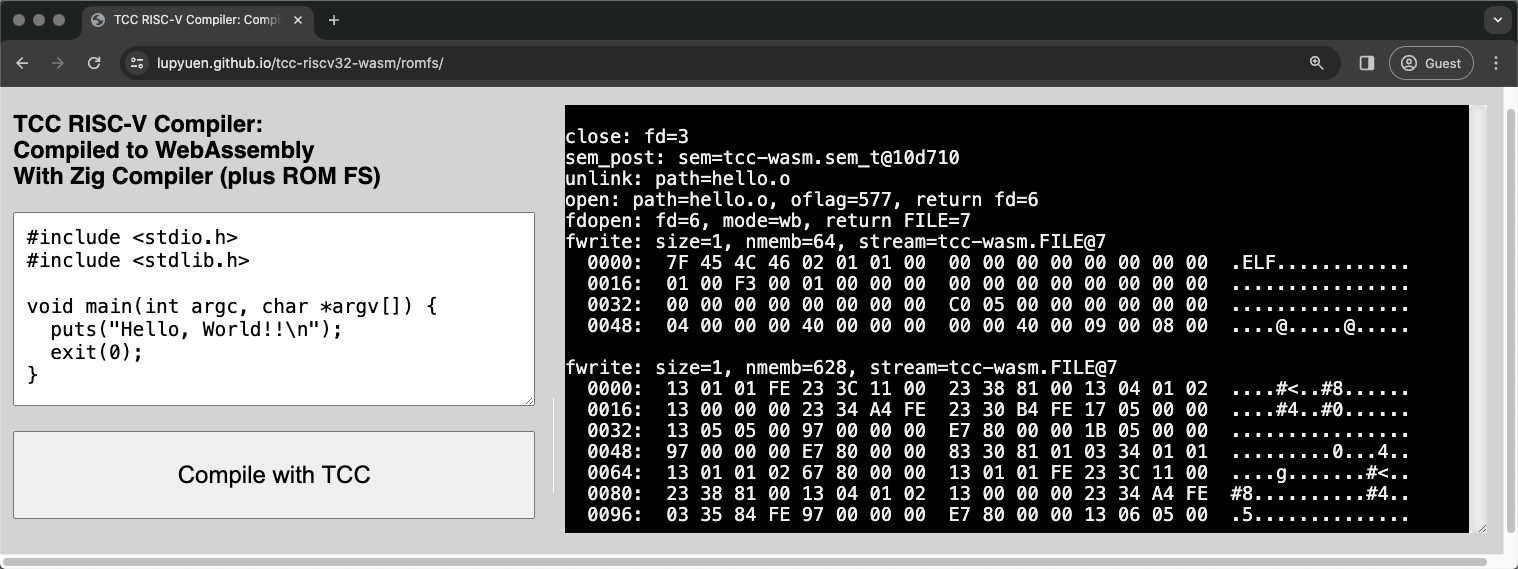
[_TCC Compiler in WebAssembly with ROM FS_](https://lupyuen.github.io/tcc-riscv32-wasm/romfs)
## C Compiler in our Web Browser
Head over here to open __TCC Compiler in our Web Browser__ (pic above)
- [__TCC RISC-V Compiler with ROM FS__](https://lupyuen.github.io/tcc-riscv32-wasm/romfs)
[(Watch the __Demo on YouTube__)](https://youtu.be/sU69bUyrgN8)
This __C Program__ appears...
```c
// Demo Program for TCC Compiler
// with ROM FS
#include
#include
void main(int argc, char *argv[]) {
puts(""Hello, World!!\n"");
exit(0);
}
```
Click the ""__Compile__"" button. Our Web Browser calls TCC to compile the above program...
```bash
## Compile to RISC-V ELF
tcc -c hello.c
```
And it downloads the compiled [__RISC-V ELF `a.out`__](https://en.wikipedia.org/wiki/Executable_and_Linkable_Format).
To test the Compiled Output, we browse to the Emulator for [__Apache NuttX RTOS__](https://nuttx.apache.org/docs/latest/index.html)...
- [__NuttX Emulator for Ox64 RISC-V SBC__](https://lupyuen.github.io/nuttx-tinyemu/tcc/)
We run __`a.out`__ in the NuttX Emulator...
```bash
TinyEMU Emulator for Ox64 BL808 RISC-V SBC
NuttShell (NSH) NuttX-12.4.0-RC0
nsh> a.out
Hello, World!!
```
And it works: Our Web Browser generates a RISC-V Executable, that runs in a RISC-V Emulator!
[(Watch the __Demo on YouTube__)](https://youtu.be/sU69bUyrgN8)
_Surely it's a staged demo? Something server-side?_
Everything runs entirely in our Web Browser. Try this...
1. Browse to [__TCC RISC-V Compiler__](https://lupyuen.github.io/tcc-riscv32-wasm/romfs)
1. Change the _""Hello World""_ message
1. Click ""__Compile__""
1. Reload the browser for [__NuttX Emulator__](https://lupyuen.github.io/nuttx-tinyemu/tcc/)
1. Run __`a.out`__
And the message changes! We discuss the internals...
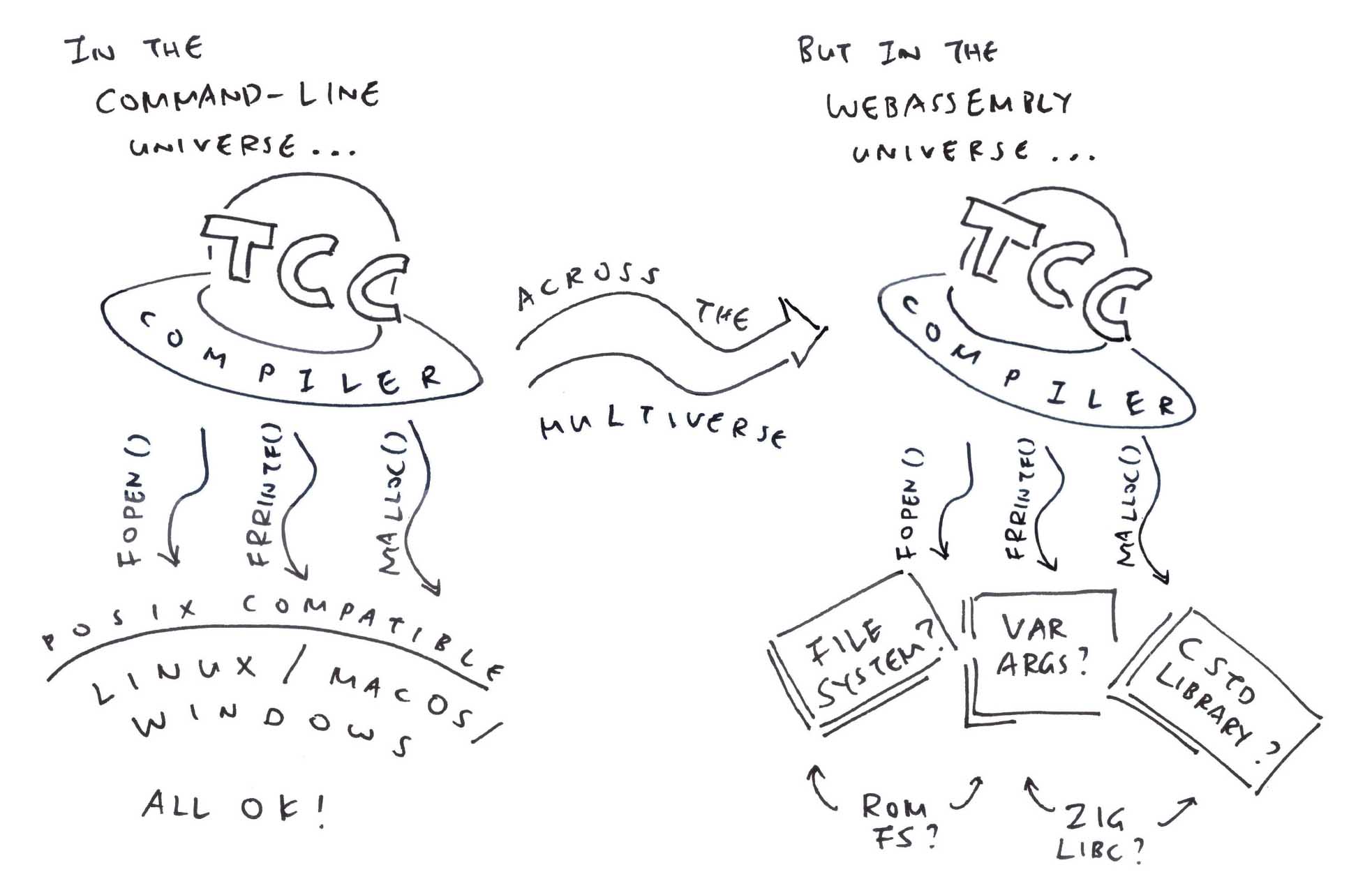
## File Access for WebAssembly
_Something oddly liberating about our demo..._
TCC Compiler was created as a __Command-Line App__ that calls the usual [__POSIX Functions__](https://lupyuen.github.io/articles/tcc#posix-for-webassembly) for File Access: __open, read, write,__ ...
But WebAssembly runs in a Secure Sandbox. [__No File Access__](https://lupyuen.github.io/articles/tcc#file-input-and-output) allowed, sorry! (Like for C Header Files)
_Huh! How did we get and ?_
```c
// Demo Program for TCC Compiler
// with ROM FS
#include
#include
void main(int argc, char *argv[]) {
puts(""Hello, World!!\n"");
exit(0);
}
```
__ and __ come from the __ROM FS Filesystem__ that's bundled inside our TCC WebAssembly.
ROM FS works like a regular Filesystem (think FAT and EXT4). Just that it's tiny, __runs in memory__. And bundles easily with WebAssembly.
(Coming up in the next section)
_Hmmm sounds like a major makeover for TCC Compiler..._
Previously TCC Compiler could access Header Files directly from the __Local Filesystem__...
> 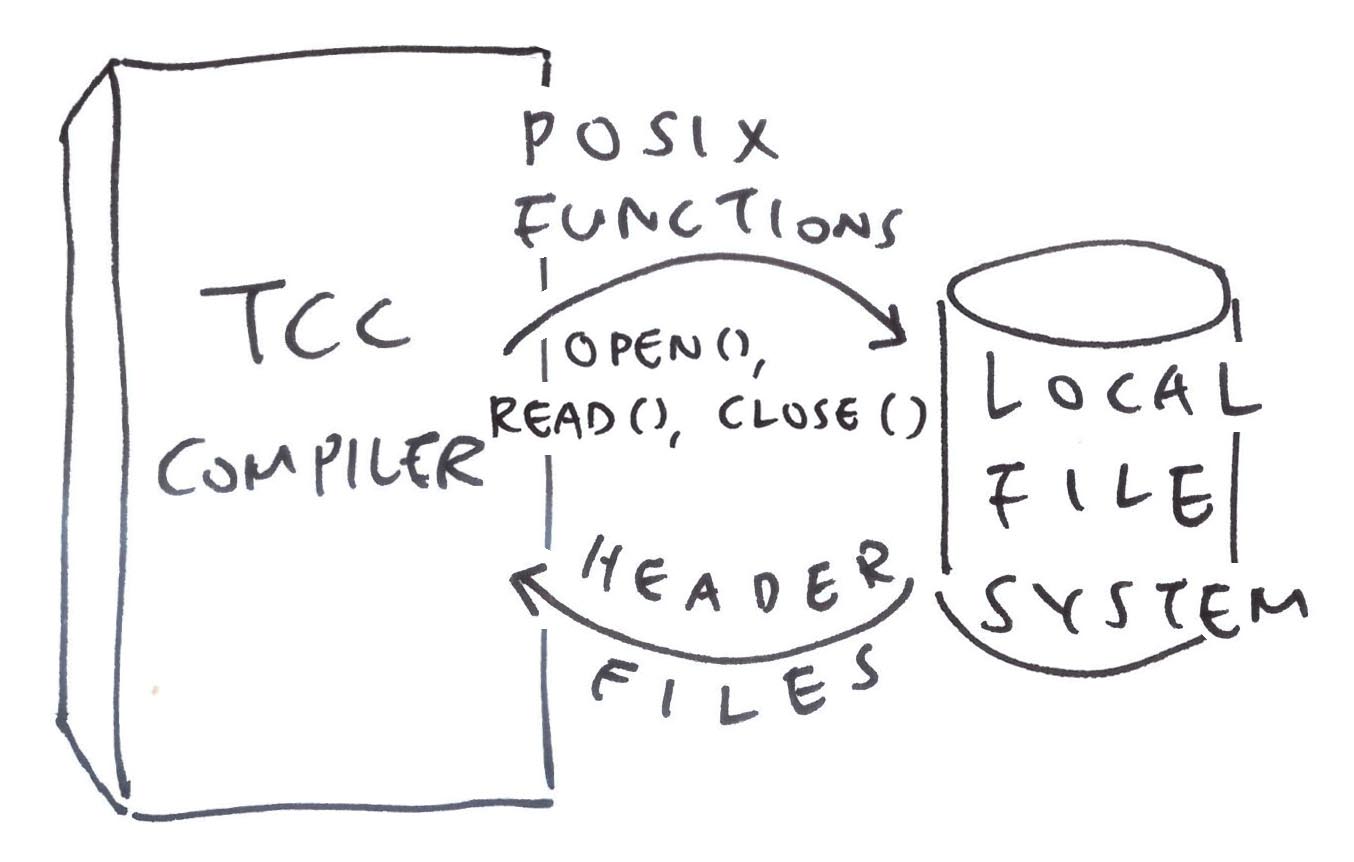
Now TCC WebAssembly needs to hoop through our [__Zig Wrapper__](https://lupyuen.github.io/articles/tcc#zig-compiles-tcc-to-webassembly) to read the __ROM FS Filesystem__...
> 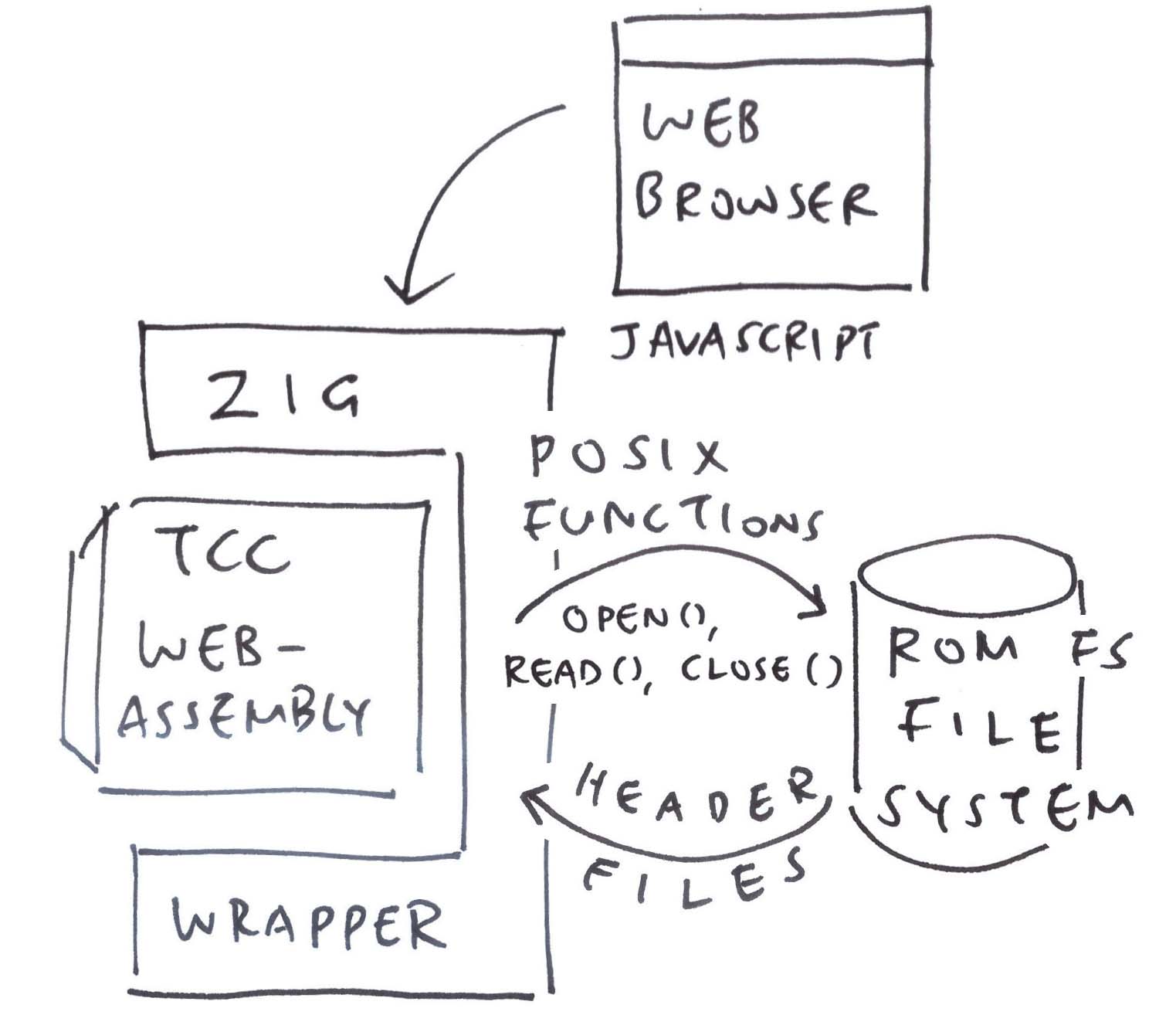
This is how we made it work...
## ROM FS Filesystem
_What's this ROM FS?_
[__ROM FS__](https://docs.kernel.org/filesystems/romfs.html) is a __Read-Only Filesystem__ that runs entirely in memory.
ROM FS is __a lot simpler__ than Read-Write Filesystems (like FAT and EXT4). That's why we run it inside TCC WebAssembly to host our C Header Files.
_How to bundle our files into ROM FS?_
__`genromfs`__ will helpfully pack our C Header Files into a ROM FS Filesystem: [build.sh](https://github.com/lupyuen/tcc-riscv32-wasm/blob/romfs/zig/build.sh#L182-L190)
```bash
## For Ubuntu: Install `genromfs`
sudo apt install genromfs
## For macOS: Install `genromfs`
brew install genromfs
## Bundle the `romfs` folder into
## ROM FS Filesystem `romfs.bin`
## and label with this Volume Name
genromfs \
-f romfs.bin \
-d romfs \
-V ""ROMFS""
```
[(__ and __ are in the __ROM FS Folder__)](https://github.com/lupyuen/tcc-riscv32-wasm/blob/romfs/zig/romfs)
[(Bundled into this __ROM FS Filesystem__)](https://github.com/lupyuen/tcc-riscv32-wasm/blob/romfs/zig/romfs.bin)
We embed the [__ROM FS Filesystem `romfs.bin`__](https://github.com/lupyuen/tcc-riscv32-wasm/blob/romfs/zig/romfs.bin) into our [__Zig Wrapper__](https://lupyuen.github.io/articles/tcc#zig-compiles-tcc-to-webassembly), so it will be accessible by TCC WebAssembly: [tcc-wasm.zig](https://github.com/lupyuen/tcc-riscv32-wasm/blob/c2146f65cc8f338b8a3aaa4c2e88e550e82514ec/zig/cc-wasm.zig#L993-L997)
```zig
// Embed the ROM FS Filesystem
// into our Zig Wrapper
const ROMFS_DATA = @embedFile(
""romfs.bin""
);
// Later: Mount the ROM FS Filesystem
// from `ROMFS_DATA`
```
[(About __@embedFile__)](https://ziglang.org/documentation/master/#embedFile)
__For Easier Updates__: We should download [__`romfs.bin` from our Web Server__](https://lupyuen.github.io/articles/romfs#appendix-download-rom-fs). (Pic below)
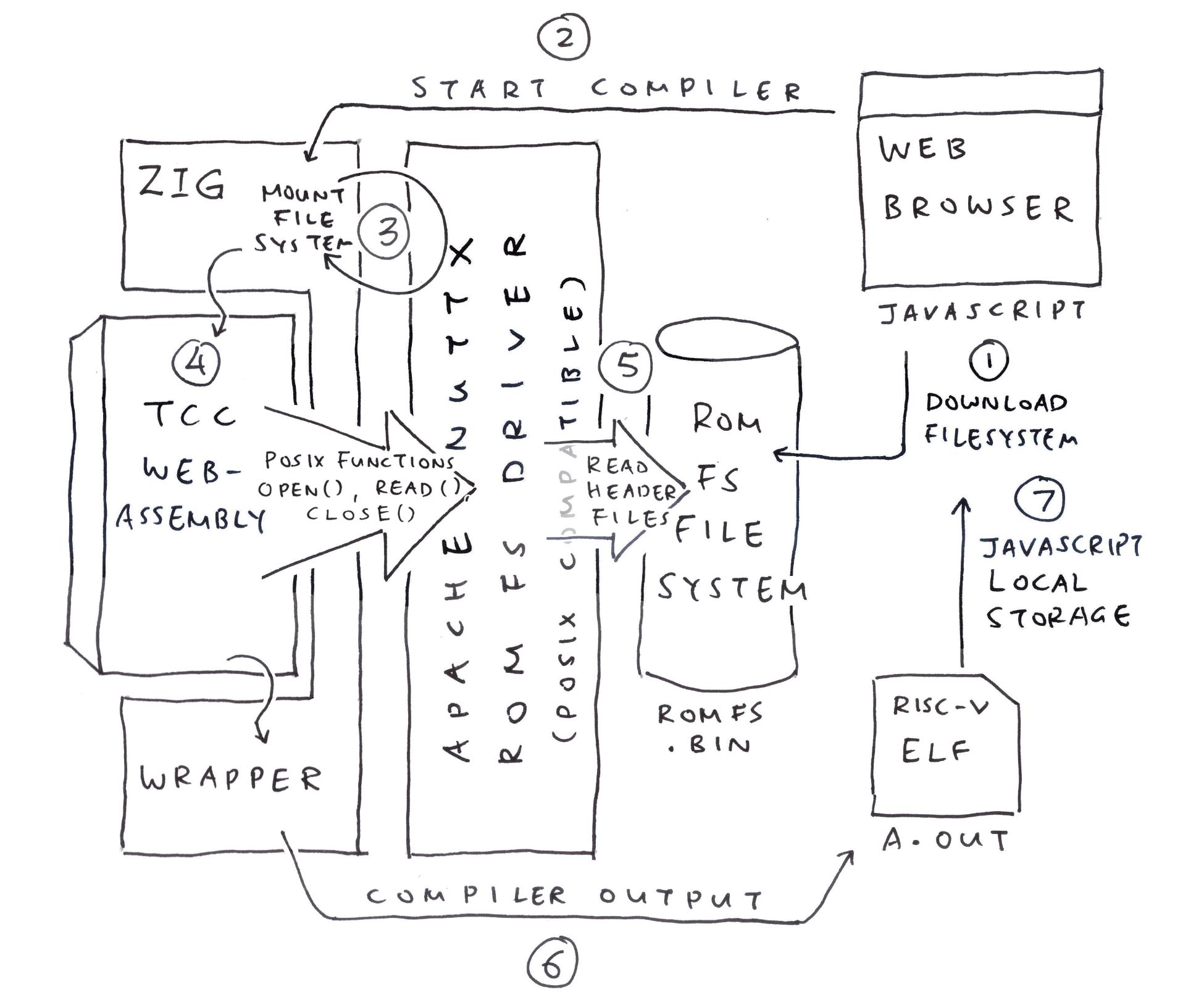
## NuttX Driver for ROM FS
_Is there a ROM FS Driver in Zig?_
We looked around [__Apache NuttX RTOS__](https://nuttx.apache.org/docs/latest/) (Real-Time Operating System) and we found a [__ROM FS Driver__](https://github.com/apache/nuttx/blob/master/fs/romfs) (in C). It works well with Zig!
Let's walk through the steps to call the __NuttX ROM FS Driver__ from Zig (pic above)...
- __Mounting__ the ROM FS Filesystem
- __Opening__ a ROM FS File
- __Reading__ the ROM FS File
- And __Closing__ it
### Mount the Filesystem
This is how we __Mount our ROM FS Filesystem__: [tcc-wasm.zig](https://github.com/lupyuen/tcc-riscv32-wasm/blob/romfs/zig/tcc-wasm.zig#L11-L45)
```zig
/// Import the NuttX ROM FS Driver
const c = @cImport({
@cInclude(""zig_romfs.h"");
});
/// Main Function of our Zig Wrapper
pub export fn compile_program(...) [*]const u8 {
// Create the Memory Allocator for malloc
memory_allocator = std.heap.FixedBufferAllocator
.init(&memory_buffer);
// Mount the ROM FS Filesystem
const ret = c.romfs_bind(
c.romfs_blkdriver, // Block Driver for ROM FS
null, // No Data needed
&c.romfs_mountpt // Returns the Mount Point
);
assert(ret >= 0);
// Prepare the Mount Inode.
// We'll use it for opening files.
romfs_inode = c.create_mount_inode(
c.romfs_mountpt // Mount Point
);
// Omitted: Call the TCC Compiler
```
[(__romfs_inode__ is our __Mount Inode__)](https://github.com/lupyuen/tcc-riscv32-wasm/blob/romfs/zig/tcc-wasm.zig#L160-L163)
_What if the ROM FS Filesystem contains garbage?_
Our ROM FS Driver will __Fail the Mount Operation__.
That's because it searches for a [__Magic Number__](https://lupyuen.github.io/articles/romfs#inside-a-rom-fs-filesystem) at the top of the filesystem.
[(See the __Mount Log__)](https://gist.github.com/lupyuen/c05f606e4c25162136fd05c7a02d2191#file-tcc-wasm-nodejs-log-L91-L98)
[(Not to be confused with __i-mode__)](https://en.wikipedia.org/wiki/I-mode)
### Open a ROM FS File
Next we __Open a ROM FS File__: [tcc-wasm.zig](https://github.com/lupyuen/tcc-riscv32-wasm/blob/romfs/zig/tcc-wasm.zig#L127-L138)
```zig
// Create the File Struct.
// Link to the Mount Inode.
var file = std.mem.zeroes(c.struct_file);
file.f_inode = romfs_inode;
// Open the ROM FS File
const ret2 = c.romfs_open(
&file, // File Struct
""stdio.h"", // Pathname (""/"" paths are OK)
c.O_RDONLY, // Read-Only
0 // Mode (Unused for Read-Only Files)
);
assert(ret2 >= 0);
```
[(__romfs_inode__ is our __Mount Inode__)](https://github.com/lupyuen/tcc-riscv32-wasm/blob/romfs/zig/tcc-wasm.zig#L160-L163)
[(See the __Open Log__)](https://gist.github.com/lupyuen/c05f606e4c25162136fd05c7a02d2191#file-tcc-wasm-nodejs-log-L99-L101)
In the code above, we allocate the File Struct from the Stack. In a while we'll allocate the File Struct from the Heap.
> 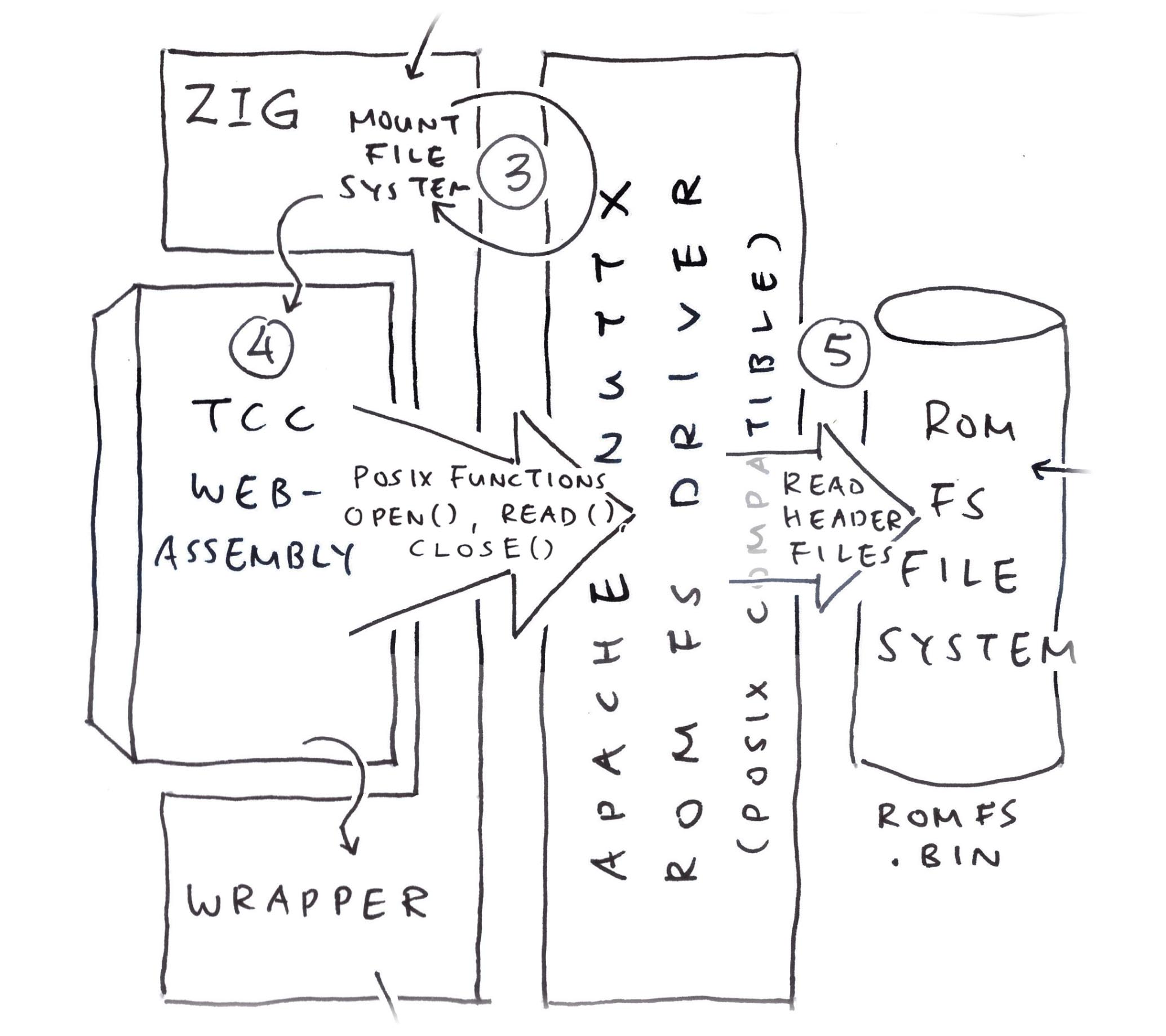
### Read a ROM FS File
Finally we __Read and Close__ the ROM FS File: [tcc-wasm.zig](https://github.com/lupyuen/tcc-riscv32-wasm/blob/romfs/zig/tcc-wasm.zig#L138-L157)
```zig
// Read the ROM FS File, first 4 bytes
var buf = std.mem.zeroes([4]u8);
const ret3 = c.romfs_read(
&file, // File Struct
&buf, // Buffer to be populated
buf.len // Buffer Size
);
assert(ret3 >= 0);
// Dump the 4 bytes
hexdump.hexdump(@ptrCast(&buf), @intCast(ret3));
// Close the ROM FS File
const ret4 = c.romfs_close(&file);
assert(ret4 >= 0);
```
[(__hexdump__ is here)](https://github.com/lupyuen/tcc-riscv32-wasm/blob/main/zig/hexdump.zig#L9-L92)
We'll see this...
```yaml
romfs_read: Read 4 bytes from offset 0
romfs_read: Read sector 17969028
romfs_filecacheread: sector: 2 cached: 0 ncached: 1 sectorsize: 64 XIP base: anyopaque@1122f74 buffer: anyopaque@1122f74
romfs_filecacheread: XIP buffer: anyopaque@1122ff4
romfs_read: Return 4 bytes from sector offset 0
0000: 2F 2F 20 43 // C
romfs_close: Closing
```
Which looks right: [__](https://github.com/lupyuen/tcc-riscv32-wasm/blob/romfs/zig/romfs/stdio.h#L1) begins with ""[__`// C`__](https://github.com/lupyuen/tcc-riscv32-wasm/blob/romfs/zig/romfs/stdio.h#L1)""
What's going on inside the filesystem? We snoop around...
[(See the __Read Log__)](https://gist.github.com/lupyuen/c05f606e4c25162136fd05c7a02d2191#file-tcc-wasm-nodejs-log-L102-L113)
[(About the __ROM FS Driver__)](https://lupyuen.github.io/articles/romfs#appendix-nuttx-rom-fs-driver)
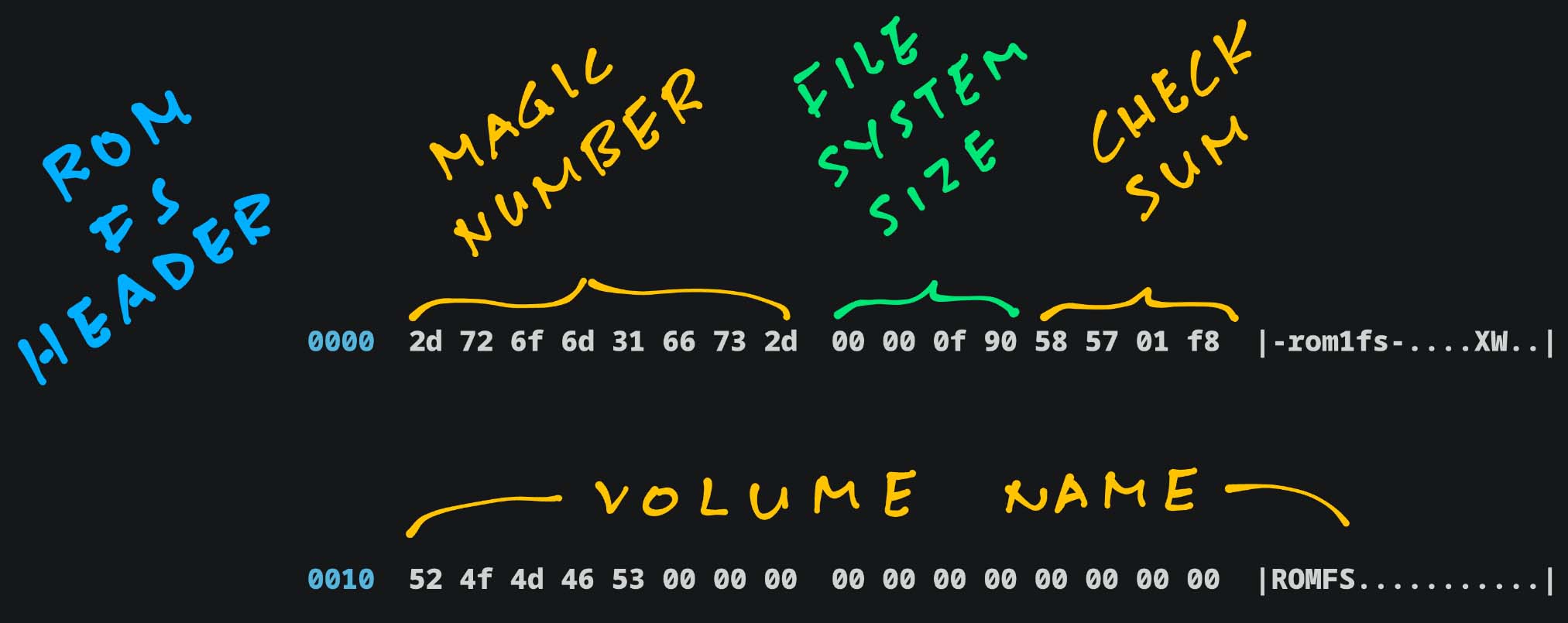
## Inside a ROM FS Filesystem
_Is a ROM FS Filesystem really so simple and embeddable?_
Seconds ago we bundled our C Header Files into a __ROM FS Filesystem__: [build.sh](https://github.com/lupyuen/tcc-riscv32-wasm/blob/romfs/zig/build.sh#L182-L190)
```bash
## For Ubuntu: Install `genromfs`
sudo apt install genromfs
## For macOS: Install `genromfs`
brew install genromfs
## Bundle the `romfs` folder into
## ROM FS Filesystem `romfs.bin`
## and label with this Volume Name
genromfs \
-f romfs.bin \
-d romfs \
-V ""ROMFS""
```
[(__ and __ are in the __ROM FS Folder__)](https://github.com/lupyuen/tcc-riscv32-wasm/blob/romfs/zig/romfs)
[(Bundled into this __ROM FS Filesystem__)](https://github.com/lupyuen/tcc-riscv32-wasm/blob/romfs/zig/romfs.bin)
Guided by the [__ROM FS Spec__](https://docs.kernel.org/filesystems/romfs.html), we snoop around our [__ROM FS Filesystem `romfs.bin`__](https://github.com/lupyuen/tcc-riscv32-wasm/blob/romfs/zig/romfs.bin)...
```bash
## Dump our ROM FS Filesystem
hexdump -C romfs.bin
```
[(See the __Filesystem Dump__)](https://gist.github.com/lupyuen/837184772dd091a83f2c61ec357a3d1d)
This __ROM FS Header__ appears at the top of the filesystem (pic above)...
- __Magic Number__: Always _""-rom1fs-""_
- __Filesystem Size__: Big Endian (`0xF90`)
- __Checksum__: For first 512 bytes
- __Volume Name__: We made it ""ROMFS""
Next comes __File Header and Data__...
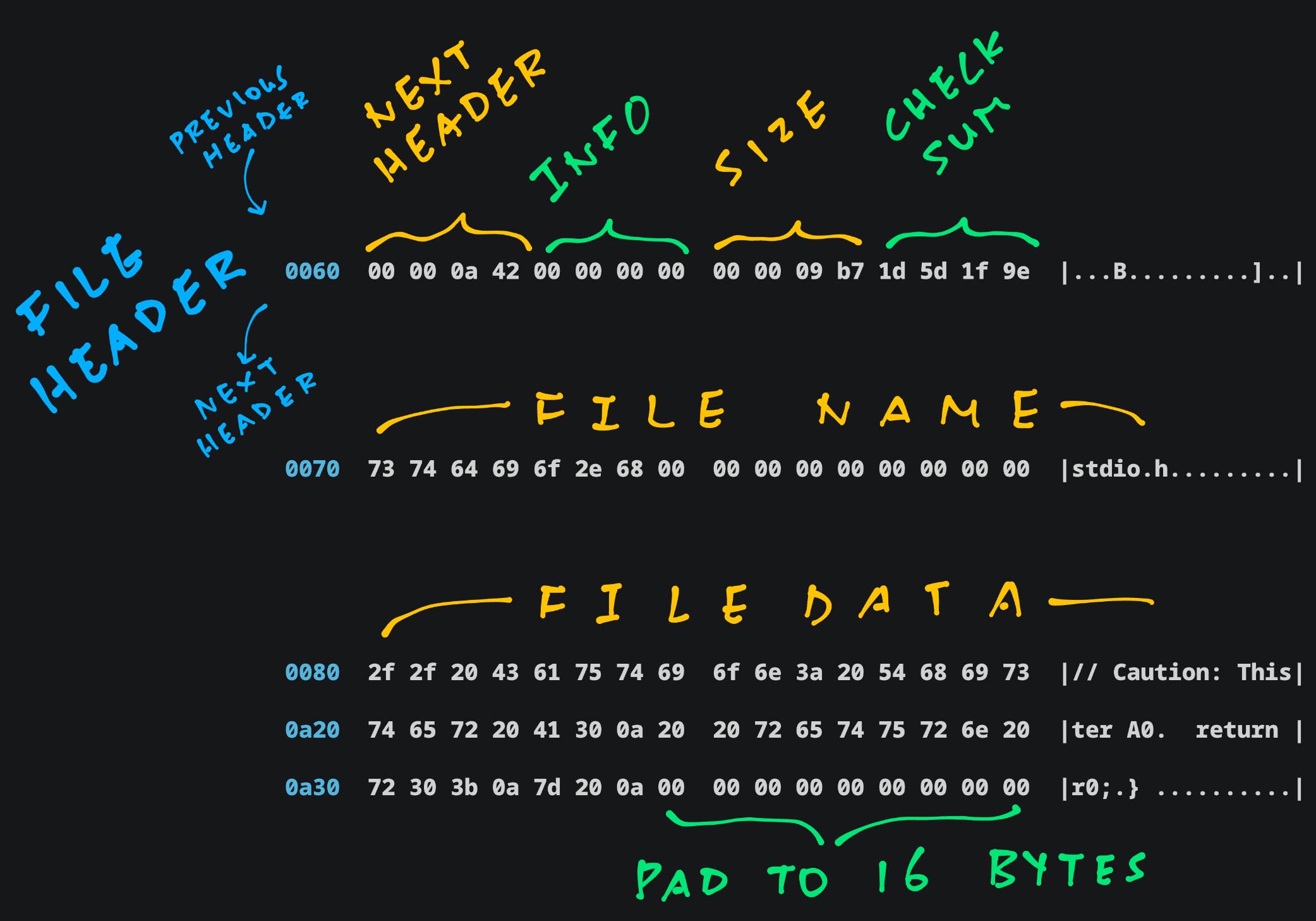
- __Next Header__: Offset of Next File Header
- __File Info__: For Special Files
- __File Size__: Big Endian (`0x9B7`)
- __Checksum__: For Metadata, File Name and Padding
- __File Name__, __File Data__: Padded to 16 bytes
The Entire Dump of our ROM FS Filesystem is [__dissected in the Appendix__](https://lupyuen.github.io/articles/romfs#appendix-rom-fs-filesystem).
ROM FS is indeed tiny, no frills and easy to embed in our apps!
_Why is Next Header pointing to `0xA42`? Shouldn't it be padded?_
Bits 0 to 3 of ""Next Header"" tell us the [__File Type__](https://github.com/apache/nuttx/blob/master/fs/romfs/fs_romfs.h#L61-L79).
__`0xA42`__ says that this is a [__Regular File__](https://github.com/apache/nuttx/blob/master/fs/romfs/fs_romfs.h#L61-L79). (Type 2)
We zoom out to TCC Compiler...

## TCC calls ROM FS Driver
_TCC Compiler expects POSIX Functions like open(), read(), close()..._
_How will we connect them to ROM FS? (Pic above)_
This is how we implement __POSIX `open()`__ to open a C Header File (from ROM FS): [tcc-wasm.zig](https://github.com/lupyuen/tcc-riscv32-wasm/blob/romfs/zig/tcc-wasm.zig#L166-L219)
```zig
/// Open the ROM FS File and return the POSIX File Descriptor.
/// Emulates POSIX `open()`
export fn open(path: [*:0]const u8, oflag: c_uint, ...) c_int {
// Omitted: Open the C Program File `hello.c`
// Or create the RISC-V ELF `hello.o`
...
// Allocate the File Struct
const file = std.heap.page_allocator.create(
c.structfile
) catch { @panic(""Failed to allocate file""); };
file.* = std.mem.zeroes(c.struct_file);
file.*.f_inode = romfs_inode;
// Strip the System Include prefix
const sys = ""/usr/local/lib/tcc/include/"";
const strip_path =
if (std.mem.startsWith(u8, std.mem.span(path), sys)) (path + sys.len)
else path;
// Open the ROM FS File
const ret = c.romfs_open(
file, // File Struct
strip_path, // Pathname
c.O_RDONLY, // Read-Only
0 // Mode (Unused for Read-Only Files)
);
if (ret < 0) { return ret; }
// Remember the File Struct
// for the POSIX File Descriptor
const fd = next_fd;
next_fd += 1;
const f = fd - FIRST_FD - 1;
assert(romfs_files.items.len == f);
romfs_files.append(file)
catch { @panic(""Failed to add file""); };
return fd;
}
```
[(See the __Open Log__)](https://gist.github.com/lupyuen/c05f606e4c25162136fd05c7a02d2191#file-tcc-wasm-nodejs-log-L139-L141)
[(Caution: We might have __holes__)](https://github.com/lupyuen/tcc-riscv32-wasm/blob/romfs/zig/tcc-wasm.zig#L166-L219)
__`romfs_files`__ remembers our __POSIX File Descriptors__: [tcc-wasm.zig](https://github.com/lupyuen/tcc-riscv32-wasm/blob/romfs/zig/tcc-wasm.zig#L27-L31)
```zig
// POSIX File Descriptors for TCC.
// This maps a File Descriptor to the File Struct.
// Index of romfs_files = File Descriptor Number - FIRST_FD - 1
var romfs_files: std.ArrayList( // Array List of...
?*c.struct_file // Pointers to File Structs (Nullable)
) = undefined;
// At Startup: Allocate the POSIX
// File Descriptors for TCC
romfs_files = std.ArrayList(?*c.struct_file)
.init(std.heap.page_allocator);
```
Why [__ArrayList__](https://ziglang.org/documentation/master/std/#A;std:ArrayList)? It grows easily as we add File Descriptors...
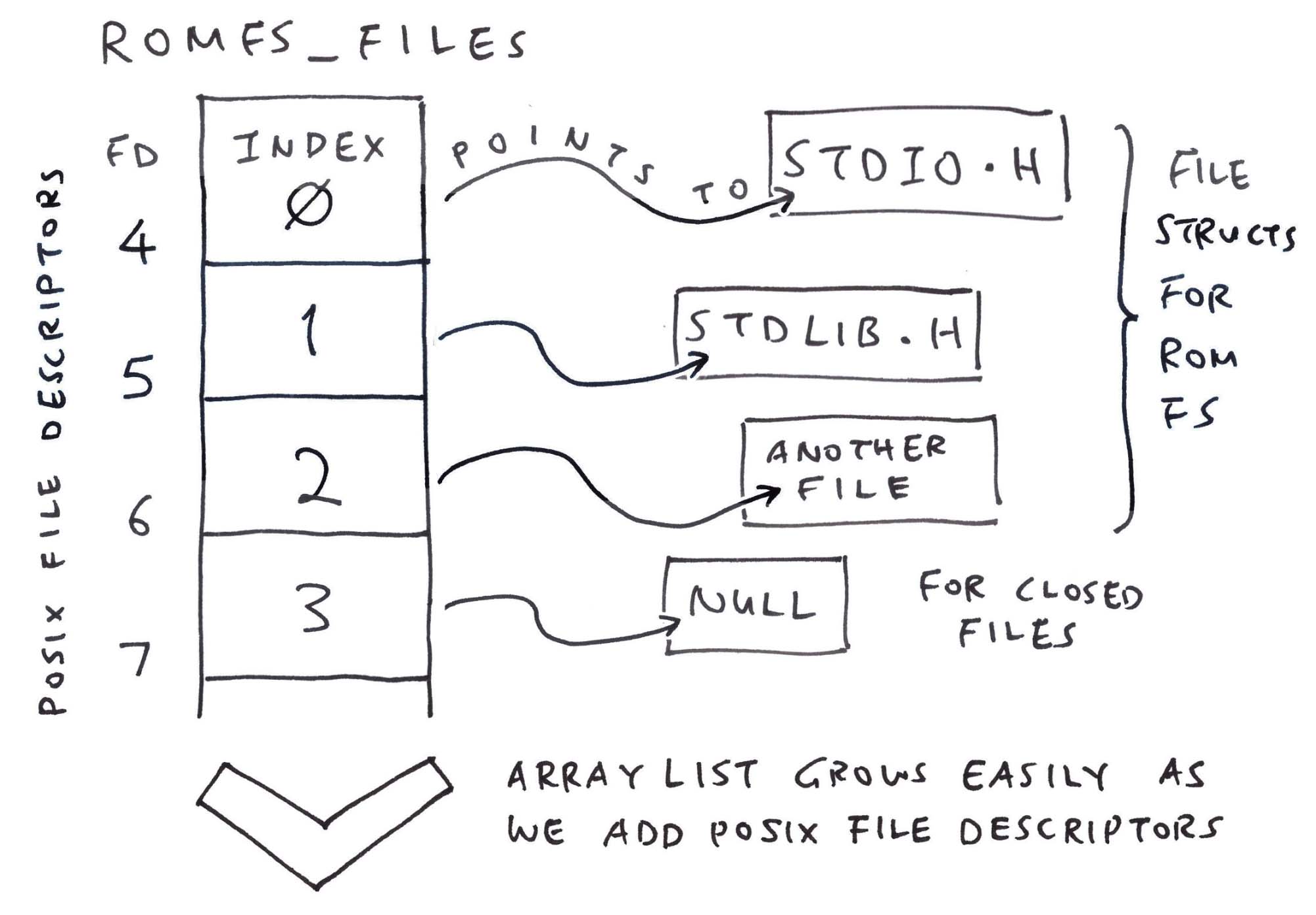
When TCC WebAssembly calls __POSIX `read()`__ to read the C Header File, we call ROM FS: [tcc-wasm.zig](https://github.com/lupyuen/tcc-riscv32-wasm/blob/romfs/zig/tcc-wasm.zig#L226-L256)
```zig
/// Read the POSIX File Descriptor `fd`.
/// Emulates POSIX `read()`
export fn read(fd: c_int, buf: [*:0]u8, nbyte: size_t) isize {
// Omitted: Read the C Program File `hello.c`
...
// Fetch the File Struct by
// POSIX File Descriptor
const f = fd - FIRST_FD - 1;
const file = romfs_files.items[
@intCast(f)
];
// Read from the ROM FS File
const ret = c.romfs_read(
file, // File Struct
buf, // Buffer to be populated
nbyte // Buffer Size
);
assert(ret >= 0);
return @intCast(ret);
}
```
[(See the __Read Log__)](https://gist.github.com/lupyuen/c05f606e4c25162136fd05c7a02d2191#file-tcc-wasm-nodejs-log-L142-L238)
Finally TCC WebAssembly calls __POSIX `close()`__ to close the C Header File. We do the same for ROM FS: [tcc-wasm.zig](https://github.com/lupyuen/tcc-riscv32-wasm/blob/romfs/zig/tcc-wasm.zig#L277-L302)
```zig
/// Close the POSIX File Descriptor
/// Emulates POSIX `close()`
export fn close(fd: c_int) c_int {
// Omitted: Close the C Program File `hello.c`
// Or close the RISC-V ELF `hello.o`
...
// Fetch the File Struct by
// POSIX File Descriptor
const f: usize = @intCast(fd - FIRST_FD - 1);
// Close the ROM FS File if non-null
if (romfs_files.items[f]) |file| {
const ret = c.romfs_close(file);
assert(ret >= 0);
// Deallocate the File Struct
std.heap.page_allocator.destroy(file);
romfs_files.items[f] = null;
}
return 0;
}
```
That's all we need to support C Header Files in TCC WebAssembly!
[(See the __Close Log__)](https://gist.github.com/lupyuen/c05f606e4c25162136fd05c7a02d2191#file-tcc-wasm-nodejs-log-L238-L240)
[(Build and Test __TCC WebAssembly__)](https://lupyuen.github.io/articles/romfs#appendix-build-tcc-webassembly)
_What if we need a Writeable Filesystem?_
Try the [__Tmp FS Driver from NuttX__](https://github.com/apache/nuttx/tree/master/fs/tmpfs).
It's simpler than FAT and easier to embed in WebAssembly. Probably wiser to split the [__Immutable Filesystem__](https://blog.setale.me/2022/06/27/Steam-Deck-and-Overlay-FS/) (ROM FS) and Writeable Filesystem (Tmp FS).
Seeking closure, we circle back to our very first demo...
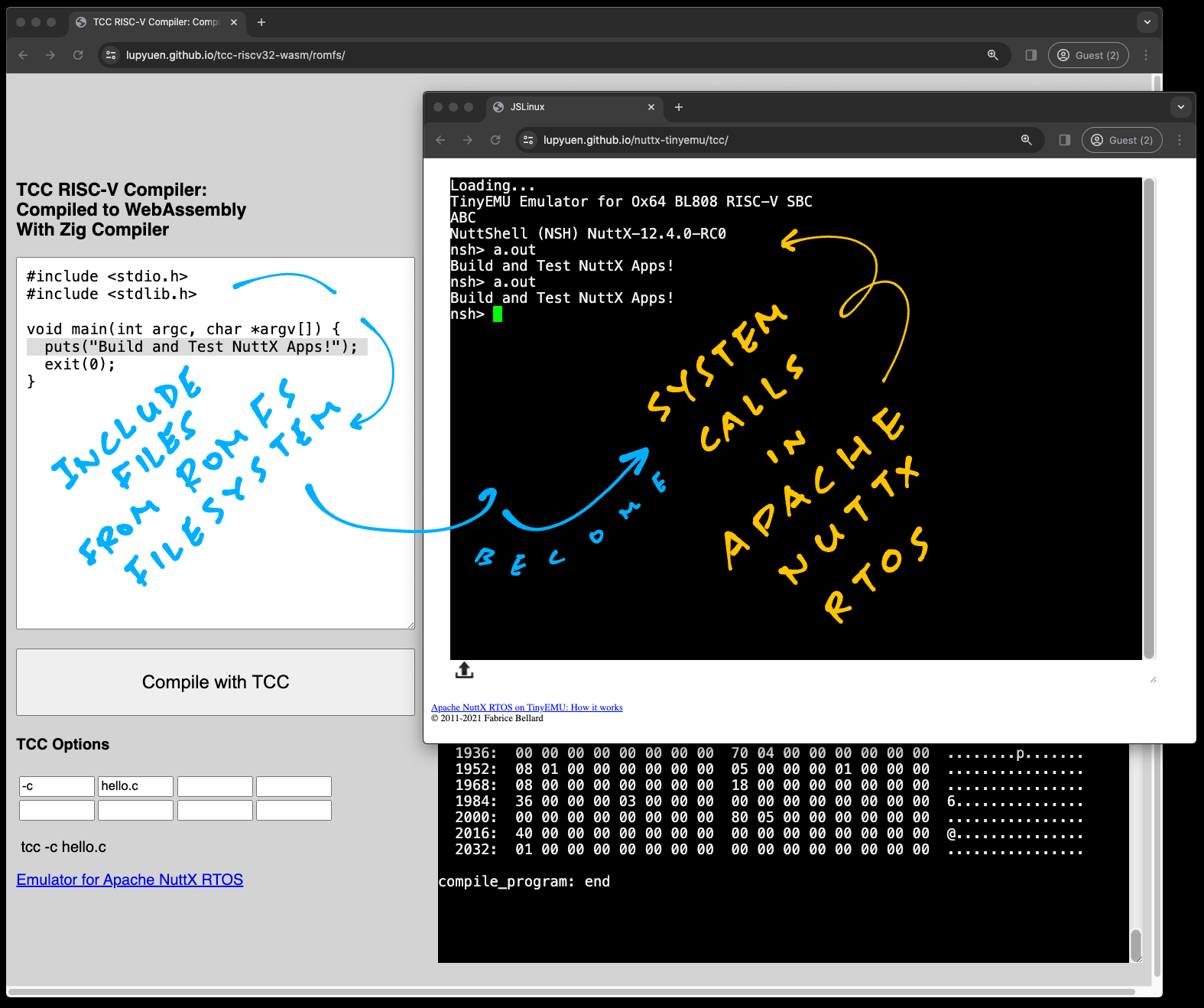
## From TCC to NuttX Emulator
_TCC compiles our C Program and sends it to NuttX Emulator... How does it work?_
Recall our Teleporting Magic Trick...
1. Browse to [__TCC RISC-V Compiler__](https://lupyuen.github.io/tcc-riscv32-wasm/romfs)
1. Change the _""Hello World""_ message
1. Click ""__Compile__""
1. Reload the browser for [__NuttX Emulator__](https://lupyuen.github.io/nuttx-tinyemu/tcc/)
1. Enter __`a.out`__ and the new message appears
[(Watch the __Demo on YouTube__)](https://youtu.be/sU69bUyrgN8)
What just happened? In Chrome Web Browser, click to _Menu > Developer Tools > Application Tab > Local Storage > lupyuen.github.io_
We'll see that the __RISC-V ELF `a.out`__ is stored locally as __`elf_data`__ in the __JavaScript Local Storage__. (Pic below)
That's why NuttX Emulator can pick up __`a.out`__ from our Web Browser!
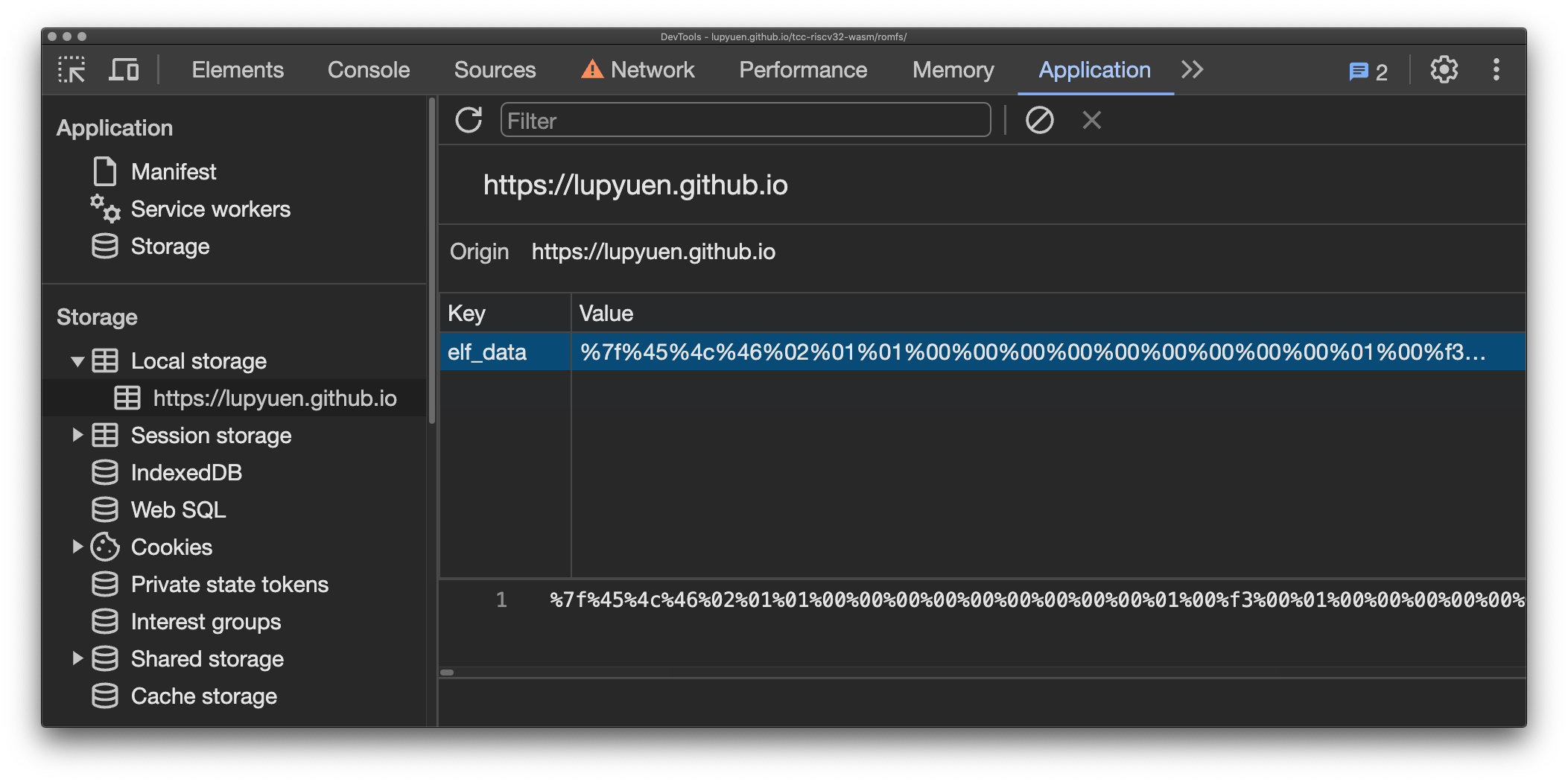
_How did it get there?_
In our __WebAssembly JavaScript__: TCC Compiler saves __`a.out`__ to our __JavaScript Local Storage__ (pic below): [tcc.js](https://github.com/lupyuen/tcc-riscv32-wasm/blob/romfs/docs/tcc.js#L60-L90)
```javascript
// Call TCC to compile a program
const ptr = wasm.instance.exports
.compile_program(options_ptr, code_ptr);
...
// Encode the `a.out` data in text.
// Looks like: %7f%45%4c%46...
const data = new Uint8Array(memory.buffer, ptr + 4, len);
let encoded_data = """";
for (const i in data) {
const hex = Number(data[i]).toString(16).padStart(2, ""0"");
encoded_data += `%${hex}`;
}
// Save the ELF Data to JavaScript Local Storage.
// Will be loaded by NuttX Emulator
localStorage.setItem(
""elf_data"", // Name for Local Storage
encoded_data // Encoded ELF Data
);
```
_But NuttX Emulator boots from a Fixed NuttX Image, loaded from our Static Web Server..._
_How did `a.out` magically appear inside the NuttX Image?_
We conjured a Nifty Illusion... __`a.out`__ was in the [__NuttX Image__](https://github.com/lupyuen/nuttx-tinyemu/blob/main/docs/tcc/Image) all along!
```bash
## Create a Fake `a.out` that
## contains a Distinct Pattern:
## 22 05 69 00
## 22 05 69 01
## For 1024 times
rm -f /tmp/pattern.txt
start=$((0x22056900))
for i in {0..1023}
do
printf 0x%x\\n $(($start + $i)) >> /tmp/pattern.txt
done
## Copy the Fake `a.out`
## to our NuttX Apps Folder
cat /tmp/pattern.txt \
| xxd -revert -plain \
>apps/bin/a.out
hexdump -C apps/bin/a.out
## Fake `a.out` looks like...
## 0000 22 05 69 00 22 05 69 01 22 05 69 02 22 05 69 03 |"".i."".i."".i."".i.|
## 0010 22 05 69 04 22 05 69 05 22 05 69 06 22 05 69 07 |"".i."".i."".i."".i.|
## 0020 22 05 69 08 22 05 69 09 22 05 69 0a 22 05 69 0b |"".i."".i."".i."".i.|
```
In our [__NuttX Build__](https://github.com/lupyuen/nuttx-ox64/blob/main/.github/workflows/ox64.yml#L88-L98): __Fake `a.out`__ gets bundled into the [__Initial RAM Disk `initrd`__](https://github.com/lupyuen/nuttx-tinyemu/blob/main/docs/tcc/initrd)...
[__Which gets appended__](https://lupyuen.github.io/articles/app#initial-ram-disk) to the [__NuttX Image__](https://github.com/lupyuen/nuttx-tinyemu/blob/main/docs/tcc/Image).
_So we patched Fake `a.out` in the NuttX Image with the Real `a.out`?_
Exactly!
1. In the JavaScript for __NuttX Emulator__: We read __`elf_data`__ from JavaScript Local Storage and pass it to TinyEMU WebAssembly
1. Inside the __TinyEMU WebAssembly__: We receive the __`elf_data`__ and copy it locally
1. Then we search for our __Magic Pattern `22` `05` `69` `00`__ in our Fake __`a.out`__
1. And we overwrite the Fake __`a.out`__ with the Real __`a.out`__ from __`elf_data`__
Everything is explained here...
- [__""Patch the NuttX Emulator""__](https://lupyuen.github.io/articles/romfs#appendix-patch-the-nuttx-emulator)
That's ho we compile a NuttX App in the Web Browser, and run it with NuttX Emulator in the Web Browser! 🎉
_Is there something special inside and ?_
```c
// Demo Program for TCC Compiler
// with ROM FS
#include
#include
void main(int argc, char *argv[]) {
puts(""Hello, World!!\n"");
exit(0);
}
```
They'll make System Calls to __NuttX Kernel__, for printing and quitting...
- [__""Print via NuttX System Call""__](https://lupyuen.github.io/articles/romfs#appendix-print-via-nuttx-system-call)
- [__""Exit via NuttX System Call""__](https://lupyuen.github.io/articles/romfs#appendix-exit-via-nuttx-system-call)
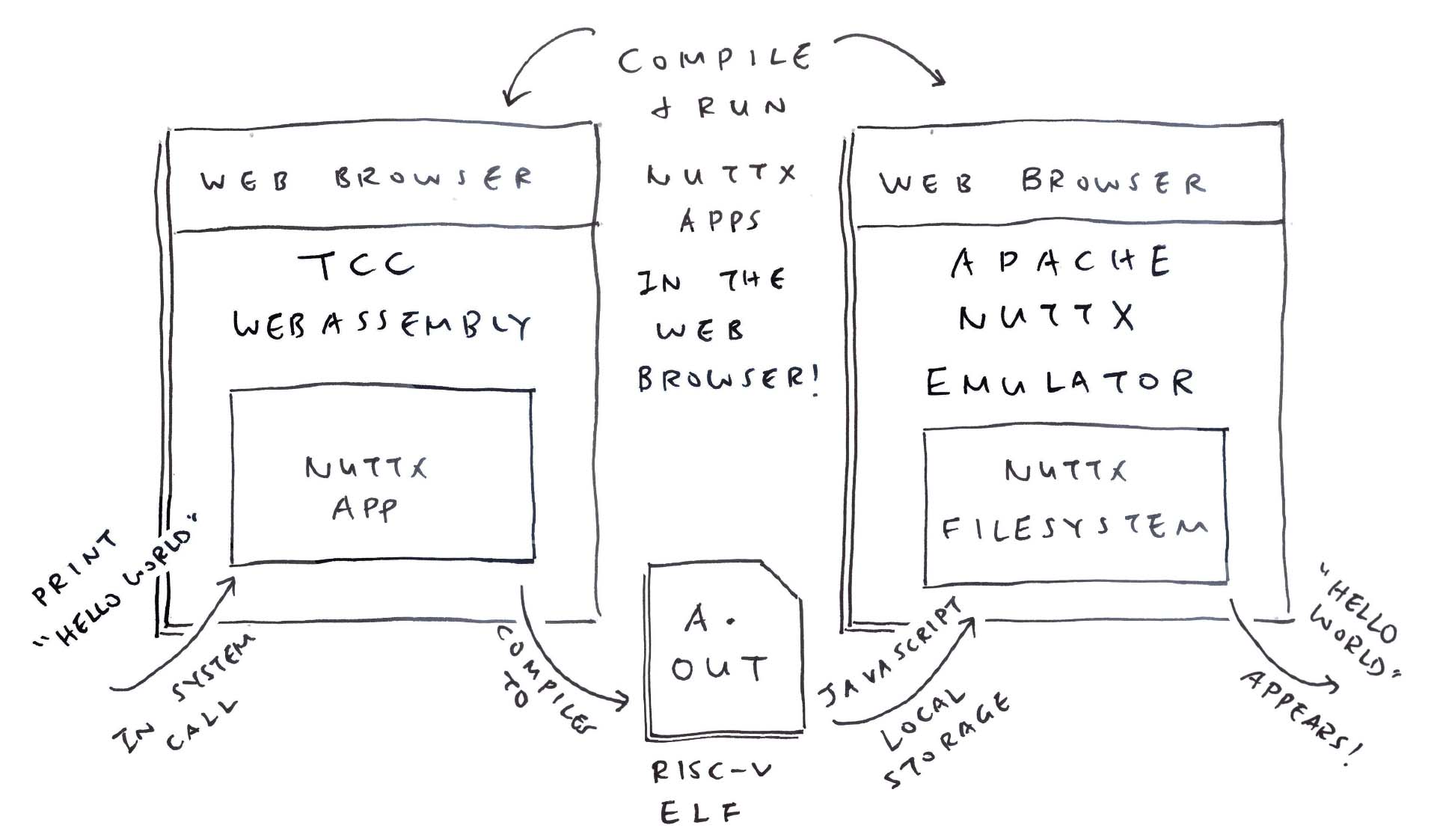
## What's Next
Today we solved a hefty headache in our port of TCC Compiler to WebAssembly: __Missing C Header Files__
- We host the C Header Files in a __ROM FS Filesystem__
- We found a ROM FS Driver from __Apache NuttX RTOS__ that works well with WebAssembly
- Our Zig Wrapper emulates __POSIX File Access__ for ROM FS
- TCC Compiler compiles __C Programs with Header Files__ yay!
- We tested the Compiler Output with __NuttX Emulator__ in the Web Browser
- Now we can build __NuttX Apps__ in the Web Browser, and test them in the Web Browser too!
_(NuttX becomes a Triple Treat: In the C Compiler, in the Apps and in the Emulator!)_
Many Thanks to my [__GitHub Sponsors__](https://github.com/sponsors/lupyuen) (and the awesome NuttX and Zig Communities) for supporting my work! This article wouldn't have been possible without your support.
- [__Sponsor me a coffee__](https://github.com/sponsors/lupyuen)
- [__Discuss this article on Hacker News__](https://news.ycombinator.com/item?id=39331107)
- [__My Current Project: ""Apache NuttX RTOS for Ox64 BL808""__](https://github.com/lupyuen/nuttx-ox64)
- [__My Other Project: ""NuttX for Star64 JH7110""__](https://github.com/lupyuen/nuttx-star64)
- [__Older Project: ""NuttX for PinePhone""__](https://github.com/lupyuen/pinephone-nuttx)
- [__Check out my articles__](https://lupyuen.github.io)
- [__RSS Feed__](https://lupyuen.github.io/rss.xml)
_Got a question, comment or suggestion? Create an Issue or submit a Pull Request here..._
[__lupyuen.github.io/src/romfs.md__](https://github.com/lupyuen/lupyuen.github.io/blob/master/src/romfs.md)

[_TCC Compiler in WebAssembly with ROM FS_](https://lupyuen.github.io/tcc-riscv32-wasm/romfs)
## Appendix: Build TCC WebAssembly
Follow these steps to __Build and Test TCC WebAssembly__ (with ROM FS)...
```bash
## Download the ROMFS Branch of TCC Source Code.
## Configure the build for 64-bit RISC-V.
git clone \
--branch romfs \
https://github.com/lupyuen/tcc-riscv32-wasm
cd tcc-riscv32-wasm
./configure
make cross-riscv64
## Call Zig Compiler to compile TCC Compiler
## from C to WebAssembly. And link with Zig Wrapper.
## Produces `tcc-wasm.wasm` and `zig/romfs.bin`
pushd zig
./build.sh
popd
## Start the Web Server to test
## `tcc-wasm.wasm` and `zig/romfs.bin`
cargo install simple-http-server
simple-http-server ./docs &
## Or test with Node.js
node zig/test.js
node zig/test-nuttx.js
```
[(See the __Build Script__)](https://github.com/lupyuen/tcc-riscv32-wasm/blob/romfs/zig/build.sh)
[(See the __Build Log__)](https://gist.github.com/lupyuen/c05f606e4c25162136fd05c7a02d2191#file-tcc-wasm-nodejs-log-L1-L93)
Browse to this URL and our TCC WebAssembly will appear (pic above)...
```bash
## Test ROM FS with TCC WebAssembly
http://localhost:8000/romfs/index.html
```
Check the __JavaScript Console__ for Debug Messages.
[(See the __Web Browser Log__)](https://gist.github.com/lupyuen/748e6d36ce21f7db76cb963eee099d9e)
[(See the __Node.js Log__)](https://gist.github.com/lupyuen/c05f606e4c25162136fd05c7a02d2191#file-tcc-wasm-nodejs-log-L94-L1454)
[(See the __Web Server Files__)](https://github.com/lupyuen/tcc-riscv32-wasm/tree/romfs/docs/romfs)

## Appendix: NuttX ROM FS Driver
_What did we change in the NuttX ROM FS Driver? (Pic above)_
Not much! We made minor tweaks to the __NuttX ROM FS Driver__ and added a Build Script...
- [__ROM FS Source Files__](https://github.com/lupyuen/tcc-riscv32-wasm/blob/romfs/zig)
[(See the __Modified Files__)](https://github.com/lupyuen/tcc-riscv32-wasm/pull/1/files)
- [__ROM FS Build Script__](https://github.com/lupyuen/tcc-riscv32-wasm/blob/romfs/zig/build.sh)
We wrote some __Glue Code in C__ (because some things couldn't be expressed in Zig)...
- [__zig_romfs.c__](https://github.com/lupyuen/tcc-riscv32-wasm/blob/romfs/zig/zig_romfs.c)
- [__zig_romfs.h__](https://github.com/lupyuen/tcc-riscv32-wasm/blob/romfs/zig/zig_romfs.h)
NuttX ROM FS Driver will call __`mtd_ioctl`__ in Zig when it maps the ROM FS Data in memory: [tcc-wasm.zig](https://github.com/lupyuen/tcc-riscv32-wasm/blob/romfs/zig/tcc-wasm.zig#L967-L991)
```zig
/// Embed the ROM FS Filesystem
/// (Or download it, see next section)
const ROMFS_DATA = @embedFile(
""romfs.bin""
);
/// ROM FS Driver makes this IOCTL Request
export fn mtd_ioctl(_: *mtd_dev_s, cmd: c_int, rm_xipbase: ?*c_int) c_int {
// Request for Memory Address of ROM FS
if (cmd == c.BIOC_XIPBASE) {
// If we're loading `romfs.bin` from Web Server:
// Change `ROMFS_DATA` to `&ROMFS_DATA`
rm_xipbase.?.* = @intCast(@intFromPtr(
ROMFS_DATA
));
// Request for Storage Device Geometry
// Probably because NuttX Driver caches One Block of Data
} else if (cmd == c.MTDIOC_GEOMETRY) {
const blocksize = 64;
const geo: *c.mtd_geometry_s = @ptrCast(rm_xipbase.?);
geo.*.blocksize = blocksize;
geo.*.erasesize = blocksize;
geo.*.neraseblocks = ROMFS_DATA.len / blocksize;
// Unknown Request
} else { debug(""mtd_ioctl: Unknown command {}"", .{cmd}); }
return 0;
}
```
[(About __@embedFile__)](https://ziglang.org/documentation/master/#embedFile)
_Anything else we changed in our Zig Wrapper?_
Last week we hacked up a simple [__Format Pattern__](https://lupyuen.github.io/articles/tcc#fearsome-fprintf-and-friends) for handling [__fprintf and friends__](https://lupyuen.github.io/articles/tcc#fearsome-fprintf-and-friends). (One Format Pattern per C Format String)
Now with Logging Enabled in NuttX ROM FS, we need to handle __Complex Format Strings__. Thus we extend our formatting to handle [__Multiple Format Patterns__](https://github.com/lupyuen/tcc-riscv32-wasm/blob/romfs/zig/tcc-wasm.zig#L372-L415) per Format String.
Instead of embedding our filesystem, let's do better and download our filesystem...
> 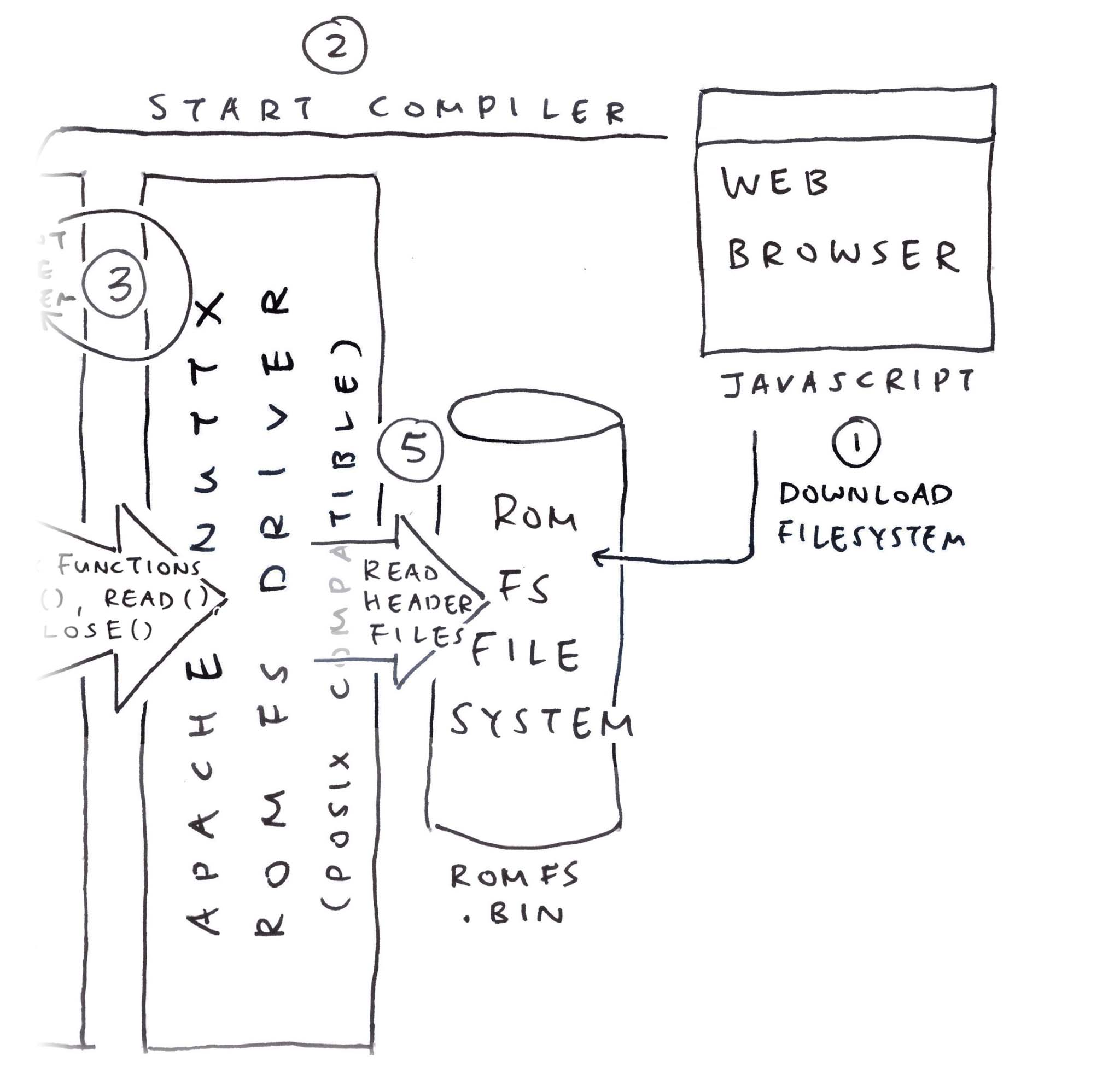
## Appendix: Download ROM FS
In the previous section, our Zig Wrapper __embeds `romfs.bin` inside WebAssembly__: [tcc-wasm.zig](https://github.com/lupyuen/tcc-riscv32-wasm/blob/c2146f65cc8f338b8a3aaa4c2e88e550e82514ec/zig/tcc-wasm.zig#L993-L997)
```zig
/// Embed the ROM FS Filesystem.
/// But what if we need to update it?
const ROMFS_DATA = @embedFile(
""romfs.bin""
);
```
__For Easier Updates__: We should download __`romfs.bin`__ from our __Web Server__ (pic above): [tcc.js](https://github.com/lupyuen/tcc-riscv32-wasm/blob/romfs/docs/romfs/tcc.js#L189-L212)
```javascript
// JavaScript to load the WebAssembly Module
// and start the Main Function.
// Called by the Compile Button.
async function bootstrap() {
// Omitted: Download the WebAssembly
...
// Download the ROM FS Filesystem
const response = await fetch(""romfs.bin"");
wasm.romfs = await response.arrayBuffer();
// Start the Main Function
window.requestAnimationFrame(main);
}
```
[(__wasm__ is our __WebAssembly Helper__)](https://github.com/lupyuen/tcc-riscv32-wasm/blob/romfs/docs/romfs/tcc.js#L6-L28)
Our JavaScript Main Function passes the __ROM FS Filesystem__ to our Zig Wrapper: [tcc.js](https://github.com/lupyuen/tcc-riscv32-wasm/blob/romfs/docs/romfs/tcc.js#L52-L81)
```javascript
// Main Function
function main() {
// Omitted: Read the ompiler Options and Program Code
...
// Copy `romfs.bin` into WebAssembly Memory
const romfs_data = new Uint8Array(wasm.romfs);
const romfs_size = romfs_data.length;
const exports = wasm.instance.exports;
const memory = exports.memory;
const romfs_ptr = exports.get_romfs(romfs_size);
const romfs_slice = new Uint8Array(
memory.buffer,
romfs_ptr,
romfs_size
);
romfs_slice.set(romfs_data);
// Call TCC to compile the program
const ptr = wasm.instance.exports
.compile_program(options_ptr, code_ptr);
```
[(__wasm__ is our __WebAssembly Helper__)](https://github.com/lupyuen/tcc-riscv32-wasm/blob/romfs/docs/romfs/tcc.js#L6-L28)
In our __Zig Wrapper__: __`get_romfs`__ returns the WebAssembly Memory reserved for our ROM FS Filesystem: [tcc-wasm.zig](https://github.com/lupyuen/tcc-riscv32-wasm/blob/romfs/zig/tcc-wasm.zig#L112-L121)
```zig
/// Storage for ROM FS Filesystem, loaded from Web Server
/// Previously: We embedded the filesystem with `@embedFile`
var ROMFS_DATA = std.mem.zeroes([8192]u8);
/// Return the pointer to ROM FS Storage.
/// `size` is the expected filesystem size.
pub export fn get_romfs(size: u32) [*]const u8 {
// Halt if we run out of memory
if (size > ROMFS_DATA.len) {
@panic(""Increase ROMFS_DATA size"");
}
return &ROMFS_DATA;
}
```
__NuttX ROM FS Driver__ fetches __`ROMFS_DATA`__ from our Zig Wrapper, via an __IOCTL Request__: [tcc-wasm.zig](https://github.com/lupyuen/tcc-riscv32-wasm/blob/romfs/zig/tcc-wasm.zig#L967-L991)
```zig
/// ROM FS Driver makes this IOCTL Request
export fn mtd_ioctl(_: *mtd_dev_s, cmd: c_int, rm_xipbase: ?*c_int) c_int {
// Request for Memory Address of ROM FS
if (cmd == c.BIOC_XIPBASE) {
// Note: We changed `ROMFS_DATA` to `&ROMFS_DATA`
// because we're loading from Web Server
rm_xipbase.?.* = @intCast(@intFromPtr(
&ROMFS_DATA
));
```
With a few tweaks to __`ROMFS_DATA`__, we're now loading __`romfs.bin`__ from our Web Server. Which is better for maintainability.
[(See the __Web Server Files__)](https://github.com/lupyuen/tcc-riscv32-wasm/tree/romfs/docs/romfs)
[(Loading __`romfs.bin`__ also works in __Node.js__)](https://github.com/lupyuen/tcc-riscv32-wasm/blob/romfs/zig/test.js#L62-L75)
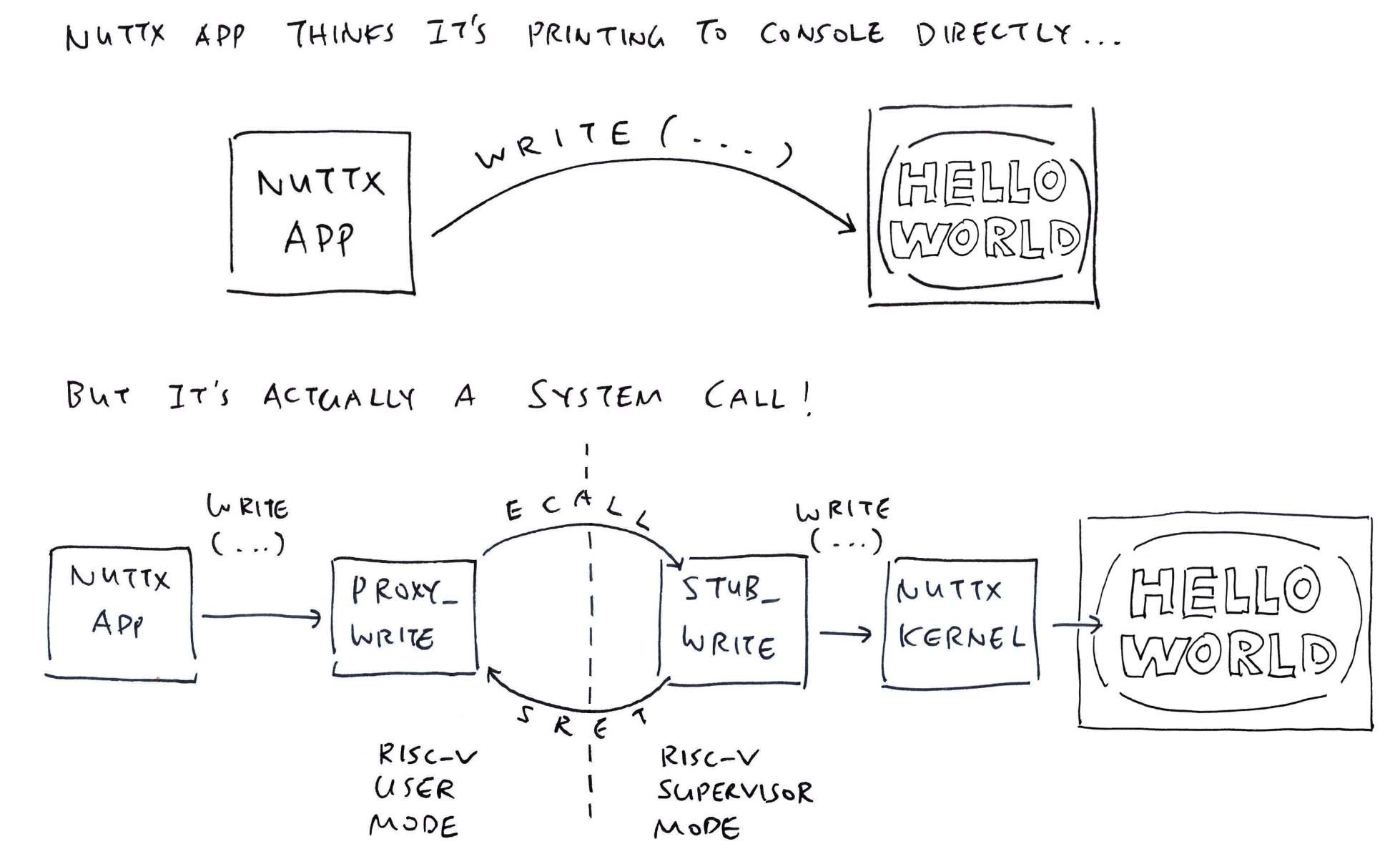
## Appendix: Print via NuttX System Call
_What's inside `puts`?_
```c
// Demo Program for TCC Compiler
// with ROM FS
#include
#include
void main(int argc, char *argv[]) {
puts(""Hello, World!!\n"");
exit(0);
}
```
We implement __`puts`__ by calling __`write`__: [stdio.h](https://github.com/lupyuen/tcc-riscv32-wasm/blob/romfs/zig/romfs/stdio.h#L18-L25)
```c
// Print the string to Standard Output
inline int puts(const char *s) {
return
write(1, s, strlen(s)) +
write(1, ""\n"", 1);
}
```
Then we implement __`write`__ the exact same way as NuttX, making a [__NuttX System Call (ECALL)__](https://lupyuen.github.io/articles/app#nuttx-app-calls-nuttx-kernel) to NuttX Kernel (pic above): [stdio.h](https://github.com/lupyuen/tcc-riscv32-wasm/blob/romfs/zig/romfs/stdio.h#L25-L36)
```c
// Caution: NuttX System Call Number may change
#define SYS_write 61
// Write to the File Descriptor
// https://lupyuen.github.io/articles/app#nuttx-app-calls-nuttx-kernel
inline ssize_t write(int parm1, const void * parm2, size_t parm3) {
return (ssize_t) sys_call3(
(unsigned int) SYS_write, // System Call Number
(uintptr_t) parm1, // File Descriptor (1 = Standard Output)
(uintptr_t) parm2, // Buffer to be written
(uintptr_t) parm3 // Number of bytes to write
);
}
```
[(__System Call Numbers__ may change)](https://lupyuen.github.io/articles/app#nuttx-kernel-handles-system-call)
__`sys_call3`__ is our hacked implementation of [__NuttX System Call (ECALL)__](https://lupyuen.github.io/articles/app#nuttx-app-calls-nuttx-kernel): [stdio.h](https://github.com/lupyuen/tcc-riscv32-wasm/blob/romfs/zig/romfs/stdio.h#L36-L84)
```c
// Make a System Call with 3 parameters
// https://github.com/apache/nuttx/blob/master/arch/risc-v/include/syscall.h#L240-L268
inline uintptr_t sys_call3(
unsigned int nbr, // System Call Number
uintptr_t parm1, // First Parameter
uintptr_t parm2, // Second Parameter
uintptr_t parm3 // Third Parameter
) {
// Pass the Function Number and Parameters in
// Registers A0 to A3
// Rightfully:
// Register A0 is the System Call Number
// Register A1 is the First Parameter
// Register A2 is the Second Paramter
// Register A3 is the Third Parameter
// But we're manually moving them around because of... issues
// Register A0 (parm3) goes to A3
register long r3 asm(""a0"") = (long)(parm3); // Will move to A3
asm volatile (""slli a3, a0, 32""); // Shift 32 bits Left then Right
asm volatile (""srli a3, a3, 32""); // To clear the top 32 bits
// Register A0 (parm2) goes to A2
register long r2 asm(""a0"") = (long)(parm2); // Will move to A2
asm volatile (""slli a2, a0, 32""); // Shift 32 bits Left then Right
asm volatile (""srli a2, a2, 32""); // To clear the top 32 bits
// Register A0 (parm1) goes to A1
register long r1 asm(""a0"") = (long)(parm1); // Will move to A1
asm volatile (""slli a1, a0, 32""); // Shift 32 bits Left then Right
asm volatile (""srli a1, a1, 32""); // To clear the top 32 bits
// Register A0 (nbr) stays the same
register long r0 asm(""a0"") = (long)(nbr); // Will stay in A0
// `ecall` will jump from RISC-V User Mode
// to RISC-V Supervisor Mode
// to execute the System Call.
asm volatile (
// ECALL for System Call to NuttX Kernel
""ecall \n""
// NuttX needs NOP after ECALL
"".word 0x0001 \n""
// Input+Output Registers: None
// Input-Only Registers: A0 to A3
// Clobbers the Memory
:
: ""r""(r0), ""r""(r1), ""r""(r2), ""r""(r3)
: ""memory""
);
// Return the result from Register A0
return r0;
}
```
_Why so complicated?_
That's because TCC [__won't load the RISC-V Registers correctly__](https://lupyuen.github.io/articles/tcc#appendix-nuttx-system-call). Thus we load the registers ourselves.
_Why not simply copy A0 to A2 minus the hokey pokey?_
```c
// Load SysCall Parameter to Register A0
register long r2 asm(""a0"") = (long)(parm2);
// Copy Register A0 to A2
asm volatile (""addi a2, a0, 0"");
```
When we do that, Register A2 __becomes negative__...
```yaml
nsh> a.out
riscv_swint: Entry: regs: 0x8020be10
cmd: 61
EPC: c0000160
A0: 3d
A1: 01
A2: ffffffffc0101000
A3: 0f
[...Page Fault because A2 is an Invalid Address...]
```
So we Shift Away the __Negative Sign__ (_silly_ + _seriously_)...
```c
// Load SysCall Parameter to Register A0
register long r2 asm(""a0"") = (long)(parm2);
// Shift 32 bits Left and
// save to Register A2
asm volatile (""slli a2, a0, 32"");
// Then shift 32 bits Right
// to clear the top 32 bits
asm volatile (""srli a2, a2, 32"");
```
Then Register A2 becomes __Positively OK__...
```yaml
riscv_swint: Entry: regs: 0x8020be10
cmd: 61
EPC: c0000164
A0: 3d
A1: 01
A2: c0101000
A3: 0f
Hello, World!!
```
BTW _Andy_ won't work...
```c
// Load SysCall Parameter to Register A0
register long r2 asm(""a0"") = (long)(parm2);
// Logical AND with 0xFFFF_FFFF
// then save to Register A2
asm volatile (""andi a2, a0, 0xffffffff"");
```
Because __`0xFFFF_FFFF`__ gets assembled to __`-1`__.
_Chotto matte_ there's more...
## Appendix: Exit via NuttX System Call
_Tell me about `exit`..._
```c
// Demo Program for TCC Compiler
// with ROM FS
#include
#include
void main(int argc, char *argv[]) {
puts(""Hello, World!!\n"");
exit(0);
}
```
We implement __`exit`__ the same way as NuttX, by making a [__NuttX System Call (ECALL)__](https://lupyuen.github.io/articles/app#nuttx-app-calls-nuttx-kernel) to NuttX Kernel: [stdlib.h](https://github.com/lupyuen/tcc-riscv32-wasm/blob/romfs/zig/romfs/stdlib.h#L1-L10)
```c
// Caution: NuttX System Call Number may change
#define SYS__exit 8
// Terminate the NuttX Process.
// From nuttx/syscallproxies/PROXY__exit.c
inline void exit(int parm1) {
// Make a System Call to NuttX Kernel
sys_call1(
(unsigned int)SYS__exit, // System Call Number
(uintptr_t)parm1 // Exit Status
);
// Loop Forever
while(1);
}
```
[(__System Call Numbers__ may change)](https://lupyuen.github.io/articles/app#nuttx-kernel-handles-system-call)
__`sys_call1`__ makes a [__NuttX System Call (ECALL)__](https://lupyuen.github.io/articles/app#nuttx-app-calls-nuttx-kernel), with our hand-crafted RISC-V Assembly (as a workaround): [stdlib.h](https://github.com/lupyuen/tcc-riscv32-wasm/blob/romfs/zig/romfs/stdlib.h#L10-L48)
```c
// Make a System Call with 1 parameter
// https://github.com/apache/nuttx/blob/master/arch/risc-v/include/syscall.h#L188-L213
inline uintptr_t sys_call1(
unsigned int nbr, // System Call Number
uintptr_t parm1 // First Parameter
) {
// Pass the Function Number and Parameters
// Registers A0 to A1
// Rightfully:
// Register A0 is the System Call Number
// Register A1 is the First Parameter
// But we're manually moving them around because of... issues
// Register A0 (parm1) goes to A1
register long r1 asm(""a0"") = (long)(parm1); // Will move to A1
asm volatile (""slli a1, a0, 32""); // Shift 32 bits Left then Right
asm volatile (""srli a1, a1, 32""); // To clear the top 32 bits
// Register A0 (nbr) stays the same
register long r0 asm(""a0"") = (long)(nbr); // Will stay in A0
// `ecall` will jump from RISC-V User Mode
// to RISC-V Supervisor Mode
// to execute the System Call.
asm volatile (
// ECALL for System Call to NuttX Kernel
""ecall \n""
// NuttX needs NOP after ECALL
"".word 0x0001 \n""
// Input+Output Registers: None
// Input-Only Registers: A0 and A1
// Clobbers the Memory
:
: ""r""(r0), ""r""(r1)
: ""memory""
);
// Return the result from Register A0
return r0;
}
```
This cumbersome workaround works OK with TCC Compiler and NuttX Apps!
_Wow this looks horribly painful... Are we doing any more of this?_
Nope sorry, we won't do any more of this! Hand-crafting the NuttX System Calls in RISC-V Assembly was [__positively painful__](https://lupyuen.github.io/articles/romfs#appendix-print-via-nuttx-system-call).
(We'll revisit this when the RISC-V Registers are hunky dory in TCC)

## Appendix: Patch the NuttX Emulator
Moments ago we saw __RISC-V ELF `a.out`__ teleport magically from TCC WebAssembly to NuttX Emulator (pic above)...
- [__""From TCC to NuttX Emulator""__](https://lupyuen.github.io/articles/romfs#from-tcc-to-nuttx-emulator)
And we discovered that TCC WebAssembly saves __`a.out`__ to the __JavaScript Local Storage__, encoded as __`elf_data`__...

This is how we...
1. Take __`elf_data`__ from JavaScript Local Storage
1. Patch the __Fake `a.out`__ in the NuttX Image
1. With the __Real `a.out`__ from TCC
In our __NuttX Emulator JavaScript__: We read __`elf_data`__ from the __JavaScript Local Storage__ and pass it to TinyEMU WebAssembly: [jslinux.js](https://github.com/lupyuen/nuttx-tinyemu/blob/main/docs/tcc/jslinux.js#L504-L545)
```javascript
// Receive the Encoded ELF Data for `a.out`
// from JavaScript Local Storage and decode it
// Encoded data looks like: %7f%45%4c%46...
const elf_data_encoded = localStorage.getItem(""elf_data"");
if (elf_data_encoded) {
elf_data = new Uint8Array(
elf_data_encoded
.split(""%"")
.slice(1)
.map(hex=>Number(""0x"" + hex))
);
elf_len = elf_data.length;
}
...
// Pass the ELF Data to TinyEMU Emulator
Module.ccall(
""vm_start"", // Call `vm_start` in TinyEMU WebAssembly
null,
[ ... ], // Omitted: Parameter Types
[ // Parameters for `vm_start`
url, mem_size, cmdline, pwd, width, height, (net_state != null) | 0, drive_url,
// We added these for our ELF Data
elf_data, elf_len
]
);
```
Inside our __TinyEMU WebAssembly__: We receive __`elf_data`__ and copy it locally, because it will be clobbered (why?): [jsemu.c](https://github.com/lupyuen/ox64-tinyemu/blob/tcc/jsemu.c#L182-L211)
```c
// Start the TinyEMU Emulator. Called by JavaScript.
void vm_start(...) {
// Receive the ELF Data from JavaScript
extern uint8_t elf_data[]; // From riscv_machine.c
extern int elf_len;
elf_len = elf_len0;
// Copy ELF Data to Local Buffer because it will get clobbered
if (elf_len > 4096) { puts(""elf_len exceeds 4096, increase elf_data and a.out size""); }
memcpy(elf_data, elf_data0, elf_len);
```
Then we search for our __Magic Pattern `22` `05` `69` `00`__ in our Fake __`a.out`__: [riscv_machine.c](https://github.com/lupyuen/ox64-tinyemu/blob/tcc/riscv_machine.c#L1034-L1053)
```c
// Patch the ELF Data to Fake `a.out` in Initial RAM Disk
uint64_t elf_addr = 0;
for (int i = 0; i < 0xD61680; i++) { // TODO: Fix the Image Size
// Search for our Magic Pattern
const uint8_t pattern[] = { 0x22, 0x05, 0x69, 0x00 };
if (memcmp(&kernel_ptr[i], pattern, sizeof(pattern)) == 0) {
// Overwrite our Magic Pattern with Real `a.out`. TODO: Catch overflow
memcpy(&kernel_ptr[i], elf_data, elf_len);
elf_addr = RAM_BASE_ADDR + i;
break;
}
}
```
And we overwrite the Fake __`a.out`__ with the Real __`a.out`__ from __`elf_data`__.
This is perfectly OK because [__ROM FS Files are continuous__](https://lupyuen.github.io/articles/romfs#appendix-rom-fs-filesystem) and contiguous. (Though we ought to patch the [__File Size__](https://lupyuen.github.io/articles/romfs#inside-a-rom-fs-filesystem) and [__Filesystem Header Checksum__](https://lupyuen.github.io/articles/romfs#inside-a-rom-fs-filesystem))
That's how we compile a NuttX App in the Web Browser, and run it with NuttX Emulator in the Web Browser! 🎉
[(See the __Web Server Files__)](https://github.com/lupyuen/nuttx-tinyemu/tree/main/docs/tcc)

## Appendix: ROM FS Filesystem
A while ago we saw __`genromfs`__ faithfully packing our C Header Files into a __ROM FS Filesystem__: [build.sh](https://github.com/lupyuen/tcc-riscv32-wasm/blob/romfs/zig/build.sh#L182-L190)
```bash
## For Ubuntu: Install `genromfs`
sudo apt install genromfs
## For macOS: Install `genromfs`
brew install genromfs
## Bundle the `romfs` folder into
## ROM FS Filesystem `romfs.bin`
## and label with this Volume Name
genromfs \
-f romfs.bin \
-d romfs \
-V ""ROMFS""
```
[(__ and __ are in the __ROM FS Folder__)](https://github.com/lupyuen/tcc-riscv32-wasm/blob/romfs/zig/romfs)
[(Bundled into this __ROM FS Filesystem__)](https://github.com/lupyuen/tcc-riscv32-wasm/blob/romfs/zig/romfs.bin)
Based on the [__ROM FS Spec__](https://docs.kernel.org/filesystems/romfs.html), we take a walk inside our [__ROM FS Filesystem `romfs.bin`__](https://github.com/lupyuen/tcc-riscv32-wasm/blob/romfs/zig/romfs.bin)...
```bash
## Dump our ROM FS Filesystem
hexdump -C romfs.bin
```
[(See the __Filesystem Dump__)](https://gist.github.com/lupyuen/837184772dd091a83f2c61ec357a3d1d)
Everything begins with the __ROM FS Filesystem Header__ (pic above)...
```text
[ Magic Number ] [ FS Size ] [ Checksm ]
0000 2d 72 6f 6d 31 66 73 2d 00 00 0f 90 58 57 01 f8 |-rom1fs-....XW..|
[ Volume Name: ROMFS ]
0010 52 4f 4d 46 53 00 00 00 00 00 00 00 00 00 00 00 |ROMFS...........|
```
Next comes the __File Header__ for ""__`.`__""...
```text
---- File Header for `.`
[ NextHdr ] [ Info ] [ Size ] [ Checksm ]
0020 00 00 00 49 00 00 00 20 00 00 00 00 d1 ff ff 97 |...I... ........|
[ File Name: `.` ]
0030 2e 00 00 00 00 00 00 00 00 00 00 00 00 00 00 00 |................|
(NextHdr & 0xF = 9 means Executable Directory)
```
Followed by the __File Header__ for ""__`..`__""...
```text
---- File Header for `..`
[ NextHdr ] [ Info ] [ Size ] [ Checksm ]
0040 00 00 00 6 00 00 00 20 00 00 00 00 d1 d1 ff 80 |...`... ........|
[ File Name: `..` ]
0050 2e 2e 00 00 00 00 00 00 00 00 00 00 00 00 00 00 |................|
(NextHdr & 0xF = 0 means Hard Link)
```
Then the __File Header and Data__ for ""__`stdio.h`__"" (pic below)...
```text
---- File Header for `stdio.h`
[ NextHdr ] [ Info ] [ Size ] [ Checksm ]
0060 00 00 0a 42 00 00 00 00 00 00 09 b7 1d 5d 1f 9e |...B.........]..|
[ File Name: `stdio.h` ]
0070 73 74 64 69 6f 2e 68 00 00 00 00 00 00 00 00 00 |stdio.h.........|
(NextHdr & 0xF = 2 means Regular File)
---- File Data for `stdio.h`
0080 2f 2f 20 43 61 75 74 69 6f 6e 3a 20 54 68 69 73 |// Caution: This|
....
0a20 74 65 72 20 41 30 0a 20 20 72 65 74 75 72 6e 20 |ter A0. return |
0a30 72 30 3b 0a 7d 20 0a 00 00 00 00 00 00 00 00 00 |r0;.} ..........|
```
Finally the __File Header and Data__ for ""__`stdlib.h`__""...
```text
---- File Header for `stdlib.h`
[ NextHdr ] [ Info ] [ Size ] [ Checksm ]
0a40 00 00 00 02 00 00 00 00 00 00 05 2e 23 29 67 fc |............#)g.|
[ File Name: `stdlib.h` ]
0a50 73 74 64 6c 69 62 2e 68 00 00 00 00 00 00 00 00 |stdlib.h........|
(NextHdr & 0xF = 2 means Regular File)
---- File Data for `stdio.h`
0a60 2f 2f 20 43 61 75 74 69 6f 6e 3a 20 54 68 69 73 |// Caution: This|
....
0f80 72 65 74 75 72 6e 20 72 30 3b 0a 7d 20 0a 00 00 |return r0;.} ...|
0f90 00 00 00 00 00 00 00 00 00 00 00 00 00 00 00 00 |................|
```
Zero fuss, ROM FS is remarkably easy to read!

"
446,501,"2023-03-01 11:39:46.699446",chapliboy,writing-and-releasing-a-game-in-zig-13f3,https://zig.news/uploads/articles/7dg952k3hf6wr97jhyy6.PNG,"Writing and Releasing a game in zig","Today, I released Konkan Coast Pirate Solutions on Steam. It's a cozy puzzle game about helping...","Today, I released [Konkan Coast Pirate Solutions](https://store.steampowered.com/app/2156410/Konkan_Coast_Pirate_Solutions/) on Steam. It's a cozy puzzle game about helping pirate ships do pirate things.
These are some of thoughts and notes I have.
### Before Zig and Gamedev
I am a self-taught developer. I worked mostly in a few startups doing web dev work in python and javascript.
I wanted to learn a lower level language, and that's how I got into C. I just needed some kind of project to work on, and that's why I opted to make a game.
I made one [small game](https://chapliboy.itch.io/this-mouse-will-swim) using just C, and it can be quite a roller coaster. From having to understand how memory management works, to dealing with all the footguns. But I quite enjoyed it. I felt like I finally understood a bit of what was happening under the hood.
When I started making KCPS, I was still using C.
What got me off that was just the complexity of the build systems. It caused a lot of weird issues and I had no idea how to deal with them, or any interest in learning how to.
### Finding Zig
I had known about zig for a while at this point. Also some other languages like nim and odin. I selected zig mostly because of the talk that Andrew gave about [The Road to 1.0](https://www.youtube.com/watch?v=Gv2I7qTux7g). A lot of points that he made really resonated with me, and I decided to commit to zig.
I was already used to SDL, and since there is a sdl-tetris repo available, I just mostly copied things out of that. I started off in v0.7 and the release is in v0.10.
### The Positives
After the initial learning curve, I really enjoy writing zig. It feels like C after all the years that we have had to see what went right and what went wrong with programming languages in general.
It's a lot of the smaller things. Slices, namespaced struct functions, enums, standard library, @embedFile etc.
For the most part, the language just stays out of your way, and that's the way I like it.
WASM. Since zig has first class WASM support, I was able to make a web version at one point during development. [Here's how I did that.](https://zig.news/samhattangady/porting-my-game-to-the-web-4194)
### The Negatives
The compiler is still a little slow. At an approximately equal project size, C was compiling in less than 1 second, while zig took ~4 seconds.
Windows is not really a first class citizen. Running `zig build run` on an unchanged project still tkes ~1 second. This is not an issue on linux.
Similarly, for a long time, release-fast was broken due to some `_tls_index` issue.
And after some point in mid 0.9, the latest versions were not able to build my game, and they wouldn't log to terminal, so I couldn't even figure out the problem.
### The Mostly my faults
I had never really intended to release and complete this game. It was just something fun to work on. As a result, I would semi-randomly update to the newest nightly versions, and have not kept any track of that.
So unfortunately, I don't think I can build earlier versions of the game, unless I want to trawl through various versions and/or make huge source changes (allocgate etc.) to each historic branch...
### My Only Pet Peeve
> 02 Mar 2023: edited for clarity.
I vehemently hate whitespace requirements for binary operator.
```zig
const big_size = size *12.5;
// error: binary operator `*` has whitespace on one side, but not the other.
```
I often use the autoformatter to fix my lazy formatting, and the uniformity required for arithmetic operators is what I want the computer to do for me. I get why it's in place, but it's only an issue with `-`, I don't like that all the operators are covered in this rule.
### Conclusion
Honestly, it was a lovely experience. I definitely see myself using zig more in the future. Especially for the WASM support. I'm excited for incremental compilation and hot-reloading. That would be amazing.
If you are looking for a language to make games, I will whole-heartedly recommend zig.
---
Steam: https://store.steampowered.com/app/2156410/Konkan_Coast_Pirate_Solutions/"
571,186,"2024-02-06 02:18:09.701621",gowind,from-500-secs-to-35-the-1brc-challenge-5b22,"","From 500 secs to 3.5 - The 1brc Challenge","All measurements run on an M2Pro Macbook 16"" with 32GB RAM. For those of you that aren't aware of...","
All measurements run on an M2Pro Macbook 16"" with 32GB RAM.
For those of you that aren't aware of the [1brc]() challenge, the goal is to parse 1 billion rows in a plain text file, each row mapping a city to the temperature observed on a particular day and computing the min,max,average and total temperatures of each city.
The output has to be alphabetically sorted based on the name of the city.
The title is a little clickbait-y, because I knew that my initial solution was going to be slow, but yet I still ran it for the sake of it.
## If it works, it ain't stupid
My first solution was to write a dumb shell script. Too lazy, I asked chatGPT to generate an `awk` script for me to do it and then I ran it on my local machine.
```bash
$ cat average.sh
#!/bin/bash
# Input file path
input_file=""measurements.txt""
# Check if the file exists
if [ ! -f ""$input_file"" ]; then
echo ""Error: File not found: $input_file""
exit 1
fi
# Use awk to calculate average temperature per city
awk -F';' '{
city = $1
temperature = $2
sum[city] += temperature
count[city]++
}
END {
for (city in sum) {
average = sum[city] / count[city]
printf ""City: %s, Average Temperature: %.2f\n"", city, average
}
}' ""$input_file""
```
The result ? 487 secs for a single run.
That shell scripts are slow is a known thing. What next ? I didn't want to spend too much time on it, so I wrote a similar script in Javascript with a single thread (I lost the code for it, but it isn't too hard to write). The script didn't do much faster, running at about 460ish seconds (even V8 can only do so much I guess).
## Going brrr
How do I make this faster ? This problem is trivially parallelizable. Since each line is a separate entry, we can split the giant file to be worked on by different `worker` threads and then merge the results of all the `worker` threads together in the main thread. The tricky bit is how do we split the file ?
We can use the [stat](https://linux.die.net/man/2/stat) api to find the size of a file without having to read the entire file.
Once we know the size of the file, we can split it into chunks , where chunk size = `sizeof(file)/num_threads`. Each thread will read the lines present between bytes : [ `thread_index * chunk_size` ... `(thread_index + 1) * chunk_size`] and in a thread local HashMap, map each city => number of times we saw an entry for the city , the min , max temperatures and the total sum of all the temperatures we have seen.
Once the threads sum up their chunk of the file, we then merge the results of these local HashMap into a global HashMap to calculate each city's min, max and avg. temperatures.
The file is made of lines like `Vienna;19.1\nPhoenix;16.1\n`. The `\n` at the end and the `V` at the beginning might not align exactly for all the chunks of our threads. What do we do in that case ?
Before a thread begins to process a chunk, we need to adjust its start and end offsets such that the start offset starts at a character right after a `\n` (thus a new entry) and adjust the end character so that it aligns with a `\n` .
Here is how I did it in my code
```js
if(startOffset > 0) {
let buf = await readHundred(handle, startOffset-1);
if(buf[0] == '\n') {
} else {
let nextPos = nextNewLine(buf, ""start"");
startOffset = nextPos + startOffset;
}
}
async function readHundred(handle, pos) {
let b = Buffer.alloc(100);
let results = await handle.read(b, 0, 100, pos);
return results.buffer.slice(0, results.bytesRead-1).toString();
}
```
I took the liberty that each line is less than a 100 chars long, so that we can always find the `\n` by just reading 100 chars past the start offset.
Similarly for the end offset
```js
if(endOffset < totalSize) {
let buf = await readHundred(handle, endOffset);
if(buf[0] == ""\n"" || buf[0] == ""\x00"") {
} else {
let nn = nextNewLine(buf, ""end"");
endOffset = nn + endOffset;
}
}
function nextNewLine(buffer, ev) {
let x = 0;
let j = buffer.toString();
while(x < j.length) {
if(j[x] == '\n') {
return x;
}
x += 1;
}
return x;
}
```
Once the thread finds the start and the end offsets for each chunk,it creates a stream between the 2 offsets and iterates through them line by line :
```js
const readStream = await handle.createReadStream({start: startOffset, end: endOffset});
const rl = readline.createInterface({
input: readStream,
crlfDelay: Infinity // To handle Windows line endings
});
rl.on('line', (row) => {
processRow(row);
});
rl.on('close', () => {
wrapUp();
});
```
You can find this version of code in [this](https://github.com/GoWind/1brc/commit/7a64018720365608c5ba8fcb080c63f61cb54f2e) commit. Running this code with 12 threads (8 E cores and 4 P cores on my M2 Pro machine), I got it run at about 48 secs on avg.
Readline is a rather slow way to iterate over a chunk of data because it reads a chunk of text line by line. When looping over a ReadStream, we can loop over Text Chunks rather than lines and this might be faster (you can find this version of my solution in [this](https://github.com/GoWind/1brc/commit/3d3be7fd1c51d9304b3cce34bde4d29818db565b)commit)
```diff
-const rl = readline.createInterface({
- input: readStream,
- crlfDelay: Infinity // To handle Windows line endings
- });
-rl.on('line', (row) => {
- processRow(row);
-});
+for await (const chunk of readStream) {
+ let res = await handler(chunk);
+ if(res == false) {
+ break;
+ }
+}
-rl.on('close', () => {
- wrapUp();
-});
+async function handler(chunk) {
+ let updatedChunk = globalBuffer.concat(chunk);
+ let rows = updatedChunk.split(""\n"");
+ if(rows.length) {
+ if(rows[rows.length-1] == """") {
+ globalBuffer = """";
+ processRows(rows.slice(0, -1));
+ } else {
+ globalBuffer = rows[rows.length-1];
+ processRows(rows.slice(0, -1));
+ }
+ }
+}
+wrapUp();
```
Using chunking as opposed to ReadLine improved the solution by roughly 20%. I was able to get the solution to run on an avg. of 40secs.
### Faster ?
I was running out of ideas to improve the speed in JS, so time to bring out the BFG 9000: Zig.
As a statically-typed, compiled language, we should be able to (hopefully) run much faster in Zig.
I used the same approach to build a multi-threaded Zig program, using the same offset calculation with threads swapping the JS for Zig.
#### Timing ?
6.7 secs !
I initially got a shock, because I was doing a Debug build and the Debug build ran with an average of 56secs. For a few moments, I was questioning my life decisions and existence in a world where JS was faster than Zig. Running `zig build` with the `Doptimize=ReleaseFast` flag turned on optimizations that literally 8xed the speed of my [solution](https://github.com/GoWind/1brc/commit/7760c6dda6930ff4464cc2cc049bf35988960441)
I was happy, but by this point, the Java peeps had made the Java solution complete in under 6 secs. Can I beat that ?
### Moaaar power
I wanted to do a couple of tweaks before calling it quits. These tweaks were stuff I found in Danny Van Kooten's [solution](https://github.com/dannyvankooten/1brc/blob/main/analyze.c) in C.
1. Use `mmap` to map the file into the virtual memory, instead of trying to read chunks of the file in each thread to find the start and the end offsets
2. A faster hashMap implementation
3. not trying to parse the temperatures as floats
[mmap](https://man7.org/linux/man-pages/man2/mmap.2.html) takes the contents of a file and maps it into the virtual memory of a process. This makes reading the file as simple as updating a pointer , while the Filesystem + OS takes care of swapping in and out the parts of the files currently being read. We are not updating the mapping/file, only reading it , so `mmap`ing the file turned out to be a simple choice
```diff
- const file = try std.fs.openFileAbsoluteZ(fileath, .{});
- defer file.close();
- const stat = try file.stat();
- std.debug.print(""file size is {}\n"", .{stat.size});
+ const fd = try std.os.open(filepath, std.os.O.RDONLY, 0);
+ defer std.os.close(fd);
+ const stat = try std.os.fstat(fd);
+ const mapping = try std.os.mmap(null, @as(u64, @intCast(stat.size)), std.os.PROT.READ, std.os.MAP.PRIVATE, fd, 0);
+ defer std.os.munmap(mapping);
```
```diff
@@ -43,146 +44,60 @@ fn calculate(
idx: usize,
workerSize: u64,
allocator: std.mem.Allocator,
- filepath: [*:0]u8,
+ file: []u8,
) !void {
- var buffer = [_]u8{'a'} ** 80000;
- const waterMarkSize: usize = 80000;
- const slice = buffer[0..100];
- const View = struct { slice: []u8, len: usize };
- const file = try std.fs.openFileAbsoluteZ(filepath, .{});
- const stat = try file.stat();
- defer file.close();
+ const finalEndOffset = file.len - 1;
var startOffset = idx * workerSize;
var endOffset = (idx + 1) * workerSize - 1;
if (startOffset > 0) {
const prev = startOffset - 1;
- try file.seekTo(prev);
- const read = try file.readAll(slice);
- if (read == 0) {
- @panic(""failed to read from starting offset"");
- }
- if (buffer[0] != '\n') {
- var i: usize = 1;
- while (i < read) : (i += 1) {
- if (buffer[i] == '\n') {
- startOffset += i;
- break;
- }
+ if (file[prev] != '\n') {
+ while (file[startOffset] != '\n') {
+ startOffset += 1;
}
- }
```
I didn't record the timings for [this] change alone, but my measurements varied anywhere from ~5.5-9secs (probably depending on filesystem caches in memory being cold/warm)
The next trick I attempted to use was to parse each temperature as an `i32` and not as a `f32`. Float parsing is tricky, and slower than parsing integers. Since each temperature entry in the challenge has only one digit after the decimal point, we can parse `16.1` as `161` and divide the final result only by `10`, thus saving a lot of time spent parsing
```diff
-pub const Record = struct { min: f32 = 0, max: f32 = 0, total: f32 = 0, count: u32 = 0 };
+const SliceList = std.ArrayList([]const u8);
+const writer = std.io.getStdOut().writer();
+pub const Record = struct { min: i32 = 0, max: i32 = 0, total: i32 = 0, count: u32 = 0 };
...
- const temp = try std.fmt.parseFloat(f32, num);
+ const temp = parsei32(num);
```
(Again, I did not record the timings for this change [this](https://github.com/GoWind/1brc/commit/23fafbfebbb82bafcd9433e1230f89a6c6cdf52a) change alone)
The last trick I wanted to try was using a custom Hash function / HashMap for tracking city -> temperature stats. From profiling my application with flamegraphs, it was clear that most of the time was spent in looking up a city's existing entry in the threadlocal HashMap. Since our keys are strings, we can use a simple hash function to hash the city names. A simple function that is easy to compute is [djb2](https://t.co/C2ZfSSiYSW). I decided to use this as my hash fn
```ts
fn hashSlice(data: []u8, totalSize: usize) usize {
var k: usize = 0;
var hash: usize = 0;
while (k < data.len) : (k += 1) {
hash = (hash * 31 + data[k]) & (totalSize - 1);
}
return hash;
}
```
As for a HashMap, is there a faster way ? We know that there aren't a lot of cities in the entry, so we probably can get away with replacing the thread local HashMap with an array instead (actually 2 arrays)
1. We create a threadlocal array with 2^16 entries and fill each of them with a `0`.
2. We create another array: `entries`, with index `i` starting at 0. Each new string is provided a new index in this array. The values of entries are all set to a sentinel value.
3. We hash each string and then perform a module of that hash with (2^16-1) thus getting a number N between [0, 2^16-1].
4. We then start at array[N] and proceed with N = (N+ 1) % 2^16-1 , till array[N] == Sentinel Value or array[N] == N.
5. if entries[N] is a Sentinel Value, it means we have not encountered string S yet. We create a Record for this city at `entries[N]` and set Array[N] = N
6. Else, it means we already have a valid entry for the city S. We then simply update the count and the min,max and average of the City at entries[N]
It is probably much simpler to understand the code:
```diff
+ var hashList = try NumList.initCapacity(allocator, maxSize);
+ var indexList = try NumList.initCapacity(allocator, maxSize);
+ hashList.appendNTimesAssumeCapacity(0, maxSize);
+ indexList.appendNTimesAssumeCapacity(1 << 16, maxSize);
// 1 << 16 is the sentinel value
-
- const maybeEntry = threadMap[idx].getEntry(city);
- if (maybeEntry) |entry| {
- entry.value_ptr.*.count += 1;
- entry.value_ptr.*.total += temp;
- entry.value_ptr.*.max = @max(entry.value_ptr.*.max, temp);
- entry.value_ptr.*.min = @min(entry.value_ptr.*.min, temp);
+ var hashVal = hashSlice(city, maxSize);
+ while (hashList.items[hashVal] != hashVal and hashList.items[hashVal] != 0) {
+ hashVal = (hashVal + 1) & (maxSize - 1);
+ }
+ const entryIdx = indexList.items[hashVal];
+ if (entryIdx == 1 << 16) {
+ const cityNameForRec = try allocator.alloc(u8, city.len);
+ @memcpy(cityNameForRec, city);
+ const rec = Record{ .city = cityNameForRec, .count = 1, .min = temp, .max = tem
p, .total = temp };
+ try threadMap[idx].append(rec);
+ indexList.items[hashVal] = threadMap[idx].items.len - 1;
+ hashList.items[hashVal] = hashVal;
} else {
- const rec = Record{ .count = 1, .min = temp, .max = temp, .total = temp };
- const k = try allocator.alloc(u8, city.len);
- @memcpy(k, city);
- try threadMap[idx].put(k, rec);
+ threadMap[idx].items[entryIdx].count += 1;
+ threadMap[idx].items[entryIdx].total += temp;
+ threadMap[idx].items[entryIdx].max = @max(threadMap[idx].items[entryIdx].max, t
emp);
+ threadMap[idx].items[entryIdx].min = @min(threadMap[idx].items[entryIdx].min, t
emp);
}
```
We replaced the zig HashMap with our custom one. So how did the end result go ?
#### Answer: Faaast !
The [updated](https://github.com/GoWind/1brc/commit/dfc37a92b5fcb835dc994e48ef54eab060fd03bb?diff=unified&w=1 )solution hit ~3.5 secs on the average. This was almost 2x faster than our previous solution ! I was elated that such simple optimizations could make such a big difference.
I wanted to proceed with more optimizations to make the solution go even faster, but unfortunately I no longer had the time to pursue the project , and having hit the deadline I set for myself, was happy to have come so far. Also given that my daily driver is a Mac, it was very hard to generate flamegraphs for Zig programs and trying to optimize programs without them is like trying to navigate a race course blind. In the end, I decided to wrap up the experiments and call it a day
## Takeaways
Zig is faaaast ! More than that, it makes doing things that could be done by C (mmap, allocations) etc so much simpler. The only language wart that I still hate is that I never know when it copies a data structure vs when it doesn't , so I ended up spending a lot of time debugging subtle bugs.
For example, take this update in a fn that runs in a worker thread
```ts
const TempMap = std.StringHashMap(Record);
var threadMap: [numWorkers]RecordList = undefined;
var threads: [numWorkers]std.Thread = undefined;
const NumList = std.ArrayList(usize);
const maxSize: usize = 1 << 14;
pub fn main() !void {
}
fn calculate(...) {
threadMap[idx].items[entryIdx].count += 1;
threadMap[idx].items[entryIdx].total += temp;
threadMap[idx].items[entryIdx].max = @max(threadMap[idx]items[entryIdx].max, temp);
threadMap[idx].items[entryIdx].min = @min(threadMap[idx].items[entryIdx].min, temp);
}
```
In fn `calculate`, I had done
```ts
var t = threadMap[idx];
t.items[entryIdx].count += 1;
t.items[entryIdx].total += temp;
```
What happened was, this created a new copy of `threadMap[idx]` for each thread in the fn calculate and the updates were going into this copy `t` , rather than at `threadMap[idx]`. As a result, after my threads finished running, when attempting to merge all the entries from each thread's threadMap, I was running into empty maps, because none of the entries added to `t` were actually added to `threadMap[idx]`. The fix was simple, but the lack of docs or syntax about move semantics or copy constructors makes it sometimes a frustrating experience.
In the end though, the ability of Zig to provide the speed of C with a far better syntax and APIs make these frustrations vanish. Happy Hacking !
"
2,1,"2021-07-25 23:39:31.617578",kristoff,test-test-are-we-live-4efh,https://zig.news/uploads/articles/5d2hymo96kmfa920jya0.png,"Test, test, are we live?","Welcome to Zig NEWS! This is a self-hosted instance of Forem (the same CMS used by dev.to) managed...","Welcome to Zig NEWS!
This is a self-hosted instance of Forem (the same CMS used by dev.to) managed by yours truly. The idea is that if you want to create written content about Zig, this instance can help you with promoting it without any extra effort on your part.
I strongly believe that having your own blog (aka owning your own content) is largely preferable to giving up the fruit of your work to someone else by posting it on their platform, but I also know that there are a lot of people who maybe wouldn't mind writing about Zig occasionally, but who are also not interested in doing all the work necessary to set up their own thing.
This is what Zig NEWS is for.
Hopefully Zig NEWS can become a fun way of sharing parts of your Zig jurney with other Ziguanas.
PS
Check out [the FAQs](https://zig.news/faq).
*Art credit: DerTee from the Zig SHOWTIME Discord server.*"
111,72,"2022-01-18 17:59:31",michalz,fast-multi-platform-simd-math-library-in-zig-2adn,https://zig.news/uploads/articles/rdx4f9a6whl3nmz354iw.png,"Fast, multi-platform, SIMD math library in Zig","GitHub homepage: zmath Introduction Zig programming language does not support operator...","GitHub homepage: [zmath](https://github.com/michal-z/zig-gamedev/tree/main/libs/zmath)
## Introduction
[Zig programming language](https://ziglang.org/) does not support operator overloading - instead, it provides [builtin Vector types](https://ziglang.org/documentation/master/#Vectors).
```zig
const F32x4 = @Vector(4, f32);
const v0 = F32x4{ 1.0, 2.0, 3.0, 4.0 };
const v1 = F32x4{ 1.0, 2.0, 3.0, 4.0 };
const v = v0 + v1;
```
When compiled to x86_64 with `zig build -Dcpu=x86_64 -Drelease-fast=true` above code will map to a single SIMD instruction:
```asm
addps xmm0, xmm1
```
This is very nice because we get fast SIMD code without using CPU specific intrinsics - when compiled for ARM architecture we would get single NEON instruction. Furthermore, when we extend our code to:
```zig
const F32x8 = @Vector(8, f32);
const v0 = F32x8{ 1.0, 2.0, 3.0, 4.0, 5.0, 6.0, 7.0, 8.0 };
const v1 = F32x8{ 1.0, 2.0, 3.0, 4.0, 5.0, 6.0, 7.0, 8.0 };
const v = v0 + v1;
```
and compile with `zig build -Dcpu=x86_64 -Drelease-fast=true` we get:
```asm
addps xmm0, xmm2
addps xmm1, xmm3
```
So, we have extended our vector width from 4 to 8 and our code is still very efficient. Target architecture does not natively support vector width 8 so compiler generated 2 x SIMDx4 code.
When we compile above code with `zig build -Dcpu=x86_64+avx -Drelease-fast=true` we get:
```asm
vaddps ymm0, ymm0, ymm1
```
AVX extension adds native support for vector width 8 and compiler takes advantage of this fact generating only single instruction. Of course Zig supports all fundamental operators, not only '+'.
Above concepts are very powerful because they allow us to write generic SIMD code that will compile to multiple vector widths and multiple CPU architectures.
## Example 1 - zmath.sin()
Consider code below. It computes sin() over large array using zmath lib. When you work with vector width 8 - compiler generates SIMDx8 code. When you increase vector width to 16 - compiler generates 2 x SIMDx8 code.
```zig
const zm = @import(""zmath.zig"");
const SimdType = zm.F32x16;
// const SimdType = zm.F32x8;
fn processData(data: []f32, num_elements: u32) void {
var i: u32 = 0;
while (i < num_elements) : (i += zm.veclen(SimdType)) {
var v = zm.load(data[i..], SimdType, 0);
v = zm.sin(v);
zm.store(data[i..], v, 0);
}
}
```
In this case 2 x SIMDx8 code achieves 0.98 uOps/cycle. SIMDx8 code achieves only 0.32 uOps/cycle. This is because 2 x SIMDx8 code generates more independent uOps per iteration and HW resources are better utilized - more uOps are executed in parallel.
```asm
;
; SimdType = F32x8
; zmath.sin(v: SimdType)
; SIMDx8 code (-Dcpu=x86_64+avx+fma)
; 0.32 uOps/cycle according to llvm-mca
;
vmovap ymm1, ymm0
vmulps ymm0, ymm0, ymmword ptr [rip + .LCPI0_0]
vroundps ymm0, ymm0, 0
vmulps ymm0, ymm0, ymmword ptr [rip + .LCPI0_1]
vaddps ymm0, ymm1, ymm0
vandps ymm1, ymm0, ymmword ptr [rip + .LCPI0_2]
vorps ymm1, ymm1, ymmword ptr [rip + .LCPI0_3]
vandps ymm2, ymm0, ymmword ptr [rip + .LCPI0_4]
vsubps ymm1, ymm1, ymm0
vcmpleps ymm2, ymm2, ymmword ptr [rip + .LCPI0_5]
vblendvps ymm0, ymm1, ymm0, ymm2
vmulps ymm1, ymm0, ymm0
vmovaps ymm2, ymmword ptr [rip + .LCPI0_6]
vfmadd213ps ymm2, ymm1, ymmword ptr [rip + .LCPI0_7]
vfmadd213ps ymm2, ymm1, ymmword ptr [rip + .LCPI0_8]
vfmadd213ps ymm2, ymm1, ymmword ptr [rip + .LCPI0_9]
vfmadd213ps ymm2, ymm1, ymmword ptr [rip + .LCPI0_10]
vfmadd213ps ymm2, ymm1, ymmword ptr [rip + .LCPI0_11]
vmulps ymm0, ymm0, ymm2
```
```asm
;
; SimdType = F32x16
; zmath.sin(v: SimdType)
; 2 x SIMDx8 code (-Dcpu=x86_64+avx+fma)
; 0.98 uOps/cycle according to llvm-mca
;
vmovaps ymm2, ymm1
vmovaps ymm3, ymm0
vmovaps ymm0, ymmword ptr [rip + .LCPI0_0]
vmulps ymm1, ymm1, ymm0
vmulps ymm0, ymm3, ymm0
vroundps ymm0, ymm0, 0
vroundps ymm1, ymm1, 0
vmovaps ymm4, ymmword ptr [rip + .LCPI0_1]
vmulps ymm0, ymm0, ymm4
vmulps ymm1, ymm1, ymm4
vaddps ymm1, ymm2, ymm1
vaddps ymm0, ymm3, ymm0
vmovaps ymm2, ymmword ptr [rip + .LCPI0_2]
vandps ymm3, ymm0, ymm2
vandps ymm2, ymm1, ymm2
vmovaps ymm4, ymmword ptr [rip + .LCPI0_3]
vorps ymm2, ymm2, ymm4
vorps ymm3, ymm3, ymm4
vmovaps ymm4, ymmword ptr [rip + .LCPI0_4]
vandps ymm5, ymm1, ymm4
vandps ymm4, ymm0, ymm4
vsubps ymm3, ymm3, ymm0
vsubps ymm2, ymm2, ymm1
vmovaps ymm6, ymmword ptr [rip + .LCPI0_5]
vcmpleps ymm4, ymm4, ymm6
vcmpleps ymm5, ymm5, ymm6
vblendvps ymm1, ymm2, ymm1, ymm5
vblendvps ymm0, ymm3, ymm0, ymm4
vmulps ymm2, ymm0, ymm0
vmulps ymm3, ymm1, ymm1
vmovaps ymm4, ymmword ptr [rip + .LCPI0_6]
vmovaps ymm5, ymmword ptr [rip + .LCPI0_7]
vmovaps ymm6, ymm5
vfmadd213ps ymm6, ymm3, ymm4
vfmadd213ps ymm5, ymm2, ymm4
vmovaps ymm4, ymmword ptr [rip + .LCPI0_8]
vfmadd213ps ymm5, ymm2, ymm4
vfmadd213ps ymm6, ymm3, ymm4
vmovaps ymm4, ymmword ptr [rip + .LCPI0_9]
vfmadd213ps ymm6, ymm3, ymm4
vfmadd213ps ymm5, ymm2, ymm4
vmovaps ymm4, ymmword ptr [rip + .LCPI0_10]
vfmadd213ps ymm5, ymm2, ymm4
vfmadd213ps ymm6, ymm3, ymm4
vmovaps ymm4, ymmword ptr [rip + .LCPI0_11]
vfmadd213ps ymm6, ymm3, ymm4
vfmadd213ps ymm5, ymm2, ymm4
vmulps ymm0, ymm0, ymm5
vmulps ymm1, ymm1, ymm6
```
Notice how easy it is to change the vector width - you only need to change the `SimdType` constant - rest of the code stays unchanged. This is great because we can experiment with different vector widths for a given algorithm and choose the fastest one.
## Example 2 - zmath.mul(Mat, Mat)
4x4 matrix multiplication is very common in 3D game development. zmath has very simple and efficient implementation:
```zig
var result: Mat = undefined;
comptime var row: u32 = 0;
inline while (row < 4) : (row += 1) {
var vx = @shuffle(f32, m0[row], undefined, [4]i32{ 0, 0, 0, 0 });
var vy = @shuffle(f32, m0[row], undefined, [4]i32{ 1, 1, 1, 1 });
var vz = @shuffle(f32, m0[row], undefined, [4]i32{ 2, 2, 2, 2 });
var vw = @shuffle(f32, m0[row], undefined, [4]i32{ 3, 3, 3, 3 });
vx = vx * m1[0];
vy = vy * m1[1];
vz = vz * m1[2];
vw = vw * m1[3];
vx = vx + vz;
vy = vy + vw;
vx = vx + vy;
result[row] = vx;
}
```
When compiled with: `zig build -Dcpu=x86_64+avx+fma -Drelease-fast=true` we get fast assembly shown below. Theoretical characteristic (llvm-mca) of this code on Zen2 is:
Dispatch Width: 4
uOps Per Cycle: **3.30**
IPC: **3.30**
Block RThroughput: 12.3
```asm
vmovups xmm1, xmmword ptr [rdx]
vmovups xmm2, xmmword ptr [rdx + 16]
vmovups xmm3, xmmword ptr [rdx + 32]
vmovups xmm0, xmmword ptr [rdx + 48]
vbroadcastss xmm4, dword ptr [rsi]
vbroadcastss xmm5, dword ptr [rsi + 4]
vbroadcastss xmm6, dword ptr [rsi + 8]
vbroadcastss xmm7, dword ptr [rsi + 12]
vmulps xmm4, xmm4, xmm1
vmulps xmm5, xmm5, xmm2
vmulps xmm6, xmm6, xmm3
vaddps xmm4, xmm4, xmm6
vmulps xmm6, xmm7, xmm0
vaddps xmm5, xmm5, xmm6
vaddps xmm8, xmm4, xmm5
vbroadcastss xmm5, dword ptr [rsi + 16]
vbroadcastss xmm6, dword ptr [rsi + 20]
vbroadcastss xmm7, dword ptr [rsi + 24]
vbroadcastss xmm4, dword ptr [rsi + 28]
vmulps xmm5, xmm5, xmm1
vmulps xmm6, xmm6, xmm2
vmulps xmm7, xmm7, xmm3
vaddps xmm5, xmm5, xmm7
vmulps xmm4, xmm4, xmm0
vaddps xmm4, xmm6, xmm4
vaddps xmm9, xmm5, xmm4
vbroadcastss xmm5, dword ptr [rsi + 32]
vbroadcastss xmm6, dword ptr [rsi + 36]
vbroadcastss xmm7, dword ptr [rsi + 40]
vbroadcastss xmm4, dword ptr [rsi + 44]
vmulps xmm5, xmm5, xmm1
vmulps xmm6, xmm6, xmm2
vmulps xmm7, xmm7, xmm3
vaddps xmm5, xmm5, xmm7
vmulps xmm4, xmm4, xmm0
vaddps xmm4, xmm6, xmm4
vaddps xm10, xmm5, xmm4
vbroadcastss xmm5, dword ptr [rsi + 48]
vbroadcastss xmm6, dword ptr [rsi + 52]
vbroadcastss xmm7, dword ptr [rsi + 56]
vbroadcastss xmm4, dword ptr [rsi + 60]
vmulps xmm1, xmm5, xmm1
vmulps xmm2, xmm6, xmm2
vmulps xmm3, xmm7, xmm3
vaddps xmm1, xmm1, xmm3
vmulps xmm0, xmm4, xmm0
vaddps xmm0, xmm2, xmm0
vaddps xmm0, xmm1, xmm0
```
## Example 3 - zmath.round()
`round()` is very useful operation - zmath.sin() uses it to perform input value reduction into [-pi; pi) range. zmath uses inline assembly on x86_64 to make it as fast as possible. As you can see below, x86_64 SSE and ARM NEON paths are implemented as generic Zig code ('else' block). x86_64 AVX+ paths are optimized and map to a single instruction.
```zig
pub fn round(v: anytype) @TypeOf(v) {
const T = @TypeOf(v);
if (cpu_arch == .x86_64 and has_avx) {
if (T == F32x4) {
return asm (""vroundps $0, %%xmm0, %%xmm0""
: [ret] ""={xmm0}"" (-> T),
: [v] ""{xmm0}"" (v),
);
} else if (T == F32x8) {
return asm (""vroundps $0, %%ymm0, %%ymm0""
: [ret] ""={ymm0}"" (-> T),
: [v] ""{ymm0}"" (v),
);
} else if (T == F32x16 and has_avx512f) {
return asm (""vrndscaleps $0, %%zmm0, %%zmm0""
: [ret] ""={zmm0}"" (-> T),
: [v] ""{zmm0}"" (v),
);
} else if (T == F32x16 and !has_avx512f) {
const arr: [16]f32 = v;
var ymm0 = @as(F32x8, arr[0..8].*);
var ymm1 = @as(F32x8, arr[8..16].*);
ymm0 = asm (""vroundps $0, %%ymm0, %%ymm0""
: [ret] ""={ymm0}"" (-> F32x8),
: [v] ""{ymm0}"" (ymm0),
);
ymm1 = asm (""vroundps $0, %%ymm1, %%ymm1""
: [ret] ""={ymm1}"" (-> F32x8),
: [v] ""{ymm1}"" (ymm1),
);
return @shuffle(
f32, ymm0, ymm1,
[16]i32{
0, 1, 2, 3, 4, 5, 6, 7,
-1, -2, -3, -4, -5, -6, -7, -8
}
);
}
} else {
const sign = andInt(v, splatNegativeZero(T));
const magic = orInt(splatNoFraction(T), sign);
var r1 = v + magic;
r1 = r1 - magic;
const r2 = abs(v);
const mask = r2 <= splatNoFraction(T);
return select(mask, r1, v);
}
}
```
## Library overview
**zmath** library builds on top of Zig provided features and adds higher level functionality useful for game developers. Few fundamental types are provided `F32x4`, `F32x8`, `F32x16`, `Boolx4`, `Boolx8` and `Boolx16`. List of all provided functions can be found [here](https://github.com/michal-z/zig-gamedev/tree/main/libs/zmath/src/zmath.zig). I have investigated assembly code for each function and when compiler generated version wasn't efficient I have provided faster inline assembly for x86_64 architecture.
Functions are divided into several classes:
### Initialization functions
```zig
const zm = @import(""zmath.zig"");
const v4 = zm.f32x4(1.0, 2.0, 3.0, 4.0);
const v8 = zm.f32x8(1.0, 2.0, 3.0, 4.0, 5.0, 6.0, 7.0, 8.0);
// set all components to a single value
const v16 = zm.f32x16s(math.pi * 0.25);
const v = v4 * v4;
const b = v > v4; // b is a Boolx4 vector
if (zm.all(b, 0)) { // if all components are 'true'
// do something
}
// load 3 components from memory, 4th component will be set to 0
var vv4 = zm.load(mem[0..], F32x4, 3);
// load 2 components from memory and put them into F32x8
var vv8 = zm.load(mem[32..], F32x8, 2);
// load 7 components from memory and put them into F32x16
var vv16 = zm.load(mem[64..], F32x16, 7);
// process data...
vv4 = zm.sin(vv4);
vv8 = zm.saturate(vv8);
vv16 = zm.cos(vv16);
zm.store(mem[0..], vv4, 3); // store 3 components
zm.store(mem[32..], vv8, 8); // store 8 components
// store all vector components (16 in this case)
zm.store(mem[64..], vv16, 0);
```
### Functions that work on all vector components
```zig
const zm = @import(""zmath.zig"");
const v4 = zm.sin(zm.f32x4(1.0, 2.0, 3.0, 4.0));
const v8 = zm.sin(zm.f32x8(1.0, 2.0, 3.0, 4.0, 5.0, 6.0, 7.0, 8.0));
const v16 = zm.sin(zm.f32x16s(math.pi * 0.25));
```
When compiled with `zig build -Dcpu=x86_64 -Drelease-fast=true` we get efficient SIMDx4 assembly for the first invocation, 2 x SIMDx4 assembly for the second invocation and 4 x SIMDx4 for the third one. When we compile for AVX capable CPUs we get SIMDx4 code for the first invocation, SIMDx8 for the second one and 2 x SIMDx8 for the last one.
### 2D, 3D, 4D vector functions
`pub const Vec = F32x4;`
Those functions treat F32x4 type as 2D, 3D or 4D vector. Number in the function name suffix tells us how many components are used. For example, `dot2` performs dot product operation treating vectors as 2D, `cross3` function uses x, y, z components to perform cross product operation and so on.
Vector arithmetic is expressed naturally, for example:
```zig
const vr0 = v0 + v1 - v2;
const scalar: f32 = 2.0;
const vr1 = v0 + zm.f32x4s(scalar) * zm.f32x4(1.0, 2.0, 3.0, 4.0);
// zm.dotN() returns scalar replicated on all vector components
const vr2 = zm.dot3(v0, v1) / v3;
```
Vector comparison is accomplished with builtin operators and zmath.all(), zmath.any() functions.
```zig
if (zm.all(v0 > v1, 3)) { // if all first 3 components are 'true'
// do something
}
if (zm.any(v0 > v1, 3)) { // if any of the first 3 components is 'true'
// do something
}
```
### Matrix functions
`pub const Mat = [4]F32x4;`
All typical matrix operations are available. There are several overloads of zmath.mul() function:
```zig
const zm = @import(""zmath.zig"");
zm.mul(zm.Vec, zm.Mat) // Vec treated as a row vector
zm.mul(zm.Mat, zm.Vec) // Vec treated as a column vector
zm.mul(f32, zm.Mat)
zm.mul(zm.Mat, f32)
zm.mul(zm.Quat, zm.Quat)
zm.mul(zm.Vec, f32)
zm.mul(f32, zm.Vec)
```
Some examples:
```zig
const speed = zm.f32x4s(10.0);
const delta_time = zm.f32x4s(demo.frame_stats.delta_time);
const transform = zm.mul(
zm.rotationX(demo.camera.pitch),
zm.rotationY(demo.camera.yaw),
);
var forward = zm.normalize3(
zm.mul(zm.f32x4(0.0, 0.0, 1.0, 0.0), transform),
);
zm.store(demo.camera.forward[0..], forward, 3);
const right = speed * delta_time * zm.normalize3(
zm.cross3(
zm.f32x4(0.0, 1.0, 0.0, 0.0),
forward,
)
);
forward = speed * delta_time * forward;
```
### Quaternion functions
`pub const Quat = F32x4;`
All typical quaternion operations are available. Some examples:
```zig
const q0 = zm.quatFromMat(m0);
const q1 = zm.quatFromMat(m1);
const qp = zm.mul(q0, q1);
const q = zm.slerp(q0, q1, 0.5);
const m = zm.quatToMat(q);
```
## Summary
Thanks for reading! If you like this article please visit [zig-gamedev project](https://github.com/michal-z/zig-gamedev) - recently I have released several 'intro applications' which show step by step how to use **zmath lib** and **graphics lib** - you can find them [here](https://github.com/michal-z/zig-gamedev/tree/main/samples/intro)."
112,422,"2022-01-21 08:02:32.700592",cbj,i-created-a-zig-learning-usage-guide-4pl3,"","I created a Zig learning & usage guide","https://github.com/C-BJ/awesome-zig I hope it will help you. I also welcome your help to improve and...","https://github.com/C-BJ/awesome-zig
I hope it will help you.
I also welcome your help to improve and give me star.
"
428,473,"2022-12-03 15:00:09.657334",rbino,using-comptime-to-invert-bijective-functions-on-enums-3pmk,https://zig.news/uploads/articles/91zplerxikrs03v5ohcy.png,"Using comptime to invert bijective functions on enums","Hi everyone! This is my first post on Zig News, and I've decided to break the ice with this bikeshed...","Hi everyone! This is my first post on Zig News, and I've decided to break the ice with this bikeshed I ended up into while working on the Advent of Code 2022.
We have the usual ""Rock Paper Scissors"" game, and given a `Shape` we need to be able to retrieve the `Shape` that it beats _and_ the `Shape` it's beaten by.
```zig
pub const Shape = enum(u8) {
rock,
paper,
scissors,
pub fn beats(self: Shape) Shape {
return switch (self) {
.rock => .scissors,
.paper => .rock,
.scissors => .paper,
};
}
pub fn beatenBy(self: Shape) Shape {
return switch (self) {
.rock => .paper,
.paper => .scissors,
.scissors => .rock,
};
}
}
```
This works, but it's very error prone because we don't have any guarantee that the second function is actually the inverse of the first one.
Moreover, if the ""Rock Paper Scissors"" ISO Committee decides to change the rules for RockPaperScissors23 (now with Atomics!), we have _two_ places where our code needs to change.
Can we do better? Using the power of `comptime`, I think we can.
```zig
pub const Shape = enum(u8) {
rock,
paper,
scissors,
pub fn beats(self: Shape) Shape {
return sitch (self) {
.rock => .scissors,
.paper => .rock,
.scissors => .paper,
};
}
pub fn beatenBy(self: Shape) Shape {
switch (self) {
inline else => |shape| {
const winner = comptime blk: {
inline for (@typeInfo(Shape).Enum.fields) |field| {
const other_shape = @intToEnum(Shape, field.value);
if (other_shape.beats() == shape) {
break :blk other_shape;
}
}
unreachable;
};
return winner;
},
}
}
}
```
As you can see, now `beatenBy` is generated at `comptime` starting from `beats`, and this allows us to concentrate all changes only in the `beats` function.
In fact, we can also generalize the concept and create a `comptime` function that returns the inverse of an arbitrary bijective function from an enum domain `T1` to an enum codomain `T2`:
```zig
fn invert(comptime T1: type, comptime T2: type, comptime originalFn: fn (a: T1) T2) fn (T2) T1 {
if (@typeInfo(T1).Enum.fields.len != @typeInfo(T2).Enum.fields.len) {
@compileError(""Trying to invert a non-bijective function: domain "" ++
@typeName(T1) ++ "" and codomain "" ++ @typeName(T2) ++ "" have different sizes"");
}
return struct {
fn function(self: T2) T1 {
switch (self) {
inline else => |input| {
const inverse = comptime blk: {
inline for (@typeInfo(T1).Enum.fields) |field| {
const candidate = @intToEnum(T1, field.value);
if (originalFn(candidate) == input) {
break :blk candidate;
}
}
@compileError(""Trying to invert a non-bijective function: "" ++
@tagName(input) ++ "" is not contained in the codomain"");
};
return inverse;
},
}
}
}.function;
}
```
This reduces the creation of `beatenBy` to
```zig
const beatenBy = invert(Shape, Shape, beats);
```
Using this also gives us an additional advantage: the `comptime` guarantee that the function is bijective. You can use this code to test this quickly:
```zig
pub const Shape = enum {
square,
triangle,
circle,
pub fn toColor(self: Shape) Color {
return switch (self) {
.square => .red,
.triangle => .green,
.circle => .blue,
};
}
};
pub const Color = enum {
red,
green,
blue,
pub const toShape = invert(Shape, Color, Shape.toColor);
};
```
If you make two different `Shape`s return the same color in `toColor`, the compilation will fail with:
```
src/main.zig:20:25: error: Trying to invert a non-bijective function: blue is not contained in the codomain
@compileError(""Trying to invert a non-bijective function: "" ++
^~~~~~~~~~~~~
```
And if you add an extra element either to the `Shape` enum or to the `Color` enum, the compilation will fail with:
```
src/main.zig:5:9: error: Trying to invert a non-bijective function: domain main.Shape and codomain main.Color have different sizes
@compileError(""Trying to invert a non-bijective function: domain "" ++
^~~~~~~~~~~~~
```
I'm aware that the ""Rock Paper Scissors"" problem could've been solved in a different way (e.g. representing the ""beats"" relationship with a circular buffer and looking at the element after or before you), but I took the occasion to make myself a little more comfortable with `comptime`.
Let me know if you have any suggestion or correction in the comments and happy Zigging!"
613,1443,"2024-02-24 21:45:43.54182",0xnineteen,high-performance-hashmap-disk-based-allocator-1alf,"","High Performance HashMap + Disk-based Allocator","while working on our project Sig (https://github.com/Syndica/sig), we’ve come across a few...","while working on our project Sig (https://github.com/Syndica/sig), we’ve come across a few interesting examples that we think showcases the power of Zig:
- a high-performance HashMap impl (we found stdlib was slow on writes)
- speed improvements on indexing data (how to populate hashmaps fast)
- and a custom disk-based allocator (when theres too much data to fit into ram)
thought i would share if anyone else is interested :)
[https://blog.syndica.io/sig-engineering-part-2-accountsdb-more/](https://blog.syndica.io/sig-engineering-part-2-accountsdb-more/)
were also actively hiring talented zig/rust/c developers, so if you find this stuff interesting - please apply here: [https://jobs.ashbyhq.com/syndica/15ab4e32-0f32-41a0-b8b0-16b6518158e9](https://jobs.ashbyhq.com/syndica/15ab4e32-0f32-41a0-b8b0-16b6518158e9)"
100,12,"2021-12-20 19:59:00.737439",xq,a-challenger-to-the-throne-of-vector-graphics-svg-is-dead-long-live-tinyvg-4on8,https://zig.news/uploads/articles/kdqz4bia3tlxm4qgefv5.png,"A challenger to the throne of vector graphics. SVG is dead, long live TinyVG!","SVG must go No, seriously, hear me out! I needed vector graphics for a Zig project and I...","# SVG must go
No, seriously, hear me out!
I needed vector graphics for a Zig project and I figured that everyone inluding myself is using SVG. So I wanted to use SVG. What it learned in the process that _implementing_ a new SVG library is hard.
First of all, SVG is built on top of several other technologies:
- XML
- CSS
- ECMAScript / JavaScript
For the purpose of static graphics, we can ignore the scripting portion of that. But even without that, implementing both a good XML and CSS parser is a lot of work.
Then SVG on top. SVG is so complex that different implementations of SVG disagree how an image should look. Especially if that image contains ``, as it depends on the system. What some of you probably learned by now is that if you want to have a redistributable SVG file, you have to have your authoring file in Inkscape, Illustrator, Batik, ... and you have your final file which has all texts converted to paths. Otherwise, the file will look very different on each machine. An example:
```
```
How will this look in different browsers? Let's test!
| Windows 10, Edge | Void Linux, Chrome | Void Linux, Firefox |
| --------------------------------------------------------------- | --------------------------------------------------------------- | --------------------------------------------------------------- |
|  |  |  |
🤔 That didn't go as expected. I _thought_ that at least both files on my Linux machine look the same, but it seems like Firefox doesn't like the `font-size` specification, while Chrome and Edge do.
And there are more and more edge cases which make implementation SVG too complex. Files can be pulled in from external sources via `xlink`, file contents could be built by complex scripts, and so on. But even simpler files might break.
`#FF000080` isn't a valid SVG color, but it's a valid HTML color. Chrome, Firefox and Edge show us a half-transparent red, while Inkscape and QtSvg show a black square.
All of this stuff made me realize: XML is meant to be an authoring file for vector graphics like `xcf` or `psd` which contains not only the final graphic information, but also how that graphic is constructed piece by piece.
What we really need is a format like PNG for vector graphics. Compact, versatile and simple to implement. What most of us don't need are [vector graphic animations](https://dev.w3.org/SVG/tools/svgweb/samples/svg-files/anim1.svg) or [vector graphic applications](https://dev.w3.org/SVG/tools/svgweb/samples/svg-files/snake.svg). What we definitly don't need is a vector graphic format that can do [raw sockets](https://twitter.com/pcwalton/status/1233786315163881474).
After the reasearch I did to implement SVG in Zig, I was disappointed and angry that stuff like vector graphics is so complex and in my stubbornness I decided:

# Enter TinyVG
I created a new format called [Tiny Vector Graphics](https://tinyvg.tech/) or short TinyVG that tries to have 95% of the features we actually need from SVG (so shapes, colors, gradients, scalability) but not have all the things we typically don't need (animations, scripting, external resources, hierarchical document structure, ...).
As [recent developments](https://en.wikipedia.org/wiki/Log4Shell) shows that complexity makes things susceptible to vulnerabilities, so it seems that [going the simple route](https://phoboslab.org/log/2021/11/qoi-fast-lossless-image-compression) (like [QOI](https://qoiformat.org/) did) is the right way.
## Prior Art
So before implementing a new graphics format, I looked at the things we have today:
- SVG is abundant. It is used nearly everywhere in Web and UI. Complexity is over the top.
- [HVIF](https://en.wikipedia.org/wiki/Haiku_Vector_Icon_Format) seems promising, but the lack of documentation is shying me away
- [DXF](https://de.wikipedia.org/wiki/Drawing_Interchange_Format) is mostly used in CAD, but doesn't seem to have widespread support outside of that realm.
## Design Goals
Looking at these formats made me set my design goals:
- Compact binary encoding (Make it smaller than SVG)
- Suitable for different platforms
- GPU / Games
- CPU / Desktop Applications
- Web
- Embedded
- Support a reasonable subset of SVG
- Suitable for different use cases
- Application/toolbar icons
- Graphs and diagrams
- Comics, mangas, pictures and other kinds of art
- Low implementation complexity (Make it simpler than SVG)
Triggered by a discussion in the [Zig discord](https://github.com/ziglang/zig/wiki/Community#discord), I started to work on TinyVG in [September 2020](https://github.com/MasterQ32/TinyVG/commit/2ec91b389a0fa73f8eecc770b38953cd032f6330) and in [May 2021](https://github.com/MasterQ32/TinyVG/commit/09c1dd277c4d1aa8aa01b0315bb7aa5a3f3fbe5a) I got it to a state where I could live with it and use it for things in other projects:

But then [Dominic Szablewski](https://twitter.com/phoboslab) published the [The Quite OK Image Format](https://qoiformat.org/) and showed me that there was interest in simpler formats. It inspired and motivated me to push for TinyVG completion and I got back to the project.
The project was already in an OK state, but I wanted to go better. I refactored pretty much everything, streamlined the design of the format and got some things right.
This work made TinyVG smaller **and** more flexible than before and [running benchmarks](https://tinyvg.tech/benchmark.htm) with a SVG converter showed me that I was on the right path.
I got the file size down to 40% compared to optimized SVG while retaining visual fidelity:

The three images you see here are:
- (left) The original SVG file from the [Papirus icon theme](https://github.comPapirusDevelopmentTeam/papirus-icon-theme)
- (middle) My TinyVG software renderer output
- (right) The TinyVG data rendered as SVG again
There are _tiny_ differences in the [files](https://tinyvg.tech/benchmark/papirus.pdf), but overall I'm very happy with the conversion process.
# Status Quo

With this day, I release the [first draft of the specification](https://github.com/TinyVG/specification/releases/tag/version1-rc1) into the wild and open for review.
## Using TinyVG
With the reference implementation is done and the first draft of the specification written, you can already go and try TinyVG!
On the [website](https://tinyvg.tech/), you can find the following things:
- [The current specification](https://tinyvg.tech/download/specification.pdf)
- [A description of the text format](https://tinyvg.tech/download/text-format.txt)
- Example files
- Tooling to work with TinyVG, including a offline renderer and conversion tools.
- A SDK containing a native library, a zig package and a polyfill
- [The polyfill demonstration](https://tinyvg.tech/polyfill/index.htm)
- [Benchmark Results](https://tinyvg.tech/benchmark.htm) including comparison renderings and evaluation
## Mission successful!
So let's recap if we succeeded in the goals set at the project start:
### Compact binary encoding
The benchmark shows that TinyVG is between 20% and 60% of an equivalent, optimized SVG file. This means the mission was a success in that regard. ✅
### Suitable for different use cases
Both the [Material Design](https://tinyvg.tech/img/shield.png) icon set as well as the [Papirus](https://tinyvg.tech/img/app-icon.png) one can be converted to a large degree without any losses. This means that we can render application and toolbar icons very well.
The example files on the website also show examples for a [comic](https://tinyvg.tech/img/comic.png), a [chart](https://tinyvg.tech/img/chart.png), [graph](https://tinyvg.tech/img/flowchart.png) and [art](https://tinyvg.tech/img/tiger.png).
So the planned use cases can be covered with TinyVG. ✅
### Support a reasonable subset of SVG
This one is easily shown: We successfully converted a huge load of SVG files in the benchmark (roughly 3500 files) without much problems.
Perfect! ✅
### Suitable for applications
There's both a CPU renderer implementation as well as a polyfill. This means we already have covered classic desktop applications as well as web content. There also is a Vulkan renderer implemented (not open source) for a older version of TinyVG, so GPU rendering also is covered.
But what about memory and cpu restricted environments like embedded platforms?
Let a photo speak for itself:

This goal: Achieved! ✅
### Low implementation complexity
_Make it simpler than SVG_. Well, that's an easy one. But let's compare some real numbers!
The TinyVG SDK in total has roughly 4000 lines of Zig and 2000 lines of C#. The C# portion only implements **only** the SVG to TinyVG conversion, utilizing the `System.Xml.XmlSerializer` class for parsing XML. This means that there is low semantic checking and zero rendering involved. The Zig implementation though implements parsing the text _and_ binary representation of TinyVG, and provides a software renderer as well. The code also includes the command line tools and native bindings.
To compare this to a SVG implementation, I've chosen [libresvg](https://github.com/RazrFalcon/resvg), a Rust library to render SVG files. [RazrFalcon claims that the whole SVG implementatio is roughly 50kLOC](https://news.ycombinator.com/item?id=29635512) with all dependencies.
This shows that TinyVG can be fully implemented in a lower level language (Zig) with a low amount of code, while SVG requires substantially more code in languages with even a higher language of abstraction (C#, Rust).
Also the TinyVG spec is 14 pages long and won't grow by a lot if done more precise while the SVG 1.1 spec alone is 260 pages long, excluding the specifications for CSS, XML and ECMA-Script.
So I'd say: This is definitly a success! ✅
## Contributing and Community
If you are interested in TinyVG, you have the following option:
- Drop a comment here
- Write me an email at contact@tinyvg.tech
- [Join the Discord community](https://discord.gg/Re8J6ZRcSM)
- [Fork and contribute on GitHub](https://github.com/TinyVG)
## Frequently asked questions
> Did you have problems implementing TinyVG?
### Not

### At


### All.


### See!

**Spoiler:** _This section isn't really a FAQ, but I wanted to share these images anyways_
"
559,1385,"2024-01-29 05:32:16.275084",cancername,reducing-syscalls-for-large-allocations-with-a-free-list-allocator-61h,"","Reducing syscalls for large allocations with a free list allocator","This is an allocator wrapper with a sort of free list to reuse allocations. Simple, but effective....","This is an allocator wrapper with a sort of free list to reuse allocations. Simple, but effective. The source can be found in [a Gist](https://gist.github.com/notcancername/242350ddf192e4b0a0a3f0b683cdf8d4).
Before (`BinnedAllocator` by silversquirl):
```
read(3, ""FRAME\n013101011./21110010/379<@B""..., 4096) = 4096
mmap(0x7f3ac5b65000, 155648, PROT_READ|PROT_WRITE, MAP_PRIVATE|MAP_ANONYMOUS, -1, 0) = 0x7f3ac5b65000
read(3, ""/........0..//.--,,-+,/024588999""..., 147974) = 147974
munmap(0x7f3ac5b65000, 155648) = 0
read(3, ""FRAME\n013101011./21110010/379<@B""..., 4096) = 4096
mmap(0x7f3ac5b8b000, 155648, PROT_READ|PROT_WRITE, MAP_PRIVATE|MAP_ANONYMOUS, -1, 0) = 0x7f3ac5b8b000
read(3, ""/........0..//.--,,-+,/024588999""..., 147974) = 147974
munmap(0x7f3ac5b8b000, 155648) = 0
```
After (`FreeListAllocator` wrapping `std.heap.page_allocator`):
```
read(3, ""FRAME\n013101011./21110010/379<@B""..., 4096) = 4096
read(3, ""/........0..//.--,,-+,/024588999""..., 147974) = 147974
read(3, ""FRAME\n013101011./21110010/379<@B""..., 4096) = 4096
read(3, ""/........0..//.--,,-+,/024588999""..., 147974) = 147974
```
This is only worth it for relatively few large allocations. This isn't a clever allocator, I just quickly hacked up what came to mind. Adjust `max_allocations` according to your needs."
169,186,"2022-08-24 20:39:55.937817",gowind,but-will-this-blowup--2j5m,"","But, will this blow up ?","The source for this post can be found here Say you see something like this: pub fn initStack(ptr:...","The source for this post can be found [here](https://github.com/GoWind/algorithms/blob/master/vtables/calculator_interface.zig)
Say you see something like this:
```zig
pub fn initStack(ptr: *anyopaque, comptime addI: addProto, comptime subI: subProto, comptime mulI: mulProto, comptime divI: divProto) Calculator {
const vtable = VTable{
.add = addI,
.sub = subI,
.mul = mulI,
.div = divI,
};
return .{ .ptr = ptr, .vtable = &vtable };
```
Anyone with C/C++ experience will immediately panic on seeing something like this, as you are returning a pointer (`&vtable`) to something that is on the stack and just praying for a `SegmentationFault` .
But is that true ? What happens when we actually run this ?
```zig
pub fn main() void {
var i = Implementation.init(@as(i32, 45));
var imi = i.myInterface();
print(""{}\n"", .{imi.add(@as(i32, 10), @as(i32, 20))});
print(""{}\n"", .{imi.div(@as(f32, 12.0), @as(f32, 2.10))});
var imiS = i.myInterfaceStack();
print(""{} \n"", .{imiS.add(@as(i32, 10), @as(i32, 20))});
print(""{} \n"", .{imiS.div(@as(f32, 12.0), @as(f32, 2.10))});
}
```
```shell
Output:
my add implementation 30
my div implementation 5.71428585e+00
my add implementation 30
my div implementation 5.71428585e+00
```
And it worked without a `SegFault` ! How is that happening ?
Curious, I tried to disassembly the `.exe` file and look at the assembly code. You can do so simply with
```shell
zig build-exe -target x86_64-linux-gnu calculator_implementation.zig
objdump -cpu=intel --x86-asm-syntax=intel --disassemble-all calculator_implementation > calc_out.txt
```
If you look at the assembly listing for the symbol `calculator_interface.initStack` (notice that `fns` inside structs are nothing but namespaced fns in the assembly), you will find some interesting things:
```assembly
239a10: 55 push rbp
239a11: 48 89 e5 mov rbp, rsp
239a14: 50 push rax
239a15: 48 89 f8 mov rax, rdi
239a18: 48 89 75 f8 mov qword ptr [rbp - 8], rsi
239a1c: 48 8b 4d f8 mov rcx, qword ptr [rbp - 8]
239a20: 48 89 0f mov qword ptr [rdi], rcx
239a23: 48 b9 20 e9 20 00 00 00 00 00 movabs rcx, 2156832
239a2d: 48 89 4f 08 mov qword ptr [rdi + 8], rcx
239a31: 48 83 c4 08 add rsp, 8
239a35: 5d pop rbp
239a36: c3 ret
239a37: 66 0f 1f 84 00 00 00 00 00 nop word ptr [rax + rax]
```
checking against the declaration of `initStack` : `pub fn initStack(ptr: *anyopaque, comptime addI: addProto, ...) Calculator {`
It looks like `ptr` is copied to address at `rdi` and `rdi + 8` is set to the value `2156832` (decimal)
Where is `2156832` (hex: `20e920`) ?
This is in the `.rodata` section of the assembly (**Note** that our addresses in `initStack` here have a prefix `23...`)
Lets look at the data in `20e920`:
```
20e920: 00 e2 add dl, ah
20e922: 23 00 and eax, dword ptr [rax]
20e924: 00 00 add byte ptr [rax], al
20e926: 00 00 add byte ptr [rax], al
20e928: 00 e3 add bl, ah
20e92a: 23 00 and eax, dword ptr [rax]
20e92c: 00 00 add byte ptr [rax], al
20e92e: 00 00 add byte ptr [rax], al
20e930: 00 e4 add ah, ah
20e932: 23 00 and eax, dword ptr [rax]
20e934: 00 00 add byte ptr [rax], al
20e936: 00 00 add byte ptr [rax], al
20e938: 00 e5 add ch, ah
20e93a: 23 00 and eax, dword ptr [rax]
```
(Ignore the instructions, for they are false. This is `.rodata` section, so it contains only data)
Intel assembly is Little Endian, so we read values from higher address -> lower address. Therefore,
The first 8 byte value is : `00 00 00 00 00 23 e2 00`
The second 8 byte value is `00 00 00 00 00 23 e3 00`
3rd: `00 00 00 00 00 23 e4 00`
4rd: `00 00 00 00 00 23 e4 00`
These `23...` address. seem familiar. Let us look at the instructions at `23 e2 00`
```
000000000023e200 :
23e200: 55 push rbp
23e201: 48 89 e5 mov rbp, rsp
23e204: 48 83 ec 20 sub rsp, 32
23e208: 48 89 7d f0 mov qword ptr [rbp - 16], rdi
23e20c: 89 75ec mov dword ptr [rbp - 20], esi
23e20f: 89 55 e8 mov dword ptr [rbp - 24], edx
23e212: e8 39 00 00 00 call 0x23e250
23e217: 8b 45 ec mov eax, dword ptr [rbp - 20]
23e21a: 03 45 e8 add eax, dword ptr [rbp - 24]
23e21d: 89 45 e4 mov dword ptr [rbp - 28], eax
23e220: 0f 90 c0 seto al
23e223: 70 02 jo 0x23e227
23e225: eb 13 jmp 0x23e23a
23e227: 48 bf 60 d5 20 00 00 00 00 00 movabs rdi, 2151776
23e231: 31 c0 xor eax, eax
```
And boom ! These are the addresses of our implementing functions !!
**Here is the strange thing** : We were expecting our `&vtable` to point to addresses in the Stack, but it turned out to be addresses in the actual assembly itself ? How is that ?
The secret lies in the declaration of our fn and the magic of `comptime`
```
pub fn initStack(ptr: *anyopaque, comptime addI: addProto, comptime subI: subProto, comptime mulI: mulProto, comptime divI: divProto) Calculator {
```
Since our `vtable` is a `const` and its values are `comptime` known, Zig is smart enough to create this `const` as a part of the assembly itself. Therefore, when we return a pointer to `vtable`, it points to an address inside `.rodata` and not into the stack of `initStack`
This pattern is however unusual.
Most interface implementation (such as `Allocator`) in Zig, create a intermediate struct with namespaced fn's to call the `fns` passed as args
```
//comptime is the key, as it lets us know
//the signature of the implementing function at compile time
// A clever trick. addI or subI will have a type-signature of fn(c: *ConcreteType, ..args)
// our interface has a type-erased `ptr` that we need to send to addI or subI
// we sort of `wrap` addI or subI to allow passing this type erased pointer without a
// compile error (of type mismatch)
const gen = struct {
pub fn addProtoImpl(ptr: *anyopaque, x: i32, y: i32) i32 {
return @call(.{}, addI, .{ ptr, x, y });
}
pub fn subProtoImpl(ptr: *anyopaque, x: i32, y: i32) i32 {
return @call(.{}, subI, .{ ptr, x, y });
}
pub fn mulProtoImpl(ptr: *anyopaque, x: i32, y: i32) i32 {
return @call(.{}, mulI, .{ ptr, x, y });
}
pub fn divProtoImpl(ptr: *anyopaque, x: f32, y: f32) f32 {
return @call(.{}, divI, .{ ptr, x, y });
}
// All `fns` are part of the `.text` section of the binary
// so for each implementation , we know where exactly to `jmp`
// for each implementation
// vtable is not allocated on the heap, but is part of `.rodata`
// (as it is a const inside the struct)
// we can therefore safely return pointers to this struct from within any fn
const vtable = VTable{
.add = addProtoImpl,
.sub = subProtoImpl,
.mul = mulProtoImpl,
.div = divProtoImpl,
};
};
return .{ .ptr = optr, .vtable = &gen.vtable };
}
```
"
703,2029,"2025-04-11 00:02:23.058016",pm,zig-multi-project-workflow-in-vs-code-with-dynamic-debugbuild-and-one-tasksjson-to-rule-them-all-ka7,https://zig.news/uploads/articles/pglknvx1kraxq8ck2g5s.png,"🧩 Zig multi-project workflow in VS Code (with dynamic debug/build and one `tasks.json` to rule them all)","Zig is awesome for low-level systems programming, but when working on multiple projects in a shared...","Zig is awesome for low-level systems programming, but when working on multiple projects in a shared workspace, VS Code can get repetitive fast.
I wanted a clean way to:
- 🔧 Build and debug multiple Zig projects
- 🚀 Without duplicating configurations `tasks.json` and `launch.json`
- 🎯 And have a smooth, native experience in VS Code
Turns out, you can do it *entirely* using `inputs` in VS Code's task system — no `.env` files, no shell scripts, no hacks.
---
## 🧠 What this setup gives you
- A **single** `tasks.json`
- A **single** `launch.json`
- You choose your Zig project from a dropdown
- It builds and debugs the right one choosing by a dropdown
- Everything works with `zig build`, `zig-out/bin/...`, and **LLDB** breakpoints
---
## 📦 Project structure
```txt
multi-zig-project/
├── project1/
│ ├── src/
│ └── build.zig
├── project2/
│ ├── src/
│ └── build.zig
└── .vscode/
├── tasks.json
└── launch.json
```
## launch.json
```json
{
""version"": ""0.2.0"",
""configurations"": [
{
""name"": ""Debug Zig Project (LLDB)"",
""type"": ""lldb"",
""request"": ""launch"",
""program"": ""${workspaceFolder}/${input:targetProject}/zig-out/bin/${input:targetProject}"",
""args"": [],
""cwd"": ""${workspaceFolder}"",
""terminal"": ""integrated"",
""preLaunchTask"": ""build-zig-dynamic"",
""env"": {}
}
],
""inputs"": [
{
""id"": ""targetProject"",
""type"": ""pickString"",
""description"": ""DEBUG: Choose project to debug..."",
""options"": [""project1"", ""project2""],
""default"": ""project1""
}
]
}
```
## Tasks.json
```json
{
""version"": ""2.0.0"",
""inputs"": [
{
""id"": ""targetProject"",
""type"": ""pickString"",
""description"": ""BUILD TASK: Choose project a project to build..."",
""options"": [""project1"", ""project2""],
""default"": ""project1""
}
],
""tasks"": [
{
""label"": ""build-zig-dynamic"",
""type"": ""shell"",
""command"": ""zig build -Doptimize=Debug"",
""options"": {
""cwd"": ""${workspaceFolder}/${input:targetProject}""
},
""problemMatcher"": []
}
]
}
```
## 🚀 How to use it
1. Open the workspace in VS Code
2. Place a breakpoint on project1 or project2 `main.zig` files.
3. Press `F5` to Debug
4. you'll be prompted to pick a project to Debug
5. you'll be prompted to pick a project to pre build
There are 2 projects, but you can add more simply adding projects and add a reference in `input` sections of tasks.json and `launch.json`
## 🛠 Requirements
- Working on Zig (0.14)
- VS Code
- CodeLLDB extension (for debugging)
- LLDB
## Github repo link
Complete repo available at:
[https://github.com/pierangelomiceli/multi-zig-project](https://github.com/pierangelomiceli/multi-zig-project)
## 💬 Why share this?
Because I thought someone else might be tired of juggling 5 copies of the same config too.
This setup is clean, scalable, and 100% portable. Hope it helps someone!
Feel free to fork, tweak, or give feedback 🚀"
438,8,"2023-01-06 19:31:28.187794",mattnite,announcing-software-you-can-love-2023-5a3k,https://zig.news/uploads/articles/skwikl10ojdsxk6mcxjy.jpeg,"Announcing Software You Can Love 2023","Software You Can Love (SYCL) is coming to Vancouver, Canada, June 7-9. I really can't get enough of...","Software You Can Love (SYCL) is coming to Vancouver, Canada, June 7-9.
I really can't get enough of these ""software as an art"" (SaaA?) conferences that I've been fortunate to attend. It started for me with [Handmade Seattle](https://handmade-seattle.com) 2021, and I can't get enough.
Personally, I've grown as someone who makes software. It's not that I can write faster, or tackle more difficult LeetCode problems, it's that I'm more conscious of the process of creating software, seeing the ramifications of decisions with greater clarity. Instead of asking ""what search algorithm should I use for x"", I'm asking stuff like:
- Is anyone ever going to use this?
- How is this project going to sustain itself?
- How do I best craft this feature to make Johnny smile?
It's through meeting others at these “SaaA” conferences, having discussions that you'll think back on months later, that we can work to collectively improve the stuff we ask and thus the art we make. An event that comes to mind is Loris Cro’s ""Software You Can Love"" 2022 in Milan, Italy; it was an absolute banger.
The premise of SYCL is that to create ""good"" or lovable software, you must prioritise the end-user. The [announcement](https://kristoff.it/blog/software-you-can-love/) for last year's event delves more into the concept, but what you end up with is a unique mix of art and technology. Honestly, it reminded me why I joined this industry in the first place.
We have a massive problem though: Loris wants to wait until April 2024 because ""Italy is nicer in April."" Instead of waiting another year and a half, I'm going to run an instance of SYCL where I live: Vancouver.
The first day of the event will feature Zig talks, the second will consist of SYCL talks, and the final day will have one or two workshops.
## Why have a dedicated Zig talks day?
I know that it might seem weird that there's a Zig talks day with Zig not being in the name of the conference, but there's a philosophical and pragmatic reason for this. Philosophically, ""software you can love"" was originally coined by Loris Cro (he's the VP of Community for the Zig Software Foundation), and I see Zig as a project powered by these ideals. Pragmatically, I believe you need to have grounded technical talks alongside whimsical/unhinged talks to achieve conference magic.
If you aren't interested in Zig but are interested in the rest of the event, I still advise you to attend the first day. One of the guiding principles of the Zig community is to focus on the problem, not the language, so if you have a technical background you'll be able to follow and get something out of these talks.
## Call for Speakers
If you're interested in speaking, please see the [Call for Speakers](https://softwareyoucanlove.ca/cfp/) page for more info. Additionally, there will be up to two workshops available for people to choose from: one will be an introduction to Embedded Zig, and the other is yet to be filled (perhaps you could help with this?)
## Tickets
Ticket sales will be up by the end of the month, and they'll be structured similarly to SYCL 2022: There will be a ticket for the first two days of talks, and a separate ticket if you'd like to attend one of the workshops.
## Location
This event will take place at Emily Carr University of Art + Design. The campus and theatre are gorgeous and sit between a number of great areas in Vancouver:
"
158,231,"2022-07-29 00:50:22.324509",marioariasc,zig-support-plugin-for-intellij-and-clion-version-007-released-1en8,https://zig.news/uploads/articles/yxsncnzbghn6nrx95ms5.png,"Zig Support plugin for IntelliJ and CLion version 0.0.7 released ","Plugin Home Page More Live Templates for Zig: St -> []const u8 tst -> Creates a test:...","[Plugin Home Page](https://plugins.jetbrains.com/plugin/18062-zig-support)
- More Live Templates for Zig:
- `St` -> `[]const u8`
- `tst` -> Creates a test: `test """" {}`
- `csd` -> Constant `Self` declaration: `const Self = @This();`
- `ced` -> Enum
- `cstd` -> Struct
- `fn0` -> Function without parameters
- `fn1` -> Function with one parameter
- `fn2` -> Function with two parameters
- Support for the new IDEA platform version 2022.2"
455,1,"2023-04-17 15:01:57.424266",kristoff,when-should-i-use-an-untagged-union-56ek,https://zig.news/uploads/articles/zlx9esr2or7rnki5xe76.png,"When should I use an UNTAGGED Union?","The basics of Tagged Unions Unions are a language construct that allows you to reutilize...","## The basics of Tagged Unions
Unions are a language construct that allows you to reutilize the same variable to hold different types at different times (ie only one at a time, if you want something that lets you put more than one type in a variable at the same time, then you're looking for a struct).
To know which type is there at a given moment, you usually want to the union to be *tagged*, meaning that internally it also holds an enum field that can be inspected at runtime.
```zig
// A Zig tagged union
const MyTaggedUnion = union(enum) { // note the `(enum)` part
my_string: []const u8,
my_bool: bool,
};
test MyTaggedUnion {
// init
var foo = MyTaggedUnion { .my_string = ""foo"" };
// swap the active field
foo = .{ .my_bool = true };
// inspect the active field at runtime
switch (foo) {
.my_string => |str| {
std.debug.print(""string: {s}\n"", .{str});
},
.my_bool => |b| {
std.debug.print(""bool: {}\n"", .{b});
},
}
}
// Conceptually a tagged union has this structure:
// struct {
// active_field: union { ... }, // note the lack of `(enum)`
// active_tag: enum { ... },
// };
```
### Untagged unions
An untagged union has no `active_tag` field, making it not possible for code to inspect at runtime which is the active field.
In C untagged unions are often used to provide ""aliases"" / alternative ""views"" into the data stored in one variable, to do things like this:
```zig
const Vector = extern union {
v: extern struct {x: f32, y: f32, z: f32},
arr: [3]f32,
};
test Vector {
const vec1: Vec = .{ .v = .{.x = 0.1, .y = 0.2, .z = 0.3}};
const vec2: Vec = .{ .arr = .{1.0, 2.0, 3.0}};
std.debug.print(""{} {} {}\n{any}\n{} {} {}\n{any}\n"", .{
vec1.v.x, vec1.v.y, vec1.v.z, vec1.arr,
vec2.v.x, vec2.v.y, vec2.v.z, vec2.arr,
});
}
```
(code taken from [this](https://old.reddit.com/r/Zig/comments/12dsxvq/when_i_should_use_bare_union_instead_of_tagged/jf8g73u/) reddit comment)
But as you can see in the code example above, this in Zig requires using `extern union`, which is the C ABI compatible kind of union.
In normal (ie not `extern`) unions, trying to access inactive fields is safety-checked UB (ie you will get a panic in safe modes, and potentially read garbage in ReleaseFast and ReleaseSmall).
So how can you use a normal Zig untagged union?
One simple answer is that sometimes you can know which is the active field by reading other data that you keep somewhere else, meaning that you sill have a way of doing inspection at runtime, just through a different mechanism specific to your application.
Usually the basic example looks something like this:
```zig
// bar.pos is set when foo > 0
// bar.neg is set when foo < 0
// neither is set when foo == 0
struct {
foo: i32,
bar: union {
pos: bool,
neg: u32,
},
};
```
(code taken from [this](https://old.reddit.com/r/Zig/comments/12prq27/when_should_i_use_an_untagged_union/jgnjdpg/) reddit comment)
In this kind of example you basically have another variable that acts (at least in some contexts) as the union's tag.
Let's see a more interesting use case.
## A Data Oriented Design Use Case
This is an example taken from one piece of logic in Autodoc (the piece of the Zig compiler that builds [this kind](https://ziglang.org/documentation/master/std/) of stuff) that existed at some point. To be clear, the logic still exists, but it's now a bit more complicated than how I'm going to present it here.
### Ref paths
One very common Zig operator that Autodoc really cares about is the dot. Specifically in the context of doing things like `Foo.Bar.baz`.
Autodoc wants to know what's `Foo`, whats `Bar`, and also what's `baz`, and to do so it needs to analyze each component of this *ref path* (called like this because each component is a `Ref` in ZIR) and use that information to finally be able to provide a link to the definition of `baz` to the user.
For Autodoc the starting point is (simplifying a little) this:
```zig
const string_table = ""Foo\0Bar\0baz\0AndManyMoreStrings\0"";
const ref_path = [3]u32 {0, 4, 8};
```
So we have a string table and an array of indexes pointing at where the corresponding name is in the string table.
Autodoc's job is to take those indexes, grab the full string (leveraging the null terminator), look up into the current scope what those names refer to, and then transform that array into an array of indexes inside our analyzed data, like so:
```zig
const result: [3]u32 = undefined;
for (ref_path, 0..) |name_idx, i| {
const name = string_table.nullTerminatedString(name_idx);
const type_idx = current_scope.findName(name) orelse @panic(""uh oh"");
result[i] = type_idx;
}
```
The real code has one big complication though:
A ref path might be referring to a decl that we haven't analyzed yet. This is a very common situation since in Zig you're allowed to refer to things out-of-order in declarative scopes:
```zig
const Foo = Bar.Baz;
// Bar is not yet defined (nor Baz) if you read / analyze
// the code in-order, but it's fine to do in Zig
const Bar = struct { const Baz = void; };
```
This means that Autodoc needs to resolve decl paths ""a bit at a time"", resolving the names that it already knows, and pausing the resolution of a ref path until analysis progresses as needed.
Additionally, real ref paths have variable length so heap allocation is required (instead of just hardcoding `[3]u32`), which finally brings me to the core of this example.
**To avoid making unnecessary allocations in Autodoc, my original code modified the array in-place, progressively translating each ""index-into-the-string-table"" into an ""index-into-the-analyzed-types-array""**, kinda like so:
```zig
const string_table = ""Foo\0Bar\0baz\0AndManyMoreStrings\0"";
const ref_path = [3]u32 {0, 4, 8};
fn analyzeRefPath(
decl_path: []u32,
next_component_to_analyze: usize
) void {
for (ref_path[next_component_to_analyze..], 0..) |name_idx, i| {
const name = string_table.nullTerminatedString(name_idx);
const type_idx = urrent_scope.findName(name) orelse {
async call_me_maybe(analyzeRefPath, decl_path, i);
// I actually don't use async, but you get the idea:
// first I do some setup to resume from where we left
// off, and then return.
return;
};
// This is where the transformation happens!
ref_path[i] = type_idx;
}
}
```
One day I was chatting with Andrew and he suggested to change the type of `ref_path` like so:
```zig
const Component = union {
name_idx: u32,
type_idx: u32,
};
ref_path: []Component
```
What's the avantage of doing this?
It catches any logic bug where I mess up the `next_component_to_analyze` index and start mis-interpreting what a component contains. Maybe an off-by-one error might make me assume that an index into the string table is an index into the array of analyzed types.
This works because, as I mentioned before, accessing the wrong field in the union will cause a panic in safe modes:
```zig
for (ref_path[next_component_to_analyze..], 0..) |comp, i| {
// This will panic if we did something wrong
// with our indexes:
const name_idx = comp.name_idx;
const name = string_table.nullTerminatedString(name_idx);
// ...
// In fact, I tricked you, the code I showed
// you before does make bad use of indexes and
// *will* cause a panic, especially if we make our
// main invariant explicit in an assert:
std.debug.assert(ref_path[i] == .name_idx);
// (our invariant is that the current index is always
// a Component.name before we write to it)
ref_path[i] = .{ .type = type_idx };
}
```
How does this work? The trick is that in safe modes untagged unions actually are secretly tagged, and that's how the compiler knows when you mess up.
**This means that untagged unions let you transform a potentially confusing problem (misinterpreting data) into a (runtime) type problem**, which is especially handy when doing data-oriented design.
This trick has saved me plenty of times when consuming the compiler's ZIR (Zig's Intermediate Representation).
So there you have it, one interesting use of untagged unions that gives you a much better developer experience at true zero cost for the final executable.
{% spoiler **Solution to the index problem (click to expand)** %}
In the code examples above I left on purpose a bug related to indexes. The mistake is that I first slice `ref_path` and then use indexes relative to that smaller slice to write into the full `ref_path` itself, resulting in a write into the wrong slot.
The wrong write could be solved by accepting `comp` by reference:
```zig
for (ref_path[next_component_to_analyze..], 0..) |*comp, i| {
// ...
comp.* = .{ .type_idx = type_idx };
}
```
But then we would also have to remember to offset `i` properly when writing it down in the ""async"" part of the code:
```zig
const type_idx = current_scope.findName(name) orelse {
const my_number = next_component_to_analyze + i;
async call_me_maybe(analyzeRefPath, decl_path, my_number);
// I actually don't use async, but you get the idea:
// first I do some setup to resume from where we left
// off, and then return.
return;
};
```
In my opinion the best solution would be to make sure to always iterate using absolute numbers, so that you don't have to remember when an index is relative and when it's not.
```zig
for (next_component_to_analyze..ref_path.len) |comp_idx| {
const comp = &ref_path[comp_idx]; // note how this is a pointer
const name_idx = comp.name_idx;
// ...
comp.* = .{ .type_idx = type_idx };
}
```
Guess how I came up with this example :^)
{% endspoiler %}
"
94,219,"2021-11-07 08:20:42.27463",geo_ant,low-ish-level-gpio-on-the-raspberry-pi-with-zig-1cn3,https://zig.news/uploads/articles/fsooarixrdse2gor5t8y.png,"Low(ish) Level GPIO on the Raspberry Pi with Zig","One of my goals is to use Zig to gain a better understanding of systems and embedded programming. So...","One of my goals is to use Zig to gain a better understanding of systems and embedded programming. So I decided to undertake a Raspberry Pi project, which is still very much a work in progress. I use a Raspberry Pi 2B, but the ideas should be transferable to newer models with minimal modification.
## Introduction
For my project, I need to read from and write to the GPIO pins of the Pi. There are no hard real-time requirements, so I'm fine with using the Raspian operating system.
In an effort too boring to write down, I never quite succeeded in using and cross-compiling existing GPIO libraries (like [pigpio](http://abyz.me.uk/rpi/pigpio/)) with Zig. Despite having no clue how to talk to a GPIO pin on my own, I thought: why don't I ...
## Rewrite it in Zig
The first thing I needed to understand is how to talk to the GPIO pins. [This blog post](https://www.pieter-jan.com/node/15) by Pieter-Jan Van de Maele and [the source code](http://abyz.me.uk/rpi/pigpio/examples.html) for TinyGPIO and MinimalGPIO were very helpful, but there is no way around studying [the BCM2835 ARM Peripherals Manual](https://www.raspberrypi.org/app/uploads/2012/02/BCM2835-ARM-Peripherals.pdf) (henceforth ""The Manual"").
### Memory Mapped IO
Reading from and writing to the GPIO pins is achieved by simply reading from and writing to certain associated registers, which are located at dedicated _physical_ memory addresses. Any program running ""normally"" in Linux will run in so-called [user-space](https://en.wikipedia.org/wiki/User_space) and cannot simply access arbitrary physical addresses.
The most basic way to access physical memory from user space is using the [mmap(2)](https://en.wikipedia.org/wiki/Mmap) system call to map [`dev/mem`](https://man7.org/linux/man-pages/man4/mem.4.html). There are many references out there with good explanations, so let's gloss over the details here. The important thing is that `dev/mem` exposes all physical memory and we have to find the GPIO registers manually by looking in the appropriate places in the documentation. Luckily, the Raspberry Pi is nice enough to expose another device `dev/gpiomem`, which covers just the GPIO registers.
In the Manual we see that there are 41 GPIO registers of 32-bit each. So we'll define some helper types and constants before mapping the memory:
```zig
// type for one register
const GpioRegister = u32;
// the whole register memory as a slice
const GpioRegisterSlice = []align(1) volatile GpioRegister;
const NUM_GPIO_REGISTERS = 41;
// the file descriptor
const devgpiomem = try std.fs.openFileAbsolute(""/dev/gpiomem"", std.fs.File.OpenFlags{ .read = true, .write = true });
defer devgpiomem.close();
// this is how we map the memory...
var g_raw_mem = try std.os.mmap(null, NUM_GPIO_REGISTERS * @sizeOf(GpioRegister), std.os.PROT.READ | std.os.PROT.WRITE, std.os.MAP.SHARED, devgpiomem.handle, 0);
//... and convert it to the slice
var g_gpio_registers: GpioRegisterSlice = std.mem.bytesAsSlice(GpioRegister, g_raw_mem);
```
Note that the `volatile` here is one of the [few justified use cases](https://ziglang.org/documentation/master/#volatile) of this keyword. We can now use `g_gpio_registers` to perform reads and writes on the registers. sing the table in section 6.1 of the Manual we learn that the register at index 0 of our slice is some GPFSEL0.
### Interacting with the Registers
I won't go into too much detail of how to interact with the registers because the principle is very nicely explained in Pieter-Jans [blog post](https://www.pieter-jan.com/node/15). I can say that I really enjoyed Zig expressiveness and type safety while implementing this functionality.
#### Expressive Code with Enums
As an example, let's have a look at selecting the function for a GPIO pin. For that, there are 6 function select registers GPFSEL0,..., GPFSEL5, which are contiguous in memory. Each pin is associated with a 3-bit block that we can use to set / read the pin mode. For example `000` sets a pin to output mode, while `001` is input. Pin 0 is located at the 3 least significant bits of register GPFSEL0 and then we move to the higher bits in 3 bit blocks until we hit pin 53 (the highest GPIO pin number) somewhere in GPFSEL5.
To encode the pin modes I used an `enum` and gave it a 3-bit wide tag type with the variant values in convenient binary notation:
```zig
const Mode = enum(u3) {
Input = 0b000,
Output = 0b001,
Alternate0 = 0b100,
Alternate1 = 0b101,
Alternate2 = 0b110,
Alternate3 = 0b111,
Alternate4 = 0b011,
Alternate5 = 0b010,
};
```
To set the mode for a pin we can define a function like so:
```zig
pub fn setMode(pin_number: u8, mode: Mode) Error!void {
try checkPinNumber(pin_number, bcm2835.BoardInfo);
const pins_per_register = comptime @divTrunc(@bitSizeOf(GpioRegister), @bitSizeOf(Mode));
const gpfsel_register_zero = comptime gpioRegisterZeroIndex(""GPFSEL"", bcm2835.BoardInfo);
const n: @TypeOf(pin_number) = @divTrunc(pin_number, pins_per_register);
g_gpio_registers[gpfsel_register_zero + n] &= clearMask(pin_number);
g_gpio_registers[gpfsel_register_zero + n] |= modeMask(pin_number, mode);
}
```
We can get the number of `pins_per_register` without using any magic numbers, which is nice. Furthermore, I have defined a function `gpioRegisterZeroIndex` which takes a `BoardInfo` structure and allows me to access the zero-register (like GPFSEL0, GPLEV0, ...) by name at compile time. Finally, I have to clear the three bit block corresponding to the pin, before writing the actual mode to it by bitwise or-ing an appropriate mask to it. The mask that sets the mode is created like so:
```zig
inline fn modeMask(pin_number: u8, mode: Mode) peripherals.GpioRegister {
const pins_per_register = comptime @divTrunc(@bitSizeOf(peripherals.GpioRegister), @bitSizeOf(Mode));
const pin_bit_idx = pin_number % pins_per_register;
return @intCast(peripherals.GpioRegister, @enumToInt(mode)) << @intCast(u5, (pin_bit_idx * @bitSizeOf(Mode)));
}
```
It produces a 32bit word with all zeros except at the 3-bit block that sets the new mode. The `clearMask` function works very similar, but produces a bit with all ones, except a 3-bit block of zeroes at the block corresponding to the pin. Since the input mode is already binary `000` we could omit the mode mask in this case, but I chose not to over-optimize at this point.
I like the readability that the `enum` brings. It gives me type safety, but the underlying numeric value is still accessible. It is even cooler when we read a mode, because we can use an `inline for` loop over the variants of the `enum` to compare it against the value in the register, which makes for very neat and expressive code.
Let's leave it at this for how to manipulate the pins and have a look how we can design our code such that we can develop and test rapidly.
## Designing for Testing
Up to now, I have used the global variable `g_gpio_registers` to access the registers. This is not quite what I did in my code. First of all, I stuck all my functionality (like `setMode`, `getMode`, `setLevel`, `getLevel`,...) in a `gpio.zig` file. I _did_ use a global variable `g_gpio_registers`, but I made it an optional type `?GpioRegisterSlice`. I then require an `init` function to be called first or all other functions just fail with an `Error.Uninitialized`.
This init function takes an interface, namely a pointer to an instace of `GpioMemInterface`. The interface abstracts the call to `mmap` and exposes a function `memoryMap` that is expected to provide access to registers as a slice.
```zig
pub const GpioMemInterface = struct {
map_fn: fn (*GpioMemInterface) anyerror!GpioRegisterSlice,
pub fn memoryMap(interface: *GpioMemInterface) !GpioRegisterSlice {
return interface.map_fn(interface);
}
};
```
Note that this is the [old way](https://zig.news/david_vanderson/interfaces-in-zig-o1c) of designing interfaces and a potentially [faster way](https://zig.news/david_vanderson/faster-interface-style-2b12) has recently been established.
What's nice about this is that we can create two implementations: first a real `Bcm2835MemoryInterface` that maps `dev/gpiomem` on the Pi, but also a `MockMemoryInterface`, which just returns some other appropriately sized slice of memory. We can use the latter on our host machines to test that the implementation is sound. Since all exposed GPIO functions just mess with the bits in the registers, all we need to do is verify that they do that correctly. There's no need for plugging LEDs into our Pi and scratching our heads why they won't light up yet. Using Zig's great testing support, this makes for pretty fun testing on the host and helped me to get a simple demo running on the Pi pretty quickly.
## Summary and Outlook
I have given an overview and a behind the scenes of a very simple GPIO library. You can check out the [source code here](https://github.com/geo-ant/zigpio), but beware that this is a work in progress. The next step would be to expose a functionality that invokes custom callbacks when events are detected on the pins. As of now, I have no idea how to do this elegantly, which makes me as clueless about this aspect as I had been about GPIO access when I started the project. "
95,333,"2021-11-13 23:45:48.054094",jarredsumner,setting-up-visual-studio-code-for-writing-zig-kcj,"","Setting up Visual Studio Code for writing Zig","If you're googling VSCode development environment Zig, this post should help. The first step is...","If you're googling VSCode development environment Zig, this post should help.
The first step is downloading & installing Zig.
### Installing Zig
I personally suggest using Zig from the `master` on git, but Zig also has versioned releases.
With Homebrew (macOS):
```bash
brew install zig --HEAD
```
With Snap (Ubuntu):
```bash
snap install zig --classic --edge
```
You can [read more about installing](https://github.com/ziglang/zig/wiki/Install-Zig-from-a-Package-Manager) or [download binaries](https://ziglang.org/download/) separately
### Zig Language Server (zls)
[zls](https://github.com/zigtools/zls) is the language server for Zig. It gives your editor autocomplete, better errors, and semantic highlighting.
It enables completions for functions & types.

To install zls, I suggest compiling it from source. Zig's compiler is fast, so it shouldn't take long.
```bash
git clone https://github.com/zigtools/zls
cd zls
git submodule update --init --recursive --progress
zig build -Drelease-fast
```
#### Configuring zls
From your `zls` directory, run this:
```bash
./zig-out/bin/zls configure
```
If you're asked this, press `n` or it will fail unless you run as sudo

## Configuring Visual Studio Code
There are two extensions you will want to install.
1. [`vscode-zig`](https://marketplace.visualstudio.com/items?itemName=tiehuis.zig) gives you syntax highlighting and is required for `zig fmt` to run automatically on save.
2. [`zls-vscode`](https://marketplace.visualstudio.com/items?itemName=AugusteRame.zls-vscode) sets up zls
### Configuring vscode-zig
To auto format on save, set `tiehuis.zig` to the default formatter in your VSCode `settings.json`.
```json
""[zig]"": {
""editor.defaultFormatter"": ""tiehuis.zig""
},
```
This is powered by `zig fmt`. If you're familiar with JavaScript, `zig fmt` is like `prettier` (or like `go fmt`)
You can also enable build on save for higher quality error messages. For most projects, Zig's compiler is fast enough for that to work well.
```json
""zig.buildOnSave"": true,
```
"
159,513,"2022-07-30 05:18:11.797085",lupyuen,read-nuttx-sensor-data-with-zig-12ki,https://zig.news/uploads/articles/rjjui6qsn63382jnpwyo.jpg,"Read NuttX Sensor Data with Zig","With Zig Programming Language, we have a fun new way to create Embedded Applications for Apache NuttX...","With [__Zig Programming Language__](https://ziglang.org), we have a fun new way to create Embedded Applications for [__Apache NuttX RTOS__](https://nuttx.apache.org/docs/latest/).
Today we shall write a Zig program that reads a NuttX Sensor: [__Bosch BME280 Sensor__](https://www.bosch-sensortec.com/products/environmental-sensors/humidity-sensors-bme280/) for Temperature, Humidity and Air Pressure.
And we'll run it on Pine64's [__PineCone BL602 RISC-V Board__](https://lupyuen.github.io/articles/pinecone). (Pic above)
(The steps will be similar for other sensors and microcontrollers)
_Why are we doing this in Zig?_
Zig is super helpful for __writing safer programs__ because it catches problems at runtime: Overflow, Underflow, Array Out-of-Bounds and more. [(See the list)](https://ziglang.org/documentation/master/#Undefined-Behavior)
The code we see today will be useful for programming __IoT Gadgets__ with Zig. We'll use the code in upcoming projects for __LoRaWAN and Visual Programming__. (Details below)
_What if we're not familiar with Zig?_
This article assumes that we're familiar with C. The Zig-ish parts shall be explained with examples in C.
[(Tips for learning Zig)](https://lupyuen.github.io/articles/pinephone#appendix-learning-zig)
_But really... What if we prefer to do this in C?_
NuttX already provides an excellent __Sensor Test App__ in C...
- [__sensortest.c__](https://github.com/lupyuen/incubator-nuttx-apps/blob/master/testing/sensortest/sensortest.c)
That inspired the Zig program in this article...
- [__lupyuen/visual-zig-nuttx__](https://github.com/lupyuen/visual-zig-nuttx)
Let's dive in and find out how we read NuttX Sensors with Zig!
__Note:__ The NuttX Sensor API is going through [__some breaking changes__](https://github.com/apache/incubator-nuttx/commits/master/include/nuttx/sensors/sensor.h) as of Jul 2022. We'll update the article when the API settles down.
## Bosch BME280 Sensor
For today we'll call this NuttX Driver for __Bosch BME280 Sensor__...
- [__""Apache NuttX Driver for BME280 Sensor: Ported from Zephyr OS""__](https://lupyuen.github.io/articles/bme280)
The BME280 Driver exposes two __NuttX Sensor Devices__...
- __Barometer Sensor:__ /dev/sensor/baro0
(For Temperature and Air Pressure)
- __Humidity Sensor:__ /dev/sensor/humi0
(For Humidity)
We shall read both Sensor Devices to fetch the Sensor Data for __Temperature, Air Pressue and Humidity.__
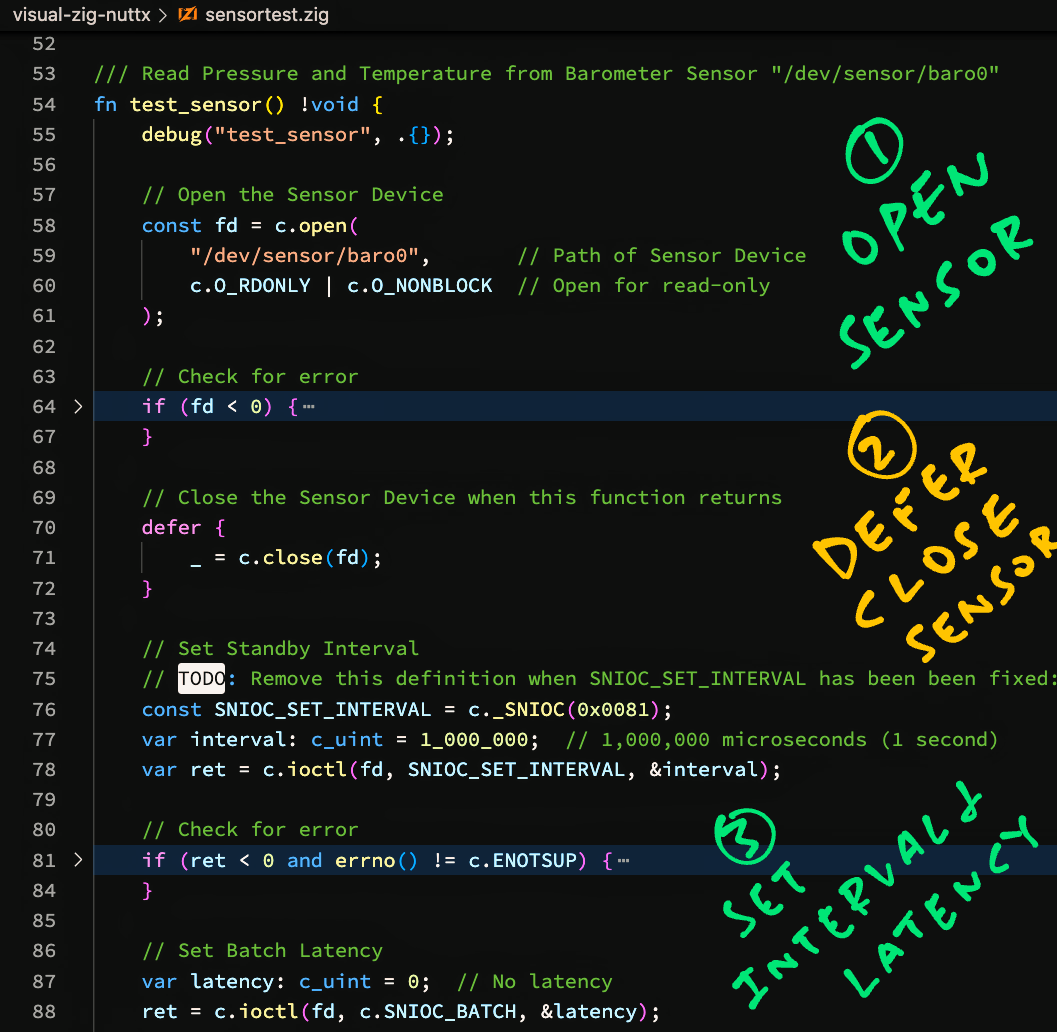
[(Source)](https://github.com/lupyuen/visual-zig-nuttx/blob/main/sensortest.zig#L53-L145)
## Read Barometer Sensor
Let's walk through the code to read the Temperature and Air Pressure from our __NuttX Barometer Sensor__ at ""/dev/sensor/baro0""...
- Open Sensor Device
- Set Standby Interval
- Set Batch Latency
- Enable Sensor
- Poll Sensor
- Read Sensor Data
- Print Sensor Data
- Disable Sensor
- Close Sensor Device
### Open Sensor Device
We begin by __opening the Sensor Device__: [sensortest.zig](https://github.com/lupyuen/visual-zig-nuttx/blob/main/sensortest.zig#L53-L145)
```zig
/// Read Pressure and Temperature from
/// Barometer Sensor ""/dev/sensor/baro0""
fn test_sensor() !void {
// Open the Sensor Device
const fd = c.open(
""/dev/sensor/baro0"", // Path of Sensor Device
c.O_RDONLY | c.O_NONBLOCK // Open for read-only
);
```
__`open()`__ should look familiar... On Linux we open Devices the same way.
_What's ""`!void`""?_
That's the __Return Type__ of our function...
- Our function doesn't return any value
(Hence ""`void`"")
- But it might return an __Error__
(Hence the ""`!`"")
_Why the ""`c.`"" prefix?_
We write ""`c.`_something_"" for Functions, Types and Macros __imported from C__.
(More about this in a while)
Next we check if the Sensor Device has been __successfully opened__...
```zig
// Check for error
if (fd < 0) {
std.log.err(
""Failed to open device:{s}"",
.{ c.strerror(errno()) }
);
return error.OpenError;
}
```
If the Sensor Device doesn't exist, we print a Formatted Message to the __Error Log__ and return an Error.
[(__OpenError__ is defined here)](https://github.com/lupyuen/visual-zig-nuttx/blob/main/sensor.zig#L55-L65)
_What's ""`{s}`""?_
That's for printing a __Formatted String__ in Zig.
It's equivalent to ""`%s`"" in C...
```c
printf(""Failed to open device:%s"", strerror(errno()));
```
_What's ""`.{ ... }`""?_
That's how we pass a __list of Arguments__ when printing a Formatted Message.
If we have no Arguments, we write ""`.{}`""
[(""`.{ ... }`"" creates an Anonymous Struct)](https://ziglang.org/documentation/master/#Anonymous-Struct-Literals)
### Close Sensor Device (Deferred)
We've just opened the Sensor Device and we must __close it later__...
But the Control Flow gets complicated because we might need to __handle Errors__ and quit early. In C we'd code this with ""`goto`"".
For Zig we do this nifty trick...
```zig
// Close the Sensor Device when
// this function returns
defer {
_ = c.close(fd);
}
```
When we write __""`defer`""__, this chunk of code will be executed __when our function returns__.
This brilliantly solves our headache of __closing the Sensor Device__ when we hit Errors later.
_Why the ""`_ =` something""?_
Zig Compiler stops us if we forget to use the __Return Value__ of a Function.
We write ""`_ =` _something_"" to tell Zig Compiler that we're not using the Return Value.
### Set Standby Interval
Some sensors (like BME280) will automatically measure Sensor Data at __Periodic Intervals__. [(Like this)](https://lupyuen.github.io/articles/bme280#standby-interval)
Let's assume that our sensor will measure Sensor Data __every 1 second__...
```zig
// TODO: Remove this definition when
// SNIOC_SET_INTERVAL has been been fixed:
// https://github.com/apache/incubator-nuttx/issues/6642
const SNIOC_SET_INTERVAL = c._SNIOC(0x0081);
// Set Standby Interval
var interval: c_uint = 1_000_000; // 1,000,000 microseconds (1 second)
var ret = c.ioctl(
fd, // Sensor Device
SNIOC_SET_INTERVAL, // ioctl Command
&interval // Standby Interval
);
```
(__c_uint__ is equivalent to ""unsigned int"" in C)
In case of error, we quit...
```zig
// Check for error
if (ret < 0 and errno() != c.ENOTSUP) {
std.log.err(""Failed to set interval:{s}"", .{ c.strerror(errno()) });
return error.IntervalError;
}
```
[(__IntervalError__ is defined here)](https://github.com/lupyuen/visual-zig-nuttx/blob/main/sensor.zig#L55-L65)
Which also closes the Sensor Device. (Due to our earlier ""`defer`"")
### Set Batch Latency
We set the __Batch Latency__, if it's needed by our sensor...
```zig
// Set Batch Latency
var latency: c_uint = 0; // No latency
ret = c.ioctl(
fd, // Sensor Device
c.SNIOC_BATCH, // ioctl Command
&latency // Batch Latency
);
```
And we check for error...
```zig
// Check for error
if (ret < 0 and errno() != c.ENOTSUP) {
std.log.err(""Failed to batch:{s}"", .{ c.strerror(errno()) });
return error.BatchError;
}
```
[(__BatchError__ is defined here)](https://github.com/lupyuen/visual-zig-nuttx/blob/main/sensor.zig#L55-L65)
### Enable Sensor
This is how we __enable our sensor__ before reading Sensor Data...
```zig
// Enable Sensor and switch to Normal Power Mode
ret = c.ioctl(
fd, // Sensor Device
c.SNIOCACTIVATE, // ioctl Command
@as(c_int, 1) // Enable Sensor
);
// Check for error
if (ret < 0 and errno() != c.ENOTSUP) {
std.log.err(""Failed to enable sensor:{s}"", .{ c.strerror(errno()) });
return error.EnableError;
}
```
_Why the ""@as(c_int, 1)""?_
As we've seen, Zig can __infer the types__ of our variables and constants. (So we don't need to specify the types ourselves)
But __ioctl()__ is declared in C as...
```c
int ioctl(int fd, int req, ...);
```
Note that the Third Parameter __doesn't specify a type__ and Zig Compiler gets stumped.
That's why in Zig we write the Third Parameter as...
```zig
@as(c_int, 1)
```
Which means that we pass the value `1` as a __C Integer Type__.
### Poll Sensor
After the enabling the sensor, we __poll the sensor__ to check if Sensor Data is available...
```zig
// Prepare to poll Sensor
var fds = std.mem.zeroes(
c.struct_pollfd
);
fds.fd = fd;
fds.events = c.POLLIN;
```
__std.mem.zeroes__ creates a __pollfd__ Struct that's initialised with nulls.
(The struct lives on the stack)
After populating the struct, we poll it...
```zig
// If Sensor Data is available...
if (c.poll(&fds, 1, -1) > 0) {
// Coming up: Read Sensor Data...
```
We're finally ready to read the Sensor Data!
### Read Sensor Data
We __allocate a buffer__ (on the stack) to receive the Sensor Data...
```zig
// Define the Sensor Data Type
var sensor_data = std.mem.zeroes(
c.struct_sensor_event_baro
);
// Size of the Sensor Data
const len = @sizeOf(
@TypeOf(sensor_data)
);
```
__std.mem.zeroes__ returns a __sensor_event_baro__ Struct, initialised with nulls.
We __read the Sensor Data__ into the struct...
```zig
// Read the Sensor Data
if (c.read(fd, &sensor_data, len) >= len) {
// Convert the Sensor Data
// to Fixed-Point Numbers
const pressure = float_to_fixed(
sensor_data.pressure
);
const temperature = float_to_fixed(
sensor_data.temperature
);
```
[(__float_to_fixed__ is explained here)](https://lupyuen.github.io/articles/sensor#appendix-fixed-point-sensor-data)
And convert the Pressure and Temperature from Floating-Point to __Fixed-Point Numbers__.
Which are similar to Floating-Point Numbers, but truncated to __2 Decimal Places__.
[(Why we use Fixed-Point Numbers)](https://lupyuen.github.io/articles/sensor#appendix-fixed-point-sensor-data)
### Print Sensor Data
Now we have the Pressure and Temperature as Fixed-Point Numbers, let's __print the Sensor Data__...
```zig
// Print the Sensor Data
debug(""pressure:{}.{:0>2}"", .{
pressure.int,
pressure.frac
});
debug(""temperature:{}.{:0>2}"", .{
temperature.int,
temperature.frac
});
// Will be printed as...
// pressure:1007.66
// temperature:27.70
```
_What are ""int"" and ""frac""?_
Our Fixed-Point Number has two Integer components...
- __int__: The Integer part
- __frac__: The Fraction part, scaled by 100
So to represent `123.45`, we break it down as...
- __int__ = `123`
- __frac__ = `45`
_Why print the numbers as ""`{}.{:0>2}`""?_
Our Format String ""`{}.{:0>2}`"" says...
| | |
|:---:|:---|
| `{}` | Print __int__ as a number
| `.` | Print `.`
| `{:0>2}` | Print __frac__ as a 2-digit number, padded at the left by `0`
Which gives us the printed output `123.45`
[(More about Format Strings)](https://ziglearn.org/chapter-2/#formatting-specifiers)
In case we can't read the Sensor Data, we write to the Error Log...
```zig
} else { std.log.err(""Sensor data incorrect size"", .{}); }
} else { std.log.err(""Sensor data not available"", .{}); }
```
### Disable Sensor
We finish by __disabling the sensor__...
```zig
// Disable Sensor and switch to Low Power Mode
ret = c.ioctl(
fd, // Sensor Device
c.SNIOC_ACTIVATE, // ioctl Command
@as(c_int, 0) // Disable Sensor
);
// Check for error
if (ret < 0) {
std.log.err(""Failed to disable sensor:{s}"", .{ c.strerror(errno()) });
return error.DisableError;
}
}
```
And we're done reading the Temperature and Pressure from the NuttX Barometer Sensor!
_Have we forgotten to close the sensor?_
Remember earlier we did this...
```zig
// Close the Sensor Device when
// this function returns
defer {
_ = c.close(fd);
}
```
This closes the sensor automagically when we return from the function. Super handy!
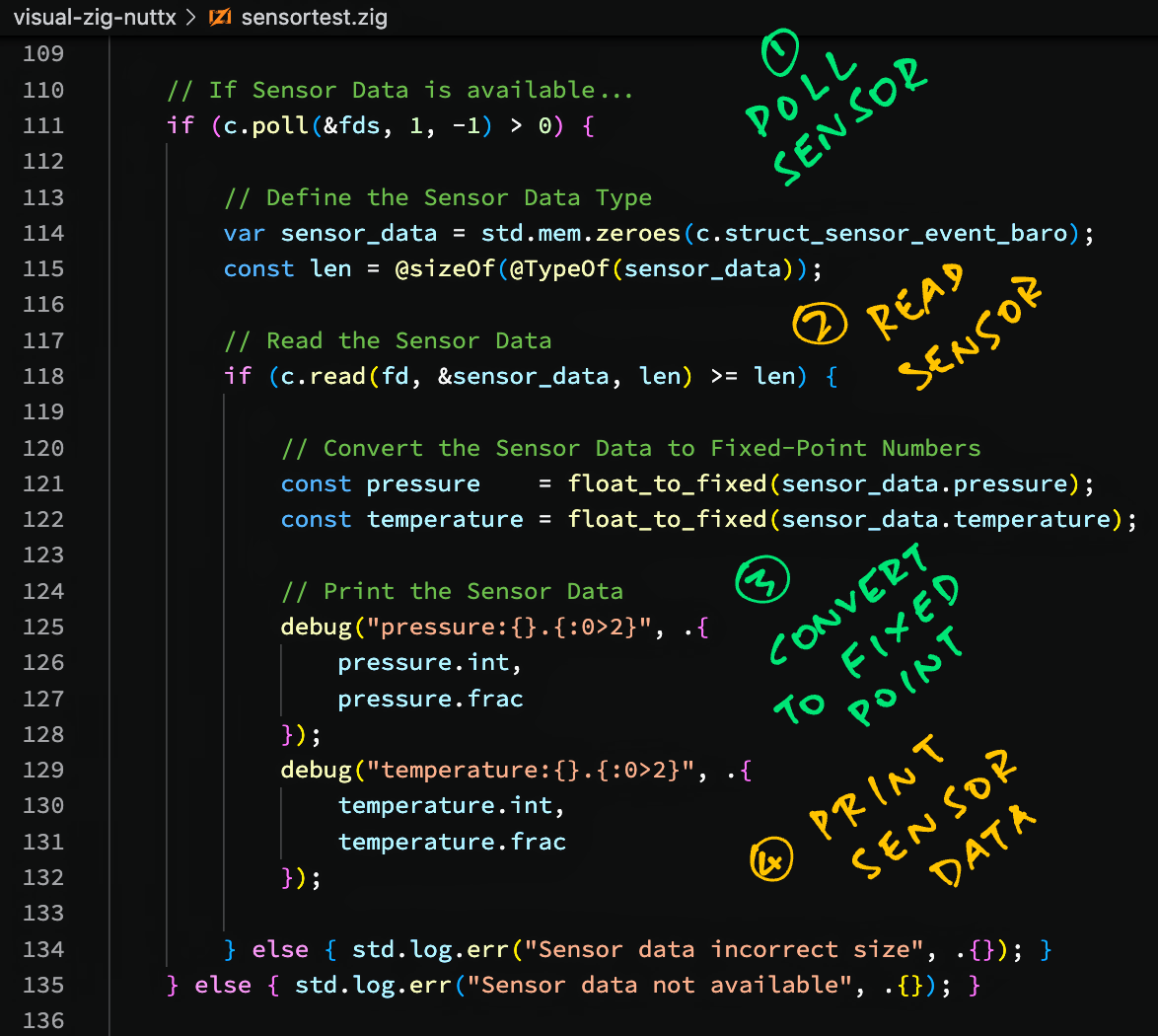
[(Source)](https://github.com/lupyuen/visual-zig-nuttx/blob/main/sensortest.zig#L53-L145)
## Read Humidity Sensor
_What about the Humidity from our BME280 Sensor?_
We read the __Humidity Sensor Data__ the exact same way as above, with a few tweaks: [sensortest.zig](https://github.com/lupyuen/visual-zig-nuttx/blob/main/sensortest.zig#L147-L234)
```zig
/// Read Humidity from Humidity Sensor
/// ""/dev/sensor/humi0""
fn test_sensor2() !void {
// Open the Sensor Device
const fd = c.open(
""/dev/sensor/humi0"", // Path of Sensor Device
c.O_RDONLY | c.O_NONBLOCK // Open for read-only
);
```
In the code above we changed the __path of the Sensor Device__.
The Sensor Data Struct becomes __sensor_event_humi__...
```zig
// If Sensor Data is available...
if (c.poll(&fds, 1, -1) > 0) {
// Define the Sensor Data Type
var sensor_data = std.mem.zeroes(
c.struct_sensor_event_humi
);
// Size of the Sensor Data
const len = @sizeOf(
@TypeOf(sensor_data)
);
```
Which contains a single value for the __Humidity Sensor Data__...
```zig
// Read the Sensor Data
if (c.read(fd, &sensor_data, len) >= len) {
// Convert the Sensor Data
// to Fixed-Point Number
const humidity = float_to_fixed(
sensor_data.humidity
);
// Print the Sensor Data
debug(""humidity:{}.{:0>2}"", .{
humidity.int,
humidity.frac
});
// Will be printed as...
// humidity:78.81
```
And we're done!
_Where's the list of Sensor Data Structs?_
The __NuttX Sensor Data Structs__ are defined at...
- [__include/nuttx/sensors/sensor.h__](https://github.com/lupyuen/incubator-nuttx/blob/master/include/nuttx/sensors/sensor.h#L290-L545)
_What about the Sensor Device Names like baro0 and humi0?_
Here's the list of __NuttX Sensor Device Names__...
- [__testing/sensortest/sensortest.c__](https://github.com/lupyuen/incubator-nuttx-apps/blob/master/testing/sensortest/sensortest.c#L86-L119)
_How are test_sensor and test_sensor2 called?_
They are called by our __Zig Main Function__.
(More about this in a while)
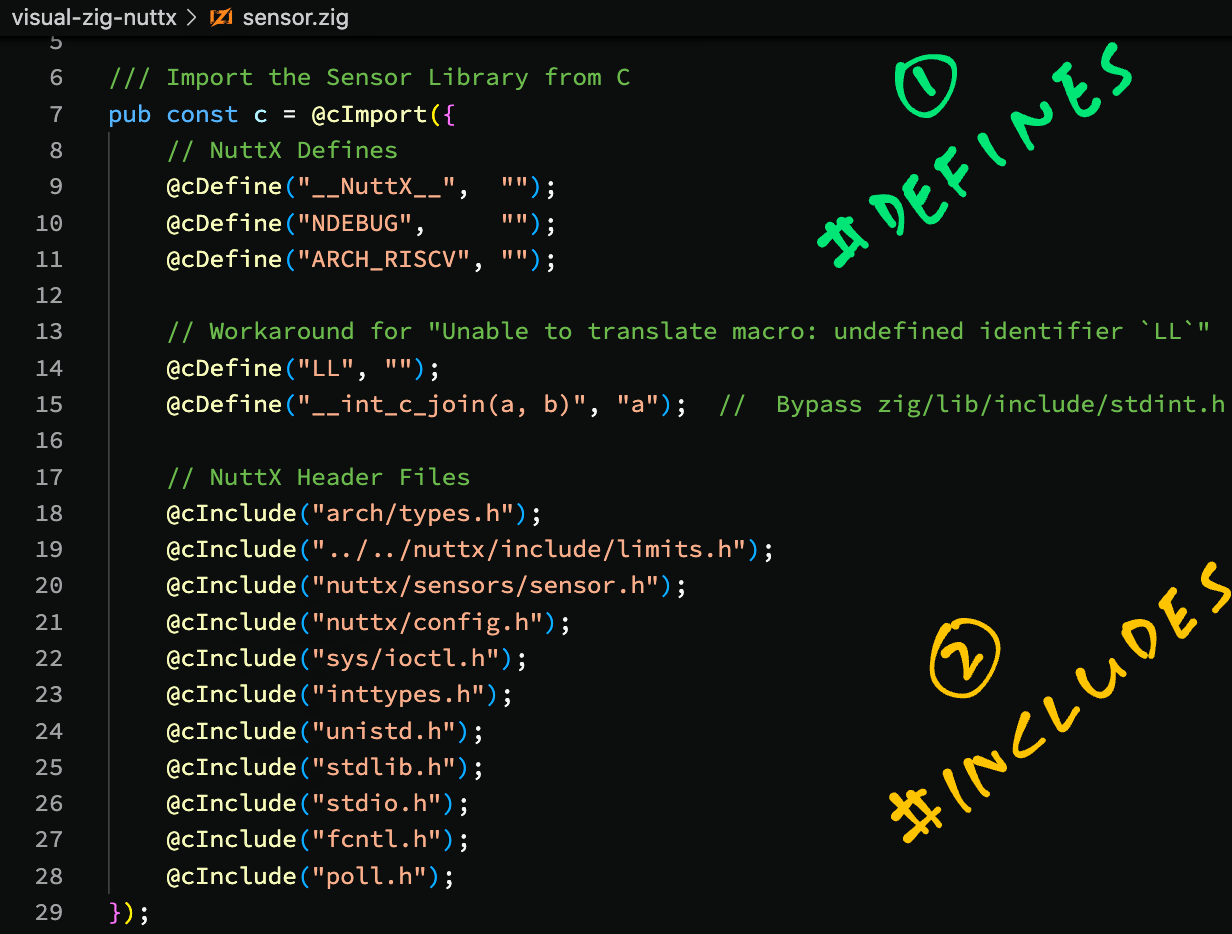
[(Source)](https://github.com/lupyuen/visual-zig-nuttx/blob/main/sensor.zig#L6-L30)
## Import NuttX Functions
_How do we import into Zig the NuttX Functions? open(), ioctl(), read(), ..._
This is how we __import the NuttX Functions, Types and Macros__ from C into Zig: [sensor.zig](https://github.com/lupyuen/visual-zig-nuttx/blob/main/sensor.zig#L6-L30)
```zig
/// Import the Sensor Library from C
pub const c = @cImport({
// NuttX Defines
@cDefine(""__NuttX__"", """");
@cDefine(""NDEBUG"", """");
@cDefine(""ARCH_RISCV"", """");
// This is equivalent to...
// #define __NuttX__
// #define NDEBUG
// #define ARCH_RISCV
```
[(__@cImport__ is documented here)](https://ziglang.org/documentation/master/#Import-from-C-Header-File)
At the top we set the __#define Macros__ that will be referenced by the NuttX Header Files coming up.
The settings above are specific to NuttX for BL602. [(Because of the GCC Options)](https://github.com/lupyuen/visual-zig-nuttx#sensor-test-app-in-c)
Next comes a workaround for a __C Macro Error__ that appears on Zig with NuttX...
```zig
// Workaround for ""Unable to translate macro: undefined identifier `LL`""
@cDefine(""LL"", """");
@cDefine(""__int_c_join(a, b)"", ""a""); // Bypass zig/lib/include/stdint.h
```
[(More about this)](https://lupyuen.github.io/articles/iot#appndix-macro-error)
Then we import the __C Header Files__ for NuttX...
```zig
// NuttX Header Files. This is equivalent to...
// #include ""..."";
@cInclude(""arch/types.h"");
@cInclude(""../../nuttx/include/limits.h"");
@cInclude(""nuttx/sensors/sensor.h"");
@cInclude(""nuttx/config.h"");
@cInclude(""sys/ioctl.h"");
@cInclude(""inttypes.h"");
@cInclude(""unistd.h"");
@cInclude(""stdlib.h"");
@cInclude(""stdio.h"");
@cInclude(""fcntl.h"");
@cInclude(""poll.h"");
});
```
""types.h"" and ""limits.h"" are needed for NuttX compatibility. [(See this)](https://lupyuen.github.io/articles/iot#appendix-zig-compiler-as-drop-in-replacement-for-gcc)
The other includes were copied from the __NuttX Sensor Test App__ in C: [sensortest.c](https://github.com/lupyuen/incubator-nuttx-apps/blob/master/testing/sensortest/sensortest.c#L34-L42)
_What about NuttX Structs like sensor_event_baro and sensor_event_humi?_
__NuttX Structs__ will be automatically imported with the code above.
NuttX Macros like __O_RDONLY__ and __SNIOC_BATCH__ will get imported too.
_Why do we write ""`c.`something"" when we call NuttX functions? Like ""c.open()""?_
Remember that we import all NuttX Functions, Types and Macros into the __""`c`"" Namespace__...
```zig
/// Import Functions, Types and Macros into ""c"" Namespace
pub const c = @cImport({ ... });
```
That's why we write ""`c.`_something_"" when we refer to NuttX Functions, Types and Macros.
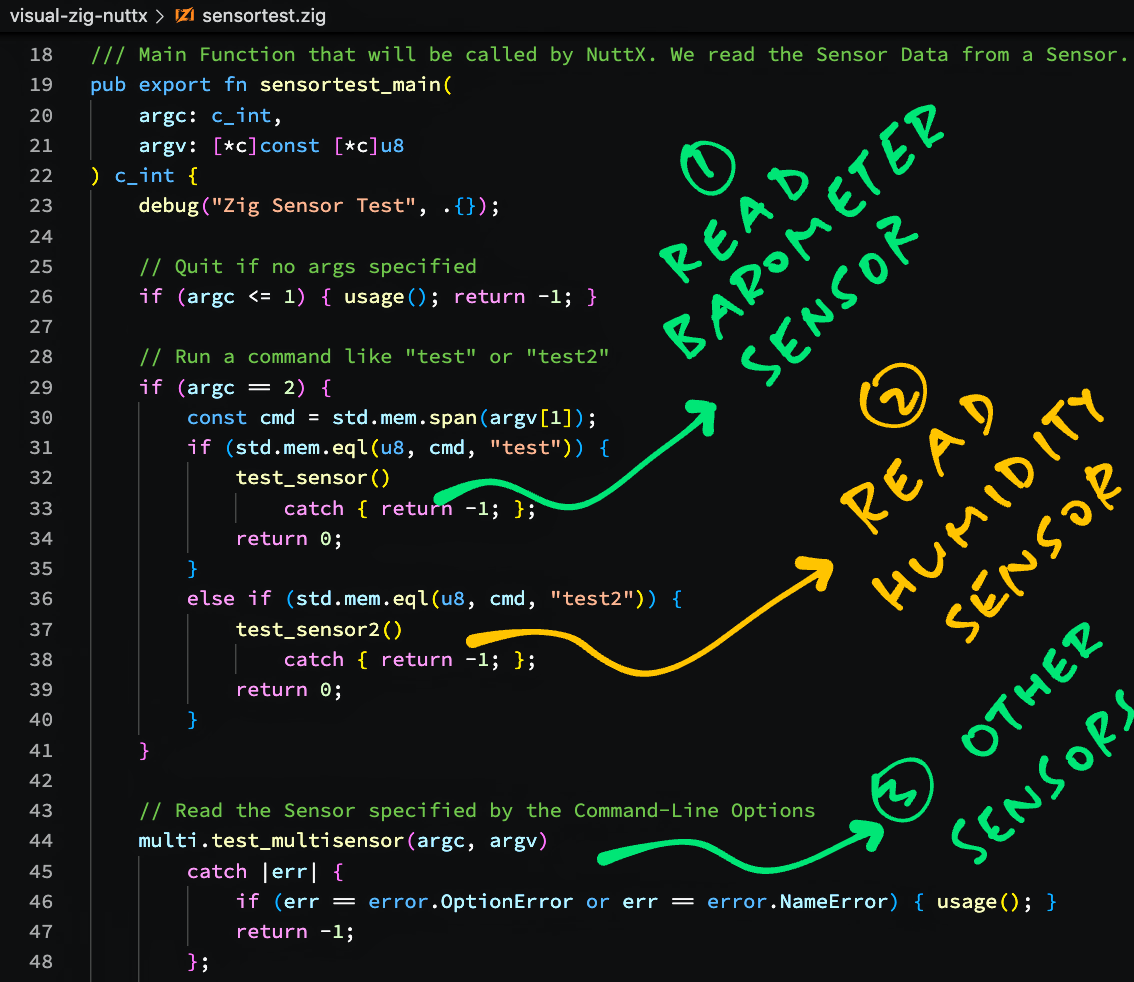
[(Source)](https://github.com/lupyuen/visual-zig-nuttx/blob/main/sensortest.zig#L3-L51)
## Main Function
One more thing before we run our Zig program: The __Main Function__.
We begin by importing the Zig Standard Library and __NuttX Sensor Definitions__: [sensortest.zig](https://github.com/lupyuen/visual-zig-nuttx/blob/main/sensortest.zig#L3-L51)
```zig
/// Import the Zig Standard Library
const std = @import(""std"");
/// Import the NuttX Sensor Definitions
const sen = @import(""./sensor.zig"");
/// Import the NuttX Sensor Library
const c = sen.c;
/// Import the Multi-Sensor Module
const multi = @import(""./multisensor.zig"");
```
[(__sensor.zig__ is located here)](https://github.com/lupyuen/visual-zig-nuttx/blob/main/sensor.zig)
__sen.c__ refers to the [__C Namespace__](https://lupyuen.github.io/articles/sensor#import-nuttx-functions) that contains the Functions, Types and Macros imported from NuttX.
(We'll talk about the Multi-Sensor Module in a while)
Next we declare our __Main Function__ that will be called by NuttX...
```zig
/// Main Function that will be called by NuttX.
/// We read the Sensor Data from a Sensor.
pub export fn sensortest_main(
argc: c_int,
argv: [*c]const [*c]u8
) c_int {
// Quit if no args specified
if (argc <= 1) { usage(); return -1; }
```
[(__usage__ is defined here)](https://github.com/lupyuen/visual-zig-nuttx/blob/main/sensortest.zig#L236-L253)
_Why is argv declared as ""[\*c]const [\*c]u8""?_
That's because...
- ""__[\*c]u8__"" is a C Pointer to an Unknown Number of Unsigned Bytes
(Like ""uint8_t *"" in C)
- ""__[\*c]const [\*c]u8__"" is a C Pointer to an Unknown Number of the above C Pointers
(Like ""uint8_t *[]"" in C)
So it's roughly equivalent to ""char **argv"" in C.
[(More about C Pointers in Zig)](https://ziglang.org/documentation/master/#C-Pointers)
We check the __Command-Line Argument__ passed to our program...
```zig
// Run a command like ""test"" or ""test2""
if (argc == 2) {
// Convert the command to a Slice
const cmd = std.mem.span(argv[1]);
```
Assume that ""__argv[1]__"" points to ""test"", the command-line arg for our program.
[__std.mem.span__](https://ziglang.org/documentation/0.9.1/std/#root;mem.span) converts ""test"" to a __Zig Slice__.
Let's pretend a Slice works like a ""String"", we'll explain in the next section.
This is how we __compare our Slice__ with a String (that's actually another Slice)...
```zig
// If the Slice is ""test""...
if (std.mem.eql(u8, cmd, ""test"")) {
// Read the Barometer Sensor
test_sensor()
catch { return -1; };
return 0;
}
```
So if the command-line arg is ""test"", we call __test_sensor__ to read the Barometer Sensor. [(As seen earlier)](https://lupyuen.github.io/articles/sensor#read-barometer-sensor)
If __test_sensor__ returns an Error, the __catch__ clause says that we quit.
And if the command-line arg is ""test2""...
```zig
// If the Slice is ""test2""...
else if (std.mem.eql(u8, cmd, ""test2"")) {
// Read the Humidity Sensor
test_sensor2()
catch { return -1; };
return 0;
}
}
```
We call __test_sensor2__ to read the Humidity Sensor. [(As seen earlier)](https://lupyuen.github.io/articles/sensor#read-humidity-sensor)
For other command-line args we run a __Multi-Sensor Test__...
```zig
// Read the Sensor specified by the Command-Line Options
multi.test_multisensor(argc, argv)
catch |err| {
// Handle the error
if (err == error.OptionError or err == error.NameError) { usage(); }
return -1;
};
return 0;
}
```
(We'll talk about Multi-Sensor Test in a while)
That's all for our Main Function!
_What's ""|err|""?_
If our function __test_multisensor__ fails with an Error...
```zig
multi.test_multisensor(argc, argv)
catch |err| {
// Do something with err
}
```
Then __err__ will be set to the Error returned by __test_multisensor__.
## Slice vs String
_Why do we need Slices? The usual Strings are perfectly splendid right?_
Strings in C (like __argv[1]__ from the previous section) are represented like this...
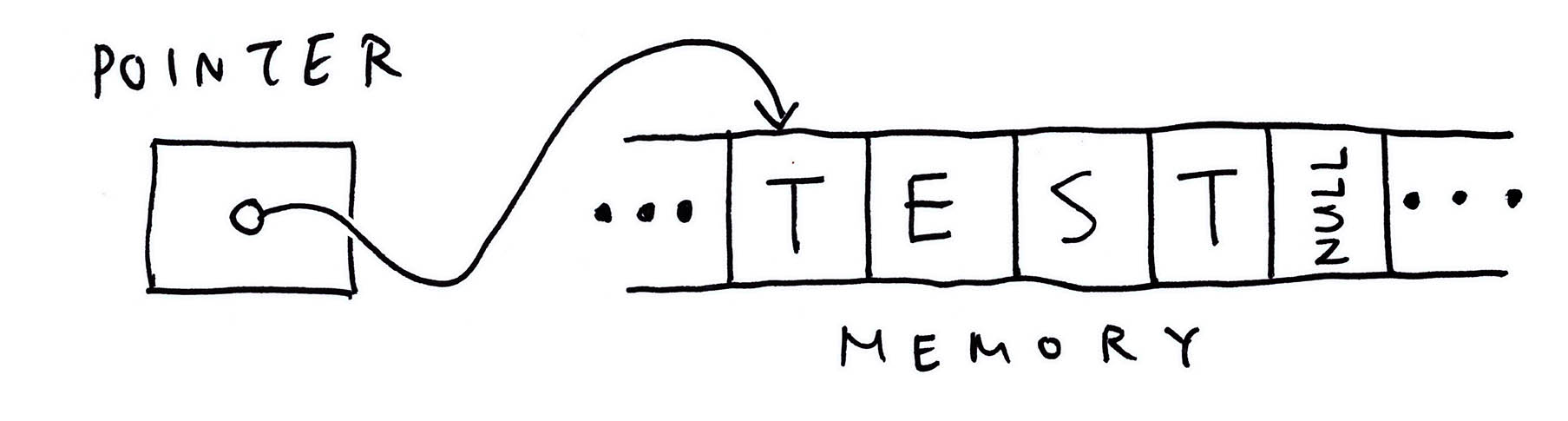
That's a Pointer to an Array of characters, __terminated by Null__.
_What if we make a mistake and overwrite the Terminating Null?_
Disaster Ensues! Our String would overrun the Array and cause __Undefined Behaviour__ when we read the String!
That's why we have __Slices__, a safer way to represent Strings (and other buffers with dynamic sizes)...
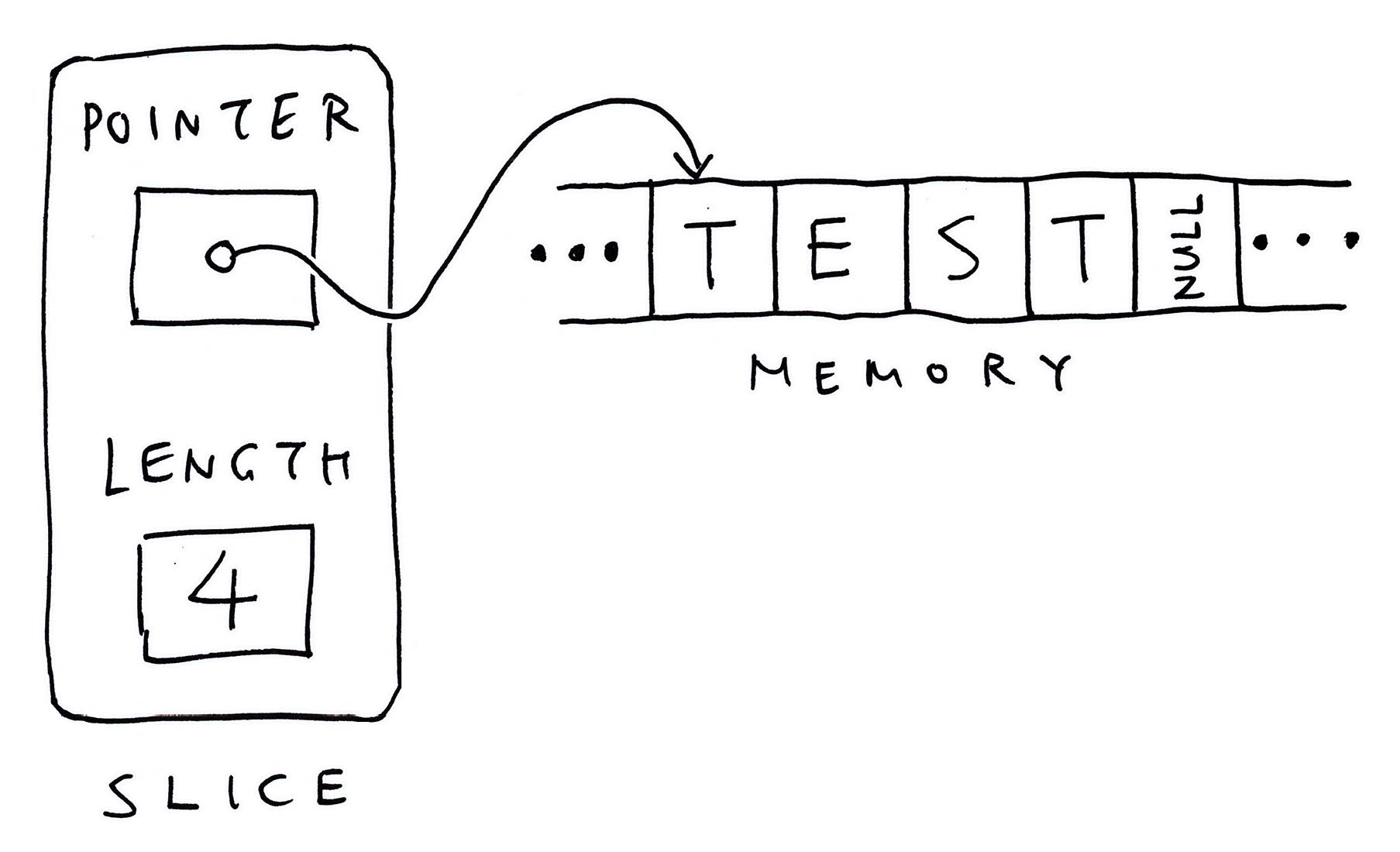
A Slice has two components...
- __Pointer__ to an Array of characters (or another type)
- __Length__ of the Array (excluding the null)
Because Slices are restricted by Length, it's a little harder to overrun our Strings by accident.
(If we access the bytes beyond the bounds of the Slice, our program halts with a [__Runtime Panic__](https://ziglang.org/documentation/master/#Index-out-of-Bounds))
To convert a Null-Terminated String to a Slice, we call [__std.mem.span__](https://ziglang.org/documentation/0.9.1/std/#root;mem.span)...
```zig
// Convert the command-line arg to a Slice
const slice = std.mem.span(argv[1]);
```
And to compare two Slices, we call __std.mem.eql__...
```zig
// If the Slice is ""test""...
if (std.mem.eql(u8, slice, ""test"")) {
...
}
```
__u8__ (unsigned byte) refers to the type of data in the Slice.
To convert a Slice back to a C Pointer, we write __&slice[0]__...
```zig
// Pass the Slice as a C Pointer
const fd = c.open(
&slice[0],
c.O_RDONLY | c.O_NONBLOCK
);
// Slice must be null-terminated.
// Triggers a runtime panic if the Slice is empty.
```
[(More about Slices)](https://ziglang.org/documentation/master/#Slices)

## Connect BME280 Sensor
For testing the Zig Sensor App, we connect the BME280 Sensor (I2C) to Pine64's [__PineCone BL602 Board__](https://lupyuen.github.io/articles/pinecone) (pic above)...
| BL602 Pin | BME280 Pin | Wire Colour
|:---:|:---:|:---|
| __`GPIO 1`__ | `SDA` | Green
| __`GPIO 2`__ | `SCL` | Blue
| __`3V3`__ | `3.3V` | Red
| __`GND`__ | `GND` | Black
The __I2C Pins__ on BL602 are defined here: [board.h](https://github.com/lupyuen/incubator-nuttx/blob/master/boards/risc-v/bl602/bl602evb/include/board.h#L91-L98)
```c
/* I2C Configuration */
#define BOARD_I2C_SCL \
(GPIO_INPUT | GPIO_PULLUP | GPIO_FUNC_I2C | \
GPIO_PIN2)
#define BOARD_I2C_SDA \
(GPIO_INPUT | GPIO_PULLU | GPIO_FUNC_I2C | \
GPIO_PIN1)
```
[(Which pins can be used? See this)](https://lupyuen.github.io/articles/expander#pin-functions)
## Compile Zig App
Below are the steps to __compile our Zig Sensor App__ for Apache NuttX RTOS and BL602 RISC-V SoC.
First we download the latest version of __Zig Compiler__ (0.10.0 or later), extract it and add to PATH...
- [__Zig Compiler Downloads__](https://ziglang.org/download/)
Then we download and compile __Apache NuttX RTOS__ for BL602...
- [__""Install Prerequisites""__](https://lupyuen.github.io/articles/nuttx#install-prerequisites)
- [__""Build NuttX""__](https://lupyuen.github.io/articles/nuttx#build-nuttx)
Check that the following have been enabled in the NuttX Build...
- [__I2C0 Port__](https://lupyuen.github.io/articles/bme280#configure-nuttx)
- [__I2C Character Driver__](https://lupyuen.github.io/articles/bme280#configure-nuttx)
- [__BME280 Driver__](https://lupyuen.github.io/articles/bme280#configure-nuttx)
- [__Sensor Driver Test App__](https://lupyuen.github.io/articles/bme280#configure-nuttx)
After building NuttX, we download and compile our __Zig Sensor App__...
```bash
## Download our Zig Sensor App for NuttX
git clone --recursive https://github.com/lupyuen/visual-zig-nuttx
cd visual-zig-nuttx
## Compile the Zig App for BL602
## (RV32IMACF with Hardware Floating-Point)
## TODO: Change ""$HOME/nuttx"" to your NuttX Project Directory
zig build-obj \
--verbose-cimport \
-target riscv32-freestanding-none \
-mcpu=baseline_rv32-d \
-isystem ""$HOME/nuttx/nuttx/include"" \
-I ""$HOME/nuttx/apps/include"" \
sensortest.zig
```
[(See the Compile Log)](https://gist.github.com/lupyuen/8d7a2a360bc4d14264c77f82da58b3dc)
Note that __target__ and __mcpu__ are specific to BL602...
- [__""Zig Target""__](https://lupyuen.github.io/articles/zig#zig-target)
_How did we get the Compiler Options `-isystem` and `-I`?_
Remember that we'll link our Compiled Zig App into the NuttX Firmware.
Hence the __Zig Compiler Options must be the same__ as the GCC Options used to compile NuttX.
[(See the GCC Options for NuttX)](https://github.com/lupyuen/visual-zig-nuttx#sensor-test-app-in-c)
Next comes a quirk specific to BL602: We must __patch the ELF Header__ from Software Floating-Point ABI to Hardware Floating-Point ABI...
```bash
## Patch the ELF Header of `sensortest.o` from
## Soft-Float ABI to Hard-Float ABI
xxd -c 1 sensortest.o \
| sed 's/00000024: 01/00000024: 03/' \
| xxd -r -c 1 - sensortest2.o
cp sensortest2.o sensortest.o
```
[(More about this)](https://lupyuen.github.io/articles/zig#patch-elf-header)
Finally we inject our __Compiled Zig App__ into the NuttX Project Directory and link it into the __NuttX Firmware__...
```bash
## Copy the compiled app to NuttX and overwrite `sensortest.o`
## TODO: Change ""$HOME/nuttx"" to your NuttX Project Directory
cp sensortest.o $HOME/nuttx/apps/testing/sensortest/sensortest*.o
## Build NuttX to link the Zig Object from `sensortest.o`
## TODO: Change ""$HOME/nuttx"" to your NuttX Project Directory
cd $HOME/nuttx/nuttx
make
## For WSL: Copy the NuttX Firmware to c:\blflash for flashing
mkdir /mnt/c/blflash
cp nuttx.bin /mnt/c/blflash
```
We're ready to run our Zig App!
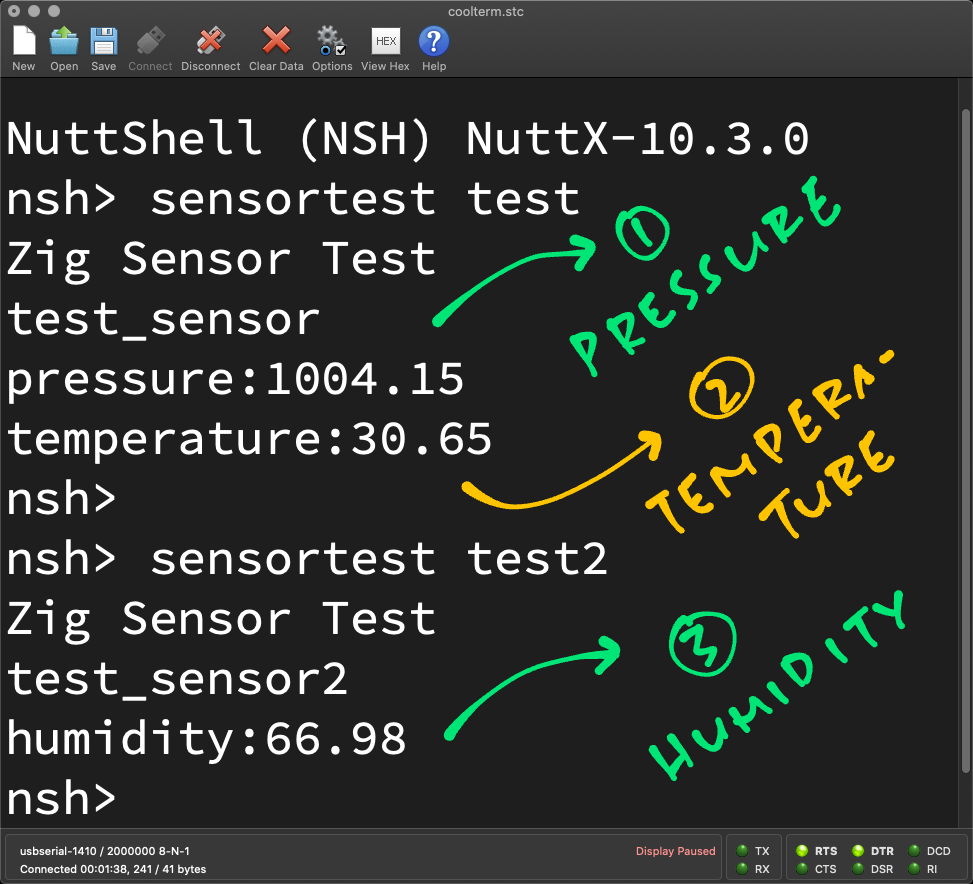
[(Source)](https://github.com/lupyuen/visual-zig-nuttx#read-barometer-sensor)
## Run Zig App
Follow these steps to __flash and boot NuttX__ (with our Zig App inside) on BL602...
- [__""Flash NuttX""__](https://lupyuen.github.io/articles/nuttx#flash-nuttx)
- [__""Run NuttX""__](https://lupyuen.github.io/articles/nuttx#run-nuttx)
In the NuttX Shell, enter this command to start our Zig App...
```bash
sensortest test
```
Which reads the __Air Pressure and Temperature__ from the BME280 Barometer Sensor...
```text
nsh> sensortest test
Zig Sensor Test
test_sensor
pressure:1007.66
temperature:27.70
```
This says that the Air Pressure is __1,007.66 millibars__ and the Temperature is __27.70 °C__.
Then enter this...
```bash
sensortest test2
```
Which reads the __Humidity__ from the BME280 Humidity Sensor...
```text
nsh> sensortest test2
Zig Sensor Test
test_sensor2
humidity:78.81
```
This says that the Relative Humidity is __78.81 %__.
Yep our Zig Sensor App reads the Air Pressure, Temperature and Humidity correctly from BME280 Sensor yay!
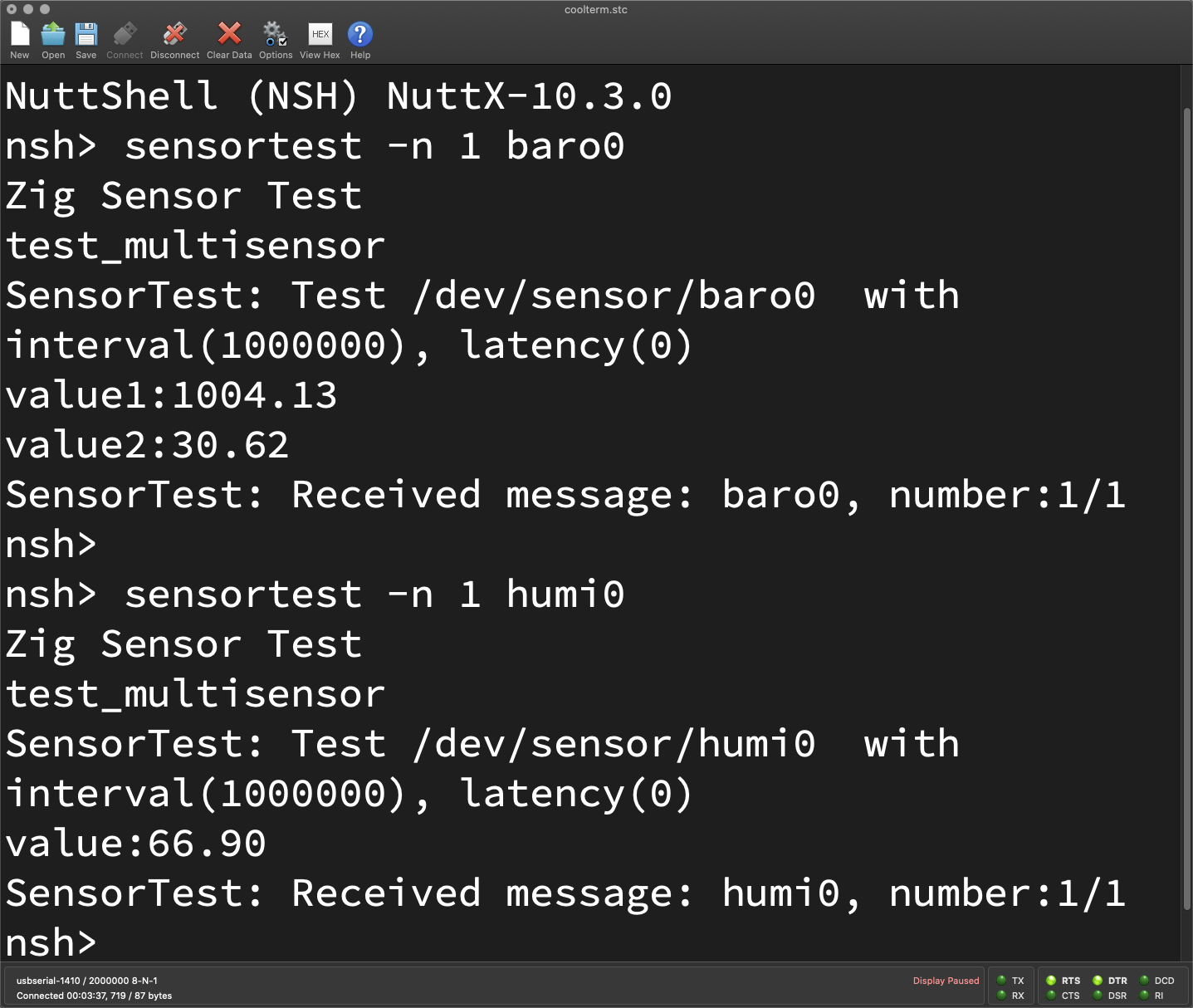
[(Source)](https://github.com/lupyuen/visual-zig-nuttx#clean-up)
## Multiple Sensors
_To test a different sensor, do we rewrite the Zig Sensor App?_
_Is there an easier way to test any NuttX Sensor?_
This is how we test __any NuttX Sensor__, without rewriting our app...
```text
nsh> sensortest -n 1 baro0
Zig Sensor Test
test_multisensor
SensorTest: Test /dev/sensor/baro0 with interval(1000000), latency(0)
value1:1007.65
value2:27.68
SensorTest: Received message: baro0, number:1/1
```
[(Source)](https://github.com/lupyuen/visual-zig-nuttx#clean-up)
Just specify the name of the Sensor Device (""baro0"") as the Command-Line Argument.
(""-n 1"" means read the Sensor Data once)
And this is how we read ""humi0""...
```text
nsh> sensortest -n 1 humi0
Zig Sensor Test
test_multisensor
SensorTest: Test /dev/sensor/humi0 with interval(1000000), latency(0)
value:78.91
SensorTest: Received message: humi0, number:1/1
```
[(Source)](https://github.com/lupyuen/visual-zig-nuttx#clean-up)
From the above output we see that Air Pressure is __1,007.65 millibars__, Temperature is __27.68 °C__ and Relative Humidity is __78.91 %__.
[(See the Command-Line Arguments)](https://github.com/lupyuen/visual-zig-nuttx/blob/main/sensortest.zig#L236-L253)
_Which sensors are supported?_
Here's the list of __Sensor Devices__ supported by the app...
- [__testing/sensortest/sensortest.c__](https://github.com/lupyuen/incubator-nuttx-apps/blob/master/testing/sensortest/sensortest.c#L86-L119)
To understand the printed values (like ""value1"" and ""value2""), we refer to the __Sensor Data Structs__...
- [__include/nuttx/sensors/sensor.h__](https://github.com/lupyuen/incubator-nuttx/blob/master/include/nuttx/sensors/sensor.h#L290-L545)
_How does it work?_
Inside our Zig Sensor App is a __Multi-Sensor Module__ that handles all kinds of sensors...
- [__multisensor.zig__](https://github.com/lupyuen/visual-zig-nuttx/blob/main/multisensor.zig)
The Zig code was converted from the __NuttX Sensor Test App__ in C...
- [__sensortest.c__](https://github.com/lupyuen/incubator-nuttx-apps/blob/master/testing/sensortest/sensortest.c)
Which is explained here...
- [__""Sensor Test App""__](https://lupyuen.github.io/articles/bme280#sensor-test-app)
Below are the steps for converting the Sensor Test App from C to Zig...
- [__Auto-Translate Sensor App to Zig__](https://github.com/lupyuen/visual-zig-nuttx#auto-translate-sensor-app-to-zig)
- [__Sensor App in Zig__](https://github.com/lupyuen/visual-zig-nuttx#sensor-app-in-zig)
- [__Run Zig Sensor App__](https://github.com/lupyuen/visual-zig-nuttx#run-zig-sensor-app)
- [__Fix Floating-Point Values__](https://github.com/lupyuen/visual-zig-nuttx#fix-floating-point-values)
- [__Floating-Point Link Error__](https://github.com/lupyuen/visual-zig-nuttx#floating-point-link-error)
- [__Fixed-Point Printing__](https://github.com/lupyuen/visual-zig-nuttx#fixed-point-printing)
- [__Change to Static Buffer__](https://github.com/lupyuen/visual-zig-nuttx#change-to-static-buffer)
- [__Incorrect Alignment__](https://github.com/lupyuen/visual-zig-nuttx#incorrect-alignment)
- [__Clean Up__](https://github.com/lupyuen/visual-zig-nuttx#clean-up)
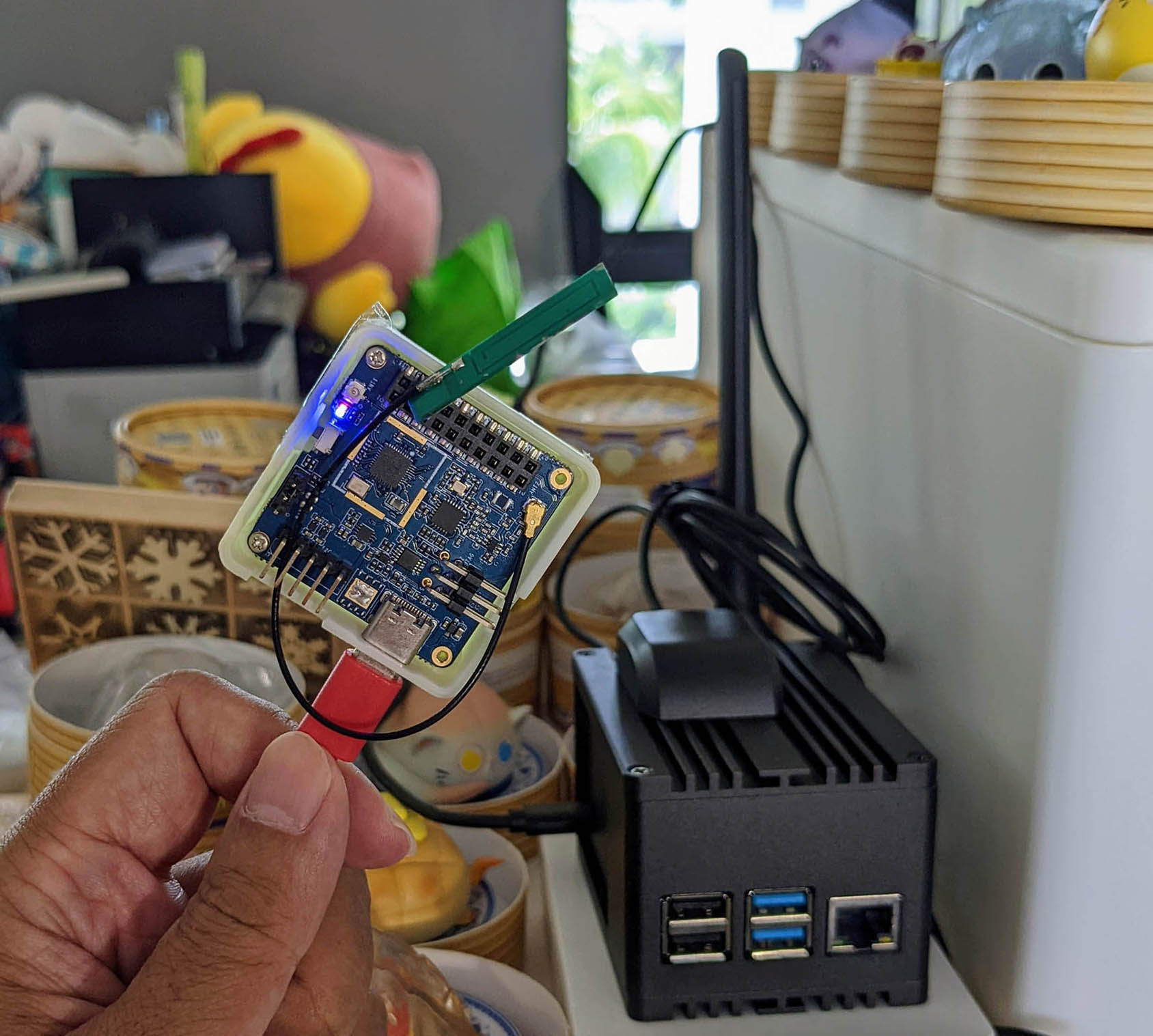
_Pine64 PineDio Stack BL604 RISC-V Board (left) talking LoRaWAN on Zig to RAKwireless WisGate LoRaWAN Gateway (right)_
## LoRaWAN and Visual Programming
_Once again... Why are we doing this in Zig?_
We said earlier that Zig is super helpful for __writing safer programs__ because it catches problems at rutime: Overflow, Underflow, Array Out-of-Bounds and more. [(See the list)](https://ziglang.org/documentation/master/#Undefined-Behavior)
And we plan to use the Zig code in this article for upcoming __LoRaWAN and Visual Programming__ projects.
_Isn't LoRaWAN the long-range, low-power, low-bandwidth Wireless Network for IoT Gadgets?_
Yep we have previously created a Zig app for the [__LoRaWAN Wireless Network__](https://makezine.com/2021/05/24/go-long-with-lora-radio/)...
- [__""Build an IoT App with Zig and LoRaWAN""__](https://lupyuen.github.io/articles/iot)
Now we can integrate the Sensor Code from this article... To create the firmware for an IoT Gadget that actually __transmits real Sensor Data__!
We'll compress the Sensor Data with __CBOR__...
- [__""Encode Sensor Data with CBOR on Apache NuttX OS""__](https://lupyuen.github.io/articles/cbor2)
And monitor the Sensor Data with __Prometheus and Grafana__...
- [__""Monitor IoT Devices in The Things Network with Prometheus and Grafana""__](https://lupyuen.github.io/articles/prometheus)
_And this LoRaWAN App will work for all kinds of NuttX Sensors?_
Righto our Zig LoRaWAN App will eventually support __all types of NuttX Sensors__.
But we've seen today that each kind of NuttX Sensor needs a lot of __boilerplate code__ (and error handling) to support every sensor.
_Can we auto-generate the boilerplate code for each NuttX Sensor?_
I'm about to experiment with __Visual Programming__ for NuttX Sensors.
Perhaps we can [__drag-n-drop a NuttX Sensor__](https://github.com/google/blockly) into our LoRaWAN App...
And __auto-generate the Zig code__ for the NuttX Sensor! (Pic below)
That would be an awesome way to mix-n-match various NuttX Sensors for IoT Gadgets!

[(Source)](https://github.com/lupyuen/visual-zig-nuttx)
## What's Next
I hope you find this article helpful for creating your own Sensor App. Lemme know what you're building!
In the coming weeks I shall [__customise Blockly__](https://github.com/google/blockly) to auto-generate the Zig Sensor App. Someday we'll create Sensor Apps the drag-n-drop way!
- [__""Visual Programming for Zig with NuttX Sensors""__](https://github.com/lupyuen/visual-zig-nuttx)
To learn more about Zig, check out these tips...
- [__""Learning Zig""__](https://lupyuen.github.io/articles/pinephone#appendix-learning-zig)
See my earlier work on Zig, NuttX, LoRaWAN and LVGL...
- [__""Zig on RISC-V BL602: Quick Peek with Apache NuttX RTOS""__](https://lupyuen.github.io/articles/zig)
- [__""Build an IoT App with Zig and LoRaWAN""__](https://lupyuen.github.io/articles/iot)
- [__""Build an LVGL Touchscreen App with Zig""__](https://lupyuen.github.io/articles/lvgl)
Many Thanks to my [__GitHub Sponsors__](https://github.com/sponsors/lupyuen) for supporting my work! This article wouldn't have been possible without your support.
- [__Sponsor me a coffee__](https://github.com/sponsors/lupyuen)
- [__Discuss this article on Reddit__](https://www.reddit.com/r/Zig/comments/warst3/read_nuttx_sensor_data_with_zig/)
- [__Read ""The RISC-V BL602 / BL604 Book""__](https://lupyuen.github.io/articles/book)
- [__Check out my articles__](https://lupyuen.github.io)
- [__RSS Feed__](https://lupyuen.github.io/rss.xml)
_Got a question, comment or suggestion? Create an Issue or submit a Pull Request here..._
[__lupyuen.github.io/src/sensor.md__](https://github.com/lupyuen/lupyuen.github.io/blob/master/src/sensor.md)
## Notes
1. This article is the expanded version of [__this Twitter Thread__](https://twitter.com/MisterTechBlog/status/1548909434440585216)
1. The design of the __NuttX Sensor API__ is discussed here...
[__""Unified Management for Sensor""__](https://github.com/apache/incubator-nuttx/pull/2039)
1. Our Zig App includes a [__Custom Logger__](https://github.com/lupyuen/visual-zig-nuttx/blob/main/sensortest.zig#L281-L316) and [__Panic Handler__](https://github.com/lupyuen/visual-zig-nuttx/blob/main/sensortest.zig#L255-L279). They are explained below...
[__""Logging""__](https://lupyuen.github.io/articles/iot#appendix-logging)
[__""Panic Handler""__](https://lupyuen.github.io/articles/iot#appendix-panic-handler)
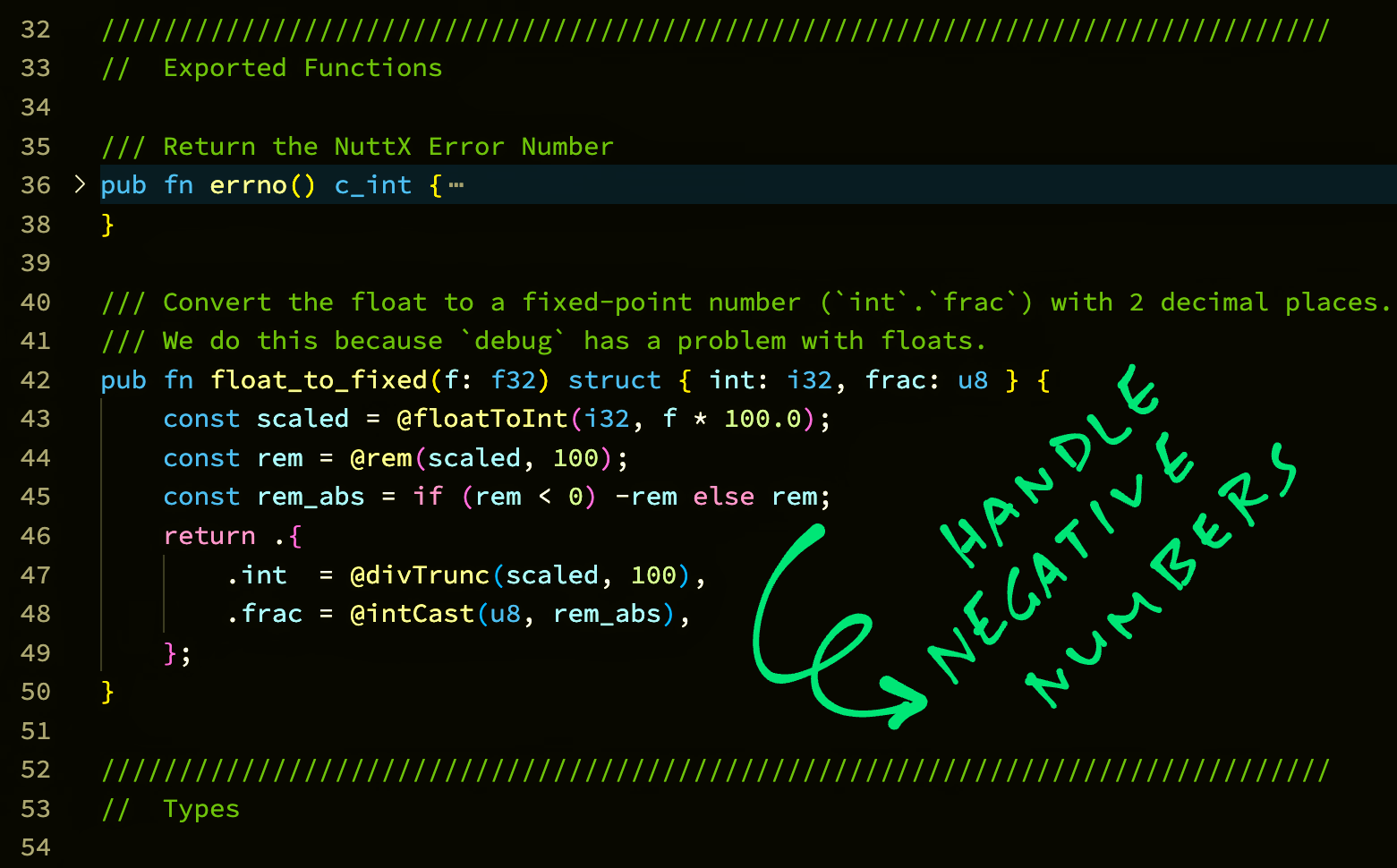
[(Source)](https://github.com/lupyuen/visual-zig-nuttx/blob/main/sensor.zig#L39-L49)
## Appendix: Fixed-Point Sensor Data
_How do we use Fixed-Point Numbers for Sensor Data?_
Our Zig Sensor App reads Sensor Data as __Floating-Point Numbers__...
- [__""Read Sensor Data""__](https://lupyuen.github.io/articles/sensor#read-sensor-data)
- [__""Print Sensor Data""__](https://lupyuen.github.io/articles/sensor#print-sensor-data)
And converts the Sensor Data to [__Fixed-Point Numbers__](https://en.wikipedia.org/wiki/Fixed-point_arithmetic) (2 decimal places) for printing...
```zig
// Convert Pressure to a Fixed-Point Number
const pressure = float_to_fixed(
sensor_data.pressure
);
// Print the Pressure as a Fixed-Point Number
debug(""pressure:{}.{:0>2}"", .{
pressure.int,
pressure.frac
});
```
(More about __float_to_fixed__ in a while)
(Someday we might simplify the printing with [__Custom Formatting__](https://ziglearn.org/chapter-2/#formatting))
__UPDATE:__ We no longer need to call __floatToFixed__ when printing only one Floating-Point Number. The Debug Logger auto-converts it to Fixed-Point for us. [(See this)](https://github.com/lupyuen/visual-zig-nuttx/blob/main/sensortest.zig#L266-L294)
_What are ""int"" and ""frac""?_
Our Fixed-Point Number has two Integer components...
- __int__: The Integer part
- __frac__: The Fraction part, scaled by 100
So to represent `123.456`, we break it down as...
- __int__ = `123`
- __frac__ = `45`
We drop the final digit `6` when we convert to Fixed-Point.
_Why handle Sensor Data as Fixed-Point Numbers? Why not Floating-Point?_
When we tried printing the Sensor Data as Floating-Point Numbers, we hit some __Linking and Runtime Issues__...
- [__""Fix Floating-Point Values""__](https://github.com/lupyuen/visual-zig-nuttx#fix-floating-point-values)
- [__""Floating-Point Link Error""__](https://github.com/lupyuen/visual-zig-nuttx#floating-point-link-error)
- [__""Fixed-Point Printing""__](https://github.com/lupyuen/visual-zig-nuttx#fixed-point-printing)
Computations on Floating-Point Numbers are OK, only printing is affected. So we print the numbers as Fixed-Point instead.
(We observed these issues with Zig Compiler version 0.10.0, they might have been fixed in later versions of the compiler)
_Won't our Sensor Data get less precise in Fixed-Point?_
Yep we lose some precision with Fixed-Point Numbers. (Like the final digit `6` from earlier)
But most IoT Gadgets will __truncate Sensor Data__ before transmission anyway.
And for some data formats (like CBOR), we need __fewer bytes__ to transmit Fixed-Point Numbers instead of Floating-Point...
- [__""Floating-Point Numbers (CBOR)""__](https://lupyuen.github.io/articles/cbor2#floating-point-numbers)
Thus we'll probably stick to Fixed-Point Numbers for our upcoming IoT projects.
_How do we convert Floating-Point to Fixed-Point?_
Below is the implementation of __float_to_fixed__, which receives a Floating-Point Number and returns the Fixed-Point Number (as a Struct): [sensor.zig](https://github.com/lupyuen/visual-zig-nuttx/blob/main/sensor.zig#L39-L49)
```zig
/// Convert the float to a fixed-point number (`int`.`frac`) with 2 decimal places.
/// We do this because `debug` has a problem with floats.
pub fn float_to_fixed(f: f32) struct { int: i32, frac: u8 } {
const scaled = @floatToInt(i32, f * 100.0);
const rem = @rem(scaled, 100);
const rem_abs = if (rem < 0) -rem else rem;
return .{
.int = @divTrunc(scaled, 100),
.frac = @intCast(u8, rem_abs),
};
}
```
(See the docs: [__@floatToInt__](https://ziglang.org/documentation/master/#floatToInt), [__@rem__](https://ziglang.org/documentation/master/#rem), [__@divTrunc__](https://ziglang.org/documentation/master/#divTrunc),[__@intCast__](https://ziglang.org/documentation/master/#intCast))
This code has been tested for positive and negative numbers.
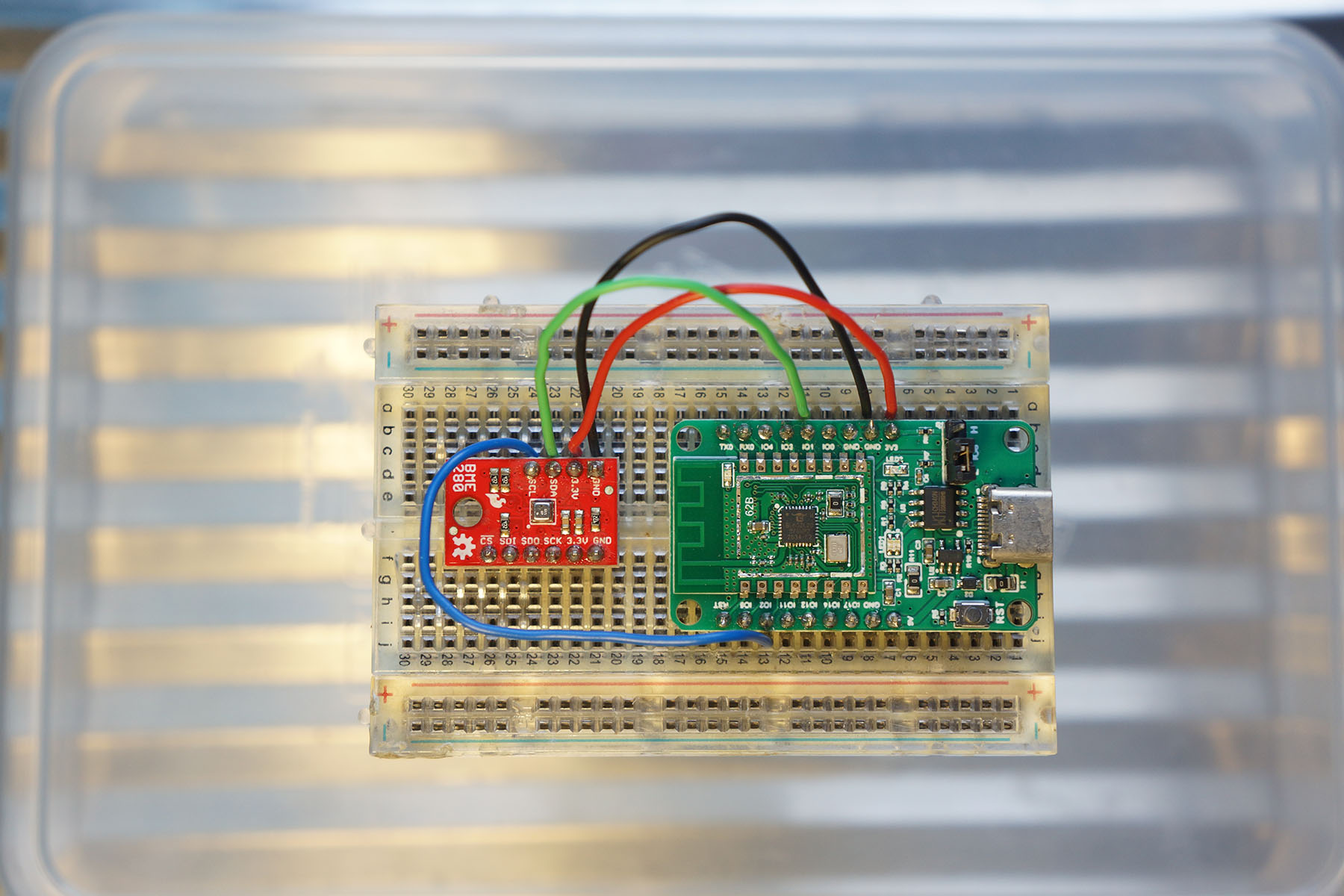
"
60,195,"2021-05-23 04:42:21",gw1,writing-a-brain-compiler-5h53,"","Writing A Brain**** Compiler","My Question Was Answered In the previous post I asked a question, and got an answer! My...","---
title: Writing A Brain**** Compiler
published: true
date: 2021-05-23 04:42:21 UTC
tags: zig,lowlevel,compiler
canonical_url: https://g-w1.github.io/blog/zig/low-level/compiler/2021/05/23/bf-compile.html
---
# My Question Was Answered
In the [previous post](https://g-w1.github.io/blog/zig/low-level/2021/03/15/elf-linux.html) I asked a question, and got an answer! My question was: “From what i’ve seen, linux executables are loaded into memory at 0x400000 (if someone knows why this is, please tell me!)”
Rafael Ávila de Espíndola kindly replied with this answer:
> The value is arbitrary, and not directly imposed by linux. In fact, it is the executable that sets it. In your asm file you have
>
> ```
> org 0x400000
> ...
> phdr: ; Elf64_Phdr
> dd 1 ; p_type
> dd 5 ; p_flags
> dq 0 ; p_offset
> dq $$ ; p_vaddr
>
> ```
>
> So you are creating a `PT_LOAD (type 1)` with a `p_vaddr` a bit above 0x400000. This is what the kernel uses to decide where to put your binary. BTW, it is better if the value is page aligned. It looks like the linux kernel aligns it for you, but it is a bit more clear if the value in the file is already aligned. As for why 0x400000 is common, that is quite a bit of archaeology. A good place to look is the lld history, as we had to do a bit of archaeology when creating it. LLD started by using the smallest value that would work: the second page. The current value was changed in[https://github.com/llvm/llvm-project/commit/c9de3b4d267bf6c7bd2734a1382a65a8812b07d9](https://github.com/llvm/llvm-project/commit/c9de3b4d267bf6c7bd2734a1382a65a8812b07d9)So the reason for the 0x400000 (4MiB) is that that is the size of superpages in some x86 modes. It looks like the gnu linker used that for x86-64 too, but that is probably an oversight. LLD uses 2MiB since that is the large page size in that architecture. It was set in[https://github.com/llvm/llvm-project/commit/8fd0196c6fd1bb3fed20418ba319677b66645d9c](https://github.com/llvm/llvm-project/commit/8fd0196c6fd1bb3fed20418ba319677b66645d9c)Welcome to the world of linkers :-) Cheers, Rafael
I am grateful that someone went out of their way to help me.
The Zig self-hosted linker has this code:
```zig
const default_entry_addr = 0x8000000;
```
andrewrk (zig author) said the reason for putting it at 8mb:
> note that is virtual address space; it does not actually take up 8 MiB of space
>
> 1. (not important) there is a tradition of making that the entry point (citation needed)
> 2. it works for both 32 and 64 bit address space
> 3. it leaves plenty room for stuff to go before it, such as unmapped pages, to cause segfaults for null pointer and e.g. field access of null pointers
> - also stuff like the Global Offset Table
Lesson learned: one small mistake (or even change that is not ideal) can propogate through a whole industry. I was pretty interested by this :) It is also pretty interesting that 3 different backends use 3 different values.
# Brainfuck Compiler
In the previous post, I said that the next post would be about me writing a brainfuck compiler. In case you do not know, brainfuck is an esoteric programming language created in the 90’s. It has 8 instructions:
```
> increment the data pointer (to point to the next cell to the right).
< decrement the data pointer (to point to the next cell to the left).
+ increment (increase by one) the byte at the data pointer.
- decrement (decrease by one) the byte at the data pointer.
. output the byte at the data pointer.
, accept one byte of input, storing its value in the byte at the data pointer.
[ if the byte at the data pointer is zero, then instead of moving the instruction pointer forward to the next command, jump it forward to the command after the matching] command.
] if the byte at the data pointer is nonzero, then instead of moving the instruction pointer forward to the next command, jump it back to the command after the matching [ command.
```
You can think of it as a mini turing machine. Since it is such a simple language, it seemed like an ideal first language to implement. I implemented it from the input source code to outputting a full ELF file. I have written a compiler before, but it just emitted textual assembly and I used nasm/ld to turn it into ELF. This post will go over how I wrote it. I recommend you also read the previous post as it shows the setup for ELF part so that in this part, we can just get to emitting code. The first thing I did was setup a `Code.zig`. In Zig, files with capital letters mean that they are structs (all files are) with fields. In this case, the only field is a
```zig
output: []const u8,
```
field, but I left it like this so in the future I could add more fields, for storing different info about the generated code. I used the `r10` as the sort of “array pointer” for the code, the thing that > and < increment and decrement. I could have used an address in data, but decided just using a register was easier. The main loop for generating the code is small enough that I can paste it here:
> 🤦 moment: so I was reading the wikipedia page to write this article and realized that I read the brainfuck spec wrong. :^( I was jumping backwards instead of forwards (or maybe in even weirder ways), so most programs worked, but some didn’t. It is always good to make sure to read carefully! (and will save you a lot of time)
```zig
/// generate the assembly from the brainfuck input
/// ASSUMTIONS:
/// at the start of the code running,
/// dat_idx is r10,
pub fn gen(gpa: *std.mem.Allocator, bfsrc: []const u8) !Code {
var code = std.ArrayList(u8).init(gpa);
errdefer code.deinit();
var loop_stack = std.ArrayList(u64).init(gpa);
defer loop_stack.deinit();
for (bfsrc) |c, i| {
switch (c) {
// inc dword [dat_idx]
'+' => try code.appendSlice(&.{ 0x41, 0xff, 0x02 }),
// dec dword qword [dat_idx]
'-' => try code.appendSlice(&.{ 0x41, 0xff, 0x0a }),
// add r10, 8
'>' => try code.appendSlice(&.{ 0x49, 0x83, 0xc2, 0x08 }),
// sub r10, 8
'<' => try code.appendSlice(&.{ 0x49, 0x83, 0xea, 0x08 }),
// write(1, dat_idx, 1)
'.' => try write(&code),
// read(0, dat_idx, 1)
',' => try read(&code),
// NOP
'[' => {
// jumped to by the closing bracket
try code.append(0x90);
try loop_stack.append(code.items.len);
// cmp QWORD PTR [r10],0x0
try code.appendSlice(&.{
0x41, 0x83, 0x3a, 0x00,
});
// je {
const opped = loop_stack.popOrNull() orelse {
std.log.emerg(""found a ] without a matching [: at index {d}"", .{i});
std.process.exit(1);
};
// jmp {},
}
}
if (loop_stack.items.len != 0) {
std.log.emerg(""found a [without a matching]"", .{});
}
try exit0(&code);
return Code{ .output = code.toOwnedSlice() };
}
```
as an example, `read(` looks like this:
```zig
fn read(c: *std.ArrayList(u8)) !void {
// mov rax, 0
try c.appendSlice(&.{
0xb8,
0x00,
0x00,
0x00,
0x00,
});
// mov rdi, 1
try c.appendSlice(&.{
0xbf,
0x01,
0x00,
0x00,
0x00,
});
// mov rdx, 1
try c.appendSlice(&.{
0xba,
0x01,
0x00,
0x00,
0x00,
});
// mov rsi, r10
try c.appendSlice(&.{
0x4c,
0x89,
0xd6,
});
try syscall(c);
}
```
and `syscall(` looks like this
```zig
fn syscall(c: *std.ArrayList(u8)) !void {
try c.appendSlice(&.{
0x0f, 0x05,
});
}
```
Hopefully this gives you a sense of how it all fits together. Its just machine code all the way down!
The way I got the x64 opcodes was just writing then in nasm, then assembling the assembly file, then using objdump to see the opcodes. I still don’t fully understand the instruction encoding (I see myself learning this in the future if I want to do more compiler stuff), so this seemed like the easiest way. I used the `r10` x64 register as the pointer to the current cell. Some pain points I ran into:
- Offset math is hard! I spent a lot of time trying to do the offset math for the conditional loops. At first, my understanding of brainfuck was wrong, so that went wrong. Then I had to learn about different sizes of backwards jumps in x86 and how to represent negative numbers in binary. `objdump` helped me a lot in seeing what was wrong, I couldn’t have done this without it!
- Relocation stuff. From my understanding, a relocation is a place in a binary that you need to change based on information that you get in the future. Here is the code for making and “doing” the relocations:
```zig
'[' => {
// jumped to by the closing bracket
try code.append(0x90);
try loop_stack.append(code.items.len);
// cmp QWORD PTR [r10],0x0
try code.appendSlice(&.{
0x41, 0x83, 0x3a, 0x00,
});
// je {
const popped = loop_stack.popOrNull() orelse {
std.log.emerg(""found a ] without a matching [: at index {d}"", .{i});
std.process.exit(1);
};
// jmp inc r10
[ ][ ][ ][ ]
^^^^^^^^
```
This is what happens when we just do `inc r10`, but if we `add r10, 8` then the diagram will look like this:
```
[ ][ ][ ][ ]
^^^^^^^^
> add r10, 8
[ ][ ][ ][ ]
^^^^^^^^
```
We get the nice offset instead of a really weird one. (This also took me a while to debug)
# Running some code!
Before we talk about the “bugs” in `bz` (the name I chose for it. I know, soooo creative :P.) lets talk about the features: Here is a sample `bz` session.
```
% rm hello
removed 'hello'
% zig build
% cat hello.bf
++++++++[>++++[>++>+++>+++>+<<<<-]>+>+>->>+[<]<-]>>.>---.+++++++..+++.>>.<-.<.+++.------.--------.>>+.>++.
% ./zig-out/bin/bz hello.bf -o hello
% file hello
hello: ELF 64-bit LSB executable, x86-64, version 1 (SYSV), statically linked, stripped
% ./hello
Hello World!
%
```
I took the hello world brainfuck program from the wikipedia article, and it works! Lets try something a little more complicated, fibonacci:
```
% cat fib.bf
>++++++++++>+>+[
[+++++[>++++++++<-]>.<++++++[>--------<-]+<<<]>.>>[
[-]<[>+<-]>>[<<+>+>-]<[>+<-[>+<-[>+<-[>+<-[>+<-[>+<-
[>+<-[>+<-[>+<-[>[-]>+>+<<<-[>+<-]]]]]]]]]]]+>>>
]<<<
]
This program doesn't terminate; you will have to kill it.
Daniel B Cristofani (cristofdathevanetdotcom)
http://www.hevanet.com/cristofd/brainfuck/
% ./zig-out/bin/bz fib.bf -o fib
% ./fib
0
1
1
2
3
5
8
13
21
34
55
89
1E01)844
2W02#633
4b045u77
7072YK10
1F]212�87
2=s0�01<97
4J3Y3370�4
7N�
542""B81
12_+8*88�5
20t343��46
^C
%
```
as you can see, for the first few fibonacci numbers it works! Then it slowly goes haywire. I think the program actually calculates the right numbers as 1E01)844 looks like 144 and 2W02#633 looks like 233. I think I just have some weird miscompilation that I can’t identify for printing the numbers. I am sad. But, this is good enough for now. I officially declare this project “done” for now. You can see the code for this commit [here](https://github.com/g-w1/zelf/commit/62c3bac27ad1b2e195626847f3b50181cf61357a).
Sources: https://en.wikipedia.org/wiki/Brainfuck#Commands https://esolangs.org/wiki/Brainfuck"
431,690,"2022-12-12 04:56:12.131914",pyrolistical,realigning-set-interfaces-in-std-3cml,"","Realigning Set interfaces in std","As a follow up to New pure fns in StaticBitSet, I went through all the Set implementations and...","As a follow up to [New pure fns in StaticBitSet](https://zig.news/pyrolistical/new-pure-fns-in-staticbitset-39jd), I went through all the Set implementations and realigned the interfaces.
Here are the results.
- [std: added eql to DynamicBitSet and DynamicBitSetUnmanaged #13783](https://github.com/ziglang/zig/pull/13783)
- [std: added pure fns to EnumSet #13824](https://github.com/ziglang/zig/pull/13824)
- [std: add EnumMultiSet #13834](https://github.com/ziglang/zig/pull/13834)
- [std: add missing subsetOf/supersetOf to DynamicBitSet and EnumMultiset #13895](https://github.com/ziglang/zig/pull/13895)

The functions missing for `DynamicBitSet` are ones that require allocation. I am undecided on how to best add those functions, so I left them out for now. The main issue is `clone` is inconsistent in `std`.
`EnumMultiset` is brand new and it doesn't quite line up as it is a [Multiset](https://en.wikipedia.org/wiki/Set_(abstract_data_type)#Multiset) and not a regular [Set](https://en.wikipedia.org/wiki/Set_(abstract_data_type))."
570,850,"2024-02-05 04:28:36.296899",fuzhouch,use-git-submodule-local-path-to-manage-dependencies-24ig,"","Use git submodule + local path to manage dependencies","I started knowing build.zig.zon from the great post from @edyu on package management in Zig....","I started knowing build.zig.zon from [the great post](https://zig.news/edyu/zig-package-manager-wtf-is-zon-2-0110-update-1jo3) from @edyu on package management in Zig. Unfortunately, my work environment requires a http proxy to access network. And by the time the post is written, ``zig build`` does not properly honor http_proxy environment variables. Thus, I have to manually download all dependencies since August 2023. (I also created a [post](https://fuzhouch.com/post/2023-08-19-a-workaround-to-build-zig-projects-without-direct-network-connection/) to talk about it.)
Previously I can live with it. I just write some small executable in Zig without external dependencies. However, when I started my hobby project [zamgba](https://github.com/fuzhouch/zamgba), it becomes a problem that must be solved.
It was painful to repeat the manual download + hash generation approach. The problem is, the hash required by build.zig.zon needs to be fetched when the first time I download the package. Unfortunately, I have to add a new library that does not have hash generated by other projects. It appears to be a chick-and-egg problem. Fortunately I found a good approach. that we can combine the ``git submodule`` + ``build.zig.zon``.
The idea is to use ``.dependencies..path`` instead of ``.dependencies..url`` to define the project. My example project, [cosumezamgba](https://github.com/fuzhouch/consumezamgba), shows how I use it:
```
.{
.name = ""consumezamgba"",
.version = ""0.0.0"",
.minimum_zig_version = ""0.12.0"",
.dependencies = .{
.zamgba = . {
.path = ""./deps/zamgba"",
},
},
.paths = .{
"""",
},
}
```
We can see the project depends on ``./deps/zamgba``. This refers to my main project, https://github.com/fuzhouch/zamgba, referenced by ``git submodule``. When building the example project, [consumezamgba](https://github.com/fuzhouch/consumezamgba), just run one more command, ``git submodule update --init --recursive``. It will do the trick.
An extra benefit is, when using ``.path``, we don't need the ``.hash`` field at all. Thus it completely weave the needs of generating hash.
This is not a new idea. Actually it's borrowed from the C/C++ world. Many existing C/C++ projects still use ``git submodule`` to manage dependencies. It works pretty well in any environment, with or without HTTP proxy.
Besides, this is also a good approach to reference to a project that haven't got any stable version released, especially when we need local test or hack my dependencies. I can pin to a specific commit of my dependency with git, without the needs of looking for ""Download a Zip"" link on Github.
Hope it helps.
"
435,647,"2022-12-16 22:21:25.87121",gwenzek,on-the-value-of-going-deep-or-how-a-broken-keyboard-led-me-to-fix-bugs-in-zig-288o,https://zig.news/uploads/articles/rcf5vtofe0yegrowg84z.jpg,"On the value of going deep, or How a broken keyboard led me to fix bugs in Zig.","All in the golden afternoon.. This afternoon I sat down in front of my keyboard, with a...","## All in the golden afternoon..
This afternoon I sat down in front of my keyboard, with a cup of coffee ready to work. As you can imagine you don't end up using this kind of keyboard by accident, and I really liked this one. But, alas, the keyboard was again acting up, seemingly rebooting when I'm typing on the right hand side. Oh no I thought, I'd already fixed this last week by heating up a bit the micro controller legs... But today I had to make progress, so I sighed, and push my keyboard to the side.
And I was back at typing on my laptop keyboard. I always found this awkward, but after being use to vertically staggered it's hard to ignore the wrist pain. So I figured I was going to dig up my [layerz](https://github.com/gwenzek/layerz) project from a year ago that emulates some of my Keyseebee layout on my laptop, by adding extra power to the ""space"" key and ""alt"" keys.
Since I didn't use this code from some time I had to update from Zig 0.8.0 to Zig 0.10.0. There was a few breaking changes with function pointers and build API, but nothing crazy, and I was quickly able to compile `layerz`. I felt relieved to have quickly mitigated my issue, and being able to get back to work.
But as I pressed ""Meta-tab"" I saw the segfault being printed in my terminal. This what somewhat confusing to me, because `layerz` is a very simple program. It reads key events from one file handle and writes them to another. I realized I had forgotten to run the test suite after the last code changes, but no, it was still working fine.
## “Oh dear! Oh dear! I shall be late!”
Hmm why is the behavior different in test and in prod ? The only thing I wasn't testing, is my interaction with libevdev. libevdev is a wrapper library for evdev devices. It allows me to ""grab"" a physical device and its inputs, and create a new virtual device, with its own file descriptor and write events there.
It is unlikely that libevdev itself was the culprit, and it was also unlikely I had a sever bug in my calling code, since it used to work on a previous laptop.
So what was in between my code and libevdev ? The well known [C ABI](https://en.wikipedia.org/wiki/Application_binary_interface#C). This is _the_ binary interface that glue together most of the programming world.
Most compiler talks this language, and are able to correctly pass simple values and struct through this frontier to function written in another language. Note that at this point in time, this simple definition is about all I could tell about C ABI.
## The rabbit-hole went straight on like a tunnel for some way
How do we know that Zig is calling the ABI correctly ? At first I didn't even found the relevant test suite in Zig, so I searched for Clang ones. I ducked the web around, until I found a test suite for Clang in [llvm-test-suite](https://github.com/llvm/llvm-test-suite/tree/main/ABI-Testsuite). The test suite is mostly about creating C struct and verifying that Clang is creating the right layout for them. I decided to see if Zig could pass those tests.
Zig is also a C compiler so I could quickly run the tests with `zig cc`, but of course that's not really helpful, because Zig is using libclang for `zig cc`, so it didn't provide a different result.
So I tried `zig translate-c` feature, that allow for Zig to convert C files, to Zig. That wasn't really convincing because the test suite is very macro-heavy, something Zig doesn't handle well, and a lot of the complexity was about implementing a test runner in C, which is builtin in Zig so the code wasn't very idiomatic, even once I workaround the macro issues.
At this point I rolled up my sleeves and implemented [a small Python script](https://github.com/gwenzek/llvm-test-suite/blob/1a4e795f4743b9905b2c1ba5ba1831b3d678e8f6/ABI-Testsuite/find_relevant.py) to translate the very repetitive C code into Zig code. And quickly I was able to get my first results. Out of the full test suite, there was actually 1808 valid C structs. Others are either containing empty struct (which is invalid in C but not in C++) or bitfields whose behavior through the C ABI is not specified by the C standard.
Clang is apparently testing on them to ensure it does the same thing than `gcc`.
For those 1808 structs, Zig was passing ll the layouts tests. So I had to go deeper. Knowing the shape of a struct is effectively needed to use the C ABI, but that's really not enough.
## There were doors all round the hall, but they were all locked;
Because the C struct are typically sliced into registers before calling the C function. There are conventions about which registers should be used for which function parameters.
For example if you have a `{v1: f32, v2: i32}` struct then the `v1` field will be put into a floating point register and the `v2` in an integer register even if you could theoretically have crammed them both into one 64-bit register.
And it's time to talk about different architecture and OSes.
Since the C ABI talks about registers you actually have one C ABI _per architecture_. And x86_64 even has two because Windows uses its own calling convention and not sytemV like other OSes. I can't tell you much about the difference, because I didn't got a chance to run my test suite on Windows, so let's go deeper instead !
So how do we test that we actually tests that C ABI ?
Asking on Zig discord, Topolarity pointed me to the (modest) [C ABI test suite in Zig](https://github.com/ziglang/zig//blob/fc5209c139c4905ff697a664da5f4cc099184d7e/test/c_abi/main.zig). It passes structs through the ABI and asserts they have the expected value on the other side.
I wrote similar tests for the list of struct I had. For each struct I generate a special value, a C function that check the content of each field, and returns 0 for success, or `i` if the `i`-th field doesn't contain the expect value.
The generate code looks like this:
```
// zig side:
test ""F_I: Zig passes to C"" {
try testing.expectOk(c.assert_F_I(.{ .v1 = -0.25, .v2 = 2673 }));
}
// C side:
int assert_F_I(struct F_I lv){
int err = 0;
if (lv.v1 != -0.25) err = 1;
if (lv.v2 != 2673) err = 2;
return err;
}
```
I actually generates 4 directions:
* Zig calls the C assertion function
* C calls Zig assertion function
* Zig asserts a struct returned by C
* C asserts a struct returned by Zig
Using qemu I was also able to run the above tests on different platforms. It's actually very easy to use `qemu` with `zig test`, by just passing `-target {target} --test-cmd qemu-{arch} --test-cmd-bin`.
I found a number of failing tests. At this time the aarch64 test suite was actually segfaulting, while the x86_64 ones was reporting 340 failing tests (across as many structs).
Note that this is with the newly release Zig self-hosted
compiler of 0.10.0 which isn't fully ironed yet.
| Target | passed | skipped | failed | crashes |
| --------------- | --------| --------| -------| --------|
| i386-linux | 3725 | 3768 | 1927 | 0 |
| x86_64-linux | 9080 | 0 | 340 | 0 |
| aarch64-linux | 5 | 0 | 0 | **7** |
| riscv64-linux | 8494 | 0 | 146 | **1** |
## she opened it, and found in it a very small cake
I was getting at something.
I opened a PR adding three distinct structs to the existing Zig test suite.
I was secretly hoping this would be enough to convince someone else to finish the job for me.
And it probably would have, but some other part of my brain was on the hunt and wanted to squash that bug.
Most importantly this PR had shown to the core contributors I wasn't joking, and I was worth spending some time on.
I didn't thought about this before-hand but it makes lot of sense now.
As I spend some time on Zig Discord, I observed it's quite common to see people raising issues with big stack traces or asking questions about particular thing they want to improve but not following up on them.
Core contributors have a lot of knowledge to share, but also they have limited time available and they can't disperse themselves too much if they want to focus on the hard parts.
Offering something first helps when you're asking for help.
## her foot slipped, and in another moment, splash!
I focused on one struct and looked at the [generated machine code](https://godbolt.org/z/reYo1Mzzb) (Note I was using godbolt at first, but as soon I started recompiling Zig, I had to roll out a local ""godbolt"", which isn't very complicated, Zig makes it easy to output the llvm or assembly).
```zig
const C_C_D = extern struct { v1: i8, v2: i8, v3: f64 };
pub export fn zig_assert_C_C_D(lv: C_C_D) c_int {
var err: c_int = 0;
if (lv.v1 != 88) err = 1;
if (lv.v2 != 39) err = 2;
if (lv.v3 != -2.125) err = 3;
return err;
}
```
```
zig_assert_C_C_D:
push rbp
mov rbp, rsp
sub rsp, 24
mov qword ptr [rbp - 24], rdi
mov qword ptr [rbp - 16], rsi
mov dword ptr [rbp - 4], 0
cmp byte ptr [rbp - 24], 88
je .LBB0_2
mov dword ptr [rbp - 4], 1
jmp .LBB0_3
...
```
I knew that Zig was generating the wrong machine code,
but I didn't exactly knew what was wrong. If you're familiar with x86_64 you can probably find the issue relatively quickly. Admittedly this took me a bit longer because even when comparing with Clang assembly, it took me some time to see the difference. Indeed there are many difference between Clang and Zig assembly, but most of them are non-issue, since they lead to equivalent behavior. Reading Raymond Chen blog posts about [calling conventions](https://devblogs.microsoft.com/oldnewthing/20220726-00/?p=106898) helped me understand what was the supposedly right assembly for this function. The issue is that we are reading the struct from `rdi` and `rsi`, two integer registers while the C calling convention says `v3` should be written in the first float register, `xmm0`.
From there the solving actually came pretty fast, I got some help from another core contributor, Vexu, who pointed me to the part of the code generating the LLVM IR for C calling convention, and pointed me that the intermediary struct representing the function registers couldn't handled a mix of float and integer registers. I modified a bit the struct, adapted the code generating it and the code reading it, recompiled the compiler, rerun the test suite and all x86_64 tests were passing:
```
x86_64-linux: Test results: 9420 passed; 0 skipped; 0 failed.
```
A quick [PR](https://github.com/ziglang/zig/pull/13592) later, and voilà, you can check on godbolt that `zig trunk` generates good looking LLVM IR and assembly code.
## the Caucus-Race, the Cat, the Queen, the Croquet, ...
There are even more adventures going on with Aarch64, and others with miscompilations in release mode. Those stories haven't resolved yet, so that would be for another time.
Here are my takeaways from all this:
1. Don't be afraid at looking at what's below you, maybe you'll find something interesting and worst case you'll learn a lot. Often people think about ""rabbit hole"" as ""wasting time"", or ""getting lost"". I tried to describe my thought process to try to show it's possible to go very deep, but staying focus to find what you're searching. It means I had to make some compromise, and didn't try to understand everything I was seeing, only what I needed to fix my bug.
2. When interacting with OSS project, do you homework before asking for help, and try to bring something to the project.
3. Zig 0.10.0, has some bugs which is kind of expected given that it's the first release of the self hosted compiler.0.10.1 will be more usable.
4. Zig codebase is great. As a new contributor, I was able to quickly read, understand and fix the relevant code. Zig core team is also great and they know their stuff.
5. Test generation is a great tool to find bugs.
And for those who were still holding their breath about my wrists pain, I've switched to Sesame ""Elmo"" keyboard, which features cheap and sturdy electronic on a classic layout named _Alice_.

Thanks for reading, I wish you a lot of rabbit holing !"
413,513,"2022-10-18 23:51:22.562832",lupyuen,nuttx-rtos-for-pinephone-display-driver-in-zig-5199,https://zig.news/uploads/articles/ai3xe2uupaoi78kiwdc5.jpg,"NuttX RTOS for PinePhone: Display Driver in Zig","In our last article we talked about Pine64 PinePhone (pic above) and its LCD Display, connected via...","In our last article we talked about [__Pine64 PinePhone__](https://wiki.pine64.org/index.php/PinePhone) (pic above) and its [__LCD Display__](https://lupyuen.github.io/articles/dsi#xingbangda-xbd599-lcd-panel), connected via the (super complicated) [__MIPI Display Serial Interface__](https://lupyuen.github.io/articles/dsi#connector-for-mipi-dsi)...
- [__""Understanding PinePhone's Display (MIPI DSI)""__](https://lupyuen.github.io/articles/dsi)
Today we shall create a __PinePhone Display Driver in Zig__... That will run on our fresh new port of [__Apache NuttX RTOS__](https://lupyuen.github.io/articles/uboot) for PinePhone.
If we're not familiar with the [__Zig Programming Language__](https://ziglang.org/): No worries! This article will explain the tricky Zig parts with C.
_Why build the Display Driver in Zig? Instead of C?_
Sadly some parts of PinePhone's [__ST7703 LCD Controller__](https://lupyuen.github.io/articles/dsi#sitronix-st7703-lcd-controller) and [__Allwinner A64 SoC__](https://lupyuen.github.io/articles/dsi#initialise-mipi-dsi) are poorly documented. (Sigh)
Thus we're building a __Quick Prototype__ in Zig to be sure we're setting the Hardware Registers correctly.
And while rushing through the reckless coding, it's great to have Zig cover our backs and catch [__Common Runtime Problems__](https://ziglang.org/documentation/master/#Undefined-Behavior).
Like Null Pointers, Underflow, Overflow, Array Out Of Bounds, ...
_Will our final driver be in Zig or C?_
Maybe Zig, maybe C?
It's awfully nice to use Zig to simplify the complicated driver code. Zig's [__Runtime Safety Checks__](https://ziglang.org/documentation/master/#Undefined-Behavior) are extremely helpful too.
But this driver goes into the __NuttX RTOS Kernel__. So most folks would expect the final driver to be delivered in C?
In any case, Zig and C look highly similar. Converting the Zig Driver to C should be straightforward.
(Minus the Runtime Safety Checks)
Zig or C? Lemme know what you think! 🙏
Let's continue the journey from our __NuttX Porting Journal__...
- [__lupyuen/pinephone-nuttx__](https://github.com/lupyuen/pinephone-nuttx)
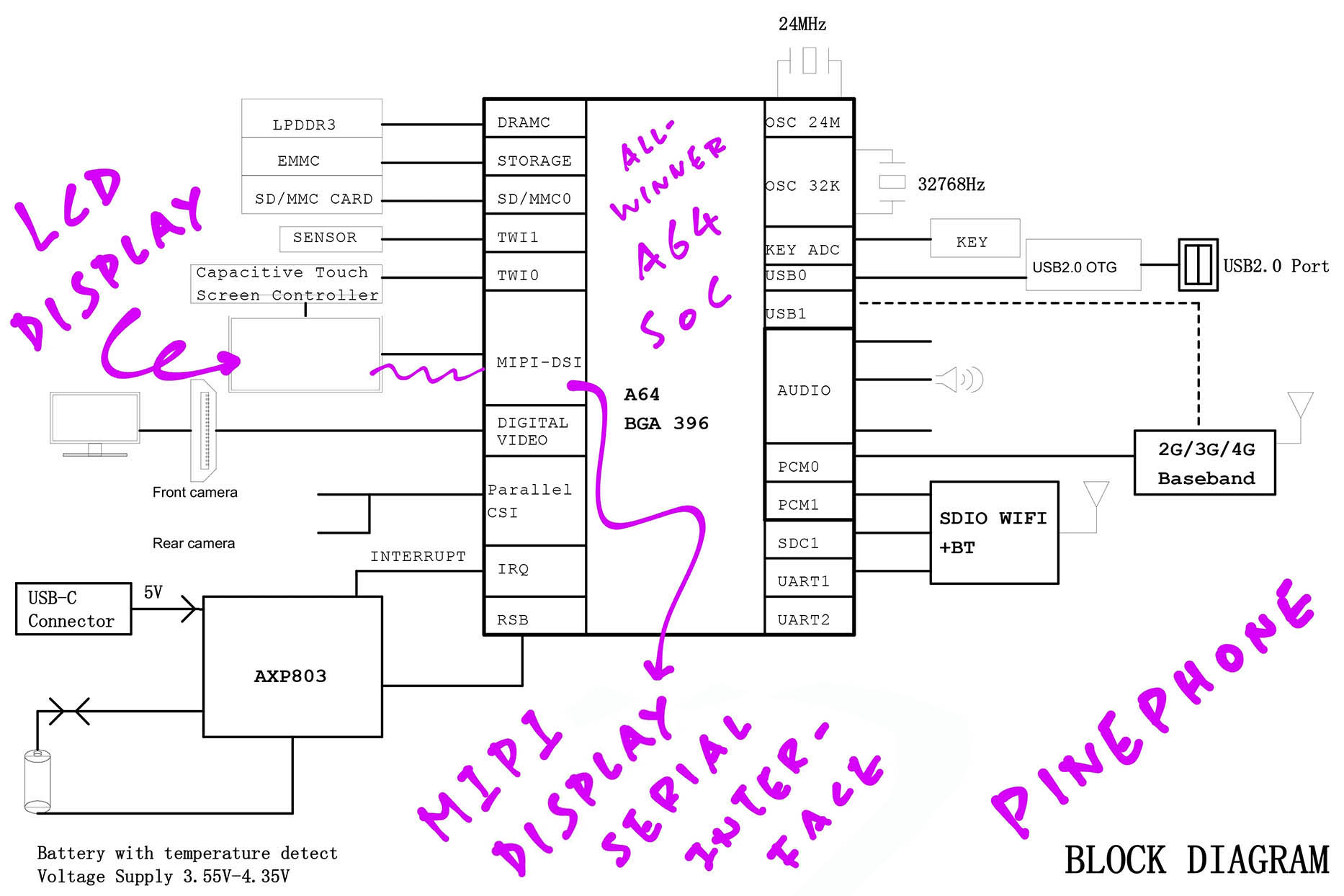
[_LCD Display on PinePhone Schematic (Page 2)_](https://files.pine64.org/doc/PinePhone/PinePhone%20v1.2b%20Released%20Schematic.pdf)
## PinePhone LCD Display
_How is the LCD Display connected inside PinePhone?_
Inside PinePhone is a __XBD599 LCD Panel__ by Xingbangda (pic above)...
- [__""Xingbangda XBD599 LCD Panel""__](https://lupyuen.github.io/articles/dsi#xingbangda-xbd599-lcd-panel)
The LCD Display is connected to the [__Allwinner A64 SoC__](https://linux-sunxi.org/A64) via a __MIPI Display Serial Interface (DSI)__.
[(MIPI is the __Mobile Industry Processor Interface Alliance__)](https://en.wikipedia.org/wiki/MIPI_Alliance)
_What's a MIPI Display Serial Interface?_
Think of it as SPI, but supercharged with __Multiple Data Lanes__!
PinePhone's MIPI Display Serial Interface runs on __4 Data Lanes__ that will transmit 4 streams of pixel data concurrently.
[(More about Display Serial Interface)](https://en.wikipedia.org/wiki/Display_Serial_Interface)
_ow do we control PinePhone's LCD Display?_
The XBD599 LCD Panel has a __Sitronix ST7703 LCD Controller__ inside...
- [__Sitronix ST7703 LCD Controller Datasheet__](https://files.pine64.org/doc/datasheet/pinephone/ST7703_DS_v01_20160128.pdf)
Which means our PinePhone Display Driver shall __send commands to the ST7703 LCD Controller__ over the MIPI Display Serial Interface.
_What commands will our Display Driver send to ST7703?_
At startup, our driver shall send these 20 __Initialisation Commands__ to the ST7703 LCD Controller...
- [__""Initialise LCD Controller""__](https://lupyuen.github.io/articles/dsi#appendix-initialise-lcd-controller)
ST7703 Commands can be a single byte, like for __""Display On""__...
```text
29
```
Or a few bytes, like for __""Enable User Command""__...
```text
B9 F1 12 83
```
And up to __64 bytes__ (for ""Set Forward GIP Timing"")...
```text
E9 82 10 06 05 A2 0A A5
12 31 23 37 83 04 BC 27
38 0C 00 03 00 00 00 0C
00 03 00 00 00 75 75 31
88 88 88 88 88 88 13 88
64 64 20 88 88 88 88 88
88 02 88 00 00 00 00 00
00 00 00 00 00 00 00 00
```
We'll send these 20 commands to ST7703 in a specific packet format...
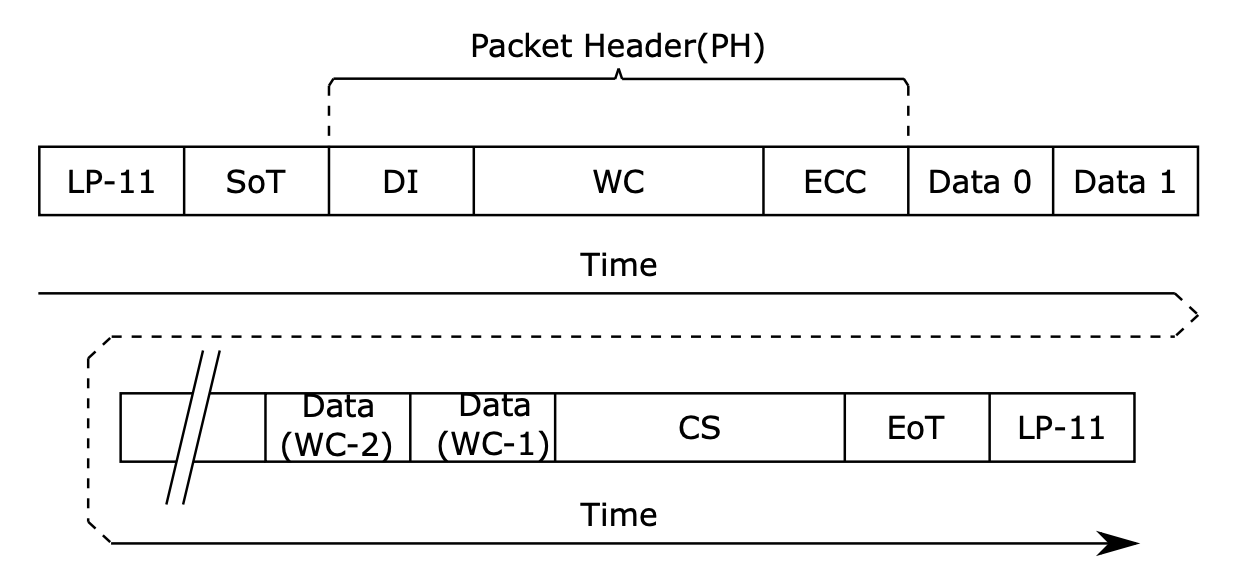
[_MIPI DSI Long Packet (Page 203)_](https://files.pine64.org/doc/datasheet/ox64/BL808_RM_en_1.0(open).pdf)
## Long Packet for MIPI DSI
To send a command to the ST7703 LCD Controller, we'll transmit a [__MIPI DSI Long Packet__](https://lupyuen.github.io/articles/dsi#long-packet-for-mipi-dsi) in this format (pic above)...
__Packet Header__ (4 bytes):
- __Data Identifier (DI)__ (1 byte):
Virtual Channel Identifier (Bits 6 to 7)
Data Type (Bits 0 to 5)
- __Word Count (WC)__ (2 bytes):
Number of bytes in the Packet Payload
- __Error Correction Code (ECC)__ (1 byte):
Allow single-bit errors to be corrected and 2-bit errors to be detected in the Packet Header
__Packet Payload:__
- __Data__ (0 to 65,541 bytes):
Number of data bytes should match the Word Count (WC)
__Packet Footer:__
- __Checksum (CS)__ (2 bytes):
16-bit Cyclic Redundancy Check (CCITT CRC)
Let's do this in Zig...
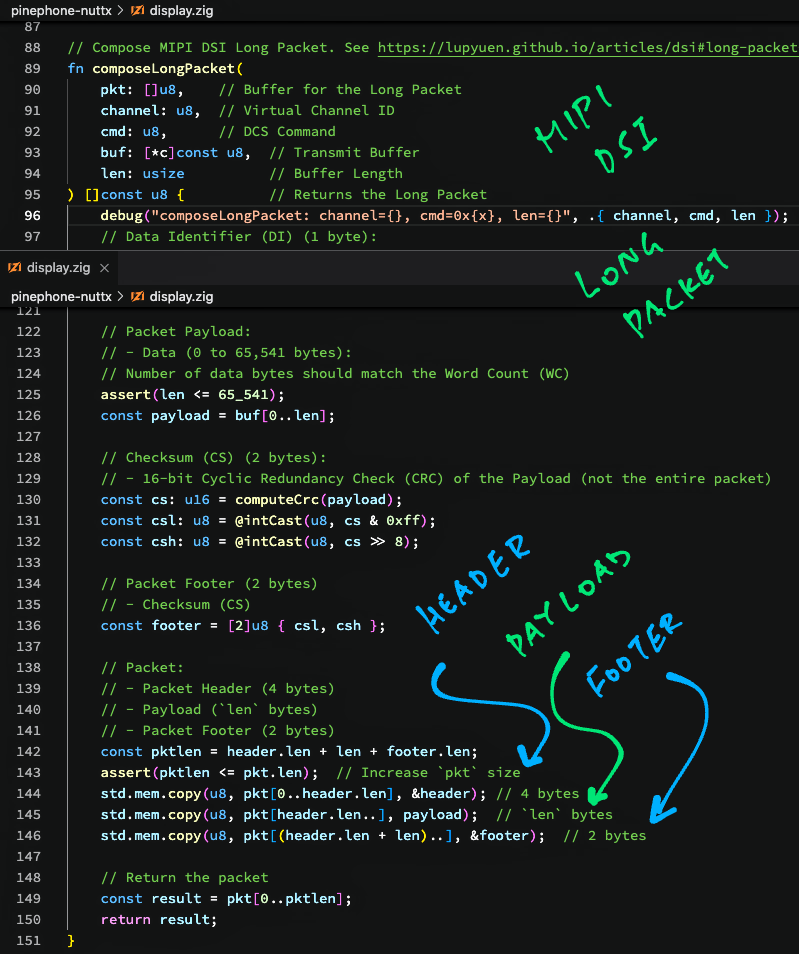
[(Source)](https://github.com/lupyuen/pinephone-nuttx/blob/main/display.zig#L47-L111)
## Compose Long Packet
This is our __Zig Function__ that composes a __Long Packet__ for MIPI Display Serial Interface: [display.zig](https://github.com/lupyuen/pinephone-nuttx/blob/main/display.zig#L47-L111)
```zig
// Compose MIPI DSI Long Packet.
// See https://lupyuen.github.io/articles/dsi#long-packet-for-mipi-dsi
fn composeLongPacket(
pkt: []u8, // Buffer for the Returned Long Packet
channel: u8, // Virtual Channel ID
cmd: u8, // DCS Command
buf: [*c]const u8, // Transmit Buffer
len: usize // Buffer Length
) []const u8 { // Returns the Long Packet
...
```
(__`u8`__ in Zig is the same as __`uint8_t`__ in C)
Our Zig Function __`composeLongPacket`__ accepts the following parameters...
- __`pkt`__: This is the buffer that we'll use to write the Long Packet and return it.
It's declared as ""__`[]u8`__"" which is a Slice of Bytes, roughly similar to ""__`uint8_t[]`__"" in C.
(Except that the Buffer Size is also passed in the Slice)
- __`channel`__: MIPI Display Serial Interface supports multiple Virtual Channels, we'll stick to __Virtual Channel 0__ for today
- __`cmd`__: Refers to the [__Display Command Set (DCS)__](https://lupyuen.github.io/articles/dsi#display-command-set-for-mipi-dsi) that we'll send over the MIPI Display Serial Interface.
For Long Packets, we'll send the [__DCS Long Write Command__](https://lupyuen.github.io/articles/dsi#display-command-set-for-mipi-dsi). (Which has Data Type `0x39`)
(Later we'll see the DCS Short Write Command)
- __`buf`__: This is a C Pointer to the __Transmit Buffer__ that will be packed inside the Long Packet. (As Packet Payload)
It's declared as ""__`[*c]const u8`__"", which is the same as ""__`const uint8_t *`__"" in C.
(""__`[*c]`__"" means that Zig will handle it as a C Pointer)
- __`len`__: Number of bytes in the __Transmit Buffer__
Our Zig Function __`composeLongPacket`__ returns a Slice of Bytes that will contain the Long Packet.
(Declared as ""__`[]const u8`__"". Yep the returned Slice will be a Sub-Slice of __`pkt`__)
_Why do we mix Slices and Pointers in the Parameters?_
The parameters __`buf`__ and __`len`__ could have been passed as a Byte Slice in Zig...
Instead we're passing as an old-school __C Pointer__ so that it's compatible with the __C Interface__ for our function...
```c
// (Eventual) C Interface for our function
ssize_t mipi_dsi_dcs_write(
const struct device *dev, // MIPI DSI Device
uint8_t channel, // Virtual Channel ID
uint8_t cmd, // DCS Command
const void *buf, // Transmit Buffer
size_t len // Buffer Length
);
```
This C Interface is identical to the implementation of __MIPI DSI in Zephyr OS__. [(See this)](https://github.com/zephyrproject-rtos/zephyr/blob/main/include/zephyr/drivers/mipi_dsi.h#L325-L337)
Let's compose the Packet Header...
### Packet Header
The __Packet Header__ (4 bytes) of our Long Packet will contain...
- __Data Identifier (DI)__ (1 byte):
Virtual Channel Identifier (Bits 6 to 7)
Data Type (Bits 0 to 5)
(Data Type is the DCS Command)
- __Word Count (WC)__ (2 bytes):
Number of bytes in the Packet Payload
- __Error Correction Code (ECC)__ (1 byte):
Allow single-bit errors to be corrected and 2-bit errors to be detected in the Packet Header
This is how we compose the __Packet Header__: [display.zig](https://github.com/lupyuen/pinephone-nuttx/blob/main/display.zig#L47-L81)
```zig
// Data Identifier (DI) (1 byte):
// - Virtual Channel Identifier (Bits 6 to 7)
// - Data Type (Bits 0 to 5)
assert(channel < 4);
assert(cmd < (1 << 6));
const vc: u8 = channel;
const dt: u8 = cmd;
const di: u8 = (vc << 6) | dt;
```
First we populate the __Data Indentifier (DI)__ with the Virtual Channel and DCS Command.
Then we convert the 16-bit __Word Count (WC)__ to bytes...
```zig
// Word Count (WC) (2 bytes):
// Number of bytes in the Packet Payload
const wc: u16 = @intCast(u16, len);
const wcl: u8 = @intCast(u8, wc & 0xff);
const wch: u8 = @intCast(u8, wc >> 8);
```
([__`@intCast`__](https://ziglang.org/documentation/master/#intCast) will halt with a Runtime Panic if __`len`__ is too big to be converted into a 16-bit unsigned integer __`u16`__)
Next comes the __Error Correction Code (ECC)__. Which we compute based on the Data Identifier and Word Count...
```zig
// Data Identifier + Word Count (3 bytes):
// For computing Error Correction Code (ECC)
const di_wc = [3]u8 { di, wcl, wch };
// Compute Error Correction Code (ECC) for
// Data Identifier + Word Count
const ecc: u8 = computeEcc(di_wc);
```
(""__`[3]u8`__"" allocates a 3-byte array from the stack)
We'll cover __`computeEcc`__ in a while.
Finally we pack everything into our 4-byte __Packet Header__...
```zig
// Packet Header (4 bytes):
// Data Identifier + Word Count + Error Correction Code
const header = [4]u8 {
di_wc[0], // Data Identifier
di_wc[1], // Word Count (Low Byte)
di_wc[2], // Word Count (High Byte)
ecc // Error Correction Code
};
```
Moving on to the Packet Payload...
### Packet Payload
Remember that our __Packet Payload__ is passed in as C-style __`buf`__ (Buffer Pointer) and __`len`__ (Buffer Length)?
This is how we convert the Packet Payload to a __Byte Slice__: [display.zig](https://github.com/lupyuen/pinephone-nuttx/blob/main/display.zig#L81-L87)
```zig
// Packet Payload:
// Data (0 to 65,541 bytes).
// Number of data bytes should match the Word Count (WC)
assert(len <= 65_541);
// Convert to Byte Slice
const payload = buf[0..len];
```
We'll concatenate the Packet Payload with the Header and Footer in a while.
(Packet Header and Footer are also Byte Slices)
From this code it's clear that a [__Zg Slice__](https://ziglang.org/documentation/master/#Slices) is nothing more than a __Pointer__ and a __Length__... It's the tidier and safer way to pass buffers in Zig!
### Packet Footer
At the end of our Long Packet is the __Packet Footer__: A 16-bit __Cyclic Redundancy Check__ (CCITT CRC).
This is how we compute the CRC: [display.zig](https://github.com/lupyuen/pinephone-nuttx/blob/main/display.zig#L87-L97)
```zig
// Checksum (CS) (2 bytes):
// 16-bit Cyclic Redundancy Check (CRC) of the Payload
// (not the entire packet)
const cs: u16 = computeCrc(payload);
```
[(__`computeCrc`__ is explained in the Appendix)](https://lupyuen.github.io/articles/dsi2#appendix-cyclic-redundancy-check)
The CRC goes into the 2-byte __Packet Footer__...
```zig
// Convert CRC to 2 bytes
const csl: u8 = @intCast(u8, cs & 0xff);
const csh: u8 = @intCast(u8, cs >> 8);
// Packet Footer (2 bytes):
// Checksum (CS)
const footer = [2]u8 { csl, csh };
```
Finally we're ready to put the Header, Payload and Footer together!
### Combine Header, Payload and Footer
Our Long Packet will contain...
- __Packet Header__ (4 bytes)
- __Packet Payload__ (`len` bytes)
- __Packet Footer__ (2 bytes)
Let's combine the __Header, Payload and Footer__: [display.zig](https://github.com/lupyuen/pinephone-nuttx/blob/main/display.zig#L97-L112)
```zig
// Verify the Packet Buffer Length
const pktlen = header.len + len + footer.len;
assert(pktlen <= pkt.len); // Increase `pkt` size if this fails
// Copy Header to Packet Buffer
std.mem.copy(
u8, // Type
pkt[0..header.len], // Destination
&header // Source (4 bytes)
);
// Copy Payload to Packet Buffer
// (After the Header)
std.mem.copy(
u8, // Type
pkt[header.len..], // Destination
payload // Source (`len` bytes)
);
// Copy Footer to Packet Buffer
// (After the Payload)
std.mem.copy(
u8, // Type
pkt[(header.len + len)..], // Destination
&footer // Source (2 bytes)
);
```
([__`std.mem.copy`__](https://ziglang.org/documentation/master/std/#root;mem.copy) copies one Slice to another. It works like __`memcpy`__ in C)
And we return the Byte Slice that contains our Long Packet, sized accordingly...
```zig
// Return the packet
const result = pkt[0..pktlen];
return result;
}
```
That's how we compose a MIPI DSI Long Packet in Zig!
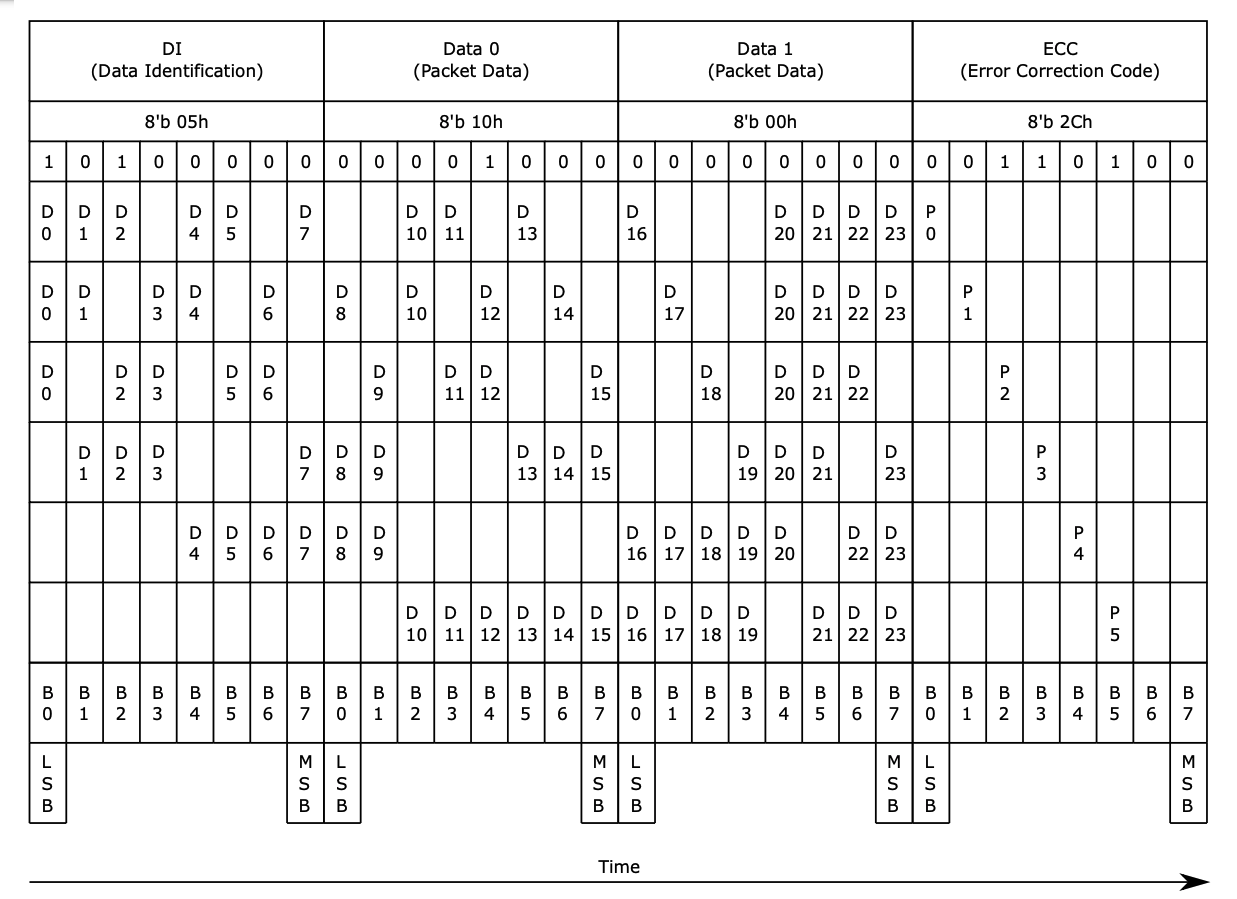
[_MIPI DSI Error Correction Code (Page 209)_](https://files.pine64.org/doc/datasheet/ox64/BL808_RM_en_1.0(open).pdf)
## Error Correction Code
Earlier we talked about computing the __Error Correction Code (ECC)__ for the Packet Header...
- [__""Packet Header""__](https://lupyuen.github.io/articles/dsi2#packet-header)
The __8-bit ECC__ shall be computed with this (magic) formula: [(Page 209)](https://files.pine64.org/doc/datasheet/ox64/BL808_RM_en_1.0(open).pdf)
```text
ECC[7] = 0
ECC[6] = 0
ECC[5] = D10^D11^D12^D13^D14^D15^D16^D17^D18^D19^D21^D22^D23
ECC[4] = D4^D5^D6^D7^D8^D9^D16^D17^D18^D19^D20^D22^D23
ECC[3] = D1^D2^D3^D7^D8^D9^D13^D14^D15^D19^D20^D21^D23
ECC[2] = D0^D2^D3^D5^D6^D9^D11^D12^D15^D18^D20^D21^D22
ECC[1] = D0^D1^D3^D4^D6^D8^D10^D12^D14^D17^D20^D21^D22^D23
ECC[0] = D0^D1^D2^D4^D5^D7^D10^D11^D13^D16^D20^D21^D22^D23
```
(""__`^`__"" means Exclusive OR)
(__`D0`__ to __`D23`__ refer to the pic above)
This is how we compute the ECC: [display.zig](https://github.com/lupyuen/pinephone-nuttx/blob/main/display.zig#L170-L211)
```zig
/// Compute the Error Correction Code (ECC) (1 byte):
/// Allow single-bit errors to be corrected and 2-bit errors to be detected in the Packet Header
/// See ""12.3.6.12: Error Correction Code"", Page 208 of BL808 Reference Manual:
/// https://files.pine64.org/doc/datasheet/ox64/BL808_RM_en_1.0(open).pdf
fn computeEcc(
di_wc: [3]u8 // Data Identifier + Word Count (3 bytes)
) u8 {
...
```
Our Zig Function __`computeEcc`__ accepts a 3-byte array, containing the first 3 bytes of the Packet Header.
(""__`[3]u8`__"" is equivalent to ""__`uint8_t[3]`__"" in C)
We combine the 3 bytes into a __24-bit word__...
```zig
// Combine DI and WC into a 24-bit word
var di_wc_word: u32 =
di_wc[0]
| (@intCast(u32, di_wc[1]) << 8)
| (@intCast(u32, di_wc[2]) << 16);
```
Then we extract the 24 bits into __`d[0]`__ to __`d[23]`__...
```zig
// Allocate an array of 24 bits from the stack,
// initialised to zeros
var d = std.mem.zeroes([24]u1);
// Extract the 24 bits from the word
var i: usize = 0;
while (i < 24) : (i += 1) {
d[i] = @intCast(u1, di_wc_word & 1);
di_wc_word >>= 1;
}
```
([__`std.mem.zeroes`__](https://ziglang.org/documentation/master/std/#root;mem.zeroes) allocates an array from the stack, initialised to zeroes)
Note that we're working with __Bit Values__...
- ""__`u1`__"" represents a Single Bit Value
- ""__`[24]u1`__"" is an Array of 24 Bits
We compute the __ECC Bits__ according to the Magic Formula...
```zig
// Allocate an array of 8 bits from the stack,
// initialised to zeros
var ecc = std.mem.zeroes([8]u1);
// Compute the ECC bits
ecc[7] = 0;
ecc[6] = 0;
ecc[5] = d[10] ^ d[11] ^ d[12] ^ d[13] ^ d[14] ^ d[15] ^ d[16] ^ d[17] ^ d[18] ^ d[19] ^ d[21] ^ d[22] ^ d[23];
ecc[4] = d[4] ^ d[5] ^ d[6] ^ d[7] ^ d[8] ^ d[9] ^ d[16] ^ d[17] ^ d[18] ^ d[19] ^ d[20] ^ d[22] ^ d[23];
ecc[3] = d[1] ^ d[2] ^ d[3] ^ d[7] ^ d[8] ^ d[9] ^ d[13] ^ d[14] ^ d[15] ^ d[19] ^ d[20] ^ d[21] ^ d[23];
ecc[2] = d[0] ^ d[2] ^ d[3] ^ d[5] ^ d[6] ^ d[9] ^ d[11] ^ d[12] ^ d[15] ^ d[18] ^ d[20] ^ d[21] ^ d[22];
ecc[1] = d[0] ^ d[1] ^ d[3] ^ d[4] ^ d[6] ^ d[8] ^ d[10] ^ d[12] ^ d[14] ^ d[17] ^ d[20] ^ d[21] ^ d[22] ^ d[23];
ecc[0] = d[0] ^ d[1] ^ d[2] ^ d[4] ^ d[5] ^ d[7] ^ d[10] ^ d[11] ^ d[13] ^ d[16] ^ d[20] ^ d[21] ^ d[22] ^ d[23];
```
Finally we __merge the ECC Bits__ into a single byte and return it...
```zig
// Merge the ECC bits
return @intCast(u8, ecc[0])
| (@intCast(u8, ecc[1]) << 1)
| (@intCast(u8, ecc[2]) << 2)
| (@intCast(u8, ecc[3]) << 3)
| (@intCast(u8, ecc[4]) << 4)
| (@intCast(u8, ecc[5]) << 5)
| (@intCast(u8, ecc[6]) << 6)
| (@intCast(u8, ecc[7]) << 7);
}
```
And we're done with the Error Correction Code!
[_MIPI DSI Short Packet (Page 201)_](https://files.pine64.org/doc/datasheet/ox64/BL808_RM_en_1.0(open).pdf)
## Compose Short Packet
_We've seen the Long Packet. Is there a Short Packet?_
Yep! If we're transmitting 1 or 2 bytes to the ST7703 LCD Controller, we may send a __MIPI DSI Short Packet__ (pic above)...
- [__""Short Packet for MIPI DSI""__](https://lupyuen.github.io/articles/dsi#appendix-short-packet-for-mipi-dsi)
A MIPI DSI Short Packet (compared with Long Packet)...
- Doesn't have Packet Payload and Packet Footer (CRC)
- Instead of Word Count (WC), the Packet Header now has 2 bytes of data
- DCS Command (Data Type) is...
__DCS Short Write Without Parameter (`0x05`)__ for sending 1 byte of data
__DCS Short Write With Parameter (`0x15`)__ for sending 2 bytes of data
- Everything else is the same
This is how we __compose a Short Packet__: [display.zig](https://github.com/lupyuen/pinephone-nuttx/blob/main/display.zig#L113-L168)
```zig
// Compose MIPI DSI Short Packet.
// See https://lupyuen.github.io/articles/dsi#appendix-short-packet-for-mipi-dsi
fn composeShortPacket(
pkt: []u8, // Buffer for the Returned Short Packet
channel: u8, // Virtual Channel ID
cmd: u8, // DCS Command
buf: [*c]const u8, // Transmit Buffer
len: usize // Buffer Length
) []const u8 { // Returns the Short Packet
// Short Packet can only have 1 or 2 data bytes
assert(len == 1 or len == 2);
```
__`composeShortPacket`__ accepts the same parameters as __`composeLongPacket`__.
We populate __Data Indentifier (DI)__ the same way, with Virtual Channel and DCS Command...
```zig
// Data Identifier (D) (1 byte):
// - Virtual Channel Identifier (Bits 6 to 7)
// - Data Type (Bits 0 to 5)
assert(channel < 4);
assert(cmd < (1 << 6));
const vc: u8 = channel;
const dt: u8 = cmd;
const di: u8 = (vc << 6) | dt;
```
Our __Packet Header__ will include two bytes of data...
```zig
// Data (2 bytes), fill with 0
// if Second Byte is missing
const data = [2]u8 {
buf[0], // First Data Byte
if (len == 2) buf[1] else 0, // Second Data Byte
};
```
We compute the __Error Correction Code (ECC)__ based on the Data Identifier and the two Data Bytes...
```zig
// Data Identifier + Data (3 bytes):
// For computing Error Correction Code (ECC)
const di_data = [3]u8 {
di, // Data Identifier
data[0], // First Data Byte
data[1] // Second Data Byte
};
// Compute Error Correction Code (ECC)
// for Data Identifier + Word Count
const ecc: u8 = computeEcc(di_data);
```
[(__`computeEcc`__ is explained here)](https://lupyuen.github.io/articles/dsi2#error-correction-code)
We pack everything into our 4-byte __Packet Header__...
```zig
// Packet Header (4 bytes):
// Data Identifier + Data + Error Correction Code
const header = [4]u8 {
di_data[0], // Data Identifier
di_data[1], // First Data Byte
di_data[2], // Second Data Byte
ecc // Error Correction Code
};
```
We __copy the Packet Header__ into our Packet Buffer...
```zig
// Verify the Packet Buffer Length
const pktlen = header.len;
assert(pktlen <= pkt.len); // Increase `pkt` size
// Copy Header to Packet Buffer
std.mem.copy(
u8, // Type
pkt[0..header.len], // Destination
&header // Source (4 bytes)
);
```
And we return the Byte Slice that contains our Short Packet, sized accordingly...
```zig
// Return the packet
const result = pkt[0..pktlen];
return result;
}
```
We're done with Long and Short Packets for MIPI DSI, let's test them...
[(Source)](https://github.com/lupyuen/pinephone-nuttx/blob/main/display.zig#L997-L1036)
## Test MIPI DSI Driver
_How will we know if our Long and Short Packets are created correctly?_
Let's write a __Test Case__ to verify that our MIPI DSI Packets are constructed correctly: [display.zig](https://github.com/lupyuen/pinephone-nuttx/blob/main/display.zig#L965-L987)
```zig
// Test Compose Short Packet (With Parameter)
const short_pkt_param = [_]u8 {
0xbc, 0x4e,
};
```
We'll compose a Short Packet that will pack the 2 bytes above.
(We write ""__`[_]u8`__"" to declare a Byte Array in Zig)
First we allocate a __Packet Buffer__ from the Stack, initialised to zeroes...
```zig
// Allocate Packet Buffer of 128 bytes
var pkt_buf = std.mem.zeroes([128]u8);
```
(""__`[128]u8`__"" is equivalent to ""__`uint8_t[128]`__"" in C)
Then we call __`composeShortPacket`__ to construct the Short Packet...
```zig
// Compose a Short Packet (With Parameter)
const short_pkt_param_result = composeShortPacket(
&pkt_buf, // Packet Buffer
0, // Virtual Channel
MIPI_DSI_DCS_SHORT_WRITE_PARAM, // DCS Command: 0x15
&short_pkt_param, // Transmit Buffer
short_pkt_param.len // Buffer Length
);
```
We __dump the contents__ of the returned packet...
```zig
// Dump the Returned Packet
debug(""Result:"", .{});
dump_buffer(
&short_pkt_param_result[0], // Pointer to Packet
short_pkt_param_result.len // Length of Packet
);
```
(We'll talk about __`dump_buffer`__ in a while)
Finally we verify that the result is ""__`15` `BC` `4E` `35`__""...
```zig
// Verify the Returned Packet
assert(
std.mem.eql( // Compare 2 Slices...
u8, // Slice Type
short_pkt_param_result, // First Slice
&[_]u8 { // Second Slice
0x15, 0xbc, 0x4e, 0x35 // Expected Data
}
)
);
```
([__`std.mem.eql`__](https://ziglang.org/documentation/master/std/#root;mem.eql) returns True if the two Slices are identical)
The above Test Case shows this output...
```text
Testing Compose Short Packet (With Parameter)...
composeShortPacket:
channel=0, cmd=0x15, len=2
Result:
15 bc 4e 35
```
[(Source)](https://github.com/lupyuen/pinephone-nuttx#testing-nuttx-zig-driver-for-mipi-dsi-on-qemu)
In the next chapter we'll learn to run the Test Case on the QEMU Emulator for Arm64.
_What's `dump_buffer`?_
__`dump_buffer`__ is a C Function that dumps a packet to the console. We imported the C Function into Zig like so: [display.zig](https://github.com/lupyuen/pinephone-nuttx/blob/main/display.zig#L1205-L1206)
```zig
/// Import `dump_buffer` Function from C
extern fn dump_buffer(
data: [*c]const u8, // C Pointer to Packet
len: usize // Length of Packet
) void; // No Return Value
```
__`dump_buffer`__ is defined here: [hello_main.c](https://github.com/lupyuen/incubator-nuttx-apps/blob/de/examples/hello/hello_main.c#L197-L205)
_What about testing Long Packets?_
We have __3 Test Cases__ for testing the creation of Long and Short Packets...
- [__Short Packet Without Parameter__](https://github.com/lupyuen/pinephone-nuttx/blob/main/display.zig#L931-L955)
- [__Short Packet With Parameter__](https://github.com/lupyuen/pinephone-nuttx/blob/main/display.zig#L965-L987)
- [__Long Packet__](https://github.com/lupyuen/pinephone-nuttx/blob/main/display.zig#L997-L1036)
_How did we get the Expected Result for our Test Cases?_
We ran the [__p-boot Display Code__](https://gist.github.com/lupyuen/ee3adf76e76881609845d0ab0f768a95) (in C) on Apache NuttX RTOS and captured the Expected Packet Contents.
So we can be sure that our Zig Code will produce the same results as the (poorly documented) C Version.
Let's find out how we ran the Test Cases on QEMU Emulator...
## Run MIPI DSI Driver on QEMU
_Can we test our MIPI DSI code on Apache NuttX RTOS... Without a PinePhone?_
Yep! Let's test our Zig code on the [__QEMU Emulator for Arm64__](https://www.qemu.org/docs/master/system/target-arm.html), running Apache NuttX RTOS.
Follow these steps to build __NuttX RTOS for QEMU Arm64__...
- [__""Test PinePhone MIPI DSI Driver with QEMU""__](https://github.com/lupyuen/pinephone-nuttx#test-pinephone-mipi-dsi-driver-with-qemu)
Then we compile our [__Zig App (display.zig)__](https://github.com/lupyuen/pinephone-nuttx/blob/main/display.zig) and link it with NuttX...
```bash
## Download the Zig App
git clone --recursive https://github.com/lupyuen/pinephone-nuttx
cd pinephone-nuttx
## Compile the Zig App for PinePhone
## (armv8-a with cortex-a53)
## TODO: Change ""$HOME/nuttx"" to your NuttX Project Directory
zig build-obj \
-target aarch64-freestanding-none \
-mcpu cortex_a53 \
-isystem ""$HOME/nuttx/nuttx/include"" \
-I ""$HOME/nuttx/apps/include"" \
display.zig
## Copy the compiled app to NuttX and overwrite `null.o`
## TODO: Change ""$HOME/nuttx"" to your NuttX Project Directory
cp display.o \
$HOME/nuttx/apps/examples/null/*null.o
## Build NuttX to link the Zig Object from `null.o`
## TODO: Change ""$HOME/nuttx"" to your NuttX Project Directory
cd $HOME/nuttx/nuttx
make
```
[(We copied the Zig Compiler Options from GCC)](https://github.com/lupyuen/pinephone-nuttx#zig-on-pinephone)
We __start QEMU__ to boot NuttX...
```bash
## Run GIC v2 with QEMU
qemu-system-aarch64 \
-smp 4 \
-cpu cortex-a53 \
-nographic \
-machine virt,virtualization=on,gic-version=2 \
-net none \
-chardev stdio,id=con,mux=on \
-serial chardev:con \
-mon chardev=con,mode=readline \
-kernel ./nuttx
```
(We chose [__GIC Version 2__](https://lupyuen.github.io/articles/interrupt#allwinner-a64-gic) to be consistent with PinePhone)
At the NuttX Shell, enter this command to run our __Zig Test Cases__...
```bash
null
```
Our [__Test Cases for Long and Short Packets__](https://lupyuen.github.io/articles/dsi2#test-mipi-dsi-driver) should complete without Assertion Failures...
```text
NuttShell (NSH) NuttX-11.0.0-RC2
nsh> null
HELLO ZIG ON PINEPHONE!
Testing Compose Short Packet (Wihout Parameter)...
composeShortPacket: channel=0, cmd=0x5, len=1
Result:
05 11 00 36
Testing Compose Short Packet (With Parameter)...
composeShortPacket: channel=0, cmd=0x15, len=2
Result:
15 bc 4e 35
Testing Compose Long Packet...
composeLongPacket: channel=0, cmd=0x39, len=64
Result:
39 40 00 25 e9 82 10 06
05 a2 0a a5 12 31 23 37
83 04 bc 27 38 0c 00 03
00 00 00 0c 00 03 00 00
00 75 75 31 88 88 88 88
88 88 13 88 64 64 20 88
88 88 88 88 88 02 88 00
00 00 00 00 00 00 00 00
00 00 00 00 65 03
nsh>
```
[(See the Complete Log)](https://github.com/lupyuen/pinephone-nuttx#testing-nuttx-zig-driver-for-mipi-dsi-on-qemu)
Yep we have successfully tested our MIPI DSI Code on NuttX RTOS and QEMU Arm64!
[(Source)](https://github.com/lupyuen/pinephone-nuttx/blob/main/display.zig#L494-L859)
## Initialise ST7703 LCD Controller
_But our MIPI DSI Driver hasn't talked to the PinePhone Display!_
Here comes the tougher (and poorly documented) part... Accessing the __Hardware Registers__ of the Allwinner A64 SoC. So that we can __send MIPI DSI Packets__ to PinePhone's Display.
Before that, let's prepare the MIPI DSI Packets (Long and Short) that we'll send to the display...
Earlier we talked about the __20 Initialisation Commands__ that our Zig Driver will send to the __ST7703 LCD Controller__ (over MIPI DSI)...
- [__""PinePhone LCD Display""__](https://lupyuen.github.io/articles/dsi2#pinephone-lcd-display)
This is how we __send the 20 commands__: [display.zig](https://github.com/lupyuen/pinephone-nuttx/blob/main/display.zig#L494-L859)
```zig
/// Initialise the ST7703 LCD Controller in Xingbangda XBD599 LCD Panel.
/// See https://lupyuen.github.io/articles/dsi#initialise-lcd-controller
pub export fn nuttx_panel_init() void {
// Most of these commands are documented in the ST7703 Datasheet:
// https://files.pine64.org/doc/datasheet/pinephone/ST7703_DS_v01_20160128.pdf
// Command #1
writeDcs(&[_]u8 {
0xB9, // SETEXTC (Page 131): Enable USER Command
0xF1, // Enable User command
0x12, // (Continued)
0x83 // (Continued)
});
// Omitted: Commands #2 to #19
...
// Wait 120 milliseconds
_ = c.usleep(120 * 1000);
// Command #20
writeDcs(&[_]u8 {
0x29 // Display On (Page 97): Recover from DISPLAY OFF mode (MIPI_DCS_SET_DISPLAY_ON)
});
}
```
To send a command to ST7703 Controller, __`writeDcs`__ executes a __DCS Short Write__ or __DCS Long Write__ over MIPI DSI, depending on the length of the command: [display.zig](https://github.com/lupyuen/pinephone-nuttx/blob/main/display.zig#L296-L321)
```zig
/// Write the DCS Command to MIPI DSI
fn writeDcs(buf: []const u8) void {
// Do DCS Short Write or Long Write depending on command length
assert(buf.len > 0);
const res = switch (buf.len) {
// If Command Length is 1:
// DCS Short Write (without parameter)
1 => nuttx_mipi_dsi_dcs_write(null, 0,
MIPI_DSI_DCS_SHORT_WRITE,
&buf[0], buf.len),
// If Command Length is 2:
// DCS Short Write (with parameter)
2 => nuttx_mipi_dsi_dcs_write(null, 0,
MIPI_DSI_DCS_SHORT_WRITE_PARAM,
&buf[0], buf.len),
// If Command Length is 3 or longer:
// DCS Long Write
else => nuttx_mipi_dsi_dcs_write(null, 0,
MIPI_DSI_DCS_LONG_WRITE,
&buf[0], buf.len),
};
assert(res == buf.len);
}
```
(We write ""__`&buf[0]`__"" to convert a Slice into a Pointer)
Let's study our Zig Function that sends Long Packets and Short Packets over MIPI DSI: __nuttx_mipi_dsi_dcs_write__...
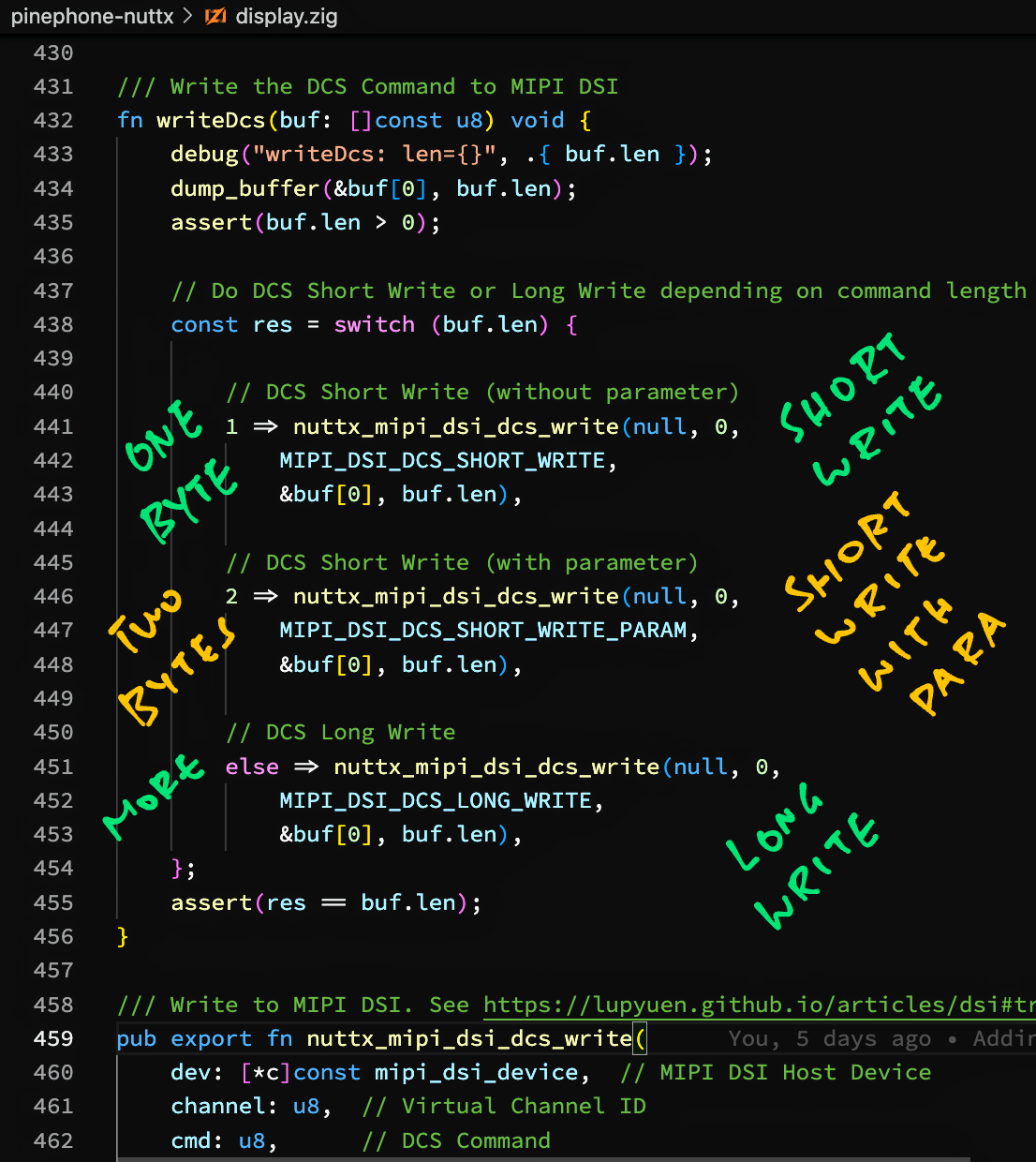
[(Source)](https://github.com/lupyuen/pinephone-nuttx/blob/main/display.zig#L296-L321)
## Send MIPI DSI Packet
Finally we're ready to access the __Hardware Registers__ of PinePhone's Allwinner A64 SoC, to send MIPI DSI Packets to the display.
We'll call these Zig Functions to manipulate __A64's Hardware Registers__...
- [__`getreg32`__](https://github.com/lupyuen/pinephone-nuttx/blob/main/display.zig#L479-L483): Read the Value of the Hardware Register at the specified Address
```zig
fn getreg32(addr: u64) u32
```
- [__`putreg32`__](https://github.com/lupyuen/pinephone-nuttx/blob/main/display.zig#L485-L489): Set the Value of the Hardware Register at the specified Address
```zig
fn putreg32(val: u32, addr: u64)
```
(Note that the Value comes __before__ the Address)
- [__`modifyreg32`__](https://github.com/lupyuen/pinephone-nuttx/blob/main/display.zig#L463-L477): Clear and set the bits of the Hardware Register at the Address
```zig
fn modifyreg32(
addr: u64, // Address to modify
clearbits: u32, // Bits to clear, like (1 << bit)
setbits: u32 // Bit to set, like (1 << bit)
)
```
This is how we __send MIPI DSI Packets__ to PinePhone's Display: [display.zig](https://github.com/lupyuen/pinephone-nuttx/blob/main/display.zig#L323-L430)
```zig
/// Write Packet to MIPI DSI. See https://lupyuen.github.io/articles/dsi#transmit-packet-over-mipi-dsi
pub export fn nuttx_mipi_dsi_dcs_write(
dev: [*c]const mipi_dsi_device, // MIPI DSI Host Device
channel: u8, // Virtual Channel ID
cmd: u8, // DCS Command
buf: [*c]const u8, // Transmit Buffer
len: usize // Buffer Length
) isize { // On Success: Return number of written bytes. On Error: Return negative error code
...
```
Our function accepts a __DCS Long Write__ or __DCS Short Write__ command. (Depending on the packet size)
Based on the DCS Command received, we compose a __Long Packet or Short Packet__...
```zig
// Allocate Packet Buffer
var pkt_buf = std.mem.zeroes([128]u8);
// Compose Short or Long Packet depending on DCS Command
const pkt = switch (cmd) {
// For DCS Long Write: Compose Long Packet
MIPI_DSI_DCS_LONG_WRITE =>
composeLongPacket(&pkt_buf, channel, cmd, buf, len),
// For DCS Short Write (with and without parameter):
// Compose Short Packet
MIPI_DSI_DCS_SHORT_WRITE,
MIPI_DSI_DCS_SHORT_WRITE_PARAM =>
composeShortPacket(&pkt_buf, channel, cmd, buf, len),
// DCS Command not supported
else => unreachable,
};
```
[(__composeLongPacket__ is explained here)](https://lupyuen.github.io/articles/dsi2#compose-long-packet)
[(__composeShortPacket__ is explained here)](https://lupyuen.github.io/articles/dsi2#compose-short-packet)
To prepare for Packet Transmission, we initialise the A64 Hardware Register __DSI_CMD_CTL_REG__ (DSI Low Power Control Register)...
```zig
// Set the following bits to 1 in DSI_CMD_CTL_REG (DSI Low Power Control Register) at Offset 0x200:
// RX_Overflow (Bit 26): Clear flag for ""Receive Overflow""
// RX_Flag (Bit 25): Clear flag for ""Receive has started""
// TX_Flag (Bit 9): Clear flag for ""Transmit has started""
// All other bits must be set to 0.
const DSI_CMD_CTL_REG = DSI_BASE_ADDRESS + 0x200;
const RX_Overflow = 1 << 26;
const RX_Flag = 1 << 25;
const TX_Flag = 1 << 9;
putreg32(
RX_Overflow | RX_Flag | TX_Flag,
DSI_CMD_CTL_REG
);
```
[(__DSI_CMD_CTL_REG__ is explained here)](https://lupyuen.github.io/articles/dsi#transmit-packet-over-mipi-dsi)
Next we write the Long or Short Packet to __DSI_CMD_TX_REG__ (DSI Low Power Transmit Package Register) in 4-byte chunks...
```zig
// Write the Long Packet to DSI_CMD_TX_REG
// (DSI Low Power Transmit Package Register) at Offset 0x300 to 0x3FC
const DSI_CMD_TX_REG = DSI_BASE_ADDRESS + 0x300;
var addr: u64 = DSI_CMD_TX_REG;
var i: usize = 0;
while (i < pkt.len) : (i += 4) {
// Fetch the next 4 bytes, fill with 0 if not available
const b = [4]u32 {
pkt[i],
if (i + 1 < pkt.len) pkt[i + 1] else 0,
if (i + 2 < pkt.len) pkt[i + 2] else 0,
if (i + 3 < pkt.len) pkt[i + 3] else 0,
};
// Merge the next 4 bytes into a 32-bit value
const v: u32 =
b[0]
+ (b[1] << 8)
+ (b[2] << 16)
+ (b[3] << 24);
// Write the 32-bit value
assert(addr <= DSI_BASE_ADDRESS + 0x3FC);
modifyreg32(add, 0xFFFF_FFFF, v);
addr += 4;
}
```
[(__DSI_CMD_TX_REG__ is explained here)](https://lupyuen.github.io/articles/dsi#transmit-packet-over-mipi-dsi)
We set the Packet Length in __DSI_CMD_CTL_REG__ (DSI Low Power Control Register)...
```zig
// Set Packet Length - 1 in Bits 0 to 7 (TX_Size) of
// DSI_CMD_CTL_REG (DSI Low Power Control Register) at Offset 0x200
modifyreg32(DSI_CMD_CTL_REG, 0xFF, @intCast(u32, pkt.len) - 1);
```
[(__DSI_CMD_CTL_REG__ is explained here)](https://lupyuen.github.io/articles/dsi#transmit-packet-over-mipi-dsi)
We begin MIPI DSI Low Power Transmission by writing to __DSI_INST_JUMP_SEL_REG__...
```zig
// Set DSI_INST_JUMP_SEL_REG (Offset 0x48, undocumented)
// to begin the Low Power Transmission (LPTX)
const DSI_INST_JUMP_SEL_REG = DSI_BASE_ADDRESS + 0x48;
const DSI_INST_ID_LPDT = 4;
const DSI_INST_ID_LP11 = 0;
const DSI_INST_ID_END = 15;
putreg32(
DSI_INST_ID_LPDT << (4 * DSI_INST_ID_LP11) |
DSI_INST_ID_END << (4 * DSI_INST_ID_LPDT),
DSI_INST_JUMP_SEL_REG
);
```
[(__DSI_INST_JUMP_SEL_REG__ is explained here)](https://lupyuen.github.io/articles/dsi#transmit-packet-over-mipi-dsi)
Our MIPI DSI Packet gets transmitted when we toggle the __DSI Processing State__...
```zig
// Disable DSI Processing then Enable DSI Processing
disableDsiProcessing();
enableDsiProcessing();
```
[(__disableDsiProcessing__ is defined here)](https://github.com/lupyuen/pinephone-nuttx/blob/main/display.zig#L451-L455)
[(__enableDsiProcessing__ is defined here)](https://github.com/lupyuen/pinephone-nuttx/blob/main/display.zig#L457-L461)
We must __wait for the Packet Transmission__ to complete...
```zig
// Wait for transmission to complete
const res = waitForTransmit();
if (res < 0) {
disableDsiProcessing();
return res;
}
// Return number of written bytes
return @intCast(isize, len);
}
```
[(__waitForTransmit__ is defined here)](https://github.com/lupyuen/pinephone-nuttx/blob/main/display.zig#L432-L449)
And we're done transmitting a MIPI DSI Packet to PinePhone's Display!
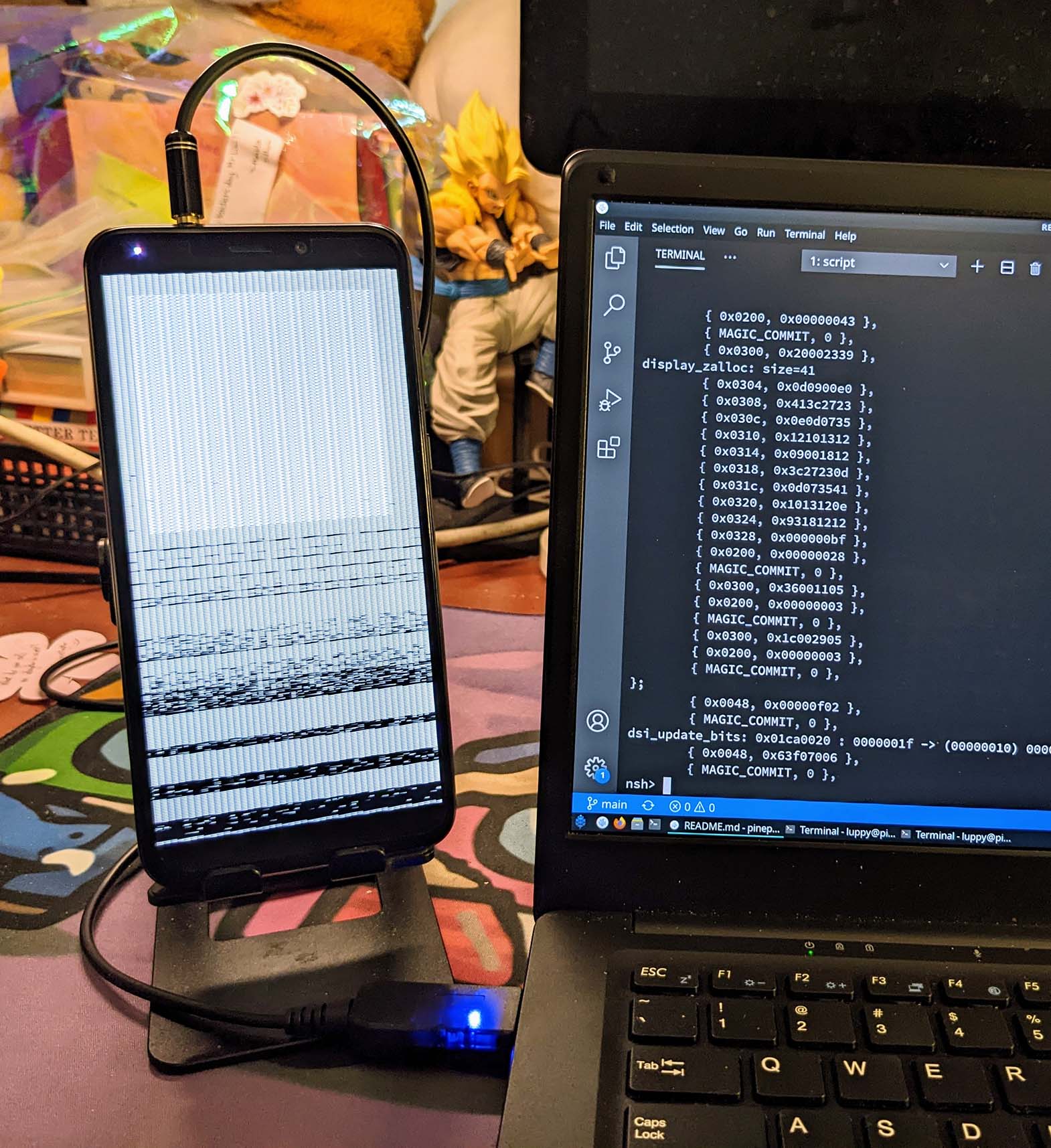
## Test MIPI DSI Driver on PinePhone
_Are we sure that our Zig Driver talks OK to PinePhone's MIPI DSI Display?_
Our Zig Driver sends __20 commands over MIPI DSI__ to initialise PinePhone's Display...
- [__""Initialise ST7703 LCD Controller""__](https://lupyuen.github.io/articles/dsi2#initialise-st7703-lcd-controller)
- [__""Send MIPI DSI Packet""__](https://lupyuen.github.io/articles/dsi2#send-mipi-dsi-packet)
Let's test it with __Apache NuttX RTOS__ on PinePhone!
This __p-boot Display Code__ (in C) renders a [__""Test Pattern""__](https://gist.github.com/lupyuen/ee3adf76e76881609845d0ab0f768a95#file-test_display-c-L154-L251) (pic above) on PinePhone's Display...
- [__""Experimenting with PinePhone p-boot Display Code""__](https://gist.github.com/lupyuen/ee3adf76e76881609845d0ab0f768a95)
Inside the above code is the C Function __`panel_init`__ that sends the 20 commands to initialise PinePhone's Display...
- [__`panel_init` in p-boot__](https://megous.com/git/p-boot/tree/src/display.c#n223)
We modify __`panel_init`__ so that it calls our __Zig Driver__ instead...
```c
// p-boot calls this to init ST7703
static void panel_init(void) {
// We call Zig Driver to init ST7703
nuttx_panel_init();
}
```
[(__`nuttx_panel_init`__ is explained here)](https://lupyuen.github.io/articles/dsi2#initialise-st7703-lcd-controller)
[(__p-boot Display Code__ modified for Zig)](https://github.com/lupyuen/pinephone-nuttx/releases/tag/pboot4)
Follow these steps to build __Apache NuttX RTOS__ and our Zig Display Driver...
- [__""Test Zig Display Driver for PinePhone""__](https://github.com/lupyuen/pinephone-nuttx#test-zig-display-driver-for-pinephone)
Boot PinePhone with NuttX RTOS in the microSD Card.
At the NuttX Shell, enter this command to __test our Zig Display Driver__...
```bash
hello
```
We should see our Zig Driver composing the __MIPI DSI Packets__ and setting the __Hardware Registers__ of the Allwinner A64 SoC...
```text
HELLO NUTTX ON PINEPHONE!
...
Shell (NSH) NuttX-11.0.0-RC2
nsh> hello
...
writeDcs: len=4
b9 f1 12 83
mipi_dsi_dcs_write: channel=0, cmd=0x39, len=4
composeLongPacket: channel=0, cmd=0x39, len=4
packet: len=10
39 04 00 2c b9 f1 12 83
84 5d
modifyreg32: addr=0x300, val=0x2c000439
modifyreg32: addr=0x304, val=0x8312f1b9
modifyreg32: addr=0x308, val=0x00005d84
modifyreg32: addr=0x200, val=0x00000009
modifyreg32: addr=0x010, val=0x00000000
modifyreg32: addr=0x010, val=0x00000001
...
```
[(See the Complete Log)](https://github.com/lupyuen/pinephone-nuttx#testing-nuttx-zig-driver-for-mipi-dsi-on-pinephone)
Our Zig Display Driver powers on the PinePhone Display and __renders the Test Pattern__... Exactly like the earlier code in C! 🎉
_Are we really sure that our Zig Driver works OK?_
100% Yep! If our Zig Driver didn't send the ST7703 Commands correctly, PinePhone's Display would stay dark.
Our PinePhone Display Driver in Zig has successfully...
- Sent __20 MIPI DSI Commands__ to initialise PinePhone's ST7703 LCD Controller
- With the correct MIPI DSI __Long Packets and Short Packets__
- By accessing the correct __Hardware Registers__ in PinePhone's Allwinner A64 SoC
But we haven't actually rendered any graphics to the display yet...
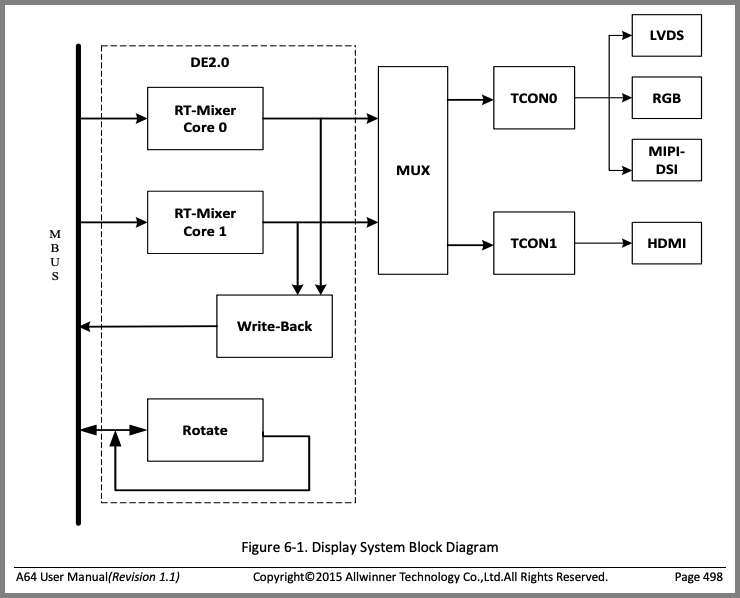
[_Display Engine (DE) and Timing Controller (TCON0) from A64 User Manual (Page 498)_](https://dl.linux-sunxi.org/A64/A64_Datasheet_V1.1.pdf)
## Render Graphics on PinePhone Display
_Can our driver render graphics on the PinePhone Display?_
Sadly our PinePhone Display Driver __isn't complete__... Rendering graphics on PinePhone's Display isn't done with MIPI DSI Packets.
Instead we shall program these two controllers in PinePhone's Allwinner A64 SoC...
- [__Display Engine (DE)__](https://lupyuen.github.io/articles/pio#display-engine): Execute the Rendering Pipeline to generate the pixels for display
(Handles image buffering, scaling, mixing, ...)
- [__Timing Controller (TCON0)__](https://lupyuen.github.io/articles/pio#lcd-controller-tcon0): Pump the generated pixels at the right clock frequency to the MIPI DSI display
(Pic above)
_Why won't PinePhone's Display accept MIPI DSI Packets for graphics?_
PinePhone's ST7703 LCD Controller __doesn't have any RAM__ inside...
- [__""Sitronix ST7703 LCD Controller""__](https://lupyuen.github.io/articles/dsi#sitronix-st7703-lcd-controller)
Thus we need to __pump a constant stream of pixels__ to the display. Which won't work with MIPI DSI Packets. (Because it's too inefficient)
A64's __Display Engine (DE)__ and __Timing Controller (TCON0)__ were created to blast the pixels efficiently from PinePhone's RAM to the ST7703 LCD Controller.
[(All fully automated, no interrupts needed!)](https://gist.github.com/lupyuen/ee3adf76e76881609845d0ab0f768a95#file-test_display-c-L147-L254)
We'll talk about DE and TCON0 in the next article.
_The PinePhone Display Driver that we're building... What interface will it expose?_
Our PinePhone Display Driver (in C or Zig) shall expose the standard __Display Driver Interface__ that's expected by Apache NuttX RTOS.
Here's the implementation of the Display Driver Interface for the __Sitronix ST7789 LCD Controller__...
- [__nuttx/drivers/lcd/st7789.c__](https://github.com/lupyuen/incubator-nuttx/blob/master/drivers/lcd/st7789.c)
## What's Next
Today we've seen the Zig Internals of our new PinePhone Display Driver for Apache NuttX RTOS. I hope that coding the driver in Zig has made it a little easier to understand what's inside.
Some parts of the driver were simpler to code in Zig than in C. I'm glad I chose Zig for the driver!
(I took longer to write this article... Than to code the Zig Driver!)
In the next article we shall implement the rendering features of the PinePhone Display Driver.
There's plenty to be done for NuttX on PinePhone, please lemme know if you would like to join me 🙏
Check ot the other articles on __NuttX RTOS for PinePhone__...
- [__""Apache NuttX RTOS on Arm Cortex-A53: How it might run on PinePhone""__](https://lupyuen.github.io/articles/arm)
- [__""PinePhone boots Apache NuttX RTOS""__](https://lupyuen.github.io/articles/uboot)
- [__""NuttX RTOS for PinePhone: Fixing the Interrupts""__](https://lupyuen.github.io/articles/interrupt)
- [__""NuttX RTOS for PinePhone: UART Driver""__](https://lupyuen.github.io/articles/serial)
- [__""Understanding PinePhone's Display (MIPI DSI)""__](https://lupyuen.github.io/articles/dsi)
Many Thanks to my [__GitHub Sponsors__](https://github.com/sponsors/lupyuen) for supporting my work! This article wouldn't have been possible without your support.
- [__Sponsor me a coffee__](https://github.com/sponsors/lupyuen)
- [__Discuss this article on Reddit__](https://www.reddit.com/r/PINE64official/comments/y6s7k4/nuttx_rtos_for_pinephone_display_driver_in_zig/)
- [__My Current Project: ""The RISC-V BL602 Book""__](https://lupyuen.github.io/articles/book)
- [__Check out my articles__](https://lupyuen.github.io)
- [__RSS Feed__](https://lupyuen.github.io/rss.xml)
_Got a question, comment or suggestion? Create an Issue or submit a Pull Request here..._
[__lupyuen.github.io/src/dsi2.md__](https://github.com/lupyuen/lupyuen.github.io/blob/master/src/dsi2.md)
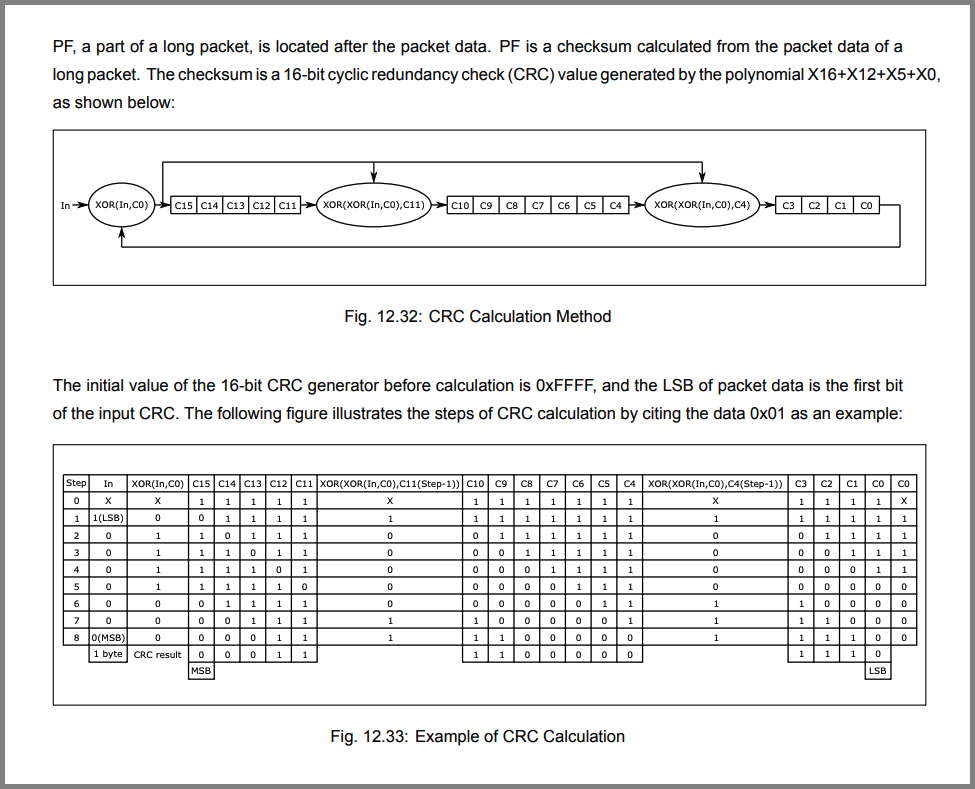
[_MIPI DSI Cyclic Redundancy Check (Page 210)_](https://files.pine64.org/doc/datasheet/ox64/BL808_RM_en_1.0(open).pdf)
## Appendix: Cyclic Redundancy Check
Earlier we talked about computing the 16-bit __Cyclic Redundancy Check (CCITT CRC)__ for the MIPI DSI Packet Footer (pic above)...
- [__""Packet Footer""__](https://lupyuen.github.io/articles/dsi2#packet-footer)
This is how our Zig Driver computes the CCITT CRC: [display.zig](https://github.com/lupyuen/pinephone-nuttx/blob/main/display.zig#L213-L273)
```zig
/// Compute 16-bit Cyclic Redundancy Check (CRC).
/// See ""12.3.6.13: Packet Footer"", Page 210 of BL808 Reference Manual:
/// https://files.pine64.org/doc/datasheet/ox64/BL808_RM_en_1.0(open).pdf
fn computeCrc(
data: []const u8
) u16 {
// Use CRC-16-CCITT (x^16 + x^12 + x^5 + 1)
const crc = crc16ccitt(data, 0xffff);
return crc;
}
/// Return a 16-bit CRC-CCITT of the contents of the `src` buffer.
/// Based on https://github.com/lupyuen/incubator-nuttx/blob/pinephone/libs/libc/misc/lib_crc16.c
fn crc16ccitt(src: []const u8, crc16val: u16) u16 {
var i: usize = 0;
var v = crc16val;
while (i < src.len) : (i += 1) {
v = (v >> 8)
^ crc16ccitt_tab[(v ^ src[i]) & 0xff];
}
return v;
}
```
__`crc16ccitt_tab`__ is the standard table for computing CRC-16-CCITT based on the polynomial ""`x^16 + x^12 + x^5 + 1`""...
```zig
/// From CRC-16-CCITT (x^16 + x^12 + x^5 + 1)
const crc16ccitt_tab = [256]u16 {
0x0000, 0x1189, 0x2312, 0x329b, 0x4624, 0x57ad, 0x6536, 0x74bf,
0x8c48, 0x9dc1, 0xaf5a, 0xbed3, 0xca6c, 0xdbe5, 0xe97e, 0xf8f7,
0x1081, 0x0108, 0x3393, 0x221a, 0x56a5, 0x472c, 0x75b7, 0x643e,
0x9cc9, 0x8d40, 0xbfdb, 0xae52, 0xdaed, 0xcb64, 0xf9ff, 0xe876,
0x2102, 0x308b, 0x0210, 0x1399, 0x6726, 0x76af, 0x4434, 0x55bd,
0xad4a, 0xbcc3, 0x8e58, 0x9fd1, 0xeb6e, 0xfae7, 0xc87c, 0xd9f5,
0x3183, 0x200a, 0x1291, 0x0318, 0x77a7, 0x662e, 0x54b5, 0x453c,
0xbdcb, 0xac42, 0x9ed9, 0x8f50, 0xfbef, 0xea66, 0xd8fd, 0xc974,
0x4204, 0x538d, 0x6116, 0x709f, 0x0420, 0x15a9, 0x2732, 0x36bb,
0xce4c, 0xdfc5, 0xed5e, 0xfcd7, 0x8868, 0x99e1, 0xab7a, 0xbaf3,
0x5285, 0x430c, 0x7197, 0x601e, 0x14a1, 0x0528, 0x37b3, 0x263a,
0xdecd, 0xcf44, 0xfddf, 0xec56, 0x98e9, 0x8960, 0xbbfb, 0xaa72,
0x6306, 0x728f, 0x4014, 0x519d, 0x2522, 0x34ab, 0x0630, 0x17b9,
0xef4e, 0xfec7, 0xcc5c, 0xddd5, 0xa96a, 0xb8e3, 0x8a78, 0x9bf1,
0x7387, 0x620e, 0x5095, 0x411c, 0x35a3, 0x242a, 0x16b1, 0x0738,
0xffcf, 0xee46, 0xdcdd, 0xcd54, 0xb9eb, 0xa862, 0x9af9, 0x8b70,
0x8408, 0x9581, 0xa71a, 0xb693, 0xc22c, 0xd3a5, 0xe13e, 0xf0b7,
0x0840, 0x19c9, 0x2b52, 0x3adb, 0x4e64, 0x5fed, 0x6d76, 0x7cff,
0x9489, 0x8500, 0xb79b, 0xa612, 0xd2ad, 0xc324, 0xf1bf, 0xe036,
0x18c1, 0x0948, 0x3bd3, 0x2a5a, 0x5ee5, 0x4f6c, 0x7df7, 0x6c7e,
0xa50a, 0xb483, 0x8618, 0x9791, 0xe32e, 0xf2a7, 0xc03c, 0xd1b5,
0x2942, 0x38cb, 0x0a50, 0x1bd9, 0x6f66, 0x7eef, 0x4c74, 0x5dfd,
0xb58b, 0xa402, 0x9699, 0x8710, 0xf3af, 0xe226, 0xd0bd, 0xc134,
0x39c3, 0x284a, 0x1ad1, 0x0b58, 0x7fe7, 0x6e6e, 0x5cf5, 0x4d7c,
0xc60c, 0xd785, 0xe51e, 0xf497, 0x8028, 0x91a1, 0xa33a, 0xb2b3,
0x4a44, 0x5bcd, 0x6956, 0x78df, 0x0c60, 0x1de9, 0x2f72, 0x3efb,
0xd68d, 0xc704, 0xf59f, 0xe416, 0x90a9, 0x8120, 0xb3bb, 0xa232,
0x5ac5, 0x4b4c, 0x79d7, 0x685e, 0x1ce1, 0x0d68, 0x3ff3, 0x2e7a,
0xe70e, 0xf687, 0xc41c, 0xd595, 0xa12a, 0xb0a3, 0x8238, 0x93b1,
0x6b46, 0x7acf, 0x4854, 0x59dd, 0x2d62, 0x3ceb, 0x0e70, 0x1ff9,
0xf78f, 0xe606, 0xd49d, 0xc514, 0xb1ab, 0xa022, 0x92b9, 0x8330,
0x7bc7, 0x6a4e, 0x58d5, 0x495c, 0x3de3, 0x2c6a, 0x1ef1, 0x0f78,
};
```
"
697,2003,"2025-03-16 07:31:27.589339",vedant-pandey,creating-safer-zig-bindings-for-liburing-24gc,https://zig.news/uploads/articles/ra7yrnvlwfp7uf47xpbm.png,"Creating safer zig bindings for liburing","Last weekend I started on a hobby project to create a stock exchange from scratch. On the quest I...","Last weekend I started on a hobby project to create a stock exchange from scratch.
On the quest I wanted to build everything from scratch and use zig, because I have wanted to build a deeper systems level understanding and it seems to give better warnings to problems a newbie might create.
## The Project
The idea was to build a stock exchange while learning the fundamentals of how different internals work. I would start by using http(s) but I wanted to be able to replace the underlying protocol later if I wanted(with something like [FIX](https://en.wikipedia.org/wiki/Financial_Information_eXchange))
## Premature Optimization
I obviously wanted my hobby server to scale to millions of transactions so I wanted the best performance from the start, it was also a good moment for me to understand what `io_uring` truly is?
## Enter IO Uring
**What is even IO Uring?**
I had heard some smart people mention IO Uring in their talks about performance optimization, one of them was obviously Joran Greef from TigerBeetle.
**Ok, but what is io uring?**
IO Uring is a kernal io module which came out in 2019, which offers an ability to blazingly fast IO by letting the kernel handle memory in its space instead of user space, and instead expose Ring Buffers for the user space application to interact with the sockets and file descriptors.
TBH, I have not fully understood IO Uring, or why exactly is it faster than epoll, but I'm hoping to learn that from building the safe bindings since I would need to go through hundreds of man pages
It also appears to be easy to get wrong for many skilled people, since Google has disabled it in every OS that it ships, because they held a VRP which caught majority of the vulnerabilities by using unsafely implemented io uring code.
[Read more about it here](https://security.googleblog.com/2023/06/learnings-from-kctf-vrps-42-linux.html)
**So, what is liburing?**
At first I thought liburing and io_uring were the same, but it turns out liburing is a wrapper over io_uring to provide better defaults and an easier interface(comparatively I guess?) to interact with.
## Using liburing
While using liburing in my project I found many difficulties setting it up. I was writing some glue code which would make it easier for me to understand the code flow. As I was going through it I thought to myself, there must be other people who would want to use liburing in their projects too, maybe someone would have written bindings?
To my surprise and happiness no one had done yet so I thought why don't I take this opportunity to build something that would not only help me learn but also help me give back to the community.
So here's my project github link, please feel free to create issues, but please know that I've only started and I mostly work on it on weekends(unless I get some time over the week)
https://github.com/vedant-pandey/liburing-zig"
133,394,"2022-05-10 21:05:08.778322",lhp,easily-create-tui-programs-with-zig-spoon-project-demonstration-4k33,https://zig.news/uploads/articles/ypkqp9fzdqon9m8ceeew.png,"Easily create TUI programs with zig-spoon! (project demonstration)
","Hey, remember me? I am that guy who wrote that one article about raw terminal IO. I am back with more...","Hey, remember me? I am that guy who wrote that one article about raw terminal IO. I am back with more terminal stuff!
But this time it's less scary, because this time I took care of the annoying bits so you can focus on having fun!
In this small article I'd like to introduce [zig-spoon](https://sr.ht/~leon_plickat/zig-spoon/), a zig library for creating TUI programs. It is still very much work in progress (which includes the API and documentation, naturally) and does not have everything I want it to have yet. But even in its current ~20%-of-the-finished-thing state, it already takes care of up to (and likely more than) 80% of the work of creating TUI applications - well, at least the UI part.
Here is what is available right now:
* Simple allocation-free abstraction for managing a terminals IO state
* Easily enter and leave ""raw"" / ""uncooked"" mode
* Does not force you to use some awkward character double-buffering, just place your UI drawing code into a rendering function, which offers a few orders of magnitude more flexibility and means you can integrate non-standardthings, like sixel or other image protocols, without them actually needing direct support in the library
* Easily integrates with all poll / epoll based event loops - or don't, if you just need something static
* Highly correct input parser - this is the most painful part of TUIs, so I am glad I can offer you a ready-made solution :)
* Parsing is fully separate from reading the input; You can store input and parse (way) later, parse input from alternative sources or just skip spoons parser and use your own if you want
* Additionally there is an input description parser, which parsers strings like ""C-b"", ""Alt-F"", ""C-M-µ"" into the correct `Input` struct, which is super helpful both for user configurable keybinds and - since it can be used at comptime - hardcoded keybinds
* Decent text attribute system
* Easiely set text colour
* Completely standalone and can be used without the other parts of the library, so zig-spoon is even useful if you have a non-TUI terminal program that just wants fancy text
While most modern TUI libraries use a widget tree, similar to true graphical toolkits, I instead opted to just plop the user into a ""clean canvas"", which makes zig-spoon considerably more powerful and - at least in my opinion - useful. That said, if everything goes according to my plan, there will eventually be a *purely optionaly* character buffer and widget graph system you can user on top of the current design.
While there is still a lot to do, I expect the first release (0.1.0) to happen this year.
## Spoon in action!
Now that I have spilled the advertisement blurb, here is some code, so you can get a feeling for how it works. The API is still a bit raw and has a few rough corners.
const std = @import(""std"");
const mem = std.mem;
const heap = std.heap;
const os = std.os;
const meta = std.meta;
const spoon = @import(""spoon"");
var term: spoon.Term = undefined;
var loop: bool = true;
const title = ""Showing off zig-spoon :)"";
var counter: usize = 0;
pub fn main() !void {
// When init'ing the terminal, you install a render function. This is where
// you will do all your drawing.
try term.init(render);
defer term.deinit();
// SIGWINCH is send when the terminal size is changed, for silly legacy reasons.
os.sigaction(os.SIG.WINCH, &os.Sigaction{
.handler = .{ .handler = handleSigWinch },
.mask = os.empty_sigset,
.flags = 0,
}, null);
var fds: [1]os.pollfd = undefined;
fds[0] = .{
.fd = term.tty.handle,
.events = os.POLL.IN,
.revents = undefined,
};
try term.uncook();
defer term.cook() catch {};
try term.hideCursor();
// Before entering the main loop, you probably want to render once. Since
// we never rendered before, we do not know the terminal size, so that needs
// to be fetched first.
try term.fetchSize();
try term.setWindowTitle(title);
try term.updateContent();
var buf: [16]u8 = undefined;
while (loop) {
_ = try os.poll(&fds, -1);
const read = try term.readInput(&buf);
var it = spoon.inputParser(buf[0..read]);
while (it.next()) |in| {
if (inputEql(in, ""C-c"") or inputEql(in, ""q"")) {
loop = false;
} else if (inputEql(in, ""space"")) {
counter += 1;
// Call this function whenever you want to trigger a render.
try term.updateContent();
} else if (inputEql(in, ""r"")) {
counter = 0;
try term.updateContent();
}
}
}
}
fn inputEql(in: spoon.Input, comptime descr: []const u8) bool {
const bind = comptime spoon.Input.fromDescription(descr) catch @compileError(""Bad input descriptor"");
return meta.eql(in, bind);
}
fn render(_: *spoon.Term, _: usize, columns: usize) !void {
// This is a super lazy example program, so we clear the entire terminal and
// draw everything again each time. However it is actually pretty simple to
// roughly keep track of what has changed since last render and only
// re-render that.
try term.clear();
// In a real application you probably want to check if the terminal is large
// enough for the contents you plan to draw. However this is an abbreviated
// example, so whatever.
try term.moveCursorTo(0, 0);
try term.setAttribute(.{ .fg = .green, .reverse = true });
const rest = try term.writeLine(columns, "" "" ++ title);
try term.writeByteNTimes(' ', rest);
try term.moveCursorTo(1, 1);
try term.setAttribute(.{ .fg = .red, .bold = true });
_ = try term.writeLine(columns - 1, ""Press space to increase the counter, r to reset, Ctrl-C or q to exit."");
// The way you write things to the terminal is in my opinion the weakest
// part of the API right now and will probably change quite a bit. However
// for now you can just grab the writer and use the common write functions
// you know and love from zigs std.
try term.setAttribute(.{});
try term.moveCursorTo(3, 3);
const writer = term.stdout.writer();
try writer.print(""counter: {}"", .{counter});
}
fn handleSigWinch(_: c_int) callconv(.C) void {
// The size has changed, so we need to fetch it again and then render.
term.fetchSize() catch {};
term.updateContent() catch {};
}
/// Custom panic handler, so that we can try to cook the terminal on a crash,
/// as otherwise all messages will be mangled.
pub fn panic(msg: []const u8, trace: ?*std.builtin.StackTrace) noreturn {
// I'll likely add a better version of this to the library itself, so you
// can just import the panic handler.
@setCold(true);
term.cook() catch {};
std.builtin.default_panic(msg, trace);
}

And most importantly: This isn't just a toy project, zig-spoon arose while working on real-world projects (which I will also show-off eventually), so it will be continuously improved and kept up-to-date as long as I use my own tools.
Any feedback is welcome :)
Oh, and before I forget, here are the current caveats:
* Usage in projects linking libc is a bit wonky right now, see https://github.com/ziglang/zig/issues/10181
* Integration with the event loop from the std and async / threads in general is untested and probably not that great. I personally tend to just hand-roll my event-loops, so this has kinda been ignored for now. But I want to sort this out before a release.
* Only the ""normal"" terminal colours are supported right now, 256 and RGB not yet. It's a trivial patch, but I had other priorities for now.
* Only supports Linux right now, other UNIXoids will follow.
* You will likely run into issues if you try it out right now, but if you tell me about them, I'll do my best to adress them in a timely manner. Take a look at the [issue tracker](https://todo.sr.ht/~leon_plickat/zig-spoon) to see if we are already aware of the issues you are facing."
38,1,"2021-09-08 11:43:56.609462",kristoff,cross-compile-a-c-c-project-with-zig-3599,https://zig.news/uploads/articles/jxdbr1b617z1vofzmf3q.png,"Cross-compile a C/C++ Project with Zig","Zig is not just a programming language but also a toolchain that can help you maintain and gradually...","> *Zig is not just a programming language but also a toolchain that can help you maintain and gradually modernize existing C/C++ projects, based on your needs. In this series we're using Redis, a popular in-memory key value store written in C, as an example of a real project that can be maintained with Zig. [You can read more in ""Maintain it with Zig""](https://kristoff.it/blog/maintain-it-with-zig/).*
# What is cross-compilation?
In the previous part we saw how to use Zig to produce a build of a C/C++ project for the same target that the compiler runs on. With a working cross-compilation setup you will be able to create ARM Linux executables from x86_64 Windows, for example.
Cross-compilation is especially great when you need to release an application that runs on multiple platforms: **with Zig you can create all release artifacts from a single machine!**
# Cross-compilation support in Zig
For Zig, cross-compilation is a primary use case and a lot of work went into making it a seamless experience, starting from bundling libc implementations for all major platforms.
If you're curious, [read this blog post by Andrew Kelley](https://andrewkelley.me/post/zig-cc-powerful-drop-in-replacement-gcc-clang.html) to learn in detail how Zig extends clang to make cross-compilation easy.
When it comes to macOS, Zig even has a custom built linker able to cross-compile for both Intel and Apple Silicon M1, something that not even lld (LLVM's linker) can do. Thanks to that, at the moment of writing, **Zig is the only C/C++ compiler able to cross-compile and cross-sign (i.e. perform codesigning from another plaftorm) for Apple Silicon**.
# On buildscript portability...
C/C++ projects almost never take cross-compilation into consideration, unfortunately. A project might be portable in the sense that it compiles on both macOS and Linux, for example, but almost all build scripts rely on brittle capability checks that require manual intervention to force the build script to cooperate with the cross-compilation process.
More importantly, Makefiles don't list their requirements in a declarative way and so reading everything is the only way to see what other tools a build script depends on. Other build systems might be better in that regard but in general you cannot expect the same seamless experience that we had in the previous post.
As we will see now, this is also true when it comes to Redis.
# Cross-compiling Redis
If you followed the steps in the previous post, where we compiled Redis for the native target (i.e. the actual machine that the compilation process is happening on), then you will need to run `make distclean` to avoid confusing problems caused by stale assets that don't get properly invalidated by Make.
Here are some example cross-compilation invocations:
Targeting Intel macOS
```sh
make CC=""zig cc -target x86_64-macos"" CXX=""zig c++ -target x86_64-macos"" AR=""zig ar"" RANLIB=""zig ranlib"" USE_JEMALLOC=no USE_SYSTEMD=no
```
Targeting x86-64 Linux (and musl libc)
```sh
make CC=""zig cc -target x86_64-linux-musl"" CXX=""zig c++ -target x86_64-linux-musl"" AR=""zig ar"" RANLIB=""zig ranlib"" USE_JEMALLOC=no USE_SYSTEMD=no
```
Let's break down what you just saw. The first notable change are the `-target` switches. This part should be self-explanatory: since we're compiling for another target, we have to specify which. The second notable difference is the presence of a few new overrides, what's up with those?
By reading carefully the Makefiles (yes, there are multiple) involved in building Redis, you can see that `redis-cli` and `redis-server` share `hiredis`, a library that implements a parser for the communication protocol. Because of that, `hiredis` gets compiled as a stati library and included in the compilation process of both executables. The same in fact happens also to `lua`, another dependency of Redis.
This method of compiling code relies on two tools: `ar` and `ranlib`, and in fact this was also happening in the previous post, when we were compiling natively, but since we already needed a bunch of system tooling (e.g., `build-essential` or Xcode command line tools), we could get away with not having to know that. Now we are building for another target though, so these commands need to play nice with the cross-compilation process, which requires us to use the versions provided by Zig.
Let's talk now about another override, `USE_JEMALLOC`. Redis by default uses `jemalloc` on x86-64 Linux. Unfortunately, `jemalloc` is a C++ library that uses CMake, which complicates the build process by a lot. For the sake of brevity I've forced the use of vanilla malloc from libc, but if you know CMake, it should still be possible to make it cross-compilation aware. Consider it an exercise left to the reader.
So the compilation succeeds, are we done now? Well, not really. There are a few other details in the Makefile that it's important we understand.
## Fixing Makefiles
Let's look at the two most important lines in the main Redis Makefile (`src/Makefile`).
```Makefile
uname_S := $(shell sh -c 'uname -s 2>/dev/null || echo not')
uname_M := $(shell sh -c 'uname -m 2>/dev/null || echo not')
```
These lines use a shell command to get OS and architecture of the current machine. You can already see how this can be problematic when it comes to cross compilation.
The fix in this case is to just provide overrides on the command line, but first we should take a look at how these variables are being used to better understand what to override them with.
```Makefile
# Default allocator defaults to Jemalloc if it's not an ARM
MALLOC=libc
ifneq ($(uname_M),armv6l)
ifneq ($(uname_M),armv7l)
ifeq ($(uname_S),Linux)
MALLOC=jemalloc
endif
endif
endif
# ...
ifeq ($(USE_JEMALLOC),yes)
MALLOC=jemalloc
endif
ifeq ($(USE_JEMALLOC),no)
MALLOC=libc
endif
```
This example shows how `uname_M` contains the CPU architecture, while `uname_S` the OS name. We also see that the variable is loosely matched with some keywords, which means that we don't need to be too precise with our override. This particular check is not important for us because we are already disabling `jemalloc` from the command line, but it reveals the usage pattern of two important variables. The way OS name and version get used in a Makefile is not standardized and you will need to learn what's the right way of overriding them on a case by case basis.
The Makefile contains another curious capability check:
```Makefile
# Detect if the compiler supports C11 _Atomic
C11_ATOMIC := $(shell sh -c 'echo ""\#include "" > foo.c; \
$(CC) -std=c11 -c foo.c -o foo.o > /dev/null 2>&1; \
if [ -f foo.o ]; then echo ""yes""; rm foo.o; fi; rm foo.c')
ifeq ($(C11_ATOMIC),yes)
STD+=-std=c11
else
STD+=-std=c99
endif
```
You can see here how the Makefile tries to compile a C program that imports `stdatomic.h` and uses the exit code to test if C11 capabilities are supported or not. In our case we can safely say that Zig supports C11, so can replace this check with a command line override, or we can just leave it there since it will always succeed.
Let's take a look at one last passage from the Makefile:
```Makefile
# If 'USE_SYSTEMD' in the environment is neither ""no"" nor ""yes"", try to
# auto-detect libsystemd's presence and link accordingly.
ifneq ($(USE_SYSTEMD),no)
LIBSYSTEMD_PKGCONFIG := $(shell $(PKG_CONFIG) --exists libsystemd && echo $$?)
# If libsystemd cannot be detected, continue building without support for it
# (unless a later check tells us otherwise)
ifeq ($(LIBSYSTEMD_PKGCONFIG),0)
BUILD_WITH_SYSTEMD=yes
LIBSYSTEMD_LIBS=$(shell $(PKG_CONFIG) --libs libsystemd)
endif
endif
```
If you are compiling for Linux, Redis will try to detect if you want SystemD support, but since we're cross-compiling we need to be explicit in our intent.
For the sake of brevity, I've simply disabled support for SystemD in the build command, but if you wanted to enable it, you'd have to procure the right header files and make them available to the compilation process, which might also require rewriting some of the logic shown in the code snippet above.
There are some more examples of checks that rely on the execution of shell commands, I leave finding them as an exercise to the reader.
Based on what we found in the Makefile, this is an example set of overrides to cross-compile for Linux: `uname_S=""Linux"" uname_M=""x86_64"" C11_ATOMIC=yes USE_JEMALLOC=no USE_SYSTEMD=no`.
## The final command
```sh
make CC=""zig cc -target x86_64-linux-musl"" CXX=""zig c++ -target x86_64-linux-musl"" AR=""zig ar"" RANLIB=""zig ranlib"" uname_S=""Linux"" uname_M=""x86_64"" C11_ATOMIC=yes USE_JEMALLOC=no USE_SYSTEMD=no
```
This is the same command you would run to produce a release of Redis regardless of which OS you're on.
### Windows
Redis doesn't target windows, but if you have `make` through msys, cygwin, or mingw, you can still use Windows to cross-compile to Linux or Mac using the above commands.
# What's next?
Dealing with build scripts can very quickly get out of hand, and even in a fairly disciplined project like Redis you can see how multiple build systems can intertwine, making everything needlessly janky.
In the next post we're going to see how to get rid of all these build systems and just rely on `zig build`. Not only this makes understanding the build process dramatically easier, but it also makes cross-compilation completely seamless and frees you from all the system dependencies that Make, CMake, etc require.
**This means that we'll be able to build Redis without even needing `build-essential`, XCode, nor MSVC.**
Up until now Windows hasn't had much love: Redis can't run on Windows and, while you can use Windows to cross-compile for another OS, the reliance on Make, CMake, shell scripts, etc., doesn't really help. In the next post this is all going to change.
###### Reproducibility footnote
*Zig 0.8.1, Redis commit `be6ce8a`.*"
619,577,"2024-03-14 05:57:53.626984",v142857,impl-on-userland-is-quite-easy-actually-13p3,"","Impl on Userland is quite easy, actually","Generics are cool. But I dont like to rely on duck typing when I am reading code, its messy. What are...","Generics are cool. But I dont like to rely on duck typing when I am _reading_ code, its messy. What are the function signatures I should be following? Is there any generic function that is expected to be used there?
Playing around with @yaksher with how semantic we could make generics, we ended up with a simple pattern, that achieves 3 things:
1. No runtime costs;
2. Call site has total control on how the functions behave, as long as they have the expected function signature;
3. Library checks if the interface was used.
So, sily example with a `IWriter` interface that checks if a type is a Writer:
```zig
const std = @import(""std"");
// Interface that we will implement on callsite and verify usage on library
pub const IWriter = struct {
const name = ""IWriter"";
fn is(comptime T: type) bool {
return @hasDecl(T, ""isIWriter"") and T.isIWriter == IWriter;
}
// specify what the implementation entails here
// depending on the usecase, you could have wrapper functions specified here instead of a simple assignment
pub fn impl(comptime T: type, comptime Impl: type) type {
return struct {
const isIWriter = IWriter;
const writeAll: fn (T, []const u8) ayerror!void = Impl.writeAll;
};
}
};
pub fn implements(comptime T: type, comptime I: type) void {
if (!I.is(T)) {
@compileError(""Type does not implement `"" ++ I.name ++ ""`. (tip: wrap your instance with [your impl of ""++ I.name ++ ""](...)."");
}
}
// library function that verifies if the interface was used
pub fn write(w: anytype, data: []const u8) !void {
comptime implements(@TypeOf(w), IWriter); // comptime, otherwise all the compile errors of how `w` misses the decls will also show up
try w.writeAll(data);
}
// Callsite usage of how to create a type that implements an interface
const FileWriter = struct {
writer: std.fs.File.Writer,
usingnamespace IWriter.impl(FileWriter, struct {
fn writeAll(self: FileWriter, data: []const u8) anyerror!void {
try self.writer.writeAll(data);
}
});
};
pub fn main() !void {
const stdout = std.io.getStdOut().writer();
const writer = FileWriter{ .writer = stdout };
try write(writer, ""Hello world!"");
}
```
And just like that, you get the most convoluted ""Hello World"" I ever written."
510,1107,"2023-10-01 06:10:40",krowemoh,extending-a-c-project-with-zig-2023-18ej,"","Extending a C Project with Zig (2023)","In this post I'm going to take a plain C project and get it running with Zig and then have the C...","In this post I'm going to take a plain C project and get it running with Zig and then have the C project call a Zig function.
Previous work from others:
[Extend a C/C++ Project wth Zig (2021)](https://zig.news/kristoff/extend-a-c-c-project-with-zig-55di)
[Zig Build Explained (2021)](https://zig.news/xq/zig-build-explained-part-1-59lf)
It is now 2023 so there have been some changes and I think having more examples may be helpful going forward.
We will be using Zig 0.11. 0.12 is available but has a regression that I believe affects me.
This is also a very real project and so I'm going to outline the hacks I made to get things to work. I'll need to go back and fix them properly at some point.
## ScarletDME
The project I'm going to extend with Zig is called ScarletDME. It is a multivalue (pick) database environment where the core idea is that everything is a string. All the fields of a record are delimited by special characters and each field could contain a variable number of things with in. These things are also delimited by another special character.
ScarletDME is a fork of OpenQM 2.6 and I think it would be fun to hack on. The fork I'm playing with is what I'm going to use in this post. It's funny that the project that I'm extending is a database similar to Loris's redis post. Maybe databases lends themselves to this stuff.
I've cleaned up the Makefile so that it was as simple as possible. I figured this would give me the best chance to get everything working with zig.
I want to learn to use Zig and I want to hack on ScarletDME so I think this would be a good way to do that.
## Getting ScarletDME
The first step is to get a copy of my version of ScarletDME and to checkout the commit before I started hacking zig into things.
``` bash
git clone https://github.com/Krowemoh/ScarletDME
git checkout 1d6838b
```
You can then install ScarletDME by doing:
``` bash
make
sudo make install
```
You may have issues here with dependencies. You will need gcc, make, openssl headers and possibly more. There shouldn't be anything too wild here.
Start ScarletDME:
``` bash
sudo qm -start
cd /usr/qmsys
qm
```
This should place you inside the ScarletDME environment. You can exit by simply typing in OFF.
This is enough to get things going. I'll be showing a tiny bit of the Pick system and Pick BASIC further down.
## Compiling ScarletDME with zig cc
Now that we have ScarletDME installed and building, it's time to take a look at the Makefile.
``` makefile
# default target builds 64-bit, build qm32 target for a 32-bit build
COMP := gcc
OSNAME := $(shell uname -s)
MAIN := $(shell pwd)/
GPLSRC := $(MAIN)gplsrc/
GPLDOTSRC := $(MAIN)utils/gpl.src
GPLOBJ := $(MAIN)gplobj/
GPLBIN := $(MAIN)bin/
DEPDIR := $(MAIN)deps/
ifeq (Darwin,$(OSNAME))
L_FLAGS := -lm -ldl -lcrypto
INSTROOT := /opt/qmsys
SONAME_OPT := -install_name
else
L_FLAGS := -Wl,--no-as-needed -lm -lcrypt -ldl -lcrypto
INSTROOT := /usr/qmsys
SONAME_OPT := -soname
endif
QMSRCS := $(shell cat $(GPLDOTSRC))
QMTEMP := $(addsuffix .o,$(QMSRCS))
QMOBJSD := $(addprefix $(GPLOBJ),$(QMTEMP))
SOURCES := $(filter-out gplsrc/qmclient.c, $(wildcard gplsrc/*.c))
OBJECTS = $(patsubst gplsrc/%.c, gplobj/%.o, $(SOURCES))
TARGETS = $(OBJECTS) $(GPLBIN)qmclilib.so $(GPLBIN)qmtic $(GPLBIN)qmfix $(GPLBIN)qmconv $(GPLBIN)qmidx $(GPLBIN)qmlnxd terminfo
C_FLAGS = -Wall -Wformat=2 -Wno-format-nonliteral -DLINUX -D_FILE_OFFSET_BITS=64 -I$(GPLSRC) -DGPL -g $(ARCH) -fPIE -fPIC -MMD -MF $(DEPDIR)/$*.d
qm: ARCH :=
qm: $(TARGETS)
@echo ""Linking qm.""
@$(COMP) $(ARCH) $(L_FLAGS) $(QMOBJSD) -o $(GPLBIN)qm
qm32: ARCH := -m32
qm32: $(TARGETS)
@echo ""Linking qm.""
@$(COMP) $(ARCH) $(L_FLAGS) $(QMOBJSD) -o $(GPLBIN)qm
$(GPLBIN)qmclilib.so: $(GPLOBJ)qmclilib.o
$(COMP) -shared -Wl,$(SONAME_OPT),qmclilib.so -lc $(ARCH) $(GPLOBJ)qmclilib.o -o $(GPLBIN)qmclilib.so
$(COMP) -shared -Wl,$(SONAME_OPT),libqmcli.so -lc $(ARCH) $(GPLOBJ)qmclilib.o -o $(GPLBIN)libqmcli.so
$(GPLBIN)qmtic: $(GPLOBJ)qmtic.o $(GPLOBJ)inipath.o
$(COMP) $(C_FLAGS) -lc $(GPLOBJ)qmtic.o $(GPLOBJ)inipath.o -o $(GPLBIN)qmtic
$(GPLBIN)qmfix: $(GPLOBJ)qmfix.o $(GPLOBJ)ctype.o $(GPLOBJ)linuxlb.o $(GPLOBJ)dh_hash.o $(GPLOBJ)inipath.o
$(COMP) $(C_FLAGS) -lc $(GPLOBJ)qmfix.o $(GPLOBJ)ctype.o $(GPLOBJ)linuxlb.o $(GPLOBJ)dh_hash.o $(GPLOBJ)inipath.o -o $(GPLBIN)qmfix
$(GPLBIN)qmconv: $(GPLOBJ)qmconv.o $(GPLOBJ)ctype.o $(GPLOBJ)linuxlb.o $(GPLOBJ)dh_hash.o
$(COMP) $(C_FLAGS) -lc $(GPLOBJ)qmconv.o $(GPLOBJ)ctype.o $(GPLOBJ)linuxlb.o $(GPLOBJ)dh_hash.o -o $(GPLBIN)qmconv
$(GPLBIN)qmidx: $(GPLOBJ)qmidx.o
$(COMP) $(C_FLAGS) -lc $(GPLOBJ)qmidx.o -o $(GPLBIN)qmidx
$(GPLBIN)qmlnxd: $(GPLOBJ)qmlnxd.o $(GPLOBJ)qmsem.o
$(COMP) $(C_FLAGS) -lc $(GPLOBJ)qmlnxd.o $(GPLOBJ)qmsem.o -o $(GPLBIN)qmlnxd
terminfo: $(GPLBIN)qmtic
@echo Compiling terminfo library
@test -d qmsys/terminfo || mkdir qmsys/terminfo
cd qmsys && $(GPLBIN)qmtic -pterminfo $(MAIN)utils/terminfo.src
gplobj/%.o: gplsrc/%.c
@mkdir -p $(GPLBIN)
@mkdir -p $(GPLOBJ)
@mkdir -p $(DEPDIR)
$(COMP) $(C_FLAGS) -c $< -o $@
-include $(DEPDIR)/*.d
install:
... install ...
clean:
... clean ...
```
The core part of this makefile is the qm target. This is the first and default target and we can see that it relies on a few things. The most important parts are that it requires qmtic, qmfix, qmconv, qmidx and qmlnxd. These are all binaries that we need to build in addition to the main binary that is qm.
There is also more logic about the install and copying files to the right places but I'm going to leave that stuff out for now. The goal of this post is to extend C with zig not fully replace the build system.
Before we write the build.zig file we should try to compile the project with zig. This is an easy to check to see what kind of issues we might run into when we go to replace the build system.
In the Makefile change COMP to use zig cc:
``` makefile
COMP := zig cc
```
Now we can run make:
``` bash
make -j4
```
Might as well use the extra cores!
Now this should build everything properly and give us a qm binary in the bin folder.
Let's test it out, make sure to use the binary that we created, not the one that is currently installed.
``` bash
cd /usr/qmsys
/path/to/ScarletDME/bin/qm
```
Wham!
This should have resulted in the following error:
``` bash
Fault type 4. PC = 0000019B (A5 64) in $LOIN
Errno : 00000000
4 01EF0270: 00 00 00000000 00000000
3 01EF0258: 00 00 00000000 00000000
2 01EF0240: 00 00 00000000 00000000
1 01EF0228: 00 00 01EF5A10 00000000
0 01EF0210: 00 00 00000000 00000000
Illegal instruction
```
I wish I could say why the error is being thrown but I can't. There is some undefined behavior that needs to be dealt with but that is future me's problem. Possibly future you as well.
Now gcc compiled this perfectly fine, this is because zig by default has ubsan enabled and so this is getting caught in some safety check.
Let's remove that safety check. Update the zig cc command to be the following:
``` makefile
COMP := zig cc -O2
```
Then do:
``` bash
make clean
make -j4
```
Now we can try our near binary:
``` bash
cd /usr/qmsys
/path/to/ScarletDME/bin/qm
```
Voila! If everything went well, we should be sitting at the ScarletDME TCL. Once again you can type OFF to exit the pick database environment.
Now this shows that we can compile ScarletDME with Zig! We can move ever forward.
## Switching the Build System to Zig
The current build system uses make. It works well and the Makefile is quite simple. I think in a larger project or a more complex one it would make much more sense why you would want to have zig be the build system. In my case, I want to use zig with ScarletDME so switching the build system is going to help with that.
As I mentioned above, we are going to focus on just the creation of binaries. At some point I might move over the entire build process to zig but for now just generating the binaries with zig is going to be helpful.
Below is the build.zig file that describes the creation of all the binaries.
The core thing to note here is that we need to set the optimize option and pass that into each binaries. This is what will let us specify the optimization level we want to generate binaries with. This is needed because we need to disable some of the safety checks that we ran into when we ran just zig cc.
Another major note here is that it looks like the build system for zig isn't stable yet and so function names like standardOptimizeOption and addExecutable are changing. If the compiler throws errors at you, go directly to the zig github and search for the functions. It's likely that stackoverflow and forums aren't going to be much help for awhile.
``` zig
const std = @import(""std"");
pub fn build(b: *std.build.Builder) void {
const target = b.standardTargetOptions(.{});
const optimize = b.standardOptimizeOption(.{ .preferred_optimize_mode = std.builtin.OptimizeMode.ReleaseFast });
const cflags = [_][]const u8{
""-Wall"",
""-Wformat=2"",
""-Wno-format-nonliteral"",
""-DLINUX"",
""-D_FILE_OFFSET_BITS=64"",
""-DGPL"",
""-fPIE"",
""-fPIC"",
""--fno-sanitize=undefined"",
};
const qmtic = b.addExecutable(.{ .name = ""qmtic"", .optimize = optimize, });
qmtic.linkLibC();
qmtic.addCSourceFiles(&.{
""gplsrc/qmtic.c"",
""gplsrc/inipath.c""
}, &cflags);
b.installArtifact(qmtic);
const qmfix = b.addExecutable(.{ .name = ""qmfix"", .optimize = optimize, });
qmfix.linkLibC();
qmfix.addCSourceFiles(&.{
""gplsrc/qmfix.c"",
""gplsrc/ctype.c"",
""gplsrc/linuxlb.c"",
""gplsrc/dh_hash.c"",
""gplsrc/inipath.c""
}, &cflags);
b.installArtifact(qmfix);
const qmconv = b.addExecutable(.{ .name = ""qmconv"", .optimize = optimize, });
qmconv.linkLibC();
qmconv.addCSourceFiles(&.{
""gplsrc/qmconv.c"",
""gplsrc/ctype.c"",
""gplsrc/linuxlb.c"",
""gplsrc/dh_hash.c"",
}, &cflags);
b.installArtifact(qmconv);
const qmidx = b.addExecutable(.{ .name = ""qmidx"", .optimize = optimize, });
qmidx.linkLibC();
qmidx.addCSourceFiles(&.{
""gplsrc/qmidx.c"",
}, &cflags);
b.installArtifact(qmidx);
const qmlnxd = b.addExecutable(.{ .name = ""qmlnxd"", .optimize = optimize, });
qmlnxd.linkLibC();
qmlnxd.addCSourceFiles(&.{
""gplsrc/qmlnxd.c"",
""gplsrc/qmsem.c"",
}, &cflags);
b.installArtifact(qmlnxd);
const qm = b.addExecutable(.{ .name = ""qm"", .optimize = optimize, });
qm.linkLibC();
qm.linkSystemLibrary(""m"");
qm.linkSystemLibrary(""crypt"");
qm.linkSystemLibrary(""dl"");
qm.linkSystemLibrary(""crypto"");
qm.addCSourceFiles(&.{
... c files ...
}, &cflags);
b.installArtifact(qm);
}
```
For the most part the build.zig file is a straight translation of the Makefile above. I did some work simplifying it but I think zig is doing something quite well for everything to be this straightforward.
I also added `--fno-sanitize=undefined` after a comment as this gets around trying to build the release version. Instead of turning off the safety checks with the release option, I can set the flag to compile with. This is better because the zig build command itself becomes very simple.
Now at this point we can build ScarletDME with zig!
``` bash
zig build
```
This should take a hot second but everything should get generated. Zig will place the binaries in the zig-out/bin folder. We will just be using the qm binaries from this folder to test things.
Like before we will cd to the qmsys directory and this time we will use the zig generated binary.
``` bash
cd /usr/qmsys
/path/to/ScarletDME/zig-out/bin/qm
```
Boom!
We should see a familiar error:
``` bash
Fault type 4. PC = 0000019B (A5 64) in $LOGIN
Errno : 00000000
4 01EF0270: 00 00 00000000 00000000
3 01EF0258: 00 00 00000000 00000000
2 01EF0240: 00 00 00000000 00000000
1 01EF0228: 00 00 01EF5A10 00000000
0 01EF0210: 00 00 00000000 00000000
Illegal instruction
```
When we run zig build it will default to the debug build for some reason.
We need to set the release option to true to get it to compile without the safety checks.
``` bash
zig build
```
This does seem silly as the preferred_optimize_mode is set to ReleaseFast. I'm probably doing something wrong here.
Now we can try again:
``` bash
cd /usr/qmsys
/path/to/ScarletDME/zig-out/bin/qm
```
This time we should be successful!
Now we have the build system switched out for zig. This finishes the groundwork that we needed to do to start writing functions in zig.
## Extending ScarletDME with Zig
The main course! It is now time to write a very simple zig function and have ScarletDME call it.
Luckily I've already done work of wiring up some functions.
=> https://nivethan.dev/devlog/scarletdme---adding-a-function.html Adding a Function to ScarletDME
I added Big Integer functions to ScarletDME and I want to switch them from being in C to being in Zig. This means that we can simply replace the op_sadd function that I wrote with a new one in Zig.
The first step is to create a folder called src. This is what will contain any future zig code.
``` bash
mkdir src
```
The next step is to update build.zig to include our new zig file.
``` zig
...
const zmath = b.addStaticLibrary(.{
.name = ""op_zmath"",
.root_source_file = .{ .path = ""src/op_zmath.zig"" } ,
.optimize = optimize,
.target = target,
});
zmath.linkLibC();
zmath.addIncludePath(.{ .path = ""gplsrc"" });
zmath.addIncludePath(.{ .path = ""src"" });
const qm = b.addExecutable(.{ .name = ""qm"", .optimize = optimize, });
qm.linkLibC();
qm.linkSystemLibrary(""m"");
qm.linkSystemLibrary(""crypt"");
qm.linkSystemLibrary(""dl"");
qm.linkSystemLibrary(""crypto"");
qm.addCSourceFiles(&.{
... c files ...
}, &cflags);
qm.linkLibrary(zmath);
b.installArtifact(qm);
```
We have added a new file called op_zmath.zig and added it as a static library.
Before we actually create op_zmath.zig, we need to get change op_smath.c and remove the op_sadd function. If we leave it in, we will get conflicting function names.
Open up gplsrc/op_smath.c and update the function name to:
``` c
void op_saddC() {
```
Now e can use op_sadd in our zig file.
Create src/op_zmath.zig and add the following:
``` zig
const std = @import(""std"");
const qm = @cImport({
@cInclude(""qm.h"");
});
export fn op_sadd() void {
const c_string = ""3"";
qm.process.status = 0;
qm.e_stack = qm.e_stack - 1;
qm.e_stack = qm.e_stack - 1;
qm.e_stack = qm.e_stack + 1;
qm.k_put_c_string(c_string, qm.e_stack);
}
```
The code here isn't so important. The core thing is that we include qm.h and this is what gives us access to everything we need. qm.h. qm.h is the main header file for the entire project and so it includes all the other headers. This means that we can import in qm and get access to every header that it is including as well.
Now we should be able to build ScarletDME:
``` bash
zig build
```
This should fail.
``` bash
/cimport.zig:1555:10: error: opaque types have unknown size and therefore cannot be directly embedded in unions
...
cimport.zig:1547:27: note: opaque declared her
```
Zig generates a cimport.zig file for the header file that we imported in and so we can take a look at that file to see what the issue might be. Luckily for this error it actually tells us what's going on.
Line 1547:
``` zig
// /home/nivethan/bp/ScarletDME/gplsrc/descr.h:366:17: warning: struct demoted to opaque type - has bitfield
const struct_unnamed_19 = opaque {};
```
The struct_unnamed_19 has bitfields and so zig immediately made it something we can't see into it. This opaque struct is however being used inside a union. This isn't allowed for probably a good reason but one that I don't know.
However! I do know I can get around it by making it into a pointer instead of embedding the struct directly into the union. This is likely because zig doesn't know size of the opaque struct and so it can't embed it directly. However a pointer can be embedded so let's do that.
Line 1555:
``` zig
dir: ?*struct_unnamed_19,
```
All these names and line numbers may not match your own so read the errors carefully. Zig definitely has room to improve in the way errors are shown to the user.
Now we can run zig build again:
``` bash
zig build
```
This will also fail. This time however it will be a little bit better.
``` bash
src/op_zmath.zig:18:23: error: expected type '[*c]u8', found '*const [1:0]u8'
```
This error is a bit hard to understand. Especially since I still don't understand. I reached out on irc and andrewrk told me that consting on the C side should help.
This means that we need to update k_put_c_string. It would be better to figure out what is going wrong but for now hacking it to work is enough.
gplsrc/qm.h
``` c
void k_put_c_string(const char * s, DESCRIPTOR * descr)
```
We just need to add const in front of the char * and away we go.
We also need to update the k_funcs.c file, this contains the actual definition of k_put_c_string.
gplsrc/k_funcs.c
``` c
void k_put_c_string(const char* s, DESCRIPTOR* descr) {
```
Now we should be able to try our build again.
``` bash
zig build
```
We will now get the error from before about the opaque struct. We need to make the same change again. The reason is because we have updated the C files and so the cache has refreshed with new items.
Once the union has the pointer to the opaque struct, we should be able to run zig build once more.
``` bash
zig build
```
Voila! This time we should have a fully built version of ScarletDME.
Now we can try our brand spanking new function. It won't do much but it will prove that everything is working.
``` bash
cd /usr/qmsys
/path/to/ScarletDME/zig-out/bin/qm
```
We should be at TCL now. We will need to write a very small Pick basic program. This will require using the ED editor.
```
ED BP TEST
```
This will put you in a file called TEST.
Type I to get into insert mode. Press Enter a few times to get out of insert mode.
```
:ED BP TEST
BP TEST
New record
----: I
0001= PRINT SADD(3,2)
0002= END
0003=
Bottom at line 2
----: FI
'TEST' filed in BP
:
```
Enter the above exactly. On Line 3 I pressed enter to exit the editor. Then FI will file the record.
Now we can compile the program:
```
:BASIC BP TEST
Compiling BP TEST
0 error(s)
Compiled 1 program(s) with no errors
```
Now to run it:
```
:RUN BP TEST
3
:
```
Our function doesn't do much besides returning 3 but it does show that ScarletDME is now calling our zig function!
With that we come to a close. We have now taken a real C project and switched the build system for zig and also extended it with a zig function.
Hopefully this will be helpful in extending other C programs :)"
433,513,"2022-12-15 00:22:22.370857",lupyuen,nuttx-rtos-for-pinephone-mipi-display-serial-interface-3chg,https://zig.news/uploads/articles/xvizs0r8ryq1y73yu54y.jpg,"NuttX RTOS for PinePhone: MIPI Display Serial Interface","Pine64 PinePhone (pic above) will soon support the rendering of graphics on the LCD Display... When...","[__Pine64 PinePhone__](https://wiki.pine64.org/index.php/PinePhone) (pic above) will soon support the rendering of graphics on the LCD Display... When we boot the official release of [__Apache NuttX RTOS__](https://nuttx.apache.org/docs/latest/)!
We're building the __NuttX Display Driver__ for PinePhone in small chunks, starting with the driver for [__MIPI Display Serial Interface__](https://lupyuen.github.io/articles/dsi).
In this article we'll learn...
- What's needed to create a __Complete Display Driver__ for PinePhone
- How our driver for __MIPI Display Serial Interface__ fits into the grand plan
- How we're building the __missing pieces__ of the PinePhone Display Driver
- Why most of the Display Driver is in the [__Zig Programming Language__](https://ziglang.org/)
Let's continue the (super looong) journey from our __NuttX Porting Journal__...
- [__lupyuen/pinephone-nuttx__](https://github.com/lupyuen/pinephone-nuttx)
## Complete Display Driver for PinePhone
_NuttX will render graphics on PinePhone's LCD Display..._
_What's inside the Display Driver for PinePhone?_
Through __Reverse Engineering__ (and plenty of experimenting), we discovered that these steps are needed to create a __Complete Display Driver__ for PinePhone (pic above)...
1. Turn on PinePhone's __Display Backlight__
(Through Programmable I/O and Pulse-Width Modulation)
1. Initialise Allwinner A64's __Timing Controller (TCON0)__
(Which will pump pixels continuously to the LCD Display)
1. Initialise PinePhone's __Power Management Integrated Circuit (PMIC)__
(To power on PinePhone's LCD Panel)
1. Enable Allwinner A64's __MIPI Display Serial Interface (DSI)__
(So we can send MIPI DSI commands to the LCD Panel)
1. Enable Allwinner A64's __MIPI Display Physical Layer (D-PHY)__
(Which is the communications layer inside MIPI DSI)
1. Reset PinePhone's __LCD Panel__
(Prep it to receive MIPI DSI Commands)
1. Initialise PinePhone's __LCD Controller (Sitronix ST7703)__
(Send the Initialisation Commands over MIPI DSI)
1. Start Allwinner A64's __MIPI DSI in HSC and HSD Mode__
(High Speed Clock Mode with High Speed Data Transmission)
1. Initialise Allwinner A64's __Display Engine (DE)__
(Start pumping pixels from DE to Timing Controller TCON0)
1. Wait a while
(160 milliseconds)
1. Render Graphics with Allwinner A64's __Display Engine (DE)__
(Start pumping pixels from RAM Framebuffers to DE via Direct Memory Access)
Let's talk about each step and their NuttX Drivers...

[_LCD Display on PinePhone Schematic (Page 2)_](https://files.pine64.org/doc/PinePhone/PinePhone%20v1.2b%20Released%20Schematic.pdf)
## NuttX Driver for MIPI Display Serial Interface
The very first NuttX Driver we've implemented is for __MIPI Display Serial Interface (DSI)__.
_Why is MIPI DSI needed in PinePhone?_
PinePhone talks to its LCD Panel ([__Xingbangda XBD599__](https://lupyuen.github.io/articles/dsi#xingbangda-xbd599-lcd-panel)) via the __MIPI DSI Bus__ on Allwinner A64 SoC.
That's why we need a MIPI DSI Driver in the NuttX Kernel.
_So our MIPI DSI Driver will render graphics on PinePhone's LCD Display?_
It gets complicated...
- __At Startup:__ Our driver sends MIPI DSI Commands to initialise PinePhone's LCD Controller: [__Sitronix ST7703__](https://lupyuen.github.io/articles/dsi#sitronix-st7703-lcd-controller)
(ST7703 is inside the Xingbangda XBD599 LCD Panel)
- __After Startup:__ Allwinner A64's [__Display Engine__](https://lupyuen.github.io/articles/de) and [__Timing Controller (TCON0)__](https://lupyuen.github.io/articles/de#display-rendering-on-pinephone) pump pixels continuously to the LCD Panel over MIPI DSI.
(Bypassing our MIPI DSI Driver)
Thus our MIPI DSI Driver is called __only at startup__ to initialise the LCD Controller (ST7703).
_Sounds super complicated..._
Yep but this rendering design is __super efficient__!
PinePhone doesn't need to handle Interrupts while rendering the display... Everything is __done in Hardware!__ (Allwinner A64 SoC)
The pixel data is pumped from RAM Framebuffers via Direct Memory Access (DMA). Which is also done in Hardware.
Let's dive inside our MIPI DSI Driver...
[_Composing a MIPI DSI Short Packet_](https://github.com/apache/nuttx/blob/master/arch/arm64/src/a64/mipi_dsi.c#L276-L387)
## Send MIPI DSI Packet
_How do we send MIPI DSI Commands to PinePhone's LCD Controller?_
Let's take one MIPI DSI Command that initialises the ST7703 LCD Controller: [test_a64_mipi_dsi.c](https://github.com/lupyuen/pinephone-nuttx/blob/main/test/test_a64_mipi_dsi.c#L52-L60)
```c
// Command #1 to init ST7703
const uint8_t cmd1[] = {
0xB9, // SETEXTC (Page 131): Enable USER Command
0xF1, // Enable User command
0x12, // (Continued)
0x83 // (Continued)
};
// Send the command to ST7703 over MIPI DSI
write_dcs(cmd1, sizeof(cmd1));
```
[(ST7703 needs 20 Initialisation Commands)](https://lupyuen.github.io/articles/dsi#appendix-initialise-lcd-controller)
__write_dcs__ sends our command to the MIPI DSI Bus in 3 __DCS Formats__...
- __DCS Short Write:__ For commands with 1 Byte
- __DCS Short Write with Parameter:__ For commands with 2 Bytes
- __DCS Long Write:__ For commands with 3 Bytes or more
(DCS means Display Command Set)
```c
/// Write the DCS Command to MIPI DSI
static int write_dcs(const uint8_t *buf, size_t len) {
// Do DCS Short Write or Long Write depending on command length.
// A64_MIPI_DSI_VIRTUAL_CHANNEL is 0.
switch (len) {
// DCS Short Write (without parameter)
case 1:
a64_mipi_dsi_write(A64_MIPI_DSI_VIRTUAL_CHANNEL,
MIPI_DSI_DCS_SHORT_WRITE,
buf, len);
break;
// DCS Short Write (with parameter)
case 2:
a64_mipi_dsi_write(A64_MIPI_DSI_VIRTUAL_CHANNEL,
MIPI_DSI_DCS_SHORT_WRITE_PARAM,
buf, len);
break;
// DCS Long Write
default:
a64_mipi_dsi_write(A64_MIPI_DSI_VIRTUAL_CHANNEL,
MIPI_DSI_DCS_LONG_WRITE,
buf, len);
break;
};
```
[(Source)](https://github.com/lupyuen/pinephone-nuttx/blob/main/test/test_a64_mipi_dsi.c#L5-L41)
[(We talk to MIPI DSI Bus on Virtual Channel 0)](https://github.com/apache/nuttx/blob/master/arc/arm64/src/a64/a64_mipi_dsi.h#L35-L39)
__a64_mipi_dsi_write__ comes from our NuttX MIPI DSI Driver: [a64_mipi_dsi.c](https://github.com/apache/nuttx/blob/master/arch/arm64/src/a64/a64_mipi_dsi.c#L366-L526)
```c
// Transmit the payload data to the MIPI DSI Bus as a MIPI DSI Short or
// Long Packet. This function is called to initialize the LCD Controller.
// Assumes that the MIPI DSI Block has been enabled on the SoC.
// Returns the number of bytes transmitted.
ssize_t a64_mipi_dsi_write(
uint8_t channel, // Virtual Channel (0)
enum mipi_dsi_e cmd, // DCS Command (Data Type)
const uint8_t *txbuf, // Payload data for the packet
size_t txlen) // Length of payload data (Max 65541 bytes)
{
...
// Compose Short or Long Packet depending on DCS Command
switch (cmd) {
// For DCS Long Write:
// Compose Long Packet
case MIPI_DSI_DCS_LONG_WRITE:
pktlen = mipi_dsi_long_packet(pkt, sizeof(pkt), channel, cmd, txbuf, txlen);
break;
// For DCS Short Write (with and without parameter):
// Compose Short Packet
case MIPI_DSI_DCS_SHORT_WRITE:
pktlen = mipi_dsi_short_packet(pkt, sizeof(pkt), channel, cmd, txbuf, txlen);
break;
case MIPI_DSI_DCS_SHORT_WRITE_PARAM:
pktlen = mipi_dsi_short_packet(pkt, sizeof(pkt), channel, cmd, txbuf, txlen);
break;
};
```
Our NuttX Driver calls...
- [__mipi_dsi_short_packet__](https://github.com/apache/nuttx/blob/master/arch/arm64/src/a64/mipi_dsi.c#L276-L387): Compose a MIPI DSI [__Short Packet__](https://lupyuen.github.io/articles/dsi#appendix-short-packet-for-mipi-dsi)
[(More about this)](https://lupyuen.github.io/articles/dsi#appendix-short-packet-for-mipi-dsi)
- [__mipi_dsi_long_packet__](https://github.com/apache/nuttx/blob/master/arch/arm64/src/a64/mipi_dsi.c#L147-L276): Compose a MIPI DSI [__Long Packet__](https://lupyuen.github.io/articles/dsi#long-packet-for-mipi-dsi)
[(More about this)](https://lupyuen.github.io/articles/dsi#long-packet-for-mipi-dsi)
Then our NuttX Driver writes the Short or Long Packet to the __MIPI DSI Registers__ of Allwinner A64: [a64_mipi_dsi.c](https://github.com/apache/nuttx/blob/master/arch/arm64/src/a64/a64_mipi_dsi.c#L446-L526)
```c
// Write the packet to DSI Low Power Transmit Package Register
// at DSI Offset 0x300 (A31 Page 856)
// A64_DSI_ADDR is the A64 DSI Base Address: 0x01ca0000
addr = A64_DSI_ADDR + 0x300;
for (i = 0; i < pktlen; i += 4) {
// Fetch the next 4 bytes, fill with 0 if not available
const uint32_t b[4] = {
pkt[i],
(i + 1 < pktlen) ? pkt[i + 1] : 0,
(i + 2 < pktlen) ? pkt[i + 2] : 0,
(i + 3 < pktlen) ? pkt[i + 3] : 0
};
// Merge the next 4 bytes into a 32-bit value
const uint32_t v = b[0] + (b[1] << 8) + (b[2] << 16) + (b[3] << 24);
// Write the 32-bit value to DSI Low Power Transmit Package Register
modreg32(v, 0xffffffff, addr);
addr += 4;
}
// Omitted: Wait for DSI Transmission to complete
```
And that's how our MIPI DSI Packet gets transmitted to the ST7703 LCD Controller, over the MIPI DSI Bus!
We do this 20 times, to send 20 __Initialisation Commands__ to the ST7703 LCD Controller...
- [__""Initialise LCD Controller""__](https://lupyuen.github.io/articles/dsi#appendix-initialise-lcd-controller)
But wait... We haven't enabled the MIPI DSI Hardware yet!
## Enable MIPI DSI and D-PHY
_At startup we call the MIPI DSI Driver to send Initialisation Commands to the LCD Controller..._
_What about other MIPI DSI Operations?_
Before sending MIPI DSI Packets, our NuttX Driver needs to enable 2 chunks of hardware on Allwinner A64 SoC...
- Enable Allwinner A64's __MIPI Display Serial Interface (DSI)__
So we can send MIPI DSI commands to the LCD Panel.
[(As explained here)](https://lupyuen.github.io/articles/dsi#appendix-enable-mipi-dsi-block)
We implemented this in [__a64_mipi_dsi_enable__](https://github.com/apache/nuttx/blob/master/arch/arm64/src/a64/a64_mipi_dsi.c#L526-L914) as a long list of A64 DSI Register Writes...
```c
// DSI Instruction Function Register (Undocumented)
// Set DSI_INST_ID_LP11 to 0x1f
// Set DSI_INST_ID_TBA to 0x1000 0001
// Set DSI_INST_ID_HSC to 0x2000 0010
// Set DSI_INST_ID_HSD to 0x2000 000f
putreg32(0x1f, DSI_INST_FUNC_REG(DSI_INST_ID_LP11));
putreg32(0x10000001, DSI_INST_FUNC_REG(DSI_INST_ID_TBA));
putreg32(0x20000010, DSI_INST_FUNC_REG(DSI_INST_ID_HSC));
putreg32(0x2000000f, DSI_INST_FUNC_REG(DSI_INST_ID_HSD));
...
```
- Enable Allwinner A64's __MIPI Display Physical Layer (D-PHY)__
Which is the communications layer inside MIPI DSI.
[(As explained here)](https://lupyuen.github.io/articles/dsi#appendix-enable-mipi-display-physical-layer-dphy)
We implemented this in [__a64_mipi_dphy_enable__](https://github.com/apache/nuttx/blob/master/arch/arm64/src/a64/a64_mipi_dphy.c#L86-L162) as a list of (undocumented) A64 D-PHY Register Writes...
```c
// Power on DPHY Tx (Undocumented)
putreg32(0x10000000, DPHY_TX_CTL_REG);
putreg32(0xa06000e, DPHY_TX_TIME0_REG);
putreg32(0xa033207, DPHY_TX_TIME1_REG);
putreg32(0x1e, DPHY_TX_TIME2_REG);
putreg32(0x0, DPHY_TX_TIME3_REG);
putreg32(0x303, DPHY_TX_TIME4_REG);
...
```
And after sending the MIPI DSI Packets to initialise our LCD Controller, we need to...
- Start Allwinner A64's __MIPI DSI in HSC and HSD Mode__
That's High Speed Clock Mode with High Speed Data Transmission. (Which are probably needed by the Timing Controller TCON0)
[(As explained here)](https://lupyuen.github.io/articles/dsi#appendix-start-mipi-dsi-hsc-and-hsd)
We implemented this in [__a64_mipi_dsi_start__](https://github.com/apache/nuttx/blob/master/arch/arm64/src/a64/a64_mipi_dsi.c#L914-L993) as a list of (undocumented) A64 MIPI Register Writes..
```c
// DSI Instruction Function Register (Undocumented)
// Set DSI_INST_FUNC_LANE_CEN (Bit 4) to 0
modreg32(0x0, DSI_INST_FUNC_LANE_CEN,
DSI_INST_FUNC_REG(DSI_INST_ID_LP11));
// DSI Instruction Jump Select Register (Undocumented)
// Set to 0x63f0 7006
putreg32(0x63f07006, DSI_INST_JUMP_SEL_REG);
...
```
_How did we create all this code for our NuttX Driver?_
Our __NuttX Driver for MIPI DSI__ (and MIPI D-PHY) lives in the NuttX Kernel as...
- [__mipi_dsi.c__](https://github.com/apache/nuttx/blob/master/arch/arm64/src/a64/mipi_dsi.c): Compose MIPI DSI Packets (Long, Short, Short with Parameter)
- [__a64_mipi_dsi.c__](https://github.com/apache/nuttx/blob/master/arch/arm64/src/a64/a64_mipi_dsi.c): MIPI Display Serial Interface (DSI) for Allwinner A64
- [__a64_mipi_dphy.c__](https://github.com/apache/nuttx/blob/master/arch/arm64/src/a64/a64_mipi_dphy.c): MIPI Display Physical Layer (D-PHY) for Allwinner A64
We created the above NuttX Source Files by converting our MIPI DSI Driver __from Zig to C__...
- [__display.zig__](https://github.com/lupyuen/pinephone-nuttx/blob/main/display.zig): Zig Driver for MIPI DSI
- [__dphy.zig__](https://github.com/lupyuen/pinephone-nuttx/blob/main/dphy.zig): Zig Driver for MIPI D-PHY
(Why Zig? We'll come back to this)
We created the Zig Drivers by __Reverse-Engineering__ the logs that we captured from PinePhone's p-boot Bootloader...
- [__""Understanding PinePhone's Display (MIPI DSI)""__](https://lupyuen.github.io/articles/dsi)
- [__""NuttX RTOS for PinePhone: Display Driver in Zig""__](https://lupyuen.github.io/articles/dsi2)
Why Reverse Engineer? Because a lot of details are missing from the official docs for Allwinner A64...
- [__""Allwinner A64 User Manual""__](https://github.com/lupyuen/pinephone-nuttx/releases/download/doc/Allwinner_A64_User_Manual_V1.1.pdf)
- [__""Allwinner A31 User Manual""__](https://github.com/lupyuen/pinephone-nuttx/releases/download/doc/A31_User_Manual_v1.3_20150510.pdf)
- [__""Allwinner Display Engine 2.0 Specification""__](https://linux-sunxi.org/images/7/7b/Allwinner_DE2.0_Spec_V1.0.pdf)
Let's talk about the Zig-to-C Conversion...

## Convert Zig to C
_Our NuttX Driver MIPI Driver was converted from Zig to C..._
_Was it difficult to convert Zig to C?_
Not at all!
This is the __Zig Code__ for our MIPI DSI Driver: [display.zig](https://github.com/lupyuen/pinephone-nuttx/blob/main/display.zig#L115-L170)
```zig
// Compose MIPI DSI Short Packet
fn composeShortPacket(
pkt: []u8, // Buffer for the returned packet
channel: u8, // Virtual Channel
cmd: u8, // DCS Command (Data Type)
buf: [*c]const u8, // Payload data for the packet
len: usize // Length of payload data (1 or 2 bytes)
) []const u8 { // Returns the Short Packet
// Data Identifier (DI) (1 byte):
// - Virtual Channel Identifier (Bits 6 to 7)
// - Data Type (Bits 0 to 5)
const vc: u8 = channel;
const dt: u8 = cmd;
const di: u8 = (vc << 6) | dt;
// Data (2 bytes), fill with 0 if Second Byte is missing
const data = [2]u8 {
buf[0], // First Byte
if (len == 2) buf[1] else 0, // Second Byte
};
// Data Identifier + Data (3 bytes): For computing Error Correction Code (ECC)
const di_data = [3]u8 { di, data[0], data[1] };
// Compute Error Correction Code (ECC) for Data Identifier + Word Count
const ecc: u8 = computeEcc(di_data);
// Packet Header (4 bytes):
// - Data Identifier + Data + Error Correction Code
const header = [4]u8 { di_data[0], di_data[1], di_data[2], ecc };
// Packet:
// - Packet Header (4 bytes)
const pktlen = header.len;
std.mem.copy(u8, pkt[0..header.len], &header); // 4 bytes
// Return the packet
const result = pkt[0..pktlen];
return result;
}
```
We manually converted the __Zig code to C__ like so: [mipi_dsi.c](https://github.com/apache/nuttx/blob/master/arch/arm64/src/a64/mipi_dsi.c#L276-L387)
```c
// Compose MIPI DSI Short Packet.
// Returns the Packet Length.
ssize_t mipi_dsi_short_packet(
uint8_t *pktbuf, // Buffer for the returned packet
size_t pktlen, // Size of the packet buffer
uint8_t channel, // Virtual Channel
enum mipi_dsi_e cmd, // DCS Command (Data Type)
const uint8_t *txbuf, // Payload data for the packet
size_t txlen) // Length of payload data (1 or 2 bytes)
{
// Data Identifier (DI) (1 byte):
// Virtual Channel Identifier (Bits 6 to 7)
// Data Type (Bits 0 to 5)
const uint8_t vc = channel;
const uint8_t dt = cmd;
const uint8_t di = (vc << 6) | dt;
// Data (2 bytes): Fill with 0 if Second Byte is missing
const uint8_t data[2] = {
txbuf[0], // First Byte
(txlen == 2) ? txbuf[1] : 0, // Second Byte
};
// Data Identifier + Data (3 bytes):
// For computing Error Correction Code (ECC)
const uint8_t di_data[3] = { di, data[0], data[1] };
// Compute ECC for Data Identifier + Word Count
const uint8_t ecc = compute_ecc(di_data, sizeof(di_data));
// Packet Header (4 bytes):
// Data Identifier + Data + Error Correction Code
const uint8_t header[4] = { di_data[0], di_data[1], di_data[2], ecc };
// Packet Length is Packet Header Size (4 bytes)
const size_t len = sizeof(header);
// Copy Packet Header to Packet Buffer
memcpy(pktbuf, header, sizeof(header)); // 4 bytes
// Return the Packet Length
return len;
}
```
The C Code looks highly similar to the original Zig Code! Thus manually converting Zig to C (line by line) is a piece of cake.
(According to [__Matheus Catarino França__](https://www.linkedin.com/feed/update/urn:li:activity:7007500633717035008?commentUrn=urn%3Ali%3Acomment%3A%28activity%3A7007500633717035008%2C7007787482456993792%29&dashCommentUrn=urn%3Ali%3Afsd_comment%3A%287007787482456993792%2Curn%3Ali%3Aactivity%3A7007500633717035008%29), the Zig-to-C Auto-Translation might work too)
## Test MIPI DSI Driver
_Our NuttX Display Driver for PinePhone is incomplete..._
_How do we test the MIPI DSI Driver in the NuttX Kernel?_
Right now we have implemented the following in the __NuttX Kernel__...
- Driver for MIPI Display Serial Interface (DSI)
[(Implemented in __a64_mipi_dsi.c__)](https://github.com/apache/nuttx/blob/master/arch/arm64/src/a64/a64_mipi_dsi.c)
- Driver for MIPI Display Physical Layer (D-PHY)
[(Implemented in __a64_mipi_dphy.c__)](https://github.com/apache/nuttx/blob/master/arch/arm64/src/a64/a64_mipi_dphy.c)
But to [__render graphics on PinePhone__](https://lupyuen.github.io/articles/dsi3#complete-display-driver-for-pinephone) we need the following drivers, which are still in Zig (pending conversion to C)...
- Driver for Display Backlight
- Driver for Timing Controller TCON0
- Driver for Power Management Integrated Circuit
- Driver for LCD Panel
- Driver for Display Engine
Running an __Integration Test__ across the C and Zig Drivers will be a little tricky. This is how we run the test...
We created this program in Zig that __calls the C and Zig Drivers__, in the right sequence: [render.zig](https://github.com/lupyuen/pinephone-nuttx/blob/main/render.zig#L1146-L1182)
```zig
/// Main Function that will be called by NuttX
/// when we run the `hello` app
pub export fn hello_main(argc: c_int, argv: [*c]const [*c]u8) c_int {
// Render graphics on PinePhone in Zig and C...
// Turn on Display Backlight (in Zig)
// Init Timing Controller TCON0 (in Zig)
// Init PMIC (in Zig)
backlight.backlight_enable(90);
tcon.tcon0_init();
pmic.display_board_init();
// Enable MIPI DSI Block (in C)
// Enable MIPI Display Physical Layer (in C)
_ = a64_mipi_dsi_enable();
_ = a64_mipi_dphy_enable();
// Reset LCD Panel (in Zig)
panel.panel_reset();
// Init LCD Panel (in C)
// Start MIPI DSI HSC and HSD (in C)
_ = pinephone_panel_init();
_ = a64_mipi_dsi_start();
// Init Display Engine (in Zig)
// Wait a while
// Render Graphics with Display Engine (in Zig)
de2_init();
_ = c.usleep(160000);
renderGraphics(3); // Render 3 UI Channels
```
[(__pinephone_panel_init__ is defined here)](https://github.com/lupyuen/pinephone-nuttx/blob/main/test/test_a64_mipi_dsi.c#L42-L452)
Then we __compile our Zig Test Program__ (targeting PinePhone) and link it with NuttX...
```bash
## Configure NuttX
cd nuttx
./tools/configure.sh pinephone:nsh
make menuconfig
## Select ""System Type > Allwinner A64 Peripheral Selection > MIPI DSI""
## Select ""Build Setup > Debug Options > Graphics Debug Features > Graphics Errors / Warnings / Informational Output""
## Save and exit menuconfig
## Build NuttX
make
## Download the Zig Test Program
pushd $HOME
git clone https://github.com/lupyuen/pinephone-nuttx
cd pinephone-nuttx
## Compile the Zig App for PinePhone
## (armv8-a with cortex-a53)
## TODO: Change ""$HOME/nuttx"" to your NuttX Project Directory
zig build-obj \
--verbose-cimport \
-target aarch64-freestanding-none \
-mcpu cortex_a53 \
-isystem ""$HOME/nuttx/nuttx/include"" \
-I ""$HOME/nuttx/apps/include"" \
render.zig
## Copy the compiled app to NuttX and overwrite `hello.o`
## TODO: Change ""$HOME/nuttx"" to your NuttX Project Directory
cp render.o \
$HOME/nuttx/apps/examples/hello/*hello.o
## Return to the NuttX Folder
popd
## Link the Compiled Zig App with NuttX
make
```
We boot NuttX on PinePhone [(via microSD)](https://github.com/apache/nuttx/blob/master/Documentation/platforms/arm/a64/boards/pinephone/index.rst) and run the Zig Test Program (pic above)...
```text
NuttShell (NSH) NuttX-11.0.0-pinephone
nsh> uname -a
NuttX 11.0.0-pinephone 2a1577a-dirty Dec 9 2022 13:57:47 arm64 pinephone
nsh> hello 0
```
[(Source)](https://gist.github.com/lupyuen/f1a02068aeb0785278c482116a4eedc7)
Yep our Zig Test Program __renders the Test Pattern__ successfully on PinePhone's LCD Display! [(Like this)](https://lupyuen.github.io/images/dsi3-title.jpg)
Which means the NuttX Kernel Driver for MIPI DSI is working OK!
Here's the __Test Log__ for our Zig Test Program running on NuttX and PinePhone...
- [__""Test Log for NuttX MIPI DSI on PinePhone""__](https://gist.github.com/lupyuen/f1a02068aeb0785278c482116a4eedc7)
### Unit Testing
_What about Unit Testing? Can we test the MIPI SI Driver without Zig?_
Yep! Our MIPI DSI Driver simply writes values to a bunch of A64 Hardware Registers, like so: [a64_mipi_dsi.c](https://github.com/lupyuen2/wip-pinephone-nuttx/blob/dsi/arch/arm64/src/a64/a64_mipi_dsi.c#L633-L646)
```c
// DSI Configuration Register 1 (A31 Page 846)
// Set Video_Start_Delay (Bits 4 to 16) to 1468 (Line Delay)
// Set Video_Precision_Mode_Align (Bit 2) to 1 (Fill Mode)
// Set Video_Frame_Start (Bit 1) to 1 (Precision Mode)
// Set DSI_Mode (Bit 0) to 1 (Video Mode)
#define DSI_BASIC_CTL1_REG (A64_DSI_ADDR + 0x14)
#define DSI_MODE (1 << 0)
#define VIDEO_FRAME_START (1 << 1)
#define VIDEO_PRECISION_MODE_ALIGN (1 << 2)
#define VIDEO_START_DELAY(n) ((n) << 4)
dsi_basic_ctl1 = VIDEO_START_DELAY(1468) |
VIDEO_PRECISION_MODE_ALIGN |
VIDEO_FRAME_START |
DSI_MODE;
putreg32(dsi_basic_ctl1, DSI_BASIC_CTL1_REG);
// Include Test Code to verify Register Addresses and Written Values
#include ""../../pinephone-nuttx/test/test_a64_mipi_dsi2.c""
```
So we only need to ensure that the __Hardware Register Addresses__ and the Written Values are correct.
To do that, we use __Assertion Checks__ to verify the Addresses and Values: [test_a64_mipi_dsi2.c](https://github.com/lupyuen/pinephone-nuttx/blob/main/test/test_a64_mipi_dsi2.c#L34-L35)
```c
// Test Code to verify Register Addresses and Written Values
DEBUGASSERT(DSI_BASIC_CTL1_REG == 0x1ca0014);
DEBUGASSERT(dsi_basic_ctl1 == 0x5bc7);
```
If the Addresses or Values are incorrect, our MIPI DSI Driver __halts with an Assertion Failure__.
(We remove the Assertion Checks in the final version of our driver)
_What about a smaller, self-contained Unit Test for MIPI DSI?_
This is the Unit Test that verifies our NuttX Driver __correctly composes MIPI DSI Packets__ (Long / Short / Short with Parameter)...
- [__mipi_dsi_test__](https://github.com/lupyuen/pinephone-nuttx/blob/main/test/test_mipi_dsi.c#L1-L109): Unit Test for MIPI DSI Packets
We run this Unit Test locally on our computer, here's how...
### Local Testing
_Can we test the MIPI DSI Driver on our Local Computer? Without running on PinePhone?_
Most certainly! In fact we test the MIPI DSI Driver on our __Local Computer first__ before testing on PinePhone. Here's how...
Remember that our MIPI DSI Driver simply writes values to a bunch of __A64 Hardware Registers__. So we only need to ensure that the Hardware Register Addresses and the Written Values are correct.
To target our Local Computer, we created a __Test Scaffold__ that simulates the NuttX Build Environment: [test.c](https://github.com/lupyuen/pinephone-nuttx/blob/main/test/test.c#L7-L53)
```c
// Simulate NuttX Build Environment
#include
#include ""arm64_arch.h""
#include ""mipi_dsi.h""
#include ""a64_mipi_dsi.h""
#include ""a64_mipi_dphy.h""
// Test Scaffold for Local Testing
int main() {
// Test: Enable MIPI DSI Block
a64_mipi_dsi_enable();
// Test: Enable MIPI Display Physical Layer (DPHY)
a64_mipi_dphy_enable();
// Test: Initialise LCD Controller (ST7703)
pinephone_panel_init();
// Test: Start MIPI DSI HSC and HSD
a64_mipi_dsi_start();
// Test: MIPI DSI Packets
mipi_dsi_test();
}
```
Then we __compile the Test Scaffold__ and run it on our Local Computer: [run.sh](https://github.com/lupyuen/pinephone-nuttx/blob/main/test/run.sh#L9-L36)
```bash
## Compile Test Code for Local Testing
gcc \
-o test \
-I . \
-I ../../nuttx/arch/arm64/src/a64 \
test.c \
../../nuttx/arch/arm64/src/a64/a64_mipi_dphy.c \
../../nuttx/arch/arm64/src/a64/a64_mipi_dsi.c \
../../nuttx/arch/arm64/src/a64/mipi_dsi.c
## Run the Local Test
./test
## Capture the Actual Test Log
./test >test.log
## Diff the Actual and Expected Test Logs
diff \
--ignore-all-space \
expected.log \
test.log
```
Note that we capture the [__Actual Test Log__](https://github.com/lupyuen/pinephone-nuttx/blob/main/test/test.log) and we `diff` it with the [__Expected Test Log__](https://github.com/lupyuen/pinephone-nuttx/blob/main/test/expected.log).
That's how we detect discrepancies in the Register Addresses and the Written Values...
```text
Enable MIPI DSI Bus
*0x1c20060: clear 0x2, set 0x2
*0x1c202c0: clear 0x2, set 0x2
Enable DSI Block
*0x1ca0000 = 0x1
*0x1ca0010 = 0x30000
*0x1ca0060 = 0xa
*0x1ca0078 = 0x0
Set Instructions
*0x1ca0020 = 0x1f
*0x1ca0024 = 0x10000001
*0x1ca0028 = 0x20000010
*0x1ca002c = 0x2000000f
*0x1ca0030 = 0x30100001
*0x1ca0034 = 0x40000010
*0x1ca0038 = 0xf
*0x1ca003c = 0x5000001f
...
```
[(Source)](https://github.com/lupyuen/pinephone-nuttx/blob/main/test/test.log#L4-L20)
Let's talk about the missing parts of our NuttX Driver...

[_Inside our Complete Display Driver for PinePhone_](https://lupyuen.github.io/articles/dsi3#complete-display-driver-for-pinephone)
## Upcoming NuttX Drivers
_What about the rest of our NuttX Display Driver?_
We talked earlier about the Grand Plan for our __NuttX Display Driver__ (pic above) that's deeply layered like an Onion [Kueh Lapis](https://en.wikipedia.org/wiki/Spekkoek)...
- [__""Complete Display Driver for PinePhone""__](https://lupyuen.github.io/articles/dsi3#complete-display-driver-for-pinephone)
Today we've implemented the __MIPI Display Serial Interface__ and __MIPI Display Physical Layer__ for our NuttX Display Driver (lower part of pic above)...
- Enable Allwinner A64's __MIPI Display Serial Interface (DSI)__
(So we can send MIPI DSI commands to the LCD Panel)
[(Implemented as __a64_mipi_dsi_enable__)](https://github.com/apache/nuttx/blob/master/arch/arm64/src/a64/a64_mipi_dsi.c#L526-L914)
- Enable Allwinner A64's __MIPI Display Physical Layer (D-PHY)__
(Which is the communications layer inside MIPI DSI)
[(Implemented as __a64_mipi_dphy_enable__)](https://github.com/apache/nuttx/blob/master/arch/arm64/src/a64/a64_mipi_dphy.c#L86-L162)
- Initialise PinePhone's __LCD Controller (Sitronix ST7703)__
(Send the Initialisation Commands over MIPI DSI)
[(Implemented as __a64_mipi_dsi_write__)](https://github.com/apache/nuttx/blob/master/arch/arm64/src/a64/a64_mipi_dsi.c#L366-L526)
[(And soon __pinephone_panel_init__)](https://github.com/lupyuen/pinephone-nuttx/blob/main/test/test_a64_mipi_dsi.c#L42-L452)
- Start Allwinner A64's __MIPI DSI in HSC and HSD Mode__
(High Speed Clock Mode with High Speed Data Transmission)
[(Implemented as __a64_mipi_dsi_start__)](https://github.com/apache/nuttx/blob/master/arch/arm64/src/a64/a64_mipi_dsi.c#L914-L993)
We're now __building the NuttX Drivers__ for the remaining features (upper part of pic above), converting our Zig code to C...
1. [__Timing Controller (TCON0)__](https://lupyuen.github.io/articles/de#display-rendering-on-pinephone): To render PinePhone's LCD Display, the MIPI DSI Controller on Allwinner A64 needs to receive a __continuous stream of pixels__...
Which will be provided by Allwinner A64's [__Timing Controller (TCON0)__](https://lupyuen.github.io/articles/de#display-rendering-on-pinephone).
(TCON0 will receive the pixel stream from A64's Display Engine)
Our NuttX Driver shall program TCON0 to __send the stream of pixels__ to the MIPI DSI Controller.
This will be implemented in our new __Timing Controller (TCON0) Driver__ for NuttX.
[(Details in the Appendix)](https://lupyuen.github.io/articles/dsi3#timing-controller-tcon0)
1. [__Display Engine (DE)__](https://lupyuen.github.io/articles/de): Allwinner A64's Display Engine (DE) reads the __Graphics Framebuffers__ in RAM [(up to 3 Framebuffers)](https://lupyuen.github.io/images/de2-blender.jpg)...
And __streams the pixels__ to the Timing Controller (TCON0).
Our NuttX Driver shall configure DE to read the Framebuffers via __Direct Memory Access__ (DMA).
With DMA, updates to the Framebuffers will be instantly visible on PinePhone's LCD Display.
This will be implemented in our new __Display Engine Driver__ for NuttX.
[(Details in the Appendix)](htps://lupyuen.github.io/articles/dsi3#display-engine)
1. __Display Backlight__: We won't see anything on PinePhone's LCD Display... Until we switch on the __Display Backlight!__
PinePhone's Display Backlight is controlled by A64's...
__Programmable Input / Output (PIO)__: Works like GPIO, implemented in [__a64_pio.c__](https://github.com/apache/nuttx/blob/master/arch/arm64/src/a64/a64_pio.c)
__Pulse-Width Modulation (PWM)__: To be implemented
To turn on the Display Backlight, we'll call PIO and PWM in our new __Board LCD Driver__ for NuttX.
[(Details in the Appendix)](https://lupyuen.github.io/articles/dsi3#display-backlight)
1. __LCD Panel__: Before sending [__Initialisation Commands__](https://lupyuen.github.io/articles/dsi3#send-mipi-dsi-packet) to the ST7703 LCD Controller, we need to __reset the LCD Panel.__
We do this with Allwinner A64's __Programmable Input / Output (PIO)__, implemented in [__a64_pio.c__](https://github.com/apache/nuttx/blob/master/arch/arm64/src/a64/a64_pio.c). (Works like GPIO)
To reset the LCD Panel, we'll call PIO in our new __Board LCD Driver__ for NuttX.
[(Details in the Appendix)](https://lupyuen.github.io/articles/dsi3#lcd-panel)
1. __Power Management Integrated Circuit (PMIC)__: To power on the LCD Display, we need to program PinePhone's __Power Management Integrated Circuit (PMIC)__.
The __AXP803 PMIC__ is connected on Allwinner A64's __Reduced Serial Bus (RSB)__. (Works like I2C)
We'll control the PMIC over RSB in our new __Board LCD Driver__ for NuttX.
[(Details in the Appendix)](https://lupyuen.github.io/articles/dsi3#power-management-integrated-circuit)
Very soon the official NuttX Kernel will be rendering graphics on PinePhone's LCD Display. Stay Tuned!
## Why Zig
_Why did we start with Zig? Why not code directly in C?_
Building a NuttX Display Driver for PinePhone feels like a __risky challenge__...
- Allwinner A64's Display Interfaces are [__poorly documented__](https://lupyuen.github.io/articles/dsi3#enable-mipi-dsi-and-d-phy)
- [__11 Steps__](https://lupyuen.github.io/articles/dsi3#complete-display-driver-for-pinephone) to be executed precisely, in the right sequence
- We need an efficient way to __Experiment, Backtrack and Redo things__ in our driver
__Zig seems to work__ really well because...
- Our complete Display Driver Protoype was created in [__9 Weeks__](https://github.com/lupyuen/pinephone-nuttx/commits/main?after=68eb24e9de468872b93abd742c3d5099b311be23+69&branch=main&qualified_name=refs%2Fheads%2Fmain)
- Zig's [__Safety Checks__](https://ziglang.org/documentation/master/#Undefined-Behavior) were super helpful for catching bugs
- [__Converting Zig to C__](https://lupyuen.github.io/articles/dsi3#convert-zig-to-c) was easy
Along the way we created an __Executable Specification__ of Allwinner A64's Display Interfaces... A huge bunch of __Hardware Register Addresses__ and their Expected Values: [display.zig](https://github.com/lupyuen/pinephone-nuttx/blob/main/display.zig#L1013-L1033)
```zig
// Set Video Start Delay
// DSI_BASIC_CTL1_REG: DSI Offset 0x14 (A31 Page 846)
// Set Video_Start_Delay (Bits 4 to 16) to 1468 (Line Delay)
// Set Video_Precision_Mode_Align (Bit 2) to 1 (Fill Mode)
// Set Video_Frame_Start (Bit 1) to 1 (Precision Mode)
// Set DSI_Mode (Bit 0) to 1 (Video Mode)
// Note: Video_Start_Delay is actually 13 bits, not 8 bits as documented in the A31 User Manual
const DSI_BASIC_CTL1_REG = DSI_BASE_ADDRESS + 0x14;
comptime{ assert(DSI_BASIC_CTL1_REG == 0x1ca0014); }
const Video_Start_Delay: u17 = 1468 << 4;
const Video_Precision_Mode_Align: u3 = 1 << 2;
const Video_Frame_Start: u2 = 1 << 1;
const DSI_Mode: u1 = 1 << 0;
const DSI_BASIC_CTL1 = Video_Start_Delay
| Video_Precision_Mode_Align
| Video_Frame_Start
| DSI_Mode;
comptime{ assert(DSI_BASIC_CTL1 == 0x5bc7); }
putreg32(DSI_BASIC_CTL1, DSI_BASIC_CTL1_REG); // TODO: DMB
```
Which is really neat because...
- Our Executable Spec describes Allwinner A64's Display Interfaces in a __concise and readable__ format
- ""__`comptime` `assert`__"" will verify our Register Adresses and Values at __Compile-Time__
- __Less Ambiguity__: Zig Integers won't overflow, Zig Arrays are bounded
- Can be translated into C or Rust for other Operating Systems
With the Executable Spec, maybe someday we'll __emulate PinePhone Hardware__ with QEMU or FPGA!
_Was it worth the effort? Would you do it again in Zig?_
Yes and yes! Zig is excellent for prototyping new Device Drivers for Operating Systems.
_Once again... Why are we doing all this?_
PinePhone is becoming popular as the __Edgy, Alternative Smartphone__ for folks who love to tinker with their gadgets. (And it's still in stock!)
The best way to understand what's really inside PinePhone: Creating our own __PinePhone Display Driver__.
That's why we're doing all this __PinePhone Reverse-Engineering__... First to Zig, then to C!
_What about other cool open-source Allwinner A64 gadgets like [TERES-I](https://www.olimex.com/Products/DIY-Laptop/KITS/TERES-A64-BLACK/open-source-hardware)?_
Someday we might! But first let's uncover all the secrets inside PinePhone.
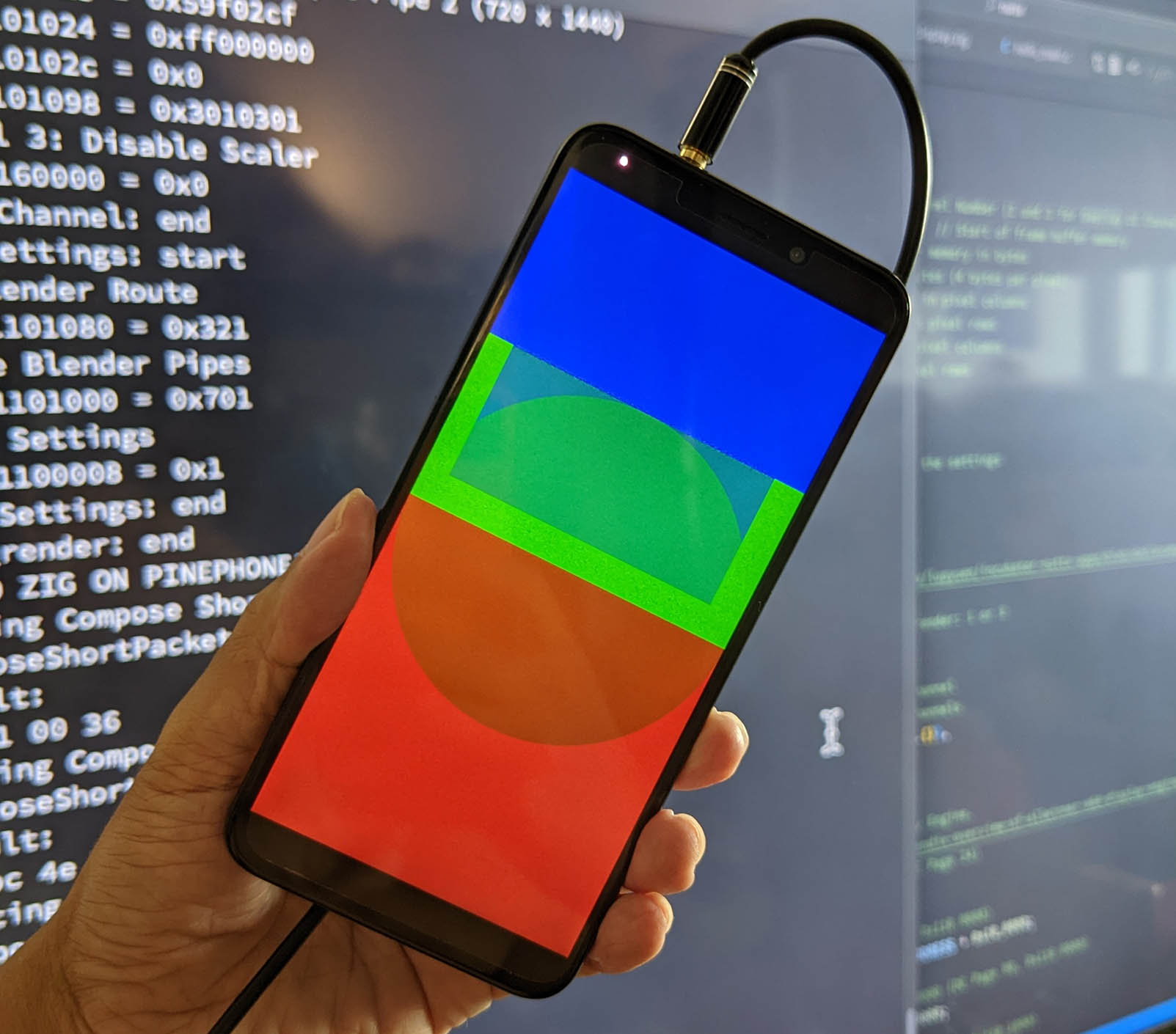
[_Testing our PinePhone Display Driver on Apache NuttX RTOS_](https://lupyuen.github.io/articles/dsi3#test-mipi-dsi-driver)
## What's Next
Very soon the official NuttX Kernel will be rendering graphics on PinePhone's LCD Display!
- We've seen the [__11 Steps__](https://lupyuen.github.io/articles/dsi3#complete-display-driver-for-pinephone) needed to create a [__Complete Display Driver__](https://lupyuen.github.io/articles/dsi3#complete-display-driver-for-pinephone) for PinePhone
(MIPI DSI, Timing Controller, Display Engine, PMIC, ...)
- We've implemented the [__NuttX Kernel Driver__](https://lupyuen.github.io/articles/dsi3#nuttx-driver-for-mipi-display-serial-interface) for [__MIPI Display Serial Interface__](https://lupyuen.github.io/articles/dsi3#nuttx-driver-for-mipi-display-serial-interface)
(Which completes 4 of the 11 Steps)
- We're now building the [__missing pieces__](https://lupyuen.github.io/articles/dsi3#upcoming-nuttx-drivers) of our PinePhone Display Driver
(Including the super-complicated [__Display Engine Driver__](https://lupyuen.github.io/articles/dsi3#display-engine))
- We chose the [__Zig Programming Language__](https://lupyuen.github.io/articles/dsi3#why-zig) for [__Reverse-Engineering__](https://lupyuen.github.io/articles/dsi3#why-zig) the PinePhone Display Driver, before converting to C
(And it's working rather well)
Stay Tuned for Updates!
Check out the other articles on __NuttX RTOS for PinePhone__...
- [__""Apache NuttX RTOS on Arm Cortex-A53: How it might run on PinePhone""__](https://lupyuen.github.io/articles/arm)
- [__""PinePhone boots Apache NuttX RTOS""__](https://lupyuen.github.io/articles/uboot)
- [__""NuttX RTOS for PinePhone: Fixing the Interrupts""__](https://lupyuen.github.io/articles/interrupt)
- [__""NuttX RTOS for PinePhone: UART Driver""__](https://lupyuen.github.io/articles/serial)
- [__""NuttX RTOS for PinePhone: Blinking the LEDs""__](https://lupyuen.github.io/articles/pio)
- [__""Understanding PinePhone's Display (MIPI DSI)""__](https://lupyuen.github.io/articles/dsi)
- [__""NuttX RTOS for PinePhone: Display Driver in Zig""__](https://lupyuen.github.io/articles/dsi2)
- [__""Rendering PinePhone's Display (DE and TCON0)""__](https://lupyuen.github.io/articles/de)
- [__""NuttX RTOS for PinePhone: Render Graphics in Zig""__](https://lupyuen.github.io/articles/de2)
Many Thanks to my [__GitHub Sponsors__](https://github.com/sponsors/lupyuen) for supporting my work! This article wouldn't have been possible without your support.
- [__Sponsor me a coffee__](https://github.com/sponsors/lupyuen)
- [__Discuss this article on Reddit__](https://www.reddit.com/r/PINE64official/comments/zm61qw/nuttx_rts_for_pinephone_mipi_display_serial/)
- [__My Current Project: ""Apache NuttX RTOS for PinePhone""__](https://github.com/lupyuen/pinephone-nuttx)
- [__My Other Project: ""The RISC-V BL602 Book""__](https://lupyuen.github.io/articles/book)
- [__Check out my articles__](https://lupyuen.github.io)
- [__RSS Feed__](https://lupyuen.github.io/rss.xml)
_Got a question, comment or suggestion? Create an Issue or submit a Pull Request here..._
[__lupyuen.github.io/src/dsi3.md__](https://github.com/lupyuen/lupyuen.github.io/blob/master/src/dsi3.md)

[_Inside our Complete Display Driver for PinePhone_](https://lupyuen.github.io/articles/dsi3#complete-display-driver-for-pinephone)
## Appendix: Upcoming NuttX Drivers
We talked earlier about our implementation of the __MIPI Display Serial Interface__ and __MIPI Display Physical Layer__ for our NuttX Display Driver (lower part of pic above)...
- [__""Upcoming NuttX Drivers""__](https://lupyuen.github.io/articles/dsi3#upcoming-nuttx-drivers)
This section explains how we're __building the NuttX Drivers__ for the remaining features (upper part of pic above), by converting our Zig Drivers to C...
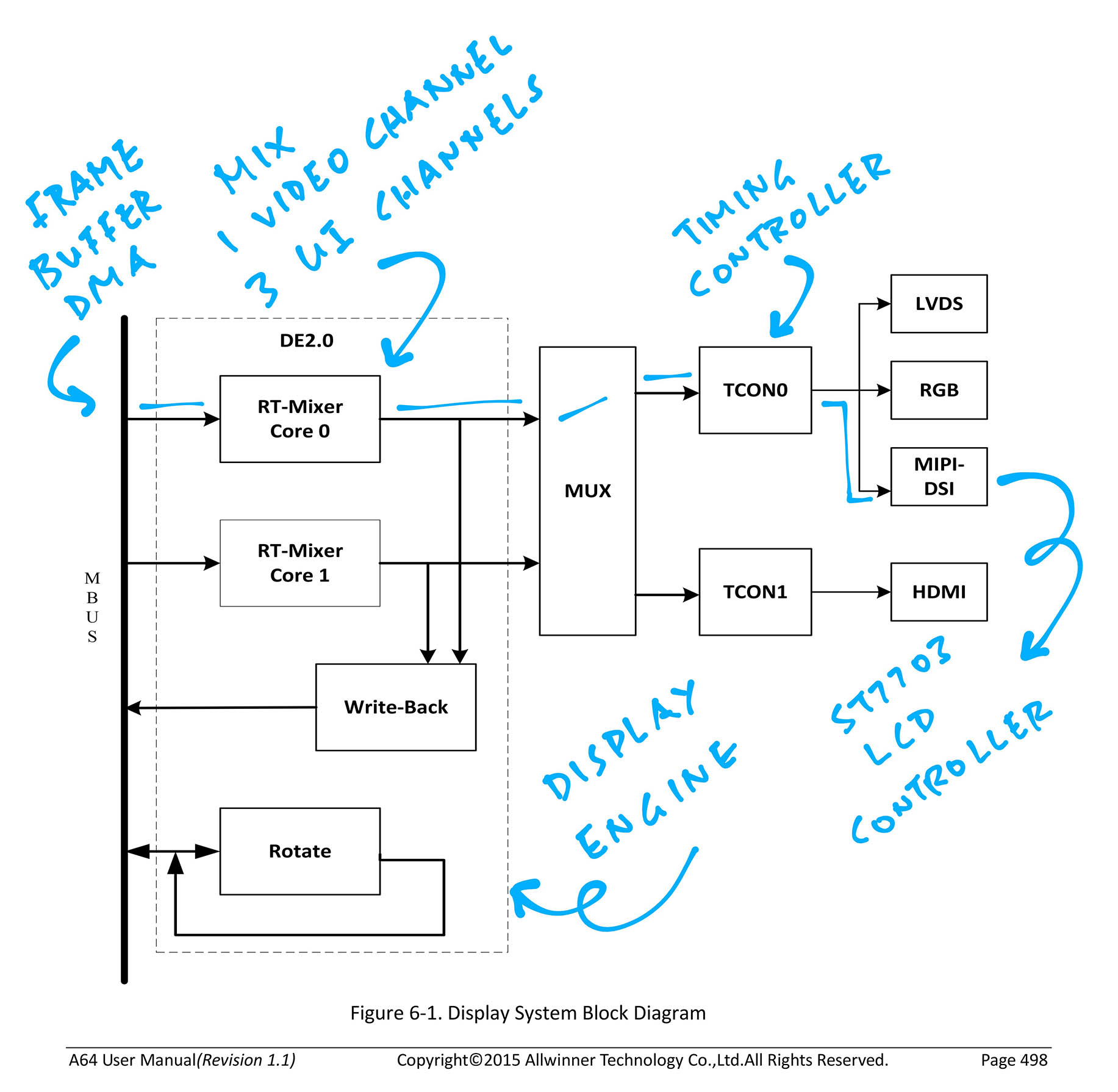
[_Allwinner A64 Timing Controller (TCON0)_](https://lupyuen.github.io/articles/de#display-rendering-on-pinephone)
### Timing Controller (TCON0)
To render PinePhone's LCD Display, the MIPI DSI Controller on Allwinner A64 needs to receive a __continuous stream of pixels__...
Which will be provided by Allwinner A64's [__Timing Controller (TCON0)__](https://lupyuen.github.io/articles/de#display-rendering-on-pinephone).
(TCON0 will receive the pixel stream from A64's Display Engine)
Our NuttX Driver shall program TCON0 to __send the stream of pixels__ to the MIPI DSI Controller.
This will be implemented in our new __Timing Controller (TCON0) Driver__ for NuttX...
- [__About Timing Controller (TCON0)__](https://lupyuen.github.io/articles/de#appendix-timing-controller-tcon0)
- [__Zig Implementation of TCON0 Driver: tcon.zig__](https://github.com/lupyuen/pinephone-nuttx/blob/main/tcon.zig)
We'll convert the above TCON0 Driver from Zig to C.
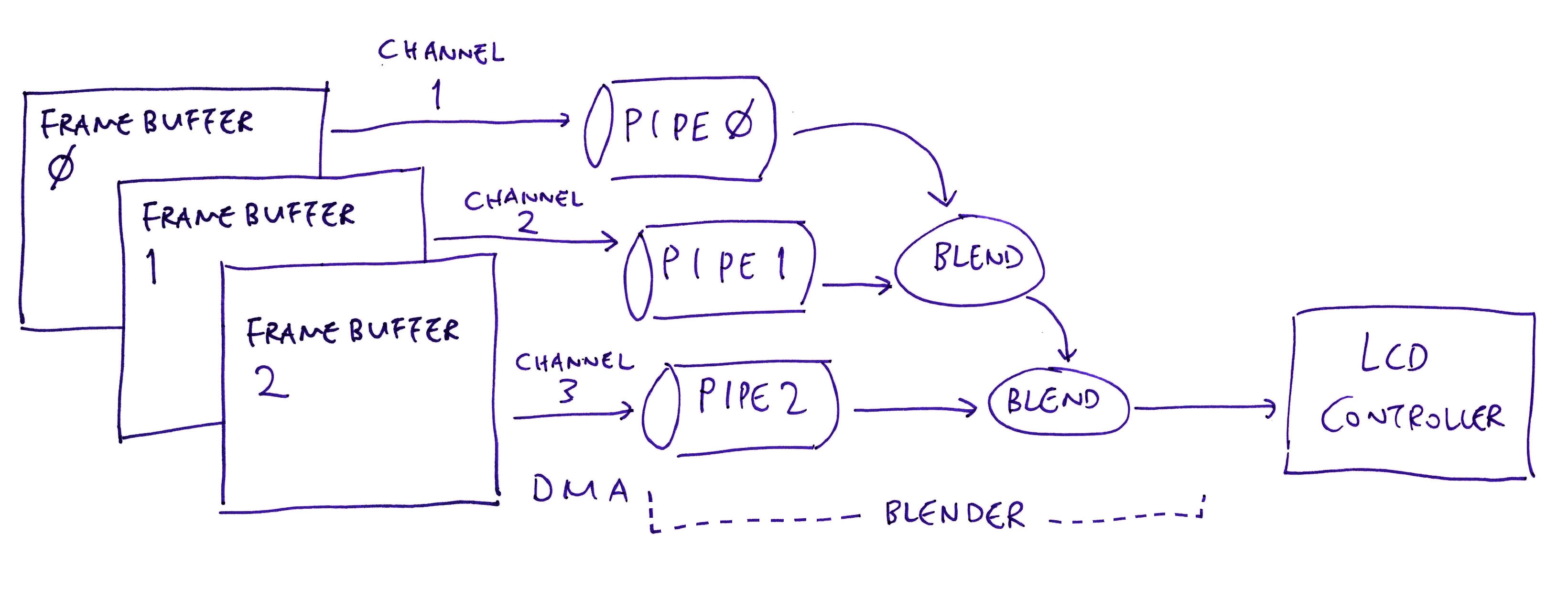
[_Allwinner A64 Display Engine_](https://lupyuen.github.io/articles/de2#configure-blender)
### Display Engine
Allwinner A64's [__Display Engine (DE)__](https://lupyuen.github.io/articles/de) reads the Graphics Framebuffers in RAM (up to 3 Framebuffers, pic above)...
And __streams the pixels__ to the ST7703 LCD Controller for display, via the A64 Timing Controller (TCON0).
Our NuttX Driver shall configure DE to read the Framebuffers via __Direct Memory Access__ (DMA). With DMA, updates to the Framebuffers will be instantly visible on PinePhone's LCD Display.
This will be implemented in our new __Display Engine Driver__ for NuttX in two parts...
- __Initialise the A64 Display Engine__ to send the pixel stream to TCON0
[(As explained here)](https://lupyuen.github.io/articles/de#appendix-initialising-the-allwinner-a64-display-engine)
[(Implemented in Zig as __de2_init__)](https://github.com/lupyuen/pinephone-nuttx/blob/main/render.zig#L758-L1025)
- __Configure the A64 Display Engine__ to read Framebuffers over DMA
[(As explained here)](https://lupyuen.github.io/articles/de#appendix-programming-the-allwinner-a64-display-engine)
[(Implemented in Zig as __renderGraphics__)](https://github.com/lupyuen/pinephone-nuttx/blob/main/render.zig#L72-L180)
We'll convert the above Zig Drivers to C.
Our Display Engine Driver shall follow the design of the __STM32F7 Display Driver__ in NuttX...
1. At startup, __stm32_bringup__ calls __fb_register__
[(__stm32_bringup.c__)](https://github.com/apache/nuttx/blob/master/boards/arm/stm32f7/stm32f746g-disco/src/stm32_bringup.c#L100)
1. To initialise the Framebuffer, __fb_register__ calls __up_fbinitialize__
[(__fb.c__)](https://github.com/apache/nuttx/blob/master/drivers/video/fb.c#L664)
1. To initialise the Display Driver, __up_fbinitialize__ calls __stm32_ltdcinitialize__
[(__stm32_lcd.c__)](https://github.com/apache/nuttx/blob/master/boards/arm/stm32f7/stm32f746g-disco/src/stm32_lcd.c#L72)
1. Inside the Display Driver, __stm32_ltdcinitialize__ creates the NuttX Framebuffer
[(__stm32_ltdc.c__)](https://github.com/apache/nuttx/blob/master/arch/arm/src/stm32f7/stm32_ltdc.c#L2971)
1. NuttX Framebuffer is here: [__stm32_ltdc.c__](https://github.com/apache/nuttx/blob/master/arch/arm/src/stm32f7/stm32_ltdc.c#L864)
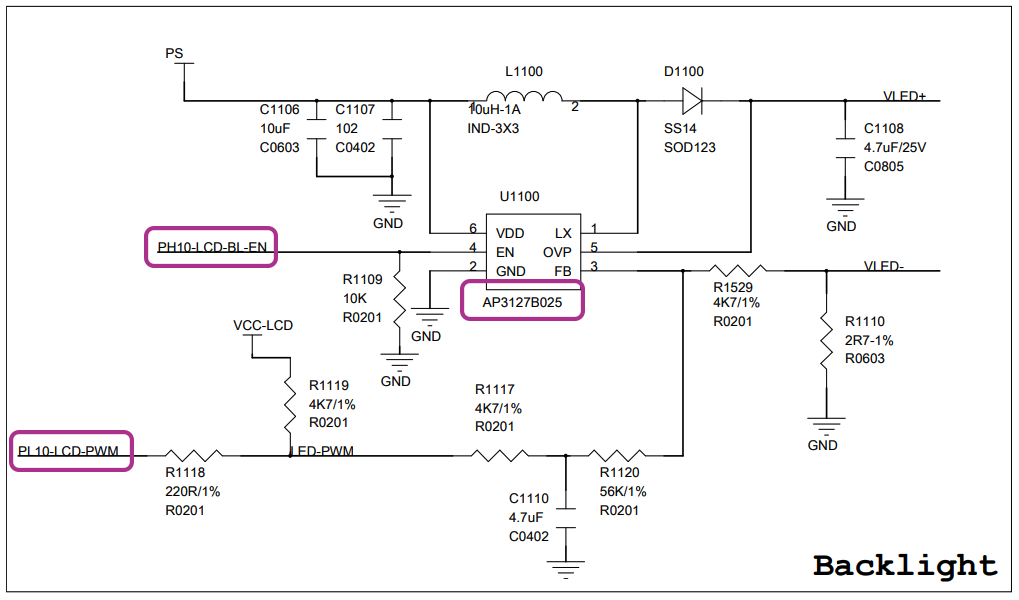
[_PinePhone Display Backlight_](https://lupyuen.github.io/articles/pio#pinephone-backlight)
### Display Backlight
We won't see anything on PinePhone's LCD Display... Until we switch on the __Display Backlight!__
PinePhone's Display Backlight is controlled by A64's...
- __Programmable Input / Output (PIO)__: Works like GPIO, implemented in [__a64_pio.c__](https://github.com/apache/nuttx/blob/master/arch/arm64/src/a64/a64_pio.c)
- __Pulse-Width Modulation (PWM)__: To be implemented
To turn on the Display Backlight, we'll call PIO and PWM in our new __Board LCD Driver__ for NuttX...
- [__About Display Backlight__](https://lupyuen.github.io/articles/de#appendix-display-backlight)
- [__Zig Implementation of Backlight Driver: backlight.zig__](https://github.com/lupyuen/pinephone-nuttx/blob/main/backlight.zig)
We'll convert the above Backlight Driver from Zig to C.
Our Backlight Driver will follow the design of the STM32 Backlight Driver: __stm32_backlight__...
- [__stm32_ssd1289.c__](https://github.com/apache/nuttx/blob/master/boards/arm/stm32/hymini-stm32v/src/stm32_ssd1289.c#L219-L259)
- [__stm32_ssd1289.c__](https://github.com/apache/nuttx/blob/master/boards/arm/stm32/viewtool-stm32f107/src/stm32_ssd1289.c#L287-L327)
The driver code will go inside our new __Board LCD Driver__ for NuttX, similar to this...
- [__stm32_lcd.c__](https://github.com/apache/nuttx/blob/master/boards/arm/stm32f7/stm32f746g-disco/src/stm32_lcd.c)
### LCD Panel
Before sending [__Initialisation Commands__](https://lupyuen.github.io/articles/dsi3#send-mipi-dsi-packet) to the ST7703 LCD Controller, we need to __reset the LCD Panel.__
We do this with Allwinner A64's __Programmable Input / Output (PIO)__, implemented in [__a64_pio.c__](https://github.com/apache/nuttx/blob/master/arch/arm64/src/a64/a64_pio.c). (Works like GPIO)
To reset the LCD Panel, we'll call PIO in our new __Board LCD Driver__ for NuttX...
- [__Steps for Resetting the LCD Panel__](https://lupyuen.github.io/articles/de#appendix-reset-lcd-panel)
- [__Zig Implementation of LCD Panel Driver: panel.zig__](https://github.com/lupyuen/pinephone-nuttx/blob/main/panel.zig)
We'll convert the above LCD Panel Driver from Zig to C.
The code will go inside our new __Board LCD Driver__ for NuttX, similar to this...
- [__stm32_lcd.c__](https://github.com/apache/nuttx/blob/master/boards/arm/stm32f7/stm32f746g-disco/src/stm32_lcd.c)
Also in the Board LCD Driver: We'll add the code to send the __Initialisation Commands__ to the ST7703 LCD Controller (via MIPI DSI)...
- [__Initialisation Commands for ST7703 LCD Controller__](https://lupyuen.github.io/articles/dsi#appendix-initialise-lcd-controller)
- [__Zig Implementation__](https://lupyuen.github.io/articles/dsi2#initialise-st7703-lcd-controller)
- [__C Implementation__](https://github.com/lupyuen/pinephone-nuttx/blob/main/test/test_a64_mipi_dsi.c#L42-L452)
We have already converted the Zig code to C.
### Power Management Integrated Circuit
To power on the LCD Display, we need to program PinePhone's __Power Management Integrated Circuit (PMIC)__.
The __AXP803 PMIC__ is connected on Allwinner A64's __Reduced Serial Bus (RSB)__. (Works like I2C)
We'll control the PMIC over RSB in our new __Board LCD Driver__ for NuttX...
- [__About PinePhone's PMIC__](https://lupyuen.github.io/artcles/de#appendix-power-management-integrated-circuit)
- [__Zig Implementation of PMIC Driver: pmic.zig__](https://github.com/lupyuen/pinephone-nuttx/blob/main/pmic.zig)
We'll convert the above PMIC Driver from Zig to C.
The code will go inside our new __Board LCD Driver__ for NuttX, similar to this...
- [__stm32_lcd.c__](https://github.com/apache/nuttx/blob/master/boards/arm/stm32f7/stm32f746g-disco/src/stm32_lcd.c)
"
138,501,"2022-05-25 08:49:39.940056",chapliboy,porting-my-game-to-the-web-4194,https://zig.news/uploads/articles/klkgule7te2b9zurdk4n.PNG,"Porting my game to the web","I have been working on a game written in Zig for the past few months, and I wanted to get some...","I have been working on a game written in Zig for the past few months, and I wanted to get some playtesters. I first put out a windows build, and the response was a bit underwhelming, with some mentioning that they don't have access to a Windows PC. So I decided that I would try and port the game over to the web.
A bit about the game; it is called [Konkan Coast Pirate Solutions](https://store.steampowered.com/app/2156410/Konkan_Coast_Pirate_Solutions/). It is a puzzle game where you place commands over a grid, and watch as ships navigate around and interact with each other.
{% youtube 4aYv3F1GsC8 %}
A few relevant points about the game:
1. The game is built in Zig using `SDL` and `OpenGL`.
2. The game is controlled mostly only by mouse.
3. A lot of data is loaded in from files. Writing to files is only for saving progress.
4. The game currently has no sound.
Before beginning the port, I had a few things in mind;
1. The changes in the code should be minimal, preferably only in the main function, and parts of the renderer. This was mostly because the web build was meant to only be for this specific version. I do not intend to maintain the web build moving forward, so I didn't want to make large sweeping changes across the codebase. I would rather handle any extra complications in the web specific parts of the code.
2. I didn't want to spend more than a week working on this. I have no idea how easy or hard it would be, and if at the end of a week, I wasn't almost done, I would let it go.
3. Since this was just for playtesting, I just needed the game to run correctly. Any additional options / polish was not necessary.
With that in mind, I started going through, and seeing what my options were. I evaluated a few options, and ended up deciding to compile the game to `wasm`, and then integrate that and get it working on the web.
I found an old project, [WASM tetris](https://github.com/raulgrell/tetris) that was a great starting off point. It had several similarities to my project. It was a little old, but it served as the perfect jumping off point for me.
---
## wasm basics for a game engine
The most common way to set up a game engine's main loop looks something like this:
```zig
pub fn main() !void {
var game = Game.init();
var renderer = Renderer.init(); // this could be within the game, but I have it separate.
while (!game.quit) {
for (inputs) |input| game.handle_input(input);
game.update();
renderer.render(game);
}
}
```
This exact structure doesn't really work in the browser. It has a different way of going about things. There is no real concept of a `main` function. So there is no ""game loop"" as such. Instead, we work with a lot of callbacks and handlers. So you would have to break up the main function into a few different parts.
```zig
var game: Game = undefined;
var renderer: Renderer = undefined;
export fn init() void {
var game = Game.init();
var renderer = Renderer.init();
}
export fn handle_input(input: Input) void {
game.handle_input(input);
}
export fn update_and_render() void {
game.update();
renderer.render(game);
}
```
These functions would then get exposed to the wasm module, and you can call them
```js
WebAssembly.instantiate(...) {
instance.exports.init();
document.addEventListener(event, e => instance.exports.handle_input(e));
function render() {
instance.exports.update_and_render();
window.requestAnimationFrame(render); // this results in a loop that calls itself, like the main while(!game.quit) loop.
}
window.requestAnimationFrame(render);
}
```
This is just the scaffolding however. The devil is in the detail, and we now have to get everything to work together.
---
## Sweeping changes
Before actually starting off, we first need to remove all the aspects of the code that implicitly assume that it is not a web build. Unfortunately, the zig compiler does not make that very easy. It generally just likes to throw up a couple of errors:
```
...\lib\std\os.zig:182:28: error: container 'system' has no member called 'timespec'
pub const timespec = system.timespec;
```
or
```
...\lib\std\os.zig:147:24: error: container 'system' has no member called 'fd_t'
pub const fd_t = system.fd_t;
```
The errors point to the standard library, but unfortunately they don't point to the source code, and we can't see the full call stack.
I ended up just adding a lot of `if (false)` blocks all over the place, and that helped me narrow it down to the source of the problem. `timespec` was mostly due to the `std.time.milliTimestamp()` calls, and `fd_t` was `std.debug.print()` or calls to `std.fs.cwd()` and other file related calls.
In both these cases, I had to go and replace all the calls made to these functions, with a handler function that had a web flag on it. I will go into further detail about file reading and writing later in this article.
Now that we had solved the surface level problems, we had to build a wasm file.
### Building a wasm file
Actually building a wasm file turned out to take a lot of effort. The bleeding edge nature of zig meant that a lot of the examples in blogs etc. online is out of date. Here is the command that I used that worked for me:
```sh
zig build-lib -target wasm32-freestanding src\main.zig --name pirates -isystem src -dynamic
```
or
```zig
const mode = b.standardReleaseOptions();
const target = std.zig.CrossTarget.parse(.{ .arch_os_abi = ""wasm32-freestanding"" }) catch unreachable;
const exe = b.addSharedLibrary(""pirates"", ""src/main.zig"", .unversioned);
exe.setTarget(target);
exe.setBuildMode(mode);
exe.addSystemIncludeDir(""src"");
exe.install();
```
Finding this was mostly a lot of experimentation, flailing around with the compiler until something stuck. It was a elief to get it done as it meant that we could now get into the meat of the implementation.
---
### Convincing WebGL to behave like OpenGL
`webgl2 #version 300 es` is similar enough to `opengl #version 330 core`. Or atleast, my usage of `opengl` is simple enough that it is possible to make the two behave identically.
There are two main differences;
1. OpenGL does some amount of state management while WebGL does not.
2. OpenGL is a C api and WebGL is a javascript API.
The first point is easy enough to deal with. It just meant that we had to do the state management within the javascript wrapper calls. OpenGL expects you to deal with objects like shaders, buffers, programs etc. as handles that are unsigned ints. So whenever you want to use a particular buffer, you would refer to it with the handle that OpenGL provided. It's fairly trivial to ""reimplement"" this functionality.
```js
var glBuffers = [];
const glCreateBuffer = () => {
glBuffers.push(webgl.createBuffer());
// we use the index as a unique handle.
// this must be kept in mind while deleting handles
// (or in my case, I just didn't bother deleting any handle...)
return glBuffers.length - 1;
}
```
The second point is really simple again, but it represents a whole lot of work that needs to be done. The main difference is that javascript allows a certain amount of function overloading due to its dynamically typed nature.
This mostly means sitting with two tabs open, the [OpenGL reference](https://www.khronos.org/registry/OpenGL-Refpages/gl4/) on one side, and the [WebGL reference](https://developer.mozilla.org/en-US/docs/Web/API/WebGL_API) on the other. Then check each of the openGL calls our program makes, and check which version of the webgl call is appropriate.
Also, we would have to create the `extern` call signatures to all the API that we used. So if you're uncomfortable with the type interaction between zig and C, this is a great opportunity to face that discomfort.

It was fairly slow and tedious work, but the subset we were using was fairly small, so it wasn't all that bad.
Similarly, the shaders are almost identical between the two, with the only changes being in the `#version` and webgl mandating the specification of float precision.
---
### wasm, c and zig strings
One of the things that took a lot of time to figure out was how to pass strings around. C strings are null terminated. Zig behaves well enough with this in simple cases, but for more advanced cases, we need to take things into our own hands.
For example, if we want to format a string using `std.fmt.allocPrint`, the result is not a null terminated string, but a const `u8` slice. So when this is passed to C (or WASM), issues can arise.
A lot of implementations I looked through decided to forgo this issue, and would always pass the length of the string along with the pointer. But I didn't want to do that. OpenGL makes use of strings mostly for getting the location of uniforms. But we also needed to pass in strings for other purposes, from debugging, to generating file paths.
I dug in a little further, and ended up figuring out a way to deal with this issue. Firstly, in the wasm module, we had to take the string and find the null terminator;
```js
const wasmString = (ptr) => {
const bytes = new Uint8Array(memory.buffer, ptr, memory.buffer.byteLength - ptr);
let str = '';
for (let i = 0; ; i++) {
const c = String.fromCharCode(bytes[i]);
if (c == '\0') break;
str += c;
}
return str;
}
```
On the zig side, I ended up manually adding the null terminator wherever needed before passing it to the JS.
```zig
// create null terminated path string
var path_str = try allocator.alloc(u8, path.len + 1);
defer allocator.free(path_str);
std.mem.copy(u8, path_str[0..path.len], path);
path_str[path.len] = 0;
```
Now we can easily pass strings to wasm from zig.
Passing strings from wasm to zig is pretty much the reverse of this. However, we don't know how long the string is, and thus we don't know how much memory we have to alloc in zig. To get around this, I ended up creating an additional function that just gives the length of the string, which we use to allocate memory, and then call the function again with a pointer to enough memory.
```zig
const len = c.get_string_len(id);
var data = try allocator.alloc(u8, len);
_ = c.get_string(id, data.ptr);
return data;
```
There is a more fleshed out example of this in the _Writable Files_ section.
It might be possible to send an allocator to JS, and then do the allocation on that side, but I thought this way was simpler, and went ahead with it.
---
### User inputs
The next major step was to get the users inputs, and get them to impersonate `SDL` events.
I spent some time trying to do this, with using `translate-c` to get the requisite `structs` and then figure out how make the data match, but it ended up being far simpler to just rewrite a small struct that handles all the events that we care about.
So, our inputs basically now have two branches:
```zig
pub fn handle_input(self: *Self, event: c.SDL_Event) void {}
pub fn handle_web_input(self: *Self, event: WebEvent) void {}
```
There is a bit of code duplication here, but its on the order of 40-50 lines of code, not too much to worry about.
For this game, we only care about the `mousemove`, `mousedown`, `mouseup`, `keydown` and `keyup` events, and those are plugged in using `document.addEventListener`.
---
### File I/O
The game loads a lot of data from files. Each levels data is stored in a separate file. Also the game has its own version of what is essentially vector graphics, and each ""sprite"" is saved in a separate file.
We also write to a savefile whenever we need to save data etc.
So the first thing that we had to do was differentiate between read-only files and read-write files. This was a part of the sweeping changes we had done earlier. These handler functions would change their behaviour depending on the `WEB_BUILD` flag.
Initially the read-only files were served as data from the server, and we would call to js to load each file separately. By default, `XMLHttpRequest` uses callbacks to load files. I forced the files to load synchronously because I wasn't able to get it working otherwise.
```js
const getFileText = (path) => {
let request = new XMLHttpRequest();
// TODO (12 May 2022 sam): This is being deprecated... How can we do sync otherwise?
request.open('GET', path, false); // false flag forces synchronous requests.
request.send(null);
if (request.status !== 200) return false;
return request.responseText;
}
```
While this ran fine on my local system, once it was uploaded online, the first load of the data took upwards of 10 seconds, and there would just be a black screen for that time. While I could have put up some kind of loading screen, that felt like it would take too many changes. The native version loads up in ~50 millis, and I didn't want to make such a big change to the engine. One of the reasons for this could be the way that I was passing data from wasm to zig. In this case, we would have to send the `XMLHttpRequest` twice. Once to get the length of the string, and second to load the string itself. This might have been another reason for the slow reads.
To speed it up, I instead ended up [packaging all the data into a single json file](https://gist.github.com/samhattangady/5ea5bce00f2edc44cb02eeadcab98b79), and used `@embedFile` to make it a part of the compilation process itself. This json would then be parsed once, and would return the data. This brought down the load time to less than 1 second, and I was happy enough with that.
```zig
const STATIC_DUMP = if (constants.WEB_BUILD) @embedFile(constants.STATIC_DATA_PATH) else void;
var static_data: ?std.json.ValueTree = undefined;
pub fn read_file_contents(path: []const u8, allocator: std.mem.Allocator) ![]const u8 {
if (!constants.WEB_BUILD) {
const file = try std.fs.cwd().openFile(path, .{});
defer file.close();
const file_size = try file.getEndPos();
cons data = try file.readToEndAlloc(allocator, file_size);
return data;
} else {
if (static_data == null) {
var parser = std.json.Parser.init(allocator, false);
static_data = parser.parse(STATIC_DUMP) catch unreachable;
}
if (static_data.?.root.Object.get(path)) |val| {
return val.String;
} else {
return error.FileNotFound;
}
}
}
```
#### Writable Files
If we want to save progress, we also need to be able to write to files. I ended up opting with using HTML5 storage for this. Writing this data is fairly straightforward overall.
```js
const writeStorageFile = (path, text) => {
path = wasmString(path);
text = wasmString(text);
try {
localStorage.setItem(path, text);
} catch {
return false;
}
return true;
}
```
To read the file, we have to pass string data from wasm to C.
```zig
// get file size, alloc data, and then read into it.
const raw_size = c.getStorageFileSize(path_str.ptr);
if (raw_size < 0) return error.FileNotFound;
const size = @intCast(usize, raw_size);
var data = try allocator.alloc(u8, size);
const success = c.readStorageFile(path.ptr, data.ptr, size);
if (!success) return error.FileReadFailed;
return data;
```
```js
const getStorageText = (path) => {
try {
const text = localStorage.getItem(path);
if (text === null) return false;
return text;
} catch {
return false;
}
}
const getStorageFileSize = (path) => {
path = wasmString(path);
const text = getStorageText(path);
if (text === false) return -1;
return text.length;
}
const readStorageFile = (path, ptr, len) => {
path = wasmString(path);
// read text from URL location
const text = getStorageText(path);
if (text === false) return false;
if (text.length != len) {
console.log(""file length does not match requested length"", path, len);
return false;
}
const fileContents = new Uint8Array(memory.buffer, ptr, len);
for (let i=0; i hash
> String.
> [multihash](https://multiformats.io/multihash/)
> This is computed from the file contents of the directory of files that is obtained after fetching url and applying the inclusion rules given by paths.
> This field is the source of truth; packages do not come from a url; they come from a hash. url is just one of many possible mirrors for how to obtain a package matching this hash.
### multihash
We have our first clue - [multihash](https://multiformats.io/multihash/). On their website there is a nice visualization of what is happening:

So the hash field in `build.zig.zon` not only contains the digest, but also some metadata. But even if we discard the _header_, we still don't get anything similar to `sha256sum` of the downloaded tarball. Well, that's where we get into inclusion rules.
### Inclusion rules
Going back to the [doc/build.zig.zon.md](https://github.com/ziglang/zig/blob/1a6485d111d270014f57c46c53597a516a24dc47/doc/build.zig.zon.md) file, we see:
> This is computed from the file contents of the directory of files that is obtained after fetching url and applying the inclusion rules given by paths.
What are those mysterious inclusion rules? Unfortunately, I again couldn't find any description of this stuff. The only place where it was mentioned was the beginning of the [ziglang/src/Package/Fetch.zig](https://github.com/ziglang/zig/blob/1a6485d111d270014f57c46c53597a516a24dc47/src/Package/Fetch.zig#L1-L28) file, but even there, the only thing we learn is that files that are excluded are being deleted, and the hash is being computed based on the remaining files.
Thankfully after a quick search through the code, we find [main function](https://github.com/ziglang/zig/blob/9d64332a5959b4955fe1a1eac793b48932b4a8a8/src/main.zig#L6865) of the fetch job, which is responsible for hash calculation.
It's not easy to find, but finally at the end we see it calling [`runResource`](https://github.com/ziglang/zig/blob/1a6485d111d270014f57c46c53597a516a24dc47/src/Package/Fetch.zig#L478-L485) function. There, `paths` field is being read from the `build.zig.zon` of the dependency and is being later used to create some kind of filter.
But wait. It's not _just some_ filter. It's _the filter_ we've been looking for. Inside this struct's namespace is defined function `includePath`, which seems to handle all those inclusion rules.
```zig
/// sub_path is relative to the package root.
pub fn includePath(self: Filter, sub_path: []const u8) bool {
if (self.include_paths.count() == 0) return true;
if (self.include_paths.contains("""")) return true;
if (self.include_paths.contains(""."")) return true;
if (self.include_paths.contains(sub_path)) return true;
// Check if any included paths are parent directories of sub_path.
var dirname = sub_path;
while (std.fs.path.dirname(dirname)) |next_dirname| {
if (self.include_paths.contains(next_dirname)) return true;
dirname = next_dirname;
}
return false;
}
```
This function tells whether a file at `sub_path` is part of the package. We can see that there are three special cases where a file is unconditionally assumed to be a part of the package:
- `include_paths` are empty
- `include_paths` have an empty string `""""`
- `include_paths` have package's root directory `"".""`
Otherwise, this function checks if the `sub_path` is listed explicitly or is a child of directory that was explicitly listed.
## Hash calculation
Ok, so we know what are those mysterious inclusion rules for `build.zig.zon` and we know that SHA256 algorithm is involved, but we still don't have a single clue how the actual hash is obtained. For example, it could be calculated by feeding a hasher with the content of all included files. So let's look a little bit more, and maybe we can find our answers.
Going back to `runResource`, we see that it calls [`computeHash`](https://github.com/ziglang/zig/blob/1a6485d111d270014f57c46c53597a516a24dc47/src/Package/Fetch.zig#L1324) function, which looks like the main thing that should interest us (unfortunately the comment at the top of it looks to be outdated as there is definitely [file deletion going on inside](https://github.com/ziglang/zig/blob/1a6485d111d270014f57c46c53597a516a24dc47/src/Package/Fetch.zig#L1383-L1385)).
Inside we stumble upon [this snippet](https://github.com/ziglang/zig/blob/1a6485d111d270014f57c46c53597a516a24dc47/src/Package/Fetch.zig#L1404-L1416):
```zig
const hashed_file = try arena.create(HashedFile);
hashed_file.* = .{
.fs_path = fs_path,
.normalized_path = try normalizePathAlloc(arena, entry_pkg_path),
.kind = kind,
.hash = undefined, // to be populated by the worker
.failure = undefined, // to be populated by the worker
};
wait_group.start();
try thread_pool.spawn(workerHashFile, .{
root_dir, hashed_file, &wait_group,
});
try all_files.append(hashed_file);
```
We don't pass any hasher object, only the project's root directory and a pointer to the `HashedFile` structure. It has a dedicated field for `hash`. So it seems our little theory was immediately debunked, given hash value is being stored for individual files. To understand it better, let's follow this new trail and see what's going on.
Following `workerHashFile`, we see it's a simple wrapper over `hashFileFallible`, which in turn looks rather meaty. Let's break it down.
### Hashing a single file
First we have some setup, where a new hasher instance is being created and initialized with normalized path of the file:
```zig
var buf: [8000]u8 = undefined;
var hasher = Manifest.Hash.init(.{});
hasher.update(hashed_file.normalized_path);
```
Then we switch over the type of file we are hashing. There are two branches: one for regular files and one for symlinks.
Let's look into regular file case first:
```zig
var file = try dir.openFile(hashed_file.fs_path, .{});
defer file.close();
// Hard-coded false executable bit: https://github.com/ziglang/zig/issues/17463
hasher.update(&.{ 0, 0 });
var file_header: FileHeader = .{};
while (true) {
const bytes_read = try file.read(&buf);
if (bytes_read == 0) break;
hasher.update(buf[0..bytes_read]);
file_header.update(buf[0..bytes_read]);
}
```
We open the file to read its content later, that's expeced. But just after this we stuff put two null bytes. From reading linked issues it seems that it's related to a mostly historic thing that is preserved to not invalidate hashes that are in use. Anyway, later we simply loop over chunks of the file's data and feed the hasher with them.
Now onto the symlink branch, which is even simpler:
```zig
const link_name = try dir.readLink(hashed_file.fs_path, &buf);
if (fs.path.sep != canonical_sep) {
// Package hashes are intended to be consistent across
// platforms which means we must normalize path separators
// inside symlinks.
normalizePath(link_name);
}
hasher.update(link_name);
```
Here, we normalize the path separator character and feed the symlink's target path to the hasher.
At the end of `hashFileFallible` we store computed hash in the passed `HashedFile` object `hasher.final(&hashed_file.hash);`.
### Combined hash
We have hashes of individual files, but we still don't know how to arrive to the final hash. Fortunately, not much is left to do.
Next step is to make sure we have reproducible results. `HashedFile` objects are stored in an array, but for example file system traversal algorithm might change, so we need to sort that array.
```zig
std.mem.sortUnstable(*HashedFile, all_files.items, {}, HashedFile.lessThan);
```
Finally, we arrive to the part where all those hashes [are combined into one](https://github.com/ziglang/zig/blob/1a6485d111d270014f57c46c53597a516a24dc47/src/Package/Fetch.zig#L1452-L1464):
```zig
var hasher = Manifest.Hash.init(.{});
var any_failures = false;
for (all_files.items) |hashed_file| {
hashed_file.failure catch |err| {
any_failures = true;
try eb.addRootErrorMessage(.{
.msg = try eb.printString(""unable to hash '{s}': {s}"", .{
hashed_file.fs_path, @errorName(err),
}),
});
};
hasher.update(&hashed_file.hash);
}
```
Here we see that all calculated hashes are being fed one by one into a new hasher. At the end of `computeHash` we return `hasher.finalResult()`, which we now understand how it was obtained.
### Final multihash
Now that we have a SHA256 digest we can finallly go back to `main.zig`, where we call [`Package.Manifest.hexDigest(fetch.actual_hash)`](https://github.com/ziglang/zig/blob/9d64332a5959b4955fe1a1eac793b48932b4a8a8/src/Package/Manifest.zig#L174). There we write multihash header to a buffer and after that, our combined digest follows.
Incidentally we see that it is no coincidence all hash headers are `1220`. That's because Zig [hardcodes SHA256](https://github.com/ziglang/zig/blob/1a6485d111d270014f57c46c53597a516a24dc47/src/Package/Manifest.zig#L3) - 0x12, which has 32 byte digests - 0x20.
## Summary
To summarise: final hash is a multihash header + SHA256 digest of SHA256 digests of files that are part of the package. Those digests are sorted by the file path and are calculated differently for normal files and symlinks.
Phew, this was longer than I intended it to be. It was also my first post on zig.news, so if someone gets to this point, please let me know if there are any issues with the content.
This whole investigation is actually a result of me trying to write a shelll script that outputs identical hashes to those of Zig. If you are interested you can read it here: https://gist.github.com/michalsieron/a07da4216d6c5e69b32f2993c61af1b7.
One thought I had after experimenting with this is that I am surprised Zig doesn't check whether all files listed in `build.zig.zon` are present. But that's probably a topic for another day."
506,562,"2023-12-18 20:54:49.19223",leroycep,wayland-from-the-wire-part-1-12a1,"","Wayland From the Wire: Part 1","To write a graphical application for Wayland, you need to connect to a Wayland server, make a window,...","To write a graphical application for Wayland, you need to connect to a Wayland server, make a window, and render something to it.
While we could use a library like libwayland to manage this connection for us, doing it with nothing but linux syscalls gives a deeper understanding of the protocol.
While I have created a (WIP) pure zig wayland library, which was part of the learning process for this article, this article is focused on building a similar library yourself, not on using that library. [You can find it here][zig-wayland-wire].
[zig-wayland-wire]: https://git.sr.ht/~geemili/zig-wayland-wire
You can find [the complete code for this post in the same repository, under `examples/00_client_connect.zig`][example_00_client_connect]. It was written using zig 0.11.0.
[example_00_client_connect]: https://git.sr.ht/~geemili/zig-wayland-wire/tree/c3ca5aa7725c29ec37d8dd4d44322ee64df497fa/item/examples/00_client_connect.zig
This post will focus on software rendering. Creating an OpenGL or Vulkan context is left as an exercise for the reader and other articles.
If you enjoy this post you may want to [check out this talk by Johnathan Marler where he does a similar thing for X11](https://www.youtube.com/watch?v=aPWFLkHRIAQ).
By the end of this series, you should have a window that looks like this:

## Overview
1. Open a connection to the wayland display server
2. Get a list of global objects, bind ones we are using (wl_shm, wl_compositor, xdg_wm_base)
3. Create a xdg toplevel surface object; starting with a core surface
4. Create a framebuffer in shared memory
5. Render to it
You can find the other articles in the series here:
1. [Wayland From the Wire: Part 1][part01] -- We connect to a Wayland compositor and get a list of global objects. We pick out the global objects that we need to create a window with a framebuffer.
2. [Wayland From the Wire: Part 2][part02] -- We create an Window and a Framebuffer
[part01]: https://zig.news/leroycep/wayland-from-the-wire-part-1-12a1
[part02]: https://zig.news/leroycep/wayland-from-the-wire-part-2-1gb7
## Connect to Display Server
The first thing we need to do is establish a connection to the display server. Wayland Display servers are accessible via Unix Domain sockets, [at a path specified via an environment variable or a predefined location](https://wayland-book.com/protocol-design/wire-protocol.html#transports). Let's start with a function to get the display socket path inside `main.zig`:
```zig
pub fn getDisplayPath(gpa: std.mem.Allocator) ![]u8 {
const xdg_runtime_dir_path = try std.process.getEnvVarOwned(gpa, ""XDG_RUNTIME_DIR"");
defer gpa.free(xdg_runtime_dir_path);
const display_name = try std.process.getEnvVarOwned(gpa, ""WAYLAND_DISPLAY"");
defer gpa.free(display_name);
return try std.fs.path.join(gpa, &.{ xdg_runtime_dir_path, display_name });
}
```
Now we can use the path to open a connection to the server.
```zig
const std = @import(""std"");
pub fn main() !void {
var general_allocator = std.heap.GeneralPurposeAllocator(.{}){};
defer _ = general_allocator.deinit();
const gpa = general_allocator.allocator();
const display_path = try getDisplayPath(gpa);
defer gpa.free(display_path);
std.log.info(""wayland display = {}"", .{std.zig.fmtEscapes(display_path)});
const socket = try std.net.connectUnixSocket(display_path);
defer socket.close();
}
```
Running this program will find the display path, log it, open a socket and then exit.
## Creating a `wl_registry` and Listening for Global Objects
Now that the socket is open, we are going to construct and send two packets over it. The first packet will get the `wl_registry` and bind it to an id. The second packet tells the server to send a reply to the client.
Wayland messages require knowing the schema before hand. You can see [a description of the various protocols here](https://wayland.app/protocols/).
The first message will be a [Request on a wl_display object](https://wayland.app/protocols/wayland#wl_display:request:get_registry). Wayland specifies that every connection will automatically get a `wl_display` object assigned to the id `1`.
```zig
// in `main`
const display_id = 1;
var next_id: u32 = 2;
// reserve an object id for the registry
const registry_id = next_id;
next_id += 1;
try socket.writeAll(std.mem.sliceAsBytes(&[_]u32{
// ID of the object; in this case the default wl_display object at 1
1,
// The size (in bytes) of the message and the opcode, which is object specific.
// In this case we are using opcode 1, which corresponds to `wl_display::get_registry`.
//
// The size includes the size of the header.
(0x000C << 16) | (0x0001),
// Finally, we pass in the only argument that this opcode takes: an id for the `wl_registry`
// we are creating.
registry_id,
}));
```
Now we create the second packet, [a wl_display sync request][wl_display_request_sync]. This will let us loop until the server has finished sending us global object events.
[wl_display_request_sync]: https://wayland.app/protocols/wayland#wl_display:request:sync
```zig
// create a sync callback so we know when we are caught up with the server
const registry_done_callback_id = next_id;
next_id += 1;
try socket.writeAll(std.mem.sliceAsBytes(&[_]u32{
display_id,
// The size (in bytes) of the message and the opcode.
// In this case we are using opcode 0, which corresponds to `wl_display::sync`.
//
// The size includes the size of the header.
(0x000C << 16) | (0x0000),
// Finally, we pass in the only argument that this opcode takes: an id for the `wl_registry`
// we are creating.
registry_done_callback_id,
}));
```
We have to allocate ids as we go, because the wayland protocol only allows ids to be one higher than the highest id previously used.
The next step is listening for messages from the server. We'll start by reading the header, which is 2 32-bit words containing the object id, message size, and opcode (same as the Request header we sent to the server earlier). This time we'll create an extern struct to read the bytes into.
```zig
/// A wayland packet header
const Header = extern struct {
object_id: u32 align(1),
opcode: u16 align(1),
size: u16 align(1),
pub fn read(socket: std.net.Stream) !Header {
var header: Header = undefined;
const header_bytes_read = try socket.readAll(std.mem.asBytes(&header));
if (header_bytes_read < @sizeOf(Header)) {
return error.UnexpectedEOF;
}
return header;
}
};
```
And while we're at it, we might as well make some code to abstract reading `Events`, as we'll need it later.
```zig
/// This is the general shape of a Wayland `Event` (a message from the compositor to the client).
const Event = struct {
header: Header,
body: []const u8,
pub fn read(socket: std.net.Stream, body_buffer: *std.ArrayList(u8)) !Event {
const header = try Header.read(socket);
// read bytes until we match the size in the header, not including the bytes in the header.
try body_buffer.resize(header.size - @sizeOf(Header));
const message_bytes_read = try socket.readAll(body_buffer.items);
if (message_bytes_read < body_buffer.items.len) {
return error.UnexpectedEOF;
}
return Event{
.header = header,
.body = body_buffer.items,
};
}
};
```
With functions we defined above, the general shape of our loop looks like this:
```zig
// create a ArrayList that we will read messages into for the rest of the program
var message_bytes = std.ArrayList(u8).init(gpa);
defer message_bytes.deinit();
while (true) {
const event = try Event.read(socket, &message_buffer);
// TODO: check what events we received
}
```
First, let's check if we've received the sync callback. We'll exit the loop as soon as we see it:
```zig
while (true) {
const event = try Event.read(socket, &message_buffer);
// Check if the object_id is the sync callback we made earlier
if (event.header.object_id == registry_done_callback_id) {
// No need to parse the message body, there is only one possible opcode
break;
}
}
```
Next, let's abstract writing to the socket a bit, so we don't have to manually construct the header each time:
```zig
/// Handles creating a header and writing the request to the socket.
pub fn writeRequest(socket: std.net.Stream, object_id: u32, opcode: u16, message: []const u32) !void {
const message_bytes = std.mem.sliceAsBytes(message);
const header = Header{
.object_id = object_id,
.opcode = opcode,
.size = @sizeOf(Header) + @as(u16, @intCast(message_bytes.len)),
};
try socket.writeAll(std.mem.asBytes(&header));
try socket.writeAll(message_bytes);
}
```
Now we check for the [registry global event](https://wayland.app/protocols/wayland#wl_registry:event:global), and parse out the parameters:
```zig
// https://wayland.app/protocols/wayland#wl_registry:event:global
const WL_REGISTRY_EVENT_GLOBAL = 0;
if (event.header.object_id == registry_id and event.header.opcode == WL_REGISTRY_EVENT_GLOBAL) {
// Parse out the fields of the global event
const name: u32 = @bitCast(event.body[0..4].*);
const interface_str_len: u32 = @bitCast(event.body[4..8].*);
// The interface_str is `interface_str_len - 1` because `interface_str_len` includes the null pointer
const interface_str: [:0]const u8 = event.body[8..][0 .. interface_str_len - 1 :0];
const interface_str_len_u32_align = std.mem.alignForward(u32, interface_str_len, @alignOf(u32));
const version: u32 = @bitCast(event.body[8 + interface_str_len_u32_align ..][0..4].*);
// TODO: match the interfaces
}
```
We are looking for three global objects: `wl_shm`, `wl_compositor`, and `xdg_wm_base`. This is the minimum set of protocols we need to create a window with a framebuffer. These global objects also have a version field, which allow us to check if the compositor supports the protocol versions we are targeting. Let's define our targeted versions as constants:
```zig
/// The version of the wl_shm protocol we will be targeting.
const WL_SHM_VERSION = 1;
/// The version of the wl_compositor protocol we will be targeting.
const WL_COMPOSITOR_VERSION = 5;
/// The version of the xdg_wm_base protocol we will be targeting.
const XDG_WM_BASE_VERSION = 2;
```
In addition, let's create some variables outside of the loop so we can check if the global objects were found afterwards.
```zig
var shm_id_opt: ?u32 = null;
var compositor_id_opt: ?u32 = null;
var xdg_wm_base_id_opt: ?u32 = null;
```
To bind the `wl_shm` global object to a client id, we need to do the following:
1. Chec that `interface_str` is equal to `""wl_shm""`
2. Make sure that the `version` is `WL_SHM_VERSION` or higher.
3. Send [`wl_registry:bind` request][] to the compositor
[`wl_registry:bind` request]: https://wayland.app/protocols/wayland#wl_registry:request:bind
Now, the [`wl_registry:bind` request][] is a bit tricky. Unlike other request's with a `new_id` that we've seen, it does not specify a specific type in the protocol! This means we must tell the server which interface we are binding in the request. Instead of sending a simple `u32` for the id, we send 3 parameters, `(new_id: u32, interface: string, version: u32)`. This make 4 parameters when we include the ""numeric name"" parameter.
```zig
if (std.mem.eql(u8, interface_str, ""wl_shm"")) {
if (version < WL_SHM_VERSION) {
std.log.err(""compositor supports only {s} version {}, client expected version >= {}"", .{ interface_str, version, WL_SHM_VERSION });
return error.WaylandInterfaceOutOfDate;
}
shm_id_opt = next_id;
next_id += 1;
try writeRequest(socket, registry_id, WL_REGISTRY_REQUEST_BIND, &[_]u32{
// The numeric name of the global we want to bind.
name,
// `new_id` arguments have three parts when the sub-type is not specified by the protocol:
// 1. A string specifying the textual name of the interface
""wl_shm"".len + 1, // length of ""wl_shm"" plus one for the required null byte
@bitCast(@as([4]u8, ""wl_s"".*)),
@bitCast(@as([4]u8, ""hm\x00\x00"".*)), // we have two 0x00 bytes to align the string with u32
// 2. The version you are using, affects which functions you can access
WL_SHM_VERSION,
// 3. And the `new_id` part, where we tell it which client id we are giving it
shm_id_opt.?,
});
}
```
Writing out the entire loop we get this:
```zig
while (true) {
const event = try Event.read(socket, &message_buffer);
// Parse event messages based on which object it is for
if (event.header.object_id == registry_done_callback_id) {
// No need to parse the message body, there is only one possible opcode
break;
}
if (event.header.object_id == registry_id and event.header.opcode == WL_REGISTRY_EVENT_GLOBAL) {
// Parse out the fields of the global event
const name: u32 = @bitCast(event.body[0..4].*);
const interface_str_len: u32 = @bitCast(event.body[4..8].*);
// The interface_str is `interface_str_len - 1` because `interface_str_len` includes the null pointer
const interface_str: [:0]const u8 = event.body[8..][0 .. interface_str_len - 1 :0];
const interface_str_len_u32_align = std.mem.alignForward(u32, interface_str_len, @alignOf(u32));
const version: u32 = @bitCast(event.body[8 + interface_str_len_u32_align ..][0..4].*);
// Check to see if the interface is one of the globals we are looking for
if (std.mem.eql(u8, interface_str, ""wl_shm"")) {
if (version < WL_SHM_VERSION) {
std.log.err(""compositor supports only {s} version {}, client expected version >= {}"", .{ interface_str, version, WL_SHM_VERSION });
return error.WaylandInterfaceOutOfDate;
}
shm_id_opt = next_id;
next_id += 1;
try writeRequest(socket, registry_id, WL_REGISTRY_REQUEST_BIND, &[_]u32{
// The numeric name of the global we want to bind.
name,
// `new_id` arguments have three parts when the sub-type is not specified by the protocol:
// 1. A string specifying the textual name of the interface
""wl_shm"".len + 1, // length of ""wl_shm"" plus one for the required null byte
@bitCast(@as([4]u8, ""wl_s"".*)),
@bitCast(@as([4]u8, ""hm\x00\x00"".*)), // we have two 0x00 bytes to align the string with u32
// 2. The version you are using, affects which functions you can access
WL_SHM_VERSION,
// 3. And the `new_id` part, where we tell it which client id we are giving it
shm_id_opt.?,
});
} else if (std.mem.eql(u8, interface_str, ""wl_compositor"")) {
if (version < WL_COMPOSITOR_VERSION) {
std.log.err(""compositor supports only {s} version {}, client expected version >= {}"", .{ interface_str, version, WL_COMPOSITOR_VERSION });
return error.WaylandInterfaceOutOfDate;
}
compositor_id_opt = next_id;
next_id += 1;
try writeRequest(socket, registry_id, WL_REGISTRY_REQUEST_BIND, &[_]u32{
name,
""wl_compositor"".len + 1, // add one for the required null byte
@bitCast(@as([4]u8, ""wl_c"".*)),
@bitCast(@as([4]u8, ""ompo"".*)),
@bitCast(@as([4]u8, ""sito"".*)),
@bitCast(@as([4]u8, ""r\x00\x00\x00"".*)),
WL_COMPOSITOR_VERSION,
compositor_id_opt.?,
});
} else if (std.mem.eql(u8, interface_str, ""xdg_wm_base"")) {
if (version < XDG_WM_BASE_VERSION) {
std.log.err(""compositor supports only {s} version {}, client expected version >= {}"", .{ interface_str, version, XDG_WM_BASE_VERSION });
return error.WaylandInterfaceOutOfDate;
}
xdg_wm_base_id_opt = next_id;
next_id += 1;
try writeRequest(socket, registry_id, WL_REGISTRY_REQUEST_BIND, &[_]u32{
name,
""xdg_wm_base"".len + 1,
@bitCast(@as([4]u8, ""xdg_"".*)),
@bitCast(@as([4]u8, ""wm_b"".*)),
@bitCast(@as([4]u8, ""ase\x00"".*)),
XDG_WM_BASE_VERSION,
xdg_wm_base_id_opt.?,
});
}
continue;
}
}
```
Let's ensure that we have all the necessary global objects.
```zig
const shm_id = shm_id_opt orelse return error.NeccessaryWaylandExtensionMissing;
const compositor_id = compositor_id_opt orelse return error.NeccessaryWaylandExtensionMissing;
const xdg_wm_base_id = xdg_wm_base_id_opt orelse return error.NeccessaryWaylandExtensionMissing;
std.log.debug(""wl_shm client id = {}; wl_compositor client id = {}; xdg_wm_base client id = {}"", .{ shm_id, compositor_id, xdg_wm_base_id });
```
Now, assuming you've followed along, running the program with `zig run main.zig` should give output similar to the following:
```shell-session
$ zig run main.zig
debug: wl_shm client id = 4; wl_compositor client id = 5; xdg_wm_base client id = 6
```
In the next article, we'll [create a window and a framebuffer][part02]."
521,1,"2023-10-25 23:10:20.825893",kristoff,new-code-of-conduct-1pm2,"","New Code of Conduct","When I setup Forem (the CMS running Zig NEWS) initially, I inherited a standard boilerplate Code of...","When I setup Forem (the CMS running Zig NEWS) initially, I inherited a standard boilerplate Code of Conduct.
I've now replaced it with a list of rules that I originally created for the [Software You Can Love & Zig SHOWTIME Discord server](https://discord.gg/B73sGxF) (invite link).
The original rules from my Discord server are:
> 1. No watercooler complaints: you're allowed to complain about something in direct proportion to how much work you're doing to improve said thing.
>
> 2. The best opinions come from first hand experience. You need to write Zig code to have an opinion on Zig worth listening to, for example.
>
> 3. The stronger your opinion on something, the more thorough your arguments need to be.
>
> 4. A discussion is only worthwile if both parties engaging in it can get something out of it. Discussions made only for the sake of debating constitute misuse of the communication channel we're all sharing, and thus are banworthy.
>
> 5. Corollary to [4] and [3]: politeness and willingness to explain yourself is mandatory when interacting with other people in the server. If you're not in the mood for that, go do something else instead of baiting others into low-quality exchanges.
>
> 6. Don't be afraid to ask questions and clarifications and conversely don't assume everybody always shares your same context and knowledge about a subject. Help minimize the number of misunderstandings and don't be afraid to let others help you get up to speed on the topic at hand.
For Zig NEWS I've replaced the first rule with the following:
> 1. Zig NEWS is meant to be used as a blogging platform, see https://zig.news/faq for more details.
I'm making sure to open with that point because other Forem instances allow using top-level posts for general forum-style discussion, while Zig NEWS is meant to be a blogging platform.
Those who want to have forum-style interactions might want to check out https://ziggit.dev.
Also, this rule change doesn't mean that watercooler complaints are OK on Zig NEWS. I originally added that rule because it's common to have this kind of discussion in chat servers, while I don't expect it to be something people will do much on Zig NEWS.
The other rules are more about how to interact in comments than what to write in an article, but that's just because people usually are well behaved and eloquent when writing one.
I'm happy to say that in two years since I started running Zig NEWS, we've had great posts and almost zero need for moderation on my part (except occasionally deleting spam accounts), but all good things come to an end. Today was the first time I had to suspend somebody from Zig NEWS so I took the opportunity to make the rules more clear to everybody.
You can find the Code of Conduct here: https://zig.news/code-of-conduct
"
529,1239,"2023-12-03 04:06:05.742378",paulfwatts,setting-up-vscode-for-c-development-4cc9,"","Setting up Vscode for C development","Hi, It seems pretty straight forward to setup vscode for zig development however can someone put me...","Hi,
It seems pretty straight forward to setup vscode for zig development however can someone put me on the right path, pun intended lol, for using the Zig toolchain for pure C development in vscode.
In particular the correct setting for `""C_Cpp.default.compilerPath"":` on a windows installation of Zig and any other required settings to build, run and debug pure c programs.
Many thanks!
"
114,325,"2022-01-27 19:08:16.072805",dylangtech,zig-projects-an-ideas-discussion-46d7,"","Zig Projects: An Ideas Discussion","There have been a number of great projects to come about from the Zig community, despite being long...","There have been a number of great projects to come about from the Zig community, despite being long before an actual release. This intrigues people like myself, who work in the software development industry for a living (current student myself, graduating next year) and have experience working with many libraries for multiple languages. However, a new language emerging with a lot of potential presents unique opportunities to become contributors, either to the project itself, or to the software that buds from the new language or framework when it finally does become usable in production.
Seeing as Zig is approaching the point where major changes to the language itself that would break existing code are highly unlikely, now seems to be an ideal time to begin learning and developing prototypes that could be used by many, should they be maintained and upgraded consistently. Some great projects I already bumped into include web server libraries, many game development tools, SIMD libraries, kernels, bootloaders, and a plethora of CLD tools. Seeing as a lot of these are experimental, I thought a discussion on Zig News could serve as a good way to connect and share ideas with one another for prototype projects that could become useful in the near future.
Game development is a big one it seems, but to branch off, what kinds of tools and libraries does the community believe are essential? What kinds of projects do you believe are going to be most popular with Zig? Seeing as the language seems to take a modern approach to issues in C (ex: functions with the same name, but different functions are not allowed in C outright. They often require ""tricks"" with preprocessors and includes to work), I'm expecting Zig to serve as a good C replacement for newer lower-level projects that require speed. The standard library intrigues me too. At the time of writing, I know it's on a backburner because the language is still in development and has to be stabilized.
To put it simply: What projects does community believe are missing from the Zig ecosystem that are going to be important to have?"
439,714,"2023-01-08 21:47:09.196829",yglcode,code-study-interface-idiomspatterns-in-zig-standard-libraries-4lkj,"","Code study: interface idioms/patterns in zig standard libraries","introduction In Java and Go, behavior based abstractions can be defined using ""interface""...","### introduction ###
In Java and Go, behavior based abstractions can be defined using ""interface"" - a set of methods (or method set). Normally interfaces hold so-called vtable for dynamic dispatching. Zig allows declaring functions and methods in struct, enum, union and opaque, although zig does not yet support interface as a language feature. Zig standard libraries apply a few code idioms or patterns to achieve similar effects.
Similar to interfaces in other languages, zig code idiom and patterns enable:
* type checking instance/object methods against interface types at compile time,
* dynamic dispatching at runtime.
There are some notable differences:
* Go's interfaces are independent from the types/instances they abstract over. New interfaces can be added at any time when common patterns of api/methods are observed across diverse types. There is no need going back to change types for implementing new interfaces, that is required for Java.
* Go's interfaces contain only vtab for dynamic dispatching and small method-set/vtable are preferred, eg. io.Reader and io.Writer with single method. Common utilities such as io.Copy, CopyN, ReadFull, ReadAtLeast are provided as package functions using those small interfaces. Zig's interfaces, such as std.mem.Allocator, typically contains both vtable and common utilities as methods; so they normally have many methods.
The following are study notes of zig's code idioms/patterns for dynamic dispatching, with code extracts from zig standard libraries and recoded as simple examples. To focus on vtab/dynamic dispatching, utility methods are removed and code are modified a bit to fit Go's model of small interfaces independent from concrete types.
Full code is located in this [repo](https://github.com/yglcode/zig_interfaces) and you can run it with ""zig test interfaces.zig"".
### set up ###
Let's use the classical OOP example, create a few shapes: Point, Box and Circle.
```zig
const Point = struct {
x: i32 = 0,
y: i32 = 0,
pub fn move(self: *Point, dx: i32, dy: i32) void {
self.x += dx;
self.y += dy;
}
pub fn draw(self: *Point) void {
print(""point@<{d},{d}>\n"", .{ self.x, self.y });
}
};
const Box = struct {
p1: Point,
p2: Point,
pub fn init(p1: Point, p2: Point) Box {
return .{ .p1 = p1, .p2 = p2 };
}
pub fn move(self: *Box, dx: i32, dy: i32) void {
......
}
pub fn draw(self: *Box) void {
......
}
};
const Circle = struct {
center: Point,
radius: i32,
pub fn init(c: Point, r: i32) Circle {
return .{ .center = c, .radius = r };
}
pub fn move(self: *Circle, dx: i32, dy: i32) void {
self.center.move(dx, dy);
}
pub fn draw(self: *Circle) void {
......
}
};
//create a set of ""shapes"" for test
fn init_data() struct { point: Point, box: Box, circle: Circle } {
return .{
.point = Point{},
.box = Box.init(Point{}, Point{ .x = 2, .y = 3 }),
.circle = Circle.init(Point{}, 5),
};
}
```
### interface 1: enum tagged union ###
Using enum tagged union for interfaces is introduced by Loris Cro [""Easy Interfaces with zig 0.10.0""](https://zig.news/kristoff/easy-interfaces-with-zig-0100-2hc5). This is the simplest solution, although you have to explicitly list, in the union, all the variant types which ""implement"" the interface.
``` zig
const Shape1 = union(enum) {
point: *Point,
box: *Box,
circle: *Circle,
pub fn move(self: Shape1, dx: i32, dy: i32) void {
switch (self) {
inline else => |s| s.move(dx, dy),
}
}
pub fn draw(self: Shape1) void {
switch (self) {
inline else => |s| s.draw(),
}
}
};
```
We can test it as following:
``` zig
test ""union_as_intf"" {
var data = init_data();
var shapes = [_]Shape1{
.{ .point = &daa.point },
.{ .box = &data.box },
.{ .circle = &data.circle },
};
for (shapes) |s| {
s.move(11, 22);
s.draw();
}
}
```
### interface 2: 1st implementation of vtable and dynamic disptaching ###
Zig has switched from original dynamic dispatching based on embedded vtab and #fieldParentPtr(), to the following pattern based on ""fat pointer"" interface; please go to this article for more details [""Allocgate is coming in Zig 0.9,...""](https://pithlessly.github.io/allocgate.html).
Interface std.mem.Allocator uses this pattern, and all standard allocators, std.heap.[ArenaAllocator, GeneralPurposeAllocator, ...] have a method ""allocator() Allocator"" to expose this interface. The following code changed a bit to douple the interface from implementations.
``` zig
const Shape2 = struct {
// define interface fields: ptr,vtab
ptr: *anyopaque, //ptr to instance
vtab: *const VTab, //ptr to vtab
const VTab = struct {
draw: *const fn (ptr: *anyopaque) void,
move: *const fn (ptr: *anyopaque, dx: i32, dy: i32) void,
};
// define interface methods wrapping vtable calls
pub fn draw(self: Shape2) void {
self.vtab.draw(self.ptr);
}
pub fn move(self: Shape2, dx: i32, dy: i32) void {
self.vtab.move(self.ptr, dx, dy);
}
// cast concrete implementation types/objs to interface
pub fn init(obj: anytype) Shape2 {
const Ptr = @TypeOf(obj);
const PtrInfo = @typeInfo(Ptr);
assert(PtrInfo == .Pointer); // Must be a pointer
assert(PtrInfo.Pointer.size == .One); // Must be a single-item pointer
assert(@typeInfo(PtrInfo.Pointer.child) == .Struct); // Must point to a struct
const alignment = PtrInfo.Pointer.alignment;
const impl = struct {
fn draw(ptr: *anyopaque) void {
const self = @ptrCast(Ptr, @alignCast(alignment, ptr));
self.draw();
}
fn move(ptr: *anyopaque, dx: i32, dy: i32) void {
const self = @ptrCast(Ptr, @alignCast(alignment, ptr));
self.move(dx, dy);
}
};
return .{
.ptr = obj,
.vtab = &.{
.draw = impl.draw,
.move = impl.move,
},
};
}
};
```
We can test it as following:
``` zig
test ""vtab1_as_intf"" {
var data = init_data();
var shapes = [_]Shape2{
Shape2.init(&data.point),
Shape2.init(&data.box),
Shape2.init(&data.circle),
};
for (shapes) |s| {
s.move(11, 22);
s.draw();
}
}
```
### interface 3: 2nd implementation of vtab and dynamic dispatch ###
In above 1st implementation, when ""casting"" a Box into interface Shape2 thru Shape2.init(), the box instance is type-checked for implementing the methods of Shape2 (matching signatures including names). There are two changes in the 2nd implementation:
* the vtable is inlined in the interface struct (possible minus point, interface size increased).
* methods to be type checked against interface are explicitly passed in as function pointers, that possiblely enable the use case of passing in different methods, as long as they have same arguments/return types. For examples, if Box has extra methods, stopAt(i32,i32) or even scale(i32,i32), we can pass them in place of move().
Interface std.rand.Random and all std.rand.[Pcg, Sfc64, ...] use this pattern.
``` zig
const Shape3 = struct {
// define interface fields: ptr,vtab
// ptr to instance
ptr: *anyopaque,
// inline vtable
drawFnPtr: *const fn (ptr: *anyopaque) void,
moveFnPtr: *const fn (ptr: *anyopaque, dx: i32, dy: i32) void,
pub fn init(
obj: anytype,
comptime drawFn: fn (ptr: @TypeOf(obj)) void,
comptime moveFn: fn (ptr: @TypeOf(obj), dx: i32, dy: i32) void,
) Shape3 {
const Ptr = @TypeOf(obj);
assert(@typeInfo(Ptr) == .Pointer); // Must be a pointer
assert(@typeInfo(Ptr).Pointer.size == .One); // Must be a single-item pointer
assert(@typeInfo(@typeInfo(Ptr).Pointer.child) == .Struct); // Must point to a struct
const alignment = @typeInfo(Ptr).Pointer.alignment;
const impl = struct {
fn draw(ptr: *anyopaque) void {
const self = @ptrCast(Ptr, @alignCast(alignment, ptr));
drawFn(self);
}
fn move(ptr: *anyopaque, dx: i32, dy: i32) void {
const self = @ptrCast(Ptr, @alignCast(alignment, ptr));
moveFn(self, dx, dy);
}
};
return .{
.ptr = obj,
.drawFnPtr = impl.draw,
.moveFnPtr = impl.move,
};
}
// define interface methods wrapping vtable func-ptrs
pub fn draw(self: Shape3) void {
self.drawFnPtr(self.ptr);
}
pub fn move(self: Shape3, dx: i32, dy: i32) void {
self.moveFnPtr(self.ptr, dx, dy);
}
};
```
We can test it as following:
``` zig
test ""vtab2_as_intf"" {
var data = init_data();
var shapes = [_]Shape3{
Shape3.init(&data.point, Point.draw, Point.move),
Shape3.init(&data.box, Box.draw, Box.move),
Shape3.init(&data.circle, Circle.draw, Circle.move),
};
for (shapes) |s| {
s.move(11, 22);
s.draw();
}
}
```
### interface 4: original dynamic dispatch using embedded vtab and @fieldParentPtr() ###
Interface std.build.Step and all build steps std.build.[RunStep, FmtStep, ...] still use this pattern.
``` zig
// define interface/vtab
const Shape4 = struct {
drawFn: *const fn (ptr: *Shape4) void,
moveFn: *const fn (ptr: *Shape4, dx: i32, dy: i32) void,
// define interface methods wrapping vtab funcs
pub fn draw(self: *Shape4) void {
self.drawFn(self);
}
pub fn move(self: *Shape4, dx: i32, dy: i32) void {
self.moveFn(self, dx, dy);
}
};
// embed vtab and define vtab funcs as wrappers over methods
const Circle4 = struct {
center: Point,
radius: i32,
shape: Shape4, //embed vtab
pub fn init(c: Point, r: i32) Circle4 {
// define interface wrapper funcs
const impl = struct {
pub fn draw(ptr: *Shape4) void {
const self = @fieldParentPtr(Circle4, ""shape"", ptr);
self.draw();
}
pub fn move(ptr: *Shape4, dx: i32, dy: i32) void {
const self = @fieldParentPtr(Circle4, ""shape"", ptr);
self.move(dx, dy);
}
};
return .{
.center = c,
.radius = r,
.shape = .{ .moveFn = impl.move, .drawFn = impl.draw },
};
}
// the following are methods
pub fn move(self: *Circle4, dx: i32, dy: i32) void {
self.center.move(dx, dy);
}
pub fn draw(self: *Circle4) void {
print(""circle@<{d},{d}>radius:{d}\n"", .{ self.center.x, self.center.y, self.radius });
}
};
// embed vtab and define vtab funcs on struct directly
const Box4 = struct {
p1: Point,
p2: Point,
shape: Shape4, //embed vtab
pub fn init(p1: Point, p2: Point) Box4 {
return .{
.p1 = p1,
.p2 = p2,
.shape = .{ .moveFn = move, .drawFn = draw },
};
}
//the following are vtab funcs, not methods
pub fn move(ptr: *Shape4, dx: i32, dy: i32) void {
const self = @fieldParentPtr(Box4, ""shape"", ptr);
self.p1.move(dx, dy);
self.p2.move(dx, dy);
}
pub fn draw(ptr: *Shape4) void {
const self = @fieldParentPtr(Box4, ""shape"", ptr);
print(""box@<{d},{d}>-<{d},{d}>\n"", .{ self.p1.x, self.p1.y, self.p2.x, self.p2.y });
}
};
```
We can test it as following:
``` zig
test ""vtab3_embedded_in_struct"" {
var box = Box4.init(Point{}, Point{ .x = 2, .y = 3 });
var circle = Circle4.init(Point{}, 5);
var shapes = [_]*Shape4{
&box.shape,
&circle.shape,
};
for (shapes) |s| {
s.move(11, 22);
s.draw();
}
}
```
### interface 5: generic interface at compile time ###
All above interfaces focus o vtab and dynamic dispatching: the interface values will hide the types of concrete values it holds. So you can put these interfaces values into an array and handle them uniformly.
With zig's compile-time computation, you can define generic algorithms which can work with any type which provides the methods or operators required by the code in function body. For example, we can define a generic algorithm:
``` zig
fn update_graphics(shape: anytype, dx: i32, dy: i32) void {
shape.move(dx, dy);
shape.draw();
}
```
As shown above, ""shape"" can be anytype as long as it provides move() and draw() methods. All type checking happen at comptime and no dynamic dispatching.
As following, we can define a generic interface which capture the methods required by generic algorithms; and we can use it to adapt some types/instances with different method names into the required api.
Interface std.io.[Reader, Writer] and std.fifo and std.fs.File use this pattern.
Since these generic interfaces do not erase the type info of the values it hold, they are different types. Thus you cannot put them into an array for handling uniformally.
``` zig
pub fn Shape5(
comptime Pointer: type,
comptime drawFn: *const fn (ptr: Pointer) void,
comptime moveFn: *const fn (ptr: Pointer, dx: i32, dy: i32) void,
) type {
return struct {
ptr: Pointer,
const Self = @This();
pub fn init(p: Pointer) Self {
return .{ .ptr = p };
}
// interface methods wrapping passed-in funcs/methods
pub fn draw(self: Self) void {
drawFn(self.ptr);
}
pub fn move(self: Self, dx: i32, dy: i32) void {
moveFn(self.ptr, dx, dy);
}
};
}
//a generic algorithms use duck-typing/static dispatch.
//note: shape can be ""anytype"" which provides move()/draw()
fn update_graphics(shape: anytype, dx: i32, dy: i32) void {
shape.move(dx, dy);
shape.draw();
}
//define a TextArea with similar but diff methods
const TextArea = struct {
position: Point,
text: []const u8,
pub fn init(pos: Point, txt: []const u8) TextArea {
return .{ .position = pos, .text = txt };
}
pub fn relocate(self: *TextArea, dx: i32, dy: i32) void {
self.position.move(dx, dy);
}
pub fn display(self: *TextArea) void {
print(""text@<{d},{d}>:{s}\n"", .{ self.position.x, self.position.y, self.text });
}
};
```
We can test it as following:
``` zig
test ""generic_interface"" {
var box = Box.init(Point{}, Point{ .x = 2, .y = 3 });
//apply generic algorithms to matching types directly
update_graphics(&box, 11, 22);
var textarea = TextArea.init(Point{}, ""hello zig!"");
//use generic interface to adapt non-matching types
var drawText = Shape5(*TextArea, TextArea.display, TextArea.relocate).init(&textarea);
update_graphics(drawText, 4, 5);
}
```"
152,513,"2022-07-12 00:38:18.184198",lupyuen,build-an-lvgl-touchscreen-app-with-zig-38lm,https://zig.news/uploads/articles/2ta5yzf42w6o2nz62nj4.jpg,"Build an LVGL Touchscreen App with Zig","LVGL is a popular GUI Library in C that powers the User Interfaces of many Embedded Devices. (Like...","[__LVGL__](https://docs.lvgl.io/master/) is a popular __GUI Library__ in C that powers the User Interfaces of many Embedded Devices. [(Like smartwatches)](https://lupyuen.github.io/pinetime-rust-mynewt/articles/cloud#modify-the-pinetime-source-code)
[__Zig__](https://ziglang.org) is a new-ish Programming Lnguage that works well with C. And it comes with built-in [__Safety Checks__](https://ziglang.org/documentation/master/#Undefined-Behavior) at runtime.
_Can we use Zig to code an LVGL Touchscreen Application?_
_Maybe make LVGL a little safer and friendlier... By wrapping the LVGL API in Zig?_
_Or will we get blocked by something beyond our control? (Like Bit Fields in LVGL Structs)_
Let's find out! We'll do this on Pine64's [__PineDio Stack BL604__](https://lupyuen.github.io/articles/pinedio2) RISC-V Board (pic above) with [__Apache NuttX RTOS__](https://nuttx.apache.org/docs/latest).
(The steps will be similar for other platforms)
Join me as we dive into our __LVGL Touchscreen App in Zig__...
- [__lupyuen/zig-lvgl-nuttx__](https://github.com/lupyuen/zig-lvgl-nuttx)
[(Spoiler: Answers are Yes, Maybe, Somewhat)](https://lupyuen.github.io/articles/lvgl#zig-outcomes)
[(Source)](https://github.com/lupyuen/lvgltest-nuttx/blob/main/lvgltest.c#L107-L148)
## LVGL App in C
We begin with a barebones __LVGL App in C__ that renders a line of text...
- Fetch the __Active Screen__ from LVGL
- Create a __Label Widget__
- Set the __Properties, Text and Position__ of the Label
(Like the pic at the top of this article)
```c
static void create_widgets(void) {
// Get the Active Screen
lv_obj_t *screen = lv_scr_act();
// Create a Label Widget
lv_obj_t *label = lv_label_create(screen, NULL);
// Wrap long lines in the label text
lv_label_set_long_mode(label, LV_LABEL_LONG_BREAK);
// Interpret color codes in the label text
lv_label_set_recolor(label, true);
// Center align the label text
lv_label_set_align(label, LV_LABEL_ALIGN_CENTER);
// Set the label text and colors
lv_label_set_text(
label,
""#ff0000 HELLO# "" // Red Text
""#00aa00 PINEDIO# "" // Green Text
""#0000ff STACK!# "" // Blue Text
);
// Set the label width
lv_obj_set_width(label, 200);
// Align the label to the center of the screen, shift 30 pixels up
lv_obj_align(label, NULL, LV_ALIGN_CENTER, 0, -30);
// Omitted: LVGL Canvas (we'll find out why)
}
```
[(Source)](https://github.com/lupyuen/lvgltest-nuttx/blob/main/lvgltest.c#L107-L148)
[(Docs for LVGL Label)](https://docs.lvgl.io/7.11/widgets/label.html#)
In a while we shall convert this LVGL App to Zig.
_What if we're not familiar with Zig?_
The following sections assume that we're familiar with C.
The parts that look Zig-ish shall be explained with examples in C.
[(If we're keen to learn Zig, see this)](https://lupyuen.github.io/articles/pinephone#appendix-learning-zig)
_Where's the rest of the code that initialises LVGL?_
We hit some complications converting the code to Zig, more about this in a while.
[(Source)](https://github.com/lupyuen/zig-lvgl-nuttx/blob/main/lvgltest.zig#L114-L147)
## Zig LVGL App
Now the same LVGL App, but __in Zig__...
```zig
fn createWidgetsUnwrapped() !void {
// Get the Active Screen
const screen = c.lv_scr_act().?;
// Create a Label Widget
const label = c.lv_label_create(screen, null).?;
// Wrap long lines in the label text
c.lv_label_set_long_mode(label, c.LV_LABEL_LONG_BREAK);
// Interpret color codes in the label text
c.lv_label_set_recolor(label, true);
// Center align the label text
c.lv_label_set_align(label, c.LV_LABEL_ALIGN_CENTER);
// Set the label text and colors.
// `++` concatenates two strings or arrays.
c.lv_label_set_text(
label,
""#ff0000 HELLO# "" ++ // Red Text
""#00aa00 PINEDIO# "" ++ // Green Text
""#0000ff STACK!# "" // Blue Text
);
// Set the label width
c.lv_obj_set_width(label, 200);
// Align the label to the center of the screen, shift 30 pixels up
c.lv_obj_align(label, null, c.LV_ALIGN_CENTER, 0, -30);
}
```
[(Source)](https://github.com/lupyuen/zig-lvgl-nuttx/blob/main/lvgltest.zig#L114-L147)
Our Zig App calls the LVGL Functions imported from C, as denoted by ""`c.`_something_"".
_But this looks mighty similar to C!_
Yep and we see that...
- We no longer specify __Type Names__
(Like __lv_obj_t__)
- We write ""__`.?`__"" to catch __Null Pointers__
(Coming up in the next section)
_What's ""`!void`""?_
""__`!void`__"" is the Return Type for our Zig Function...
- Our Zig Function doesn't return any value
(Hence ""`void`"")
- But our function might return an [__Error__](https://ziglang.org/documentation/master/#Errors)
(Hence the ""`!`"")
Let's talk about Null Pointers and Runtime Safety...
## Zig Checks Null Pointers
Earlier we saw our Zig App calling the __LVGL Functions__ imported from C...
```zig
// Zig calls a C function
const disp_drv = c.get_disp_drv().?;
```
Note that we write ""__`.?`__"" to catch __Null Pointers__ returned by C Functions.
_What happens if the C Function returns a Null Pointer to Zig?_
```c
// Suppose this C Function...
lv_disp_drv_t *get_disp_drv(void) {
// Returns a Null Pointer to Zig
return NULL;
}
```
When we run this code, we'll see a __Zig Panic__ and a Stack Trace...
```text
!ZIG PANIC!
attempt to use null value
Stack Trace:
0x23023606
```
Looking up address `23023606` in the [__RISC-V Disassembly__](https://lupyuen.github.io/articles/auto#disassemble-the-firmware) for our firmware...
```text
zig-lvgl-nuttx/lvgltest.zig:50
const disp_drv = c.get_disp_drv().?;
230235f4: 23089537 lui a0,0x23089
230235f8: 5ac50513 addi a0,a0,1452 # 230895ac <__unnamed_10>
230235fc: 4581 li a1,0
230235fe: 00000097 auipc ra,0x0
23023602: c92080e7 jalr -878(ra) # 23023290
23023606: ff042503 lw a0,-16(s0)
2302360a: fea42623 sw a0,-20(s0)
```
We discover that `23023606` points to the line of code that caught the Null Pointer.
Hence Zig is super helpful for writing __safer programs__.
_What if we omit ""`.?`"" and do this?_
```zig
const disp_drv = c.get_disp_drv();
```
This crashes with a __RISC-V Exception__ when our program tries to dereference the Null Pointer in a __later part__ of the code.
Which isn't as helpful as an immediate Zig Panic (upon receiving the Null Pointer).
Thus we always write ""`.?`"" to catch Null Pointers returned by C Functions.
(Hopefully someday we'll have a Zig Lint Tool that will warn us if we forget to use ""`.?`"")
## Import C Functions
_How do we import the C Functions and Macros for LVGL?_
This is how we __import the Functions and Macros__ from C into Zig: [lvgltest.zig](https://github.com/lupyuen/zig-lvgl-nuttx/blob/main/lvgltest.zig#L9-L39)
```zig
/// Import the LVGL Library from C
const c = @cImport({
// NuttX Defines
@cDefine(""__NuttX__"", """");
@cDefine(""NDEBUG"", """");
@cDefine(""ARCH_RISCV"", """");
@cDefine(""LV_LVGL_H_INCLUDE_SIMPLE"", """");
// This is equivalent to...
// #define __NuttX__
// #define NDEBUG
// #define ARCH_RISCV
// #define LV_LVGL_H_INCLUDE_SIMPLE
```
[(__@cImport__ is documented here)](https://ziglang.org/documentation/master/#Import-from-C-Header-File)
At the top of our Zig App we set the __#define Macros__ that will be referenced by the C Header Files coming up.
The settings above are specific to Apache NuttX RTOS and the BL602 RISC-V SoC. [(Here's why)](https://lupyuen.github.io/articles/lvgl#appendix-compiler-options)
Next comes a workaround for a __C Macro Error__ that appears on Zig with Apache NuttX RTOS...
```zig
// Workaround for ""Unable to translate macro: undefined identifier `LL`""
@cDefine(""LL"", """");
@cDefine(""__int_c_join(a, b)"", ""a""); // Bypass zig/lib/include/stdint.h
```
[(More about this)](https://lupyuen.github.io/articles/iot#appendix-macro-error)
We import the __C Header Files__ for Apache NuttX RTOS...
```zig
// NuttX Header Files. This is equivalent to...
// #include ""..."";
@cInclude(""arch/types.h"");
@cInclude(""../../nuttx/include/limits.h"");
@cInclude(""stdio.h"");
@cInclude""nuttx/config.h"");
@cInclude(""sys/boardctl.h"");
@cInclude(""unistd.h"");
@cInclude(""stddef.h"");
@cInclude(""stdlib.h"");
```
[(More about the includes)](https://lupyuen.github.io/articles/iot#appendix-zig-compiler-as-drop-in-replacement-for-gcc)
Followed by the C Header Files for the __LVGL Library__...
```zig
// LVGL Header Files
@cInclude(""lvgl/lvgl.h"");
// App Header Files
@cInclude(""fbdev.h"");
@cInclude(""lcddev.h"");
@cInclude(""tp.h"");
@cInclude(""tp_cal.h"");
});
```
And our __Application-Specific__ Header Files for LCD Display and Touch Panel.
That's how we import the LVGL Library into our Zig App!
_Why do we write ""`c.`something"" when we call C functions? Like ""c.lv_scr_act()""?_
Remember that we import all C Functions and Macros into the __""`c`"" Namespace__...
```zig
/// Import Functions and Macros into ""c"" Namespace
const c = @cImport({ ... });
```
That's why we write ""`c.`_something_"" when we refer to C Functions and Macros.
_What about the Main Function of our Zig App?_
It gets complicated. We'll talk later about the Main Function.
## Compile Zig App
Below are the steps to __compile our Zig LVGL App__ for Apache NuttX RTOS and BL602 RISC-V SoC.
First we download the latest version of __Zig Compiler__ (0.10.0 or later), extract it and add to PATH...
- [__Zig Compiler Downloads__](https://ziglang.org/download/)
Then we download and compile __Apache NuttX RTOS__ for PineDio Stack BL604...
- [__""Build NuttX""__](https://lupyuen.github.io/articles/pinedio2#build-nuttx)
After building NuttX, we download and compile our __Zig LVGL App__...
```bash
## Download our Zig LVGL App for NuttX
git clone --recursive https://github.com/lupyuen/zig-lvgl-nuttx
cd zig-lvgl-nuttx
## Compile the Zig App for BL602
## (RV32IMACF with Hardware Floating-Point)
## TODO: Change ""$HOME/nuttx"" to your NuttX Project Directory
zig build-obj \
--verbose-cimport \
-target riscv32-freestanding-none \
-mcpu=baseline_rv32-d \
-isystem ""$HOME/nuttx/nuttx/include"" \
-I ""$HOME/nuttx/apps/graphics/lvgl"" \
-I ""$HOME/nuttx/apps/graphics/lvgl/lvgl"" \
-I ""$HOME/nuttx/apps/include"" \
-I ""$HOME/nuttx/apps/examples/lvgltest"" \
lvgltest.zig
```
[(See the Compile Log)](https://gist.github.com/lupyuen/86298a99cb87b43ac568c19daeb4081a)
Note that __target__ and __mcpu__ are specific to BL602...
- [__""Zig Target""__](https://lupyuen.github.io/articles/zig#zig-target)
_How did we get the Compiler Options `-isystem` and `-I`?_
Remember that we'll link our Compiled Zig App with __Apache NuttX RTOS.__
Hence the __Zig Compiler Options must be the same__ as the GCC Options used to compile NuttX.
[(See the GCC Options for NuttX)](https://lupyuen.github.io/articles/lvgl#appendix-compiler-options)
Next comes a quirk specific to BL602: We must __patch the ELF Header__ from Software Floating-Point ABI to Hardware Floating-Point ABI...
```bash
## Patch the ELF Header of `lvgltest.o` from Soft-Float ABI to Hard-Float ABI
xxd -c 1 lvgltest.o \
| sed 's/00000024: 01/00000024: 03/' \
| xxd -r -c 1 - lvgltest2.o
cp lvgltest2.o lvgltest.o
```
[(More about this)](https://lupyuen.github.io/articles/zig#patch-elf-header)
Finally we inject our __Compiled Zig App__ into the NuttX Project Directory and link it into the __NuttX Firmware__...
```bash
## Copy the compiled app to NuttX and overwrite `lvgltest.o`
## TODO: Change ""$HOME/nuttx"" to your NuttX Project Directory
cp lvgltest.o $HOME/nuttx/apps/examples/lvgltest/lvgltest*.o
## Build NuttX to link the Zig Object from `lvgltest.o`
## TODO: Change ""$HOME/nuttx"" to your NuttX Project Directory
cd $HOME/nuttx/nuttx
make
## For WSL: Copy the NuttX Firmware to c:\blflash for flashing
mkdir /mnt/c/blflash
cp nuttx.bin /mnt/c/blflash
```
We're ready to run our Zig App!
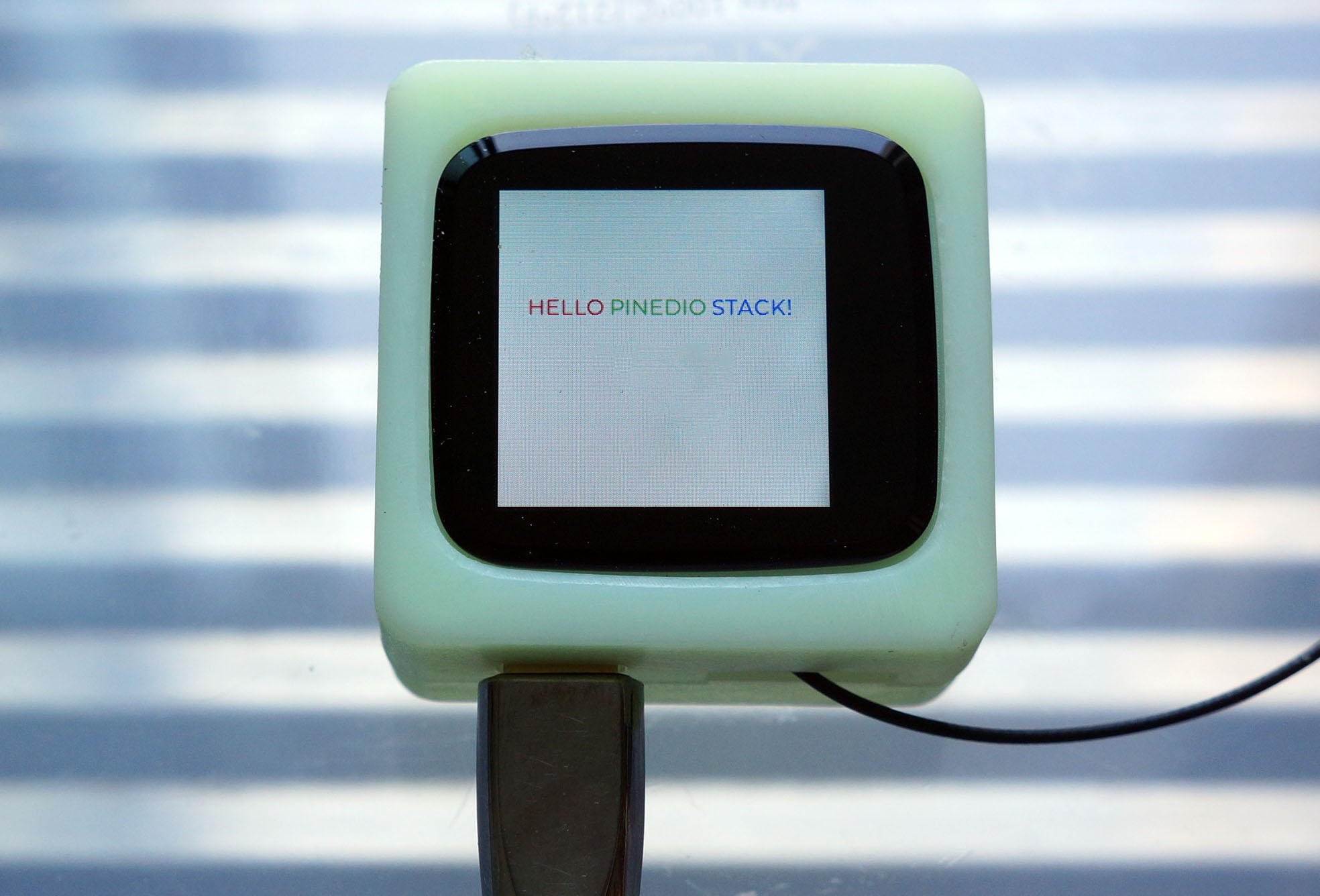
## Run Zig App
Follow these steps to __flash and boot NuttX__ (with our Zig App inside) on PineDio Stack...
- [__""Flash PineDio Stack""__](https://lupyuen.github.io/articles/pinedio2#flash-pinedio-stack)
- [__""Boot PineDio Stack""__](https://lupyuen.github.io/articles/pinedio2#boot-pinedio-stack)
In the NuttX Shell, enter this command to start our Zig App...
```bash
lvgltest
```
We should see...
```text
Zig LVGL Test
tp_init: Opening /dev/input0
cst816s_get_touch_data: DOWN: id=0, touch=0, x=176, y=23
...
tp_cal result
offset x:23, y:14
range x:189, y:162
invert x/y:1, x:0, y:1
```
[(See the complete log)](https://gist.github.com/lupyuen/795d7660679c3e0288e8fe5bec190890)
Our Zig App responds to touch and correctly renders the LVGL Screen (pic above).
Yep we have successfully built an LVGL Touchscreen App with Zig!
(We'll talk about Touch Input in a while)
## Simplify LVGL API
_Can we make LVGL a little friendlier with Zig? Such that this code..._
```zig
// Get the Active Screen
const screen = c.lv_scr_act().?;
// Create a Label Widget
const label = c.lv_label_create(screen, null).?;
// Wrap long lines in the label text
c.lv_label_set_long_mode(label, c.LV_LABEL_LONG_BREAK);
// Interpret color codes in the label text
c.lv_label_set_recolor(label, true);
```
[(Source)](https://github.com/lupyuen/zig-lvgl-nuttx/blob/main/lvgltest.zig#L114-L148)
_Becomes this?_
```zig
// Get the Active Screen
var screen = try lvgl.getActiveScreen();
// Create a Label Widget
var label = try screen.createLabel();
// Wrap long lines in the label text
label.setLongMode(c.LV_LABEL_LONG_BREAK);
// Interpret color codes in the label text
label.setRecolor(true);
```
[(Source)](https://github.com/lupyuen/zig-lvgl-nuttx/blob/main/lvgltest.zig#L150-L183)
Yes we can! By __wrapping the LVGL API__ in Zig, which we'll do in the next section.
Note that we now use ""__`try`__"" instead of ""__`.?`__"" to check the values returned by LVGL...
```zig
// Check that Active Screen is valid with `try`
var screen = try lvgl.getActiveScreen();
```
_What happens if we forget to ""`try`""?_
If we don't ""__`try`__"", like this...
```zig
// Get the Active Screen without `try`
var screen = lvgl.getActiveScreen();
// Attempt to use the Active Screen
_ = screen;
```
Zig Compiler stops us with an error...
```text
./lvgltest.zig:109:9:
error: error is discarded.
consider using `try`, `catch`, or `if`
_ = screen;
^
```
Thus ""__`try`__"" is actually safer than ""`.?`"", Zig Compiler mandates that we check for errors.
_What if LVGL returns a Null Pointer to Zig?_
Our app will fail gracefully with an __Application Error__...
```text
lv_scr_act failed
createWidgets failed: error.UnknownError
```
[(Because of this Error Handler)](https://github.com/lupyuen/zig-lvgl-nuttx/blob/main/lvgltest.zig#L85-L93)
## Wrap LVGL API
Earlier we saw the hypothetical __LVGL API wrapped with Zig__, let's make it real in 3 steps...
- Write a function to fetch the __Active Screen__ from LVGL
- Create a Zig Struct that wraps an __LVGL Screen__
- And another Zig Struct that wraps an __LVGL Label__
### Get Active Screen
Below is the implementation of __getActiveScreen__, which fetches the Active Screen from LVGL...
```zig
/// Return the Active Screen
pub fn getActiveScreen() !Object {
// Get the Active Screen
const screen = c.lv_scr_act();
// If successfully fetched...
if (screen) |s| {
// Wrap Active Screen as Object and return it
return Object.init(s);
} else {
// Unable to get Active Screen
std.log.err(""lv_scr_act failed"", .{});
return LvglError.UnknownError;
}
}
```
[(Source)](https://github.com/lupyuen/zig-lvgl-nuttx/blob/main/lvgl.zig#L26-L41)
_What's this unusual `if` expression?_
```zig
if (screen) |s|
{ ... } else { ... }
```
That's how we check if __screen__ is null.
If __screen__ is not null, then __s__ becomes the non-null value of __screen__. And we create an __Object Struct__ with __s__ inside...
```zig
if (screen) |s|
{ return Object.init(s); }
...
```
But if __screen__ is null, we do the __else__ clause and return an Error...
```zig
if (screen) |s|
{ ... }
else
{ return LvglError.UnknownError; }
```
[(__LvglError__ is defined here)](ttps://github.com/lupyuen/zig-lvgl-nuttx/blob/main/lvgl.zig#L117-L119)
That's why the Return Type for our function is __!Object__
```zig
pub fn getActiveScreen() !Object
{ ... }
```
It returns either an __Object Struct__ or an __Error__. (""`!`"" means Error)
Let's talk about the Object Struct...
### Object Struct
__Object__ is a Zig Struct that wraps around an LVGL Object (like the Active Screen).
It defines 2 Methods...
- __init__: Initialise the LVGL Object
- __createLabel__: Create an LVGL Label as a child of the Object
```zig
/// LVGL Object
pub const Object = struct {
/// Pointer to LVGL Object
obj: *c.lv_obj_t,
/// Init the Object
pub fn init(obj: *c.lv_obj_t) Object {
return .{ .obj = obj };
}
/// Create a Label as a child of the Object
pub fn createLabel(self: *Object) !Label {
// Assume we won't copy from another Object
const copy: ?*const c.lv_obj_t = null;
// Create the Label
const label = c.lv_label_create(self.obj, copy);
// If successfully created...
if (label) |l| {
// Wrap as Label and return it
return Label.init(l);
} else {
// Unable to create Label
std.log.err(""lv_label_create failed"", .{});
return LvglError.UnknownError;
}
}
};
```
[(Source)](https://github.com/lupyuen/zig-lvgl-nuttx/blob/main/lvgl.zig#L43-L73)
### Label Struct
Finally we have __Label__, a Zig Struct that wraps around an LVGL Label.
It defines a whole bunch of Methods to set the __Label Properties, Text and Position__...
```zig
/// LVGL Label
pub const Label = struct {
/// Pointer to LVGL Label
obj: *c.lv_obj_t,
/// Init the Label
pub fn init(obj: *c.lv_obj_t) Label {
return .{ .obj = obj };
}
/// Set the wrapping of long lines in the label text
pub fn setLongMode(self: *Label, long_mode: c.lv_label_long_mode_t) void {
c.lv_label_set_long_mode(self.obj, long_mode);
}
/// Set the label text alignment
pub fn setAlign(self: *Label, alignment: c.lv_label_align_t) void {
c.lv_label_set_align(self.obj, alignment);
}
/// Enable or disable color codes in the label text
pub fn setRecolor(self: *Label, en: bool) void {
c.lv_label_set_recolor(self.obj, en);
}
/// Set the label text and colors
pub fn setText(self: *Label, text: [*c]const u8) void {
c.lv_label_set_text(self.obj, text);
}
/// Set the object width
pub fn setWidth(self: *Label, w: c.lv_coord_t) void {
c.lv_obj_set_width(self.obj, w);
}
/// Set the object alignment
pub fn alignObject(self: *Label, alignment: c.lv_align_t, x_ofs: c.lv_coord_t, y_ofs: c.lv_coord_t) void {
const base: ?*const c.lv_obj_t = null;
c.lv_obj_align(self.obj, base, alignment, x_ofs, y_ofs);
}
};
```
[(Source)](https://github.com/lupyuen/zig-lvgl-nuttx/blob/main/lvgl.zig#L75-L116)
Let's call the wrapped LVGL API...
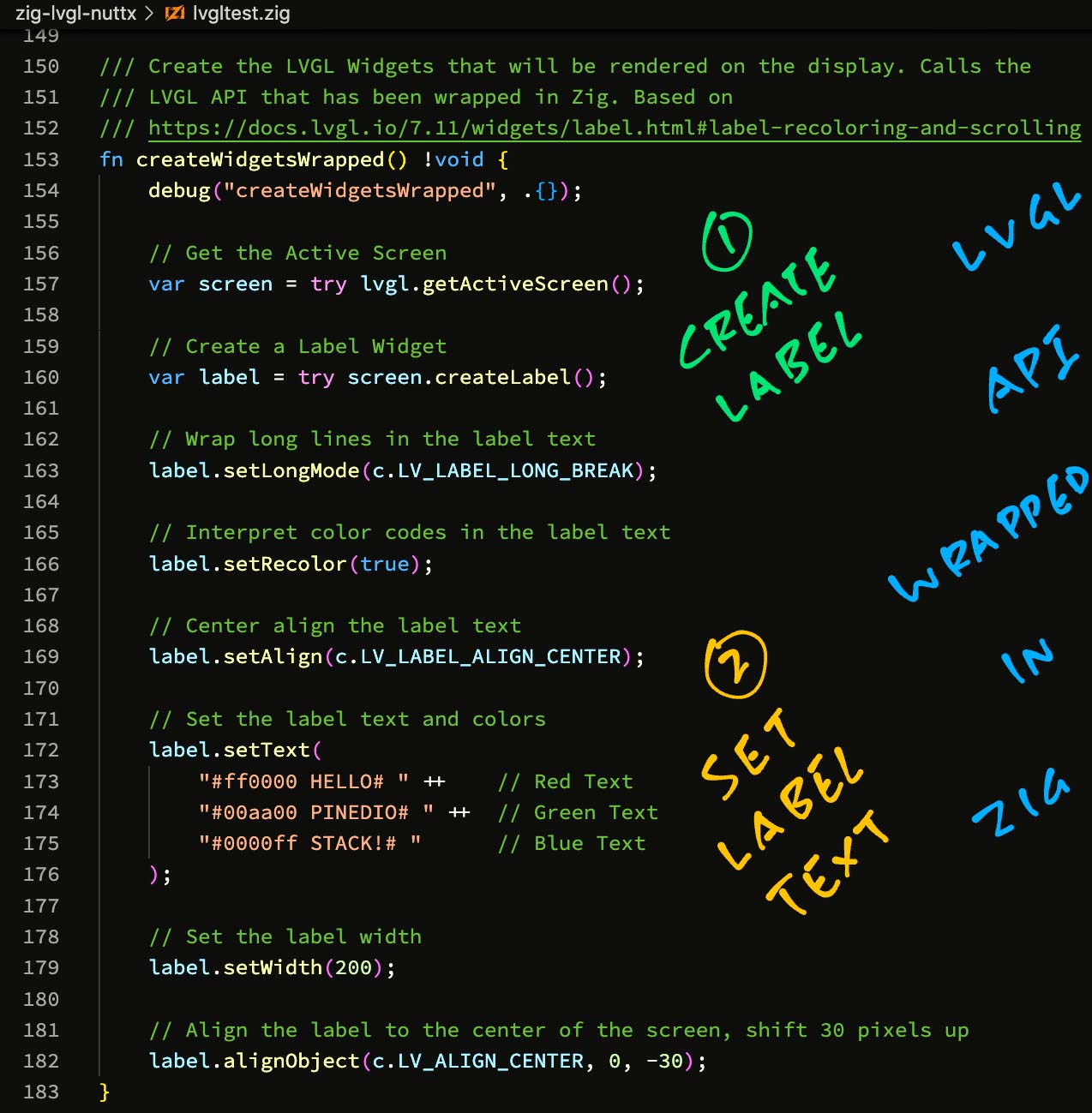
[(Source)](https://github.com/lupyuen/zig-lvgl-nuttx/blob/main/lvgltest.zig#L150-L183)
### After Wrapping
With the __wrapped LVGL API__, our Zig App looks neater and safer...
```zig
/// Create the LVGL Widgets that will be rendered on the display. Calls the
/// LVGL API that has been wrapped in Zig. Based on
/// https://docs.lvgl.io/7.11/widgets/label.html#label-recoloring-and-scrolling
fn createWidgetsWrapped() !void {
// Get the Active Screen
var screen = try lvgl.getActiveScreen();
// Create a Label Widget
var label = try screen.createLabel();
// Wrap long lines in the label text
label.setLongMode(c.LV_LABEL_LONG_BREAK);
// Interpret color codes in the label text
label.setRecolor(true);
// Center align the label text
label.setAlign(c.LV_LABEL_ALIGN_CENTER);
// Set the label text and colors
label.setText(
""#ff0000 HELLO# "" ++ // Red Text
""#00aa00 PINEDIO# "" ++ // Green Text
""#0000ff STACK!# "" // Blue Text
);
// Set the label width
label.setWidth(200);
// Align the label to the center of the screen, shift 30 pixels up
label.alignObject(c.LV_ALIGN_CENTER, 0, -30);
}
```
[(Source)](https://github.com/lupyuen/zig-lvgl-nuttx/blob/main/lvgltest.zig#L150-L183)
[(Compare with earlier unwrapped version)](https://lupyuen.github.io/articles/lvgl#zig-lvgl-app)
No more worries about catching __Null Pointers!__
(Someday __LV_LABEL_LONG_BREAK__ and the other constants will become Enums)
_Wrapping the LVGL API in Zig sounds like a lot of work?_
Yep probably. Here are some ways to __Auto-Generate the Zig Wrapper__ for LVGL...
- [__""Auto-Generate Zig Wrapper""__](https://lupyuen.github.io/articles/lvgl#appendix-auto-generate-zig-wrapper)
Also remember that LVGL is __Object-Oriented__. Designing the right wrapper with Zig might be challenging...
- [__""Object-Oriented Wrapper for LVGL""__](https://lupyuen.github.io/articles/lvgl#object-oriented-wrapper-for-lvgl)
## Zig vs Bit Fields
_Zig sounds amazing! Is there anything that Zig won't do?_
Sadly Zig won't import __C Structs containing Bit Fields__.
Zig calls it an [__Opaque Type__](https://ziglang.org/documentation/master/#Translation-failures) because Zig can't access the fields inside these structs.
Any struct that __contains an Opaque Type__ also becomes an Opaque Type. So yeah this quirk snowballs quickly.
[(Zig Compiler version 0.10.0 has this Bit Field limitation, it might have been fixed in later versions of the compiler)](https://github.com/ziglang/zig/issues/1499)
_LVGL uses Bit Fields?_
If we look at LVGL's Color Type __lv_color_t__ (for 16-bit color)...
```c
// LVGL Color Type (16-bit color)
typedef union {
struct {
// Bit Fields for RGB Color
uint16_t blue : 5;
uint16_t green : 6;
uint16_t red : 5;
} ch;
uint16_t full;
} lv_color16_t;
```
It uses __Bit Fields__ to represent the RGB Colors.
Which means Zig can't access the __red / green / blue__ fields of the struct.
(But passing a pointer to the struct is OK)
_Which LVGL Structs are affected?_
So far we have identified these __LVGL Structs__ that contain Bit Fields...
- [__Color__](https://lupyuen.github.io/articles/lvgl#color-type) (lv_color_t)
- [__Display Buffer__](https://lupyuen.github.io/articles/lvgl#appendix-zig-opaque-types) (lv_disp_buf_t)
- [__Display Driver__](https://lupyuen.github.io/articles/lvgl#appendix-zig-opaque-types) (lv_disp_drv_t)
- [__Input Driver__](https://lupyuen.github.io/articles/lvgl#input-driver) (lv_indev_drv_t)
_Is there a workaround?_
Our workaround is to access the structs for Color, Display Buffer, Display Driver and Input Driver __inside C Functions__...
- [__""Fix Opaque Type""__](https://lupyuen.github.io/articles/lvgl#fix-opaque-types)
And we pass the __Struct Pointers__ to Zig.
Which explains why we see pointers to LVGL Structs in our __Main Function__...
- [__""Main Function""__](https://lupyuen.github.io/articles/lvgl#appendix-main-function)
Also that's why we handle __Touch Input in C__ (instead of Zig), until we find a better solution.
## Zig Outcomes
_Have we gained anything by coding our LVGL App in Zig?_
The parts coded in Zig will benefit from the __Safety Checks__ enforced by Zig at runtime: Overflow, Underflow, Array Out-of-Bounds, ...
- [__""Zig Undefined Behavior""__](https://ziglang.org/documentation/master/#Undefined-Behavior)
We've seen earlier that Zig works well at catching __Null Pointers__ and __Application Errors__...
- [__""Zig Checks Null Pointers""__](https://lupyuen.github.io/articles/lvgl#zig-checks-null-pointers)
- [__""Simplify LVGL API""__](https://lupyuen.github.io/articles/lvgl#simplify-lvgl-api)
And that it's possible (with some effort) to create a __friendlier, safer interface__ for LVGL...
- [__""Wrap LVGL API""__](https://lupyuen.github.io/articles/lvgl#wrap-lvgl-api)
_What about the downsides of Zig?_
Zig doesn't validate pointers (like with a Borrow Checker) so it isn't __Memory Safe__ (yet)...
- [__""How safe is zig?""__](https://www.scattered-thoughts.net/writing/how-safe-is-zig)
Zi (version 0.10.0) has a serious limitation: It won't work with __C Structs containing Bit Fields__...
- [__""Zig vs Bit Fields""__](https://lupyuen.github.io/articles/lvgl#zig-vs-bit-fields)
We found a crude workaround: Handle these structs in C and pass the __Struct Pointers__ to Zig...
- [__""Fix Opaque Type""__](https://lupyuen.github.io/articles/lvgl#fix-opaque-types)
But this might become a showstopper as we work with __Complex LVGL Widgets__. [(Like LVGL Canvas)](https://lupyuen.github.io/articles/lvgl#color-type)
I'll run more experiments with LVGL on Zig and report the outcome.
## What's Next
I hope this article has inspired you to create LVGL Apps in Zig!
(But if you prefer to wait for Zig 1.0... That's OK too!)
Here are some tips for learning Zig...
- [__""Learning Zig""__](https://lupyuen.github.io/articles/pinephone#appendix-learning-zig)
Check out my earlier work on Zig, NuttX and LoRaWAN...
- [__""Zig on RISC-V BL602: Quick Peek with Apache NuttX RTOS""__](https://lupyuen.github.io/articles/zig)
- [__""Build an IoT App with Zig and LoRaWAN""__](https://lupyuen.github.io/articles/iot)
Many Thanks to my [__GitHub Sponsors__](https://github.com/sponsors/lupyuen) for supporting my work! This article wouldn't have been possible without your support.
- [__Sponsor me a coffee__](https://github.com/sponsors/lupyuen)
- [__Discuss this article on Reddit__](https://www.reddit.com/r/Zig/comments/vwii9n/build_an_lvgl_touchscreen_app_with_zig/)
- [__Read ""The RISC-V BL602 / BL604 Book""__](https://lupyuen.github.io/articles/book)
- [__Check out my articles__](https://lupyuen.github.io)
- [__RSS Feed__](https://lupyuen.github.io/rss.xml)
_Got a question, comment or suggestion? Create an Issue or submit a Pull Request here..._
[__lupyuen.github.io/src/lvgl.md__](https://github.com/lupyuen/lupyuen.github.io/blob/master/src/lvgl.md)
## Notes
1. This article is the expanded version of [__this Twitter Thread__](https://twitter.com/MisterTechBlog/status/1543395925116088320)

## Appendix: Main Function
Below is our __Main Function__ in Zig that does the following...
- Initialise the __LVGL Library__
- Initialise the __Display Buffer, Display Driver and LCD Driver__
- Register the __Display Driver__ with LVGL
- Initialise the __Touch Panel and Input Driver__
- Create the __LVGL Widgets__ for display
- Start the __Touch Panel Calibration__
- Forever handle __LVGL Events__
We begin by importing the libraries and declaring our Main Function: [lvgltest.zig](https://github.com/lupyuen/zig-lvgl-nuttx/blob/main/lvgltest.zig#L44-L109)
```zig
/// Import the Zig Standard Library
const std = @import(""std"");
/// Import our Wrapped LVGL Module
const lvgl = @import(""lvgl.zig"");
/// Omitted: Import the LVGL Library from C
const c = @cImport({ ... });
/// Main Function that will be called by NuttX. We render an LVGL Screen and
/// handle Touch Input.
pub export fn lvgltest_main(
_argc: c_int,
_argv: [*]const [*]const u8
) c_int {
debug(""Zig LVGL Test"", .{});
// Command-line args are not used
_ = _argc;
_ = _argv;
```
[(__lvgl.zig__ is located here)](https://github.com/lupyuen/zig-lvgl-nuttx/blob/main/lvgl.zig)
_Why is argv declared as ""[\*]const [\*]const u8""?_
That's because...
- ""__[\*]const u8__"" is a Pointer to an Unknown Number of Unsigned Bytes
(Like ""const uint8_t *"" in C)
- ""__[\*]const [\*]const u8__"" is a Pointer to an Unknown Number of the above Pointers
(Like ""const uint8_t *[]"" in C)
[(More about Zig Pointers)](https://ziglang.org/documentation/master/#Pointers)
_Why the ""`_ = `something""?_
This tells the Zig Compiler that we're __not using the value__ of ""something"".
The Zig Compiler helpfully stops us if we forget to use a Variable (like ___argc__) or the Returned Value for a Function (like for __lv_task_handler__).
Next we initialise the __LVGL Library__...
```zig
// Init LVGL Library
c.lv_init();
// Init Display Buffer
const disp_buf = c.get_disp_buf().?;
c.init_disp_buf(disp_buf);
// Init Display Driver
const disp_drv = c.get_disp_drv().?;
c.init_disp_drv(disp_drv, disp_buf, monitorCallback);
```
Because Zig won't work with [__C Structs containing Bit Fields__](https://lupyuen.github.io/articles/lvgl#zig-vs-bit-fields), we handle them in C instead...
- [__get_disp_buf__](https://lupyuen.github.io/articles/lvgl#fix-opaque-types): Get Display Buffer
- [__init_disp_buf__](https://lupyuen.github.io/articles/lvgl#fix-opaque-types): Init Display Buffer
- [__get_disp_drv__](https://lupyuen.github.io/articles/lvgl#fix-opaque-types): Get Display Driver
- [__init_disp_drv__](https://lupyuen.github.io/articles/lvgl#fix-opaque-types): Init Display Driver
[(__monitorCallback__ is defined here)](https://github.com/lupyuen/zig-lvgl-nuttx/blob/main/lvgltest.zig#L188-L198)
We initialise the __LCD Driver__...
```zig
// Init LCD Driver
if (c.lcddev_init(disp_drv) != c.EXIT_SUCCESS) {
// If failed, try Framebuffer Driver
if (c.fbdev_init(disp_drv) != c.EXIT_SUCCESS) {
// No possible drivers left, fail
return c.EXIT_FAILURE;
}
}
// Register Display Driver with LVGL
_ = c.lv_disp_drv_register(disp_drv);
// Init Touch Panel
_ = c.tp_init();
```
These C Functions are specific to __Apache NuttX RTOS__...
- [__lcddev_init__](https://github.com/lupyuen/lvgltest-nuttx/blob/main/lcddev.c#L244-L333): Init LCD Driver
- [__fbdev_init__](https://github.com/lupyuen/lvgltest-nuttx/blob/main/fbdev.c#L351-L469): Init Framebuffer Driver
- [__tp_init__](https://github.com/lupyuen/lvgltest-nuttx/blob/main/tp.c#L62-L99): Init Touch Panel
```zig
// Init Input Driver. tp_read will be called periodically
// to get the touched position and state
const indev_drv = c.get_indev_drv().?;
c.init_indev_drv(indev_drv, c.tp_read);
```
Again, Zig won't work with the __Input Driver__ because the C Struct contains Bit Fields, so we handle it in C...
- [__get_indev_drv__](https://lupyuen.github.io/articles/lvgl#input-driver): Get Input Driver
- [__init_indev_drv__](https://lupyuen.github.io/articles/lvgl#input-driver): Init Input Driver
- [__tp_read__](https://github.com/lupyuen/lvgltest-nuttx/blob/main/tp.c#L100-L200): Read Touch Input
We create the __LVGL Widgets__ (the wrapped or unwrapped way)...
```zig
// Create the widgets for display
createWidgetsUnwrapped()
catch |e| {
// In case of error, quit
std.log.err(""createWidgets failed: {}"", .{e});
return c.EXIT_FAILURE;
};
// To call the LVGL API that's wrapped in Zig, change
// `createWidgetsUnwrapped` above to `createWidgetsWrapped`
```
We've seen these Zig Functions earlier...
- [__createWidgetsUnwrapped__](https://lupyuen.github.io/articles/lvgl#zig-lvgl-app): Create LVGL Widgets without Zig Wrapper
- [__createWidgetsWrapped__](https://lupyuen.github.io/articles/lvgl#after-wrapping): Create LVGL Widgets with Zig Wrapper
We prepare the __Touch Panel Calibration__...
```zig
// Start Touch Panel calibration
c.tp_cal_create();
```
[(__tp_cal_create__ is defined here)](https://github.com/lupyuen/lvgltest-nuttx/blob/main/tp_cal.c#L244-L332)
This renders (in C) the LVGL Widgets for __Touch Panel Calibration__, as shown in the pic above.
[(Watch the calibration demo on YouTube)](https://www.youtube.com/shorts/2Nzjrlp5lcE)
(Can this be done in Zig? Needs exploration)
Finally we loop forever handling __LVGL Events__...
```zig
// Loop forever handing LVGL tasks
while (true) {
// Handle LVGL tasks
_ = c.lv_task_handler();
// Sleep a while
_ = c.usleep(10000);
}
return 0;
}
```
Our Zig App includes a [__Custom Logger__](https://github.com/lupyuen/zig-lvgl-nuttx/blob/main/lvgltest.zig#L225-L257) and [__Panic Handler__](https://github.com/lupyuen/zig-lvgl-nuttx/blob/main/lvgltest.zig#L199-L225).
They are explained below...
- [__""Logging""__](https://lupyuen.github.io/articles/iot#appendix-logging)
- [__""Panic Handler""__](https://lupyun.github.io/articles/iot#appendix-panic-handler)
## Appendix: Compiler Options
For the __LVGL App in C__, Apache NuttX RTOS compiles it with this GCC Command...
```bash
## App Source Directory
cd $HOME/nuttx/apps/examples/lvgltest
## Compile lvgltest.c with GCC
riscv64-unknown-elf-gcc \
-c \
-fno-common \
-Wall \
-Wstrict-prototypes \
-Wshadow \
-Wundef \
-Os \
-fno-strict-aliasing \
-fomit-frame-pointer \
-fstack-protector-all \
-ffunction-sections \
-fdata-sections \
-g \
-march=rv32imafc \
-mabi=ilp32f \
-mno-relax \
-isystem ""$HOME/nuttx/nuttx/include"" \
-D__NuttX__ \
-DNDEBUG \
-DARCH_RISCV \
-pipe \
-I ""$HOME/nuttx/apps/graphics/lvgl"" \
-I ""$HOME/nuttx/apps/graphics/lvgl/lvgl"" \
-I ""$HOME/nuttx/apps/include"" \
-DLV_LVGL_H_INCLUDE_SIMPLE \
-Wno-format \
-Dmain=lvgltest_main \
-lvgltest.c \
-o lvgltest.c.home.user.nuttx.apps.examples.lvgltest.o
```
(As observed from ""`make --trace`"")
[(__lvgltest.c__ is located here)](https://github.com/lupyuen/lvgltest-nuttx/blob/main/lvgltest.c)
The above options for ""__`-isystem`__"" and ""__`-I`__""...
```text
-isystem ""$HOME/nuttx/nuttx/include""
-I ""$HOME/nuttx/apps/graphics/lvgl""
-I ""$HOME/nuttx/apps/graphics/lvgl/lvgl""
-I ""$HOME/nuttx/apps/include""
```
Were passed to the __Zig Compiler__ when compiling our Zig App...
- [__""Compile Zig App""__](https://lupyuen.github.io/articles/lvgl#compile-zig-app)
As for the above ""__`#defines`__""...
```text
-D__NuttX__
-DNDEBUG
-DARCH_RISCV
-DLV_LVGL_H_INCLUDE_SIMPLE
```
We set them at the top of our __Zig Program__...
- [__""Import C Functions""__](https://lupyuen.github.io/articles/lvgl#import-c-functions)
The GCC Options above were also passed to the Zig Compiler for Auto-Translating the LVGL App from C to Zig...
## Appendix: Auto-Translate LVGL App to Zig
Zig Compiler can __Auto-Translate C code to Zig__. [(See this)](https://ziglang.org/documentation/master/#C-Translation-CLI)
We used the Auto-Translation as a Reference when converting our LVGL App from C to Zig.
Here's how we Auto-Translate our LVGL App [__lvgltest.c__](https://github.com/lupyuen/lvgltest-nuttx/blob/main/lvgltest.c) from C to Zig...
- Take the __GCC Command__ from the previous section
- Change ""__riscv64-unknown-elf-gcc__"" to ""__zig translate-c__""
- Add the target...
```text
-target riscv32-freestanding-none \
-mcpu=baseline_rv32-d \
```
- Remove ""__-march=rv32imafc__""
- Surround the C Flags by ""__-cflags ... --__""
Like this...
```bash
## App Source Directory
cd $HOME/nuttx/apps/examples/lvgltest
## Auto-translate lvgltest.c from C to Zig
zig translate-c \
-target riscv32-freestanding-none \
-mcpu=baseline_rv32-d \
-cflags \
-fno-common \
-Wall \
-Wstrict-prototypes \
-Wshadow \
-Wundef \
-Os \
-fno-strict-aliasing \
-fomit-frame-pointer \
-fstack-protector-all \
-ffunction-sections \
-fdata-sections \
-g \
-mabi=ilp32f \
-mno-relax \
-Wno-format \
-- \
-isystem ""$HOME/nuttx/nuttx/include"" \
-D__NuttX__ \
-DNDEBUG \
-DARCH_RISCV \
-I ""$HOME/nuttx/apps/graphics/lvgl"" \
-I ""$HOME/nuttx/apps/graphics/lvgl/lvgl"" \
-I ""$HOME/nuttx/apps/include"" \
-DLV_LVGL_H_INCLUDE_SIMPLE \
-Dmain=lvgltest_main \
lvgltest.c \
>lvgltest.zig
```
Note that __target__ and __mcpu__ are specific to BL602...
- [__""Zig Target""__](https://lupyuen.github.io/articles/zig#zig-target)
Zig Compiler internally uses __Clang__ (instead of GCC) to interpret our C code.
We made 2 fixes to our C code to support Clang...
- We inserted this...
```c
#if defined(__NuttX__) && defined(__clang__) // Workaround for NuttX with zig cc
#include
#include ""../../nuttx/include/limits.h""
#define FAR
#endif // defined(__NuttX__) && defined(__clang__)
```
[(Source)](https://github.com/lupyuen/lvgltest-nuttx/blob/main/lvgltest.c#L25-L29)
[(Here's why)](https://lupyuen.github.io/articles/iot#appendix-zig-compiler-as-drop-in-replacement-for-gcc)
- And changed this...
```c
static void monitor_cb(lv_disp_drv_t * disp_drv, uint32_t time, uint32_t px)
{
#ifndef __clang__ // Doesn't compile with zig cc
ginfo(""%"" PRIu32 "" px refreshed in %"" PRIu32 "" ms\n"", px, time);
#endif // __clang__
}
```
[(Source)](https://github.com/lupyuen/lvgltest-nuttx/blob/main/lvgltest.c#L83-L98)
[(See the changes)](https://github.com/lupyuen/lvgltest-nuttx/commit/1e8b0501c800209f0fa3f35f54b3742498d0e302)
Here's the original C code: [lvgltest.c](https://github.com/lupyuen/lvgltest-nuttx/blob/main/lvgltest.c)
And the Auto-Translation from C to Zig: [translated/lvgltest.zig](https://github.com/lupyuen/zig-lvgl-nuttx/blob/main/translated/lvgltest.zig#L5898-L5942)
The Auto-Translation looks __way too verbose__ for a Zig Program, but it's a good start for converting our LVGL App from C to Zig.
We hit some issues with Opaque Types in the Auto-Translation, this is how we fixed them...
## Appendix: Zig Auto-Translation is Incomplete
[_(Note: We observed this issue with Zig Compiler version 0.10.0, it might have been fixed in later versions of the compiler)_](https://github.com/ziglang/zig/issues/1499)
The Auto-Translation from C to Zig was initially __missing 2 key functions__...
- __lvgltest_main__: Main Function
- __create_widgets__: Create Widgets Function
The Auto-Translated Zig code shows...
```zig
// lvgltest.c:129:13: warning: unable to translate function, demoted to extern
pub extern fn create_widgets() callconv(.C) void;
// lvgltest.c:227:17: warning: local variable has opaque type
// (no file):353:14: warning: unable to translate function, demoted to extern
pub extern fn lvgltest_main(arg_argc: c_int, arg_argv: [*c][*c]u8) c_int;
```
[(Source)](https://github.com/lupyuen/zig-lvgl-nuttx/blob/9e95d800f3a429c5f35970ca35cd43bd8fbd9529/translated/lvgltest.zig#L5901-L5904)
When we look up [lvgltest.c](https://github.com/lupyuen/lvgltest-nuttx/blob/1e8b0501c800209f0fa3f35f54b3742498d0e302/lvgltest.c#L225-L228) line 227...
```c
int lvgltest_main(int argc, FAR char *argv[]) {
// lvgltest.c:227:17: warning: local variable has opaque type
lv_disp_drv_t disp_drv;
lv_disp_buf_t disp_buf;
...
```
[(Source)](https://github.com/lupyuen/lvgltest-nuttx/blob/1e8b0501c800209f0fa3f35f54b3742498d0e302/lvgltest.c#L225-L228)
We see that Zig couldn't import the struct for LVGL Display Driver __lv_disp_drv_t__ because it's an Opaque Type.
Let's find out why...
## Appendix: Zig Opaque Types
[_(Note: We observed this issue with Zig Compiler version 0.10.0, it might have been fixed in later versions of the compiler)_](https://github.com/ziglang/zig/issues/1499)
_What's an Opaque Type in Zig?_
__Opaque Types__ are Zig Structs with unknown, inaccessible fields.
When we import into Zig a __C Struct that contains Bit Fields__, it becomes an Opaque Type...
- [__""Translation Failures""__](https://ziglang.org/documentation/master/#Translation-failures)
- [__""Extend a C/C++ Project with Zig""__](https://zig.news/kristoff/extend-a-c-c-project-with-zig-55di)
For example, LVGL's __Color Type__ contains Bit Fields. It becomes an Opaque Type when we import into Zig...
```c
// LVGL Color Type (16-bit color)
typedef union {
struct {
// Bit Fields for RGB Color
uint16_t blue : 5;
uint16_t green : 6;
uint16_t red : 5;
} ch;
uint16_t full;
} lv_color16_t;
```
_What's wrong with Opaque Types?_
Zig Compiler won't let us access the __fields of an Opaque Type__. But it's OK to pass a __pointer to an Opaque Type__.
Any struct that contains a (non-pointer) Opaque Type, also becomes an Opaque Type.
_How do we discover Opaque Types?_
In the previous section, Zig Compiler has identified the LVGL Display Driver __lv_disp_drv_t__ as an Opaque Type...
```zig
// warning: local variable has opaque type
lv_disp_drv_t disp_drv;
```
To find out why, we search for __lv_disp_drv_t__ in the Auto-Translated Zig code...
```zig
// nuttx/apps/graphics/lvgl/lvgl/src/lv_hal/lv_hal_disp.h:1549:
// warning: struct demoted to opaque type - has bitfield
pub const lv_disp_drv_t = struct__disp_drv_t;
pub const struct__disp_drv_t = opaque {};
// nuttx/apps/graphics/lvgl/lvgl/src/lv_hal/lv_hal_disp.h:59:23:
// warning: struct demoted to opaque type - has bitfield
pub const lv_disp_t = struct__disp_t;
pub const struct__disp_t = opaque {};
pub const lv_disp_buf_t = opaque {};
```
[(Source)](https://github.com/lupyuen/zig-lvgl-nuttx/blob/9e95d800f3a429c5f35970ca35cd43bd8fbd9529/translated/lvgltest.zig#L700-L704)
Which says that __lv_disp_drv_t__ contains Bit Fields.
To verify, we look up the C definitions of __lv_disp_drv_t__, __lv_disp_t__ and __lv_disp_buf_t__ from LVGL...
```c
// LVGL Display Driver
typedef struct _disp_drv_t {
uint32_t rotated : 1;
uint32_t dpi : 10;
...
} lv_disp_drv_t;
// LVGL Display
typedef struct _disp_t {
uint8_t del_prev : 1;
uint32_t inv_p : 10;
...
} lv_disp_t;
// LVGL Display Buffer
typedef struct {
volatile uint32_t last_area : 1;
volatile uint32_t last_part : 1;
...
} lv_disp_buf_t;
```
We're now certain that Zig Compiler couldn't import the structs because they indeed contain __Bit Fields__.
Let's fix the Opaque Types, by passing them as pointers...
### Fix Opaque Types
[_(Note: We observed this issue with Zig Compiler version 0.10.0, it might have been fixed in later versions of the compiler)_](https://github.com/ziglang/zig/issues/1499)
Earlier we saw that Zig couldn't import these C Structs because they contain __Bit Fields__...
- __lv_disp_drv_t__: LVGL Display Driver
- __lv_disp_buf_t__: LVGL Display Buffer
Instead of creating and accessing these structs in Zig, we __do it in C instead__...
```c
// Return the static instance of Display Driver, because Zig can't
// allocate structs wth bitfields inside.
lv_disp_drv_t *get_disp_drv(void) {
static lv_disp_drv_t disp_drv;
return &disp_drv;
}
// Return the static instance of Display Buffer, because Zig can't
// allocate structs wth bitfields inside.
lv_disp_buf_t *get_disp_buf(void) {
static lv_disp_buf_t disp_buf;
return &disp_buf;
}
// Initialise the Display Driver, because Zig can't access its fields.
void init_disp_drv(lv_disp_drv_t *disp_drv,
lv_disp_buf_t *disp_buf,
void (*monitor_cb)(struct _disp_drv_t *, uint32_t, uint32_t)) {
assert(disp_drv != NULL);
assert(disp_buf != NULL);
assert(monitor_cb != NULL);
lv_disp_drv_init(disp_drv);
disp_drv->buffer = disp_buf;
disp_drv->monitor_cb = monitor_cb;
}
// Initialise the Display Buffer, because Zig can't access the fields.
void init_disp_buf(lv_disp_buf_t *disp_buf) {
assert(disp_buf != NULL);
lv_disp_buf_init(disp_buf, buffer1, buffer2, DISPLAY_BUFFER_SIZE);
}
```
[(Source)](https://github.com/lupyuen/lvgltest-nuttx/blob/main/lcddev.c#L335-L398)
Then we modify our C Main Function to access these structs __via pointers__...
```c
int lvgltest_main(int argc, FAR char *argv[]) {
// Fetch pointers to Display Driver and Display Buffer
lv_disp_drv_t *disp_drv = get_disp_drv();
lv_disp_buf_t *disp_buf = get_disp_buf();
...
// Init Display Buffer and Display Driver as pointers
init_disp_buf(disp_buf);
init_disp_drv(disp_drv, disp_buf, monitor_cb);
...
// Init Input Driver as pointer
lv_indev_drv_t *indev_drv = get_indev_drv();
init_indev_drv(indev_drv, tp_read);
```
[(Source)](https://github.com/lupyuen/lvgltest-nuttx/blob/main/lvgltest.c#L214-L293)
(__get_indev_drv__ and __init_indev_drv__ are explained in the next section)
After this modification, our Auto-Translation from C to Zig now contains the 2 missing functions...
- [__lvgltest_main__](https://github.com/lupyuen/zig-lvgl-nuttx/blob/main/translated/lvgltest.zig#L5913-L5944): Main Function
- [__create_widgets__](https://github.com/lupyuen/zig-lvgl-nuttx/blob/main/translated/lvgltest.zig#L5903-L5912): Create Widgets Function
Which we used as a reference to convert our LVGL App from C to Zig.
That's why our __Zig Main Function__ passes pointers to the Display Buffer and Display Driver, instead of working directly with the structs...
- [__""Main Function""__](https://lupyuen.github.io/articles/lvgl#appendix-main-function)
### Input Driver
[_(Note: We observed this issue with Zig Compiler version 0.10.0, it might have been fixed in later versions of the compiler)_](https://github.com/ziglang/zig/issues/1499)
LVGL Input Driver __lv_indev_drv_t__ is another Opaque Type because it contains Bit Fields.
We fix __lv_indev_drv_t__ the same way as other Opaque Types: We allocate and initialise the structs in C (instead of Zig)...
```c
// Return the static instance of Input Driver, because Zig can't
// allocate structs wth bitfields inside.
lv_indev_drv_t *get_indev_drv(void) {
static lv_indev_drv_t indev_drv;
return &indev_drv;
}
// Initialise the Input Driver, because Zig can't access its fields.
void init_indev_drv(lv_indev_drv_t *indev_drv,
bool (*read_cb)(struct _lv_indev_drv_t *, lv_indev_data_t *)) {
assert(indev_drv != NULL);
assert(read_cb != NULL);
lv_indev_drv_init(indev_drv);
indev_drv->type = LV_INDEV_TYPE_POINTER;
// This function will be called periodically (by the library) to get the
// mouse position and state.
indev_drv->read_cb = read_cb;
lv_indev_drv_register(indev_drv);
}
```
[(Source)](https://github.com/lupyuen/lvgltest-nuttx/blob/main/tp.c#L282-L320)
These functions are called by our __Zig Main Function__ during initialisation...
- [__""Main Function""__](https://lupyuen.github.io/articles/lvgl#appendix-main-function)
### Color Type
[_(Note: We observed this issue with Zig Compiler version 0.10.0, it might have been fixed in later versions of the compiler)_](https://github.com/ziglang/zig/issues/1499)
We fixed all references to LVGL Color Type __lv_color_t__...
```c
// LVGL Canvas Demo doesn't work with zig cc because of `lv_color_t`
#if defined(CONFIG_USE_LV_CANVAS) && !defined(__clang__)
// Set the Canvas Buffer (Warning: Might take a lot of RAM!)
static lv_color_t cbuf[LV_CANVAS_BUF_SIZE_TRUE_COLOR(CANVAS_WIDTH, CANVAS_HEIGHT)];
...
```
[(Source)](https://github.com/lupyuen/lvgltest-nuttx/blob/main/lvgltest.c#L149-L156)
That's because __lv_color_t__ is another Opaque Type...
```zig
// From Zig Auto-Translation
pub const lv_color_t = lv_color16_t;
pub const lv_color16_t = extern union {
ch: struct_unnamed_7,
full: u16,
};
// nuttx/apps/graphics/lvgl/lvgl/src/lv_core/../lv_draw/../lv_misc/lv_color.h:240:18:
// warning: struct demoted to opaque type - has bitfield
const struct_unnamed_7 = opaque {};
```
[(Source)](https://github.com/lupyuen/zig-lvgl-nuttx/blob/main/translated/lvgltest.zig#L520-L537)
That contains __Bit Fields__...
```c
// LVGL Color Type (16-bit color)
typedef union {
struct {
// Bit fields for lv_color16_t (aliased to lv_color_t)
uint16_t blue : 5;
uint16_t green : 6;
uint16_t red : 5;
} ch;
uint16_t full;
} lv_color16_t;
```
Hence we can't work directly with the LVGL Color Type in Zig. (But we can pass pointers to it)
_Is that a problem?_
Some LVGL Widgets need us to __specify the LVGL Color__. (Like for LVGL Canvas)
This gets tricky in Zig, since we can't manipulate LVGL Color.
[(More about LVGL Canvas)](https://docs.lvgl.io/7.11/widgets/canvas.html)
_Why not fake the LVGL Color Type in Zig?_
```zig
// Fake the LVGL Color Type in Zig
const lv_color16_t = extern union {
ch: u16, // Bit Fields add up to 16 bits
full: u16,
};
```
We could, but then the LVGL Types in Zig would become __out of sync__ with the original LVGL Definitions in C.
This might cause problems when we upgrade the LVGL Library.
## Appendix: Auto-Generate Zig Wrapper
_Can we auto-generate the Zig Wrapper for LVGL?_
Earlier we talked about the __Zig Wrapper for LVGL__ that will make LVGL a little safer and friendlier...
- [__""Simplify LVGL API""__](https://lupyuen.github.io/articles/lvgl#simplify-lvgl-api)
- [__""Wrap LVGL API""__](https://lupyuen.github.io/articles/lvgl#wrap-lvgl-api)
To Auto-Generate the LVGL Wrapper, we might use __Type Reflection__ in Zig...
- [__""Zig Type Reflection""__](https://github.com/lupyuen/zig-l602-nuttx/blob/main/README.md#zig-type-reflection)
Or we can look up the __Type Info JSON__ generated by Zig Compiler...
```bash
## Emit IR (LLVM), BC (LLVM) and Type Info JSON
zig build-obj \
-femit-llvm-ir \
-femit-llvm-bc \
-femit-analysis \
--verbose-cimport \
-target riscv32-freestanding-none \
-mcpu=baseline_rv32-d \
-isystem ""$HOME/nuttx/nuttx/include"" \
-I ""$HOME/nuttx/apps/graphics/lvgl"" \
-I ""$HOME/nuttx/apps/graphics/lvgl/lvgl"" \
-I ""$HOME/nuttx/apps/include"" \
-I ""$HOME/nuttx/apps/examples/lvgltest"" \
lvgltest.zig
```
This produces the __IR (LLVM), BC (LLVM) and Type Info JSON__ files...
```text
lvgltest.ll
lvgltest.bc
lvgltest-analysis.json
```
[(See the files)](https://github.com/lupyuen/zig-lvgl-nuttx/releases/tag/v1.0.0)
Let's look up the Type Info for the LVGL Function __lv_obj_align__.
We search for __lv_obj_align__ in [lvgltest-analysis.json](https://github.com/lupyuen/zig-lvgl-nuttx/releases/download/v1.0.0/lvgltest-analysis.json)
```json
""decls"":
...
{
""import"": 99,
""src"": 1962,
""name"": ""lv_obj_align"",
""kind"": ""const"",
""type"": 148, // lv_obj_align has Type 148
""value"": 60
},
```
Then we look up __Type 148__ in [lvgltest-analysis.json](https://github.com/lupyuen/zig-lvgl-nuttx/releases/download/v1.0.0/lvgltest-analysis.json)
```bash
$ jq '.types[148]' lvgltest-analysis.json
{
""kind"": 18,
""name"": ""fn(?*.cimport:10:11.struct__lv_obj_t, ?*const .cimport:10:11.struct__lv_obj_t, u8, i16, i16) callconv(.C) void"",
""generic"": false,
""ret"": 70,
""args"": [
79, // First Para has Type 79
194,
95,
134,
134
]
}
```
The First Parameter has __Type 79__, so we look up [lvgltest-analysis.json](https://github.com/lupyuen/zig-lvgl-nuttx/releases/download/v1.0.0/lvgltest-analysis.json) and follow the trail...
```bash
$ jq '.types[79]' lvgltest-analysis.json
{
""kind"": 13,
""child"": 120
}
## Kind 13 is `?` (Optional)
$ jq '.types[120]' lvgltest-analysis.json
{
""kind"": 6,
""elem"": 137
}
## Kind 6 is `*` (Pointer)
$ jq '.types[137]' lvgltest-analysis.json
{
""kind"": 20,
""name"": "".cimport:10:11.struct__lv_obj_t""
}
## Kind 20 is `struct`???
```
Which gives us the complete type of the __First Parameter__...
```zig
?*.cimport:10:11.struct__lv_obj_t
```
With this Type Info, we could generate the Zig Wrapper for all LVGL Functions.
We don't have the Parameter Names though, we might need to parse the "".cimport"" file.
[(More about jq)](https://stedolan.github.io/jq/manual/)
### Object-Oriented Wrapper for LVGL
_Is LVGL really Object-Oriented?_
Yep the LVGL API is actually __Object-Oriented__ since it uses Inheritance.
All LVGL Widgets (Labels, Buttons, etc) have the same Base Type: __lv_obj_t__.
But some LVGL Functions will work only for __specific Widgets__, whereas some LVGL Functions will work on __any Widget__...
- __lv_label_set_text__ works only for Labels
- __lv_obj_set_width__ works for any Widget
The LVGL Docs also say that LVGL is __Object-Oriented__...
- [__""Base object lv_obj""__](https://docs.lvgl.io/latest/en/html/widgets/obj.html)
Designing an Object-Oriented Zig Wrapper for LVGL might be challenging...
Our Zig Wrapper needs to support __setWidth__ (and similar methods) for __all LVGL Widgets__.
To do this we might use __Zig Interfaces__ and [__@fieldParentPtr__](https://ziglang.org/documentation/master/#fieldParentPtr)...
- [__""Interfaces in Zig""__](https://zig.news/david_vanderson/interfaces-in-zig-o1c)
- [__""Zig Interfaces for the Uninitiated""__](https://www.nmichaels.org/zig/interfaces.html)
Which look somewhat similar to __VTables in C++__...
- [__""Allocgate is coming in Zig 0.9""__](https://pithlessly.github.io/allocgate.html)
_Are there any Object-Oriented Bindings for LVGL?_
The official __Python Bindings__ for LVGL seem to be Object-Oriented. This could inspire our Object-Oriented Wrapper in Zig...
- [__Python Bindings for LVGL__](https://github.com/lvgl/lv_binding_micropython)
However the Python Bindings are __Dynamically Typed__, might be tricky implementing them as Static Types in Zig.
The LVGL Wrapper in this article was inspired by the [__zgt GUI Library__](https://github.com/zenith391/zgt), which wraps the GUI APIs for GTK, Win32 and WebAssembly...
- [__""Build a PinePhone App with Zig and zgt""__](https://lupyuen.github.io/articles/pinephone)
"
461,846,"2023-05-03 00:20:56.300295",perky,anytype-antics-2398,https://zig.news/uploads/articles/2glr9jxvuadf696gxrdy.png,"Anytype Antics","Introduction This post explores the use of anytype – a keyword to mark function parameters...","## Introduction
This post explores the use of `anytype` – a keyword to mark function parameters as generic. We'll look at how can we use it and if there are alternatives.
## Duck Typing
The first and most idiomatic use of `anytype` is so called Duck Typing. This is used throughout Zig's standard library, especially with readers and writers. We'll use a toy example of a writer. Notice how each struct contains a function of the same signature, but executes different code.
```zig
// Toy example of ""writers"" that share the same ""contract"".
const FileWriter = struct {
pub fn writeAll(_: FileWriter, bytes: []const u8) void {
debug.print(""[FileWriter] {s};"", .{bytes});
}
};
const MultiWriter = struct {
pub fn writeAll(_: MultiWriter, bytes: []const u8) void {
debug.print(""[MultiWriter] {s};"", .{bytes});
}
};
const NullWriter = struct {
pub fn writeAll(_: NullWriter, _: []const u8) void {}
};
// This writer differs from the other, so could be said to have a different ""contract"".
const BadWriter = struct {
pub fn writeAll(_: BadWriter, val: i32) void {
debug.print(""[BadWriter] {d};"", .{val});
}
};
```
To write a function that accepts all three of these types, you would use `anytype`. That is essentially defining the accepted type to be the superset of all possible types.
```zig
const example_01_duck_typing = struct {
fn save(writer: anytype, bytes: []const u8) void {
writer.writeAll(bytes);
}
...
```
The `save` function will accept any type that has function declaration named `writeAll` and which takes a parameter of `[]const u8`. This is all figured out at compile time too, no virtual tables needed here.
```zig
pub fn main() void {
var file_writer = FileWriter{};
save(file_writer, ""a"");
var multi_writer = MultiWriter{};
save(multi_writer, ""b"");
var null_writer = NullWriter{};
save(null_writer, ""c"");
}
```
This outputs very sane assembly, that pretty much ends up looking like:
1. call FileWriter.writeAll
2. call MultiWriter.writeAll
Even the NullWriter.writeAll gets stripped out as it logically does no operation.
At this point it seems like similar behaviour to a dynamically typed language such as JavaScript. But if you're familiar with those you might also be familiar with the difficulty of debugging issues when you pass the *wrong* type into a generic function. Let's see what happens in Zig's case:
```zig
var bad_writer = BadWriter{};
save(bad_writer, ""nope"");
```
Zig won't even compile the code! We get a useful error message if we try:
```
error: expected type 'i32', found '[]const u8'
writer.writeAll(bytes);
^~~~~
note: parameter type declared here
pub fn writeAll(_: BadWriter, val: i32) void {
^~~
```
The error and related note are telling us the `writeAll` function in `BadWriter` isn't satisfying the contract of a Writer.
The downside to duck typing is that given just the `save()` function, it is not immediately obvious what is the valid parameter space. We could either read the function body to see how the parameter is used (which could easily be buried and easy to miss), or we would rely on user documentation to express the requirements (which could easily become out of date), or we use trial and error with the compiler. Each of these are a compromise.
## Traits
We could improve the readability of a generic function by using traits. These are simply functions from the standard library that can give us information about a type at compile time.
Lets define a new contract for the 'writer' parameter in the save function:
- Must be a mutable pointer to a single struct.
- Must have a function named writeAll.
We can express that with traits.
```zig
const trait = @import(""std"").meta.trai;
fn save(writer: anytype, bytes: []const u8) void {
comptime {
if (!trait.isPtrTo(.Struct)(@TypeOf(writer))) @compileError(""Expects writer to be pointer type."");
if (!trait.hasFn(""writeAll"")(@TypeOf(writer.*))) @compileError(""Expects writer.* to have fn 'writeAll'."");
}
writer.writeAll(bytes);
}
```
If we make putting traits like these at the top of our generic functions a consistent pattern, it would read like part of the function signature. This all happens at compile-time too, so it doesn't affect our runtime performance, but will affect compiling duration.
## Tagged Unions
Anytype is all well and good for a generic function – a function that can be applied generically across all types – but often in reality you only need it to operate on a strict subset of types. The subset can be defined via a tagged union.
```zig
const Writer = union(enum) {
FileWriter: FileWriter,
MultiWriter: MultiWriter,
// Purposefully leave out NullWriter.
};
```
Now the save function can be defined with a more explicit signature.
```zig
pub fn save(writer: Writer, bytes: []const u8) void {
switch (writer) {
inline else => |w| w.writeAll(bytes)
}
}
```
In order to access the method on Writer we now need to switch on i. The `inline else =>` is some nice syntax to reduce boilerplate, at compile time this expands into:
```zig
switch (writer) {
.FileWriter => |w| w.writeAll(bytes),
.MultiWriter => |w| w.writeAll(bytes)
}
```
If there were a bunch more prongs than just the two here, the assembly would become a jump-table. It is important to note that there are a couple more machine instructions executed with a tagged union approach rather than duck typing. For reference here is assembly emitted (`-O ReleaseFast` flag) for duck typing (notice it has created a function for each type):
```asm
example.save_duck_typing__anon_987:
mov edi, offset example.example_main__anon_986
jmp example.FileWriter.writeAll
example.save_duck_typing__anon_989:
mov edi, offset example.example_main__anon_988
jmp example.MultiWriter.writeAll
```
Now for the tagged union version:
```asm
example.save_tagged_union:
test dil, 1
je .LBB3_1
mov rdi, rsi
jmp example.MultiWriter.writeAll
.LBB3_1:
mov rdi, rsi
jmp example.FileWriter.writeAll
```
The callsite of the save function has become a bit more cumbersome, we end up having to duplicate type names in two places.
```zig
var file_writer = FileWriter{};
save(Writer{ .FileWriter = file_writer }, ""a"");
var multi_writer = MultiWriter{};
save(Writer{ .MultiWriter = multi_writer }, ""b"");
```
But we can solve that with some *comptime* magic!
## Comptime Tagged Unions
This is where comptime tagged unions will get us:
```zig
const Writer = Typeset(.{FileWriter, MultiWriter});
var file_writer = FileWriter{};
save(typeset(Writer, file_writer), ""a"");
var multi_writer = MultiWriter{};
save(typeset(Writer, multi_writer), ""b"");
```
I've gone with the name `typeset` as it's basically what we're using unions for in this example, a set of types. To get there we first need to create a function that returns the Writer union type at compile time.
```zig
// There's a lot going on here,
// but it takes a tuple of types and turns it into a tagged union.
fn Typeset(comptime types: anytype) type {
var enum_fields: [types.len]builtin.Type.EnumField = undefined;
inline for (types, 0..) |T, i| {
enum_fields[i] = .{ .name = @typeName(T), .value = i };
}
const Tag = @Type(.{
.Enum = .{
.tag_type = meta.Int(.unsigned, math.log2_int_ceil(u16, types.len)),
.fields = &enum_fields,
.decls = &[_]builtin.Type.Declaration{},
.is_exhaustive = true,
}
});
var union_fields: [types.len]builtin.Type.UnionField = undefined;
inline for (types, 0..) |T, i| {
union_fields[i] = .{ .name = @typeName(T), .type = T, .alignment = @alignOf(T) };
}
const U = @Type(.{
.Union = .{
.layout = .Auto,
.tag_type = Tag,
.fields = &union_fields,
.decls = &[_]builtin.Type.Declaration{}
}
});
return U;
}
```
It is important to note that with this change, the 'tags' inside the union are now the full namespace of the types, which would be something like `anytype.FileWriter`. But we don't have to worry about those as we can have a helper function to initialise them too.
```zig
// Takes our Typeset type (i.e. Writer) and some data
// (i.e. initialised FileWriter) and outputs an initialised
// union of that Typeset type.
fn typeset(comptime UnionT: type, data: anytype) UnionT {
return @unionInit(UnionT, @typeName(@TypeOf(data)), data);
}
```
Thanks to the magic of comptime, the output assembly is completely the same! Also, we still get useful compile errors if we attempt to use the wrong types. Attempting to call save on a `NullWriter` would throw this compile error:
`error: ""no field named 'anytype.NullWriter' in union...""`
## Conclusion
We've seen various ways to handle generic functions, and the pros and cons of that. In a future post we'll go over ways to handle generic functions dynamically at runtime."
658,26,"2024-09-14 17:42:02.966925",david_vanderson,mutable-global-data-in-zig-1p5l,https://zig.news/uploads/articles/vkf7rrdzbdb6hfdi75d4.png,"Mutable Global Data in Zig","Sometimes you want to write a small test file, or some example code, that shows how to mutate a...","Sometimes you want to write a small test file, or some example code, that shows how to mutate a string or slice of data.
But how do you make a global mutable var prefilled with example data?
The recipe is:
1. make a const array of the example data
1. make a var that copies that data
```zig
const std = @import(""std"");
// strings
const data_str = ""hello"";
var mut_str = data_str.*; // deref string to get array
// struct arrays
const foo = struct {
ord: enum { first, second },
};
const data_foo = [_]foo{ .{ .ord = .first }, .{ .ord = .second } };
var mut_foo = data_foo;
pub fn main() !void {
// upcase string
for (0..mut_str.len) |i| {
mut_str[i] = std.ascii.toUpper(mut_str[i]);
}
std.debug.print(""{s}\n"", .{mut_str});
// swap foos
const temp = mut_foo[0];
mut_foo[0] = mut_foo[1];
mut_foo[1] = temp;
for (mut_foo, 0..) |f, i| {
std.debug.print(""foo[{d}]: {s}\n"", .{ i, @tagName(f.ord) });
}
}
```
Took me too long to figure this out. Hope it helps!
[Here's me asking about it on ziggit.dev](https://ziggit.dev/t/global-mutable-slice/5983)"
691,161,"2025-02-27 22:39:45.703728",ityonemo,air-what-is-it-good-for-3346,"","AIR, what is it good for?","well, besides being a last step prior to sending stuff to the compiler backends. I made a video...","well, besides being a last step prior to sending stuff to the compiler backends.
I made a video about the idea of using AIR to get ""extra"" safety in zig. Without changing the language. For example, preventing use of `undefined` values, no more leaking stack pointers from functions, and the UAF/DF memory safety issues, and even an extra goodie:
https://www.youtube.com/watch?v=ZY_Z-aGbYm8
code here:
https://github.com/ityonemo/clr
Note that this is not by any means a complete implementation (branches are not implemented, for example) but it begins to show that the things that we might want in (cough cough) that other language, might be possible in zig, just... not in the compiler."
692,1996,"2025-03-05 10:37:16.507902",sabbha20,--1jm0,"","First Post","𝙸 𝔞𝔪 𝖟𝖎𝖌𝓵𝖎𝖓𝖌‼‼ 👻🍀🌟✨","## 𝙸 𝔞𝔪 `𝖟𝖎𝖌𝓵𝖎𝖓𝖌`‼‼ 👻🍀🌟✨"
694,1899,"2025-03-12 02:07:18.008468",vinybrasil,caching-api-responses-with-redis-in-zig-52lm,https://zig.news/uploads/articles/fdi3kf7n5prskhmcpgdd.png,"Caching API responses with Redis in Zig","Introduction When fetching a database, our server must perform a READ operation. Every...","
## Introduction
When fetching a database, our server must perform a READ operation. Every transation has a cost of time and money (computational cost in the cloud). One way of reducing this cost it's to cache the last record fetched so we don't have to perform another READ operation. This can help when the same record is requested multiple times.
To do this caching, we can use Redis, a advanced key-value store that works as a in memory database. It is really fast and combines with our choice for the backend: `zap`, a blazingly fast webframework written in Zig.
This project is heavily inspired by [this post](https://medium.com/@aarav.gupta9/unlocking-the-power-of-redis-using-redis-with-python-ff09d459dad2) but we'll code it in Zig, a system programming language capable of handling thousands of requests (the original one was written in Python). The Zig version used is 0.14 and the redis version is 7.0.15. In this blogpost there's only a few snippets of the code since most of it is not that important but you can check the full code [here](https://github.com/vinybrasil/cache-redis-zig) and this post was originally posted [here](https://vinybrasil.github.io/posts/cache-zig-redis/).
OBS: since Redis is also a database, I'll use the term ""database"" referring to the database where the data is stored (in our case a hashmap) and use the term ""redis"" refering to the Redis database.
## Implementation
To simulate a database, we'll use a hashmap instead of deploying one. Note that our database has different users indexed by an ID, which we'll be used to fetch them. The User struct is quite simple: has a id, a name, an email and an age.
```zig
var users = std.AutoHashMap(u32, entities.User).init(allocator);
defer users.deinit();
try users.put(1, entities.User{
.id = 1,
.name = ""Alice"",
.email = ""alice@example.com"",
.age = 25,
});
try users.put(2, entities.User{
.id = 2,
.name = ""Bob"",
.email = ""bob@example.com"",
.age = 30,
});
try users.put(3, entities.User{
.id = 3,
.name = ""Charlie"",
.email = ""charlie@example.com"",
.age = 22,
});
```
Make sure you install redis and that it's running:
```bash
sudo apt-get install redis-server
sudo systemctl start redis.service
```
First we need to connect to the redis running in the machine. To do it, we'll use okredis, a client for Redis written in Zig. If you're running it in Docker you gotta change the IP the same way I did in the repository.
```zig
pub fn main() !void {
var client: Client = undefined;
const addr = try net.Address.parseIp4(""127.0.0.1"", 6379);
const connection = try net.tcpConnectToAddress(addr);
try client.init(connection);
defer client.close();
const redischace: RedisCache = RedisCache{
.ttl = ""30"",
.client = client,
};
}
```
The ideia is the following: we'll try to find the record in the cache. If it's not cached, we'll fetch them in the database and insert it into the cache. The implementation it's simple: first we need to try to get the value from redis:
```zig
switch (try self.redisCache.client.sendAlloc(
OrErr([]u8),
self.allocator,
.{ ""GET"", id_request },
))
```
There's three possible cases from the switch case: if it's .Ok, we'll just use the value. If it's Nil (the ID is not in redis), fetch the database and insert it into redis. The last case is a .Err, where something goes wrong, and we'll just log the error by now.
```zig
{ .Ok => |value| {
response = try self.allocator.dupe(u8, value);
},
.Nil => {
const id_request_int = try std.fmt.parseInt(
u8,
id_request,
10,
);
const id_request_casted: u32 = @intCast(id_request_int);
if (self.users.getPtr(id_request_casted)) |user| {
user.timestamp = std.time.timestamp();
const json_string = try json.stringifyAlloc(
self.allocator,
user,
.{},
);
defer self.allocator.free(json_string);
try self.redisCache.client.send(void, .{ ""SET"", id_request,
json_string, ""EX"", self.redisCache.ttl });
response = try self.allocator.dupe(u8, json_string);
} else {
std.log.err(""User {d} not found"", .{id_request_casted});
}
},
.Err => |err| std.log.err(""error code = {any}\n"", .{err.getCode()}),
}
```
Note that when we send to the client (in the .Nil case), we set a parameter ""EX"" (defined here in self.redisCache.ttl). The ""EX"" is the expiring time in seconds, also called ""time to live"" (ttl). The value we are using here is 30, so during 30 seconds every time the response will be the same. It can be verified by the ""timestamp"" field in the json.
## Testing
To test it, we'll make a GET request with the following body:
```
{
""id"": ""2""
}
```
It will fetch it and return the record in the ""value"" field:
```
{
""id"": ""2"",
""value"": ""{\""id\"":2,\""name\"":\""Bob\"",\""email\"":\""bob@example.com\"",
\""age\"":30,\""timestamp\"":1741712135}""
}
```
Since we set a TTL of 30 seconds, if the call it again the result would be the same. After 30 seconds, the value is removed from redis.
If we call an ID that is not in the database, this should be the return.
```
{
""id"": ""4"",
""value"": """"
}
```
I just included the most important parts of the code here because I don't want to tire my beloved readers but, as always, the full code is on this [public repository](https://github.com/vinybrasil/cache-redis-zig). And that's all folks. Keep on learning :D"
410,26,"2022-10-11 19:02:06.773532",david_vanderson,howto-pair-strings-with-enums-9ce,https://zig.news/uploads/articles/5e43ubi63w6t97wxykzb.png,"Howto Pair Strings with Enums","Jean-Pierre asks (https://zig.news/jpl/comment/d5) how to associate arrays with enums, so that each...","Jean-Pierre asks (https://zig.news/jpl/comment/d5) how to associate arrays with enums, so that each value of an enum is paired with an array element.
A common usecase is to have a string description paired with each enum value. Here's an example:
```zig
const std = @import(""std"");
pub const ErrorNames = enum {
too_low,
too_high,
unknown,
pub const ErrorNameTable = [@typeInfo(ErrorNames).Enum.fields.len][:0]const u8{
""Too Low"",
""Too High"",
""Unknown Error"",
};
pub fn str(self: ErrorNames) [:0]const u8 {
return ErrorNameTable[@enumToInt(self)];
}
};
pub fn main() !void {
inline for (@typeInfo(ErrorNames).Enum.fields) |f| {
std.debug.print(""{d} {s} \""{s}\""\n"", .{ f.value, f.name, ErrorNames.ErrorNameTable[f.value] });
}
var err = ErrorNames.too_low;
std.debug.print(""got enum \""{s}\""\n"", .{err.str()});
}
```
Outputs:
```
$ zig run enum_table.zig
0 too_low ""Too Low""
1 too_high ""Too High""
2 unknown ""Unknown Error""
got enum ""Too Low""
```
This also demonstrates 2 nice features of using zig's comptime:
- easy to dump all the enum values and paired strings
- comptime check that the string array is the same length as the enum list
Hope this helps!"
432,690,"2022-12-12 21:36:46.508705",pyrolistical,new-way-to-split-and-iterate-over-strings-2akh,https://zig.news/uploads/articles/yucytd7sct6o8w11kmfg.png,"New way to split and iterate over strings","std.mem.window has been merged! std.mem.split is very useful when there is a known delimiter, but...","[`std.mem.window`](https://github.com/ziglang/zig/pull/13878) has been merged!
`std.mem.split` is very useful when there is a known delimiter, but there is no easy way to split a buffer every N items.
Manually implementing this for every 3 items looks like:
```zig
const buffer = ""abcdefg"";
var i: usize = 0;
const size = 3;
while (size < buffer.len) : (i += size) {
const end = @min(i + size, buffer.len);
const slice = buffer[i..end];
...slice is ""abc"", ""def"", ""g""
}
```
`std.mem.window` simplifies that to:
```zig
const buffer = ""abcdefg"";
var it = std.mem.window(u8, buffer, 3, 3);
while (it.next()) |slice| {
...slice is ""abc"", ""def"", ""g""
}
```

But there's more! This isn't named `splitEvery` as `std.mem.window` is more powerful. It takes in both a `size` and `advance` parameter. When they are equal, it is the same as `splitEvery`.
By choosing an `advance` smaller than `size` we get a sliding window:
```zig
const buffer = ""abcdefg"";
var it = std.mem.window(u8, buffer, 3, 1);
while (it.next()) |slice| {
...slice is ""abc"", ""bcd"", ""cde"", ""def"", ""efg""
}
```

Going the other way, we can pick out every Nth element. For example, if we only want the items with an even index:
```zig
const buffer = ""abcdefg"";
var it = std.mem.window(u8, buffer, 1, 2);
while (it.next()) |slice| {
...slice is ""a"", ""c"", ""e"", ""g""
}
```

"
467,647,"2023-06-30 12:18:32.133638",gwenzek,zig-great-design-for-great-optimizations-638,"","Zig: great design for great optimizations","Today I'd like to draw out attention on some under discussed design choices in Zig programming...","Today I'd like to draw out attention on some under discussed design choices in Zig programming language.
And for this we aren't going to look at the syntax, `comptime`, C-interops or colorless async. Instead we will dive in the generated machine code, and compare to instructions generated by Clang. Zig and Clang being both backed by [LLVM](https://llvm.org/) optimizer, you could expect the generated instructions to be pretty similar, and yet.
## Integer Overflow
First let's look at a C/C++ function that compares two small data structures: three-letters strings. Since we want this piece of code to go fast we aren't going to use stack allocated strings, but interned strings from a shared buffer of characters, and refer to the strings by their offset into the shared buffer.
```
int memcmp_signed(char* data, int i1, int i2) {
int i;
for (i = 0; i < 2; ++i) {
if (data[i1 + i] != data[i2 + i])
return data[i1 + i] < data[i2 + i];
}
return data[i1 + i] < data[i2 + i];
}
```
This gives the following instructions ([browse in Godbolt](https://godbolt.org/z/bqznKv53P))
```
memcmp_signed(char*, int, int):
movsxd rsi, esi
movsxd rcx, edx
mov dl, byte ptr [rdi + rsi]
mov al, byte ptr [rdi + rcx]
cmp dl, al
jne .LBB1_2
mov dl, byte ptr [rsi + rdi + 1]
mov al, byte ptr [rcx + rdi + 1]
cmp dl, al
jne .LBB1_2
mov al, byte ptr [rsi + rdi + 2]
cmp al, byte ptr [rcx + rdi + 2]
setl al
movzx eax, al
ret
.LBB1_2:
cmp dl, al
setl al
movzx eax, al
ret
```
I'm not gonna go in details of what's going on, but we can see the assembly is pretty optimized, in particular the loop is unrolled and there is no `add`. Indeed reading at a given memory offset is such a common operations that x86_64 has some special `mov` instructions for that. The `i1 + i` has been merged with the next read: ` mov dl, byte ptr [rcx + rdi + 1]`.
The astute reader may already wonder why I'm using `int` to represent an offset into an array. Right, let's change that to `unsigned int`. This will allow us to store twice as much data for free, right ?
Well not exactly:
```
memcmp_unsigned(char*, unsigned int, unsigned int):
mov eax, esi
mov al, byte ptr [rdi + rax]
mov ecx, edx
mov cl, byte ptr [rdi + rcx]
cmp al, cl
jne .LBB0_2
lea eax, [rsi + 1]
mov al, byte ptr [rdi + rax]
lea ecx, [rdx + 1]
mov cl, byte ptr [rdi + rcx]
cmp al, cl
jne .LBB0_2
add esi, 2
mov al, byte ptr [rdi + rsi]
add edx, 2
cmp al, byte ptr [rdi + rdx]
setl al
movzx eax, al
ret
.LBB0_2:
cmp al, cl
setl al
movzx eax, al
ret
```
We can see that there are now more instructions generated when using unsigned integer than signed integer. Notably the `lea` and `add` instructions. Incrementing `unsigned int` seems to be more work than incrementing `signed int`. This is because of the infamous **Undefined Behavior** (UB).
In C++ an overflow of signed integer is UB, which means Clang is allowed to assume than in our code `i1 + i` will never overflow, and such will always provide a valid offset into the `data` memory. OTOH adding `unsigned int` is **Defined Behavior** and is expected to wrap over to zero. Now `i1 + i` really means `i1 = (i1 + i) % 2^32`. This prevents LLVM to use one of the offset instructions of x86_64, so it needs to do a proper `add` before calling `mov`.
This also shows that **Undefined Behavior** is not about shooting developers in the foot, but a contract between compiler and programmer, enabling the compiler to understand the programmer intent, and enable more optimizations.
This problem isn't new and Chandler Caruth is talking about it in it's CppCon'16 talk about **Undefined Behavior**: https://www.youtube.com/watch?v=yG1OZ69H_-o&t=2357s, most of previous paragraph is mostly paraphrasing what he says in that talk.
Interestingly, Chandler conclusion is that ""stealing bits (by using unsigned integers) is a thing of the past"". This struck me when I heard it. If I'm writing C++, it's because I want to ""steal bits"" otherwise I'd be writing Python. So I checked what Zig was doing, and Zig has a much consistent behavior: both unsigned and signed overflow is UB in release fast. Therefore the generated machine code is almost the same in the signed/unsigned version of the function, and similar to what C++ produces for signed integers. [You can also check this out in Godbolt, using Zig tabs](https://godbolt.org/z/bqznKv53P).
I think this is a reasonable choice, because it makes the machine code generation and downstream performance more predictable. And in Zig if programmers want the wrapping behavior they need to explicitly opt-in by using the wrapping operators: `+% -% *% /%`.
So by carefully choosing the undefined behaviors Zig enables more optimizations, and also more predictable optimizations.
## Value semantics
Another case where Clang generates sub-optimal code is when it fails to apply the LLVM ""load hoisting"" optimization. Let's look at this piece of code:
```c++
class A {
bool cond;
void loopInvariant();
};
extern void f();
void A::loopInvariant() {
for (int i = 0; i < 5; i += 1) {
if (this->cond)
f();
}
}
```
The question here is how many time do we need to load `cond` from RAM ? You might expect that `this->cond` will be moved outside of the while loop and only be read once. Note that writing code like this may seem naive, but when you use templates, or during optimization it'spossible to have more complex code reducing to this naive code.
```
A::loopInvariant():
push rbx
cmp byte ptr [rdi], 0
je .LBB0_5
mov rbx, rdi
call f()
cmp byte ptr [rbx], 0
je .LBB0_5
call f()
cmp byte ptr [rbx], 0
je .LBB0_5
call f()
cmp byte ptr [rbx], 0
je .LBB0_5
call f()
cmp byte ptr [rbx], 0
je .LBB0_5
pop rbx
jmp f()
.LBB0_5:
pop rbx
ret
```
But in fact, there are 5 `cmp` instructions. Clang isn't able to do the optimization because `f` could potentially read `this` through a global variable and modify `this->cond` during the loop. This is aggravated by the fact that in C++ each `.cpp` file is compiled independently so `f` could be any function implemented in another `.cpp` file and not only functions defined in external libraries. So basically almost any non trivial method code will read its members several times even if they aren't modified. Those extra reads also prevent further optimization (the loop invariant in the example). Note that this is not a defect of Clang, but a consequence of C++ semantics. With LTO enabled Clang might decide to inline `f` and then will get a chance to optimize away the extra loads.
This is not a made up problem, and some C++ experts are concerned about this, Dave Abrahams gave a full talk on this topic at CppCon'22: https://www.youtube.com/watch?v=QthAU-t3PQ4.
Do we have this problem in Zig ? Let's check:
```
const A = struct {
cond: bool,
fn loopInvariant(self: A) void {
var i: u8 = 0;
while (i < 5) : (i += 1) {
if (self.cond)
f();
}
}
};
```
[Which compiles to](
https://godbolt.org/z/996TExP4f):
```
example.A.loopInvariant:
push rax
test byte ptr [rdi], 1
jne .LBB0_2
pop rax
ret
.LBB0_2:
call f@PLT
call f@PLT
call f@PLT
call f@PLT
pop rax
jmp f@PLT
```
There is only one `cmp` done before the loop, and the loop is completely unrolled. Zig compiler can do that because in Zig methods are regular functions, and parameters are immutable. We can pass `self` ""by-value"", even if Zig will use a pointer under the hood. This important tidbit is actually buried inside the Zig [""one pager"" documentation](https://ziglang.org/documentation/0.10.1/#Pass-by-value-Parameters). By contrast if we pass `self: *A` by pointer then the pointer itself is immutable but not the underlying memory and therefore Zig will also assume that `self.cond` can be modified by `f`, and will produce instructions similar to Clang.
## Conclusion
Having a compiler I can trust to generate efficient machine code is really important when I chose to work with a low-level language. The UB arithmetic overflow and the by-value parameters make a big difference in how your code is going to be optimized. Those great design decisions are under advertised, I hope this post can shine some light on them. "
484,878,"2023-07-15 14:51:09.08416",codingonion,learning-data-structures-and-algorithms-using-zig-4obe,"","Learning data structures and algorithms using Zig","https://github.com/codingonion/hello-algo-zig Zig codes for the famous public project hello-algo...","**[https://github.com/codingonion/hello-algo-zig](https://github.com/codingonion/hello-algo-zig)**
Zig codes for the famous public project [hello-algo](https://github.com/krahets/hello-algo) about data structures and algorithms."
610,418,"2024-02-17 07:25:23.077411",nathanfranck,effective-stubbing-using-unreachable-32go,"","Effective stubbing using unreachable","I'm working on a pretty long-form project for a game-runtime using a directed graph structure at it's...","I'm working on a pretty long-form project for a game-runtime using a directed graph structure at it's core, and I'm really enjoying using Zig, for a variety of reasons!
One thing that has really been keeping me sane recently is the use of `unreachable`. I can do a small 30 minute session of programming, and feel accomplished at the other side, because my code compiles, makes sense to me, and is sprinkled with TODO messages of places I have yet to accomplish, thanks to this one keyword.
Here's the end-state I got to in my code today:

Obviously, I haven't implemented my magic function, but I can get it to compile, run my test, and observe some output that seems okay! Sounds like a job done for today!
`unreachable` keyword with a TODO comment directly afterwards is a great signpost to myself that I would love to get to this later, but I need to call it quits and get back to life (sleep) for now. Good night.
"
464,161,"2023-05-30 18:01:39.424652",ityonemo,error-payloads-updated-367m,https://zig.news/uploads/articles/018dixq8dw5ju8cmk60v.jpg,"Error Payloads (updated!)","PC: maritime new zealand When I wrote the previous post...","PC: maritime new zealand
When I wrote the previous post (https://zig.news/ityonemo/sneaky-error-payloads-1aka) it bothered me that the error payloads coming back didn't nicely associate the error enum with a payload type. I wondered, is it possible to rewrite it so that each error enum is associated with its own (possibly distinct) payload?
It is! However, it's somewhat annoying. Here is the code (note: this is in zig 0.10, so there is drift from the equivalent code in zig 0.11 / current master):
```zig
const std = @import(""std"");
fn ErrorPayloadFor(comptime ErrorSet: type, comptime types: anytype) type {
const errors = switch(@typeInfo(ErrorSet)) {
.ErrorSet => |e| e.?,
else => {
const msg = std.fmt.comptimePrint(""ErrorSet parameter must be an error set, got .{}"", .{@TypeOf(ErrorSet)});
@compileError(msg);
}
};
const error_count = errors.len;
comptime var union_fields: [error_count]std.builtin.Type.UnionField = undefined;
comptime var enum_fields: [error_count]std.builtin.Type.EnumField = undefined;
for (errors) |e, index| {
const T = @field(types, e.name);
union_fields[index] = .{
.name = e.name,
.field_type = T, // name change after 0.10
.alignment = @alignOf(T)
};
enum_fields[index] = .{
.name = e.name,
.value = index,
};
}
const enum_info = std.builtin.Type.Enum {
.layout = .Auto, //deprecated after 0.10
.tag_type = u16, // errors must fit inside of u16
.fields = &enum_fields,
.decls = &[0]std.builtin.Type.Declaration{},
.is_exhaustive = true,
};
const ErrorEnums = @Type(.{.Enum = enum_info});
const union_info = std.builtin.Type.Union {
.layout = .Auto,
.tag_type = ErrorEnums,
.fields = &union_fields,
.decls = &[0]std.builtin.Type.Declaration{}
};
return @Type(.{.Union = union_info});
}
const CustomError = error{number_error, other_error};
const CustomErrorPayload = ErrorPayloadFor(CustomError, .{
.number_error = struct {
number: u64,
},
.other_error = struct {
message: []const u8,
},
});
fn error_print(ep: CustomErrorPayload) void {
switch (ep) {
.number_error => |payload| {
std.debug.print(""number error: {}\n"", .{payload.number});
},
.other_error => |payload| {
std.debug.print(""other error: {s}\n"", .{payload.message});
}
}
}
pub fn raise(comptime e: CustomError, payload: anytype, opts: anytype) CustomError {
if (@hasField(@TypeOf(opts), ""error_payload"")) {
switch (e) {
error.number_error => opts.error_payload.* = .{.number_error = payload},
error.other_error => opts.error_payload.* = .{.other_error = payload},
}
}
return e;
}
fn add_one(number: u64, opts: anytype) CustomError!u64 {
switch (number) {
42 => return raise(error.number_error, .{.number = 42}, opts),
13 => return raise(error.other_error, .{.message = ""unlucky""}, opts),
else => return number + 1,
}
}
pub fn main() !void {
std.debug.print(""no error: {}\n"", .{try add_one(1, .{})});
_ = add_one(42, .{}) catch trap1: {
std.debug.print(""errored without payload! \n"", .{});
// we need this to have a matching return type
break :trap1 0;
};
// here we define the payload we'd like to retrieve
var payload: CustomErrorPayload = undefined;
const opts = .{ .error_payload = &payload };
std.debug.print(""no error: {}\n"", .{try add_one(1, opts)});
_ = add_one(42, opts) catch {
error_print(payload);
};
_ = add_one(13, opts) catch {
error_print(payload);
};
}
```
The key is to define the `ErrorPayloadFor` function.
Let's take a look:
```
fn ErrorPayloadFor(comptime ErrorSet: type, comptime types: anytype) type
```
The header takes the errorset that you're associating with a payload, with an anonymous struct. This struct should have keys that match the error enums and values which are the associated payload type. We'll look at the invocation later.
```zig
const errors = switch(@typeInfo(ErrorSet)) {
.ErrorSet => |e| e.?,
else => {
const msg = std.fmt.comptimePrint(""ErrorSet parameter must be an error set, got .{}"", .{@TypeOf(ErrorSet)});
@compileError(msg);
}
};
```
Above we assert that the `errors` parameter is indeed an error set, and retrieve the reflection data for the errors.
```zig
const error_count = errors.len;
comptime var union_fields: [error_count]std.builtin.Type.UnionField = undefined;
comptime var enum_fields: [error_count]std.builtin.Type.EnumField = undefined;
```
Above we set up some storage for the reflection data. We'll have to build up fields for two types: An enclosed Enum type (which will exactly match the names in the error enum), and the Union type which is the output. Note that the enclosed Enum is necessary because zig doesn't allow you to build a tagged union off of an error enum.
```zig
for (errors) |e, index| {
const T = @field(types, e.name);
union_fields[index] = .{
.name = e.name,
.field_type = T, // name change after 0.10
.alignment = @alignOf(T)
};
enum_fields[index] = .{
.name = e.name,
.value = index,
};
}
```
This for loop populates the union and enum fields with exactly what we expect.
```zig
const enum_info = std.builtin.Type.Enum {
.layout = .Auto, //deprecated after 0.10
.tag_type = u16, // errors must fit inside of u16
.fields = &enum_fields,
.decls = &[0]std.builtin.Type.Declaration{},
.is_exhaustive = true,
};
const ErrorEnums = @Type(.{.Enum = enum_info});
```
This code reifies the EnumInfo metadata into a proper enum type.
```zig
const union_info = std.builtin.Type.Union {
.layout = .Auto,
.tag_type = ErrorEnums,
.fields = &union_fields,
.decls = &[0]std.builtin.Type.Declaration{}
};
return @Type(.{.Union = union_info});
}
```
once the enclosed Enum Type has been reified we can finally! build the union out of it.
Building the error payload ype is simple:
```zig
const CustomErrorPayload = ErrorPayloadFor(CustomError, .{
.number_error = struct {
number: u64,
},
.other_error = struct {
message: []const u8,
},
});
```
As you can see we can directly mainline the payload structs into the initialization tuple. Or you could define them previously (as `const`s) and supply those as values.
### What could be better?
If zig supported creating unions out of error enum types, it would go a *very* long way to being better. The two major things it would improve would be:
- not having to have the enclosed, discarded Enum in the target type. For debugger purposes, it could cause confusion because the integer representation for the error is very likely to be different from the integer representation of the tag.
- the ability to bind ""member functions"" to the payload type: In the example, the print function has to be external to the payload because declarations are still code-privileged and we can't synthetically create declarations using reflection. Cosmetically, calling payload.print() is much more satisfying, and this is impossible without support for error enum unions.
"
445,164,"2023-02-19 15:38:44.18415",andrewrk,multi-object-for-loops-data-oriented-design-41ob,"","Multi-Object For Loops + Struct-Of-Arrays","Now that the new for loop syntax has landed, there is a pretty cool combination you can do with for...","Now that [the new for loop syntax has landed](https://github.com/ziglang/zig/pull/14671), there is a pretty cool combination you can do with for loops and `std.MultiArrayList`:
```zig
const std = @import(""std"");
const S = struct {
tag: u8,
data: u32,
};
pub fn main() !void {
var arena_instance = std.heap.ArenaAllocator.init(std.heap.page_allocator);
const arena = arena_instance.allocator();
var list: std.MultiArrayList(S) = .{};
try list.append(arena, .{ .tag = 42, .data = 99999999 });
try list.append(arena, .{ .tag = 10, .data = 1231011 });
try list.append(arena, .{ .tag = 69, .data = 1337 });
try list.append(arena, .{ .tag = 1, .data = 1 });
for (list.items(.tag), list.items(.data)) |tag, data| {
std.debug.print(""tag = {d}, data = {d}\n"", .{ tag, data });
}
}
```
Output:
```
$ zig run test.zig
tag = 42, data = 99999999
tag = 10, data = 1231011
tag = 69, data = 1337
tag = 1, data = 1
```
I'll further augment it with some sorting because I think the API is pretty dang cool:
```zig
const std = @import(""std"");
const S = struct {
tag: u8,
data: u32,
};
pub fn main() !void {
var arena_instance = std.heap.ArenaAllocator.init(std.heap.page_allocator);
const arena = arena_instance.allocator();
var list: std.MultiArrayList(S) = .{};
try list.append(arena, .{ .tag = 42, .data = 99999999 });
try list.append(arena, .{ .tag = 10, .data = 1231011 });
try list.append(arena, .{ .tag = 69, .data = 1337 });
try list.append(arena, .{ .tag = 1, .data = 1 });
const TagSort = struct {
tags: []const u8,
pub fn lessThan(ctx: @This(), lhs_index: usize, rhs_index: usize) bool {
return ctx.tags[lhs_index] < ctx.tags[rhs_index];
}
};
list.sort(TagSort{ .tags = list.items(.tag) });
for (list.items(.tag), list.items(.data)) |tag, data| {
std.debug.print(""tag = {d}, data = {d}\n"", .{ tag, data });
}
}
```
Output:
```
$ zig run test.zig
tag = 1, data = 1
tag = 10, data = 1231011
tag = 42, data = 99999999
tag = 69, data = 1337
```
The key thing to note here is that, in these examples there are two arrays, one for `tag` and one for `data`. These examples demonstrate Zig's ability to manipulate struct-of-arrays with ease."
693,33,"2025-03-07 14:42:45.311076",jackji,hot-reloading-in-zig-107e,"","Hot-Reloading in zig","Recently, I've implemented hot-reloading for my little game framework jok. I didn't consider...","Recently, I've implemented hot-reloading for my little game framework [jok](https://github.com/Jack-Ji/jok).
I didn't consider hot-reloading for a long time, cause my framework is deadly simple, and I don't want to complicate it. However, after watched Billy Basso's wonderul [interview](https://www.youtube.com/watch?v=YngwUu4bXR4&t=4267s), I think maybe it's not that hard at all. Let's do it, in zig of course.
First of all, in order to make some stuff capable of hot-reloading, you have to come up with some kind of standard api for your game objects or plugins, whatever you call it (let's use term `plugin` for convenience). Here's what I defined:
```zig
const InitFn = *const fn (ctx: *const jok.Context) callconv(.C) void;
const DeinitFn = *const fn (ctx: *const jok.Context) callconv(.C) void;
const EventFn = *const fn (ctx: *const jok.Context, e: *const jok.Event) callconv(.C) void;
const UpdateFn = *const fn (ctx: *const jok.Context) callconv(.C) void;
const DrawFn = *const fn (ctx: *const jok.Context) callconv(.C) void;
const GetMemoryFn = *const fn () callconv(.C) ?*const anyopaque;
const ReloadMemoryFn = *const fn (mem: ?*const anyopaque) callconv(.C) void;
pub const Plugin = struct {
lib: std.DynLib,
path: []const u8,
last_modify_time: i128,
init_fn: InitFn,
deinit_fn: DeinitFn,
event_fn: EventFn,
update_fn: UpdateFn,
draw_fn: DrawFn,
get_mem_fn: GetMemoryFn,
reload_fn: ReloadMemoryFn,
};
```
There are 7 functions in C ABI. The `InitFn/DeinitFn` are for initializing and destroying plugins, only called once when plugins are registered and unregistered. The `EventFn/UpdateFn/DrawFn` are for receiving input events, updating internal state and do renderings in every frame. And there are `GetMemoryFn/ReloadMemoryFn`, called by framework when reloading plugins and restore plugins' internal states. `Plugin` struct stores handle to loaded library, path to library and function pointers of all exported api.
The parameter `jok.Context` is standard application context of my framework, which I normally wouldn't pass around using pointer, however, I kinda hve to in this case, cause otherwise API won't be compatible to C ABI.
Let's implement the function for loading shared library.
```zig
fn loadLibrary(allocator: std.mem.Allocator, path: []const u8) !struct {
lib: std.DynLib,
init_fn: InitFn,
deinit_fn: DeinitFn,
event_fn: EventFn,
update_fn: UpdateFn,
draw_fn: DrawFn,
get_mem_fn: GetMemoryFn,
reload_fn: ReloadMemoryFn,
} {
const lib_path = try std.fmt.allocPrint(allocator, ""./jok.{s}"", .{std.fs.path.basename(path)});
defer allocator.free(lib_path);
// Create temp library files
std.fs.cwd().deleteFile(lib_path) catch |e| {
if (e != error.FileNotFound) return e;
};
try std.fs.cwd().copyFile(path, std.fs.cwd(), lib_path, .{});
// Load library and lookup api
var lib = try DynLib.open(lib_path);
const init_fn = lib.lookup(InitFn, ""init"").?;
const deinit_fn = lib.lookup(DeinitFn, ""deinit"").?;
const event_fn = lib.lookup(EventFn, ""event"").?;
const update_fn = lib.lookup(UpdateFn, ""update"").?;
const draw_fn = lib.lookup(DrawFn, ""draw"").?;
const get_memory_fn = lib.lookup(GetMemoryFn, ""get_memory"").?;
const reload_memory_fn = lib.lookup(ReloadMemoryFn, ""reload_memory"").?;
return .{
.lib = lib,
.init_fn = init_fn,
.deinit_fn = deinit_fn,
.event_fn = event_fn,
.update_fn = update_fn,
.draw_fn = draw_fn,
.get_memory_fn = get_memory_fn,
.reload_memory_fn = reload_memory_fn,
};
}
```
Thanks to zig's standard library, we don't need to investigate os documentation to do library loading (it would be great learning experience though). `std.DynLib` is very easy to use, just open the library with path to it and lookup symbols right away. A little problem that need to be aware of is DLL file can't be written/update when it's being loaded on **Windows**, so I copied the original library and load the temporary file instead.
OK, time to do hot-reloading. My strategy is very simple: check library file's modify time every frame, reload it if it's different from previously remembered one. On my old Linux notebook, the strategy works fine. However, reloading might fail due to incomplete update of library if you got slow disk IO, and I also noted from documentation of `std.fs.statFile` that it takes 3 system calls in order to get `mtime` on Windows, something you guys might need to concern. Here's code:
```zig
var plugins = std.StringArrayHashMap(Plugin).init(allocator);
pub fn update(ctx: jok.Context) void {
var it = self.plugins.iterator();
while (it.next()) |kv| {
kv.value_ptr.update_fn(&ctx);
// Do hot-reload checking
const stat = std.fs.cwd().statFile(kv.value_ptr.path) catch continue;
if (stat.mtime != kv.value_ptr.last_modify_time) {
const mem = kv.value_ptr.get_mem_fn();
kv.value_ptr.lib.close();
const loaded = loadLibrary(allocator, kv.value_ptr.path) catch |e| {
log.err(""Load library {s} failed: {}"", .{ kv.value_ptr.path, e });
continue;
};
loaded.reload_fn(mem);
kv.value_ptr.lib = loaded.lib;
kv.value_ptr.last_modify_time = stat.mtime;
kv.value_ptr.init_fn = loaded.init_fn;
kv.value_ptr.deinit_fn = loaded.deinit_fn;
kv.value_ptr.event_fn = loaded.event_fn;
kv.value_ptr.update_fn = loaded.update_fn;
kv.value_ptr.draw_fn = loaded.draw_fn;
kv.value_ptr.get_mem_fn = loaded.get_mem_fn;
kv.value_ptr.reload_fn = loaded.reload_fn;
}
}
}
```
As you can see, I'm using `std.StringArrayHashMap` to maintain all loaded plugins, and `update` is called by framework in every frame. When modification is discovered, `get_memory` will be used to withdraw plugin's internal state before closing shared library, and `reload_memory` will be used to restore plugin's internal state.
This is a fairly simple solution for hot-reloading plugins. I'm sure there are better and more robust ways to implement the idea, but it's a good start!
BTW, here's a little example showcasing the above code if you guys are interested.
https://x.com/jichengde/status/1897996358155743707
"
422,513,"2022-11-15 23:47:00.310675",lupyuen,nuttx-rtos-for-pinephone-render-graphics-in-zig-5928,https://zig.news/uploads/articles/ul6f5az3qyzw81z30u6j.jpg,"NuttX RTOS for PinePhone: Render Graphics in Zig","What happens when we render graphics on PinePhone's LCD Display? Plenty happens when we render...","_What happens when we render graphics on PinePhone's LCD Display?_
Plenty happens when we render graphics on [__Pine64 PinePhone__](https://wiki.pine64.org/index.php/PinePhone) (pic above)... Because PinePhone's __Display Hardware is so complex!__
To understand the internals of PinePhone, let's build a __Display Driver__ that will talk directly to PinePhone's Display Hardware. (""Bare Metal"")
We'll do this with the [__Zig Programming Language__](https://ziglang.org/), running on [__Apache NuttX RTOS__](https://lupyuen.github.io/articles/uboot).
_Why Zig? Why not C?_
We could have done it in C... But our driver code in Zig looks neater, more concise and (hopefully) easier to understand.
So instead of writing this in C...
```c
// In C: Get the framebuffer length
int len = sizeof(framebuffer)
/ sizeof(framebuffer[0]);
```
We use the shorter readable form in Zig...
```zig
// In Zig: Get the framebuffer length
const len = framebuffer.len;
```
Zig looks highly similar to C. If we ever need to convert the driver code to C... Easy peasy!
(In this article we'll explain the tricky Zig parts with C)
_Why NuttX on PinePhone?_
[__Apache NuttX RTOS__](https://lupyuen.github.io/articles/uboot) gives us __direct access__ to PinePhone's Hardware Registers, so nothing gets in our way. (Like Memory Protection)
(NuttX boots from microSD, so it won't affect the Linux Distro installed on PinePhone)
The code that we discuss today will soon become the PinePhone Display Driver for NuttX RTOS.
Let's continue the journey from our __NuttX Porting Journal__...
- [__lupyuen/pinephone-nuttx__](https://github.com/lupyuen/pinephone-nuttx)
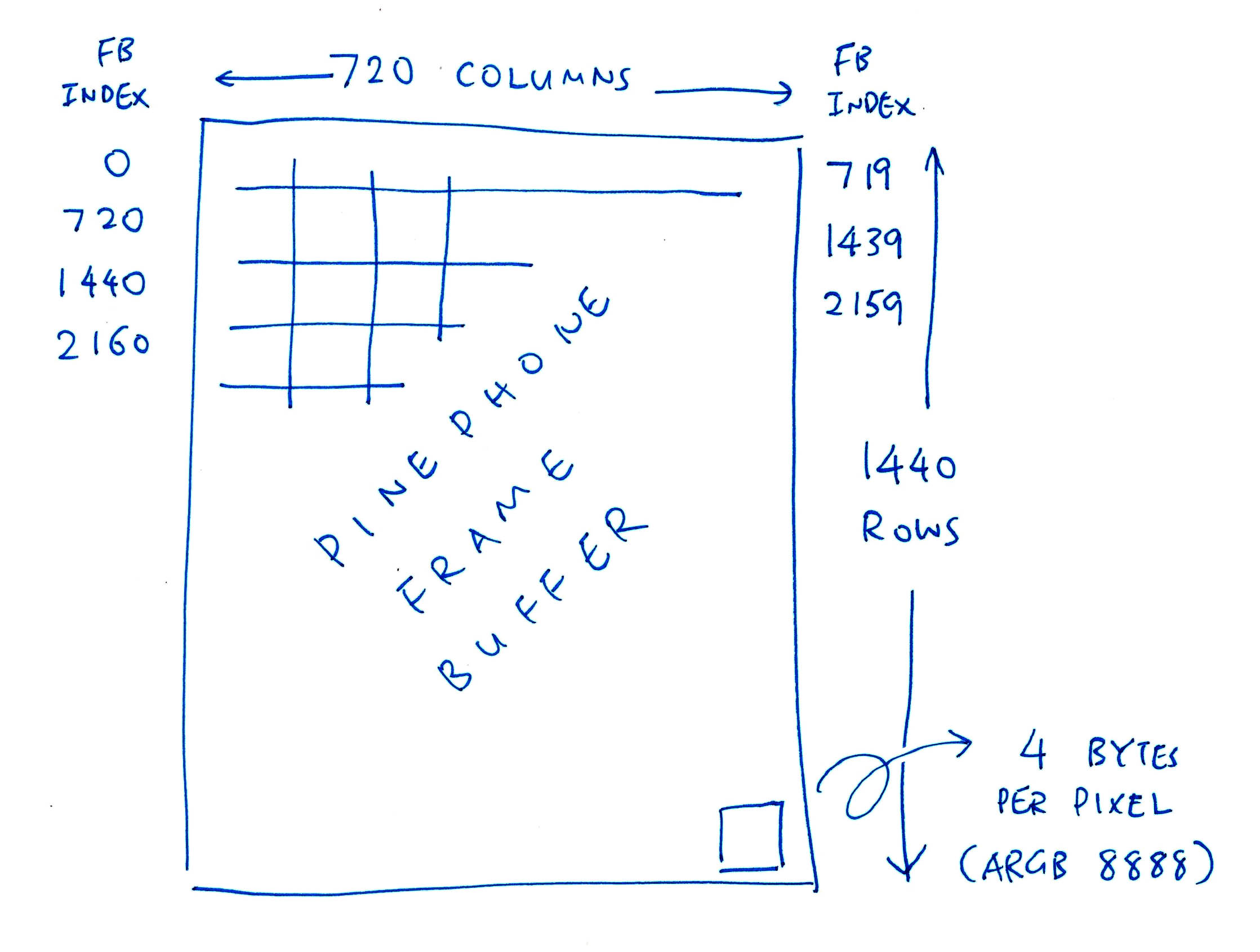
## Graphics Framebuffer
We begin with a __Graphics Framebuffer__ that we'll render on PinePhone's 720 x 1440 display (pic above): [render.zig](https://github.com/lupyuen/pinephone-nuttx/blob/main/render.zig#L653-L656)
```zig
// Framebuffer of 720 x 1440 pixels
var fb0 = std.mem.zeroes( // Init to zeroes...
[720 * 1440] u32 // 720 x 1440 pixels
); // (4 bytes per pixel: XRGB 8888)
```
Each pixel is __`u32`__, equivalent to __`uint32_t`__ in C.
[__`std.mem.zeroes`__](https://ziglang.org/documentation/master/std/#root;mem.zeroes) allocates an array of 720 x 1440 pixels, filled with zeroes.
Each pixel has the format __ARGB 8888__ (32 bits)...
- __Alpha:__ 8 bits
- __Red:__ 8 bits
- __Green:__ 8 bits
- __Blue:__ 8 bits
So __`0x8080` `0000`__ is Semi-Transparent Red. (Alpha: `0x80`,Red: `0x80`)
Let's describe the Framebuffer with a NuttX Struct: [render.zig](https://github.com/lupyuen/pinephone-nuttx/blob/main/render.zig#L605-L617)
```zig
/// NuttX Color Plane for PinePhone (Base UI Channel):
/// Fullscreen 720 x 1440 (4 bytes per XRGB 8888 pixel)
const planeInfo = c.fb_planeinfo_s {
.fbmem = &fb0, // Start of frame buffer memory
.fblen = @sizeOf( @TypeOf(fb0) ), // Length of frame buffer memory in bytes
.stride = 720 * 4, // Length of a line in bytes (4 bytes per pixel)
.display = 0, // Display number (Unused)
.bpp = 32, // Bits per pixel (XRGB 8888)
.xres_virtual = 720, // Virtual Horizontal resolution in pixel columns
.yres_virtual = 1440, // Virtual Vertical resolution in pixel rows
.xoffset = 0, // Offset from virtual to visible resolution
.yoffset = 0, // Offset from virtual to visible resolution
};
```
[(__`fb_planeinfo_s`__ comes from NuttX RTOS)](https://github.com/lupyuen/incubator-nuttx/blob/pinephone/include/nuttx/video/fb.h#L314-L331)
Later we'll pass the above values to render the Framebuffer: [render.zig](https://github.com/lupyuen/pinephone-nuttx/blob/main/render.zig#L143-L153)
```zig
// Init the Base UI Channel with the Framebuffer
initUiChannel(
1, // UI Channel Number (1 for Base UI Channel)
planeInfo.fbmem, // Start of frame buffer memory
planeInfo.fblen, // Length of frame buffer memory in bytes
planeInfo.stride, // Length of a line in bytes (4 bytes per pixel)
planeInfo.xres_virtual, // Horizontal resolution in pixel columns
planeInfo.yres_virtual, // Vertical resolution in pixel rows
planeInfo.xoffset, // Horizontal offset in pixel columns
planeInfo.yoffset, // Vertical offset in pixel rows
);
```
But first we paint some colours...
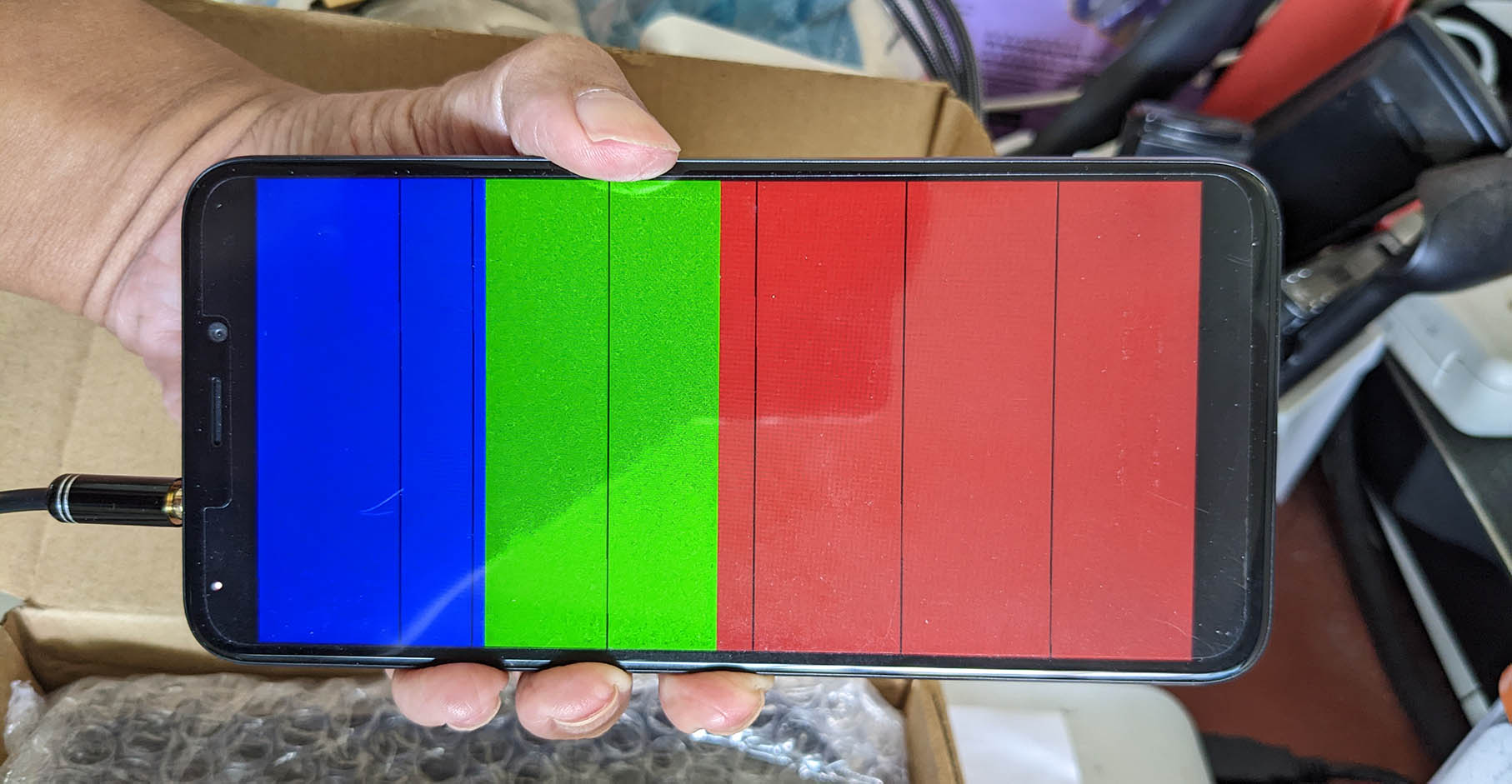
## Fill Framebuffer
This is how we __fill the Framebuffer__ with Blue, Green and Red (pic above): [render.zig](https://github.com/lupyuen/pinephone-nuttx/blob/main/render.zig#L92-L107)
```zig
// Fill Framebuffer with Blue, Green and Red
var i: usize = 0; // usize is similar to size_t
while (i < fb0.len) : (i += 1) {
// Colours are in XRGB 8888 format
if (i < fb0.len / 4) {
// Blue for top quarter
fb0[i] = 0x8000_0080;
} else if (i < fb0.len / 2) {
// Green for next quarter
fb0[i] = 0x8000_8000;
} else {
// Red for lower half
fb0[i] = 0x8080_0000;
}
}
```
(Yeah Zig's [__`while` loop__](https://zig-by-example.com/while) looks rather odd, but there's a simpler way to iterate over arrays: [__`for` loop__](https://zig-by-example.com/for))
Remember that pixels are in 32-bit __ARGB 8888__ format. So __`0x8080`__ __`0000`__ means...
- __Alpha__ (8 bits): `0x80`
- __Red__ (8 bits): `0x80`
- __Green__ (8 bits): `0x00`
- __Blue__ (8 bits): `0x00`
(Or Semi-Transparent Red)
We're now ready to render our Framebuffer!
_Does PinePhone support multiple Framebuffers?_
Yep PinePhone supports __3 Framebuffers__: One Base Framebuffer plus 2 Overlay Framebuffers: [render.zig](https://github.com/lupyuen/pinephone-nuttx/blob/main/render.zig#L596-L603)
```zig
/// NuttX Video Controller for PinePhone (3 UI Channels)
const videoInfo = c.fb_videoinfo_s {
.fmt = c.FB_FMT_RGBA32, // Pixel format (XRGB 8888)
.xres = 720, // Horizontal resolution in pixel columns
.yres = 1440, // Vertical resolution in pixel rows
.nplanes = 1, // Number of color planes supported (Base UI Channel)
.noverlays = 2, // Number of overlays supported (2 Overlay UI Channels)
};
```
[(__`fb_videoinfo_s`__ comes from NuttX RTOS)](https://github.com/lupyuen/incubator-nuttx/blob/pinephone/include/nuttx/video/fb.h#L299-L313)
We'll test the Overlay Framebuffers later.
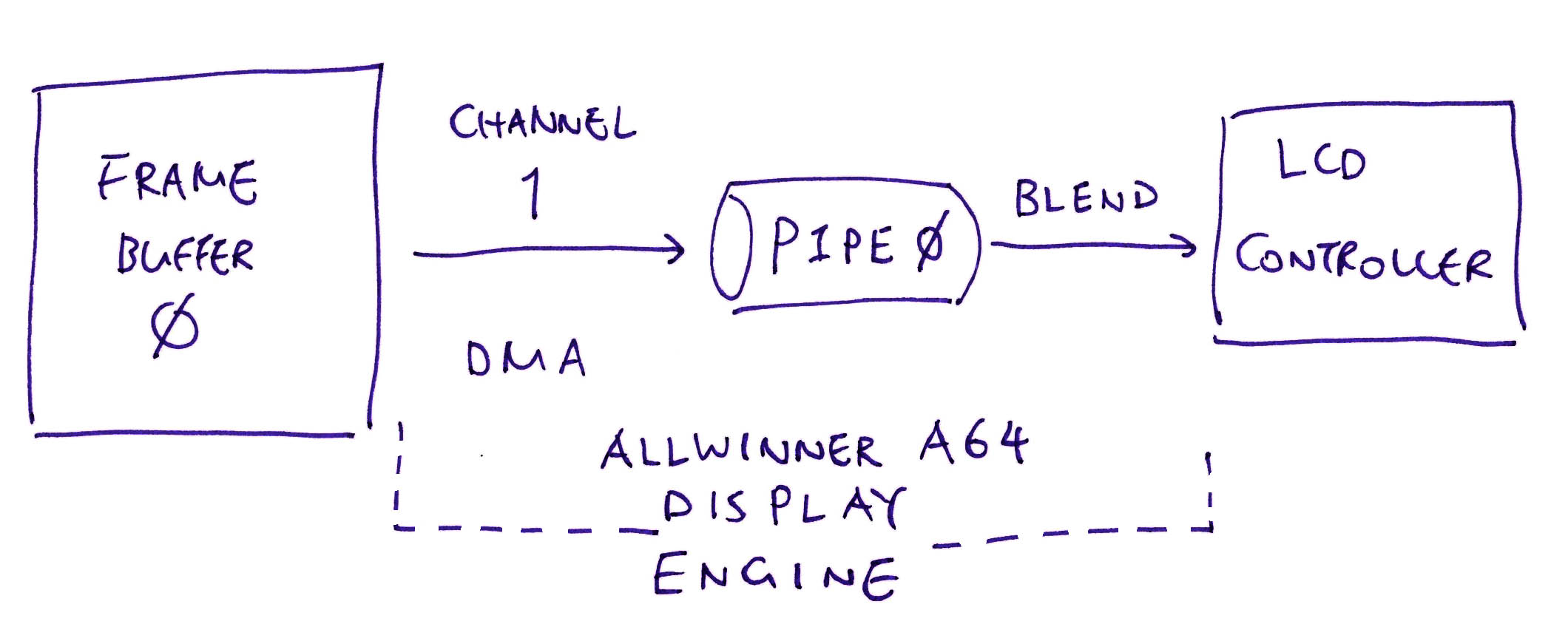
## Configure Framebuffer
_How do we render the Framebuffer on PinePhone?_
Remember that we're talking directly to PinePhone's __Display Hardware__ (""Bare Metal""), without any Display Driver. So this part might sound a little more complicated than we expect...
To control PinePhone's Display Hardware, we'll set the Hardware Registers for the [__Allwinner A64 Display Engine__](https://lupyuen.github.io/articles/de) inside PinePhone. (Pic above)
In a while we'll do the following through the Hardware Registers...
1. Set __Framebuffer Address__
(To activate DMA: Direct Memory Access)
1. Set __Framebuffer Pitch__
(Number of bytes per row: 720 * 4)
1. Set __Framebuffer Size__
(Width and Height are 720 x 1440)
1. Set __Framebuffer Coordinates__
(X and Y Offsets are 0)
1. Set __Framebuffer Attributes__
(Global Alpha Values)
1. Disable __Framebuffer Scaler__
(Because we're not scaling the graphics)
This sounds really low level... But hopefully we'll learn more about PinePhone's Internals!
_How do we get the above Framebuffer values?_
Our program calls __`initUiChannel`__, passing the Framebuffer Settings: [render.zig](https://github.com/lupyuen/pinephone-nuttx/blob/main/render.zig#L143-L153)
```zig
// Init the Base UI Channel with the Framebuffer
initUiChannel(
1, // UI Channel Number (1 for Base UI Channel)
planeInfo.fbmem, // Start of frame buffer memory
planeInfo.fblen, // Length of frame buffer memory in bytes
planeInfo.stride, // Length of a line in bytes (4 bytes per pixel)
planeInfo.xres_virtual, // Horizontal resolution in pixel columns
planeInfo.yres_virtual, // Vertical resolution in pixel rows
planeInfo.xoffset, // Horizontal offset in pixel columns
planeInfo.yoffset, // Vertical offset in pixel rows
);
```
[(We've seen __`planeInfo`__ earlier)](https://lupyuen.github.io/articles/de2#graphics-framebuffer)
Our function __`initUiChannel`__ is defined in [render.zig](https://github.com/lupyuen/pinephone-nuttx/blob/main/render.zig#L350-L362)
```zig
/// Initialise a UI Channel for PinePhone's A64 Display Engine.
/// We use 3 UI Channels: Base UI Channel (#1) plus 2 Overlay UI Channels (#2, #3).
/// See https://lupyuen.github.io/articles/de#appendix-programming-the-allwinner-a64-display-engine
fn initUiChannel(
comptime channel: u8, // UI Channel Number: 1, 2 or 3
fbmem: ?*anyopaque, // Start of frame buffer memory, or null if this channel should be disabled
comptime fblen: usize, // Length of frame buffer memory in bytes
comptime stride: c.fb_coord_t, // Length of a line in bytes (4 bytes per pixel)
comptime xres: c.fb_coord_t, // Horizontal resolution in pixel columns
comptime yres: c.fb_coord_t, // Vertical resolution in pixel rows
comptime xoffset: c.fb_coord_t, // Horizontal offset in pixel columns
comptime yoffset: c.fb_coord_t, // Vertical offset in pixel rows
) void {
...
```
Which means that our function __`initUiChannel`__ will receive the following values...
- __`channel`__ is `1`
(We'll see Channels 2 and 3 later)
- __`fbmem`__ is `fb0`
(Framebuffer Address)
- __`fblen`__ is `720 * 1280 * 4`
(Framebuffer Size in Bytes)
- __`stride`__ is `720 * 4`
(Number of Bytes in a Row)
- __`xres`__ is `720`
(Framebuffer Width)
- __`yres`__ is `1440`
(Framebuffer Height)
- __`xoffset`__ is `0`
(Framebuffer X Offset)
- __`yoffset`__ is `0`
(Framebuffer Y Offset)
_Why is the Framebuffer Address declared as ""`?*anyopaque`""?_
That's because...
- ""__`*anyopaque`__"" is similar to ""__`void *`__"" in C (non-null)
- ""__`?*anyopaque`__"" is the same, except that __null values__ are allowed
So the Framebuffer Address can be null.
(Which will disable the Overlay Framebuffers)
_What's `comptime`?_
[__`comptime`__](https://ziglang.org/documentation/master/#comptime) substitutes the Parameter Values at __Compile-Time__. (Somewhat like a C Macro)
We'll explain why in a while.
Let's look inside our function __`initUiChannel`__...
### Framebuffer Address
[(__OVL_UI_TOP_LADD__, Page 104)](https://linux-sunxi.org/images/7/7b/Allwinner_DE2.0_Spec_V1.0.pdf)
The first Hardware Register we'll set is the __Framebuffer Address__: [rnder.zig](https://github.com/lupyuen/pinephone-nuttx/blob/main/render.zig#L455-L461)
```zig
// OVL_UI_TOP_LADD (UI Overlay Top Field Memory Block Low Address)
// At OVL_UI Offset 0x10
// Set to Framebuffer Address fb0
// (DE Page 104)
const ptr = @ptrToInt(fbmem.?);
const OVL_UI_TOP_LADD =
OVL_UI_BASE_ADDRESS + 0x10;
putreg32( // Write to Hardware Register...
@intCast(u32, ptr), // Value
OVL_UI_TOP_LADD // Address
);
```
(Recall that __`fbmem`__ is the Address of __`fb0`__)
For our safety, Zig gets strict about __Null Values__ and __Range Checking__...
- [__`fbmem.?`__](https://ziglang.org/documentation/master/#Optional-Pointers) returns the non-null value of `fbmem`
(It halts with a Runtime Panic if null)
- [__`@ptrToInt`__](https://ziglang.org/documentation/master/#ptrToInt) converts `fbmem` from 64-bit Pointer to 64-bit Integer
- [__`@intCast`__](https://ziglang.org/documentation/master/#intCast) converts the 64-bit Integer to 32-bit
(It halts if it won't fit)
- [__`putreg32`__](https://github.com/lupyuen/pinephone-nuttx/blob/main/render.zig#L996-L1002) writes the 32-bit Integer to the Address of the Hardware Register
[(As defined here)](https://github.com/lupyuen/pinephone-nuttx/blob/main/render.zig#L996-L1002)
_Huh we're force-fitting a 64-bit Physical Address into a 32-bit Integer?_
That's perfectly OK because PinePhone only supports up to 3 GB of Physical RAM.
_What's OVL_UI_BASE_ADDRESS?_
__OVL_UI_BASE_ADDRESS__ is computed though a chain of Hardware Register addresses: [render.zig](https://github.com/lupyuen/pinephone-nuttx/blob/main/render.zig#L373-L378)
```zig
// OVL_UI(CH1) (UI Overlay 1) is at MIXER0 Offset 0x3000
// (DE Page 102, 0x110 3000)
// We convert channel to 64-bit to prevent overflow
const OVL_UI_BASE_ADDRESS = OVL_UI_CH1_BASE_ADDRESS
+ @intCast(u64, channel - 1) * 0x1000;
// OVL_UI(CH1) (UI Overlay 1) is at MIXER0 Offset 0x3000
// (DE Page 102, 0x110 3000)
const OVL_UI_CH1_BASE_ADDRESS = MIXER0_BASE_ADDRESS + 0x3000;
// MIXER0 is at DE Offset 0x10 0000
// (DE Page 24, 0x110 0000)
const MIXER0_BASE_ADDRESS = DISPLAY_ENGINE_BASE_ADDRESS + 0x10_0000;
// Display Engine Base Address is 0x0100 0000
// (DE Page 24)
const DISPLAY_ENGINE_BASE_ADDRESS = 0x0100_0000;
```
_Hmmm this looks error-prone..._
That's why we added __Assertion Checks__ to verify that the addresses of Hardware Registers are computed correctly: [render.zig](https://github.com/lupyuen/pinephone-nuttx/blob/main/render.zig#L455-L461)
```zig
// Verify Register Address at Compile-Time
comptime {
// Halt during compilation if verification fails
assert(
// Register Address should be this...
OVL_UI_TOP_LADD == 0x110_3010
);
}
```
[__`comptime`__](https://ziglang.org/documentation/master/#comptime) means that the Assertion Check is performed by the Zig Compiler at __Compile-Time__. (Instead of Runtime)
This verification is super helpful as we create the new Display Driver for PinePhone.
(We verify both [__Register Addresses and Values__](https://github.com/lupyuen/pinephone-nuttx/blob/main/render.zig#L442-L454) at Compile-Time. This becomes an [__""Executable Specification""__](https://qoto.org/@lupyuen/109306036122238530) of PinePhone's Hardware)
### Framebuffer Pitch
[(__OVL_UI_PITCH__, Page 104)](https://linux-sunxi.org/images/7/7b/Allwinner_DE2.0_Spec_V1.0.pdf)
Next we set the __Framebuffer Pitch__ to the number of bytes per row (`720 * 4`): [render.zig](https://github.com/lupyuen/pinephone-nuttx/blob/main/render.zig#L463-L468)
```zig
// OVL_UI_PITCH (UI Overlay Memory Pitch)
// At OVL_UI Offset 0x0C
// Set to (width * 4), number of bytes per row
// (DE Page 104)
const OVL_UI_PITCH = OVL_UI_BASE_ADDRESS + 0x0C;
putreg32( // Write to Hardware Register...
xres * 4, // xres is 720
OVL_UI_PITCH // Address of Hardware Register
);
```
### Framebuffer Size
[(__OVL_UI_MBSIZE / OVL_UI_SIZE__, Page 104 / 106)](https://linux-sunxi.org/images/7/7b/Allwinner_DE2.0_Spec_V1.0.pdf)
We set the __Framebuffer Size__ with this rather odd formula...
```text
(height - 1) << 16 + (width - 1)
```
This is how we do it: [render.zig](https://github.com/lupyuen/pinephone-nuttx/blob/main/render.zig#L470-L477)
```zig
// OVL_UI_MBSIZE (UI Overlay Memory Block Size)
// At OVL_UI Offset 0x04
// Set to (height-1) << 16 + (width-1)
// (DE Page 104)
const height_width: u32 =
@intCast(u32, yres - 1) << 16 // yres is 1440
| (xres - 1); // xres is 720
const OVL_UI_MBSIZE = OVL_UI_BASE_ADDRESS + 0x04;
putreg32(height_width, OVL_UI_MBSIZE);
```
We do the same for another Hardware Register: [render.zig](https://github.com/lupyuen/pinephone-nuttx/blob/main/render.zig#L479-L484)
```zig
// OVL_UI_SIZE (UI Overlay Overlay Window Size)
// At OVL_UI Offset 0x88
// Set to (height-1) << 16 + (width-1)
// (DE Page 106)
const OVL_UI_SIZE = OVL_UI_BASE_ADDRESS + 0x88;
putreg32(height_width, OVL_UI_SIZE);
```
### Framebuffer Coordinates
[(__OVL_UI_COOR__, Page 104)](https://linux-sunxi.org/images/7/7b/Allwinner_DE2.0_Spec_V1.0.pdf)
Our Framebuffer will be rendered at X = 0, Y = 0. We set this in the __Framebuffer Coordinates__: [render.zig](https://github.com/lupyuen/pinephone-nuttx/blob/main/render.zig#L486-L491)
```zig
// OVL_UI_COOR (UI Overlay Memory Block Coordinate)
// At OVL_UI Offset 0x08
// Set to 0 (Overlay at X=0, Y=0)
// (DE Page 104)
const OVL_UI_COOR = OVL_UI_BASE_ADDRESS + 0x08;
putreg32(0, OVL_UI_COOR);
```
### Framebuffer Attributes
[(__OVL_UI_ATTR_CTL__, Page 102)](https://linux-sunxi.org/images/7/7b/Allwinner_DE2.0_Spec_V1.0.pdf)
We set the __Framebuffer Attributes__...
- Framebuffer is __Opaque__
(Non-Transparent)
- Framebuffer Pixel Format is 32-bit __XRGB 8888__
(""X"" means Pixel Alpha Value is ignored)
- Framebuffer Alpha is __mixed with Pixel Alpha__
(Effective Alpha Value = Framebuffer Alpha Value * Pixel’s Alpha Value)
- Enable Framebuffer
This is how we set the above attributes as Bit Fields: [render.zig](https://github.com/lupyuen/pinephone-nuttx/blob/main/render.zig#L414-L453)
```zig
// OVL_UI_ATTR_CTL (UI Overlay Attribute Control)
// At OVL_UI Offset 0x00
// LAY_GLBALPHA (Bits 24 to 31) = Global Alpha Value
// LAY_FBFMT (Bits 8 to 12) = Input Data Format
// LAY_ALPHA_MODE (Bits 1 to 2) = Mix Global Alpha with Pixel Alpha
// LAY_EN (Bit 0) = Enable Layer
// (DE Page 102)
// Framebuffer is Opaque
const LAY_GLBALPHA: u32 = 0xFF << 24;
// Framebuffer Pixel Format is XRGB 8888
const LAY_FBFMT: u13 = 4 << 8;
// Framebuffer Alpha is mixed with Pixel Alpha
const LAY_ALPHA_MODE: u3 = 2 << 1;
// Enable Framebuffer
const LAY_EN: u1 = 1 << 0;
// Combine the bits and set the register
const attr = LAY_GLBALPHA
| LAY_FBFMT
| LAY_ALPHA_MODE
| LAY_EN;
const OVL_UI_ATTR_CTL = OVL_UI_BASE_ADDRESS + 0x00;
putreg32(attr, OVL_UI_ATTR_CTL);
```
_Why `u3` and `u13`?_
That's for 3-Bit and 13-Bit Integers. If we make a mistake and specify an invalid value, the Zig Compiler will stop us...
```zig
// Zig Compiler won't allow this
// because it needs 4 bits
const LAY_ALPHA_MODE: u3 = 4 << 1;
```
[(Zig also supports __Packed Structs__ with Bit Fields)](https://ziglang.org/documentation/master/#packed-struct)
### Disable Scaler
[(__UIS_CTRL_REG__, Page 66)](https://linux-sunxi.org/images/7/7b/Allwinner_DE2.0_Spec_V1.0.pdf)
PinePhone's A64 Display Engine includes a __UI Scaler__ that will do Hardware Scaling of our Framebuffer. Let's disable it: [render.zig](https://github.com/lupyuen/pinephone-nuttx/blob/main/render.zig#L585-L593)
```zig
// UIS_CTRL_REG at Offset 0 of UI_SCALER1(CH1) or UI_SCALER2(CH2) or UI_SCALER3(CH3)
// Set to 0 (Disable UI Scaler)
// EN (Bit 0) = 0 (Disable UI Scaler)
// (DE Page 66)
const UIS_CTRL_REG = UI_SCALER_BASE_ADDRESS + 0;
putreg32(0, UIS_CTRL_REG);
```
And we're done configuring the PinePhone Display Engine for our Framebuffer!
Let's talk about PinePhone's Blender...
(Will PinePhone Blend? Yep for sure!)

## Configure Blender
_What's the Blender inside PinePhone?_
PinePhone's A64 Display Engie supports __3 Framebuffers__ (pic above). PinePhone's Blender combines the 3 Framebuffers into a single image for display.
Our job now is to __configure the Blender__ so that it renders the Framebuffer correctly.
_But we're using only one Framebuffer?_
For now. Which makes the Blender Configuration a little simpler.
Up next: We'll set PinePhone's Hardware Registers to __configure the Blender__ for a single Framebuffer...
1. Set __Output Size__
(Screen Size is 720 x 1440)
1. Set __Input Size__
(Framebuffer Size is 720 x 1440)
1. Set __Fill Color__
(Background is Opaque Black)
1. Set __Input Offset__
(X and Y Offsets are 0)
1. Set __Blender Attributes__
(For Alpha Blending)
1. __Enable Blender__
(For Blender Pipe 0)
### Output Size
[(__BLD_SIZE / GLB_SIZE__, Page 110 / 93)](https://linux-sunxi.org/images/7/7b/Allwinner_DE2.0_Spec_V1.0.pdf)
We set the __Output Size__ of our Blender to 720 x 1440 with this odd formula (that we've seen earlier)...
```text
(height - 1) << 16 + (width - 1)
```
This is how we set the Hardware Registers: [render.zig](https://github.com/lupyuen/pinephone-nuttx/blob/main/render.zig#L495-L508)
```zig
// BLD_SIZE (Blender Output Size Setting)
// At BLD Offset 0x08C
// Set to (height-1) << 16 + (width-1)
// (DE Page 110)
const height_width: u32 =
@intCast(u32, yres - 1) << 16 // yres is 1440
| (xres - 1); // xres is 720
const BLD_SIZE = BLD_BASE_ADDRESS + 0x08C;
putreg32(height_width, BLD_SIZE);
// GLB_SIZE (Global Size)
// At GLB Offset 0x00C
// Set to (height-1) << 16 + (width-1)
// (DE Page 93)
const GLB_SIZE = GLB_BASE_ADDRESS + 0x00C;
putreg32(height_width, GLB_SIZE);
```
### Input Size
[(__BLD_CH_ISIZE__, Page 108)](https://linux-sunxi.org/images/7/7b/Allwinner_DE2.0_Spec_V1.0.pdf)
According to the pic above, we're configuring __Blender Pipe 0__: [render.zig](https://github.com/lupyuen/pinephone-nuttx/blob/main/render.zig#L511-L524)
```zig
// Set Blender Input Pipe to Pipe 0
// (For Channel 1)
const pipe: u64 = channel - 1;
```
This is how we set the __Input Size__ to 720 x 1440 for Blender Pipe 0: [render.zig](https://github.com/lupyuen/pinephone-nuttx/blob/main/render.zig#L511-L524)
```zig
// BLD_CH_ISIZE (Blender Input Memory Size)
// At BLD Offset 0x008 + N*0x10 (N=0 for Channel 1)
// Set to (height-1) << 16 + (width-1)
// (DE Page 108)
const BLD_CH_ISIZE = BLD_BASE_ADDRESS + 0x008 + pipe * 0x10;
putreg32(height_width, BLD_CH_ISIZE);
```
[(We've seen __`height_width`__ earlier)](https://lupyuen.github.io/articles/de2#output-size)
### Fill Color
[(__BLD_FILL_COLOR__, Page 107)](https://linux-sunxi.org/images/7/7b/Allwinner_DE2.0_Spec_V1.0.pdf)
We set the __Background Fill Color__ for the Blender to Opaque Black: [render.zig](https://github.com/lupyuen/pinephone-nuttx/blob/main/render.zig#L526-L545)
```zig
// BLD_FILL_COLOR (Blender Fill Color)
// At BLD Offset 0x004 + N*0x10 (N=0 for Channel 1)
// ALPHA (Bits 24 to 31) = 0xFF
// RED (Bits 16 to 23) = 0
// GREEN (Bits 8 to 15) = 0
// BLUE (Bits 0 to 7) = 0
// (DE Page 107)
const ALPHA: u32 = 0xFF << 24; // Opaque
const RED: u24 = 0 << 16; // Black
const GREEN: u18 = 0 << 8;
const BLUE: u8 = 0 << 0;
const color = ALPHA
| RED
| GREEN
| BLUE;
const BLD_FILL_COLOR = BLD_BASE_ADDRESS + 0x004 + pipe * 0x10;
putreg32(color, BLD_FILL_COLOR);
```
### Input Offset
[(__BLD_CH_OFFSET__, Page 108)](https://linux-sunxi.org/images/7/7b/Allwinner_DE2.0_Spec_V1.0.pdf)
We set the __Input Offset__ of the Blender to X = 0, Y = 0: [render.zig](https://github.com/lupyuen/pinephone-nuttx/blob/main/render.zig#L547-L559)
```zig
// BLD_CH_OFFSET (Blender Input Memory Offset)
// At BLD Offset 0x00C + N*0x10 (N=0 for Channel 1)
// (DE Page 108)
const offset =
@intCast(u32, yoffset) << 16 // yoffset is 0
| xoffset; // xoffset is 0
const BLD_CH_OFFSET = BLD_BASE_ADDRESS + 0x00C + pipe * 0x10;
putreg32(offset, BLD_CH_OFFSET);
```
### Blender Attributes
[(__BLD_CTL__, Page 110)](https://linux-sunxi.org/images/7/7b/Allwinner_DE2.0_Spec_V1.0.pdf)
We set these (mysterious) __Blender Attributes__...
- Coefficient for Destination Alpha Data Q[d] is 1-A[s]
- Coefficient for Source Alpha Data Q[s] is 1
- Coefficient for Destination Pixel Data F[d] is 1-A[s]
- Coefficient for Source Pixel Data F[s] is 1
(Why?)
Like so: [render.zig](https://github.com/lupyuen/pinephone-nuttx/blob/main/render.zig#L561-L583)
```zig
// BLD_CTL (Blender Control)
// At BLD Offset 0x090 + N*4 (N=0 for Channel 1)
// BLEND_AFD (Bits 24 to 27) = 3
// (Coefficient for destination alpha data Q[d] is 1-A[s])
// BLEND_AFS (Bits 16 to 19) = 1
// (Coefficient for source alpha data Q[s] is 1)
// BLEND_PFD (Bits 8 to 11) = 3
// (Coefficient for destination pixel data F[d] is 1-A[s])
// BLEND_PFS (Bits 0 to 3) = 1
// (Coefficient for source pixel data F[s] is 1)
// (DE Page 110)
const BLEND_AFD: u28 = 3 << 24; // Coefficient for destination alpha data Q[d] is 1-A[s]
const BLEND_AFS: u20 = 1 << 16; // Coefficient for source alpha data Q[s] is 1
const BLEND_PFD: u12 = 3 << 8; // Coefficient for destination pixel data F[d] is 1-A[s]
const BLEND_PFS: u4 = 1 << 0; // Coefficient for source pixel data F[s] is 1
const blend = BLEND_AFD
| BLEND_AFS
| BLEND_PFD
| BLEND_PFS;
const BLD_CTL = BLD_BASE_ADDRESS + 0x090 + pipe * 4;
putreg32(blend, BLD_CTL);
```
We're almost done with our Blender Configuration...

### Enable Blender
[(__BLD_CH_RTCTL / BLD_FILL_COLOR_CTL / GLB_DBUFFER__, Page 108 / 106 / 93)](https://linux-sunxi.org/images/7/7b/Allwinner_DE2.0_Spec_V1.0.pdf)
Finally we enable __Blender Pipe 0__ (pic above): [render.zig](https://github.com/lupyuen/pinephone-nuttx/blob/main/render.zig#L266-L297)
```zig
// Set Blender Route
// BLD_CH_RTCTL (Blender Routing Control)
// At BLD Offset 0x080
// P0_RTCTL (Bits 0 to 3) = 1 (Pipe 0 from Channel 1)
// (DE Page 108)
const P0_RTCTL: u4 = 1 << 0; // Select Pipe 0 from UI Channel 1
const route = P0_RTCTL;
const BLD_CH_RTCTL = BLD_BASE_ADDRESS + 0x080;
putreg32(route, BLD_CH_RTCTL); // TODO: DMB
```
[(DMB means __Data Memory Barrier__)](https://developer.arm.com/documentation/dui0489/c/arm-and-thumb-instructions/miscellaneous-instructions/dmb--dsb--and-isb)
We __disable Pipes 1 and 2__ since they're not used: [render.zig](https://github.com/lupyuen/pinephone-nuttx/blob/main/render.zig#L298-L333)
```zig
// Enable Blender Pipes
// BLD_FILL_COLOR_CTL (Blender Fill Color Control)
// At BLD Offset 0x000
// P0_EN (Bit 8) = 1 (Enable Pipe 0)
// P0_FCEN (Bit 0) = 1 (Enable Pipe 0 Fill Color)
// (DE Page 106)
const P0_EN: u9 = 1 << 8; // Enable Pipe 0
const P0_FCEN: u1 = 1 << 0; // Enable Pipe 0 Fill Color
const fill = P0_EN
| P0_FCEN;
const BLD_FILL_COLOR_CTL = BLD_BASE_ADDRESS + 0x000;
putreg32(fill, BLD_FILL_COLOR_CTL); // TODO: DMB
```
Our Framebuffer appears on PinePhone's Display when we __apply the settings__ for the Display Engine: [render.zig](https://github.com/lupyuen/pinephone-nuttx/blob/main/render.zig#L334-L348)
```zig
// Apply Settings
// GLB_DBUFFER (Global Double Buffer Control)
// At GLB Offset 0x008
// DOUBLE_BUFFER_RDY (Bit 0) = 1
// (Register Value is ready for update)
// (DE Page 93)
const DOUBLE_BUFFER_RDY: u1 = 1 << 0; // Register Value is ready for update
const GLB_DBUFFER = GLB_BASE_ADDRESS + 0x008;
putreg32(DOUBLE_BUFFER_RDY, GLB_DBUFFER); // TODO: DMB
```
And that's all for rendering our Framebuffer!
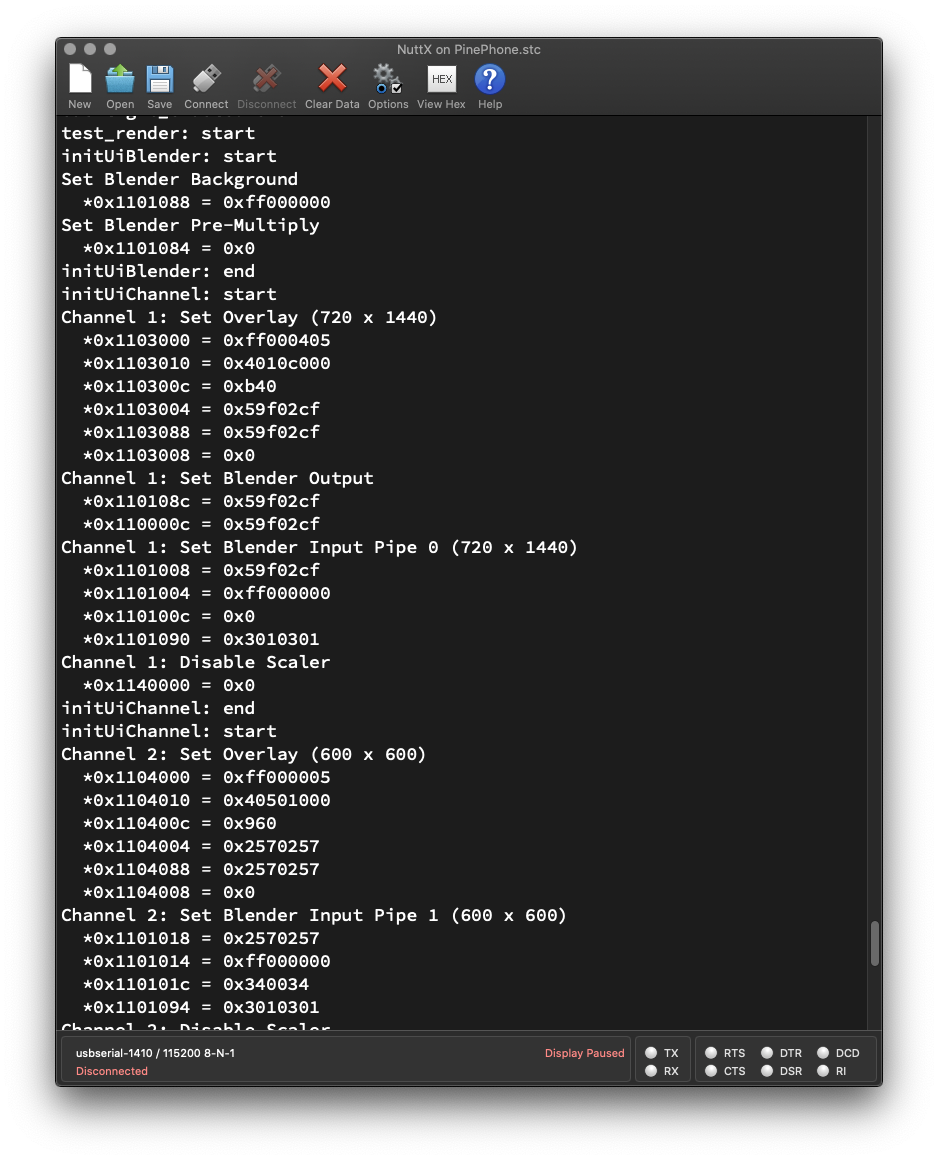
## Test PinePhone Display Driver
We're ready to test our Zig Display Driver on PinePhone!
Follow these steps to __download NuttX RTOS__ (with our Zig Driver inside) to a microSD Card...
- [__""Test Zig Driver for PinePhone Display Engine""__](https://github.com/lupyuen/pinephone-nuttx#test-zig-driver-for-pinephone-display-engine)
Connect our computer to PinePhone with a [__USB Serial Debug Cable__](https://wiki.pine64.org/index.php/PinePhone#Serial_console). (At 115.2 kbps)
Boot PinePhone withNuttX RTOS in the microSD Card.
(NuttX won't disturb the eMMC Flash Memory)
At the NuttX Shell, enter this command to __test our Zig Display Driver__...
```bash
hello 1
```
We should see our Zig Driver setting the __Hardware Registers__ of the Allwinner A64 Display Engine (pic above)...
```text
HELLO NUTTX ON PINEPHONE!
Shell (NSH) NuttX-11.0.0-RC2
nsh> hello 1
...
initUiChannel: start
Channel 1: Set Overlay (720 x 1440)
*0x1103000 = 0xff000405
*0x1103010 = 0x4010c000
*0x110300c = 0xb40
*0x1103004 = 0x59f02cf
*0x1103088 = 0x59f02cf
*0x1103008 = 0x0
Channel 1: Set Blender Output
Channel 1: Set Blender Input Pipe 0 (720 x 1440)
Channel 1: Disable Scaler
...
Channel 2: Disable Overlay and Pipe
Channel 2: Disable Scaler
...
Channel 3: Disable Overlay and Pipe
Channel 3: Disable Scaler
...
Set Blender Route
Enable Blender Pipes
Apply Settings
```
[(See the Complete Log)](https://gist.github.com/lupyuen/9824d0cece10bfdaa13da3660c6d9cf5)
_Why are Channels 2 and 3 disabled?_
PinePhone supports 3 Framebuffers, but our demo uses only a single Framebuffer. (On Channel 1)
That's why we disabled Channels 2 and 3 for the unused Framebuffers.
[(Here's how)](https://github.com/lupyuen/pinephone-nuttx/blob/main/render.zig#L388-L412)
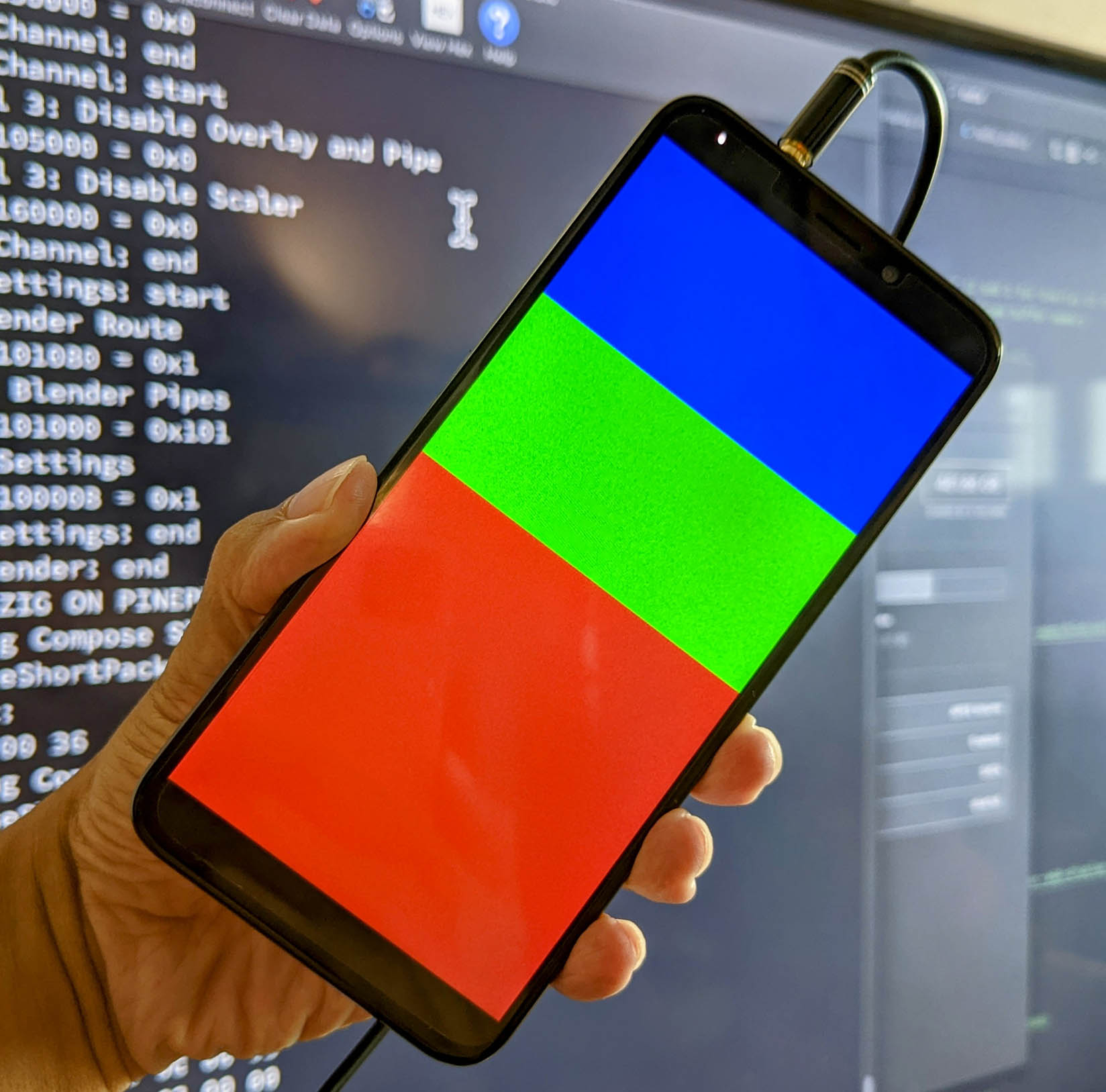
On PinePhone we see the __Blue, Green and Red__ colour blocks. (Pic above)
Yep our Zig Display Driver renders graphics correctly on PinePhone! 🎉
We've successfully rendered a single Framebuffer. In the next chapter we push PinePhone's Display Hardware to the max with 3 Framebuffers.
_The Blue / Green / Red Blocks look kinda bright. Didn't we [set the Alpha Channel](https://lupyuen.github.io/articles/de2#fill-framebuffer) to be Semi-Transparent?_
Aha! That's because we're rendering a Single Framebuffer, and we disregard the Alpha Channel for the Framebuffer.
That's why we configured the Framebuffer for __XRGB 8888__ instead of ARGB 8888. [(See this)](https://lupyuen.github.io/articles/de2#framebuffer-attributes)
In a while we'll render 2 Overlay Framebuffers configured for ARGB 8888. (To prove that the Alpha Channel really works!)

## Multiple Framebuffers
_Can we render Multiple Framebuffers?_
Yep PinePhone's Display Hardware supports up to __3 Framebuffers__ (pic above)...
- __One Base Framebuffer__
(Which we've just rendered)
- __Two Overlay Framebuffers__
(Which we'll render now)
Let's walk through the steps to...
1. Allocate the 2 Overlay Framebuffers
1. Fill the pixels of the 2 Framebuffers
1. Render the 2 Framebuffers as Overlays
### Allocate Framebuffers
Earlier we have allocated the [__Base Framebuffer__](https://lupyuen.github.io/articles/de2#graphics-framebuffer)...
- __Framebuffer 0:__ 720 x 1440 pixels (Fullscreen)
(With the Blue / Green / Red blocks)
Now we __allocate 2 Overlay Framebuffers__...
- __Framebuffer 1:__ 600 x 600 pixels (Square)
- __Framebuffer 2:__ 720 x 1440 pixels (Fullscreen)
Like so: [render.zig](https://github.com/lupyuen/pinephone-nuttx/blob/main/render.zig#L658-L666)
```zig
// Framebuffer 1: (First Overlay UI Channel)
// Square 600 x 600 (4 bytes per ARGB 8888 pixel)
var fb1 = std.mem.zeroes( // Init to zeroes...
[600 * 600] u32 // 600 x 600 pixels
); // (4 bytes per pixel: ARGB 8888)
// Framebuffer 2: (Second Overlay UI Channel)
// Fullscreen 720 x 1440 (4 bytes per ARGB 8888 pixel)
var fb2 = std.mem.zeroes( // Init to zeroes...
[720 * 1440] u32 // 720 x 1440 pixels
); // (4 bytes per pixel: ARGB 8888)
```
_PinePhone supports Framebuffers that are not Fullscreen?_
Yep Framebuffer 1 doesn't cover the screen completely, and it's OK!
Later we'll set the X and Y Offsets of Framebuffer 1, to centre it horizontally.
### Fill Framebuffers
Let's __fill the pixels__ of the 2 Overlay Framebuffers (pic above)...
- __Framebuffer 1__: Semi-Transparent Blue Square
- __Framebuffer 2__: Semi-Transparent Green Circle
This is how we __fill Framebuffer 1__ with a Semi-Transparent Blue Square: [render.zig](https://github.com/lupyuen/pinephone-nuttx/blob/main/render.zig#L109-L115)
```zig
// Init Framebuffer 1:
// Fill with Semi-Transparent Blue
i = 0;
while (i < fb1.len) : (i += 1) {
// Colours are in ARGB 8888 format
fb1[i] = 0x8000_0080;
}
```
(__`0x8000_0080`__ means Alpha = `0x80`, Blue = `0x80`)
And this is how we __fill Framebuffer 2__ with a Semi-Transparent Green Circle: [render.zig](https://github.com/lupyuen/pinephone-nuttx/blob/main/render.zig#L117-L138)
```zig
// Init Framebuffer 2:
// Fill with Semi-Transparent Green Circle
var y: usize = 0;
while (y < 1440) : (y += 1) {
var x: usize = 0;
while (x < 720) : (x += 1) {
// Get pixel index
const p = (y * 720) + x;
assert(p < fb2.len);
// Shift coordinates so that centre of screen is (0,0)
const x_shift = @intCast(isize, x) - 360;
const y_shift = @intCast(isize, y) - 720;
// If x^2 + y^2 < radius^2, set the pixel to Semi-Transparent Green
if (x_shift*x_shift + y_shift*y_shift < 360*360) {
fb2[p] = 0x8000_8000; // Semi-Transparent Green in ARGB 8888 Format
} else { // Otherwise set to Transparent Black
fb2[p] = 0x0000_0000; // Transparent Black in ARGB 8888 Format
}
}
}
```
(__`0x8000_8000`__ means Alpha = `0x80`, Green = `0x80`)
Note that pixels outside the circle are filled with 0. (Transparent Black)
### Render Framebuffers
For our final step, we __render all 3 Framebuffers__: [render.zig](https://github.com/lupyuen/pinephone-nuttx/blob/main/render.zig#L140-L170)
```zig
// Init the UI Blender for PinePhone's A64 Display Engine
initUiBlender();
// Omitted: Init the Base UI Channel (as seen earlier)
initUiChannel(1, ...);
// Init the 2 Overlay UI Channels
inline for (overlayInfo) | ov, ov_index | {
initUiChannel(
@intCast(u8, ov_index + 2), // UI Channel Number (2 and 3 for Overlay UI Channels)
ov.fbmem, // Start of frame buffer memory
ov.fblen, // Length of frame buffer memory in bytes
ov.stride, // Length of a line in bytes (4 bytes per pixel)
ov.sarea.w, // Horizontal resolution in pixel columns
ov.sarea.h, // Vertical resolution in pixel rows
ov.sarea.x, // Horizontal offset in pixel columns
ov.sarea.y, // Vertical offset in pixel rows
);
}
// Set UI Blender Route, enable Blender Pipes
// and apply the settings
applySettings(channels);
```
[(__initUiBlender__ is defined here)](https://github.com/lupyuen/pinephone-nuttx/blob/main/render.zig#L205-L256)
[(__applySettings__ is defined here)](https://github.com/lupyuen/pinephone-nuttx/blob/main/render.zig#L258-L348)
Earlier we've seen [__initUiChannel__](https://lupyuen.github.io/articles/de2#configure-framebuffer) for rendering a single Framebuffer.
We made some changes to support __Multiple Framebuffers__...
- [__""Render Multiple Framebuffers""__](https://lupyuen.github.io/articles/de2#appendix-render-multiple-framebuffers)
_What's `overlayInfo`?_
__`overlayInfo`__ is the array that defines the properties of the 2 Overlay Framebuffers.
[(__overlayInfo__ is defined here)](https://github.com/lupyuen/pinephone-nuttx/blob/main/render.zig#L619-L651)
[(__fb_overlayinfo_s__ comes from NuttX RTOS)](https://github.com/lupyuen/incubator-nuttx/blob/pinephone/include/nuttx/video/fb.h#L350-L367)
_Why ""`inline for`""?_
[""__`inline for`__""](https://ziglang.org/documentation/master/#inline-for) expands (or unrolls) the loop at Compile-Time.
We need this because we're passing the arguments to [__`initUiChannel`__](https://github.com/lupyuen/pinephone-nuttx/blob/main/render.zig#L350-L594) as __`comptime`__ Compile-Time Constants.
[(As explained previously)](https://lupyuen.github.io/articles/de2#framebuffer-address)
## Test Multiple Framebuffers
We're ready for the final demo __Render Multiple Framebuffers__ with our Zig Driver on PinePhone!
Follow the earlier steps to download __Apache NuttX RTOS__ to a microSD Card and boot it on PinePhone...
- [__""Test PinePhone Display Driver""__](https://lupyuen.github.io/articles/de2#test-pinephone-display-driver)
At the NuttX Shell, enter this command to __render Multiple Framebuffers__ with our Zig Display Driver...
```bash
hello 3
```
Our Zig Driver sets the __Hardware Registers__ of the Allwinner A64 Display Engine...
```text
HELLO NUTTX ON PINEPHONE!
Shell (NSH) NuttX-11.0.0-RC2
nsh> hello 3
...
initUiChannel: start
Channel 1: Set Overlay (720 x 1440)
*0x1103000 = 0xff000405
*0x1103010 = 0x4010c000
*0x110300c = 0xb40
*0x1103004 = 0x59f02cf
*0x1103088 = 0x59f02cf
*0x1103008 = 0x0
Channel 1: Set Blender Output
Channel 1: Set Blender Input Pipe 0 (720 x 1440)
...
Channel 2: Set Overlay (600 x 600)
Channel 2: Set Blender Input Pipe 1 (600 x 600)
...
Channel 3: Set Overlay (720 x 1440)
Channel 3: Set Blender Input Pipe 2 (720 x 1440)
...
Set Blender Route
Enable Blender Pipes
Apply Settings
```
[(See the Complete Log)](https://gist.github.com/lupyuen/d8d6710ab2ed16765816157cb97e54e7)
Note that __Channels 2 and 3 are now enabled__. This means that Framebuffers 1 and 2 will be visible.
On PinePhone we see the __Blue, Green and Red__ colour blocks as before, plus 2 overlays...
- __Framebuffer 1:__ Semi-Transparent Blue Square
(Sorry the Top Half vanished into the Blue Block)
- __Framebuffer 2:__ Semi-Transparent Green Circle
(Pic above)
Our Zig Display Driver renders all 3 Framebuffers correctly on PinePhone yay!
_The Green Circle looks really faint? Compared with the Blue Square?_
That's because we applied a __Global Alpha Value__ to the Green Circle...
- [__""Set Framebuffer Attributes""__](https://lupyuen.github.io/articles/de2#set-framebuffer-attributes)
This further reduces the opacity of the Semi-Transparent Pixels of the Green Circle, making it look really faint.
_When we update the pixels in the Framebuffers, how do we refresh the display?_
No refresh necessary, __Framebuffer Updates are automatically pushed__ to PinePhone's Display!
That's because PinePhone's A64 Display Engine is connected to the Framebuffers via __Direct Memory Access (DMA)__.
The pixel data goes directly from the Framebuffers in RAM to PinePhone's Display.
[(Here's the proof)](https://lupyuen.github.io/articles/de#animate-madelbrot-set)

## What's Next
Today we've shown that it's indeed possible to write a Zig Display Driver that talks directly to PinePhone's Hardware to render graphics.
(Bonus: Our Zig Driver includes an [__""Executable Specification""__](https://lupyuen.github.io/articles/de2#framebuffer-address) of PinePhone's Display Hardware Registers, with their addresses and values!)
The code we've seen today will eventually become the PinePhone Display Driver for __Apache NuttX RTOS__. Though some bits are still missing...
- [__""Upcoming Features in PinePhone Display Driver""__](https://lupyuen.github.io/articles/de2#appendix-upcoming-features-in-pinephone-display-driver)
But now it's time to __merge our code__ into NuttX Mainline! I'll explain the process in the next couple of articles, stay tuned!
Check out the other articles on __NuttX RTOS for PinePhone__...
- [__""Apache NuttX RTOS on Arm Cortex-A53: How it might run on PinePhone""__](https://lupyuen.github.io/articles/arm)
- [__""PinePhone boots Apache NuttX RTOS""__](https://lupyuen.github.io/articles/uboot)
- [__""NuttX RTOS for PinePhone: Fixing the Interrupts""__](https://lupyuen.github.io/articles/interrupt)
- [__""NuttX RTOS for PinePhone: UART Driver""__](https://lupyuen.github.io/articles/serial)
- [__""NuttX RTOS for PinePhone: Blinking the LEDs""__](https://lupyuen.github.io/articles/pio)
- [__""Understanding PinePhone's Display (MIPI DSI)""__](https://lupyuen.github.io/articles/dsi)
- [__""Rendering PinePhone's Display (DE and TCON0)""__](https://lupyuen.github.io/articles/de)
Many Thanks to my [__GitHub Sponsors__](https://github.com/sponsors/lupyuen) for supporting my work! This article wouldn't have been possible without your support.
- [__Sponsor me a coffee__](https://github.com/sponsors/lupyuen)
- [__Discuss this article on Reddit__](https://www.reddit.com/r/PINE64official/comments/yvsx1o/nuttx_rtos_for_pinephone_render_graphics_in_zig/)
- [__My Current Project: ""The RISC-V BL602 Book""__](https://lupyuen.github.io/articles/book)
- [__Check out my articles__](https://lupyuen.github.io)
- [__RSS Feed__](https://lupyuen.github.io/rss.xml)
_Got a question, comment or suggestion? Create an Issue or submit a Pull Request here..._
[__lupyuen.github.io/src/de2.md__](https://github.com/lupyuen/lupyuen.github.io/blob/master/src/de2.md)

## Appendix: Render Multiple Framebuffers
Earlier we've seen __`initUiChannel`__ for rendering a single Framebuffer...
- [__""Configure Framebuffer""__](https://lupyuen.github.io/articles/de2#configure-framebuffer)
Then we modified __`initUiChannel`__ to render 3 Framebuffers...
- [__""Multiple Framebuffers""__](https://lupyuen.github.io/articles/de2#multiple-framebuffers)
This Appendix explains the changes we made to render 3 Framebuffers. (Pic above)

### Set Framebuffer Attributes
[(__OVL_UI_ATTR_CTL__, Page 102)](https://linux-sunxi.org/images/7/7b/Allwinner_DE2.0_Spec_V1.0.pdf)
For __Framebuffer Alpha__: We configured Framebuffer 2 (Channel 3) to be __Globally Semi-Transparent__. (Global Alpha = `0x7F`)
This means that the Global Alpha will be mixed with the Pixel Alpha. So the pixels will look extra faint for Framebuffer 2. (Green Circle, pic above)
For __Pixel Format__: We configured Framebuffers 1 and 2 (Channels 2 and 3) for Pixel Format __ARGB 8888__. (8-bit Alpha, 8-bit Red, 8-bit Green, 8-bit Blue)
This differs from Framebuffer 0, which we configured for __XRGB 8888__. (Alpha is ignored)
This is how we set the __Framebuffer Attributes__: [render.zig](https://github.com/lupyuen/pinephone-nuttx/blob/main/render.zig#L414-L453)
```zig
// Set Overlay (Assume Layer = 0)
// OVL_UI_ATTR_CTL (UI Overlay Attribute Control)
// At OVL_UI Offset 0x00
// LAY_GLBALPHA (Bits 24 to 31) = 0xFF or 0x7F
// (Global Alpha Value is Opaque or Semi-Transparent)
// LAY_FBFMT (Bits 8 to 12) = 4 or 0
// (Input Data Format is XRGB 8888 or ARGB 8888)
// LAY_ALPHA_MODE (Bits 1 to 2) = 2
// (Global Alpha is mixed with Pixel Alpha)
// (Input Alpha Value = Global Alpha Value * Pixel’s Alpha Value)
// LAY_EN (Bit 0) = 1 (Enable Layer)
// (DE Page 102)
const LAY_GLBALPHA: u32 = switch (channel) { // For Global Alpha Value...
1 => 0xFF, // Channel 1: Opaque
2 => 0xFF, // Channel 2: Opaque
3 => 0x7F, // Channel 3: Semi-Transparent
else => unreachable,
} << 24; // Bits 24 to 31
const LAY_FBFMT: u13 = switch (channel) { // For Input Data Format...
1 => 4, // Channel 1: XRGB 8888
2 => 0, // Channel 2: ARGB 8888
3 => 0, // Channel 3: ARGB 8888
else => unreachable,
} << 8; // Bits 8 to 12
const LAY_ALPHA_MODE: u3 = 2 << 1; // Global Alpha is mixed with Pixel Alpha
const LAY_EN: u1 = 1 << 0; // Enable Layer
const attr = LAY_GLBALPHA
| LAY_FBFMT
| LAY_ALPHA_MODE
| LAY_EN;
const OVL_UI_ATTR_CTL = OVL_UI_BASE_ADDRESS + 0x00;
putreg32(attr, OVL_UI_ATTR_CTL);
```
Next we configure the Blender...

### Set Blender Route
[(__BLD_CH_RTCTL__, Page 108)](https://linux-sunxi.org/images/7/7b/Allwinner_DE2.0_Spec_V1.0.pdf)
Now that we render 3 Framebuffers instead of 1, we need to __connect the Blender Pipes__ to their respective Framebuffers (Channels)...
- __Framebuffer 0__ (Channel 1) connects to __Blender Pipe 0__
- __Framebuffer 1__ (Channel 2) connects to __Blender Pipe 1__
- __Framebuffer 2__ (Channe 3) connects to __Blender Pipe 2__
(Pic above)
Here's how we connect the pipes: [render.zig](https://github.com/lupyuen/pinephone-nuttx/blob/main/render.zig#L266-L297)
```zig
// Set Blender Route
// BLD_CH_RTCTL (Blender Routing Control)
// At BLD Offset 0x080
// If Rendering 3 UI Channels:
// P2_RTCTL (Bits 8 to 11) = 3 (Pipe 2 from Channel 3)
// P1_RTCTL (Bits 4 to 7) = 2 (Pipe 1 from Channel 2)
// P0_RTCTL (Bits 0 to 3) = 1 (Pipe 0 from Channel 1)
// If Rendering 1 UI Channel:
// P0_RTCTL (Bits 0 to 3) = 1 (Pipe 0 from Channel 1)
// (DE Page 108)
const P2_RTCTL: u12 = switch (channels) { // For Pipe 2...
3 => 3, // 3 UI Channels: Select Pipe 2 from UI Channel 3
1 => 0, // 1 UI Channel: Unused Pipe 2
else => unreachable,
} << 8; // Bits 8 to 11
const P1_RTCTL: u8 = switch (channels) { // For Pipe 1...
3 => 2, // 3 UI Channels: Select Pipe 1 from UI Channel 2
1 => 0, // 1 UI Channel: Unused Pipe 1
else => unreachable,
} << 4; // Bits 4 to 7
const P0_RTCTL: u4 = 1 << 0; // Select Pipe 0 from UI Channel 1
const route = P2_RTCTL
| P1_RTCTL
| P0_RTCTL;
const BLD_CH_RTCTL = BLD_BASE_ADDRESS + 0x080;
putreg32(route, BLD_CH_RTCTL); // TODO: DMB
```
(__`channels`__ is 3 when we render 3 Framebuffers)
### Enable Blender Pipes
[(__BLD_FILL_COLOR_CTL__, Page 106)](https://linux-sunxi.org/images/7/7b/Allwinner_DE2.0_Spec_V1.0.pdf)
After connecting the Blender Pipes, we __enable all 3 Blender Pipes__: [render.zig](https://github.com/lupyuen/pinephone-nuttx/blob/main/render.zig#L298-L333)
```zig
// Enable Blender Pipes
// BLD_FILL_COLOR_CTL (Blender Fill Color Control)
// At BLD Offset 0x000
// If Rendering 3 UI Channels:
// P2_EN (Bit 10) = 1 (Enable Pipe 2)
// P1_EN (Bit 9) = 1 (Enable Pipe 1)
// P0_EN (Bit 8) = 1 (Enable Pipe 0)
// P0_FCEN (Bit 0) = 1 (Enable Pipe 0 Fill Color)
// If Rendering 1 UI Channel:
// P0_EN (Bit 8) = 1 (Enable Pipe 0)
// P0_FCEN (Bit 0) = 1 (Enable Pipe 0 Fill Color)
// (DE Page 106)
const P2_EN: u11 = switch (channels) { // For Pipe 2...
3 => 1, // 3 UI Channels: Enable Pipe 2
1 => 0, // 1 UI Channel: Disable Pipe 2
else => unreachable,
} << 10; // Bit 10
const P1_EN: u10 = switch (channels) { // For Pipe 1...
3 => 1, // 3 UI Channels: Enable Pipe 1
1 => 0, // 1 UI Channel: Disable Pipe 1
else => unreachable,
} << 9; // Bit 9
const P0_EN: u9 = 1 << 8; // Enable Pipe 0
const P0_FCEN: u1 = 1 << 0; // Enable Pipe 0 Fill Color
const fill = P2_EN
| P1_EN
| P0_EN
| P0_FCEN;
const BLD_FILL_COLOR_CTL = BLD_BASE_ADDRESS + 0x000;
putreg32(fill, BLD_FILL_COLOR_CTL); // TODO: DMB
```
(__`channels`__ is 3 when we render 3 Framebuffers)
## Appendix: Upcoming Features in PinePhone Display Driver
We have completed in Zig three major chunks of PinePhone's Display Driver...
- Initialise PinePhone's __ST7703 LCD Controller__
[__`nuttx_panel_init`__](https://lupyuen.github.io/articles/dsi2#initialise-st7703-lcd-controller)
- Initialise PinePhone's __Allwinner A64 Display Engine__
[__`de2_init`__](https://github.com/lupyuen/pinephone-nuttx/blob/main/render.zig#L707-L967)
- Render Graphics on PinePhone's __Allwinner A64 Display Engine__
[__`renderGraphics`__](https://github.com/lupyuen/pinephone-nuttx/blob/main/render.zig#L55-L171)
Some features are still __missing from our Zig Display Driver__...
- Initialise PinePhone's __Allwinner A64 Timing Controller (TCON0)__
[__`tcon0_init`__](https://gist.github.com/lupyuen/c12f64cf03d3a81e9c69f9fef49d9b70#tcon0_init)
- Initialise PinePhone's __Allwinner A64 MIPI Display Serial Interface__ (including MIPI DPHY)
[__`dsi_init`__](https://gist.github.com/lupyuen/c12f64cf03d3a81e9c69f9fef49d9b70#dsi_init)
- Turn on PinePhone's __Backlight__
[__`backlight_enable`__](https://gist.github.com/lupyuen/c12f64cf03d3a81e9c69f9fef49d9b70#backlight_enable)
We hope to implement the missing features and complete the documentation for PinePhone's Display Driver. Stay Tuned!
(The Guitar And The Fish!)
"
154,186,"2022-07-13 17:46:51.925142",gowind,zig-files-are-structs-288j,"","Zig files are structs","While exploring the Allocator interface, I came the lines // The type erased pointer to the...","While exploring the [Allocator](https://github.com/ziglang/zig/blob/master/lib/std/mem/Allocator.zig) interface, I came the lines
```
// The type erased pointer to the allocator implementation
ptr: *anyopaque,
vtable: *const VTable,
```
in the file that felt out of place. The seemed like file level globals, but without a `var` or a `const` declaration.
Turns out, files are compiled into structs.
As an example, this is how we can verify this.
```
cat module1.zig
a: u32,
b: u32,
```
```
cat module2.zig
const m1 = @import(""module1.zig"");
const std = @import(""std"");
pub fn main() !void {
var s = m1{ .a = 43, .b = 46 };
std.debug.print(""{}\n"", .{s.a});
}
```
Running module2.zig using `zig run module2.zig`, I get :
`43`"
96,231,"2021-11-24 10:21:26.470614",marioariasc,zig-support-for-intellij-4jlg,https://zig.news/uploads/articles/iuxoibooo1durcit90sl.png,"Zig Support for IntelliJ","For the last couple of months, I have been working on a plugin to add support for Zig in IntelliJ...","For the last couple of months, I have been working on a plugin to add support for Zig in IntelliJ IDEA (and other JetBrains IDEs such as CLion).
- [Plugin Home](https://plugins.jetbrains.com/plugin/18062-zig-support)
- [GitHub Repository](https://github.com/MarioAriasC/zig-support)
This plugin is based on two previous plugins:
- [ZigLang](https://plugins.jetbrains.com/plugin/17143-ziglang) by [Edison Su](https://github.com/sudison)
- [Zig](https://plugins.jetbrains.com/plugin/10560-zig) by [Tesla Zhang](https://github.com/ice1000)
Consider the plugin to be of MVP-alpha-ish quality, there are still some issues with the parser, and it doesn't have many features yet.
My goal is to have a fully-featured IDE experience for JetBrains IDEs users.
Any feedback is welcome, as well as issues, ideas and PRs
Cheers
"
90,26,"2021-11-01 14:42:27.23155",david_vanderson,faster-interface-style-2b12,https://zig.news/uploads/articles/xlditzjeveeese3zz6cw.png,"Faster Interface Style","Zig is moving away from the embedded struct style of interfaces towards a separate...","Zig is moving away from the [embedded struct](/david_vanderson/interfaces-in-zig-o1c) style of interfaces towards a separate interface-on-demand style.
The old style caused some [bad performance](https://github.com/ziglang/zig/issues/10037) because when an implementation function changed state, the compiler assumed that the embedded interface struct might have changed, so it couldn't optimize as well.
Let's redo this [old example](/david_vanderson/interfaces-in-zig-o1c) in the new style. We'll have an interface that picks a number, and implement it two different ways.
The usage code:
```zig
const std = @import(""std"");
pub fn foo(iface: Interface) void {
var i: usize = 1;
while (i < 4) : (i += 1) {
const p = iface.pick();
std.debug.print(""foo {d}: {d}\n"", .{ i, p });
}
}
```
Now we can copy interface structs so `foo(iface: *Interface)` becomes `foo(iface: Interface)`.
Define the new-style interface named `Interface` that has a `pick` method:
```zig
const Interface = struct {
// pointer to the implementing struct (we don't know the type)
impl: *c_void,
// can call directly: iface.pickFn(iface.impl)
pickFn: fn (*c_void) i32,
// allows calling: iface.pick()
pub fn pick(iface: *const Interface) i32 {
return iface.pickFn(iface.impl);
}
};
```
Now we include a pointer to the implementing struct, and pass that to `pickFn` instead of a pointer to the interface.
Any type can implement this interface, so we have to use `*c_void` so `impl` can point to anything.
Our implementation that picks randomly:
```zig
const PickRandom = struct {
// specific to PickRandom
r: std.rand.DefaultPrng,
fn init() PickRandom {
return .{
.r = std.rand.DefaultPrng.init(0),
};
}
// implement the interface
fn interface(self: *PickRandom) Interface {
return .{
.impl = @ptrCast(*c_void, self),
.pickFn = myPick,
};
}
fn myPick(self_void: *c_void) i32 {
// cast typeless impl pointer to ourselves
var self = @ptrCast(*PickRandom, @alignCast(@alignOf(PickRandom), self_void));
// old random interface
return self.r.random.intRangeAtMost(i32, 10, 20);
// new random interface
//return self.r.random().intRangeAtMost(i32, 10, 20);
}
};
```
We no longer embed an `Interface` struct.
Now we call `interface()` to return an `Interface` struct that points back to this instance of `PickRandom`. We use `@ptrCast` to remove (erase) the type.
The `Interface` struct returned has a (type erased) struct pointer to this instance of `PickRandom` and a function pointer `pickFn` pointing to our function `myPick`. The interface will pass the struct pointer into `myPick`.
In `myPick` we know that `self_void` is a pointer to our struct, but we have to reconstruct the type. In addition to the `@ptrCast` we need to reconstruct the pointer alignment as well.
Without `@alignCast` zig complains that `*c_void` has alignment `1` while `*PickRandom` has alignment 8. That's on my x64 machine.
Here's the implementation that picks sequentially:
```zig
const PickSeq = struct {
x: i32,
fn init() PickSeq {
return .{
.x = 100,
};
}
fn interface(self: *PickSeq) Interface {
return .{
.impl = @ptrCast(*c_void, self),
.pickFn = myPick,
};
}
fn myPick(self_void: *c_void) i32 {
// cast typeless impl pointer to ourselves
var self = @ptrCast(*PickSeq, @alignCast(@alignOf(PickSeq), self_void));
self.x += 1;
return self.x;
}
};
```
Now we'll use both implementations:
```zig
pub fn main() !void {
var pick_random = PickRandom.init();
foo(pick_random.interface());
std.debug.print(""main: {d}\n"", .{pick_random.interface().pick()});
var pick_seq = PickSeq.init();
const pick_seq_iface = pick_seq.interface();
foo(pick_seq_iface);
std.debug.print(""main: {d}\n"", .{pick_seq_iface.pick()});
}
```
We can either get and call the interface together `pick_random.interface().pick()` or keep a copy of the interface for reuse. You can also have multiple copies of the interface ponting to the same implementation struct.
### New vs. Old
In the old style you could easily trip up by copying the embedded interface struct. In the new style that's no longer a problem. The interface struct can be copied and passed to functions without worry.
Is this how all zig interfaces are moving? As I write this the [Random](https://github.com/ziglang/zig/pull/10045) interface has been changed and merged. But a similar change to the [Allocator](https://github.com/ziglang/zig/pull/10055) interface is raising other issues."
460,848,"2023-05-01 12:38:30.095206",karchnu,feedback-on-zig-real-life-example-through-libipc-1je3,"","Feedback on Zig: real-life example through libIPC","Hello, I provided a feedback on Zig in a video. This is a follow-up to my first video where I...","Hello, I provided [a feedback on Zig in a video](https://youtu.be/GZyRHyuHvpk). This is a follow-up to my first video where I explained why [I think Zig is a real successor for C](https://youtu.be/J6ZxxnSp_fY).
I quickly explain what I used for the library I've done (libIPC) and a few thoughts about the Zig documentation, some language constructions, operating system abstractions, etc. I give a lot of examples, explain a few things about the standard library, etc.
The 32-minute video is quite dense. I browse a lot of subjects, but nothing hard to grasp.
I hope you'll find this interesting! Don't hesitate to post comments. Have a great day!"
147,186,"2022-06-24 00:05:34.446943",gowind,when-a-var-really-isnt-a-var-ft-string-literals-1hn7,"","When a var really isn't a var (ft. String Literals)","This post was inspired by this thread and my frustrations with the notoriously sparse Zig...","This post was inspired by this [thread](https://discord.com/channels/605571803288698900/719644313348341760/989299209574449162 ) and my frustrations with the notoriously sparse Zig documentation (Rant towards the end)
Imagine a contrived function, that sets every alternative character in a string to `a`. We don't know (and don't care) about how our String is created, just that it is X chars long and each char as an `u8`. Fortunately, there is a perfect type that satisfies our needs : A `slice`.
Our function therefore takes a `slice` as input.
```zig
fn alternate_a(input: []u8) void {
var i: usize = 0;
while(i < input.len): (i += 2) {
input[i] = 'a';
}
}
```
Now you try to call this from `main`
```zig
const std = @import(""std"");
pub fn main() void {
const input = ""Hello Zig"";
alternate_a(input);
std.debug.print(""Updated string is {s}\n"", .{input});
}
```
What happens ? Kaboom! You run into the first error !
```bash
./src/main5.zig:12:17: error: expected type '[]u8', found '*const [9:0]u8'
alternate_a(input);
```
You think, okay, perhaps its because I have declared `input` as a `const`. No worries, let me change it to `var` (`var input = ""Hello Zig"";`)
```bash
./src/main5.zig:12:17: error: expected type '[]u8', found '*const [9:0]u8'
alternate_a(input);
```
WTH ? It still shows the same error !
You wonder:
> Shouldn't `var` make things mutable (or atleast, shouldn't the compiler complain if you try to make a `var` point to a string-literal that isn't mutable ?)
Let us look at the documentation for string-literals
> String literals are constant single-item [Pointers](https://ziglang.org/documentation/0.9.1/#Pointers) to null-terminated byte arrays. The type of string literals encodes both the length, and the fact that they are null-terminated, and thus they can be [coerced](https://ziglang.org/documentation/0.9.1/#Type-Coercion) to both [Slices](https://ziglang.org/documentation/0.9.1/#Slices) and [Null-Terminated Pointers](https://ziglang.org/documentation/0.9.1/#Sentinel-Terminated-Pointers). Dereferencing string literals converts them to [Arrays](https://ziglang.org/documentation/0.9.1/#Arrays).
Let us breakthis sentence down into the dialectic style of the Upanishads
> Q: What is a string literal ?
> A: It is a constant pointer
> Q: What does it point to ?
> A: It points to a null-terminated byte array
> Q: What is a null-terminated byte array ?
> A: It is an array with a null value at the end. The type info contains the size of the array and the type of the element
The type of ""Hello Zig"" is therefore `*const [9:0]u8`
Like any pointer, you can also dereference (`*`) a string literal (Crazy, I know!), as string-literals are also pointers according to the documentation. Let us see what we get when we dereference our string-literal.
```zig
var input = ""Hello Zig"".*`;
```
```shell
./src/main5.zig:12:17: error: expected type '[]u8', found '[9:0]u8'
alternate_a(input);
```
Close. The `type` of an array encodes its length also.
When we pass input (an array) as argument, the compiler complains that is expecting a slice, but is getting an `array` instead.
##### How do we coerce an array into a slice ?
The zig documentation has a [section](https://ziglang.org/documentation/0.9.1/#Type-Coercion-Slices-Arrays-and-Pointers) on Type coercion between arrays and slice, but *doesn't have a good, illustrative example for coercing [N:0]u8 to []u8.*
A little bit of experimentation and I figured out that you can turn an array into a slice, by referencing (&) it.
```zig
var input = ""Hello Zig"".*;
alternate_a(&input);
```
In this case, the program prints nicely the expected output
```shell
Updated string is aeala aia
```
What is my frustration with Zig ? Hard to grok documentation aside, here is something that seems paradoxical to me:
```zig
const g = 44;
var gp = &g;
```
This fails with the following error:
```shell
./src/main5.zig:16:5: error: variable of type '*const comptime_int' must be const or comptime
var gp = &g;
```
But this compiles
```zig
var input = ""Hello Zig"";
```
Why is 1) an error , but 2) isn't ?
In both cases, I am trying to make a `var` point to `*const X` , where X is `comptime_int` in 1) and `[9:0]u8` in 2).
Maybe the `comptime_int` is compiled into an `immediate` value in assembly, in which case it doesn't make sense to be able to create an address for it, but what is the case with string-literals then ? Is it stored in the `.bss` section ? or in the `.rodata` section of an ELF ? And what is meant by `*const` ? My understanding from a rudimentary C background is that a `const pointer` cannot be made to point to other things once it is initialized to point to something. If so, `var input = ""Hello zig""` should be illegal like case 1). But that is clearly not the case, as I can do something like `input = ""Yolo swag"";` in the next line.
Or does it have to do with the fact that string literals are immutable ?
`input[0] = 'x'` fails, but shouldn't the type be then `*[N:0]const u8` indicating that it is the data that is const and not the pointer itself ?
This behaviour feels very inconsistent and hard for beginners to grasp the language's basics very well. One of the core ethos of Zig is `Communicate intent precisely` and `Reduce the amount one must remember`, aka, be explainable, but the fact that I need to write such a big blog post to understand something as basic as string-literals, to me, implies that these ethos are being violated.
As a long-time Zig follower, I understand that most of Zig is free labour from volunteers and I cannot thank them enough for contributing to this language. That said, jumping into Discord at 3 AM in the morning, everytime i need something rudimentary understood is not the kind of ergonomics that I was looking for, for it is no better than the anything can happen world of `C` or so complicated that a mere mortal cannot understanding in a lifetime complication of `Rust`.
For Zig to be more widely used, a more concerted effort must be make the mechanics of the language understood more easily.
"
52,77,"2021-09-13 03:41:43.929905",sobeston,fahrenheit-to-celsius-akf,"","Fahrenheit To Celsius","Here we're going to walk through writing a program that takes a measurement in fahrenheit as its...","Here we're going to walk through writing a program that takes a measurement in fahrenheit as its argument, and prints the value in celsius.
### Getting Arguments
Let's start by making a file called *fahrenheit_to_celsius.zig*. Here we'll again obtain a writer to *stdout* like before.
```zig
const std = @import(""std"");
pub fn main() !void {
const stdout = std.io.getStdOut().writer();
```
Now let's obtain our process' arguments. To get arguments in a cross-platform manner we will have to allocate memory, which in idiomatic Zig means the usage of an *allocator*. Here we'll pass in the *std.heap.page_allocator*, which is the most basic allocator that the standard library provides. This means that the *argsAlloc* function will use this allocator when it allocates memory. This has a `try` in front of it as *memory allocation may fail*.
```zig
const args = try std.process.argsAlloc(std.heap.page_allocator);
```
The *argsAlloc* function, after unwrapping the error, gives us a *slice*. We can iterate over this with `for`, ""capturing"" the values and indexes. Let's use this to print all of the arguments.
```zig
const std = @import(""std"");
pub fn main() !void {
const stdout = std.io.getStdOut().writer();
const args = try std.process.argsAlloc(std.heap.page_allocator);
for (args) |arg, i| {
try stdout.print(""arg {}: {s}\n"", .{ i, arg });
}
}
```
This program will print something like this when run with `zig run fahrenheit_to_celsius.zig`.
```
arg 0: /home/sobe/.cache/zig/o/b947fb3eac70ec0595800316064d88dd/fahrenheit_to_celsius
```
For us the 0th argument is not what we want - we want the 1st argument, which is provided by the user. There are two ways we can provide our program more arguments. The first is via `build-exe`.
```
zig build-exe fahrenheit_to_celsius.zig
./fahrenheit_to_celsius first_argument second_argument ...
# windows: .\fahrenheit_to_celsius first_argument second_argument ...
```
We can also pass in arguments with `zig run` as follows.
```
zig run fahrenheit_to_celsius.zig -- first_argument second_argument ...
```
Let's have our program skip the 0th argument, and make sure that there's a first argument.
```zig
const std = @import(""std"");
pub fn main() !void {
const stdout = std.io.getStdOut().writer();
const args = try std.process.argsAlloc(std.heap.page_allocator);
if (args.len < 2) return error.ExpectedArgument;
for (args) |arg, i| {
if (i == 0) continue;
try stdout.print(""arg {}: {s}\n"", .{ i, arg });
}
}
```
Finally, now that we've gotten the arguments, we should deallocate the memory that we allocated in order to obtain the arguments. Here we're introducing the `defer` statement. What follows a defer statement will be executed when the current function is returned from. The usage here means that we can be sure our args' memory is freed when main is returned from.
```zig
const args = try std.process.argsAlloc(std.heap.page_allocator);
defer std.process.argsFree(std.heap.page_allocator, args);
```
### Performing Conversion
Now that we know how to get the process' arguments, let's start performing the conversion. Let's start from here.
```zig
const std = @import(""std"");
pub fn main() !void {
const stdout = std.io.getStdOut().writer();
const args = try std.process.argsAlloc(std.heap.page_allocator);
defer std.process.argsFree(std.heap.page_allocator, args);
if (args.len < 2) return error.ExpectedArgument;
```
The first step is to turn our argument string into a float. The standard library contains such a utility, where the first argument is the type of float returned. This function fails if it is provided a string which cannot be turned into a float.
```zig
const f = try std.fmt.parseFloat(f32, args[1]);
```
We can convert this to celsius as follows.
```zig
const c = (f - 32) * (5.0 / 9.0);
```
And now we can print the value.
```zig
try stdout.print(""{}c\n"", .{c});
```
However this will give us an ugly output, as the default float formatting gives us scientific form.
```
$ zig run fahrenheit_to_celsius.zig -- 100
3.77777786e+01c
```
By changing the *format specifier* from `{}` to `{d}`, we can print in decimal form. We can also reduce the precision of the output by using `{d:.x}`, where *x* is the amount of decimal places.
```zig
const std = @import(""std"");
pub fn main() !void {
const stdout = std.io.getStdOut().writer();
const args = try std.process.argsAlloc(std.heap.page_allocator);
defer std.process.argsFree(std.heap.page_allocator, args);
if (args.len < 2) return error.ExpectedArgument;
const f = try std.fmt.parseFloat(f32, args[1]);
const c = (f - 32) * (5.0 / 9.0);
try stdout.print(""{d:.1}c\n"", .{c});
}
```
This yields a much more friendly output.
```
zig run fahrenheit_to_celsius.zig -- 100
37.8c
```
"
469,513,"2023-06-10 04:03:44.794584",lupyuen,nuttx-rtos-for-pinephone-feature-phone-ui-in-lvgl-zig-and-webassembly-1o74,https://zig.news/uploads/articles/qqwa7dwrac5ncbk2v3a5.jpg,"NuttX RTOS for PinePhone: Feature Phone UI in LVGL, Zig and WebAssembly","This article explains how we created an LVGL Graphical App for Pine64 PinePhone... By tweaking and...","This article explains how we created an [__LVGL Graphical App__](https://docs.lvgl.io/master/index.html) for [__Pine64 PinePhone__](https://wiki.pine64.org/index.php/PinePhone)... By tweaking and testing in a __Web Browser!__
(Plus a little [__Zig Programming__](https://ziglang.org))
_LVGL runs in a Web Browser?_
Yep today we'll test our LVGL App in a Web Browser with __WebAssembly__.
We'll run [__Zig Compiler__](https://ziglang.org) to compile LVGL Library from __C to WebAssembly__.
(Which works because Zig Compiler calls __Clang Compiler__ to compile C programs)
LVGL also compiles to WebAssembly with [__Emscripten and SDL__](https://github.com/lvgl/lv_web_emscripten), but we won't use it today.
_Why Zig?_
Since we're running Zig Compiler to compile LVGL Library (from C to WebAssembly)...
Let's write our LVGL App in the [__Zig Programming Language__](https://ziglang.org)! (Instead of C)
Hopefully Zig will need fewer lines of code, because coding LVGL Apps in C can get tedious.
_Why PinePhone?_
Right now we're creating a [__Feature Phone UI__](https://lupyuen.github.io/articles/usb2#pinephone--nuttx--feature-phone) for [__Apache NuttX RTOS__](https://lupyuen.github.io/articles/what) (Real-Time Operating System) on PinePhone.
(Phone Calls and Text Messages only)
This article describes how we're creating the Feature Phone UI as an LVGL App.
_We could've done all this in plain old C and on-device testing right?_
Yeah but it's 2023... Maybe there's an easier way to build and test LVGL Apps? Let's experiment and find out!
## Feature Phone UI
_Wow that looks like a Feature Phone from 25 years ago..._
The pic above shows the [__Feature Phone UI__](https://en.wikipedia.org/wiki/Feature_phone) that we'll create with LVGL...
- __Display Containter__
(For the Phone Number Display)
- __Call / Cancel Cotainer__
(For the Call and Cancel Buttons)
- __Digit Container__
(For the Digit Buttons)
Let's create the Buttons...
### Call and Cancel Buttons
We begin with the __""Call"" and ""Cancel""__ Buttons (pic above): [feature-phone.zig](https://github.com/lupyuen/pinephone-lvgl-zig/blob/main/feature-phone.zig#L156-L159)
```zig
/// Labels for Call and Cancel Buttons
const call_labels = [_][]const u8{
""Call"",
""Cancel""
};
```
This is how we create the __LVGL Buttons__ for ""Call"" and ""Cancel"": [feature-phone.zig](https://github.com/lupyuen/pinephone-lvgl-zig/blob/main/feature-phone.zig#L116-L136)
```zig
/// Create the Call and Cancel Buttons
/// https://docs.lvgl.io/8.3/examples.html#simple-buttons
fn createCallButtons(cont: *c.lv_obj_t) !void {
// For each Button: Call and Connect...
// `text` is the Button Text
for (call_labels) |text| {
// Create a Button of 250 x 100 pixels
const btn = c.lv_btn_create(cont);
c.lv_obj_set_size(btn, 250, 100);
// Center the Button Label: Call or Cancel
const label = c.lv_label_create(btn);
c.lv_label_set_text(label, text.ptr);
c.lv_obj_center(label);
// Convert the Button Text from Zig Pointer to C Pointer
const data = @intToPtr(
*anyopaque, // Convert to `void *` C Pointer
@ptrToInt(text.ptr) // Convert from Zig Pointer
);
// Set the Event Callback Function and Callback Data for the Button
_ = c.lv_obj_add_event_cb(
btn, // LVGL Button
eventHandler, // Callback Function
c.LV_EVENT_ALL, // Handle all events
data // Callback Data (Button Text)
);
}
}
```
[(We write ""__c.something__"" to call an LVGL Function)](https://lupyuen.github.io/articles/lvgl4#appendix-import-lvgl-library)
_What's lv_obj_add_event_cb?_
[__lv_obj_add_event_cb__](https://docs.lvgl.io/8.3/overview/event.html#add-events-to-the-object) tells LVGL to call our Zig Function __eventHandler__ when the Button is clicked.
We'll see the Event Callback Function in a while.
(""__\_ = something__"" tells Zig Compiler that we're not using the Returned Value)
(We call [__@intToPtr__](https://ziglang.org/documentation/master/#intToPtr) and [__@ptrToInt__](https://ziglang.org/documentation/master/#ptrToInt) to pass Zig Pointers as C Pointers)
_What's cont?_
__cont__ is the LVGL Container for the Call and Cancel Buttons.
We'll create the Container when we call __createCallButtons__.
### Digit Buttons
Now we do the same for the __Digit Buttons__ (pic above): [feature-phone.zig](https://github.com/lupyuen/pinephone-lvgl-zig/blob/main/feature-phone.zig#L159-L162)
```zig
/// Labels for Digit Buttons
const digit_labels = [_][]const u8{
""1"", ""2"", ""3"", ""4"", ""5"", ""6"",
""7"", ""8"", ""9"", ""*"", ""0"", ""#""
};
```
This is how we create the __Digit Buttons__ in LVGL: [feature-phone.zig](https://github.com/lupyuen/pinephone-lvgl-zig/blob/main/feature-phone.zig#L136-L156)
```zig
/// Create the Digit Buttons
/// https://docs.lvgl.io/8.3/examples.html#simple-buttons
fn createDigitButtons(cont: *c.lv_obj_t) !void {
// For each Digit Button...
// `text` is the Button Text
for (digit_labels) |text| {
// Create a Button of 150 x 120 pixels
const btn = c.lv_btn_create(cont);
c.lv_obj_set_size(btn, 150, 120);
// Center the Button Label
const label = c.lv_label_create(btn);
c.lv_label_set_text(label, text.ptr);
c.lv_obj_center(label);
// Convert the Button Text from Zig Pointer to C Pointer
const data = @intToPtr(
*anyopaque, // Convert to `void *` C Pointer
@ptrToInt(text.ptr) // Convert from Zig Pointer
);
// Set the Event Callback Function and Callback Data for the Button
_ = c.lv_obj_add_event_cb(
btn, // LVGL Button
eventHandler, // Callback Function
c.LV_EVENT_ALL, // Handle all events
data // Callback Data (Button Text)
);
}
}
```
[(Or use an LVGL __Button Matrix__)](https://docs.lvgl.io/8.3/widgets/core/btnmatrix.html)
Again, LVGL will call our Zig Function __eventHandler__ when the Button is clicked.
(More about this in a while)
### Label and Button Containers
We create 3 __LVGL Containers__ for the Display Label, Call / Cancel Buttons and Digit Buttons (pic above): [feature-phone.zig](https://github.com/lupyuen/pinephone-lvgl-zig/blob/main/feature-phone.zig#L38-L83)
```zig
/// Create the LVGL Widgets that will be rendered on the display
fn createWidgets() !void {
// Omitted: Create the Style for the Containers
...
// Create the Container for Display
// https://docs.lvgl.io/8.3/layouts/flex.html#arrange-items-in-rows-with-wrap-and-even-spacing
const display_cont = c.lv_obj_create(
c.lv_scr_act() // Get Active Screen
).?; // If a Null Pointer is returned, stop
// Set the Container Size (700 x 150 pixels), Alignment and Style
c.lv_obj_set_size(display_cont, 700, 150);
c.lv_obj_align(display_cont, c.LV_ALIGN_TOP_MID, 0, 5);
c.lv_obj_add_style(display_cont, &cont_style, 0);
```
In the code above, we create the __LVGL Container__ for the Display.
(We write ""__`.?`__"" to check for Null Pointers)
(More about __cont_style__ in the next section)
In the same way, we create the __LVGL Containers__ for the Call / Cancel Buttons and Digit Buttons...
```zig
// Create the Container for Call / Cancel Buttons (700 x 200 pixels)
const call_cont = c.lv_obj_create(c.lv_scr_act()).?;
c.lv_obj_set_size(call_cont, 700, 200);
c.lv_obj_align_to(call_cont, display_cont, c.LV_ALIGN_OUT_BOTTOM_MID, 0, 10);
c.lv_obj_add_style(call_cont, &cont_style, 0);
// Create the Container for Digit Buttons (700 x 800 pixels)
const digit_cont = c.lv_obj_create(c.lv_scr_act()).?;
c.lv_obj_set_size(digit_cont, 700, 800);
c.lv_obj_align_to(digit_cont, call_cont, c.LV_ALIGN_OUT_BOTTOM_MID, 0, 10);
c.lv_obj_add_style(digit_cont, &cont_style, 0);
```
[__lv_obj_align_to__](https://docs.lvgl.io/8.3/overview/coords.html#align) tells LVGL to space out the Containers, 10 pixels apart.
Finally we pass the LVGL Containers when we __create the Label and Buttons__...
```zig
// Create the Display Label
try createDisplayLabel(display_cont);
// Create the Call and Cancel Buttons
try createCallButtons(call_cont);
// Create the Digit Buttons
try createDigitButtons(digit_cont);
```
(We've seen [__createCallButtons__](https://lupyuen.github.io/articles/lvgl4#call-and-cancel-buttons) and [__createDigitButtons__](https://lupyuen.github.io/articles/lvgl4#digit-buttons))
We'll come back to __createDisplayLabel__. Let's talk about the Container Style...
### Container Style
_What's cont_style in the previous section?_
```c
c.lv_obj_add_style(display_cont, &cont_style, 0);
c.lv_obj_add_style(call_cont, &cont_style, 0);
c.lv_obj_add_style(digit_cont, &cont_style, 0);
```
__cont_style__ is the LVGL Style for our Containers.
The Style tells LVGL that our Containers will have [__Flex Layout__](https://docs.lvgl.io/8.3/layouts/flex.html#): [feature-phone.zig](https://github.com/lupyuen/pinephone-lvgl-zig/blob/main/feature-phone.zig#L46-L54)
```zig
// LVGL Style for Containers
var cont_style: c.lv_style_t = undefined;
// Create the Style for the Containers
// https://docs.lvgl.io/8.3/layouts/flex.html#arrange-items-in-rows-with-wrap-and-even-spacing
cont_style = std.mem.zeroes(c.lv_style_t);
c.lv_style_init(&cont_style);
c.lv_style_set_flex_flow(&cont_style, c.LV_FLEX_FLOW_ROW_WRAP);
c.lv_style_set_flex_main_place(&cont_style, c.LV_FLEX_ALIGN_SPACE_EVENLY);
c.lv_style_set_layout(&cont_style, c.LV_LAYOUT_FLEX);
```
[(__std.mem.zeroes__ populates the struct with zeroes)](https://ziglang.org/documentation/master/std/#A;std:mem.zeroes)
The code above says that the Buttons inside the Containers will be __wrapped with equal spacing__.

### Display Label
Final LVGL Widget for today is the __Display Label__ that shows the number we're dialing (pic above): [feature-phone.zig](https://github.com/lupyuen/pinephone-lvgl-zig/blob/main/feature-phone.zig#L83-L116)
```zig
/// LVGL Display Text (64 bytes, null-terminated)
var display_text = std.mem.zeroes([64:0]u8);
/// LVGL Display Label
var display_label: lvgl.Label = undefined;
/// Create the Display Label
fn createDisplayLabel(cont: *c.lv_obj_t) !void {
// Init the Display Text to `+`
display_text[0] = '+';
// Get the Container
var container = lvgl.Object.init(cont);
// Create a Label Widget
display_label = try container.createLabel();
// Wrap long lines in the label text
display_label.setLongMode(c.LV_LABEL_LONG_WRAP);
// Interpret color codes in the label text
display_label.setRecolor(true);
// Center align the label text
display_label.setAlign(c.LV_TEXT_ALIGN_CENTER);
// Set the label text and colors
display_label.setText(
""#ff0000 HELLO# "" ++ // Red Text
""#00aa00 LVGL ON# "" ++ // Green Text
""#0000ff PINEPHONE!# "" // Blue Text
);
// Set the label width
display_label.setWidth(200);
// Align the label to the top middle
display_label.alignObject(c.LV_ALIGN_TOP_MID, 0, 0);
}
```
_This code looks different from the rest?_
Yep this code calls our [__Zig Wrapper for LVGL__](https://github.com/lupyuen/pinephone-lvgl-zig/blob/main/lvgl.zig).
Someday we might create a Zig Wrapper for the rest of the code.
[(More about Zig Wrapper for LVGL)](https://lupyuen.github.io/articles/lvgl#wrap-lvgl-api)
_So many hard-coded coordinates in our code..._
That's the beauty of testing our LVGL App in a __Web Browser__!
With WebAssembly, we can __quickly tweak the values__ and test our LVGL App (nearly) instantly. And after testing, we refactor the numbers to make them generic across Screen Sizes.
Let's run our LVGL App in a Web Browser...
[_Feature Phone UI in the Web Browser_](https://lupyuen.github.io/pinephone-lvgl-zig/feature-phone.html)
## Run LVGL App in Web Browser
_How to run our LVGL App in the Web Browser?_
Follow the instructions from the previous article to compile the __LVGL Library to WebAssembly__ with Zig Compiler...
- [__""Compile LVGL Library to WebAssembly""__](https://lupyuen.github.io/articles/lvgl3#compile-entire-lvgl-library-to-webassembly)
Then we compile our __Zig LVGL App__ [__feature-phone.zig__](https://github.com/lupyuen/pinephone-lvgl-zig/blob/main/feature-phone.zig) and link it with the Compiled LVGL Library...
```bash
## Build the Feature Phone Zig LVGL App for WebAssembly
zig build-lib \
-target wasm32-freestanding \
-dynamic \
-rdynamic \
-lc \
-DFAR= \
-DLV_MEM_CUSTOM=1 \
feature-phone.zig \
display.o \
lv_font_montserrat_14.o \
lv_font_montserrat_20.o \
lv_label.o \
...
```
[(See the __Complete Command__)](https://github.com/lupyuen/pinephone-lvgl-zig/blob/main/build.sh#L292-L402)
This produces...
- Our __WebAssembly Module__: [__feature-phone.wasm__](https://github.com/lupyuen/pinephone-lvgl-zig/blob/main/feature-phone.wasm)
- Which will be loaded by our __JavaScript__: [__feature-phone.js__](https://github.com/lupyuen/pinephone-lvgl-zig/blob/main/feature-phone.js)
```javascript
// Load the WebAssembly Module `feature-phone.wasm`
// https://developer.mozilla.org/en-US/docs/WebAssembly/JavaScript_interface/instantiateStreaming
const result = await WebAssembly.instantiateStreaming(
fetch(""feature-phone.wasm""),
importObject
);
```
[(Explained here)](https://lupyuen.github.io/articles/lvgl4#appendix-javascript-for-lvgl)
- Which will be executed by our __HTML Page__: [__feature-phone.html__](https://github.com/lupyuen/pinephone-lvgl-zig/blob/main/feature-phone.html)
```html
```
[(Explained here)](https://lupyuen.github.io/articles/lvgl4#appendix-html-for-lvgl)
Start a __Local Web Server__. [(Like Web Server for Chrome)](https://chrome.google.com/webstore/detail/web-server-for-chrome/ofhbbkphhbklhfoeikjpcbhemlocgigb)
Browse to __feature-phone.html__. And we'll see our Feature Phone UI in the Web Browser! (Pic above)
[(Try the __Feature Phone Demo__)](https://lupyuen.github.io/pinephone-lvgl-zig/feature-phone.html)
[(Watch the __Demo on YouTube__)](https://www.youtube.com/shorts/iKa0bcSa22U)
[(See the __JavaScript Log__)](https://github.com/lupyuen/pinephone-lvgl-zig/blob/1feb919e17018222dd3ebf79b206de97eb4cfbeb/README.md#output-log)

## Handle LVGL Buttons
_Earlier we created LVGL Buttons in our Zig App..._
_How will we handle them?_
We created our LVGL Buttons like this...
```zig
// For each Button: `text` is the Button Text
for (call_labels) |text| {
// Create a Button of 250 x 100 pixels
const btn = c.lv_btn_create(cont);
...
// Convert the Button Text from Zig Pointer to C Pointer
const data = @intToPtr(
*anyopaque, // Convert to `void *` C Pointer
@ptrToInt(text.ptr) // Convert from Zig Pointer
);
// Set the Event Callback Function and Callback Data for the Button
_ = c.lv_obj_add_event_cb(
btn, // LVGL Button
eventHandler, // Callback Function
c.LV_EVENT_ALL, // Handle all events
data // Callback Data (Button Text)
);
```
[(For __Call and Cancel Buttons__)](https://lupyuen.github.io/articles/lvgl4#call-and-cancel-buttons)
[(And __Digit Buttons__)](https://lupyuen.github.io/articles/lvgl4#digit-buttons)
_What's lv_obj_add_event_cb?_
[__lv_obj_add_event_cb__](https://docs.lvgl.io/8.3/overview/event.html#add-events-to-the-object) tells LVGL to call our Zig Function __eventHandler__ when the Button is clicked.
In our Event Handler, we __identify the Button clicked__: [feature-phone.zig](https://github.com/lupyuen/pinephone-lvgl-zig/blob/main/feature-phone.zig#L171-L219)
```zig
/// Handle LVGL Button Event
/// https://docs.lvgl.io/8.3/examples.html#simple-buttons
export fn eventHandler(e: ?*c.lv_event_t) void {
// Get the Event Code
const code = c.lv_event_get_code(e);
// If Button was clicked...
if (code == c.LV_EVENT_CLICKED) {
// Get the length of Display Text (index of null)
const len = std.mem.indexOfSentinel(u8, 0, &display_text);
// Get the Button Text (from Callback Data)
const data = c.lv_event_get_user_data(e);
const text = @ptrCast([*:0]u8, data);
const span = std.mem.span(text);
```
If it's a __Digit Button__: We append the Digit to the Phone Number...
```zig
// Handle the identified button...
if (std.mem.eql(u8, span, ""Call"")) {
// Omitted: Handle Call Button
...
} else if (std.mem.eql(u8, span, ""Cancel"")) {
// Omitted: Handle Cancel Button
...
} else {
// Handle Digit Button:
// Append the digit clicked to the text
display_text[len] = text[0];
c.lv_label_set_text(
display_label.obj, // LVGL Label
display_text[0.. :0] // Get Null-Terminated String
);
}
```
If it's the __Cancel Button__: We erase the last digit of the Phone Number...
```zig
} else if (std.mem.eql(u8, span, ""Cancel"")) {
// Handle Cancel Button:
// Erase the last digit
if (len >= 2) {
display_text[len - 1] = 0;
c.lv_label_set_text(
display_label.obj, // LVGL Label
display_text[0.. :0] // Get Null-Terminated String
);
}
```
And for the __Call Button__: We dial the Phone Number (simulated for WebAssembly)...
```zig
if (std.mem.eql(u8, span, ""Call"")) {
// Handle Call Button:
// Call the number
const call_number = display_text[0..len :0]; // Get Null-Terminated String
debug(""Call {s}"", .{call_number});
```
When we compile our Zig LVGL App and run it in a Web Browser, the LVGL Buttons work corretly! (Pic below)
[(Try the __Feature Phone Demo__)](https://lupyuen.github.io/pinephone-lvgl-zig/feature-phone.html)
[(Watch the __Demo on YouTube__)](https://youtu.be/vBKhk5Q6rnE)
[(See the __JavaScript Log__)](https://github.com/lupyuen/pinephone-lvgl-zig/blob/665847f513a44648b0d4ae602d6fcf7cc364a342/README.md#output-log)
[_Handling LVGL Buttons in our Feature Phone UI_](https://lupyuen.github.io/pinephone-lvgl-zig/feature-phone.html)
## Works on WebAssembly AND PinePhone!
_Our LVGL App runs in a Web Browser with WebAssembly..._
_Will it run on PinePhone?_
Yep the exact same LVGL App runs on __PinePhone with Apache NuttX RTOS__!
The magic happens here: [feature-phone.zig](https://github.com/lupyuen/pinephone-lvgl-zig/blob/main/feature-phone.zig#L14-L20)
```zig
/// Import the functions specific to WebAssembly
/// and Apache NuttX RTOS into the Global Namespace
pub usingnamespace
// Depending on the Target CPU Architecture...
switch (builtin.cpu.arch) {
// Import WebAssembly-Specific Functions from `wasm.zig`
.wasm32, .wasm64 => @import(""wasm.zig""),
// Or import NuttX-Specific Functions from `nuttx.zig`
else => @import(""nuttx.zig""),
};
```
Depending on the __Target CPU Architecture__, our Zig LVGL App imports either...
- __WebAssembly-Specific__ Functions: [__wasm.zig__](https://github.com/lupyuen/pinephone-lvgl-zig/blob/main/wasm.zig) or...
- __NuttX-Specific__ Functions: [__nuttx.zig__](https://github.com/lupyuen/pinephone-lvgl-zig/blob/main/nuttx.zig)
Let's dive into the Platform-Specific Functions...
### LVGL for WebAssembly
[__wasm.zig__](https://github.com/lupyuen/pinephone-lvgl-zig/blob/main/wasm.zig) defines the LVGL Functions specific to WebAssembly...
- [__LVGL Display__](https://github.com/lupyuen/pinephone-lvgl-zig/blob/main/wasm.zig#L15-L75)
[(Explained here)](https://lupyuen.github.io/articles/lvgl3#render-lvgl-display-in-zig)
- [__LVGL Input__](https://github.com/lupyuen/pinephone-lvgl-zig/blob/main/wasm.zig#L75-L130)
[(Explained here)](https://lupyuen.github.io/articles/lvgl4#appendix-initialise-lvgl-input)
- [__LVGL Porting Layer__](https://github.com/lupyuen/pinephone-lvgl-zig/blob/main/wasm.zig#L130-L152)
[(Explained here)](https://lupyuen.github.io/articles/lvgl3#lvgl-porting-layer-for-webassembly)
- [__LVGL Logger__](https://github.com/lupyuen/pinephone-lvgl-zig/blob/main/wasm.zig#L152-L177)
[(Explained here)](https://lupyuen.github.io/articles/lvgl3#webassembly-logger-for-lvgl)
- [__Memory Allocator__](https://github.com/lupyuen/pinephone-lvgl-zig/blob/main/wasm.zig#L177-L221)
[(Explained here)](https://lupyuen.github.io/articles/lvgl3#appendix-lvgl-memory-allocation)
- [__C Standard Library__](https://github.com/lupyuen/pinephone-lvgl-zig/blob/main/wasm.zig#L221-L279)
[(Explained here)](https://lupyuen.github.io/articles/lvgl3#appendix-c-standard-library-is-missing)
The LVGL Display and LVGL Input Functions above are called by our JavaScript...
- [__""JavaScript for LVGL""__](https://lupyuen.github.io/articles/lvgl4#appendix-javascript-for-lvgl)
### LVGL for NuttX
_What about PinePhone on Apache NuttX RTOS?_
Thankfully most of the above LVGL Functions are already implemented by Apache NuttX RTOS.
[__nuttx.zig__](https://github.com/lupyuen/pinephone-lvgl-zig/blob/main/nuttx.zig) defines the following functions that are needed by the Zig Runtime...
- [__Custom Panic Handler for Zig__](https://github.com/lupyuen/pinephone-lvgl-zig/blob/main/nuttx.zig#L6-L29)
[(Explained here)](https://lupyuen.github.io/articles/iot#appendix-panic-handler)
- [__Custom Logger for Zig__](https://github.com/lupyuen/pinephone-lvgl-zig/blob/main/nuttx.zig#L29-L59)
[(Explained here)](https://lupyuen.github.io/articles/iot#appendix-logging)
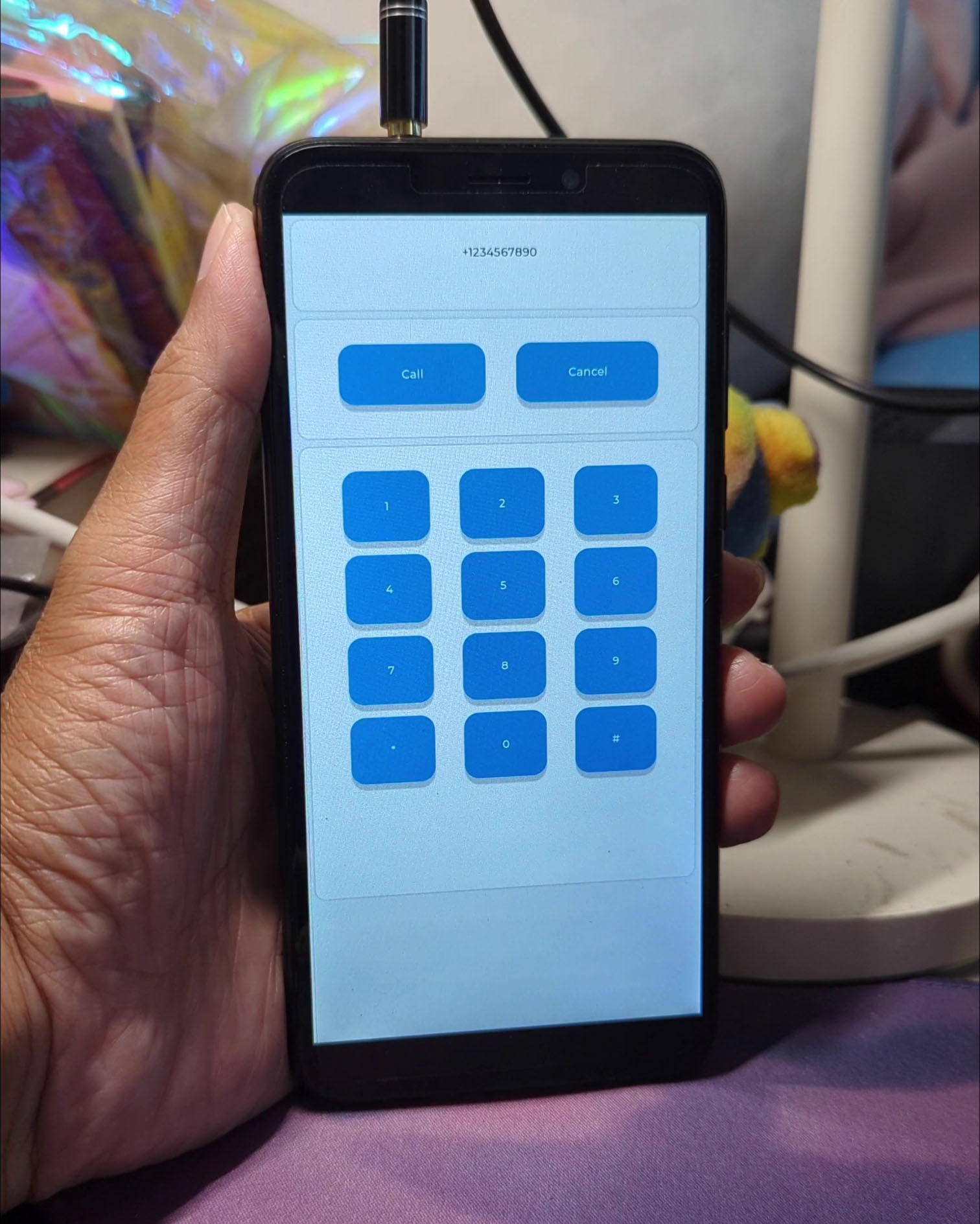
[_Feature Phone UI on PinePhone and Apache NuttX RTOS_](https://www.youtube.com/shorts/tOUnj0XEP-Q)
## Run LVGL App on PinePhone
We're finally ready to run our Feature Phone UI... On a real Phone!
We compile our Zig LVGL App for __PinePhone and Apache NuttX RTOS__...
(With the exact same Zig Source File tested on WebAssembly)
```bash
## TODO: Change "".."" to your NuttX Project Directory
## Compile the Zig LVGL App for PinePhone
## (armv8-a with cortex-a53)
zig build-obj \
--verbose-cimport \
-target aarch64-freestanding-none \
-mcpu cortex_a53 \
-isystem ""../nuttx/include"" \
-I ""../apps/graphics/lvgl"" \
feature-phone.zig \
...
## Copy the compiled Zig LVGL App to NuttX and overwrite `lv_demo_widgets.*.o`
cp feature-phone.o \
../apps/graphics/lvgl/lvgl/demos/widgets/lv_demo_widgets.*.o
## Link the compiled Zig LVGL App with NuttX
## https://lupyuen.github.io/articles/lvgl2#appendix-build-apache-nuttx-rtos-for-pinephone
## https://lupyuen.github.io/articles/lvgl2#appendix-boot-apache-nuttx-rtos-on-pinephone
cd ../nuttx
make
```
[(See the __Complete Command__)](https://github.com/lupyuen/pinephone-lvgl-zig/blob/main/build.sh#L402-L438)
[(Explained here)](https://lupyuen.github.io/articles/lvgl3#lvgl-app-in-zig)
We copy the __NuttX Image__ to a microSD Card, boot it on PinePhone.
At the NuttX Prompt, enter this command to start our LVGL App...
```text
NuttShell (NSH) NuttX-12.0.3
nsh> lvgldemo
```
[(See the __PinePhone Log__)](https://github.com/lupyuen/pinephone-lvgl-zig/blob/07ec0cd87b7888ac20736a7472643ee5d4758096/README.md#pinephone-log)
And our Feature Phone UI runs on PinePhone with NuttX yay! (Pic above)
The exact same Zig Source File runs on __both WebAssembly and PinePhone__, no changes needed!
[(Watch the __Demo on YouTube__)](https://www.youtube.com/shorts/tOUnj0XEP-Q)
_Looks like a fun new way to build and test LVGL Apps..._
_First in the Web Browser, then on the Actual Device!_
Yep potentially! But first we need to tidy up...
- __Live Reloading__: Whenever we save our Zig LVGL App, it __auto-recompiles__ and __auto-reloads__ the WebAssembly HTML
- Compile the __entire LVGL Library__ to WebAssembly
[(See this)](https://lupyuen.github.io/articles/lvgl3#compile-entire-lvgl-library-to-webassembly)
- Remove the dependency on __NuttX Build Files__
[(See this)](https://github.com/lupyuen/pinephone-lvgl-zig/releases/tag/nuttx-build-files)
- Complete our implementation of __Memory Allocator__
[(See this)](https://lupyuen.github.io/articles/lvgl3#appendix-lvgl-memory-allocation)
- Make actual __Phone Calls__ on PinePhone
[(See this)](https://lupyuen.github.io/articles/lte2#outgoing-phone-call)
## What's Next
Today we successfully created an LVGL App for PinePhone... By tweaking and testing in a __Web Browser!__
- We compiled LVGL Library from __C to WebAssembly__ with Zig Compiler
- We wrote our LVGL App in the __Zig Programming Language__ (instead of C)
- Our LVGL App in Zig looks (somewhat) __cleaner and simpler__ than C (except for the Opaque Types)
- Exact same code runs in a __Web Browser__ and on __PinePhone with Apache NuttX RTOS__
- Which is super helpful for __prototyping LVGL Apps__
Maybe we've discovered the easier way to build and test LVGL Apps... Thanks to our Web Browser!
Please check out the other articles on NuttX for PinePhone...
- [__""Apache NuttX RTOS for PinePhone""__](https://github.com/lupyuen/pinephone-nuttx)
Many Thanks to my [__GitHub Sponsors__](https://github.com/sponsors/lupyuen) for supporting my work! This article wouldn't have been possible without your support.
- [__Sponsor me a coffee__](https://github.com/sponsors/lupyuen)
- [__Discuss this article on LVGL Forum__](https://forum.lvgl.io/t/feature-phone-ui-in-lvgl-zig-and-webassembly/11987)
- [__Discuss this article on Hacker News__](https://news.ycombinator.com/item?id=36266074)
- [__My Current Project: ""Apache NuttX RTOS for PinePhone""__](https://github.com/lupyuen/pinephone-nuttx)
- [__My Other Project: ""The RISC-V BL602 Book""__](https://lupyuen.github.io/articles/book)
- [__Check out my articles__](https://lupyuen.github.io)
- [__RSS eed__](https://lupyuen.github.io/rss.xml)
_Got a question, comment or suggestion? Create an Issue or submit a Pull Request here..._
[__lupyuen.github.io/src/lvgl4.md__](https://github.com/lupyuen/lupyuen.github.io/blob/master/src/lvgl4.md)
## Appendix: HTML for LVGL
_What's inside the HTML Page for our LVGL App in WebAssembly?_
Our HTML Page defines a __HTML Canvas__ for rendering the LVGL Display: [feature-phone.html](https://github.com/lupyuen/pinephone-lvgl-zig/blob/main/feature-phone.html)
```html
Feature Phone UI: LVGL in WebAssembly with Zig
```
Then our HTML Page loads and executes our JavaScript...
## Appendix: JavaScript for LVGL
_What's inside the JavaScript for our LVGL App in WebAssembly?_
Our JavaScript will...
1. Load the __WebAssembly Module__ (compiled from Zig and C)
1. __Import Zig Functions__ into JavaScript
1. __Export JavaScript Functions__ to Zig
1. Run the __Main JavaScript Function__
Let's walk through the JavaScript...
### Load WebAssembly Module
Our JavaScript loads the __WebAssembly Module__ (feature-phone.wasm) generated by Zig Compiler: [feature-phone.js](https://github.com/lupyuen/pinephone-lvgl-zig/blob/main/feature-phone.js#L154-L173)
```javascript
// Render LVGL in WebAssembly, compiled with Zig Compiler. Based on...
// https://github.com/daneelsan/minimal-zig-wasm-canvas/blob/master/script.js
// https://github.com/daneelsan/zig-wasm-logger/blob/master/script.js
// Load the WebAssembly Module and start the Main Function
async function bootstrap() {
// Load the WebAssembly Module `feature-phone.wasm`
// https://developer.mozilla.org/en-US/docs/WebAssembly/JavaScript_interface/instantiateStreaming
const result = await WebAssembly.instantiateStreaming(
fetch(""feature-phone.wasm""),
importObject
);
// Store references to WebAssembly Functions
// and Memory exported by Zig
wasm.init(result);
// Start the Main Function
main();
}
// Start the loading of WebAssembly Module
bootstrap();
```
Then our script __imports the Zig Functions__ and calls the __Main JavaScript Function__. (See below)
### Import Zig Functions into JavaScript
Our script defines the JavaScript Module __wasm__ that will store the WebAssembly Functions and Memory imported from Zig: [feature-phone.js](https://github.com/lupyuen/pinephone-lvgl-zig/blob/main/feature-phone.js#L4-L28)
```javascript
// Log WebAssembly Messages from Zig to JavaScript Console
// https://github.com/daneelsan/zig-wasm-logger/blob/master/script.js
const text_decoder = new TextDecoder();
let console_log_buffer = """";
// WebAssembly Helper Functions
const wasm = {
// WebAssembly Instance
instance: undefined,
// Init the WebAssembly Instance.
// Store references to WebAssembly Functions and Memory exported by Zig
init: function (obj) {
this.instance = obj.instance;
},
// Fetch the Zig String from a WebAssembly Pointer
getString: function (ptr, len) {
const memory = this.instance.exports.memory;
return text_decoder.decode(
new Uint8Array(memory.buffer, ptr, len)
);
},
};
```
__getString__ will be called by our Zig Logger for LVGL...
- [__LVGL Logger in Zig__](https://github.com/lupyuen/pinephone-lvgl-zig/blob/main/wasm.zig#L152-L177)
[(Explained here)](https://lupyuen.github.io/articles/lvgl3#webassembly-logger-for-lvgl)
### Export JavaScript Functions to Zig
Our script exports the JavaScript Function __render__ to Zig: [feature-phone.js](https://github.com/lupyuen/pinephone-lvgl-zig/blob/main/feature-phone.js#L28-L67)
```javascript
// Export JavaScript Functions to Zig
const importObject = {
// JavaScript Functions exported to Zig
env: {
// Render the LVGL Canvas from Zig to HTML
// https://github.com/daneelsan/minimal-zig-wasm-canvas/blob/master/script.js
render: function() { // TODO: Add width and height
// Get the WebAssembly Pointer to the LVGL Canvas Buffer
const bufferOffset = wasm.instance.exports
.getCanvasBuffer();
// Load the WebAssembly Pointer into a JavaScript Image Data
const memory = wasm.instance.exports.memory;
const ptr = bufferOffset;
const len = (canvas.width * canvas.height) * 4;
const imageDataArray = new Uint8Array(memory.buffer, ptr, len)
imageData.data.set(imageDataArray);
// Render the Image Data to the HTML Canvas
context.clearRect(0, 0, canvas.width, canvas.height);
context.putImageData(imageData, 0, 0);
},
```
__render__ will be called by our Zig Function for LVGL Display...
- [__LVGL Display in Zig__](https://github.com/lupyuen/pinephone-lvgl-zig/blob/main/wasm.zig#L16-L76)
[(Explained here)](https://lupyuen.github.io/articles/lvgl3#render-lvgl-display-in-zig)
Our script also exports the JavaScript Functions __jsConsoleLogWrite__ and __jsConsoleLogFlush__ to Zig...
```javascript
// Write to JavaScript Console from Zig
// https://github.com/daneelsan/zig-wasm-logger/blob/master/script.js
jsConsoleLogWrite: function(ptr, len) {
console_log_buffer += wasm.getString(ptr, len);
},
// Flush JavaScript Console from Zig
// https://github.com/daneelsan/zig-wasm-logger/blob/master/script.js
jsConsoleLogFlush: function() {
console.log(console_log_buffer);
console_log_buffer = """";
},
}
};
```
Which will be called by our Zig Logger for LVGL...
- [__LVGL Logger in Zig__](https://github.com/lupyuen/pinephone-lvgl-zig/blob/main/wasm.zig#L153-L178)
[(Explained here)](https://lupyuen.github.io/articles/lvgl3#webassembly-logger-for-lvgl)
### Main JavaScript Function
Our Main JavaScript Function will...
1. Intialise the __LVGL Display and Input__ in Zig
[(Explained here)](https://lupyuen.github.io/articles/lvgl4#appendix-initialise-lvgl)
1. Render the __LVGL Widgets__ in Zig
[(Implemented here)](https://github.com/lupyuen/pinephone-lvgl-zig/blob/main/feature-phone.zig#L20-L83)
[(Explained here)](https://lupyuen.github.io/articles/lvgl4#label-and-button-containers)
1. Handle the __LVGL Timer__ in Zig, to execute LVGL Tasks periodically
[(Explained here)](https://lupyuen.github.io/articles/lvgl4#appendix-handle-lvgl-timer)
Like so: [feature-phone.js](https://github.com/lupyuen/pinephone-lvgl-zig/blob/main/feature-phone.js#L123-L154)
```javascript
// Get the HTML Canvas Context and Image Data
const canvas = window.document.getElementById(""lvgl_canvas"");
const context = canvas.getContext(""2d"");
const imageData = context.createImageData(canvas.width, canvas.height);
context.clearRect(0, 0, canvas.width, canvas.height);
// Main Function
function main() {
// Remember the Start Time
const start_ms = Date.now();
// Fetch the imported Zig Functions
const zig = wasm.instance.exports;
// Init the LVGL Display and Input
// https://lupyuen.github.io/articles/lvgl4#appendix-initialise-lvgl
zig.initDisplay();
// Render the LVGL Widgets in Zig
zig.lv_demo_widgets();
// Render Loop
const loop = function() {
// Compute the Elapsed Milliseconds
const elapsed_ms = Date.now() - start_ms;
// Handle LVGL Tasks to update the display
// https://lupyuen.github.io/articles/lvgl4#appendix-handle-lvgl-timer
zig.handleTimer(elapsed_ms);
// Loop to next frame
window.requestAnimationFrame(loop);
};
// Start the Render Loop
loop();
};
```
Next we talk about LVGL Initialisation, Input and Timer...
- [__""Initialise LVGL""__](https://lupyuen.github.io/articles/lvgl4#appendix-initialise-lvgl)
- [__""Initialise LVGL Input""__](https://lupyuen.github.io/articles/lvgl4#appendix-initialise-lvgl-input)
- [__""Handle LVGL Input""__](https://lupyuen.github.io/artcles/lvgl4#appendix-handle-lvgl-input)
- [__""Handle LVGL Timer""__](https://lupyuen.github.io/articles/lvgl4#appendix-handle-lvgl-timer)
## Appendix: Initialise LVGL
_How do we initialise LVGL Library in our JavaScript?_
In our [__JavaScript Main Function__](https://lupyuen.github.io/articles/lvgl4#main-javascript-function), we call Zig Function __initDisplay__ at startup: [feature-phone.js](https://github.com/lupyuen/pinephone-lvgl-zig/blob/main/feature-phone.js#L123-L154)
```javascript
// Main Function
function main() {
// Fetch the imported Zig Functions
const zig = wasm.instance.exports;
// Init the LVGL Display and Input
// https://lupyuen.github.io/articles/lvgl4#appendix-initialise-lvgl
zig.initDisplay();
// Render the LVGL Widgets in Zig
zig.lv_demo_widgets();
```
__initDisplay__ (in Zig) will...
1. Create the __Memory Allocator__ (for __malloc__)
[(Explained here)](https://lupyuen.github.io/articles/lvgl3#appendix-lvgl-memory-allocation)
1. Set the __LVGL Custom Logger__ (with __lv_log_register_print_cb__)
[(Explained here)](https://lupyuen.github.io/articles/lvgl3#webassembly-logger-for-lvgl)
1. Initialise the __LVGL Library__ (with __lv_init__)
[(Explained here)](https://lupyuen.github.io/articles/lvgl3#initialise-lvgl-display)
1. Initialise the __LVGL Display__
[(Explained here)](https://lupyuen.github.io/articles/lvgl3#initialise-lvgl-display)
1. Initialise the __LVGL Input__
[(Explained here)](https://lupyuen.github.io/articles/lvgl4#appendix-initialise-lvgl-input)
Like so: [wasm.zig](https://github.com/lupyuen/pinephone-lvgl-zig/blob/main/wasm.zig#L16-L59)
```zig
/// Init the LVGL Display and Input
pub export fn initDisplay() void {
// Create the Memory Allocator for malloc
// https://lupyuen.github.io/articles/lvgl3#appendix-lvgl-memory-allocation
memory_allocator = std.heap.FixedBufferAllocator.init(&memory_buffer);
// Set the Custom Logger for LVGL
// https://lupyuen.github.io/articles/lvgl3#webassembly-logger-for-lvgl
c.lv_log_register_print_cb(custom_logger);
// Init LVGL
// https://lupyuen.github.io/articles/lvgl3#initialise-lvgl-display
c.lv_init();
// Fetch pointers to Display Driver and Display Buffer
const disp_drv = c.get_disp_drv();
const disp_buf = c.get_disp_buf();
// Init Display Buffer and Display Driver as pointers
// https://lupyuen.github.io/articles/lvgl3#initialise-lvgl-display
c.init_disp_buf(disp_buf);
c.init_disp_drv(
disp_drv, // Display Driver
disp_buf, // Display Buffer
flushDisplay, // Callback Function to Flush Display
720, // Horizontal Resolution
1280 // Vertical Resolution
);
// Register the Display Driver
// https://lupyuen.github.io/articles/lvgl3#initialise-lvgl-display
const disp = c.lv_disp_drv_register(disp_drv);
_ = disp;
// Register the Input Device
// https://lupyuen.github.io/articles/lvgl4#appendix-initialise-lvgl-input
indev_drv = std.mem.zeroes(c.lv_indev_drv_t);
c.lv_indev_drv_init(&indev_drv);
indev_drv.type = c.LV_INDEV_TYPE_POINTER;
indev_drv.read_cb = readInput;
_ = c.register_input(&indev_drv);
}
```
Let's talk about LVGL Input...
## Appendix: Initialise LVGL Input
_How does Zig initialise LVGL Input at startup?_
In the previous section we saw that __initDisplay__ (in Zig) initialises the LVGL Input at startup: [wasm.zig](https://github.com/lupyuen/pinephone-lvgl-zig/blob/main/wasm.zig#L16-L59)
```zig
/// LVGL Input Device Driver
var indev_drv: c.lv_indev_drv_t = undefined;
/// Init the LVGL Display and Input
pub export fn initDisplay() void {
// Omitted: Register the Display Driver
// https://lupyuen.github.io/articles/lvgl3#initialise-lvgl-display
...
// Init the Input Device Driver
// https://docs.lvgl.io/8.3/porting/indev.html
indev_drv = std.mem.zeroes(c.lv_indev_drv_t);
c.lv_indev_drv_init(&indev_drv);
// Set the Input Driver Type and Callback Function
indev_drv.type = c.LV_INDEV_TYPE_POINTER;
indev_drv.read_cb = readInput;
// Register the Input Device
_ = c.register_input(&indev_drv);
}
```
[(__lv_indev_drv_init__ initialises the LVGL Input Device Driver Struct)](https://docs.lvgl.io/8.3/porting/indev.html)
This tells LVGL to call our Zig Function __readInput__ periodically to poll for Mouse and Touch Input.
[(More about __readInput__)](https://lupyuen.github.io/articles/lvgl4#appendix-handle-lvgl-input)
_What's register_input?_
The LVGL Input Device Struct __lv_indev_t__ is an [__Opaque Type__](https://lupyuen.github.io/articles/lvgl3#initialise-lvgl-display), which is inaccessible in Zig.
To work around this, we define __register_input__ in C (instead of Zig) to register the LVGL Input Device: [display.c](https://github.com/lupyuen/pinephone-lvgl-zig/blob/main/display.c#L109-L117)
```C
// Register the LVGL Input Device Driver
// and return the LVGL Input Device
// https://docs.lvgl.io/8.3/porting/indev.html
void *register_input(lv_indev_drv_t *indev_drv) {
lv_indev_t *indev = lv_indev_drv_register(indev_drv);
LV_ASSERT(indev != NULL);
return indev;
}
```
Now we can handle the LVGL Input in Zig and JavaScript...
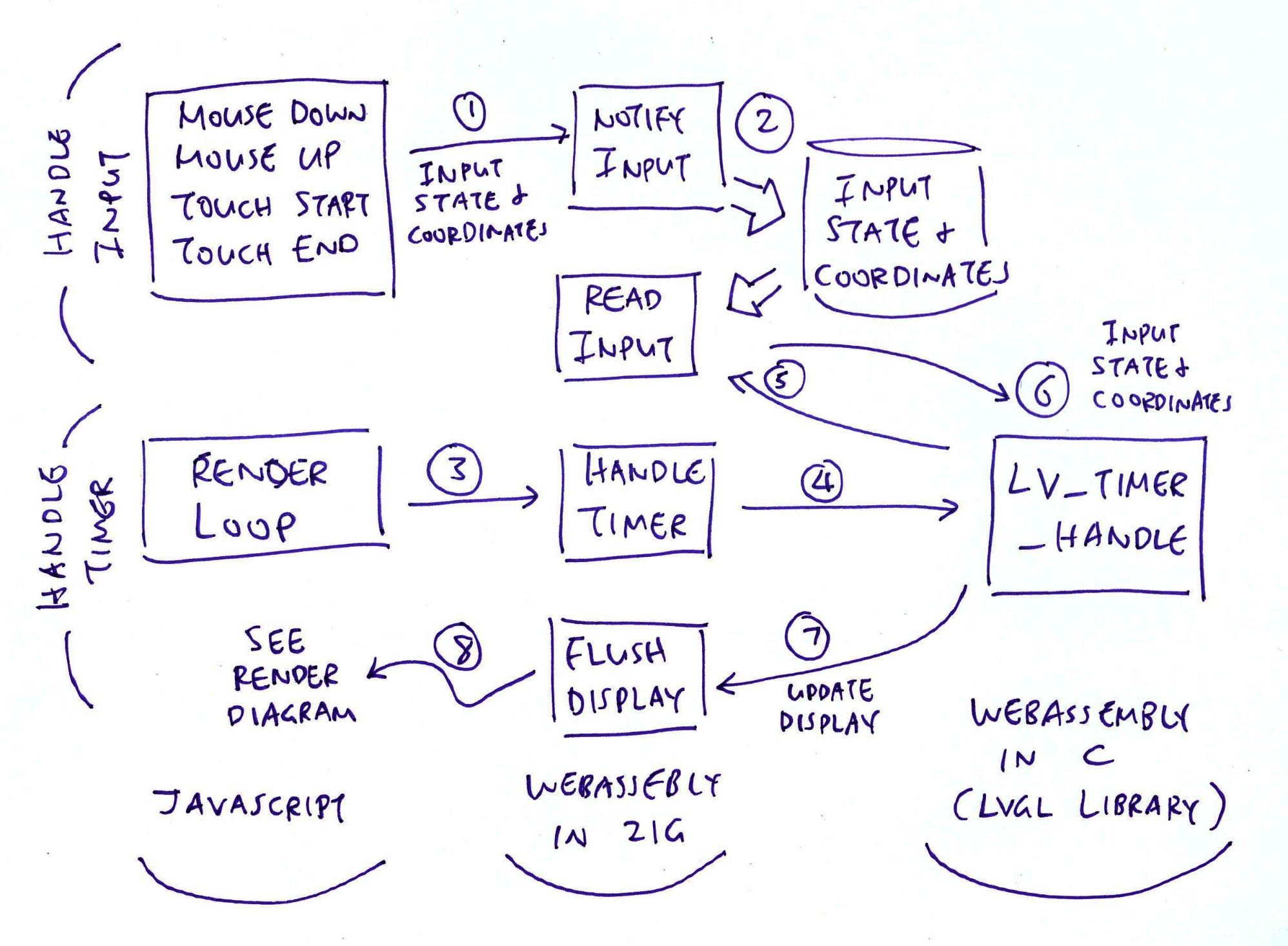
[(""Render Diagram"" is here)](https://lupyuen.github.io/images/lvgl3-render.jpg)
[(Explained here)](https://lupyuen.github.io/articles/lvgl3#render-lvgl-display-in-zig)
## Appendix: Handle LVGL Input
_How do we handle LVGL Mouse Input and Touch Input?_
In our JavaScript, we capture the __Mouse Down__ and __Mouse Up__ events (pic above): [feature-phone.js](https://github.com/lupyuen/pinephone-lvgl-zig/blob/main/feature-phone.js#L73-L123)
```javascript
// Handle Mouse Down on HTML Canvas
canvas.addEventListener(""mousedown"", (e) => {
// Notify Zig of Mouse Down
const x = e.offsetX;
const y = e.offsetY;
wasm.instance.exports
.notifyInput(1, x, y); // TODO: Handle LVGL not ready
});
// Handle Mouse Up on HTML Canvas
canvas.addEventListener(""mouseup"", (e) => {
// Notify Zig of Mouse Up
x = e.offsetX;
y = e.offsetY;
wasm.instance.exports
.notifyInput(0, x, y); // TODO: Handle LVGL not ready
});
```
And call __notifyInput__ (in Zig) to handle the events, passing the...
- __Input State__: Mouse Down or Mouse Up
- __Input Coordinates__: X and Y
We do the same for __Touch Start__ and __Touch End__ events...
```javascript
// Handle Touch Start on HTML Canvas
canvas.addEventListener(""touchstart"", (e) => {
// Notify Zig of Touch Start
e.preventDefault();
const touches = e.changedTouches;
if (touches.length == 0) { return; }
// Assume that HTML Canvas is at (0,0)
const x = touches[0].pageX;
const y = touches[0].pageY;
wasm.instance.exports
.notifyInput(1, x, y); // TODO: Handle LVGL not ready
});
// Handle Touch End on HTML Canvas
canvas.addEventListener(""touchend"", (e) => {
// Notify Zig of Touch End
e.preventDefault();
const touches = e.changedTouches;
if (touches.length == 0) { return; }
// Assume that HTML Canvas is at (0,0)
const x = touches[0].pageX;
const y = touches[0].pageY;
wasm.instance.exports
.notifyInput(0, x, y); // TODO: Handle LVGL not ready
});
```
Which will work on Touch Devices. (Like our Phones)
_What happens inside notifyInput?_
__notifyInput__ (in Zig) comes from our WebAssembly-Specific Module. It saves the __Input State__ and __Input Coordinates__ passed by our JavaScript: [wasm.zig](https://github.com/lupyuen/pinephone-lvgl-zig/blob/main/wasm.zig#L90-L110)
```zig
/// Called by JavaScript to notify Mouse Down and Mouse Up.
/// Return 1 if we're still waiting for LVGL to process the last input.
export fn notifyInput(pressed: i32, x: i32, y: i32) i32 {
// If LVGL hasn't processed the last input, try again later
if (input_updated) { return 1; }
// Save the Input State and Input Coordinates
if (pressed == 0) { input_state = c.LV_INDEV_STATE_RELEASED; }
else { input_state = c.LV_INDEV_STATE_PRESSED; }
input_x = @intCast(c.lv_coord_t, x);
input_y = @intCast(c.lv_coord_t, y);
input_updated = true;
return 0;
}
/// True if LVGL Input Stae has been updated
var input_updated: bool = false;
/// LVGL Input State and Coordinates
var input_state: c.lv_indev_state_t = 0;
var input_x: c.lv_coord_t = 0;
var input_y: c.lv_coord_t = 0;
```
_What happens to the saved Input State and Input Coordinates?_
From the previous section, we saw that Zig sets __readInput__ as the Callback Function for our LVGL Input Device: [wasm.zig](https://github.com/lupyuen/pinephone-lvgl-zig/blob/main/wasm.zig#L16-L59)
```zig
/// Init the LVGL Display and Input
pub export fn initDisplay() void {
...
// Set the Input Driver Type and Callback Function
indev_drv.type = c.LV_INDEV_TYPE_POINTER;
indev_drv.read_cb = readInput;
```
This tells LVGL to call our Zig Function __readInput__ periodically to poll for Mouse and Touch Input.
[(Initiated by the __LVGL Timer__)](https://lupyuen.github.io/articles/lvgl4#appendix-handle-lvgl-timer)
__readInput__ (in Zig) comes from our WebAssembly-Specific Module: [wasm.zig](https://github.com/lupyuen/pinephone-lvgl-zig/blob/main/wasm.zig#L110-L120)
```zig
/// LVGL Callback Function to read Input Device
export fn readInput(
drv: [*c]c.lv_indev_drv_t, // LVGL Input Device Driver
data: [*c]c.lv_indev_data_t // LVGL Input Data to be returned
) void {
_ = drv;
if (input_updated) {
input_updated = false;
// Set the LVGL Input Data to be returned
c.set_input_data(
data, // LVGL Input Data
input_state, // Input State (Mouse Up or Down)
input_x, // Input X
input_y // Input Y
);
}
}
```
__readInput__ simply returns the __Input State__ and __Input Coordinates__ to LVGL.
_What's set_input_data?_
The LVGL Input Data Struct __lv_indev_data_t__ is an [__Opaque Type__](https://lupyuen.github.io/articles/lvgl3#initialise-lvgl-display), which is inaccessible in Zig.
To work around this, we define __set_input_data__ in C (instead of Zig) to set the LVGL Input Data: [display.c](https://github.com/lupyuen/pinephone-lvgl-zig/blob/main/display.c#L117-L129)
```C
// Set the LVGL Input Device Data
// https://docs.lvgl.io/8.3/porting/indev.html#touchpad-mouse-or-any-pointer
void set_input_data(
lv_indev_data_t *data, // LVGL Input Data
lv_indev_state_t state, // Input State (Mouse Up or Down)
lv_coord_t x, // Input X
lv_coord_t y // Input Y
) {
LV_ASSERT(data != NULL);
data->state = state;
data->point.x = x;
data->point.y = y;
}
```
And the LVGL Button will respond correctly to Mouse and Touch Input in the Web Browser! (Pic below)
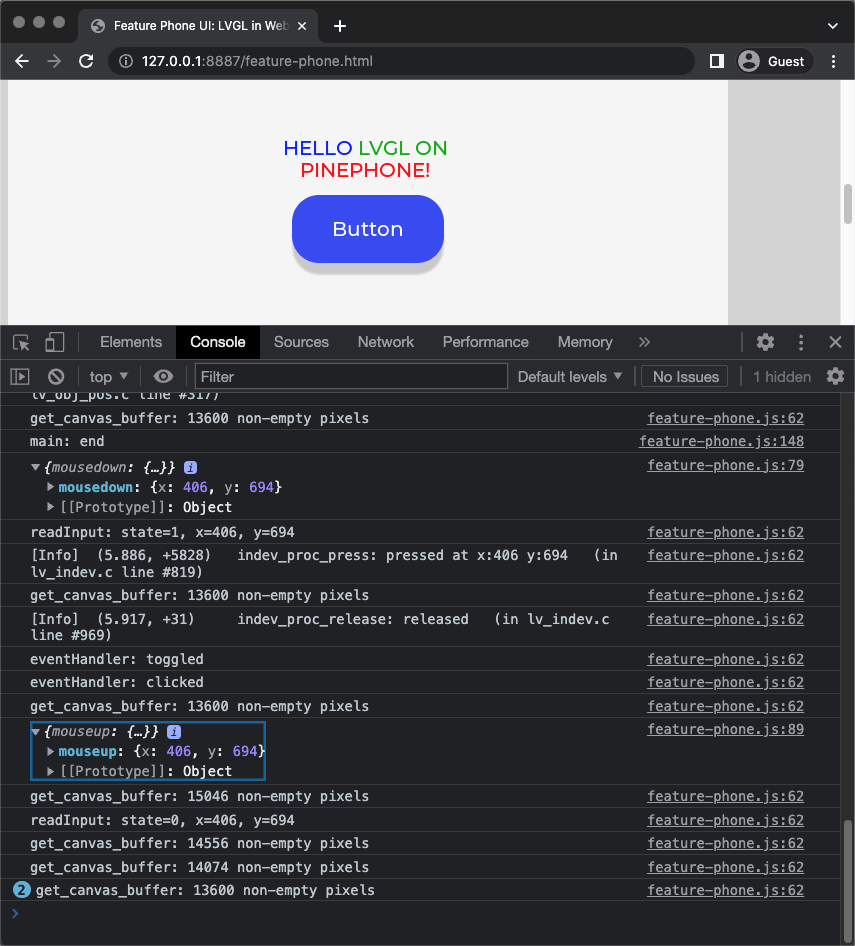
[(Try the __LVGL Button Demo__)](https://lupyuen.github.io/pinephone-lvgl-zig/feature-phone.html)
[(Watch the __Demo on YouTube__)](https://youtube.com/shorts/J6ugzVyKC4U?feature=share)
[(See the __JavaScript Log__)](https://github.com/lupyuen/pinephone-lvgl-zig/blob/e70b2df50fa562bec7e02f24191dbbb1e5a7553a/README.md#todo)
Let's find out how the LVGL Timer triggers the reading of LVGL Input...

[(""Render Diagram"" is here)](https://lupyuen.github.io/images/lvgl3-render.jpg)
[(Explained here)](https://lupyuen.github.io/articles/lvgl3#render-lvgl-display-in-zig)
## Appendix: Handle LVGL Timer
_What's this LVGL Timer that's called by our JavaScript?_
According to the [__LVGL Docs__](https://docs.lvgl.io/8.3/porting/project.html#initialization), we need to call __lv_timer_handler__ every few milliseconds to handle LVGL Tasks, which will...
- Poll for __LVGL Input__
- Redraw the __LVGL Display__
To execute LVGL Tasks periodically, we do this in our JavaScript __Render Loop__ (pic above): [feature-phone.js](https://github.com/lupyuen/pinephone-lvgl-zig/blob/main/feature-phone.js#L123-L154)
```javascript
// Main Function
function main() {
// Remember the Start Time
const start_ms = Date.now();
// Fetch the imported Zig Functions
const zig = wasm.instance.exports;
// Init the LVGL Display and Input
// https://lupyuen.github.io/articles/lvgl4#appendix-initialise-lvgl
zig.initDisplay();
// Render the LVGL Widgets in Zig
zig.lv_demo_widgets();
// Render Loop
const loop = function() {
// Compute the Elapsed Milliseconds
const elapsed_ms = Date.now() - start_ms;
// Handle LVGL Tasks to update the display
zig.handleTimer(elapsed_ms);
// Loop to next frame
window.requestAnimationFrame(loop);
};
// Start the Render Loop
loop();
};
```
The above Render Loop (in JavaScript) calls __handleTimer__ (in Zig) every few milliseconds.
__handleTimer__ (in Zig) comes from our WebAssembly-Specific Module.
It executes LVGL Tasks by calling __lv_timer_handler__: [wasm.zig](https://github.com/lupyuen/pinephone-lvgl-zig/blob/main/wasm.zig#L76-L90)
```zig
/// Called by JavaScript to execute LVGL Tasks
/// periodically, passing the Elapsed Milliseconds
export fn handleTimer(ms: i32) i32 {
// Set the Elapsed Milliseconds,
// don't allow time rewind
if (ms > elapsed_ms) {
elapsed_ms = @intCast(u32, ms);
}
// Handle LVGL Tasks
_ = c.lv_timer_handler();
return 0;
}
```
Which will poll for LVGL Input and redraw the LVGL Display.
_What's elapsed_ms?_
__elapsed_ms__ remembers the number of __Elapsed Milliseconds__ (since startup): [wasm.zig](https://github.com/lupyuen/pinephone-lvgl-zig/blob/main/wasm.zig#L131-L143)
```zig
/// Return the number of elapsed milliseconds
/// https://lupyuen.github.io/articles/lvgl3#lvgl-porting-layer-for-webassembly
export fn millis() u32 {
elapsed_ms += 1;
return elapsed_ms;
}
/// Number of elapsed milliseconds
var elapsed_ms: u32 = 0;
```
The Elapsed Milliseconds is returned by our Zig Function __millis__, which is called by LVGL periodically...
- [__""LVGL Porting Layer for WebAssembly""__](https://lupyuen.github.io/articles/lvgl3#lvgl-porting-layer-for-webassembly)
To find out how we render the LVGL Display, check out the previous article...
- [__""Render LVGL Display in Zig""__](https://lupyuen.github.io/articles/lvgl3#render-lvgl-display-in-zig)

[_Rendering LVGL Display in Zig_](https://lupyuen.github.io/articles/lvgl3#render-lvgl-display-in-zig)
## Appendix: Import LVGL Library
_How did we import the LVGL Library from C into Zig?_
Our Zig Wrapper for LVGL calls [__@cImport__](https://ziglang.org/documentation/master/#cImport) to import the __LVGL Header Files__ from C into Zig: [lvgl.zig](https://github.com/lupyuen/pinephone-lvgl-zig/blob/main/lvgl.zig#L5-L28)
```zig
/// Import the LVGL Library from C
pub const c = @cImport({
// NuttX Defines
@cDefine(""__NuttX__"", """");
@cDefine(""NDEBUG"", """");
// NuttX Header Files
@cInclude(""arch/types.h"");
@cInclude(""../../nuttx/include/limits.h"");
@cInclude(""stdio.h"");
@cInclude(""nuttx/config.h"");
@cInclude(""sys/boardctl.h"");
@cInclude(""unistd.h"");
@cInclude(""stddef.h"");
@cInclude(""stdlib.h"");
// LVGL Header Files
@cInclude(""lvgl/lvgl.h"");
// LVGL Display Interface for Zig
@cInclude(""display.h"");
});
```
Together with the NuttX Functions and other C Functions.
[(__display.h__ is the C Interface for our LVGL Display and Input Functions)](https://github.com/lupyuen/pinephone-lvgl-zig/blob/main/display.h)
[(__display.c__ is the C Implementation)](https://github.com/lupyuen/pinephone-lvgl-zig/blob/main/display.c)
According to the code above, we imported the LVGL Functions into the __Namespace ""c""__...
```zig
// Import into Namespace `c`
pub const c = @cImport({ ... });
```
Which means that we'll write ""__c.something__"" to call LVGL Functions from Zig...
```zig
// Call LVGL Function imported from C into Zig
const btn = c.lv_btn_create(cont);
```
(Zig Compiler calls Clang Compiler to parse the C Header Files)
_But we call the LVGL Functions in two Zig Source Files: lvgl.zig AND feature-phone.zig..._
That's why we import the LVGL Wrapper __lvgl.zig__ into our LVGL App __feature-phone.zig__: [feature-phone.zig](https://github.com/lupyuen/pinephone-lvgl-zig/blob/main/feature-phone.zig#L8-L14)
```zig
/// Import the LVGL Module
const lvgl = @import(""lvgl.zig"");
/// Import the C Namespace
const c = lvgl.c;
```
And we import the C Namespace from __lvgl.zig__.
Thus both Zig Source Files can call LVGL Functions.
_Why not import the LVGL Functions in feature-phone.zig?_
Zig Compiler doesn't like it when we call [__@cImport__](https://ziglang.org/documentation/master/#cImport) twice from different Source Files...
Zig Compiler will think that the __LVGL Types are different__. And we can't pass the same LVGL Types across Source Files.
That's why we call [__@cImport__](https://ziglang.org/documentation/master/#cImport) once, and import the C Namespace instead.
"
541,759,"2024-01-01 05:57:44.902212",yingyi,zig-webuiuse-any-web-browser-as-gui-with-zig-2op8,https://zig.news/uploads/articles/pzt4wq2rvu9nv23ejutq.png,"zig-webui,Use any web browser as GUI with Zig","zig-webui is a zig library of webui. Github: https://github.com/webui-dev/zig-webui WebUI is not a...","
zig-webui is a zig library of [webui](https://github.com/webui-dev/webui).
Github: [https://github.com/webui-dev/zig-webui](https://github.com/webui-dev/zig-webui)
WebUI is not a web-server solution or a framework, but it allows you to use any web browser as a GUI, with your preferred language in the backend and HTML5 in the frontend. All in a lightweight portable lib.
We use zig to wrap the C library, which makes it easy for us to use it in zig.
## Feature
- Parent library written in pure C
- Lightweight ~200 Kb & Small memory footprint
- Fast binary communication protocol between WebUI and the browser (Instead of JSON)
- Multi-platform & Multi-Browser
- Using private profile for safety
Here is a text editor with zig-webui
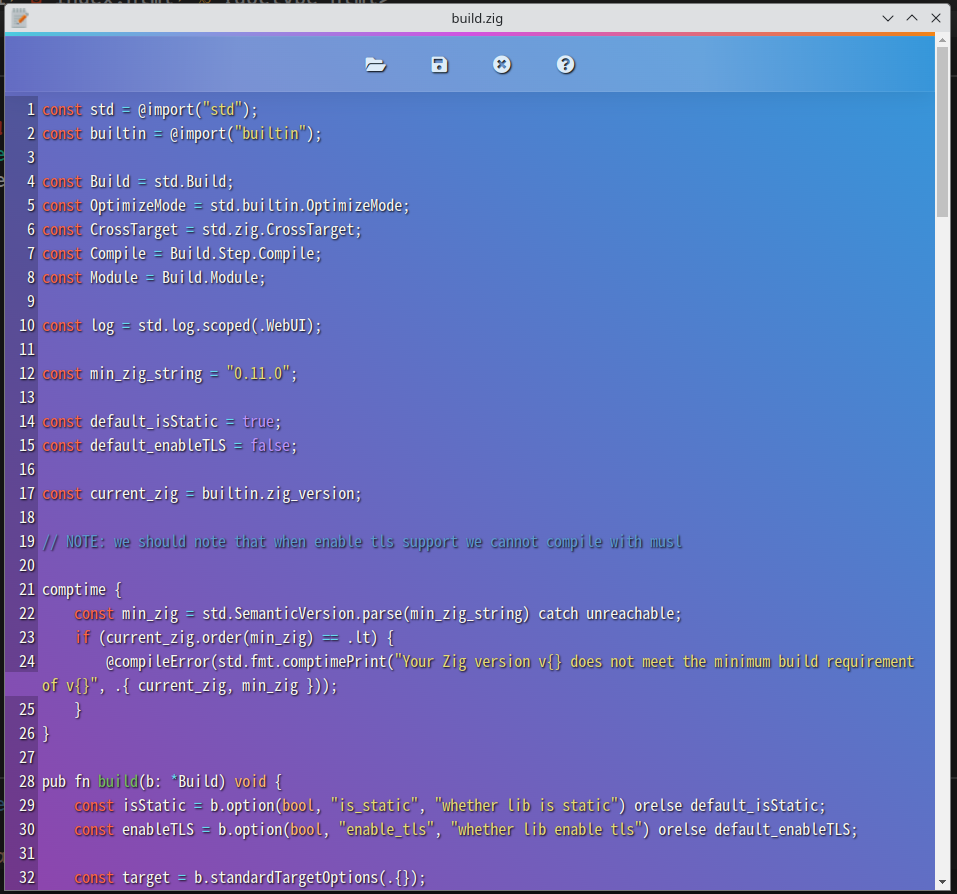
## Examples
Here we make a minimal example with zig-webui:
### First
We init a zig project with `zig init-ext` or `zig init`(zig nightly).
Then we add this to our `build.zig.zon`:
```zig
.@""zig-webui"" = .{
.url = ""https://github.com/webui-dev/zig-webui/archive/main.tar.gz"",
.hash = ,
},
```
Note that the hash is given by zig. Of course, zig nightly has provided a command to get package hash and write it to `build.zig.zon`:
```sh
zig fetch --save https://github.com/webui-dev/zig-webui/archive/main.tar.gz
```
### Second
We need to config `build.zig`:
```zig
const zig_webui = b.dependency(""zig-webui"", .{
.target = target,
.optimize = optimize,
.enable_tls = false, // whether enable tls support
.is_static = true, // whether static link
);
// add module
exe.addModule(""webui"", zig_webui.module(""webui""));
// link library
exe.linkLibrary(zig_webui.artifact(""webui""));
```
OK, now we have configed this project!
Let us code!
### Code
```zig
const webui = @import(""webui"");
pub fn main() !void {
var nwin = webui.newWindow();
_ = nwin.show("" Hello World ! "");
webui.wait();
}
```
We import the package `webui`, and use its method `newWindow` to create a window, then show it(we ignored the returned value, it is bool to tell us whether the window showed correctly).
Finaly, we use `webui.wait` to block the main funcion, it will break when window is closed!
Currently `zig-webui` is still under development and more features will be added!
Github:[https://github.com/webui-dev/zig-webui](https://github.com/webui-dev/zig-webui)
"
553,908,"2024-01-23 00:45:25.423444",edyu,zig-erasure-coding-part-1-wtf-is-zig-comptime-2-27c0,https://zig.news/uploads/articles/bhtg21j1tapff0xoiwsk.png,"Zig Erasure Coding -- WTF is Zig Comptime 2 (Part 1)","The power and complexity of Comptime in Zig Ed Yu (@edyu on Github and @edyu on...","The power and complexity of **Comptime** in Zig
---
Ed Yu ([@edyu](https://github.com/edyu) on Github and
[@edyu](https://twitter.com/edyu) on Twitter)
January.17.2024
---

## Introduction
[**Zig**](https://ziglang.org) is a modern systems programming language and although it claims to a be a **better C**, many people who initially didn't need systems programming were attracted to it due to the simplicity of its syntax compared to alternatives such as **C++** or **Rust**.
However, due to the power of the language, some of the syntaxes are not obvious for those first coming into the language. I was actually one such person.
Today we will explore a unique aspect of metaprogramming in **Zig** that sets it apart from other similarly low-level languages -- `comptime`.
I've already written an [earlier article](https://zig.news/edyu/wtf-is-zig-comptime-and-inline-257b) on `comptime` but today I want to explore an example using a simplified version of [erasure coding](https://github.com/edyu/zig-erasure) that I've implemented using **Zig** with extensive use of `comptime`.
Due to the length of the code example, I'll explain the code in a series of articles and eventually even compare it to an [Odin](https://odin-lang.org) implementation.
## WTF is Comptime
I gave an overview of **Zig** `comptime` in [WTF Zig Comptime](https://zig.news/edyu/wtf-is-zig-comptime-and-inline-257b). In short, `comptime` is a way to designate either a variable or a piece of code such as a block or a function as something to be run at compile time as opposed to runtime.
The first benefit of running a these `comptime` code at `comptime` is so that the results of `comptime` are essentially constants that can be used directly by the compiled program. As a result, `comptime` does not use runtime resources for these any results.
One example is the same `factorial` code I showed in [WTF Zig Comptime](https://zig.news/edyu/wtf-is-zig-comptime-and-inline-257b). In such a case, even if I pass in a large number *n*, which takes a long time to calculate at `comptime`, during runtime it's just another constant.
By using a `comptime` variable, I still have the flexibility to change the number anytime and just recompile the program to recalculate the correct result.
```zig
pub fn factorial(comptime n: u8) comptime_int {
var r = 1; // no need to write it as comptime var r = 1
for (1..(n + 1)) |i| {
r *= i;
}
return r;
}
const v = comptime factorial(120);
```
The other benefit is actually due to necessity of metaprogramming. One of the primary reasons to use metaprogramming is to allow for different behaviors for different types.
Because you have to know precisely how much memory to allocate at compile time, **Zig** types must be complete at compile type. What it means is that if you want to use a *type function* (once again, see [WTF Zig Comptime](https://zig.news/edyu/wtf-is-zig-comptime-and-inline-257b)) to create different types based on some variable you pass, that variable must be comptime.
One example is say you want to create a matrix type and that a matrix type of *3 x 3* should be completely separate from a matrix type of *4 x 4* in that you cannot simply treat them in the same way. However, you do want to use the same *type function* to create both matrices, then you must declare the *n* in *n x n* matrix as a `comptime` variable that you pass in.
```zig
// a square matrix is a matrix where number_of_rows == number_of_cols
pub fn SquareMatrix(comptime n: comptime_int) type {
return struct {
allocator: std.mem.Allocator,
comptime numRows: u8 = n,
comptime numCols: u8 = n,
const Self = @This();
pub fn init(allocator: std.mem.Allocator) Self {
return .{
.allocator = allocator,
}
}
// other methods
}
}
```
## WTF is Erasure Coding
Now, with the introduction out of the way, let's talk about Erasure Coding.
[Erasure Coding](https://en.wikipedia.org/wiki/Erasure_code) is a way to split up your data in multiple pieces (shards) so that if you lose one or more of the pieces, you can still retrieve the original data. If you think this sounds like duplication or replication, or even RAID, then you are somewhat correct. The difference is that in a simple replication (or RAID 1), you make complete copies of the data so that if you make 2 copies of the data, you have a total of 3 copies (including the original copy) and that as long as you don't lose all 3 copies, you can get the data back. In a more complex RAID setup such as RAID 5, data is split across (stripe) multiple disks and then additional parity blocks are added to tolerate disk loss. However, in the case of RAID 5, you can tolerate 1 disk loss, whereas RAID 6 can tolerate up to 2 disk failures.
In [Erasure Coding](https://en.wikipedia.org/wiki/Erasure_code), you transform the data while you split the data so that the copies are not necessarily the same. You still need a minimum number of copies to reconstruct the original data and as long as you don't lose more than such minimal number, you can reconstruct the data.
We typically describe [Erasure Coding](https://en.wikipedia.org/wiki/Erasure_code) with 2 numbers of N and K where N is the total number of shards, and K is the minimum number of shards you need in order to reconstruct the data. For instance, in a (5, 3) Erasure Coding, N is 5 and K is 3, you need 3 of the 5 shards in order to reconstruct the data. In other words, you can tolerate the loss of up to (N - K) = 2 shards.
What makes [Erasure Coding](https://en.wikipedia.org/wiki/Erasure_code) better than a simple replication is that you save more disk spaces by using Erasure Coding compared to simple replication.
In a quick test, using a file of 680 bytes, if I make 2 additional copies, the total storage neded is 680 * 3 = 2040 bytes. If instead I use my **Zig** [Erasure Coding](https://github.com/edyu/zig-erasure), I need 5 copies of 240 bytes each which means the total storage needed is 240 * 5 = 1020 bytes. The total saving in storage comparing the two is (2040 - 1020) / 2040 = 50%.
Of course the storage saving is not free as there is extra computation involved both in encoding (splitting the original data to shards) and decoding (reconstruct the data from shards).
## Erasure Code Example
The example [Erasure Coding](https://github.com/edyu/zig-erasure) is based upon [Erasure Coding For The Masses](https://towardsdatascience.com/erasure-coding-for-the-masses-2c23c74bf87e) by [Dr. Vishesh Khemani](https://vishesh-khemani.medium.com/).
The method described is not the most efficient [Erasure Coding](https://en.wikipedia.org/wiki/Erasure_code) but it's easy to understand and I really liked how [Dr. Vishesh Khemani](https://vishesh-khemani.medium.com/) used simple [finite field arithmetic](https://en.wikipedia.org/wiki/Finite_field_arithmetic) to describe [Erasure Coding](https://en.wikipedia.org/wiki/Erasure_code). [finite field arithmetic](https://en.wikipedia.org/wiki/Finite_field_arithmetic) to describe [Erasure Coding](https://en.wikipedia.org/wiki/Erasure_code).
## Finite (Binary) Field Arithmetic
If you are mathmetically inclined, you are certainly welcome to read the [Wikipedia article](https://en.wikipedia.org/wiki/Finite_field_arithmetic) or in particular [binary fields](https://www.doc.ic.ac.uk/~mrh/330tutor/ch04s04.html). I'm not but I'll try my best to give a simple explanation of [binary fields](https://www.doc.ic.ac.uk/~mrh/330tutor/ch04s04.html) from a programmer's perspective.
When you have a [finite field](https://en.wikipedia.org/wiki/Finite_field_arithmetic), you are basically doing [modular maths](https://en.wikipedia.org/wiki/Modular_arithmetic), which basically means that you have to take the modulo of the modulus (usually 1 more than then largest allowed number). For example, for a finite field of 3, you only have `[0, 1, 2]` as valid numbers, the **modulus** is 3 (1 more than the largest number which is 2). So if you add 1 and 2 together, you normally would get 3 without [modular arithmetic](https://en.wikipedia.org/wiki/Modular_arithmetic) but because it's [modulo maths](https://en.wikipedia.org/wiki/Modular_arithmetic), you have to modulo 3 which is `3 mod 3 = 0`. For us programmers, this is very similar to how a [ring buffer](https://en.wikipedia.org/wiki/Circular_buffer) works.
In the case of [binary fields](https://www.doc.ic.ac.uk/~mrh/330tutor/ch04s04.html), the maths is even easier as you only have `[0, 1]` as valid numbers and addition is really just `XOR` because *1 + 1 = 2 mod 2 = 0 = 1 XOR 1*. What's even cooler is that because *-1 = 1 mod 2* (try going counter-clockwise on your [ring buffer](https://en.wikipedia.org/wiki/Circular_buffer)), we can do subtraction just as we do addition because *n - 1 = n + (-1) = n + 1*.
## Code: matrix.zig
Ok, that's probably too much maths already. Let's go back to the [code example](https://github.com/edyu/wtf-zig-erasure).
The [first code](https://github.com/edyu/wtf-zig-erasure/matrix.zig) I want to describe is an implementation of *m x n* matrix where *m* is the number of rows and *n* is the number of columns.
I decided to use *type function* to return the matrix type because I wanted to make sure the compiler can enforce that a *3 x 2* matrix is different from a *2 x 3* matrix.
The way to do so is to pass in both *m* and *n* as `comptime` variables to the *type function*.
```zig
pub fn Matrix(comptime m: comptime_int, comptime n: comptime_int) type {
return struct {
allocator: std.mem.Allocator = undefined,
mdata: std.ArrayList(u8) = undefined,
mtype: DataOrder = undefined,
comptime numRows: u8 = m,
comptime numCols: u8 = n,
const Self = @This();
// followed by type methods
}
}
```
Do note that I ended up saving *m* and *n* as fields inside the `Matrix(m, n)` type as `numRows` and `numCols`. **Zig** doesn't require you to only access fields as methods and by exposing them as fields, I can use `mat.numRow` and `mat.numCols` directly if `mat` is a `Matrix(m, n)`. I do have to designate both `numRows` and `numCols` as `comptime` in order to store *m* and *n*.
The code should be fairly straightforward but I do want to explain why I have an `enum` called `DataOrder`. The internal data format is an array using `ArrayList` called `mdata`. Typically, you can store a 2D matrix as 1D vector (or `ArrayList` in **Zig**) either in row-major or column-major order. The original reason to have `DataOrder` is so that I can have the flexibility to store the matrix data in either order and then `transpose` is really just changing the `mtype` from one to the other.
In the end, not only I ended up not needing such flexibiltiy, but it made my code much more complicated. I kept it there mostly as a reminder to myself to not do [premature optimization](https://wiki.c2.com/?PrematureOptimization).
Premature Optimization is the root of all evil
-- Donald Knuth
One artifact of such *complication* is that `getSlice()` returns a vector based on whether the matrix is stored internally in row-major or colume-major. The burden is on the caller to keep track of of the `DataOrder` because the caller is the one that initialized the matrix. Of course, `getRow()` and `getCol()` are exposed and preferred.
```zig
// return eithers a row or a column based on matrix data order
// use getRow() or getCol() if you want row/col regardless of data order
pub fn getSlice(self: *const Self, rc: usize) []u8 {
switch (self.mtype) {
.row => {
std.debug.assert(rc < m);
const i = rc * n;
return self.mdata.items[i .. i + n];
},
.col => {
std.debug.assert(rc < n);
const i = rc * m;
return self.mdata.items[i .. i + m];
},
}
}
```
The reverse `setSlice()` has similar logic and in the end, I'm not sure whether the *optimization* is ever needed. Once again, it's probably better to not go through such complication and just expose `setRow()` and `setCol()` instead.
```zig
fn setSlice(self: *Self, rc: usize, new_rc: []const u8) void {
switch (self.mtype) {
.row => {
std.debug.assert(rc < m and new_rc.len >= n);
const i = rc * n;
self.mdata.replaceRange(i, n, new_rc[0..n]) catch return;
},
.col => {
std.debug.assert(rc < n and new_rc.len >= m);
const i = rc * m;
self.mdata.replaceRange(i, m, new_rc[0..m]) catch return;
},
}
}
```
## Code: finite_field.zig
Finally, we can look at the [code](https://github.com/edyu/wtf-zig-erasure/finite_field.zig) for [binary fields](https://www.doc.ic.ac.uk/~mrh/330tutor/ch04s04.html). The [finite_field.zig](https://github.com/edyu/wtf-zig-erasure/finite_field.zig) exposes the n of finite field p^n^ as `n` using `comptime`: Because we only care about [binary finite fields](https://www.doc.ic.ac.uk/~mrh/330tutor/ch04s04.html), `p` is always 2 and doesn't needed to specifically passed in.
```zig
pub fn BinaryFiniteField(comptime n: comptime_int) type {
return struct {
exp: u8 = undefined,
order: u8 = undefined,
divisor: u8 = undefined,
// more code
}
}
```
The `init()` method mostly initializes the 3 numbers needed later. The `exp` is just the `n` passed in. Note that because of the use case and my lack of advanced mathematics knowledge, I only care about `n >= 1 and n <= 7`. This also made it easier for calculating the `order` because `u8` is enough to left shift 1 based on the `n`. The `divisor` are primes that are results of using 2 as `x` in the comments. Leave in the comments if you know the maths and want to explain to other readers why that's the case.
```zig
pub fn init() ValueError!Self {
var d: u8 = undefined;
// Irreducible polynomial for mod multiplication
d = switch (n)
1 => 3, // 1 + x ? undef shift(0b11)=2
2 => 7, // 1 + x + x^2 shift(0b111)=3
3 => 11, // 1 + x + x^3 shift(0b1011)=4
4 => 19, // 1 + x + x^4 shift(0b10011)=5
5 => 37, // 1 + x^2 + x^5 shift(0b100101)=6
6 => 67, // 1 + x + x^6 shift(0b1000011)=7
7 => 131, // 1 + x + x^7 shift(0b10000011)=8
else => return ValueError.InvalidExponentError,
};
return .{
.exp = @intCast(n),
.divisor = d,
.order = @as(u8, 1) << @intCast(n),
};
}
```
The number `order` is the 1 + the maximum allowed number in the fields. For example, if *n* is 3, the field cannot contain any number greater than 10.
```zig
pub fn validated(self: *const Self, a: usize) ValueError!u8 {
if (a < self.order) {
return @intCast(a);
} else {
return ValueError.InvalidNumberError;
}
}
```
## Addition and Subtraction
Recall that for [binary fields](https://www.doc.ic.ac.uk/~mrh/330tutor/ch04s04.html), addition is just `exclusive OR`.
```zig
pub fn add(self: *const Self, a: usize, b: usize) ValueError!u8 {
return try self.validated((try self.validated(a)) ^ (try self.validated(b)));
}
```
Also, negation is simply the number itself and subtraction is just addition of the negation.
```zig
pub fn neg(self: *const Self, a: usize) ValueError!u8 {
return try self.validated(a);
}
pub fn sub(self: *const Self, a: usize, b: usize) ValueError!u8 {
return try self.add(a, try self.neg(b));
}
```
## Multiplication
Multiplication is probably the most complicated of all the methods except in the case of *n* is 1.
```zig
pub fn mul(self: *const Self, a: usize, b: usize) ValueError!u8 {
if (self.exp == 1) {
return self.validated(try self.validated(a) * try self.validated(b));
}
// n > 1
const x = try self.validated(a);
const y = try self.validated(b);
var result: u16 = 0;
for (0..8) |i| {
const j = 7 - i;
if (((y >> @intCast(j)) & 1) == 1) {
result ^= @as(u16, x) << @intCast(j);
}
}
while (result >= self.order) {
// count how many binary digits result has
var j = countBits(result);
j -= self.exp + 1;
result ^= @as(u16, self.divisor) << @intCast(j);
}
return try self.validated(result);
}
```
It requires a function to count the number of binary digits of a number. There is probably a much better way to figure this out in **Zig** but since I don't know, I just implemented a naive solution. Leave a comment if you know a better way.
```zig
fn countBits(num: usize) u8 {
var v = num;
var c: u8 = 0;
while (v != 0) {
v >>= 1;
c += 1;
}
return c;
}
```
## Division
Division is simply the multiplication of the inverse.
```zig
pub fn div(self: *const Self, a: usize, b: usize) ValueError!u8 {
return try self.mul(a, try self.invert(b));
}
```
However, finding the inverse of a number is more complicated than negation. We do have to check whether the number is 0 first, hence no inverse. We then find the inverse using brute force by trying every number within the `order` to see whether the result is 1 because `b` is the inverse of `a` if and only if `a * b == 1`. Once again, if you have a better way, leave a comment.
```zig
pub fn invert(self: *const Self, a: usize) ValueError!u8 {
if (try self.validated(a) == 0) {
return ValueError.NoInverseError;
}
for (0..self.order) |b| {
if (try self.mul(a, b) == 1) {
return try self.validated(b);
}
}
return ValueError.NoInverseError;
}
```
## Matrix Representation
The final 3 methods are used to find the *n x n* matrix representation for a number in the field. This is also the primary reason why we had to implement a [matrix](https://github.com/edyu/wtf-zig-erasure/matrix.zig). The main idea is to separate the number into its basis based on the polynormials mentioned in the comments of `init()`.
```zig
fn setCol(m: *mat.Matrix(n, n), c: usize, a: u8) void {
for (0..n) |r| {
const v = (a >> @intCast(r)) & 1;
m.set(r, c, v);
}
}
fn setAllCols(self: *const Self, m: *mat.Matrix(n, n), a: usize) !void {
var basis: u8 = 1;
for (0..n) |c| {
const p = try self.mul(a, basis);
basis <<= 1;
setCol(m, c, p);
}
}
// n x n binary matrix representation
pub fn toMatrix(self: *const Self, allocator: std.mem.Allocator, a: usize) !mat.Matrix(n, n) {
var m = try mat.Matrix(n, n).init(allocator, mat.DataOrder.row);
try self.setAllCols(&m, a);
return m;
}
```
## Bonus
By adding a function called `format` to [matrix.zig](https://github.com/edyu/wtf-zig-erasure/matrix.zig), it's much easier to print out the matrix in debugging calls such as `std.debug.print` because **Zig** would implicitly check whether such method exists for the `struct` and use it to format the output. As such I can just call `std.debug.print(""{}"", mat)` if `mat` is of type `Matrix(m, n)`.
```zig
pub fn format(self: *const Self, comptime _: []const u8, _: std.fmt.FormatOptions, stream: anytype) !void {
switch (self.mtype) {
.row => {
try stream.print(""\n{d}x{d} row ->\n"", .{ m, n });
for (0..m) |r| {
for (0..n) |c| {
try stream.print(""{d} "", .{self.get(r, c)});
}
try stream.print(""\n"", .{});
}
},
.col => {
try stream.print(""\n{d}x{d} col ->\n"", .{ m, n });
for (0..n) |c| {
for (0..m) |r| {
try stream.print(""{d} "", .{self.get(r, c)});
}
try stream.print(""\n"", .{});
}
},
}
}
```
## The End
You can read my part 1 at [WTF Zig Comptime](https://zig.news/edyu/wtf-is-zig-comptime-and-inline-257b).
The inspiration of the code is from [Erasure Coding For The Masses](https://towardsdatascience.com/erasure-coding-for-the-masses-2c23c74bf87e).
You can find the code for the article [here](https://github.com/edyu/wtf-zig-erasure).
The full erasure coding code is [here](https://github.com/edyu/zig-erasure).
## "
109,354,"2022-01-11 06:58:14.550317",ranciere,zoltan-a-minimalist-lua-binding-4mp4,https://zig.news/uploads/articles/8npb038tsylmg4bjv6i4.png,"zoltan: a minimalist Lua binding","zoltan is an open source, Sol-inspired minimalist Lua binding library for Zig. Why? I've...","
[`zoltan`](https://github.com/ranciere/zoltan) is an open source, Sol-inspired minimalist Lua binding library for Zig.
### Why?
I've always been curious about programming languages. My first favorite was C++ template meta-programming, more than 10 years ago. Then I discovered Lua, which impressed me with its simplicity and a brilliant trick: there is only one composed type that exists in Lua, the `table`. You can use it as an array, map, object, for everything!
From the [Lua site](https://www.lua.org/about.html): ""Lua is a powerful, efficient, lightweight, embeddable scripting language. It supports procedural programming, object-oriented programming, functional programming, data-driven programming, and data description.""
Some use-cases:
- Dynamic configuration of the application (you can handle complex configuration cases which involve logic)
- To support user-defined extensions
- To automate repetitive user tasks (Neovim)
- To develop UI business logic (a lot of games do this)
Last year during Hacker News surfing I discovered Zig, and it had immediately aroused my interest: a simple, but powerful language; and it has also a brilliant trick, the [`comptime`](https://kristoff.it/blog/what-is-zig-comptime/).
So I decided I would develop a Lua binding library in Zig during my sabbatical. It would be a gentle & productive introduction to Zig, furthermore involve meta-programming and Lua. The best combo! :)
### Usage
[`zoltan`](https://github.com/ranciere/zoltan) supports the most important use-cases:
- Creating Lua engine
- Running Lua code
- Handling Lua globals
- Handling Lua tables
- Calling functions from both side
- Defining user types
First, we create a Lua engine:
```zig
const Lua = @import(""lua"").Lua;
...
pub fn main() anyerror!void {
...
var lua = try Lua.init(std.testing.allocator);
defer lua.destroy(); // it will call lua_close() at the end
```
Open standard Lua libs to support `print`:
```zig
lua.openLibs();
```
Set global variable:
```zig
lua.set(""meaning_of_life"", 42);
```
Run Lua code:
```zig
lua.run(""print('meaning_of_life')""); // Prints '42'
```
Get global variable:
```zig
var meaning = try lua.get(i32, ""meaning_of_life"");
```
Create table:
```zig
var tbl = try lua.createTable();
defer lua.release(tbl); // It has to be released
```
Store table as global:
```zig
lua.set(""tbl"", tbl);
```
Get/set table member:
```zig
tbl.set(42, ""meaning of life""); // Set by numeric key
tbl.set(""meaning_of_life"", 42); // Set by string key
_ = try tbl.get([] const u8, 42); // Get by numeric key
_ = try tbl.get(i32, ""meaning_of_life""); // Get by numeric key
```
Call Zig function from Lua:
```zig
fn sum(a: i32, b: i32) i32 {
return a+b;
}
...
// Set as global
lua.set(""sum"", sum);
lua.run(""print(sum(1,1))""); // Prints '2'
// Set as table member
tbl.set(""sum"", sum);
lua.run(""print(tbl.sum(tbl.meaning_of_life,0))""); // Prints '42'
```
Call Lua function from Zig:
```zig
lua.run(""function lua_sum(a,b) return a+b; end"");
var luaSum = lua.getResource(Lua.Function(fn(a: i32, b: i32) i32), ""lua_sum"");
defer lua.release(luaSum); // Release the reference later
var res = luaSum.call(.{3,3}); // res == 6
```
Define and use user types:
```zig
const CheatingCalculator = struct {
offset: i32 = undefined,
pub fn init(_offset: i32) CheatingCalculator {
return CheatingCalculator{ .offset = _offset, };
}
pub fn destroy(_: *CheatingCalculator) void { }
pub fn add(self: *CheatingCalculator, a: i32, b: i32) i32 {
return self.offset + a + b;
}
pub fn sub(self: *CheatingCalculator, a: i32, b: i32) i32 {
return self.offset + a - b;
}
};
...
try lua.newUserType(CheatingCalculator);
const cmd =
\\calc = CheatingCalculator.new(42)
\\print(calc, getmetatable(calc)) -- prints 'CheatingCalculator: 0x7f59fdd79a78 table: 0x7f59fdd796c0'
\\print(calc:add(1,1), calc:sub(10, 1)) -- prints: '44 51'
;
lua.run(cmd);
//// OR from Zig
var calc = try lua.createUserType(CheatingCalculator, .{42});
defer lua.release(calc);
var res0 = calc.ptr.add(1, 1); // == 44
var res1 = calc.ptr.sub(10, 1); // == 51
```
### Internals
Lua - as it is embeddable by design - has a well-documented, orthogonal, stack-based C API. `zoltan` transforms this plain C API to Zig flavor.
#### Lua instance
A `lua_State` represents a Lua engine. In `zoltan`, an instance of the `Lua` struct holds the reference of the corresponding `lua_State`, and its user-data. This user-data contains the provided allocator and the registered type map.
#### Type matching
The type set of Lua is kept to a minimum: bool, integer, number, string, table, function, userdata. The following table contains the matching between Lua and Zig:
| **Lua** | **Zig** |
|------------|-------------------------|
| `string` | `[] const u8` |
| `integer` | `i16`, `i32`, `i64` |
| `number` | `f32`, `f64` |
| `boolean` | `bool` |
| `table` | `Lua.Table` |
| `function` | `Lua.Function` |
| `userdata` | `Lua.Ref` |
The instances of registered user types become Lua userdata with appropriate [metatable](https://www.lua.org/pil/13.html).
#### Lua stack
The Lua API is stack-based, every operation must be performed via the stack. For example, to call a Lua function you have to push all of the arguments on the stack, and after the function returns the result should be popped. Similarly, setting a table's key to a value requires three elements on the stack: the (1) table, the (2) key, and the (3) value.
Besides, Lua's inner variant representation is hidden therefore - unlike strings and scalars - getting a pointer to a function or a table is impossible. But somehow we must handle these types from the C side, what can we do? Lua's answer is its _Registry_ and _Reference system_ (which is a special table). You can register Lua objects and refer them later via stack operations.
It is already clear from these simple examples, that the most important features of a Lua binding library are the generic `push` and `pop` operations. And this is the point, where the meta-programming comes into play :)
#### Push
The first few lines of `push`:
```zig
fn push(L: *lualib.lua_State, value: anytype) void {
const T = @TypeOf(value);
switch (@typeInfo(T)) {
.Bool => lualib.lua_pushboolean(L, @boolToInt(value)),
```
The function takes the Lua engine and a value. The principle of operation is very simple: t switches by the type of the value and then executes the type matching strategy:
- the scalars and string cases are straightforward (eg. `lua_pushinteger`, `lua_pushboolean` etc.)
- in the case of Lua objects, it will push the reference number (see _pop_)
The interesting thing comes when we push a Zig function on the stack; for this, we use the [C Closure](https://www.lua.org/manual/5.3/manual.html#4.4) functionality of Lua.
First, we create a type with the [`ZigCallHelper`](https://github.com/ranciere/zoltan/blob/66297372eb75e35fa9f97e9ce4b962386cc93d71/src/lua.zig#L601-L675) generic method, based on the footprint of the function:
```zig
const Helper = ZigCallHelper(@TypeOf(value));
Helper.pushFunctor(L, value) catch unreachable;
```
The `Helper` implements the tasks of the function call:
- preparing arguments (popping from the stack based on the types of the input arguments)
- calling the method
- pushing the result
- destroying the allocated arguments during the preparing phase
After creating `Helper`, we execute its `pushFunctor`, which performs the following:
- pushes the address of the function
- pushes the address of a C ABI compatible [_Zig closure_](https://github.com/ranciere/zoltan/blob/66297372eb75e35fa9f97e9ce4b962386cc93d71/src/lua.zig#L657-L671), which will execute the call using the helpers mentioned above.
#### Pop
In Zig every operation is explicit, there are no hidden control flow or memory allocations. In practice, this means that the functions which acquire resources must be distinguished in some way (eg. by naming currently).
Because in some cases acquiring resources is required during the _pop_ operation, there are types of _pop_:
- plain `pop` which is basically can be used in the case of scalars and strings
- `popResource` can be used in the case of dynamic arrays and Lua objects (Table, Function, user types). In the latter case, the objects are [registered](https://www.lua.org/manual/5.3/manual.html#4.5) and later referenced by the resulting ID.
Similar to the _push_, most of the implementation of pop functions is quite straightforward, except the `LuaFunction`.
It refers to the corresponding Lua object (the wrapped function) and provides a `call` method. `call` get the object via the reference id, then pushes all of the input arguments, calls the function, and pops the result.
### My impressions of Zig
Starting from scratch, without any prior knowledge it took about three weeks of active work to develop and test `zoltan`. Of course, I've serious experience with various programming languages, but it is still very impressive. Zig fulfilled its promise: it is absolutely easy to learn; (almost) everything is clear. I've only experienced two oddities (which I can't judge yet if these are good or bad): the lack of RAII (destructors) and the mode of [manipulating types](https://ikrima.dev/dev-notes/zig/zig-metaprogramming/).
#### Lack of RAII (and destructors)
In C++ the main strategy to prevent resource leak is using _Resource acquisition is initialization_ (RAII) idiom. The main drawbacks of this approach are the hidden control flow and forcing everything to become a class. Zig's approach is completely different: it uses the `defer` keyword to postpone the clean-up to the end of the scope. In many cases during the development, I reflexively wanted to use some kind of RAII (for example `std::unique_ptr`) when I realized that this was not possible here. Although it required a different way of thinking, I was eventually able to solve everything that I wanted.
However, I feel that managing **shared** memory/resources (`std::shared_ptr`) could be problematic; and hard-to-maintain code may emerge in the future.
#### Manipulating types in compile time
After many years of active template meta-programming in C++ (and with some functional programming knowledge), Zig's approach of type manipulation was a busting, ambiguous experience.
At first, I felt like a butcher. Butcher of types. I could handle everything easily, all C++ template tricks ([SFINAE](https://en.wikipedia.org/wiki/Substitution_failure_is_not_an_error), [concepts](https://en.wikipedia.org/wiki/Concepts_(C%2B%2B))), are perfectly simplified. On the other hand, I felt a little insecure: I missed the forced, mathematically proven correctness.
But after a while, all my doubts were gone: using Zig for meta-programming is a pleasant experience; it's like _I can script the C++ compiler_.
You don't have to debug exotic compiler bugs, you can work very efficiently and focus on your real job.
"
103,1,"2022-01-03 16:16:31.95496",kristoff,zig-adventures-on-ios-getting-started-3n8f,https://zig.news/uploads/articles/7iqevmkbjkp744z9wm81.png,"Zig Adventures on iOS - Getting Started","This is a post series dedicated to integrating Zig code into an iOS SwiftUI project. The goal here is...","
This is a post series dedicated to integrating Zig code into an iOS SwiftUI project. The goal here is not just to have Swift call into Zig code, but also to have a reasonably clean integration with the build process of our iOS application so that a single button press can build our app correctly and without doing any unnecessary work.
# Why run Zig on iOS?
On iOS it's much easier to use Swift or ObjC than any other language, this is not a secret. The main reason one might want to run Zig on iOS is because you have Zig code that you can't (or don't want) to rewrite to Swift code. The best example of this are video games: when your app doesn't really have any native GUI element to it and it's just a 3D rendering canvas, then there's no point in trying to rewrite it for no gains and potentially worse performance.
In our case, we'll start with a much more humble example and work our way up.
# The basics
Swift can't call Zig functions directly, but it can call functions that respect the C ABI and Zig can `export` functions (and types) that respect it. That's good to know, but it's not the full story because we also have to think about the compilation process.
Swift can refer to C symbol definitions put in a special header file and have those symbols be resolved at link time. This is nice because it means that we can have a separate build step that builds the Zig code into a static library, and then we just need to make sure that the linker knows about it.
That said, before we even open Xcode, we first need to make sure we know what to do on the Zig side of things.
## Setting up a static lib Zig project
Zig has a handy template for creating a static library project. Create a new directory called `zighello`, enter it, and then run `zig init-lib`. If you did everything correctly, you should be able to call `zig build test` and see one test passing. This is also a good moment to take a look at the contents of `src/main.zig` to see what the placeholder code does.
```
$ cat src/main.zig
const std = @import(""std"");
const testing = std.testing;
export fn add(a: i32, b: i32) i32 {
return a + b;
}
test ""basic add functionality"" {
try testing.expect(add(3, 7) == 10);
}
$ zig build test
All 1 tests passed.
```
At this point you can call `zig build` to build the library. This will create `zig-out/lib/libzighello.a`. That's our static library, and as you can see from the source code, it exports a neat `add` function.
## Adding CLI options for cross-compilation to build.zig
One last change that we need to make to our project is in `build.zig`. If you want to learn more in detail how to write Zig build scripts, take a look at this series by @xq.
{% post https://zig.news/xq/zig-build-explained-part-1-59lf %}
In our case, it's just a couple of lines that you need to add:
```zig
const target = b.standardTargetOptions(.{});
// Put the next line before `lib.setBuildMode(mode);`
lib.setTarget(target);
```
These two lines add support for selecting a target from the command line when invoking the build. This is going to be important because later we'll need to cross-compile for an iOS device!
## Git cleanup
This is optional but nice to do: add `zig-cache` and `zig-out` to a gitignore file, it will come in handy later!
```zig
$ echo ""zig-out/\nzig-cache/"" > .gitignore
```
# Setting up the iOS app
It's finally time to do the main part of the work. Create a new iOS project and select SwiftUI. Note that you can also use Zig from a normal Storyboard (or ObjC) app, I just happen to have chosen SwiftUI for this tutorial.
[Setting up the iOS Project](https://zig.news/uploads/articles/xoieain53bnf1e2q3k8n.png)
In this second menu you will need to provide a product name, and an organization identifier. Those are entirely up to you but they will influence the names of some variables later on so just be aware that `ZigAdventures` will be replaced by whatever you put in there.

If you don't have a personal team, no worries, you can proceed but you will need to create one later on. This is outside of the scope of this tutorial so refer to other learning materials to learn how to do it. I'll only point out that you don't need to pay the annual subscription to Apple if you just intend to run the app you build on an emulator.
On the final screen you will be asked if you want to create a Git repo. That's a good idea but first go into your Xcode settings to make sure you have your Git author info set, otherwise the process will fail.

At this point you should have an iOS project setup.

Before we try to run it, make sure that you change in the top bar the target to be an iOS emulator.

At this point you can press the play button and it should correctly build and start running on the emulator. If it doesn't, either you're missing the team credentials mentioned above, or something else went wrong in the setup process. Make sure to have a working basic app before continuing with this tutorial.
# Integrating Zig into the build process
This is the fun part where we wire up Zig to Xcode and Swift, but it will require navigating through Xcode's menus, and that's actually the opposite of fun. Make sure you have enough time and patience before starting with this section.
### Copy the zig code into your project
This part is easy, first you have to move the Zig project we created earlier into the same directory where your Swift code is. I've created the Xcode project right next to where I put `zighello` so in my case the command was the following:
```zig
$ mv zighello ZigAdventures/ZigAdventures/
```
Note that the repeated name is because of how Xcode structures the files. Also you might notice that doing so won't make the files show up in Xcode. For this to happen you have to right click over the ZigAdventures group (not the top-level project!) and select `Add files to ""ZigAdventures""...`

Now you should see `zighello` show up in Xcode under `ZigAdventures`.

## Add a Zig build step
Now we need to make Xcode invoke `zig build` whenever we are building the project. Fortunately for us Xcode has explicit support for new build steps so we just need to find the right place in the endless sea of configuration options that Xcode exposes.
Select the `ZigAdventures` project (we previously selected the group, now we want its homonymous parent), then from the main screen select the `Build Phases` tab. You can take a look in there to see which steps are created by default.

Press the tiny plus sign to create a new step and select `New Run Script Phase`. This will create it at the bottom of the list, so you need to drag it to the top (after `Dependencies`), since we need to compile the Zig libraries before we do the linking. Expand the newly created step and add the following lines to it:
```zig
cd ""$PROJECT/zighello""
zig build -Dtarget=aarch64-ios
```
As you can see we are now passing to Zig build an option to target arm iOS.
Also make sure to deselect `Based on dependency analysis`. Xcode has a caching system to avoid useless work, but so does Zig (without requiring any setup on our part), so we can rely on it and disable the one from Xcode.

Now you can press the play button again to check if our project builds again. It should succeed but this is a good moment to observe a neat integration mechanism that we got for free: let's add a syntax error to the Zig file. I've added in `src/main.zig` a call to a function that doesn't exist and pressed the play button.

The result is that the Xcode build fails and that Xcode is able to point at the precise line where the error was, neat! Maybe not neat enough to prefer writing Zig code from Xcode rather than our main code editor, but it's a nice to have because it means that if we have an error inside our Zig project, Xcode will give us a reasonable hint of where the problem is, instead of failing without any explanation.
Make sure to fix the code we just broke before proceeding to the final step.
# Call Zig from Swift
To call Zig from Swift, we first need to setup the C header file that will show to Swift which symbols we're going to provide from Zig at link time. Create a new file inside `zighello` named `exports.h`, then select the `ZigAdventures` project and from the main view select the `Build Settings` tab (it's right next to `Build Phases` from before). In there make sure that `All` is selected (next to `Basic` and `Customized`), then use the search box to the right and type `bridging`. At this point you should see a `Objective-C Bridging Header` list element. Double click on the empty space in the right side of the row and write `$PROJECT/zighello/exports.h`.

Once you press enter, the `$PROJECT` variable should have been replaced by the project name.

Now we need to tell the linker that we need to link against `libzighello.a` and where to find it.
In this same tab perform a new search for `linker flags`. On the `Other Linker Flags` row double click like before and add a `-lzighello` entry (that's a lowercase `L`).

Next, search for `library search paths` and add `$PROJECT/zighello/zig-out/lib` to the corresponding line.

## Final step
It's now time to add to `exports.h` the definition for our `add` function. Zig used to be able to produce these exports automatically for us, but the feature is disabled at the moment so we'll have to type it ourselves. Once the self-hosted compiler will be released (and the feature gets reimplemented), we won't have to do this step manually by ourselves anymore because Zig will produce a `.h` file alongside the `.a` one, meaning that we'll just have to `#include` the autogenerated file and call it a day. Until then, this is what you need to type in `exports.h`:
```c
int add(int a, int b);
```
Save the file and then let's finally call Zig from Swift by editing `ContentView.swift` as follows:
```swift
import SwiftUI
struct ContentView: View {
var body: some View {
Text(""Hello, world! Answer: \(add(25, 17))"")
.padding()
}
}
struct ContentView_Previews: PreviewProvider {
static var previews: some View {
ContntView()
}
}
```
Congratulations, we've successfully integrated Zig with an iOS Xcode project.

# Conclusion and next steps
You can find the code I wrote today here:
{% github kristoff-it/ZigAdventures no-readme %}
In the next post of this series I'll write more about how Zig and Swift handle C types. Swift in particular is going to be interesting since it's a garbage collected language (with reference counting, but I think it still qualifies).
"
139,33,"2022-05-19 19:02:48.399313",jackji,a-simple-async-task-library-1k1,"","A simple async task library","Hello everyone, hopes you're all doing well. Today I want to share my experience writing a very...","Hello everyone, hopes you're all doing well. Today I want to share my experience writing a very simple async task library.
Recently I need to write a desktop application for processing and displaying very large datasets. Of course, we need to put data processing into some background threads, so that user's mouse/keyboard can continue interacting with application fluently.
The solution seems very simple: I can directly call `std.Thread.spawn` to put works into background. But wait, how do I know the job is done? Furthermore, how do I get the results? The problem immediately reminds me of C++'s `async task`, using which I can fire up tasks in background and then check tasks' result when convenient. After some googling, I didn't find any zig based async library suits my needs very well, so I decide to write my own. Maybe there is, but it's always fun to write some interesting code, right? :-)
Let's begin the work by defining `Future`, which is meant to be returned by async tasks, here's simplified code:
```zig
pub fn Future(comptime T: type) type {
return struct {
const Self = @This();
allocator: std.mem.Allocator,
mutex: std.Thread.Mutex,
cond: std.Thread.Condition,
data: ?T,
pub fn init(allocator: std.mem.Allocator) !*Self {
var self = try allocator.create(Self);
self.* = .{
.allocator = allocator,
.mutex = .{},
.cond = .{},
.data = null,
};
return self;
}
/// Wait until data is granted
/// WARNING: data must be granted after this call, or the function won't return forever
pub fn wait(self: *Self) T {
self.mutex.lock();
defer self.mutex.unlock();
while (self.data == null) {
self.cond.wait(&self.mutex);
}
std.debug.assert(self.data != null);
return self.data.?;
}
/// Wait until data is granted or timeout happens
pub fn timedWait(self: *Self, time_ms: u64) ?T {
self.mutex.lock();
defer self.mutex.unlock();
var total_wait_time = @intCast(i64, time_ms);
while (self.data == null and total_wait_time > 0) {
const wait_begin = std.time.milliTimestamp();
if (self.cond.timedWait(&self.mutex, @intCast(u64, total_wait_time))) {
total_wait_time -= (std.time.milliTimestamp() - wait_begin);
} else |e| {
switch (e) {
error.Timeout => break,
else => {},
}
}
}
return self.data;
}
/// Grant data and send signal to waiting threads
pub fn grant(self: *Self, data: T) void {
self.mutex.lock();
defer self.mutex.unlock();
self.data = data;
self.cond.broadcast();
}
};
}
```
As you can see, I'm using `conditional variable` to provide wait/signal mechanism. The code mostly works, with annoying flaws however. First, `wait` and `timedWait` need to be called before `grant`, otherwise the condvar's wakeup event might not be received by waiting threads, which means we need to check data ourself after aquired mutex. Second, threads waiting for condvar could be wakeup incidentally without actually being notified, which is called [spurious wakeup](https://en.wikipedia.org/wiki/Spurious_wakeup). To deal with this problem, threads have to repeatedly check data's status each time been wakeup from waiting. As you can see, the code is not good looking at all.
After digging more into zig's standard library, I found a nice synchronization tool: `std.Thread.ResetEvent`, which takes care of all the problem I just mentioned above. The code now looks like this:
```zig
/// Represent a value returned by async task in the future.
pub fn Future(comptime T: type) type {
return struct {
const Self = @This();
allocator: std.mem.Allocator,
done: std.Thread.ResetEvent,
data: ?T,
pub fn init(allocator: std.mem.Allocator) !*Self {
var self = try allocator.create(Self);
self.* = .{
.allocator = allocator,
.done = .{},
.data = null,
};
return self;
}
/// Wait until datais granted
pub fn wait(self: *Self) T {
self.done.wait();
std.debug.assert(self.data != null);
return self.data.?;
}
/// Wait until data is granted or timeout happens
pub fn timedWait(self: *Self, time_ns: u64) ?T {
self.done.timedWait(time_ns) catch {};
return self.data;
}
/// Grant data and send signal to waiting threads
pub fn grant(self: *Self, data: T) void {
self.data = data;
self.done.set();
}
};
}
```
How simple! Not only is code less, it's even more stable in my opinion. Next, we need to implement `Task`, which is in charge of creating thread and wrap it's return value into `Future`. The code is actually very short, here it goes:
```zig
/// Async task runs in another thread
pub fn Task(comptime fun: anytype) type {
return struct {
pub const FunType = @TypeOf(fun);
pub const ArgsType = std.meta.ArgsTuple(FunType);
pub const ReturnType = @typeInfo(FunType).Fn.return_type.?;
pub const FutureType = Future(ReturnType);
/// Internal thread function, run user's function and
/// grant result to future.
fn task(future: *FutureType, args: ArgsType) void {
const ret = @call(.{}, fun, args);
future.grant(ret);
}
/// Create task thread and detach from it
pub fn launch(allocator: std.mem.Allocator, args: ArgsType) !*FutureType {
var future = try FutureType.init(allocator);
errdefer future.deinit();
var thread = try std.Thread.spawn(.{}, task, .{ future, args });
thread.detach();
return future;
}
};
}
```
Essentially, we take advantage of Zig's compile-time feature to grab new thread's main function's return type, based on which `Future`'s concrete type is established. The main function's `argments tuple type` is also established using this technique. With all the information, we can very easily write easy to use api.
The code is done. Let's write some tests!
```zig
const S = struct {
fn add(f1: *Future(u128), f2: *Future(u128)) u128 {
const a = f1.wait();
const b = f2.wait();
return a + b;
}
};
const TestTask = Task(S.add);
var fs: [100]*TestTask.FutureType = undefined;
fs[0] = try TestTask.FutureType.init(std.testing.allocator);
fs[1] = try TestTask.FutureType.init(std.testing.allocator);
fs[0].grant(0);
fs[1].grant(1);
// compute 100th fibonacci number
var i: u32 = 2;
while (i < 100) : (i += 1) {
fs[i] = try TestTask.launch(std.testing.allocator, .{ fs[i - 2], fs[i - 1] });
}
try testing.expectEqual(@as(u128, 218922995834555169026), fs[99].wait());
for (fs) |f| f.deinit();
```
Works nicely! Now I can go ahead write my application :-).
The code has been simplified for blogging purpose, you can checkout the [full source](https://github.com/Jack-Ji/zig-async) if interested."
42,137,"2021-09-07 23:49:53.242876",andres,crafting-an-interpreter-in-zig-part-2-2epc,https://zig.news/uploads/articles/tup5pgtkid902rxhe98h.jpg,"Crafting an Interpreter in Zig - part 2","This is the second post on Crafting an Interpreter in Zig, the blog series where I read the book...","This is the second post on Crafting an Interpreter in Zig, the blog series where I read the book [Crafting Interpreters](https://craftinginterpreters.com/), implement the III part using Zig and highlight some C feature used in the book and compare it to how I did it using Zig. You can find the code [here](https://github.com/avillega/zilox) and if you haven't read the first part you can read it here. {% link andres/crafting-an-interpreter-in-zig-part-1-jdh %}
In this chapter, chapter 15, we start implementing the virtual machine (VM) that will power our interpreter. One of the first things that caught my attention was making the VM a static global instance. The author arguments that while having a global instance might be bad for larger code bases, it is just good enough for this book and that the benefits of not having to pass the pointer to the VM to every function out-weights the potential problems of having the global instance. Zig offers a nice way to call the function that take a pointer to an instance of a struct a.k.a methods using the dot syntax.
In Zig it is just as easy as defining your function as
``` zig
pub const Vm = struct {
const Self = @This();
pub fn interpret(self: *Self, chunk: *Chunk) InterpretError!void {...}
}
```
Note that the `const Self = @This()` is optional. And we can call it like this
``` zig
var vm = Vm.init();
defer vm.deinit();
try vm.interpret(&chunk);
```
Compare that to the way it is implemented in the book using C.
``` c
// definition
InterpretResult interpret(Chunk* chunk);
//Usage
interpret(&chunk);
```
No big difference in how we call it, but in the C version it is not clear that the function uses, mutates, and needs the VM, which can definitely be confusing if you are seeing a code base for the first time. In Zig we are avoiding this by making it clear that the function uses the VM instance and avoiding some other potential pitfalls of declaring our VM instance globally.
Another thing you might notice from the previous code snippets is that the C version returns `InterpretResult`. In the book `InterpretResult` is an enum with two error values and one success value. In the Zig version we do not need that, our function returns `InterpretError!void`, `InterpretError` only defines the possible errors that can happen in this specific function, also note that we have to call the function with the `try` keyword making it explicit that this function can error and force the users (myself only) of the code to handle the errors. We define InterpretError like so.
``` zig
pub const InterpretError = error{
CompileError,
RuntimeError,
};
```
So far I have not used the error handling features of Zig for this codebase, but I am sure it will come handy once we start reporting and handling errors since Zig story around errors is very solid.
This chapter heavily uses the C preprocessor. The author uses it for conditional compilation, to reduce boilerplate, and as a form of code reuse. I remember watching a talk by Andrew Kelley, the creator of a niche programming language that nobody uses (I am kidding, if you don't know him, Andrew Kelley is the President of the Zig foundation and creator of Zig), where he mentions all the problems that the C preprocessor brings to the C programming languages and was one of the things he specifically wanted to improve over C. So we have no preprocessor in Zig, can we accomplish the same goals as the author of the book without having one? Let's see...
The author uses the preprocessor for conditionally compile debug only code
``` c
#ifdef DEBUG_TRACE_EXECUTION
disassembleInstruction(vm.chunk,
(int)(vm.ip - vm.chunk->code));
#endif
```
We don't want this piece of code to be part of the executable once we disable Debug Tracing. Zig accomplishes this with just normal code. Zig heavily try to execute as much code as possible at compile time, it even has keywords to force compile time execution of specific blocks of code `comptime`, as well as some values that only exist at compile time, for example, all types can be use as values at compile time. This enables very powerful features like generics. For this specific use of the preprocessor we just need to write this Zig code.
``` zig
if (DEBUG_TRACE_EXECUTION) {
debug.disassemble_instruction(self.chunk, @ptrToInt(self.ip) - @ptrToInt(self.chunk.code.items.ptr));
}
```
I am defining `DEBUG_TRACE_EXECUTION` at the top level of the file.
The author also uses the C preprocessor to add more semantic meaning to some pointer operations, for example
``` c
#define READ_BYTE() (*vm.ip++)
#define READ_CONSTANT() (vm.chunk->constants.values[READ_BYTE()])
// ... Some code
#undef READ_BYTE
#undef READ_CONSTANT
```
As the author said ""Undefining these macros explicitly might seem needlessly fastidious, but C tends to punish sloppy users, and the C preprocessor doubly so."" So don't forget to be tidy when using the preprocessor.
For my Zig implementation I used normal methods, so I don't need to be as tidy as if I where using the C preprocessor.
``` zig
fn read_instruction(self: *Self) OpCode {
const instruction = @intToEnum(OpCode, self.ip[0]);
self.ip += 1;
return instruction;
}
fn read_constant(self: *Self) Value {
const constant = self.chunk.constants.items[self.ip[0]];
self.ip += 1;
return constant;
}
```
I hope that Zig inline this function calls. Will see in the future if I need to optimize this given that is in the hottest path on our code, but for now it doesn't look necessary.
The last use of the preprocessor I want to highlight is its use as a tool for code reuse and generic programming. The author defines this macro
``` c
#define BINARY_OP(op) \
do { \
double b = pop(); \
double a = pop(); \
push(a op b); \
} while (false)
```
and use it like so
``` c
// Inside a switch statement
case OP_ADD: BINARY_OP(+); break;
case OP_SUBTRACT: BINARY_OP(-); break;
case OP_MULTIPLY: BINARY_OP(*); break;
case OP_DIVIDE: BINARY_OP(/); break;
```
This one is really interesting, other that the weird `do/while` that is wrapping everything, this macro basically let us use the binary operators as first class constructs and reduce some code duplication. I couldn't find a direct way of translating this to Zig. I though about using function pointers and wrap the math operators in functions to be able to pass them around, looked at the std trying to find some functions already defined for this basic operations, etc. In the end I inspired my self in the `@reduce` builtin function, which takes as the first argument an enum of the possible operations it can perform, here is the signature
``` zig
@reduce(comptime op: std.builtin.ReduceOp, value: anytype) std.meta.Child(value)
```
I did something similar when defining my `binary_op` function
``` zig
fn binary_op(self: *Self, op: BinaryOp) void {
const b = self.pop();
const a = self.pop();
const result = switch (op) {
.add => a + b,
.sub => a - b,
.mul =>a * b,
.div => a / b,
};
self.push(result);
}
```
And use like this
``` zig
//... Inside a switch statement
.op_add => self.binary_op(.add),
.op_sub => self.binary_op(.sub),
.op_mul => self.binary_op(.mul),
.op_div => self.binary_op(.div),
```
If you now a better way or have an idea on how to solve this problem in different and interesting way, please let me know.
In this post we saw how in Zig we can live without a C preprocessor equivalent for a variety of examples. compile time execution solves a lot of the problems for what we normally need the C preprocessor, sometimes Zig offers a better solution that what the preprocessor offers, sometimes it is just as good, and sometimes it requires a bit more code, but overall the experience with `comptime` is pleasant, it requires some intuition to exactly now when a expression will be executed at compile time or at runtime, but the more I use Zig the more natural it feels.
Hope you liked this post and see you in the next one!
Cover Photo by [Anthony Shkraba](https://www.pexels.com/@shkrabaanthony) from Pexels. "
145,513,"2022-06-15 02:59:53.226827",lupyuen,build-an-iot-app-with-zig-and-lorawan-5c3m,https://zig.news/uploads/articles/r9obgi6jo1le6r6s7hhi.jpg,"Build an IoT App with Zig and LoRaWAN","In our last article we learnt to run barebones Zig on a Microcontroller (RISC-V BL602) with a...","In our last article we learnt to run barebones __Zig on a Microcontroller__ (RISC-V BL602) with a __Real-Time Operating System__ (Apache NuttX RTOS)...
- [__""Zig on RISC-V BL602: Quick Peek with Apache NuttX RTOS""__](https://lupyuen.github.io/articles/zig)
_But can we do something way more sophisticated with Zig?_
Yes we can! Today we shall run a complex __IoT Application__ with __Zig and LoRaWAN__...
- Join a [__LoRaWAN Wireless Network__](https://makezine.com/2021/05/24/go-long-with-lora-radio/)
- Transmit a __Data Packet__ to the LoRaWAN Network at regular intervals
Which is the typical firmware we would run on __IoT Sensors__.
_Will this run on any device?_
We'll do this on Pine64's [__PineDio Stack BL604__](https://lupyuen.github.io/articles/pinedio2) RISC-V Board.
But the steps should be similar for BL602, ESP32-C3, Arm Cortex-M and other 32-bit microcontrollers supported by Zig.
_Why are we doing this?_
I always dreaded maintaining and extending complex __IoT Apps in C__. [(Like this one)](https://github.com/lupyuen/lorawan_test/blob/main/lorawan_test_main.c)
Will Zig make this a little less painful? Let's find out!
This is the Zig source code that we'll study today...
- [__lupyuen/zig-bl602-nuttx__](https://github.com/lupyuen/zig-bl602-nuttx)

[_Pine64 PineCone BL602 Board (right) connected to Semtech SX1262 LoRa Transceiver (left). This works too!_](https://lupyuen.github.io/articles/spi2)
## LoRaWAN Network Stack
_What's a LoRaWAN Network Stack?_
To talk to a LoRaWAN Wireless Network, our IoT Gadget needs 3 things...
- __LoRa Radio Transceiver__
[(Like PineDio Stack's onboard Semtech SX1262 Transceiver)](https://www.semtech.com/products/wireless-rf/lora-core/sx1262)
- __LoRa Driver__ that will transmit and receive raw LoRa Packets
(By controlling the LoRa Transceiver over SPI)
- __LoRaWAN Driver__ that will join a LoRaWAN Network and transmit LoRaWAN Data Packets
(By calling the LoRa Driver)
Together, the LoRa Driver and LoRaWAN Driver make up the __LoRaWAN Network Stack__.
_Which LoRaWAN Stack will we use?_
We'll use __Semtech's Reference Implementation__ of the LoRaWAN Stack...
- [__Lora-net/LoRaMac-node__](https://github.com/Loa-net/LoRaMac-node)
[(LoRaMAC Documentation)](https://stackforce.github.io/LoRaMac-doc/LoRaMac-doc-v4.6.0/index.html)
That we've ported to PineDio Stack BL604 with __Apache NuttX RTOS__...
- [__""LoRaWAN on Apache NuttX OS""__](https://lupyuen.github.io/articles/lorawan3)
- [__""LoRa SX1262 on Apache NuttX OS""__](https://lupyuen.github.io/articles/sx1262)
The same LoRaWAN Stack is available on many other platforms, including [__Zephyr OS__](https://docs.zephyrproject.org/latest/connectivity/lora_lorawan/index.html) and [__Arduino__](https://github.com/beegee-tokyo/SX126x-Arduino).
[(My good friend JF is porting the LoRaWAN Stack to Linux)](https://codeberg.org/JF002/loramac-node)
_But the LoRaWAN Stack is in C! Will it work with Zig?_
Yep no worries, Zig will happily __import the LoRaWAN Stack from C__ without any wrappers or modifications.
And we'll call the LoRaWAN Stack as though it were a Zig Library.
_So we're not rewriting the LoRaWAN Stack in Zig?_
Rewriting the LoRaWAN Stack in Zig (or another language) sounds risky because the LoRaWAN Stack is still under [__Active Development__](https://github.com/Lora-net/LoRaMac-node/commits/master). It can change at any moment!
We'll stick with the __C Implementation__ of the LoRaWAN Stack so that our Zig IoT App will enjoy the latest LoRaWAN updates and features.
[(More about this)](https://lupyuen.github.io/articles/zig#why-zig)
_Why is our Zig IoT App so complex anyway?_
That's because...
- LoRaWAN Wireless Protocol is __Time-Critical__. If we're late by 1 second, LoRaWAN just won't work. [(See this)](https://gist.github.com/lupyuen/1d96b24c6bf5164cba652d903eedb9d1)
- Our app controls the __LoRa Radio Transceiver__ over SPI and GPIO. [(See this)](https://lupyuen.github.io/articles/sx1262#spi-interface)
- And it needs to handle __GPIO Interrupts__ from the LoRa Transceiver whenever a LoRa Packet is received. [(See this)](https://lupyuen.github.io/articles/sx1262#handle-dio1-interrupt)
- Which means our app needs to do __Multithreading with Timers and Message Queues__ efficiently. [(See this)](https://lupyuen.github.io/articles/sx1262#multithreading-with-nimble-porting-layer)
Great way to test if Zig can really handle Complex Embedded Apps!
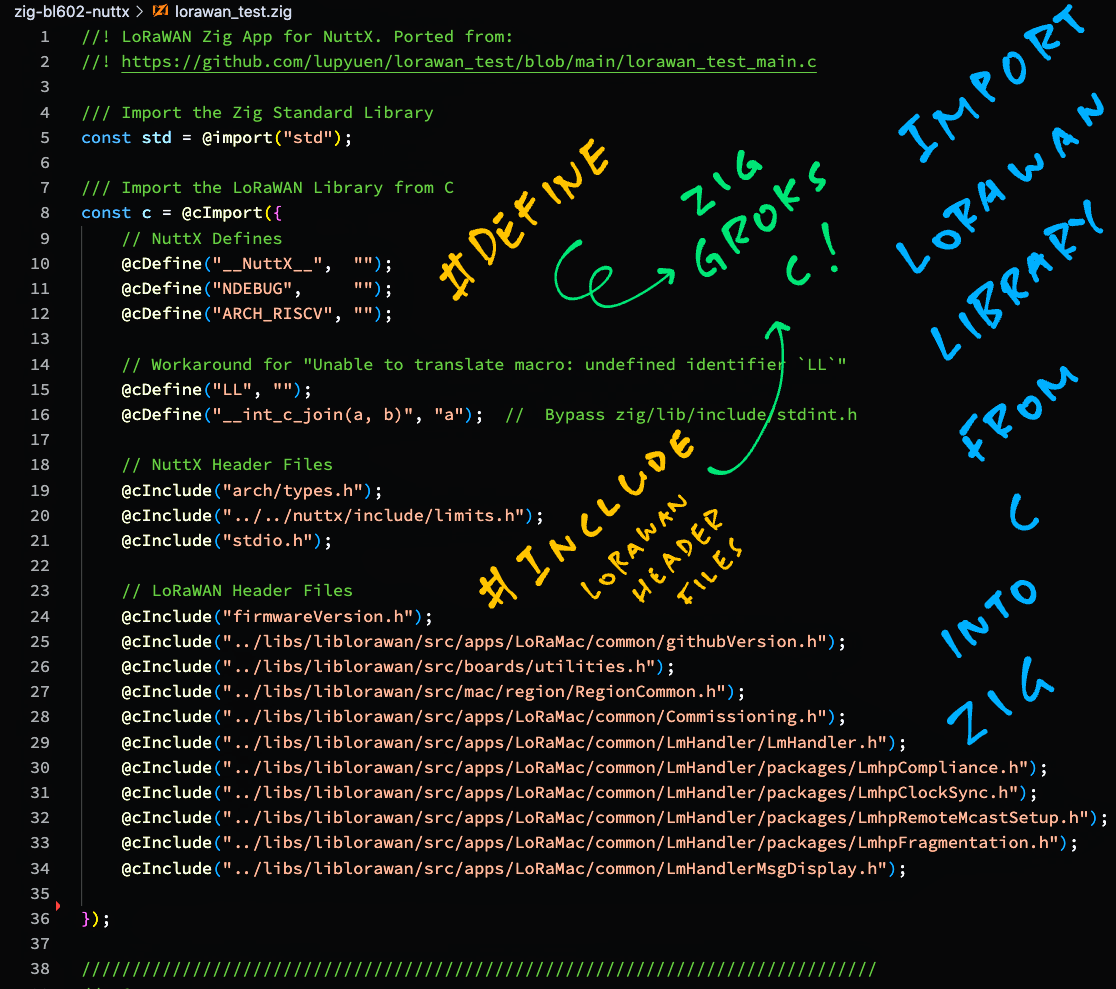
[(Source)](https://github.com/lupyuen/zig-bl602-nuttx/blob/main/lorawan_test.zig#L5-L48)
## Import LoRaWAN Library
Let's dive into our Zig IoT App. We import the [__Zig Standard Library__](https://lupyuen.github.io/articles/zig#import-standard-library) at the top of our app: [lorawan_test.zig](https://github.com/lupyuen/zig-bl602-nuttx/blob/main/lorawan_test.zig#L5-L48)
```zig
/// Import the Zig Standard Library
const std = @import(""std"");
```
Then we call [__@cImport__](https://ziglang.org/documentation/master/#cImport) to import the __C Macros and C Header Files__...
```zig
/// Import the LoRaWAN Library from C
const c = @cImport({
// Define C Macros for NuttX on RISC-V, equivalent to...
// #define __NuttX__
// #define NDEBUG
// #define ARCH_RISCV
@cDefine(""__NuttX__"", """");
@cDefine(""NDEBUG"", """");
@cDefine(""ARCH_RISCV"", """");
```
The code above defines the __C Macros__ that will be called by the C Header Files coming up.
Next comes a workaround for a __C Macro Error__ that appears on Zig with Apache NuttX RTOS...
```zig
// Workaround for ""Unable to translate macro: undefined identifier `LL`""
@cDefine(""LL"", """");
@cDefine(""__int_c_join(a, b)"", ""a""); // Bypass zig/lib/include/stdint.h
```
[(More about this)](https://lupyuen.github.io/articles/iot#appendix-macro-error)
We import the __C Header Files__ for Apache NuttX RTOS...
```zig
// Import the NuttX Header Files from C, equivalent to...
// #include
// #include <../../nuttx/include/limits.h>
// #include
@cInclude(""arch/types.h"");
@cInclude(""../../nuttx/include/limits.h"");
@cInclude(""stdio.h"");
```
[(More about the includes)](https://lupyuen.github.io/articles/iot#appendix-zig-compiler-as-drop-in-replacement-for-gcc)
Followed by the C Header Files for our __LoRaWAN Library__...
```zig
// Import LoRaWAN Header Files from C, based on
// https://github.com/Lora-net/LoRaMac-node/blob/master/src/apps/LoRaMac/fuota-test-01/B-L072Z-LRWAN1/main.c#L24-L40
@cInclude(""firmwareVersion.h"");
@cInclude(""../libs/liblorawan/src/apps/LoRaMac/common/githubVersion.h"");
@cInclude(""../libs/liblorawan/src/boards/utilities.h"");
@cInclude(""../libs/liblorawan/src/mac/region/RegionCommon.h"");
@cInclude(""../libs/liblorawan/src/apps/LoRaMac/common/Commissioning.h"");
@cInclude(""../libs/liblorawan/src/apps/LoRaMac/common/LmHandler/LmHandler.h"");
@cInclude(""../libs/liblorawan/src/apps/LoRaMac/common/LmHandler/packages/LmhpCompliance.h"");
@cInclude(""../libs/liblorawan/src/apps/LoRaMac/common/LmHandler/packages/LmhpClockSync.h"");
@cInclude(""../libs/liblorawan/src/apps/LoRaMac/common/LmHandler/packages/LmhpRemoteMcastSetup.h"");
@cInclude(""../libs/liblorawan/src/apps/LoRaMac/common/LmHandler/packages/LmhpFragmentation.h"");
@cInclude(""../libs/liblorawan/src/apps/LoRaMac/common/LmHandlerMsgDisplay.h"");
});
```
[(Based on this C code)](https://github.com/Lora-net/LoRaMac-node/blob/master/src/apps/LoRaMac/fuota-test-01/B-L072Z-LRWAN1/main.c#L24-L40)
The LoRaWAN Library is ready to be called by our Zig App!
This is how we reference the LoRaWAN Library to define our [__LoRaWAN Region__](https://www.thethingsnetwork.org/docs/lorawan/frequencies-by-country/)...
```zig
/// LoRaWAN Region
const ACTIVE_REGION = c.LORAMAC_REGION_AS923;
```
[(Source)](https://github.com/lupyuen/zig-bl602-nuttx/blob/main/lorawan_test.zig#L44-L86)
_Why the ""__`c.`__"" in `c.LORAMAC_REGION_AS923`?_
Remember that we imported the LoRaWAN Library under the __Namespace ""`c`""__...
```zig
/// Import the LoRaWAN Library under Namespace ""c""
const c = @cImport({ ... });
```
[(Source)](https://github.com/lupyuen/zig-bl602-nuttx/blob/main/lorawan_test.zig#L5-L48)
Hence we use ""`c.something`"" to refer to the Constants and Functions defined in the LoRaWAN Library.
_Why did we define the C Macros like `__NuttX__`?_
These C Macros are needed by the __NuttX Header Files__.
Without the macros, the NuttX Header Files won't be imported correctly into Zig. [(See this)](https://lupyuen.github.io/articles/iot#appendix-zig-compiler-as-drop-in-replacement-for-gcc)
_Why did we import ""arch/types.h""?_
This fixes a problem with the __NuttX Types__. [(See this)](https://lupyuen.github.io/articles/iot#appendix-zig-compiler-as-drop-in-replacement-for-gcc)
Let's head over to the Main Function...
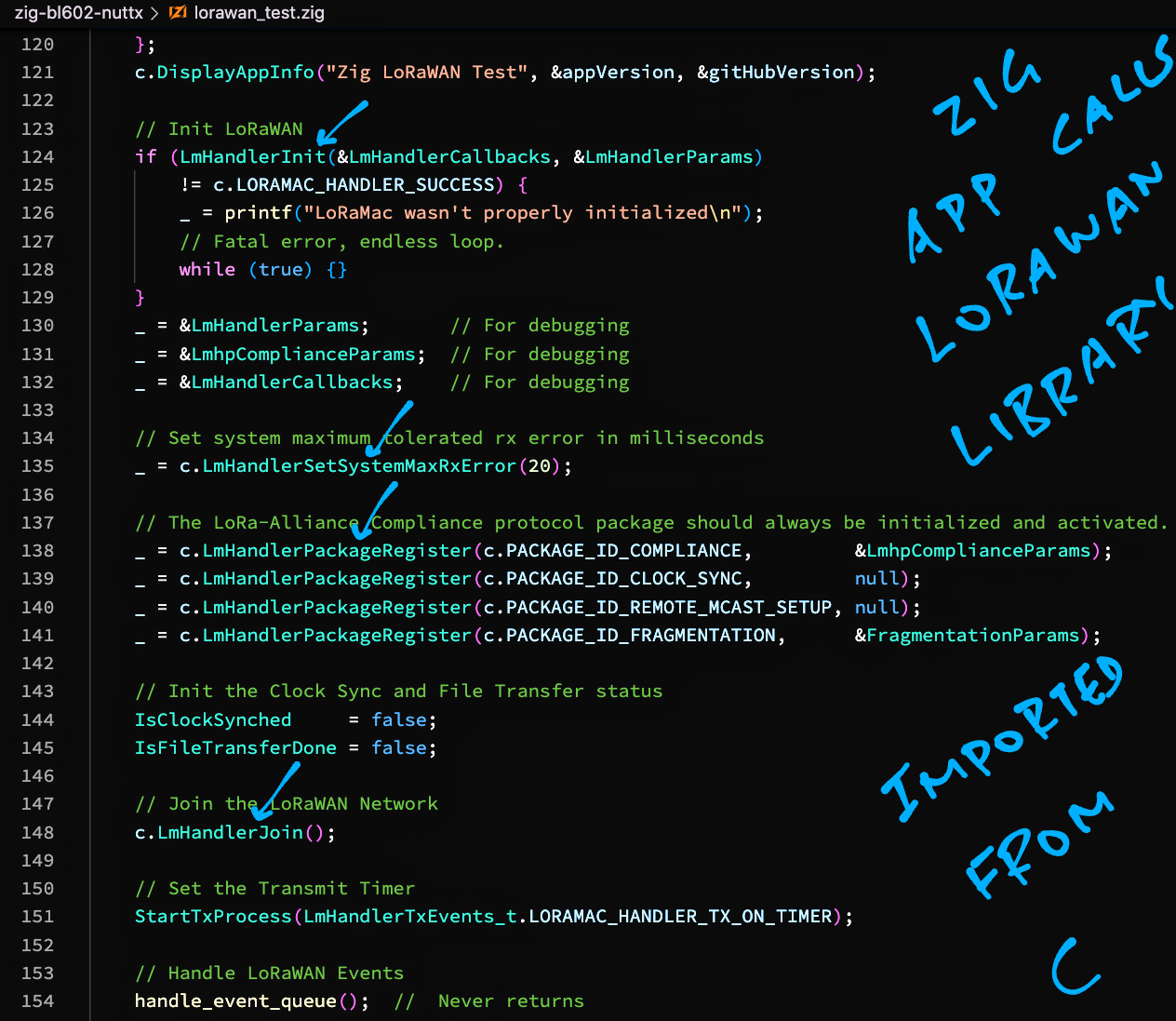
[(Source)](https://github.com/lupyuen/zig-bl602-nuttx/blob/main/lorawan_test.zig#L90-L158)
## Main Function
This is the [__Main Function__](https://lupyuen.github.io/articles/zig#main-function) for our Zig App: [lorawan_test.zig](https://github.com/lupyuen/zig-bl602-nuttx/blob/main/lorawan_test.zig#L90-L158)
```zig
/// Main Function that will be called by NuttX.
/// We call the LoRaWAN Library to join a
/// LoRaWAN Network and send a Data Packet.
pub export fn lorawan_test_main(
_argc: c_int,
_argv: [*]const [*]const u8
) c_int {
_ = _argc;
_ = _argv;
// Init the Timer Struct at startup
TxTimer = std.mem.zeroes(c.TimerEvent_t);
```
[(We init __TxTimer__ here because of this)](https://lupyuen.github.io/articles/iot#appendix-struct-initialisation-error)
We begin by computing the randomised __interval between transmissions__ of LoRaWAN Data Packets...
```zig
// Compute the interval between transmissions based on Duty Cycle
TxPeriodicity = @intCast(u32, // Cast to u32 because randr() can be negative
APP_TX_DUTYCYCLE +
c.randr(
-APP_TX_DUTYCYCLE_RND,
APP_TX_DUTYCYCLE_RND
)
);
```
(We'll talk about __@intCast__ in a while)
Our app sends LoRaWAN Data Packets every __40 seconds__ (roughly). [(See this)](https://github.com/lupyuen/zig-bl602-nuttx/blob/main/lorawan_test.zig#L2-L59)
Next we show the __App Version__...
```zig
// Show the Firmware and GitHub Versions
const appVersion = c.Version_t {
.Value = c.FIRMWARE_VERSION,
};
const gitHubVersion = c.Version_t {
.Value = c.GITHUB_VERSION,
};
c.DisplayAppInfo(""Zig LoRaWAN Test"", &appVersion, &gitHubVersion);
```
Then we __initialise the LoRaWAN Library__...
```zig
// Init LoRaWAN
if (LmHandlerInit(&LmHandlerCallbacks, &LmHandlerParams)
!= c.LORAMAC_HANDLER_SUCCESS) {
std.log.err(""LoRaMac wasn't properly initialized"", .{});
// Fatal error, endless loop.
while (true) {}
}
```
[(__LmHandlerCallbacks__ and __LmHandlerParams__ are defined here)](https://github.com/lupyuen/zig-bl602-nuttx/blob/main/lorawan_test.zig#L651-L682)
(We'll explain ""`.{}`"" in a while)
We set the __Max Tolerated Receive Error__...
```zig
// Set system maximum tolerated rx error in milliseconds
_ = c.LmHandlerSetSystemMaxRxError(20);
```
And we load some packages for __LoRaWAN Compliance__...
```zig
// The LoRa-Alliance Compliance protocol package should always be initialized and activated.
_ = c.LmHandlerPackageRegister(c.PACKAGE_ID_COMPLIANCE, &LmhpComplianceParams);
_ = c.LmHandlerPackageRegister(c.PACKAGE_ID_CLOCK_SYNC, null);
_ = c.LmHandlerPackageRegister(c.PACKAGE_ID_REMOTE_MCAST_SETUP, null);
_ = c.LmHandlerPackageRegister(c.PACKAGE_ID_FRAGMENTATION, &FragmentationParams);
```
[(__LmhpComplianceParams__ and __FragmentationParams__ are defined here)](https://github.com/lupyuen/zig-bl602-nuttx/blob/main/lorawan_test.zig#L684-L709)
Everything is hunky dory! We can now transmit a LoRaWAN Request to __join the LoRaWAN Network__...
```zig
// Init the Clock Sync and File Transfer status
IsClockSynched = false;
IsFileTransferDone = false;
// Join the LoRaWAN Network
c.LmHandlerJoin();
```
[(LoRaWAN Keys and EUIs are defined here)](https://github.com/Lora-net/LoRaMac-node/blob/master/src/peripherals/soft-se/se-identity.h)
We start the __Transmit Timer__ that will send a LoRaWAN Data Packet at periodic intervals (right after we join the LoRaWAN Network)...
```zig
// Set the Transmit Timer
StartTxProcess(LmHandlerTxEvents_t.LORAMAC_HANDLER_TX_ON_TIMER);
```
Finally we loop forever handling __LoRaWAN Events__...
```zig
// Handle LoRaWAN Events
handle_event_queue(); // Never returns
return 0;
}
```
[(__handle_event_queue__ is explained in the Appendix)](https://lupyuen.github.io/articles/iot#appendix-handle-lorawan-events)
That's all for the Main Function of our Zig App!
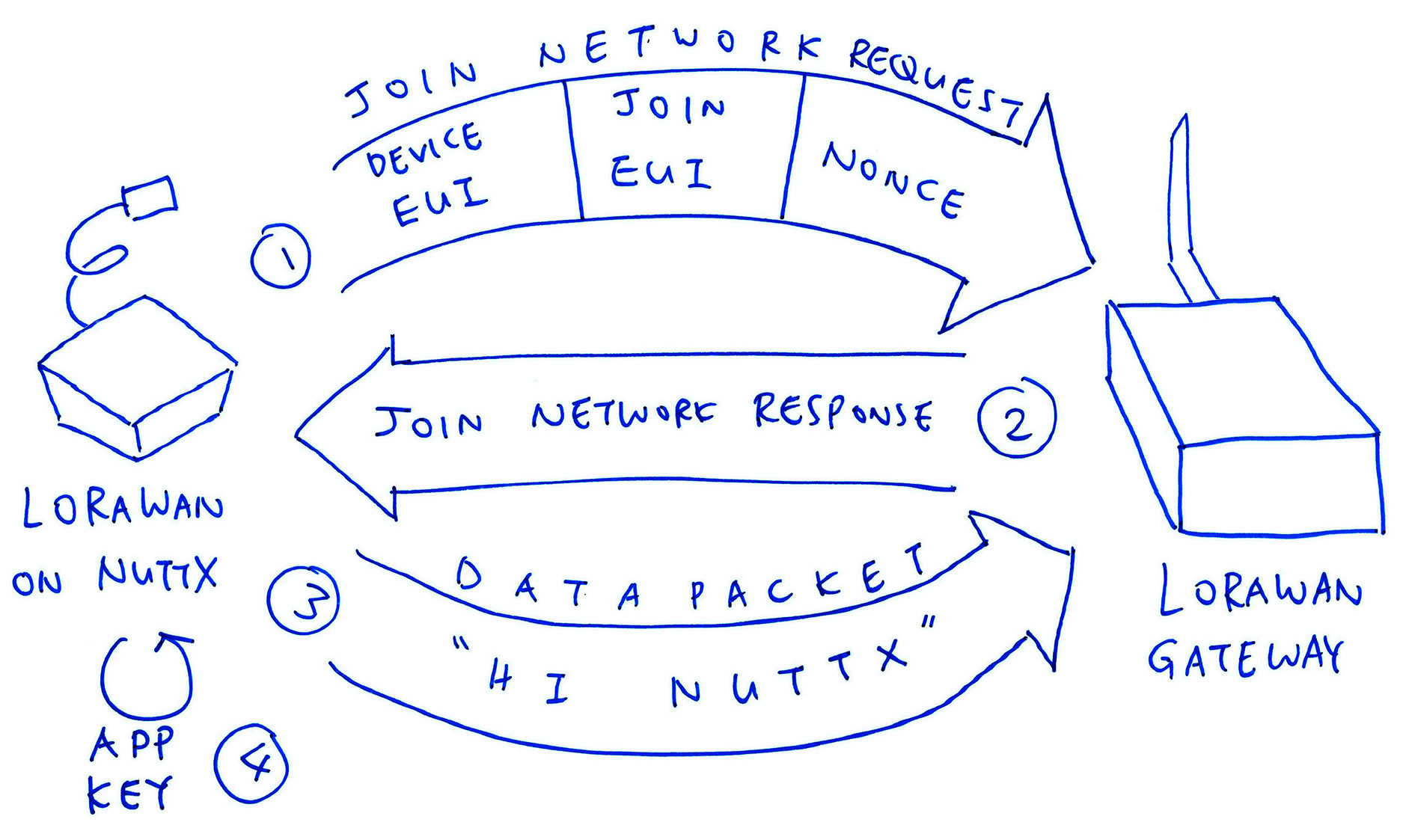
_Wait... Our Zig Code looks familiar?_
Yep our Zig Code is largely identical to the __C Code in the Demo App__ for the LoRaWAN Stack...
- [__LoRaMac/fuota-test-01/main.c__](https://github.com/Lora-net/LoRaMac-node/blob/master/src/apps/LoRaMac/fuota-test-01/B-L072Z-LRWAN1/main.c#L314-L390)
(Pic below)
__Converting C Code to Zig__ looks rather straightforward. In a while we'll talk about the tricky parts we encountered during the conversion.
_Why did we call __LmHandlerInit__ instead of __c.LmHandlerInit__?_
That's one of the tricky parts of our C-to-Zig conversion, as explained here...
- [__""Fix Opaque Type""__](https://lupyuen.github.io/articles/iot#appendix-fix-opaque-type)
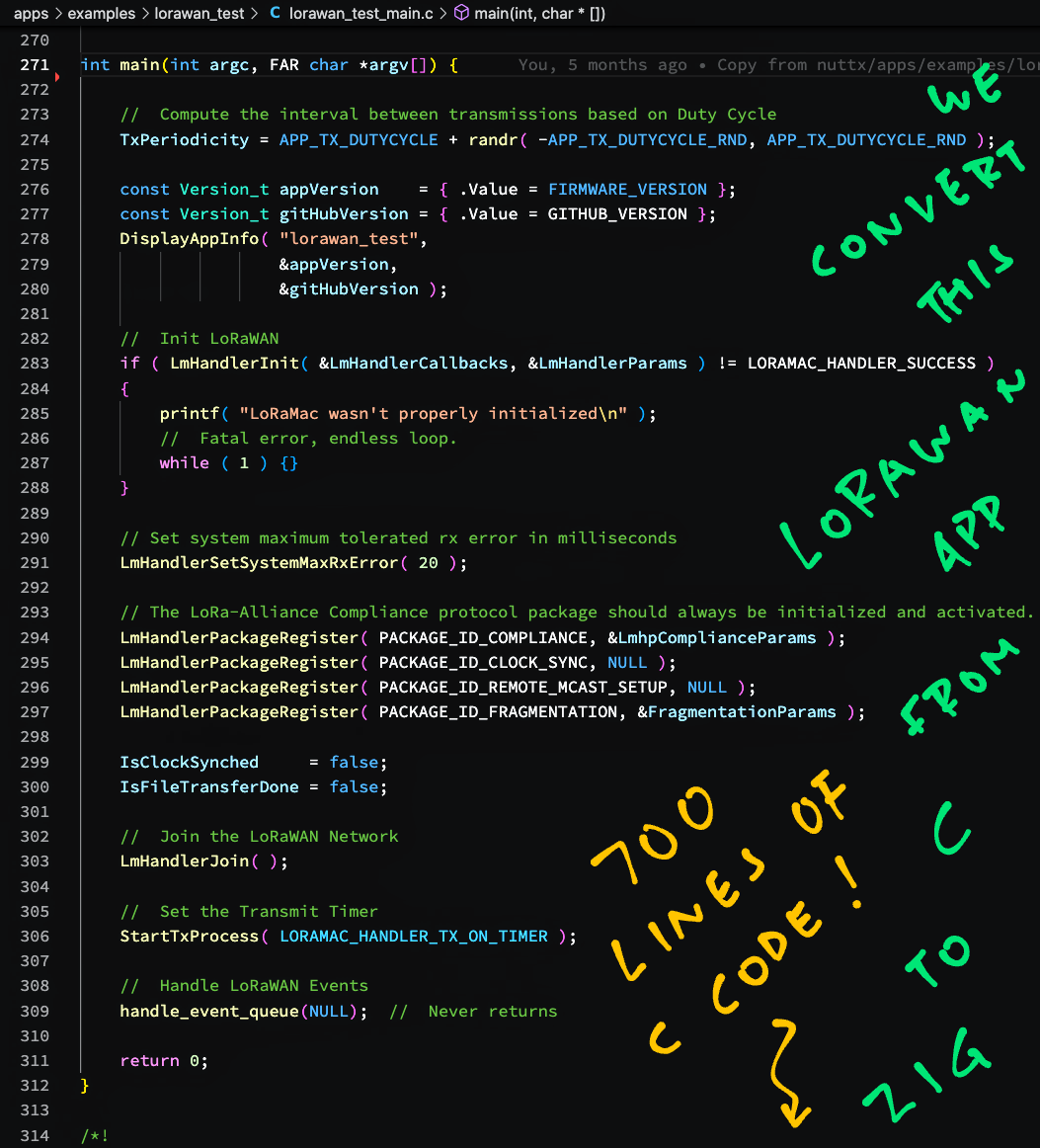
[(Source)](https://github.com/Lora-net/LoRaMac-node/blob/master/src/apps/LoRaMac/fuota-test-01/B-L072Z-LRWAN1/main.c#L314-L390)
## Convert Integer Type
Earlier we saw this computation of the randomised __interval between transmissions__ of LoRaWAN Data Packets: [lorawan_test.zig](https://github.com/lupyuen/zig-bl602-nuttx/blob/main/lorawan_test.zig#L106-L113)
```zig
// In Zig: Compute the interval between transmissions based on Duty Cycle.
// TxPeriodicity is an unsigned integer (32-bit).
// We cast to u32 because randr() can be negative.
TxPeriodicity = @intCast(u32,
APP_TX_DUTYCYCLE +
c.randr(
-APP_TX_DUTYCYCLE_RND,
APP_TX_DUTYCYCLE_RND
)
);
```
[(Roughly 40 seconds)](https://github.com/lupyuen/zig-bl602-nuttx/blob/main/lorawan_test.zig#L52-L59)
Let's find out why [__@intCast__](https://ziglang.org/documentation/master/#intCast) is needed.
In the Original C Code we compute the interval __without any Explicit Type Conversion__...
```c
// In C: Compute the interval between transmissions based on Duty Cycle.
// TxPeriodicity is an unsigned integer (32-bit).
// Remember that randr() can be negative.
TxPeriodicity =
APP_TX_DUTYCYCLE +
randr(
-APP_TX_DUTYCYCLE_RND,
APP_TX_DUTYCYCLE_RND
);
```
[(Source)](https://github.com/Lora-net/LoRaMac-node/blob/master/src/apps/LoRaMac/fuota-test-01/B-L072Z-LRWAN1/main.c#L330-L333)
_What happens if we compile this in Zig?_
Zig Compiler shows this error...
```text
unsigned 32-bit int cannot represent
all possible signed 32-bit values
```
_What does it mean?_
Well __TxPeriodicity__ is an __Unsigned Integer__...
```zig
/// Random interval between transmissions
var TxPeriodicity: u32 = 0;
```
But [__randr()__](https://github.com/Lora-net/LoRaMac-node/blob/master/src/boards/utilities.h#L94-L101) returns a __Signed Integer__...
```c
/// Computes a random number between min and max
int32_t randr(int32_t min, int32_t max);
```
Mixing __Signed and Unsigned Integers__ is a Bad Sign (pun intended)...
__randr()__ could potentially cause __TxPeriodicity__ to underflow!
_How does @intCast fix this?_
When we write this with [__@intCast__](https://ziglang.org/documentation/master/#intCast)...
```zig
TxPeriodicity = @intCast(u32,
APP_TX_DUTYCYCLE +
c.randr(
-APP_TX_DUTYCYCLE_RND,
APP_TX_DUTYCYCLE_RND
)
);
```
We're telling the Zig Compiler to convert the __Signed Result to an Unsigned Integer__.
[(More about __@intCast__)](https://ziglang.org/documentation/master/#intCast)
_What happens if there's an underflow?_
The Signed-to-Unsigned Conversion fails and we'll see a __Runtime Error__...
```text
!ZIG PANIC!
attempt to cast negative value to unsigned integer
Stack Trace:
0x23016dba
```
Great to have Zig watching our backs... When we do risky things! 👍
[(How we implemented a Custom Panic Handler)](https://lupyuen.github.io/articles/iot#appendix-panic-handler)
## Transmit Data Packet
Back to our Zig App: This is how we __transmit a Data Packet__ to the LoRaWAN Network: [lorawan_test.zig](https://github.com/lupyuen/zig-bl602-nuttx/blob/main/lorawan_test.zig#L163-L205)
```zig
/// Prepare the payload of a Data Packet
/// and transmit it
fn PrepareTxFrame() void {
// If we haven't joined the LoRaWAN Network...
if (c.LmHandlerIsBusy()) {
// Try again later
return;
}
```
LoRaWAN won't let us transmit data unless we've __joined the LoRaWAN Network__. So we check this first.
Next we prepare the __message to be sent__ _(""Hi NuttX"")_...
```zig
// Message to be sent to LoRaWAN
const msg: []const u8 = ""Hi NuttX\x00""; // 9 bytes including null
debug(""PrepareTxFrame: Transmit to LoRaWAN ({} bytes): {s}"", .{
msg.len, msg
});
```
(We'll talk about __debug__ in a while)
That's __9 bytes__, including the Terminating Null.
_Why so smol?_
The first LoRaWAN message needs to be __11 bytes__ or smaller, subsequent messages can be up to __53 bytes__.
This depends on the __LoRaWAN Data Rate__ and the LoRaWAN Region. [(See this)](https://lupyuen.github.io/articles/lorawan3#message-size)
Then we copy the message into the __LoRaWAN Buffer__...
```zig
// Copy message into LoRaWAN buffer
std.mem.copy(
u8, // Type
&AppDataBuffer, // Destination
msg // Source
);
```
[(__std.mem.copy__ is documented here)](https://ziglang.org/documentation/master/std/#std;mem.copy)
[(__AppDataBuffer__ is defined here)](https://github.com/lupyuen/zig-bl602-nuttx/blob/main/lorawan_test.zig#L732-L737)
We compose the __LoRaWAN Transmit Request__...
```zig
// Compose the transmit request
var appData = c.LmHandlerAppData_t {
.Buffer = &AppDataBuffer,
.BufferSize = msg.len,
.Port = 1,
};
```
Rmember that the [__Max Message Size__](https://lupyuen.github.io/articles/lorawan3#message-size) depends on the LoRaWAN Data Rate and the LoRaWAN Region?
This is how we __validate the Message Size__ to make sure that our message isn't too large...
```zig
// Validate the message size and check if it can be transmitted
var txInfo: c.LoRaMacTxInfo_t = undefined;
const status = c.LoRaMacQueryTxPossible(
appData.BufferSize, // Message Size
&txInfo // Unused
);
assert(status == c.LORAMAC_STATUS_OK);
```
Finally we __transmit the message__ to the LoRaWAN Network...
```zig
// Transmit the message
const sendStatus = c.LmHandlerSend(
&appData, // Transmit Request
LmHandlerParams.IsTxConfirmed // False (No acknowledge required)
);
assert(sendStatus == c.LORAMAC_HANDLER_SUCCESS);
debug(""PrepareTxFrame: Transmit OK"", .{});
}
```
And that's how [__PrepareTxFrame__](https://github.com/lupyuen/zig-bl602-nuttx/blob/main/lorawan_test.zig#L163-L205) transmits a Data Packet over LoRaWAN.
_How is PrepareTxFrame called?_
After we have joined the LoRaWAN Network, our LoRaWAN Event Loop calls [__UplinkProcess__](https://github.com/lupyuen/zig-bl602-nuttx/blob/main/lorawan_test.zig#L222-L232)...
```zig
/// LoRaWAN Event Loop that dequeues Events from
/// the Event Queue and processes the Events
fn handle_event_queue() void {
// Loop forever handling Events from the Event Queue
while (true) {
// Omitted: Handle the next Event from the Event Queue
...
// If we have joined the network, do the uplink
if (!c.LmHandlerIsBusy()) {
UplinkProcess();
}
```
[(Source)](https://github.com/lupyuen/zig-bl602-nuttx/blob/main/lorawan_test.zig#L451-L492)
[__UplinkProcess__](https://github.com/lupyuen/zig-bl602-nuttx/blob/main/lorawan_test.zig#L222-L232) then calls [__PrepareTxFrame__](https://github.com/lupyuen/zig-bl602-nuttx/blob/main/lorawan_test.zig#L163-L205) to transmit a Data Packet, when the Transmit Timer has expired.
[(__UplinkProcess__ is defined here)](https://github.com/lupyuen/zig-bl602-nuttx/blob/main/lorawan_test.zig#L222-L232)
[(__handle_event_queue__ is explained in the Appendix)](https://lupyuen.github.io/articles/iot#appendix-handle-lorawan-events)
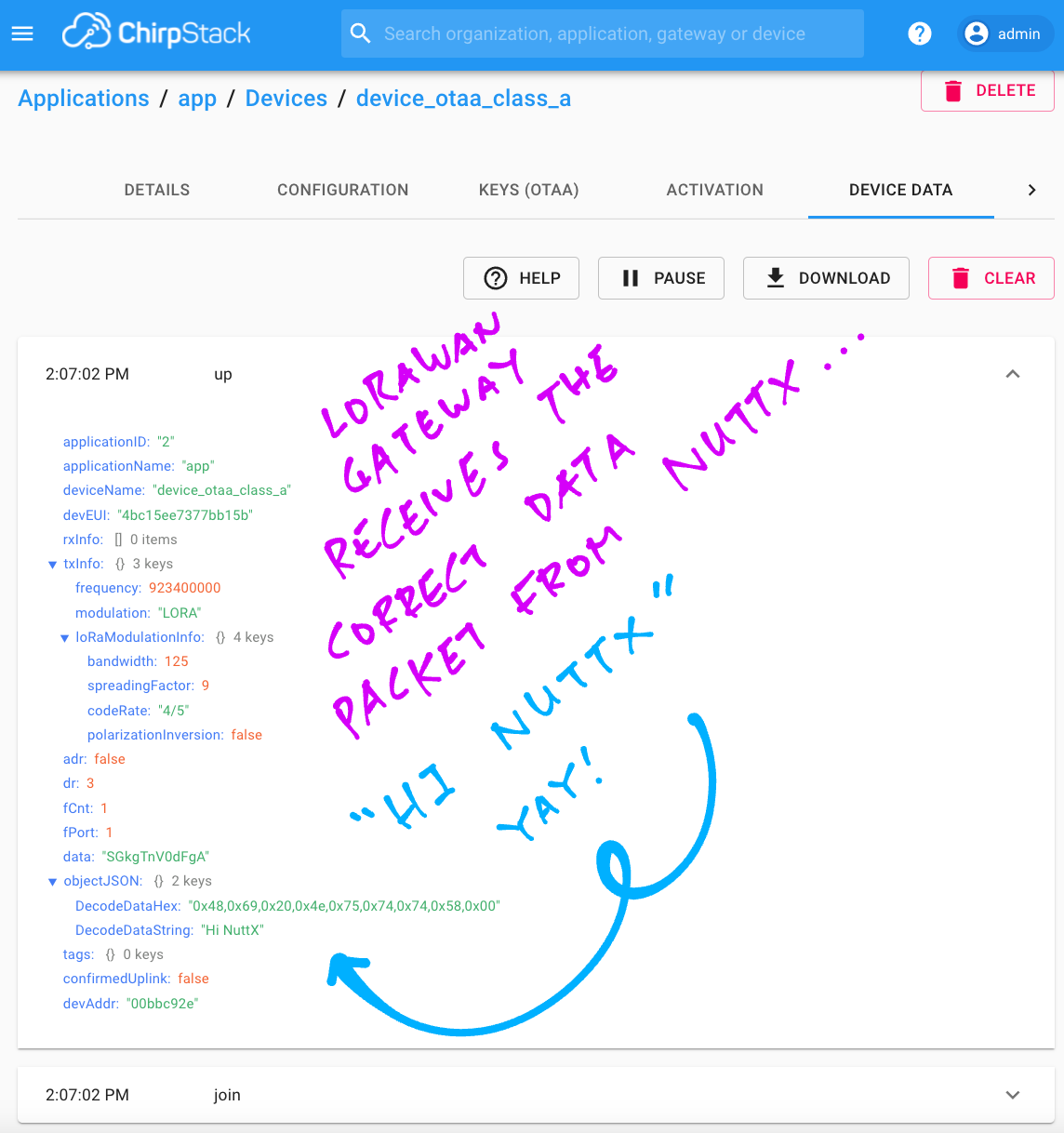
_ChirpStack LoRaWAN Gateway receives Data Packet from our Zig App_
## Logging
Earlier we saw this code for printing a __Debug Message__...
```zig
// Message to be sent
const msg: []const u8 = ""Hi NuttX\x00""; // 9 bytes including null
// Print the message
debug(""Transmit to LoRaWAN ({} bytes): {s}"", .{
msg.len, msg
});
```
[(Source)](https://github.com/lupyuen/zig-bl602-nuttx/blob/main/lorawan_test.zig#L170-L176)
The code above prints this __Formatted Message__ to the console...
```text
Transmit to LoRaWAN (9 bytes): Hi NuttX
```
The __Format Specifiers__ `{}` and `{s}` embedded in the Format String are explained here...
- [__Zig Formatting__](https://ziglearn.org/chapter-2/#formatting)
- [__Format Specifiers__](https://github.com/ziglang/zig/blob/master/lib/std/fmt.zig#L27-L72)
_What's `.{ ... }`?_
`.{ ... }` creates an [__Anonymous Struct__](https://ziglearn.org/chapter-1/#anonymous-structs) with a variable number of arguments that will be passed to the __debug__ function for formatting.
_And if we have no arguments?_
Then we do this...
```zig
// Print the message without formatting
debug(""Transmit to LoRaWAN"", .{});
```
We discuss the implementation of __Zig Logging__ in the Appendix...
- [__""Appendix: Logging""__](https://lupyuen.github.io/articles/iot#appendix-logging)
## Compile Zig App
Now that we understand the code, we're ready to __compile our LoRaWAN Zig App__!
We download and compile __Apache NuttX RTOS__ for PineDio Stack BL604...
- [__""Build NuttX""__](https://lupyuen.github.io/articles/pinedio2#build-nuttx)
Before compiling NuttX, configure the __LoRaWAN App Key, Device EUI and Join EUI__ in the LoRaWAN Library...
- [__""Device EUI, Join EUI and App Key""__](https://lupyuen.github.io/articles/lorawan3#device-eui-join-eui-and-app-key)
After building NuttX, we download and compile our __LoRaWAN Zig App__...
```bash
## Download our LoRaWAN Zig App for NuttX
git clone --recursive https://github.com/lupyuen/zig-bl602-nuttx
cd zig-bl602-nuttx
## TODO: Edit lorawan_test.zig and set the LoRaWAN Region...
## const ACTIVE_REGION = c.LORAMAC_REGION_AS923;
## Compile the Zig App for BL602
## (RV32IMACF with Hardware Floating-Point)
## TODO: Change ""$HOME/nuttx"" to your NuttX Project Directory
zig build-obj \
--verbose-cimport \
-target riscv32-freestanding-none \
-mcpu=baseline_rv32-d \
-isystem ""$HOME/nuttx/nuttx/include"" \
-I ""$HOME/nuttx/apps/examples/lorawan_test"" \
lorawan_test.zig
```
[(See the Compile Log)](https://gist.github.com/lupyuen/b29186ad4ad870bcaaace704fd3def7d)
Note that __target__ and __mcpu__ are specific to BL602...
- [__""Zig Target""__](https://lupyuen.github.io/articles/zig#zig-target)
_How did we get the Compiler Options `-isystem` and `-I`?_
Remember that we'll link our Compiled Zig App with __Apache NuttX RTOS.__
Hence the __Zig Compiler Options must be the same__ as the GCC Options used to compile NuttX.
[(See the GCC Options for NuttX)](https://lupyuen.github.io/articles/iot#appendix-zig-compiler-as-drop-in-replacement-for-gcc)
Next comes a quirk specific to BL602: We must __patch the ELF Header__ from Software Floating-Point ABI to Hardware Floating-Point ABI...
```bash
## Patch the ELF Header of `lorawan_test.o`
## from Soft-Float ABI to Hard-Float ABI
xxd -c 1 lorawan_test.o \
| sed 's/00000024: 01/00000024: 03/' \
| xxd -r -c 1 - lorawan_test2.o
cp lorawan_test2.o lorawan_test.o
```
[(More about this)](https://lupyuen.github.io/articles/zig#patch-elf-header)
Finally we inject our __Compiled Zig App__ into the NuttX Project Directory and link it into the __NuttX Firmware__...
```bash
## Copy the compiled app to NuttX and overwrite `lorawan_test.o`
## TODO: Change ""$HOME/nuttx"" to your NuttX Project Directory
cp lorawan_test.o $HOME/nuttx/apps/examples/lorawan_test/*lorawan_test.o
## Build NuttX to link the Zig Object from `lorawan_test.o`
## TODO: Change ""$HOME/nuttx"" to your NuttX Project Directory
cd $HOME/nuttx/nuttx
make
## For WSL: Copy the NuttX Firmware to c:\blflash for flashing
mkdir /mnt/c/blflash
cp nuttx.bin /mnt/c/blflash
```
We're ready to run our Zig App!

## Run Zig App
Follow these steps to __flash and boot NuttX__ (with our Zig App inside) on PineDio Stack...
- [__""Flash PineDio Stack""__](https://lupyuen.github.io/articles/pinedio2#flash-pinedio-stack)
- [__""Boot PineDio Stack""__](https://lupyuen.github.io/articles/pinedio2#boot-pinedio-stack)
In the NuttX Shell, enter this command to start our Zig App...
```bash
lorawan_test
```
Our Zig App starts and transmits a LoRaWAN Request to __join the LoRaWAN Network__ (by controlling the LoRa Transceiver over SPI)...
```text
Application name : Zig LoRaWAN Test
###### =========== MLME-Request ============ ######
###### MLME_JOIN ######
###### ===================================== ######
```
[(See the complete log)](https://gist.github.com/lupyuen/0871ac515b18d9d68d3aacf831fd0f5b)
5 seconds later, our app receives the __Join Accept Response__ from our ChirpStack LoRaWAN Gateway (by handling the GPIO Interrupt triggered by the LoRa Transceiver)...
```text
###### =========== MLME-Confirm ============ ######
STATUS : OK
###### =========== JOINED ============ ######
OTAA
DevAddr : 00D803AB
DATA RATE : DR_2
```
[(Source)](https://gist.github.com/lupyuen/0871ac515b18d9d68d3aacf831fd0f5b)
We have successfully joined the LoRaWAN Network!
Every 40 seconds, our app transmits a __Data Packet__ _(""Hi NuttX"")_ to the LoRaWAN Network...
```text
PrepareTxFrame: Transmit to LoRaWAN (9 bytes): Hi NuttX
###### =========== MCPS-Confirm =========== ######
STATUS : OK
###### ===== UPLINK FRAME 1 ===== ######
CLASS : A
TX PORT : 1
TX DATA : UNCONFIRMED
48 69 20 4E 75 74 74 58 00
DATA RATE : DR_3
U/L FREQ : 923200000
TX POWER : 0
CHANNEL MASK: 0003
```
[(Source)](https://gist.github.com/lupyuen/0871ac515b18d9d68d3aacf831fd0f5b)
The Data Packet appears in our __LoRaWAN Gateway__ (ChirpStack), like in the pic below.
Yep our LoRaWAN Zig App has successfully transmitted a Data Packet to the LoRaWAN Network! 🎉

_Can we test our app without a LoRaWAN Gateway?_
Our app will work fine with [__The Things Network__](https://lupyuen.github.io/articles/ttn), the worldwide free-to-use LoRaWAN Network.
Check the Network Coverage here...
- [__The Things Network Coverage Map__](https://www.thethingsnetwork.org/map)
And set the [__LoRaWAN Parameters__](https://lupyuen.github.io/articles/lorawan3#device-eui-join-eui-and-app-key) like so...
- __LORAWAN_DEVICE_EUI__: Set this to the __DevEUI__ from The Things Network
- __LORAWAN_JOIN_EUI__: Set this to `{ 0x00, 0x00, 0x00, 0x00, 0x00, 0x00, 0x00, 0x00 }`
- __APP_KEY, NWK_KEY__: Set both to the __AppKey__ from The Things Network
To get the __DevEUI__ and __AppKey__ from The Things Network...
- [__""Add Device to The Things Network""__](https://lupyuen.github.io/articles/ttn#add-device-to-the-things-network)
(I don't think __NWK_KEY__ is used)
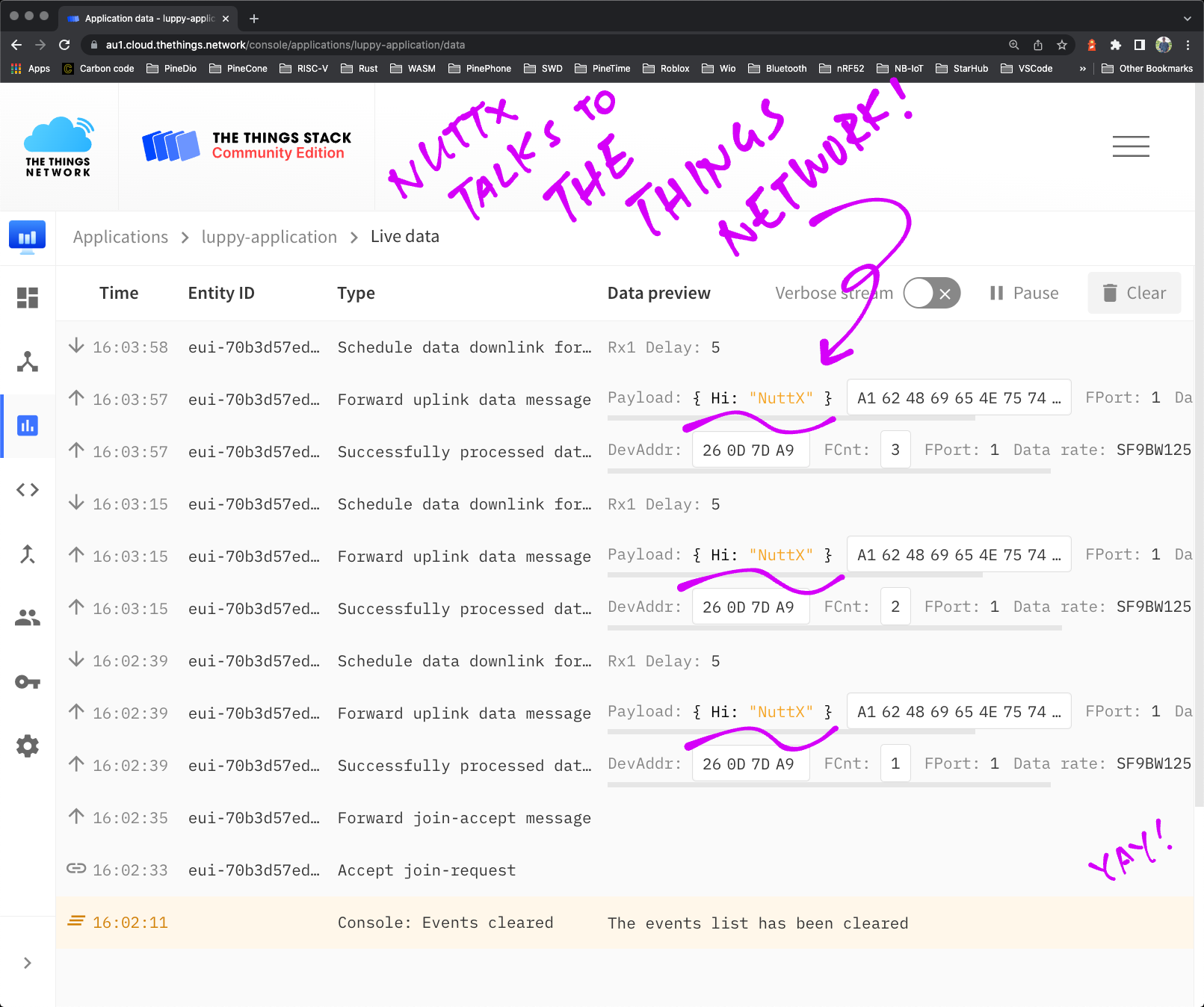
_The Things Network receives Data Packet from our LoRaWAN App_
## Safety Checks
_Our IoT App is now in Zig instead of C. Do we gain anything with Zig?_
We claimed earlier that __Zig is watching our backs__ (in case we do something risky)...
- [__""Convert Integer Type""__](https://lupyuen.github.io/articles/iot#convert-integer-type)
Let's dig for more evidence that Zig really tries to protect our programs...
This __C Code__ (from the original LoRaWAN Demo) copies an array, byte by byte...
```c
static int8_t FragDecoderWrite(uint32_t addr, uint8_t *data, uint32_t size) {
for (uint32_t i = 0; i < size; i++ ) {
UnfragmentedData[addr + i] = data[i];
}
```
[(Source)](https://github.com/lupyuen/lorawan_test/blob/main/lorawan_test_main.c#L539-L550)
Our Zig Compiler has a fascinating feature: It can __translate C programs into Zig__!
- [__""Auto-Translate LoRaWAN App from C to Zig""__](https://lupyuen.github.io/articles/iot#appendix-auto-translate-lorawan-app-to-zig)
When we feed the above C Code into Zig's Auto-Translator, it produces this functionally-equivalent __Zig Code__...
```zig
pub fn FragDecoderWrite(addr: u32, data: [*c]u8, size: u32) callconv(.C) i8 {
var i: u32 = 0;
while (i < size) : (i +%= 1) {
UnfragmentedData[addr +% i] = data[i];
}
```
[(Source)](https://github.com/lupyuen/zig-bl602-nuttx/blob/main/translated/lorawan_test_main.zig#L4335-L4349)
_Hmmm something looks different?_
Yep the __Array Indexing__ in C...
```c
// Array Indexing in C...
UnfragmentedData[addr + i]
```
Gets translated to this in Zig...
```zig
// Array Indexing in Zig...
UnfragmentedData[addr +% i]
```
""__`+`__"" in C becomes ""__`+%`__"" in Zig!
_What's ""`+%`"" in Zig?_
That's the Zig Operator for [__Wraparound Addition__](https://ziglang.org/documentation/master/#Wrapping-Operations).
Which means that the result __wraps back to 0__ (and beyond) if the addition overflows the integer.
_Exactly how we expect C to work right?_
Yep the Zig Compiler has faithfully translated the Wraparound Addition from C to Zig.
But this isn't what we intended, since we don't expect the addition to overflow.
That's why in our final converted Zig code, we __revert ""`+%`"" back to ""`+`""__...
```zig
export fn FragDecoderWrite(addr: u32, data: [*c]u8, size: u32) i8 {
var i: u32 = 0;
while (i < size) : (i += 1) {
// We changed `+%` back to `+`
UnfragmentedData[addr + i] = data[i];
}
```
[(Source)](https://github.com/lupyuen/zig-bl602-nuttx/blob/main/lorawan_test.zig#L403-L412)
_But what happens if the addition overflows?_
We'll see a Runtime Error...
```text
panic: integer overflow
```
[(Source)](https://ziglang.org/documentation/master/#Integer-Overflow)
Which is probably a good thing, to ensure that our values are sensible.
_What if our Array Index goes out of bounds?_
We'll get another Runtime Error...
```text
panic: index out of bounds
```
[(Source)](https://ziglang.org/documentation/master/#Index-out-of-Bounds)
We handle Runtime Errors in our __Custom Panic Handler__, as explained here...
- [__""Zig Panic Handler""__](https://lupyuen.github.io/articles/iot#appendix-panic-handler)
_So Zig watches for underflow / overflow / out-of-bounds errors at runtime. Anything else?_
Here's the list of __Safety Checks__ done by Zig at runtime...
- [__""Zig Undefined Behavior""__](https://ziglang.org/documentation/master/#Undefined-Behavior)
Thus indeed, Zig tries very hard to catch all kinds of problems at runtime.
And that's super helpful for a complex app like ours.
_Can we turn off the Safety Checks?_
If we prefer to live a little recklessly (momentarily), this is how we __disable the Safety Checks__...
- [__@setRuntimeSafety__](https://ziglang.org/documentation/master/#setRuntimeSafety)
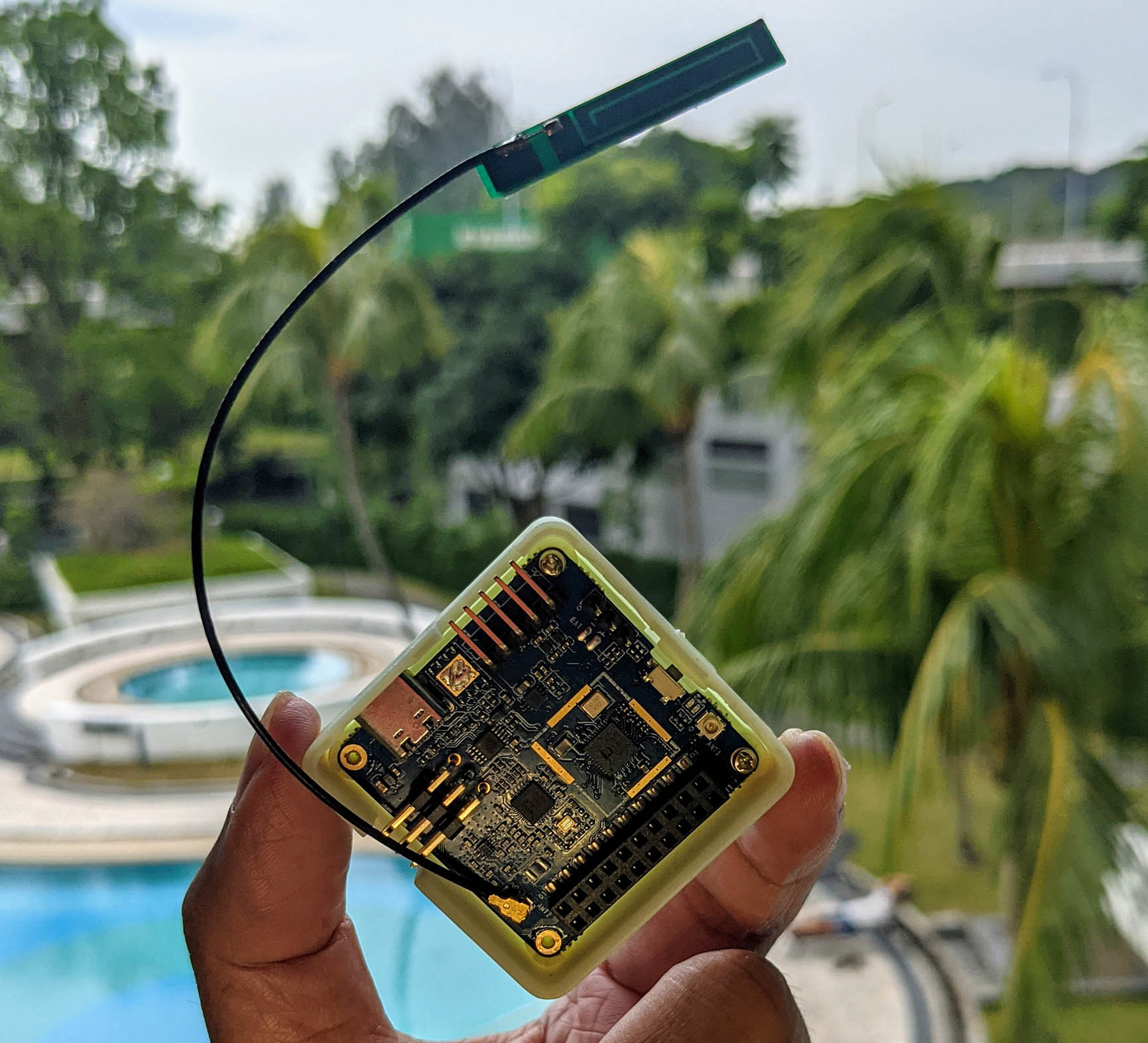
## Zig Outcomes
_Once again... Why are we doing this in Zig?_
Let's recap: We have a __complex chunk of firmware__ that needs to run on an IoT gadget (PineDio Stack)...
- It talks SPI to the __LoRa Radio Transceiver__ to transmit packets
- It handles __GPIO Interrupts__ from the LoRa Transceiver to receive packets
- It needs __Multithreading, Timers and Event Queues__ because the LoRaWAN Protocol is complicated and time-critical
We wished we could __rewrite the LoRaWAN Stack__ in a modern, memory-safe language... But we can't. [(Because LoRaWAN changes)](https://lupyuen.github.io/articles/zig#why-zig)
_But we can do this partially in Zig right?_
Yes it seems the best we can do today is to...
- Code the __High-Level Parts in Zig__
(Event Loop and Data Transmission)
- Leave the __Low-Level Parts in C__
(LoRaWAN Stack and Apache NuttX RTOS)
And Zig Compiler will do the __Zig-to-C__ plumbing for us. (As we've seen)
_Zig Compiler calls Clang to import the C Header Files. But NuttX compiles with GCC. Won't we have problems with code compatibility?_
We have validated Zig Compiler's __Clang as a drop-in replacement__ for GCC...
- [__""Zig Compiler as Drop-In Replacement for GCC""__](https://lupyuen.github.io/articles/iot#appendix-zig-compiler-as-drop-in-replacement-for-gcc)
- [__""LoRaWAN Library (compiled with zig cc)""__](https://lupyuen.github.io/articles/iot#appendix-lorawan-library-for-nuttx)
- [__""LoRaWAN App (compiled with zig cc)""__](https://lupyuen.github.io/articles/iot#appendix-lorawan-app-for-nuttx)
Hence we're confident that __Zig will interoperate correctly__ with the LoRaWAN Stack and Apache NuttX RTOS.
(Well for BL602 NuttX at least)
_Were there problems with Zig-to-C interoperability?_
We hit some __minor interoperability issues__ and we found workarounds...
- [__""Opaque Type Error""__](https://lupyuen.github.io/articles/iot#appendix-opaque-type-error)
- [__""Fix Opaque Type""__](https://lupyuen.github.io/articles/iot#appendix-fix-opaque-type)
- [__""Macro Error""__](https://lupyuen.github.io/articles/iot#appendix-macro-error)
- [__""Struct Initialisation Error""__](https://lupyuen.github.io/articles/iot#appendix-struct-initialisation-error)
No showstoppers, so our Zig App is good to go!
_Is Zig effective in managing the complexity of our firmware?_
I think it is! Zig has plenty of __Safety Checks__ to help ensure that we're doing the right thing...
- [__""Safety Checks""__](https://lupyuen.github.io/articles/iot#safety-checks)
Now I feel confident that I can __safely extend__ our Zig App to do more meaningful IoT things..
- Read BL602's __Internal Temperature Sensor__ [(Like this)](https://github.com/lupyuen/bl602_adc_test)
- Compress the Temperature Sensor Data with __CBOR__ [(Like this)](https://lupyuen.github.io/articles/cbor2)
- Transmit over LoRaWAN to __The Things Network__ [(Like this)](https://lupyuen.github.io/articles/ttn)
- Monitor the Sensor Data with __Prometheus and Grafana__ [(Like this)](https://lupyuen.github.io/articles/prometheus)
We'll extend our Zig App the modular way thanks to [__@import__](https://zig.news/mattnite/import-and-packages-23mb)

_Is there anything else that might benefit from Zig?_
[__LVGL Touchscreen Apps__](https://lupyuen.github.io/articles/pinedio2#nuttx-apps) might be easier to maintain when we code them in Zig.
(Since LVGL looks as complicated as LoRaWAN)
Someday I'll try LVGL on Zig... And we might possibly combine it with LoRaWAN in a single Zig App!
_LVGL Touchscreen Apps might benefit from Zig_
## What's Next
I hope this article has inspired you to create IoT apps in Zig!
In the coming weeks I shall flesh out our Zig App, so that it works like a real __IoT Sensor Device.__
(With Temperature Sensor, CBOR Encoding, The Things Network, ...)
Many Thanks to my [__GitHub Sponsors__](https://github.com/sponsors/lupyuen) for supporting my work! This article wouldn't have been possible without your support.
- [__Sponsor me a coffee__](https://github.com/sponsors/lupyuen)
- [__Discuss this article on Reddit__](https://www.reddit.com/r/Zig/comments/vbvj9e/build_an_iot_app_with_zig_and_lorawan/)
- [__Read ""The RISC-V BL602 / BL604 Book""__](https://lupyuen.github.io/articles/book)
- [__Check out my articles__](https://lupyuen.github.io)
- [__RSS Feed__](https://lupyuen.github.io/rss.xml)
_Got a question, comment or suggestion? Create an Issue or submit a Pull Request here..._
[__`lupyuen.github.io/src/iot.md`__](https://github.com/lupyuen/lupyuen.github.io/blob/master/src/iot.md)
## Notes
1. This article is the expanded version of [__this Twitter Thread__](https://twitter.com/MisterTechBlog/status/1533595486577258496)
1. This article was inspired by a question from my [__GitHub Sponsor__](https://github.com/sponsors/lupyuen): ""Can we run Zig on BL602 with Apache NuttX RTOS?""
1. These articles were super helpful for __Zig-to-C Interoperability__...
[__""Working with C""__](https://ziglearn.org/chapter-4/)
[__""Compile a C/C++ Project with Zig""__](https://zig.news/kristoff/compile-a-c-c-project-with-zig-368j)
[__""Extend a C/C++ Project with Zig""__](https://zig.news/kristoff/extend-a-c-c-project-with-zig-55di)
[__""Maintain it With Zig""__](https://kristoff.it/blog/maintain-it-with-zig)
1. Can we use [__Zig Async Functions__](https://ziglang.org/documentation/master/#Async-Functions) to simplify our Zig IoT App?
Interesting idea, let's explore that! [(See this)](https://www.reddit.com/r/Zig/comments/vbvj9e/comment/iclmwr9/?utm_source=share&utm_medium=web2x&context=3)
1. I'm now using [__Zig Type Reflection__](https://ziglang.org/documentation/master/#typeInfo) to document the internals of the LoRaWAN Library...
[__""Zig Type Reflection for LoRaWAN Library""__](https://github.com/lupyuen/zig-bl602-nuttx#zig-type-reflection)
The LoRaWAN Library is a popular library that runs on many platforms, would be great if Zig can create helpful docs for the complicated multithreaded library.
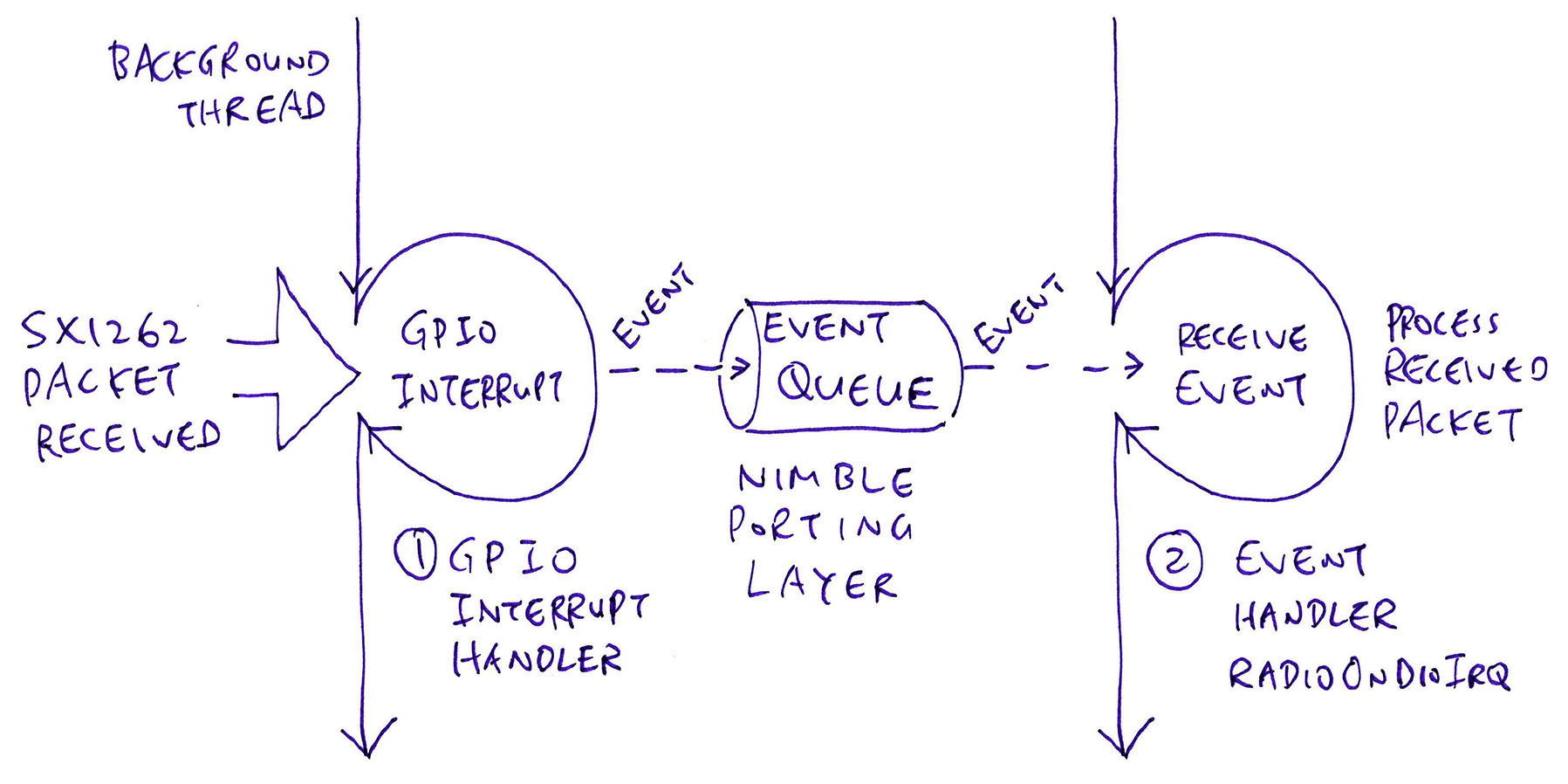
## Appendix: Handle LoRaWAN Events
Let's look at the __Event Loop__ that handles the LoRa and LoRaWAN Events in our app.
_Our Event Loop looks different from the Original LoRaWAN Demo App?_
Yep the Original LoRaWAN Demo App handles LoRaWAN Events in a __Busy-Wait Loop__. [(See this)](https://github.com/Lora-net/LoRaMac-node/blob/master/src/apps/LoRaMac/fuota-test-01/B-L072Z-LRWAN1/main.c#L366-L389)
But since our Zig App runs on a Real-Time Operating System (RTOS), we can use the __Multithreading Features__ (Timers and Event Queues) provided by the RTOS.
_So we're directly calling the Timers and Event Queues from Apache NuttX RTOS?_
Not quite. We're calling the Timers and Event Queues provided by [__NimBLE Porting Layer__](https://lupyuen.github.io/articles/sx1262#multithreading-with-nimble-porting-layer).
NimBLE Porting Layer is a [__Portable Multitasking Library__](https://github.com/apache/mynewt-nimble/tree/master/porting/npl) that works on multiple operating systems: FreeRTOS, Linux, Mynewt, NuttX, RIOT.
By calling NimBLE Porting Layer, our modded LoRaWAN Stack will run on all of these operating systems (hopefully).
[(More about NimBLE Porting Layer)](https://lupyuen.github.io/articles/sx1262#multithreading-with-nimble-porting-layer)
_Alright let's see the code!_
Our Event Loop forever reads LoRa and LoRaWAN Events from an __Event Queue__ and handles them.
The Event Queue is created in our LoRa SX1262 Library as explained here...
- [__""Event Queue""__](https://lupyuen.github.io/articles/sx1262#event-queue)
The Main Function of our LoRaWAN App calls this function to run the __Event Loop__: [lorawan_test.zig](https://github.com/lupyuen/zig-bl602-nuttx/blob/main/lorawan_test.zig#L451-L492)
```zig
/// LoRaWAN Event Loop that dequeues Events from the Event Queue and processes the Events
fn handle_event_queue() void {
// Loop forever handling Events from the Event Queue
while (true) {
// Get the next Event from the Event Queue
var ev: [*c]c.ble_npl_event = c.ble_npl_eventq_get(
&event_queue, // Event Queue
c.BLE_NPL_TIME_FOREVER // No Timeout (Wait forever for event)
);
```
This code runs in the __Foreground Thread__ of our app.
Here we loop forever, __waiting for Events__ from the Event Queue.
When we receive an Event, we __remove the Event__ from the Event Queue...
```zig
// If no Event due to timeout, wait for next Event.
// Should never happen since we wait forever for an Event.
if (ev == null) { debug(""handle_event_queue: timeout"", .{}); continue; }
debug(""handle_event_queue: ev=0x{x}"", .{ @ptrToInt(ev) });
// Remove the Event from the Event Queue
c.ble_npl_eventq_remove(&event_queue, ev);
```
We call the __Event Handler Function__ that was registered with the Event...
```zig
// Trigger the Event Handler Function
c.ble_npl_event_run(ev);
```
- For SX1262 Interrupts: We call [__RadioOnDioIrq__](https://lupyuen.github.io/articles/sx1262#radioondioirq) to handle the packet transmitted / received notification
- For Timer Events: We call the __Timeout Function__ defined in the Timer
The rest of the Event Loop handles __LoRaWAN Events__...
```zig
// Process the LoRaMac events
c.LmHandlerProcess();
```
__LmHandlerProcess__ handles __Join Network Events__ in the LoRaMAC Layer of our LoRaWAN Library.
If we have joined the LoRaWAN Network, we __transmit data__ to the network...
```zig
// If we have joined the network, do the uplink
if (!c.LmHandlerIsBusy()) {
UplinkProcess();
}
```
([__UplinkProcess__](https://github.com/lupyuen/zig-bl602-nuttx/blob/main/lorawan_test.zig#L220-L230) calls [__PrepareTxFrame__](https://github.com/lupyuen/zig-bl602-nuttx/blob/main/lorawan_test.zig#L163-L203) to transmit a Data Packet, which we have seen earlier)
The last part of the Event Loop will handle Low Power Mode in future...
```zig
// TODO: CRITICAL_SECTION_BEGIN();
if (IsMacProcessPending == 1) {
// Clear flag and prevent MCU to go into low power mode
IsMacProcessPending = 0;
} else {
// The MCU wakes up through events
// TODO: BoardLowPowerHandler();
}
// TODO: CRITICAL_SECTION_END();
}
}
```
And we loop back perpetually, waiting for Events and handling them.
That's how we handle LoRa and LoRaWAN Events with NimBLE Porting Layer!
## Appendix: Loggin
We have implemented Zig Debug Logging __std.log.debug__ that's described here...
- [__""A simple overview of Zig's std.log""__](https://gist.github.com/leecannon/d6f5d7e5af5881c466161270347ce84d)
Here's how we call __std.log.debug__ to print a log message...
```zig
// Create a short alias named `debug`
const debug = std.log.debug;
// Message with 8 bytes
const msg: []const u8 = ""Hi NuttX"";
// Print the message
debug(""Transmit to LoRaWAN ({} bytes): {s}"", .{
msg.len, msg
});
// Prints: Transmit to LoRaWAN (8 bytes): Hi NuttX
```
`.{ ... }` creates an [__Anonymous Struct__](https://ziglearn.org/chapter-1/#anonymous-structs) with a variable number of arguments that will be passed to __std.log.debug__ for formatting.
Below is our implementation of __std.log.debug__...
```zig
/// Called by Zig for `std.log.debug`, `std.log.info`, `std.log.err`, ...
/// https://gist.github.com/leecannon/d6f5d7e5af5881c466161270347ce84d
pub fn log(
comptime _message_level: std.log.Level,
comptime _scope: @Type(.EnumLiteral),
comptime format: []const u8,
args: anytype,
) void {
_ = _message_level;
_ = _scope;
// Format the message
var buf: [100]u8 = undefined; // Limit to 100 chars
var slice = std.fmt.bufPrint(&buf, format, args)
catch { _ = puts(""*** log error: buf too small""); return; };
// Terminate the formatted message with a null
var buf2: [buf.len + 1 : 0]u8 = undefined;
std.mem.copy(
u8,
buf2[0..slice.len],
slice[0..slice.len]
);
buf2[slice.len] = 0;
// Print the formatted message
_ = puts(&buf2);
}
```
[(Source)](https://github.com/lupyuen/zig-bl602-nuttx/blob/main/lorawan_test.zig#L519-L546)
This implementation calls __puts()__, which is supported by Apache NuttX RTOS since it's [__POSIX-Compliant__](https://nuttx.apache.org/docs/latest/introduction/inviolables.html#strict-posix-compliance).
## Appendix: Panic Handler
_Some debug features don't seem to be working? Like __unreachable__, __std.debug.assert__ and __std.debug.panic__?_
That's because for Embedded Platforms (like Apache NuttX RTOS) we need to implement our own __Panic Handler__...
- [__""Using Zig to Provide Stack Traces on Kernel Panic for a Bare Bones Operating System""__](https://andrewkelley.me/post/zig-stack-traces-kernel-panic-bare-bones-os.html)
- [__Default Panic Handler: std.debug.default_panic__](https://github.com/ziglang/zig/blob/master/lib/std/builtin.zig#L763-L847)
With our own Panic Handler, this Assertion Failure...
```zig
// Create a short alias named `assert`
const assert = std.debug.assert;
// Assertion Failure
assert(TxPeriodicity != 0);
```
Will show this Stack Trace...
```text
!ZIG PANIC!
reached unreachable code
Stack Trace:
0x23016394
0x23016ce0
```
_How do we read the Stack Trace?_
We need to generate the __RISC-V Disassembly__ for our firmware. [(Like this)](https://lupyuen.github.io/articles/auto#disassemble-the-firmware)
According to our RISC-V Disassembly, the first address __`23016394`__ doesn't look interesting, because it's inside the __assert__ function...
```text
/home/user/zig-linux-x86_64-0.10.0-dev.2351+b64a1d5ab/lib/std/debug.zig:259
pub fn assert(ok: bool) void {
2301637c: 00b51c63 bne a0,a1,23016394
23016380: a009 j 23016382
23016382: 2307e537 lui a0,0x2307e
23016386: f9850513 addi a0,a0,-104 # 2307df98 <__unnamed_4>
2301638a: 4581 li a1,0
2301638c: 00000097 auipc ra,0x0
23016390: f3c080e7 jalr -196(ra) # 230162c8
if (!ok) unreachable; // assertion failure
23016394: a009 j 23016396
```
But the second address __`23016ce0`__ reveals the assertion that failed...
```text
/home/user/nuttx/zig-bl602-nuttx/lorawan_test.zig:95
assert(TxPeriodicity != 0);
23016ccc: 42013537 lui a0,0x42013
23016cd0: fbc52503 lw a0,-68(a0) # 42012fbc
23016cd4: 00a03533 snez a0,a0
23016cd8: fffff097 auipc ra,0xfffff
23016cdc: 690080e7 jalr 1680(ra) # 23016368
/home/user/nuttx/zig-bl602-nuttx/lorawan_test.zig:100
TxTimer = std.mem.zeroes(c.TimerEvent_t);
23016ce0: 42016537 lui a0,0x42016
```
This is our implementation of the __Zig Panic Handler__...
```zig
/// Called by Zig when it hits a Panic. We print the Panic Message, Stack Trace and halt. See
/// https://andrewkelley.me/post/zig-stack-traces-kernel-panic-bare-bones-os.html
/// https://github.com/ziglang/zig/blob/master/lib/std/builtin.zig#L763-L847
pub fn panic(
message: []const u8,
_stack_trace: ?*std.builtin.StackTrace
) noreturn {
// Print the Panic Message
_ = _stack_trace;
_ = puts(""\n!ZIG PANIC!"");
_ = puts(@ptrCast([*c]const u8, message));
// Print the Stack Trace
_ = puts(""Stack Trace:"");
var it = std.debug.StackIterator.init(@returnAddress(), null);
while (it.next()) |return_address| {
_ = printf(""%p\n"", return_address);
}
// Halt
while(true) {}
}
```
[(Source)](https://github.com/lupyuen/zig-bl602-nuttx/blob/main/lorawan_test.zig#L501-L522)
_How do we tell Zig Compiler to use this Panic Handler?_
We just need to define this __panic__ function in the Root Zig Source File (like lorawan_test.zig), and the Zig Runtime will call it when there's a panic.
## Appendix: Zig Compiler as Drop-In Replacement for GCC
_Apache NuttX RTOS calls GCC to compile the BL602 firmware. Will Zig Compiler work as the [Drop-In Replacement for GCC](https://lupyuen.github.io/articles/zig#why-zig) for compiling NuttX Modules?_
Let's test it on the [__LoRa SX1262 Library__](https://lupyuen.github.io/articles/sx1262) for Apache NuttX RTOS.
Here's how NuttX compiles the LoRa SX1262 Library with GCC...
```bash
## LoRa SX1262 Source Directory
cd $HOME/nuttx/nuttx/libs/libsx1262
## Compile radio.c with GCC
riscv64-unknown-elf-gcc \
-c \
-fno-common \
-Wall \
-Wstrict-prototypes \
-Wshadow \
-Wundef \
-Os \
-fno-strict-aliasing \
-fomit-frame-pointer \
-fstack-protector-all \
-ffunction-sections \
-fdata-sections \
-g \
-march=rv32imafc \
-mabi=ilp32f \
-mno-relax \
-isystem ""$HOME/nuttx/nuttx/include"" \
-D__NuttX__ \
-DNDEBUG \
-DARCH_RISCV \
-pipe src/radio.c \
-o src/radio.o
## Compile sx126x.c with GCC
riscv64-unknown-elf-gcc \
-c \
-fno-common \
-Wall \
-Wstrict-prototypes \
-Wshadow \
-Wundef \
-Os \
-fno-strict-aliasing \
-fomit-frame-pointer \
-fstack-protector-all \
-ffunction-sections \
-fdata-sections \
-g \
-march=rv32imafc \
-mabi=ilp32f \
-mno-relax \
-isystem ""$HOME/nuttx/nuttx/include"" \
-D__NuttX__ \
-DNDEBUG \
-DARCH_RISCV \
-pipe src/sx126x.c \
-o src/sx126x.o
## Compile sx126x-nuttx.c with GCC
riscv64-unknown-elf-gcc \
-c \
-fno-common \
-Wall \
-Wstrict-prototypes \
-Wshadow \
-Wundef \
-Os \
-fno-strict-aliasing \
-fomit-frame-pointer \
-fstack-protector-all \
-ffunction-sections \
-fdata-sections \
-g \
-march=rv32imafc \
-mabi=ilp32f \
-mno-relax \
-isystem ""$HOME/nuttx/nuttx/include"" \
-D__NuttX__ \
-DNDEBUG \
-DARCH_RISCV \
-pipe src/sx126x-nuttx.c \
-o src/sx126x-nuttx.o
```
(As observed with ""__make --trace__"" when building NuttX)
We switch GCC to ""__zig cc__"" by making these changes...
- Change ""`riscv64-unknown-elf-gcc`"" to ""`zig cc`""
- Add the target ""`-target riscv32-freestanding-none -mcpu=baseline_rv32-d`""""
- Remove ""`-march=rv32imafc`""
After making the changes, we run this to compile the LoRa SX1262 Library with ""__zig cc__"" and link it with the NuttX Firmware...
```bash
## LoRa SX1262 Source Directory
cd $HOME/nuttx/nuttx/libs/libsx1262
## Compile radio.c with zig cc
zig cc \
-target riscv32-freestanding-none \
-mcpu=baseline_rv32-d \
-c \
-fno-common \
-Wall \
-Wstrict-prototypes \
-Wshadow \
-Wundef \
-Os \
-fno-strict-aliasing \
-fomit-frame-pointer \
-fstack-protector-all \
-ffunction-sections \
-fdata-sections \
-g \
-mabi=ilp32f \
-mno-relax \
-isystem ""HOME/nuttx/nuttx/include"" \
-D__NuttX__ \
-DNDEBUG \
-DARCH_RISCV \
-pipe src/radio.c \
-o src/radio.o
## Compile sx126x.c with zig cc
zig cc \
-target riscv32-freestanding-none \
-mcpu=baseline_rv32-d \
-c \
-fno-common \
-Wall \
-Wstrict-prototypes \
-Wshadow \
-Wundef \
-Os \
-fno-strict-aliasing \
-fomit-frame-pointer \
-fstack-protector-all \
-ffunction-sections \
-fdata-sections \
-g \
-mabi=ilp32f \
-mno-relax \
-isystem ""$HOME/nuttx/nuttx/include"" \
-D__NuttX__ \
-DNDEBUG \
-DARCH_RISCV \
-pipe src/sx126x.c \
-o src/sx126x.o
## Compile sx126x-nuttx.c with zig cc
zig cc \
-target riscv32-freestanding-none \
-mcpu=baseline_rv32-d \
-c \
-fno-common \
-Wall \
-Wstrict-prototypes \
-Wshadow \
-Wundef \
-Os \
-fno-strict-aliasing \
-fomit-frame-pointer \
-fstack-protector-all \
-ffunction-sections \
-fdata-sections \
-g \
-mabi=ilp32f \
-mno-relax \
-isystem ""$HOME/nuttx/nuttx/include"" \
-D__NuttX__ \
-DNDEBUG \
-DARCH_RISCV \
-pipe src/sx126x-nuttx.c \
-o src/sx126x-nuttx.o
## Link Zig Object Files with NuttX after compiling with `zig cc`
## TODO: Change ""$HOME/nuttx"" to your NuttX Project Directory
cd $HOME/nuttx/nuttx
make
```
Zig Compiler shows these errors...
```text
In file included from src/sx126x-nuttx.c:3:
In file included from nuttx/include/debug.h:39:
In file included from nuttx/include/sys/uio.h:45:
nuttx/include/sys/types.h:119:9: error: unknown type name '_size_t'
typedef _size_t size_t;
^
nuttx/include/sys/types.h:120:9: error: unknown type name '_ssize_t'
typedef _ssize_t ssize_t;
^
nuttx/include/sys/types.h:121:9: error: unknown type name '_size_t'
typedef _size_t rsize_t;
^
nuttx/include/sys/types.h:174:9: error: unknown type name '_wchar_t'
typedef _wchar_t wchar_t;
^
In file included from src/sx126x-nuttx.c:4:
In file included from nuttx/include/stdio.h:34:
nuttx/include/nuttx/fs/fs.h:238:20: error: use of undeclared identifier 'NAME_MAX'
char parent[NAME_MAX + 1];
^
```
Which we fix this by including the __right header files__...
```c
#if defined(__NuttX__) && defined(__clang__) // Workaround for NuttX with zig cc
#include
#include ""../../nuttx/include/limits.h""
#endif // defined(__NuttX__) && defined(__clang__)
```
Into these source files...
- [radio.c](https://github.com/lupyuen/lora-sx1262/blob/lorawan/src/radio.c#L23-L26)
- [sx126x-nuttx.c](https://github.com/lupyuen/lora-sx1262/blob/lorawan/src/sx126x-nuttx.c#L4-L7)
- [sx126x.c](https://github.com/lupyuen/lora-sx1262/blob/lorawan/src/sx126x.c#L23-L26)
[(See the changes)](https://github.com/lupyuen/lora-sx1262/commit/8da7e4d7cc8f1455d750bc51d75c640eea221f41)
Also we insert this code to tell us (at runtime) whether it was __compiled with Zig Compiler__ or GCC...
```c
void SX126xIoInit( void ) {
#ifdef __clang__
// For zig cc
puts(""SX126xIoInit: Compiled with zig cc"");
#else
#warning Compiled with gcc
// For gcc
puts(""SX126xIoInit: Compiled with gcc"");
#endif // __clang__
```
[(Source)](https://github.com/lupyuen/lora-sx1262/blob/lorawan/src/sx126x-nuttx.c#L119-L127)
We run the __LoRaWAN Test App__ (compiled with GCC) that calls the LoRa SX1262 Library (compiled with ""__zig cc__"")...
```text
nsh> lorawan_test
SX126xIoInit: Compiled with zig cc
...
###### =========== MLME-Confirm ============ ######
STATUS : OK
###### =========== JOINED ============ ######
OTAA
DevAddr : 000E268C
DATA RATE : DR_2
...
###### =========== MCPS-Confirm ============ ######
STATUS : OK
###### ===== UPLINK FRAME 1 ===== ######
CLASS : A
TX PORT : 1
TX DATA : UNCONFIRMED
48 69 20 4E 75 74 74 58 00
DATA RATE : DR_3
U/L FREQ : 923400000
TX POWER : 0
CHANNEL MASK: 0003
```
[(See the complete log)](https://gist.github.com/lupyuen/ada7f83a96eb36ad1b9fe09da4527003)
This shows that the LoRa SX1262 Library compiled with ""__zig cc__"" works perfectly fine with NuttX!
_Zig Compiler calls Clang to compile C code. But NuttX compiles with GCC. Won't we have problems with code compatibility?_
Apparently no problemo! The experiment above shows that ""__zig cc__"" (with Clang) is compatible with GCC (at least for BL602 NuttX).
(Just make sure that we pass the same Compiler Options to both compilers)
## Appendix: LoRaWAN Library for NuttX
In the previous section we took __3 source files__ (from LoRa SX1262 Library), compiled them with ""__zig cc__"" and linked them with Apache NuttX RTOS.
_But will this work for larger NuttX Libraries?_
Let's attempt to compile the huge (and complicated) [__LoRaWAN Library__](https://lupyuen.github.io/articles/lorawan3) with ""zig cc"".
NuttX compiles the LoRaWAN Library like this...
```bash
## LoRaWAN Source Directory
cd $HOME/nuttx/nuttx/libs/liblorawan
## Compile mac/LoRaMac.c with GCC
riscv64-unknown-elf-gcc \
-c \
-fno-common \
-Wall \
-Wstrict-prototypes \
-Wshadow \
-Wundef \
-Os \
-fno-strict-aliasing \
-fomit-frame-pointer \
-fstack-protector-all \
-ffunction-sections \
-fdata-sections \
-g \
-march=rv32imafc \
-mabi=ilp32f \
-mno-relax \
-isystem ""$HOME/nuttx/nuttx/include"" \
-D__NuttX__ \
-DNDEBUG \
-DARCH_RISCV \
-pipe src/mac/LoRaMac.c \
-o src/mac/LoRaMac.o
```
We switch to the Zig Compiler...
```bash
## LoRaWAN Source Directory
cd $HOME/nuttx/nuttx/libs/liblorawan
## Compile mac/LoRaMac.c with zig cc
zig cc \
-target riscv32-freestanding-none \
-mcpu=baseline_rv32-d \
-c \
-fno-common \
-Wall \
-Wstrict-prototypes \
-Wshadow \
-Wundef \
-Os \
-fno-strict-aliasing \
-fomit-frame-pointer \
-fstack-protector-all \
-ffunction-sections \
-fdata-sections \
-g \
-mabi=ilp32f \
-mno-relax \
-isystem ""$HOME/nuttx/nuttx/include"" \
-D__NuttX__ \
-DNDEBUG \
-DARCH_RISCV \
-pipe src/mac/LoRaMac.c \
-o src/mac/LoRaMac.o
## Link Zig Object Files with NuttX after compiling with `zig cc`
## TODO: Change ""$HOME/nuttx"" to your NuttX Project Directory
cd $HOME/nuttx/nuttx
make
```
We include the right header files into [LoRaMac.c](https://github.com/lupyuen/LoRaMac-node-nuttx/blob/master/src/mac/LoRaMac.c#L33-L36)...
```c
#if defined(__NuttX__) && defined(__clang__) // Workaround for NuttX with zig cc
#include
#include ""../../nuttx/include/limits.h""
#endif // defined(__NuttX__) && defined(__clang__)
```
[(See the changes)](https://github.com/lupyuen/LoRaMac-node-nuttx/commit/e36b54ea3351fc80f03d13a131527bf6733410ab)
The modified [LoRaMac.c](https://github.com/lupyuen/LoRaMac-node-nuttx/blob/master/src/mac/LoRaMac.c) compiles without errors with ""zig cc"".
Unfortunately we haven't completed this experiment, because we have a [__long list of source files__](https://github.com/lupyuen/LoRaMac-node-nuttx/blob/master/Makefile) in the LoRaWAN Library to compile with ""zig cc"".
Instead of rewriting the [__NuttX Makefile__](https://github.com/lupyuen/LoRaMac-node-nuttx/blob/master/Makefile) to call ""zig cc"", we should probably compile with ""__build.zig__"" instead...
- [__""Zig Build System""__](https://ziglang.org/documentation/master/#Zig-Build-System)
## Appendix: LoRaWAN App for NuttX
Thus far we have tested ""__zig cc__"" as the __drop-in replacement for GCC__ in 2 NuttX Modules...
- [__LoRa SX1262 Library__](https://lupyuen.github.io/articles/iot#appendix-zig-compiler-as-drop-in-replacement-for-gcc)
- [__LoRaWAN Library__](https://lupyuen.github.io/articles/iot#appendix-lorawan-library-for-nuttx) (partially)
Let's do one last test: We compile the [__LoRaWAN Test App__](https://github.com/lupyuen/lorawan_test/blob/main/lorawan_test_main.c) (in C) with ""zig cc"".
NuttX compiles the LoRaWAN App [lorawan_test_main.c](https://github.com/lupyuen/lorawan_test/blob/main/lorawan_test_main.c) like this...
```bash
## App Source Directory
cd $HOME/nuttx/apps/examples/lorawan_test/lorawan_test_main.c
## Compile lorawan_test_main.c with GCC
riscv64-unknown-elf-gcc \
-c \
-fno-common \
-Wall \
-Wstict-prototypes \
-Wshadow \
-Wundef \
-Os \
-fno-strict-aliasing \
-fomit-frame-pointer \
-fstack-protector-all \
-ffunction-sections \
-fdata-sections \
-g \
-march=rv32imafc \
-mabi=ilp32f \
-mno-relax \
-isystem ""$HOME/nuttx/nuttx/include"" \
-D__NuttX__ \
-DNDEBUG \
-DARCH_RISCV \
-pipe \
-I ""$HOME/nuttx/apps/graphics/lvgl"" \
-I ""$HOME/nuttx/apps/graphics/lvgl/lvgl"" \
-I ""$HOME/nuttx/apps/include"" \
-Dmain=lorawan_test_main lorawan_test_main.c \
-o lorawan_test_main.c.home.user.nuttx.apps.examples.lorawan_test.o
```
We switch GCC to ""__zig cc__""...
```bash
## App Source Directory
cd $HOME/nuttx/apps/examples/lorawan_test
## Compile lorawan_test_main.c with zig cc
zig cc \
-target riscv32-freestanding-none \
-mcpu=baseline_rv32-d \
-c \
-fno-common \
-Wall \
-Wstrict-prototypes \
-Wshadow \
-Wundef \
-Os \
-fno-strict-aliasing \
-fomit-frame-pointer \
-fstack-protector-all \
-ffunction-sections \
-fdata-sections \
-g \
-mabi=ilp32f \
-mno-relax \
-isystem ""$HOME/nuttx/nuttx/include"" \
-D__NuttX__ \
-DNDEBUG \
-DARCH_RISCV \
-pipe \
-I ""$HOME/nuttx/apps/graphics/lvgl"" \
-I ""$HOME/nuttx/apps/graphics/lvgl/lvgl"" \
-I ""$HOME/nuttx/apps/include"" \
-Dmain=lorawan_test_main lorawan_test_main.c \
-o *lorawan_test.o
## Link Zig Object Files with NuttX after compiling with `zig cc`
## TODO: Change ""$HOME/nuttx"" to your NuttX Project Directory
cd $HOME/nuttx/nuttx
make
```
As usual we include the right header files into [lorawan_test_main.c](https://github.com/lupyuen/lorawan_test/blob/main/lorawan_test_main.c#L20-L23)...
```c
#if defined(__NuttX__) && defined(__clang__) // Workaround for NuttX with zig cc
#include
#include ""../../nuttx/include/limits.h""
#endif // defined(__NuttX__) && defined(__clang__)
```
[(See the changes)](https://github.com/lupyuen/lorawan_test/commit/3d4a451d44cf36b19ef8d900281a2f8f9590de62)
When compiled with ""__zig cc__"", the LoRaWAN App runs OK on NuttX yay!
```text
nsh> lorawan_test
lorawan_test_main: Compiled with zig cc
...
###### =========== MLME-Confirm ============ ######
STATUS : OK
###### =========== JOINED ============ ######
OTAA
DevAddr : 00DC5ED5
DATA RATE : DR_2
...
###### =========== MCPS-Confirm ============ ######
STATUS : OK
###### ===== UPLINK FRAME 1 ===== ######
CLASS : A
TX PORT : 1
TX DATA : UNCONFIRMED
48 69 20 4E 75 74 74 58 00
DATA RATE : DR_3
U/L FREQ : 923400000
TX POWER : 0
CHANNEL MASK: 0003
```
[(See the complete log)](https://gist.github.com/lupyuen/477982242d897771d7a5780c8a9b0910)
## Appendix: Auto-Translate LoRaWAN App to Zig
The Zig Compiler can __auto-translate C code to Zig__. [(See this)](https://ziglang.org/documentation/master/#C-Translation-CLI)
Here's how we auto-translate our LoRaWAN App [lorawan_test_main.c](https://github.com/lupyuen/lorawan_test/blob/main/lorawan_test_main.c) from C to Zig...
- Take the ""`zig cc`"" command from the previous section
- Change ""`zig cc`"" to ""`zig translate-c`""
- Surround the C Compiler Options by ""`-cflags` ... `--`""
Like this...
```bash
## App Source Directory
cd $HOME/nuttx/apps/examples/lorawan_test
## Auto-translate lorawan_test_main.c from C to Zig
zig translate-c \
-target riscv32-freestanding-none \
-mcpu=baseline_rv32-d \
-cflags \
-fno-common \
-Wall \
-Wstrict-prototypes \
-Wshadow \
-Wundef \
-Os \
-fno-strict-aliasing \
-fomit-frame-pointer \
-fstack-protector-all \
-ffunction-sections \
-fdata-sections \
-g \
-mabi=ilp32f \
-mno-relax \
-- \
-isystem ""$HOME/nuttx/nuttx/include"" \
-D__NuttX__ \
-DNDEBUG \
-DARCH_RISCV \
-I ""$HOME/nuttx/apps/graphics/lvgl"" \
-I ""$HOME/nuttx/apps/graphics/lvgl/lvgl"" \
-I ""$HOME/nuttx/apps/include"" \
-Dmain=lorawan_test_main \
lorawan_test_main.c \
>lorawan_test_main.zig
```
Here's the original C code: [lorawan_test_main.c](https://github.com/lupyuen/lorawan_test/blob/main/lorawan_test_main.c)
And the auto-translation from C to Zig: [translated/lorawan_test_main.zig](https://github.com/lupyuen/zig-bl602-nuttx/blob/main/translated/lorawan_test_main.zig)
Here's a snippet from the original C code...
```c
int main(int argc, FAR char *argv[]) {
#ifdef __clang__
puts(""lorawan_test_main: Compiled with zig cc"");
#else
puts(""lorawan_test_main: Compiled with gcc"");
#endif // __clang__
// If we are using Entropy Pool and the BL602 ADC is available,
// add the Internal Temperature Sensor data to the Entropy Pool
init_entropy_pool();
// Compute the interval between transmissions based on Duty Cycle
TxPeriodicity = APP_TX_DUTYCYCLE + randr( -APP_TX_DUTYCYCLE_RND, APP_TX_DUTYCYCLE_RND );
const Version_t appVersion = { .Value = FIRMWARE_VERSION };
const Version_t gitHubVersion = { .Value = GITHUB_VERSION };
DisplayAppInfo( ""lorawan_test"",
&appVersion,
&gitHubVersion );
// Init LoRaWAN
if ( LmHandlerInit( &LmHandlerCallbacks, &LmHandlerParams ) != LORAMAC_HANDLER_SUCCESS )
{
printf( ""LoRaMac wasn't properly initialized\n"" );
// Fatal error, endless loop.
while ( 1 ) {}
}
// Set system maximum tolerated rx error in milliseconds
LmHandlerSetSystemMaxRxError( 20 );
// The LoRa-Alliance Compliance protocol package should always be initialized and activated.
LmHandlerPackageRegister( PACKAGE_ID_COMPLIANCE, &LmhpComplianceParams );
LmHandlerPackageRegister( PACKAGE_ID_CLOCK_SYNC, NULL );
LmHandlerPackageRegister( PACKAGE_ID_REMOTE_MCAST_SETUP, NULL );
LmHandlerPackageRegister( PACKAGE_ID_FRAGMENTATION, &FragmentationParams );
IsClockSynched = false;
IsFileTransferDone = false;
// Join the LoRaWAN Network
LmHandlerJoin( );
// Set the Transmit Timer
StartTxProcess( LORAMAC_HANDLER_TX_ON_TIMER );
// Handle LoRaWAN Events
handle_event_queue(NULL); // Never returns
return 0;
}
```
[(Source)](https://github.com/lupyuen/lorawan_test/blob/main/lorawan_test_main.c#L271-L323)
And the auto-translated Zig code...
```zig
pub export fn lorawan_test_main(arg_argc: c_int, arg_argv: [*c][*c]u8) c_int {
var argc = arg_argc;
_ = argc;
var argv = arg_argv;
_ = argv;
_ = puts(""lorawan_test_main: Compiled with zig cc"");
init_entropy_pool();
TxPeriodicity = @bitCast(u32, @as(c_int, 40000) + randr(-@as(c_int, 5000), @as(c_int, 5000)));
const appVersion: Version_t = Version_t{
.Value = @bitCast(u32, @as(c_int, 16908288)),
};
const gitHubVersion: Version_t = Version_t{
.Value = @bitCast(u32, @as(c_int, 83886080)),
};
DisplayAppInfo(""lorawan_test"", &appVersion, &gitHubVersion);
if (LmHandlerInit(&LmHandlerCallbacks, &LmHandlerParams) != LORAMAC_HANDLER_SUCCESS) {
_ = printf(""LoRaMac wasn't properly initialized\n"");
while (true) {}
}
_ = LmHandlerSetSystemMaxRxError(@bitCast(u32, @as(c_int, 20)));
_ = LmHandlerPackageRegister(@bitCast(u8, @truncate(i8, @as(c_int, 0))), @ptrCast(?*anyopaque, &LmhpComplianceParams));
_ = LmHandlerPackageRegister(@bitCast(u8, @truncate(i8, @as(c_int, 1))), @intToPtr(?*anyopaque, @as(c_int, 0)));
_ = LmHandlerPackageRegister(@bitCast(u8, @truncate(i8, @as(c_int, 2))), @intToPtr(?*anyopaque, @as(c_int, 0)));
_ = LmHandlerPackageRegister(@bitCast(u8, @truncate(i8, @as(c_int, 3))), @ptrCast(?*anyopaque, &FragmentationParams));
IsClockSynched = @as(c_int, 0) != 0;
IsFileTransferDone = @as(c_int, 0) != 0;
LmHandlerJoin();
StartTxProcess(@bitCast(c_uint, LORAMAC_HANDLER_TX_ON_TIMER));
handle_event_queue(@intToPtr(?*anyopaque, @as(c_int, 0)));
return 0;
}
```
[(Source)](https://github.com/lupyuen/zig-bl602-nuttx/blob/main/translated/lorawan_test_main.zig#L4535-L4565)
_Wow the code looks super verbose?_
Yeah but the Auto-Translated Zig Code is a __valuable reference__!
We referred to the auto-translated code when we created the [__LoRaAN Zig App__](https://github.com/lupyuen/zig-bl602-nuttx/blob/main/lorawan_test.zig) for this article.
(Especially the tricky parts for Type Conversion and C Pointers)
We'll see the auto-translated code in the upcoming sections...
## Appendix: Opaque Type Error
[_(Note: We observed this issue with Zig Compiler version 0.10.0, it might have been fixed in later versions of the compiler)_](https://github.com/ziglang/zig/issues/1499)
When we reference `LmHandlerCallbacks` in our LoRaWAN Zig App [lorawan_test.zig](https://github.com/lupyuen/zig-bl602-nuttx/blob/main/lorawan_test.zig#L123-L134)...
```zig
_ = &LmHandlerCallbacks;
```
Zig Compiler will show this __Opaque Type Error__...
```text
zig-cache/.../cimport.zig:1353:5:
error: opaque types have unknown size and
therefore cannot be directly embedded in unions
Fields: struct_sInfoFields,
^
zig-cache/.../cimport.zig:1563:5:
note: while checking this field
PingSlot: PingSlotInfo_t,
^
zig-cache/.../cimport.zig:1579:5:
note: while checking this field
PingSlotInfo: MlmeReqPingSlotInfo_t,
^
zig-cache/.../cimport.zig:1585:5:
note: while checking this field
Req: union_uMlmeParam,
^
zig-cache/.../cimport.zig:2277:5:
note: while checking this field
OnMacMlmeRequest: ?fn (LoRaMacStatus_t, [*c]MlmeReq_t, TimerTime_t) callconv(.C) void,
^
```
Opaque Type Error is explained here...
- [__""Translation Failures""__](https://ziglang.org/documentation/master/#Translation-failures)
- [__""Extend a C/C++ Project with Zig""__](https://zig.news/kristoff/extend-a-c-c-project-with-zig-55di)
Let's trace through our Opaque Type Error, guided by the [__Auto-Translated Zig Code__](https://lupyuen.github.io/articles/iot#appendix-auto-translate-lorawan-app-to-zig) that we discussed earlier.
We start at the bottom with __`OnMacMlmeRequest`__...
```zig
export fn OnMacMlmeRequest(
status: c.LoRaMacStatus_t,
mlmeReq: [*c]c.MlmeReq_t,
nextTxIn: c.TimerTime_t
) void {
c.DisplayMacMlmeRequestUpdate(status, mlmeReq, nextTxIn);
}
```
[(Source)](https://github.com/lupyuen/zig-bl602-nuttx/blob/main/lorawan_test.zig#L269-L277)
Our function __`OnMacMlmeRequest`__ has a parameter of type __`MlmeReq_t`__, auto-imported by Zig Compiler as...
```zig
pub const MlmeReq_t = struct_sMlmeReq;
pub const struct_sMlmeReq = extern struct {
Type: Mlme_t,
Req: union_uMlmeParam,
ReqReturn: RequestReturnParam_t,
};
```
[(Source)](https://github.com/lupyuen/zig-bl602-nuttx/blob/main/translated/lorawan_test_main.zig#L2132-L2137)
Which contains another auto-imported type __`union_uMlmeParam`__...
```zig
pub const union_uMlmeParam = extern union {
Join: MlmeReqJoin_t,
TxCw: MlmeReqTxCw_t,
PingSlotInfo: MlmeReqPingSlotInfo_t,
DeriveMcKEKey: MlmeReqDeriveMcKEKey_t,
DeriveMcSessionKeyPair: MlmeReqDeriveMcSessionKeyPair_t,
};
```
[(Source)](https://github.com/lupyuen/zig-bl602-nuttx/blob/main/translated/lorawan_test_main.zig#L2125-L2131)
Which contains an __`MlmeReqPingSlotInfo_t`__...
```zig
pub const MlmeReqPingSlotInfo_t = struct_sMlmeReqPingSlotInfo;
pub const struct_sMlmeReqPingSlotInfo = extern struct {
PingSlot: PingSlotInfo_t,
};
```
[(Source)](https://github.com/lupyuen/zig-bl602-nuttx/blob/main/translated/lorawan_test_main.zig#L2111-L2114)
Which contains a __`PingSlotInfo_t`__...
```zig
pub const PingSlotInfo_t = union_uPingSlotInfo;
pub const union_uPingSlotInfo = extern union {
Value: u8,
Fields: struct_sInfoFields,
};
```
[(Source)](https://github.com/lupyuen/zig-bl602-nuttx/blob/main/translated/lorawan_test_main.zig#L1900-L1904)
Which contains a __`struct_sInfoFields`__...
```zig
pub const struct_sInfoFields =
opaque {};
```
[(Source)](https://github.com/lupyuen/zig-bl602-nuttx/blob/main/translated/lorawan_test_main.zig#L1899)
But __`struct_sInfoFields`__ is an Opaque Type... Its fields are not known by the Zig Compiler!
_Why is that?_
If we refer to the original C code...
```c
typedef union uPingSlotInfo
{
/*!
* Parameter for byte access
*/
uint8_t Value;
/*!
* Structure containing the parameters for the PingSlotInfoReq
*/
struct sInfoFields
{
/*!
* Periodicity = 0: ping slot every second
* Periodicity = 7: ping slot every 128 seconds
*/
uint8_t Periodicity : 3;
/*!
* RFU
*/
uint8_t RFU : 5;
}Fields;
}PingSlotInfo_t;
```
[(Source)](https://github.com/lupyuen/LoRaMac-node-nuttx/blob/master/src/mac/LoRaMac.h#L312-L333)
We see that __`sInfoFields`__ contains __Bit Fields__, that the Zig Compiler is unable to translate.
Let's fix this error in the next section...
## Appendix: Fix Opaque Type
Earlier we saw that this fails to compile in our LoRaWAN Zig App [lorawan_test.zig](https://github.com/lupyuen/zig-bl602-nuttx/blob/main/lorawan_test.zig#L123-L134)...
```zig
_ = &LmHandlerCallbacks;
```
That's because __`LmHandlerCallbacks`__ references the auto-imported type __`MlmeReq_t`__, which contains __Bit Fields__ and can't be translated by the Zig Compiler.
Let's convert __`MlmeReq_t`__ to an __Opaque Type__, since we won't access the fields anyway...
```zig
/// We use an Opaque Type to represent MLME Request, because it contains Bit Fields that can't be converted by Zig
const MlmeReq_t = opaque {};
```
[(Source)](https://github.com/lupyuen/zig-bl602-nuttx/blob/main/lorawan_test.zig#L778-L781)
We convert the __`LmHandlerCallbacks`__ Struct to use our Opaque Type __`MlmeReq_t`__...
```zig
/// Handler Callbacks. Adapted from
/// https://github.com/lupyuen/zig-bl602-nuttx/blob/main/translated/lorawan_test_main.zig#L2818-L2833
pub const LmHandlerCallbacks_t = extern struct {
GetBatteryLevel: ?fn () callconv(.C) u8,
GetTemperature: ?fn () callconv(.C) f32,
GetRandomSeed: ?fn () callconv(.C) u32,
OnMacProcess: ?fn () callconv(.C) void,
OnNvmDataChange: ?fn (c.LmHandlerNvmContextStates_t, u16) callconv(.C) void,
OnNetworkParametersChange: ?fn ([*c]c.CommissioningParams_t) callconv(.C) void,
OnMacMcpsRequest: ?fn (c.LoRaMacStatus_t, [*c]c.McpsReq_t, c.TimerTime_t) callconv(.C) void,
/// Changed `[*c]c.MlmeReq_t` to `*MlmeReq_t`
OnMacMlmeRequest: ?fn (c.LoRaMacStatus_t, *MlmeReq_t, c.TimerTime_t) callconv(.C) void,
OnJoinRequest: ?fn ([*c]c.LmHandlerJoinParams_t) callconv(.C) void,
OnTxData: ?fn ([*c]c.LmHandlerTxParams_t) callconv(.C) void,
OnRxData: ?fn ([*c]c.LmHandlerAppData_t, [*c]c.LmHandlerRxParams_t) callconv(.C) void,
OnClassChange: ?fn (c.DeviceClass_t) callconv(.C) void,
OnBeaconStatusChange: ?fn ([*c]c.LoRaMacHandlerBeaconParams_t) callconv(.C) void,
OnSysTimeUpdate: ?fn (bool, i32) callconv(.C) void,
};
```
[(Source)](https://github.com/lupyuen/zig-bl602-nuttx/blob/main/lorawan_test.zig#L758-L778)
We change all auto-imported __`MlmeReq_t`__ references from...
```zig
[*c]c.MlmeReq_t
```
(C Pointer to `MlmeReq_t`)
To our Opaque Type...
```zig
*MlmeReq_t
```
(Zig Pointer to `MlmeReq_t`)
We also change all auto-imported __`LmHandlerCallbacks_t`__ references from...
```zig
[*c]c.LmHandlerCallbacks_t
```
(C Pointer to `LmHandlerCallbacks_t`)
To our converted __`LmHandlerCallbacks_t`__...
```zig
*LmHandlerCallbacks_t
```
(Zig Pointer to `LmHandlerCallbacks_t`)
Which means we need to import the affected LoRaWAN Functions ourselves...
```zig
/// Changed `[*c]c.MlmeReq_t` to `*MlmeReq_t`. Adapted from
/// https://github.com/lupyuen/zig-bl602-nuttx/blob/main/translated/lorawan_test_main.zig#L2905
extern fn DisplayMacMlmeRequestUpdate(
status: c.LoRaMacStatus_t,
mlmeReq: *MlmeReq_t,
nextTxIn: c.TimerTime_t
) void;
/// Changed `[*c]c.LmHandlerCallbacks_t` to `*LmHandlerCallbacks_t`. Adapted from
/// https://github.com/lupyuen/zig-bl602-nuttx/blob/main/translated/lorawan_test_main.zig#L2835
extern fn LmHandlerInit(
callbacks: *LmHandlerCallbacks_t,
handlerParams: [*c]c.LmHandlerParams_t
) c.LmHandlerErrorStatus_t;
```
[(Source)](https://github.com/lupyuen/zig-bl602-nuttx/blob/main/lorawan_test.zig#L790-L805)
After fixing the Opaque Type, Zig Compiler successfully compiles our LoRaWAN Test App [lorawan_test.zig](https://github.com/lupyuen/zig-bl602-nuttx/blob/main/lorawan_test.ig).
## Appendix: Macro Error
_(Note: We observed this issue with Zig Compiler version 0.10.0, it might have been fixed in later versions of the compiler)_
While compiling our LoRaWAN Test App [lorawan_test.zig](https://github.com/lupyuen/zig-bl602-nuttx/blob/main/lorawan_test.zig), we see this __Macro Error__...
```text
zig-cache/o/23409ceec9a6e6769c416fde1695882f/cimport.zig:2904:32:
error: unable to translate macro: undefined identifier `LL`
pub const __INT64_C_SUFFIX__ = @compileError(""unable to translate macro: undefined identifier `LL`"");
// (no file):178:9
```
According to the Zig Docs, this means that the Zig Compiler failed to translate a C Macro...
- [__""C Macros""__](https://ziglang.org/documentation/master/#C-Macros)
So we define __`LL`__ ourselves...
```zig
/// Import the LoRaWAN Library from C
const c = @cImport({
// Workaround for ""Unable to translate macro: undefined identifier `LL`""
@cDefine(""LL"", """");
```
[(Source)](https://github.com/lupyuen/zig-bl602-nuttx/blob/main/lorawan_test.zig#L14-L18)
__`LL`__ is the ""long long"" suffix for C Constants, which is probably not needed when we import C Types and Functions into Zig.
Then Zig Compiler emits this error...
```text
zig-cache/o/83fc6cf7a78f5781f258f156f891554b/cimport.zig:2940:26:
error: unable to translate C expr: unexpected token '##'
pub const __int_c_join = @compileError(""unable to translate C expr: unexpected token '##'"");
// /home/user/zig-linux-x86_64-0.10.0-dev.2351+b64a1d5ab/lib/include/stdint.h:282:9
```
Which refers to this line in `stdint.h`...
```c
#define __int_c_join(a, b) a ## b
```
The __`__int_c_join`__ Macro fails because the __`LL`__ suffix is now blank and the __`##`__ Concatenation Operator fails.
We redefine the __`__int_c_join`__ Macro without the __`##`__ Concatenation Operator...
```zig
/// Import the LoRaWAN Library from C
const c = @cImport({
// Workaround for ""Unable to translate macro: undefined identifier `LL`""
@cDefine(""LL"", """");
@cDefine(""__int_c_join(a, b)"", ""a""); // Bypass zig/lib/include/stdint.h
```
[(Source)](https://github.com/lupyuen/zig-bl602-nuttx/blob/main/lorawan_test.zig#L14-L18)
Now Zig Compiler successfully compiles our LoRaWAN Test App [lorawan_test.zig](https://github.com/lupyuen/zig-bl602-nuttx/blob/main/lorawan_test.zig)
## Appendix: Struct Initialisation Error
_(Note: We observed this issue with Zig Compiler version 0.10.0, it might have been fixed in later versions of the compiler)_
When we initialise the __Timer Struct__ at startup...
```zig
/// Timer to handle the application data transmission duty cycle
var TxTimer: c.TimerEvent_t =
std.mem.zeroes(c.TimerEvent_t);
```
[(Source)](https://github.com/lupyuen/zig-bl602-nuttx/blob/main/lorawan_test.zig#L742-L755)
Zig Compiler crashes with this error...
```text
TODO buf_write_value_bytes maybe typethread 11512 panic:
Unable to dump stack trace: debug info stripped
```
So we initialise the Timer Struct in the __Main Function__ instead...
```zig
/// Timer to handle the application data transmission duty cycle.
/// Init the timer in Main Function.
var TxTimer: c.TimerEvent_t = undefined;
/// Main Function
pub export fn lorawan_test_main(
_argc: c_int,
_argv: [*]const [*]const u8
) c_int {
// Init the Timer Struct at startup
TxTimer = std.mem.zeroes(c.TimerEvent_t);
```
[(Source)](https://github.com/lupyuen/zig-bl602-nuttx/blob/main/lorawan_test.zig#L90-L101)
"
161,513,"2022-08-08 03:04:24.62415",lupyuen,zig-visual-programming-with-blockly-3pbg,https://zig.news/uploads/articles/09r29162ukbat2hq4qzy.jpg,"Zig Visual Programming with Blockly","Can we create a Zig program visually... The Drag-and-Drop way? Let's find out! Today we shall...","_Can we create a Zig program visually... The Drag-and-Drop way?_
Let's find out! Today we shall explore [__Blockly__](https://developers.google.com/blockly), the Scratch-like browser-based coding toolkit...
And how we might customise Blockly to __create Zig programs__ visually. (Pic above)
_Will it work for any Zig program?_
We're not quite done yet. We hit some __interesting challenges__, like Blockly's ""Typelessness"" and Zig's ""Anti-Shadowing"".
But it might work for creating __IoT Sensor Apps__ for Embedded Platforms like [__Apache NuttX RTOS__](https://lupyuen.github.io/articles/zig).
(More about this below)
Let's head down into our Zig experiment with Blocky...
- [__lupyuen3/blockly-zig-nuttx__](https://github.com/lupyuen3/blockly-zig-nuttx)
And learn how how we ended up here...
- [__Blockly with Zig (Work in Progress)__](https://lupyuen3.github.io/blockly-zig-nuttx/demos/code/)
- [__Watch the Demo on YouTube__](https://youtu.be/192ZKA-1OqY)
## Visual Program
_What's Visual Programming like with Blockly?_
With Blockly, we create Visual Programs by dragging and dropping __Interlocking Blocks__. (Exactly like Scratch and MakeCode)
This is a Visual Program that loops 10 times, printing the number `123.45`...
We can try dragging-n-dropping the Blocks here...
- [__Blockly with Zig (Work in Progress)__](https://lupyuen3.github.io/blockly-zig-nuttx/demos/code/)
- [__Watch the Demo on YouTube__](https://youtu.be/192ZKA-1OqY)
To find the above Blocks, click the __Blocks Toolbox__ (at left) and look under __""Loops""__, __""Variables""__, __""Math""__ and __""Text""__.
_But will it produce a Zig program?_
Yep if we click the __Zig Tab__...
This __Zig Program__ appears...
```zig
/// Import Standard Library
const std = @import(""std"");
/// Main Function
pub fn main() !void {
var count: usize = 0;
while (count < 10) : (count += 1) {
const a: f32 = 123.45;
debug(""a={}"", .{ a });
}
}
/// Aliases for Standard Library
const assert = std.debug.assert;
const debug = std.log.debug;
```
When we copy-n-paste the program and run it with Zig...
```text
$ zig run a.zig
debug: a=1.23449996e+02
debug: a=1.23449996e+02
debug: a=1.23449996e+02
debug: a=1.23449996e+02
debug: a=1.23449996e+02
debug: a=1.23449996e+02
debug: a=1.23449996e+02
debug: a=1.23449996e+02
debug: a=1.23449996e+02
debug: a=1.23449996e+02
```
Indeed it produces the right result!
(Not the tidiest output, but we'll come back to this)
_Will this work with all Blocks?_
Not quite. We customised Blockly to support the __bare minimumof Blocks__.
There's plenty more to be customised for Zig. Lemme know if you're keen to help! 🙏
## Code Generator
_How did Blockly automagically output our Zig Program?_
Blockly comes bundled with __Code Generators__ that will churn out programs in JavaScript, Python, Dart, ...
Sadly it doesn't have one for Zig. So we built our own __Zig Code Generator__ for Blockly...
- [__""Add a Zig Tab""__](https://lupyuen.github.io/articles/blockly#appendix-add-a-zig-tab)
- [__""Zig Code Generator""__](https://lupyuen.github.io/articles/blockly#appendix-zig-code-generator)
- [__""Load Code Generator""__](https://lupyuen.github.io/articles/blockly#appendix-load-code-generator)
_Every Block generates its own Zig Code?_
Our Code Generator needs to output Zig Code for __every kind of Block__.
(Which makes it tiresome to customise Blockly for Zig)
To understand the work involved, we'll look at three Blocks and how our Code Generator handles them...
- __Set Variable__
- __Print Expression__
- __Repeat Loop__
We'll also study the __Main Function__ that's produced by our Code Generator.
### Set Variable
Blockly will let us assign Values to Variables. (Pic above)
To keep things simple, we'll handle Variables as __Constants__. And they shall be __Floating-Point Numbers__. (We'll explain why)
Thus the Block above will generate this Zig code...
```zig
const a: f32 = 123.45;
```
__UPDATE:__ We have removed `f32` from all `const` declarations, replying on __Type Inference__ instead. This works better for supporting CBOR Messages. [(Like so)](https://twitter.com/MisterTechBlog/status/1557386117757906944)
This is how we generate the code with a template (through __String Interpolation__): [generators/zig/variables.js](https://github.com/lupyuen3/blockly-zig-nuttx/blob/master/generators/zig/variables.js#L25-L32)
```javascript
Zig['variables_set'] = function(block) {
// Variable setter.
...
return `const ${varName}: f32 = ${argument0};\n`;
};
```
[(More about String Interpolation)](https://developer.mozilla.org/en-US/docs/Web/JavaScript/Reference/Template_literals)
_Isn't this (gasp) JavaScript?_
Blockly is coded in __plain old JavaScript__. Hence we'll write our Zig Code Generator in JavaScript too.
(Maybe someday we'll convert the Zig Code Generator to WebAssembly and build it in Zig)

### Print Expression
To __print the value__ of an expression (pic above), we generate this Zig code...
```zig
debug(""a={}"", .{ a });
```
Here's the implementation in our Zig Code Generator: [generators/zig/text.js](https://github.com/lupyuen3/blockly-zig-nuttx/blob/master/generators/zig/text.js#L268-L272)
```javascript
Zig['text_print'] = function(block) {
// Print statement.
...
return `debug(""${msg}={}"", .{ ${msg} });\n`;
};
```
(It won't work with strings, we'll handle that later)
### Repeat Loop
To run a __repeating loop__ (pic above), we generate this Zig code...
```zig
var count: usize = 0;
while (count < 10) : (count += 1) {
...
}
```
With this template in our Zig Code Generator: [generators/zig/loops.js](https://github.com/lupyuen3/blockly-zig-nuttx/blob/master/generators/zig/loops.js#L19-L45)
```javascript
Zig['controls_repeat_ext'] = function(block) {
// Repeat n times.
...
code += [
`var ${loopVar}: usize = 0;\n`,
`while (${loopVar} < ${endVar}) : (${loopVar} += 1) {\n`,
branch,
'}\n'
].join('');
return code;
};
```
_What if we have two Repeat Loops? Won't ""`count`"" clash?_
Blockly will helpfully __generate another counter__ like ""`count2`""...
```zig
var count2: usize = 0;
while (count2 < 10) : (count2 += 1) {
...
}
```
(Try it out!)
### Main Function
To become a valid Zig program, our generated Zig code needs to be wrapped into a __Main Function__ like this...
```zig
/// Import Standard Library
const std = @import(""std"");
/// Main Function
pub fn main() !void {
// TODO: Generated Zig Code here
...
}
/// Aliases for Standard Library
const assert = std.debug.assert;
const debug = std.log.debug;
```
We do this with another template in our Zig Code Generator: [generators/zig.js](https://github.com/lupyuen3/blockly-zig-nuttx/blob/master/generators/zig.js#L132-L193)
```javascript
Zig.finish = function(code) {
...
// Compose Main Function
code = [
'/// Main Function\n',
'pub fn main() !void {\n',
code,
'}',
].join('');
```
The code above composes the __Main Function__.
Next we define the __Header and Trailer__...
```javascript
// Compose Zig Header
const header = [
'/// Import Standard Library\n',
'const std = @import(""std"");\n',
].join('');
// Compose Zig Trailer
const trailer = [
'/// Aliases for Standard Library\n',
'const assert = std.debug.assert;\n',
'const debug = std.log.debug;\n',
].join('');
```
Finally we combine them and return the result...
```javascript
// Combine Header, Code,
// Function Definitions and Trailer
return [
header,
'\n',
code,
(allDefs == '') ? '' : '\n\n',
allDefs.replace(/\n\n+/g, '\n\n').replace(/\n*$/, '\n\n'),
trailer,
].join('');
};
```
Let's talk about Function Definitions...
## Define Functions
_Can we define Zig Functions in Blockly?_
Sure can! This __Function Block__...
[(Parameters are defined in __Function Settings__)](https://lupyuen.github.io/images/blockly-run9.jpg)
[(Watch the Demo on YouTube)](https://youtu.be/192ZKA-1OqY?t=56)
Will generate this perfectly valid __Zig Function__...
```zig
fn do_something(x: f32, y: f32) !f32 {
const a: f32 = 123.45;
debug(""a={}"", .{ a });
return x + y;
}
```
And calling the above function...
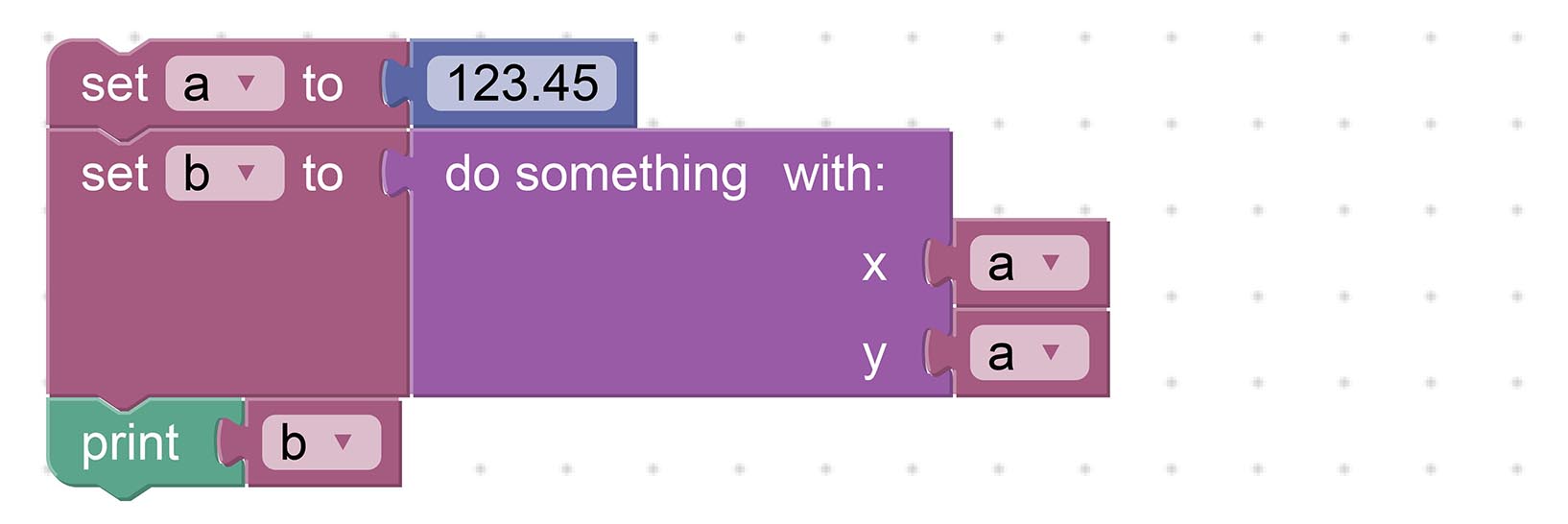
Works OK with Zig too...
```zig
const a: f32 = 123.45;
const b: f32 = try do_something(a, a);
debug(""b={}"", .{ b });
```
Thus indeed it's possible to create [__Complex Blockly Apps__](https://lupyuen.github.io/images/blockly-run10.jpg) with Zig. [(Like this)](https://lupyuen.github.io/images/blockly-run10.jpg)
The above templates are defined in our Code Generator at [generators/zig/procedures.js](https://github.com/lupyuen3/blockly-zig-nuttx/blob/master/generators/zig/procedures.js#L18-L92)
## Blockly is Typeless
_Why are our Constants declared as Floating-Point `f32`?_
Here comes the interesting challenge with Zig on Blockly...
__Blockly is Typeless!__
Blockly doesn't recognise Types, so it will gladly accept this...
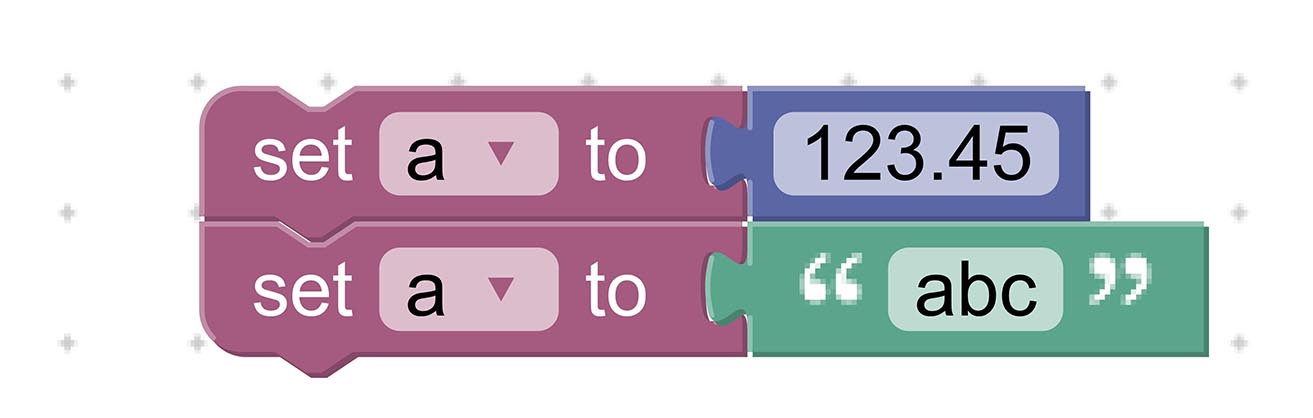
Which works fine with [__Dynamically-Typed Languages__](https://developer.mozilla.org/en-US/docs/Glossary/Dynamic_typing) like JavaScript...
```javascript
// Dynamic Type in JavaScript
var a;
a = 123.45;
a = 'abc';
```
But not for [__Statically-Typed Languages__](https://developer.mozilla.org/en-US/docs/Glossary/Static_typing) like Zig!
That's why we constrain all Types as `f32`, until we figure out how to handle strings and other types...
```zig
// Static Type in Zig
const a: f32 = 123.45;
// Nope we won't accept ""abc""
```
_Won't that severely limit our Zig Programs?_
`f32` is probably sufficient for simple __IoT Sensor Apps__.
Such apps work only with numeric __Sensor Data__ (like temperature, humidity). And they don't need to manipulate strings.
(More about this in a while)
## Constants vs Variables
_What other challenges do we have with Zig on Blockly?_
Our Astute Reader would have seen this Oncoming Wreckage (from miles away)...

The __Double Assignment__ above will cause Constant Problems...
```zig
// This is OK
const a: f32 = 123.45;
// Oops! `a` is redeclared...
const a: f32 = 234.56;
```
Our Code Generator will have to stop this smehow.
_Why not declare as a Variable? (Instead of a Constant)_
```zig
// This is OK
var a: f32 = undefined;
a = 123.45;
a = 234.56;
```
Call me stupendously stubborn, but I think Constants look neater than Variables?
Also we might have a problem with [__Shadowed Identifiers__](https://ziglang.org/documentation/master/#Shadowing)...

This code won't compile with Zig even if we change `const` to `var`...
```zig
// This is OK
const a: f32 = 123.45;
debug(""a={}"", .{ a });
var count: usize = 0;
while (count < 10) : (count += 1) {
// Oops! `a` is shadowed...
const a: f32 = 234.56;
debug(""a={}"", .{ a });
}
```
[(More about Shadowing)](https://ziglang.org/documentation/master/#Shadowing)
So yeah, supporting Zig on Blockly can get really challenging.
(Though supporting C on Blockly without Type Inference would be a total nightmare!)
## Desktop and Mobile
_Can we build Blockly apps on Mobile Devices?_
Blockly works OK with Mobile Web Browsers...
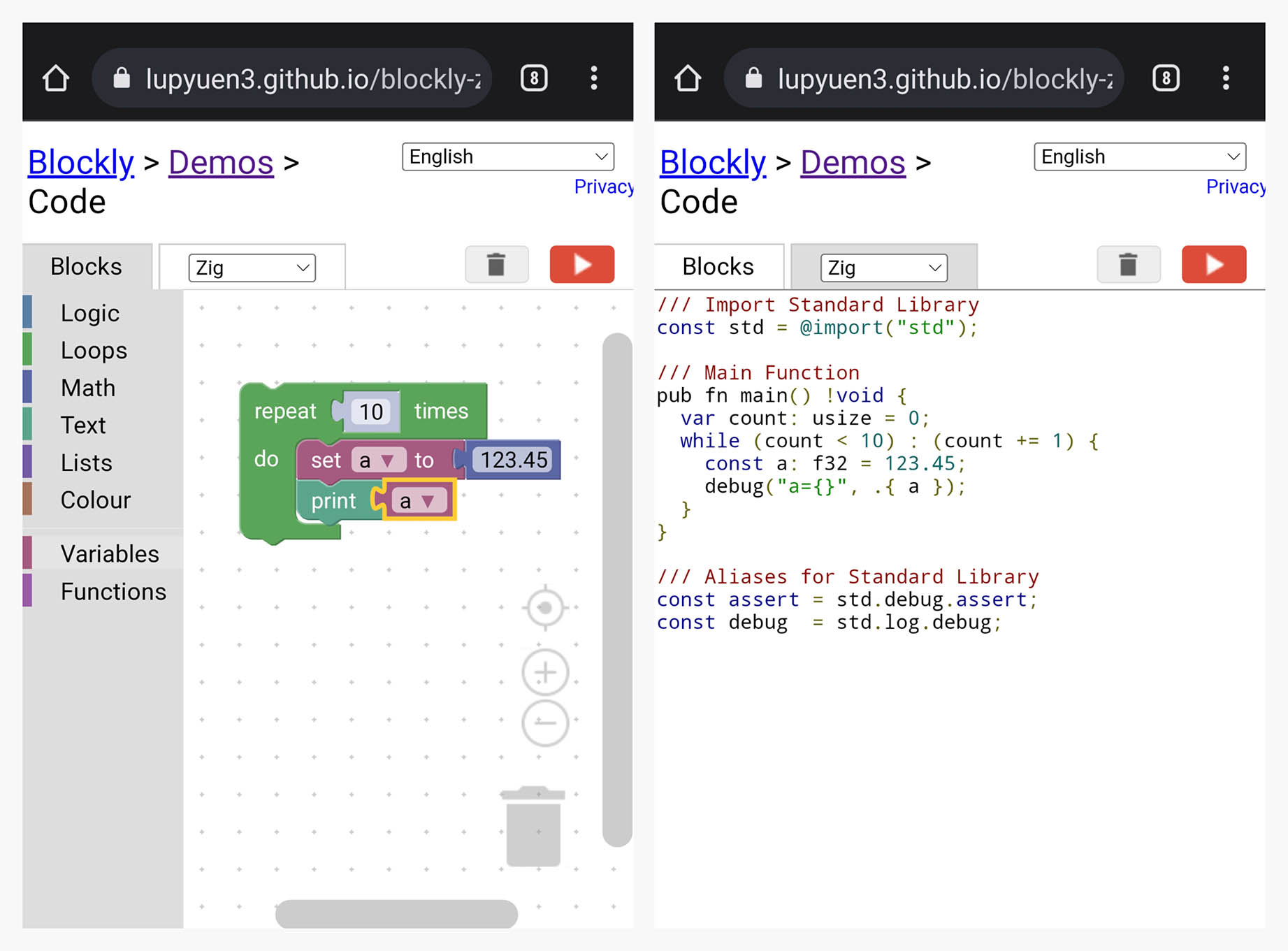
[(Source)](https://lupyuen3.github.io/blockly-zig-nuttx/demos/code/)
_Is Blockly available as an offline, non-web Desktop App?_
Not yet. But we could package Blockly as a __VSCode Extension__ that will turn it into a Desktop App...
- [__Blockly Extension for VSCode__](https://lupyuen.github.io/articles/advanced-topics-for-visual-embedded-rust-programming)
Or we might package Blockly into a __Standalone App__ with Tauri...
- [__Tauri Desktop Bundler__](https://tauri.app/)
_Why would we need a Desktop App for Blockly?_
It's easier to __compile the Generated Zig Code__ when we're on a Desktop App.
And a Desktop App is more convenient for __flashing the compiled code__ to Embedded Devices.
## IoT Sensor Apps
_We said earlier that Blockly might be suitable for IoT Sensor Apps. Why?_
Suppose we're building an __IoT Sensor Device__ that will monitor Temperature and Humidity.
The firmware in our device will periodically __read and transmit the Sensor Data__ like this...

Which we might __build with Blockly__ like so...

_Whoa that's a lot to digest!_
We'll break down this IoT Sensor App in the next section.
_But why build IoT Sensor Apps with Blockly and Zig?_
- __Types are simpler:__ Only Floating-Point Numbers will be supported for Sensor Data
(No strings needed)
- __Blockly is Typeless:__ With Zig we can use Type Inference to deduce the missing Types
(Doing this in C would be extremely painful)
- __Easier to experiment__ with various IoT Sensors: Temperature, Humidity, Air Pressure, ...
(Or mix and match a bunch of IoT Sensors!)
Let's talk about the reading and sending of Sensor Data...
## Read Sensor Data
Previously we talked about our IoT Sensor App __reading Sensor Data__ (like Temperature) from a real sensor [(like __Bosch BME280__)](https://www.bosch-sensortec.com/products/environmental-sensors/humidity-sensors-bme280/).
This is how it might look in Blockly...
> 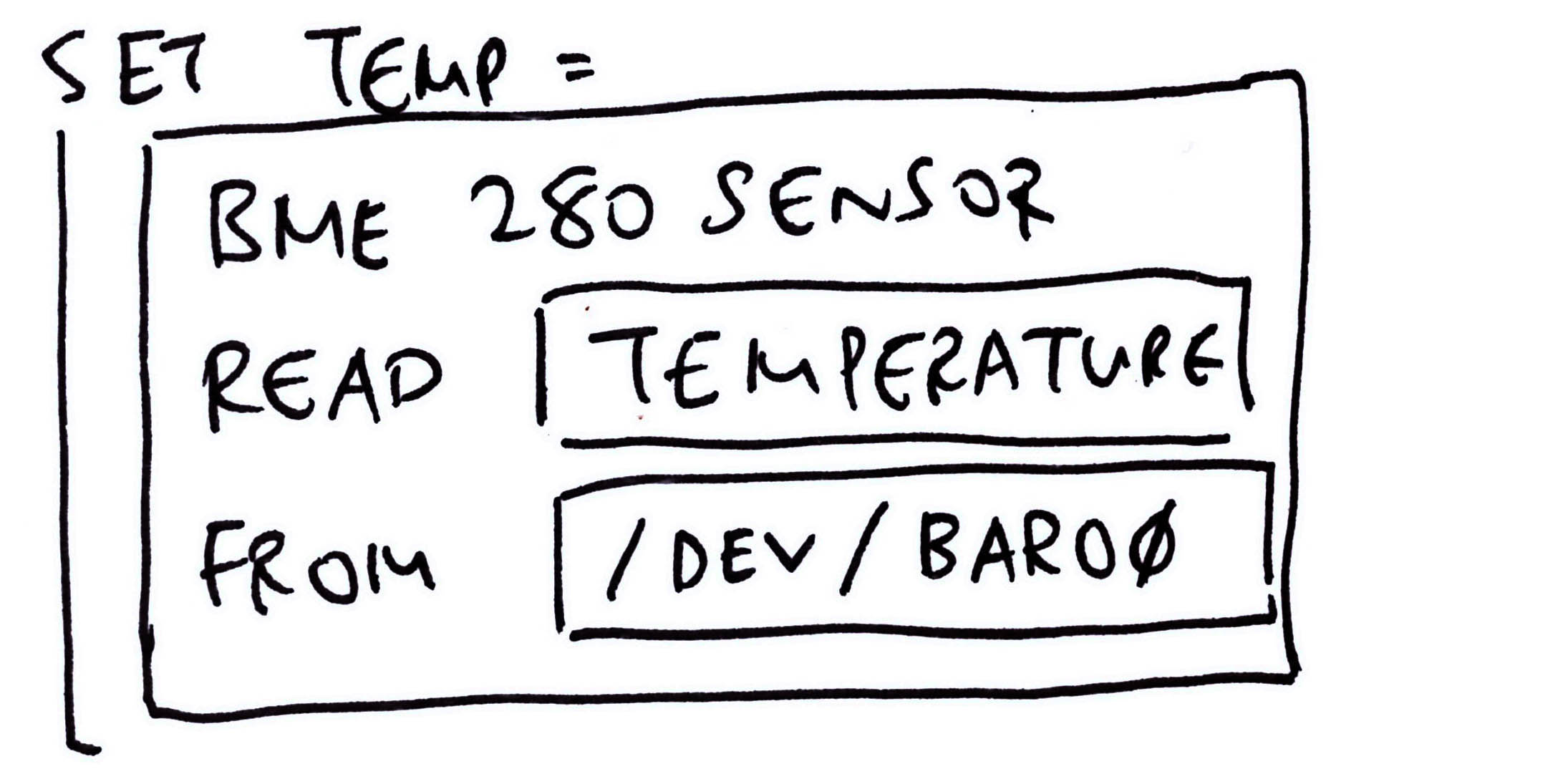
(We'll populate Blockly with a whole bunch of __Sensor Blocks__ like BME280)
And this is the Zig Code that we might auto-generate: [visual-zig-nuttx/visual/visual.zig](https://github.com/lupyuen/visual-zig-nuttx/blob/visual/visual.zig#L27-L115)
```zig
// Read the Temperature
const temperature: f32 = blk: {
// Open the Sensor Device
const fd = c.open(
""/dev/sensor/baro0"", // Path of Sensor Device
c.O_RDONLY | c.O_NONBLOCK // Open for read-only
);
// Close the Sensor Device when this block returns
defer {
_ = c.close(fd);
}
// If Sensor Data is available...
var sensor_value: f32 = undefined;
if (c.poll(&fds, 1, -1) > 0) {
// Define the Sensor Data Type
var sensor_data = std.mem.zeroes(c.struct_sensor_event_baro);
const len = @sizeOf(@TypeOf(sensor_data));
// Read the Sensor Data
if (c.read(fd, &sensor_data, len) >= len) {
// Remember the Sensor Value
sensor_value = sensor_data.temperature;
} else { std.log.err(""Sensor data incorrect size"", .{}); }
} else { std.log.err(""Sensor data not available"", .{}); }
// Return the Sensor Value
break :blk sensor_value;
};
// Print the Temperature
debug(""temperature={}"", .{
floatToFixed(temperature)
});
```
When we run this on __Apache NuttX RTOS__, it will actually fetch the Temperature from the Bosch BME280 Sensor!
[(As explained here)](https://lupyuen.github.io/articles/sensor#read-barometer-sensor)
_What a huge chunk of Zig!_
The complete implementation is a huger chunk of Zig, because we need to __handle Errors__. [(See this)](https://github.com/lupyuen/visual-zig-nuttx/blob/visual/sensor.zig#L33-L109)
But it might be hunky dory for Blockly. We just need to define one Block for __every Sensor__ supported by NuttX. (Like BME280)
And every Block will churn out the __Boilerplate Code__ (plus Error Handling) that we see above.
_Surely some of the code can be refactored into reusable Zig Functions?_
Refactoring the code can get tricky because the __Sensor Data Struct and Fields__ are dependent on the Sensor...
```zig
// Define the Sensor Data Type
// Note: `sensor_event_baro` depends on the sensor
var sensor_data = std.mem.zeroes(
c.struct_sensor_event_baro
);
const len = @sizeOf(@TypeOf(sensor_data));
// Read the Sensor Data
if (c.read(fd, &sensor_data, len) >= len) {
// Remember the Sensor Value
// Note: `temperature` depends on the sensor
sensor_value = sensor_data.temperature;
```
[(__`comptime` Generics__ might help)](https://ziglang.org/documentation/master/#Compile-Time-Parameters)
_What's floatToFixed?_
```zig
// Read the Temperature as a Float
const temperature: f32 = ...
// Print the Temperature as a
// Fixed-Point Number (2 decimal places)
debug(""temperature={}"", .{
floatToFixed(temperature)
});
```
That's our tidy way of printing [__Fixed-Point Numbers__](https://en.wikipedia.org/wiki/Fixed-point_arithmetic) (with 2 decimal places)...
```text
temperature=23.45
```
Instead of the awful `2.34500007e+01` we saw earlier.
[(More about this in the Appendix)](https://lupyuen.github.io/articles/blockly#appendix-fixed-point-numbers)
_What's `blk`?_
That's how we return a value from the __Block Expression__...
```zig
// Read the Temperature
const temperature: f32 = blk: {
// Do something
var fd = ...
// Return the Sensor Value
break :blk 23.45;
};
```
This sets `temperature` to `23.45`.
Block Expressions are a great way to __prevent leakage__ of our Local Variables (like `fd`) into the Outer Scope and [__avoid Shadowing__](https://lupyuen.github.io/articles/blockly#constants-vs-variables).
[(More about Block Expressions)](https://ziglang.org/documentation/master/#blocks)
## Transmit Sensor Data
Two sections ago we talked about our IoT Sensor App __transmitting Sensor Data__ (like Temperature) to a Wireless IoT Network [(like __LoRaWAN__)](https://makezine.com/2021/05/24/go-long-with-lora-radio/).
We'll do this in two steps...
- __Compose__ the Sensor Data Message
(Compress our Sensor Data into a tiny Data Packet)
- __Transmit__ the Sensor Data Message
(Over LoRaWAN)
Assume we've read Temperature and Humidity from our sensor.
This is how we shall __compose a Sensor Data Message__ with Blockly...
> 
The Block above will pack the Temperature and Humidity into this format...
```json
{
""t"": 2345,
""h"": 6789
}
```
(Numbers have been scaled up by 100)
Then compress it with [__Concise Binary Object Representation (CBOR)__](https://lupyuen.github.io/articles/cbor2).
_Why CBOR? Why not JSON?_
The message above compressed with CBOR will require only __11 bytes!__ [(See this)](https://lupyuen.github.io/images/blockly-cbor.jpg)
That's 8 bytes fewer than JSON!Tiny compressed messages will work better with Low-Bandwidth Networks like LoRaWAN.
After composing our Sensor Data Message, we shall __transmit the Sensor Data Message__ with Blockly...
> 
This Block transmits our compressed CBOR Message to the [__LoRaWAN Wireless Network__](https://makezine.com/2021/05/24/go-long-with-lora-radio/).
_Will Zig talk to LoRaWAN?_
Yep we've previously created a Zig app for LoRaWAN and Apache NuttX RTOS...
- [__""Build an IoT App with Zig and LoRaWAN""__](https://lupyuen.github.io/articles/iot)
We'll reuse the code to transmit our message to LoRaWAN.
_Is it OK to create Custom Blocks in Blockly? Like for ""BME280 Sensor"", ""Compose Message"" and ""Transmit Message""?_
Yep here are the steps to create a __Custom Block__ in Blockly...
- [__""Customise Blockly""__](https://lupyuen.github.io/articles/lisp#customise-blockly-for-ulisp)
When our Custom Blocks are done, we're all set to create IoT Sensor Apps with Blockly!

## What's Next
This has been a fun experiment with Blockly. I hope we'll extend it to make it more accessible to __Zig Learners__!
I'll continue to customise Blockly for __NuttX Sensors__. Hopefully we'll create __IoT Sensor Apps__ the drag-n-drop way, real soon!
- [__Follow the updates on Twitter__](https://twitter.com/MisterTechBlog/status/1557857587667775489)
Check out my earlier work on Zig, NuttX, LoRaWAN and LVGL...
- [__""Zig on RISC-V BL602: Quick Peek with Apache NuttX RTOS""__](https://lupyuen.github.io/articles/zig)
- [__""Build an IoT App with Zig and LoRaWAN""__](https://lupyuen.github.io/articles/iot)
- [__""Build an LVGL Touchscreen App with Zig""__](https://lupyuen.github.io/articles/lvgl)
Many Thanks to my [__GitHub Sponsors__](https://github.com/sponsors/lupyuen) for supporting my work! This article wouldn't have been possible without your support.
- [__Sponsor me a coffee__](https://github.com/sponsors/lupyuen)
- [__Discuss this article on Reddit__](https://www.reddit.com/r/Zig/comments/wi57d8/zig_visual_programming_with_blockly/)
- [__Read ""The RISC-V BL602 / BL604 Book""__](https://lupyuen.github.io/articles/book)
- [__Check out my articles__](https://lupyuen.github.io)
- [__RSS Feed__](https://lupyuen.github.io/rss.xml)
_Got a question, comment or suggestion? Create an Issue or submit a Pull Request here..._
[__lupyuen.github.io/src/blockly.md__](https://github.com/lupyuen/lupyuen.github.io/blob/master/src/blockly.md)
## Notes
1. This article is the expanded version of [__this Twitter Thread__](https://twitter.com/MisterTechBlog/status/1554650482240397312)
## Appendix: Fixed-Point Numbers
Earlier we talked about reading __Floating-Point Sensor Data__ (like Temperature)...
- [__""Read Sensor Data""__](https://lupyuen.github.io/articles/blockly#read-sensor-data)
And we wrote this to __print our Sensor Data__: [visual-zig-nuttx/visual/visual.zig](https://github.com/lupyuen/visual-zig-nuttx/blob/visual/visual.zig#L15-L25)
```zig
// Assume we've read the Temperature as a Float
const temperature: f32 = 23.45;
// Print the Temperature as a
// Fixed-Point Number (2 decimal places)
debug(""temperature={}"", .{
floatToFixed(temperature)
});
```
This prints the Temperature correctly as...
```text
temperature=23.45
```
Instead of the awful `2.34500007e+01` that we see typically with printed Floating-Point Numbers.
_What's floatToFixed?_
We call __floatToFixed__ to convert a Floating-Point Number to a [__Fixed-Point Number__](https://en.wikipedia.org/wiki/Fixed-point_arithmetic) (2 decimal places) for printing.
(We'll see __floatToFixed__ in a while)
__UPDATE:__ We no longer need to call __floatToFixed__ when printing only one Floating-Point Number. The Debug Logger auto-converts it to Fixed-Point for us. [(See this)](https://github.com/lupyuen/visual-zig-nuttx/blob/main/sensortest.zig#L266-L294)
_How do we represent Fixed-Point Numbers?_
Our Fixed-Point Number has two Integer components...
- __int__: The Integer part
- __frac__: The Fraction part, scaled by 100
So to represent `123.456`, we break it down as...
- __int__ = `123`
- __frac__ = `45`
We drop the final digit `6` when we convert to Fixed-Point.
In Zig we define Fixed-Point Numbers as a __FixedPoint Struct__...
```zig
/// Fixed Point Number (2 decimal places)
pub const FixedPoint = struct {
/// Integer Component
int: i32,
/// Fraction Component (scaled by 100)
frac: u8,
/// Format the output for Fixed Point Number (like 123.45)
pub fn format(...) !void { ... }
};
```
[(Source)](https://github.com/lupyuen/visual-zig-nuttx/blob/visual/sensor.zig#L54-L75)
(We'll explain __format__ in a while)
_How do we convert Floating-Point to Fixed-Point?_
Below is the implementation of __floatToFixed__, which receives a Floating-Point Number and returns the Fixed-Point Number (as a Struct): [visual-zig-nuttx/visual/sensor.zig](https://github.com/lupyuen/visual-zig-nuttx/blob/visual/sensor.zig#L39-L49)
```zig
/// Convert the float to a fixed-point number (`int`.`frac`) with 2 decimal places.
/// We do this because `debug` has a problem with floats.
pub fn floatToFixed(f: f32) FixedPoint {
const scaled = @floatToInt(i32, f * 100.0);
const rem = @rem(scaled, 100);
const rem_abs = if (rem < 0) -rem else rem;
return .{
.int = @divTrunc(scaled, 100),
.frac = @intCast(u8, rem_abs),
};
}
```
(See the docs: [__@floatToInt__](https://ziglang.org/documentation/master/#floatToInt), [__@rem__](https://ziglang.org/documentation/master/#rem), [__@divTrunc__](https://ziglang.org/documentation/master/#divTrunc), [__@intCast__](https://ziglang.org/documentation/master/#intCast))
This code has been tested for positive and negative numbers.
_Why handle Sensor Data as Fixed-Point Numbers? Why not Floating-Point?_
When we tried printing the Sensor Data as Floating-Point Numbers, we hit some __Linking and Runtime Issues__...
- [__""Fix Floating-Point Values""__](https://github.com/lupyuen/visual-zig-nuttx#fix-floating-point-values)
- [__""Floating-Point Link Error""__](https://github.com/lupyuen/visual-zig-nuttx#floating-point-link-error)
- [__""Fixed-Point Printing""__](https://github.com/lupyuen/visual-zig-nuttx#fixed-point-printing)
Computations on Floating-Point Numbers are OK, only printing is affected. So we print the numbers as Fixed-Point instead.
(We observed these issues with Zig Compiler version 0.10.0, they might have been fixed in later versions of the compiler)
_Isn't our Sensor Data less precise in Fixed-Point?_
Yep we lose some precision with Fixed-Point Numbers. (Like the final digit `6` from earlier)
But most IoT Gadgets will __truncate Sensor Data__ before transmission anyway.
And for some data formats (like CBOR), we need __fewer bytes__ to transmit Fixed-Point Numbers instead of Floating-Point...
- [__""Floating-Point Numbers (CBOR)""__](https://lupyuen.github.io/articles/cbor2#floating-point-numbers)
Thus we'll probably stick to Fixed-Point Numbers for our upcoming IoT projects.
_How do we print Fixed-Point Numbers?_
This works OK for printing Fixed-Point Numbers...
```zig
// Print the Temperature as a
// Fixed-Point Number (2 decimal places)
debug(""temperature={}"", .{
floatToFixed(temperature)
});
```
Because our Fixed-Point Struct includes a [__Custom Formatter__](https://ziglearn.org/chapter-2/#formatting)...
```zig
/// Fixed Point Number (2 decimal places)
pub const FixedPoint = struct {
/// Integer Component
int: i32,
/// Fraction Component (scaled by 100)
frac: u8,
/// Format the output for Fixed Point Number (like 123.45)
pub fn format(
self: FixedPoint,
comptime fmt: []const u8,
options: std.fmt.FormatOptions,
writer: anytype,
) !void {
_ = fmt;
_ = options;
try writer.print(""{}.{:0>2}"", .{
self.int,
self.frac
});
}
};
```
[(Source)](https://github.com/lupyuen/visual-zig-nuttx/blob/visual/sensor.zig#L54-L75)
_Why prin the numbers as ""`{}.{:0>2}`""?_
Our Format String ""`{}.{:0>2}`"" says...
| | |
|:---:|:---|
| `{}` | Print __int__ as a number
| `.` | Print `.`
| `{:0>2}` | Print __frac__ as a 2-digit number, padded at the left by `0`
Which gives us the printed output `123.45`
## Appendix: Add a Zig Tab
This section explains how we added the Zig Tab to Blockly.
Blockly is bundled with a list of Demos...
[lupyuen3.github.io/blockly-zig-nuttx/demos](https://lupyuen3.github.io/blockly-zig-nuttx/demos/)
There's a __Code Generation Demo__ that shows the code generated by Blockly for JavaScript, Python, Dart, ...
[lupyuen3.github.io/blockly-zig-nuttx/demos/code](https://lupyuen3.github.io/blockly-zig-nuttx/demos/code/)
Let's add a __Zig Tab__ that will show the Zig code generated by Blockly: [demos/code/index.html](https://github.com/lupyuen3/blockly-zig-nuttx/blob/master/demos/code/index.html)
```html
...
...
Zig
...
```
[(See the changes)](https://github.com/lupyuen3/blockly-zig-nuttx/pull/1/files#diff-dcf2ffe98d7d8b4a0dd7b9f769557dbe8c9e0e726236ef229def25c956a43d8f)
We'll see the Zig Tab like this...
[lupyuen3.github.io/blockly-zig-nuttx/demos/code](https://lupyuen3.github.io/blockly-zig-nuttx/demos/code/)

Let's generate the Zig code...
## Appendix: Zig Code Generator
Blockly comes bundled with Code Generators for JavaScript, Python, Dart, ...
Let's create a __Code Generator for Zig__, by copying from the Dart Code Generator.
Copy [generators/dart.js](https://github.com/lupyuen3/blockly-zig-nuttx/blob/master/generators/dart.js) to [generators/zig.js](https://github.com/lupyuen3/blockly-zig-nuttx/blob/master/generators/zig.js)
Copy all files from [generators/dart](https://github.com/lupyuen3/blockly-zig-nuttx/blob/master/generators/dart) to [generators/zig](https://github.com/lupyuen3/blockly-zig-nuttx/blob/master/generators/zig)...
```text
all.js
colour.js
lists.js
logic.js
loops.js
math.js
procedures.js
text.js
variables.js
variables_dynamic.js
```
[(See the copied files)](https://github.com/lupyuen3/blockly-zig-nuttx/commit/ba968942c6ee55937ca554e1d290d8d563fa0b78)
Edit [generators/zig.js](https://github.com/lupyuen3/blockly-zig-nuttx/blob/master/generators/dart.js) and all files in [generators/zig](https://github.com/lupyuen3/blockly-zig-nuttx/blob/master/generators/zig).
Change all ""`Dart`"" to ""`Zig`"", remember to __preserve case__.
[(See the changes)](https://github.com/lupyuen3/blockly-zig-nuttx/commit/efe185d6cac4306dcdc6b6a5f261b331bb992976)
This is how we load our Code Generator...
## Appendix: Load Code Generator
Let's __load our Zig Code Generator__ in Blockly...
Add the Zig Code Generator to [demos/code/index.html](https://github.com/lupyuen3/blockly-zig-nuttx/blob/master/demos/code/index.html)...
```html
```
[(See the changes)](https://github.com/lupyuen3/blockly-zig-nuttx/pull/1/files#diff-dcf2ffe98d7d8b4a0dd7b9f769557dbe8c9e0e726236ef229def25c956a43d8f)
Enable the Zig Code Generator in [demos/code/code.js](https://github.com/lupyuen3/blockly-zig-nuttx/blob/master/demos/code/code.js)...
```javascript
// Inserted `zig`...
Code.TABS_ = [
'blocks', 'zig', 'javascript', 'php', 'python', 'dart', 'lua', 'xml', 'json'
];
...
// Inserted `Zig`...
Code.TABS_DISPLAY_ = [
'Blocks', 'Zig', 'JavaScript', 'PHP', 'Python', 'Dart', 'Lua', 'XML', 'JSON'
];
...
Code.renderContent = function() {
...
} else if (content.id === 'content_json') {
var jsonTextarea = document.getElementById('content_json');
jsonTextarea.value = JSON.stringify(
Blockly.serialization.workspaces.save(Code.workspace), null, 2);
jsonTextarea.focus();
// Inserted this...
} else if (content.id == 'content_zig') {
Code.attemptCodeGeneration(Blockly.Zig);
```
[(See the changes)](https://github.com/lupyuen3/blockly-zig-nuttx/pull/1/files#diff-d72873b861dee958e5d443c919726dd856de594bd56b1e73d8948a7719163553)
Add our Code Generator to the Build Task: [scripts/gulpfiles/build_tasks.js](https://github.com/lupyuen3/blockly-zig-nuttx/blob/master/scripts/gulpfiles/build_tasks.js#L98-L139)
```javascript
const chunks = [
// Added this...
{
name: 'zig',
entry: 'generators/zig/all.js',
reexport: 'Blockly.Zig',
}
];
```
[(See the changes)](https://github.com/lupyuen3/blockly-zig-nuttx/pull/1/files#diff-a9a5784f43ce15ca76bb3e99eb6625c3ea15381e20eac6f7527ecbcb2945ac14)
Now we compile our Zig Code Generator...
## Appendix: Build Blockly
Blockly builds fine with Linux, macOS and WSL. (But not plain old Windows CMD)
To build Blockly with the Zig Code Generator...
```bash
## Download Blockly and install the dependencies
git clone --recursive https://github.com/lupyuen3/blockly-zig-nuttx
cd blockly-zig-nuttx
npm install
## Build Blockly and the Code Generators.
## Run these steps when we change the Zig Code Generator.
npm run build
npm run publish
## When prompted ""Is this the correct branch?"",
## press N
## Instead of ""npm run publish"" (which can be slow), we may do this...
## cp build/*compressed* .
## For WSL: We can copy the generated files to c:\blockly-zig-nuttx for testing on Windows
## cp *compressed* /mnt/c/blockly-zig-nuttx
```
This compiles and updates the Zig Code Generator in [zig_compressed.js](https://github.com/lupyuen3/blockly-zig-nuttx/blob/master/zig_compressed.js) and [zig_compressed.js.map](https://github.com/lupyuen3/blockly-zig-nuttx/blob/master/zig_compressed.js.map)
If we're using VSCode, here's the Build Task: [.vscode/tasks.json](https://github.com/lupyuen3/blockly-zig-nuttx/blob/master/.vscode/tasks.json)
Finally we test our compiled Code Generator...
## Appendix: Test Blockly
Browse to __blockly-zig-nuttx/demos/code__ with a Local Web Server. [(Like Web Server for Chrome)](https://chrome.google.com/webstore/detail/web-server-for-chrome/ofhbbkphhbklhfoeikjpcbhemlocgigb/)
We should see this...
[lupyuen3.github.io/blockly-zig-nuttx/demos/code](https://lupyuen3.github.io/blockly-zig-nuttx/demos/code/)

Blockly will NOT render correctly with __file://...__, it must be __http:// localhost:port/...__
Drag-and-drop some Blocks and click the __Zig Tab.__
The Zig Tab now shows the generated code in Zig.
Some of the generated code might appear as Dart (instead of Zig) because we haven't completely converted our Code Generator from Dart to Zig.
In case of problems, check the __JavaScript Console__. (Ignore the __storage.js__ error)
_Can we save the Blocks? So we don't need to drag them again when retesting?_
Click the __JSON Tab__ and copy the Blockly JSON that appears.
Whenever we rebuild Blockly and reload the site, just paste the Blockly JSON back into the JSON Tab. The Blocks will be automagically restored.
"
566,1390,"2024-02-02 23:26:01.884702",pixeller,who-can-tell-me-how-to-read-array-positions-using-enum-27o8,"","Who can tell me how to read array positions using enum","I'm newbie, Write long conversion code each time. What's the best way to do it?","

I'm newbie, Write long conversion code each time.
What's the best way to do it?
"
118,343,"2022-02-17 13:53:26.745681",kilianvounckx,zig-interfaces-for-the-uninitiated-an-update-4gf1,"","Zig Interfaces for the Uninitiated, an update","Way back in June 2020, Nathan Michaels published a post about how to do runtime polymophism...","Way back in June 2020, [Nathan Michaels](https://www.nmichaels.org/) published a [post](https://www.nmichaels.org/zig/interfaces.html) about how to do runtime polymophism (interfaces) in zig. However since then, the community has shifted from the `@fieldParentPtr` idiom to using fat pointers. This is now the idiom that the standard library uses, for example in allocator and rand. This post will cover the new idiom and how to use it. Just as in Nathan's original post, I will create a formal Iterator interface, which can be used like so:
```zig
while (iterator.next()) |val| {
// do something with val
}
```
## Some notes before reading
Before reading the rest of this post, I highly recommend going through the standard library source code to look at the idiom yourself. See if you can understand it. If so, great, you don't need to read the rest. Some places to start are [Allocator](https://github.com/ziglang/zig/blob/master/lib/std/mem/Allocator.zig) and [Random](https://github.com/ziglang/zig/blob/master/lib/std/rand.zig#L31)
Another resource is [this one]https://revivalizer.xyz/post/the-missing-zig-polymorphism-reference/). This covers another use case (nodes for an expression calculator), and does things in a similar way.
## The Iterator Interface
An iterator at it's simplest needs only one function. It should return the next value in the iterator, or `null` if the iterator is done. (One of the many reasons why optionals are awesome. Compare this for example to java, which doesn't have them. The equivalent Iterator interface has 3 methods to implement.)
The interface also needs some way to access the implementors' data, so we store a their pointer as well. We use `*anyopaque`, because we don't know the size and alignment of the implementors. We could use a `usize` as well and convert between pointer and integer every time. The standard library uses `*anyopaque` so that is what I will do here.
```zig
const Iterator = struct {
const Self = @This();
ptr: *anyopaque
nextFn: fn(*anyopaque) ?u32,
};
```
This will be the basis of our interface. Right now, to implement `Iterator`, you need a lot of knowledge about its internals. So let's create a helper initialization method.
```zig
pub fn init(ptr: anytype) Self {
const Ptr = @TypeOf(ptr);
const ptr_info = @typeInfo(Ptr);
if (ptr_info != .Pointer) @compileError(""ptr must be a pointer"");
if (ptr_info.Pointer.size != .One) @compileError(""ptr must be a single item pointer"");
const alignment = ptr_info.Pointer.alignment;
const gen = struct {
pub fn nextImpl(pointer: *anyopaque) ?u32 {
const self = @ptrCast(Ptr, @alignCast(alignment, pointer));
return @call(.{.modifier=.always_inline}, ptr_info.Pointer.child.next, .{self});
}
};
return .{
.ptr = ptr,
.nextFn = gen.nextImpl,
};
}
```
There is a lot going on in this new function, so let's break it down.
First of all, we check if `ptr` has the right type. It should be a single item pointer. If not, we give a compile error, so the implementor knows the problem. Afterwards we get the alignment This is needed since we work with `anyopaque`, which can have any alignment. [Since zig doesn't have anonymous functions yet](https://github.com/ziglang/zig/issues/1717) we create `gen` to get its function afterwards. This will also help us later to more easily create a vtable.
Inside the implementation, we do two things. First, we cast the pointer to the correct type and alignment. Second, we call the underlying function. This is where I take a different approach than most of the standard library. In the standard library, the convention is to pass all needed methods to the init function. As far as I can see, this has two main benefits:
* It allows for data and functions to be seperated. Personally I can't think of an example for why you would do this, but the option is there.
* It allows for the methods in the implementor to be private, so users must call the method via the interface.
The first one is very rare in my experience. The second one is more useful, but I like my way more, because it asks less from the implementor. My way of doing things requires the `prt_info.Pointer.child.next` part, which gets the function from the implementor as well as give a user friendly compiler error in case the `next` function does not exist. Everything else is exactly the same as in the standard library examples. We inline the function for performance reasons since it just relays to another function call.
That was the biggest part. Afterwards, we just create the struct with the pointer to the data as well as the function.
We still need a way to call the next function so the last function we add to finish the interface is:
```zig
pub inline fn next(self: Self) ?u32 {
return self.nextFn(self.ptr);
}
```
Again, we inline the function for performance. We call the function on the stored pointer. The interface is now ready to use.
## Implementing Iterator
On its own, the interface is pretty useless, so let's create a range iterator that iterates from a starting value to an end with an optional step. All it needs are 3 fields: (If you want to be able to reset it, or some other functionality, you can add some other fields. This is the bare minimum.)
```zig
const Range = struct {
const Self = @This();
start: u32 = 0,
end: u32,
step: u32 = 1,
};
```
Of course it also needs an implementation of `next`:
```zig
pub fn next(self: *Self) ?u32 {
if (self.start >= self.end) return null;
const result = self.start;
self.start += self.step;
return result;
}
```
That's all. If we want to create an iterator, just to `Iterator.init(&range)`, where range is an instance of Range. To make peoples' live easier, let's follow the standard library conventions again and create a function to initialize the iterator inside Range itself:
```zig
pub fn iterator(self: *Self) Iterator {
return Iterator.init(self);
}
```
Now users can just do `range.iterator()` to create an iterator. Looks a lot like `arena.allocator()` doesn't it? It's exactly the same pattern.
To be good programmers let's create a test case before wrapping things up:
```zig
const std = @import(""std"");
test ""Range"" {
var range = Range{ .end=5 };
const iter = range.iterator();
try std.testing.expectEqual(@as(?u32, 0), iter.next());
try std.testing.expectEqual(@as(?u32, 1), iter.next());
try std.testing.expectEqual(@as(?u32, 2), iter.next());
try std.testing.expectEqual(@as(?u32, 3), iter.next());
try std.testing.expectEqual(@as(?u32, 4), iter.next());
try std.testing.expectEqual(@as(?u32, null), iter.next());
try std.testing.expectEqual(@as(?u32, null), iter.next());
}
```
This should now pass and give you an idea of how to use the interface.
## Drawbacks
This pattern is really useful in some cases. However, before ending, I would like to point out a few drawbacks.
The first is in performance. This pattern can get really slow. It has to use follow a lot of pointers and function pointers to find its answer. Function pointers will always be slower than direct function calls. If you can, see if you can use something like a tagged union to implement something similar.
Secondly, a more subtle problem is that the original implementor has to live for at least as long as the interface it creates. This is because the interface stores a pointer, so if the implementor isn't alive anymore, the pointer is invalid. This means you can't return an interface you created in a function from a function:
```zig
fn thisWillCauseUndefinedBehaviour() Iterator {
var range = Range{.end=10};
return range.iterator();
}
```
Of course, this dummy example will almost never occur in real code, but something similar could occur. You could solve this by passing an allocator and storing `range` on the heap. Make sure to free it afterwards however.
## Conclusion
I hope you know have a better understanding on how to implement interfaces and how they work in the standard library. All the code is available on [my github](https://github.com/KilianVounckx/zignews_interface). (post.zig contains the code from this post. main.zig contains a lot more, like generics and way more implementors like map and filter.)
This is my first time writing, so any feedback on both the technical as the writing aspect are appreciated. Also English is not my native language, so feel free to correct me anywhere."
680,1899,"2024-12-31 17:20:11.253673",vinybrasil,convert-decimal-odds-to-probabilities-with-zig-d46,https://zig.news/uploads/articles/7byimjdy76ax1gwj1f0i.png,"Convert decimal odds to probabilities with Zig","Introduction As sports betting expands across the world, more and more players don't...","
## Introduction
As sports betting expands across the world, more and more players don't understand tha math behind it. So, the purpose of this article it's to clarify how to convert from decimal odds to the probability behind them. The calculations are implemented in Zig, a system programming language perfect to create CLI tools because it's fast and simple.
This article it's divided into two sections: first we'll talk about the math and them about the implementation. If you only need the code you can go directly to my [GitHub](https://github.com/vinybrasil/zigodd) and this post was originally posted on my [blog](https://vinybrasil.github.io/posts/zigodd).
## The math
A decimal odd is how much you're going to win for each dollar spent. For example, if the odd is 4.1, for each dollar you bet you're going to receive $4.1. Let's call the decimal odd {% katex inline %}
o_i
{% endkatex %} . The probability {% katex inline %}
p_i
{% endkatex %} related to the decimal odd {% katex inline %}
o_i
{% endkatex %} is
{% katex %} p_i = \frac{1}{o_i}. {% endkatex %}
In the example, the probability related to the odd 4.1 is approximate 24.39%.
Let us think the other way now. Given an event with the probability of 20%, let's calculate how much the cassino should pay you:
{% katex %} 0.2 = \frac{1}{o_i} \therefore {% endkatex %}
{% katex %} o_i = \frac{1}{0.2} = 5. {% endkatex %}
So, for each dollar spent, the cassino should be paying you 5 dollars, but it doesn't. The cassino only pays you a fraction of it, normally around 95%. The name of this fraction is `payout`. Naming it Equation 1, let us denote the payout by {% katex inline %}
k
{% endkatex %} and write:
{% katex %} p_i = k * \frac{1}{o_i}. {% endkatex %}
Now calculate the odd with {% katex inline %} k = 0.95 {% endkatex %}:
{% katex %} 0.2 = k * \frac{1}{o_i} \therefore {% endkatex %}
{% katex %} o_i = 0.95 * \frac{1}{0.2} = 4.75. {% endkatex %}
Therefore, for each dollar spent, you're going to receive only 4.75 dollars. The 0.25 dollar here is the revenue of the cassino and that's how they can make money with this sorts of gambles.
When the odds are given by the cassino, the payout is unknown and it can vary depending on the time of day, the importance of that game in particular etc. So, we need to calculate first the payout and then we can convert and find the probabilities the cassino is using with Equation 1. Given that the sum of probabilities must be equal to 1 (by the Kolmogorov's axioms), we can write
{% katex %} 1 = \sum_{i=1}^{N} p_i {% endkatex %}
where N is the number of possible outcomes of the game. For a football game (or `soccer` for my beloved american readers), the value of N is 3, where all the events are the home team win, the away team win or a draw. For a basketball game, N = 2 (the home team win or the away team win). Since {% katex inline %}
p_i = k * \frac{1}{o_i}.
{% endkatex %}, the sum of the probabilities can be written as
{% katex %} 1 = \sum_{i=1}^{N} k * \frac{1}{o_i}. {% endkatex %}
Isolating {% katex inline %} k {% endkatex %}, we have now Equation 2:
{% katex %} k = \frac{1}{\sum_{i=1}^{N} \frac{1}{o_i}} {% endkatex %}
With the payout calculated we can now use the odds to calculate the probabilities.
Let's do an example and use the following match odds.

Let {% katex inline %}
o_1
{% endkatex %} be the probability of Liverpool to win, {% katex inline %}
o_2
{% endkatex %} the probability of a draw and {% katex inline %}
o_3
{% endkatex %} be the probability of Man United to win. Calcutating the payout with Equation 2:
{% katex %} k = \frac{1}{\sum_{i=1}^{N} \frac{1}{o_i}} \therefore {% endkatex %}
{% katex %} k = \frac{1}{\frac{1}{1.27} + \frac{1}{6.00} + \frac{1}{10.25}} \therefore {% endkatex %}
{% katex %} k \approx 0.95091. {% endkatex %}
With the payout calculated, we can now calculate the probabilities using Equation 1.
- Liverpool to win:
{% katex %} p_1 = 0.95091 * \frac{1}{1.27} \therefore {% endkatex %}
{% katex %} p_1 = 74.8748 \% {% endkatex %}
- Draw:
{% katex %} p_2 = 0.95091 * \frac{1}{6.00} \therefore {% endkatex %}
{% katex %} p_2 = 15.8485 \% {% endkatex %}
- Man United to win:
{% katex %} p_3 = 0.95091 * \frac{1}{10.25} \therefore {% endkatex %}
{% katex %} p_3 = 9.2772 \% {% endkatex %}
## Zig implementation
The version of Zig used is 0.13 since it's the last stable release. The implementation must follow three steps:
1) Collect all the odds from the command line;
2) Calculate Equation 2 (payout) and then Equation 1 (the probabilities);
3) Print the values in the screen;
We can start by building an empty project
```bash
mkdir zigodd
zig init
```
To get the arguments from the command line:
```zig
const std = @import(""std"");
const stdout = std.io.getStdOut().writer();
pub fn main() anyerror!void {
const args = try std.process.argsAlloc(std.heap.page_allocator);
defer std.process.argsFree(std.heap.page_allocator, args);
}
```
A way of implementing the equations above it's creating a struct
that keeps the values of the payout, the odds and the probabilities.
Both of the later starts as empty arrays and the payout start with the value zero.
Two functions are incorporated in the struct: a method for calculating the payout
and other to calculate the probabilities.
```zig
const Odds: type = struct {
k: f32 = 0.0,
odds: []f32 = undefined,
probabilities: []f32 = undefined,
pub fn calculate_k(self: *Odds) anyerror!void {
var sum: f32 = 0;
for (self.odds) |item| {
sum += (1 / item);
}
self.k = 1 / sum;
}
pub fn calculate_probabilities(self: *Odds) anyerror!void {
const allocator = std.heap.page_allocator
var probs_processed = std.ArrayList(f32).init(allocator);
for (self.odds) |item| {
const prob_processed = self.k * (1 / item);
try probs_processed.append(prob_processed);
}
self.probabilities = probs_processed.items;
}
};
```
Inside the main function, the odds from the arguments can be allocated
in a ArrayList and parsed into a float (f32). To convert to array,
just call the attribute `.items`.
```zig
var myodds = Odds{};
const len_probabilities: u32 = @intCast(args.len);
const odds_raw = args[1..len_probabilities];
const allocator = std.heap.page_allocator;
var odds_processed = std.ArrayList(f32).init(allocator);
defer odds_processed.deinit();
for (odds_raw) |item| {
const odd_processed = try std.fmt.parseFloat(f32, item);
try odds_processed.append(odd_processed);
}
myodds.odds = odds_processed.items;
```
Also inside the main function, we are now able to call the methods to calculate the values.
```zig
try myodds.calculate_k();
try myodds.calculate_probabilities();
```
Finally, all the values can be printed to the screen.
```zig
try stdout.print(""-------ZIGODD: ODDS TO PROBABILITY CONVERSOR-------\n"", .{});
try stdout.print(""---decimal odds to convert: \n"", .{});
for (myodds.odds, 0..) |item, index| {
try stdout.print(""o{d}: {d:0.2}\n"", .{ index + 1, item });
}
try stdout.print(""---calculated payout (k): \n"", .{});
try stdout.print(""k: {d:0.5}\n"", .{myodds.k});
try stdout.print(""---calculated probabilities: \n"", .{});
for (myodds.probabilities, 0..) |item, index| {
try stdout.print(""p{d}: {d:0.5}\n"", .{ index + 1, item });
}
try stdout.print(""-----------------------------------------------------\n"", .{});
Note we are not worried about error handling. This should be a real concern to production apps, which is not our case here. As always, the full code is on my [GitHub](https://github.com/vinybrasil/zigodd).
That's it. Fell free to open a PR on the GitHub repo to contact me if you find something wrong. Keep on learning :D
```
The project can be built with the following code:
```
zig build
```
Running the code `./zig-out/bin/zigodd 1.27 6.00 10.25` with the values from the example give us the following result:
```
-------ZIGODD: ODDS TO PROBABILITY CONVERTER-------
---decimal odds to convert:
o1: 1.27
o2: 6.00
o3: 10.25
---calculated payout (k):
k: 0.9509055
---calculated probabilities:
p1: 0.7487445
p2: 0.1584843
p3: 0.0927713
-----------------------------------------------------
```
Note we are not worried about error handling. This should be a real concern to production apps, which is not our case here. As always, the full code is on my [GitHub](https://github.com/vinybrasil/zigodd).
That's it. Fell free to open a PR on the GitHub repo to contact me if you find something wrong. Keep on learning :D
"
153,186,"2022-07-13 17:39:26.250718",gowind,when-a-var-really-isnt-a-var-part-2-4l7k,"","When a var really isn't a var - part 2","This is a small follow up to my previous post about vars and consts. In my post I was wonder why...","This is a small follow up to my [previous](https://zig.news/gowind/when-a-var-really-isnt-a-var-ft-string-literals-1hn7) post about vars and consts.
In my post I was wonder why `var input = ""Hello Zig"".*` would let me edit it `input[0] = 'a'`, for example, when string literals are constants.
As pointed out by @kristoff , turns out `""Literal"".*` creates a copy on the stack.
This can be verified by looking at the generated assembly (x86_64 atleast)
```
0000000000225aa0 :
225aa0: 55 push rbp
225aa1: 48 89 e5 mov rbp,rsp
225aa4: 48 83 ec 20 sub rsp,0x20
225aa8: 48 8b 04 25 e2 38 20 mov rax,QWORD PTR ds:0x2038e2
225aaf: 00
225ab0: 48 89 45 f6 mov QWORD PTR [rbp-0xa],rax
225ab4: 66 8b 04 25 ea 38 20 mov ax,WORD PTR ds:0x2038ea
225abb: 00
225abc: 66 89 45 fe mov WORD PTR [rbp-0x2],ax
225ac0: 48 8b 45 f6 mov rax,QWORD PTR [rbp-0xa]
225ac4: 48 89 45 e8 mov QWORD PTR [rbp-0x18],rax
225ac8: 66 8b 45 fe mov ax,WORD PTR [rbp-0x2]
225acc: 66 89 45 f0 mov WORD PTR [rbp-0x10],ax
225ad0: 48 8d 7d e8 lea rdi,[rbp-0x18]
225ad4: e8 e7 5c 00 00 call 22b7c0
225ad9: 48 83 c4 20 add rsp,0x20
225add: 5d pop rbp
225ade: c3 ret
225adf: 90 nop
```
`0x2038ea` points to the address where our string is stored in the ELF
```
2038e0 29004861 69207468 65726500 64776172 ).Hai there.dwar
2038f0 663a2075 6e68616e 646c6564 20666f72 f: unhandled for
```
We first make 32 bytes of space on the stack (`sub rsp 0x20`) and then copy the string literal starting at address 0xa to 0x2 using 2 instructions (""Hai There"" is 9 bytes, so we copy 8 bytes using the first instruction and then the last byte using another)
We then copy the string into the stack from rbp-0x18 to rbp-0x10 and call `debug.print` with the base address to our copy (rbp-0x18) "
141,1,"2022-05-28 03:50:06.504352",kristoff,zig-milan-meetup-postmortem-23o7,https://zig.news/uploads/articles/04opjltgb55zbim21yvf.PNG,"Zig Milan Meetup Postmortem","In April we held the first ever European Zig meetup. I wanted to write something about how it went...","In April we held the first ever European Zig meetup.
I wanted to write something about how it went and which lessons I learned, but immediately after I had to start working on preparing for [Software You Can Love](https://sycl.it), which is going to happen in October.
Now that the conference website is up and a fair amount of things are done (ie there's actually a lot more to do, but those are less time-sensitive), I'm here to tell you about how it went.
## Attendance
Attendance was amazing and definitely above all expectations. We were in total about 60 people and a good chunk of those was not even from the EU!
For SYCL22 I've booked a location that can host up to 98 people.
## Location
The location was a class room in the engineering university of Milan. One good thing was that it was spacious, one bad thing was that it didn't have guest WiFi (it did have Eduroam, which can be used by students from almost any EU university, but still, far from perfect).
For SYCL22 the conference will be held at a hotel. WiFi is going to be present for all attendees.
## Activities
For me the best part about the meetup was the free time we had after lunch before resuming with the main schedule. On the first day we ate lunch at a nearby brewery and I believe I wasn't the only one feeling stuffed and not exactly ready to sit in a dark room to listen to a talk, so we went for a little stroll and took the photo at the top of this post.
For SYCL22 the second day is going to be entirely dedicated to chatting with other attendees with more than enough space (we'll have tables!) to open a laptop and hack on stuff together. We're also going to keep the 2h long lunch breaks, we're in Italy after all :^)
## Extra activities
Another great thing about the meetup were the days before and after. We met on the day before to go around the city center and we also met after the meetup at my favorite ice cream shop. We also played Secret Hitler and [Spex shot Andrew](https://twitter.com/croloris/status/1513564801229807633?s=20&t=CsKe65gu7IcE37HPdypMJQ).
For SYCL22 we're definitely going to organize some extra activities aswell. The main conference lasts 3 days. The fourth day is only a half day of workshops and the idea is to meet in the afternoon at the same ice cream place.
Additionally, Discord now has a channel dedicated to allowing people to announce activities that they're planning so that others can join them. [Here you can learn more](https://sycl.it/location/discord/).
## Helping people with travel stuff
I tried my best to give people information by posting it in the Discord announcement channel, but some information was missing. I think the worst part was when people had trouble getting the right train ticket to reach the ice cream place.
For SYCL22 I've created [an entire section of the website dedicated to travel FAQs](https://sycl.it/location/faq/). If you're coming for the conference, it's not a bad idea to stay a few days more and travel a bit around Italy.

On the SYCL22 website there's also [a section with travel ideas](https://sycl.it/location/italy/).
## Recordings
I think the talk recordings turned out great. Nothing much to add there, I'll try to get them right also for SYCL22, although it's going to be much tougher to capture 2 full days of talks so please be understanding if something goes wrong!
## My own availability
Running the meetup was no joke and at the end of each day I was utterly exhausted. I would have really liked to join people for dinner but there was just no way. The problem was in part that getting everything ready (eg making sure I wouldn't forget to bring the camera) meant waking up early, and this being my first time running an event of this size meant that I was under stress the whole day.
For SYCL22 I expect to be less tense thanks to the experience I gained.
## In conclusion
Are you one of the 60ish people that showed up? Do you have anything to add? If so, leave a comment below. I actually mean it, there's no algorithm to please here :^)
Also checkout https://sycl.it if you want to be there in October!
There's also a Call for Speakers open btw."
686,1899,"2025-02-05 22:51:00.921487",vinybrasil,running-sklearn-models-in-zig-2do1,https://zig.news/uploads/articles/dqbljocxukj5rtswjsf0.png,"Running sklearn models in Zig","Introduction Scikit-learn models became the industry standard for creating machine...","
## Introduction
Scikit-learn models became the industry standard for creating machine learning models. Although the library offers many conveniences, one becomes tied to Python APIs for serving such models. These frameworks (such as FastAPI, for example) have various scalability issues, as Anton demonstrates in this video.
To overcome this limitation, one solution is to use Python's C library to run the models, while the rest of the API can be built using another framework.
In this blogpost we'll implement this strategy. We'll create an application that uses Python's C API to run the models with the [Zap](https://github.com/zigzap/zap) library handling the requests, which is a Zig `blazing fast microframework for web applications`. The full code to the post can be found in this [repository](https://github.com/vinybrasil/zig-sklearn) and this post was originally posted on my [blog](https://vinybrasil.github.io/posts/zig-sklearn/).
## Creating the model and the shared object
So let's say we got this simple script called **train.py** that creates a Logistic Regression, in which the model takes a numpy array with two dimensions and returns the value 1 or 0. The model is saved in a pickle file called **model.pkl**.
```python
import numpy as np
from sklearn.linear_model import LogisticRegression
import pickle
X = np.array([
[1.2, 1.3],
[2.2, 1.4],
[0.9, 2.1],
[-1.2, -2.3],
[-1.3, -0.2],
[-1.1, -2.8],
])
y = np.array([[1],[1],[1],[0],[0],[0]])
y = y.ravel()
model = LogisticRegression()
model.fit(X, y)
with open('model.pkl', 'wb') as handle:
pickle.dump(model, handle)
```
The full library we are going to create just loads the pickle file and returns it in a list. It will attend by the name of `libpredict` and it **predict_sklearn.py** module have the following code:
```python
import numpy as np
import pickle
def predict(x):
with open('./model.pkl', 'rb') as handle:
b_1 = pickle.load(handle)
return [float(b_1.predict(np.array(x).reshape(1, -1))[0])]
```
Quite simple, right? The next step is to compile it to a shared object, the kind of file that contains the code we just wrote.
Theoretically this step is not needed but I think its way easier to work with the library this way.
To compile the library we can use Cython. The following **setup.py** file will translate our library to C and generate the shared object.
```python
from setuptools import setup, Extension, find_packages
from Cython.Build import cythonize
import sysconfig
python_inc = sysconfig.get_path(""include"")
python_lib = sysconfig.get_config_var(""LIBDIR"")
python_version = sysconfig.get_config_var(""VERSION"")
python_shared = f""python{python_version}""
extensions = cythonize(
Extension(
name=""libpredict"",
sources=[""libpredict/predict_sklearn.py""],
libraries=[python_shared],
library_dirs=[python_lib],
include_dirs=[python_inc],
extra_link_args=[
""-Wl,-rpath,"" + python_lib,
""-Wl,--no-as-needed"",
],
)
)
setup(
name=""libpredict"",
packages=find_packages(),
ext_modules=extensions,
)
```
Note that both of the files generated, libpredict.so and model.pkl, need to be moved to the same folder where we'll build the zig executable.
## Running Python code in Zig
To interact with the Python C API, we gotta load the header file that includes the Python functions. The **main.zig** file starts with:
```zig
const c = @cImport({
@cInclude(""Python.h"");
});
```
The syntax to call Python is in this [documentation](https://docs.python.org/3/c-api/index.html). For exemple,
to print a string, we first need to initialize the interpreter and use the function PyRun_SimpleString
with the string.
```zig
c.Py_Initialize();
_ = c.PyRun_SimpleString(""import sys; sys.path.append('.');"");
c.Py_Finalize();
```
The main.zig file will start this way. First, we initialize the interpreter. Then, load the module **libpredict** and extracts from it a pointer to the function **predict** from the **predict_sklearn.py**. To call the function we need to convert the zig array **doubles2** to a Python List also using the C API and that's the reason for the function **prepareList** to exist. Finally, the function can be called using the converted list.
```zig
pub fn main() !void {
c.Py_Initialize();
_ = c.PyRun_SimpleString(""import sys; sys.path.append('.');"");
const module = try loadMod();
const func = try loadFunc(module);
var doubles2 = [_]f64{ 1.2, 1.3 };
const pList = try prepareList(doubles2[0..]);
const result = evaluteResult(pList, func);
std.debug.print(""Test: {any}\n"", .{result});
_ = c.Py_DecRef(func);
_ = c.Py_DecRef(module);
}
```
Note the loadMod() function appends the current path and from it import the **libpredict.so** file so the loadFunc function can link a pointer to the predict function.
```zig
pub fn loadMod() !*c.PyObject {
const sys = c.PyImport_ImportModule(""sys"");
const path = c.PyObject_GetAttrString(sys, ""path"");
_ = c.PyList_Append(path, c.PyUnicode_FromString("".""));
const module = c.PyImport_ImportModule(""libpredict"");
return module;
}
pub fn loadFunc(module: *c.PyObject) !*c.PyObject {
const func = c.PyObject_GetAttrString(module, ""predict"");
return func;
}
```
The prepareList function just creates a Python list with PyList_New and appends to it the values from the **doubles** arrayh.
```zig
pub fn prepareList(doubles: []f64) !*c.PyObject {
const pList = c.PyList_New(0);
for (doubles) |elem| {
const pValue = c.PyFloat_FromDouble(elem);
if (c.PyList_Append(pList, pValue) != 0) {
c.PyErr_Print();
}
_ = c.Py_DecRef(pValue);
}
return pList;
}
```
The evaluteResult function iterates through all of the values of the Python function's response and the returns the last one. I've written the code this way because maybe what you are interested is the return of the predict_proba() function of the sklearn model, so it's easier to adapt the code.
```zig
pub fn evaluteResult(pList: *c.PyObject, func: *c.PyObject) !f64 {
const args = c.PyTuple_Pack(1, pList);
const value = c.PyObject_CallObject(func, args);
var result: f64 = undefined;
if (value != null) {
const list_size: usize = @intCast(c.PyList_Size(value));
for (0..list_size) |i| {
const index: isize = @intCast(i);
const pItem = c.PyList_GetItem(value, index);
const pValue = c.PyFloat_AsDouble(pItem);
std.debug.print(""Result = {d}\n"", .{pValue});
result = pValue;
}
_ = c.Py_DecRef(value);
} else {
c.PyErr_Print();
}
_ = c.Py_DecRef(args);
return result;
}
```
## Creating the API with Zap
I've chosen Zap because it's a *blazing fast* micro webframework that can handle a lot of requests simultaneously and also it's quite intuitive.
To create the API, we need a Router object to map the routes to the functions that handle the requests. Our only route here is the **predict** that receives a json payload with the fields **parameter1** and **parameter2** to send to the Python function. We'll also eed a HttpListener object to listen to the requests on the port 3000. The struct PredictorPackage is where all of the handling of the request is made;
```zig
pub fn main() !void {
...
var gpa = std.heap.GeneralPurposeAllocator(.{
.thread_safe = true,
}){};
const allocator = gpa.allocator();
var simpleRouter = zap.Router.init(allocator, .{
.not_found = not_found,
});
defer simpleRouter.deinit();
const doubles = try allocator.alloc(f64, 2);
defer allocator.free(doubles);
var somePackage = PredictorPackage.init(
allocator,
doubles[0..],
func,
);
try simpleRouter.handle_func(""/predict"", &somePackage, &PredictorPackage.predictValue);
var listener = zap.HttpListener.init(.{
.port = 3000,
.on_request = simpleRouter.on_request_handler(),
.log = true,
.max_clients = 100000,
});
try listener.listen();
std.debug.print(""Listening on 0.0.0.0:3000\n"", .{});
zap.start(.{
.threads = 2,
.workers = 1,
});
}
```
Inside the PredictorPackage struct, the function predictValue captures the body of the request, parses it with std.json.Parsed and then calls the Python function with it. Then, it stringify it and responds the request with a resultPrediction object.
```zig
pub const valueToPredict = struct {
parameter1: f64,
parameter2: f64,
};
pub const resultPrediction = struct {
predictedClass: f64,
};
pub const PredictorPackage = struct {
const Self = @This();
allocator: Allocator,
doubles: []f64,
func: *c.PyObject,
pub fn init(
allocator: Allocator,
doubles: []f64,
func: *c.PyObject,
) Self {
return .{
.allocator = allocator,
.doubles = doubles,
.func = func,
};
}
pub fn predictValue(self: *Self, req: zap.Request) void {
std.log.warn(""predict_value_requested"", .{});
if (std.mem.eql(u8, req.method.?, ""POST"")) {
std.debug.print(""Preparing to predict\n"", .{});
req.parseBody() catch |err| {
std.log.err(""Parse Body error: {any}. Expected if body is empty"", .{err});
};
if (req.body) |body| {
const maybe_user: ?std.json.Parsed(std.json.Value) = std.json.parseFromSlice(std.json.Value, self.allocator, body, .{}) catch null;
if (maybe_user) |parsed_user| {
defer parsed_user.deinit();
if (parsed_user.value.object.get(""parameter1"")) |parameter1| {
self.doubles[0] = parameter1.float;
}
if (parsed_user.value.object.get(""parameter2"")) |parameter2| {
self.doubles[1] = parameter2.float;
}
std.log.info(""Parameter1: {?}"", .{self.doubles[0]});
std.log.info(""Parameter2: {?}"", .{self.doubles[1]});
} else {
std.log.err(""Failed to parse JSON"", .{});
}
}
// predict
std.debug.print(""vector to predict: {any}\n"", .{self.doubles[0..]});
const pList = try prepareList(self.doubles[0..]);
const result = try evaluteResult(pList, self.func);
std.debug.print(""resultado: {any}\n"", .{result});
//transform prediction into json
const resultSend = resultPrediction{ .predictedClass = result };
var buf: [100]u8 = undefined;
var json_to_send: []const u8 = undefined;
if (zap.stringifyBuf(&buf, resultSend, .{})) |json| {
json_to_send = json;
} else {
json_to_send = ""null"";
}
// send prediction back to the client
req.setContentType(.JSON) catch return;
req.sendBody(json_to_send) catch return;
}
}
};
```
The full main.zig file, as well as a dockerfile with all of the components, can be found in the [repository of the project](https://github.com/vinybrasil/zig-sklearn).
After building the project (**zig build run**) and moving the libpredict.so and the model.pkl to the same folder as the executable,
we can test the API with cURL:
```bash
curl -X POST http://localhost:3000/predict \
-H ""Content-Type: application/json"" \
--data '{""parameter1"": -1.3, ""parameter2"": -1.4}'
```
It should return the following response:
```bash
{
""predictedClass"": 0e0
}
```
And that's it. Fell free to contact me via Linkedin or to open a PR on the GitHub repo if you find something wrong. Keep on learning :D
"
505,1054,"2023-09-08 15:30:41.926635",gatesn,ziggy-pydust-36d5,https://zig.news/uploads/articles/lmbm5revfn778xwm1ljo.png,"Ziggy Pydust","Pydust is our framework for building native Python extensions in Zig. As we all know, Zig is an...","[Pydust](https://github.com/fulcrum-so/ziggy-pydust) is our framework for building native Python extensions in Zig.
As we all know, Zig is an excellent language! But more specifically, we believe it to be the best language for extending Python. Pydust makes heavy use of Zig’s C integration as well as comptime to provide a framework that, at least to us, feels wonderfully Pythonic 🐍
Here’s an incredibly contrived example:
```zig
const py = @import(""pydust"");
const Post = struct { title: []const u8, tag_counts: py.PyDict };
pub fn tag_count(args: struct { post: Post, tag: []const u8 = ""news"" }) !u64 {
return try args.post.tag_counts.getItem(u64, args.tag) orelse 0;
}
comptime {
py.module(@This());
}
```
And after a `poetry install`
```python
>>> import example
>>> example.tag_count({'title': 'foo', 'tag_counts': {'example': 3}}, tag='example')
3
>>> example.tag_count({'title': 'foo', 'tag_counts': {}})
0
```
Beyond the Zig library however, Pydust also ships with:
- Wrappers for (almost all) of the CPython Stable API
- Integration with [Poetry](https://python-poetry.org/) for building wheels and source distributions
- A [pytest](https://docs.pytest.org/en/7.4.x/) plugin for executing your Zig tests alongside your Python tests
- Support for the [Buffer Protocol](https://docs.python.org/3/c-api/buffer.html), enabling us to leverage [Numpy](https://numpy.org/) compute over native Zig slices with zero copy.
- A template repository to quickly get started! https://github.com/fulcrum-so/ziggy-pydust-template
So, why are we building this? At [Fulcrum](https://fulcrum.so), we are building a cloud native storage engine for Python arrays and data frames (aren’t tables boring?). The core of our engine is written in Zig which gives us tight control over a major performance killer: memory allocations. If you’re handling any sort of large high-dimensional data in Python, we’d love to chat!
Pydust is licensed under Apache 2.0 and can be found here: https://github.com/fulcrum-so/ziggy-pydust
Let us know how you get on!"
20,1,"2021-08-08 07:12:43.07713",kristoff,what-s-a-string-literal-in-zig-31e9,https://zig.news/uploads/articles/4n4tqumga7xmifj89gx8.png,"What's a String Literal in Zig?","A string literal is something like ""hello world"": a hard-coded string in source code. Seemingly one...","A string literal is something like `""hello world""`: a hard-coded string in source code. Seemingly one of the most basic parts of Zig, but in fact there are a couple of non-obvious things worth knowing.
# Where's the memory?
String literals are put in a special section of the executable and even get de-duplicated. This is a process generally called [string interning](https://en.wikipedia.org/wiki/String_interning).
This means that when you're working with string literals, you're not using stack memory for the string itself and instead you're always dealing with pointers. This can be easily confirmed:
```zig
pub fn main() void {
const foo = ""banana"";
@compileLog(@TypeOf(foo));
}
```
Compiling the code above will show how the type of `foo` is `*const [6:0]u8`, a pointer indeed.
This has also one interesting implication: **you can return pointers to string literals defined inside a function, something that would be wrong in any other case**.
Broken code:
```zig
pub fn main () void {
_ = ohno(); // ohno returns a pointer to garbage memory
}
fn ohno() []const u8 {
const foo = [4]u8{'o', 'h', 'n', 'o'};
return &foo; // oh no, the memory where foo is stored
// will be reclaimed as soon as we return!
}
```
Perfectly fine:
```zig
pub fn main () void {
_ = ohyes(); // everything is fine
}
fn ohyes() []const u8 {
const foo = ""ohyes"";
return foo; // foo is already a pointer, or rather
// foo was a pointer all along
}
```
As I mentioned above, string interning is the reason why that works: even though the string literal is declared inside `ohyes`, the bytes are somewhere else.
## The most common newbie mistake
So while you're learning Zig you come up with the following program:
```zig
const std = @import(""std"");
pub fn main () void {
funnyPrint(""banana"");
}
fn funnyPrint(msg: []u8) void {
std.debug.print(""*farts*, {s}"", .{msg});
}
```
Everything seems correct except that the compiler gives you an error:
```
./example.zig:4:15: error: expected type '[]u8', found '*const [6:0]u8'
funnyPrint(""banana"");
```
Reading the error message, yu start asking yourself: *How do I make a slice from a pointer to an array? Also shouldn't the language to that automatically for me?*
And you would be right, well *almost* right.
The problem here has to do with constness: string literals are constant pointers and you are asking in `funnyPrint` for a `[]u8` while you should have been asking for a `[]const u8`.
Going back to the question about automatic conversion: yes, pointers to arrays coerce to slices, but constness is a one-way road, meaning that you can pass a mutable pointer/slice to a function that expects a const pointer/slice, but not vice versa.
As for why string literals are const, well that has to do with string interning and if you think about it, it's kinda obvious: string literals get de-duplicated so there is no way of changing one instance without affecting the others, making immutability the saner design decision by far.
When learning Zig this is usually the moment where the student thinks that this constness factor can be removed by assigning the string literal to a variable, like so:
```zig
var msg = ""banana"";
funnyPrint(msg);
```
Given what we learned now, we know that this is not true, because `msg` itself might be mutable, but that doesn't change the fact that it holds a const pointer. This is a concept that you might not be aware of, if you're not familiar with C or other systems programming languages: **there is a difference between pointer constness and `var` vs `const` variables**.
Another reason why I think this is a fairly common mistake when learning Zig, is that you are already busy learning the language itself and so you're tempted to be sloppy and just leave out `const` specifiers. Unfortunately string literals are both a very common placeholder value and the one thing that will punish you if you don't understand const pointers.
# Watch the talk
If you want to watch me give a full talk on this topic, here it is :^)
{% youtube VgjRyaRTH6E %}
Also you might want to use this post as a cheat-sheet:
{% link https://zig.news/david_vanderson/beginner-s-notes-on-slices-arrays-strings-5b67 %}
# Bonus credit
How do you make a mutable string from a string literal then? Simple: dereference the pointer and you get an array, which can be assigned to local memory, which can then be used freely.
```zig
pub fn main() void {
var foo = ""hello"".*;
foo[0] = 'j'; // foo now equals ""jello""
}
```"
604,1305,"2024-02-14 22:56:20.730219",liyu1981,zcmdzig-a-stdchildprocessrun-replacement-but-with-the-ability-of-running-bash-pipeline-2k0h,"","`zcmd.zig`: a `std.childProcess.run` replacement but with the ability of running `bash` pipeline","zcmd.zig is a small lib I have been working on (while try to compile C/CPP legacy libs with zig) ...","`zcmd.zig` is a small lib I have been working on (while try to compile C/CPP legacy libs with zig)
{% embed https://github.com/liyu1981/zcmd.zig %}
## what it is?
Simply to say, it is a `std.childProcess.run` replacement, but with the ability of running `bash` pipeline.
Below is a good [example](https://github.com/liyu1981/kcov/blob/kcov-zig/build.zig#L288) from one of my other project how this can be used
```zig
const pod_version = brk: {
cwd.access("".git"", .{}) catch {
const result = try zcmd.run(.{ // mark 1
.allocator = allocator,
.commands = &[_][]const []const u8{
&.{ ""head"", ""-n"", ""1"", ""Changelog"" },
&.{ ""cut"", ""-d"", ""("", ""-f"", ""2"" },
&.{ ""cut"", ""-d"", "")"", ""-f"", ""1"" },
},
});
std.debug.print(""\n{any}\n"", .{result});
result.assertSucceededPanic(.{});
break :brk result.trimedStdout();
};
// do not try to download git as originam CMakeList does. Do you guys have git?
const result = try zcmd.run(.{ // mark 2
.allocator = allocator,
.commands = &[_][]const []const u8{&.{ ""git"", ""--git-dir=./.git"", ""describe"", ""--abbrev=4"", ""HEAD"" }},
});
result.assertSucceededPanic(.{});
break :brk result.trimedStdout();
};
```
The above code is running pipelines like in `bash` to generate a version string. In `mark 1` case, it will run `head -n 1 Changelog | cut -d ( -f 2 | cut -d ) -f 1`, and in `mark 2` case it will run `git --git-dir=./git describe -- abbrev=4 HEAD`.
The motivation for this lib is that I found `std.childProcess.run` can only run one command, so assemle a pipeline will be tedious (and not efficient actually), and on the otherside, `std.Build.addSystemCommand` supports only one command too.
## usage
Use it like typical `zig` pkg
```bash
zig fetch --save https://github.com/liyu1981/zcmd.zig/archive/refs/tags/v0.2.1.tar.gz
```
More frequently you will want to use it in `build.zig`, which `zcmd.zig` supports well. After added it to `build.zig.zon`,
```zig
// when import in build.zig, the zcmd is exposed in nested const zcmd
const zcmd = @import(""zcmd"").zcmd;
// then next can use zcmd.run as above
```
or browse this [example](https://github.com/liyu1981/zcmd.zig/tree/main/example/zcmd_build_app).
The API provided by `zcmd.zig` is almost identical to `std.childProcess.run` (besides it will accept commands instead of command). There are also other convenient help functions like those you may already see to assert results.
## how it is implemented
`zcmd.zig` is implemented with the same algorithm used by `bash`. Essentially, the pipeline is started from first command to last command; each command will be run in the current process; and a child process is forked for executing possible next one; all commands will have unix pipes connected them together.
**And because of the algorithm, it is currently only supporting linux/macos, windows is left out** because I do not really know whether there are pipes and how they work there. If you want to help me to get this done, feel free to send a pull request, or point me to how to do it. Thanks.
## examples and docs
Examples can be found [in the repo](https://github.com/liyu1981/zcmd.zig/tree/main/example).
Docs can be found [here](https://liyu1981.github.io/zcmd.zig/docs/index.html#A;zcmd).
"
516,908,"2023-10-19 02:37:22.190561",edyu,zig-package-manager-wtf-is-zon-2-0110-update-1jo3,https://zig.news/uploads/articles/7q2po8wzn91v56h58h58.png,"Zig Package Manager 2 - WTF is Build.Zig.Zon and Build.Zig (0.11.0 Update)","The power hack and complexity of Package Manager in Zig 0.11.0 Ed Yu (@edyu on Github and @edyu...","The ~~power~~ hack and complexity of **Package Manager** in Zig 0.11.0
---
Ed Yu ([@edyu](https://github.com/edyu) on Github and
[@edyu](https://twitter.com/edyu) on Twitter)
Oct.18.2023
---

## Introduction
[**Zig**](https://ziglang.org) is a modern system programming language and although it claims to a be a **better C**, many people who initially didn't need system programming were attracted to it due to the simplicity of its syntax compared to alternatives such as **C++** or **Rust**.
However, due to the power of the language, some of the syntaxes are not obvious for those first coming into the language. I was actually one such person.
Several months ago, when I first tried out the new **Zig** package manager, it was before **Zig** [0.11.0](https://github.com/ziglang/zig/releases/tag/0.11.0) was officially released. Not only was the language unstable, but also the package manager itself was subject to a lot of stability issues especially with TLS. I had to hack together a system that worked for my need, and I documented my journey in [Zig Package Manager - WTF is Zon](https://zig.news/edyu/zig-package-manager-wtf-is-zon-558e).
Since then I've had discussion of the **Zig** _package manager_ with [Andrew](https://github.com/andrewrk) and various others through the [Zig Discord](https://discord.com/servers/zig-programming-language-605571803288698900), [Ziggit](https://ziggit.dev), and even opened up a [Github issue](https://github.com/ziglang/zig/issues/16172).
Now that **Zig** has released [0.11.0](https://github.com/ziglang/zig/releases/tag/0.11.0) in August 2023, and many of the stability problems were resolved so I want to revisit my hack to see whether I can do a better _hack_.
A special shoutout to my friend [InKryption](https://github.com/inkryption), who was tremendously helpful in my understanding of the _package manager_. I wouldn't be able to come up with this better hack without his help.
## Disclaimer
As I mentioned in my [previous article](https://zig.news/edyu/zig-package-manager-wtf-is-zon-558e), I changed my typical subtitle of _power and complexity_ to _hack and complexity_ because not only was **Zig** [0.11.0](https://github.com/ziglang/zig/releases/tag/0.11.0) (which first introduced the package manager) not released yet but also I had to do a pretty ugly [hack](https://zig.news/edyu/zig-package-manager-wtf-is-zon-558e#provide-a-package) to make it work.
I just want to reiterate my stance on **Zig** and the _package manager_. I'm not writing this to discourage you from using it but to set the right expectation and hopefully help you in case you encounter similar issues.
**Zig** along with its package manager is being constantly improved and I'm looking forward to the [0.12.0](https://github.com/ziglang/zig/milestone/23) release.
Today, I'll introduce a better hack than what I had to do in June, 2023 and ideally I can retire my hack after the [0.12.0](https://github.com/ziglang/zig/milestone/23) release.
I'll most likely write a follow-up article once **Zig** [0.12.0](https://github.com/ziglang/zig/milestone/23) is released (hopefully) by the end of the year.
I will not reiterate concepts introduced in [Part 1](https://zig.news/edyu/zig-package-manager-wtf-is-zon-558e), so please read that first if you find this article confusing.
## Package (Manager) vs Binary Library
One of my previous misunderstandings of the package manager was that I was using a **Zig** package as a library.
Let's reuse the same example of C -> B -> A from [Part 1](https://zig.news/edyu/zig-package-manager-wtf-is-zon-558e)
in that our _program C_ depended on _package B_, which in turn depended on _package A_.
The way I was building the _program C_ and _packages B and A_ was that I was basically _copying_ over everything _package A_ produced to _package B_ and then _copied_ over both what _package B_ produced and _package A_ produced to _program C_ as part of the build process. The thing that was produced is called an *artifact* in **Zig** package manager.
That was not the correct way to use a package manager because one of the benefits of a package manager is that you only need to concern yourself with the packages you depended on directly without needing to care about the additional packages those direct packages depended on themselves.
In the example of C -> B -> A, _program C_ should only know/care about _package B_ and not needing to care at all that _package B_ needed _package A_ internally because the package manager should have taken care of the transitive dependencies.
In other words, package manager should have good enough encapsulation for packages so that the users need not care about packages not directly required by the main (their own) programs.
As an example, despite many of the dependency problems, _npm_ does a good job (probably too good a job) of encapsulation.
It's so good that sometimes when you add 1 package, you might be surprised when _npm_ automatically pulls down hundreds of packages because it would recursively download all depenencies.
However, such clean encapsulation is not always possible when we are building native programs in **Zig** especially when shared libraries are involved.
## Artifact vs Module
In addition to *artifacts*, the **Zig** package manager also has the concept of a _module_ but it is mainly referring to **Zig** source code and is primary used so that your program can import the **Zig** package as a library.
A module is equivalent to a **Zig** library (source code) exposed by the package manager. A _module_ is not useful when the binary library you depend on is not written in **Zig**.
When building your program, you need access to the _artifact_ produced by the dependency in order to access the specific items produced by such dependency.
To summarize, if your package is written in **Zig**, then you can access the **Zig** code in such package as a _module_ and you can access either the shared libarary, static library, or the executable produced by such package as _artifacts_. However, if your package is not written in **Zig**, then you need to do some additional work to expose the code/library as a *module* and expose the resulting items as part of the *artifact*.
The main problem I had to deal with was that the **Zig** package manager resolved around the idea of an _artifact_ which requires a _Compile_ step that is involved with either a compilation and/or linking step. As stated earlier, an *artifact* is the stuff that was produced as part of the *build* process. Where this falls apart is when we need to package together items that do not require a *build* (*Compile*) step.
Henc, the existing *artifact* conceptualization doesn't work well with when we have to deal with a package composed of an existing binary library such as a shared library that doesn't require any additional compilation or linking. Note that this can be the case even if you have the source code because you may not want to compile the source code yourself if the project releases binary packages as part of its releases.
## The Problem
I'll reintroduce the problem mentioned in [Part 1](https://zig.news/edyu/zig-package-manager-wtf-is-zon-558e).
The scenario is quite common in projects that uses packages written in a different language from the main project:
A: You often would need the shared or static library from the package written in another language compiled for your environment (such as **Linux**).
B: You would also need to write a wrapper for such library in your native language.
C: You then would write your program calling the functions provided by the wrapper _B_.
Our concrete example has 3 packages _A_, _B_, and _C_. Our program _my-wtf-project_ is in _package C_, which needs to use [DuckDb](https://duckdb.org) for its database needs.
The project C will use the **Zig** layer provided by _package B_, which in turn will need the actual [DuckDb](https://duckdb.org) implementation provided by _package A_.
For our `my-wtf-project`, our main program will call the **Zig** library provided by [zig-duckdb](https://github.com/beachglasslabs/zig-duckdb). The [zig-duckdb](https://github.com/beachglasslabs/zig-duckdb) is just a **Zig** wrapper of [libduckdb](https://github.com/beachglasslabs/libduckdb) that provides the dynamic library of [release 0.9.1](https://github.com/duckdb/duckdb/releases/tag/v0.9.1) of [DuckDb](https://duckdb.org).
To use the C -> B -> A example in the earlier section, _program C_ is our project `my-wtf-project`, _package B_ is [zig-duckdb](https://github.com/beachglasslabs/zig-duckdb), and _project A_ is [libduckdb](https://github.com/beachglasslabs/libduckdb).
Note that _package B_ used to be called `duckdb.zig` but it has since been renamed to [zig-duckdb](https://github.com/beachglasslabs/zig-duckdb).
## The Hack in Part 1
There are two hacks I had to do for the `build.zig` of _package A_([libduckdb](https://github.com/beachglasslabs/libduckdb)),
_package B_([zig-duckdb](https://github.com/beachglasslabs/zig-duckdb)), and _program C_(_my-wtf-project_):
1. In the `build.zig` of [libduckdb](https://github.com/beachglasslabs/libduckdb), I had to create an _artifact_ even if the `libduckdb.so` is a shared library that doesn't need additional compilation/linking by creating a new static library that is linked to `libduckdb.so` just so I can use the _artifact_ in
[zig-duckdb](https://github.com/beachglasslabs/zig-duckdb).
2. I had to use `Build.installHeader` to install both the `duckdb.h` and the `libduckdb.so` in all the `build.zig` to copy over these 2 files to `zig-out/include` and `zig-out/lib` respectively.
## The New Hack
I'm still calling this a hack because as stated, a *module* is mainly used to refer to **Zig** source code that can be used as a library to be imported by your program. Just like how a shared library is not meant to be installed via calls to install header files, a *module* is meant to be used to refer to individual *artifacts* in a package. However, this is exactly what I had to do.
I believe this is better than how I was using `Build.installHeader` and `Build.installLibraryHeader` to install *artifacts* produced by dependencies.
A big benefit of using the *module* to refer to *non-Zig-produced* *artifacts* is that we do not need to *copy* over *artifacts* from the dependencies anymore.
## A: [libduckdb](https://github.com/beachglasslabs/libduckdb)
The [duckdb](https://github.com/duckdb/duckdb) was written in **c++** and the `libduckdb-linux-amd64` release from [duckdb](https://github.com/duckdb/duckdb) only provided 3 files: `duckdb.h`, `duckdb.hpp`, and `libduckdb.so`.
I unzipped the package and placed `duckdb.h` under the `include` directory and `libduckdb.so` under the `lib` directory.
## build.zig.zon of A: [libduckdb](https://github.com/beachglasslabs/libduckdb)
Because [libduckdb](https://github.com/beachglasslabs/libduckdb) has no dependencies, the _zon_ file is extremely simple.
It just lists the name and the version. I've intentionally been using the actual version number of the underlying [DuckDb](https://duckdb.org).
```zig
// build.zig.zon
// there are no dependencies
.{
// note that we don't have to call this libduckdb
.name = ""duckdb"",
.version = ""0.9.1"",
}
```
## build.zig of A: [libduckdb](https://github.com/beachglasslabs/libduckdb)
This is the first big change from [Part 1](https://github.com/beachglasslabs/libduckdb/blob/57bb5689984c598494b40b91d79cdbe8ed102279/build.zig). We are not building anymore fake artifact. We are only introducing some _modules_ so that any package depending on this package can reference these items using the various _module_ names. This is still a **hack** because technically these items are _artifacts_ not _modules_ but at least we don't have to compile a shared library that doesn't need to be compiled.
```zig
pub fn build(b: *std.Build) !void {
_ = b.addModule(""libduckdb.lib"", .{ .source_file = .{ .path = b.pathFromRoot(""lib"") } });
_ = b.addModule(""libduckdb.include"", .{ .source_file = .{ .path = b.pathFromRoot(""include"") } });
_ = b.addModule(""duckdb.h"", .{ .source_file = .{ .path = b.pathFromRoot(""include/duckdb.h"") } });
_ = b.addModule(""libduckdb.so"", .{ .source_file = .{ .path = b.pathFromRoot(""lib/libduckdb.so"") } });
}
```
This will make more sense in the next sections.
## B: [zig-duckdb](https://github.com/beachglasslabs/zig-duckdb)
The [zig-duckdb](https://github.com/beachglasslabs/zig-duckdb) is still a minimal **Zig** wrapper to [DuckDb](https://duckdb.org). It suits my needs for now and the only changes added since last time are the ability to query for `boolean` and `optional` values.
The big change is that we no longer need to install `libduckdb.so` or `duckdb.h` from [libduckdb](https://github.com/beachglasslabs/libduckdb).
## build.zig.zon of B: [zig-duckdb](https://github.com/beachglasslabs/zig-duckdb)
We do have a dependency now as we need to refer to a release of A: [libduckdb](https://github.com/beachglasslabs/libduckdb).
```zig
// build.zig.zon
// Now we depend on a release of A: libduckdb
.{
.name = ""duck"",
.version = ""0.0.5"",
.dependencies = .{
// this is the name you want to use in the build.zig to reference this dependency
// note that we didn't have to call this libduckdb or even duckdb
.duckdb = .{
.url = ""https://github.com/beachglasslabs/libduckdb/archive/refs/tags/v0.9.1.3.tar.gz"",
.hash = ""1220e182337ada061ebf86df2a73bda40e605561554f9dfebd6d1cd486a86c964e09"",
},
},
}
```
## build.zig of B: [zig-duckdb](https://github.com/beachglasslabs/zig-duckdb)
Note that we no longer _install_ `libduckdb.so` or `duckdb.h` as part of the build process we previous had to do in [Part 1](https://github.com/beachglasslabs/zig-duckdb/blob/8aab6c6029cb8d9e0492f3135f892f10cbd1e3bf/build.zig).
We do have to call `addModule` multiple times to expose not only the library `libduck.a` (the _artifact_ of this package) itself but also _re-export_ the modules provided by [libduckdb](https://github.com/beachglasslabs/libduckdb).
Note how we now call `duck_dep.builder.pathFromRoot(duck_dep.module(""libduckdb.include"").source_file.path` to access the `include` directory and `duck_dep.builder.pathFromRoot(duck_dep.module(""libduckdb.lib"").source_file.path)` to access the `lib` directory.
You can think of this as equivalent of reaching inside of [libduckdb](https://github.com/beachglasslabs/libduckdb) to access these items and therefore we don't have to copy these items into our output directory anymore as we previously had to do with `lib.installLibraryHeaders(duck_dep.artifact(""duckdb""))`.
```zig
pub fn build(b: *std.Build) !void {
const target = b.standardTargetOptions(.{});
const optimize = b.standardOptimizeOption(.{});
const duck_dep = b.dependency(""duckdb"", .{});
// this is our main wrapper file
_ = b.addModule(""duck"", .{
.source_file = .{ .path = ""src/main.zig"" },
});
// (re-)add modules from libduckdb
_ = b.addModule(""libduckdb.include"", .{
.source_file = .{ .path = duck_dep.builder.pathFromRoot(
duck_dep.module(""libduckdb.include"").source_file.path,
) },
});
_ = b.addModule(""libduckdb.lib"", .{
.source_file = .{ .path = duck_dep.builder.pathFromRoot(
duck_dep.module(""libduckdb.lib"").source_file.path,
) },
});
_ = b.addModule(""duckdb.h"", .{
.source_file = .{ .path = duck_dep.builder.pathFromRoot(
duck_dep.module(""duckdb.h"").source_file.path,
) },
});
_ = b.addModule(""libduckdb.so"", .{
.source_file = .{ .path = duck_dep.builder.pathFromRoot(
duck_dep.module(""libduckdb.so"").source_file.path,
) },
});
const lib = b.addStaticLibrary(.{
.name = ""duck"",
// In this case the main source file is merely a path, however, in more
// complicated build scripts, this could be a generated file.
.root_source_file = .{ .path = ""src/main.zig"" },
.target = target,
.optimize = optimize,
});
lib.addLibraryPath(.{ .path = duck_dep.builder.pathFromRoot(
duck_dep.module(""libduckdb.lib"").source_file.path,
) });
lib.addIncludePath(.{ .path = duck_dep.builder.pathFromRoot(
duck_dep.module(""libduckdb.include"").source_file.path,
) });
lib.linkSystemLibraryName(""duckdb"");
b.installArtifact(lib);
}
```
Note that if you really want to install `libduckdb.so` for example, you can do so with the following call:
```zig
_ = b.installLibFile(duck_dep.builder.pathFromRoot(
duck_dep.module(""libduckdb.so"").source_file.path,
), ""libduckdb.so"");
```
If you look into the project, you will see that I introduced a new file called `test.zig` that was meant to test the new `boolean` and `optional` values.
In order to run the test, I've added a new _test_ step in build.zig:
```zig
const unit_tests = b.addTest(.{
.root_source_file = .{ .path = ""src/test.zig"" },
.target = target,
.optimize = optimize,
});
unit_tests.step.dependOn(b.getInstallStep());
unit_tests.linkLibC();
// note how I use modules to access these directories
unit_tests.addLibraryPath(.{ .path = duck_dep.builder.pathFromRoot(
duck_dep.module(""libduckdb.lib"").source_file.path,
) });
unit_tests.addIncludePath(.{ .path = duck_dep.builder.pathFromRoot(
duck_dep.module(""libduckdb.include"").source_file.path,
) });
unit_tests.linkSystemLibraryName(""duckdb"");
const run_unit_tests = b.addRunArtifact(unit_tests);
run_unit_tests.setEnvironmentVariable(""LD_LIBRARY_PATH"", duck_dep.builder.pathFromRoot(
duck_dep.module(""libduckdb.lib"").source_file.path,
));
const test_step = b.step(""test"", ""Run unit tests"");
test_step.dependOn(&run_unit_tests.step);
```
Once again, you can see that's why I've exposed the `lib` and `include` directories of [libduckdb](https://github.com/beachglasslabs/libduckdb) via _module_.
I can now call `addIncludePath` and `addLibraryPath` by referencing their modules.
Note the call to `setEnvironmentVariable` because `-L` is only useful for _linking_ not for running the test/program. Hence you need to point to `libduckdb.so` using `LD_LIBRARY_PATH` and once again by accessing the location of the shared library inside the [libduckdb](https://github.com/beachglasslabs/libduckdb) package.
## C: my-wtf-project
Now to create the executable for our project, we need to link to the packages A [libduckdb](https://github.com/beachglasslabs/libduckdb) and B [zig-duckdb](https://github.com/beachglasslabs/zig-duckdb).
## build.zig.zon of C: my-wtf-project
Our only dependency is the release of B: [zig-duckdb](https://github.com/beachglasslabs/zig-duckdb).
```zig
// build.zig.zon
// Now we depend on a release of B: zig-duckdb
.{
// this is the name of our own project
.name = ""my-wtf-project"",
// this is the version of our own project
.version = ""0.0.2"",
.dependencies = .{
// we depend on the duck package described in B
.duck = .{
.url = ""https://github.com/beachglasslabs/zig-duckdb/archive/refs/tags/v0.0.5.tar.gz"",
.hash = ""12207c44a5bc996bb969915a5091ca9b70e5bb0f9806827f2e3dd210c946e346a05e"",
},
},
}
```
## build.zig of C: my-wtf-project
This is somewhat similar to the `build.zig` of B ([zig-duckdb](https://github.com/beachglasslabs/zig-duckdb)).
Note once again that we do not need to call `installLibraryHeaders` to install the `libduckdb.so` and `duckdb.h` anymore.
I've also added `setEnvironmentVariable` to set `LD_LIBRARY_PATH` for running the test program.
```zig
pub fn build(b: *std.Build) !void {
const target = b.standardTargetOptions(.{});
const optimize = b.standardOptimizeOption(.{});
const exe = b.addExecutable(.{
.name = ""my-wtf-project"",
.root_source_file = .{ .path = ""testzon.zig"" },
.target = target,
.optimize = optimize,
});
const duck = b.dependency(""duck"", .{
.target = target,
.optimize = optimize,
});
exe.addModule(""duck"", duck.module(""duck""));
exe.linkLibrary(duck.artifact(""duck""));
exe.addIncludePath(.{ .path = duck.builder.pathFromRoot(
duck.module(""libduckdb.include"").source_file.path,
) });
exe.addLibraryPath(.{ .path = duck.builder.pathFromRoot(
duck.module(""libduckdb.lib"").source_file.path,
) });
// You'll get segmentation fault if you don't link with libC
exe.linkLibC();
exe.linkSystemLibraryName(""duckdb"");
b.installArtifact(exe);
const run_cmd = b.addRunArtifact(exe);
run_cmd.step.dependOn(b.getInstallStep());
// you must set the LD_LIBRARY_PATH to find libduckdb.so
run_cmd.setEnvironmentVariable(""LD_LIBRARY_PATH"", duck.builder.pathFromRoot(
duck.module(""libduckdb.lib"").source_file.path,
));
const run_step = b.step(""run"", ""Run the test"");
run_step.dependOn(&run_cmd.step);
}
```
## Running the executable
You can now just call `zig build run` to run the test program because we already set `LD_LIBRARY_PATH` using `setEnvironmentVariable` in our `build.zig`.
```fish
I ~/w/z/wtf-zig-zon-2 6m 10.7s ❱ zig build run
info: duckdb: opened in-memory db
info: duckdb: db connected
debug: duckdb: query sql select * from pragma_version();
Database version is v0.9.1
STOPPED!
Leaks detected: false
I ~/w/z/wtf-zig-zon-2 4.1s ❱
```
## Bonus: Package Cache
When I mentioned reaching inside the package, what happens behind the scene is that the package is in `~/.cache/zig` so all these magic with _module_ is really specifying the path to the particular packages under `~/.cache/zig`.
You can see more clearly what's going on if you add `--verbose` to your `zig build` or `zig build` commands.
```fish
I ~/w/z/wtf-zig-zon-2 4.1s ❱ zig build run --verbose
/snap/zig/8241/zig build-lib /home/ed/.cache/zig/p/1220fe38df4d196b7aeca68ee6de3f7b36f1424196466038000f7485113cf704f478/src/main.zig -lduckdb --cache-dir /home/ed/ws/zig/wtf-zig-zon-2/zig-cache --global-cache-dir /home/ed/.cache/zig --name duck -static -target native-native -mcpu znver3-mwaitx-pku+shstk-wbnoinvd -I /home/ed/.cache/zig/p/1220e182337ada061ebf86df2a73bda40e605561554f9dfebd6d1cd486a86c964e09/include -L /home/ed/.cache/zig/p/1220e182337ada061ebf86df2a73bda40e605561554f9dfebd6d1cd486a86c964e09/lib --listen=-
/snap/zig/8241/zig build-exe /home/ed/ws/zig/wtf-zig-zon-2/testzon.zig /home/ed/ws/zig/wtf-zig-zon-2/zig-cache/o/b893f00994b9c79eab2c150de991b233/libduck.a -lduckdb -lduckdb -lc --cache-dir /home/ed/ws/zig/wtf-zig-zon-2/zig-cache --global-cache-dir /home/ed/.cache/zig --name my-wtf-project --mod duck::/home/ed/.cache/zig/p/1220fe38df4d196b7aeca68ee6de3f7b36f142419646038000f7485113cf704f478/src/main.zig --deps duck -I /home/ed/.cache/zig/p/1220e182337ada061ebf86df2a73bda40e605561554f9dfebd6d1cd486a86c964e09/include -L /home/ed/.cache/zig/p/1220e182337ada061ebf86df2a73bda40e605561554f9dfebd6d1cd486a86c964e09/lib --listen=-
LD_LIBRARY_PATH=/home/ed/.cache/zig/p/1220e182337ada061ebf86df2a73bda40e605561554f9dfebd6d1cd486a86c964e09/lib /home/ed/ws/zig/wtf-zig-zon-2/zig-out/bin/my-wtf-project
info: duckdb: opened in-memory db
info: duckdb: db connected
debug: duckdb: query sql select * from pragma_version();
Database version is v0.9.1
STOPPED!
Leaks detected: false
I ~/w/z/wtf-zig-zon-2 ❱
```
## The End
Part 1 is [here](https://zig.news/edyu/zig-package-manager-wtf-is-zon-558e).
You can find the code [here](https://github.com/edyu/wtf-zig-zon-2).
Here are the code for [zig-duckdb](https://github.com/beachglasslabs/zig-duckdb) and [libduckdb](https://github.com/beachglasslabs/libduckdb).
Special thanks to [@InKryption](https://github.com/inkryption) for helping out on the new hack for the **Zig** package manager!
## 
"
427,394,"2022-11-29 02:04:05.535617",lhp,how-zig-spoon-and-lots-of-coffee-helped-me-sort-thousands-of-pictures-4gkj,"","How zig-spoon (and lots of coffee) helped me sort thousands of pictures","I just had one of those wonderful moments where one of my free-time projects actually turns out to be...","I just had one of those wonderful moments where one of my free-time projects actually turns out to be useful in a real-world task.
So in a project for one of my university courses we have to train a neural network. Not exactly on-topic for my studies, but oh well. Unfortunately, the project involved getting the training data ourselves. Even more unfortunately, the way we took the pictures made it impossible to pre-sort them.
So here I was sitting with a directory of a few thousand pictures that needed labeling. We are sorting chess pieces by the way. I don't think there is any common tool out there to sort images like this and going through a normal file manager would have been insanely painful.
Luckily two things saved me:
* My image viewer of choice, imv, can be remote-controlled.
* I have written a TUI library for zig, allowing me to create user interfaces in basically no time.
So I created a [little program](https://git.sr.ht/~leon_plickat/sortomatic) to help with this task. It goes through all images in a directory, commanding the image viewer to display them and subsequently allowing me to quickly select the right label with keyboard shortcuts. For example if the image shows a white pawn, I press ""wp"" and the image gets automatically renamed. I implemented this such that I could also press ""pw"", because pressing keys in the right order gets kinda hard when you're tired. If the image is unusable (we picked up a decent amount of shadows, specs of dust and yes even rain drops with our detection method; don't ask), I press ""r"" for ""reject"".

Still super annoying; I went through four Stargate SG1 episodes and three cups of coffee for the first set alone. Yes, I basically CAPTCHA'd myself. But a considerable improvement over doing this manually. And all I had to do for this was read the manpage of my image viewer and slightly adapt one of zig-spoons example programs, which all-in-all took me about half an hour. That's basically nothing compared to the time sorting the pictures without this tools would have taken me.
Turns out that with the right libraries, zig is a great fit even for super-specific single-use programs like this one.
```zig
const std = @import(""std"");
const heap = std.heap;
const math = std.math;
const mem = std.mem;
const os = std.os;
const fs = std.fs;
const fmt = std.fmt;
const spoon = @import(""spoon"");
const gpa = heap.page_allocator;
var arena: heap.ArenaAllocator = undefined;
var term: spoon.Term = undefined;
var loop: bool = true;
var files: std.ArrayList([]const u8) = undefined;
var file_index: usize = 0;
var running_index: usize = 0;
const Piece = enum { none, king, queen, pawn, bishop, horse, tower };
const Colour = enum { none, black, white, reject };
var current_piece: Piece = .none;
var current_colour: Colour = .none;
var imv_pid: [*:0]const u8 = undefined;
pub fn main() !void {
imv_pid = os.argv[1];
arena = heap.ArenaAllocator.init(gpa);
defer arena.deinit();
const arloc = arena.allocator();
try term.init(.{});
defer term.deinit();
// Get all files in cwd.
{
files = try std.ArrayList([]const u8).initCapacity(arloc, 2000);
var dir = try fs.cwd().openIterableDir(""."", .{});
defer dir.close();
var it = dir.iterate();
while (try it.next()) |entry| {
if (!mem.endsWith(u8, entry.name, "".jpg"")) continue;
try files.append(try arloc.dupe(u8, entry.name));
}
if (files.items.len == 0) return;
}
try os.sigaction(os.SIG.WINCH, &os.Sigaction{
.handler = .{ .handler = handleSigWinch },
.mask = os.empty_sigset,
.flags = 0,
}, null);
var fds: [1]os.pollfd = undefined;
fds[0] = .{
.fd = term.tty.handle,
.events = os.POLL.IN,
.revents = undefined,
};
try term.uncook(.{});
defer term.cook() catch {};
try term.fetchSize();
try term.setWindowTitle(""sort-o-matic"", .{});
try render();
try imvOpen();
var buf: [16]u8 = undefined;
while (loop) {
_ = try os.poll(&fds, -1);
const read = try term.readInput(&buf);
var it = spoon.inputParser(buf[0..read]);
while (it.next()) |in| {
if (in.eqlDescription(""C-c"")) {
loop = false;
break;
} else if (in.eqlDescription(""w"")) {
current_colour = .white;
} else if (in.eqlDescription(""b"")) {
current_colour = .black;
} else if (in.eqlDescription(""r"")) {
current_colour = .reject;
} else if (in.eqlDescription(""p"")) {
current_piece = .pawn;
} else if (in.eqlDescription(""h"")) {
current_piece = .horse;
} else if (in.eqlDescription(""B"")) {
current_piece = .bishop;
} else if (in.eqlDescription(""q"")) {
current_piece = .queen;
} else if (in.eqlDescription(""k"")) {
current_piece = .king;
} else if (in.eqlDescription(""t"")) {
current_piece = .tower;
}
}
if (current_colour == .reject or (current_colour != .none and current_piece != .none)) {
try imvClose();
try mvFile();
file_index += 1;
if (file_index >= files.items.len) break;
try imvOpen();
}
try render();
}
}
fn render() !void {
var rc = try term.getRenderContext();
defer rc.done() catch {};
try rc.clear();
if (term.width < 6) {
try rc.setAttribute(.{ .fg = .red, .bold = true });
try rc.writeAllWrapping(""Terminal too small!"");
return;
}
try rc.moveCursorTo(0, 0);
try rc.setAttribute(.{ .fg = .green, .reverse = true });
var rpw = rc.restrictedPaddingWriter(term.width);
try rpw.writer().writeAll("" sort-o-matic"");
try rpw.pad();
try rc.moveCursorTo(2, 0);
try rc.setAttribute(.{ .bold = true });
rpw = rc.restrictedPaddingWriter(term.width);
try rpw.writer().print("" [{}/{}] {s}"", .{ file_index, files.items.len, files.items[file_index] });
try rpw.finish();
try rc.moveCursorTo(4, 0);
rpw = rc.restrictedPaddingWriter(term.width);
try rpw.writer().writeByte(' ');
try rc.setAttribute(.{ .reverse = current_colour == .black });
try rpw.writer().writeAll(""[b]lack"");
try rc.setAttribute(.{});
try rpw.writer().writeByte(' ');
try rc.setAttribute(.{ .reverse = current_colour == .white });
try rpw.writer().writeAll(""[w]hite"");
try rpw.finish();
try rc.moveCursorTo(6, 0);
rpw = rc.restrictedPaddingWriter(term.width);
try rc.setAttribute(.{});
try rpw.writer().writeByte(' ');
try rc.setAttribute(.{ .reverse = current_piece == .queen });
try rpw.writer().writeAll(""[q]ueen"");
try rc.setAttribute(.{});
try rpw.writer().writeByte(' ');
try rc.setAttribute(.{ .reverse = current_piece == .king });
try rpw.writer().writeAll(""[k]ing"");
try rc.setAttribute(.{});
try rpw.writer().writeByte(' ');
try rc.setAttribute(.{ .reverse = current_piece == .horse });
try rpw.writer().writeAll(""[h]orse"");
try rc.setAttribute(.{});
try rpw.writer().writeByte(' ');
try rc.setAttribute(.{ .reverse = current_piece == .pawn });
try rpw.writer().writeAll(""[p]awn"");
try rc.setAttribute(.{});
try rpw.writer().writeByte(' ');
try rc.setAttribute(.{ .reverse = current_piece == .tower });
try rpw.writer().writeAll(""[t]ower"");
ry rc.setAttribute(.{});
try rpw.writer().writeByte(' ');
try rc.setAttribute(.{ .reverse = current_piece == .bishop });
try rpw.writer().writeAll(""[B]bishop"");
try rc.setAttribute(.{});
try rpw.finish();
}
fn handleSigWinch(_: c_int) callconv(.C) void {
term.fetchSize() catch {};
render() catch {};
}
/// Custom panic handler, so that we can try to cook the terminal on a crash,
/// as otherwise all messages will be mangled.
pub fn panic(msg: []const u8, trace: ?*std.builtin.StackTrace, ret_addr: ?usize) noreturn {
@setCold(true);
term.cook() catch {};
std.builtin.default_panic(msg, trace, ret_addr);
}
fn imvOpen() !void {
const cmd = try fmt.allocPrintZ(gpa, ""imv-msg {s} open {s}"", .{ imv_pid, files.items[file_index] });
try runBackground(cmd);
}
fn imvClose() !void {
const cmd = try fmt.allocPrintZ(gpa, ""imv-msg {s} close"", .{imv_pid});
try runBackground(cmd);
}
fn mvFile() !void {
defer {
current_colour = .none;
current_piece = .none;
running_index += 1;
}
const cmd = if (current_colour == .reject)
try fmt.allocPrintZ(gpa, ""mv \""{s}\"" \""reject-{}.jpg\"""", .{ files.items[file_index], running_index })
else
try fmt.allocPrintZ(gpa, ""mv \""{s}\"" \""{s}-{s}-{}.jpg\"""", .{ files.items[file_index], @tagName(current_colour), @tagName(current_piece), running_index });
defer gpa.free(cmd);
try runBackground(cmd);
}
fn runBackground(cmd: [:0]const u8) !void {
const args = [_:null]?[*:0]const u8{ ""/bin/sh"", ""-c"", cmd, null };
const pid = try os.fork();
if (pid == 0) {
const pid2 = os.fork() catch os.fork() catch os.exit(1);
if (pid2 == 0) os.execveZ(""/bin/sh"", &args, @ptrCast([*:null]?[*:0]u8, os.environ.ptr)) catch os.exit(1);
os.exit(0);
} else {
_ = os.waitpid(pid, 0);
}
}
```"
702,997,"2025-04-08 10:40:07.287365",alogic0,unpacking-zigs-standard-library-documentation-32bh,"","Unpacking Zig's Standard Library Documentation","Do you know that you can read the Zig standard library documentation locally? With Zig 0.14.0, you...","Do you know that you can read the Zig standard library documentation locally? With Zig 0.14.0, you can simply run the command
```
zig std
```
It will generate the documentation on the fly, run local server and open your browser on an address like `127.0.0.1:39985/` . Then you can stop that server by pressing `Ctrl-C` in a terminal, but the browser will already have cached all the necessary files, allowing you to continue browsing.
Let's take a closer look at how it works.
To run a web server Zig compiles `${zig_dir}/lib/compiler/std-docs.zig` and saves the resulting executable as `std` whithin the `~/.cache/zig/` directory. Then, it executes this `std` executable, providing it with 3 parameters: the library folder, the path to the Zig executable itself, and the path to the cache directory.
```
zig_dir=/home/oleg/.zig/zig-linux-x86_64-0.14.0
~/.cache/zig/${long_hash}/std ${zig_dir}/lib ${zig_dir}/zig
~/.cache/zig
```
You can determine your `zig_dir` by running the command:
```
zig env
```
What happens when the browser window opens? `std` sends the browser the static `index.html` and `main.js` files from `lib/docs`, as well as the compiled WASM library from `lib/docs/wasm/`. It also assembles the `.zig` files from the `lib/std` folder and sends them as a `source.tar` archive. The `main.wasm` library parses files form the archive and helps rendering source code. This technique eliminates the need for separate JavaScript files for source code highlighting and precompiled `.html` files for the documentation. It reduces the size of the Zig installation.
If you refresh the page, `std` will check if the library files have changed by comparing their checksums in the cache. If they have not changed, it resends the `source.tar`; otherwise, it recreates the archive and sends the new version.
Now, let's reproduce this process in a separate directory.
```
mkdir doc_test
cd doc_test
cp -v ${zig_dir}/lib/compiler/std-docs.zig .
cp -r ${zig_dir}/lib lib
mkdir cache
zig build-exe std-docs.zig
./std-docs ./lib ${zig_dir}/zig ./cache
```

I hope this has given you a better understanding of the changes Andrew Kelley [made](https://github.com/ziglang/zig/pull/19208) to the Zig Autodoc system.
"
44,12,"2021-11-21 14:44:54.782784",xq,zig-build-explained-part-3-1ima,https://zig.news/uploads/articles/5e469sqmiyjyvcu1k4jg.png,"zig build explained - part 3","The Zig build system is still missing documentation and for a lot of people, this is a reason not to...","The Zig build system is still missing documentation and for a lot of people, this is a reason not to use it. Others often search for recipies to build their project, but also struggle with the build system.
This series is an attempt to give a in-depth introduction into the build system and how to use it.
To get started, you should check out the [first article](https://zig.news/xq/zig-build-explained-part-1-59lf) which gives an overview and introduction into the build system. In this chapter, we're going to tackle compositon of several projects as well as preparing a release.
### Disclaimer
I will expect you to have at least some basic experience with Zig already, as i will not explain syntax or semantics of the Zig language. I will also link to several points in the standard library source, so you can see where all of this comes from. I recommend you to read the [source of the build system](https://github.com/ziglang/zig/blob/master/lib/std/build.zig), as most of it is self-explanatory if you start digging for functions you see in the build script. Everything is implemented in the standard library, there is no _hidden_ build magic happening.
### Note
From here on, i will always just provide a _minimal_ `build.zig` that will explain what is necessary to solve a single problem. If you want to learn how to glue all these files together into a nice and comfy build file, read the [first article](https://zig.news/xq/zig-build-explained-part-1-59lf).
## Composite projects
There are a lot of simple projects out there that consist of only a single executable. But as soon as one starts to write a library, it has to be tested, and it's typical to write one or more example applications. Complexity also rises when people start to use external packages, C libraries, generated code and so on.
This articles tries to cover all of these use cases and will explain how to compose several programs and libraries with `build.zig`.
### Packages
But what are _packages_? A package in the Zig world is a Zig source tree that can be consumed by another project. A package can be imported similar to how files are imported by using the `@import` statement:
```zig
// this is ""main.zig""
const std = @import(""std""); // imports the ""std"" package
const ihex = @import(""ihex""); // imports the ""ihex"" package
const tools = @import(""tools.zig""); // imports the file ""tools.zig""
pub fn main() !void {
const data = try tools.loadFile(""foo.ihex"");
const hex_file = try ihex.parse(data);
std.debug.print(""foo.ihex = {}\n"", .{ hex_file });
}
```
In this case, we import two packages (`std` and `ihex`) and use one other local file `tools.zig`. But how do these import statements differ semantically?
Not much, actually! File imports are just using relative paths to include other Zig files. Packages however use names. These names are given on the command line like this:
```
zig build-exe --pkg-begin ihex ihex.zig --pkg-end main.zig
```
The first argument to `--pkg-begin` is the name of the package. This is what we can later import from `main.zig` The second argument is the file that will be imported. This is pretty neat, as it allows us to import a source tree by name without knowing the path to it. It also allows us to store the package whereever we want, even outside of our source tree.
The cool thing is that packages can also be nested and their names are only locally visible to a single source tree. This means that a package `foo` can import another package called `foo` which uses totally different files. This is done by nesting `--pkg-begin … --pkg-end` declarations inside each other.
### Libraries
But Zig also knows the term _library_. But didn't we already talk about external libraries already?
Well, in the Zig world, a library is a precompiled static or dynamic library exactly like they are the C/C++ world. Libraries usually come with header files that can be included (be it `.h` or `.zig`) and a binary file which we can link against (typically `.a`, `.lib`, `.so` or `.dll`).
Common examples for such a library is [zlib](https://zlib.net/) or [SDL](https://www.libsdl.org/).
Contrary to packages, a lbrary has to be linked by either
- (static libraries) passing the file name on the command line
- (dynamic libraries) using `-L` to add the folder of the library to the search path and using `-l` to actually link it.
From Zig, we need to import the headers of the library then by either using a package if the headers are in Zig or using `@cImport` for C headers.
### Tooling
If our projects grow more and more, there will be a point when the use of tools are required in the build process. These tools typically done some of these tasks:
- Generating some code (e.g. [parser generators](https://github.com/westes/flex), [serializers](https://developers.google.com/protocol-buffers), or [library headers](https://docs.oracle.com/javase/7/docs/technotes/tools/solaris/javah.html))
- Bundling the application (e.g. [generating an APK](https://github.com/cnlohr/rawdrawandroid/blob/master/Makefile#L147-L162), [bundle the application](https://love2d.org/wiki/Game_Distribution), ...)
- [Creating asset packs](https://www.katsbits.com/tutorials/idtech/how-to-make-pk3-pak-files.php)
- ...
With Zig, we have the power to not only utilize existing tools in the build process, but also compile our own (or even external) tools for the current host and run them.
But how do we do all of this in build.zig?
## Adding packages
Adding packages is typically done with the function [`addPackage`](https://github.com/ziglang/zig/blob/8f8294a809f9d975735377e7bfcc2c47ccfc4cb7/lib/std/build.zig#L2076) on our `LibExeObjStep`. This function takes a [`std.build.Pkg`](https://github.com/ziglang/zig/blob/8f8294a809f9d975735377e7bfcc2c47ccfc4cb7/lib/std/build.zig#L1294-L1298) structure that describes how the package looks like:
```zig
pub const Pkg = struct {
name: []const u8,
path: FileSource,
dependencies: ?[]const Pkg = null,
};
```
As we can see, it has three members:
- `name` is the package name we can use on `@import()`
- `path` is a [`FileSource`](https://github.com/ziglang/zig/blob/8f8294a809f9d975735377e7bfcc2c47ccfc4cb7/lib/std/build.zig#L1355) that defines the root file of the package. This is typically just a path to your file, like [`vendor/zig-args/args.zig`](https://github.com/MasterQ32/zig-args)
- `dependencies` is an optional slice of packages this package requires. If we use [more complex packages](https://github.com/truemedian/zfetch/), this is often required.
_This is a personal recommendation:_
I usually create a struct/namespace called `pkgs` at the top of my `build.zig` that looks kinda like this:
```zig
const pkgs = struct {
const args = std.build.Pkg{
.name = ""args"",
.source = .{ .path = ""libs/args/args.zig"" },
.dependencies = &[_]std.build.Pkg{},
};
const interface = std.build.Pkg{
.name = ""interface"",
.source = .{ .path = ""libs/interface.zig/interface.zig"" },
.dependencies = &[_]std.build.Pkg{},
};
const lola = std.build.Pkg{
.name = ""lola"",
.source = .{ .path = ""src/library/main.zig"" },
.dependencies = &[_]std.build.Pkg{
interface,
},
};
};
```
This way i can see all packages used in this build file at one central point.
To add these packages, we simply add them to our `LibExeObjStep`s like this:
```zig
const exe = b.addExecutable(""lola"", ""src/frontend/main.zig"");
exe.addPackage(pkgs.lola);
exe.addPackage(pkgs.args);
...
```
If you only use one or two packages, it's also a good pattern to just declare them locally:
```zig
const exe = b.addExecutable(""ftz"", ""src/main.zig"");
exe.addPackage(.{
.name = ""args"",
.source = .{ .path = ""./deps/args/args.zig"" },
});
exe.addPackage(.{
.name = ""network"",
.source = .{ .path = ""./deps/network/network.zig"" },
});
```
You can also use [`addPackagePath`](https://github.com/ziglang/zig/blob/8f8294a809f9d975735377e7bfcc2c47ccfc4cb7/lib/std/build.zig#L2094) which will construct the package for you. _Imho, the version with `addPackage` is cleaner, though._
## Adding libraries
Adding libraries is comparatively easy, but we need to configure more paths.
**Note:** We covered most of this in the [previous article](https://zig.news/xq/zig-build-explained-part-2-1850#using-external-libraries), but let's go over it again quickly:
Let's assume we want to link to [`libcurl`](https://curl.se/) to our project, as we want to download some files.
### System libraries
For unixoid systems, we can usually just use our system package manager to link against the system library. This is done by calling [`linkSystemLibrary`](https://github.com/ziglang/zig/blob/8f8294a809f9d975735377e7bfcc2c47ccfc4cb7/lib/std/build.zig#L1915) which will use `pkg-config` to figure out all paths on it's own:
```zig
pub fn build(b: *std.build.Builder) void {
const exe = b.addExecutable(""url2stdout"", ""src/main.zig"");
exe.linkLibC();
exe.linkSystemLibrary(""curl"");
exe.install();
}
```
For Linux systems this is the preferred way of linking external libraries.
### Local libraries
But you can also link a library you vendor as binaries. For this, we need to call several functions. But first, let's take a look at how such a library might look like:
```
./vendor/libcurl
├── include
│ └── curl
│ ├── curl.h
│ ├── curlver.h
│ ├── easy.h
│ ├── mprintf.h
│ ├── multi.h
│ ├── options.h
│ ├── stdcheaders.h
│ ├── system.h
│ ├── typecheck-gcc.h
│ └── urlapi.h
├── lib
│ ├── libcurl.a
│ ├── libcurl.so
│ └── ...
├── bin
│ └── ...
└── share
└── ...
```
What we can see here is that the path `vendor/libcurl/include` contains our headers and the folder `vendor/libcurl/lib` contains both a static library (`libcurl.a`) and a shared/dynamic one (`libcurl.so`).
#### Linking dynamically
To link `libcurl`, we need to add the include path first, then provide zig with a prefix to the library and the library name:
```zig
pub fn build(b: *std.build.Builder) void {
const exe = b.addExecutable(""chapter-3"", ""src/main.zig"");
exe.linkLibC();
exe.addIncludeDir(""vendor/libcurl/include"");
exe.addLibPath(""vendor/libcurl/lib"");
exe.linkSystemLibraryName(""curl"");
exe.install();
}
```
[`addIncludeDir`](https://github.com/ziglang/zig/blob/8f8294a809f9d975735377e7bfcc2c47ccfc4cb7/lib/std/build.zig#L2060) adds the folder to the search path so Zig will find the `curl/curl.h` file. Note that we could also pass `""vendor/libcurl/include/curl""` here, but you should usually check what your library actually wants.
[`addLibPath`](https://github.com/ziglang/zig/blob/8f8294a809f9d975735377e7bfcc2c47ccfc4cb7/lib/std/build.zig#L2064) will do the same for library files. This means that Zig will now also search the folder `""vendor/libcurl/lib""` for libraries.
Finally [`linkSystemLibraryName`](https://github.com/ziglang/zig/blob/8f8294a809f9d975735377e7bfcc2c47ccfc4cb7/lib/std/build.zig#L1821) will then tell Zig to search for a library named `""curl""`. If you've been paying attention, you'll notice that the file in the listing above is called `libcurl.so` and not `curl.so`. On unixoid systems it's common to prefix library files with `lib`, so you don't pass that to the system. On Windows, the library would've been called `curl.lib` or similar.
#### Linking statically
When we want to link a library statically, we have to do that a bit different:
```zig
pub fn build(b: *std.build.Builder) void {
const exe = b.addExecutable(""chapter-3"", ""src/main.zig"");
exe.linkLibC();
exe.addIncludeDir(""vendor/libcurl/include"");
exe.addObjectFile(""vendor/libcurl/lib/libcurl.a"");
exe.install();
}
```
The call to `addIncludeDir` didn't change, but suddenly we don't call a function with `link` anymore? You might already know this, but: [Static libraries are actually just a collection of object files](). On Windows, this also pretty similar, [afaik MSVC also usesthe same toolset](https://stackoverflow.com/a/22708457).
Thus, static libraries are just passed into the linker like object files via [`addObjectFile`](https://github.com/ziglang/zig/blob/8f8294a809f9d975735377e7bfcc2c47ccfc4cb7/lib/std/build.zig#L2042) and will be unpacked by it.
**Note:** Most static libraries have some transitive dependencies. In the case of my `libcurl` build, those are `nghttp2`, `zstd`, `z` and `pthread`, which we then need to link manually again:
```zig
pub fn build(b: *std.build.Builder) void {
const exe = b.addExecutable(""chapter-3"", ""src/main.zig"");
exe.linkLibC();
exe.addIncludeDir(""vendor/libcurl/include"");
exe.addObjectFile(""vendor/libcurl/lib/libcurl.a"");
exe.linkSystemLibrary(""nghttp2"");
exe.linkSystemLibrary(""zstd"");
exe.linkSystemLibrary(""z"");
exe.linkSystemLibrary(""pthread"");
exe.install();
}
```
We can continue linkinking more and more libraries statically and pulling in the full dependency tree.
### Linking a library by source
But we also have a very different way of linking libraries with the Zig toolchain:
**We can just compile them ourselves!**
This gives us the benefit that we can much much easier cross-compile our programs. For this, we need to convert the libraries build files into our `build.zig`. This typically requires a pretty good understanding of both `build.zig` and the build system your library uses. But let's assume the library is super-simple and just consists of a bunch of C files:
```zig
pub fn build(b: *std.build.Builder) void {
const cflags = [_][]const u8{};
const curl = b.addSharedLibrary(""curl"", null, .unversioned);
curl.addCSourceFile(""vendor/libcurl/src/tool_main.c"", &cflags);
curl.addCSourceFile(""vendor/libcurl/src/tool_msgs.c"", &cflags);
curl.addCSourceFile(""vendor/libcurl/src/tool_dirhie.c"", &cflags);
curl.addCSourceFile(""vendor/libcurl/src/tool_doswin.c"", &cflags);
const exe = b.addExecutable(""chapter-3"", ""src/main.zig"");
exe.linkLibC();
exe.addIncludeDir(""vendor/libcurl/include"");
exe.linkLibrary(curl);
exe.install();
}
```
With this, we can use both `addSharedLibrary` and `addStaticLibrary` to add libraries to our `LibExeObjStep`.
This is especially convenient as we can use `setTarget` and `setBuildMode` to compile from everywhere to everywhere.
## Using tools
Using tools in your workflow is typically required when you need some precompilation in the form of [`bison`](https://www.gnu.org/software/bison/), [`flex`](https://github.com/westes/flex), [`protobuf`](https://developers.google.com/protocol-buffers) or others. Other use cases for tooling is transforming the output file to a different format (e.g. [firmware images](https://en.wikipedia.org/wiki/Firmware)) or bundling your final application.
### System tools
Using pre-installed system tools is quite easy, just create yourself a new step with [`addSystemCommand`](https://github.com/ziglang/zig/blob/8f8294a809f9d975735377e7bfcc2c47ccfc4cb7/lib/std/build.zig#L314):
```zig
pub fn build(b: *std.build.Builder) void {
const cmd = b.addSystemCommand(&[_][]const u8{
""flex"",
""--outfile=lines.c"",
""lines.l"",
});
const exe = b.addExecutable(""chapter-3"", null);
exe.linkLibC();
exe.addCSourceFile(""lines.c"", &[_][]const u8{});
exe.install();
exe.step.dependOn(&cmd.step);
}
```
Here you can see that we just pass an array of options into `addSystemCommand` that will reflect our command line invocation. After that, we create our executable file as we are already used to and just add a step dependency on our `cmd` by using [`dependOn`](https://github.com/ziglang/zig/blob/8f8294a809f9d975735377e7bfcc2c47ccfc4cb7/lib/std/build.zig#L3055).
We can also do the other way round and add a nice little info about our program when we compile it:
```zig
pub fn build(b: *std.build.Builder) void {
const exe = b.addExecutable(""chapter-3"", ""src/main.zig"");
exe.install();
const cmd = b.addSystemCommand(&[_][]const u8{""size""});
cmd.addArtifactArg(exe);
b.getInstallStep().dependOn(&cmd.step);
}
```
[`size`](https://manpages.debian.org/jessie/binutils/size.1.en.html) is a neat tool that will output information about the code size of our executable, this might look like this:
```
text data bss dec hex filename
12377 620 104 13101 332d /chapter-3/zig-cache/o/558561c5f79d7773de9744645235aa0d/chapter-3
```
As you can see, we use the [`addArtifactArg`](https://github.com/ziglang/zig/blob/6d37ae95edc06f15e4e77f64e8e637dd5d269183/lib/std/build/RunStep.zig#L65) here, as a `addSystemCommand` will just return a [`std.build.RunStep`](https://github.com/ziglang/zig/blob/master/lib/std/build/RunStep.zig). This allows us to incrementally build our full command line, composed of any [`LibExeObjStep` output](https://github.com/ziglang/zig/blob/6d37ae95edc06f15e4e77f64e8e637dd5d269183/lib/std/build/RunStep.zig#L65), [`FileSource`](https://github.com/ziglang/zig/blob/6d37ae95edc06f15e4e77f64e8e637dd5d269183/lib/std/build/RunStep.zig#L70) or just [verbatim arguments](https://github.com/ziglang/zig/blob/6d37ae95edc06f15e4e77f64e8e637dd5d269183/lib/std/build/RunStep.zig#L77).
### Fresh-made tools
The cool thing is: We can obtain a [`std.build.RunStep`](https://github.com/ziglang/zig/blob/master/lib/std/build/RunStep.zig) from a `LibExeObjStep` as well:
```zig
const std = @import(""std"");
pub fn build(b: *std.build.Builder) void {
const game = b.addExecutable(""game"", ""src/game.zig"");
const pack_tool = b.addExecutable(""pack"", ""tools/pack.zig"");
const precompilation = pack_tool.run(); // returns *RunStep
precompilation.addArtifactArg(game);
precompilation.addArg(""assets.zip"");
const pack_step = b.step(""pack"", ""Packs the game and assets together"");
pack_step.dependOn(&precompilation.step);
}
```
This build script will first compile a executable named `pack`. This executable will then be called with the file of our `game` and `assets.zig` as command line arguments.
When invoking `zig build pack`, we now run `tools/pack.zig`. This is pretty cool, as we can also compile the tools we need from scratch. For the best dev experience, you can even compile ""external"" tools like `bison` from source, thus having no dependencies on the system!
## Putting it all together
All of this can be intimidating at first, but if we look at a larger example of a `build.zig`, we can see that a good build file structure will help us a lot.
The following build script will compile a fictional tool that can parse a input file via a lexer generated by `flex`, will then use `curl` to to connect to a server and will deliver some files there. The project will be bundled into a single zip file when we invoke `zig build deploy`. A normal `zig build` invocation will only prepare a local debug install that isn't packed.
```zig
const std = @import(""std"");
pub fn build(b: *std.build.Builder) void {
const mode = b.standardReleaseOptions();
const target = b.standardTargetOptions(.{});
// Generates the lex-based parser
const parser_gen = b.addSystemCommand(&[_][]const u8{
""flex"",
""--outfile=review-parser.c"",
""review-parser.l"",
});
// Our application
const exe = b.addExecutable(""upload-review"", ""src/main.zig"");
{
exe.step.dependOn(&parser_gen.step);
exe.addCSourceFile(""review-parser.c"", &[_][]const u8{});
// add zig-args to parse arguments
exe.addPackage(.{
.name = ""args-parser"",
.source = .{ .path = ""vendor/zig-args/args.zig"" },
});
// add libcurl for uploading
exe.addIncludeDir(""vendor/libcurl/include"");
exe.addObjectFile(""vendor/libcurl/lib/libcurl.a"");
exe.setBuildMode(mode);
exe.setTarget(target);
exe.linkLibC();
exe.install();
}
// Our test suite
const test_step = b.step(""test"", ""Runs the test suite"");
{
const test_suite = b.addTest(""src/tests.zig"");
test_suite.stp.dependOn(&parser_gen.step);
test_suite.addCSourceFile(""review-parser.c"", &[_][]const u8{});
// add libcurl for uploading
test_suite.addIncludeDir(""vendor/libcurl/include"");
test_suite.addObjectFile(""vendor/libcurl/lib/libcurl.a"");
test_suite.linkLibC();
test_step.dependOn(&test_suite.step);
}
const deploy_step = b.step(""deploy"", ""Creates an application bundle"");
{
// compile the app bundler
const deploy_tool = b.addExecutable(""deploy"", ""tools/deploy.zig"");
{
deploy_tool.linkLibC();
deploy_tool.linkSystemLibrary(""libzip"");
}
const bundle_app = deploy_tool.run();
bundle_app.addArg(""app-bundle.zip"");
bundle_app.addArtifactArg(exe);
bundle_app.addArg(""resources/index.htm"");
bundle_app.addArg(""resources/style.css"");
deploy_step.dependOn(&bundle_app.step);
}
}
```
As you can see, it's a lot of code, but with the use of blocks, we can structure the build script into logical groups.
If you might wonder why we don't set a target for `deploy_tool` and `test_suite`:
Both are meant to be run on the host platform, not on the target machine.
And `deploy_tool` also sets a fixed build mode, as we want to go fast, even we build a debug build of our application.
## Conclusion
After this wall of text, you now should be able to build pretty much any project you want. We have learned how to compile Zig applications, how to add any kind of external libraries to them, and even how to postprocess our application for release management.
We can also build C and C++ projects with a tiny bit of work and deploy them everywhere, you don't have to use `zig build` for Zig projects only.
Even if we mix projects, tools and everything. A single `build.zig` file can satisfy our needs. But soon you will notice... Build files get repetetive soon, and some packages or libraries require quite a bit of code to set up properly.
So look out for the next article, where we will learn how to modularize our `build.zig` file, create convenient sdks for Zig and even how to make our own build steps!
As always, keep on hacking!
"
41,137,"2021-08-31 23:42:30.056999",andres,crafting-an-interpreter-in-zig-part-1-jdh,https://zig.news/uploads/articles/xfdjz2kjnvqaqbn1431d.jpg,"Crafting an Interpreter in Zig - part 1","Few weeks ago I came with the idea of learning Zig. I went to ziglearn and read it all, but I felt I...","Few weeks ago I came with the idea of learning Zig. I went to [ziglearn](https://ziglearn.org/) and read it all, but I felt I needed something more hands on, something that let me explore and discover the language on my own.
After some though I decided to give [Crafting Interpreters](https://craftinginterpreters.com/) a try, it has always been on my reading list, it was the time. Crafting interpreters is a book where you implement two versions of the same language, called Lox, using two different techniques. The III part of the book implements the Lox programming language using C, and I though it would be the ideal project to learn more about Zig and interpreters, two birds one rock!
I want to write my learnings and findings during this journey, my idea is to have a post for each chapter of the book highlighting specific things that I personally found interesting about Zig and how it differs from the solution proposed by the book. I will probably not talk much about interpreters or compilers since I now next to nothing about it. You can find the code here [https://github.com/avillega/zilox](https://github.com/avillega/zilox). I decided to name my version of the interpreter zilox given that the original version is calledclox. If you do some pronunciation games you can pronounce both of them as see-lox.
One of the first few things the author does in the first chapter of the III part is to implement a dynamic sized array for storing bytes. Awesome! Zig has an ArrayList struct as part of the std, but the goal here is to learn so I decided to follow along and try to implement my own dynamic sized array to store `u8`, all went well and good until I found this function signature of the `realloc` function in [Allocator.zig](https://github.com/ziglang/zig/blob/master/lib/std/mem/Allocator.zig)
```
pub fn realloc(self: *Allocator, old_mem: anytype, new_n: usize) t: {
const Slice = @typeInfo(@TypeOf(old_mem)).Pointer;
break :t Error![]align(Slice.alignment) Slice.child;
}
```
I asked what that return type means in the zig sub reddit [r/zig](https://www.reddit.com/r/Zig/) and they broke it our for me. Basically the block after the `t:` is defining `t`, duh (It was not easy to me to understand that at first), and the block is saying, ""I expect the type of `old_mem` to be a pointer type and will return a Slice of the same type and same aligment as `old_mem`. if you have a slice of type `[]u8` `Slice.child` will be `u8`.
The second thing the author does in the same chapter is to implement a second dynamic sized array, this time to store `f64` values. What! again? C story of generic programming is not the best, but in Zig that is not the case. I decided to go with my limited knowledge and implement a generic dynamic sized array that I can reuse to store `u8`, `f64` and any other type. I got to say that implementing this made generic programming in Zig click for me, it is powerful, it is simple, it is elegant, no weird `` every where, no special syntax, just plain old functions that take types as arguments and return a specific type. This is basically what I defined.
```
pub fn DynamicArray(comptime T: type) type { ... }
```
And this is how I use it.
```
const Value = f64;
const BytesArray = DynamicArray(u8);
const ValuesArray = DynamicArray(Value);
```
And guess what the author does third, exactly!, another dynamic sized array, this time to store the line numbers of the Lox program. With my generic DynamicArray implemented, it was as easy as doing.
```
const LinesArray = DynamicArray(u16);
```
Almost a whole sub section of the chapter, becomes a couple lines of code.
So far I've like the experience of writing Zig a lot, I've gone through the code of the `std` to learn and to understand more about Allocators, Dynamic Arrays (ArrayLists), strings, formatting, etc. The `std` code is very approachable and comments are very useful. I personally have found reading the source code a bit more helpful in understanding what is going on than the docs themselves.
I hope you find this article helpful and see you in the next one.
Cover Photo by Ryutaro Tsukata from Pexels."
498,231,"2023-08-11 12:47:46.569912",marioariasc,zig-support-plugin-for-intellij-and-clion-version-030-released-2la9,"","Zig Support plugin for IntelliJ and CLion version 0.3.0 released ","Plugin Home Page Initial support for 0.11.0 release: Multi-object For Loops New builtins Rename...","[Plugin Home Page](https://plugins.jetbrains.com/plugin/18062-zig-support)
- Initial support for 0.11.0 release:
- Multi-object For Loops
- New builtins
- Rename Casting Builtins
"
429,690,"2022-12-05 21:42:21.247411",pyrolistical,new-pure-fns-in-staticbitset-39jd,"","New pure fns in StaticBitSet","While doing Advent of Code, when I tried to use StaticBitSet, I was surprised it was missing a...","While doing [Advent of Code](https://adventofcode.com/), when I tried to use `StaticBitSet`, I was surprised it was missing a function to determine if one `StaticBitSet` is the [subset](https://en.wikipedia.org/wiki/Subset) of another.
My solution required to check if a pair of sets were either a subset of one or the other. I.E. given sets `a`, `b`: `a ⊂ b or b ⊂ a`.
Using existing `StaticBitSet` functionality, I implemented this as:
```zig
const a: std.StaticBitSet...
const b: std.StaticBitSet...
var ab_intersection = a;
ab_intersection.setIntersection(b);
const either_subset_of = ab_intersection.mask == a.mask or
ab_intersection.mask == b.mask;
```
The next day I set out to see how difficult it would be to make a contribution to `std.StaticBitSet` to add `subsetOf`. It turns out the process is pretty simple and the actual experience was amazing.
The `std` is well organized and `zig test lib/std/bit_set.zig` just works.
I was able hammer out a complete [pull request](https://github.com/ziglang/zig/pull/13770) with full documentation and tests.
I decided to add a series of pure functions:
```zig
fn eql(self: Self, other: Self) bool
fn subsetOf(self: Self, other: Self) bool
fn supersetOf(self: Self, other: Self) bool
fn complement(self: Self) Self
fn unionWith(self: Self, other: Self) Self
fn intersectWith(self: Self, other: Self) Self
fn xorWith(self: Self, other: Self) Self
fn differenceWith(self: Self, other: Self) Self
```
> Aside: I couldn't use the fn name `union` as that is a keyword. For consistency I decided to append `With` for all the set operators.
Since `std.StaticBitSet` is `comptime`, there are far fewer edge cases to handle. In other languages to implement `eql` one would need to ensure the `bit_length` of the two sets are the same, but since `bit_length` is `comptime` if one tried to write `std.StaticBitSet(1).initFull().eql(std.StaticBitSet(2).initFull())`, one would get a compiler error instead of a run-time error!
With these new functions, my original subset problem is simplified down to:
```zig
const a: std.StaticBitSet...
const b: std.StaticBitSet...
const either_subset_of = a.subsetOf(b) or b.subsetOf(a);
```
"
425,532,"2022-11-27 14:18:14.722256",forinda,how-to-create-a-zig-project-58pc,"","How to create a zig project","Assuming all that you already have zig already installed in your system and by this command you'll...","Assuming all that you already have zig already installed in your system and by this command you'll get a version
```
zig version
```
Once you get an output showing that you have zig. Then now we need to initialize the project
Create a folder in your desired location and in that directory run the following command
```
zig init-exe
```
This command will create a zig boilerplateproject for you and will contain the following folders
```
-------
|-src
| - main.zig
|-zig-cache
| -...
|-zig-out
| -bin
|-build.zig
```
By that you have a ready project structure. Just run
`zig build` to build your project or `zig build run` to build and run the project."
557,1305,"2024-01-26 00:01:30.908331",liyu1981,t-anyerrort-and-myerrort-57cg,"","`!T`, `anyerror!T` and `MyError!T`","!T is inferred Error Union Type with an error set inferred from our code. anyerror!T is Error Union...","* `!T` is inferred `Error Union Type` with an error set inferred from our code.
* `anyerror!T` is `Error Union Type` with global error set, which is is the error set that contains all errors in the entire compilation unit. It is a superset of all other error sets and a subset of none of them.
* `MyError!T` is `Error Union Type` with user specified `MyError` error set.
Unfortunately, besides all explicit type coerce (like @intCast :)), error set is the only place `zig` will do auto (or hidden) type coerce. The rule is it can be coerced upward (subset to superset), but not downward (superset to subset).
With the inferred error set, sometime this will cause a bit of confusion (at least to me :P). So write down here.
```zig
const MyError = error {
WrongInput
};
```
now let us check some examples
## 1st example
```zig
fn happy1(today_number: usize) !bool {
if (today_number == 0) return MyError.WrongInput;
return today_number != 13;
}
```
a simple function, what's its inferred error set? It will be `MyError` as only `MyError.WrongInput` could possibly return there.
```zig
fn happy2(today_number: usize) anyerror!bool {
if (today_number == 0) return MyError.WrongInput;
return today_number != 13;
}
```
what's `happy2`'s return error set in error union? It is `anyerror`, the global one. And it covers `MyError`.
```zig
const n1 = happy1(5) catch |err| brk: {
switch (err) {
MyError.WrongInput => break :brk false, // mark 1
}
};
const n2 = happy2(5) catch |err| brk: {
switch (err) {
MyError.WrongInput => break :brk false,
else => break :brk false, // mark 2
}
};
```
so both functions should compile with no problem. Noice that at `mark 1` we do not need extra `else` as all error types are covered, which is quite different to `mark 2`. In face, if we add `else` in `mark 1`, `zig` will complain.
## 2nd example
The next example will be a bit of tricky.
```zig
const n3 = happy1(5) catch |err| brk: {
switch (err) {
anyerror.WrongInput => break :brk false, // mark 1
}
};
const n4 = happy1(5) catch |err| brk: {
switch (err) {
error.WrongInput => break :brk false, // mark 2
}
};
```
If we run it, `zig` will not complain and let it go through. But if we read carefully,
1. `mark 1` is using `anyerror.WrongInput` and `mark 2` is using `error.WrongInput`. The former error set is the super set, and the latter one is anonymous `error{WrongInput}`.
2. `zig` will treat unique names in different error set with same value. So with `err` with error type `MyError`, the match can go through well.
## 3rd example. bang!
Now change our example a bit again
```zig
fn happy3(today_number: usize) !bool {
_ = today_number;
try std.io.getStdOut().writer().print(""thinking..."", .{});
return false;
}
const n4 = happy3(5) catch |err| brk: {
switch (err) {
MyError.WrongInput => break :brk false, // mark 1
else => break :brk true,
}
};
```
This will not compile, because `zig` inferred from `happy3` with `print` related error set but without `MyError`. So `mark 1` will be complained, saying `WrongInput` is not a member of error set of `err`.
Finally check following example
```zig
const MyErrorBase = error{WrongInput};
const MyError = error{
WrongInput2,
} || MyErrorBase; // mark 1
fn happy1(today_number: usize) !bool {
if (today_number == 0) return MyError.WrongInput; // mark 2
return today_number != 13;
}
fn happy4(today_number: usize) MyErrorBase!bool {
return happy1(today_number); // mark 3
}
```
if compile, we will see following error from `zig`
```bash
es1.zig:27:18: error: expected type 'error{WrongInput}!bool', found '@typeInfo(@typeInfo(@TypeOf(es1.happy1)).Fn.return_type.?).ErrorUnion.error_set!bool'
return happy1(today_number);
~~~~~~^~~~~~~~~~~~~~
es1.zig:27:18: note: 'error.WrongInput2' not a member of destination error set
es1.zig:26:43: note: function return type declared here
fn happy4(today_number: usize) MyErrorBase!bool {
~~~~~~~~~~~^~~~~
```
the error message complains that `happy1` returns a `error.WrongInput2`, not in `MyErrorBase`. But when we read `happy1`, we see nothing about `error.WrongInput2`. We have only returned `MyError.WrongInput` in once place? what happened??
In face, if we see `mark 2` then check `mark 1`, we see `MyError` is a combined error type of `MyErrorBase` and `error{WrongInput2}`. So even at `mark 2` we only used one value of it, the inferred error set type will be `MyError`. And finally when try to coerce it at `mark 3`. Because `MyError` is super set of `MyErrorBase`, no downward rule kicks in. Bang!
## summary
Error set is the only thing in `zig` will coerce automatically with no downward rule. It is kind of against the principle: no hidden things. But as we all know error handling is such an unenjoyable part of coding. I guess I can understand that why itis designed in this way.
My method to remember this is
1. use `!T` as much as possible, especially in logic code.
2. if something is intended to be reused, use `MyError!T` to help `zig` optimize and identify problems early.
3. `anyerror!T` is the last resort. Remember if use that we are back to world with hidden things :)
"
653,26,"2024-07-11 13:29:44.777087",david_vanderson,dvui-immediate-zig-gui-for-apps-and-games-2a5h,https://zig.news/uploads/articles/sv8nwjdwkon714ar2sb9.png,"DVUI - Immediate Zig GUI for Apps and Games","If you have a zig project that needs a GUI, try DVUI. Unlike most immediate mode GUIs, DVUI works at...","If you have a zig project that needs a GUI, try [DVUI](https://github.com/david-vanderson/dvui).
Unlike most immediate mode GUIs, DVUI works at low and variable framerates, and processes every input.
It's suitable for normal applications as well as debugging windows on top of games.
The [web demo](https://david-vanderson.github.io/) will give a quick idea of what the current capabilities are.
Let me know what you think!"
168,12,"2022-08-22 15:31:52.574988",xq,cool-zig-patterns-gotta-alloc-fast-23h,https://zig.news/uploads/articles/8nintqzcn4f9fam44l12.png,"Cool Zig Patterns - Gotta alloc fast","So everyone knows that the GeneralPurposeAllocator is slow as heck, as it's primarily designed to be...","So everyone knows that the `GeneralPurposeAllocator` is slow as heck, as it's primarily designed to be a debug allocator.
There's often the recommendation to use an `ArenaAllocator` for fast, short-lived allocations. But can we actually beat that?
Yes, we can!
Well, under one constraint: We need to allocate only a single kind of objects, so implement a [memory pool](https://en.wikipedia.org/wiki/Memory_pool).
This often sounds intimidating, but we can easily implement something that outperforms an `ArenaAllocator` in basically all cases.
## The interface
First, let's define the interface of our pool and implement it badly:
```zig
pub const Pool = struct { // 1: raw
allocator: std.mem.Allocator,
pub fn init(allocator: std.mem.Allocator) @This() {
return .{ .allocator = allocator };
}
pub fn new(self: @This()) !*Object {
return try self.allocator.create(Object);
}
pub fn delete(self: @This(), obj: *Object) void {
self.allocator.destroy(obj);
}
pub fn deinit(self: *@This()) void {
_ = self;
}
};
```
So the interface is `ptr = try pool.new()` and `pool.delete(ptr)`. As you can easily see, no pooling is performed here.
## Going faster
Let's improve that a bit:
```zig
const Arena = struct { // 2: arena
arena: std.heap.ArenaAllocator,
pub fn init(allocator: std.mem.Allocator) @This() {
return .{ .arena = std.heap.ArenaAllocator.init(allocator) };
}
pub fn deinit(self: *@This()) void {
self.arena.deinit();
}
pub fn new(self: *@This()) !*Object {
return try self.arena.allocator().create(Object);
}
pub fn delete(self: *@This(), obj: *Object) void {
// this is basically a no-op
self.arena.allocator().destroy(obj);
}
};
```
Well, this seems to be faster (see benchmarks below), but now we basically leak memory. This is not suitable for long-running applications, but at least allocations are fast.
Using an arena is a pretty good base in general as you get cache locality of allocated objects, and for smol objects, we can go pretty fast with that.
## Going 🚀
Let us utilize the cache locality of objects even more! The problem with the previous implementation is that we don't reuse the freed objects and just leak them into the nirvana.
Let's just cache them and use the cache instead of a new allocation!
```zig
const Pool = struct { // 3: pool
const List = std.TailQueue(Object);
arena: std.heap.ArenaAllocator,
free: List = .{},
pub fn init(allocator: std.mem.Allocator) @This() {
return .{ .arena = std.heap.ArenaAllocator.init(allocator) };
}
pub fn deinit(self: *@This()) void {
self.arena.deinit();
}
pub fn new(self: *@This()) !*Object {
const obj = if (self.free.popFirst()) |item|
item
else
try self.arena.allocator().create(List.Node);
return &obj.data;
}
pub fn delete(self: *@This(), obj: *Object) void {
const node = @fieldParentPtr(List.Node, ""data"", obj);
self.free.append(node);
}
};
```
Now we just append each freed object into a list of elements, and when we allocate, we check that list first. Easy to implement, easy to use. Now the code seems fast, but doesn't leak anymore. Nice!
## Benchmarking
But are we really better? Let's benchmark the three implementations!
| Implementation | Lines Of Code | Small | Medium | Big |
| -------------- | ------------- | ------ | ------ | -------- |
| 1: raw | 19 | 3.25us | 8.70us | 224.03us |
| 2: arena | 20 | 0.48us | 1.92us | 169.42us |
| 3: pool | 27 | 0.43us | 0.42us | 2.60us |
I benchmarked three categories of objects:
- _Small_ objects are exactly one byte large. There were 1 248 859 allocations, 1 248 731 frees and a peak of 154 living objects at the same time. A total of 2 500 000 rounds were performed.
- _Medium_ objects have a size of 8k, with 499 709 allocs, 499 587 frees and a peak of 154 living objects. A total of 1 000 000 rounds were performed.
- _Big_ objects are 1 MiB large, and have 12 589 allocs, 12 464 frees and a peak of 146 living objects. A total of 25 000 rounds were performed.
The benchmarking algorithm was roughly that:
```py
open = []
for rounds:
fill_rate = open.len / 256
if random() <= fill_rate:
pool.delete(removeRandomItem(open))
if random() >= fill_rate:
open.append(pool.new())
```
The random generator uses a fixed seed, so we have reproducible benchmarks. This pattern should still generate pretty unregular patterns of alloc and free operations, thus having no benefit of allocating/freeing the same object all the time. Also the frequency of allocs and frees changes by the amount of items allocated, so there should be some back-and-forward bounces.
The full code can be found [here](https://gist.github.com/MasterQ32/7af6618ab3c12ec48d80472be3547acb), try to reproduce the results!
## Conclusion
So with 8 lines of code more, we got an allocation performane boost of ""a good portion"".
For tiny allocations, we perform in the same category as an `ArenaAllocator`, but can run forever. For medium-sized allocations, we start beating the `ArenaAllocator` by a factor of 4, the GPA even by a factor of 20! But when it comes to huge objects, we outperform both the `ArenaAllocator` (65* faster) and the GPA (86*faster) but a huge amount. That's two orders of magnitude!
Now go, and write faster software!
"
535,562,"2023-12-19 20:52:58.489407",leroycep,wayland-from-the-wire-part-2-1gb7,"","Wayland From the Wire: Part 2","To write a graphical application for Wayland, you need to connect to a Wayland server, make a window,...","To write a graphical application for Wayland, you need to connect to a Wayland server, make a window, and render something to it.
This article is part 2 of a series:
1. [Wayland From the Wire: Part 1][part01] -- We connect to a Wayland compositor and get a list of global objects. We pick out the global objects that we need to create a window with a framebuffer.
2. [Wayland From the Wire: Part 2][part02] -- We create an Window and a Framebuffer
[part01]: https://zig.news/leroycep/wayland-from-the-wire-part-1-12a1
[part02]: https://zig.news/leroycep/wayland-from-the-wire-part-2-1gb7
By the end of this series, you should have a window that looks like this:

And here are some useful links:
- [Wayland Explorer][wayland-explorer]: An site that makes the Wayland protocols easy to browse
- [zig-wayland-wire][]: The library I wrote while learning enough to write these articles.
- [zig-wayland-wire/examples/00_client_connect][example_00_client_connect]: This is the code you should have be the end of this series
- [How to Use Abstraction to Kill Your API - Jonathan Marler - Software You Can Love Vancouver 2023][john-marler-x11]: A talk given by John Marler that covers a similar topic to this series, but for X11.
[wayland-explorer]: https://wayland.app/protocols/
[zig-wayland-wire]: https://git.sr.ht/~geemili/zig-wayland-wire
[example_00_client_connect]: https://git.sr.ht/~geemili/zig-wayland-wire/tree/4a8254cca6807b713cd1a1770c879bcff08d675b/item/examples/00_client_connect.zig
[john-marler-x11]: https://www.youtube.com/watch?v=aPWFLkHRIAQ
## Creating an XDG Toplevel window
Last time we left off after binding some global objects to client-side ids. This next section will show how to create a window.
Creating a window is not complicated, but it does take several steps:
1. Create a `wl_surface` using [`wl_compositor:create_surface`](https://wayland.app/protocols/wayland#wl_compositor:request:create_surface)
2. Assign that `wl_surface` to the `xdg_surface` role using [`xdg_wm_base:get_xdg_surface`](https://wayland.app/protocols/xdg-shell#xdg_wm_base:request:get_xdg_surface)
3. Assign that `xdg_surface` to the `xdg_toplevel` role using [`xdg_surface:get_toplevel`](https://wayland.app/protocols/xdg-shell#xdg_surface:request:get_toplevel)
4. [Commit](https://wayland.app/protocols/wayland#wl_surface:request:commit) the changes to the `wl_surface`
5. Wait for an `xdg_surface:configure` event to arrive before trying to attach a buffer to it
The protocol description of `wl_compositor:create_surface` is straightforward:
```
wl_compositor::create_surface(id: new_id)
```
All we have to do is bind a `wl_surface` to a client-side id.
```zig
// Create a surface using wl_compositor::create_surface
const surface_id = next_id;
next_id += 1;
// https://wayland.app/protocols/wayland#wl_compositor:request:create_surface
const WL_COMPOSITOR_REQUEST_CREATE_SURFACE = 0;
try writeRequest(socket, compositor_id, WL_COMPOSITOR_REQUEST_CREATE_SURFACE, &[_]u32{
// id: new_id
surface_id,
});
```
Steps 2, 3, and 4 are similarly simple:
```zig
xdg_wm_base::get_xdg_surface(id: new_id, surface: object)
xdg_wm_base::get_toplevel(id: new_id)
wl_surface::commit()
```
```zig
// Create an xdg_surface
const xdg_surface_id = next_id;
next_id += 1;
// https://wayland.app/protocols/xdg-shell#xdg_wm_base:request:get_xdg_surface
const XDG_WM_BASE_REQUEST_GET_XDG_SURFACE = 2;
try writeRequest(socket, xdg_wm_base_id, XDG_WM_BASE_REQUEST_GET_XDG_SURFACE, &[_]u32{
// id: new_id
xdg_surface_id,
// surface: object
surface_id,
});
// Get the xdg_surface as an xdg_toplevel object
const xdg_toplevel_id = next_id;
next_id += 1;
// https://wayland.app/protocols/xdg-shell#xdg_surface:request:get_toplevel
const XDG_SURFACE_REQUEST_GET_TOPLEVEL = 1;
try writeRequest(socket, xdg_surface_id, XDG_SURFACE_REQUEST_GET_TOPLEVEL, &[_]u32{
// id: new_id
xdg_toplevel_id,
});
// Commit the surface. This tells the compositor that the current batch of
// changes is ready, and they can now be applied.
// https://wayland.app/protocols/wayland#wl_surface:request:commit
const WL_SURFACE_REQUEST_COMMIT = 6;
try writeRequest(socket, surface_id, WL_SURFACE_REQUEST_COMMIT, &[_]u32{});
```
Step 5 takes a bit more code and a little more effort to understand. Let's first go over why we needed to call `wl_surface::commit`.
[The `xdg_surface` documentation says the following](https://wayland.app/protocols/xdg-shell#xdg_surface):
> A role must be assigned before any other requests are made to the xdg_surface object.
>
> The client must call wl_surface.commit on the corresponding wl_surface for the xdg_surface state to take effect.
What this means is we must first send a request that assigns a role (like `xdg_surface::get_toplevel`), and then put that role into effect by committing the surface (using `wl_surface::commit`).
Even then we aren't allowed to attach a buffer until we respond to a `configure` event:
> After creating a role-specific object and setting it up, the client must perform an initial commit without any buffer attached. The compositor will reply with initial wl_surface state such as wl_surface.preferred_buffer_scale followed by an xdg_surface.configure event. The client must acknowledge it and is then allowed to attach a buffer to map the surface.
To wait for the configure event we create another while loop:
```zig
// Wait for the surface to be configured before moving on
while (true) {
const event = try Event.read(socket, &message_buffer);
// TODO: match events by object_id and opcode
}
```
We can then check if the event is a `configure` event meant for our `xdg_surface` object:
```zig
if (event.header.object_id == xdg_surface_id) {
switch (event.header.opcode) {
// https://wayland.app/protocols/xdg-shell#xdg_surface:event:configure
0 => {
// TODO
},
}
}
```
An `xdg_surface::configure` event must be responded to with `xdg_surface::ack_configure`:
```
# We must respond to this event:
xdg_surface::configure(serial: uint)
# With this request:
xdg_surface::ack_configure(serial: uint)
# Followed by another commit:
wl_surface::commit()
```
```zig
// The configure event acts as a heartbeat. Every once in a while the compositor will send us
// a `configure` event, and if our application oesn't respond with an `ack_configure` response
// it will assume our program has died and destroy the window.
const serial: u32 = @bitCast(event.body[0..4].*);
try writeRequest(socket, xdg_surface_id, XDG_SURFACE_REQUEST_ACK_CONFIGURE, &[_]u32{
// We respond with the number it sent us, so it knows which configure we are responding to.
serial,
});
try writeRequest(socket, surface_id, WL_SURFACE_REQUEST_COMMIT, &[_]u32{});
// The surface has been configured! We can move on
break;
```
All together, it looks like this:
```zig
while (true) {
const event = try Event.read(socket, &message_buffer);
if (event.header.object_id == xdg_surface_id) {
switch (event.header.opcode) {
// https://wayland.app/protocols/xdg-shell#xdg_surface:event:configure
0 => {
// The configure event acts as a heartbeat. Every once in a while the compositor will send us
// a `configure` event, and if our application doesn't respond with an `ack_configure` response
// it will assume our program has died and destroy the window.
const serial: u32 = @bitCast(event.body[0..4].*);
try writeRequest(socket, xdg_surface_id, XDG_SURFACE_REQUEST_ACK_CONFIGURE, &[_]u32{
// We respond with the number it sent us, so it knows which configure we are responding to.
serial,
});
try writeRequest(socket, surface_id, WL_SURFACE_REQUEST_COMMIT, &[_]u32{});
// The surface has been configured! We can move on
break;
},
else => return error.InvalidOpcode,
}
}
}
```
Now, one thing I like to do (but isn't necessary) is add an else statement that prints out the events that we are not handling:
```zig
if (event.header.object_id == xdg_surface_id) {
// -- snip --
} else {
std.log.warn(""unknown event {{ .object_id = {}, .opcode = {x}, .message = \""{}\"" }}"", .{ event.header.object_id, event.header.opcode, std.zig.fmtEscapes(std.mem.sliceAsBytes(event.body)) });
}
```
This makes it easier to debug if something goes wrong.
## Create a Framebuffer
Like creating a window, this section requires several steps. However, these steps are not as straight-forward as the steps for creating a window. We won't need to create another loop (besides some kind of main loop), but we do need to understand some Linux syscalls.
The steps to create a framebuffer are as follows:
1. Create a shared memory file using [`memfd_create`](https://man7.org/linux/man-pages/man2/memfd_create.2.html)
2. Allocate space in the shared memory file using [`ftruncate`](https://www.man7.org/linux/man-pages/man3/ftruncate.3p.html)
3. Create a shared memory pool using [`wl_shm::create_pool`](https://wayland.app/protocols/wayland#wl_shm:request:create_pool)
4. Allocate a `wl_buffer` from the shared memory pool using [`wl_shm_pool::create_buffer`](https://wayland.app/protocols/wayland#wl_shm_pool:request:create_buffer)
### Steps 1 and 2: Allocate a memory backed file
Steps 1 and 2 require interfacing with the Linux kernel, and luckily for us the Zig standard library already implements these functions:
- [`std.os.memfd_create(name: []const u8, flags: u32) !fd_t`](https://ziglang.org/documentation/master/std/#A;std:os.memfd_create)
- [`std.os.ftruncate(fd: fd_t, length: u64) TruncateError!void`](https://ziglang.org/documentation/master/std/#A;std:os.ftruncate)
Before we make use of those functions let's do some math to figure out how much memory we should allocate. For this article, we are only going to support a 128x128 argb888 framebuffer.
```zig
const Pixel = [4]u8;
const framebuffer_size = [2]usize{ 128, 128 };
const shared_memory_pool_len = framebuffer_size[0] * framebuffer_size[1] * @sizeOf(Pixel);
```
Now we can create and resize the file:
```zig
const shared_memory_pool_fd = try std.os.memfd_create(""my-wayland-framebuffer"", 0);
try std.os.ftruncate(shared_memory_pool_fd, shared_memory_pool_len);
```
### Step 3: Creating the memory pool
Step 3 is much more complex. We are sending message to Wayland compositor (which is easy), but this time we must attach the shared memory pool file descriptor to a control message. So while [the protocol definition](https://wayland.app/protocols/wayland#wl_shm:request:create_pool) looks simple:
```
wl_shm::create_pool(id: new_id, fd: fd, size: int)
```
It will require an entirely separate code path to send. I'm going to split it out into a separate function so we can clearly see what it requires:
```zig
/// https://wayland.app/protocols/wayland#wl_shm:request:create_pool
const WL_SHM_REQUEST_CREATE_POOL = 0;
/// This request is more complicated that most other requests, because it has to send the file descriptor to the
/// compositor using a control message.
///
/// Returns the id of the newly create wl_shm_pool
pub fn writeWlShmRequestCreatePool(socket: std.net.Stream, wl_shm_id: u32, next_id: *u32, fd: std.os.fd_t, fd_len: i32) !u32 {
_ = socket;
_ = wl_shm_id;
_ = next_id;
_ = fd;
_ = fd_len;
return error.Unimplemented
}
```
First we'll get the current value of next_id:
```zig
const wl_shm_pool_id = next_id.*;
```
But we'll leave incrementing it until we know the message has been sent:
```zig
// Wait to increment until we know the message has been sent
next_id.* += 1;
return wl_shm_pool_id;
```
Next, we'll create the body of the message:
```zig
const wl_shm_pool_id = next_id.*;
const message = [_]u32{
// id: new_id
wl_shm_pool_id,
// size: int
@intCast(fd_len),
};
```
If you're paying close attention, you'll notice that our message only has two parameters in it, despite the
documentation calling for 3. This is because `fd` is sent in the control message, and so is not included in the regular message body.
Creating the message header is the same as in a regular request:
```zig
// Create the message header as usual
const message_bytes = std.mem.sliceAsBytes(&message);
const header = Header{
.object_id = wl_shm_id,
.opcode = WL_SHM_REQUEST_CREATE_POOL,
.size = @sizeOf(Header) + @as(u16, @intCast(message_bytes.len)),
};
const header_bytes = std.mem.asBytes(&header);
```
Instead of writing the bytes directly to the socket, we create a vectorized io array with both the header and the body:
```zig
// we'll be using `std.os.sendmsg` to send a control message, so we may as well use the vectorized
// IO to send the header and the message body while we're at it.
const msg_iov = [_]std.os.iovec_const{
.{
.iov_base = header_bytes.ptr,
.iov_len = header_bytes.len,
},
.{
.iov_base = message_bytes.ptr,
.iov_len = message_bytes.len,
},
};
```
Before we continue, we must make another detour to define the `cmsg` function. In C, [CMSG is a set of macros](https://linux.die.net/man/3/cmsg) for creating control messages. In zig, I have it generate an `extern struct` with the correct layout, and a default value for the length field.
```zig
fn cmsg(comptime T: type) type {
const padding_size = (@sizeOf(T) + @sizeOf(c_long) - 1) & ~(@as(usize, @sizeOf(c_long)) - 1);
return extern struct {
len: c_ulong = @sizeOf(@This()) - padding_size,
level: c_int,
type: c_int,
data: T,
_padding: [padding_size]u8 align(1) = [_]u8{0} ** padding_size,
};
}
```
With the `cmsg` function in hand, we can return to writing the `writeWlShmRequestCreatePool` function.
```zig
// Send the file descriptor through a control message
// This is the control message! It is not a fixed size struct. Instead it varies depending on the message you want to send.
// C uses macros to define it, here we make a comptime function instead.
const control_message = cmsg(std.os.fd_t){
.level = std.os.SOL.SOCKET,
.type = 0x01, // value of SCM_RIGHTS
.data = fd,
};
const control_message_bytes =std.mem.asBytes(&control_message);
```
`SCM_RIGHTS` is a [unix domain socket][] control message that will duplicate an open file descriptor (or a list of file descriptors) over to the receiving process.
[unix domain socket]: https://man7.org/linux/man-pages/man7/unix.7.html
We now have all the pieces we need to assemble a `std.os.msghdr_const` struct:
```zig
const socket_message = std.os.msghdr_const{
.name = null,
.namelen = 0,
.iov = &msg_iov,
.iovlen = msg_iov.len,
.control = control_message_bytes.ptr,
// This is the size of the control message in bytes
.controllen = control_message_bytes.len,
.flags = 0,
};
```
Then we send the message and check that all of the bytes were sent:
```zig
const bytes_sent = try std.os.sendmsg(socket.handle, &socket_message, 0);
if (bytes_sent < header_bytes.len + message_bytes.len) {
return error.ConnectionClosed;
}
```
The full functions look like this:
```zig
/// https://wayland.app/protocols/wayland#wl_shm:request:create_pool
const WL_SHM_REQUEST_CREATE_POOL = 0;
/// This request is more complicated that most other requests, because it has to send the file descriptor to the
/// compositor using a control message.
///
/// Returns the id of the newly create wl_shm_pool
pub fn writeWlShmRequestCreatePool(socket: std.net.Stream, wl_shm_id: u32, next_id: *u32, fd: std.os.fd_t, fd_len: i32) !u32 {
const wl_shm_pool_id = next_id.*;
const message = [_]u32{
// id: new_id
wl_shm_pool_id,
// size: int
@intCast(fd_len),
};
// If you're paying close attention, you'll notice that our message only has two parameters in it, despite the
// documentation calling for 3: wl_shm_pool_id, fd, and size. This is because `fd` is sent in the control message,
// and so not included in the regular message body.
// Create the message header as usual
const message_bytes = std.mem.sliceAsBytes(&message);
const header = Header{
.object_id = wl_shm_id,
.opcode = WL_SHM_REQUEST_CREATE_POOL,
.size = @sizeOf(Header) + @as(u16, @intCast(message_bytes.len)),
};
const header_bytes = std.mem.asBytes(&header);
// we'll be using `std.os.sendmsg` to send a control message, so we may as well use the vectorized
// IO to send the header and the message body while we're at it.
const msg_iov = [_]std.os.iovec_const{
.{
.iov_base = header_bytes.ptr,
.iov_len = header_bytes.len,
},
.{
.iov_base = message_bytes.ptr,
.iov_len = message_bytes.len,
},
};
// Send the file descriptor through a control message
// This is the control message! It is not a fixed size struct. Instead it varies depending on the message you want to send.
// C uses macros to define it, here we make a comptime function instead.
const control_message = cmsg(std.os.fd_t){
.level = std.os.SOL.SOCKET,
.type = 0x01, // value of SCM_RIGHTS
.data = fd,
};
const control_message_bytes = std.mem.asBytes(&control_message);
const socket_message = std.os.msghdr_const{
.name = null,
.namelen = 0,
.iov = &msg_iov,
.iovlen = msg_iov.len,
.control = control_message_bytes.ptr,
// This is the size of the control message in bytes
.controllen = control_message_bytes.len,
.flags = 0,
};
const bytes_sent = try std.os.sendmsg(socket.handle, &socket_message, 0);
if (bytes_sent < header_bytes.len + message_bytes.len) {
return error.ConnectionClosed;
}
// Wait to increment until we know the message has been sent
next_id.* += 1;
return wl_shm_pool_id;
}
fn cmsg(comptime T: type) type {
const padding_size = (@sizeOf(T) + @sizeOf(c_long) - 1) & ~(@as(usize, @sizeOf(c_long)) - 1);
return extern struct {
len: c_ulong = @sizeOf(@This()) - padding_size,
level: c_int,
type: c_int,
data: T,
_padding: [padding_size]u8 align(1) = [_]u8{0} ** padding_size,
};
}
```
Now we can return to the main function and create the memory pool:
```zig
// Create a wl_shm_pool (wayland shared memory pool). This will be used to create framebuffers,
// though in this article we only plan on creating one.
const wl_shm_pool_id = try writeWlShmRequestCreatePool(
socket,
shm_id,
&next_id,
shared_memory_pool_fd,
@intCast(shared_memory_pool_len),
);
```
### Step 4: Allocate a framebuffer
Step 4 is much simpler. We need to send the [`wl_shm_pool::create_buffer` request][create_buffer_request] to specify the size and format of our framebuffer.
[create_buffer_request]: https://wayland.app/protocols/wayland#wl_shm_pool:request:create_buffer
```
wl_shm_pool::create_buffer(id: new_id, offset: int, width: int, height: int, stride: int, format: uint)
```
It has a lot of parameters, but they don't require any funky control messages to send:
```zig
// Now we allocate a framebuffer from the shared memory pool
const wl_buffer_id = next_id;
next_id += 1;
// https://wayland.app/protocols/wayland#wl_shm_pool:request:create_buffer
const WL_SHM_POOL_REQUEST_CREATE_BUFFER = 0;
// https://wayland.app/protocols/wayland#wl_shm:enum:format
const WL_SHM_POOL_ENUM_FORMAT_ARGB8888 = 0;
try writeRequest(socket, wl_shm_pool_id, WL_SHM_POOL_REQUEST_CREATE_BUFFER, &[_]u32{
// id: new_id,
wl_buffer_id,
// Byte offset of the framebuffer in the pool. In this case we allocate it at the very start of the file.
0,
// Width of the framebuffer.
framebuffer_size[0],
// Height of the framebuffer.
framebuffer_size[1],
// Stride of the framebuffer, or rather, how many bytes are in a single row of pixels.
framebuffer_size[0] * @sizeOf(Pixel),
// The format of the framebuffer. In this case we choose argb8888.
WL_SHM_POOL_ENUM_FORMAT_ARGB8888,
});
```
And now we have a `wl_buffer` that we can render into.
## Conclusion
We've created a Window and a Framebuffer, in the next article we'll combine the two to render something to the display."
450,186,"2023-03-18 14:15:56.994197",gowind,beware-the-copy-32l4,"","Beware the copy!","TL;DR Beware of Zig when it copies data vs when it creates a reference ! Imagine a simple...","TL;DR Beware of Zig when it copies data vs when it creates a reference !
Imagine a simple struct
```zig
const OtherStruct = struct {
b: u8
};
```
And lets try to add a function to update this struct
```zig
fn cannot_modify_struct(o: OtherStruct) void {
o.b = @as(u8, 23);
}
```
Calling this function would immediately result in an error
```zig
no_pointer_alist.zig:39:6: error: cannot assign to constant
o.b = @as(u8, 23);
~^~
```
This is because Zig treats all parameter values as constants. The solution is to pass `o` as `*OtherStruct` and update it in the function using `o.*.b = @as(u8, 32)`
```zig
fn modify_struct(o: *OtherStruct) void {
o.*.b = @as(u8, 23);
}
// .... Usage
modify_struct(&ostruct);
std.debug.print(""{}"", .{ostruct});
//.... Output
> no_pointer_alist.OtherStruct{ .b = 23 }%
```
What if we have a fn that appends to an ArrayList instead of a struct and we pass this ArrayList as a parameter to the fn. Will that work ?
```zig
const OtherStructList = std.ArrayList(OtherStruct);
fn modify_struct_list(olist: OtherStructList) !void {
try olist.append(OtherStruct{ .b = @as(u8, 33)});
}
fn main() void {
var arena = ArenaAllocator.init(std.heap.page_allocator);
defer arena.deinit();
var alloc = arena.allocator();
var oLoost = OtherStructList.init(alloc);
try modify_struct_list(oLoost);
std.debug.print(""{}"", .{oLoost});
}
```
Anddd.... no. When Zig passes an ArrayList as as param, it changes the type of the ArrayList to `*const`, and the `append` fn cannot append to a `*const`
```zig
no_pointer_alist.zig:46:14: error: expected type '*array_list.ArrayListAligned(no_pointer_alist.OtherStruct,null)', found '*const array_list.ArrayListAligned(no_pointer_alist.OtherStruct,null)'
try olist.append(OtherStruct{ .b = @as(u8, 33)});
~~~~~^~~~~~~
no_pointer_alist.zig:46:14: note: cast discards const qualifier
```
However, within the function, I can take a `copy` of the ArrayList and copy to it
```zig
fn modify_struct_list_with_copy(olist: OtherStructList) !void {
var head = olist;
try head.append(OtherStruct{ .b = @as(u8, 33)});
std.debug.print(""{}\n"", .{head.items[0]});
}
//... Output
no_pointer_alist.OtherStruct{ .b = 33 }
```
The passed in parameter: `olist` is **NOT** modified. The changes happen only to the fn local copy (In other languages like Python or Java, this might not be true because Python does not copy non-primitives by default)
Okay, so simple structs and ArrayLists are not modified. What about ArrayLists embedded inside other lists ?
```zig
const MyStruct = struct {
a: i32,
o: OtherStructList
};
const MyStructList = std.ArrayList(MyStruct);
fn modify_embedded_list(m: MyStructList) !void {
try m.items[0].o.append(OtherStruct{ .b = @as(u8, 66)});
}
// And in main()
var arena = ArenaAllocator.init(std.heap.page_allocator);
defer arena.deinit();
var alloc = arena.allocator();
var myLoost = MyStructList.init(alloc);
var oLoost = OtherStructList.init(alloc);
try myLoost.append(MyStruct{.a = @as(i32, 345), .o = oLoost});
try modify_embedded_list(myLoost);
std.debug.print(""{}\n"", .{myLoost.items[0].o.items.len});
// Output
>> 1
```
Note that while `m` in fn `modify_embedded_list` is a `*const`, the same doesn't seem to apply to its members (I have no idea here what the expected behaviour should be, probably is summed up here in the proposal/reference for Result Location semantics: https://github.com/ziglang/zig/issues/287)
So, even though , m is constant. `m.items[0].o` can still be appended to inside a function.
Here is where Zig's implicit copying might cause unintentional bugs, if you don't know how the language works. What if we make a copy of `myLoost.items[0]` and then append to the copy instead ?
```zig
fn modify_embedded_list_with_copy(m: MyStructList) !void {
var top = m.items[0]
try top.append(OtherStruct{ .b = @as(u8, 66)});
}
// And in main()
try modify_embedded_list(myLoost);
std.debug.print(""{}\n"", .{myLoost.items[0].o.items.len});
// Output: KABOOM !
>> 0
```
Yes, the append happens to the copy (local var `top`) rather than to your original list embedded inside another list. While writing some code, this behaviour cause some subtle bugs that took almost 2-3 days before I realized that the copy could be at fault for appends to my embedded lists simply vanishing.
Summing up my article, the lesson learnt is: Beware the copy, especially of non-primitive data types."
640,690,"2024-05-12 21:11:26.096334",pyrolistical,puzzler-pass-null-anyways-29g4,"","Puzzler: Pass null anyways","Here is another puzzler. Let's say we have an extern, extern fn foo(name: [*:0]const u8)...","Here is another puzzler. Let's say we have an extern,
```zig
extern fn foo(name: [*:0]const u8) callconv(.c) void;
```
But a mistake was made, and the actual underlying library accepts a `null` for `name`.
While the correct thing to do is to fix the extern signature with `name: ?[*:0]const u8`, let's says we are not in control of that.
### What are all the ways we can pass `null` anyways?##
Multiple answers, select all that apply:
Answer is after the whale.

Let's go through the options one at time.
#### A. foo(null);
Compiler error:
```
error: expected type '[*:0]const u8', found '@TypeOf(null)'
```
#### B. foo(@bitCast(null));
Compiler error:
```
error: cannot @bitCast to '[*:0]const u8'
```
#### C. foo(@ptrFromInt(0));
Compiler error:
```
error: pointer type '[*:0]const u8' does not allow address zero
```
#### D. foo(@ptrCast(@as(?[*:0]const u8, null)));
Compiler error:
```
error: null pointer casted to type '[*:0]const u8'
```
#### E. foo(@ptrCast(@as([*:0]allowzero const u8, @ptrFromInt(0))));
Compiler error:
```
error: null pointer casted to type '[*:0]const u8'
```
### F. foo(@allowzeroCast(@as([*:0]allowzero const u8, @ptrFromInt(0))));
Compiler error:
```
error: invalid builtin function: '@allowzeroCast'
```
### G.
This one actually compiles! But then panics at runtime:
```
panic: cast causes pointer to be null
```
### H. None of the above
AFAIK, the Zig compiler/runtime is too smart to be tricked. The only way is to fix the extern signature.
Motivating issue: https://github.com/ziglang/zig/issues/19946"
710,1899,"2025-05-02 01:06:44.872822",vinybrasil,optimizing-python-with-zig-for-numerical-calculations-ob7,https://zig.news/uploads/articles/ma8swlhkb5xgfjvlu97m.png,"Optimizing Python with Zig for numerical calculations","Introduction As a interpreted language, Python is known for being slower than compiled...","## Introduction
As a interpreted language, Python is known for being slower than compiled languages when running almost all processes including numerical calculations. It's a trade-off actually, since writing compiled languages is normally more complicated (having to deal with pointers, for example) than Python.
There's a way of profiting from both of the good sides: using dynamically linked shared object libraries. Compiling a function used in the calculation from the compiled language code to a shared object and loading it in Python (where we'll call the function with the parameters) is normally faster than just pure Python.
To exemplify the solution, we'll solve numerically a differential equation using the 4th order Runge Kutta method. The next section will describe the mathematical method, then the Zig code will be explained and then how to do the Python integration. Here we'll be using Zig as our compiled language but the same ideia can be used for C/C++ or other language that can use the C bindings.
The code is available [here](https://github.com/vinybrasil/zig-python-runge-kutta). The Python version used is 3.12.3 (with numba 0.61 and cffi 1.71) and the Zig version is 0.14.
## Fourth Order Runge-Kutta Method
The equation used for this example is from [Doherty Andrade's article](https://metodosnumericos.com.br/pdfs/RK4aordem.pdf):
{% katex %}
y' + 2xy = 4x
{% endkatex %}
with {% katex inline %}
y(0) = 1
{% endkatex %} at the interval [ 0, 2 ] and this particular equation has the analytical solution {% katex inline %}
y(x) = 2 - \text{exp} (-x²)
{% endkatex %} which can be used to verify the solution.
This is a initial value problem (IVP) where we have the following system:
{% katex %}
\begin{aligned}
y' = f(x, y) \cr
y(x_0) = y_0
\end{aligned}
{% endkatex %}
To solve the equation numerically in the interval, following the 4th Order Runge-Kutta Method we need to calculate for coefficients:
{% katex %}
\begin{aligned}
K_1 &= h f(x_k, y_k) \cr
K_2 &= h f(x_k + \frac{1}{2} h, y_k + \frac{1}{2} K_1) \cr
K_3 &= h f(x_k + \frac{1}{2} h, y_k + \frac{1}{2} K_2) \cr
K_4 &= h f(x_k + h, y_k + K_3)
\end{aligned}
{% endkatex %}
where {% katex inline %}
h \in R
{% endkatex %} is chosen arbitarily. Our numerical solution (the {% katex inline %}
y_{k+1}
{% endkatex %} values) is defined by
{% katex %}
y_{k+1} = y_k + \frac{1}{6} (K_1 + 2 K_2 + 2 K_3 + K_4)
{% endkatex %}
for points in the interval {% katex inline %}
x_k \leq x \leq x_{k+1}
{% endkatex %} $.
## Zig code: building the static library
We first need to create the zig files.
```bash
mkdir zigcode && cd zigcode && zig init
```
The structure of the project is the following:
```
zig-python-runge-kutta/
│
├── zigcode/
│ ├── src/ # Created automatically
│ │ ├── main.zig
| ├── build.zig
│ ├── libmain.so # The file genereated by the compilation
├── run.py # Where
```
The libmain.so is the file generated when we compile the code. The **main.zig** file contains four functions. The first is **evaluate**, which calculates $f(x,y)$, and the other **rk4ordem**, which receives the parameters of the problem and calculates the vector containing the values $y_k$. It also uses a memory allocator so it can dinamically allocate memory to create the vectors (which size can be known only in runtime).
```zig
const std = @import(""std"");
fn rk4ordem(
yinit: f64,
xrange: *const [2]f64,
h: f64,
allocator: std.mem.Allocator,
n: usize,
) anyerror![]f64 {
const ys = try allocator.alloc(f64, n + 1);
errdefer allocator.free(ys);
const xs = try allocator.alloc(f64, n + 1);
defer allocator.free(xs);
xs[0] = xrange[0];
ys[0] = yinit;
var x = xrange[0];
var y = yinit;
var ks = [4]f64{ 0.0, 0.0, 0.0, 0.0 };
for (1..n + 1) |i| {
ks[0] = h * evaluate(x, y);
ks[1] = h * evaluate(x + h * 0.5, y + ks[0] * (h * 0.5));
ks[2] = h * evaluate(x + h * 0.5, y + ks[1] * (0.5));
ks[3] = h * evaluate(x + h, y + ks[2]);
y = y + (1.0 / 6.0) * (ks[0] + (2 * ks[1]) + (2 * ks[2]) + ks[3]);
x = x + h;
ys[i] = y;
}
return ys;
}
fn evaluate(x: f64, y: f64) f64 {
const result_evaluation: f64 = 4.0 * x - 2.0 * x * y;
return result_evaluation;
}
```
Now we need to create a function that we'll connect what the Zig library receives from the Python code. It mainly uses
C types because this project will use the ctypes library on the Python's side.
```zig
export fn main(
h: c_longdouble,
xrange_0: c_longdouble,
xrange_1: c_longdouble,
yinit_0: c_longdouble,
) [*]c_longdouble {
const allocator = std.heap.page_allocator;
var xrange = [2]f64{
@floatCast(xrange_0),
@floatCast(xrange_1),
};
const yinit: f64 = @floatCast(yinit_0);
const h_float: f64 = @floatCast(h);
const n: usize = @intFromFloat((xrange[1] - xrange[0]) / h_float);
var result3: [1]c_longdouble = undefined;
const pot: [*c]c_longdouble = @constCast(&result3);
var result2 = allocator.alloc(c_longdouble, n + 1) catch |err| {
std.debug.print(""Error: {}\n"", .{err});
return pot;
};
errdefer allocator.free(result2);
const result = rk4ordem(
yinit,
&xrange,
h_float,
allocator,
n,
) catch |err| {
std.debug.prfree_resultsint(""Error: {}\n"", .{err});
allocator.free(result2);
return pot;
};
defer allocator.free(result);
for (result, 0..) |val, i| {
result2[i] = @floatCast(val);
}
const pot2: [*c]c_longdouble = @ptrCast(result2);
return pot2;
}
export fn free_results(ptr: [*c]c_longdouble, len: usize) void {
const allocator = std.heap.page_allocator;
const slice = ptr[0..len];
allocator.free(slice);
}
```
Compiling the project will result in a shared object (.so) file.
```bash
zig build-lib src/main.zig -dynamic -Doptimize=ReleaseFast
```
## Python code and comparision
In our **run.py** file, we'll create an object that loads the shared object file when it inits. Then create a function called **calcular** that calls the main
function of our zig code. Note we are explicit saying which type of the argtypes are (here they are all long doubles) and also the type of result (a pointer to a longdouble). Note we are also calling the **free_results** functions to clear the memory and prevent a memory leak.
```python
import ctypes
import time
class SolverClass:
def __init__(self):
self.ziglibrary = ctypes.CDLL(
""zigcode/libmain.so""
)
def calcular(self, h, xrange_0, xrange_1, yinit_0):
self.ziglibrary.main.argtypes = [
ctypes.c_longdouble,
ctypes.c_longdouble,
ctypes.c_longdouble,
ctypes.c_longdouble,
]
self.ziglibrary.main.restype = ctypes.POINTER(ctypes.c_longdouble)
return self.ziglibrary.main(h, xrange_0, xrange_1, yinit_0)
h = 0.000_001
xrange_0, xrange_1 = (0.0, 2.0)
yinit = 1.0
n = int((xrange_1 - xrange_0) / h)
print(f""number of points: {n}"")
## zig execution
start_time = time.time()
classe = SolverClass()
result = classe.calcular(h=h, xrange_0=xrange_0, xrange_1=xrange_1, yinit_0=yinit)
result_a = [result[i] for i in range(n + 1)]
classe.ziglibrary.free_results(result, n + 1)
print(f""zig: {time.time() - start_time}"")
```
Let's implement the mathematical method in Python. We'll be using JIT to compile the code
so it can run way faster than normal Python.
```python
import numpy as np
from numba import jit
@jit(nopython=True)
def RK4Ordem(yinit, xrange_0, xrange_1, h):
n = int((xrange_1 - xrange_0) / h)
xsol = np.zeros(n + 1)
ysol = np.zeros(n + 1)
ysol[0] = yinit
xsol[0] = xrange_0
x = xsol[0]
y = ysol[0]
for i in range(1, n + 1):
k1 = h * evaluate(x, y)
k2 = h * evaluate(x + h / 2, y + k1 * (h / 2))
k3 = h * evaluate(x + h / 2, y + k2 * (1 / 2))
k4 = h * evaluate(x + h, y + k3)
y = y + (1 / 6) * (k1 + 2 * k2 + 2 * k3 + k4)
x = x + h
xsol[i] = x
ysol[i] = y
return [xsol, ysol]
@jit(nopython=True)
def evaluate(x, y):
return 4 * x - 2 * x * y
## JIT execution
start_time = time.time()
[ts, ys] = RK4Ordem(yinit, xrange_0, xrange_1, h)
print(f""jit: {time.time() - start_time}"")
```
In this experiment we'll be using {% katex inline %}
h = 10^{-6}
{% endkatex %} we'll have a number of points equal to {% katex inline %}
2 * 10^6
{% endkatex %}. The following table show the results of the test.
-----------------------------------------
| Type | average time (seconds) |
| --------------| ---------------------- |
| Without JIT | more than 36 seconds |
| With JIT | 0.3942 |
| With Zig | 0.2155 |
------------------------------------------
It's a almost 45% reduction in the time spent. It's true that part of it is because the of the compilation of JIT and if you would run
it multiple times the JIT version would consume less time but that goes beyond the scope of this article.
And that's it for today. The full code is available [here](https://github.com/vinybrasil/zig-python-runge-kutta). Keep on learning :D"
55,252,"2021-09-16 00:11:25.955036",dude_the_builder,unicode-string-operations-536e,https://zig.news/uploads/articles/y9ckgzrdrb3jx9mi7co0.png,"Unicode String Operations","Normalization Let's bring back our old friend from previous posts, the character ""é"". As...","## Normalization
Let's bring back our old friend from previous posts, the character ""é"". As we've seen, this character has two possible code point compositions:
1. The single code point 0xE9, and
2. The code points 0x65 + 0x301 (""e"" plus the acute accent).
Why have different code point combinations to produce the same character? Isn't this just needless complexity, wasting memory and cPU cycles? Well, the reason behind this is to facilitate conversions to and from pre-existing encodings. Due to coding space limitations, many previous encodings usually encoded base characters with modifiers and combining marks (such as the acute accent in ""é"") as combinations of codes, and if you're converting such an encoding to Unicode, having a direct one-to-one mapping of each of these codes into code points is faster and easier to implement (think: avoiding lookahead buffers).
But now we have a problem. Let's say we have these two strings:
```zig
const str_1 = ""Jos\u{E9}"";
const str_2 = ""Jos\u{65}\u{301}"";
try std.testing.expectEqualStrings(str_1, str_2); // BOOM!
```
The test doesn't pass because we're comparing the bytes that compose each string, and obviously they're not the same. To drive the significance of this problem even further, let's look at the actual error produced:
```
====== expected this output: =========
José␃
======== instead found this: =========
José␃
======================================
First difference occurs on line 1:
expected:
José
^
found:
José
^
```
WAT 🦆? Here lies the real prblem, these two strings look exactly the same when rendered visually as glyphs. As programmers, we know the bytes and the code points are different, but *normal* humans (😹) perceive these strings as equal, and so they should be treated as equivalent.
### Unicode Character Equivalence
To deal with this problem, Unicode defines the relationships between characters and their code point compositions. The standard has two types of relationship, *Canonical* and *Compatibility*. We won't go into the gory details here, but if you're interested in learning more [UAX #15](https://unicode.org/reports/tr15/) has all the info you'll ever need.
For the purpose of most day-to-day string comparison needs, all we need to know is that Unicode has precise rules regarding how strings can be compared correctly, taking into account the different composition and decomposition forms that can be present. These rules and accompanying algorithms fall under the umbrella topic called *Normalization*, and Ziglyph has a `Normalizer` struct that handles all the details for you to let you compare strings easily.
```zig
const Normalizer = @import(""ziglhph"").Normalizer;
const testing = @import(""std"").testing;
var allocator = std.testing.allocator;
var norm = try Normalizer.init(allocator);
defer norm.deinit();
const str_1 = ""Jos\u{E9}"";
const str_2 = ""Jos\u{65}\u{301}"";
const str_3 = ""JOSÉ"";
// Normalized, case-sensitive comparison.
try testing.expect(try norm.eqlBy(str_1, str_2, .normalize));
// Normalized, case-insensitive comparison.
try testing.expect(try norm.eqlBy(str_2, str_3, .norm_ignore));
```
The `Normalizer.eqlBy` method takes the two strings to be compared and a comparison mode from the enum `CmpMode` which includes `.normalize` for case-sensitive normalized comparisons and `.norm_ignore` for the case-insensitive mode.
Ziglyph's `Normalizer` has support for all Unicode *Normalization Forms* and methods to compose and decompose code points and strings among them. Check out the [src/normalizer/Normalizer.zig](https://github.com/jecolon/ziglyph/blob/main/src/normalizer/Normalizer.zig) source code to see what's available.
{% details Unicode Data Differential Compression %}
The [Unicode Character Database](https://www.unicode.org/Public/UCD/latest/ucd/) is a collection of many text files with varying forms of internal structure. At the core of the database, is the `UnicodeData.txt` file, which consolidates a lot of frequently-used code point data. As part of this file, we can find the mappings between code points and their canonical and compatibility decompositions, which is essential data for the normalization algorithms.
The decompositions data alone, once extracted and stripped-down, results in a file that's still pretty big, taking up about 72KiB. When stored in an efficient, raw binary format, it slims down to 48KiB, a great improvement but still pretty big. Here's where the plot twists; @slimsag developed an amazing compression algorithm, specially tailored for this type of Unicode Data. After compression, the file size shrunk to an incredible 19KiB! Starting out from the original `UnicodeData.txt` at 1.8MiB and ending up at around 19KiB is amazing indeed. To learn more about @slimsag 's Unicode Data Differential Compression (UDDC), check out [this blog post](https://devlog.hexops.com/2021/unicode-data-file-compression) and the source code of the [src/normalizer/DecompFile.zig](https://github.com/jecolon/ziglyph/blob/main/src/normalizer/DecompFile.zig) file.
{% enddetails %}
## Sorting Strings
Given the complexities we've seen so far when it comes to compositions, decompositions, normalization forms and character equivalence; you can imagine that sorting Unicode strings isn't a trivial task either. The Unicode Collation Algorithm (UCA) defines the process by which Unicode strings can be compared to determine their order. This algorithm has to incorporate normalization as a first step towards preparing a level playing field. Once the strings are normalized, a table of weights is used to calculate the total combined weight of a string given its constituent code points. With that total weight at hand, it becomes a matter of comparing it against the total weight of the other string.
The default weights table provided by Unicode is pretty huge, with the [original file](https://www.unicode.org/Public/UCA/14.0.0/allkeys.txt) coming in at about 1.9MiB. The same UDDC algorithm is applied to this data (see side note above), bringing down the size substantially to a modest 101KiB! But enough about the technical details, let's finally see how to sort strings with Ziglyph:
```zig
const Collator = @import(""ziglyph"").Collator;
const testing = @import(""std"").testing;
var allocator = std.testing.allocator;
var collator = try Collator.init(allocator);
defer collator.deinit();
// Collation weight levels overview:
// .primary: different characters.
// .secondary: could be same base characters but
// marks (like accents) differ.
// .tertiary: same base characters and marks but
// case is different.
// So cab < dab at .primary, and cab < cáb at .secondary,
// and cáb < Cáb at .tertiary level.
// These methods return true if the string arguments are
// in the specified order.
testing.expect(collator.tertiaryAsc(""abc"", ""def""));
testing.expect(collator.tertiaryDesc(""def"", ""abc""));
// At .primary level, ""José"" and ""jose"" are equal because
// base characters are the same, only marks and case differ,
// which are weighted at .secondary and .tertiary levels
// respectively. `eq` is a `std.math.Order`.
testing.expect(try collator.orderFn(
""José"",
""jose"",
.primary,
.eq,
));
// Full Unicode in-place sort.
var strings: [3][]const u8 = .{ ""xyz"", ""def"", ""abc"" };
collator.sortAsc(&strings);
testing.expectEqual(strings[0], ""abc"");
testing.expectEqual(strings[1], ""def"");
testing.expectEqual(strings[2], ""xyz"");
// ASCII only sort. If you know the strings are ASCII only,
// this method is faster.
strings = .{ ""xyz"", ""def"", ""abc"" };
collator.sortAsciiAsc(&strings);
testing.expectEqual(strings[0], ""abc"");
testing.expectEqual(strings[1], ""def"");
testing.expectEqual(strings[2], ""xyz"");
```
When comparing strings using the Unicode weights, there are three levels providing increasing granularity when performing the comparison.
1. `.primary` takes only into consideration the base characters in a string, ignoring case and combining marks, so ""cáb"" and ""Cab"" are equal at this level but not ""cab"" and ""dab"".
2. `.secondary` adds combining marks to the comparison of `.primary`, so ""Cab"" and ""cab"" are equal at this level but not ""Cab"" and ""Cáb"".
3. `.tertiary` adds case to the comparison so ""cáb"" and ""cáb"" are equal but not ""Cáb"" and ""cáb"". Pretty much an exact match is required here.
In addition to the usual `init` function, there's an `initWithReader` function that allows you to provide your own compressed binary weights table file (`allkeys.bin`). You can find instructions on how to do this, including the process for generating a new version of this file in the main [README file](https://github.com/jecolon/ziglyph#tailoring-with-allkeystxt) Be sure to also check out the source code of [src/collator/Collator.zig](https://github.com/jecolon/ziglyph/blob/main/src/collator/Collator.zig) for more string sorting examples.
## 80 Columns, 80 Characters... Not So Fast Buddy!
To top off this post, we have the issue of character display widths. It just so happens that some characters fit nicely into a single column (or cell) when rendered as a glyph in a fixed-width font, but some other characters need more special consideration. Most control characters and combining marks have width 0. Some even have a negative width (-1) as is the case with `Backspace` and `DEL`. Yet other characters have a variable width between 1 and 2 (called half and full) depending on context. There's even the 3-em dash that has a width of 3 (⸻). Ziglyph has the `display_width` namespace with functions to calculate the widths of code points and strings.
``zig
const dw = @import(""ziglyph"").display_width;
const testing = @import(""std"").testing;
// The width methods take a second parameter of value
// .half or .full to determine the width of ""ambiguous""
// code points as per the Unicode standard. .half is the
// most common case.
// Note that codePointWidth returns an i3 because code
// points like Backspace have width -1.
try testing.expectEqual(dw.codePointWidth('é', .half), 1);
try testing.expectEqual(dw.codePointWidth('😊', .half), 2);
try testing.expectEqual(dw.codePointWidth('统', .half), 2);
var allocator = std.testing.allocator;
// strWidth returns usize because it can never be negative,
// regardless of the code points contained in the string.
try testing.expectEqual(try dw.strWidth(allocator, ""Hello\r\n"", .half), 5);
try testing.expectEqual(try dw.strWidth(allocator, ""Héllo 🇵🇷"", .half), 8);
```
Equipped with a means to calculate proper display width for Unicode strings, we can have some fun with them now:
```zig
// padLeft, center, padRight
const right_aligned = try dw.padLeft(allocator, ""w😊w"", 10, ""-"");
defer allocator.free(right_aligned);
try testing.expectEqualStrings(""------w😊w"", right_aligned);
const centered = try dw.center(allocator, ""w😊w"", 10, ""-"");
defer allocator.free(centered);
try testing.expectEqualStrings(""---w😊w---"", centered);
const left_aligned = try dw.padRight(allocator, ""w😊w"", 10, ""-"");
defer allocator.free(left_aligned);
try testing.expectEqualStrings(""w😊w------"", left_aligned);
// Line wrap.
var input = ""The quick brown fox\r\njumped over the lazy dog!"";
var got = try dw.wrap(
allocator,
input,
10, // Desired line width
3, // wrap threshold
);
defer allocator.free(got);
var want = ""The quick\n brown \nfox jumped\n over the\n lazy dog\n!"";
try testing.expectEqualStrings(want, got);
```
Note that for line wrapping, the `wrap` function takes the desired number of columns per line and a *threshold* value that determines how close the last character of the last word can be to the wrapping point, before deciding to wrap at that point or not. You can play with this value to avoid *orphaned* punctuation or small words on a last line. This function makes use of the `WordIterator` we saw in the previous post to avoid wrapping within a word. An interesting future project would be hyphenation perhaps?
## That's All Folks!
Well, this post has been pretty long and a bit dense, but I hope the Ziglyph functionality presented here can be useful in any project requiring Unicode text processing with Zig. Although quite functional, the library is still a work in progress, so feedback, recommendations, issues, and pull requests are welcome. This is the final post in this series, but a future post on [Zigstr](https://github.com/jecolon/zigstr) is planned for the future, so until then, have fun fellow Ziguanas 🦎!"
106,1,"2022-01-06 18:30:49.53402",kristoff,sharing-types-between-zig-and-swift-part-1-22cm,https://zig.news/uploads/articles/jjvxu0cp2ysf77ap8ay3.png,"Mapping Types between Zig and Swift","In the previous article we did the work required to integrate Zig into a Xcode project. At the end of...","In the previous article we did the work required to integrate Zig into a Xcode project. At the end of the process we were able to call `add`, a function implemented in Zig, from Swift. Passing numbers around is easy, but it's a different story when it comes to complex types, like structs and memory buffers. That said, Swift offers various sugared interfaces to deal with raw pointers and manual memory management, but it still requires some effort on our part.
Today we're going to learn how to access from Swift each Zig primitive type. This topic is a bit wide and notion-heavy so I'll split it in two parts. In this first part we're going to share a string between Zig and Swift, and in the next part we're going to take a [QOI](https://qoiformat.org/)-encoded image, make Zig decode it, pass it to Swift and finally display it.
# Zig to C
When we have some data in Zig, we first need to make sure we express it in a way that's compatible with the C ABI to be able to hand it over to Swift, as that's the only common ""language"" understood by both Zig and Swift.
In the previous article I've mentioned how the self-hosted compiler will be able to generate these C definitions for us, that said you still need to be at least vaguely familiar with them if you want to be able to diagnose programming errors correctly.
## Numbers
Integers with standard sizes are easy to map to C. One important thing to note is that you will need to add three includes to the bridging header file (`exports.h` from the previous article): `stddef.h`, `stdbool.h` and `stdint.h`.
| Zig | C |
|-----|---|
|`bool`| `bool`|
|`u8` | `uint8_t` or `char`|
|`i8` | `int8_t`|
|`u16` | `uint16_t`|
|`i16` | `int16_t`|
|`u32` | `uint32_t`|
|`i32` | `int32_t`|
|`u64` | `uint64_t`|
|`i64` | `int64_t`|
|`usize`| `uintptr_t` (usually equivalent to `size_t`) |
|`isize`| `intptr_t` (usually equivalent to `ssize_t`) |
|`f32`| `float` |
|`f64`| `double`|
As an example, the following Zig functions
```zig
export fn multiplyFloat(f: f64, by: usize) f64 {
return f * @intToFloat(by);
}
export fn isOdd(n: u32) bool {
return n % 2 == 1;
}
```
Will have to be declared in `exports.h` like this:
```c
#include
#include
#include
double multiplyFloat(double f, size_t by);
bool isOdd(uint32_t n);
```
## Enums
Zig enums normally don't require you to specify the underlying integer type, as Zig will pick it for you based on the number of members it has, but to ensure C ABI compatibility though you will need to specify a size of `c_int` because, in C, users can't define the size of enum types. The C compiler will start at `c_int` and then progressively go up in case 32 bits are not enough.
```zig
const Foo = enum(c_int) { a, b, c };
export fn bar(foo: Foo) void { ... };
```
```c
enum Foo { a, b, c };
void bar(enum Foo foo);
```
## Structs
Structs in Zg have no well-defined in-memory layout by default because Zig reserves the right to reorder struct fields and perform other transformations, such as adding hidden fields that add safety in debug mode. This means that if you want to ensure a struct has a memory layout compatible with C you have to explicitly mark it as `extern`.
```zig
const Foo = extern struct {
a: usize,
b: i32,
c: Bar,
};
const Bar = extern struct {
d: bool,
};
export fn baz(foo: Foo) void { ... };
```
In `exports.h` this becomes:
```c
#include
#include
#include
// Order of declarations is important in C!
struct Bar {
bool d;
};
struct Foo {
size_t a;
int32_t b;
struct Bar c;
};
void baz(struct Foo foo);
```
## Unions
Same as structs, Zig unions have no well-defined in-memory layout so you need to declare them as `extern` if you want C ABI compatibility.
Note also that C has no concept of tagged union. If you want to translate a Zig tagged union to C you will need to explicitly create a struct with two fields (one for the tag and one for the union).
```zig
const Foo = extern union {
bar: u64,
baz: bool,
};
export fn gux(foo: Foo) { ... };
```
In `exports.h` this becomes:
```c
#include
#include
#include
union Foo {
uint64_t bar;
bool baz;
};
void gux(union Foo foo);
```
## Arrays
Arrays are fairly straightforward to translate to C.
```zig
const Foo = [4]u8;
export fn bar(x: [2]bool) void {...}
```
```c
#include
#include
#include
typedef uint8_t [4] Foo;
void bar(bool [2] x);
```
## Pointers
Pointers also are fairly straightforward with only one caveat: C doesn't understand Zig slices so you will have to ""unpack"" them and pass them as two separate `ptr`and `len` arguments.
Zig has many pointer types useful to interoperate with C. I won't go over each one of them in this section so, if you want to learn more, take a look at these other posts.
First of all, make sure to read carefully the language reference
[https://ziglang.org/documentation/master/#Pointers](https://ziglang.org/documentation/master/#Pointers)
I also gave a talk on some pointer basics:
{% youtube VgjRyaRTH6E %}
If you need more examples, check out these articles
{% post david_vanderson/beginner-s-notes-on-slices-arrays-strings-5b67 %}
{% post sobeston/using-zig-and-translate-c-to-understand-weird-c-code-4f8 %}
```zig
export fn foo(str: [*:0]const u8) void {...}
export fn bar(buf: [*]u8, len: usize) void {...}
const Baz = extern struct { x: usize };
export fn touchaDaStruct(baz: *Baz) void {...}
```
```c
#include
#include
#include
void foo(const char *str);
void bar(char *buf, size_t len) ;
struct Baz {
size_t x;
};
void touchaDaStruct(struct Baz *baz);
```
# C to Swift and Swift to C
Once we're done exporting our Zig types to C, we then need to load them from Swift.
I won't give you the same table I did in the previous section because many of these conversions are automatic or discoverable by interacting with the IDE. All you have to do is add the declarations in `exports.h` and you'll immediately be able to see how Xcode auto-completes their mentions in Swift code. I personally think this is a great way to explore this domain.
Additionally, you can see the full listing of how Swift automatically converts C types by selecting `exports.h` and pressing the tiny button in the top-left corner of the main section will open a contextual menu where you can select `Generated Interfaces`.

# Passing a string to Swift
Now we're ready to mess around with our sample app a bit more. Let's start by implementing and exporting a new Zig function.
```zig
// main.zig
export fn helloFromZig() [*:0]const u8 {
return ""All your codebase are belong to us."";
}
```
Then let's add it to our `exports.h` file.
```c
const char *helloFromZig(void);
```
Now we can invoke it from Swift. Unfortunately, we can't immediately nest the call directly inside of `Text()` because it expects a Swift string and the function returns a `UnsafePointer` (Swift's equivalent of `const char *`).
That's a bit of a shame because the Zig type would have given enough information to Swift to know how to make a `String` out of it, because `[*:0]const u8` is a constant pointer:
* to many items, but C makes no distinction between pointers-to-one and pointers-to-many,
* with a null byte terminator, but C doesn't encode this information in the type system despite making extensive use of null-terminated strings.
That said, Swift got us covered in this case. A quick look at the various initializers for `String` will show you one that looks really good: `String(cString: UnsafePointer)`.

```swift
Text(String(cString: helloFromZig()))
```

With this last fix applied, we're able to build the application successfully and bask in the light of our achievement. Everything seems perfect, but like it's often the case with TV series, this is when a new evil creeps in from the shadows… the evil of semi-manual memory management!
# Next steps
In this article we learned how to convert the main Zig types to equivalent C types and then successfully passed a string to Swift. While we made some progress compared to passing simple integers around, this was still an easy example because we used a string literal, which doesn't require manual memory management. Here you can find more information why that's the case:
{% post kristoff/what-s-a-string-literal-in-zig-31e9 %}
But in real world use cases we'll have to deal with memory that at one point will need to be freed and we'll also have to find a way to collaborate with Swift, since it too wants to manage memory.
In the next part we're going to keep climbing the complexity ladder and see what we need to do to manage the full lifecycle of an image buffer, while also learning about QOI.
"
59,195,"2021-03-15 12:47:21",gw1,learning-about-elf-with-zig-22eb,"","Learning About ELF With Zig","See part 2 for this post here ELF is an object format that is widely used in Linux and other...","--
title: Learning About ELF With Zig
published: true
date: 2021-03-15 12:47:21 UTC
tags: zig,lowlevel,zig,lowlevel
canonical_url: https://g-w1.github.io/blog/zig/low-level/2021/03/15/elf-linux.html
---
> See part 2 for this post [here](https://g-w1.github.io/blog/zig/low-level/compiler/2021/05/23/bf-compile.html)
ELF is an object format that is widely used in Linux and other modern operating systems. I wanted to learn about it to become more fluent in low-level code as well as start contributing to the zig self-hosted ELF linker backend.
This post will go through how I learned about the ELF format and applied it to create a minimal linker. I then used this linker on some x86\_64 brainfuck code. The next post will go over how I linked and created the brainfuck code, since it relates to this “linker” a little.
> Note: this “linker” does no relocations so it is not viable to link actual projects with functions and stuff. It was just a fun project to learn about ELF/x64 code.
# Setting Things Up
ELF is a binary file format, meaning that humans can not read it without special tools. Here are some of the tools I used:
- hexl-mode - an emacs mode to read binary files by converting them to human-readable hex
- xxd - print binary files as hex - useful for diffing binary files in a human readable way
- readelf - this was very helpful for making sure my ELF was conforming to the ELF spec/seeing what the operating system thought of my ELF file.
- objdump - this was useful for making sure my sections/section header table matched the spec (NOTE: llvm-objdump was much more helpful here as it was better at detecting errors/showing them )
# Starting to generate code
This is one of the simplest ELF files I could find online - source [here](http://muppetlabs.com/~breadbox/software/tiny/teensy.html) - it really helped me have a good mental model of the ELF file format. Below, `ehdr` stands for the ELF header, and `phdr` stands for the program header, which tells the OS how to load the segment in to memory.
```nasm
; nasm -f bin -o minimal this.asm
BITS 64
org 0x400000
ehdr: ; Elf64_Ehdr
db 0x7f, ""ELF"", 2, 1, 1, 0 ; e_ident
times 8 db 0
dw 2 ; e_type
dw 0x3e ; e_machine
dd 1 ; e_version
dq _start ; e_entry
dq phdr - $$ ; e_phoff
dq 0 ; e_shoff
dd 0 ; e_flags
dw ehdrsize ; e_ehsize
dw phdrsize ; e_phentsize
dw 1 ; e_phnum
dw 0 ; e_shentsize
dw 0 ; e_shnum
dw 0 ; e_shstrndx
ehdrsize equ $ - ehdr
phdr: ; Elf64_Phdr
dd 1 ; p_type
dd 5 ; p_flags
dq 0 ; p_offset
dq $$ ; p_vaddr
dq $$ ; p_paddr
dq filesize ; p_filesz
dq filesize ; p_memsz
dq 0x1000 ; p_align
phdrsize equ $ - phdr
_start:
mov rax, 231 ; sys_exit_group
mov rdi, [ecode] ; int status
syscall
ecode:
db 42
filesize equ $ - $$
```
Since this is just (intel) assembly, we can represent these as structs in zig:
```zig
const ElfHeader = struct {
/// e_ident
magic: [4]u8 = ""\x7fELF"".*,
/// 32 bit (1) or 64 (2)
class: u8 = 2,
/// endianness little (1) or big (2)
endianness: u8 = 1,
/// ELF version
version: u8 = 1,
/// osabi: we want systemv which is 0
abi: u8 = 0,
/// abiversion: 0
abi_version: u8 = 0,
/// paddding
padding: [7]u8 = [_]u8{0} ** 7,
/// object type
e_type: [2]u8 = cast(@as(u16, 2)),
/// arch
e_machine: [2]u8 = cast(@as(u16, 0x3e)),
/// version
e_version: [4]u8 = cast(@as(u32, 1)),
/// entry point
e_entry: [8]u8,
/// start of program header
/// It usually follows the file header immediately,
/// making the offset 0x34 or 0x40
/// for 32- and 64-bit ELF executables, respectively.
e_phoff: [8]u8 = cast(@as(u64, 0x40)),
/// e_shoff
/// start of section header table
e_shoff: [8]u8,
/// ???
e_flags: [4]u8 = .{0} ** 4,
/// Contains the size of this header,
/// normally 64 Bytes for 64-bit and 52 Bytes for 32-bit format.
e_ehsize: [2]u8 = cast(@as(u16, 0x40)),
/// size of program header
e_phentsize: [2]u8 = cast(@as(u16, 56)),
/// number of entries in program header table
e_phnum: [2]u8 = cast(@as(u16, 1)),
/// size of section header table entry
e_shentsize: [2]u8 = cast(@as(u16, 0x40)),
/// number of section header entries
e_shnum: [2]u8,
/// index of section header table entry that contains section names (.shstrtab)
e_shstrndx: [2]u8,
};
const PF_X = 0x1;
const PF_W = 0x2;
const PF_R = 0x4;
const ProgHeader = struct {
/// type of segment
/// 1 for loadable
p_type: [4]u8 = cast(@as(u32, 1)),
/// segment dependent
/// NO PROTECTION
p_flags: [4]u8 = cast(@as(u32, PF_R | PF_W | PF_X)),
/// offset of the segment in the file image
p_offset: [8]u8,
/// virtual addr of segment in memory. start of this segment
p_vaddr: [8]u8 = cast(@as(u64, base_point)),
/// same as vaddr except on physical systems
p_paddr: [8]u8 = cast(@as(u64, base_point)),
p_filesz: [8]u8,
p_memsz: [8]u8,
/// 0 and 1 specify no alignment.
/// Otherwise should be a positive, integral power of 2,
/// with p_vaddr equating p_offset modulus p_align.
p_align: [8]u8 = cast(@as(u64, 0x100)),
};
```
Note that we can provide default values for struct values in Zig. This is helpful for constants in the ELF header. Don’t mind the cast function yet, I will get to that soon. I made the default permissions for the program header read write execute for simplicity. In practice, you would use multiple program headers, some for executable code, some for mutable memory, and some for immutable memory.
## Writing To Stuff
Before we write to a file, we must write the headers to a buffer so that we can add the machine code after them (we can do multiple writes to a file, but that is inefficient).
In Zig, we can represent a code buffer as a `std.ArrayList(u8)`. Notice how Zig handles generics: a generic structure is just a function that takes a type and returns one:
```zig
pub fn Container(comptime Inner: type) type {
return struct {
inside: Inner,
};
}
const instance_u32 = Container(u32) { .inside = 1234 };
const instance_string = Container([]const u8) { .inside = ""Zig Generics Are Cool"" };
```
Since types are first class values at compile-time in Zig, lets make a function that writes our header structs to out code (`std.ArrayList(u8)`).
```zig
fn writeTypeToCode(c: *std.ArrayList(u8), comptime T: type, s: T) !void {
inline for (std.meta.fields(T)) |f| {
switch (f.field_type) {
u8 => try c.append(@field(s, f.name)),
else => try c.appendSlice(&@field(s, f.name)),
}
}
}
```
There is a lot to unpack in this function. It takes 3 things, the code buffer to write to, the type of the thing to write, and something of that type. Let’s see how we use it first.
```zig
// PROGRAM HEADERS
try writeTypeToCode(&dat, ProgHeader, .{
.p_filesz = cast(filesize),
.p_memsz = cast(filesize),
.p_offset = .{0} ** 8,
});
```
This is how we use it: provide our code buffer, the type of the struct and an instance of it. The function iterates over all the fields of the struct at comptime with an `inline for` over [std.meta.fields(T)](https://github.com/ziglang/zig/blob/4e9894cfc4c8e2e1d3e01aa2e3400b295b0ee2df/lib/std/meta.zig#L445-L459), switches on the type of that field, if it is just a primitive u8, it just writes that to the code buffer by using the `@field` builtin. That builtin allows you to get/set a field of a struct with a comptime known string (`[]const u8`). Now heres where it gets interesting, lets say we have a field like this:
```zig
/// object type
e_type: [2]u8 = { 2, 0 }, // 2 in little endian form; executable
```
This is an array of 2 `u8`s. So this would use the else case in the switch as the type is `[2]u8`, not `u8`:`else => try c.appendSlice(&@field(s, f.name)),` We can coerce any array in Zig (`[N]T`) to a slice (`[]T`) (slices are just a `struct { ptr: [*]T, len: usize }` behind the scenes) with the address-of operator `&` (really, a `*[N]T` cerces to a `[]T` and `&` just gives us the pointer). We do this and then append that slice to the code buffer.
In my opinion, this is a pretty cool example of compile time meta-programming in Zig.
> Note: An `inline for` is a `for` loop that the compiler _must_ unwrap. If it can’t unwrap it, it is a compile error. This is useful when iterating over data that you know is known at comptime. `std.meta.fields` on a struct returns a `comptime []const @import(""builtin"").TypeInfo.StructField`. Here is the whole function:
```zig
pub fn fields(comptime T: type) switch (@typeInfo(T)) {
.Struct => []const TypeInfo.StructField,
.Union => []const TypeInfo.UnionField,
.ErrorSet => []const TypeInfo.Error,
.Enum => []const TypeInfo.EnumField,
else => @compileError(""Expected struct, union, error set or enum type, found '"" ++ @typeName(T) ++ ""'""),
} {
return switch (@typeInfo(T)) {
.Struct => |info| info.fields,
.Union => |info| info.fields,
.Enum => |info| info.fields,
.ErrorSet => |errors| errors.?, // must be non global error set
else => @compileError(""Expected struct, union, error set or enum type, found '"" ++ @typeName(T) ++ ""'""),
};
}
```
### Cast Function
We have seen the `cast` function in use, but I have not gone over what it does. This is another example of comptime meta-programming in zig. Here is the source:
```zig
pub fn cast(i: anytype) [@sizeOf(@TypeOf(i))]u8 {
return @bitCast([@sizeOf(@TypeOf(i))]u8, i);
}
```
If I have a number that is a `u24` (yes, Zig has arbitrary integer types up to a limit), and run cast on it, I will get the bits of that number as an array type `[3]u8`. What `cast` does is turn a numeric type into an array of `u8`’s. This makes it easier to deal with at the lower level, since they are all the same.
`anytype` means that the function accepts any type for i. This is like a parameter in a dynamic language, such as python, with no types by default. In the return type, we have a call to a builtin function, this _is_ allowed in Zig, since, again, types are first class at compile time. We then bitcast the int into an array of its size in bytes of `u8`s.
This function helped me reduce a lot of repetitive code, e.g.:
```zig
e_ehsize: [2]u8 = cast(@as(u16, 0x40)),
```
vs
```zig
e_ehsize: [2]u8 = @bitCast([2]u8, (@as(u16, 0x40))),
```
This could be determined by the size of the number as we already cast it to a u16, so no reason to specify the size again in a different format.
> Note: an alternative could be just this:
>
> ```zig
> e_ehsize: u16 = 0x40,
> ```
>
> I didn’t want to use this because it is higher level, and to the machine, **everything** is a u8 and I wanted to stay pretty low level. Also comptime meta-programming is fun.
### Okay, enough talking about Zig, back to ELF!
As you have seen, an ELF file can be represented as an array/buffer of u8s. To write the headers, we just look at what each field is in the header, fill it out with the appropriate value, and then write it to the code buffer. No magic! To understand the ELF file format more, I **highly** recommend reading the [ELF article on Wikipedia](https://en.wikipedia.org/wiki/Executable_and_Linkable_Format) and just implementing some of the structs (with _hand written_ comments) in whatever language you use.
In an ELF header there is an `e_entry` field that contains the offset of the entry point (where the kernel should start executing) you can just set this to some code put in after the ELF header and program header and try executing the file! Our buffer/file looks something like this so far:
```
0x00 (size 0x40):
ELF HEADER
...
e_entry: 0x00000056
0x40 (size 0x56):
PROGRAM HEADER(s)
0x78 (size however long the executable code is)
EXECUTABLE CODE
```
For the executable code, I just hard coded some x64 machine code into the binary like this (until I wrote a brainfuck x64 backend):
```zig
// 400078: b8 e7 00 00 00 mov eax,0xe7
// 40007d: 48 8b 3c 25 87 00 40 mov rdi,QWORD PTR ds:0x400087
// 400084: 00
// 400085: 0f 05 syscall
const machinecode = [_]u8{ 0xb8, 0xe7, 0x00, 0x00, 0x00, 0x48, 0x8b, 0x3c, 0x25, 0x87, 0x00, 0x40, 0x00, 0x0f, 0x05, 0x0 };
```
This loads the code for exit, loads a return code from base\_point+0x87, exactly like the example in the beginning with nasm, then does the syscall.
> Note: this is the exact same layout as the nasm assembly code we saw earlier.
It segfaults :(.
This is because the offset of `e_entry` is relative to the _offset in memory_ not in the image/buffer/file. From what i’ve seen, linux executables are loaded into memory at 0x400000 (if someone knows why this is, please tell me!), so we must add that to the e\_entry point. I have this is my `main.zig` file:
```zig
pub const base_point: u64 = 0x400000;
...
const entry_off = base_point + header_off;
```
Now we have:
```
0x00 (size 0x40):
ELF HEADER
...
e_entry: 0x00400078
0x40 (size 0x56):
PROGRAM HEADER(s)
0x78 (size however long the executable code is)
EXECUTABLE CODE
```
Now it works!
But we don’t get any output with objdump:
```
❯ objdump -D ./code
./code: file format ELF64-x86-64
```
This is because it does not have any sections (well it technically has one, the executable code), section headers, or a section header string table.
To get output with objdump, we must add all 3. Additionally, this will allow us to have different sections for bss, data, and text (code).
A section header goes after the sections (data, bss, text, shstrtab, strtab, rodata).
It is just another type of header. I define it like this:
```zig
const SHT_NOBITS: u32 = 8;
const SHT_NULL: u32 = 0;
const SHT_PROGBITS: u32 = 1;
const SHT_STRTAB: u32 = 3;
const SectionHeader = struct {
/// offset into .shstrtab that contains the name of the section
sh_name: [4]u8,
/// type of this header
sh_type: [4]u8,
/// attrs of the section
sh_flags: [8]u8,
/// virtual addr of section in memory
sh_addr: [8]u8,
/// offset in file image
sh_offset: [8]u8,
/// size of section in bytes (0 is allowed)
sh_size: [8]u8,
/// section index
sh_link: [4]u8,
/// extra info abt section
sh_info: [4]u8,
/// alignment of section (power of 2)
sh_addralign: [8]u8,
/// size of bytes of section that contains fixed-size entry otherwise 0
sh_entsize: [8]u8,
};
```
Now our code looks like this:
```
0x00 (size 0x40):
ELF HEADER
...
e_entry: 0x00000078
0x40 (size 0x56):
PROGRAM HEADER(s)
0x78 (size however long the sections are)
section .text: SHT_PROGBITS
EXECUTABLE CODE
section .data: SHT_PROGBITS
immutable data
section .shstrtab: SHT_STRTAB
the names of all the sections
section .bss: SHT_NOBITS
uninitalized data (this is special because it doesn't take any space in the executable, it only takes space after it is loaded by the kernel in memory)
section headers * how many there are (4)
```
Objdumped we get nice output:
```
❯ objdump -D ./code -Mintel
./code: file format elf64-x86-64
Disassembly of section .text:
0000000000400078 <.text>:
400078: b8 e7 00 00 00 mov eax,0xe7
40007d: 48 8b 3c 25 87 00 40 mov rdi,QWORD PTR ds:0x400087
400084: 00
400085: 0f 05 syscall
...
Disassembly of section .data:
0000000000400088 <.data>:
400088: 48 rex.W
400089: 65 6c gs ins BYTE PTR es:[rdi],dx
40008b: 6c ins BYTE PTR es:[rdi],dx
40008c: 6f outs dx,DWORD PTR ds:[rsi]
40008d: 20 57 6f and BYTE PTR [rdi+0x6f],dl
400090: 72 6c jb 0x4000fe
400092: 64 fs
```
The data section is just “Hello World”, but objdump tries to interpret it as x64 code so we get some weird results. And, with readelf, we get the right results too.
```
❯ readelf -a ./code
ELF Header:
Magic: 7f 45 4c 46 02 01 01 00 00 00 00 00 00 00 00 00
Class: ELF64
Data: 2's complement, little endian
Version: 1 (current)
OS/ABI: UNIX - System V
ABI Version: 0
Type: EXEC (Executable file)
Machine: Advanced Micro Devices X86-64
Version: 0x1
Entry point address: 0x400078
Start of program headers: 64 (bytes into file)
Start of section headers: 175 (bytes into file)
Flags: 0x0
Size of this header: 64 (bytes)
Size of progra headers: 56 (bytes)
Number of program headers: 1
Size of section headers: 64 (bytes)
Number of section headers: 5
Section header string table index: 3
Section Headers:
[Nr] Name Type Address Offset
Size EntSize Flags Link Info Align
[0] NOBITS 0000000000000000 00000000
0000000000000000 0000000000000000 0 0 0
[1] .text PROGBITS 0000000000400078 00000078
0000000000000010 0000000000000000 0 0 0
[2] .data PROGBITS 0000000000400088 00000088
000000000000000b 0000000000000000 0 0 0
[3] .shstrtab STRTAB 0000000000400093 00000093
000000000000001c 0000000000000000 0 0 0
[4] .bss NOBITS 00000000004000af 000000af
00000000deadbeef 0000000000000000 0 0 0
Key to Flags:
W (write), A (alloc), X (execute), M (merge), S (strings), I (info),
L (link order), O (extra OS processing required), G (group), T (TLS),
C (compressed), x (unknown), o (OS specific), E (exclude),
l (large), p (processor specific)
There are no section groups in this file.
Program Headers:
Type Offset VirtAddr PhysAddr
FileSiz MemSiz Flags Align
LOAD 0x0000000000000000 0x0000000000400000 0x0000000000400000
0x00000000000001ef 0x00000000000001ef RWE 0x100
Section to Segment mapping:
Segment Sections...
00
There is no dynamic section in this file.
There are no relocations in this file.
The decoding of unwind sections for machine type Advanced Micro Devices X86-64 is not currently supported.
No version information found in this file.
```
To write our `std.ArrayList(u8)` called `code` to a file, it is very easy:
```zig
const file = try std.fs.cwd().createFile(""code"", .{
.mode = 0o777, // executable
});
defer file.close();
_ = try file.write(code.items);
```
[Defer](https://ziglearn.org/chapter-1/#defer) in zig is useful for freeing resources. A defer will execute at the end of the current block.
I wrote this post because I wanted to de-magicify how executables work. They are not some magic incarnation that only fancy compilers can output. In a few hundred lines of code, you can write a “linker” that can output an executable. With a few more, a “compiler” can be written.
All the code in this post can be found [here](https://github.com/g-w1/zelf/commit/7a2030984fc808d46a63937aef42de1c41f82672). Note, the later commits show the brainfuck backend, so if you want to read them you can, although at the time of writing, they are not done.
We are now ready write a brainfuck code generation backend for our linker! (In the next post!)
> Thanks to [justanotherstrange](https://olind.xyz/) for looking for typos and fixing them."
132,12,"2022-04-30 09:05:29.524182",xq,cool-zig-patterns-configuration-parameters-591a,https://zig.news/uploads/articles/rahclj788j1zk24yolym.png,"Cool Zig Patterns - Configuration Parameters","While working on and with antiphony i required a way for the user to allocate transient memory for...","While working on and with [antiphony](https://github.com/ziglibs/antiphony/) i required a way for the user to allocate transient memory for dynamically sized return values.
But the API for rpc functions looks like this:
```zig
// raw:
fn toString(integer: u32) error{OutOfMemory}![]const u8 {
...
}
// or with self:
fn toString(host: *Host, integer: u32) error{OutOfMemory}![]const u8 {
...
}
```
You see, there's no allocator involved here. One solution might be adding more parameters and deciding on the number of parameters what to do, but as the definition of the RPC call is defined as
```zig
.toString = fn(u32) error{OutOfMemory}![]const u8,
```
so our second variant with `self` already deviates from the definition by one argument.
My solution to this was a *Configuration Parameter*. As the first parameter is kind of magic already, we can add some wrappers:
```zig
fn AllocatingCall(comptime T: type) type {
return struct {
value: T,
allocator: std.mem.Allocator,
};
}
fn toString(wrap: AllocatingCall(*Host), integer: u32) error{OutOfMemory}![]const u8 {
const host = wrap.value;
_ = host;
return try std.fmt.allocPrint(wrap.allocator, ""{d}"", .{ integer });
}
```
With this, we can put the configuration of the function call into the first parameter, and allow several configurations with different wrapping functions.
In the backend, we can just check if the first argument is of type `AllocatingCall(*Host)` or `*Host`. If we have a `AllocatingCall(*Host)`, we can just create an `ArenaAllocator` and pass that to the `wrap` parameter. With this, we can return transient memory to the caller easily without having to manage memory in a complex way."
11,8,"2021-07-28 05:29:15.555409",mattnite,import-and-packages-23mb,"","@import() and Packages","@import() The import builtin is how you use code from outside your file. A string literal...","# `@import()`
The import builtin is how you use code from outside your file. A string literal is given as an argument and this is either a relative path to another file or an arbitrary string configured to represent a package. An important detail here is that the path case cannot reach above the root file, so let's say we have the following filesystem:
```
map.zig
src/
main.zig
bar.zig
parser/
http.zig
foo/
blarg.zig
```
If your root file was `src/main.zig`, it could not import `map.zig` or `foo/blarg.zig`, but `src/parser/http.zig` could import `src/bar.zig` by doing `@import(""../bar.zig"")` because these are within the root's directory.
The special case for package strings that you're familiar with is ""std"" which the compiler configures for you automatically. Some examples of imports:
```zig
const std = @import(""std""); // absolute classic
const mod = @import(""dir/module.zig""); // import another file
const bad = @import(""../bad.zig""); // not allowed
const pkg = @import(""my_pkg""); // package import
```
The other major detail here is that `@import()` returns a type -- I like to visualize
```zig
const mine = @import(""my_file.zig"");
```
as:
```zig
const mine = struct {
// contents of my_file.zig:
// pub const Int = usize;
// ...
};
```
And now you can access `Int` via `mine.Int`. This is leads to a cool pattern where a file cleanly exports a struct by simply declaring members of a struct in the root of a file:
```zig
const Mine = struct {
// contents of MyFile.zig:
// data: []const u8,
// num: usize,
// ...
};
```
The convention here is to use CapitalCase for the filename.
# Packages
Packages are ultimately communicated to the zig compiler as command line arguments, I will leave it to the reader to research `--pkg-begin` and `--pkg-end` on their own. Instead I'll demonstrate what manual package configuration in `build.zig` looks like -- at the end of the day, this work is done for you by the package manager.
Every package is made up of one or more files, with one of them being the root. All these files are connected through file imports, and any package imports refer to the root file of another package. In the following figure we have package A and B, made up of (`src/main.zig`, `src/file.zig`) and (`root.zig`, `src/foo.zig`, `src/bar.zig`) respectively, and the files in package A import B. Package imports are bold arrows with a label corresponding to the string used in `@import()`.
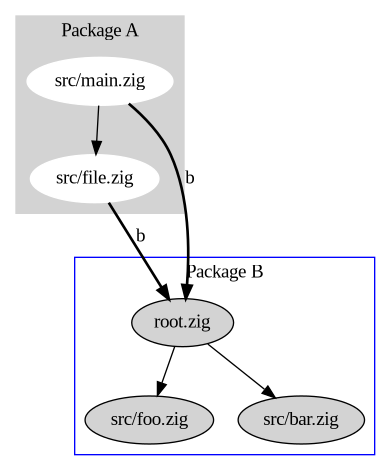
If we wanted to use package A in a program we wrote, we would have the following in our `build.zig`:
```zig
const std = @import(""std"");
const Builder = std.build.Builder;
const Pkg = std.build.Pkg;
const pkg_a = Pkg{
.name = ""a"",
.path = ""/some/path/to/src/main.zig"",
.dependencies = &[_]Pkg{
Pkg{
.name = ""b"",
.path = ""rel/path/to/root.zig"",
.dependencies = null,
},
},
};
pub fn build(b: *Builder) !void {
const exe = b.addExecutable(""my_program"", ""src/main.zig"");
exe.addPackage(pkg_a);
}
```
So in order to use A, you need to tell it where to find ""b"", and this is nice because it is trivial to drop a different implementation of package B. The configuration for ""b"" only counts inside files belonging to package A, we will not be able to import package B in our program, to do that we would need to explicitly configure that relationship with another call to `addPackage()`. Each package has its own import namespace and this allows for situations where different packages import the same code using different import strings:
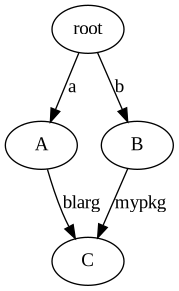
and it allows for different packages to be referenced with the same string:
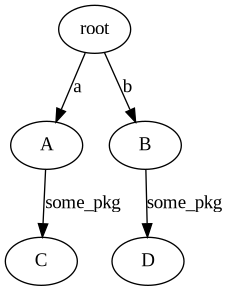
This makes for a simple and consistent medium in which to perform package management, where package resolution, replacement, and upgrading challenges are more about user experience rather than technical feasibility."
470,844,"2023-06-13 18:39:02.617544",aryaelfren,methods-4f07,"",Methods,"I have corrected some small inacuracies in the first post and uploaded the code to GitHub. Let's...","> I have corrected some small inacuracies in the first post and uploaded the code to [GitHub](https://github.com/Arya-Elfren/zig-tree-tutorial).
Let's make our binary tree structure also encode some behaviour.
## Namespaced functions
Functions placed in a struct, or in a file (as we saw they're equivalent), are namespaced within that struct. For example, the `std.testing.expect` function we used in our tests last time. This is a convenient and logical place to put functions related to our data structures. So let's use this to implement some simple traversals for our binary tree.
So, in our `Node.zig` file let's create a function that writes the preorder representation of our tree to a buffer.
```zig
pub fn traversePreorderToBuffer(self: *Node, buf: []?u8) void {}
```
We take a pointer to our current `Node` and a slice of nullable `u8`s. This is so that we can go through (without an index) and find where we should insert the next item.
For preorder we first append our current data to the buffer. We do so by looping over it and finding the firs slot that isn't `null`. We set this to the data in our current node and break. Then we recurse on the left and right subtrees, if they're there.
```zig
pub fn traversePreorderToBuffer(self: *Node, buf: []?u8) void {
for (buf) |*slot| if (slot.*) |_| {} else {
slot.* = self.data;
break;
};
if (self.left) |left| Node.traversePreorderToBuffer(left, buf);
if (self.right) |right| Node.traversePreorderToBuffer(right, buf);
}
```
Let's write a test to see how to use this:
```zig
const expectEqual = @import(""std"").testing.expectEqual;
test ""traversals"" {
var left = Node{ .data = 0 };
var right = Node{ .data = 2 };
var root = Node{
.data = 1,
.left = &left,
.right = &right,
};
{ // isolate the preorder test so we can add other traversals later
var out = [_]?u8{null} ** 3;
Node.traversePreorderToBuffer(&root, out[0..]);
try expectEqual(out[0], 1);
try expectEqual(out[1], 0);
try expectEqual(out[2], 2);
}
}
```
First we create the binary tree `(1 (0) (2))` and a length 3 buffer to store the output. Then we call the `traversePreorderToBuffer` function from the `Node` namespace, pass a reference to our root node and a [slice](https://ziglang.org/documentation/master/#Slices) of our buffer. We then use the `testing.expectEqual` to check our result (instead of `expect(a == b)` from last time, we just do `expectEqual(a, b)`).
## Method syntax sugar
As I mentioned at the start, this is the most convenient and logical place to put functions that use our struct. It turns out that we frequently want to implement functions that look like this:
`Node.zig`
```zig
pub fn traversePreorderToBuffer(self: *Node, buf: []?u8) void {}
pub fn traverseInorderToBuffer(node: Node, buf: []?u8) void {}
pub fn traversePostorderToBuffer(node: *const Node, buf: []?u8) void {}
```
However, it's a pain to always write `Type.function(instance, ...)` or having to import and rename every function to shorten it. Especially since we know it will always be `@TypeOf(instance).function(instance)` (or `@TypeOf(instance.*).function(instance)`).
Zig lets you call these functions with dot syntax as if they were methods. Effectively, if the first argument to a function that is namespaced in a container is that container (or a pointer to it) you can use the instance as the namespace.
So, for example, we can call `traversePostorderToBuffer` like this (in the above test):
```zig
{
var out = [_]?u8{null} ** 4;
root.traversePostorderToBuffer(out[0..]);
try expectEqual(out[0], 0);
try expectEqual(out[1], 2);
try expectEqual(out[2], 1);
try expectEqual(out[3], null);
}
```
## Conclusion
This time we learned how to give our binary tree behaviour and how to easily access it through dot notation.
"
651,1663,"2024-06-30 02:19:37.177859",rohlem,zig-hack-typedget-1po4,"","Zig Hack: TypedGet","The return type of a Zig function allows arbitrary TypeExpr expressions. fn byteArray(comptime n:...","The return type of a Zig function allows arbitrary `TypeExpr` expressions.
```zig
fn byteArray(comptime n: comptime_int) [n]u8 {...}
fn noOp(x: anytype) @TypeOf(x) {...}
fn deref(x: anytype) (switch(@typeInfo(@TypeOf(x))) {
else => @TypeOf(x),
.Pointer => |p| p.child,
}) {...}
fn reasonableThing(comptime T: type, a: u22) R: {...} {...}
```
At some point these expressions get unwieldy, so we really want to encapsulate the return type into a separate function. From `std.mem`:
```zig
fn Span(comptime T: type) type {
switch (@typeInfo(T)) {
.Optional => |optional_info| {
return ?Span(optional_info.child);
},
.Pointer => |ptr_info| {...},
else => {},
}
@compileError(""invalid type given: "" ++ @typeName(T));
}
pub fn span(ptr: anytype) Span(@TypeOf(ptr)) {...}
```
""This is good and well,"", we say, ""for the title case capitalization of the same functio name indicates its nature of being the type of the corresponding non- title case entity.
Also it pleases us that callsites can now inquire the result type by calling `Span(T)` instead of `@TypeOf(span(ptr))`, or the even more unbecoming `@TypeOf(span(@as(T, undefined)))`.""
Next, when implementing `span`, we realize that the logic supplying the value needs to match up with the logic supplying the type, and so we restate that logic:
```zig
pub fn span(ptr: anytype) Span(@TypeOf(ptr)) {
if (@typeInfo(@TypeOf(ptr)) == .Optional) {...}
const Result = Span(@TypeOf(ptr));
const ptr_info = @typeInfo(Result).Pointer;
...
}
```
Arguably, not a big deal. It's a bit of repeated code, but as good denizens aiming for code clarity, we wouldn't want too complicated logic dictating the types in our program anyway.
And if the two functions ever got out of sync, we'd just get a compile error.
We would certainly never do anything ridiculous with parameterized nested types to represent `comptime` state, where anonymous struct initializers `.{}` would silently coerce to any one of them.
And so as a mere curiosum, I present to you the following ~~pattern~~ Zig hack that you shouldn't use in your codebases at home.
```zig
/// documentation only:
/// a type coupled with a way to way to calculate it from given inputs
/// @as(TypedGet, opaque {
/// pub const Result: type;
/// pub const get: fn(...) Result;
/// })
pub const TypedGet = type;
/// snake_case because we're technically returning a namespace
pub fn unreasonable_thing_get(
comptime A: type,
comptime B: type,
) TypedGet {
// terribly complicated logic you should really never need
if (!needThing(A)) return opaque {
// return type and calculation in one place
pub const Result = A;
pub fn get(a: A, _: B) Result {
return a;
}
};
if (caseConsidered(B, .maybe)) |fallback| return opaque {
pub const Result = u8;
pub fn get(a: A, b: B) Result {
return ...;
}
};
if (@hasDecl(A, ""Next"")) return opaque {
// TypedGet composes pretty cleanly imo
const next_level_get: TypedGet = unreasonable_thing_get(A.Next, B);
const NextLevelResult = next_level_get.Result;
const combine_get: TypedGet = A.combine_get(A, NextLevelResult);
pub const Result = combine_get.Result;
pub fn get(a: A, b: B) Result {
return combine_get.get(a, next_level_get.get(a.next(), b));
}
};
@compileError(""TODO: handle "" ++ @typeName(A) ++ "", "" ++ @typeName(B));
}
pub fn unreasonableThing(a: anytype, b: anytype)
unreasonable_thing_get(@TypeOf(a), @TypeOf(b)).Result {
return unreasonable_thing_get(@TypeOf(a), @TypeOf(b)).get(a, b);
}
```
Essentially, by moving result type and calculation closer to each other, we've achieved an `anytype`-returning function.
Certainly, this will come back to bite us later."
447,690,"2023-03-06 20:14:08.842461",pyrolistical,how-to-escape-python-and-write-more-zig-228m,"","How to escape Python and write more Zig","We love and know Zig. But Python? Me personally not so much. While Python isn't the hardest language...","We love and know Zig. But Python? Me personally not so much. While Python isn't the hardest language to learn, I am far more productive in Zig.
Fortunately, I can escape Python and mainly work in Zig as both support the C [ABI](https://en.wikipedia.org/wiki/Application_binary_interface).
Python's standard library directly supports the C ABI via [ctypes](https://docs.python.org/3/library/ctypes.html), but it is a bit clunky to use. A far more user friendly library is [cffi](https://cffi.readthedocs.io/en/latest/).
## Calling Zig via cffi
Let's say we have a simple sqrt function written in Zig.
```zig
// simple.zig
export fn sqrt(x: f64) f64 {
return @sqrt(x);
}
```
We can build this as a library:
```sh
zig build-lib -dynamic simple.zig
```
In Python land, we use cffi to declare the `sqrt` function, import the library and call it. Note the following assumes the code is being run on Windows.
```python
from cffi import FFI
cffi = FFI()
cffi.cdef(
""""""
double sqrt(double x);
""""""
)
import os
simple = cffi.dlopen(os.path.abspath(""simple.dll""))
print(simple.sqrt(2))
```
Note that `cdef` uses C declarations, which is annoying but mostly a mechanical translation from Zig.
And there's more! We can build anything into the library and access the full power of Zig. Allocation, io, debug symbols all work.
For more examples including string/struct/dict translation, I created a repository that demonstrates all of that.
https://github.com/Pyrolistical/zig-cffi-python
"
45,10,"2021-09-12 14:33:04.66288",kprotty,resource-efficient-thread-pools-with-zig-3291,https://zig.news/uploads/articles/sqpjztueq3xg5rf220fx.png,"Resource efficient Thread Pools with Zig","I'd like to share what I've been working on for the past 2 years give or take. It's a thread pool...","I'd like to share what I've been working on for the past 2 years give or take. It's a thread pool that checks a bunch of boxes: lock-free, allocation-free\* (excluding spawning threads), supports batch scheduling, and dynamically spawns threads while handling thread spawn failure.
To preface, this assumes you're familiar with thread synchronization patterns and manual memory management. It's also more of a letter to other people implementing schedulers than it is to benefit most programmers. So if you don't understand what's going on sometimes, that's perfectly fine. I try to explain what led to each thought and if you're just interested in how the claims above materialized, go read [the source](https://github.com/kprotty/zap/blob/blog/src/thread_pool.zig) directly.
## Thread Pools?
For those unaware, a thread pool is just a group of threads that work can be dispatched to. Having a group amortizes the costs of creating and shutting down threads which can be expensive in comparison to the work being performed. It also prevents a task from blocking another by having other thread ready to process it.
Thread pools are used everywhere from your favorite I/O event loop (Golang, Tokio, Akka, Node.js), to game logic or simulation processing (OpenMP, Intel TBB, Rayon, Bevy), and even broader applications (Linkers, Machine Learning, and more). It's a pretty well explored abstraction, but *there's still more room for improvement.*
## Why Build Your Own?
A good question. Given the abundance of solutions (I've listed some above), why not just use an existing thread pool? Aren't thread pools a solved problem? Aren't they just all the same: a group of threads? It's reasonable to have this line of thought if the processing isn't your main concern. However I like tinkering, optimizing and have quite a bt of free time. These are shared formulas with which helped build the existing solutions.
First, I'd like to set the stage. I'm very into Zig. The time is somewhere after Zig `0.5`. Andrew just recently introduced Zig's [new `async/await` semantics](https://ziglang.org/download/0.5.0/release-notes.html#Async-Functions) (I hope to do a post about this in the future) and the standard library event loop (async I/O driver) is only at its baby stages. This is a chance to get Zig into the big player domain like Go and Rust for async I/O stuff. A good thread pool appears necessary.
Second, **thread pools aren't a solved problem**. While the existing reference implementations are quite fast for their needs, they personally have some inefficient design choices that I believed could be improved on. Even between Intel TBB and Go's runtime, their implementations aren't that similar to each other and arguably pretty ew code wise [TBH](https://www.howtogeek.com/447760/what-does-tbh-mean-and-how-do-you-use-it/#:~:text=%E2%80%9CTo%20Be%20Honest%E2%80%9D%20or%20%E2%80%9C,%2C%20and%20text%2Dmessage%20culture.) The former is a jungle of classes spread over different files to get to the meat of scheduling. The latter has a lot of short context-lacking variable names mixed with GC/tracing stuff which distracted me when I was first understanding it. (**Update**: Go cleaned up [the scheduler](https://golang.org/src/runtime/proc.go) and It's much nicer now).
Third, good thread pools aren't always straight forward. The [META](https://www.arc.unsw.edu.au/blitz/read/explainer-what-is-a-metaquestion#:~:text=In%20essence%2C%20a%20%22meta%22,%E2%80%9Cmost%20effective%20tactics%20available%E2%80%9D.) nowadays for I/O event loops is a work-stealing, wake-throttling, I/O sharing, mostly-cooperative, task scheduler. Yea it's a mouth full and, and yea each of the components carries its own implementation trade-offs, but this matrix of scheduling options will help understand why I started with such a design.
## Resource Efficiency
Zig has a certain ethos or [Zen](https://ziglang.org/documentation/master/#Zen) which attracted me to the language in the first place. That is: the focus on edge cases and utilizing the hardware's resources in a good and less wasteful way. The best example of this is program memory. Having developed on a machine with relatively low memory as a restraint when starting out, this is a problem I wished to address early on the thread pool's design.
When you simplify a thread pool's API, it all comes down a function which takes a Task or Unit-of-Work and queues it up for execution on some thread: `schedule(Task)`. Some implementations will often store the tasks in the thread pools itself and basically have an unbounded queue of them which heap allocates to grow. This can be wasteful memory-wise (and add synchronization overhead) so I decided to have Tasks in my thread pool be intrusively provided.
## Intrusive Memory
Intrusive data structures are, as I understand it, when you store a reference to the callers data with the caller having more context on what that reference is. This contrasts to non-intrusive data structures which copy or move the callers data into container for ownership.
Poor explanation, I know, but as an example you can think of a hash map as non-intrusive since it owns whatever key/value you insert into it and can changes its memory internally when growing. While a linked list in which the caller provides the node pointers, and can only deallocate the node once it's removed from the list, is labeled as intrusive. A [possibly better explanation here](https://www.boost.org/doc/libs/1_55_0/doc/html/intrusive/intrusive_vs_nontrusive.html), but our thread pool tasks now look like this:
```zig
pub const Task = struct {
next: ?*Task = null,
callback: fn (*Task) void,
};
pub fn schedule(task: *Task) void {
// ...
}
```
To schedule a callback with some context, you would generally store the Task itself *with* the context and use the [`@fieldParentPtr()`](https://ziglang.org/documentation/master/#fieldParentPtr) to convert the Task pointer back into the context pointer. If you're familiar with C, this is basically `containerof` but a bit more type safe. It takes a pointer to a field and gives you a pointer to the parent/container struct/class.
```zig
const Context = struct {
value: usize,
task: Task,
pub fn scheduleToIncrement(this: *Context) void {
this.task = Task{ .callback = onScheduled };
schedule(&this.task);
}
fn onScheduled(task_ptr: *Task) void {
const this = @fieldParentPtr(Context, ""task"", task_ptr);
this.value += 1;
}
};
```
This is a very powerful and memory efficient way to model callbacks. It leaves the scheduler to only interact with opaque Task pointers which are effectively just linked-list nodes. Zig makes this pattern easy and common too; The standard library uses intrusive memory and `containerof` to model runtime polymorphism for Allocators by having them hold a function pointer which takes in an opaque Allocator pointer where the function's implementation uses `@fieldParentPtr` on the Allocator pointer to get its allocator-specific context. It's like a cool alternative to [vtables](https://en.wikipedia.org/wiki/Virtual_method_table).
## Scheduling and the Run Loop
Now that we have the basic API down, we can actually make a single threaded implementation to understand the concept of task schedulers.
```zig
var stack: ?*Task = null;
pub fn schedule(task: *Task) void {
task.next = stack;
stack = task;
}
pub fn run() void {
while (stack) |task| {
stack = task.next;
(task.callback)(task);
}
}
```
This is effectively what most schedulers, and hence thread pools, boil down to. The main difference from this and a threaded version is that the queue of Tasks to run called `stack` here is conceptually shared between threads and multiple threads are popping from it in order to call Task callbacks. Let's make our simple example thread-safe by adding a Mutex.
```zig
var stack: ?*Task = null;
var lock: std.Thread.Mutex = .{};
pub fn schedule(task: *Task) void {
const held = lock.acquire();
defer held.release();
task.next = stack;
stack = task;
}
fn runOnEachThread() void {
while (dequeue()) |task| {
(task.callback)(task);
}
}
fn dequeue() ?*Task {
const held = lock.acquire();
defer held.release();
const task = stack orelse return null;
stack = task.next;
return task;
}
```
Did you spot the inefficiency here? We musn't forget that now there's multiple threads dequeueing from `stack`. If there's only one task running and the `stack` is empty, then all the other threads are just spinning on dequeue(). To save execution resources those threads should be put to sleep until `stack` is populated. I'll spare you the details this time but we've boiled down the API for a multi-threaded thread-pool here to this pseudo code:
## The Algorithm
```rs
schedule(task):
run_queue.push(task)
threads.notify()
join():
shutdown = true
for all threads |t|:
t.join()
run_on_each_thread():
while not shutdown:
if run_queue.pop() |task|:
task.run()
else:
threads.wait()
```
Here is the algorithm that we will implement for our thread pool. I will refer back to this here and there and also reiterate over it later. For now, keep this as a reminder for what we're working on.
## Run Queues
Let's focus on the run queue first. Having a shared run queue for all threads increases how much they fight over it when going to dequeue and is quite the bottleneck. This fighting is known as **contention** in synchronization terms and is the primary slowdown of any sync mechanism from Locks down to atomic instructions. The less threads are stomping over each other, the better the throughput in most cases.
To help decrease contention on the shared run queue, we just give each thread its own run queue! When threads schedule(), they push to their own run queue. When they pop(), they first dequeue from their own, then tryto dequeue() from others as a last resort. **This is nothing new, but is what people call work-stealing**.
If the total work on the system is being pushed in by different threads, then this scales great since they're not touching each other most of the time. But when they start stealing, the contention slowdown reels it's head in again. This can happen a lot if there's only a few threads pushing work to their queues and the rest are just stealing. Time to investigate what we can do about that.
### Going Lock-Free: Bounded
**WARNING**: here be atomics. Skip to [Notification Throttling](#Notification-Throttling) to get back into algorithm territory
The first thing we can do is to get rid of the locks on the run queues. When there's a lot of contention on a lock, the thread has to be put to sleep. This is a relatively expensive operation compared to the actual dequeue; It's a syscall for the losing thread to sleep and often a syscall for the winning thread to wake up a losing thread. We can avoid this with a few realizations.
One realization is that there's only one producer to our thread local queues while there's multiple consumers in the form of ""the work stealing threads"". This means we don't need to synchronize the producer side and can use lock-free SPMC (single-producer-multi-consumer) algorithms. Golang uses a good one (which I believed is borrowed from Cilk?) that has a really efficient push() and can steal in batches, all without locks:
```rs
head = 0
tail = 0
buffer: [N]*Task = uninit
// -% is wrapping subtraction
// +% is wrapping addition
// `ATOMIC_CMPXCHG(): ?int` where `null` is success and `int` is failure with new value.
push(task):
h = ATOMIC_LOAD(&head, Relaxed)
if tail -% h >= N:
return Full
// store to buffer must be atomic since slow steal() threads may still load().
ATOMIC_STORE(&buffer[tail % N], task, Unordered)
ATOMIC_STORE(&tail, tail +% 1, Release)
pop():
h = ATOMIC_LOAD(&head, Relaxed)
while h != tail:
h = ATOMIC_CMPXCHG(&head, h, h +% 1, Acquire) orelse:
return buffer[head % N]
return null
steal(into):
while True:
h = ATOMIC_LOAD(&head, Acquire)
t = ATOMIC_LOAD(&tail, Acquire)
if t -% h > N: continue // preempted too long between loads
if t == h: return Empty
// steal half to amortize the cost of stealing.
// loads from buffer must be atomic since may be getting updated by push().
// stores to `into` buffer must be atomic since it's pushing. see push().
half = (t -% h) - ((t -% h) / 2)
for i in 0..half:
task = ATOMIC_LOAD(&buffer[(h +% i) % N], Unordered)
ATOMIC_STORE(&into.buffer[(into.tail +% i) % N], task, Unordered)
_ = ATOMIC_CMPXCHG(&head, h, h +% half, AcqRel) orelse:
new_tail = into.tail +% half
ATOMIC_STORE(&into.tail, new_tail -% 1, Release)
return into.buffer[new_tail % N]
```
You can ignore the details but just know that this algorithm is nice because it allows stealing to happen concurrently to producing. Stealing can also happen concurrently to other steal()s and pop()s without ever having to pause the thread from issuing a blocking syscall. Basically, we've made the serialization points (places where mutual exclusion is needed) to be the atomic operations which happen in hardware instead of the locks which serialize entire OS threads using syscalls in software.
Unfortunately, this algorithm is only for a bounded array. `N` could be pretty small relative to the overall Tasks that may be queued on a given thread so we need a way to hold tasks which overflow, but without re-introducing locks. This is where other implementations stop but we can keep going lock-free with more realizations.
### Going Lock-Free: Unbounded
If we refer back to the pseudo code, `run_queue.push` is always followed by `threads.notify`. And a failed `run_queue.pop` is always followed by `threads.wait`. This means that the `run_queue.pop` is allowed to spuriously see empty run queues and wait without worry as long as there's a matching notification to wake it up.
This is actually a powerful realization. It means that any OS thread blocking/unblocking from syscalls done in the run queue operations can actually be omitted since `threads.wait` and `threads.notify` are already doing the blocking/unblocking! **If a run queue operation would normally block, _it just shouldn't_** since it will already block once it fails anyways. The thread can use that free time to check other thread run queues (instead of blocking) before reporting an empty dequeue. We've effectively merged thread sleep/wakeup mechanisms with run queue synchronization.
We can translate this realization to each thread having a non-blocking-lock (i.e. `try_lock()`, no `lock()`) protected queue *along with the SPMC buffer*. When our thread's buffer overflows, we take/steal half of it, build a linked list from that, then lock our queue and push that linked list. Migrating half instead of 1 amortizes the cost of stealing from ourselves on push() and makes future pushes go directly to the buffer which is fast.
When we dequeue and our buffer is empty, we *try to lock* our queue and pop/refill our buffer with tasks from the queue. If both our buffer and queue are empty (or if another thread is holding our queue lock) then we steal by *try_locking* and refilling from *other* thread queues, stealing from their buffer if that doesn't work. This is in reverse order to how they dequeue to, again, avoid contention.
```rs
run_queue.push():
if thread_local.buffer.push(task) == Full:
migrated = thread_local.buffer.steal() + task
thread_local.queue.lock_and_push(migrated)
run_queue.pop(): ?*Task
if thread_local.buffer.pop() |task|
return task
if thread_local.queue.try_lock_and_pop() |task|
return task
for all other threads |t|:
if t.queue.try_lock_and_pop() |task|
return task
if t.buffer.steal(into: &thread_local.buffer) |task|
return task
return null
```
----
This might have been a lot to process, but hopefully the code shows what's going on. If you're still reading ... take a minute break or something; There's still more to come. If you're attentive, you may remember that I said we should do this without locks but there's still `lock_and_push()` in the producer! Well here we go again.
----
### Going Lock-Free: Unbounded; Season 1 pt. 2
You also may have noticed that the ""try_lock_"" in `try_lock_and_pop` for our thread queues is just there to enforce serialization on the consumer side. There's also still only one producer. Using these assumptions, we can reduce the queues down to non-blocking-lock protected lock-free SPSC queues. This would allow the producer to operate lock-free to the consumer and remove the final blocking serialization point that is `lock_and_push()`.
Unfortunately, there don't seem to be any unbounded lock-free SPSC queues out there which are fully intrusive *and* don't use atomic read-modify-write instructions (that's generally avoided for SPSC). But that's fine! We can just use an intrusive unbounded MPSC instead. Dmitry Vyukov developed/discovered a [fast algorithm](https://www.1024cores.net/home/lock-free-algorithms/queues/intrusive-mpsc-node-based-queue) for such use-case a while back which has been well known and used everywhere from [Rust stdlib](https://doc.rust-lang.org/src/std/sync/mpsc/mpsc_queue.rs.html) to [Apple GCD](https://github.com/apple/swift-corelibs-libdispatch/blob/34f383d34450d47dd5bdfdf675fcdaa0d0ec8031/src/inline_internal.h#L1510) to [Ponylang](https://github.com/ponylang/ponyc/blob/7d38ffa91cf5f89f94daf6f195dfae3bd3395355/src/libponyrt/actor/messageq.c#L31).
We can also merge the non-blocking-lock acquisition and release into the MPSC algorithm itself by having the pop-end be `ATOMIC_CMPXCHG` acquired with a sentinel value and released by storing the actual pointer after popping from the queue with the acquired pop-end. Again, here's just the nitty gritty for those interested.
{% collapsible Vyukv MPSC queue - made non-blocking MC %}
```rs
stub: Task = .{ .next = null },
head: usize = 0
tail: ?*Task = null
CONSUMING = 1
push(migrated):
migrated.tail.next = null
t = ATOMIC_SWAP(&tail, migrated.tail, AcqRel)
prev = t orelse &stub
ATOMIC_STORE(&prev.next, migrated.head, Release)
try_lock(): ?*Task
h = ATOMIC_LOAD(&head, Relaxed)
while True:
if h == 0 and ATOMIC_LOAD(&tail, Relaxed) == null:
return null // Empty queue
if h == CONSUMING:
return null // Queue already locked
h = ATOMIC_CMPXCHG(&head, h, CONSUMING, Acquire) orelse:
return (h as ?*Task) orelse &stub
pop(ref locked_head: *Task): ?*Task
if locked_head == &stub:
locked_head = ATOMIC_LOAD(&stub.next, Acquire) orelse return null
if ATOMIC_LOAD(&locked_head.next, Acquire) |next|:
defer locked_head = next
return locked_head
// push was preempted between SWAP and STORE
// its ok since we can safely return spurious empty
if ATOMIC_LOAD(&tail, Acquire) != locked_head:
return null
// Try to Ensure theres a next node
push(LinkedList.from(&stub))
// Same thing as above
const next = ATOMIC_LOAD(&locked_head.next, Acquire) orelse return null
defer locked_head = next
return locked_head
unlock(locked_head: *Task):
assert(ATOMIC_LOAD(&head, Unordered) == CONSUMING)
ATOMIC_STORE(&head, locked_head as usize, Release)
```
{% endcollapsible %}
**SIDENOTE**: A different algorithm ended up in the final thread pool since I discovered a ""mostly-LIFO"" version of this which performs about the same in practice. It's a [Treiber Stack](https://en.wikipedia.org/wiki/Treiber_stack) MPSC which swaps the entire stack with null for consumer. The idea used fairly often in the wild (See [mimalloc: 2.4 The Thread Free List](https://www.microsoft.com/en-us/research/uploads/prod/2019/06/mimalloc-tr-v1.pdf)), but I just figured out a way to add try-lock usage to the consumer end.
{% collapsible Treiber stack based MPSC queue - made non-blocking MC %}
```rs
stack: usize = 0
cache: ?*Task = null
MASK = ~0b11
CACHED = 0b01
CONSUMING = 0b10
// Classic treiber stack push
push(migrated):
s = ATOMIC_LOAD(&stack, Relaxed)
while True:
migrated.tail.next = (s & MASK) as ?*Task
new = (migrated.head as usize) | (s & ~MASK)
s = ATOMIC_CMPXCHG(&stack, s, new, Release) orelse break
try_lock(): ?*Task
s = ATOMIC_LOAD(&stack, Relaxed)
while True:
if s & CONSUMING != 0:
return null // Queue already locked
if s & (MASK | CACHED) == 0:
return null // Queue is empty
// Grab consuming, but also grab the pushed stack if nothings cached
new = s = CONSUMING | CACHED
if s & CACHED == 0:
new &= ~MASK
s = ATOMIC_CMPXCHG(&stack, s, new, Acquire) orelse:
return cache orelse ((s & MASK) as *Task)
pop(ref locked_stack: ?*Task): ?*Task
// fast path
if locked_stack |task|:
locked_stack = task.next
return task
// quick load before the swap to avoid taking ownership of cache line
if ATOMIC_LOAD(&stack, Relaxed) & MASK == 0:
return null
// grab the stack in one foul swoop
s = ATOMIC_SWAP(&stack, CONSUMING | CACHED, Acquire)
task = ((s & MASK) as ?*Task) orelse return null
locked_stack = task.next
return task
unlock(locked_stack: ?*Task):
// remove the CACHED bit if the cache is empty
// which will cause next try_lock() to consume the stack
sub = CONSUMING
if locked_stack == null:
sub |= CACHED
cache = locked_stack
ATOMIC_SUB(&stack, sub, Release)
```
{% endcollapsible %}
### Going Lock-Free: Unbounded; Season 1 pt. 3
Now that the entire run queue is lock-free, we've actually introduced a situation where thread A can grab the queue lock of thread B and the thread B would see empty (its queue is currently locked) and sleep on `threads.wait`. This is expected, but the sad part is that the queue lock holder may leave some remaining Tasks after refilling it's buffer even while there's sleeping threads that could process those Tasks! As a general rule, **anytime we push to the buffer in any way, even when work-stealing, follow it up with a notification**. This prevents under-utilization of threads in the pool and we must change the algorithm to reflect this:
```rs
run_on_each_thread():
while not shutdown:
if run_queue.pop() |(task, pushed)|:
if pushed: threads.notify()
task.run()
else:
threads.wait()
run_queue.pop(): ?(task: *Task, pushed: bool)
if thread_local.buffer.pop() |task|
return (task, false)
if steal_queue(&thread_local.queue) |task|
return (task, true)
for all other threads |t|:
if steal_queue(&t.queue) |task|
return (task, true)
if t.buffer.steal(into: &thread_local.buffer) |task|
return (task, true)
return null
```
## Notification Throttling
The run queue is now optimized and by this point it has improved throughput the most so far. The next thing to do is to optimize how threads are put to sleep and woken up through `threads.wait` and `threads.notify`. The run queue relies on `wait()` to handle spurious reports of being empty, and `notify()` is now called on every steal, so both functions have to be efficient.
I mentioned before that putting a thread to sleep and waking it up are both ""expensive"" syscalls. We should also try not to wake up all threads for each `notify()` as that would increase contention on the run queues (even if we're already trying hard to avoid it). The best solution that myself and others have found in practice is to throttle thread wake ups.
Throttling in this case means that **when we *do* wake up a thread, we don't wake up another until the woken up thread has actually been scheduled by the OS**. We can take this even further by requiring that the woken up thread to find Tasks before waking another. This is what Golang and Rust async executors do to great results and is what we will do as well, but in a *different* way.
For context, Golang and Rust use a counter of all the threads who are stealing. They only wake up a thread if there's no threads currently stealing. So `notify()` tries to `ATOMIC_CMPXCHG()` the stealing count from 0 to 1 and wakes only if that's successful. When entering the work stealing portion, the count is incremented if some heuristics deem OK. When leaving, the stealing count is decremented and if the last thread to exit stealing finds a Task, it will try to `notify()` again. This works for other thread pools, but is a bit awkward for us for a few reasons.
We want to have a similar throttling but have different requirements. Unlike Rust, we spawn threads lazily to support static initialization for our thread pool. Unlike Go, we don't use locks for mutual exclusion to know whether to wake up or spawn a new thread on `notify()`. We also want to allow thread spawning to fail without bringing the entire program down from a `panic()` like both Go and Rust. Threads are a resource which, like memory, can be constrained at runtime and we should be explicit about handle it as per Zig Zen.
(**Update**: I found a way to make the Go-style system work for our thread pool after the blog was written. Go [check out the source](https://github.com/kprotty/zap/blob/blog/src/thread_pool_go_based.zig))
I came up with a different solution which I believe is a bit friendlier to [LL/SC](https://en.wikipedia.org/wiki/Load-link/store-conditional) systems like ARM, but also solves the problems listed above. I originally called it `Counter` but have started calling it `Sync` out of simplicity. All thread coordination state is stored in a single machine word which packs the bits full of meaning (yay memory efficiency!) and is atomically transitioned through `ATOMIC_CMPXCHG`.
### Counter/Sync Algorithm
```zig
enum State(u2):
pending = 0b00
waking = 0b01
signaled = 0b10
shutdown = 0b11
packed struct Sync(u32):
state: Stte
notified: bool(u1)
unused: bool(u1)
idle_threads: u14
spawned_threads: u14
```
The thick-but-not-really `Sync` struct tracks the ""pool state"" which is used to control thread signaling, shutdown, and throttling. That's followed by a boolean called `notified` which helps in thread notification, `unused` which you can ignore (it's just there to pad it to `u32`), and counters for the amount of threads sleeping and the amount of threads created. You could extend `Sync`'s size from `u32` to `u64` on 64bit platforms and grow the counters, but if you need more than 16K (`1 << 14`) threads in your thread pool, you have bigger issues...
In order to implement thread wakeup throttling, we introduce something called ""the waking thread"". To wake up a thread, the `state` is transitioned from `pending` to `signaled`. Once a thread wakes up, it consumes this signal by transitioning the state from `signaled` to `waking`. The winning thread to consume the signal now becomes the ""waking thread"".
While there is a ""waking thread"", no other thread can be woken up. The waking thread will either dequeue a Task or go back to sleep. If it finds a Task, it must transfer its ""waking"" status to someone else by transitioning from `waking` to `signaled` and wake up another thread. If it doesn't find Tasks, it must transition from `waking` to `pending` before going back to sleep.
This results in the same throttling mechanisms found in Go and Rust by avoiding a [thundering herd](https://en.wikipedia.org/wiki/Thundering_herd_problem) of threads on `notify()`, decreases contention on the amount of stealing threads, and amortizes the syscall cost of actually waking up a thread:
* T1 pushes Tasks to its run queue and calls `notify()`
* T2 is woken up and designated as the ""waking thread""
* T1 pushses Tasks again but can't wake up other threads since T2 is still ""waking""
* T2 steals Tasks from T1 and wakes up T3 as the new ""waking"" thread
* T3 steals from from either T2 or T1 and wakes T4 as the new ""waking"" thread.
* By the time T4 wakes up, all Tasks have been processed
* T4 fails to steal Tasks, gives up the ""waking thread"" status, and goes back to sleep on `wait()`
### Thread Counters and Races
So far, we've only talked about the `state`, but there's still `notified`, `idle_threads` and `spawned_threads`. These are here to optimize the algorithm and provide lazy/faillable thread spawning as I mentioned a while back. Let's go through all of them:
First, let's check out `spawned_threads`. Since it's handled atomically with `idle_threads`, this gives us a choice on how we want to ""wake"" up a thread. If there's existing idle/sleeping threads, we should of course prefer waking up those instead of spawning new ones. But if there aren't any, we can accurately spawn more until we reach a user-set ""max threads"" capacity. **If spawning a thread fails, we just decrement this count**. `spawned_threads` is also used to synchronize shutdown which is explained later.
Then there's `notified`. Even when there's a ""waking"" thread, we still don't want `notify()`s to be lost as then that's missed wake ups which lead to CPU under-utilization. So every time we `notify()`, we also set the `notified` bit if it's not already. Threads going to sleep can observe the `notified` bit and try to consume it. Consuming it acts like a pseudo wake up so the thread should recheck run queues again instead of sleeping, which applies to the ""waking"" thread as well. This keeps the Threads on their toes by having at most one other non-waking thread searching for Tasks. For `Sync(u64)`, we could probably extend this to a counter to have more active searching threads.
Finally there's `idle_threads`. When a thread goes to sleep, it increments `idle_threads` by one then sleeps on a semaphore or something. A non-zero idle count allows `notify()` to know to transition to `signaled` and post to the theoretical semaphore. It's the notification-consuming thread's responsibility to decrement the `idle_threads` count when it transitions the state from `signaled` to `waking` or munches up the `notified` bit. Those familiar with [semaphore internals](https://code.woboq.org/userspace/glibc/nptl/sem_waitcommon.c.html#__new_sem_wait_slow) or [event counts](https://github.com/r10a/Event-Counts) will recognize this `idle_threads` algorithm.
### Shutdown Synchronization
When the book of revelations comes to pass, and the thread pool is ready to reap and ascend to reclaimed memory, it must first make peace with its children to join gracefully. For thou pool must not be eager to return, else they risk the memory corruption of others. The scripture recites a particular mantra to perform the process:
Transition the `state` from whatever it is to `shutdown`, then post to the semaphore if there were any `idle_threads`. This notifies the threads that the end is *among us*. `notify()` bails if it observes the state to be `shutdown`. `wait()` decrements `spawned_threads` and bails when it observes `shutdown`. The last thread to decrement the spawned count to zero must notify the pool that *it is time*.
The thread pool can iterate its children threads and sacrifice them to the kernel... but wait, we never explained how the thread pool keeps track of threads? Well, to keep with the idea of intrusive memory, a thread pushes itself to a lock-free stack in the thread pool on spawn. Threads find each other by following that stack and restarting from the top when the first-born is reached. We just follow this stack as well when `spawned_threads` reaches 0 to join them.
The final algorithm is as follows. Thank you for coming to my TED talk.
{% collapsible Show the full algorithm %}
```rs
notify(is_waking: bool):
s = ATOMIC_LOAD(&sync, Relaxed)
while s.state != .shutdown:
new = { s | notified: true }
can_wake = is_waking or s.state == .pending
if can_wake and s.idle > 0:
new.state = .signaled
else if can_wake and s.spawned < max_spawn:
new.state = .signaled
new.spawned += 1
else if is_waking: // nothing to wake, transition out of waking
new.state = .pending
else if s.notified:
return // nothing to wake or notify
s = ATOMIC_CMPXCHG(&sync, s, new, Release) orelse:
if can_wake and s.idle > 0:
return thread_sema.post(1)
if can_wake and s.spawned < max_spawn:
return spawn_thread(run_on_each_thread) catch kill_thread(null)
return
wait(is_waking: bool): error{Shutdown}!bool
is_idle = false
s = ATOMIC_LOAD(&sync, Relaxed)
while True:
if s.state == .shutdown:
return error.Shutdown
if s.notified or !is_idle:
new = { s | notified: false } // consume the notification
if s.notified:
if s.state == .signaled:
new.state = .waking // becoming the waking thread
if is_idle: // coming out of idle
new.idle -= 1
else:
new.idle += 1 // going into idle
if is_waking:
new.state = .pending // giving up waking status
s = ATOMIC_CMPXCHG(&sync, s, new, Acquire) orelse:
if s.notified:
return is_waking or s.state == .signaled
is_waking = false
is_idle = true
s = new
continue
thread_sema.wait()
s = ATOMIC_LOAD(&sync, Relaxed)
kill_thread(thread: ?*Thread):
s = ATOMIC_SUB(&sync, Sync{ .spawned = 1 }, Release)
if s.state == .shutdown and s.spawned - 1 == 0:
shutdown_sema.notify()
if thread |t|:
t.join_sema.wait()
shutdown_and_join():
s = ATOMIC_LOAD(&sync, Relaxed)
while s.state != .shutdown:
new = { s | state: .shutdown }
s = ATOMIC_CMPXCHG(&sync, s, new, AcqRel) orelse:
if s.idle > 0:
thread_sema.post(s.idle)
break
shutdowm_sema.wait()
for all_threads following stack til null |t|:
t.join_sema.pst(1)
run_on_each_thread():
atomic_stack_push(&all_threads, &thread_local)
defer kill_thread(&thread_local)
is_waking = false
while True:
is_waking = wait(is_waking) catch break
while dequeue() |(task, pushed)|:
if is_waking or pushed:
notify(is_waking)
is_waking = false
task.run()
dequeue(): ?(task: *Task, pushed: bool)
if thread_local.buffer.pop() |task|
return (task, false)
if steal_queue(&thread_local.queue) |task|
return (task, true)
for all_threads following stack til null |t|:
if steal_queue(&t.queue) |task|
return (task, true)
if t.buffer.steal(into: &thread_local.buffer) |task|
return (task, true)
return null
```
{% endcollapsible %}
## Closings
I probably missed something in my explanations. If so, I urge you to read the [source](https://github.com/kprotty/zap/blob/blog/src/thread_pool.zig). It's well commented I assure you :). I've provided a [Zig `async` wrapper](https://github.com/kprotty/zap/blob/blog/benchmarks/zig/async.zig) to the thread pool as well as [benchmarks](https://github.com/kprotty/zap/tree/blog/benchmarks) for competing async runtimes in the repository. Feel free run those locally, add your own, or modify the zig one. Learned a lot by doing this so here's some other links to articles about varying [schedulers along with my own tips](https://twitter.com/kingprotty/status/1416774977836093445). *And as always, hope you learned something*
"
424,26,"2022-11-17 20:36:54.786627",david_vanderson,using-rr-to-quickly-debug-memory-corruption-2539,https://zig.news/uploads/articles/47evq2qi55ypf9osnvce.png,"Using rr to quickly debug memory corruption","I recently had to debug a memory corruption issue, and used my new favorite tool for the job. rr is a...","I recently had to debug a memory corruption issue, and used my new favorite tool for the job. [rr](https://rr-project.org/) is a time-traveling debugger that lets you step **backward** through your program to find the source of the bug.
rr runs on Linux. Windows has a tool ""WinDbg"" with similar capabilities. I don't know of anything like this on Mac.
It all started with this panic:
```
$ zig build sdl-test
thread 656166 panic: reached unreachable code
src/gui.zig:473:59: 0x46c55b in textSizeRaw (sdl-test)
var utf8 = (std.unicode.Utf8View.init(text) catch unreachable).iterator();
^
src/gui.zig:452:41: 0x423043 in textSizeEx (sdl-test)
const s = sized_font.textSizeRaw(text, max_width_sized, end_idx);
^
src/gui.zig:439:31: 0x41c229 in textSize (sdl-test)
return self.textSizeEx(text, null, null);
^
src/gui.zig:5060:50: 0x3d636b in initNoFormat (sdl-test)
const size = options.font().textSize(self.label_str);
^
src/gui.zig:5088:38: 0x370872 in labelNoFormat (sdl-test)
var lw = LabelWidget.initNoFormat(src, id_extra, str, opts);
^
src/gui.zig:3196:22: 0x37cc26 in windowHeader (sdl-test)
gui.labelNoFormat(@src(), 0, str, .{ .gravity = .center, .expand = .horizontal, .font_style = .heading });
^
src/gui.zig:6640:29: 0x4432f4 in dialogDisplay (sdl-test)
gui.windowHeader(title, """", &header_openflag);
^
src/gui.zig:2455:38: 0x3d9442 in dialogsShow (sdl-test)
if (dialog.display(dialog.id)) {
^
src/gui.zig:2464:25: 0x37187f in end (sdl-test)
self.dialogsShow();
^
/home/dvanderson/temp/gui/sdl-test.zig:321:35: 0x36a7c0 in main (sdl-test)
const end_micros = win.end();
^
/home/dvanderson/apps/zig-linux-x86_64-0.11.0-dev.178+27e63bb59/lib/std/start.zig:614:37: 0x373301 in main (sdl-test)
const result = root.main() catch |err| {
```
Some quick printf-style debugging showed me a slice ([]u8) of text was mysteriously changing from okay to garbage after some unrelated code ran. Looks like memory corruption, so let's break out the big guns:
```
$ rr record zig-out/bin/sdl-test
rr needs /proc/sys/kernel/perf_event_paranoid <= 1, but it is 2.
Change it to 1, or use 'rr record -n' (slow).
Consider putting 'kernel.perf_event_paranoid = 1' in /etc/sysctl.d/10-rr.conf.
See 'man 8 sysctl', 'man 5 sysctl.d' (systemd systems)
and 'man 5 sysctl.conf' (non-systemd systems) for more details.
```
Oh right, you have to tweak a kernel thing to get good performance:
```
$ sudo sysctl -w kernel.perf_event_paranoid=1
$ rr record zig-out/bin/sdl-test
rr: Saving execution to trace directory `/home/dvanderson/.local/share/rr/sdl-test-2'.
thread 656934 panic: reached unreachable code
src/gui.zig:473:59: 0x46c55b in textSizeRaw (sdl-test)
var utf8 = (std.unicode.Utf8View.init(text) catch unreachable).iterator();
^
[same stacktrace as before]
Aborted
```
```
$ rr replay
GNU gdb (Ubuntu 12.1-0ubuntu1~22.04) 12.1
Copyright (C) 2022 Free Software Foundation, Inc.
License GPLv3+: GNU GPL version 3 or later
This is free software: you are free to change and redistribute it.
There is NO WARRANTY, to the extent permitted by law.
Type ""show copying"" and ""show warranty"" for details.
This GDB was configured as ""x86_64-linux-gnu"".
Type ""show configuration"" for configuration details.
For bug reporting instructions, please see:
.
Find the GDB manual and other documentation resources online at:
.
For help, type ""help"".
Type ""apropos word"" to search for commands related to ""word""...
Reading symbols from /home/dvanderson/.local/share/rr/sdl-test-2/mmap_hardlink_3_sdl-test...
Really redefine built-in command ""restart""? (y or n) [answered Y; input not from terminal]
Remote debugging using 127.0.0.1:1588
Reading symbols from /lib64/ld-linux-x86-64.so.2...
Reading symbols from /usr/lib/debug/.build-id/61/ef896a699bb1c2e4e231642b2e1688b2f1a61e.debug...
BFD: warning: system-supplied DSO at 0x6fffd000 has a section extending past end of file
0x00007eff55bb52b0 in _start () from /lib64/ld-linux-x86-64.so.2
(rr)
```
We are now debugging a recording of our program's execution. This is not a live execution of the program. We can run this multiple times, go forward, go backward. Everything including memory locations will be the same each time.
First we'll run to the end:
```
(rr) cont
Continuing.
thread 656934 panic: reached unreachable code
src/gui.zig:473:59: 0x46c55b in textSizeRaw (sdl-test)
var utf8 = (std.unicode.Utf8View.init(text) catch unreachable).iterator();
^
src/gui.zig:452:41: 0x423043 in textSizeEx (sdl-test)
const s = sized_font.textSizeRaw(text, max_width_sized, end_idx);
^
src/gui.zig:439:31: 0x41c229 in textSize (sdl-test)
return self.textSizeEx(text, null, null);
^
src/gui.zig:5060:50: 0x3d636b in initNoFormat (sdl-test)
const size = options.font().textSize(self.label_str);
^
src/gui.zig:5088:38: 0x370872 in labelNoFormat (sdl-test)
var lw = LabelWidget.initNoFormat(src, id_extra, str, opts);
^
src/gui.zig:3196:22: 0x37cc26 in windowHeader (sdl-test)
gui.labelNoFormat(@src(), 0, str, .{ .gravity = .center, .expand = .horizontal, .font_style = .heading });
^
src/gui.zig:6640:29: 0x4432f4 in dialogDisplay (sdl-test)
gui.windowHeader(title, """", &header_openflag);
^
src/gui.zig:2455:38: 0x3d9442 in dialogsShow (sdl-test)
if (dialog.display(dialog.id)) {
^
src/gui.zig:2464:25: 0x37187f in end (sdl-test)
self.dialogsShow();
^
/home/dvanderson/temp/gui/sdl-test.zig:321:35: 0x36a7c0 in main (sdl-test)
const end_micros = win.end();
^
/home/dvanderson/apps/zig-linux-x86_64-0.11.0-dev.178+27e63bb59/lib/std/start.zig:614:37: 0x373301 in main (sdl-test)
const result = root.main() catch |err| {
^
[New Thread 656934.656935]
Thread 1 received signal SIGABRT, Aborted.
__pthread_kill_implementation (no_tid=0, signo=6, threadid=139635116586816) at ./nptl/pthread_kill.c:44
44 ./nptl/pthread_kill.c: No such file or directory.
(rr)
```
Now we'll search up through the stack to identify the variable that got overwritten. In gdb (which rr enhances), pressing *enter* with an empty command will repeat the last command.
```
(rr) up
#1 __pthread_kill_internal (signo=6, threadid=139635116586816) at ./nptl/pthread_kill.c:78
78 in ./nptl/pthread_kill.c
(rr)
#2 __GI___pthread_kill (threadid=139635116586816, signo=signo@entry=6) at ./nptl/pthread_kill.c:89
89 in ./nptl/pthread_kill.c
(rr)
#3 0x00007eff558a0476 in __GI_raise (sig=sig@entry=6) at ../sysdeps/posix/raise.c:26
26 ../sysdeps/posix/raise.c: No such file or directory.
(rr)
#4 0x00007eff558867f3 in __GI_abort () at ./stdlib/abort.c:79
79 ./stdlib/abort.c: No such file or directory.
(rr)
#5 0x00000000003fa0c9 in os.abort () at /home/dvanderson/apps/zig-linux-x86_64-0.11.0-dev.178+27e63bb59/lib/std/os.zig:560
560 system.abort();
(rr)
#6 0x0000000000373c7a in debug.panicImpl () at /home/dvanderson/apps/zig-linux-x86_64-0.11.0-dev.178+27e63bb59/lib/std/debug.zig:384
384 os.abort();
(rr)
#7 0x0000000000368524 in builtin.default_panic () at /home/dvanderson/apps/zig-linux-x86_64-0.11.0-dev.178+27e63bb59/lib/std/builtin.zig:840
840 std.debug.panicImpl(error_return_trace, first_trace_addr, msg);
(rr)
#8 0x000000000046c55c in src.gui.Font.textSizeRaw () at src/gui.zig:473
473 var utf8 = (std.unicode.Utf8View.init(text) catch unreachable).iterator();
(rr)
#9 0x0000000000423044 in src.gui.Font.textSizeEx () at src/gui.zig:452
452 const s = sized_font.textSizeRaw(text, max_width_sized, end_idx);
(rr) p text
$1 = {ptr = 0x7eff55757b34 '\252' ..., len = 140727813082528}
```
We found the problem memory. Here's where the magic happens. We put a watch on that memory location so debugging will break on any change, and **reverse-continue** back through the program. For some reason I had to do ""rc"" (reverse-continue) twice. Then ""bt"" to see the backtrace for where it changed:
```
(rr) watch *0x7eff55757b34
Hardware watchpoint 1: *0x7eff55757b34
(rr) rc
Continuing.
Thread 1 received signal SIGABRT, Aborted.
__pthread_kill_implementation (no_tid=0, signo=6, threadid=139635116586816) at ./nptl/pthread_kill.c:44
44 ./nptl/pthread_kill.c: No such file or directory.
(rr) rc
Continuing.
Thread 1 hit Hardware watchpoint 1: *0x7eff55757b34
Old value = -1431655766
New value = 1835626049
0x0000000000a79a67 in memset ()
(rr) bt
#0 0x0000000000a79a67 in memset ()
#1 0x000000000051cfe9 in mem.Allocator.reallocAdvancedWithRetAddr__anon_39189 ()
at /home/dvanderson/apps/zig-linux-x86_64-0.11.0-dev.178+27e63bb59/lib/std/mem/Allocator.zig:419
#2 0x00000000004fa70d in mem.Allocator.reallocAtLeast__anon_34276 ()
at /home/dvanderson/apps/zig-linux-x86_64-0.11.0-dev.178+27e63bb59/lib/std/mem/Allocator.zig:356
#3 0x00000000004b6a4b in array_list.ArrayListAligned(u8,null).ensureTotalCapacityPrecise ()
at /home/dvanderson/apps/zig-linux-x86_64-0.11.0-dev.178+27e63bb59/lib/std/array_list.zig:353
#4 0x0000000000471c34 in array_list.ArrayListAligned(u8,null).ensureTotalCapacity ()
at /home/dvanderson/apps/zig-linux-x86_64-0.11.0-dev.178+27e63bb59/lib/std/array_list.zig:338
#5 0x000000000046606c in array_list.ArrayListAligned(u8,null).ensureUnusedCapacity ()
at /home/dvanderson/apps/zig-linux-x86_64-0.11.0-dev.178+27e63bb59/lib/std/array_list.zig:364
#6 0x000000000041a6d0 in array_list.ArrayListAligned(u8,null).appendSlice ()
at /home/dvanderson/apps/zig-linux-x86_64-0.11.0-dev.178+27e63bb59/lib/std/array_list.zig:209
#7 0x00000000003d79c3 in src.gui.dataSet__anon_21677 () at src/gui.zig:1510
#8 0x00000000003d3801 in src.gui.FloatingWindowWidget.saveRect () at src/gui.zig:2952
#9 0x0000000000443056 in src.gui.examples.AnimatingDialog.dialogDisplay () at src/gui.zig:6607
#10 0x00000000003d9443 in src.gui.Window.dialogsShow () at src/gui.zig:2455
#11 0x0000000000371880 in src.gui.Window.end () at src/gui.zig:2464
#12 0x000000000036a7c1 in sdl-test.main () at sdl-test.zig:321
#13 0x0000000000373302 in start.callMain () at /home/dvanderson/apps/zig-linux-x86_64-0.11.0-dev.178+27e63bb59/lib/std/start.zig:614
#14 start.initEventLoopAndCallMain () at /home/dvanderson/apps/zig-linux-x86_64-0.11.0-dev.178+27e63bb59/lib/std/start.zig:548
#15 start.callMainWithArgs () at /home/dvanderson/apps/zig-linux-x86_64-0.11.0-dev.178+27e63bb59/lib/std/start.zig:498
#16 main () at /home/dvanderson/apps/zig-linux-x86_64-0.11.0-dev.178+27e63bb59/lib/std/start.zig:513
(rr)
```
And we've identified the culprit. In this case the slice pointed to memory inside an ArrayList. Some other code added items to the ArrayList, which caused it to realloc to get more memory. This invalidates all previous memory. Whoops!
The solution in this case was to copy the slice when retrieving it from the ArrayList.
Using rr this way has saved me lots of unhappy hours tracking down memory corruption, and I hope it helps you too!
"
167,12,"2022-08-21 16:31:09.58342",xq,cool-zig-patterns-paths-in-build-scripts-4p59,https://zig.news/uploads/articles/jt7of1dqtp741xn0xiah.png,"Cool Zig Patterns - Paths in Build Scripts
","I'm using a pattern to have paths in build files that are relative to the build file instead of the...","I'm using a pattern to have paths in build files that are relative to the build file instead of the build root folder.
This pattern looked like this:
```zig
/// DEPRECATED, DO NOT USE
fn sdkRoot() []const u8 {
return std.fs.path.dirname(@src().file) orelse ""."";
}
...
{
var path = sdkRoot() ++ ""/src/main.zig""; // get a nice path
}
...
```
The problem with this is that with the new stage2 compiler, the `++` operator now has new semantics that make the operation above a runtime operation, and thus `path` a pointer-to-temporary, not a pointer-to-comptime-memory.
But there's a nice alternative one can use:
```zig
fn sdkPath(comptime suffix: []const u8) []const u8 {
if (suffix[0] != '/') @compileError(""relToPath requires an absolute path!"");
return comptime blk: {
const root_dir = std.fs.path.dirname(@src().file) orelse ""."";
break :blk root_dir ++ suffix;
};
}
...
{
var path = sdkPath(""/src/main.zig""); // get a nice path
}
...
```
This way, it can trivially be a `comptime` return value, removing the need for a lot of `comptime sdkRoot()` calls."
53,77,"2021-09-13 06:45:07.150557",sobeston,a-guessing-game-5fb1,"","A Guessing Game","We are going to make a program that randomly picks a number from 1 to 100 and asks us to guess it,...","We are going to make a program that randomly picks a number from 1 to 100 and asks us to guess it, telling us if our number is too big or two small.
### Getting a Random Number
As Zig does not have a runtime, it does not manage a PRNG (pseudorandom number generator) for us. This means that we'll have to create our own PRNG and initialise it with a source of entropy. Let's start with a file called *a_guessing_game.zig*.
```zig
const std = @import(""std"");
pub fn main() !void {
const stdout = std.io.getStdOut().writer();
```
Let's initialise *std.rand.DefaultPrng* with a 64 bit unsigned integer (`u64`). Our `rand` here allows us to access many useful utilities for our PRNG. Here we're asking our PRNG for a random number from 1 to 100, however if our PRNG is initialised with the same number every time our program will always print out the same number.
```zig
var prng = std.rand.DefaultPrng.init(1625953);
const rand = &prng.random;
try stdout.print(
""not-so random number: {}\n"",
.{rand.intRangeAtMost(u8, 1, 100)},
);
```
For a good source of entropy, it is best to initialise our PRNG with random bytes provided by the OS. Let's ask the OS for some. As Zig doesn't let us declare a variable without a value we've had to give our seed variable the value of `undefined`, which is a special value that coerces to any type. The function *std.os.getrandom* takes in a *slice* of bytes, where a slice is a pointer to a buffer whose length is known at run time. Because of this we've used *std.mem.asBytes* to turn our pointer to a `u64` into a slice of bytes. If *getrandom* succeeds it will fill our seed variable with a random value which we can then initialise the PRNG with.
```zig
var seed: u64 = undefined;
try std.os.getrandom(std.mem.asBytes(&seed));
var prng = std.rand.DefaultPrng.init(seed);
const rand = &prng.random;
```
### Taking User Input
Let's start here, where our program already has a random secret value which we must guess.
```zig
const std = @import(""std"");
pub fn main() !void {
var seed: u64 = undefined;
try std.os.getrandom(std.mem.asBytes(&seed));
var prng = std.rand.DefaultPrng.init(seed);
const rand = &prng.random;
const target_number = rand.intRangeAtMost(u8, 1, 100);
```
As we'll be printing and taking in user input until the correct value is guessed, let's start by making a while loop with `stdin` and `stdout`. Note how we've obtained an `stdin` *reader*.
```zig
while (true) {
const stdin = std.io.getStdIn().reader();
const stdout = std.io.getStdOut().writer();
```
To get a line of user's input, we have to read `stdin` until we encounter a newline character, which is represented by `\n`. What is read will need to be copied into a buffer, so here we're asking *readUntilDelimiterAlloc* to allocate a buffer up to 8KiB using *std.heap.page_allocator* until it reaches the `\n` character.
```zig
const bare_line = try stdin.readUntilDelimiterAlloc(
std.heap.page_allocator,
'\n',
8192,
);
defer std.heap.page_allocator.free(bare_line);
```
Because of legacy reasons newlines in many places in Windows are represented by the two-character sequence `\r\n`, which means that we must strip `\r` from the line that we've read. Without this our program will behave incorrectly on Windows.
```zig
const line = std.mem.trim(u8, bare_line, ""\r"");
```
### Guessing
Let's continue from here. We're expecting the user to input an integer number here, so the next step is to parse a number from `line`.
```zig
const std = @import(""std"");
pub fn main() !void {
var seed: u64 = undefined;
try std.os.getrandom(std.mem.asBytes(&seed));
var prng = std.rand.DefaultPrng.ini(seed);
const rand = &prng.random;
const target_number = rand.intRangeAtMost(u8, 1, 100);
while (true) {
const stdin = std.io.getStdIn().reader();
const stdout = std.io.getStdOut().writer();
const bare_line = try stdin.readUntilDelimiterAlloc(
std.heap.page_allocator,
'\n',
8192,
);
defer std.heap.page_allocator.free(bare_line);
const line = std.mem.trim(u8, bare_line, ""\r"");
```
This can be achieved by passing the buffer to *std.fmt.parseInt*, where the last parameter is the base of the number in the string. So far we've only handled errors with `try`, which returns the error if encountered, but here we'll want to `catch` the error so that we can process it without returning it. If there's an error we'll print a friendly error message and `continue`, so that the user can re-enter their number.
```zig
const guess = std.fmt.parseInt(u8, line, 10) catch |err| switch (err) {
error.Overflow => {
try stdout.writeAll(""Please enter a small positive number\n"");
continue;
},
error.InvalidCharacter => {
try stdout.writeAll(""Please enter a valid number\n"");
continue;
},
};
```
Now all we have to do is decide what to do with the user's guess. It's important to leave the loop using `break` when the user makes a correct guess.
```zig
if (guess < target_number) try stdout.writeAll(""Too Small!\n"");
if (guess > target_number) try stdout.writeAll(""Too Big!\n"");
if (guess == target_number) {
try stdout.writeAll(""Correct!\n"");
break;
}
```
Let's try playing our game.
```console
$ zig run a_guessing_game.zig
45
Too Big!
20
Too Small!
25
Too Small!
32
Too Small!
38
Too Small!
41
Too Small!
43
Too Small!
44
Correct!
```"
712,1,"2025-05-03 14:32:04.145815",kristoff,zig-news-is-now-paused-4omn,"","Zig NEWS is now paused and about to be rewritten","Executive summary As of today I toggled on the feature that stops users from being able to...","## Executive summary
As of today I toggled on the feature that stops users from being able to publish new articles. My plan is to turn Zig NEWS into an RSS aggregator. Existing posts will be published on GitHub so that authors can recover them and publish them elsewhere if they wish to do so.
## More in detail
Zig NEWS was created to allow Zig community members to share blog posts more easily. My argument since the beginning has been that you should always aim to own your content, but that Zig NEWS could help those of us who don't want to put in the effort to setup a full personal blog.
To that end I quickly setup an instance of Forem, the CMS developed by the dev.to people, and opened the door of zig.news to people. This worked reasonably well for a while but over time spam has become an increasingly annoying problem to deal with. People have asked me to get moderators to help fight the spam more quickly but I never agreed because I'm more interested in finding a better solution that does not involve shifting operational burden onto others.
Since then I also developed [Zine](https://zine-ssg.io/) which is an extremely handy way of setting up a static website (which you can host for free on GitHub Pages, for example) which in turn also means that the value add of Zig NEWS, as currently implemented, is not as good as it might have been before then.
For this reason I think it's time to start working towards transitioning away from FOREM, in order to kill all spam issues once and for all (plus sparing me some annoying operational issues) and to start capitalizing on all the effort that other community members have put in creating their own personal blogs and [devlogs](https://kristoff.it/blog/critical-social-infrastructure/).
The plan is to turn zig.news into an RSS feed aggregator. Users won't be able to submit individual entries but rather full RSS feeds of blogs that are considered interesting for the Zig community.
The initial implementation will not have support for likes and comments, but those might return in the future in a second pass.
If you posted something on Zig NEWS and would like to repost it somewhere else, please feel free to do so (your posts, not other people's).
Once we delete Forem, all posts will be made available on GitHub so no rush.
"
411,26,"2022-10-12 14:01:11.997176",david_vanderson,function-tables-3jka,https://zig.news/uploads/articles/cl6x82wq1fvvc7u1lse2.png,"Function Tables","Jean-Pierre follows up with a common gui situation - a combobox dropdown that lists some available...","Jean-Pierre follows up with a common gui situation - a combobox dropdown that lists some available functions. When the user clicks an entry, the code is given an enum value.
**How can you use an enum to select which function to run?**
This can trip up people especially if they are used to languages like Javascript or Racket where functions are first-class constructs. You can put all the functions in a list, index into the list and call the function.
Can we do that in Zig? Yes, as long as all the functions have the same type:
```zig
const std = @import(""std"");
var count: i32 = 0;
pub fn printFn() void {
std.debug.print(""count is {d}\n"", .{count});
}
pub fn incrementFn() void {
count += 1;
}
pub const FnEnum = enum {
print,
increment,
pub const Table = [@typeInfo(FnEnum).Enum.fields.len]*const fn () void{
printFn,
incrementFn,
};
};
pub fn main() !void {
var input: FnEnum = .print; // User clicks ""print""
FnEnum.Table[@enumToInt(input)]();
input = .increment; // User clicks ""increment""
FnEnum.Table[@enumToInt(input)]();
input = .print; // User clicks ""print"" again
FnEnum.Table[@enumToInt(input)]();
}
```
What if the functions have different types?
I would manually switch on the enum for each function:
```zig
const std = @import(""std"");
var count: i32 = 0;
pub fn printFn() void {
std.debug.print(""count is {d}\n"", .{count});
}
pub fn incrementFn(v: *i32) void {
v.* += 1;
}
pub const FnEnum = enum {
print,
increment,
pub fn run(self: FnEnum) void {
switch (self) {
.print => printFn(),
.increment => _ = incrementFn(&count),
}
}
};
pub fn main() !void {
var input: FnEnum = .print; // User clicks ""print""
input.run();
input = .increment; // User clicks ""increment""
input.run();
input = .print; // User clicks ""print"" again
input.run();
}
```
Hope this helps!"
419,10,"2022-11-04 19:36:36.880705",kprotty,simple-scalable-unbounded-queue-34c2,https://zig.news/uploads/articles/yhr637ebf0mcsez8a814.png,"Simple Scalable Unbounded Queue","The thing I love most about programming over the years has always been design and optimization work....","The thing I love most about programming over the years has always been design and optimization work. This is what got me into compilers, garbage collectors, runtimes, schedulers, and eventually [databases](https://twitter.com/kingprotty/status/1567602181074829317). Nothing gets me more excited than tag-teaming with someone to research, test, benchmark, and go down various rabbit holes with the goal of making something cool. In this case, I've decided to share one of the results!
## Context
For those uninitiated, a ""channel"" refers to a type of queue generally used in a programming language for passing data from one concurrent task to another with extra amenities. At least, this is how I describe it. I'll be using the term interchangeably with ""queue"" from now on. There's a few different properties of channels that help categorize them for use and comparisons:
**Bounded or Unbounded**. This describes whether or not the channel has a maximum capacity of stuff it can have in it which hasn't been dequeued. Channels with a bound will either be **Blocking or Non-Blocking**. Blocking channels will pause the caller until it can interact with the channel whereas non-blocking channels will return immediately with some sort of error.
Finally, there's the amount of concurrent **Producers and Consumers** that are allowed. A channel which allows multiple enqueues to happen at the same time would be considered *Multi-Producer*. One which doesn't would be considered *Single-Producer*. In this post, I'll be specifically talking about writing an **Unbounded, Non-Blocking, MPSC** (*Multi-Producer Single-Consumer*) channel.
You can find these types of channels anywhere data flows like a sink: multiple threads sending data to a single thread. [Actor Mailboxes](https://actoromicon.rs/ch03-00-actors.html#a-mailbox) often use such an implementation. [Serial Queues](https://developer.apple.com/library/archive/documentation/General/Conceptual/ConcurrencyProgrammingGuide/OperationQueues/OperationQueues.html) in Apple's GCD (`libdispatch`) also use something like this. The one relevant to our story though is the mpsc provided by the Rust standard library.
## Foundation
There's been some talk in the Rust community about channel performance and it piqued my interest. A while back, [`ibraheemdev` and I](https://twitter.com/ibraheemdev/status/1543813995848781824) went crazy with experimenting and researching to find optimal channel implementations. There were [a lot](https://github.com/kprotty/jiffy/branches) of algorithms tested, but he stumbled upon something interesting called [loo-queue](https://github.com/oliver-giersch/looqueue).
Oliver Giersch and Jörg Nolte published [a paper](https://github.com/nim-works/loony/blob/main/papers/GierschEtAl.pdf) (along with a C++ and Rust implementation, bless them) called *Fast and Portable Concurrent FIFO Queues With Deterministic Memory Reclamation""* [[ref](https://ieeexplore.ieee.org/abstract/document/9490347)]. In this, they note that `fetch_add` (atomic ""fetch and add"", or **FAA**) scales better than looping with `compare_exchange` (atomic ""compare and swap"" or **CAS**) on x86. You can verify this yourself with a simple [zig benchmark](https://gist.github.com/kprotty/9f45dde0eaea94a9a8d13097ee44b3cf).
Their idea was remarkably straight-forward: Use FAA on the producer to get the current buffer while also reserving an index into it atomically. If the reserved index is outside the buffer's bounds, then install a new buffer to the producer. It's the most ideal starting point for a concurrent queue but it has a few edge case that needs to be addressed.
## Encoding
First, we need a way to pack the buffer pointer along with the index into the same atomic variable so FAA can be used. Assuming an atomic variable is at most `usize` large, we'll need to fit that all in there using some form of [pointer tagging](https://en.wikipedia.org/wiki/Tagged_pointer).
Since this is focused on x86_64 (as that's where FAA is actually scalable), we have two options for tagging the buffer pointer. The first option is to [align the buffer pointer](https://stackoverflow.com/questions/4322926/what-exactly-is-an-aligned-pointer) to the amount of items it can hold (its size) guaranteeing that its address will have the bottom bits zeroed out to store the idex: `[pointer_bits:u{64-N}, index_bits:uN]: u64`. This only works if our buffer size is a power of two, which we would've done anyway.
The other option is to take advantage of a special property on x86_64 called [canonical addresses](https://en.wikipedia.org/wiki/X86-64#Canonical_form_addresses). Although pointers are 64 bits in size, they only use a portion of it for addressing memory. In traditional 4-level paging for userspace, _only the first 48 bits are used_. The remaining 16 bits must just be a copy of that 48th bit (using 1-based indexing here) when trying to dereference it. Instead of having to align the buffer when allocating, we could pack the index into these unused bits.
One could leave it at that and continue on implementing the algorithm but there's a subtle bug here: FAA is an unconditional atomic operation. This means that it could increment the index bits even when it's already at the max value and overflow into the buffer's pointer bits. Worst of all, only the thread which did the fatal increment would know, leaving others to incorrectly race on indexes already reserved as it wraps around.
For such a queue to work, the index bits need to have enough overshoot room to contain indexes larger than the buffer size and enough to handle the max amount of concurrent producer threads. So, for example, if the buffer size is `256` and the index bits are aligned to `512` (larger than `256`), this allows at most `512 - 256 - 1(corruptor) = 255` concurrent producers seeing a full buffer before state becomes corrupted. Having a bound on max producers is *meh*, but if you even have that many hitting the same queue, you should reconsider your program's design...
## Extending
So the fast path is clear now: 1. `FAA(producer, 1)` 2. If it reserved a valid buffer and index, write to that slot and make it available for the consumer. Now we need to define the slow path, as this is what makes or breaks the scalability of a concurrent algorithm.
When a producer observes that all buffer slots have been reserved to be written to, it needs to allocate a new buffer and replace the existing one. Since there could be multiple producers that observe this state, we have a few options of how to install a new buffer:
**Option 1.** Wait for the first producer which sees full to install a new one. This means that every ""overflowing"" producer which didn't see `index = 256` just waits until the producer's buffer changes, then tries to FAA again. This can reduce contention (less threads updating the producer) but it means that producers can now block which isn't ideal for what is supposed to be a lock-free algorithm..
**Option 2.** Everyone allocates their own new buffer and tries to install it to the producer. This eliminates the chance of a producer blocking but can increase memory pressure as at most `255` producers could potentially allocate their own buffer and `254` would have to free it when one wins the install race. We can do better than that..
**Option 3.** Someone installs the new buffer somewhere else and everyone helps update the producer with it. This solves a bunch of stuff: It doesn't block like before and having a relatively uncontended place that can be observed before deciding to allocate a buffer means less memory pressure. Everyone helping to install the same buffer also means there's a higher chance that less new producers will see the overflow state.
## Merging
We can actually kill two birds with one stone here too. The *""somewhere else""* can refer to the previous buffer's `.next` pointer. If there is no previous buffer (i.e. it's one of the first enqueues), the ""next pointer"" can refer to the consumer (who will be waiting for a non-null buffer before reading the slots). This implements *Option 3* while also linking the previous buffer to the new one for the consumer to continue after completing a buffer.
Another trick I learned from [`crossbeam`](https://crates.io/crates/crossbeam-channel) (a popular Rust crate which has a ""fast"" channel) is that buffer allocation can be amortized. Instead of always allocating and deallocating a buffer if we fail to install it to the previous buffer link, we can keep it in a local variable. If a producer is unluckly enough to see the overflow condition multiple times, it can reuse the buffer it allocated last time for linking. If it manages to link its allocated buffer, it sets the local variable to null. Once a slot is reserved, it frees the local variable if it's not null.
Finally, when we're updating the producer with the new buffer, we can reserve a slot at the same time. Just update it with the index as 1 and write to slot 0. It acts as doing a FAA right after without the unnecessary contention. Our implementation is starting to look really optimized! Too bad it's still incomplete..
## Collecting
If you're implementing this in a garbage collected language, you can stop here. Alas, many languages looking for high performance queue implementations in the first place don't have that luxury (and for good reason). Now we have to address the aspect that kills most concurrent data structure ideas: concurrent memory reclamation.
In this case, the algorithm has been designed to account for this in a clever way. If you squint tightly, you'll notice that the FAA to reserve an index **also acts as a reference count** for the amount of threads that have seen the block in the overflow condition (`index - buffer size`). We can use this property to know when to free the potentially full, old buffer.
We introduce a counter on the buffer called `.pending`. If a thread loses the race to install the new buffer after observing the overflow condition, it will decrement the old buffer's pending count by 1 before retrying to FAA again. Also, when the consumer finds a new linked buffer, it too will decrement the pending count of the previous buffer.
The thread which wins the race for installing the new buffer will know how many other threads saw/accessed the old buffer from the overflowed index. It will then *increment* (the opposite of others) that amount from the old buffer's `.pending`. This will cancel out the decrements from the losing producers as well as the consumer which represents the winner's count. Any thread which changes `.pending` to 0 will be the one to free the buffer.
One final edge case is when there is no *""old buffer""*. This happens for the first enqueue by the producers. Here, the losing producers just retry FAA without doing anything and the winning producer increments the `.pending` count with 1 instead to account for (and cancel out) the consumer doing the same when it finds the next buffer.
I cannot overstate how simple and effective of an idea this is. A single atomic RMW operation is used to both reserve a slot to write *AND* to increment a reference count to track active users. In the paper, their algorithm is actually *multi-consumer* so it does a few more tricks to make concurrent reclamation work but the idea is the same.
Anyways, here's the final algorithm:
```rs
type Slot(T):
value: Uninit(T)
ready: Atomic(bool)
read() -> ?T:
if not LOAD(&ready, Acquire): return null
return READ(&value)
write(v: T):
WRITE(&value, v)
STORE(&ready, true, Release)
@align(4096)
type Buffer(T):
slots: [buffer_size]Slot(T)
next: Atomic(?*Buffer(T))
pending: Atomic(isize)
// basic refcount stuff
unref(count: isize):
p = ADD(&pending, count, Release)
if (p + count != 0) return
FENCE(Acquire)
free(this)
type Queue(T):
producer: Atomic(?*Buffer(T))
consumer: Atomic(?*Buffer(T))
push(value: T):
cached_buf = null
defer if (cached_buf != null) free(cached_buf)
loop:
// fast path
(buf, idx) = decode(ADD(&producer, 1, Acquire))
if (buf != null) and (idx < buffer_size):
return buf.slots[idx].write(value)
// find where to register & link next buffer
prev_link = if (buf != null) &buf.next else &consumer
next = LOAD(prev_link, Acquire)
if (next = null):
// cache the malloc
if (cached_buf == null) cached_buf = malloc(Buffer(T))
next = cached_buf
match CAS(prev_link, null, next, Release, Acquire):
Ok(_): cached_buf = null // registered so dont free it
Err(updated): next = updated
p = LOAD(&producer, Relaxed)
(cur_buf, cur_idx) = decode(p)
loop:
// retry FAA if failed to install
if (buf != cur_buf):
if (buf != null) buf.unref(-1)
break
// install new buffer + reserve slot 0 in it
if Err(updated) = CAS(&producer, p, encode(next, 1), Release, Relaxed):
p = updated
continue
(old_buf, inc) = (buf, cur_idx - buffer_size)
if (buf == null):
(old_buf, inc) = (next, 1) // account for consumer
old_buf.unref(inc)
return next.slots[0].write(value)
pop() -> ?T:
(buf, idx) = decode(LOAD(&consumer, Acquire))
if (buf == bull): return null
if (idx == buffer_size):
next = LOAD(&buf.next, Acquire)
if (next == null): return null
buf.unref(-1)
(buf, idx) = (next, 0)
STORE(&consumer, encode(buf, idx), Unordered)
value = buf.slots[idx].read()
if (value != null):
STORE(&consumer, encode(buf, idx + 1), Unordered)
return value
```
## Specializing
I've hyped up this FAA algorithm, but I should note that this doesn't scale that well on ARM. With the rise of Apple M1 chips, `aarch64` as a target architecture is a lot more prevalent. Even with [optimized instructions for FAA](https://developer.arm.com/documentation/dui0801/g/A64-Data-Transfer-Instructions/LDADDA--LDADDAL--LDADD--LDADDL--LDADDAL--LDADD--LDADDL), this queue can be slower than simple CAS based queues.
I'm not entirely sure why, but I speculate it's because ARM chips don't do as well under various forms of atomic contention compared to x86 chips (even if they excel at single threaded execution). You can see this reflected in various [geekbench/cinebench scores](https://techjourneyman.com/blog/apple-m1-vs-amd-ryzen-9/) online as well as locally (on an M1) using that [FAA vs CAS script](https://gist.github.com/kprotty/9f45dde0eaea94a9a8d13097ee44b3cf) from earlier. The latter shows that CAS (with backoff via [`wfe`](https://www.dpdk.org/wp-content/uploads/sites/35/2019/10/Armv8.pdf)) scales **5x** better than FAA on M1.
> **Note**: Compiling to baseline aarch64 (< ARM v8.2) without the accelerated [CAS instruction](https://developer.arm.com/documentation/ddi0596/2020-12/Base-Instructions/CAS--CASA--CASAL--CASL--Compare-and-Swap-word-or-doubleword-in-memory-) still has FAA as the slowest, but `wfe` backoff is slightly worse than a normal CAS loop. Switching backoff to the standard randomized spinning (with [`isb`](https://bugs.java.com/bugdatabase/view_bug.do?bug_id=8258604) instead) as done on x86 beats the normal CAS loop and makes it **3x** faster than FAA on M1.
If you can't beat 'em, join 'em. The queue implementation can be specialized just for M1 (or [LL/SC](https://en.wikipedia.org/wiki/Load-link/store-conditional) architectures in general). The idea is the same (pointer tagged buffers with their index), except we use CAS to reserve an index and apply backoff appropriately on failure: If the index isn't at the buffer limit, bump it with CAS to write to that slot. If it's at the limit or the buffer is null (i.e. first enqueue) install a new buffer (using alloc caching from before) with index as 1, write to slot 0, and link old buffer to new.
## Benchmarking
A post about writing scalable algorithms can't be complete without benchmarks. I've implemented the original FAA algorithm and the specialized algorithm then put them up against well known channels in the Rust ecosystem like [`crossbeam`](https://github.com/crossbeam-rs/crossbeam/tree/master/crossbeam-channel), [`flume`](https://github.com/zesterer/flume), and Rust's standard library mpsc.
One method of benchmarking channels is to spawn N producer threads which each send a fixed amount of items, then receive all of the items on the consumer thread. I believe this doesn't measure throughput correctly: Spawn could switch to a producer thread and send its entire amount before spawning the next. Producers could complete sooner than the consumer and now it only benchmarks the consumer. Producers could yield on contention, let the other go through its full amount, and come back finish its amount without contention.
To properly measure contention, the producer and consumer run for a fixed amount of time (1s at the moment) instead of for a fixed amount of items. This allows producers to eventually contend with each other. Couple this with a [`Barrier`](https://doc.rust-lang.org/std/sync/struct.Barrier.html) to ensure everyone is running only when they've all been spawned, producers can race against the consumer now and possibly have it out-run them to hit the slow/blocking path of dequeue.
Also, when I write benchmarks for synchronization primitives, I like to make sure it's measuring various properties of it and not just simple throughput. In this case, each implementation runs for one second and collects metrics that provide insight to not just a channel's throughput, but also its scheduling fairness, ingress rate, and producer latency:
* **recv**: The amount of items received by the consumer. Records consumer throughput.
* **sent**: The amount of items sent by all producers. Records producer throughput and can be divided by **recv** to get ingress rate.
* **stdev**: Standard deviation of enqueue counts between producers. Higher implies unfair producer scheduling and potentially producer starvation.
* **min & max**: The minimum/maximum about of enqueues done by any producer thread. Helps concretely conceptualize unfairness.
* **<50% & <99%**: Latency percentiles in elapsed time for all enqueues done by all producers. p50 implies how fast most enqueues were while p99 implies how slow enqueues may have become.
We're not through with trying to be thorough! (say that 3 times fast). Other channel benchmarks may only run their tests in a simple setup on their machine. This could mean `${num_cpus}` producers or even some fixed amount regardless of the system.. Instead, each channel implementation here has their metrics collected in a set of different scheduling environments. The variety shows how they perform not just in ideal cases but also extreme ones:
* **spsc**: One producer and one consumer. The simplest setup to benchmark ingress rate.
* **micro contention**: Same as before, but now two producers who may fight over each other.
* **traditional contention**: About 4 producers. This is on average the most contention channel usage in practice will see, at least speculatively.
* **high contention**: `${num_cpus}-1` producers and one consumer. Each logical cpu core should be busy doing something and this implies max _hardware_ scalability.
* **over subscribed**: `(2 * ${num_cpus}) - 1` producers. The scheduler now has more threads than logical cpu cores and has to balance them out. Unfair scheduling policies start to show here.
* **busy system**: Same as _high contention_, but there are `${num_cpu}` unrelated threads pinned to logical cores and hogging up their execution time. Scheduler now has to decide which is more important: producers, the consumer, or the unrelated busy threads. Unbounded yielding policies show themselves here.
> **Update**: Some have pointed out that benchmark results were not included. This was intentional. These types of primitives are sensitive to user configurations; The numbers on a system with a fast thread-local allocator for lock-free alloc, a latency-optimized scheduler, and a CPU with tons of or different types of cores can look very different from an old 4-core Haswell laptop running Windows 10.
>
> This is why I encourage those interested in the reults to run them locally and see how it performs for you. See below where the benchmarks are located. The README there will contain instructions on how to run it.
## Disconnecting
Thanks for reading all the way through and totally not skipping to the end 👀. Anyways, I've published this channel implementation, as well as the benchmarks, in a Rust crate called [`uchan`](https://crates.io/crates/uchan). Check out my other crates as well: [`usync`](https://crates.io/crates/usync) for word-sized sync primitives and [`uasync`](https://crates.io/crates/uasync) for an `unsafe`-free, dependency-free, async runtime.
Oh yea, I also have a [Ko-Fi](https://ko-fi.com/kprotty) now so (if you're interested) you can buy me a ~~coffee~~ ~~beer~~ cloud VPS instance to run more benchmarks. Otherwise, you can find me on [twitter](https://twitter.com/kingprotty) or in the Rust/Zig community discords/reddits. I still haven't covered _bounded_ channels yet (and I gots some ideas brewing) so stay tuned.
"
558,1385,"2024-01-29 05:23:12.734178",cancername,applying-the-diagnostics-pattern-in-practice-21ja,"","Applying the Diagnostics pattern in practice","One of the most commonly cited weaknesses of Zig is that error unions don't have an error payload,...","One of the most commonly cited weaknesses of Zig is that error unions don't have an error payload, unlike Rust's `Result`. So, human-readable error information is usually either passed around with a `Diagnostics` struct, shat to stdout, or not there at all.
Here's an example of a `Diagnostics` from std.json:
```zig
/// To enable diagnostics, declare `var diagnostics = Diagnostics{};` then call `source.enableDiagnostics(&diagnostics);`
/// where `source` is either a `std.json.Reader` or a `std.json.Scanner` that has just been initialized.
/// At any time, notably just after an error, call `getLine()`, `getColumn()`, and/or `getByteOffset()`
/// to get meaningful information from this.
pub const Diagnostics = struct {
line_number: u64 = 1,
line_start_cursor: usize = @as(usize, @bitCast(@as(isize, -1))), // Start just ""before"" the input buffer to get a 1-based column for line 1.
total_bytes_before_current_input: u64 = 0,
cursor_pointer: *const usize = undefined,
/// Starts at 1.
pub fn getLine(self: *const @This()) u64 {
return self.line_number;
}
/// Starts at 1.
pub fn getColumn(self: *const @This()) u64 {
return self.cursor_pointer.* -% self.line_start_cursor;
}
/// Starts at 0. Measures the byte offset since the start of the input.
pub fn getByteOffset(self: *const @This()) u64 {
return self.total_bytes_before_current_input + self.cursor_pointer.*;
}
};
```
I want to share a more general and convenient implementation of this pattern I am writing for a work-in-progress multimedia library:
```zig
/// A single diagnostic message.
pub const Diagnostic = struct {
pub const Component = enum {
component_a,
component_b,
// ....
};
/// The severity of the failure.
level: std.log.Level,
/// The component this failure occurred in.
component: Component,
/// A human-readable description of the failure.
message: std.BoundedArray(u8, 512),
/// The machine-readable Zig error for this failure.
err: anyerror,
pub inline fn diagFmt(d: *Diagnostic, level: std.log.Level, component: Component, err: anyerror, comptime fmt: []const u8, args: anytype) void {
d.level = level;
d.component = component;
d.err = err;
d.message.len = @intCast((std.fmt.bufPrint(&d.message.buffer, fmt, args) catch """").len);
}
pub fn format(d: Diagnostic, comptime _: []const u8, _: std.fmt.FormatOptions, writer: anytype) !void {
return writer.print(""[{s}] {s}: {s} ({})"", .{ @tagName(d.level), @tagName(d.component), d.message.constSlice(), d.err });
}
};
pub const Diagnostics = struct {
list: std.ArrayList(Diagnostic),
pub fn init(ally: std.mem.Allocator) Diagnostics {
return .{ .list = std.ArrayList(Diagnostic).init(ally) };
}
pub fn deinit(d: *Diagnostics) void {
d.list.deinit();
}
fn DiagRet(comptime Err: type) type {
return if (@typeInfo(Err) == .ErrorSet) Err!noreturn else void;
}
// This is a piece of hackery that allows for fatal and non-fatal errors to be logged easily. `err` can be either {} or an error.
pub inline fn diag(
d: *Diagnostics,
level: std.log.Level,
component: Diagnostic.Component,
err: anytype,
comptime fmt: []const u8,
args: anytype,
) DiagRet(@TypeOf(err)) {
const p = d.list.addOne() catch return err;
p.diagFmt(level, component, if (@typeInfo(@TypeOf(err)) == .ErrorSet) err else error.Unexpected, fmt, args);
return err;
}
};
```
And here it is in use for errors and warnings:
```zig
try z.diag(
.err,
.decoder,
e,
""Ran out of memory when allocating a frame of size {d}x{d} (sample format {})."",
.{ width.?, height.?, sample_fmt },
);
```
```zig
z.diag(.warn, .decoder, {}, ""The {s} field was duplicated."", .{""width""});
```
Caveats:
- The size of the message is limited.
- This does not include a stack trace. You can always add one, though.
- The ""error"" is always there, even when no error has been specified."
47,252,"2021-09-13 14:09:17.345437",dude_the_builder,unicode-basics-in-zig-dj3,https://zig.news/uploads/articles/chro4xzyy8nv0rsa314u.png,"Unicode Basics in Zig","Characters The concept of a character is elusively complex. Let's go step by step. fn...","## Characters
The concept of a *character* is elusively complex. Let's go step by step.
```zig
fn processAscii(byte: u8) void { _ = byte; }
fn processUnicode(code_point: u21) void { _ = code_point; }
// Output: comptime_int
debug.print(""{}\n"", .{@TypeOf('e')});
processAscii('e');
processUnicode('e');
```
Contrary to what one might expect based on other programming languages, in Zig, that `'e'` character literal has type `comptime_int` and can be coerced into integer types such as `u8` for ASCII-only text processing or `u21` to handle Unicode code points.
>**Note:** I'm not going down the endless rabbit hole discussion of what characters are and what they aren't. Let's stick to the Zig-related topics and we should be fine. 😼
## ASCII in Zig
To work with single-byte (`u8`) ASCII characters, Zig offers the `std.ascii` namespace in which you can find many useful functions.
```zig
const ascii = @import(""std"").ascii;
_ = ascii.isAlNum('A');
_ = ascii.isAlpha('A');
_ = ascii.isDigit('3');
// ...and many more.
```
## Unicode Code Points
Unicode assigns a unique integer code to characters, marks, symbols, emoji, etc. This code is what's known as a *code point*. These code points are then encoded into what are called *code units* using a Unicode Encoding Form. The most widely used encoding form today is UTF-8, in which each code point can be encoded into code units of 8 bits each.
UTF-8 was designed in such a way that the first range of code points can be encoded with just 1 code unit (1 byte), and those code units map directly to the ASCII encoding. This means that UTF-8 encoded text consisting of only ASCII characters is practically the same as ASCII encoded text; a great idea allowing reuse of decades of existing code made to process ASCII. But remember, even if they're just 1 byte, they're still code points in terms of Unicode.
## Code Points in Zig
All Zig source code is UTF-8 encoed text, and the standard library `std.unicode` namespace provides some useful code point processing functions.
```zig
const unicode = @import(""std"").unicode;
// A UTF-8 code point can be from 1 to 4 bytes in length.
var code_point_bytes: [4]u8 = undefined;
// Returns the number of bytes written to the array.
const bytes_encoded = try unicode.utf8Encode('⚡', &code_point_bytes);
```
There's also a `utf8Decode` function and functions to convert from UTF-8 to UTF-16 and vice-versa. `std.unicode` also has some utilities to iterate over code points in a string, but then again: What is a string in Zig?
## Strings in Zig
As @kristoff explains in {% post kristoff/what-s-a-string-literal-in-zig-31e9 %} string literals in Zig are just pointers to null-terminated arrays of bytes tucked away in the executable file of your program. The syntax
```zig
const name = ""Jose"";
```
is syntactic sugar, creating the array and a pointer to it behind the scenes, but in the end, it's just a sequence of bytes. Given that these bytes are in fact UTF-8 encoded code points, we can use Unicode processing functions to work with Zig strings. For example, let's iterate over the code points of a string:
```zig
const unicode = @import(""std"").unicode;
const name = ""José"";
var code_point_iterator = (try unicode.Utf8View.init(name)).iterator();
while (code_point_iterator.next()) |code_point| {
std.debug.print(""0x{x} is {u} \n"", .{ code_point, code_point });
}
```
This can be very useful when dealing with functions that expect a Unicode code point to do their work. In Zig, functions that work with code points use the `u21` type, since in reality only 21 bits are required to represent the entire Unicode code space (versus the 32 bit types other languages use).
## Code Points Are Not Necessarily *Characters*
One problem that can arise when iterating strings one code point at a time is inadvertently decomposing a character that's made up of multiple code points. There has been a misconception, probably rooted in the ASCII way of doing things, that a code point is a character, and indeed that *can* be true but is not always the case.
```zig
const unicode = @import(""std"").unicode;
fn codePointInfo(str: []const u8) !void {
std.debug.print(""Code points for: {s} \n"", .{str});
var iter = (try unicode.Utf8View.init(str)).iterator();
while (iter.nextCodepoint()) |cp| {
std.debug.print(""0x{x} is {u} \n"", .{ cp, cp });
}
}
try codePointInfo(""é"");
try codePointInfo(""\u{65}\u{301}"");
// Output:
// Code points for: é
// 0xe9 is é
// Code points for: é
// 0x65 is e
// 0x301 is
```
Note in he output that both string literals are displayed exactly the same as the single character ""é"", but one string contains a single code point and the other contains two. This second two-code point version of the character ""é"" is an example of a character composed of a base character, 0x65: the letter 'e', and a combining mark, 0x301: combining acute accent. Like this, there are many more multi-code point characters like Korean letters, country flags, and modified emoji that can't be properly handled in a solitary code point fashion. To overcome this, Unicode provides many algorithms that can process code point sequences and produce higher-level abstractions such as grapheme clusters, words, and sentences. More on that a bit later on.
## But Bytes are Still Useful!
Interestingly, since at the lowest-level, we're still dealing with just sequences of bytes, if all we need is to match those bytes one-on-one, then we don't need the higher-level concepts. The `std.mem` namespace has many useful functions that can work on any type of sequence, but are particulary useful for bytes, and who says those bytes can't be the UTF-8 encoded bytes of a string?
```zig
const mem = @import(""std"").mem;
_ = mem.eql(u8, ""⚡ Zig!"", ""⚡ Zig!"");
_ = mem.trimLeft(u8, ""⚡ Zig!"", ""⚡"");
_ = mem.trimRight(u8, ""⚡ Zig!"", ""!"");
_ = mem.trim(u8, "" ⚡ Zig! "", "" "");
_ = mem.indexOf(u8, ""⚡ Zig!"", ""Z"");
_ = mem.split(u8, ""⚡ Zig!"", "" "");
// ...and many more.
```
## Is this All I Can Do?
To recap, there are two important takeaways from this first post in the series:
1. A byte *can* be a character, but many characters require more than 1 byte.
2. A code point *can* be a character but many characters require more than 1 code point.
We have seen some of the useful tools Zig provides to process UTF-8 encoded Unicode text. Beyond these tools, there are many more higher-level abstractions that can be worked with using third-party libraries. In the next post, we'll look at [Ziglyph](https://github.com/jecolon/ziglyph), the library I've been developing to deal with many of the requirements of the Unicode Standard and text processing in general.
Until then, try out some of the builtin tools presented in this post, and stay away from the ASCII Kool-Aid! 😹"
21,1,"2021-08-19 22:47:05.852889",kristoff,struct-of-arrays-soa-in-zig-easy-in-userland-40m0,https://zig.news/uploads/articles/s1bct79rbla8f13kaeuq.png,"Struct of Arrays (SoA) in Zig? Easy & in Userland!","In game development being able to transparently store an array of structs in a transposed memory...","In game development being able to transparently store an array of structs in a transposed memory layout is a topic so hot that some even want it to be a first class feature offered by their programming language in order to have good ergonomics.
In Zig, if there's one thing we can boast about, is that we can often get great ergonomics with simple userland code, and it turns out this case is no different :^)
# What's SoA/AoS?
When you have a collection of items, you normally would like for each to be represented by a struct instance. The problem is that sometimes certain operations would be faster if instead you had a collection of arrays each corresponding to a different struct field.
Game developers are very familiar with this concept and if you're not a game developer, you might have seen it when it comes to databases. The most natural way of thinking of data in a SQL database is by row, but some operations (e.g. analytics) are much more performant on databases that store data [column-major](https://en.wikipedia.org/wiki/Row-_and_column-major_order).
Performance in games is often a critical aspect, and so developers want to exploit the fact that access to contiguous memory tends to be more performant, but at the same time they would still like to be able to reason about their objects using ""row"" semantics, which is what SoA/AoS (Struct of Arrays / Array of Structs) is all about.
# Meet MultiArrayList
In the Zig standard library you can find `MultiArrayList`, a struct that uses comptime generics to implement SoA. This is what the docstring has to say about it:
> A MultiArrayList stores a list of a struct type. Instead of storing a single list of items, MultiArrayList stores separate lists for each field of the struct. This allows for memory savings if the struct has padding, and also improves cache usage if only some fields are needed for a computation.
This is how you can use it:
```zig
const std = @import(""std"");
const Monster = struct {
element: enum { fire, water, earth, wind },
hp: u32,
};
const MonsterList = std.MultiArrayList(Monster);
pub fn main() !void {
var gpa = std.heap.GeneralPurposeAllocator(.{}){};
var soa = MonsterList{};
defer soa.deinit(&gpa.allocator);
// Normally you would want to append many monsters
try soa.append(&gpa.allocator, .{
.element = .fire,
.hp = 20,
});
// Count the number of fire monsters
var total_fire: usize = 0;
for (soa.items(.element)) |t| {
if (t == .fire) total_fire += 1;
}
// Heal all monsters
for (soa.items(.hp)) |*hp| {
hp.* = 100;
}
}
```
That's it! Not much different than using a normal `ArrayList`, huh?
The ergonomic trick is that you can use enum literal syntax to refer to a specific field when iterating on a ""column"". If you want to see how that's managed in the Zig code, I recommend [reading the source code directly](https://github.com/ziglang/zig/blob/master/lib/std/multi_array_list.zig).
# Future
EDIT: [New for loops are out!](https://kristoff.it/blog/zig-multi-sequence-for-loops/)
While the entire implementation of `MultiArrayList` doesn't depend on ad-hoc features in the language, one future addition will make it even nicer to use.
[Proposal #7257](https://github.com/ziglang/zig/issues/7257) was accepted and, once implemented, will make the following syntax possible:
```zig
// Heal water monsters
for (soa.items(.element), soa.items(.hp)) |elem, *hp| {
if (elem == .water) hp.* = 100;
}
```
# Watch the talk
Andrew gave a talk at Handmade Seattle to show how the Zig self-hosted compiler uses data-oriented techniques to improve compilation performance.
{% vimeo 649009599 %}
"
123,12,"2022-03-01 10:24:38.542452",xq,zig-package-aggregator-58co,https://zig.news/uploads/articles/f2a80vgzusmje85kpyf4.png,"Zig Package Aggregator","Hello! Did you ever ask yourself: Did someone already implement a Zig package for that? Well, i...","Hello!
Did you ever ask yourself:
**Did someone already implement a Zig package for that?**
Well, i tried to answer this question for everyone and created a package aggregator on [zig.pm](https://zig.pm/)!
You can find packages from all over the place there, including [GitHub](https://github.com/topic/zig-package), [aquila.red](https://aquila.red/) and [astrolabe.pm](https://astrolabe.pm/).
## How can i add my package to the index?
If you have your package online on GitHub, please add the [`zig-package` topic](https://github.com/topic/zig-package) to your repository.
Otherwise, you can also publish your package via [aquila.red](https://aquila.red/) or [astrolabe.pm](https://astrolabe.pm/).
If enough people establish this topic/tag on other sites like [sr.ht](https://sr.ht/projects?search=%23zig-package) or [codeberg](https://codeberg.org/explore/repos?q=zig-package&topic=1), we can add these sources to the index, too!
## How can i access it?
The package index provides an API under [zig.pm/api](https://zig.pm/api/) with two end points:
- [zig.pm/api/packages](https://zig.pm/api/packages)
- [zig.pm/api/tags](https://zig.pm/api/tags)
Feel free to use that for package managers or other cool stuff!
## How does it work?
I run the [package-collector](https://github.com/ziglibs/package-collector/) once every 15 minutes. This tool then uses the APIs of GitHub, astrolabe.pm and aquila.red to collect and deduplicate packages (by their clone url).
For aquila.red and astrolabe.pm i assume that *everything* is a Zig package, for GitHub, i scrape the topics `zig-package` and `zig-library`.
Feel free to PR me improvements or new package sources to [the repo](https://github.com/ziglibs/package-collector/), so we can make this the *absolute package index* for Zig where we can find all packages!
## Spread the word!
Make sure everyone hears of this. Let's package `zig-package` the *industry standard* for finding zig packages on any code distribution site and index.
If you want to help me pay the VPS, you can either [sponsor me on GitHub](https://github.com/sponsors/MasterQ32) or drop me some money [via PayPal](https://paypal.me/FelixQueissner) to help me finance this server! "
87,61,"2021-10-08 23:24:52",klltkr,webassembly-interpreter-optimisation-part-3-1e35,https://zig.news/uploads/articles/15v4ytylx2nfp5a8b7m3.png,"WebAssembly interpreter optimisation: part 3","This post is part of a series; see part 1 and part 2. In the last post I attempted to measure to...","---
title: WebAssembly interpreter optimisation: part 3
published: true
series: WebAssembly interpreter optimisation
date: 2021-10-08 23:24:52 UTC
tags:
canonical_url: https://blog.mstill.dev/posts/14/
cover_image: https://zig.news/uploads/articles/15v4ytylx2nfp5a8b7m3.png
---
This post is part of a series; see [part 1](https://zig.news/klltkr/webassembly-interpreter-optimisation-part-1-3559) and [part 2](https://zig.news/klltkr/webassembly-interpreter-optimisation-part-2-hmp).
In the last post I attempted to measure to understand the branch prediction behaviour of the interpreter. Whilst I expected lots of branch misprediction because of the single `jmp` instruction inherent in the giant-switch-statement design of the interpreter and indeed `callgrind` was hinting at very poor branch predicition this didn’t actually seem to be the case. Rather, `callgrind` was simulating a primitive branch predictor not as powerful as the branch predictor in my machines.
However, the interpreter was still quite slow. My rough and not very comprehensive testsuite-of-one: fib(39) was taking 26 seconds compared to lua taking 6 seconds. This difference gives hope that optimisation is possible.
Serendipously, around the time I wrote that last post, [Andrew proposed adding language support for a labelled continue syntax](https://github.com/ziglang/zig/issues/8220) that would produce more optimal machine code (including `jmp`s for each instruction). Now that language support is still pending (but accepted) and so I couldn’t try that out (though I think you can sometimes convince the compiler to generate machine code of that shape). More seredipously, `haberman`joined the conversation and suggested the use of using tail calls for interpretr dispatch. Ensured tail calls are already supported in zig with the `@call` builtin.
What might this look like (this is not exactly the code as it currently is but I want to show the shape of it more than the details at this point…we’ll come back to details later)?
```zig
fn @""i32.add""(self: *Interpreter) void {
const c2 = self.popOperand(u32);
const c1 = self.popOperand(u32);
self.pushOperandNoCheck(u32, c1 +% c2);
return @call(.{ .modifier = .always_tail }, dispatch, .{ self });
}
fn nop(self: *Interpreter) void {
return @call(.{ .modifier = .always_tail }, dispatch, .{ self });
}
inline fn dispatch(self: *Interpreter) void {
const next_instr = self.code[self.ip++];
return @call(.{ .modifier = .always_tail }, lookup[@enumToInt(next_instr)], .{ self });
}
const lookup = [256]InstructionFunction{nop, @""i32.add""...
```
So what do we have here? We’re implementing two (virtual, i.e. WebAssembly) instructions: `nop` and `@""i32.add""`. With the tail call interpreter we get a native function for every virtual instruction; this is different to the giant switch statement approach where all the virtual instruction implementatiosn live inside one big function.
The final statement in each virtual instruction implementation is a call to `return @call(.{ .modifier = .always_tail }, dispatch, .{ self });`. The `.modifier = .always_tail` is what gives us a tail call. Rather than inline complete code that does the dispatch, I have a separate `dispatch` function which is declared as `inline`, which just allows us to write that code once but will be included…inline in the generated code for each virtual function.
What’s this `lookup` thing? We need to give `@call` the address of the function we want to call and we’ll do this here by just having a giant table of virtual instruction function pointers that can be indexed by the `Opcode` enum.
Hold on. Why do we need tail calls? What happens if we just call the function directly? If we don’t insist on a tail call a WebAssembly function which only uses a single virtual frame, let’s say a for loop counting up a number, that single virtual frame would allocate a number of native frames linear in the number of virtual instructions. We obviously don’t want this…we don’t want a WebAssembly loop to blow up the native stack on a large number. The tail call ensure that as we transition between virtual instructions we reuse the same native stack frame over and over again.
Another thing to note about tail calls is that we need to supply the same arguments of caller to callee.
Now, there’s a problem: in various places a virtual instruction implementation can error. So let’s have our tail calls `!`. E.g.
```zig
fn nop(self: *Interpreter) !void {
return @call(.{ .modifier = .always_tail }, dispatch, .{ self });
}
```
Unfortunately this does not compile due to [https://github.com/ziglang/zig/issues/5692](https://github.com/ziglang/zig/issues/5692). Okay, for the time being, we’re going to have to sacrifice some aesthetics. Instead of returning `!void`, we’ll continue to return `void`, but we’ll pass in an additional parameter being an optional pointer to an error:
```zig
fn nop(self: *Interpreter, err: ?*WasmError) void {
return @call(.{ .modifier = .always_tail }, dispatch, .{ self, err });
}
```
This `err` value will be set to `null` when entering the intepreter. If we want to signal an error we will set `err` to a `WasmError`and `return` fully from the tail call. For example the `@""unreachable""` function would be:
```zig
fn @""unreachable""(self: *Interpreter, err: *?WasmError) void {
err.* = error.TrapUnreachable;
}
```
In the [initial code](https://github.com/malcolmstill/foxwren/pull/120/commits/efed9336edd1c9f30a4f5641a254b34033058a30) I wrote implementing the bare mininum number of virtual instructions for `fib` the runtime for `fib(39)` dropped from 26 seconds to 18 seconds. The assmebly code for that looks like:
```
0000000000207c50 :
207c50: 48 8b 47 60 mov rax,QWORD PTR [rdi+0x60]
207c54: c5 f8 10 00 vmovups xmm0,XMMWORD PTR [rax]
207c58: c5 f8 10 48 10 vmovups xmm1,XMMWORD PTR [rax+0x10]
207c5d: c5 f8 10 50 20 vmovups xmm2,XMMWORD PTR [rax+0x20]
207c62: c5 f8 10 58 30 vmovups xmm3,XMMWORD PTR [rax+0x30]
207c67: c5 f8 29 5c 24 e8 vmovaps XMMWORD PTR [rsp-0x18],xmm3
207c6d: c5 f8 29 54 24 d8 vmovaps XMMWORD PTR [rsp-0x28],xmm2
207c73: c5 f8 29 4c 24 c8 vmovaps XMMWORD PTR [rsp-0x38],xmm1
207c79: c5 f8 29 44 24 b8 vmovaps XMMWORD PTR [rsp-0x48],xmm0
207c7f: 48 83 c0 40 add rax,0x40
207c83: 48 89 47 60 mov QWORD PTR [rdi+0x60],rax
207c87: 48 ff 4f 68 dec QWORD PTR [rdi+0x68]
207c8b: 0f b6 44 24 f0 movzx eax,BYTE PTR [rsp-0x10]
207c90: 48 8d 74 24 b8 lea rsi,[rsp-0x48]
207c95: ff 24 c5 48 34 20 00 jmp QWORD PTR [rax*8+0x203448]
207c9c: 0f 1f 40 00 nop DWORD PTR [rax+0x0]
```
Geez, look at all the `vmovups` / `vmovaps` stuff. Let’s ignore that for the moment. One of the issues with that initial code is I was using slices to demarcate the beginning and end of a continuation. As we iterate over the virtual instructions we’re incrementing a pointer (the start of the continuation) but also need to decrement the slice length. But in reality we just need a single virtual instruction pointer to track where we are in virtual code meaning that this instruction `dec QWORD PTR [rdi+0x68]`is unneeded. So there’s definitely one instruction we can get rid of. But there still seems to be a lot going on in the above.
Back in [https://github.com/ziglang/zig/issues/8220,](https://github.com/ziglang/zig/issues/8220,) `haberman` talks about (also see his fantastic [article about parsing protobufs](https://blog.reverberate.org/2021/04/21/musttail-efficient-interpreters.html)) how the smaller the function the more opportunity the compiler has to optimise, so small changes like removing `dec` could potentially allow a greater improvement than you might expect. The compiler can potentially keep commonly used arguments in registers which will be fast and prevent pushing and popping to the (native) stack. We can choose which parameters we pass in as registers (and hopefully we can keep them there).
[In my PR that merged the tail call dispatch](https://github.com/malcolmstill/foxwren/pull/120), I got rid of all the slice continuations and resort to a `usize` representing the operand stack pointer, label stack pointer and frame stack pointer. I also promote the (virtual) instruction pointer `ip` to a function parameter along with a slice of `[]Instruction` for the current module. The `nop`function implementation then looks like:
```zig
fn nop(self: *Interpreter, ip: usize, code: []Instruction, err: *?WasmError) void {
return @call(.{ .modifier = .always_tail }, dispatch, .{ self, ip + 1, code, err });
}
```
This compiles to:
```
0000000000222fb0 :
222fb0: 48 ff c6 inc rsi
222fb3: 4c 8b 02 mov r8,QWORD PTR [rdx]
222fb6: 48 8d 04 76 lea rax,[rsi+rsi*2]
222fba: 48 c1 e0 04 shl rax,0x4
222fbe: 41 0f b6 44 00 28 movzx eax,BYTE PTR [r8+rax*1+0x28]
222fc4: ff 24 c5 40 61 21 00 jmp QWORD PTR [rax*8+0x216140]
222fcb: 0f 1f 44 00 00 nop DWORD PTR [rax+rax*1+0x0]
```
...and you can see (partially) why we've got down from 18 seconds to 13 seconds. We no longer have the slice decrement and all the
`vmovups` / `vmovaps` crap has disappeared. It is also worth looking at `perf` (`perf -d -d -d stat ./fib`) output from previous `master` and comparing it to the tail call dispatch.
Previous `master`:
```
fib(39) = 63245986
Performance counter stats for './fib':
25,520.93 msec task-clock # 1.000 CPUs utilized
113 context-switches # 4.428 /sec
10 cpu-migrations # 0.392 /sec
26 page-faults # 1.019 /sec
81,344,938,138 cycles # 3.187 GHz (28.57%)
31,119,585,302 stalled-cycles-frontend # 38.26% frontend cycles idle (28.57%)
128,751,238,578 instructions # 1.58 insn per cycle
# 0.24 stalled cycles per insn (35.71%)
16,658,200,203 branches # 652.727 M/sec (35.71%)
809,936,529 branch-misses # 4.86% of all branches (35.71%)
60,359,256,646 L1-dcache-loads # 2.365 G/sec (28.56%)
4,012,985 L1-dcache-load-misses # 0.01% of all L1-dcache accesses (14.29%)
200,827 LLC-loads # 7.869 K/sec (14.29%)
LLC-load-misses
L1-icache-loads
4,631,769 L1-icache-load-misses (21.43%)
60,383,842,949 dTLB-loads # 2.366 G/sec (21.43%)
356,086 dTLB-load-misses # 0.00% of all dTLB cache accesses (14.29%)
449,370 iTLB-loads # 17.608 K/sec (14.29%)
255,509,966 iTLB-load-misses # 56859.60% of all iTLB cache accesses (21.43%)
L1-dcache-prefetches
422,578 L1-dcache-prefetch-misses # 16.558 K/sec (28.57%)
25.522272275 seconds time elapsed
25.356742000 seconds user
0.000960000 seconds sys
```
With tail call dispatch:
```
fib(39) = 63245986
Performance counter stats for './fib':
12,397.63 msec task-clock # 1.000 CPUs utilized
131 context-switches # 10.567 /sec
2 cpu-migrations # 0.161 /sec
24 page-faults # 1.936 /sec
39,424,853,935 cycles # 3.180 GHz (28.56%)
10,592,820,823 stalled-cycles-frontend # 26.87% frontend cycles idle (28.56%)
78,865,250,519 instructions # 2.00 insn per cycle
# 0.13 stalled cycles per insn (35.71%)
7,680,828,125 branches # 619.540 M/sec (35.72%)
358,732,112 branch-misses # 4.67% of all branches (35.72%)
35,630,774,927 L1-dcache-loads # 2.874 G/sec (28.57%)
2,375,000 L1-dcache-load-misses # 0.01% of all L1-dcache accesses (14.29%)
393,521 LLC-loads # 31.742 K/sec (14.29%)
LLC-load-misses
L1-icache-loads
2,973,606 L1-icache-load-misses (21.44%)
35,648,628,162 dTLB-loads # 2.875 G/sec (21.42%)
242,155 dTLB-load-misses # 0.00% of all dTLB cache accesses (14.28%)
144,986 iTLB-loads # 11.695 K/sec (14.28%)
145,246 iTLB-load-misses # 100.18% of all iTLB cache accesses (21.41%)
L1-dcache-prefetches
385,581 L1-dcache-prefetch-misses # 31.101 K/sec (28.55%)
12.399759040 seconds time elapsed
12.304415000 seconds user
0.002956000 seconds sys
```
We're not seeing much difference in branch misprediction or L1 cache misses. Rather it seems like we're just executing far fewer instructions (128,751,238,578 vs 78,865,250,519) due to better code generation.
Now, `nop` is the simplest instruction (almost...`unreachable` actually wins here because it doesn't tail call but just returns), but we don't necessarily get as clean code as this. For example `loop`:
```
0000000000223030 :
223030: 41 56 push r14
223032: 53 push rbx
223033: 4c 8b 4f 40 mov r9,QWORD PTR [rdi+0x40]
223037: 4c 3b 4f 38 cmp r9,QWORD PTR [rdi+0x38]
22303b: 75 09 jne 223046
22303d: 66 c7 01 42 00 mov WORD PTR [rcx],0x42
223042: 5b pop rbx
223043: 41 5e pop r14
223045: c3 ret
223046: 4c 8b 02 mov r8,QWORD PTR [rdx]
223049: 48 8d 04 76 lea rax,[rsi+rsi*2]
22304d: 48 c1 e0 04 shl rax,0x4
223051: 4d 8b 14 00 mov r10,QWORD PTR [r8+rax*1]
223055: 4c 8b 5f 10 mov r11,QWORD PTR [rdi+0x10]
223059: 48 8b 47 30 mov rax,QWORD PTR [rdi+0x30]
22305d: 4d 29 d3 sub r11,r10
223060: 48 89 f3 mov rbx,rsi
223063: 48 c1 e3 04 shl rbx,0x4
223067: 4c 8d 34 5b lea r14,[rbx+rbx*2]
22306b: 4f 8b 44 30 10 mov r8,QWORD PTR [r8+r14*1+0x10]
223070: 49 8d 59 01 lea rbx,[r9+0x1]
223074: 48 89 5f 40 mov QWORD PTR [rdi+0x40],rbx
223078: 4b 8d 1c 49 lea rbx,[r9+r9*2]
22307c: 4c 89 14 d8 mov QWORD PTR [rax+rbx*8],r10
223080: 4c 89 44 d8 08 mov QWORD PTR [rax+rbx*8+0x8],r8
223085: 4c 89 5c d8 10 mov QWORD PTR [rax+rbx*8+0x10],r11
22308a: 48 ff c6 inc rsi
22308d: 48 8b 02 mov rax,QWORD PTR [rdx]
223090: 42 0f b6 44 30 58 movzx eax,BYTE PTR [rax+r14*1+0x58]
223096: 5b pop rbx
223097: 41 5e pop r14
223099: ff 24 c5 40 61 21 00 jmp QWORD PTR [rax*8+0x216140]
```
where we see some register spilling at the top of the function with those values then restored at the end of the function.
Now, I’m not sure if my choice of function parameters is optimal. I will need to do some experimentation to see if there is more speedup to be gained by careful that careful choice (this is quite hard because there’s a lot of code to change for a simple change in parameters).
The other place where we can potentially get speedup is just limiting the amount of work done by particular instructions. For example, I think `call` is probably doing more work than it needs to.
That will hopefully be for the next article!"
142,513,"2022-06-03 08:03:17.344195",lupyuen,zig-on-risc-v-bl602-quick-peek-with-apache-nuttx-rtos-3apd,https://zig.news/uploads/articles/4tfukmsbdd0e2mnkedp8.jpg,"Zig on RISC-V BL602: Quick Peek with Apache NuttX RTOS","Zig is a general-purpose language for maintaining robust, optimal, and reusable software. BL602 is a...","[__Zig__](https://ziglang.org) is a general-purpose language for maintaining __robust, optimal, and reusable software__.
[__BL602__](https://lupyuen.github.io/articles/pinecone) is a __32-bit RISC-V SoC__ with WiFi and Bluetooth LE.
Let's run __Zig on BL602!__
_We're running Zig bare metal on BL602?_
Not quite. We'll need more work to get Zig talking to __BL602 Hardware__ and printing to the console.
Instead we'll run Zig on top of a __Real-Time Operating System__ (RTOS): [__Apache NuttX__](https://lupyuen.github.io/articles/nuttx).
_Zig on BL602 should be a piece of cake right?_
Well __Zig on RISC-V__ is kinda newish, and might present interesting new challenges.
In a while I'll explain the strange hack I did to run __Zig on BL602__...
- [__lupyuen/zig-bl602-nuttx__](https://github.com/lupyuen/zig-bl602-nuttx)
_Why are we doing all this?_
Later below I'll share my thoughts about __Embedded Zig__ and how we might use Zig to maintain __Complex IoT Apps__. (Like for LoRa and LoRaWAN)
I'm totally new to Zig, please bear with me as I wade through the water and start swimming in Zig! 🙏
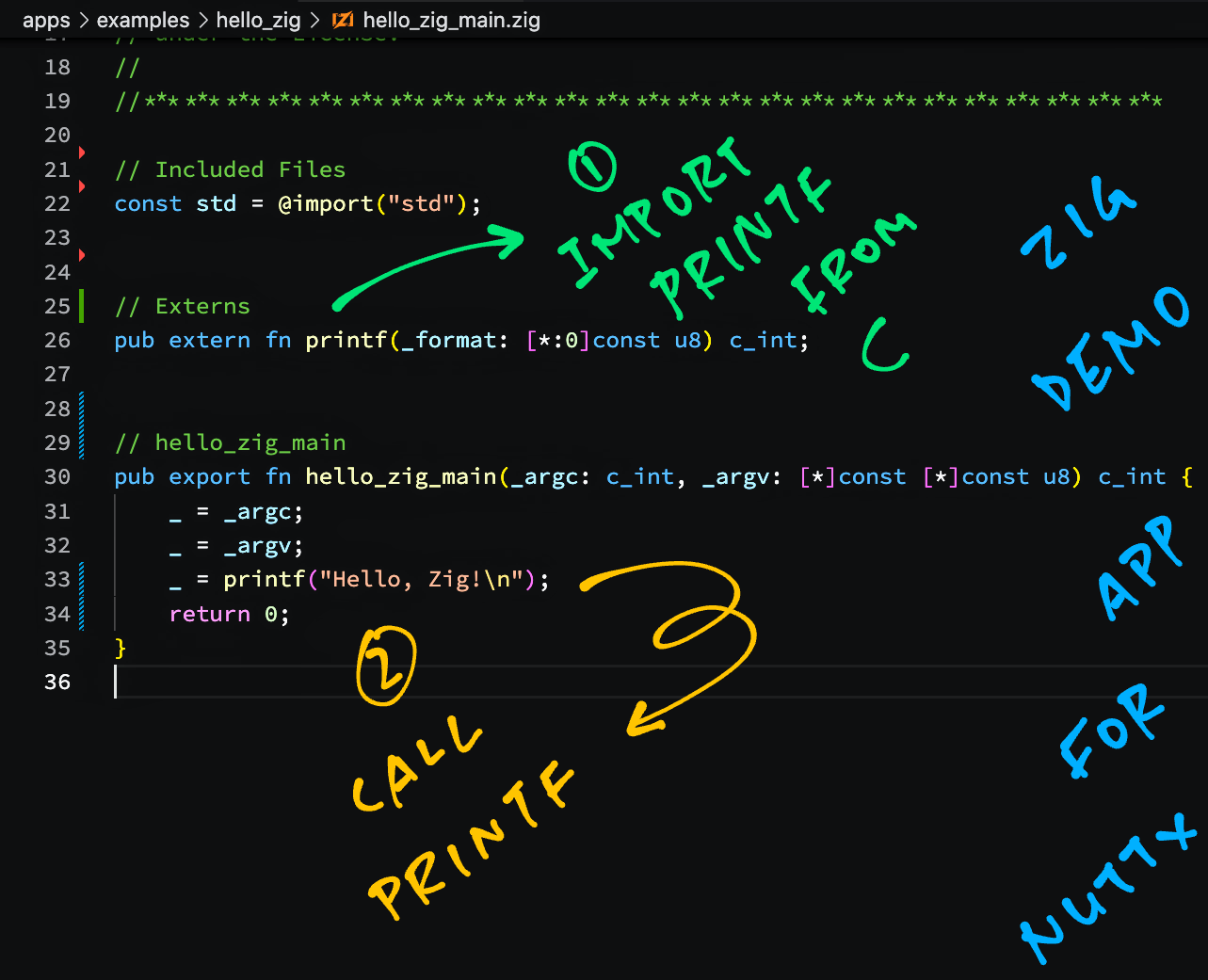
## Zig App
Below is the __barebones Zig App__ that's bundled with Apache NuttX RTOS. We'll run this on BL602: [hello_zig_main.zig](https://github.com/lupyuen/zig-bl602-nuttx/blob/main/hello_zig_main.zig)
```zig
// Import the Zig Standard Library
const std = @import(""std"");
// Import printf() from C
pub extern fn printf(
_format: [*:0]const u8
) c_int;
// Main Function
pub export fn hello_zig_main(
_argc: c_int,
_argv: [*]const [*]const u8
) c_int {
_ = _argc;
_ = _argv;
_ = printf(""Hello, Zig!\n"");
return 0;
}
```
[(We tweaked the code slightly)](https://github.com/lupyuen/zig-bl602-nuttx#zig-app-for-nuttx)
The code above prints to the NuttX Console...
```text
Hello, Zig!
```
Let's dive into the Zig code.
### Import Standard Library
We begin by importing the [__Zig Standard Library__](https://ziglang.org/documentation/master/#Zig-Standard-Library)...
```zig
// Import the Zig Standard Library
const std = @import(""std"");
```
Which has all kinds of __Algos, Data Structures and Definitions__.
[(More about the Zig Standard Library)](https://ziglang.org/documentation/master/std/)
### Import printf
Next we cross into the grey zone between __Zig and C__...
```zig
// Import printf() from C
pub extern fn printf(
_format: [*:0]const u8
) c_int;
```
Here we import the __`printf()`__ function from the C Standard Library.
(Which is supported by NuttX because it's [__POSIX-Compliant__](https://nuttx.apache.org/docs/latest/introduction/inviolables.html#strict-posix-compliance))
_What's `[*:0]const u8`?_
That's how we declare __C Strings__ in Zig...
| | |
|:--:|:--|
| __`[*:0]`__ | Pointer to a Null-Terminated Array... |
| __`const u8`__ | Of Constant Unsigned Bytes |
Which feels like ""`const char *`"" in C, but more expressive.
Zig calls this a [__Sentinel-Terminated Pointer__](https://ziglang.org/documentation/master/#Sentinel-Terminated-Pointers).
(That's because it's Terminated by the Null Sentinel, not because of ""The Matrix"")
_Why is the return type `c_int`?_
This says that __`printf()`__ returns an __`int`__ that's compatible with C. [(See this)](https://ziglang.org/documentation/master/#Primitive-Types)
### Main Function
NuttX expects our Zig App to export a __Main Function__ that follows the C Convention. So we so this in Zig...
```zig
// Main Function
pub export fn hello_zig_main(
_argc: c_int,
_argv: [*]const [*]const u8
) c_int {
```
__`argc`__ and __`argv`__ should look familiar, though __`argv`__ looks complicated...
- ""__`[*]const u8`__"" is a Pointer to an Unknown Number of Constant Unsigned Bytes
(Like ""`const uint8_t *`"" in C)
- ""__`[*]const [*]const u8`__"" is a Pointer to an Unknown Number of the above Pointers
(Like ""`const uint8_t *[]`"" in C)
[(More about Zig Pointers)](https://ziglang.org/documentation/master/#Poiners)
Inside the Main Function, we call __`printf()`__ to print a string...
```zig
_ = _argc;
_ = _argv;
_ = printf(""Hello, Zig!\n"");
return 0;
```
_Why the ""`_ = something`""?_
This tells the Zig Compiler that we're __not using the value__ of ""`something`"".
The Zig Compiler helpfully stops us if we forget to use a Variable (like `_argc`) or the Returned Value for a Function (like for `printf`).
_Doesn't Zig have its own printf?_
Yep we should call __`std.log.debug()`__ instead of __`printf()`__. See this...
- [__""Zig Logging""__](https://github.com/lupyuen/zig-bl602-nuttx#logging)
_Did we forget something?_
For simplicity we excluded the __Variable Arguments__ for __`printf()`__.
Our declaration for __`printf()`__ specifies only one parameter: the __Format String__. So it's good for printing one unformatted string.
[(Here's the full declaration)](https://ziglang.org/documentation/master/#Sentinel-Terminated-Pointers)
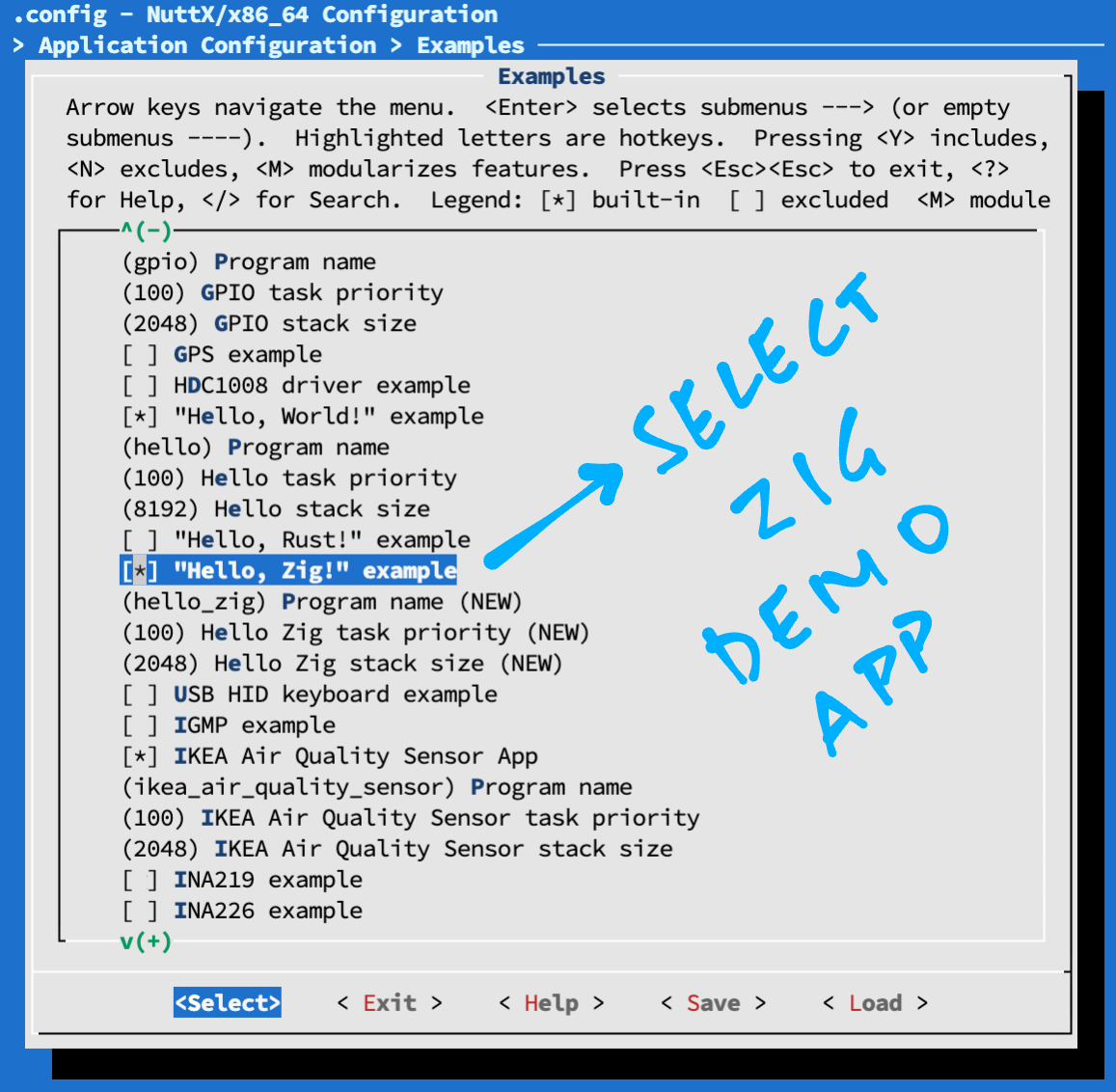
## Enable Zig App
We're ready to __build our Zig App__ in NuttX!
Follow these steps to __download and configure NuttX__ for BL602...
- [__""Install Prerequisites""__](https://lupyuen.github.io/articles/nuttx#install-prerequisites)
- [__""Build NuttX""__](https://lupyuen.github.io/articles/nuttx#build-nuttx)
To __enable the Zig App__ in NuttX, we do this...
```bash
make menuconfig
```
And select __""Application Configuration""__ → __""Examples""__ → __""Hello Zig Example""__. (See pic above)
Save the configuration and exit menuconfig.
Something interesting happens when we build NuttX...
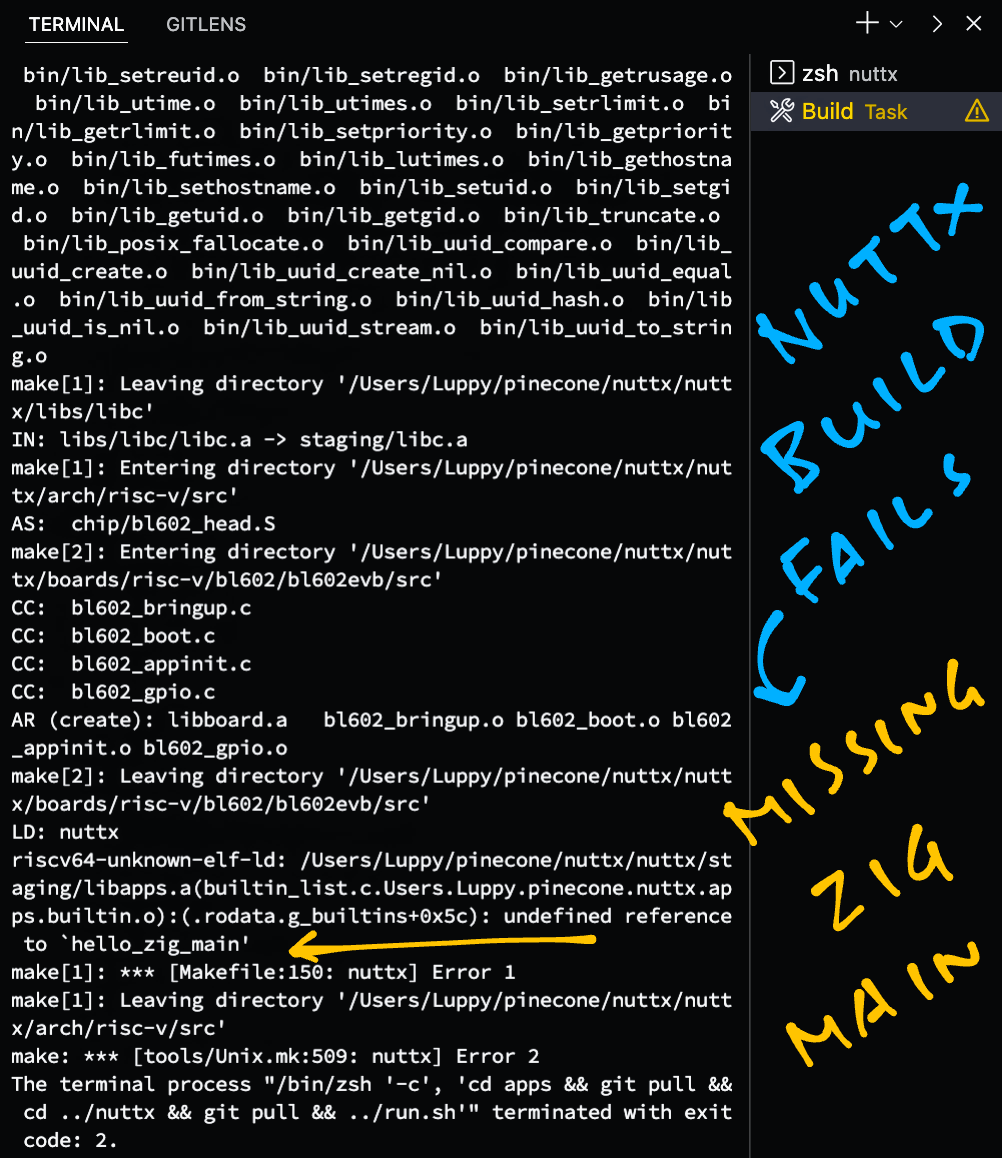
## Build Fails on NuttX
When we __build NuttX__ with the Zig App...
```bash
make
```
We'll see this error (pic above)...
```text
LD: nuttx
riscv64-unknown-elf-ld: nuttx/staging/libapps.a(builtin_list.c.home.user.nuttx.apps.builtin.o):(.rodata.g_builtins+0xbc):
undefined reference to `hello_zig_main'
```
[(Source)](https://gist.github.com/lupyuen/497c90b862aef48b57ff3124f2ea94d8)
Which is probably due to some __incomplete Build Rules__ in the NuttX Makefiles. [(See this)](https://github.com/apache/incubator-nuttx/issues/6219)
But no worries! Let's compile the Zig App ourselves and link it into the NuttX Firmware.
## Compile Zig App
Follow these steps to install the __Zig Compiler__...
- [__""Zig: Getting Started""__](https://ziglang.org/learn/getting-started/)
This is how we __compile our Zig App__ for BL602 and link it with NuttX...
```bash
## Download our modified Zig App for NuttX
git clone --recursive https://github.com/lupyuen/zig-bl602-nuttx
cd zig-bl602-nuttx
## Compile the Zig App for BL602
## (RV32IMACF with Hardware Floating-Point)
zig build-obj \
-target riscv32-freestanding-none \
-mcpu sifive_e76 \
hello_zig_main.zig
## Copy the compiled app to NuttX and overwrite `hello.o`
## TODO: Change ""$HOME/nuttx"" to your NuttX Project Directory
cp hello_zig_main.o $HOME/nuttx/apps/examples/hello/*hello.o
## Build NuttX to link the Zig Object from `hello.o`
## TODO: Change ""$HOME/nuttx"" to your NuttX Project Directory
cd $HOME/nuttx/nuttx
make
```
Note that we specify __""`build-obj`""__ when compiling our Zig App.
This generates a __RISC-V Object File__ `hello_zig_main.o` that will be linked into our NuttX Firmware.
Let's talk about the Zig Target, which looks especially interesting for RISC-V...
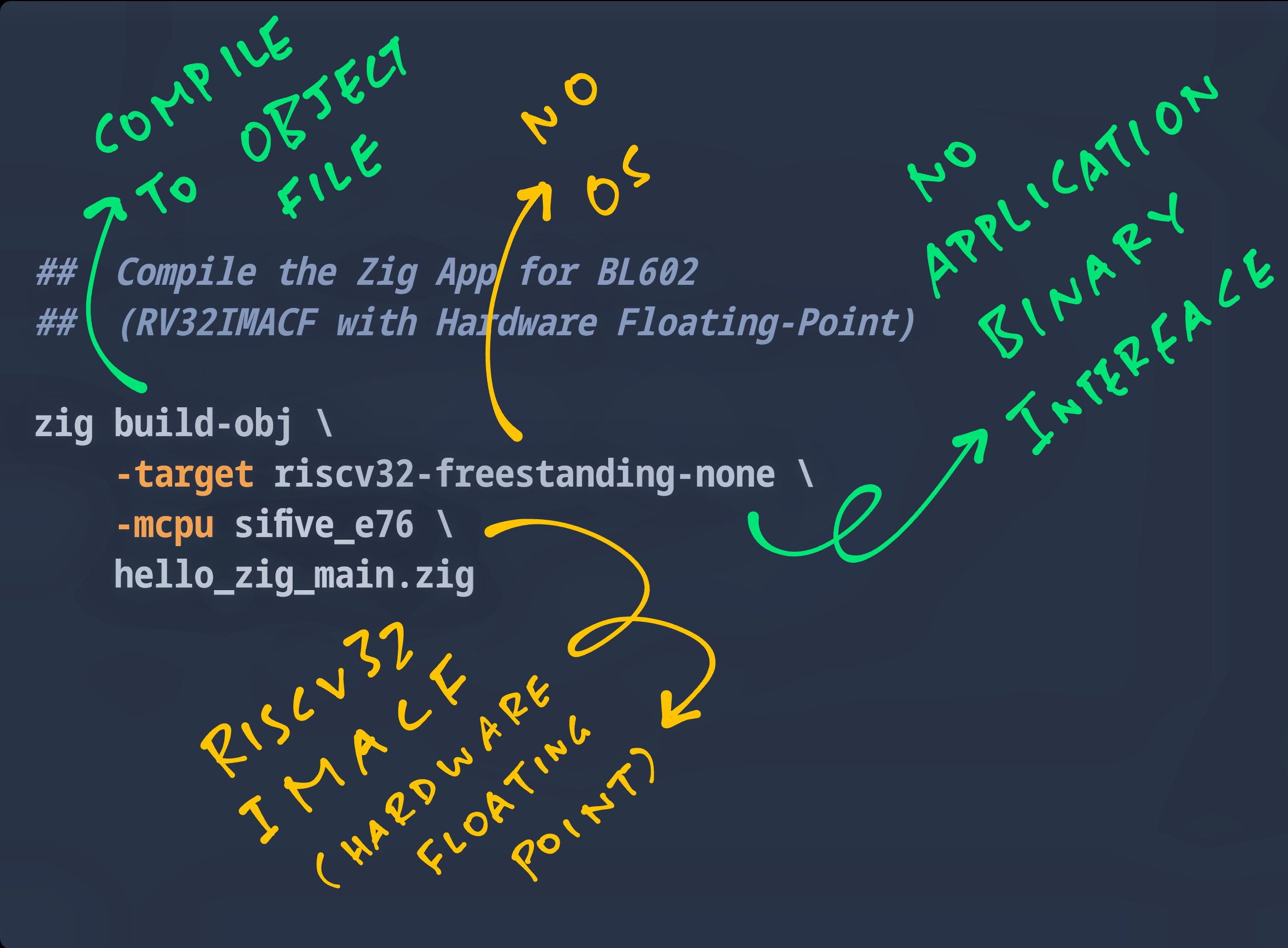
## Zig Target
_Why is the Zig Target riscv32-freestanding-none?_
Zig Targets have the form ""_(arch)(sub)_-_(os)_-_(abi)_""...
- __`riscv32`__: Because BL602 is a 32-bit RISC-V processor
- __`freestanding`__: Because Embedded Targets don't need an OS
- __`none`__: Because Embedded Targets don't specify the ABI
[(More about Zig Targets)](https://ziglang.org/documentation/master/#Targets)
_Why is the Target CPU sifive_e76?_
BL602 is designated as __RV32IMACF__...
| Designation | Meaning |
|:---:|:---|
| __`RV32I`__ | 32-bit RISC-V with Base Integer Instructions
| __`M`__ | Integer Multiplication + Division
| __`A`__ | Atomic Instructions
| __`C`__ | Compressed Instructions
| __`F`__ | Single-Precision Floating-Point
[(Source)](https://en.wikipedia.org/wiki/RISC-V#ISA_base_and_extensions)
Among all Zig Targets, only __`sifive_e76`__ has the same designation...
```bash
$ zig targets
...
""sifive_e76"": [ ""a"", ""c"", ""f"", ""m"" ],
```
[(Source)](https://gist.github.com/lupyuen/09d64c79e12b30e5eebc7d0a9c3b20a4)
Thus we use __`sifive_e76`__ as our Target CPU.
Or we may use __`baseline_rv32-d`__ as our Target CPU...
```bash
## Compile the Zig App for BL602
## (RV32IMACF with Hardware Floating-Point)
zig build-obj \
-target riscv32-freestanding-none \
-mcpu=baseline_rv32-d \
hello_zig_main.zig
```
That's because...
- ""__`baseline_rv32`__"" means __RV32IMACFD__
(""D"" for Double-Precision Floating-Point)
- ""__`-d`__"" means remove the Double-Precision Floating-Point (""D"")
(But keep the Single-Precision Floating-Point)
[(More about RISC-V Feature Flags for Zig. Thanks Matheus!)](https://github.com/lupyuen/zig-bl602-nuttx/issues/1)
Now comes another fun challenge, with a weird hack...
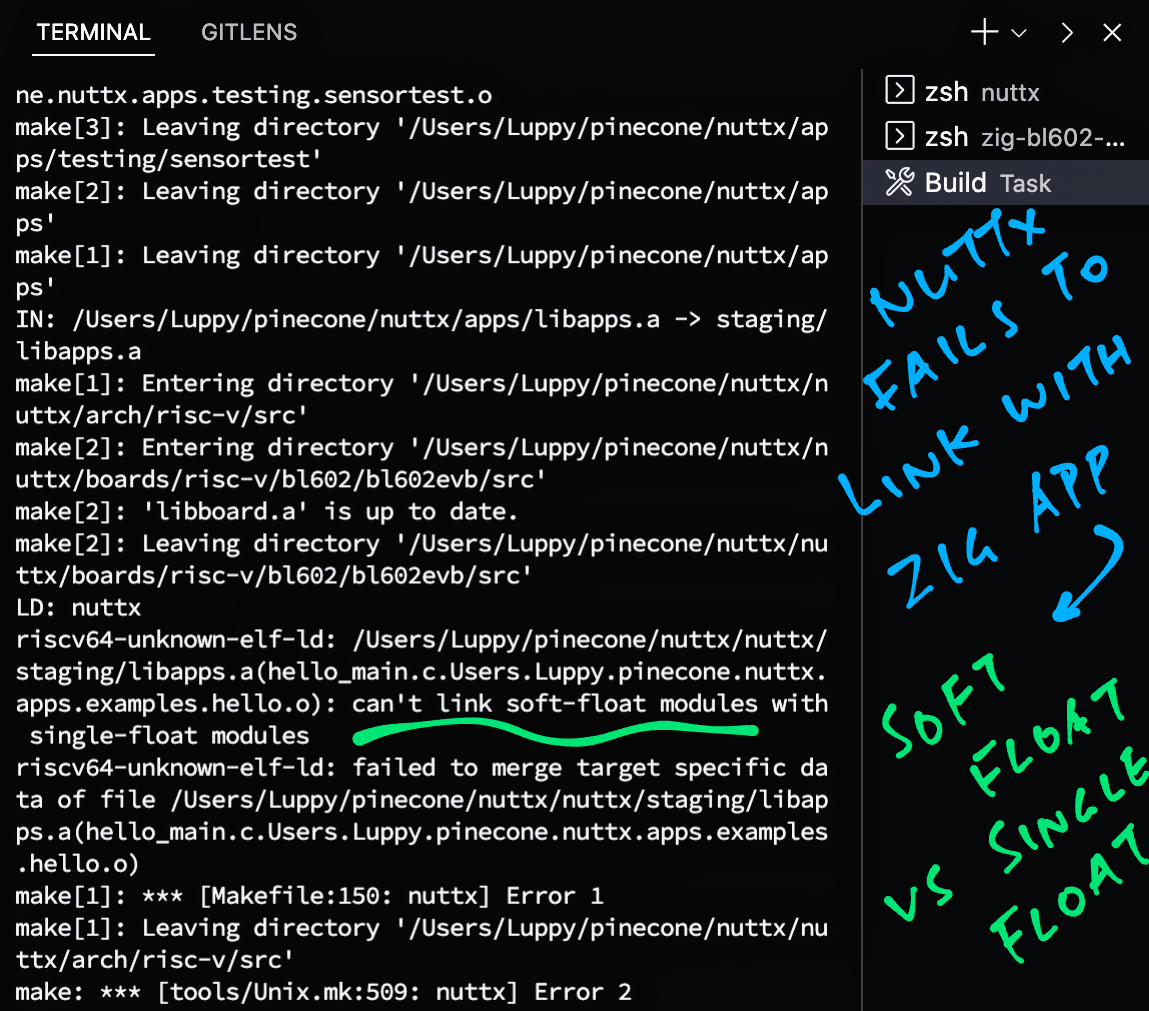
## Floating-Point ABI
_(Note: We observed this issue with Zig Compiler version 0.10.0, it might have been fixed in later versions of the compiler)_
When we __link the Compiled Zig App__ with NuttX, we see this error (pic above)...
```bash
## Build NuttX to link the Zig Object from `hello.o`
## TODO: Change ""$HOME/nuttx"" to your NuttX Project Directory
$ cd $HOME/nuttx/nuttx
$ make
...
riscv64-unknown-elf-ld: nuttx/staging/libapps.a(hello_main.c.home.user.nuttx.apps.examples.hello.o):
can't link soft-float modules with single-float modules
```
_What is the meaning of this Soft-Float vs Single-Float? (Milk Shake?)_
Let's sniff the __NuttX Object Files__ produced by the NuttX Build...
```bash
## Dump the ABI for the compiled NuttX code.
## Do this BEFORE overwriting hello.o by hello_zig_main.o.
## ""*hello.o"" expands to something like ""hello_main.c.home.user.nuttx.apps.examples.hello.o""
$ riscv64-unknown-elf-readelf -h -A $HOME/nuttx/apps/examples/hello/*hello.o
ELF Header:
Flags: 0x3, RVC, single-float ABI
...
File Attributes
Tag_RISCV_arch: ""rv32i2p0_m2p0_a2p0_f2p0_c2p0""
```
[(Source)](https://gist.github.com/lupyuen/5c090dead49eb50751578f28c15cecd5)
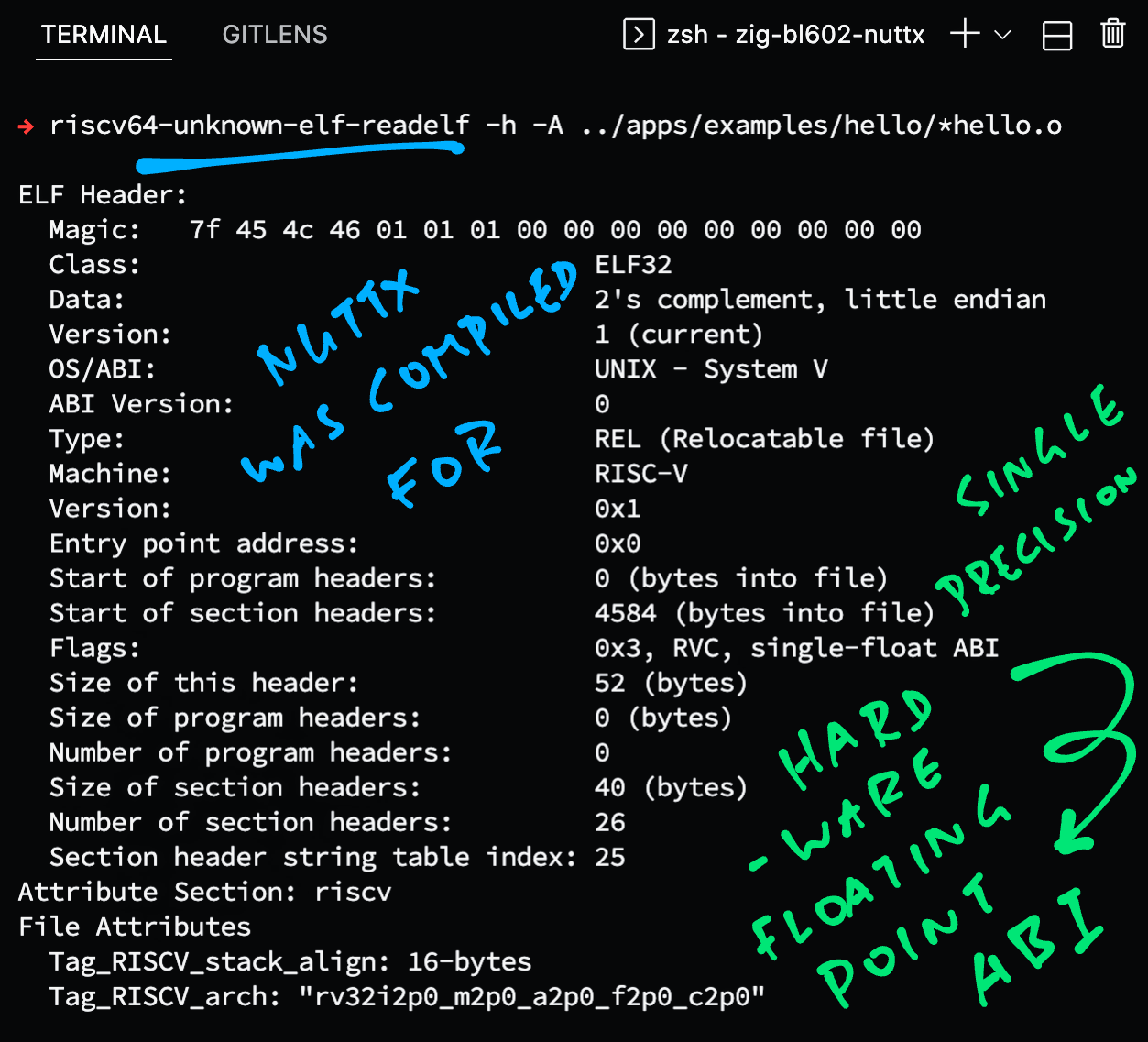
The [__ELF Header__](https://en.wikipedia.org/wiki/Executable_and_Linkable_Format#File_header) says that the NuttX Object Files were compiled for the (Single-Precision) __Hardware Floating-Point__ ABI (Application Binary Interface).
[(NuttX compiles with the GCC Flags ""`-march=rv32imafc -mabi=ilp32f`"")](https://gist.github.com/lupyuen/288c980fdef75c334d32e669a921e623)
Whereas our __Zig Compiler__ produces an Object File with __Software Floating-Point__ ABI...
```bash
## Dump the ABI for the compiled Zig app
$ riscv64-unknown-elf-readelf -h -A hello_zig_main.o
ELF Header:
Flags: 0x1, RVC, soft-float ABI
...
File Attributes
Tag_RISCV_arch: ""rv32i2p0_m2p0_a2p0_f2p0_c2p0""
```
[(Source)](https://gist.github.com/lupyuen/f04386a0b94ed1fb42a94d671edb1ba7)
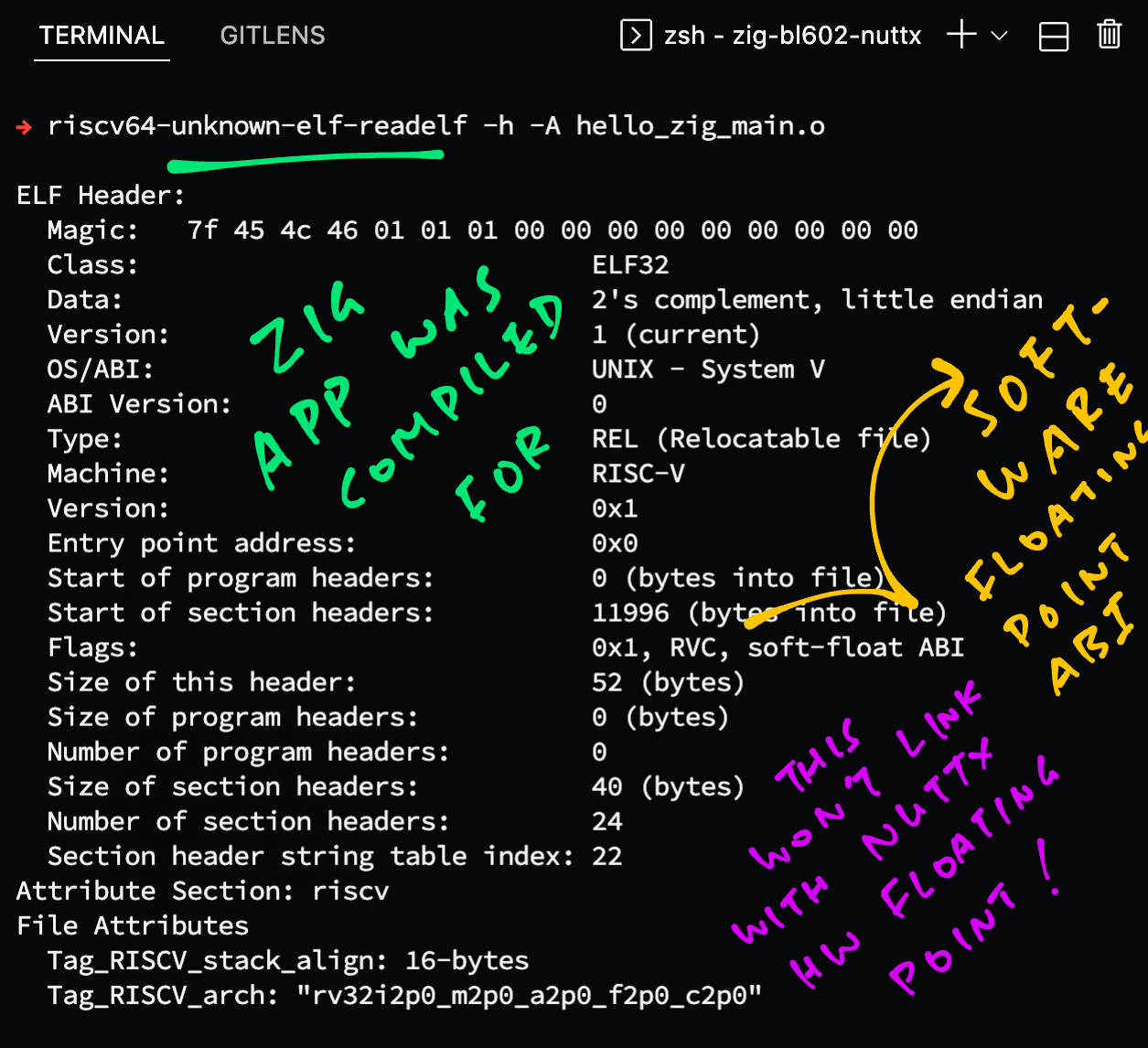
GCC won't let us link Object Files with __different ABIs__: Software Floating-Point vs Hardware Floating-Point!
Let's fix this with a quick hack...
(Why did the Zig Compiler produce an Object File with Software Floating-Point ABI, when `sifive_e76` supports Hardware Floating-Point? [See this](https://www.reddit.com/r/Zig/comments/v2zgvh/comment/iavw5xp/?utm_source=share&utm_medium=web2x&context=3))
## Patch ELF Header
Earlier we discovered that the Zig Compiler generates an Object File with __Software Floating-Point__ ABI (Application Binary Interface...
```bash
## Dump the ABI for the compiled Zig app
$ riscv64-unknown-elf-readelf -h -A hello_zig_main.o
...
Flags: 0x1, RVC, soft-float ABI
Tag_RISCV_arch: ""rv32i2p0_m2p0_a2p0_f2p0_c2p0""
```
But this won't link with NuttX because NuttX was compiled with __Hardware Floating-Point__ ABI.
We fix this by modifying the __ELF Header__...
- Edit __`hello_zig_main.o`__ in a Hex Editor
[(Like VSCode Hex Editor)](https://marketplace.visualstudio.com/items?itemName=ms-vscode.hexeditor)
- Change byte __`0x24`__ (Flags) from __`0x01`__ (Soft Float) to __`0x03`__ (Hard Float)
[(See this)](https://en.wikipedia.org/wiki/Executable_and_Linkable_Format#File_header)
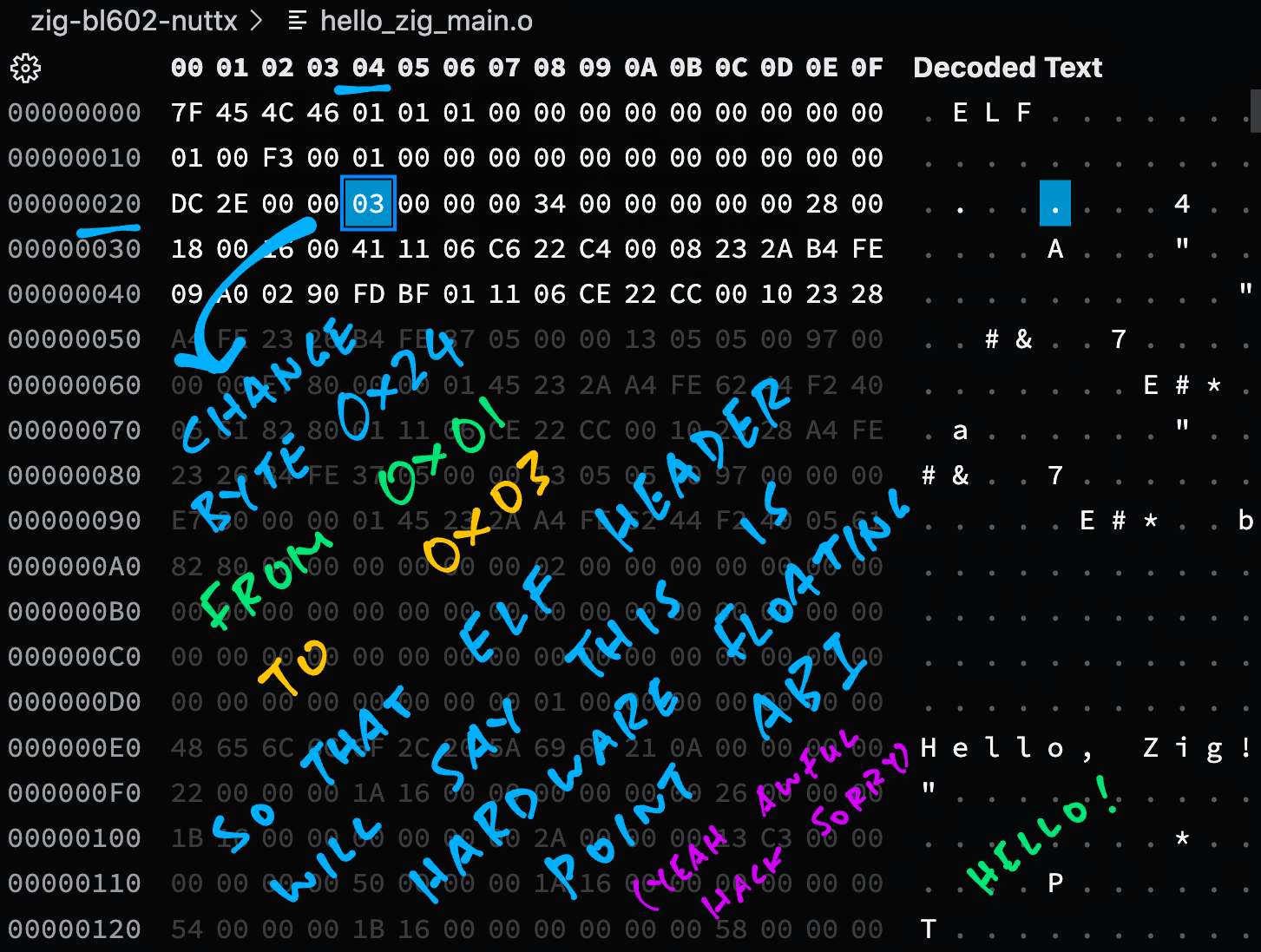
We verify that the Object File has been changed to __Hardware Floating-Point__ ABI...
```bash
## Dump the ABI for the modified object file
$ riscv64-unknown-elf-readelf -h -A hello_zig_main.o
...
Flags: 0x3, RVC, single-float ABI
Tag_RISCV_arch: ""rv32i2p0_m2p0_a2p0_f2p0_c2p0""
```
This is now __Hardware Floating-Point__ ABI and will link with NuttX.
_Is it really OK to change the ABI like this?_
Well technically the __ABI is correctly generated__ by the Zig Compiler...
```bash
## Dump the ABI for the compiled Zig app
$ riscv64-unknown-elf-readelf -h -A hello_zig_main.o
...
Flags: 0x1, RVC, soft-float ABI
Tag_RISCV_arch: ""rv32i2p0_m2p0_a2p0_f2p0_c2p0""
```
The last line translates to __RV32IMACF__, which means that the RISC-V Instruction Set is indeed targeted for __Hardware Floating-Point__.
We're only editing the __ELF Header__, because it didn't seem to reflect the correct ABI for the Object File.
_Is there a proper fix for this?_
In future the Zig Compiler might allow us to specify the __Floating-Point ABI__ as the target...
```bash
## Compile the Zig App for BL602
## (""ilp32f"" means Hardware Floating-Point ABI)
zig build-obj \
-target riscv32-freestanding-ilp32f \
...
```
[(See this)](https://github.com/ziglang/zig/issues/9760#issuecomment-991738757)
_Can we patch the Object File via Command Line instead?_
Yep enter this at the Command Line to __patch the ELF Header__...
```bash
xxd -c 1 hello_zig_main.o \
| sed 's/00000024: 01/00000024: 03/' \
| xxd -r -c 1 - hello_zig_main2.o
```
This generates the Patched Object File at `hello_zig_main2.o`
[(More about `xxd`)](https://www.tutorialspoint.com/unix_commands/xxd.htm)
[_Pine64 PineCone BL602 RISC-V Board_](https://lupyuen.github.io/articles/pinecone)
## Zig Runs OK!
We're ready to link the __Patched Object File__ with NuttX...
```bash
## Copy the modified object file to NuttX and overwrite `hello.o`
## TODO: Change ""$HOME/nuttx"" to your NuttX Project Directory
cp hello_zig_main.o $HOME/nuttx/apps/examples/hello/*hello.o
## Build NuttX to link the Zig Object from `hello.o`
## TODO: Change ""$HOME/nuttx"" to your NuttX Project Directory
cd $HOME/nuttx/nuttx
make
```
Finally our NuttX Build succeeds!
Follow these steps to __flash and boot NuttX__ on BL602...
- [__""Flash NuttX""__](https://lupyuen.github.io/articles/nuttx#flash-nuttx)
- [__""Run NuttX""__](https://lupyuen.github.io/articles/nuttx#run-nuttx)
In the NuttX Shell, enter __`hello_zig`__
```text
NuttShell (NSH) NuttX-10.3.0-RC2
nsh> hello_zig
Hello, Zig!
```
Yep Zig runs OK on BL602 with NuttX! 🎉
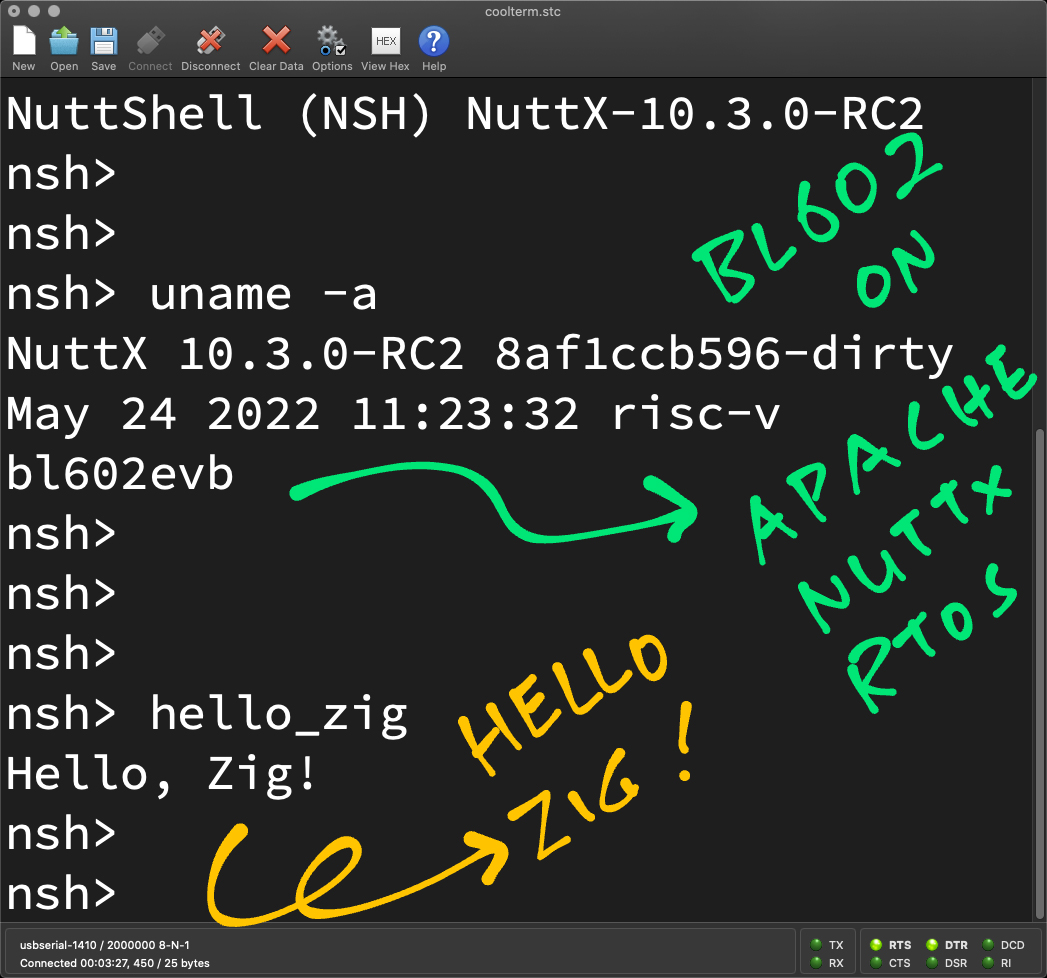
And that's it for our (barebones) Zig Experiment today!
Let's talk about building real-world Embedded and IoT Apps with Zig...

[_Pine64 PineCone BL602 Board (right) connected to Semtech SX1262 LoRa Transceiver (left) over SPI_](https://lupyuen.github.io/articles/spi2)
## Embedded Zig
_Will Zig run on Bare Metal? Without an RTOS like NuttX?_
Yep it can! Check out this project that runs __Bare Metal Zig__ on the HiFive1 RISC-V board...
- [__nmeum/zig-riscv-embedded__](https://github.com/nmeum/zig-riscv-embedded)
_Can we build cross-platform Embedded Apps in Zig with GPIO, I2C, SPI, ...?_
We're not quite there yet, but the [__Zig Embedded Group__](https://microzig.tech) is creating a __Common Interface and Hardware Abstraction Layer__ for Embedded Platforms...
- [__ZigEmbeddedGroup/microzig__](https://github.com/ZigEmbeddedGroup/microzig)
With the [__microzig Library__](https://github.com/ZigEmbeddedGroup/microzig), someday we might __blink the LED__ like so...
```zig
// Import microzig library
const micro = @import(""microzig"");
// Blink the LED
pub fn main() void {
// Open the LED GPIO at ""/dev/gpio1""
const led_pin = micro.Pin(""/dev/gpio1"");
// Configure the LED GPIO for Output
const led = micro.Gpio(led_pin, .{
.mode = .output,
.initial_state = .low,
});
led.init();
// Loop forever blinking the LED
while (true) {
busyloop();
led.toggle();
}
}
// Wait a short while
fn busyloop() void {
const limit = 100_000;
var i: u24 = 0;
while (i < limit) : (i += 1) {
@import(""std"").mem.doNotOptimizeAway(i);
}
}
```
(Adapted from [blinky.zig](https://github.com/ZigEmbeddedGroup/microzig/blob/master/tests/blinky.zig))
_But our existing firmware is all in C. Do we rewrite everything in Zig?_
Aha! Here comes the really interesting thing about Zig, read on to find out...
[_Pine64 PineDio Stack BL604 (left) talking LoRaWAN to RAKwireless WisGate (right)_](https://lupyuen.github.io/articles/lorawan3)
## Why Zig?
_Why are we doing all this with Zig instead of C?_
Here's why...
> ""Zig has `zig cc` and `zig c++`, two commands that expose an interface flag-compatible with clang, allowing you to use the Zig compiler as a __drop-in replacement for your existing C/C++ compiler__.""
> [(Source)](https://zig.news/kristoff/compile-a-c-c-project-with-zig-368j)
Because of this, Zig works great for __maintaining complex C projects__...
- [__""Maintain it With Zig""__](https://kristoff.it/blog/maintain-it-with-zig)
- [__""Compile a C/C++ Project with Zig""__](https://zig.news/kristoff/compile-a-c-c-project-with-zig-368j)
- [__""Extend a C/C++ Project with Zig""__](https://zig.news/kristoff/extend-a-c-c-project-with-zig-55di)
- [__""How serious (is) Zig about replacing C?""__](https://www.reddit.com/r/Zig/comments/urifjd/how_serious_zig_about_replacing_c/?utm_medium=android_app&utm_source=share)
Thus we might enjoy the benefits of Zig, without rewriting in Zig!
_How is this relevant to Embedded Apps and NuttX?_
Today we're running incredibly __complex C projects on NuttX__...
- [__LoRa Wireless Comms__](https://lupyuen.github.io/articles/sx1262)
- [__LoRaWAN Networking__](https://lupyuen.github.io/articles/lorawan3)
- [__NimBLE Porting Layer__](https://lupyuen.github.io/articles/sx1262#multithreading-with-nimble-porting-layer)
Zig might be the best way to maintain and extend these __IoT Projects__ on NuttX.
_Why not rewrite in Zig? Or another modern language?_
That's because these C projects are still actively maintained and __can change at any moment.__
(Like when LoRaWAN introduces new [__Regional Frequencies__](https://github.com/Lora-net/LoRaMac-node/commit/379eef59fa95e22701230caa77476d9f55859f34) for wireless networking)
Any rewrites of these projects will need to __incorporate the updates__ very quickly. Which makes the maintenance of the rewritten projects horribly painful.
(Also LoRaWAN is [__Time Critical__](https://gist.github.com/lupyuen/1d96b24c6bf5164cba652d903eedb9d1), we can't change any code that might break compliance with the LoRaWAN Spec)
_So we'll have to keep the projects intact in C, but compile them with Zig Compiler instead?_
Yeah probably the best way to maintain and extend these Complex IoT Projects is to __compile them as-is with Zig__.
_But we can create nw IoT Apps in Zig right?_
Yep totally! Since Zig interoperates well with C, we can create __IoT Apps in Zig__ that will call the C Libraries for LoRa / LoRaWAN / NimBLE.
I'm really impressed by this Wayland Compositor in Zig, how it imports a __huge bunch of C Header Files__, and calls them from Zig!
- [__dreinharth/byway (Wayland Compositor in Zig)__](https://github.com/dreinharth/byway/blob/main/src/main.zig)
## What's Next
This has been a very quick experiment with Zig on RISC-V Microcontrollers... But it looks __super promising!__
In the coming weeks I'll test Zig as a __drop-in replacement for GCC.__ Let's find out whether Zig will cure our headaches in __maintaining Complex IoT Projects!__
Check out the testing updates here...
- [__""Zig Compiler as Drop-In Replacement for GCC""__](https://github.com/lupyuen/zig-bl602-nuttx#zig-compiler-as-drop-in-replacement-for-gcc)
- [__""LoRaWAN Library for NuttX""__](https://github.com/lupyuen/zig-bl602-nuttx#lorawan-library-for-nuttx)
- [__""LoRaWAN App for NuttX""__](https://github.com/lupyuen/zig-bl602-nuttx#lorawan-app-for-nuttx)
- [__""Auto-Translate LoRaWAN App to Zig""__](https://github.com/lupyuen/zig-bl602-nuttx#auto-translate-lorawan-app-to-zig)
- [__""Convert LoRaWAN App to Zig""__](https://github.com/lupyuen/zig-bl602-nuttx#convert-lorawan-app-to-zig)
(Spoiler: It really works!)
Many Thanks to my [__GitHub Sponsors__](https://github.com/sponsors/lupyuen) for supporting my work! This article wouldn't have been possible without your support.
- [__Sponsor me a coffee__](https://github.com/sponsors/lupyuen)
- [__Discuss this article on Reddit__](https://www.reddit.com/r/Zig/comments/v2zgvh/zig_on_riscv_bl602_quick_peek_with_apache_nuttx/)
- [__Read ""The RISC-V BL602 / BL604 Book""__](https://lupyuen.github.io/articles/book)
- [__Check out my articles__](https://lupyuen.github.io)
- [__RSS Feed__](https://lupyuen.github.io/rss.xml)
_Got a question, comment or suggestion? Create an Issue or submit a Pull Request here..._
[__`lupyuen.github.io/src/zig.md`__](https://github.com/lupyuen/lupyuen.github.io/blob/master/src/zig.md)
## Notes
1. This article is the expanded version of [__this Twitter Thread__](https://twitter.com/MisterTechBlog/status/1529261120124354560)
1. This article was inspired by a question from my [__GitHub Sponsor__](https://github.com/sponsors/lupyuen): ""Can we run Zig on BL602 with Apache NuttX RTOS?""
1. For Embedded Platforms (like Apache NuttX RTOS), we need to implement our own __Panic Handler__...
[__""Zig Panic Handler""__](https://github.com/lupyuen/zig-bl602-nuttx#panic-handler)
1. [__Matheus Catarino França__](https://www.linkedin.com/feed/update/urn:li:activity:6935177950191341568/?commentUrn=urn%3Ali%3Acomment%3A%28activity%3A6935177950191341568%2C6935193220574285824%29) has a suggestion for fixing the NuttX Build for Zig Apps...
_""make config is not running the compiler. I believe the problem must be in the application.mk in apps""_
[(Source)](https://www.linkedin.com/feed/update/urn:li:activity:6935177950191341568/?commentUrn=urn%3Ali%3Acomment%3A%28activity%3A6935177950191341568%2C6935193220574285824%29)
1. This __Revert Commit__ might tell us what's missing from the NuttX Makefiles...
[__""Revert Zig Build""__](https://github.com/apache/incubator-nuttx/pull/5762/commits/ad17dfca52606671564636cdd773b09af8fb154e)
"
40,1,"2021-09-08 11:44:31.191744",kristoff,extend-a-c-c-project-with-zig-55di,https://zig.news/uploads/articles/bvtg4ts54haaxe5bb47u.png,"Extend a C/C++ Project with Zig","Zig is not just a programming language but also a toolchain that can help you maintain and gradually...","> *Zig is not just a programming language but also a toolchain that can help you maintain and gradually modernize existing C/C++ projects, based on your needs. In this series we're using Redis, a popular in-memory key value store written in C, as an example of a real project that can be maintained with Zig. [You can read more in ""Maintain it with Zig""](https://kristoff.it/blog/maintain-it-with-zig/).*
## A aste of Zig
In this series we started by using Zig as a C/C++ compiler and dove deeper as we worked to make cross-compilation possible. In the last post we ditched Make and all other build dependencies in favor of `zig build`.
This is a good place to be, and it could very well be the end of your journey. In my case, if I were to take ownership of a C codebase, I would be definitely interested in continuing its development using Zig rather than C, so let's take a final dive into the Redis codebase to learn how Zig and C interoperate.
If need an introduction to Zig as a language, check out this talk by @andrewrk
{% youtube Gv2I7qTux7g %}
One particularly relevant argument from that talk is how ""*Zig is better at using C libraries than C itself*"". Make sure you don't miss that passage.
## Extending Redis
In this article we'll add a new command to Redis. This will be a great opportunity to showcase a realistic, non-trivial example of how to include Zig in an existing C code base.
Our new command will need to integrate with the existing Redis ecosystem to open keys, read their contents, and to reply to the client. This will allow us to examine Zig's interoperability story both from and to C (i.e., C calling into Zig code and Zig using C definitions).
Finally, I'll tell you upfront that this is not a special ""best case scenario"" that we're going to see; in fact we're going to face a current limitation of the compiler when it comes to reading C header files and we'll implement a simple workaround for it.
### Look at me, I'm the ~~captain~~ maintainer now
The whole idea of this series is to use Redis as an example of a project we maintain, so it makes sense for us to perform this type of modification to ""our"" code base, but be aware that writing a Redis Module is the correct way of adding new commands to Redis as a user (which also is very easy to do using Zig, but that's a story for another time).
Since we have to operate on ""our"" codebase, I'll also introduce you to some of the details and quirks of how Redis is written because, while this addition is by no means invasive, we're going to perform a proper integration, which requires knowing a bit of Redis trivia.
## Adding UTF8 support to Redis
The most basic key type in Redis is the string. Strings in Redis are just byte sequences, so they don't have to respect any particular encoding (thank god), but this means that occasionally some basic commands will not behave as you'd like them to. One simple example is the `STRLEN` command which will return byte counts, which is usually not what you want when you're dealing with unicode data.
Well, no big deal, let's add a `UTF8LEN` command to Redis and have it return the number of codepoints. Conveniently for us, the Zig standard library already implements `std.unicode.utf8CountCodepoints` so it's just a matter of adding the glue necessary to interact with the Redis ecosystem.
### The command table
The start of our journey would probably be to look for where all the commands in Redis are registered, this way we can follow the breadcrumbs and hopefully find the implementation of an existing command to take inspiration from. An obviously good candidate for this process is `STRLEN`.
The Redis command table is defined in `server.c` and alongside the command-name to function-pointer mapping, it also features a few other details about the nature of the command that we can safely ignore for the purpose of this article.
```c
{""strlen"",strlenCommand,2,
""read-only fast @string"",
0,NULL,1,1,1,0,0,0},
```
Now we know that the implementation of `STRLEN` (commands are case-insensitive in Redis btw) is in a function called `strlenCommand` and we can also use this opportunity to add a new entry right after it to register our upcoming `UTF8LEN` command.
```c
{""utf8len"",utf8lenCommand,2,
""read-only fast @string"",
0,NULL,1,1,1,0,0,0},
```
Ok so now we have to declare `utf8lenCommand` in the C file (just the forward declaration, the actual implementation will be done in Zig), but we don't know the signature yet. Looking at the signature of `strlenCommand` will answer our questions but, for the sake of convenience, this is what you need to add at the top of `server.c`.
```c
void utf8lenCommand(client *c);
```
### Looking at a Redis command implementation
Let's now take a look at the implementation of `strlenCommand`. If you were going in blind, you would have to either grep the entire codebase for that symbol or follow the `include` chain and guess where the implementation could reside.
Luckily for you, I'm your Virgilio and I can tell you that each key type in Redis has its own C file where all the relative functions are implemented. To make it even more easy to find them, these *types* have their file start with `t_`, so the function that we're looking for can be found in `src/t_string.c`, at the very end of the file.
```c
void strlenCommand(client *c) {
robj *o;
if ((o = lookupKeyReadOrReply(c,c->argv[1],shared.czero)) == NULL ||
checkType(c,o,OBJ_STRING)) return;
addReplyLongLong(c,stringObjectLen(o));
}
// from object.c
size_t stringObjectLen(robj *o) {
serverAssertWithInfo(NULL,o,o->type == OBJ_STRING);
if (sdsEncodedObject(o)) {
return sdslen(o->ptr);
} else {
return sdigits10((long)o->ptr);
}
}
```
Ok let's unpack `strlenCommand`. It's just two lines of code but they are a bit hermetic.
The first complex line is the `if` statement. The gist of it is that `lookupKeyReadOrReply` will either be able to open the key or (as a side effect) reply with an error to the client, while the second part of the `or` expression will check the key type and, as a side effect, reply with an error to the client if the key is not a string. If either case is true, then `strlenCommand` will do an early return. This part seems a bit confusing because the first function returns NULL in the failure case, while `checkType` has an ""error"" code return logic, where anything other that zero is an error.
Anyway, if the checks pass (could access the key & the key is of the right type), then we reply to the client with the length in bytes.
This is where another quirk of Redis shows up because Redis doesn't have any built-in numeric type.
**If you want to store a number in Redis, be it an int or a float, you must use a string key**, and in fact there are commands that operate exclusively on string keys that contain numbers, like `INCR`. Does it mean that those commands will parse a number out of a string every time you need to operate on it? Not really, **the string object struct has a flag that tells you whether its `ptr` field points to an array of bytes or if it's not really a pointer but rather the number itself**. This is what `stringObjectLen` is doing when invoking `sdsEncodedObject`.
Keep this point in mind, because we'll have to account for numbers when writing our Zig code later.
## Take off every Zig!
We learned the basics of how commands are implemented in Redis, we registered our new command, and we also left a forward declaration for it in `server.c`. It's finally time to write some Zig code!
To respect the conventions of the project I'll name this file `t_string_utf8.zig`. Before we start writing code, let's add it to the compilation process.
### Add a Zig compilation unit
Zig can export functions and definitions compatible with the C ABI. This means that we can compile Zig as a separate compilation unit and then have the linker resolve all symbols as it normally happens in a C/C++ project.
To make things easy in our case we'll just compile our code as a static library and then add it to the main `redis_server` build step (refer to the previous article for more context).
```zig
const t_string_utf8 = b.addStaticLibrary(""t_string_utf8"", ""src/t_string_utf8.zig"");
t_string_utf8.setTarget(target);
t_string_utf8.setBuildMode(mode);
t_string_utf8.linkLibC();
t_string_utf8.addIncludeDir(""src"");
t_string_utf8.addIncludeDir(""deps/hiredis"");
t_string_utf8.addIncludeDir(""deps/lua/src"");
// Add where the `redis_server` step is being defined
redis_server.linkLibrary(t_string_utf8;
```
### The Zig implementation
First we need to be able to access the definitions in `server.h`, since it exposes declarations for all the functions that we're going to need, like `checkType`.
```zig
const redis = @cImport({
@cInclude(""server.h"");
});
```
Then, we need to re-implement the function and finally add our twist (count codepoints instead of bytes). Let's start by re-implementing the original function.
```zig
const std = @import(""std"");
const redis = @cImport({
@cInclude(""server.h"");
});
export fn utf8lenCommand(c: *redis.client) void {
var o: *redis.robj = redis.lookupKeyReadOrReply(c, c.argv[1], redis.shared.czero) orelse return;
if (redis.checkType(c, o, redis.OBJ_STRING) != 0) return;
// Get the strlen
const len = redis.stringObjectLen(o);
redis.addReplyLongLong(c, @intCast(i64, len));
}
```
This function doesn't do anything interesting yet, but it's a good checkpoint to compile and test that everything works.
Run `zig build` to compile everything, then launch the Redis server by running: `./zig-out/bin/redis-server`.
In another tab you can launch `./zig-out/bin/redis-cli`, which should allow our new command to Redis:
```
> set foo ""Hello World!""
OK
> strlen foo
12
> utf8len foo
12
```
### Add UTF8 support
To add our new spin to the function we need to differentiate between two cases:
- When the string key points to bytes
- When the string key is a number so no bytes
This is important because we're going to crash the server if we try to dereference a pointer that encodes a number.
We already saw that `o.ptr` is the pointer to bytes (or number), and by inspecting `stringObjectLen()` a bit more closely you can see that `o.encoding` tells you in which of the two cases we are.
This means that the following code would work if not for a current limitation of the cImport function.
```zig
export fn utf8lenCommand(c: *redis.client) void {
var o: *redis.robj = redis.lookupKeyReadOrReply(c, c.argv[1], redis.shared.czero) orelse return;
if (redis.checkType(c, o, redis.OBJ_STRING) != 0) return;
// Get the strlen
const len = redis.stringObjectLen(o);
// If the key encodes a number we're done.
if (o.encoding == redis.OBJ_ENCODING_INT) {
redis.addReplyLongLong(c, @intCast(i64, len));
return;
}
// Not a number! Grab the bytes and count the codepoints.
const str = @ptrCast([*]u8, o.ptr)[0..len];
const cps = std.unicode.utf8CountCodepoints(str) catch {
redis.addReplyError(c, ""this aint utf8 chief"");
return;
};
redis.addReplyLongLong(c, @intCast(i64, cps));
}
```
If we try to compile now, this is the error we get:
```
./src/t_string_utf8.zig:15:10: error: no member named 'encoding' in opaque type '.cimport:3:15.struct_redisObject'
if (o.encoding == redis.OBJ_ENCODING_INT) {
```
Let's see how to solve this final problem.
### Problems related to C header files
When you cImport a header file, Zig will try to translate its contents into a Zig equivalent (which is a different process than linking to a C compilation unit btw). This same feature is also available from the command line with `zig translate-c`, which is also useful to diagnose problems with the cImport system, like we are encountering right now.
If we run translate-c on the header file we discover that unfortunately the definition of the robj (Redis Object) struct was translated to an [opaque type](https://ziglang.org/documentation/0.8.1/#opaque) because Zig couldn't parse the bitfield specifiers. At the moment translate-c has a short list of unsupported C features that are progressively getting tackled, but alas we'll need to find a work around for now.
Here's the C definition of `robj`, taken from `server.h`:
```c
typedef struct redisObject {
unsigned type:4;
unsigned encoding:4;
unsigned lru:LRU_BITS; /* LRU time (relative to global lru_clock) or
* LFU data (least significant 8 bits frequency
* and most significant 16 bits access time). */
int refcount;
void *ptr;
} robj;
```
The most general workaround is to do manually what translate-c couldn't do, which is to just write in Zig a struct definition compatible with the C one. The same can be also done with function declarations and in fact we could also make do without importing `server.h` at all, and just write down manually the `extern` definitions of all the needed symbols. That said, for this case we can do something less tedious and brittle than to have a second definition of the same struct: we can make a couple getter functions in `server.c` and use them from Zig.
### Getting a hand from C
Since we're having trouble reaching into `robj`, let's just add a couple C functions that can to that for us.
In `server.c` add:
```c
void* getPtrFromObj(robj* r) {return r->ptr;}
unsigned getEncodingFromObj(robj* r) {return r->encoding;}
```
Then in `server.h` add the relative forward declarations:
```c
void* getPtrFromObj(robj*);
unsigned getEncodingFromObj(robj*);
```
**Note for clarity:** we can't define our functions directly into `server.h` because we are using cImport to translate `server.h` into Zig code, which would still break. This way we only provide the forward declaration to Zig and let the function be resolved at link time.
Finally, in case you're worried about the performance implications of having getter functions, don't worry because **LTO (Link-Time Optimization) works across language boundaries**.
### The working code
After using our new getter functions we are finally able to achieve a functioning implementation written in Zig.
```zig
export fn utf8lenCommand(c: *redis.client) void {
var o: *redis.robj = redis.lookupKeyReadOrReply(c, c.argv[1], redis.shared.czero) orelse return;
if (redis.checkType(c, o, redis.OBJ_STRING) != 0) return;
// Get the strlen
const len = redis.stringObjectLen(o);
// If the key encodes a number we're done.
if (redis.getEncodingFromObj(o) == redis.OBJ_ENCODING_INT) {
redis.addReplyLongLong(c, @intCast(i64, len));
return;
}
// Not a number! Grab the bytes and count the codepoints.
const str = @ptrCast([*]u8, redis.getPtrFromObj(o))[0..len];
const cps = std.unicode.utf8CountCodepoints(str) catch {
redis.addReplyError(c, ""this aint utf8 chief"");
return;
};
redis.addReplyLongLong(c, @intCast(i64, cps));
}
```
Now, after rebuilding the project, you should be able to see the new behavior of UTF8LEN.
```
> set foo ""voilà""
OK
> strlen foo
6
> utf8len foo
5
```
[You can find the full listing on GitHub](
https://github.com/kristoff-it/redis/commit/bfd680d3536406e73d605b627943bcd78f7010ab)
## In conclusion
Whew, this time the work was a bit more intense, but that's the case when it comes to real projects. I hope I was able to give you an interesting window into Redis without introducing unnecessary concepts.
As you can see, adding Zig to a C project doesn't automagically resolve all complexity, but it's mostly seamless and, given the way C/Zig interop works, you can easily find a workaround when you encounter road blocks. On top of that, `translate-c` is being improved as usage grows, so I'm sure that soon enough the missing C syntax will be covered.
If you like where Zig is going, take a look at [""The Road to Zig 1.0""](https://youtu.be/Gv2I7qTux7g) by Andrew, checkout [Zig Learn](https://ziglearn.org/), and join a [Zig community](https://github.com/ziglang/zig/wiki/Community)!
**Finally, if you want to help us reach 1.0 faster, [consider donating to the Zig Software Foundation to allow us to hire more full-time contributors](https://ziglang.org/zsf).**
## Extra credit
Want more? Here are a couple things to think about!
### Proper errors!
When coding this live on stream, Andrew added better error reporting by leveraging the fact that `std.unicode.utf8CountCodepoints` has a precise set of possible errors.
```zig
const cps = std.unicode.utf8CountCodepoints(str) catch |err| return switch (err) {
error.Utf8ExpectedContinuation => redis.addReplyError(c, ""Expected UTF-8 Continuation"",
error.Utf8OverlongEncoding => redis.addReplyError(c, ""Overlong UTF-8 Encoding""),
error.Utf8EncodesSurrogateHalf => redis.addReplyError(c, ""UTF-8 Encodes Surrogate Half""),
error.Utf8CodepointTooLarge => redis.addReplyError(c, ""UTF-8 Codepoint too large""),
error.TruncatedInput => redis.addReplyError(c, ""UTF-8 Truncated Input""),
error.Utf8InvalidStartByte => redis.addReplyError(c, ""Invalid UTF-8 Start Byte""),
};
```
Here's how you can trigger some of those errors:
```
> set foo ""\xc3\x28""
OK
> utf8len foo
(error) ERR Expected UTF-8 Continuation
```
Here are a few other values for foo that trigger different errors:
```
""\xa0\xa1""
""\xc0\x80""
""\xf4\x90\x80\x80""
""\xed\xbf\xbf""
```
### Codepoints? 🤮🤮🤮
Counting UTF8 codepoints is nowhere near enough if you're dealing with real-world text. Multiple codepoints can combine to create new symbols, like the astronaut emoji which is the combination of 3 codepoints (person, zero width joiner, rocket), just to name one problem.
[Ziglyph](https://github.com/jecolon/ziglyph) is a solution to this problem and once [the transition to a self-hosted implementation of the Zig compiler will be completed](https://kristoff.it/blog/zig-new-relationship-llvm/), Zig will also bundle a package manager, making Zig a complete solution for fetching dependencies, building, and extending C/C++ projects. It would be interesting at that point to hook Ziglyph (or any other Zig package) to Redis.
###### Reproducibility footnote
*Zig 0.8.1, Redis commit `be6ce8a`.*"
110,1,"2022-01-17 17:29:56.640213",kristoff,sharing-data-between-zig-and-swift-3nlo,https://zig.news/uploads/articles/byzq1f4kzbqphd8apsio.png,"Sharing Data between Zig and Swift","In the last article we learned how Zig types map to C, and how C types map to Swift. Maybe not the...","
In the last article we learned how Zig types map to C, and how C types map to Swift. Maybe not the most exciting piece of trivia ever, but a necessary introduction to learn how to interoperate between Zig, C, and Swift.
If the last post was about types, then this post is about data because we're going to learn about a few ways to handle memory between Zig and Swift, and we're going to put that into practice by loading a QOI image from Zig and by having Swift free it at the right moment.
# No management at all
The first way memory is shared between Zig and Swift requires no management at all. This is what we already saw happen in the previous articles, and it's what happens whenever the caller assigns the result of a function call to a local variable, like so:
```swift
let foo: Int = zigFunc()
let bar: MyZigExternStruct = zigCreateMyStruct()
```
In this case the lifetime of `foo` is entirely up to Swift so you don't need to do anything. This applies to all ""value types"" that you can get from C: numbers, pointers, unions and structs. Note that arrays are missing from this list because C doesn't allow returning arrays from functions.
## Pointers
Let's take a moment to look at how Swift represents pointer types, it will come in handy later.
```swift
struct UnsafePointer
struct UnsafeMutablePointer
struct UnsafeRawPointer
struct UnsafeMutableRawPointer
```
The first differentiation between these pointer types is mutability, as their name implies. The second is that ""Raw"" pointers refer to untyped bytes, while the others are generic with regards to the type they point to.
## Slices
Swift also has some types similar to Zig slices, so pointers that also bundle a length. They mirror their pointer counterparts:
```swift
struct UnsafeBufferPointer
struct UnsafeMutableBufferPointer
struct UnsafeRawBufferPointer
struct UnsafeMutableRawBufferPointer
```
You can learn more about their constructors and methods in [the official Swift docs](https://developer.apple.com/documentation/swift/unsafepointer).
Pointers are also special because, while the pointer itself is a value type handled directly by Swift, the memory that it references might need to be managed. In our previous article we sent a string pointer to Swift, but we didn't need to do anything else because the referenced bytes were part of the data section of our Zig library.
Let's see what to do if the bytes are allocated on the heap instead.
# Wrapper class and destructors
When calling a Zig function that returns a pointer to dynamically allocated memory, you will be in charge of freeing such memory at the right moment. In simple cases, the lifetime of such memory is directly tied to the lifetime of the corresponding Swift object: once it stops being referenced anywhere and it's about to get garbage collected, that's when we'll want to free the relative memory allocated by Zig.
Swift makes this very easy by using classes. All you'll have to do is expose a function to free memory from Zig to Swift and call it in the class destructor. Here's a full example.
In this Zig code we allocate on the heap a new instance of `ZigFoo` every time `createFoo` is invoked. This is not how you would normally want to do that, since the struct could be passed by value with no downsides, but let's roll with it for illustrative purposes.
```zig
const std = @import(""std"");
const ZigFoo = extern struct {
count: u32,
};
export fn createFoo(count: u32) *ZigFoo {
var f = std.heap.c_allocator.create(ZigFoo) catch @panic(""oom!"");
f.* = .{ .count = count };
return f;
}
export fn freeFoo(f: *ZigFoo) void {
std.heap.c_allocator.destroy(f);
}
```
Bridge header definitions:
```c
#include
struct ZigFoo {
uint32_t count;
};
struct ZigFoo *createFoo(uint32_t count);
void freeFoo(struct ZigFoo *f);
```
Swift:
```swift
// We could just use the API directly but then we wouldn't
// be able to clean up automatically at the right moment!
// let f = createFoo(42)
class Foo {
var ptr: UnsafeMutablePointer
var count: Int {
get {
return Int(ptr.pointee.count)
}
}
init(count: UInt32) {
ptr = createFoo(count)
}
deinit {
print(""about to call `freeFoo`!"")
freeFoo(ptr);
}
}
```
This Swift code wraps the C type into a class where we override the destructor and call `freeFoo` whenever Swift decides it's a good time to free the object. This is very nice because the class definition cleanly defines and encapsulates the point of contact between the two different memory management strategies. Once this work is done, you can forget everything about manual memory management because the system will always do the right thing for you.
Of course, there might be cases where the lifetime of a dynamic allocation is more complicated than that, but this simple pattern can get you very far, especially considering that in most realistic use cases you don't want (nor need) to jump between Zig and Swift too often.
# A special case: Data
Swift has a type that can represent a type-erased chunk of memory that also has built-in cleanup functionality. This can be very handy when you want to ferry information from Zig that, as the name of the type suggests, you mostly consider generic data, raher than structured information that you want to manipulate directly. A perfect example of this is image data, as we'll soon see with the QOI example.
[`Data`](https://developer.apple.com/documentation/foundation/data) has two init functions that are of particular interest to us:
```swift
func Data(bytes: UnsafeMutableRawPointer, count: Int)
func Data(bytesNoCopy: UnsafeMutableRawPointer, count: Int, deallocator: Data.Deallocator)
```
The first init function copies the data referenced by the `UnsafeMutableRawPointer`, while the second one doesn't. The second one seems preferable as it allows us to avoid copying data and it also allows us to provide a [`deallocator`](https://developer.apple.com/documentation/foundation/data/deallocator), which means that `Data` will be able to manage the full lifecycle of that memory without requiring us to do any ulterior wrapping.

Even if zero copy is more efficient, you might want to keep in mind that a copy might drastically simplify your lifetime management in special situations. Copying the data will allow you to immediately free the memory allocated by Zig.
# Decoding QOI from Zig
QOI is an image format similar to PNG but lighter and thus faster. @xq has written an implementation in Zig that we're going to use to decode an image and display it in our app. We also want to use this exercise as an excuse to flex our memory lifecycle management muscle, so we're also going to add a button that will swap the image, causing Swift to eventually garbage collect discarded memory.
First of all we need to get [`MasterQ32/zig-qoi`](https://github.com/MasterQ32/zig-qoi) and an image in .qoi format. From that repository copy [`src/qoi.zig`](https://github.com/MasterQ32/zig-qoi/blob/master/src/qoi.zig), [`data/zero.qoi`](https://github.com/MasterQ32/zig-qoi/raw/master/data/zero.qoi), and put both of the files inside `zighello/src`. Don't forget that you also need to make these files show up in Xcode, so you might want to use the `Add File…` contextual menu option on `src/`.
We'll need two main functions from Zig: one to decode the image and one to free the bytes that `qoi.zig` will allocate on our behalf. As a shortcut we're going to embed the image as data inside our Zig library, then we're going to invoke `qoi.decodeBuffer()` on it. Everything would be extremely straightforward if not for one detail: `decodeBuffer` returns `Image`. Look at its definition, notice anything?
```zig
/// A QOI image with RGBA pixels.
pub const Image = struct {
width: u32,
height: u32,
pixels: []Color,
colorspace: Colorspace,
// ...
pub fn deinit(self: *Image, allocator: std.mem.Allocator) void {
allocator.free(self.pixels);
self.* = undefined;
}
};
pub const Color = extern struct {
r: u8,
g: u8,
b: u8,
a: u8 = 0xFF,
fn hash(c: Color) u6 {
return @truncate(u6, c.r *% 3 +% c.g *% 5 +% c.b *% 7 +% c.a *% 11);
}
pub fn eql(a: Color, b: Color) bool {
return std.meta.eql(a, b);
}
};
```
Unfortunately for us, `Image` is not `extern`, which means that we won't be able to use it as a return value from our C interface. We now have four options in front of us:
1. Change the code in `qoi.zig` to make it `extern`. It's just a matter of adding that one keyword and everything will work, but we'll have modified code that we want to consider a library.
2. Non-extern structs can't be passed directly to C because they don't have a well-defined in-memory layout, but we could still heap-allocate the struct and give a (void) pointer to it to Swift. This works, but it's less efficient and it would still require us to write a bunch of getter functions, since Swift won't be able to directly access any of its fields.
3. We could create an `extern struct` definition that maps 1:1 to `Image` (i.e. has the same fields) and we return that from Zig instread. This is generally the way to go unless you plan to map some fields to different types than what Swift's automatic mapping would do.
4. We could unbundle the struct into discrete fields that we pass to Swift using `inout` parameters. This won't require extra dynamic allocation, nor will it require changing the library's code, but it will force us to deal more closely with how the `Image` struct works, as we'll be ditching it at one point and we won't be able to use its `deinit()` anymore, for example.
Since I know what lies ahead of us, I know that the best option in this case is #4, mostly because in my experience the easiest way to create a Swift image object starting from some bytes is to use `Data`. This last point is important and non-obvious if you don't know how memory works in C. The `pixels` field is a slice of `Color`. Each instance of `Color` basically represents a single pixel. If you look at its definition you can also see that it's basically a 32bit value in RGBA format. Defining pixels as a struct instead of just a number has two benefits: the struct is endianess-independent, and you get a nice way of addressing individual channels. That said, we won't need to worry about any of that so I'll reduce the entire chunk of memory to just an array of bytes that we'll feed to `Data`.
Based on this analysis, this is the Zig code to put in `main.zig`:
```zig
const std = @import(""std"");
const qoi = @import(""qoi.zig"");
const zero_bytes = @embedFile(""zero.qoi"");
var gpa = std.heap.GeneralPurposeAllocator(.{}){};
export fn getZeroRawImage(width_ptr: *u32, height_ptr: *u32) [*]u8 {
const img = qoi.decodeBuffer(gpa.allocator(), zero_bytes) catch @panic(""oh no"");
width_ptr.* = img.width;
height_ptr.* = img.height;
return @ptrCast([*]u8, img.pixels.ptr);
}
export fn freeZeroRawImage(pixels: [*]u8, len: u32) void {
gpa.allocator().free(pixels[0..len]);
}
```
And these are the corresponding definitions for `exports.h`:
```c
#include
uint8_t *getZeroRawImage(uint32_t *width_ptr, uint32_t *height_ptr);
void freeZeroRawImage(void *pixels, size_t len);
```
Finally, in Swift create a new file called `ZigRawImage.swift` and place it next to `ContentView.swift`. In there we'll add the code that calls into Zig and creates a nice Swift type for us, and we'll also add a bunch of boilerplate to create a `UIImage` starting from pixel data.
```swift
import SwiftUI
struct ZigRawImage {
static let bytes_per_pixel = 4
var width: Int
var height: Int
var pixels: Data
init() {
var w = UInt32()
var h = UInt32()
let p = getZeroRawImage(&w, &h)
width = Int(w)
height = Int(h)
let count = width * height * ZigRawImage.bytes_per_pixel;
pixels = Data(bytesNoCopy: p!, count: count, deallocator: .custom(freeZeroRawImage))
}
}
extension UIImage {
convenience init?(pixels: Data, width: Int, height: Int) {
guard width > 0 && height > 0 else { return nil }
guard let providerRef = CGDataProvider(data: pixels as CFData)
else { return nil }
guard let cgim = CGImage(
width: width,
height: height,
bitsPerComponent: 8,
bitsPerPixel: 32,
bytesPerRow: width * ZigRawImage.bytes_per_pixel,
space: CGColorSpaceCreateDeviceRGB(),
bitmapInfo: CGBitmapInfo(rawValue: CGImageAlphaInfo.premultipliedLast.rawValue),
provider: providerRef,
decode: nil,
shouldInterpolate: true,
intent: .defaultIntent)
else { return nil }
self.init(cgImage: cgim)
}
}
```
The first interesting bit of this code is how we instantiate `Data`: as you can see we're able to pass in `freeZeroRawImage` directly as the destructor function because it has the right signature, pretty neat!
Another interesting part is how we're able to just ""take a pointer"" from `w` and `h`. Don't let the syntax sugar trick you, there's a lot more going on there than what the code would let you suspect. Pointers in Swift are to be conidered always unstable. The Swift runtime can and will move values around whenever it pleases, since it can fix references in Swift's code transparently. This means, among other things, that Swift can't give ownership of a piece of memory to Zig in normal situations. [You can learn more from this WWDC 2020 talk](https://developer.apple.com/videos/play/wwdc2020/10648).
Finally, let's wire everything into our main app. Open `ContentView.swift` and change the definition to add a bit of state and a button to toggle the image.
```swift
struct ContentView: View {
@State var rawImg: ZigRawImage? = nil
var body: some View {
if let rawImg = rawImg {
Image(uiImage: UIImage(pixels: rawImg.pixels, width: rawImg.width, height: rawImg.height)!)
.resizable()
.scaledToFit()
.padding()
.transition(.opacity)
} else {
Text(""the image is set to null"")
.padding()
}
Button(""Toggle Zero"") {
withAnimation {
if (rawImg == nil) {
rawImg = ZigRawImage()
} else {
rawImg = nil
}
}
}
}
}
```
At this point you should be able to build the application successfully and toggle Zero by pressing the button.

How can we be sure that the memory gets freed correctly though? Xcode has a handy tool for that: from the left column click on the spray can and you will see a bunch of runtime statistics, including memory usage. Keep toggling Zero and you will see that the memory usage remains stable.

As a countertest, change how `pixels` gets initialized in `ZigRawImage`:
```swift
pixels = Data(bytesNoCopy: p!, count: count, deallocator: .none)
```
Rebuild the application and watch memory usage increase consistently at every other toggle: congratulations, we're leaking memory!

# Next steps
With this last article we've taken a look at how to use Zig alongside Xcode and Swift from start to finish. If you have a reason to want to leverage a Zig codebase into an iOS application, now you've seen enough to get started. In fact, this is how many Swift libraries work, albeit with C instead of Zig, like [this QOI implementation for Swift](https://github.com/elihwyma/Swift-QOI) does, for example.
In the next article we're going to focus our attention towards a more pure gamedev use case and we're going to ditch both Xcode and Swift. Will Zig be able to build an iOS app all by itself? (Spoilers: yes!)
"
39,1,"2021-09-08 11:44:12.561282",kristoff,make-zig-your-c-c-build-system-28g5,https://zig.news/uploads/articles/cy5urbo0nys6fljnpn6j.png,"Make Zig Your C/C++ Build System","Zig is not just a programming language but also a toolchain that can help you maintain and gradually...","> *Zig is not just a programming language but also a toolchain that can help you maintain and gradually modernize existing C/C++ projects, based on your needs. In this series we're using Redis, a popular in-memory key value store written in C, as an example of a real project that can be maintained with Zig. [You can read more in ""Maintain it with Zig""](https://kristoff.it/blog/maintain-it-with-zig/).*
# The portability problem
Open the average Makefile and you will find a plethora of brittle capability checks that completely break any kid of attempt at cross-compiling. We've actually seen a very mild version of that when looking at Redis in the previous post, but it can get much worse.
**Thankfully Zig features a build system integrated in the compiler exposed as the `zig build` subcommand.**
# Why use Zig Build
## Dependency free
Since you're already using the Zig compiler, you can build your projects on all supported platforms **without depending on any system dependency, not even `build-essential`, Xcode or MSVC**.
## Cross-compilation as first class citizen
Zig considers being able to compile from any target to any target one of its main goals. Using Zig build will make it easier to integrate with Zig's cross-compilation features.
## Declarative but without special syntax
The `zig build` subcommand relies on a `build.zig` file. The build system uses a declarative system to describe build pipelines (very useful for instrumenting the build runner), but it uses normal Zig syntax to do so. If you know C or C++ you will be able to read Zig code very easily.
# Translating Makefiles
Before we continue I have to warn you: reverse engineering some build systems is not easy if you don't have intimate knowledge of the C/C++ ecosystem.
For example if you want to see Andrew and me work on translating Redis' build system to Zig, check out [the live stream archived on Andrew's Vimeo](https://vimeo.com/524007646). In that video you will see that Andrew knows what to do because he's worked with C/C++ for long enough to know all the tricks.
# Understanding build.zig
To learn more about the types and conventions used by the Zig build system, take a look at this series by @xq:
{% post https://zig.news/xq/zig-build-explained-part-1-59lf %}
# The full build.zig
This is the complete `build.zig` file that can buld `redis-cli` and `redis-server` with all their respective static dependencies. What you don't see here is jemalloc and systemd support, which are left as an exercise to the reader.
{% collapsible Show the full build.zig file %}
```zig
const std = @import(""std"");
pub fn build(b: *std.build.Builder) void {
const target = b.standardTargetOptions(.{});
const mode = b.standardReleaseOptions();
const hiredis = b.addStaticLibrary(""hiredis"", null);
hiredis.setTarget(target);
hiredis.setBuildMode(mode);
hiredis.linkLibC();
hiredis.force_pic = true;
hiredis.addCSourceFiles(&.{
""deps/hiredis/alloc.c"",
""deps/hiredis/async.c"",
""deps/hiredis/hiredis.c"",
""deps/hiredis/net.c"",
""deps/hiredis/read.c"",
""deps/hiredis/sds.c"",
""deps/hiredis/sockcompat.c"",
}, &.{
""-Wall"",
""-W"",
""-Wstrict-prototypes"",
""-Wwrite-strings"",
""-Wno-missing-field-initializers"",
});
const lua = b.addStaticLibrary(""lua"", null);
lua.setTarget(target);
lua.setBuildMode(mode);
lua.linkLibC();
lua.force_pic = true;
lua.addCSourceFiles(&.{
""deps/lua/src/fpconv.c"",
""deps/lua/src/lapi.c"",
""deps/lua/src/lauxlib.c"",
""deps/lua/src/lbaselib.c"",
""deps/lua/src/lcode.c"",
""deps/lua/src/ldblib.c"",
""deps/lua/src/ldebug.c"",
""deps/lua/src/ldo.c"",
""deps/lua/src/ldump.c"",
""deps/lua/src/lfunc.c"",
""deps/lua/src/lgc.c"",
""deps/lua/src/linit.c"",
""deps/lua/src/liolib.c"",
""deps/lua/src/llex.c"",
""deps/lua/src/lmathlib.c"",
""deps/lua/src/lmem.c"",
""deps/lua/src/loadlib.c"",
""deps/lua/src/lobject.c"",
""deps/lua/src/lopcodes.c"",
""deps/lua/src/loslib.c"",
""deps/lua/src/lparser.c"",
""deps/lua/src/lstate.c"",
""deps/lua/src/lstring.c"",
""deps/lua/src/lstrlib.c"",
""deps/lua/src/ltable.c"",
""deps/lua/src/ltablib.c"",
""deps/lua/src/ltm.c"",
""deps/lua/src/lua_bit.c"",
""deps/lua/src/lua_cjson.c"",
""deps/lua/src/lua_cmsgpack.c"",
""deps/lua/src/lua_struct.c"",
""deps/lua/src/lundump.c"",
""deps/lua/src/lvm.c"",
""deps/lua/src/lzio.c"",
""deps/lua/src/strbuf.c"",
}, &.{
""-std=c99"",
""-Wall"",
""-DLUA_ANSI"",
""-DENABLE_CJSON_GLOBAL"",
""-DLUA_USE_MKSTEMP"",
});
const redis_cli = b.addExecutable(""redis-cli"", null);
redis_cli.setTarget(target);
redis_cli.setBuildMode(mode);
redis_cli.install();
redis_cli.linkLibC();
redis_cli.linkLibrary(hiredis);
redis_cli.addIncludeDir(""deps/hiredis"");
redis_cli.addIncludeDir(""deps/linenoise"");
redis_cli.addIncludeDir(""deps/lua/src"");
redis_cli.addCSourceFiles(&.{
""src/adlist.c"",
""src/ae.c"",
""src/anet.c"",
""src/cli_common.c"",
""src/crc16.c"",
""src/crc64.c"",
""src/crcspeed.c"",
""src/dict.c"",
""src/monotonic.c"",
""src/mt19937-64.c"",
""src/redis-cli.c"",
""src/release.c"",
""src/redisassert.c"",
""src/siphash.c"",
""src/zmalloc.c"",
""deps/linenoise/linenoise.c"",
}, &.{
""-std=c11"",
""-pedantic"",
""-Wall"",
""-W"",
""-Wno-missing-field-initializers"",
});
const redis_server = b.addExecutable(""redis-server"", null);
redis_server.setTarget(target);
redis_server.setBuildMode(mode);
redis_server.install();
redis_server.linkLibC();
redis_server.linkLibrary(hiredis);
redis_server.linkLibrary(lua);
redis_server.addIncludeDir(""deps/hiredis"");
redis_server.addIncludeDir(""deps/lua/src"");
redis_server.addCSourceFiles(&.{
""src/acl.c"",
""src/adlist.c"",
""src/ae.c"",
""src/anet.c"",
""src/aof.c"",
""src/bio.c"",
""src/bitops.c"",
""src/blocked.c"",
""src/childinfo.c"",
""src/cluster.c"",
""src/config.c"",
""src/connection.c"",
""src/crc16.c"",
""src/crc64.c"",
""src/crcspeed.c"",
""src/db.c"",
""src/debug.c"",
""src/defrag.c"",
""src/dict.c"",
""src/endianconv.c"",
""src/evict.c"",
""src/expire.c"",
""src/geo.c"",
""src/geohash.c"",
""src/geohash_helper.c"",
""src/gopher.c"",
""src/hyperloglog.c"",
""src/intset.c"",
""src/latency.c"",
""src/lazyfree.c"",
""src/listpack.c"",
""src/localtime.c"",
""src/lolwut.c"",
""src/lolwut5.c"",
""src/lolwut6.c"",
""src/lzf_c.c"",
""src/lzf_d.c"",
""src/memtest.c"",
""src/module.c"",
""src/monotonic.c"",
""src/mt19937-64.c"",
""src/multi.c"",
""src/networking.c"",
""src/notify.c"",
""src/object.c"",
""src/pqsort.c"",
""src/pubsub.c"",
""src/quicklist.c"",
""src/rand.c"",
""src/rax.c"",
""src/rdb.c"",
""src/redis-check-aof.c"",
""src/redis-check-rdb.c"",
""src/release.c"",
""src/replication.c"",
""src/rio.c"",
""src/scripting.c"",
""src/sds.c"",
""src/sentinel.c"",
""src/server.c"",
""src/setcpuaffinity.c"",
""src/setproctitle.c"",
""src/sha1.c"",
""src/sha256.c"",
""src/siphash.c"",
""src/slowlog.c"",
""src/sort.c"",
""src/sparkline.c"",
""src/syncio.c"",
""src/t_hash.c"",
""src/t_list.c"",
""src/t_set.c"",
""src/t_stream.c"",
""src/t_string.c"",
""src/t_zset.c"",
""src/timeout.c"",
""src/tls.c"",
""src/tracking.c"",
""src/util.c"",
""src/ziplist.c"",
""src/zipmap.c"",
""src/zmalloc.c"",
}, &.{
""-std=c11"",
""-pedantic"",
""-Wall"",
""-W"",
""-Wno-missing-field-initializers"",
""-fno-sanitize=undefined"",
});
}
```
{% endcollapsible %}
You can also [find this coe on GitHub](https://github.com/kristoff-it/redis/blob/zig/build.zig).
# What's next?
Now that we're using `zig build`, we can cross-compile very easily without needing external dependencies. This is a good place to be, but if your up for one final bit of fun, I can show you how to add Zig code to an existing C project.
###### Reproducibility footnote
*Zig 0.8.1, Redis commit `be6ce8a`.*"
704,1576,"2025-04-12 06:12:32.476789",masonremaley_70,zcs-an-entity-component-system-in-zig-58ka,"","ZCS — An Entity Component System written in Zig","I’m writing a new game engine in Zig, and I’m open sourcing each module as I write it. Today I...","I’m writing a new game engine in Zig, and I’m [open sourcing](https://github.com/Games-by-Mason) each module as I write it.
Today I released the beta version of my entity component system [ZCS](https://github.com/games-by-Mason/zcs), I’ll consider it a beta until I’ve shipped my next Steam game using it as these things tend to evolve with usage.
Here's a quick sample:
```zig
// Reserve space for the game objects and for a command buffer.
// ZCS doesn't allocate any memory after initialization.
var es: Entities = try .init(.{ .gpa = gpa });
defer es.deinit(gpa);
var cb = try CmdBuf.init(.{
.name = ""cb"",
.gpa = gpa,
.es = &es,
});
defer cb.deinit(gpa, &es);
// Create an entity and associate some component data with it.
// We could do this directly, but instead we're demonstrating the
// command buffer API since it's used more frequently in practice.
const e: Entity = .reserve(&cb);
e.add(&cb, Transform, .{});
e.add(&cb, Node, .{});
// Execute the command buffer
// We're using a helper from the `transform` extension here instead of
// executing it directly. This is part of ZCS's support for command
// buffer extensions, we'll touch more on this later.
Transform.Exec.immediate(&es, &cb);
// Iterate over entities that contain both transform and node
var iter = es.iterator(struct {
transform: *Transform,
node: *Node,
});
while (iter.next(&es)) |vw| {
// You can operate on `vw.transform.*` and `vw.node.*` here!
}
```
I’ve written a number of ECSs in the past including the one used by [Magic Poser](https://magicposer.com/). Going through this process a few times has given me a chance to hone in on what I want out of an ECS and I’m really happy with how this one turned out.
In particular, I think my command buffer extension implementation is an interesting solution to a problem I've experienced with other ECS implementations.
* [Full write up](https://gamesymason.com/blog/2025/zcs/)
* [Source code](https://github.com/games-by-Mason/zcs)
* [Documentation](https://docs.gamesbymason.com/zcs/)
***
If you have any questions or feedback let me know!
I'll be shifting my focus to my render API abstraction & renderer next, if you want to keep up to date with what I'm working on consider signing up for my [mailing list.](https://gamesbymason.com/newsletter/)"
37,1,"2021-09-08 11:43:41.366728",kristoff,compile-a-c-c-project-with-zig-368j,https://zig.news/uploads/articles/4spce7gip2xscd0p36o8.png,"Compile a C/C++ Project with Zig","Zig is not just a programming language but also a toolchain that can help you maintain and gradually...","> *Zig is not just a programming language but also a toolchain that can help you maintain and gradually modernize existing C/C++ projects, based on your needs. In this series we're using Redis, a popular in-memory key value store written in C, as an example of a real project that can be maintained with Zig. [You can read more in ""Maintain it with Zig""](https://kristoff.it/blog/maintain-it-with-zig/).*
## What is Zig?
Zig is a programming language with no runtime, a focus on simplicity, and great C interoperability. Zig bundles LLVM to create optimized release builds and so it's also a full-fledged C/C++ compiler.
Zig has `zig cc` and `zig c++`, two commands that expose an interface flag-compatible with clang, allowing you to use the Zig compiler as a drop-in replacement for your existing C/C++ compiler.
For a more complete overview you can check out https://ziglang.org.
# Why not just stick with gcc/clang/msvc?
As we'll see in the next posts in this series, there are a few different reasons to consider making Zig your default C/C++ compiler, but for now let's just focus on some basic advantages that you can get without any extra effort.
### Ease of setup
Zig is distributed as a ~40MB archive (by comparison LLVM is about 200MB). Unzip it and you're good to go. No extra dependencies needed. The only (optional) extra step is to include `zig` to your `PATH`, to be able to invoke compilation from any directory.
This is great for creating build pipelines, for example: no complex Chef scripts, Docker containers or VM images. Just download, unzip and run.
### Caching system
Making a change to a single compilation unit should not trigger a full recompilation of the entire project. If you're using a build system like Make, then you're good, but if you're just using a simple build script that invokes the compiler directly, you're out of luck... unless you use Zig.
Zig keeps track of all dependencies for each compilation unit and can compile your project incrementally without requiring any configuration or external build system.
### Better defaults
y default Zig enables all the features present in your CPU (e.g. SSE, AVX), producing more efficient binaries out of the box than other compilers. In debug builds Zig also enables UBSAN by default.
Finally, all of this is especially relevant when it comes to common libraries like libc, libcxx, compiler-rt, tsan, libunwind. All these libraries are bundled in Zig in source form and gain native improvements when being built for your native target.
## Compiling Redis with Zig
Let's see how hard it is to compile Redis with Zig. Note that Redis doesn't support Windows so you will need a Linux/macOS/BSD host to reproduce the following steps.
### Download Zig
Read [the getting started guide](https://ziglang.org/learn/getting-started/#package-managers) to learn how to get a copy of Zig. You can choose between downloading a tarball directly and using a package manager.
### ⚠️ VERY IMPORTANT NOTE ⚠️
To be able to follow along and reproduce this blog post, **you will need to use Zig 0.8.1 and commit `be6ce8a` of Redis**. Both Zig and Redis are being actively developed and over time things will change, potentially breaking the code in this series. Of course the same general approach will keep working over time but this is the only way of guaranteeing that you can follow along and have everything work first try.
## Get Redis
You can get a copy of Redis by cloning the official repository.
```sh
git clone https://github.com/redis/redis.git
# Don't forget to checkout the right commit
git checkout be6ce8a
```
## Compile!
If you read Redis' README you can see that to build it all you need to do is call `make`. To make `make` use Zig, all you have to do is specify a couple of variables when invoking the command.
```sh
make CC=""zig cc"" CXX=""zig c++""
```
If you're wondering why we are also specifying a C++ compiler, it's because `jemalloc`, one of Redis' optional dependencies, is a C++ project.
If everything went well, you should see a message inviting you to run the tests and freshly build executables inside `src`.
If you got something wrong, make sure to run `make distclean` before trying again.
# What's next?
That's all you need to do to use Zig as a C/C++ compiler. It's almost funny how minimal is the how-to part of this post, but that's kinda the point.
The next part of this series will introduce a much more interesting concept: cross-compilation, which will allow you to create a Linux executable from Windows and/or from x86_64 to ARM, etc.
"
485,881,"2023-08-15 02:11:56.204338",axlescalada,how-to-cast-an-array-from-one-type-to-another-type-using-pointers-54ln,https://zig.news/uploads/articles/9na7iro3k61kvuu8jqc5.png,"How to cast an array from one type to another type using pointers","While implementing a Sha256 hashing algorithm using Zig, I encountered the problem of converting a...","While implementing a **Sha256** hashing algorithm using Zig, I encountered the problem of converting a `[64]u8` array to a `[16]u32` array. For example:
```zig
//From b to s
var b = [4]u8 {0b1100001, 0b00100000, 0b01101101, 0b01100101};
var s = [1]u32{0b1100001_00100000_01101101_01100101};
```
After trying a few things, I came up with this solution (not the most elegant, but we'll see later how Zig achieves the same result):
```zig
fn cast(buffer: [64]u8, blocks: [16]u32) void {
var idx: usize = 0;
var idxBuff: usize = 0;
while (idx < 16) : (idx += 1) {
blocks[idx] = @as(u32, buffer[idxBuff]) << 24 | @as(u24, buffer[idxBuff + 1]) << 16 | @as(u16, buffer[idxBuff + 2]) << 8 | buffer[idxBuff + 3];
idxBuff += 4;
}
}
```
The first 8 bits `buffer[idxBuff]` are casted to 32 bits using the `@as` builtin function, and then shifted left (`<<`) 24 positions to fill with `0`, moving the initial 8 bits from the right to the left.
```zig
initial value: `01100001`
u32 casted: `00000000 00000000 00000000 01100001`
24 left shifted: `01100001 00000000 00000000 00000000`
```
The same is done with the next 3 values, but changing the size and the number of shift left positions. The next value `buffer[idxBuff + 1]` becomes:
```zig
initial value: 00100000
u24 casted: 00000000_00000000_00100000
16 left shifted: 00100000_00000000_00000000
```
After that cast and shift, a [bitwise OR](https://www.programiz.com/c-programming/bitwise-operators#or) operation is performed with the casted values. This OR operation combines the four values as follows:
```zig
1100001 00000000 00000000 00000000 |
00100000_00000000_00000000 |
01101101_00000000 |
00110010
Result:
1100001_00100000_01101101_01100101
```
Finally we end up with the desired value
```zig
0b1100001_00100000_01101101_01100101
```
## How zig solve this?
##### check the code [here](https://github.com/ziglang/zig/blob/master/lib/std/crypto/sha2.zig#L196)
```zig
fn round(d: *Self, b: *const [64]u8) void {
var s: [64]u32 align(16) = undefined;
for (@as(*align(1) const [16]u32, @ptrCast(b)), 0..) |*elem, i| {
s[i] = mem.readIntBig(u32, mem.asBytes(elem));
}
...
...
}
```
Let’s break down each line and explain what it does:
```zig
var s: [64]u32 align(16) = undefined;
```
The first line declares an array of unsigned 32 bits with a 16 byte alignment. This ensures that the memory address used to store `s` is divisible by 16. Then the array is declared as undefined
Second line:
```zig
for (@as(*align(1) const [16]u32, @ptrCast(b)), 0..) |*elem, i|
```
The second line takes b (a pointer) and casts it using `@ptrCast` converting b to a pointer of `*align(1) const [16]u32` to achieve this is needed to use the builtin function `@as` to coerce the type. In this case the pointer is aligned to 1 because `b` is aligned to 1.
The same result can be achieved by doing this:
```zig
var bp: *align(1) const [16]u32 = @ptrCast(b);
```
In this example the use of `@as` is not necessary because the type is declared along with the variable.
After casting `b` the result is iterated with a for loop that receives the casted pointer and an index.
Third line:
```zig
s[i] = mem.readIntBig(u32, mem.asBytes(elem));
```
At this point we already have a u32 value that can be stored in `s` array. So.. why we don’t store it just as it is?
Well it’s not that easy because the endianness comes into play. For example, consider this u8 array:
```zig
{0b1100001, 0b00100000, 0b01101101, 0b01100101}
```
is stored in memory like this:

and if you have an architecture that uses little endian when you cast the u8 array to a u32 array the value will be read reversed, like this:

This is because when you cast the u8 pointer to u32 pointer the addresses remain in the same location, thus when the u32 value is read asumes that it was stored using little endian. But we want to keep the same order in this case.
So this third line achieve that:
```zig
s[i] = mem.readIntBig(u32, mem.asBytes(elem));
```
First of all, the u32 value '`elem`' is passed to the '`asBytes`' function from the standard library to retrieve a slice of the underlying bytes of '`elem`'. As a result, we end up with the same `u8` values in the same order before being casted. Then, this slice is passed to the 'readIntBig' function. This function reads the slice of u8 values using big endian and casts it to u32.

The result is stored in `s` array, and that's how Zig achieves this casting."
568,513,"2024-02-04 01:16:57.584182",lupyuen,tcc-risc-v-compiler-runs-in-the-web-browser-thanks-to-zig-compiler-2bnp,https://zig.news/uploads/articles/mj7kj10sdcn7hgw2bnmj.png,"TCC RISC-V Compiler runs in the Web Browser (thanks to Zig Compiler)","(Try the Online Demo) (Watch the Demo on YouTube) TCC is a Tiny C Compiler for 64-bit RISC-V (and...","[(Try the __Online Demo__)](https://lupyuen.github.io/tcc-riscv32-wasm/)
[(Watch the __Demo on YouTube__)](https://youtu.be/DJMDYq52Iv8)
_TCC is a Tiny C Compiler for 64-bit RISC-V (and other platforms)..._
_Can we run TCC Compiler in a Web Browser?_
Let's do it! We'll compile [__TCC (Tiny C Compiler)__](https://github.com/sellicott/tcc-riscv32) from C to WebAssembly with [__Zig Compiler__](https://ziglang.org/).
In this article, we talk about the tricky bits of our __TCC ported to WebAssembly__...
- We compiled __TCC to WebAssembly__ with one tiny fix
- But we hit some __Missing POSIX Functions__
- So we built minimal __File Input and Output__
- Hacked up a simple workaround for __fprintf and friends__
- And TCC produces a __RISC-V Binary__ that runs OK
(After some fiddling and meddling in RISC-V Assembly)
_Why are we doing this?_
Today we're running [__Apache NuttX RTOS__](https://lupyuen.github.io/articles/tinyemu2) inside a Web Browser, with WebAssembly + Emscripten + 64-bit RISC-V.
(__Real-Time Operating System__ in a Web Browser on a General-Purpose Operating System!)
What if we could __Build and Test NuttX Apps__ in the Web Browser...
1. We type a __C Program__ into our Web Browser (pic below)
1. Compile it into an __ELF Executable__ with TCC
1. Copy the ELF Executable to the __NuttX Filesystem__
1. And __NuttX Emulator__ runs our ELF Executable inside the Web Browser
Learning NuttX becomes so cool! This is how we made it happen...
[(Watch the __Demo on YouTube__)](https://youtu.be/DJMDYq52Iv8)
[(Not to be confused with __TTC Compiler__)](https://research.cs.queensu.ca/home/cordy/pub/downloads/tplus/Turing_Plus_Report.pdf)
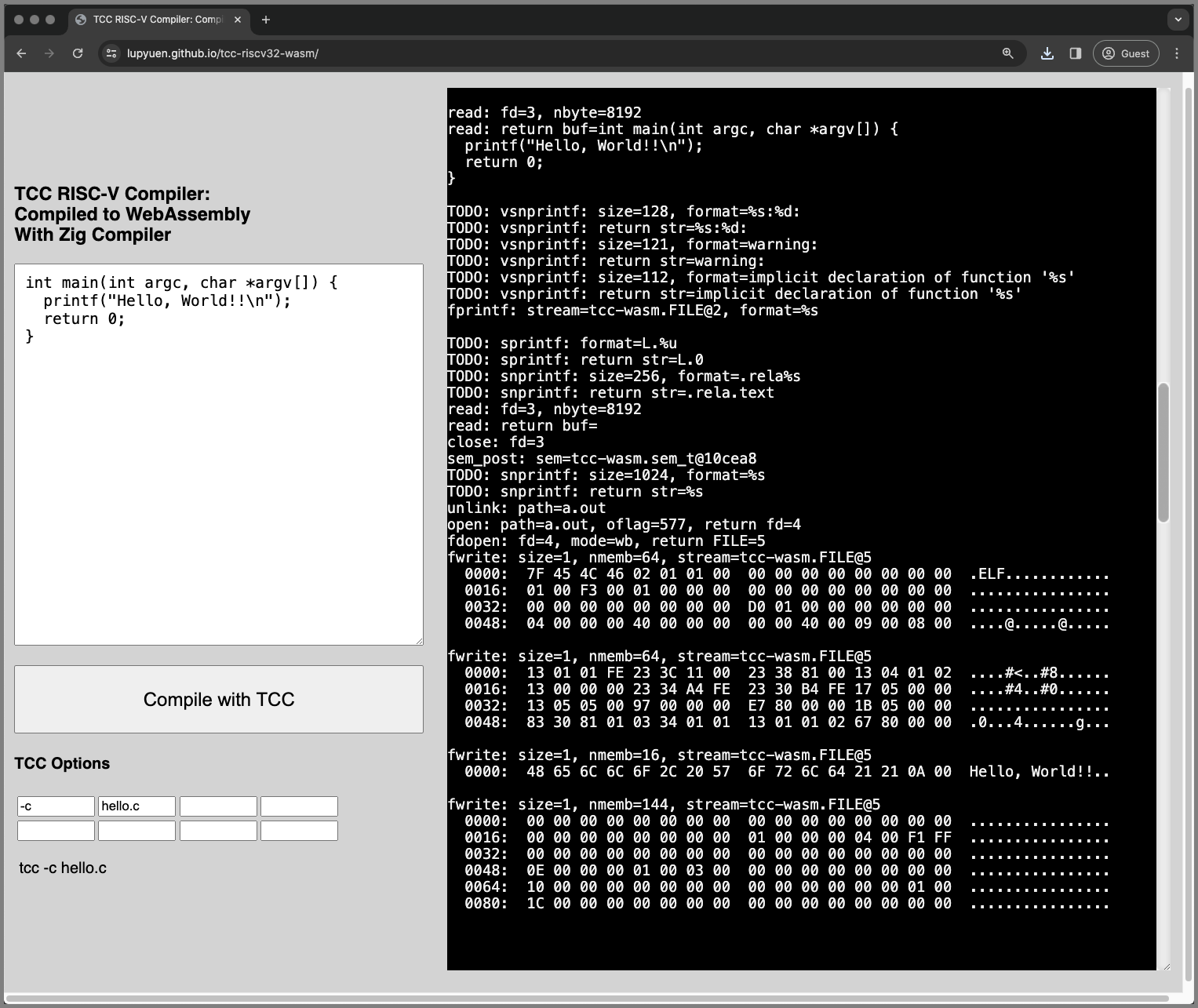
[_Online Demo of TCC Compiler in WebAssembly_](https://lupyuen.github.io/tcc-riscv32-wasm/)
## TCC in the Web Browser
Click this link to try __TCC Compiler in our Web Browser__ (pic above)
- [__TCC RISC-V Compiler in WebAssembly__](https://lupyuen.github.io/tcc-riscv32-wasm/)
[(Watch the __Demo on YouTube__)](https://youtu.be/DJMDYq52Iv8)
This __C Program__ appears...
```c
// Demo Program for TCC Compiler
int main(int argc, char *argv[]) {
printf(""Hello, World!!\n"");
return 0;
}
```
Click the ""__Compile__"" button. Our Web Browser calls TCC to compile the above program...
```bash
## Compile to RISC-V ELF
tcc -c hello.c
```
And it downloads the compiled [__RISC-V ELF `a.out`__](https://en.wikipedia.org/wiki/Executable_and_Linkable_Format). We inspect the Compiled Output...
```bash
## Dump the RISC-V Disassembly
## of TCC Output
$ riscv64-unknown-elf-objdump \
--syms --source --reloc --demangle \
--line-numbers --wide --debugging \
a.out
main():
## Prepare the Stack
0: fe010113 addi sp, sp, -32
4: 00113c23 sd ra, 24(sp)
8: 00813823 sd s0, 16(sp)
c: 02010413 addi s0, sp, 32
10: 00000013 nop
## Load to Register A0: ""Hello World""
14: fea43423 sd a0, -24(s0)
18: feb43023 sd a1, -32(s0)
1c: 00000517 auipc a0, 0x0
1c: R_RISCV_PCREL_HI20 L.0
20: 00050513 mv a0, a0
20: R_RISCV_PCREL_LO12_I .text
## Call printf()
24: 00000097 auipc ra, 0x0
24: R_RISCV_CALL_PLT printf
28: 000080e7 jalr ra ## 24
## Clean up the Stack and
## return 0 to Caller
2c: 0000051b sext.w a0, zero
30: 01813083 ld ra, 24(sp)
34: 01013403 ld s0, 16(sp)
38: 02010113 addi sp, sp, 32
3c: 00008067 ret
```
Yep the __64-bit RISC-V Code__ looks legit! Very similar to our [__NuttX App__](https://lupyuen.github.io/articles/app#inside-a-nuttx-app). (So it will probably run on NuttX)
What just happened? We go behind the scenes...
[(See the __Entire Disassembly__)](https://gist.github.com/lupyuen/ab8febefa9c649ad7c242ee3f7aaf974)
[(About the __RISC-V Instructions__)](https://lupyuen.github.io/articles/app#inside-a-nuttx-app)
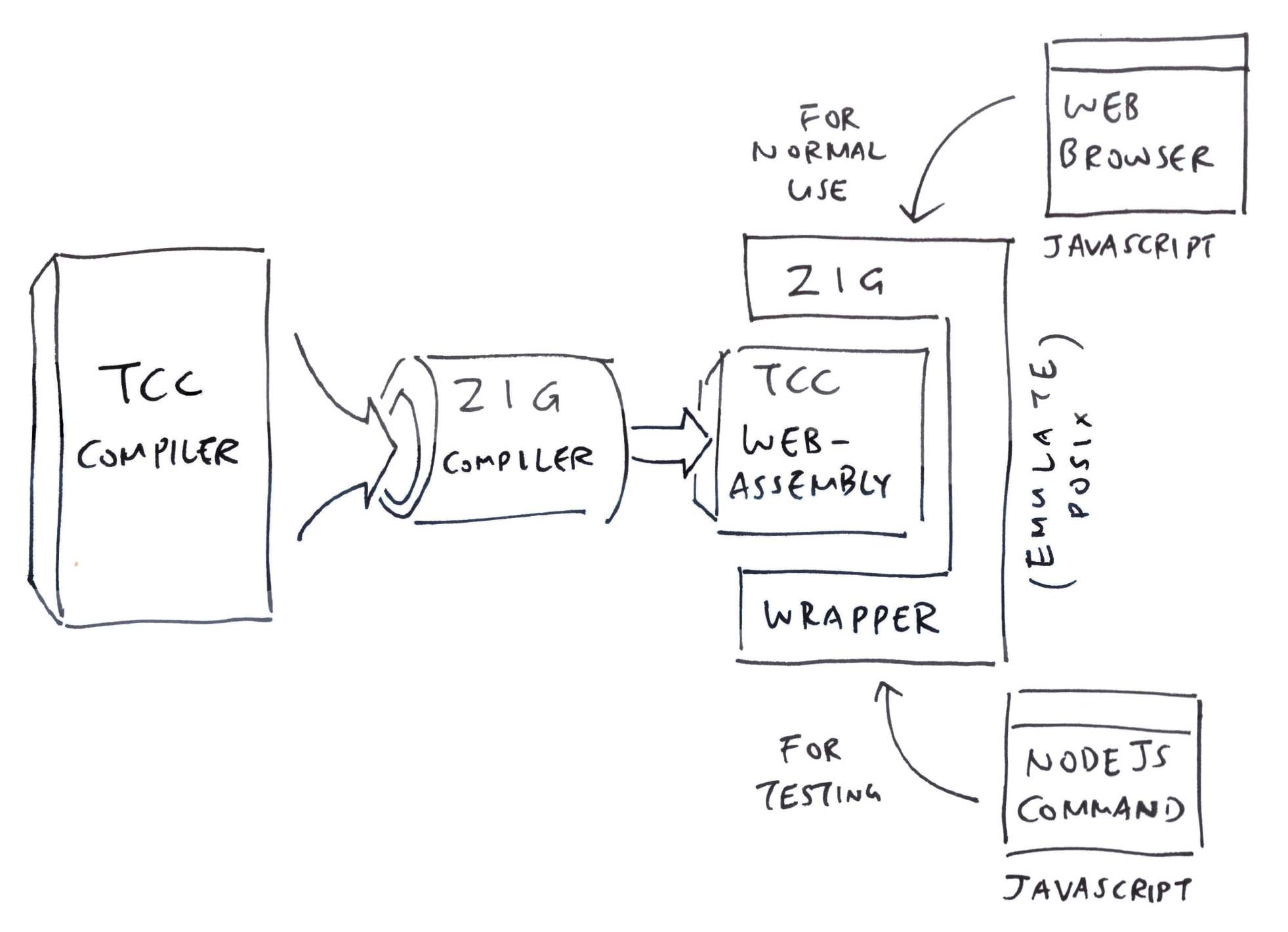
## Zig compiles TCC to WebAssembly
_Will Zig Compiler happily compile TCC to WebAssembly?_
Amazingly, yes! (Pic above)
```bash
## Zig Compiler compiles TCC Compiler
## from C to WebAssembly. Produces `tcc.o`
zig cc \
-c \
-target wasm32-freestanding \
-dynamic \
-rdynamic \
-lc \
-DTCC_TARGET_RISCV64 \
-DCONFIG_TCC_CROSSPREFIX=""\""riscv64-\"""" \
-DCONFIG_TCC_CRTPREFIX=""\""/usr/riscv64-linux-gnu/lib\"""" \
-DCONFIG_TCC_LIBPATHS=""\""{B}:/usr/riscv64-linux-gnu/lib\"""" \
-DCONFIG_TCC_SYSINCLUDEPATHS=""\""{B}/include:/usr/riscv64-linux-gnu/include\"""" \
-DTCC_GITHASH=""\""main:b3d10a35\"""" \
-Wall \
-O2 \
-Wdeclaration-after-statement \
-fno-strict-aliasing \
-Wno-pointer-sign \
-Wno-sign-compare \
-Wno-unused-result \
-Wno-format-truncation \
-Wno-stringop-truncation \
-I. \
tcc.c
```
[(See the __TCC Source Code__)](https://github.com/lupyuen/tcc-riscv32-wasm/blob/main/tcc.c)
[(About the __Zig Compiler Options__)](https://lupyuen.github.io/articles/tcc#appendix-compile-tcc-with-ig)
We link the TCC WebAssembly with our [__Zig Wrapper__](https://github.com/lupyuen/tcc-riscv32-wasm/blob/main/zig/tcc-wasm.zig) (that exports the TCC Compiler to JavaScript)...
```bash
## Compile our Zig Wrapper `tcc-wasm.zig` for WebAssembly
## and link it with TCC compiled for WebAssembly `tcc.o`
## Generates `tcc-wasm.wasm`
zig build-exe \
-target wasm32-freestanding \
-rdynamic \
-lc \
-fno-entry \
-freference-trace \
--verbose-cimport \
--export=compile_program \
zig/tcc-wasm.zig \
tcc.o
## Test everything with Web Browser
## or Node.js
node zig/test.js
```
[(See the __Zig Wrapper tcc-wasm.zig__)](https://github.com/lupyuen/tcc-riscv32-wasm/blob/main/zig/tcc-wasm.zig)
[(See the __Test JavaScript test.js__)](https://github.com/lupyuen/tcc-riscv32-wasm/blob/main/zig/test.js)
_What's inside our Zig Wrapper?_
Our Zig Wrapper will...
1. Receive the __C Program__ from JavaScript
1. Receive the __TCC Compiler Options__ from JavaScript
1. Call TCC Compiler to __compile our program__
1. Return the compiled __RISC-V ELF__ to JavaScript
Like so: [tcc-wasm.zig](https://github.com/lupyuen/tcc-riscv32-wasm/blob/main/zig/tcc-wasm.zig#L11-L76)
```zig
/// Call TCC Compiler to compile a
/// C Program to RISC-V ELF
pub export fn compile_program(
options_ptr: [*:0]const u8, // Options for TCC Compiler (Pointer to JSON Array: [""-c"", ""hello.c""])
code_ptr: [*:0]const u8, // C Program to be compiled (Pointer to String)
) [*]const u8 { // Returns a pointer to the `a.out` Compiled Code (Size in first 4 bytes)
// Receive the C Program from
// JavaScript and set our Read Buffer
// https://blog.battlefy.com/zig-made-it-easy-to-pass-strings-back-and-forth-with-webassembly
const code: []const u8 = std.mem.span(code_ptr);
read_buf = code;
// Omitted: Receive the TCC Compiler
// Options from JavaScript
// (JSON containing String Array: [""-c"", ""hello.c""])
...
// Call the TCC Compiler
_ = main(@intCast(argc), &args_ptrs);
// Return pointer of `a.out` to
// JavaScript. First 4 bytes: Size of
// `a.out`. Followed by `a.out` data.
const slice = std.heap.page_allocator.alloc(u8, write_buflen + 4)
catch @panic(""Failed to allocate memory"");
const size_ptr: *u32 = @alignCast(@ptrCast(slice.ptr));
size_ptr.* = write_buflen;
@memcpy(slice[4 .. write_buflen + 4], write_buf[0..write_buflen]);
return slice.ptr; // TODO: Deallocate this memory
}
```
Plus a couple of Magical Bits that we'll cover in the next section.
[(How JavaScript calls our __Zig Wrapper__)](https://lupyuen.github.io/articles/tcc#appendix-javascript-calls-tcc)
_Zig Compiler compiles TCC without any code changes?_
Inside TCC, we stubbed out the [__setjmp / longjmp__](https://github.com/lupyuen/tcc-riscv32-wasm/commit/e30454a0eb9916f820d58a7c3e104eeda67988d8) to make it compile with Zig Compiler.
Everything else compiles OK!
_Is it really OK to stub them out?_
[__setjmp / longjmp__](https://en.wikipedia.org/wiki/Setjmp.h) are called to __Handle Errors__ during TCC Compilation. Assuming everything goes hunky dory, we won't need them.
Later we'll find a better way to express our outrage. (Instead of jumping around)
We probe the Magical Bits inside our Zig Wrapper...

## POSIX for WebAssembly
_What's this POSIX?_
TCC Compiler was created as a __Command-Line App__. So it calls the typical [__POSIX Functions__](https://en.wikipedia.org/wiki/POSIX) like __fopen, fprintf, strncpy, malloc,__ ...
But WebAssembly running in a Web Browser ain't __No Command Line__! (Pic above)
[(WebAssembly doesn't have a __C Standard Library libc__)](https://en.wikipedia.org/wiki/C_standard_library)
_Is POSIX a problem for WebAssembly?_
We counted [__72 POSIX Functions__](https://lupyuen.github.io/articles/tcc#appendix-missing-functions) needed by TCC Compiler, but missing from WebAssembly.
Thus we fill in the [__Missing Functions__](https://lupyuen.github.io/articles/tcc#appendix-missing-functions) ourselves.
[(About the __Missing POSIX Functions__)](https://lupyuen.github.io/articles/tcc#appendix-missing-functions)
_Surely other Zig Devs will have the same problem?_
Thankfully we can borrow the POSIX Code from other __Zig Libraries__...
- [__ziglibc__](https://github.com/marler8997/ziglibc): Zig implementation of libc
- [__foundation-libc__](https://github.com/ZigEmbeddedGroup/foundation-libc): Freestanding implementation of libc
- [__PinePhone Simulator__](https://lupyuen.github.io/articles/lvgl3#appendix-lvgl-memory-allocation): For malloc
[(See the __Borrowed Code__)](https://github.com/lupyuen/tcc-riscv32-wasm/blob/main/zig/tcc-wasm.zig#L447-L774)
_72 POSIX Functions? Sounds like a lot of work..._
We might not need all 72 POSIX Functions. We stubbed out __many of the functions__ to identify the ones that are called: [tcc-wasm.zig](https://github.com/lupyuen/tcc-riscv32-wasm/blob/main/zig/tcc-wasm.zig#L776-L855)
```zig
// Stub Out the Missing POSIX
// Functions. If TCC calls them,
// we'll see a Zig Panic. Then we
// implement them. The Types don't
// matter because we'll halt anyway.
pub export fn atoi(_: c_int) c_int {
@panic(""TODO: atoi"");
}
pub export fn exit(_: c_int) c_int {
@panic(""TODO: exit"");
}
pub export fn fopen(_: c_int) c_int {
@panic(""TODO: fopen"");
}
// And many more functions...
```
Some of these functions are especially troubling for WebAssembly...
> 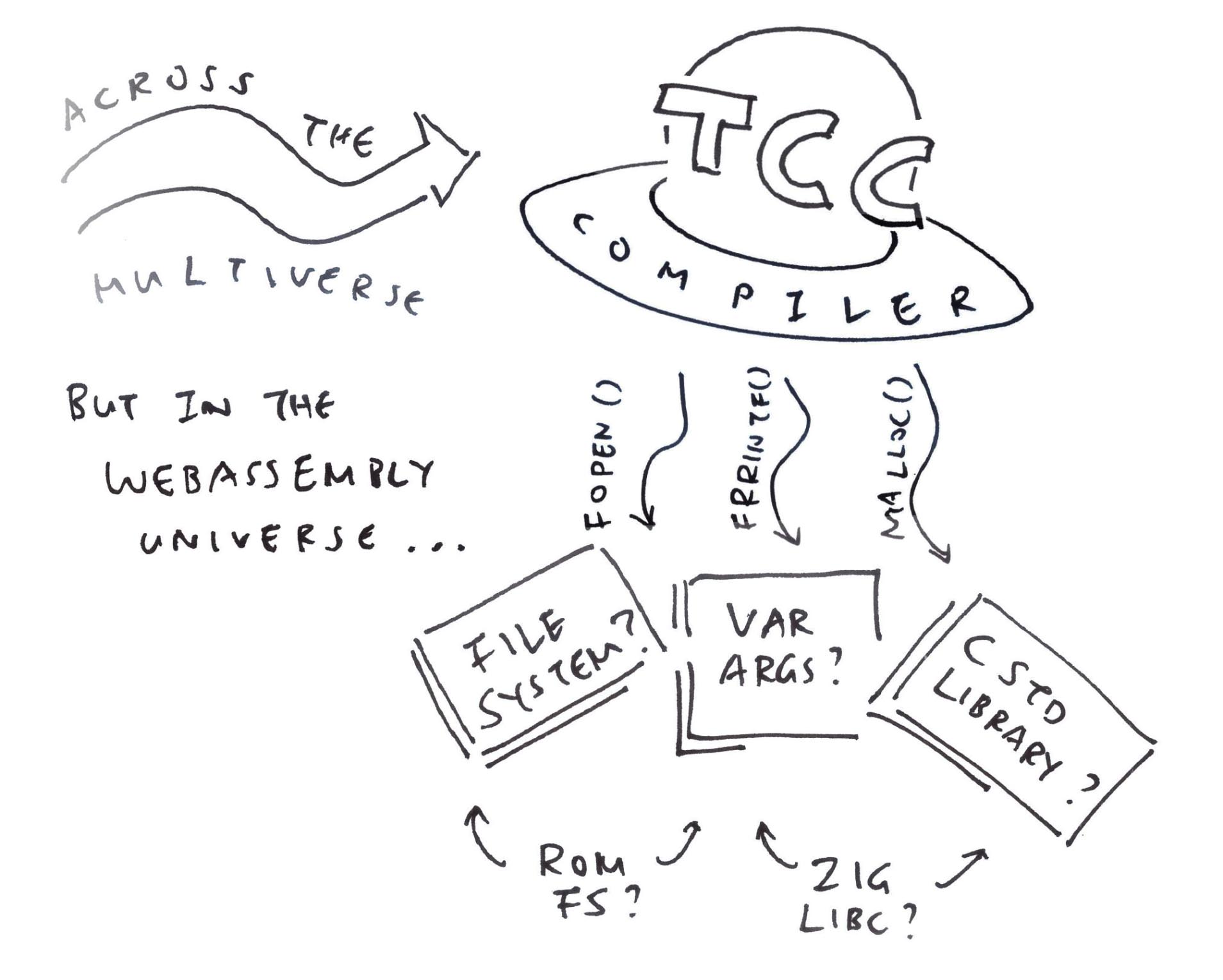
## File Input and Output
_Why no #include in TCC for WebAssembly? And no C Libraries?_
WebAssembly runs in a Secure Sandbox. __No File Access__ allowed, sorry! (Like for Header and Library Files)
That's why our Zig Wrapper __Emulates File Access__ for the bare minimum 2 files...
- Read the __C Program__: __`hello.c`__
- Write the __RISC-V ELF__: __`a.out`__
__Reading a Source File `hello.c`__ is extremely simplistic: [tcc-wasm.zig](https://github.com/lupyuen/tcc-riscv32-wasm/blob/main/zig/tcc-wasm.zig#L104-L118)
```zig
/// Emulate the POSIX Function `read()`
/// We copy from One Single Read Buffer
/// that contains our C Program
export fn read(fd0: c_int, buf: [*:0]u8, nbyte: size_t) isize {
// TODO: Support more than one file
const len = read_buf.len;
assert(len < nbyte);
@memcpy(buf[0..len], read_buf[0..len]);
buf[len] = 0;
read_buf.len = 0;
return @intCast(len);
}
/// Read Buffer for read
var read_buf: []const u8 = undefined;
```
[(__read_buf__ is populated at startup)](https://github.com/lupyuen/tcc-riscv32-wasm/blob/main/zig/tcc-wasm.zig#L26-L32)
__Writing the Compiled Output `a.out`__ is just as barebones: [tcc-wasm.zig](https://github.com/lupyuen/tcc-riscv32-wasm/blob/main/zig/tcc-wasm.zig#L128-L140)
```zig
/// Emulate the POSIX Function `write()`
/// We write to One Single Memory
/// Buffer that will be returned to
/// JavaScript as `a.out`
export fn fwrite(ptr: [*:0]const u8, size: usize, nmemb: usize, stream: *FILE) usize {
// TODO: Support more than one `stream`
const len = size * nmemb;
@memcpy(write_buf[write_buflen .. write_buflen + len], ptr[0..]);
write_buflen += len;
return nmemb;
}
/// Write Buffer for fputc and fwrite
var write_buf = std.mem.zeroes([8192]u8);
var write_buflen: usize = 0;
```
[(__write_buf__ will be returned to JavaScript)](https://github.com/lupyuen/tcc-riscv32-wasm/blob/main/zig/tcc-wasm.zig#L62-L78)
_Can we handle Multiple Files?_
Right now we're trying to embed the simple [__ROM FS Filesystem__](https://github.com/lupyuen/tcc-riscv32-wasm#rom-fs-filesystem-for-tcc-webassembly) into our Zig Wrapper.
The ROM FS Filesystem will be preloaded with the Header and Library Files needed by TCC. See the details here...
- [__""Zig runs ROM FS Filesystem in the Web Browser (thanks to Apache NuttX RTOS)""__](https://lupyuen.github.io/articles/romfs)
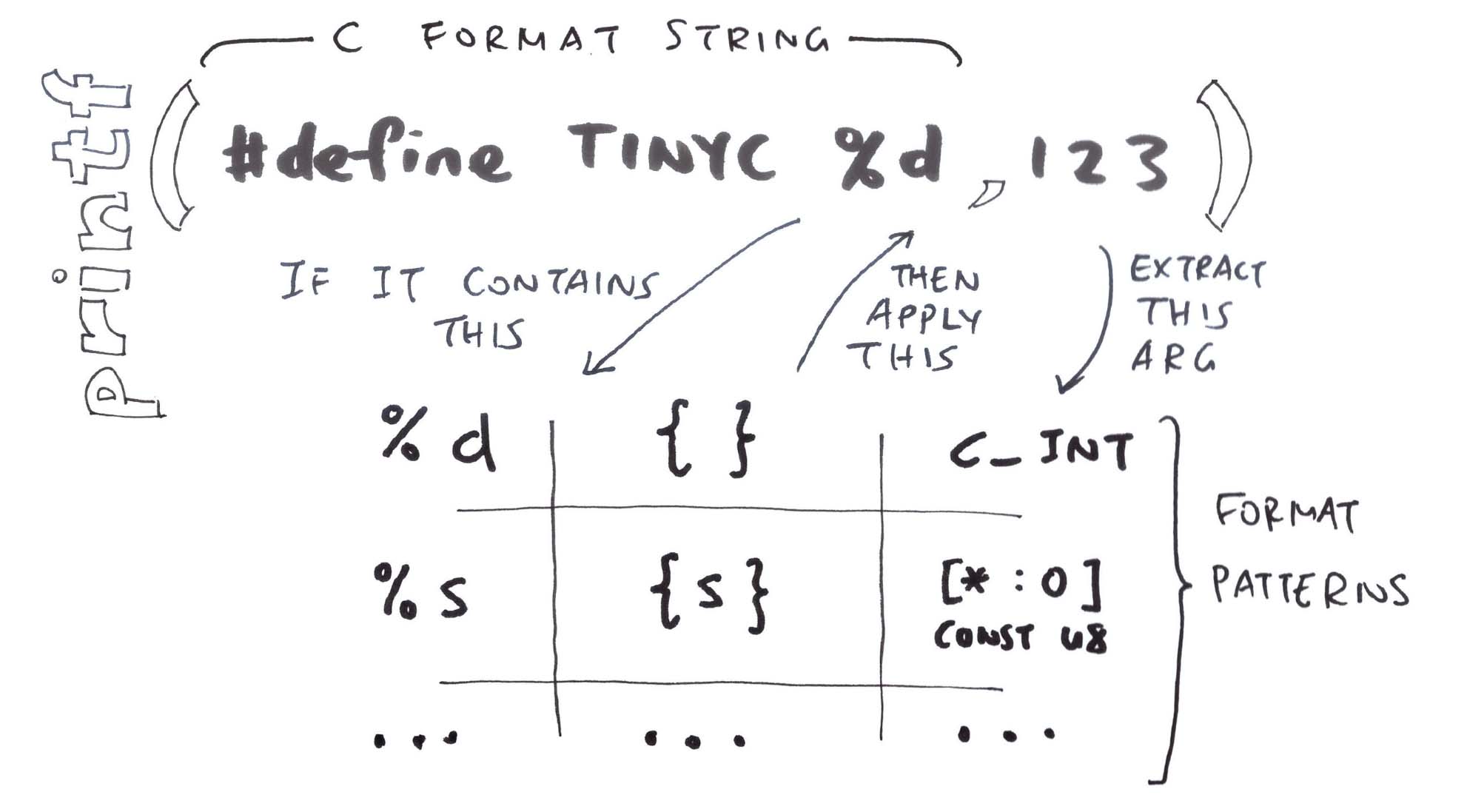
## Fearsome fprintf and Friends
_Why is fpintf particularly problematic?_
Here's the fearsome thing about __fprintf__ and friends: __sprintf, snprintf, vsnprintf__...
- __C Format Strings__ are difficult to parse
- __Variable Number of Untyped Arguments__ might create Bad Pointers
Hence we hacked up an implementation of __String Formatting__ that's safer, simpler and so-barebones-you-can-make-_soup-tulang_.
_Soup tulang? Tell me more..._
Our Zig Wrapper uses [__Pattern Matching__](https://lupyuen.github.io/articles/tcc#appendix-pattern-matching) to match the __C Formats__ and substitute the __Zig Equivalent__ (pic above): [tcc-wasm.zig](https://github.com/lupyuen/tcc-riscv32-wasm/blob/main/zig/tcc-wasm.zig#L189-L207)
```zig
// Format a Single `%d`
// like `#define __TINYC__ %d`
FormatPattern{
// If the C Format String contains this...
.c_spec = ""%d"",
// Then we apply this Zig Format...
.zig_spec = ""{}"",
// And extract these Argument Types
// from the Varargs...
.type0 = c_int,
.type1 = null
}
```
This works OK (for now) because TCC Compiler only uses __5 Patterns for C Format Strings__: [tcc-wasm.zig](https://github.com/lupyuen/tcc-riscv32-wasm/blob/main/zig/tcc-wasm.zig#L189-L207)
```zig
/// Pattern Matching for C String Formatting:
/// We'll match these patterns when
/// formatting strings
const format_patterns = [_]FormatPattern{
// Format a Single `%d`, like `#define __TINYC__ %d`
FormatPattern{
.c_spec = ""%d"", .zig_spec = ""{}"",
.type0 = c_int, .type1 = null
},
// Format a Single `%u`, like `L.%u`
FormatPattern{
.c_spec = ""%u"", .zig_spec = ""{}"",
.type0 = c_int, .type1 = null
},
// Format a Single `%s`, like `.rela%s`
// Or `#define __BASE_FILE__ ""%s""`
FormatPattern{
.c_spec = ""%s"", .zig_spec = ""{s}"",
.type0 = [*:0]const u8, .type1 = null
},
// Format Two `%s`, like `#define %s%s\n`
FormatPattern{
.c_spec = ""%s%s"", .zig_spec = ""{s}{s}"",
.type0 = [*:0]const u8, .type1 = [*:0]const u8
},
// Format `%s:%d`, like `%s:%d: `
// (File Name and Line Number)
FormatPattern{
.c_spec = ""%s:%d"", .zig_spec = ""{s}:{}"",
.type0 = [*:0]const u8, .type1 = c_int
},
};
```
That's our quick hack for [__fprintf and friends__](https://github.com/lupyuen/tcc-riscv32-wasm/blob/main/zig/tcc-wasm.zig#L209-L447)!
[(How we do __Pattern Matching__)](https://lupyuen.github.io/articles/tcc#appendix-pattern-matching)
_So simple? Unbelievable!_
Actually we'll hit more Format Patterns as TCC Compiler emits various __Error and Warning Messages__. But it's a good start!
Later our Zig Wrapper shall cautiously and meticulously parse all kinds of C Format Strings. Or we do the [__parsing in C__](https://github.com/marler8997/ziglibc/blob/main/src/printf.c#L32-L191), compiled to WebAssembly. (160 lines of C!)
See the updates here...
- [__""Multiple Format Patterns per Format String""__](https://lupyuen.github.io/articles/romfs#appendix-nuttx-rom-fs-driver)
(Funny how __printf__ is the first thing we learn about C. Yet it's incredibly difficult to implement!)

## Test with Apache NuttX RTOS
_TCC in WebAssembly has compiled our C Program to RISC-V ELF..._
_Will the ELF run on NuttX?_
[__Apache NuttX RTOS__](https://nuttx.apache.org/docs/latest/) is a tiny operating system for 64-bit RISC-V that runs on [__QEMU Emulator__](https://www.qemu.org/docs/master/system/target-riscv.html). (And many other devices)
We build [__NuttX for QEMU__](https://lupyuen.github.io/articles/tcc#appendix-build-nuttx-for-qemu) and copy our [__RISC-V ELF `a.out`__](https://en.wikipedia.org/wiki/Executable_and_Linkable_Format) to the [__NuttX Apps Filesystem__](https://lupyuen.github.io/articles/semihost#nuttx-apps-filesystem) (pic above)...
```bash
## Copy RISC-V ELF `a.out`
## to NuttX Apps Filesystem
cp a.out apps/bin/
chmod +x apps/bin/a.out
```
[(How we build __NuttX for QEMU__)](https://lupyuen.github.io/articles/tcc#appendix-build-nuttx-for-qemu)
Then we boot NuttX and run __`a.out`__...
```bash
## Boot NuttX on QEMU 64-bit RISC-V
$ qemu-system-riscv64 \
-semihosting \
-M virt,aclint=on \
-cpu rv64 \
-smp 8 \
-bios none \
-kernel nuttx \
-nographic
## Run `a.out` in NuttX Shell
NuttShell (NSH) NuttX-12.4.0
nsh> a.out
Loading /system/bin/a.out
Exported symbol ""printf"" not found
Failed to load program 'a.out'
```
[(See the __Complete Log__)](https://github.com/lupyuen/tcc-riscv32-wasm#test-tcc-output-with-nuttx)
NuttX politely accepts the RISC-V ELF (produced by TCC). And says that __printf__ is missing.
Which makes sense: We haven't linked our C Program with the [__C Library__](https://github.com/lupyuen/tcc-riscv32-wasm#how-nuttx-build-links-a-nuttx-app)!
[(Loading a __RISC-V ELF__ should look like this)](https://gist.github.com/lupyuen/847f7adee50499cac5212f2b95d19cd3#file-nuttx-elf-loader-log-L882-L1212)
_How else can we print something in NuttX?_
To print something, we can make a [__System Call (ECALL)__](https://lupyuen.github.io/articles/app#nuttx-app-calls-nuttx-kernel) directly to NuttX Kernel (bypassing the POSIX Functions)...
```c
// NuttX System Call that prints
// something. System Call Number
// is 61 (SYS_write). Works exactly
// like POSIX `write()`
ssize_t write(
int fd, // File Descriptor (1 for Standard Output)
const char *buf, // Buffer to be printed
size_t buflen // Buffer Length
);
// Which makes an ECALL with these Parameters...
// Register A0 is 61 (SYS_write)
// Register A1 is the File Descriptor (1 for Standard Output)
// Register A2 points to the String Buffer to be printed
// Register A3 is the Buffer Length
```
That's the same NuttX System Call that __printf__ executes internally.
Final chance to say hello to NuttX...
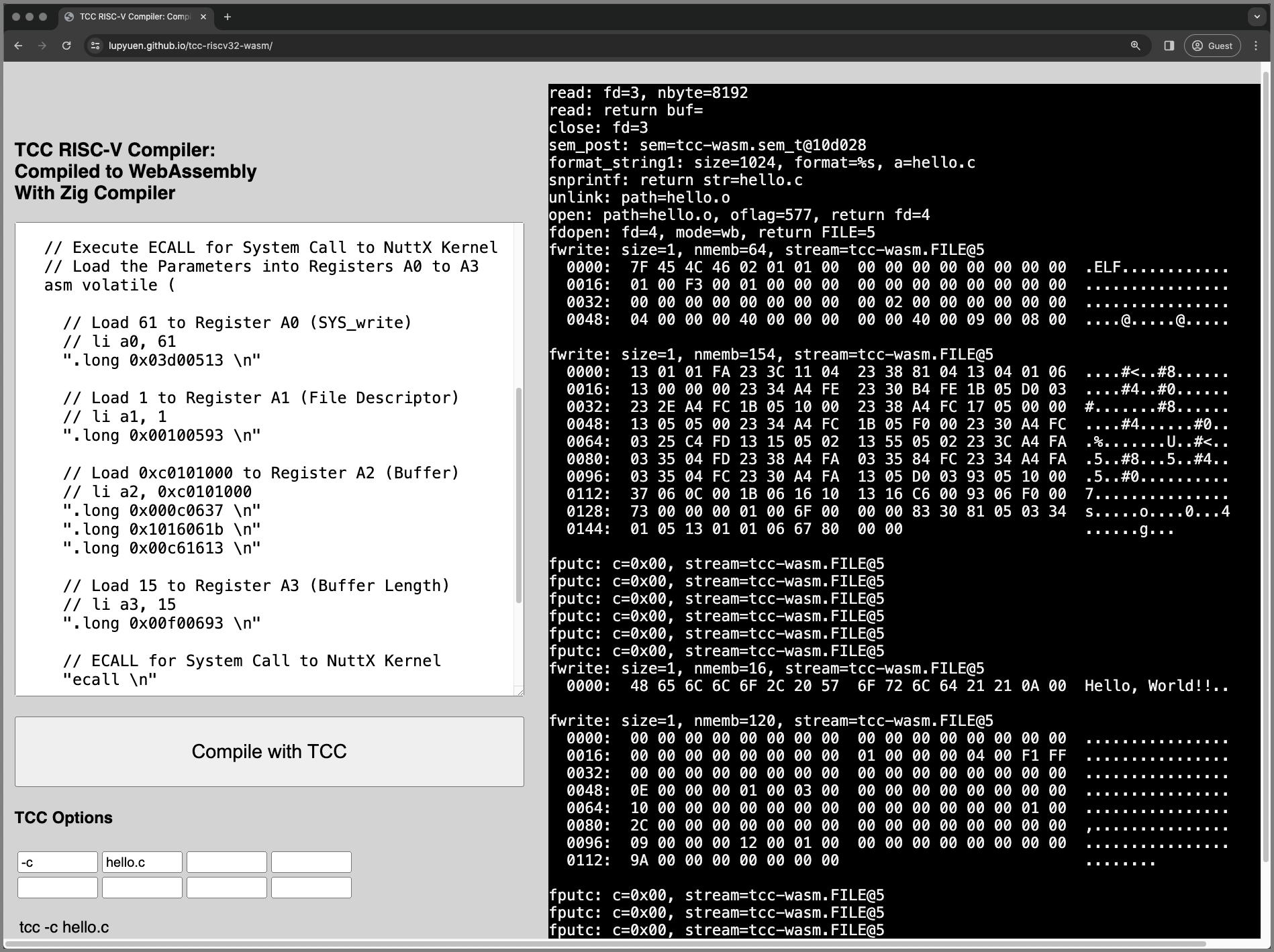
## Hello NuttX!
_We're making a System Call (ECALL) to NuttX Kernel to print something..._
_How will we code this in C?_
We execute the [__ECALL in RISC-V Assembly__](https://lupyuen.github.io/articles/app#nuttx-app-calls-nuttx-kernel) like this: [test-nuttx.js](https://github.com/lupyuen/tcc-riscv32-wasm/blob/main/zig/test-nuttx.js#L52-L105)
```c
int main(int argc, char *argv[]) {
// Make NuttX System Call
// to write(fd, buf, buflen)
const unsigned int nbr = 61; // SYS_write
const void *parm1 = 1; // File Descriptor (stdout)
const void *parm2 = ""Hello, World!!\n""; // Buffer
const void *parm3 = 15; // Buffer Length
// Load the Parameters into
// Registers A0 to A3
// Note: This doesn't work with TCC,
// so we load again below
register long r0 asm(""a0"") = (long)(nbr);
register long r1 asm(""a1"") = (long)(parm1);
register long r2 asm(""a2"") = (long)(parm2);
register long r3 asm(""a3"") = (long)(parm3);
// Execute ECALL for System Call
// to NuttX Kernel. Again: Load the
// Parameters into Registers A0 to A3
asm volatile (
// Load 61 to Register A0 (SYS_write)
""addi a0, zero, 61 \n""
// Load 1 to Register A1 (File Descriptor)
""addi a1, zero, 1 \n""
// Load 0xc0101000 to Register A2 (Buffer)
""lui a2, 0xc0 \n""
""addiw a2, a2, 257 \n""
""slli a2, a2, 0xc \n""
// Load 15 to Register A3 (Buffer Length)
""addi a3, zero, 15 \n""
// ECALL for System Call to NuttX Kernel
""ecall \n""
// NuttX needs NOP after ECALL
"".word 0x0001 \n""
// Input+Output Registers: None
// Input-Only Registers: A0 to A3
// Clobbers the Memory
:
: ""r""(r0), ""r""(r1), ""r""(r2), ""r""(r3)
: ""memory""
);
// Loop Forever
for(;;) {}
return 0;
}
```
We copy this into our Web Browser and compile it. (Pic above)
[(Why so complicated? __Explained here__)](https://lupyuen.github.io/articles/tcc#appendix-nuttx-system-call)
[(Caution: __SYS_write 61__ may change)](https://lupyuen.github.io/articles/app#nuttx-kernel-handles-system-call)
_Does it work?_
TCC in WebAssembly compiles the code above to __RISC-V ELF `a.out`__. When we copy it to NuttX and run it..
```bash
NuttShell (NSH) NuttX-12.4.0-RC0
nsh> a.out
...
## NuttX System Call for SYS_write (61)
riscv_swint:
cmd: 61
A0: 3d ## SYS_write (61)
A1: 01 ## File Descriptor (Standard Output)
A2: c0101000 ## Buffer
A3: 0f ## Buffer Length
...
## NuttX Kernel says hello
Hello, World!!
```
NuttX Kernel prints __""Hello World""__ yay!
Indeed we've created a C Compiler in a Web Browser, that __produces proper NuttX Apps__!
_OK so we can build NuttX Apps in a Web Browser... But can we run them in a Web Browser?_
Yep, a NuttX App built in the Web Browser... Now runs OK with __NuttX Emulator in the Web Browser__! 🎉 (Pic below)
- [Watch the __Demo on YouTube__](https://youtu.be/DJMDYq52Iv8)
- [Find out __How It Works__](https://lupyuen.github.io/articles/romfs#from-tcc-to-nuttx-emulator)
__TLDR:__ We called [__JavaScript Local Storage__](https://github.com/lupyuen/tcc-riscv32-wasm#nuttx-app-runs-in-a-web-browser)
to copy the RISC-V ELF `a.out` from TCC WebAssembly to NuttX Emulator... Then we patched `a.out` into the [__ROM FS Filesystem__](https://github.com/lupyuen/tcc-riscv32-wasm#nuttx-app-runs-in-a-web-browser) for NuttX Emulator. Nifty!
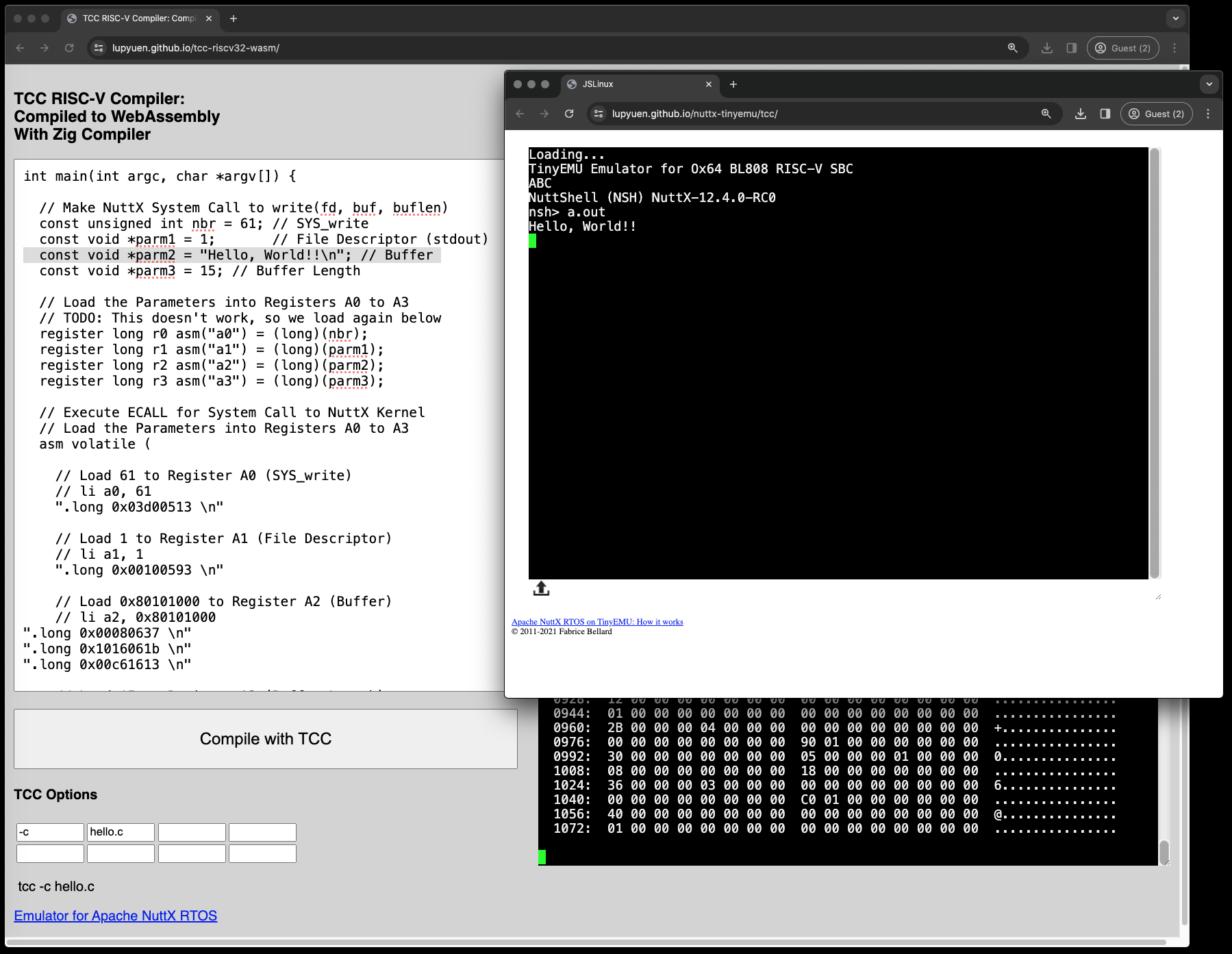
[_NuttX App built in a Web Browser... Runs inside the Web Browser!_](https://github.com/lupyuen/tcc-riscv32-wasm#nuttx-app-runs-in-a-web-browser)
## What's Next
Check out the next article...
- [__""Zig runs ROM FS Filesystem in the Web Browser (thanks to Apache NuttX RTOS)""__](https://lupyuen.github.io/articles/romfs)
Thanks to the [__TCC Team__](https://github.com/sellicott/tcc-riscv32), we have a __64-bit RISC-V Compiler__ that runs in the Web Browser...
- __Zig Compiler__ compiles TCC to WebAssembly with one tiny fix
- But __POSIX Functions__ are missing in WebAssembly
- So we did the bare minimum for __File Input and Output__
- And cooked up the simplest workaround for __fprintf and friends__
- Finally TCC produces a __RISC-V Binary__ that runs OK on Apache NuttX RTOS
- Now we can __Build and Test NuttX Apps__ all within a Web Browser!
How will you use __TCC in a Web Browser__? Please lemme know 🙏
_(Build and run RISC-V Apps on iPhone?)_
Many Thanks to my [__GitHub Sponsors__](https://github.com/sponsors/lupyuen) (and the awesome NuttX and Zig Communities) for supporting my work! This article wouldn't have been possible without your support.
- [__Sponsor me a coffee__](https://github.com/sponsors/lupyuen)
- [__Discuss this article on Hacker News__](https://news.ycombinator.com/item?id=39245664)
- [__My Current Project: ""Apache NuttX RTOS for Ox64 BL808""__](https://github.com/lupyuen/nuttx-ox64)
- [__My Other Project: ""NuttX for Star64 JH7110""__](https://github.com/lupyuen/nuttx-star64)
- [__Older Project: ""NuttX for PinePhone""__](https://github.com/lupyuen/pinephone-nuttx)
- [__Check out my articles__](https://lupyuen.github.io)
- [__RSS Feed__](https://lupyuen.github.io/rss.xml)
_Got a question, comment or suggestion? Create an Issue or submit a Pull Request here..._
[__lupyuen.github.io/src/tcc.md__](https://github.com/lupyuen/lupyuen.github.io/blob/master/src/tcc.md)

[_Online Demo of TCC Compiler in WebAssembly_](https://lupyuen.github.io/tcc-riscv32-wasm/)
## Appendix: Compile TCC with Zig
This is how we run __Zig Compiler to compile TCC Compiler__ from C to WebAssembly (pic below)...
```bash
## Download the (slightly) Modified TCC Source Code.
## Configure the build for 64-bit RISC-V.
git clone https://github.com/lupyuen/tcc-riscv32-wasm
cd tcc-riscv32-wasm
./configure
make cross-riscv64
## Call Zig Compiler to compile TCC Compiler
## from C to WebAssembly. Produces `tcc.o`
## Omitted: Run the `zig cc` command from earlier...
## https://lupyuen.github.io/articles/tcc#zig-compiles-tcc-to-webassembly
zig cc ...
## Compile our Zig Wrapper `tcc-wasm.zig` for WebAssembly
## and link it with TCC compiled for WebAssembly `tcc.o`
## Generates `tcc-wasm.wasm`
## Omitted: Run the `zig build-exe` command from earlier...
## https://lupyuen.github.io/articles/tcc#zig-compiles-tcc-to-webassembly
zig build-exe ...
```
[(See the __Build Script__)](https://github.com/lupyuen/tcc-riscv32-wasm/blob/main/zig/build.sh)
_How did we figure out the ""`zig` `cc`"" options?_
Earlier we saw a long list of [__Zig Compiler Options__](https://lupyuen.github.io/articles/tcc#zig-compiles-tcc-to-webassembly)...
```bash
## Zig Compiler Options for TCC Compiler
zig cc \
tcc.c \
-DTCC_TARGET_RISCV64 \
-DCONFIG_TCC_CROSSPREFIX=""\""riscv64-\"""" \
-DCONFIG_TCC_CRTPREFIX=""\""/usr/riscv64-linux-gnu/lib\"""" \
-DCONFIG_TCC_LIBPATHS=""\""{B}:/usr/riscv64-linux-gnu/lib\"""" \
-DCONFIG_TCC_SYSINCLUDEPATHS=""\""{B}/include:/usr/riscv64-linux-gnu/include\"""" \
...
```
We got them from ""__`make` `--trace`__"", which reveals the __GCC Compiler Options__...
```bash
## Show the GCC Options for compiling TCC
$ make --trace cross-riscv64
gcc \
-o riscv64-tcc.o \
-c \
tcc.c \
-DTCC_TARGET_RISCV64 \
-DCONFIG_TCC_CROSSPREFIX=""\""riscv64-\"""" \
-DCONFIG_TCC_CRTPREFIX=""\""/usr/riscv64-linux-gnu/lib\"""" \
-DCONFIG_TCC_LIBPATHS=""\""{B}:/usr/riscv64-linux-gnu/lib\"""" \
-DCONFIG_TCC_SYSINCLUDEPATHS=""\""{B}/include:/usr/riscv64-linux-gnu/include\"""" \
-DTCC_GITHASH=""\""main:b3d10a35\"""" \
-Wall \
-O2 \
-Wdeclaration-after-statement \
-fno-strict-aliasing \
-Wno-pointer-sign \
-Wno-sign-compare \
-Wno-unused-result \
-Wno-format-truncation \
-Wno-stringop-truncation \
-I.
```
And we copied above GCC Options to become our [__Zig Compiler Options__](https://lupyuen.github.io/articles/tcc#zig-compiles-tcc-to-webassembly).
[(See the __Build Script__)](https://github.com/lupyuen/tcc-riscv32-wasm/blob/main/zig/build.sh)

## Appendix: JavaScript calls TCC
Previously we saw some __JavaScript (Web Browser and Node.js)__ calling our TCC Compiler in WebAssembly (pic above)...
- [__TCC WebAssembly in Web Browser__](https://lupyuen.github.io/tcc-riscv32-wasm/)
- [__TCC WebAssembly in Node.js__](https://lupyuen.github.io/articles/tcc#zig-compiles-tcc-to-webassembly)
This is how we test the TCC WebAssembly in a Web Browser with a __Local Web Server__...
```bash
## Download the (slightly) Modified TCC Source Code
git clone https://github.com/lupyuen/tcc-riscv32-wasm
cd tcc-riscv32-wasm
## Start the Web Server
cargo install simple-http-server
simple-http-server ./docs &
## Whenever we rebuild TCC WebAssembly...
## Copy it to the Web Server
cp tcc-wasm.wasm docs/
```
Browse to this URL and our TCC WebAssembly will appear...
```bash
## Test TCC WebAssembly with Web Browser
http://localhost:8000/index.html
```
Check the __JavaScript Console__ for Debug Messages.
[(See the __JavaScript Log__)](https://gist.github.com/lupyuen/5f8191d5c63b7dba030582cbe7481572)
_How does it work?_
On clicking the __Compile Button__, our JavaScript loads the TCC WebAssembly: [tcc.js](https://github.com/lupyuen/tcc-riscv32-wasm/blob/main/docs/tcc.js#L174-L191)
```javascript
// Load the WebAssembly Module and start the Main Function.
// Called by the Compile Button.
async function bootstrap() {
// Load the WebAssembly Module `tcc-wasm.wasm`
// https://developer.mozilla.org/en-US/docs/WebAssembly/JavaScript_interface/instantiateStreaming
const result = await WebAssembly.instantiateStreaming(
fetch(""tcc-wasm.wasm""),
importObject
);
// Store references to WebAssembly Functions
// and Memory exported by Zig
wasm.init(result);
// Start the Main Function
window.requestAnimationFrame(main);
}
```
[(__importObject__ exports our __JavaScript Logger__ to Zig)](https://github.com/lupyuen/tcc-riscv32-wasm/blob/main/docs/tcc.js#L25-L48)
[(__wasm__ is our __WebAssembly Helper__)](https://github.com/lupyuen/tcc-riscv32-wasm/blob/main/docs/tcc.js#L6-L25)
Which triggers the __Main Function__ ad calls our Zig Function __compile_program__: [tcc.js](https://github.com/lupyuen/tcc-riscv32-wasm/blob/main/docs/tcc.js#L48-L90)
```javascript
// Main Function
function main() {
// Allocate a String for passing the Compiler Options to Zig
// `options` is a JSON Array: [""-c"", ""hello.c""]
const options = read_options();
const options_ptr = allocateString(JSON.stringify(options));
// Allocate a String for passing the Program Code to Zig
const code = document.getElementById(""code"").value;
const code_ptr = allocateString(code);
// Call TCC to compile the program
const ptr = wasm.instance.exports
.compile_program(options_ptr, code_ptr);
// Get the `a.out` size from first 4 bytes returned
const memory = wasm.instance.exports.memory;
const data_len = new Uint8Array(memory.buffer, ptr, 4);
const len = data_len[0] | data_len[1] << 8 | data_len[2] << 16 | data_len[3] << 24;
if (len <= 0) { return; }
// Encode the `a.out` data from the rest of the bytes returned
// `encoded_data` looks like %7f%45%4c%46...
const data = new Uint8Array(memory.buffer, ptr + 4, len);
let encoded_data = """";
for (const i in data) {
const hex = Number(data[i]).toString(16).padStart(2, ""0"");
encoded_data += `%${hex}`;
}
// Download the `a.out` data into the Web Browser
download(""a.out"", encoded_data);
// Save the ELF Data to Local Storage for loading by NuttX Emulator
localStorage.setItem(""elf_data"", encoded_data);
};
```
Our Main Function then downloads the __`a.out`__ file returned by our Zig Function.
[(__allocateString__ allocates a String from Zig Memory)](https://github.com/lupyuen/tcc-riscv32-wasm/blob/main/docs/tcc.js#L90-L112)
[(__download__ is here)](https://github.com/lupyuen/tcc-riscv32-wasm/blob/main/docs/tcc.js#L162-L174)
_What about Node.js calling TCC WebAssembly?_
```bash
## Test TCC WebAssembly with Node.js
node zig/test.js
```
__For Easier Testing__ (via Command-Line): We copied the JavaScript above into a Node.js Script: [test.js](https://github.com/lupyuen/tcc-riscv32-wasm/blob/main/zig/test.js#L46-L78)
```javascript
// Allocate a String for passing the Compiler Options to Zig
const options = [""-c"", ""hello.c""];
const options_ptr = allocateString(JSON.stringify(options));
// Allocate a String for passing Program Code to Zig
const code_ptr = allocateString(`
int main(int argc, char *argv[]) {
printf(""Hello, World!!\\n"");
return 0;
}
`);
// Call TCC to compile a program
const ptr = wasm.instance.exports
.compile_program(options_ptr, code_ptr);
```
[(See the __Node.js Log__)](https://gist.github.com/lupyuen/795327506cad9b1ee82206e614c399cd)
[(Test Script for NuttX QEMU: __test-nuttx.js__)](https://github.com/lupyuen/tcc-riscv32-wasm/blob/main/zig/test-nuttx.js)
[(Test Log for NuttX QEMU: __test-nuttx.log__)](https://gist.github.com/lupyuen/55a4d4cae26994aa673e6d8451716b27)

## Appendix: Pattern Matching
A while back we saw our Zig Wrapper doing __Pattern Matching__ for Formatting C Strings...
- [__""Fearsome fprintf and Friends""__](https://lupyuen.github.io/articles/tcc#fearsome-fprintf-and-friends)
How It Works: We search for __Format Patterns__ in the C Format Strings and substitute the __Zig Equivalent__ (pic above): [tcc-wasm.zig](https://github.com/lupyuen/tcc-riscv32-wasm/blob/main/zig/tcc-wasm.zig#L189-L207)
```zig
// Format a Single `%d`
// like `#define __TINYC__ %d`
FormatPattern{
// If the C Format String contains this...
.c_spec = ""%d"",
// Then we apply this Zig Format...
.zig_spec = ""{}"",
// And extract these Argument Types
// from the Varargs...
.type0 = c_int,
.type1 = null
}
```
[(__FormatPattern__ is defined here)](https://github.com/lupyuen/tcc-riscv32-wasm/blob/main/zig/tcc-wasm.zig#L438-L446)
[(See the __Format Patterns__)](https://github.com/lupyuen/tcc-riscv32-wasm/blob/main/zig/tcc-wasm.zig#L191-L209)
To implement this, we call __comptime Functions__ in Zig: [tcc-wasm.zig](https://github.com/lupyuen/tcc-riscv32-wasm/blob/main/zig/tcc-wasm.zig#L276-L327)
```zig
/// CompTime Function to format a string by Pattern Matching.
/// Format a Single Specifier, like `#define __TINYC__ %d\n`
/// If the Spec matches the Format: Return the number of bytes written to `str`, excluding terminating null.
/// Else return 0.
fn format_string1(
ap: *std.builtin.VaList, // Varargs passed from C
str: [*]u8, // Buffer for returning Formatted String
size: size_t, // Buffer Size
format: []const u8, // C Format String, like `#define __TINYC__ %d\n`
comptime c_spec: []const u8, // C Format Pattern, like `%d`
comptime zig_spec: []const u8, // Zig Equivalent, like `{}`
comptime T0: type, // Type of First Vararg, like `c_int`
) usize { // Return the number of bytes written to `str`, excluding terminating null
// Count the Format Specifiers: `%`
const spec_cnt = std.mem.count(u8, c_spec, ""%"");
const format_cnt = std.mem.count(u8, format, ""%"");
// Check the Format Specifiers: `%`
// Quit if the number of specifiers are different
// Or if the specifiers are not found
if (format_cnt != spec_cnt or
!std.mem.containsAtLeast(u8, format, 1, c_spec)) {
return 0;
}
// Fetch the First Argument from the C Varargs
const a = @cVaArg(ap, T0);
// Format the Argument
var buf: [512]u8 = undefined;
const buf_slice = std.fmt.bufPrint(&buf, zig_spec, .{a}) catch {
@panic(""format_string1 error: buf too small"");
};
// Replace the C Format Pattern by the Zig Equivalent
var buf2 = std.mem.zeroes([512]u8);
_ = std.mem.replace(u8, format, c_spec, buf_slice, &buf2);
// Return the Formatted String and Length
const len = std.mem.indexOfScalar(u8, &buf2, 0).?;
assert(len < size);
@memcpy(str[0..len], buf2[0..len]);
str[len] = 0;
return len;
}
// Omitted: Function `format_string2` looks similar,
// but for 2 Varargs (instead of 1)
```
The function above is called by a __comptime Inline Loop__ that applies all the [__Format Patterns__](https://github.com/lupyuen/tcc-riscv32-wasm/blob/main/zig/tcc-wasm.zig#L191-L209) that we saw earlier: [tcc-wasm.zig](https://github.com/lupyuen/tcc-riscv32-wasm/blob/main/zig/tcc-wasm.zig#L207-L251)
```zig
/// Runtime Function to format a string by Pattern Matching.
/// Return the number of bytes written to `str`, excluding terminating null.
fn format_string(
ap: *std.builtin.VaList, // Varargs passed from C
str: [*]u8, // Buffer for returning Formatted String
size: size_t, // Buffer Size
format: []const u8, // C Format String, like `#define __TINYC__ %d\n`
) usize { // Return the number of bytes written to `str`, excluding terminating null
// If no Format Specifiers: Return the Format, like `warning: `
const len = format_string0(str, size, format);
if (len > 0) { return len; }
// For every Format Pattern...
inline for (format_patterns) |pattern| {
// Try formatting the string with the pattern...
const len2 =
if (pattern.type1) |t1|
// Pattern has 2 parameters
format_string2(ap, str, size, format, // Output String and Format String
pattern.c_spec, pattern.zig_spec, // Format Specifiers for C and Zig
pattern.type0, t1 // Types of the Parameters
)
else
// Pattern has 1 parameter
format_string1(ap, str, size, format, // Output String and Format String
pattern.c_spec, pattern.zig_spec, // Format Specifiers for C and Zig
pattern.type0 // Type of the Parameter
);
// Loop until we find a match pattern
if (len2 > 0) { return len2; }
}
// Format String doesn't match any Format Pattern.
// We return the Format String and Length.
const len3 = format.len;
assert(len3 < size);
@memcpy(str[0..len3], format[0..len3]);
str[len3] = 0;
return len3;
}
```
[(__format_string2__ is here)](https://github.com/lupyuen/tcc-riscv32-wasm/blob/main/zig/tcc-wasm.zig#L327-L382)
And the above function is called by __fprint and friends__: [tcc-wasm.zig](https://github.com/lupyuen/tcc-riscv32-wasm/blob/main/zig/tcc-wasm.zig#L382-L438)
```zig
/// Implement the POSIX Function `fprintf`
export fn fprintf(stream: *FILE, format: [*:0]const u8, ...) c_int {
// Prepare the varargs
var ap = @cVaStart();
defer @cVaEnd(&ap);
// Format the string
var buf = std.mem.zeroes([512]u8);
const format_slice = std.mem.span(format);
const len = format_string(&ap, &buf, buf.len, format_slice);
// TODO: Print to other File Streams.
// Right now we assume it's stderr (File Descriptor 2)
return @intCast(len);
}
// Do the same for sprintf, snprintf, vsnprintf
```
Right now we're doing simple [__Pattern Matching__](https://lupyuen.github.io/articles/tcc#appendix-pattern-matching). But it might not be sufficient when TCC compiles Real Programs. See the updates here...
- [__""Multiple Format Patterns per Format String""__](https://lupyuen.github.io/articles/romfs#appendix-nuttx-rom-fs-driver)
[(See the __Formatting Log__)](https://gist.github.com/lupyuen/3e650bd6ad72b2e8ee8596858bc94f36)
[(Without __comptime__: Our code gets __super tedious__)](https://github.com/lupyuen/tcc-riscv32-wasm#fix-the-varargs-functions)

## Appendix: NuttX System Call
Just now we saw a huge chunk of C Code that makes a __NuttX System Call__...
- [__""Hello NuttX!""__](https://lupyuen.github.io/articles/tcc#hello-nuttx)
_Why so complicated?_
We refer to the Sample Code for [__NuttX System Calls (ECALL)__](https://lupyuen.github.io/articles/app#nuttx-app-calls-nuttx-kernel). Rightfully this __shorter version__ should work...
```c
// Make NuttX System Call to write(fd, buf, buflen)
const unsigned int nbr = 61; // SYS_write
const void *parm1 = 1; // File Descriptor (stdout)
const void *parm2 = ""Hello, World!!\n""; // Buffer
const void *parm3 = 15; // Buffer Length
// Execute ECALL for System Call to NuttX Kernel
register long r0 asm(""a0"") = (long)(nbr);
register long r1 asm(""a1"") = (long)(parm1);
register long r2 asm(""a2"") = (long)(parm2);
register long r3 asm(""a3"") = (long)(parm3);
asm volatile (
// ECALL for System Call to NuttX Kernel
""ecall \n""
// NuttX needs NOP after ECALL
"".word 0x0001 \n""
// Input+Output Registers: None
// Input-Only Registers: A0 to A3
// Clobbers the Memory
:
: ""r""(r0), ""r""(r1), ""r""(r2), ""r""(r3)
: ""memory""
);
```
Strangely TCC generates [__mysterious RISC-V Machine Code__](https://github.com/lupyuen/tcc-riscv32-wasm#ecall-for-nuttx-system-call) that mashes up the RISC-V Registers...
```yaml
main():
// Prepare the Stack
0: fc010113 add sp, sp, -64
4: 02113c23 sd ra, 56(sp)
8: 02813823 sd s0, 48(sp)
c: 04010413 add s0, sp, 64
10: 00000013 nop
14: fea43423 sd a0, -24(s0)
18: feb43023 sd a1, -32(s0)
// Correct: Load Register A0 with 61 (SYS_write)
1c: 03d0051b addw a0, zero, 61
20: fca43c23 sd a0, -40(s0)
// Nope: Load Register A0 with 1?
// Mixed up with Register A1! (Value 1)
24: 0010051b addw a0, zero, 1
28: fca43823 sd a0, -48(s0)
// Nope: Load Register A0 with ""Hello World""?
// Mixed up with Register A2!
2c: 00000517 auipc a0,0x0 2c: R_RISCV_PCREL_HI20 L.0
30: 00050513 mv a0,a0 30: R_RISCV_PCREL_LO12_I .text
34: fca43423 sd a0, -56(s0)
// Nope: Load Register A0 with 15?
// Mixed up with Register A3! (Value 15)
38: 00f0051b addw a0, zero, 15
3c: fca43023 sd a0, -64(s0)
// Execute ECALL with Register A0 set to 15.
// Nope: A0 should be 61!
40: 00000073 ecall
44: 0001 nop
```
Thus we [__hardcode Registers A0 to A3__](https://github.com/lupyuen/tcc-riscv32-wasm#ecall-for-nuttx-system-call) in RISC-V Assembly: [test-nuttx.js](https://github.com/lupyuen/tcc-riscv32-wasm/blob/main/zig/test-nuttx.js#L55-L97)
```c
// Load 61 to Register A0 (SYS_write)
addi a0, zero, 61
// Load 1 to Register A1 (File Descriptor)
addi a1, zero, 1
// Load 0xc0101000 to Register A2 (Buffer)
lui a2, 0xc0
addiw a2, a2, 257
slli a2, a2, 0xc
// Load 15 to Register A3 (Buffer Length)
addi a3, zero, 15
// ECALL for System Call to NuttX Kernel
ecall
// NuttX needs NOP after ECALL
.word 0x0001
```
And it prints ""Hello World""!
__TODO:__ Is there a workaround? Do we paste the ECALL Assembly Code ourselves? [__NuttX Libraries__](https://github.com/lupyuen/tcc-riscv32-wasm#fix-missing-printf-in-nuttx-app) won't link with TCC
[(See the __TCC WebAssembly Log__)](https://gist.github.com/lupyuen/55a4d4cae26994aa673e6d8451716b27)
_What's with the `addi` and `nop`?_
TCC won't assemble the ""__`li`__"" and ""__`nop`__"" instructions.
So we used this [__RISC-V Online Assembler__](https://riscvasm.lucasteske.dev/#) to assemble the code above.
""__`addi`__"" above is the longer form of ""__`li`__"", which TCC won't assemble...
```c
// Load 61 to Register A0 (SYS_write)
// But TCC won't assemble `li a0, 61`
// So we do this...
// Add 0 to 61 and save to Register A0
addi a0, zero, 61
```
""__`lui / addiw / slli`__"" above is our expansion of ""__`li a2, 0xc0101000`__"", which TCC won't assemble...
```c
// Load 0xC010_1000 to Register A2 (Buffer)
// But TCC won't assemble `li a2, 0xc0101000`
// So we do this...
// Load 0xC0 << 12 into Register A2 (0xC0000)
lui a2, 0xc0
// Add 257 to Register A2 (0xC0101)
addiw a2, a2, 257
// Shift Left by 12 Bits (0xC010_1000)
slli a2, a2, 0xc
```
_How did we figure out that the buffer is at 0xC010_1000?_
We saw this in our [__ELF Loader Log__](https://gist.github.com/lupyuen/a715e4e77c011d610d0b418e97f8bf5d#file-nuttx-tcc-app-log-L32-L42)...
```yaml
NuttShell (NSH) NuttX-12.4.0
nsh> a.out
...
Read 576 bytes from offset 512
Read 154 bytes from offset 64
1. 00000000->c0000000
Read 0 bytes from offset 224
2. 00000000->c0101000
Read 16 bytes from offset 224
3. 00000000->c0101000
4. 00000000->c0101010
```
Which says that the NuttX ELF Loader copied 16 bytes from our NuttX App Data Section (__`.data.ro`__) to __`0xC010_1000`__.
That's all 15 bytes of _""Hello, World!!\n""_, including the terminating null.
Thus our buffer in NuttX QEMU should be at __`0xC010_1000`__.
[(__NuttX WebAssembly Emulator__ uses __`0x8010_1000`__ instead)](https://github.com/lupyuen/tcc-riscv32-wasm#nuttx-app-runs-in-a-web-browser)
[(More about the __NuttX ELF Loader__)](https://lupyuen.github.io/articles/app#kernel-starts-a-nuttx-app)
_Why do we Loop Forever?_
```c
// Omitted: Execute ECALL for System Call to NuttX Kernel
asm volatile ( ... );
// Loop Forever
for(;;) {}
```
That's because NuttX Apps are not supposed to [__Return to NuttX Kernel__](https://github.com/lupyuen/tcc-riscv32-wasm#fix-missing-printf-in-nuttx-app).
We should call the NuttX System Call __`__exit`__ to terminate peacefully.
[_Online Demo of Apache NuttX RTOS_](https://nuttx.apache.org/demo/)
## Appendix: Build NuttX for QEMU
Here are the steps to build and run __NuttX for QEMU 64-bit RISC-V__ (Kernel Mode)
1. Install the Build Prerequisites, skip the RISC-V Toolchain...
[__""Install Prerequisites""__](https://lupyuen.github.io/articles/nuttx#install-prerequisites)
1. Download the RISC-V Toolchain for __riscv64-unknown-elf__...
[__""Download Toolchain for 64-bit RISC-V""__](https://lupyuen.github.io/articles/riscv#appendix-download-toolchain-for-64-bit-risc-v)
1. Download and configure NuttX...
```bash
## Download NuttX Source Code
mkdir nuttx
cd nuttx
git clone https://github.com/apache/nuttx nuttx
git clone https://github.com/apache/nuttx-apps apps
## Configure NuttX for QEMU RISC-V 64-bit (Kernel Mode)
cd nuttx
tools/configure.sh rv-virt:knsh64
make menuconfig
```
We use [__Kernel Mode__](https://lupyuen.github.io/articles/semihost#nuttx-apps-filesystem) because it allows loading of NuttX Apps as ELF Files.
(Instead of Statically Linking the NuttX Apps into NuttX Kernel)
1. (Optional) To enable _ELF Loader Logging__, select...
Build Setup > Debug Options > Binary Loader Debug Features:
- Enable ""Binary Loader Error, Warnings and Info""
1. (Optional) To enable __System Call Logging__, select...
Build Setup > Debug Options > SYSCALL Debug Features:
- Enable ""SYSCALL Error, Warnings and Info""
1. Save and exit __menuconfig__.
1. Build the __NuttX Kernel and NuttX Apps__...
```bash
## Build NuttX Kernel
make -j 8
## Build NuttX Apps
make -j 8 export
pushd ../apps
./tools/mkimport.sh -z -x ../nuttx/nuttx-export-*.tar.gz
make -j 8 import
popd
```
This produces the NuttX ELF Image __`nuttx`__ that we may boot on QEMU RISC-V Emulator...
```bash
## For macOS: Install QEMU
brew install qemu
## For Debian and Ubuntu: Install QEMU
sudo apt install qemu-system-riscv64
## Boot NuttX on QEMU 64-bit RISC-V
qemu-system-riscv64 \
-semihosting \
-M virt,aclint=on \
-cpu rv64 \
-smp 8 \
-bios none \
-kernel nuttx \
-nographic
```
NuttX Apps are located in __`apps/bin`__.
We may copy our __RISC-V ELF `a.out`__ to that folder and run it...
```bash
NuttShell (NSH) NuttX-12.4.0-RC0
nsh> a.out
Hello, World!!
```

## Appendix: Missing Functions
Remember we said that POSIX Functions aren't supported in WebAssembly? (Pic above)
- [__""POSIX for WebAssembly""__](https://lupyuen.github.io/articles/tcc#posix-for-webassembly)
We dump the __Compiled WebAssembly__ of TCC Compiler, and we discover that it calls __72 POSIX Functions__...
```bash
## Dump the Compiled WebAssembly
## for TCC Compiler `tcc.o`
$ sudo apt install wabt
$ wasm-objdump -x tcc.o
Import:
- func[0] sig=1 <- env.strcmp
- func[1] sig=12 <- env.memset
- func[2] sig=1 <- env.getcwd
...
- func[69] sig=2 <- env.localtime
- func[70] sig=13 <- env.qsort
- func[71] sig=19 <- env.strtoll
```
[(See the __Complete List__)](https://github.com/lupyuen/tcc-riscv32-wasm#missing-functions-in-tcc-webassembly)
Do we need all 72 POSIX Functions? We scrutinise the list...
__Filesystem Functions__
[_(Implemented here)_](https://github.com/lupyuen/tcc-riscv32-wasm/blob/main/zig/tcc-wasm.zig#L87-L166)
We'll simulate these functions for WebAssembly, by embedding the simple [__ROM FS Filesystem__](https://github.com/lupyuen/tcc-riscv32-wasm#rom-fs-filesystem-for-tcc-webassembly) into our Zig Wrapper...
- [__""Zig runs ROM FS Filesystem in the Web Browser (thanks to Apache NuttX RTOS)""__](https://lupyuen.github.io/articles/romfs)
| | | |
|:---|:---|:---|
| [__getcwd__](https://github.com/search?type=code&q=repo%3Asellicott%2Ftcc-riscv32+path%3A*tcc*.c+getcwd) | [__remove__](https://github.com/search?type=code&q=repo%3Asellicott%2Ftcc-riscv32+path%3A*tcc*.c+remove) | [__unlink__](https://github.com/search?type=code&q=repo%3Asellicott%2Ftcc-riscv32+path%3A*tcc*.c+unlink)
| [__open__](https://github.com/search?type=code&q=repo%3Asellicott%2Ftcc-riscv32+path%3A*tcc*.c+open) | [__fopen__](https://github.com/search?type=code&q=repo%3Asellicott%2Ftcc-riscv32+path%3A*tcc*.c+fopen) | [__fdopen__](https://github.com/search?type=code&q=repo%3Asellicott%2Ftcc-riscv32+path%3A*tcc*.c+fdopen)
| [__close__](https://github.com/search?type=code&q=repo%3Asellicott%2Ftcc-riscv32+path%3A*tcc*.c+close) | [__fclose__](https://github.com/search?type=code&q=repo%3Asellicott%2Ftcc-riscv32+path%3A*tcc*.c+fclose) | [__fprintf__](https://github.com/search?type=code&q=repo%3Asellicott%2Ftcc-riscv32+path%3A*tcc*.c+fprintf)
| [__fputc__](https://github.com/search?type=code&q=repo%3Asellicott%2Ftcc-riscv32+path%3A*tcc*.c+fputc) | [__fputs__](https://github.com/search?type=code&q=repo%3Asellicott%2Ftcc-riscv32+path%3A*tcc*.c+fputs) | [__read__](https://github.com/search?type=code&q=repo%3Asellicott%2Ftcc-riscv32+path%3A*tcc*.c+read)
| [__fread__](https://github.com/search?type=code&q=repo%3Asellicott%2Ftcc-riscv32+path%3A*tcc*.c+fread) | [__fwrite__](https://github.com/search?type=code&q=repo%3Asellicott%2Ftcc-riscv32+path%3A*tcc*.c+fwrite) | [__fflush__](https://github.com/search?type=code&q=repo%3Asellicott%2Ftcc-riscv32+path%3A*tcc*.c+fflush)
| [__fseek__](https://github.com/search?type=code&q=repo%3Asellicott%2Ftcc-riscv32+path%3A*tcc*.c+fseek) | [__ftell__](https://github.com/search?type=code&q=repo%3Asellicott%2Ftcc-riscv32+path%3A*tcc*.c+ftell) | [__lseek__](https://github.com/search?type=code&q=repo%3Asellicott%2Ftcc-riscv32+path%3A*tcc*.c+lseek)
| [__puts__](https://github.com/search?type=code&q=repo%3Asellicott%2Ftcc-riscv32+path%3A*tcc*.c+puts)
__Varargs Functions__
[_(Implemented here)_](https://github.com/lupyuen/tcc-riscv32-wasm/blob/main/zig/tcc-wasm.zig#L186-L445)
As discussed earlier, Varargs will be [__tricky to implement__](https://lupyuen.github.io/articles/tcc#fearsome-fprintf-and-friends) in Zig. Probably we should do it in C.
[(Similar to __ziglibc__)](https://github.com/marler8997/ziglibc/blob/main/src/printf.c#L32-L191)
Right now we're doing simple [__Pattern Matching__](https://lupyuen.github.io/articles/tcc#appendix-pattern-matching). But it might not be sufficient when TCC compiles Real Programs. See the updates here...
- [__""Multiple Format Patterns per Format String""__](https://lupyuen.github.io/articles/romfs#appendix-nuttx-rom-fs-driver)
| | | |
|:---|:---|:---|
| [__printf__](https://github.com/search?type=code&q=repo%3Asellicott%2Ftcc-riscv32+path%3A*tcc*.c+printf) | [__snprintf__](https://github.com/search?type=code&q=repo%3Asellicott%2Ftcc-riscv32+path%3A*tcc*.c+snprintf) | [__sprintf__](https://github.com/search?type=code&q=repo%3Asellicott%2Ftcc-riscv32+path%3A*tcc*.c+sprintf)
| [__vsnprintf__](https://github.com/search?type=code&q=repo%3Asellicott%2Ftcc-riscv32+path%3A*tcc*.c+vsnprintf) | [__sscanf__](https://github.com/search?type=code&q=repo%3Asellicott%2Ftcc-riscv32+path%3A*tcc*.c+sscanf)
__String Functions__
[_(Implemented here)_](https://github.com/lupyuen/tcc-riscv32-wasm/blob/main/zig/tcc-wasm.zig#L541-L776)
We'll borrow the String Functions from [__ziglibc__](https://github.com/marler8997/ziglibc/blob/main/src/cstd.zig)...
| | | |
|:---|:---|:---|
| [__atoi__](https://github.com/search?type=code&q=repo%3Asellicott%2Ftcc-riscv32+path%3A*tcc*.c+atoi) | [__strcat__](https://github.com/search?type=code&q=repo%3Asellicott%2Ftcc-riscv32+path%3A*tcc*.c+strcat) | [__strchr__](https://github.com/search?type=code&q=repo%3Asellicott%2Ftcc-riscv32+path%3A*tcc*.c+strchr)
| [__strcmp__](https://github.com/search?type=code&q=repo%3Asellicott%2Ftcc-riscv32+path%3A*tcc*.c+strcmp) | [__strncmp__](https://github.com/search?type=code&q=repo%3Asellicott%2Ftcc-riscv32+path%3A*tcc*.c+strncmp) | [__strncpy__](https://github.com/search?type=code&q=repo%3Asellicott%2Ftcc-riscv32+path%3A*tcc*.c+strncpy)
| [__strrchr__](https://github.com/search?type=code&q=repo%3Asellicott%2Ftcc-riscv32+path%3A*tcc*.c+strrchr) | [__strstr__](https://github.com/search?type=code&q=repo%3Asellicott%2Ftcc-riscv32+path%3A*tcc*.c+strstr) | [__strtod__](https://github.com/search?type=code&q=repo%3Asellicott%2Ftcc-riscv32+path%3A*tcc*.c+strtod)
| [__strtof__](https://github.com/search?type=code&q=repo%3Asellicott%2Ftcc-riscv32+path%3A*tcc*.c+strtof) | [__strtol__](https://github.com/search?type=code&q=repo%3Asellicott%2Ftcc-riscv32+path%3A*tcc*.c+strtol) | [__strtold__](https://github.com/search?type=code&q=repo%3Asellicott%2Ftcc-riscv32+path%3A*tcc*.c+strtold)
| [__strtoll__](https://github.com/search?type=code&q=repo%3Asellicott%2Ftcc-riscv32+path%3A*tcc*.c+strtoll) | [__strtoul__](https://github.com/search?type=code&q=repo%3Asellicott%2Ftcc-riscv32+path%3A*tcc*.c+strtoul) | [__strtoull__](https://github.com/search?type=code&q=repo%3Asellicott%2Ftcc-riscv32+path%3A*tcc*.c+strtoull)
| [__strerror__](https://github.com/search?type=code&q=repo%3Asellicott%2Ftcc-riscv32+path%3A*tcc*.c+strerror)
__Semaphore Functions__
[_(Implemented here)_](https://github.com/lupyuen/tcc-riscv32-wasm/blob/main/zig/tcc-wasm.zig#L166-186)
Not sure why TCC uses Semaphores? Maybe we'll understand when we support __`#include`__ files.
(Where can we borrow the Semaphore Functions?)
| | | |
|:---|:---|:---|
| [__sem_init__](https://github.com/search?type=code&q=repo%3Asellicott%2Ftcc-riscv32+path%3A*tcc*.c+sem_init) | [__sem_post__](https://github.com/search?type=code&q=repo%3Asellicott%2Ftcc-riscv32+path%3A*tcc*.c+sem_post) | [__sem_wait__](https://github.com/search?type=code&q=repo%3Asellicott%2Ftcc-riscv32+path%3A*tcc*.c+sem_wait)
__Standard Library__
__qsort__ isn't used right now. Maybe for the Linker later?
(Borrow __qsort__ from where? We can probably implement __exit__)
| | | |
|:---|:---|:---|
| [__exit__](https://github.com/search?type=code&q=repo%3Asellicott%2Ftcc-riscv32+path%3A*tcc*.c+exit) | [__qsort__](https://github.com/search?type=code&q=repo%3Asellicott%2Ftcc-riscv32+path%3A*tcc*.c+qsort)
__Time and Math Functions__
Not used right now, maybe later.
(Anyone can lend us __ldexp__? How will we do the Time Functions? Call out to JavaScript to [__fetch the time__](https://lupyuen.github.io/articles/lvgl4#appendix-handle-lvgl-timer)?)
| | | |
|:---|:---|:---|
| [__time__](https://github.com/search?type=code&q=repo%3Asellicott%2Ftcc-riscv32+path%3A*tcc*.c+time) | [__gettimeofday__](https://github.com/search?type=code&q=repo%3Asellicott%2Ftcc-riscv32+path%3A*tcc*.c+gettimeofday) | [__localtime__](https://github.com/search?type=code&q=repo%3Asellicott%2Ftcc-riscv32+path%3A*tcc*.c+localtime)
| [__ldexp__](https://github.com/search?type=code&q=repo%3Asellicott%2Ftcc-riscv32+path%3A*tcc*.c+ldexp)
__Outstanding Functions__
[_(Implemented here)_](https://github.com/lupyuen/tcc-riscv32-wasm/blob/main/zig/tcc-wasm.zig#L776-L855)
We have implemented (fully or partially) __48 POSIX Functions__ from above.
The ones that we haven't implemented? These [__24 POSIX Functions will Halt__](https://github.com/lupyuen/tcc-riscv32-wasm/blob/main/zig/tcc-wasm.zig#L776-L855) when TCC WebAssembly calls them...
| | | |
|:---|:---|:---|
| [__atoi__](https://github.com/search?type=code&q=repo%3Asellicott%2Ftcc-riscv32+path%3A*tcc*.c+atoi) | [__exit__](https://github.com/search?type=code&q=repo%3Asellicott%2Ftcc-riscv32+path%3A*tcc*.c+exit) | [__fopen__](https://github.com/search?type=code&q=repo%3Asellicott%2Ftcc-riscv32+path%3A*tcc*.c+fopen)
| [__fread__](https://github.com/search?type=code&q=repo%3Asellicott%2Ftcc-riscv32+path%3A*tcc*.c+fread) | [__fseek__](https://github.com/search?type=code&q=repo%3Asellicott%2Ftcc-riscv32+path%3A*tcc*.c+fseek) | [__ftell__](https://github.com/search?type=code&q=repo%3Asellicott%2Ftcc-riscv32+path%3A*tcc*.c+ftell)
| [__getcwd__](https://github.com/search?type=code&q=repo%3Asellicott%2Ftcc-riscv32+path%3A*tcc*.c+getcwd) | [__gettimeofday__](https://github.com/search?type=code&q=repo%3Asellicott%2Ftcc-riscv32+path%3A*tcc*.c+gettimeofday) | [__ldexp__](https://github.com/search?type=code&q=repo%3Asellicott%2Ftcc-riscv32+path%3A*tcc*.c+ldexp)
| [__localtime__](https://github.com/search?type=code&q=repo%3Asellicott%2Ftcc-riscv32+path%3A*tcc*.c+localtime) | [__lseek__](https://github.com/search?type=code&q=repo%3Asellicott%2Ftcc-riscv32+path%3A*tcc*.c+lseek) | [__printf__](https://github.com/search?type=code&q=repo%3Asellicott%2Ftcc-riscv32+path%3A*tcc*.c+printf)
| [__qsort__](https://github.com/search?type=code&q=repo%3Asellicott%2Ftcc-riscv32+path%3A*tcc*.c+qsort) | [__remove__](https://github.com/search?type=code&q=repo%3Asellicott%2Ftcc-riscv32+path%3A*tcc*.c+remove) | [__strcat__](https://github.com/search?type=code&q=repo%3Asellicott%2Ftcc-riscv32+path%3A*tcc*.c+strcat)
| [__strerror__](https://github.com/search?type=code&q=repo%3Asellicott%2Ftcc-riscv32+path%3A*tcc*.c+strerror) | [__strncpy__](https://github.com/search?type=code&q=repo%3Asellicott%2Ftcc-riscv32+path%3A*tcc*.c+strncpy) | [__strtod__](https://github.com/search?type=code&q=repo%3Asellicott%2Ftcc-riscv32+path%3A*tcc*.c+strtod)
| [__strtof__](https://github.com/search?type=code&q=repo%3Asellicott%2Ftcc-riscv32+path%3A*tcc*.c+strtof) | [__strtol__](https://github.com/search?type=code&q=repo%3Asellicott%2Ftcc-riscv32+path%3A*tcc*.c+strtol) | [__strtold__](https://github.com/search?type=code&q=repo%3Asellicott%2Ftcc-riscv32+path%3A*tcc*.c+strtold)
| [__strtoll__](https://github.com/search?type=code&q=repo%3Asellicott%2Ftcc-riscv32+path%3A*tcc*.c+strtoll) | [__strtoul__](https://github.com/search?type=code&q=repo%3Asellicott%2Ftcc-riscv32+path%3A*tcc*.c+strtoul) | [__time__](https://github.com/search?type=code&q=repo%3Asellicott%2Ftcc-riscv32+path%3A*tcc*.c+time)
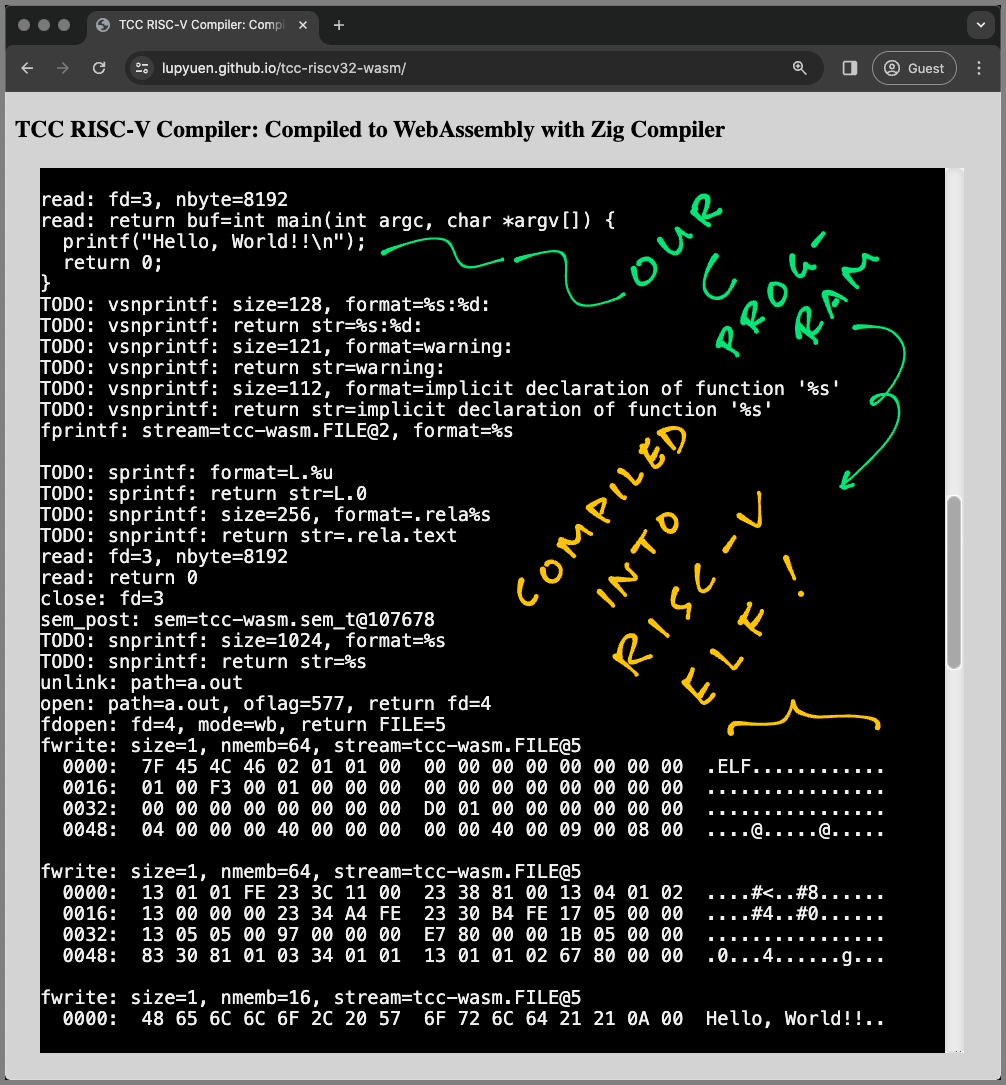
"
144,12,"2022-06-08 08:04:06.388106",xq,cool-zig-patterns-type-identifier-3mfd,https://zig.news/uploads/articles/hyroiumgu6vu5h5xj54e.png,"Cool Zig Patterns - Type Identifier","So did you ever encounter the reason to implement some runtime type erasure and you couldn't figure...","So did you ever encounter the reason to implement some runtime type erasure and you couldn't figure out how to assign a unique number to a type?
Well, there' this one tiny trick Spex once told me:
```zig
pub fn typeId(comptime T: type) usize {
_ = T;
const H = struct {
var byte: u8 = 0;
};
return @ptrToInt(&H.byte);
}
```
This piece of code take *any* Zig type as a parameter and returns a unique ID for that type. This is done by generating a global variable each time we call the function. Due to memoization, we get the same result if we call the function with the same parameters again in the future, we have the guarantee that `typeId(u32) == typeId(u32)` as well as `typeId(u32) != typeId(u31)` in all cases.
I have implemented this feature in a library called [any-pointer](https://github.com/MasterQ32/any-pointer) which also implements a type erased pointer that has runtime safety features in Safe modes, so you will get a panic instead of a type confusion error.
We can also play this further by enforcing the compiler to emit ""sequential"" type ids:
```zig
const TypeMap = struct {
const section_name = "".bss.TypeMapKeys""; // use a distinct section to ensure sequential linking
export const @""TypeMap.head"": u8 linksection(section_name) = 0;
pub fn get(comptime T: type) usize {
_ = @""TypeMap.head""; // enforce referencing and instantiation of the head before we every export anything else
const Storage = struct {
const index: u8 linksection(section_name) = 0;
};
comptime {
@export(Storage.index, .{ .name = ""TypeMap.index."" ++ @typeName(T), .linkage = .Strong });
}
return @ptrToInt(&Storage.index) - @ptrToInt(&@""TypeMap.head"");
}
};
```
This uses a hack that we create a custom section to put our type marker byte in. By forcing the export of a `head` variable, we get a reference point for the sequence.
Note that this does not guarantee you anything except that we get a dense type id set that starts at most likely 1. If we employ a linker script, we can enforce the `head` to be put at the start of the section to get the guarantee that type ids start at 1. I don't recommend do use this though, just use the sparsely distributed `typeId` function if you need some RTTI.
"
575,1337,"2024-02-11 18:04:21.835611",castholm,announcing-zigglgen-zig-opengl-binding-generator-35id,https://zig.news/uploads/articles/c9oo18v24a8i5z7yl067.png,"Announcing zigglgen, Zig OpenGL binding generator","OpenGL and binding generators OpenGL is an interesting graphics API. Unlike many other...","## OpenGL and binding generators
[OpenGL](https://en.wikipedia.org/wiki/OpenGL) is an interesting graphics API. Unlike many other libraries which you link your program with at compile or load time, OpenGL is implemented as a set of functions that your program must find at run time. The various OpenGL specs define the functions that exist, what each of their names and signatures are and which symbolic constants can be passed to them, but doesn't specify how to locate them and instead leaves that to your OS and/or graphics drivers.
In practice, the way you most commonly locate these functions is through a function exposed by your windowing system, usually called something like `getProcAddress`. If your program wants to use the `DrawArrays` OpenGL function, you obtain a pointer to it via `getProcAddress(""glDrawArrays"")` (OpenGL functions are prefixed with `gl` in C and when loading them).
A non-trivial OpenGL program might use several dozen different functions, so you might imagine that writing all of this function loading code yourself is a bit of a pain. The way most developers solve this problem is by using a binding generator that uses information from the [official OpenGL API registry](https://github.com/KhronosGroup/OpenGL-Registry) to generate all this boilerplate code in advance. [glad](https://github.com/Dav1dde/glad) is a popular example of one such generator for C.
But what about Zig?
## zigglgen
[zigglgen](https://github.com/castholm/zigglgen) is (to my knowledge) the first OpenGL binding generator that is written in Zig and fully integrated with the Zig package manager and build system. zigglgen is licensed under the MIT License and super simple to add to your project:
1\. Run `zig fetch` to add the zigglgen package to your `build.zig.zon` manifest:
```sh
zig fetch https://github.com/castholm/zigglgen/releases/download/v0.1.0/zigglgen.tar.gz --save
```
2\. Generate a set of OpenGL bindings in your `build.zig` build script:
```zig
const std = @import(""std"");
pub fn build(b: *std.Build) void {
const exe = b.addExecutable(...);
// Choose the OpenGL API, version, profile and extensions you want to generate bindings for.
const gl_bindings = @import(""zigglgen"").generateBindingsModule(b, .{
.api = .gl,
.version = .@""4.1"",
.profile = .core,
.extensions = &.{ .ARB_clip_control, .NV_scissor_exclusive },
});
// Import the generated module.
exe.root_module.addImport(""gl"", gl_bindings);
b.installArtifact(exe);
}
```
3\. Initialize OpenGL and start issuing commands:
```zig
const windowing = @import(...);
const gl = @import(""gl"");
// Procedure table that will hold OpenGL functions loaded at runtime.
var procs: gl.ProcTable = undefined;
pub fn main() !void {
// Create an OpenGL context using a windowing system of your choice.
var context = windowing.createContext(...);
defer context.destroy();
// Make the OpenGL context current on the calling thread.
windowing.makeContextCurrent(context);
defer windowing.makeContextCurrent(null);
// Initialize the procedure table.
if (!procs.init(windowing.getProcAddress)) return error.InitFailed;
// Make the procedure table current on the calling thread.
gl.makeProcTableCurrent(&procs);
defer gl.makeProcTableCurrent(null);
// Issue OpenGL commands to your heart's content!
const alpha: gl.float = 1;
gl.ClearColor(1, 1, 1, alpha);
gl.Clear(gl.COLOR_BUFFER_BIT);
}
```
For a complete example project that creates a window using
[mach-glfw](https://machengine.org/pkg/mach-glfw/) and draws a triangle to it, check out the [`zigglgen-example/`](https://github.com/castholm/zigglgen/tree/master/zigglgen-example) subdirectory of the main zigglgen repository.
The intended way to use zigglgen is to generate bindings at build time. zigglgen plays nicely with the Zig build system cache and will only re-generate them when needed. But if you prefer, it is also perfectly possible to generate bindings ahead of time and commit them to revision control. [`zigglgen-example/build.zig`](https://github.com/castholm/zigglgen/blob/master/zigglgen-example/build.zig) demonstrates both of these approaches.
## What's next?
Because the OpenGL API registry (which zigglgen sources its information from) is written with C in mind, it does not encode enough information about pointer types for zigglgen to know whether any one pointer is `*` single-item, `[*]` many-item, `[*:0]` sentinel-terminated or `?*` optional. As a result, it has no choice but to translate them as `[*c]` C pointers.
A long-term goal for zigglgen is for every single pointer type to be correctly typed. [zigglgen currently defines](https://github.com/castholm/zigglgen/blob/d1140917db30508821a2b1af951a7410b6b05a2f/zigglgen/generator.zig#L820-L924) [a small number of overrides](https://github.com/castholm/zigglgen/blob/d1140917db30508821a2b1af951a7410b6b05a2f/zigglgen/generator.zig#L934-L949), but the plan is add even more continuously. You are welcome to submit patches that help us extendthese overrides! There are approximately 3300 different commands defined in the API registry, and if we work together, we can get rid of the last `[*c]` C pointer sooner.
---
If you have even the slightest question, comment, suggestion or criticism, please leave them below! I'm also very eager to hear if you end up using zigglgen in your projects and if there's anything I can improve to make your experience with it better. If you prefer, you can also leave comments directly in [the accompanying Ziggit post](https://ziggit.dev/t/zigglgen-zig-opengl-binding-generator/3224?u=castholm)."
155,12,"2022-07-14 13:02:37.650994",xq,cool-zig-patterns-comptime-string-interning-3558,https://zig.news/uploads/articles/v5b55exbi1ziw6yx602e.png,"Cool Zig Patterns - Comptime String Interning","Comptime is cool, but you might have noticed that it has some quirks. One of these quirks is the...","Comptime is cool, but you might have noticed that it has some quirks. One of these quirks is the property that each referenced pointer will make it into the final binary.
Also if you compute strings and they repeat, each string receives its own unique memory address.
Consider this example where we collect all capitalized words from [Lorem Ipsum](https://en.wikipedia.org/wiki/Lorem_ipsum):
```zig
const std = @import(""std"");
const input = @embedFile(""input.txt"");
export const capitalized = blk: {
@setEvalBranchQuota(100_000);
var result: []const []const u8 = &.{};
var iter = std.mem.tokenize(u8, input, "",.\r\n "");
while (iter.next()) |word| {
if (std.ascii.isUpper(word[0])) {
result = result ++ [1][]const u8{word};
}
}
break :blk result;
};
```
The [input.txt](https://gist.github.com/MasterQ32/0a9b406bf9c224dc7574f3c925e9572d#file-input-txt) is several kilobytes large, and as we reference it via the tokenizer, it gets put as a whole into the final binary. This is not optimal, as we are only interested in the capitalized words only, the rest is garbage.
I figured a pretty easy way to intern strings such that they will only be exactly once in the final executable, no matter how many source memory regions we have. This is done by converting the string into an array, then return a reference to that array:
```zig
fn internString(comptime str: []const u8) []const u8 {
return internStringBuffer(str.len, str[0..str.len].*);
}
fn internStringBuffer(comptime len: comptime_int, comptime items: [len]u8) []const u8 {
comptime var storage: [len]u8 = items;
return &storage;
}
```
This uses the fact that `comptime` calls are memoized, and as we pass only concrete values to `internStringBuffer`, it will only get called once and for subsequent calls will always return the same memory reference.
So we can adjust our example like this:
```zig
const std = @import(""std"");
const input = @embedFile(""input.txt"");
export const capitalized = blk: {
@setEvalBranchQuota(100_000);
var result: []const []const u8 = &.{};
var iter = std.mem.tokenize(u8, input, "",.\r\n "");
while (iter.next()) |word| {
if (std.ascii.isUpper(word[0])) {
result = result ++ [1][]const u8{
internString(word),
};
}
}
break :blk result;
};
fn internString(comptime str: []const u8) []const u8 {
return internStringBuffer(str.len, str[0..str.len].*);
}
fn internStringBuffer(comptime len: comptime_int, comptime items: [len]u8) []const u8 {
comptime var storage: [len]u8 = items;
return &storage;
}
```
But did it work as expected? Let's check!
First, let's compile both examples into a shared object, then dump the `.rodata` section (which is where our strings are put):
```sh-session
zig build-lib -dynamic -O ReleaseSmall -fno-compiler-rt bad.zig
zig build-lib -dynamic -O ReleaseSmall -fno-compiler-rt good.zig
objdump libbad.so -s -j .rodata > bad.dump
objdump libgood.so -s -j .rodata > good.dump
```
If we check the sizes of our shared objects, `libgood.so` is roughly 4 kB smaller than `libbad.so`, so it seems like we've made it work.
Checking both dumps, we can verify that it worked:
```
libbad.so: file format elf64-x86-64
Contents of section .rodata:
0c90 4c6f7265 6d206970 73756d20 646f6c6f Lorem ipsum dolo
0ca0 72207369 7420616d 65742c20 636f6e73 r sit amet, cons
0cb0 65637465 74756572 20616469 70697363 ectetuer adipisc
0cc0 696e6720 656c6974 2e204165 6e65616e ing elit. Aenean
0cd0 20636f6d 6d6f646f 206c6967 756c6120 commodo ligula
0ce0 65676574 20646f6c 6f722e20 41656e65 eget dolor. Aene
0cf0 616e206d 61737361 2e204375 6d20736f an massa. Cum so
0d00 63696973 206e6174 6f717565 2070656e ciis natoque pen
0d10 61746962 75732065 74206d61 676e6973 atibus et magnis
0d20 20646973 20706172 74757269 656e7420 dis parturient
0d30 6d6f6e74 65732c20 6e617363 65747572 montes, nascetur
0d40 20726964 6963756c 7573206d 75732e20 ridiculus mus.
0d50 446f6e65 63207175 616d2066 656c6973 Donec quam felis
0d60 2c20756c 74726963 69657320 6e65632c , ultricies nec,
0d70 2070656c 6c656e74 65737175 65206575 pellentesque eu
0d80 2c207072 65746975 6d207175 69732c20 , pretium quis,
0d90 73656d2e 204e756c 6c612063 6f6e7365 sem. Nulla conse
0da0 71756174 206d6173 73612071 75697320 quat massa quis
0db0 656e696d 2e20446f 6e656320 70656465 enim. Donec pede
0dc0 206a7573 746f2c20 6672696e 67696c6c justo, fringill
0dd0 61207665 6c2c2061 6c697175 6574206e a vel, aliquet n
1f50 20536564 206d6167 6e6100 Sed magna.
```
Okay, so this looks like we expected it to look like. The whole file is put into the final executable. Not good.
Let's check our improved version:
```
libgood.so: file format elf64-x86-64
Contents of section .rodata:
0c90 4c6f7265 6d41656e 65616e43 756d446f LoremAeneanCumDo
0ca0 6e65634e 756c6c61 496e4e75 6c6c616d necNullaInNullam
0cb0 496e7465 67657256 6976616d 7573416c IntegerVivamusAl
0cc0 69717561 6d506861 73656c6c 75735175 iquamPhasellusQu
0cd0 69737175 65457469 616d4375 72616269 isqueEtiamCurabi
0ce0 7475724e 616d5365 64467573 63655665 turNamSedFusceVe
0cf0 73746962 756c756d 43757261 653b5065 stibulumCurae;Pe
0d00 6c6c656e 74657371 75655375 7370656e llentesqueSuspen
0d10 64697373 65557450 726f696e 4d6f7262 disseUtProinMorb
0d20 69447569 73437261 734e756e 634d6165 iDuisCrasNuncMae
0d30 63656e61 73507261 6573656e 74 cenasPraesent
```
Yes. That's the whole `.rodata` section. Looks like everything got cleanly deduplicated and there's no trace of the full *Lorem Ipsum*. Nice!
Now go, and use this pattern to make your Zig programs smaller, faster and better! *Hush hush*!"
617,1305,"2024-03-10 12:47:33.387639",liyu1981,do-not-rely-on-the-pointer-to-content-of-returned-struct-1ijc,"","Do not rely on the pointer to content of returned struct","Recently in my project the following problem caused me sometime in wondering why? (so note...","Recently in my project the following problem caused me sometime in wondering why? (so note here).
Let us look at following simple program
```zig
// main.zig
const std = @import(""std"");
const MyBuf = struct {
buf: [8]u8 = undefined,
buf_ptr: [*]u8 = undefined,
pub fn init() MyBuf {
var b = MyBuf{}; // mark 1
for (0..8) |i| b.buf[i] = 0;
b.buf_ptr = &b.buf; // mark 2
return b;
}
};
pub fn main() !u8 {
var b = MyBuf.init(); // mark 3
b.buf_ptr[0] = 'h';
b.buf_ptr[1] = 'i';
std.debug.print(""1: {s}\n"", .{b.buf_ptr[0..2]});
std.debug.print(""2: {s}\n"", .{b.buf});
return 0;
}
```
Seems that this program is: assigning chars from outside to a buffer, and print them. Not quite useful in this example, but in practice this could be part of complex buf/cache design (and of course I will call it bad design).
Look at what this program will result

Run 5 times, and not once it prints `hi` as expected, not the slice created by `buf_ptr`, nor `buf`. And sometimes in larger program containing this code, one of the printing will have `hi`, which is just making me more confusing.
The reason? Actually is quite simple: the `buf_ptr` is pointing to memory should never be touched, so operating on it will just mess up with memory. (and yes, `zig` actually allows us do that:)). This reason may still sounds confusing, let me explain in detail
1. in `mark 1` we created our struct with `buf`, and in `mark 2` our `buf_ptr` points to `buf`, so far so correct.
2. after return from `init` function, in `mark 3`, `b` is actually a copy of `b` in `mark 1`, because **`zig`/`c` copy values in both param and return value**. Though `b` in `mark 3` is now a new copy at new memory location, `buf_ptr` is still pointing to the old memory place, which will be reused by other code (then cause a segmentation fault), or not used by other code (in unlikely short time). The latter case will cause more damage as it will produce weird bugs in runtime.
Ok. Lesson learned. Then how to fix the code.
One way is to **always assign pointer when need to use**.
```zig
// main.zig
const std = @import(""std"");
const MyBuf = struct {
buf: [8]u8 = undefined,
buf_ptr: [*]u8 = undefined,
pub fn init() MyBuf {
var b = MyBuf{};
for (0..8) |i| b.buf[i] = 0;
return b;
}
};
pub fn main() !u8 {
var b = MyBuf.init();
b.buf_ptr = &b.buf; // <-- change!
b.buf_ptr[0] = 'h';
b.buf_ptr[1] = 'i';
std.debug.print(""1: {s}\n"", .{b.buf_ptr[0..2]});
std.debug.print(""2: {s}\n"", .{b.buf});
return 0;
}
```
Or a second way is to **return pointer to instance with `init` fn**. Like
```zig
// main.zig
const std = @import(""std"");
const MyBuf = struct {
buf: [8]u8 = undefined,
buf_ptr: [*]u8 = undefined,
pub fn init(allocator: std.mem.Allocator) !*MyBuf {
var b = try allocator.create(MyBuf); // <-- change!
for (0..8) |i| b.buf[i] = 0;
return b;
}
};
pub fn main() !u8 {
var b = try MyBuf.init(std.heap.page_allocator);
defer std.heap.page_allocator.destroy(b); // <-- change!
b.buf_ptr = &b.buf; // <-- change!
b.buf_ptr[0] = 'h';
b.buf_ptr[1] = 'i';
std.debug.print(""1: {s}\n"", .{b.buf_ptr[0..2]});
std.debug.print(""2: {s}\n"", .{b.buf});
return 0;
}
```
This will add more code and require `allocator`. But when return pointer to heap created struct, we will be away from dangling pointer, and will be easier for let `zig` help us.
Finally, **should always prefer to not use this kind of design, but use `slice` and remember index. The best way of avoiding problem of pointer is not use it.** :)
"
51,77,"2021-09-13 03:41:26.401084",sobeston,fizz-buzz-3fao,"","Fizz Buzz","Let's start playing with Zig by solving a problem together. Fizz buzz is a game where you count...","Let's start playing with Zig by solving a problem together.
*Fizz buzz* is a game where you count upwards from one. If the current number isn't divisible by five or three, the number is said. If the current number is divisible by three, ""Fizz"" is said; if the number is divisible by five, ""Buzz"" is said. And if the number is divisible by both three *and* five, ""Fizz Buzz"" is said.
### Starting
Let's make a new file called *fizz_buzz.zig* and fill it with the following, which has been taken from our *hello_world.zig* code. This provides us with an entry point and a way to print to the console. For now we will take for granted that our `stdout` *writer* works.
```zig
const std = @import(""std"");
pub fn main() !void {
const stdout = std.io.getStdOut().writer();
}
```
Here, `const` is used to store the value returned by *getStdOut().writer()*. We may use `var` to declare a variable instead; `const` denotes immutability. We'll want a variable that stores what number we're currently at, so let's call it count and set it to one.
```zig
const stdout = std.io.getStdOut().writer();
var count = 1;
```
In Zig there is no *default* integer type for your programs; what languages normally call ""int"" does not exist in Zig. What we've done here is made our `count` variable have the type of `comptime_int`. As the name suggests, these integers may only be manipulated at compile time which renders them useless for our uses. When working with integers in Zig you must choose the size and signedness of your integers. Here we'll make `count` an unsigned 8-bit integer, where the `u` in `u8` means unsigned, and `i` is for signed.
```zig
const stdout = std.io.getStdOut().writer();
var count: u8 = 1;
```
What we'll do next is introduce a loop, from 1 to 100. This `while` loop is made up of three components: a *condition*, a *continue expression*, and a *body*, where the continue expression is what is executed upon continuing in the loop (whether via the `continue` keyword or otherwise).
```zig
var count: u8 = 1;
while (count <= 100) : (count += 1) {
}
```
Here we'll print all numbers from 1 to 100 (inclusive). The first argument of `print` is a format string and the second argument is the data. Our usage of print here outputs the value of count followed by a newline.
```zig
var count: u8 = 1;
while (count <= 100) : (count += 1) {
try stdout.print(""{}\n"", .{count});
}
```
Now we can should test `count` for being multiples of three or five, using if statements. Here we'll introduce the `%` operator, which performs modulus division between a numerator and denometer. When `a % b` equals zero, we know that `a` is a multiple of `b`.
```zig
var count: u8 = 1;
while (count <= 100) : (count += 1) {
if (count % 3 == 0 and count % 5 == 0) {
try stdout.writeAll(""Fizz Buzz\n"");
} else if (count % 5 == 0) {
try stdout.writeAll(""Buzz\n"");
} else if (count % 3 == 0) {
try stdout.wrteAll(""Fizz\n"");
} else {
try stdout.print(""{}\n"", .{count});
}
}
```
> Modulus division is more complicated with a signed numerator.
### Using a Switch
We can also write this using a switch over an integer. Here we're using `@boolToInt` which converts bool values into a `u1` value (i.e. a 1 bit unsigned integer). You may notice that we haven't given `div_5` an explicit type - this is because it is inferred from the value that is assigned to it. We have however given `div_3` a type; this is as integers may *widen* to larger ones, meaning that they may coerce to larger integer types providing that the larger integer type has at least the same range as the smaller integer type. We have done this so that the operation `div_3 * 2 + div_5` provides us a `u2` value, or enough to fit two booleans.
```zig
pub fn main() !void {
const stdout = std.io.getStdOut().writer();
var count: u8 = 1;
while (count <= 100) : (count += 1) {
const div_3: u2 = @boolToInt(count % 3 == 0);
const div_5 = @boolToInt(count % 5 == 0);
switch (div_3 * 2 + div_5) {
0b10 => try stdout.writeAll(""Fizz\n""),
0b11 => try stdout.writeAll(""Fizz Buzz\n""),
0b01 => try stdout.writeAll(""Buzz\n""),
0b00 => try stdout.print(""{}\n"", .{count}),
}
}
}
```
We can rewrite the switch value to use bitwise operations. This is equivalent to the operation performed above.
```zig
switch (div_3 << 1 | div_5) {
```
### Wrapping Up
Here you've successfully written two *Fizz Buzz* programs using some of Zig's basic arithmetic and control flow primitives. Hopefully you feel introduced to the basics of writing Zig code. Don't worry if you didn't understand it all."
163,562,"2022-08-16 19:42:31.276585",leroycep,thoughts-on-parsing-part-1-parsed-representation-527b,"","Thoughts on Parsing Part 1 - Parsed Representation","I've been working on a parser for djot, a light markup language similar to CommonMark. The parser is...","I've been working on a parser for [djot][], a light markup language similar to CommonMark. The parser is written in zig, so I've named it `djot.zig`. In this series of posts I'll share some of the thoughts I've had while writing it.
[djot]: https://djot.net/
Note that `djot.zig` is not yet finished, and the code in this post is for example only.
Posts in my Thoughts on Parsing series:
1. Part 1 - Parsed Representation
2. [Part 2 - Read Cursors](https://zig.news/leroycep/thoughts-on-parsing-part-2-read-cursors-30ii)
3. [Part 3 - Write Cursors](https://zig.news/leroycep/thoughts-on-parsing-part-3-write-cursors-l1o)
I'm designing `djot.zig` to have a small in memory representation once parsed. My design looks something like this at the moment:
```zig
const Document = struct {
source: []const u8,
events: []Event,
/// Where each event starts in source
event_source: []u32,
};
const Event = enum(u8) {
text,
start_paragraph,
close_paragraph,
start_list,
close_list,
start_list_item,
close_list_tem,
};
```
This design is very much inspired by the Zig compiler's internals and data oriented design.
Thus the following markup would be parsed as so:
```
Hello world!
- a bullet
- another bullet
- more bullet
```
| idx | event | src | source text |
|----:|--------------------|-----|----------------------|
| 0 | `.start_paragraph` | 0 | `""""` |
| 1 | `.text` | 0 | `""Hello, world""` |
| 2 | `.close_paragraph` | 12 | `""\n\n""` |
| 3 | `.start_list` | 14 | `""""` |
| 4 | `.start_list_item` | 14 | `""- ""` |
| 5 | `.text` | 16 | `""a bullet\n""` |
| 6 | `.close_list_item` | 25 | `""""` |
| 7 | `.start_list_item` | 25 | `""- ""` |
| 8 | `.text` | 27 | `""another bullet\n""` |
| 9 | `.close_list_item` | 42 | `""""` |
| 10 | `.start_list_item` | 42 | `""- ""` |
| 11 | `.text` | 44 | `""more bullet""` |
| 12 | `.close_list_item` | 54 | `""""` |
Which is 13 bytes for the `events` list, and 52 bytes for the `event_source` list, and 54 bytes for `source` itself.
We can then turn this abstract representation into html by looping over the list of events:
```zig
pub fn toHtml(writer: anytype, doc: Document) !void {
for (doc.events) |event, i| {
switch (event) {
.text => try writer.writeAll(doc.text(i)),
.start_paragraph => try writer.writeAll(""
""),
.close_paragraph => try writer.writeAll(""
""),
.start_list => try writer.writeAll(""
""),
.close_list => try writer.writeAll(""
""),
.start_list_item => try writer.writeAll(""
""),
.close_list_item => try writer.writeAll(""
""),
}
}
}
```
In [part 2](https://zig.news/leroycep/thoughts-on-parsing-part-2-read-cursors-30ii), I'll describe a pattern I've been using while parsing, which I am calling the `Cursor` pattern."
550,1305,"2024-01-19 04:42:03.189396",liyu1981,how-to-use-your-fav-pkg-in-buildzig-3ni8,"","how to use your fav pkg in `build.zig`","This post is summary of my learning from this excellent comment:...","This post is summary of my learning from this excellent comment: https://ziggit.dev/t/can-i-use-packages-inside-build-zig/2892/6 of @kristoff. Thanks!
(If you just want to know the solution, go directly to [TLDR;](#tldr))
---
## The problem
As I asked in my [post](https://ziggit.dev/t/can-i-use-packages-inside-build-zig/2892/6?u=liyu1981), the problem is actually simple and very practical:
**how to use a pkg in our `build.zig`?**
The more detail version of this problem is:
I have previously written a few functions in various `build.zig`. I want to reuse them instead of copying them around. So I make those functions a pkg called [`zcmd.zig`](https://github.com/liyu1981/zcmd.zig). Then I want to use it in a new project like below
```zig
const std = @import(""std"");
const zcmd = @import(""zcmd"");
pub fn build(b: *std.Build) !void {
// ...omit normal build setups...
const exe = b.addExecutable(.{
.name = ""build_use_package"",
.root_source_file = .{ .path = ""src/main.zig"" },
.target = target,
.optimize = optimize,
});
// do something with zcmd like
const result = try zcmd.run(.{
.allocator = std.heap.page_allocator,
.commands = &[_][]const []const u8{
&.{ ""uname"", ""-a"" },
&.{ ""grep"", ""-Eo"", ""Version\s[\d\.]+"" },
},
});
defer result.deinit();
// next do something with result.stdout like extract part of the OS's info
// ...omit rest of build setups...
}
```
`zcmd` is a small pkg contains my function to run a bash-like pipeline, which here I use to extract my OS's version.
and I have placed `zcmd` in my `build.zig.zon` as follows
```zig
// ...omit not relevant lines...
.dependencies = .{
.zcmd = .{
.url = ""https://github.com/liyu1981/zcmd.zig/archive/refs/tags/v0.2.0.tar.gz"",
.hash = ""1220bb5963c28e563ed010e5d622611ec0cb711ba8c6644ab44a22955957b1b8fe1a"",
},
},
// ...omit not relevant lines...
```
and when I `zig build`, the result is expected: *zig wil complain to me that `zcmd` is not found in module root.*
### The first question: is this usage possible?
That's immediately what I was thinking. Follow excellent [WTF is Build.Zig.Zon](https://zig.news/edyu/zig-package-manager-wtf-is-zon-2-0110-update-1jo3),
1. in order to make my exe know about `zcmd`, I will need add it (through `addModule`). But seems my exe does not rely on `zcmd`, but the exe of `build.zig` relies on it.
2. so in fact exe of `build.zig` need to notified about `zcmd`, but we do not have a `build.zig` for our `build.zig`, where to add?
Seems to be a dead end, then I posted for help. And luckily few of you knows about it, like [this comment](https://ziggit.dev/t/can-i-use-packages-inside-build-zig/2892/3?u=liyu1981) by @ktz alias, showed to me that with a local pkg (pkg added with `file:///` protocol in `build.zig.zon`), it can work.
That's good news. So I tried his approach. By adding my `zcmd` as a gitsubmodule, seems I did can make it work. But I still need to `@import(""/src/zcmd.zig"")`, which is good but not good enough.
### The second question: @kristoff told me it will work, then how it is working?
Then I see the comment from @kristoff, it is working, and his repo is using the `url` + `hash` way of declaring the dependency. So, this should work, the rest is just how I will replicate it, and also establish my concept modal on why this works.
After some try, I make my copy work, and also managed to streamline the concepts behind it. I feel I should write here, as it may be also useful to others.
----
## TLDR; How to provide a pkg for `build.zig` and how to use it in `build.zig` [](#tldr)
Below points are for the busy people, and I will explain them after that with my example.
1. **Provide a pkg for `build.zig`.** A pkg has to expose itself in its own `build.zig` for using later in other `build.zig`, usually by declaring `pub const pkg = @import(""/pkg_main.zig"");` in `build.zig`.
2. **Use a pkg later in other `build.zig`.** After the normal `zig fetch --save `, in `build.zig`, then can use `const pkg = @import(""pkg_name"").pkg;` to get a reference and use it. Whether there is a nested struct, depends on previous step how it is exposed.
----
## My example step by step
Now I can come back to my example. My task is to use `zcmd` in my `kcov`'s `build.zig`.
### First I go back to my `zcmd` pkg to make sure that I have provided it for `build.zig`
In my `build.zig` of `zcmd` (check the source [here](https://github.com/liyu1981/zcmd.zig/blob/main/build.zig#L3))
```zig
const std = @import(""std"");
pub const zcmd = @import(""src/zcmd.zig""); // mark 1
pub fn build(b: *std.Build) !void {
_ = b.addModule(""zcmd"", .{ // mark 2
.source_file = .{ .path = ""src/zcmd.zig"" },
});
}
```
1. `mark 1` is the line I expose my `zcmd` for using in `build.zig`.
2. `mark 2` is the line I expose `zcmd` as a normal zig pkg through `addModule`.
**Note**: the reason behind that I should expose `zcmd` in a special way is that when zig runs another `build.zig`, it will check corresponding `build.zig.zon` to find the dependencies, but it will only load dep's `build.zig`(in our case is `zcmd`'s `build.zig`) because it is build time. (again thanks
[@kristoff's explaining](https://ziggit.dev/t/can-i-use-packages-inside-build-zig/2892/6))
### Second make `kcov`'s `build.zig.zon` knows about this new version
Publish and get a new zig fetch line like `zig fetch --save https://github.com/liyu1981/zcmd.zig/archive/refs/tags/v0.2.1.tar.gz`, do it inside `kcov`'s folder. It will save something like below in `kcov`'s `build.zig.zon`.
```zig
// ...omit not relevant lines...
.dependencies = .{
.zcmd = .{
.url = ""https://github.com/liyu1981/zcmd.zig/archive/refs/tags/v0.2.1.tar.gz"",
.hash = ""12205e6bd4374c56bcea698e36309d141cfe9fc760ec79d715a0d54f632b999f39dc"",
},
},
// ...omit not relevant lines...
```
not much changed right? Yes, usually it is just the `hash` changed, and I will see
```bash
warning: overwriting existing dependency named 'zcmd'
```
after `zig fetch`
### Third, use `zcmd` in `kcov`'s `build.zig`
in my `kcov`'s [`build.zig`](https://github.com/liyu1981/kcov/blob/kcov-zig/build.zig)
I added this line in the header
```zig
const zcmd = @import(""zcmd"").zcmd;
```
pay attention that for build usage, I need to get `zcmd` again from the nested exposure of `zcmd` because I expose in that way. (while normally `const zcmd = @import(""zcmd"");` is enough.)
Then in rest of part of `build.zig` for `kcov`, I can do follows
```zig
const result = try zcmd.run(.{
.allocator = allocator,
.commands = &[_][]const []const u8{
&.{ ""codesign"", ""-s"", ""-"", ""--entitlements"", ""osx-entitlements.xml"", ""-f"", ""zig-out/bin/kcov"" },
},
});
result.assertSucceededPanic(.{ .check_stdout_not_empty = false, .check_stderr_empty = false });
```
above code will call `codesign` util of macos after `kcov` is built from source (so it can be used).
**Note**: why in this way, `zcmd` works? because zig will load `zcmd`'s `build.zig` when try to compile `kcov`'s `build.zig`. `zcmd`'s `buidl.zig` exposed `zcmd` by loading the source, so the whole thing just go through: just like doing a `zig run build.zig`, no building of `kcov` involved, and `zcmd` is already injected when build `build.zig`.
----
Hope this can help! and thanks Zig community :)
"
423,1,"2022-11-16 07:14:10.407139",kristoff,easy-interfaces-with-zig-0100-2hc5,https://zig.news/uploads/articles/05qv3iuqcav73caxq1m4.png,"Easy Interfaces with Zig 0.10.0","This release of Zig introduces a new language feature that makes creating interface types much more...","This release of Zig introduces a new language feature that makes creating interface types much more ergonomic.
EDIT: make sure to read the comments below for more information about enabling mutability through the interface.
## About interfaces
Zig doesn't have a built-in interface type, like higher-level languages do. One of the reasons for this choice is the fact that people who use interfaces most of the time care about modeling the program in a way that they like, but usually don't care much for how the system works behind the scenes.
In Zig we always care about what the machine ends up doing and, when it comes to interfaces, there are [multiple approaches](https://www.youtube.com/watch?v=AHc4x1uXBQE) with different tradeoffs, each equally valid and with its own preferred use cases.
**EDIT since people on social media really both hate reading and love jumping to conclusions, I'll repeat: this article is going to present a language feature that helps with tagged union based interfaces. In Zig you can also have ""open interfaces"" (eg vtables). That's how `std.io.Reader` works, for example. The link above talks about all these possibilities.**
## Interfaces based on tagged unions
The most straight-forward way of creating an interface type is by creating a tagged union of its possible concrete implementations. It's not the right choice in all cases, but it's usually good enough for simple programs.
Let's say that we have a `Cat` and a `Dog` and we want to be able to use them through a common interface.
```zig
const Cat = struct {
anger_level: usize
pub fn talk(self: Cat) void {
std.debug.print(""Cat: meow! (anger lvl {})"", .{self.anger_level});
}
};
const Dog = struct {
name: []const u8
pub fn talk(self: Dog) void {
std.debug.print(""{s} the dog: bark!"", .{self.name});
}
};
```
Before, you had to do this in Zig:
```zig
const Animal = union(enum){
cat: Cat,
dog: Dog,
pub fn talk(self: Animal) void {
switch (self) {
.cat => |cat| cat.talk(),
.dog => |dog| dog.talk(),
}
}
};
```
As you can see, the point where static dispatch connects with dynamic dispatch is explicitly marked in the implementation of `Animal.talk`. In that function (which can be statically dispatched when called on an instance of `Animal`) you can see how switching on the active case calls the right implementation, based on the value of the tag (runtime-known, thus dynamic).
This is very nice, but it has the downside of being a bit too verbose. Imagine an interface with 100 concrete types and 10 methods part of the interface. That's a lot of redundancy!
Thankfully, starting from Zig 0.10.0 you can do this:
```zig
const Animal = union(enum){
cat: Cat,
dog: Dog,
pub fn talk(self: Animal) void {
switch (self) {
inline else => |case| case.talk(),
}
}
};
```
What's happening here is that `inline else` inside a switch behaves in a similar way to `inline for` or `inline while`.
In an inlined loop, the loop itself is unrolled at comptime and replaced with the result, like so:
```zig
const nums = [_]usize {1, 2, 3};
var accumulator: usize = 0;
inline for (nums) |n| {
accumulator += n;
}
```
After comptime, the program basically becomes:
```zig
const nums = [_]usize {1, 2, 3};
var accumulator: usize = 0;
accumulator += 1;
accumulator += 2;
accumulator += 3;
```
Inside a switch, `inline else` produces many branches, each based on a possible value of the enum tag, effectively acting as a shortcut to produce the original code, where each tag value had its own case.
This works because in an `inline else` we're able to use comptime ducktyping to call `talk()` on each concrete implementation. It obviously wouldn't work as seamlessly if instead the implementations had methods like `.meow()` and `.bark()`.
That said, if you happen to have an odd implementation that you want to handle manually, you can still add a dedicated case:
```zig
const Animal = union(enum){
cat: Cat,
dog: Dog,
snake: Snake,
pub fn talk(self: Animal) void {
switch (self) {
.snake => std.debug.print(""Ssss~~~"", .{}),
inline else => |case| case.talk(),
}
}
};
```
## Wait shouldn't `Cat` and `Dog` *inherit* from Animal???
Oh no! Did I just use an OOP example to show interfaces? Have I learned nothing from my university Java _classes_?
If you had that reaction, you might want to take some time to explicitly free your thought process from OOP-isms. OOP is an approach to modeling solutions that relies on dynamic dispatch. That's why sometimes inheritance overlaps with interfaces.
In Zig it's not idiomatic to go bonkers with interfaces just to conform to a solution modeling approach. If you're using interfaces it should be because you **need** dynamic dispatch and the truth is that, a lot of the time, you just don't need it.
I personally think it's fine to think in OOP terms when using a language (and ecosystem) that models things that way. But I also think that it's a mistake to do so in a language like Zig where the priorities are different. Same with trying to shoehorn functional programming in Zig.
"
509,513,"2023-09-28 03:52:50.004549",lupyuen,lvgl-in-webassembly-building-nuttx-touchscreen-apps-with-zig-and-testing-them-in-the-web-browser-22mk,https://zig.news/uploads/articles/0isuntg3axgee16r2law.jpg,"LVGL in WebAssembly: Building NuttX Touchscreen Apps with Zig and testing them in the Web Browser","What if we could prototype and test Touchscreen Apps in the Web Browser, before running on a real...","What if we could prototype and test Touchscreen Apps in the Web Browser, before running on a real device?
In this presentation we explain how we compiled the LVGL Graphics Library to WebAssembly with Zig Compiler. We created a NuttX App in the Zig Programming Language that runs in the Web Browser, calling the LVGL Library in WebAssembly.
We hope that this will someday enable NuttX Apps to be created and tested easily in the Web Browser.
[__PDF Slides__](https://drive.google.com/file/d/1YWBn3wOvaQ0tyY9AAWjaHMAXMqswWF06/view?usp=drive_link) / [__PDF Transcript__](https://drive.google.com/file/d/1fuxT9EcBPeYbuXCeuRUa292gPG0YobcW/view?usp=drive_link) / [__Google Slides__](https://docs.google.com/presentation/d/1aXM5JeuoXdGCkumZQL0Oe7ROBkVTgXhGZD7JfIzQGUI/edit?usp=sharing)
{% embed https://youtu.be/8gnD8pW7Bw8 %}"
442,501,"2023-01-24 12:17:10.569674",chapliboy,implementing-steamworks-api-in-zig-5dj3,https://zig.news/uploads/articles/xklmeulcvl3qm35z72ki.PNG,"Implementing Steamworks API in Zig","Disclaimer: This is not the correct way to implement the Steamworks API. It's just something that I...","> Disclaimer: This is not the correct way to implement the Steamworks API. It's just something that I found to work. Since there was no other documentation regarding this, I thought it might be useful to share.
[Steam](https://store.steampowered.com/) is a video game digital distribution service and storefront. The Steamworks API allows your game to access the various features that Steam provides.
The API officially supports C++. It has [some support](https://partner.steamgames.com/doc/sdk/api#thirdparty) for other languages. Regarding C:
> steam_api_flat.h declares a set of ""flat"" functions that mirror the interface functions in the SDK. This is not pure C code, but it does use plain C linkage and calling conventions, so it is easy to interop with other languages. These functions are exported by steam_api[64][.dll/.so/dylib].
Up until now I had only used pure C from zig, so I tried the same set of things.
```zig
// in build.zig
exe.addCSourceFile(""dependencies/steam/steam_api_impl.c"", &[_][]const u8{""-std=c99""});
```
```c
// where steam_api_impl.c has
#define STEAM_FLAG_1
#define STEAM_FLAG_2
#include ""steam_api_flat.h""
```
or directly in my c.zig
```zig
pub usingnamespace @cImport({
// other includes...
@cInclude(""steam_api_flat.h"");
});
```
Neither of these worked, which was because `steam_api_flat.h` has an `#include steam_api.h` which `#include`s a bunch of other header files, one of which eventually has some `class` or `template` or something else which causes the compile to fail.
Basically, I was not able to import C++ code into zig.
---
I needed just the following functionality
1. Connect to Steam Client
2. Trigger Steam Achievements
## What I did instead
#### Convince Zig that the API that I need to use exists.
``` zig
// core
pub extern fn SteamAPI_Init() bool;
pub extern fn SteamAPI_Shutdown() void;
pub extern fn SteamAPI_RestartAppIfNecessary(app_id: u32) bool;
// achievements
// the steam_api_flat.h is not publicly available code, so I won't share the API openly here. The C++ API is openly available, and you should be able to refer that and understand most of the details.
// basically, to translate, most of the class pointers can be cast to *anyopaque.
// for achievements, I had to translate the following commands.
pub extern fn get_steam_user(..);
pub extern fn get_steam_id(..);
pub extern fn get_steam_user_stats(..);
pub extern fn steam_request_user_stats(..);
pub extern fn steam_set_achievement(..);
pub extern fn steam_store_stats(..);
```
I don't like that so much of it is `anyopaque`. There may be better ways to do this, but I'm not sure how to.
#### Convince the linker that these `extern` APIs exist.
```zig
// in build.zig
// for the linker
exe.addObjectFile(""dependencies/steamworks_sdk_155/win64/steam_api64.lib"");
// this just adds the dll file to zig-out/bin dir
b.installBinFile(""dependencies/steamworks_sdk_155/win64/steam_api64.dll"", ""steam_api64.dll"");
```
#### Use the code in game
In main.zig, at startup
```zig
var steam_user_stats: *anyopaque = undefined;
if (c.SteamAPI_RestartAppIfNecessary(constants.STEAM_APP_ID)) {
return; // steam will relaunch the game from the steam client.
}
if (c.SteamAPI_Init()) {
var user = c.get_steam_user();
const steam_id = c.get_steam_id(user);
steam_user_stats = c.get_steam_user_stats();
_ = c.steam_request_user_stats(steam_user_stats, steam_id);
if (constants.BUILDER_MODE) helpers.debug_print(""steam init done: user stats {d}\n"", .{steam_id});
} else {
if (constants.BUILDER_MODE) helpers.debug_print(""steam init failed\n"", .{});
}
defer c.SteamAPI_Shutdown();
// send steam_user_stats to the game.
```
In game,
```zig
// Achievement is an enum
fn trigger_achievement(self: *Self, achievement: Achievement) void {
// mark achievement as completed
const triggered = c.steam_set_achievement(self.steam_user_stats, &@tagName(achievement)[0]);
if (triggered) {
// update the steam client, so that the overlay can popup.
_ = c.steam_store_stats(self.steam_user_stats);
}
}
```
### And we're done.
---
### Other notes
- Some APIs have callbacks. I don't know how this method would work in that case.
- There is a json file, `steam_api.json` that describes (almost all of) the interfaces, types, and functions in the SDK. It should be possible to autogenerate the `extern` APIs with this.
---
As mentioned, this is not the ideal way. I am sure there are better ways to accomplish the same. But this was just something that worked for me.
This was all discovered when working on my game, [Konkan Coast Pirate Solutions](https://store.steampowered.com/app/2156410/Konkan_Coast_Pirate_Solutions/).
> It is a puzzle game about helping pirate ships do pirate things. Set up the simulations. Watch how the ships behave. Explore how the systems interact.
[Wishlist on Steam now](https://store.steampowered.com/app/2156410/Konkan_Coast_Pirate_Solutions/)."
614,1411,"2024-02-29 08:56:28.898772",almmiko,building-zig-libraries-with-c-dependencies-25a,"","Building Zig libraries with C dependencies","Edited: Supports zig 0.12.0 Building Zig projects that depend on C code may seem complex. However,...","Edited: Supports zig 0.12.0
Building Zig projects that depend on C code may seem complex. However, Zig tries to make that process as painless as possible. In this article, we will build a Zig library wrapper to help you better understand the Zig build system.
To showcase the process, we will bild a wrapper around https://github.com/tidwall/btree.c.
`btree.c` is a B-tree implementation in C. The lib has no dependencies, so the build for it will be straightforward.
First, we need to fetch the `btree.c` as a dependency. We could use git submodules, however, zig's package manager Zon can conveniently manage dependency for us.
To add `btree_c` as a dependency run `zig fetch --save https://github.com/tidwall/btree.c/archive/v0.6.1.tar.gz`
```
.{
.name = ""btree-zig"",
.version = ""0.0.1"",
.dependencies = .{
.btree_c = .{
.url = ""https://github.com/tidwall/btree.c/archive/v0.6.1.tar.gz"",
.hash = ""122032a19f309225db04415bcecfa87c95d3110b1d90d1223a613f3302a2a46e7f6f""
}
},
.paths = .{
"""",
},
}
```
After we fetch our dependency, we can utilize it in our build.
### Building `btree-zig`
Now, let's focus on building our Zig wrapper. We call it `btree-zig`.
Since it's a library, we will not have any executables. Instead, we will define `btree-zig` as a static library.
```zig
const btree_zig = b.addStaticLibrary(.{
.name = ""btree-zig"",
.root_source_file = .{ .path = ""src/btree.zig"" },
.target = target,
.optimize = optimize,
});
```
Then we need to add our dependency `btree_c`
```zig
const dep_btree_c = b.dependency(""btree_c"", .{
.target = target,
.optimize = optimize,
});
```
The code above will create a new dependency in the build graph, which we will use to link with our static lib (`btree-zig`).
Our build process involves building `btree_c`, so we need to add source files and headers.
```zig
btree_zig.addCSourceFiles(.{
.root = dep_btree_c.path(""""),
.files = &.{""btree.c""},
});
btree_zig.installHeadersDirectory(dep_btree_c.path(""""), """", .{
.include_extensions = &.{""btree.h""},
});
```
And finally we can build the `btree-zig`
```zig
btree_zig.linkLibC();
b.installArtifact(btree_zig);
```
In the `zig-out` folder, you should have the `include` folder with the headers for `btree_c` and the `lib` folder with the `libbtree-zig.a`.
### Exporting `btree-zig` as a module
To export `btree-zig`, we need to take some additional steps.
First, create a new module and add it to the build.
```zig
const module = b.addModule(""btree_c_zig"", .{
.root_source_file = .{ .path = ""src/btree.zig"" },
});
```
We also need to expose header files from `btree_c`, as a part of the module to avoid consumers dealing with missing headers.
```zig
// Include header files from btree.c lib
module.addIncludePath(dep_btree_c.path(""""));
```
### Using `btree-zig`
The consumers can now import `btree-zig` into their projects.
```
.dependencies = .{
.@""btree-zig"" = .{
.url = ""https://github.com/almmiko/btree.c-zig/archive/.tar.gz"",
.hash = ""1220450bb9feb21c29018e21a8af457859eb2a4607a6017748bb618907b4cf18c67b"",
},
},
```
And adding it as a dependency at `build.zig`.
```zig
const btree_zig = b.dependency(""btree-zig"", .{
.target = target,
.optimize = optimize,
});
const btree_zig_module = btree_zig.module(""btree_c_zig"");
exe.root_module.addImport(""btree-zig"", btree_zig_module);
exe.linkLibrary(btree_zig.artifact(""btree-zig""));
```
### Wrapping up
Zig's build system is powerful and can be effectively used to build complex projects.
In this article, we briefly see it in action to learn how to use Zig to build a wrapper for C libraries.
The source code for `btree-zig` you can find on the github https://github.com/almmiko/btree.c-zig
If you have any questions, let me know in the comments."
636,1586,"2024-05-10 18:44:44.130526",houghtonap,closure-pattern-in-zig-19i3,"","Closure Pattern in Zig","Caution: The presented implementation in this article has limitations. From the Wikipedia Closure...","**Caution:** The presented implementation in this article has [limitations](#closure-pattern-limitations).
---
From the Wikipedia [Closure (computer programming)](https://en.wikipedia.org/wiki/Closure_(computer_programming)) article.
> In programming languages, a closure, also lexical closure or function closure, is a technique for implementing lexically scoped name binding in a language with first-class functions. Operationally, a closure is a record storing a function together with an environment. The environment is a mapping associating each free variable of the function (variables that are used locally, but defined in an enclosing scope) with the value or reference to which the name was bound when the closure was created. Unlike a plain function, a closure allows the function to access those capturedvariables through the closure's copies of their values or references, even when the function is invoked outside their scope.
- [Closure Pattern Abstract](#closure-pattern-abstract).
- [JavaScript Closure Pattern](#javascript-closure-pattern).
- [Restricting the lexical binding scope](#restricting-the-lexical-binding-scope).
- [Restricting functions within functions](#restricting-functions-within-functions).
- [Zig Closure Pattern](#zig-closure-pattern).
- [Describe the closure's binding scope type](#describe-the-closures-binding-scope-type).
- [Describe the closure's signature type](#describe-the-closures-signature-type).
- [Describe the closure's implementation](#describe-the-closures-implementation).
- [Describe the closure's generator](#describe-the-closures-generator).
- [Export the closure's generator name](#export-the-closures-generator-name).
- [Practical Closure Example](#practical-closure-example).
- [Closure Pattern Summary](#closure-pattern-summary).
- [Closure Pattern Limitations](#closure-pattern-limitations).
- [Closure Pattern FAQ](#closure-pattern-faq).
- [Closure Pattern Example](#closure-pattern-example).
- [Closure Pattern Template](#closure-pattern-template).
- [Article History](#article-history).
## Closure Pattern Abstract
This article discusses an implementation of the closure pattern in the Zig language and was inspired after reading Andrew Gossage's ""[Implementing Closures and Monads in Zig](https://zig.news/andrewgossage/implementing-closures-and-monads-in-zig-23kf)"" article. Gossage's article discusses the challenges of implementing closures in the Zig language and presents an example of a Zig language implementation of the closure pattern. The presented Zig language code however, is not an implementation of the closure pattern. Gossage's article does point out that the example returns a structure instead of a function. The challenges implementing closures in the Zig language however, are more about understanding closure concepts, Zig language concepts and some Zig Zen.
## JavaScript Closure Pattern
The general closure pattern uses a binding scope to maintain state for its implementation and that binding scope needs to be appropriately mapped onto the programming language concepts of the implementation. Consider the following JavaScript language implementation of the closure pattern.
```javascript
function TextInRange(begin, end) {
return function(text) {
return text.substring(begin, end + 1);
};
}
var closure = TextInRange(2, 5);
console.log(closure(""0123456789"")); // logs ""2345""
console.log(closure(""abcdefghij"")); // logs ""cdef""
console.log(TextInRange(2, 8)(""0123456789"")); //logs ""2345678""
```
This implementation of the JavaScript language closure pattern has state that is used in the anonymous closure function. The arguments to the `TextInRange` function constitutes the state used by the anonymous closure function. The `TextInRange` function also provides the lexical binding scope for the anonymous closure function. The anonymous closure function takes a string argument and returns the characters found in the range specified by the invocation arguments of the `TextInRange` function. The anonymous closure function can be invoked with different string arguments and it will _always_ evaluate to the same range of characters in the string.
The JavaScript language allows functions to be declared inside of another function and those sub-functions have access to the lexical binding scope of the parent function. This simplifies the implementation of the JavaScript language closure pattern which allows it to be implemented in a few lines of code.
### Restricting the lexical binding scope
What if the programming language that is being used to implement the closure pattern did not allow a sub-function to access the lexical binding scope of the parent function? How would we implement the closure pattern in the JavaScript language with this restriction? Let's reimplement the JavaScript language closure pattern with this restriction so the closure function does not directly use the lexical binding scope of the parent function.
```javascript
function TextInRange(begin, end) {
const scope = { begin: begin, end: end };
function closure(text) {
return text.substring(this.begin, this.end);
};
return closure.bind(scope);
}
```
The closure binding scope is maintained by the code `const scope = { begin: begin, end: end }` in the parent function and the `closure` function uses the JavaScript language `this` keyword to retrieve the scope that is bound to the `closure` function. Initially the scope for the `closure` function is undefined until we bind it to the function and that is what the code `closure.bind(scope)` does.
This implementation of the JavaScript language closure pattern produces the same results as the prior implementation of the JavaScript language closure pattern.
### Restricting functions within functions
What if the programming language that is being used to implement the closure pattern did not allow sub-functions to be declared within another function? How would we implement the closure pattern in the JavaScript language with this restriction? Let's reimplement the JavaScript language closure pattern with this restriction so that it does not declare the `closure` function within the parent function.
```javascript
function closure(text) {
return text.substring(this.begin, this.end);
}
function TextInRange(begin, end) {
const scope = { begin: begin, end: end };
return closure.bind(scope);
}
```
This implementation of the JavaScript language closure pattern produces the same results as the other implementations of the JavaScript language closure pattern.
## Zig Closure Pattern
What do these implementations of the JavaScript language closure pattern have to do with a Zig language implementation? The last implementation of the JavaScript language closure pattern is conceptually compatible with the Zig language by not declaring functions within a function and providing a binding scope mechanism for use by the closure implementation function.
A closure is comprised of an outer function called the closure's generator which is described by the `ClosureGenerator` function and an inner function called the closure's implementation which is described by the `ClosureImplementation` generic type.
To implement the closure pattern in the Zig language:
- [Describe the closure's binding scope type](#describe-the-closures-binding-scope-type).
- [Describe the closure's signature type](#describe-the-closures-signature-type).
- [Describe the closure's implementation](#describe-the-closures-implementation).
- [Describe the closure's generator](#describe-the-closures-generator).
- [Export the closure's generator name](#export-the-closures-generator-name).
### Describe the closure's binding scope type
```zig
/// Type used to describe the closure's binding scope.
const ClosureBindingScope = struct { begin: usize, end: usize };
```
This declaration is lexically scoped as private in the Zig language source file. The binding scope environment contains the values in the closure's generator that are used by the closure's implementation. In the presented example code the closure's `ClosureImplementation` generic type will use the beginning and ending positions in the string to evaluate the range of characters that will be returned by the closure.
### Describe the closure's signature type
```zig
/// Type used to describe the closure's signature.
const ClosureSignature = *const fn (text: []const u8) []const u8;
```
This declaration is lexically scoped as private in the Zig language source file and describes the closure's signature type for the closure's inner function. The `ClosureImplementation` generic type's `bind` and `invoke` functions implement the closure's signature interface for different use cases. The `ClosureSignature` type in the presented example code describes an interface that is a pointer to a function which takes a text string and returns a text string.
### Describe the closure's implementation
```zig
/// Tye used for implementation and generation of the closure.
fn ClosureImplementation(comptime Tscope: type) type {
return struct {
scope: Tscope,
const Self = @This();
fn new(scope: Tscope) ClosureImplementation(Tscope) {
return ClosureImplementation(Tscope){ .scope = scope };
}
fn bind(scope: Tscope) ClosureSignature {
// This function has usage limitations.
const Bind = struct {
var this: ClosureImplementation(Tscope) = undefined;
fn closure(text: []const u8) []const u8 {
return this.invoke(text);
}
};
Bind.this = new(scope);
return &Bind.closure;
}
fn invoke(self: Self, text: []const u8) []const u8 {
const this = self.scope;
const first = @min(this.begin, text.len);
const last = @min(this.end + 1, text.len);
return text[first..last];
}
};
}
```
This declaration is lexically scoped as private in the Zig language source file and describes the Zig language generic type that binds the the closure's binding scope environment and its implementation. This is equivalent to the declaration of the `closure` function in the last implementation of the JavaScript language closure pattern.
The JavaScript language hides the implementation details of how the `this` keyword works, but it is essentially doing something similar to allow any binding scope to be bound to a function by using the `bind` function on its function object.
The `ClosureImplementation` generic type in the presented example code implements the following:
- The binding scope environment is saved in the `scope` structure field.
- The `new` function creates a new instance of the `ClosureImplementation` generic type that can be used to invoke the closure function or return the closure function.
- The `bind` function returns the closure function to be called. This function has [limitations](#closure-pattern-limitations) on its use.
- The `invoke` function invokes the closure function.
### Describe the closure's generator
```zig
/// Create the closure's binding scope and generate the closure.
fn ClosureGenerator(begin: usize, end: usize) ClosureSignature {
// Implement any necessary functionality for division of labor scenarios.
// Implement any necessary transformations for generating the closure's binding scope.
const scope = ClosureBindingScope{ .begin = begin, .end = end };
return ClosureImplementation(@TypeOf(scope)).bind(scope);
}
```
This declaration is lexically scoped as private in the Zig language source file and describes the closure's generator. The `ClosureGenerator` function saves the values that will be used by the closure's `ClosureImplementation` generic type. A `ClosureBindingScope` type instance saves the beginning and ending position arguments in the `scope` constant. This Zig language code is equivalent to the JavaScript language code `const scope = { begin: begin, end: end }` in the last implementation of the JavaScript language closure pattern.
The `ClosureGenerator` function then uses the `ClosureImplementation` generic type to save the binding scope environment and return the closure's inner function which the caller will use to invoke it with different arguments. The Zig language code is equivalent to the JavaScript language code `closure.bind(scope)` in the last implementation of the JavaScript language closure pattern.
### Export the closure's generator name
```zig
/// Export the closure's generator using an appropriate name.
pub const TextInRange = ClosureGenerator;
```
This declaration is lexically scoped as public in the Zig language source file and exports the `TextInRange` name using the `ClosureGenerator` implementation.
## Practical Closure Example
Now that the presented example code has implemented the `TextInRange` closure in the Zig language, let's demonstrate a practical example of its use in action. This practical example will take an input stream of lines that contain 8 positional fields and transform those positional fields into an output stream of comma delimited lines. The practical example code implementation is as follows.
- Mock the input stream as an array of the text lines.
- Create a closure for each positional field.
- Invoke each field's closure to retrieve the field contents for the text line.
- Mock the output steam by printing the CSV line to the console.
```zig
// Test practical closure example.
test {
print(""\n{s}\n"", .{""[Practical closure example]""});
// Mock positional input lines.
const lines = [_][]const u8{
// 1 2 3 4 5 6 tens position
//123456789012345678901234567890123456789012345678901234567890123 ones position
//122222222222333333333334444444444566666666666777777777778888888 field position
""3900003233328000000750620000000000C0000004680000000001170 01000\n"",
""3900003233328000000750620000000000C0000001530000000000383 16000\n"",
""3900003233328000000750620000000000C0000315862800000063172 49056\n"",
""3900003233328000000750620000000000C0000001260000000000252 56448\n"",
};
// Generate closures for each field's position in the line.
const lineField1 = TextInRange(0, 1);
const lineField2 = TextInRange(2, 12);
const lineField3 = TextInRange(13, 23);
const lineField4 = TextInRange(24, 33);
const lineField5 = TextInRange(34, 34);
const lineField6 = TextInRange(35, 45);
const lineField7 = TextInRange(46, 56);
const lineField8 = TextInRange(57, 63);
// Process each positional input line.
for (lines) |line| {
// Retrieve each field in the positional line.
const field1 = lineField1(line);
const field2 = lineField2(line);
const field3 = lineField3(line);
const field4 = lineField4(line);
const field5 = lineField5(line);
const field6 = lineField6(line);
const field7 = lineField7(line);
const field8 = lineField8(line);
// Generate argument list.
const fields = .{ field1, field2, field3, field4, field5, field6, field7, field8 };
// Convert positional line input to CSV.
print(""{s},{s},{s},{s},{s},{s},{s},{s}\n"", fields);
}
return;
}
```
The practical example code closure creates a division of labor which happens both outside and inside the `for` loop. While the practical example code presented is simplistic, the algorithm implemented in the closure generator could be time intensive while the invocation of the returned closure could quickly execute since it only has do the work necessary to transform its arguments. Contrast that with a generalized function that does the work of both and is invoked from inside the `for` loop for each text line.
Let's look at another similar use of a closure and this division of labor concept. Consider regular expressions. Regular expressions are usually transformed into an internal representation and that representation is executed against the target string. The compilation to the internal representation could be time intensive compared to the execution against the target string. A closure could be used to provide a division of labor where the closure generator compiles the regular expression and provides the internal representation as binding scope to closure to complete its task against the target string.
Hopefully, these examples provide some insight into the usefulness of closures and where you might use them in your projects. A [template is provided](#closure-pattern-template) with this article for the implementation of the Zig language closure pattern. You can use the template as a starting point for your own projects.
## Closure Pattern Summary
The Zig language does not allow functions to be declared within a function nor does it allow anonymous functions to be _directly_ created in version 0.12.0. Those two feature constitute a common pattern for implementing the closure pattern in other programming languages such asthe JavaScript, PowerQuery-M, etc.
The Zig language implementation of the closure pattern is analogous to the last implementation of the JavaScript language closure pattern. The differences between these two implementations are the Zig language type wrangling and the binding scope mechanism.
The presented Zig language closure pattern lexically scopes the implementation as private details to the Zig language source file and only exports the name that will be used for calling the closure generator. The Zig language closure pattern makes use of simple Zig language coding concepts.
Two of the 5 implementation steps deal with Zig language type wrangling and 1 step deals with the closure generator name export. The entire Zig language closure pattern amounts to a handful lines of code, excluding the implementation details of the closure algorithm and any code that might be need to transform the arguments of the `ClosureGenerator` function into the binding scope needed by the closure's `ClosureImplementation` generic type.
---
## Closure Pattern Limitations
The `ClosureImplementation.bind` function uses a [static local variable](https://ziglang.org/documentation/0.12.0/#Static-Local-Variables) to store the binding scope environment which causes limitations on using the `bind` function. After invoking the `ClosureImplementation.bind` function you are **required** to finish using the closure generated by the `bind` function before invoking the `bind` function again. Otherwise the [static local variable](https://ziglang.org/documentation/0.12.0/#Static-Local-Variables) will be overwritten with the new binding scope environment and the existing closure functions will start using the new binding scope environment. As the [practical example code](#practical-closure-example) demonstrates, this limitation may or may not be an issue for the implementer, but it is a limitation of the presented pattern. The author is investigating alternate implementations to remove this restriction.
Should the implementer need to create multiple closures and invoke them at a later time, then they should implement the following coding strategy, since it is the best that can be done within the Zig language's current limitations:
```zig
// Create closures up front.
const scope1 = ClosureBindingScope{ .begin = 2, .end = 5 };
const scope2 = ClosureBindingScope{ .begin = 2, .end = 8 };
const closure1 = ClosureImplementation(@TypeOf(scope1)).new(scope1);
const closure2 = ClosureImplementation(@TypeOf(scope2)).new(scope2);
// Invoke at some later point in time.
const value1 = closure1.invoke(""0123456789""); // value1 = ""2345"";
const value2 = closure2.invoke(""0123456789""); // value2 = ""2345678"";
```
The `ClosureImplementation.bind` function should be able to be implemented in the Zig language, simply as:
```zig
fn ClosureImplementation(comptime Tscope: type) type {
return struct {
scope: Tscope,
const Self = @This();
fn new(scope: Tscope) ClosureImplementation(Tscope) {
return ClosureImplementation(Tscope){ .scope = scope };
}
fn bind(scope: Tscope) ClosureSignature {
return &new(scope).invoke;
}
fn invoke(self: Self, text: []const u8) []const u8 {
const this = self.scope;
const first = @min(this.begin, text.len);
const last = @min(this.end + 1, text.len);
return text[first..last];
}
};
}
test {
const scope = ClosureBindingScope{ .begin = 2, .end = 5 };
const closure = ClosureImplementation(@TypeOf(scope)).bind(scope);
const value = closure(""0123456789"");
print(""\nvalue = {s}\n"", .{ value });
}
```
When the closure is invoked as `closure(""0123456789"")` the Zig language compiler **should have** generated a call to the `invoke` function, **automatically passed** the `self: Self` argument, as the first argument, and should have passed the string ""0123456789"" as the second argument. The Zig language compiler already has the type information for the `invoke` function and knows that the `invoke` function should be be called with `self: Self`. Also, the Zig language compiler already does this code generation when explicitly calling the `invoke` function where it **automatically passes** the `self: Self` argument which is not specified by the caller, for example:
```zig
const value = ClosureImplementation(@TypeOf(scope)).new(scope).invoke(""0123456789"");
```
However, the Zig language v0.12.0 compiler generates a compile-time error given the above implementation of the `bind` function:
```txt
error: no field named 'invoke' in struct 'closure-example.ClosureImplementation(closure-example.ClosureBindingScope)'
```
Consider the following two analogous Zig language code examples which retrieve a function or a reference to a function and are syntactically consistent and work without issue:
```zig
const print = @import(""std"").debug.print;
fn foo(x: usize) usize { return x; }
test {
const foo1 = foo;
const foo2 = &foo;
print(""foo1 = {any}\t foo2 = {any}\n"", .{ foo1(2), foo2(3) });
}
```
```zig
const print = @import(""std"").debug.print;
fn bar(T: type) type {
return struct {
fn foo(n: T) T {
return n;
}
};
}
test {
const foo1 = bar(usize).foo;
const foo2 = &bar(usize).foo;
print(""foo1 = {any}\t foo2 = {any}\n"", .{ foo1(2), foo2(3) });
}
```
Now consider the following Zig language code example which produces the compiler error:
```zig
const print = @import(""std"").debug.print;
fn baz(T: type) type {
return struct {
fn new() @This() {
return @This(){};
}
fn foo(self: @This(), n: T) T {
_ = self;
return n;
}
};
}
test {
const foo1 = baz(usize).new().foo;
const foo2 = &baz(usize).new().foo;
print(""foo1 = {any}\t foo2 = {any}\n"", .{ foo1(2), foo2(3) });
}
```
The Zig language complier treats this case differently than the prior two code examples when using a reference to a function and it should not. Because of this difference, i.e., not being able to retrieve the reference to the `foo` function, i.e., `&baz(usize).new().foo`, is why the `bind` function was implemented with limitations. This last code example should be no different than the prior two code examples. The Zig language complier has all the type information that it needs to find the `foo` function in the AST and generate the correct code.
This difference in how the Zig language compiler treats these code examples is obvious when using the [official Zig language VS Code extension](https://marketplace.visualstudio.com/items?itemName=ziglang.vscode-zig). The official Zig language VS Code extension generates the following for the constants `foo1` and `foo2`. Notice the type information, in gray, circled in red, which was generated from the Zig language compiler AST:

This discrepancy shows that the type information is being generated in the AST by the Zig language compiler, but yet the Zig language v0.12.0 compiler cannot find the `invoke` function? Given the type information is in the AST, then the Zig language compiler should be able to generate a function reference from `&baz(usize).new().foo` and automatically add `self: Self` to the `invoke` function's argument list just as it does when explicitly calling the `invoke` function. If the Zig language compiler treated the latter code example as the prior two examples, then true closures could be implemented without limitations.
---
## Closure Pattern FAQ
1. Why is the exported name `TextInRange` used in the presented example instead of something more appropriate?
> The [inspiration](https://learn.microsoft.com/en-us/powerquery-m/splitter-splittextbyranges) for `TextInRange` example comes from the `Splitter` namespace in the PowerQuery-M language. The `SplitTextByRanges` closure in PowerQuery-M takes a list of offsets and lengths, returns a closure function that takes a string argument and returns a list ofstrings at those offsets/lengths pairs.
>
> To simplify the discussion in this article and to not bog the reader down with algorithmic implementation details, the presented example uses only a beginning and ending position. That decision also made the discussion about the similarities between the implementations of the JavaScript language closure pattern and the Zig language closure pattern, simpler as well.
---
## Closure Pattern Example
> **closure-example.zig**
>> **zig test closure-example.zig**
```zig
const std = @import(""std"");
const builtin = std.builtin;
const debug = std.debug;
const mem = std.mem;
const testing = std.testing;
const assert = debug.assert;
const eql = mem.eql;
const expect = testing.expect;
const print = debug.print;
/// Type used to describe the closure's binding scope.
const ClosureBindingScope = struct { begin: usize, end: usize };
/// Type used to describe the closure's signature.
const ClosureSignature = *const fn (text: []const u8) []const u8;
/// Type used for implementation and generation of the closure.
fn ClosureImplementation(comptime Tscope: type) type {
return struct {
scope: Tscope,
const Self = @This();
fn new(scope: Tscope) ClosureImplementation(Tscope) {
return ClosureImplementation(Tscope){ .scope = scope };
}
fn bind(scope: Tscope) ClosureSignature {
const Bind = struct {
var this: ClosureImplementation(Tscope) = undefined;
fn closure(text: []const u8) []const u8 {
return this.invoke(text);
}
};
Bind.this = new(scope);
return &Bind.closure;
}
fn invoke(self: Self, text: []const u8) []const u8 {
const this = self.scope;
const first = @min(this.begin, text.len);
const last = @min(this.end + 1, text.len);
return text[first..last];
}
};
}
/// Create the closure's binding scope and generate the closure.
fn ClosureGenerator(begin: usize, end: usize) ClosureSignature {
// Implement any necessary functionality for division of labor scenarios.
// Implement any necessary transformations for generating the closure's binding scope.
const scope = ClosureBindingScope{ .begin = begin, .end = end };
return ClosureImplementation(@TypeOf(scope)).bind(scope);
}
/// Export the closure's generator using an appropriate name.
pub const TextInRange = ClosureGenerator;
// Test practical closure example.
test {
print(""\n{s}\n"", .{""[Practical closure example]""});
// Mock positional input lines.
const lines = [_][]const u8{
// 1 2 3 4 5 6 tens position
//123456789012345678901234567890123456789012345678901234567890123 ones position
//122222222222333333333334444444444566666666666777777777778888888 field position
""3900003233328000000750620000000000C0000004680000000001170 01000\n"",
""3900003233328000000750620000000000C0000001530000000000383 16000\n"",
""3900003233328000000750620000000000C0000315862800000063172 49056\n"",
""3900003233328000000750620000000000C0000001260000000000252 56448\n"",
};
// Generate closures for each field's position in the line.
const lineField1 = TextInRange(0, 1);
const lineField2 = TextInRange(2, 12);
const lineField3 = TextInRange(13, 23);
const lineField4 = TextInRange(24, 33);
const lineField5 = TextInRange(34, 34);
const lineField6 = TextInRange(35, 45);
const lineField7 = TextInRange(46, 56);
const lineField8 = TextInRange(57, 63);
// Process each positional input line.
for (lines) |line| {
// Retrieve each field in the positional line.
const field1 = lineField1(line);
const field2 = lineField2(line);
const field3 = lineField3(line);
const field4 = lineField4(line);
const field5 = lineField5(line);
const field6 = lineField6(line);
const field7 = lineField7(line);
const field8 = lineField8(line);
// Generate argument list.
const fields = .{ field1, field2, field3, field4, field5, field6, field7, field8 };
// Convert positional line input to CSV.
print(""{s},{s},{s},{s},{s},{s},{s},{s}\n"", fields);
}
return;
}
// Test single closure generation using constants followed by invocation.
test {
print(""\n{s}\n"", .{""[Single closure generation using constants followed by invocation]""});
// Define constants used for testing.
const text = ""0123456789"";
const begin1: usize = 2;
const end1: usize = 5;
const begin2: usize = 2;
const end2: usize = 8;
// Generate column header.
const head = .{ ""text"", ""begin"", ""end"", ""actual"", ""expect"" };
print(""{s}\t\t{s}\t{s}\t{s}\t\t{s}\n"", head);
// Test closure generation immediately followed by invocation.
const TextInRange1 = ClosureGenerator(begin1, end1);
const actual1 = TextInRange1(text);
const expect1 = ""2345"";
const args1 = .{ text, begin1, end1, actual1, expect1 };
print(""{s}\t{d}\t{d}\t{s}\t\t{s}\n"", args1);
try expect(eql(u8, actual1, expect1));
// Test closure generation immediately followed by invocation.
const TextInRange2 = ClosureGenerator(begin2, end2);
const acutal2 = TextInRange2(text);
const expect2 = ""2345678"";
const args2 = .{ text, begin2, end2, acutal2, expect2 };
print(""{s}\t{d}\t{d}\t{s}\t\t{s}\n"", args2);
try expect(eql(u8, acutal2, expect2));
return;
}
// Test single closure generation using variables followed by invocation.
test {
print(""\n{s}\n"", .{""[Single closure generation using variables followed by invocation]""});
// Define constants used for testing.
const text = ""0123456789"";
var begin1: usize = undefined;
begin1 = 2;
var end1: usize = undefined;
end1 = 5;
var begin2: usize = undefined;
begin2 = 2;
var end2: usize = undefined;
end2 = 8;
// Generate column header.
const head = .{ ""text"", ""begin"", ""end"", ""actual"", ""expect"" };
print(""{s}\t\t{s}\t{s}\t{s}\t\t{s}\n"", head);
// Test closure generation immediately followed by invocation.
const TextInRange1 = ClosureGenerator(begin1, end1);
const actual1 = TextInRange1(text);
const expect1 = ""2345"";
const args1 = .{ text, begin1, end1, actual1, expect1 };
print(""{s}\t{d}\t{d}\t{s}\t\t{s}\n"", args1);
try expect(eql(u8, actual1, expect1));
// Test closure generation immediately followed by invocation.
const TextInRange2 = ClosureGenerator(begin2, end2);
const acutal2 = TextInRange2(text);
const expect2 = ""2345678"";
const args2 = .{ text, begin2, end2, acutal2, expect2 };
print(""{s}\t{d}\t{d}\t{s}\t\t{s}\n"", args2);
try expect(eql(u8, acutal2, expect2));
return;
}
// Test multiple closure generation using constants followed by explicit invocation.
test {
print(""\n{s}\n"", .{""[Multiple closure generation using constants followed by explicit invocation]""});
// Define constants used for testing.
const text = ""0123456789"";
const begin1: usize = 2;
const end1: usize = 5;
const scope1 = ClosureBindingScope{ .begin = begin1, .end = end1 };
const begin2: usize = 2;
const end2: usize = 8;
const scope2 = ClosureBindingScope{ .begin = begin2, .end = end2 };
// Generate column header.
const head = .{ ""text"", ""begin"", ""end"", ""actual"", ""expect"" };
print(""{s}\t\t{s}\t{s}\t{s}\t\t{s}\n"", head);
// Test multiple closure generations.
const TextInRange1 = ClosureImplementation(@TypeOf(scope1)).new(scope1);
const TextInRange2 = ClosureImplementation(@TypeOf(scope2)).new(scope2);
// Test first closure invocation.
const actual1 = TextInRange1.invoke(text);
const expect1 = ""2345"";
const args1 = .{ text, begin1, end1, actual1, expect1 };
print(""{s}\t{d}\t{d}\t{s}\t\t{s}\n"", args1);
try expect(eql(u8, actual1, expect1));
// Tes second closure invocation.
const actual2 = TextInRange2.invoke(text);
const expect2 = ""2345678"";
const args2 = .{ text, begin2, end2, actual2, expect2 };
print(""{s}\t{d}\t{d}\t{s}\t\t{s}\n"", args2);
try expect(eql(u8, actual2, expect2));
return;
}
// Test multiple closure generation using variables followed by explicit invocation.
test {
print(""\n{s}\n"", .{""[Multiple closure generation using variables followed by explicit invocation]""});
// Define constants used for testing.
const text = ""0123456789"";
var begin1: usize = undefined;
begin1 = 2;
var end1: usize = undefined;
end1 = 5;
var scope1: ClosureBindingScope = undefined;
scope1 = ClosureBindingScope{ .begin = begin1, .end = end1 };
var begin2: usize = undefined;
begin2 = 2;
var end2: usize = undefined;
end2 = 8;
var scope2: ClosureBindingScope = undefined;
scope2 = ClosureBindingScope{ .begin = begin2, .end = end2 };
// Generate column header.
const head = .{ ""text"", ""begin"", ""end"", ""actual"", ""expect"" };
print(""{s}\t\t{s}\t{s}\t{s}\t\t{s}\n"", head);
// Test multiple closure generations.
const TextInRange1 = ClosureImplementation(@TypeOf(scope1)).new(scope1);
const TextInRange2 = ClosureImplementation(@TypeOf(scope2)).new(scope2);
// Test first closure invocation.
const actual1 = TextInRange1.invoke(text);
const expect1 = ""2345"";
const args1 = .{ text, begin1, end1, actual1, expect1 };
print(""{s}\t{d}\t{d}\t{s}\t\t{s}\n"", args1);
try expect(eql(u8, actual1, expect1));
// Test second closure invocation.
const actual2 = TextInRange2.invoke(text);
const expect2 = ""2345678"";
const args2 = .{ text, begin2, end2, actual2, expect2 };
print(""{s}\t{d}\t{d}\t{s}\t\t{s}\n"", args2);
try expect(eql(u8, actual2, expect2));
return;
}
// Test multiple closure generation using constants followed by implicit invocation.
// Test is expected to FAIL due to using local static variable to get around Zig compiler limitation.
test {
print(""\n{s}\n"", .{""[Multiple closure generation using constants followed by implicit invocation]""});
// Define constants used for testing.
const text = ""0123456789"";
const begin1: usize = 2;
const end1: usize = 5;
const begin2: usize = 2;
const end2: usize = 8;
// Generate column header.
const head = .{ ""text"", ""begin"", ""end"", ""actual"", ""expect"" };
print(""{s}\t\t{s}\t{s}\t{s}\t\t{s}\n"", head);
// Test multiple closure generations.
const TextInRange1 = ClosureGenerator(begin1, end1);
const TextInRange2 = ClosureGenerator(begin2, end2);
// Test first closure invocation.
const actual1 = TextInRange1(text);
const expect1 = ""2345"";
const args1 = .{ text, begin1, end1, actual1, expect1 };
print(""{s}\t{d}\t{d}\t{s}\t\t{s}\n"", args1);
try expect(eql(u8, actual1, expect1));
// Test second closure invocation.
const actual2 = TextInRange2(text);
const expect2 = ""2345678"";
const args2 = .{ text, begin2, end2, actual2, expect2 };
print(""{s}\t{d}\t{d}\t{s}\t\t{s}\n"", args2);
try expect(eql(u8, actual2, expect2));
return;
}
// Test multiple closure generation using variables followed by implicit invocation.
// Test is expected to FAIL due to using local static variable to get around Zig compiler limitation.
test {
print(""\n{s}\n"", .{""[Multiple closure generation using variables followed by implicit invocation]""});
// Define constants used for testing.
const text = ""0123456789"";
var begin1: usize = undefined;
begin1 = 2;
var end1: usize = undefined;
end1 = 5;
var begin2: usize = undefined;
begin2 = 2;
var end2: usize = undefined;
end2 = 8;
// Generate column header.
const head = .{ ""text"", ""begin"", ""end"", ""actual"", ""expect"" };
print(""{s}\t\t{s}\t{s}\t{s}\t\t{s}\n"", head);
// Test multiple closure generations.
const TextInRange1 = ClosureGenerator(begin1, end1);
const TextInRange2 = ClosureGenerator(begin2, end2);
// Test first closure invocation.
const actual1 = TextInRange1(text);
const expect1 = ""2345"";
const args1 = .{ text, begin1, end1, actual1, expect1 };
print(""{s}\t{d}\t{d}\t{s}\t\t{s}\n"", args1);
try expect(eql(u8, actual1, expect1));
// Test second closure invocation.
const actual2 = TextInRange2(text);
const expect2 = ""2345678"";
const args2 = .{ text, begin2, end2, actual2, expect2 };
print(""{s}\t{d}\t{d}\t{s}\t\t{s}\n"", args2);
try expect(eql(u8, actual2, expect2));
return;
}
```
---
## Closure Pattern Template
> **closure-template.zig**
>> **zig test closure-template.zig**
```zig
const std = @import(""std"");
const builtin = std.builtin;
const debug = std.debug;
const mem = std.mem;
const testing = std.testing;
const assert = debug.assert;
const eql = mem.eql;
const expect = testing.expect;
const print = debug.print;
/// Type used to describe the closure's binding scope.
const ClosureBindingScope = struct {
// TODO add structure fields and their types to maintain the closure's binding scope.
value: bool,
};
/// Type used to describe the closure's signature.
const ClosureSignature = *const fn () bool; // TODO change to describe the closure's signature.
/// Type used for implementation and generation of the closure.
fn ClosureImplementation(comptime Tscope: type) type {
return struct {
scope: Tscope,
const Self = @This();
fn new(scope: Tscope) ClosureImplementation(Tscope) {
return ClosureImplementation(Tscope){ .scope = scope };
}
// The ClosureImplementation.bind function uses a static local variable to store the binding
// scope environment which causes limitations on using the `bind` function. After invoking the
// ClosureImplementation.bind function you are **required** to finish using the closure
// generated by the `bind` function before invoking the `bind` function again. Otherwise the
// static local variable will be overwritten with the new binding scope environment and the
// existing closure functions will start using the new binding scope environment. As the
// practical example code demonstrates, this limitation may or may not be an issue for the
// implementer, but it is a limitation of the presented pattern. The author is investigating
// alternate implementations to remove this restriction.
//
// Should the implementer need to create multiple closures and invoke them at a later time,
// then they should implement the following coding strategy, since it is the best that can be done
// within the Zig language's current limitations:
//
// // Create closures up front.
// const scope1 = ClosureBindingScope{ .begin = 2, .end = 5 };
// const scope2 = ClosureBindingScope{ .begin = 2, .end = 8 };
//
// const closure1 = ClosureImplementation(@TypeOf(scope1)).new(scope1);
// const closure2 = ClosureImplementation(@TypeOf(scope2)).new(scope2);
//
// // Invoke at some later point in time.
// const value1 = closure1.invoke(""0123456789""); // value1 = ""2345"";
// const value2 = closure2.invoke(""0123456789""); // value2 = ""2345678"";
//
fn bind(scope: Tscope) ClosureSignature {
const Bind = struct {
var this: ClosureImplementation(Tscope) = undefined;
fn closure() bool { // TODO change signature used by closure.
return this.invoke(); // TODO change to use arguments for closure.
}
};
Bind.this = new(scope);
return &Bind.closure;
}
fn invoke(self: Self) bool { // TODO change signature used by closure.
return self.scope.value; // TODO change to return an appropriate value.
}
};
}
/// Create the closure's bnding scope and generate the closure.
fn ClosureGenerator(value: bool) ClosureSignature { // TODO change to accept any necessary arguments.
// TODO implement any necessary functionality for division of labor scenarios.
// TODO implement any necessary transformations for generating the closure's binding scope.
const scope = ClosureBindingScope{
// TODO initialize fields to match ClosureBindingScope.
.value = value,
};
return ClosureImplementation(@TypeOf(scope)).bind(scope);
}
/// Export the closure's generator using an appropriate name.
pub const ChangeThisName = ClosureGenerator; // TODO change the ChangeThisName as appropriate.
// Test single closure generation using constants followed by invocation.
test {
print(""\n{s}\n"", .{""[Single closure generation using constants followed by invocation]""});
// Define constants used for testing.
const value1 = false;
const value2 = true;
// Generate column header.
const head = .{ ""value"", ""actual"", ""expect"" };
print(""{s}\t{s}\t{s}\n"", head);
// Test closure generation immediately followed by invocation.
const TextInRange1 = ClosureGenerator(value1);
const actual1 = TextInRange1();
const expect1 = false;
const args1 = .{ value1, actual1, expect1 };
print(""{any}\t{any}\t{any}\n"", args1);
try expect(actual1 == expect1);
// Test closure generation immediately followed by invocation.
const TextInRange2 = ClosureGenerator(value2);
const actual2 = TextInRange2();
const expect2 = true;
const args2 = .{ value2, actual2, expect2 };
print(""{any}\t{any}\t{any}\n"", args2);
try expect(actual2 == expect2);
return;
}
// Test single closure generation using variables followed by invocation.
test {
print(""\n{s}\n"", .{""[Single closure generation using variables followed by invocation]""});
// Define constants used for testing.
var value1: bool = undefined;
value1 = false;
var value2: bool = undefined;
value2 = true;
// Generate column header.
const head = .{ ""value"", ""actual"", ""expect"" };
print(""{s}\t{s}\t{s}\n"", head);
// Test closure generation immediately followed by invocation.
const TextInRange1 = ClosureGenerator(value1);
const actual1 = TextInRange1();
const expect1 = false;
const args1 = .{ value1, actual1, expect1 };
print(""{any}\t{any}\t{any}\n"", args1);
try expect(actual1 == expect1);
// Test closure generation immediately followed by invocation.
const TextInRange2 = ClosureGenerator(value2);
const actual2 = TextInRange2();
const expect2 = true;
const args2 = .{ value2, actual2, expect2 };
print(""{any}\t{any}\t{any}\n"", args2);
try expect(actual2 == expect2);
return;
}
// Test multiple closure generation using constants followed by explicit invocation.
test {
print(""\n{s}\n"", .{""[Multiple closure generation using constants followed by explicit invocation]""});
// Define constants used for testing.
const value1 = false;
const scope1 = ClosureBindingScope{ .value = value1 };
const value2 = true;
const scope2 = ClosureBindingScope{ .value = value2 };
// Generate column header.
const head = .{ ""value"", ""actual"", ""expect"" };
print(""{s}\t{s}\t{s}\n"", head);
// Test multiple closure generations.
const TextInRange1 = ClosureImplementation(@TypeOf(scope1)).new(scope1);
const TextInRange2 = ClosureImplementation(@TypeOf(scope2)).new(scope2);
// Test first closure invocation.
const actual1 = TextInRange1.invoke();
const expect1 = false;
const args1 = .{ value1, actual1, expect1 };
print(""{any}\t{any}\t{any}\n"", args1);
try expect(actual1 == expect1);
// Test second closure invocation.
const actual2 = TextInRange2.invoke();
const expect2 = true;
const args2 = .{ value2, actual2, expect2 };
print(""{any}\t{any}\t{any}\n"", args2);
try expect(actual2 == expect2);
return;
}
// Test multiple closure generation using variables followed by explicit invocation.
test {
print(""\n{s}\n"", .{""[Multiple closure generation using variables followed by explicit invocation]""});
// Define constants used for testing.
var value1: bool = undefined;
value1 = false;
var scope1: ClosureBindingScope = undefined;
scope1 = ClosureBindingScope{ .value = value1 };
var value2: bool = undefined;
value2 = true;
var scope2: ClosureBindingScope = undefined;
scope2 = ClosureBindingScope{ .value = value2 };
// Generate column header.
const head = .{ ""value"", ""actual"", ""expect"" };
print(""{s}\t{s}\t{s}\n"", head);
// Test multiple closure generations.
const TextInRange1 = ClosureImplementation(@TypeOf(scope1)).new(scope1);
const TextInRange2 = ClosureImplementation(@TypeOf(scope2)).new(scope2);
// Test first closure invocation.
const actual1 = TextInRange1.invoke();
const expect1 = false;
const args1 = .{ value1, actual1, expect1 };
print(""{any}\t{any}\t{any}\n"", args1);
try expect(actual1 == expect1);
// Test second closure invocation.
const actual2 = TextInRange2.invoke();
const expect2 = true;
const args2 = .{ value2, actual2, expect2 };
print(""{any}\t{any}\t{any}\n"", args2);
try expect(actual2 == expect2);
return;
}
// Test multiple closure generation using constants followed by implicit invocation.
// Test is expected to FAIL due to using local static variable to get around Zig compiler limitation.
test {
print(""\n{s}\n"", .{""[Multiple closure generation using constants followed by implicit invocation]""});
// Define constants used for testing.
const value1 = false;
const value2 = true;
// Generate column header.
const head = .{ ""value"", ""actual"", ""expect"" };
print(""{s}\t{s}\t{s}\n"", head);
// Test multiple closure generations.
const TextInRange1 = ClosureGenerator(value1);
const TextInRange2 = ClosureGenerator(value2);
// Test first closure invocation.
const actual1 = TextInRange1();
const expect1 = false;
const args1 = .{ value1, actual1, expect1 };
print(""{any}\t{any}\t{any}\n"", args1);
try expect(actual1 == expect1);
// Test second closure invocation.
const actual2 = TextInRange2();
const expect2 = true;
const args2 = .{ value2, actual2, expect2 };
print(""{any}\t{any}\t{any}\n"", args2);
try expect(actual2 == expect2);
return;
}
// Test multiple closure generation using variables followed by implicit invocation.
// Test is expected to FAIL due to using local static variable to get around Zig compiler limitation.
test {
print(""\n{s}\n"", .{""[Multiple closure generation using variables followed by implicit invocation]""});
// Define constants used for testing.
var value1: bool = undefined;
value1 = false;
var value2: bool = undefined;
value2 = true;
// Generate column header.
const head = .{ ""value"", ""actual"", ""expect"" };
print(""{s}\t{s}\t{s}\n"", head);
// Test multiple closure generations.
const TextInRange1 = ClosureGenerator(value1);
const TextInRange2 = ClosureGenerator(value2);
// Test first closure invocation.
const actual1 = TextInRange1();
const expect1 = false;
const args1 = .{ value1, actual1, expect1 };
print(""{any}\t{any}\t{any}\n"", args1);
try expect(actual1 == expect1);
// Test second closure invocation.
const actual2 = TextInRange2();
const expect2 = true;
const args2 = .{ value2, actual2, expect2 };
print(""{any}\t{any}\t{any}\n"", args2);
try expect(actual2 == expect2);
return;
}
```
## Article History
| Change Date | Change Description |
|:-----------:|:-------------------|
| 2024‑05‑10 | Initial article published. |
| 2024‑05‑13 | Removed `comptime` on `ClosureBind`. See [comment](https://zig.news/neurocyte/comment/147) by `Neurocyte@zig.new` and the author's [comment](https://zig.news/houghtonap/omment/149) by `houghtonap@zig.new`. Minor wordsmithing. |
| 2024‑05‑15 | Minor change to closure pattern to allow the implementation to work with compile and run time values. See [comment](https://zig.news/neurocyte/comment/14a) by `Neurocyte@zig.new` and the author's [comment](https://zig.news/houghtonap/comment/14b) by `houghtonap@zig.new`. Added discussion of a simplified closure pattern. Minor wordsmithing. |
| 2024‑05‑16 | Changed `ClosureBind` to `ClosureBinder` and `ClosureFunc` to `ClosureGenerator` to make names more reflective of their functionality. Added `ClosureSimplified` to the closure example source code and added a mechanism to switch between the `ClosureGenerator` and `ClosureSimplified` implementations for running tests. Updated the closure implementation per [comments](https://ziggit.dev/t/how-is-the-situation-with-closures/2622/5?u=houghtonap) by `AndrewCodeDev@ziggit.def`. Minor wordsmithing. |
| 2024‑05‑19 | Added errata about invoking the `ClosureGenerator` function before using complete using the generated closure function. |
| 2024‑05‑23 | Changed names to be more descriptive. Renamed Closure Pattern Errata section to Closure Pattern Limitation section and expanded content. Updated example and template with additional test conditions. Reworked content under Zig Closure Pattern section to be more descriptive of the example being presented. Minor wordsmithing. |
"
511,1107,"2023-10-05 21:09:33.261969",krowemoh,dissecting-a-simple-zig-program-21bo,"","Dissecting a Simple Zig Program","I want to learn zig so that I can extend ScarletDME with zig. I think this would be a fun way to...","I want to learn zig so that I can extend ScarletDME with zig. I think this would be a fun way to learn a modern language while also using it in something I find personally interesting.
I have already got zig building scarletdme and I have a very small test zig function that is callable from scarletdme. This means that using zig is very much valid and so now I can focus on learning zig before diving back into scarletdme.
[Extending a C Project with Zig](/devlog/extending-a-c-project-with-zig.html)
I tried ziglings and the learnzig material but I found that I didn't like it. Ziglings was fun the first time I did it but I couldn't get used to it this time around. I wanted to really just write a program, not fix things. Learnzig had a similar issue. I can see that it is a helpful guide but it felt like the description of the language rather than any real code being written.
[Ziglings](https://ziglings.org)
[ZigLearn](https://ziglearn.org/)
I found an article wit some code for a guessing game that I took and then extended. This was a simple thing but I think I learned a bit more about zig now and I have an idea of the strange parts of zig.
[Learn Zig Programming](https://opensource.com/article/23/1/learn-zig-programming)
I think a helpful thing might be to go line by line of the code and figure out exactly what is going on. I am also going to link to the zig documentation for each keyword and summarize it here.
# Dissecting a Zig Program
We will be going through the documentation:
[Zig Documentation](https://ziglang.org/documentation/master/)
First the code!
``` zig
const std = @import(""std"");
fn get_input(guesses: i32) !i64 {
const stdin = std.io.getStdIn().reader();
const stdout = std.io.getStdOut().writer();
var buf: [10]u8 = undefined;
try stdout.print(""({d}) Guess a number between 1 and 100: "", .{guesses});
if (try stdin.readUntilDelimiterOrEof(buf[0..],'\n')) |user_input| {
if (std.mem.eql(u8, user_input,""x"")) {
return error.Exit;
} else {
const x = std.fmt.parseInt(i64, user_input, 10);
return x;
}
} else {
return error.InvalidParam;
}
}
pub fn main() !void {
const stdout = std.io.getStdOut().writer();
var prng = std.rand.DefaultPrng.init(blk: {
var seed: u64 = undefined;
try std.os.getrandom(std.mem.asBytes(&seed));
break :blk seed;
});
const value = prng.random().intRangeAtMost(i64, 1, 100);
var winCon = false;
var guesses: i32 = 0;
while (true) {
guesses = guesses + 1;
const guess = get_input(guesses) catch |err| {
switch (err) {
error.InvalidCharacter => {
try stdout.print(""\x1b[31mPlease enter a number.\x1b[0m\n"",.{});
continue;
},
error.Exit => break,
else => return err
}
};
if (guess == value) {
winCon = true;
break;
}
const message = if (guess < value) ""\x1b[33mlow\x1b[0m"" else ""\x1b[31mhigh\x1b[0m"";
try stdout.print(""{d} is too {s}.\n"",.{guess, message});
}
if (winCon) {
try stdout.print(""\x1b[32m({d}) Right! The number was {d}.\x1b[0m"",.{guesses, value});
} else {
try stdout.print(""Bye!"",.{});
}
}
```
This is a simple program but it goes over quite a bit of the zig language and exposes various idioms. I'm sure it's missing quite a bit but I think going through it and the documentation is going to be quite fun.
Let's get started!
## const
We immediately hit the first keyword, `const`. I can already guess what it means but we can read more about it here:
[const](https://ziglang.org/documentation/master/#Assignment)
Const lets you assign something to an identifier. Var is used when you want to be able to modify a variable.
## @import
Import looks very straightforward as well and indeed it is. The documentation explains that import will bring in a zig file if it already hasn't been imported. This means that zig handles making sure an import is only imported once.
It also explains that only functions that have the pub keyword can be accessed through the import. The import statement brings in the file as a struct. The import statement can take paths or the name of a package which is quite handy.
[@import](https://ziglang.org/documentation/master/#import)
std in the file above could be thought of as a zig file with the various fields like io and rand as being functions that are exposed via pub.
## std
The Zig Standard Library can be found at:
[std](https://ziglang.org/documentation/master/std/)
## fn
Functions are quite interesting in zig, the parameters can be pass by value or by reference and it ultimately is up to the zig compiler to decide how it wants to do it. This is because parameters are immutable which means that they cannot change. This reads like it will be a big deal in the future.
[fn](https://ziglang.org/documentation/master/#Functions)
## i32, i64
There is a list of various primitives that we can take a look at:
[Primitive Types](https://ziglang.org/documentation/master/#Primitive-Types)
## !
The bang symbol, the exclaimation mark, the ! is the error union operator when used in the return type. The !u64 means that the function above can return a u64 or it can return an error. This union is what the bang symbol is denoting.
[Error Union Type](https://ziglang.org/documentation/master/#Error-Union-Type)
## var
Var, as mentioned above, means that we are creating an identifier that we can later modify.
[var](https://ziglang.org/documentation/master/#Assignment)
An interesting thing to note is that you cannot shadow variables from an outer scope in zig.
[Variables](https://ziglang.org/documentation/master/#Variables)
## undefined
Undefined means that the variable has not been initialized.
[undefined](https://ziglang.org/documentation/master/#undefined)
## try
Try is definitely one of the things specific to zig and it looks like a handy way to deal with errors. I really like the idea of prepending instead of adding something at the end like in rust. It also reads very much like English which I do find useful.
Try will basically execute something, if it errors it will immediately return the error.
[try](https://ziglang.org/documentation/master/#try)
## if
The regular old if statement. The neat thing with if is that you can execute a try inside the if statement and this will let you handle the error case. This is what happens in the get_input function above.
The if statement also let's you bind the result of the try to user-input if it succeeds. I think rewriting this to being `user_input = try ...` would be the same thing. This if syntax however seems to be idiomatic zig code. I'm not sure why yet but it does look good.
The more simple thing to note is that the if statement is:
``` zig
if () {
} else if () {
} else {
}
```
## error
You can create an error on the file as you can see in the above code, I created a specific error when the user presses X. This was so I didn't have to pass an exit flag up, instead I could return an error and then catch it on the other side.
This method seems hacky but I like how it works. The docs mention that currently you can only have u16 number of errors in the entire zig compilation. That is 65535 errors you can define.
[error](https://ziglang.org/documentation/master/#Errors)
## return
I couldn't find the section on return as it seems to be everywhere. At least it is obvious what the statement is doing.
## pub
The pub keyword marks a function as visible when a zig file is pulled in via the import statement.
[pub](https://ziglang.org/documentation/master/#Functions)
## break
A break is used to exit a loop early.
[break](https://ziglang.org/documentation/master/#while)
An interesting thing about break is that if you use it with a labeled block, you can use the break to return a value while also ending the block. This is what the prng function is using to generate the seed.
[Blocks](https://ziglang.org/documentation/master/#Block)
## while
A regular old while loop.
[while](https://ziglang.org/documentation/master/#while)
## catch
You can use catch to set default values when something throws an error. You can also use catch to execute a block of code so that it gets executed when an error gets thrown. This is what happens when try is used. Try is sugar to actually do a catch on the error and immediately returning the error.
This is why the return type of the function is a union of error and the real return type.
[catch](https://ziglang.org/documentation/master/#catch)
## switch
The switch statement is quite nice with the fact that you don't need the break and the arrows to signify the blocks. The catch switch structure is a nice way of handling errors.
[switch](https://ziglang.org/documentation/master/#switch)
## continue
Continue can be used to jump back to the beginning of a loop.
[continue](https:/ziglang.org/documentation/master/#while)
# Other thoughts
### Try statement
Big fan of the try statement and I find that it naturally fits the way I think about errors.
### If Statement Binding
The binding that happens in an if statement is strange. I'm not sure why it exists yet.
### Comparing Strings
You can't compare strings with equal signs. This is because strings of different lengths are considered different types. The types of a string have their size associated with them and their terminator. This is because a string is just an array and comparing arrays of 2 different lengths doesn't make sense.
### prng Random Block
I'm not sure why the generation of the seed is inside it's own block for the prng. Generating the seed makes sense and you can do it outside the block. This code is also on ziglearn so it may be the idiomatic way to generate a seed. I wonder what gains the block gives you versus the straightforwardness of moving the seed generation outside of the block.
### Catching Errors
I like the way the catch works. Having it be right on the erroring line and then dealing with it via ifs or switches is obvious and painless. I find this mixed with try to be a very natural way of dealing with errors.
### If Statement for Errors
I would like to use the if statement error structure I've seen in the documentation but it makes it so that the error handling is after the success case. I'd rather deal with the error immediately and then have the success outside the if. This way errors don't causing nesting indentations.
### One Line If Statement
The one line if statement does not look good. I really like the ternary style that you see in C.
### getrandom
Why is getrandom getrandom and not getRandom?"
440,722,"2023-01-15 23:23:33.738364",renerocksai,introducing-zap-blazingly-fast-backends-in-zig-3jhh,"","Introducing ⚡zap⚡ - blazingly fast backends in zig","Zap is intended to become my zig replacement for the kind of REST APIs I used to write in python with...","Zap is intended to become my [zig](https://ziglang.org) replacement for the kind of REST APIs I used to write in [python](https://python.org) with [Flask](https://flask.palletsprojects.com) and [mongodb](https://www.mongodb.com), etc. It can be considered to be a microframework for web applications.
What I need for that is a blazingly fast, robust HTTP server that I can use with zig. While facil.io supports TLS, I don't care about HTTPS support. In production, I use [nginx](https://www.nginx.com) as a reverse proxy anyway.
Zap wraps and patches [facil.io - the C web application framework](https://facil.io).
At the time of writing, ZAP is only a few days old and aims to be:
- **robust**
- **fast**
- **minimal**
**⚡ZAP⚡ IS SUPER ALPHA**
_Under the hood, everything is super robust and fast. My zig wrappers are fresh, juicy, and alpha._
Here's what works:
- **Super easy build process**: zap's `build.zig` fetches facilio's git sub-module, applies a patch to its logging for microsecond precision, and then builds and optionally runs everything.
- _tested on Linux and macOS (arm, M1)_
- **[hello](https://github.com/renerocksai/zap/blob/master/examples/hello/hello.zig)**: welcomes you with some static HTML
- **[routes](https://github.com/renerocksai/zap/blob/master/examples/routes/routes.zig)**: a super easy example dispatching on the HTTP path
- **[serve](https://github.com/renerocksai/zap/blob/master/examples/serve/serve.zig)**: the traditional static web server with optional dynamic request handling
- **[hello_json](https://github.com/renerocksai/zap/blob/master/examples/hello_json/hello_json.zig)**: serves you json dependent on HTTP path
- **[endpoint](https://github.com/renerocksai/zap/blob/master/examples/endpoint/)**: a simple JSON REST API example featuring a `/users` endpoint for PUTting/DELETE-ing/GET-ting/POST-ing and listing users, together with a static HTML and JavaScript frontend to play with.
If you want to take it for a quick spin:
```shell
$ git clone https://github.com/renerocksai/zap.git
$ cd zap
$ zig build run-hello
$ # open http://localhost:3000 in your browser
```
See [the README](https://github.com/renerocksai/zap) for how easy it is to get started, how to run the examples, and how to use zap in your own projects.
I'll continue wrapping more of facil.io's functionality and adding stuff to zap to a point where I can use it as the JSON REST API backend for real research projects, serving thousands of concurrent clients. Now that the endpoint example works, ZAP has actually become pretty usable to me.
**Side-note:** It never ceases to amaze me how productive I can be in zig, eventhough I am still considering myself to be a newbie. Sometimes, it's almost like writing python but with all the nice speed and guarantees that zig gives you. Also, the C integration abilities of zig are just phenomenal! I am super excited about zig's future!
Now, on to the guiding principles of Zap.
## robust
A common recommendation for doing web stuff in zig is to write the actual HTTP server in Go, and use zig for the real work. While there is a selection of notable and cool HTTP server implementations written in zig out there, at the time of writing, most of them seem to a) depend on zig's async facilities which are unsupported until ca. April 2023 when async will return to the self-hosted compiler, and b) have not matured to a point where **I** feel safe using them in production. These are just my opionions and they could be totally wrong though.
However, when I conduct my next online research experiment with thousands of concurrent clients, I cannot afford to run into potential maturity-problems of the HTTP server. These projects typically feature a you-get-one-shot process with little room for errors or re-tries.
With zap, if something should go wrong, at least I'd be close enough to the source-code to, hopefully, be able to fix it in production. With that out of the way, I am super confident that facil.io is very mature compared to many of the alternatives. My `wrk` tests also look promising.
I intend to add app-specific performance tests, e.g. stress-testing the endpoint example, to make sure the zap endpoint framework is able to sustain a high load without running into performance or memory problems. That will be interesting.
## ⚡blazingly fast⚡
Claiming to be blazingly fast is the new black. At least, zap doesn't slow you down and if your server performs poorly, it's probably not exactly zap's fault. Zap relies on the [facil.io](https://facil.io) framework and so it can't really claim any performance fame for itself. In this initial implementation of zap, I didn't care about optimizations at all.
But, how fast is it? Being blazingly fast is relative. When compared with a simple GO HTTP server, a simple zig zap HTTP server performed really good on my machine:
- zig zap was nearly 30% faster than GO
- zig zap had over 50% more throughput than GO
I intentionally only tested static HTTP output, as that seemed to be the best common ground of all test subjects to me. The measurements were for just getting a ballpark baseline anyway.
**Update**: I was intrigued comparing to a basic rust HTTP server. Unfortunately, knowing nothing at all about rust, I couldn't find a simple, just-a-few-lines one like in Go and Python right away and hence tried to go for the one in the book [The Rust Programming Language](https://doc.rust-lang.org/book/ch20-00-final-project-a-web-server.html). Wanting it to be of a somewhat fair comparison, I opted for the multi-threaded example. It didn't work out-of-the-book, but I got it to work (essentially, by commenting out all ""print"" statements) and changed it to not read files but outputting static text just like the other examples. **Maybe someone with rust experience** can have a look at my [wrk/rust/hello](wrk/rust/hello) code and tell me why it is surprisingly 'slow', as I expected it to be faster than or at least on-par with the basic Go example. I'll enable the GitHub discussions for this matter. My suspicion is bad performance of the mutexes.


So, being somewhere in the ballpark of basic GO performance, zig zap seems to be ... of reasonable performance 😎.
See more details in [blazingly-fast.md](https://github.com/renerocksai/zap/blob/master/blazingly-fast.md).
## minimal
Zap is minimal by necessity. I nly (have time to) add what I need - for serving REST APIs and HTML. The primary use-case are frontends that I wrote that communicate with my APIs. Hence, the focus is more on getting stuff done rather than conforming to every standard there is. Even though facilio is able to support TLS, I don't care about that - at least for now. Also, if you present `404 - File not found` as human-readable HTML to the user, nobody forces you to also set the status code to 404, so it can be OK to spare those nanoseconds. Gotta go fast!
Facilio comes with Mustache parsing, TLS via third-party libs, websockets, redis support, concurrency stuff, Base64 support, logging facilities, pub/sub / cluster messages API, hash algorithm implementations, its own memory allocator, and so forth. It is really an amazing project!
On the lower level, you can use all of the above by working with `zap.C`. I'll zig-wrap what I need for my projects first, before adding more fancy stuff.
Also, there are nice and well-typed zig implementations for some of the above extra functionalities, and zap-wrapping them needs careful consideration. E.g. it might not be worth the extra effort to wrap facil.io's mustache support when there is a good zig alternative already. Performance / out-of-the-box integration might be arguments pro wrapping them in zap.
## wrapping up - zig is WYSIWYG code
I am super excited about both zig and zap's future. I am still impressed by how easy it is to integrate a C codebase into a zig project, then benefiting from and building on top of battle-tested high-performance C code. Additionally, with zig you get C-like performance with almost Python-like comfort. And you can be sure no exception is trying to get you when you least expect it. No hidden allocations, no hidden control-flows, how cool is that? **WYSIWYG code!**
Provided that the incorporated C code is well-written and -tested, WYSIWYG even holds mostly true for combined Zig and C projects.
You can truly build on the soulders of giants here. Mind you, it took me less than a week to arrive at the current state of zap where I am confident that I can already use it to write the one or other REST API with it and, after stress-testing, just move it into production - from merely researching Zig and C web frameworks a few days ago.
Oh, and have I mentioned Zig's built-in build system and testing framework? Those are both super amazing and super convenient. `zig build` is so much more useful than `make` (which I quite like to be honest). And `zig test` is just amazing, too. Zig's physical code layout: which file is located where and how can it be built, imported, tested - it all makes so much sense. Such a coherent, pleasant experience.
Looking forward, I am also tempted to try adding some log-and-replay facilities as a kind of backup for when things go wrong. I wouldn't be confident to attemt such things in C because I'd view them as being too much work; too much could go wrong. But with Zig, I am rather excited about the possibilities that open up and eager to try such things.
For great justice!
"
696,1994,"2025-03-14 19:59:46.372109",jacobro,mlxzig-llama-32-in-zig-4i07,"","MLX.zig: Llama 3.2 in Zig","MLX.zig is a Zig language binding for Apple's MLX framework. What it does MLX.zig enables...","
[MLX.zig](https://github.com/jaco-bro/MLX.zig) is a Zig language binding for Apple's [MLX](https://github.com/ml-explore/mlx) framework.
## What it does
MLX.zig enables building and running LLMs directly in Zig without external build tools. The repository includes:
- A pure Zig build system that handles all C/C++ dependencies
- Direct bindings to MLX's C API for optimal performance
- A working transformer-based language model implementation
- A TikToken implementation using PCRE2 for text tokenization
## Example usage
```zig
// Initialize components
var tokenizer = try Tokenizer.init(allocator, null);
var transformer = try Transformer.init(allocator, null);
// Encode and generate text
const input_ids = try tokenizer.encodeChat(allocator, ""You are a helpful assistant."", ""Hello world"");
const output_ids = try transformer.generate(input_ids, 20);
// Decode the result
const output_text = try tokenizer.decode(output_ids);
```
## Acknowledgement
The build system is based on Erik Kaunismäki's [zig-build-mlx](https://github.com/ErikKaum/zig-build-mlx) approach.
"
518,254,"2023-10-21 01:16:47.767895",squeek502,zig-is-now-also-a-windows-resource-compiler-c8i,https://zig.news/uploads/articles/po2vr1gxm153ub3ijmco.png,"Zig is now also a Windows resource compiler","This is a republication of this blog post As of a few weeks ago, a cross-platform Windows resource...","> This is a republication of [this blog post](https://www.ryanliptak.com/blog/zig-is-a-windows-resource-compiler/)
As of a few weeks ago, a cross-platform Windows resource compiler called [resinator](https://github.com/squeek502/resinator) that I've been working on [has been merged](https://github.com/ziglang/zig/pull/17069) into the [Zig](https://ziglang.org/) compiler. This means that the latest `master` version of Zig can now compile (and cross-compile) [Windows resource-definition script](https://learn.microsoft.com/en-us/windows/win32/menurc/about-resource-files) (`.rc`) files for you and link the resulting `.res` into your program. In addition, the PE/COFF resource table is also used for [embedded `.manifest` files](https://learn.microsoft.com/en-us/windows/win32/sbscs/manifest-files-reference), so [Zig now has support for those as well](https://github.com/ziglang/zig/pull/17448).
If you have no idea what a `.rc` or `.manifest` file is, don't worry! The next section should get you up to speed.
> Note: [I gave a talk about `resinator`](https://www.youtube.com/watch?v=RZczLb_uI9E) a little while back if you're interested in some details about its development (apologies for the poor audio)
## Use case: an existing C program
To give you an idea of what's possible with this new capability, let's take an existing Windows GUI program written in C and compile it using Zig. I've chosen [Rufus](https://rufus.ie/) for this purpose for a few reasons:
- It is a self-contained, straightforward C program with no external dependencies
- It relies on both its `.rc` and `.manifest` file for a hefty chunk of its functionality
The first (and really only) step is to write a `build.zig` file using the existing MinGW/Visual Studio build files as a reference, which [I've done in a fork here](https://github.com/squeek502/rufus).
> Note: a [few workarounds](https://github.com/squeek502/rufus/commit/29996f8f28431142a4caa4503d013000de6dad47) were needed to get things working with the `clang` compiler (which Zig uses under-the-hood for compiling C).
However, before we jump into compiling it, let's first try compiling without using the `.rc` and `.manifest` files by commenting out a few lines of the `build.zig`:
```zig
const exe = b.addExecutable(.{
.name = ""rufus"",
.target = target,
.optimize = optimize,
.link_libc = true,
// .win32_manifest = .{ .path = ""src/rufus.manifest"" },
});
// exe.addWin32ResourceFile(.{
// .file = .{ .path = ""src/rufus.rc"" },
// .flags = &.{ ""/D_UNICODE"", ""/DUNICODE"" },
// });
```
Then, to compile it (assuming we're on Windows; we'll handle compiling on non-Windows hosts later):
```
zig build
```
But when we try to run it:
 _Rufus compiled without the `.rc`/`.manifest` fails to load_
It turns out that Rufus embeds all of its localization strings as a resource via the `rufus.rc` file here:
```language-c
IDR_LC_RUFUS_LOC RCDATA ""../res/loc/embedded.loc""
```
> Note: A Windows resource-definition file (`.rc`) is made up of both C/C++ preprocessor directives and resource definitions. Resource definitions typically look something like `` or ` BEGIN <...> END`.
Instead of restoring the entire `.rc` file at once, though, let's start building the `.rc` file back up piece-by-piece as needed to get a sense of everything the `.rc` file is being used for. To fix this particular error, we can start with this in `rufus.rc`:
```c
// this include is needed to #define IDR_LC_RUFUS_LOC
#include ""resource.h""
IDR_LC_RUFUS_LOC RCDATA ""../res/loc/embedded.loc""
```
> Note: This is adding a `RCDATA` resource with ID `IDR_LC_RUFUS_LOC` (which is set to the integer `500` via a `#define` in `resource.h`) that gets its data from the file `../res/loc/embedded.loc`. The `RCDATA` resource is used to embed artibrary data into the executable (similar in purpose to Zig's `@embedFile`)--the contents of the `embedded.loc` file can then be loaded at runtime via [`FindResource`](https://learn.microsoft.com/en-us/windows/win32/api/winbase/nf-winbase-findresourcea)/[`LoadResource`](https:/learn.microsoft.com/en-us/windows/win32/api/libloaderapi/nf-libloaderapi-loadresource).
With this `.rc` file and the `exe.addWin32ResourceFile` call uncommented in the `build.zig` file, we can build again, but when we try to run now we hit:

We'll deal with this properly later, but for now we can bypass this issue by right clicking on `rufus.exe` and choosing `Run as administrator`. When we do that, we then hit:
 _Still failing to load--this time we hit an assertion_
This assertion failure is from Rufus failing to load a dialog template, since Rufus defines all of its dialogs in the `.rc` file and then loads them at runtime. Here's an example from the `.rc` file (this is the definition for the main window of Rufus):
```c
IDD_DIALOG DIALOGEX 12, 12, 232, 326
STYLE DS_SETFONT | DS_MODALFRAME | DS_CENTER | WS_MINIMIZEBOX | WS_POPUP | WS_CAPTION | WS_SYSMENU
EXSTYLE WS_EX_ACCEPTFILES
CAPTION ""Rufus 4.3.2089""
FONT 9, ""Segoe UI Symbol"", 400, 0, 0x0
BEGIN
LTEXT ""Drive Properties"",IDS_DRIVE_PROPERTIES_TXT,8,6,53,12,NOT WS_GROUP
LTEXT ""Device"",IDS_DEVICE_TXT,8,21,216,8
COMBOBOX IDC_DEVICE,8,30,196,10,CBS_DROPDOWNLIST | WS_VSCROLL | WS_TABSTOP
PUSHBUTTON ""..."",IDC_SAVE,210,30,14,12,BS_FLAT | NOT WS_VISIBLE
// ... (truncated) ...
END
```
So let's add back in all the `DIALOGEX` resource definitions and some necessary preprocessor directives to the `.rc` file and rebuild:
```c
// Necessary for constants like DS_MODALFRAME, WS_VISIBLE, etc
#include ""windows.h""
#ifndef IDC_STATIC
#define IDC_STATIC -1
#endif
//
```
Now when we run it:
 _It loads!_
But things still aren't quite right--at the very least, it's missing the application icon in the title bar. Here's the relevant part of the `.rc` file:
```c
// Icon with lowest ID value placed first to ensure application icon
// remains consistent on all systems.
IDI_ICON ICON ""../res/rufus.ico""
```
Adding that back into the `.rc` file, it starts looking a bit more like it should:
 _The icon shows both in the explorer and in the title bar_
The rest of the `.rc` file doesn't affect things in an immediately apparent way, so let's speed through it:
- A `VERSIONINFO` resource that provides information that then shows up in the `Properties` window for the executable
- Some `RCDATA` resources for `.png` button icons
- Some `RCDATA` resources for different `.SYS`, `.img`, etc. files that Rufus needs for writing bootable media
- An `RCDATA` resource that is actually an `.exe` file that Rufus loads and executes at runtime to get better console behavior (see [this subdirectory for the details](https://github.com/pbatard/rufus/tree/master/res/hogger))
So now we can restore the full `rufus.rc` file and move on to the [`rufus.manifest`](https://github.com/pbatard/rufus/blob/master/src/rufus.manifest) file.
> Note: A [`.manifest` file](https://learn.microsoft.com/en-us/windows/win32/sbscs/manifest-files-reference) is an XML file that can be embedded into an executable as a special resource type (it is embedded as a string of XML; there's no conversion to a binary format). Windows then reads the embedded XML and modifies certain attributes of the executable as needed.
First, let's get back to this problem that we bypassed earlier:
 _Rufus requires being run as administrator_
This is something that the `.manifest` file handles for us. In particular:
```language-xml
```
This will make Windows aware that the program must be run as administrator, and it'll get this little icon overlayed on it in the file explorer:

Now when we run it, it'll always try to run with administrator privileges.
Next, I mentioned previously that things still didn't look quite right. That's because the `.manifest` file is also used to [set the ""version"" of the common controls that should be used](https://learn.microsoft.com/en-us/windows/win32/controls/cookbook-overview) (e.g. the style of things like buttons, dropdowns, etc). Rufus uses version `6.0.0.0` of the common controls:
```language-xml
```
When this is included in the `.manifest`, everything starts looking as it should (and the `.png` icons for buttons that were in the `.rc` file actually show up now):
 _(above) Rufus with the default common controls..._
 _...and with common controls `6.0.0.0`_
There's a few more things that Rufus uses the `.manifest` file for that I won't go into detail on:
- [Setting the ""active code page"" to UTF-8](https://learn.microsoft.com/en-us/windows/apps/design/globalizing/use-utf8-code-page)
- [Setting ""DPI Aware"" to `true`](https://learn.microsoft.com/en-us/windows/win32/hidpi/setting-the-default-dpi-awareness-for-a-process)
- [Removing `MAX_PATH` restrictions](https://learn.microsoft.com/en-us/windows/win32/fileio/maximum-file-path-limitation?tabs=registry#enable-long-paths-in-windows-10-version-1607-and-later)
- [A mild complaint about Microsoft](https://github.com/pbatard/rufus/blob/8edb487ac9b4457de4f63ff089ddf33e00750948/src/rufus.manifest#L36-L39)
Finally, we can restore the full `.manifest` file and compile the complete program.
```language-shellsession
zig build
```
 _Using our Zig-compiled Rufus to write a bootable USB drive_
### Cross-compiling
This is all pretty cool, but since the default Windows target ABI is `gnu` (meaning MinGW) and we've gotten that to work when the host is Windows, we can now cross-compile Rufus *from any host system that Zig supports*. This means that with only a Zig installation (and nothing else; Zig itself has no external dependencies), we get cross-compilation for free (just need to specify the target):
```
$ uname
Linux
$ git clone https://github.com/squeek502/rufus
$ cd rufus
$ zig build -Dtarget=x86_64-windows-gnu
$ ls zig-out/bin
rufus.exe rufus.pdb
```
_(above) Cross-compiling Rufus from Linux..._
 _...and running it on Windows_
### A summary
To recap, here's the list of the consequential things that Rufus relies on its `.rc`/`.manifest` files for:
- The layout and style of every dialog in the program (e.g. every button, label, dropdown, etc)
- Localized strings for 30+ different languages
- Icons both for the executable itself and for buttons in its GUI
- Ensuring that the program is run as administrator
and Zig is now capable of compiling (and cross-compiling) programs with these requirements.
## Use case: a Zig project
A while back I wrote [a Windows shell extension in Zig to mark files as 'watched' in the file explorer](https://github.com/squeek502/watchedoverlay). It compiles into a `.dll` with exactly 1 embedded resource: an icon that gets overlayed on the files that have been marked as 'watched.' The `.rc` file is incredibly simple:
```c
1 ICON ""watched.ico""
```
Before, I had to compile the `.rc` file into a `.res` file using a separate resource compiler (`rc.exe`, `windres`, `llvm-rc`, or `reinator`), commit the `.res` file into the repository, and link it into the `.dll` like this:
```zig
watched.addObjectFile(.{ .path = ""res/resource.res"" });
```
With Zig's new resource compiling capabilities, I can delete the `.res` file from the repository and instead go with:
```zig
watched.addWin32ResourceFile(.{ .file = .{ .path = ""res/resource.rc"" } });
```
(here's [the commit where this change was made](https://github.com/squeek502/watchedoverlay/commit/565cfa409484a2028fbe0cf707f899105f70adba))
Some benefits of this:
- No longer have a binary `.res` file committed to the repository
- No dependency on an external resource compiler when making changes to the resource file
- `.rc` compilation fully integrates with the Zig cache system, meaning that if the `.rc` file or any of its dependencies changes (e.g `#include`d files or files that are referenced by resource definitions), then the `.res` will be recompiled (and otherwise it'll use the cached `.res`)
## The details: How do you use resource files in Zig?
First, it must be noted that UTF-16 encoded `.rc` files are not supported, since the `clang` preprocessor does not support UTF-16 encoded files. Unfortunately, UTF-16 encoded `.rc` files are fairly common, as Visual Studio generates them. Support for UTF-16 files in `resinator` would likely involve [a custom preprocessor](https://github.com/squeek502/resinator/issues/5), so it's still quite a way off.
> Note: If you encounter a UTF-16 encoded `.rc` file, you have a few options to deal with it:
>
> - If the file contains only characters within the [Windows-1252](https://en.wikipedia.org/wiki/Windows-1252) range, then converting the file to Windows-1252 would be the way to go, since Windows-1252 is the default code page when compiling `.rc` files.
> - If the file contains characters outside the Windows-1252 range, then the file can be converted to UTF-8 and the flag `/c65001` or the preprocessor directive `#pragma code_page(65001)` can be used ([65001 is the code page for UTF-8](https://learn.microsoft.com/en-us/windows/win32/intl/code-page-identifiers)).
With that out of the way, there are two interfaces to `resinator` in the Zig compiler:
### Via `zig build-exe`, `build.zig`, etc
In the simplest form, you can just give the path to the `.rc` file via the command line like any other source file:
```
zig build-exe main.zig my_resource_file.rc
```
> Note: If cross-compiling, then `-target` would need to be specified, e.g. `-target x86_64-windows-gnu`
the equivalent in `build.zig` would be:
```zig
exe.addWin32ResourceFile(.{ .file = .{ .path = ""my_resource_file.rc"" } });
```
If you need to pass `rc.exe`-like [flags](https://learn.microsoft.com/en-us/windows/win32/menurc/using-rc-the-rc-command-line-), `-rcflags --` can be used before the `.rc` file like so:
```
zig build-exe main.zig -rcflags /c65001 -- my_resource_file.rc
```
the equivalent in `build.zig` would be:
```zig
exe.addWin32ResourceFile(.{
.file = .{ .path = ""my_resource_file.rc"" },
// Anything that rc.exe accepts will work here
// https://learn.microsoft.com/en-us/windows/win32/menurc/using-rc-the-rc-command-line-
// This sets the default code page to UTF-8
.flags = &.{""/c65001""},
});
```
By default, `zig` will try to use the most appropriate system headers available (independent of the target ABI). On Windows, it will always try to use MSVC/Windows SDK include paths if they exist, and fall back to the MinGW headers bundled with Zig if not. On non-Windows, it will always use the MinGW header include paths. The intention with this is to make most `.rc` files work by default whenever possible, since the MSVC includes have some `.rc`-related include files that MinGW does not.
If the default header include behavior is unwanted, the `-rcincludes` option can be used:
```
zig build-exe main.zig my_resource_file.rc -rcincludes=none
```
the equivalent in `build.zig` would be:
```zig
exe.rc_includes = .none;
```
The possible values are `any` (this is the default), `msvc` (always use MSVC, no fall back), `gnu` (always use MinGW), or `none` (no system include paths provided automatically).
> Note: If the target object file is not `coff`, then specifying a `.rc` or `.res` file on the command line is an error:
```
$ zig build-exe main.zig zig.rc -target x86_64-linux-gnu
error: rc files are not allowed unless the target object format is coff (Windows/UEFI)
```
> But `std.Build.Compile.Step.addWin32ResourceFile` can be used regardless of the target, and if the target object format is not COFF, then the resource file will just be ignored.
#### `.manifest` files
Similar to `.rc` files, `.manifest` files can be passed via the command line like so:
```
zig build-exe main.zig main.manifest
```
(on the command line, specifying a `.manifest` file when the target object format is not COFF is an error)
> Note: Windows manifest files must have the extension `.manifest`; the extension `.xml` is not accepted.
or in `build.zig`:
```zig
const exe = b.addExecutable(.{
.name = ""manifest-test"",
.root_source_file = .{ .path = ""main.zig"" },
.target = target,
.optimize = optimize,
.win32_manifest = .{ .path = ""main.manifest"" },
});
```
(in `build.zig`, the manifest file is ignored if the target object format is not COFF)
> Note: Currently, only one manifest file can be specified per compilation. This is because the ID of the manifest resource is currently always 1 (`CREATEPROCESS_MANIFEST_RESOURCE_ID`). Specifying multiple manifests could be supported if a way for the user to specify an ID for each manifest is added (manifest IDs must be a `u16`). I'm not yet familiar enough with manifests to know what the use case for multiple manifests is.
### Via `zig rc`
Similar to how [`zig cc`](https://andrewkelley.me/post/zig-cc-powerful-drop-in-replacement-gcc-clang.html) is a drop-in replacement for a C/C++ compiler, [`zig rc` is a (cross-platform) drop-in replacement for `rc.exe`](https://github.com/ziglang/zig/pull/17412). It is functionally identical to [standalone `resinator`](https://github.com/squeek502/resinator#overview), but without the dependency on an external preprocessor.
Here's the usage/help text (note that `-` and `--` are also accepted option prefixes in addition to `/`):
```
$ zig rc /?
Usage: zig rc [options] [--] [