# 📊 Phoenix Analytics



> [!IMPORTANT]
> **Version 0.4.0 Breaking Changes**: The 🦆 duck has been removed. Users who prefer the duckdb version should use the maintained fork: [**PhoenixAnalyticsDuck**](https://github.com/lalabuy948/PhoenixAnalyticsDuck)
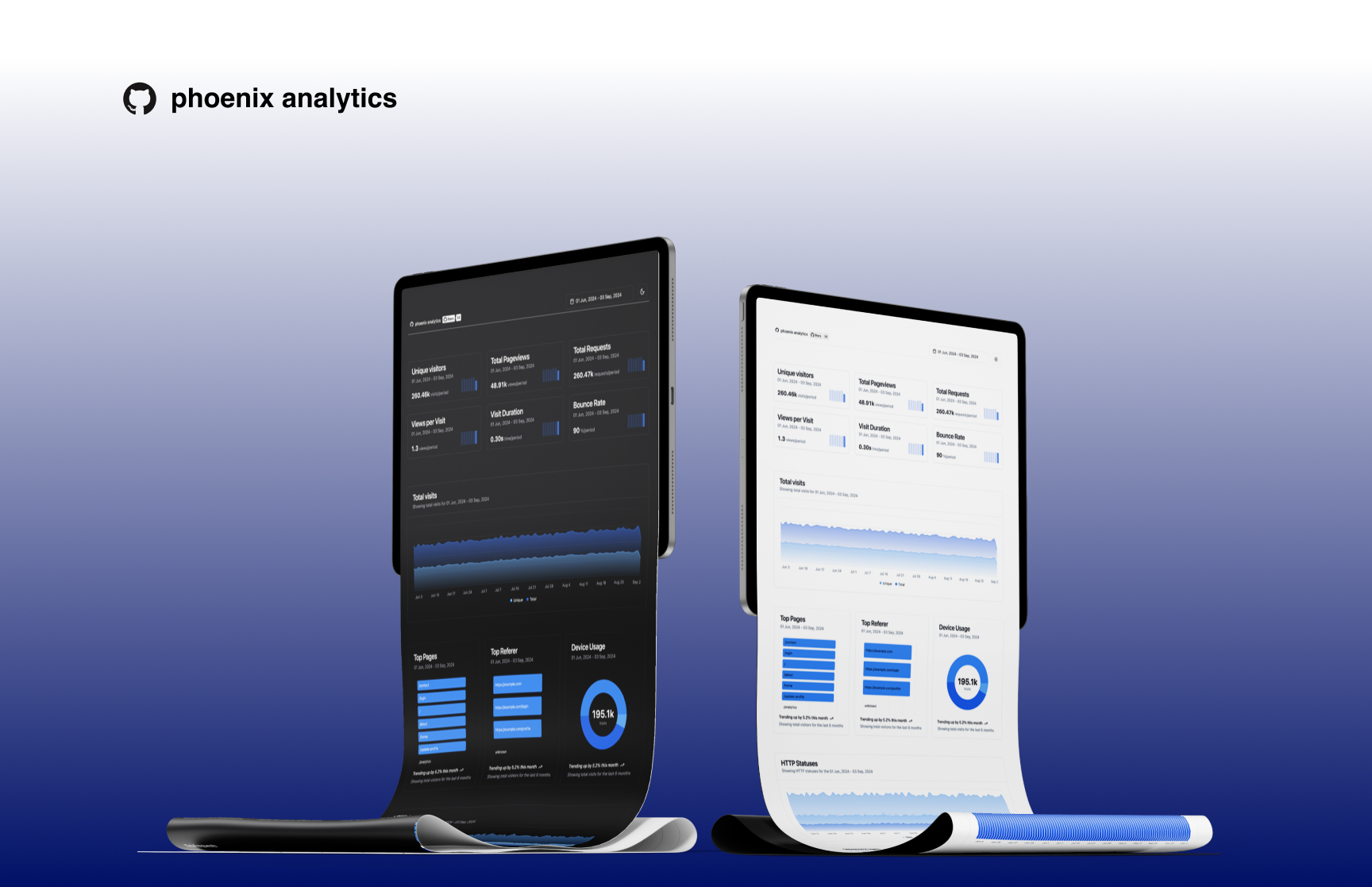
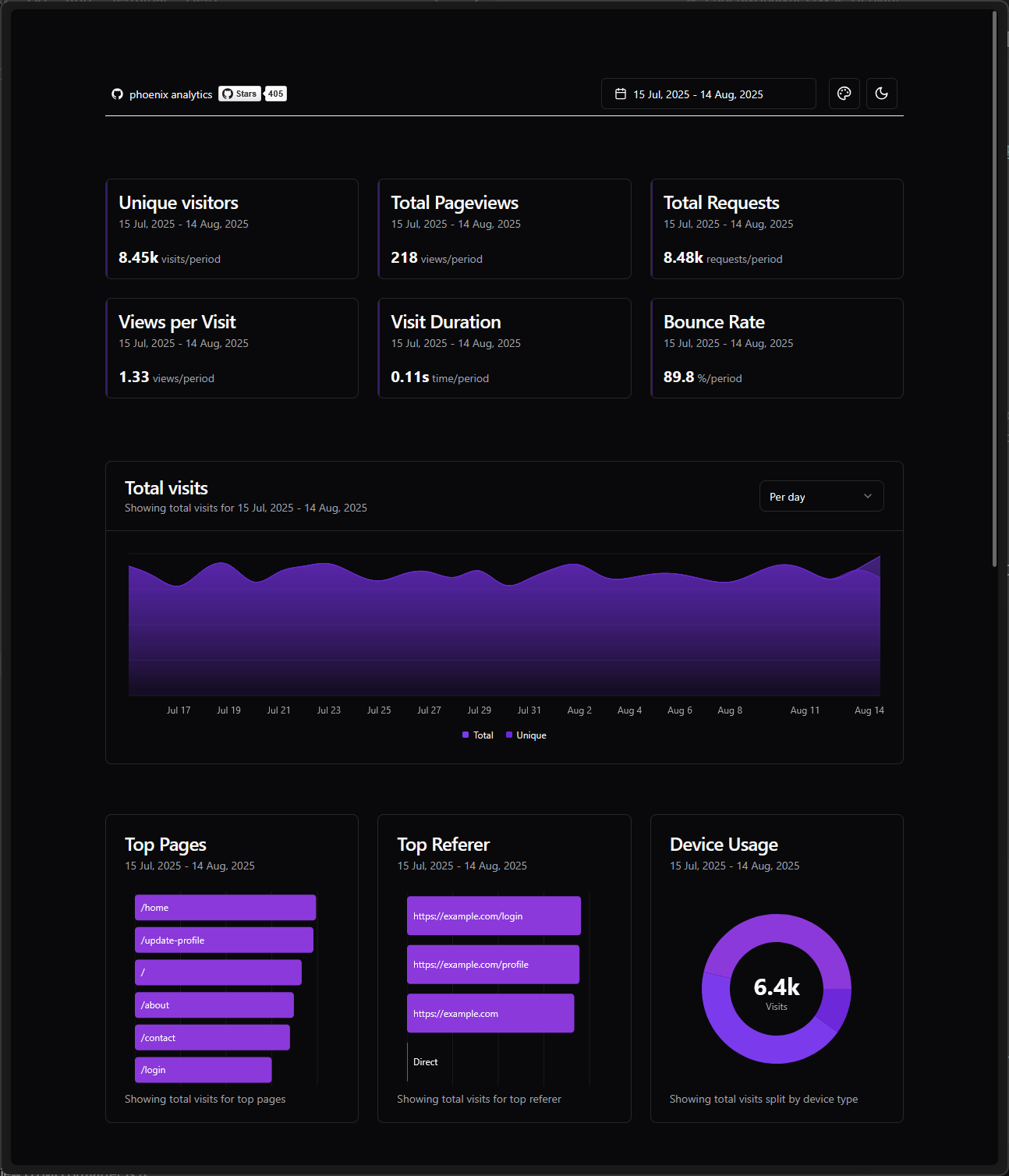
Phoenix Analytics is embedded plug and play tool designed for Phoenix applications. It provides a simple and efficient way to track and analyze user behavior and application performance without impacting your main application's performance and database.
Key features:
- ⚡️ Lightweight and fast analytics tracking
- 🗄️ Flexible database support (PostgreSQL, SQLite3, MySQL)
- 🔌 Easy integration with Phoenix applications
- 📊 Minimalistic dashboard for data visualization
- 🎨 12 customizable color themes
- 🌙 Full dark mode support across all themes
> Phoenix Analytics now supports multiple database backends using Ecto, allowing you to choose the database that best fits your deployment environment and requirements. Whether you're using PostgreSQL in production, SQLite3 for development, or MySQL in your infrastructure, Phoenix Analytics will work seamlessly.
## Installation
If [available in Hex](https://hex.pm/packages/phoenix_analytics), the package can be installed
by adding `phoenix_analytics` to your list of dependencies in `mix.exs`:
```elixir
def deps do
[
{:phoenix_analytics, "~> 0.4"}
]
end
```
### Configuration
Phoenix Analytics uses your existing Ecto repository, making setup incredibly simple:
```elixir
# config/dev.exs
config :phoenix_analytics,
repo: MyApp.Repo,
app_domain: System.get_env("PHX_HOST") || "example.com",
cache_ttl: System.get_env("CACHE_TTL") || 60
```
### Migration
Create the analytics table in your existing database:
```sh
mix ecto.gen.migration add_phoenix_analytics
```
```elixir
defmodule MyApp.Repo.Migrations.AddPhoenixAnalytics do
use Ecto.Migration
def up, do: PhoenixAnalytics.Migration.up()
def down, do: PhoenixAnalytics.Migration.down()
end
# indexes, no sqlite support
defmodule MyApp.Repo.Migrations.AddPhoenixAnalyticsIndexes do
def change do
PhoenixAnalytics.Migration.add_indexes()
end
end
```
```sh
mix ecto.migrate
```
> **Alternative**: If you don't use migrations, you can run the migration directly:
>
> ```elixir
> iex -S mix
> PhoenixAnalytics.Migration.up()
> ```
Add plug to enable tracking to `endpoint.ex`, ‼️ add it straight after your `Plug.Static`
```elixir
plug PhoenixAnalytics.Plugs.RequestTracker
```
Add dashboard route to your `router.ex`
```elixir
use PhoenixAnalytics.Web, :router
phoenix_analytics_dashboard "/analytics"
```
> [!WARNING]
> ‼️ Please test thoroughly before proceeding to production!
## Documentation
Documentation can be generated with [ExDoc](https://github.com/elixir-lang/ex_doc)
and published on [HexDocs](https://hexdocs.pm/phoenix_analytics). Once published, the docs can
be found at .
Shortcuts:
- `t` -> today
- `ctrl+t` -> yesterday
- `w` -> last_week
- `m` -> last_30_days
- `q` -> last_90_days
- `y` -> last_12_month
- `ctrl+w` -> previous_week
- `ctrl+m` -> previous_month
- `ctrl+q` -> previous_quarter
- `ctrl+y` -> previous_year
- `a` -> all_time
### Development
If you would like to contribute, first you would need to install deps, assets and then compile css and js.
I put everything under next mix command:
```sh
mix setup
```
Then you would need some database with seeds. Here is command for this:
```sh
# For SQLite3
mix run priv/repo/seeds.exs sqlite 10000
# For PostgreSQL
mix run priv/repo/seeds.exs postgres
# For MySQL
mix run priv/repo/seeds.exs mysql 10000
```
> [!NOTE]
> Move database with seeds to example project which you going to use.
Lastly you can use one of example applications to start server.
```sh
cd examples/sqlite/
mix deps.get
mix phx.server
```
You can navigate to `http://localhost:4000/dev/analytics`
## Performance test
I performed [vegeta](https://github.com/tsenart/vegeta) test on basic Macbook Air M2, to see if plug will affect application performance.
Script can be found here: `vegeta/vegeta.sh`
| With plug | Without |
| ---------------------- | ---------------------- |
|  |  |
## For whom this library
- [x] Single instance Phoenix app (any supported database)
- [x] Multiple instances of Phoenix app **without** auto scaling group (any supported database)
- [x] Multiple instances of Phoenix app **with** auto scaling group (PostgreSQL or MySQL)
### Heavily inspired by
- [error-tracker](https://github.com/elixir-error-tracker/error-tracker)
- [plausible.io](https://plausible.io)
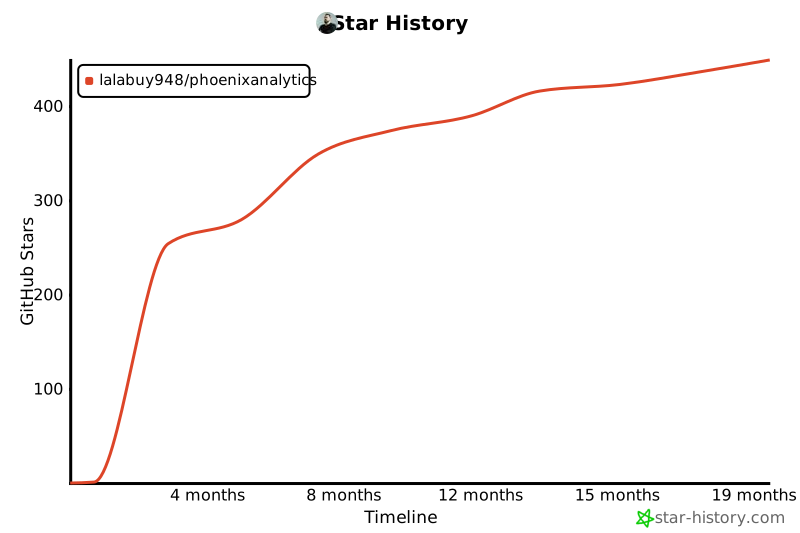
### Star History
[](https://www.star-history.com/#lalabuy948/PhoenixAnalytics&Timeline)