## Cloudmate - Classroom on Cloud :beers:
> _Not available on Google Play Store and AppStore_


### Description
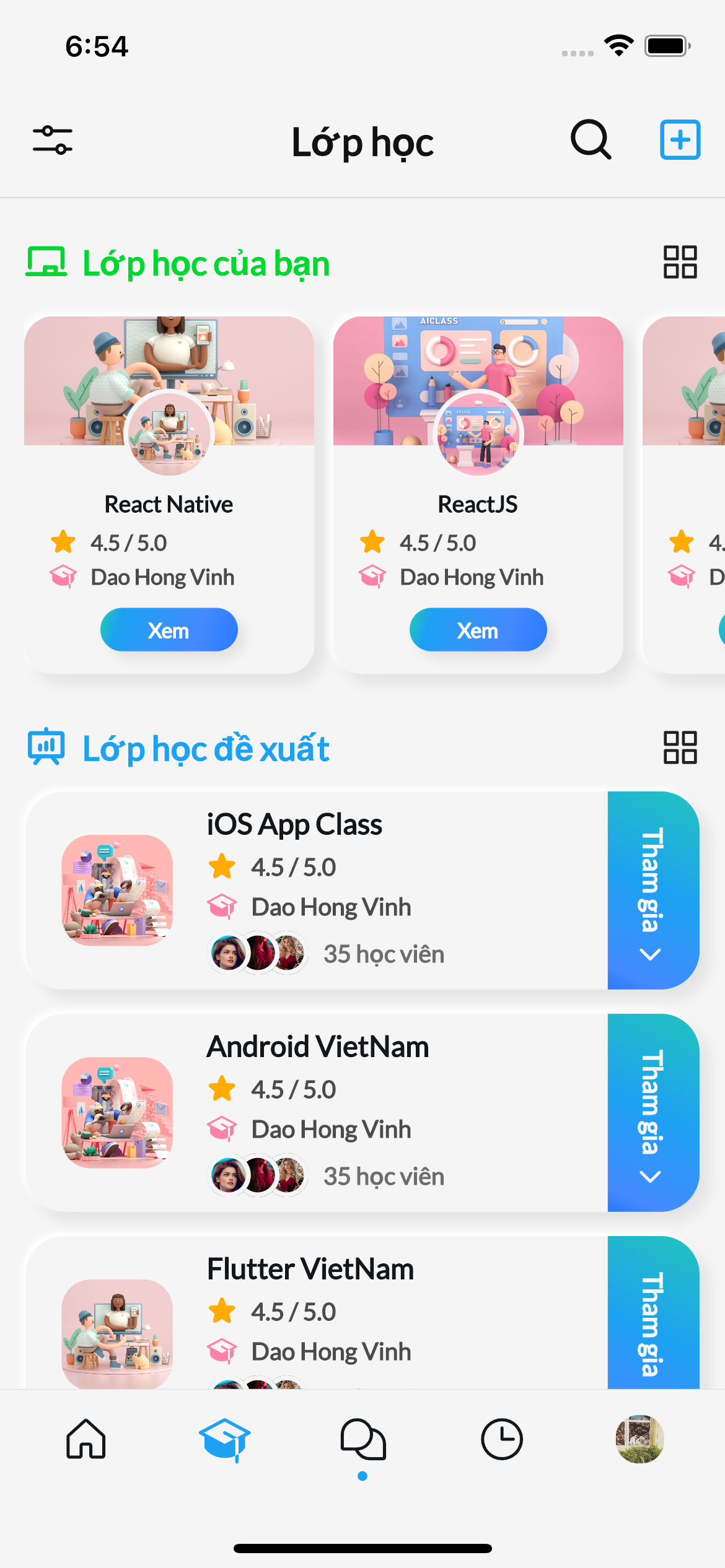
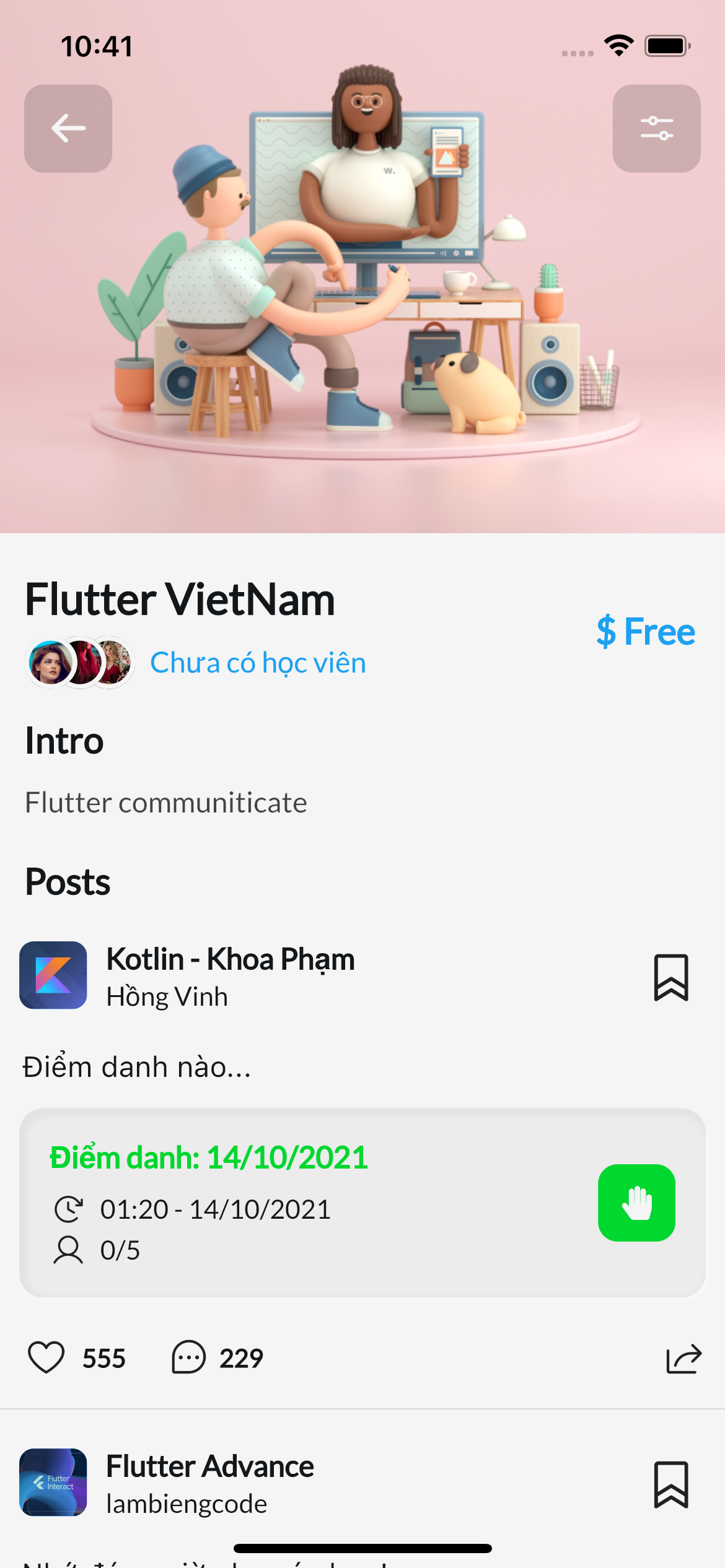
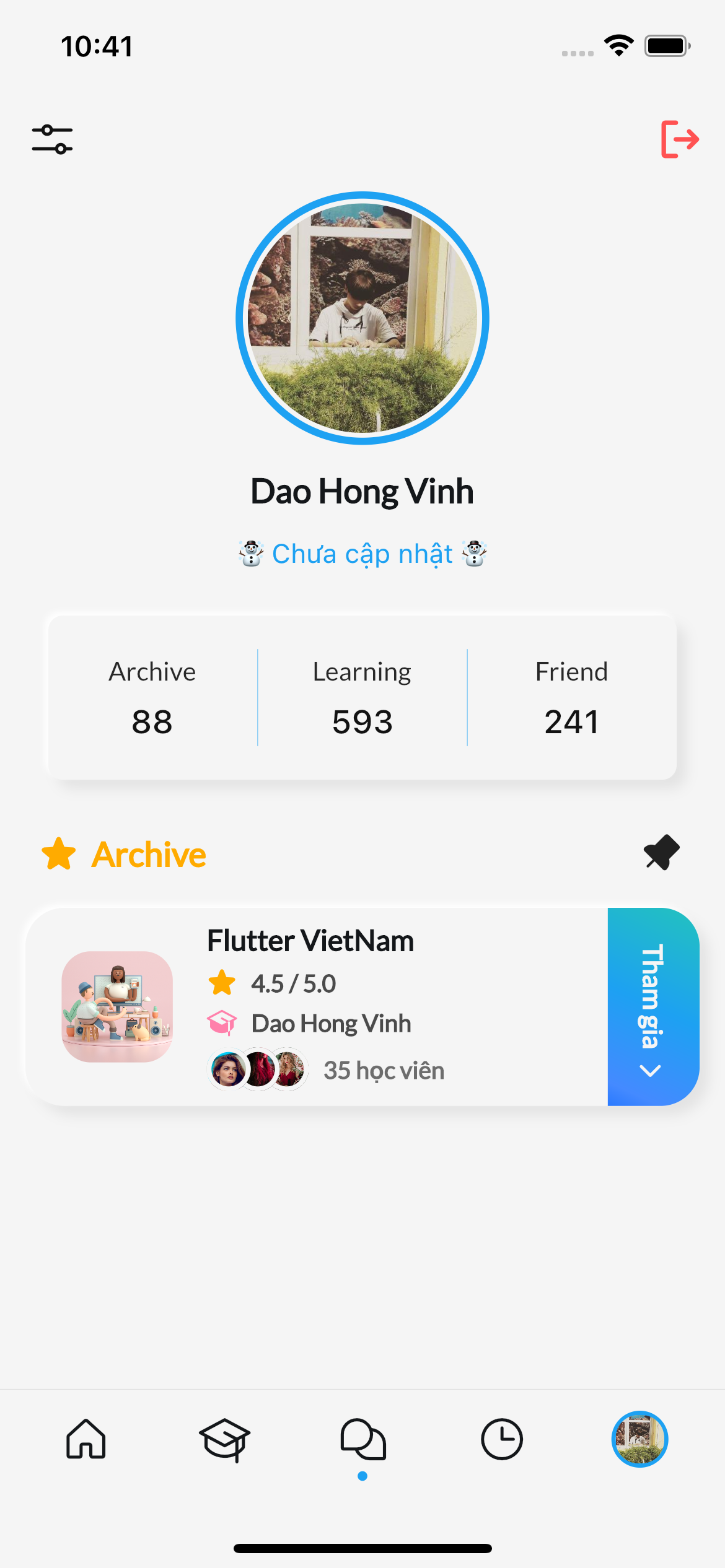
Cloudmate is an open-source online learning platform developed with Flutter to help teachers and students connect and interact with each other through a variety of features. With Cloudmate, teachers can create classes, quizzes, and assignments, as well as take attendance and communicate with students using the built-in messaging system. Meanwhile, students can join classes, complete assignments, and take quizzes to test their knowledge.
## Features
- Create and manage classes
- Create and assign quizzes
- Take attendance
- Submit assignments
- Communicate with students via messaging system
- View and analyze quiz results
## Requirements
- Flutter >= 3.0
- API Documents: https://services.streamos.tk/api/docs/
- Admin site: https://streamos.tk/
- username: `admin@gmail.com`
- password: `123456`
- If you want to deploy api by yourself, here is source
- `backend`: [Cloudmate Backend Source](https://github.com/lamhan3012cmvn/NestJS_2School/tree/dev)
- `admin`: [Cloudmate Admin Source](https://github.com/lamhan3012cmvn/admin-cloudmate/tree/master)
## Installation
To get started with Cloudmate, follow these steps:
1. Clone this repository to your local machine.
2. Install the required dependencies using `flutter pub get`.
3. Start the app using `flutter run`.
4. Connect a mobile device or emulator to run the app.
- My environment
```terminal
Doctor summary (to see all details, run flutter doctor -v):
[✓] Flutter (Channel stable, 3.10.5, on macOS 13.3.1 22E772610a darwin-arm64
(Rosetta), locale en-VN)
[✓] Android toolchain - develop for Android devices (Android SDK version 33.0.0)
[✓] Xcode - develop for iOS and macOS (Xcode 14.3)
[✓] Chrome - develop for the web
[✓] Android Studio (version 2022.2)
[✓] VS Code (version 1.79.2)
[✓] Connected device (2 available)
[✓] Network resources
• No issues found!
```
## Contributing
We welcome contributions from anyone! To contribute to Cloudmate, please follow these steps:
1. Fork this repository to your own GitHub account.
2. Create a new branch from the `master` branch.
3. Make your changes and test them locally.
4. Submit a pull request to the `master` branch.
## Coding Guideline
- BLoC pattern
 ### How I can join project?
- Reach me by email: lambiengcode@gmail.com
### How I can join project?
- Reach me by email: lambiengcode@gmail.com