**English** | [简体中文](README.md)
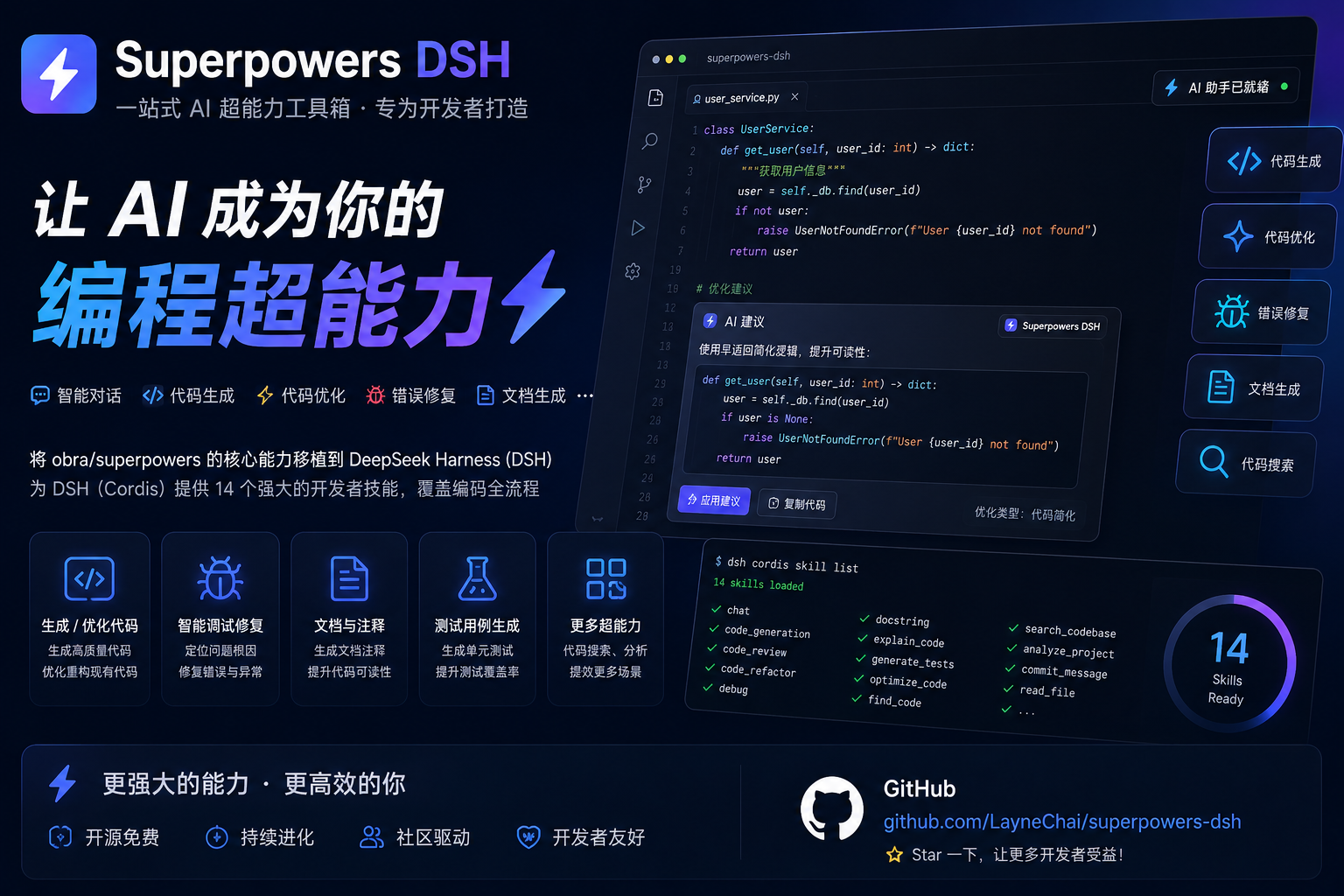
# superpowers-dsh
Superpowers for the **DeepSeek Harness**: a plugin bundle that ports the core
skills of [obra/superpowers](https://github.com/obra/superpowers) (the
Claude-Code skills library: TDD, debugging, planning, collaboration patterns)
to DSH's Cordis plugin architecture.
The plugin registers a skill provider into the **host layer** of the
`ctx.skills` registry, so every agent preset's scope chain merges these
skills. Skill bodies ship inside the package (`skills//SKILL.md`) and
are located from `import.meta.url` — an assembly fact of the package, never
user configuration.
## Install & use in your DeepSeek Harness
A **plugin bundle** for DeepSeek Harness (DSH). Installing it registers the
14 skills below into the host skill registry, so every agent session in your
profile sees them in its skill catalog and can load them with the `skill`
tool.
### Prerequisites
- DeepSeek Harness, plus **pnpm** — the `dsh plugin` command forwards to pnpm
(`pnpm --version` to check; install from https://pnpm.io if missing)
- The `dsh` CLI. It ships with the Harness and is normally started as
`npx @deepseek-ai/dsh web`, so it is only on `PATH` inside that process
tree. Either make it permanent, or use the `npx` form of every command
below:
```sh
# make `dsh` permanently available (recommended):
npm install -g @deepseek-ai/dsh
dsh --version
# or skip the install and run everything through npx:
npx @deepseek-ai/dsh --version
```
Every `dsh ...` example below works identically as
`npx @deepseek-ai/dsh ...`.
### Simplest: one command
No global `dsh` install required. Run this from any directory:
```sh
npx @deepseek-ai/dsh plugin --profile web add github:LayneChai/superpowers-dsh
```
Then restart `npx @deepseek-ai/dsh web` (or `dsh web`) and refresh the browser.
### Easiest: let the DeepSeek Harness agent install it
Open the DeepSeek Harness web UI, start a new conversation, and send this
message:
```
Please install the plugin from this link: https://github.com/LayneChai/superpowers-dsh
```
The agent will run the install for you (`dsh plugin --profile web add` →
restart the profile → verify the skills registered), so you never have to
type a command. Afterwards you can ask it to run
`dsh --profile web --dump-config` and confirm a `superpowers-dsh` row is
present.
### Install from npm (recommended — one command)
The package is published on npm as `superpowers-dsh` (synced to the
npmmirror mirror for mainland China):
```sh
dsh plugin --profile web add superpowers-dsh
```
> Use the `dsh plugin` form — a plain `npm install superpowers-dsh` installs
> the package as a library in the current directory but does **not** register
> it into any DeepSeek Harness profile, so the skills would never load.
### Install from GitHub
```sh
# from anywhere
dsh plugin --profile web add https://github.com/LayneChai/superpowers-dsh.git
```
### Install from a tarball or a local folder
```sh
# tarball (e.g. the release asset superpowers-dsh-0.1.0.tgz)
dsh plugin --profile web add C:\path\to\superpowers-dsh-0.1.0.tgz
# or the unpacked package folder (pnpm links it, so edits take effect on restart)
dsh plugin --profile web add C:\path\to\superpowers-dsh
```
### Restart and verify
The bundle layer mounts at profile startup, so **restart the profile** (stop
and re-run `dsh web` / `npx @deepseek-ai/dsh web`, then refresh the browser).
To confirm the layer is composed:
```sh
dsh --profile web --dump-config # a `superpowers-dsh` row must be present
```
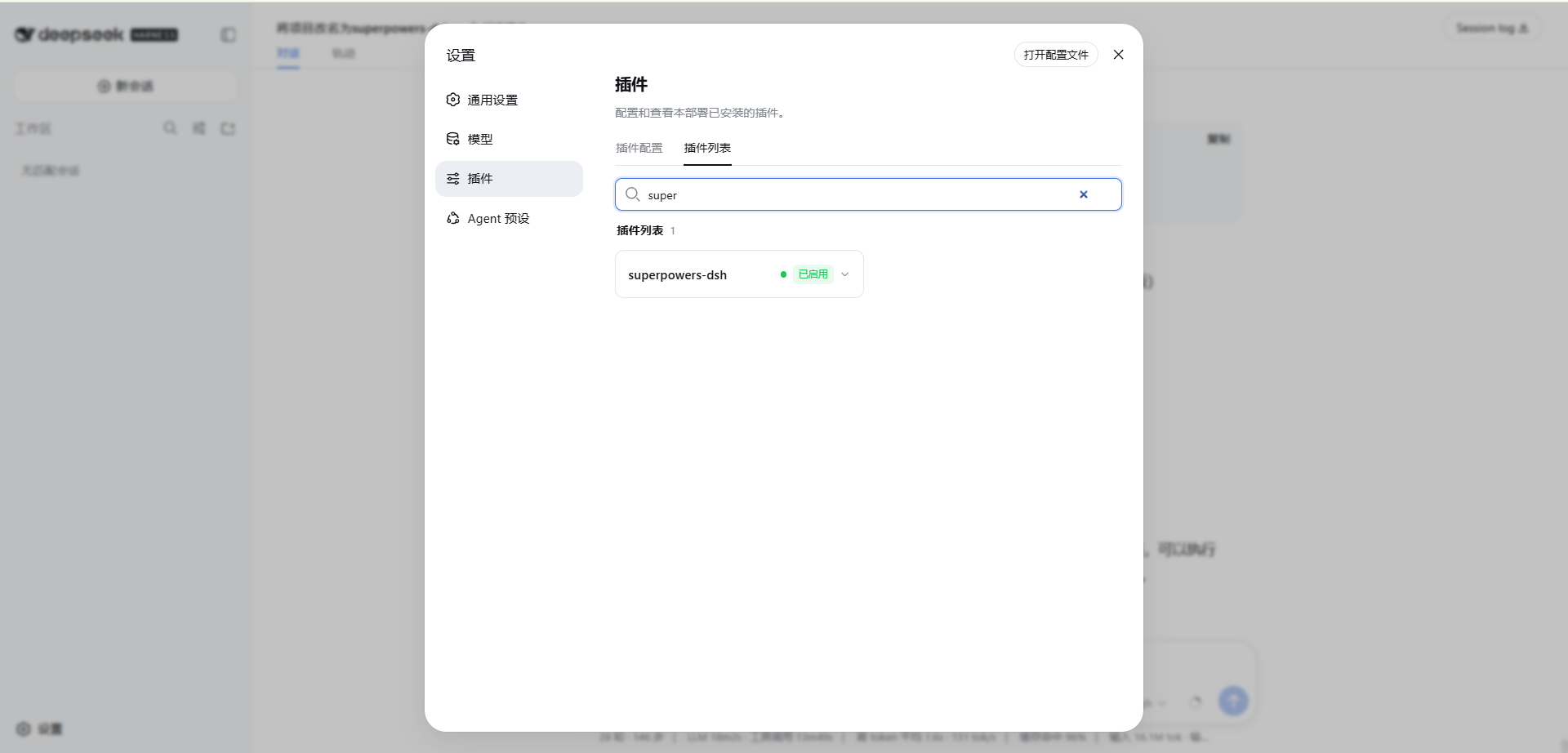
The skills then appear in the agent skill catalog (`using-superpowers` is the
entry-point skill) and are loadable with the `skill` tool.
A successful install looks like this:
### Using another profile (headless / tui / custom)
Point `--profile` at whichever profile you run:
```sh
dsh plugin --profile headless add superpowers-dsh
dsh --profile headless --dump-config
```
### Uninstall
```sh
dsh plugin --profile web remove superpowers-dsh
# then restart the profile again
```
### Notes
- Installers in mainland China can set the npm mirror first — it makes `dsh
plugin add superpowers-dsh` fast:
`npm config set registry https://registry.npmmirror.com`
- A plugin installed from a folder or `file:` spec is linked, not copied:
changes to that folder take effect after the next profile restart.
- Consumers need **no npm account and no 2FA** — installing is a plain
package download.
## Skills
| Skill | Purpose |
| --- | --- |
| `using-superpowers` | How to find and use skills; the entry-point skill |
| `brainstorming` | Turn ideas into designs through collaborative dialogue |
| `writing-plans` | Write comprehensive implementation plans from specs |
| `executing-plans` | Execute a written plan with review checkpoints |
| `subagent-driven-development` | Dispatch fresh subagents per task with reviews |
| `dispatching-parallel-agents` | Fan independent work out across parallel agents |
| `systematic-debugging` | Root-cause-first debugging discipline |
| `test-driven-development` | RED-GREEN-REFACTOR implementation loop |
| `verification-before-completion` | Evidence before success claims |
| `requesting-code-review` | Get rigorous review before merging |
| `receiving-code-review` | Verify feedback instead of blindly implementing it |
| `finishing-a-development-branch` | Integrate completed work safely |
| `using-git-worktrees` | Isolated workspaces for feature work |
| `writing-skills` | Author and validate new skills TDD-style |
## How it works
- **Bundle layer** — `cordis.patch.yml` inserts one row
(`- id: superpowers-dsh, name: superpowers-dsh`) over the dsh-base layer.
Later layers (the profile's `cordis.patch.yml`, `--patch` overlays) can
still address that row by id.
- **Provider** — `lib/index.js` calls `ctx.skills.registerProvider(...)`
with a provider that:
- `list()` scans the package's `skills/` directory for
`/SKILL.md` bundles and returns candidates parsed from YAML
frontmatter (`name`, `description`, `whenToUse`).
- `get()` reads the winning candidate's body on demand and returns a
full skill definition with `resourceBase` pointing at the skill's
directory, so relative references (scripts, prompt templates) resolve.
- **Zero runtime dependencies** — the plugin imports only Node built-ins and
consumes the injected `ctx.skills` service interface.
## Porting notes (vs. upstream obra/superpowers)
- Namespace prefixes removed: `superpowers:brainstorming` → `brainstorming`
(DSH skills are addressed by bare name).
- `using-superpowers` now documents the DSH `skill` tool and points at
`skills/using-superpowers/references/dsh-tools.md`, a full Claude-Code →
DSH tool mapping (`pwsh`, `subagent`, `workflow`, `goal`, ...).
- Subagent references map to DSH's `subagent` / `subagent_fork` tools.
- `brainstorming`'s visual companion adds a Windows note: the Node server
(`scripts/server.cjs`) runs everywhere; the `.sh` helpers are bash-only.
## Adding your own skills
Drop a new `skills//SKILL.md` into this package — it must start
with a YAML frontmatter block (`name` + `description`, optionally
`whenToUse`). No code change needed: `list()` discovers it automatically.
## License
MIT. Skill content adapted from
[obra/superpowers](https://github.com/obra/superpowers) (MIT), © Jesse Vincent
and contributors.