 # vim-svelte-plugin
[](https://github.com/leafOfTree/vim-svelte-plugin/actions/workflows/test.yml)
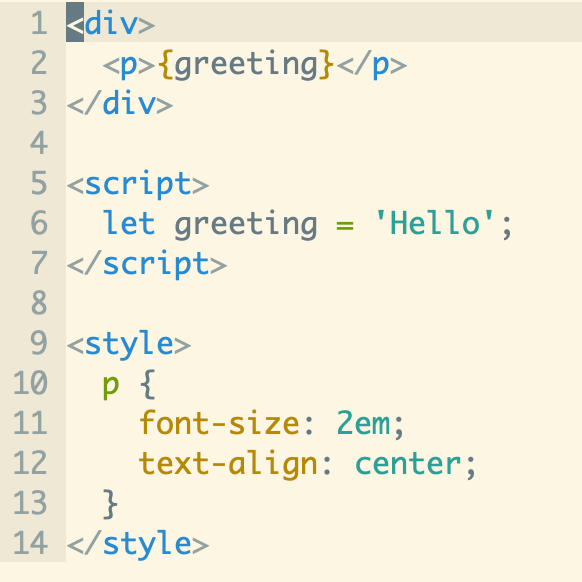
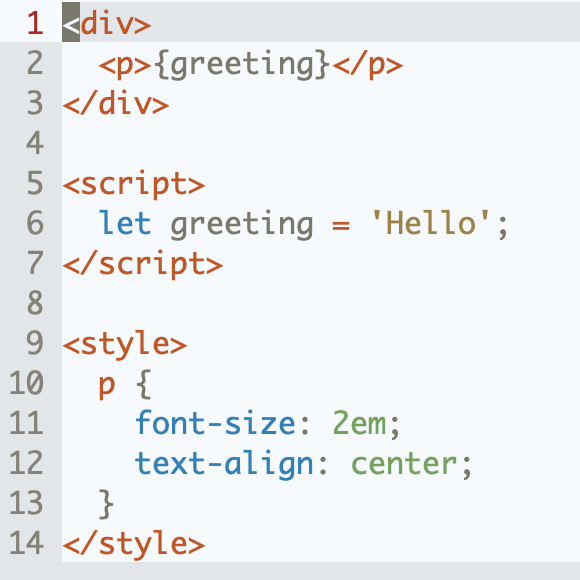
Vim syntax and indent plugin for `.svelte` files. Forked from [vim-vue-plugin][3].
## Installation
How to install
- [VundleVim][2]
Plugin 'leafOfTree/vim-svelte-plugin'
- [vim-pathogen][5]
cd ~/.vim/bundle && \
git clone https://github.com/leafOfTree/vim-svelte-plugin --depth 1
- [vim-plug][7]
Plug 'leafOfTree/vim-svelte-plugin'
:PlugInstall
- Or manually, clone this plugin to `path/to/this_plugin`, and add it to `rtp` in vimrc
set rtp+=path/to/this_plugin
The filetype is set to `svelte` for `.svelte` files. It's tested with Vim 8.2+ and Neovim 0.9+. Feel free to open an issue or pull request.
See `:help vim-svelte-plugin` for the documentation in Vim.
## How it works
It combines HTML, CSS and JavaScript syntax and indent in one file.
Supports
- Svelte syntax: directives like `on:click` and `bind:value`, blocks like `{#if}`, `{#each}`, `{#await}` and Svelte 5 `{#snippet}`, and tags like `{@html}`, `{@render}` and `{@const}`.
- Blocks with any syntax by `lang="..."`, like TypeScript, Less/Sass/Scss, Stylus, Pug with [vim-pug][4] and Coffee with [vim-coffee-script][6].^
Relative plugins need to be installed if not provided by Vim.
- A builtin `foldexpr` foldmethod.^
- Functions to get the current tag or syntax, see [Context based behavior](#context-based-behavior).
- [emmet-vim][10] HTML/CSS/JavaScript filetype detection.
^: see Configuration for details.
## Configuration
`g:vim_svelte_plugin_config` is the recommended configuration. Its default value is below, which you can copy as a starting point
```vim
let g:vim_svelte_plugin_config = {
\ 'syntax': {
\ 'script': ['javascript'],
\ 'style': ['css'],
\ 'template': [],
\ },
\ 'full_syntax': ['pug', 'coffee', 'typescript'],
\ 'initial_indent': ['script', 'style'],
\ 'attribute': 0,
\ 'foldexpr': 0,
\ 'open_devdocs': '',
\ 'debug': 0,
\ }
```
- **syntax**: syntax of `