💬 Chat → ✨ Generate → 📄 Click a changed file → 🔍 Review
## 效果预览 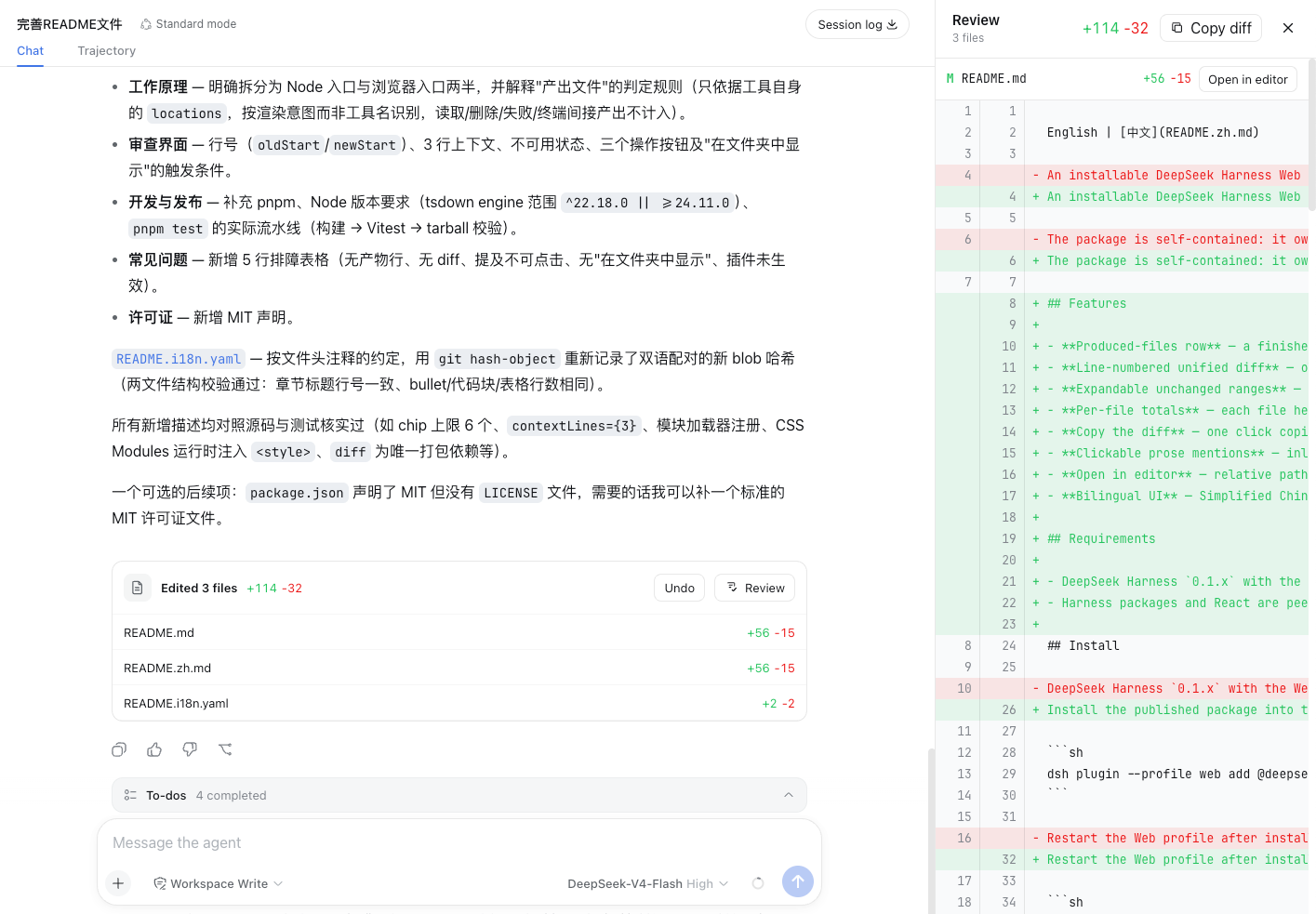 ## 功能 1. Diff面板,立即审查 Agent 刚刚修改的每个文件。 2. 支持撤销操作,可以撤销Agent这一轮的修改。 ## 快速开始 ### 0. 将dsh-file-review添加到pnpm冷静期白名单 找到`~/.dsh/profiles/web/pnpm-workspace.yaml`,加上 ```yaml minimumReleaseAgeExclude: - dsh-file-review ``` 这是因为较新版的`pnpm`有冷静期,默认情况下,新发布的包得过了冷静期之后才会被安装。因此要安装最新版本,需要将`dsh-file-review`加入到名单中。 ### 1. 安装插件 ```sh dsh plugin --profile web add dsh-file-review ``` ### 2. 启动 DSH Web ```sh dsh web ``` ### 3. 享受它 ## 从源码安装 ```sh git clone https://github.com/left0ver/dsh-file-review.git cd dsh-file-review pnpm install pnpm run build dsh plugin --profile web add ${PWD} ``` ## 从GitHub仓库进行安装 ```sh dsh plugin --profile web add github:left0ver/dsh-file-review ``` ## 更新插件 ```sh dsh plugin --profile web update dsh-file-review ``` ## 卸载插件 ```sh dsh plugin --profile web remove dsh-file-review ``` ## 友情链接 [LINUX DO](https://linux.do/) — 新的理想型社区 ## 许可证 [MIT](LICENSE)