# Lemo-Opuscar **51 film styles, each with a short film made entirely in code.**
Pick a style, bring your own story, and let your coding agent direct the film.
51 种影片风格,每种都配一支完全用代码做出来的短片 · 🇨🇳 中文用户请看 简体中文说明 Watch the gallery 简体中文 GitHub stars MIT · CC BY 4.0 ⚠️ **Built for Claude.** The styles are tuned for Claude Opus 5.5;

other models may not reproduce them well, so use them with care. 🆕 **2026-10-19 · [Make a style your own](#make-a-style-your-own)**: change a style, give it your own name, get a 15–30 s test film.
🆕 **2026-10-16 · [Evidence Films](https://lemomo-ai.github.io/lemo-opuscar/#evidence-films)**: 8 new styles that film real material, every number measured or sourced. [See them ↓](#evidence-films) Official repo: [github.com/lemomo-ai/lemo-opuscar](https://github.com/lemomo-ai/lemo-opuscar) · by Lemomo ([@lemomo_ai](https://x.com/lemomo_ai))
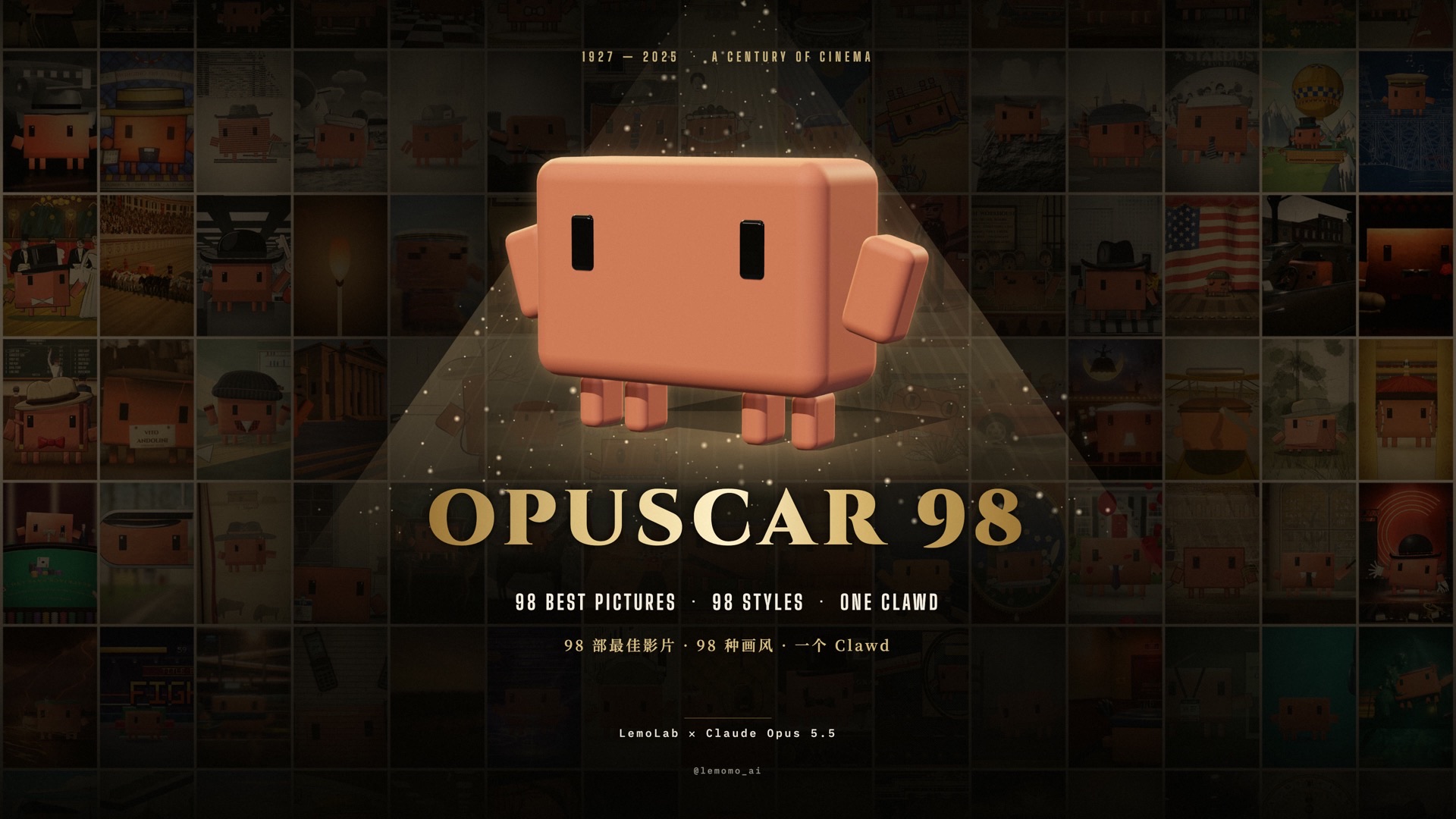
## 🎬 Feature presentation: OPUSCAR 98
OPUSCAR 98 — 98 Years of Best Picture
▶ The film · 1927 – 2025 · 6:31
One Clawd walks through all 98 Best Picture winners, each one redrawn in a style that fits the film.
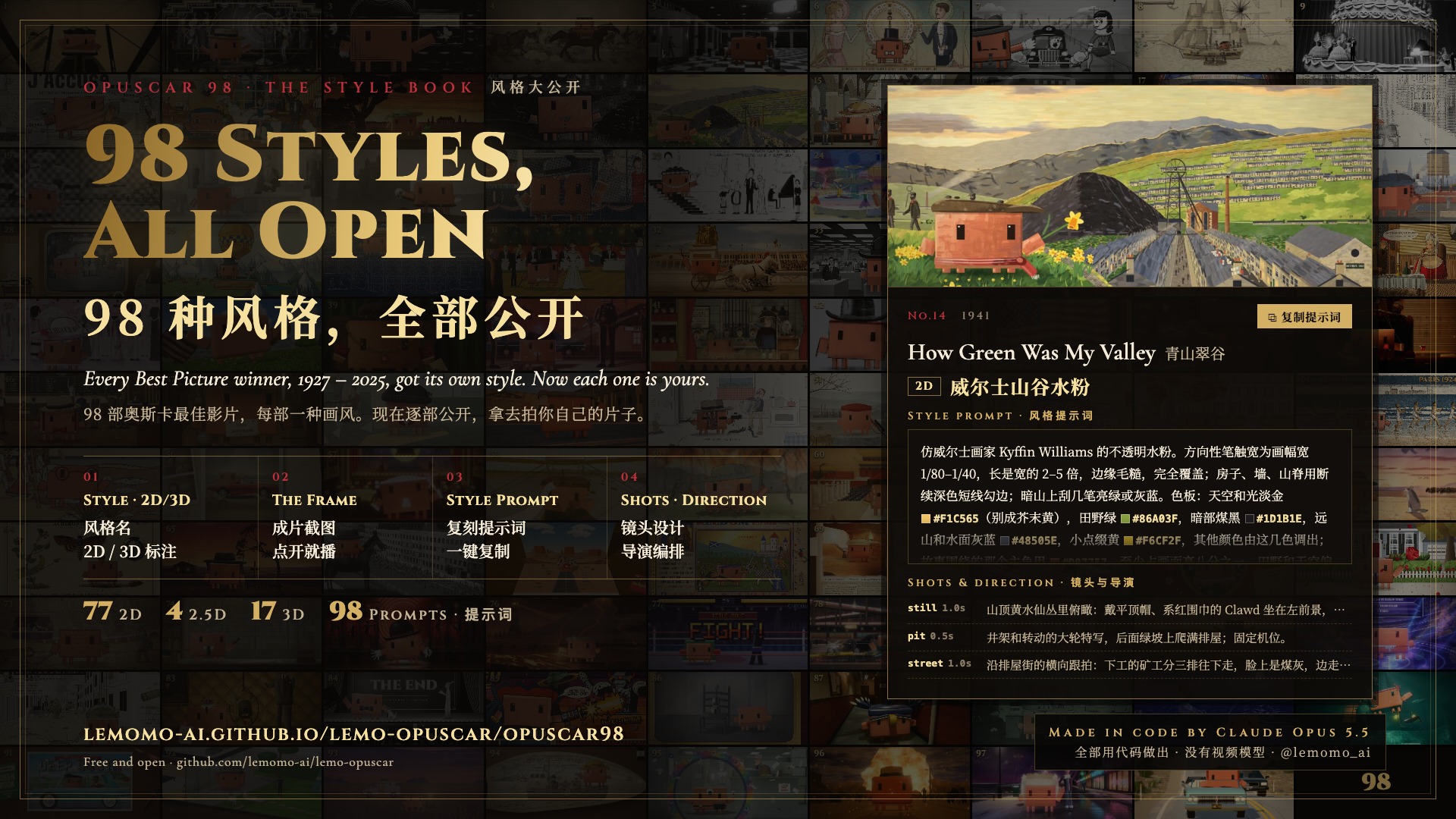
OPUSCAR 98 — all 98 styles open
All 98 styles, open · 77 in 2D · 4 in 2.5D · 17 in 3D
Each film's style tag, a frame, a style prompt to reuse on your own topic, and the shots and direction. Also as JSON.
Every frame, every note and every cut was written in code by Claude Opus 5.5.
[**▶ Watch**](https://lemomo-ai.github.io/lemo-opuscar/opuscar98/) · [**All 98 styles**](https://lemomo-ai.github.io/lemo-opuscar/opuscar98/#styles) · [**Download 1080p**](https://github.com/lemomo-ai/lemo-opuscar/releases/download/films/opuscar98.mp4)
## 👋 About me I'm **Lemomo** ([@lemomo-ai](https://github.com/lemomo-ai)). More about me on my profile. > **Not an awesome list.** Every film here was made by me, with Claude Opus 5.5.
> The styles are tuned for Opus 5.5; other models may not reproduce them. ![All styles](docs/cover.jpg) Every film was directed, drawn, scored and mixed by an AI agent writing code: - 🎨 **Picture**: canvas and WebGL pages, rendered frame by frame - 🎵 **Music**: original scores from free sample libraries - 🎙️ **Voice**: text-to-speech narration No video generation, no stock footage. ## How to use Two ways in; the skill is the easiest. ### Option 1: install the skill (recommended) In your terminal: ```sh claude plugin marketplace add lemomo-ai/lemo-opuscar claude plugin install lemo-opuscar@lemolab ``` Then use it from any folder. - On first use it downloads the guides, tools and style prompts to `~/lemo-opuscar`, shared by all your films. - Each film's project, from source to finished video, goes in the folder you started from. - For other agents, copy [`plugin/skills/lemo-opuscar/`](plugin/skills/lemo-opuscar/) into their skills folder. ### Option 2: clone the repo ```sh git clone https://github.com/lemomo-ai/lemo-opuscar.git cd lemo-opuscar claude ``` Films go into `films//` inside the repo. ### Then just say what you want > Make a 45-second film in the **watercolor** style about the coffee farm my family runs. Warm female narrator. > Make a 40-second **LiDAR Survey** film about the old quarry in the hills behind our town, from public laser-scan data. Name the style in English or Chinese; the [style index](styles/README.md) lists them all. It asks you once, up front: - anything it can't decide about your topic; - whether you have your own **voice, music or other material**; - whether you want to see a **storyboard** first. Say yes and it stops once to show you the key shots in the real style; otherwise it goes straight to the finished film. The agent reads three guides and works like a small studio: | File | What it gives the agent | |---|---| | [`DIRECTOR.md`](DIRECTOR.md) | how to direct: story, sound, rhythm, camera, performance, self-checks | | [`TECHNIQUE.md`](TECHNIQUE.md) | how to build: frame-by-frame rendering, voice, music, mixing | | `styles/