## Installation and Usage
### System Requirements:
- macOS 13.0 and Later
### Installation:
Download the latest installation file [here](../../releases/latest) or install via Homebrew:
```bash
brew install lihaoyun6/tap/topit
```
### Usage:
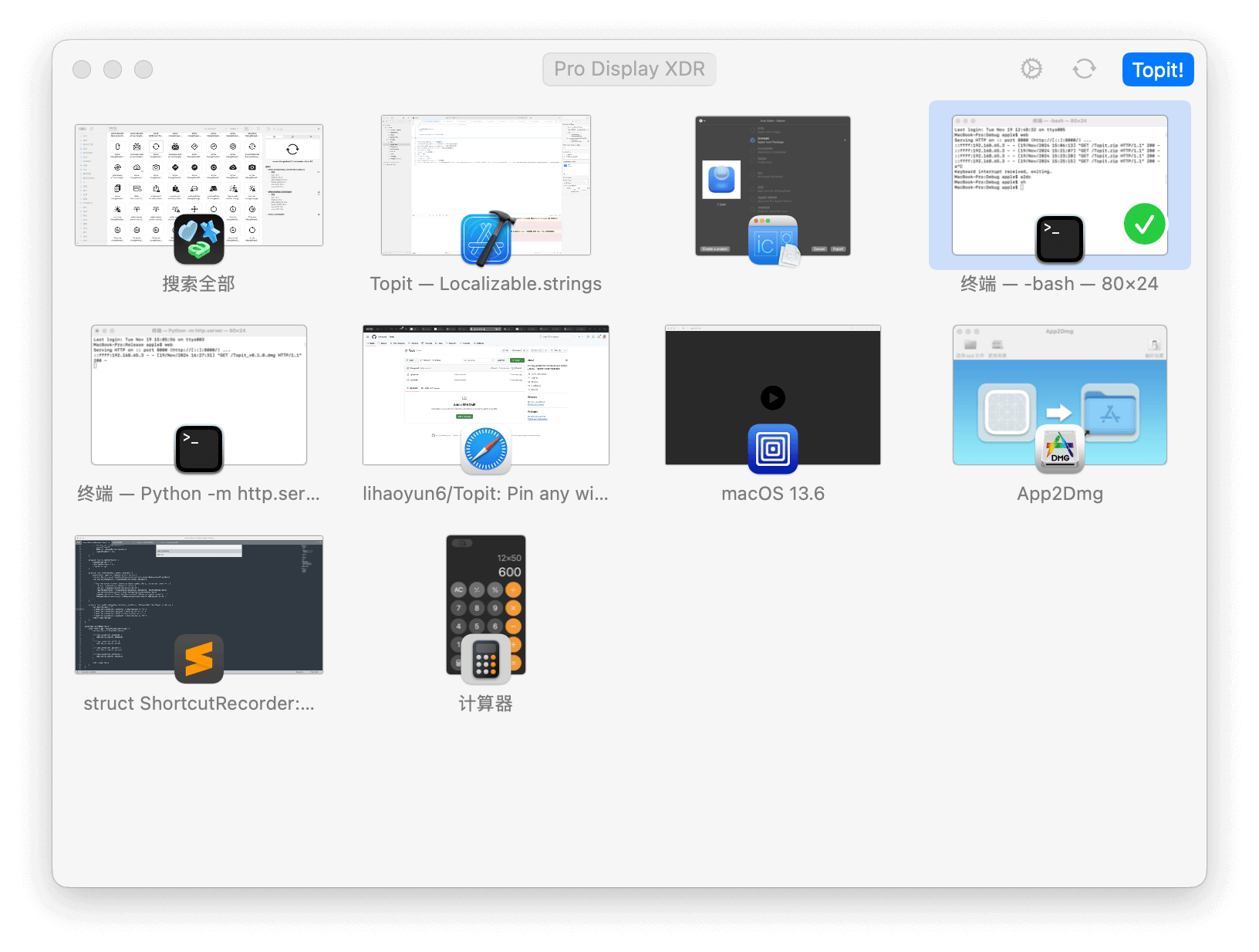
- Topit can pin windows from any application to the top of your workspace.
- Just open Topit and select the window you want to pin, and it will do the rest.
- Topit can pin any number of windows. You can move, resize or interact with them at any time.
## Q&A
**1. Why does Topit need screen recording and accessibility permissions?**
> Topit uses the accessibility permissions and screen recording permissions to control and capture your windows.
**2. Does Topit consume a lot of power?**
> Topit uses ScreenCapture Kit to capture windows with a lower CPU overhead. But it may still drain the battery faster when you pin too many windows.
## Donate
## Thanks
[Sparkle](https://github.com/sparkle-project/Sparkle) @Sparkle
[ChatGPT](https://chat.openai.com) @OpenAI



 ## Thanks
[Sparkle](https://github.com/sparkle-project/Sparkle) @Sparkle
[ChatGPT](https://chat.openai.com) @OpenAI
## Thanks
[Sparkle](https://github.com/sparkle-project/Sparkle) @Sparkle
[ChatGPT](https://chat.openai.com) @OpenAI