# Genshin-GPT
现在开始和原神的角色们聊天吧!


## 🎞️ 项目介绍
> 你是否曾经畅想过和角色没有限制的聊天呢? \
> 现在openAI 给了我们这样一个机会,通过LLM大模型,我们理论上可以获得无限接近角色风格的回答。 \
> 希望这能够给你小会儿的时间可以沉浸在提瓦特大陆之中。 \
> 如果你觉得在对话中获得的愉悦,欢迎帮我点一个star。
## 🛸 快速访问
> [官网](http://www.limaoyi.top:4400/)
## 🎨 快速预览

## ⭐ 反馈建议
> 欢迎直接在issues 或者 discussions 直接提交 \
> 也欢迎通过微信直接反馈
## 🧲 项目面临的困难
> 服务器目前难以支撑大流量的生成回答和访问; \
> 总结角色的性格和背景工作量大且不够客观;\
> openai api 接口费用的维护。 \
> 总结 : 经费不足,欢迎赞助和商业合作。
## 🌟 Star History
[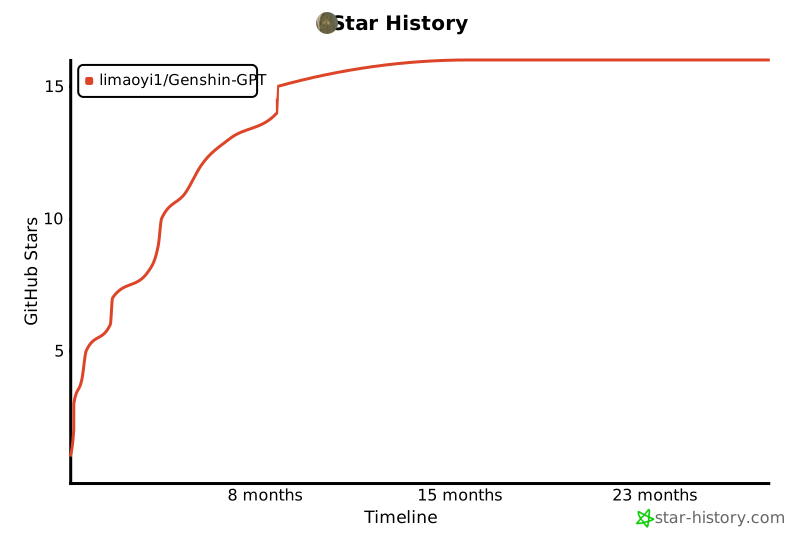](https://star-history.com/#limaoyi1/Genshin-GPT&Timeline)
## 🔗 联系我
微信 WeChat

[作者博客](http://www.limaoyi.top/)
## 🎨 部署指南
> 项目运行需要python环境 ,推荐python3以上,作者使用的是python3.9 ,并且需要安装redis 以及node14
> 1. 创建虚拟环境
```bash
python -m venv venv
```
> 2. 修改你的配置
> 打开config.ini 文件 修改 Real_File = "config.ini" OPENAI_API_KEY ,REDIS_URL
> 3.激活虚拟环境
```bash
. venv/bin/activate
```
> 4. 安装要求的python组件
```bash
pip install -r requirements.txt
```
> 5. 进入webui界面
```bash
npm install
npm react-scripts build
```
> 6. 运行
```bash
python application.py
```
> 7. 访问 http://localhost:3000