# particles-bg
[](https://www.npmjs.com/package/particles-bg) [](https://www.npmjs.com/package/particles-bg) [](https://standardjs.com)
> React component for particles backgrounds
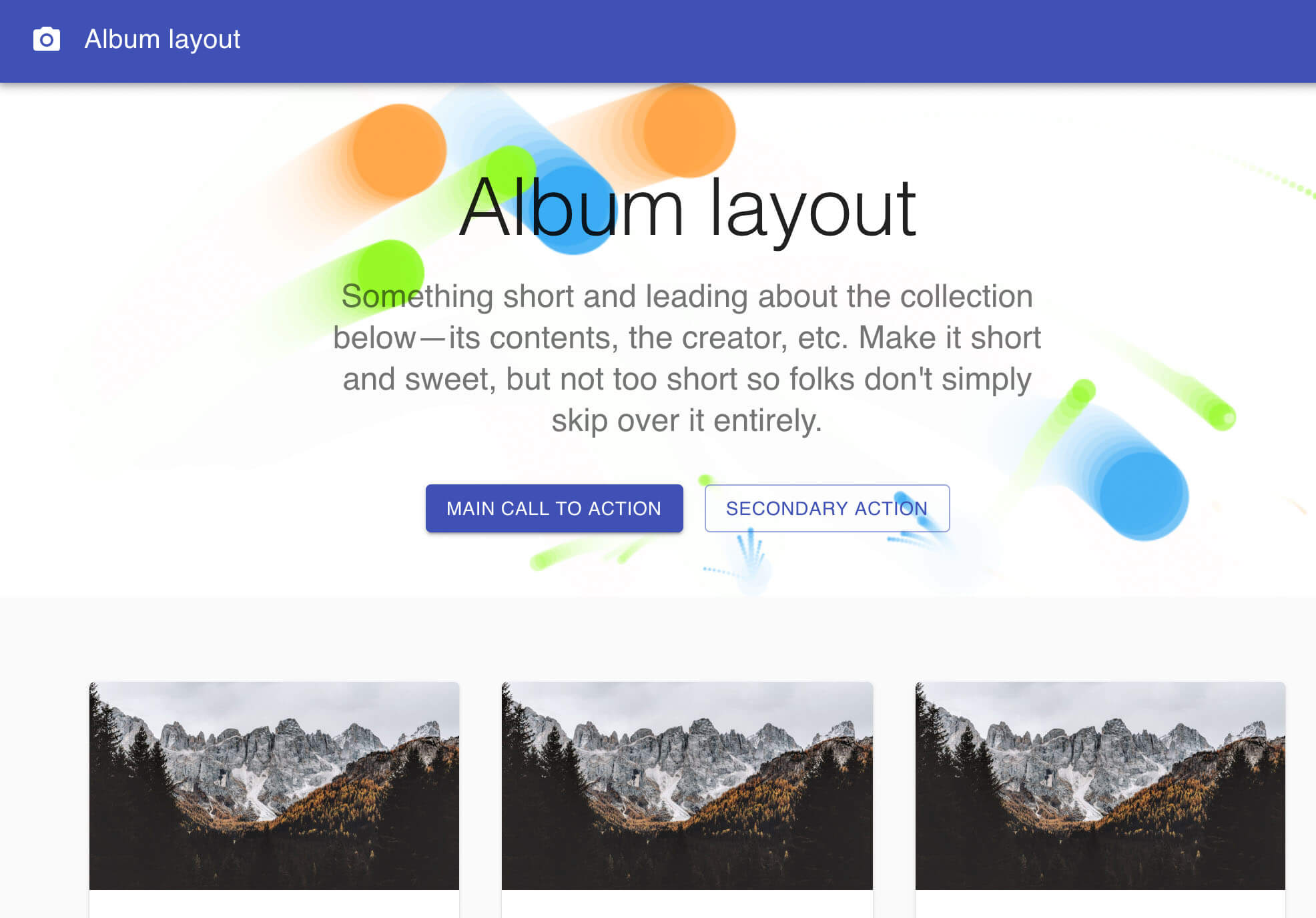
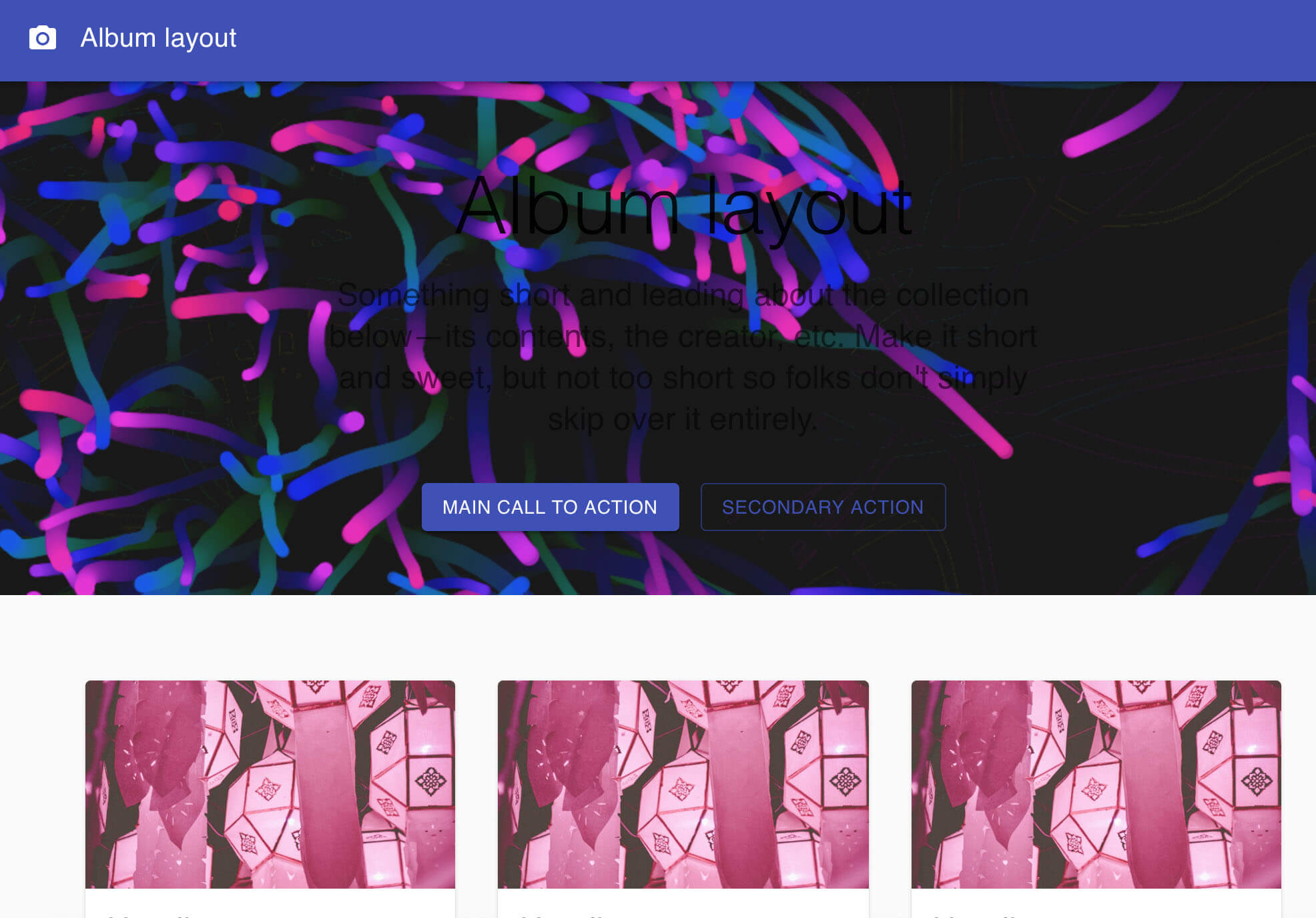
This project refers to the source code of the [__Proton__](https://github.com/drawcall/Proton) official website, I packaged it into a component. You can use it casually in your own projects. Thanks to the great author.
#### A `vue.js` version of `particles-bg-vue` is here [https://github.com/lindelof/particles-bg-vue](https://github.com/lindelof/particles-bg-vue)
### Online demo
* demo1 [https://stackblitz.com/edit/react-a6pm3w](https://stackblitz.com/edit/react-a6pm3w?file=index.js)
* demo2 [https://stackblitz.com/edit/react-bpv9fc](https://stackblitz.com/edit/react-bpv9fc?file=index.js)
* custom1 [https://stackblitz.com/edit/react-sop6sx](https://stackblitz.com/edit/react-sop6sx?file=index.js)
* custom2 [https://stackblitz.com/edit/react-v1ou5e](https://stackblitz.com/edit/react-v1ou5e?file=index.js)




## Install
```bash
npm install --save particles-bg
```
## Usage
```jsx
import React, { Component } from 'react'
import ParticlesBg from 'particles-bg'
class Example extends Component {
render () {
return (
<>
...
)
}
}
```
## Parameter Description
```jsx
```
#### * type - Is the type of particle animation
Is the type of particle animation, `random` is a random selection. You are also free to customize use `custom`.
```js
"color"
"ball"
"lines"
"thick"
"circle"
"cobweb"
"polygon"
"square"
"tadpole"
"fountain"
"random"
"custom"
```
#### * num - The number of particles emitted each time, generally not set
#### * color - The background color or particle color of the particle scene
Notice: which should be an array under type=`color`
#### * bg - Set to html background
#### If set the bg value to `true`
```html
bg={true} />
```
```css
position: "absolute",
zIndex: -1,
top: 0,
left: 0
```
##### If set the bg value to `object`
```html
bg={{
position: "absolute",
zIndex: 999,
width: 200
}} />
```
Of course, you can also set class `particles-bg-canvas-self` to modify the style.
```css
.particles-bg-canvas-self{
background: #000;
...
}
```
## About Custom

You can use type="custom" to achieve a higher degree of freedom for the particle background.
```jsx
let config = {
num: [4, 7],
rps: 0.1,
radius: [5, 40],
life: [1.5, 3],
v: [2, 3],
tha: [-40, 40],
// body: "./img/icon.png", // Whether to render pictures
// rotate: [0, 20],
alpha: [0.6, 0],
scale: [1, 0.1],
position: "center", // all or center or {x:1,y:1,width:100,height:100}
color: ["random", "#ff0000"],
cross: "dead", // cross or bround
random: 15, // or null,
g: 5, // gravity
// f: [2, -1], // force
onParticleUpdate: (ctx, particle) => {
ctx.beginPath();
ctx.rect(particle.p.x, particle.p.y, particle.radius * 2, particle.radius * 2);
ctx.fillStyle = particle.color;
ctx.fill();
ctx.closePath();
}
};
return (
)
```
## Similar projects
Maybe you will like these two projects, they will also make your page flourish
* [https://github.com/lindelof/react-mouse-particles](https://github.com/lindelof/react-mouse-particles)
* [https://github.com/lindelof/power-mode-input](https://github.com/lindelof/power-mode-input)
## License
https://opensource.org/licenses/MIT