REM
Rclone desktop app.
[![Windows][windows-image]][release-url]
[![macOS][mac-image]][release-url]
[![Linux][linux-image]][release-url]
[![Downloads][download-image]][release-url]
![License][license-image]
[windows-image]: https://img.shields.io/badge/-Windows-blue?style=flat-square&logo=windows
[mac-image]: https://img.shields.io/badge/-macOS-black?style=flat-square&logo=apple
[linux-image]: https://img.shields.io/badge/-Linux-yellow?style=flat-square&logo=linux
[download-image]: https://img.shields.io/github/downloads/liriliri/rem/total?style=flat-square
[release-url]: https://github.com/liriliri/rem/releases
[license-image]: https://img.shields.io/github/license/liriliri/rem?style=flat-square
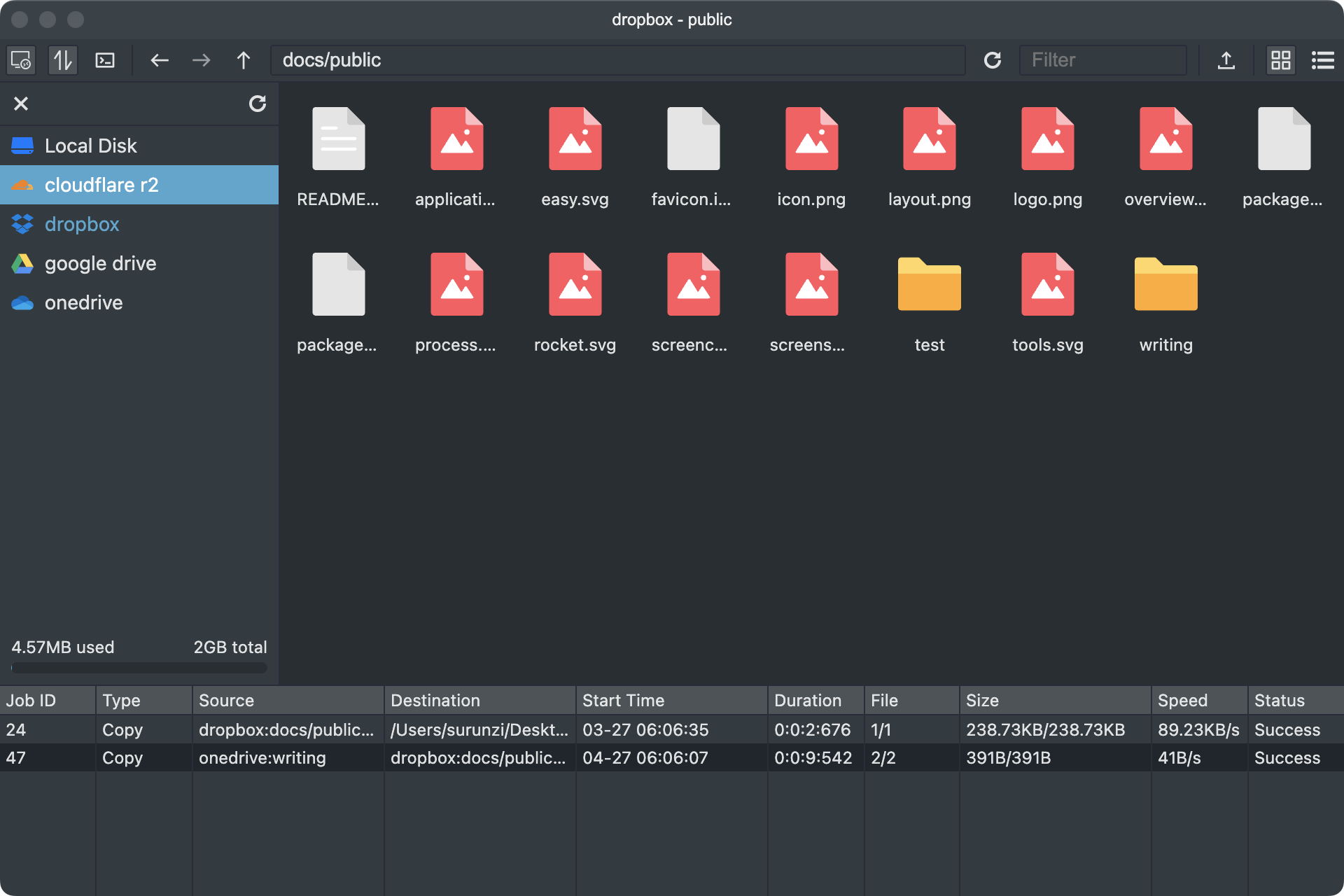 [REM](https://rem.liriliri.io/) is a desktop application based on [Rclone](https://rclone.org/). It allows you to browse, organize, and transfer files across your cloud storages effortlessly.
## Installation
Click [here](https://github.com/liriliri/rem/releases/) to download and install REM. Windows x64, Mac arm64, Mac x64 and Linux x86_64 are supported.
## Features
* Browse, organize, and transfer files across multiple cloud providers
* Rclone config management
* Auto mount cloud storage as a local drive
* Multi-window support
* Text, image, audio and video preview
## Related Projects
* [licia](https://github.com/liriliri/licia): Utility library used by REM.
* [luna](https://github.com/liriliri/luna): UI components used by REM.
* [vivy](https://github.com/liriliri/vivy): Icon image generation.